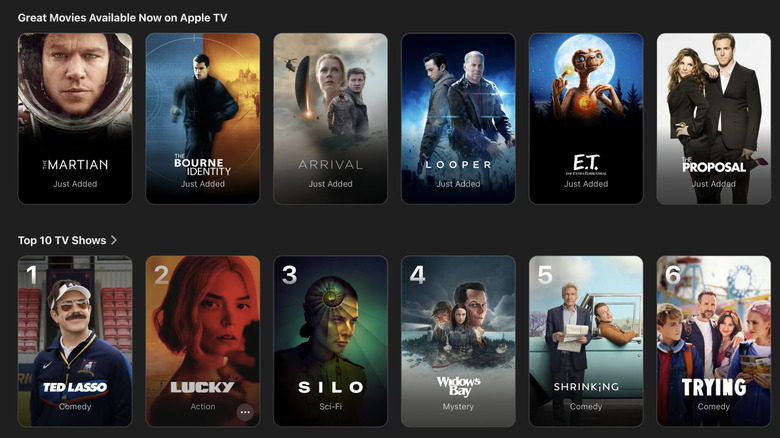
You can now watch classic movies like The Martian, E.T. and Zodiac on Apple TV
Apple just made around 20 classic movies available for subscribers to stream.
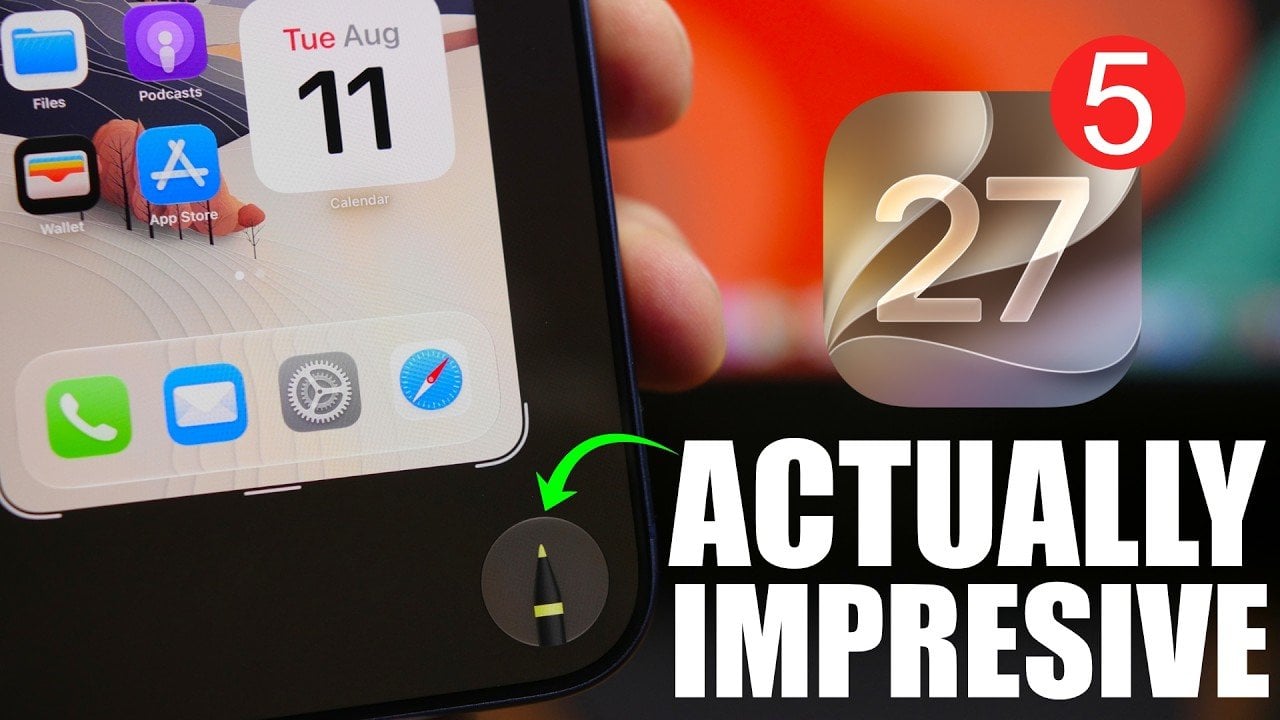
Apple’s fifth beta release of iOS 27 introduces a variety of features and refinements, emphasizing its commitment to enhancing the user experience. From a visual overhaul of app icons to functional improvements across key apps, this beta lays the groundwork for the highly anticipated public release of iOS 27, scheduled for September 14. To maintain […]
The post iOS 27 Beta 5 is Here: the Hidden Details Apple Didn’t Mention appeared first on Geeky Gadgets.
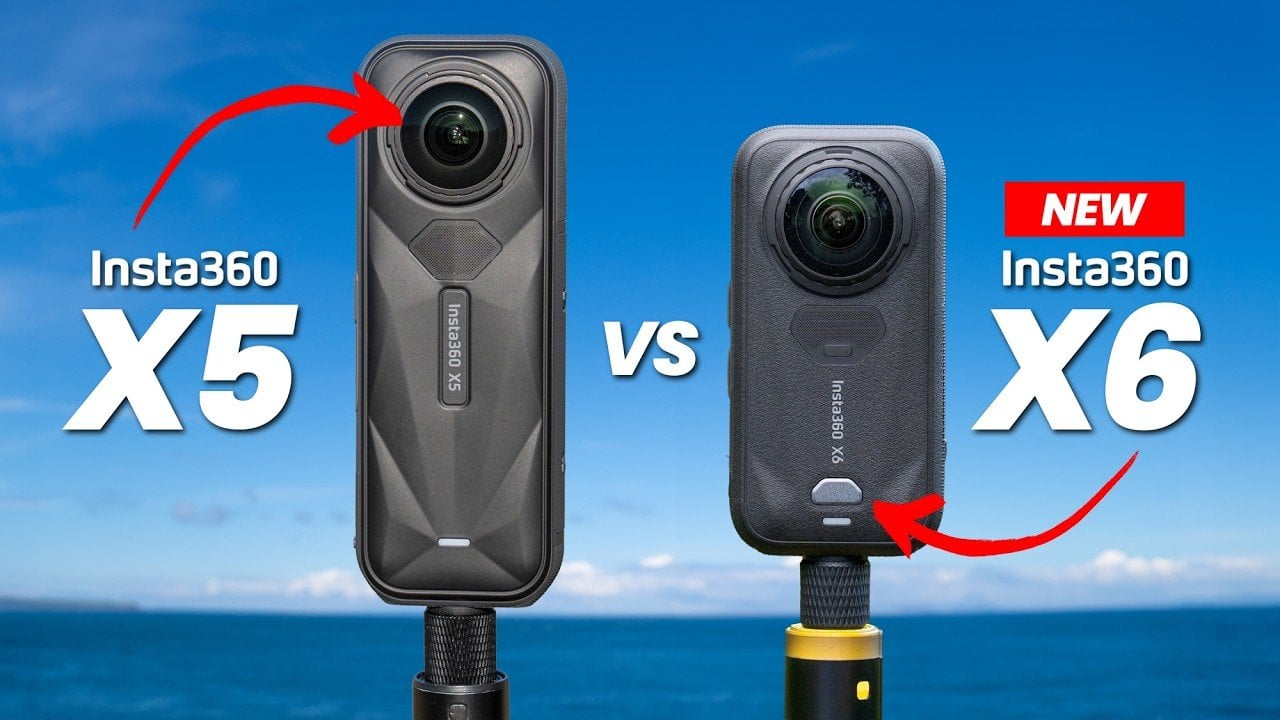
The Insta360 X6 builds upon the foundation of its predecessor, the X5, with a series of notable enhancements that cater to both seasoned creators and casual users. As highlighted by Drone Creative, one key improvement is the introduction of dual 1/1.1-inch sensors, which are 33% larger than those in the X5. This upgrade significantly boosts […]
The post Leaked Insta360 X6 Price Hits $699 in a $150 Jump vs Insta360 X5 appeared first on Geeky Gadgets.
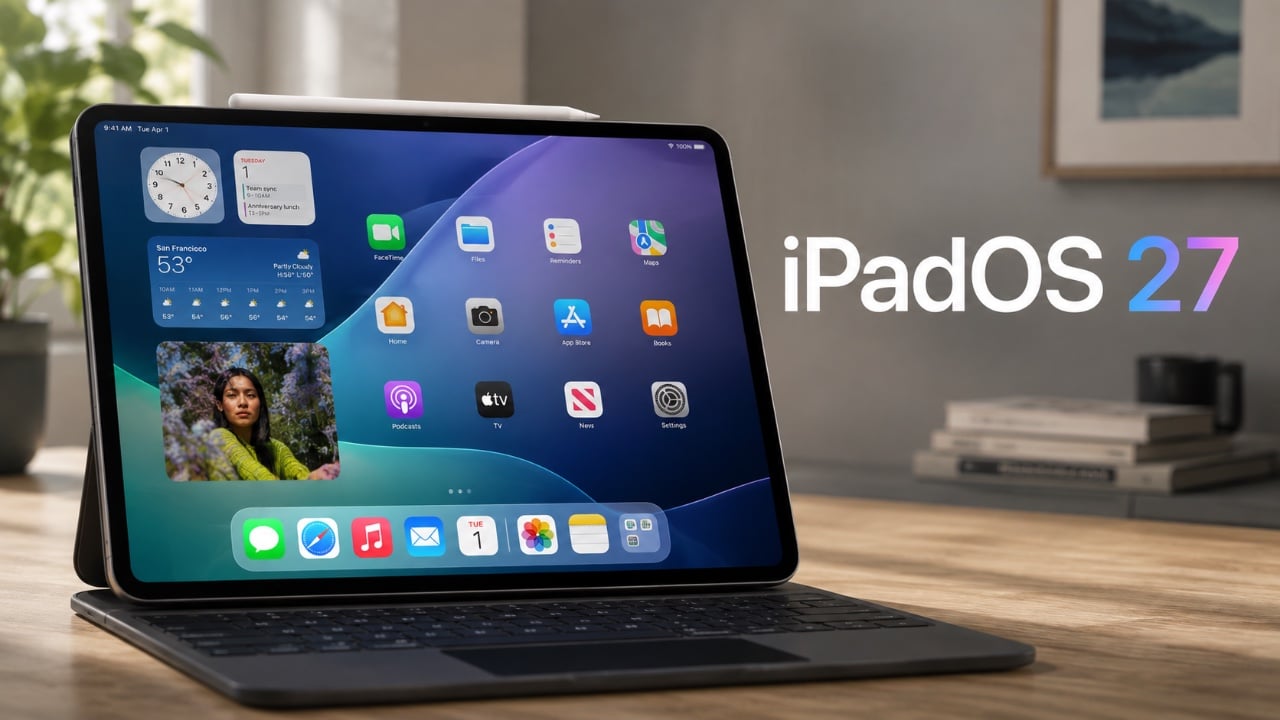
Apple’s iPadOS 27 developer beta 5 introduces a series of updates aimed at refining the user experience and unifying design elements across its ecosystem. These changes, ranging from redesigned app icons to expanded Siri customization options, reflect Apple’s ongoing commitment to delivering a cohesive and user-friendly platform. Below, we explore the most notable updates and […]
The post Latest iPadOS 27 Beta 5 Update Redesigns Apple App Icons appeared first on Geeky Gadgets.
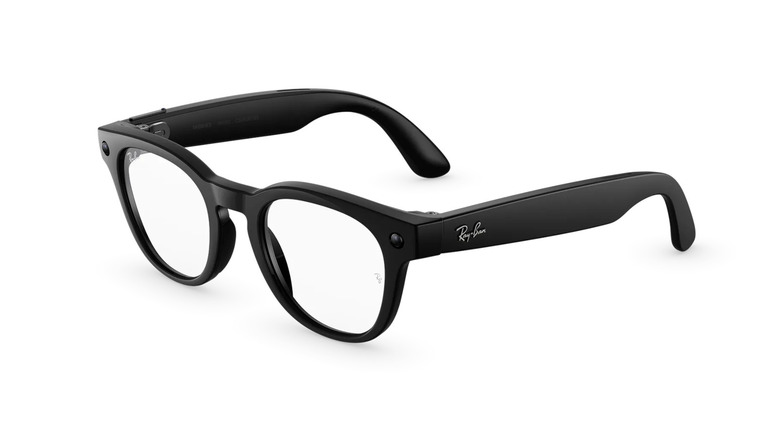

Valve’s recent updates to the Steam Controller bring a mix of exciting advancements and practical improvements. Among the most notable changes is the addition of built-in HID driver support, which allows the controller to operate independently of Steam, making it compatible with non-Steam games and applications. This update broadens the controller’s usability beyond its original […]
The post Steam Controller Gains HID Drivers for Non-Steam Games appeared first on Geeky Gadgets.
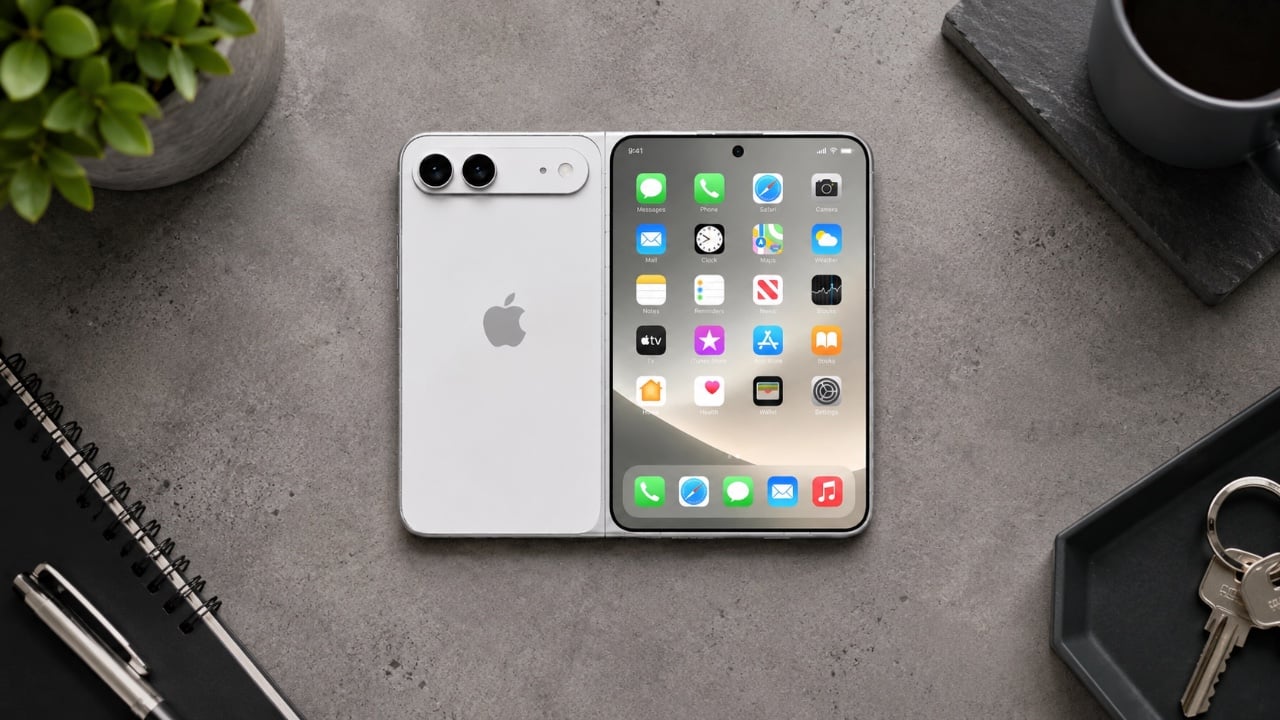
Apple is reportedly preparing to make a significant impact in the foldable smartphone market with the much-anticipated iPhone Ultra. This device is rumored to combine innovative technology with a sleek, foldable design, potentially reshaping expectations for flagship smartphones. Here’s a detailed look at the most intriguing leaks and features surrounding this innovative device. The video […]
The post A Quick Breakdown of the 10 Reported iPhone Ultra Fold Leaks appeared first on Geeky Gadgets.
Most multi-port chargers operate on faith. You plug in six devices, the indicator lights glow, and you assume everything is receiving the power it needs until something is still at 12 percent an hour later. The culprit is almost always shared output being split in ways the charger never bothered to explain, which leaves users guessing which port to prioritize and whether anything is actually charging at full speed.
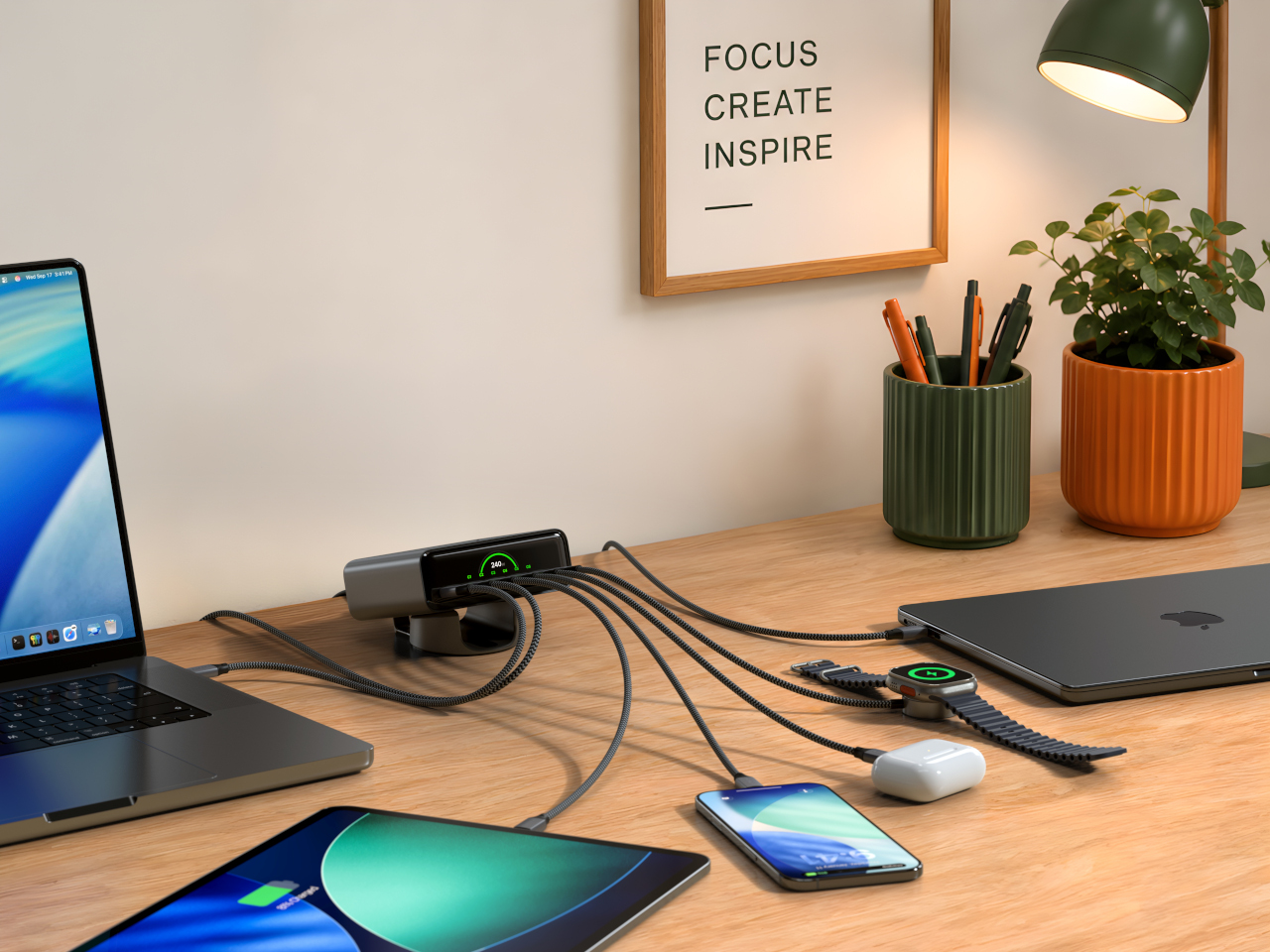
The Satechi ChargeView 240W Desktop Charger takes the guesswork out with an LCD on the front that shows live wattage readings for every port simultaneously. Plug in a laptop and see exactly how many watts it’s drawing. Add a tablet, a phone, and a pair of earbuds, and every number updates in real time. It’s a straightforward idea that most chargers, including expensive ones, haven’t bothered to implement.
Designer: Satechi
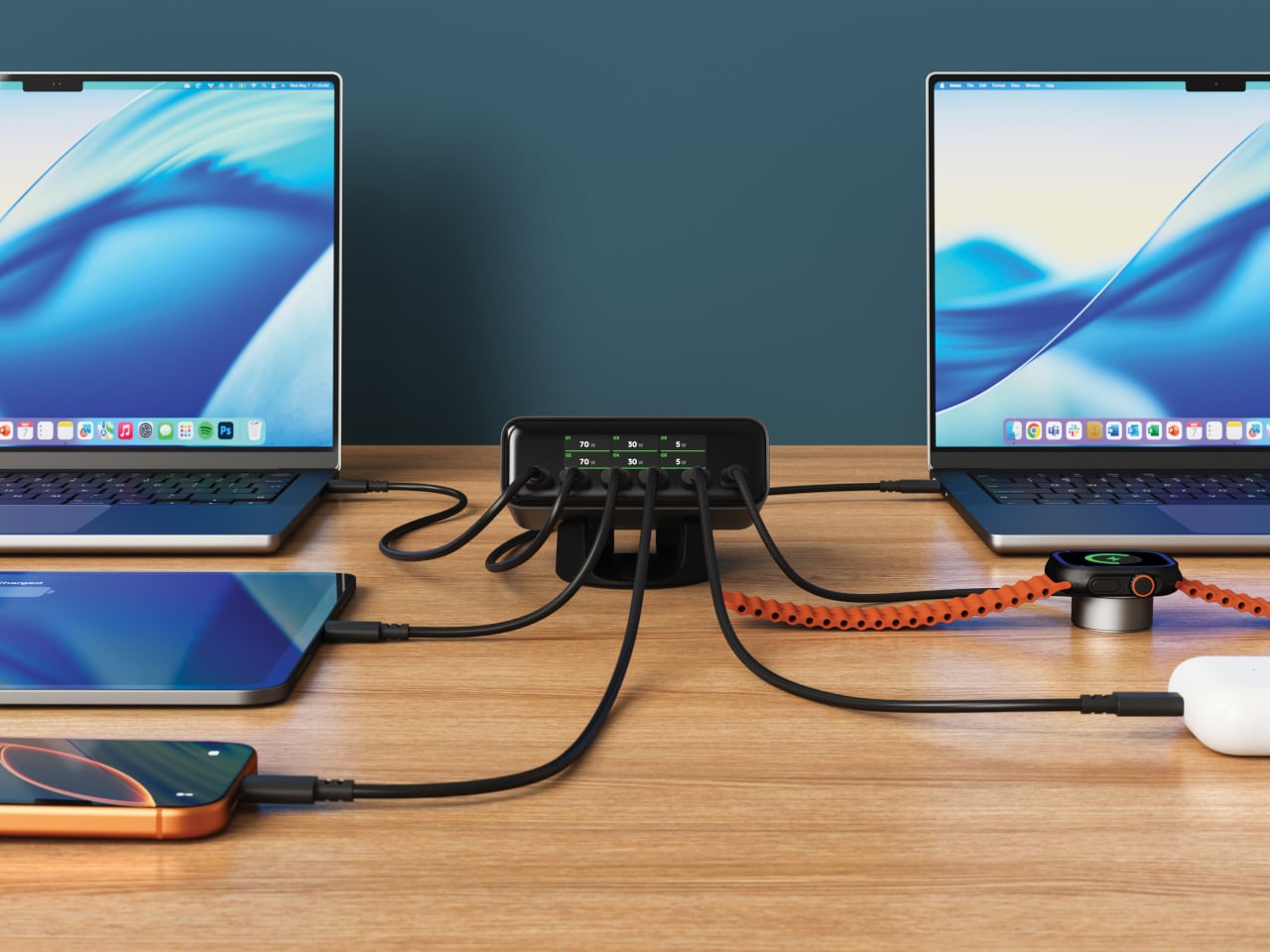
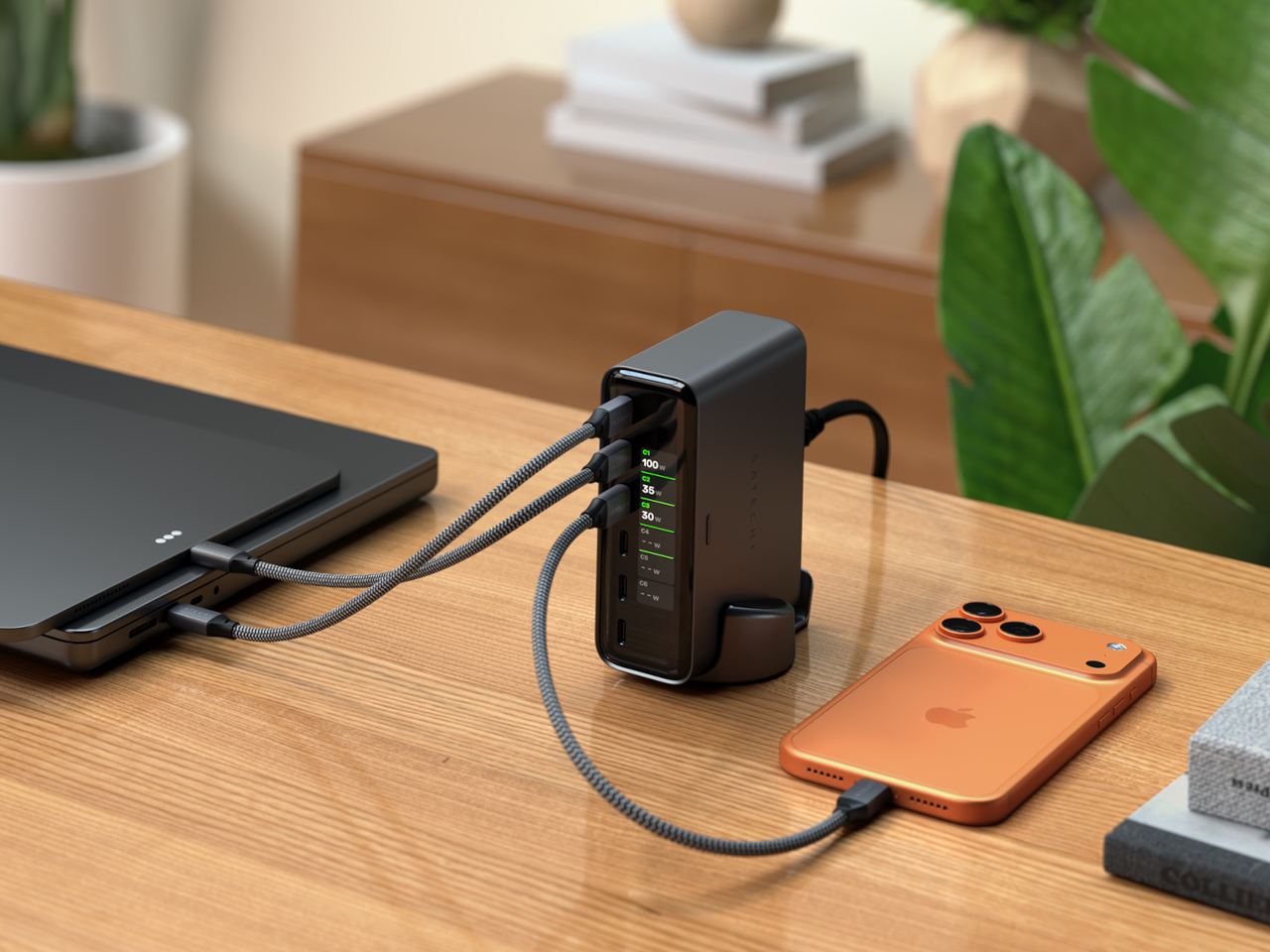
Six USB-C ports cover the range of what a loaded desk actually needs. The top two, C1 and C2, each deliver up to 140W using PD 3.2 AVS, making them capable of handling two MacBook Pros at full speed simultaneously. C3 and C4 go up to 100W each for tablets and lighter laptops, while C5 and C6 top out at 30W each for phones, earbuds, and accessories. The 240W total budget distributes intelligently across whichever ports are active.
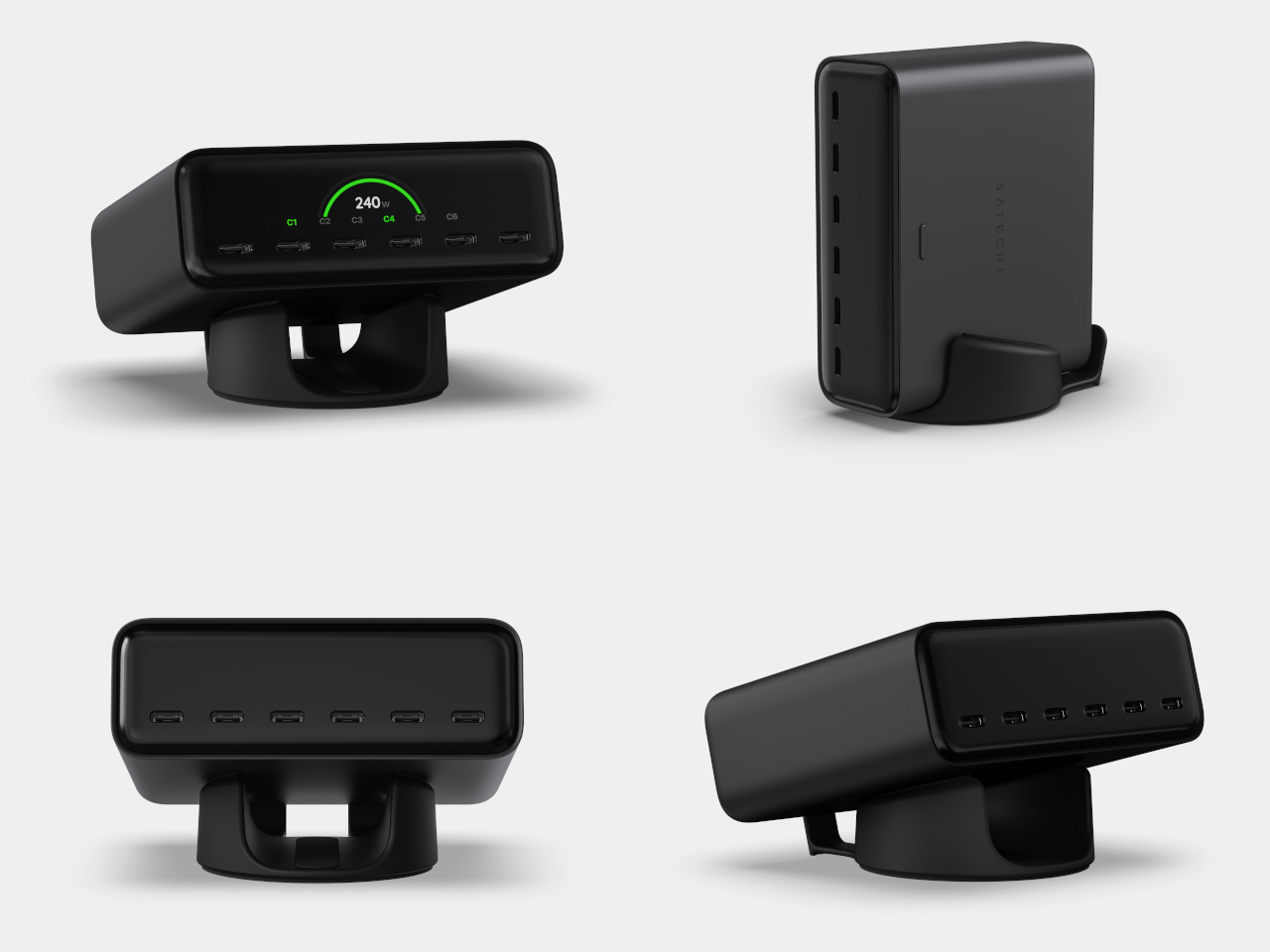
That intelligence extends to how the ChargeView negotiates with each device. PD 3.2 AVS and PPS allow the charger and device to agree on precisely the right voltage in fine increments rather than jumping between fixed steps. In practice, that means a nearly full phone battery gets a gentle trickle rather than the same hard push used to top up a laptop from empty, which is easier on battery health over time.
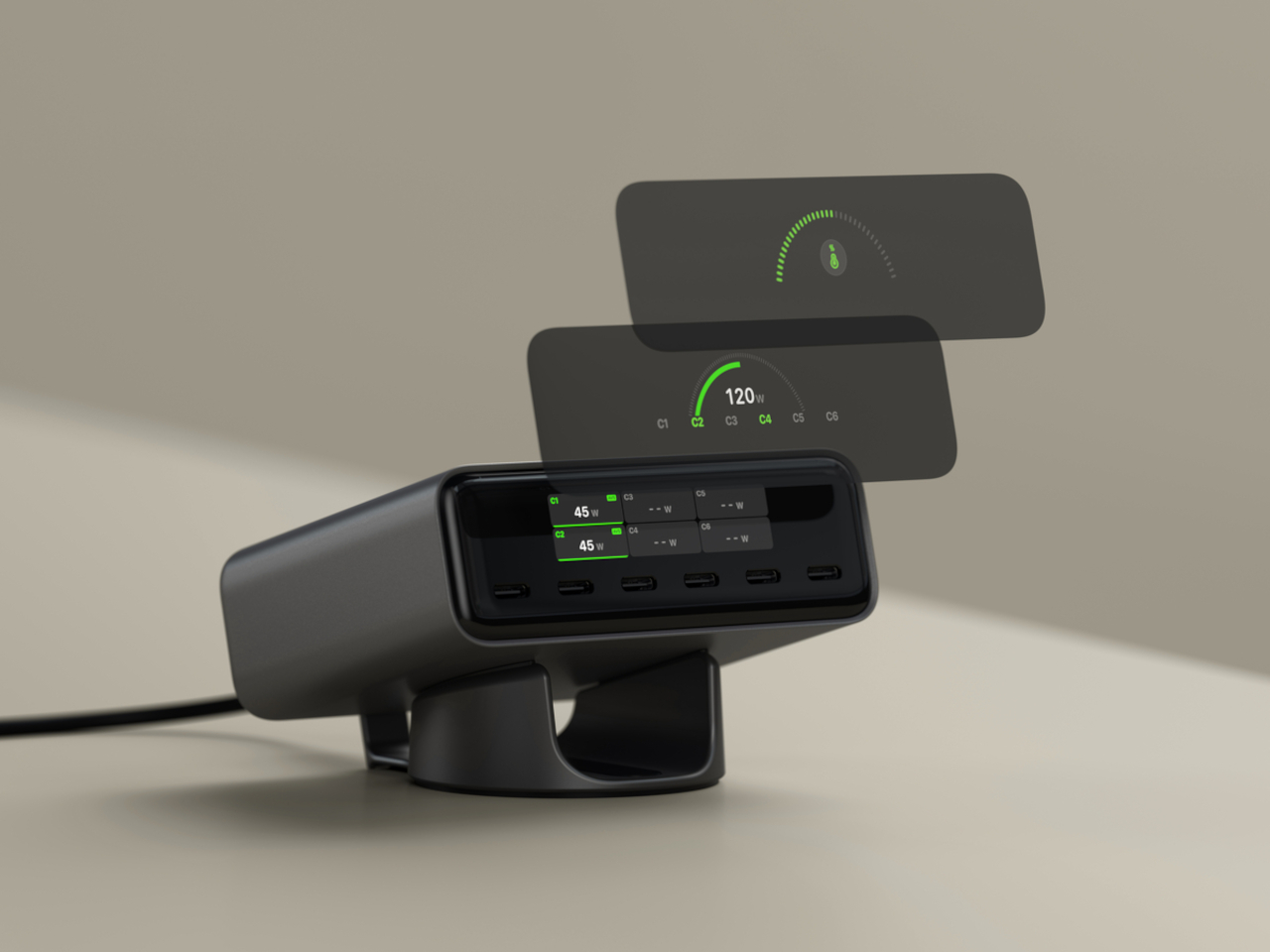
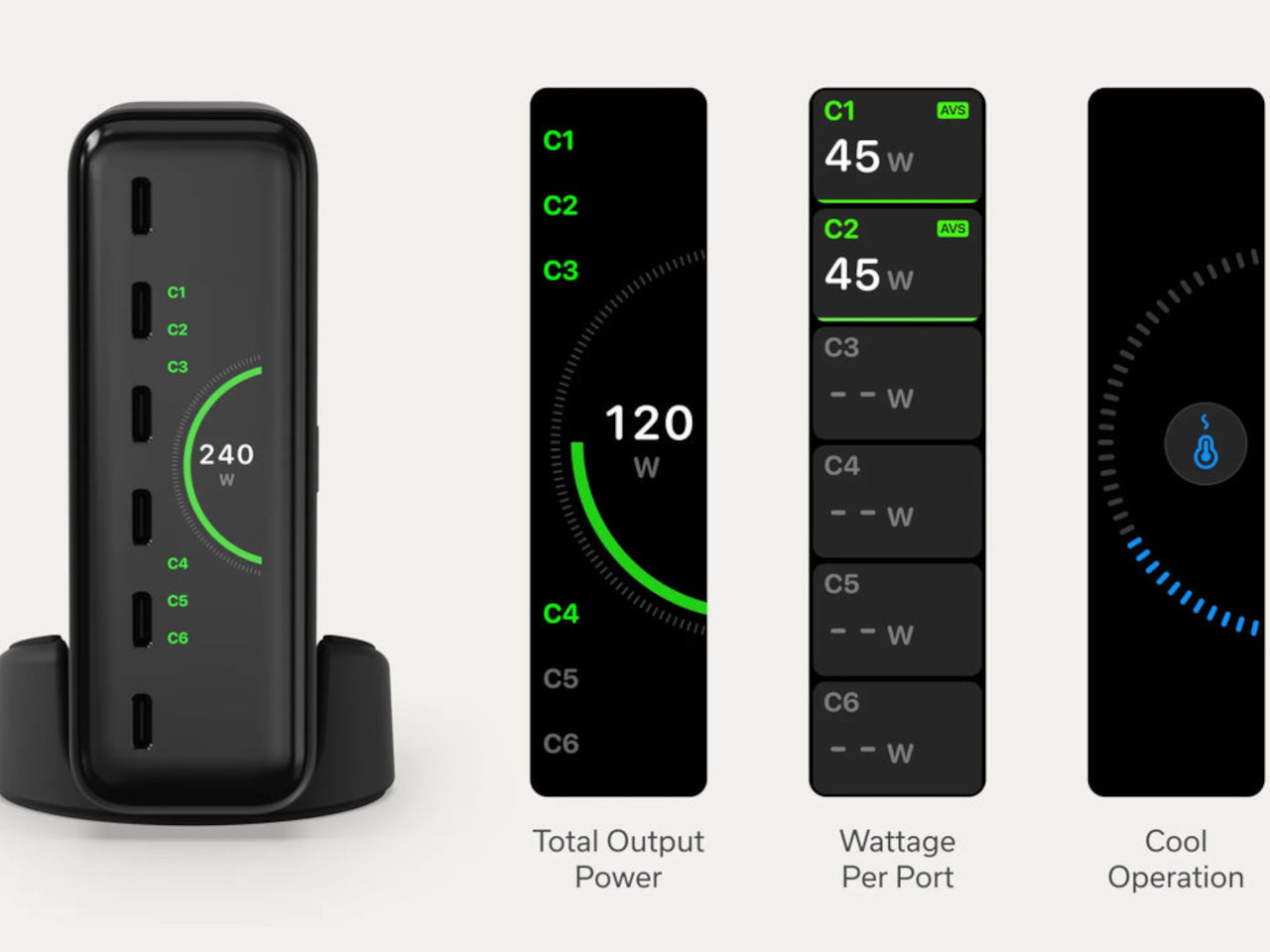
The display does more than show wattage. It reads temperature across all ports simultaneously, and flags when thermal conditions shift, with the charger pulling back output before heat becomes a problem. That monitoring runs continuously without any intervention needed. The LCD auto-dims after about a minute of inactivity and wakes when a cable is plugged in, so it’s visible when useful and dark when not. The display also rotates to stay readable in either vertical or horizontal orientation, matching whichever position the included precision stand is set to.
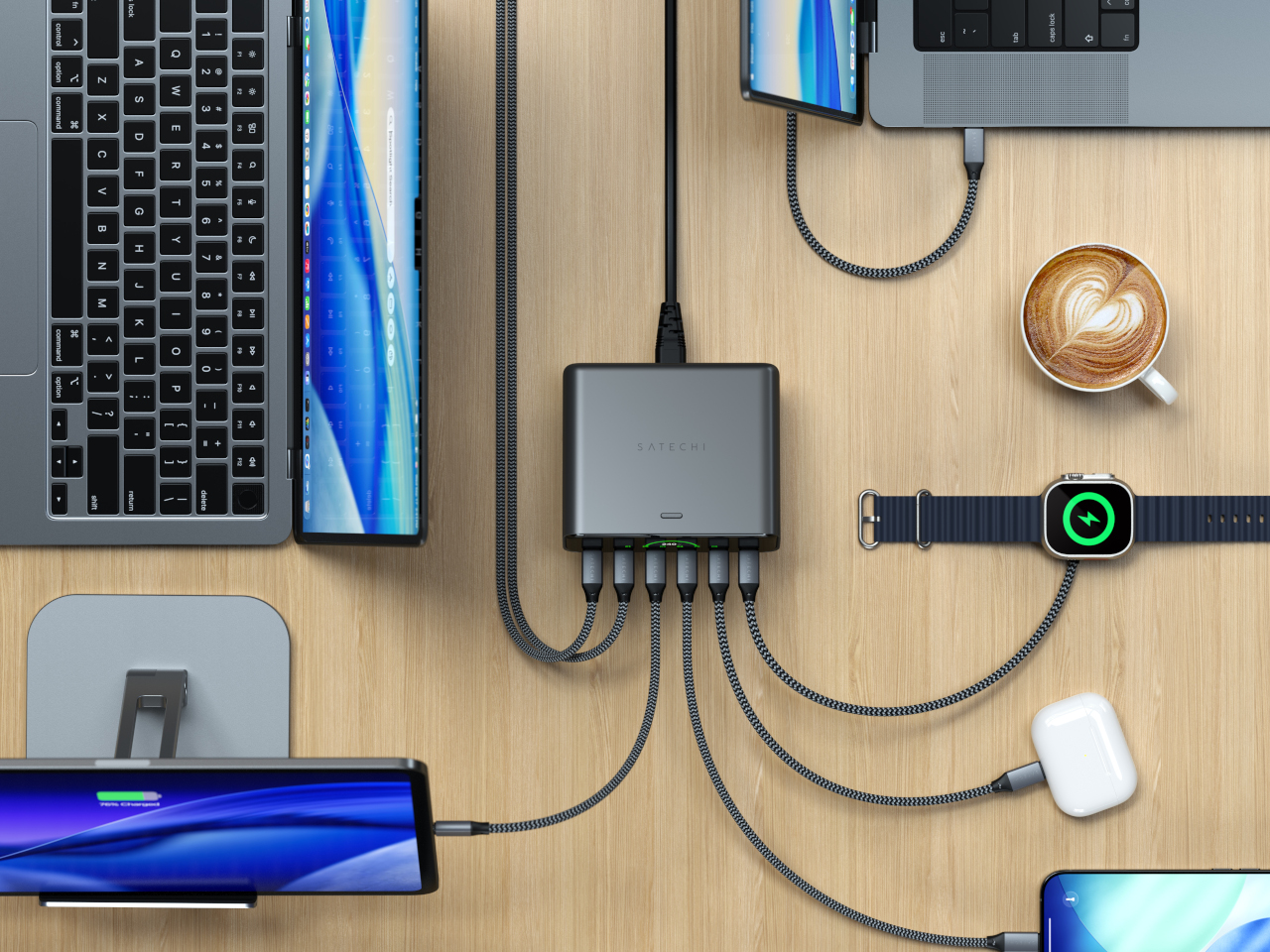
GaN technology handles the power delivery without a fan, keeping the unit silent even when all six ports are running at capacity. At 4.3in x 3.6in x 1.5in, it’s roughly the footprint of a paperback book for something handling 240W. The Space Black metallic finish and borderless display cover sit comfortably next to darker-toned setups, and the stand’s horizontal position adds a slight forward tilt that makes the display easier to read from a seated position.
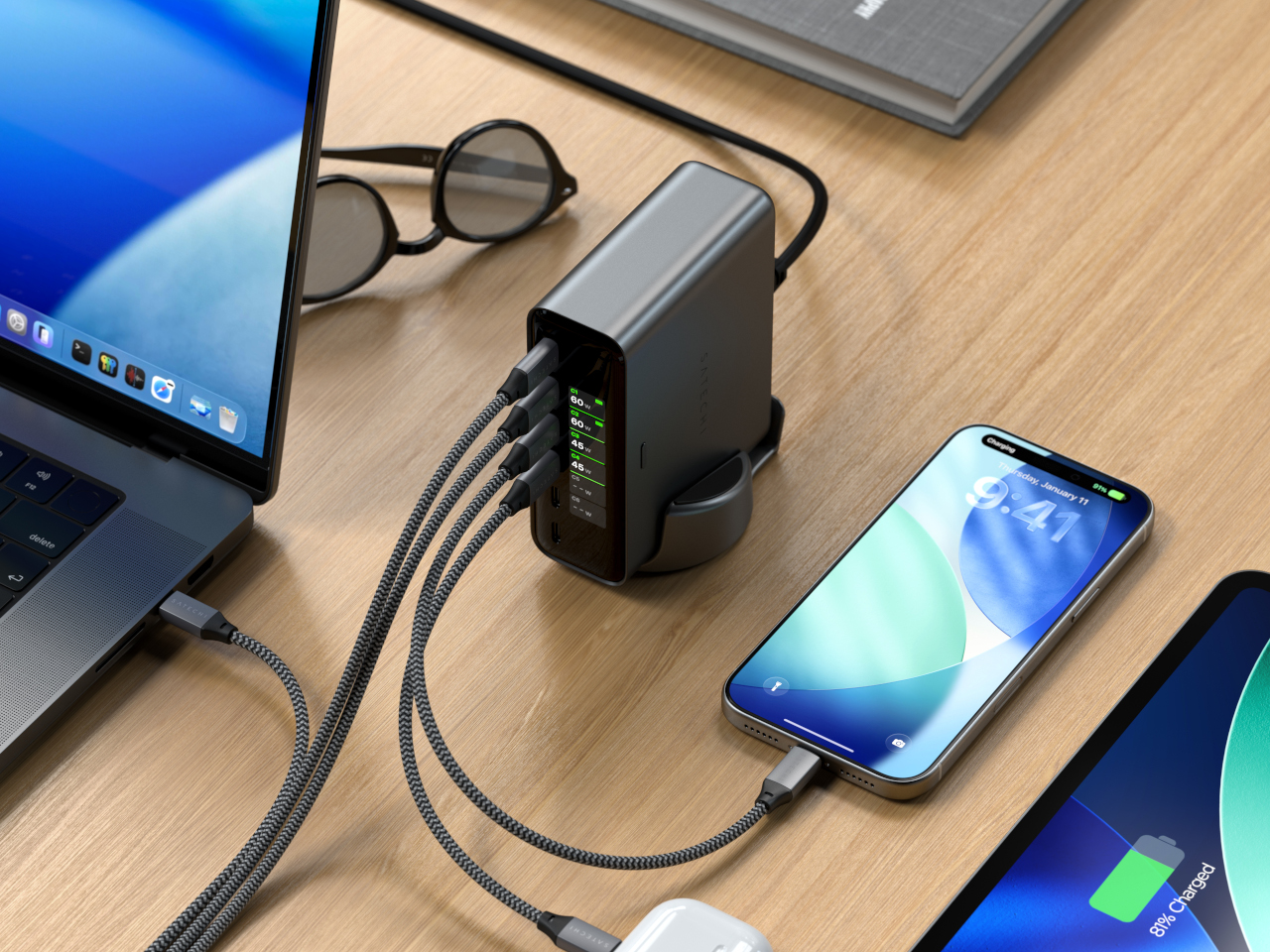
The ChargeView 240W retails for $149.99 and is covered by a two-year warranty. What this 240W charger offers that a standard multi-port product doesn’t is accountability. Every watt is visible, every device is reported, and the charger’s own thermal state is always on display. For anyone who has watched a laptop charge for two hours and wondered why it’s still at 60 percent, that kind of transparency turns out to be worth something.
The post The $150 Charger That Explains Why Your Laptop Is Still at 60 Percent first appeared on Yanko Design.
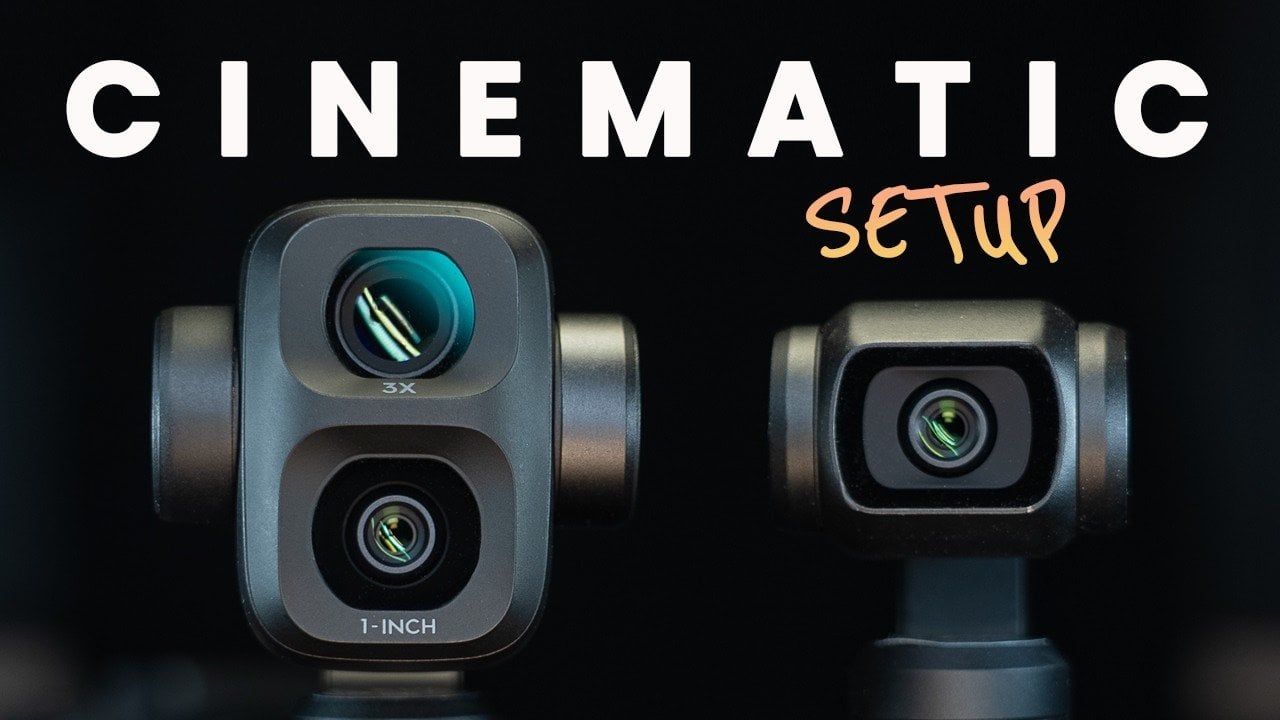
The Osmo Pocket 4 and 4P offer compact yet capable solutions for capturing cinematic-quality video, but achieving professional results requires careful attention to settings and techniques. In a detailed breakdown by The Film Alliance, the importance of foundational steps like firmware updates and gimbal calibration is emphasized to ensure smooth operation and stable footage. Additionally, […]
The post Set the Osmo Pocket 4 to 4K at 24 Fps for Cinematic Video appeared first on Geeky Gadgets.
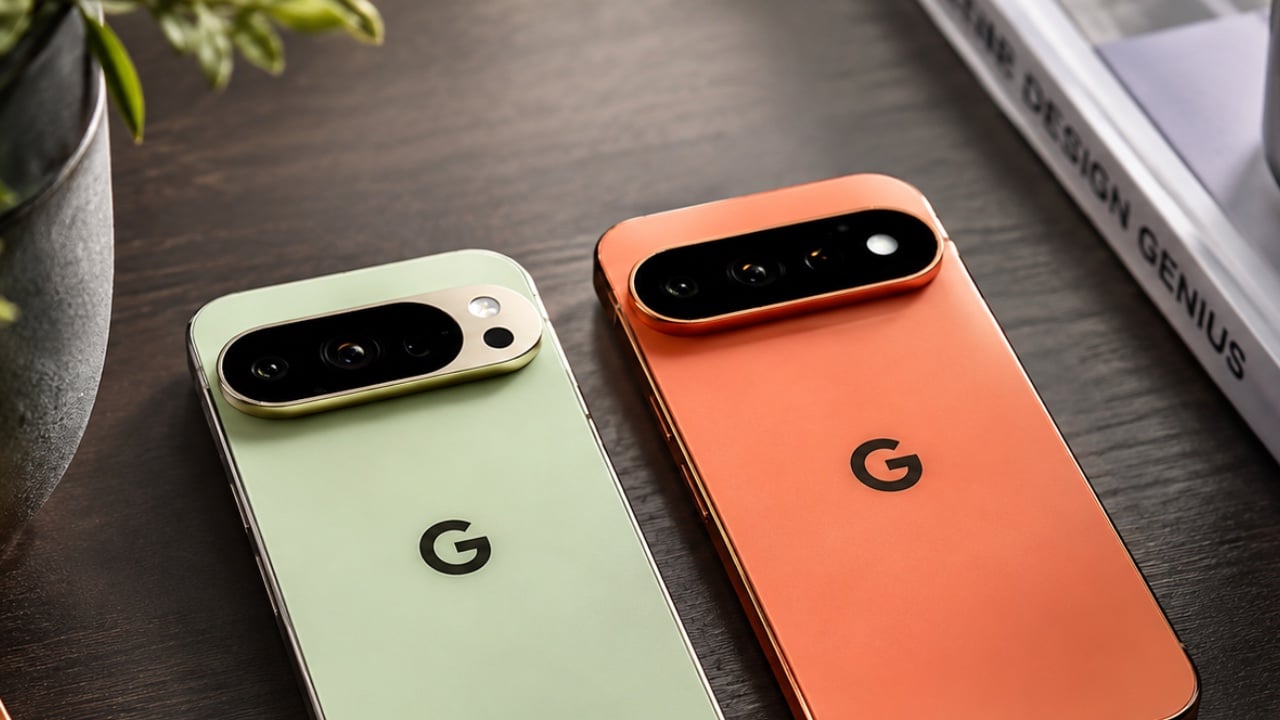
The Google Pixel 11 Pro builds upon the foundation laid by its predecessor, the Pixel 10 Pro, with a series of thoughtful updates. While the core specifications remain largely consistent, the latest model introduces refinements in design, camera technology, and usability, ensuring a more polished and efficient smartphone experience. In the video below, Techmo explores […]
The post Google Pixel 11 Pro vs. Pixel 10 Pro: Key Differences Explained appeared first on Geeky Gadgets.