ASUS ProArt P16 vs P14 RTX Spark: Which Laptop Fits You?
ASUS ProArt P16 and P14 with NVIDIA RTX Spark are on sale from $2,599.99. See how the 4K and 3K OLED laptops differ in battery, weight and storage.
The productivity mouse market has been living in a single-player game for too long. Logitech’s MX Master has dominated professional desks from Silicon Valley to Singapore, becoming so ubiquitous that it’s practically the default recommendation in every buying guide. But monopolies create the perfect conditions for an underdog, and Asus has clearly been watching, waiting, and building something that aims to shatter the status quo.
Enter the ProArt Mouse MD301, unveiled at CES 2026 with a feature list that reads like a direct response to every MX Master owner who has ever wished for something different. Swappable switches give users hardware-level customization that Logitech has never offered. A lighter 99.7-gram body addresses the wrist fatigue that marathon work sessions can bring. The SmartShift wheel matches its rival stride for stride, while six programmable buttons and an 8,000 DPI sensor deliver the precision that creative professionals demand. Asus is making a serious play for the premium productivity space.
Designer: ASUS
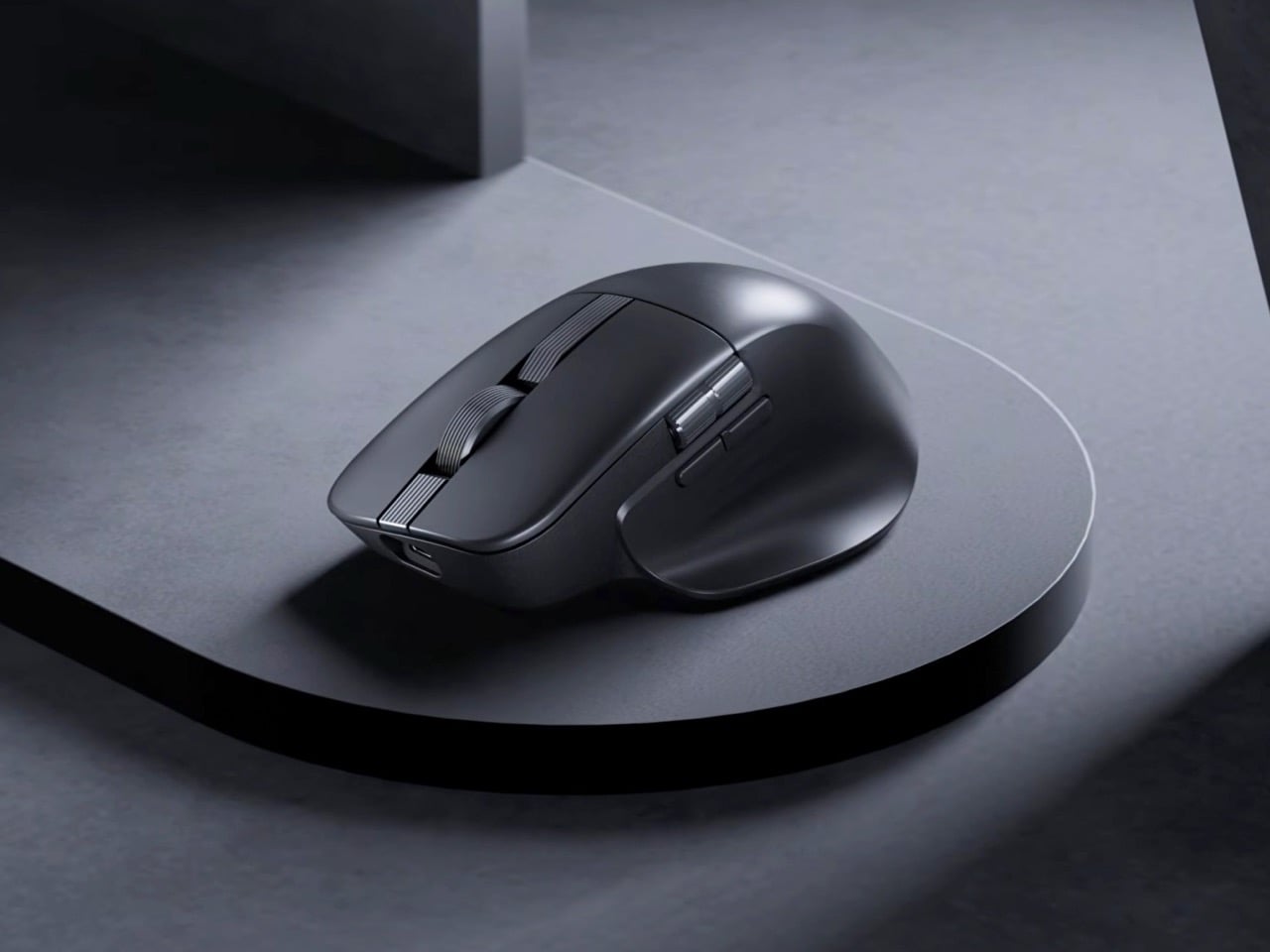
Most productivity mice treat their switches as permanent components, which becomes a problem after millions of clicks degrade the tactile feedback. Asus built the MD301 with user-replaceable switches for both left and right buttons, allowing a choice between optical or mechanical micro switches. Optical switches typically last longer and actuate faster with no physical contact points to wear down. Mechanical switches provide the tactile bump that some workflows demand. The ability to mix both types means asymmetric configurations where left clicks feel different from right clicks, though whether anyone actually wants that remains unclear. A switch puller tool ships in the box, suggesting Asus expects this feature to see actual use rather than existing purely for marketing differentiation.
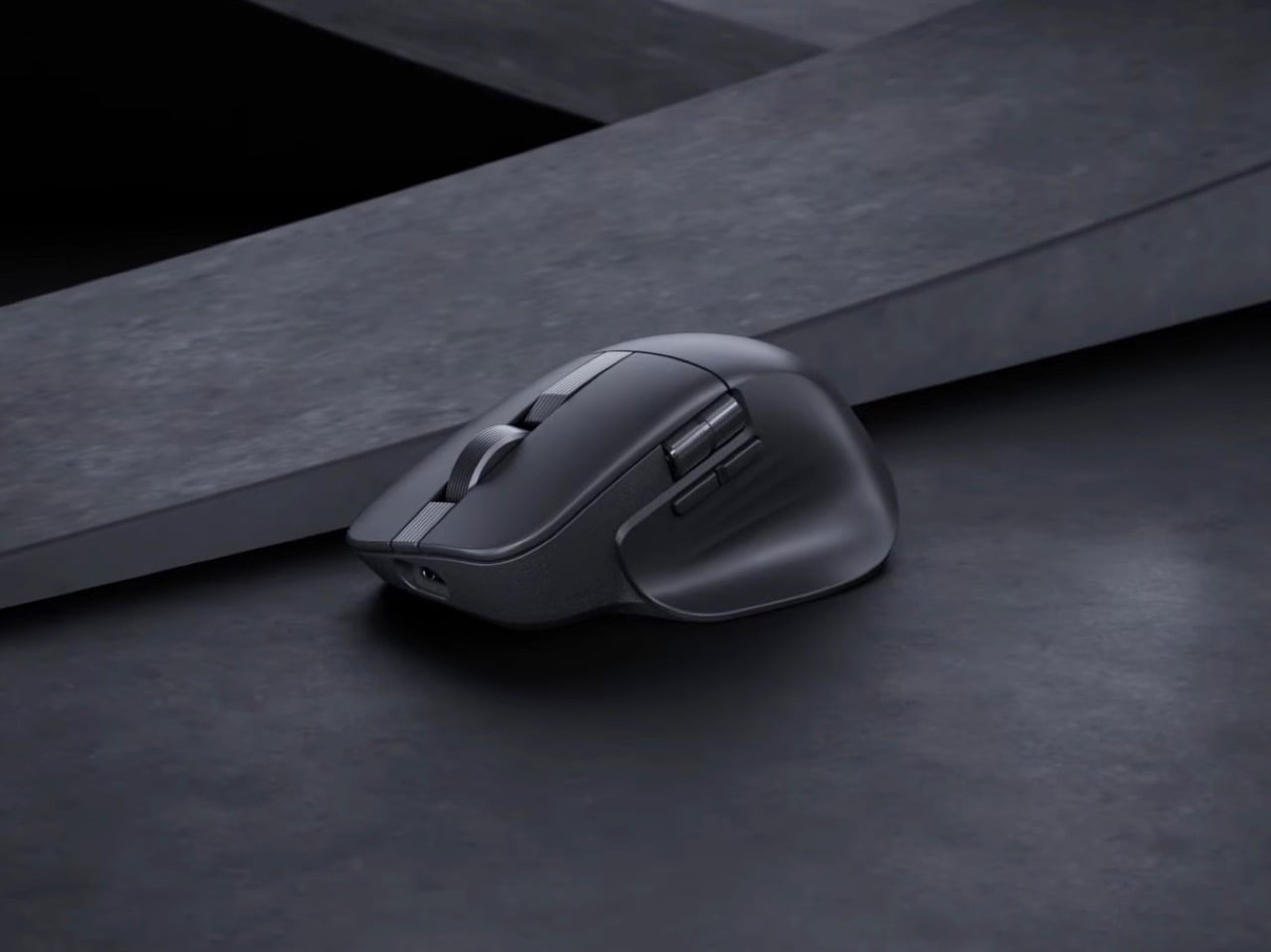
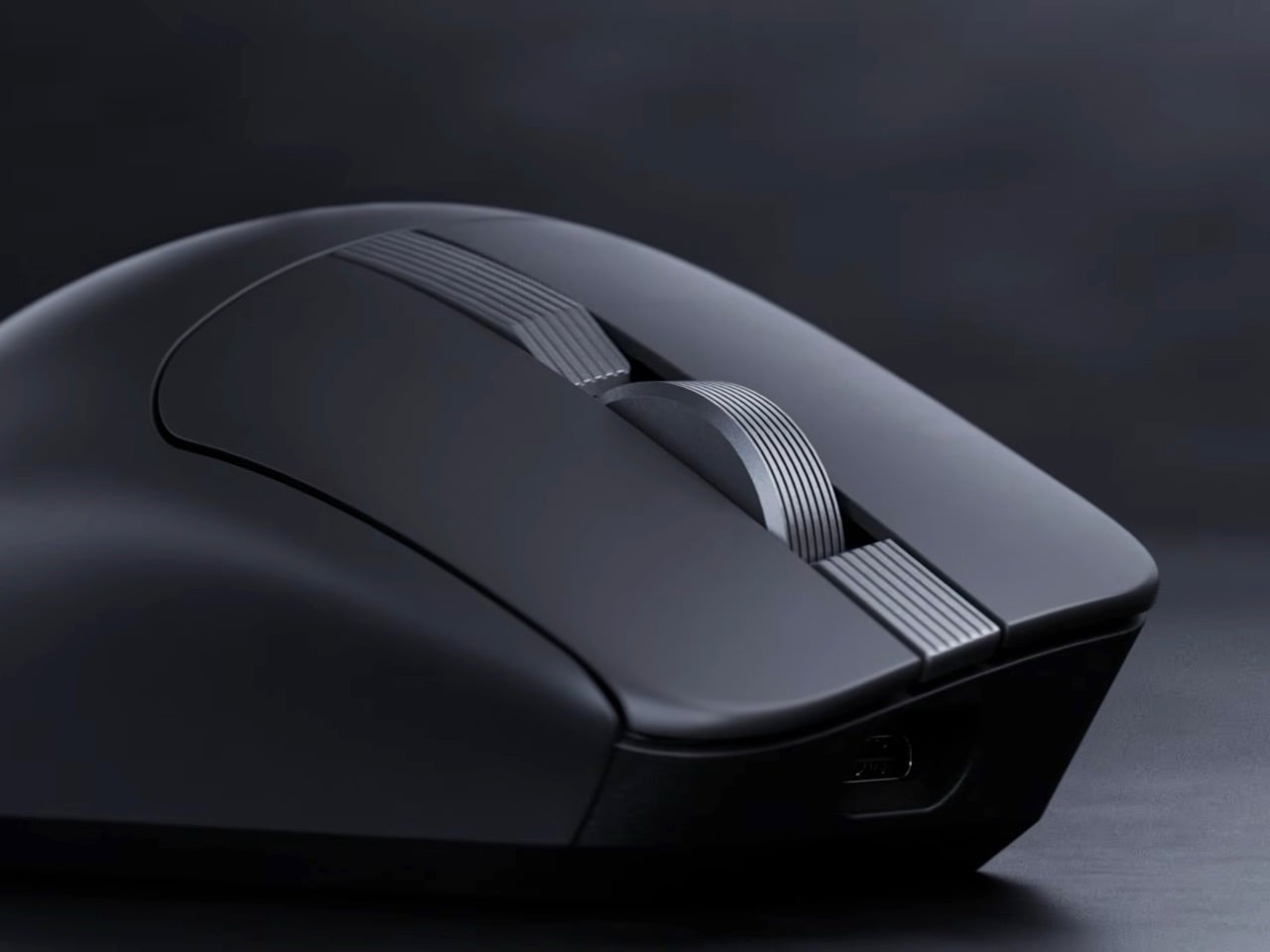
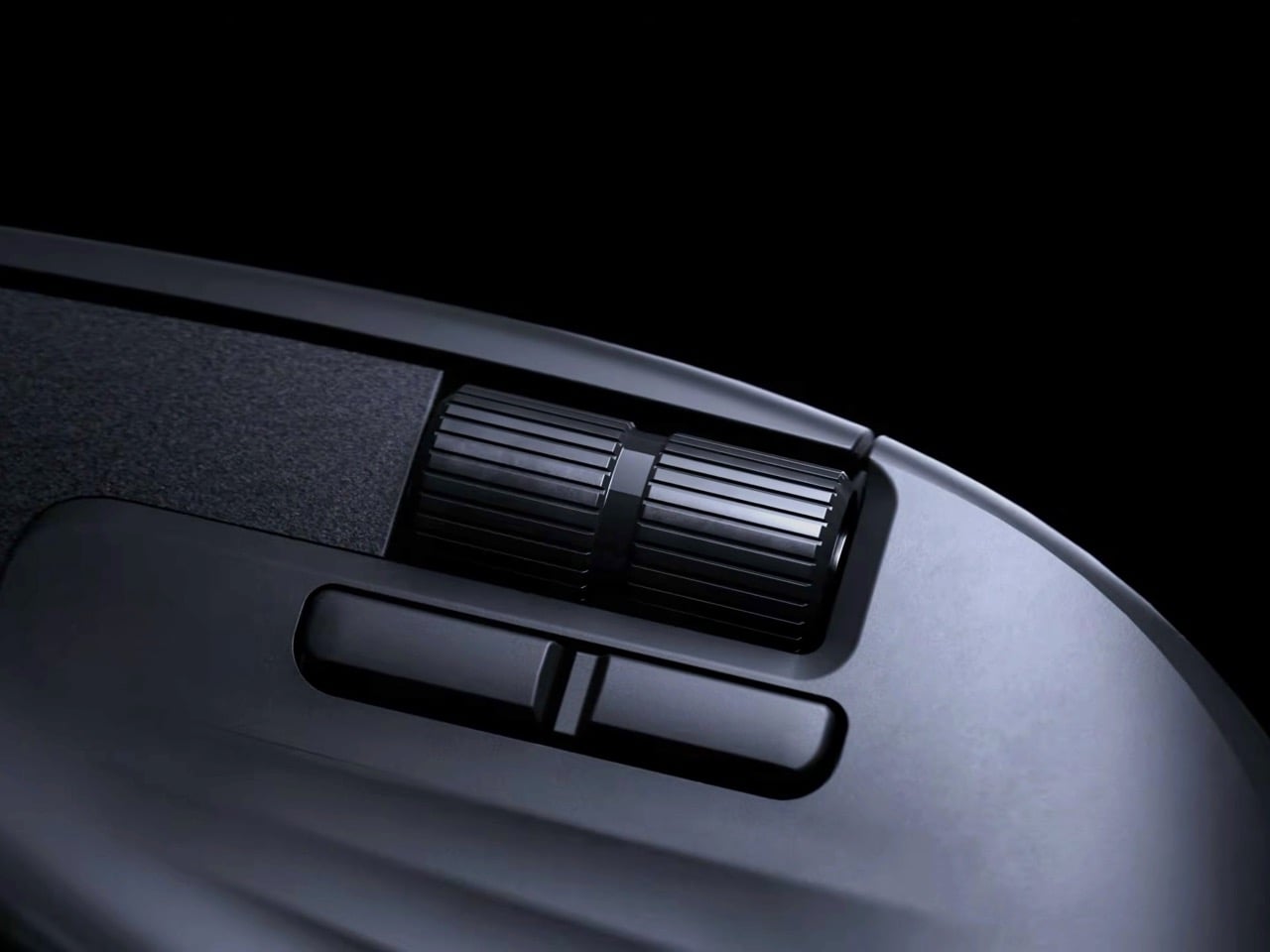
Logitech’s MagSpeed wheel technology gets directly challenged here under the SmartShift name, offering dual-mode scrolling between ratcheted line-by-line precision and momentum-based free-spin. This feature became non-negotiable for productivity mice after Logitech introduced it because working without it feels like regression. Navigating through 500-page documents or endless spreadsheets with standard scrolling wastes time that free-spin mode eliminates. Precision editing in Photoshop or Premiere needs the tactile feedback of ratcheted scrolling to land exactly on the right frame or layer. Asus recognized that competing without this capability would sink the MD301 before launch, so they matched it and focused innovation elsewhere.
Cutting weight to 99.7 grams puts the MD301 noticeably lighter than the MX Master 3S and most competitors in this category. Thirty grams might sound negligible until translated into thousands of mouse movements across a 32-inch display during marathon editing sessions. Repetitive strain injuries in creative professionals often start with seemingly minor factors that compound over weeks and months. Ergonomic shaping with wave-textured grip surfaces attempts to address comfort, though hand shapes vary enough that what works for one person irritates another. PTFE feet reduce surface friction during movement, which becomes apparent when switching between mice with and without them.
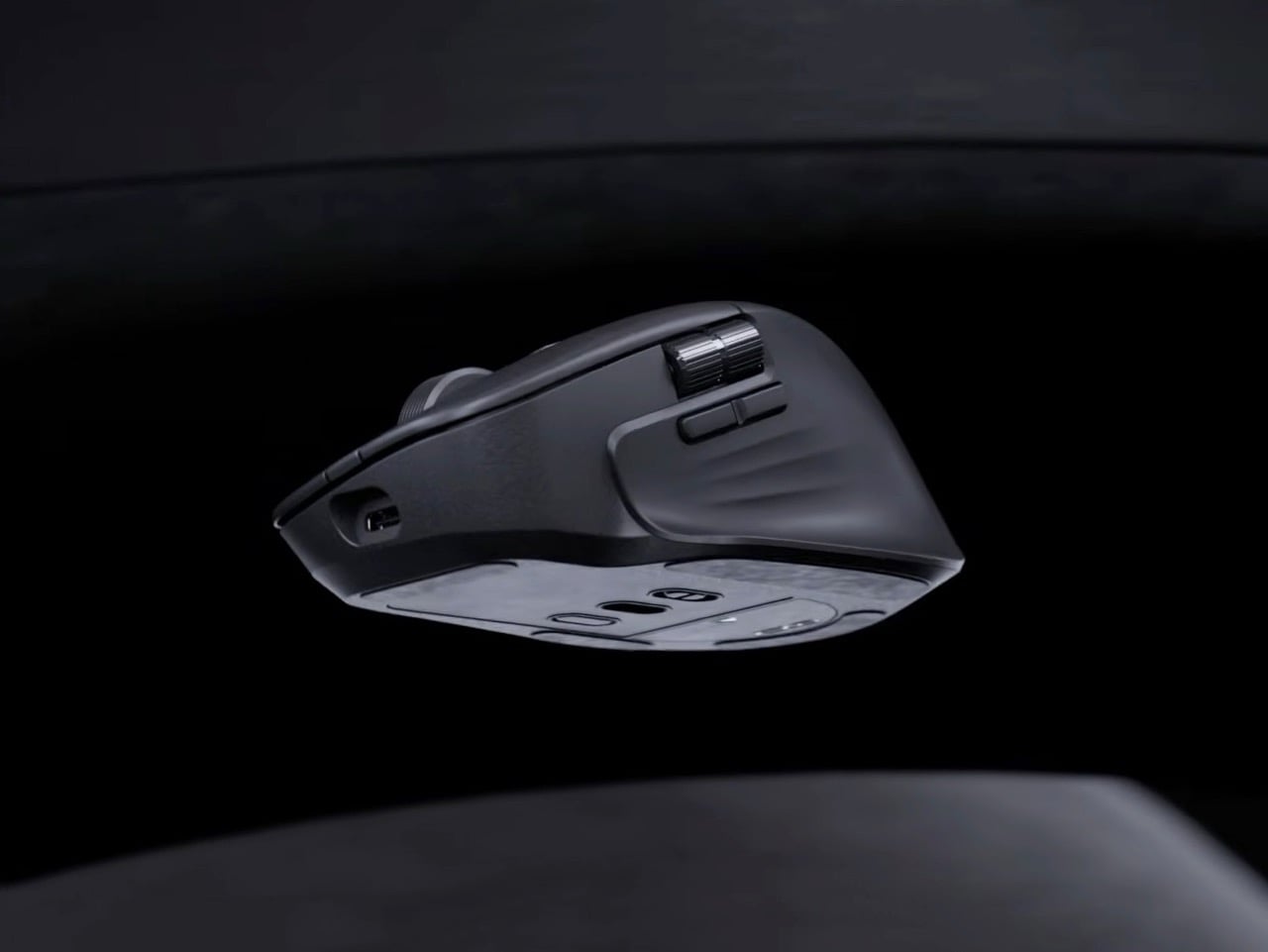
An 8,000 DPI sensor handles precision tracking across multiple surface types including glass, which used to be impossible for optical sensors but now qualifies as expected functionality. Polling rate hits 1,000 Hz through both wired USB and 2.4 GHz wireless modes, keeping cursor responsiveness high enough that latency becomes imperceptible during normal use. Bluetooth connectivity handles device switching across up to five devices, though Asus hasn’t published the polling rate for that protocol. Six programmable buttons accommodate workflow shortcuts across different software platforms, from Adobe Creative Suite to CAD applications to video editing tools.
Tri-mode connectivity covers wired USB, 2.4 GHz RF wireless via an 18.9mm dongle, and Bluetooth for multi-device setups. Switching between a desktop workstation, laptop, and tablet without physically swapping cables or dongles streamlines workflows that increasingly span multiple devices. The wireless dongle’s compact size means it can stay plugged into a laptop port without protruding awkwardly or risking damage during transport. A 190cm USB-C cable handles both wired connectivity and charging, eliminating the separate power adapter that some wireless mice still require.
Asus claims up to 180 days on a full charge, though that number assumes moderate daily usage rather than continuous 12-hour workdays. Fast charging provides three hours of heavy use from one minute of USB-C charging, or eight hours of lighter work. This becomes relevant when deadlines approach and charging got forgotten overnight. Long-term battery degradation over multiple charge cycles will determine whether the MD301 maintains this endurance after a year of daily use, but lithium-ion technology has improved enough that most modern wireless mice retain acceptable battery performance longer than their mechanical components last.
Pricing hasn’t been announced, which introduces uncertainty about how Asus positions this against the MX Master 4’s roughly $100 price point. Undercutting Logitech by $20 or $30 while delivering comparable features makes the MD301 an obvious recommendation. Matching or exceeding that price requires build quality and long-term reliability that Asus hasn’t yet proven in this product category. Swappable switches provide theoretical cost savings over replacing entire mice, but only if the base unit costs less than buying a new competitor model every few years. Launch window sits somewhere before mid-2026, giving Asus months to finalize production and distribution without committing to specific dates or regional availability.
The post Asus ProArt Mouse MD301 Takes Aim at Logitech’s Productivity Throne with Swappable Switches first appeared on Yanko Design.