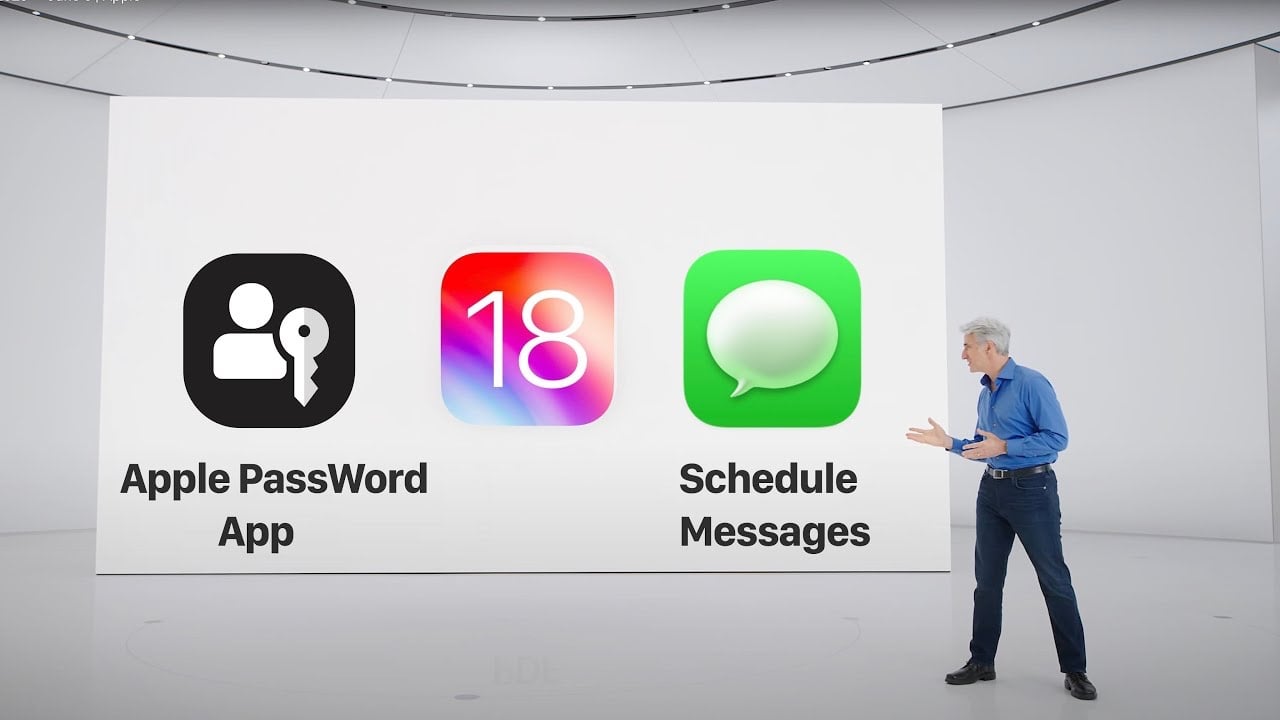
Apologies for today’s Sneakers Sunday feature being replaced, but there’s a compelling reason: Apple’s special event, WWDC 2024, is taking place tomorrow. Given the significance of this event, I’ll be attending WWDC to provide firsthand insights and experiences. The keynote begins at 10 a.m. PT (1 p.m. ET) on Monday, June 10, and I’ll be on the ground for two days to dive deeper into the announcements and hopefully experience some of the new features Apple will unveil.
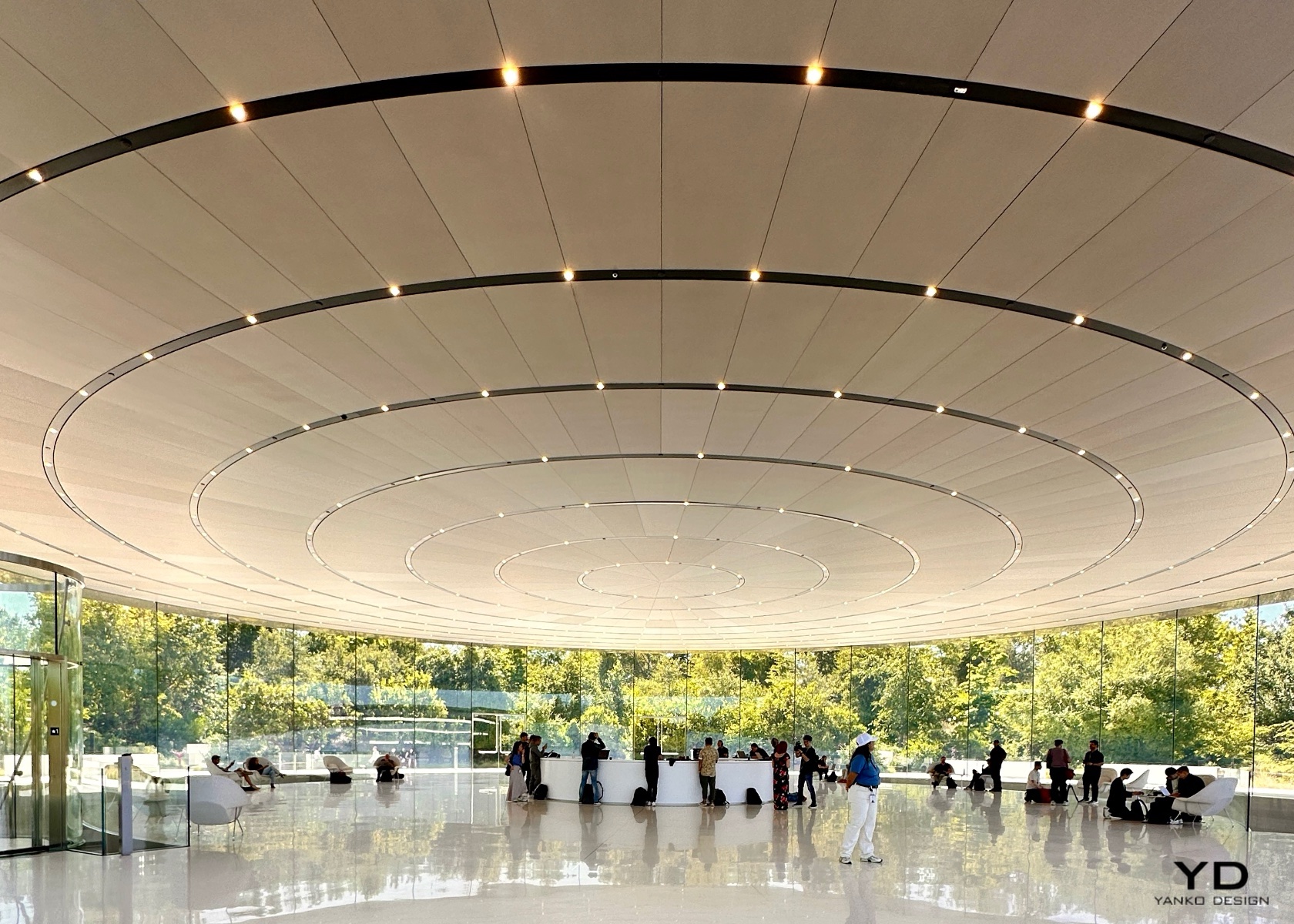
Apple Park Steve Jobs Theatre
WWDC holds a special place for Apple and the entire tech community. It’s an annual gathering where developers come to learn, network, and gain insights directly from Apple’s engineers and executives. For Apple, it’s a platform to showcase their latest innovations and set the tone for the year ahead. For developers, it’s an invaluable opportunity to get hands-on experience with new tools and technologies that will shape the apps and services they create. And for end users, WWDC often hints at the future capabilities of their devices, offering a glimpse into the enhancements and features that will soon be at their fingertips.
The anticipation surrounding WWDC isn’t solely about the big reveals; it’s about the entire ecosystem Apple has built. From beta testing new versions of iOS, macOS, watchOS, and more, to understanding the deeper integration of software and hardware, WWDC is a comprehensive showcase of Apple’s vision. The joy of beta testing is something that many tech enthusiasts look forward to every year. It’s a chance to experience the cutting-edge developments before they are officially released, and to contribute feedback that helps refine the final product. This iterative process of development, testing, and feedback is crucial in delivering the polished, user-friendly experiences that Apple is known for.
Tomorrow’s WWDC promises to be particularly exciting due to the speculations and rumors that have been swirling for months. From AI advancements to the integration of new technologies in their operating systems, Apple is expected to make several significant announcements. The focus on AI is especially intriguing, with rumors suggesting that Apple will introduce a range of new AI-driven features across its platforms. The term “Apple Intelligence” has been floated, hinting at features like voice memo transcriptions, enhanced search capabilities, and a more conversational Siri. The integration of AI is expected to be subtle yet impactful, enhancing the user experience in ways that feel intuitive and seamless.
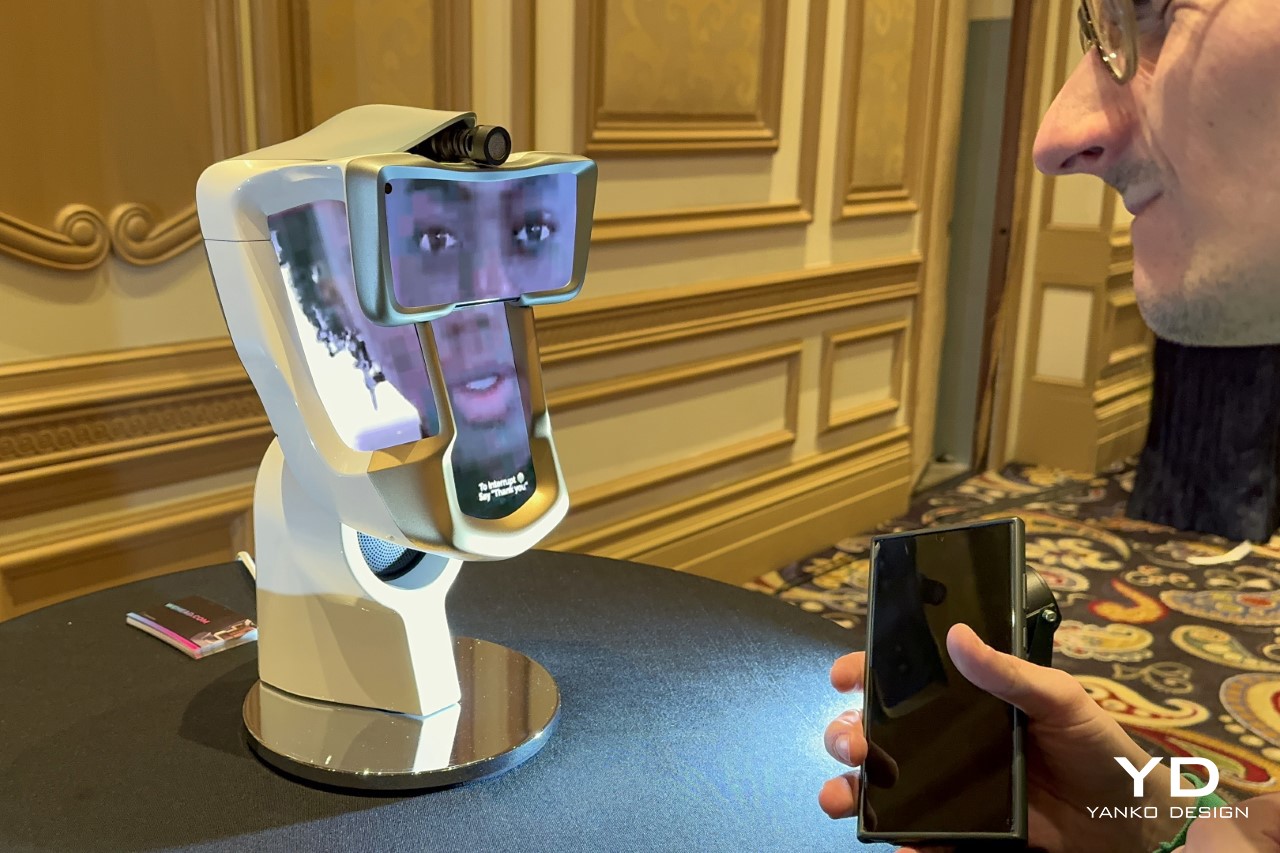
In recent years, the tech industry has seen a surge in AI developments from companies like OpenAI, Microsoft, Samsung, and Google. Apple’s response to this trend will be closely watched, as the company has traditionally taken a more measured approach to integrating new technologies, prioritizing user privacy and security. The upcoming announcements are expected to reflect this philosophy, with a focus on on-device AI processing. This approach not only enhances performance but also reinforces Apple’s commitment to privacy, ensuring that user data remains secure.
While the prospect of new hardware always generates excitement, it’s the software updates that are the true highlight of WWDC. The introduction of new operating system versions for iPhone, iPad, Mac, and Apple Watch will set the stage for the next generation of apps and services. The iPad Pro M4, with its advanced capabilities, is a prime example of the kind of device that will benefit from these updates. Developers and users alike are eager to see how Apple and third-party developers will leverage the hardware to create new, innovative experiences.
The Importance of WWDC for Apple, Developers, and Consumers
WWDC is a cornerstone event for Apple, providing a platform to unveil its latest software advancements and to set the strategic direction for the coming year. For developers, WWDC is a goldmine of information, offering detailed sessions on new APIs, frameworks, and tools that will empower them to create more sophisticated and powerful apps. This event is crucial for keeping the developer community engaged and informed, fostering innovation, and ensuring that Apple’s ecosystem continues to thrive.
For consumers, WWDC is equally important. The announcements made at the event often translate into new features and improvements that enhance the everyday use of their devices. Whether it’s a new operating system with improved functionality, enhanced security features, or entirely new apps, the ripple effect of WWDC is felt across the user base. The excitement generated by WWDC stems from the promise of better, more integrated experiences that make technology more useful and enjoyable.
The Joy of Beta Testing
One of the most exciting aspects of WWDC for many tech enthusiasts is the opportunity to beta test new software. Apple’s beta programs for iOS, macOS, watchOS, and other platforms allow users to experience the latest features before they are officially released. This early access provides a unique opportunity to explore new functionalities, discover bugs, and provide feedback that can help shape the final product.

Beta testing isn’t just about getting a sneak peek at new features; it’s about being part of the development process. Users who participate in beta testing contribute valuable insights that help Apple refine its software, ensuring that the final release is as polished and user-friendly as possible. This collaborative approach underscores Apple’s commitment to delivering high-quality experiences that meet the needs and expectations of its users.
Analysis of Expected Announcements
This year’s WWDC is expected to be rich with announcements that will shape the future of Apple’s ecosystem. The emphasis on AI, particularly on on-device processing, is likely to be a major theme. Apple’s approach to AI, dubbed “Apple Intelligence,” is expected to bring a host of new features designed to enhance productivity and user experience. These include voice memo transcriptions, faster search capabilities, and a more conversational Siri.
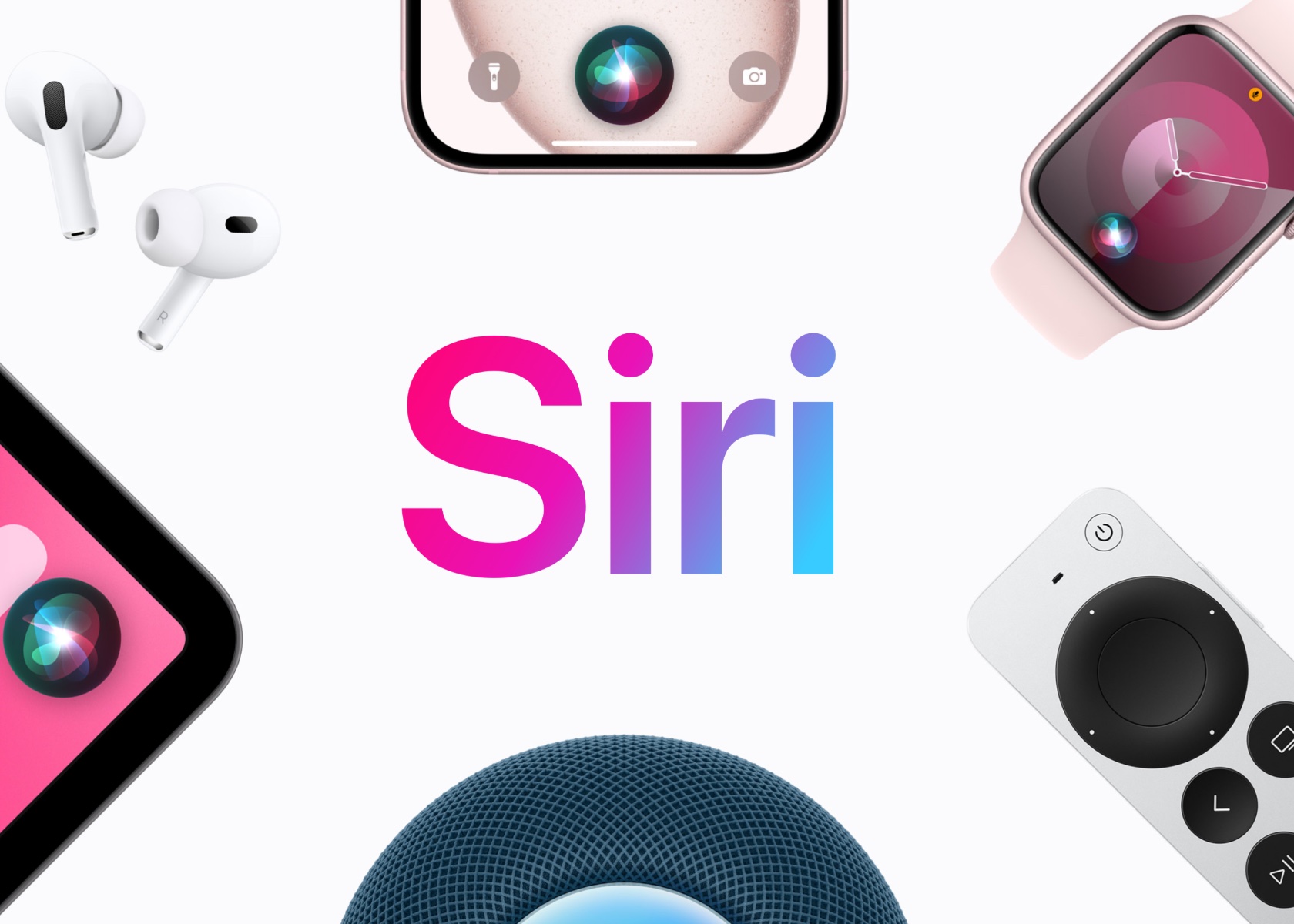
Apple Siri
Siri’s at the heart of Apple’s AI strategy. The assistant is poised for a major upgrade, potentially becoming more context-aware and capable of handling multi-step tasks. Imagine asking Siri to create a GIF from a set of photos and send it to one of your contacts in a single command. This evolution is expected to make Siri a more powerful digital assistant, aligning it with advancements seen in other AI systems. The integration of AI isn’t limited to iOS. macOS and watchOS are also expected to receive significant updates that incorporate AI capabilities. For example, macOS may see enhancements that improve multitasking and productivity, while watchOS could introduce new health and fitness features powered by AI. The Apple Watch, already a leader in wearable technology, could become even more indispensable with these new capabilities.

In addition to AI, there are rumors that Apple is working with OpenAI to integrate advanced language models into its operating systems. This collaboration could lead to more sophisticated natural language processing features, enhancing the way users interact with their devices. Although previous reports suggested that Apple was also in talks with Google about incorporating its Gemini AI system, it appears that these discussions may not have resulted in a partnership.
Another area of focus at WWDC is expected to be customization and accessibility. With iOS 18, users may gain more control over the appearance and layout of their Home Screen, allowing for greater personalization. Accessibility features, such as Eye Tracking on iPad and iPhone and Live Captions on VisionOS, will likely be highlighted, reflecting Apple’s ongoing commitment to making its products accessible to everyone.
The Role of Security in AI and On-Device Processing
Security has always been a cornerstone of Apple’s philosophy, and this is especially true when it comes to AI. By processing AI tasks on-device, Apple can ensure that user data remains secure and private. This approach minimizes the need to send data to the cloud, reducing the risk of exposure to potential security breaches. It also aligns with Apple’s broader strategy of maintaining user trust by prioritizing privacy in its product designs.

The integration of on-device AI processing will allow Apple to offer advanced features without compromising security. For example, AI-powered features like voice memo transcriptions and enhanced search can be processed locally on the device, ensuring that sensitive information remains secure. This approach not only enhances performance but also reinforces Apple’s commitment to privacy, a key differentiator in an industry where data security is increasingly a concern.
New Hardware and Software Updates
While new hardware announcements are always exciting, it’s the software updates that truly steal the show at WWDC. The introduction of new versions of iOS, macOS, watchOS, and other operating systems will set the stage for the next generation of apps and services. These updates are expected to bring a host of new features and improvements that will enhance the user experience across Apple’s ecosystem.
The iPad Pro M4, with its advanced capabilities, is a prime example of the kind of device that will benefit from these updates. With the new software, developers will have the tools they need to create innovative apps that leverage the hardware’s full potential. From productivity enhancements to new creative tools, the possibilities are endless.
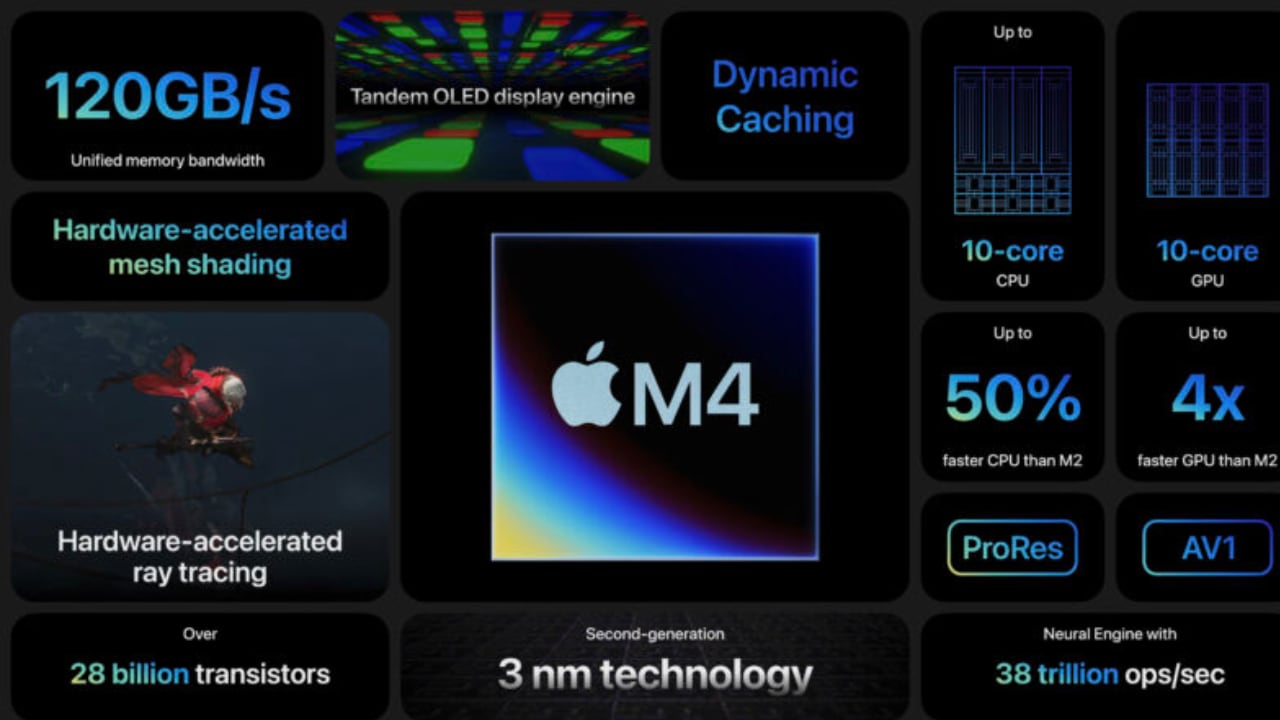
Apple M4 Chip
WWDC 2024 promises to be a landmark event for Apple and its community of developers and users. The focus on AI and on-device processing highlights Apple’s commitment to innovation while maintaining its core principles of privacy and security. The joy of beta testing, the anticipation of new software updates, and the excitement of potential hardware announcements all contribute to the unique allure of WWDC. As we look forward to the keynote and the days that follow, the tech world eagerly awaits the next chapter in Apple’s ongoing story of innovation and excellence.
Don’t miss out on our coverage from the “mothership.” Be sure to check back tomorrow and Tuesday for Yanko Design’s in-depth analysis and updates straight from WWDC 2024.
The post WWDC 2024: New Apple Intelligence From the Core first appeared on Yanko Design.