When faced with the decision of selecting between Apple’s M4 iPad Pro and the M3 MacBook Air, several key factors such as price, design, performance, and functionality play crucial roles. This article aims to dissect these elements to help you determine which device aligns best with your requirements. The M4 iPad Pro and M3 MacBook […]
iMovie, the user-friendly video editing software bundled with your Mac, is a powerful tool for creating captivating videos. Whether you’re a beginner or an experienced user, this comprehensive guide will walk you through the process of installing, setting up, and utilizing iMovie to its fullest potential. By following these step-by-step instructions, you’ll be able to […]
Despite the power that smartphones and tablets have these days, PCs and their Mac equivalents remain the workhorses of the modern world. Not only do they have more power, they also offer more flexibility thanks to decades of research, development, and innovation. Market analysts, however, have long been pointing to the demise of the PC market, especially desktops, and there has indeed been a great deal of stagnation not only in hardware but even in product designs. It’s not that there haven’t been any improvements, just that designs have become predictable and even sometimes forgettable. You can’t, after all, change the design formula too much unless you also drastically change the internals as well. That’s the kind of burst in innovation that awaits the PC market, both laptops and even desktops, if running Windows on the same hardware as smartphones and tablets finally becomes reliable and productive.
Designer: Qualcomm
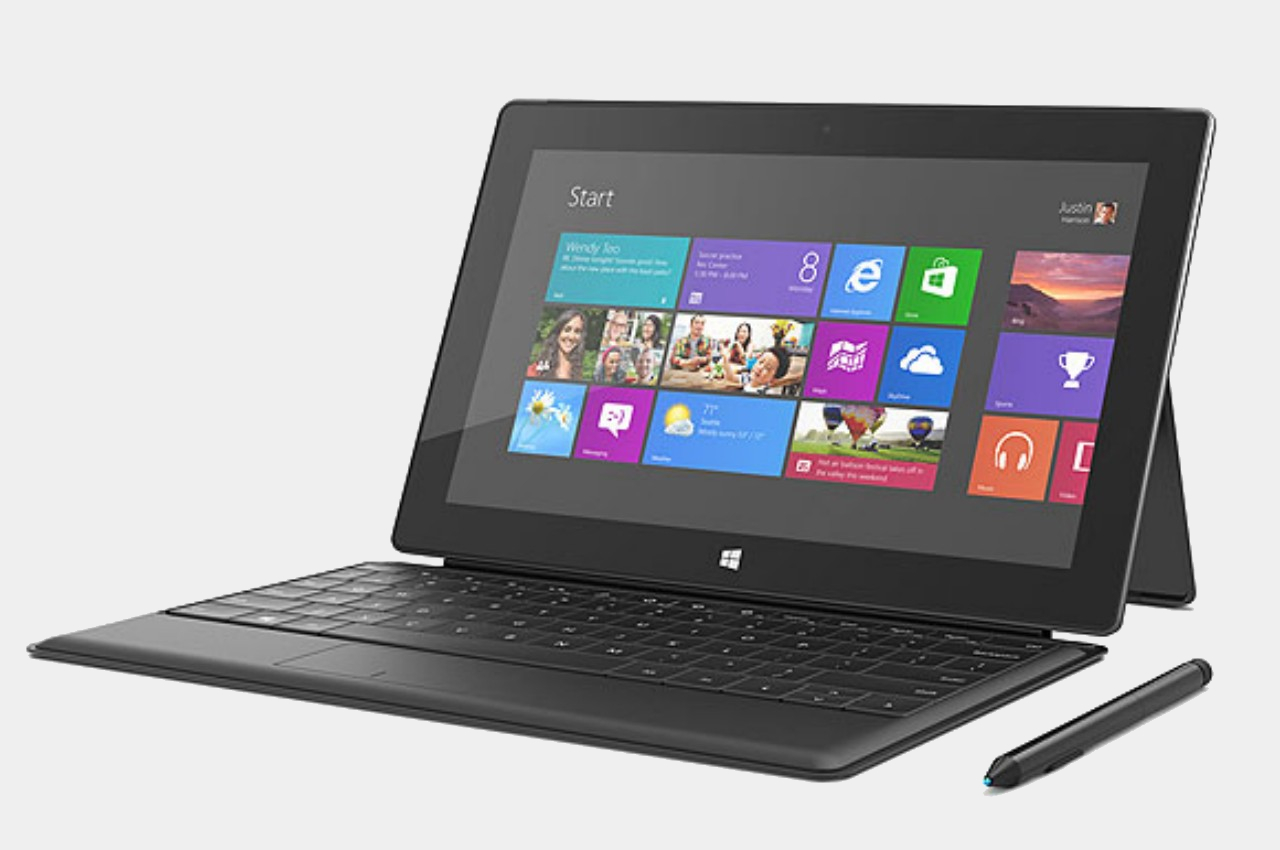
Rough Start: Microsoft Surface
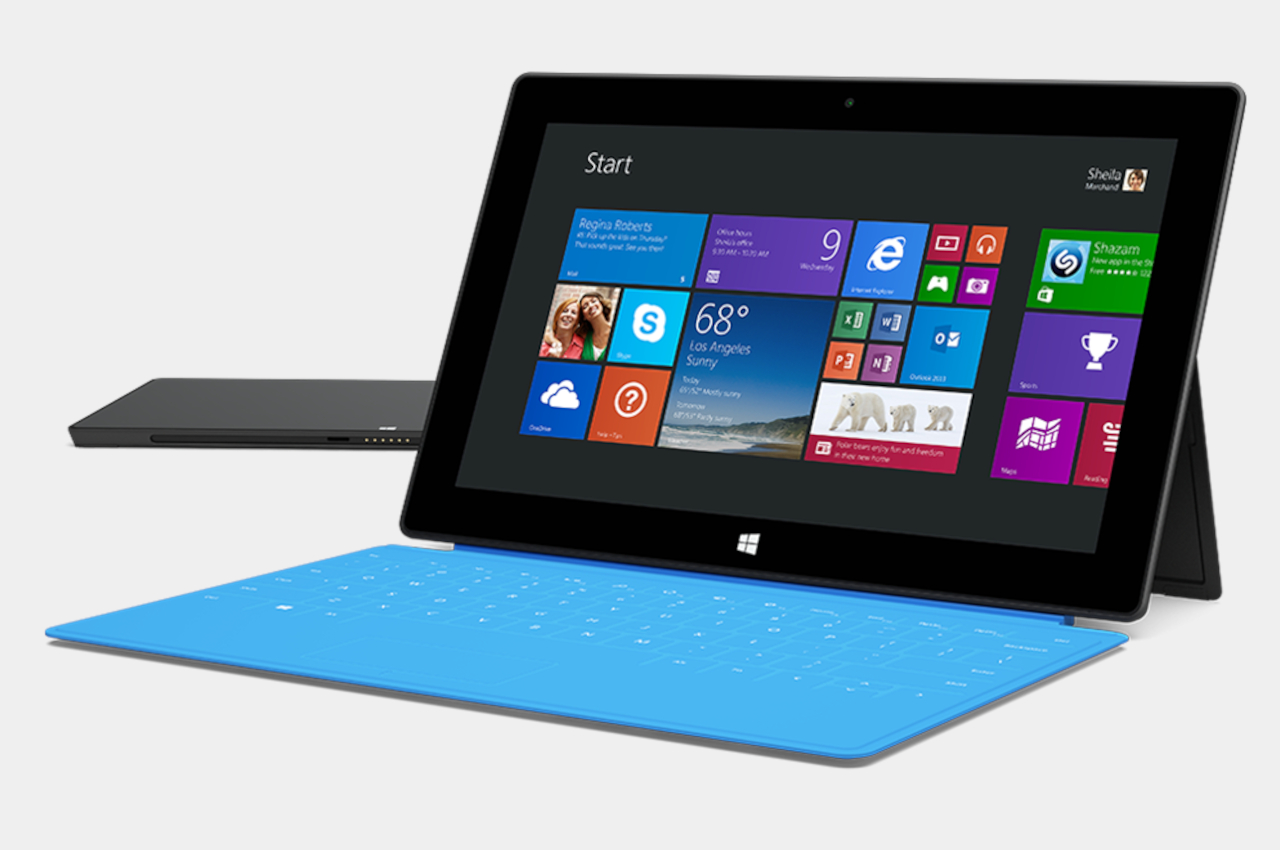
It’s not like the combination of Windows and ARM-based processors, the same silicon that powers mobile devices, hasn’t been done before, but almost all past attempts have come up short of expectations. Disregarding the antiquated Windows CE and Windows Phone variants, Microsoft has time and again tried to bring the benefits of phones and tablets to PCs without much success. One of the first ones in recent memory is the smaller Microsoft Surface. Although the Surface Pro has become something of an icon today, its base model didn’t enjoy the same level of fame, attention, and sales.
Microsoft Surface RT
Designer: Microsoft
The Surface RT and Surface 2 both ran on ARM-based NVIDIA Tegra processors that were normally quite capable on Android tablets. Even those, however, couldn’t bear the weight of Windows, even the watered-down Windows RT version. To add insult to injury, the apps available for that platform were a dismal number which didn’t include the software that people needed to use on Windows. Thus, these first attempts at Windows on ARM were considered to be abject failures, but surprisingly, Microsoft didn’t give up completely.
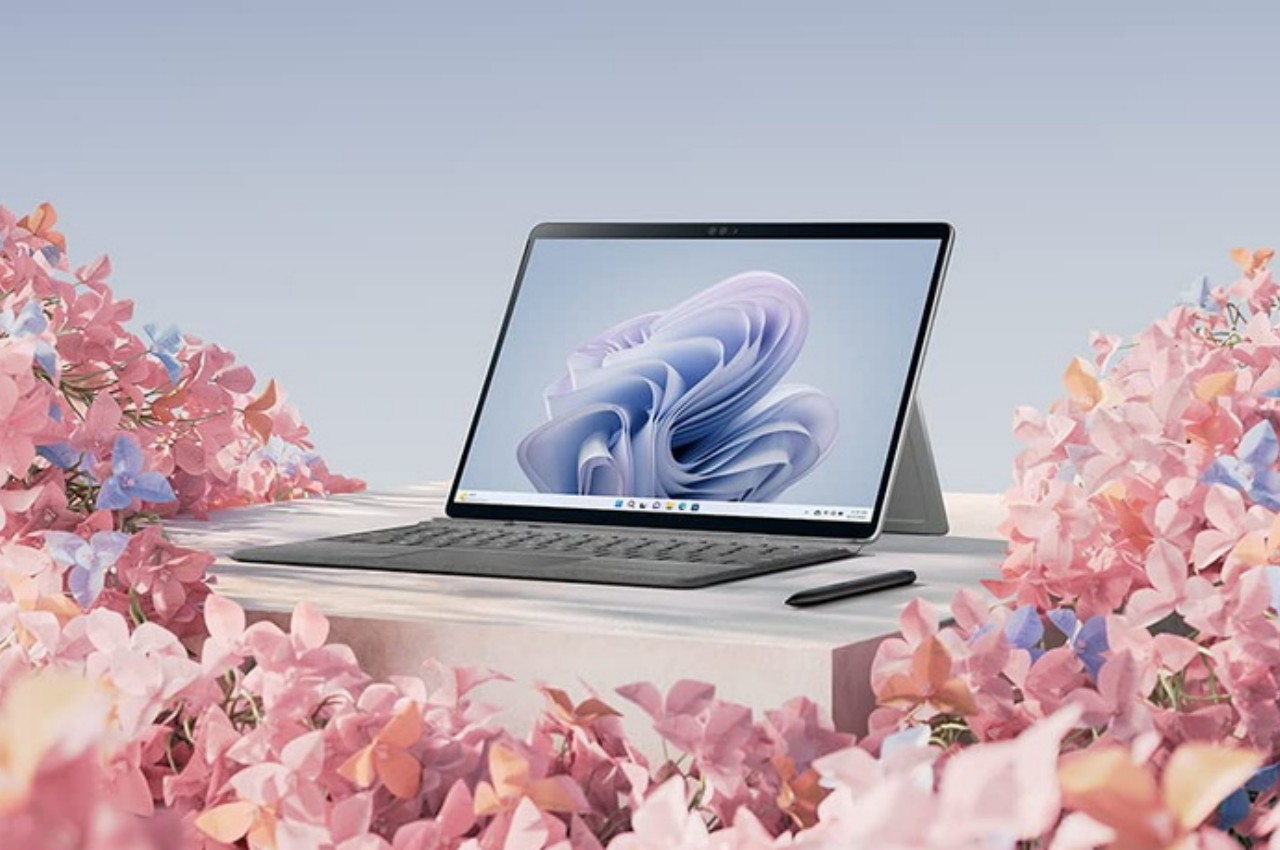
Microsoft Surface Pro 9
Fast-forward to today, there have been numerous attempts to improve the situation, both from the hardware and the software side. The Microsoft Surface Pro 9 now has a version that runs an even more powerful ARM Qualcomm processor, and the Microsoft Store has quite a selection of popular apps. There are also some emulation solutions for running “normal” Windows software on ARM laptops and tablets, but that’s not exactly a panacea. All these sound like too much effort for what seems like a niche design, but it’s an effort that could yield a bountiful harvest if it succeeds.
Faster, Slimmer, Cooler
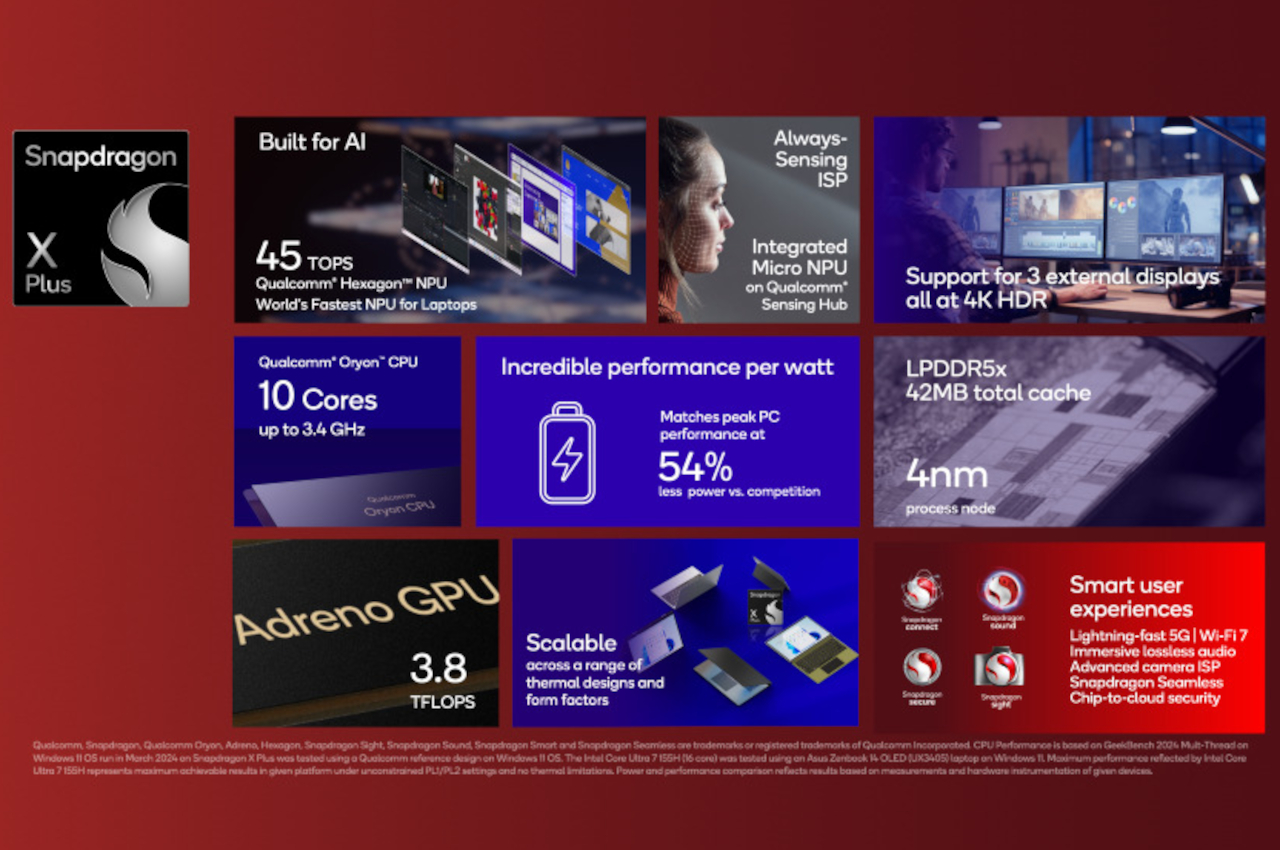
Qualcomm announced last month its new Snapdragon X Plus and Elite processors, and while the “Snapdragon” name is popular for smartphones and tablets, the “X” chips are earmarked for use in Windows computers instead, particularly laptops. Qualcomm boasts numbers that would make the likes of Intel and AMD worry, though it’s also aiming squarely for Apple’s M series processors. That’s definitely a tall order, especially with the launch of the new Apple M4 chip, but if theory proves to be even remotely near the mark, it will be a huge win for the Windows market and PCs in general.
Designer: Qualcomm
The new Snapdragon X Plus and Elite unsurprisingly boast about being able to do heavy-duty generative AI work, something that would require a lot of processing power that is traditionally only available on “regular” laptops and desktops. What would set it apart, however, is how it delivers that performance with lower battery consumption, heat, and space compared to equivalent Intel and AMD processors. It’s too early to say if Qualcomm will be able to deliver those promises, but it’s definitely a big leap compared to previous generations.
ARM-based processors like those from Qualcomm and MediaTek have been used in mobile devices precisely because of these traits. They can keep the product compact without impacting performance, something that laptop makers aim for every year. More importantly, however, these small form factors open the doors to less conventional designs, paving the way for dual-screen, foldable, or rollable PCs that don’t sacrifice their power for the sake of their novel appearance and features.
Thinking Outside the Box
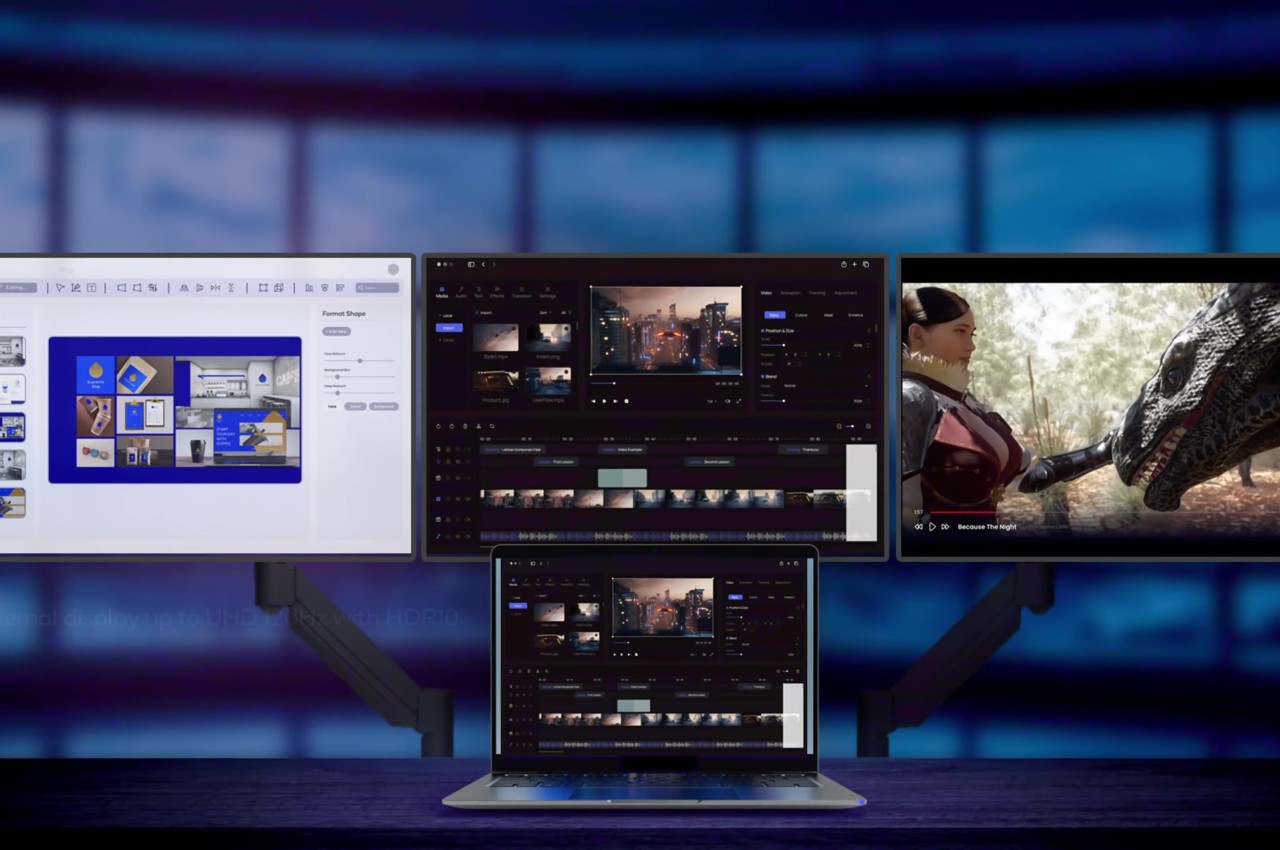
The very first benefit of Windows successfully and smoothly running on ARM devices would be thinner laptops with longer battery lives. It can’t be understated how significant that will be for creatives, especially those who will rely a lot on that generative AI that everyone’s talking about these days. But even if you do much of your designs manually, the idea that you can bring your work anywhere without breaking your back and stay unplugged for more than half a day is going to appeal to a lot of people
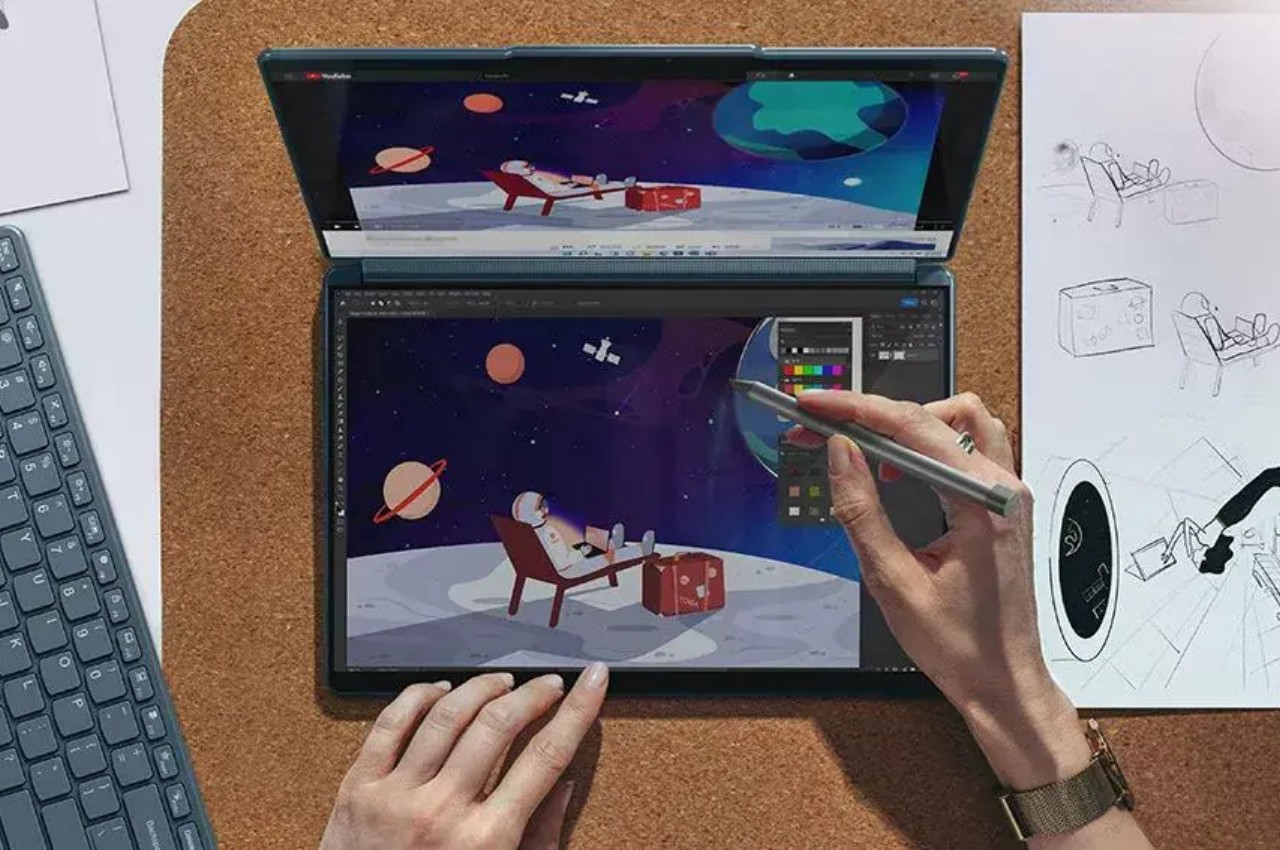
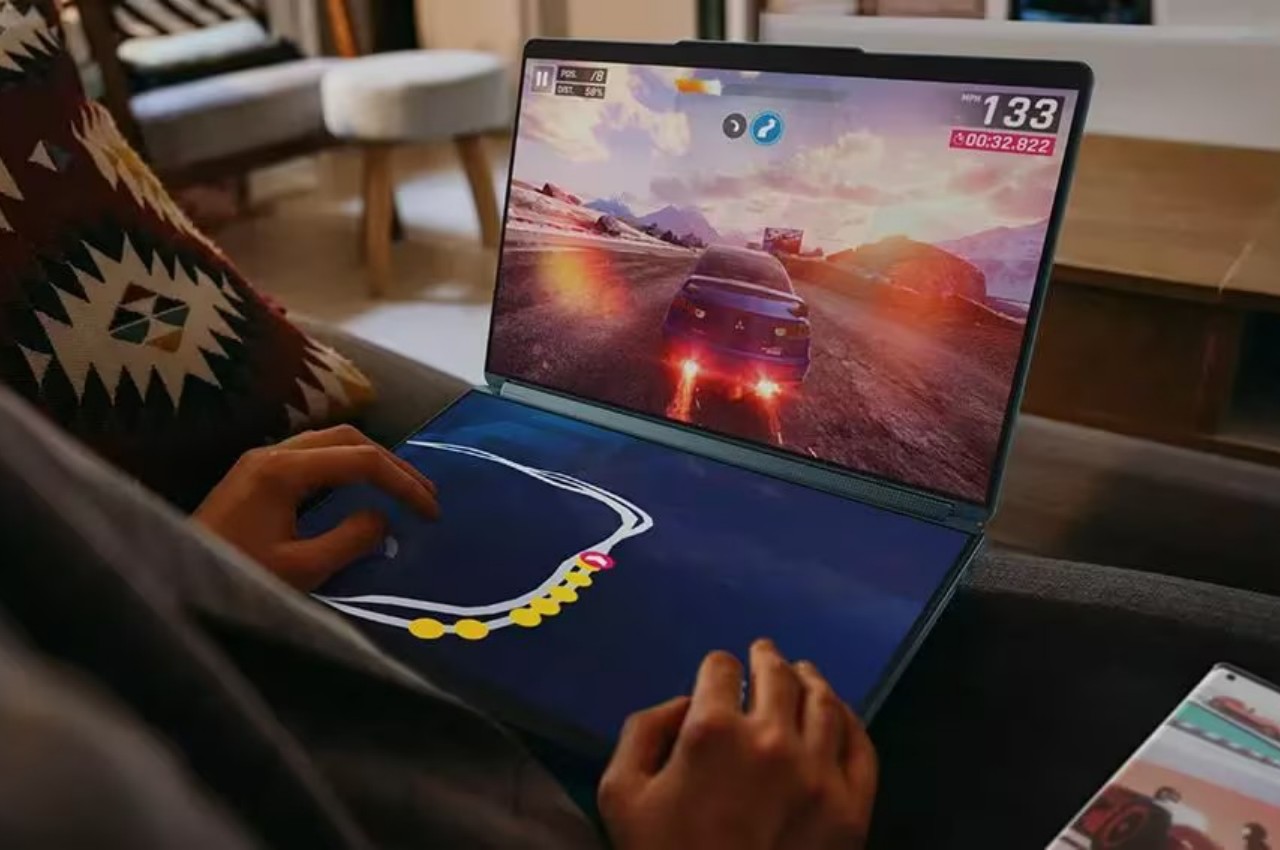
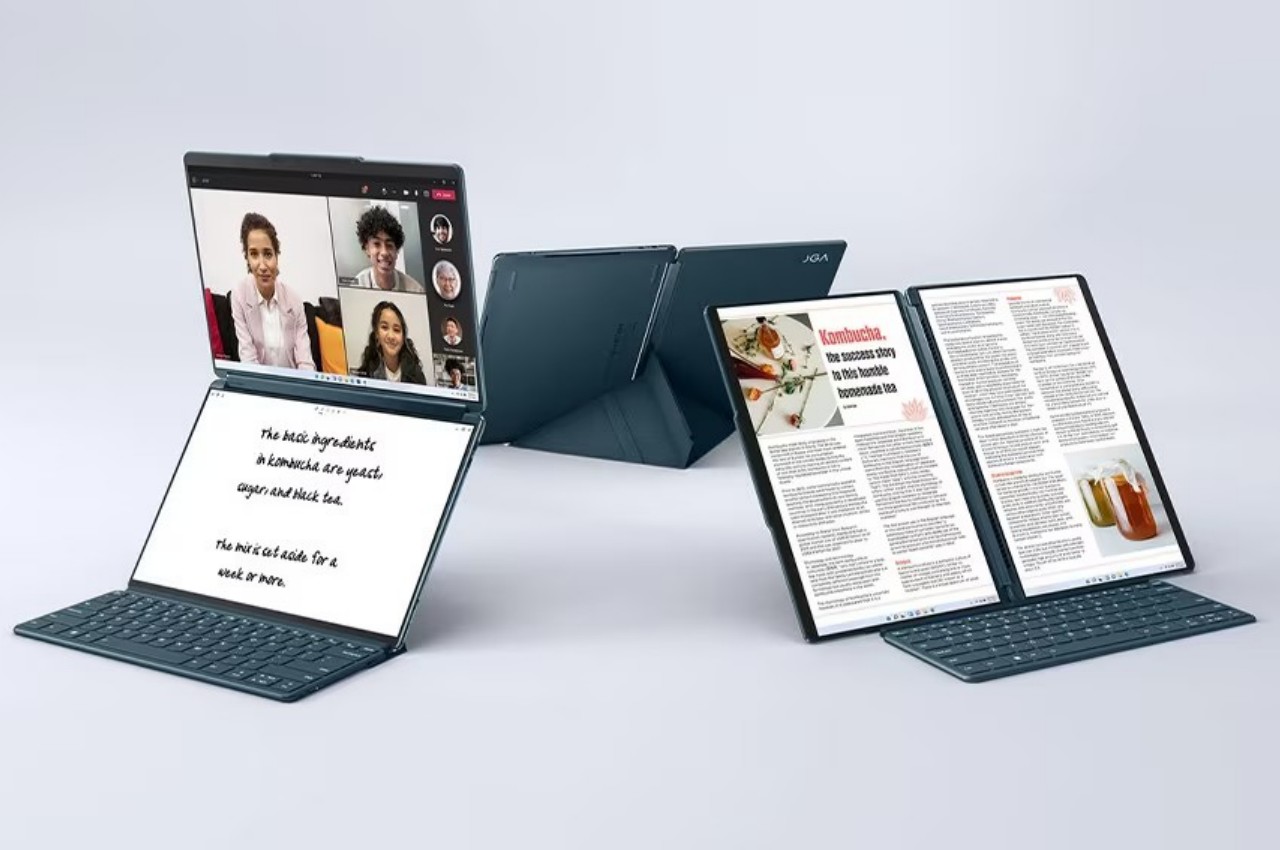
Lenovo Yoga Book 9i
Designer: Lenovo
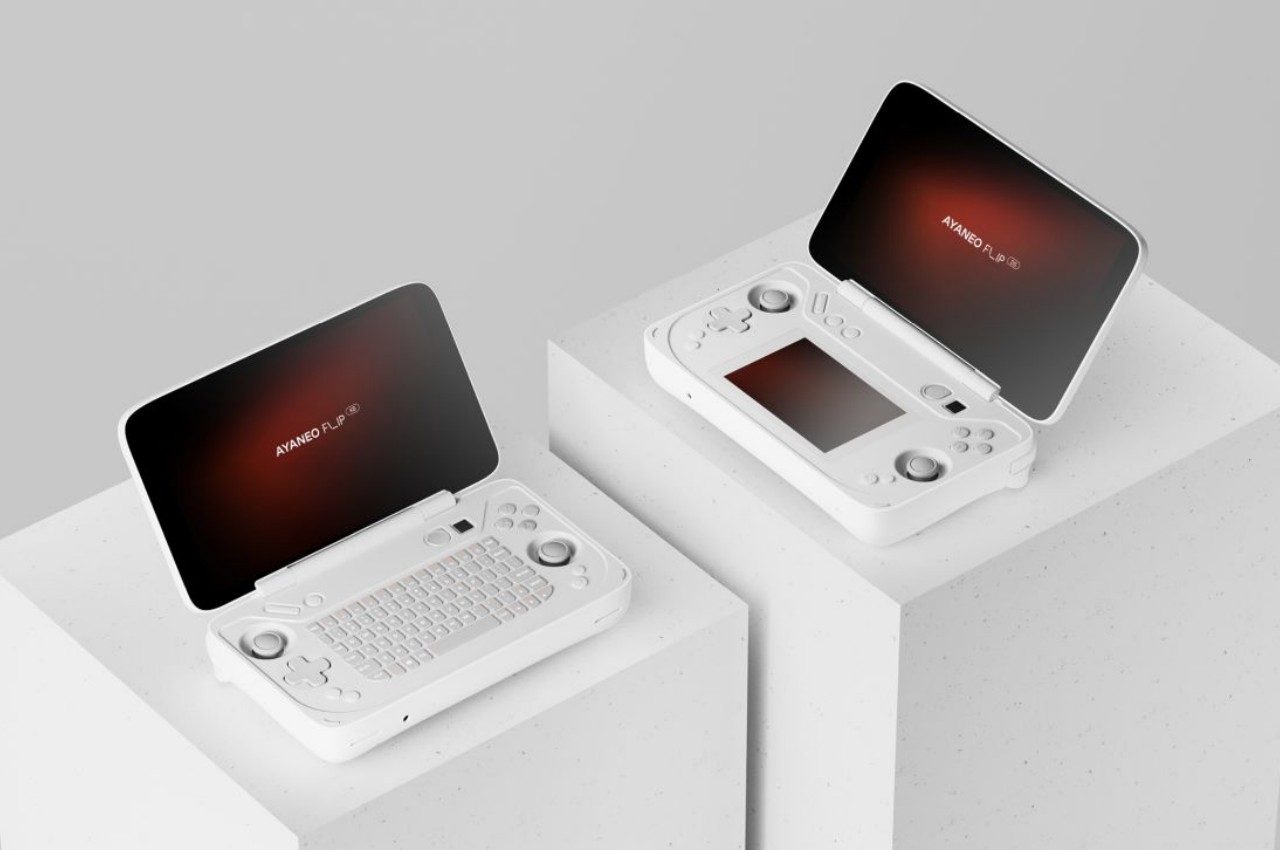
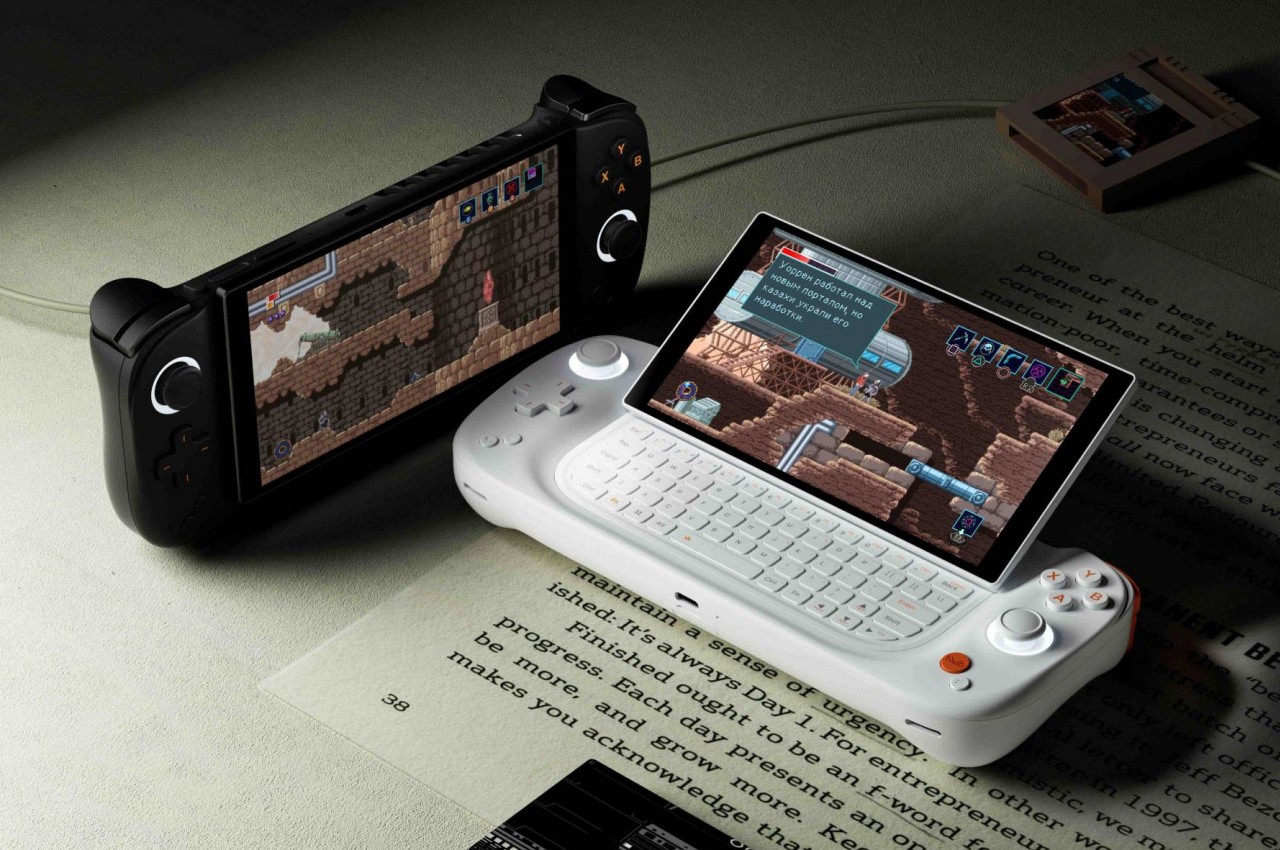
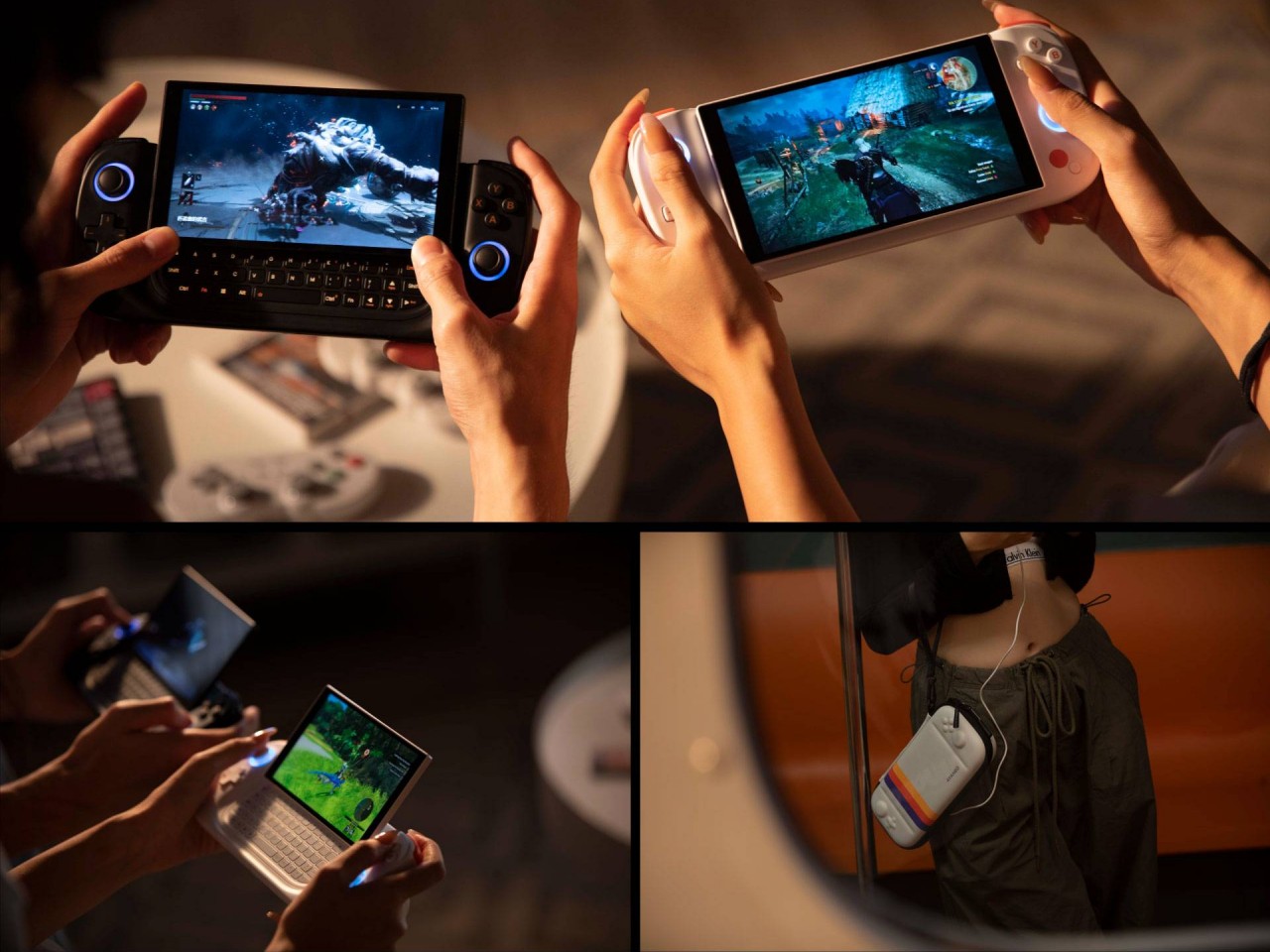
Once that has become the norm, however, it will be time to explore the possibilities that thinner, more compact, or smaller devices can bring. Imagine those handheld gaming PCs becoming thinner and smaller, almost down to tablet or even phone sizes. Admittedly, being able to play just about any PC game is going to be tricky today, but that’s not going to be the case in the future.
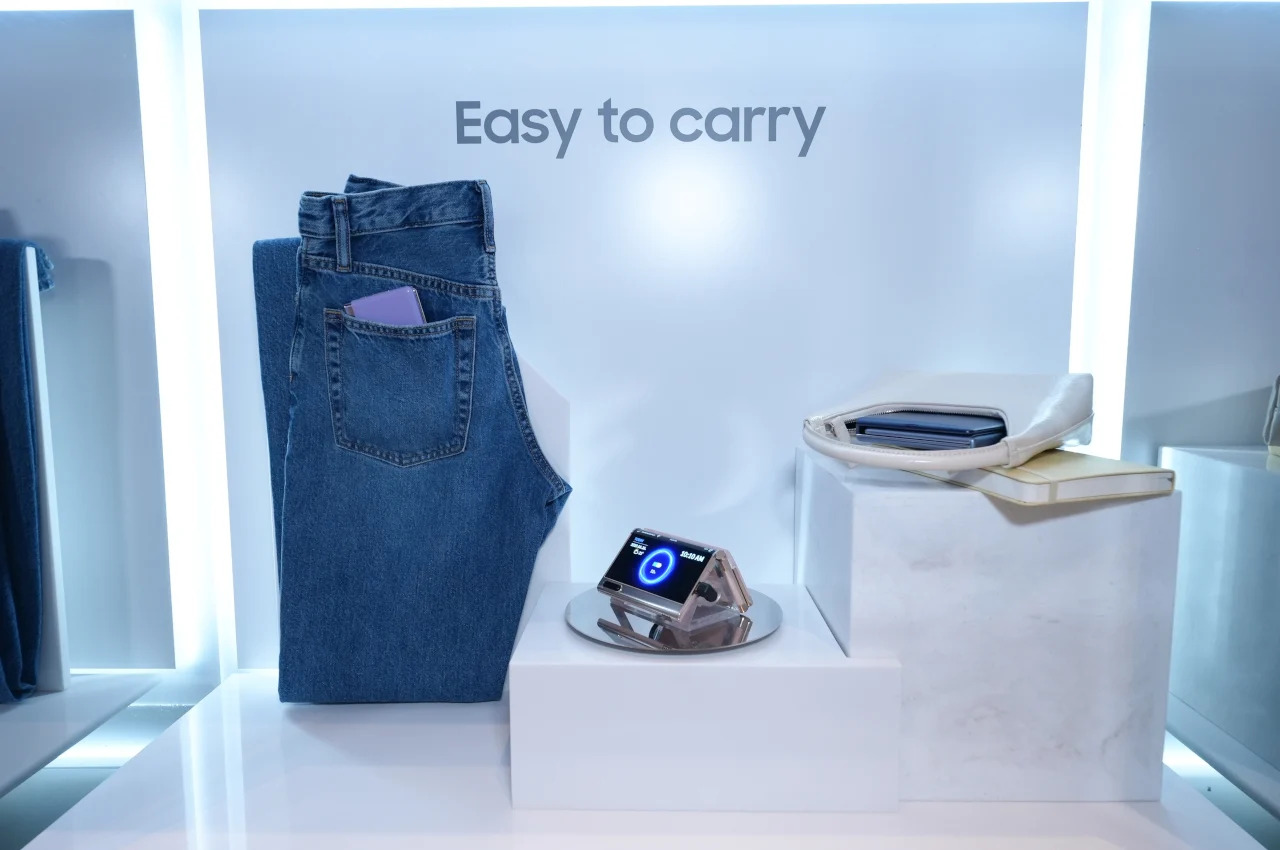
And then there are the current novelties like laptops with two screens or foldable displays, designs that have to sacrifice performance for the sake of super thin bodies. It hasn’t arrived yet, but a rollable screen might even become a thing for computers. In other words, Windows on ARM would enable all these forms beyond desktop towers and laptops to become possible without sacrificing too much performance. We seem to be heading in that direction already, but hardware is only half the battle.
Uphill Battle
No matter how powerful ARM chips are, enough to smoothly run Windows, all of that will fall on deaf ears if Windows on ARM isn’t able to support as much as 80% of regular Windows software, including games and especially content creation tools. That was what killed the Surface RT and Surface 2, after all, and things have improved considerably but not yet to most PC users’ satisfaction. One of the available solutions right now is emulation, like making the software or game think it’s running on an Intel/AMD computer, but that incurs penalties in performance.
AYANEO Flip DS
AYANEO Slide
Designer: AYANEO
There are also obstacles to be overcome on the hardware side. As strange as it might sound, PCs are a somewhat open ecosystem when it comes to the variety of things you can plug into a computer and have them working automatically. You lose some of that with Windows on ARM because of compatibility issues, and that might prevent less popular but heavily used peripherals from working, at least not at first. Unfortunately, that might be a huge deal breaker, especially for those who have already invested in devices for their workflow.
Designer: Qualcomm
Final Thoughts
Qualcomm’s announcement of the Snapdragon X Plus and Elite tried to preempt Apple’s new M4 chip and iPad Pros. Apple’s venture into the ARM world is both a boon and a bane for the likes of Qualcomm as it demonstrates what’s possible. But even Apple has remained within the boundaries of traditional devices like a tablet and a laptop. Not surprising for a company that is very meticulous and careful about the design of its products.
Designer: Apple
The Windows world, however, is a bit more daring thanks to the diversity of people involved. Unconventional and sometimes impractical designs pop up once in a while, but they’re all hampered by the limitations of hardware that’s commonly available for PCs. Windows on ARM isn’t new and it still has a long way to go to confidently match what Intel, AMD, and now Apple are selling, but stakeholders in the PC industry should probably consider rallying behind this if they want to breathe new life into the stagnating PC market.
Uninstalling applications on a Mac can vary in complexity depending on the source and type of the app. Whether you aim to free up space, tidy up your system, or simply get rid of software you no longer use, knowing the most effective method to manage apps on your Mac is crucial. This guide provides […]
When mobile flexibility and efficiency are paramount, having access to a professional grade laptop is more than just a luxury—it’s a necessity. As remote work and collaborative projects become increasingly common, professionals require devices that can keep pace with their demanding workloads while providing the reliability and security needed to maintain productivity. This is where […]
Deciding on the perfect MacBook for your needs in 2024 can seem daunting with the variety of options available. Whether you’re budget-conscious or seeking top-tier performance, understanding the differences in pricing, features, and capabilities of each model will guide you to make an informed choice. Here’s a detailed walkthrough of the updated MacBook lineup, including […]
In the highly competitive world of high-performance processors, two notable contenders have emerged: the Qualcomm Snapdragon X Plus and the Apple M3. These innovative processors are designed to deliver exceptional performance, energy efficiency, and advanced features to meet the demanding needs of modern computing devices. This in-depth comparison explores the design philosophies, performance metrics, and […]
As artificial intelligence (AI) continues to transform industries across the globe, the need for powerful, portable computing devices capable of handling AI-intensive tasks has never been greater. AI-ready mobile workstations, such as Lenovo’s newly unveiled ThinkPad P series, are leading the charge in this technological revolution. Lenovo ThinkPad P1 Gen 7 Here are some other […]
As you embark on the journey of purchasing a new MacBook in 2024, you’ll find yourself navigating through Apple’s diverse range of models, each designed to cater to specific needs and budgets. From the budget-friendly M2 MacBook, starting at a modest £999, to the premium M3 MacBook Pros, which can surpass £7,000, Apple ensures that […]