Triple screen setups are widely considered the socially acceptable limit to a multi-screen setup. Take your laptop, add a screen to the left, one to the right, and you have a panoramic multi-display array for effortless multitasking. The reason 3 displays is widely considered the agreeable upper limit, is because a fourth display does two things. It makes your setup more linear, requiring you to strain your neck looking from left to right. It also means having a table that long to accommodate the many displays.
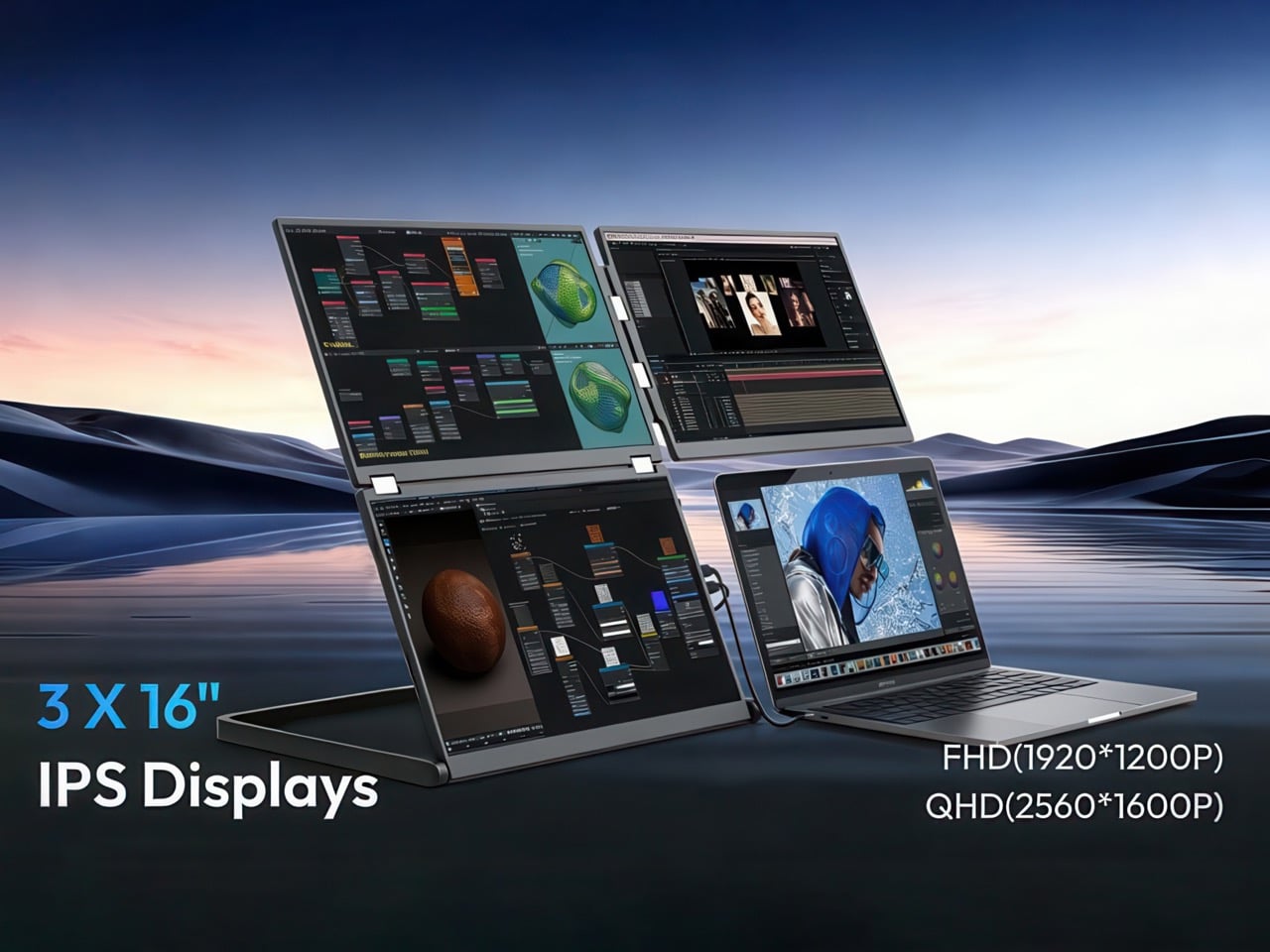
The obvious answer to people looking to push things to a quad-display setup is to go for a 2×2 layout. Yes, that works with a bit of planning. Mount some monitors on the wall, keep enough space to place your laptop somewhere, and you’re good to go. This system is maximalist, but until now it wasn’t portable. NexFold decided that needed to change, with the first ever inverted L-shaped triple-display external monitor, the Fold 7. As the previous sentence explains, this monitor array forms an inverted L, leaving a bottom quadrant empty for your laptop, giving you the 2×2 quad-display setup you crave. The best part, the Fold 7 collapses down to the shape and size of a 16″ laptop, and can be carried around with you.
Designer: NexFold
Click Here to Buy Now: $649 $1099 (41% off) Hurry! Only 80 of 200 left.
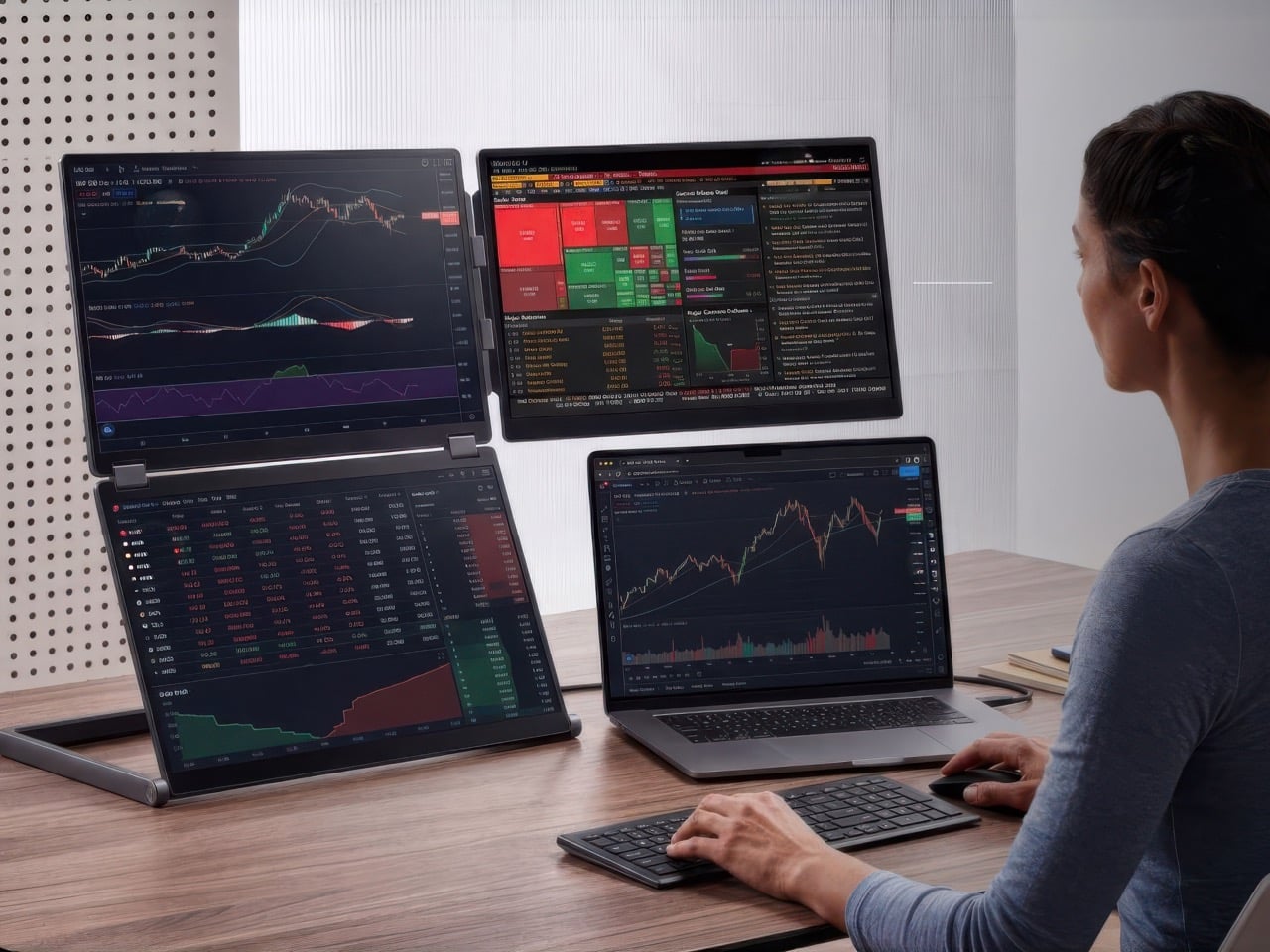
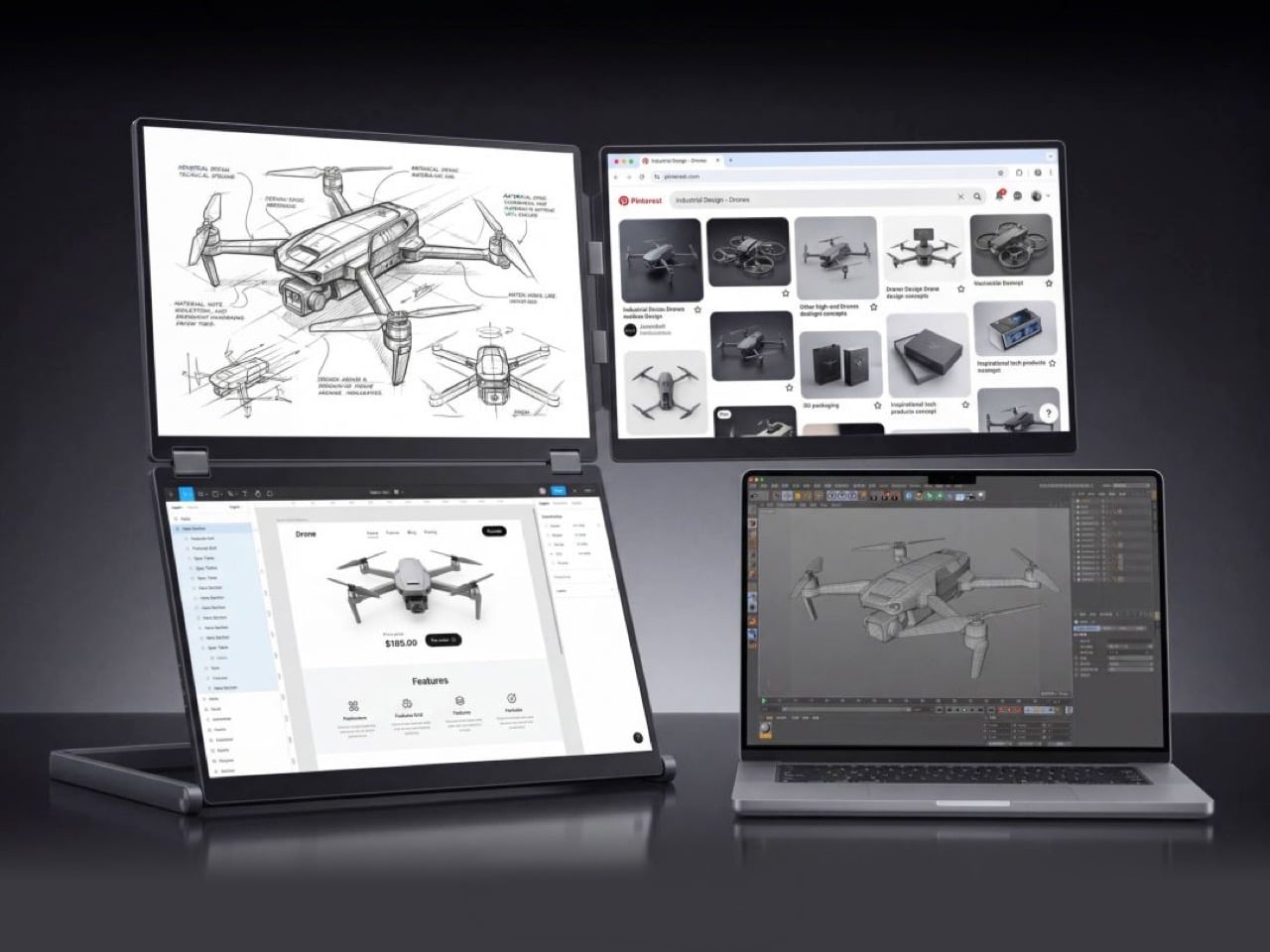
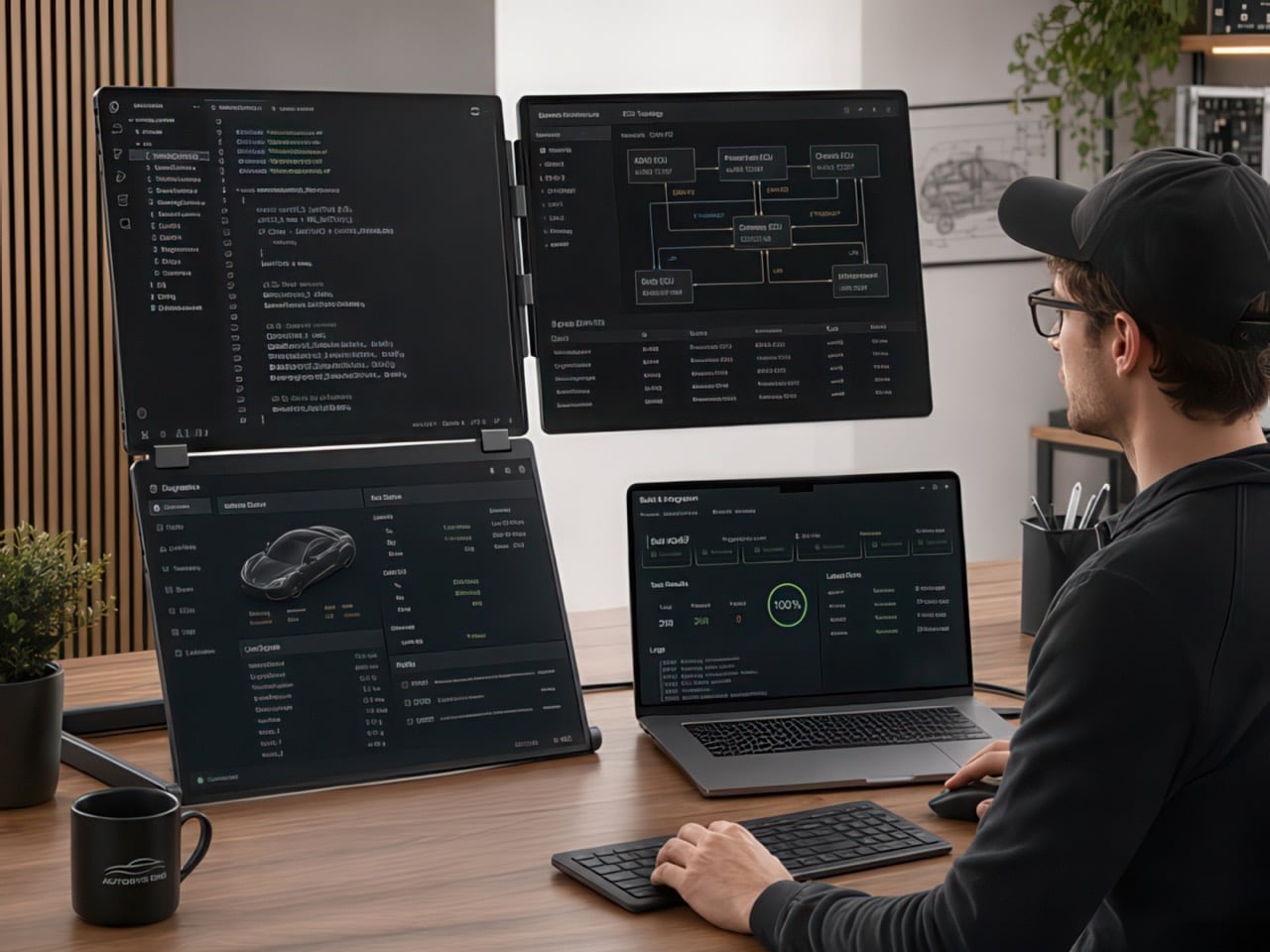
The three panels that make up the Fold 7 each measure 16″ and use a 16:10 aspect ratio rather than the standard 16:9. That extra vertical height translates directly into more visible lines of code, longer documents without scrolling, and taller browser windows. All three screens use IPS panels with 100% sRGB coverage and viewing angles rated at 85° both vertically and horizontally. The layout arranges two screens vertically on the left side, stacked one above the other, while a single screen extends horizontally along the top right. Your laptop fills the fourth quadrant at the bottom right, staying within your natural line of sight while the auxiliary panels wrap around it.

NexFold offers two resolution options depending on how you work. The FHD version runs at 1920 x 1200 per panel and hits 300 nits of brightness, aimed at general productivity users, remote workers, and anyone who values sharpness and clarity for writing, browsing, video calls, and everyday multitasking. The QHD version steps up to 2560 x 1600 per panel with 500 nits of peak brightness, targeting developers, designers, and power users who work with dense information, need pixel-accurate detail, or spend long hours staring at code, design tools, spreadsheets, and data dashboards. Both versions refresh at 60 Hz and weigh in at 3.1 kg. or 6.83lb.
Connection flexibility is paramount when you’re trying to run three external displays off a laptop, with the Fold 7 supporting two primary modes – Mode 1 uses a single USB-C cable with DisplayPort Alt Mode and 65W power delivery, lighting up all three screens if your laptop has a full-function USB-C port and you install drivers. Mode 2 combines USB-A with mini HDMI, designed for older laptops that lack modern USB-C video output. NexFold recently added a driver-free FHD variant that works plug-and-play, though that version currently supports Windows only. Each screen can also connect individually via mini HDMI if you need to mix and match devices or run the Fold 7 with a MacBook and an iPad simultaneously.

The hinge system uses adjustable clips to grip laptops ranging from 13 inches to 18.5 inches, with a built-in kickstand that props the entire structure upright. Setup involves snapping the clips onto your laptop’s lid, unfolding the panels, and plugging in the cables. The whole thing folds flat when you’re done, collapsing into a form factor roughly the size and shape of a 16-inch laptop, slim enough to slide into a backpack or laptop bag. At 3.1 kg it sits well above the weight of a typical single portable monitor, but that mass distributes across three full-size displays and the aluminum frame that holds the entire setup rock-solid.
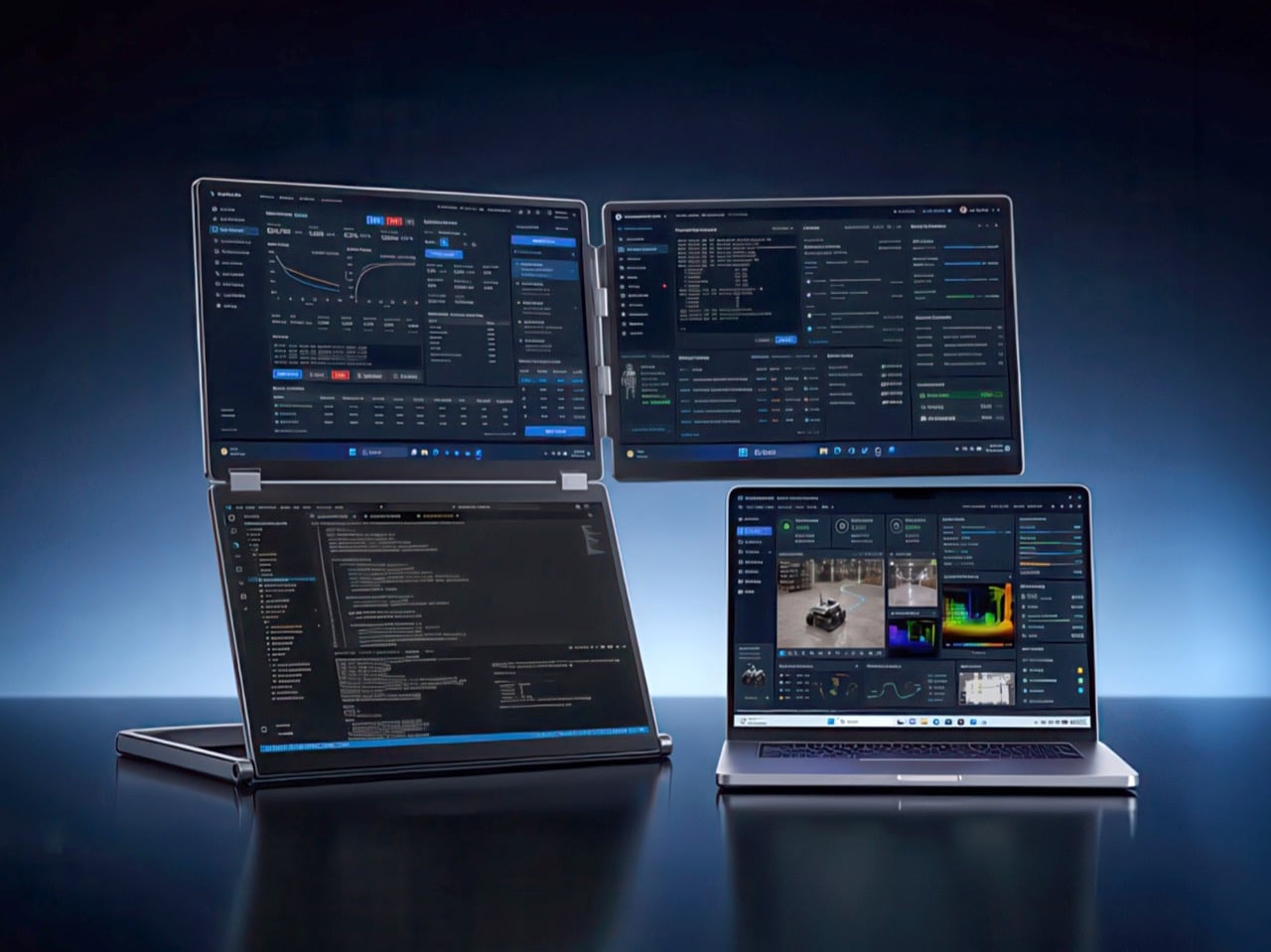
NexFold touts 60% less neck movement and 40% faster task switching compared with a conventional horizontal triple-monitor arrangement, figures rooted in the inverted-L geometry keeping more content within a tighter visual cone. Developers can run a code editor and terminal in the vertical stack on the left while keeping browser tabs and Slack in the horizontal panel on the right. Designers working in Figma or Photoshop can dedicate the vertical screens to canvas and layers while keeping reference images, email, and project management tools in the top-right quadrant. Financial analysts monitoring live data streams can stack charts vertically and keep news feeds or communication tools horizontal. The laptop remains the anchor point for input and primary interaction.
Compatibility spans Windows, macOS, Linux, and ChromeOS, with the caveat that driver requirements vary by connection method and operating system. The Fold 7 works with nearly any laptop that has USB-C or HDMI output, though full three-screen functionality depends on your machine supporting DisplayPort Alt Mode or multiple display outputs. The company includes a USB-C to USB-C cable, a USB-A to USB-C cable, an HDMI to mini HDMI cable, and a power adapter in the box. Physical controls sit along the side of the unit, including a menu button, power key, and directional inputs for adjusting brightness, contrast, and per-screen settings.
The Fold 7 FHD starts at $649 for the first 200 backers (41% off the eventual $1,099 retail price). The QHD model follows a similar structure at $799, discounted 43% from retail pricing of $1,399. Both models come in silver or black finishes. Add-ons include a $29 protection sleeve and a $20 wool felt sleeve. NexFold backs the hardware with a 2-year manufacturer warranty covering defects, though accidental damage falls outside that coverage. Shipping begins in September 2026 and covers North America, Europe, Asia, and Oceania.
Click Here to Buy Now: $649 $1099 (41% off) Hurry! Only 80 of 200 left.
The post Portable L-Shaped Triple Screen Monitor turns your laptop setup into a 2×2 command center first appeared on Yanko Design.