The Samsung Galaxy Watch Ultra is a feature-rich smartwatch that offers a wide array of advanced functionalities to enhance your daily life. By exploring the hidden tips and tricks outlined in this guide, you can maximize the use of your Galaxy Watch Ultra and take advantage of its powerful capabilities. From gesture controls and customization […]
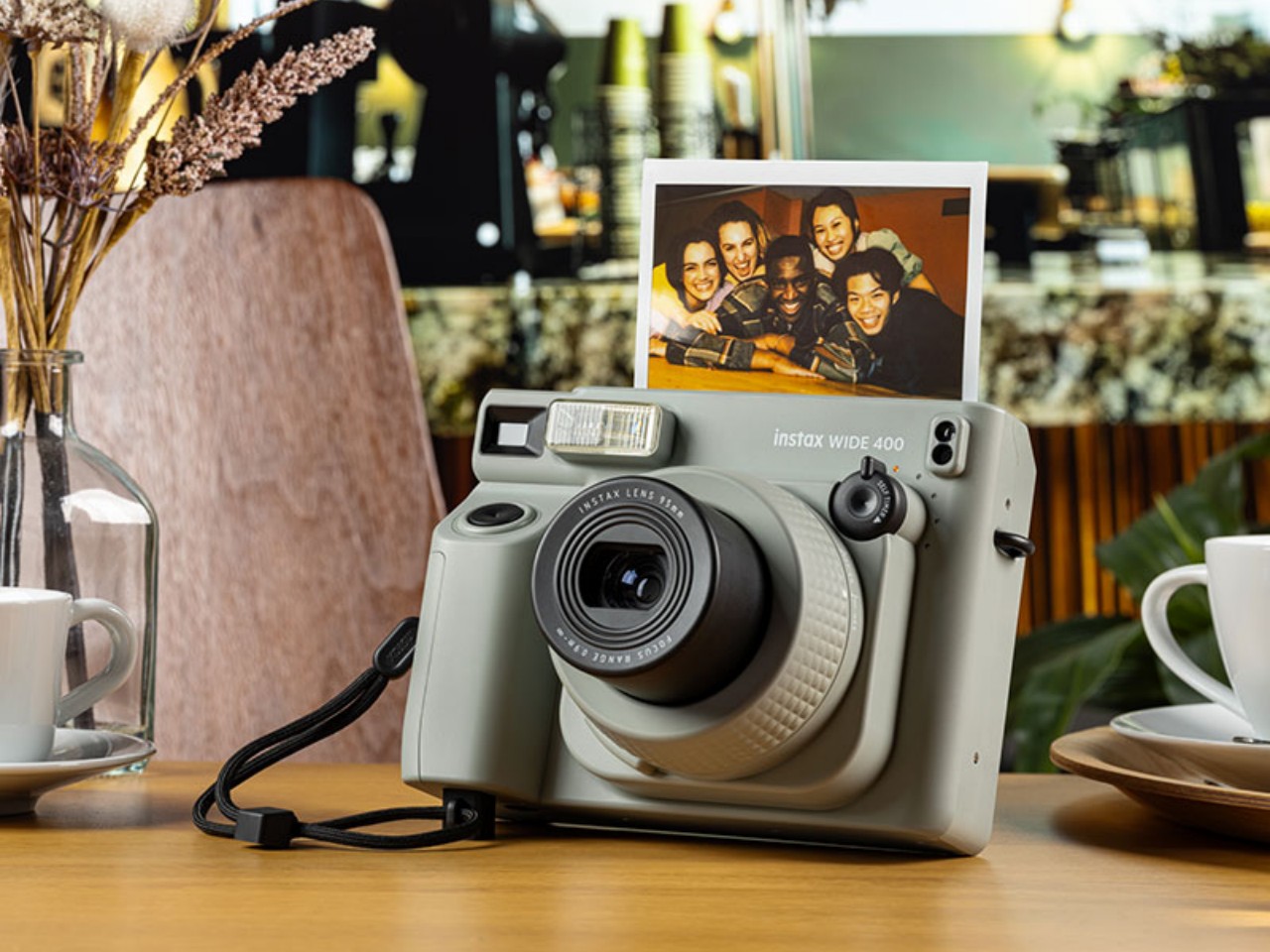
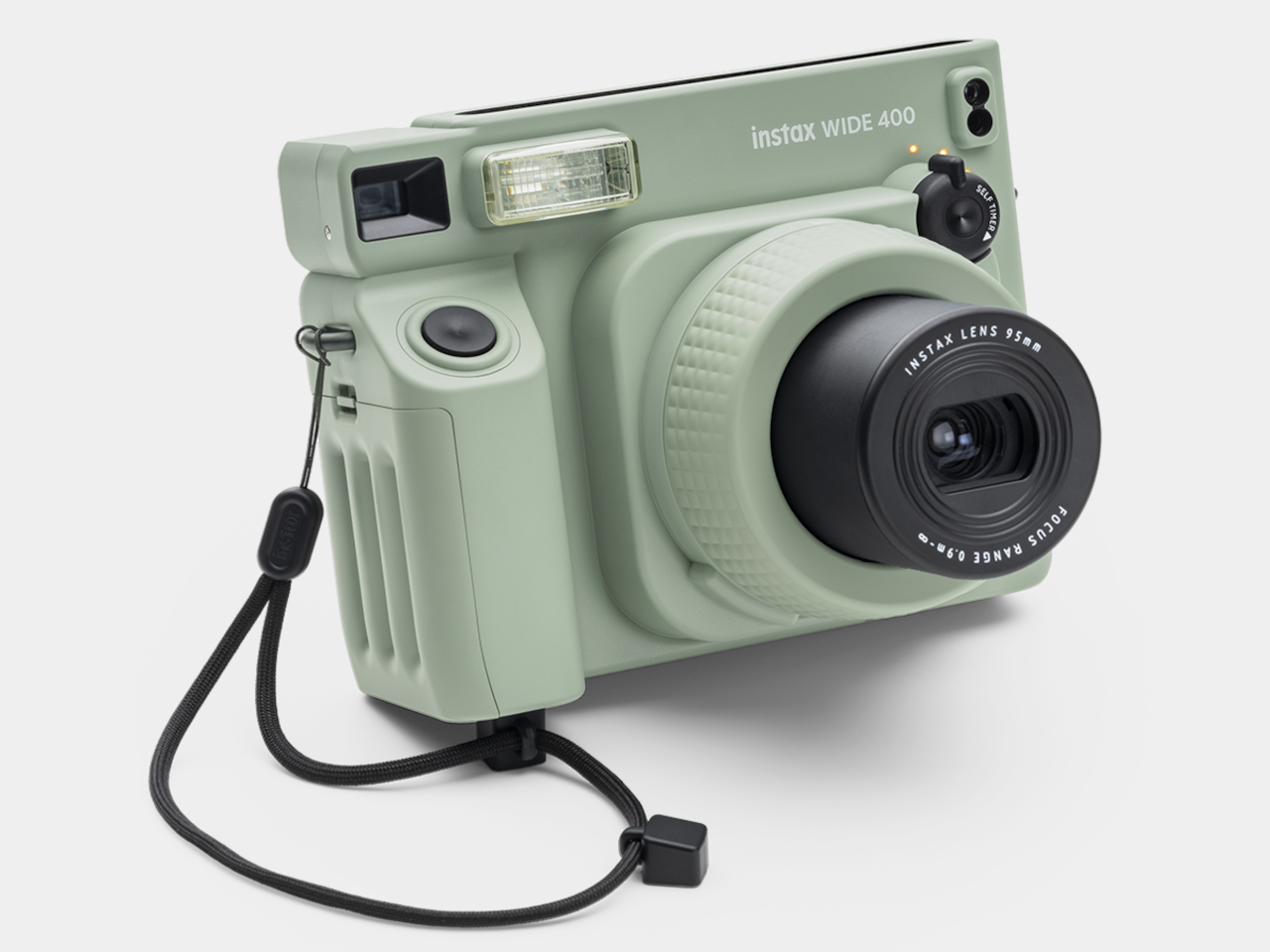
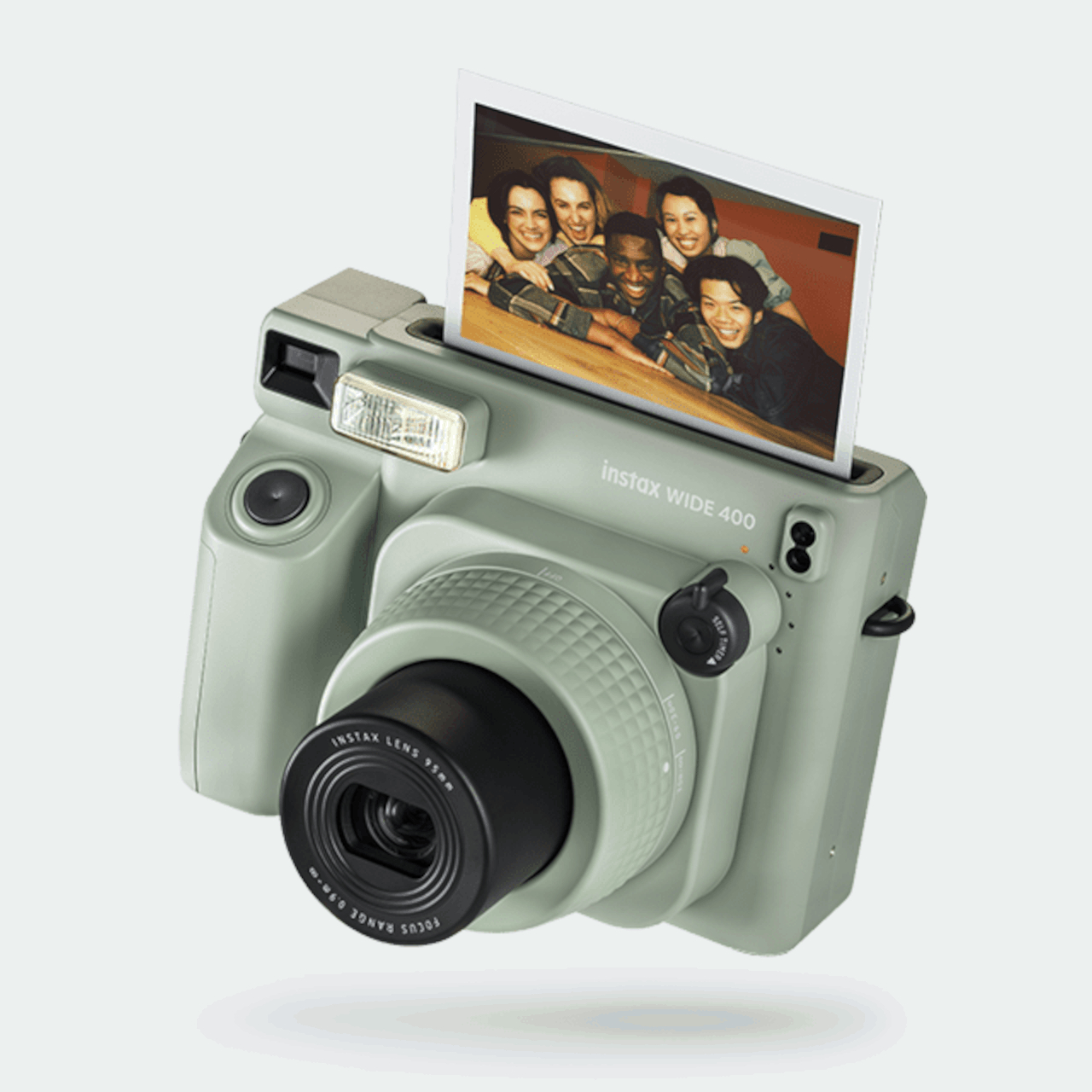
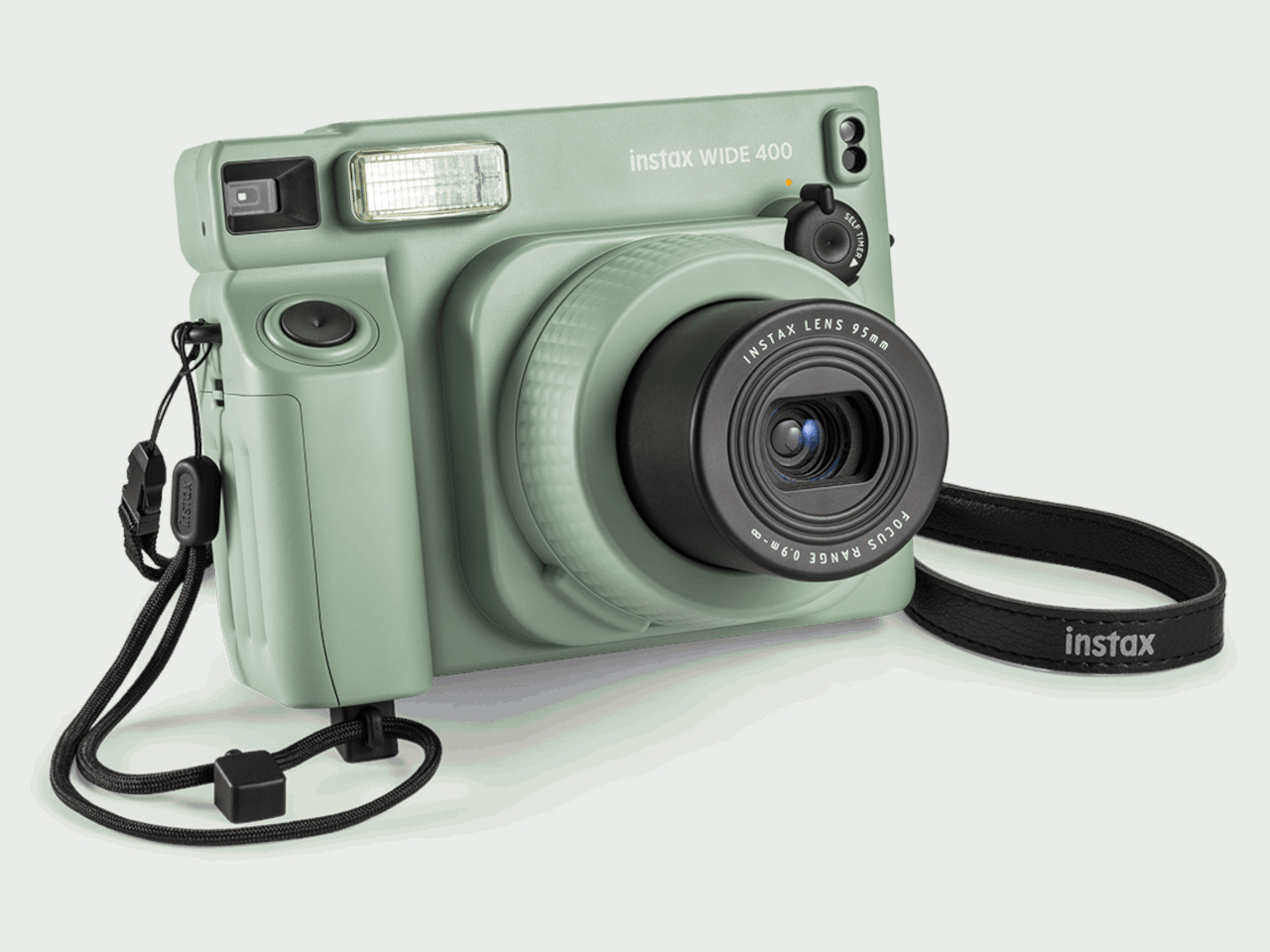
Even with the growing power of smartphone cameras, the discrete camera market hasn’t yet folded as many once prophesied. Professional cameras like DSLRs are still unmatched in power and flexibility, while the retro and nostalgia craze has actually carved a niche for Polaroid-style instant cameras. The most popular format for the latter is small vertical cards that fans love sharing or sticking on walls and fridge doors, but those square-shaped photos (not including the wide white borders) don’t exactly have enough room for everyone or everything you might want to capture. For that, you’ll need a wider picture format, almost like the stereotypical 4×6, which is something that Fujifilm’s latest INSTAX design is offering, allowing you to snap and share those once-in-a-lifetime moments with more friends.
Designer: Fujifilm
There’s just something about these instant cameras that tickle people’s fancies, regardless of whether they lived through the age of Polaroids or not. Rather than being seen as a weakness, the lack of digital features and the limits of printed photos actually add to the charm of the experience. It makes each moment even more ephemeral and precious, which is why you’d want to include as many people or as much of the scene as you can.
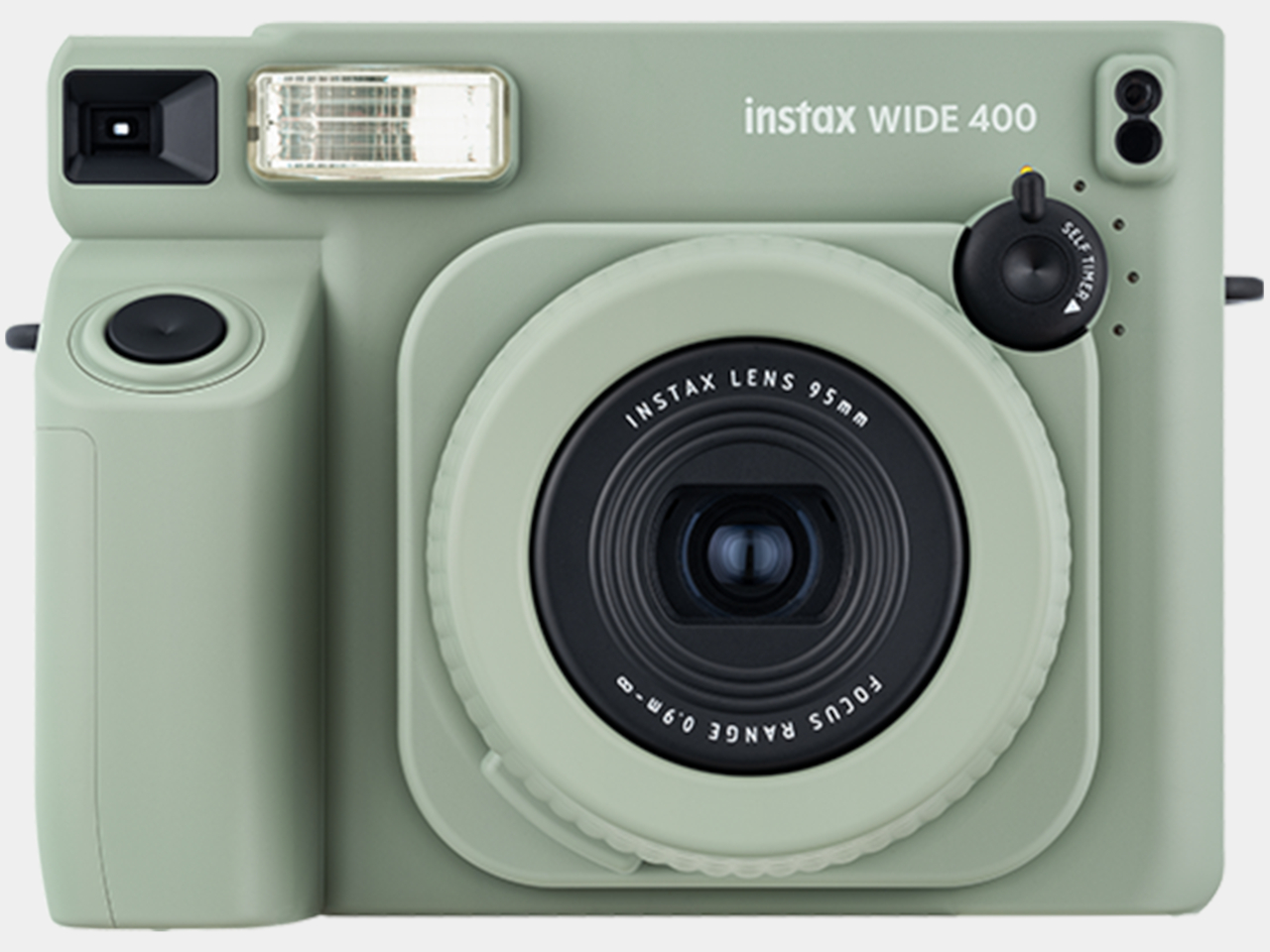
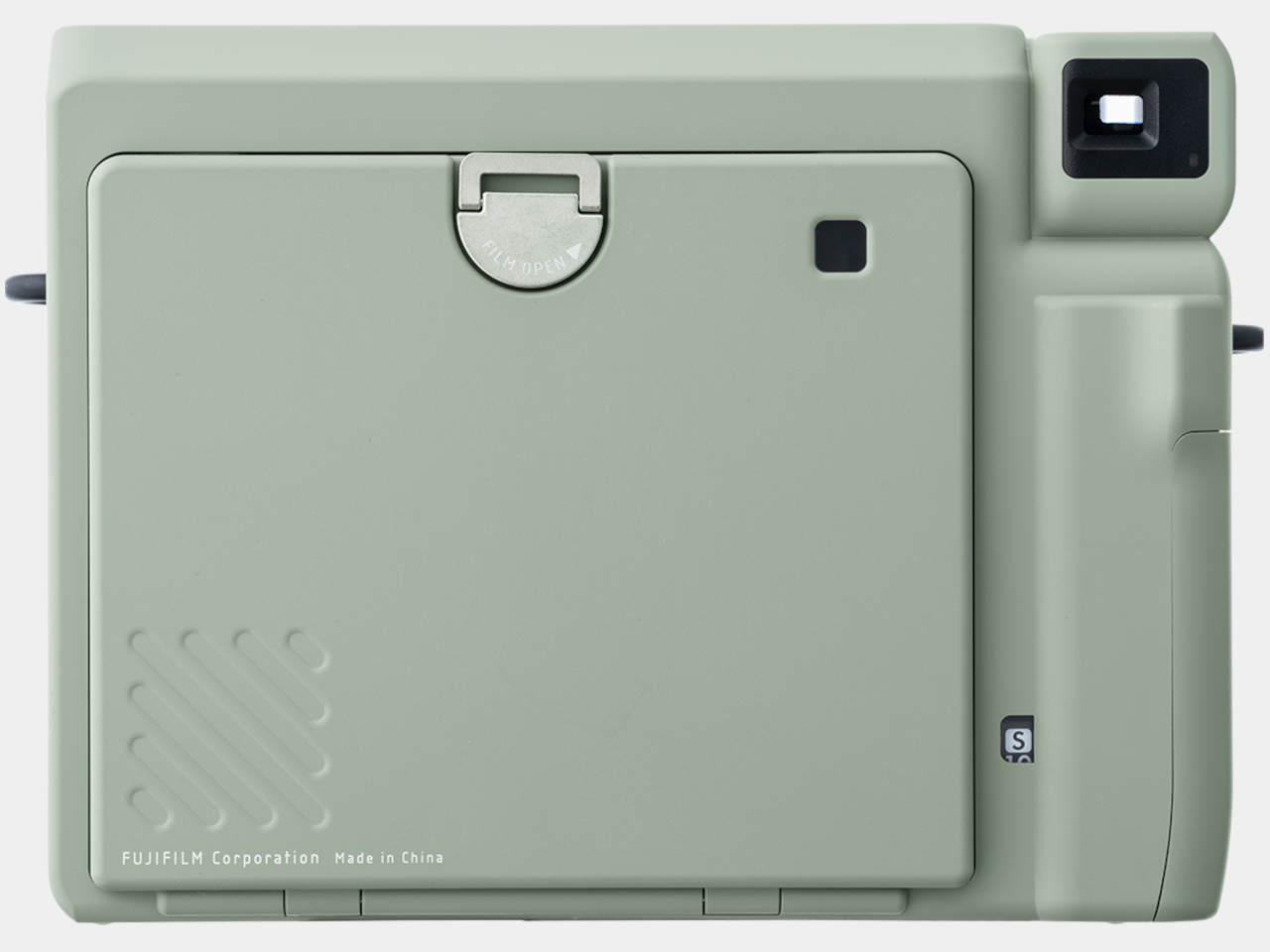
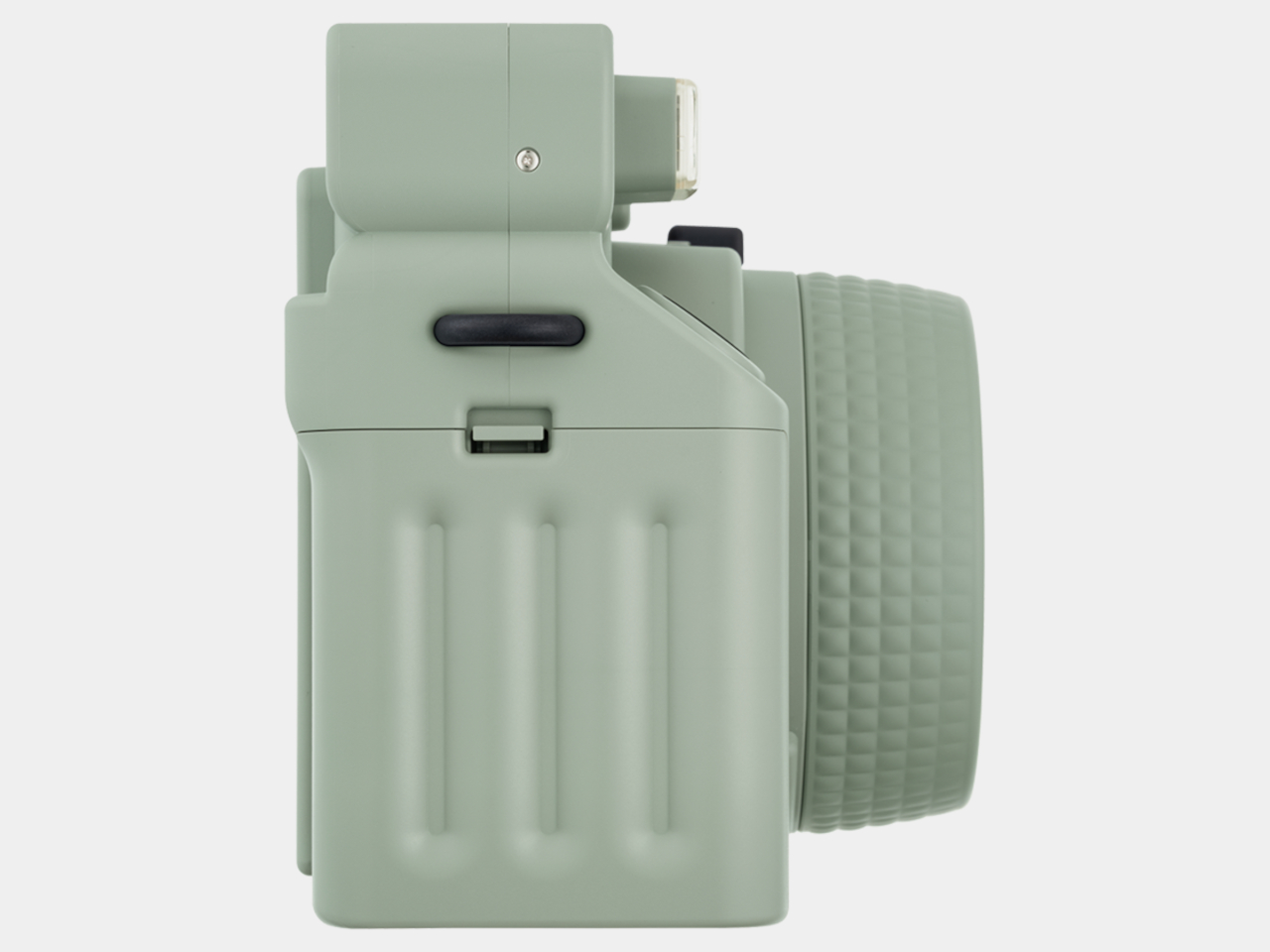
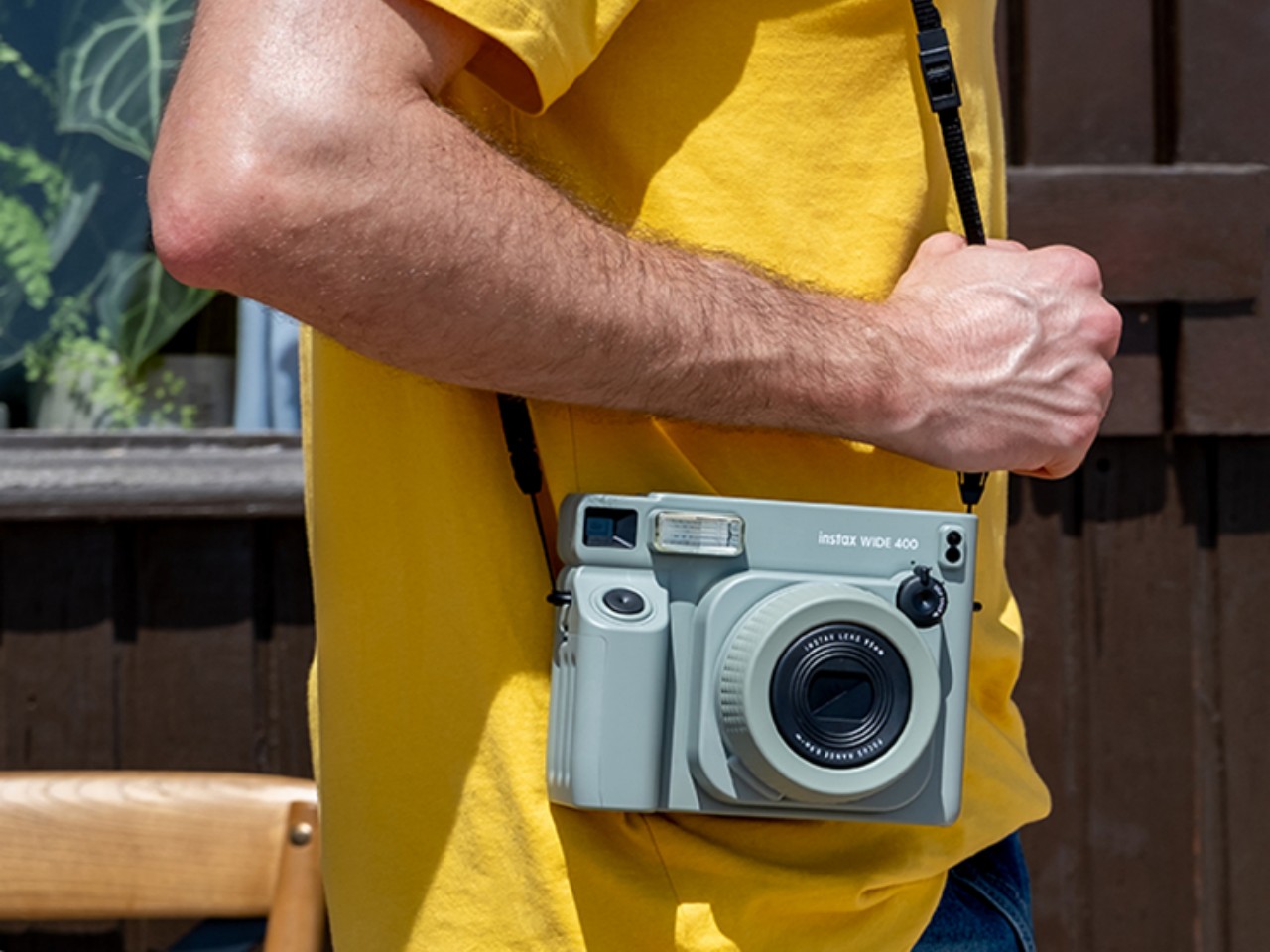
The INSTAX WIDE 400 provides that breathing room with its wide photo format, almost twice the size of regular INSTAX photos. That also makes the camera twice as large, as it needs to fit the cartridge holding the ink-free sheets of photo frames. That said, the camera is also designed for comfort despite its size and heft, and its traditional design makes it easy to grasp and hold even with a single hand.
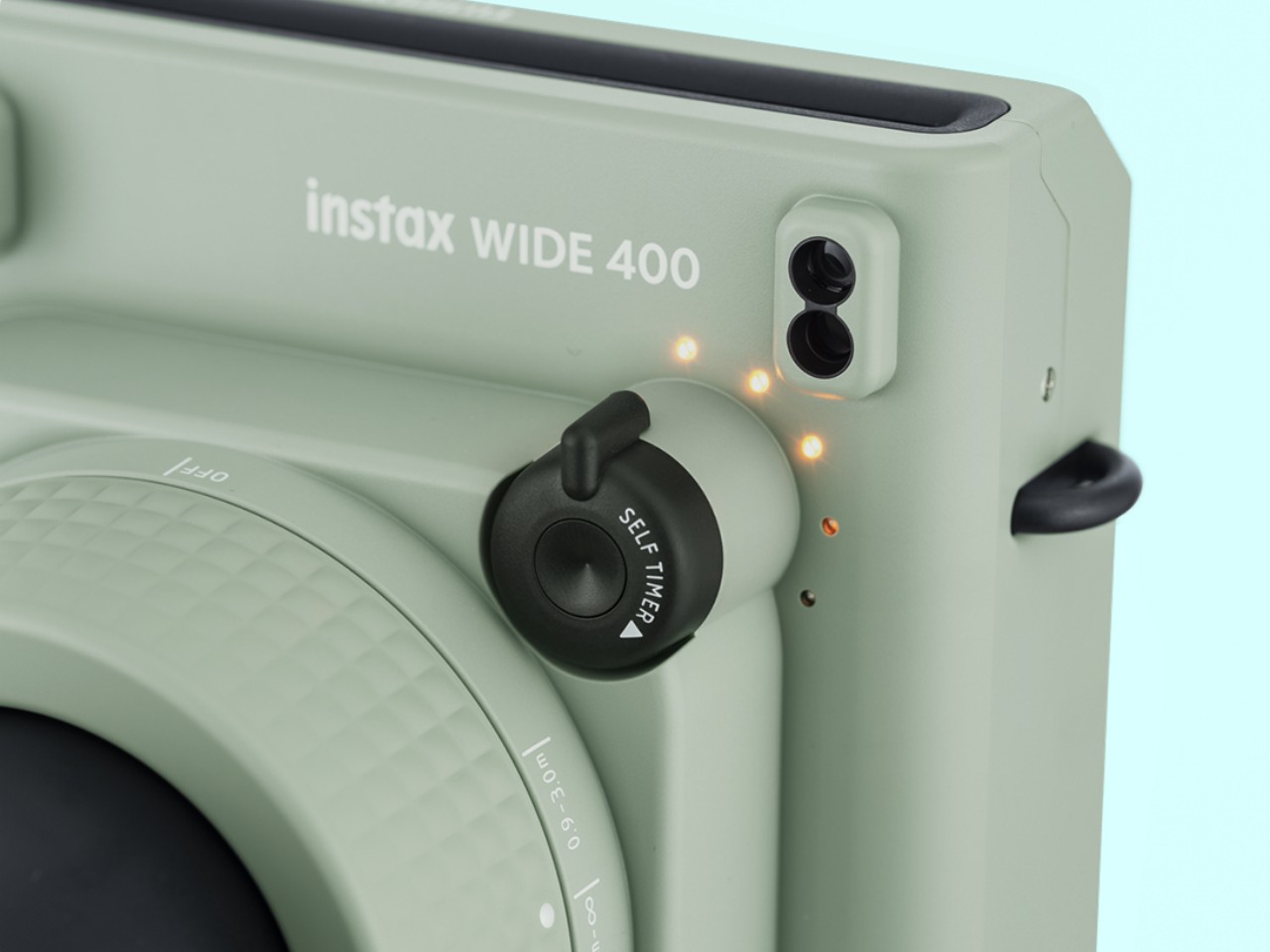
One of the biggest strengths of the INSTAX cameras is their extreme ease of use. Simply turn them on, which involves turning the central dial to the left, and you’re good to go. But since it was specifically designed for group photos, the INSTAX WIDE 400 has a unique feature that lets you turn a lever to set a timer for up to 10 seconds, giving you enough time to position yourself or prepare wacky poses. It doesn’t get simpler than that.
Admittedly, the INSTAX WIDE 400 is aimed at a very niche audience, but one that really digs this kind of experience enough to fork out around $150 for just the camera alone. That said, Fujifilm also knows it’s not everyone’s cup of tea, which is why it has a wide range of INSTAX products ranging from smaller instant cameras to portable photo printers that try to offer the best of both analog and digital worlds.
Mistol, a groundbreaking AI agent builder developed by a French startup, is transforming the way individuals and businesses create custom AI agents. What sets Mistol apart from other AI agent builders is its unique offering: the ability to build and deploy AI agents at no cost. This innovative platform democratizes access to advanced AI technology, […]
The release of iPadOS 18 brings a wealth of exciting features and enhancements designed to elevate your iPad experience to new heights. This comprehensive update seamlessly integrates the best of iOS 18 while introducing a range of innovative tools and improvements tailored specifically for the iPad. From enhanced security features to streamlined organization options, iPadOS […]
While iPhones are generally considered more secure than other smartphones, they are not entirely immune to viruses and malware. Although rare, iPhone infections can occur, and it’s essential to understand the potential risks and how to prevent them. This article explores the ways an iPhone can become infected, the signs of infection, and the steps […]
Discovering the right iPad apps can transform the way you work, create, and organize your life. This curated list features a diverse range of apps that offer unique and powerful functionalities to help you make the most of your iPad. From task management and note-taking to creative expression and remote access, these apps cater to […]
The Porsche 911 Turbo 50 Years anniversary model is a stunning tribute to five decades of automotive excellence. This exclusive edition combines the iconic design elements of historic 911 Turbo models with contemporary styling and innovative performance. Limited to just 1,974 units, this model pays homage to the year the first 911 Turbo was introduced, […]
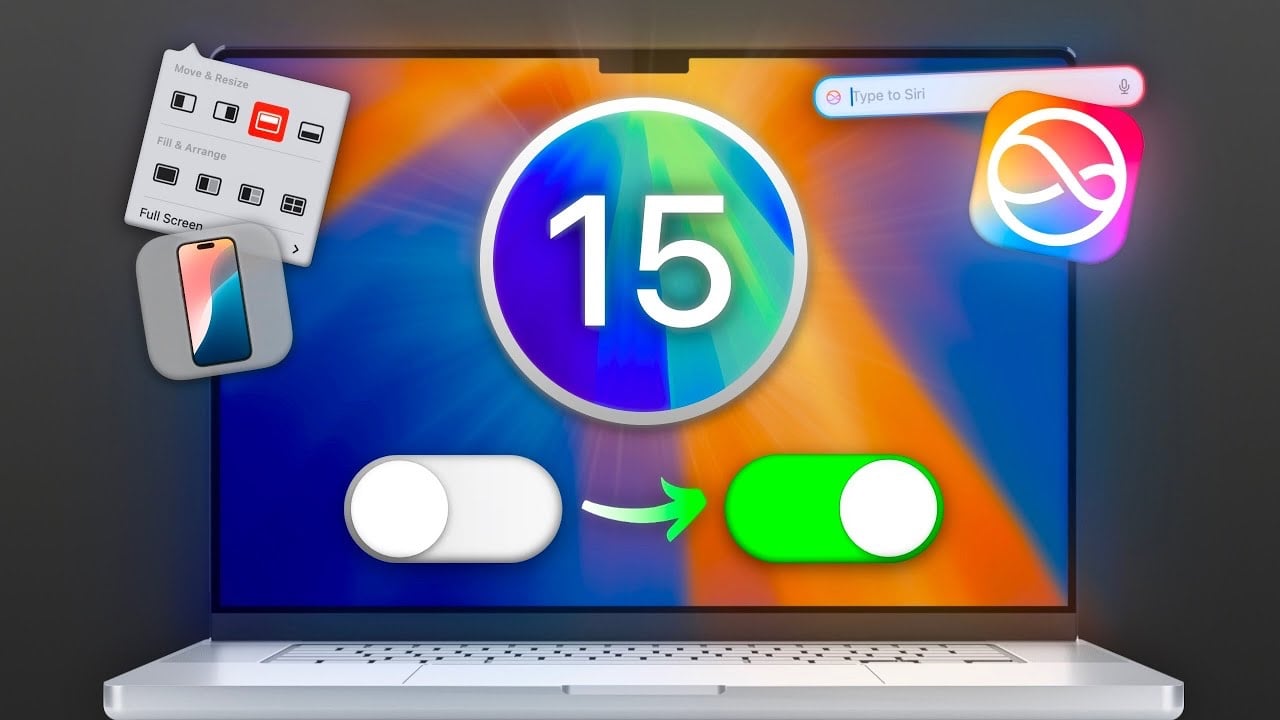
macOS Sequoia offers a wealth of features and customization options that can significantly improve your user experience and boost your productivity. Many of these settings are not enabled by default, but with a few simple tweaks, you can unlock the full potential of your Mac. In the video below, Mac Vince explores twelve essential settings […]
Personalizing your iPhone’s appearance with original Apple stock wallpapers is a simple yet effective way to make your device truly your own. These high-quality images, designed by Apple’s talented artists, can instantly transform the look and feel of your iPhone. In the video below, Daniel About Tech walks us through the process of accessing, downloading, […]