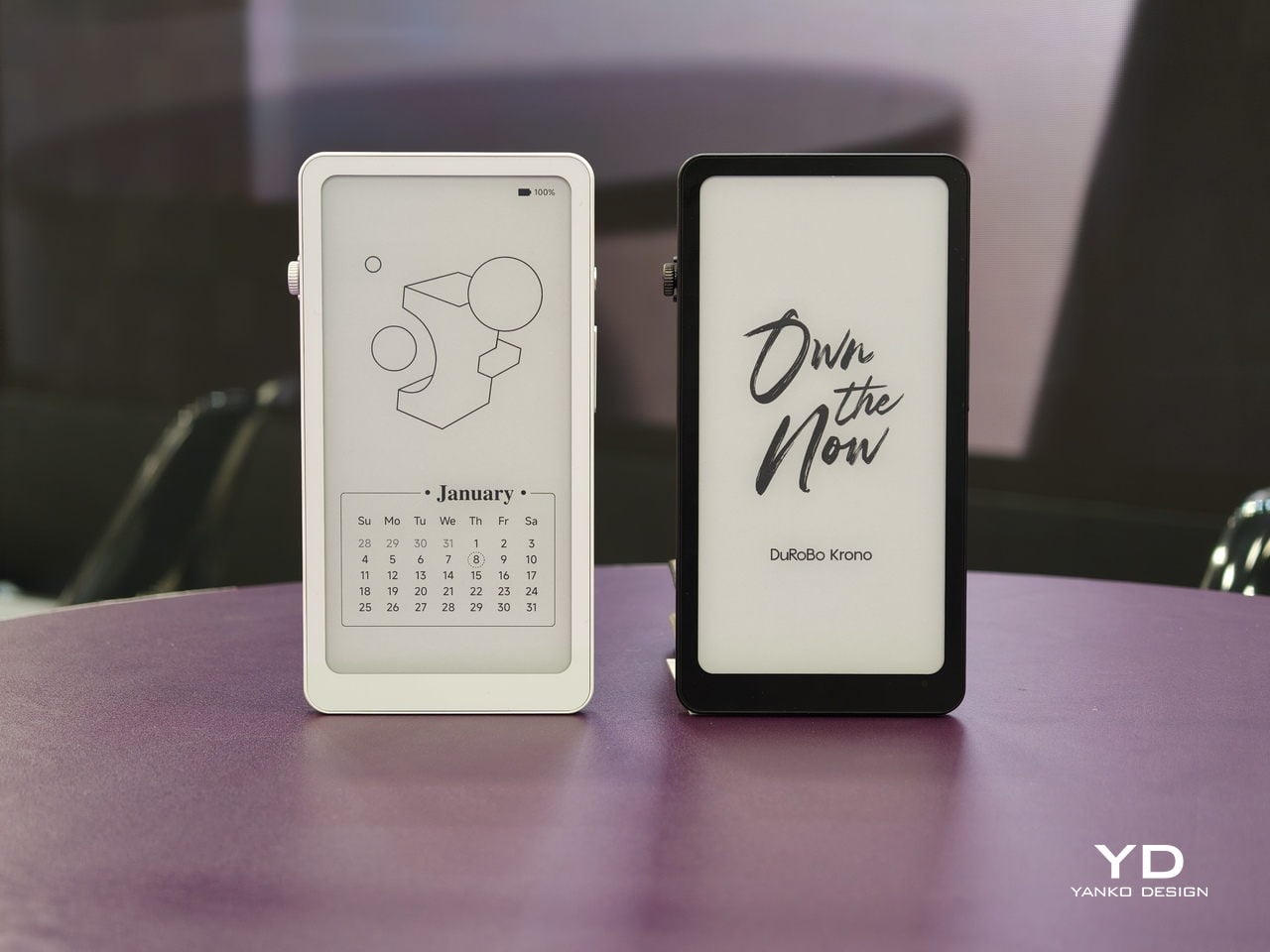
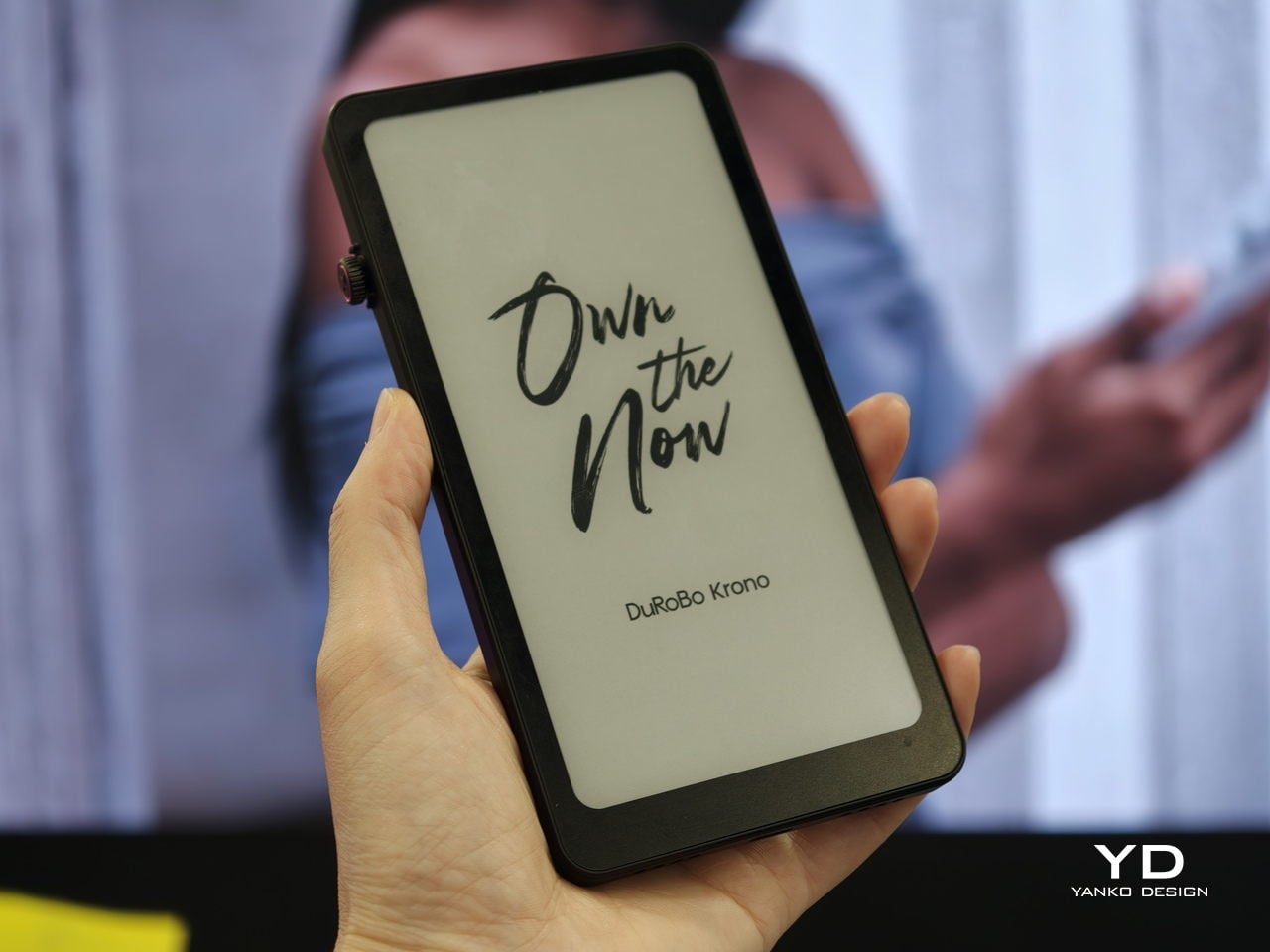
Trying to read or think on a phone never quite works. Notifications interrupt articles halfway through, feeds wait one swipe away from whatever you were concentrating on, and even long reads become just another tab competing for attention. E‑readers tried to solve this, but most stopped at books and stayed locked into one ecosystem. DuRoBo, a Dutch e‑paper specialist, is bringing Krono to CES 2026 in Las Vegas with a different ambition, treating focus, reflection, and idea capture as equally important.
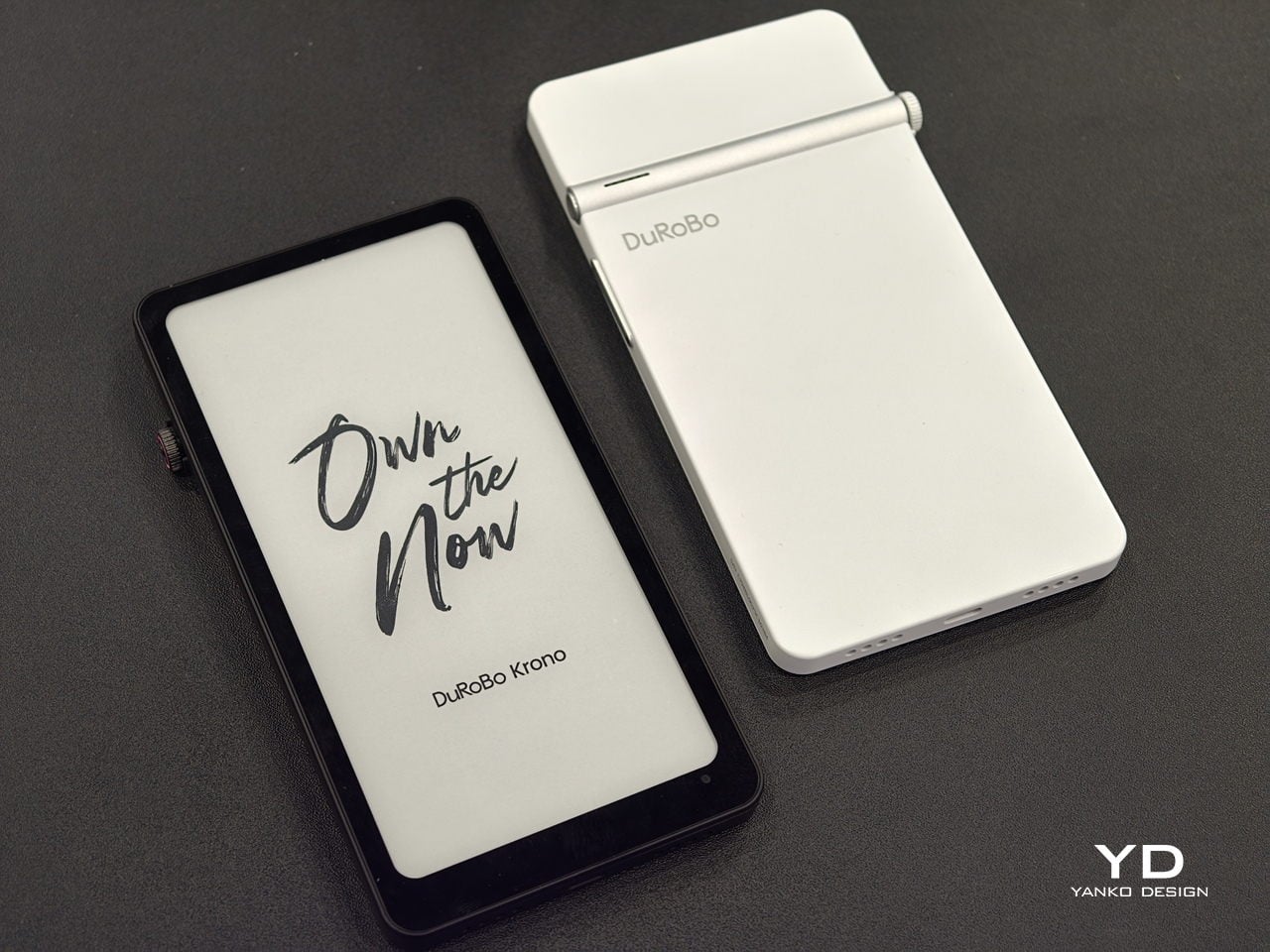
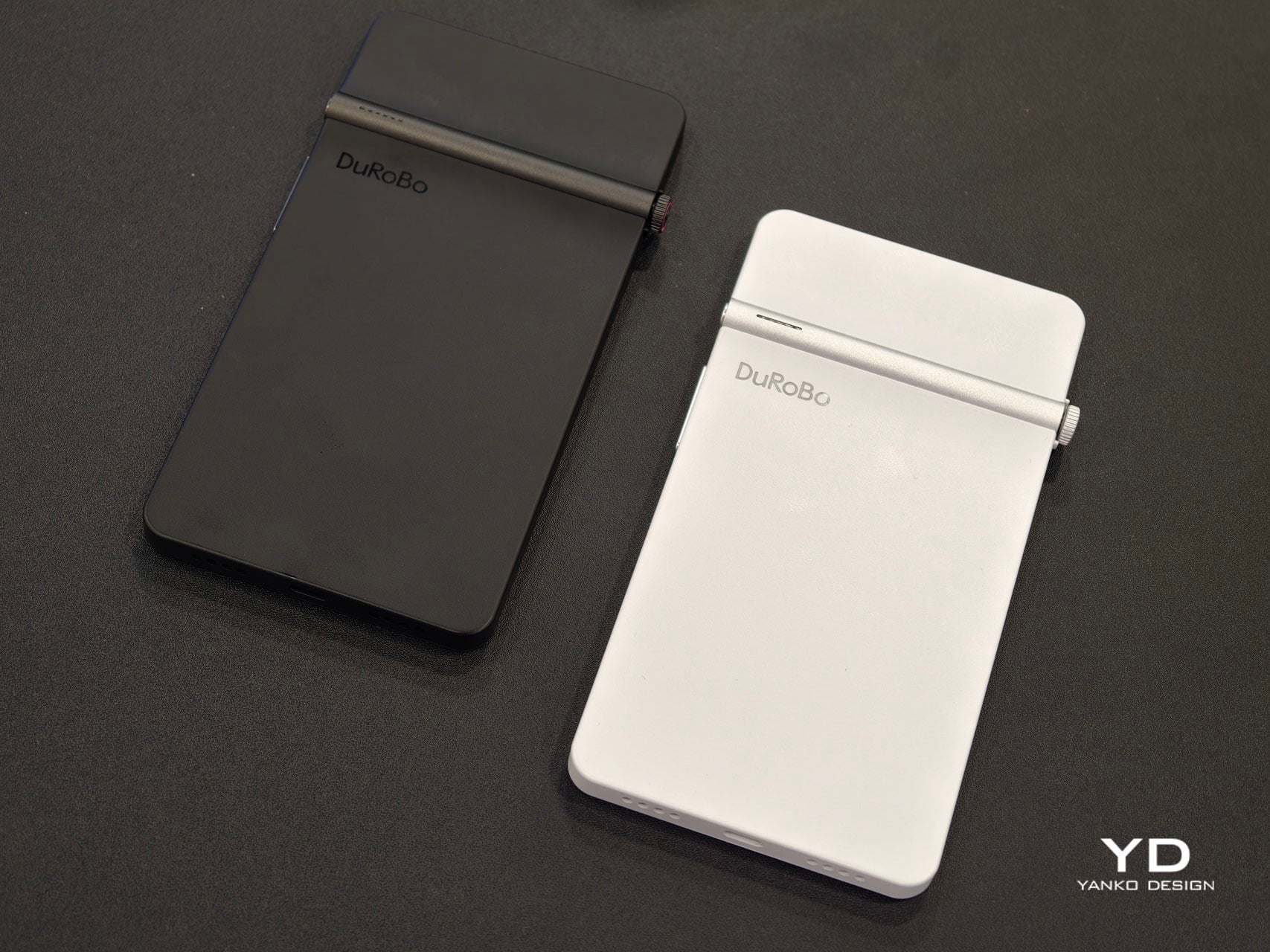
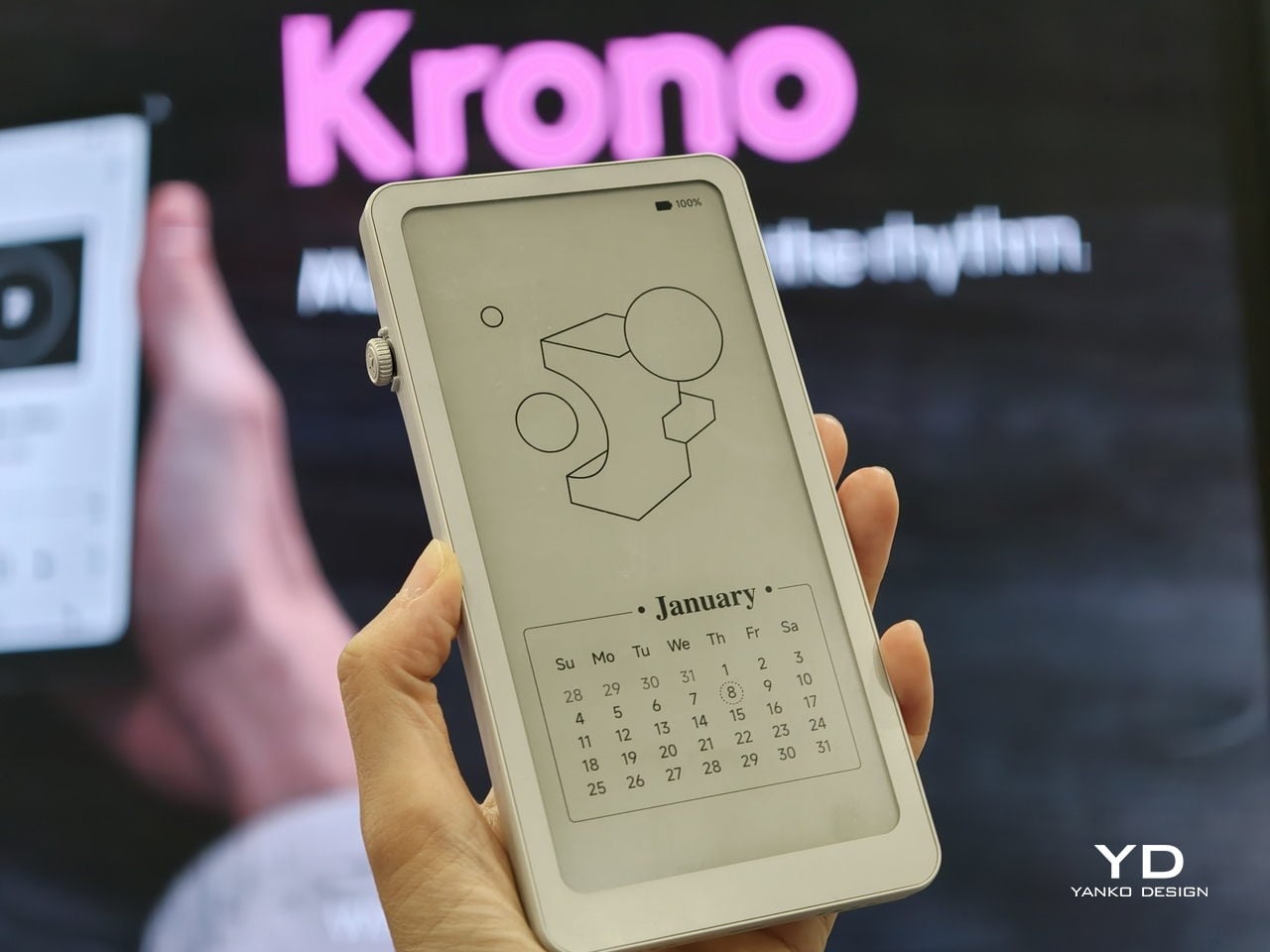
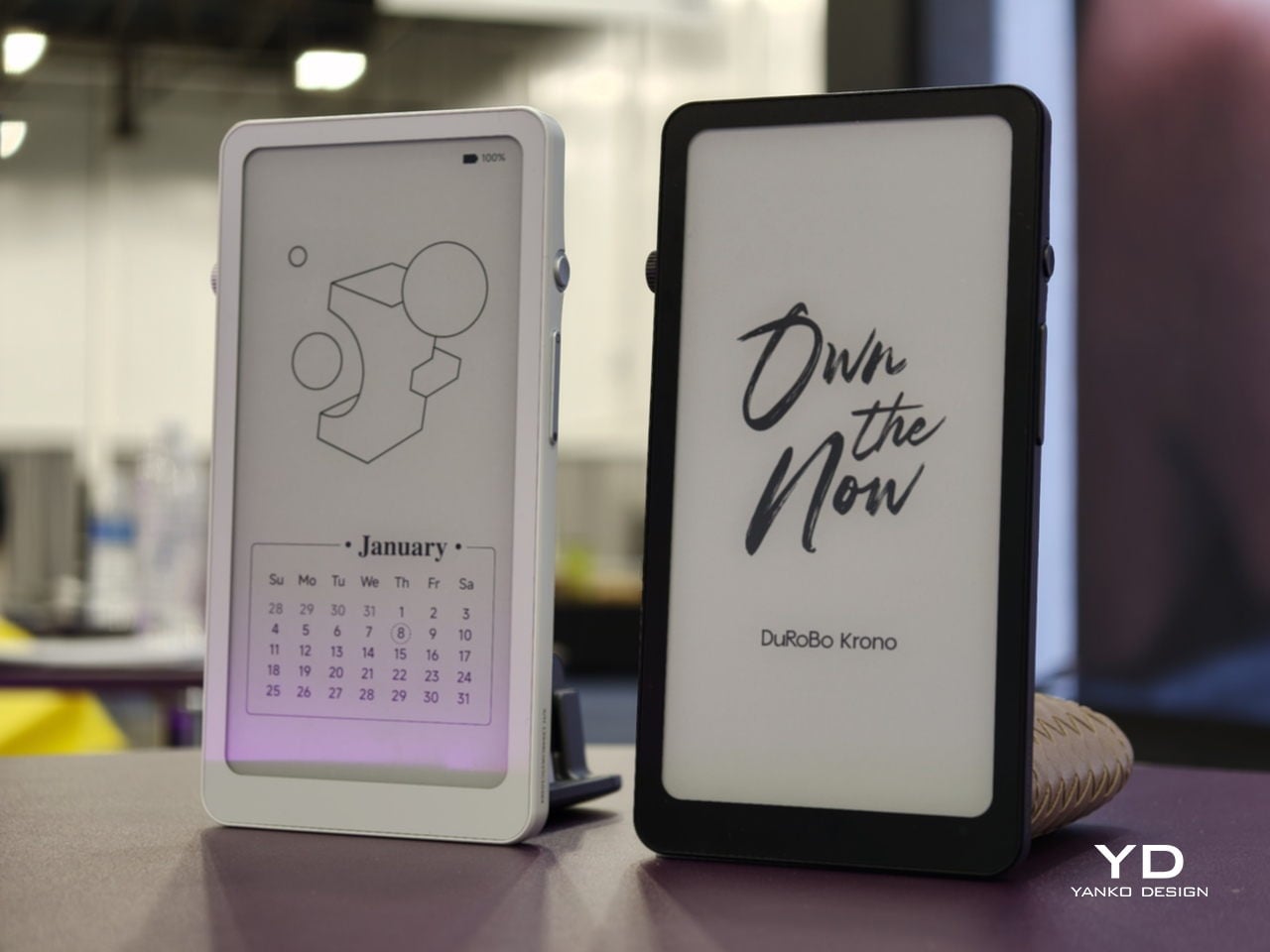
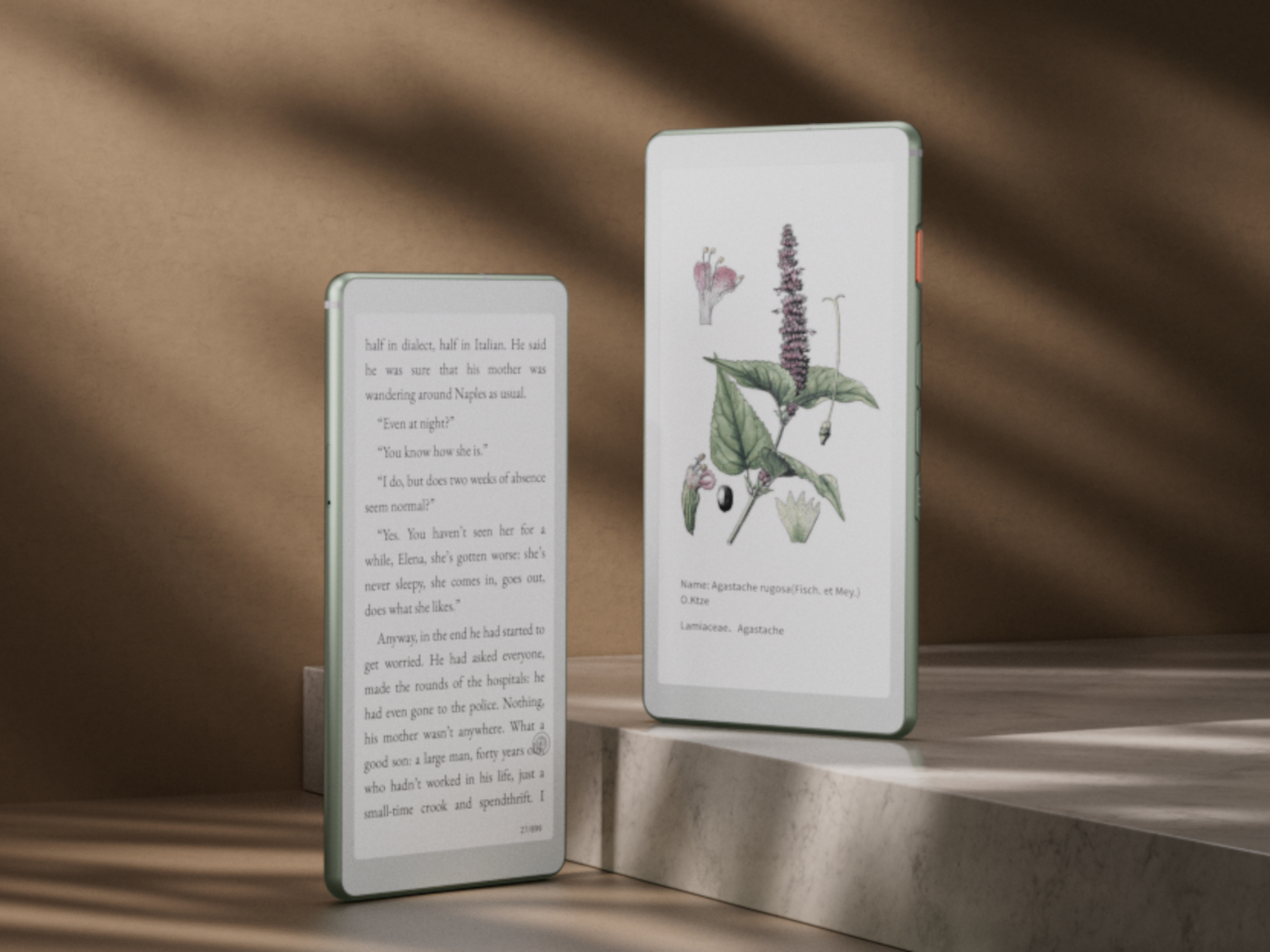
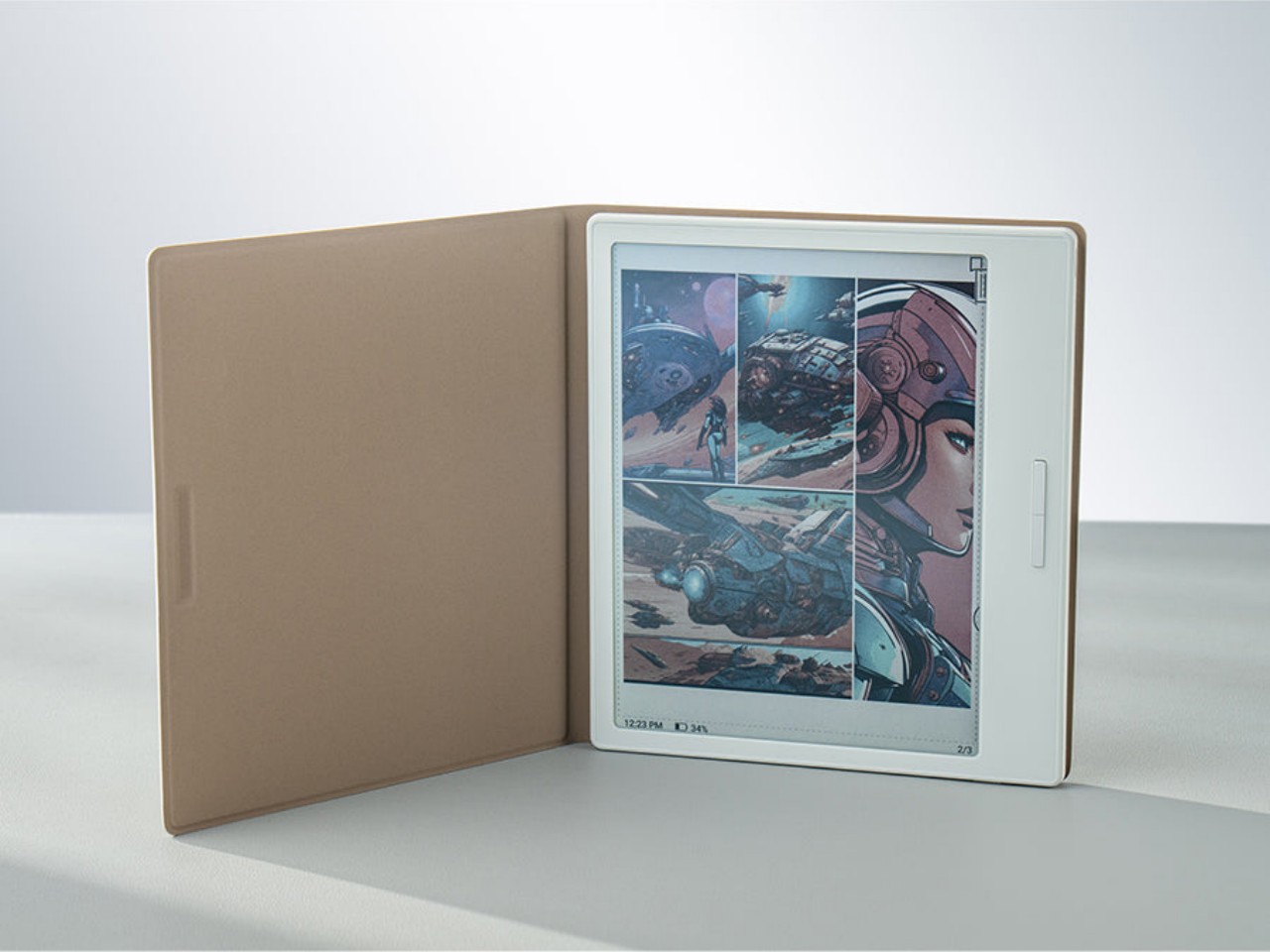
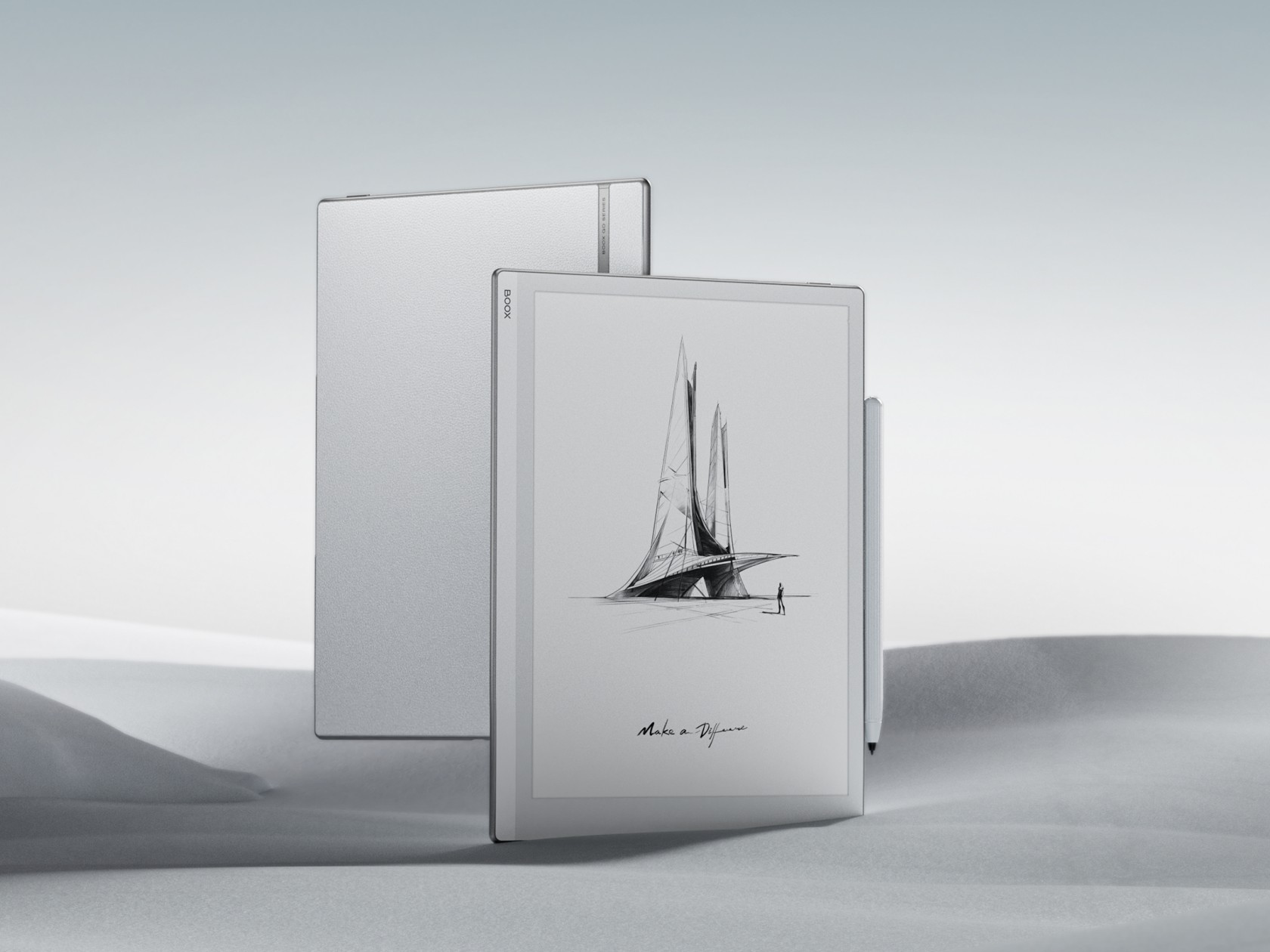
Krono is a pocket‑sized smart ePaper focus hub that has made waves in Europe and is now entering the US market. It wraps a 6.13‑inch E Ink Carta 1200 display with 300 PPI clarity into a minimalist, mechanical‑inspired body that measures 154 × 80 × 9 mm and weighs about 173 g. It is for capturing and shaping thoughts with on‑device AI, ambient audio, and a Smart Dial that feels more tactile than tapping glass.
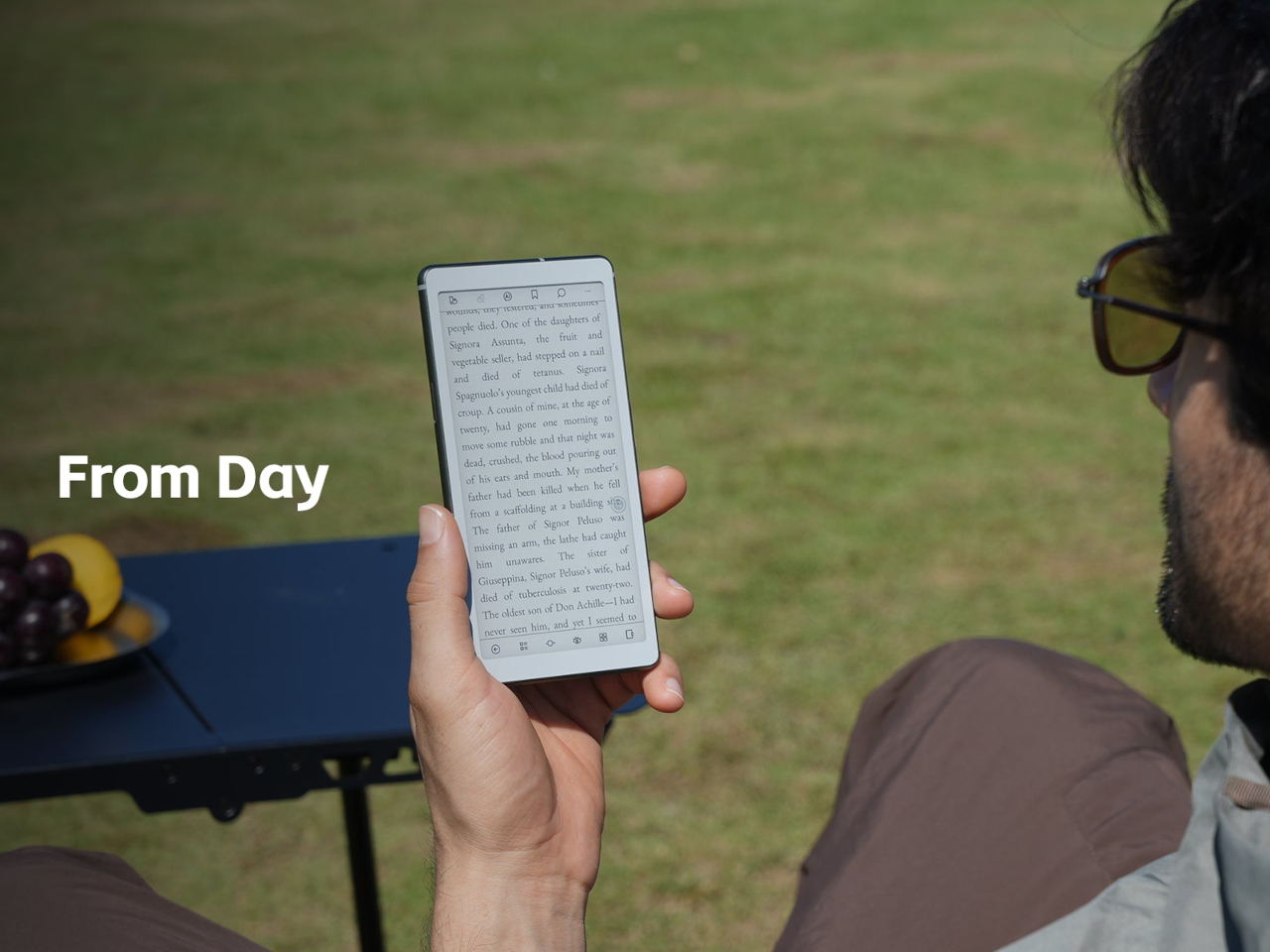
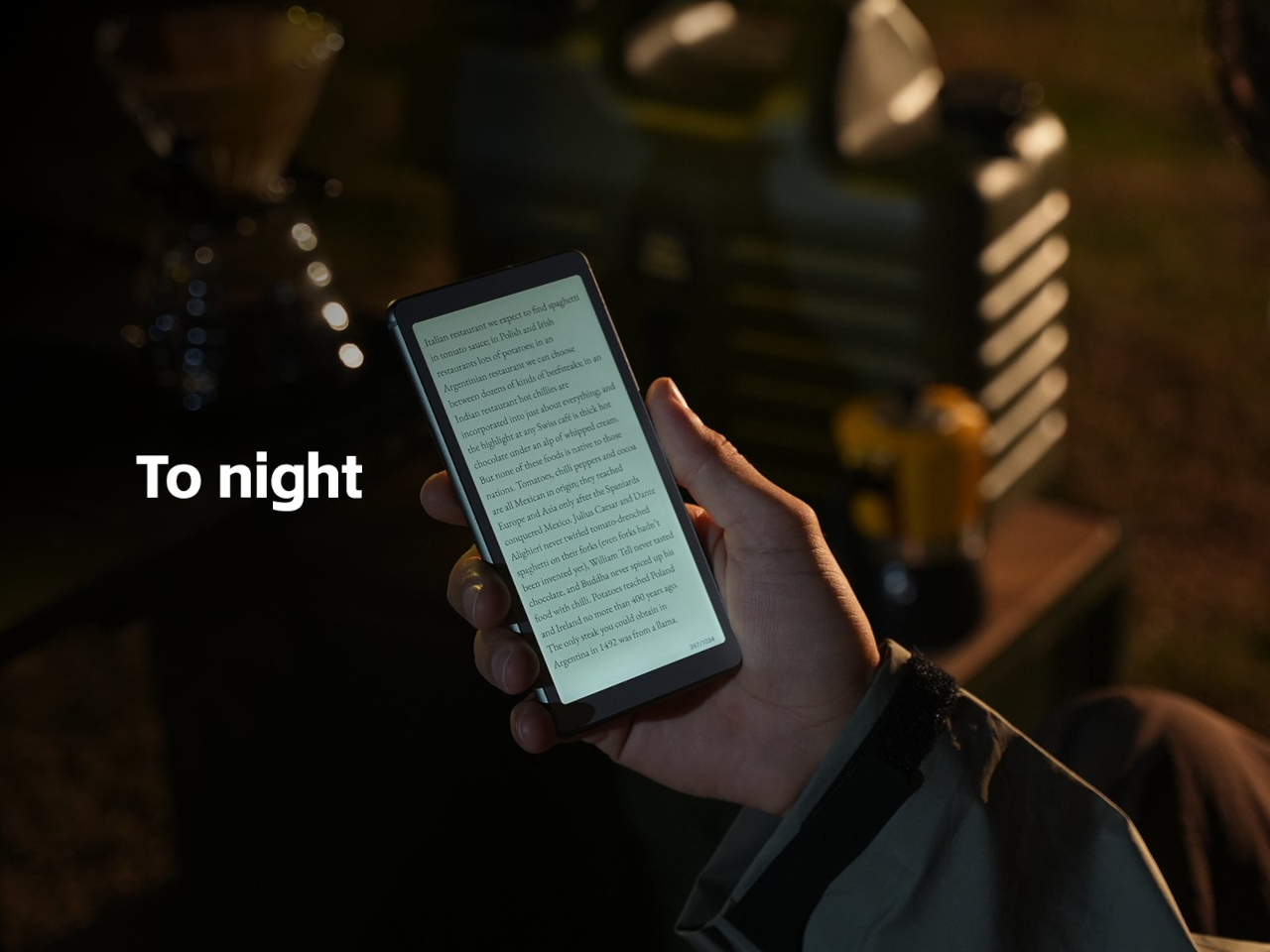
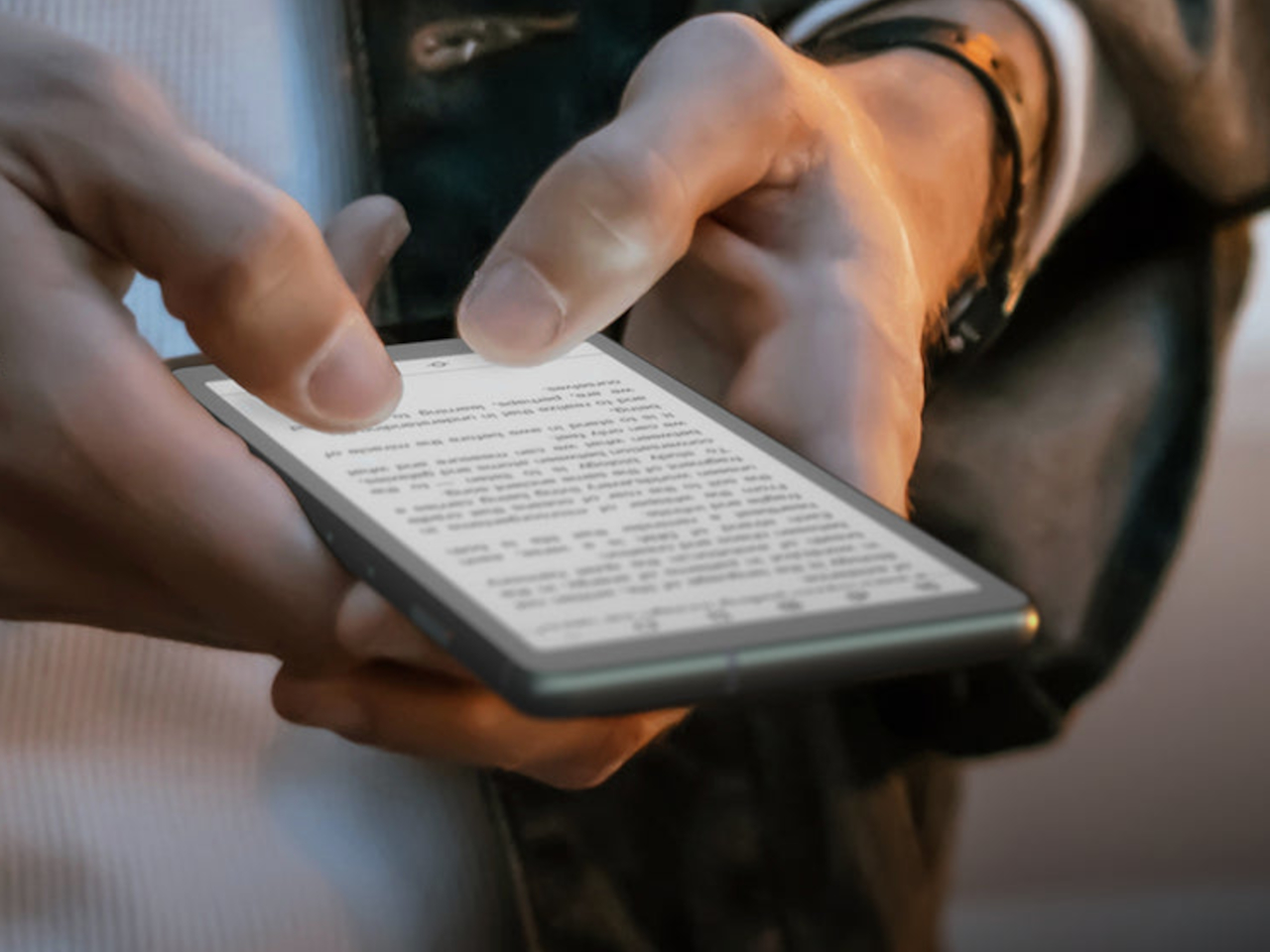
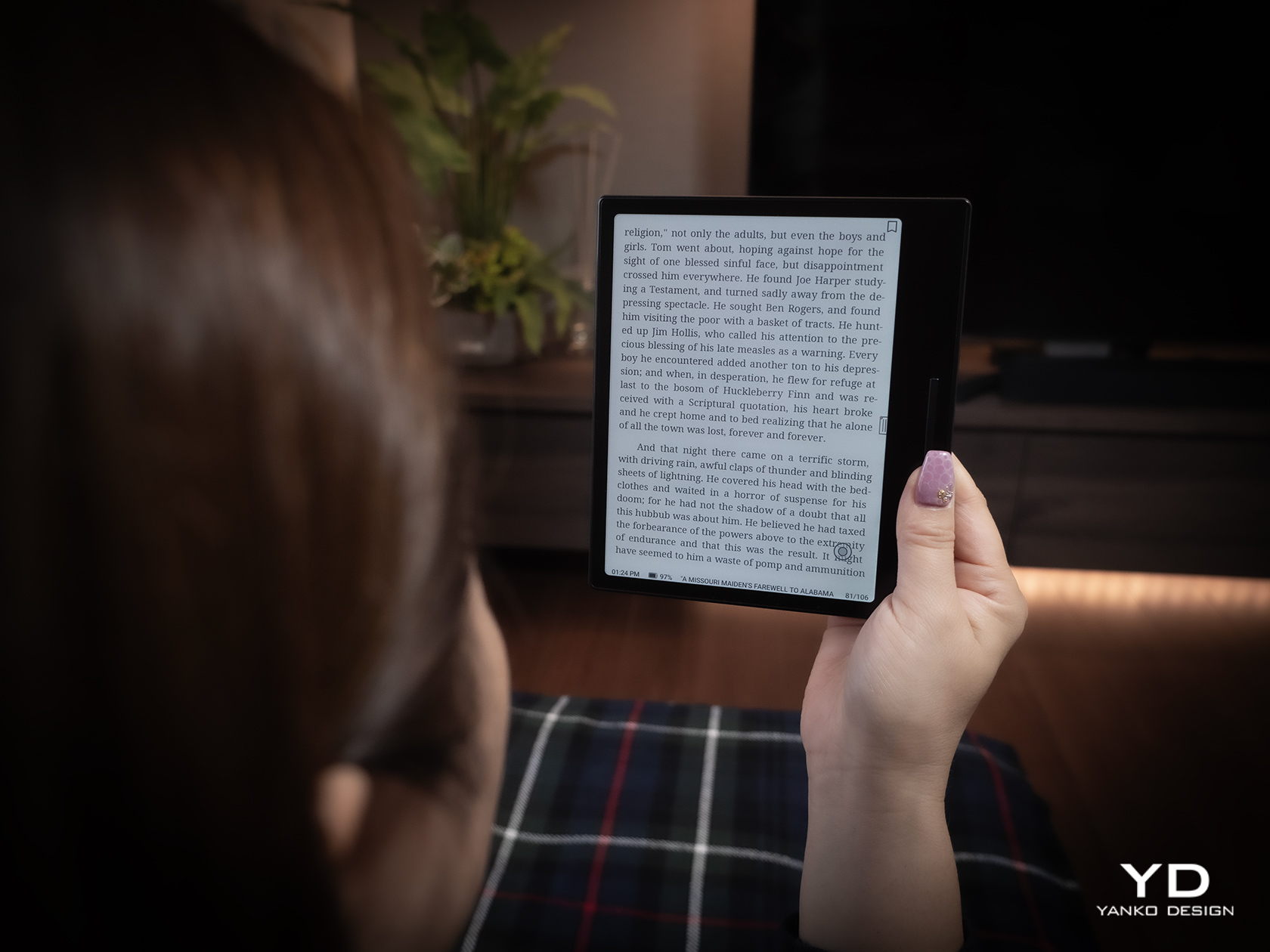
The paper‑like screen, anti‑glare etching, and dual‑tone frontlight make it comfortable for long reads, whether books, saved articles, or PDFs. The compact body feels closer to a large phone than a tablet, which encourages carrying it everywhere as a dedicated space for slower content. The display mimics paper well enough that you can read for hours without the eye strain from backlit screens.
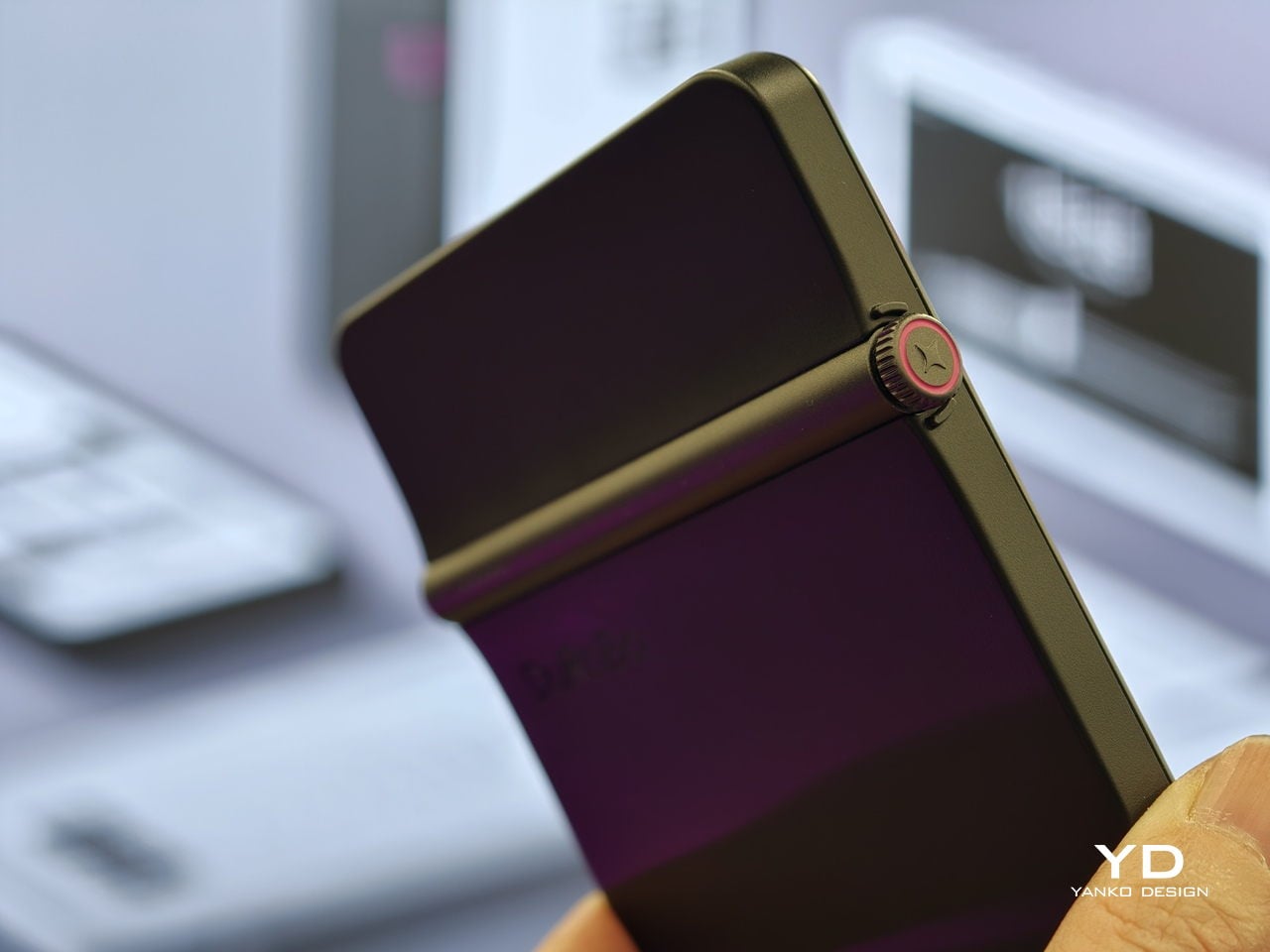
The Smart Dial and Axis bar are the main interaction story. The dial lets you flip pages, adjust brightness or volume, and, with a long‑press, open Spark, Krono’s idea vault. The Axis along the top rear houses eight breathing lights that glow subtly while you read or work, reinforcing the sense of a calm, separate device. The dial and lights give Krono a more analog feel, turning navigation and focus into something you do with your hand.
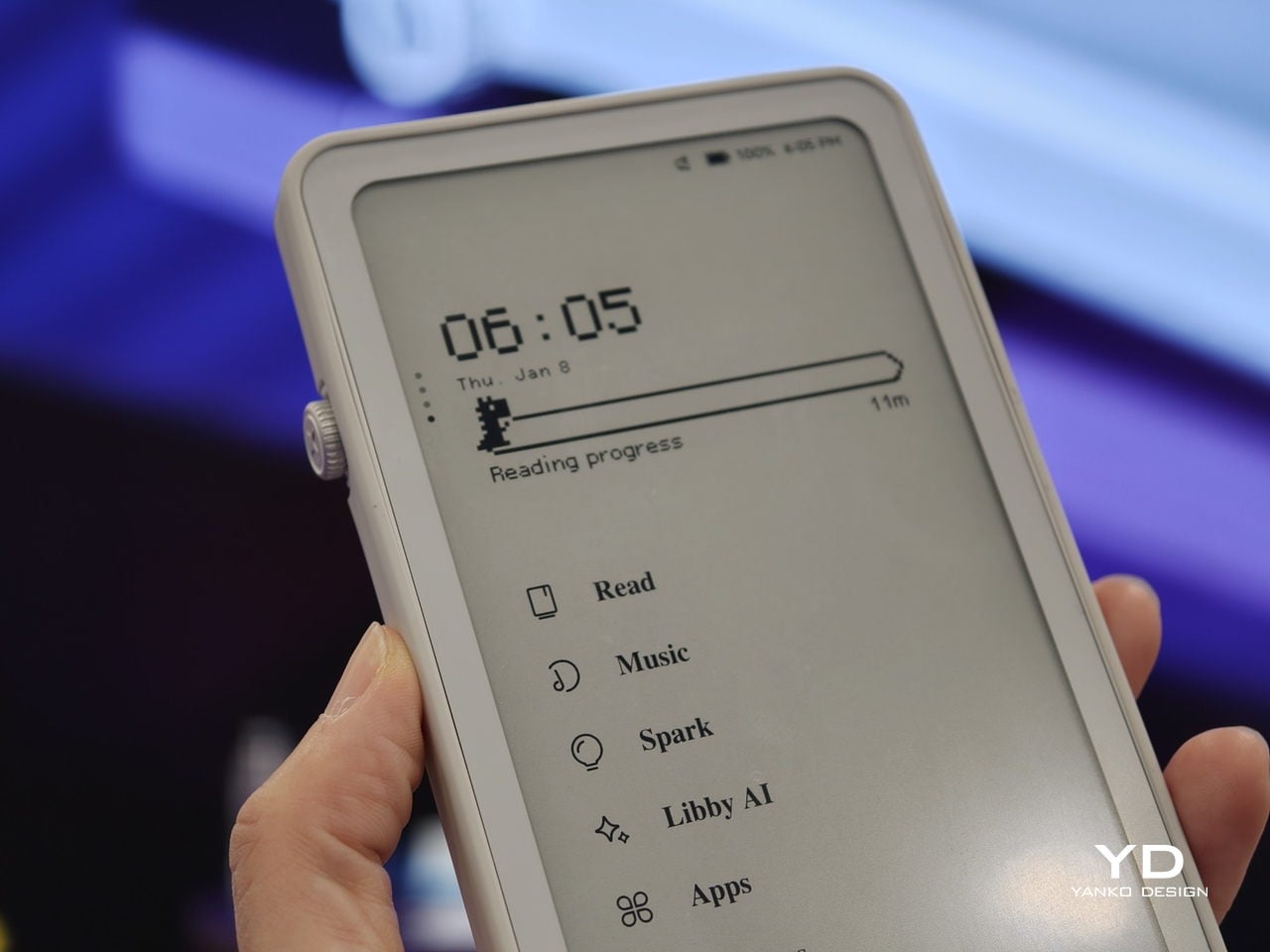
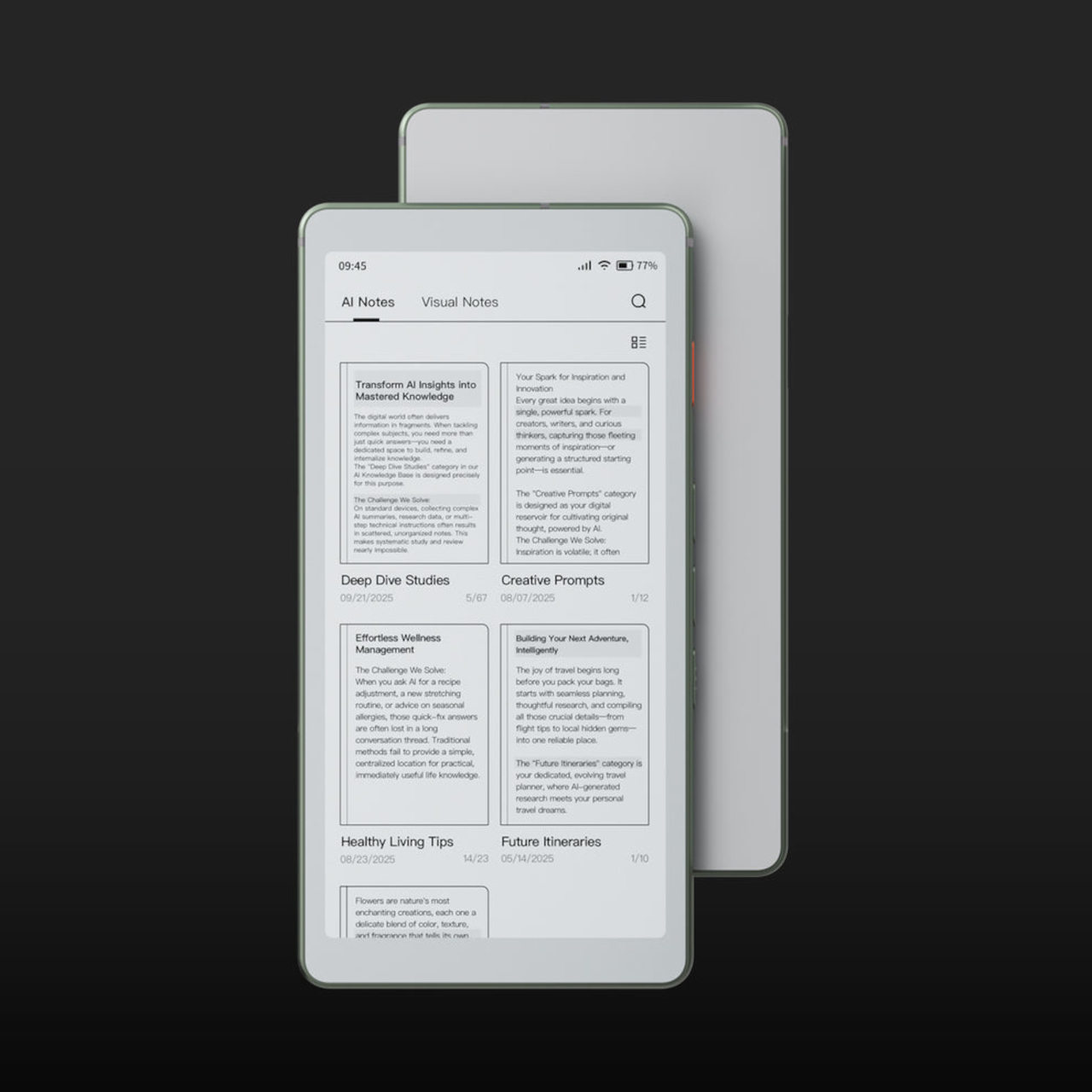
Spark is where AI enters. Press and hold the dial to dictate a thought, meeting note, or passing idea, and Krono records it, transcribes it with speech‑to‑text, and runs an AI summary that turns it into a structured note. Text Mode lets you refine that note on the e‑paper screen. The whole process happens on‑device, keeping ideas private and the interface calm.
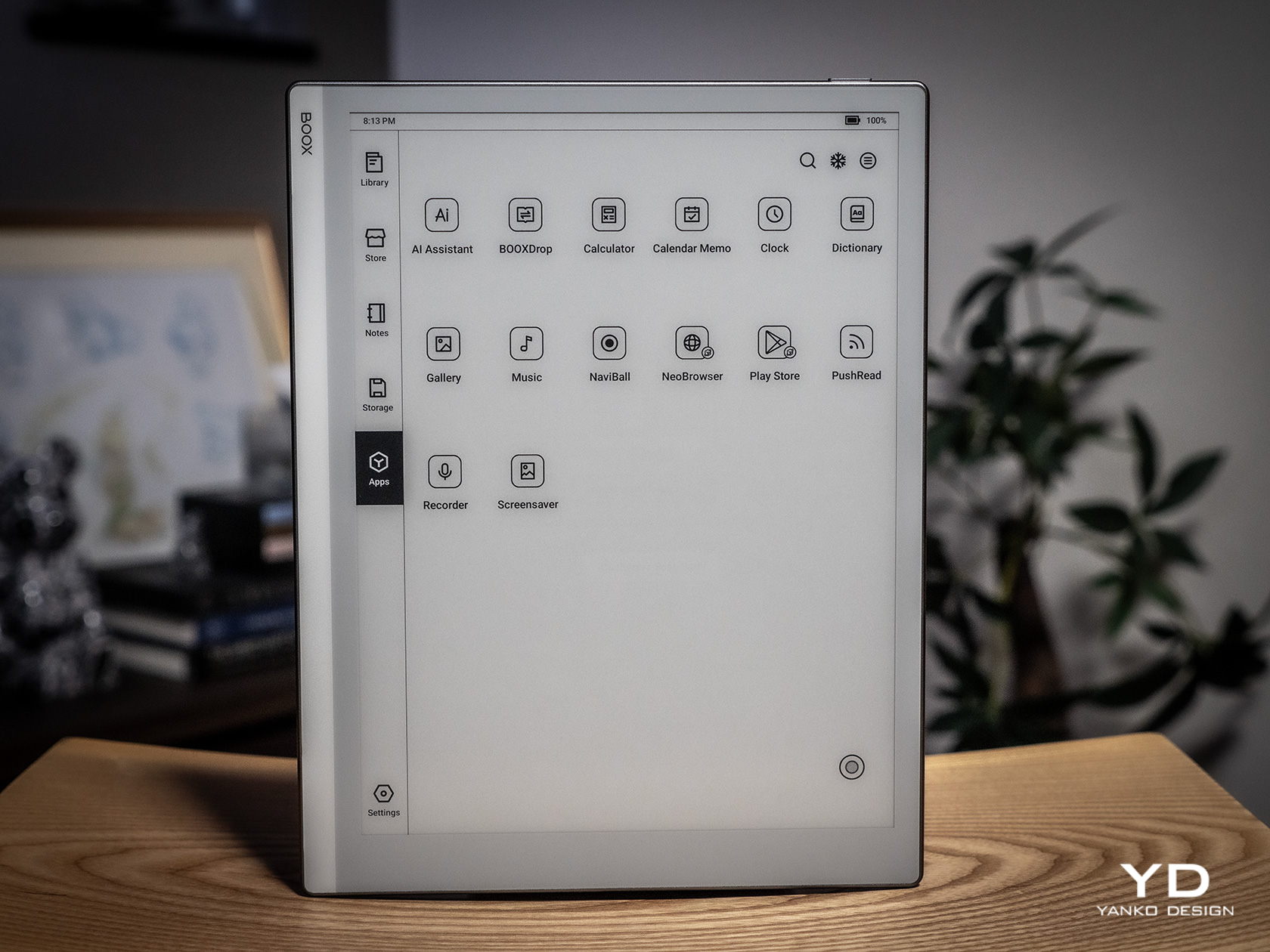
Libby AI is the on‑device assistant that answers prompts and helps with outlines or clarifications without dragging you into a browser. Krono runs Android 15 with full Google Play Store access, powered by an octa‑core processor, 6 GB of RAM, and 128 GB of storage, so it can run Kindle, Notion, or other tools. DuRoBo’s own interface keeps the experience geometric and minimal.
The built‑in speaker and Bluetooth audio are part of the focus story. You can listen to music, podcasts, or audiobooks while reading or writing, turning Krono into a self‑contained environment for commutes or late‑night sessions. The 3,950 mAh battery and tuned refresh algorithms support long stretches of use, not constant app‑hopping, which is what you want from a device that is supposed to be a reprieve from the usual screen.
Krono’s CES 2026 appearance is more than just another e‑reader launch. It is DuRoBo’s attempt to give US readers and thinkers a pocketable device that treats focus, reflection, and idea capture as first‑class design problems. The specs matter, but the real promise is a small, quiet object that can sit between a book and a phone, borrowing the best of both without inheriting their worst habits.
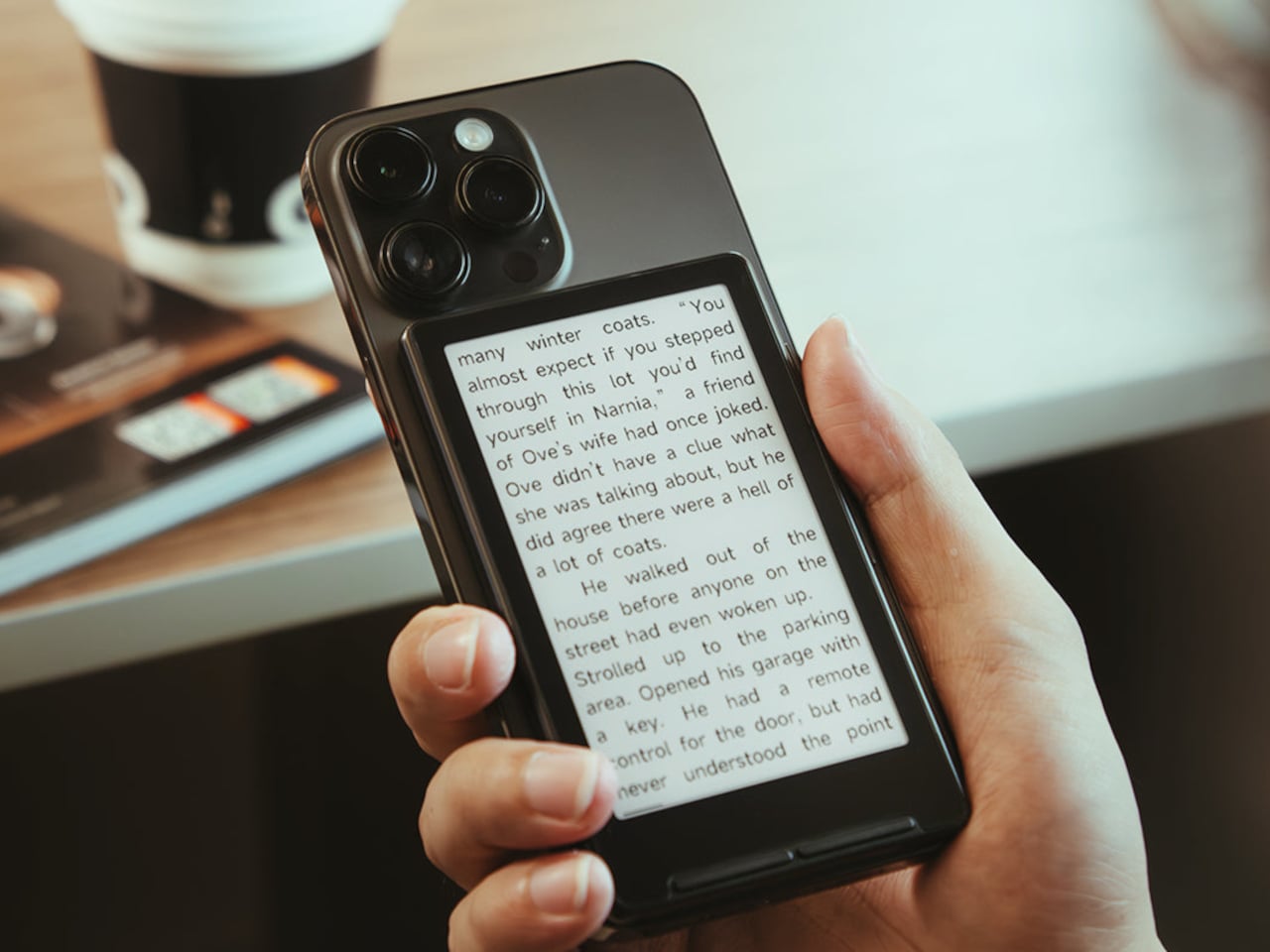
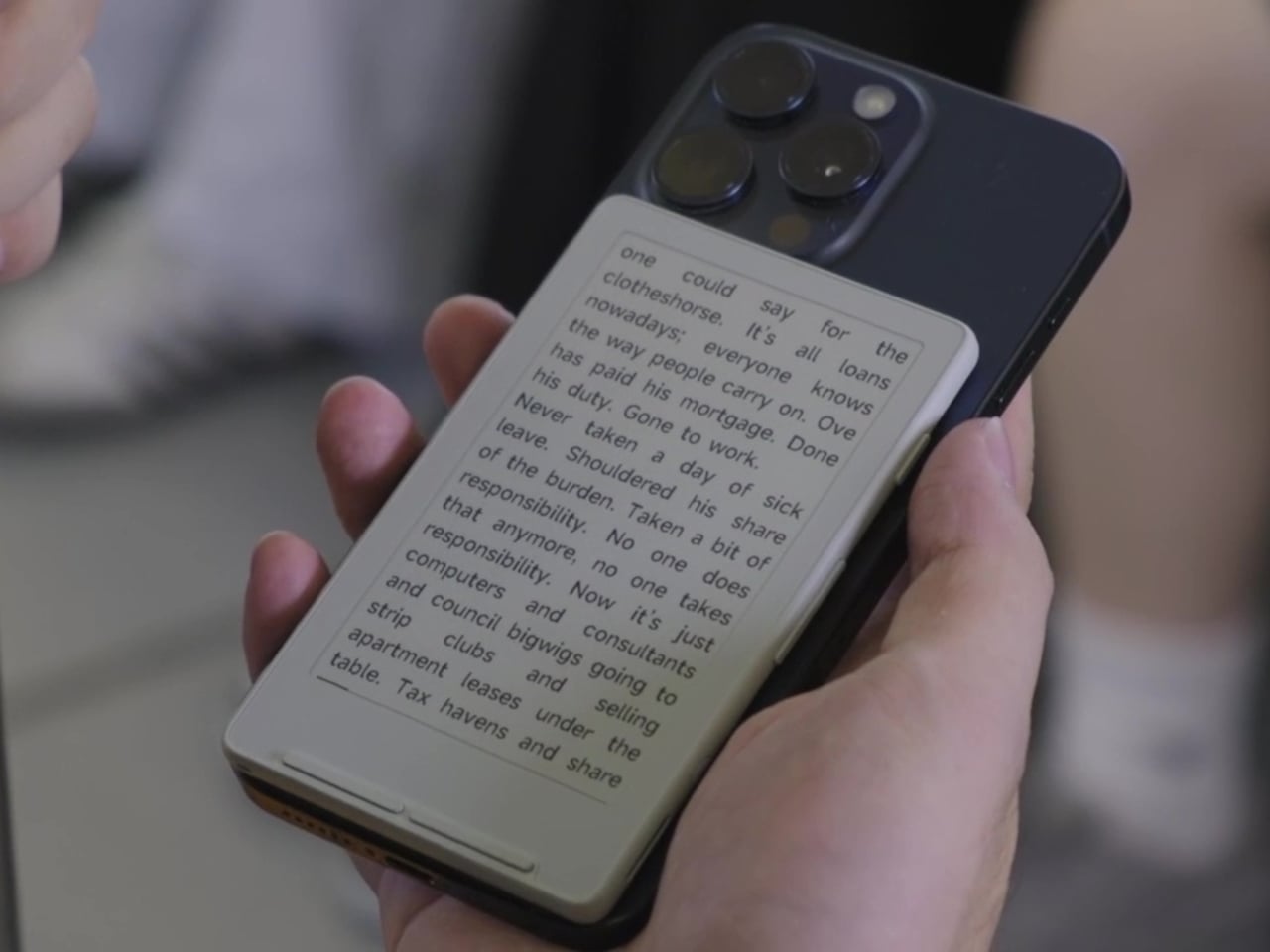
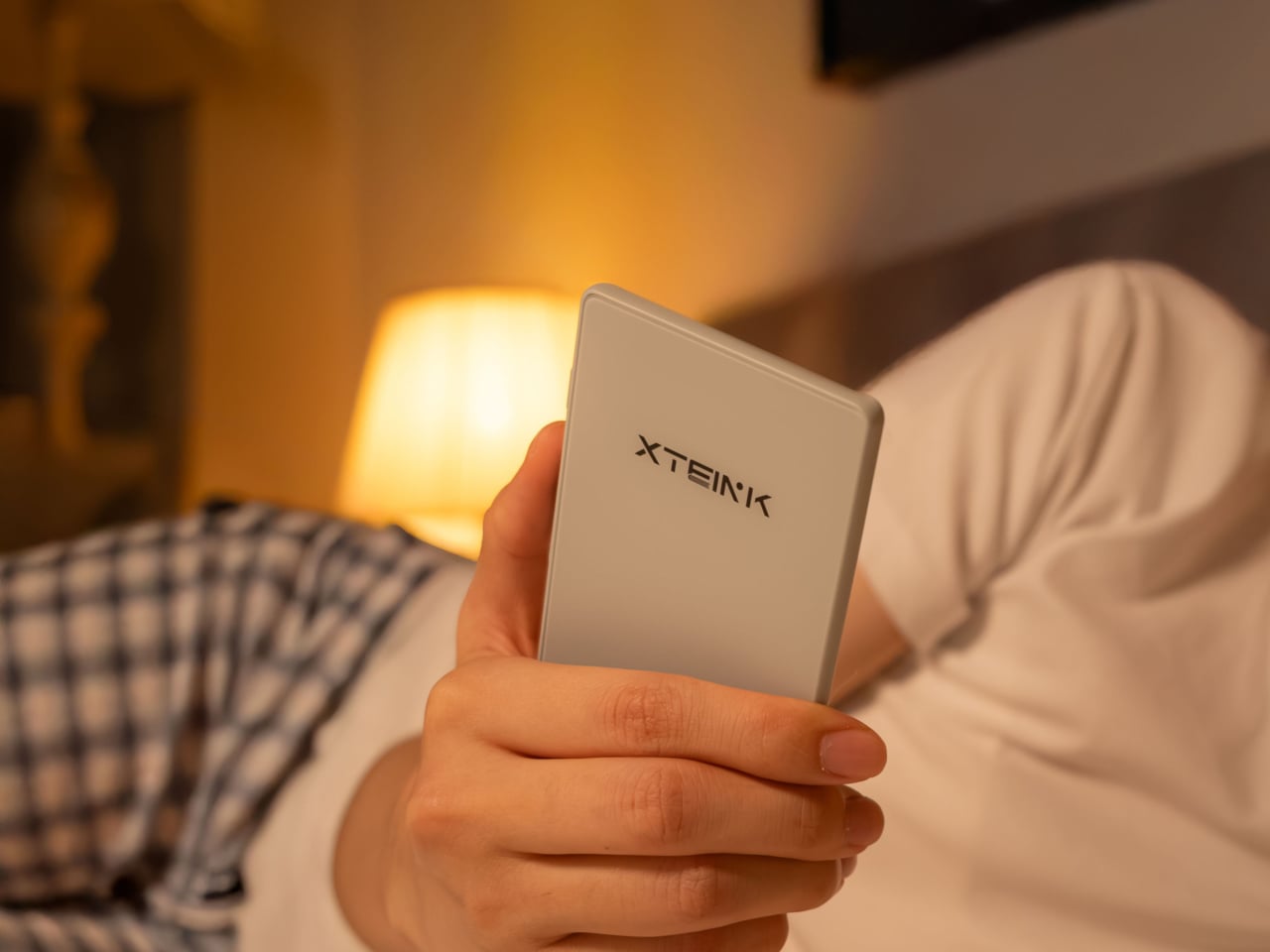
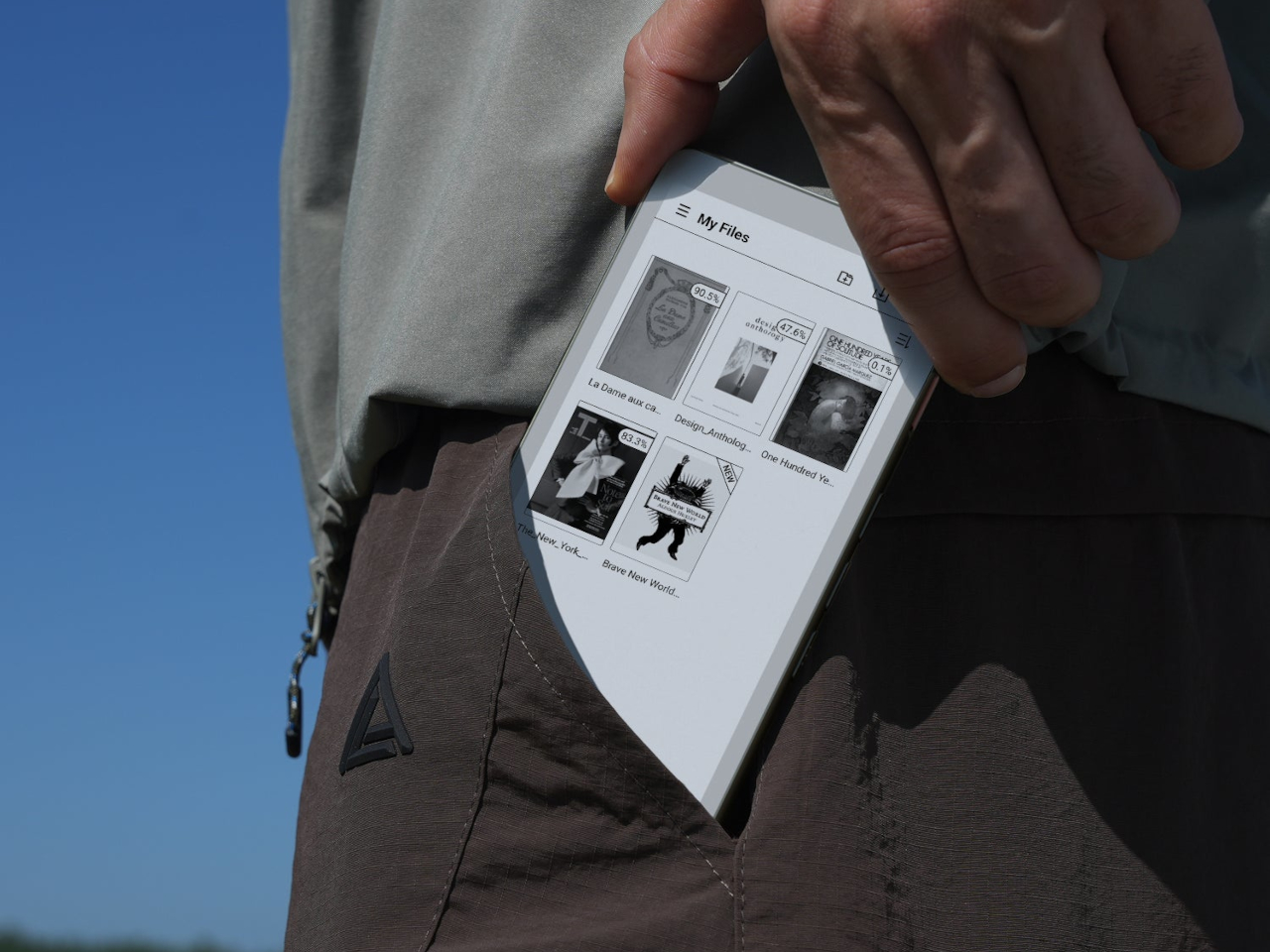
You buy a Kindle or Kobo, load it with books, then leave it on a nightstand while your phone follows you everywhere. Reading apps on phones compete with notifications and social feeds, so you end up doomscrolling instead of finishing that novel you downloaded. Xteink’s X4 tries to solve that by becoming a tiny, magnetic e‑ink sidekick that literally rides on the back of your phone, going wherever it goes.
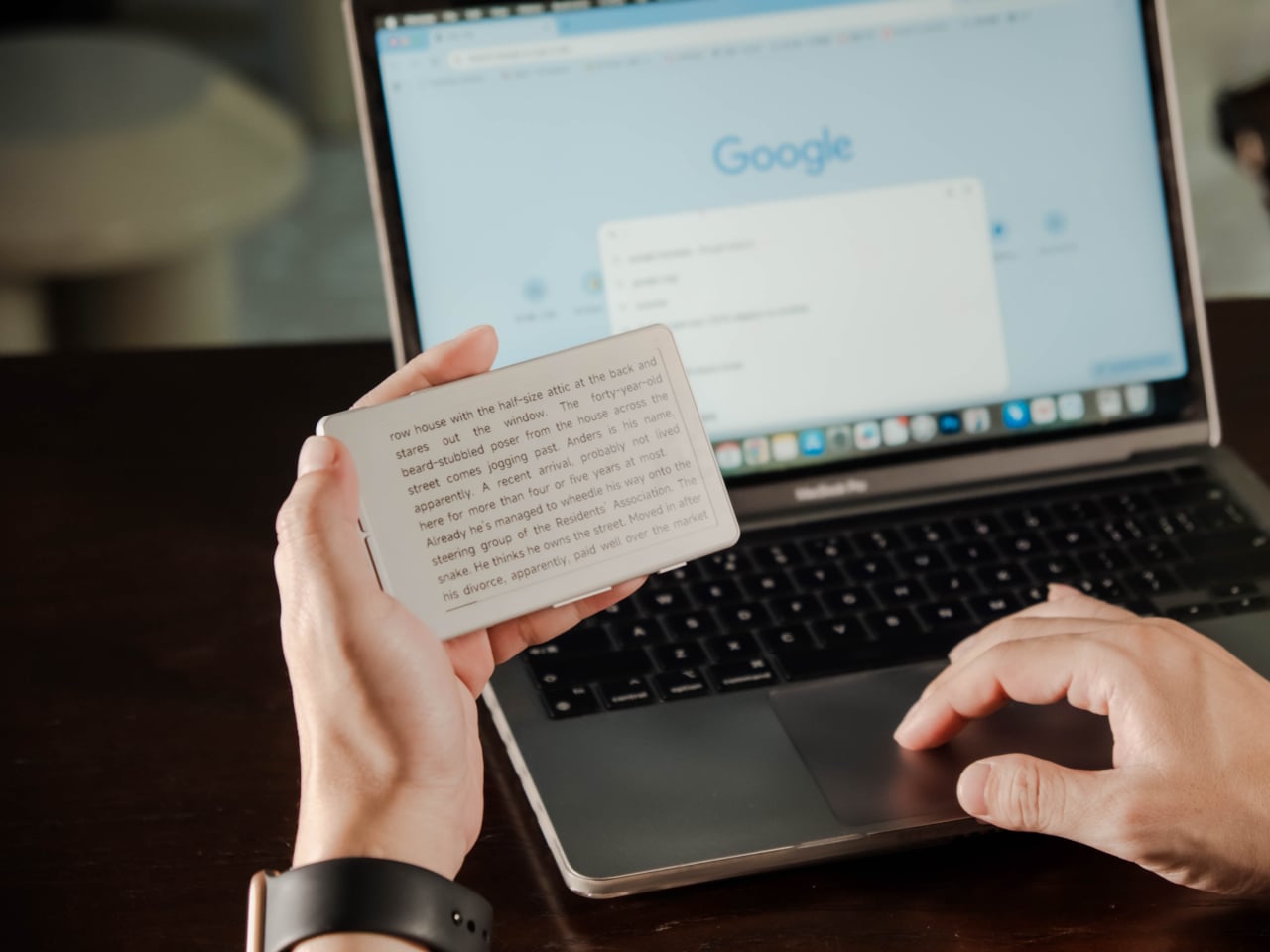
The Xteink X4 is an ultra-thin magnetic back eReader with a 4.3-inch e‑ink screen and a footprint closer to a deck of cards than a tablet. At 114 by 69 by 5.9 millimeters and just 74 grams, it snaps onto MagSafe or Qi2 compatible phones, or onto any handset using the included adhesive magnetic ring, turning your phone into a dual-screen reading machine without much extra bulk.
The 220 ppi e‑ink display is not as sharp as a Paperwhite, but it is perfectly fine for text at this size. There is no touchscreen and no frontlight, just physical page turn buttons and a power key, so it behaves more like a tiny paperback than a gadget. You need ambient light to read, but in return, you get a very focused, distraction-free surface that does not glow or buzz at you.
The internals are minimal: an ESP32 processor, 128 megabytes of RAM, and a bundled 32GB microSD card with support up to 512GB. The 650mAh battery lasts up to fourteen days with one to three hours of reading per day. It charges over USB-C and connects via 2.4GHz Wi‑Fi and Bluetooth for file transfers, so you can grab books wirelessly or just swap the microSD card.
The X4 only supports EPUB and TXT for documents, plus JPG and BMP for images, and does not run third-party apps or connect to any bookstore. You sideload everything, either over Wi‑Fi or by copying files to the card. For people tied to Kindle or Google Play, this is a hurdle, but for readers with DRM-free libraries, it feels refreshingly simple and vendor-neutral, just you and your files.
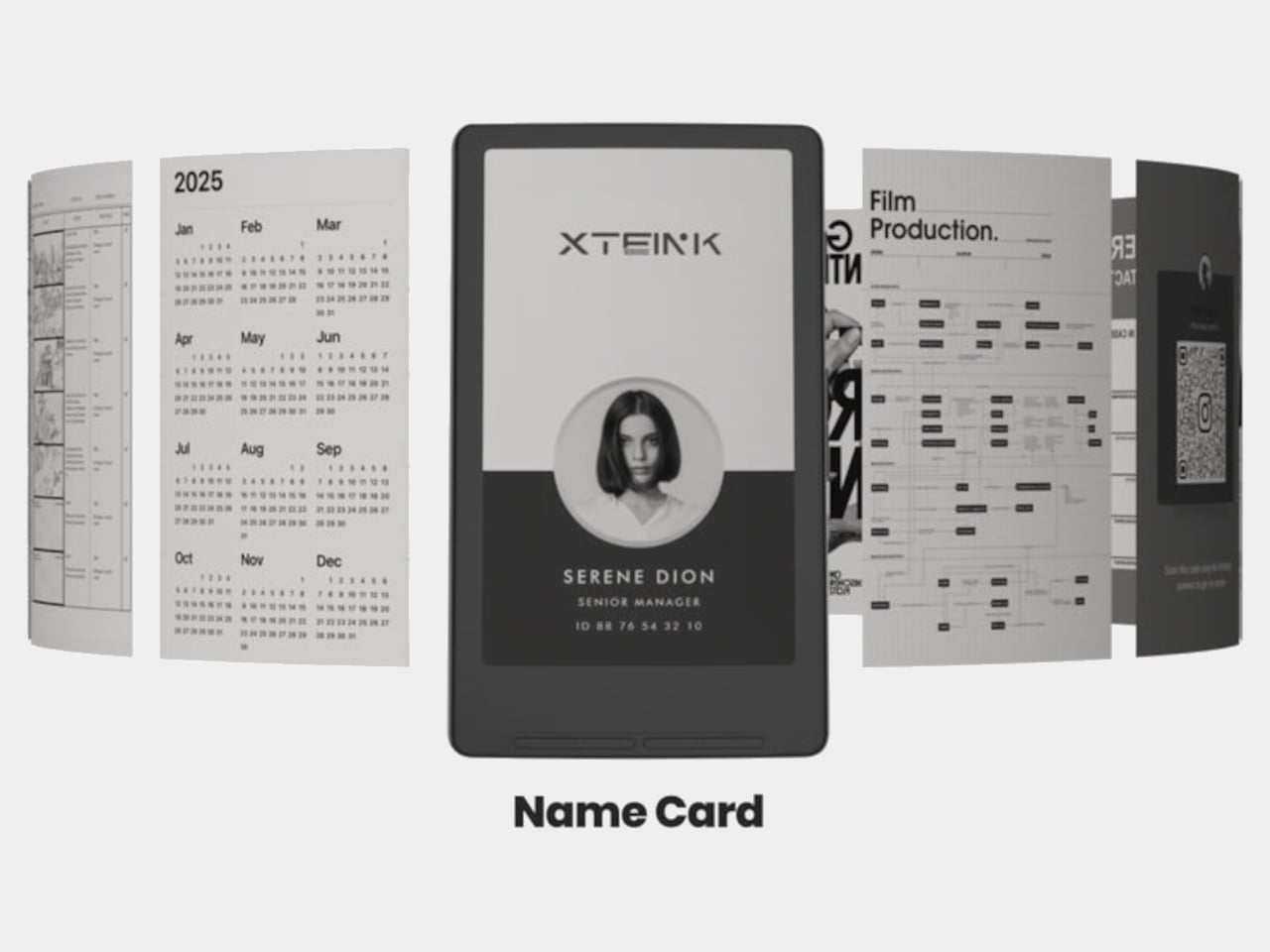
Xteink markets it as “More Than a Reader,” suggesting you use the X4 as a digital business card, a tiny calendar, a film production workflow board, or a reference screen for notes and checklists. Because it displays static images and text, it doubles as a little always-on panel you can stick to a monitor, fridge, or phone, not just a book page. The magnetic back makes those experiments feel natural and reversible.
The X4 is really for minimalists, tinkerers, and people who like the idea of a dedicated reading screen that goes everywhere their phone does. It is quirky, with no light, no touch, and no store, but those constraints are the point. It is a tiny reminder to read instead of scroll, thin enough to forget until you need a page instead of a feed, and cheap enough at $69 that the experiment feels worth trying even if you already own a proper eReader gathering dust at home.
Palmtops and UMPCs are experiencing a quiet resurgence among people who want something more focused than a laptop and more tactile than a phone. Compact e-ink devices and tiny Bluetooth keyboards have become affordable building blocks for exactly this kind of project, letting makers combine them into pocketable machines tailored to writing, reading, or just tinkering. The result is a small but growing wave of DIY cyberdecks and writerdecks that feel like modern reinterpretations of classic Psion palmtops.
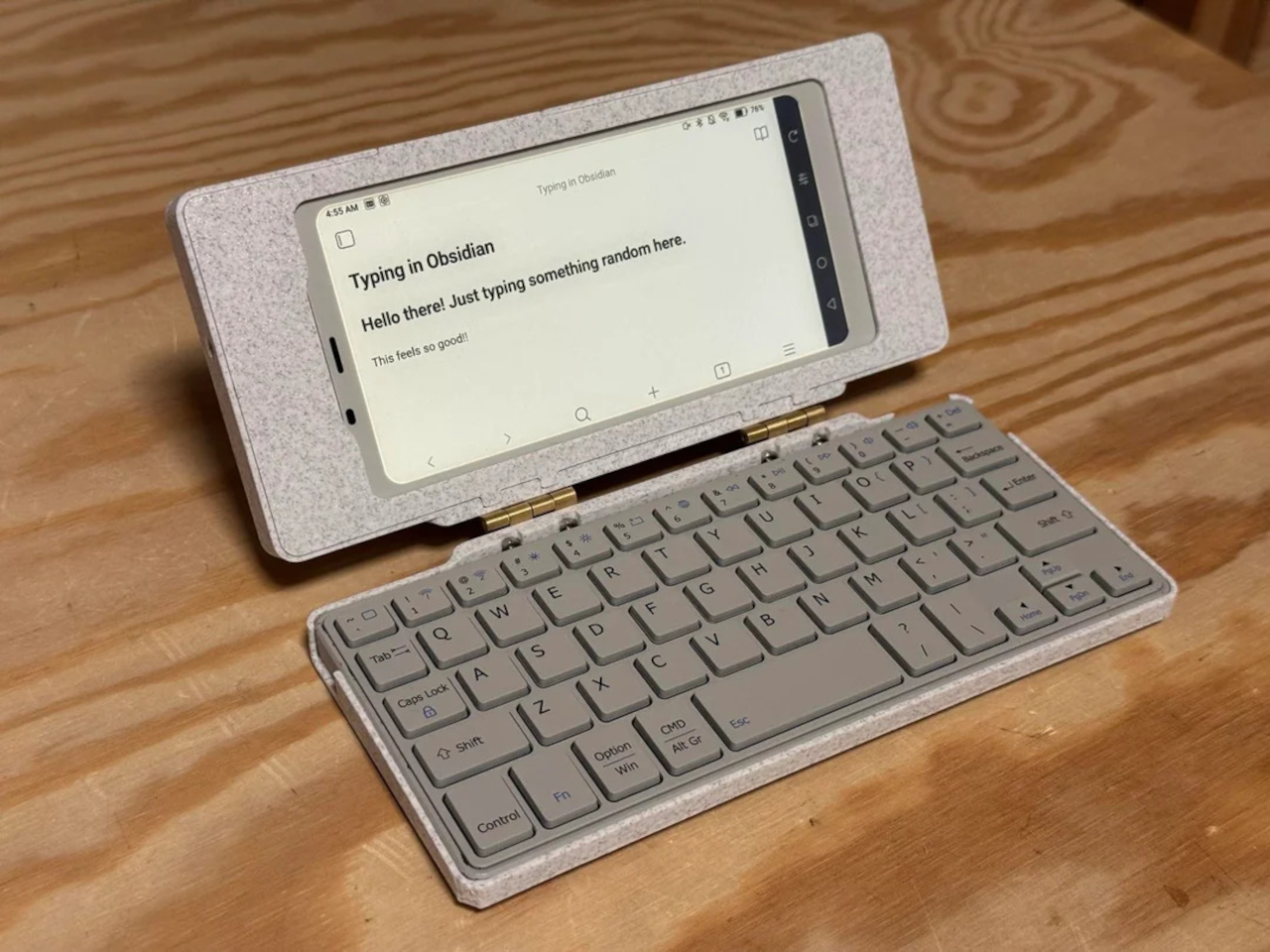
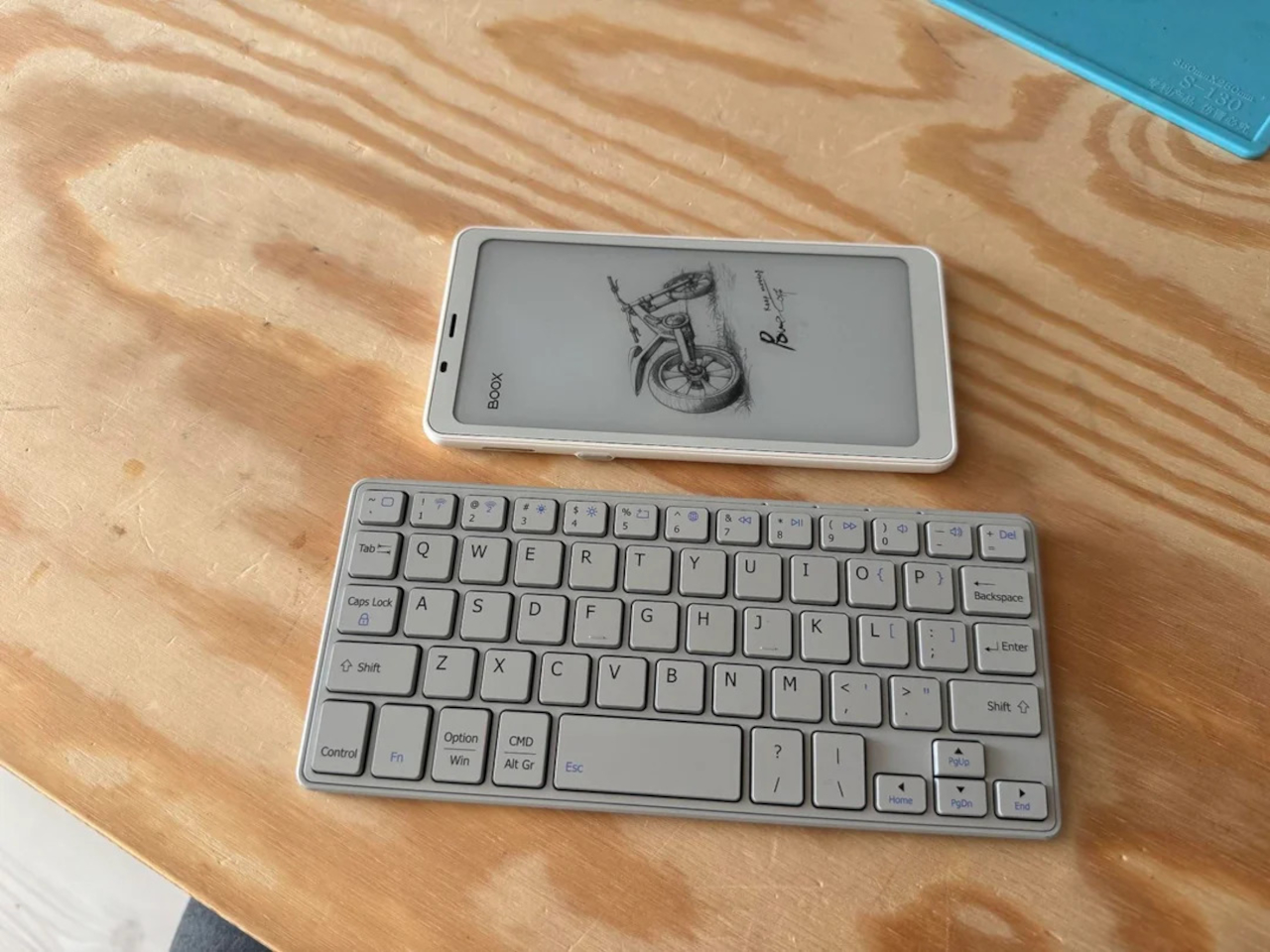
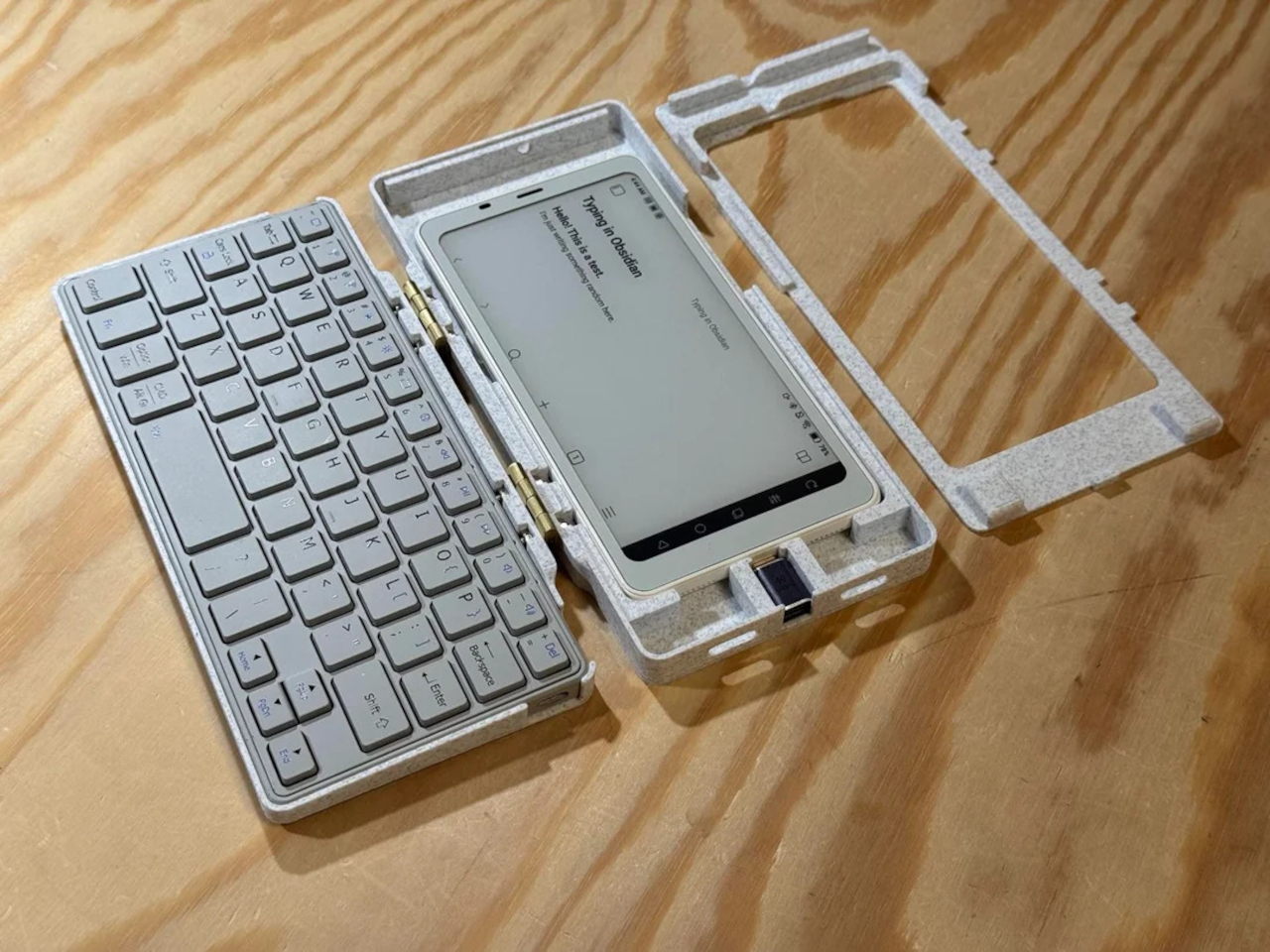
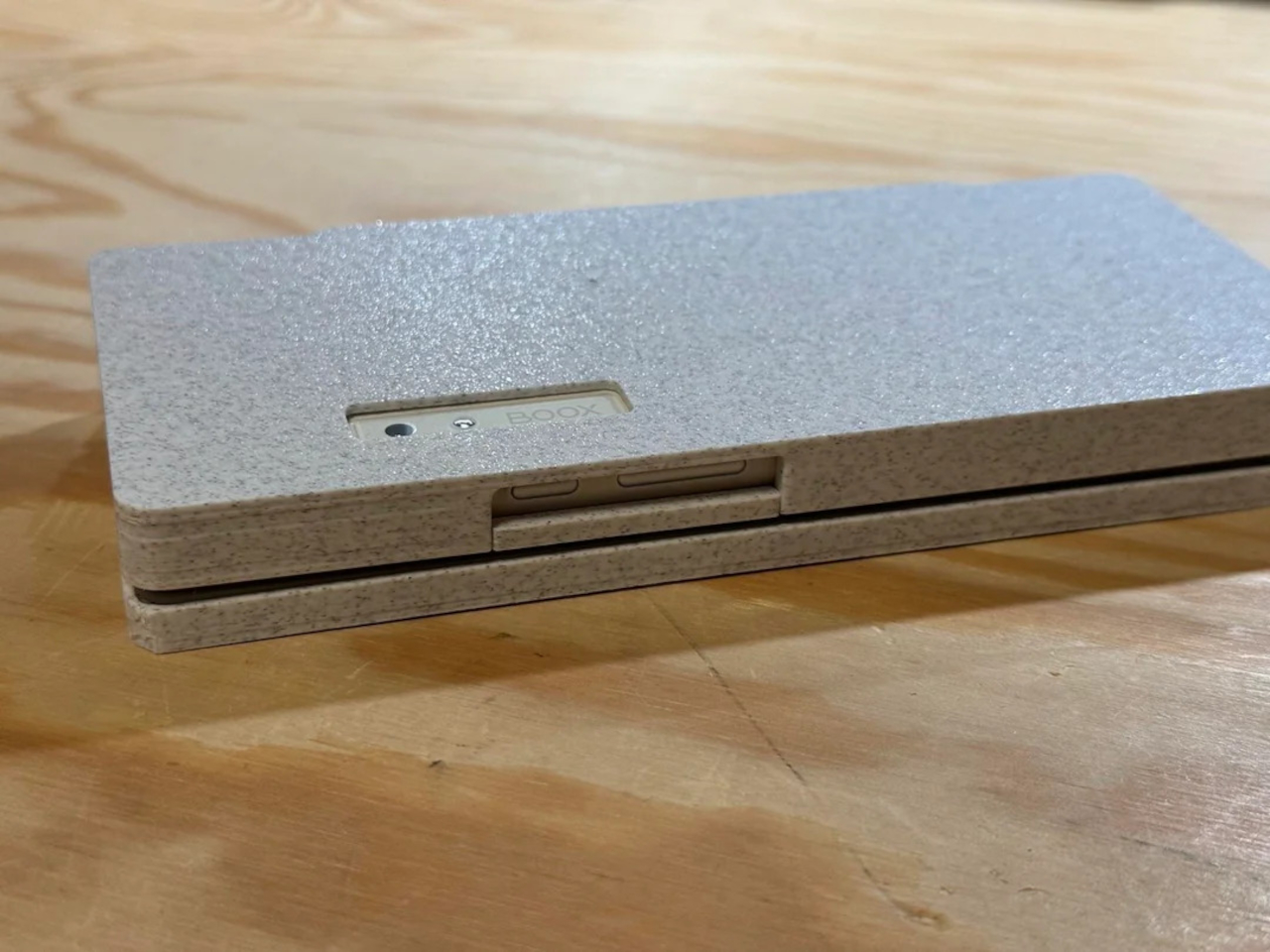
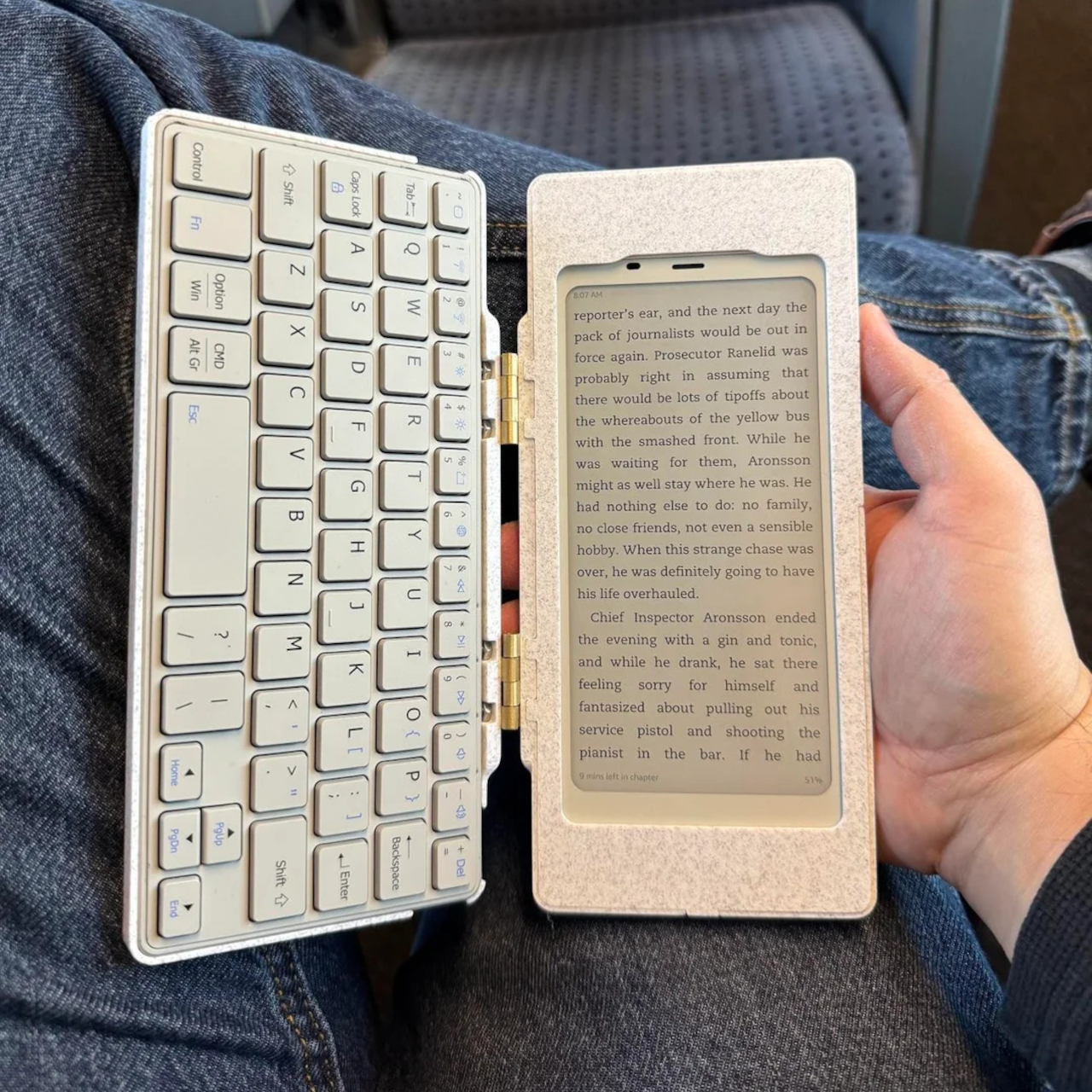
The Palm(a)top Computer v0 is one of those projects, born on Reddit when user CommonKingfisher decided to pair a BOOX Palma e-ink Android phone with a compact Bluetooth keyboard and a custom 3D-printed clamshell case. The result looks like a cross between a vintage Psion and a modern writerdeck, small enough to slide into a jacket pocket but functional enough to handle real writing and reading sessions on the go.
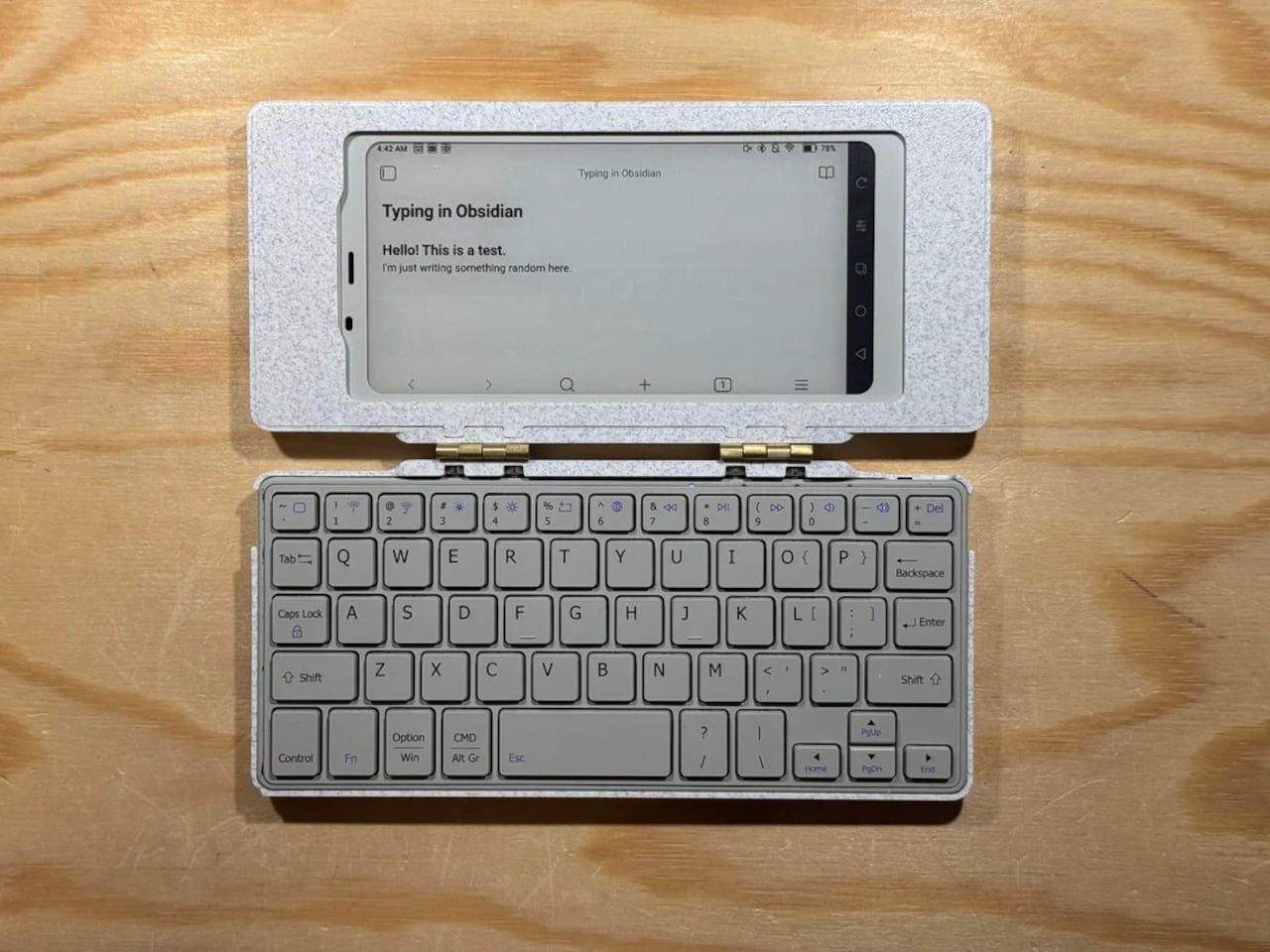
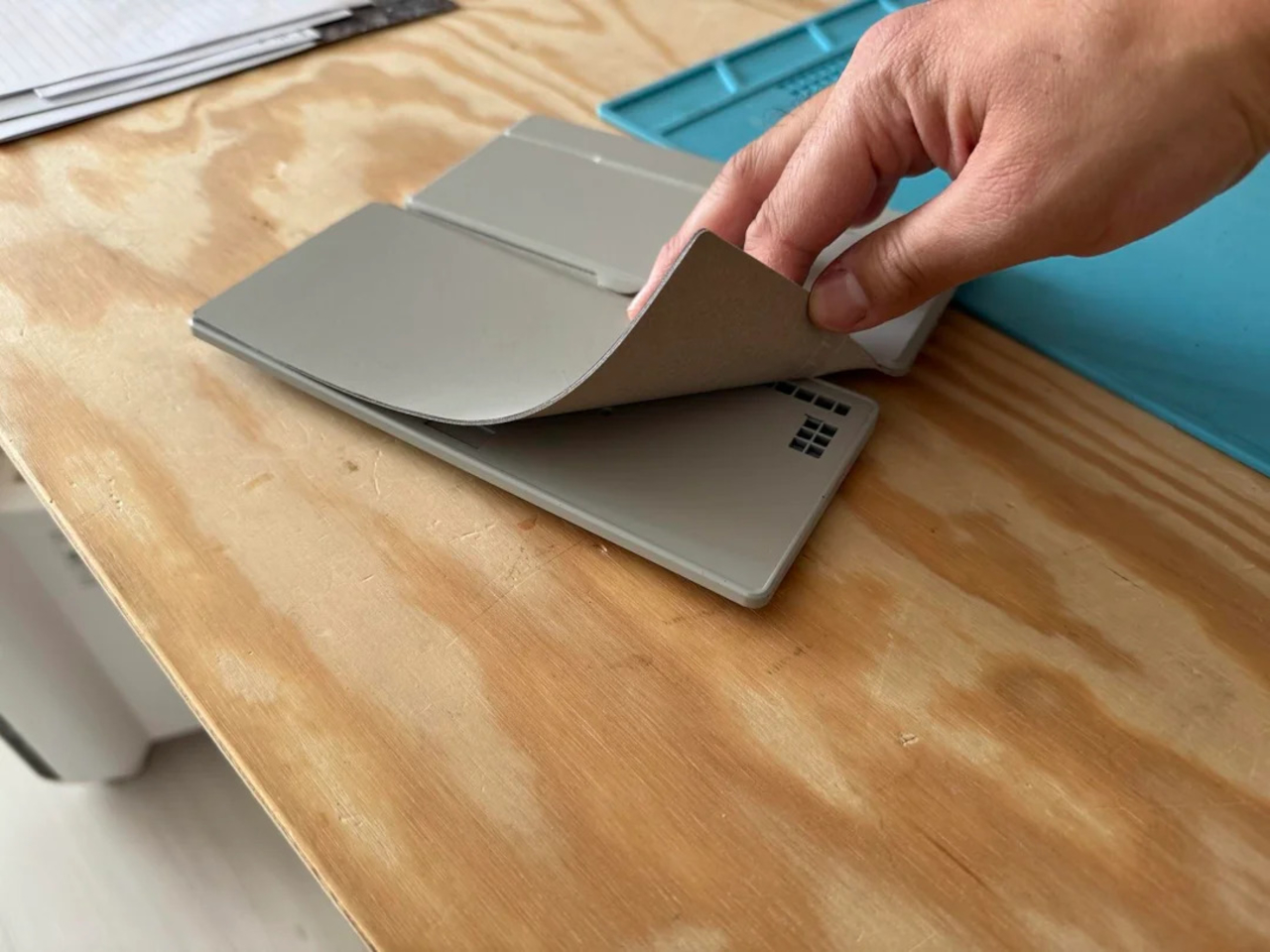
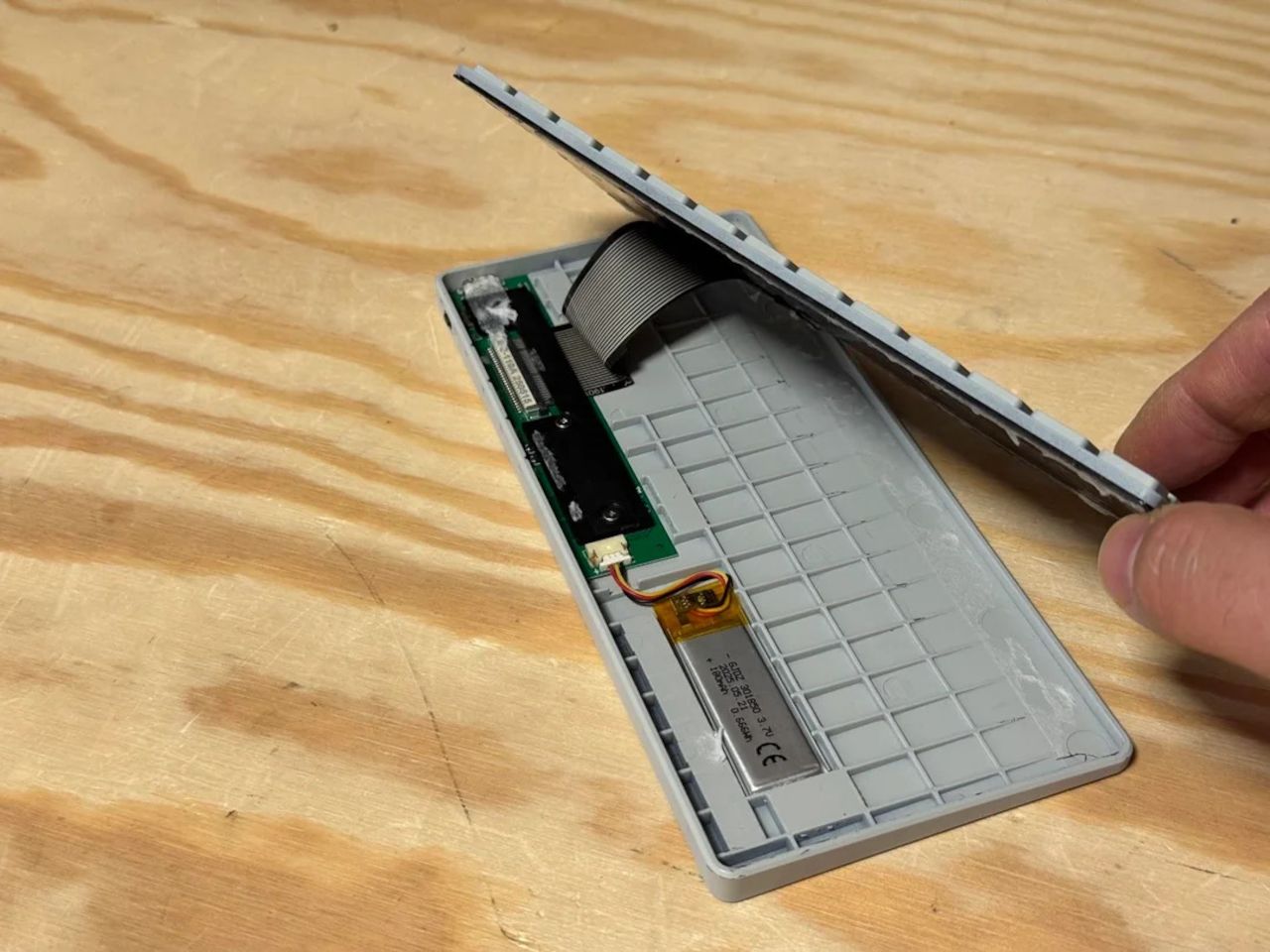
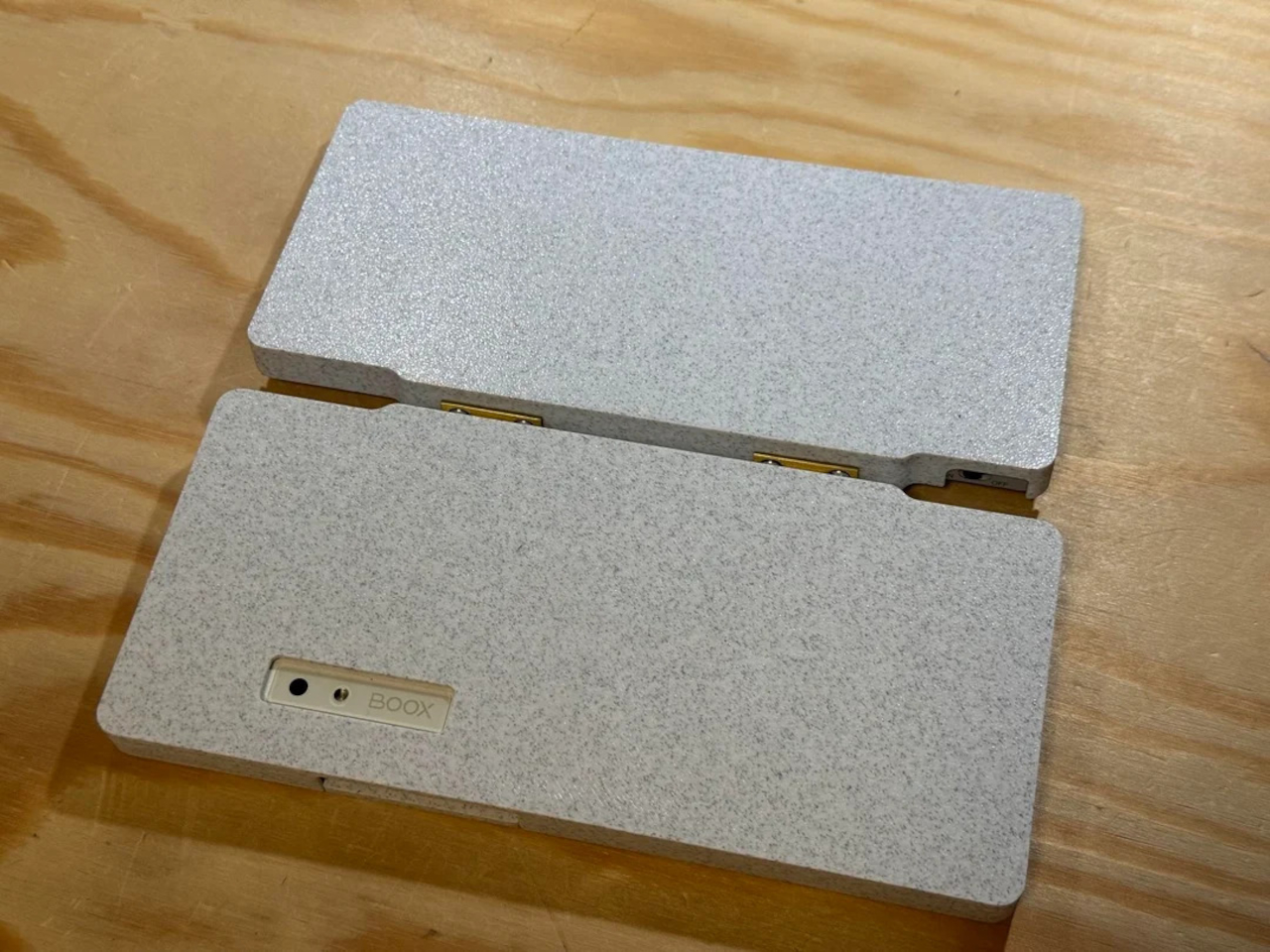
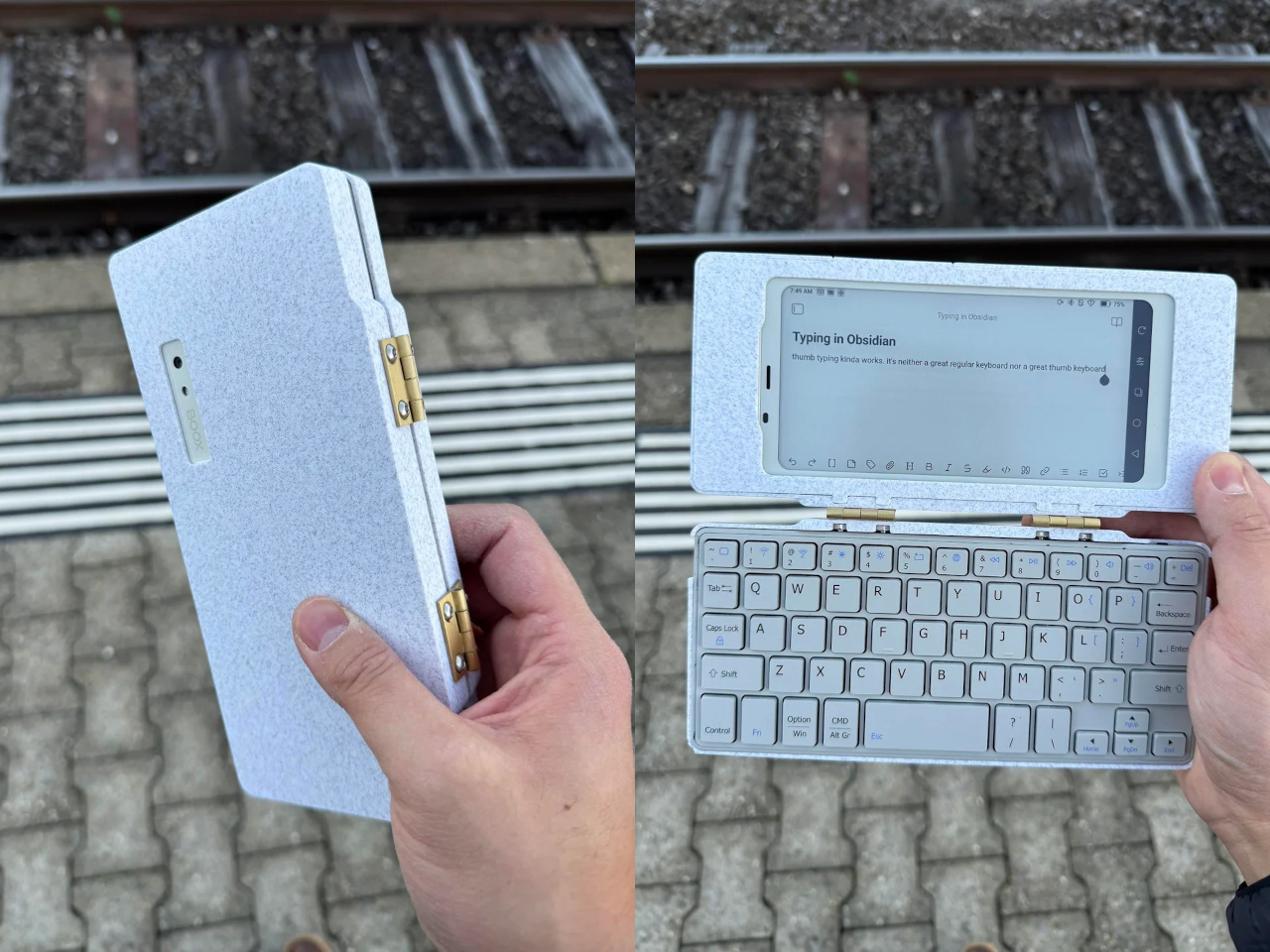
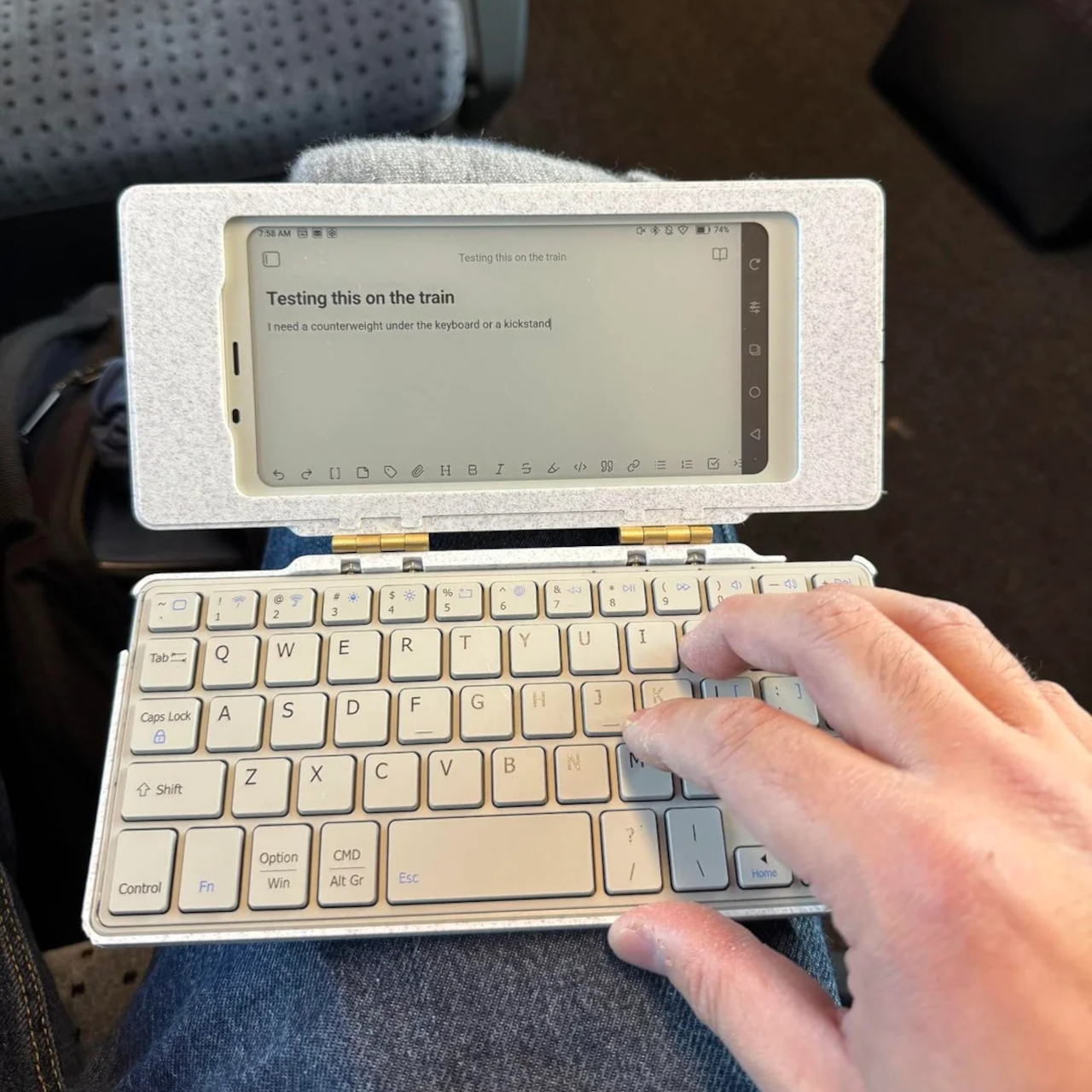
The core hardware is straightforward. The BOOX Palma sits in the top half of the shell, while a CACOE Bluetooth mini keyboard occupies the bottom half. The keyboard was originally glued into a PU-leather folio, which the maker carefully peeled off using gentle heat from a hair dryer to expose the bare board. When opened, the two halves form a tiny laptop layout with the e-ink screen above and the keyboard below.
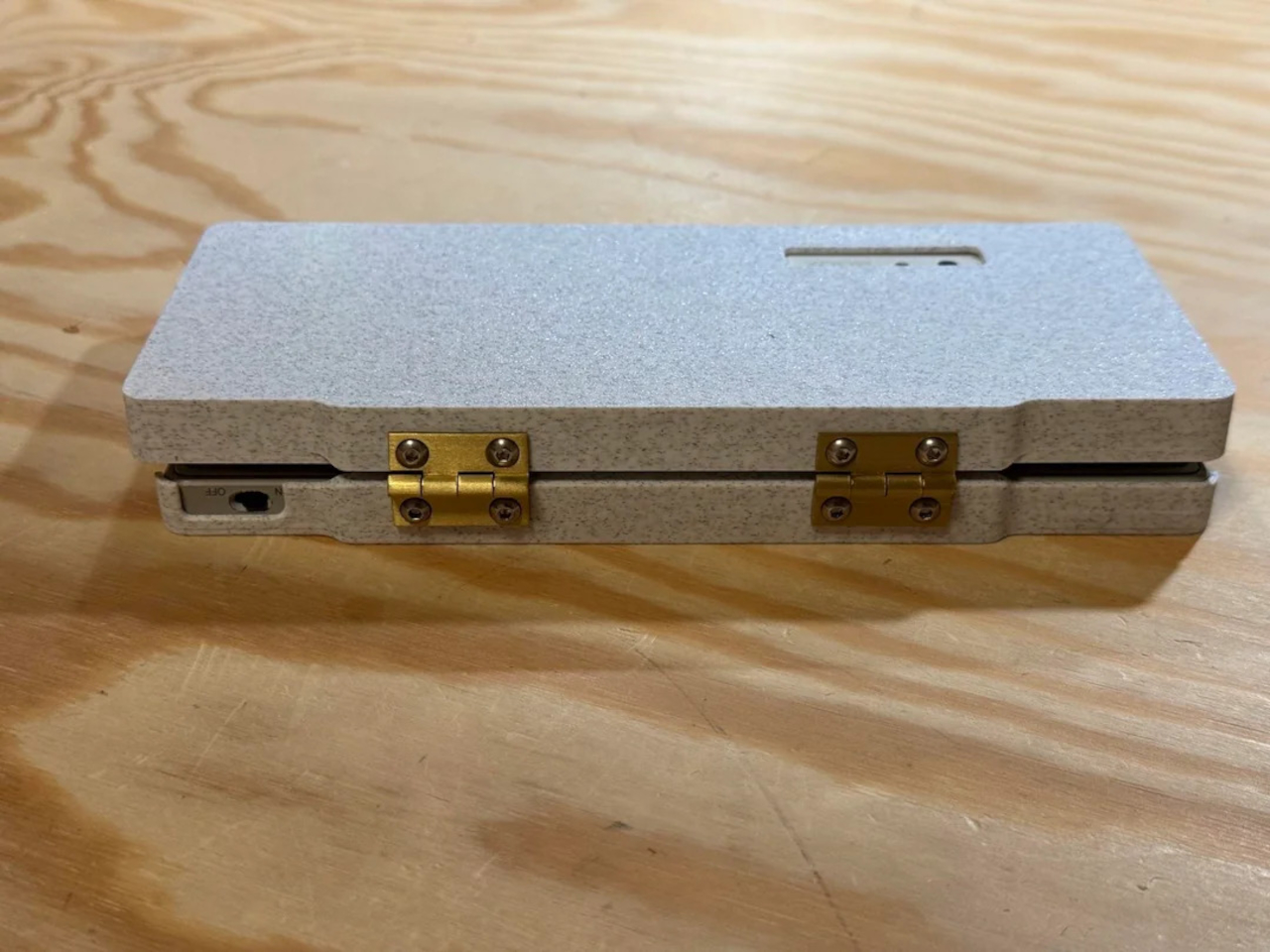
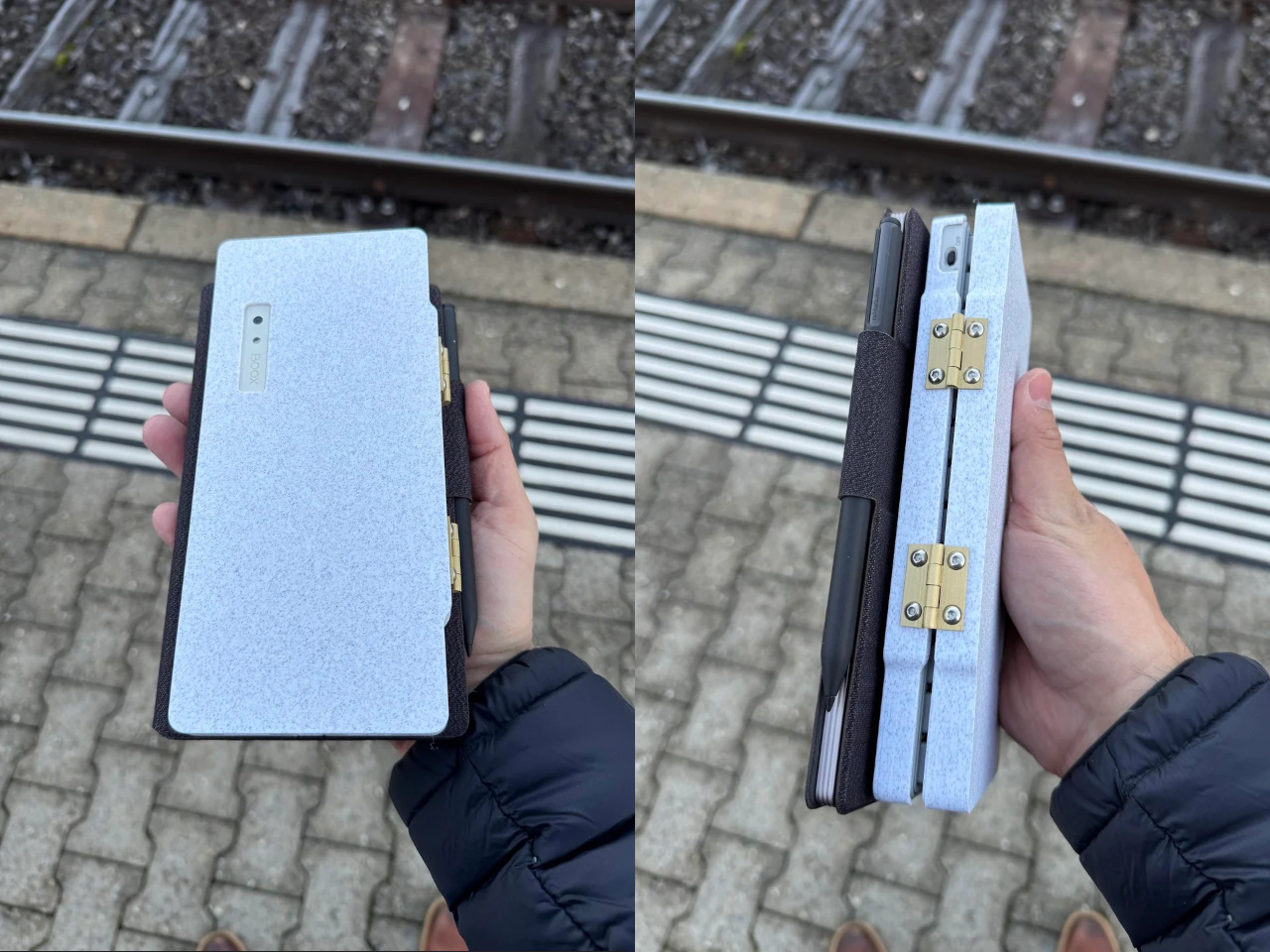
The clamshell itself is 3D-printed in a speckled filament that looks like stone, with two brass hinges along the spine giving it a slightly retro, handcrafted feel. Closed, it resembles a small hardback book with the Palma’s camera cutout visible on the back. Open, the recessed trays hold both the screen and keyboard flush, turning the whole thing into a surprisingly polished handheld computer, considering it’s a first prototype.
The typing experience is functional but not perfect. The maker describes it as “okay to type on once you get used to it,” and thumb typing “kinda works,” though it’s not ideal for either style. You can rest the device on your lap during a train ride and use it vertically like a book, with the Palma displaying an e-book and the keyboard ready for quick notes or annotations.
The build has a few issues that the maker plans to fix in the next version. It’s top-heavy, so it needs to lie flat or gain a kickstand or counterweight under the keyboard, possibly a DIY flat power bank. The hinge currently lacks friction and needs a hard stop around one hundred twenty degrees to keep the screen upright. There are also small cosmetic tweaks, like correcting the display frame width.
Palm(a)top Computer v0 shows how off-the-shelf parts and a 3D printer can turn a niche e-ink phone into a bespoke palmtop tailored to one person’s workflow. Most consumer gadgets arrive as sealed rectangles you can’t modify, but projects like this embrace iteration and imperfection. It’s less about having all the answers and more about building something personal that might inspire the next version.
E-readers typically force a trade-off between portability and capability. Compact models fit easily in bags but often lack processing power or features beyond basic reading. Larger tablets offer more functionality but become awkward to carry daily. Most devices focus on storage capacity and screen size while ignoring the need for smarter tools that support active reading and deeper engagement with content rather than just passive consumption.
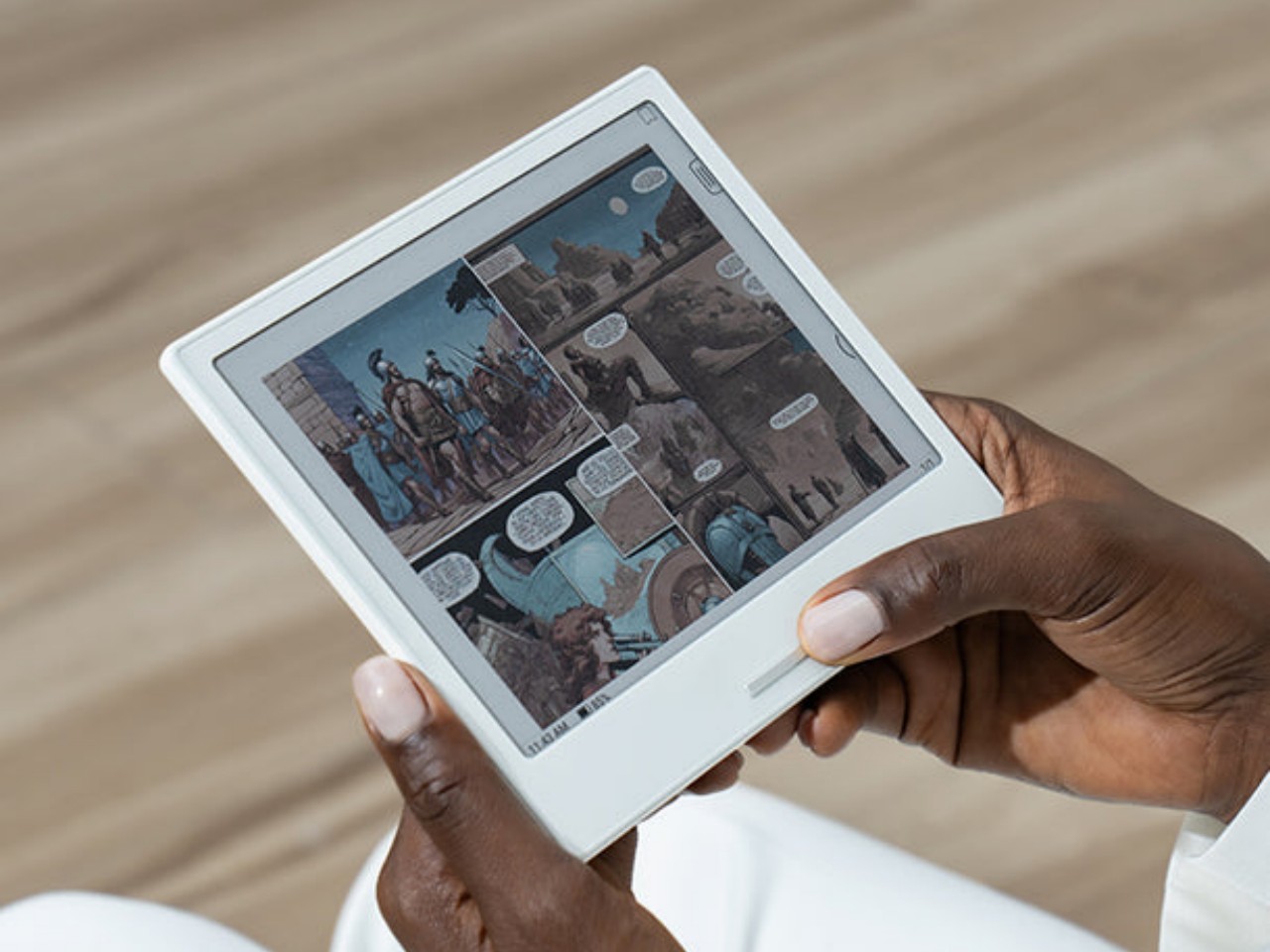
The Viwoods AIPaper Reader measures roughly six inches diagonally and weighs just one hundred thirty-eight grams, making it slim enough to slip into coat pockets or small bags without adding noticeable bulk. Running Android 16 with 4G cellular support, the device combines traditional E Ink reading comfort with AI-powered features that answer questions, highlight key passages, and help build personal knowledge bases directly from whatever you’re reading at the moment.
The device’s profile measures 6.7mm thin, which makes it feel more like carrying a smartphone than a dedicated reading device. The minimalist design uses slim bezels around the 6.13-inch Carta 1300 E Ink display, keeping the footprint compact while maintaining enough screen real estate for comfortable reading without constant page turns. Available in black and white or color display versions, the aesthetic stays clean and understated throughout.
The three hundred PPI resolution keeps text crisp across different font sizes and formats, while the adjustable front light means reading happens comfortably whether you’re outside in daylight or in bed at midnight. The E Ink display eliminates the eye strain that comes from staring at backlit phone or tablet screens for extended periods, which matters during long reading sessions or when your eyes already feel tired.
Integrated AI runs through ChatGPT-5, Gemini, or DeepSeek, depending on preference, offering instant answers to questions about content without leaving the page or opening separate apps. Highlight a passage and ask for clarification. The AI responds contextually based on what you’re reading. Save interesting excerpts to the knowledge basement feature, which organizes captured passages into a searchable personal library that builds over time.
The octa-core processor and 4GB of RAM keep navigation smooth despite E Ink’s inherent display refresh limitations. Multiple refresh modes adjust speed versus clarity depending on whether you’re reading static text or navigating menus. The device handles PDF, EPUB, MOBI, and other common formats without requiring conversion software or workarounds before loading files onto the reader.
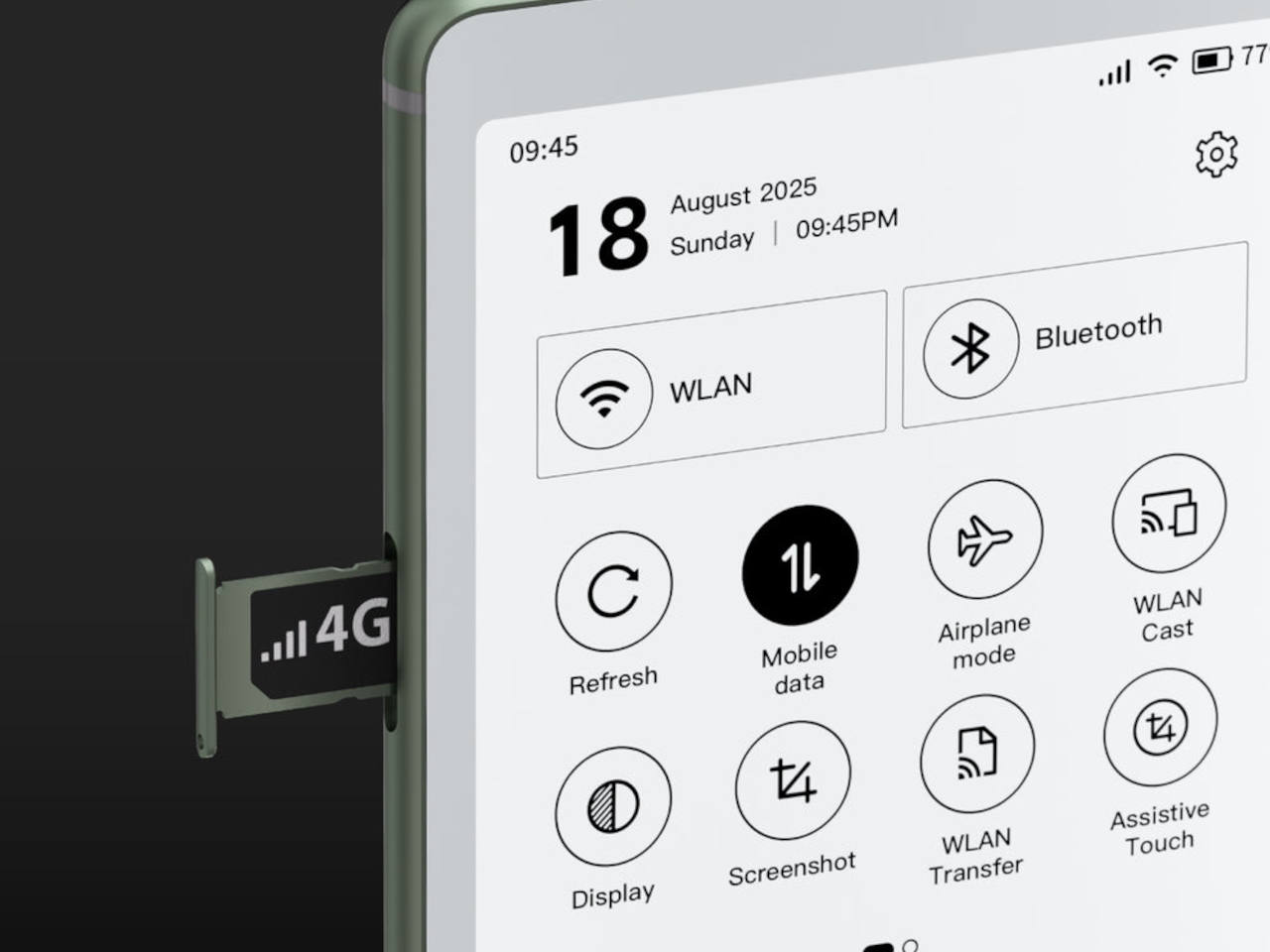
4G cellular connectivity separates this from most E Ink devices, enabling cloud library access, book downloads, and AI features anywhere cell service reaches without hunting for Wi-Fi networks. The 2580mAh battery supports weeks of typical reading between charges, given E Ink’s minimal power consumption when displaying static pages. Android 16 and Google Play support mean standard reading apps install alongside specialized ones, giving users flexibility beyond proprietary ecosystems that lock you into specific bookstores or formats.
The Viwoods AIPaper Reader sits between simple e-readers that only display text and full tablets that introduce too many distractions through notifications and competing apps demanding attention. It delivers AI-assisted reading, organized knowledge capture, cellular connectivity for anywhere access, and genuine portability within a form factor slim enough to disappear into daily carry routines without demanding the pocket space or mental bandwidth that smartphones and larger tablets constantly require.
E-book Readers, a.k.a. e-Readers, are becoming popular again thanks to the introduction of new technologies like Color E Ink, as well as the proliferation of new brands like Onyx BOOX, Bigme, and reMarkable. That said, some people prefer to stick to the slightly large screens of their smartphones rather than carry a separate device, but that kind of digital reading experience brings its fair share of discomfort. Even disregarding eye strain, reading for long periods on a smartphone means potentially blocking part of the screen or giving your hand cramps in the long run. This iPhone accessory offers a solution that tries to make reading on a phone slightly more comfortable, even if it only addresses one very specific problem.
While smartphones and tablets are banishing bezels, e-Readers are insistent on keeping them around. It isn’t because they can’t make screen borders incredibly thin but because they want to offer an ergonomic design where one or two hands can comfortably hold the device without worrying about accidentally touching the screen or blocking part of the content. Without that kind of “margin,” holding a smartphone can become awkward and uncomfortable for an extended period of time.
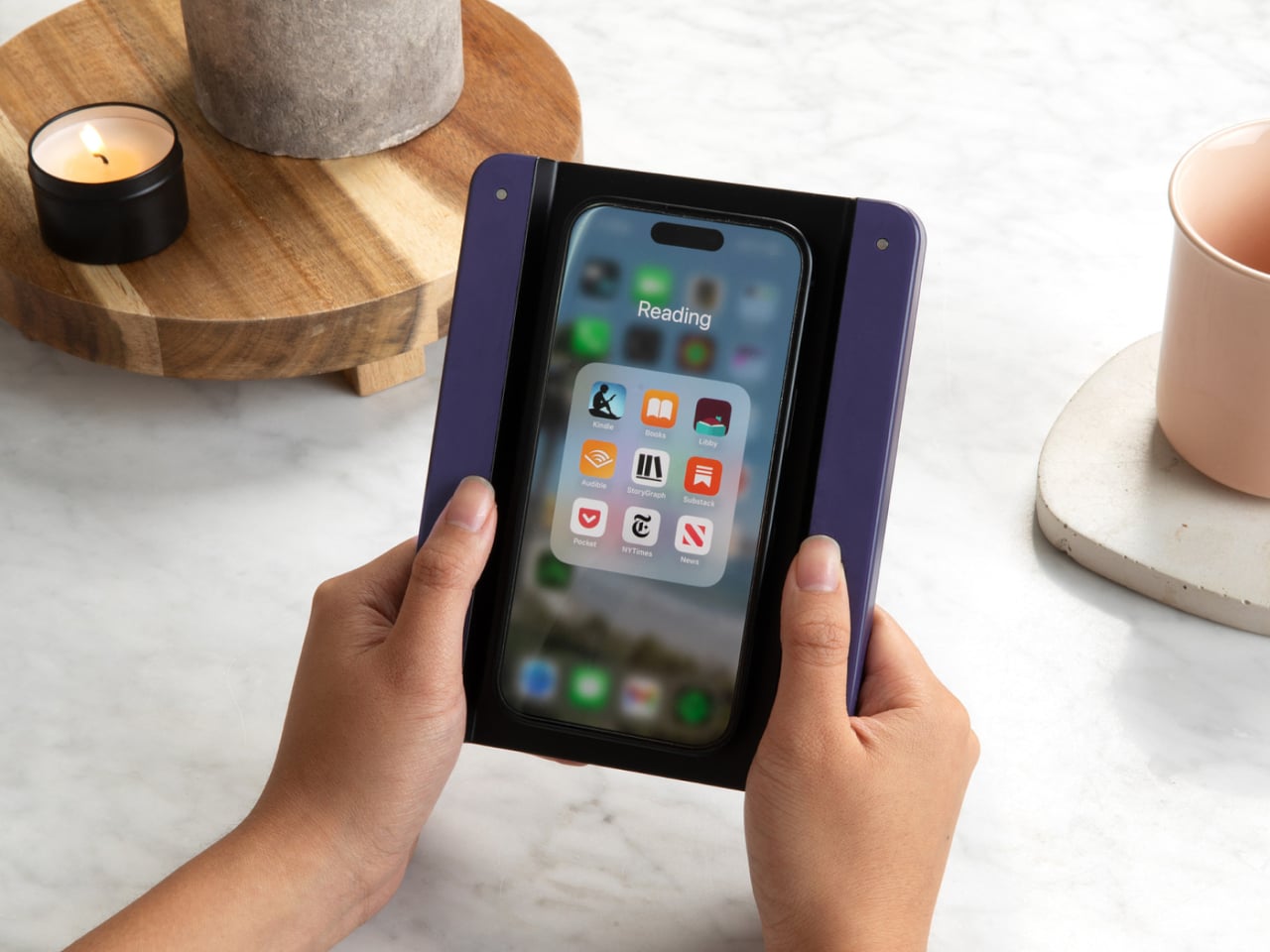
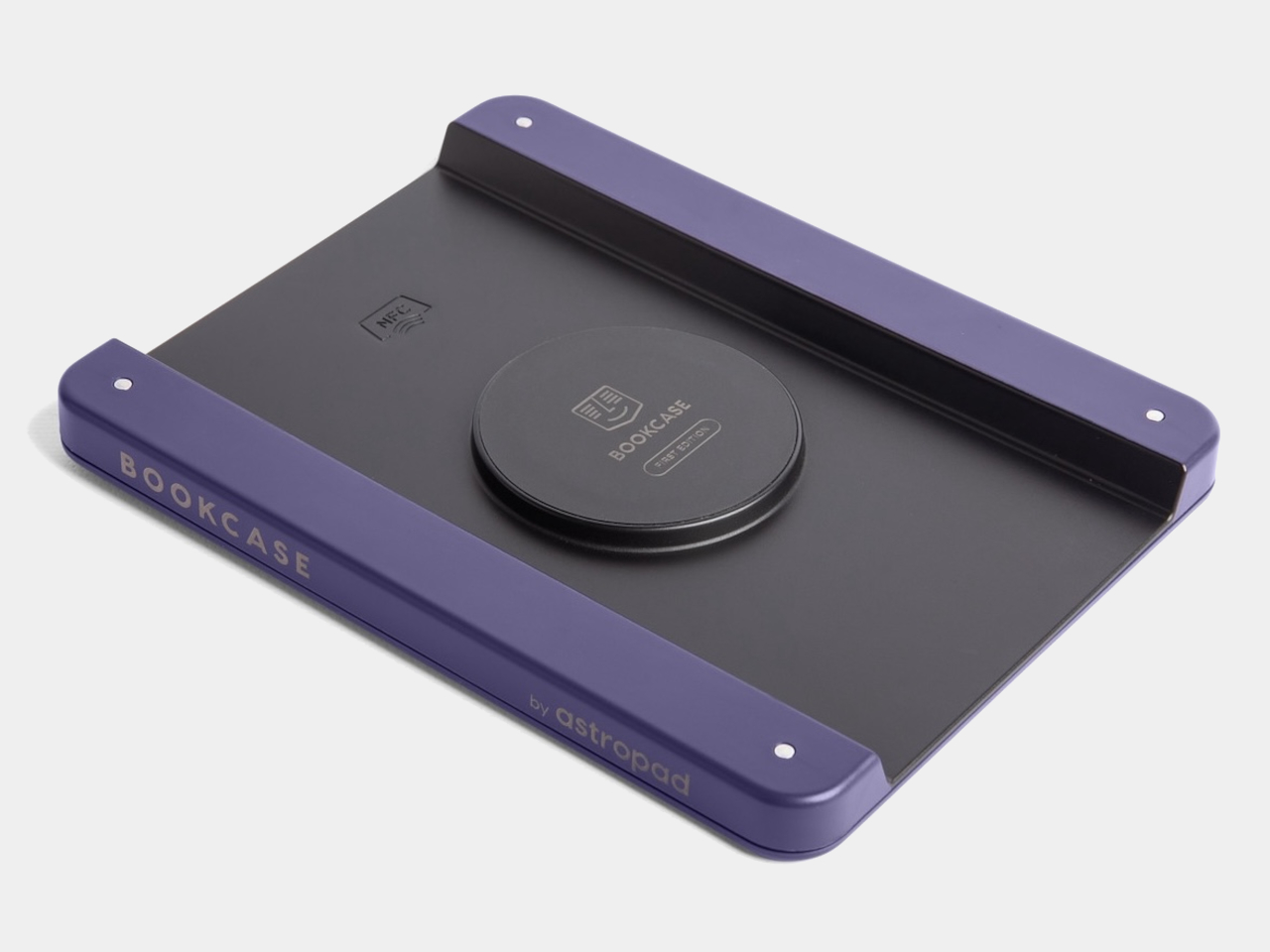
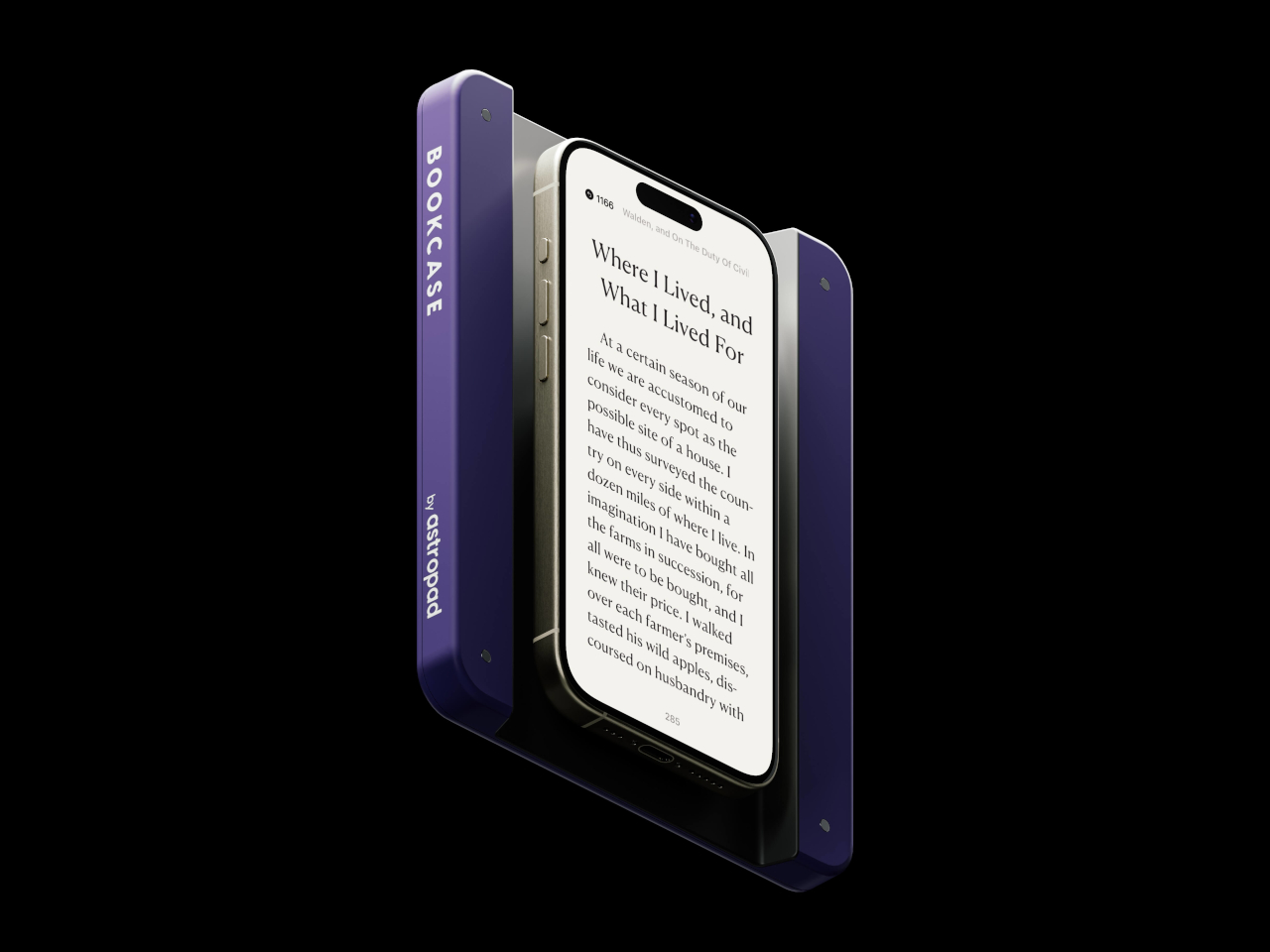
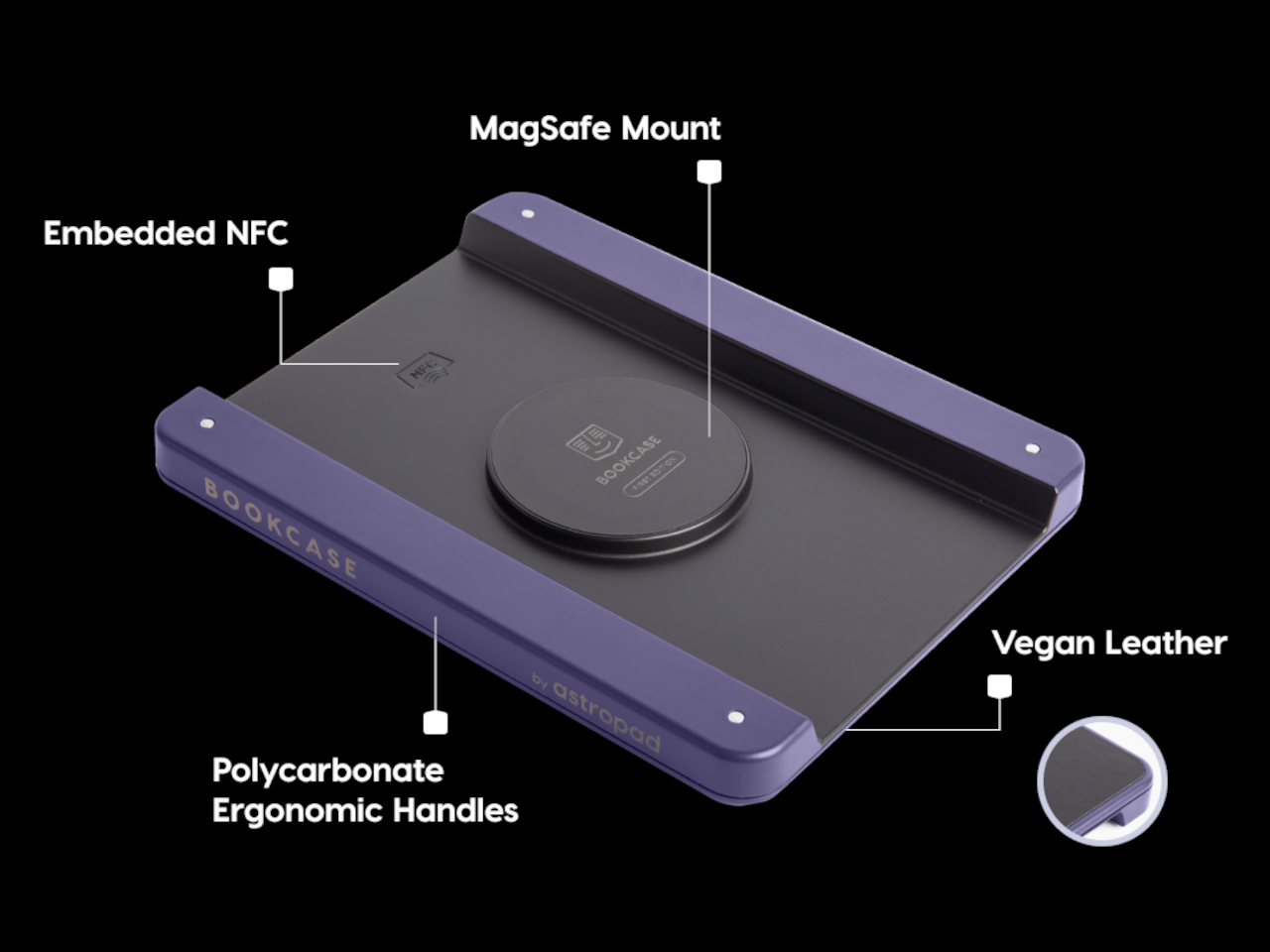
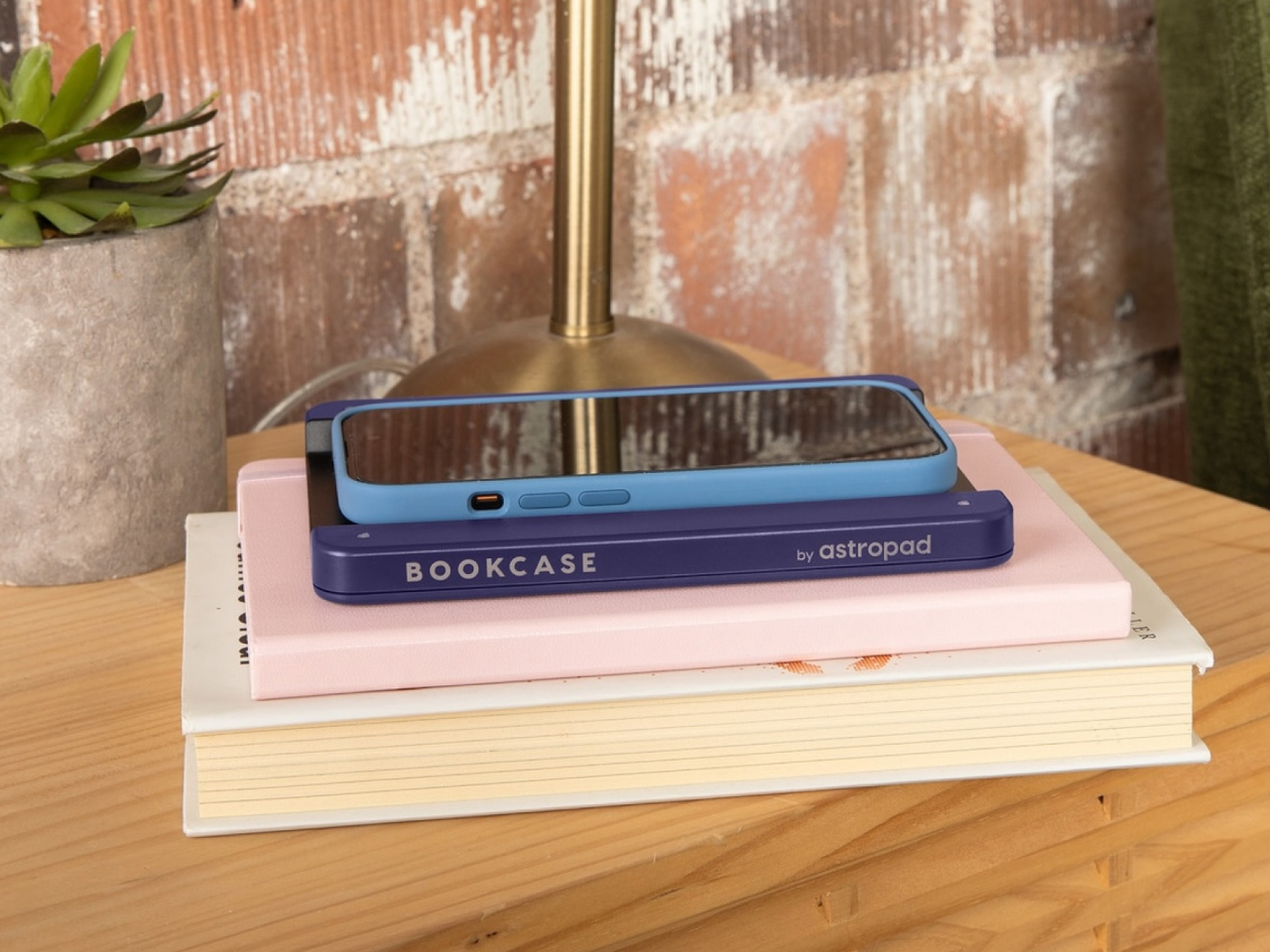
Astropad Bookcase is an accessory that adds handles to the sides of a phone without forcing owners to put on a protective case. A MagSafe-compatible phone attaches to the middle of the tray-like accessory when you want to read, giving your hands something stable to grasp. And when you’re done, you simply detach the phone, put away the Bookcase, and be on your merry way. The accessory is made with lightweight polycarbonate that makes it feel like you’re adding nothing to the smartphone, and it uses vegan leather to add a bit of style and elegance to the design.
The Astropad Bookcase has a few gimmicks that make the e-Reading experience a bit smoother. A companion app, for example, can automatically launch your favorite e-Reader app the moment you attach the iPhone to the Bookcase thanks to an NFC chip inside the MagSafe mount. Although it’s primarily compatible with iPhone 12 and later models, the package includes a MagSafe conversion kit to support older iPhones as well as Android phones.
While the Bookcase does solve one part of the smartphone ergonomic problem, it doesn’t fully address the reasons why it’s not ideal to read on a smartphone for too long. For one, there are no convenient physical buttons that would let you turn the page without having to swipe or tap on the screen, similar to how some apps allow you to use the volume buttons for the same purpose. And there’s no escaping the fact that LCD and OLED screens, regardless of advertised advanced technologies, cause eye strain over prolonged use compared to eye-friendly E Ink displays.
E-book Readers, a.k.a. e-Readers, are becoming popular again thanks to the introduction of new technologies like Color E Ink, as well as the proliferation of new brands like Onyx BOOX, Bigme, and reMarkable. That said, some people prefer to stick to the slightly large screens of their smartphones rather than carry a separate device, but that kind of digital reading experience brings its fair share of discomfort. Even disregarding eye strain, reading for long periods on a smartphone means potentially blocking part of the screen or giving your hand cramps in the long run. This iPhone accessory offers a solution that tries to make reading on a phone slightly more comfortable, even if it only addresses one very specific problem.
While smartphones and tablets are banishing bezels, e-Readers are insistent on keeping them around. It isn’t because they can’t make screen borders incredibly thin but because they want to offer an ergonomic design where one or two hands can comfortably hold the device without worrying about accidentally touching the screen or blocking part of the content. Without that kind of “margin,” holding a smartphone can become awkward and uncomfortable for an extended period of time.
Astropad Bookcase is an accessory that adds handles to the sides of a phone without forcing owners to put on a protective case. A MagSafe-compatible phone attaches to the middle of the tray-like accessory when you want to read, giving your hands something stable to grasp. And when you’re done, you simply detach the phone, put away the Bookcase, and be on your merry way. The accessory is made with lightweight polycarbonate that makes it feel like you’re adding nothing to the smartphone, and it uses vegan leather to add a bit of style and elegance to the design.
The Astropad Bookcase has a few gimmicks that make the e-Reading experience a bit smoother. A companion app, for example, can automatically launch your favorite e-Reader app the moment you attach the iPhone to the Bookcase thanks to an NFC chip inside the MagSafe mount. Although it’s primarily compatible with iPhone 12 and later models, the package includes a MagSafe conversion kit to support older iPhones as well as Android phones.
While the Bookcase does solve one part of the smartphone ergonomic problem, it doesn’t fully address the reasons why it’s not ideal to read on a smartphone for too long. For one, there are no convenient physical buttons that would let you turn the page without having to swipe or tap on the screen, similar to how some apps allow you to use the volume buttons for the same purpose. And there’s no escaping the fact that LCD and OLED screens, regardless of advertised advanced technologies, cause eye strain over prolonged use compared to eye-friendly E Ink displays.
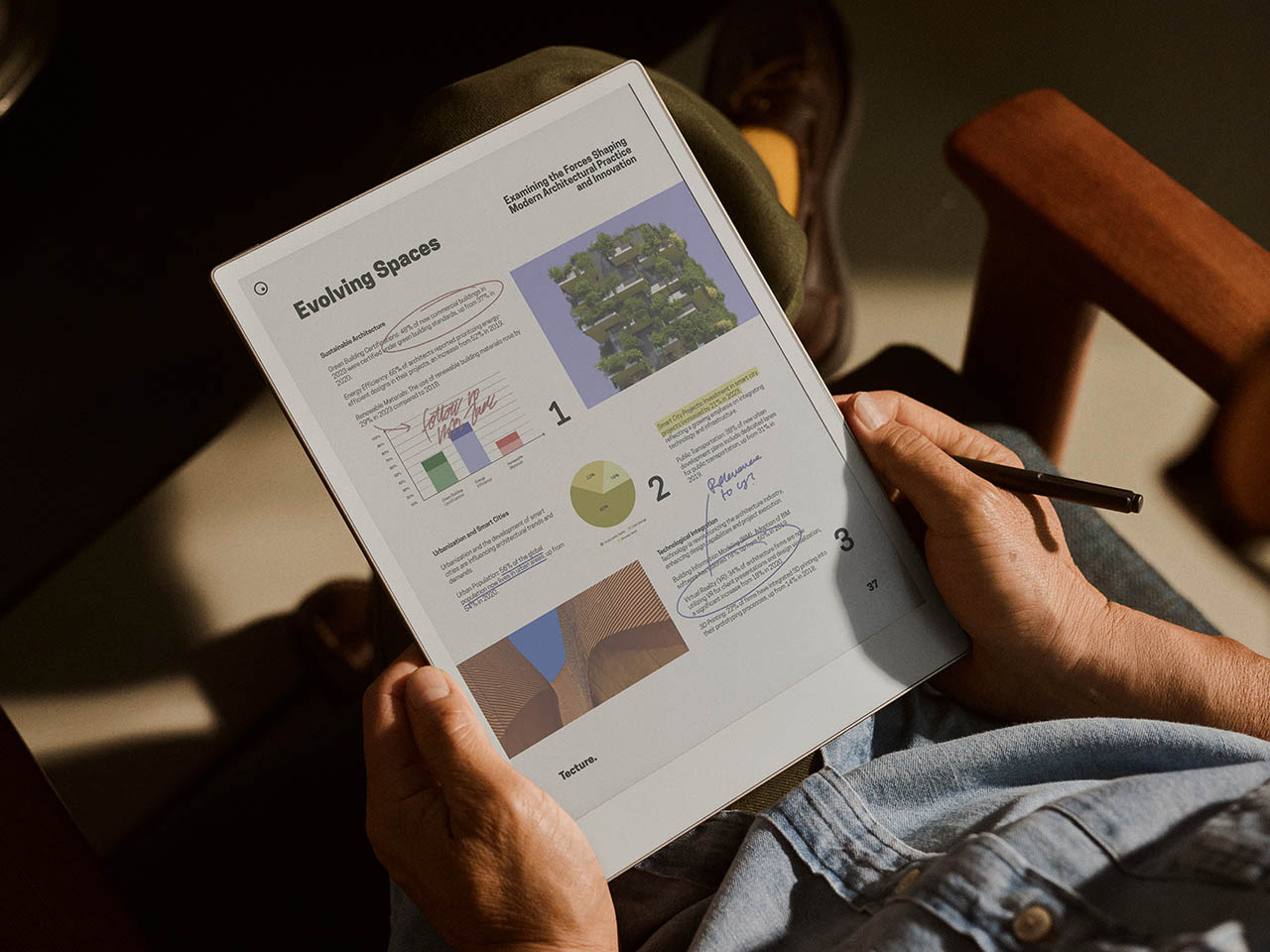
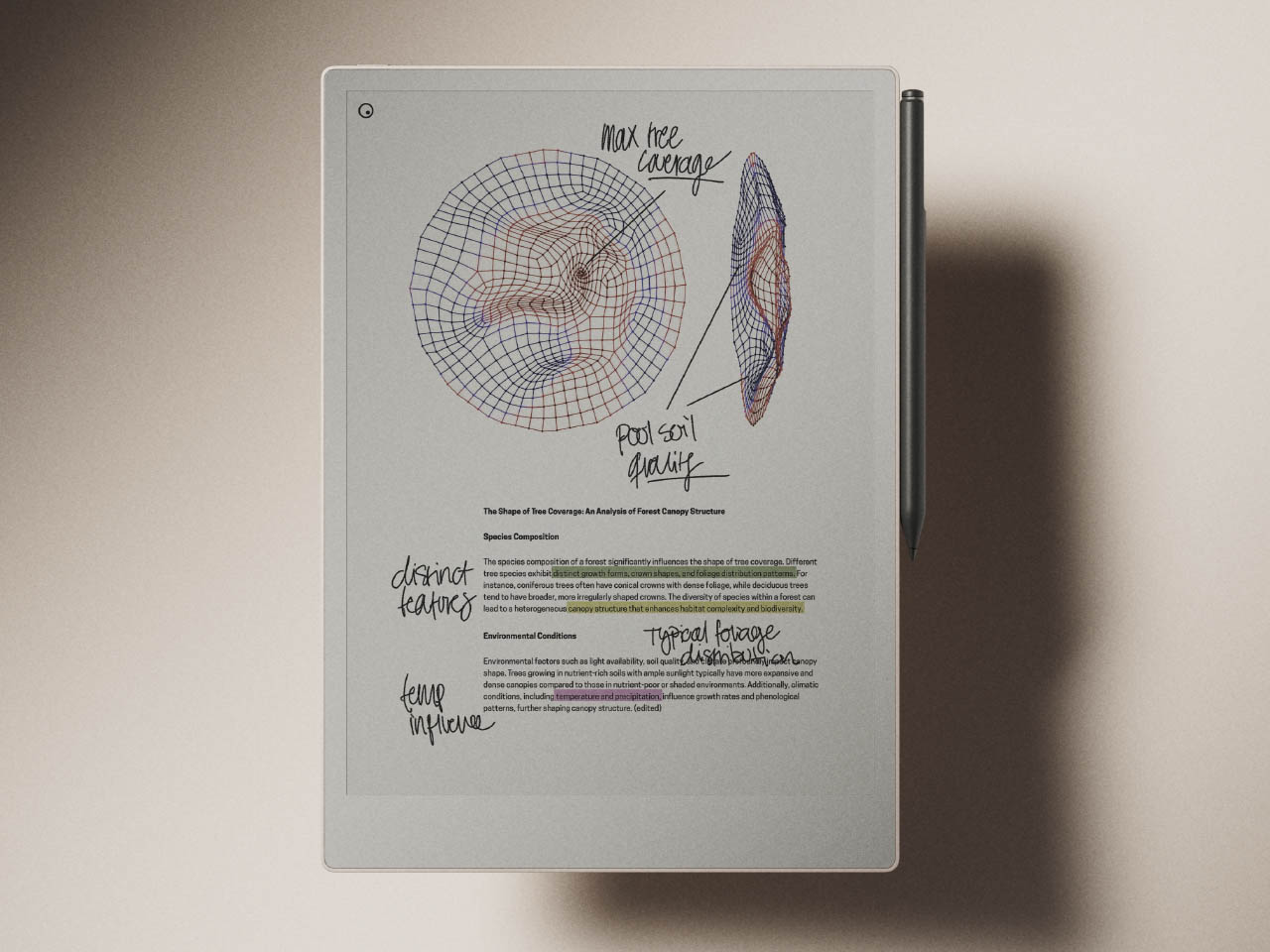
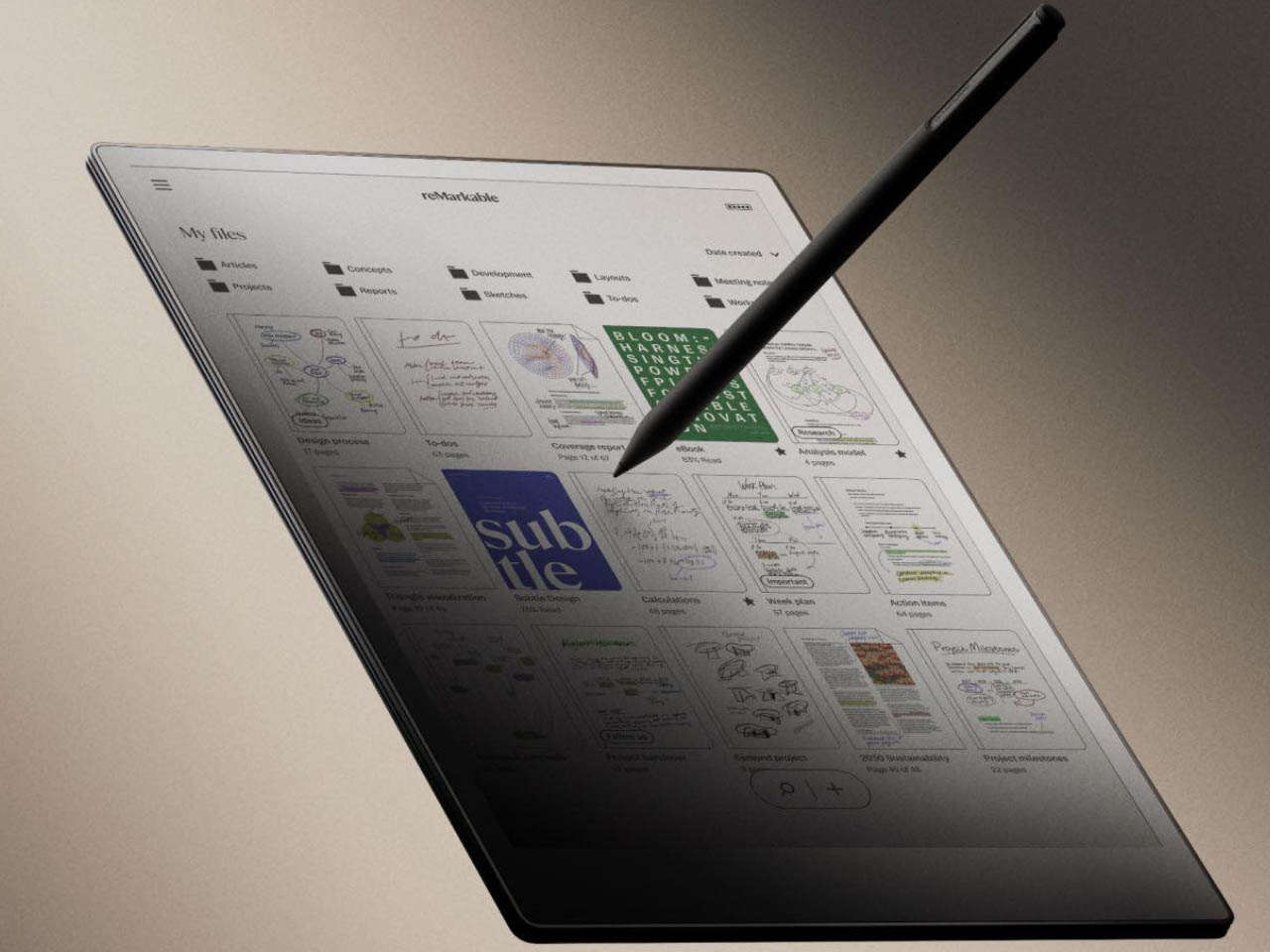
Back in 2020 reMarkable 2 was a good alternative to the iPad for people who write a lot. A couple of years later Amazon Kindle Scribe took the e-reader market by surprise with its premium reading and writing experience. Now the Norway-based company has released the reMarkable Paper Pro to capture the market share back from Amazon.
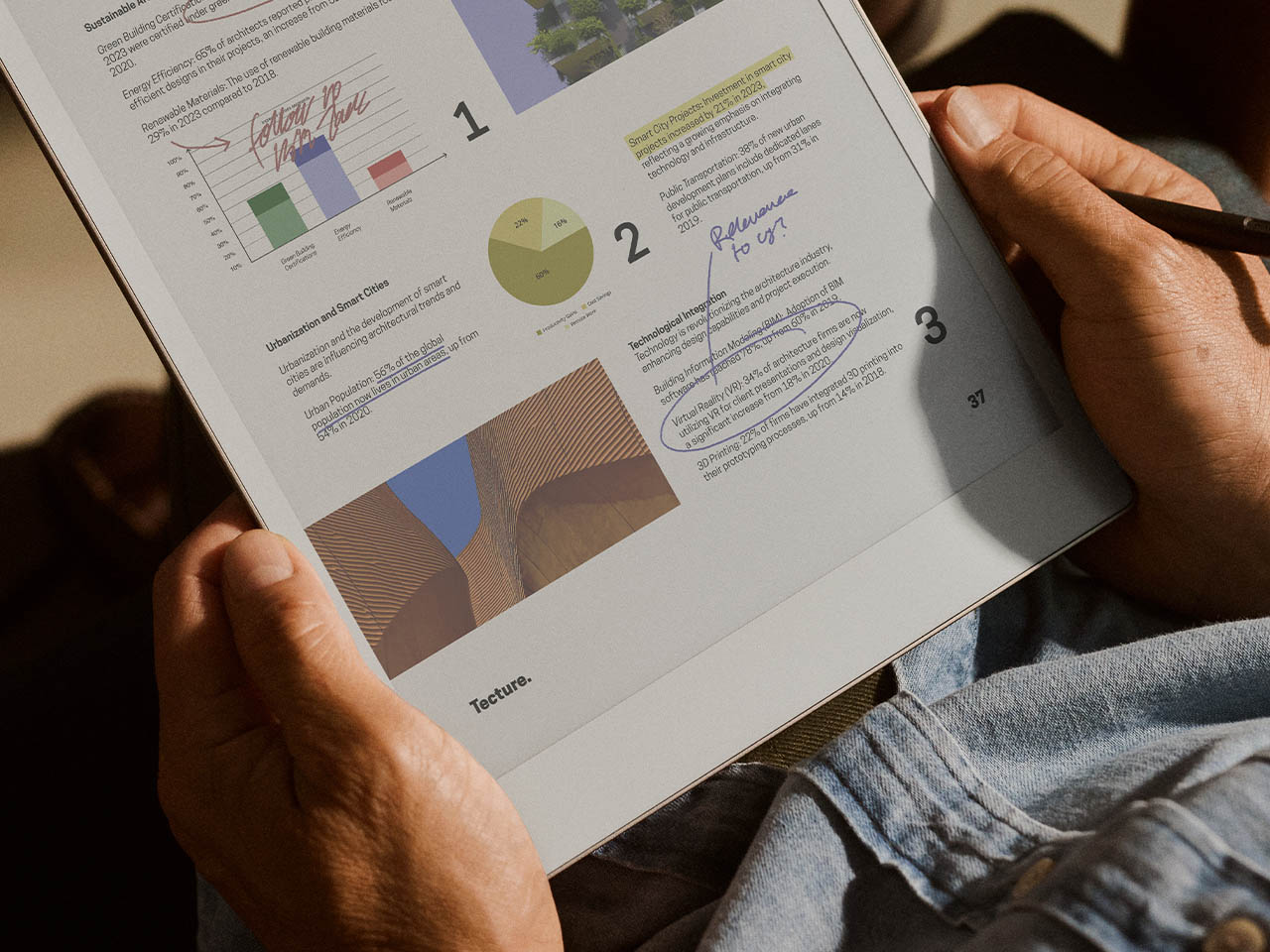
Touted as the world’s thinnest color paper tablet, the low-glare 11.8-inch display of the gadget is tailored for a pen-on-paper-like writing experience to help knowledge workers capture, refine, and elevate their thoughts in a world full of distractions. According to Phil Hess, CEO of reMarkable, “We’ve built upon the success of reMarkable 2 to create a device that offers the best writing and reading experience ever on a paper tablet.”
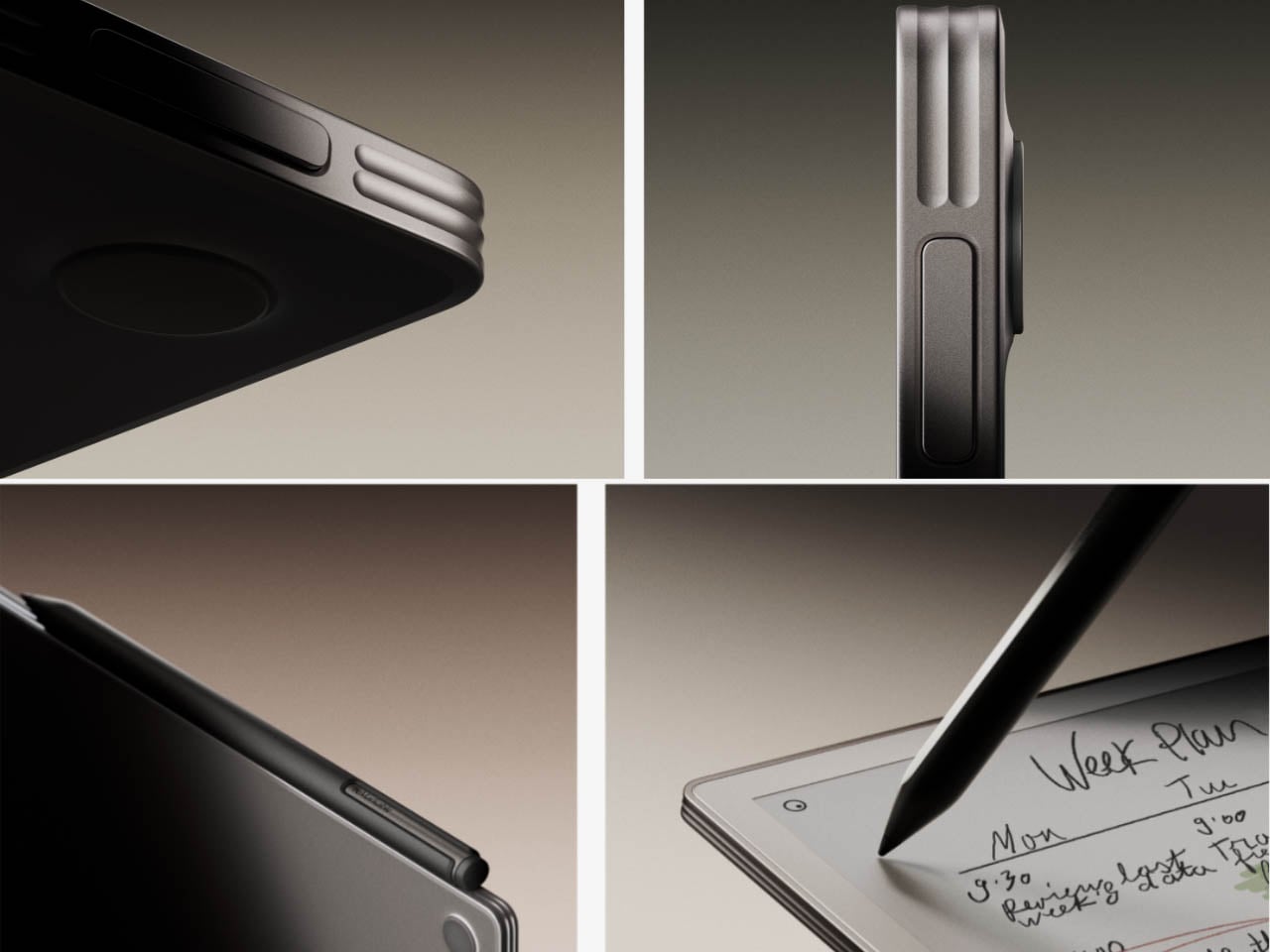
Inspired by the form of a stack of blank paper sheets, the tablet is 5.1 mm thin and doesn’t compromise on the battery as it lasts a couple of weeks on a single charge. This is the first ever reMarkable tablet to read and write in color, made possible by the new custom-developed Canvas Color display stack. The users will now have the option to write notes, sign documents, annotate PDFs, or mark up notes in a wide range of colors. The writing experience is honed by the reduced latency of 12ms when the stylus hits the screen and the corresponding input is registered. The e-reader is free from any distracting apps and is strictly meant for people who love reading and writing without any frills.
The e-paper slate comes with a stylus, or can also be connected to a wireless keyboard. The size of the bezels on this version has been reduced, the edge band is sharper and the chin sleekly hugs the display making it a treat to hold – just like a sheaf of paper. Made from anodized aluminum and glass it is lightweight and has a lot of grip to hold while lying down or while walking in a rush. The included backlight on the display makes the E-reader ideal for nighttime reading and is gentle enough on the eyes. Even on maximum brightness levels, it doesn’t induce eyestrain.
On the inside, the tablet is powered by a new 1.8Ghz quad-core Cortex A53 processor mated to 2GB RAM and 64GB storage. That’s almost twice as powerful as the previous model. Overall the gadget gives or more reasons than not to go for the investment priced at $579 with the standard Marker. For the Marker Plus version, you’ll have to shell out $629. reMarkable Paper Pro can be ordered right now and orders will be fulfilled within 10-21 business days.
eBook readers or eReaders, for short, have come a long way since the day of the first Kindles and Nooks. While they still retain that book-centric DNA, many of them have become more capable and adopted new functionality, from writing down notes to becoming digital notebooks and organizers. In fact, many of these eReaders have become Android tablets and phones with E Ink displays instead of LCDs and OLEDs. Of the growing number of players in this arena, Onyx BOOX stands out as one of the most prolific brands as proven by the launch of its third new device in three months, almost like the mobile phone giant Nokia that flooded the market with innumerable and indistinguishable models.
Fortunately, Onyx does have just a dozen models under its name, but that’s only if you count the ones it currently sells. There are a few that have already been taken off its shelves, even just a year or two after they launched or even less (looking at you, BOOX Tab Ultra C). It’s not unusual for some of these models to have overlapping feature sets, at which point the older one gets booted out. And that seems to be the case with the newest member of the BOOX Go family, the BOOX Go 6.
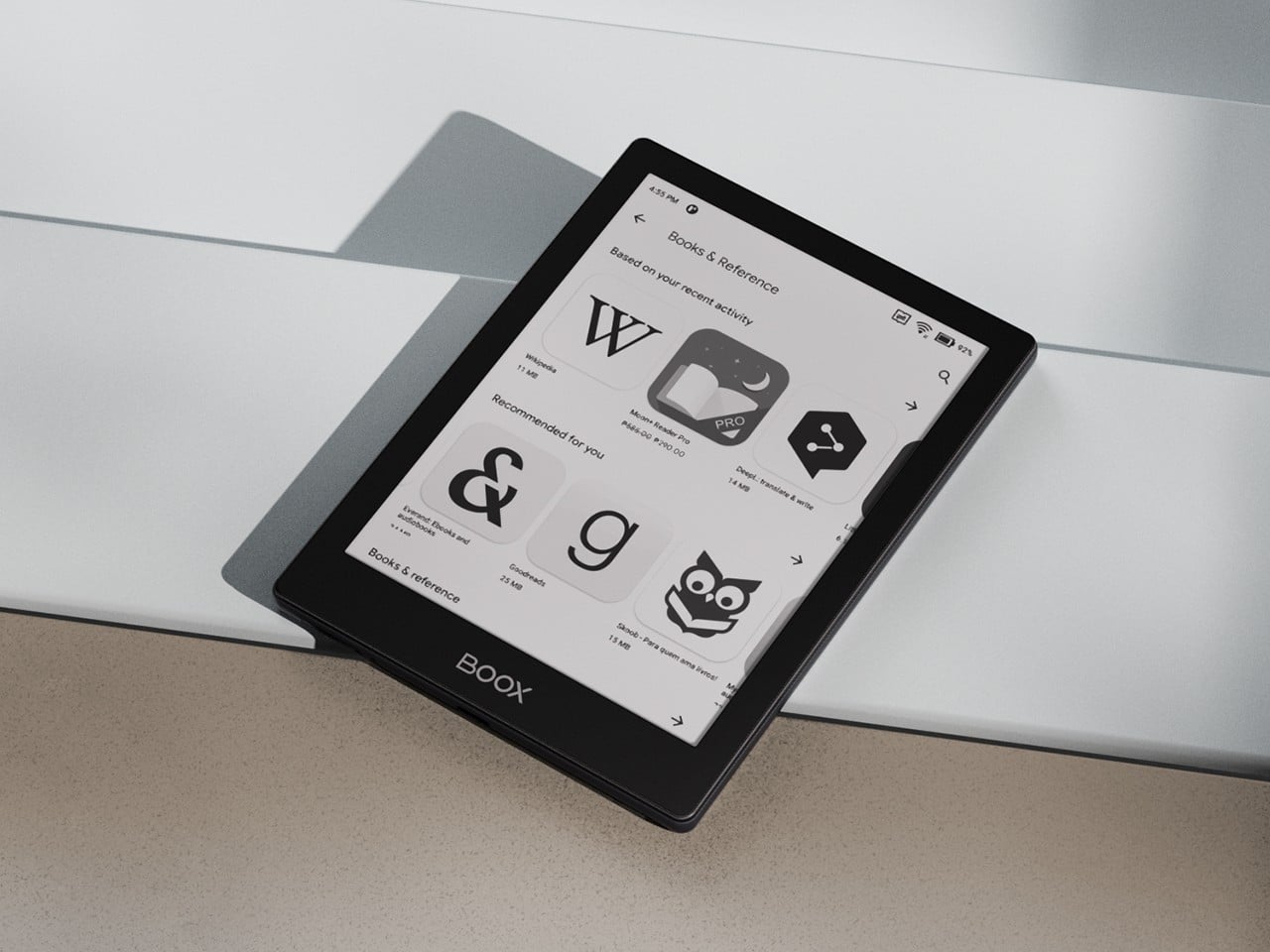
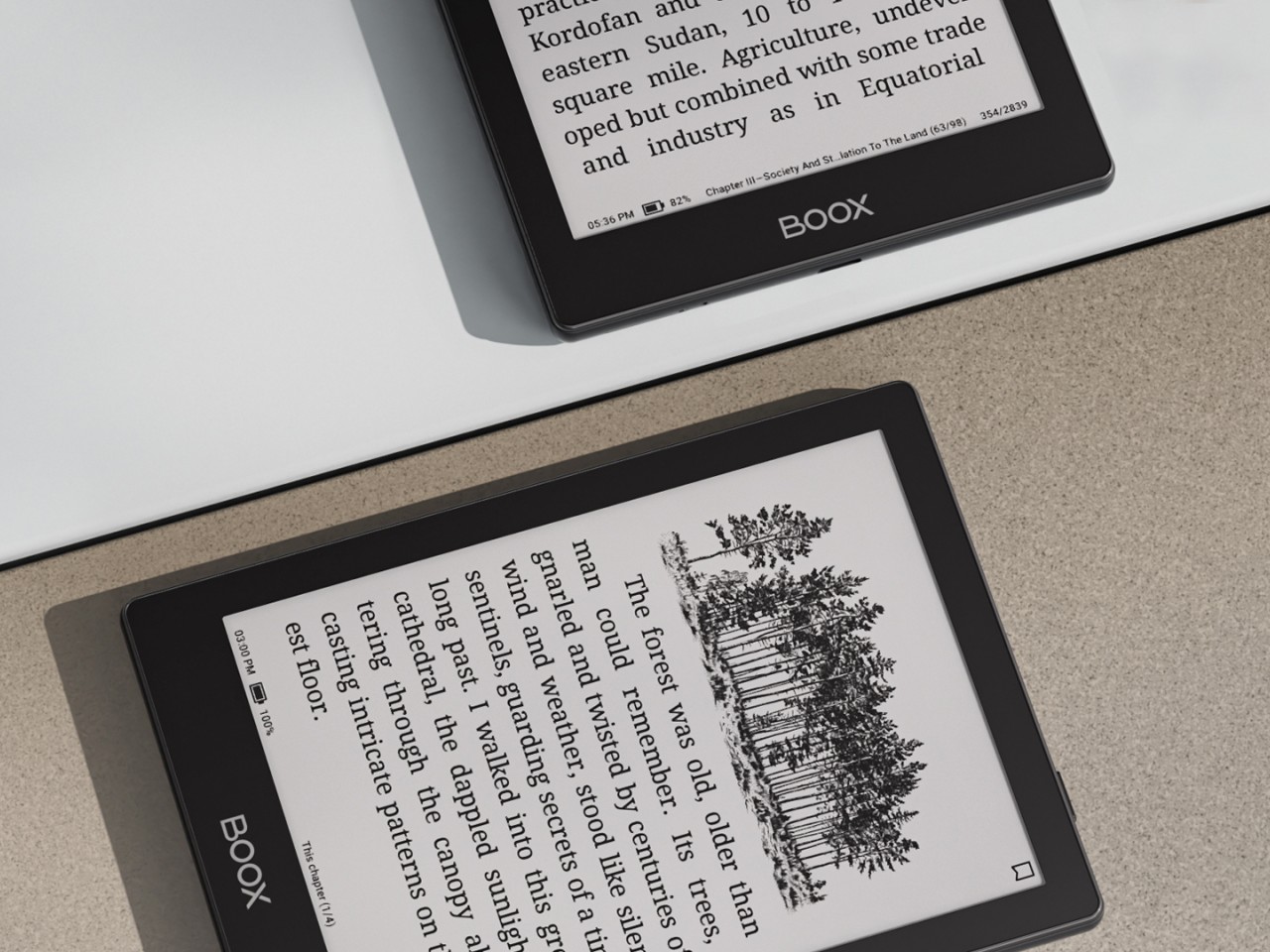
The Onyx BOOX Go 6 is basically the offspring of the BOOX Go Color 7 and the BOOX Go 10.3. With a 6-inch E Ink Carta Plus 1300 screen, it’s smaller than both, as expected of a child, making it the ultimate portable reading device. Like the BOOX Go 10.3, it has a monochrome display, which offers crisper and sharper text but at the expense of displaying any hue of color other than shades of gray. But unlike that larger “digital notebook” and more like the BOOX Go Color 7, it actually has a frontlight that makes it usable in the dark.
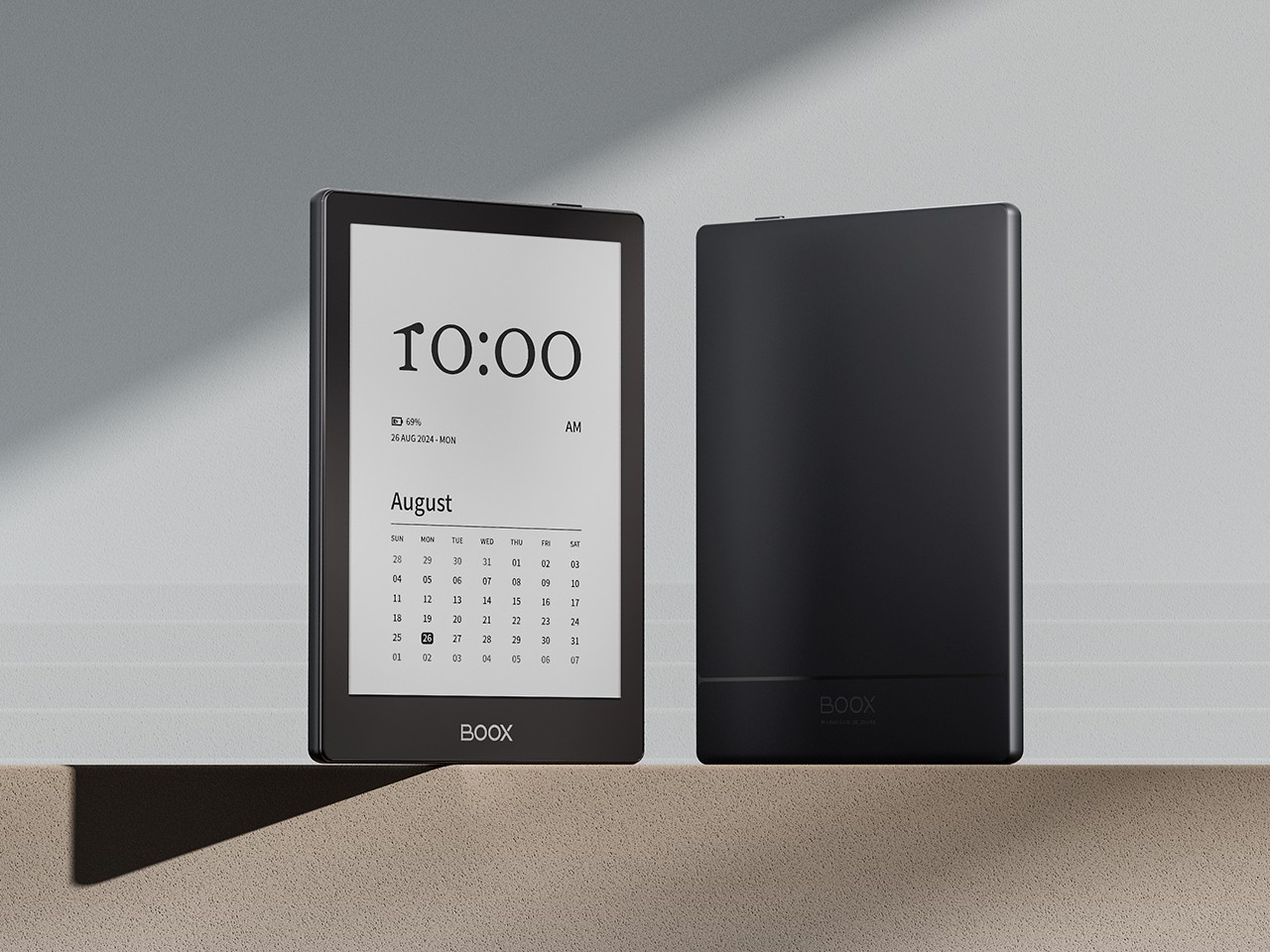
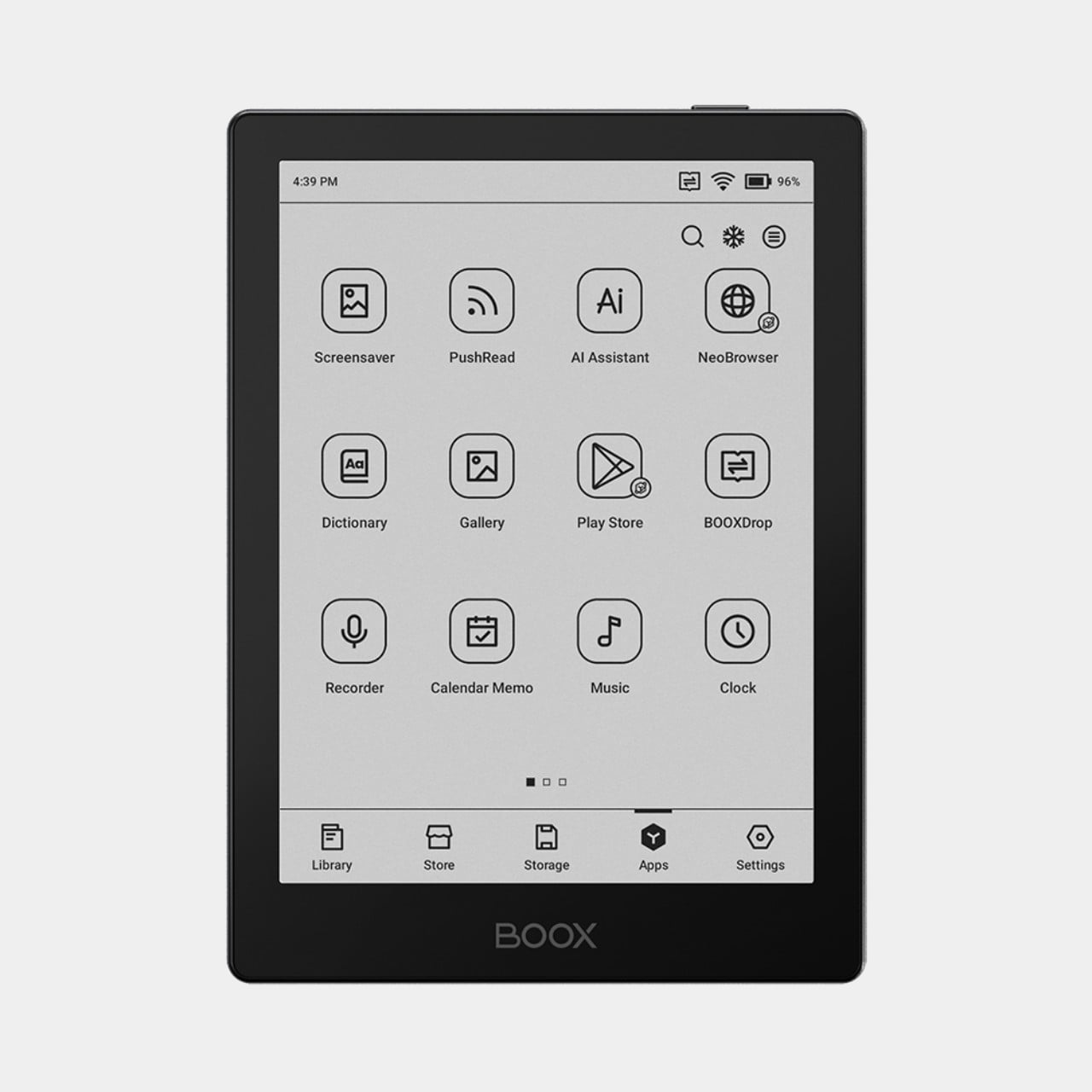
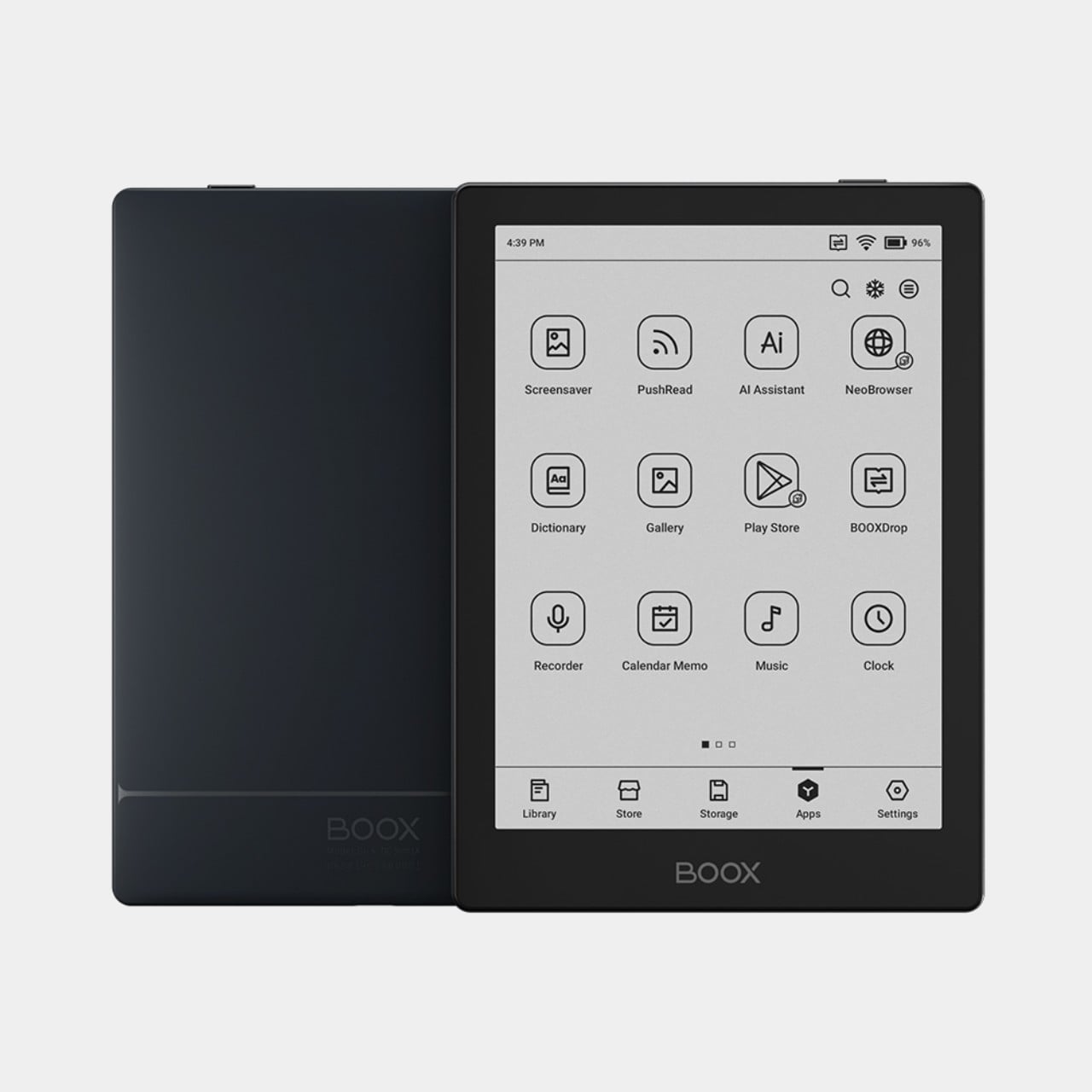
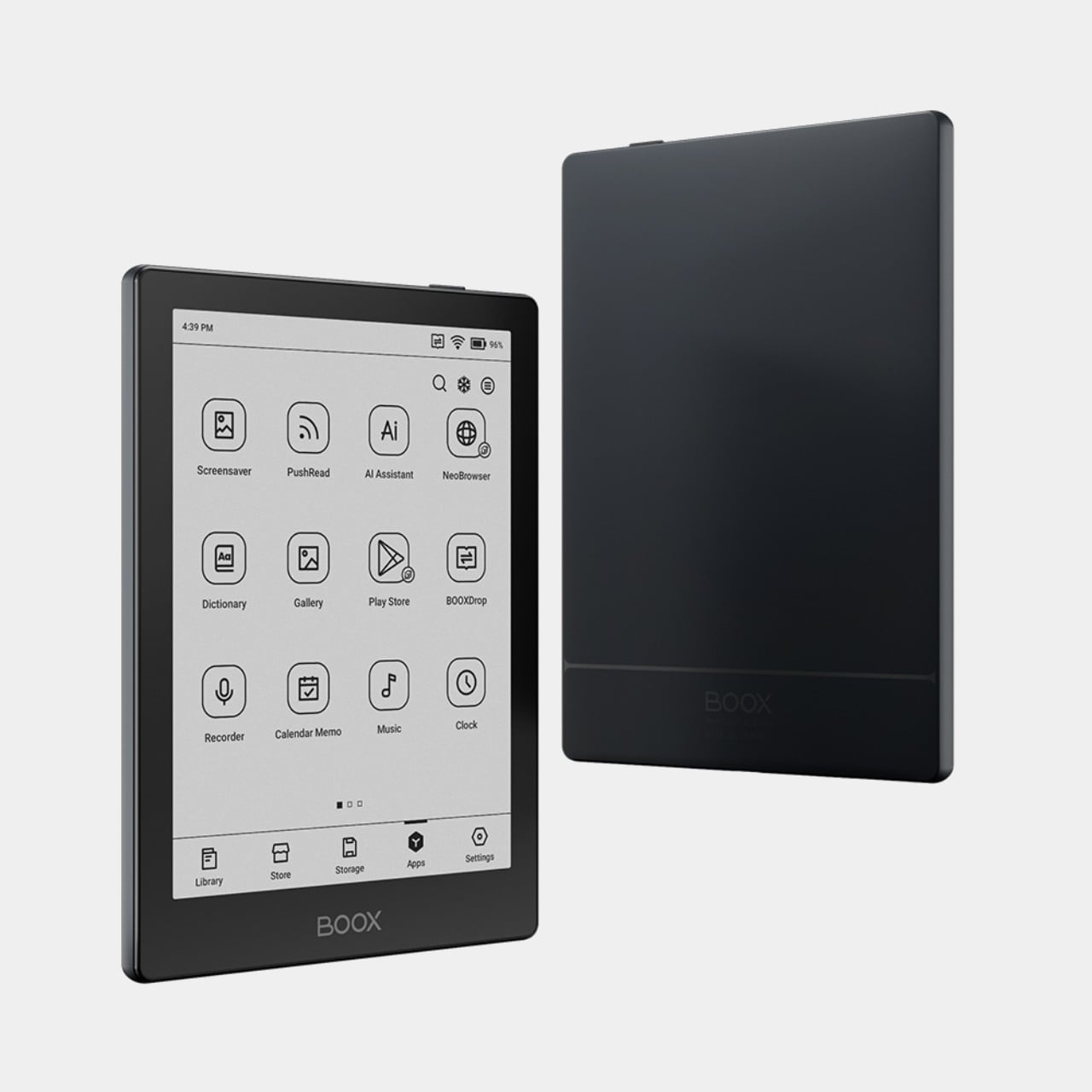
Those familiar with BOOX’s lineup before this would probably remember the BOOX Poke 5 which, despite the name, is also a 6-inch eReader with nearly the exact same specs except for one or two details. The biggest difference is the slightly more powerful processor (octa-core versus quad-core) and running a more updated Android 12 operating system. The latter is still old, but that’s actually the latest that Onyx has to offer.
The BOOX Go 6 is also cheaper by $20 and is a bit lighter than the Poke 5. That said, the BOOX Poke 5 was only taken off the brand’s online store recently, so it’s unsurprising that there are many disgruntled customers about this unexpected turn of events. On its own, the BOOX Go 6 does offer the company’s most portable and simplest reading experience, though it remains to be seen if that will still be true in just a few months should BOOX come out with another 6-inch or smaller device that makes this one pointless.
Fine-turning display settings per app can be overwhelming
RATINGS:
AESTHETICS
ERGONOMICS
PERFORMANCE
SUSTAINABILITY / REPAIRABILITY
VALUE FOR MONEY
EDITOR'S QUOTE:
Wrapped in a highly portable and stylish design, the BOOX Go Color 7 delivers a joyful reading experience without the distracting and sometimes confusing extra features.
Onyx BOOX is one of the more prolific E-book Reader manufacturers in the market today, always pushing the envelope of what these devices can do. It has almost a dozen models under its name, not counting discontinued ones, and every new release adds a few more features on top of the pile. While it’s good to advance the state of E-readers, sometimes one can mistake the forest for the trees and lose sight of what’s important. With the new BOOX Go line, the company is stepping back and focusing on the essentials, and while the BOOX Go 10.3 is presenting itself as a replacement for paper notebooks, the BOOX Go Color 7 is promising a return to what E-readers are meant to do: make reading pleasurable anytime, anywhere. So we pull off the shrink wrap and press the power button to see where the BOOX Go Color 7 stands in this growing sea of similar E Ink devices.
The Onyx BOOX Go Color 7 is at once both minimalist and stylish, depending on which side you’re looking at. The front has your typical asymmetrical design where one side extends beyond the screen bezel, creating not only a convenient place to hold but also a home for the physical page-turn buttons. It’s extremely bare, without even the BOOX name, making the 7-inch E Ink Kaleido 3 the sole focus of your attention. The glass protecting the screen sits flush with the bezels, creating a seamless and clean appearance that speaks to the maturity of this design.
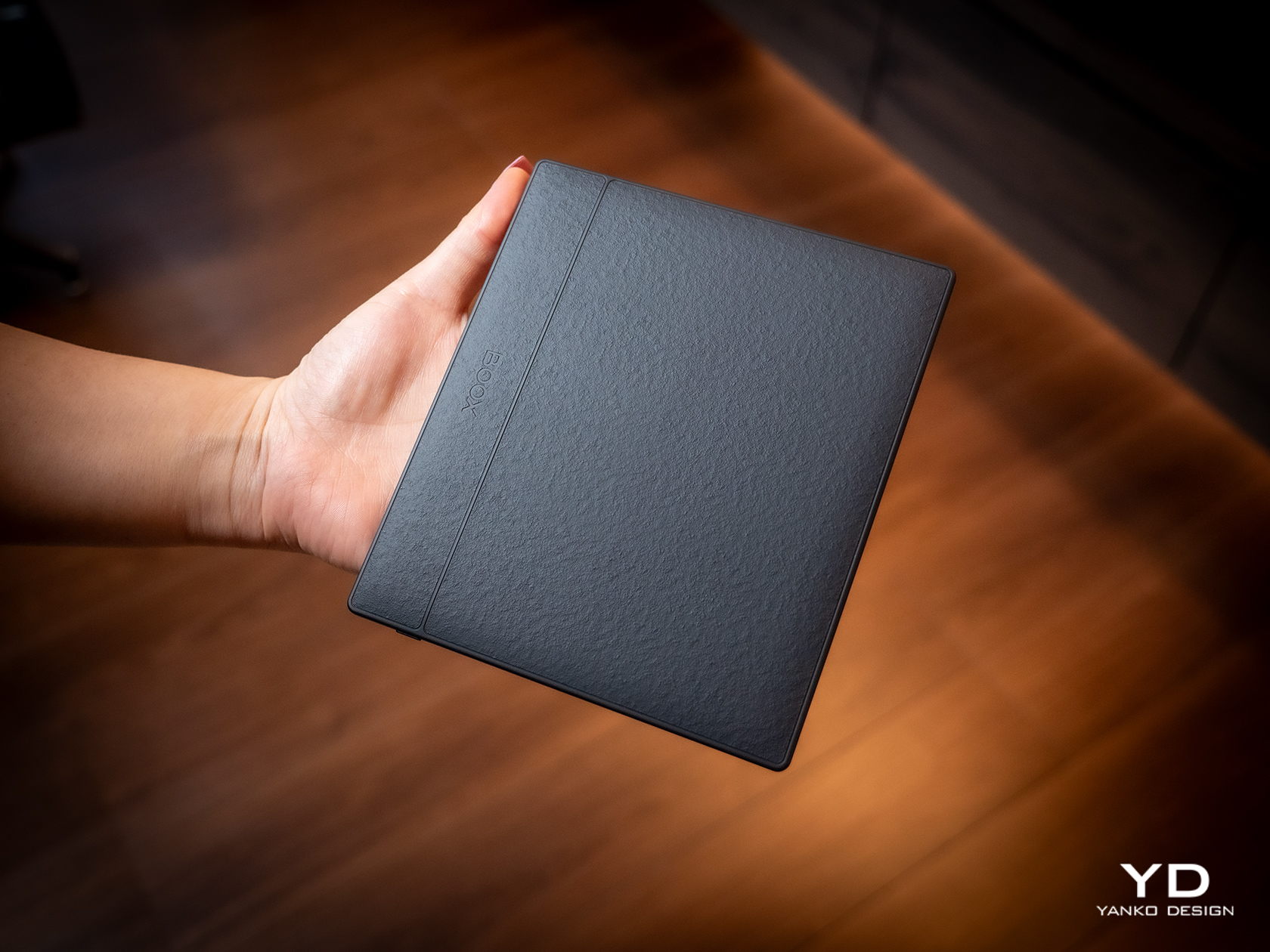
Flip the device over and you have something more interesting, both for your eyes and your fingers. Eschewing the typical matte plastic cover on these devices, BOOX uses a paper-like material that adds not just texture but also improves your grip. In a way, it tries to bring back the tactile experience of holding a paper book in your hands, a small pleasure that is lost with these devices.
The BOOX Go Color 7 is hardly the thinnest nor the lightest, even among 7-inch E-readers, but it is definitely in that group. Its compact and portable design makes it a familiar face, one that makes it clear that this is a device for reading books. It just so happens to run Android, just like a tablet.
Ergonomics
While the BOOX Go 10.3 aimed for maximum thinness and minimum weight, its smaller but more colorful sibling is admittedly a bit all over the place. Compared to BOOX’s other 7-inch devices, it’s only slightly lighter but a bit thicker than the monochrome BOOX Page, but it definitely trumps the BOOX Tab Mini C in every dimension. Suffice it to say, it’s not going to break records, but it won’t break your wrist either.
The BOOX Go Color 7 is designed with ergonomics at its core, and not just because it’s small and light. That textured back cover does more than just make the E-reader look good, it also adds to its grippiness. You definitely won’t have to worry too much about the device slipping off your hand, nor do you even have to fret about leaving greasy fingerprints on the paper-like material.
The small E-reader is also designed for one-handed use, even for turning pages. The physical buttons, or button rather, are positioned precisely where you’d rest your thumb, so you easily press down either end to move forward or backward. It doesn’t even care if you’re right-handed or left-handed, because thanks to its support for auto-rotation, the buttons know which way is up all the time. The one design gripe we have is that the page-turn button is just a single, indistinguishable bar with no gap to separate the two functions. You’ll find yourself losing a few precious seconds either trying to feel for which end is which or, more likely, looking at the button to make sure you’re hitting the right half.
Performance
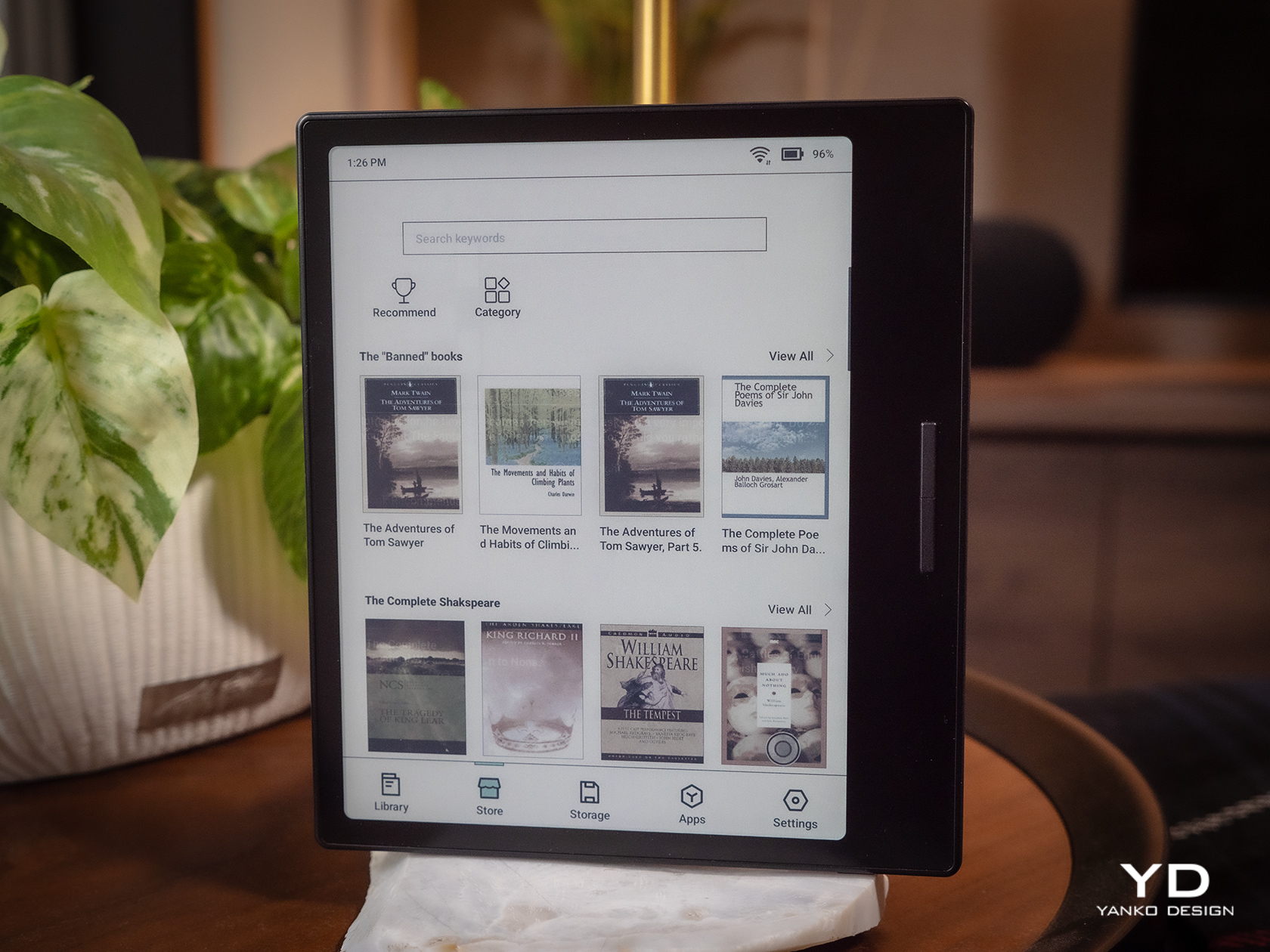
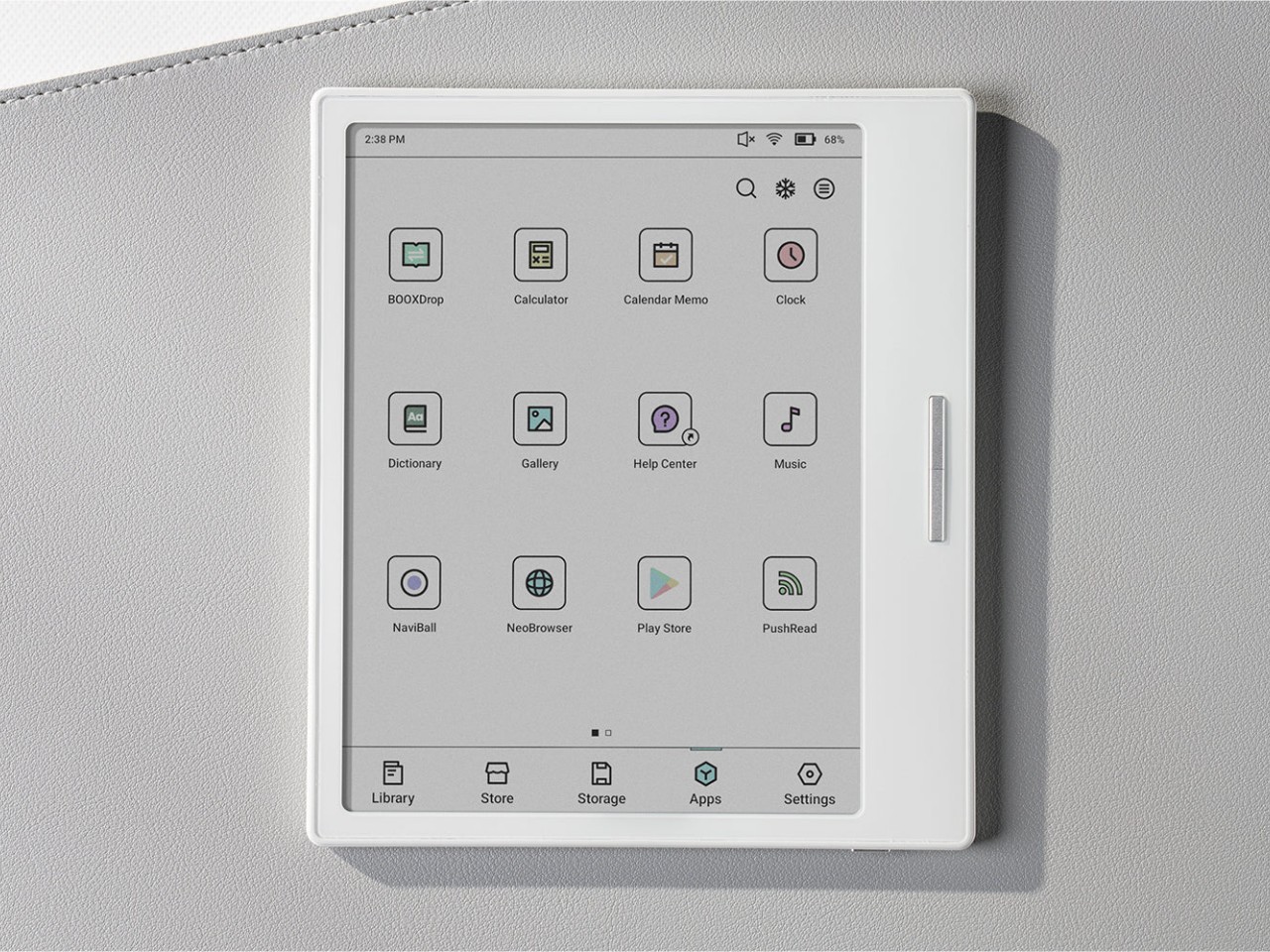
Anyone familiar with the BOOX family of devices pretty much knows its DNA. Every single one at this point is practically an Android device decked with an E Ink panel, not the custom operating systems used by Kindles and Kobos. Even better, it actually has Google Play support already built-in, which means you have access to almost all Android apps available, including those that you can sideload on your own.
Of course, you’ll have to set your expectations correctly, despite all the potential that the platform has. This is not a powerful Android device, not with an aging Qualcomm Snapdragon 665 processor and just 4GB of RAM. It’s enough to run a few apps, especially those related to reading or even browsing the Web, but it won’t be as fluid an experience, especially with the E Ink display, which we’ll get to later. There’s 64GB of onboard storage that you can expand up to 1TB with a microSD card. Definitely plenty of room for books and even audio files or recordings.
The killer feature is, of course, the E Ink Kaleido 3 screen, which also separates the BOOX Go Color 7 from the almost identical BOOX Page. This former supports 4,096 colors while the latter is just different shades of black and white. On top of this, BOOX adds its own technologies to tweak the performance of the E Ink panel, like introducing different refresh modes to make you choose between quality and speed, among other things. Suffice it to say, Onyx’s expertise in this area clearly shows how clear, crisp, and colorful the screen can be. Plain black and white text renders at 300ppi and is a joy to read, while colored content is halved at 150ppi, which is typical for this display. Nonetheless, reading comics and magazines is still comfortable and meaningful, even with muted tones.
The BOOX Go Color 7 brings back a bit of sanity by having front lighting and configurable light temperature, something that the BOOX Go 10.3 removed for the sake of thinness. This means you can easily read with the device at night, in the dark, or in any low-light situation, whenever and wherever you feel the urge to knock a few pages off your reading list. Onyx, however, did exclude a few features to keep the product light not only in weight but also in cost. There is no Wacom digitizer for scribbling notes, for example. It also doesn’t feature the company’s famed BOOX Super Refresh or BSR, a technology that significantly reduces ghosting at the expense of battery life. Otherwise, the E-reader’s 2,300mAh battery wouldn’t last the days that it did.
At the end of the day, the Onyx BOOX Go Color 7 is hyper-focused on doing only one thing and one thing well: be an enjoyable E-book Reader, whether that’s a plain-text book or a colorful magazine. It doesn’t distract you with features only tangential to that activity, like taking notes, making sketches, or even watching videos. While you can install almost any Android app under the sun, the hardware limitations actually serve to dissuade you from subverting the product’s spirit and purpose. And when it comes to that, the BOOX Go Color 7 is definitely one of the best choices in the market today.
Sustainability
Onyx is a company that has grown by leaps and bounds over the past few years. The number of devices it has launched is quite significant, but that also means the amount of material waste that comes from these devices is substantial as well. Fortunately, these devices are made for long-term use, unlike phones and tablets which still have a very high turnover. That only delays the inevitable, however, so we’re still looking forward to the day that the company starts switching to more sustainable materials or recycled plastics for its products.
Although Onyx does make devices with longevity in mind, the same can’t be said for the version of Android they use. The BOOX Go duo, for example, uses a nearly three-year-old Android 12, and most of its products were using Android 11 before that. Granted, E-readers aren’t exactly known for keeping up with the latest software fads, but those don’t run Android either. What this means is that not only are BOOX devices behind in terms of potentially useful features and optimizations, they’re also lagging in security patches and bug fixes that would protect users from digital harm.
Value
The Onyx BOOX Go Color 7 is a delightful little device designed to make reading enjoyable anywhere you are. It has a solid set of capabilities that focus on this core use case and isn’t encumbered by extraneous features, though it still leaves the door wide open for other experiences. On its own, it is quite a competitive product, especially with a $249.99 tag, but it doesn’t exist in a vacuum and, in a way, even competes with BOOX’s other 7-inch readers. Fortunately, the distinction between them is quite clear, especially when it comes to their price tag.
Closest to it is the BOOX Page, to the point that it could have very well been called the BOOX Page Color. They share many things in common but are ultimately separated by color or the lack of it. If all you need is a plain E-book reader and don’t mind reading colored content in shades of gray, the BOOX Page actually offers a sharper screen and a slightly more affordable $219.99 price tag. On the opposite side stands the BOOX Tab Mini C, which is the portable productivity partner. It has all the bells and whistles, including a stylus, but also a heavier figure and a heavier cost at $399.99. If all you really want to do is read and enjoy it in color, then you can’t go wrong with the BOOX Go Color 7.
Verdict
BOOX’s new Go devices are quite bold, but not because they’re debuting something new and exciting. On the contrary, their audacity comes from going in the completely opposite direction, shedding off the baggage that they’ve accumulated over the years. It’s not like all those powerful features are bad, just that they’re not everyone’s cup of tea. And for those who truly love sneaking in a page or two during unexpected moments of freedom, the portability and clarity that the Onyx BOOX Go Color 7 brings could very well be what they need.
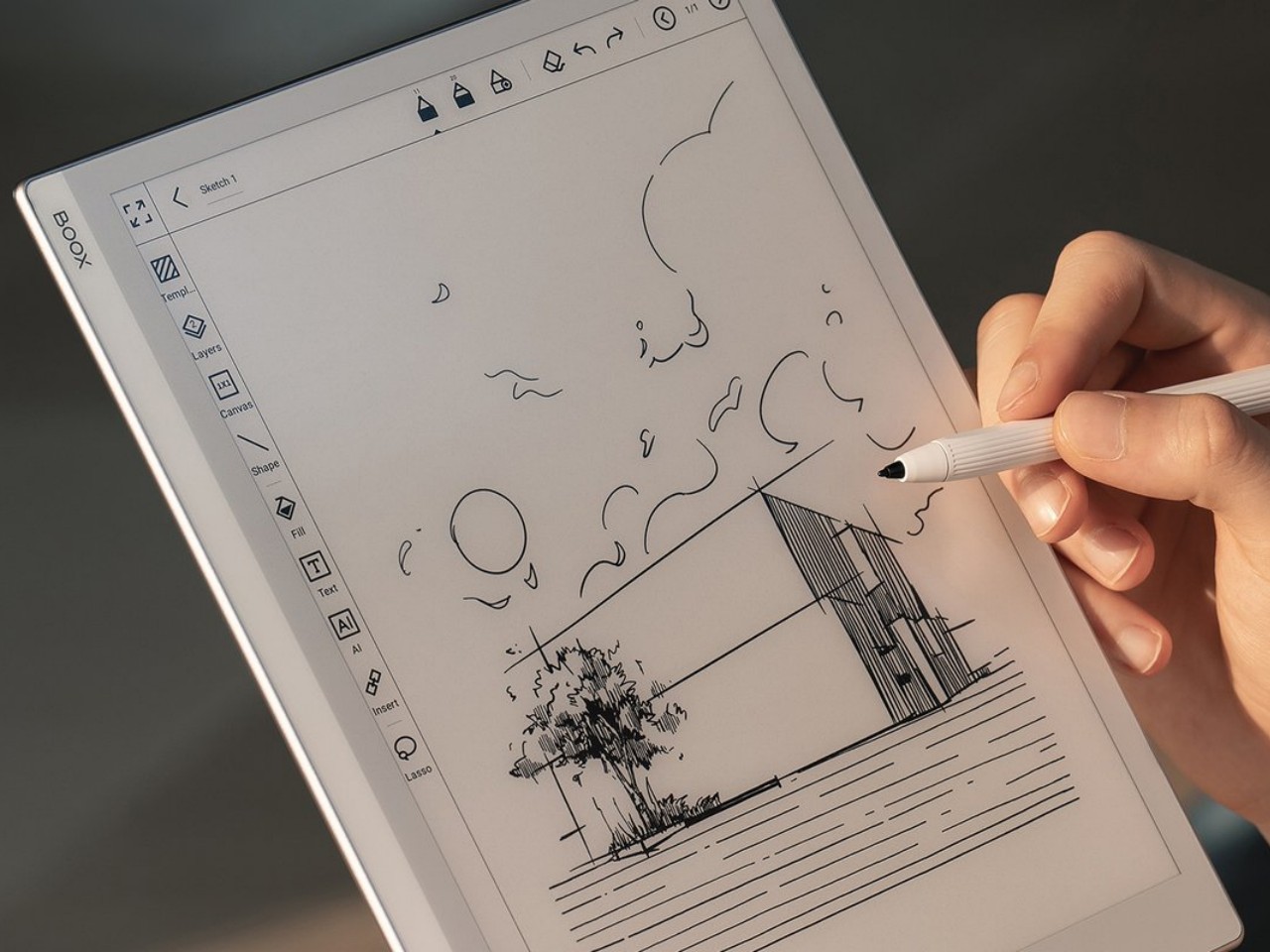
The BOOX Go 10.3 brings a refreshing change in pace that focuses on comfort and enjoyment for both reading and note-taking, but be sure to read the fine print to know what you'll be getting for that super slim profile.
E-book Readers or E-readers have come a long way since the earliest days of the Amazon Kindle, and much of the innovation in that space can perhaps be credited to companies like Onyx BOOX. The brand has been aggressive in pushing new technologies and designs, from E-readers that are actually Android tablets in disguise to bringing a pinch of color to this predominantly monochrome world. In fact, it might have gotten too aggressive with almost a dozen models under its belt. The competition is tough, of course, but it’s also easy to lose sight of the gold in the heat of the race. It seems that BOOX took a step back to take stock of where it is now and out of that introspection came out what is probably the thinnest E-reader or even tablet in the market. But what sacrifices did the Onyx BOOX Go 10.3 make to reach that achievement? We give it a spin to give you that answer.
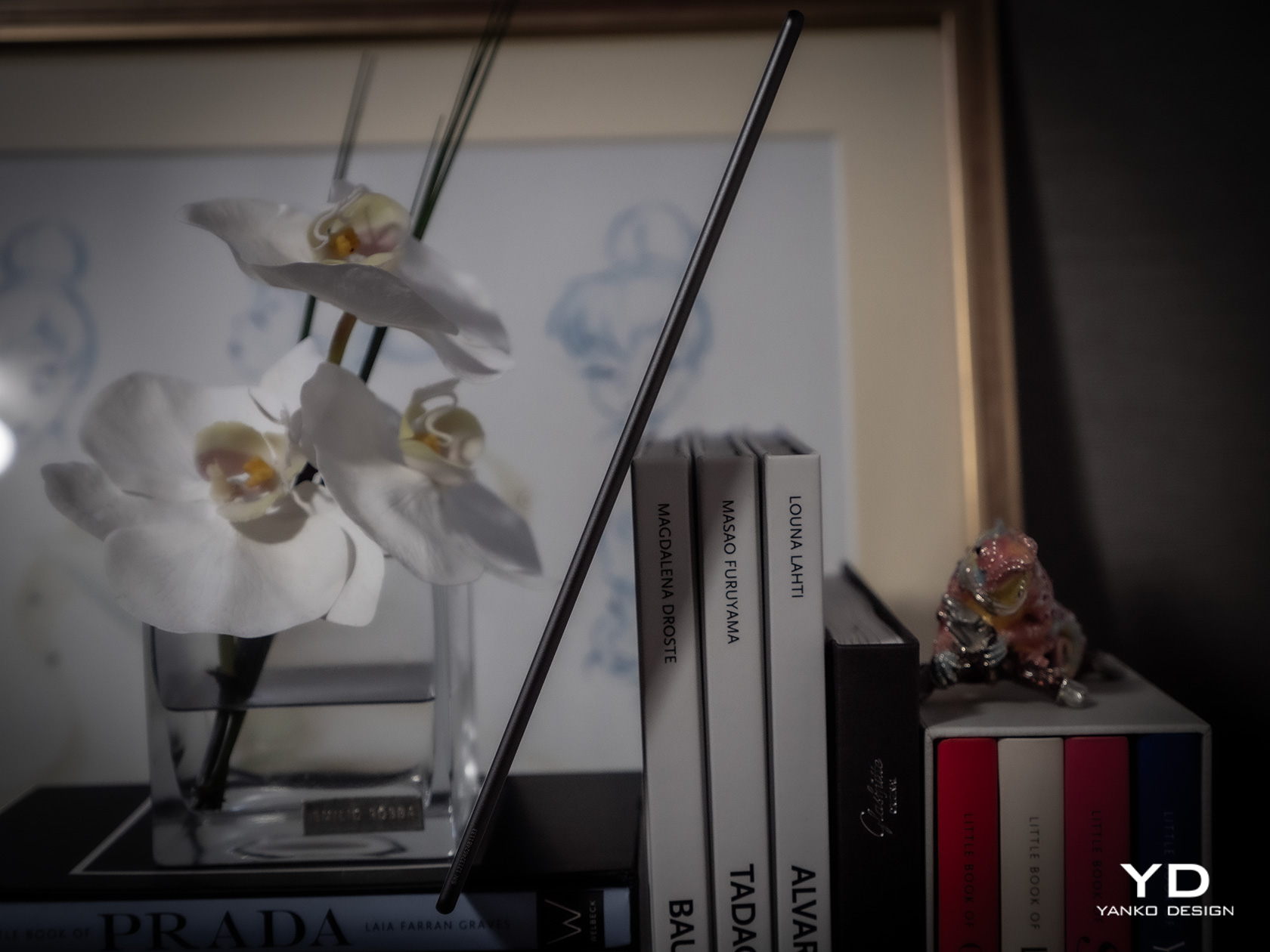
The first thing you’ll notice about the BOOX Go 10.3 will naturally be its thickness or rather its lack of it. At only 4.5mm, it is undeniably the thinnest E Ink device in the market, at least in the 10-inch or larger category. It’s probably not a coincidence that Onyx launched this reading and note-taking wonder a little after the launch of the thinnest iPads ever, so drawing parallels isn’t exactly that difficult. For a device category that was once characterized by bulky chassis and cheap plastic, such a slim and sleek entry is a breath of fresh air.
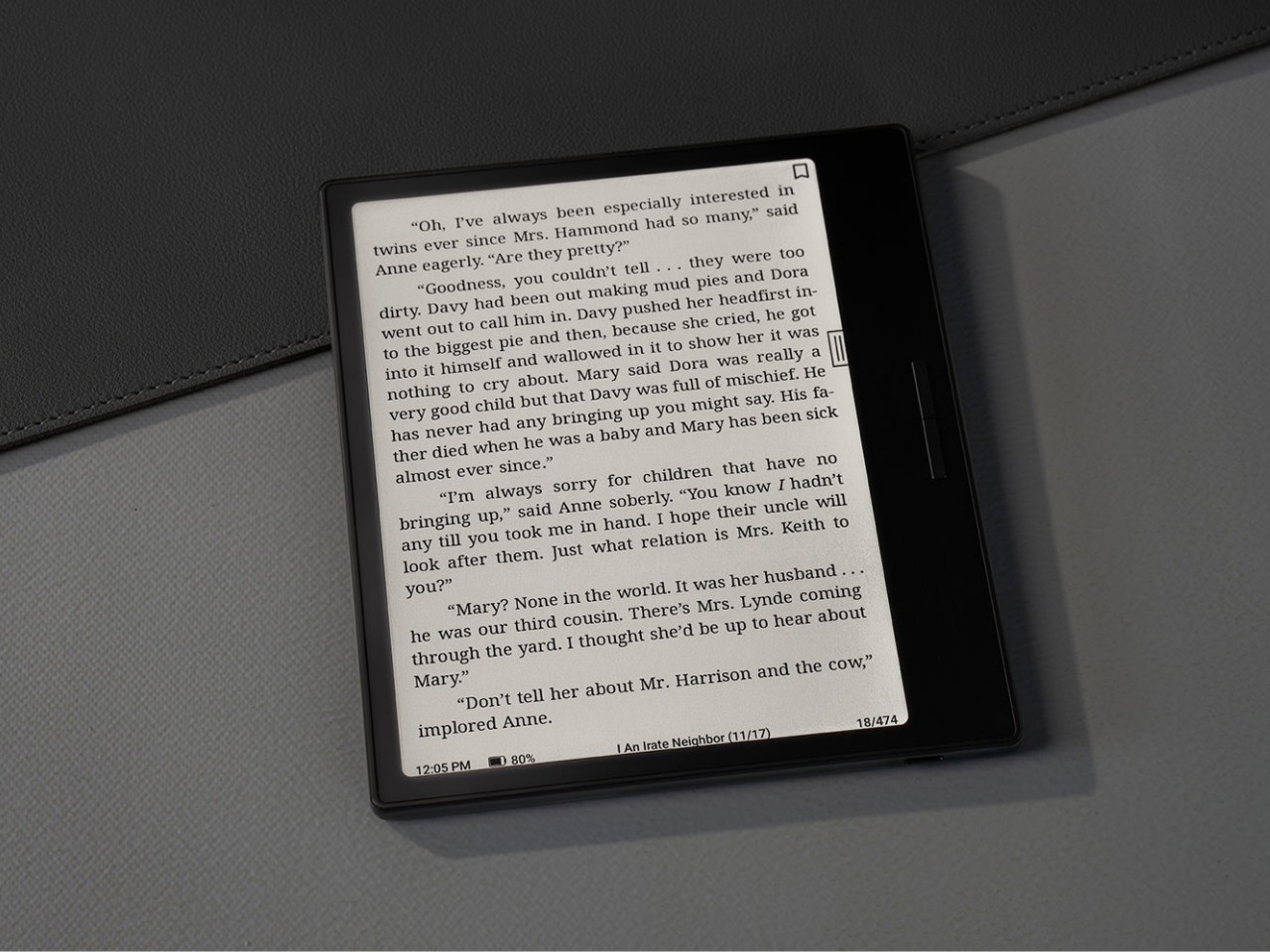
The BOOX Go 10.3’s beauty goes beyond its remarkable (no pun intended) profile, however. It carries a minimalist and clean aesthetic that makes sure your focus is on the page and not on any extraneous decoration around it. The 10.3-inch screen is surrounded by an admittedly thick bezel, but its light gray tone makes it look less offensive as it almost blends with the white theme of the UI. The left side of the device has a white border, mimicking the margin of a notebook or the spine of a book, and is one of only two places you will see the BOOX branding.
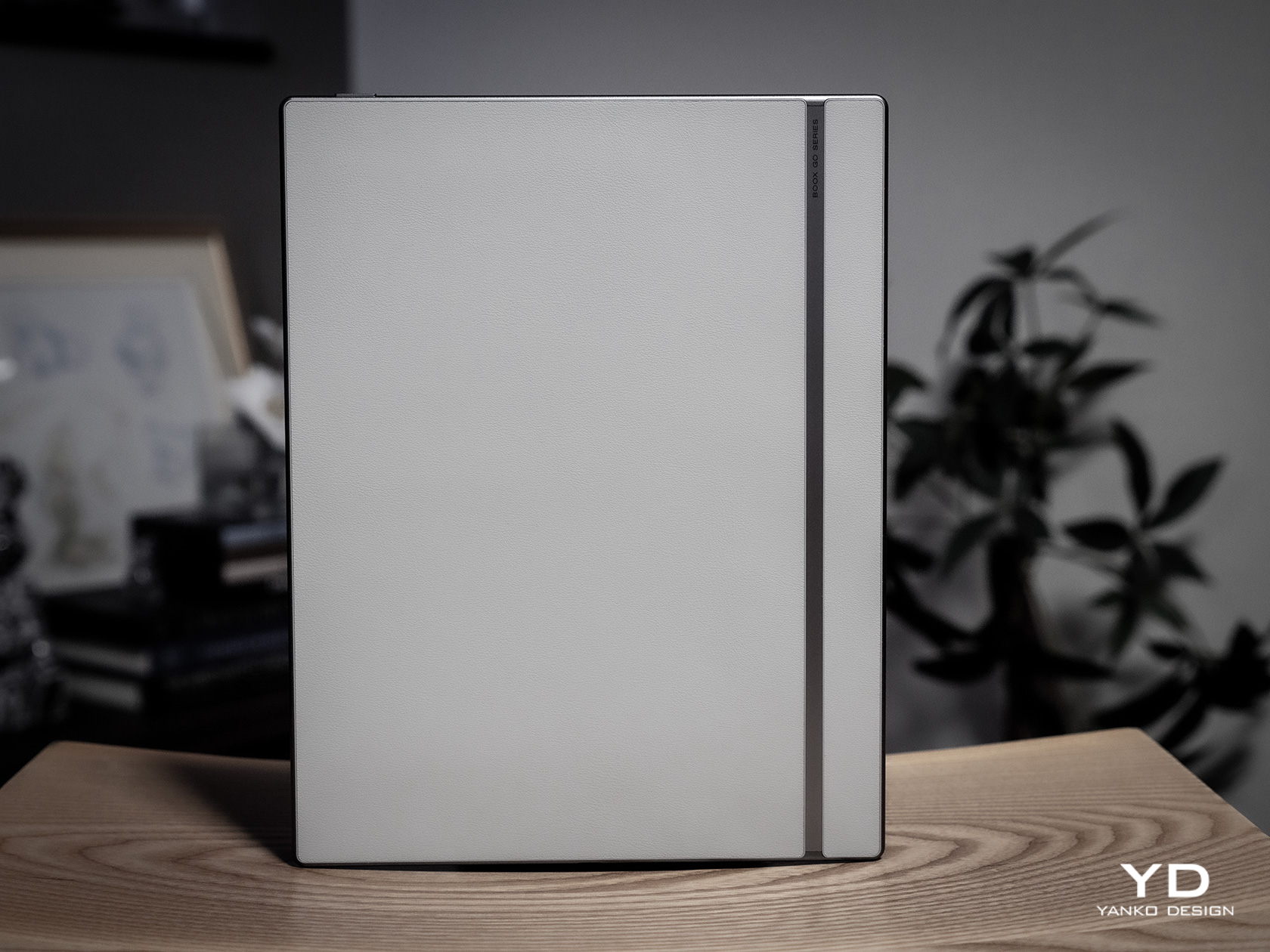
Flip the device over and you will see a design that BOOX has never tried before. Instead of a matte metal or plastic surface, you get something akin to fabric or faux leather, definitely a much-welcome stylish detail. The metal-like strip that runs down the side, however, is an accent that will probably prove to be a bit controversial. It’s not that bad a design, just a little distracting both for the eyes as well as the fingers that will be touching that part.
All in all, there’s a very good reason for all the buzz surrounding the BOOX Go 10.3. Its mind-blowing thinness is definitely one, but its simple yet beautiful design also elevates its character even among its other BOOX siblings. And it’s definitely not just for show, because that slimness does have other usability implications as well.
Ergonomics
The Onyx BOOX Go 10.3 isn’t just incredibly thin, it’s also extra light as well at only 365g (0.8 lbs). OK, that’s not exactly the lightest figure, but it is when you put it side-by-side with other 10-inch E-readers, let alone 10-inch tablets. That’s already enough for bragging rights, but it also has an important consequence: it’s comfortable to hold up for long periods of time.
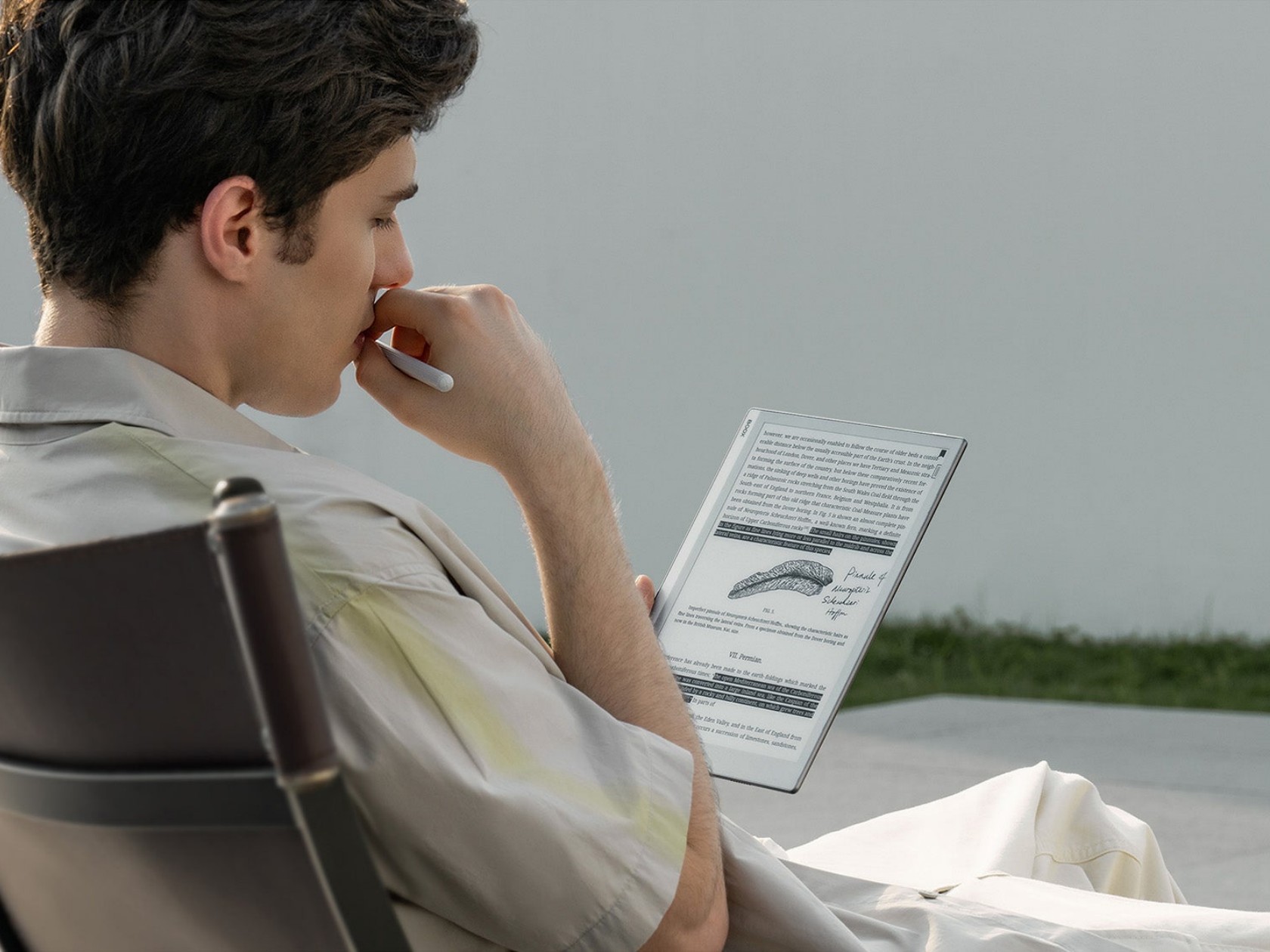
Unlike desktops and laptops and even some tablets, you often hold E-readers while using them, whether you’re sitting back or lying down in bed. With a typical 10-inch screen, your hand and your arm are bound to tire out quickly, but not so with such a lightweight device. It also helps that the BOOX Go 10.3’s textured back helps improve the grip so you can hold it with confidence for longer periods of time. Of course, smaller and lighter BOOX readers do exist, but you’ll miss out on some features like an expansive screen or note-taking.
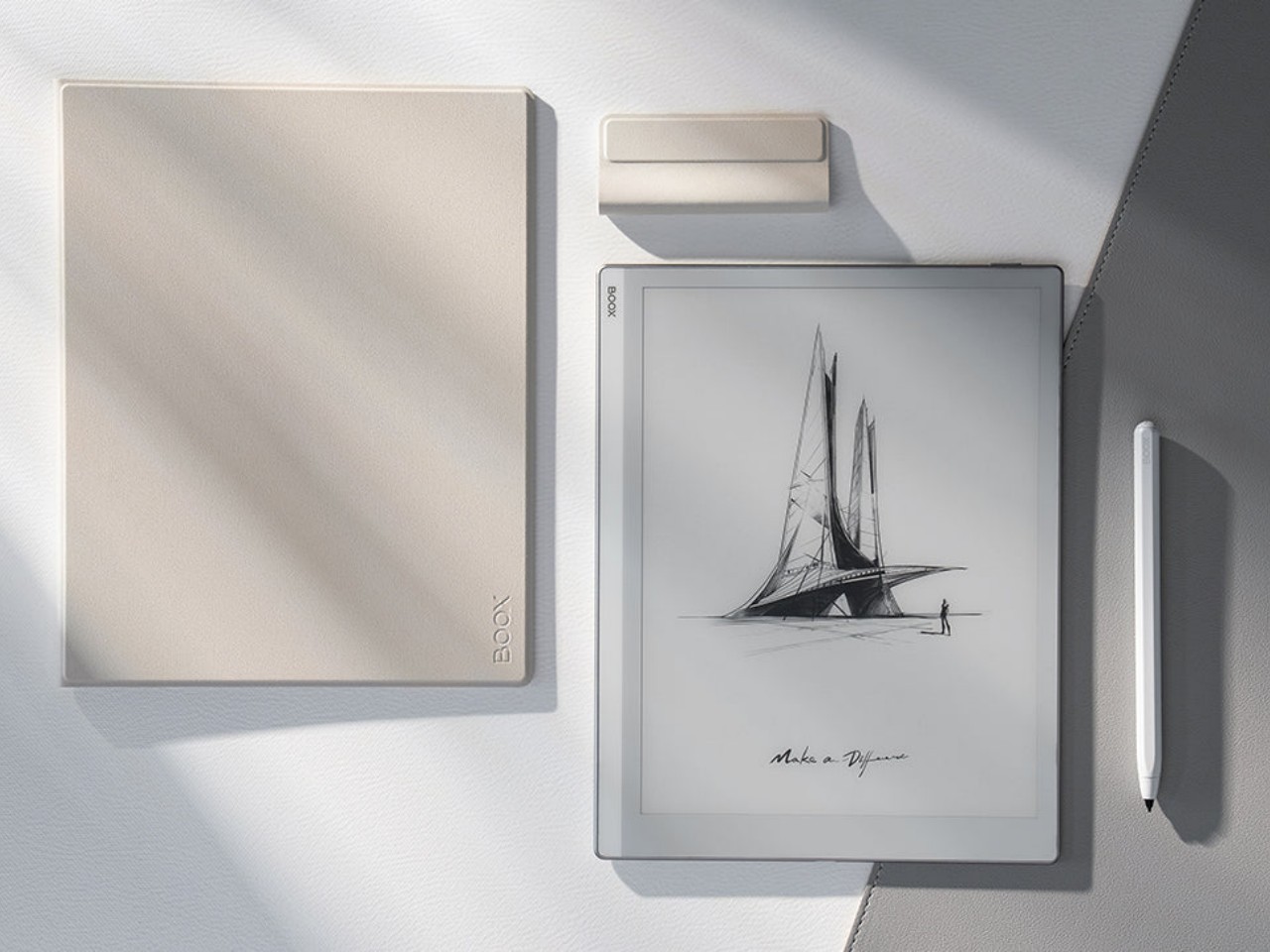
It bears noting here that the stylus that comes with the device is also designed for better ergonomics. This special version of the Onyx BOOX Pen2 Plus has vertical ridges on its barrel for a better hold, but even the “vanilla” design of the stylus has a faceted design that makes it easier to grip like a traditional wooden pencil. Considering writing down notes or even sketching is the secondary purpose of this slate, any improvement in the pen’s ergonomics goes a long way in making that a more enjoyable experience.
Performance
Given the thinness of the BOOX Go 10.3, you’ll be forgiven for wondering if there’s any catch to that impressive design. You’d be right, of course, since there’s only so much you can cram inside a very cramped space. Onyx naturally had to drop a few things from its usual repertoire, but it didn’t do so willy-nilly. It made a conscientious effort to only cut off features that won’t be essential to reading and writing enjoyment, except for one rather controversial thing.
There is no front light, or what other brands would call a glowlight, which sounds like a rather critical flaw at first brush. It means you won’t be able to read in the dark without some external light, but even some low-light situations can prove to be challenging given the nature of E Ink screens. That said, the removal of built-in lighting does also have some advantages, and not just for the sake of making the tablet super-thin.
Having no front light means there is one less layer in between the E Ink panel and the protective glass, so there is barely any gap that could diffuse and blur the content being shown. In other words, text on the BOOX Go 10.3 looks extra sharp and crisp, which means they’re also easier on the eyes. The same principle holds for the lack of color support since the device uses the E Ink Carta Plus rather than the now-popular Kaleido 3, which removes yet another layer of interference. Yes, you give up seeing a limited number of colors, but in exchange, you get one of the best reading experiences in the market, at least with sufficient lighting.
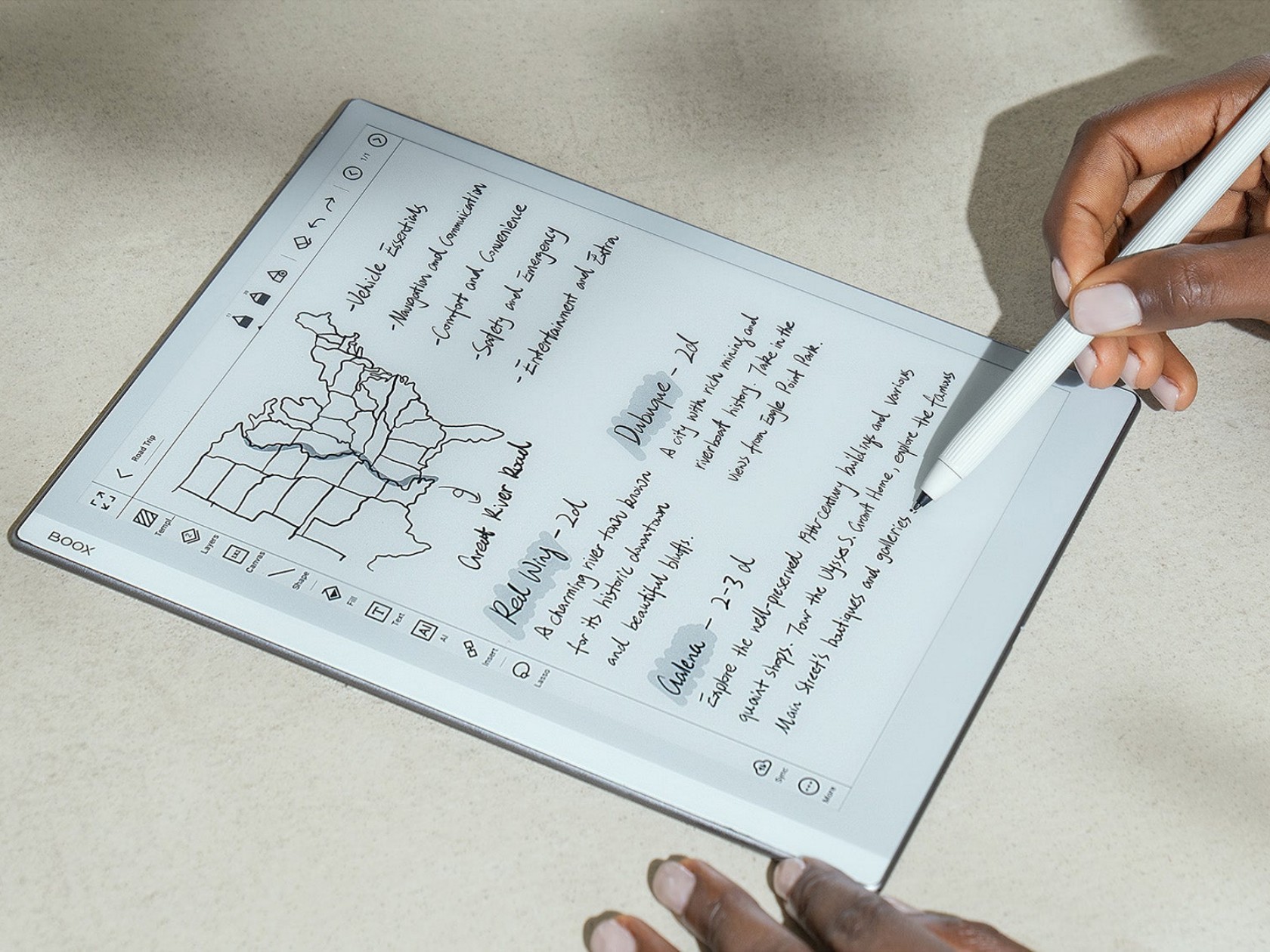
This “gapless” display also has some bearing on the second thing that the BOOX Go 10.3 is great at: note-taking and even a bit of sketching. Thanks to a more direct interaction with the panel and Wacom digitizer, there is very little lag or parallax when writing on the screen. There’s still a bit, given the nature of E Ink displays, but it’s almost unnoticeable except to well-trained eyes. The texture of the screen, paired with the nib of the stylus, also produces this scratchy sound that makes it really feel like you’re writing on paper. If you’re the type who loves to write by hand, you’ll definitely love the device’s writing experience, along with some of the apps and features that support it. In fact, Onyx itself calls the BOOX Go 10.3 an “E-paper Notepad” to emphasize this use case and, in a way, temper the expectations of reading aficionados.
With how thin the device is, it’s probably more impressive how much BOOX was able to cram inside than how much it left out. It’s still a true Android device, running on an 8-core processor with 4GB of RAM and 64GB of internal storage. It even has some decent-sounding speakers and a mic, though you’ll probably find few uses for those outside of recording and playing back lectures and talks. There’s a large 3,700mAh battery that’s going to last you days if not weeks, considering there will be no lights or colors to drain it quickly. Unfortunately, it does leave out the microSD card slot, so you’ll have to be smarter about the apps you install or the books you save on the device.
The BOOX Go 10.3 is clearly not your average E-reader, not just from its looks but also from the way it works. With a 300ppi pixel density, it has one of the sharpest E Ink displays in the market rivaled only by the 10-inch Amazon Kindle Scribe. The lack of front light and color is responsible for that feat, but it will also be a deal-breaker for many E-reader fans. Suffice it to say, it won’t be for everyone.
Sustainability
As mentioned earlier, Onyx has been making a rather aggressive push in the E-reader market, bringing out new products regularly. For better or worse, that also means it is also contributing to the growing volume of material waste from production as well as carbon emissions. Thankfully, it designs its devices for longevity, and some even use more sustainable materials like aluminum, but the overall situation isn’t looking too positive as far as eco-friendliness is concerned. As the company grows, we hope that it will also shift its focus on such issues to help make every device not only enjoyable but also a guilt-free purchase as well.
Value
The Onyx BOOX Go 10.3 definitely turned heads and raised eyebrows with its super slim design and, consequently, its lack of a front light. It’s definitely a unique design, even among other BOOX products, but it doesn’t exist in a vacuum either. Despite its distinctiveness, it actually aims for a rather specific market known to many E-reader fans, a market currently dominated by the Remarkable 2 and the Supernote A5 X. These 10-inch devices, while more than capable of displaying e-Books, are geared more as paper notebook replacements than plain E-readers.
That’s pretty much the same proposition that the BOOX Go 10.3 is making but with a twist. It’s still a BOOX device, which means having most of the features that define the brand, including full Google Play support. This immediately takes it beyond just being an e-Paper Notepad slash E-reader into almost anything you want it to become, at least within the limits of an E Ink display that doesn’t have any lighting whatsoever. For avid note-takers who also happen to love reading plain-text books on large screens, that $379.99 price tag might not look so bad after all.
Verdict
Even with the prevalence of computers and smartphones, there is still a strong culture that extols the benefits of writing things down by hand. But while paper notebooks and layouts have gained a cult following, there are many who consider digital solutions to still be more efficient and, in the long run, less expensive. The Onyx BOOX Go 10.3 is designed for such people, trying to recreate the experience of writing on paper but with a stylus. And just like paper, it doesn’t have a light of its own, which may make it sound less convincing as an E-reader. It’s admittedly still a niche market, but for those squarely living in it, the BOOX Go 10.3 offers a striking and slim design focused just on the essentials, no more, no less.