NotebookLM’s new vertical shorts provide a streamlined way to create concise, visually engaging content tailored for mobile viewing. As Paul Lipsky explains, these 60-second videos combine customizable topics, text overlays for silent viewing and motion graphics to deliver polished summaries of notebook content. Powered by the Nano Banana 2 Light image generation model, the feature […]
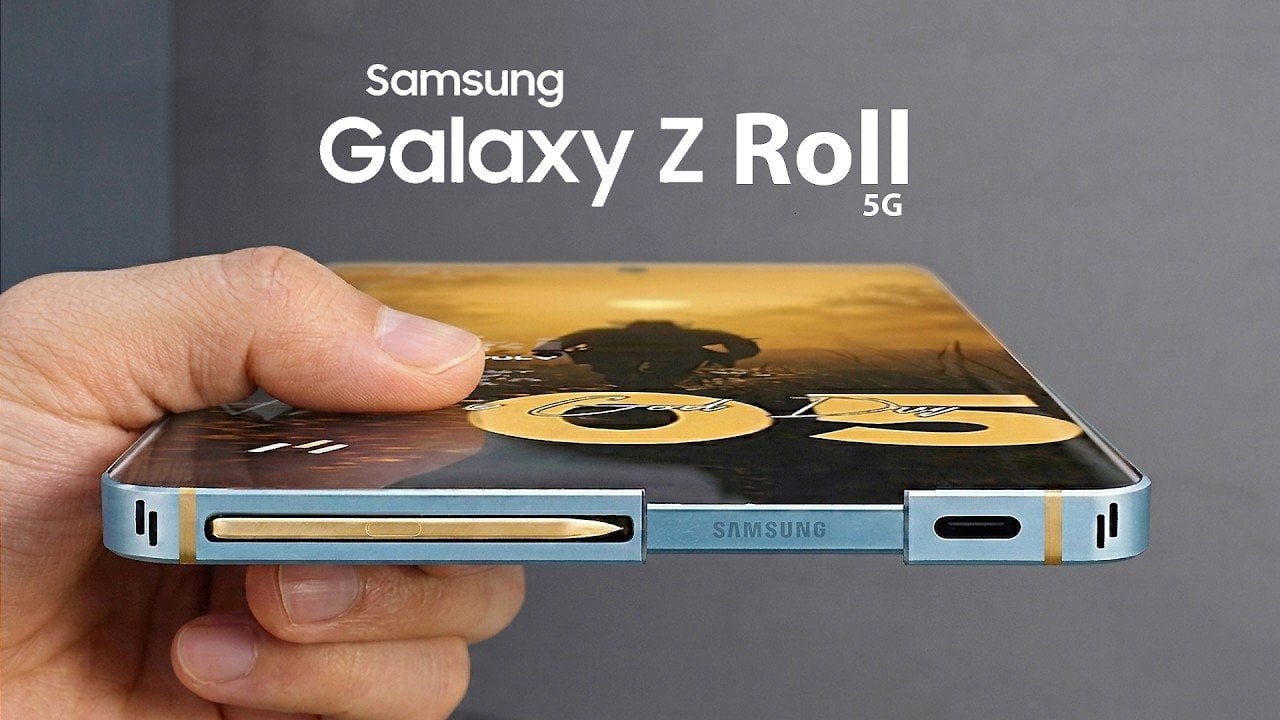
The Samsung Galaxy Z Roll 5G represents a bold step forward in the evolution of smartphones, blending innovative features with practical functionality. With its innovative rollable display, integrated health monitoring, immersive holographic visuals, and advanced air quality sensor, this device sets a new benchmark for what a smartphone can achieve. Designed to adapt seamlessly to […]
Google and XREAL’s Project Aura introduces a lightweight AR glasses system designed to balance comfort, functionality and advanced features. At just 95 grams, the glasses achieve their ergonomic design by offloading processing and battery components to a separate power puck, which supports up to four hours of use. Steven Sullivan explores how this hardware setup, […]
The iPhone Ultra and Samsung Galaxy Z Fold 8 are redefining the foldable smartphone landscape with their innovative designs and advanced features. Apple’s entry into the foldable market with the iPhone Ultra marks a significant milestone, directly challenging Samsung’s well-established Galaxy Z Fold series. These devices cater to the evolving demands of modern users, yet […]
ChatGPT can be a valuable resource for anyone looking to streamline their work processes, but getting started with it may feel overwhelming. In this step-by-step guide, Kevin Stratvert walks you through the essentials of using ChatGPT effectively, from navigating its interface to using its advanced features. For example, he explains how to use the prompt […]
Apple Notes has introduced several updates with iOS 27, currently in beta for developers, that refine how users manage and organize their notes. Dan Rodriguez highlights the addition of note linking, which enables users to create hyperlinks between notes, making it easier to connect related information. This feature is particularly helpful for tasks like organizing […]
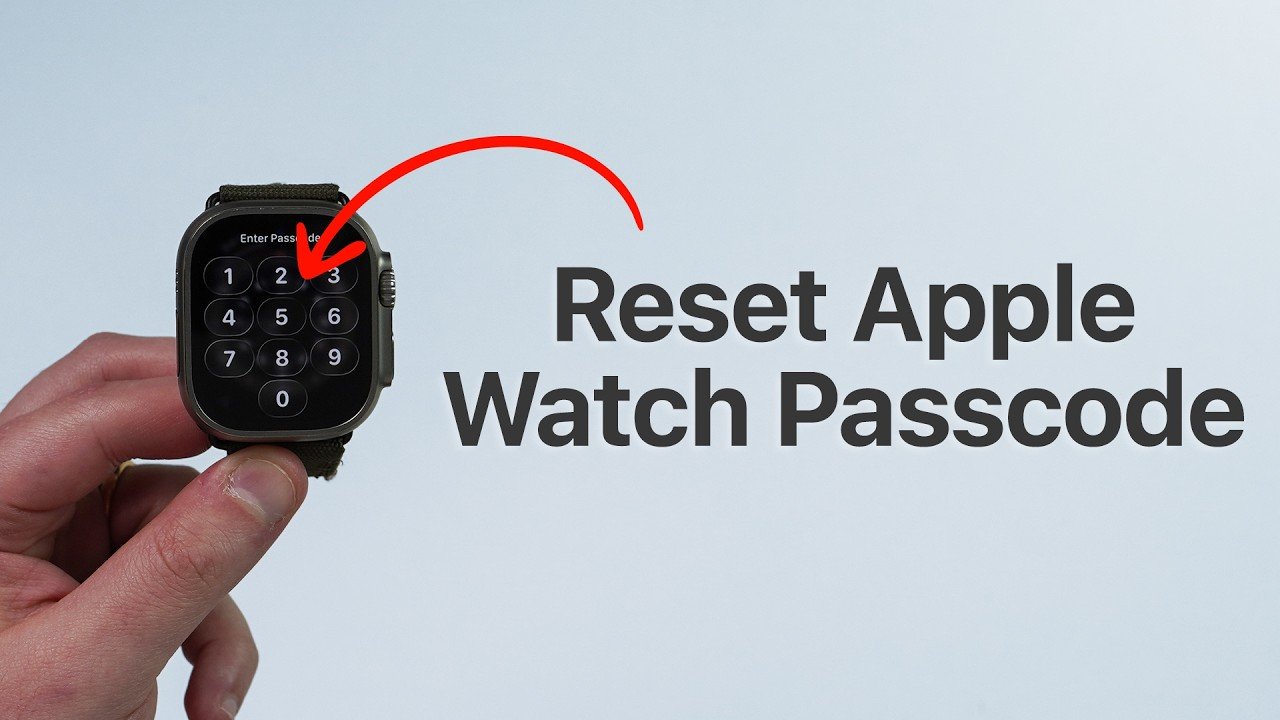
Forgetting your Apple Watch passcode can be inconvenient, but regaining access is a manageable process. This guide provides a clear, step-by-step approach to resetting your device, restoring your data, and setting up a new passcode. Whether you own a Standard, SE, or Ultra model, these instructions apply universally. However, your Apple Watch must be linked […]
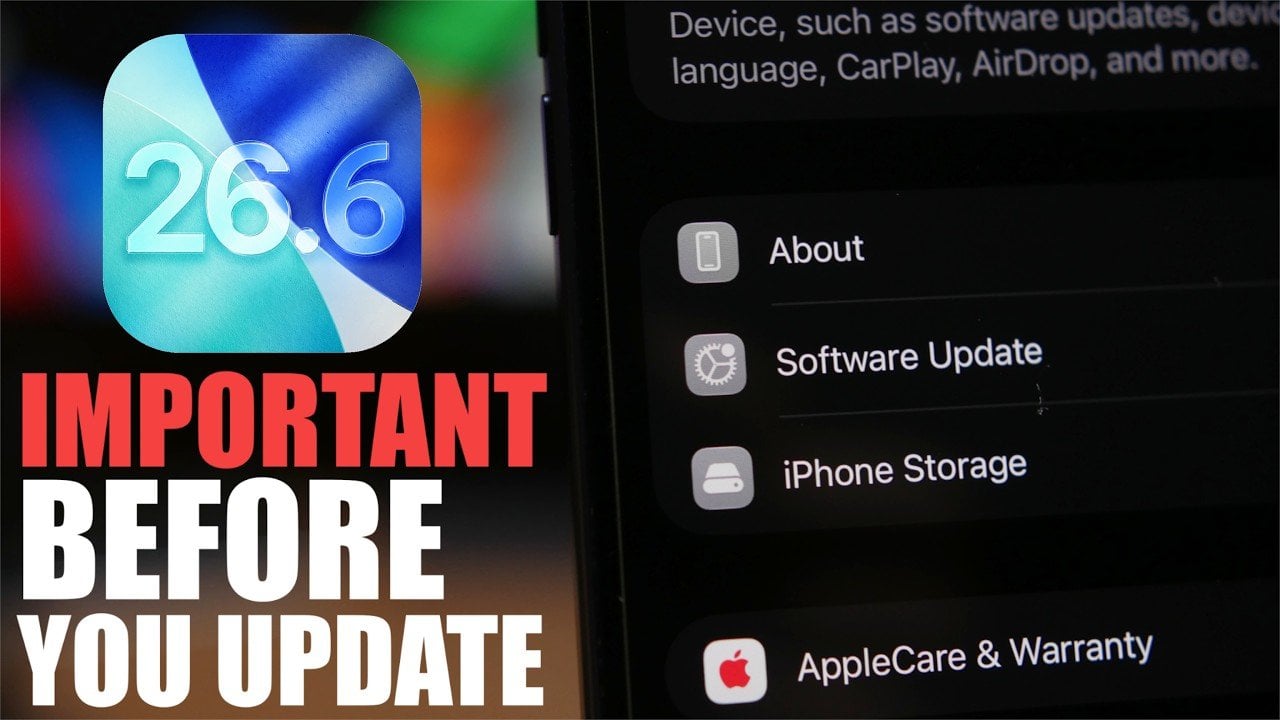
The release of iOS 26.6 represents the final major update in the iOS 26 series, delivering a range of enhancements designed to improve performance, security, and overall functionality. This update also serves as a bridge to the highly anticipated iOS 27, laying the groundwork for future advancements. If you’re currently using iOS 26, here’s a […]
Laser engravers have always come with a catch. Getting one typically means dedicating a chunk of workspace to it, running a cable to the nearest outlet, and putting on protective goggles before pressing start. For makers who don’t have a proper workshop, that’s a lot of overhead just to personalize a wooden keychain or stamp a logo onto a leather patch.
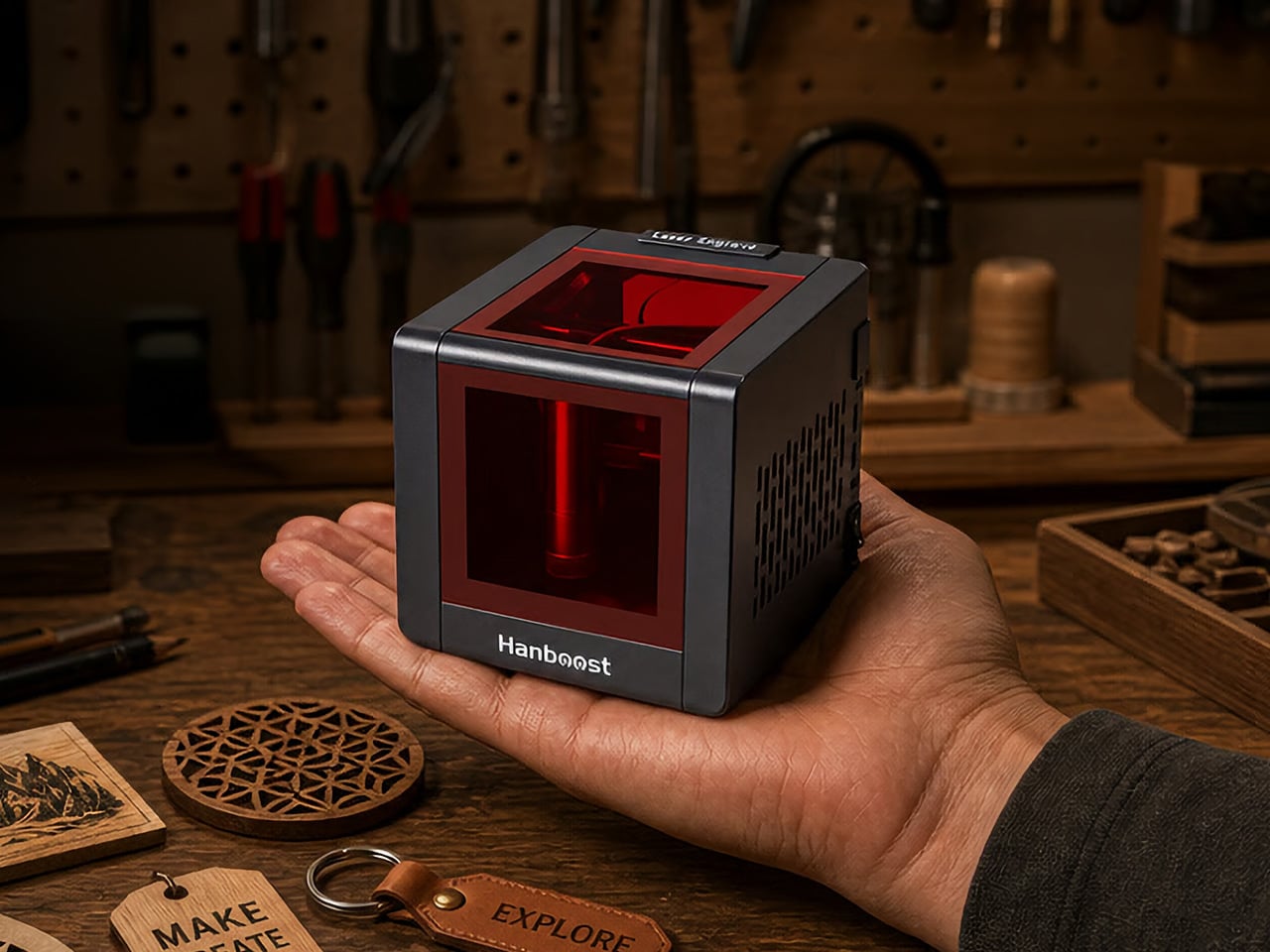
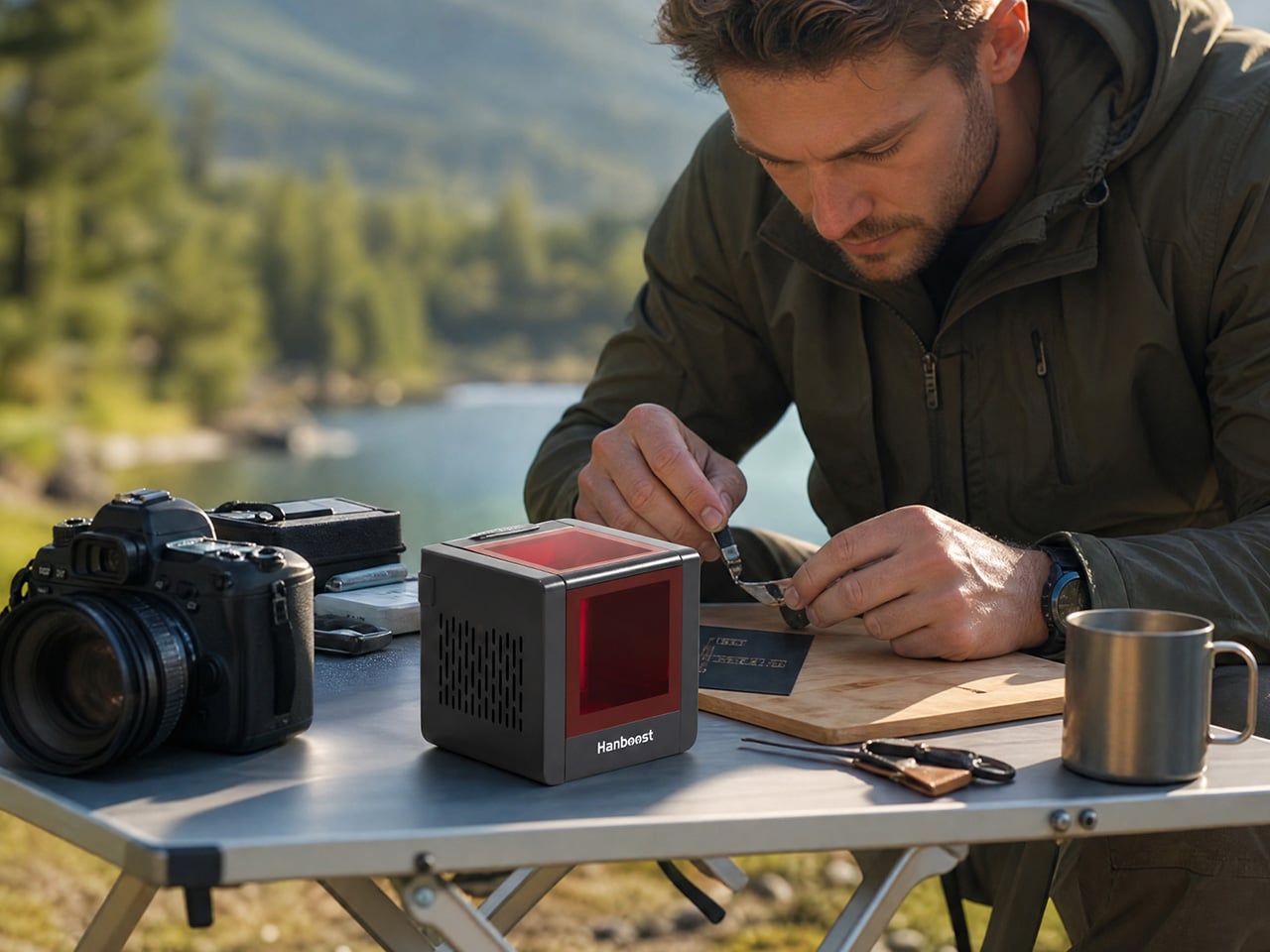
The Hanboost T1 is designed with exactly that frustration in mind. It’s a fully enclosed mini laser engraver measuring 115mm x 115mm x 115mm, weighing roughly 400g, and running off a standard USB-C connection, so a power bank is all you need to get it going. The idea is simple: a capable, portable engraver that fits into a backpack and doesn’t demand a dedicated room.
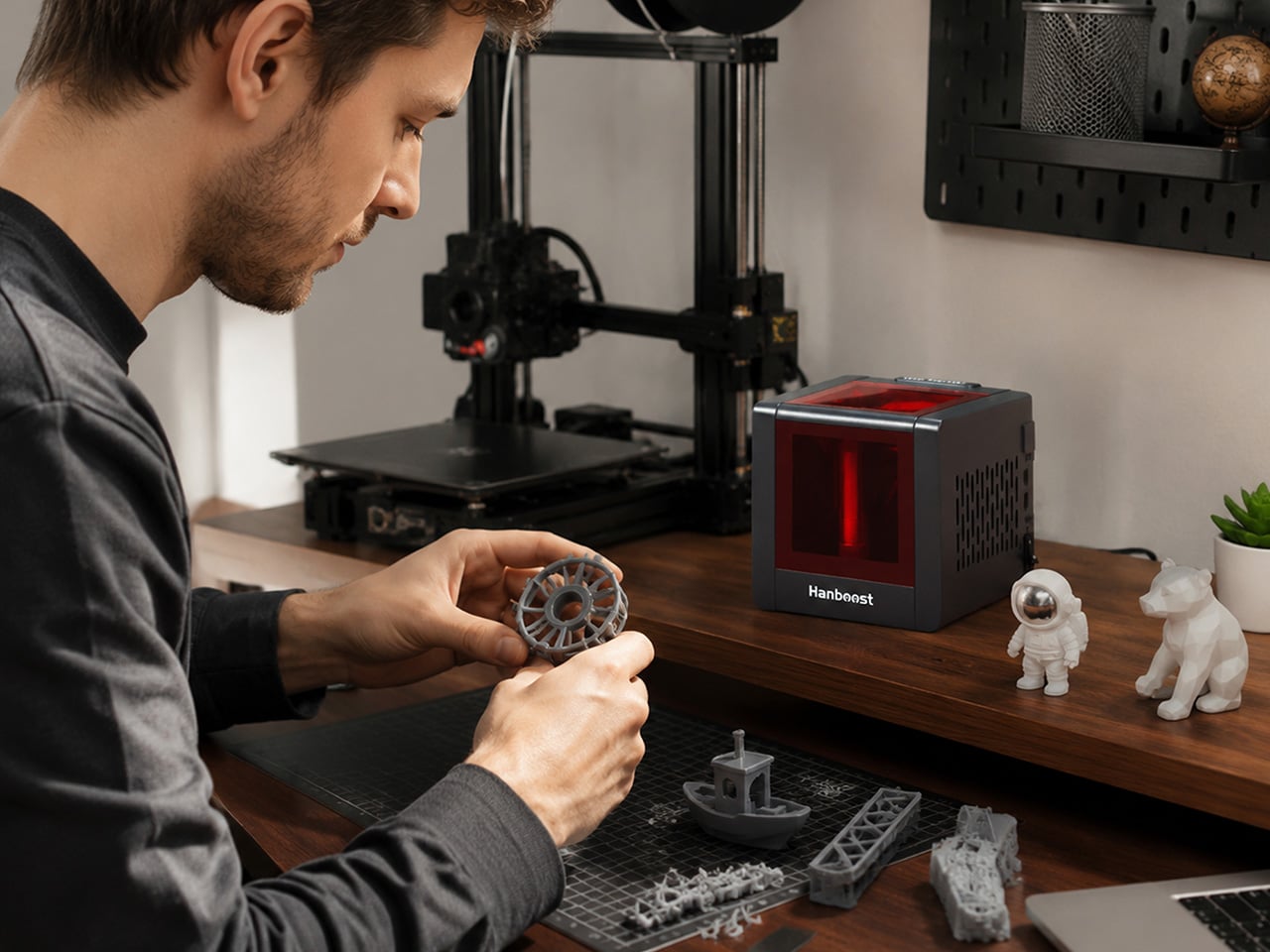
The T1 has a clean cube silhouette that doesn’t look out of place next to a laptop or a set of studio monitors. Its dark body, vented side panels, and tinted front window give it the feel of a precision instrument rather than a hobbyist gadget. The viewing cover is swappable, available in red, orange, or green, with custom-pattern options for anyone who wants to personalize the unit itself.
Close to the weight of a full can of soda, the T1 is light enough that you’d barely notice it in a bag. Because it draws power from any USB-C source, including the power banks most people already carry, you can set it up on a kitchen table, a café counter, or a folding table at a craft fair without worrying about finding a wall outlet nearby.
The T1’s engraving area measures 60mm x 40mm, which keeps things focused on smaller objects: gift tags, leather patches, wood coasters, cork pieces, cardstock, and phone cases. The standard 500 mW version handles wood, leather, fabric, and kraft paper well, while the 1.6 W Pro module, available as an upgrade, opens things up to bamboo, painted metal, and dark acrylic without needing a special coating.
The T1 uses a blue diode laser rather than the red diode type found in many entry-level machines. The distinction matters because blue diode lasers absorb more deeply into organic materials, producing sharper contrast and cleaner lines. Pair that with a 0.05mm engraving accuracy, and the results are detailed enough to render fine botanical illustrations or small portrait engravings you’d normally expect from something considerably larger.
The fully enclosed body is one of the T1’s more thoughtful design choices. The observation window carries an OD4+ rating, so you can watch the engraving process without protective eyewear. A built-in tilt sensor cuts the laser automatically if the machine tips beyond 15 degrees, and an active cooling fan keeps temperatures stable during longer sessions, which matters outside of a ventilated workshop.
On the software side, the T1 works with LightBurn and LaserGRBL, which are already the go-to platforms for most experienced makers. It also connects wirelessly to the MKSLaser mobile app for those who prefer controlling things from their phone on Android. File format support covers PNG, SVG, DXF, PDF, and G-code, among others, and getting started through the app takes just three steps.
There’s also an optional height extension stand for working on taller objects like wooden boxes and small frames, which rounds out a product that’s been thought through beyond the basics. The T1 isn’t built for cutting thick timber or marking deep into metal, and it doesn’t pretend to be. For makers who’ve wanted laser engraving to fit into an everyday creative routine, that honesty is refreshing.
What’s perhaps most telling about the T1 is where it ends up living. Not tucked away in a storage bin between projects, but sitting on a desk next to a sketchbook, ready whenever an idea shows up. That kind of casual accessibility is harder to engineer than it sounds, and it tends to be the difference between a creative tool that actually gets used and one that doesn’t.