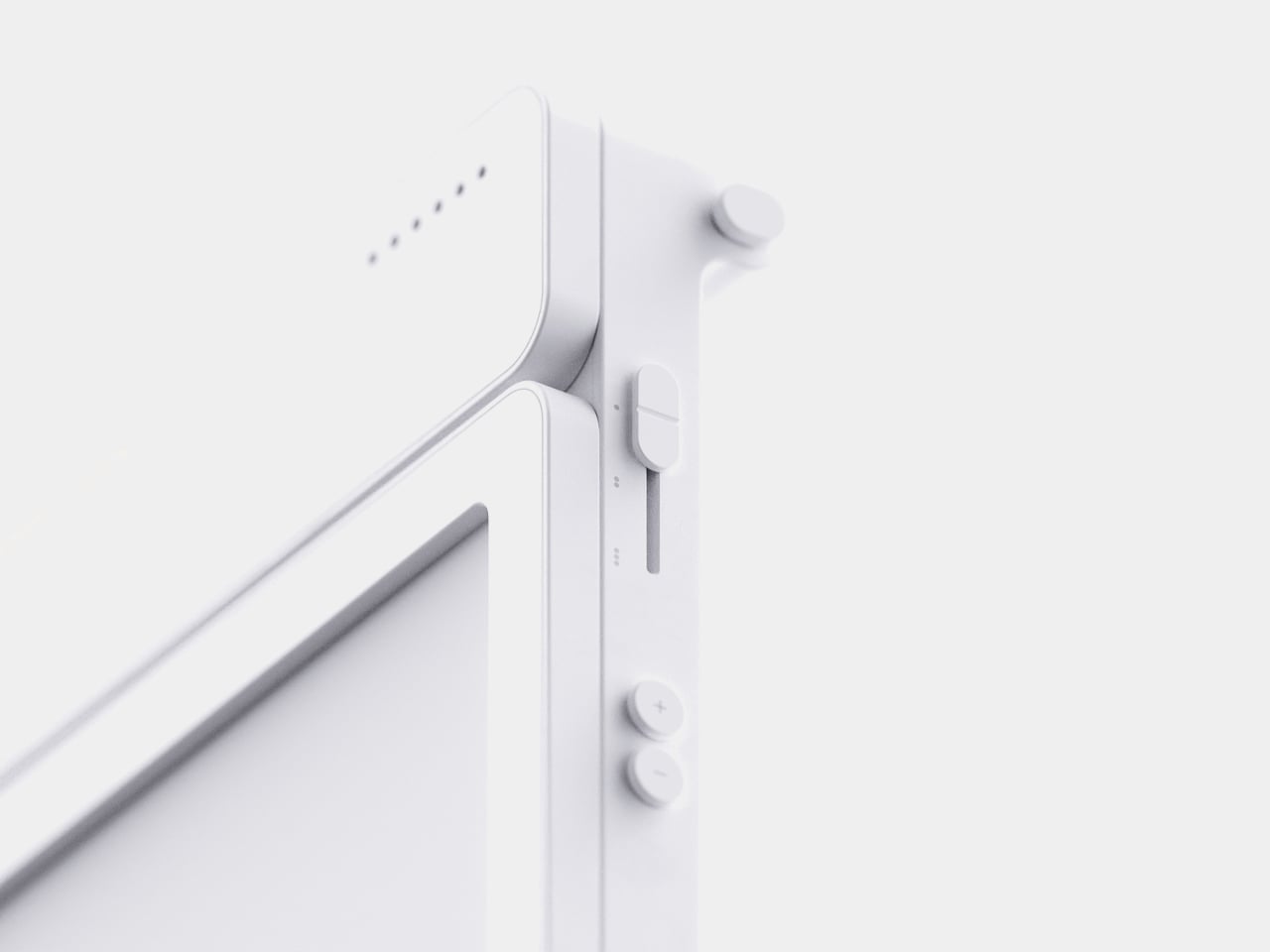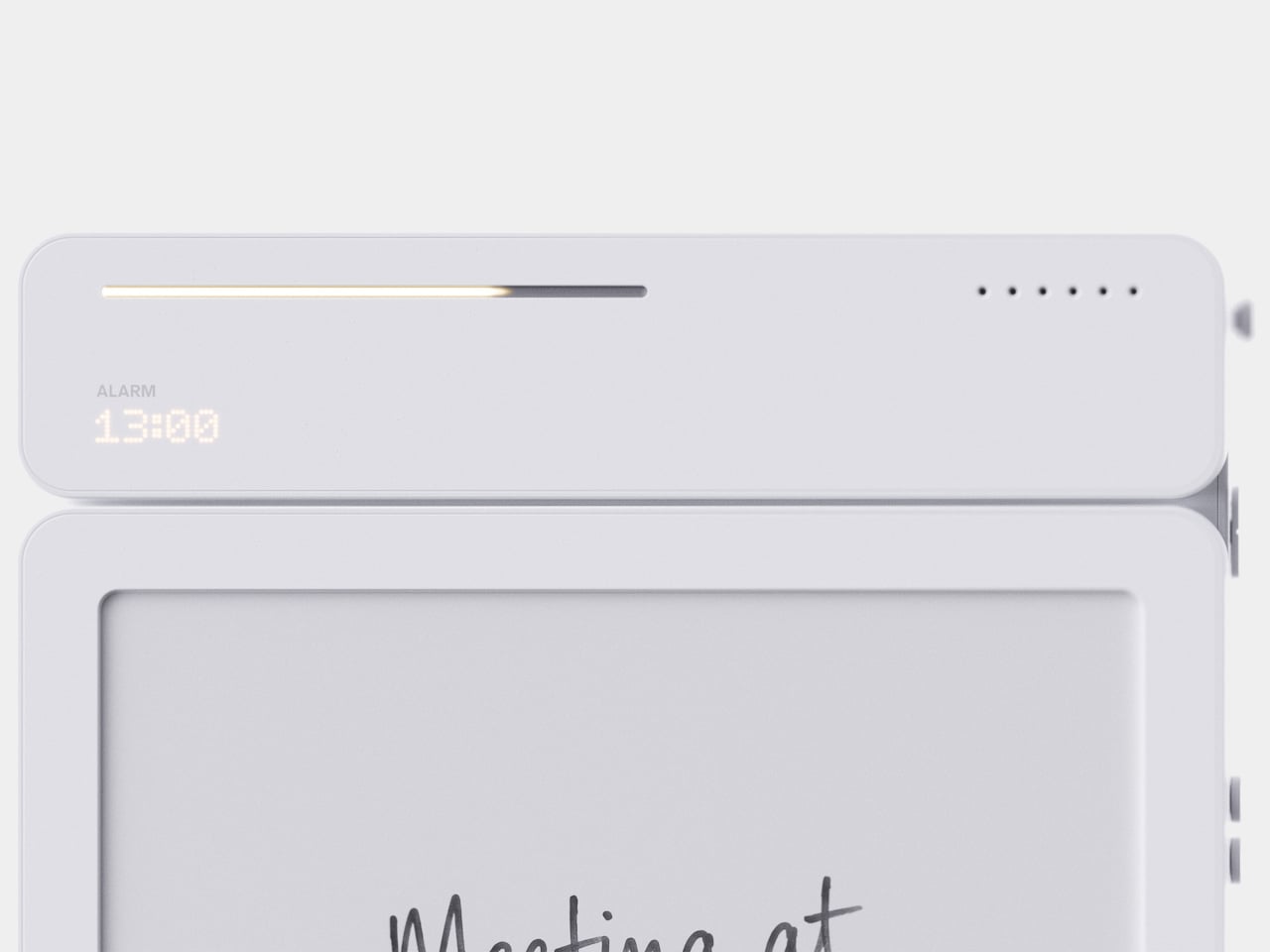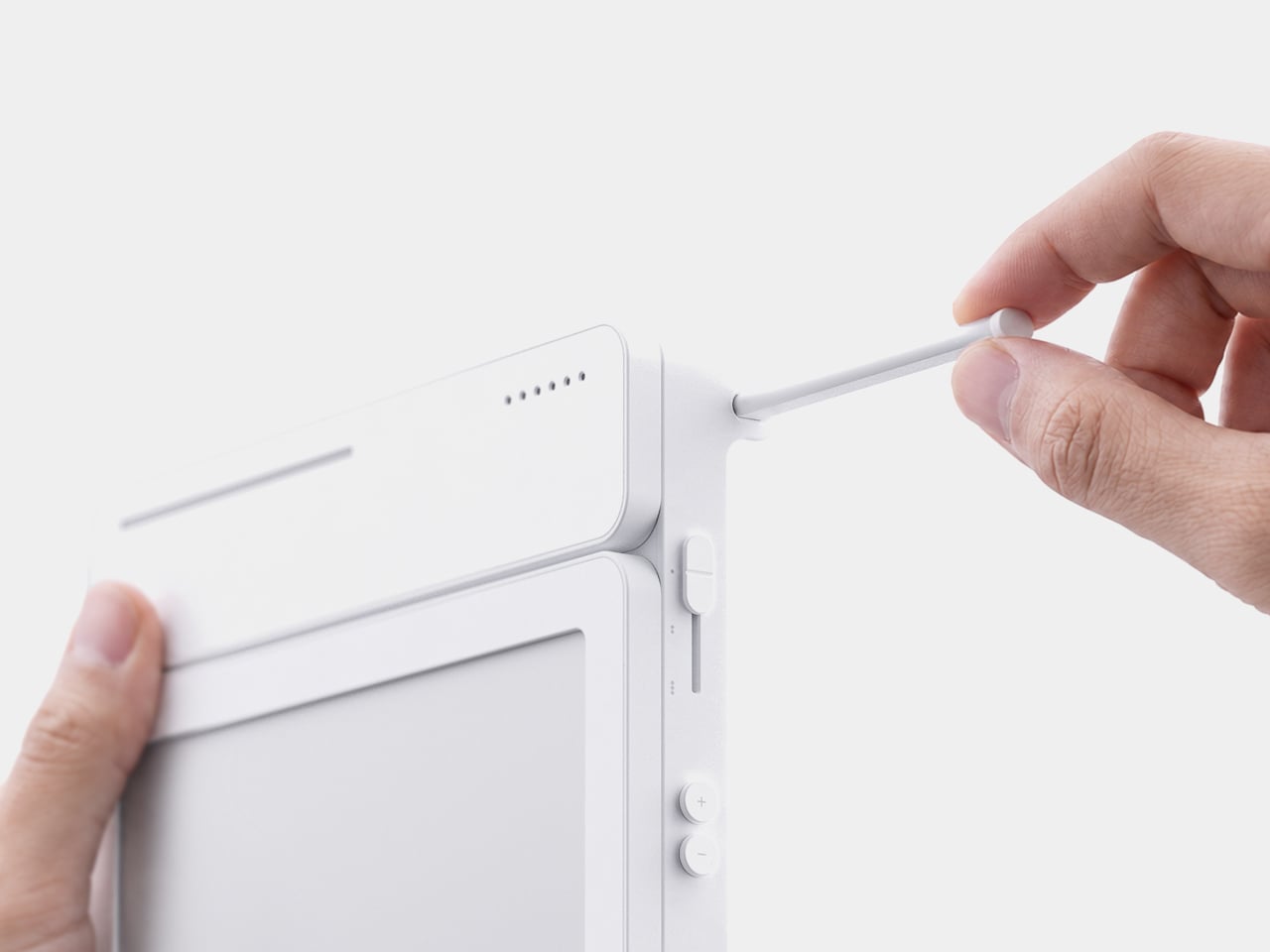
This $400 Tablet Comes With a Stylus, a Case, and Eyes That Don’t Hurt

Screen time on tablets has never been higher, but comfort hasn’t kept pace. Most tablet displays are still optimized for brightness and color gamut, with eye protection largely an afterthought or a toggle buried in settings. Reading long documents, annotating notes, or watching videos for hours on a typical panel can leave your eyes feeling the aftermath in ways that aren’t exactly encouraging.

TCL’s TAB A1 Plus NXTPAPER approaches that problem with something more deliberate than a simple blue-light filter. Built around the brand’s fourth-generation NXTPAPER display technology, it brings a large 12.2-inch 2.4K panel that combines seven integrated eye-comfort technologies, including Nano Crystal Shield Glass and an OmniSoft Light System, to more closely replicate the gentler, less fatiguing qualities of reading on paper.

Designer: TCL

The aspect ratio is worth noting too. At 3:2, the screen is taller than typical tablets, which means more of a document or webpage fits on screen without endless scrolling. That might sound like a minor detail until you’re cross-referencing notes during a study session or keeping track of multiple open documents across a long work afternoon. The adaptive 120Hz refresh rate keeps every interaction smooth throughout.

Switching between display modes is handled by the dedicated NXTPAPER Key, which cycles through paper-like and standard color modes without digging into settings menus. The 3-in-1 VersaView feature goes a step further, letting you pin specific apps to stay in full color while the rest of the interface remains in the easier-on-the-eyes paper mode. It’s a level of personalization that’s genuinely thoughtful.

NXTPAPER isn’t attempting to replicate E Ink or compete with dedicated e-readers on texture alone. It preserves the advantages of a conventional color display, including smooth video playback and vivid visuals, while adding the glare reduction and light softening that make extended reading sessions less punishing. The result is a screen that can move from a video stream to a study session without demanding any trade-off.

A suite of built-in AI tools handles the more tedious parts of daily work. Google Gemini and Circle to Search are onboard, alongside Writing Assist, Text Assist, a Smart Translator, and Smart Voice Memo. The tablet also runs Android 16 with Split Screen, Floating Windows, and Sidebar features built in, which means going from writing a draft to pulling research doesn’t require closing anything.

Under the hood, the Snapdragon 4 Gen 2 chip pairs with up to 16GB of RAM and 256GB of storage, expandable to 2TB via microSD. The 10,000mAh battery is large enough to carry through extended sessions without anxiety, and the 33W fast charging means a dead tablet doesn’t stay that way for long. The metal unibody keeps the whole package under 6.70mm thick.

The IP54-rated splash and dust resistance is a practical safeguard for a device that moves with you, and the build weighs in at 556 g. It comes in Aerolite Grey, and the box includes the tablet, a stylus, and a flip case, making the $399.99 asking price a fairly well-rounded deal for a package that doesn’t require additional accessories just to get started.

The post This $400 Tablet Comes With a Stylus, a Case, and Eyes That Don’t Hurt first appeared on Yanko Design.
A $420 Phone Just Proved BlackBerry Fans Have Been Right All Along

Physical keyboard phones have been largely absent from the mainstream market for the better part of a decade. The touchscreen revolution swept them away so completely that finding a new phone with actual keys now means wading through a very short list of niche products. That’s fine for touchscreen loyalists, but for those who still swear by tactile typing, the options have been frustratingly limited.

The Zinwa Q27 addresses that shortage head-on, arriving as a 5G Android smartphone built entirely from scratch with a physical QWERTY keyboard at its center. It isn’t a renovation of old hardware and doesn’t recycle any components from existing devices. The Q27 is an original design, and it channels the spirit of the BlackBerry Classic openly, as if daring you to forget how satisfying real keys felt.

Designer: Zinwa

The layout places a 4-inch, 1080×1240 pixel AMOLED display above the thumb keyboard, keeping everything reachable in a single hand. At 140mm x 74mm x 11mm and 192 grams, the footprint is compact by today’s phablet-dominated standards. Anyone who once fired off emails on a BlackBerry will recognize this form factor instantly, and probably won’t need long to feel at home with it.

A MediaTek Dimensity 7300 chip and 12GB of RAM give the Q27 enough processing headroom for a full day of heavy multitasking. Storage options cover 256GB and 512GB, with microSD expansion available on both. It’s a configuration that suits the kind of user who lives in productivity apps, keeps a dozen conversations going at once, and can’t afford to babysit a slow phone between tasks.

Photography comes via a 50MP rear camera and a 16MP front-facing camera, while the 4,000mAh battery handles daily endurance with both 33W wired fast charging and 15W Qi wireless charging available. NFC, dual-SIM support alongside eSIM compatibility, and 5G connectivity round out the hardware, making the Q27 a surprisingly complete package for a phone designed to scratch such a specific itch.

Smaller details add to the overall impression. An X-axis linear motor delivers a crisper, more lateral haptic feel than the basic rumble of typical budget devices, while a dedicated notification LED and a Hi-Fi speaker bring back features that most modern phones quietly retired. There’s no headphone jack, which some will take issue with, but the USB Type-C port covers both charging and wired audio without trouble.

It ships with Android 16 and full Google Mobile Services, and comes in black or white, each unit with a pre-applied screen protector and protective case included. A charger isn’t in the box. Pricing starts at $420 for the 256 GB model and $480 for the 512 GB version, and because production will match pre-order quantity, there’s no confirmed ship date yet.

The Q27 also marks a shift in Zinwa’s approach. Previous models from the company involved transplanting modern internals into refurbished BlackBerry shells, but the Q27 is a wholly new design with no borrowed chassis. For a small outfit trying to keep the physical keyboard phone alive, that’s a significant step, and it shows the kind of commitment this particular corner of the market genuinely needs right now.

The post A $420 Phone Just Proved BlackBerry Fans Have Been Right All Along first appeared on Yanko Design.
A Designer Just Answered Facial Recognition With a Medieval Visor

Facial recognition has become one of the fastest-growing forms of infrastructure in public life. Cameras in airports, transit systems, retail spaces, and city streets capture biometric data routinely, often without the awareness of the people being scanned. The face has gradually become something closer to a credential, an identifier read by systems that process it instantly against databases that are constantly growing.

OBEX is a conceptual wearable that treats this shift as a design problem worth addressing through physical form. Rather than responding to surveillance with software or policy, it proposes a new category called “privacy armor,” a tangible boundary between the wearer and systems of biometric recognition. Its form language doesn’t come from consumer electronics but from something much older, the medieval visor.

Designer: Haechan Ryu

In medieval warfare, a knight’s visor concealed identity while creating distance between the person and the world beyond the armor. The logic behind OBEX borrows that idea and applies it to a different kind of threat, one that’s less physical and more informational. As surveillance systems continuously collect and analyze biometric data, the face becomes a vulnerable interface, and OBEX imagines what it would mean to shield it.

The visor itself is made from a micro-perforated optical film that allows the wearer to see out clearly while appearing opaque from the outside. It’s a deliberate asymmetry, the kind that surveillance systems rely on, reversed and put in the hands of the individual. The shielding motion references the sliding visors of historical armor, and the weight distribution is engineered to reduce strain across the head during long wear.

The temple module anchors the visor to the head and holds most of the active technology. Embedded PPG sensors monitor physiological data in real time, enabling continuous biometric monitoring through the wearer’s own biological signature. Dual directional speakers deliver audio feedback without cutting the wearer off from surrounding sounds, and a small bitmap display on the side communicates system status and shield activation modes at a glance.

The frame is precision-engineered titanium, chosen for its balance of strength and low weight. The outer surface carries a refined micro-texture that improves grip while minimizing visible wear over time. The ornamental detailing on the temple module draws from the craftsmanship traditions of medieval armor, with intricate surface patterns that make the component read more as a personal artifact than as a piece of hardware.

OBEX isn’t proposing that everyone should walk around in a visor. It’s asking what protection means when the thing being protected isn’t the body but the face’s function as an identity signal. The concept sits at the edge of speculative design and industrial practice, using grounded materials and structural logic to imagine an object that doesn’t quite exist yet, but one that feels increasingly necessary.

The post A Designer Just Answered Facial Recognition With a Medieval Visor first appeared on Yanko Design.
Tablets Sound Bad, So Motorola Just Put 9 JBL Speakers in One

Entertainment tablets have come a long way in terms of screen quality, but audio often tells a different story. Most of them ship with a pair of speakers that merely get the job done, leaving users reaching for headphones or a separate Bluetooth speaker the moment things need to get louder. The gap between how tablets look and how they actually sound has never been more apparent.

The Motorola Moto Pad 70 Groove is built around a premise that most tablets don’t dare fully commit to: making audio the centerpiece, not an afterthought. It arrives loaded with a nine-unit JBL Pro speaker system, a 12.1-inch 2.5K display, and a 360-degree built-in kickstand, addressing the kind of everyday entertainment scenarios where a standard tablet simply wouldn’t be enough.

Designer: Motorola

The display is well suited for this audio-first identity. The 12.1-inch IPS LCD panel runs at 120 Hz with a 2560×1600 resolution, HDR10 and Dolby Vision certification, and a peak brightness of 800 nits. It’s a smooth, vivid canvas for streaming content, though the real draw is what’s happening on the edges of that screen, where all those speakers live.

Nine speakers sound like a gimmick until you see what they’re actually made of: four tweeters, three woofers, and two passive radiators, all tuned by JBL and backed by Dolby Atmos. Together, they’re rated to push up to 48W of audio output, which is a lot to ask from a tablet-sized device. It’s the kind of setup that makes you rethink whether you actually need a separate soundbar.

What makes the audio system more interesting is the built-in Bluetooth speaker mode, which turns the Groove into a standalone speaker your phone can control wirelessly. It’s a clever trick for situations where you want music filling a kitchen or a living room during a gathering, without having to keep the tablet actively streaming the content. Dolby Audio further adds Dynamic, Movie, and Music modes for more tailored listening.

The 360° Kickstand 2.0 adds another layer of flexibility. It supports four positions named Lean, Stand, Theatre, and Hanging, each suited for a different viewing situation. Prop it up on a desk for a video call, tilt it back for a movie in bed, or hang it from a hook when counter space runs out. It’s a practical piece of engineering that doesn’t feel like an afterthought.

Under the hood, a MediaTek Dimensity 7400 chip handles daily tasks alongside 8GB of RAM and 256GB of storage. The 10,200mAh battery keeps extended streaming sessions going, and the 45W TurboPower charging keeps downtime short. The all-metal body in Pantone Blue Surf measures 6.8 mm at its thinnest, though the speaker array at the back raises that to 22.7 mm, creating a distinctive ridge. The Groove ships with Android 16 and Google Gemini out of the box, with Motorola committing to updates through Android 18 and security patches through 2030.

The post Tablets Sound Bad, So Motorola Just Put 9 JBL Speakers in One first appeared on Yanko Design.
Forget Tracking Kids After School, This Cute Device Lets Them Check In

Working parents of school-age children face a particular kind of worry during the hours between the end of the school day and the end of the workday. Phone calls get missed, text messages go unread, and the ones that do get through usually carry just enough information to confirm a child made it home. What they rarely carry is any sense of how the child is actually doing, and that gap tends to get filled with parental anxiety rather than reassurance.

Keylo is a conceptual companion device designed around that specific gap. Rather than giving children another screen to manage or another app to navigate, it offers a single, tactile interaction: a tap that lets them express how they’re feeling. No typing, no calling, no notification chain. The child touches the device, cycles through a color to represent their emotional state, and the parent’s app receives it.

Designer: Miaonan Li

The system consists of three physical parts. The main companion unit sits on a home dock, usually somewhere a child passes when they get home. A smaller key fob clips to a backpack and travels with the child throughout the day. Both are made from soft matte silicone and deliberately avoid any screen or complex interface, giving the object a quality that’s closer to a familiar household item than a piece of consumer electronics.

The four emotional states Keylo recognizes are kept intentionally broad. A soft orange glow indicates the child feels relaxed; bright yellow signals something more playful or energetic; a neutral white tone signals a preference for quiet or personal space; and a calm blue light carries a specific message from child to parent: I’m thinking of you. Each one is simple enough for a young child to understand and expressive enough to actually mean something when it arrives on a parent’s phone.

That arrival is handled by the companion app, which mirrors the same color language as the physical device. The distinction the project draws between this and conventional parental monitoring is deliberate. Rather than showing parents a location, a screen time report, or a camera feed, the app delivers a single emotional moment. A notification that says a child is feeling calm and playful carries a different quality of information than a location ping, and it asks for a different kind of response.

The device is designed to work without any input from the child beyond that single tap. There are no prompts to answer, no questions to read, and no follow-up required. For a child who has just walked in the door after school, the low threshold is significant; the gesture stays small enough that it doesn’t feel like a chore, which is probably the main reason most family communication apps get abandoned within a few weeks of being set up.

What Keylo explores through its design is how much emotional information can be conveyed through the simplest possible interaction. A color chosen by a child carries less data than a voice call but far more than no contact at all, and it arrives without interrupting anyone’s afternoon in the way a ringing phone does. The project makes a case for the idea that the volume of communication matters less than whether it happens at all, and on terms that feel natural to the person sending it.

The post Forget Tracking Kids After School, This Cute Device Lets Them Check In first appeared on Yanko Design.
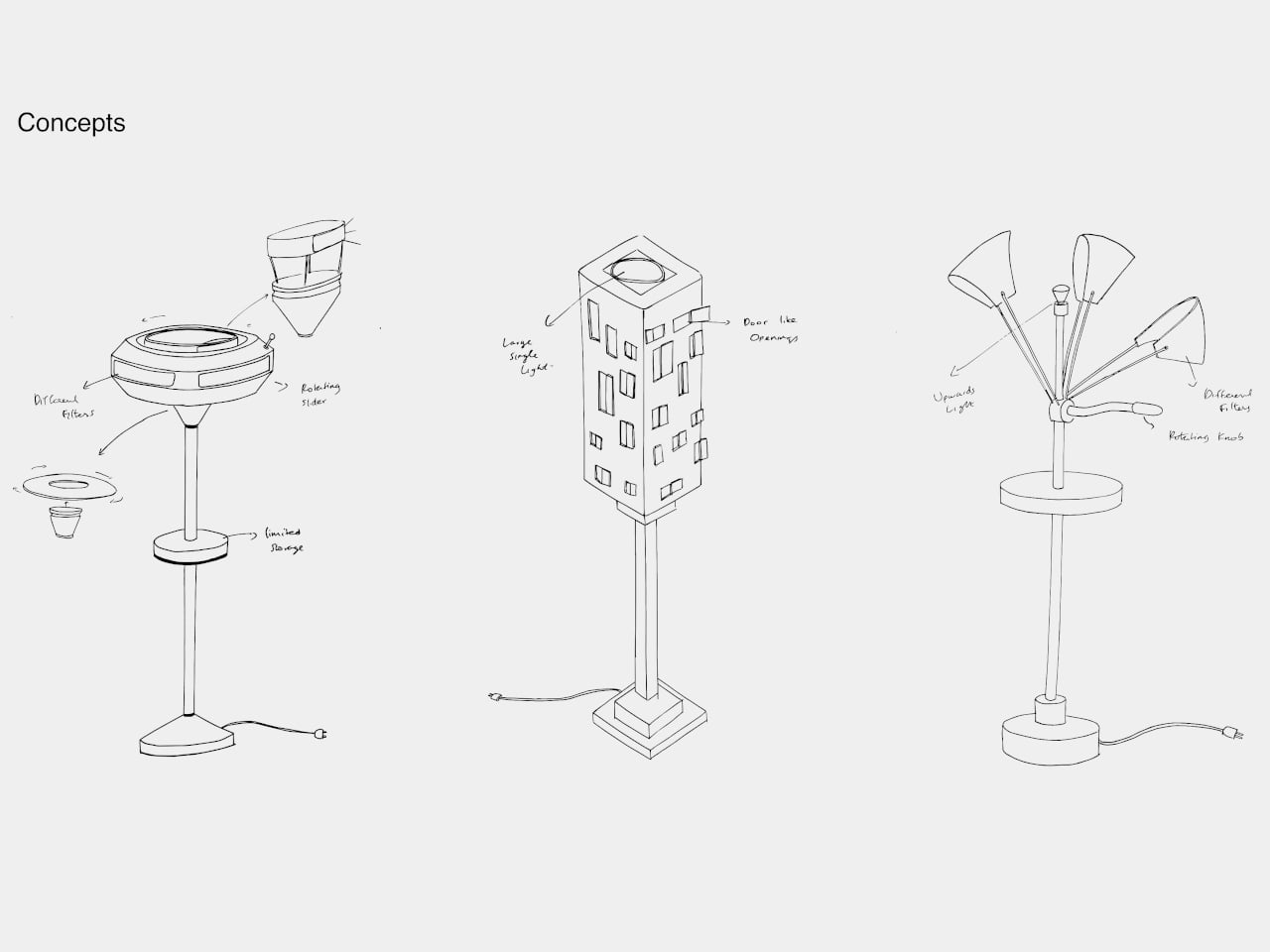
Artefilo Makes Home Objects From Elephant Grass and Hospital Cabinets

The sustainable home goods market has a specific credibility problem. Products marketed as eco-conscious often get there through incremental adjustments, reducing a percentage of virgin plastic, switching to a recyclable box, or sourcing from a slightly shorter supply chain. The result is a kind of sustainability theater that satisfies certification requirements without fundamentally changing either what objects are made from or how they find their way into a home.

Artefilo approaches that question differently. Based in Edam in the Netherlands, the independent design atelier makes contemporary home objects from materials most manufacturers wouldn’t consider: elephant grass combined with recycled plastic, reclaimed wood fibres, brick dust, and salvaged hospital cabinetry. Each piece is made locally in small batches, and the materials are chosen with the specific intention of giving discarded resources a renewed place in a living space.

Designer: Guido Baratta

The choice of Edam isn’t incidental. The city has a long tradition of ceramics craftsmanship, and Artefilo draws on that heritage without replicating it, taking the spirit of making by hand and applying it to a different material palette. Elephant grass combined with recycled plastic, for example, produces a surface that reads as handmade pottery without the environmental cost of extracting virgin clay or new plastic.

The rest of the material list is equally unexpected. Reclaimed wood fibres and brick dust bring texture and warmth to objects that might otherwise feel too composed, while recycled hospital cabinets contribute rigidity and durability that wouldn’t be obvious from the source. Finding these materials requires locating waste streams that industry hasn’t already claimed, then working out what form they can credibly take in a domestic setting.

Making in small batches has real consequences for what the objects can be. It means pieces that are genuinely one-of-a-kind, because material conditions are never exactly repeatable from one batch to the next. Brick dust carries different tones from different sources; reclaimed wood fibres vary in density and grain. That variability isn’t a flaw in the production model; it’s built into it deliberately.

The underlying premise is that objects shape the atmosphere of a space, not dramatically, but persistently. Something placed on a windowsill or bookshelf gets seen many times a day, and that repetition adds up. Artefilo’s design philosophy treats each piece as something that participates in the daily texture of a home rather than simply occupying it. The materials reinforce that, each carrying a visible trace of its previous life.

The atelier distributes through its own online store and through a local stockist in Edam. The collection is small, deliberately so, and the material sourcing means it isn’t trying to scale into something it isn’t. For a design category that often talks about slowing down without quite managing it, Artefilo appears to have structured itself around that idea from the ground up.

The post Artefilo Makes Home Objects From Elephant Grass and Hospital Cabinets first appeared on Yanko Design.
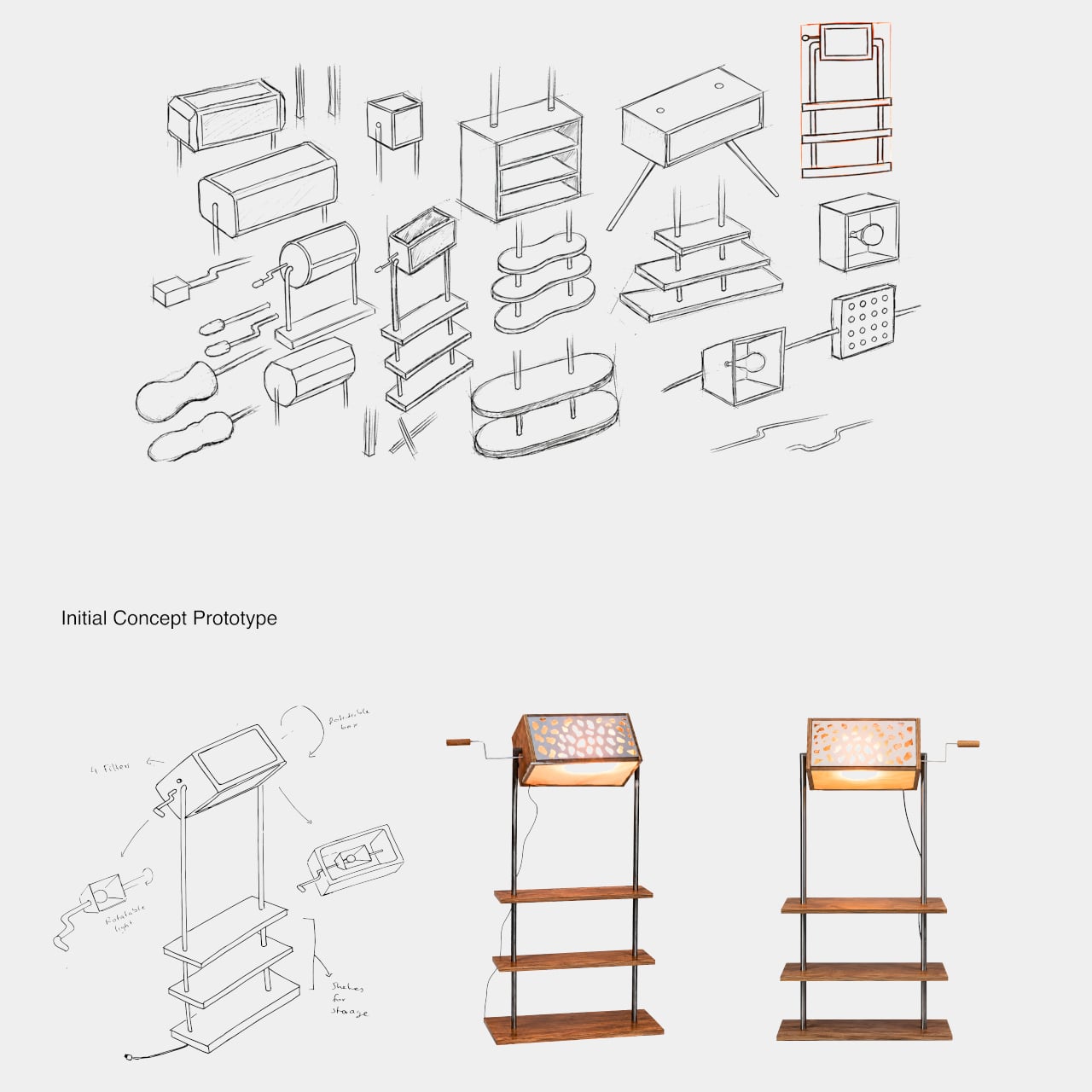
The Fridge Screen Your Family Can Update From Anywhere Without Texting

The shared household notice board is one of those ideas that never quite works the way it’s supposed to. Paper notes fall off, whiteboards get ignored once the novelty fades, and the natural alternative, a group chat, keeps everything buried where nobody looks unless they’re already on their phone. The problem isn’t that families don’t communicate; it’s that the display for that communication isn’t in the right place or form.

The reTerminal Sticky is a compact e-paper display built specifically for that gap. It magnets directly to a refrigerator or any metal surface, runs for days on a single charge, and shows notes, reminders, weather, and messages sent from a phone. The idea is simple: a screen that stays in plain sight and updates without demanding attention in return.

Designer: Seeed Studio

The display is a 3.97-inch monochrome E-Ink touchscreen at 800×480 resolution, set into a 106mm x 65.5mm x 7.3mm body that sits flush against a surface without protruding noticeably. E-Ink suits the application well because it holds whatever’s on screen without drawing power to maintain the image, which is why the 750mAh battery lasts up to a week under normal use and potentially months in Battery Saver Mode.

Creating a note doesn’t require opening an app first. An onboard physical button lets you press and speak; the device transcribes the voice directly into a note or to-do list on screen. Voice input works in English and Chinese. For sending notes remotely, the companion Seeedash app handles it over Wi-Fi or cellular, so someone at work can post a dinner reminder to the home screen without a text chain.

The Seeedash app is also where most of the management happens. It pairs initially over Bluetooth, sets the Wi-Fi network, and after that the device runs independently without the phone needing to stay nearby. Content can include typed notes, weather pulled from a set location, a clock, a calendar, or custom designs and photos uploaded from the app or the Seeedash web platform.

Mounting is toolless in either direction. The built-in magnetic backing attaches to any metal surface directly. For non-metal walls, the box includes an adhesive magnetic ring that goes up once and lets you reposition the Sticky freely afterward. For users who want to go further with the hardware, the device also supports custom firmware flashing, making it compatible with the broader SenseCraft ecosystem and developer-friendly by design.

The monochrome E-Ink display trades color for legibility and battery life, two properties that matter more than vibrancy when the screen is sitting on a kitchen appliance across the room. The low-power nature of the display also means it can show a full week’s worth of reminders without needing to be charged mid-week, which removes the main reason most desk gadgets get quietly retired after a month.

The post The Fridge Screen Your Family Can Update From Anywhere Without Texting first appeared on Yanko Design.
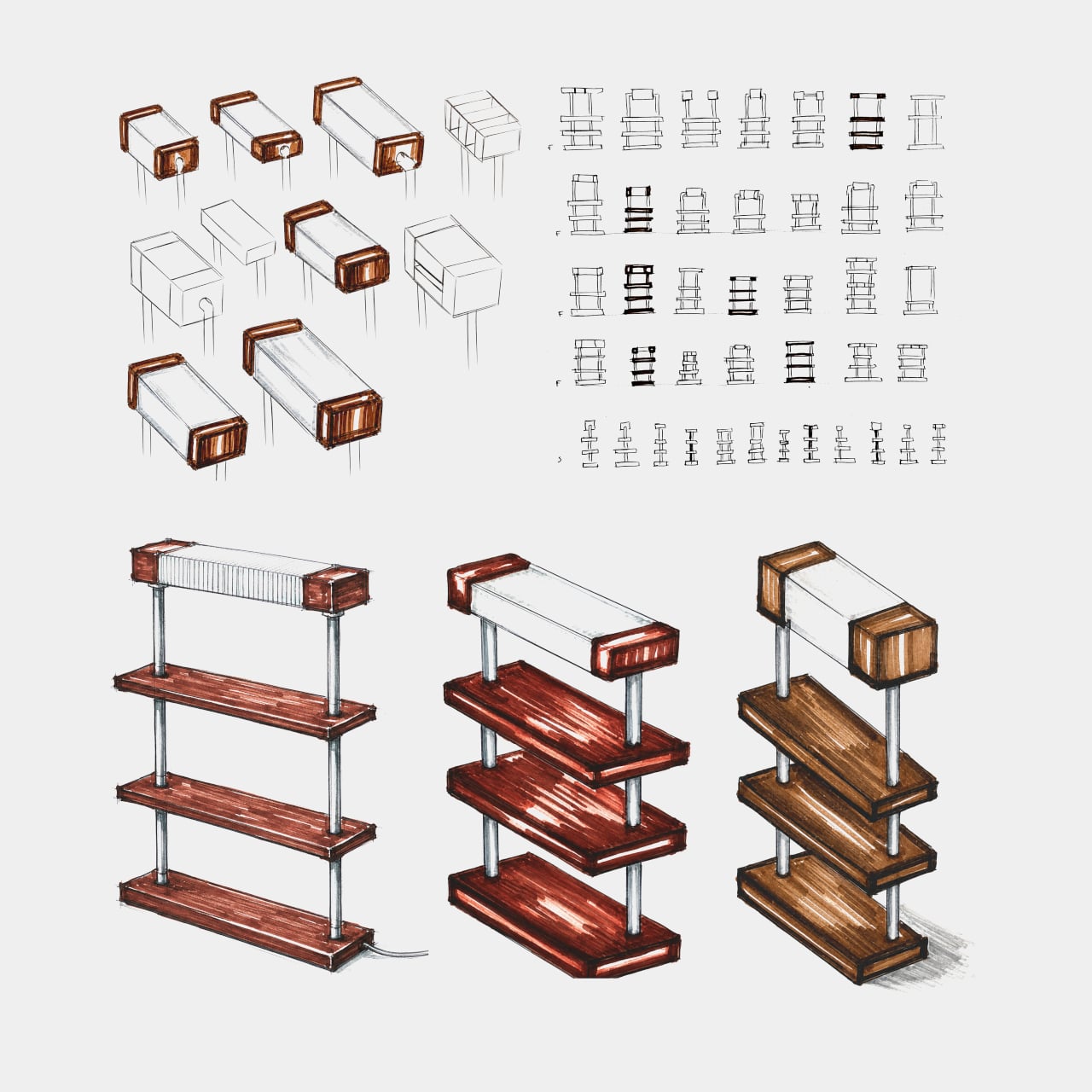
Funnels That Harvest Rain and Solar Power While Shading a Public Plaza

Water scarcity and urban heat are two separate crises that public infrastructure rarely addresses together. Most public spaces are designed primarily for social use, with sustainability features treated as additions bolted on during planning approvals. The result is civic furniture that looks environmentally conscious on paper but often functions in ways that keep each system largely isolated from the others.

The Solar Rain Funnels propose a different model. Each funnel-shaped structure is a prefabricated, modular unit made from galvanized steel that collects rainwater, generates solar electricity, and provides shaded public seating, all from the same form. Rather than treating harvesting and gathering as separate programs, the design bundles them into a single object that does each job without architectural compromise.

Designer: Michael Jantzen

The form does most of the work. Each funnel is wide at the top and narrows toward the base, which means its surface naturally directs rainfall inward and downward into collection channels. Solar cells line the top edge, capturing sunlight from the same surface that intercepts rain. A bench is mounted around the perimeter at the base, completing the third function without requiring a separate structure.

What’s collected below the surface matters as much as what happens above it. Rainwater storage containers, or diversion channels connecting to off-site containment, are installed under the plaza to hold water for later community use. The solar electricity powers the pump that moves water from storage and lights the funnels after dark. Excess power feeds into the local grid, and on-site batteries let visitors charge devices.

The prefabricated and modular nature of the design means installation doesn’t require building a new structure from scratch each time. Each funnel arrives at the site in pre-made sections that bolt together, and any number of units can be arranged into any configuration the site allows. In the reference proposal, seven funnels are arranged in a grid over a plaza, with drought-tolerant garden plantings filling the spaces between them.

That plaza arrangement gives visitors something more useful than just shade. The overhead canopy formed by the funnel array blocks enough direct sunlight to make the space comfortable in hot, arid conditions, which is significant given that the concept is intended for communities experiencing water stress. Gardens planted with low-water-consuming species fill the gaps between funnels, making the plaza functional as a green space even in dry climates.

Size is treated as a variable rather than a fixed specification, because the concept anticipates installation across different kinds of sites. A smaller cluster of funnels might serve a neighborhood corner or transit stop, while a larger array could anchor a civic plaza or regional park. The galvanized steel construction and bolted assembly make each installation relatively straightforward to adapt, scale, and transport to wherever it’s needed most.

The concept is currently unbuilt, but what distinguishes it from other multi-function proposals is that each function follows directly from the form rather than being added to it. The wide, concave top collects rain. The exposed edge holds solar cells. The shaded base provides seating. Nothing requires the structure to be shaped any differently to perform those jobs, which is the kind of efficiency that makes a proposal feel plausible.

The post Funnels That Harvest Rain and Solar Power While Shading a Public Plaza first appeared on Yanko Design.
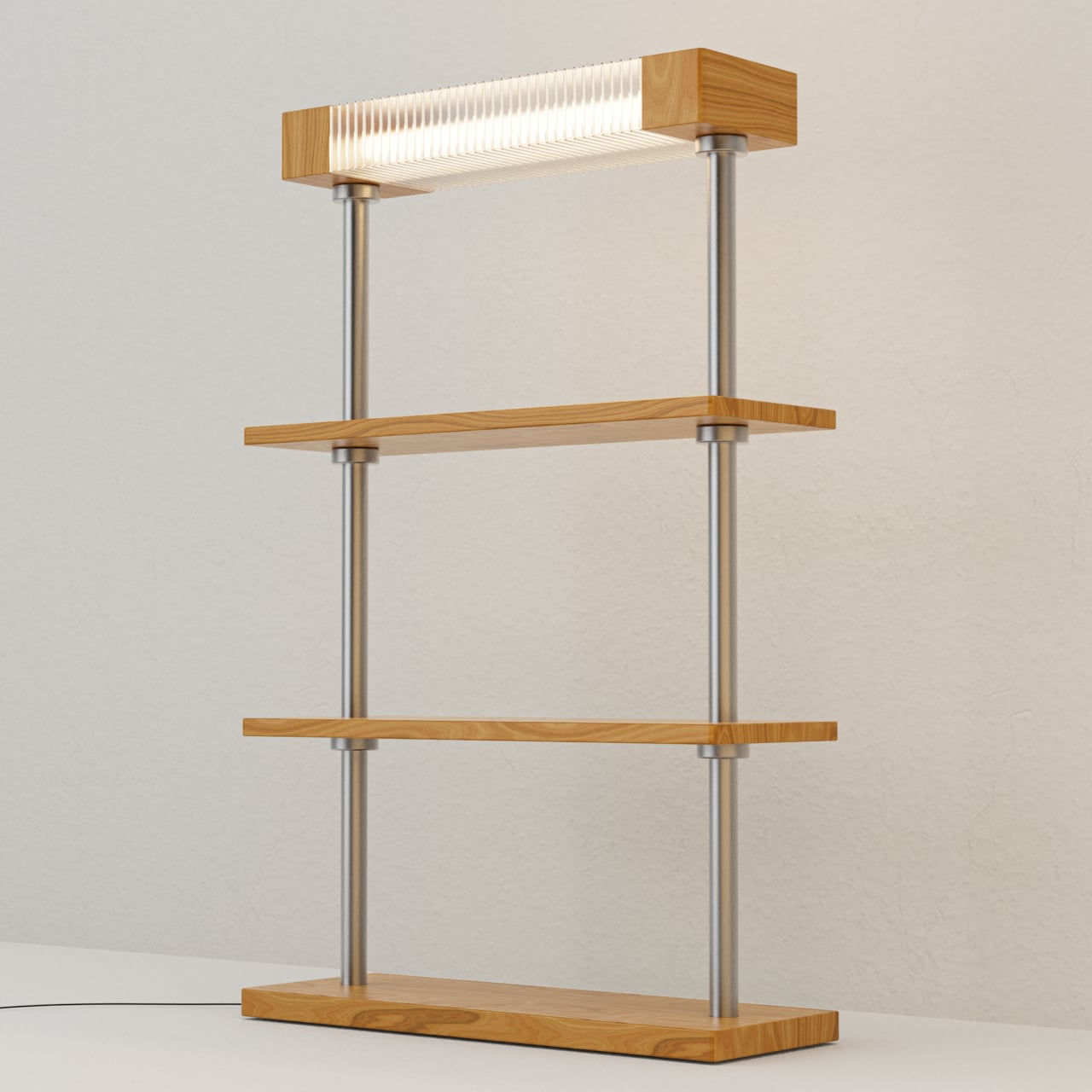
The One Thing Fine Dining Can’t Control Is Temperature, Until Now

Temperature is one of the few things in fine dining that no one fully controls once a dish leaves the kitchen. A perfectly cooked piece of fish begins losing heat the moment the plate is set down, and by the time a diner has finished admiring the plating, the window for eating it at its intended temperature has already started to close. Most serving vessels are entirely passive about this.

Temper Hold is a modular serving system that addresses this through material rather than technology. Built from basalt, a volcanic stone with a high thermal mass, the system slows temperature change for both hot and cold dishes, extending the window between when food arrives and when it begins drifting from the cook’s intentions. The serving surface stops being passive and becomes part of how the meal unfolds.

Designer: Batuhan Duran

The system comprises four modules, each assigned a specific role at the table. CORE is the main presentation surface. RISE elevates a featured item on a pedestal base, adding vertical hierarchy to the setting. POUR handles sauce service in a form shaped for controlled pouring. REST organizes cutlery, keeping the table composed between courses. Together, they don’t overcrowd the table or impose formality on the setting.

The thermal logic relies on basalt’s natural density. Stone with a high thermal mass resists temperature change, absorbing heat slowly and releasing it gradually, which is the opposite of ceramic or porcelain, which loses heat quickly once it leaves a warming rack. For cold presentations, the same principle applies in reverse; the stone stays cool longer, keeping a dish within its intended temperature range throughout the course.

Each piece is shaped from basalt using CNC stone machining, with chamfered edges to reduce the risk of chipping during service. The exterior surface is matte-honed, preserving the volcanic texture of the stone, while the food-contact surfaces are polished to a smoother finish that’s easier to clean. The contrast between the two finishes also serves as an intuitive guide to how each piece is meant to be used.

A custom-cut leather sleeve is fitted to the underside of each piece, serving two functions at once. It softens the contact between the stone and the table, protecting both surfaces from the weight and texture of raw basalt, while improving grip when lifting and moving a piece between courses. The leather also introduces a warmer visual element against the predominantly dark, volcanic character of the stone.

The material palette is intentionally restrained. Black basalt provides the body of each module, and the leather is available in warm brown or black, creating combinations that feel tactile and grounded rather than decorative. Volcanic stone has an inherently irregular surface texture that distinguishes it from polished marble or engineered ceramics, and the matte-honed exterior of each piece preserves that quality rather than smoothing it away entirely.

The concept behind Temper Hold is simple but genuinely underexplored in tableware design. Most dishes arrive on materials chosen for aesthetics, weight, or cost, not thermal behavior. Basalt has been used for cooking on volcanic rock for centuries, and repurposing that thermal property as a serving surface rather than a cooking one is a small but consequential shift in how a piece of tableware is asked to perform.

The post The One Thing Fine Dining Can’t Control Is Temperature, Until Now first appeared on Yanko Design.
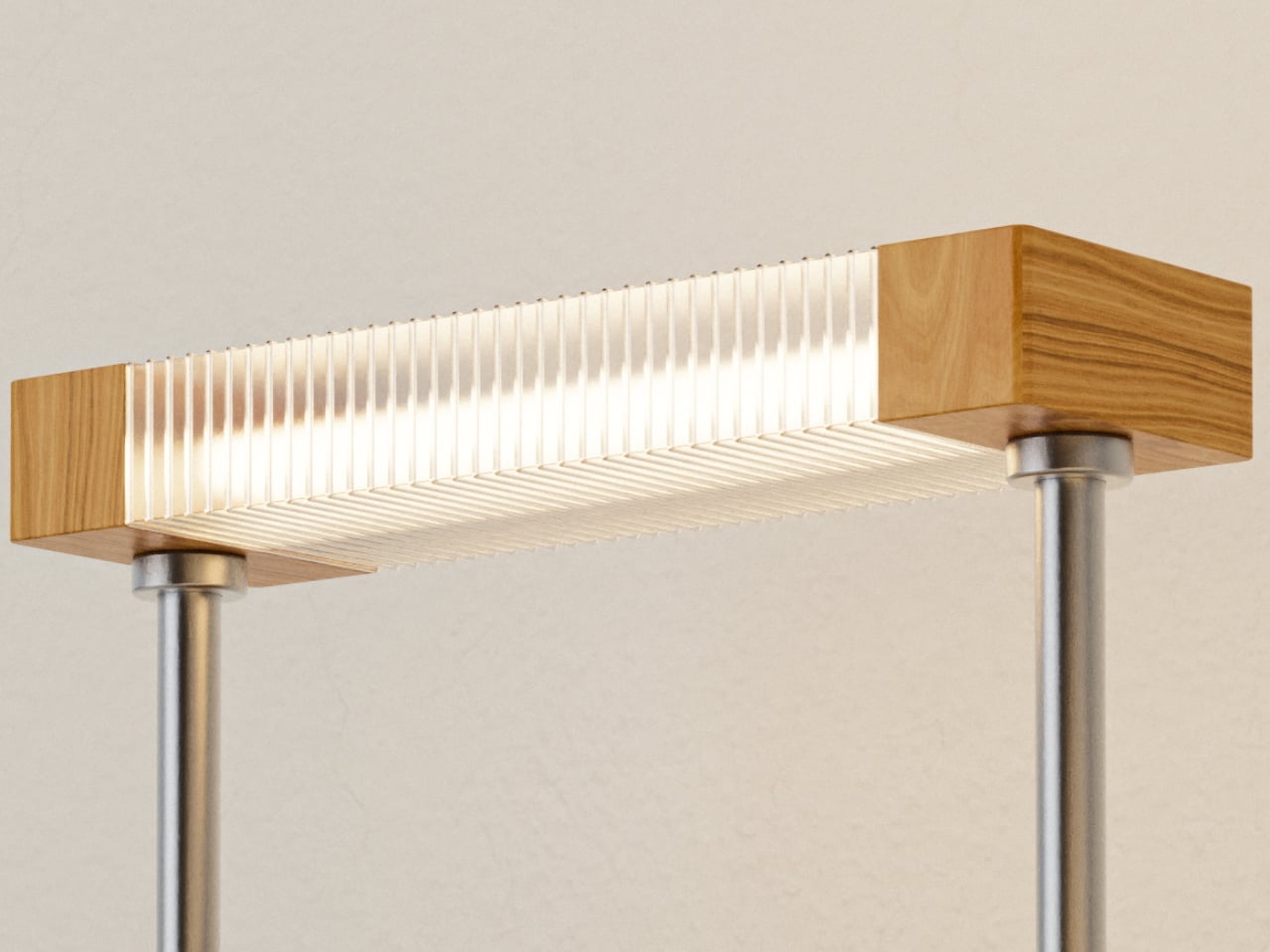
This Pen Case and Desk Stand Are the Same Object, and It’s Magnetic

The pen case is one of those objects that nobody seems to have genuinely rethought. The standard design is a zippered pouch: pens go in, pens pile up, you dig through until you find the right one, and then you close it again. That sequence repeats itself a dozen times a day, and most of the friction happens in that brief moment between needing a pen and actually having it in hand.
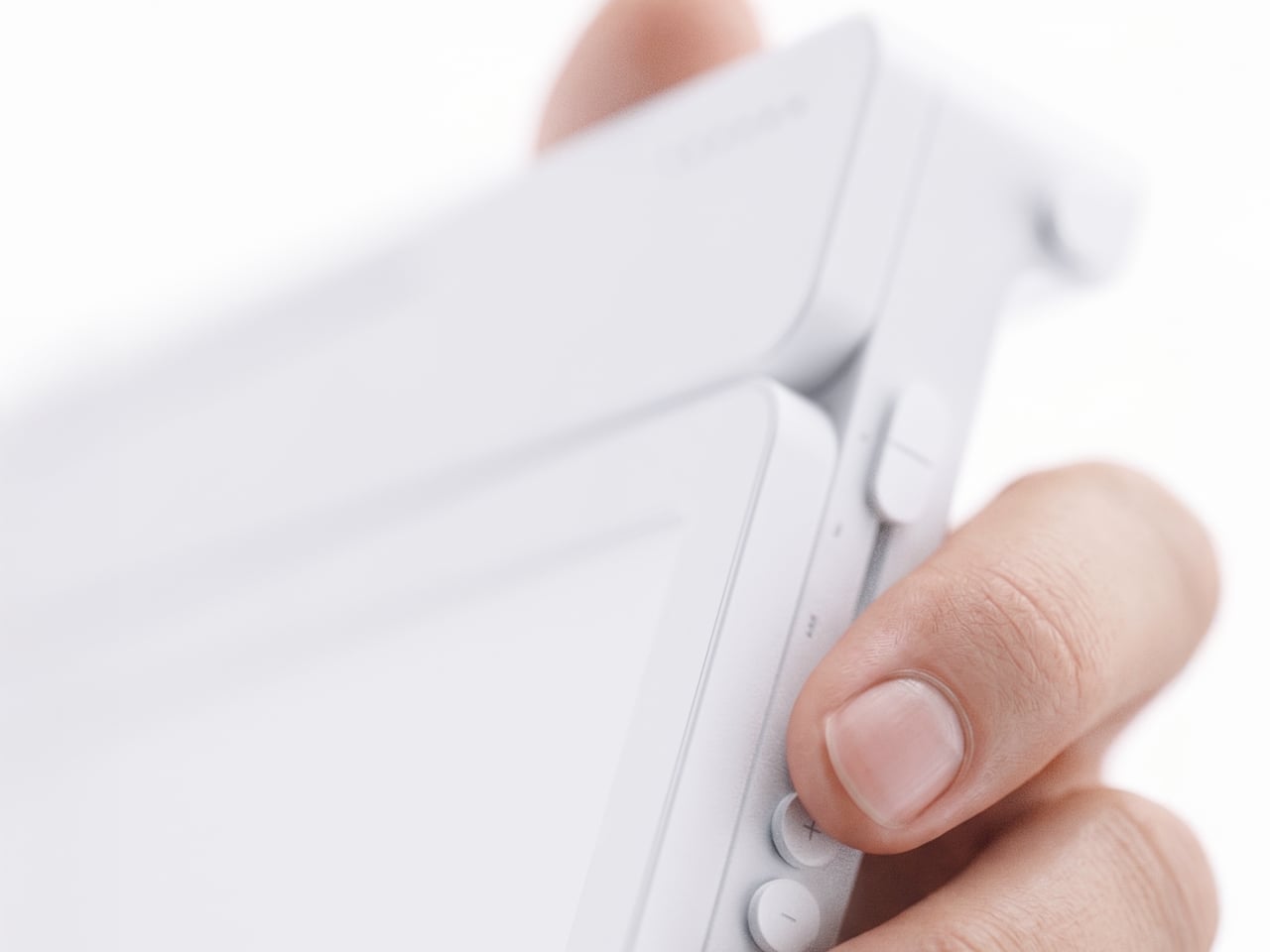
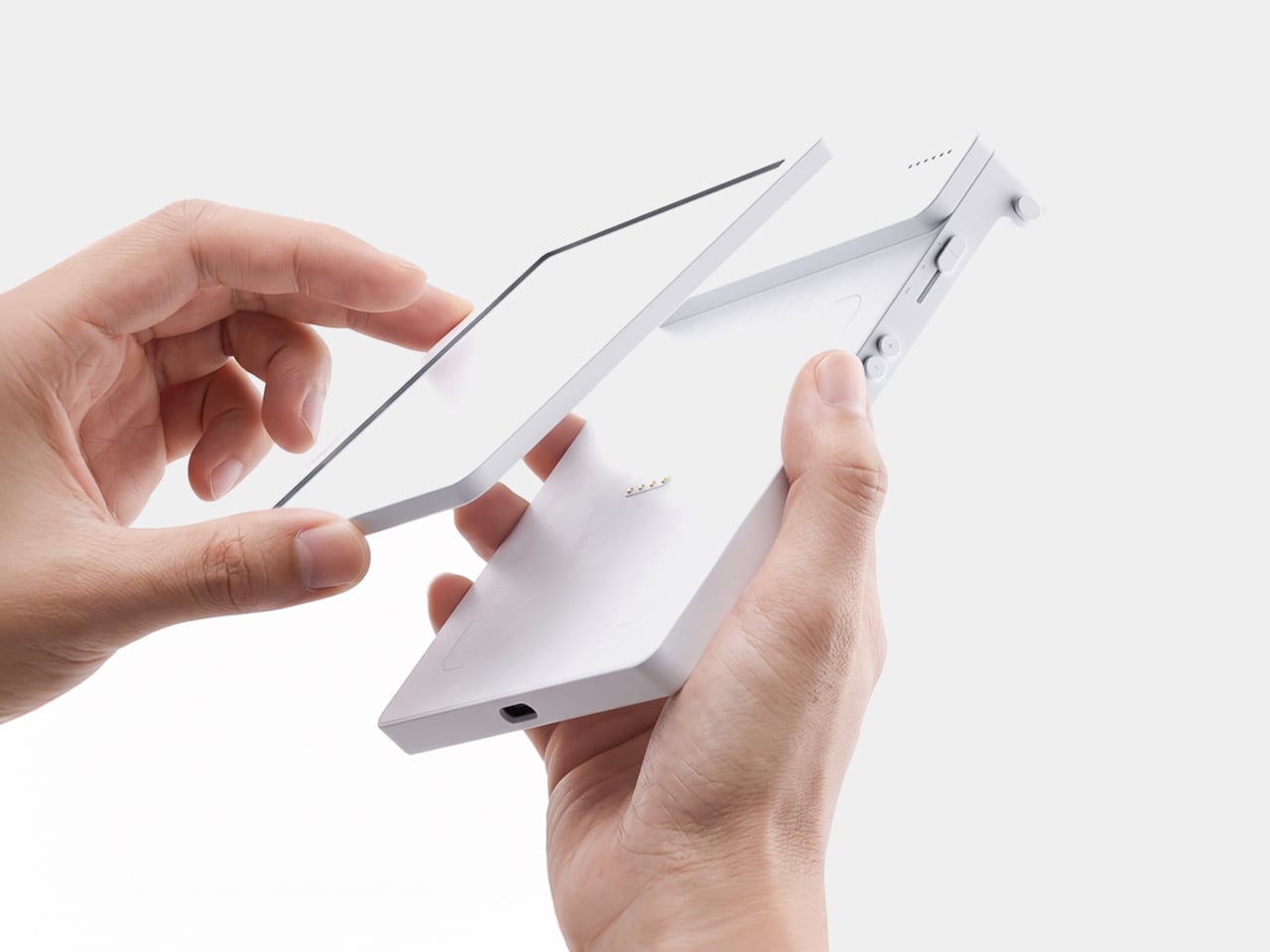
Sonic, a Japanese stationery manufacturer, focused specifically on that moment. Their Kakusta Portable Pen Holder is a silicone case that converts into an upright pen stand with a single unzip and fold. The idea isn’t just about carrying pens more conveniently; it’s about changing how you interact with them once you sit down to work, which is a different design problem entirely from making a better pouch.

Designer: Sonic

The transformation is central to the whole concept. When closed, the Kakusta is a flat, parallelogram-shaped case that fits easily in a bag pocket. Unzip it, fold the lid back, and it forms a triangular stand held in position by built-in magnets. Nothing needs to be assembled, no extra base is required, and there’s nothing to lose. The carrying case and the desktop holder are the same object.

The interior follows the same logic. The 60-degree angled dividers run across the base of the stand, keeping each pen tilted and visible rather than lying flat against the others. In a conventional pen pouch, finding a specific pen means pulling out several to get to it. The angled dividers let you see everything at a glance, a small improvement that adds up over a full working day.

The silicone body is flexible enough to accommodate pens of varying sizes and soft enough to compress in a bag without warping. The triangular form is stable by geometry, and the magnets keep the folded lid from springing back while you’re working. A matte surface treatment on the exterior resists dust and fingerprints, which matters for something that moves between a bag and a desk multiple times daily.

The magnets also allow the standing Kakusta to attach to metal surfaces, which is a small but genuinely useful detail. A student moving between classrooms can stick it to a locker door; someone working in an office can place it against a filing cabinet when desk space is limited. It’s the kind of secondary function that doesn’t announce itself in the pitch but gets used regularly once you notice it.

The case is compact enough to fit in a bag pocket without taking space meant for something else. Color options are restrained enough to sit on any desk without looking out of place. The palette leans toward the kind of tones that blend into a workspace rather than call attention to themselves. Kakusta is versatile enough to be used for other things, like holding makeup, proving that good design allows objects to extend beyond their initial purpose.

The post This Pen Case and Desk Stand Are the Same Object, and It’s Magnetic first appeared on Yanko Design.