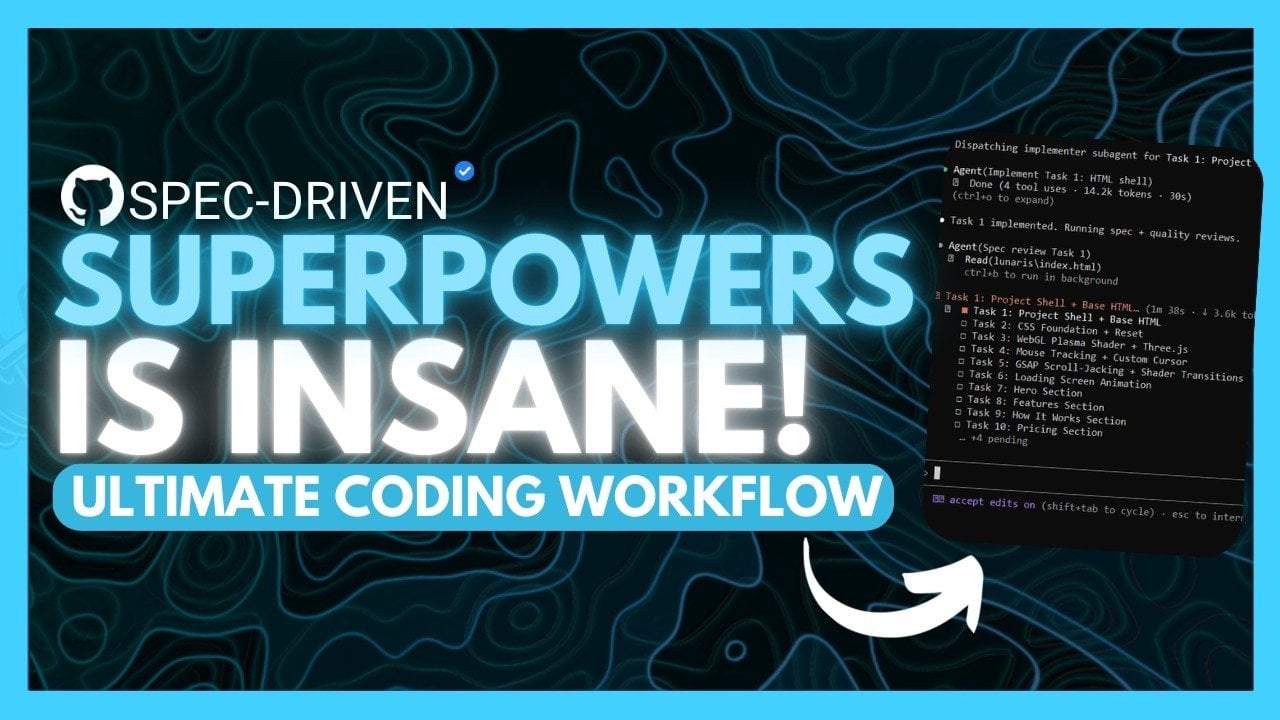
The latest analysis from World of AI explores how the Superpowers framework is reshaping software development by automating the entire engineering lifecycle. Unlike traditional systems like OpenSpec and SpecKit, which focus primarily on specification generation, Superpowers extends its capabilities to include autonomous planning and execution. For instance, it can break down complex projects into manageable […]
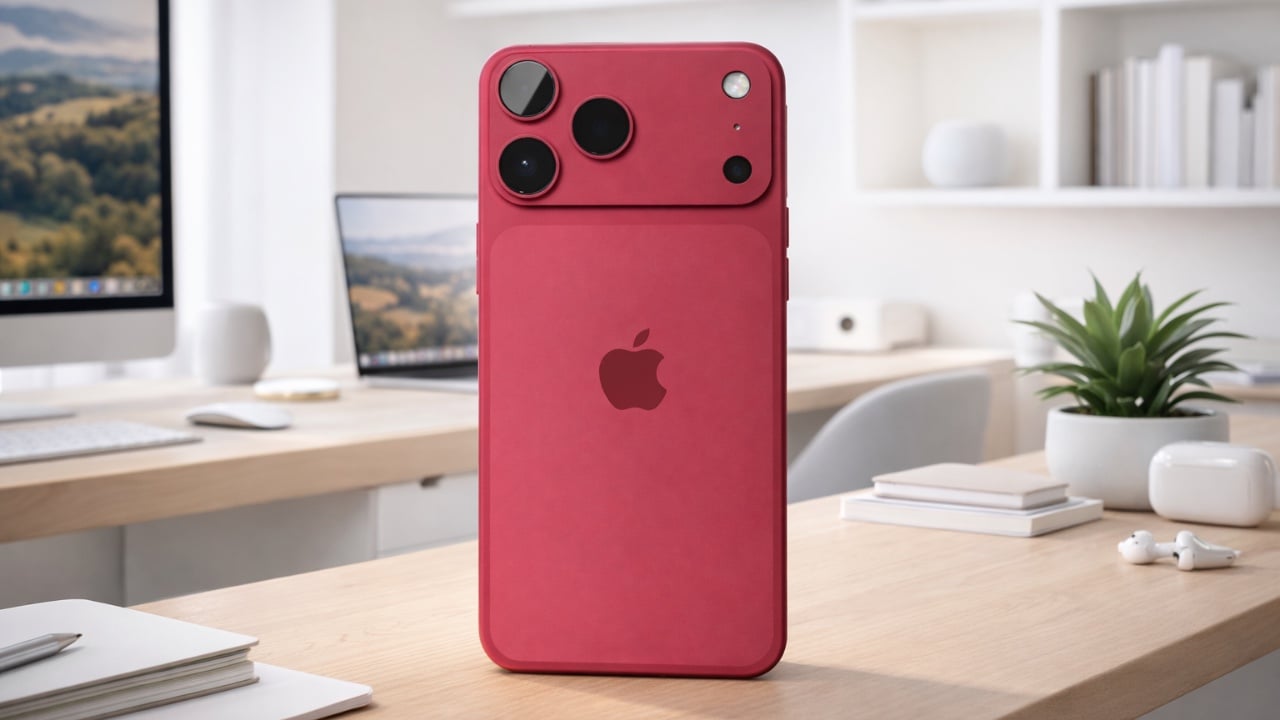
Apple’s highly anticipated iPhone 18 Pro Max is set to elevate the smartphone market with new advancements in photography, performance, and connectivity. Scheduled for release in September 2026, this flagship device is designed to cater to a wide range of users, from tech enthusiasts to everyday consumers. With a focus on innovation and practicality, the […]
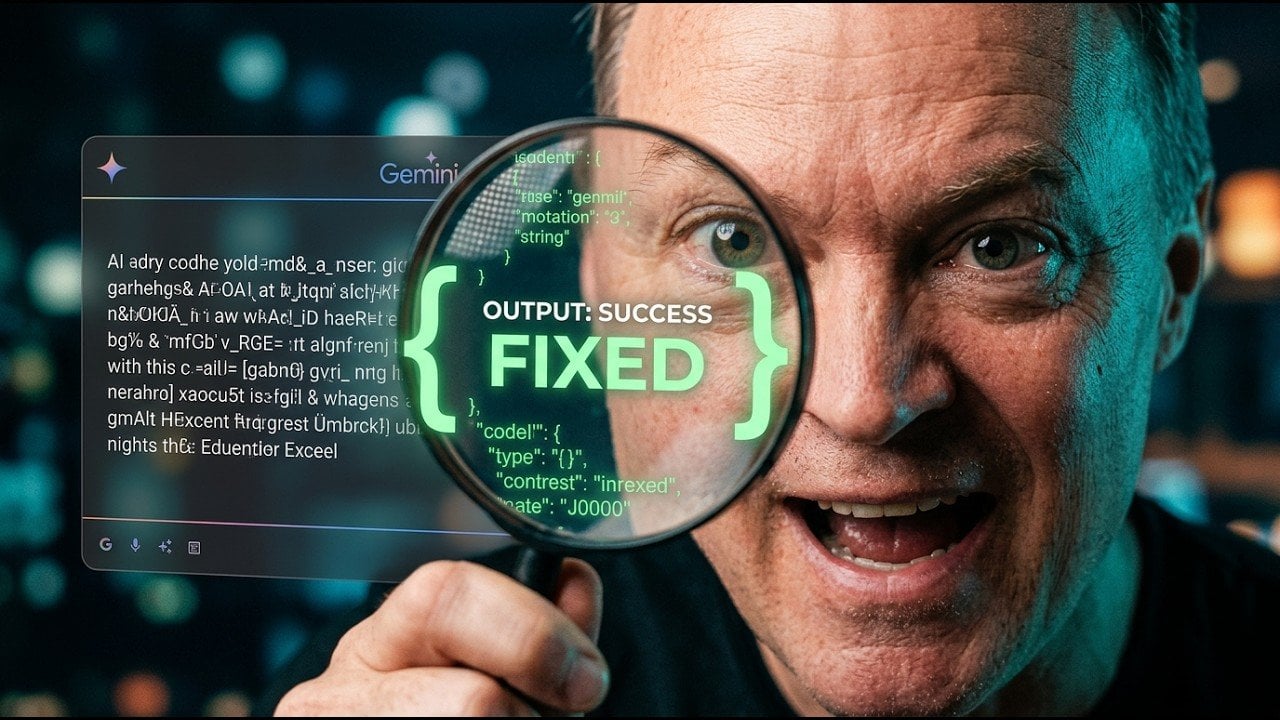
Editing AI-generated images can be made more precise by incorporating JSON with platforms like Gemini. According to Teacher’s Tech, this approach enables users to make specific changes, such as altering text or swapping objects, while maintaining the image’s original layout and design. For example, JSON can be used to edit text in infographics without affecting […]
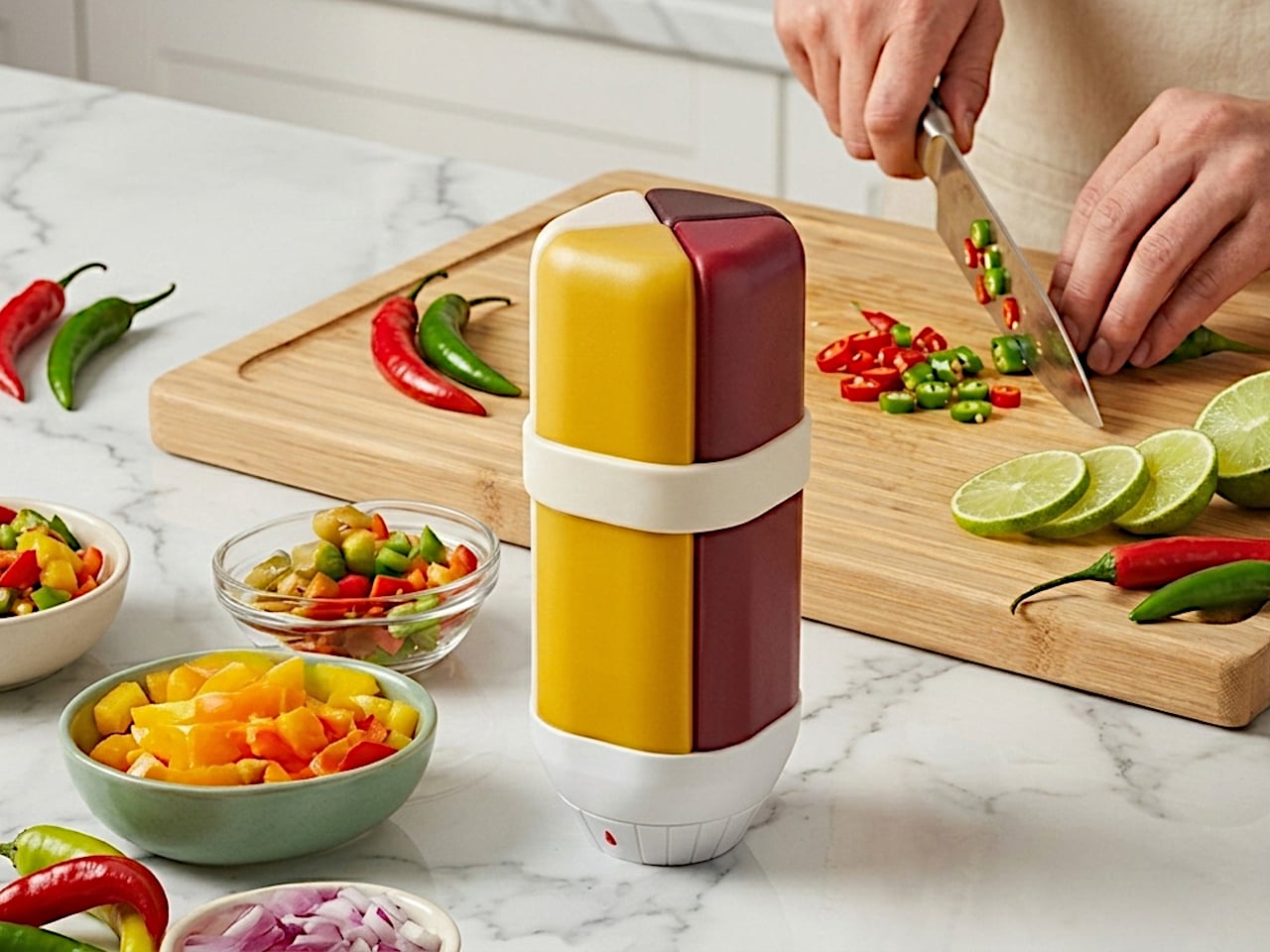
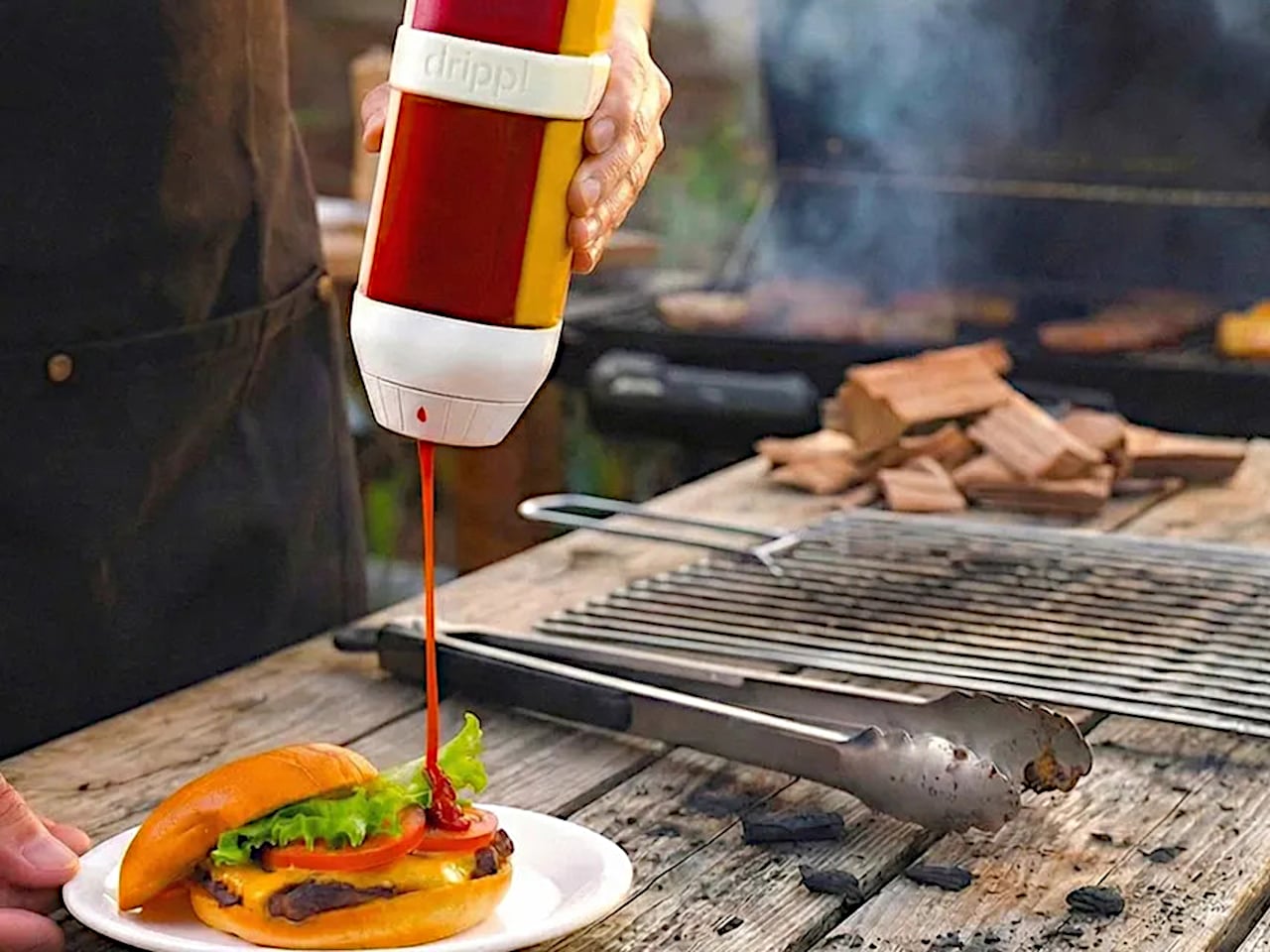
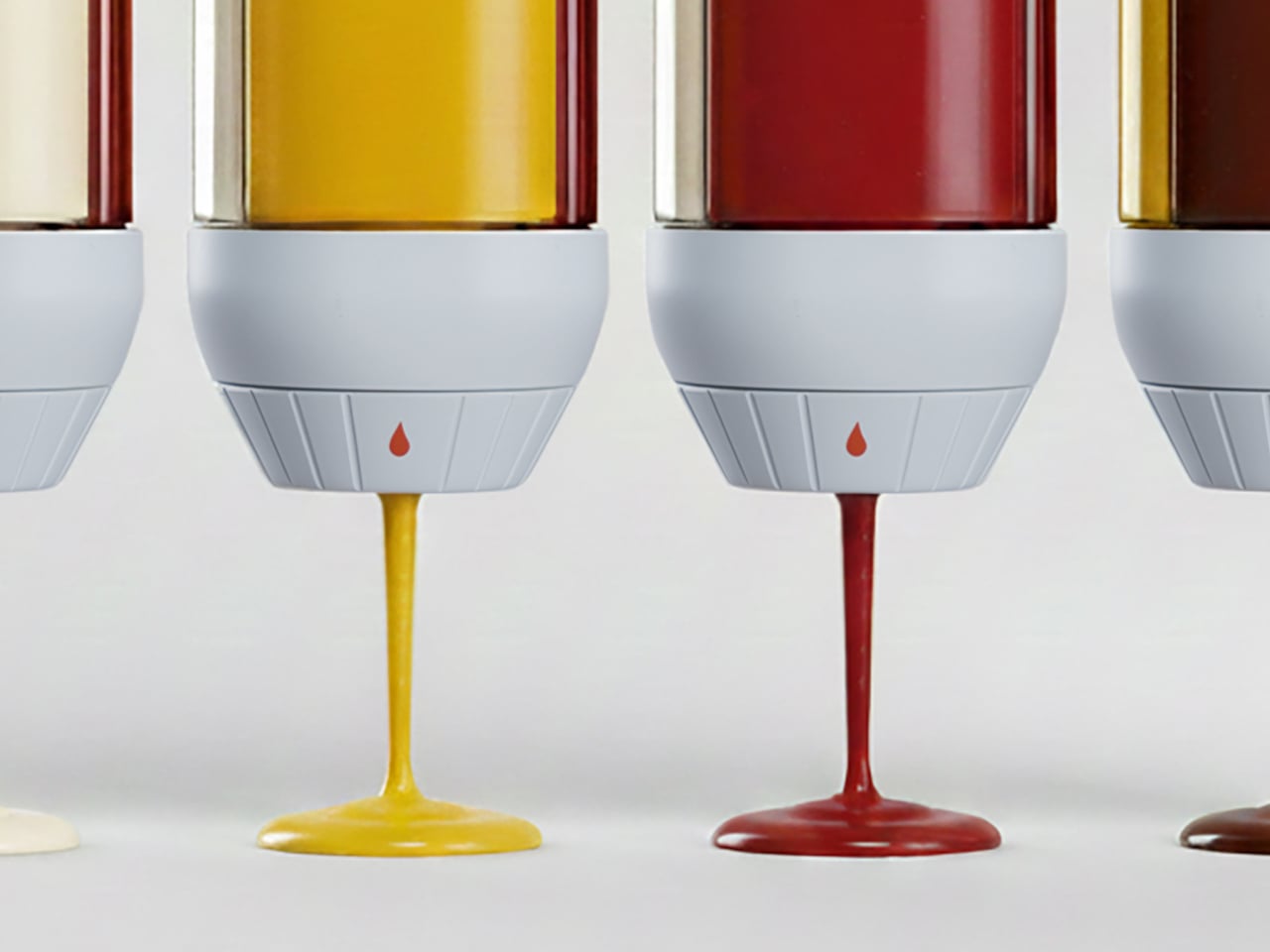
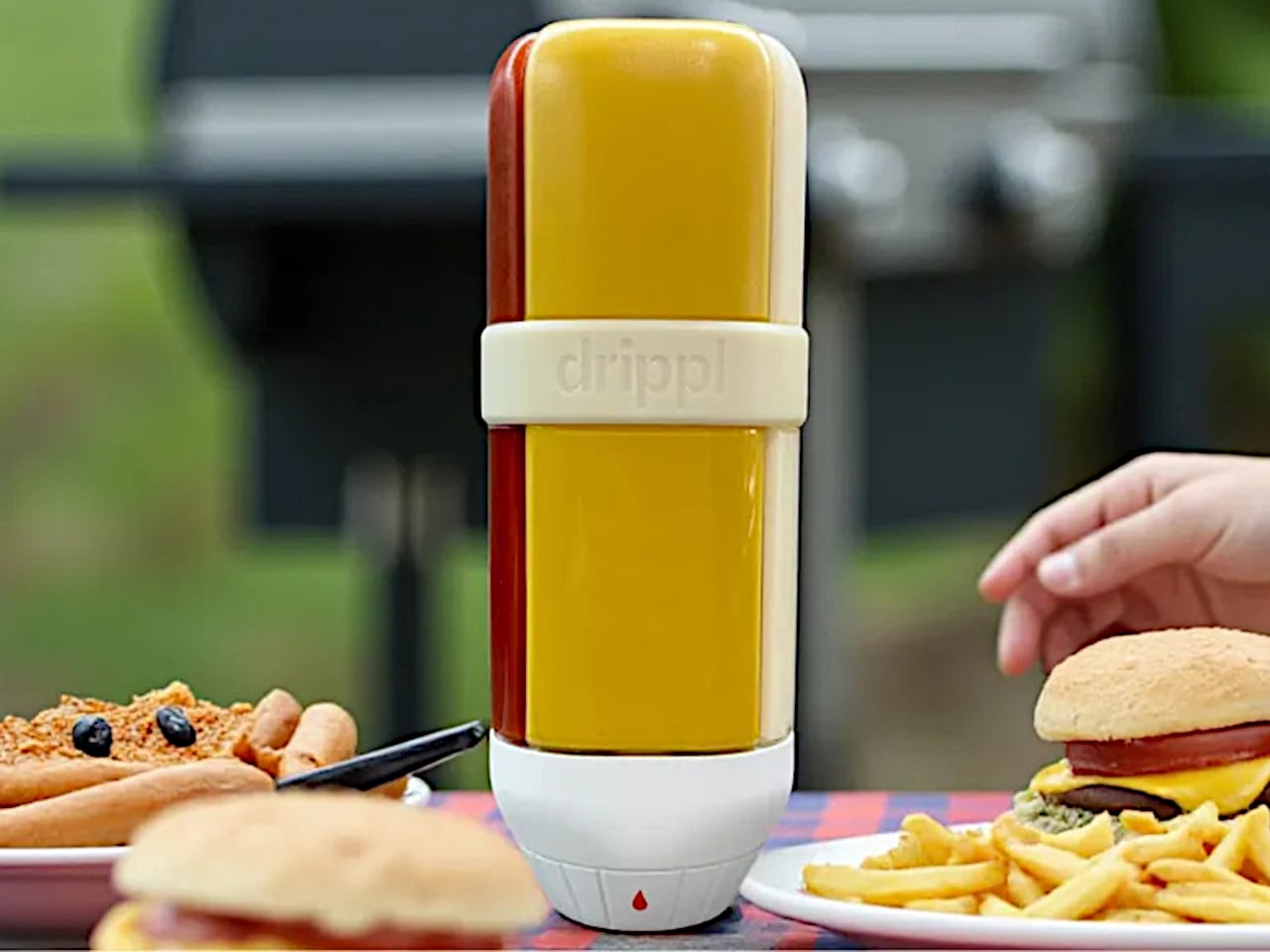
There is a particular kind of table chaos that happens at a backyard barbecue or a casual dinner. Four or five sauce bottles crowd around the food, each one sticky at the cap, half of them tipped on their side. It is a small problem but a persistent one, and it is the exact friction that the Drippl is designed to remove. The device consolidates four condiments into a single, upright dispenser.
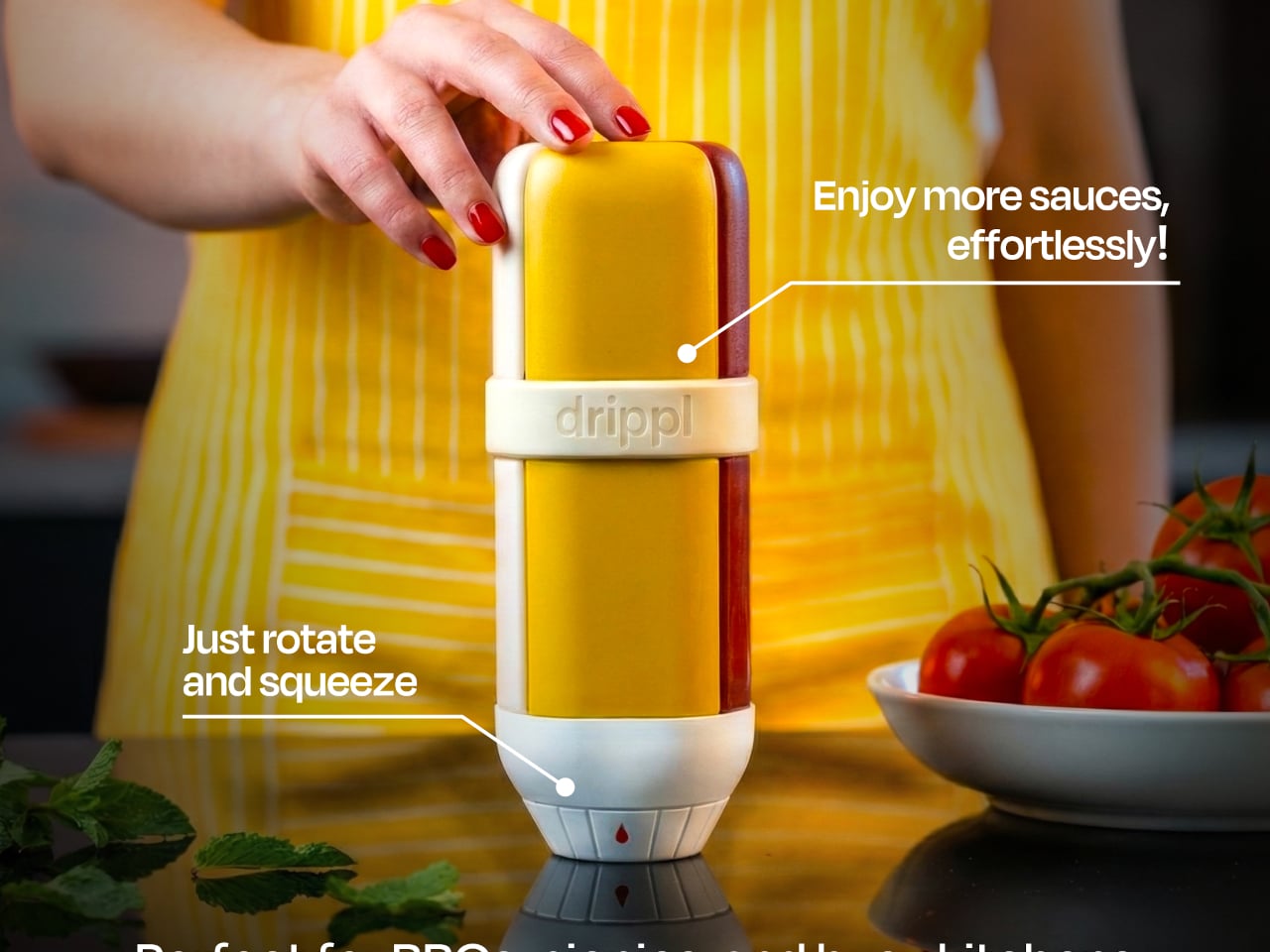
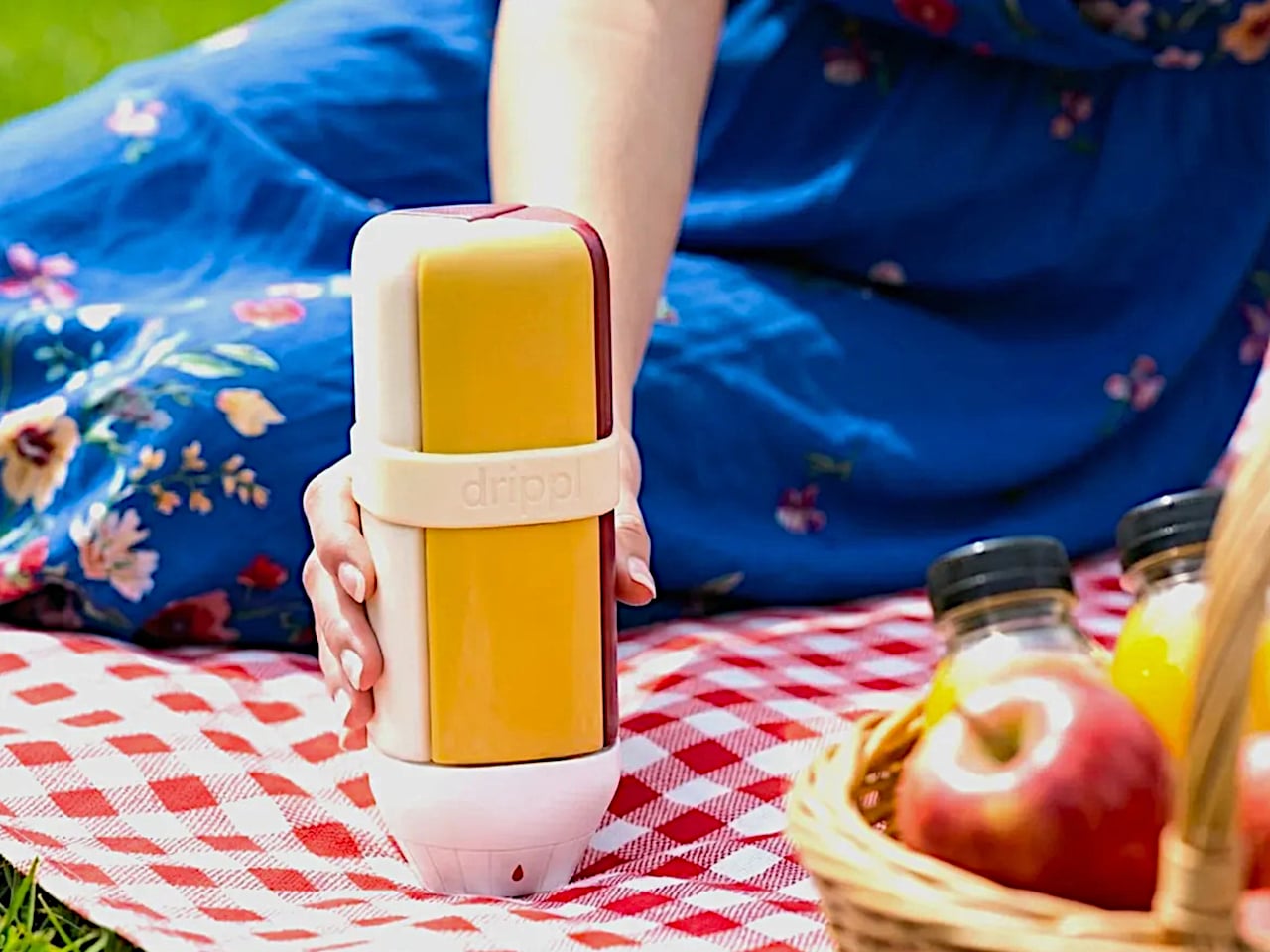
The Drippl stands 20cm tall and 7cm wide, sized to sit comfortably in one hand. Its four wedge-shaped compartments each hold 150ml of sauce for a combined capacity of 600ml. The form is composed: a white base with frosted, semi-transparent chambers that let you see the sauce inside without fully exposing it, keeping the table looking calm rather than congested with mismatched packaging.
Designer: Drippl
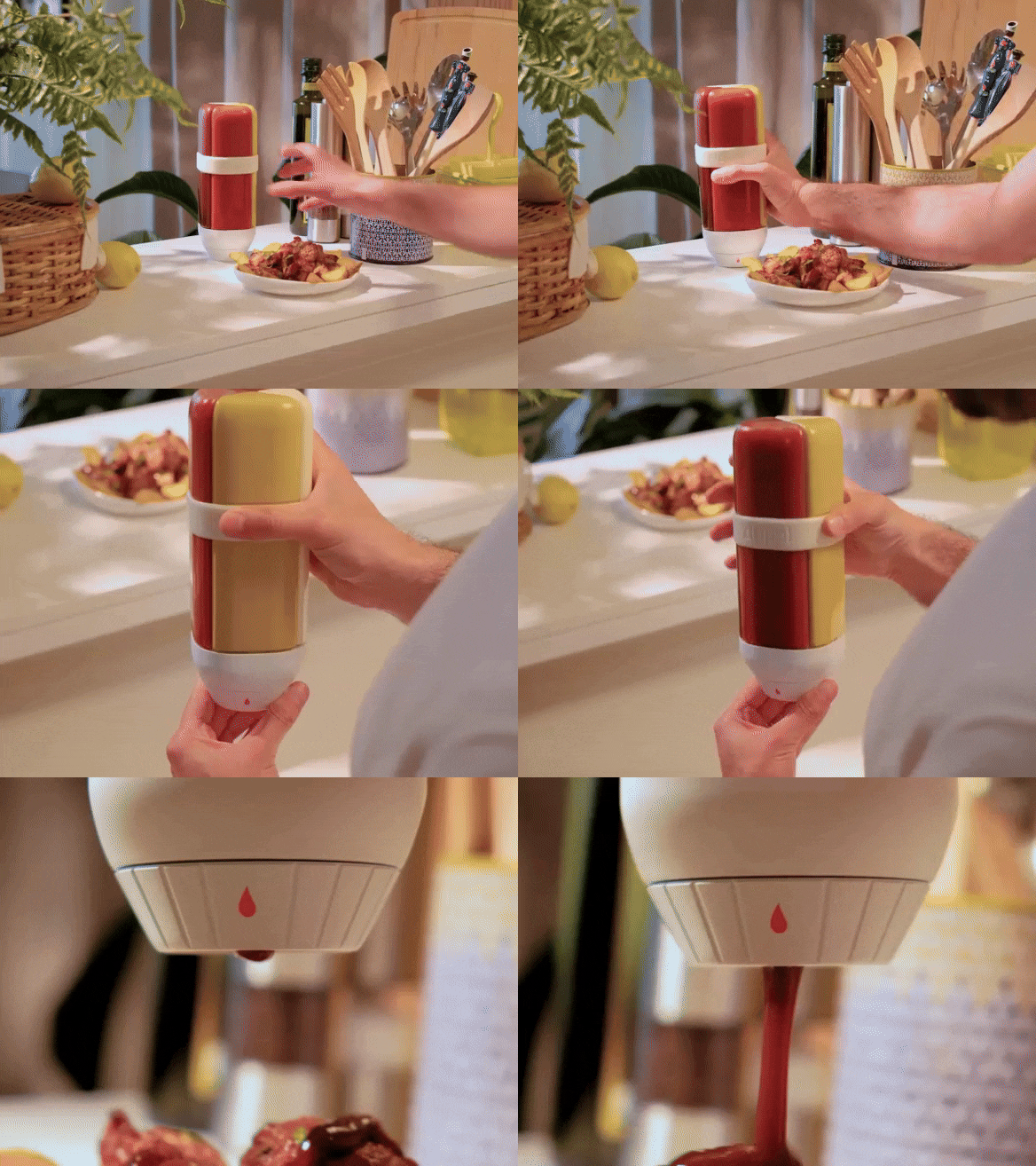
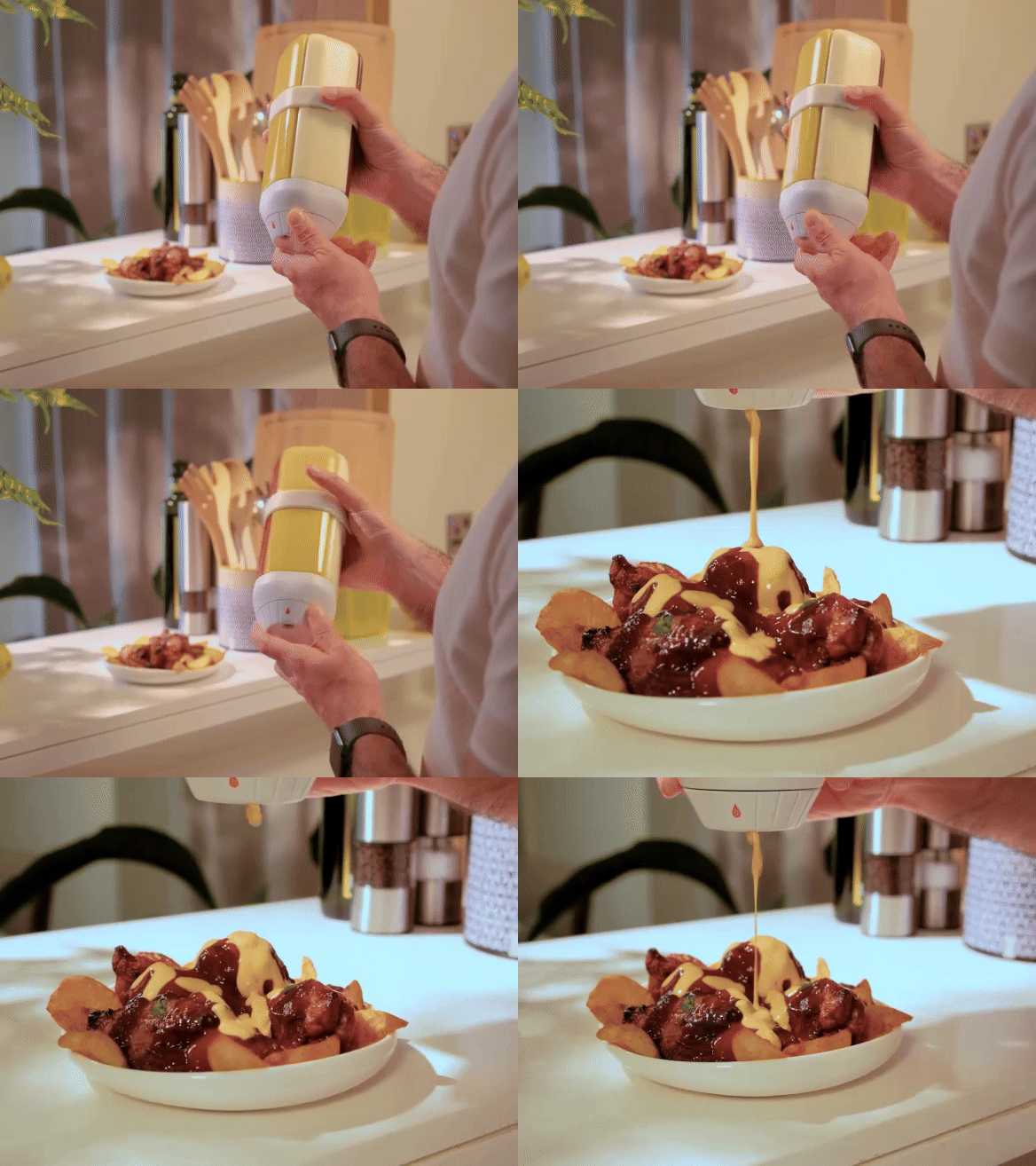
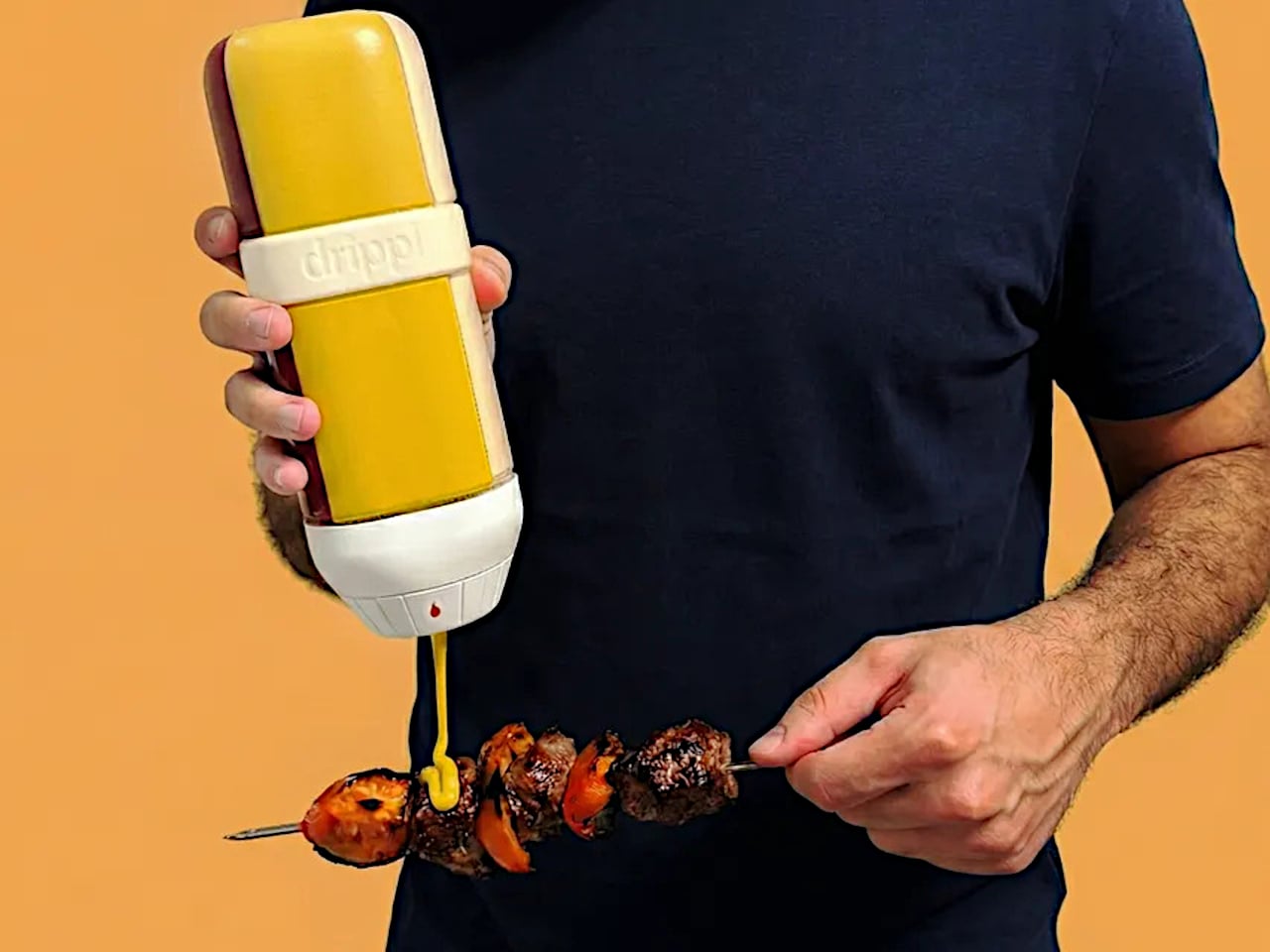
The interaction is straightforward. Rotate the selector dial at the base to the sauce you want, feel a tactile click when it locks in, and squeeze. Only the selected chamber opens; the remaining three stay fully sealed. Turn to the fully closed position, and all outlets are blocked, which matters when the unit is in a bag on the way to a picnic or packed into a cooler for an outdoor cookout.
The valve system treats sauce viscosity as a variable worth solving for, rather than applying a single nozzle to everything. A large valve handles creamy, thick sauces like mayo; a medium valve suits ketchup and mustard; a small valve controls thinner pours like soy sauce or hot sauce. The valves are interchangeable, so the configuration adapts to whatever combination you fill it with on a given day.
Cleanup is just as stress-free thanks to a fully detachable design. Every compartment, spout, and the selector base separates for hand washing or the dishwasher. The materials are food-grade and BPA-free, with compartments designed to resist staining and odor absorption. The unit also handles sauces up to 70°C (158°F), covering warm applications like heated barbecue sauce, though anything beyond that temperature falls outside its range.
What the Drippl addresses, beyond pure consolidation, is the presentation problem that standard sauce bottles ignore entirely. Most condiment packaging is designed for storage and retail shelf presence, not for the experience of using it at a table. The frosted compartments and white base give it the visual grammar of a considered object, rather than a row of utilitarian squeeze bottles.
That said, the design raises practical questions worth sitting with. At roughly 800 to 850g when fully filled, it is not a lightweight carry. Consolidating four sauces works smoothly when your preferences stay consistent, but swapping out one sauce mid-rotation requires cleaning that compartment first, reintroducing some of the same friction the product is trying to eliminate.
The Drippl is currently in prelaunch, so there are no answers yet on how the sealed valve system holds up across repeated use with thicker sauces, or whether the tactile selector stays reliable after months of daily rotation. Those are fair questions for any mechanism-dependent kitchen product. The concept is well-reasoned, but durability at the valve level will ultimately determine whether this stays on the table or gets retired to a shelf.
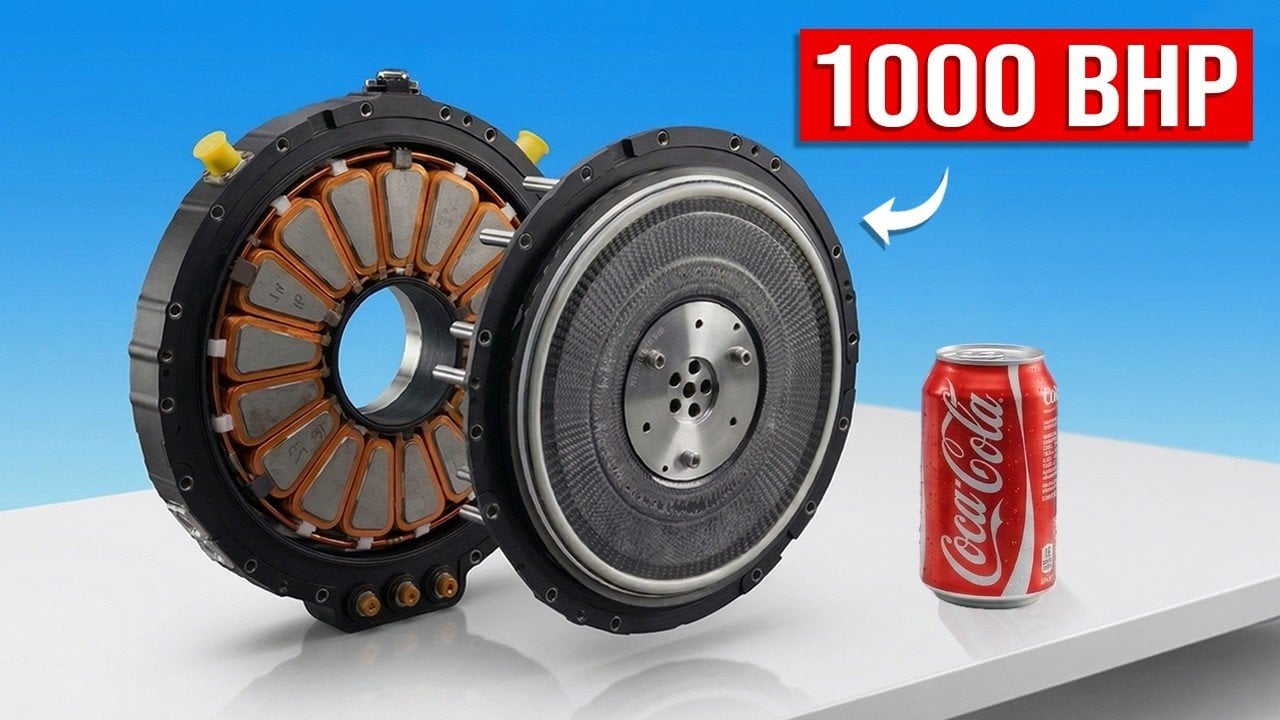
The Yasa electric motor challenges conventional expectations of size and power in automotive engineering. Weighing just 12.7 kilograms (28 pounds), this compact axial flux motor delivers an impressive 1,000 brake horsepower, showcasing a level of efficiency and performance that rivals even the most advanced supercars. Ziroth explores how this motor achieves such remarkable output by […]
Perhaps one of the most surprising things about the Apple Silicon era is how quickly Apple now updates its products. Take the iPad Air, for example. It’s been less than two years since the company released the M2-powered iPad Air in 11- and 13-inch sizes. We’re already on our third iPad Air iteration, one with the M4 inside. That’s the same chip that was inside the iPad Pro that was unveiled alongside that M2-powered Air in 2024. (The Pro was updated with an M5 last fall.)
Just as I said a year ago when Apple unveiled the iPad Air M3, this latest model doesn’t fundamentally change the formula. The Air is a notable step up over the basic iPad, with a more powerful processor, more RAM, a better display and superior accessories like the Apple Pencil Pro and Magic Keyboard. The Air line is also the only way to get a 13-inch iPad without spending $1,300 or more.
But without more substantial updates this year, I find myself less enthused by it than I was when the 13-inch model M2 model arrived in 2024. That’s primarily because Apple has stuck with the same display for another year. As best I can tell, the 11-inch iPad Air that I’m reviewing has the same screen in 2026 as it did when the redesigned version with no Home button was released in late 2020. Other features that feel like they should be table stakes at this point, like Face ID, are also restricted to iPads that cost at least $1,000. For better or worse, the Air is a very mature product with few surprises. But on the other hand, if you have an iPad older than the 2024 refresh, the iPad Air M4 will provide a solid performance improvement.
Apple's iPad Air M4 and the Magic Keyboard accessory.
Nathan Ingraham for Engadget
The M4 still has power to spare
Before we start answering existential questions, though, let’s quickly recap what’s new with the iPad Air. It still starts at $599 for an 11-inch version with 128GB of storage; the 13-inch models starts at $799. The one I tested came in an extremely light purple color with 1TB of storage and 5G connectivity and costs $1,249. Seriously Apple, don’t be afraid of putting a little more saturation in these colors next time! As mentioned, the iPad Air now has a more powerful M4 chip as well as 50 percent more system memory (12GB, up from 8GB on last year’s model). If you’re coming from an iPad older than the 2024 model, you’ll likely notice solid performance gains, and the M4 is so performant that I imagine this iPad will be more than powerful enough for years to come.
It looks purple-ish in the right light, I swear.
Nathan Ingraham for Engadget
I ran some Geekbench 6 benchmarks to quantify the difference between the iPad Air M4 and last year’s M3 model — unsurprisingly, the biggest gains came in the GPU. Single-core and multi-core scores were 23 percent and 12 percent higher, respectively. But the GPU score was a whopping 39 percent higher with the M4 compared to the M3. Don’t get me wrong, the single-core and multi-core performance improvements the M4 offers are impressive. But tasks that hit the GPU hard, like gaming and AI (of course) should see notable improvements.
In practice, the iPad Air M4 feels quite similar to the M3 model. That’s due in large part to my relatively modest workflow. I jump between numerous apps all day, but none of them are exactly taxing to a chip like the M4. My day mostly consists of Slack, Google Docs, a ton of Safari tabs, utilities like Messages and Todoist, constant streaming music and other lightweight apps like Gmail and Trello. But if you’re coming from an M1 iPad Air, the M4 should feel significantly faster for almost everything you do.
Apple's iPad Air M4 playing the video game 'Control.'
Nathan Ingraham for Engadget
Unsurprisingly, the iPad Air flies through games from the App Store as well. I tried my usual more casual fare like Balatro, Mini Motorways and Powerwash Simulator from Apple Arcade and those were all quite smooth. But I wanted to push things a bit more, so I downloaded Resident Evil 2 as well as a pre-release build of Control Ultimate Edition which is slated to hit iOS in the coming months. Both games looked and played great, with highly detailed environments and pretty quick action that didn’t slow the iPad Air down in the least. I could tell the graphics aren’t as sharp as on my PS5, but both games were impressive considering they’re running on extremely portable hardware with no fans.
I also tried some generative AI apps, even though that’s not really something I’m interested in. For apps like Apple’s own Image Playground, the M4 is extremely speedy. It ripped through my goofy queries (an orange kitten dressed up like an astronaut) in a matter of seconds. When I compared it to the iPad Pro M5, the Air barely lagged behind it. However, the M4 couldn’t quite keep up with more advanced image generation tools. The Draw Things iPad app lets you download and run a host of local models to create images, and the M4 definitely couldn’t keep up with the M5. The iPad Pro M5 was typically more than twice as fast as the Air. We already knew the M5 was an AI beast, so I’m not knocking the Air for its performance at all — it’s just worth knowing that if you really want to push the envelope, you’ll probably be better off with an iPad Pro.
Apple's iPad Air M4, Apple Pencil Pro and Magic Keyboard.
Nathan Ingraham for Engadget
The other main change is Apple’s in-house networking chips are on board here. The N1 covers Wi-Fi 7, Bluetooth 6 and Thread, while the C1X handles cellular connectivity if you buy a 5G-capable model. Again, this doesn’t change the experience of using the iPad Air in any major way, but having the newest Wi-Fi and Bluetooth protocols on board is good for future usage, regardless of who built the chip. In my testing, the C1X on Verizon’s 5G network was extremely fast around the suburbs of Boston and didn’t seem any slower (or any faster) than other devices I have running on the same carrier. That’s fine, as other Apple devices I’ve tried with the C1X (like the iPad Pro) are solid and reliable, which is the most important thing.
A very familiar experience
Other than these new chips, the iPad Air is identical to the last two models I’ve reviewed. (This year, Apple sent an 11-inch Air M4 to review, while the last two were the newer 13-inch. But other than the larger screen, those tablets are the same.) Same screen, same cameras, same 10-hour estimated battery life, same USB-C 3 port. Naturally, it supports the $129 Pencil Pro that Apple introduced alongside it in 2024, and it works with the revamped Magic Keyboard Apple released last year. That keyboard remains quite expensive at $269 ($319 for the 13-inch model), but for me it’s a must-buy accessory if I want to use my iPad for any “real work.” The Pencil, on the other hand, is not something I personally need, but it’s an excellent tool for anyone interested in visual art or written notes. There are a plethora of excellent apps in both categories, and the iPad app ecosystem at large remains unmatched.
Battery life also hits what I’d expect out of an iPad. I don’t get 10 hours the way that I test it — I used the iPad Air as my main machine, all day for several days. In that scenario, I got between seven and eight hours of battery life. That’s more than enough that I’d take it with me for half a day or more and not worry about charging, but not so long that I’d be totally comfortable without a charger for much longer. In a more casual, mixed-use setup, most iPads get closer to the 10-hour mark and I expect that’ll be the case here as well. Of course, if you’re playing games, editing videos or doing heavier generative AI tasks, expect battery life to drop noticeably.
I’d be remiss if I didn’t quickly mention iPadOS 26, which arrived last fall. It runs on iPad Air models all the way back to 2019, so it’s not a reason alone to upgrade. But, it improved the multitasking experience on iPads to a significant degree. It still feels native to the iPad, but there are so many Mac-like flourishes that it’s a lot easier for me to use as my main computer now. That said, it really shines on larger-screen iPads; the 11-inch model still feels best to me when running an app fullscreen or two apps side-by-side feels most comfortable to me.
Apple's iPad Air M4 and Magic Keyboard.
Nathan Ingraham for Engadget
My major lament for the iPad Air remains the screen. Apple’s LCD Retina display still looks great in a vacuum — it’s a lovely standard screen, with bright colors and sharp text. But Apple’s continued insistence on gatekeeping a screen with a higher refresh rate for iPads that cost $1000 or more gets more frustrating every year. It bothers me less on a product like the MacBook Air. But with an iPad, you’re literally touching and interacting with that screen as the main interface. Having the fluidity of a 120Hz refresh rate simply makes everything feel more responsive to your touch.
The consolation is that even Apple’s standard displays still feel very smooth, so unless you’re directly comparing an iPad Air to an iPad Pro you likely won’t notice the difference. I mostly forgot about it in my time reviewing this device, only reminded of it when I went back to the iPad Pro.
I also wish that Apple would implement more advanced display tech. Last year, I imagined that the mini-LED display used in the iPad Pro in 2021 and 2022 would be a great step up for the Air. It wouldn’t be as good as the tremendous OLED screen in the iPad Pro, but it would still offer HDR and significantly increased brightness and contrast. Alas, we’re stuck with a plain old LCD again this year. Again, that’s mostly fine, but playing games like Control made me wish for more contrast, and movies do not have nearly the same visual pop on the Air as they do on the Pro.
Apple's iPad Air M4.
Nathan Ingraham for Engadget
Wrap-up
If it’s not obvious, I very much wish that Apple would bring some of its more advanced technology to the iPad Air. But at this point, I have to accept that the Air is what it is. In the same way that the MacBook Air hasn’t changed substantially since the M2 model arrived in 2022, the same goes for the iPad Air. Both products still have displays that haven’t been cutting edge for years, and that’s just the way it is.
Once I started comparing the iPad Air to its Mac counterpart, my negative feeling mostly subsided. I think the MacBook Air is a great laptop and wouldn’t hesitate to recommend it to many people. Sure, its screen isn’t cutting edge, but it’s good enough for its target audience. And the many positives that it has outweigh a few places where Apple cut corners. The same can be said for the iPad Air.
The iPad Air offers a lot of important upgrades over the basic $349 iPad, which is saddled with the A16 chip from 2022. The Air will be a better performer for much longer, and other niceties like a better screen and accessory support are worth considering. And it doesn’t threaten the iPad Pro, which costs $400 more; between its screen, improved performance, superior industrial design and numerous other small benefits, it’s pretty easy to see what you get for your money in all cases.
So while I wish Apple would push the envelope with the iPad Air and give me something that feels more like a Pro-lite, I understand why it hasn't yet. The iPad Air isn’t an exciting gadget at this point, but I still think it’s the best iPad for most people.
This article originally appeared on Engadget at https://www.engadget.com/mobile/tablets/ipad-air-m4-review-still-apples-best-overall-tablet-with-a-few-caveats-130000409.html?src=rss
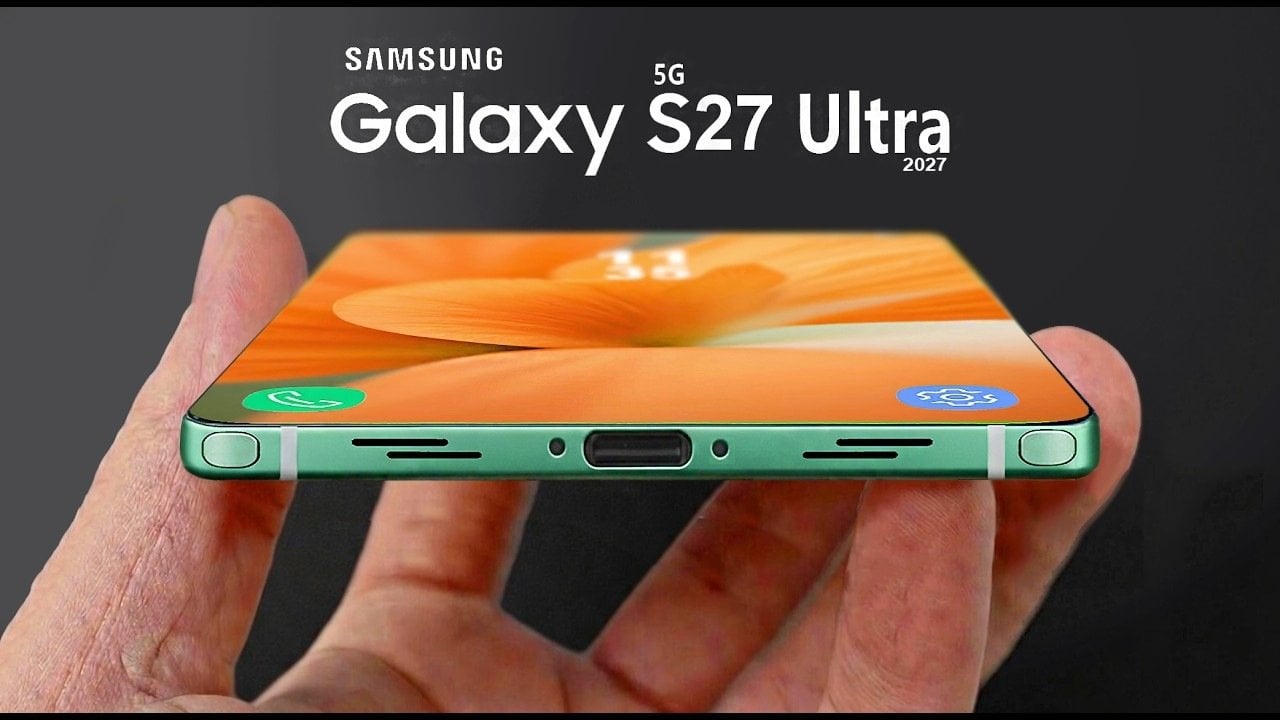
The Samsung Galaxy S27 Ultra is poised to redefine the smartphone landscape with its innovative features and forward-thinking design. By integrating advancements in display technology, camera systems, facial recognition, and connectivity, this device promises to deliver a seamless and powerful experience for users. The video below from Miror Pro gives us more details of the […]
By introducing the iPhone 17e just a year after the iPhone 16e, Apple is closing some gaps. Before, the company would only roll out a new entry-level iPhone every few years, with the iPhone 5c (2013), iPhone XR (2018) and iPhone SE (2016, 2020, 2022) all having two to four years between their releases. But Apple is getting into an annual groove now, and having renamed the device to integrate better with the rest of the iPhone lineup, Apple is making a clear statement: It cares about the midrange now.
With the current state of global economics, Apple’s focus on lower cost devices like the iPhone 17e and newly launched MacBook Neo is timely. Most people probably don’t make full use of the high-powered machines in their pockets and on their laps, and might be reconsidering whether they need to spend as much money on the Pros and the Airs of Apple’s product lineup. At $599, the iPhone 17e is about half the price of an iPhone 17 Pro or the iPhone Air. It’s $200 cheaper than the base iPhone 17, too.
Since I reviewed the iPhone 16e last year, I’ve been using it as a work phone, mostly for Slack, email and light editing in Docs. The way I see it, most people considering the iPhone 17e are likely in a similar situation — either thinking of getting a supplementary device or looking for a good enough phone for a child or other dependent. For this review, I’ve tried to cover most of those scenarios whether it be a person that would spend most of their phone time on social media and games like a teenager or someone that’s largely using it for administrative work purposes. I mostly want to answer this question: If you’re getting your first iPhone or buying one for someone else, should you get the iPhone 17e or the iPhone 17?
iPhone 17e vs iPhone 16e, for testing’s sake
It’s very clear from Apple’s website that it doesn’t want you comparing the iPhone 17e to the iPhone 16e. The company doesn't allow you to do so in the comparison tool on the iPhone 17e product page, limiting you to the iPhone 11, iPhone 12 and the iPhone SE (second and third generations). Sure, I understand that no one is really thinking about getting an iPhone 17e after just buying the 16e last year. But for the purposes of this review, it makes sense for me to shout out what’s new from the previous generation. The most significant additions this year are the A19 chip, double the storage, improved Portrait photography and MagSafe with faster wireless charging. Oh, and a new pink color option, adding an ever so subtle splash of color to the previously monochromatic lineup.
The A19 chip is supposed to make AI processes faster, thanks to the neural accelerators in its GPU. In my testing so far, the difference has been negligible at best. Initially I was seeing the iPhone 17e perform slower than the 16e, but after a software update, the iPhone 17e caught up. In Apple Intelligence-powered tools like Cleanup, the iPhone 17e was a split second faster at identifying unwanted objects in photos and erasing them than the 16e. If you’ve just received your iPhone 17e and run into issues where image generation or cleanup is slow or stalling, give it a day or so for the software to stabilize.
Oddly, in some side-by-side Image Playground testing, the iPhone 17e and iPhone 16e were neck and neck. Sometimes, the iPhone 16e was faster. Occasionally, the iPhone 17e was ahead. I’ll continue to keep an eye on how both phones do here, as it could still be due to some early software issues, but for now the improvements from the A19’s GPU seem to be hit or miss.
The pink iPhone 17e and the white iPhone 16e held up in one palm in front of a red brick wall.
Cherlynn Low for Engadget
Improved portraits on the iPhone 17e
Of all the improvements to the iPhone 17e, to me, one of the most important is in portraits. In my review of the iPhone 16e, I said that the majority of my grievances with the single camera setup was the fact that Apple ended up using an older version of Portrait mode.
That version was much more limited and didn’t allow for applying a background blur to pictures of non-human subjects. This time, Apple borrowed the algorithms it developed for the iPhone Air for the iPhone 17e’s rear and front cameras. This not only delivers a general improvement to portraits, with better segmentation and a more natural-looking bokeh effect, but also allows for depth information to be captured when applicable. For instance, when a person, cat or dog is detected, the iPhone 17e will automatically capture depth information so you can apply a blur after the picture is taken, even if you didn’t use Portrait mode initially.
Importantly, these “next-gen portraits” also allow you to edit the level of blur and change up the focal point of the picture after you’ve taken the shot. In some photos of my neighbor’s grumpy shih-poo, I was shocked that my colleagues actually preferred the samples I shared from the iPhone 16e over the ones from the iPhone 17e. But their critique was fair: the newer phone blurred out Oreo’s tail, keeping only his face in focus. I was able to address this by going into the editing tools and dragging the slider for aperture to bring more of the dog into focus. I also played around and tapped on Oreo’s tail to make it clear, and the iPhone 17e blurred up his face instead.
Two photo samples side by side, featuring a dog on a blue leash staring up into the camera.
Cherlynn Low for Engadget
When using Portrait mode to photograph people, the iPhone 17e did indeed deliver more pleasant bokeh than its predecessor. In pictures of my friend Brenda Stolyar, with the “depth” or aperture set to f/4.5 across both devices, there was more softness in the brick wall behind her on the new phone. I was slightly confused since it seemed like the older iPhone actually delivered a sharper picture, until I realized it was actually just softer bokeh.
For those coming from older phones like the iPhone 11, 12 or SE, the addition of next-gen portraits should feel like a major step up. Even when compared to the iPhone 16e, the fact that I was now able to apply the effect on photos of food and other inanimate objects with no faces made me happier. It makes the camera more versatile, and feels like a noteworthy update that makes your photos feel more modern.
But that is definitely because I like pictures with the artificial depth of field effect. If you don’t care for bokeh and really only want a phone’s cameras to be good enough to snap pictures of menus or receipts, for instance, the 17e’s improvements here won’t mean much.
MagSafe and wireless charging
The rear of the iPhone 17e catches the light in front of a stone wall.
Cherlynn Low for Engadget
What might matter more, then, is this generation’s wireless charging speeds. While the iPhone 16e could only support up to 7.5W, the iPhone 17e goes up to 15W (with adapters of 20W or higher) and also works with MagSafe accessories. I can’t imagine anyone considering a new iPhone 17e already has magnetic cases or stands, but if you decide to invest in those accessories, you’ll find them convenient and satisfying.
I placed both models on my wireless charging stand — the 17e snapped on and started charging, while the 16e clattered helplessly off the stand. I placed it on the charging pad at the base instead and noted how much power each of them gained in 15 minutes. The improvement is clear: the iPhone 17e went up by 16 percent (30 percent to 46 percent), while the 16e only gained 3 percent (69 percent to just 72 percent).
Beyond the numbers, what this means is that when you’re in a pinch and trying to quickly top up your phone on, say, a wireless charger you found at a cafe, you won’t need to sit around as long with the iPhone 17e. For those of you that simply leave your phone on a stand overnight, this is less likely to meaningfully impact you.
There are a few other updates that I haven’t really tested in this review, like the improved durability with Ceramic Shield 2 on the iPhone 17e’s screen. The new display also has a treatment that is supposed to reduce glare, and considering the week of wonderfully gloomy weather we’ve had here in New York, this isn’t something I’ve truly had a chance to evaluate. Also, while I do appreciate the doubled storage, which is sure to please the media hoarders among us, I will say I’ve already been served warnings about my iCloud storage running out. It still feels like something else Apple might need to address, but for newcomers to the iOS world, the higher base storage is absolutely a positive.
Elsewhere, there are virtually no differences between the iPhone 17e and iPhone 16e. They have the same size displays with the same resolution, brightness, refresh rate, contrast ratio and color gamuts. Both are rated IP68 for dust and water resistance, and have similar battery lives (up to 26 hours of video playback, according to Apple). They also have the exact same dimensions of 5.78 x 2.82 x 0.31 inches, although the iPhone 17e does weigh a whole 2 grams (0.8 ounces) more than the 16e, which is almost definitely attributable to the addition of MagSafe. Unless you have weighing scales for hands, though, this difference is negligible.
An iPhone 17e held up in front of a tree trunk.
Cherlynn Low for Engadget
Should you get the iPhone 17e or the iPhone 17?
Where you might find more meaningful distinctions is when comparing the iPhone 17e to the iPhone 17. For $200 more, you’ll get longer battery life and slightly better performance thanks to one more GPU core. The iPhone 17 also has a larger, sharper and brighter display that’s 6.3-inches, with higher refresh rates and a full-screen design incorporating the Dynamic Island. It also supports the Always On Display and has an 18MP front camera with the Center Stage feature that allows for easy switching between landscape and vertical orientations in your selfies without having to rotate your phone.
In fact, the camera upgrades alone on the iPhone 17 might be worth the money. On top of getting the additional ultrawide camera, you’ll also gain the dedicated camera control button on the right edge, the latest generation of Photographic Styles, support for macro photography, Cinematic mode and Dual Capture in videos as well as spatial and macro recording capabilities. It also comes with sensor-shift optical image stabilization, which is more advanced than the OIS on the iPhone 17e. Rounding out that long list of differences is higher recharge speeds (with compatible chargers) and Apple’s second-generation Ultra Wideband chip for more precise Find My support. The iPhone 17 also offers dual-frequency GPS and works with the latest standards in connectivity, like Thread, Wi-Fi 7 and Bluetooth 6 (whereas the iPhone 17e only gets to Wi-Fi 6 and Bluetooth 5.3).
Sure, the iPhone 17 is slightly taller and heavier, but considering all the bonuses and the extra camera, that feels like a tradeoff that is more than fair. It’s a lot more advanced for $200, and feels like a better starter phone than the iPhone 17e. But if your budget is tight and camera performance isn’t a priority, you’ll get a great experience from Apple’s latest.
The iPhone 17e held up in mid-air in front of some red foliage.
Cherlynn Low for Engadget
Wrap-up
In 2026, it feels like Apple has done the impossible. It’s managed to serve up multiple iPhones at various price points with enough meaningful differentiations to justify each tier. Meanwhile, each iPhone 17 in the full lineup is a capable and satisfying device for its price. Upgrading to the iPhone 17e from the iPhone 11, 12 or SE will certainly feel significant, although getting almost any current-gen phone will feel modern compared to those.
In fact, if you’re platform agnostic and wouldn’t mind an Android device, there are options out there with significantly superior screens and cameras. The Pixel 10a, for instance, offers a larger display with a 120Hz refresh rate and a dual-camera system all for $100 less. With Apple seeming to be setting its sights on the midrange market, it should seriously consider stepping up in those two areas in the next e-series iPhone.
But of course, the name “iPhone” carries its own premium, and the iPhone 17e is a solid entry-level handset for those who need a basic, no-frills path into the Apple ecosystem.
This article originally appeared on Engadget at https://www.engadget.com/mobile/smartphones/iphone-17e-review-the-economical-choice-130000647.html?src=rss
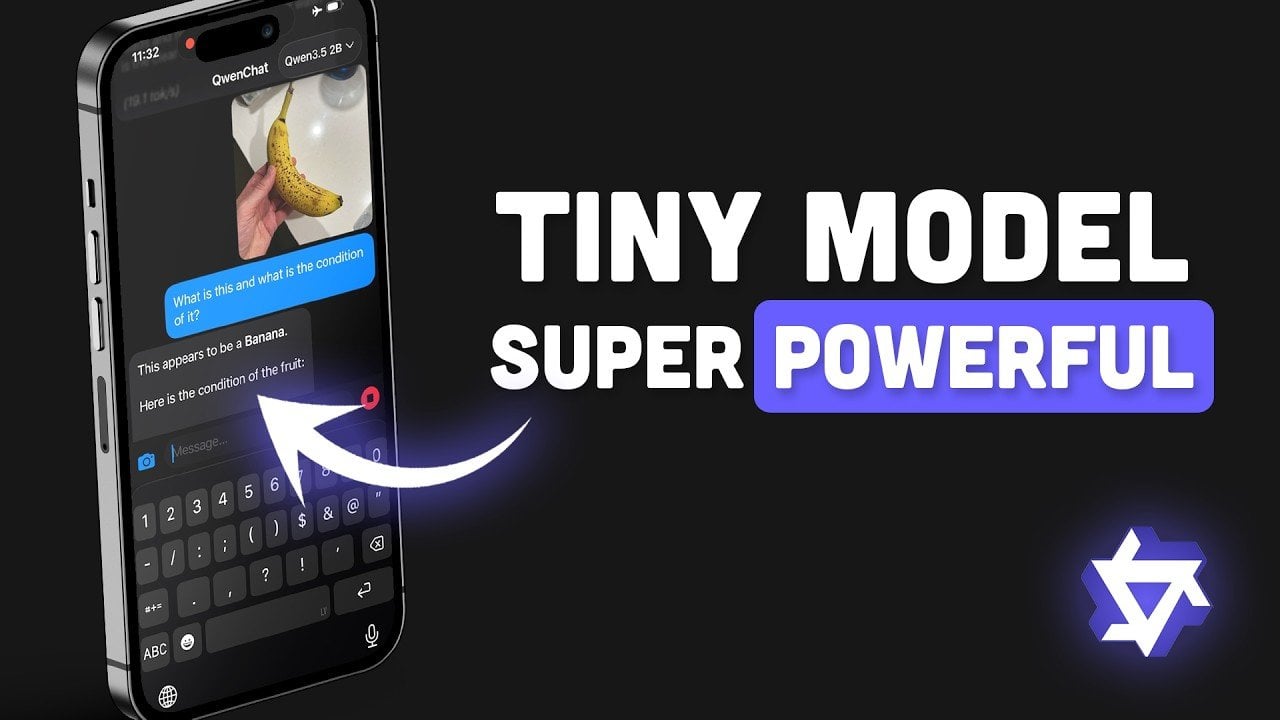
Alibaba’s Qwen 3.5 small models are compact AI systems designed to operate efficiently on edge devices, including older laptops and smartphones. According to Better Stack, these models feature parameter sizes of 0.8 billion and 2 billion, paired with a 262,000-token context window. This allows them to process extensive datasets, such as lengthy documents or complex […]
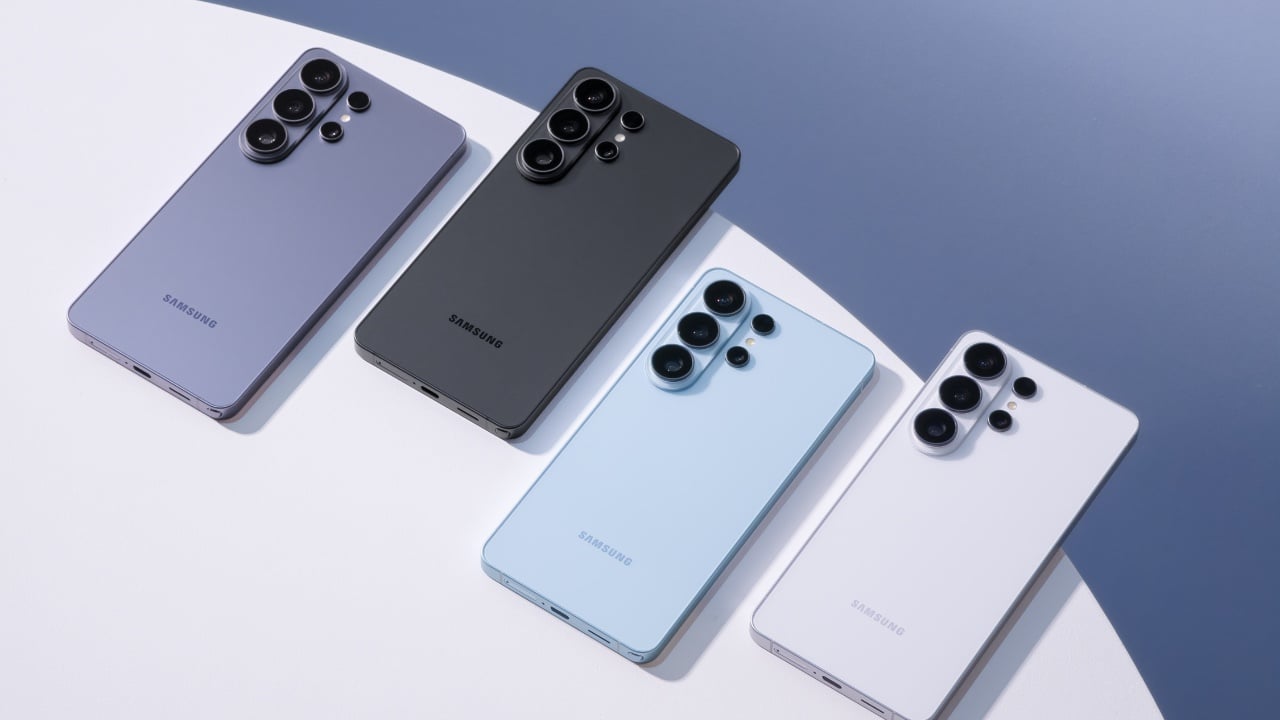
The Galaxy S26 Ultra introduces a range of enhancements over its predecessor, the S25 Ultra, focusing on camera performance, design, processing power, and battery efficiency. While these refinements improve the overall experience, they may not be significant enough to prompt an upgrade for current S25 Ultra users. However, for those using older devices, the […]