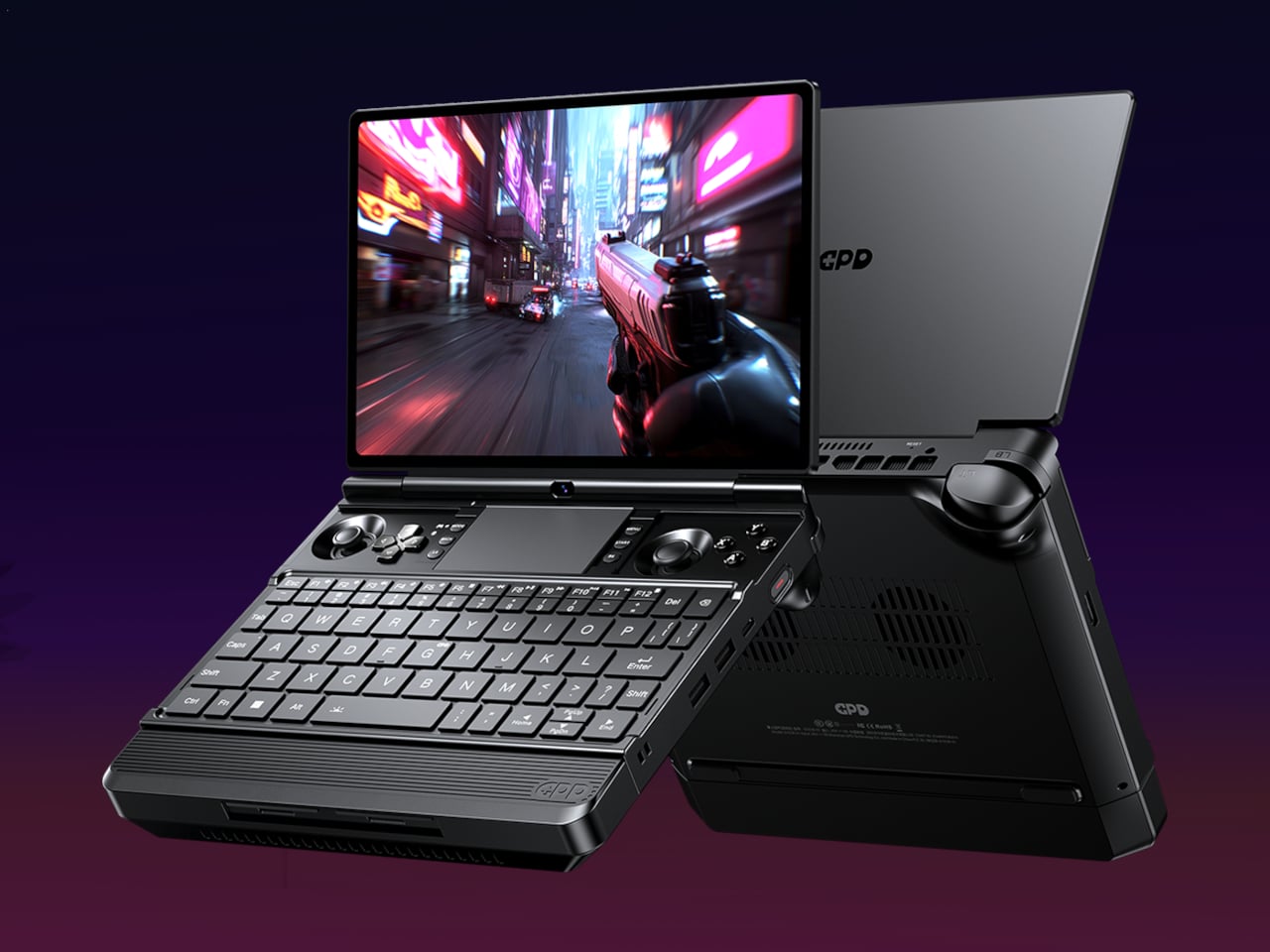
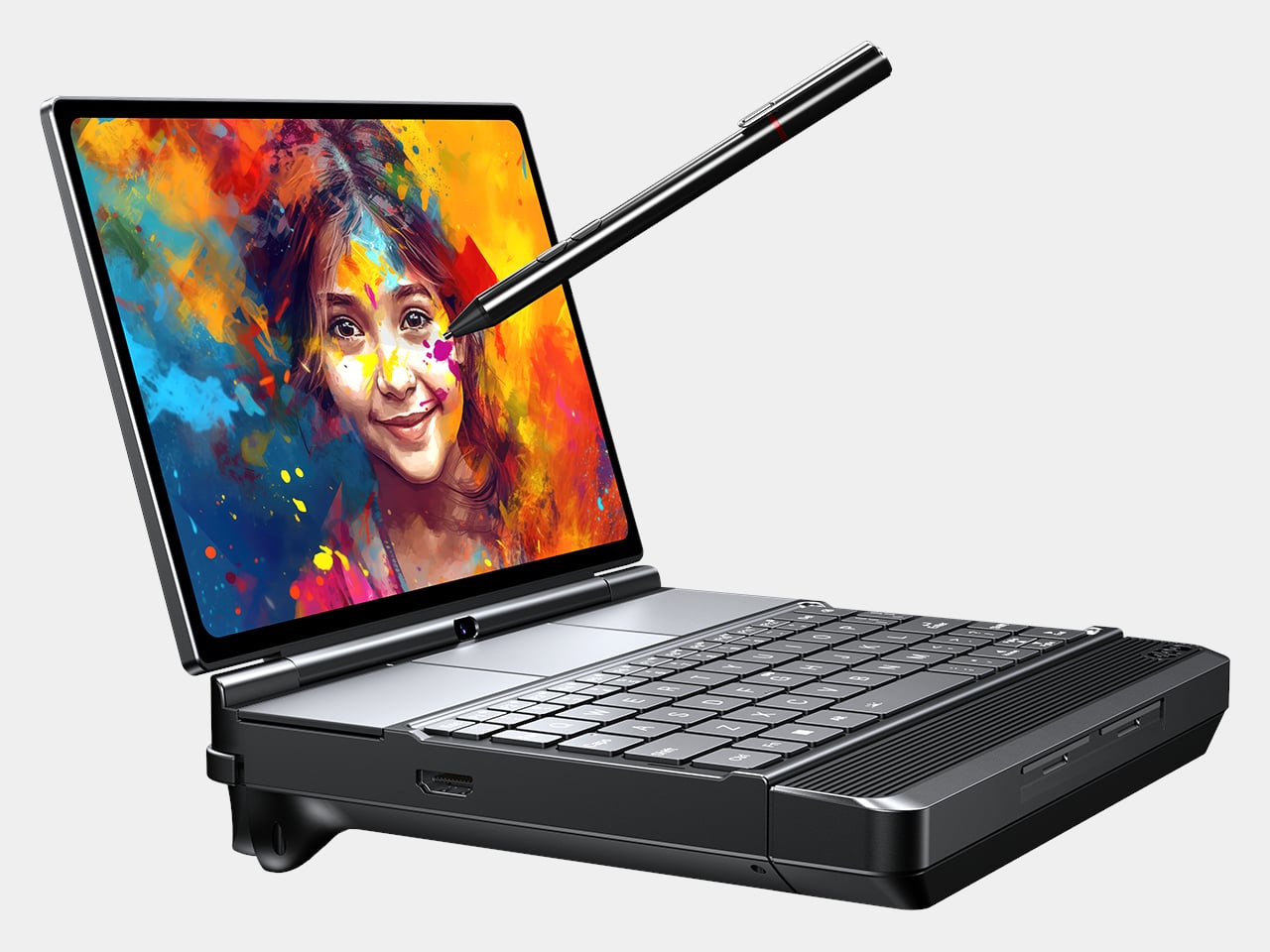
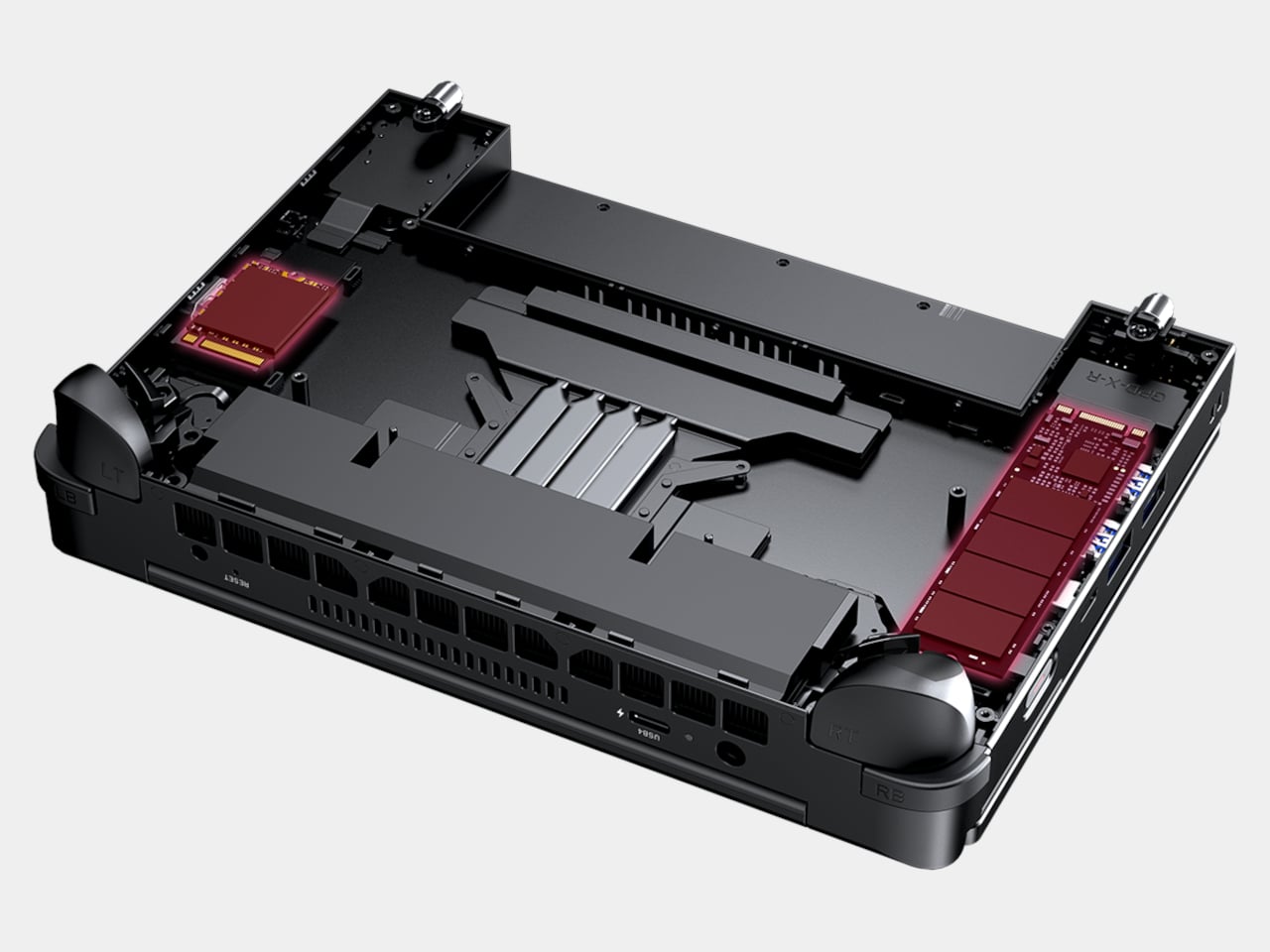
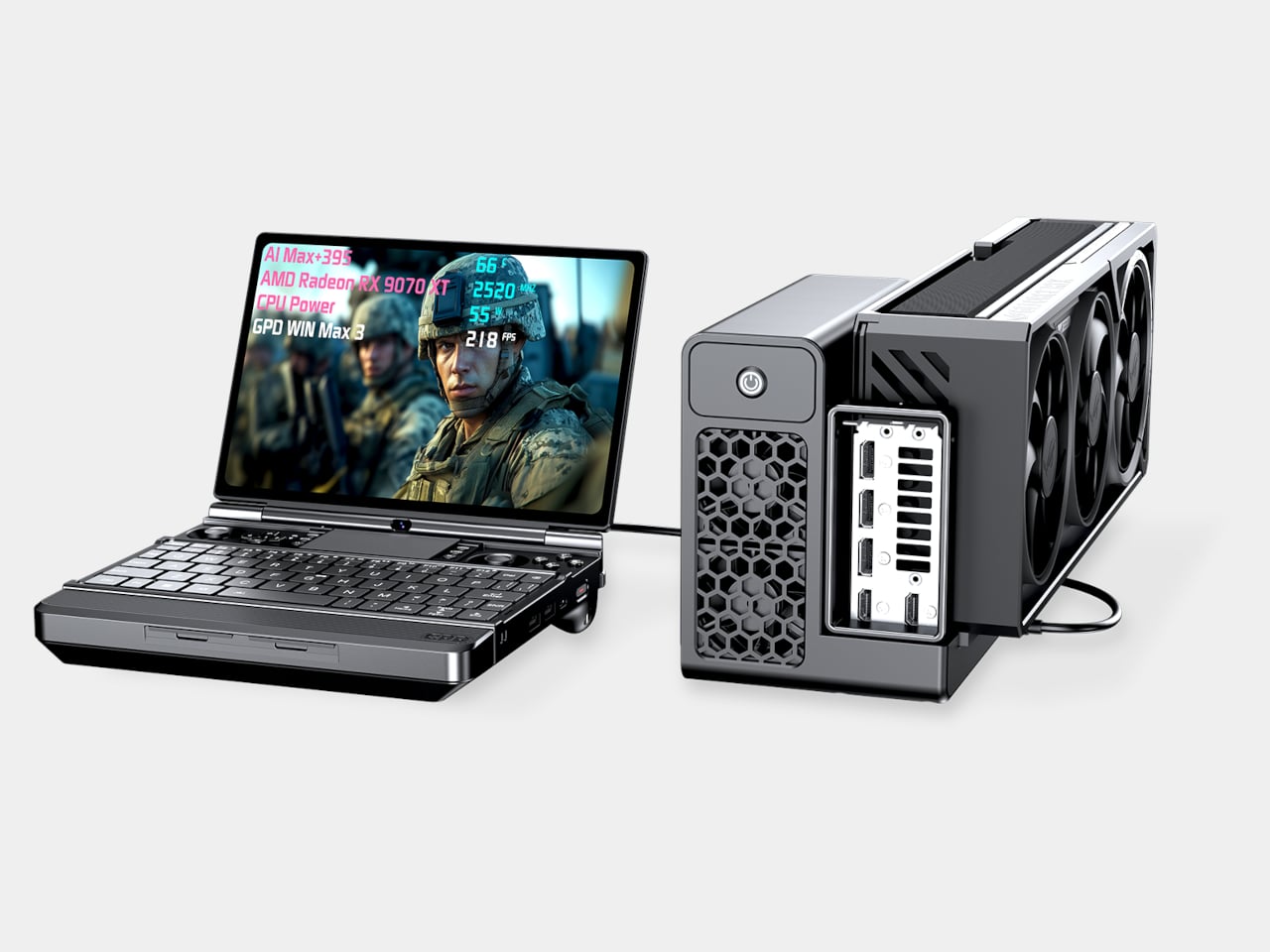
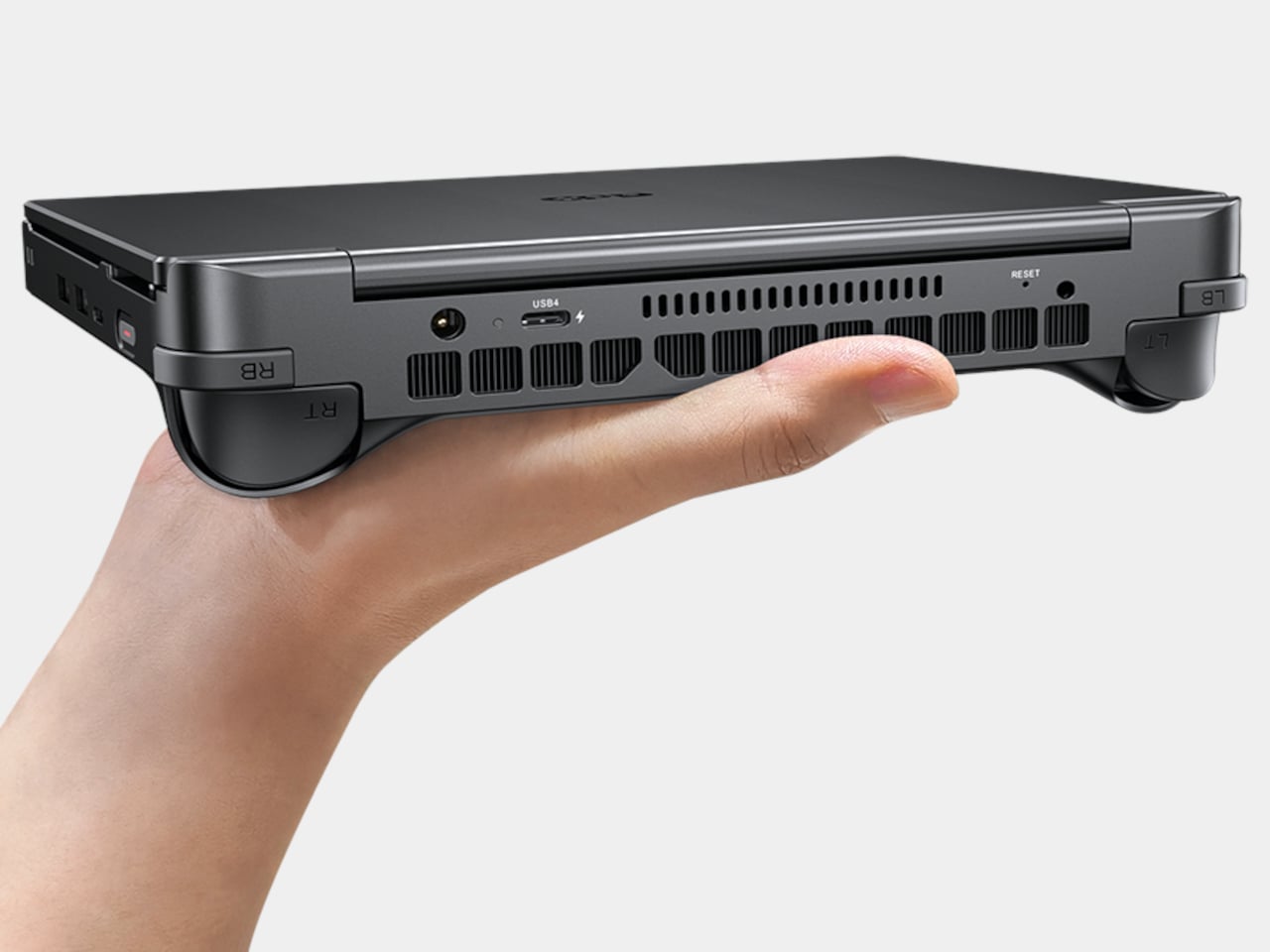
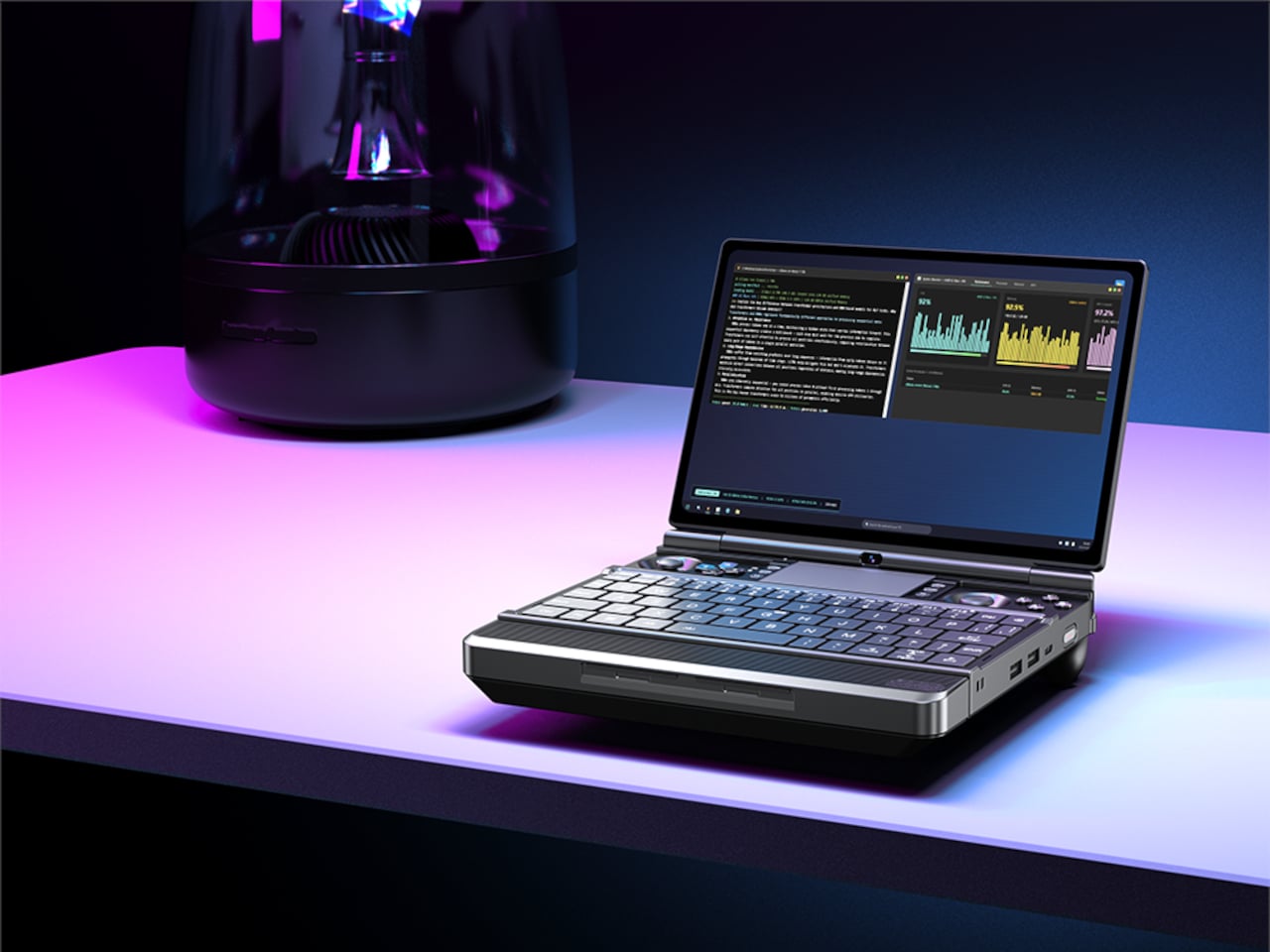
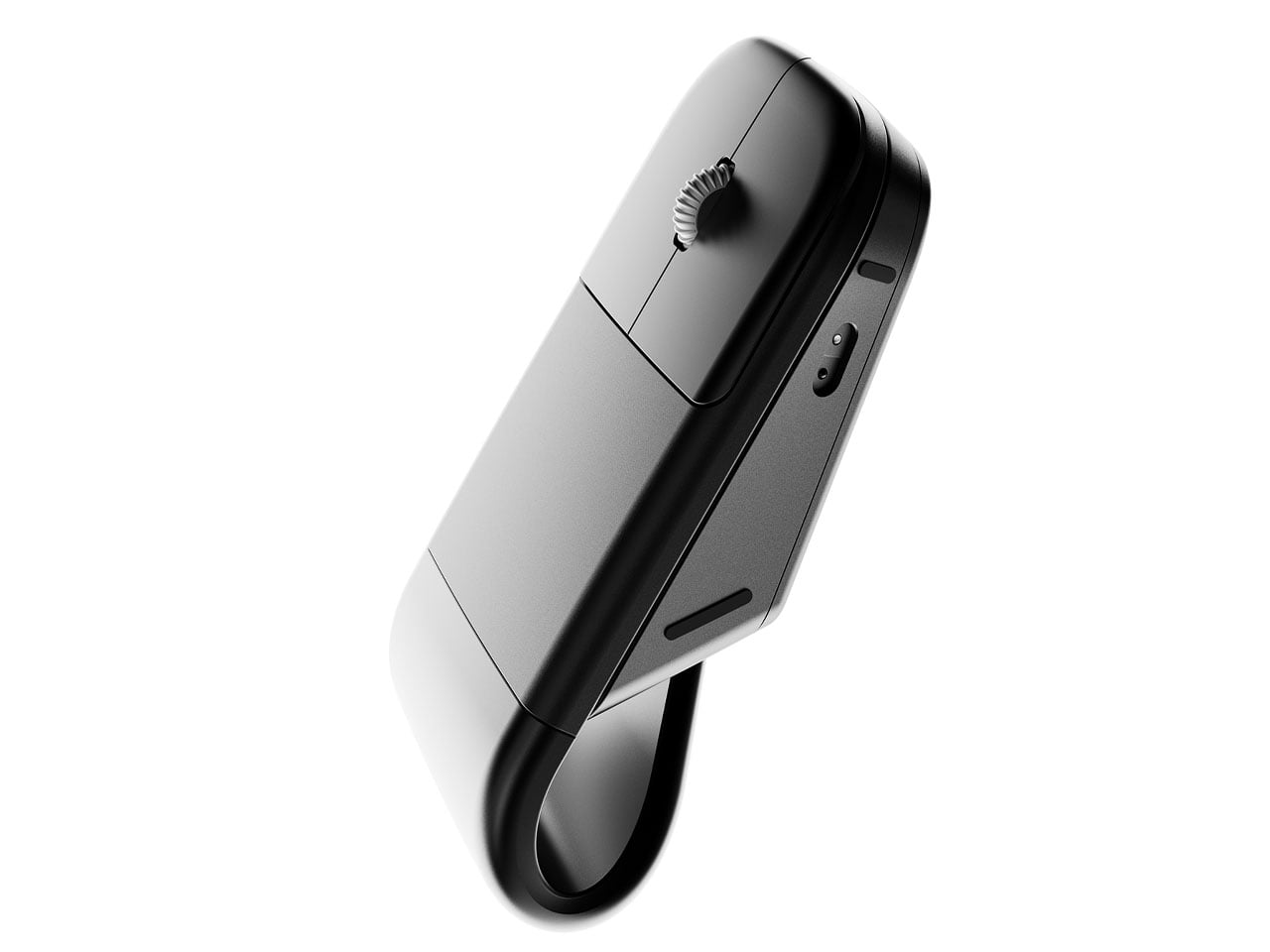
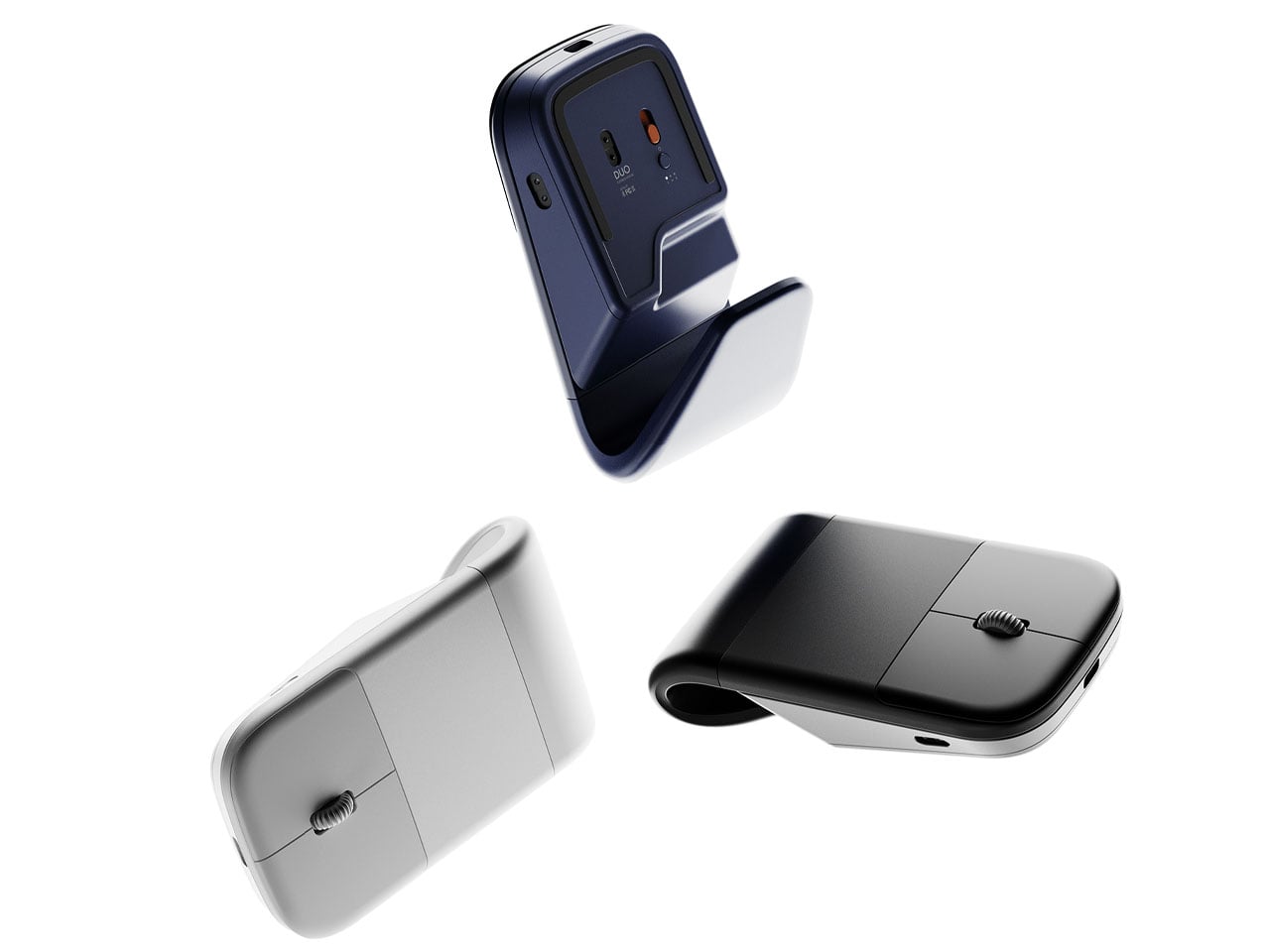
This 600g Tablet Snaps into a Keyboard, Then into a Cooling Stand

The question of whether a single small device can replace a laptop and desktop without feeling compromised keeps surfacing. Past attempts include phone lapdocks and 2-in-1 tablets that end up either too heavy to hold or too weak to be real workstations. Khadas’ Mind Go tries a different path. Instead of forcing everything into one slab, it lets the form factor grow and shrink depending on what you need.

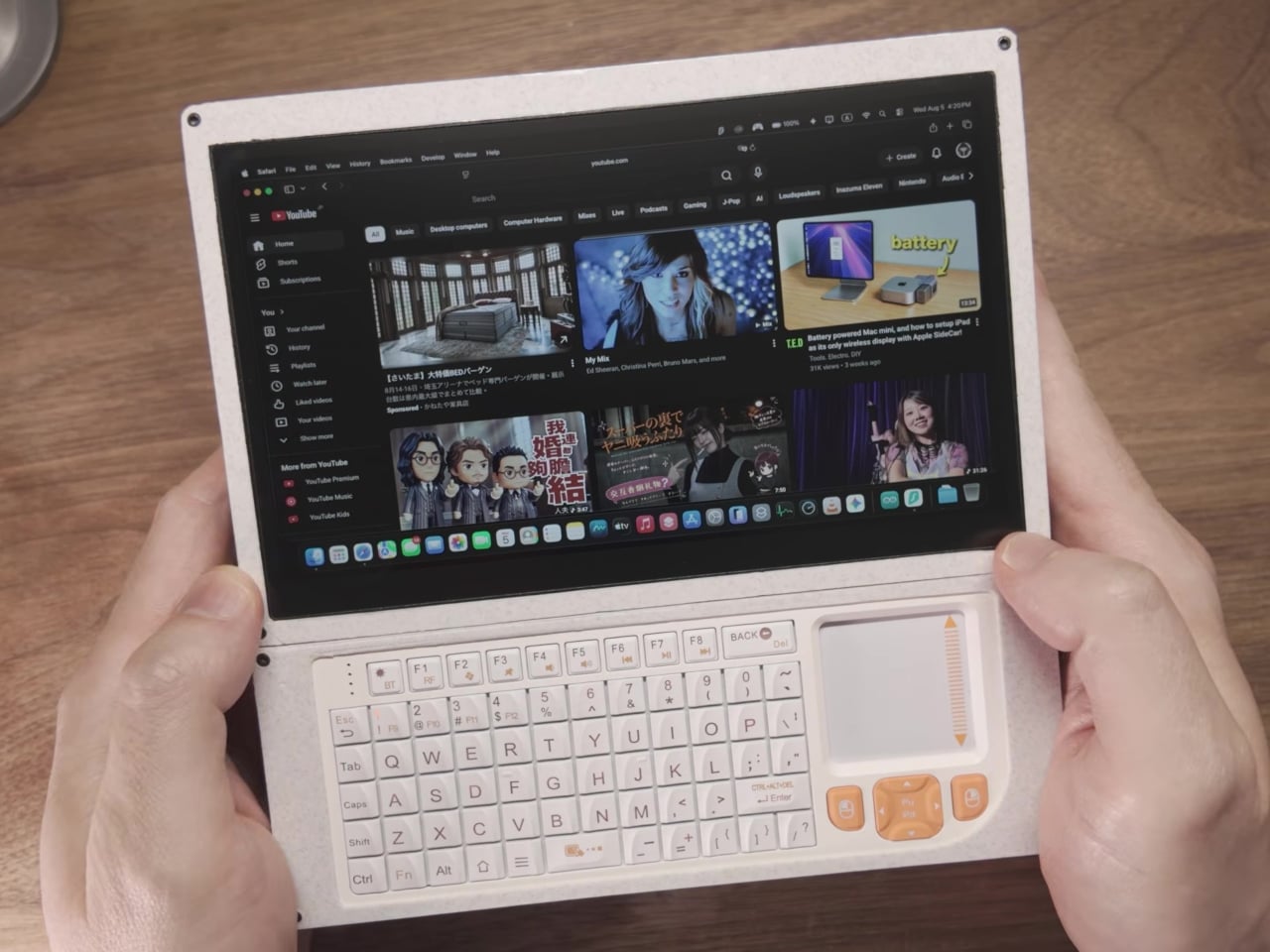
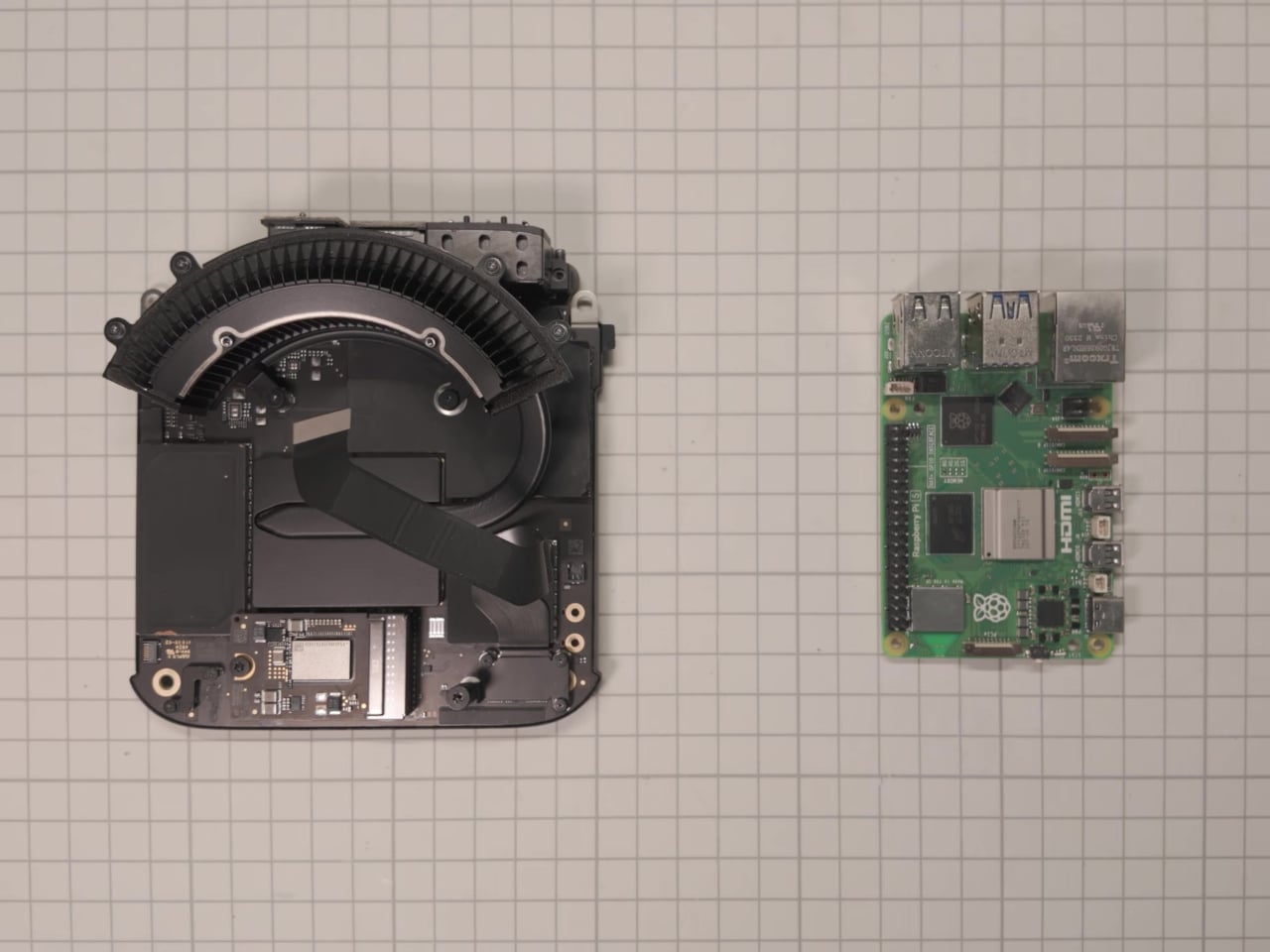
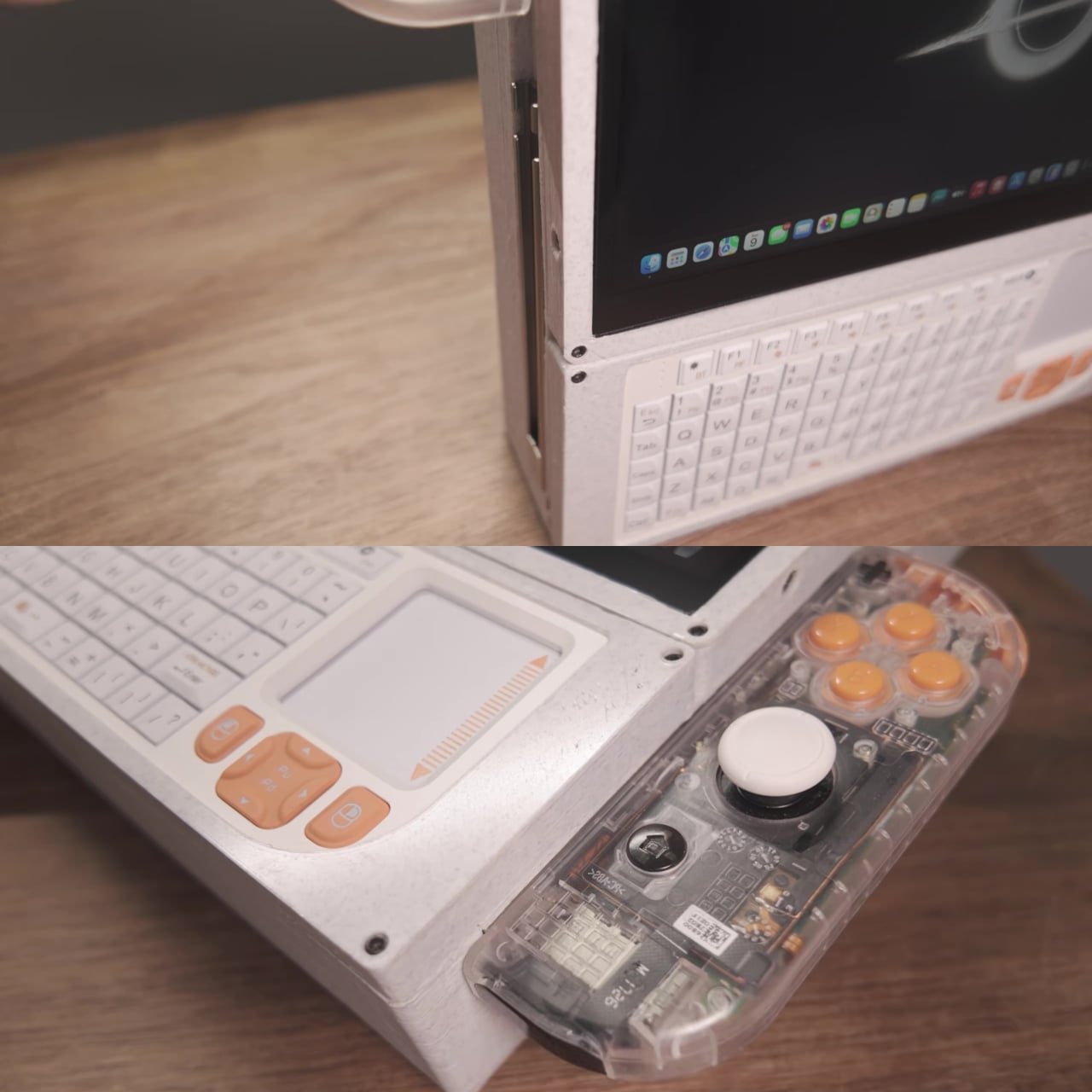
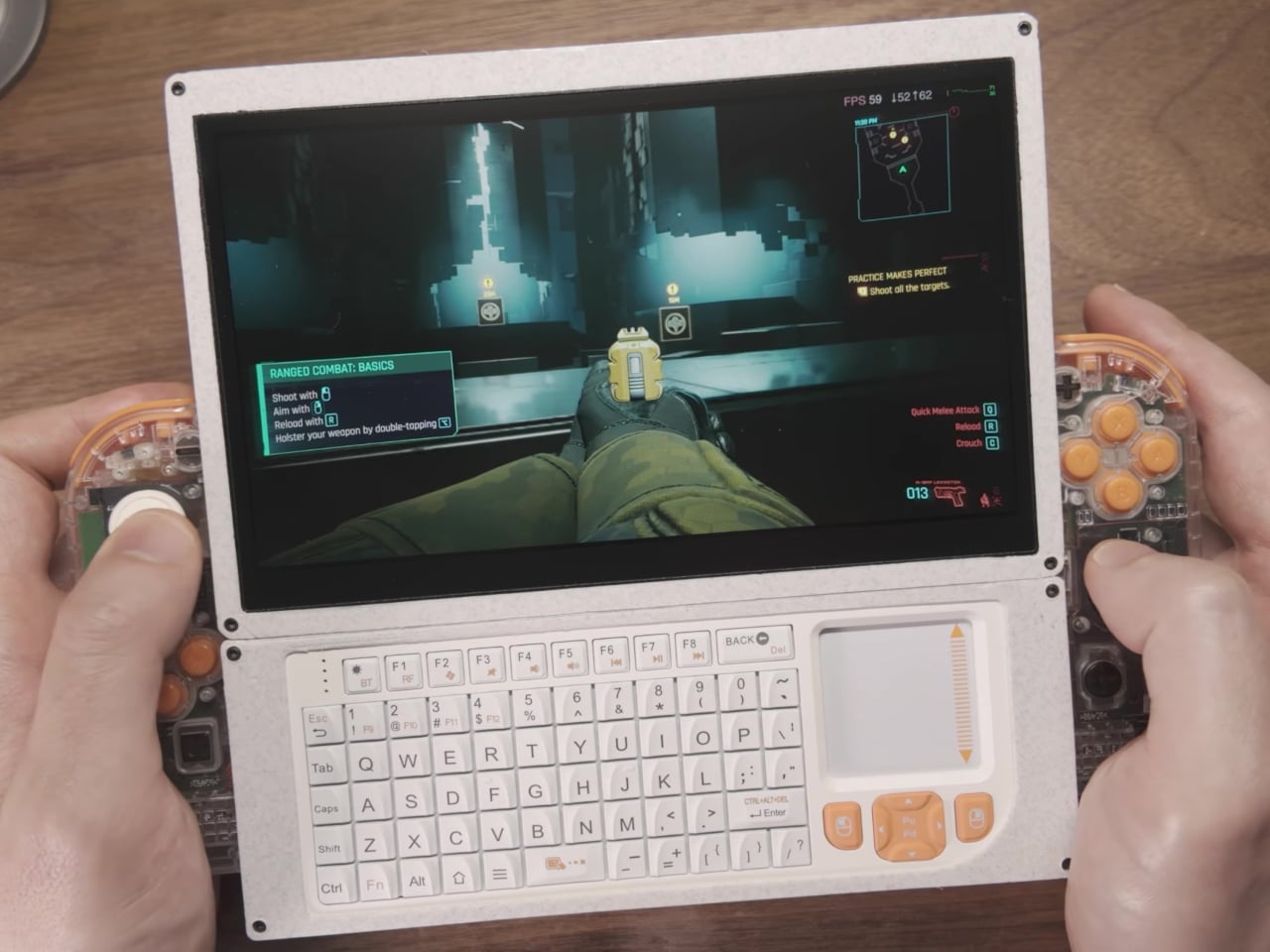
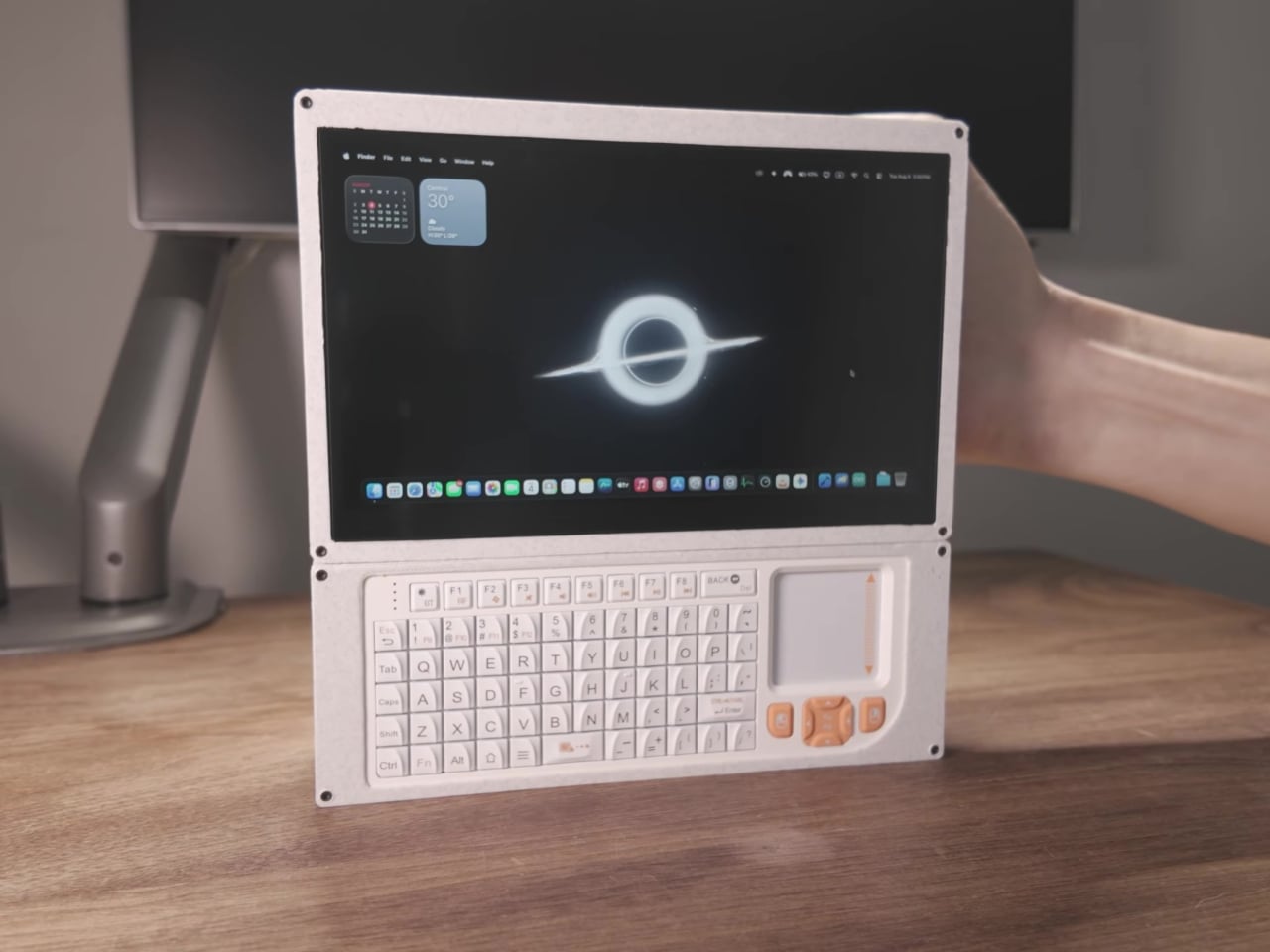
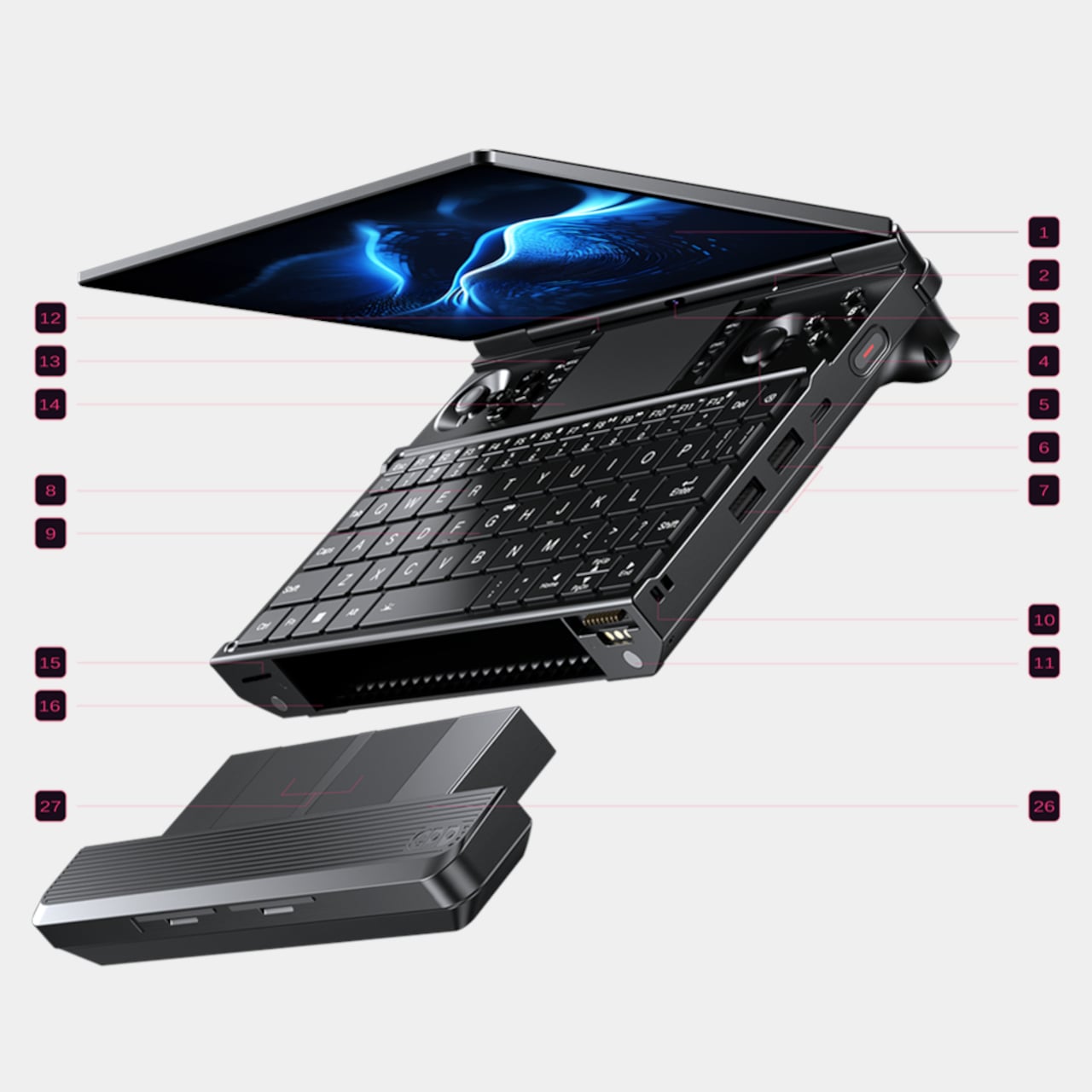
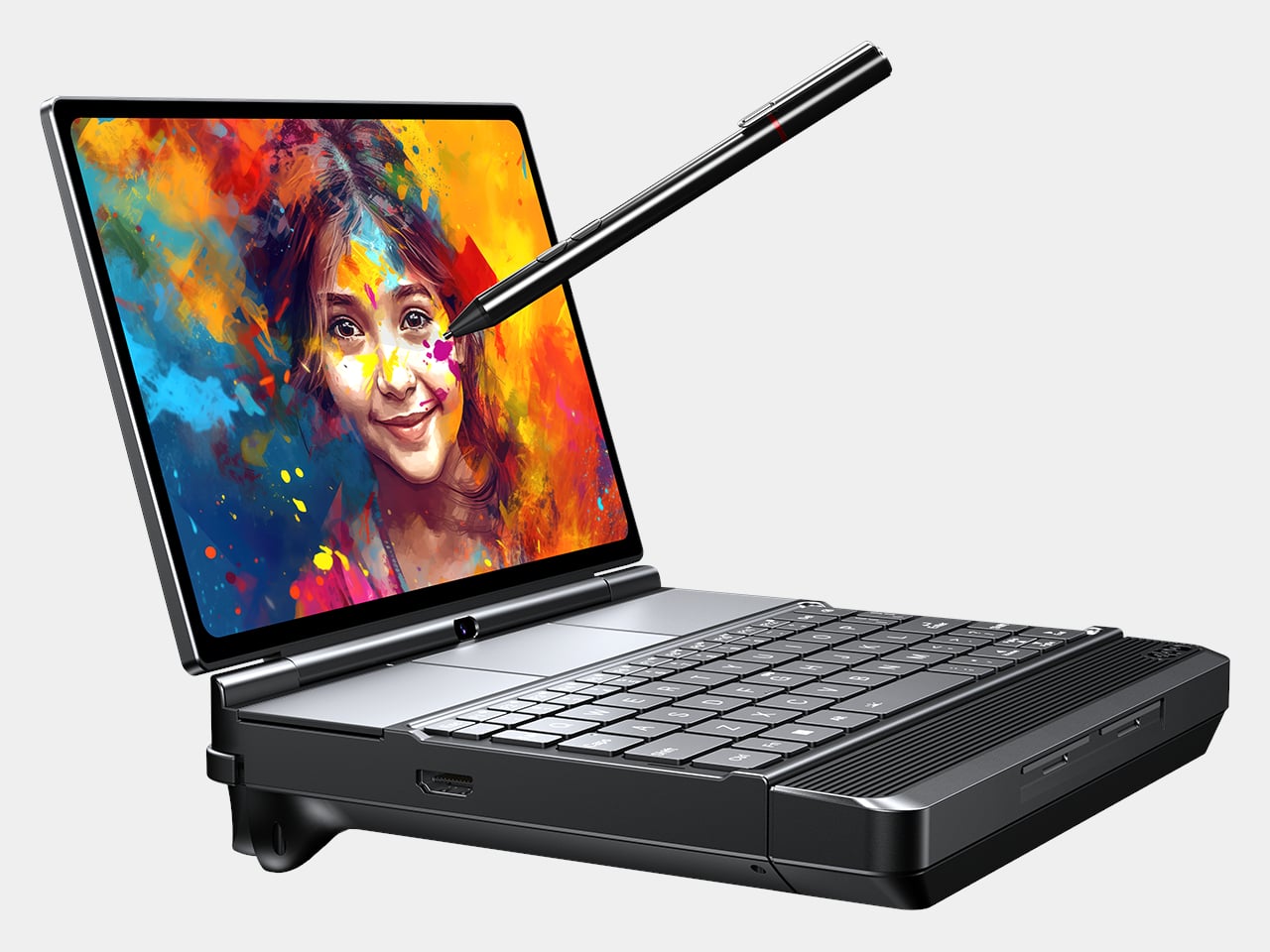
Mind Go is a modular 3-in-1 that starts with an 11.6-inch tablet, weighing around 600g and roughly 6.1mm thick in the current prototype. It is fanless, with built-in speakers, a front camera, Mind Pencil support, and a raised edge on the back that makes one-handed grip easier. The tablet is deliberately not a battery monster on its own because it is meant for shorter, mobile sessions where lightness matters more than runtime.

Designer: Khadas

Slipping the tablet into a bag, reading or sketching on the train, reviewing documents while standing, or sharing a screen in a hallway all become easier with the smaller 11.6-inch size. The lack of fans keeps it quiet and cool. You are not running a full workstation here, just doing the kind of light work that benefits from being truly portable and easy to hold without needing a table.

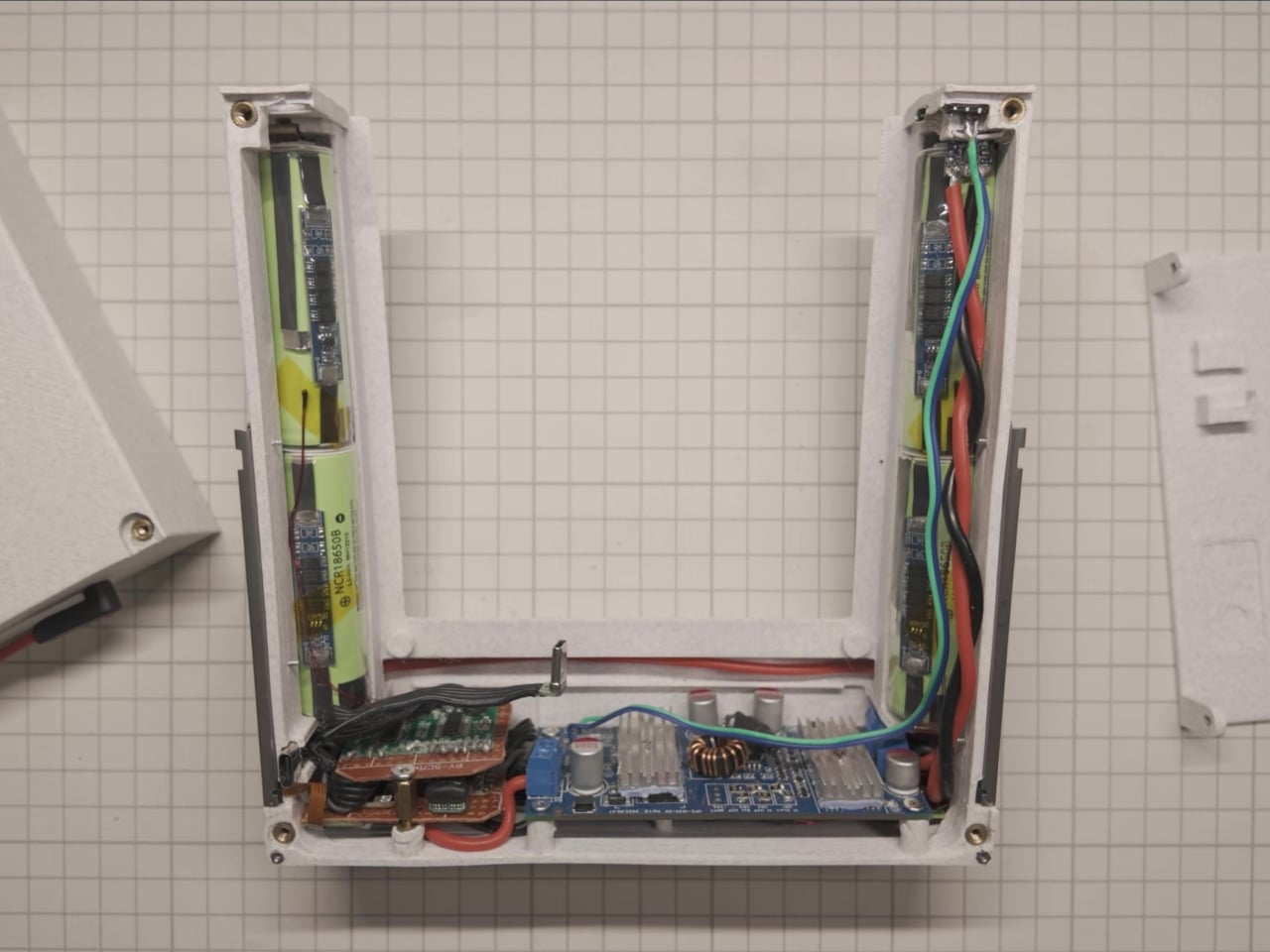
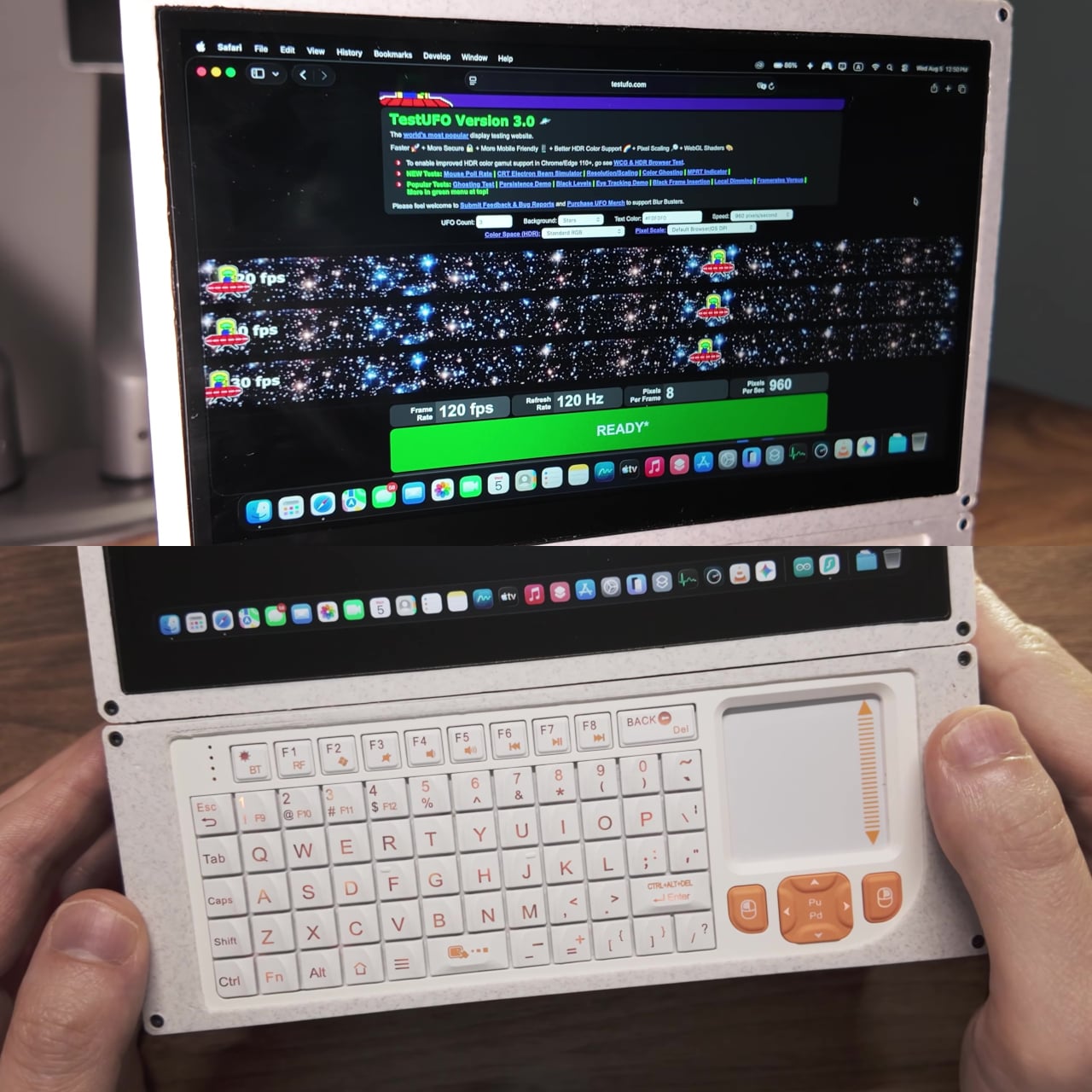
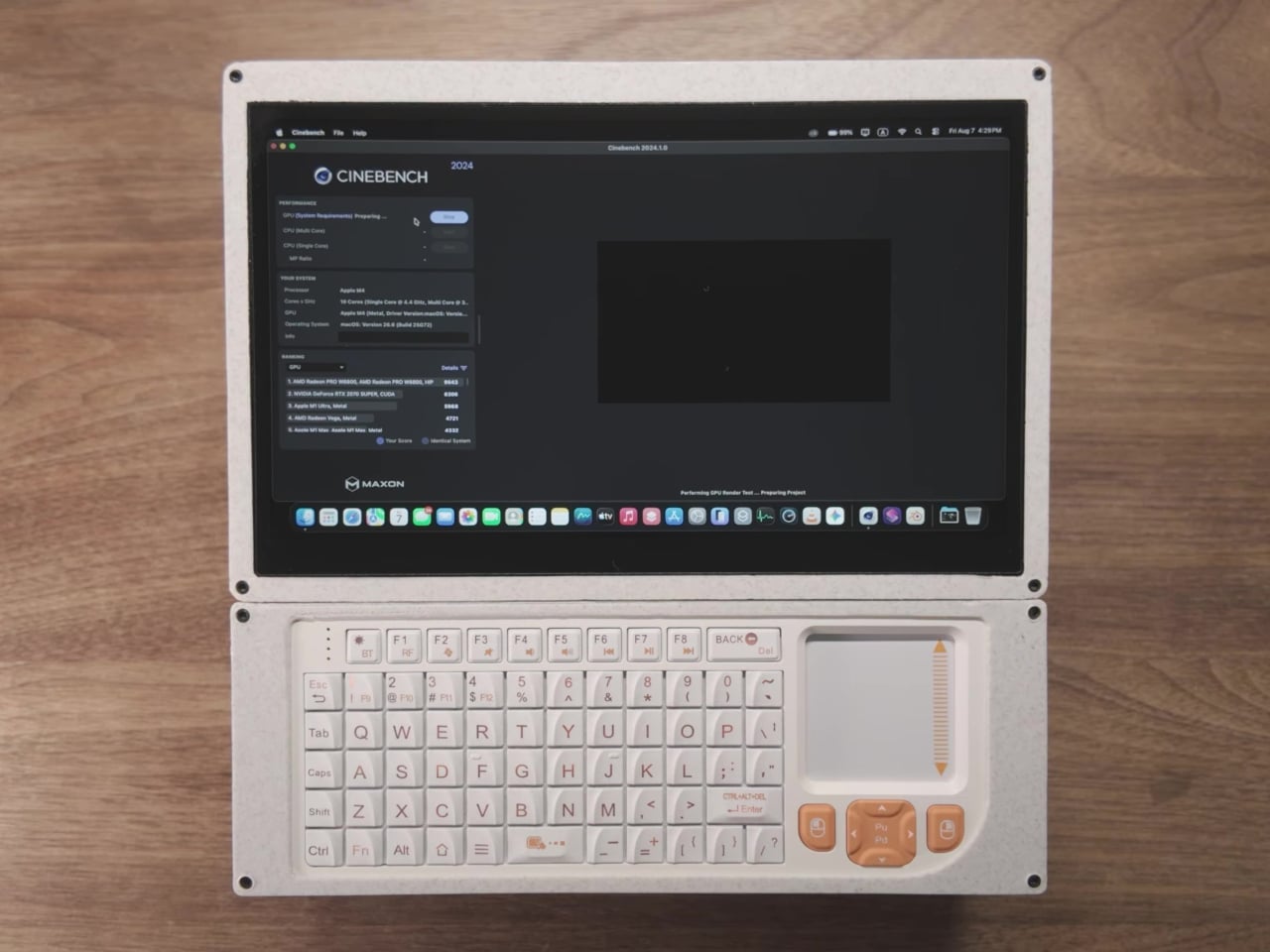
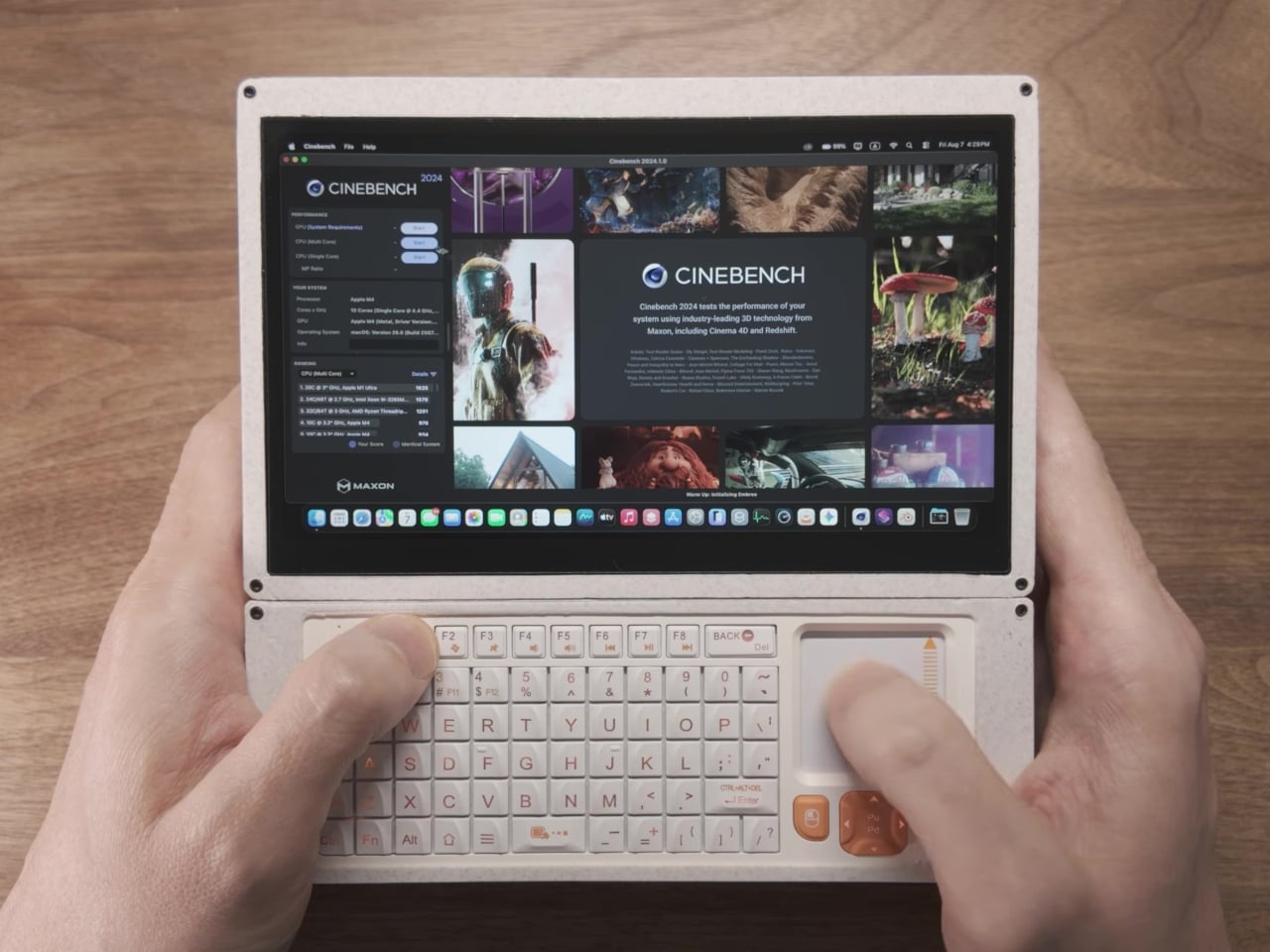
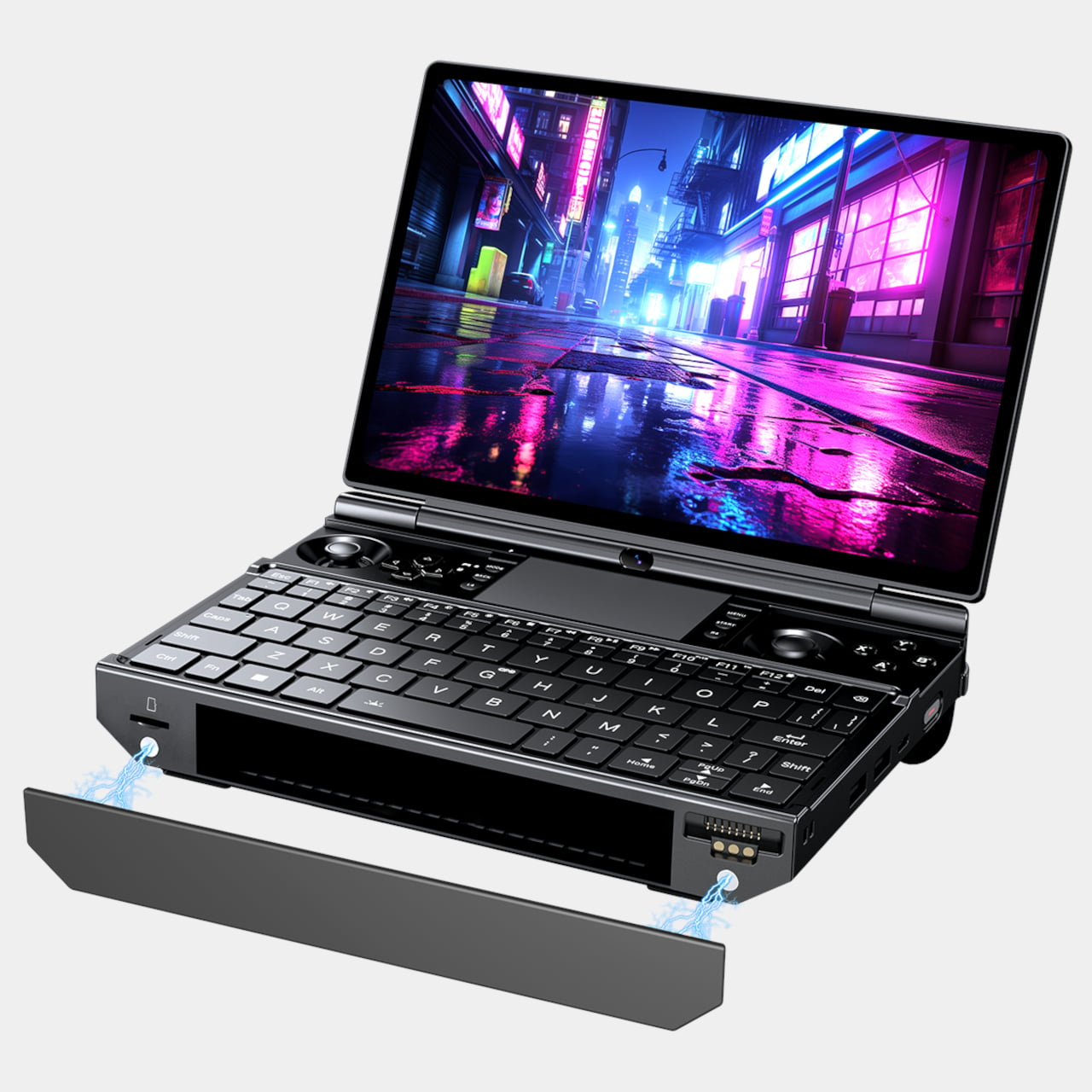
At a desk or café, the tablet drops into the Mind Go Keyboard. The keyboard is both input and battery, connected through pogo pins, bringing total capacity to 45Wh and roughly nine hours of local video playback. The trackpad and full keys turn the setup into a familiar laptop, and you can detach or reattach the tablet without interrupting what you are doing, shifting between seated and walk-around work.

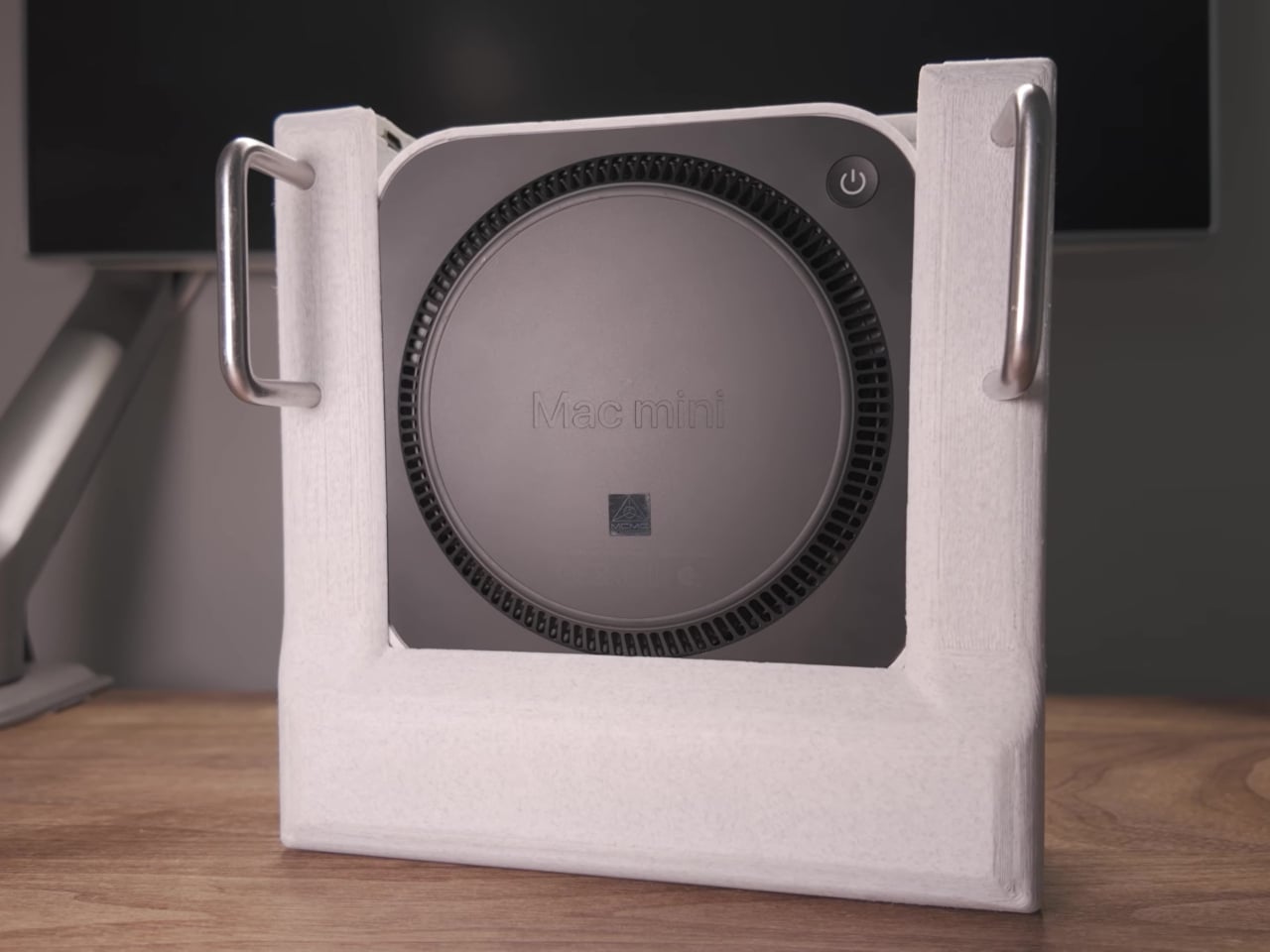
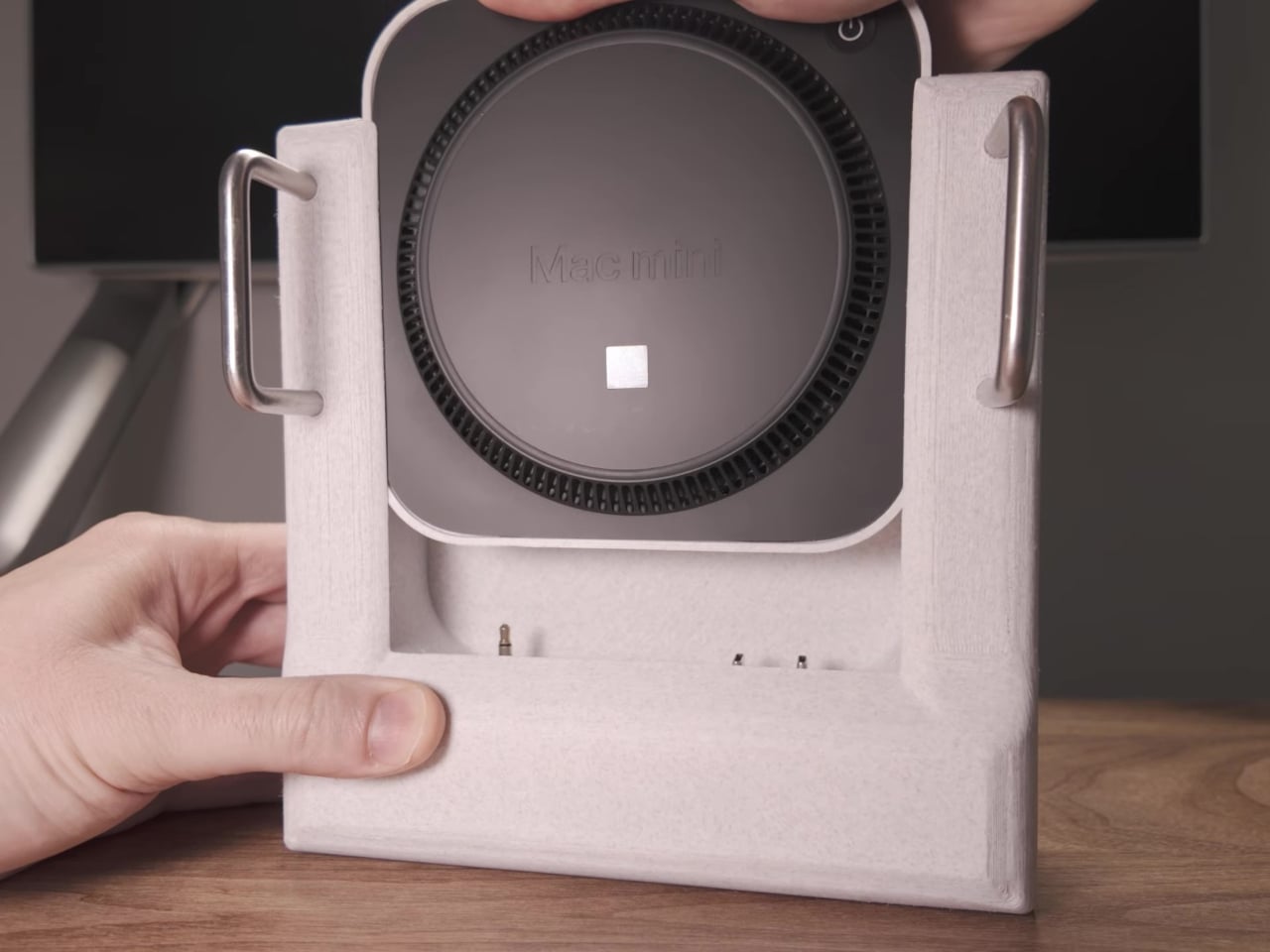
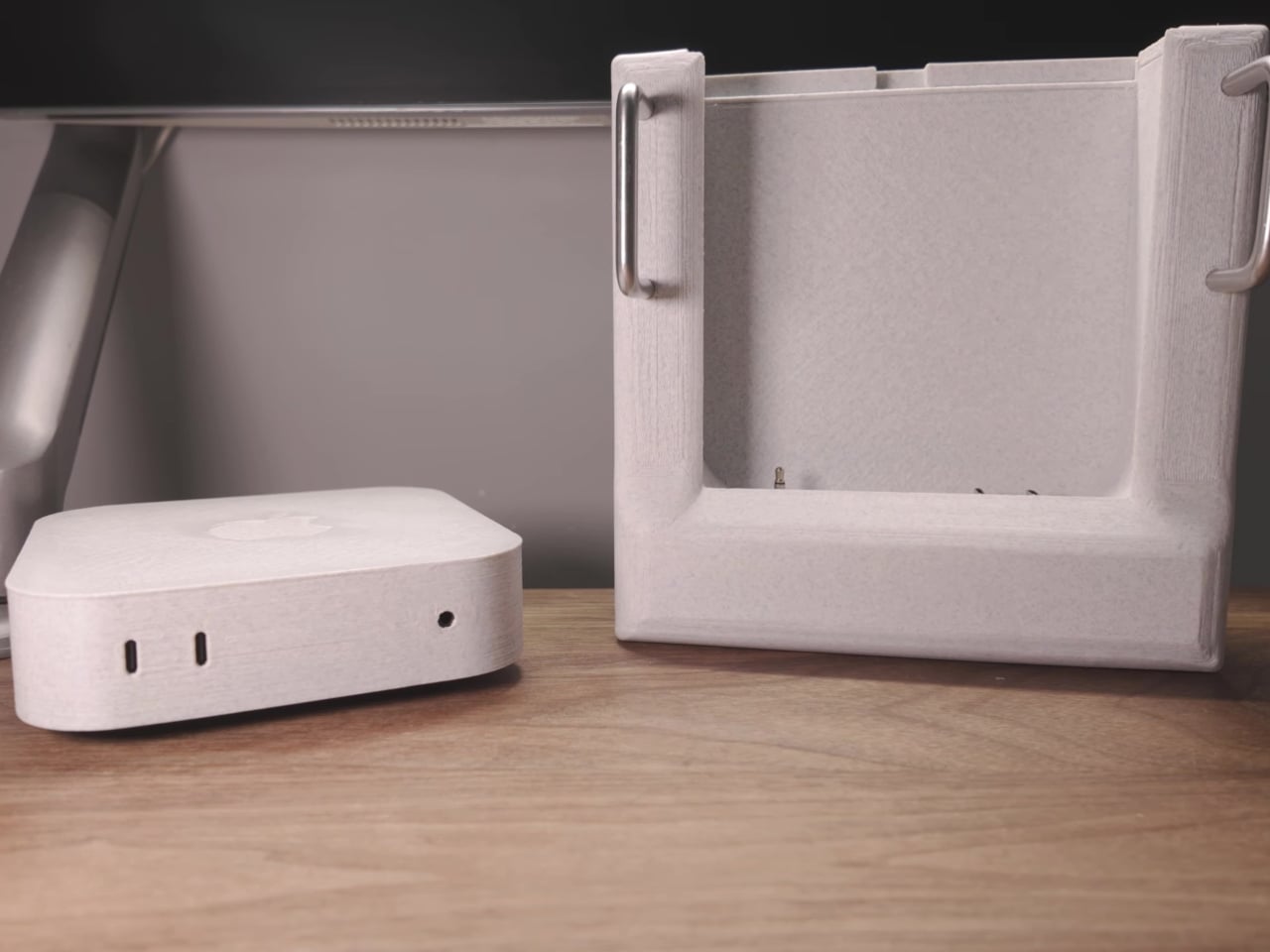
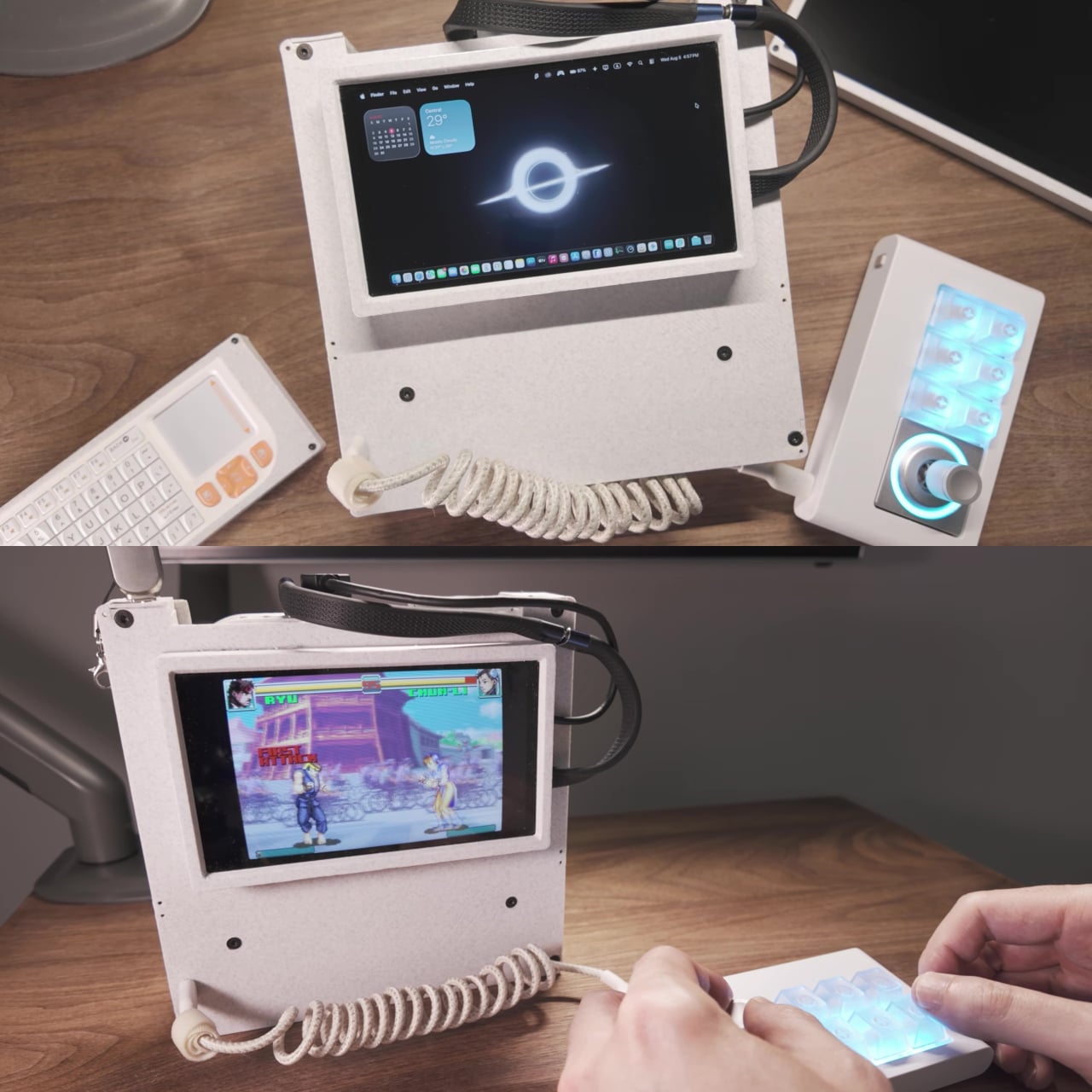
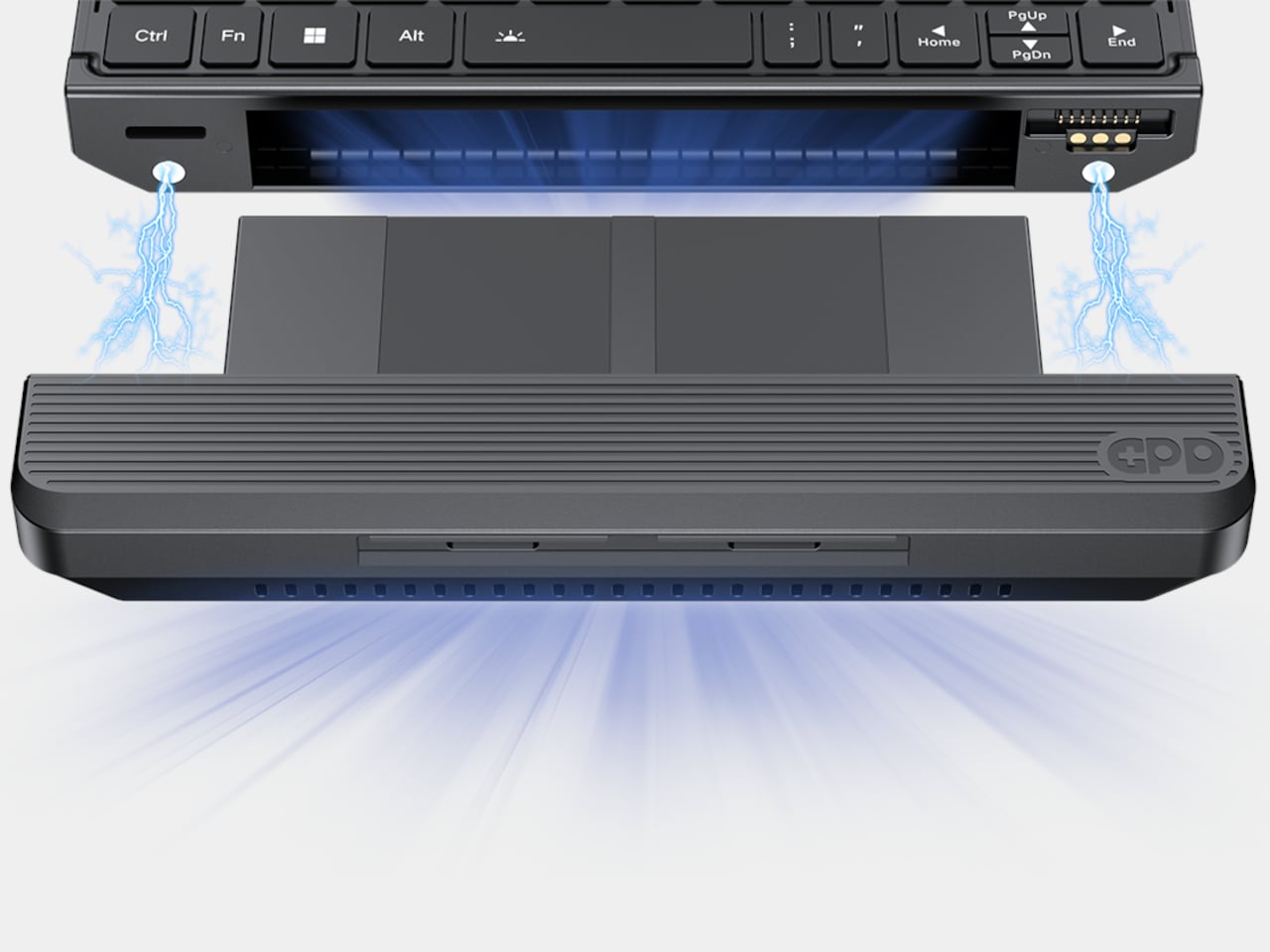
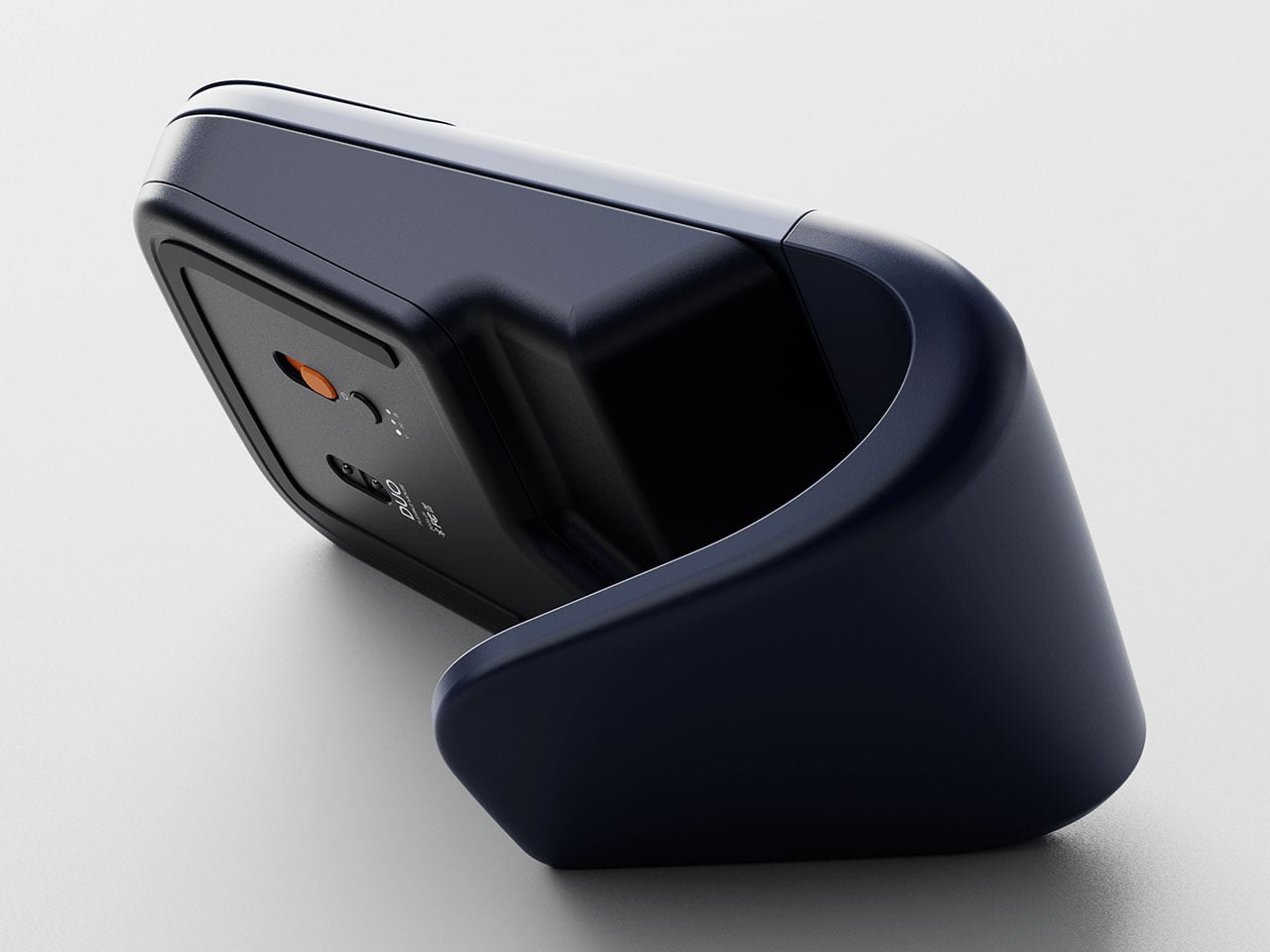
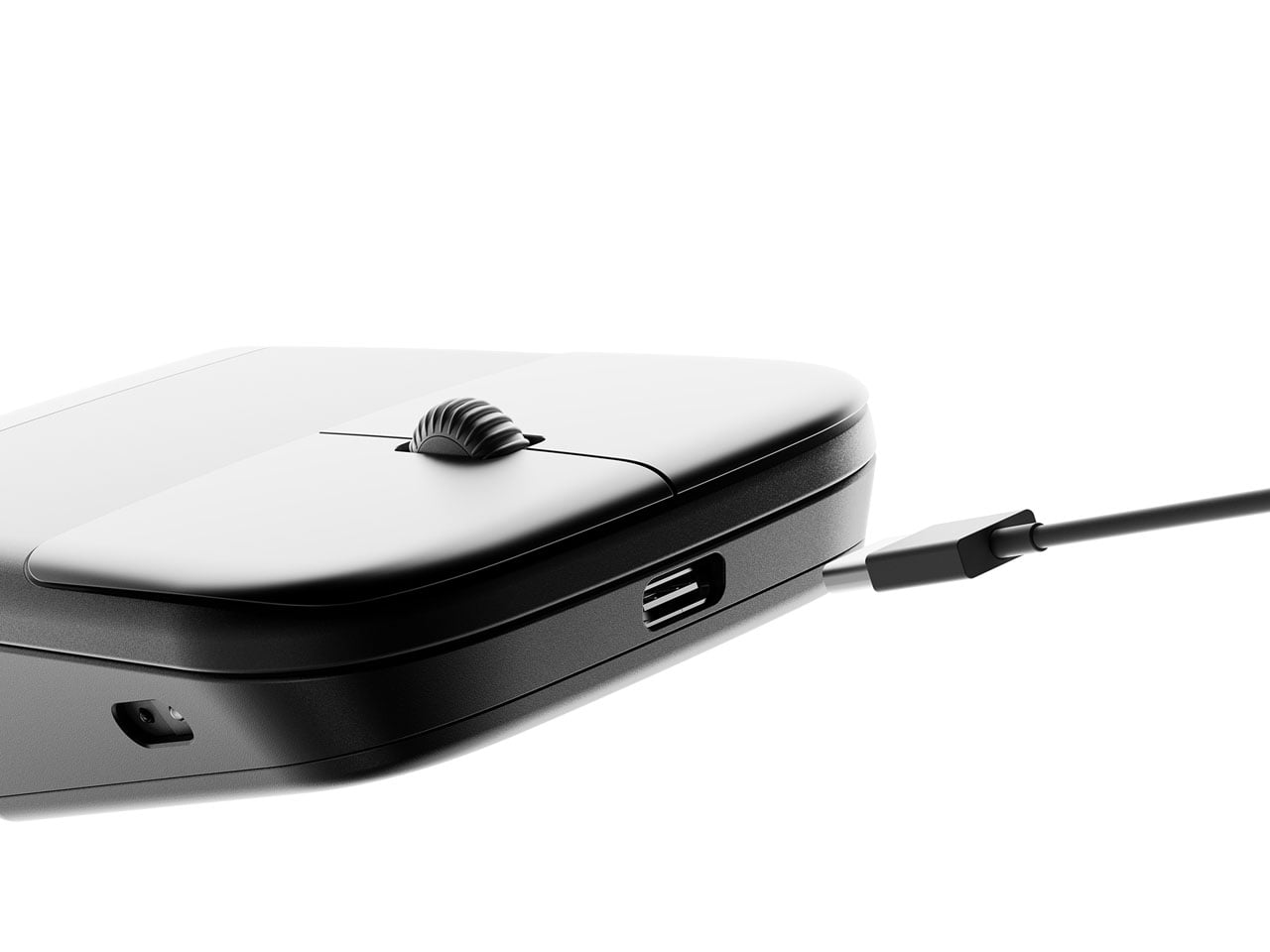
The Mind Go Stand is where the device stops pretending to be just a tablet. The stand adds active cooling and a full set of ports, USB-C, HDMI, USB-A, Ethernet, headphone jack, plus integrated speakers. With sustained cooling, Mind Go can push up to about 30 W of performance, roughly double its tablet mode, and suddenly the small screen is driving multiple external displays and heavier workloads.

This setup changes the usual dance of syncing files between machines. Your projects live on the same device that moves from commute to meeting to desk. On the way home, you are not hunched over a tiny laptop debating whether to sync to a desktop later. You just drop the tablet into the stand, and your posture, visual space, and performance all expand around the same core without transferring files or logging into another machine.

Mind Go is still in market validation, with Khadas asking the community to help decide big questions, Snapdragon or Intel, 11.6 or 13 inches, LCD or OLED, pogo pins or wired stand, even whether the dock should offer optional GPU support. It is an unusual invitation to shape not just the look but the architecture of a device that wants to be your tablet, laptop, and desktop without pretending those are the same thing.

The post This 600g Tablet Snaps into a Keyboard, Then into a Cooling Stand first appeared on Yanko Design.

This 1970s Kids’ Desk Flatpacked Before IKEA Even Existed

Here’s something to blow your mind: decades before IKEA convinced us all that assembling furniture with an Allen wrench was somehow fun, a visionary designer named Luigi Colani was already flatpacking children’s furniture in the 1970s. And get this, it wasn’t just about convenience. His Tobifant desk and chair set was actually genius problem-solving at its finest.

If you know anything about Luigi Colani, you know he was the king of curves and organic shapes. This is the guy who designed everything from streamlined trucks to futuristic cameras, always with that signature bio-design aesthetic. But with the Tobifant collection, created for West German children’s furniture brand Kinderlübke, he tackled a problem every parent faces: kids grow way too fast.

Designer: Luigi Colani

The Tobifant set came flatpacked (yes, in the ’70s!), but that was just the beginning of its brilliance. Made from beech plywood, both the desk and chair featured height-adjustable frames, so you could raise the seat, backrest, and writing surface as your child sprouted upward. Instead of buying new furniture every couple of years, parents could invest once and adjust as needed. It was sustainable before sustainability became a design buzzword.

Think about what a radical concept this was. It was a time when most children’s furniture was either cheap throwaway pieces or expensive heirlooms that kids outgrew almost immediately. Colani created something practical, beautiful, and adaptable. The furniture could literally grow with your child, which meant it could potentially serve them from toddlerhood through their early teens.

But wait, there’s more. Colani didn’t just stop at smart construction. He actually specified that each Tobifant desk should come with one kilogram of modeling clay and three wooden tools. Because apparently he understood that a desk isn’t just a place to do homework. It’s a creative laboratory, and kids need to be encouraged to make things, to experiment, to get their hands dirty (or clayey, as it were). How many furniture designers think about what happens after the sale? Colani was playing 4D chess while everyone else was still figuring out checkers.

The flatpack design wasn’t just about shipping efficiency, though that was certainly a bonus. It was about democratizing good design. By making the furniture easy to transport and assemble, Colani made it more accessible to regular families. This was thoughtful, human-centered design at work.

What’s really striking when you look at photos of the Tobifant set today is how modern it still looks. The clean lines, the warm plywood finish, the elegant simplicity of the adjustable mechanism… it could easily sit in a contemporary home without looking dated. That’s the mark of truly timeless design. While so much ’70s furniture screams its decade with harvest gold upholstery and chrome everywhere, the Tobifant feels almost minimalist in its restraint.

The set went into production in the late 1970s, and today surviving examples pop up on vintage reseller sites, often commanding impressive prices from collectors. It makes sense. Original Colani pieces are increasingly rare, and the Tobifant represents such a perfect intersection of form, function, and forward-thinking design philosophy.

What’s fascinating is how Colani’s approach predated so many trends we think of as recent innovations. Flatpack furniture? Check. Modular, adjustable design? Check. Sustainability through longevity? Check. Child-centered functionality that doesn’t sacrifice aesthetics? Double check. He was essentially doing what today’s best furniture startups are trying to do, except he did it before many of them were even born.

So next time you’re wrestling with those cryptic IKEA instructions, spare a thought for Luigi Colani and his Tobifant collection. He proved that flatpack furniture could be more than just affordable practicality. It could be beautiful, innovative, and genuinely improve how families live. That’s the kind of design legacy that deserves way more recognition than it gets.

The post This 1970s Kids’ Desk Flatpacked Before IKEA Even Existed first appeared on Yanko Design.

This 1970s Kids’ Desk Flatpacked Before IKEA Even Existed

Here’s something to blow your mind: decades before IKEA convinced us all that assembling furniture with an Allen wrench was somehow fun, a visionary designer named Luigi Colani was already flatpacking children’s furniture in the 1970s. And get this, it wasn’t just about convenience. His Tobifant desk and chair set was actually genius problem-solving at its finest.

If you know anything about Luigi Colani, you know he was the king of curves and organic shapes. This is the guy who designed everything from streamlined trucks to futuristic cameras, always with that signature bio-design aesthetic. But with the Tobifant collection, created for West German children’s furniture brand Kinderlübke, he tackled a problem every parent faces: kids grow way too fast.

Designer: Luigi Colani

The Tobifant set came flatpacked (yes, in the ’70s!), but that was just the beginning of its brilliance. Made from beech plywood, both the desk and chair featured height-adjustable frames, so you could raise the seat, backrest, and writing surface as your child sprouted upward. Instead of buying new furniture every couple of years, parents could invest once and adjust as needed. It was sustainable before sustainability became a design buzzword.

Think about what a radical concept this was. It was a time when most children’s furniture was either cheap throwaway pieces or expensive heirlooms that kids outgrew almost immediately. Colani created something practical, beautiful, and adaptable. The furniture could literally grow with your child, which meant it could potentially serve them from toddlerhood through their early teens.

But wait, there’s more. Colani didn’t just stop at smart construction. He actually specified that each Tobifant desk should come with one kilogram of modeling clay and three wooden tools. Because apparently he understood that a desk isn’t just a place to do homework. It’s a creative laboratory, and kids need to be encouraged to make things, to experiment, to get their hands dirty (or clayey, as it were). How many furniture designers think about what happens after the sale? Colani was playing 4D chess while everyone else was still figuring out checkers.

The flatpack design wasn’t just about shipping efficiency, though that was certainly a bonus. It was about democratizing good design. By making the furniture easy to transport and assemble, Colani made it more accessible to regular families. This was thoughtful, human-centered design at work.

What’s really striking when you look at photos of the Tobifant set today is how modern it still looks. The clean lines, the warm plywood finish, the elegant simplicity of the adjustable mechanism… it could easily sit in a contemporary home without looking dated. That’s the mark of truly timeless design. While so much ’70s furniture screams its decade with harvest gold upholstery and chrome everywhere, the Tobifant feels almost minimalist in its restraint.

The set went into production in the late 1970s, and today surviving examples pop up on vintage reseller sites, often commanding impressive prices from collectors. It makes sense. Original Colani pieces are increasingly rare, and the Tobifant represents such a perfect intersection of form, function, and forward-thinking design philosophy.

What’s fascinating is how Colani’s approach predated so many trends we think of as recent innovations. Flatpack furniture? Check. Modular, adjustable design? Check. Sustainability through longevity? Check. Child-centered functionality that doesn’t sacrifice aesthetics? Double check. He was essentially doing what today’s best furniture startups are trying to do, except he did it before many of them were even born.

So next time you’re wrestling with those cryptic IKEA instructions, spare a thought for Luigi Colani and his Tobifant collection. He proved that flatpack furniture could be more than just affordable practicality. It could be beautiful, innovative, and genuinely improve how families live. That’s the kind of design legacy that deserves way more recognition than it gets.

The post This 1970s Kids’ Desk Flatpacked Before IKEA Even Existed first appeared on Yanko Design.

This Ceramic Bowl Has Secret Compartments for Pistachio Shells

Eating pistachios or olives usually means improvising a discard situation. Shells end up on napkins, side plates, or scattered across the coffee table, and by the time the bowl is empty, there’s a mess to clean up. Shared snack bowls at parties have the same problem: fresh food mixed with scraps, and everyone reaches in with uncertain hands trying to avoid the pile of pits someone left on the edge.

CALYRA treats that mess as part of the design brief rather than an afterthought. It’s a ceramic food and waste server that combines a main serving space with dedicated discard areas in a single form. The two pieces nest together symmetrically, both during use and when tucked away in a cupboard, so pits and shells have an obvious home from the start instead of wandering around the table.

Designer: Christina Tran

Picture a casual evening with pistachios on the coffee table. CALYRA’s larger basin holds the fresh snacks, while two smaller cavities collect empty shells and pits as you work through the bowl. Instead of juggling an extra plate or folding a napkin into an improvised waste pouch, everything stays within one footprint. When you’re done, you can carry the whole situation to the sink in one trip.

Once the food is gone, the two pieces nest into a compact stack. The cut-out legs and curved profiles lock into a stable shape that’s easy to store in a small cabinet. That symmetry means you can carry it as a single object from the cupboard to the table and back again, even when your hands are already full with wine glasses or a tray of something else that needs attention.

CALYRA’s smooth ceramic surfaces and rounded interiors make it simple to rinse or wipe clean, with no tight corners for residue to hide in. The neutral form and color let it move between different foods and settings, from solo snacks at a desk to shared tapas at dinner. It behaves like regular tableware, just with the added intelligence of a built-in waste plan that most bowls quietly ignore.

The concept focuses on the unglamorous part of eating, the shells, seeds, and pits that usually get handled as an afterthought. By folding that step into the serving piece itself, CALYRA turns a small annoyance into a smoother gesture. It’s the kind of quiet improvement that makes you wonder why most snack bowls still pretend the messy part doesn’t exist, as if ignoring it makes it less of a problem when you’re trying to enjoy pistachios without turning your table into a shell graveyard.

The post This Ceramic Bowl Has Secret Compartments for Pistachio Shells first appeared on Yanko Design.
ILO Lamp Lets Soft Light Wander Between Rooms

Evenings drift from kitchen to dining table to balcony and back, while the nicest lamp stays tethered to a single socket. The small but persistent annoyance of cords, extension leads, and the feeling that lighting never quite follows where people actually end up sitting becomes background noise. Beautiful lamps are static, and that friction quietly shapes how and where you use light, even when it should not.

Arieto Studio’s ILO Lamp is a response to that pattern. The designers started by watching their own routines, noticing how often they moved while the light did not. ILO is an attempt to let light move as naturally as people do, without turning into a tech gadget or a camping lantern, treating the portable lamp as a piece of furniture that happens to be untethered when you need it.

Designer: Hanna Billqvist (Arieto Studio)

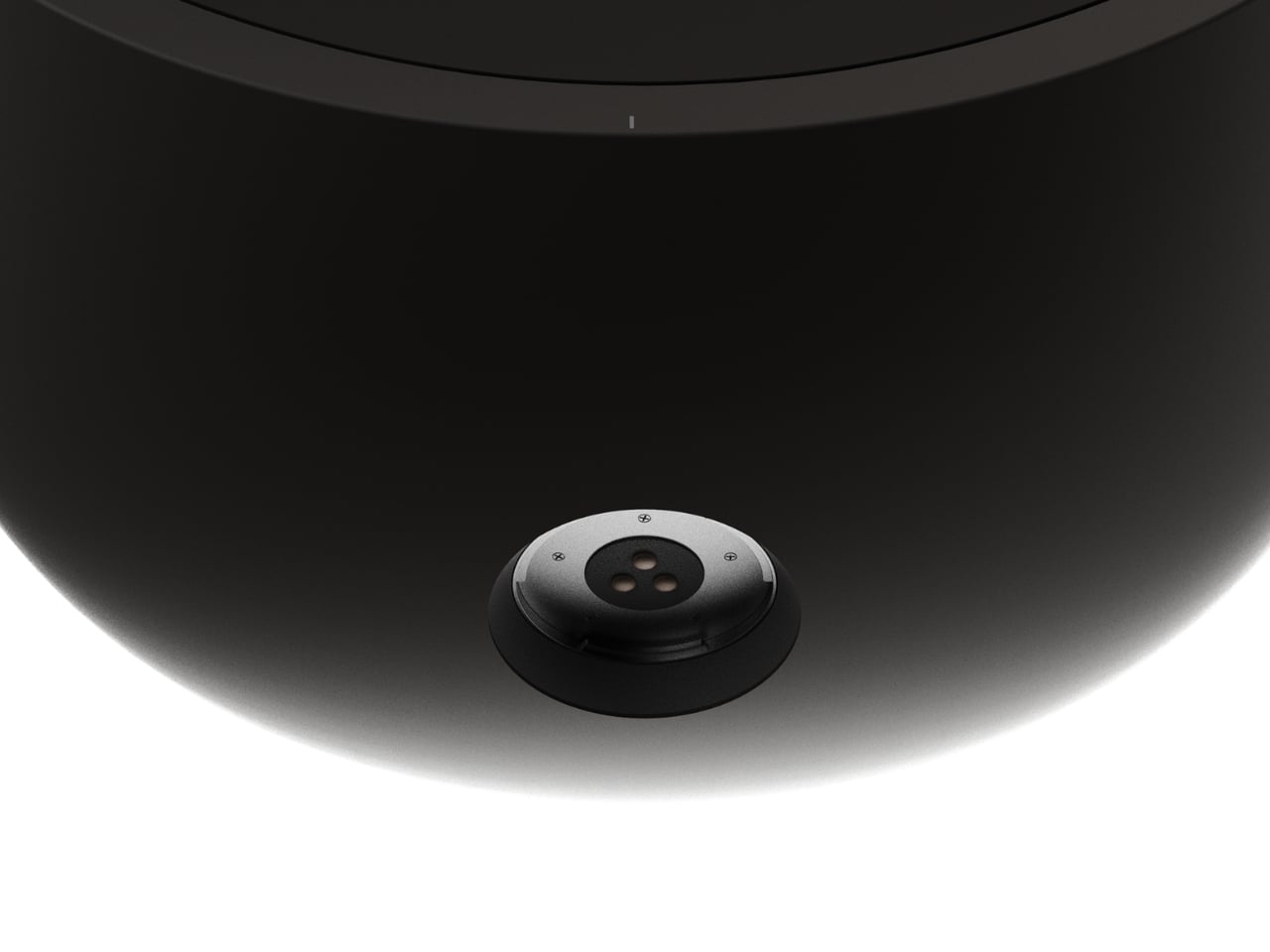
The lamp is two elements that live together, a luminous donut that holds the light and a weighted base that stays plugged in. When the donut rests on the base, it behaves like a sculptural table lamp. When lifted, it becomes a compact, cordless light that can travel to the terrace, coffee table, or hallway without trailing cables behind it or requiring a new outlet.

The base is both a stand and an induction charger. When the donut is dropped back onto it, charging starts automatically, no ports or cables to find in the dark. This turns recharging into a background ritual, the same motion you would make when tidying a table at the end of the night, and the lamp is ready again by morning without thinking about it.

The soft, diffused glow from the ring throws gentle light across a table rather than a harsh spotlight. It is meant for calm, ambient illumination, the kind that makes late conversations feel unhurried and lets food or books sit in a pool of warm light without glare. The donut radiates evenly in all directions, so it never casts hard shadows or creates bright spots.

The donut on a balcony rail during a late drink, on a low shelf beside a sofa, or in a hallway where there is no convenient outlet shows how the same object moves between roles without looking like camping gear. It stays firmly in the language of interior objects, simple forms, rich colors, and a glow that feels like it belongs rather than borrowed from a utility drawer.

The contrast between the glossy, cream-colored ring and the solid, colored base makes the lamp read almost like a small sculpture when assembled. The base comes in several tones, burgundy, green, and blue, so it can either disappear into furniture or act as a quiet accent in a neutral room. The proportions are calm and grounded, not trying to impress with complexity.

ILO is less about showing off wireless charging and more about removing the tiny compromises that come with static lamps. It treats light as something that can follow dinners, conversations, and quiet moments, while still looking like a considered object when it comes home to its base. For people who move through their homes rather than settling in one spot all evening, a lamp that can keep up without cables or outlets starts to feel less like a luxury and more like how lighting should have worked all along.

The post ILO Lamp Lets Soft Light Wander Between Rooms first appeared on Yanko Design.
Lotus Effect Vase Lets Stems Drift Across Edges Like Leaves on Water

The lotus effect is a phenomenon where aquatic plant leaves shed water and dirt through microscopic surface structures, staying clean and efficient under heavy rain. The symbolism runs deeper, plants like Victoria regia and white lotus that emerge from murky depths to float serenely on the surface, occupying the boundary between water and air. That mix of resilience, lightness, and boundary dwelling becomes the starting point for a vase that treats support as spatial action rather than neutral containment.

The Lotus Effect Vase is a minimal object that borrows the outline of aquatic leaves and turns it into structure. It combines a circular metallic element, echoing a floating leaf, with a slim cylindrical container, both in stainless steel. It is not trying to imitate the lotus leaf literally; it is translating its posture and presence into a support for cut stems, turning the ring into both a base and a way to guide where the plant can go.

Designer: Fabrício Auler

Most vases center the plant, holding stems upright in the middle of a table or shelf and making the container disappear behind the flowers. This design treats the support as an active part of the composition. The ring and cylinder let the plant lean, angle, and extend, so it stops being in the right place and starts inhabiting different positions relative to furniture and space, with the steel structure visible and intentional rather than hidden.

The circular structure invites the vase to live on edges and thresholds, resting across the corner of a bench, near the lip of a shelf, or slightly off-center on a sideboard. The plant can project into the room, skim along a surface, or cross from one plane to another. It feels closer to how a leaf floats at the boundary between water and air than to a bouquet locked in a vertical cylinder, turning what would normally be a centerpiece into something more provisional and spatial.

1

The choice of stainless steel, cold and permanent, confronts the organic and ephemeral character of the natural. The technical gesture tries to capture the movement of a leaf in a fixed line and ring, freezing a moment of tilt or drift. The living stem then reintroduces change, growing, wilting, and being replaced, so the object becomes a frame for ongoing variation rather than a static centerpiece that always looks the same.

The project extends beyond the object into a small visual system, with circular green forms, modular layouts, and the LOTUS wordmark echoing lily pads on a calm surface. This suggests that the designer is thinking about the vase not as a one-off sculpture, but as part of a family of gestures and surfaces that could populate a room, each one giving plants a slightly different way to occupy space and relate to the furniture around them.

The Lotus Effect Vase quietly questions how we bring nature into interiors. Instead of forcing stems into a single, upright pose, it lets them behave more like they do outside, leaning, reaching, and crossing boundaries. It turns the vase into a small negotiation between leaf and line, water and steel, reminding you that even uprooted and repositioned, a plant can still find new ways to express itself in built scenarios, given the right kind of support.

The post Lotus Effect Vase Lets Stems Drift Across Edges Like Leaves on Water first appeared on Yanko Design.
Naya Connect Keyboard Lets You Snap On a Trackball, Numpad, or Dial

Most desks end up with a nice mechanical keyboard, a separate mouse, maybe a trackpad, a macro pad, and, if you work in 3D, a space controller, all fighting for room. Keyboards stay fixed layouts, even as workflows get more complex and tools multiply. Naya Connect treats the keyboard as the center of a modular workstation instead of just another rectangle, letting the rest of your input tools snap onto it and adapt as your work changes.

Naya Connect is a low-profile mechanical ecosystem built around the Naya Type keyboard and a dock. Naya Type is a slim 75% board with an aluminum body, Kailh Choc V2 switches, and a 14.9 mm profile, designed to be wireless when paired with the dock. The interesting part is not the layout, but what can snap onto it, a family of input modules that attach magnetically and talk to the same software layer.

Designer: Naya

The keyboard and dock have magnetic connection points on both sides, letting you attach modules wherever they make sense. You can add a Multipad as a numpad or macro pad, a six-key strip for extra shortcuts, or build a full console by chaining modules along one edge. The system grows sideways with your workflow instead of forcing you into a single configuration that never quite fits once your needs shift or projects change.

The modules cover different input modes. A Multipad acts as a numpad or macro grid, a six-key strip handles quick actions, a Track module replaces a mouse with a trackball, a Touch module works like a compact touchpad, a Tune dial offers dynamic haptics for scrubbing timelines or adjusting values, and a Float puck gives six degrees of freedom for 3D navigation and camera control.

The hardware only works because the software is flexible. Naya Flow is the configuration app that lets you remap keys, tune module behaviour, and build complex logic with drag-and-drop tools. You can set per-app profiles, change how the Tune dial feels depending on what you are doing, and decide what each touch zone or trackball gesture should trigger, without writing scripts or diving into config files.

The aluminum body, low-profile keycaps, and clean black aesthetic keep the keyboard from looking like a science project, even when it is covered in modules. The modules share the same design language, so a trackball, dial, and macro pad feel like parts of one system rather than a pile of mismatched gadgets. The result is a desk that looks intentional even when it is heavily customized and adapted to very specific tasks.

Naya Connect is aimed at people who live in code editors, timelines, spreadsheets, or 3D scenes all day and want input tools that can evolve with their work. It is not trying to be a mass-market keyboard. Instead, it’s trying to be a platform that grows and reconfigures as often as the projects do, without asking you to keep buying entirely new peripherals or cluttering the desk with orphaned tools.

The post Naya Connect Keyboard Lets You Snap On a Trackball, Numpad, or Dial first appeared on Yanko Design.
Fairbuds XL Gen 2 Drivers Fit Gen 1 Headphones for a €100 Upgrade

Most wireless headphones quietly become disposable. Batteries fade, cushions peel, and people replace the whole thing every few years instead of fixing what broke. Fairphone’s first Fairbuds XL were an outlier, modular and self-repairable with screws instead of glue. Gen 2 is the next step, not a clean break but a refinement that tries to make keeping and upgrading a pair of headphones feel as normal as replacing them.

Fairbuds XL Gen 2 are over-ear headphones that keep the same modular skeleton but add new 40-mm dynamic drivers, refined tuning, and updated materials. Fairphone claims 30 hours of listening, active noise cancelling with ambient mode, Bluetooth or USB-C wired listening, and two colorways, Forest Green and Horizon Black, which deepen the original palette into something a bit more mature and less obviously plastic.

Designer: Fairphone

The drivers are the most interesting change. Gen 2 ships with new 40-mm dynamic drivers and updated tuning for a more natural, detailed sound, but those drivers are also sold separately as modules. Owners of the 2023 Fairbuds XL can open their existing headphones with a screwdriver and slot in the new drivers, keeping everything else while upgrading the sound. That turns the Gen 2 launch into both a new product and a parts catalog.

The comfort story centers on materials. The headband now uses a breathable net fabric, and the ear cushions switch to a soft birdseye mesh, which improves comfort during long sessions. The IP54 rating handles dust and splash resistance, and the new material identity balances durability with a sleeker look. The switch from PU leather to mesh is practical for warm environments and long wear, without sacrificing the ability to take everything apart when it wears.

The modular design remains unchanged, with nine replaceable parts, including the battery, cushions, drivers, headband, and covers, all held together with screws and no glue. The battery is easily removable, the three-year warranty extends the standard two years, and the LONGTIME™ label certifies products designed for longevity and repairability. The goal is to keep components in use instead of sending whole headphones to the landfill when one piece fails.

Advanced noise cancelling with a switchable ambient mode, an upgraded Fairbuds app with new presets and customizable EQ, and Bluetooth with dual-point connectivity let you move between phone and laptop. You can also plug in over USB-C for battery-free listening. Gen 2 adds auto power-off after 30 minutes of inactivity with ANC off, saving battery and extending runtime per charge, which is a small but thoughtful improvement.

Most Gen 2 products pretend Gen 1 never happened. Fairbuds XL Gen 2 ships drivers that fit both, which means the launch doubles as a parts drop for anyone who bought the original two years ago. That feels unusual enough to notice, especially at €249 for a full headset or roughly €100 to just swap the drivers. Whether or not that changes anyone’s mind about buying repairable gear, it at least shows that upgrading can be designed in from the start instead of being treated as impossible or inconvenient.

The post Fairbuds XL Gen 2 Drivers Fit Gen 1 Headphones for a €100 Upgrade first appeared on Yanko Design.
UltraBar X Replaces Your Stream Deck, Volume Knob, and Phone Apps

Most desks accumulate a scattered collection of control devices over time. There’s the keyboard and mouse, maybe a Stream Deck for shortcuts, a volume knob for your speakers, a phone running smart home apps, and a separate remote for the desk lamp. Each solves a specific problem, but together they create a landscape of disconnected gadgets competing for space and attention. The monitor sits above it all, while everything underneath becomes a tangled mess of cables and redundant functions.

UltraBar X tries to consolidate that chaos into a single, modular strip that lives under your monitor. Built around a long, wedge-shaped bar with an ultra-wide display, it acts as a command center for your computer, applications, and even your smart home devices. Instead of a fixed product, it works more like a platform where you snap on magnetic modules to build the exact control surface your desk needs.

Designer: Team UltraBar

Click Here to Buy Now: $289 $429 (33% off). Hurry, only 379/500 left! Raised over $178,000.

The central piece is CoreBar, a low, seven-inch display wedge-shaped bar tilted at forty-five degrees so it’s easy to glance at without adjusting your posture. The screen shows clocks, system stats, app icons, and customizable scenes that change based on what you’re doing. Tap the screen to wake your PC, jump between apps, or trigger macros, all from a touch interface that sits right where your hands naturally rest.

What makes the system feel different is how the magnetic modules expand it. DotKey snaps onto the side and brings a cluster of Cherry MX mechanical keys for shortcuts and macros. KnobKey adds a precision rotary dial that clicks crisply as you turn it, perfect for adjusting volume, brush size, or timeline scrubbing. VivoCube is a tiny controller with its own AMOLED screen and switches, small enough to hold or dock alongside the bar.

Of course, there’s also SenseCube, the environmental sensing module. Inside its small triangular shell are millimeter-wave radar and sensors for light, temperature, humidity, and vibration. This gives your desk a kind of ambient awareness, letting it detect when you sit down, notice changes in lighting, or respond when the room gets too warm. The workspace starts to feel less static and more responsive without constant input.

A typical morning might look like this. You walk up to your desk and tap CoreBar to wake the PC, which also brings up a layout tuned for writing and email. The mechanical keys are mapped to window management shortcuts, while the knob handles scrolling through long documents. Later, a single press shifts CoreBar into a design layout, and pretty much the same modules now control brush size, zoom, and layers in Photoshop or Illustrator.

The system doesn’t stop at the screen. Through its network connection, CoreBar can talk to Philips Hue lights to adjust the room based on your focus mode, or trigger a Sonos playlist with a single tap on an icon. The same bar that manages your open apps can also dim the lights or change the soundtrack, turning your desktop into a bridge between your computer and the rest of your space.

What keeps the experience from feeling overwhelming is how the software handles it. CoreBar runs a custom system with an app store and a library of templates for different workflows. Programmers get layouts for terminal, debugging, and IDE shortcuts. Designers get knobs and keys for brushes and layers. Streamers get scene controls and quick mutes. These templates bundle icons, animations, and logic, so you can load a complete setup without building from scratch.

That said, the modular approach means the system can grow over time. You can start with just CoreBar and add modules as you figure out what you actually need, swapping them in and out as your workflow shifts. The QuantumLink magnetic protocol means modules snap on, get recognized instantly, and can be reconfigured in seconds without tools or menus.

UltraBar X is made for people who enjoy shaping their tools rather than accepting whatever default interface their operating system provides. It doesn’t replace your keyboard or mouse, but it gives the space under your monitor a clear job beyond collecting dust and cable clutter. For anyone tired of juggling separate devices or hunting through nested menus, a modular bar that can sense, adapt, and consolidate feels like a thoughtful step toward desks that work the way you do.

Click Here to Buy Now: $289 $429 (33% off). Hurry, only 379/500 left! Raised over $178,000.

The post UltraBar X Replaces Your Stream Deck, Volume Knob, and Phone Apps first appeared on Yanko Design.
This Modular Chair Transforms Into 3 Designs With One Sphere

Remember when you were a kid and every toy was an invitation to build something new? Designers Sihun Lim and Hyeonggyun Han are bringing that same playful spirit to furniture with their PLA modular chair concept, and honestly, it’s the kind of design that makes you wonder why all furniture isn’t this fun.
The PLA project is built around a simple but brilliant idea: what if you could customize your chair the same way you’d snap together building blocks? At the heart of each design is a spherical connector module that acts like a universal joint, letting you attach different seat backs, legs, and structural elements to create wildly different chair styles. It’s furniture that refuses to be just one thing, and in our era of tiny apartments and ever-changing aesthetics, that flexibility feels genuinely exciting.
Designers: Sihun Lim, Hyeonggyun Han

Create your own Aesthetic Render: Download KeyShot Studio Right Now!

What really sets this concept apart is its unapologetic space theme. Lim and Han didn’t just create modular chairs; they created modular chairs inspired by the cosmos, and that choice transforms what could have been a purely functional exercise into something that sparks imagination. The three main designs (cleverly named O1-P, O2-A, and O3-L) each take inspiration from different space exploration imagery, turning everyday seating into conversation pieces.
The O3-L sunbed takes inspiration from satellites orbiting in space, complete with distinctive panels that evoke solar arrays. The design has this wonderful industrial edge to it, with metal connecting elements that create visual interest while serving the practical purpose of holding everything together. When viewed from above, it really does resemble a satellite, right down to the way the components radiate from that central spherical hub.

Then there’s the O2-A chair, which draws from Saturn’s iconic silhouette. When you look at it from the side, you can see how the designers translated those distinctive planetary rings into flexible curves that wrap around the central sphere. The result is a chair that feels both organic and architectural, with legs that flow in elegant arcs. It’s the kind of piece that would look equally at home in a sleek office or a retro-futuristic cafe.

The O1-P stool channels the moment a lunar rover touches down on the moon’s surface. The body of the rover becomes the seat, while the landing legs translate into the stool’s four individually configurable legs. It’s that perfect intersection of form following function and function following fantasy. You can practically imagine Neil Armstrong’s voice as you pull up a seat.


The color palette is another smart choice. Instead of playing it safe with neutrals, the designers went bold with electric blues, coral pinks, and eye-popping lime greens. These aren’t colors that fade into the background; they’re colors that announce themselves. Combined with the metallic silver pipes and connector elements, the chairs have this retro-futuristic vibe that feels fresh rather than dated. It’s very “The Jetsons meet contemporary Scandinavian design.”

Beyond the aesthetic appeal, there’s something genuinely progressive about the modular approach. We live in a world drowning in disposable furniture, where a wobbly chair leg often means the whole thing ends up in a landfill. With the PLA system, you could theoretically swap out broken parts, reconfigure your setup as your needs change, or completely transform your chair’s personality with new modules. It’s furniture that grows with you rather than becoming obsolete.

The designers describe PLA as embracing the concept of “Universe,” suggesting infinite possibilities for decorating and shaping according to imagination. That might sound a bit grandiose, but when you look at how the same central sphere can anchor completely different chair personalities, the metaphor tracks. It’s about giving users creative agency over their environment, letting them become co-creators rather than just consumers.

Of course, this is still a concept design, which means we can’t run out and buy one tomorrow. But that’s actually what makes projects like this so valuable. They push the conversation forward about what furniture could be, challenging both manufacturers and consumers to think beyond the static pieces we’ve accepted as normal. Whether or not the PLA system ever makes it to production, it’s already succeeding at its most important job: making us reimagine the everyday objects in our lives as canvases for creativity and play.

The post This Modular Chair Transforms Into 3 Designs With One Sphere first appeared on Yanko Design.