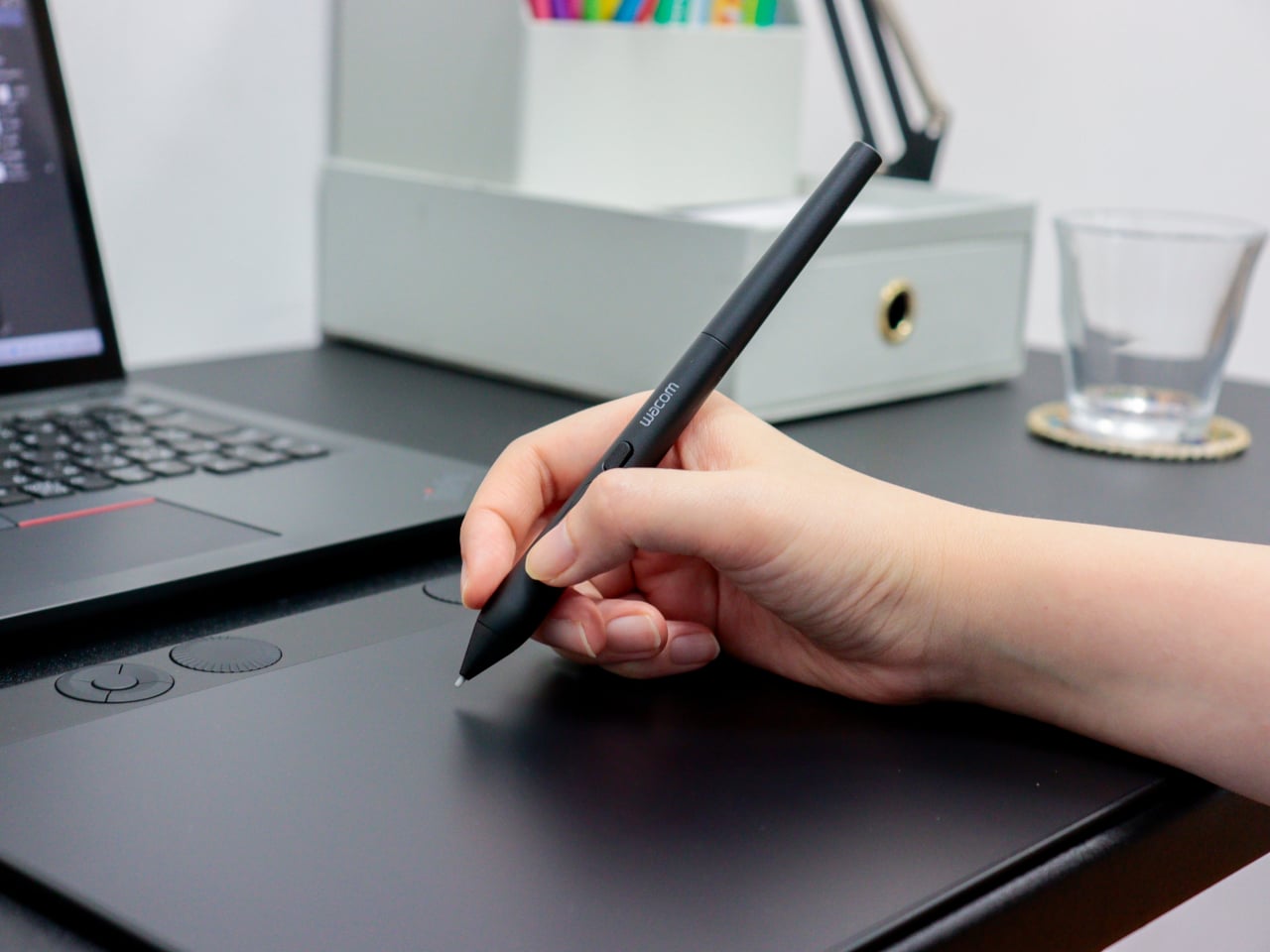
Wacom Art Pen 2 Adds the One Input Every Digital Pen Has Ignored

Digital art tools have gotten remarkably good at reading pressure and tilt, two of the three physical inputs that define how traditional artists handle a pen or brush. What’s remained elusive is the third one. The way a calligrapher twists a brush mid-stroke, or how a flat marker rotates to shift from wide edge to fine tip, hasn’t had a reliable digital equivalent for most current drawing hardware until now.

Wacom’s new Art Pen 2 addresses that directly. It’s the successor to the original Art Pen (KP701E) from 2010, a pen that already had a devoted following specifically for its 360° barrel rotation. The Art Pen 2 brings that same capability into Wacom’s current pen technology, combining rotation sensing with modern pressure and tilt detection in a tool built for serious digital drawing.

Designer: Wacom
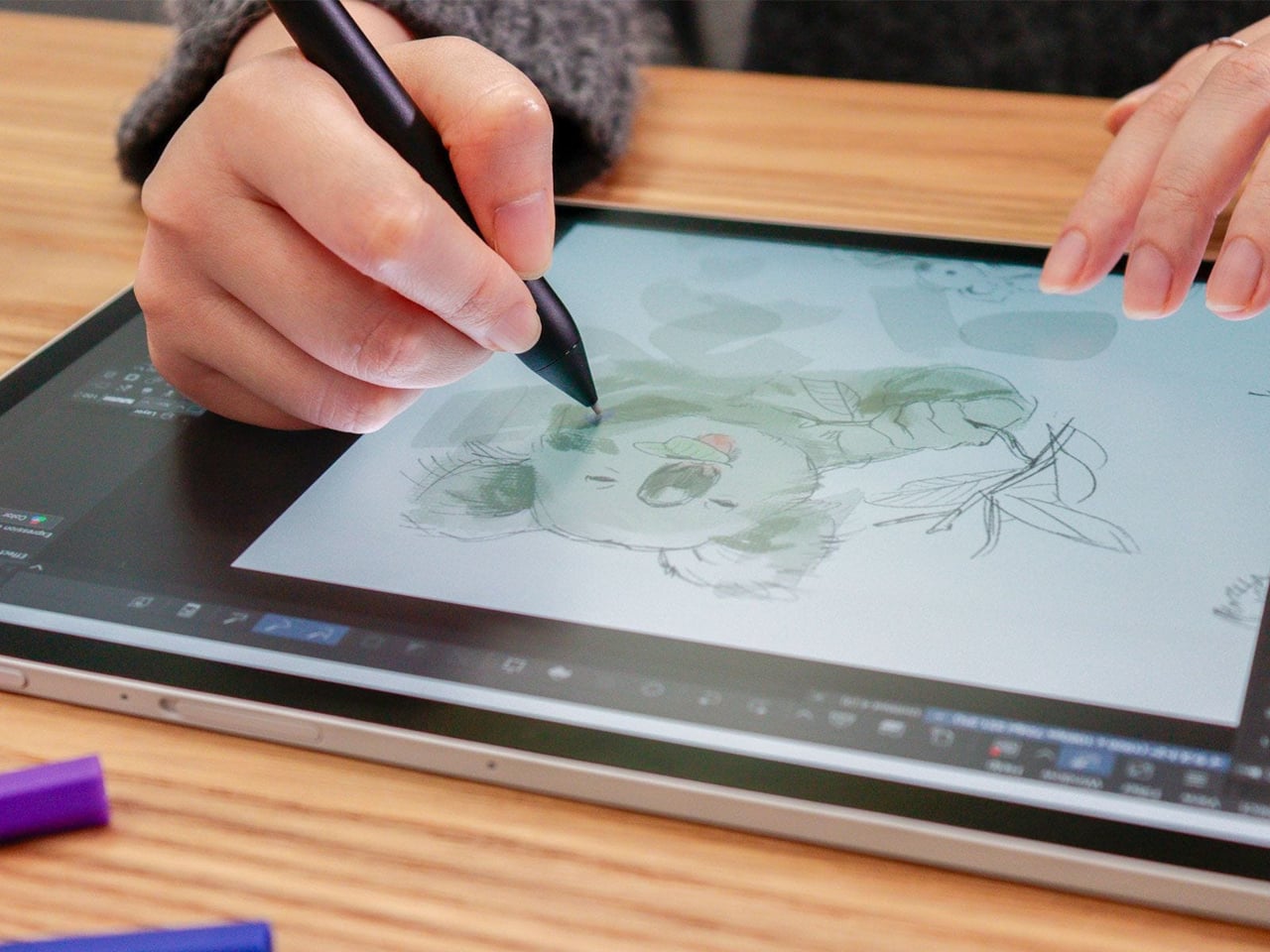
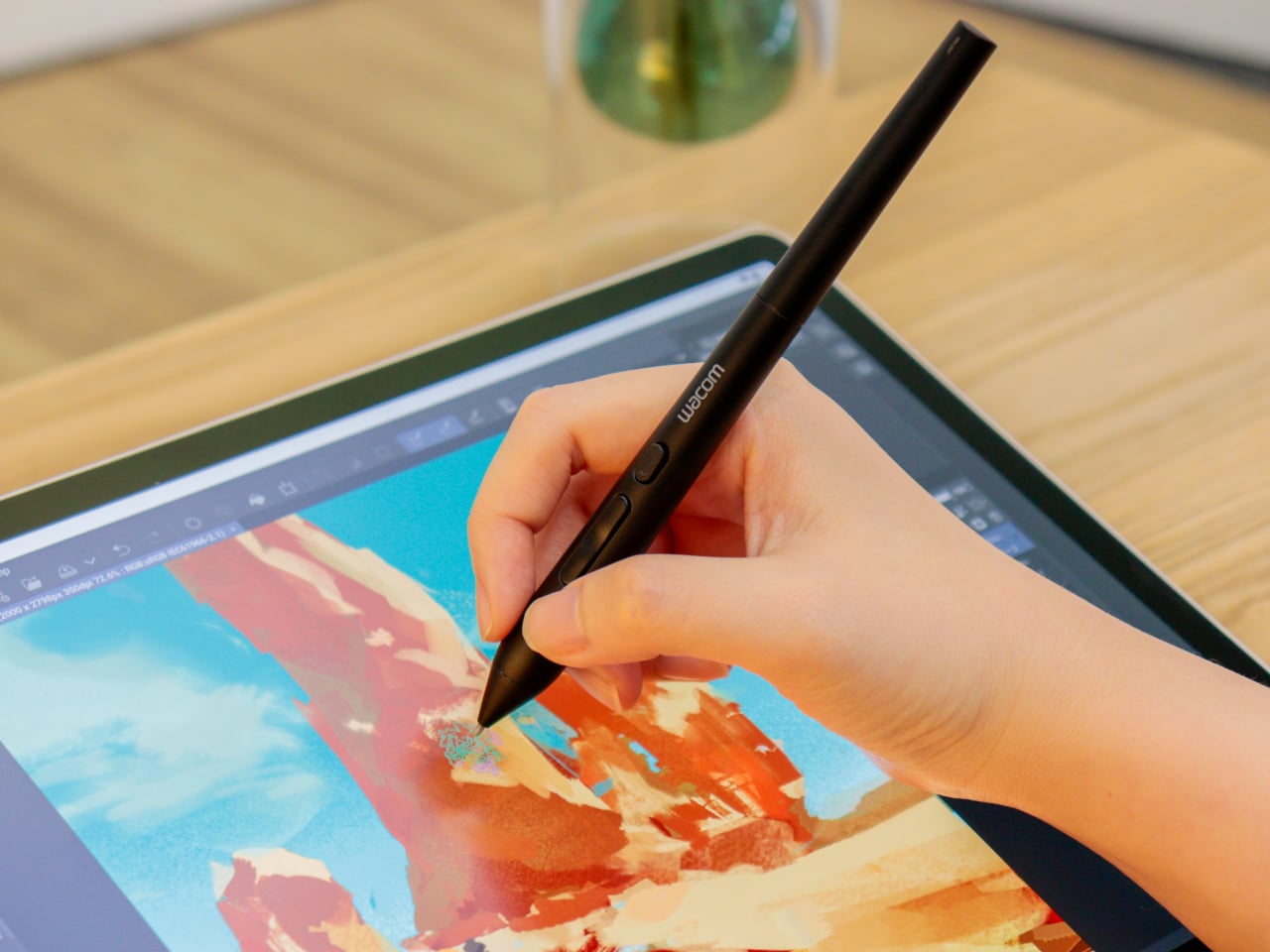
Rotating the pen in your hand, a motion letterers and calligraphers rely on instinctively, now translates into the software canvas when used with compatible applications. The Art Pen 2 reads that rotational angle and adjusts brush behavior accordingly, so thickening a stroke or softening an edge becomes a matter of how the pen sits in your grip, not which menu you reached for last.
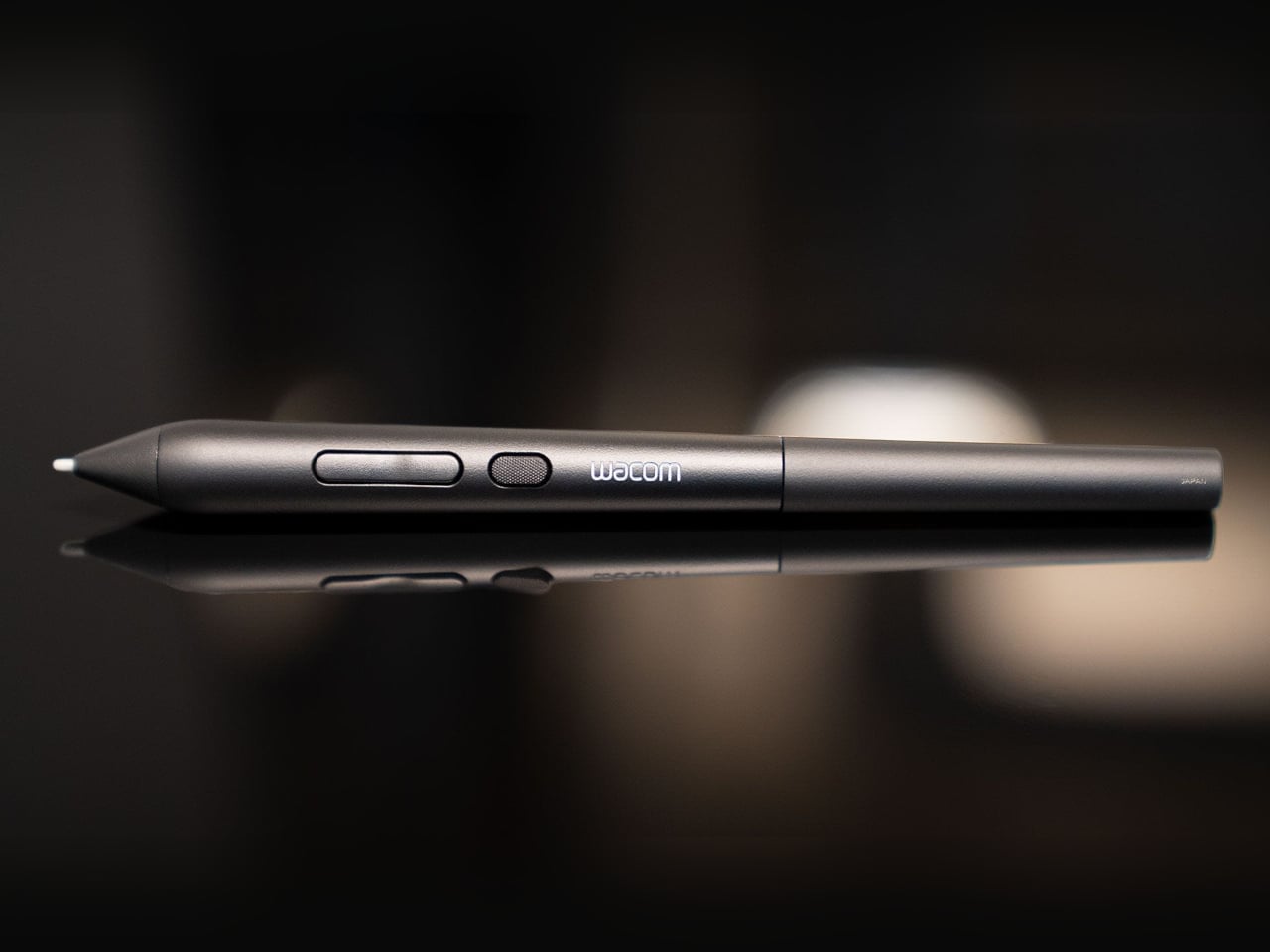
The technical foundation behind all that expressiveness is solid. The Art Pen 2 runs on Wacom’s battery-free EMR technology, so there’s no charge to manage mid-session. Three pen buttons handle workflow shortcuts, and up to 8,192 levels of pressure sensitivity cover everything from whisper-light gesture lines to heavy, decisive marks. A nib holder built into the barrel stores three spare tips for quick swaps.

Nib choice is also part of the picture. The pen ships with a Carbon Shaft POM (Polyoxymethylene) nib installed, a denser option suited to detailed, controlled work. Two additional types, standard POM Nibs and Felt Nibs, are available separately, each offering a different surface response that can shift the drawing experience considerably. All three nib types are exclusive to the Art Pen 2 and aren’t interchangeable with Pro Pen 3 nibs.
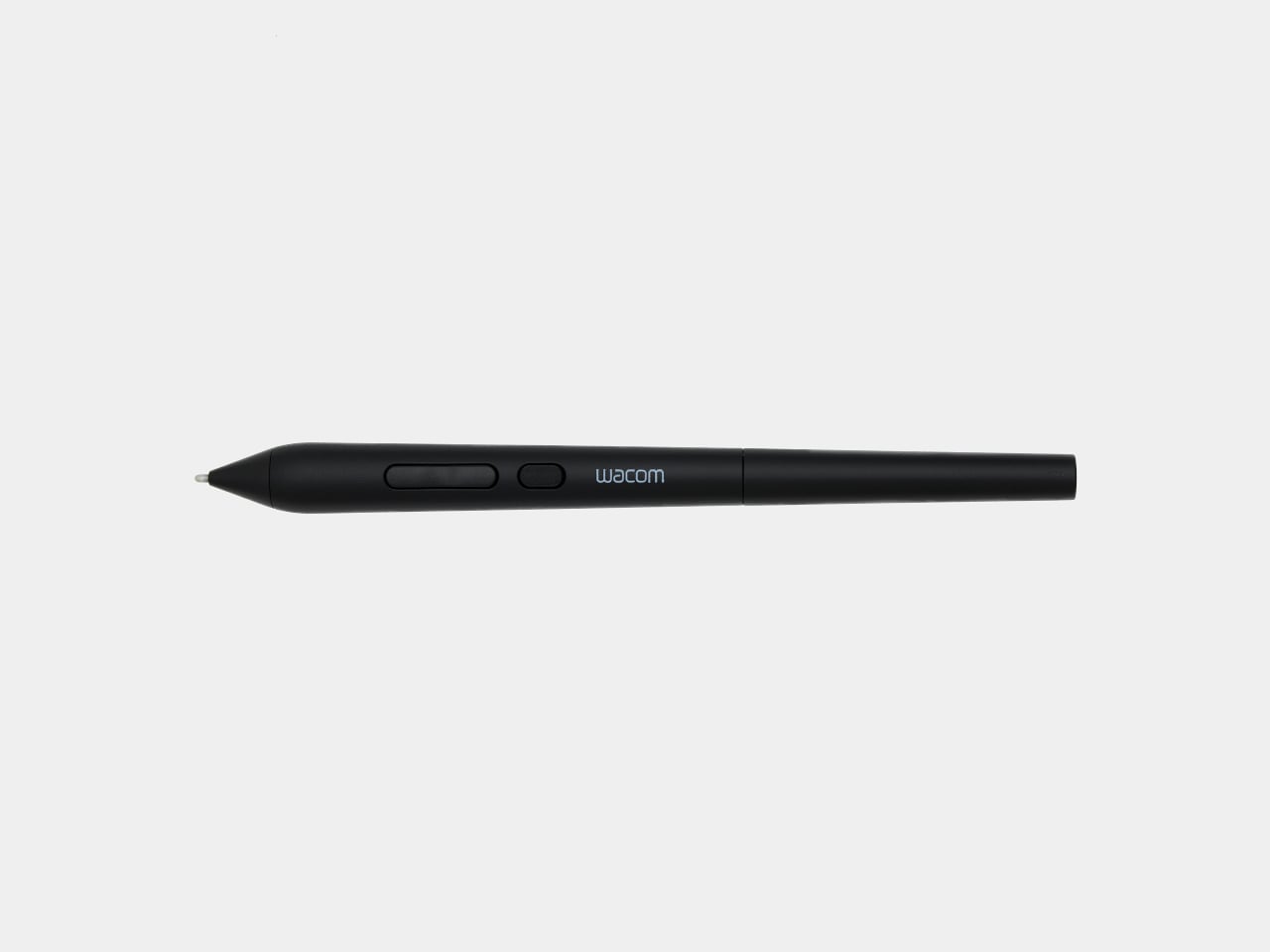
The Art Pen 2 sits alongside the Wacom Pro Pen 3 rather than replacing it. Where the Pro Pen 3 caters to artists who want physical customization, with interchangeable button plates, grips, and balance weights to fine-tune grip feel and center of gravity, the Art Pen 2 is built around expressive, rotation-sensitive drawing first. It’s a deliberately focused tool for a different kind of creative priority.
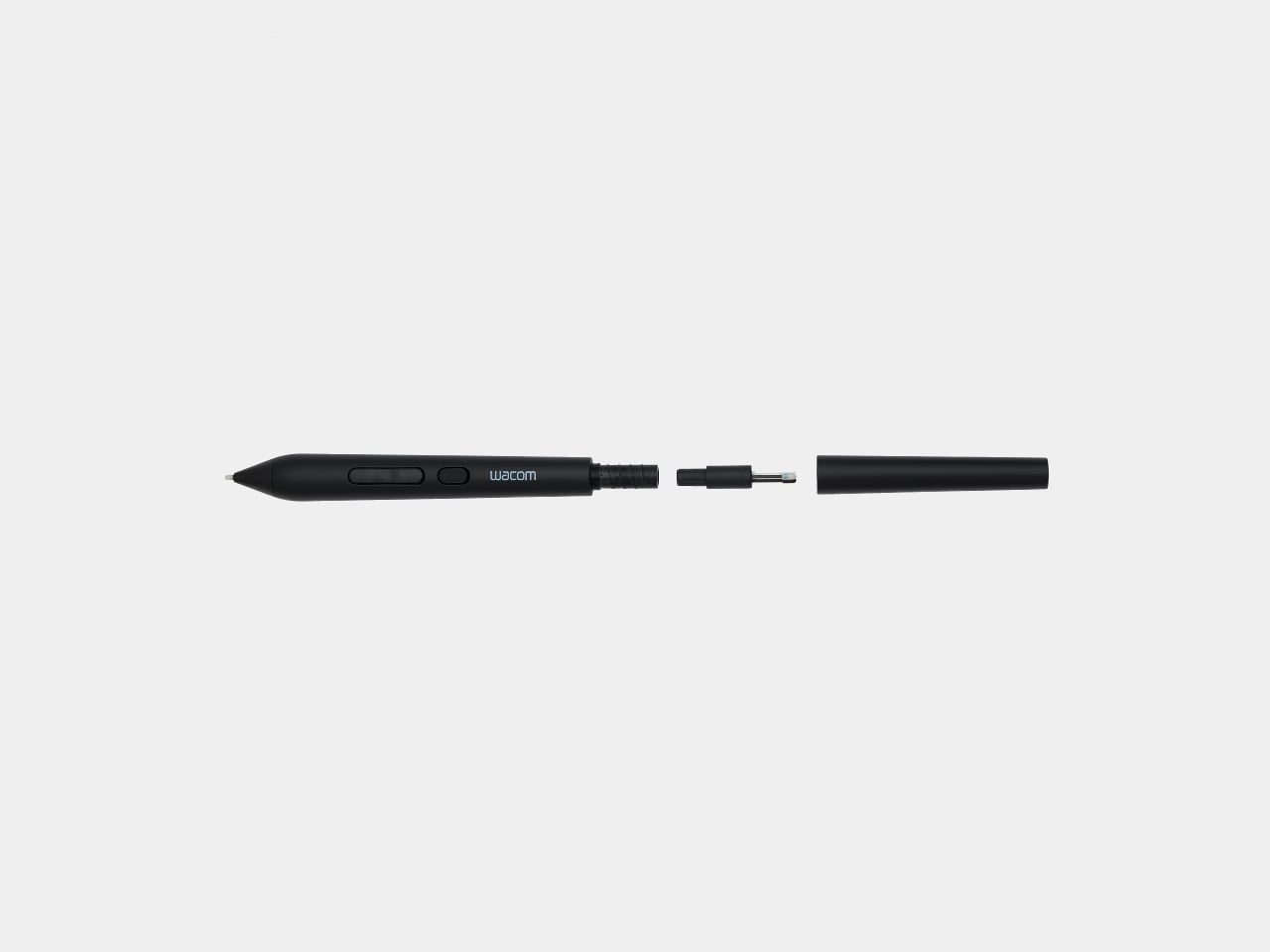
Compatibility covers a healthy range of current Wacom hardware. The Art Pen 2 works with the Wacom MovinkPad Pro 14, Wacom Intuos Pro (PTK470, PTK670, and PTK870), Wacom Cintiq 16 (DTK168), Wacom Cintiq 24 (DTK246), and Wacom Cintiq 24 touch (DTH246), with support for the Wacom Cintiq Pro lineup (DTH172, DTH227, and DTH271) arriving later this year.

Artists who’ve been using the original Art Pen for its rotation capability and waiting for it to work with current-generation Wacom devices finally have that option. The jump from the older KP701E to the Art Pen 2 also brings the full pressure sensitivity and EMR advances of today’s lineup, giving longtime fans of that rotation-based workflow a genuinely modern upgrade without giving up the expressiveness they’ve relied on.
The post Wacom Art Pen 2 Adds the One Input Every Digital Pen Has Ignored first appeared on Yanko Design.
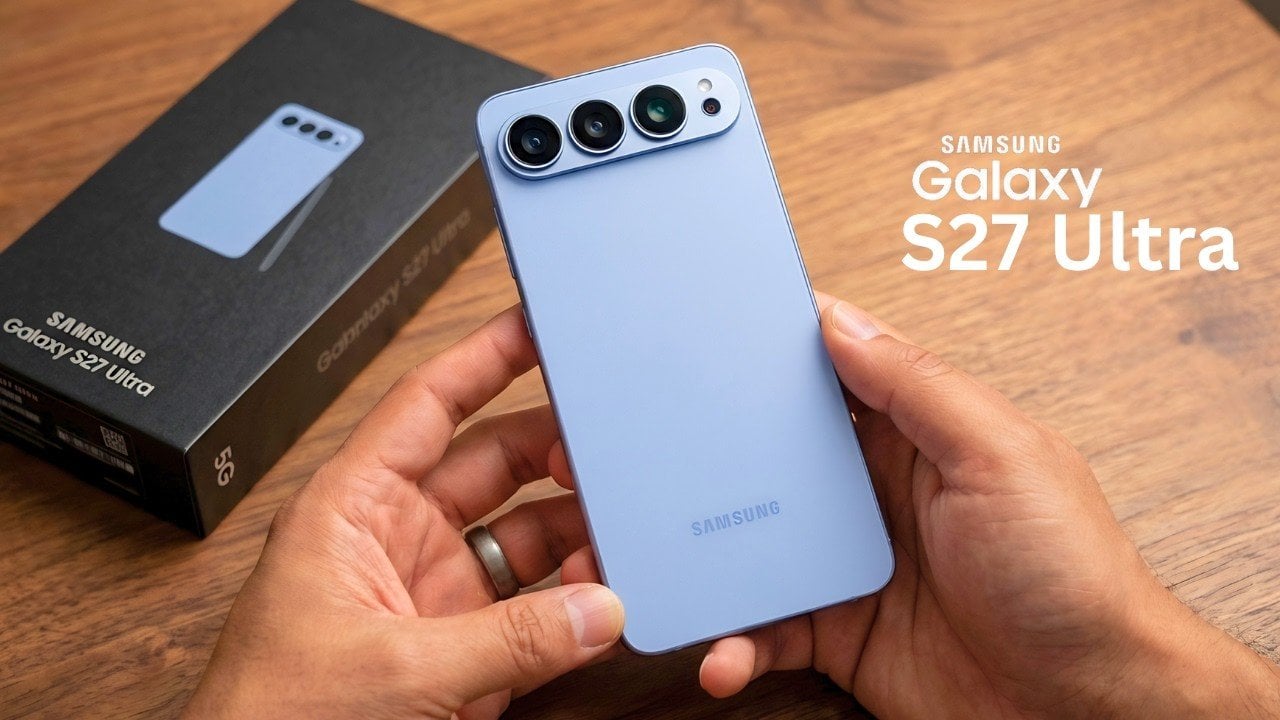

The Galaxy S27 Ultra’s New Variable Aperture: Samsung Just Perfected the Impossible Camera

The Galaxy S27 Ultra’s New Variable Aperture: Samsung Just Perfected the Impossible Camera Comparison of low light photography using variable aperture technology

The Samsung Galaxy S27 Ultra is poised to make a significant impact on the smartphone industry, blending advanced technology with strategic innovations. From its potential shift in display sourcing to new camera features and internal design enhancements, this flagship device could reshape the competitive dynamics of the market. Here’s an in-depth look at the features […]

The post The Galaxy S27 Ultra’s New Variable Aperture: Samsung Just Perfected the Impossible Camera appeared first on Geeky Gadgets.

Posted in Uncategorized

Anyone Can Easily Build a 24/7 Hermes AI Assistant from Scratch

Anyone Can Easily Build a 24/7 Hermes AI Assistant from Scratch Step-by-step workflow of Hermes AI automating a content creation task.

The Hermes Agent is a fully autonomous AI system designed to operate continuously, offering solutions for task automation and workflow management. Key features include persistent memory, predefined automation workflows and scheduled tasks, all of which allow it to adapt to user requirements over time. According to AI Foundations, one practical deployment option is using a […]

The post Anyone Can Easily Build a 24/7 Hermes AI Assistant from Scratch appeared first on Geeky Gadgets.

Posted in Uncategorized

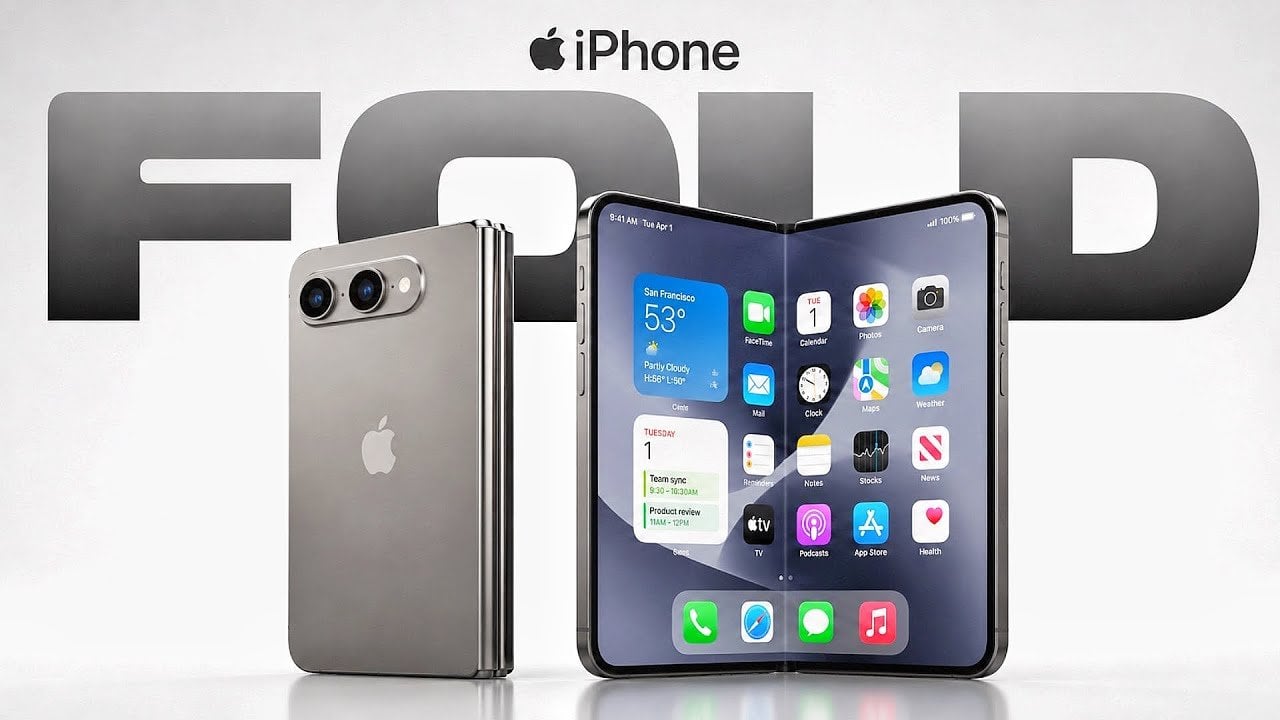
Why Apple Dropped Face ID for the iPhone Ultra Fold

Why Apple Dropped Face ID for the iPhone Ultra Fold Side profile showing the ultra-thin 4.5mm unfolded iPhone

Apple is poised to make a significant entry into the foldable smartphone market with the highly anticipated iPhone Ultra Fold, expected to launch in September 2026 alongside the iPhone 18 Pro lineup. This device is set to represent a major evolution in smartphone design, addressing persistent challenges in foldable technology while delivering a premium user […]

The post Why Apple Dropped Face ID for the iPhone Ultra Fold appeared first on Geeky Gadgets.

Posted in Uncategorized

Smart Homes : SONOFF Finally Fixed the New NSPanel Pro Gen2

Smart Homes : SONOFF Finally Fixed the New NSPanel Pro Gen2 Sonoff NSPanel Pro Gen 2 mounted on a wall displaying smart home controls.

The NSPanel Pro Gen 2 from Sonoff marks a notable improvement over its predecessor, addressing key limitations while introducing a range of enhanced features. A Smarter House explores how this compact, wall-mounted device combines a dual-channel relay, Zigbee gateway, Matter bridge, and Home Assistant dashboard into a single unit, offering a streamlined approach to smart […]

The post Smart Homes : SONOFF Finally Fixed the New NSPanel Pro Gen2 appeared first on Geeky Gadgets.

Posted in Uncategorized

Move Over, S26 Ultra: The Samsung Galaxy Z TriFold 2’s New S Pen Design Changes Everything

Move Over, S26 Ultra: The Samsung Galaxy Z TriFold 2’s New S Pen Design Changes Everything Diagram showing S Pen storage inside a foldable phone hinge

Samsung continues to lead the way in foldable technology, with patents and leaks pointing to exciting advancements in their upcoming devices. Among these innovations, the Galaxy Z TriFold 2 stands out as a potential breakthrough in the foldable market. At its core is a clever S Pen storage mechanism, which highlights Samsung’s commitment to merging […]

The post Move Over, S26 Ultra: The Samsung Galaxy Z TriFold 2’s New S Pen Design Changes Everything appeared first on Geeky Gadgets.

Posted in Uncategorized

Bulding a Polymarket AI Trading Bot : Complete 2026 Guide

Bulding a Polymarket AI Trading Bot : Complete 2026 Guide Real-time Bloomberg style dashboard for crypto trading

Building an AI trading bot for Polymarket combines technical development with strategic financial decision-making. All About AI examines how to build a bot designed to predict Bitcoin price movements within five-minute intervals, using the Gamma API to connect with Polymarket’s decentralized prediction market. A central element of this process is implementing a late-window convergence scalping […]

The post Bulding a Polymarket AI Trading Bot : Complete 2026 Guide appeared first on Geeky Gadgets.

Posted in Uncategorized

The Hidden Display Upgrade Inside the iPhone 18 Pro

The Hidden Display Upgrade Inside the iPhone 18 Pro Front view of the iPhone 18 Pro showing the smaller Dynamic Island.

The iPhone 18 Pro represents a significant evolution in Apple’s flagship smartphone lineup, blending innovative technology with refined design choices. From advancements in display innovation to updates in camera functionality, the device aims to elevate the premium smartphone experience. However, some decisions, particularly regarding durability, have sparked debate among users and industry experts. Here’s a […]

The post The Hidden Display Upgrade Inside the iPhone 18 Pro appeared first on Geeky Gadgets.

Posted in Uncategorized

VITURE Beast vs XREAL One Pro: Why One Set of AR Glasses Completely Dominates

VITURE Beast vs XREAL One Pro: Why One Set of AR Glasses Completely Dominates User wearing Viture Beast glasses for productivity and gaming

The VITURE Beast and XREAL One Pro represent two compelling options in the growing field of extended reality (XR) glasses, each catering to distinct user needs. As highlighted by Gadgets Guardian, the VITURE Beast distinguishes itself with its superior display quality, offering a resolution of 1200p and brightness levels up to 1250 nits. This makes […]

The post VITURE Beast vs XREAL One Pro: Why One Set of AR Glasses Completely Dominates appeared first on Geeky Gadgets.

Posted in Uncategorized

Why Your iPhone Isn’t Using Its Full 120Hz Display (and How to Fix It)

Why Your iPhone Isn’t Using Its Full 120Hz Display (and How to Fix It) Illustration of refresh rate related to the article topic.

If you own an iPhone equipped with a ProMotion display, such as the iPhone 13 Pro or newer, you might not be using its full potential. While these devices support a 120 Hz refresh rate, Safari, the default browser, is capped at 60 Hz by default. However, with a few adjustments, you can enable Safari’s […]

The post Why Your iPhone Isn’t Using Its Full 120Hz Display (and How to Fix It) appeared first on Geeky Gadgets.

Posted in Uncategorized