Google Nano Banana 2 Fully Tested : Adds 4K & Faster Image Output

Google Nano Banana 2 Fully Tested : Adds 4K & Faster Image Output Screenshot of Google Nano Banana 2 generating a 4K image with adjustable aspect ratio and prompt settings.

Google’s latest AI image generation model, Nano Banana 2, refines its predecessor’s capabilities with a focus on precision and adaptability. According to Universe of AI, the model introduces key upgrades, including enhanced text rendering for multilingual support and the ability to maintain consistency across up to five characters and 14 objects in sequential images. These […]

The post Google Nano Banana 2 Fully Tested : Adds 4K & Faster Image Output appeared first on Geeky Gadgets.

Posted in Uncategorized

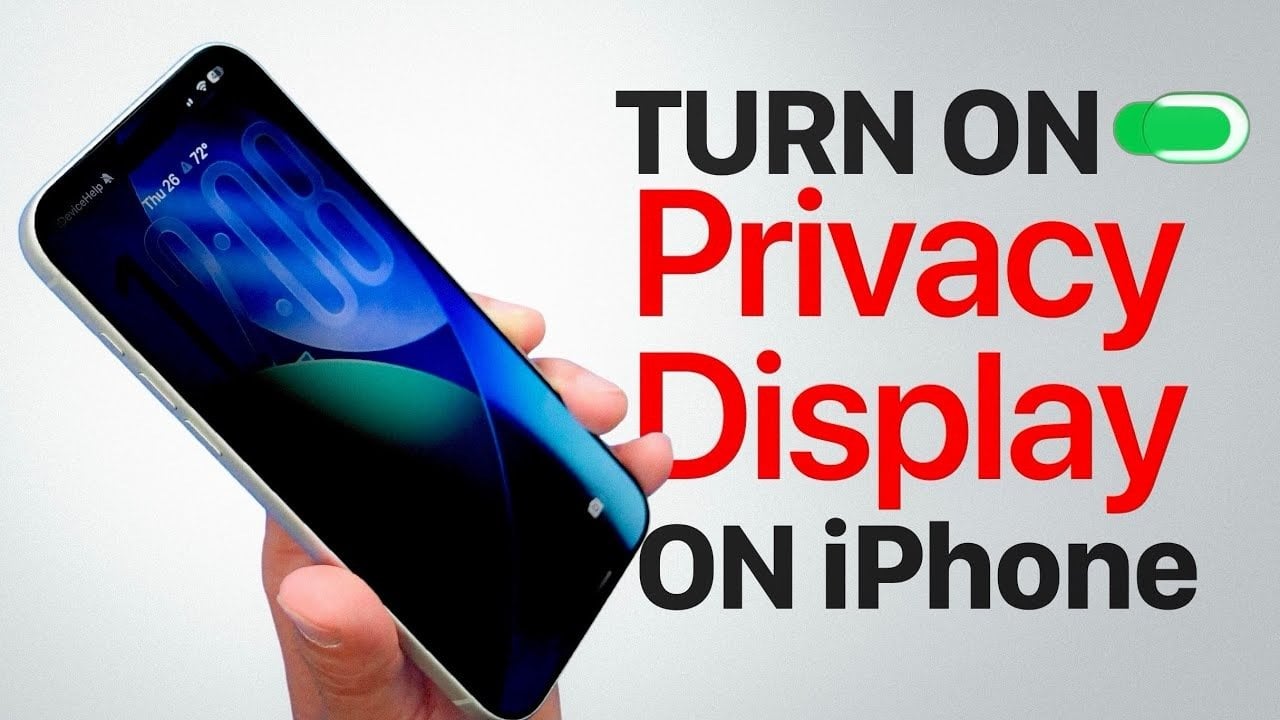
How to Get the Samsung S26 "Privacy Display” Effect on the iPhone

How to Get the Samsung S26 iPhone privacy display settings for reducing screen visibility

Have you ever found yourself wishing for a privacy display on your iPhone, similar to the one offered by Samsung? While Samsung’s hardware-based privacy display provides a seamless solution, iPhone users can achieve a comparable effect using built-in software features. The video below from iDeviceHelp outlines a step-by-step approach to enhancing your iPhone’s privacy settings, […]

The post How to Get the Samsung S26 “Privacy Display” Effect on the iPhone appeared first on Geeky Gadgets.

Posted in Uncategorized

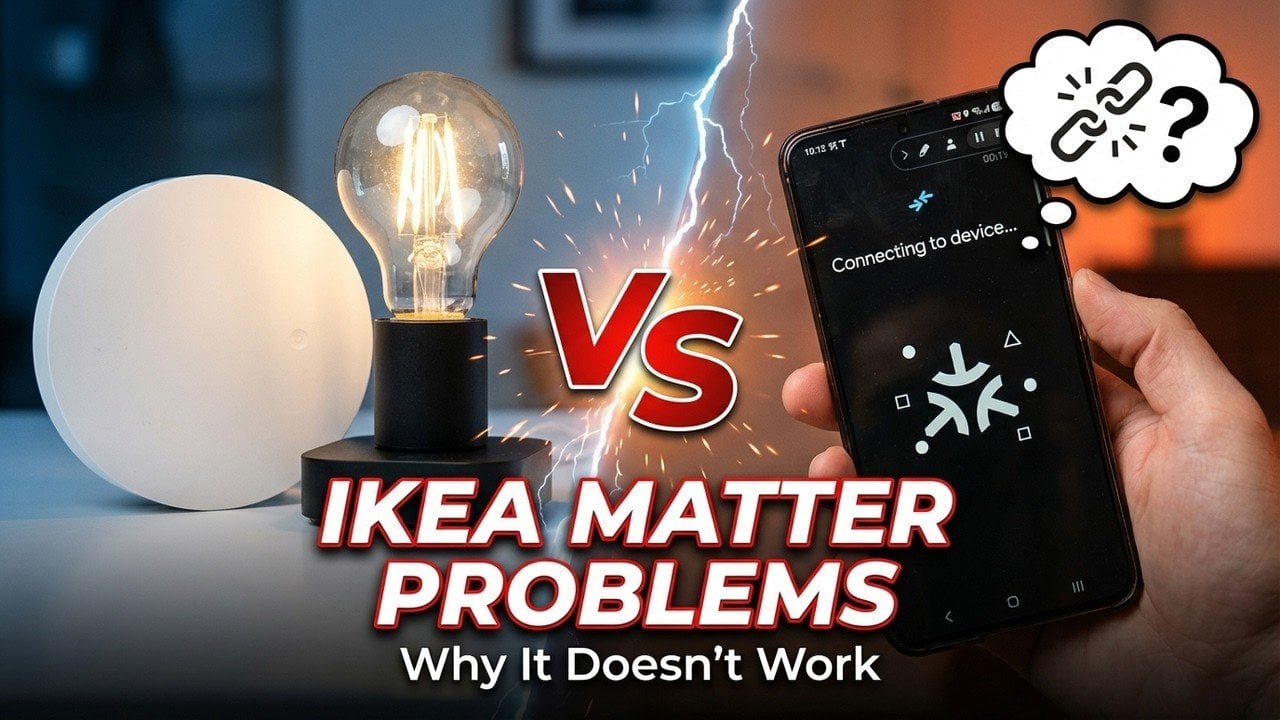
IKEA Dirigera Matter Devices Hit Pairing Failures Across Major Hubs

IKEA Dirigera Matter Devices Hit Pairing Failures Across Major Hubs Home Assistant Matter settings page highlighting automatic IPv6 configuration options linked to pairing stability.

IKEA’s new Matter-over-Thread smart home devices, including bulbs, remotes and air quality monitors, aim to simplify cross-platform integration with ecosystems like Apple HomeKit and Google Home. However, as highlighted by A Smarter House, these devices have faced significant challenges in real-world use. Common issues include pairing failures, inconsistent performance and firmware update problems, often requiring […]

The post IKEA Dirigera Matter Devices Hit Pairing Failures Across Major Hubs appeared first on Geeky Gadgets.

Posted in Uncategorized

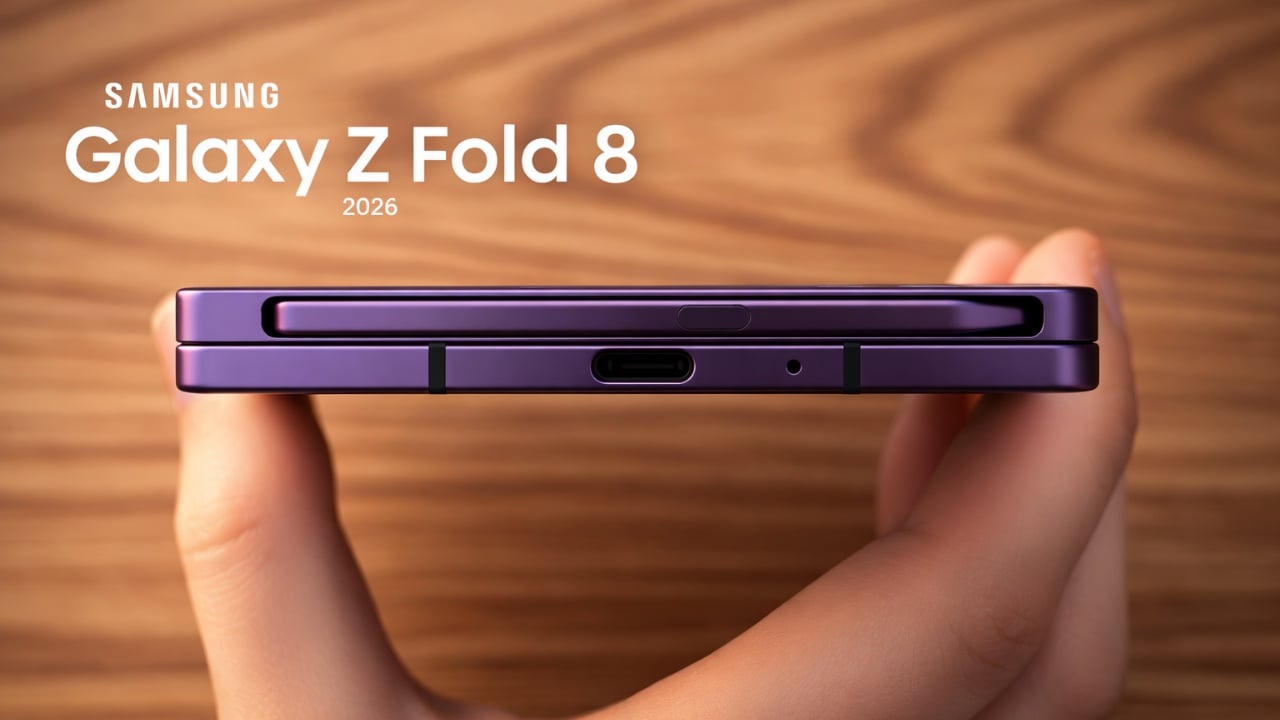
Samsung’s Galaxy Z Fold 8 Wide May Finally Solve the Foldable’s Biggest Flaw

Samsung’s Galaxy Z Fold 8 Wide May Finally Solve the Foldable’s Biggest Flaw Samsung Galaxy Z Fold 8 Wide

Samsung is poised to reshape the foldable smartphone market with the highly anticipated Galaxy Z Fold 8 Wide, expected to launch in the summer of 2026. This device promises a wider, more user-friendly design, addressing long-standing concerns about foldable phones’ practicality for multimedia, gaming, and productivity. As the foldable market matures, the Z Fold 8 […]

The post Samsung’s Galaxy Z Fold 8 Wide May Finally Solve the Foldable’s Biggest Flaw appeared first on Geeky Gadgets.

Posted in Uncategorized

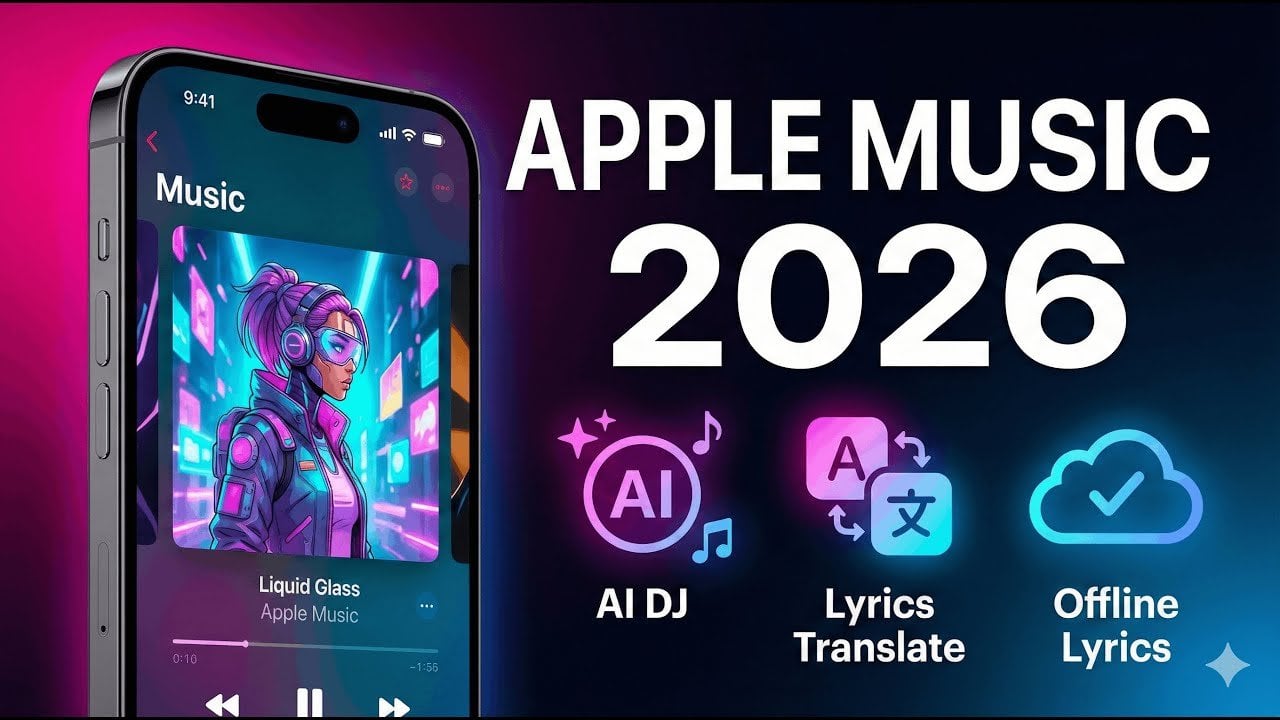
How to Use Apple Music Automix for DJ-style Track Transitions

How to Use Apple Music Automix for DJ-style Track Transitions Apple Replay 2026 page listing top-played songs plus monthly summaries and earlier-year replays in one view.

Apple Music continues to refine the listening experience with its early 2026 updates, offering features that cater to both casual users and dedicated music enthusiasts. Phones & Drones highlights standout additions like Automix, a feature that creates smooth, DJ-style transitions between songs by matching tempo and timing. This not only eliminates abrupt pauses but also […]

The post How to Use Apple Music Automix for DJ-style Track Transitions appeared first on Geeky Gadgets.

Posted in Uncategorized

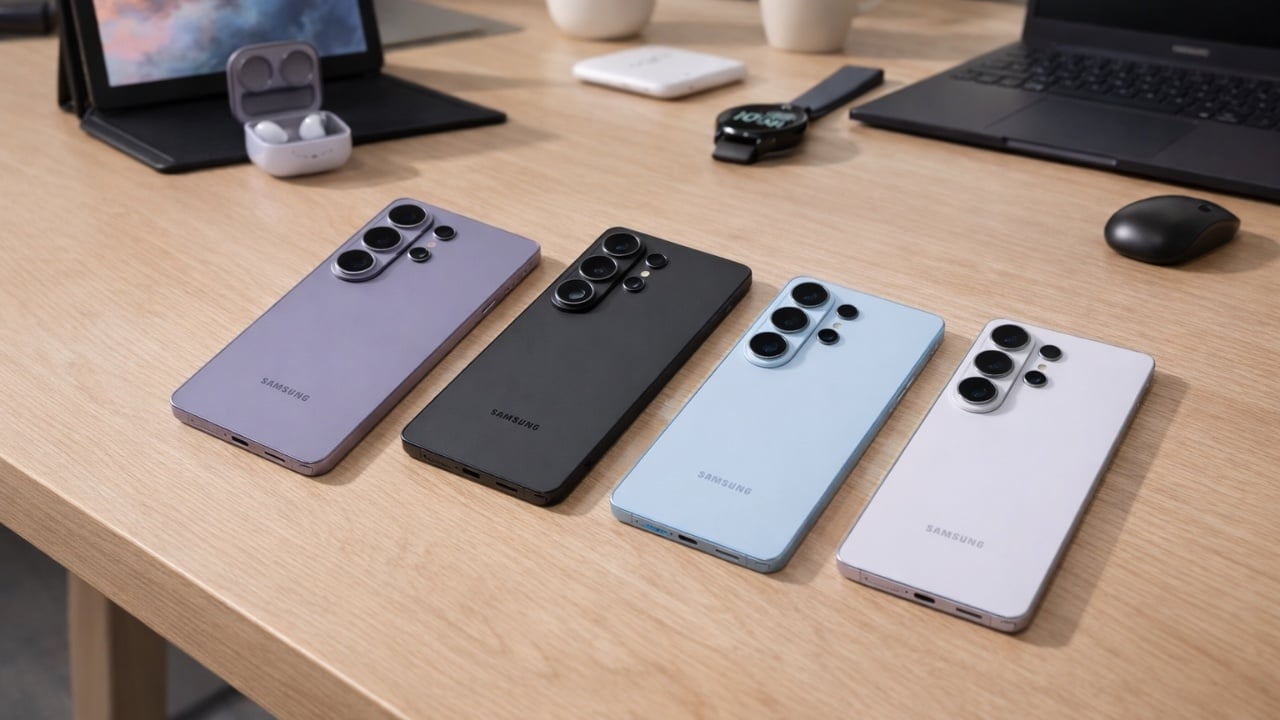
Why the Samsung Galaxy S26 Ultra is Making Other Flagships Look Dated

Why the Samsung Galaxy S26 Ultra is Making Other Flagships Look Dated Samsung Galaxy S26 Ultra

The Samsung Galaxy S26 Ultra represents a significant advancement in smartphone technology, blending innovative hardware with intelligent software to deliver a premium user experience. This flagship device introduces standout features such as a privacy-focused display, faster charging capabilities, and AI-powered tools, all while maintaining its reputation for durability and robust battery life. In the video […]

The post Why the Samsung Galaxy S26 Ultra is Making Other Flagships Look Dated appeared first on Geeky Gadgets.

Posted in Uncategorized

OpenAI strikes a deal with the Defense Department to deploy its AI models

OpenAI has reached an agreement with the Defense Department to deploy its models in the agency’s network, company chief Sam Altman has revealed on X. In his post, he said two of OpenAI’s most important safety principles are “prohibitions on domestic mass surveillance and human responsibility for the use of force, including for autonomous weapon systems.” Altman claimed the company put those principles in its agreement with the agency, which he called by the government’s preferred name of Department of War (DoW), and that it had agreed to honor them.

The agency has closed the deal with OpenAI, shortly after President Donald Trump ordered all government agencies to stop using Claude and any other Anthropic services. If you’ll recall, US Defense Secretary Pete Hegseth previously threatened to label Anthropic “supply chain risk” if it continues refusing to remove the guardrails on its AI, which are preventing the technology to be used for mass surveillance against Americans and in fully autonomous weapons.

It’s unclear why the government agreed to team up with OpenAI if its models also have the same guardrails, but Altman said it’s asking the government to offer the same terms to all the AI companies it works with. Jeremy Lewin, the Senior Official Under Secretary for Foreign Assistance, Humanitarian Affairs, and Religious Freedom, said on X that DoW “references certain existing legal authorities and includes certain mutually agreed upon safety mechanisms” in its contracts. Both OpenAI and xAI, which had also previously signed a deal to deploy Grok in the DoW’s classified systems, agreed to those terms. He said it was the same “compromise that Anthropic was offered, and rejected.”

Anthropic, which started working with the US government in 2024, refused to bow down to Hegseth. In its latest statement, published just hours before Altman announced OpenAI’s agreement, it repeated its stance. “No amount of intimidation or punishment from the Department of War will change our position on mass domestic surveillance or fully autonomous weapons,” Anthropic wrote. “We will challenge any supply chain risk designation in court.”

Altman added in his post on X that OpenAI will build technical safeguards to ensure the company’s models behave as they should, claiming that’s also what the DoW wanted. It’s sending engineers to work with the agency to “ensure [its models’] safety,” and it will only deploy on cloud networks. As The New York Times notes, OpenAI is not yet on Amazon cloud, which the government uses. But that could change soon, as company has also just announced forming a partnership with Amazon to run its models on Amazon Web Services (AWS) for enterprise customers.

This article originally appeared on Engadget at https://www.engadget.com/ai/openai-strikes-a-deal-with-the-defense-department-to-deploy-its-ai-models-054441785.html?src=rss

EZCast Just Turned Every Phone Into a Professional Camera Monitor

Monitoring a camera feed used to require either hovering behind the viewfinder or investing in a dedicated wireless video system with separate transmitters, receivers, and field monitors. For solo content creators, small production teams, and anyone shooting interviews or tutorials with limited gear, that kind of setup has always felt disproportionate to the task. The gap between “professional monitoring” and “just squinting at the back of the camera” remained stubbornly wide.

EZCast’s CamCast CT-1 is a compact wireless transmitter designed to sit on top of any HDMI-equipped camera, from mirrorless bodies and DSLRs to action cams and camcorders. Once connected, it broadcasts a live 1080p 60fps feed over 5GHz Wi-Fi to up to four iOS or Android devices simultaneously. EZCast has spent over a decade building wireless display and screen-mirroring technology for offices and classrooms, and the CamCast is their first product built specifically for cameras, applying that signal distribution expertise to a production context.

Designer: EZCast

Click Here to Buy Now: $129 $239 ($110 off). Hurry, only a few units left!
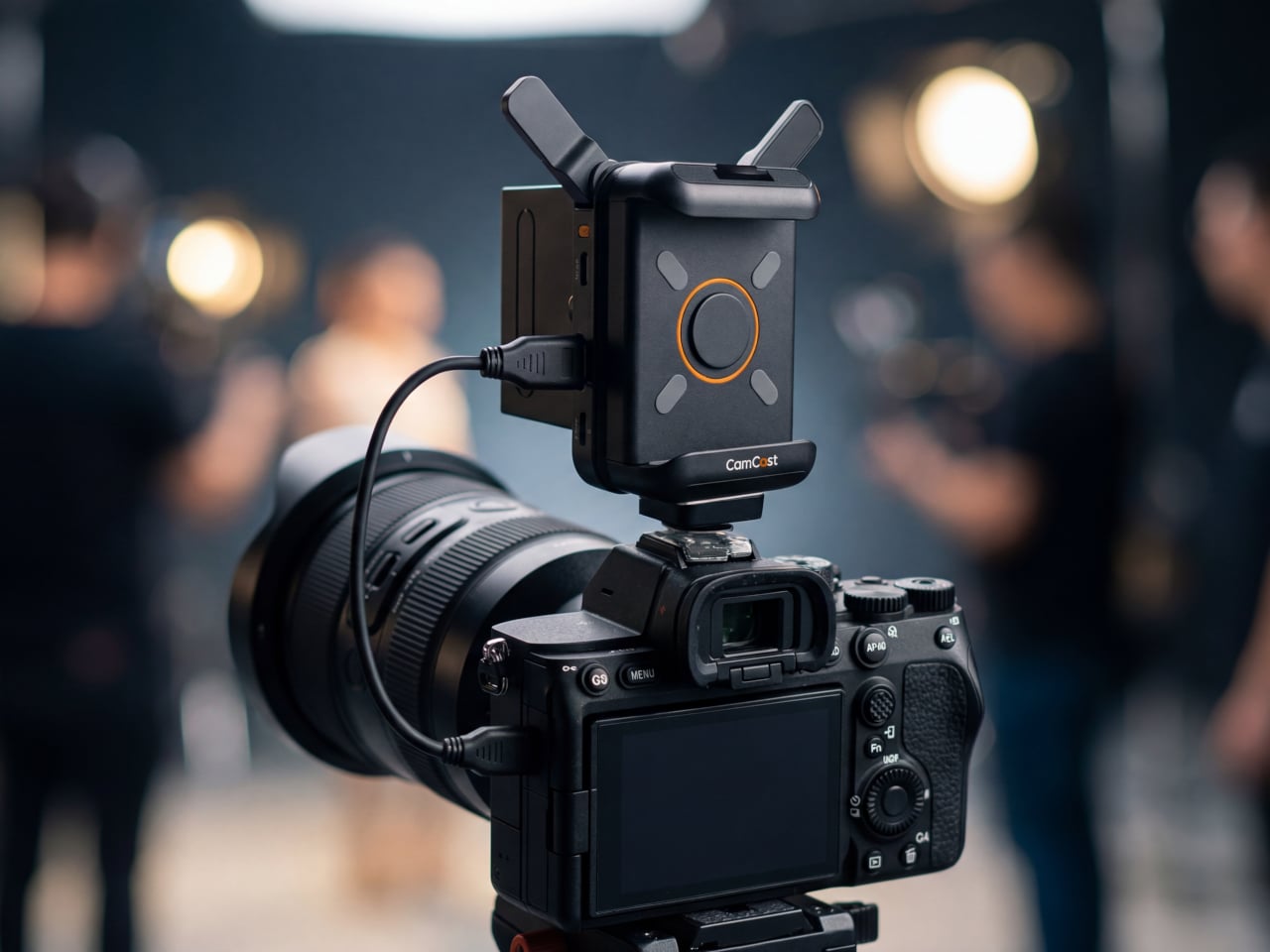
The device itself is small enough to mount on a camera hot shoe or gimbal arm, with included adapters for both horizontal and vertical orientation. A built-in OLED screen displays connection details, and pairing happens through a QR code scan that takes roughly three seconds. Power comes from either a standard NP-F battery, the same type used across countless cinema accessories, or a USB-C connection at 5V/3A. That dual-power flexibility means a battery for mobility on location or a simple cable for longer, stationary shoots where runtime matters more.

1

Beyond passive monitoring, the companion CamCast app lets users save takes directly to their phone, review footage instantly, and share clips without ever pulling a memory card from the camera. For a two-person crew shooting a wedding, for instance, the second operator can watch the main camera’s composition from across the venue on a phone while managing their own setup. A makeup artist can confirm framing before the talent walks on set. Four people watching the same live feed, all from devices they already carry, collapses a communication problem that traditionally required dedicated hardware to solve.

What separates the CamCast CT-1 from a basic wireless HDMI sender, though, is the built-in PTP camera control. From the app on a phone or tablet, users can adjust shutter speed, ISO, color temperature, and aperture, and even navigate through camera menus remotely. Consider a camera mounted on an overhead rig for a cooking tutorial, or locked onto a gimbal for a tracking shot. Physically reaching the camera to change a setting interrupts the flow of a shoot. Being able to tweak exposure or white balance from a phone across the room changes how a solo creator or small team interacts with their gear.

1

The CamCast CT-1 also has a UVC output, which means it can connect directly to a laptop or desktop and function as a capture card. For livestreamers, educators, or anyone running a webinar, this removes an entire piece of hardware from the signal chain. One device handles wireless monitoring to phones and wired streaming output to a computer at the same time, which is a lot of functions packed into something that weighs less than most on-camera microphones.

1

Picture a YouTuber who films with a mirrorless camera on a tripod across the room. Right now, checking framing or adjusting settings means walking over, making a change, walking back, and repeating until it looks right. With the CamCast mounted on that camera, the phone becomes both the monitor and the remote control. An instructor recording a craft tutorial gets the same benefit, turning their tablet into a live preview without needing cables snaking across the workspace or an expensive field monitor clamped to a light stand.

Rather than building another monitor or another receiver, EZCast built a bridge between cameras and the screens people already own. That redistribution of function, turning four phones into four production monitors through a single transmitter, might be the more interesting design move in a category still dominated by expensive, single-purpose hardware.

Click Here to Buy Now: $129 $239 ($110 off). Hurry, only a few units left!

The post EZCast Just Turned Every Phone Into a Professional Camera Monitor first appeared on Yanko Design.

EZCast Just Turned Every Phone Into a Professional Camera Monitor

Monitoring a camera feed used to require either hovering behind the viewfinder or investing in a dedicated wireless video system with separate transmitters, receivers, and field monitors. For solo content creators, small production teams, and anyone shooting interviews or tutorials with limited gear, that kind of setup has always felt disproportionate to the task. The gap between “professional monitoring” and “just squinting at the back of the camera” remained stubbornly wide.

EZCast’s CamCast CT-1 is a compact wireless transmitter designed to sit on top of any HDMI-equipped camera, from mirrorless bodies and DSLRs to action cams and camcorders. Once connected, it broadcasts a live 1080p 60fps feed over 5GHz Wi-Fi to up to four iOS or Android devices simultaneously. EZCast has spent over a decade building wireless display and screen-mirroring technology for offices and classrooms, and the CamCast is their first product built specifically for cameras, applying that signal distribution expertise to a production context.

Designer: EZCast

Click Here to Buy Now: $129 $239 ($110 off). Hurry, only a few units left!
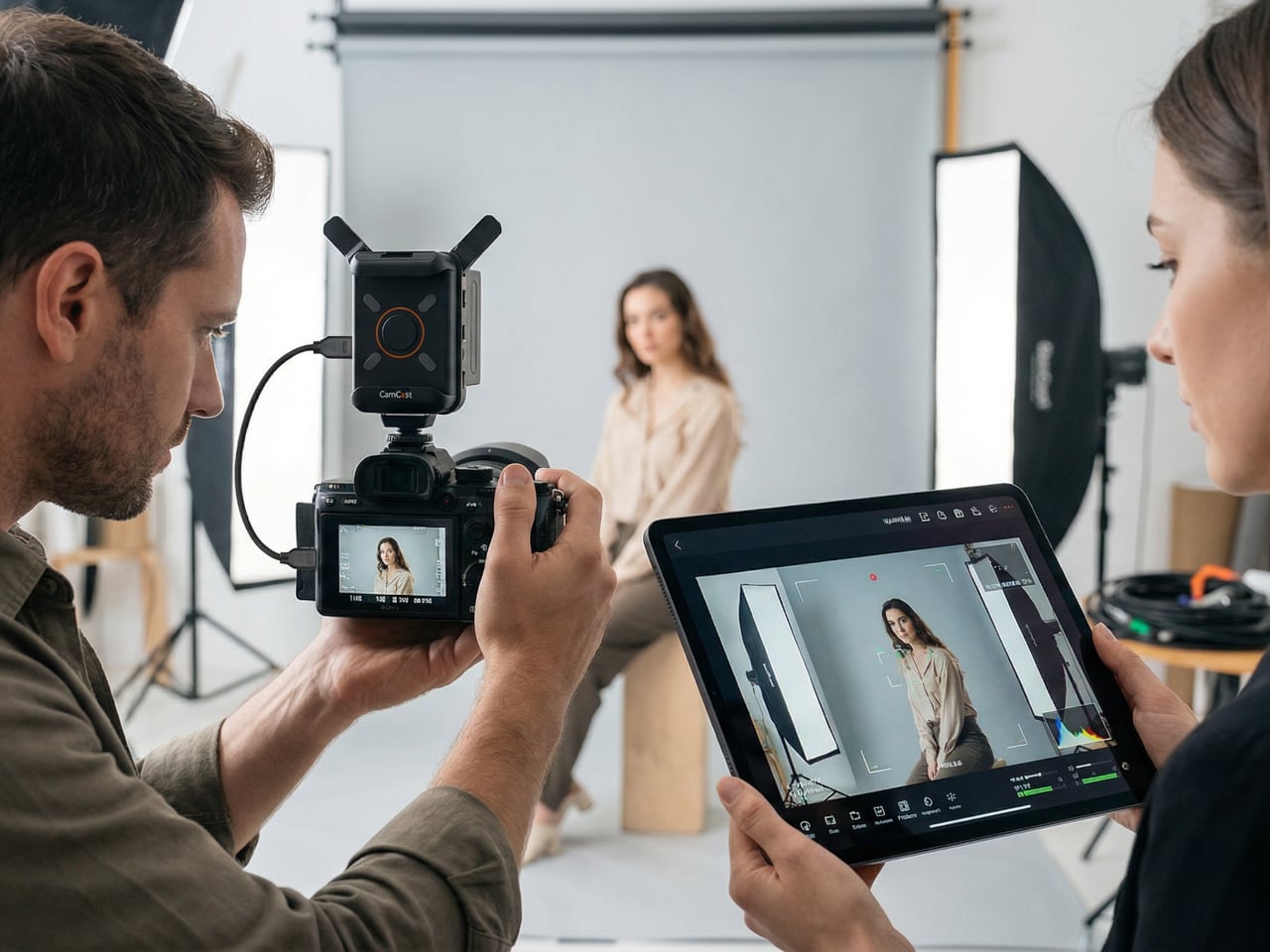
The device itself is small enough to mount on a camera hot shoe or gimbal arm, with included adapters for both horizontal and vertical orientation. A built-in OLED screen displays connection details, and pairing happens through a QR code scan that takes roughly three seconds. Power comes from either a standard NP-F battery, the same type used across countless cinema accessories, or a USB-C connection at 5V/3A. That dual-power flexibility means a battery for mobility on location or a simple cable for longer, stationary shoots where runtime matters more.

1

Beyond passive monitoring, the companion CamCast app lets users save takes directly to their phone, review footage instantly, and share clips without ever pulling a memory card from the camera. For a two-person crew shooting a wedding, for instance, the second operator can watch the main camera’s composition from across the venue on a phone while managing their own setup. A makeup artist can confirm framing before the talent walks on set. Four people watching the same live feed, all from devices they already carry, collapses a communication problem that traditionally required dedicated hardware to solve.
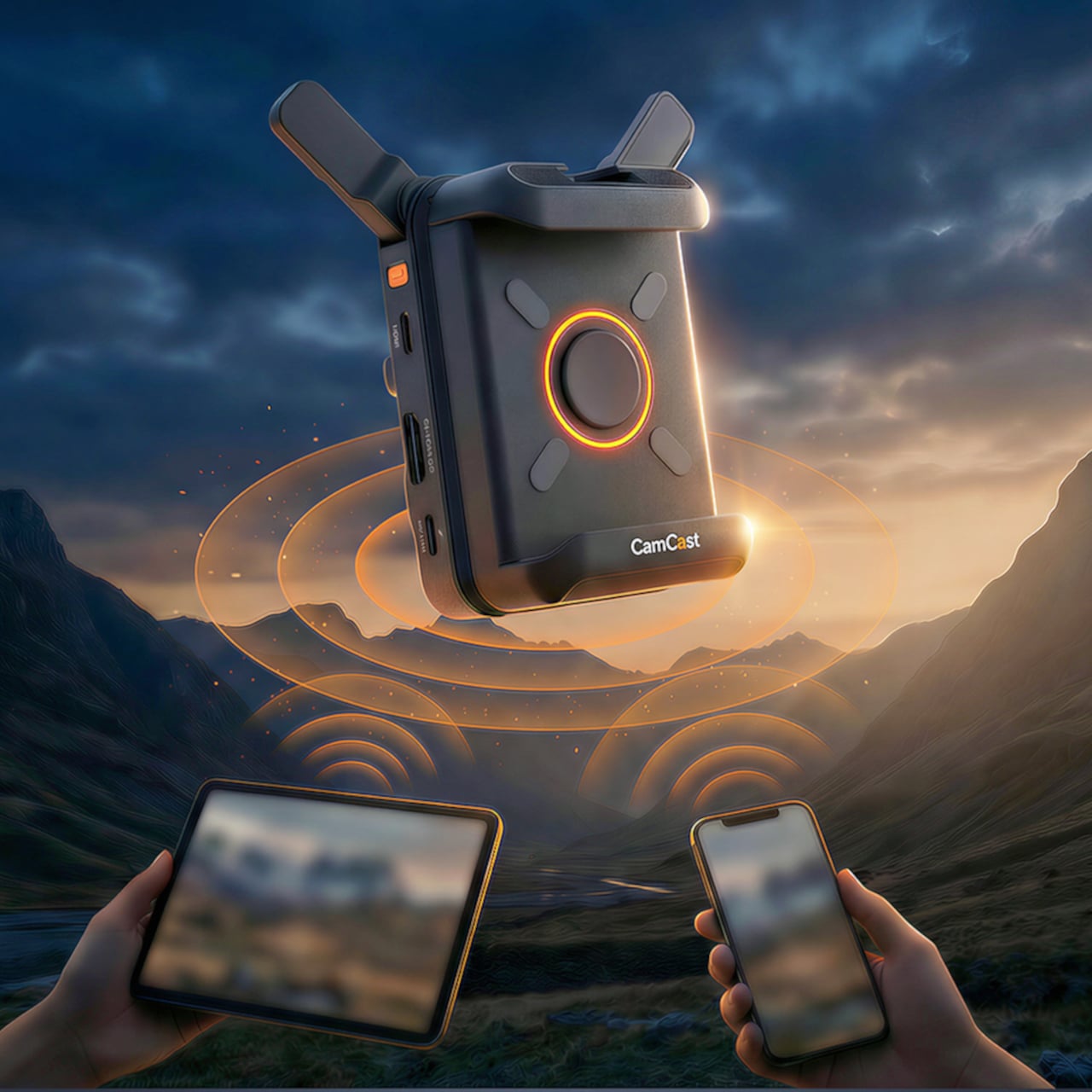
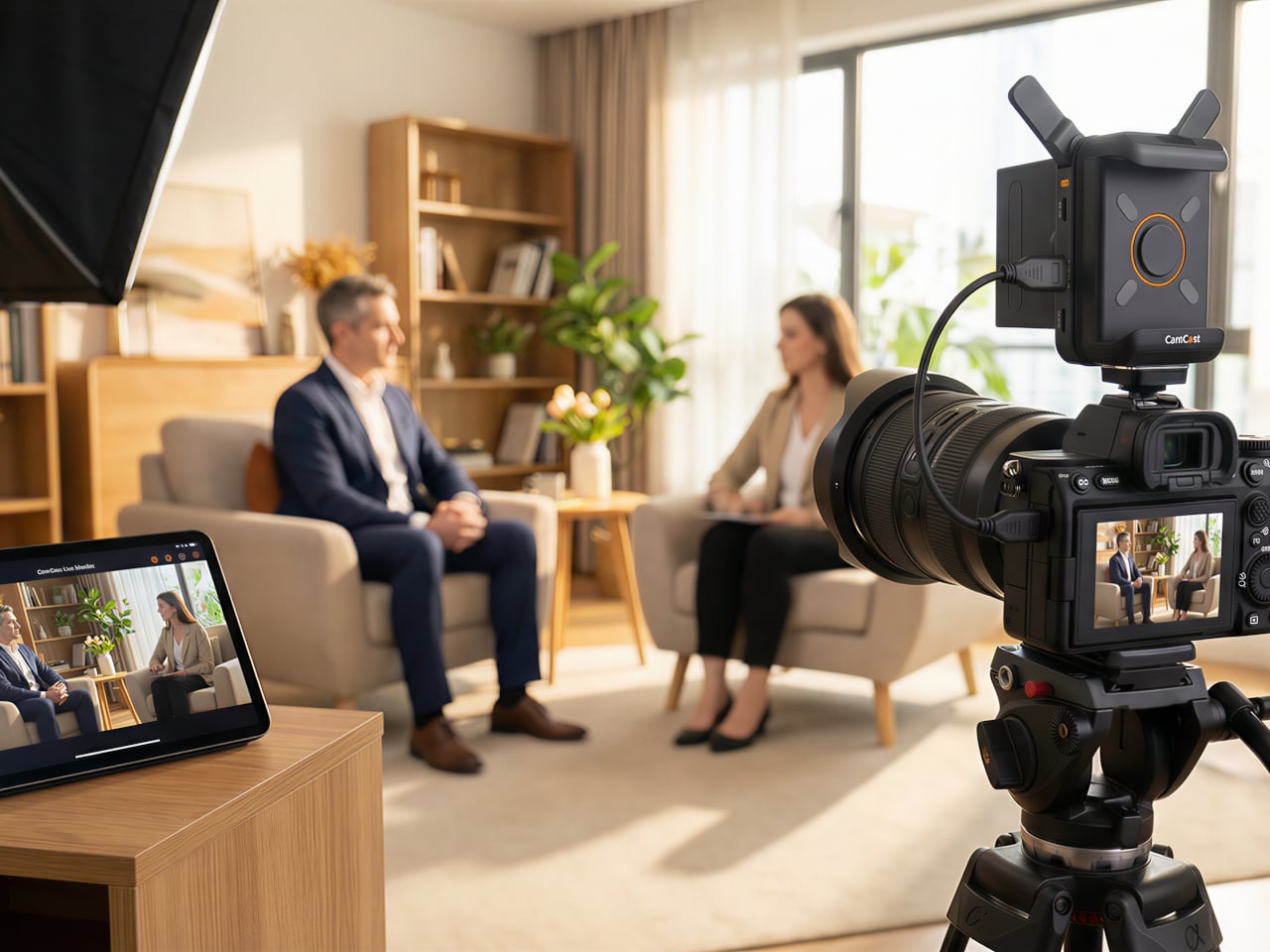
What separates the CamCast CT-1 from a basic wireless HDMI sender, though, is the built-in PTP camera control. From the app on a phone or tablet, users can adjust shutter speed, ISO, color temperature, and aperture, and even navigate through camera menus remotely. Consider a camera mounted on an overhead rig for a cooking tutorial, or locked onto a gimbal for a tracking shot. Physically reaching the camera to change a setting interrupts the flow of a shoot. Being able to tweak exposure or white balance from a phone across the room changes how a solo creator or small team interacts with their gear.

1

The CamCast CT-1 also has a UVC output, which means it can connect directly to a laptop or desktop and function as a capture card. For livestreamers, educators, or anyone running a webinar, this removes an entire piece of hardware from the signal chain. One device handles wireless monitoring to phones and wired streaming output to a computer at the same time, which is a lot of functions packed into something that weighs less than most on-camera microphones.

1

Picture a YouTuber who films with a mirrorless camera on a tripod across the room. Right now, checking framing or adjusting settings means walking over, making a change, walking back, and repeating until it looks right. With the CamCast mounted on that camera, the phone becomes both the monitor and the remote control. An instructor recording a craft tutorial gets the same benefit, turning their tablet into a live preview without needing cables snaking across the workspace or an expensive field monitor clamped to a light stand.

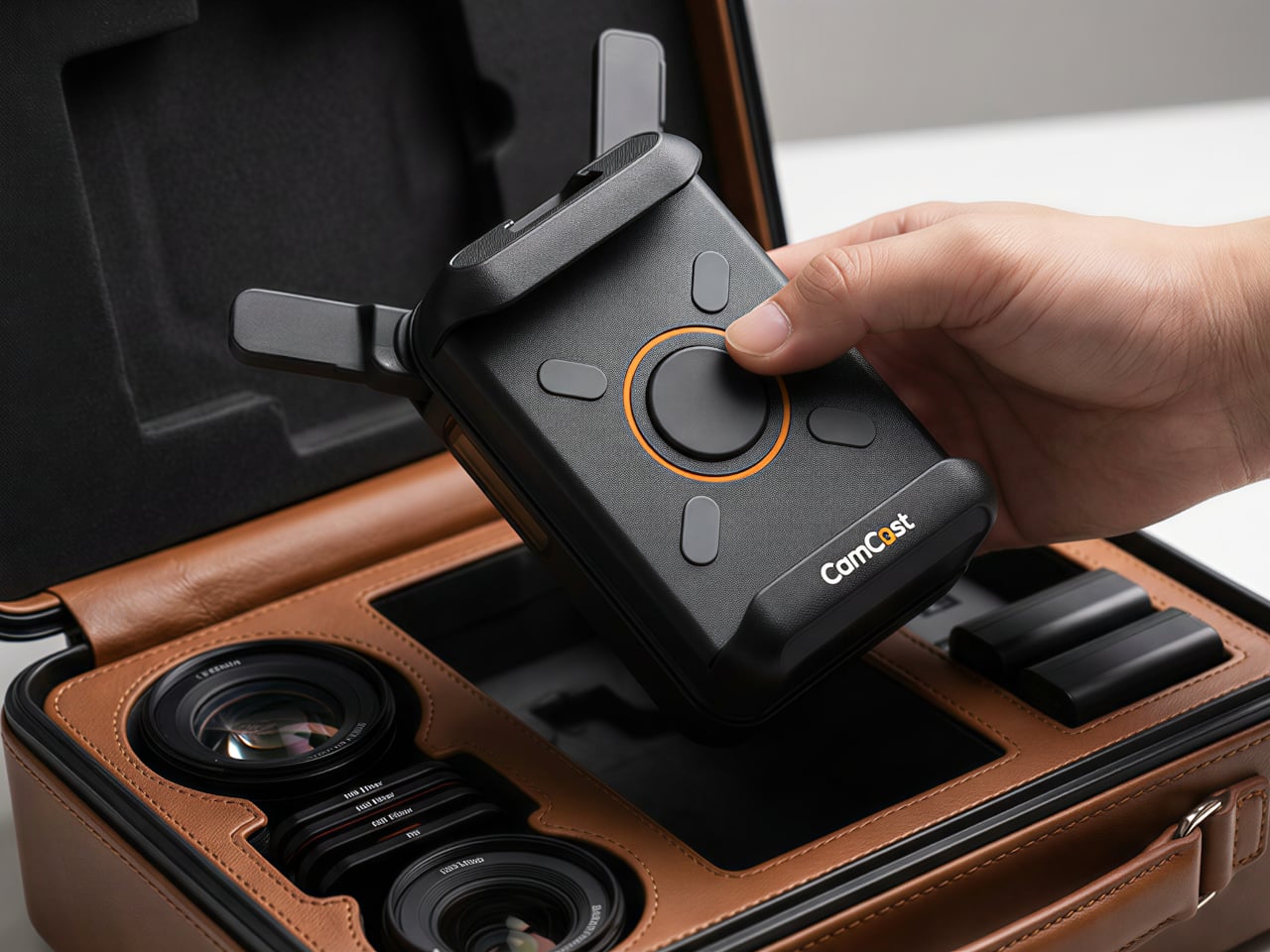
Rather than building another monitor or another receiver, EZCast built a bridge between cameras and the screens people already own. That redistribution of function, turning four phones into four production monitors through a single transmitter, might be the more interesting design move in a category still dominated by expensive, single-purpose hardware.

Click Here to Buy Now: $129 $239 ($110 off). Hurry, only a few units left!

The post EZCast Just Turned Every Phone Into a Professional Camera Monitor first appeared on Yanko Design.

EZCast Just Turned Every Phone Into a Professional Camera Monitor

Monitoring a camera feed used to require either hovering behind the viewfinder or investing in a dedicated wireless video system with separate transmitters, receivers, and field monitors. For solo content creators, small production teams, and anyone shooting interviews or tutorials with limited gear, that kind of setup has always felt disproportionate to the task. The gap between “professional monitoring” and “just squinting at the back of the camera” remained stubbornly wide.

EZCast’s CamCast CT-1 is a compact wireless transmitter designed to sit on top of any HDMI-equipped camera, from mirrorless bodies and DSLRs to action cams and camcorders. Once connected, it broadcasts a live 1080p 60fps feed over 5GHz Wi-Fi to up to four iOS or Android devices simultaneously. EZCast has spent over a decade building wireless display and screen-mirroring technology for offices and classrooms, and the CamCast is their first product built specifically for cameras, applying that signal distribution expertise to a production context.

Designer: EZCast

Click Here to Buy Now: $129 $239 ($110 off). Hurry, only a few units left!

The device itself is small enough to mount on a camera hot shoe or gimbal arm, with included adapters for both horizontal and vertical orientation. A built-in OLED screen displays connection details, and pairing happens through a QR code scan that takes roughly three seconds. Power comes from either a standard NP-F battery, the same type used across countless cinema accessories, or a USB-C connection at 5V/3A. That dual-power flexibility means a battery for mobility on location or a simple cable for longer, stationary shoots where runtime matters more.

1

Beyond passive monitoring, the companion CamCast app lets users save takes directly to their phone, review footage instantly, and share clips without ever pulling a memory card from the camera. For a two-person crew shooting a wedding, for instance, the second operator can watch the main camera’s composition from across the venue on a phone while managing their own setup. A makeup artist can confirm framing before the talent walks on set. Four people watching the same live feed, all from devices they already carry, collapses a communication problem that traditionally required dedicated hardware to solve.

What separates the CamCast CT-1 from a basic wireless HDMI sender, though, is the built-in PTP camera control. From the app on a phone or tablet, users can adjust shutter speed, ISO, color temperature, and aperture, and even navigate through camera menus remotely. Consider a camera mounted on an overhead rig for a cooking tutorial, or locked onto a gimbal for a tracking shot. Physically reaching the camera to change a setting interrupts the flow of a shoot. Being able to tweak exposure or white balance from a phone across the room changes how a solo creator or small team interacts with their gear.

1

The CamCast CT-1 also has a UVC output, which means it can connect directly to a laptop or desktop and function as a capture card. For livestreamers, educators, or anyone running a webinar, this removes an entire piece of hardware from the signal chain. One device handles wireless monitoring to phones and wired streaming output to a computer at the same time, which is a lot of functions packed into something that weighs less than most on-camera microphones.

1

Picture a YouTuber who films with a mirrorless camera on a tripod across the room. Right now, checking framing or adjusting settings means walking over, making a change, walking back, and repeating until it looks right. With the CamCast mounted on that camera, the phone becomes both the monitor and the remote control. An instructor recording a craft tutorial gets the same benefit, turning their tablet into a live preview without needing cables snaking across the workspace or an expensive field monitor clamped to a light stand.

Rather than building another monitor or another receiver, EZCast built a bridge between cameras and the screens people already own. That redistribution of function, turning four phones into four production monitors through a single transmitter, might be the more interesting design move in a category still dominated by expensive, single-purpose hardware.

Click Here to Buy Now: $129 $239 ($110 off). Hurry, only a few units left!

The post EZCast Just Turned Every Phone Into a Professional Camera Monitor first appeared on Yanko Design.