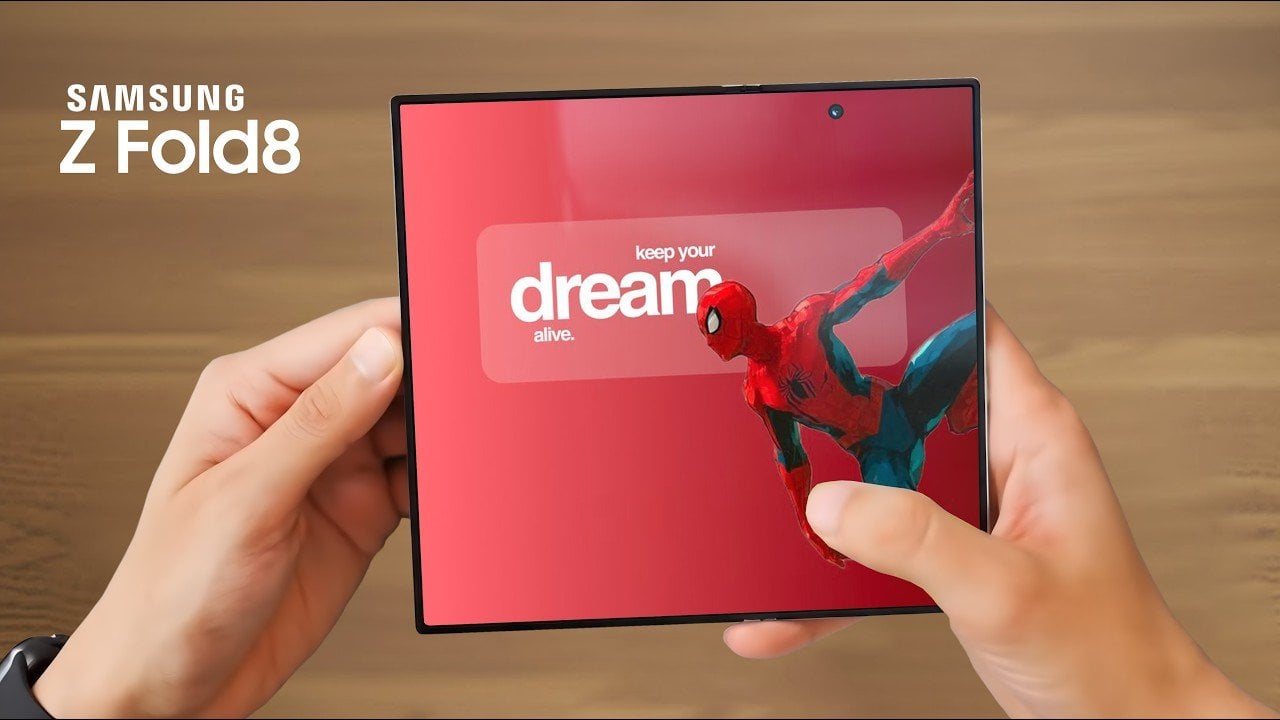
The Samsung Galaxy Z Fold 8 represents a bold step in foldable smartphone technology, combining innovative hardware with a design that challenges traditional smartphone norms. However, its reliance on older display technology and divisive software changes has sparked debate among users and critics alike. The video below provides more insights into the device’s standout features, […]
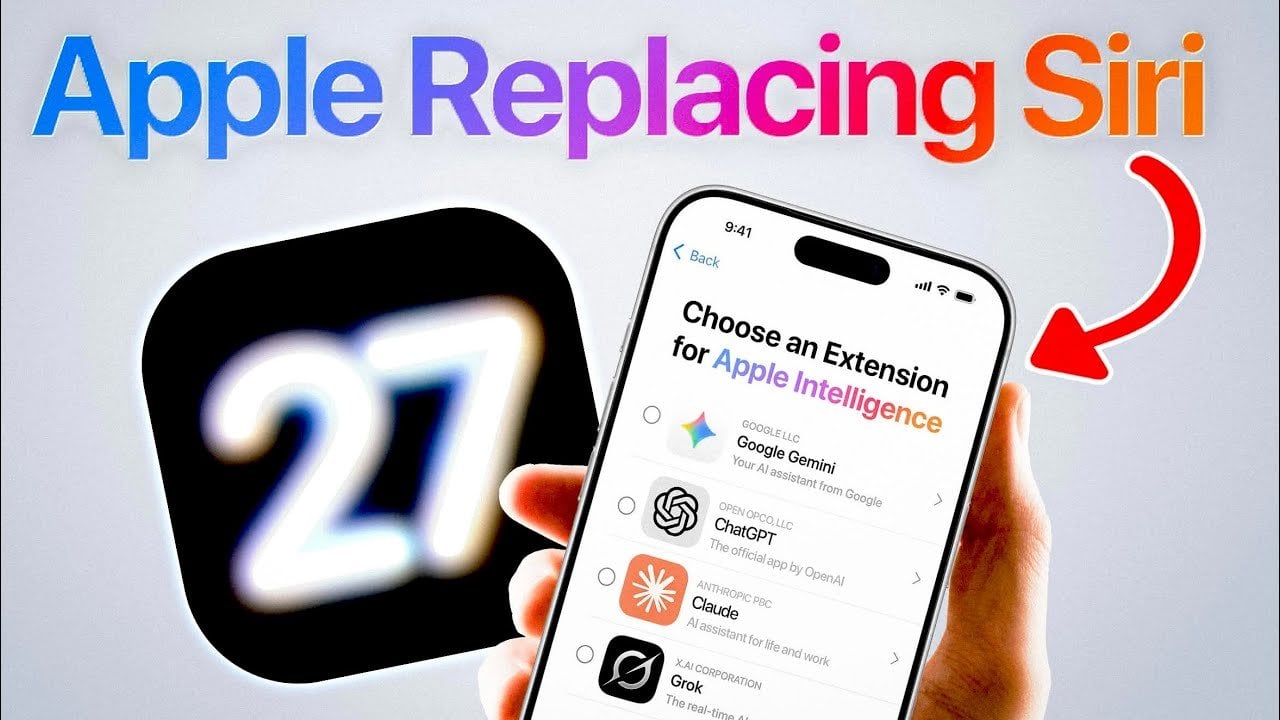
Apple is set to reshape the future of its voice assistant, Siri, with the highly anticipated release of iOS 27. This update introduces new integration with third-party AI services, marking a pivotal moment in the evolution of voice assistant technology. The announcement will take center stage at the Worldwide Developers Conference (WWDC) 2026, with the […]
Screen time has crept up to the point where most people spend more waking hours staring at a phone than almost anything else. Smartphones aren’t particularly kind about it, with vivid, high-brightness displays that perform well in demos but aren’t gentle over long stretches. Eye fatigue and dryness have become almost expected, yet most people aren’t ready to swap their phones for e-readers just to get some relief.
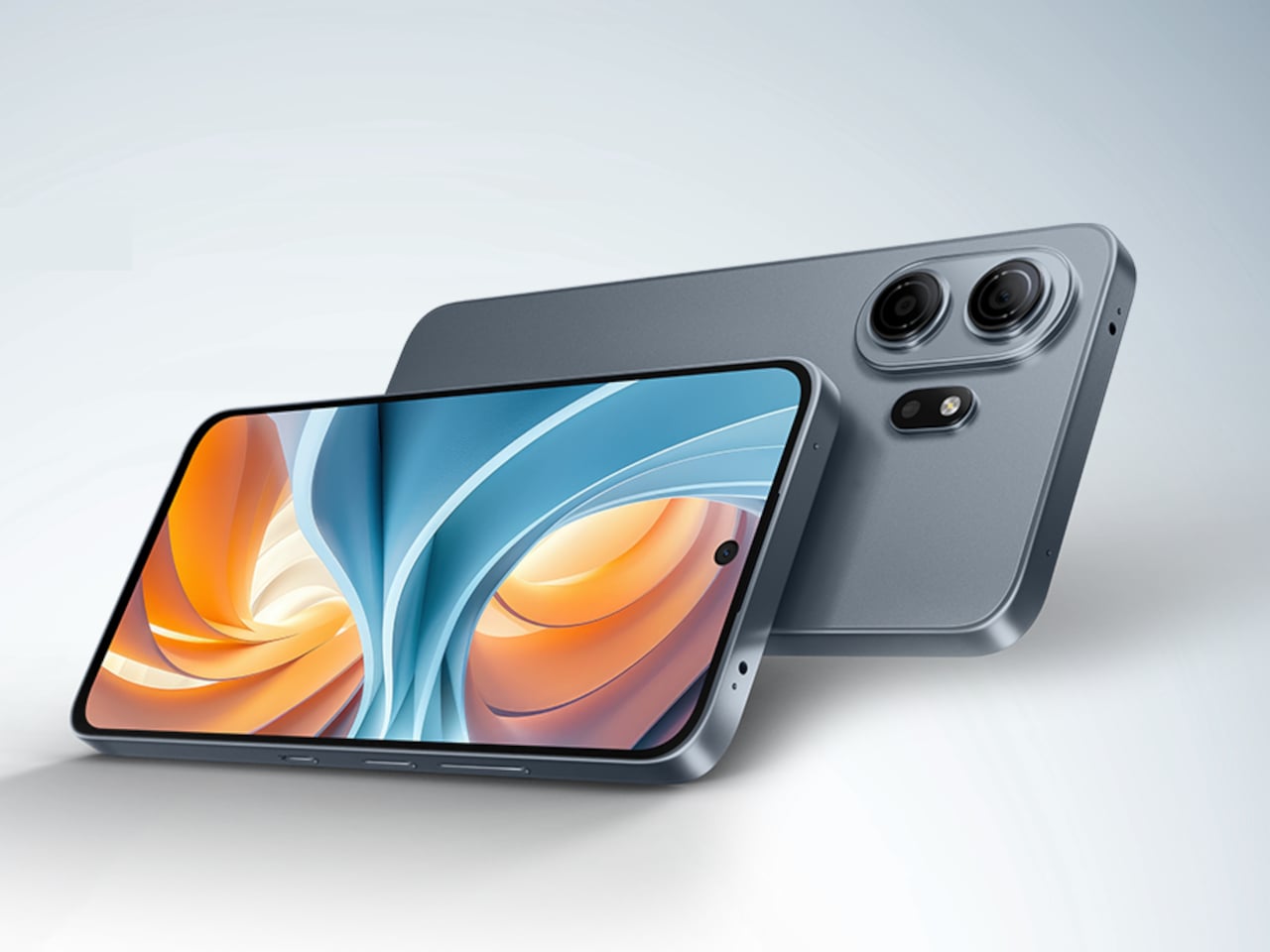
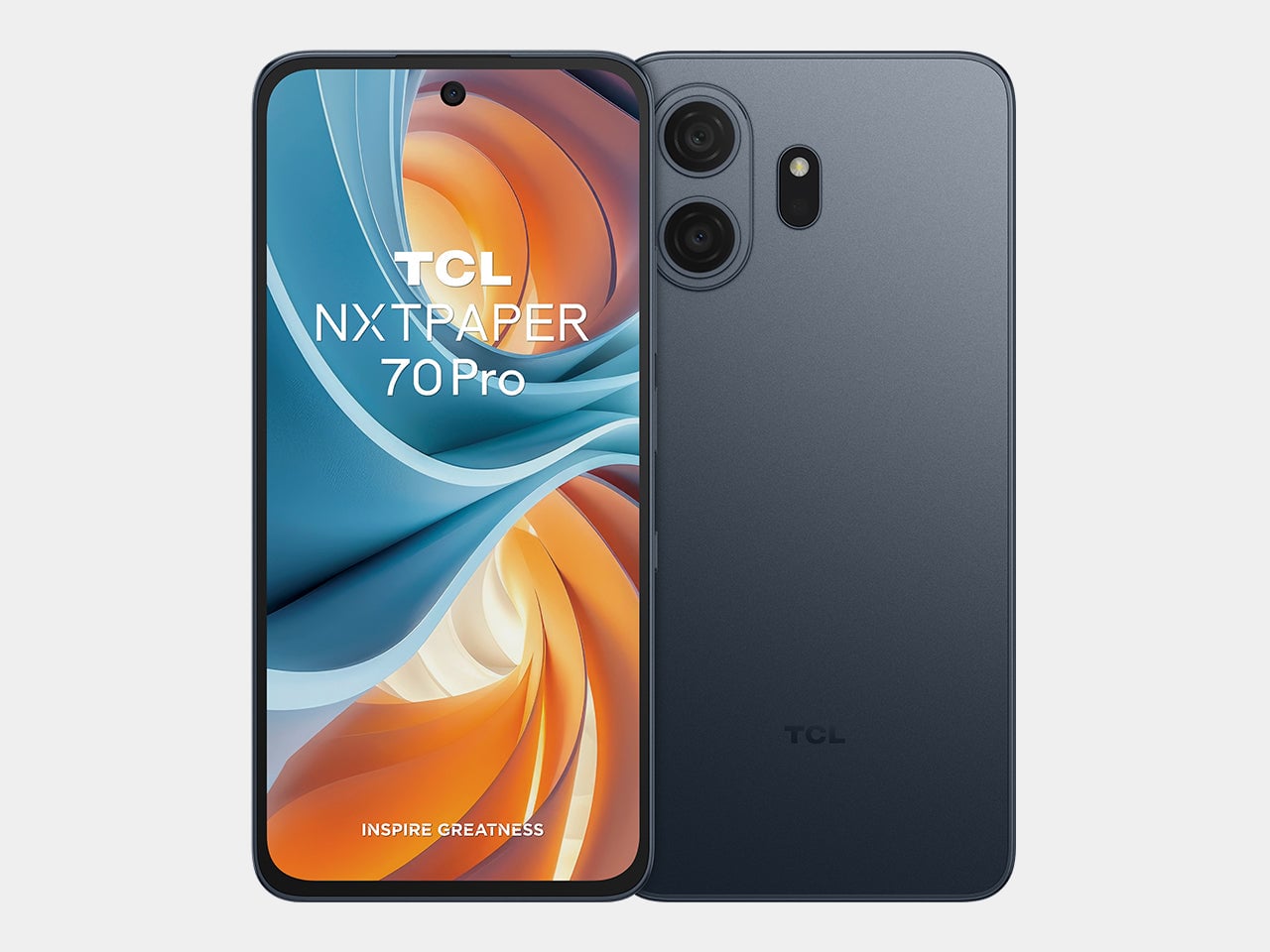
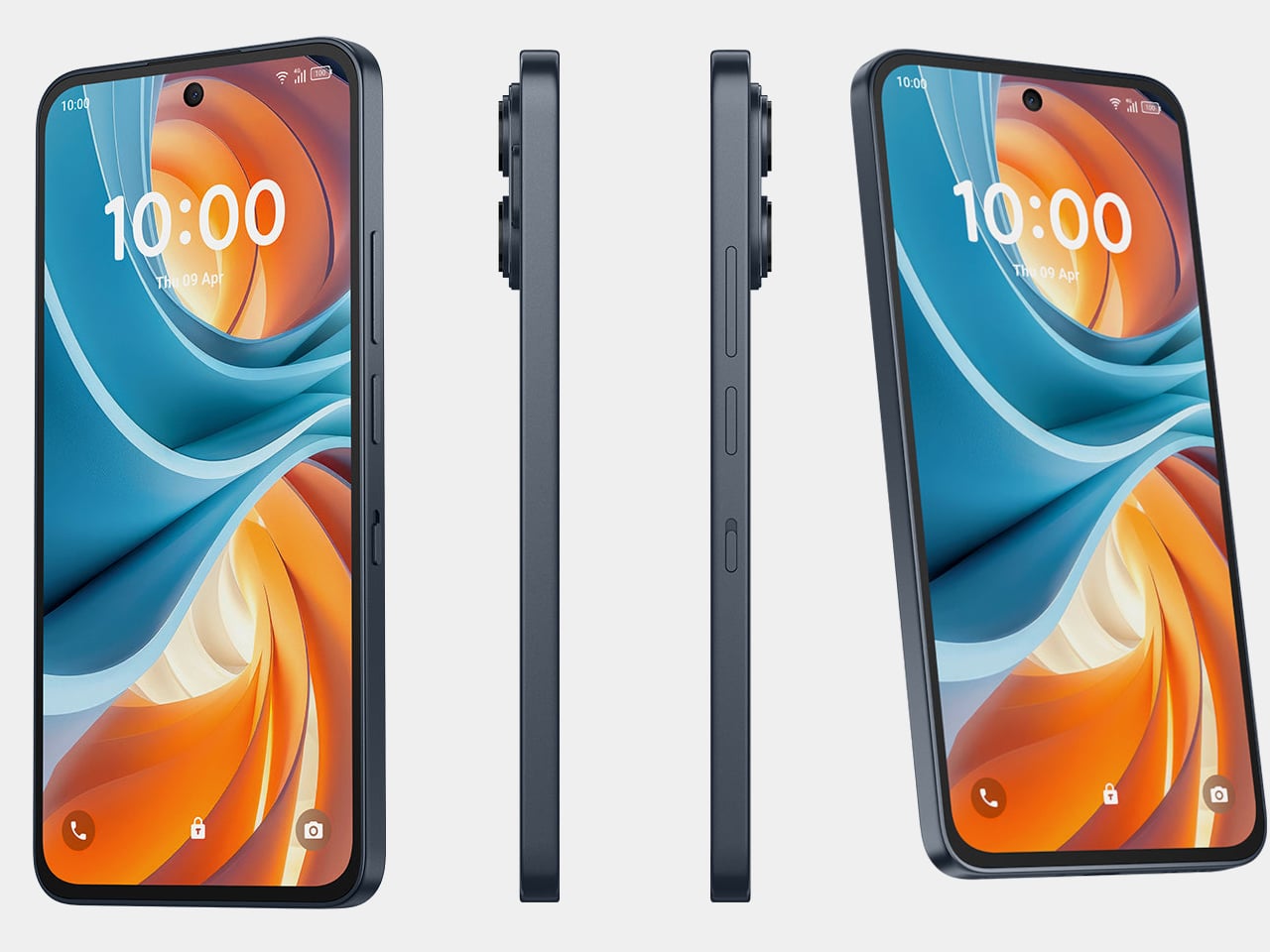
TCL has spent the better part of four years building an answer to that problem through its NXTPAPER line, and the NXTPAPER 70 Pro is the most capable version yet. It’s a full Android smartphone with eye-care features pushed to their highest iteration, now available in the US at $199.99 through T-Mobile and Metro by T-Mobile, and at $299.99 unlocked.
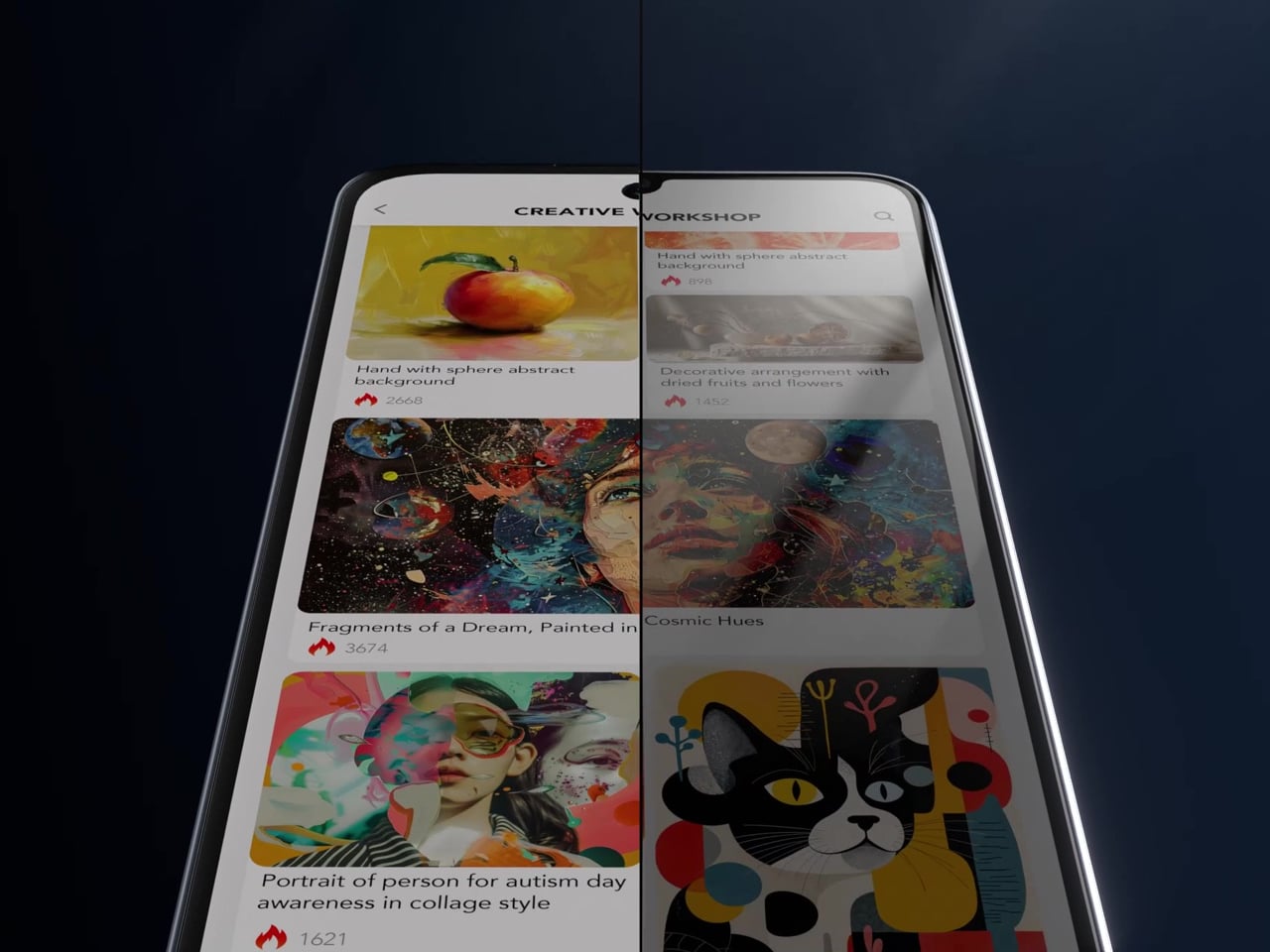
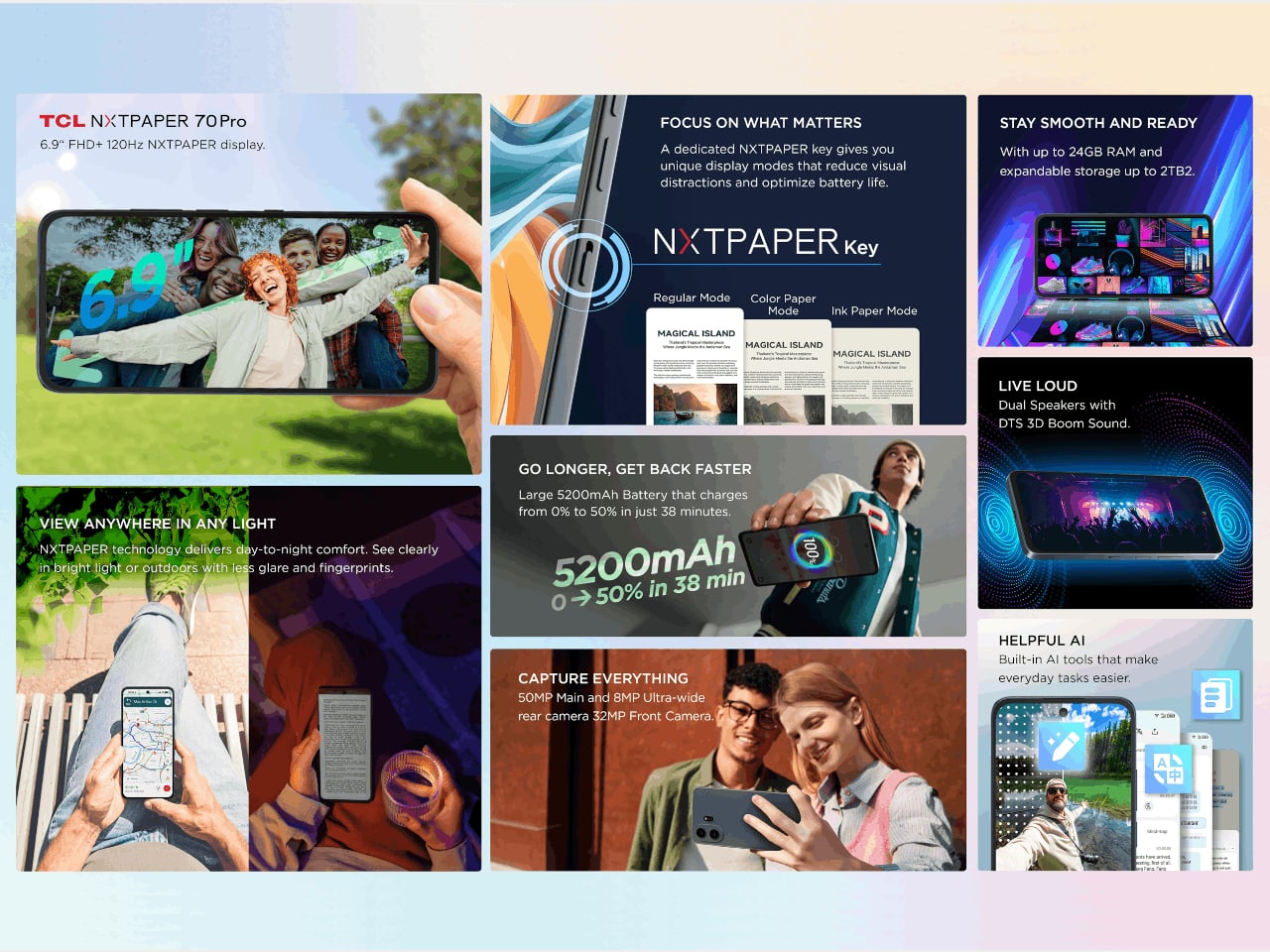
The centerpiece is the 6.9-inch NXTPAPER display, an IPS LCD panel with a matte, anti-glare surface built using nano-matrix lithography. It cuts harmful blue light at the hardware level down to 3.41%, uses DC dimming to eliminate flicker entirely, and applies circular polarized light to simulate diffused daylight that’s easier on the eyes. Independent certification from TÜV and SGS backs those claims up.
A physical NXTPAPER Key on the side cycles through three viewing modes. Regular keeps full-color smartphone output, Color Paper shifts to a warmer and more subdued tone suited for long reading sessions, and Ink Paper dials the display down to a near-monochrome, paper-like appearance that also conserves battery. Switching between them takes a single press, keeping the feature genuinely useful rather than buried in a settings menu.
That Ink Paper mode also unlocks the phone’s most impressive feature: battery life, which TCL claims can stretch to seven days when reading. The 5,200 mAh cell with 33W fast charging handles everyday use comfortably and reaches 50% in about 38 minutes, but it’s the combination of a power-efficient display mode and capable hardware that pushes endurance well past what most phones manage.
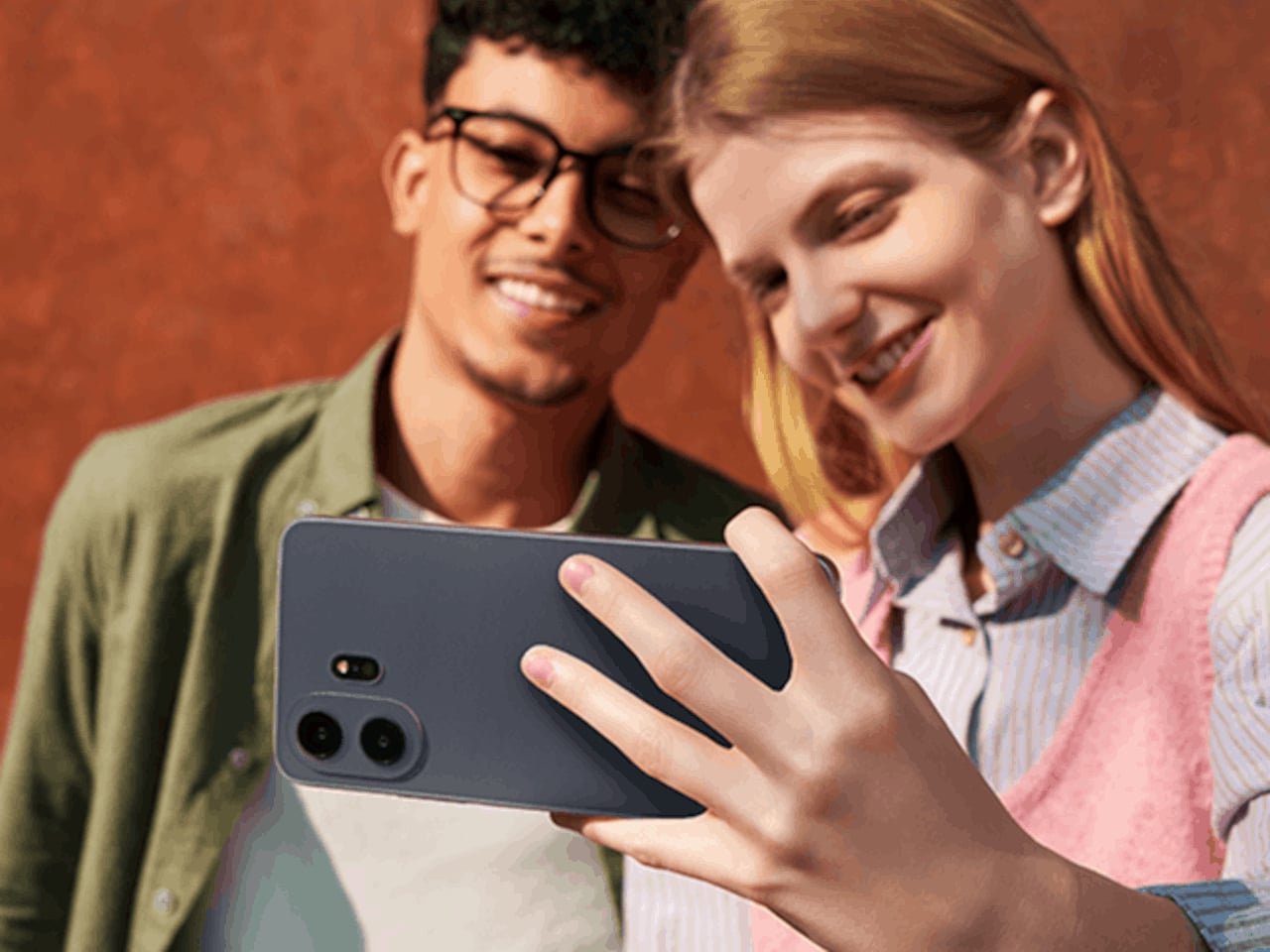
The camera doesn’t feel like an afterthought either. A 50 MP main sensor with optical image stabilization handles everyday shots and difficult lighting well, paired with an 8 MP ultrawide and a 32 MP front camera that covers video calls and social content. Storage starts at 256 GB and expands via microSD to 2 TB, while a MediaTek Dimensity 7300 chip keeps things running on Android 16.
Built-in AI tools can summarize articles, transcribe audio, and help clean up text you’re writing, which fits the device’s clear lean toward readers, students, and anyone who uses their phone for focused work. The IP68 rating handles rain and spills without fuss, and at 207g, the large frame doesn’t feel excessive in hand. Unfortunately, it seems that T-Pen stylus support won’t be making its way to this US variant, a feature that has been revealed for the global version.
What’s notable about the NXTPAPER 70 Pro isn’t any single feature taken alone, but how they all pull toward the same priority. Eye-care display technology has mostly lived on phones that cost well over a thousand dollars, which puts it out of reach for most buyers. At $199.99 on T-Mobile, that changes, and the argument for a phone your eyes might actually thank you for becomes genuinely hard to ignore.
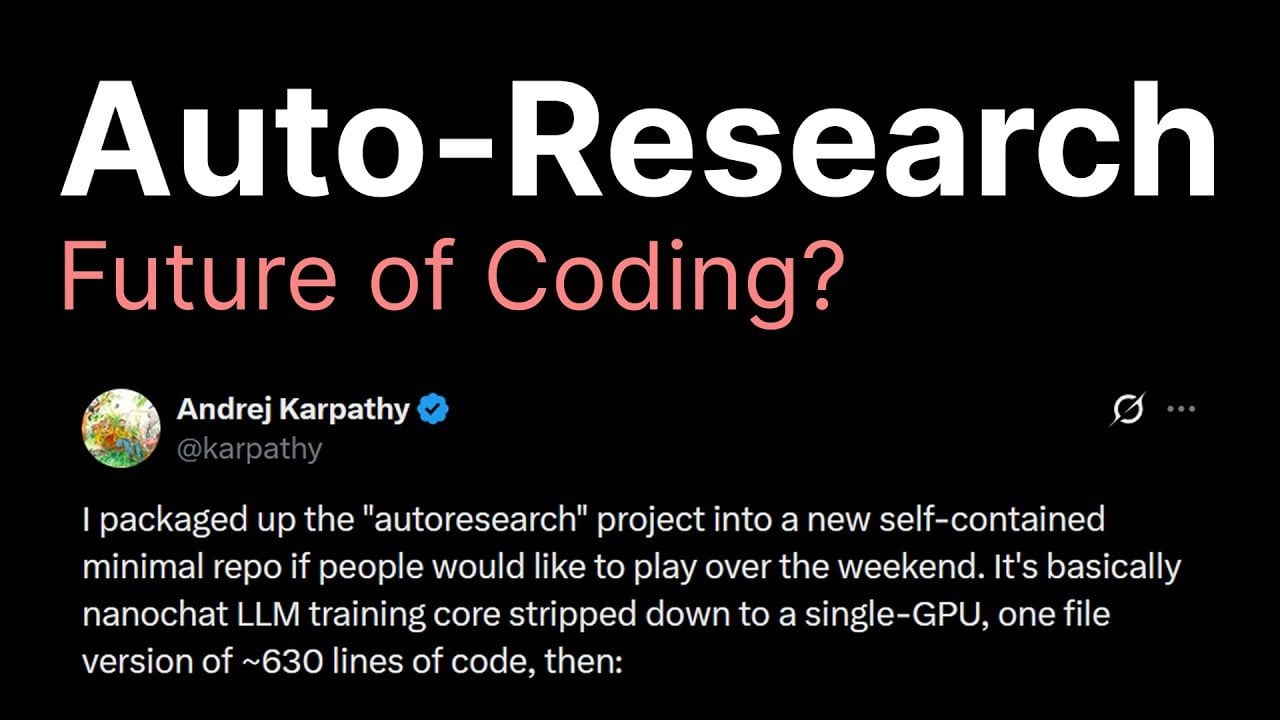
AutoResearch represents a shift in how artificial intelligence tackles problem-solving, emphasizing self-directed experimentation over traditional manual coding. As explained by Caleb Writes Code, this approach allows AI systems to operate autonomously within predefined goals and constraints, iteratively refining their performance. For example, in a retail setting, AutoResearch might optimize inventory management by experimenting with ordering […]
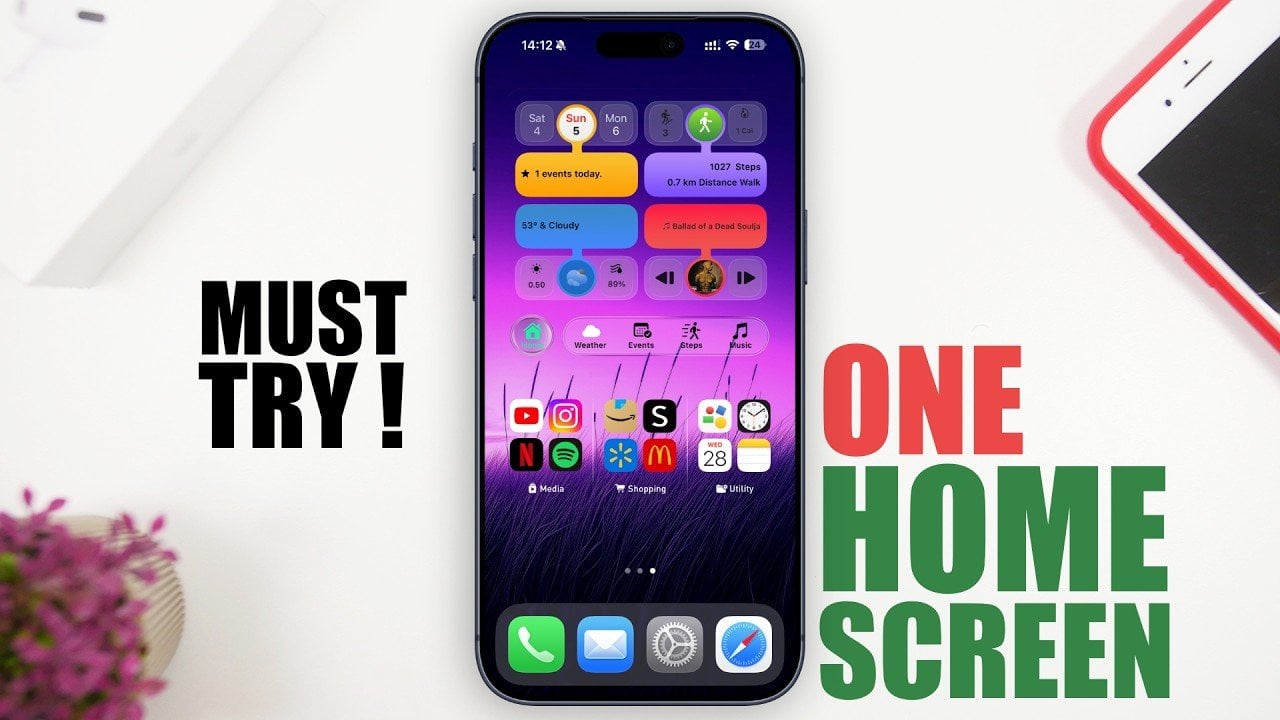
Designing an efficient and visually appealing iPhone home screen doesn’t have to be a daunting task. By focusing on simplicity, functionality, and personalization, you can create a home screen that enhances productivity while reflecting your unique style. The video below from iReviews provides actionable steps to help you streamline your iPhone setup like a professional. […]
Sometimes, you just want your dang music streaming app to play music. Spotify, which has increasingly incorporated video features through the years, is finally giving us the option to turn that mess off. Behold: universal video toggles.
Spotify's video settings control several areas. First, the old Canvas toggle (videos on the Now Playing screen) is still there. But now you'll find two additional switches alongside it. One lets you control whether the app plays music videos. The other, "all other videos," covers video podcasts, vertically scrolling videos and artist clips.
You'll find the controls under Settings > Content and display. Once you choose your preferences, they'll apply universally across all platforms. And if you're a family account manager, you can toggle video settings for all members on your plan.
Spotify has increasingly leaned on video in recent years. The Canvas video loops arrived back in 2018. Then came video podcasts in 2020, as the format was enjoying a pandemic-era boom. The platform added music videos in 2024 (though they didn't arrive in the US until late last year). Then there are artist clips, the 30-second vertical videos where creators can send intimate (promotional) messages to their fans.
The company claims that over 70 percent of its users say more video content would enhance their experience. So, don't be surprised if more video features arrive in the future. Fortunately, Spotify recognized that certain (perhaps older?) users don't want or need a TikTok-ified music app.
This article originally appeared on Engadget at https://www.engadget.com/entertainment/music/spotify-now-lets-you-turn-off-all-video-130000034.html?src=rss
Claude Code’s latest update introduces the ability to directly interact with graphical user interfaces (GUIs), expanding its automation capabilities. As highlighted by World of AI, this feature enables users to perform tasks such as automating spreadsheet workflows, testing application interfaces and debugging visual components. Currently offered as a research preview for Mac OS Pro and […]
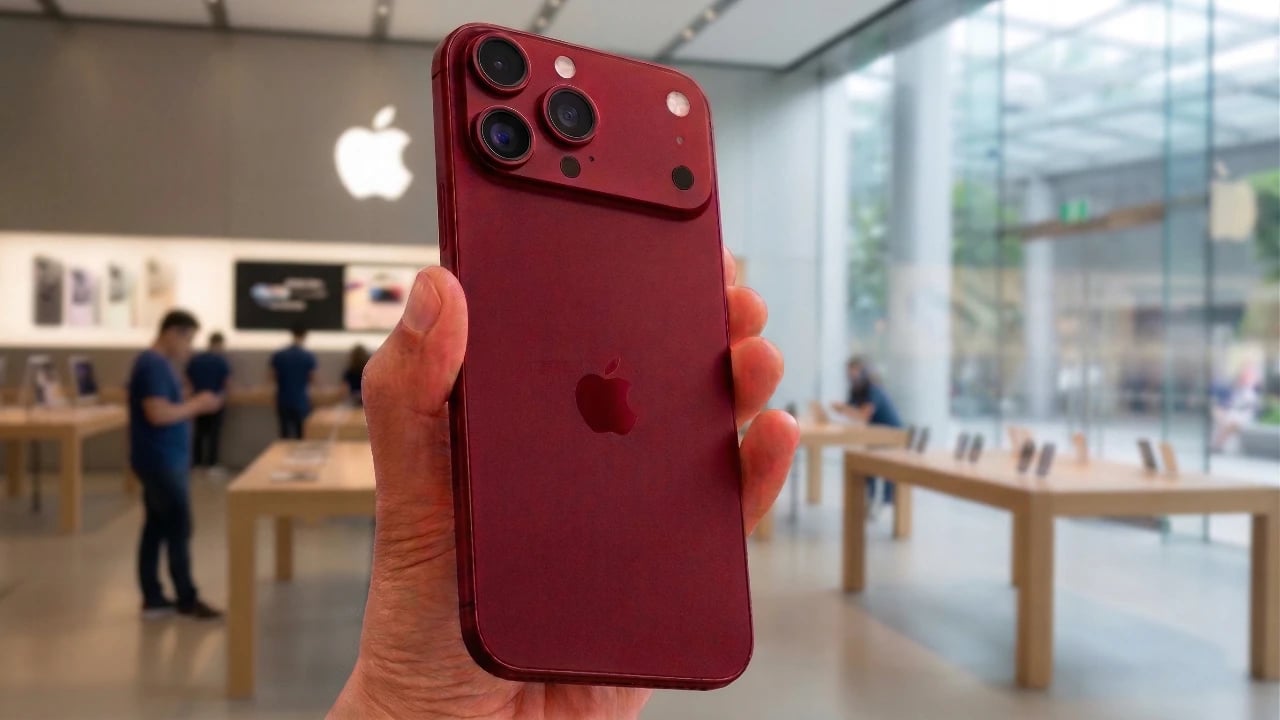
Apple continues to redefine the smartphone landscape with the iPhone 18 Pro Max, a device that blends meticulous design, enhanced performance, and innovative connectivity. The staggered release schedule for the iPhone 18 lineup reflects Apple’s strategic approach to maintaining consumer interest. The Pro models are set to launch in September 2026, followed by the standard […]
AI agents like OpenClaw are accelerating production by automating tasks at unprecedented speeds, but this rapid output often exposes a critical organizational gap. According to Nate Jones, while these systems can generate work at rates up to 100x, human review processes typically operate at just 3x, creating a significant mismatch. For instance, an AI agent […]
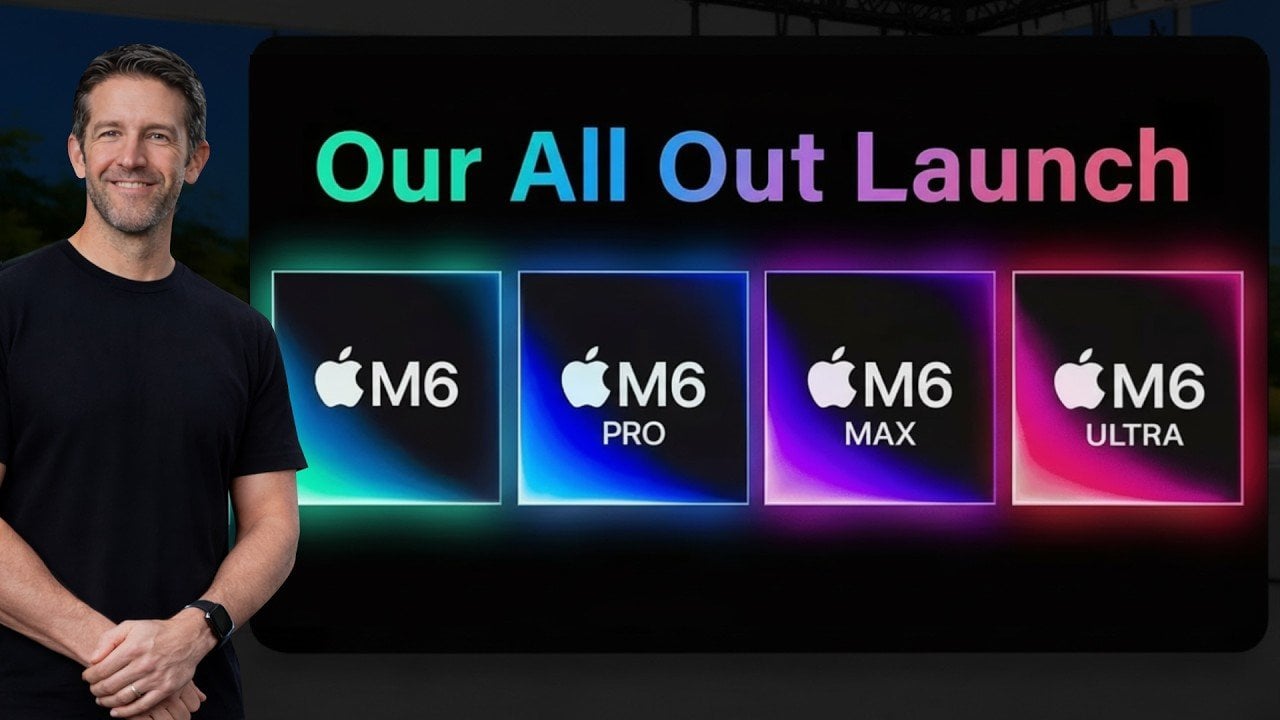
Apple is set to redefine its product lineup with the introduction of the highly anticipated M6 chip, a next-generation processor built on an advanced 2nm process. This innovative chip is expected to deliver substantial improvements in performance, energy efficiency, and battery life across devices such as the MacBook Pro, Mac Mini, and Mac Studio. The […]