TCL’s P80 Pro and Ultra Are the Phones That Replaced Your Kindle Too

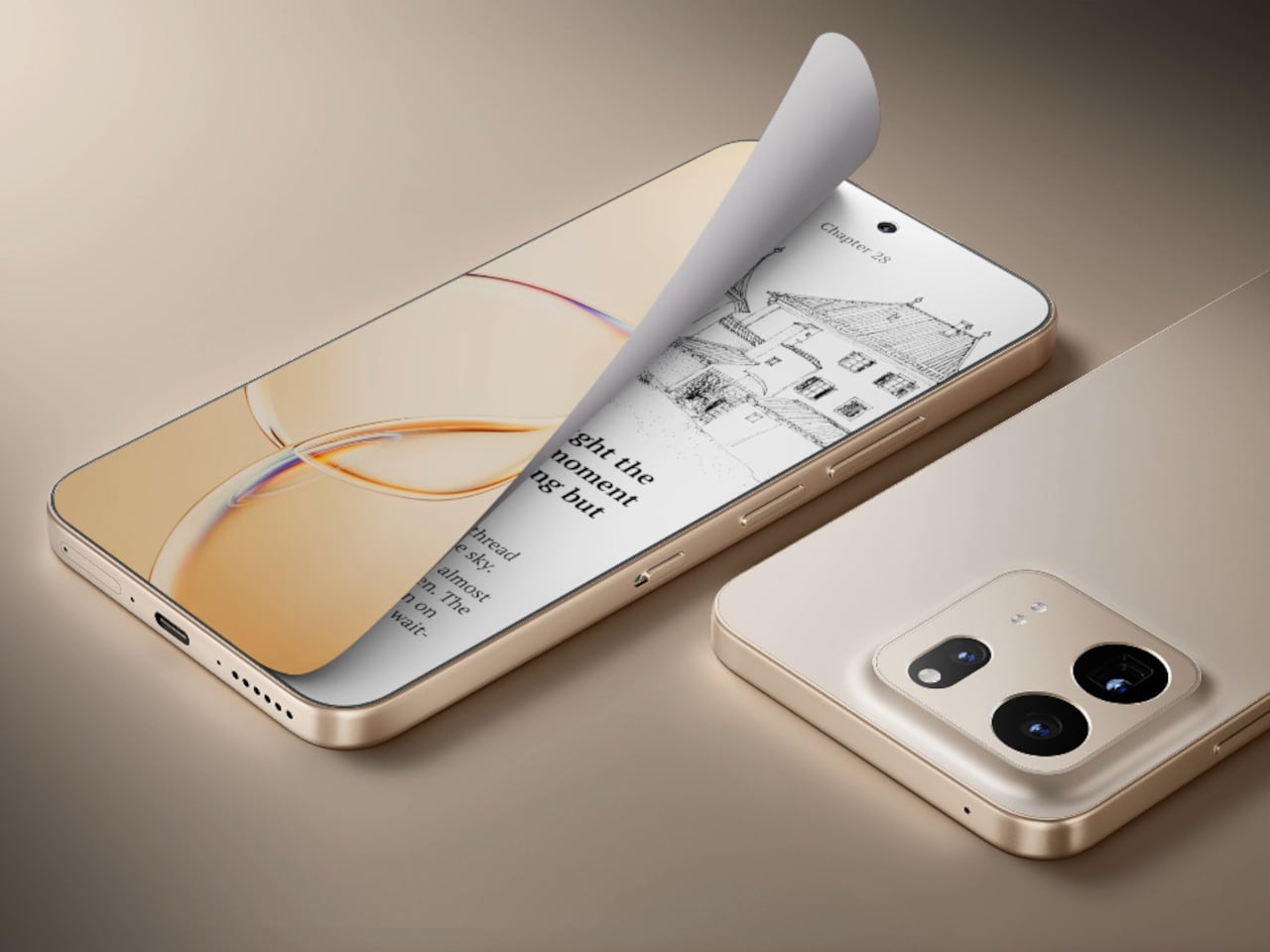
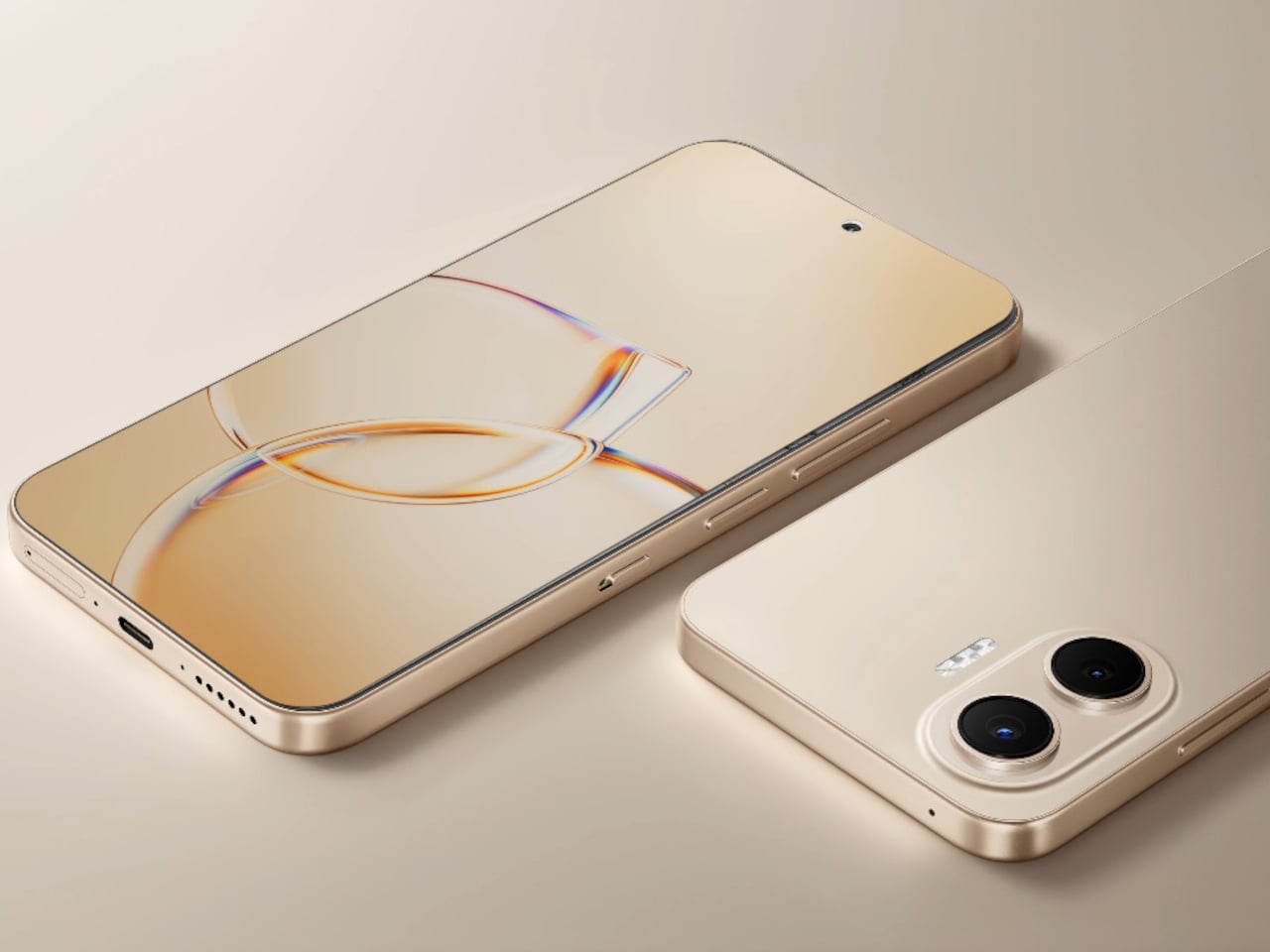
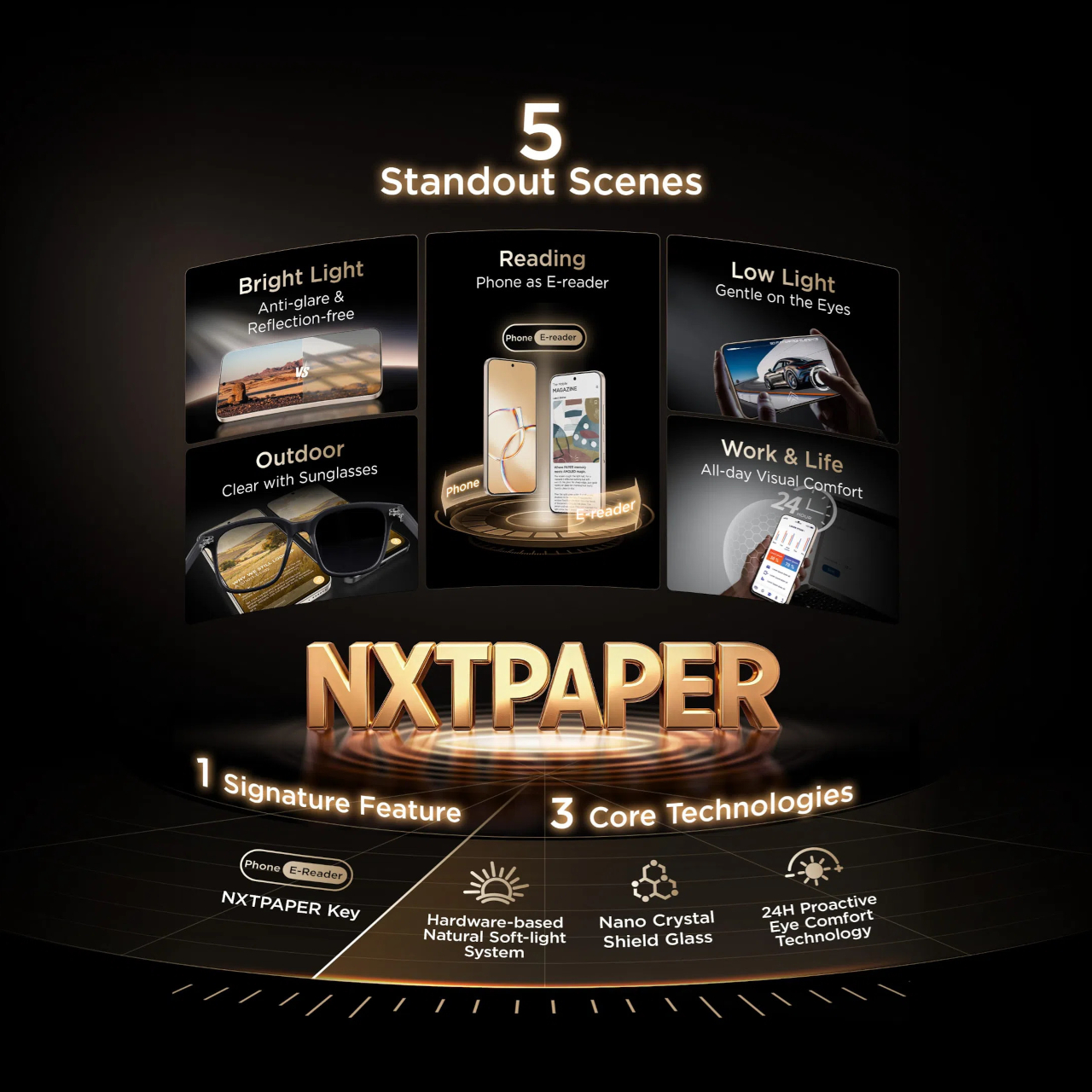
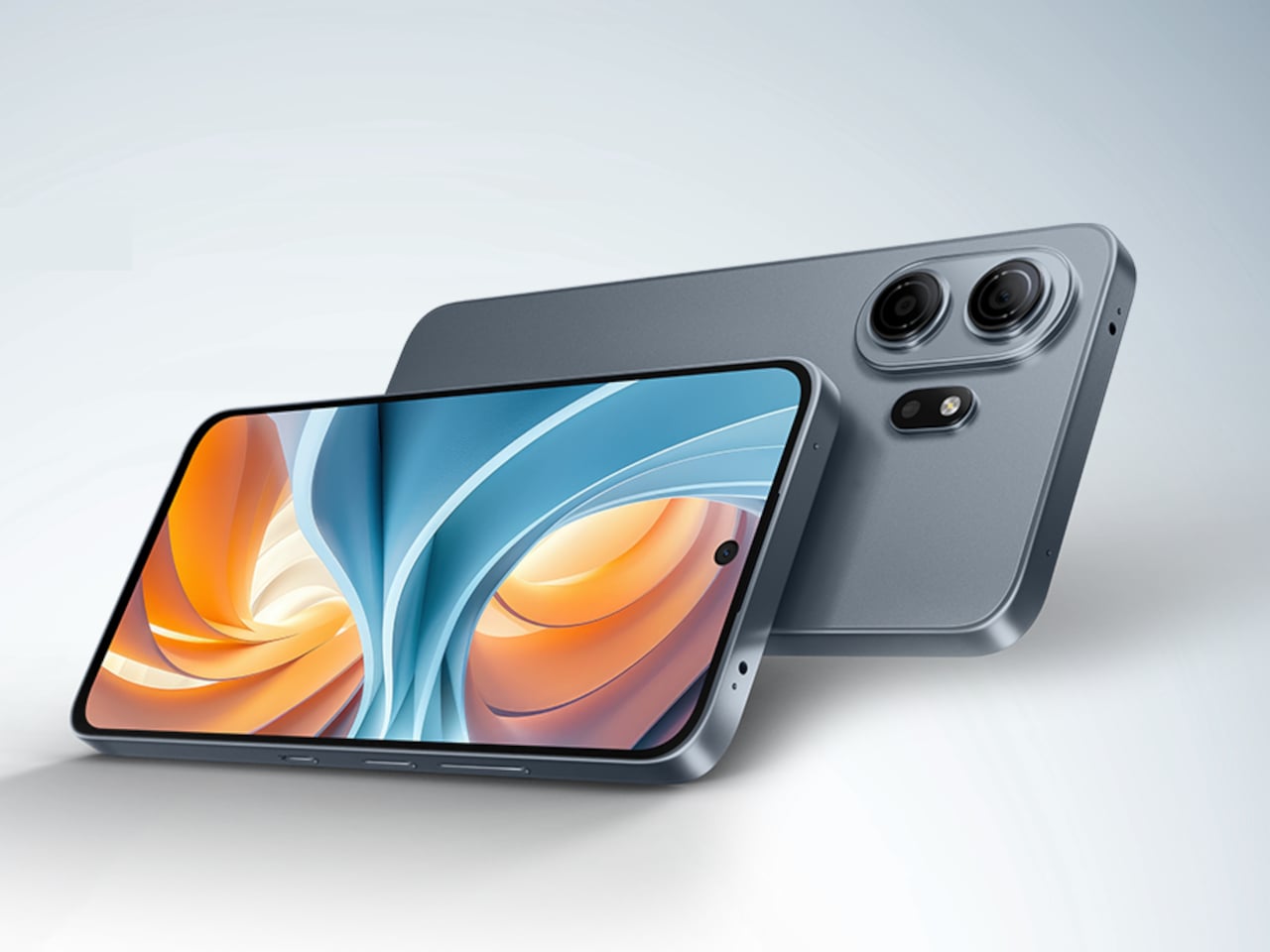
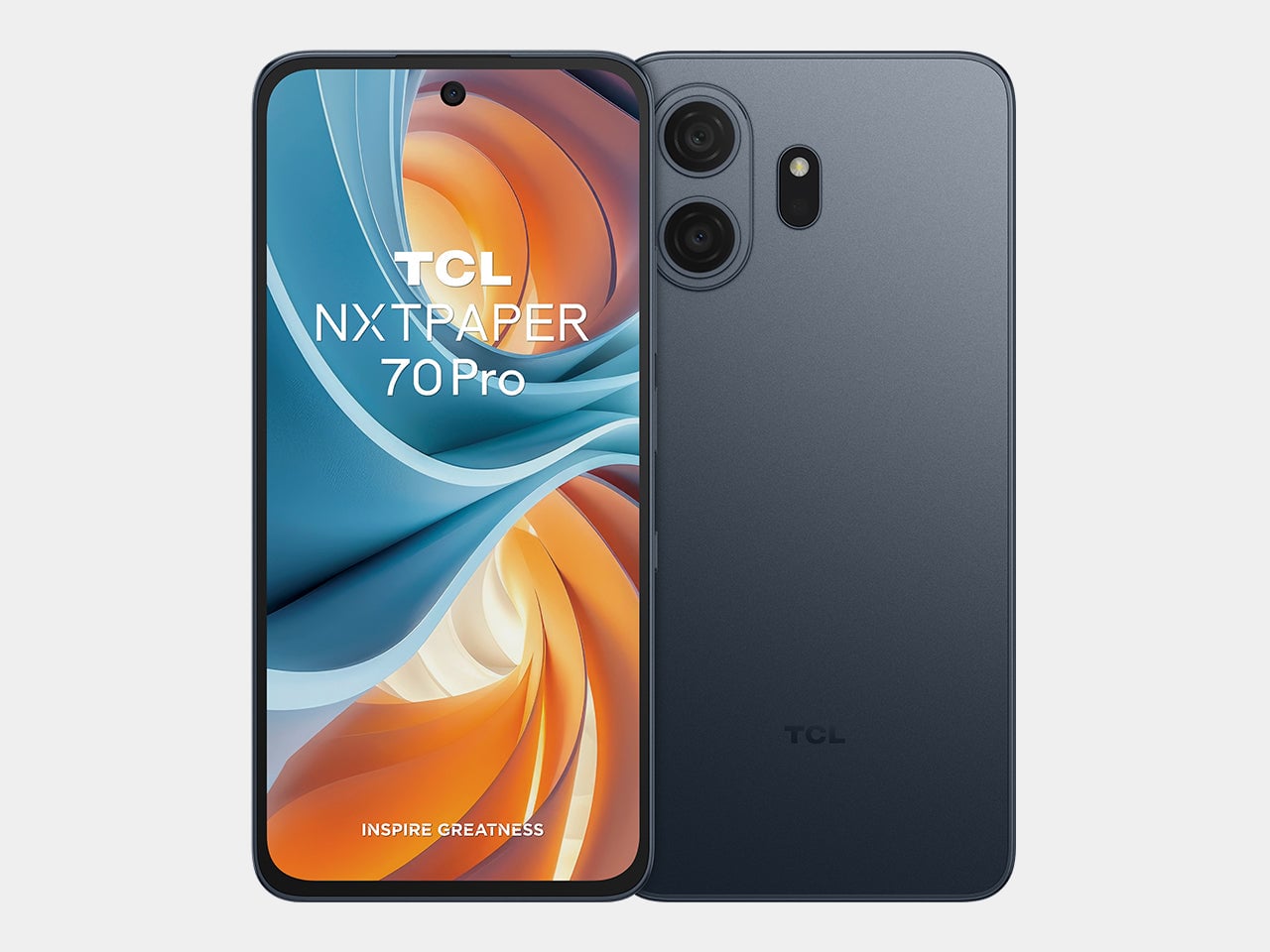
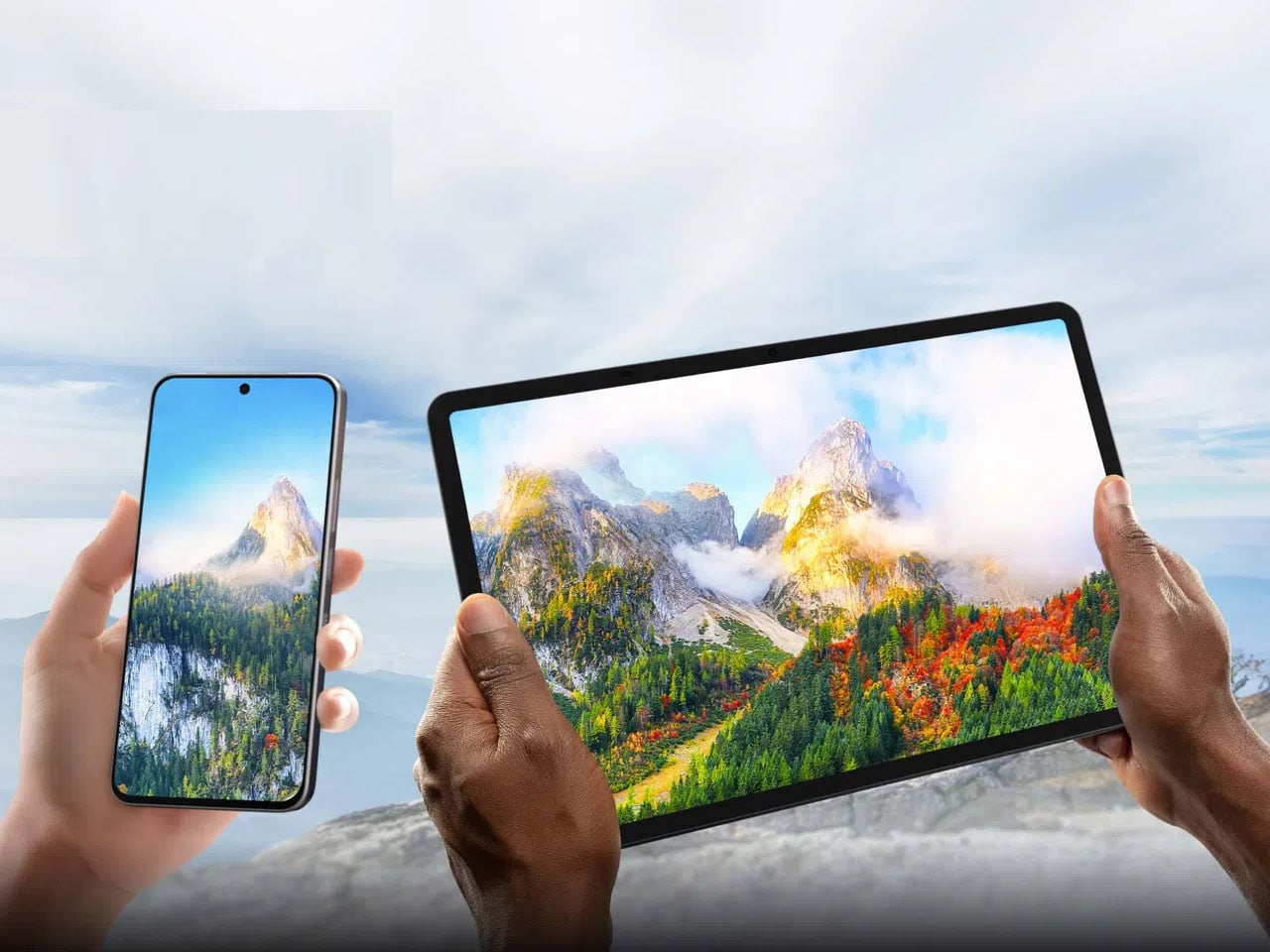
TCL’s P80 Ultra and P80 Pro prove a phone screen doesn’t have to pick one personality and stick with it. Unveiled at IFA 2026 in Berlin, both handsets fold a vivid AMOLED panel and TCL’s paper-like NXTPAPER technology into the same sheet of glass, letting the display shift moods with a flick of a switch instead of forcing a trade-off between color and comfort.

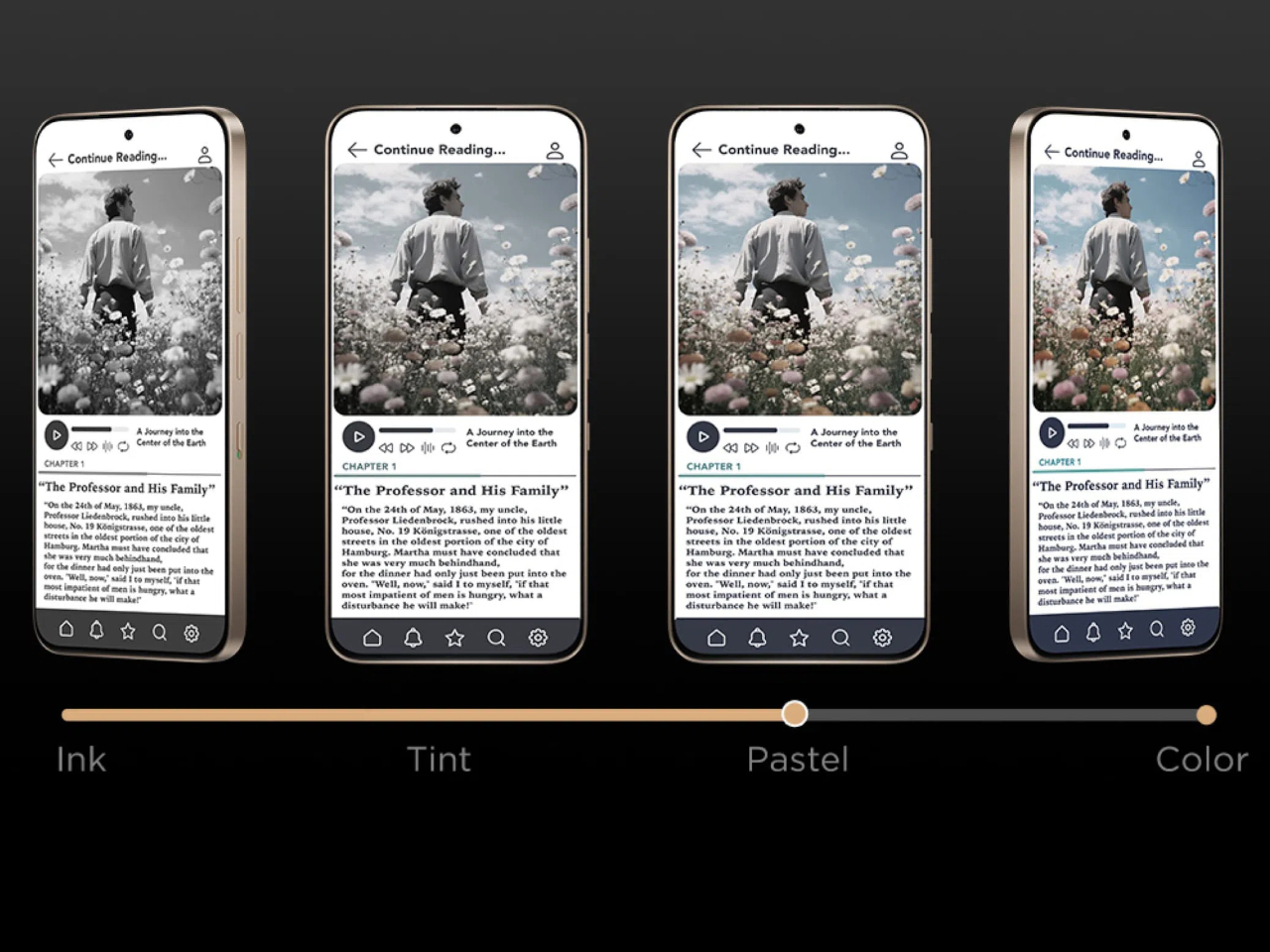
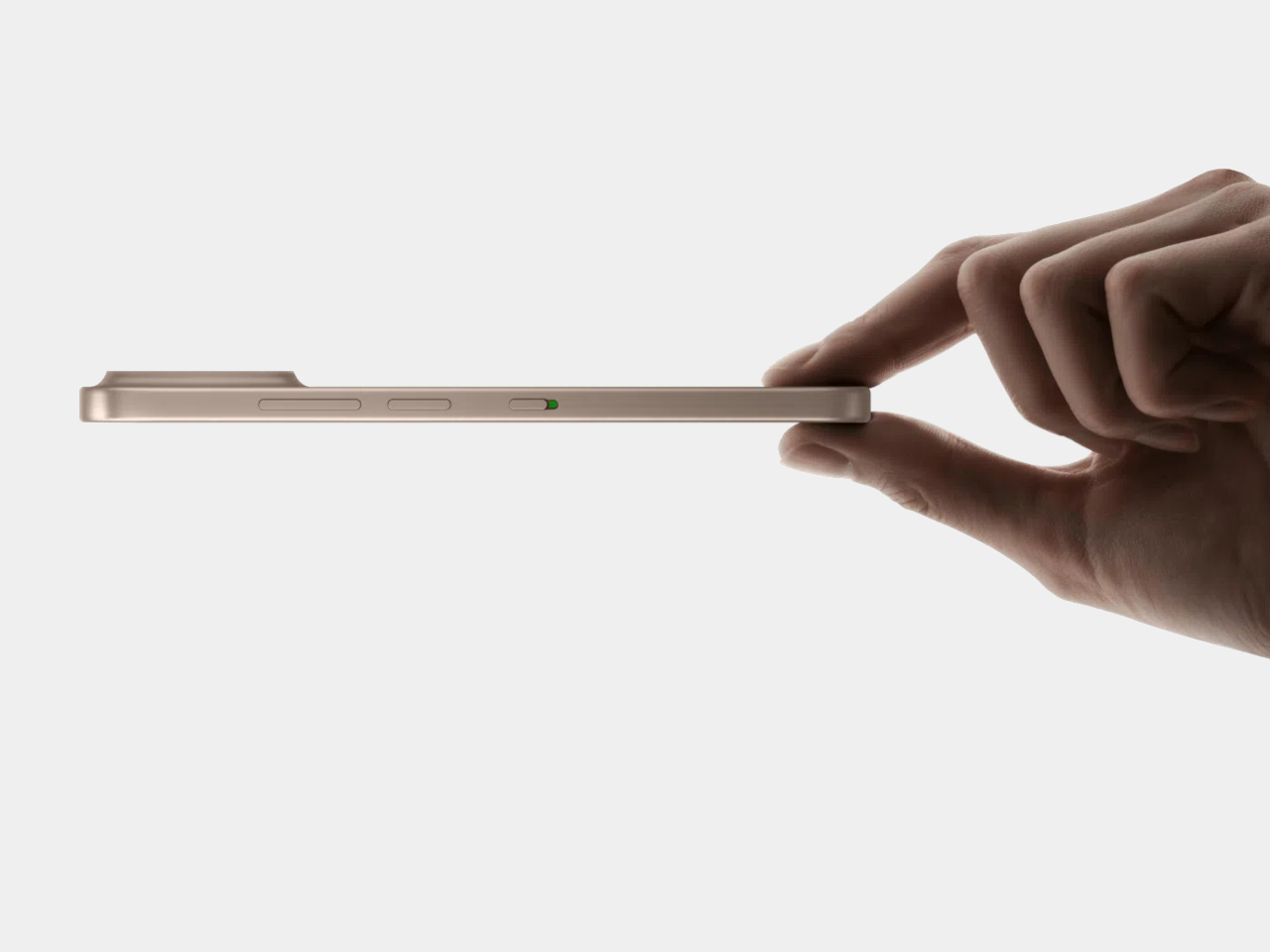
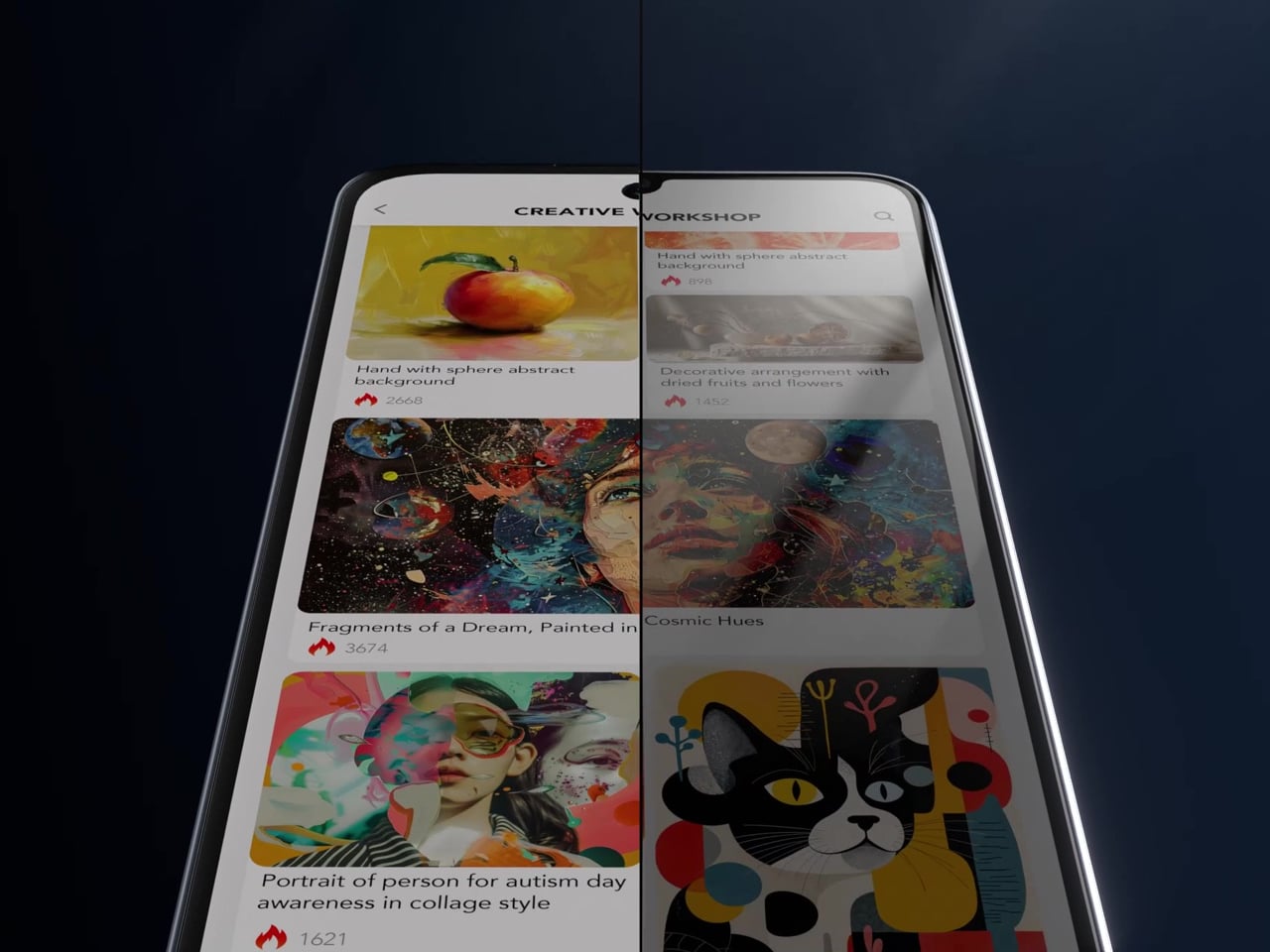
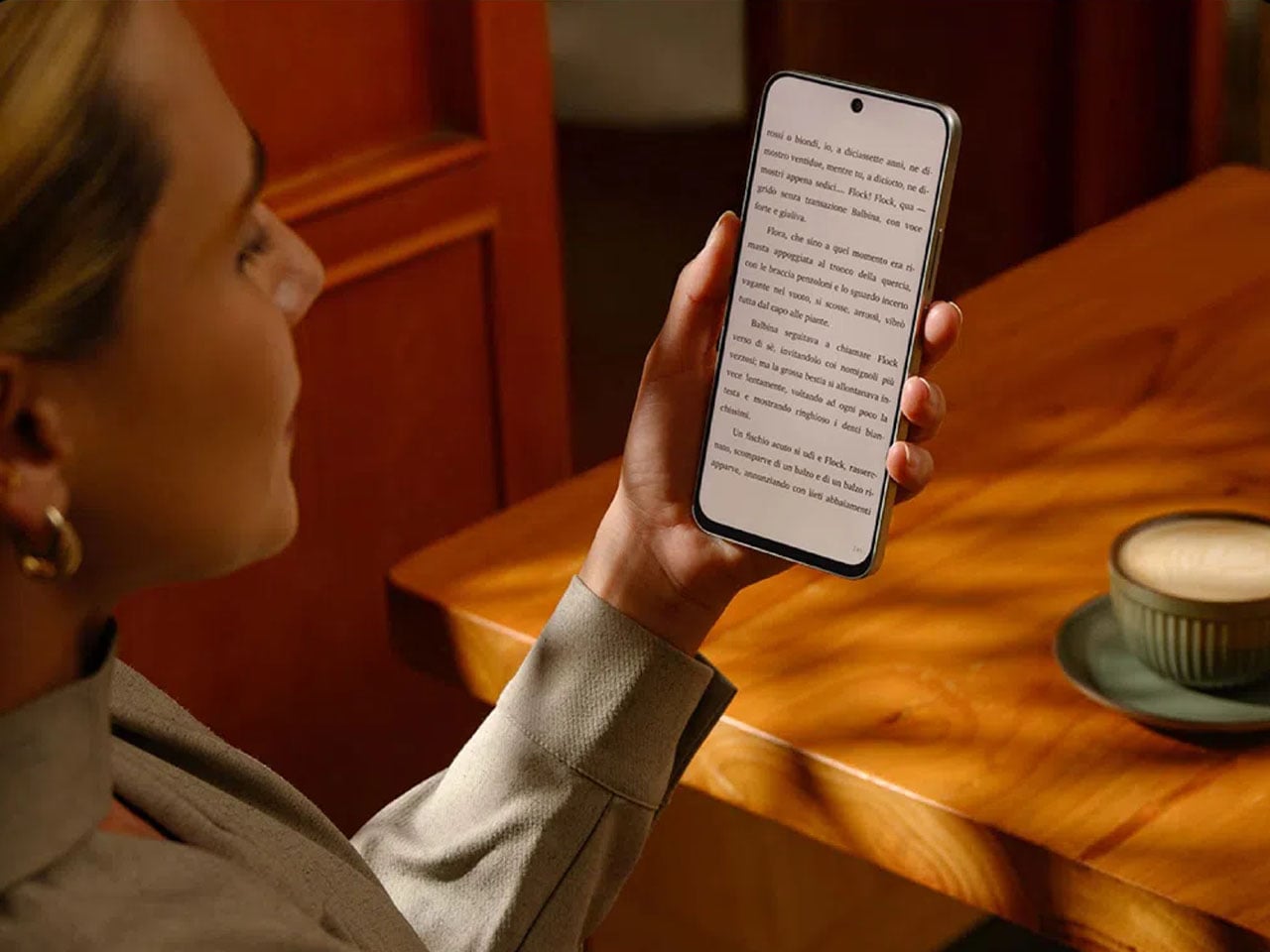
Run a finger along the frame, and you’ll find a thin slider, a small physical detail that carries plenty of weight in daily use. Slide it, and the 6.83-inch panel drops its saturation, taking on a warmer, textured look that mimics a printed page. A commuter buried in a novel or someone proofreading a document late at night gets a screen that behaves like paper, without losing the sharpness underneath.

Designer: TCL

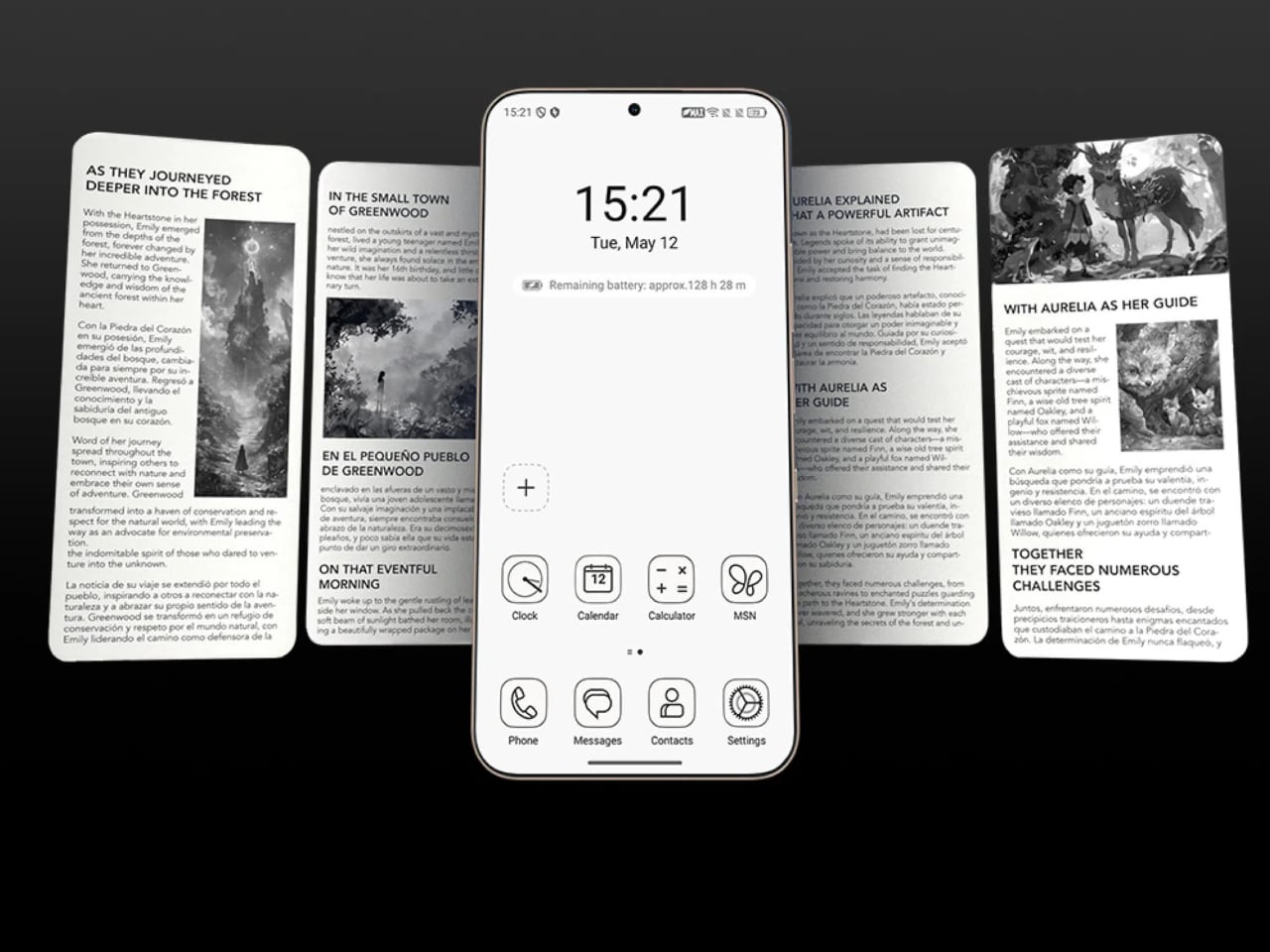
Push that same slider one notch further, and the screen drops color entirely for Max Ink Mode, a stripped layout that silences notifications except for calls and texts. It reads like a design decision as much as a software one, TCL betting people want to quiet their phone rather than mute it completely. The payoff is a battery that can stretch across roughly a week of steady reading.

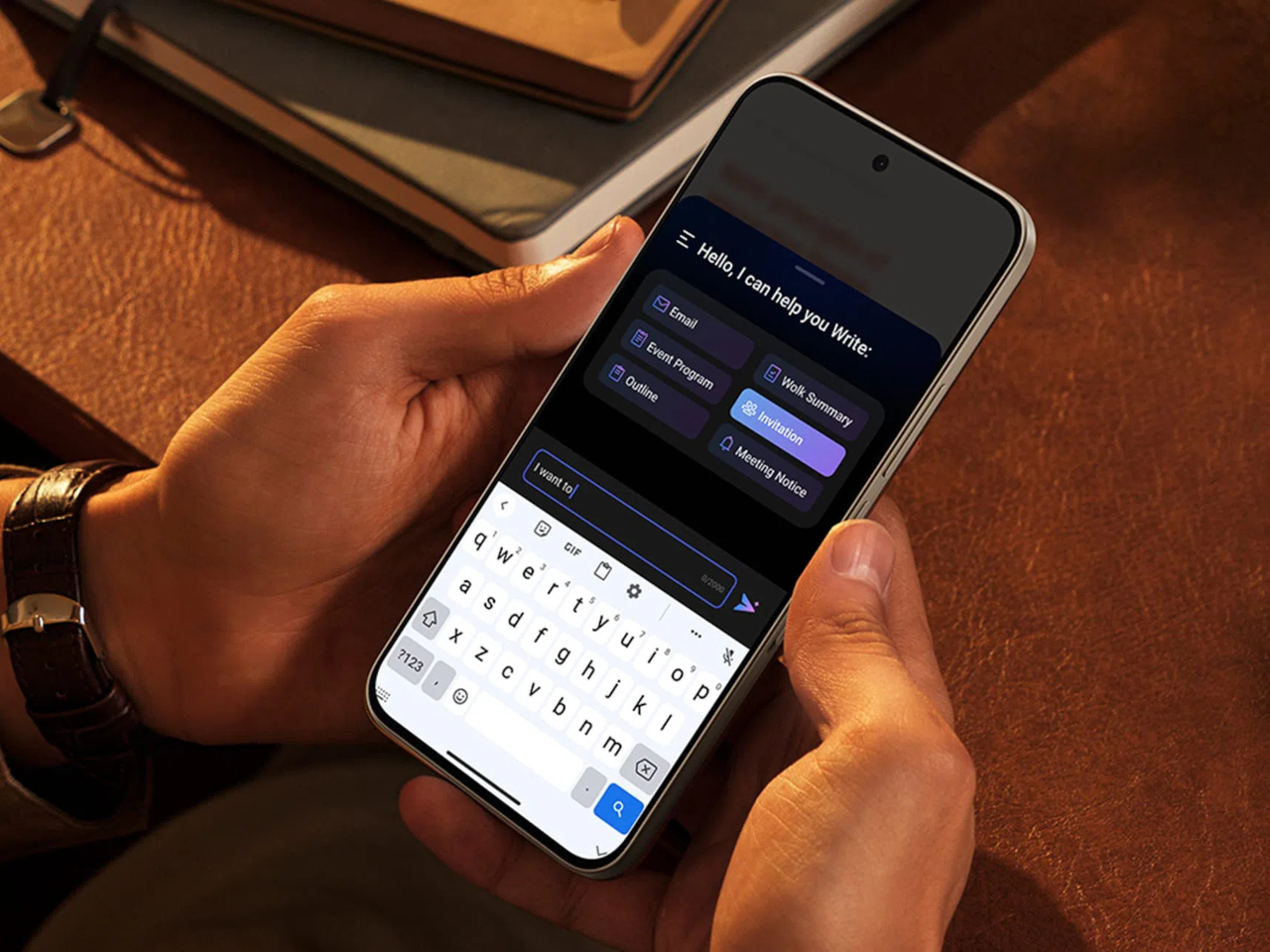
That reading-first mindset carries into the software too. Both phones can convert e-books into audiobooks or podcast-style narration using on-device AI, giving Max Ink Mode a voice to lean on when eyes need a break instead of ears. It is a small addition, but it treats the slower, paper-like mode as a genuine feature rather than a bolted-on gimmick for a keynote slide.

None of that would matter if the screen looked washed out the rest of the time, so TCL leaned on a 1.5K AMOLED panel that hits 3,200 nits and covers the full DCI-P3 color range. A Nano Crystal Shield coating cuts glare enough to keep the display readable under direct sun, marking TCL’s first pairing of NXTPAPER with OLED rather than the LCD panels it used before.

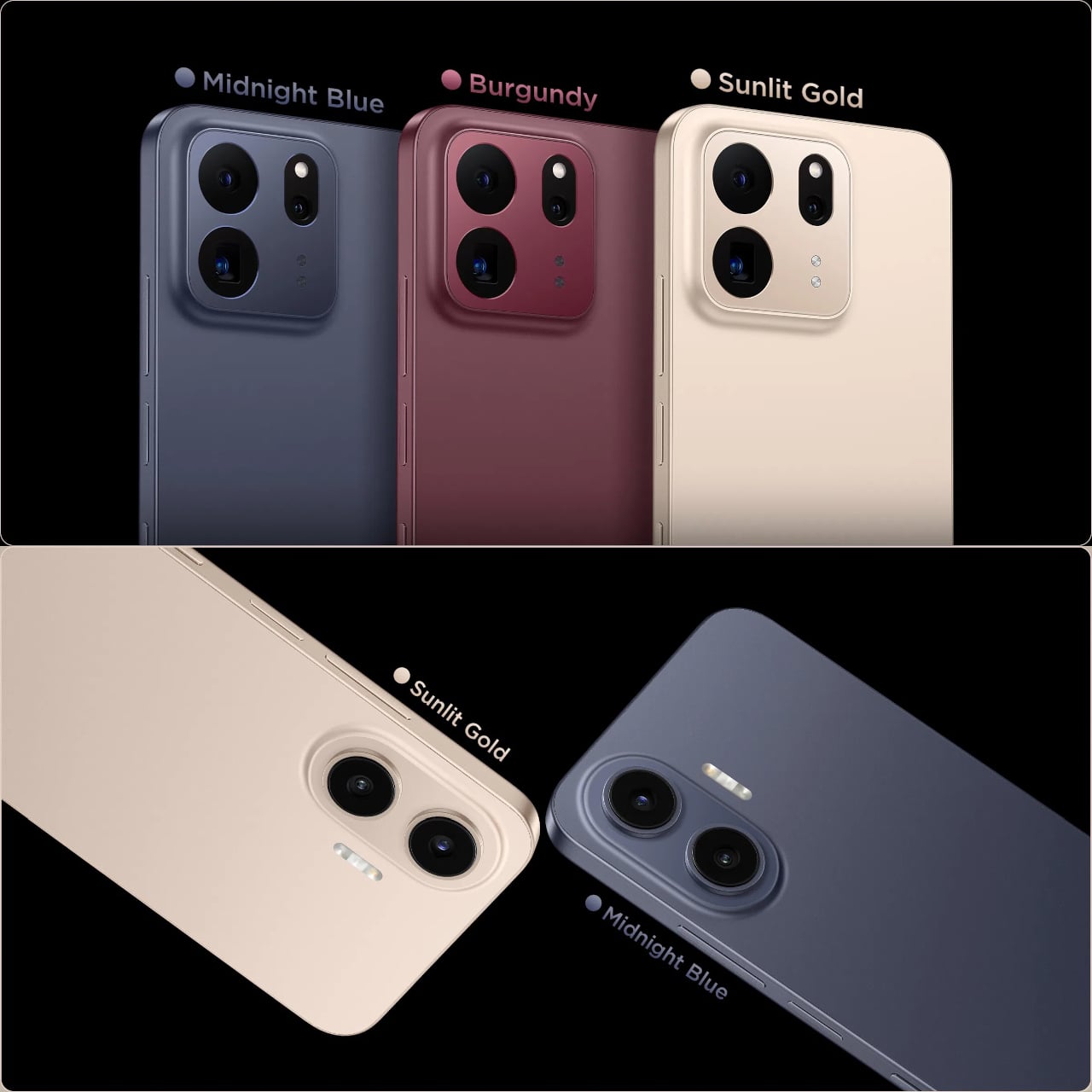
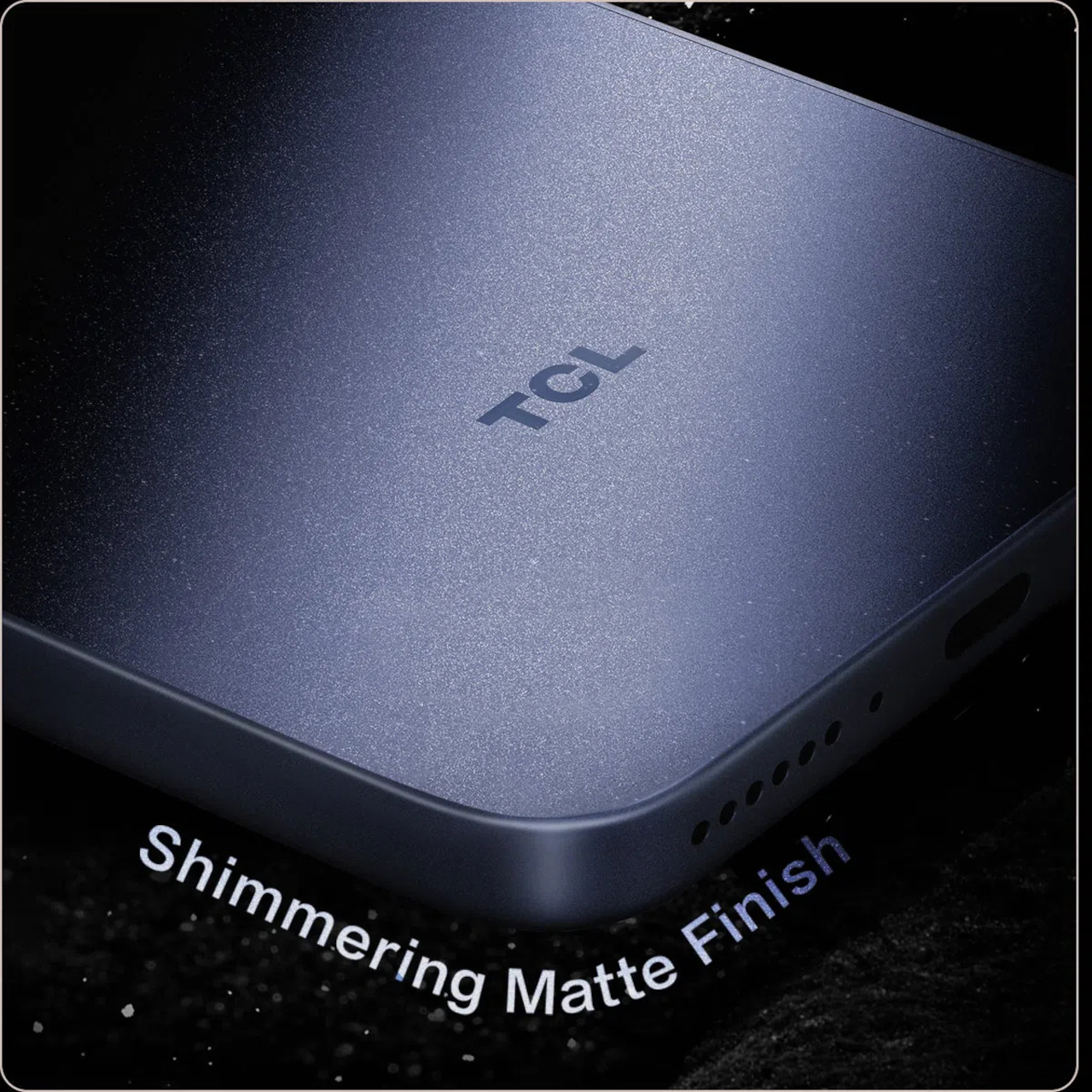
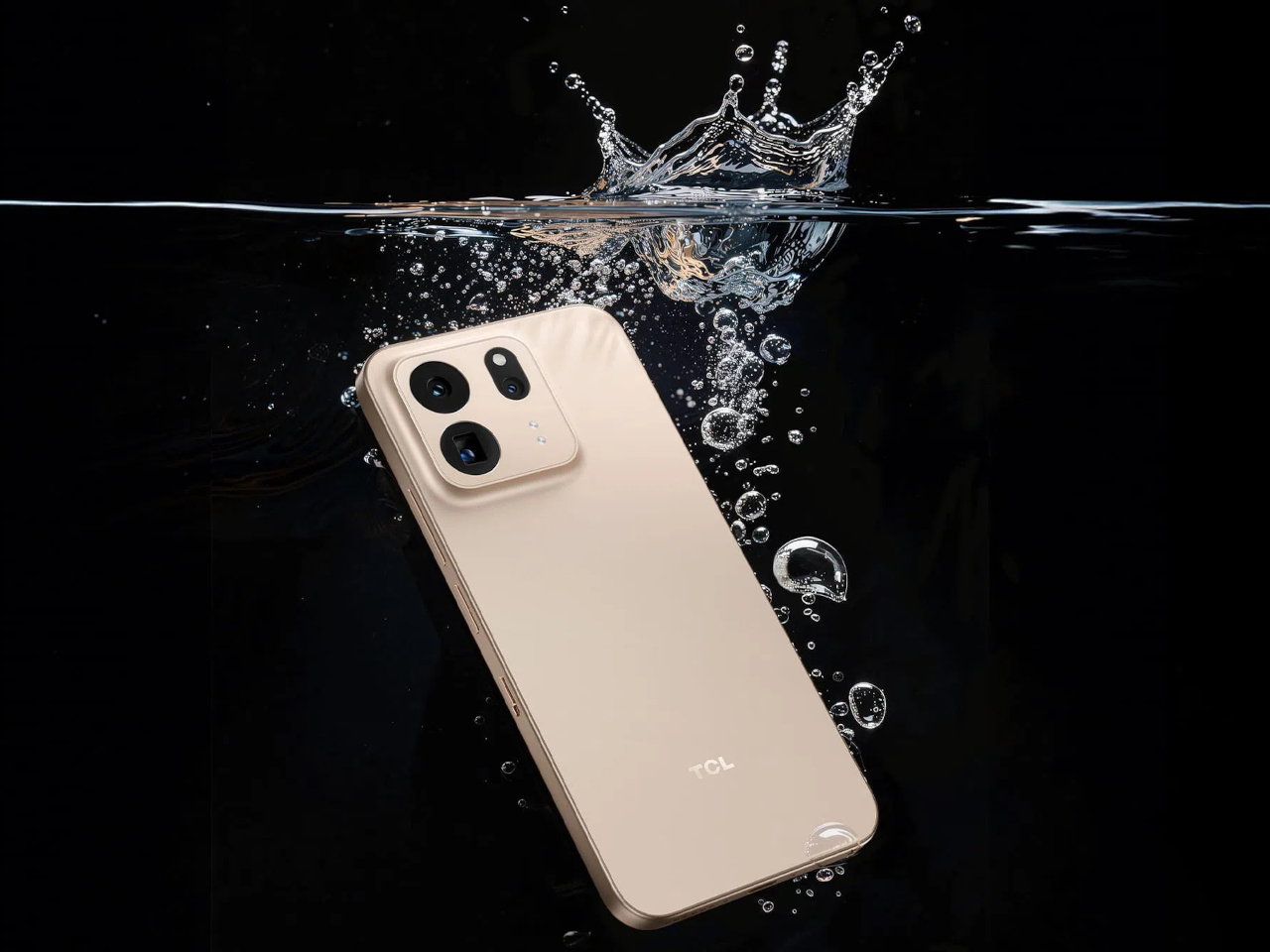
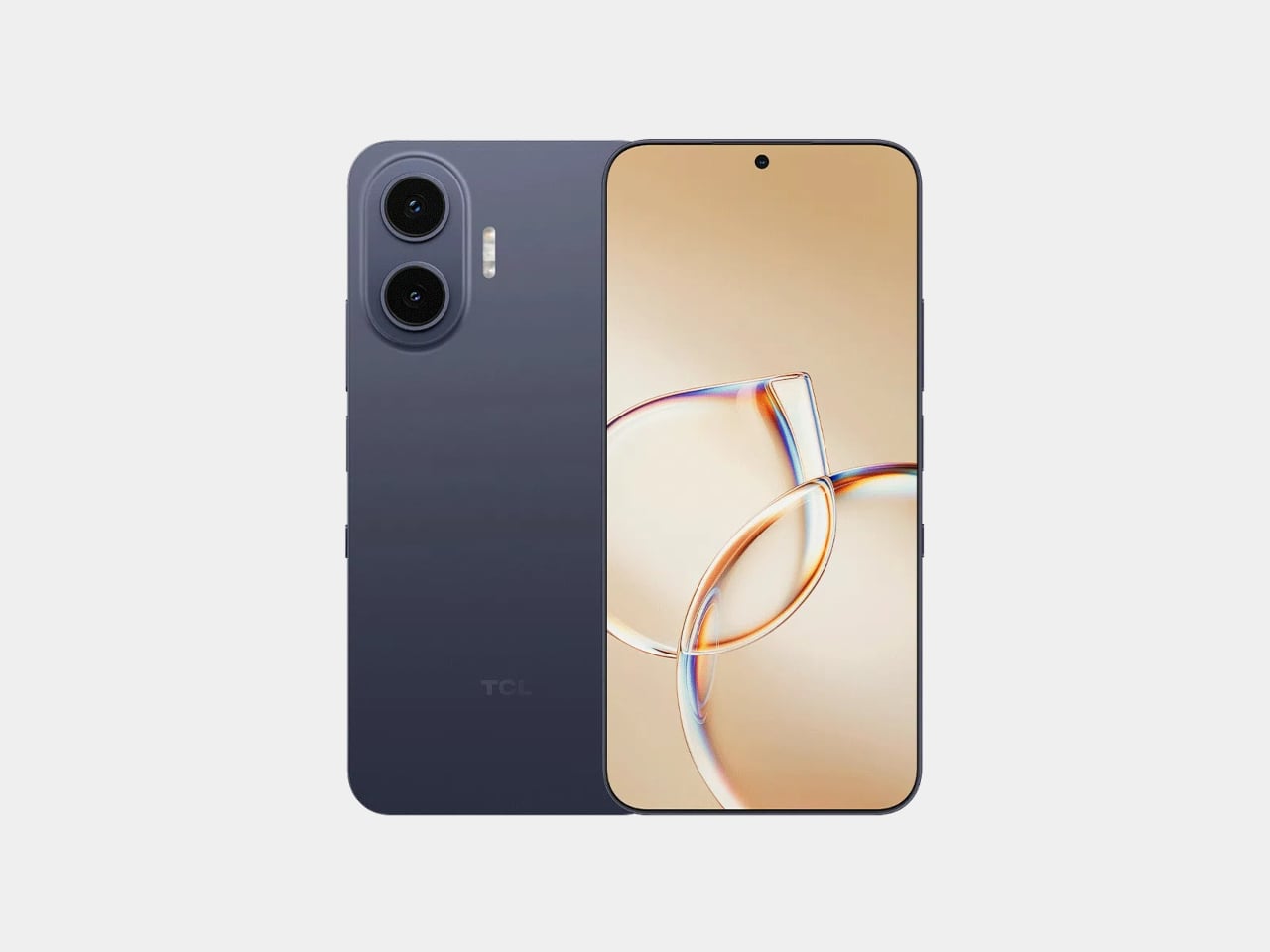
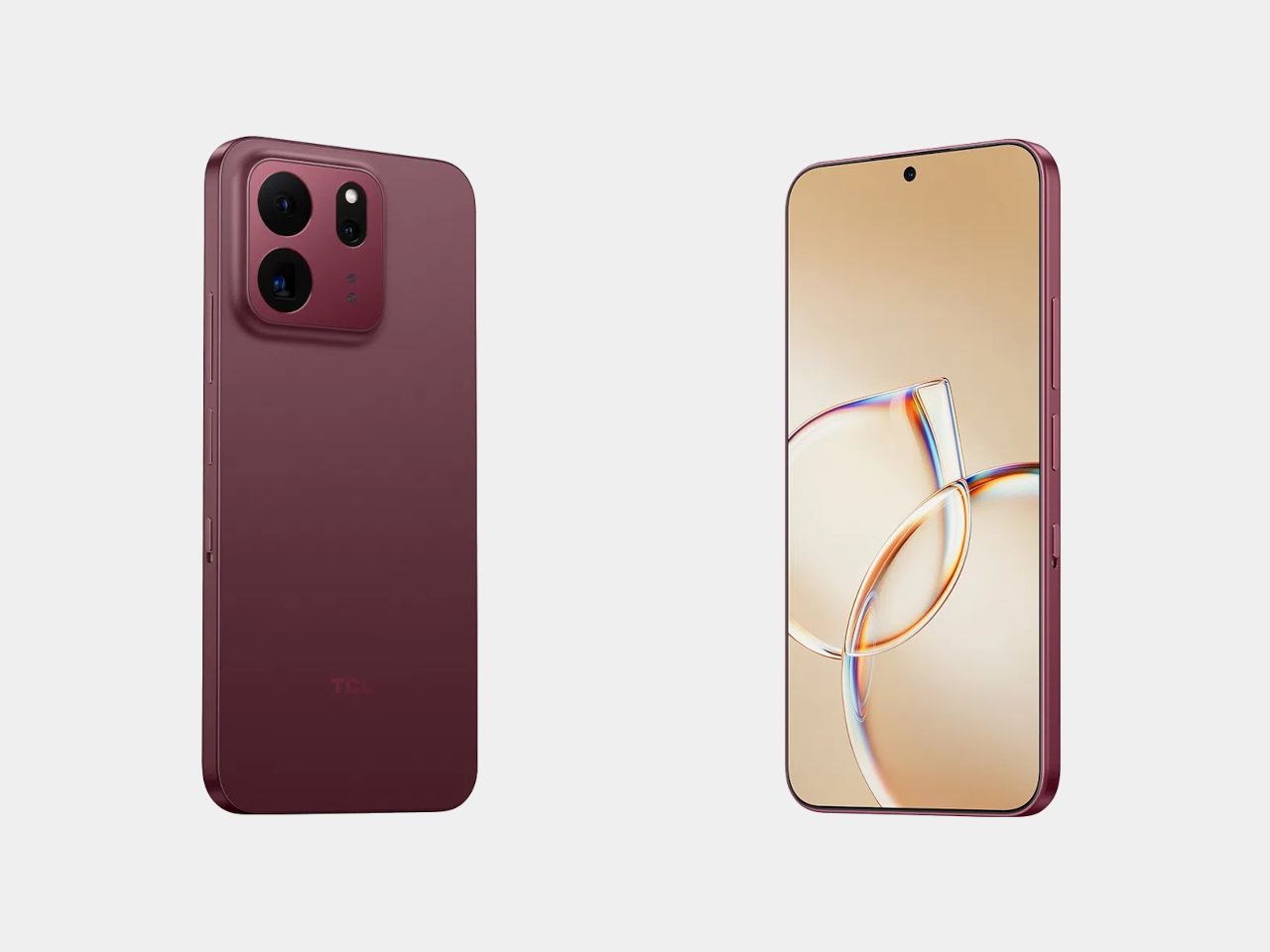
The frame wrapping that screen is aluminum rather than the plastic often found at this price, giving both phones a sturdier grip without piling on bulk. TCL backs that up with an IP68 rating against dust and water, plus MIL-STD-810H certification for the inevitable drop. Buyers get to pick between Sunlit Gold, Burgundy, and Midnight Blue, three finishes that lean more toward jewelry-box color choices than typical slab-of-glass smartphone palettes.

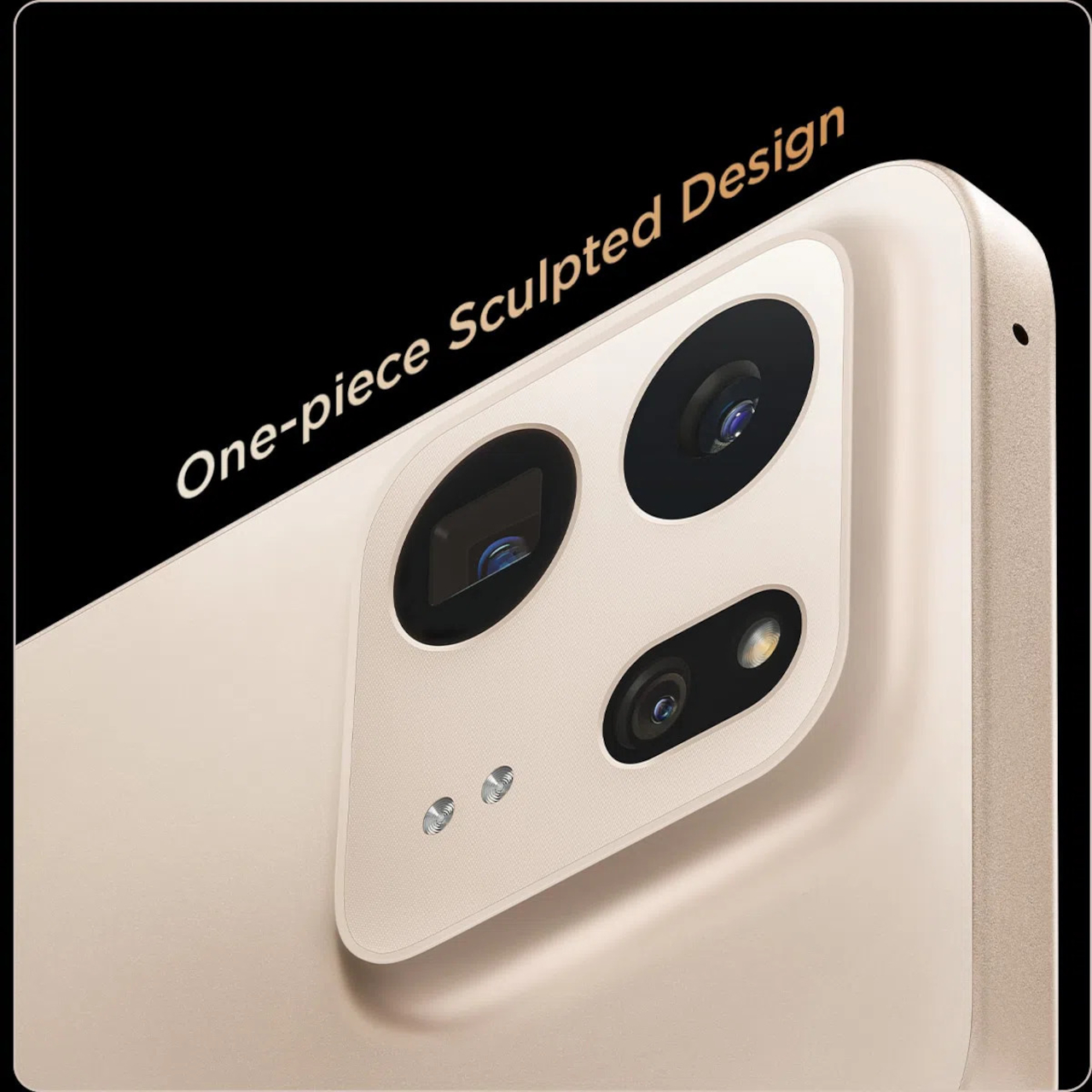
Where the two models part ways is around the back. The P80 Ultra carries a 50-megapixel main camera next to a 50-megapixel periscope lens for 3x optical zoom, tucked into a housing shaped to avoid throwing off the phone’s balance. The P80 Pro drops the periscope for a simpler dual-camera arrangement, trading reach for a slimmer build that still shares the same main sensor and 8-megapixel ultrawide.

TCL is rolling both phones out across Europe first, with the P80 Ultra priced from €549 (around $635) and the P80 Pro starting at €429 (around $500), before a Latin American launch follows in October. A wider release is expected to reach additional regions afterward. In a category full of identical glass rectangles, these two phones actually behave differently depending on what someone needs from them that day.

The post TCL’s P80 Pro and Ultra Are the Phones That Replaced Your Kindle Too first appeared on Yanko Design.

TCL Just Solved the Eye Strain Problem Budget Tablets Always Ignore

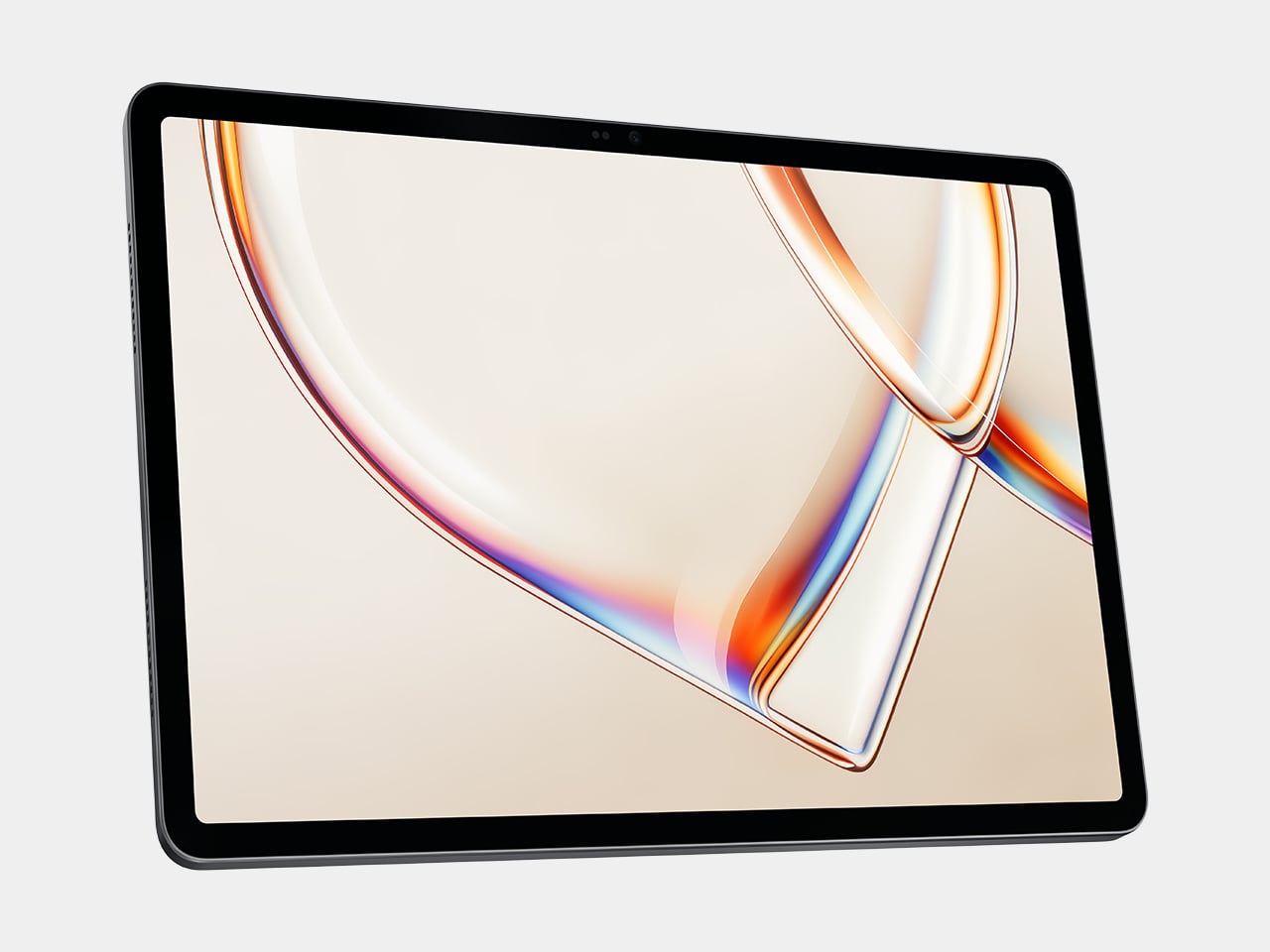
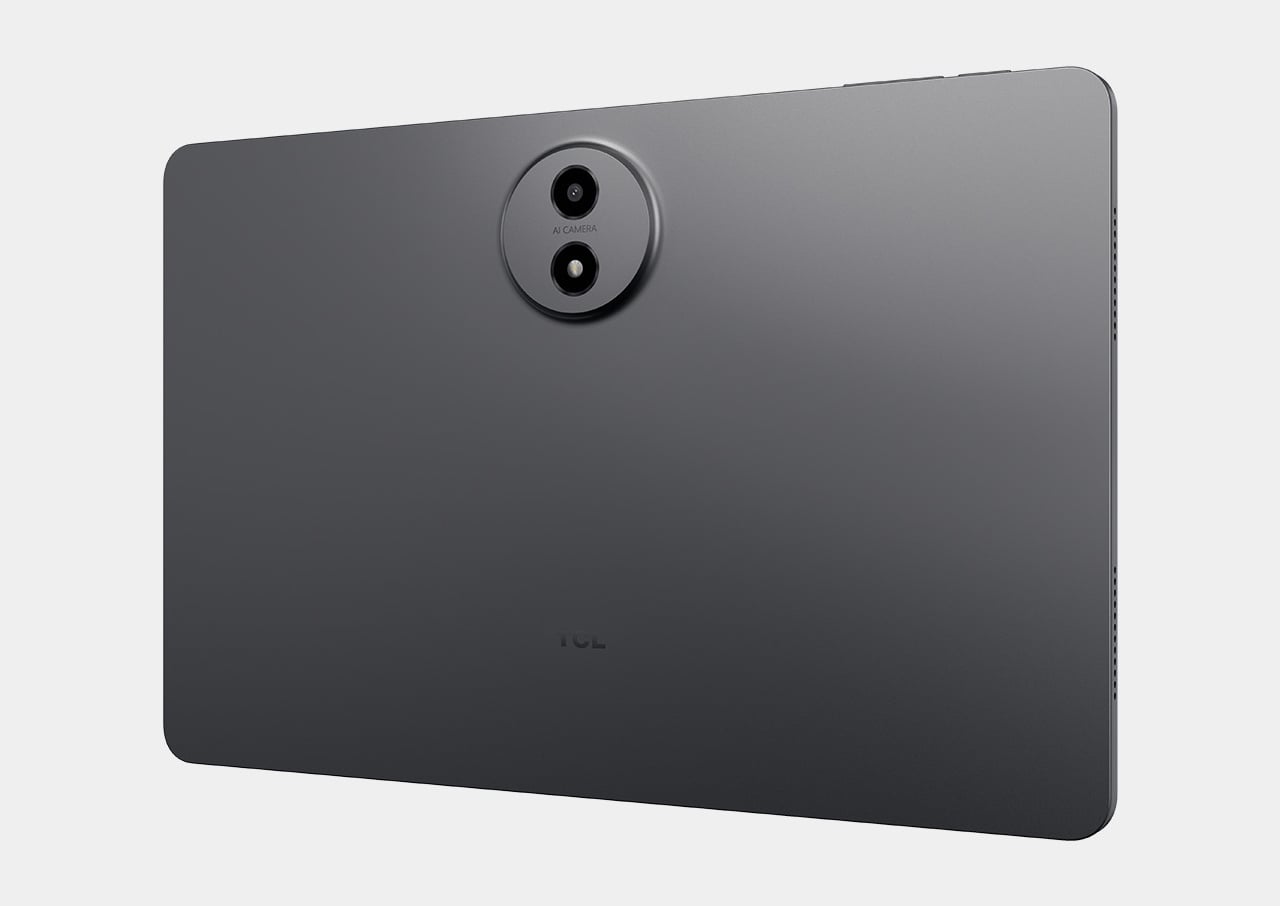
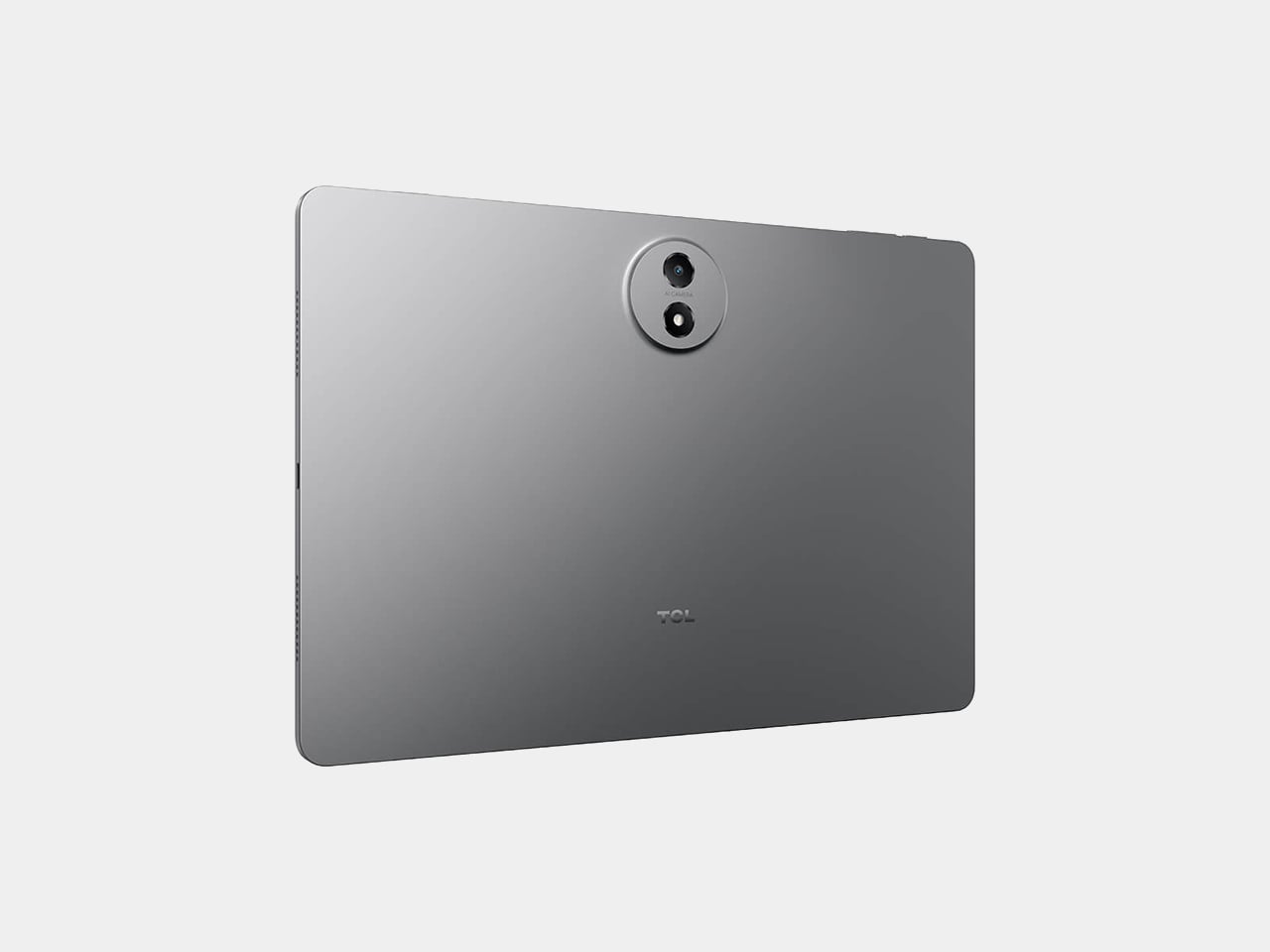
Most budget Android tablets separate their lineup the same predictable way: a cheaper model gets a slower chip, less RAM, or a smaller battery than its pricier sibling. The TCL Tab A1 NXTPAPER skips that formula entirely. It shares its processor, memory, storage, and battery with the standard Tab A1 dollar for dollar, then charges more for something else: a screen built to behave like paper instead of glass.

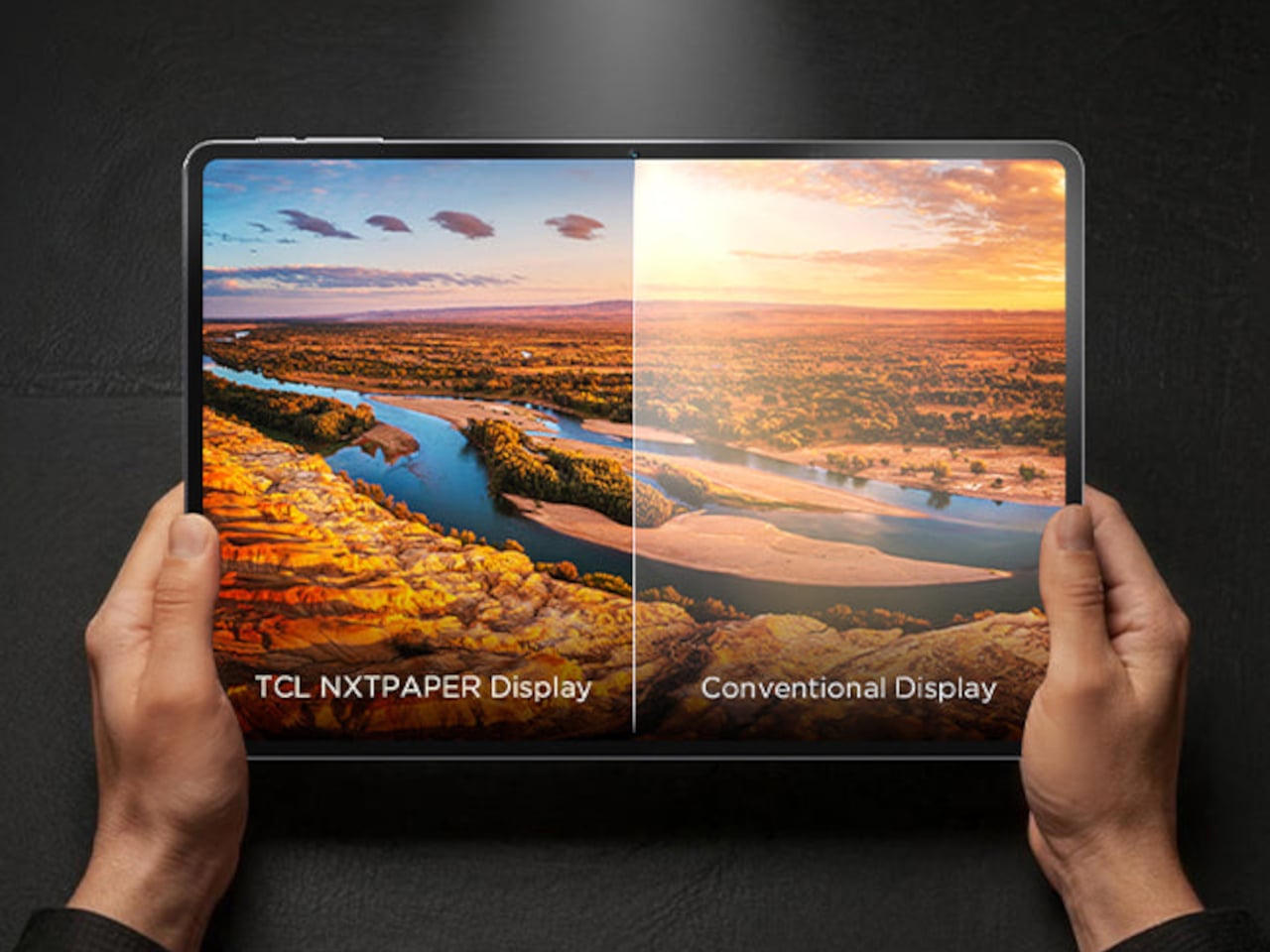
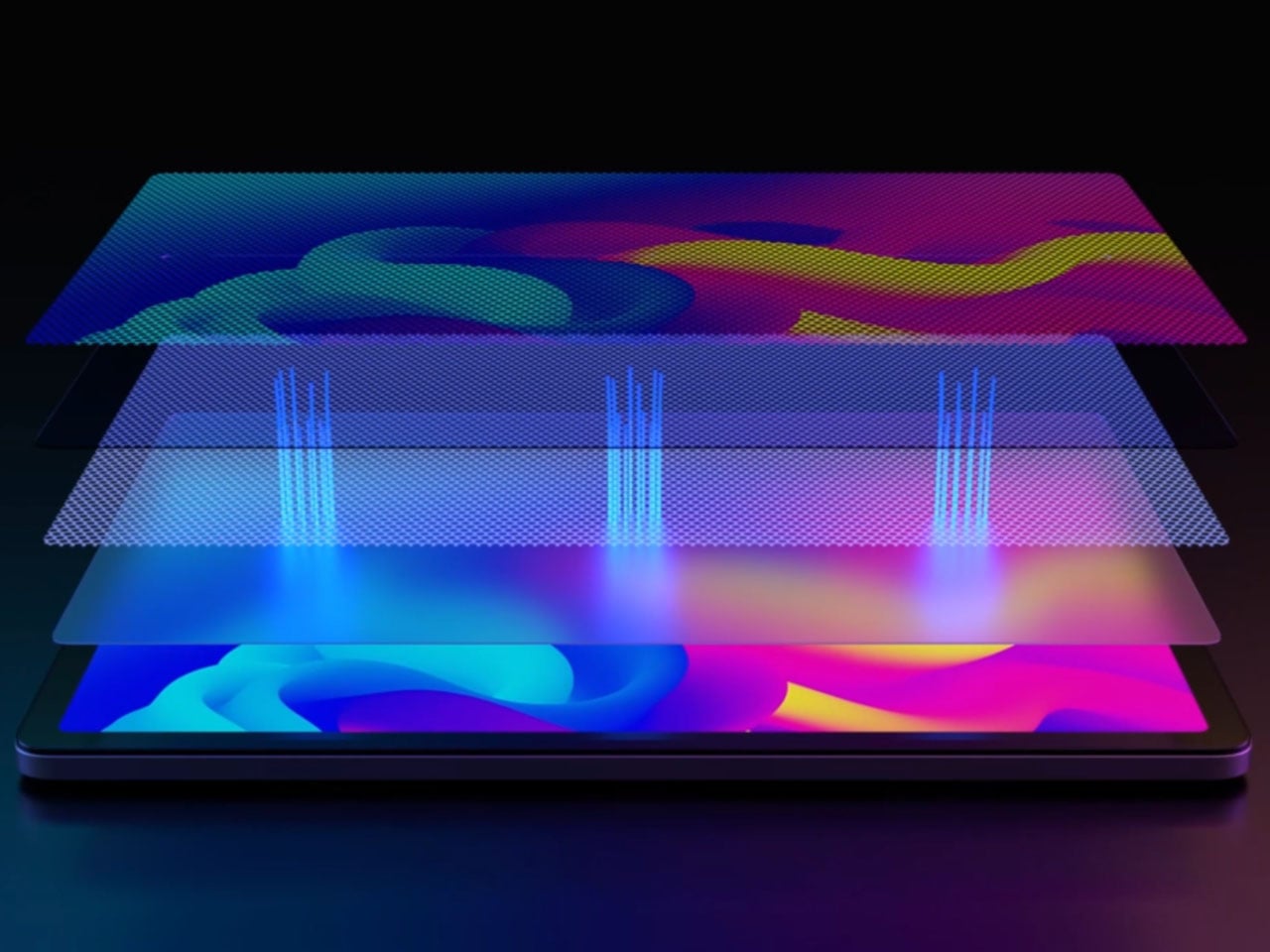
That NXTPAPER 3A Crystal display is the entire reason this tablet exists as a separate product. Rather than relying on software tricks like blue-light filters or a dimmed dark mode, TCL built a nano-etched, multi-layer surface designed to scatter light the way an actual printed page does, cutting glare and reducing the eye strain that comes from staring at a conventional glossy panel for hours at a stretch.

Designer: TCL

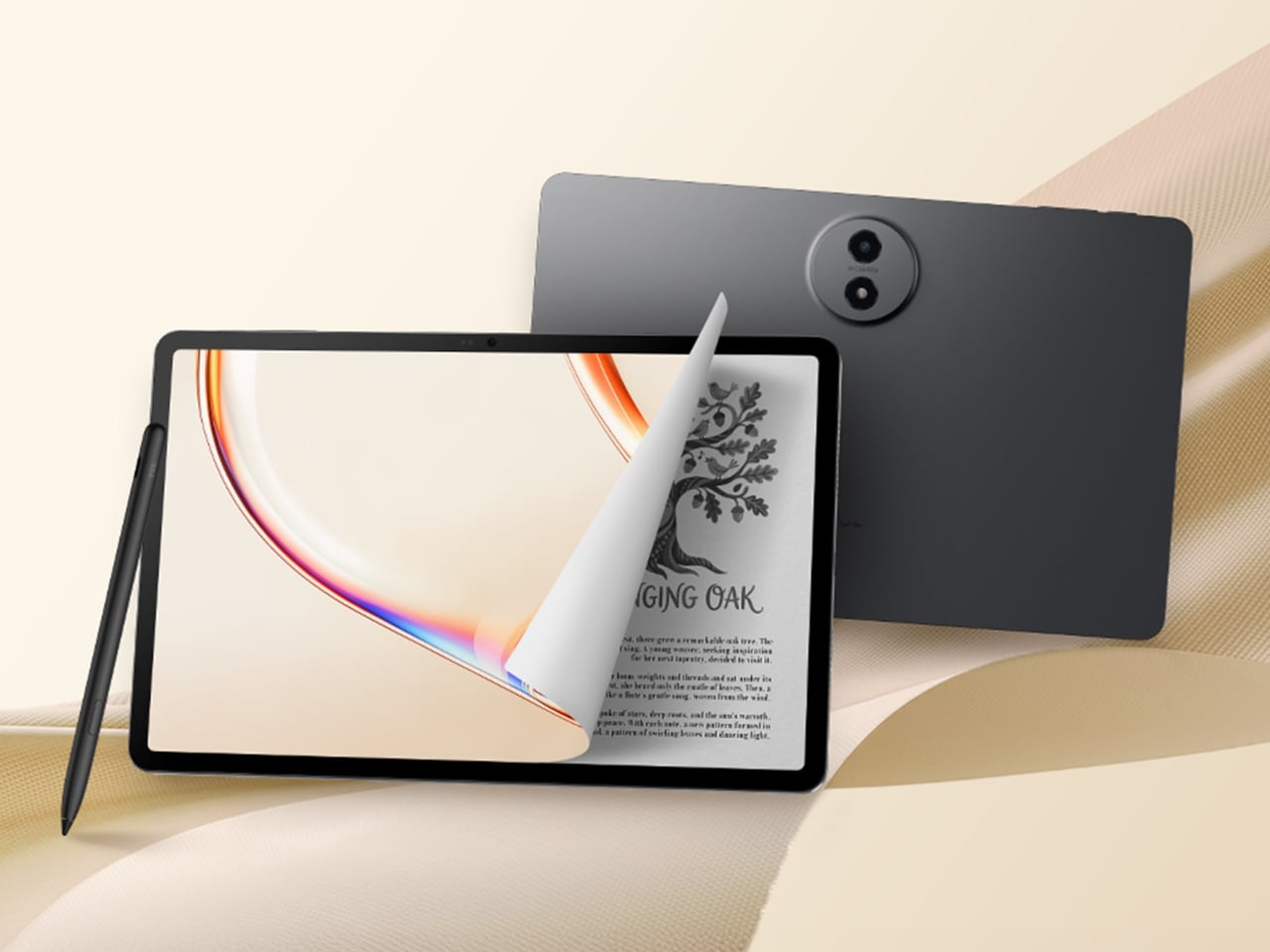
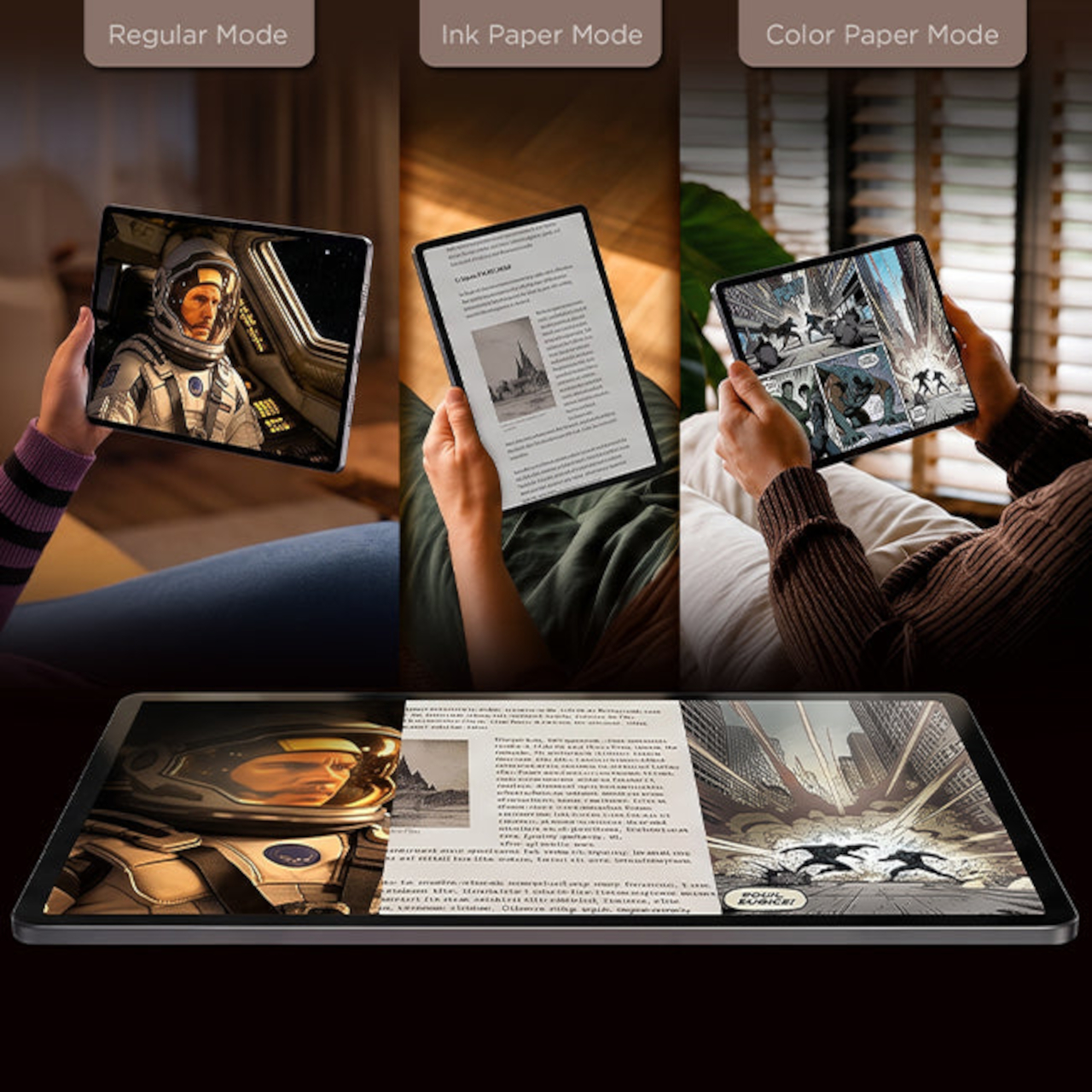
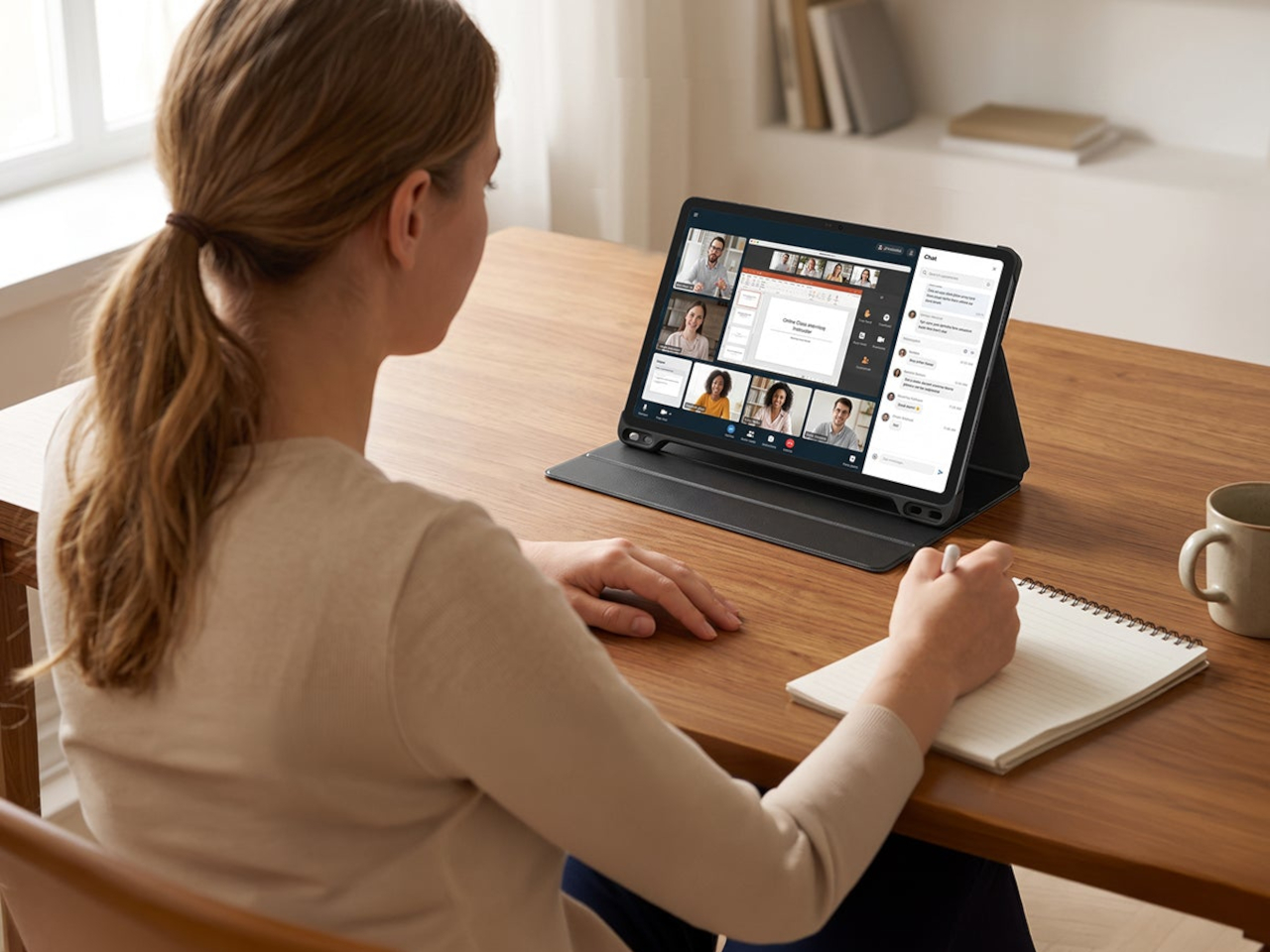
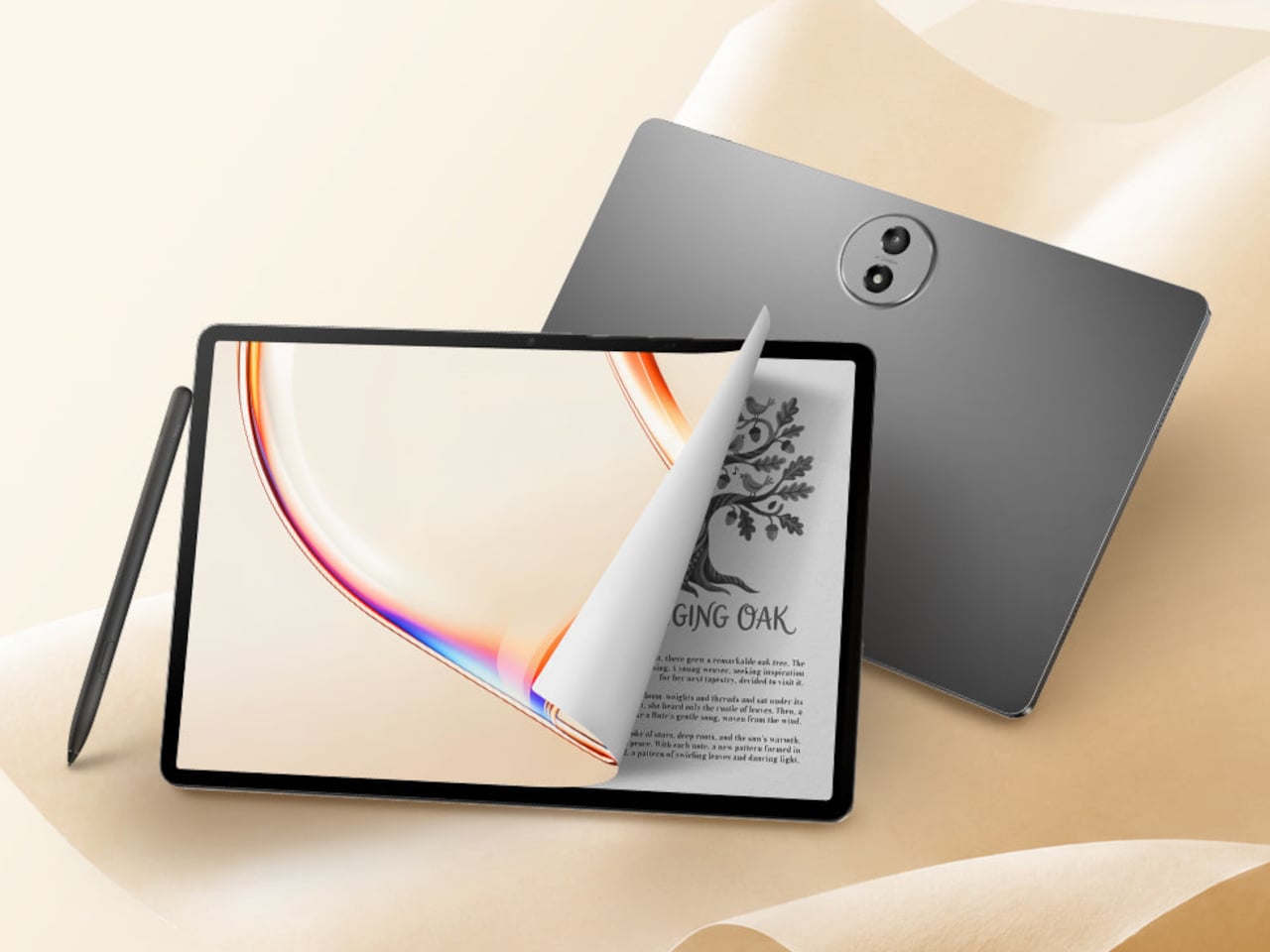
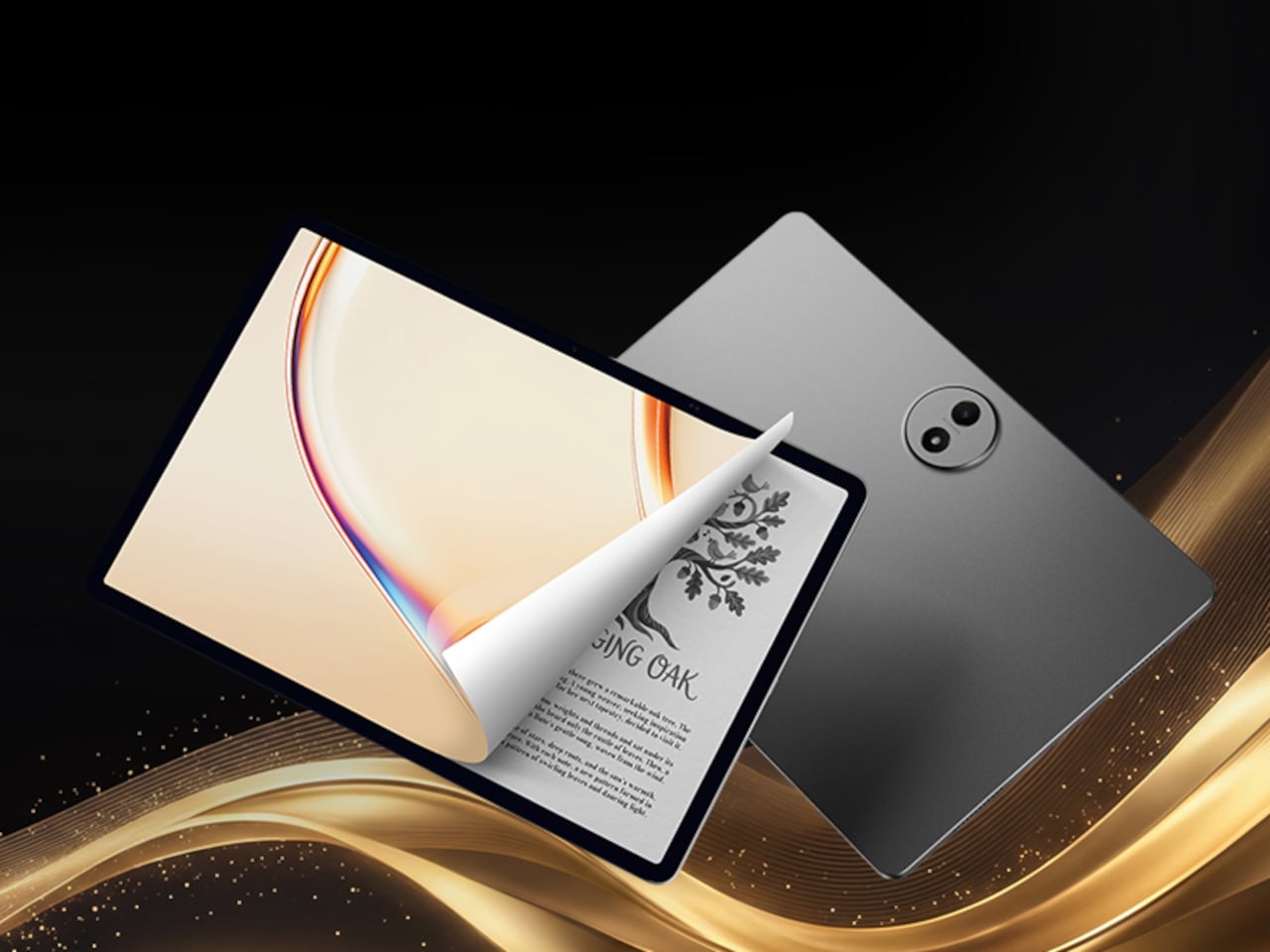
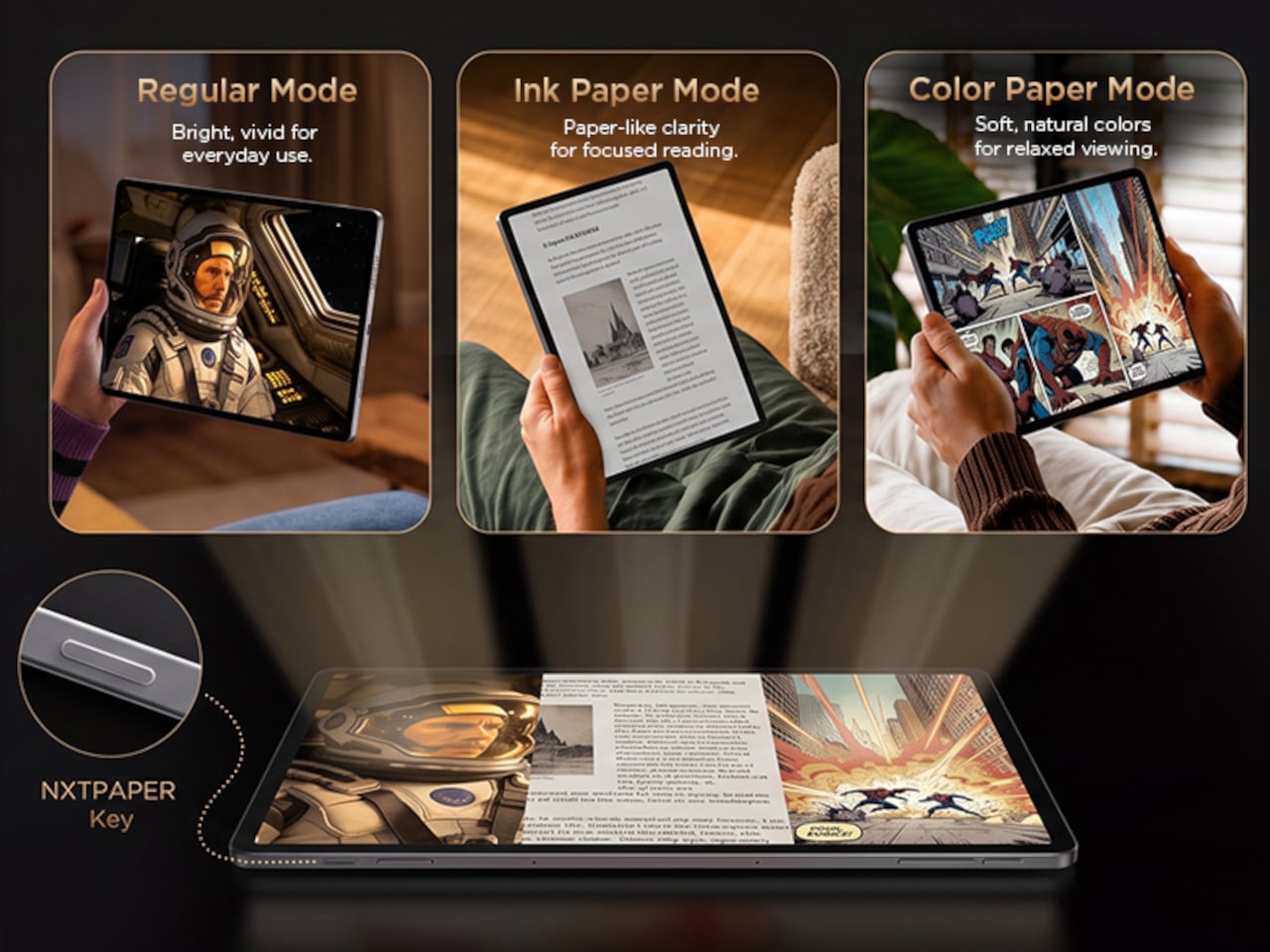
Two display modes make that distinction tangible rather than theoretical. Color Paper keeps the panel vibrant for movies, photos, and everyday browsing, while Ink Paper flattens the same screen into a matte, grayscale reading surface that mimics an e-reader. Switching between them means one 11-inch panel can behave like two different devices depending on whether you’re watching something or working through a stack of documents before bed.

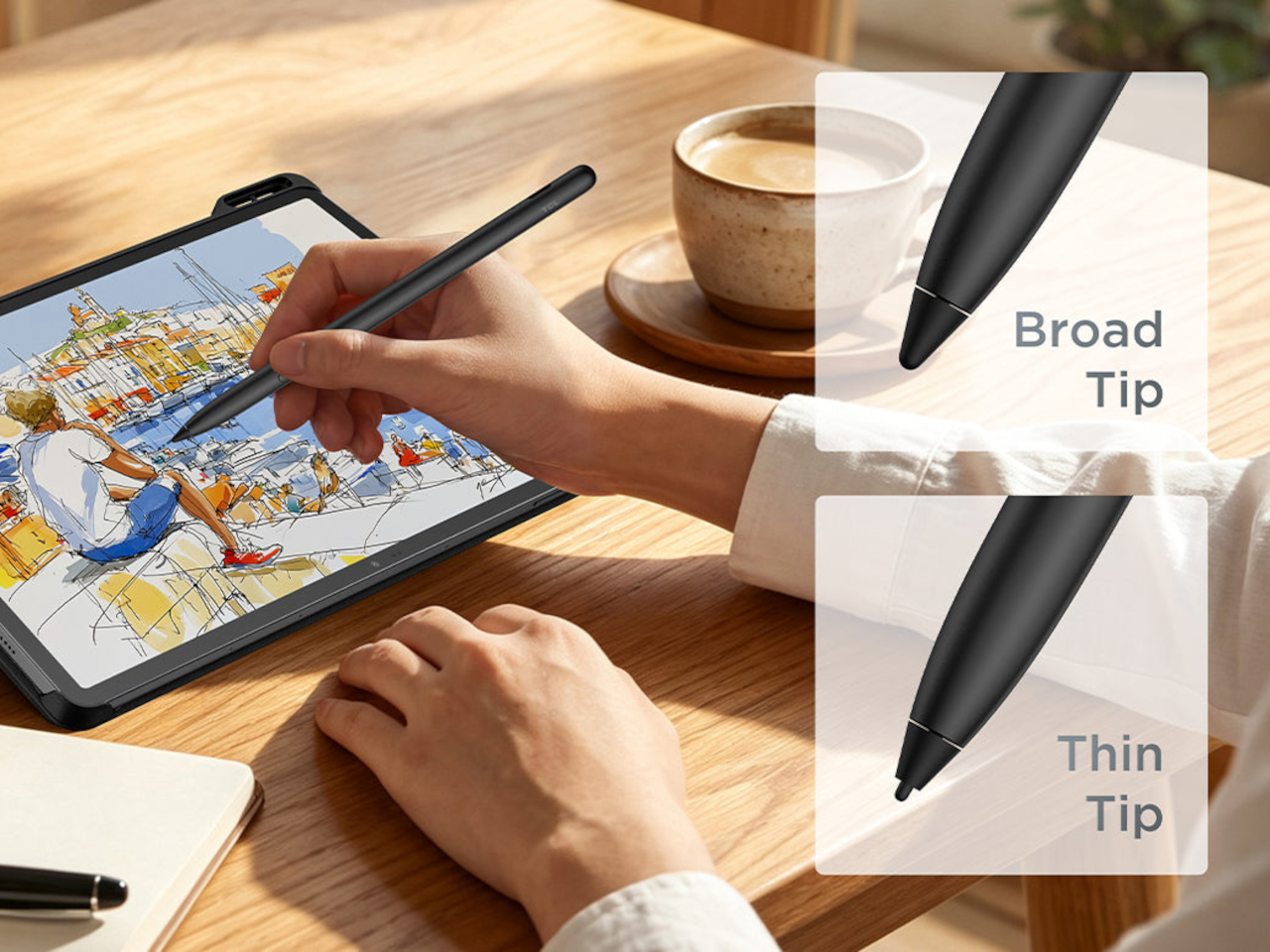
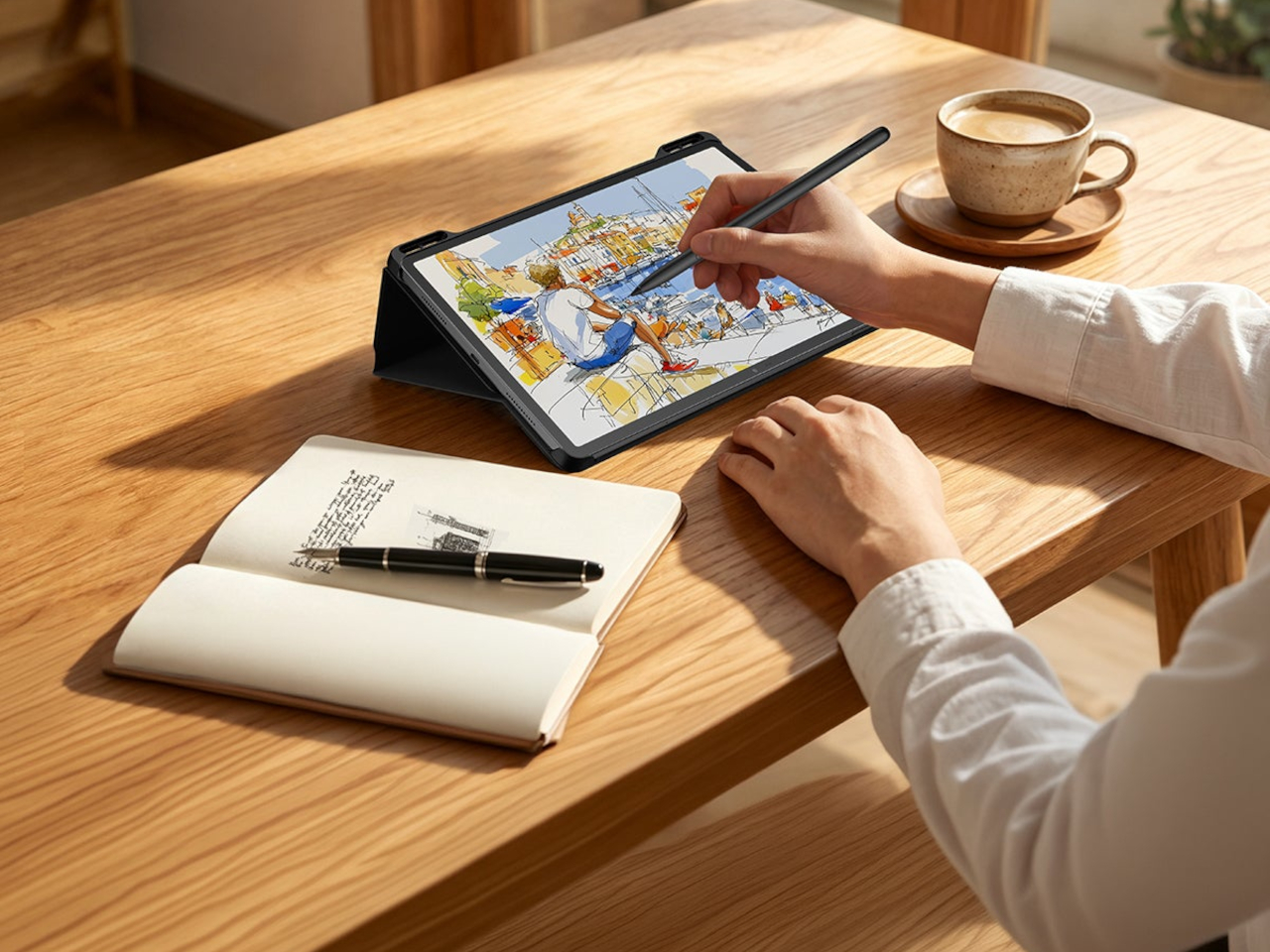
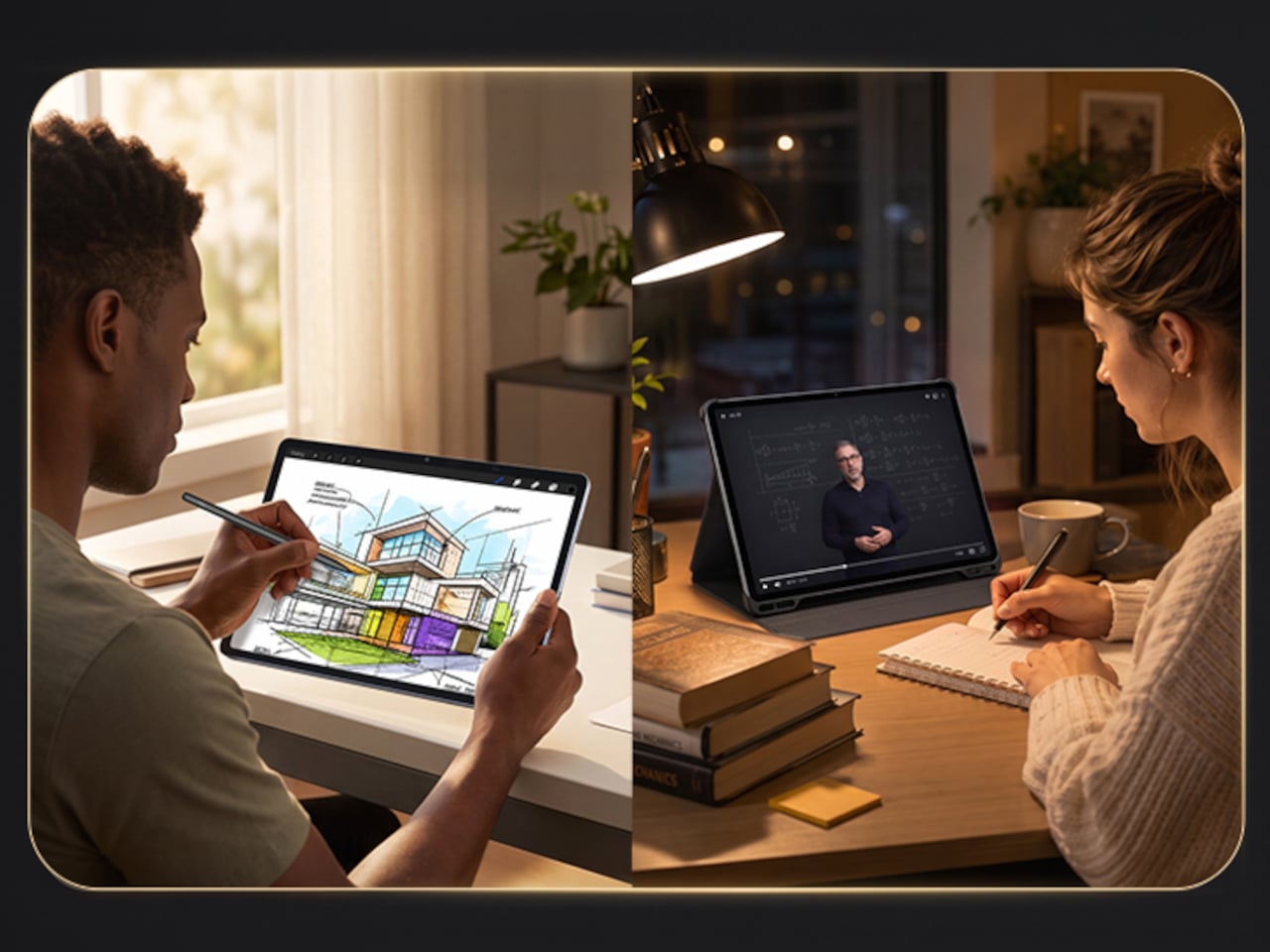
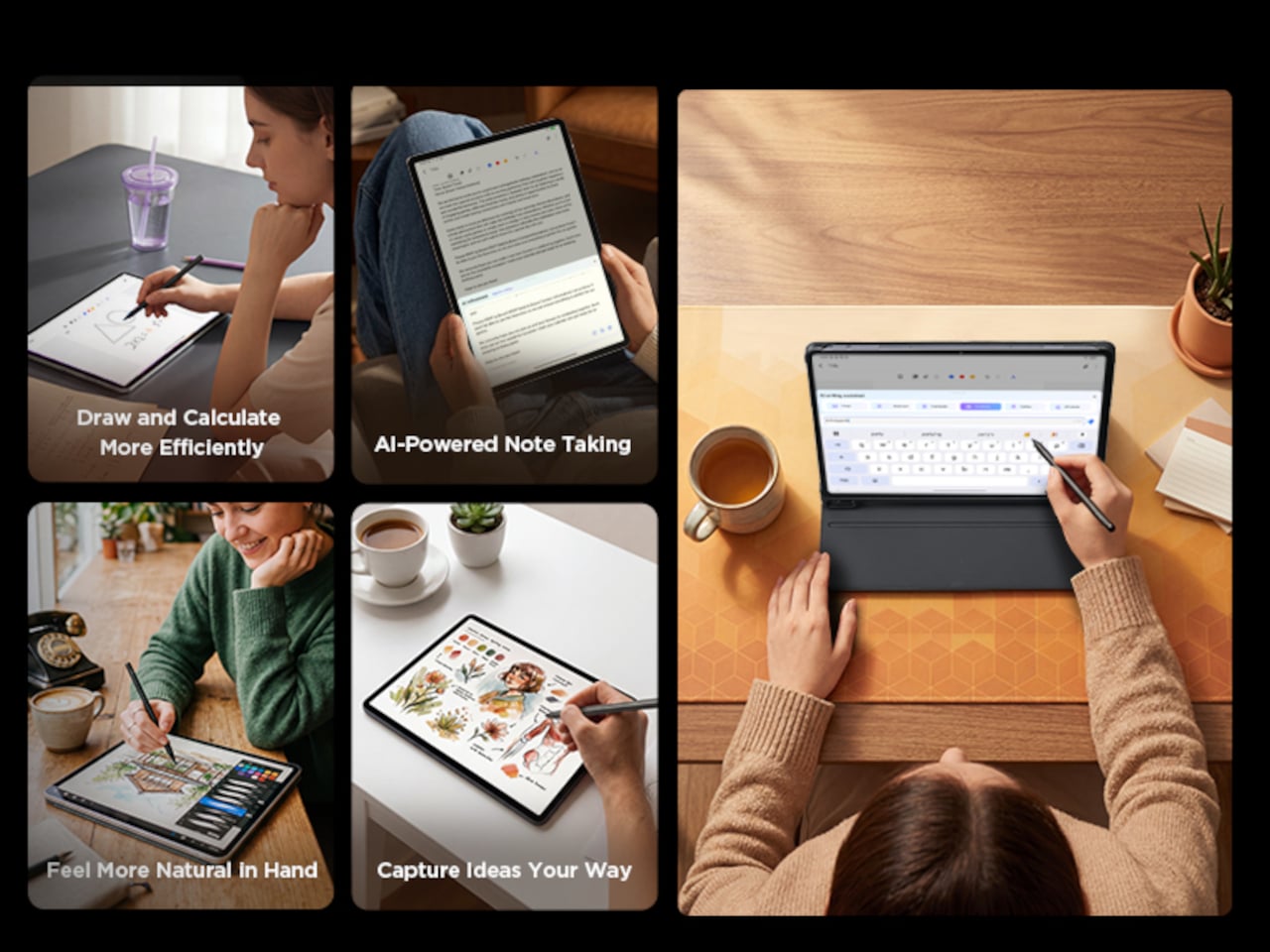
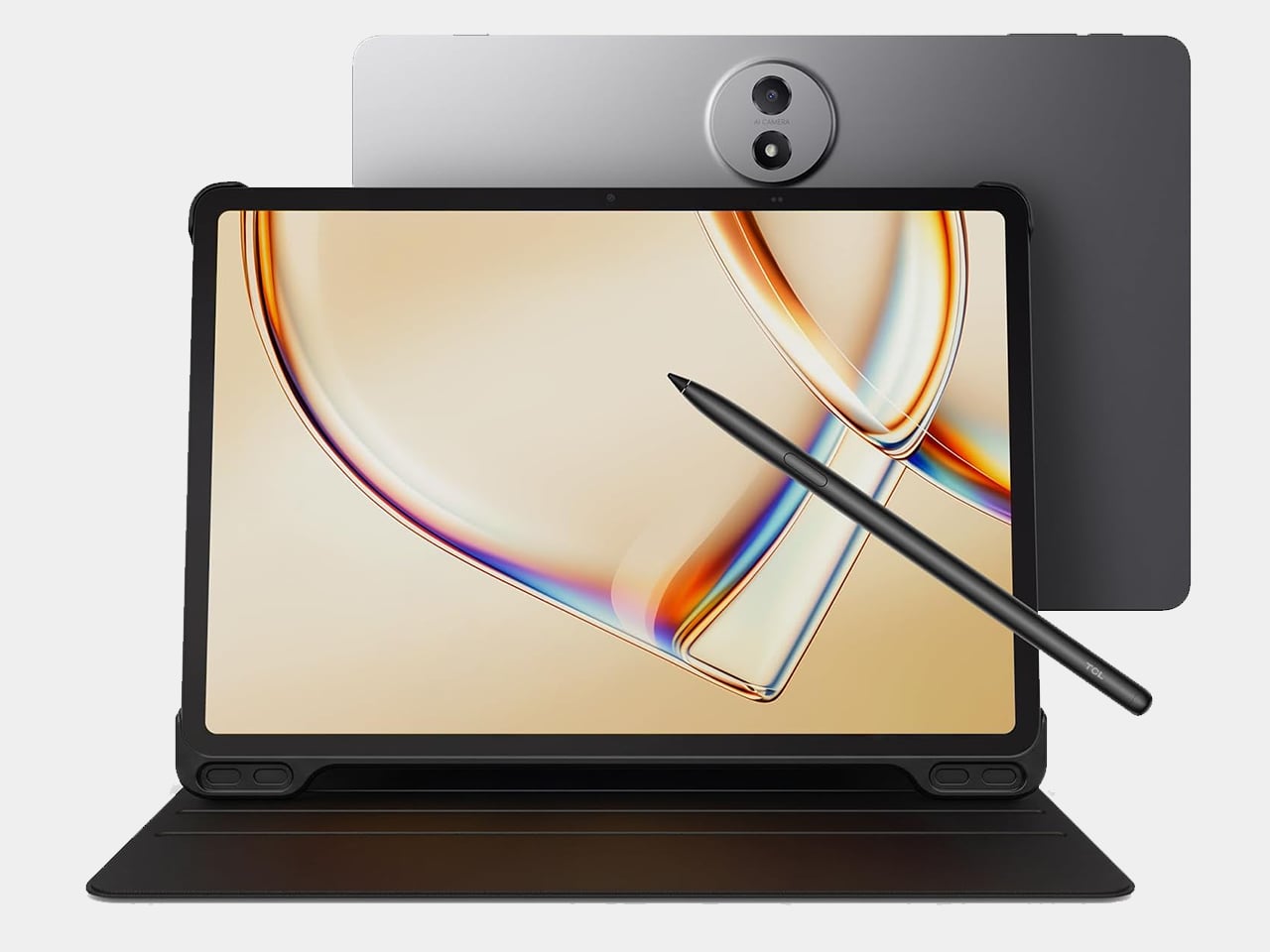
Consider a student annotating a textbook chapter after dark, or someone editing a manuscript on a long commute. The paper-like texture holds up under extended use in a way that standard tablet glass doesn’t, and the bundled T-Pen 2 turns that same screen into a legitimate notebook substitute. With 4,096 pressure levels and interchangeable tips, it responds more like a real pen dragging across textured paper than a plastic stick tapping smooth glass.

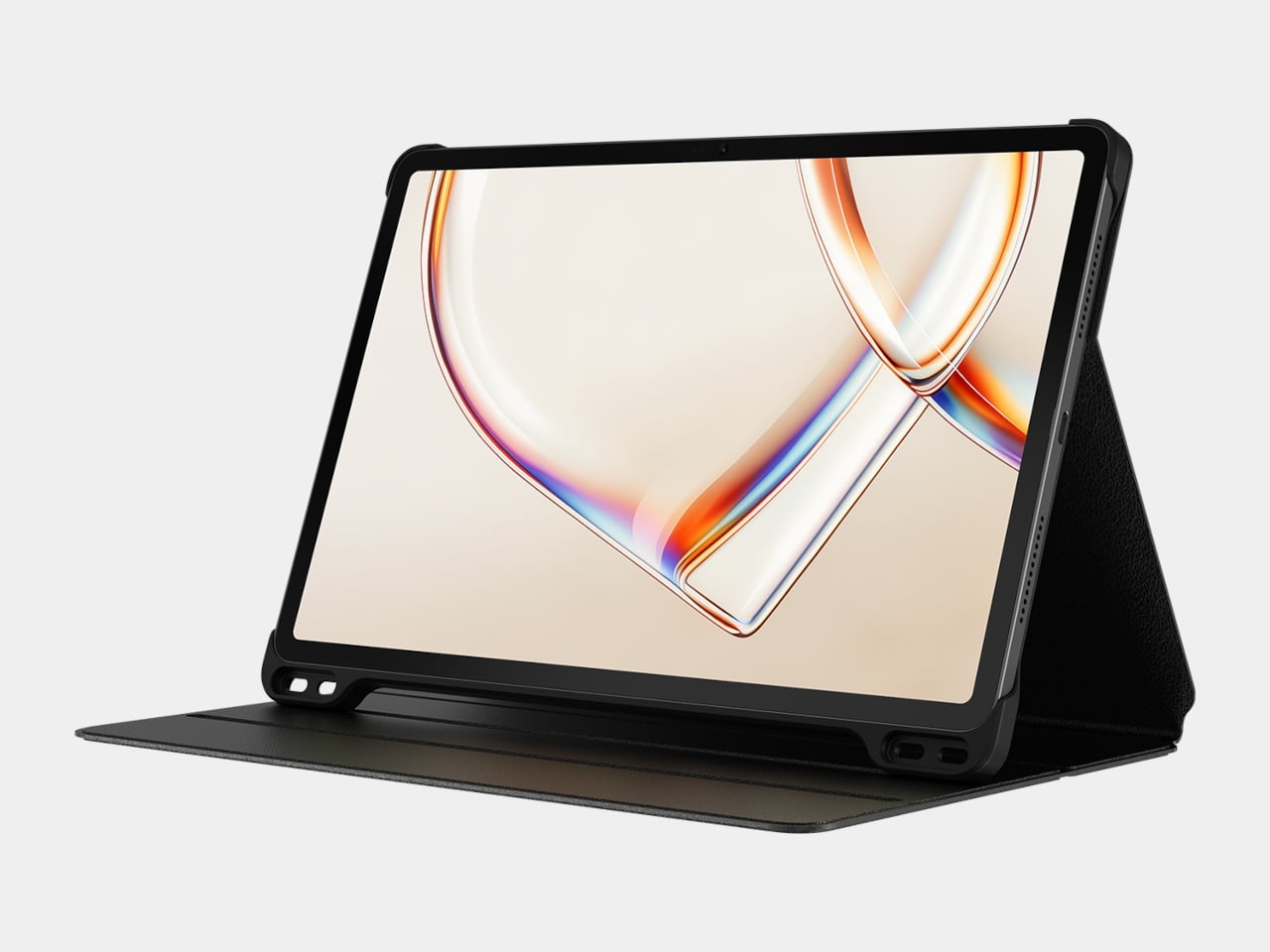
TCL backs that pen with a flip case included in the box, not sold separately as an afterthought, which matters more than it sounds. Together they push the $249.99 price toward a genuine productivity bundle rather than a simple screen swap, something the plainer $189.99 Tab A1 doesn’t attempt to replicate even though it runs on identical silicon underneath.

That standard Tab A1 still deserves a mention on its own terms. Same Helio G100 chip, same 8,000mAh battery, same 11-inch 2.1K panel at a brighter 500 nits, minus the paper-like coating and its two accessories. For anyone who just wants a capable streaming and browsing tablet without paying for display science they won’t use, it remains the more sensible pickup of the pair.

What makes the NXTPAPER worth the premium isn’t a faster processor or a bigger battery hiding under the hood. It’s a screen technology most competitors haven’t bothered building at this price point, paired with tools that actually put it to use rather than sitting there as a marketing footnote nobody touches after the first week.

The post TCL Just Solved the Eye Strain Problem Budget Tablets Always Ignore first appeared on Yanko Design.

This $400 Tablet Comes With a Stylus, a Case, and Eyes That Don’t Hurt

Screen time on tablets has never been higher, but comfort hasn’t kept pace. Most tablet displays are still optimized for brightness and color gamut, with eye protection largely an afterthought or a toggle buried in settings. Reading long documents, annotating notes, or watching videos for hours on a typical panel can leave your eyes feeling the aftermath in ways that aren’t exactly encouraging.

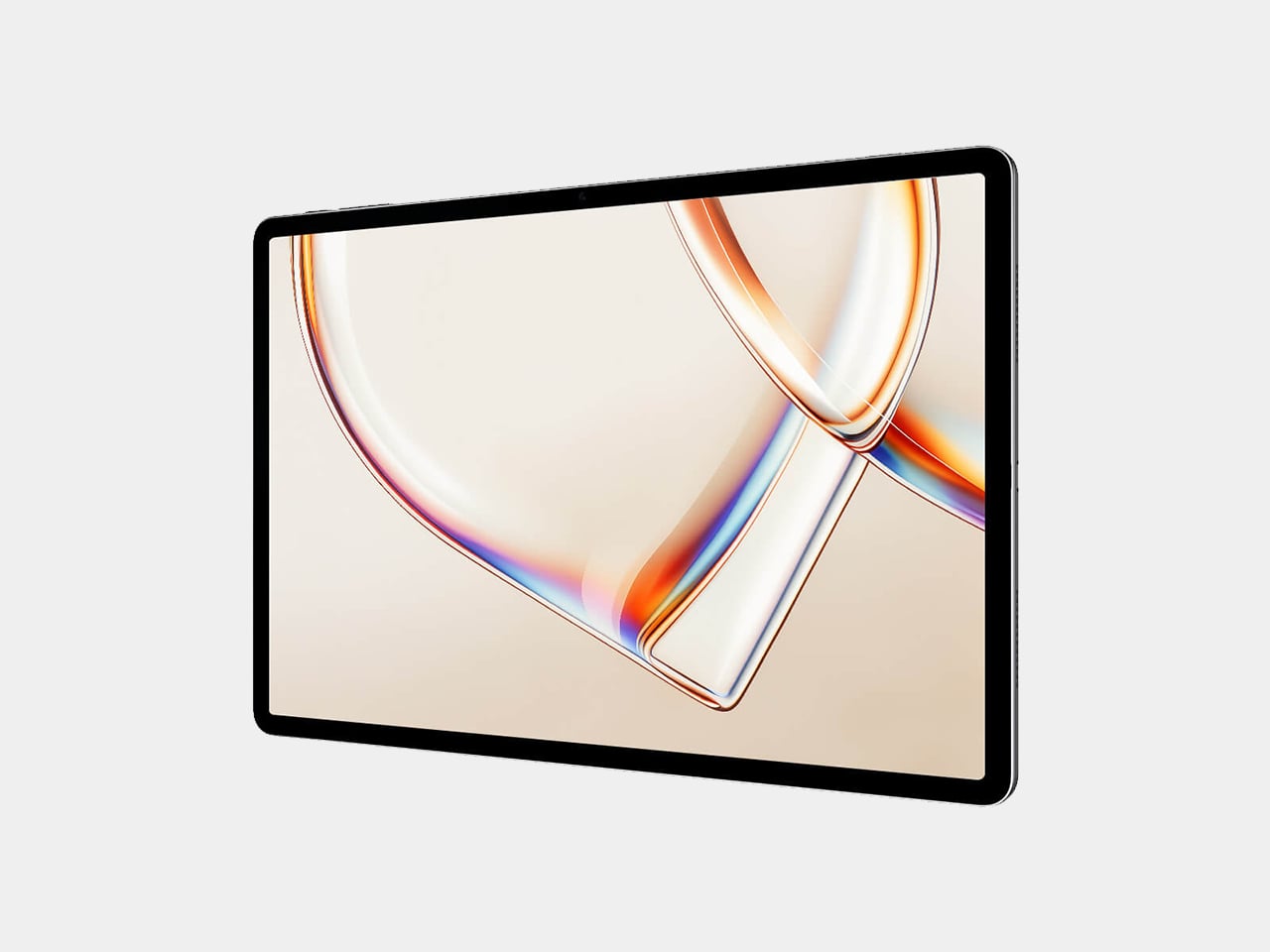
TCL’s TAB A1 Plus NXTPAPER approaches that problem with something more deliberate than a simple blue-light filter. Built around the brand’s fourth-generation NXTPAPER display technology, it brings a large 12.2-inch 2.4K panel that combines seven integrated eye-comfort technologies, including Nano Crystal Shield Glass and an OmniSoft Light System, to more closely replicate the gentler, less fatiguing qualities of reading on paper.

Designer: TCL

The aspect ratio is worth noting too. At 3:2, the screen is taller than typical tablets, which means more of a document or webpage fits on screen without endless scrolling. That might sound like a minor detail until you’re cross-referencing notes during a study session or keeping track of multiple open documents across a long work afternoon. The adaptive 120Hz refresh rate keeps every interaction smooth throughout.

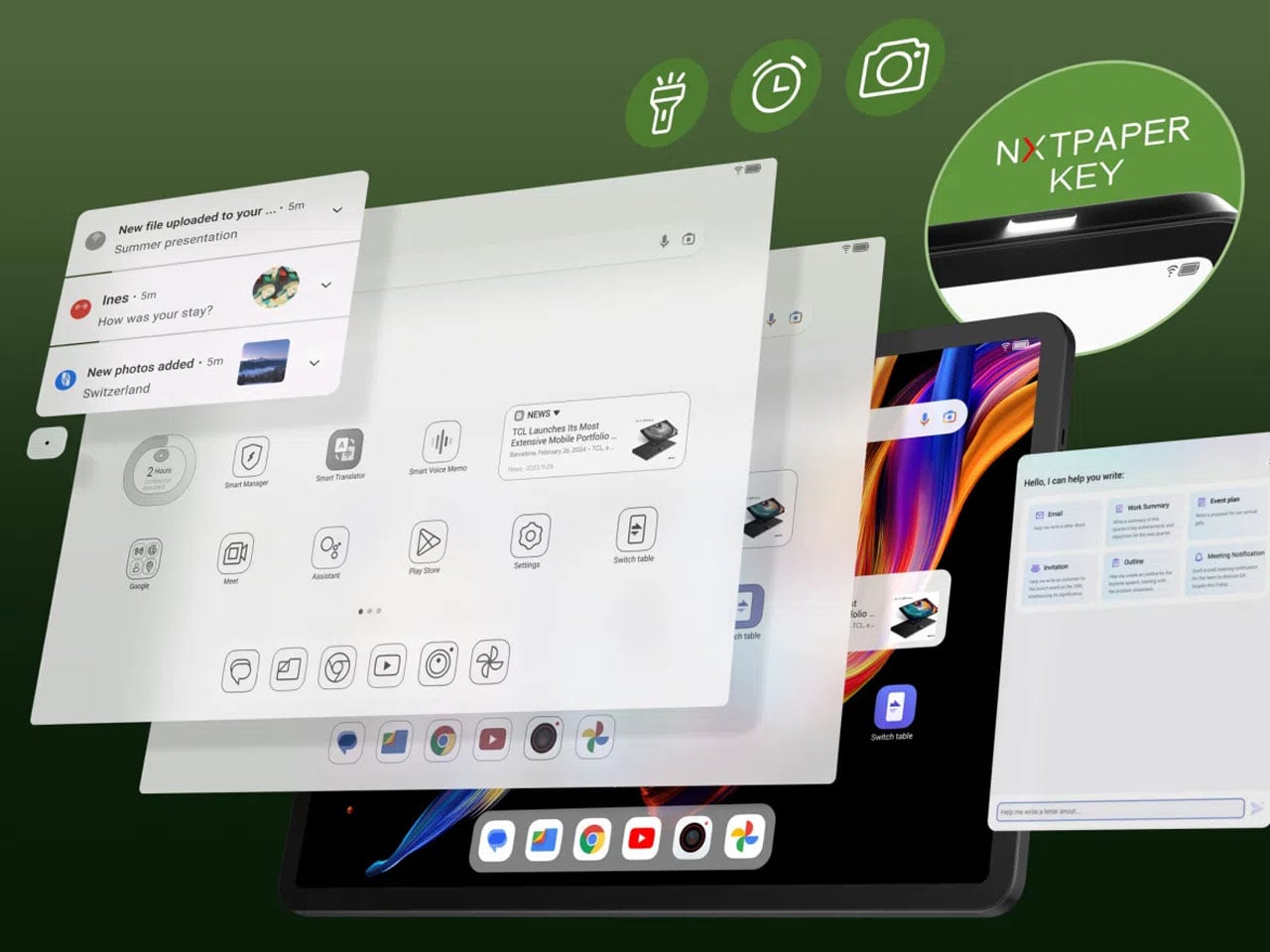
Switching between display modes is handled by the dedicated NXTPAPER Key, which cycles through paper-like and standard color modes without digging into settings menus. The 3-in-1 VersaView feature goes a step further, letting you pin specific apps to stay in full color while the rest of the interface remains in the easier-on-the-eyes paper mode. It’s a level of personalization that’s genuinely thoughtful.

NXTPAPER isn’t attempting to replicate E Ink or compete with dedicated e-readers on texture alone. It preserves the advantages of a conventional color display, including smooth video playback and vivid visuals, while adding the glare reduction and light softening that make extended reading sessions less punishing. The result is a screen that can move from a video stream to a study session without demanding any trade-off.

A suite of built-in AI tools handles the more tedious parts of daily work. Google Gemini and Circle to Search are onboard, alongside Writing Assist, Text Assist, a Smart Translator, and Smart Voice Memo. The tablet also runs Android 16 with Split Screen, Floating Windows, and Sidebar features built in, which means going from writing a draft to pulling research doesn’t require closing anything.

Under the hood, the Snapdragon 4 Gen 2 chip pairs with up to 16GB of RAM and 256GB of storage, expandable to 2TB via microSD. The 10,000mAh battery is large enough to carry through extended sessions without anxiety, and the 33W fast charging means a dead tablet doesn’t stay that way for long. The metal unibody keeps the whole package under 6.70mm thick.

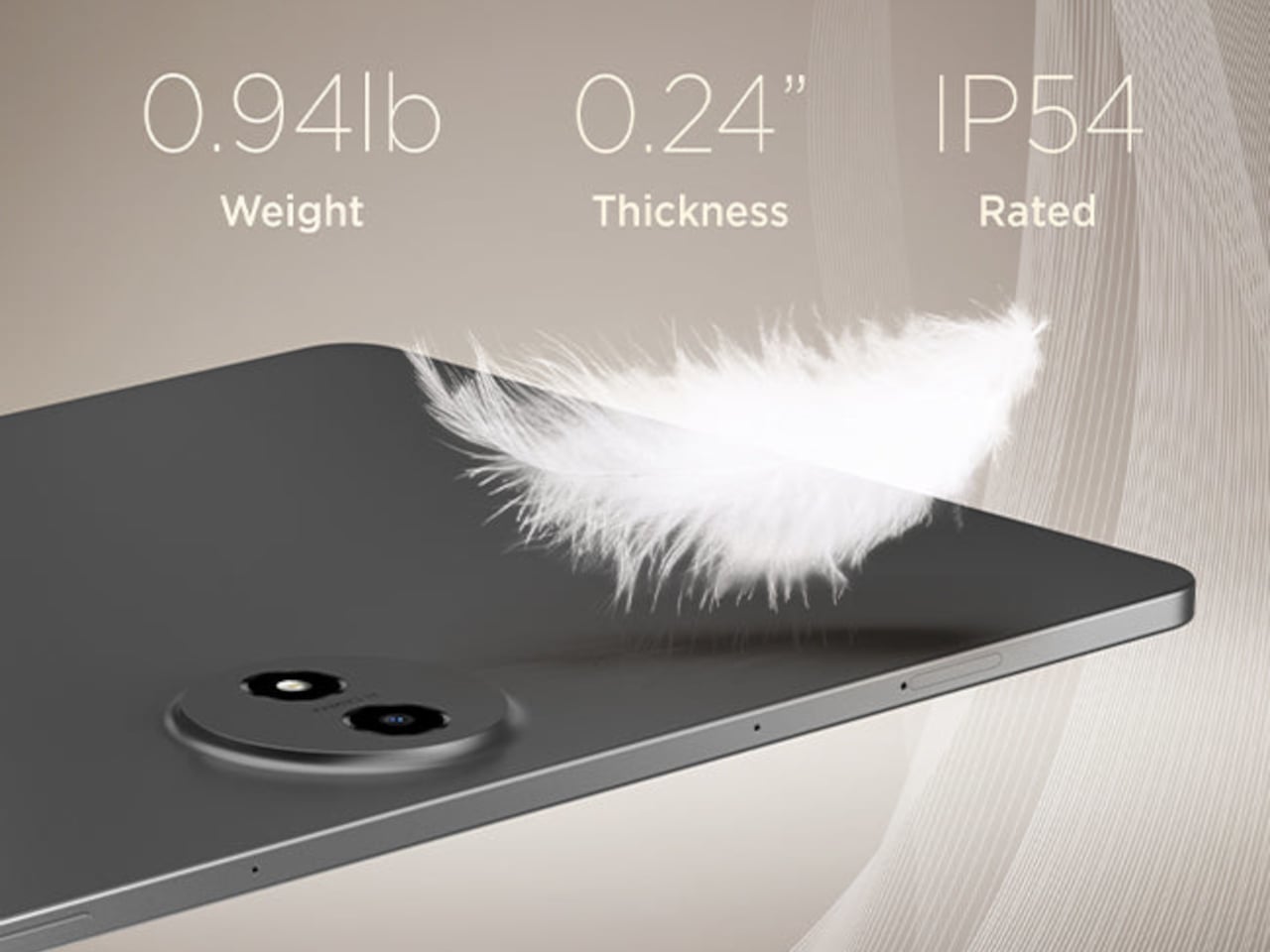
The IP54-rated splash and dust resistance is a practical safeguard for a device that moves with you, and the build weighs in at 556 g. It comes in Aerolite Grey, and the box includes the tablet, a stylus, and a flip case, making the $399.99 asking price a fairly well-rounded deal for a package that doesn’t require additional accessories just to get started.

The post This $400 Tablet Comes With a Stylus, a Case, and Eyes That Don’t Hurt first appeared on Yanko Design.

TCL PlayCube Review: One Twist Replaces Your Entire Projector Setup

PROS:


  • Fun, quirky, and stylish design

  • Create rotating solution to typical stands and mounts

  • Functional and tactile fabric exterior

  • 66Wh built-in battery for hours of use

  • Built-in Google TV with officially licensed Netflix needs no extra dongle

CONS:


  • A bit pricey

  • Single 5W speaker

  • 750W ISO lumens lamp requires a darker environment

RATINGS:

AESTHETICS
ERGONOMICS
PERFORMANCE
SUSTAINABILITY / REPAIRABILITY
VALUE FOR MONEY

EDITOR'S QUOTE:

The TCL PlayCube isn't trying to be the brightest or the loudest, just the easiest to live with, and it pulls that off beautifully.

Portable projectors have gotten better on paper, but setting one up in an unplanned setting has stayed stubbornly complicated. Finding a surface at the right height, manually correcting the geometry, and discovering the angle is still off after all of that are steps that haven’t gone anywhere. The gap between what portability promises and what it delivers in practice is one of the more persistent frustrations in personal electronics.

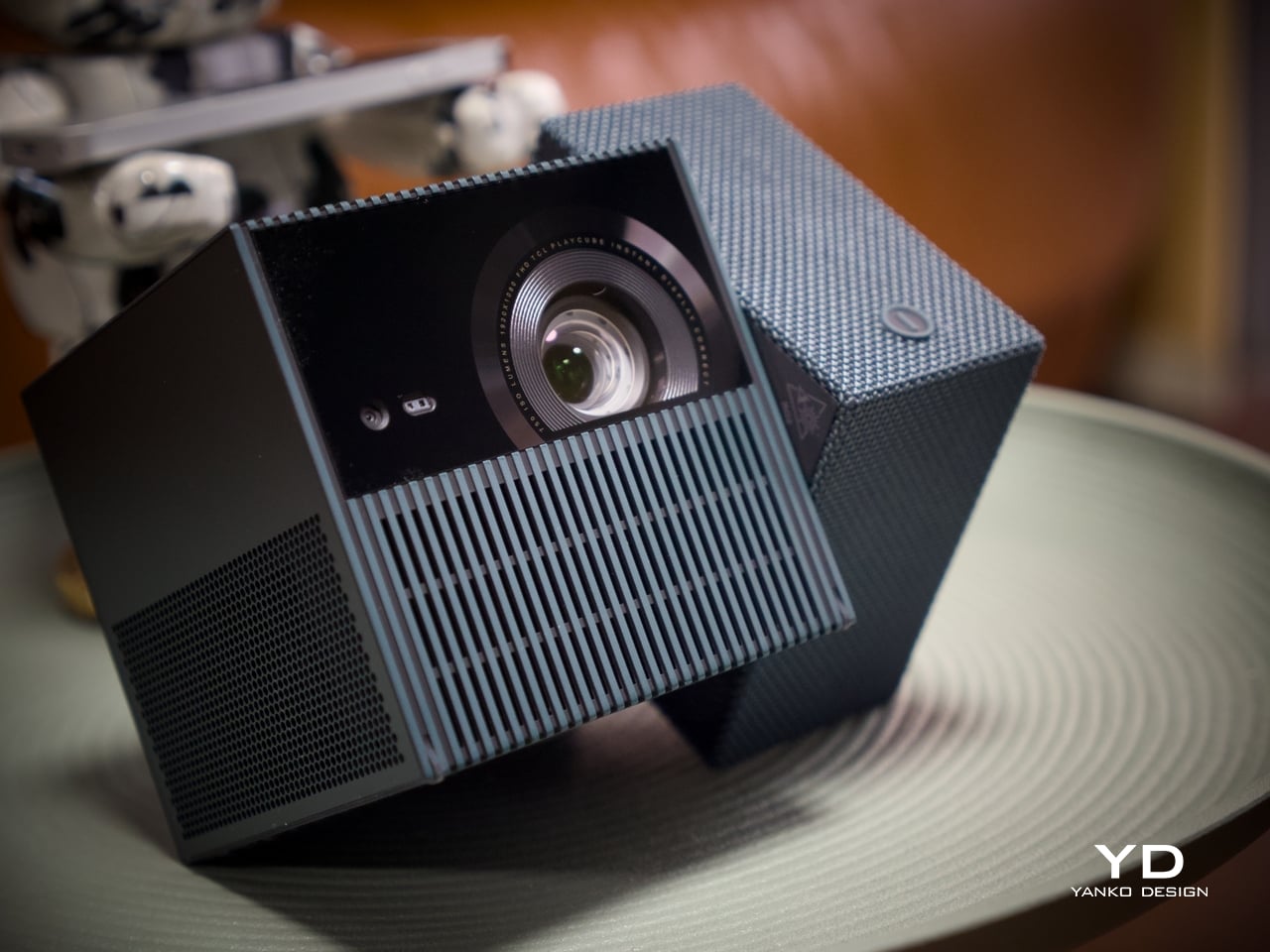
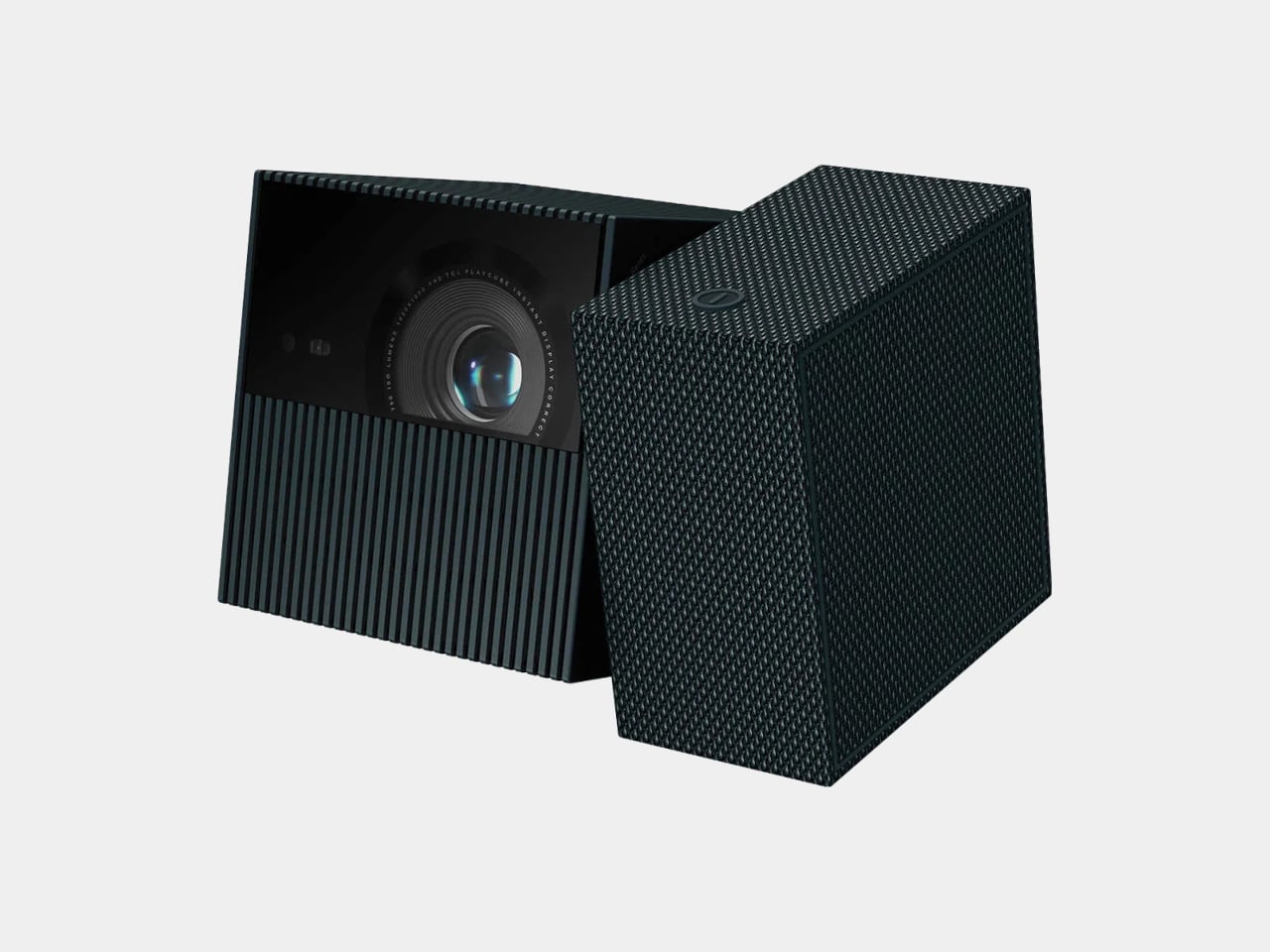
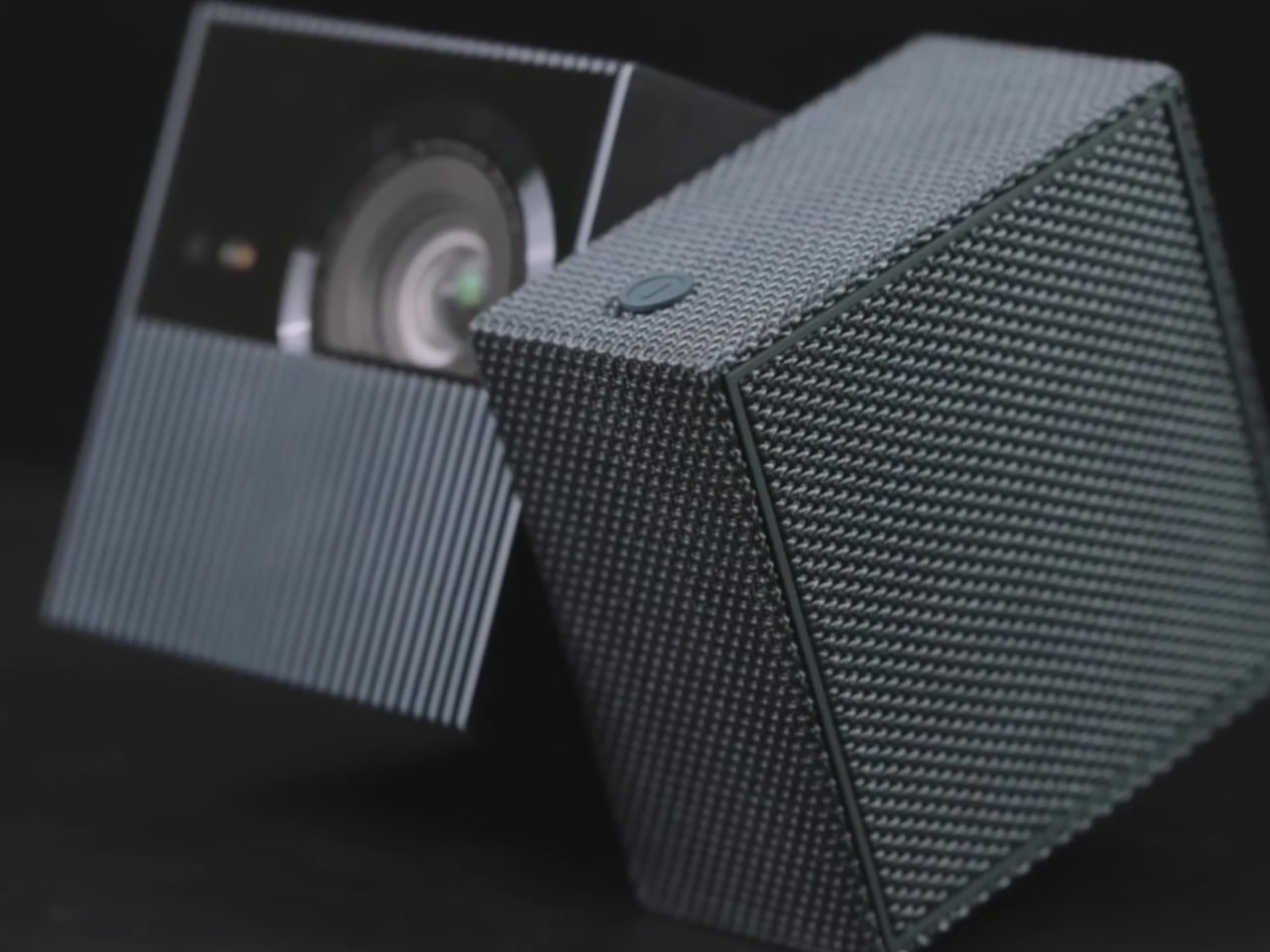
The TCL PlayCube is built around that gap. Rather than adding features to a conventional projector body, it rethinks the form: a compact, nearly cubic unit where the upper half rotates to steer the projection without physically moving the whole device. A built-in 66Wh battery, Google TV, and officially licensed Netflix round out the package, making a case for portability that actually holds up outside of a product demo.

Designer: TCL

Aesthetics

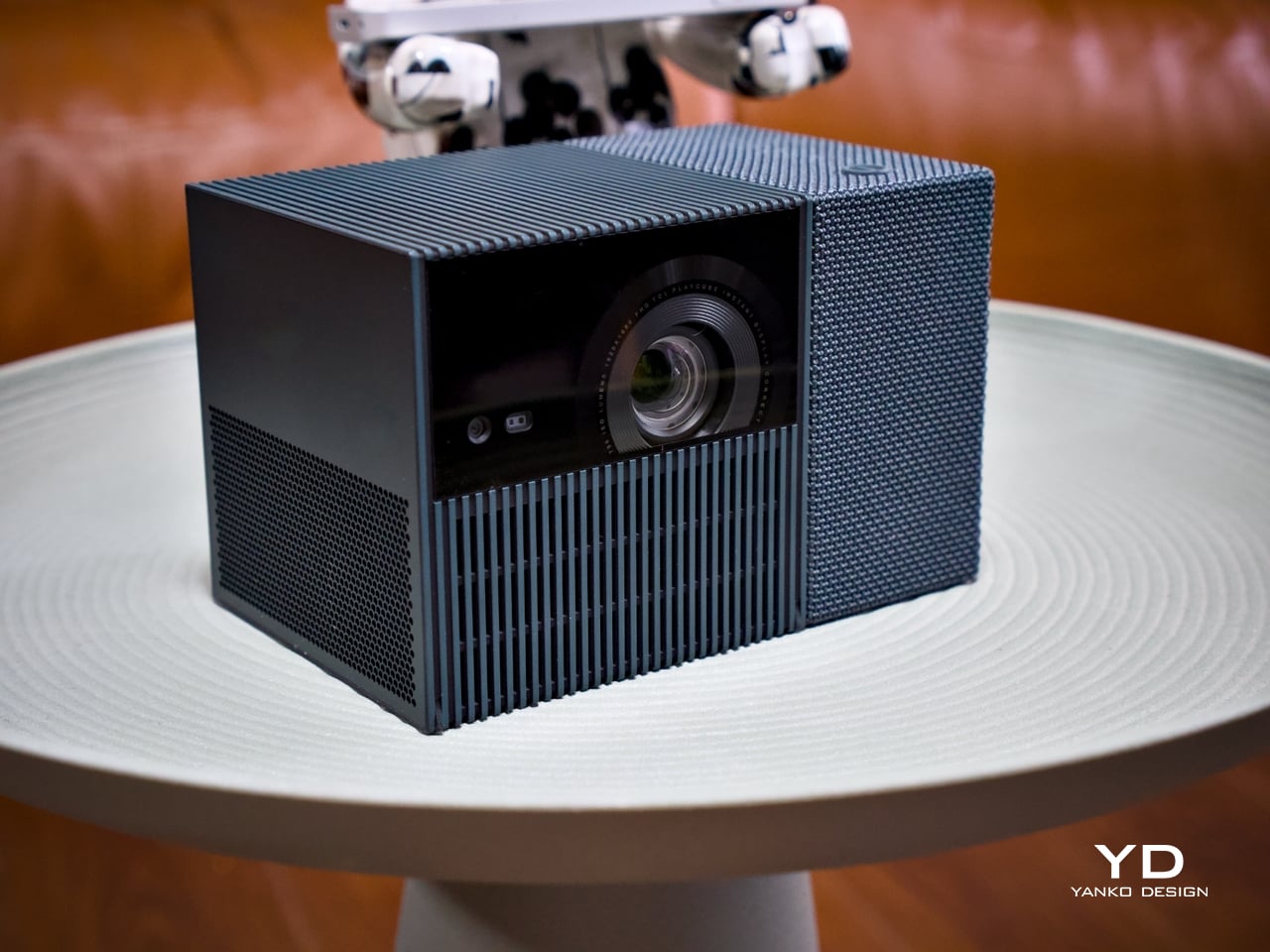
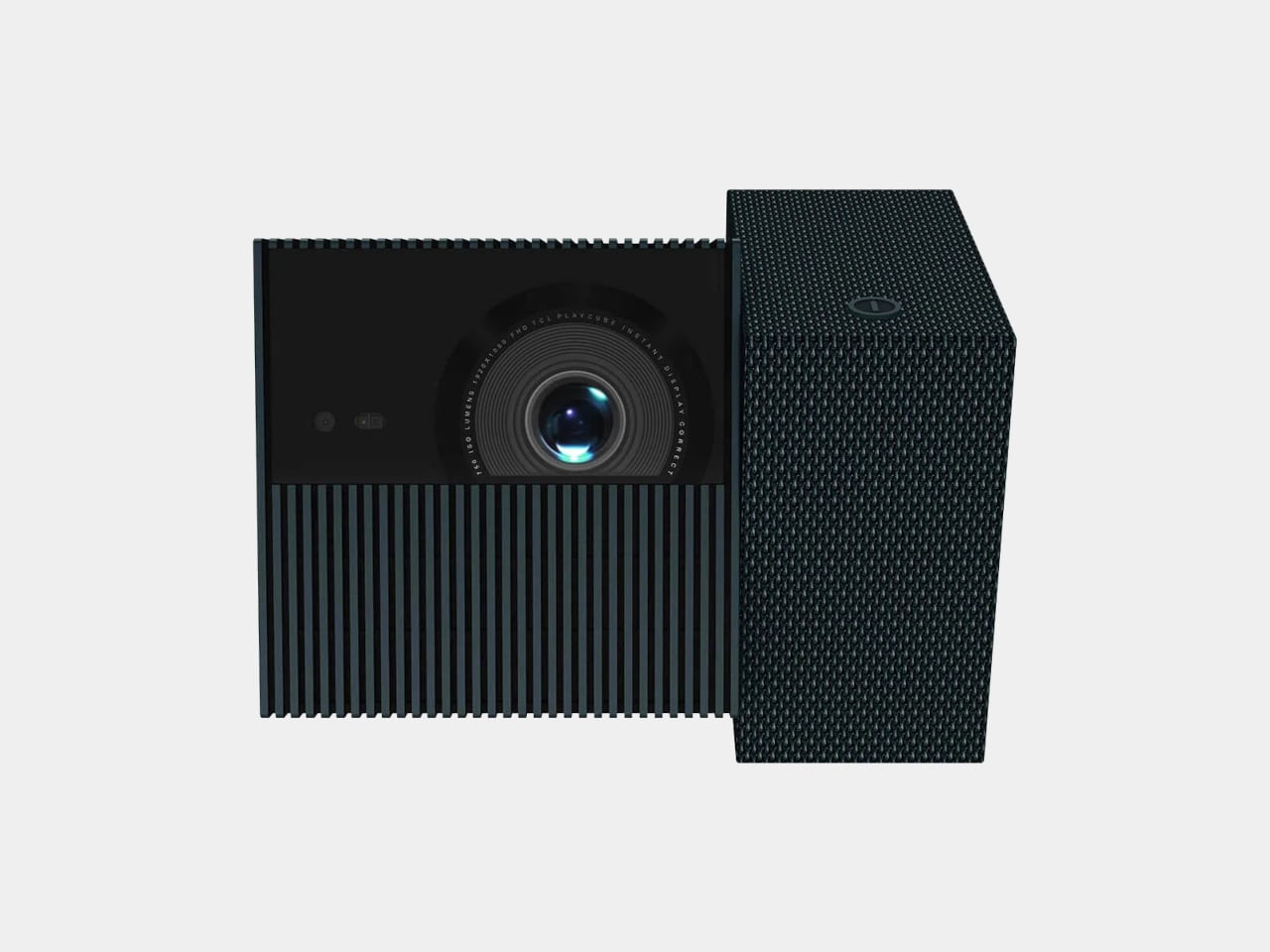
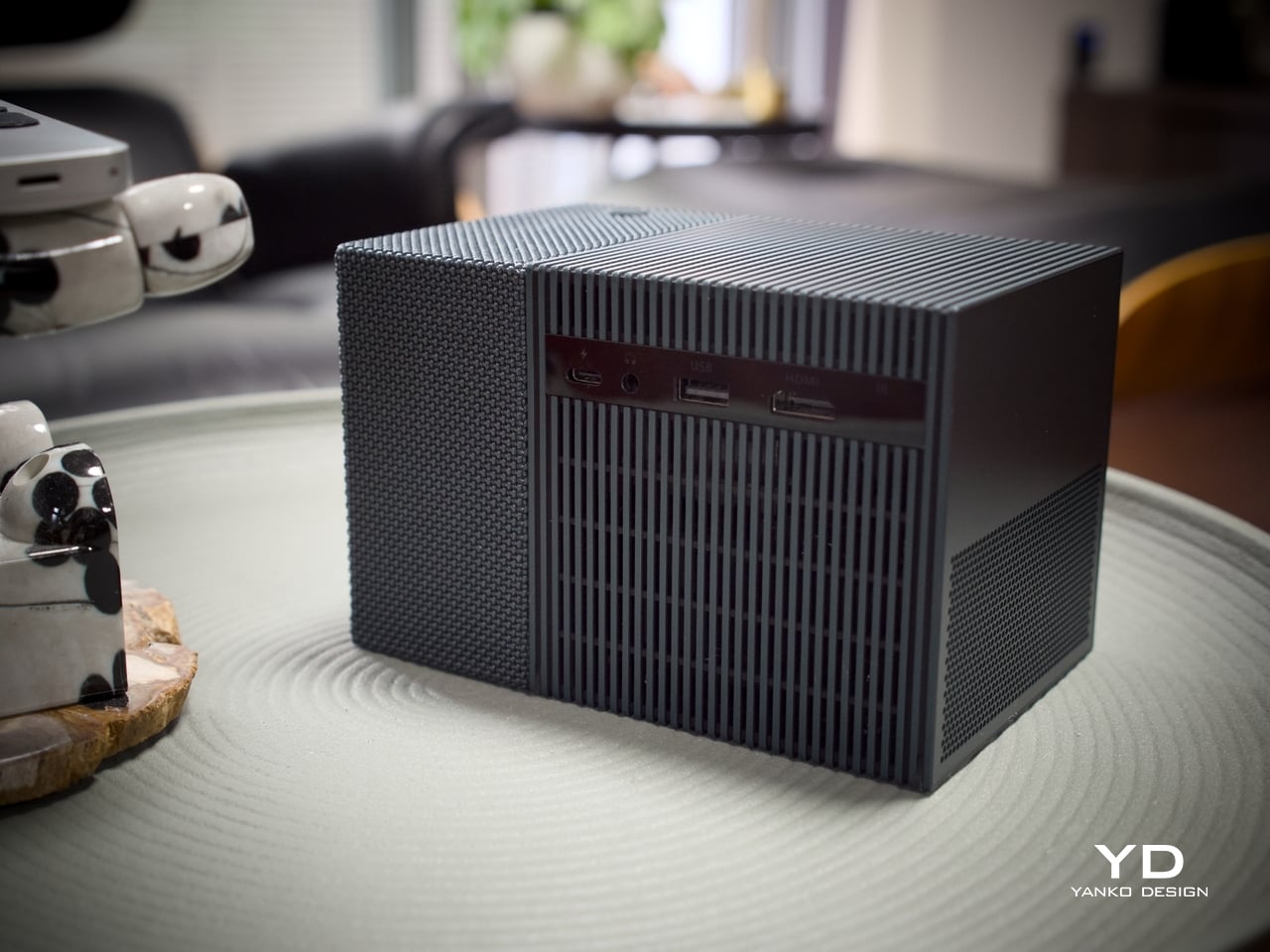
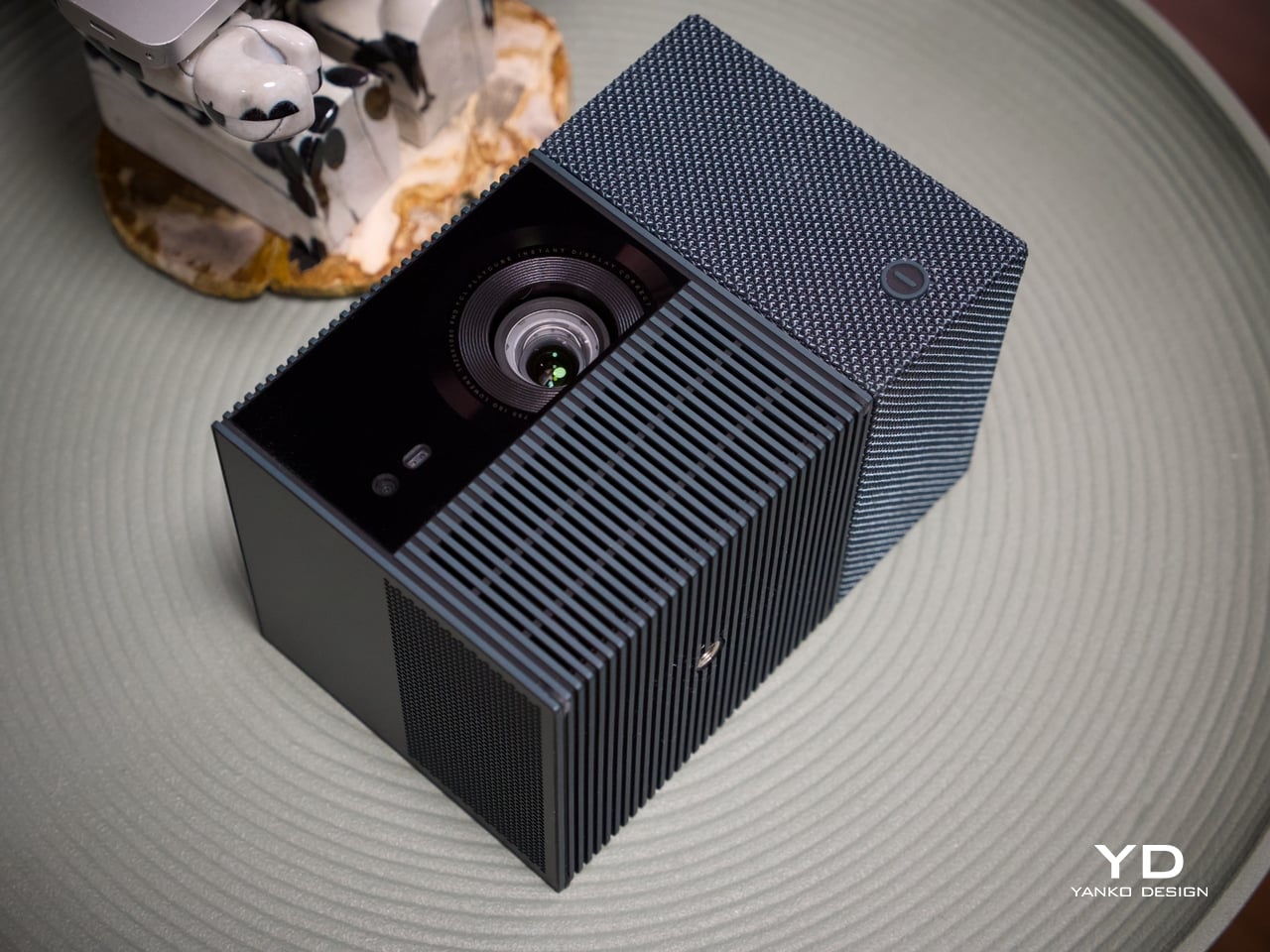
Most portable projectors don’t have a recognizable silhouette, tending toward flat or cylindrical shapes distinguished mostly by logo and color. At 149.8mm x 96.6mm x 96.6mm, the PlayCube arrives with proportions that feel genuinely considered. The near-cubic geometry stands apart on a shelf or tabletop, and the rotating sections make the mechanism visually legible, so the form communicates what the product does before you even touch it.

Those sections are where the design does its most interesting work. Twisting it redirects the projection without moving the whole unit, making the device feel less like a sealed gadget and more like a tool with a clear physical interface. The visual logic is borrowed from the Rubik’s Cube, and the reference earns its place, signaling play, interaction, and adjustability in a product that actually delivers those qualities.

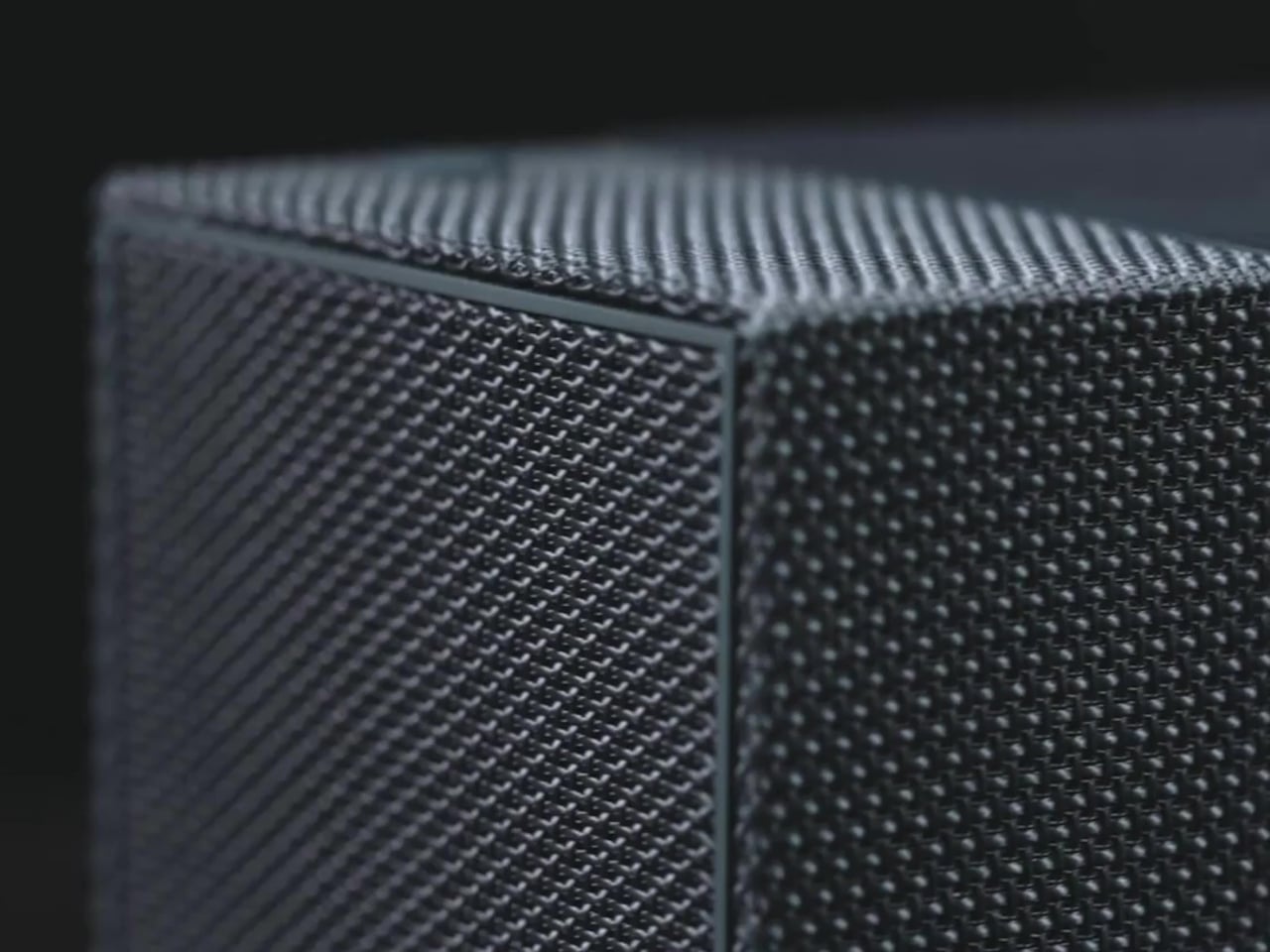
The exterior is wrapped in an outdoor waterproof speaker fabric that went through acoustic testing before landing on the finished product. The result is a surface considerably warmer and gentler than the matte plastic or rubberized textures typical in the category. It makes the PlayCube feel approachable in a way most tech products don’t manage, closer to a domestic object than a piece of AV equipment.

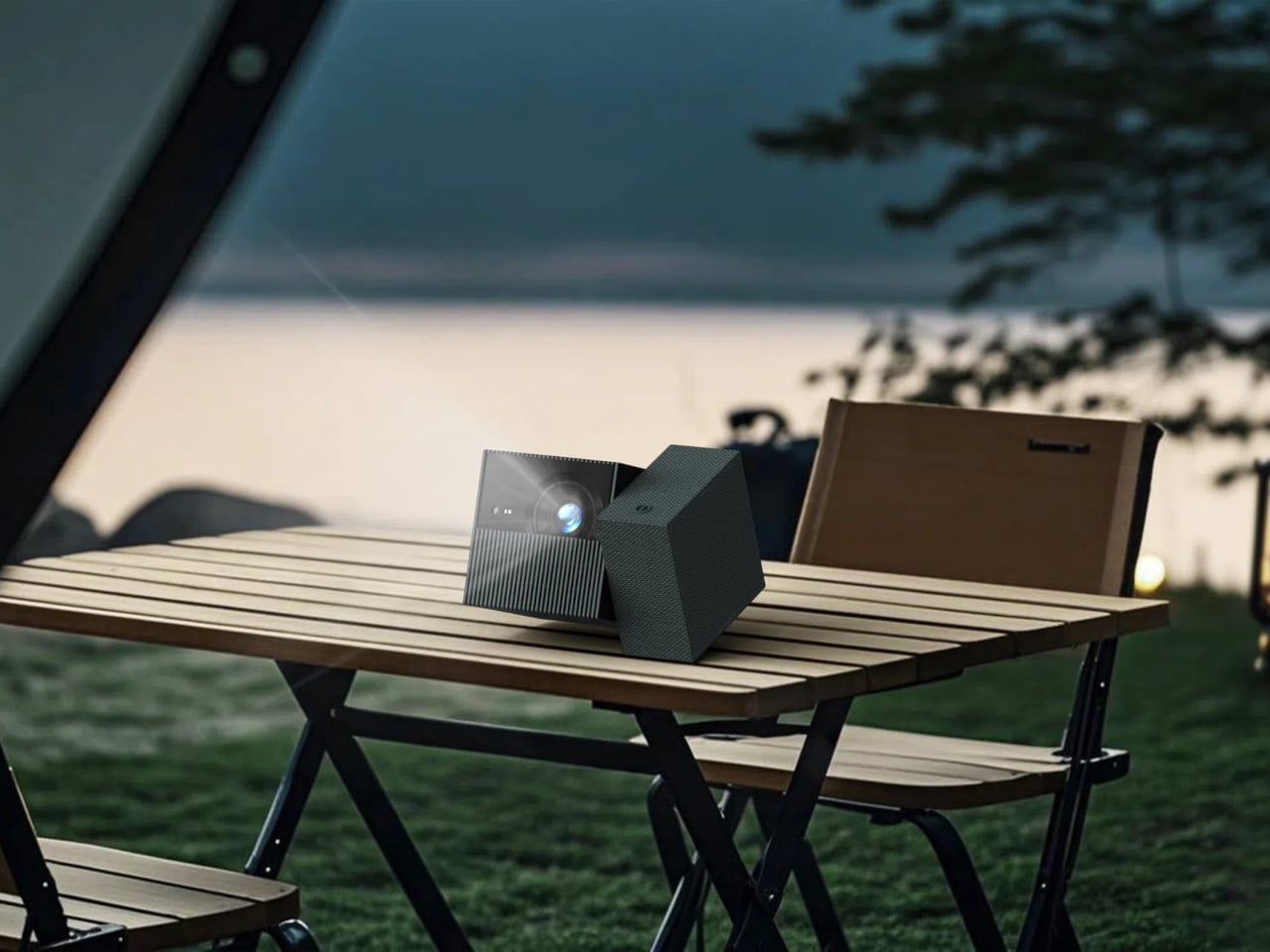
Choosing a textile exterior for a device that also functions as a speaker enclosure is a decision that works on multiple levels. The fabric repels environmental interference, blends into different settings without the harsh visual presence of a glossy casing, and gives the surface a softness that makes handling feel natural. On a nightstand, a coffee table, or an outdoor spread, the PlayCube’s material finish doesn’t announce itself as electronics.

Ergonomics

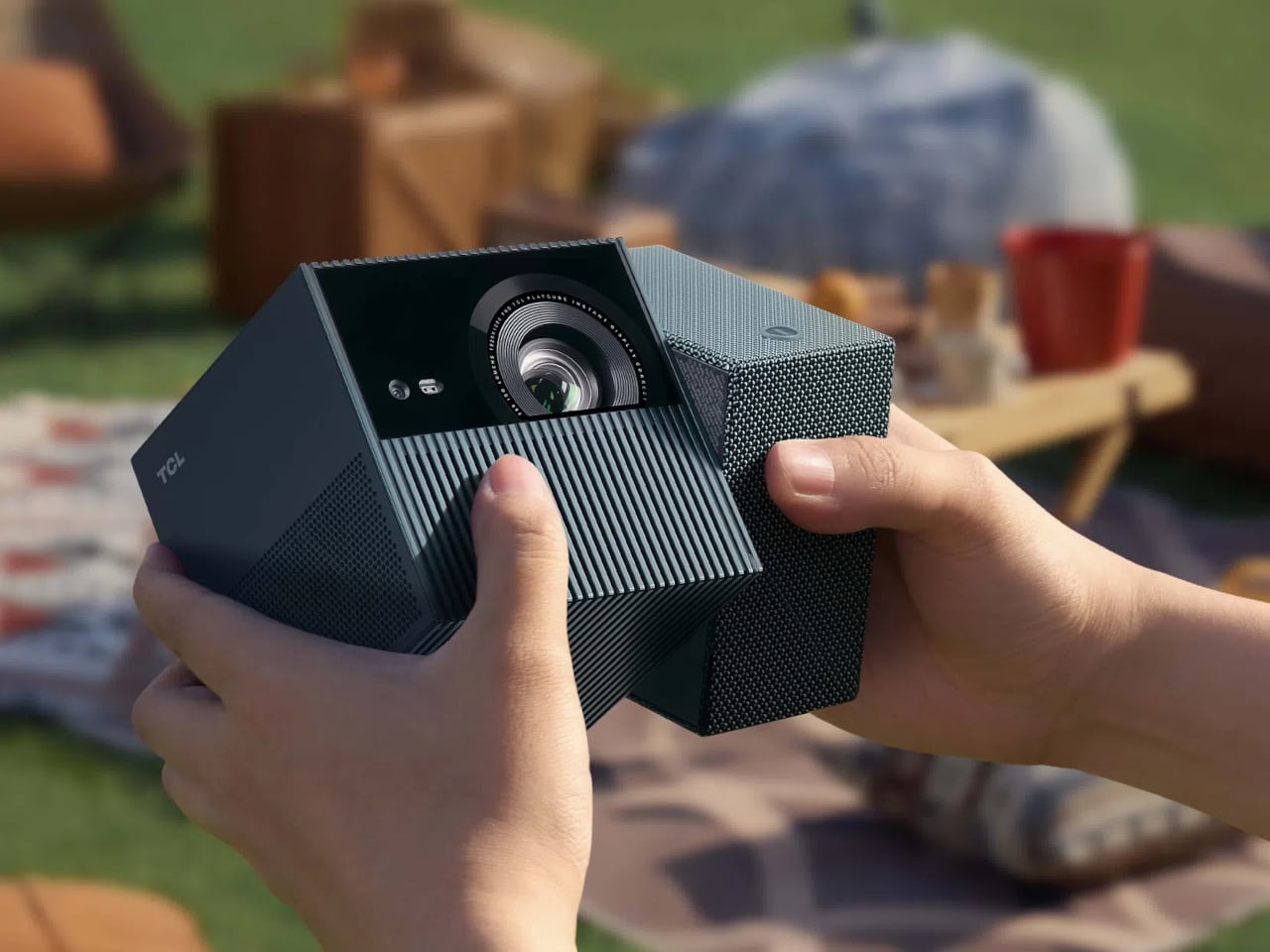
At 1.3kg, the PlayCube is light enough to move between rooms without planning for it, and the cube-like shape stows more cleanly in a bag than the elongated designs common in the category. The built-in 66Wh battery delivers up to three hours of playtime, enough for a full movie, and USB-C charging means a portable power bank can extend that window considerably when an outlet isn’t available.

Aim the PlayCube toward a bedside ceiling, and you’d normally need mounting hardware or a creative stack of books to hold the right angle. Here, a simple twist of the upper half handles the redirection, making ceiling projection something you’d attempt on a whim rather than plan for in advance. The rotating design earns its place in the ergonomics story as firmly as it does in the aesthetic one.

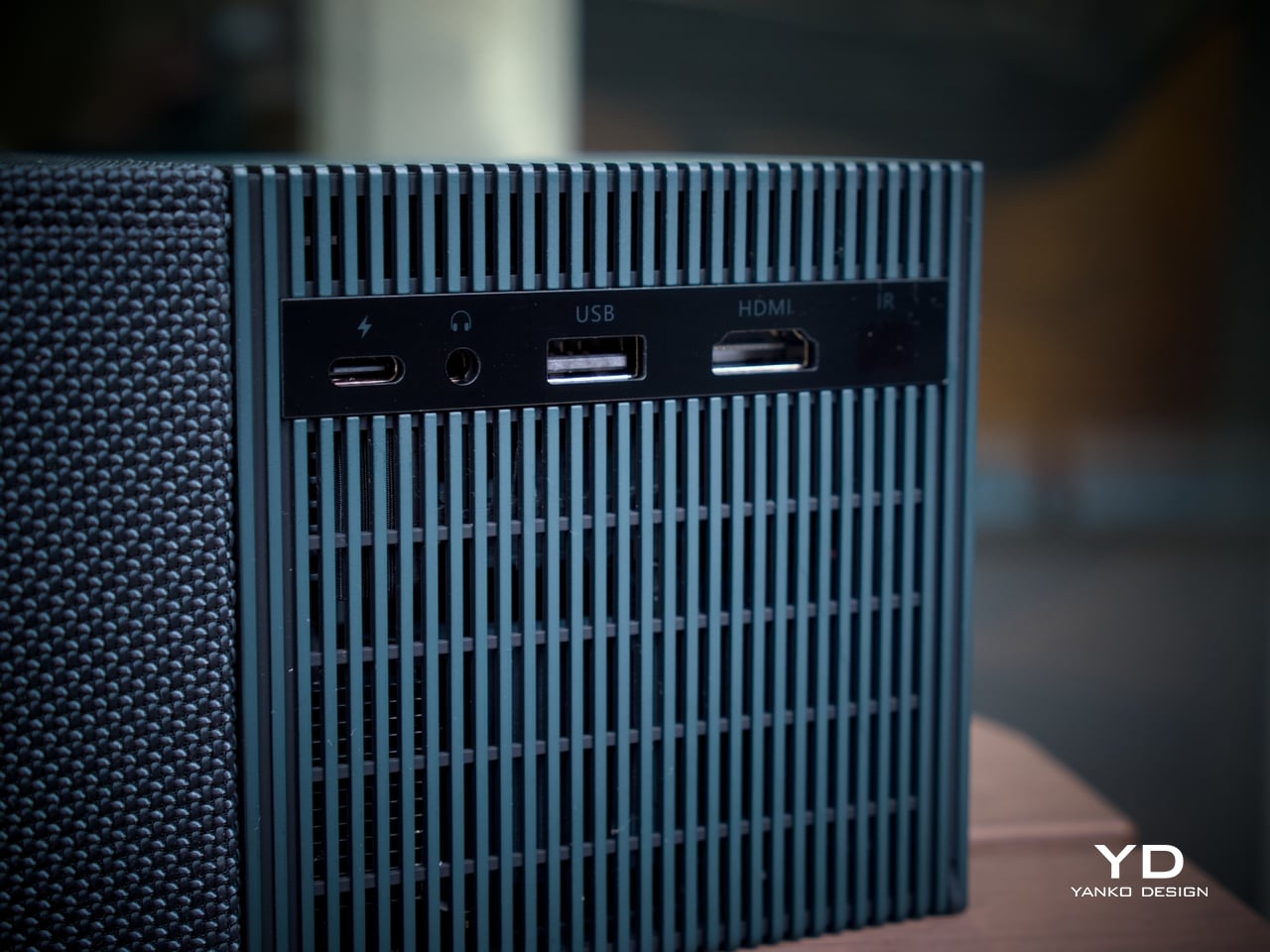
Connectivity is thorough for the size. An HDMI input, USB 2.0 port, and 3.5mm audio output cover the physical side, all of them located on the back for a single point of access. Bluetooth 5.1 and WiFi 5.0 handle the wireless stack, and the Bluetooth connection makes pairing an external speaker effortless whenever the built-in driver isn’t quite enough for a given setting. A standard tripod thread at the base opens up more formal placement options.

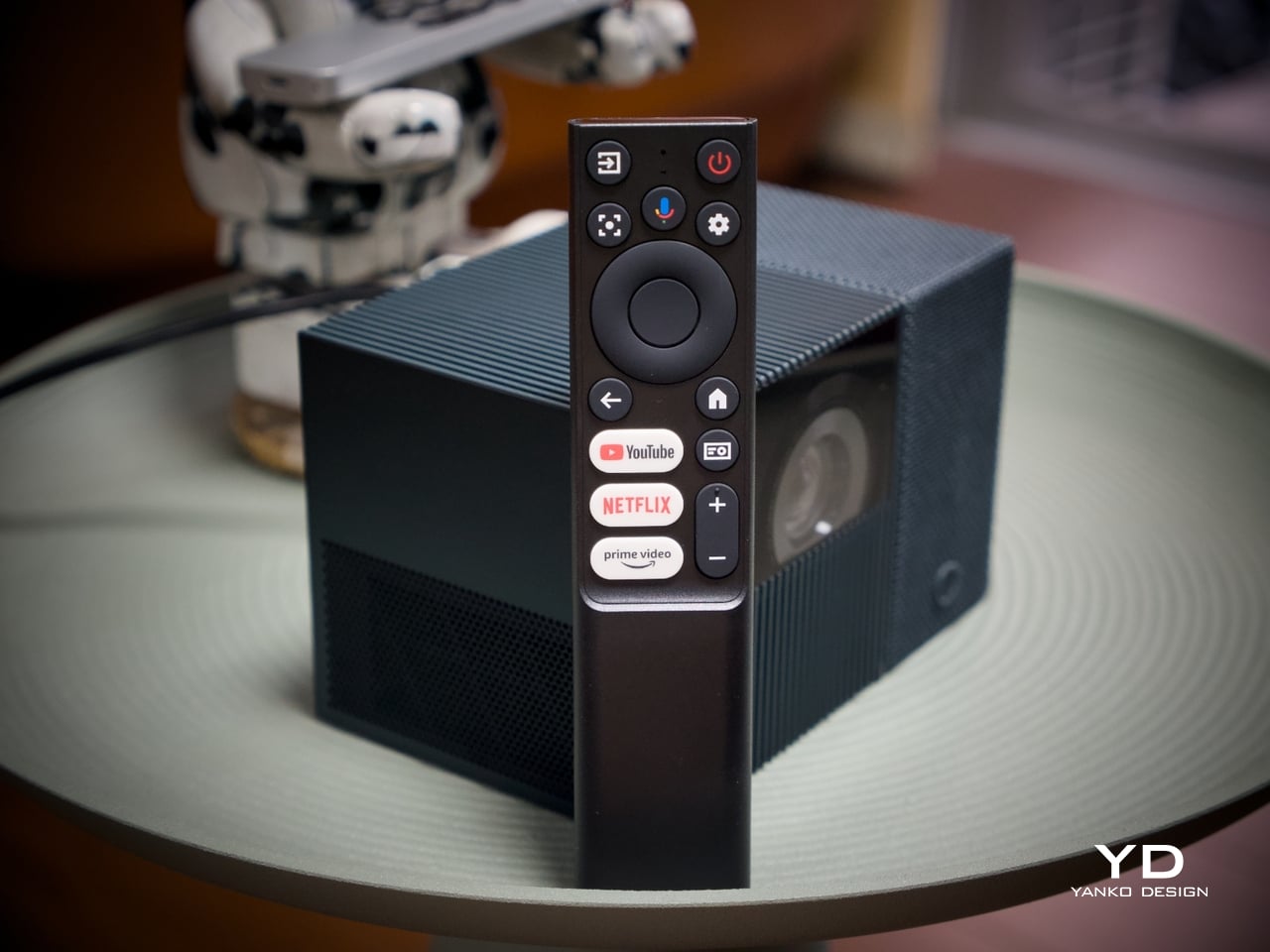
The included remote is compact and covers quick-access buttons for the most commonly used streaming services. Google TV’s interface will feel immediately familiar to anyone who has used a recent Android TV device, removing most of the learning curve upfront. Its broad app ecosystem reduces the need for workarounds or sideloaded content, an advantage most apparent when the PlayCube is set up somewhere without a dedicated media arrangement in place.

Performance

The PlayCube’s imaging uses a 0.33-inch DMD DLP display engine rated at 750 ISO lumens. That ISO designation carries weight because ISO lumens are measured under standardized conditions, unlike the inflated figures common on cheaper portables. In dimmed rooms or outdoor evening settings, 750 ISO lumens holds up well, keeping the image from looking washed out in the conditions this projector is actually built for.

Resolution sits at 1920×1080, holding up across the full projection range from 30 to 150 inches without obvious softness at the larger end. Color is handled by TCL’s ImmersiColor Technology, covering 99% of the Rec. 709 color space, the standard most streaming content is mastered against. A 1,000,000:1 dynamic contrast ratio adds depth to dark-scene performance that the compact form might otherwise limit.

The Intelligent Correction suite is where much of the practical imaging convenience lives. Real-time autofocus, keystone correction, Auto Fit Screen, Auto Obstacle Avoidance, and Auto Eye Protection work together to compress what’s typically a multi-step manual calibration process into something closer to an automatic one. Place the unit, rotate the top toward the wall or ceiling, and the image settles into position on its own within seconds.

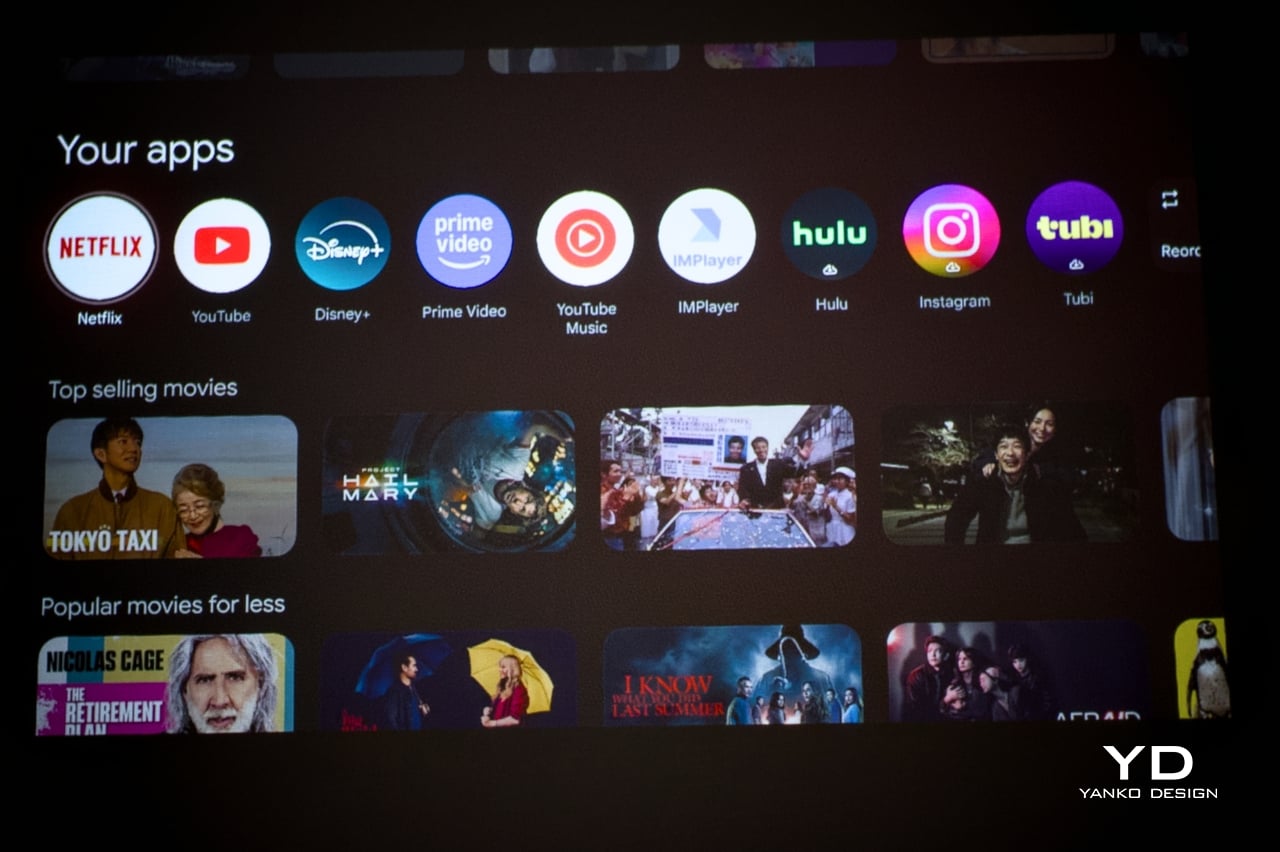
Running Google TV natively makes a meaningful difference compared to a projector manufacturer’s in-house smart system. The app ecosystem and interface logic are a step above what most projectors ship with, and the officially licensed Netflix integration removes one of the category’s most persistent frustrations, since many devices either lack direct access or rely on workarounds and external devices.

The built-in speaker is a single 5W driver, suited to personal viewing and small gatherings in quieter settings. It won’t challenge a dedicated audio setup, but Bluetooth 5.1 makes connecting an external speaker simple, and the 3.5mm output handles wired alternatives. EQ presets for movies, music, and sports give the built-in driver more adaptability across content types, which helps when the PlayCube moves between different environments.

The 1.21:1 throw ratio is well-suited to typical room dimensions, making it practical to fill a 100-inch screen without pushing the unit into a far corner. Noise is rated to be around 26dB, which means the fan is slightly audible but not enough to compete with dialogue or pull attention during quieter scenes. These specs make the PlayCube more suited for use in small rooms, but it definitely has a place outdoors, provided it’s dark enough.

Sustainability

The outdoor waterproof speaker fabric wrapped around the PlayCube is made from eco-friendly recycled materials, a detail that doesn’t read as an afterthought. TCL selected it for its acoustic properties and environmental resilience, so the sustainability credentials are attached to a component doing genuine functional work. A material choice grounded in responsible sourcing that also serves acoustic and protective purposes is a rarer alignment than it should be.

Without a replaceable lamp, the PlayCube avoids one of the more persistent limitations of traditional projectors, with no bulb to monitor and no degradation cycle that shortens its useful life prematurely. The fabric exterior also protects the optical housing during transit, making it more resilient than a typical plastic-shelled portable. A projector built for real portability tends to stay in service longer, which benefits environmental footprint and practical value equally.

Value

The PlayCube isn’t aimed at the budget end of the market, and the package supports that positioning. A 1080p DLP engine, 750 ISO lumens, officially licensed Google TV and Netflix, a 66Wh built-in battery, and award-recognized design together form a more complete proposition than most portable projectors at a comparable price. The cost reflects a device where each element was built to serve the others, not assembled from separate decisions.

The value case is strongest for buyers who’ve experienced the gap between what portable projectors promise and what they actually deliver. If the usual frustrations include needing an external streaming device, manual keystone corrections after every move, or improvised elevation workarounds to get the angle right, the PlayCube addresses all three as part of its base design, without additional accessories or workarounds required.

Buyers focused on raw lumen output or built-in audio power will find options that compete more aggressively on those individual metrics. What’s harder to find is a portable projector where the form, the smart platform, the auto-calibration, and the physical placement flexibility are all pulling toward the same experience. The PlayCube’s value sits in that coherence, and it’s a harder thing to quantify than brightness numbers or battery ratings.

Verdict

The TCL PlayCube brings together design decisions that rarely appear in the same device. The twistable cube form, fabric-wrapped exterior, Intelligent Correction suite, and self-contained Google TV platform all work toward the same goal: a portable projector that’s genuinely easy to use across different environments, not just one that lists portability on the box. That coherence is uncommon in a category that frequently trades usability for spec comparisons.

It’ll resonate most with people who’ve grown frustrated with how much effort the category usually demands. The image quality is solid, the smart features work without a separate dongle, and the rotating form makes placement far less of a puzzle. For anyone after a big-screen experience that moves with them as naturally as it performs, the PlayCube is an easy recommendation and an even easier product to live with.

The post TCL PlayCube Review: One Twist Replaces Your Entire Projector Setup first appeared on Yanko Design.

Fingerprints Are Dead: This $189 Lock Reads the Veins in Your Palm

Smart locks are supposed to simplify entry into your home, but many of them just introduce a different set of frustrations in the process. Fingerprint sensors don’t always cooperate when your fingers are tired or wet. PINs get forgotten or spotted by someone standing too close. Key cards are easy to misplace. Despite years of innovation in home security, reliably verifying identity at the front door hasn’t been answered cleanly.

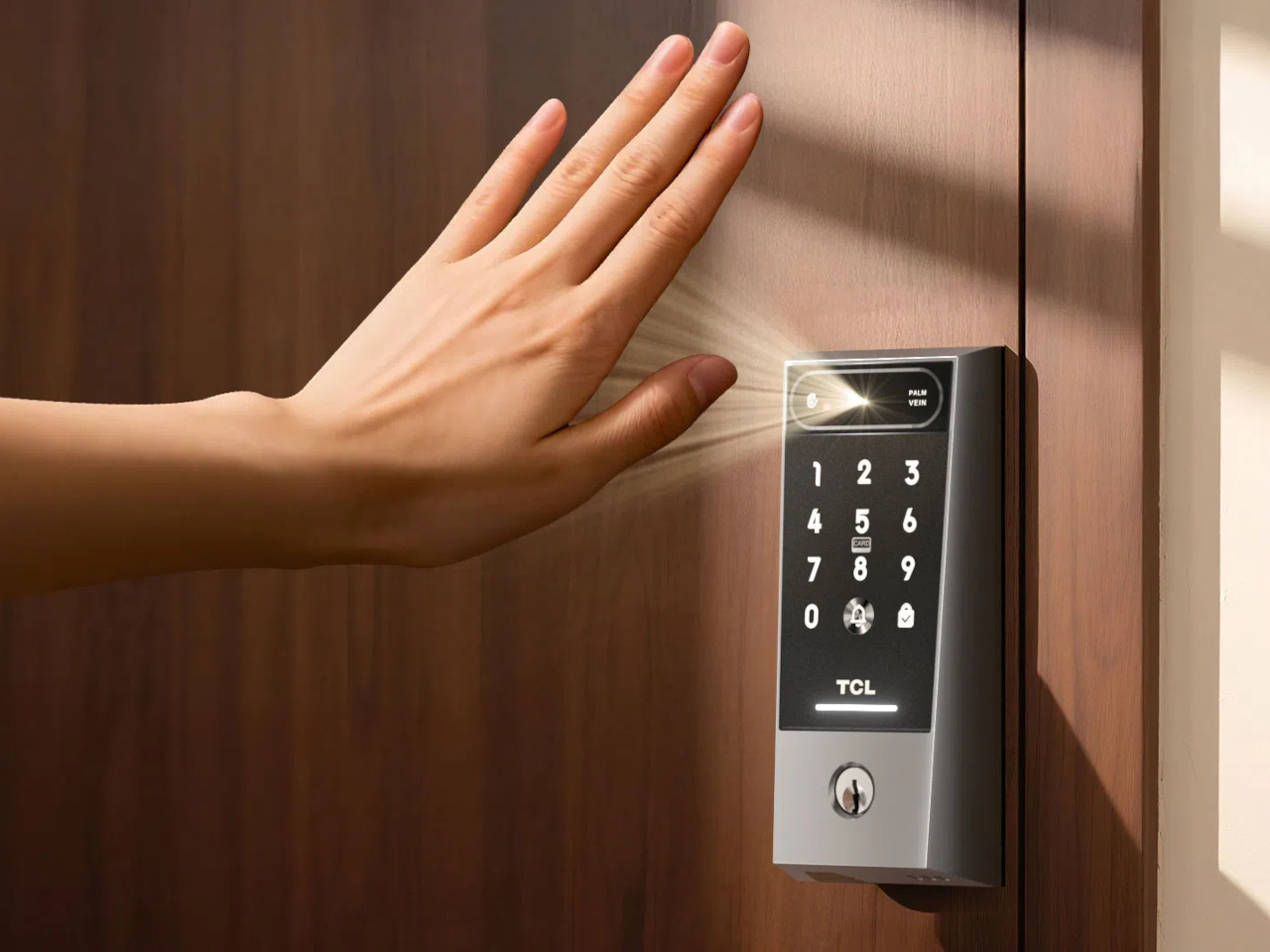
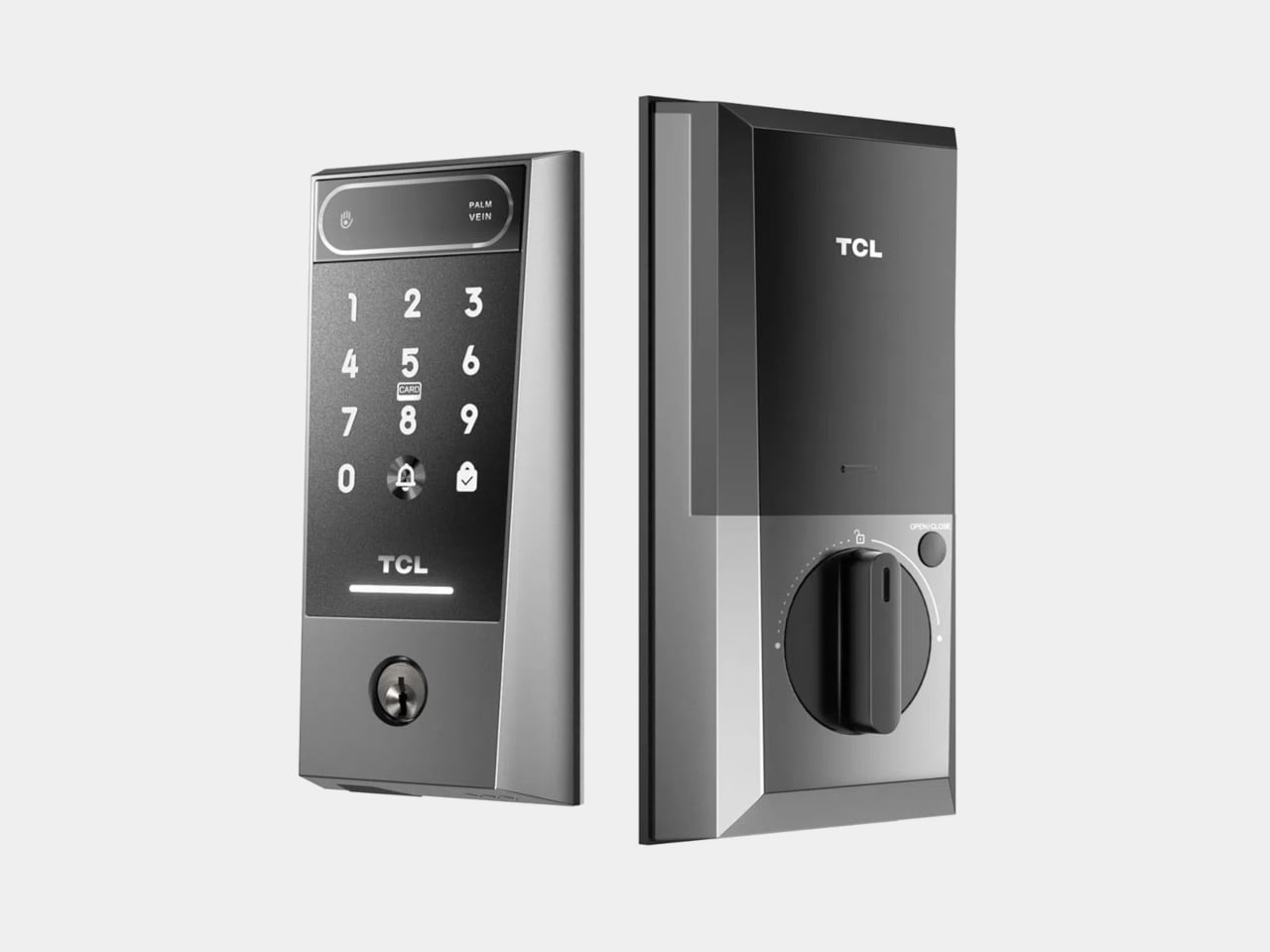
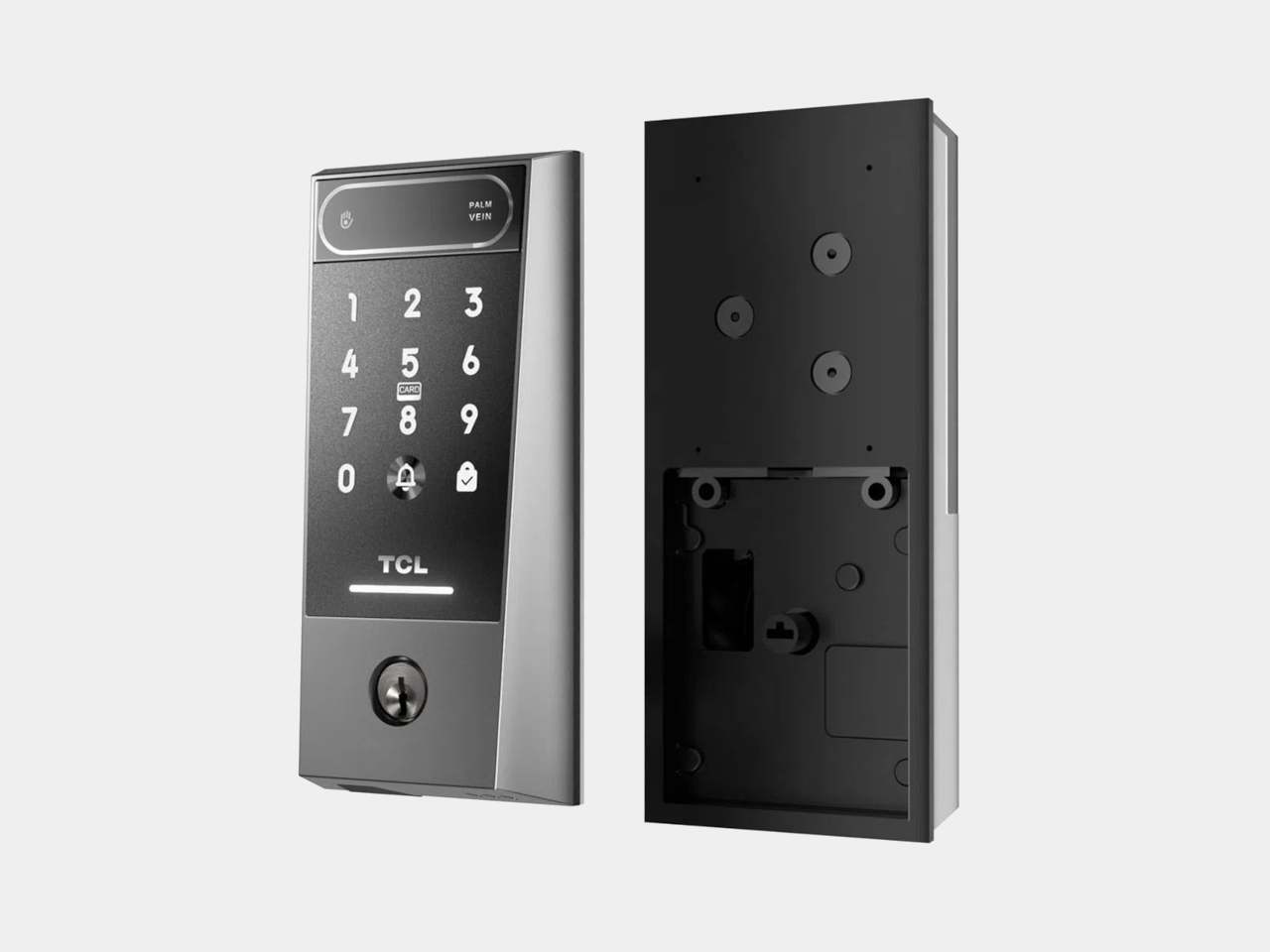
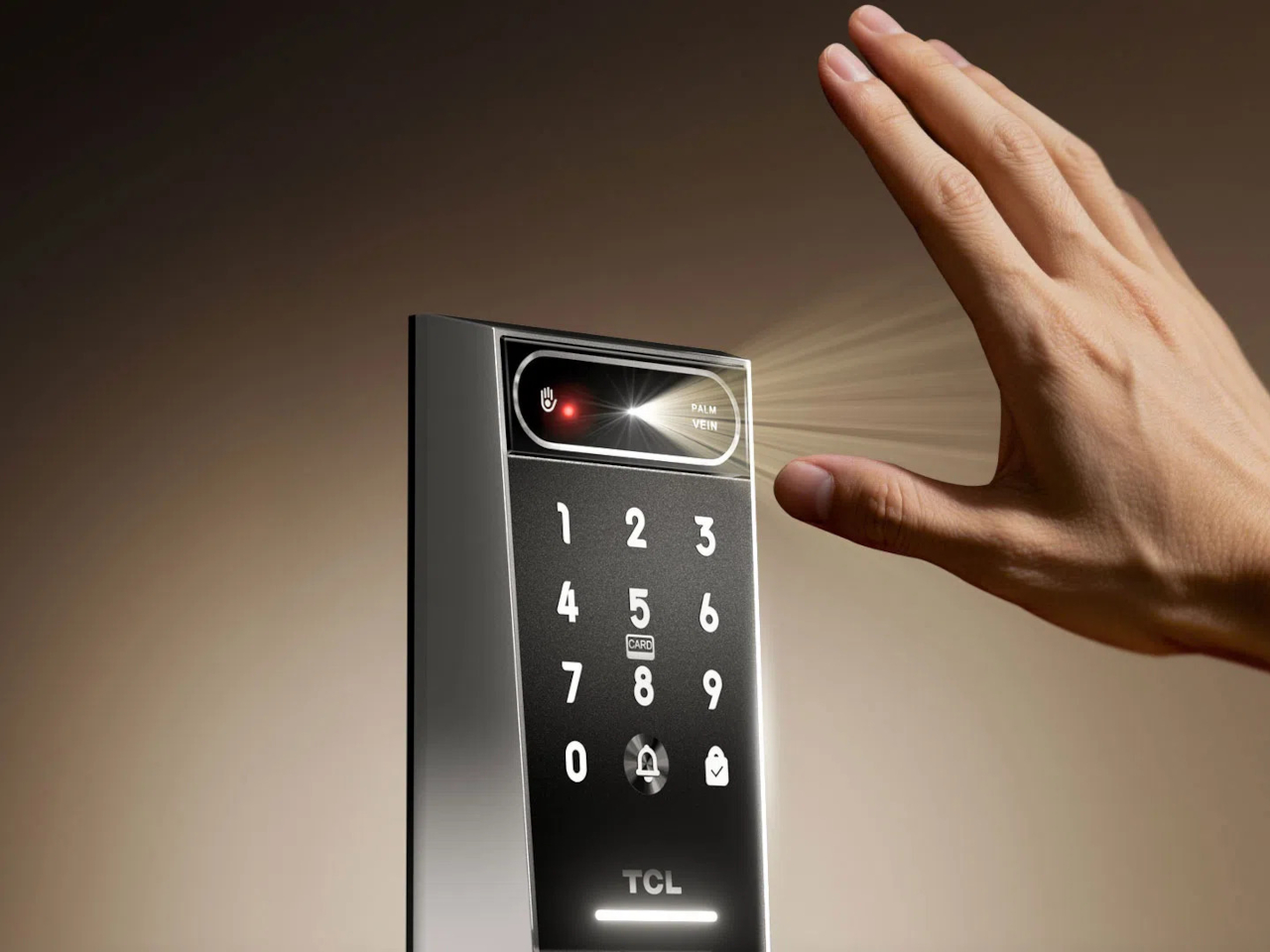
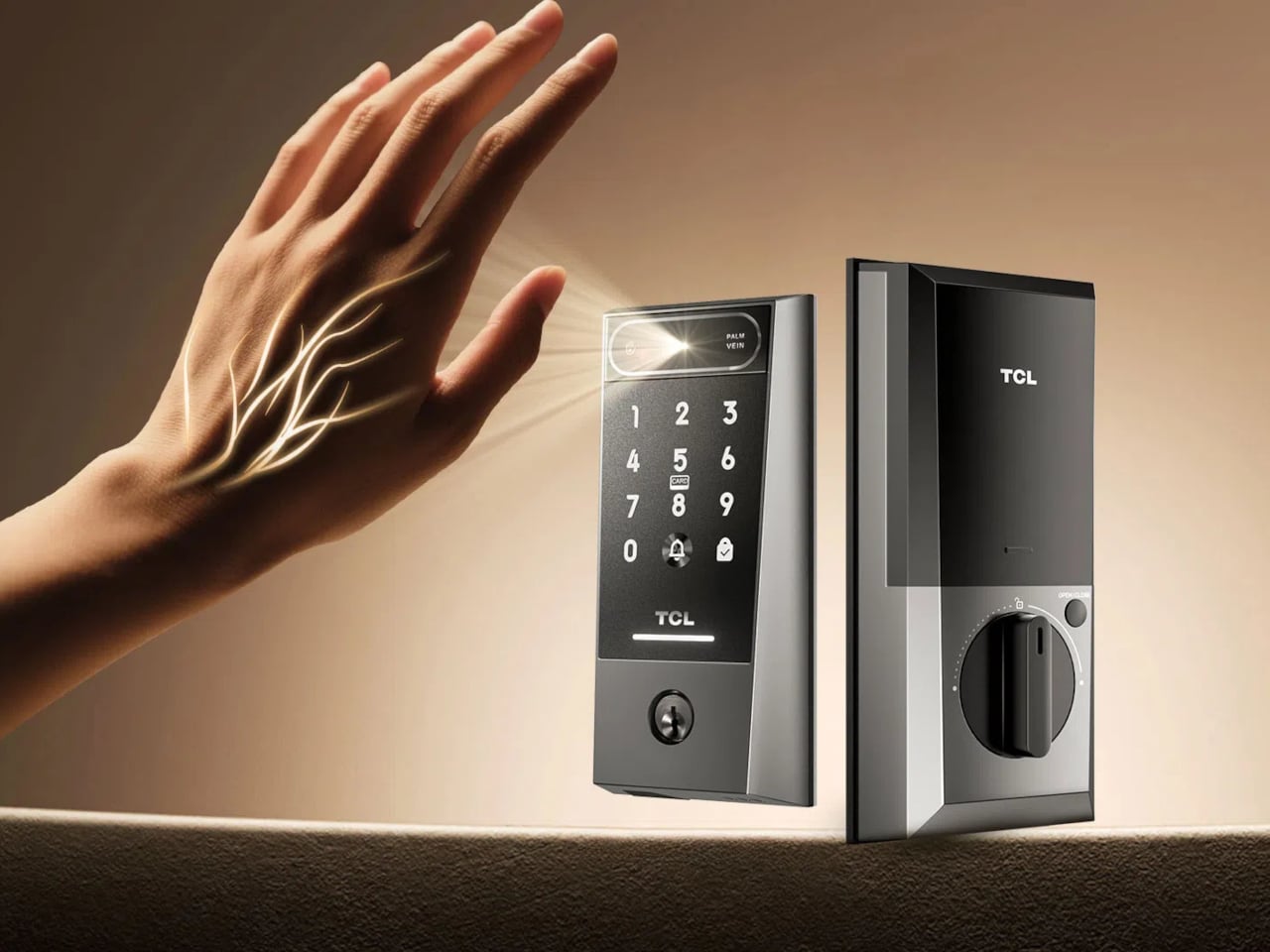
TCL’s D2 Pro approaches that question from a completely different direction. Instead of asking you to touch a sensor or remember a combination, it reads the unique vein patterns beneath the surface of your palm using infrared light. Those patterns are hidden under the skin, making them practically impossible to copy, replicate, or steal, which gives this particular solution a considerably stronger security foundation than most locks on the market.

Designer: TCL

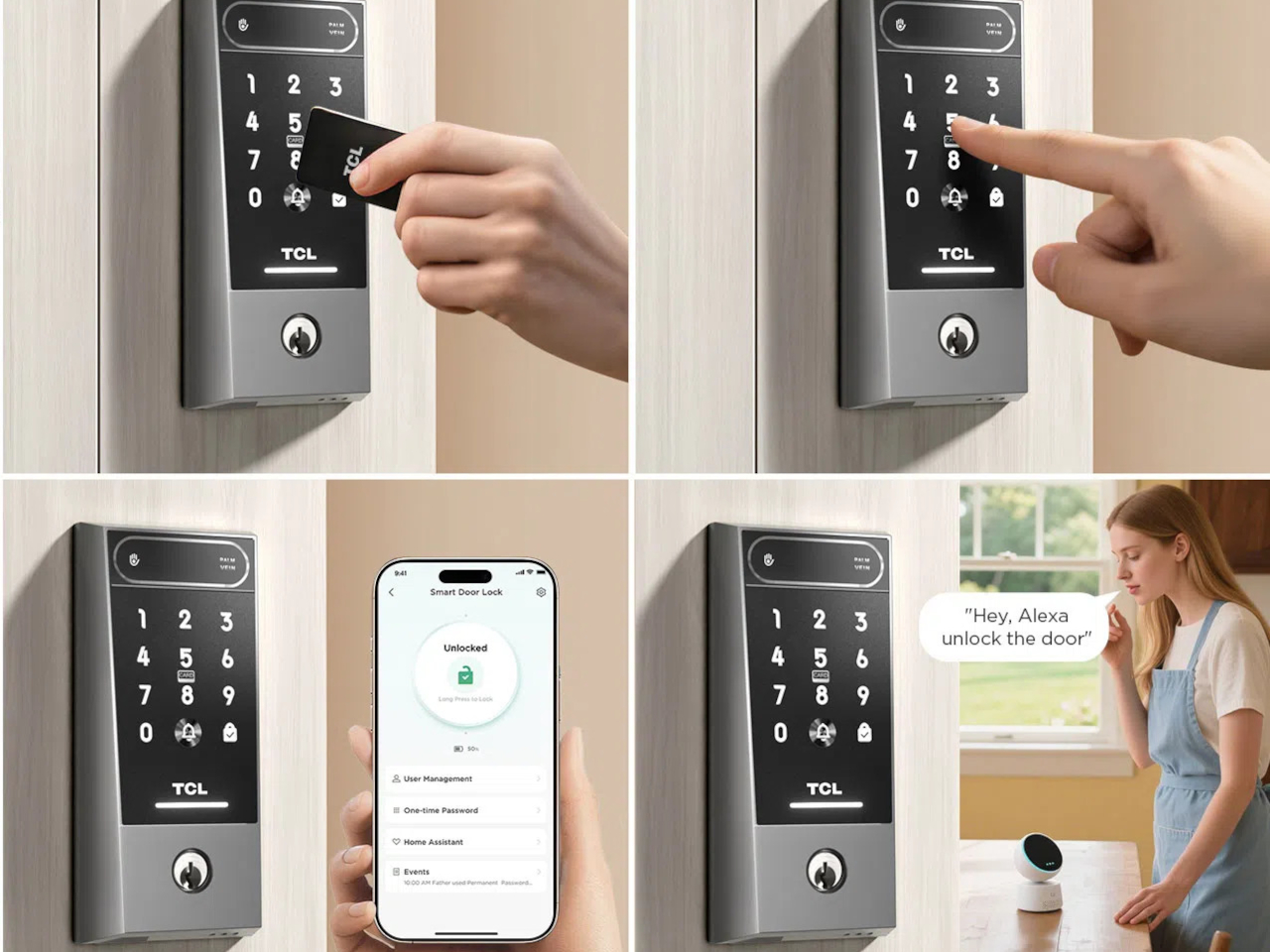
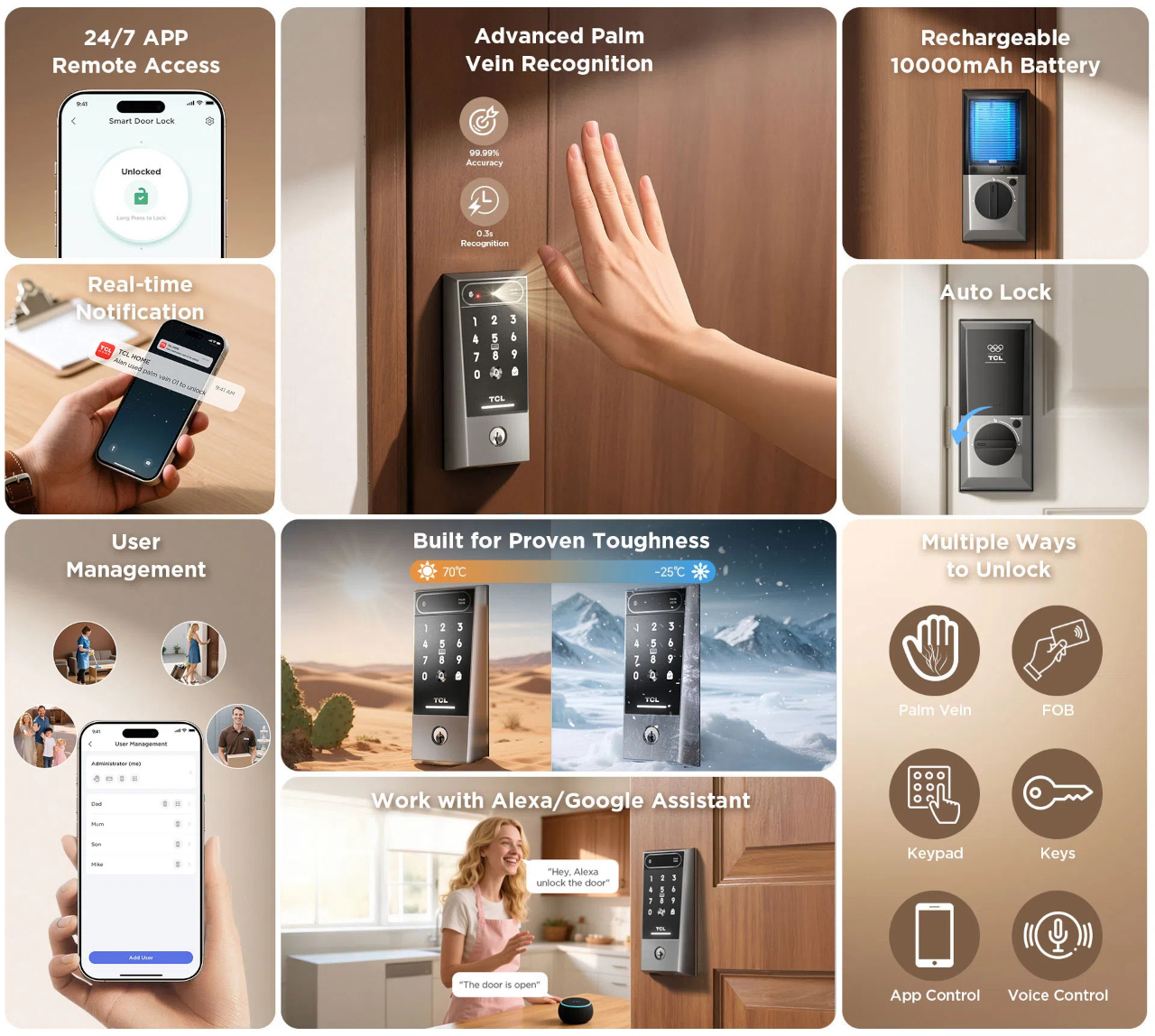
Think about getting home late at night with both arms full of takeout and a bag swinging off your wrist. There’s no patting pockets for a key or squinting at a keypad in the dark. You raise your palm toward the reader, and the door opens in 0.3 seconds. It’s the kind of effortless entry that sounds like a small thing until you stop having to think about it altogether.

The D2 Pro also learns as it goes. Each time you unlock the door, the on-device AI quietly adjusts your palm vein profile, making recognition faster and more accurate over time. All that data stays stored on the device, so there’s no cloud dependency and no monthly subscription to worry about. A liveness detection system also comes built in, ensuring the scanner won’t respond to anything but a living hand.

Sharing a home means sharing access, and the D2 Pro makes that manageable through the TCL Home app. You can register palm vein profiles for multiple household members, assign or revoke permissions from wherever you are, and receive real-time notifications whenever the door opens. For guests or anyone who doesn’t have a registered profile, the lock still accepts key cards, a physical key, and a backup keypad.

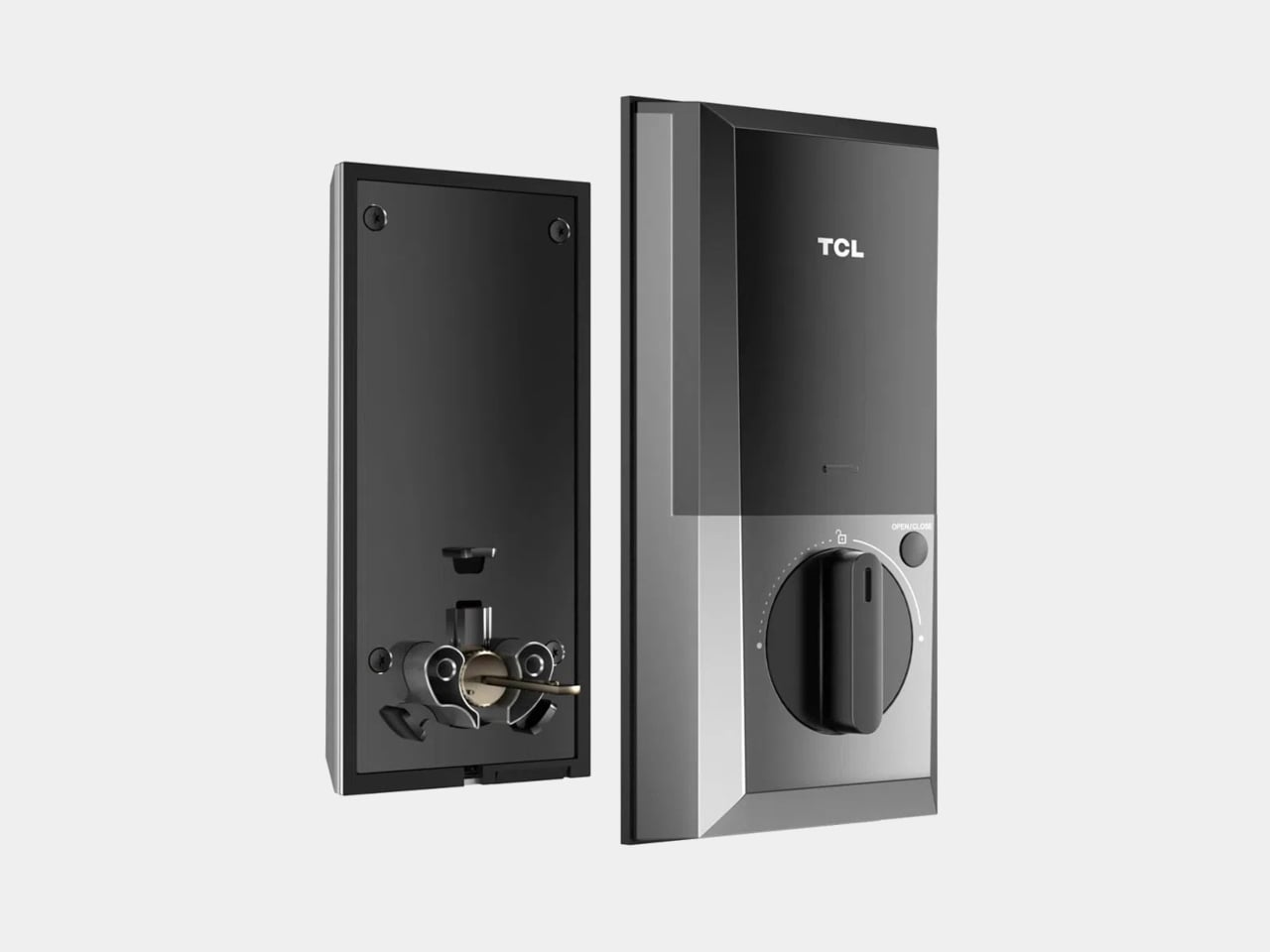
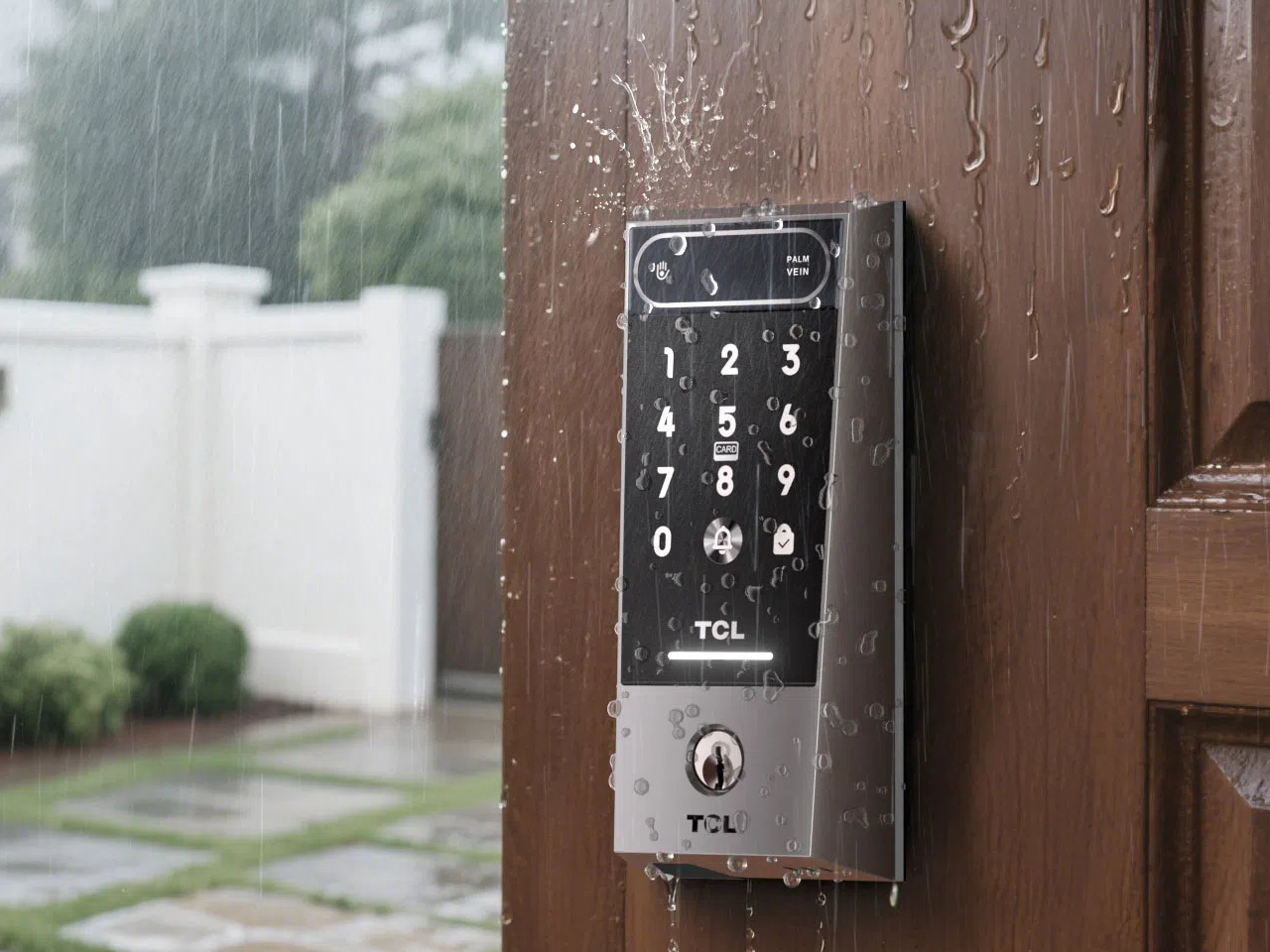
The hardware is built to stay outdoors in all conditions. The D2 Pro’s aerospace-grade aluminum alloy body carries an IP55 weather resistance rating, holding up against dust and water splashes day in and day out. Its operating temperature ranges from -25°C to 70°C, so climate extremes aren’t a concern. A built-in 10,000 mAh rechargeable battery connects via USB-C and is rated for up to eight months on a charge.

A Matter-compatible version of the D2 Pro connects to Apple Home alongside Alexa and Google Assistant, covering most major smart home platforms without needing a separate hub. An auto-lock feature re-engages the deadbolt automatically whenever the door closes, taking care of one more thing you’d otherwise have to remember. BHMA Grade 3 certification covers the structural side, and at $189, it costs significantly less than comparable palm-scanning alternatives.

The post Fingerprints Are Dead: This $189 Lock Reads the Veins in Your Palm first appeared on Yanko Design.

TCL’s $200 Phone Fixes Eye Strain That $1,000 Flagships Still Ignore

Screen time has crept up to the point where most people spend more waking hours staring at a phone than almost anything else. Smartphones aren’t particularly kind about it, with vivid, high-brightness displays that perform well in demos but aren’t gentle over long stretches. Eye fatigue and dryness have become almost expected, yet most people aren’t ready to swap their phones for e-readers just to get some relief.

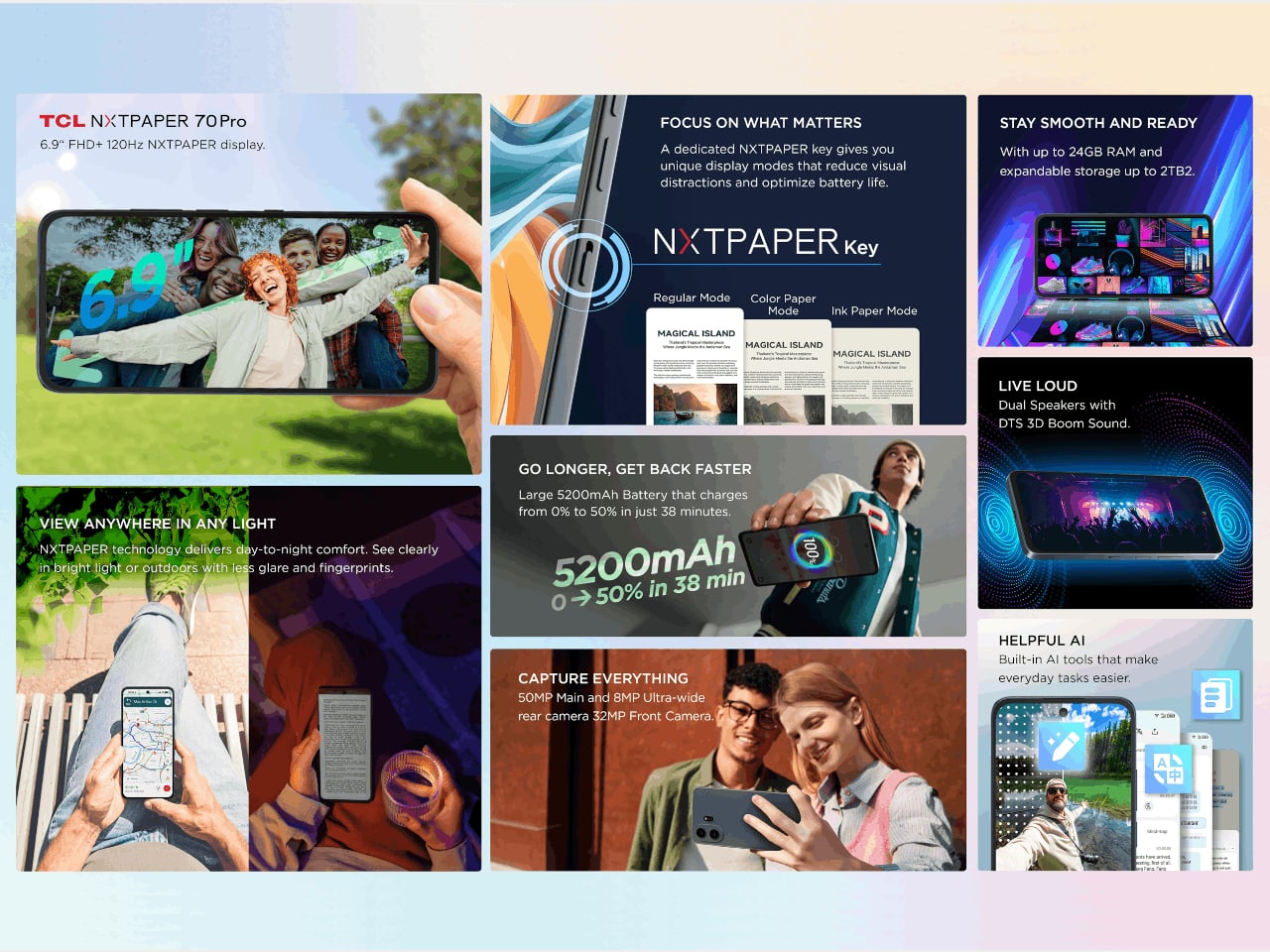
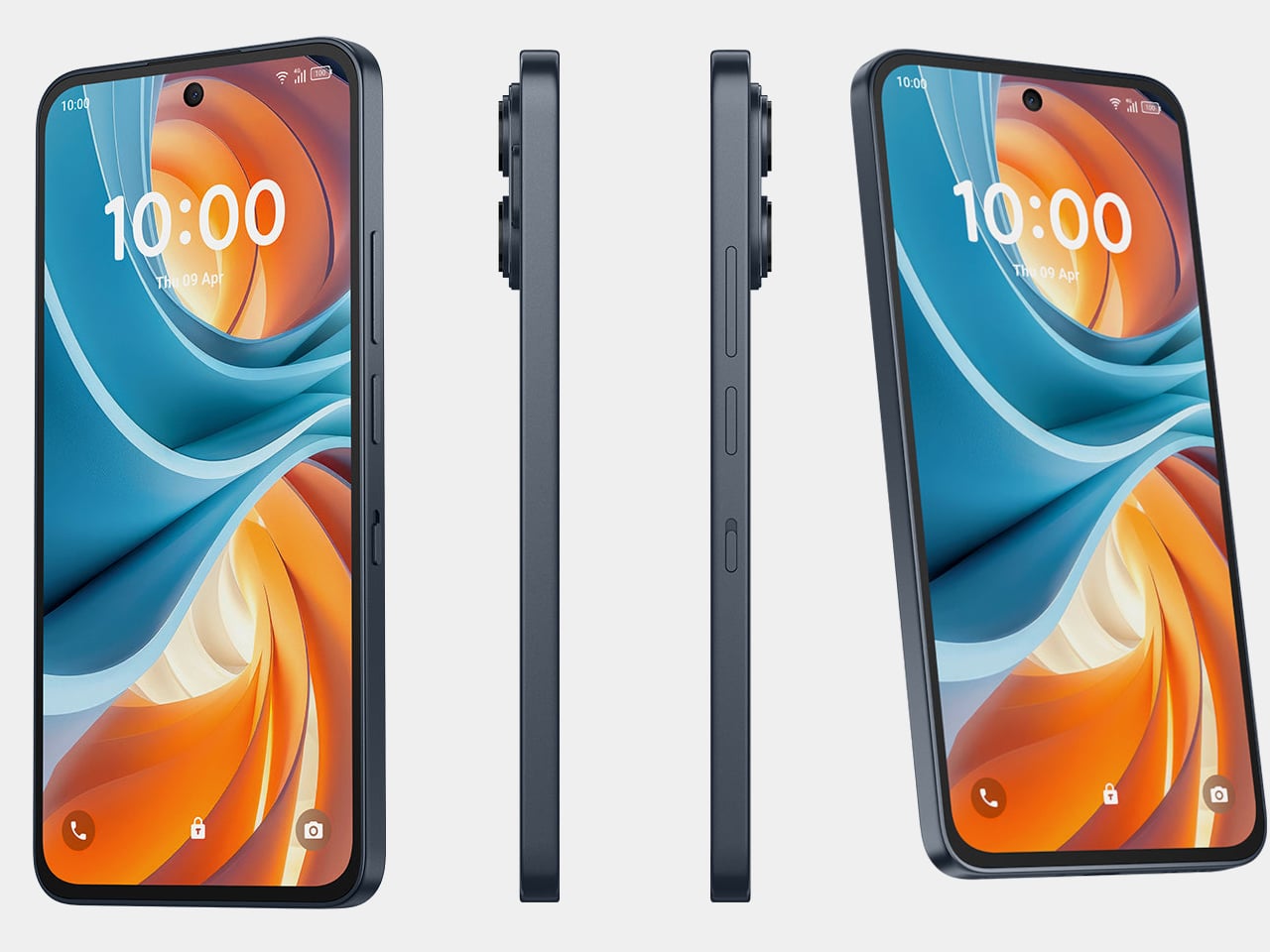
TCL has spent the better part of four years building an answer to that problem through its NXTPAPER line, and the NXTPAPER 70 Pro is the most capable version yet. It’s a full Android smartphone with eye-care features pushed to their highest iteration, now available in the US at $199.99 through T-Mobile and Metro by T-Mobile, and at $299.99 unlocked.

Designer: TCL

The centerpiece is the 6.9-inch NXTPAPER display, an IPS LCD panel with a matte, anti-glare surface built using nano-matrix lithography. It cuts harmful blue light at the hardware level down to 3.41%, uses DC dimming to eliminate flicker entirely, and applies circular polarized light to simulate diffused daylight that’s easier on the eyes. Independent certification from TÜV and SGS backs those claims up.

A physical NXTPAPER Key on the side cycles through three viewing modes. Regular keeps full-color smartphone output, Color Paper shifts to a warmer and more subdued tone suited for long reading sessions, and Ink Paper dials the display down to a near-monochrome, paper-like appearance that also conserves battery. Switching between them takes a single press, keeping the feature genuinely useful rather than buried in a settings menu.

That Ink Paper mode also unlocks the phone’s most impressive feature: battery life, which TCL claims can stretch to seven days when reading. The 5,200 mAh cell with 33W fast charging handles everyday use comfortably and reaches 50% in about 38 minutes, but it’s the combination of a power-efficient display mode and capable hardware that pushes endurance well past what most phones manage.

The camera doesn’t feel like an afterthought either. A 50 MP main sensor with optical image stabilization handles everyday shots and difficult lighting well, paired with an 8 MP ultrawide and a 32 MP front camera that covers video calls and social content. Storage starts at 256 GB and expands via microSD to 2 TB, while a MediaTek Dimensity 7300 chip keeps things running on Android 16.

Built-in AI tools can summarize articles, transcribe audio, and help clean up text you’re writing, which fits the device’s clear lean toward readers, students, and anyone who uses their phone for focused work. The IP68 rating handles rain and spills without fuss, and at 207g, the large frame doesn’t feel excessive in hand. Unfortunately, it seems that T-Pen stylus support won’t be making its way to this US variant, a feature that has been revealed for the global version.

What’s notable about the NXTPAPER 70 Pro isn’t any single feature taken alone, but how they all pull toward the same priority. Eye-care display technology has mostly lived on phones that cost well over a thousand dollars, which puts it out of reach for most buyers. At $199.99 on T-Mobile, that changes, and the argument for a phone your eyes might actually thank you for becomes genuinely hard to ignore.

The post TCL’s $200 Phone Fixes Eye Strain That $1,000 Flagships Still Ignore first appeared on Yanko Design.

This $900 TCL TV Has the Same Panel Tech Samsung Charges $2,000 For

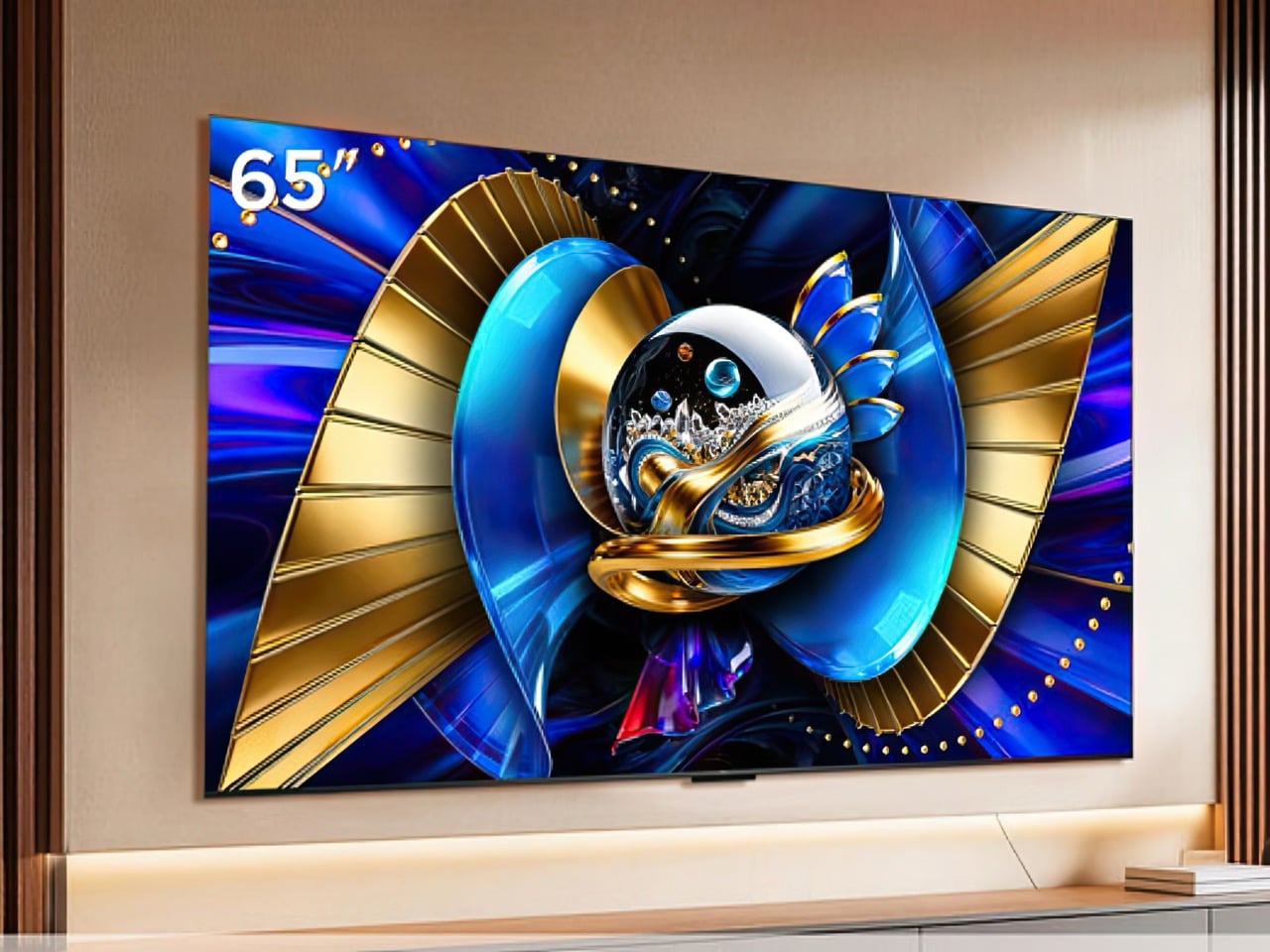
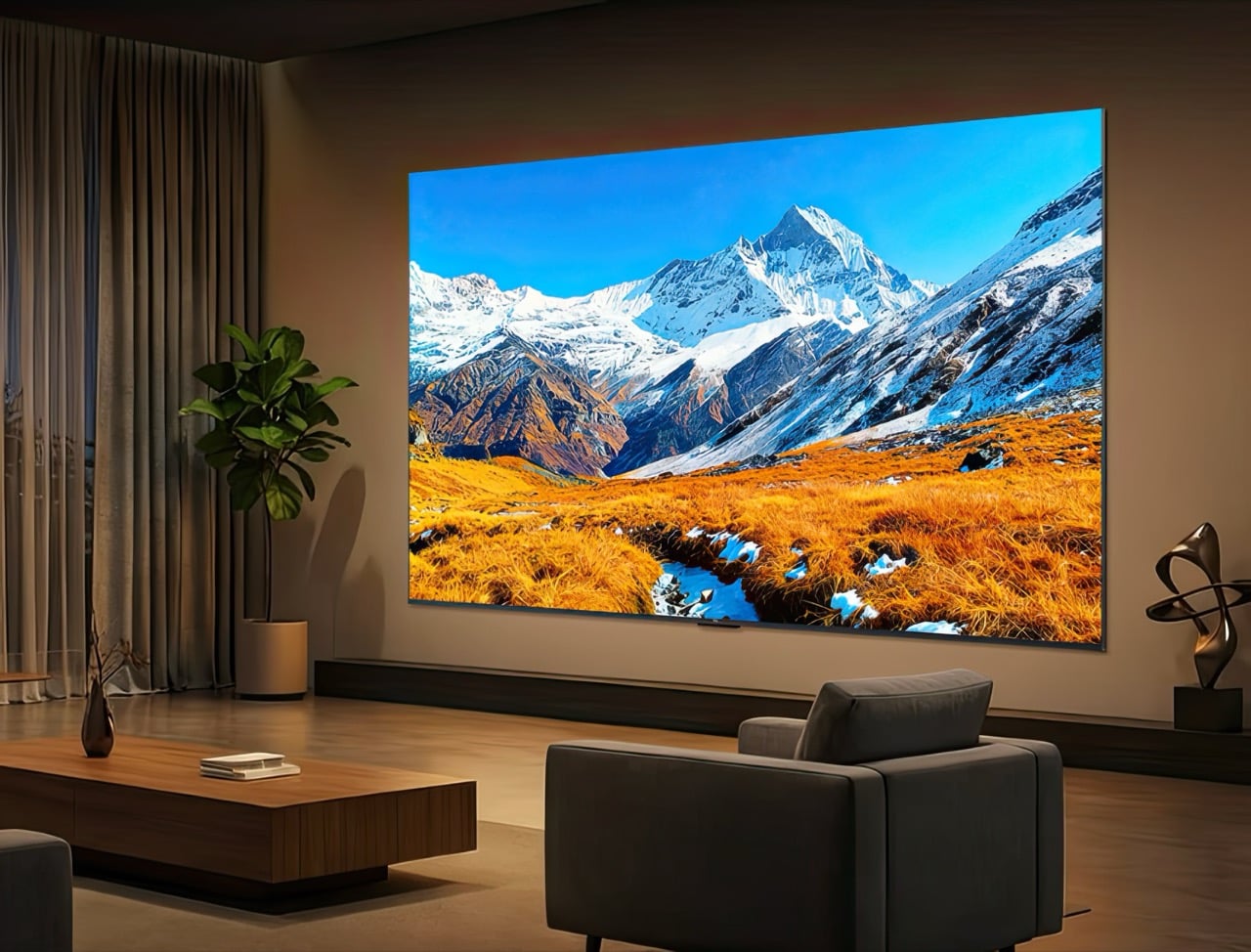
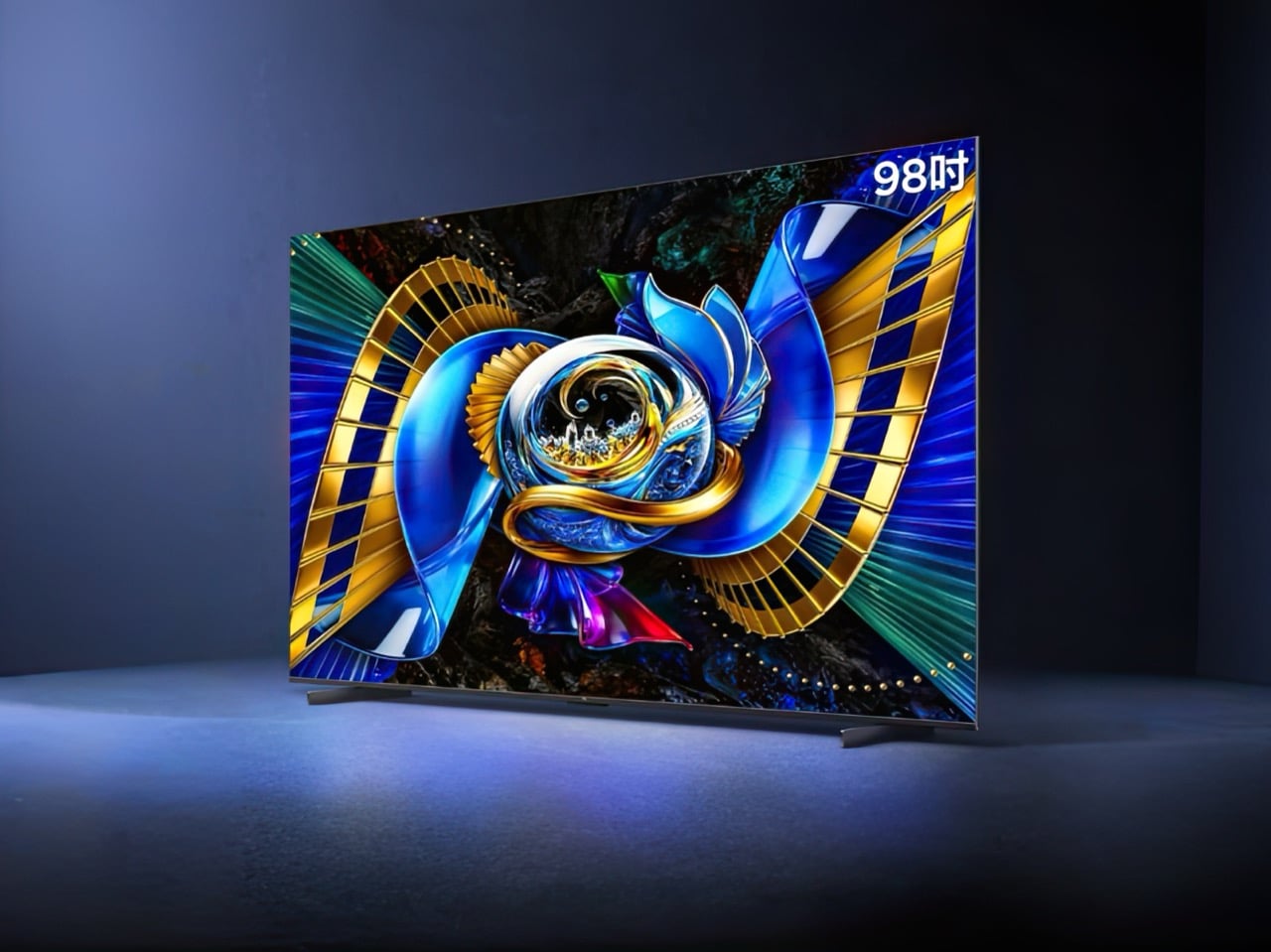
Premium television specs used to live behind premium price tags, a sorting mechanism that kept the best picture quality safely out of reach for most buyers. TCL has spent the last few years dismantling that barrier, and the T7M Pro SQD-Mini LED feels like the wall finally came down. For 6,199 yuan (roughly $900), you get 1,152 local dimming zones, full BT.2020 color coverage, and 2,200 nits of peak brightness. Those numbers belong to televisions that typically cost two or three times as much, yet here they are in sizes from 65 inches for just $900 up to a whopping 98-inch variant priced at a fairly reasonable $2,178.

The T7M Pro uses TCL’s SQD-Mini LED technology, which pairs quantum dot color filters with precise Mini LED backlighting. The company engineered a new panel that filters light more accurately, outputting cleaner colors with less contamination. A 4K screen runs at 150Hz natively, upgradable to 300Hz for gaming. Lingkong UI 3.0 handles the software side with AI-powered picture optimization and content recommendations. TCL kept the chassis at 60mm thick for near-flush wall mounting. The lineup launches in China across four sizes, and the pricing suggests TCL has stopped chasing flagship competitors and started outspeccing them at half the cost.

Designer: TCL

BT.2020 is the actual color space HDR content gets mastered in, the standard filmmakers use when they finish a movie. Most televisions claim wide color support but only hit 70 to 85 percent of that range, then fake the rest by stretching values. TCL claims the T7M Pro covers the full 100 percent through its Super Butterfly Wing Star Display panel, which uses better materials to filter light more cleanly. Cheaper quantum dot screens mix wavelengths and produce muddy colors. This one supposedly keeps red, green, and blue separate and pure. If that holds up in actual use, you’re seeing colors the way the director intended them.

TCL packed 1,152 dimming zones into the T7M Pro, letting different parts of the screen brighten or dim independently. That matters when you’re watching HDR content where a bright explosion needs to pop against a dark sky without making the whole screen glow. The 2,200 nits of peak brightness means highlights stay detailed instead of blowing out into white blobs. Whether 1,152 zones eliminate all the halo effects around bright objects depends on how large each zone is and how smart the processing is. We won’t know until someone tests it properly, but the number alone puts it in serious territory.

The television runs at 150Hz natively, smooth enough for high frame rate gaming and sports. Push it to 300Hz through motion smoothing if you like that soap opera look, though most people turn that off immediately. Four HDMI 2.1 ports with full bandwidth mean your PlayStation 5 or Xbox Series X can output 4K at 120Hz without compromise. Variable refresh rate and auto low latency mode are both here, which have become expected features on any TV that calls itself gaming-ready. TCL clearly built this thing with console players in mind, not just movie watchers.

Lingkong UI 3.0 runs the software side with a card-based layout and zero boot ads, already a win over most smart TV platforms that force you through commercials just to turn the thing on. The AI component learns your viewing habits and adjusts picture settings automatically, plus it suggests content based on what you watch. How pushy those recommendations get will determine whether this feels helpful or annoying. A quad-core processor with 4GB of RAM keeps things moving, which matters when you’re jumping between streaming apps or adjusting settings mid-movie.

Samsung’s QN90D Mini LED TV with similar specs costs around $1,800 for the 65-inch model. Sony’s X95L Mini LED sits near $2,000. Both deliver great picture quality, but neither performs twice as well to justify twice the price. TCL is counting on buyers to do the math and realize they’re paying for a badge, not better technology. That argument gets even stronger with the 98-inch T7M Pro at $2,178, a size where Samsung and Sony regularly charge $4,000 or more. The performance gap between a $2,000 TV and a $900 TV used to be massive. Now it’s mostly marketing.

TCL launched the T7M Pro in China first with no confirmed international release date, though the company already sells Mini LED TVs globally so a wider rollout seems inevitable. For anyone willing to import or wait for official availability, this television makes flagship picture quality accessible without flagship pricing. The question it forces on established brands is simple and uncomfortable: what exactly are buyers paying extra for when the panel specs are identical?

The post This $900 TCL TV Has the Same Panel Tech Samsung Charges $2,000 For first appeared on Yanko Design.

Meet The World’s First 28″ Tri-Fold Desktop Monitor: Hands-on with TCL CSOT Foldable Display at MWC 2026

The trifold idea has been tested to death on phones. Samsung, Huawei, and a handful of Chinese manufacturers have each taken their shot at folding a smartphone screen into thirds, with varying results. The Huawei Mate XT made headlines in 2024 as the world’s first mass-produced trifold phone, and then Huawei went further and stuffed a foldable display into a laptop. Lenovo tried something altogether weirder: a rollable screen that physically expands sideways, which is clever engineering built around a problem most people don’t have. TCL CSOT walked into MWC 2026 with a different angle entirely, and it landed.

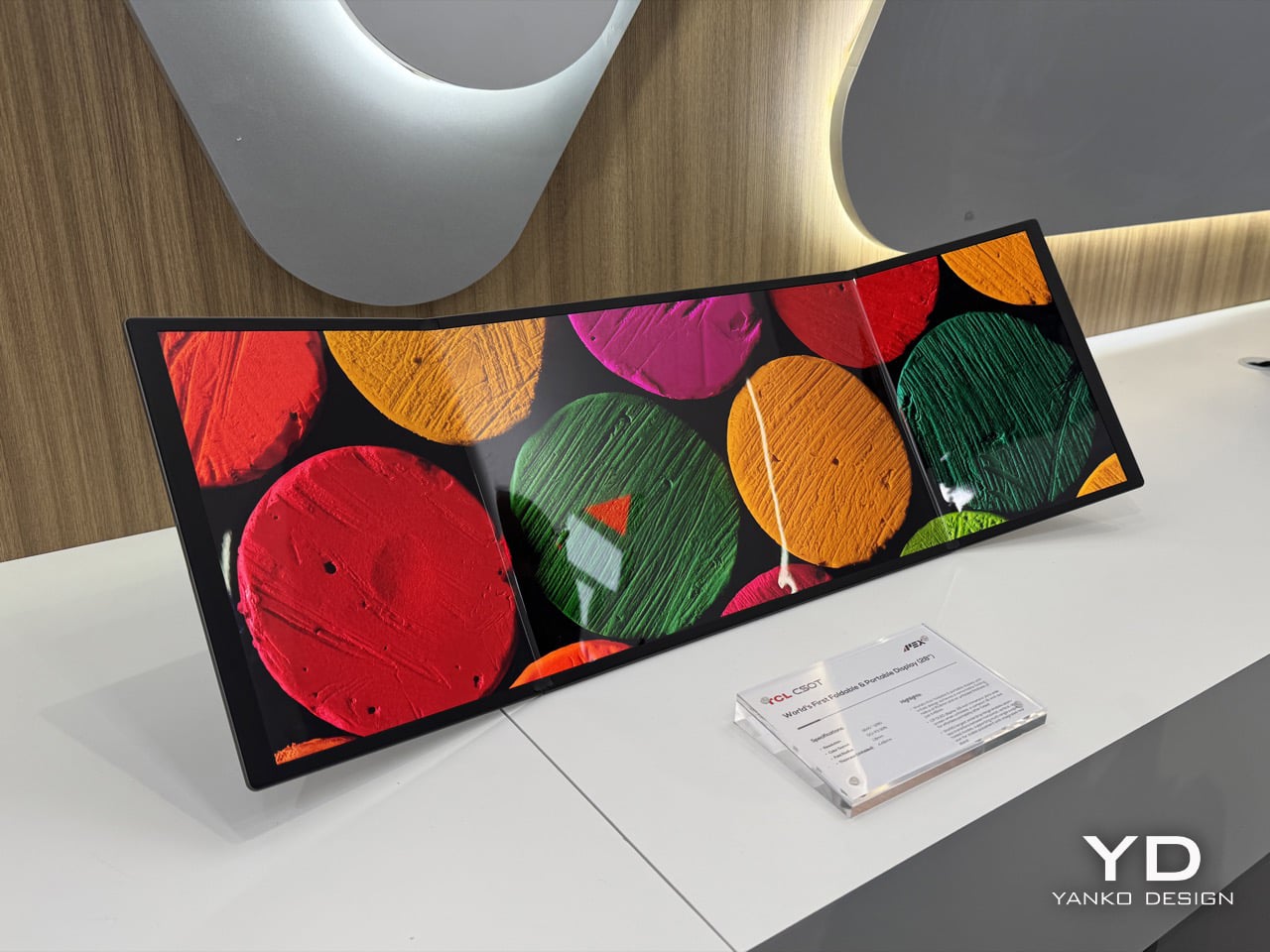
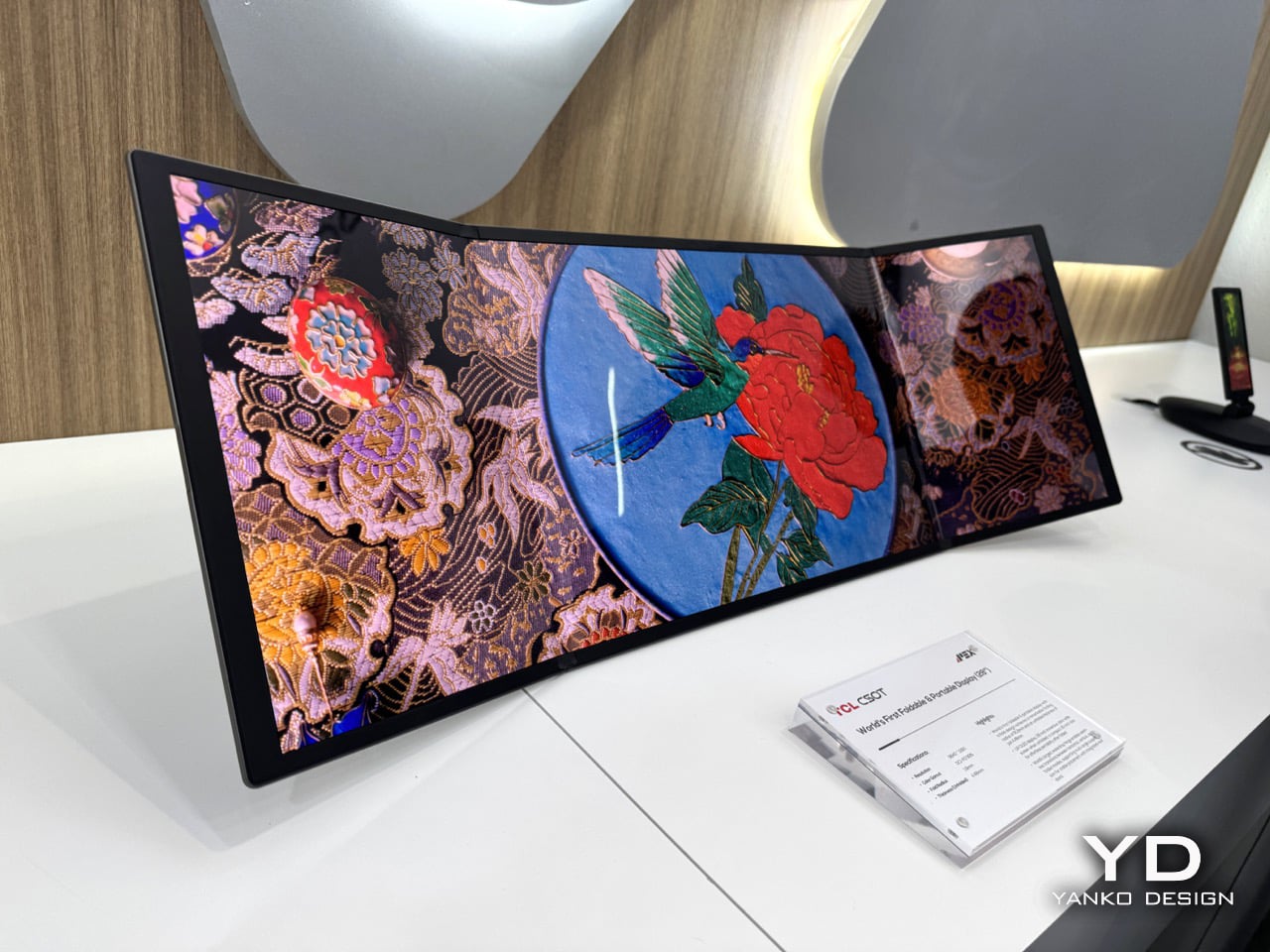
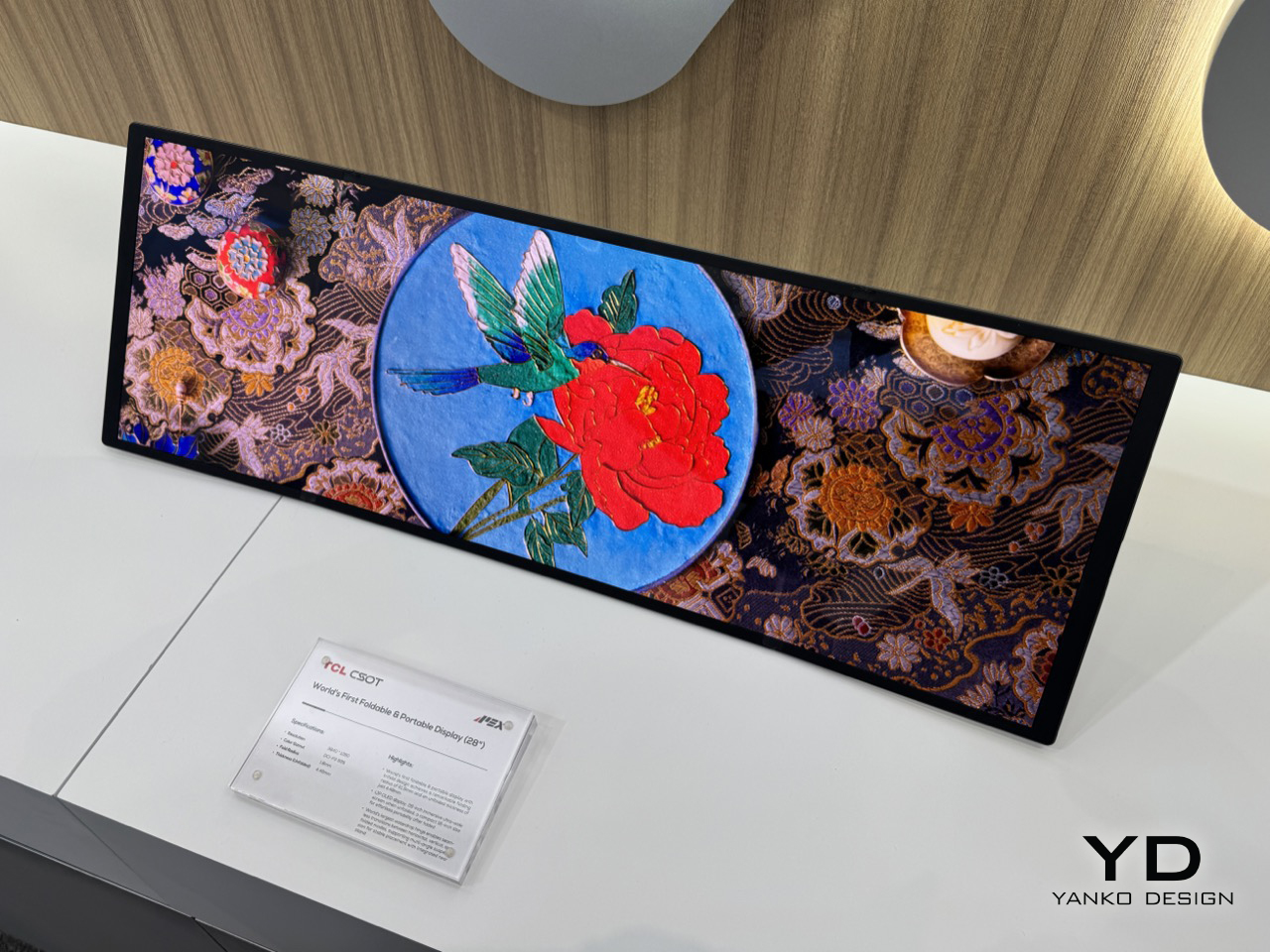
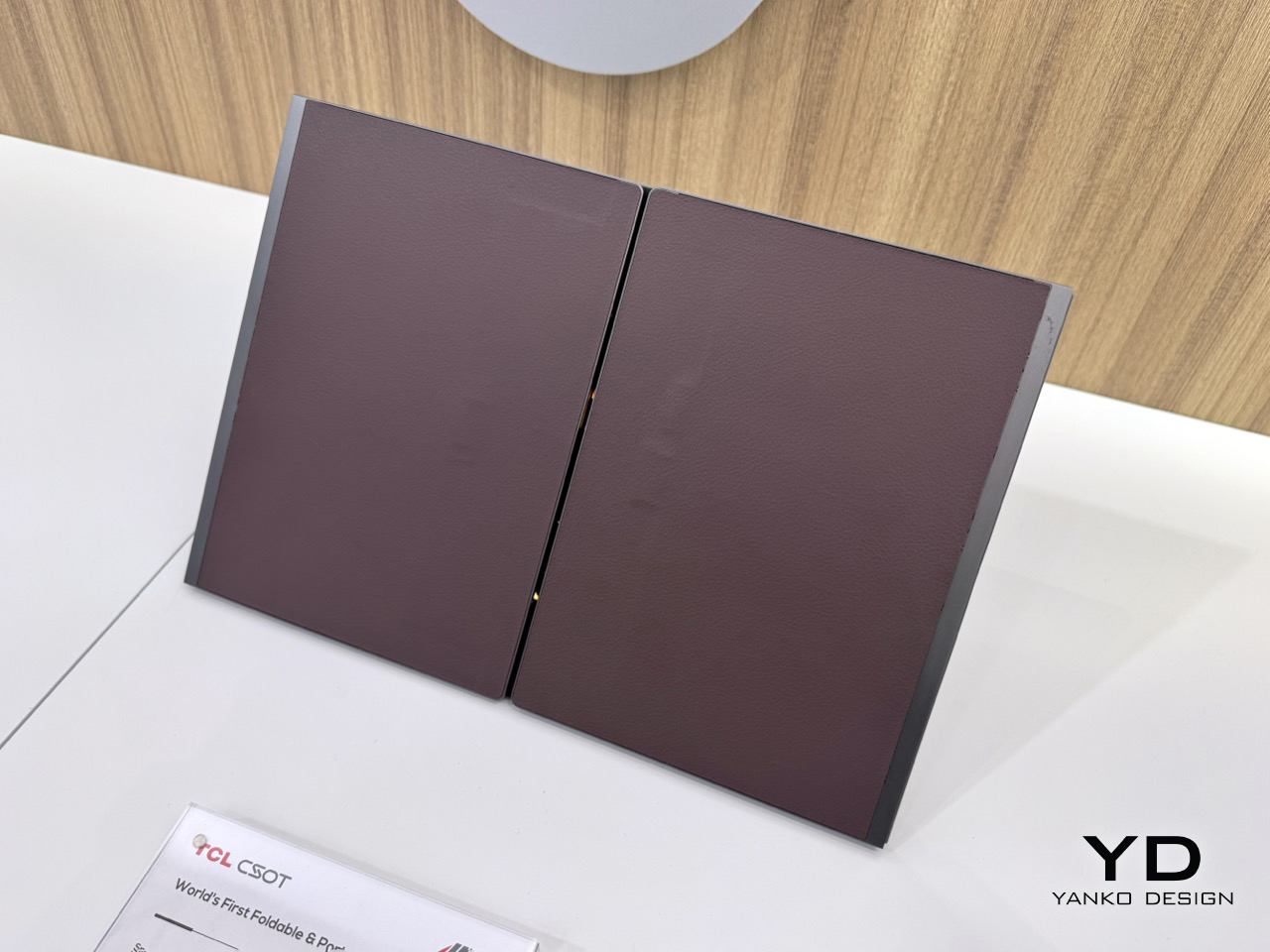
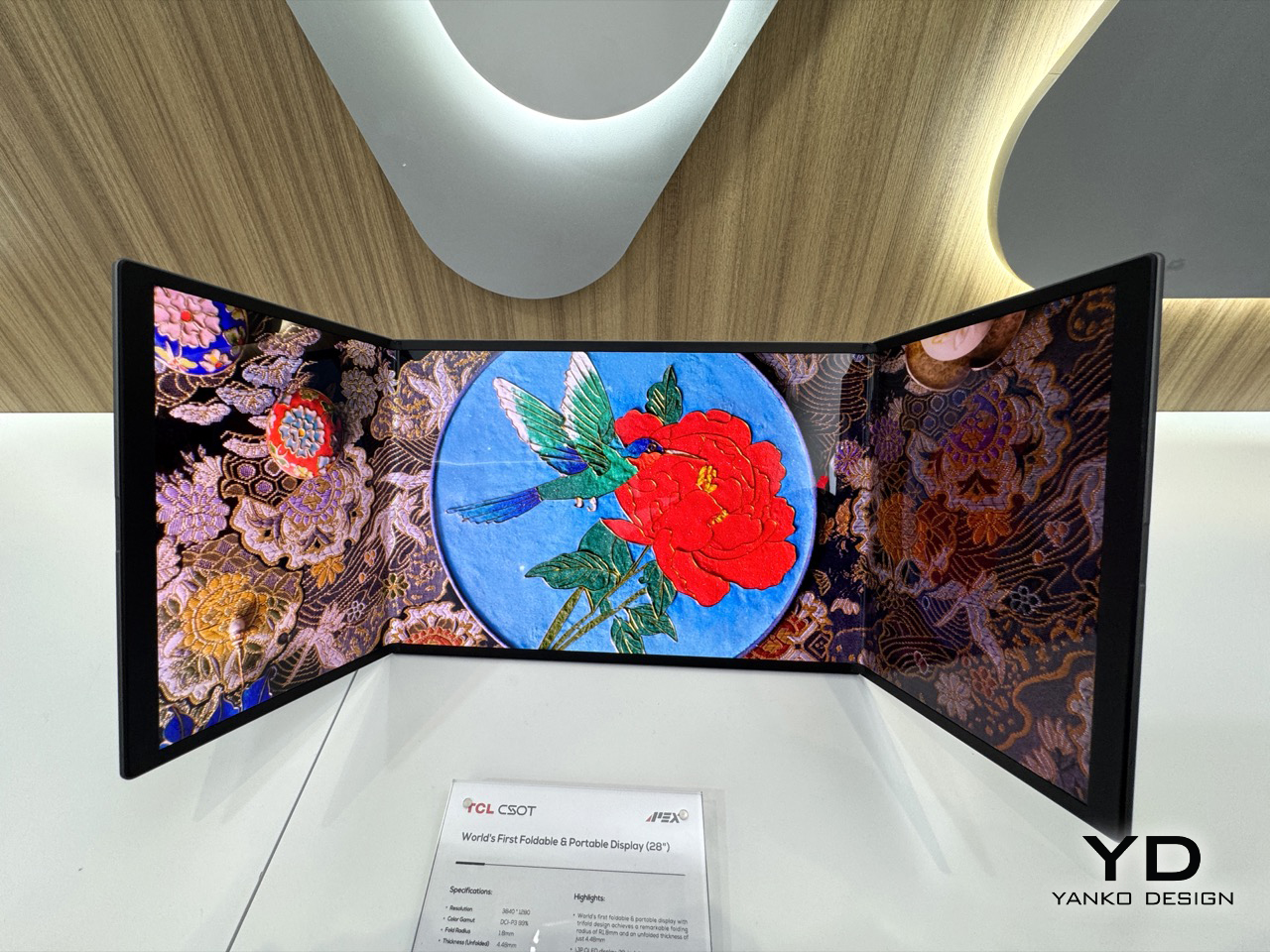
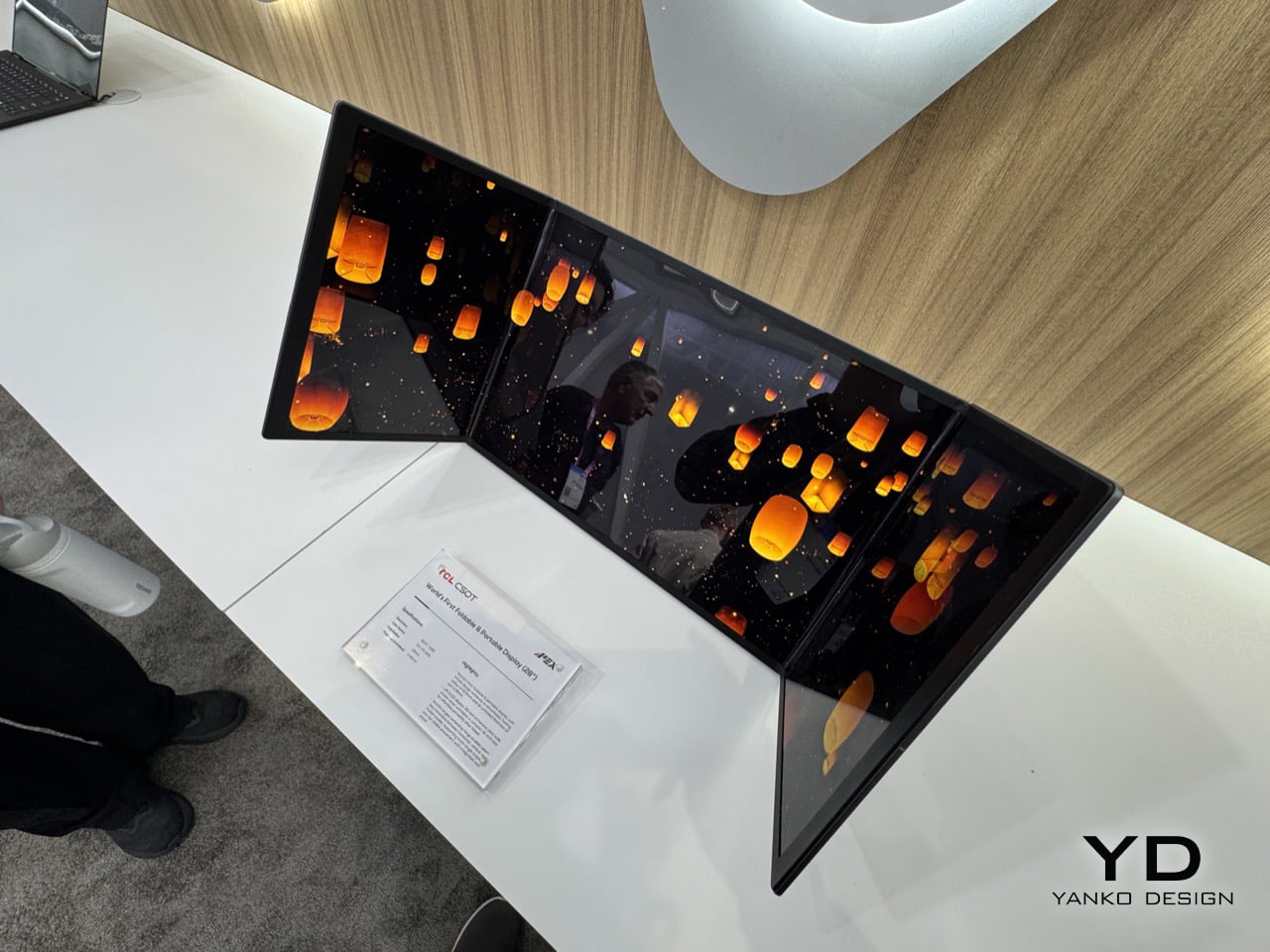
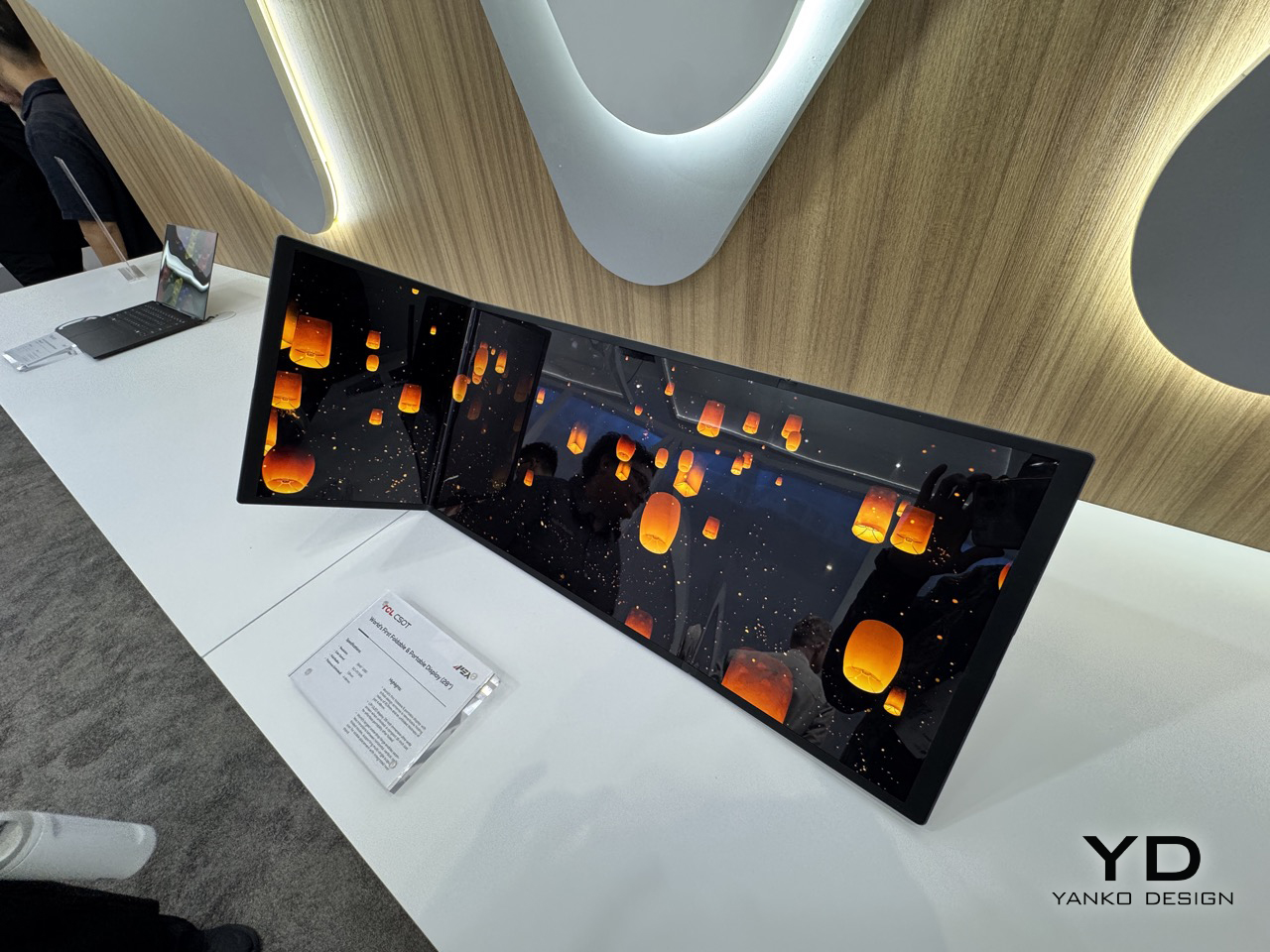
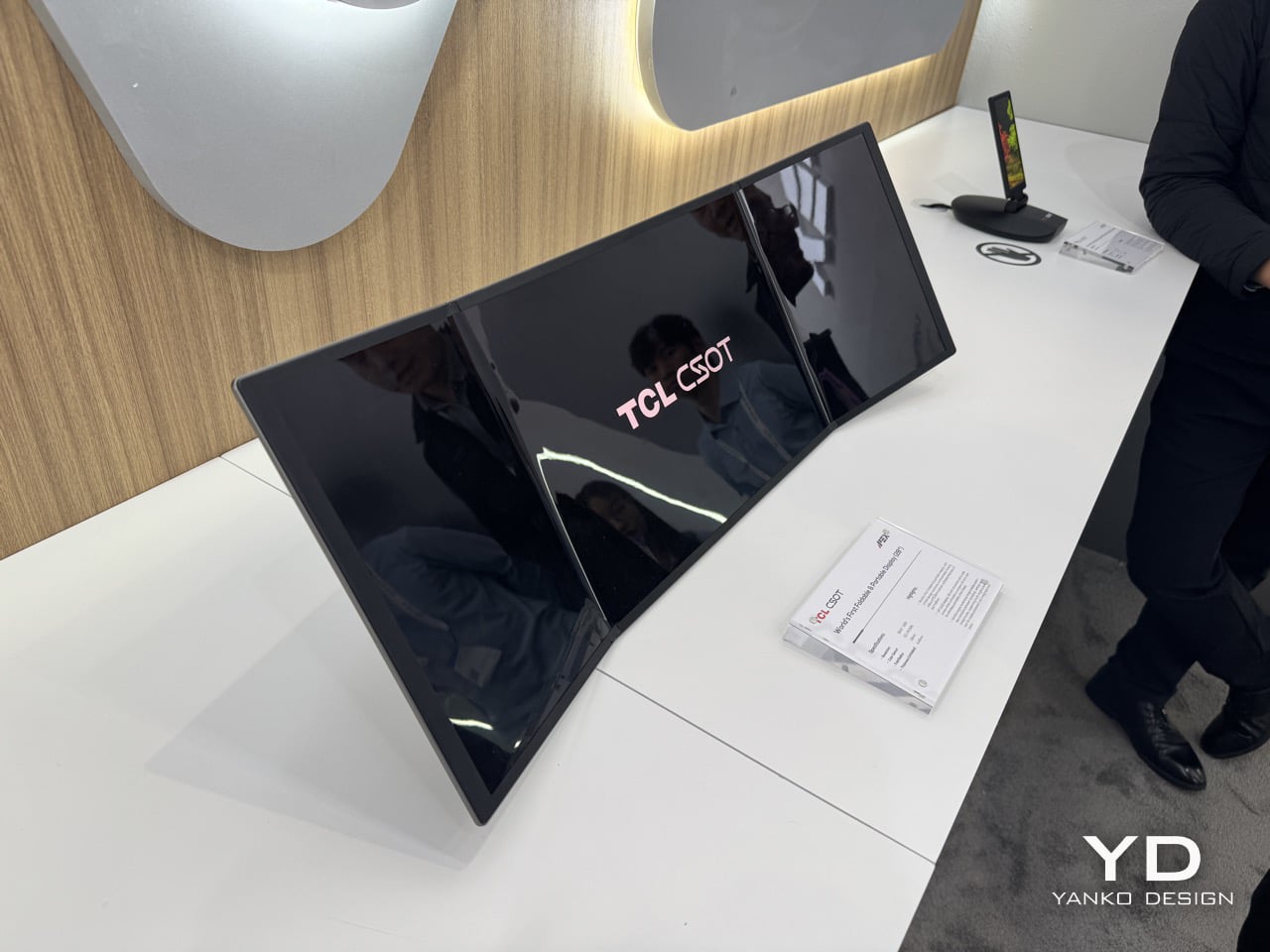
The 28-inch trifold monitor collapses to a 16-inch footprint for transport, which puts it roughly in line with what fits in a standard laptop bag. That 3840×1280 resolution spread across an ultra-wide aspect ratio gives you a panel that, when unfolded, genuinely looks absurd in the best way. The color gamut is DCI-P3 99%, so this is a cinema-grade screen, not a compromised one. What TCL has understood, and what the phone trifold race missed entirely, is that the use case for three folds is far stronger on a monitor than on a handset. Your phone doesn’t need 28 inches. Your desk setup, your hotel room, or your next flight absolutely does.

Designer: TCL

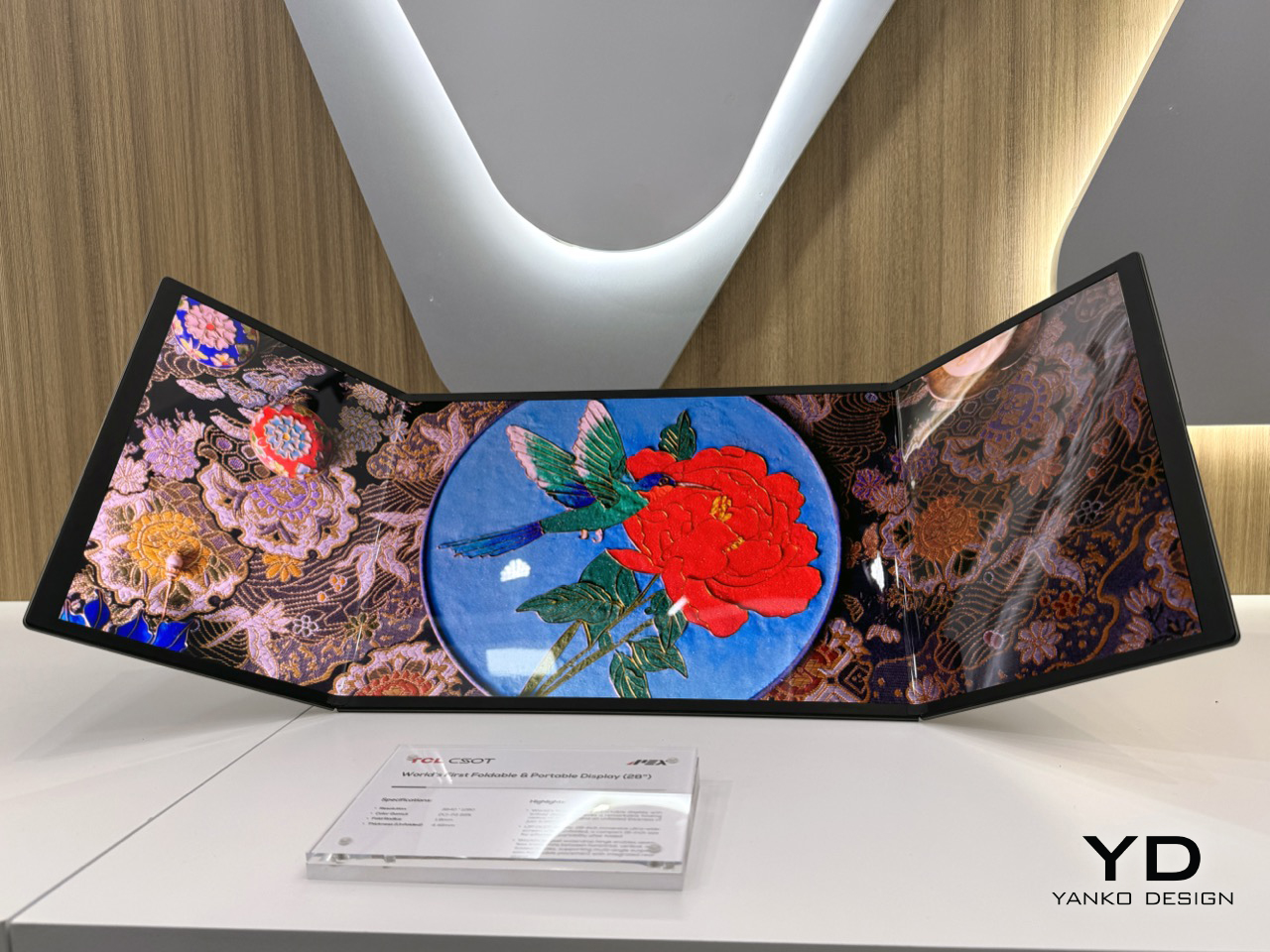
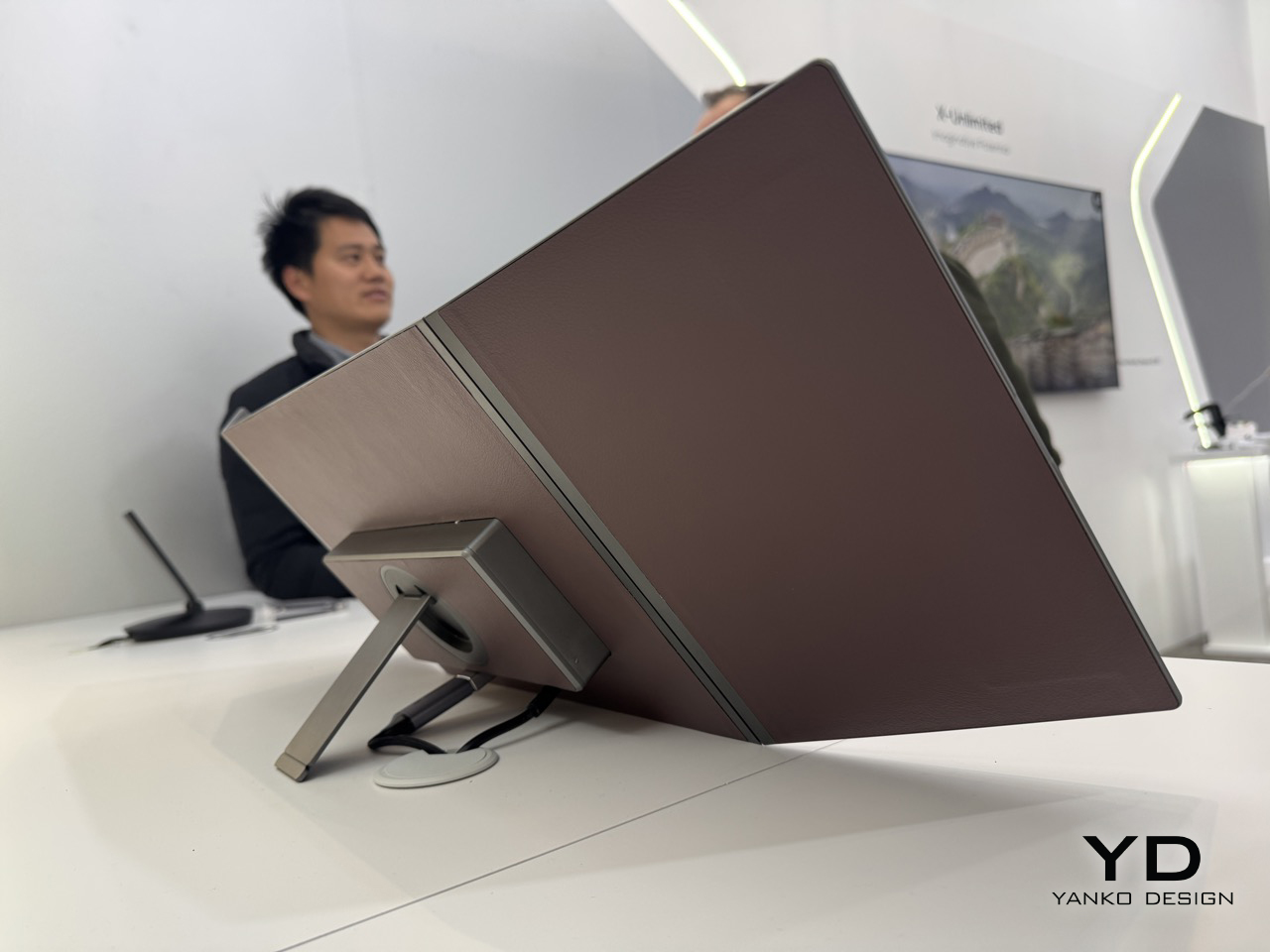
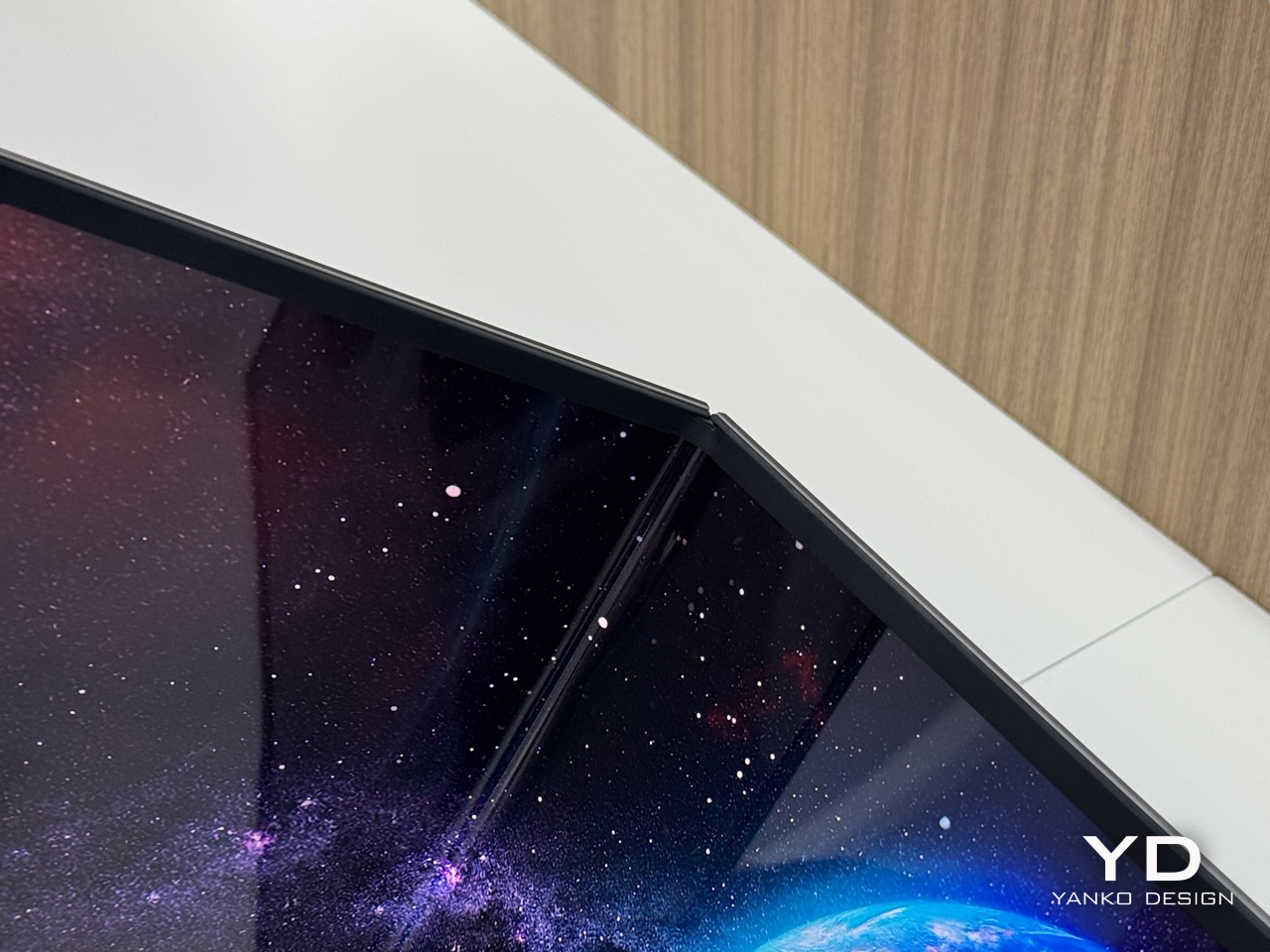
At 4.48mm when unfolded, the panel is thinner than most pencils, which makes the folded thickness even more impressive given the hinge hardware packed into it. The folding radius is R1.8mm, a number that sounds unremarkable until you consider how tight that crease is across a screen this wide, and how much precision engineering goes into preventing stress fractures at that radius. TCL calls the mechanism a waterdrop hinge, borrowed from the same architecture that the better phone foldables use, now scaled up to a 28-inch form factor. The hinge handles seamless transitions between horizontal, vertical, and folded positions, and the integrated rear stand supports multi-angle suspension with stable placement for however you need to prop it. That combination of hinge flexibility and stand design is what keeps this out of the conceptual gimmick category.

Keep it partially folded and you get something that starts behaving like a curved monitor. The two outer panels angle inward, creating a passive wrap effect that a flat ultra-wide simply cannot replicate without having a physical curve manufactured into the panel itself. The 3840×1280 field of view sits noticeably wider than what most monitors deliver below 34 inches on a flat panel, and the slight inward angle adds peripheral depth that genuinely affects how immersive the experience feels. The aspect ratio alone puts you in ultra-wide territory that most desktop users spend real money chasing. It rewards close-range use, the kind of face-in-screen focus you get at a proper workstation, not a portable screen propped on a table.

The IJP OLED (inkjet-printed OLED) process behind this panel is what makes the specs achievable. Inkjet printing deposits organic materials with greater precision and less material waste than conventional vapor deposition, which is part of why TCL can hit DCI-P3 99% at 4.48mm thick without anything feeling like a compromise. Huawei’s foldable laptop used a single crease, which limits reconfigurability to open or shut. Two folds changes the logic completely: fully open for productivity, partially folded for immersion, fully folded for transit. The trifold format finally has a product category where its complexity pays off.

TCL CSOT is not the consumer electronics brand most people recognize from the TV aisle. It is the panel manufacturing subsidiary of TCL Technology, founded in 2009, and it supplies display panels to other companies rather than selling directly to end users. Lenovo already uses TCL CSOT panels in devices including the Moto Razr 60 series and its rollable laptop concept. It’s worth noting that TCL CSOT won’t directly sell this 28″ monitor… but will rather license the technology out to manufacturers who see the merit in such a product existing. Maybe Lenovo’s next laptop could have such a display, who knows… As a result, no release window or pricing has been confirmed, but the production infrastructure is being built in parallel, which is a different situation from a pure prototype with no supply chain behind it.

The post Meet The World’s First 28″ Tri-Fold Desktop Monitor: Hands-on with TCL CSOT Foldable Display at MWC 2026 first appeared on Yanko Design.

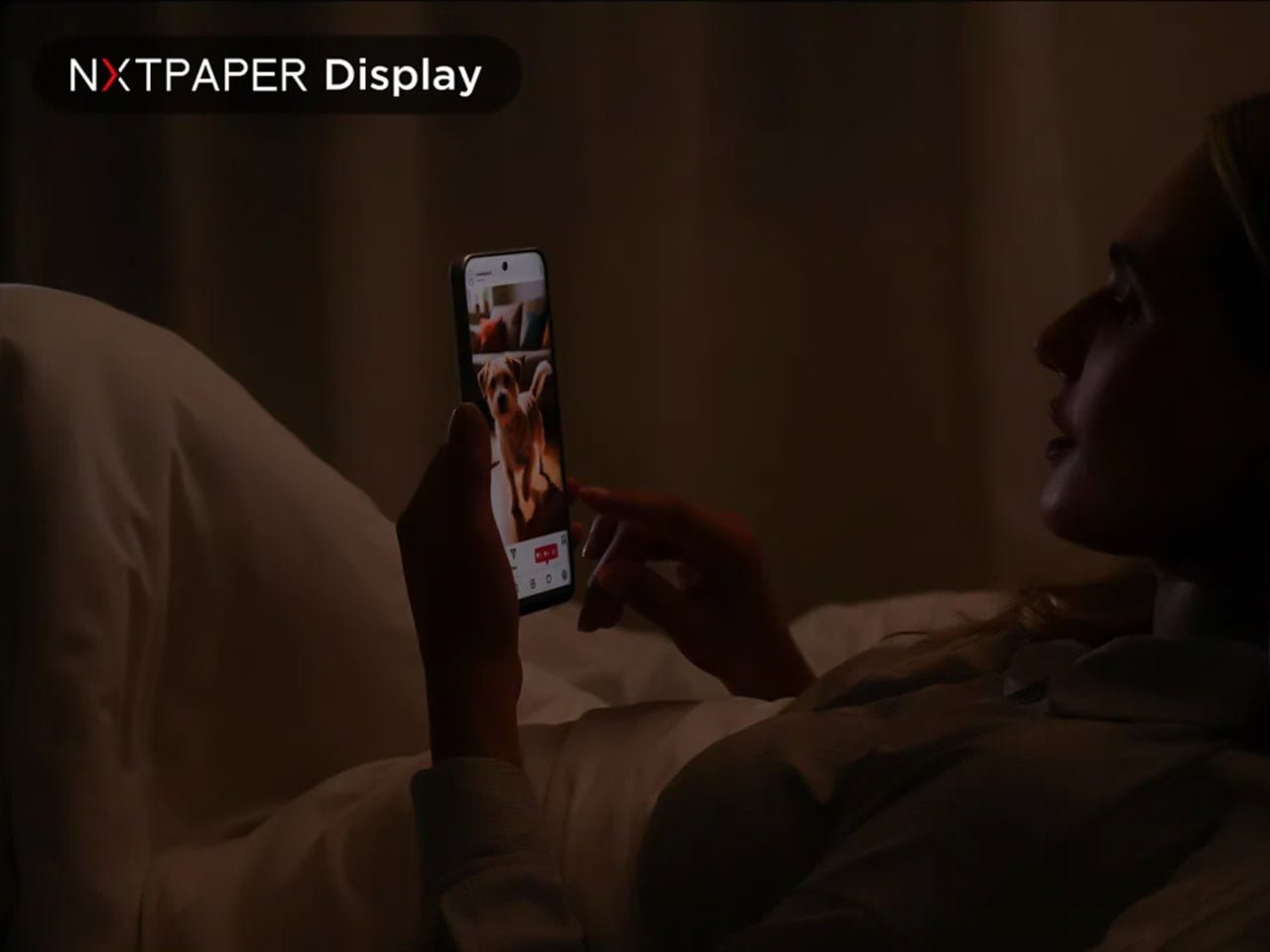
TCL’s new NXTPAPER 3200-Nit AMOLED Display Feels Like Paper and Won’t Hurt Your Eyes

While other OEMs are working hard at smoothening software and hardware compatibility or fine-tuning camera array, TCL is quietly working on NXTPAPER display technology, to make sure users don’t have to choose between eye comfort and capability when picking up their next mobile device.

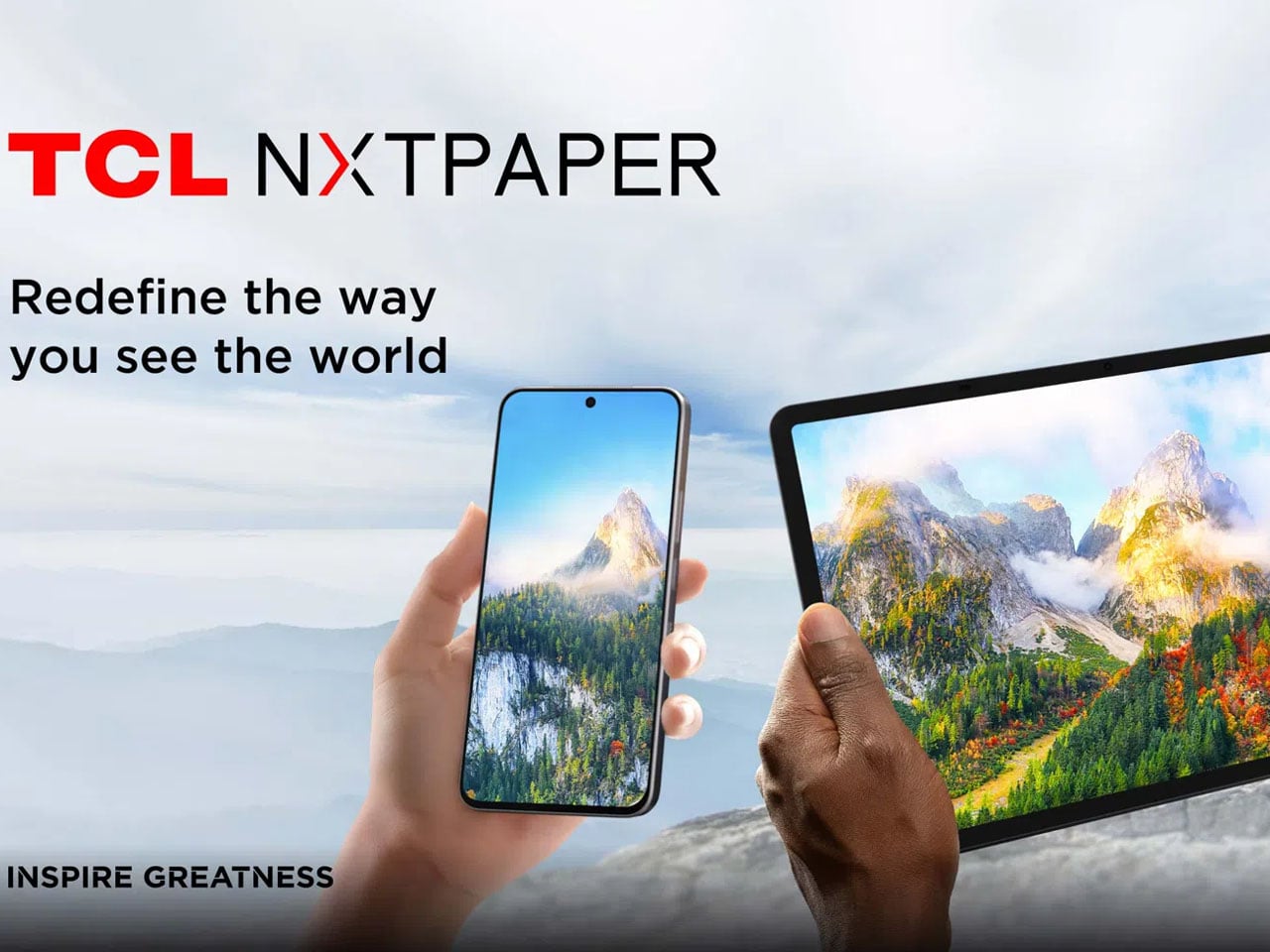
The Chinese corporation has some interesting devices already featuring NXTPAPER display on the market. Whether it’s the TCL NXTPAPER phones or the Note A1 tablet, the idea is simple: A device that has a high-performance display focused on eye-comfort and offers a paper-like reading experience. Now building this tech to the next level, TCL has taken to MWC 2026 to unveil a new NXTPAPER screen based on an AMOLED panel.

Designer: TCL

First launched in the year 2021, TCL’s NXTPAPER display technology has been ahead of the curve as a solution to screen fatigue, which we are becoming accustomed to. The earlier versions of the tech have appeared chiefly on LCD-based mobile devices. But with the introduction of the new, eye-protective experience built on AMOLED, TCL is setting new standards for the mobile industry.

The comfortable, paper-like, full-color display based on an AMOLED panel, according to TCL, is likely to find its way into the first AMOLED NXTPAPER smartphone soon. If the reports are correct, we are looking at a time frame as early as the end of 2026. The display, still in the works, is designed to deliver rich colors and contrast that’s expected from AMOLED displays. Of course, while still maintaining a paper-like, eye-friendly viewing comfort.

According to the information shared with the press, the new AMOLED-based NXTPAPER display can reach peak brightness levels of up to 3200 nits. It boasts a 120Hz refresh rate and supports 100% coverage of the P3 color gamut, which is comparable to some of the flagship phones on the market. Despite the capabilities of everything AMOLED with a layer of comfort, the upgraded display, TCL says, remains easy on the eyes for long reading, viewing, or playing sessions as compared to other smartphones with a plain AMOLED display.

To achieve this comfort and paper-like visual texture, TCL has layered the AMOLED panel with an anti-glare coating and a light-homogenizing film. This helps the display upgrade at three levels. One, the screen can reach 90% circular polarization rate to reduce eye-glare; it can have lowered blue light emissions of 2.9%; and automatically adjust screen brightness and color according to the surrounding lighting conditions.

TCL has already created a concept phone based on the new NXTPAPER paneled AMOLED display, and it’s turning heads at the MWC. The company is hopeful to launch a phone with the technology by the end of the year, and when it does, I am sure I am going to be in the queue to get my hands on it.


The post TCL’s new NXTPAPER 3200-Nit AMOLED Display Feels Like Paper and Won’t Hurt Your Eyes first appeared on Yanko Design.

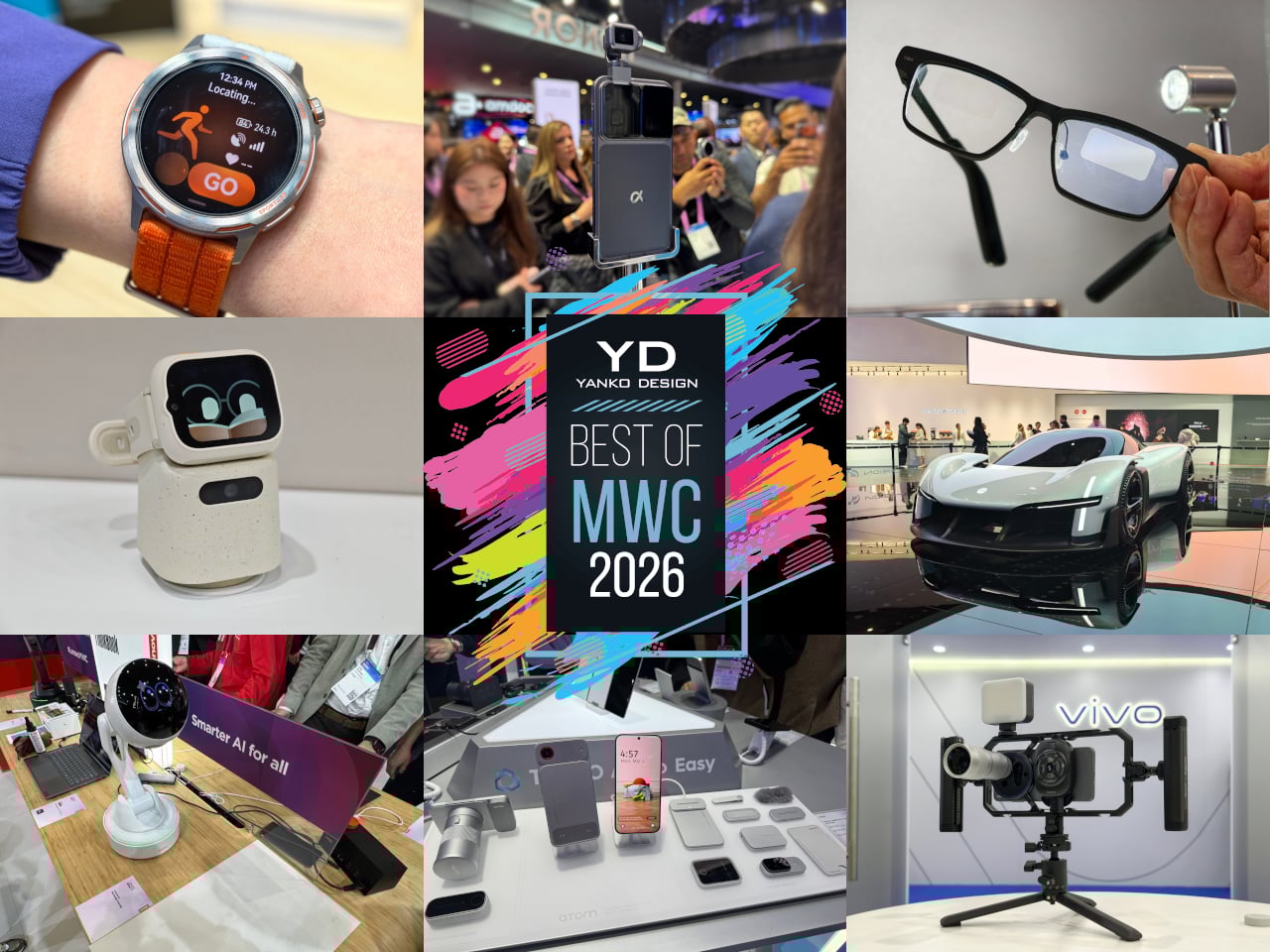
Yanko Design’s Best of MWC 2026: When Engineering Gets Obsessive

Every year, MWC arrives like a controlled flood of announcements, each one louder than the last. Cameras with more megapixels, batteries with bigger numbers, screens with higher refresh rates than the human eye can meaningfully appreciate. It’s easy to walk away from Barcelona with a head full of specs and no clear sense of what any of it actually felt like to hold, use, or live with. The products that matter don’t always win the spec sheet battle.

The ones worth paying attention to are the ones built around a specific, almost stubborn design conviction. A team that decided thinness wasn’t a compromise but the whole point. Engineers who spent years rethinking how a GPS antenna sits inside a running watch. Designers who asked what a laptop would look like if it finally adapted to the user instead of demanding the opposite. Those are the products that stopped people on the MWC 2026 show floor, and these are the design decisions that made them worth stopping for.

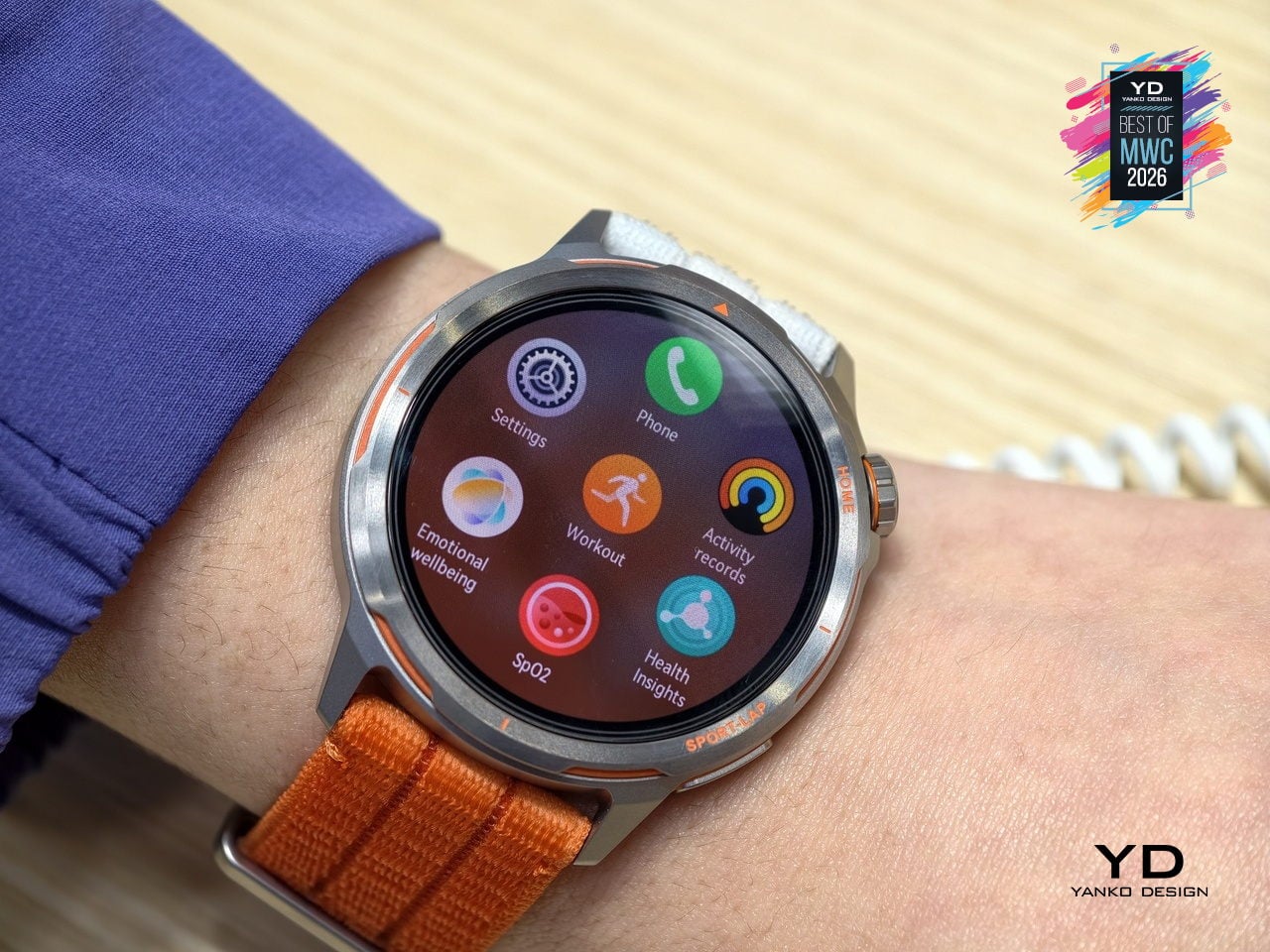
HUAWEI WATCH GT Runner 2 Smartwatch
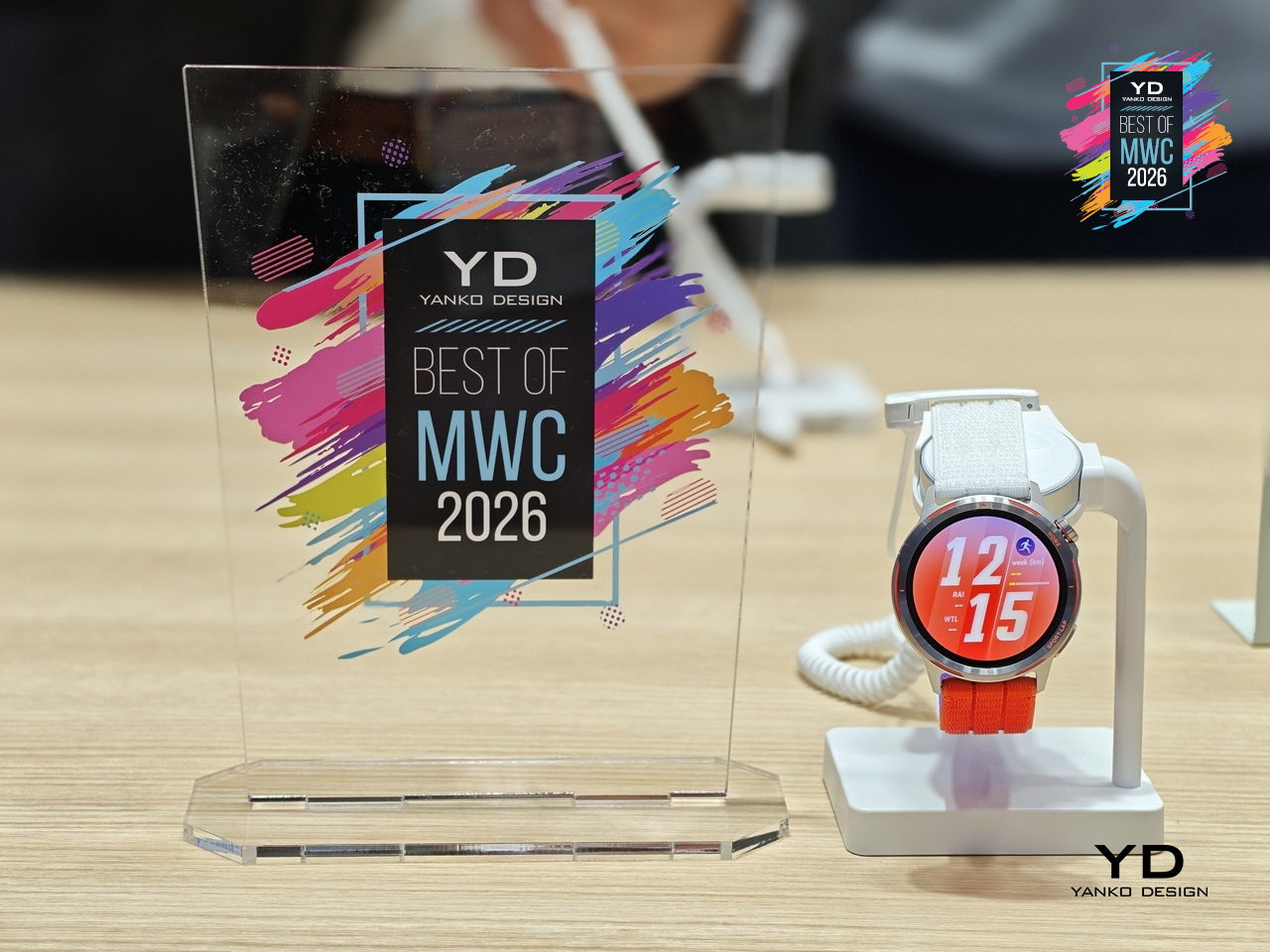
GPS watches for runners have always played both sides of a strange contradiction: the more seriously you take running, the more you end up wearing a small computer that weighs down your wrist and distracts you with irrelevant notifications. Huawei’s answer to that tension is the Watch GT Runner 2, a dedicated running watch built around the single question of what a wrist-worn device actually needs to do well for someone logging serious miles.
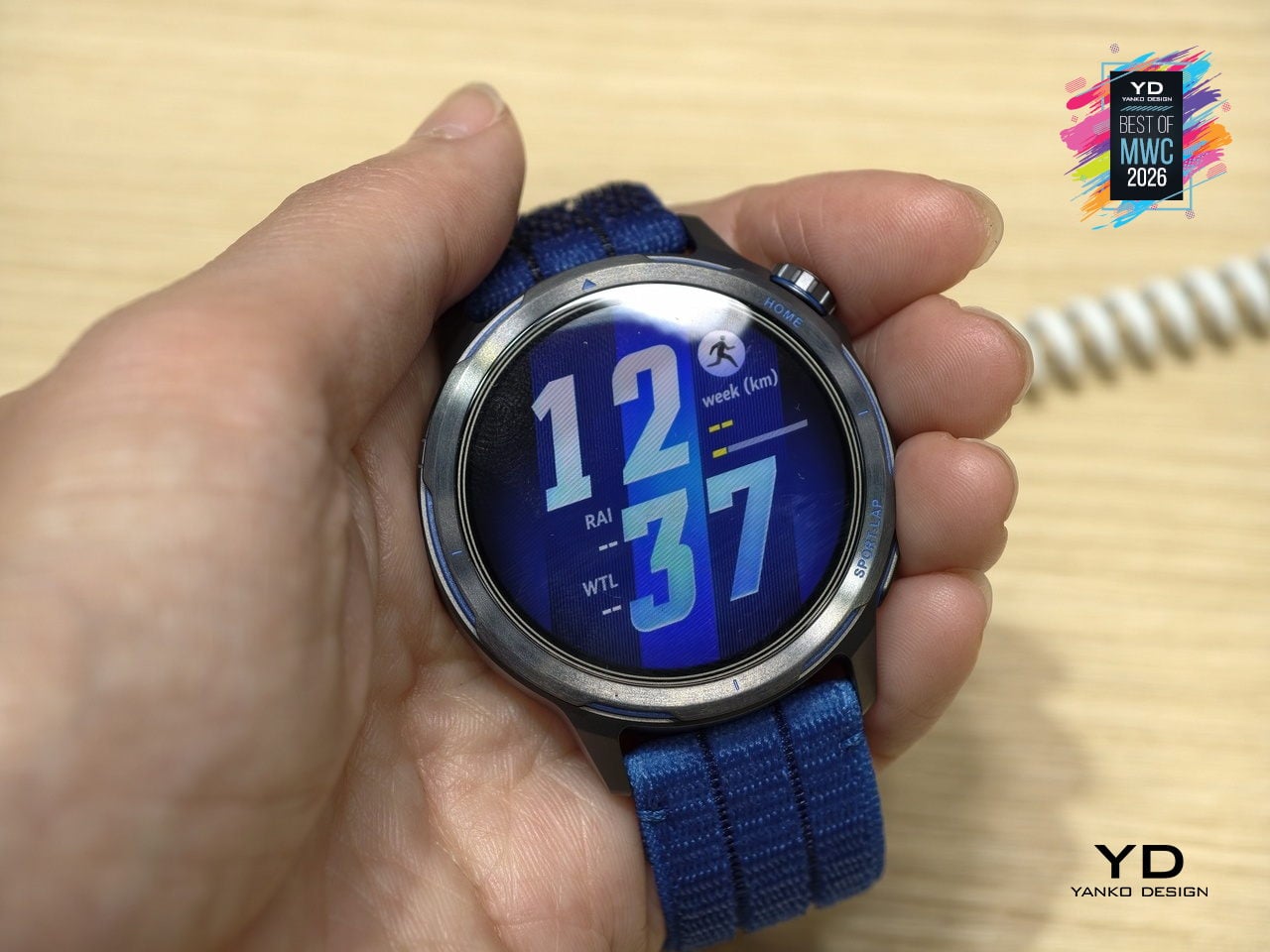
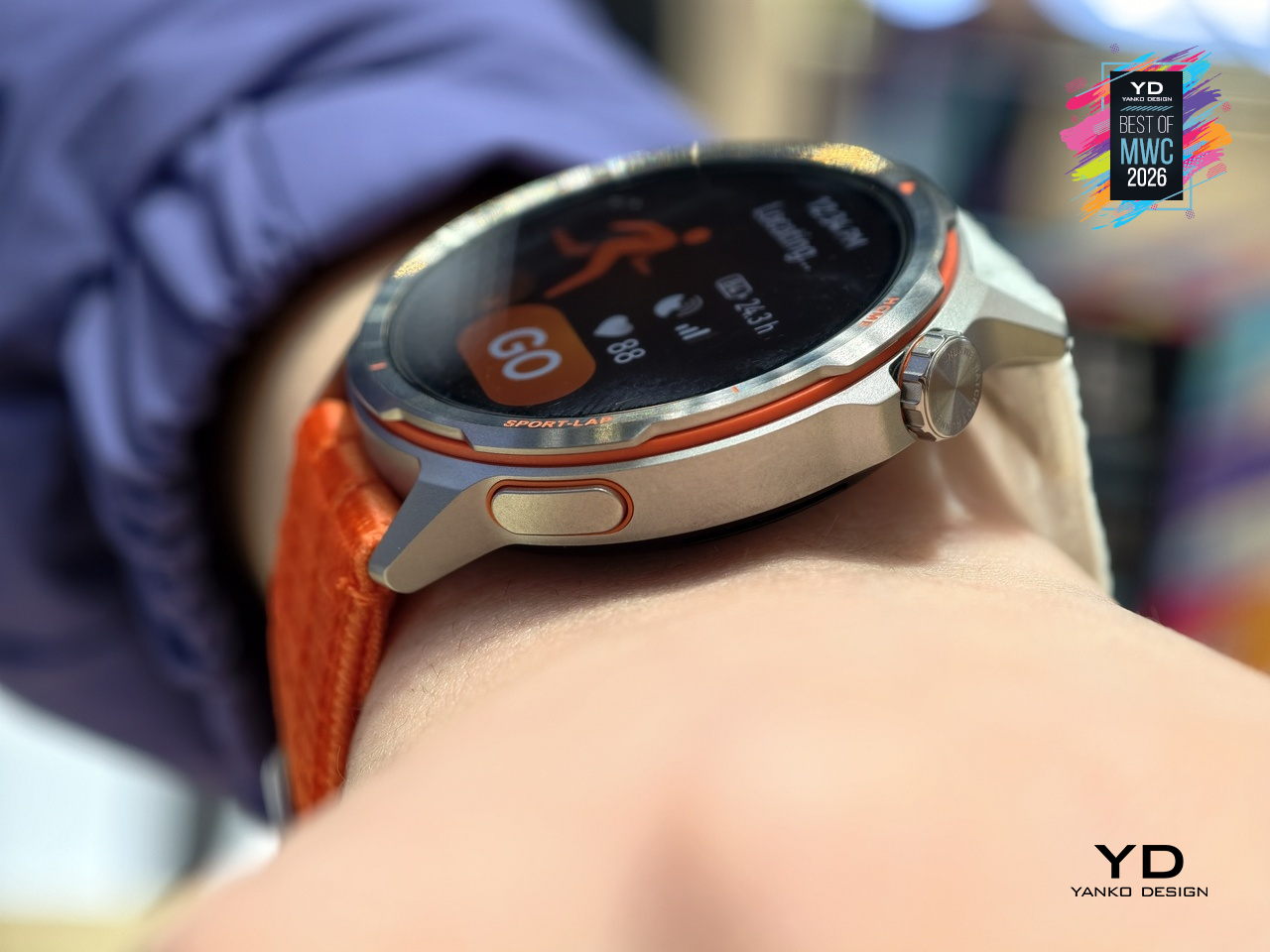
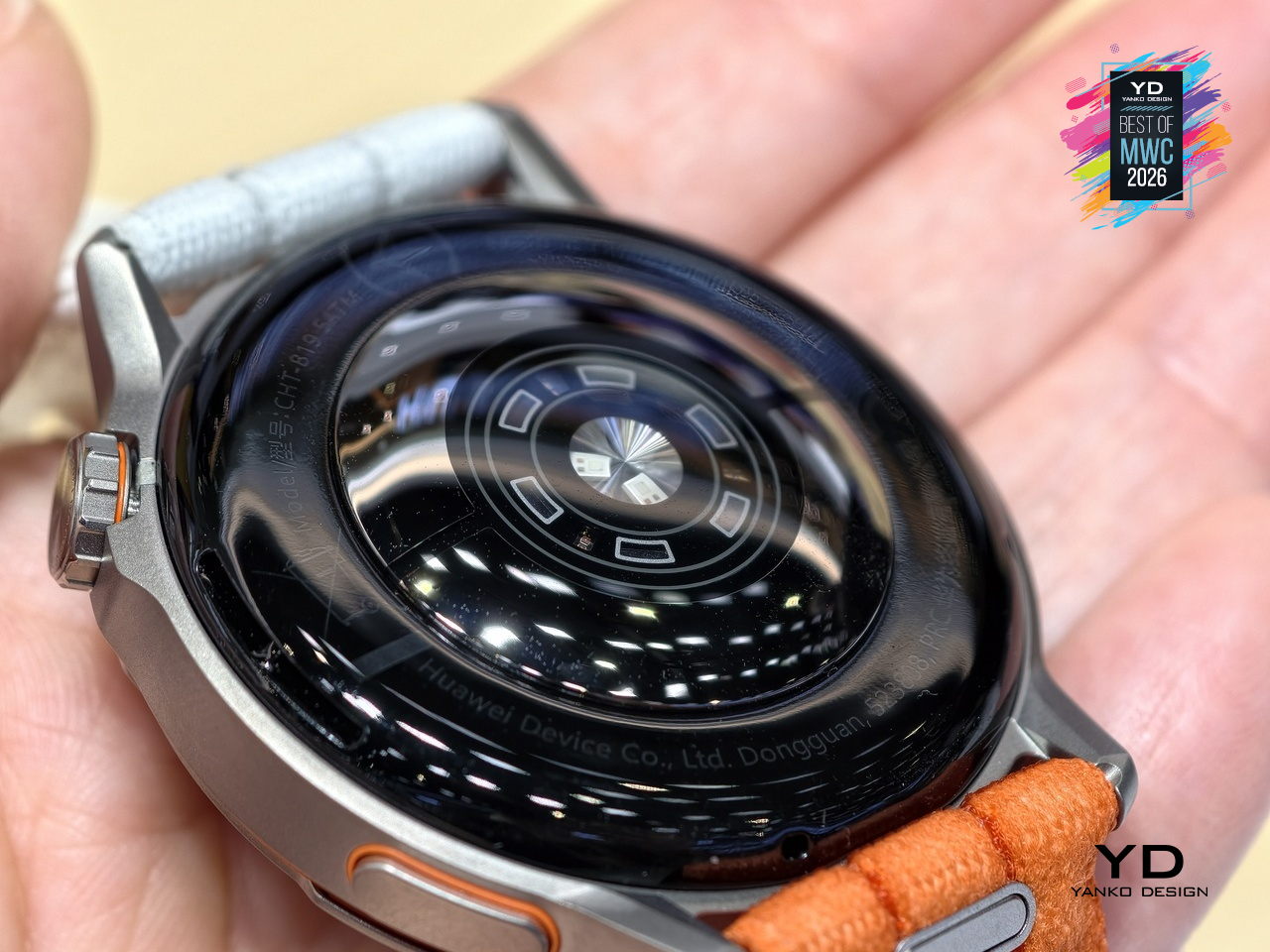
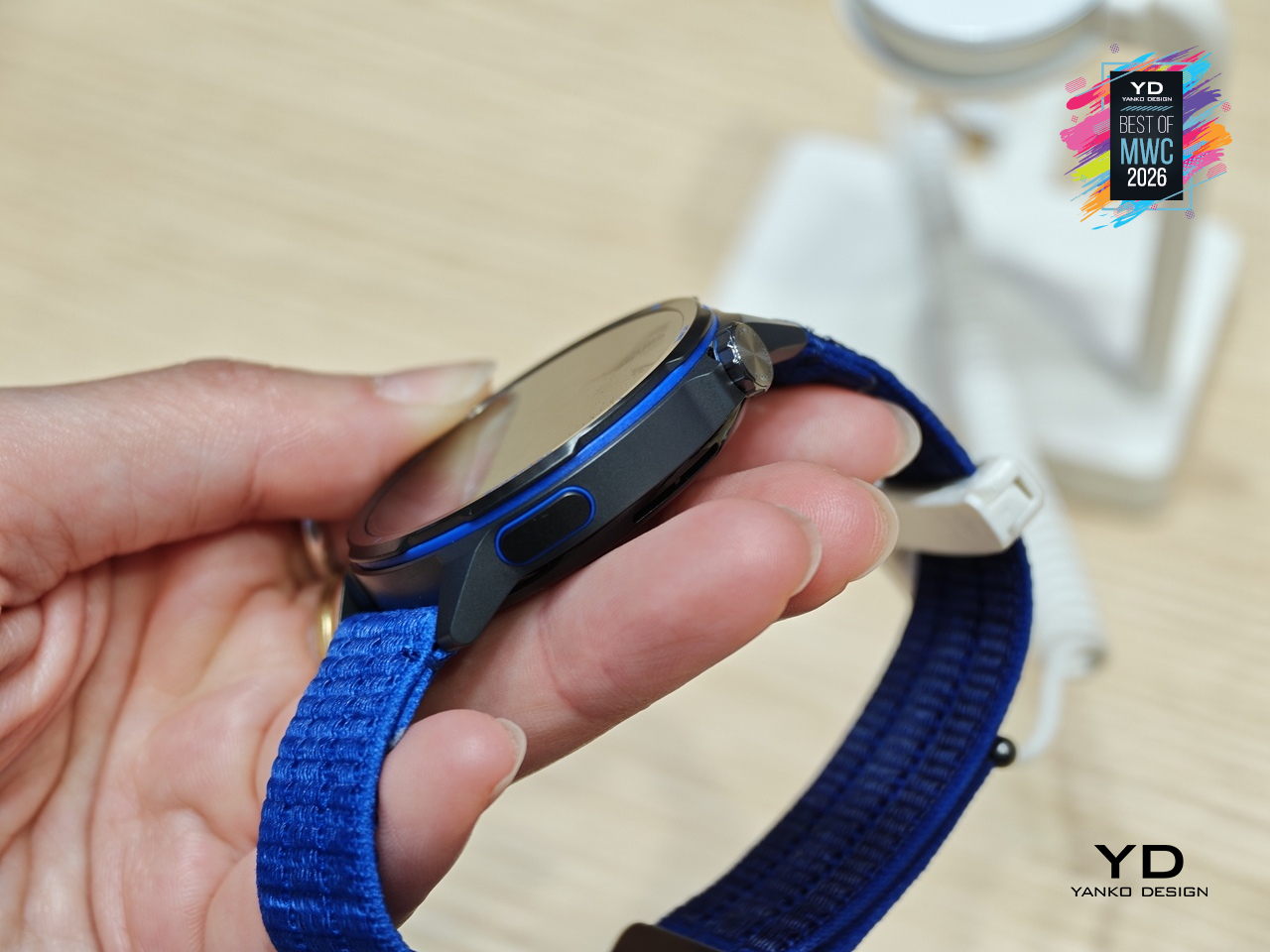
Five years of development went into the GPS architecture, which tells you where Huawei’s engineering priorities landed. The 3D floating antenna design, paired with an intelligent converged positioning algorithm, claims 20% better accuracy than its predecessor, holding signal through tunnels and tree cover where most watches lose the thread. The body itself is nanomolded aerospace-grade titanium at just 34.5 grams, with a 10.7mm profile that doesn’t fight the wrist wearing it.

Designer: Huawei
The Intelligent Marathon Mode is where the Huawei Watch GT Runner 2 really shines. Developed alongside the dsm-firmenich Running Team, it functions as an on-wrist coach with customized training plans, real-time pace charts, a digital pacer showing how far ahead or behind your target you are, and a personalized fueling reminder so you don’t bonk at kilometer 30. Performance prediction uses your Running Ability Index and physical data to estimate finish times, which either motivates you or quietly humbles you.
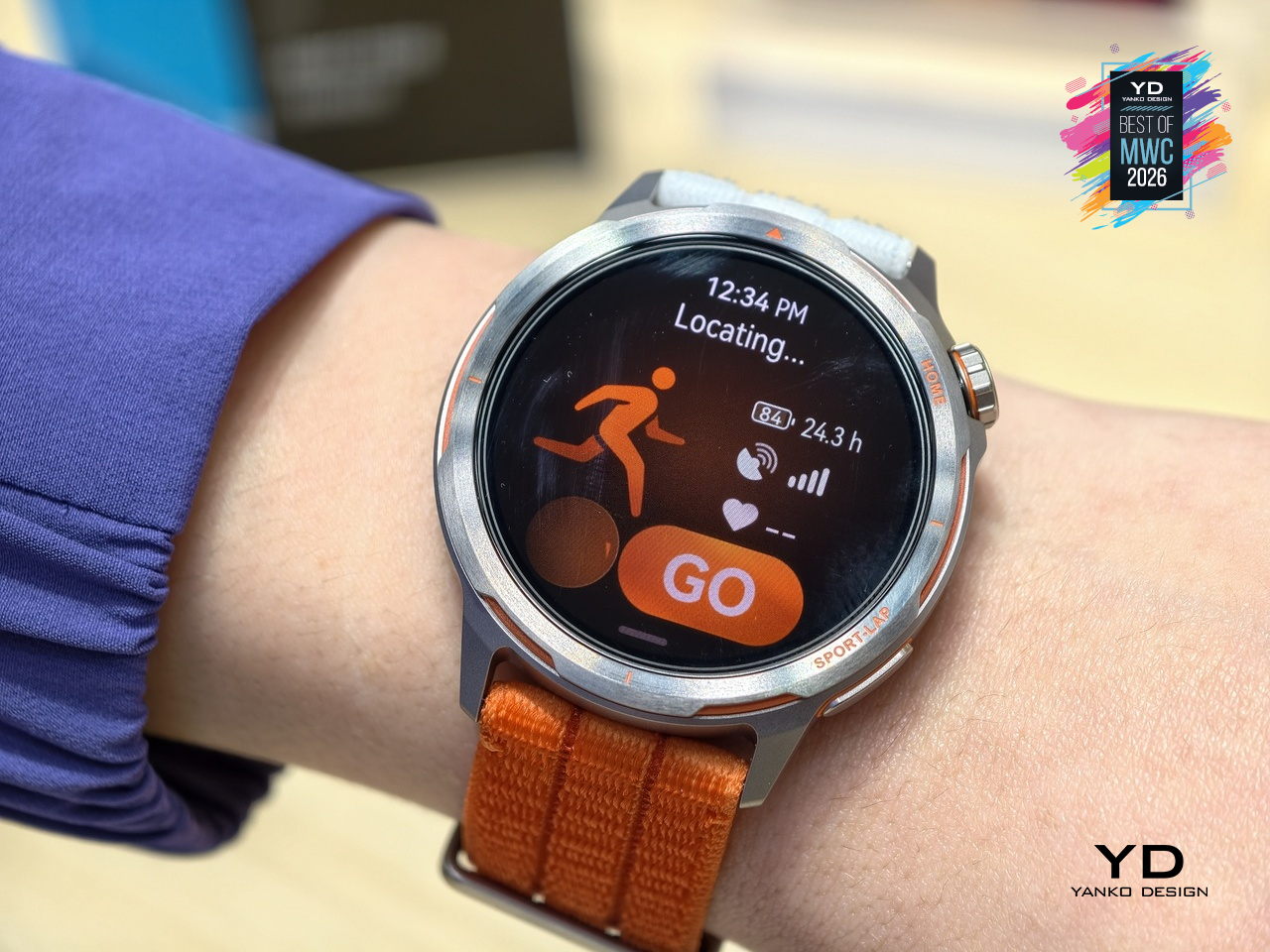
Health monitoring goes beyond the usual heart rate and step counts. ECG analysis triggers 30 minutes post-exercise, HRV is tracked throughout the day, and the PPG sensor can flag potential atrial fibrillation risks. Battery life reaches 32 hours in outdoor workout mode with GPS active, backed by a cell with 68% higher energy density than the previous generation. Curve Pay integration also lets you leave your phone and wallet behind on long runs entirely.
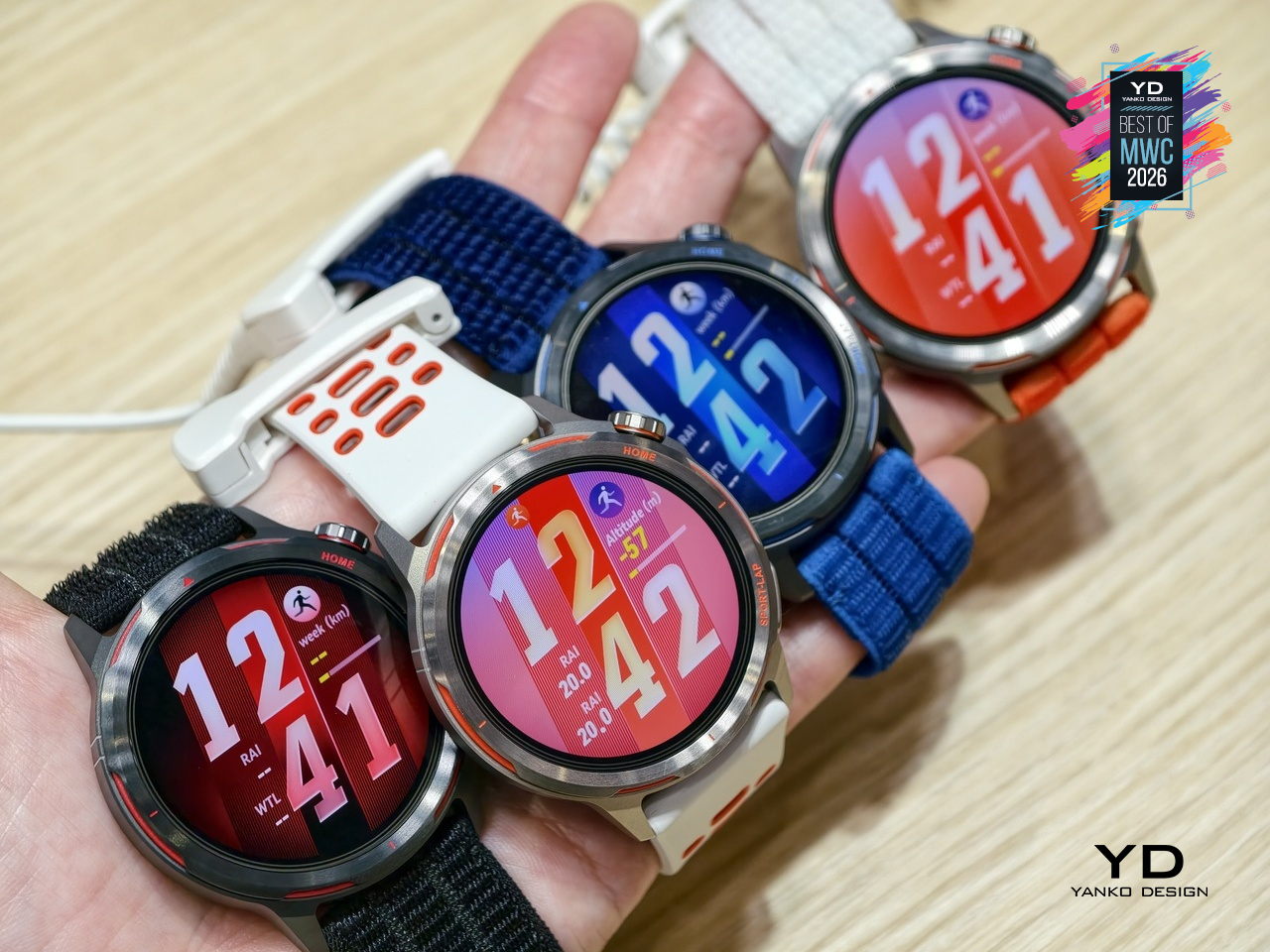
The Huawei Watch GT Runner 2 covers both ends of the spectrum, from amateurs wanting a smart training companion to athletes chasing records with lactate threshold and power metrics. At 34.5 grams with a breathable AirDry woven strap, it’s built to disappear on your wrist. What remains to be seen is whether marathon coaching calibrated with elite runners translates meaningfully to the rest of us.

MemoMind One AI Glasses
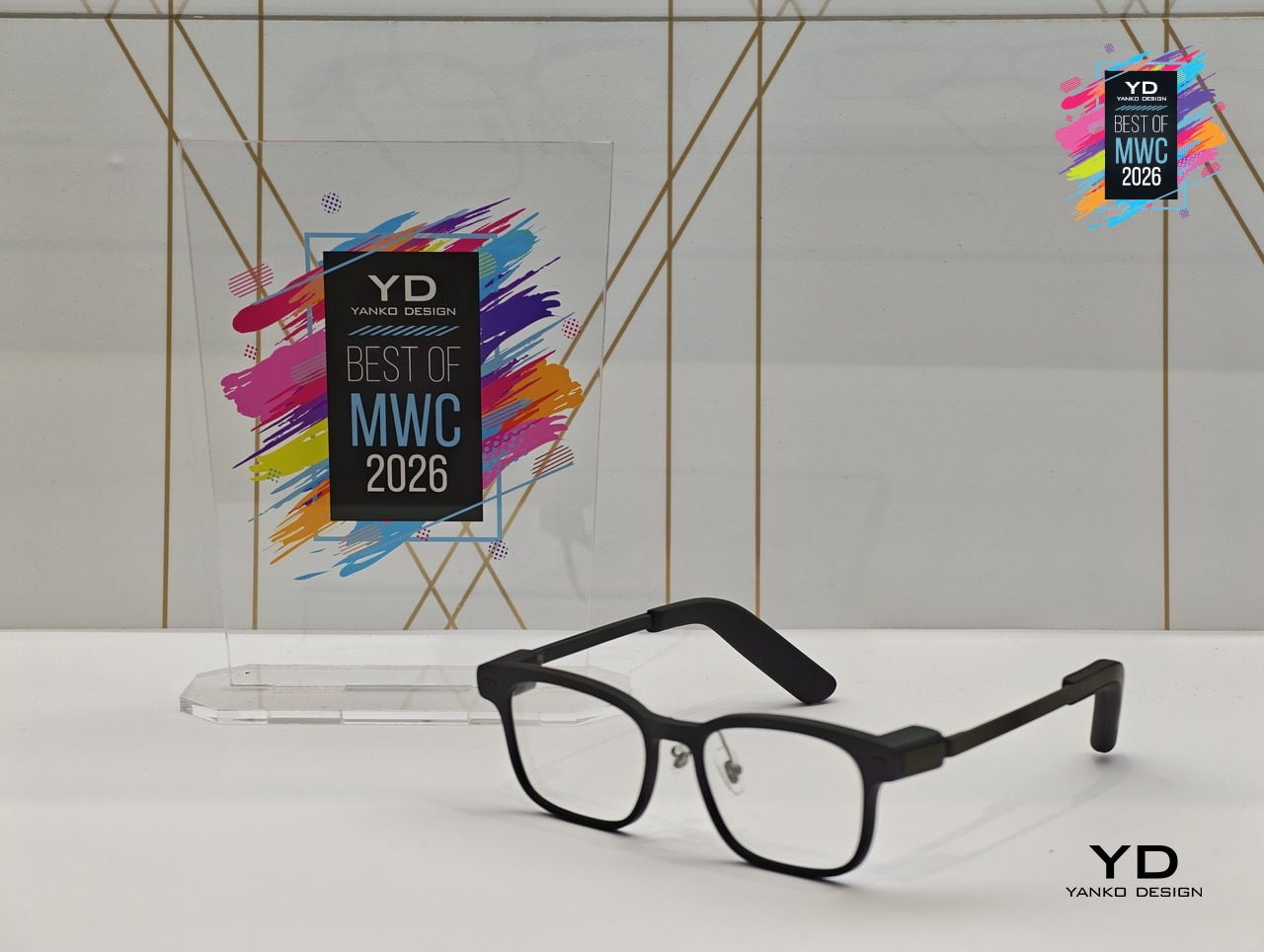
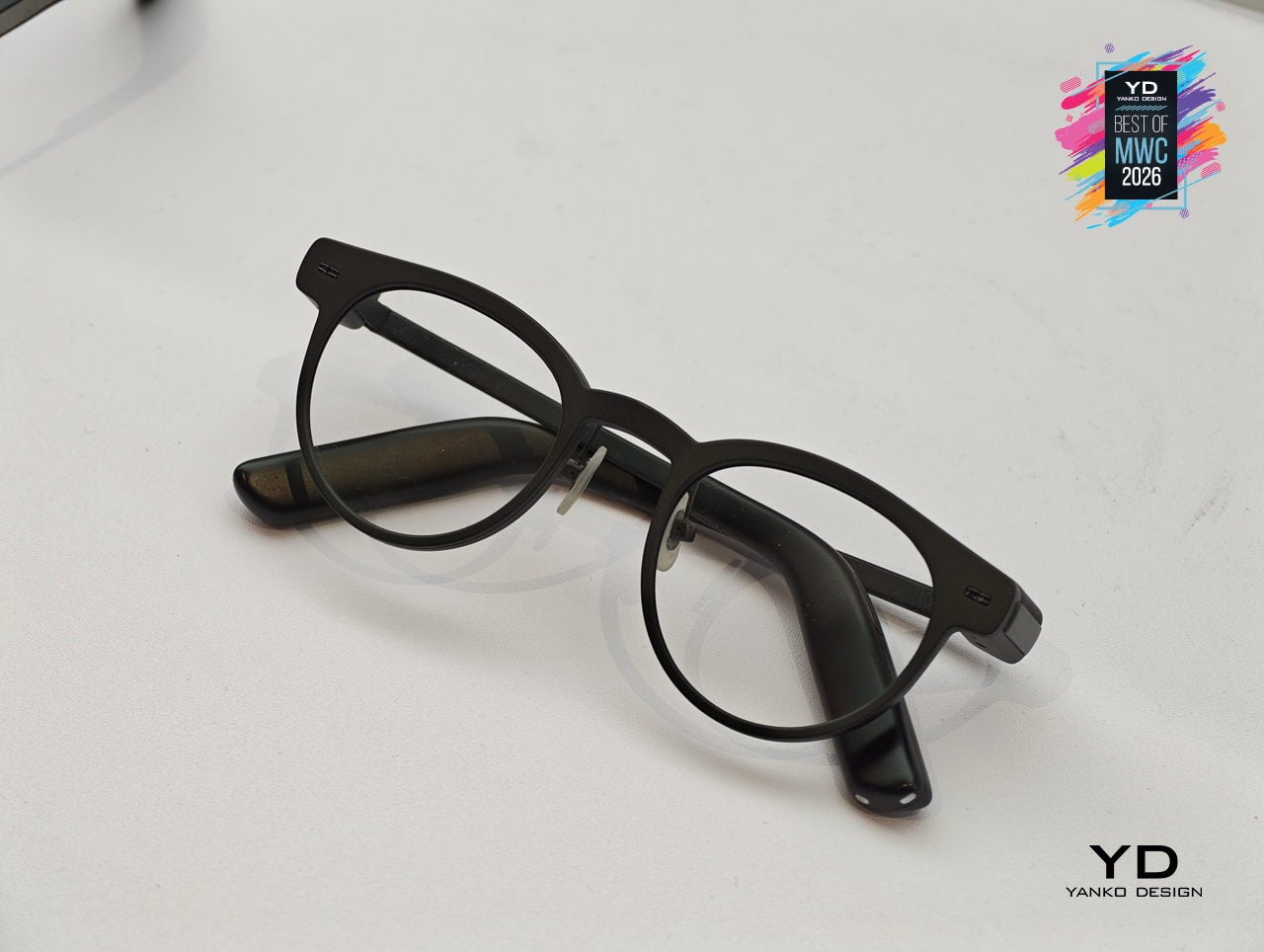
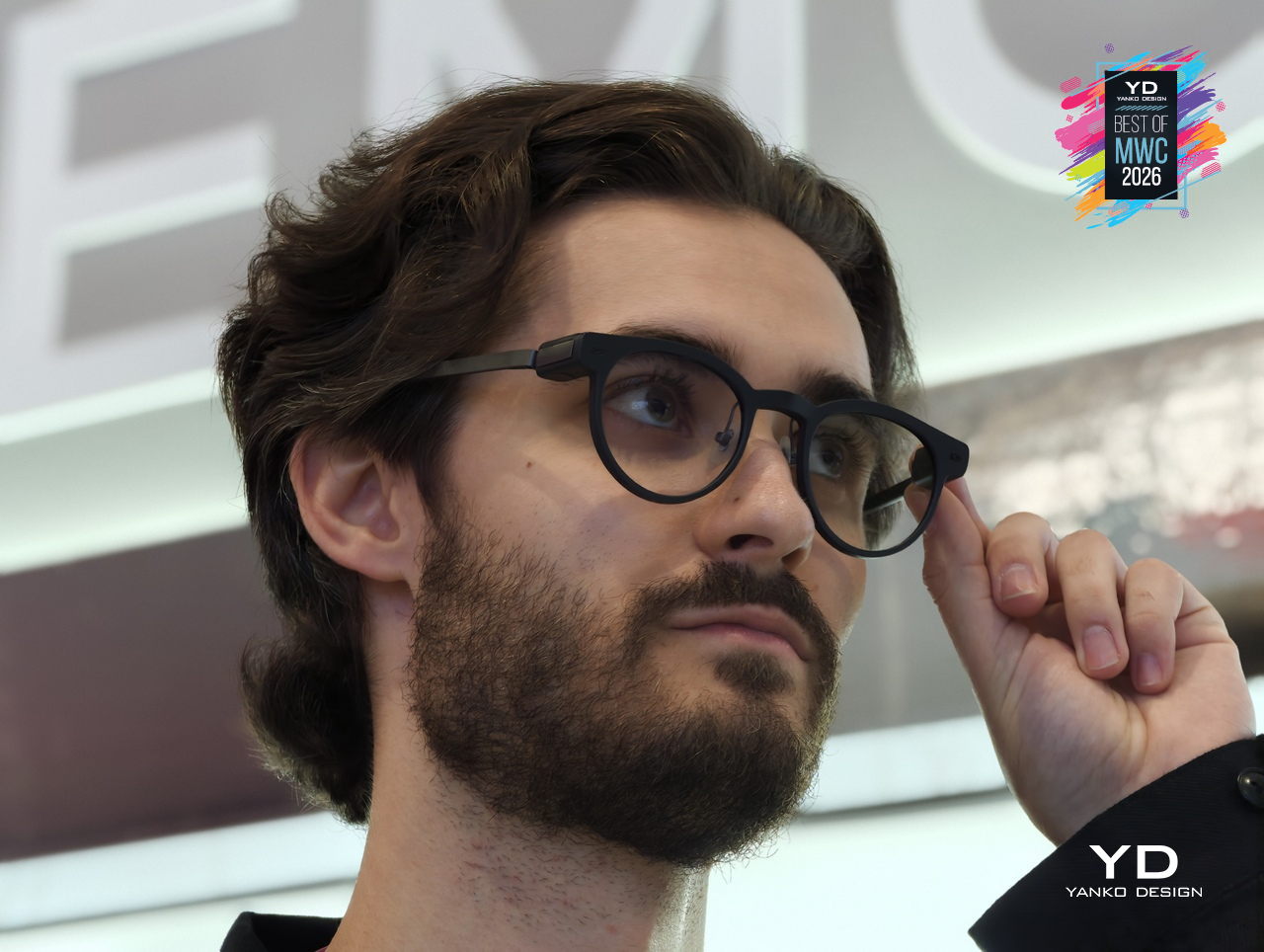
Most AI glasses have made the same mistake: designing around the technology first and hoping the wearability sorts itself out later. The result is eyewear that signals to everyone around you that something unusual is happening on your face. MemoMind, a new AI hardware brand incubated by projector company XGIMI, took the opposite approach with its debut product, building from a decade of optical engineering experience to make glasses that simply look like glasses.
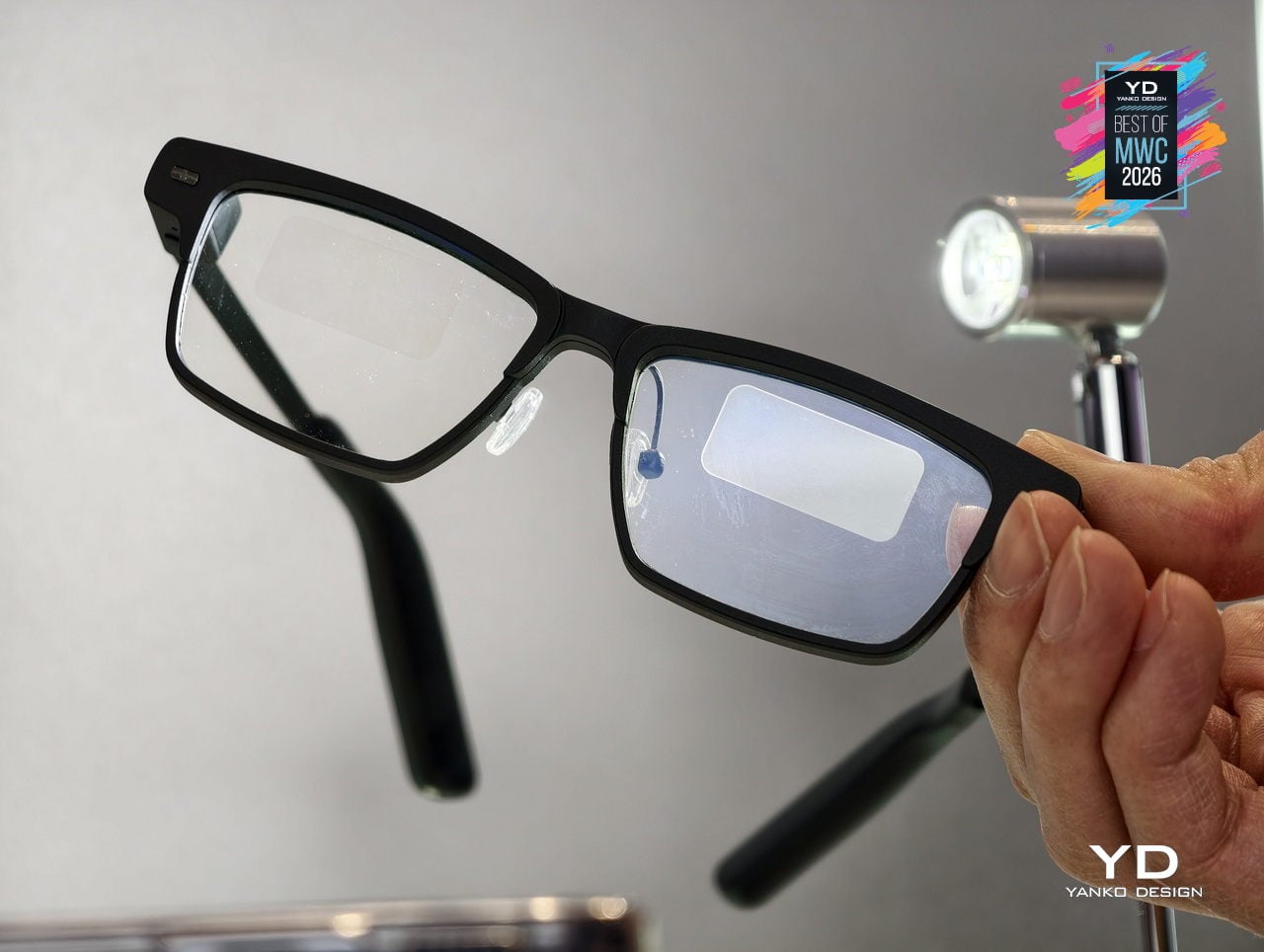
The MemoMind One is the flagship of the lineup, combining integrated speakers with a dual-eye air display that layers information over your field of view without demanding your full attention. The multi-LLM hybrid operating system handles real-time translation, voice summaries, transcription, and contextual reminders, all accessible through head-motion controls and a conversational interface. Since its CES 2026 debut, software updates have expanded navigation integration and refined how the AI delivers information without interrupting natural interaction.

Designer: XGIMI
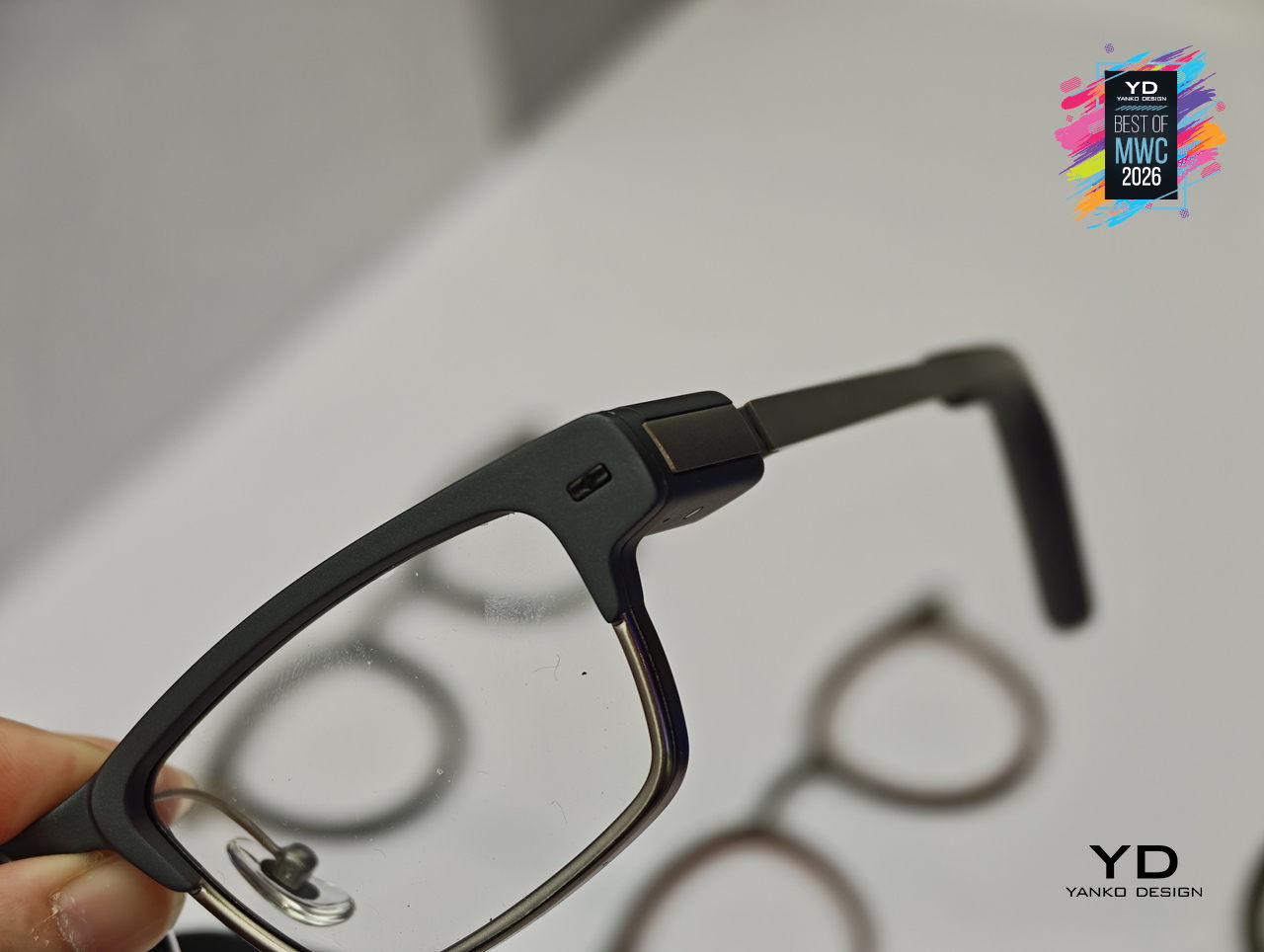
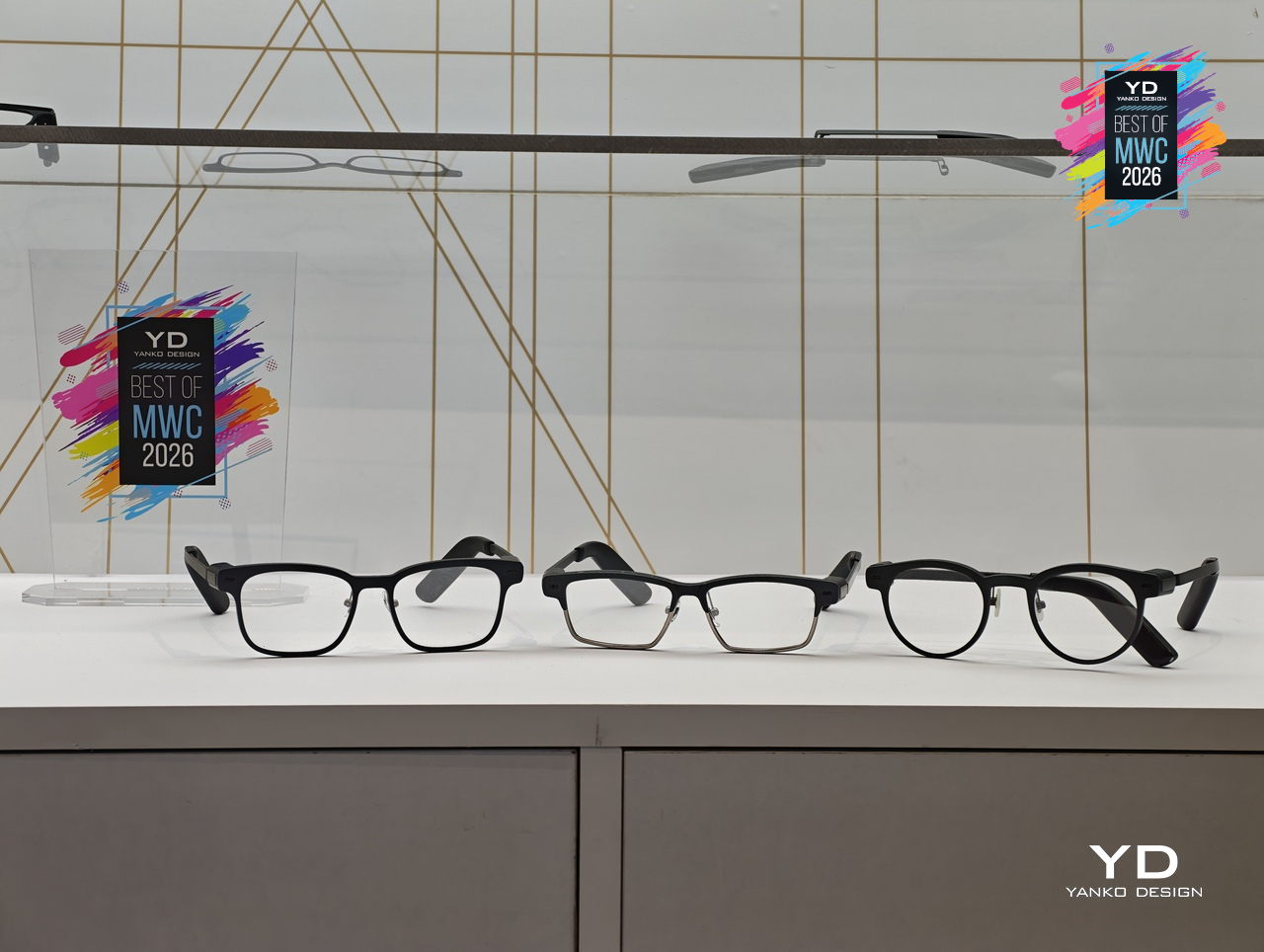
Personalization sits at the center of the MemoMind design philosophy in a way most wearable tech ignores entirely. Frames are fully customizable, temples are interchangeable, and the glasses support prescription lenses, meaning you can actually wear them as your everyday eyewear rather than carrying a second pair of frames. That design decision alone separates MemoMind from most competitors, where the hardware dictates the look and the wearer adapts accordingly.
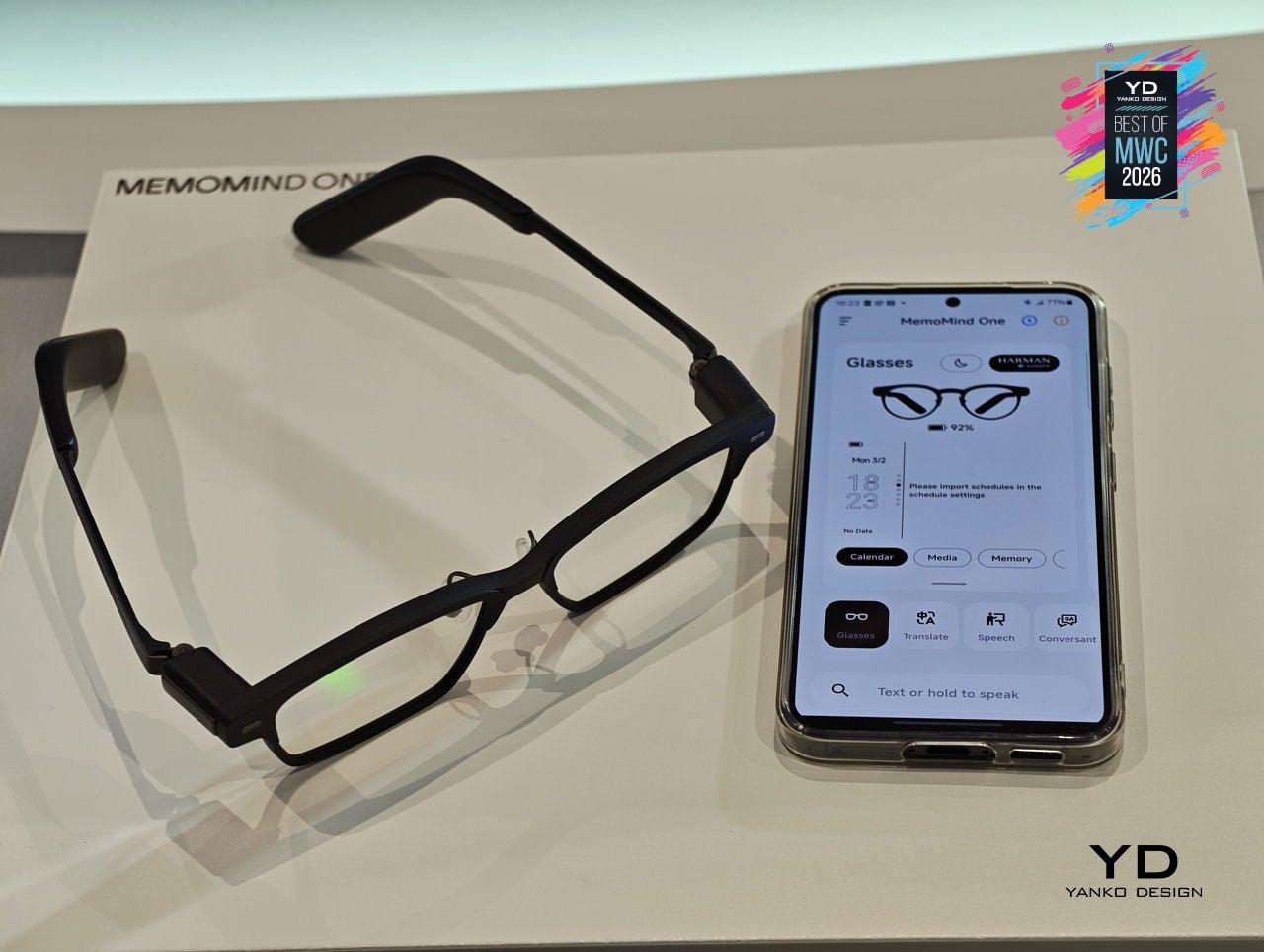
The broader MemoMind lineup shows how deliberately the brand has thought through different user needs. The MemoMind Air Display weighs just 28.9 grams and uses a single-eye monocular display for a lighter-touch AI presence, aimed at commuters and minimalists who want information without visual density. The MemoMind Air goes further still, dropping the display entirely for a microphone-only model that makes the AI presence nearly invisible, present when useful and undetectable when not.
MemoMind One is set for preorder in April 2026, with the Air Display and Air models following later in the year. What XGIMI has built here is a clear and considered answer to the question of how AI should sit on your face: quietly, comfortably, and without announcing itself to the room. The design conviction behind MemoMind is that the best wearable AI is the kind you stop noticing you’re wearing.

Honor Robot Phone Concept
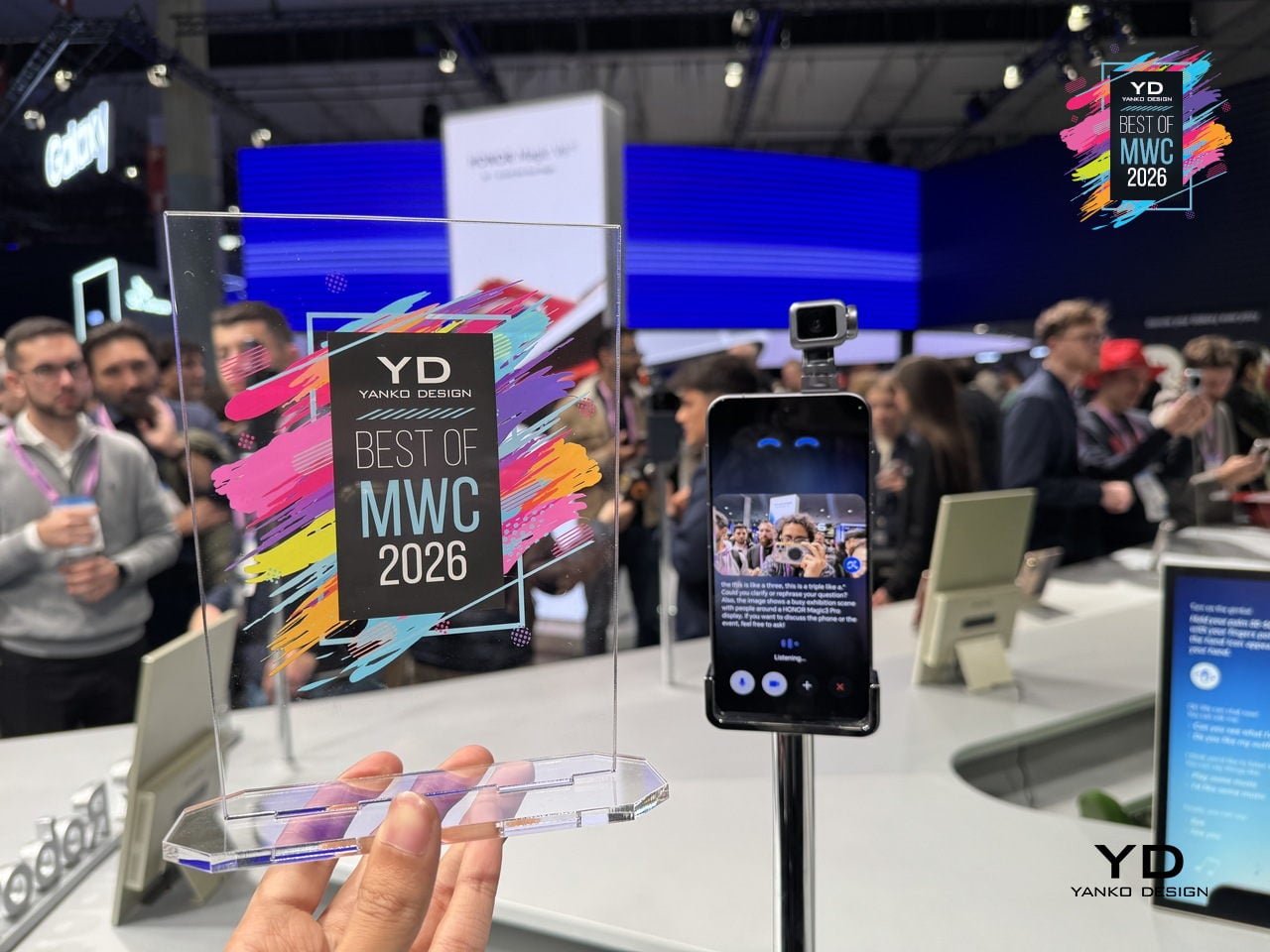
Smartphones have been flat rectangles for so long that the design conversation around them has largely shifted to cameras, refresh rates, and how thin the bezels are. Honor arrived at MWC 2026 with a genuinely different question: what if the phone itself could move? The Robot Phone concept puts a 4DoF gimbal system inside a handheld device, built around what Honor calls the industry’s smallest micro motor, with the motor size reduced by 70% compared to existing solutions.

Designer: Honor
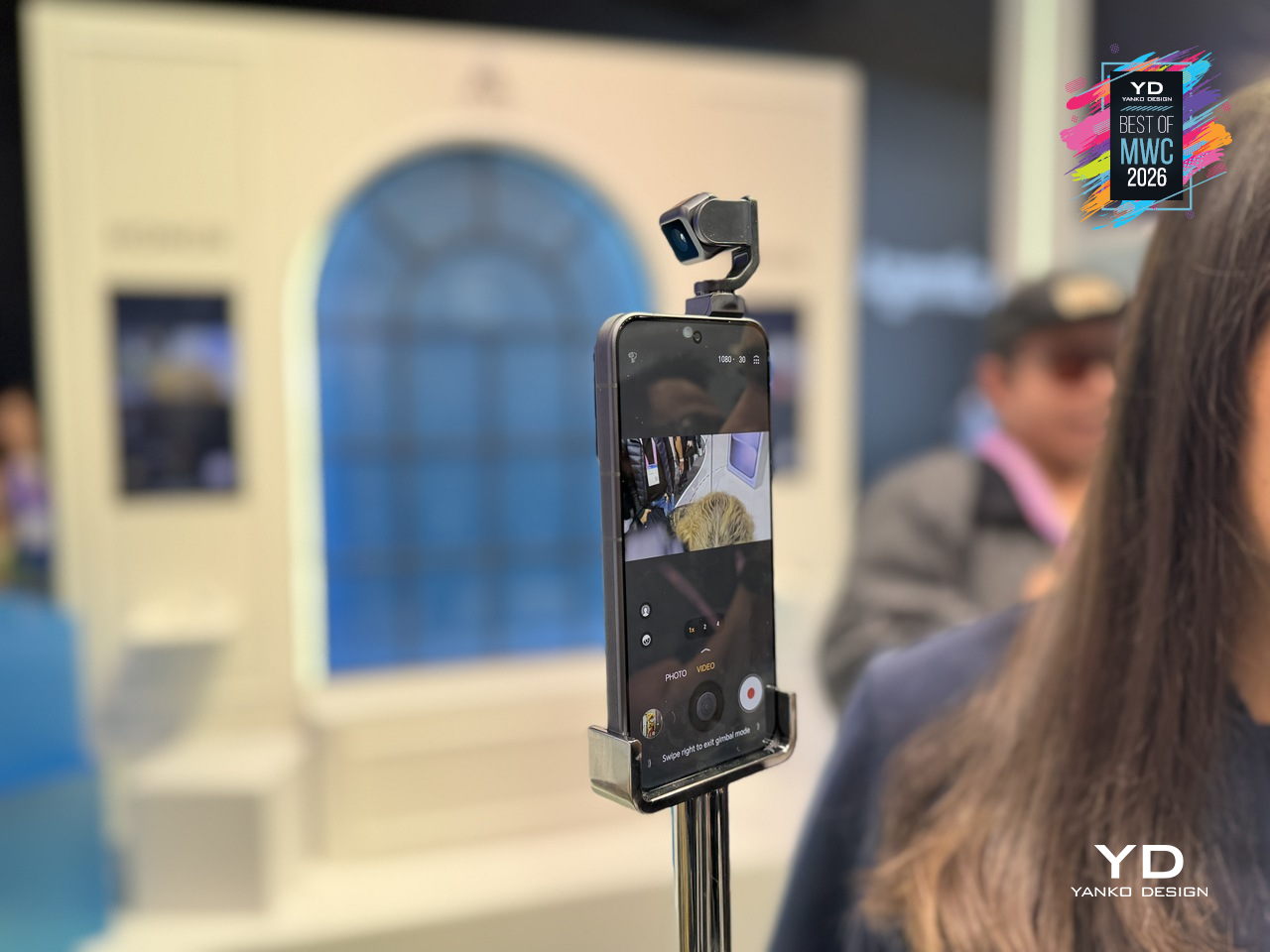
The gimbal does two distinct things, and they pull in interestingly different directions. On the imaging side, three-axis mechanical stabilization works alongside an AI stabilization engine to keep footage steady through complex, dynamic movement. A double-tap locks the AI onto any subject, tracking it even through sudden changes or brief obstructions. Honor also introduced an AI Spinshot mode, supporting 90-degree and 180-degree rotations, a move that borrows directly from cinema camera rigs and scales it down to one hand.
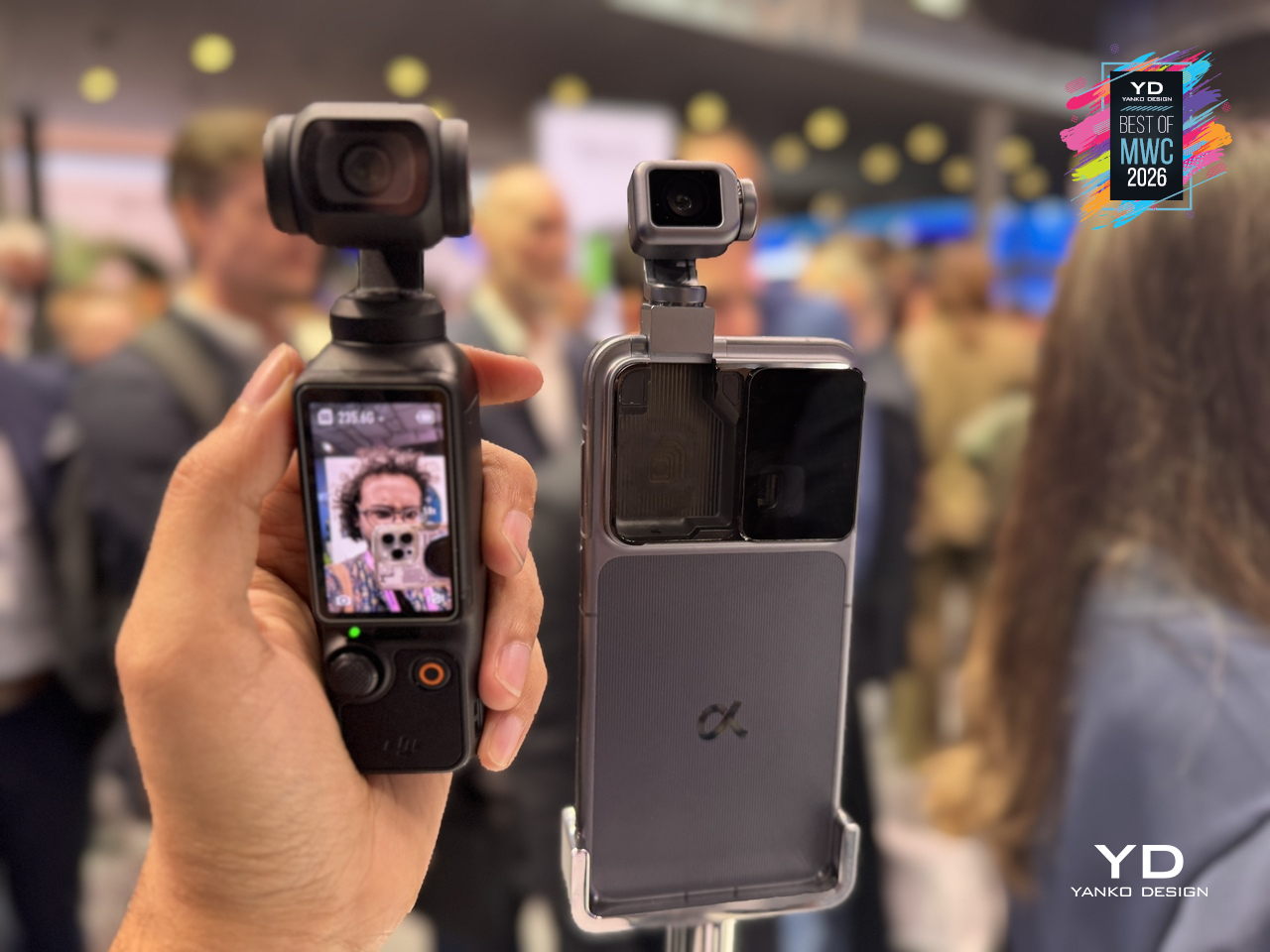
The second application is where the concept gets harder to categorize. Honor has designed the gimbal to express what it calls embodied AI interaction, meaning the phone physically responds to what’s happening around it. It nods during agreement in video calls, adjusts its orientation to keep you in frame automatically, and moves to the rhythm of music playing through its speakers. These are features that a spec sheet cannot really describe, and that makes the Robot Phone one of the more genuinely curious things shown at MWC 2026, even as a concept still working toward a commercial release.

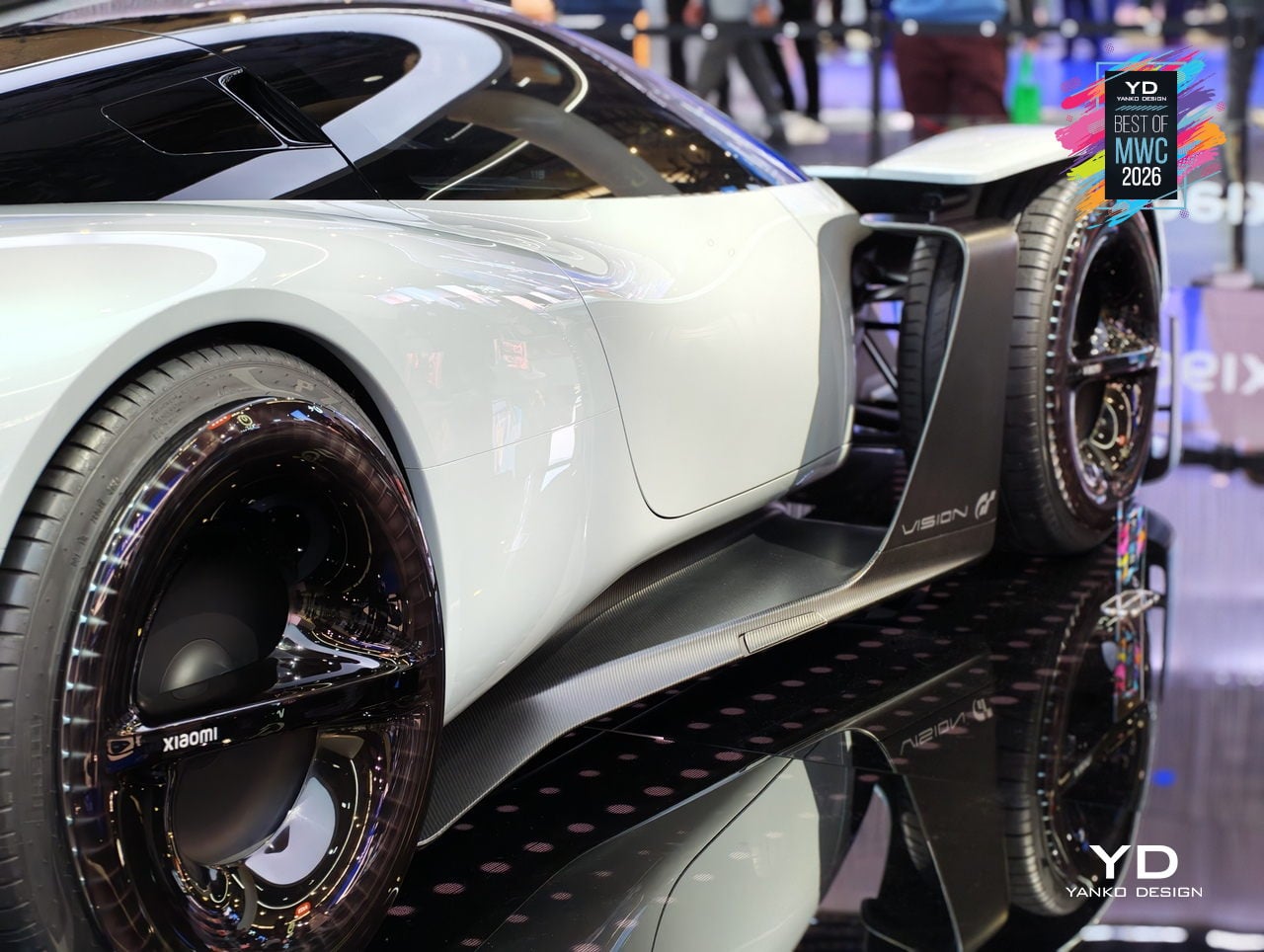
Xiaomi Vision Gran Turismo EV Concept
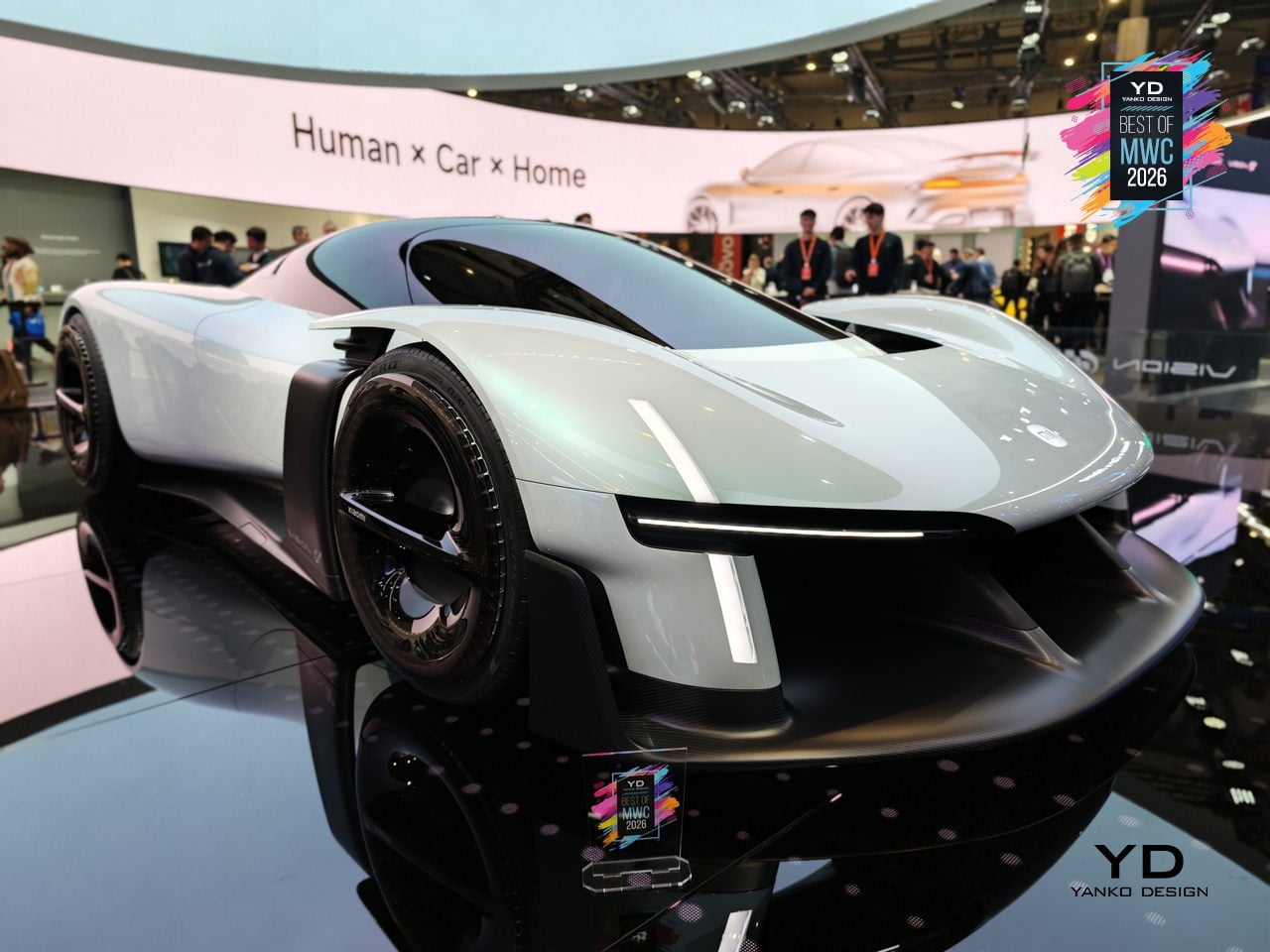
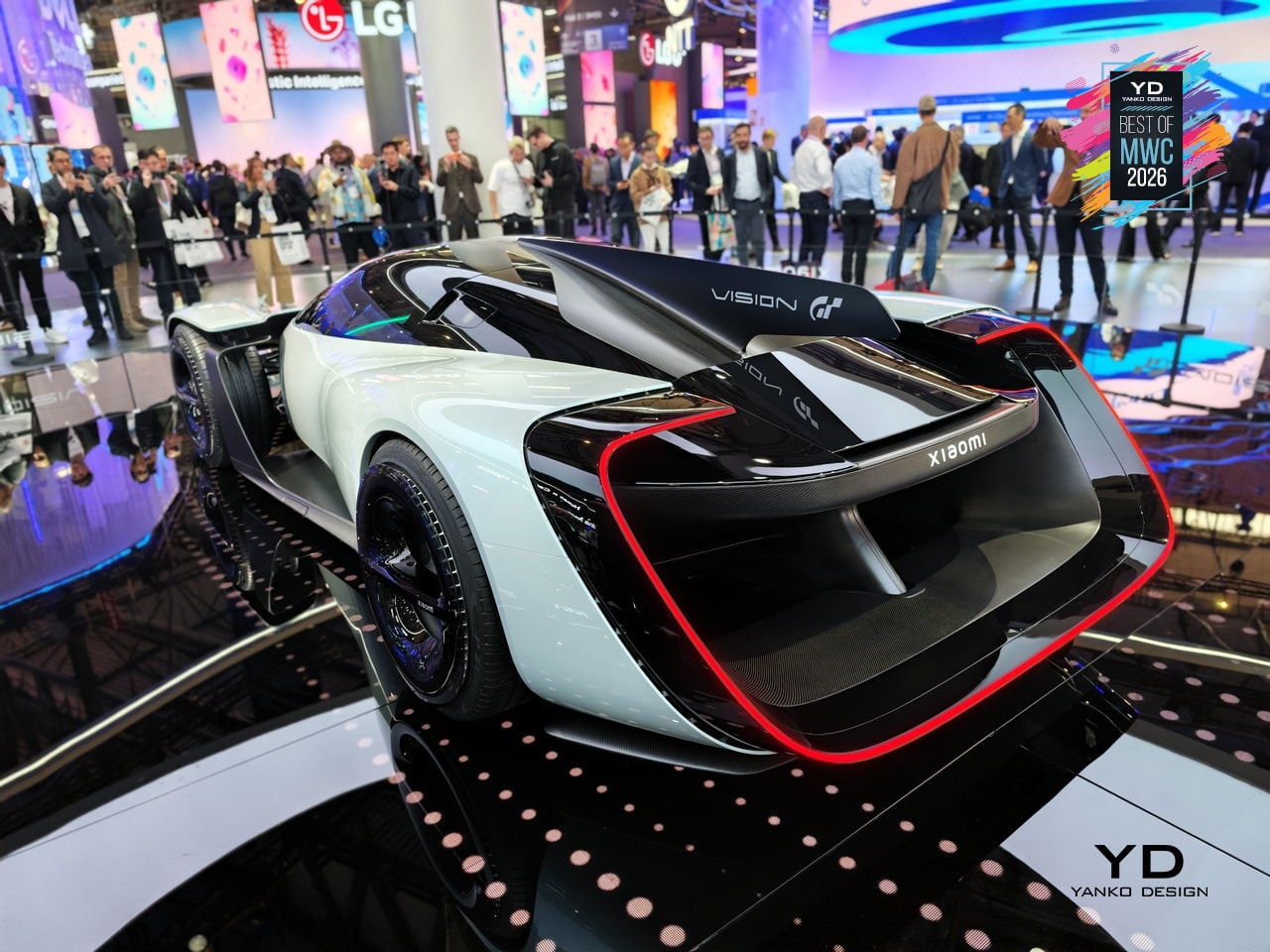
The Vision Gran Turismo program is where car brands go to design without consequences. No production targets, no crash tests, no accountants in the room. Ferrari has done it. Porsche has done it. Now Xiaomi, a company that started by selling smartphones and rice cookers, has become the 36th brand to join and the first technology company ever invited. Gran Turismo producer Kazunori Yamauchi extended the invitation personally at the GT World Series in London.

Designer: Xiaomi
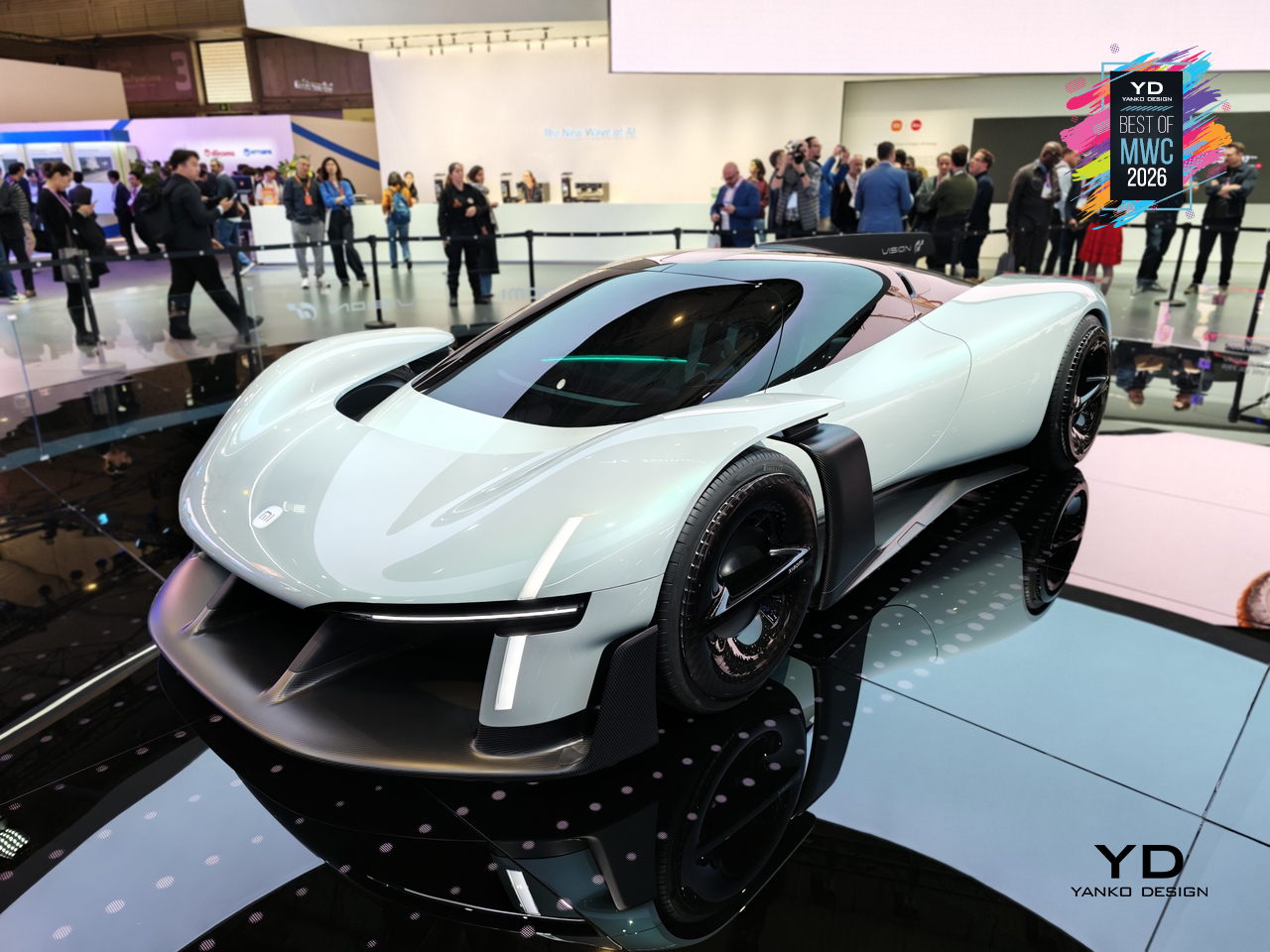
The design problem Xiaomi decided to obsess over is one every hypercar team faces: low drag gives you straight-line speed, high downforce gives you corners, and optimizing hard for either one usually compromises the other. Xiaomi’s answer was to eliminate the trade-off entirely by building aerodynamics into the body itself. No bolted-on wings, no add-on splitters. A teardrop cockpit, airfoil-shaped structural members, and embedded channels that guide air from nose to tail. The Accretion Rims are the detail worth pausing on: magnetically held wheel covers that stay perfectly still while the wheels rotate beneath them, cooling the brakes through internal turbine fins while cutting drag from spinning surfaces.
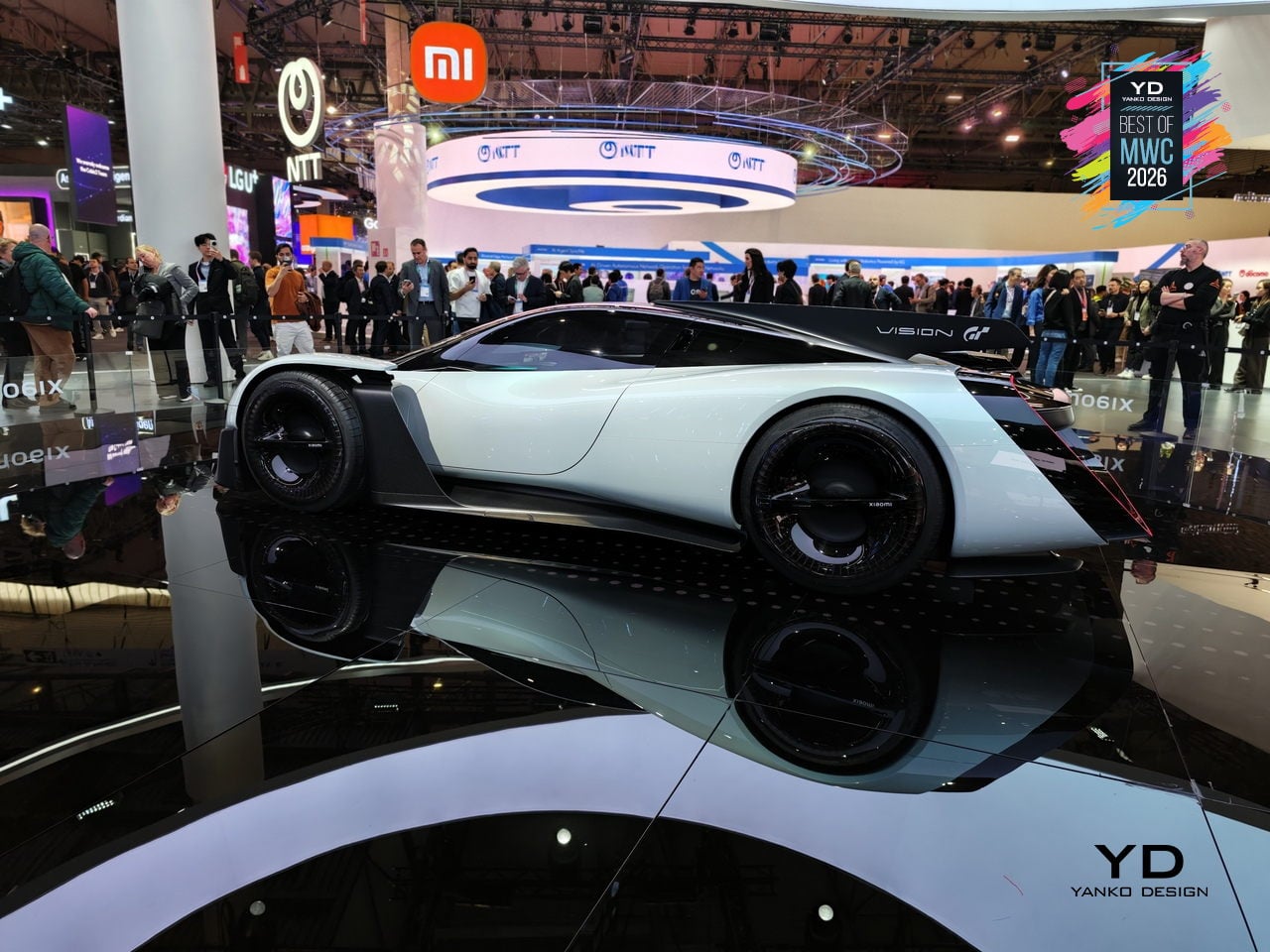
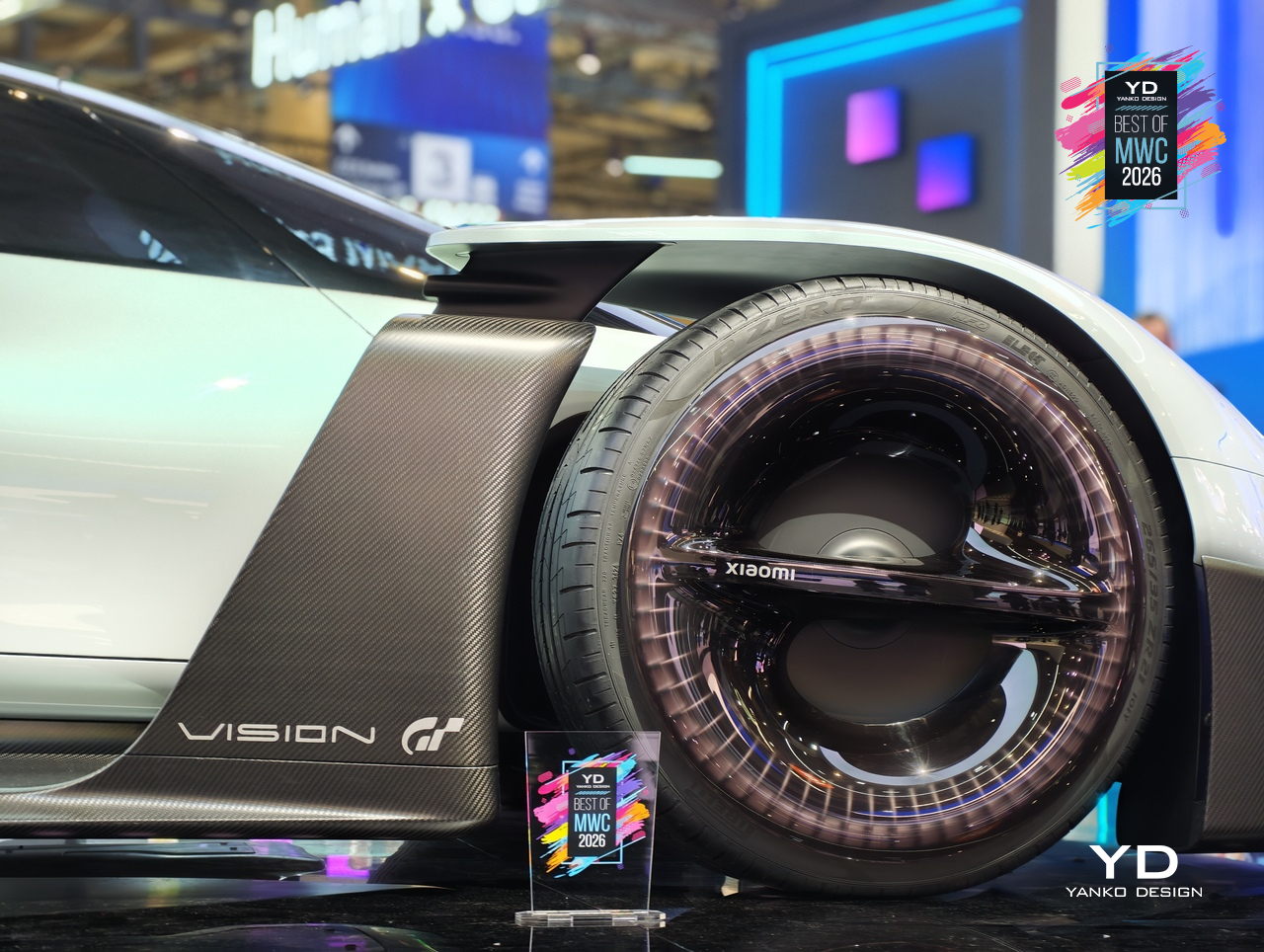
Inside, Xiaomi replaced the usual carbon-and-leather tension of a hypercar cockpit with something it calls the Sofa Racer, a continuous loop of dashboard, doors, and seating upholstered in 3D-knitted fabric pulled from sportswear manufacturing. The Xiaomi Pulse system reads driver state through sensors and responds through light and sound rather than screens and alerts. It all connects to Xiaomi’s broader Human x Car x Home ecosystem, which is either a genuinely interesting idea about how cars fit into a connected life, or a lot of ecosystem language wrapped around a very beautiful virtual concept car.

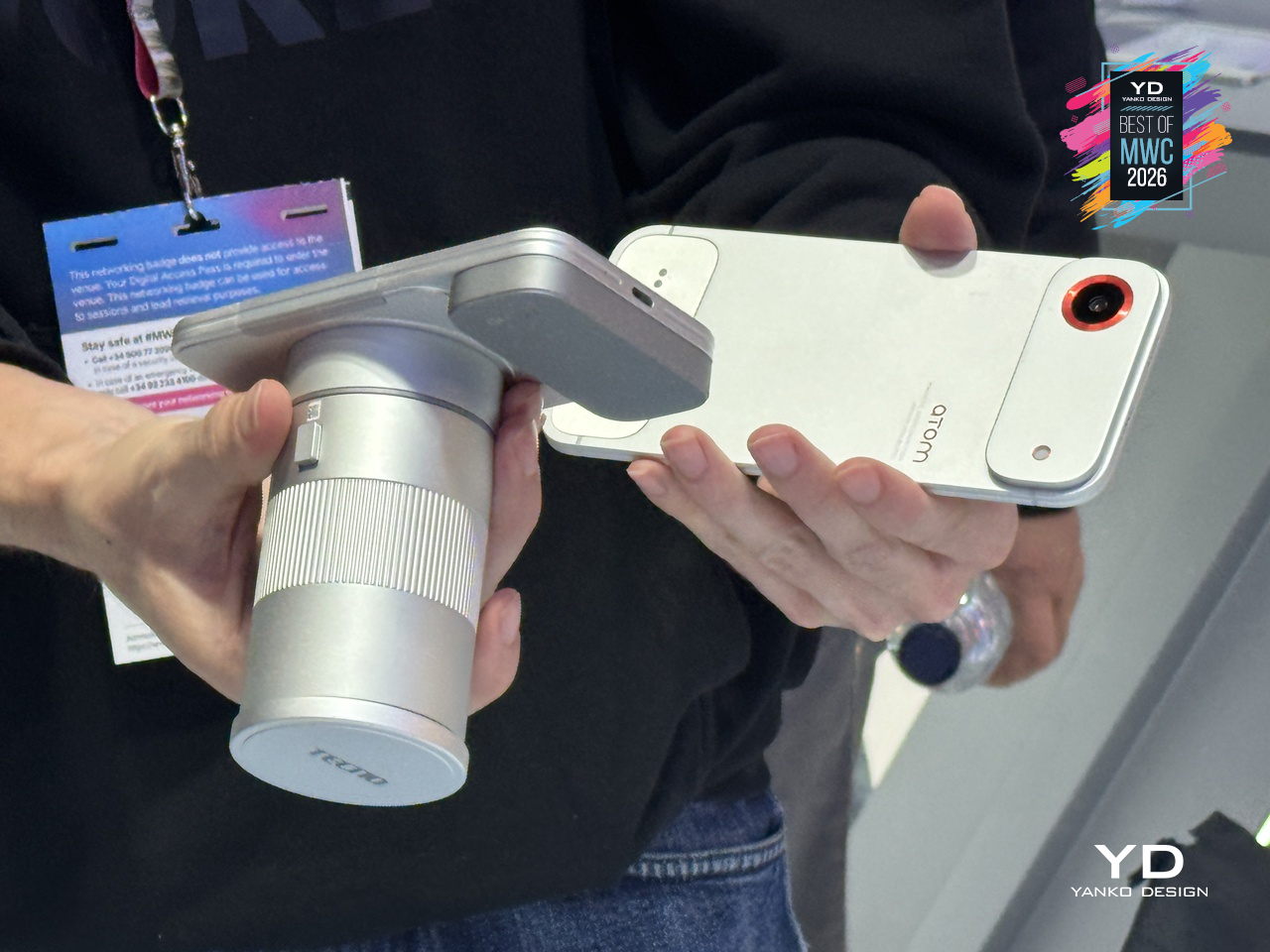
TECNO Modular Magnetic Interconnection Technology
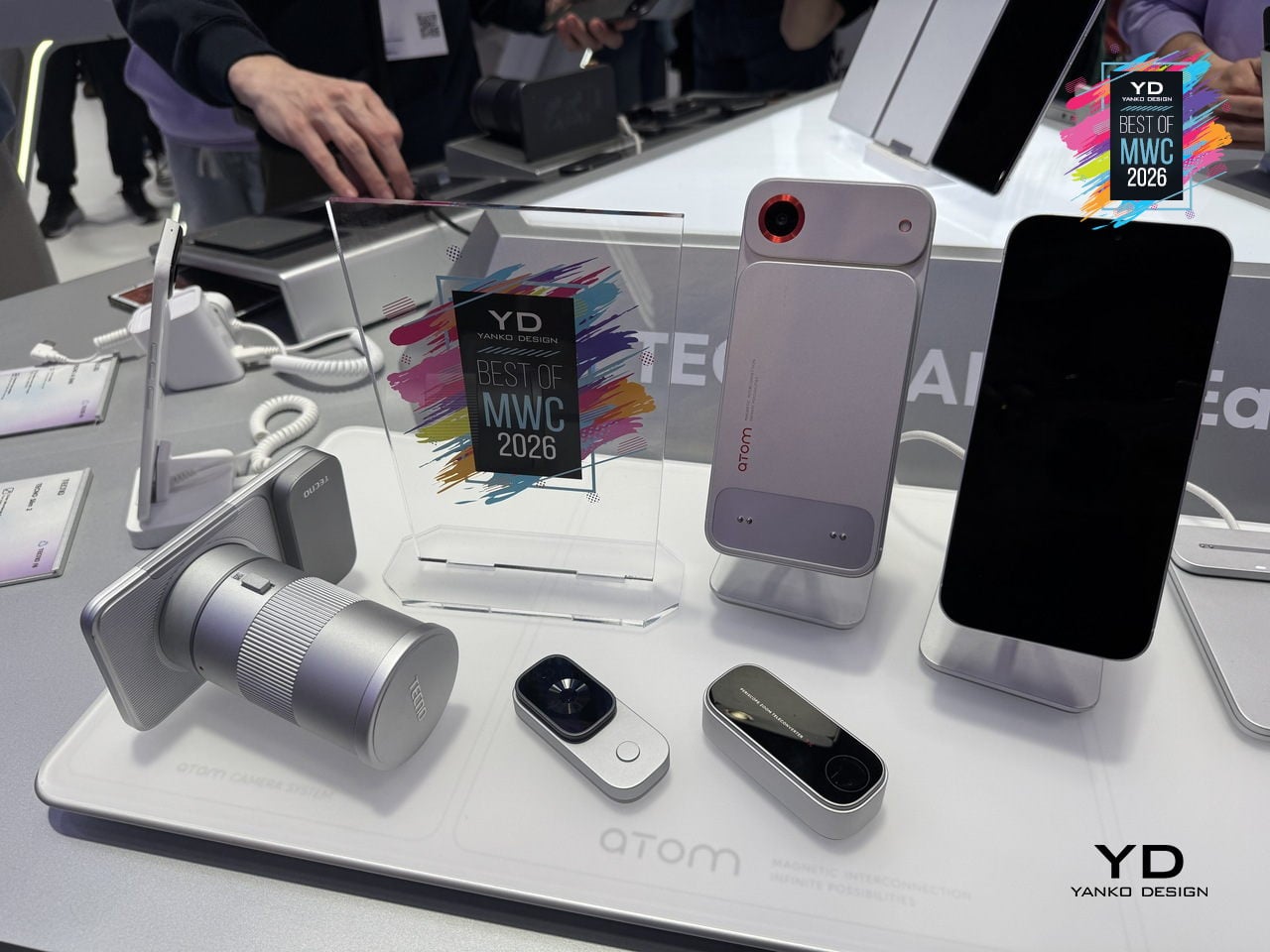
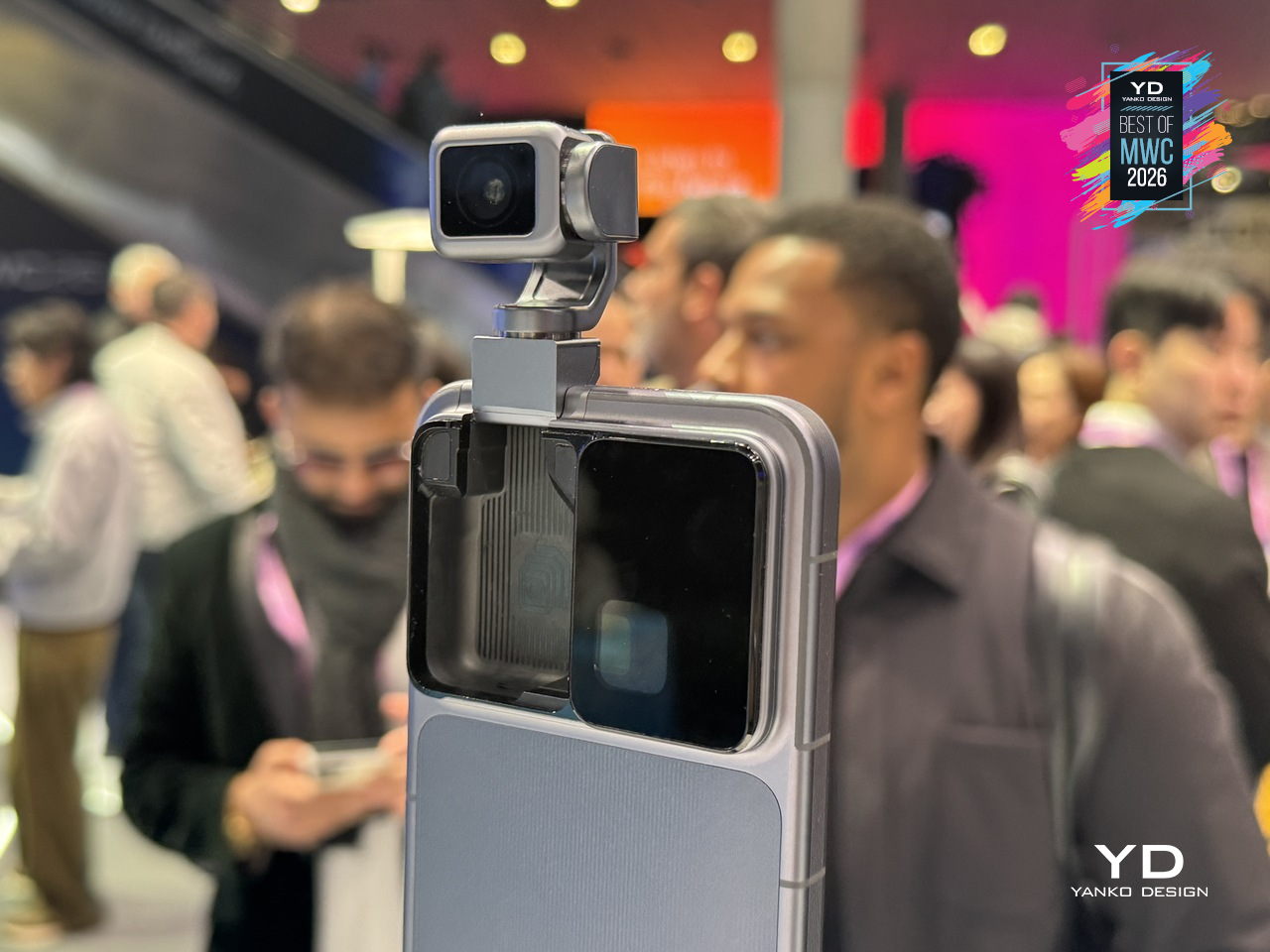
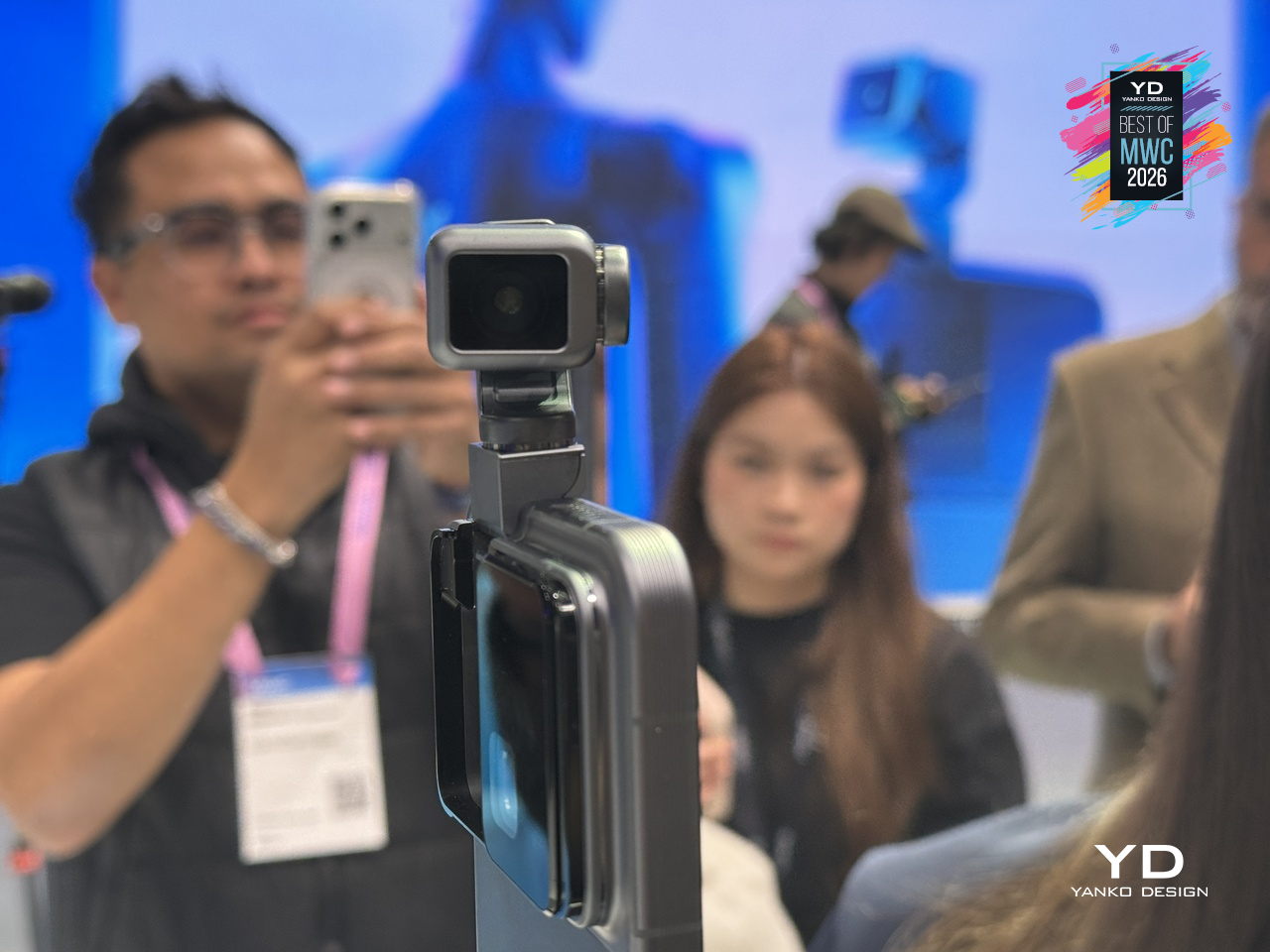
The modular phone idea has been attempted before, most famously by Google’s Project Ara, which spent years promising a phone you could rebuild like Lego before quietly disappearing in 2016. The premise was compelling, and the execution proved stubborn. TECNO’s approach at MWC 2026 is different in one important way: rather than replacing the phone’s internal components, the Modular Magnetic Interconnection Technology keeps the phone slim and complete on its own, then lets you snap additional hardware onto it magnetically when you actually need it.
Designer: TECNO
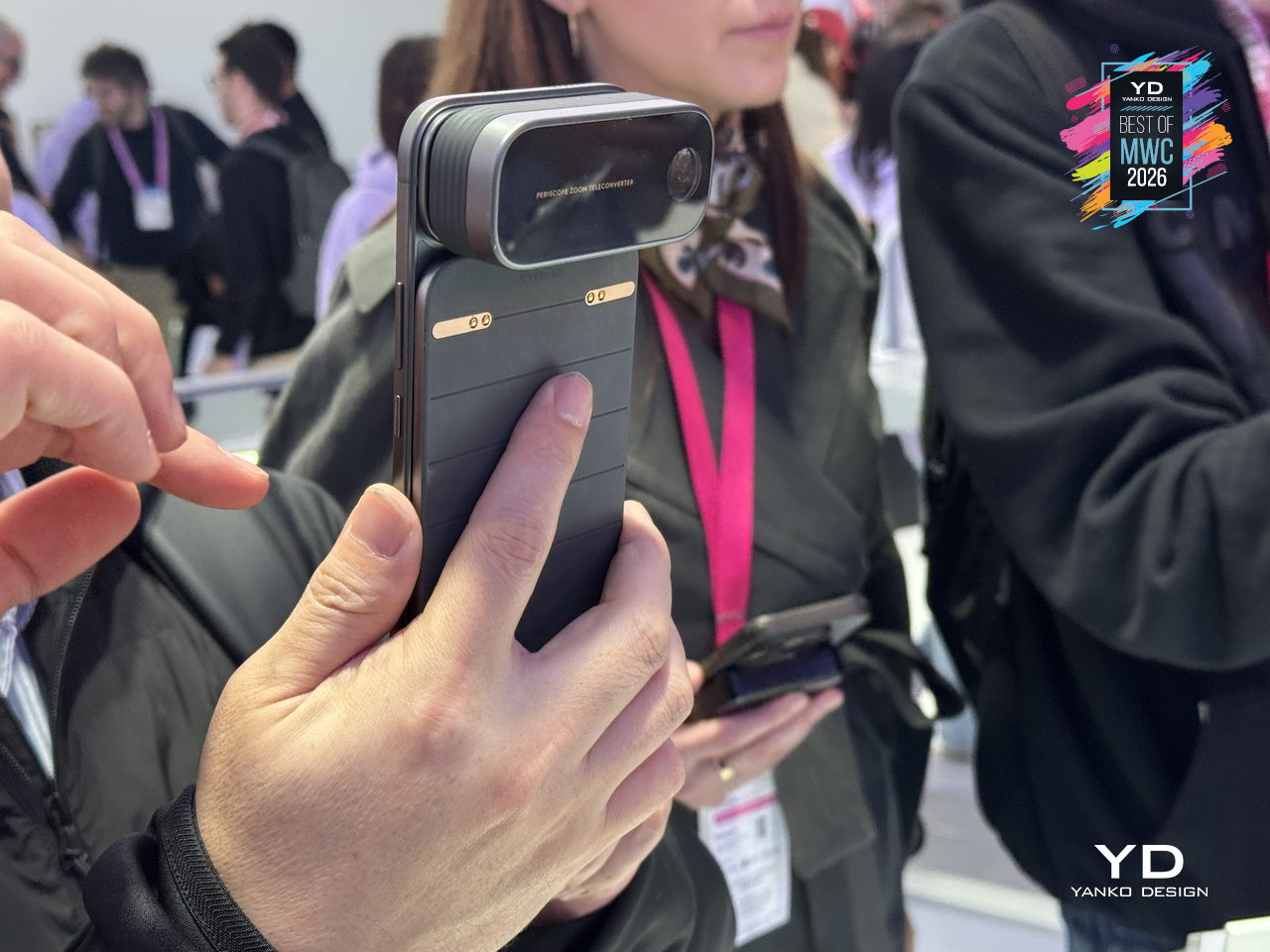
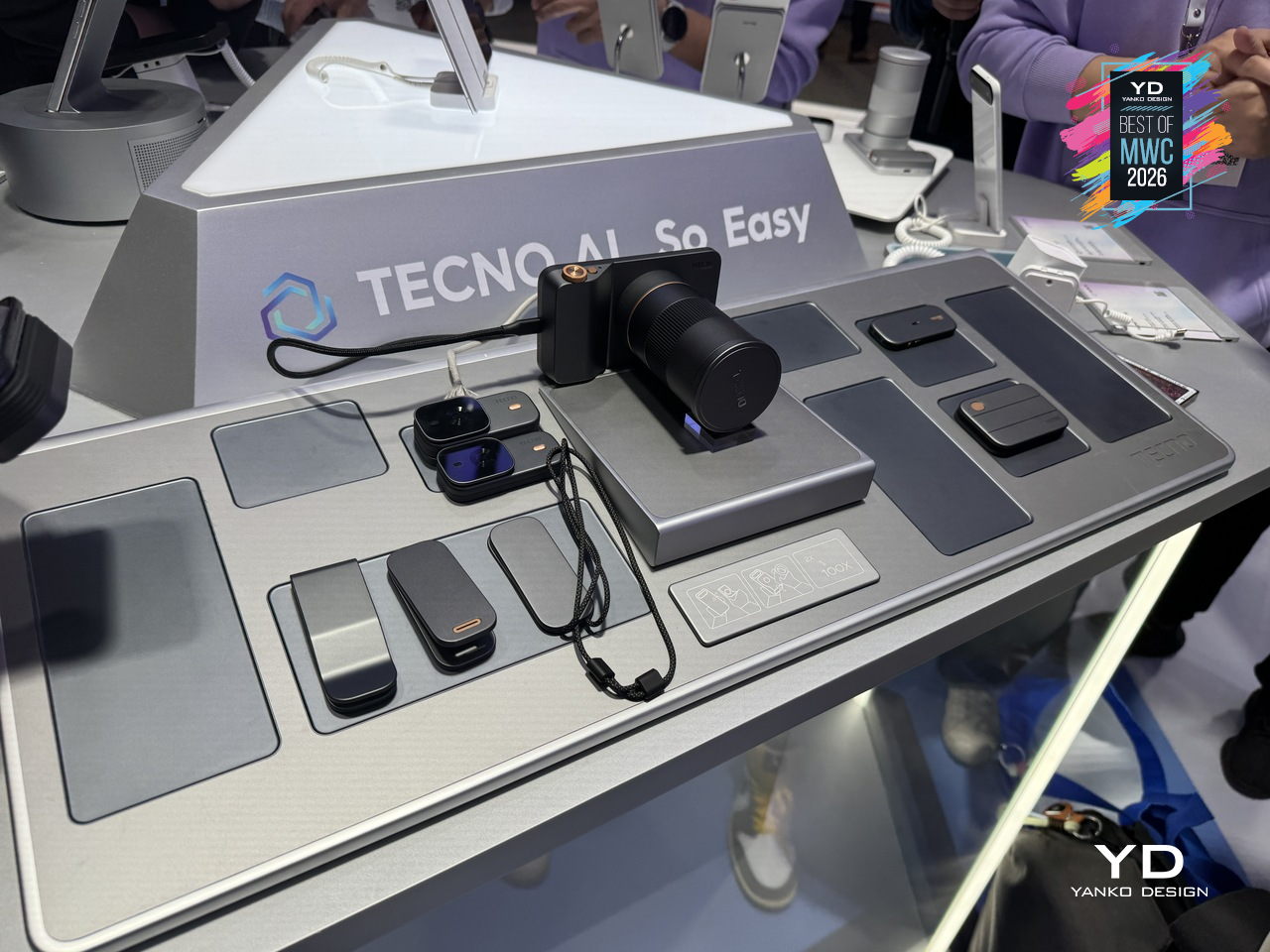
The concept arrives in two visual flavors, ATOM and MODA, but the underlying system is the same across both. Over a dozen modules compose the Customizable Modular Suite, covering stackable battery packs, action cameras, telephoto lenses, and more, each attaching and communicating through the magnetic interconnection system. The scale and visual coherence of the accessory ecosystem is genuinely striking. Everything shares a design language, sits flush when attached, and reads as a single object rather than a phone with things stuck to it.
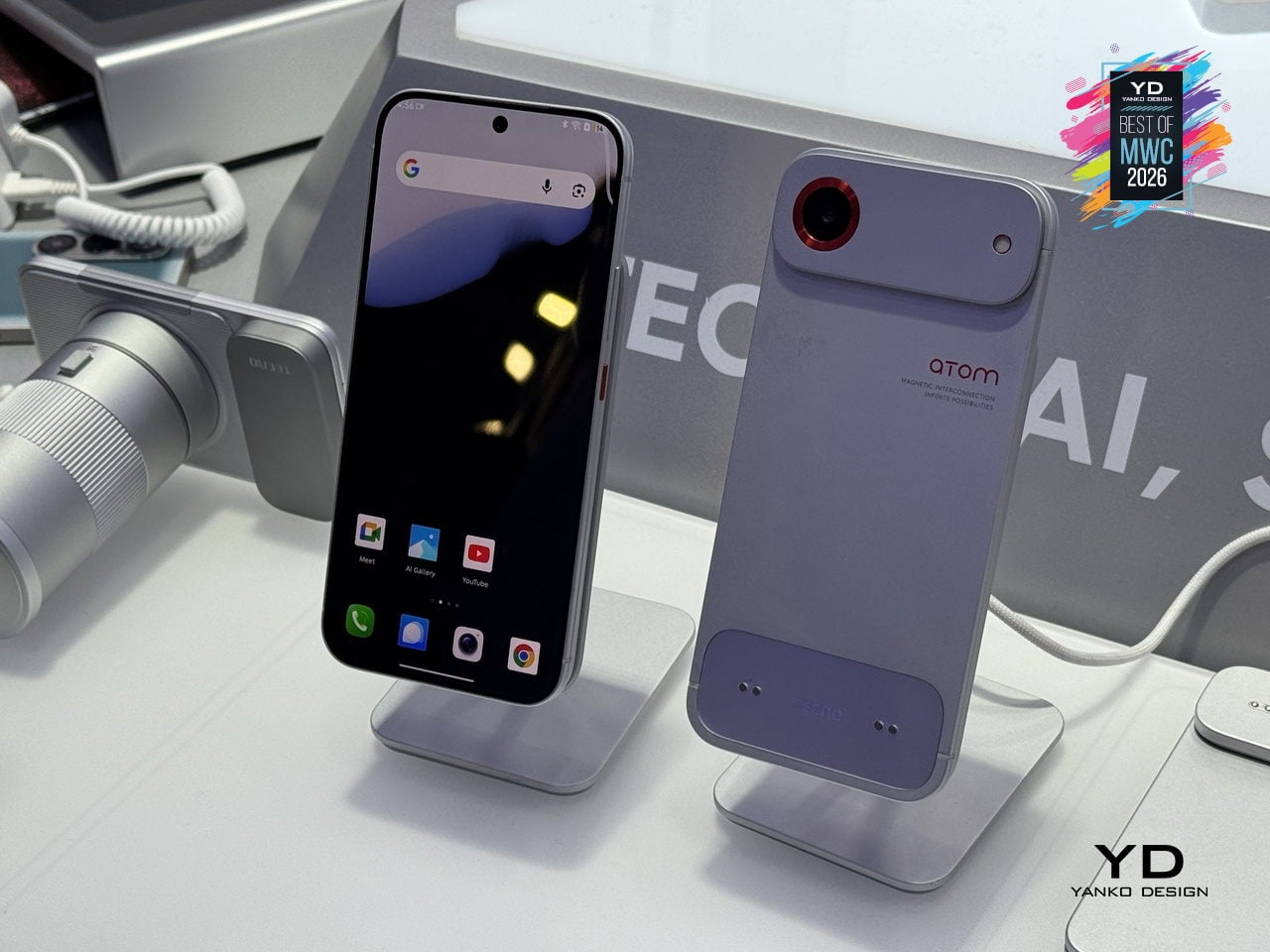
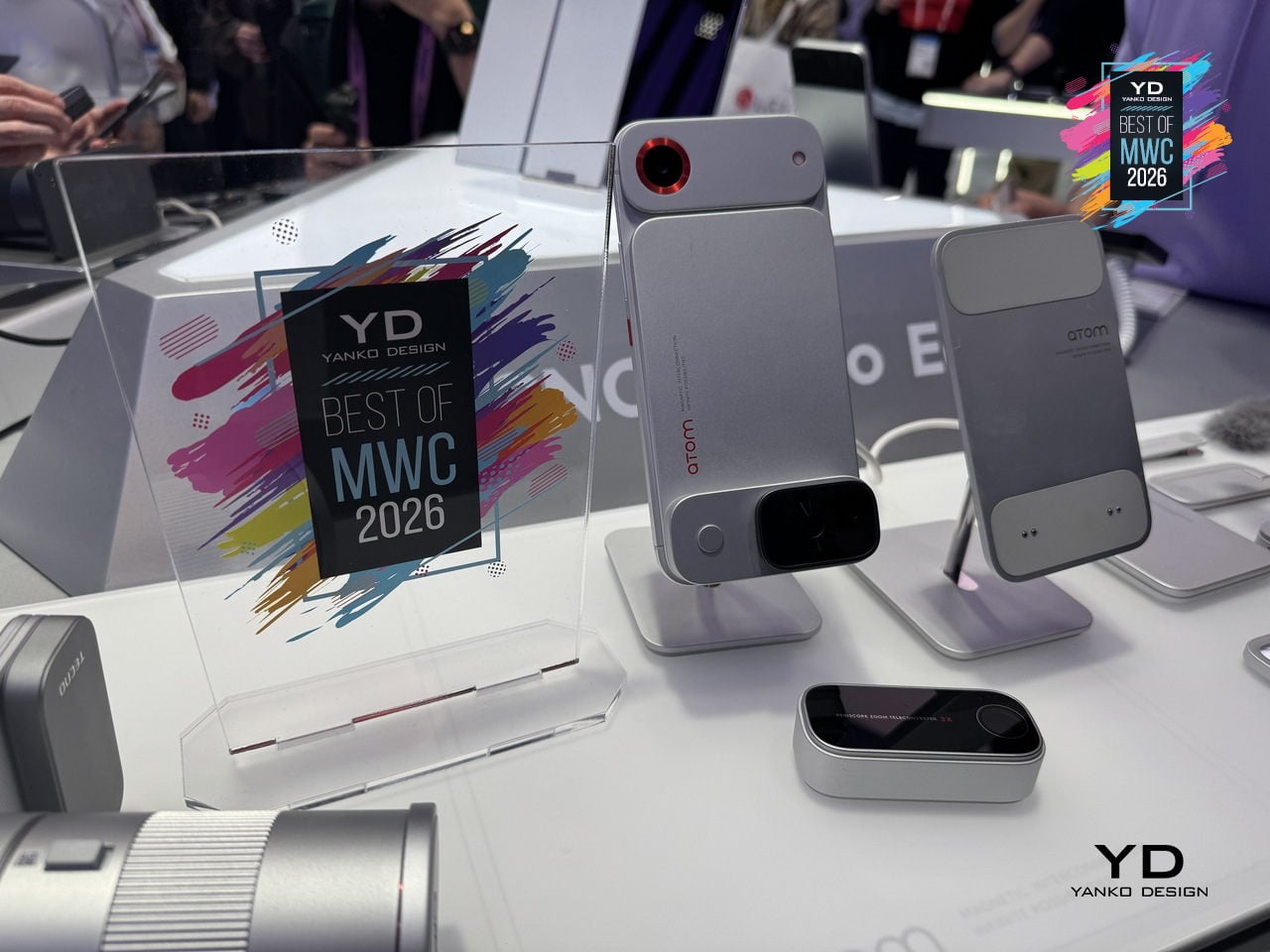
The ATOM edition makes the clearest design statement of the two, with its white and red palette, ribbed surfaces, and a camera module that looks pulled straight from a mirrorless system. TECNO’s core argument is that keeping the phone genuinely slim in daily use, while letting the modules handle the heavier lifting on demand, sidesteps the trade-off that has defined smartphone design for years. Add what you need, remove what you don’t, and the phone adapts to the moment rather than trying to anticipate every one of them in advance.

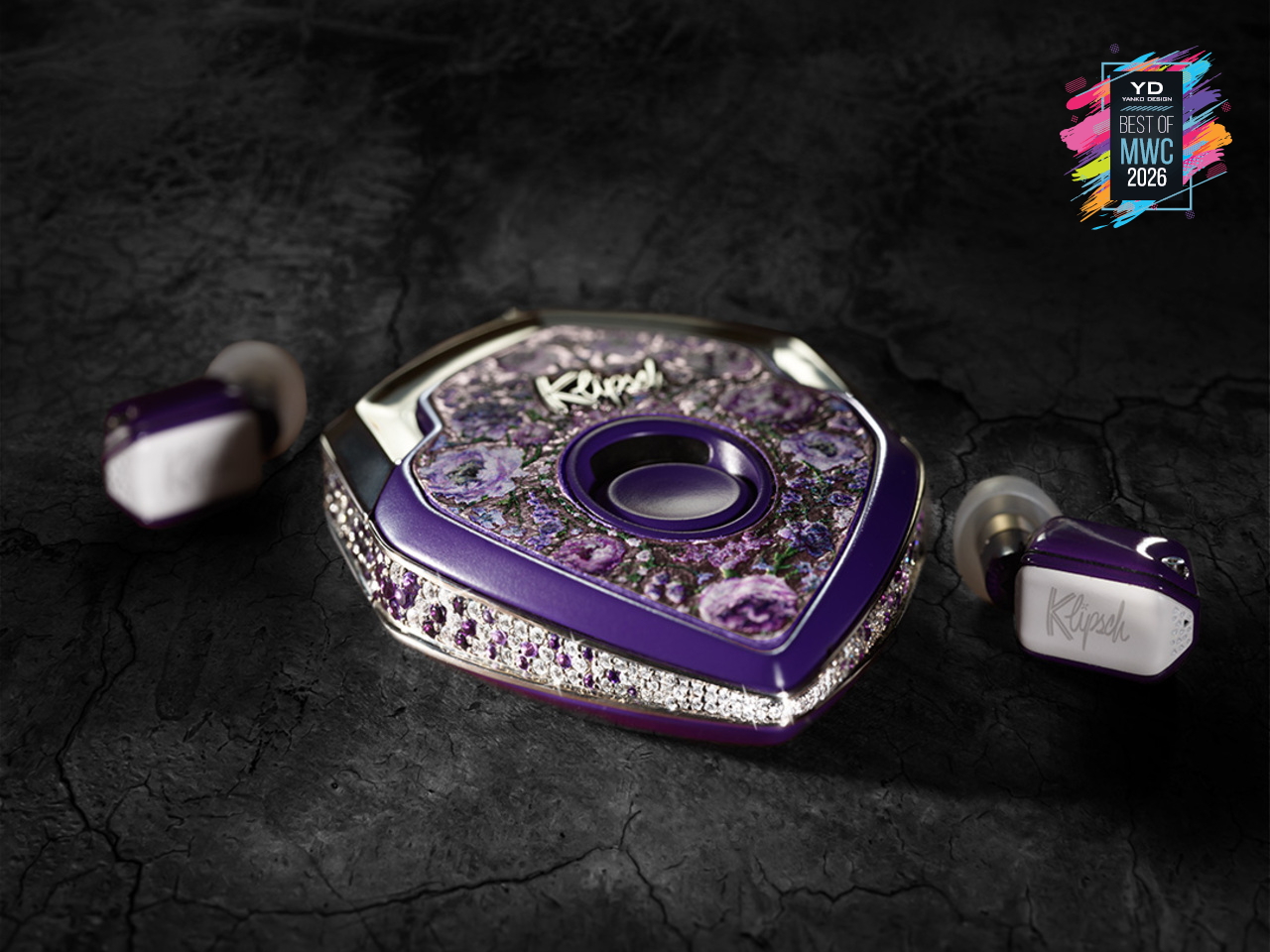
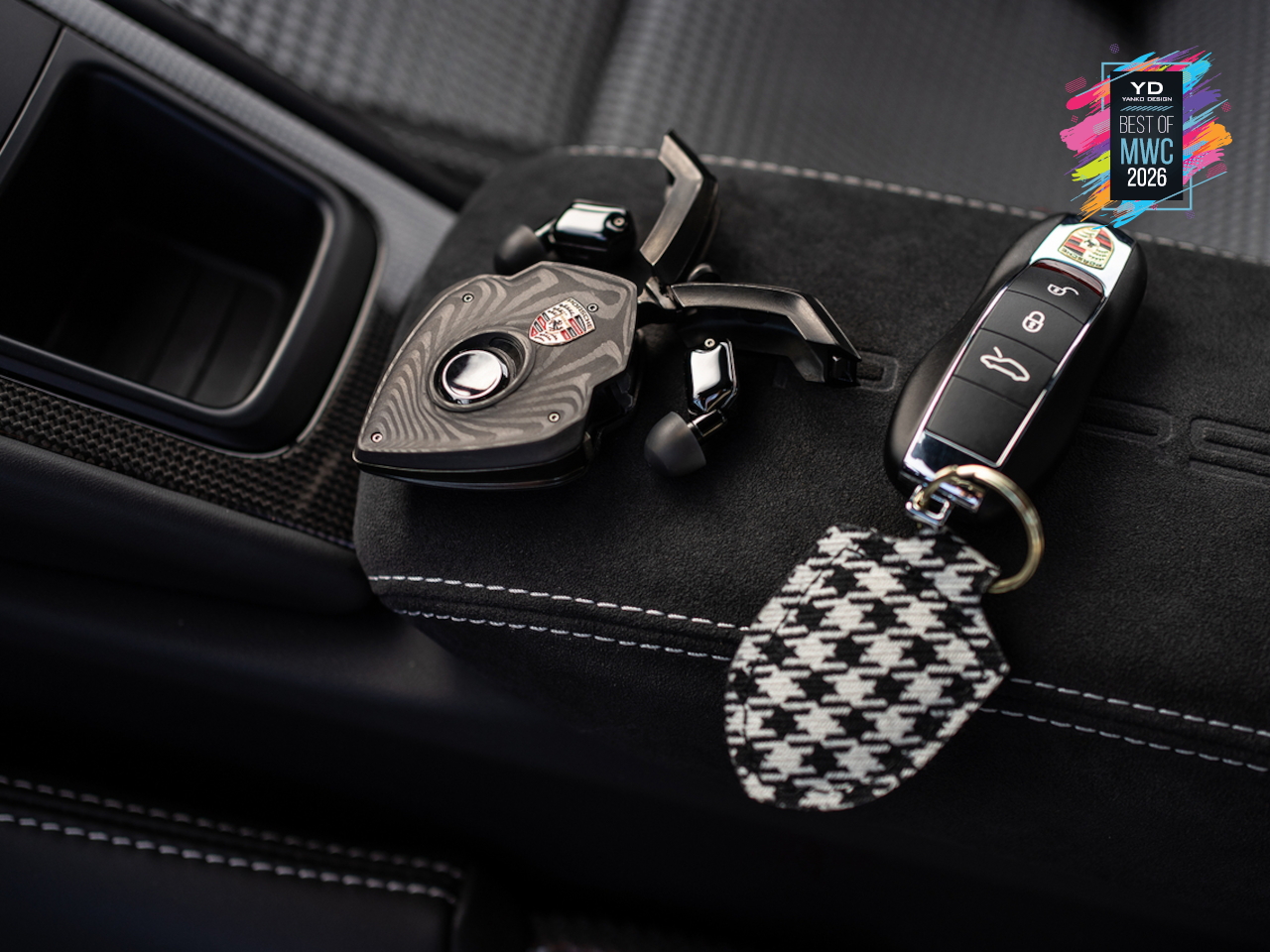
T10 Bespoke Luxury Custom IEM
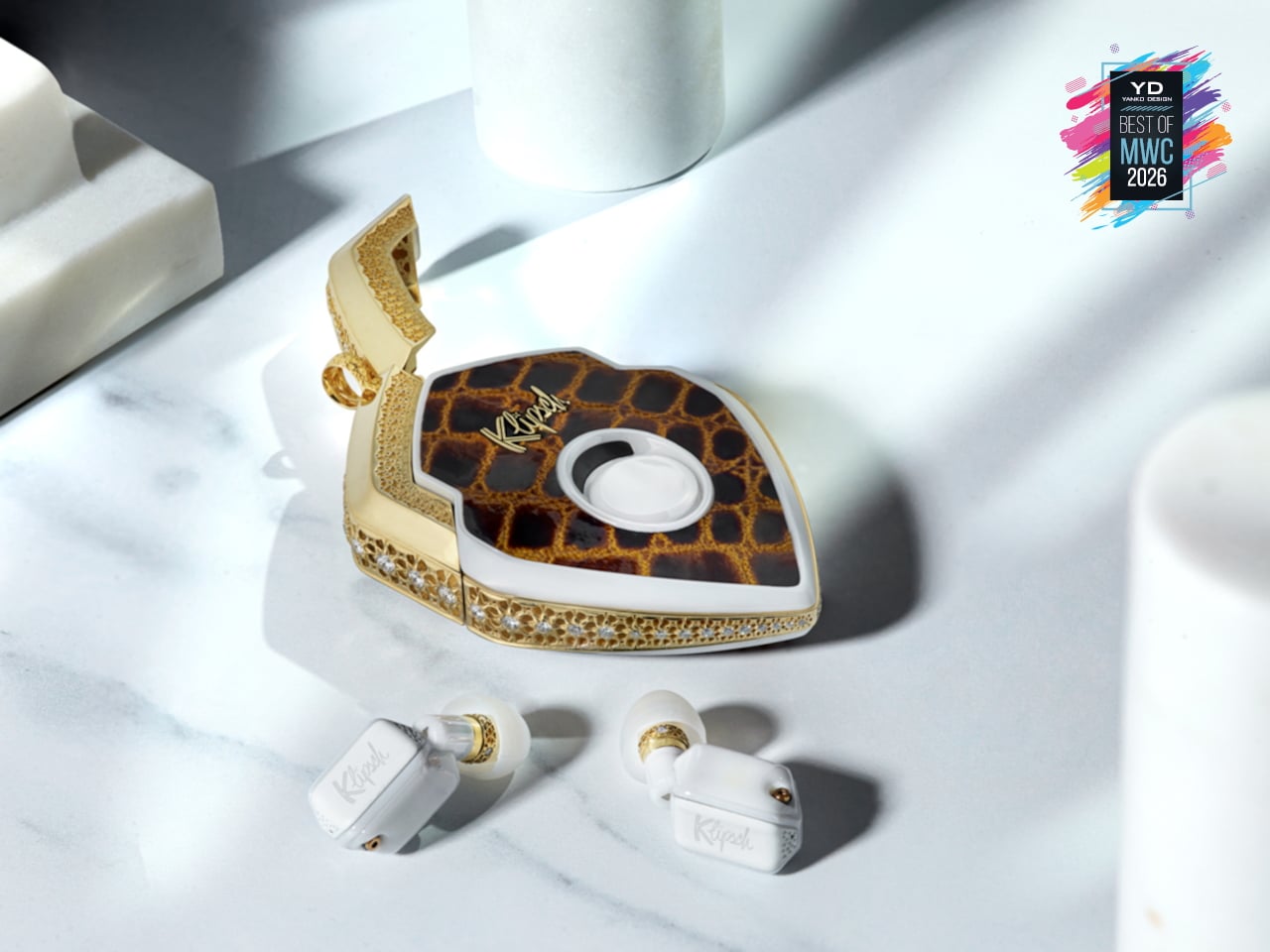
There are 150 of these made each year. That’s it. Each one starts as a conversation, not a product listing, where you sit down with the team and work through finishes, metals, and sculptural forms until the result is entirely yours. The chassis is ceramic zirconium, machined to roughly half the volume of an AirPod and assembled with micro-screws and gaskets the way a Swiss watchmaker approaches a movement. Some configurations arrive in mirror-polished obsidian black YTPZ ceramic with 24k rose-gold plating over solid bronze. Others wear navy-blue Cerakote over polished zirconia with hand-rubbed tung-oil burl wood inserts. The newest collection reaches into diamonds, amethysts, and fine metals, with one-of-a-kind builds priced past $115,000. These aren’t earbuds that happen to look expensive. They’re objects you’d keep in a case and hand down.

Designer: EAR Micro, Klipsch
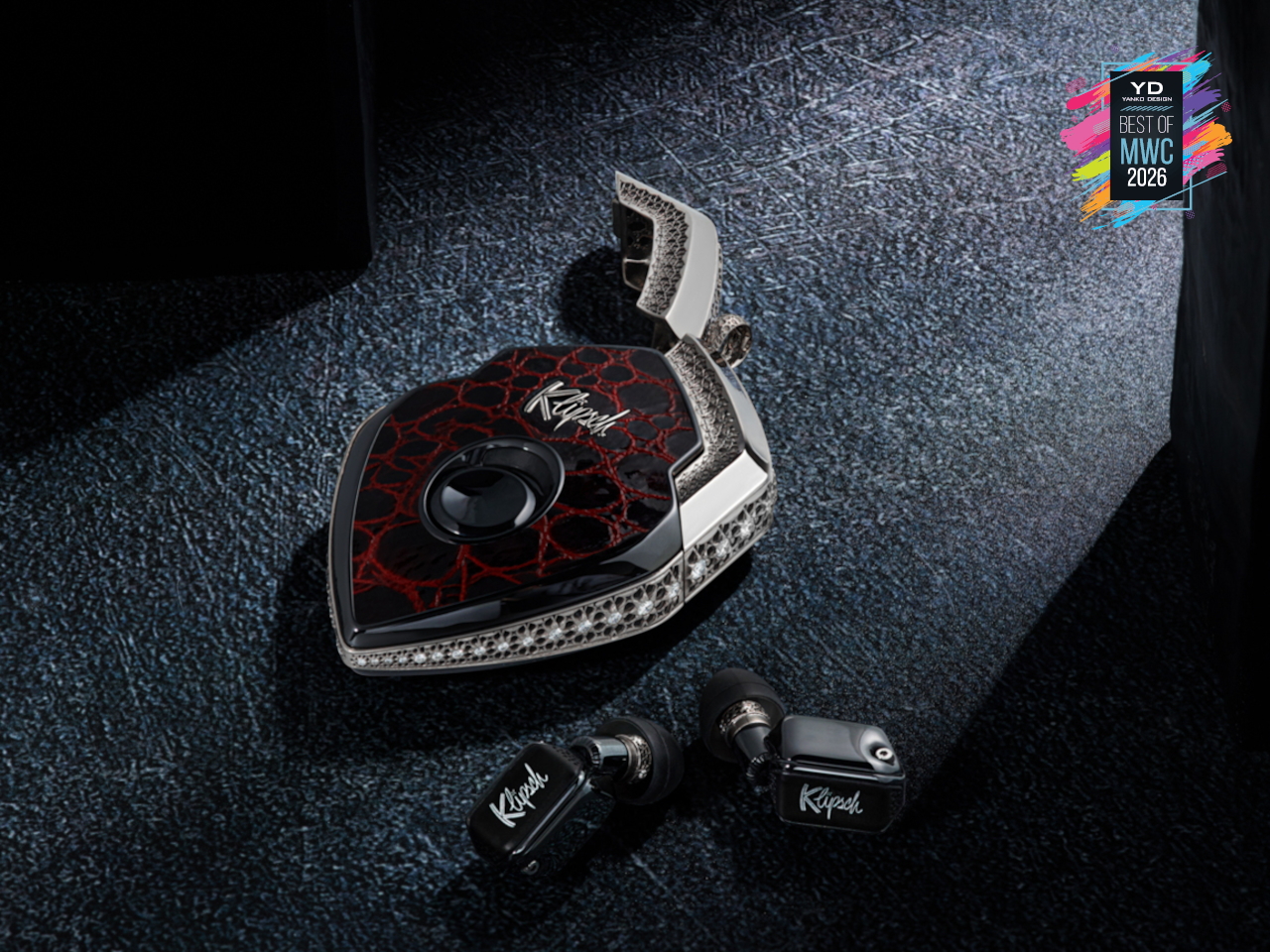
What separates the T10 Bespoke from anything else isn’t just the materials. It’s what’s packed into that tiny chassis. An ARM primary processor runs alongside a dedicated co-processor, with twin Cadence Tensilica Hi-Fi DSPs handling the signal chain. You get selectable amplifier modes, Class D for efficiency, and Class A/B when you want the fuller analog character. The Sonion Balanced Armature driver, tuned with Klipsch from the X10 lineage, feeds from a signal path that supports Sony LDAC at 24-bit/96kHz. That resolution matters because the hardware can actually deliver it. The PCB inside spans less than 1.13 square centimeters, with folding wings to fit the geometry. It’s the kind of engineering that usually stays behind a rack somewhere. Here it’s in your ear.
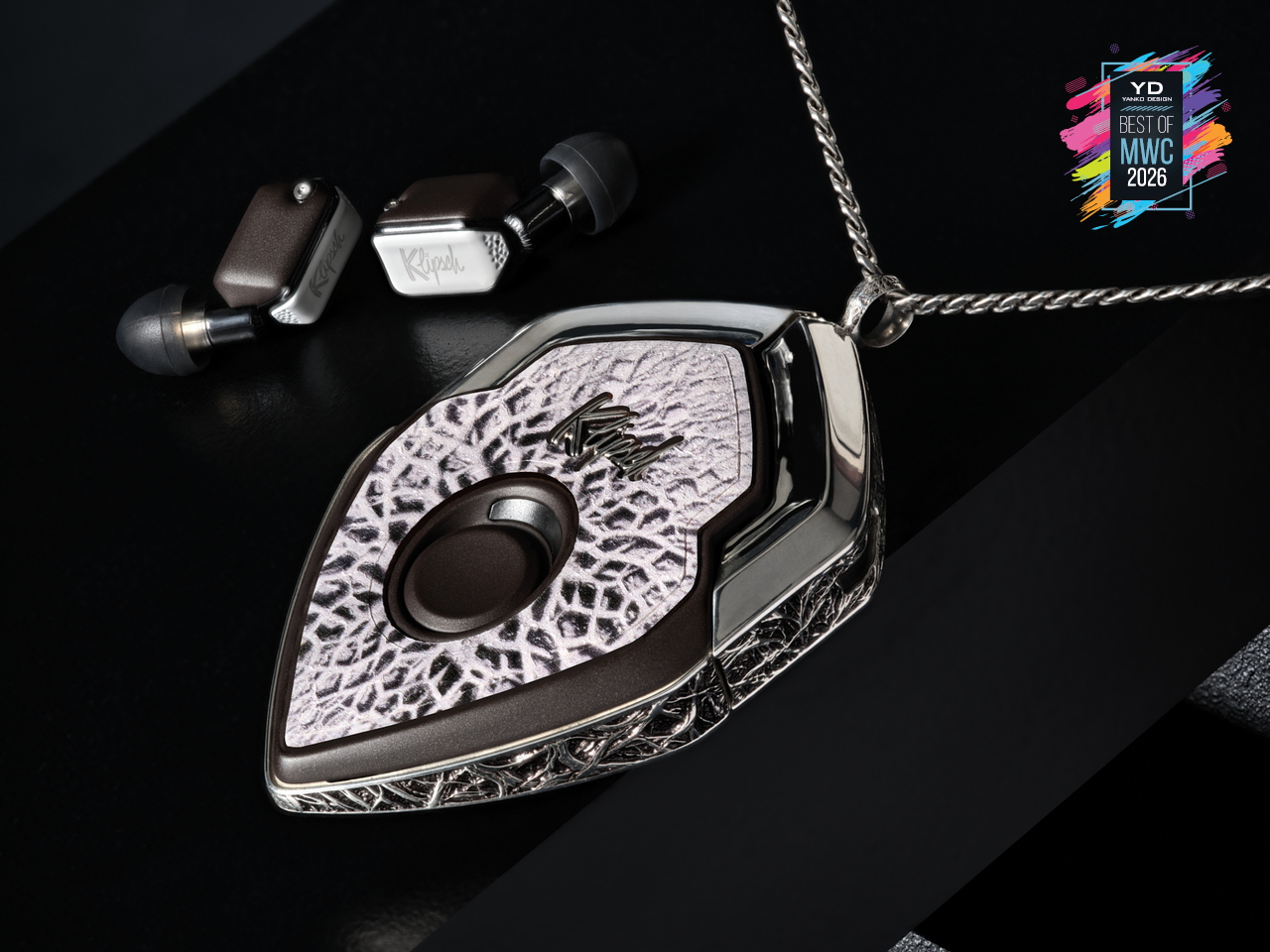
The interaction layer is equally thoughtful. Bragi OS powers the whole thing, supporting touch controls, voice commands, and head-motion gestures so you rarely have to reach for your phone. Battery life runs 8 to 9 hours per earbud, stretching past 30 hours with the case, and a 15-minute fast charge gets you to 85%. ANC is tuned in-house, and the founder calls it best in class, which is a claim that holds up in context, given the hardware underneath it. The deeper point is that this isn’t a product built to a price point or a roadmap. The chassis is replaceable. The battery is replaceable. The shell is replaceable. You’re not buying a device with a two-year lifespan. You’re buying something designed to stay with you, improve over time, and still be relevant long after everything else has been recycled.

Lenovo AI Workmate Concept
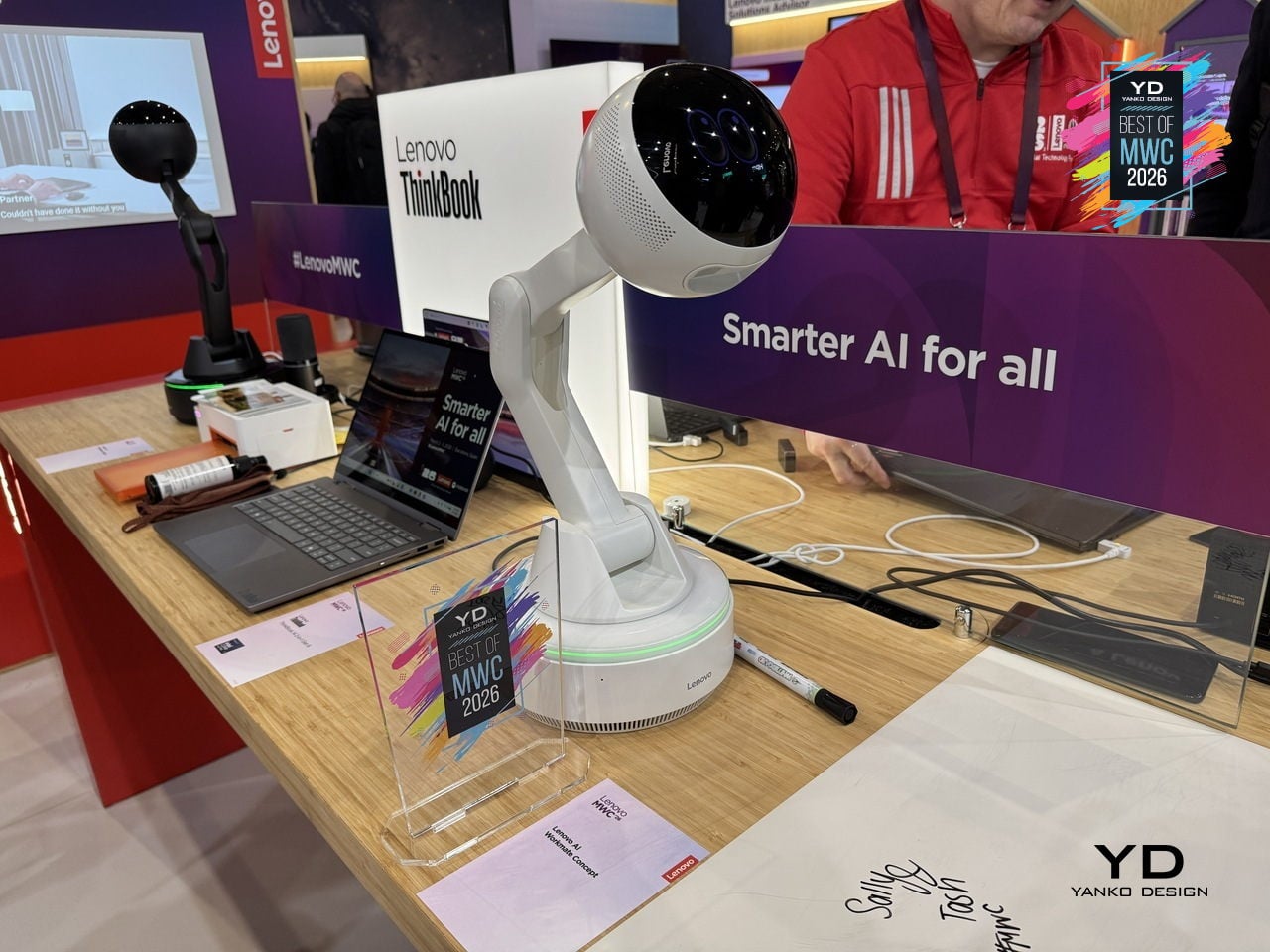
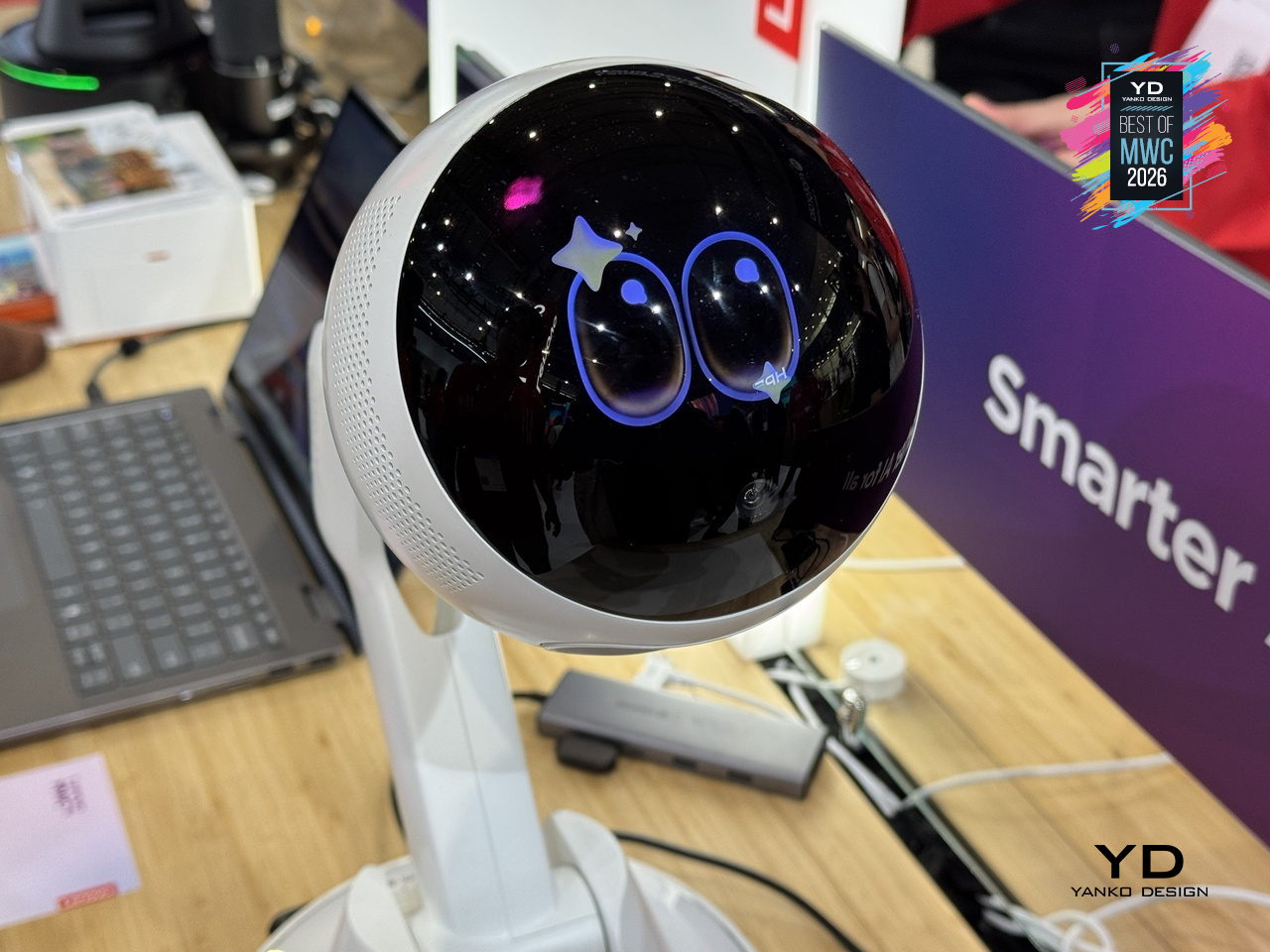
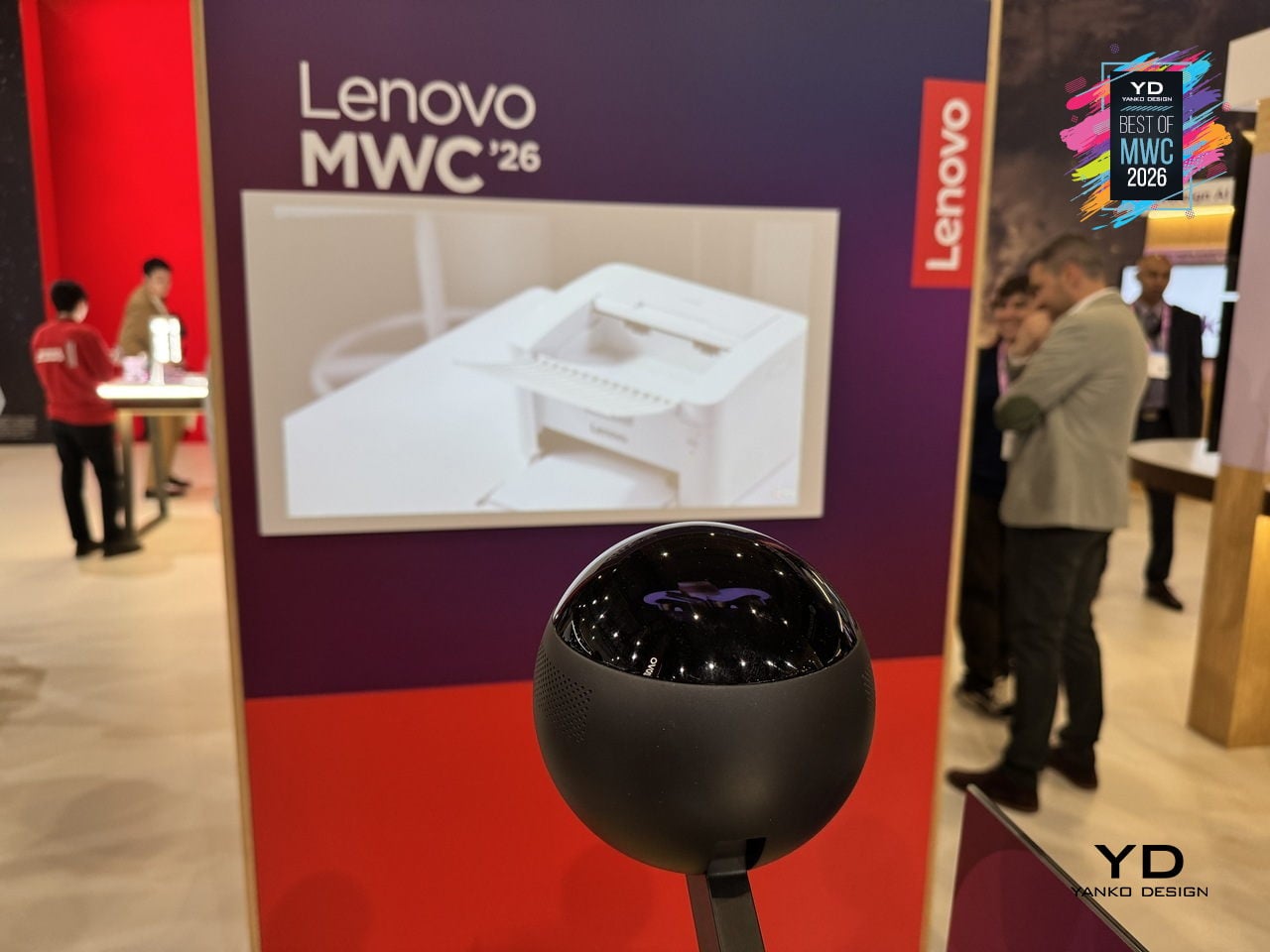
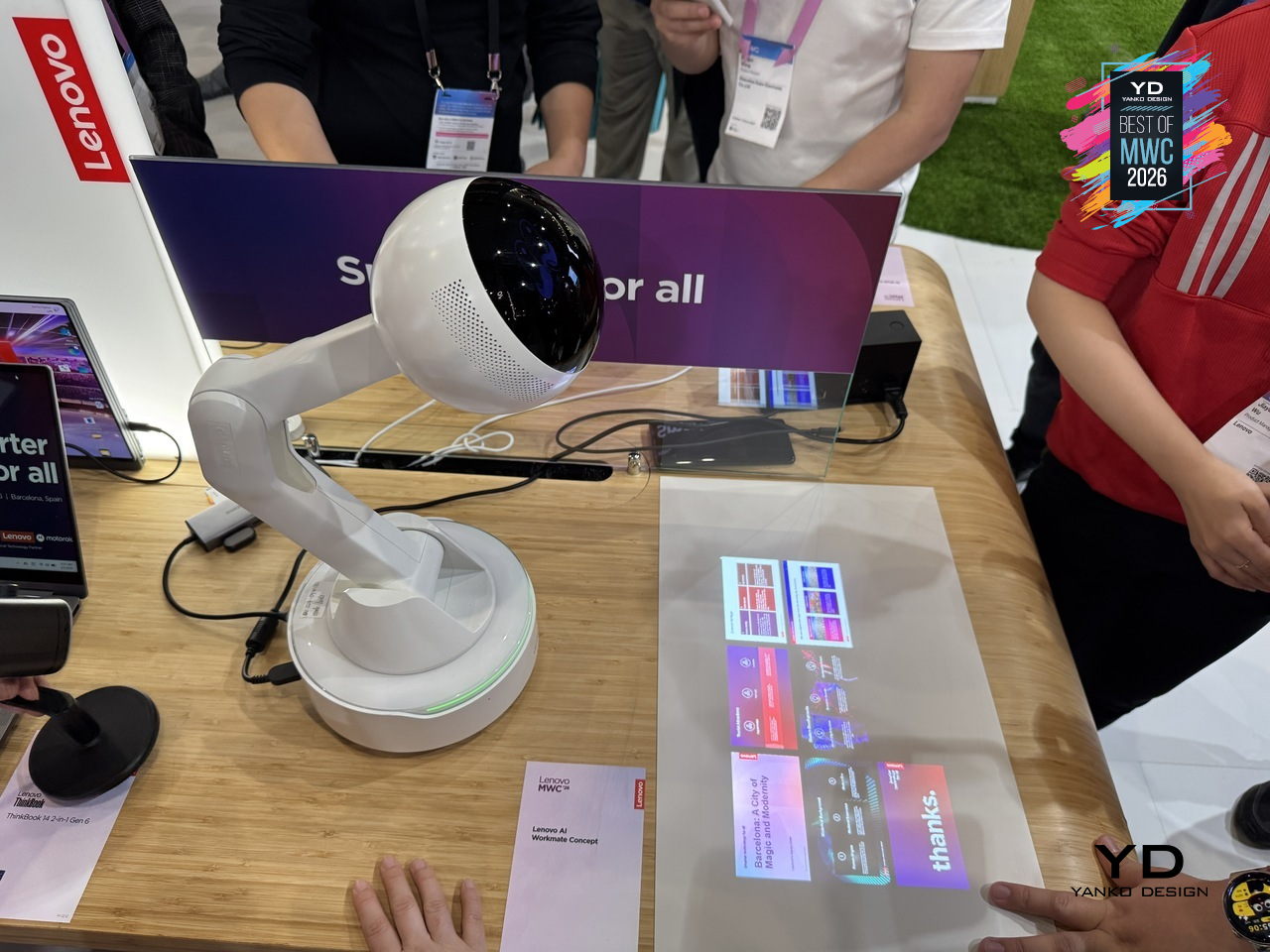
Most AI assistants live inside a screen, which means interacting with them still involves picking up a device, unlocking it, and navigating to something. Lenovo’s AI Workmate Concept takes a different position, literally: it sits on your desk as a physical object, a spherical head on an articulated arm mounted on a circular base, designed to be always present and always on without requiring you to go looking for it.

Designer: Lenovo
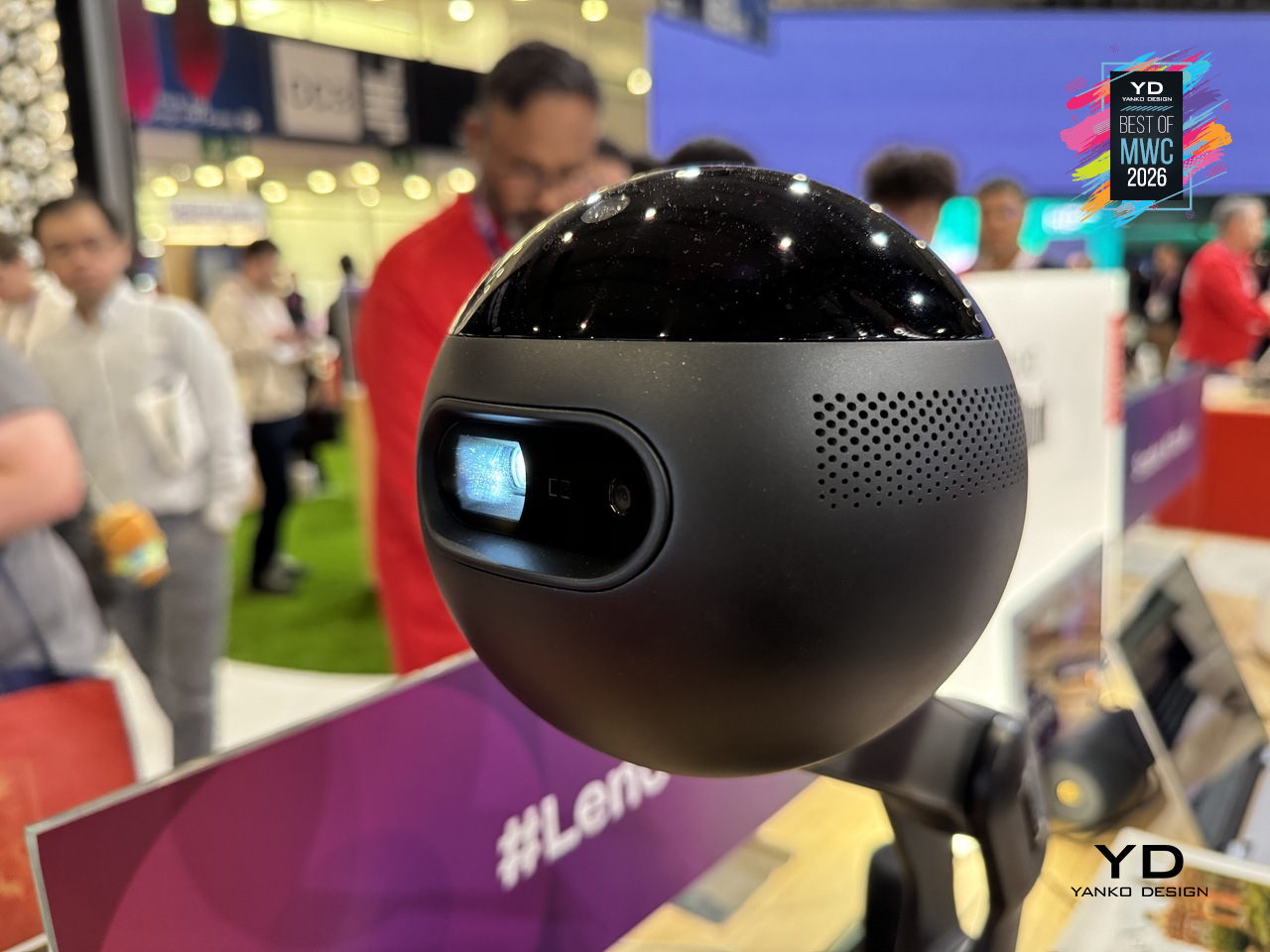
The design is built around natural interaction rather than typed commands or app interfaces. It responds to voice, gesture, and writing, with on-device AI processing inputs locally for privacy. The more distinctive capability is spatial output: the Workmate can project content directly onto a nearby surface, turning a desk or wall into a temporary display for documents, presentations, or notes. It also handles practical business tasks like scanning and summarizing documents and assisting with content creation, positioned as a desk companion rather than a novelty.
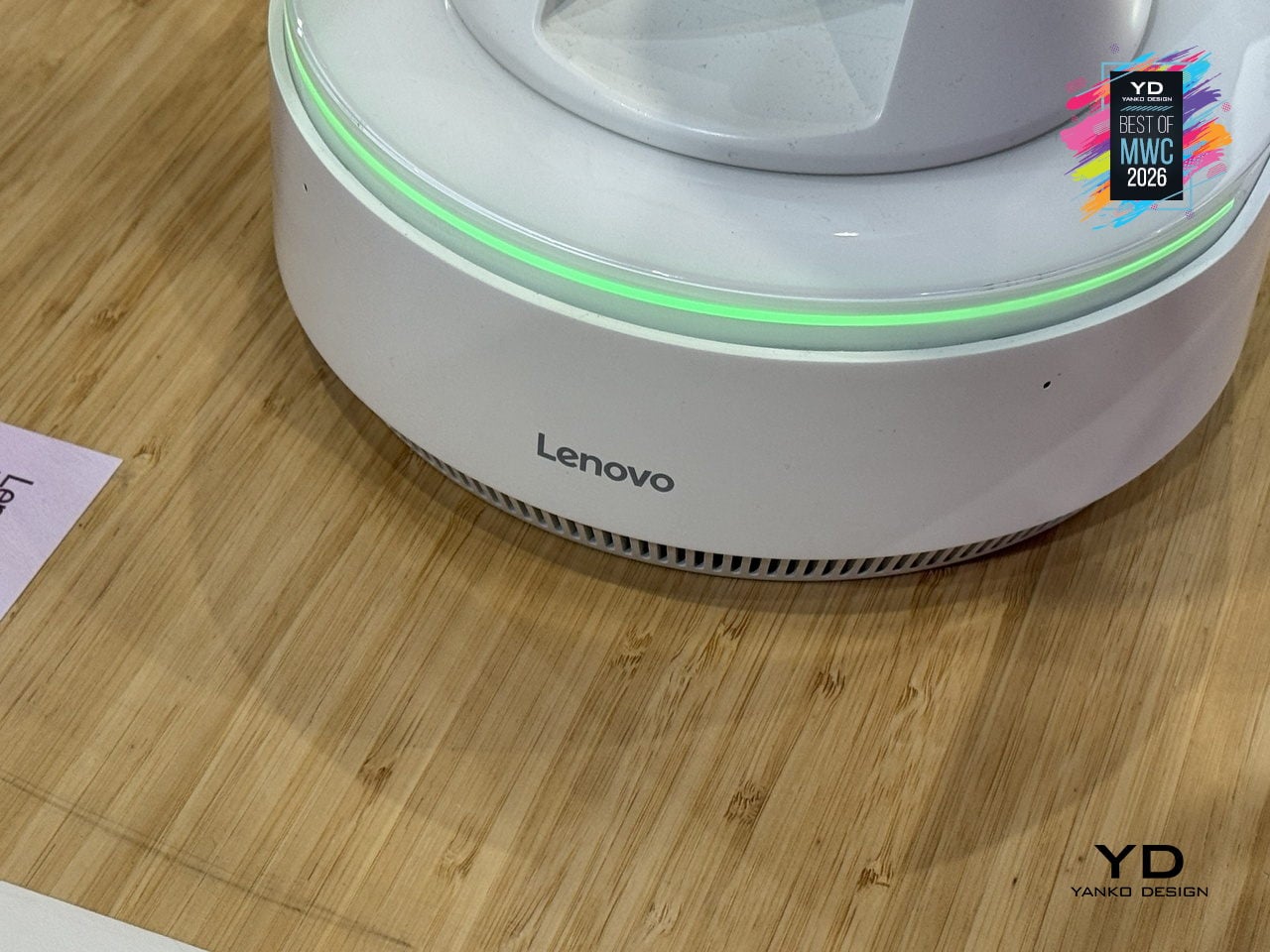
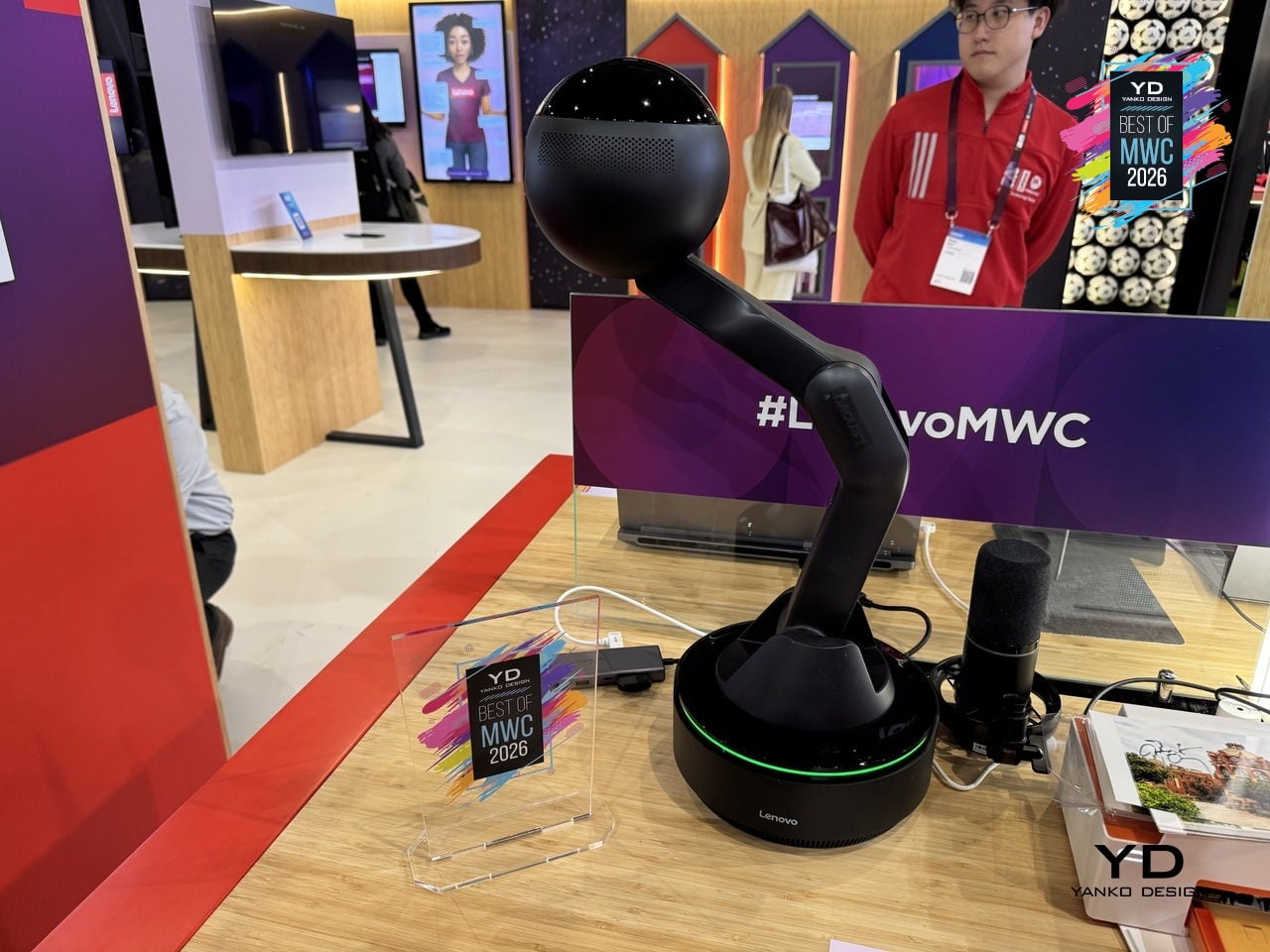
The physical form is what makes the concept worth paying attention to as a design argument. The spherical head, articulated arm, and glowing base ring give the device a clear presence and orientation, somewhere between a desk lamp and a friendly robot, without tipping into either. It acknowledges you spatially rather than waiting to be summoned from a notification panel. Whether a desk companion with animated eyes and a projector becomes something people actually want next to their laptops is the real design question Lenovo is exploring here, and MWC 2026 was its first public test of that answer.

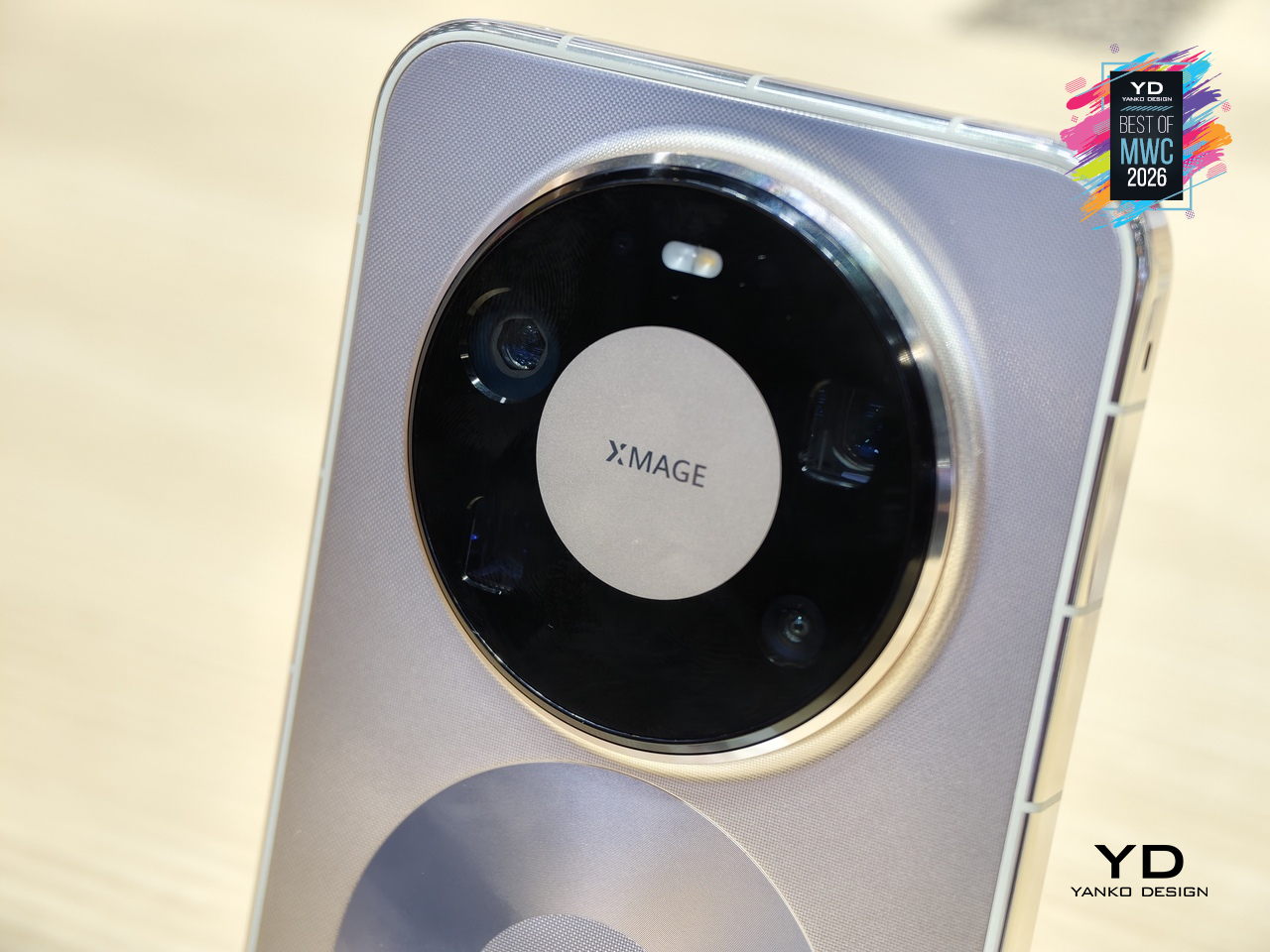
Huawei Mate 80 Pro Max
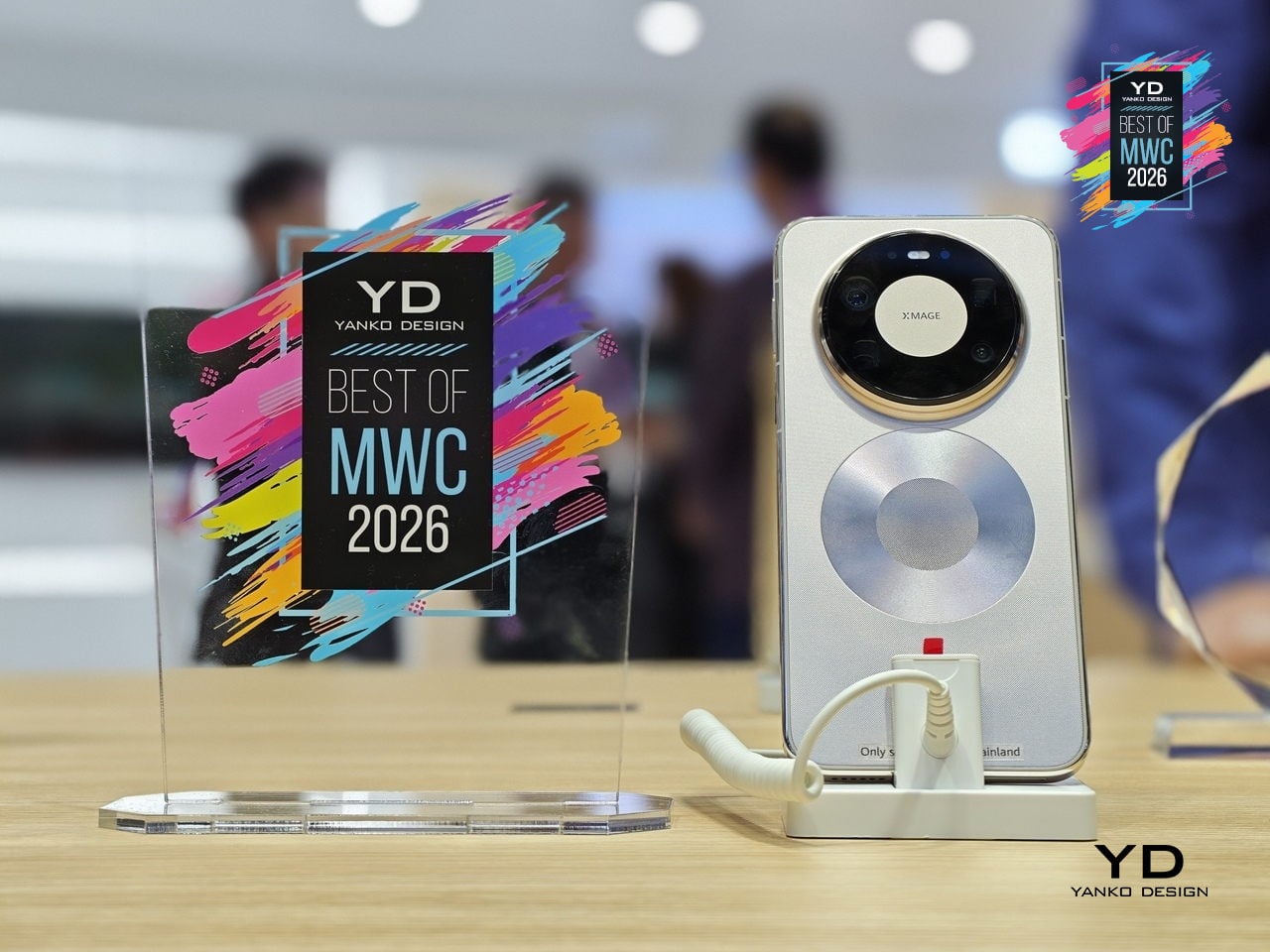
Huawei’s Mate series has always been the line where the company makes its clearest design statements, and the Mate 80 Pro Max carries that further with a body that steps away from the fiber-reinforced plastic back of the standard Pro in favor of an aluminum alloy construction throughout. The result is a phone with more physical presence and a slightly larger footprint. Both share the same Dual Space Rings camera module design that has become the Mate family’s most recognizable feature, two concentric rings framing the rear cameras in a configuration that reads as intentional rather than incidental.

Designer: Huawei
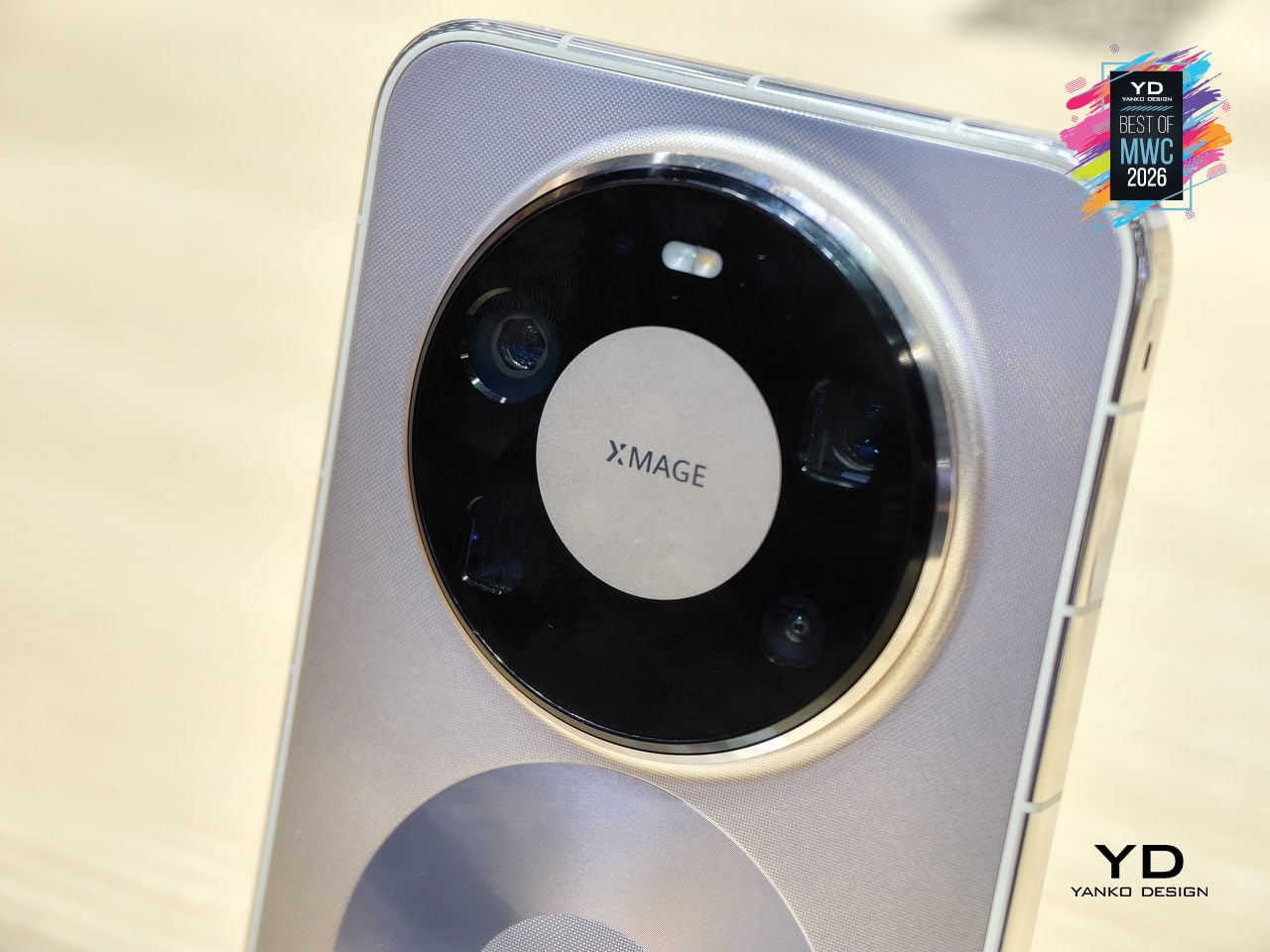
The display on the Pro Max stretches farther to 6.9 inches while keeping the same LTPO OLED panel with 1440Hz PWM dimming and Kunlun Glass 2 protection. Powered by the same Kirin 9030 Pro chipset in their top configurations, the Max differentiates itself through physical scale and materials rather than raw internals. The battery also steps up to 6000mAh, though paired with the same 100W wired charging. The color options shift too: where the Pro comes in Black, White, Green, and Gold, the Max trades the softer tones for Black, Silver, Blue, and Gold.
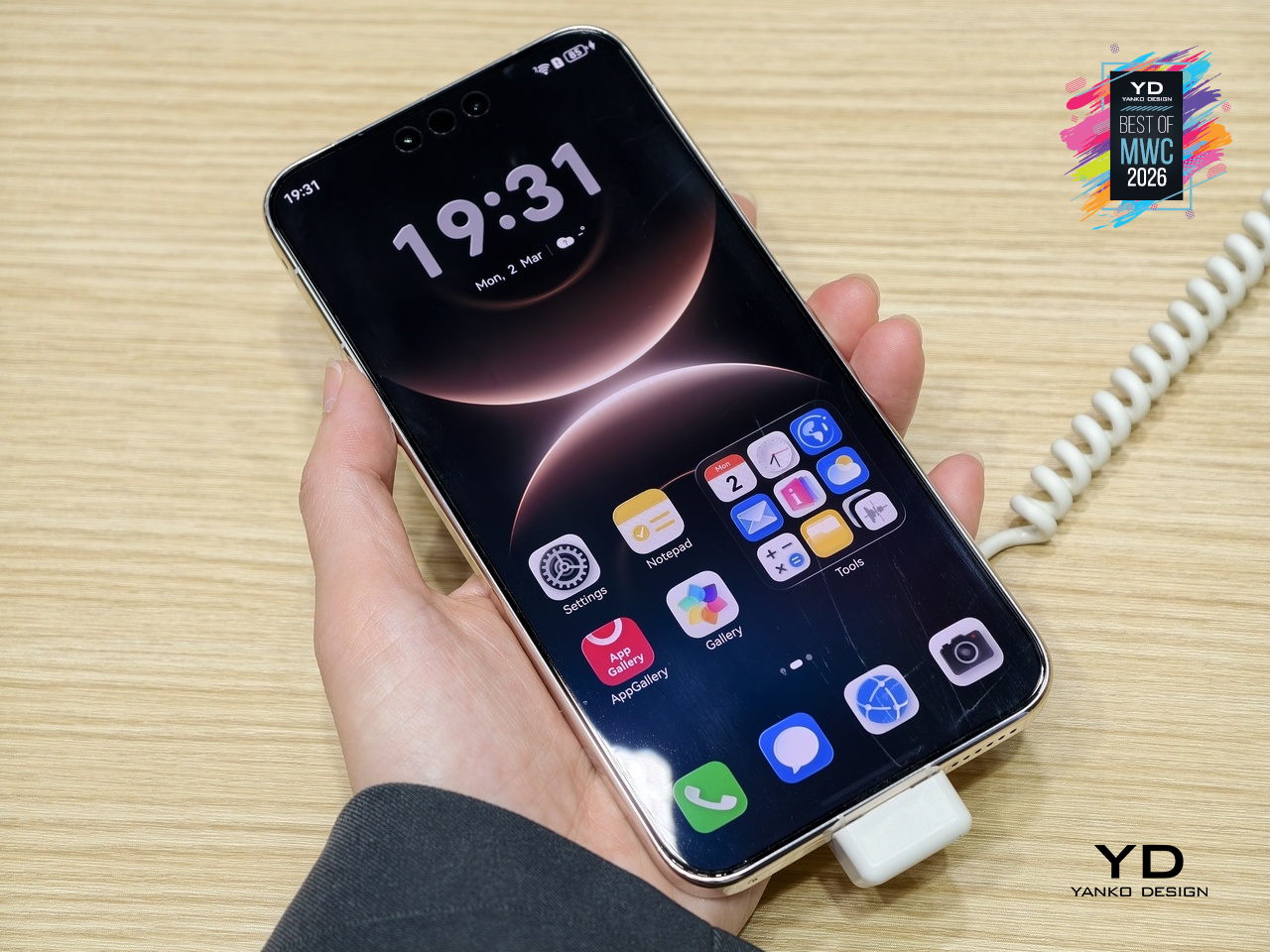
What the Mate 80 Pro Max represents is a familiar kind of product logic: take the established design, make it bigger, make the materials more premium, and add the battery capacity to match the larger chassis. The Dual Space Rings identity carries across both models intact, so the design conversation between the two is less about direction and more about degree. With a significantly higher price tag, the Pro Max is considered step up for buyers who want the full physical expression of what the Mate 80 series is about.

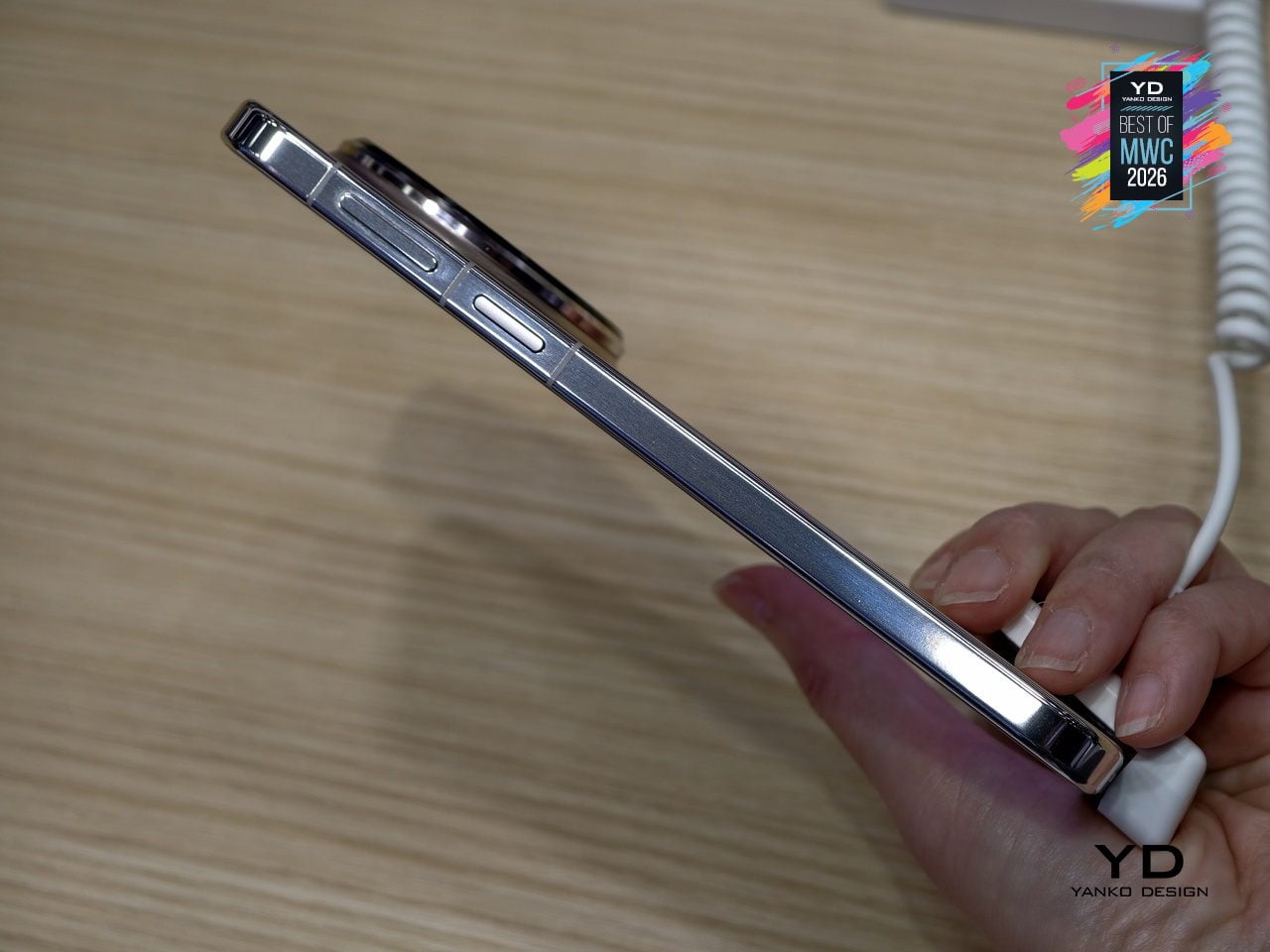
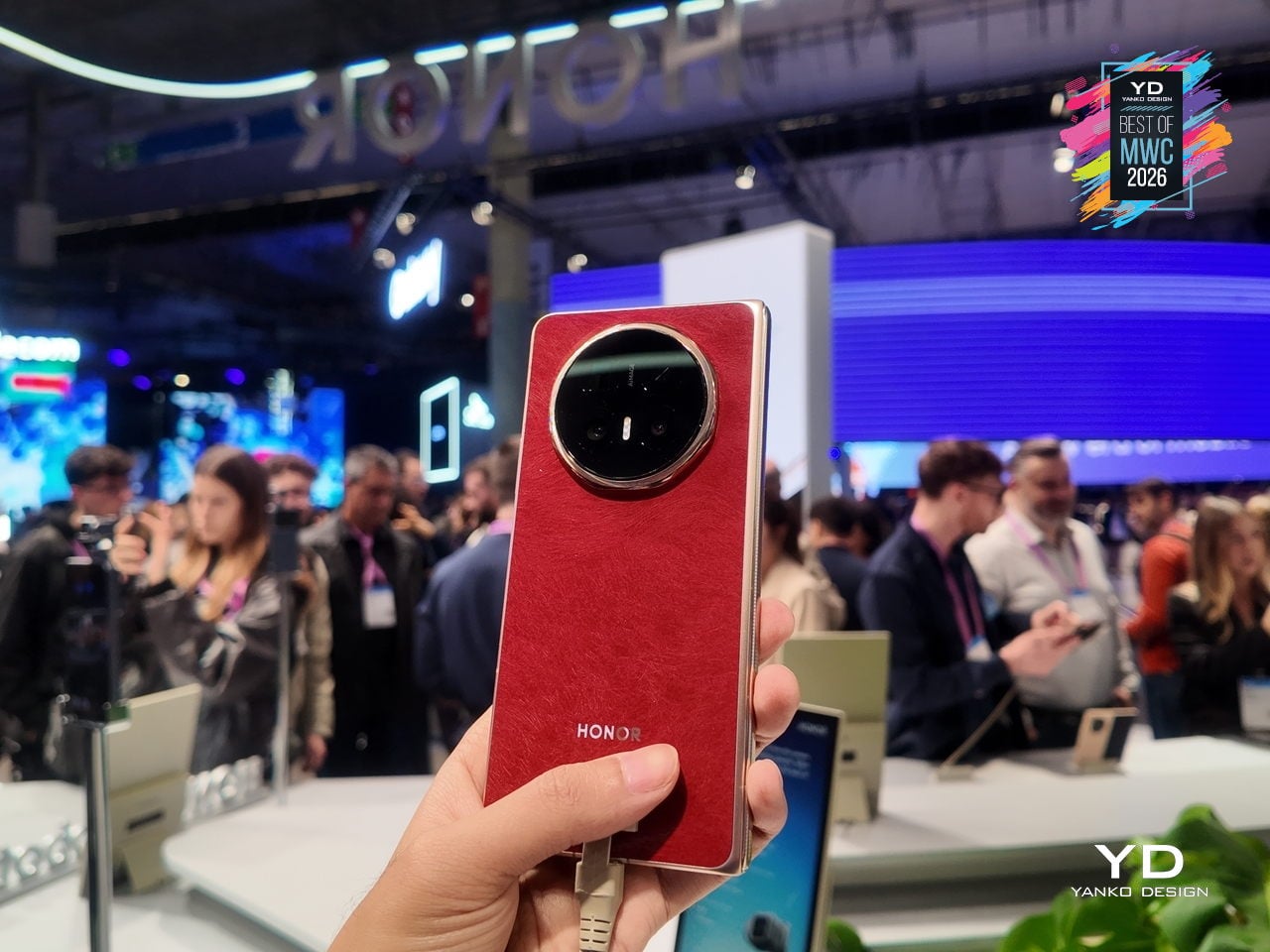
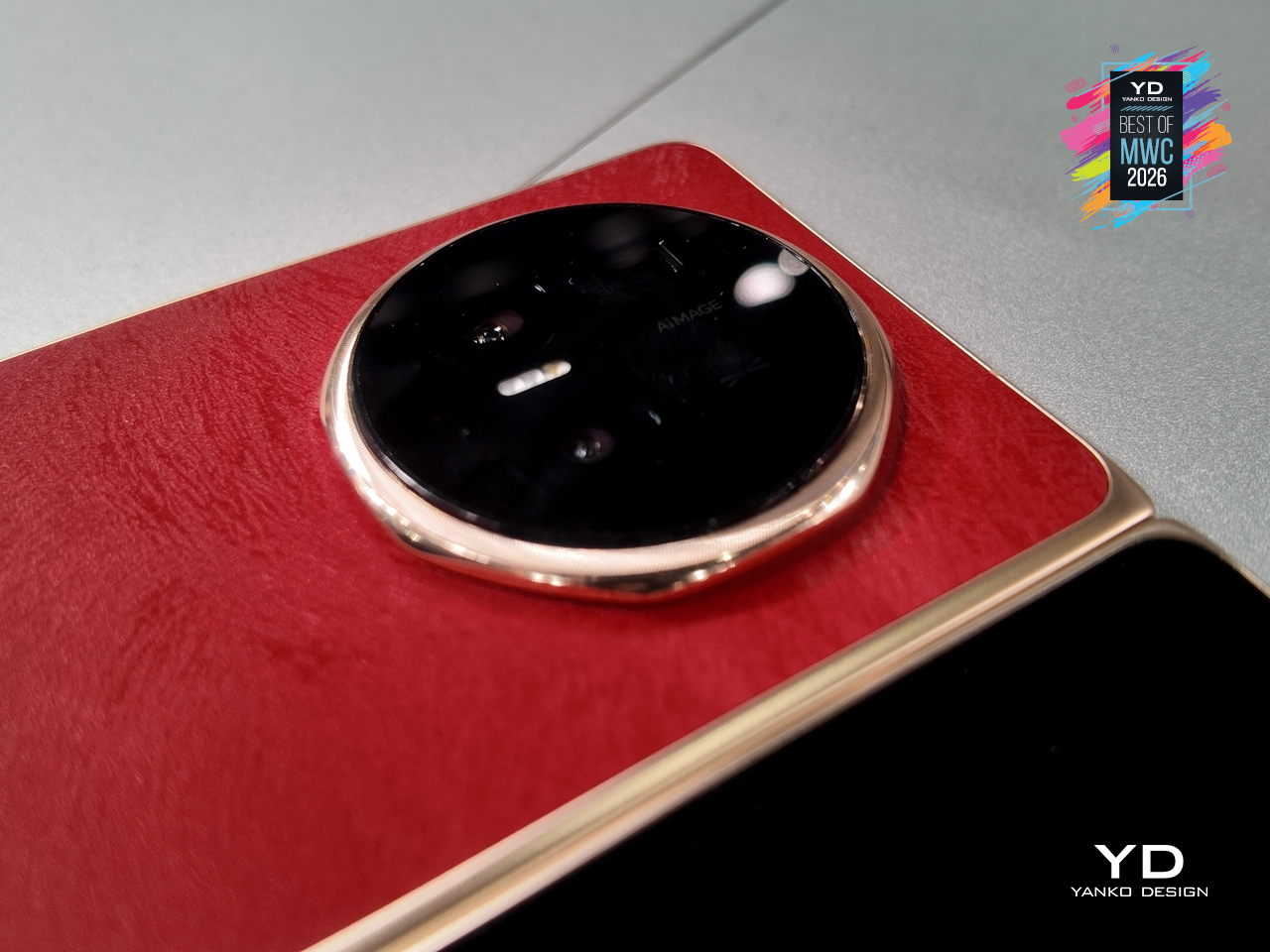
Honor Magic V6 Foldable phone
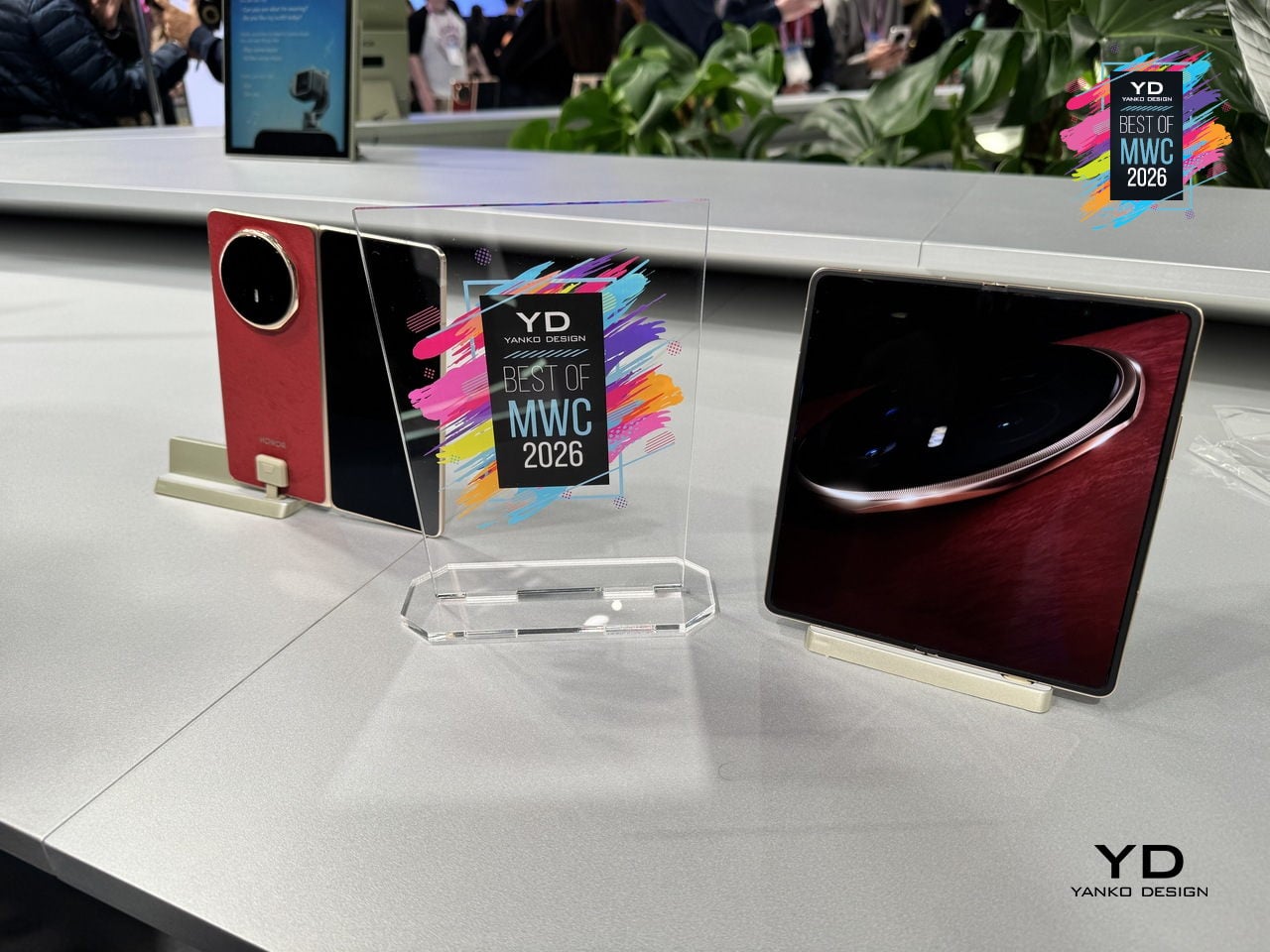
Foldable phones have spent years promising the future while feeling fragile, bulky, and anxious about rain. Honor’s design obsession with the Magic V6 was to solve all three problems at once without letting any of them compromise the others. The result is an 8.75mm folded profile, putting it in iPhone-thin territory, paired with a 6,660mAh silicon-carbon battery, the largest ever fitted into a foldable at this thickness.

Designer: Honor
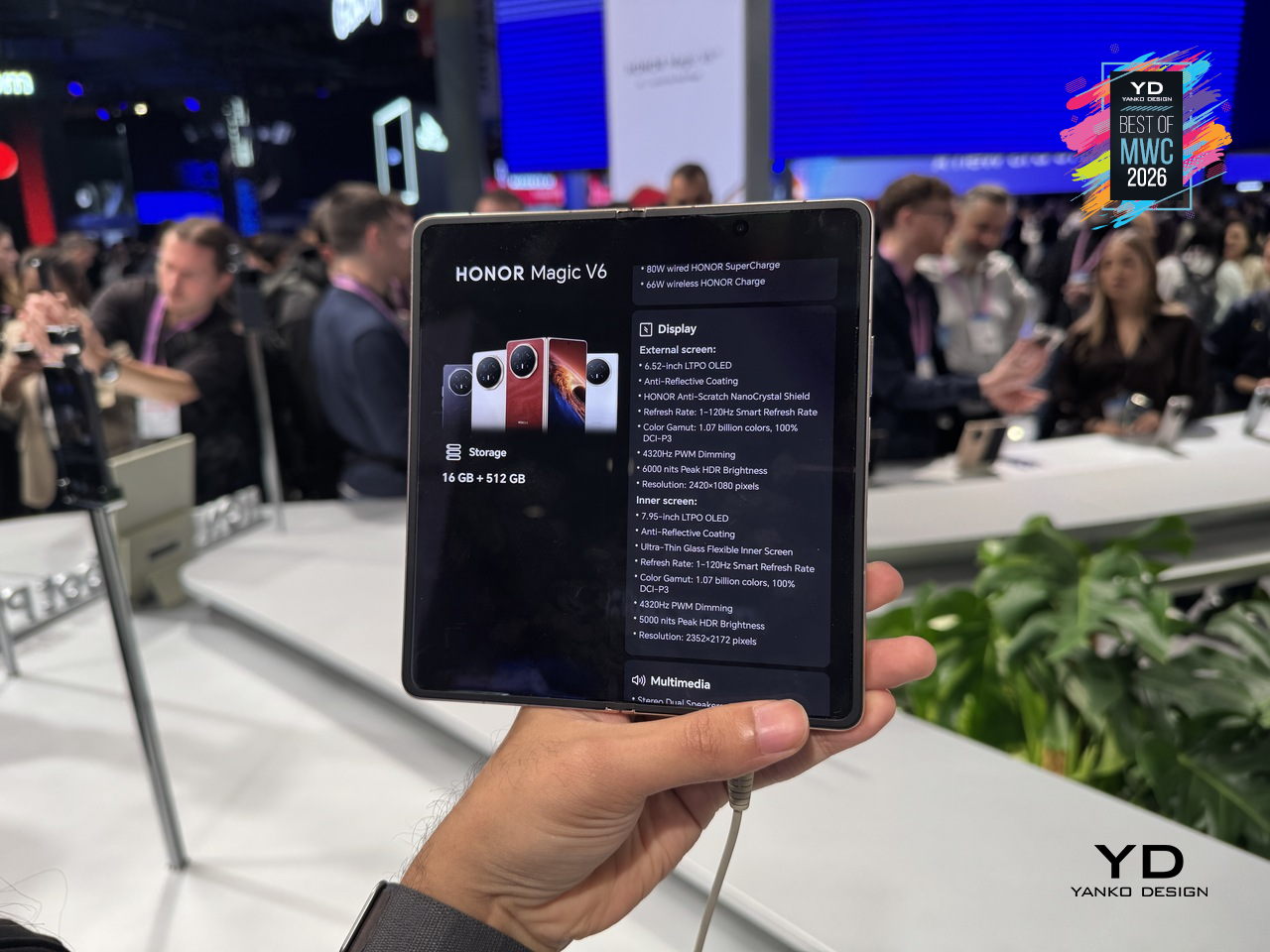
That battery figure is where the real engineering story lives. Silicon-carbon cells pack more energy into less space than conventional lithium-ion, but higher silicon content creates expansion stress that can crack cells over charge cycles. Honor’s fifth-generation silicon-carbon material, developed with ATL, reaches 25% silicon content. That’s what allows the capacity and the thinness to coexist without one compromising the other.
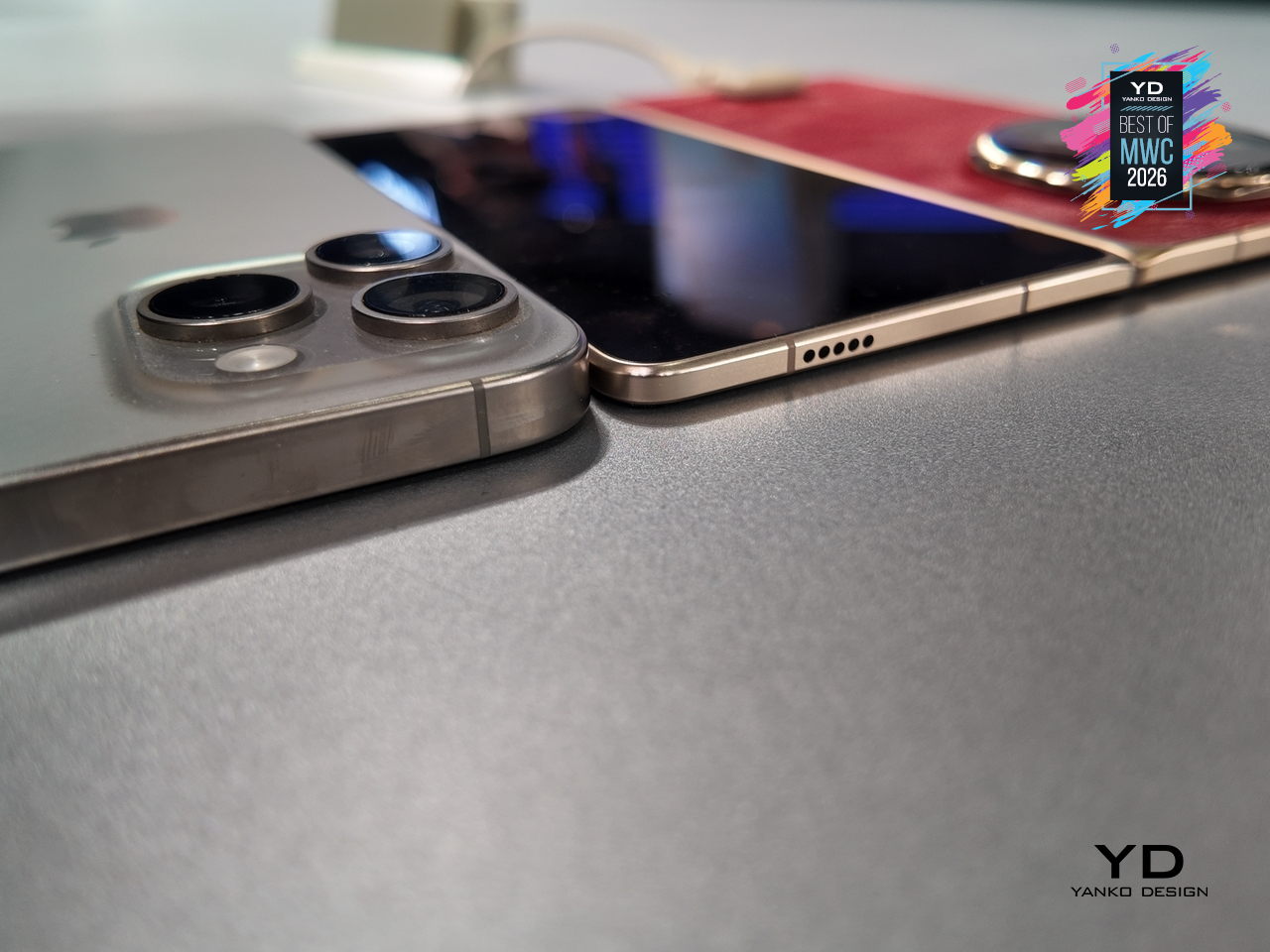
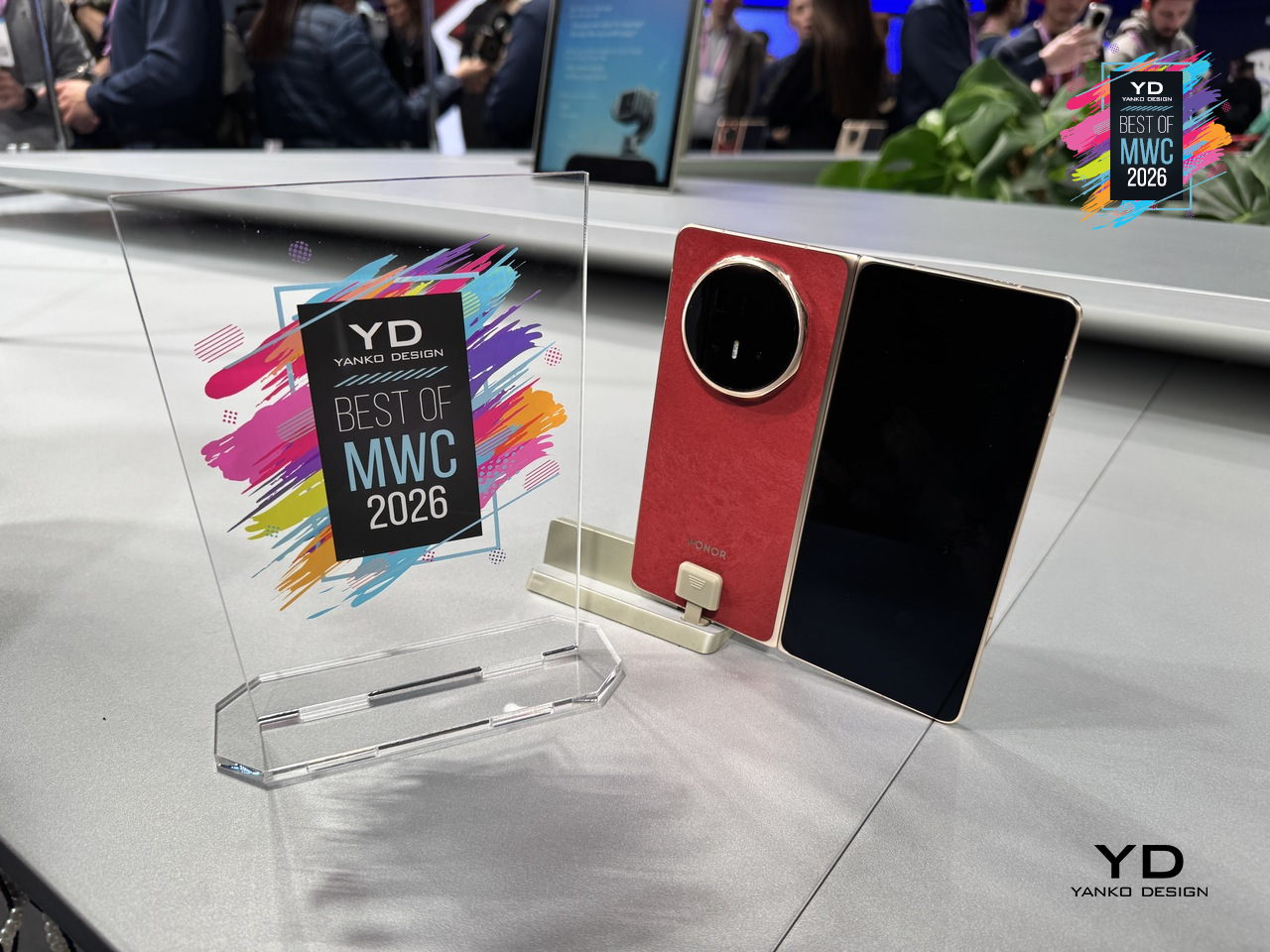
The Magic V6 also carries both IP68 and IP69 ratings, a first for any foldable. IP68 handles submersion; IP69 covers high-pressure, high-temperature water jets. Getting both on a device with a moving hinge, a crease depth reduced by 44% over the previous generation, and a display reflectivity as low as 1.5%, reflects how much structural engineering went into something that still opens and closes hundreds of times daily.

Lenovo ThinkBook Modular AI PC Concept
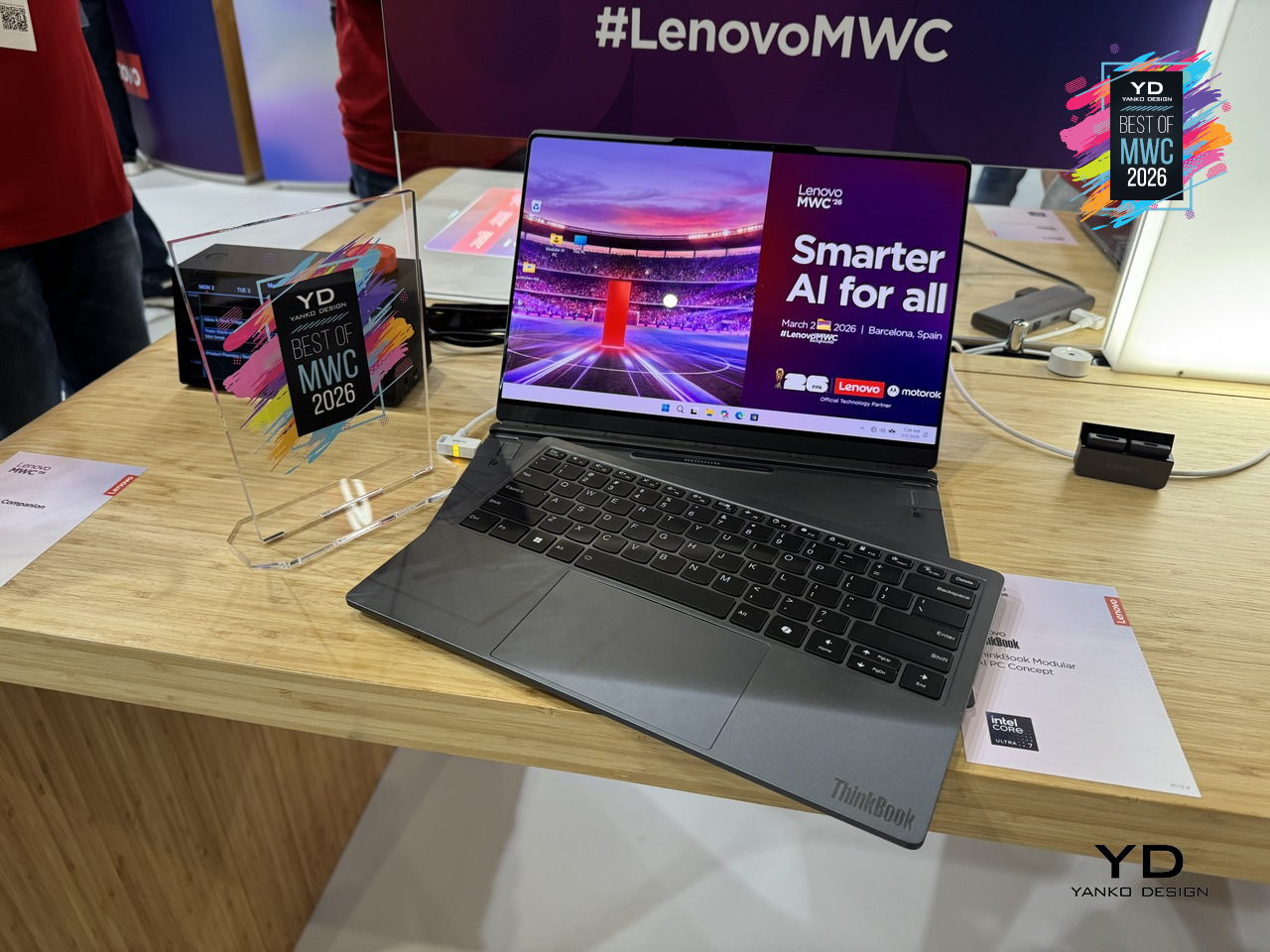
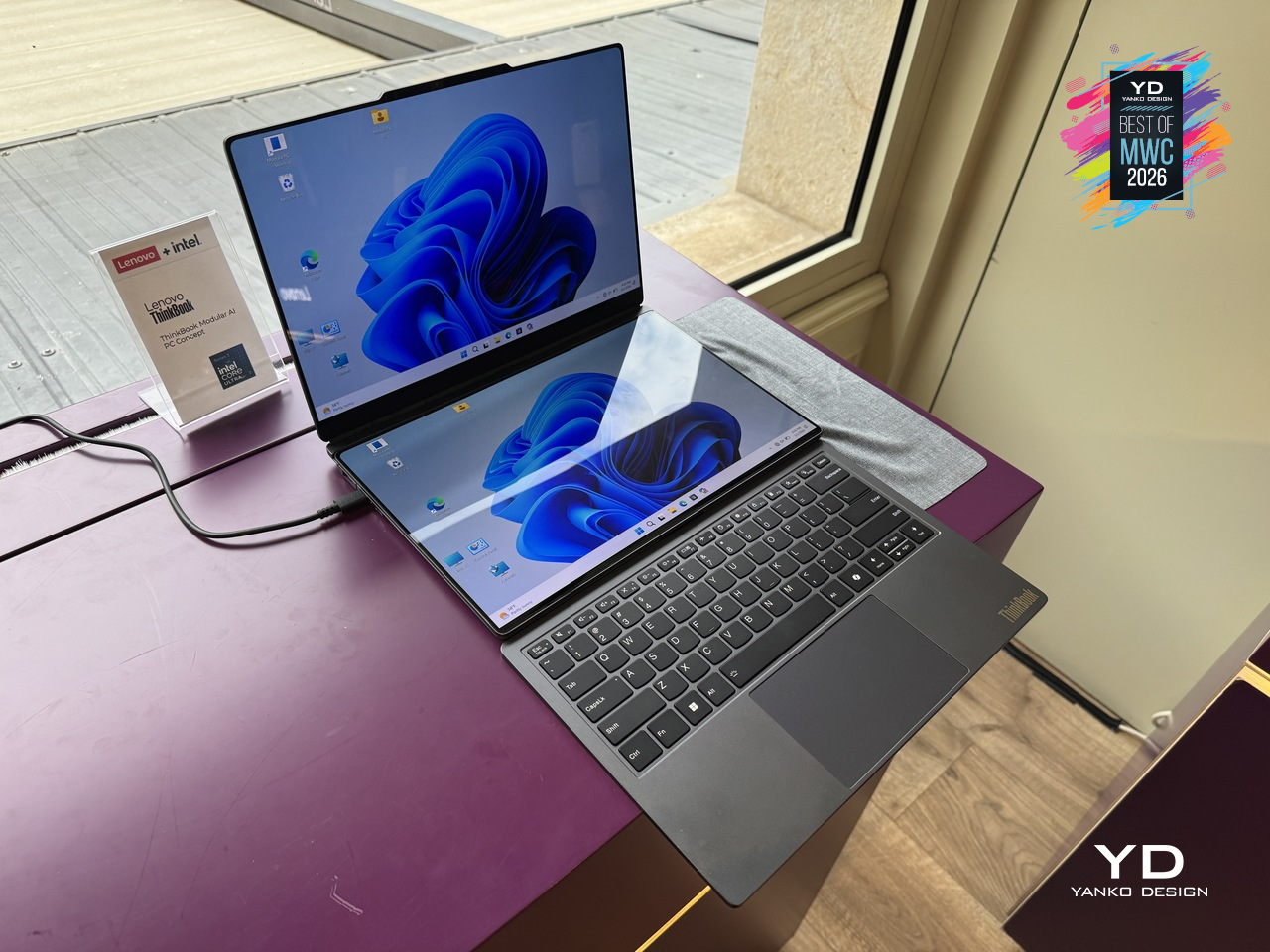
Laptops have been making the same basic promise for decades: here is one device that does everything, carry it everywhere. The trade-off has always been that “everything” means compromises, a screen too small for real work, a body too thick for a bag, a keyboard that disappears when you want a tablet. Lenovo’s ThinkBook Modular AI PC Concept at MWC 2026 takes a different position entirely, built around a “carry small, use big” philosophy that lets a single 14-inch base system reconfigure itself depending on where you are and what you’re doing.

Designer: Lenovo
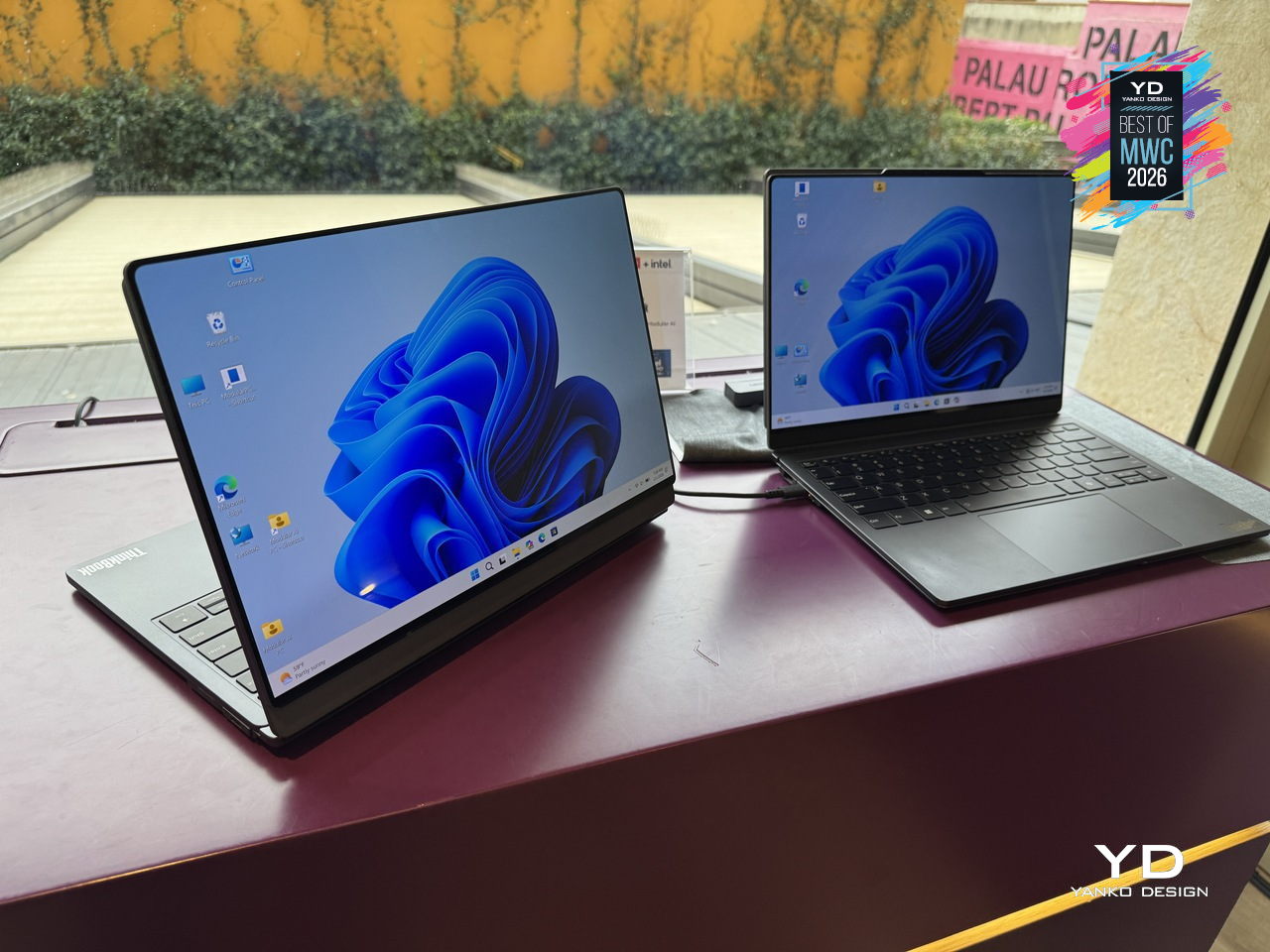
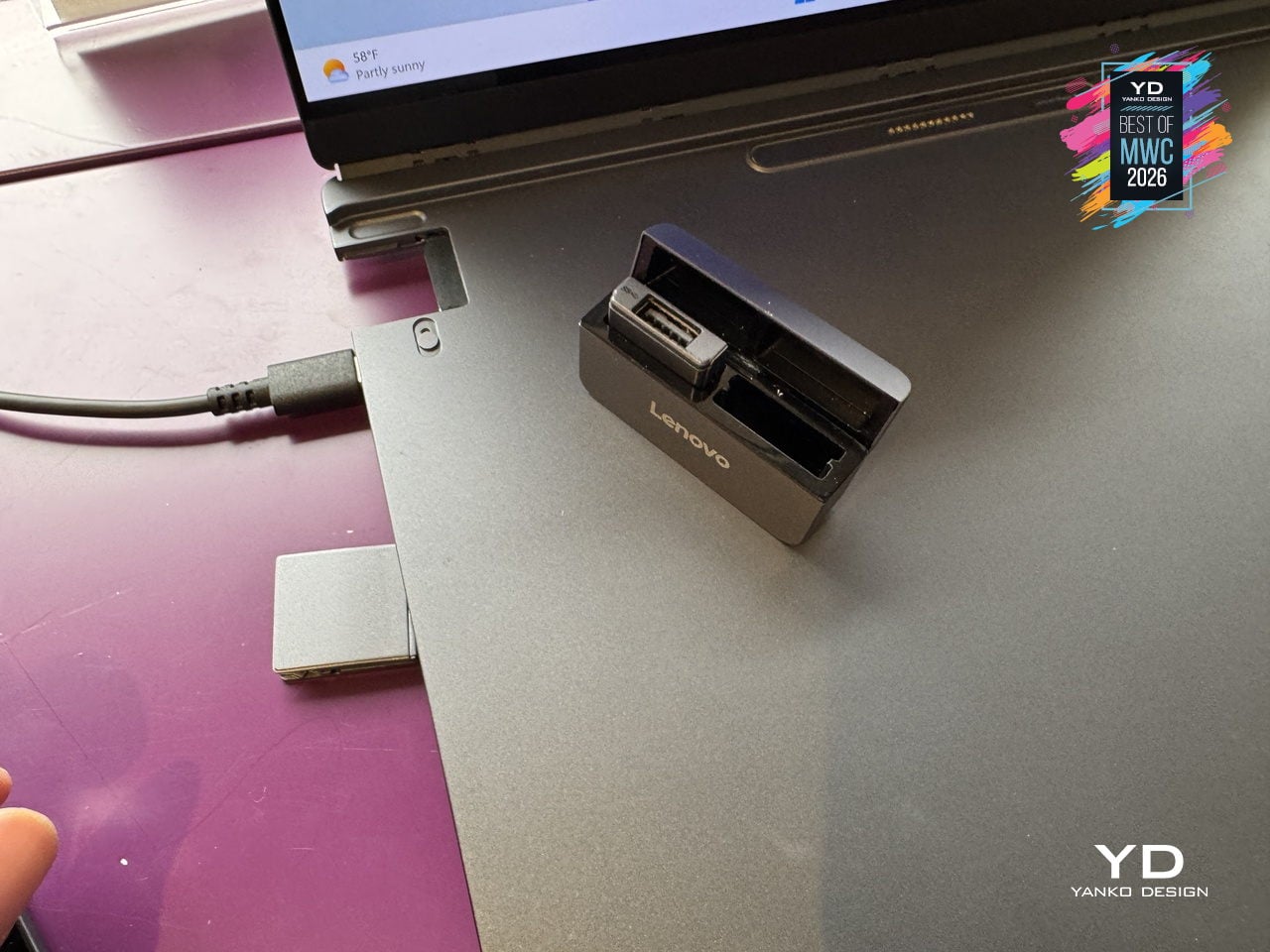
The modularity here is practical rather than speculative. A secondary display attaches to the top cover for face-to-face sharing or closed-lid use, sits alongside the base on an integrated kickstand as a portable travel monitor in portrait or landscape, or swaps with the keyboard to create a dual-screen setup stretching the combined workspace to roughly 19 inches. The Bluetooth keyboard detaches entirely. IO ports, including USB Type-A, USB Type-C, and HDMI, are interchangeable depending on what a given day requires. Pogo-pin connectors handle power and data transfer between modules, keeping the system stable and self-contained throughout all the rearranging.
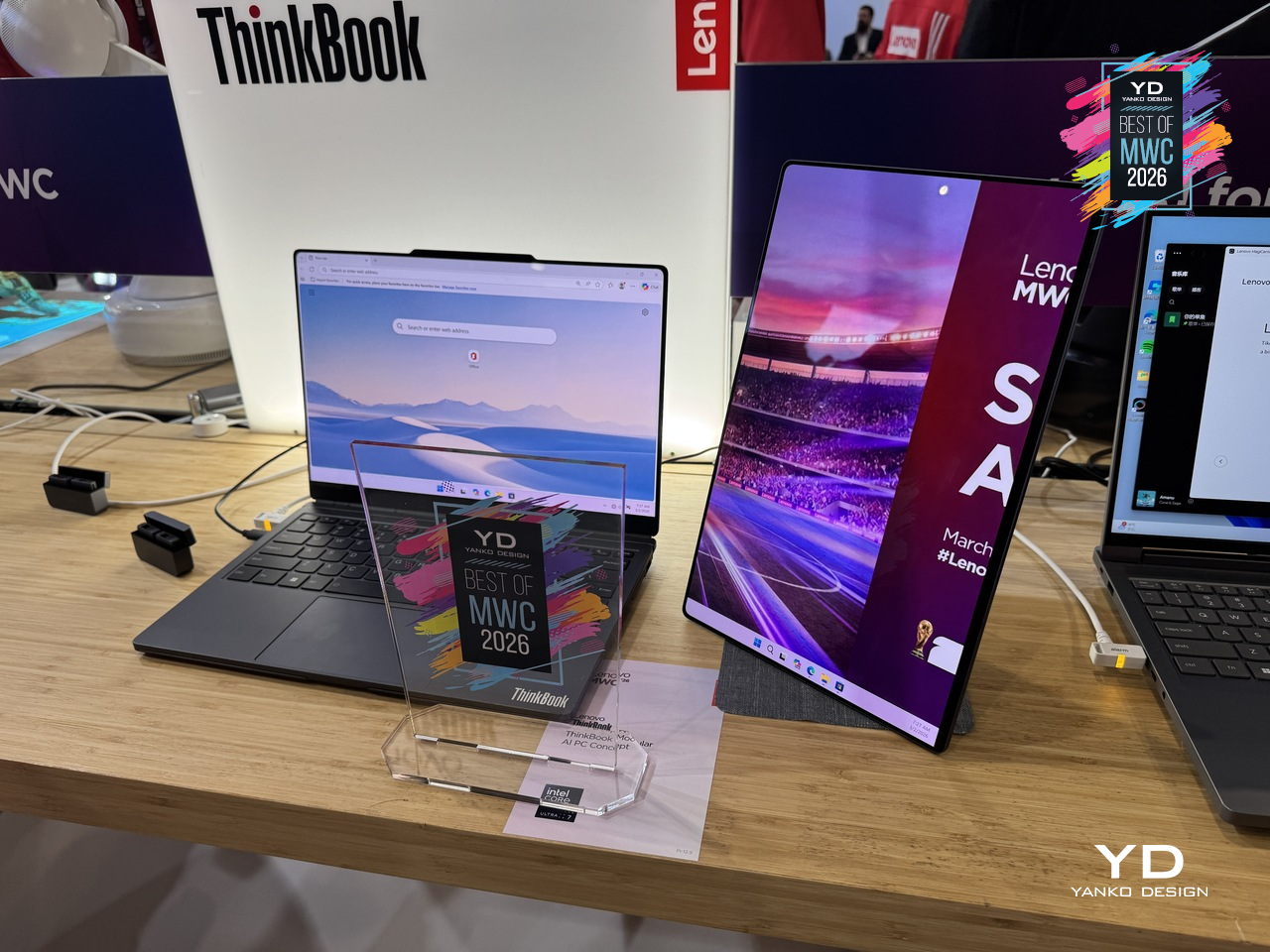
What makes the ThinkBook Modular concept worth paying attention to as a design argument is the restraint behind it. Rather than trying to anticipate every scenario inside one fixed chassis, Lenovo accepted that the device itself should be the smallest possible useful thing and let the user decide what gets added to it. A laptop that adapts to the workflow instead of the other way around is an old idea that has never quite landed in a form people actually use. This concept is still exactly that, a proof of concept with no confirmed release date, but the underlying logic is more considered than most modular hardware that has come before it.

Leica Leitzphone by Xiaomi
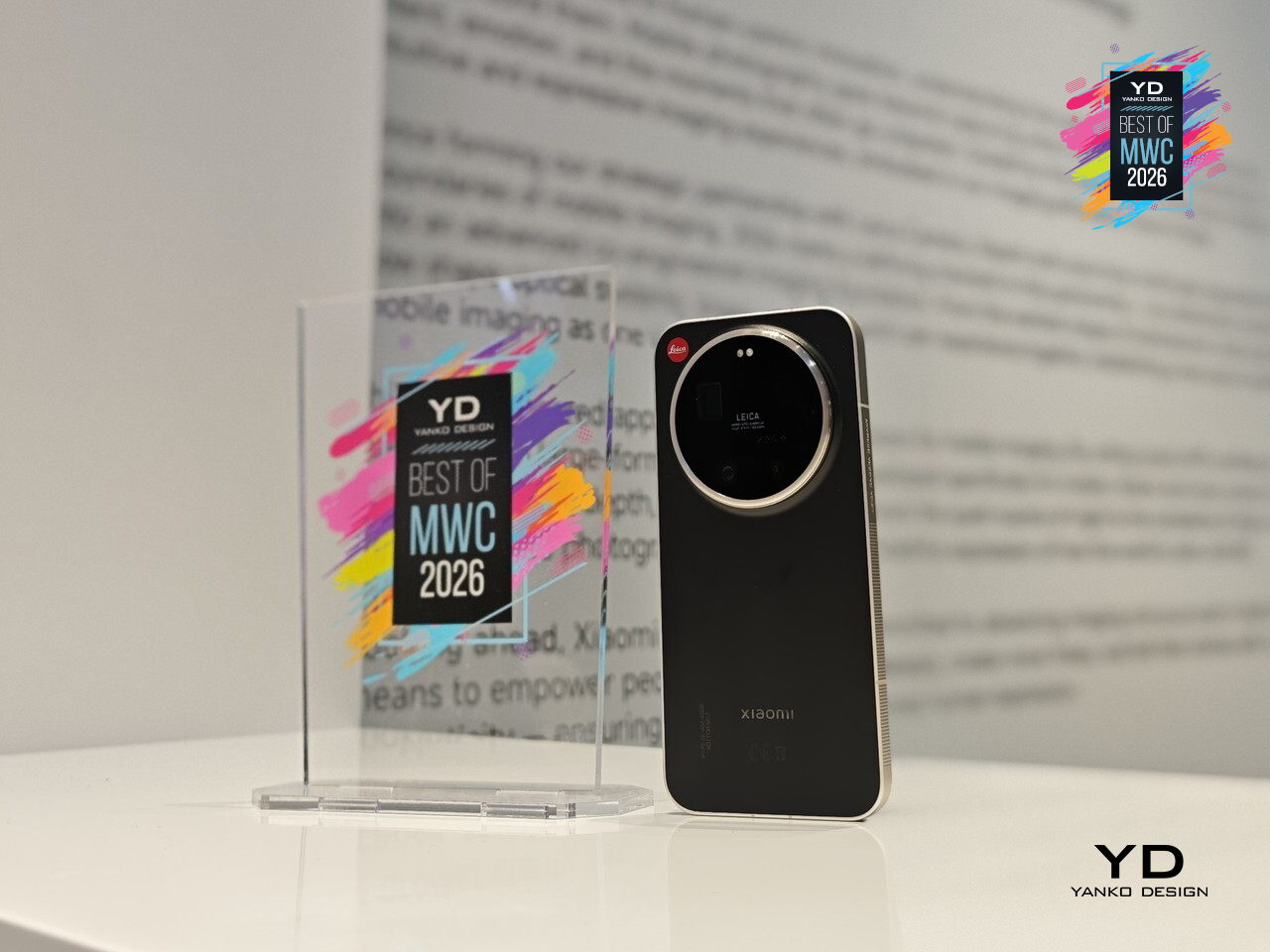
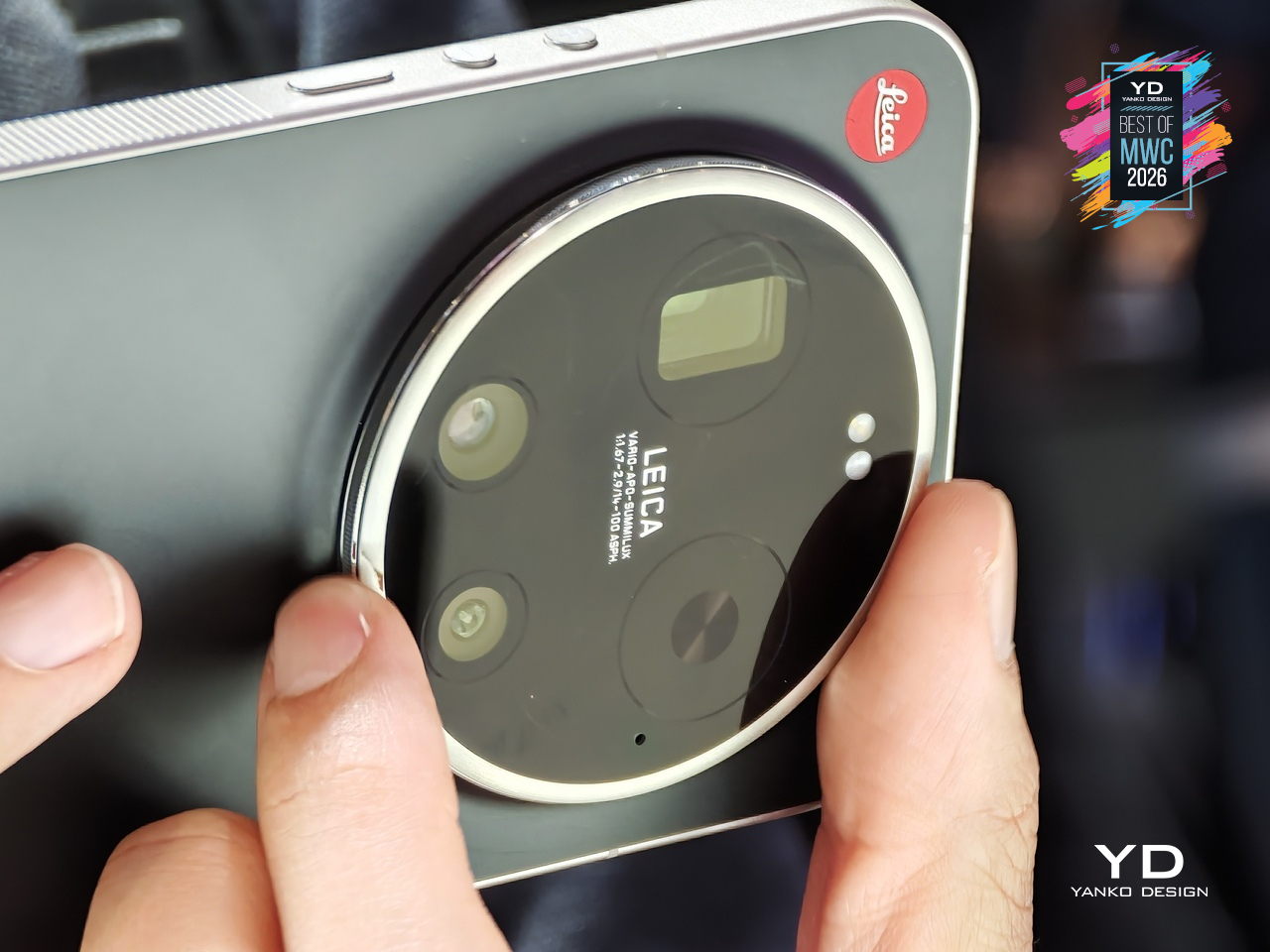
Xiaomi has made plenty of capable camera phones, but the Leica Leitzphone takes a different approach entirely, treating the smartphone less like a spec competition and more like an extension of Leica’s century-old obsession with optical craft. The silver aluminum frame carries tactile knurling, a rotatable camera ring, and the iconic Leica Red Dot, sitting against a black fiberglass back pulled directly from classic Leica rangefinder design language.

Designer: Xiaomi x Leica
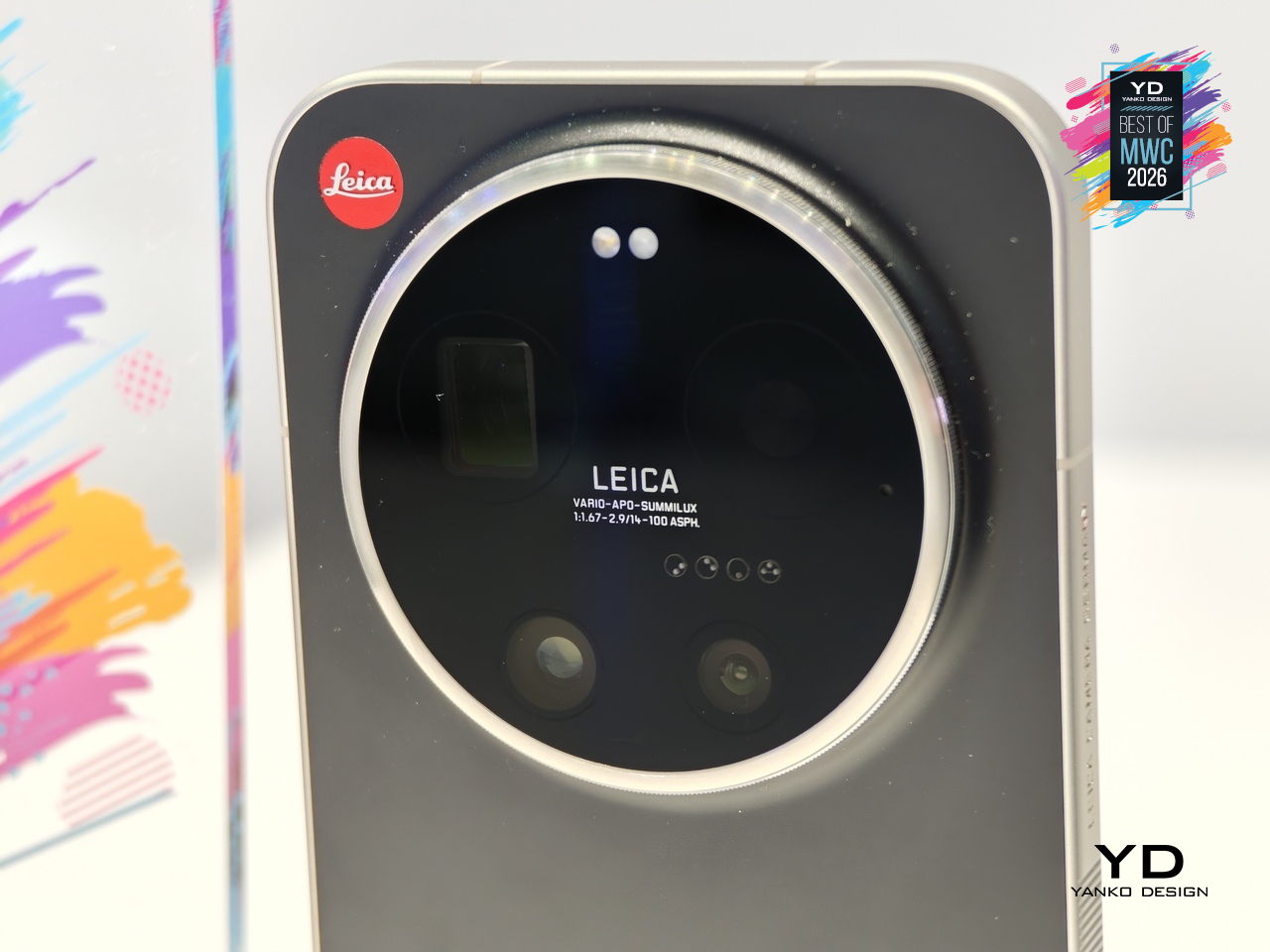
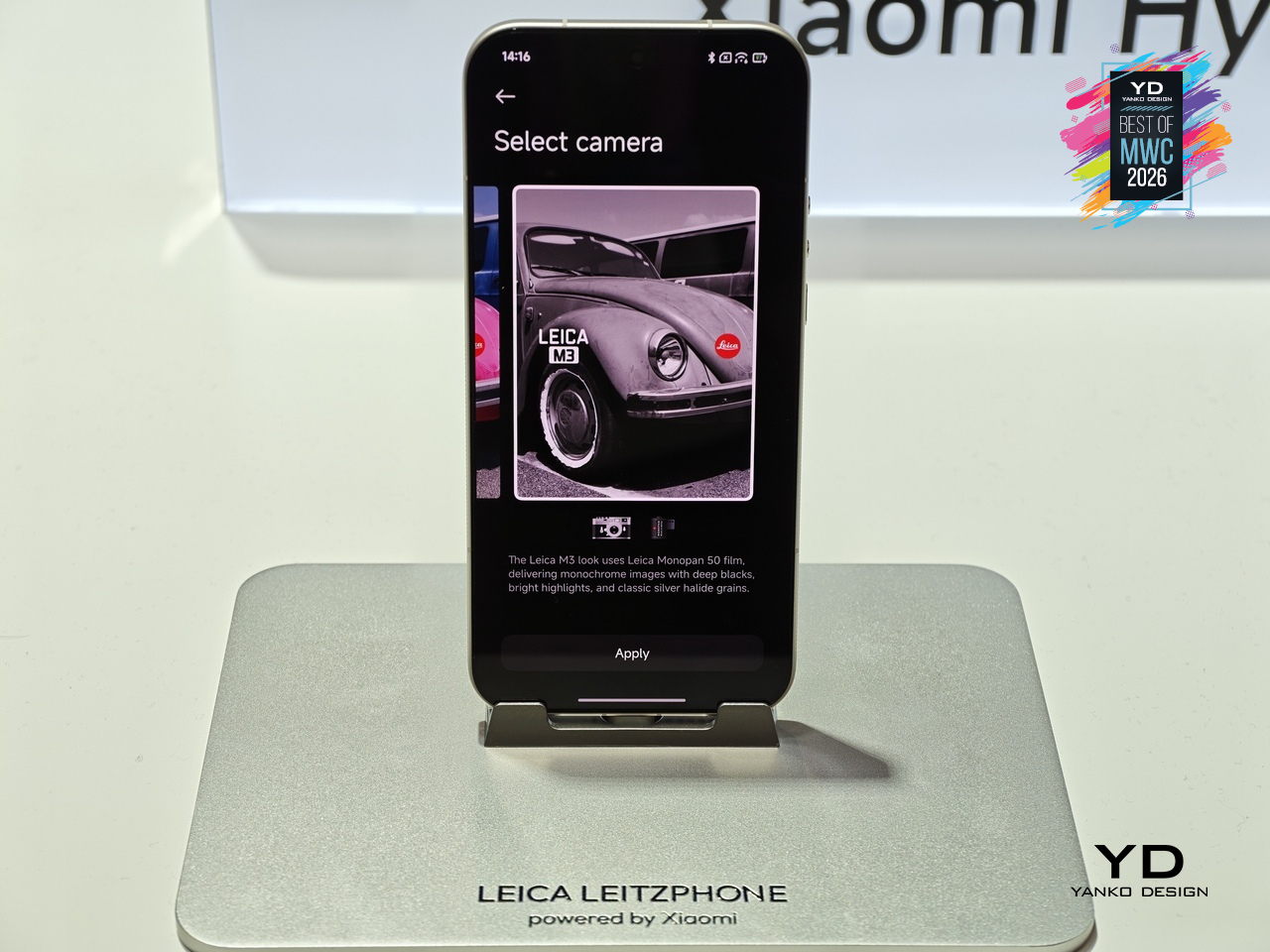
That camera system is where the conviction becomes most legible. A 1-inch sensor with LOFIC HDR technology handles the main shooting duties, alongside a 200MP telephoto at 75 to 100mm and a 14mm ultra-wide. The rotatable physical camera ring, assignable to focal length, focus, or bokeh, gives the experience a tactile dimension that touchscreen sliders simply cannot replicate. Thirteen Leica color styles and a dedicated Essential Mode recreating the Leica M9 and M3 look complete the package.
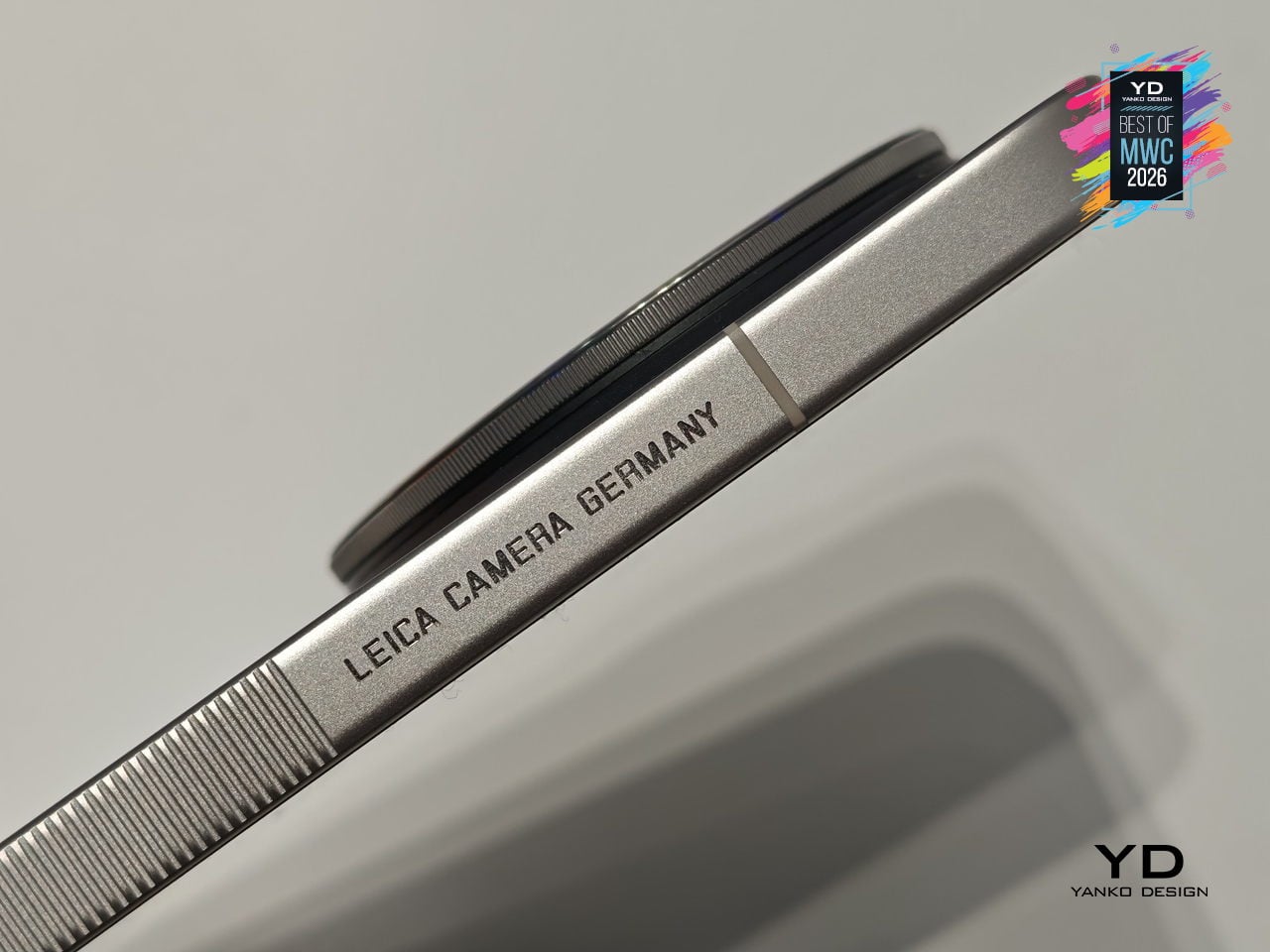
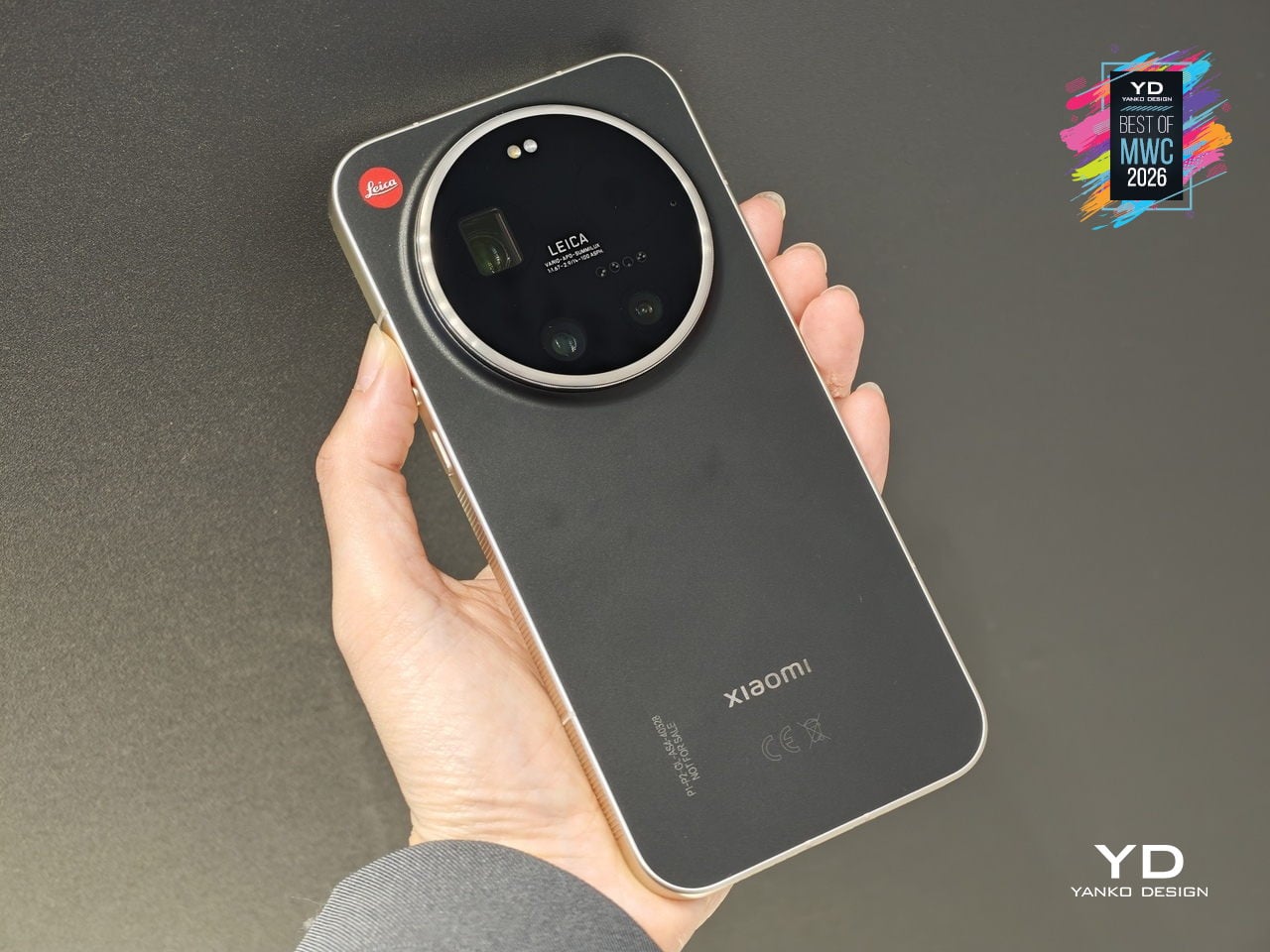
The rest of the hardware keeps pace: Snapdragon 8 Elite Gen 5, a 6.9-inch 3500-nit OLED display, and a 6000mAh battery with 90W wired charging. The Leica UX layer goes further than a cosmetic theme, reshaping system fonts, icons, and widgets into a coherent visual identity rooted in Leica’s design language. For anyone who has wanted smartphone photography to feel less like operating software and more like handling a real camera, this is the most direct answer yet.

TCL Tbot Smartwatch Desktop Companion for Kids
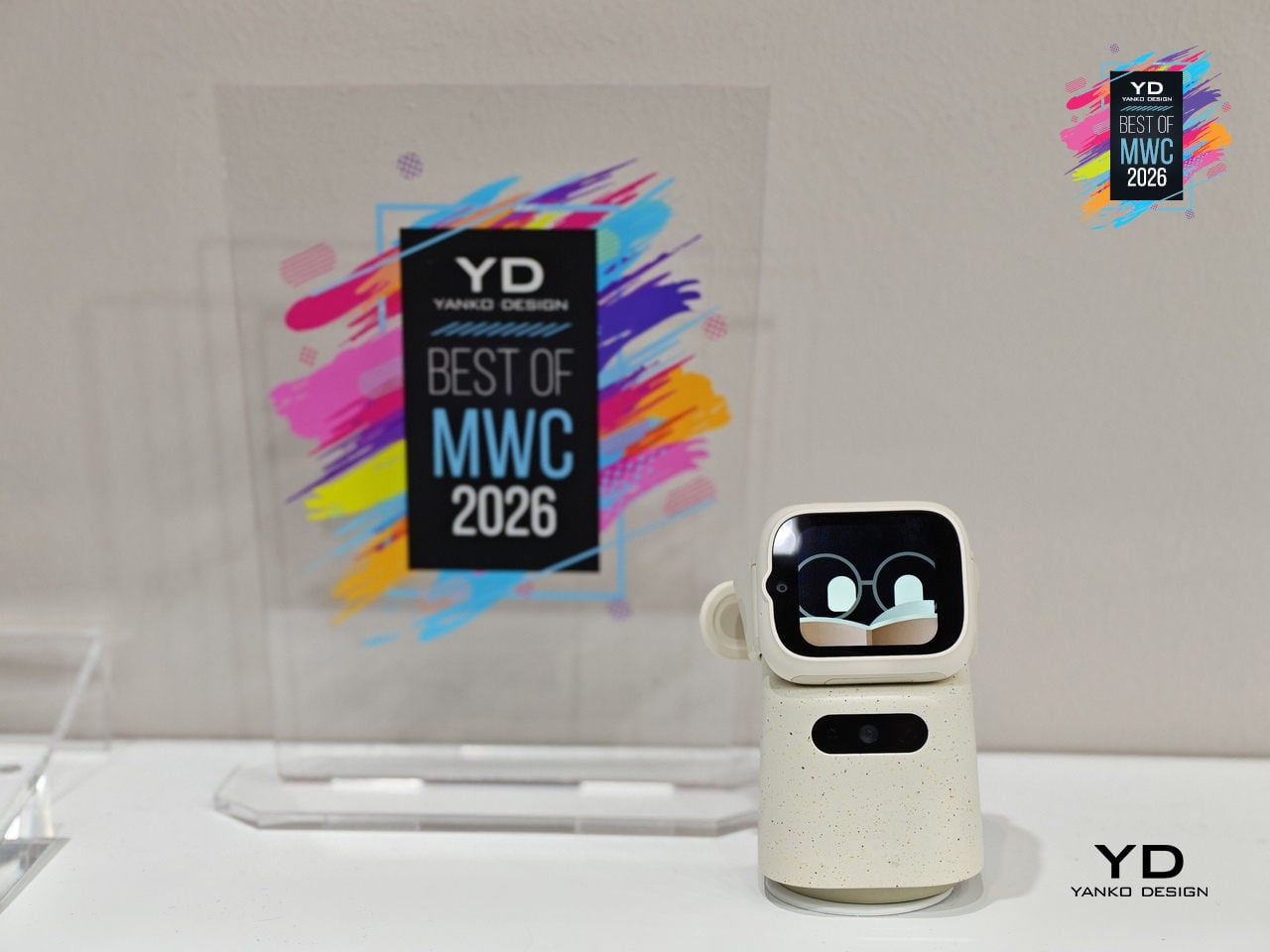
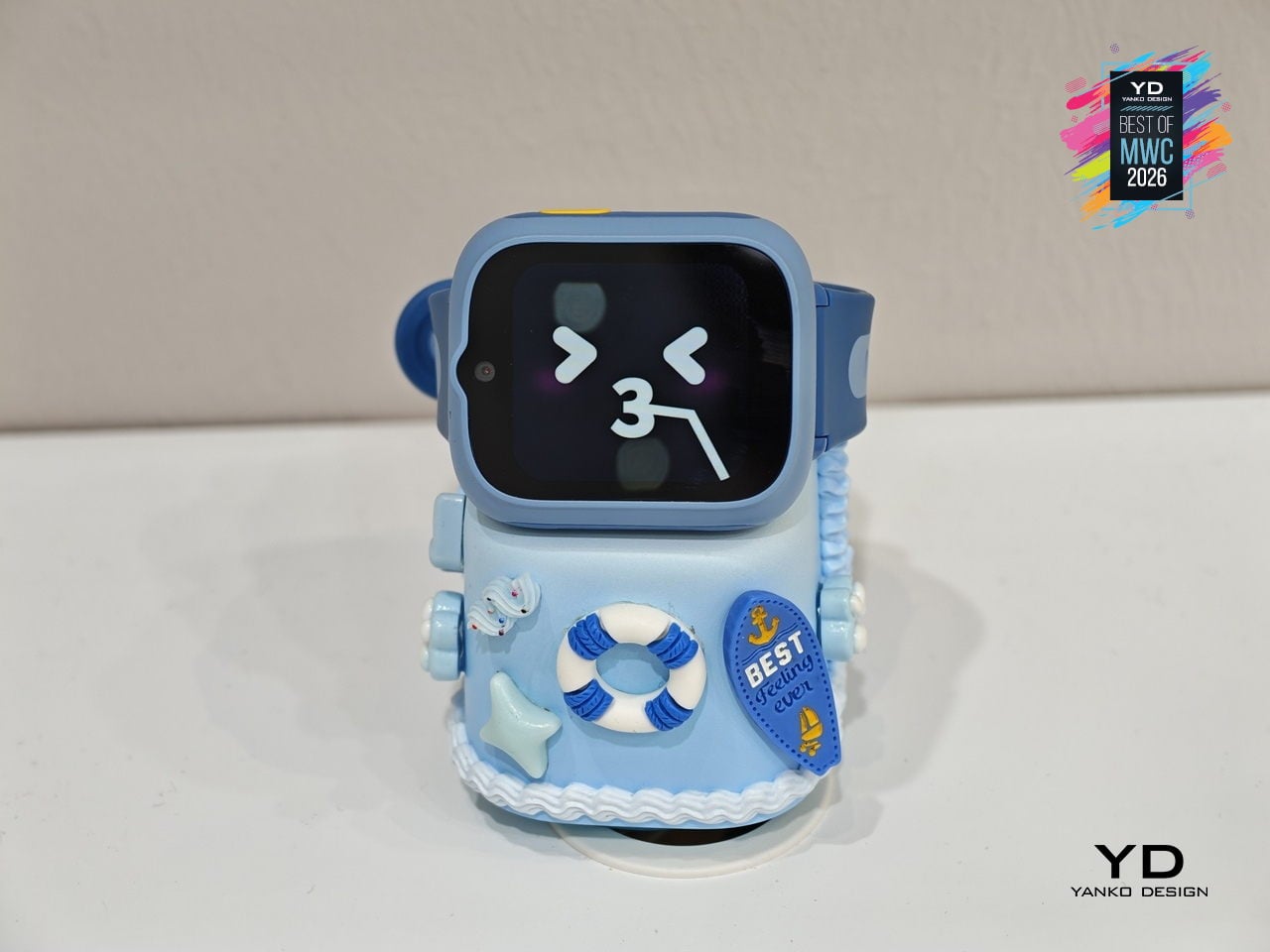
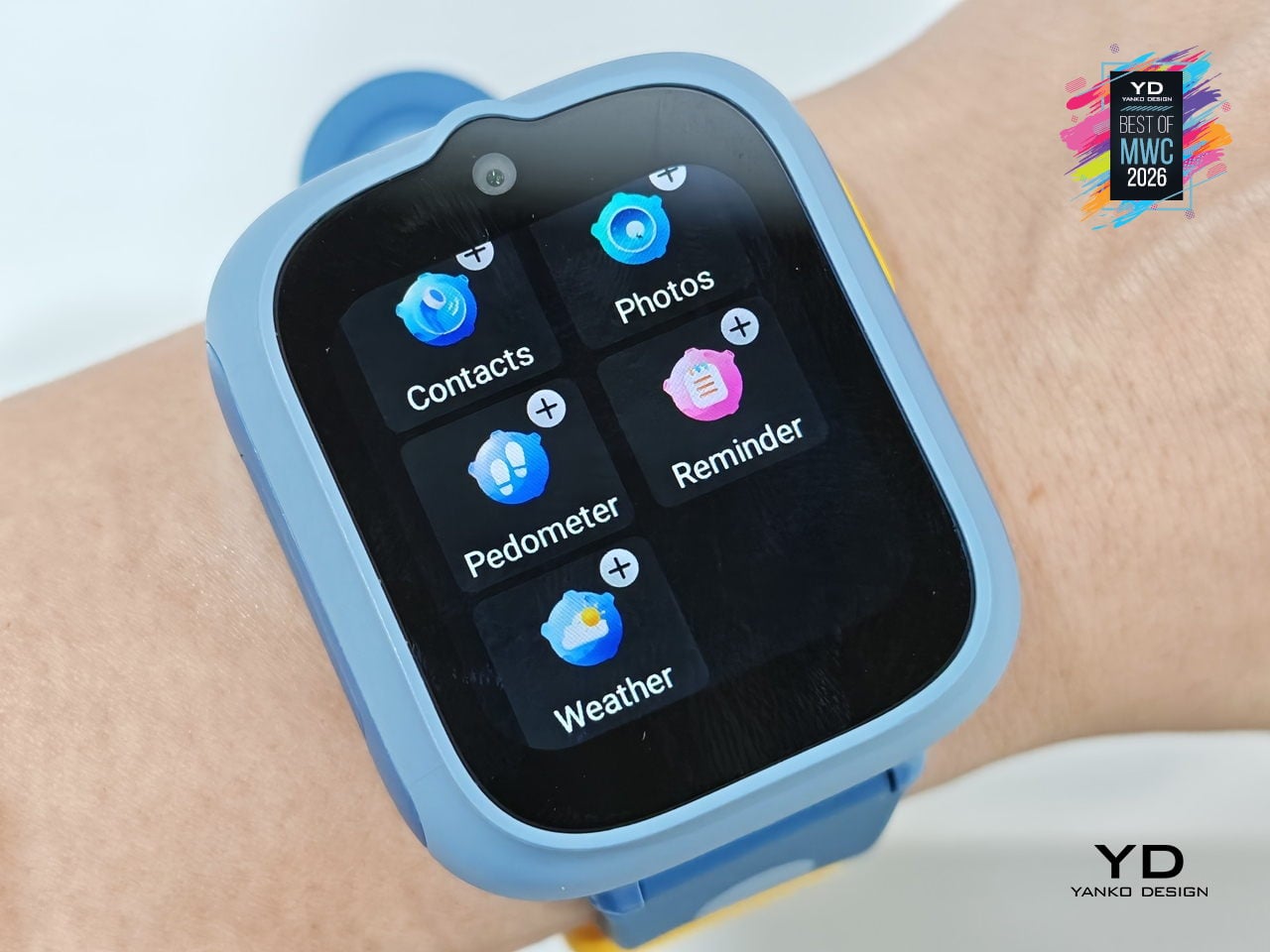
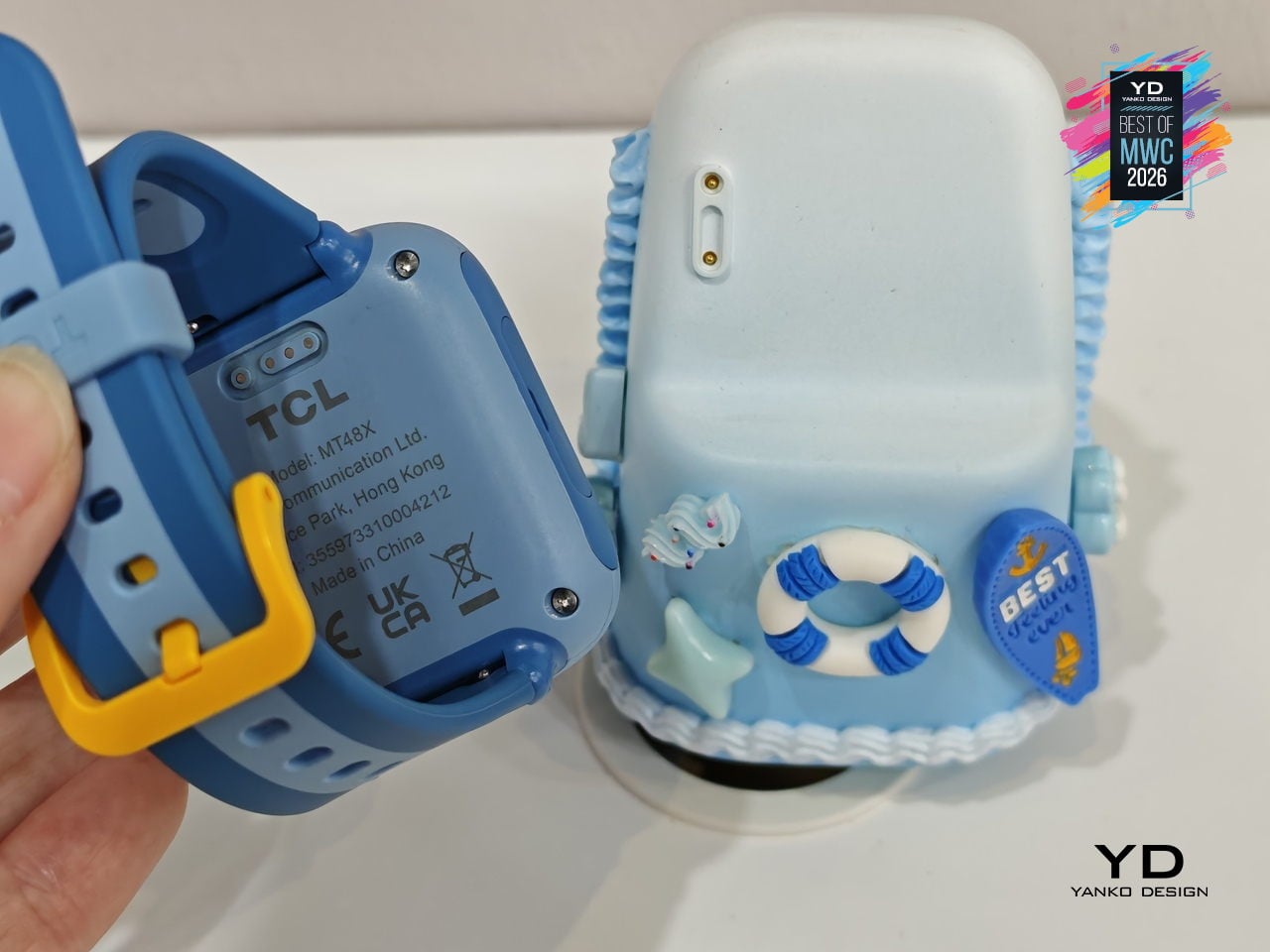
Kids’ smartwatches have gotten good at keeping children connected to parents while they’re out, but they go dark the moment they come off the wrist. That’s the gap TCL is trying to close with the Tbot, a magnetic desktop dock that pairs with TCL’s kids’ watches, like the MoveTime MT48, to keep the experience going at home during charging. Rather than letting the device sit idle on a nightstand, the Tbot turns that downtime into something more purposeful.

Designer: TCL
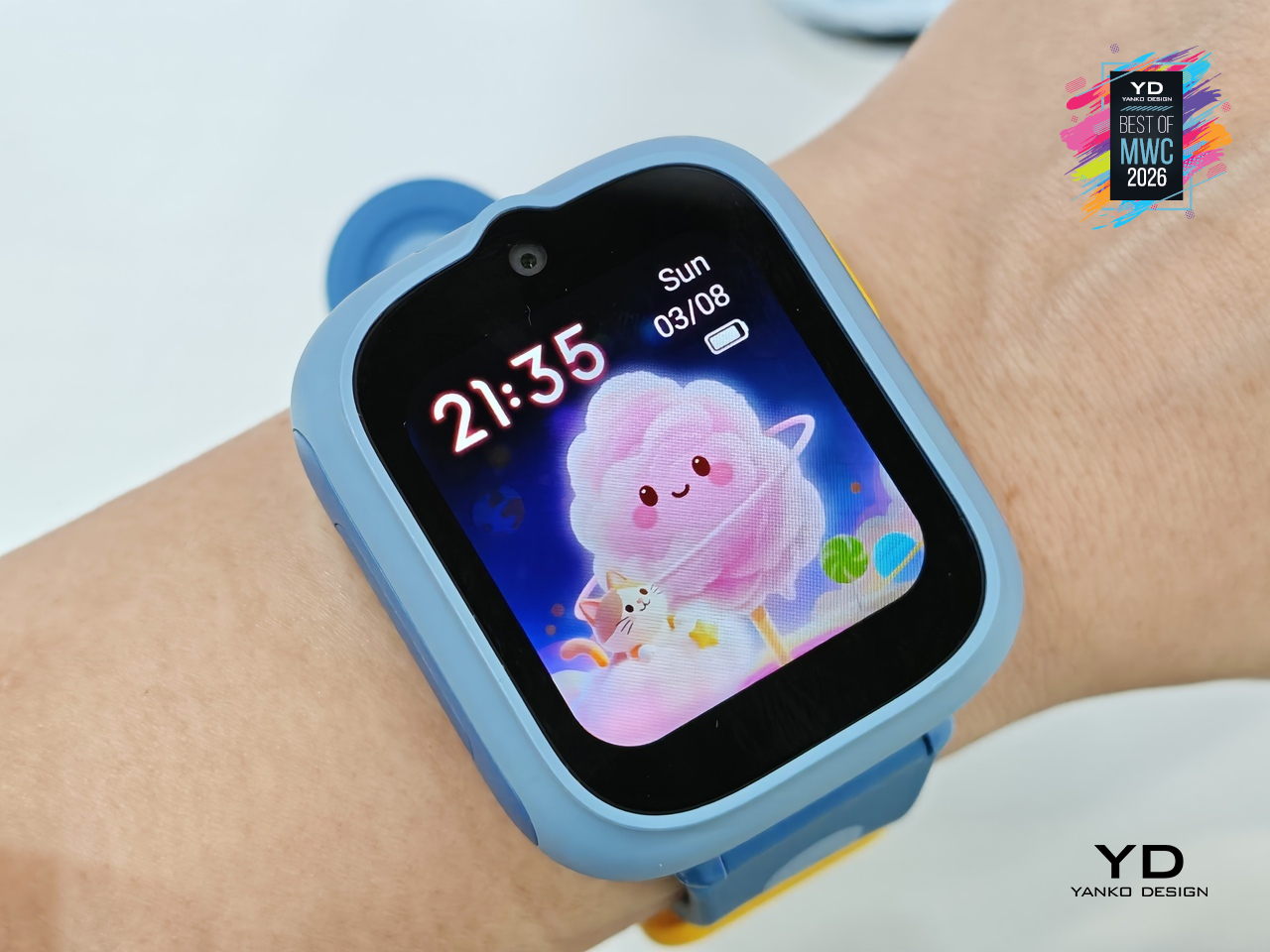
The companion functions as an AI assistant shaped around a child’s daily rhythm, setting wake-up alarms, bedtime reminders, and Pomodoro-style study timers through age-appropriate guidance. It also doubles as a learning partner for guided discovery, a sleep companion that tells bedtime stories, and a parental alert hub that sends configurable notifications when parents need to stay in the loop. The idea is continuity between the outdoors and the home, with the watch and dock working as two parts of the same connected experience.
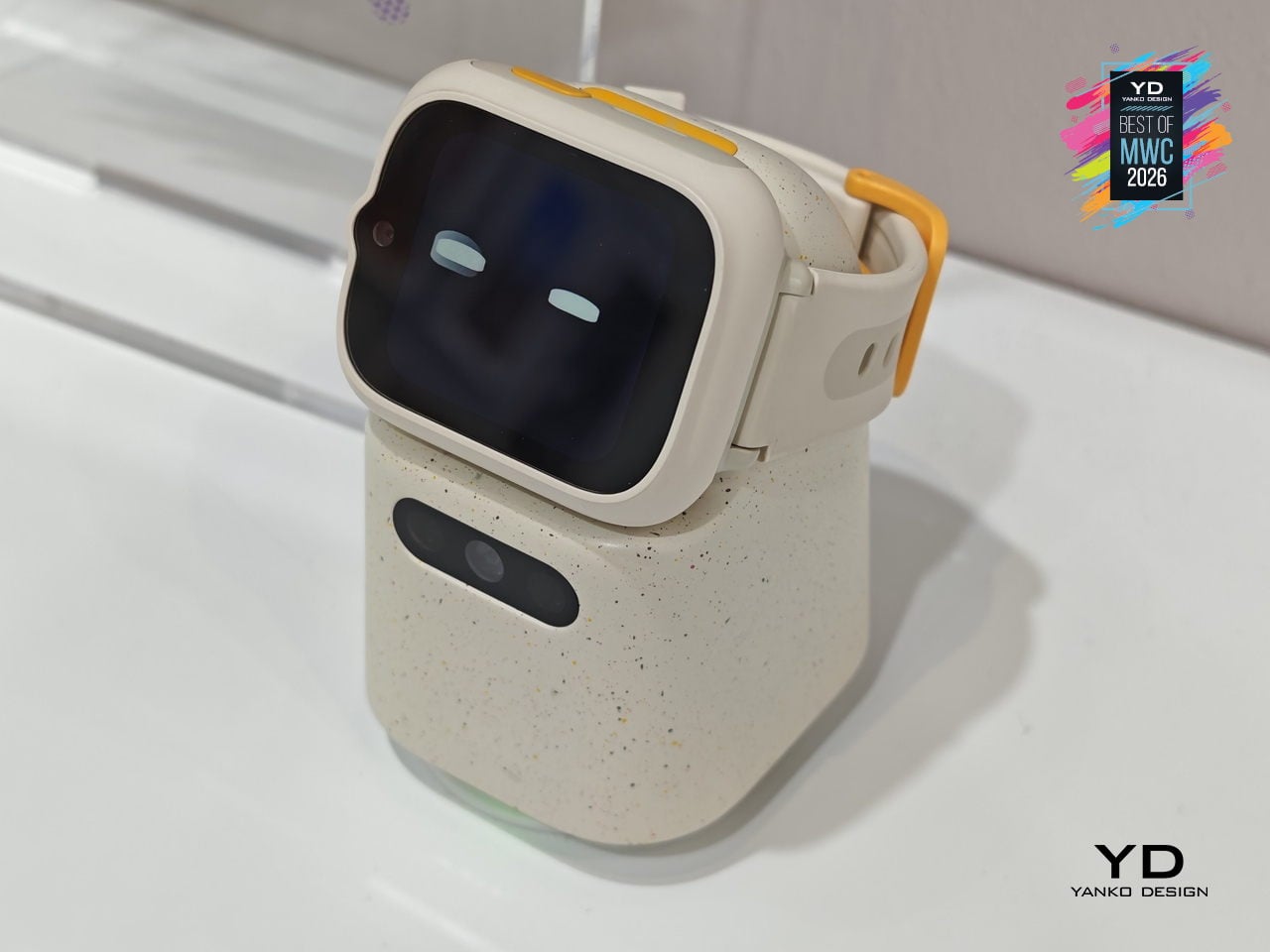
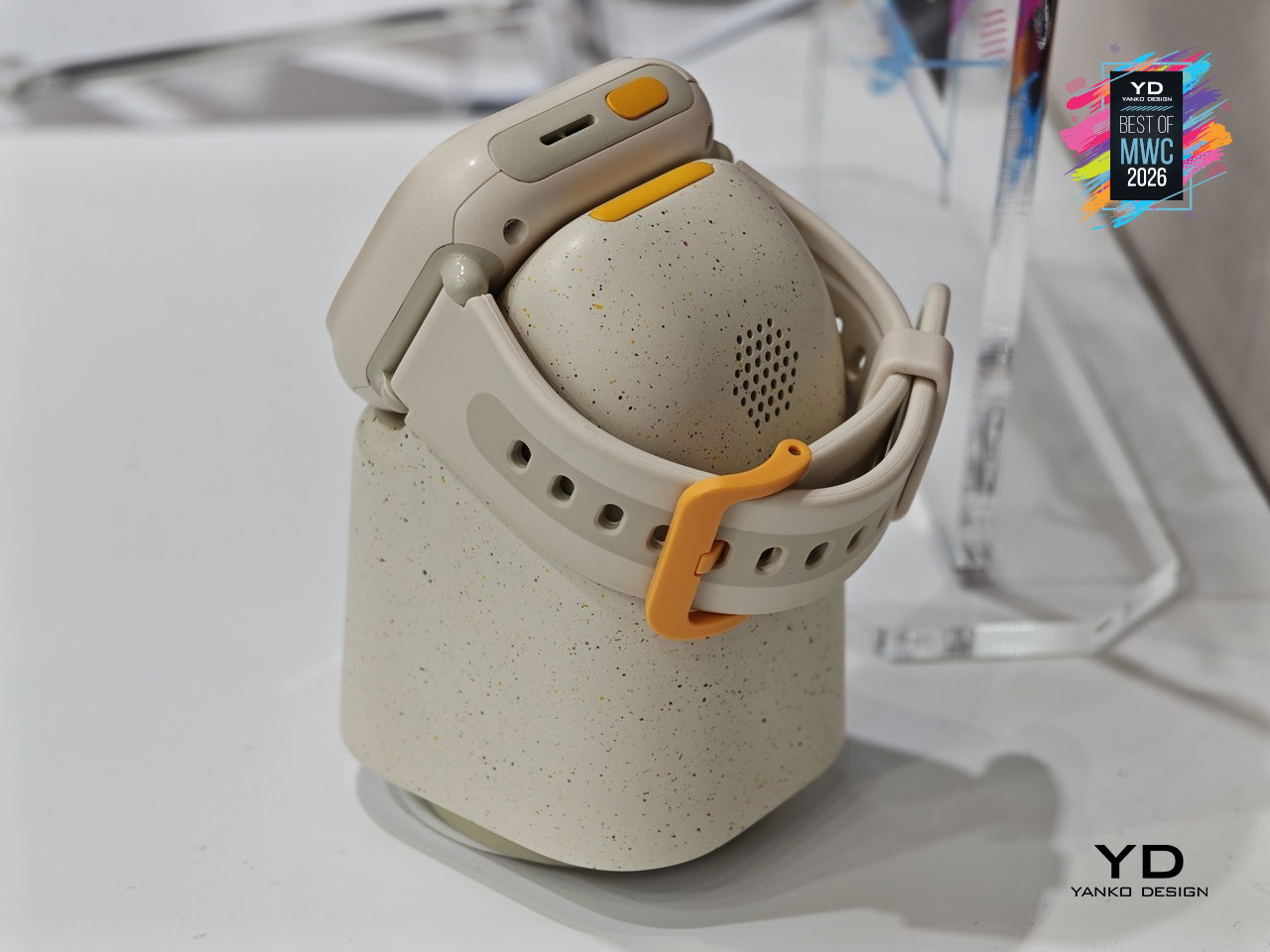
TCL is positioning the Tbot as a concept for now, still in its development phase while the company works through applicable regulations around AI features for children. That measured approach actually makes sense given the audience, since parental permission and age-appropriate guardrails are built into its design from the start. Getting that balance right between a helpful AI companion and appropriate boundaries for kids is exactly the kind of design problem worth taking slowly.

Lenovo Yoga Book Pro 3D Concept
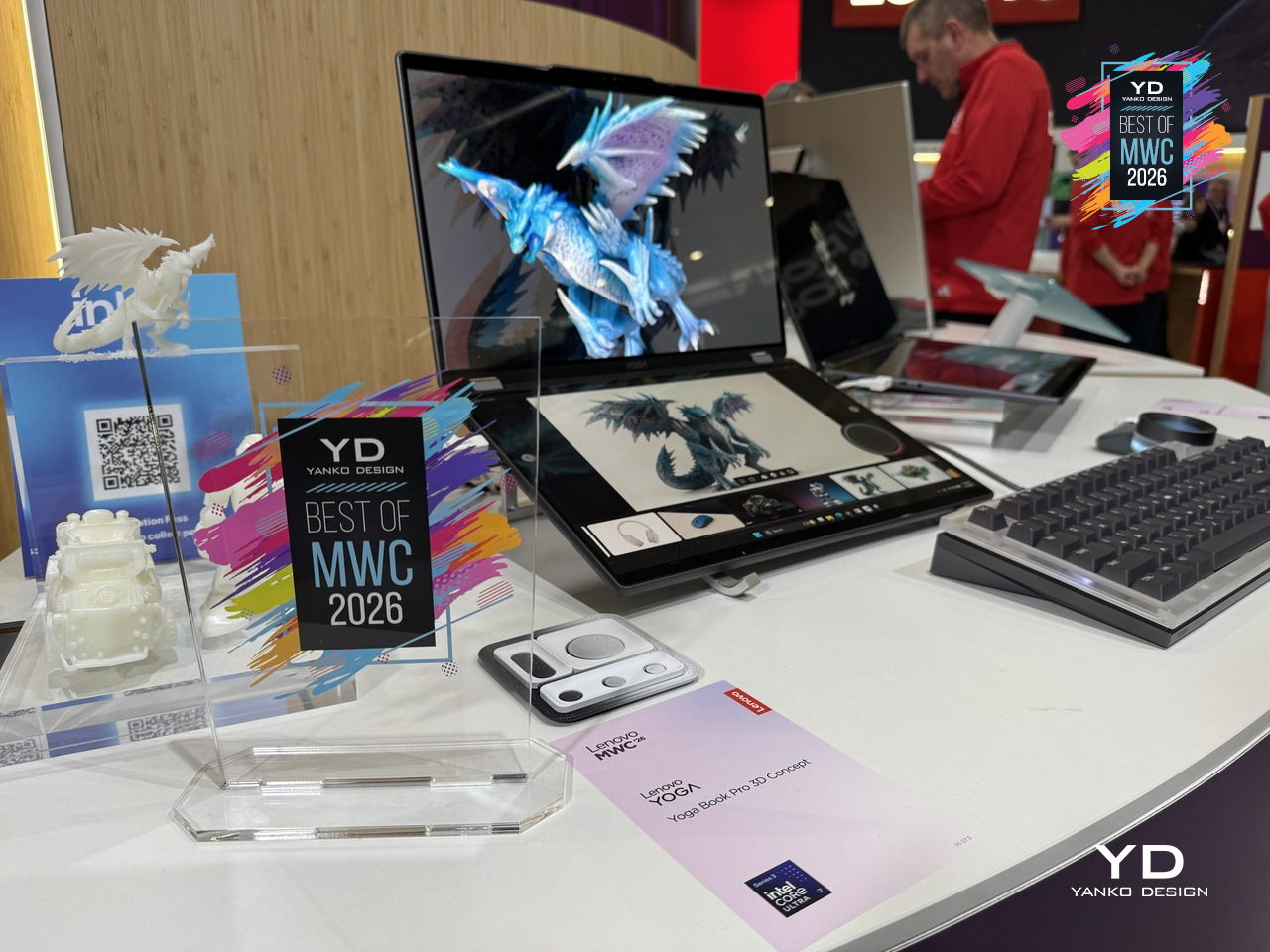
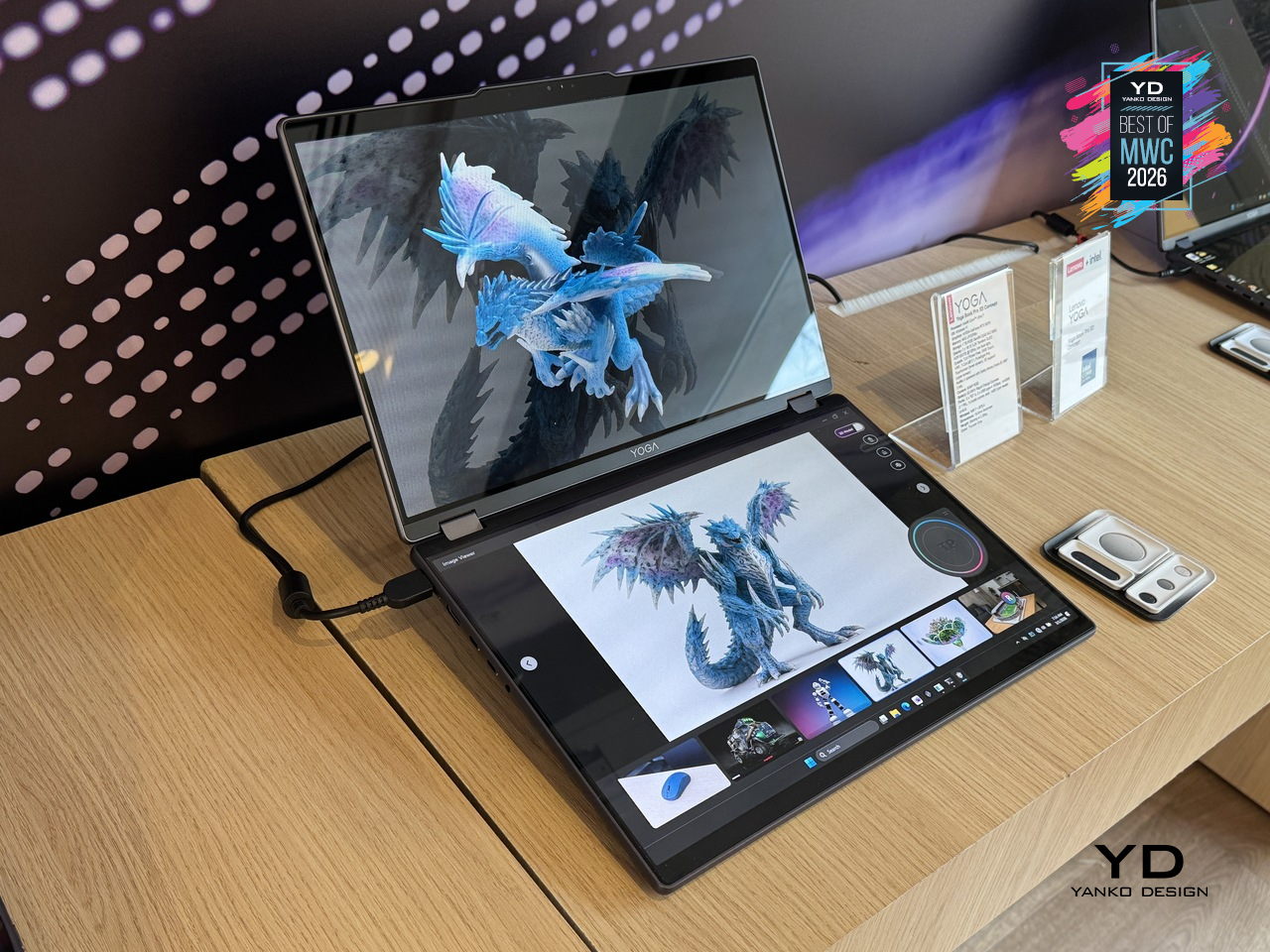
3D creation on a laptop has always involved a certain amount of peripheral management, between mice, styluses, and the occasional spacemouse bolted to the side of the desk. The Yoga Book Pro 3D Concept takes aim at that setup by building a glasses-free 3D display directly into a dual-screen laptop, letting creators view depth, form, and spatial relationships on screen without any additional equipment. Lenovo’s AI software handles 2D to 3D conversion on the upper PureSight Pro Tandem OLED display, and can even generate an environment around the converted object on command.

Designer: Lenovo
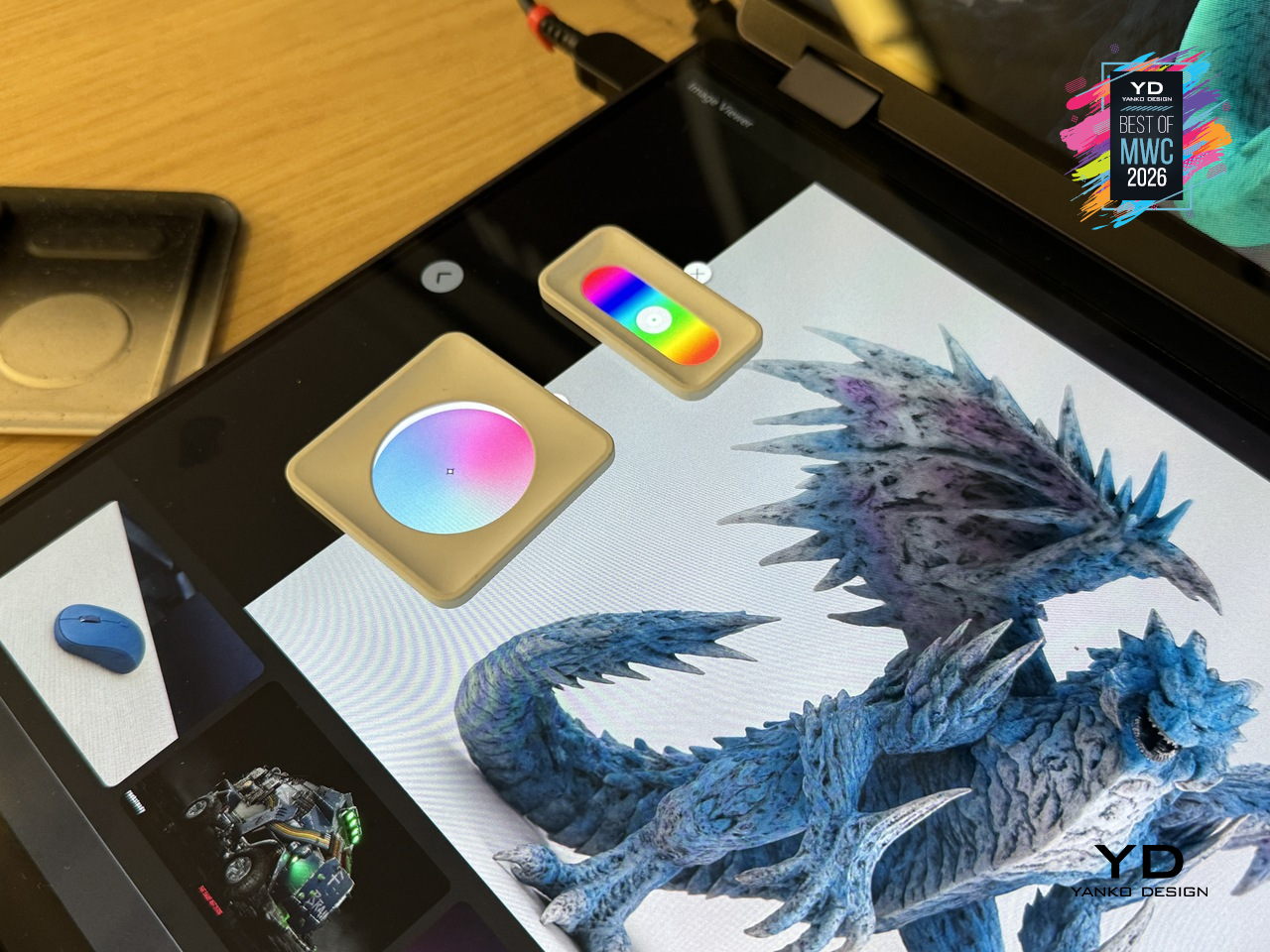
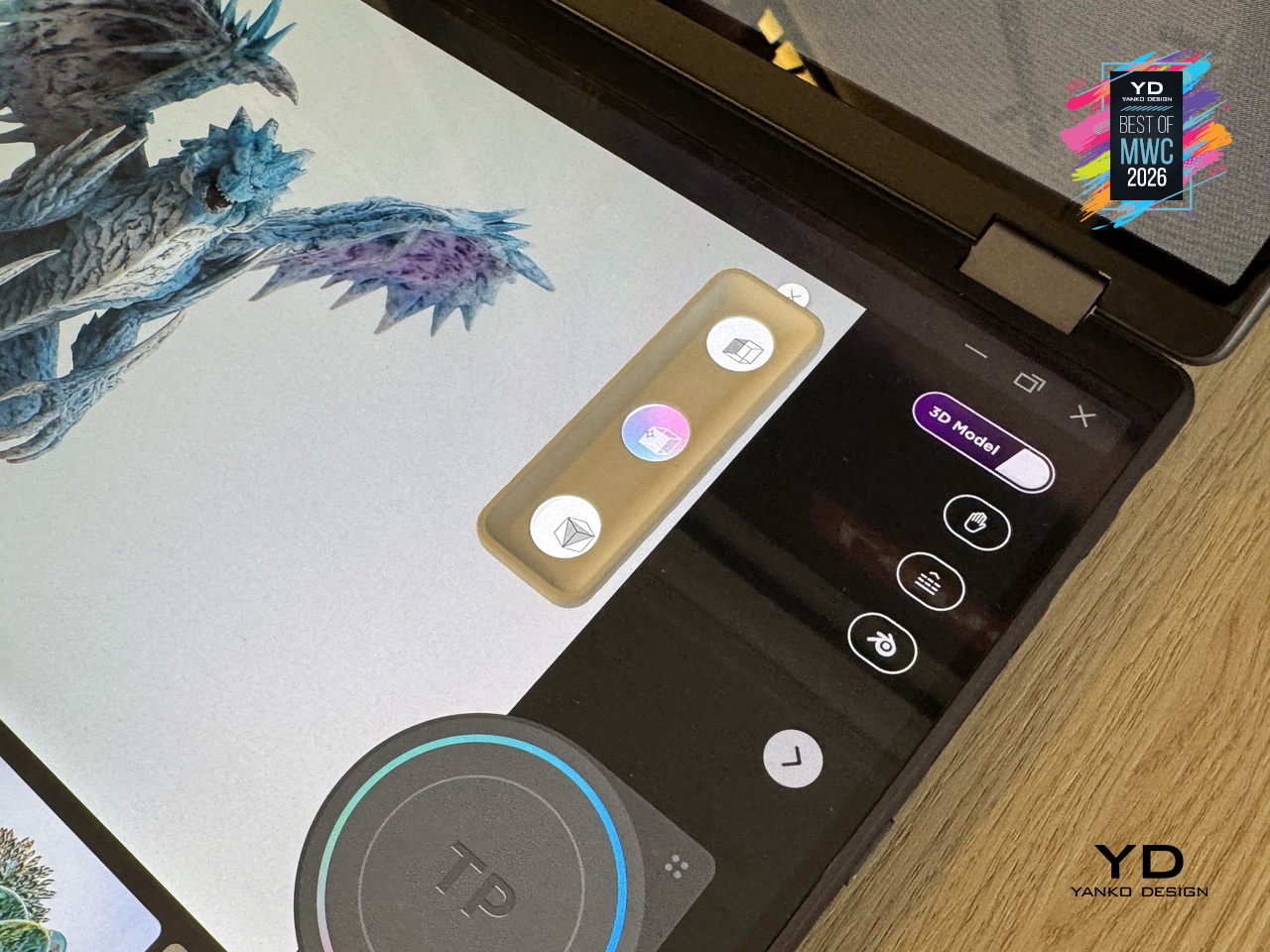
The dual-screen concept laptop also offers a rather interesting interaction feature. Zero-touch gestures read hand movements in front of the RGB camera, letting users zoom and rotate 3D objects without touching the screen at all. The lower display acts as a touch surface with snap-on physical pads that pop up adjustment controls, like lighting and viewing angle, wherever they’re placed. It’s a workflow designed to keep creators in the work rather than hunting through menus.
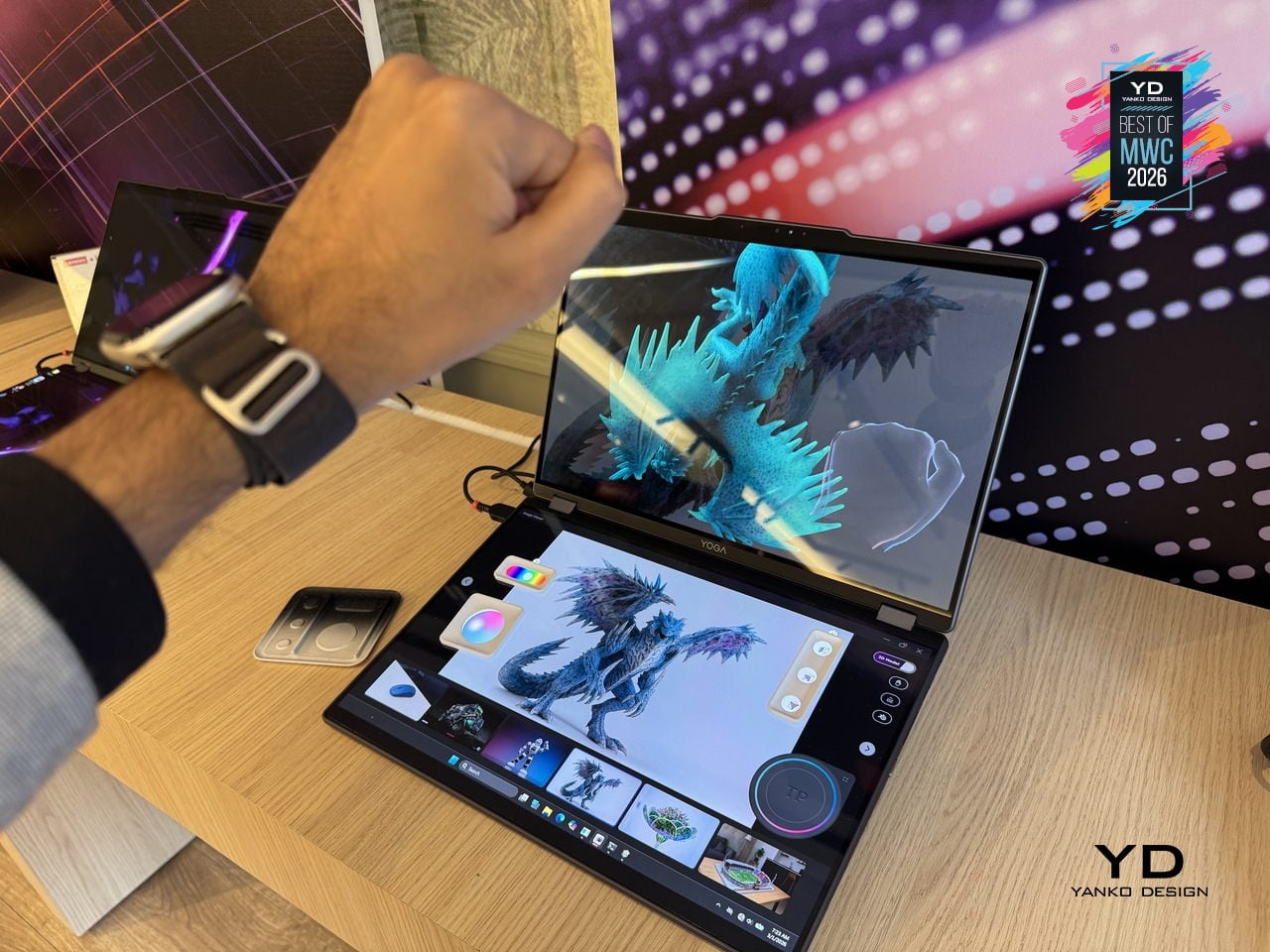
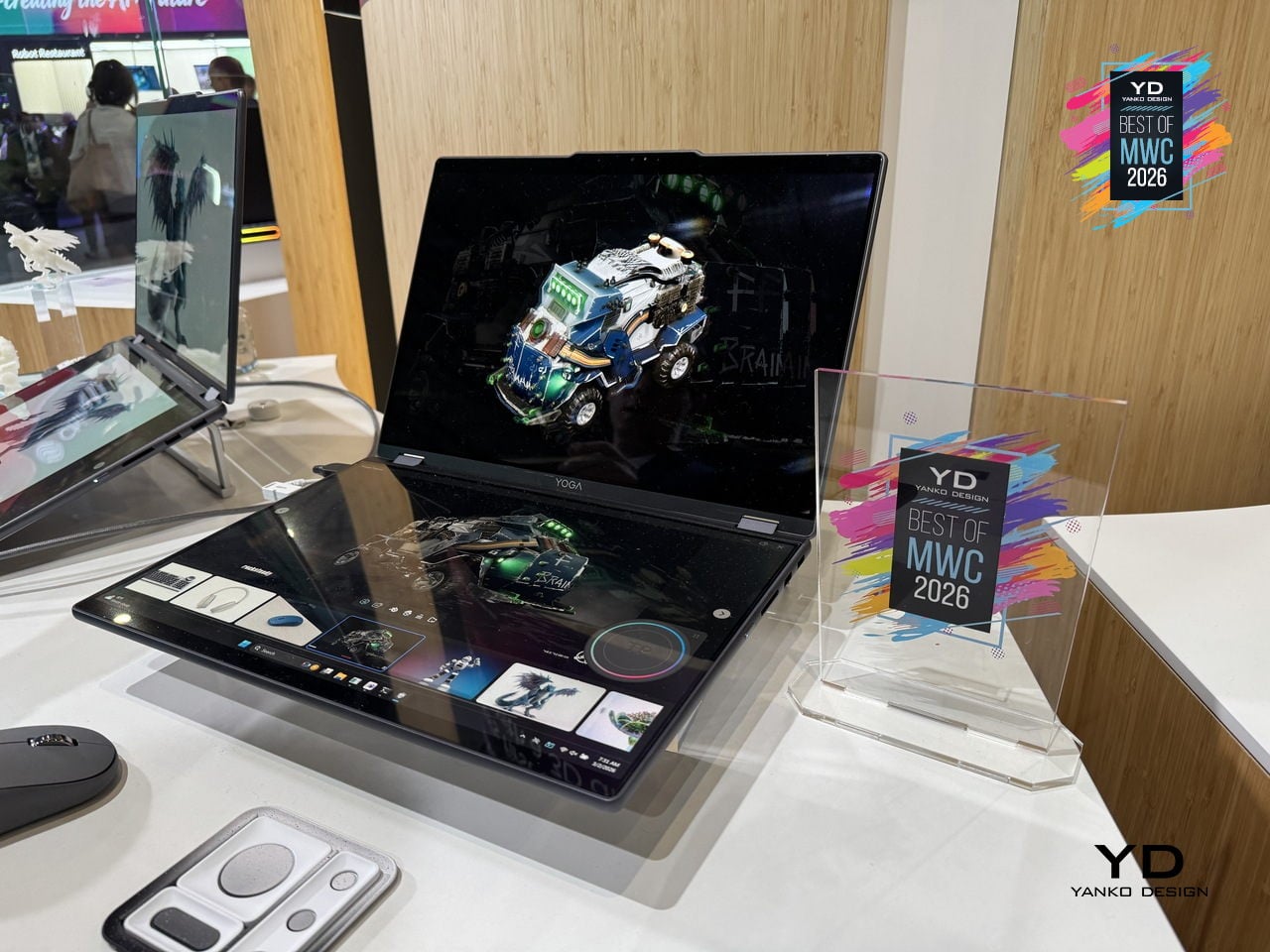
As a concept, the Yoga Book Pro 3D is still a proof of intent rather than a product you can buy, but it represents a genuinely specific design problem solved with unusual conviction. Glasses-free 3D displays have struggled to convince outside of niche applications, so how well the actual display holds up for extended professional use will be the real test when this moves closer to production.

Vivo X300 Ultra and Camera Cage
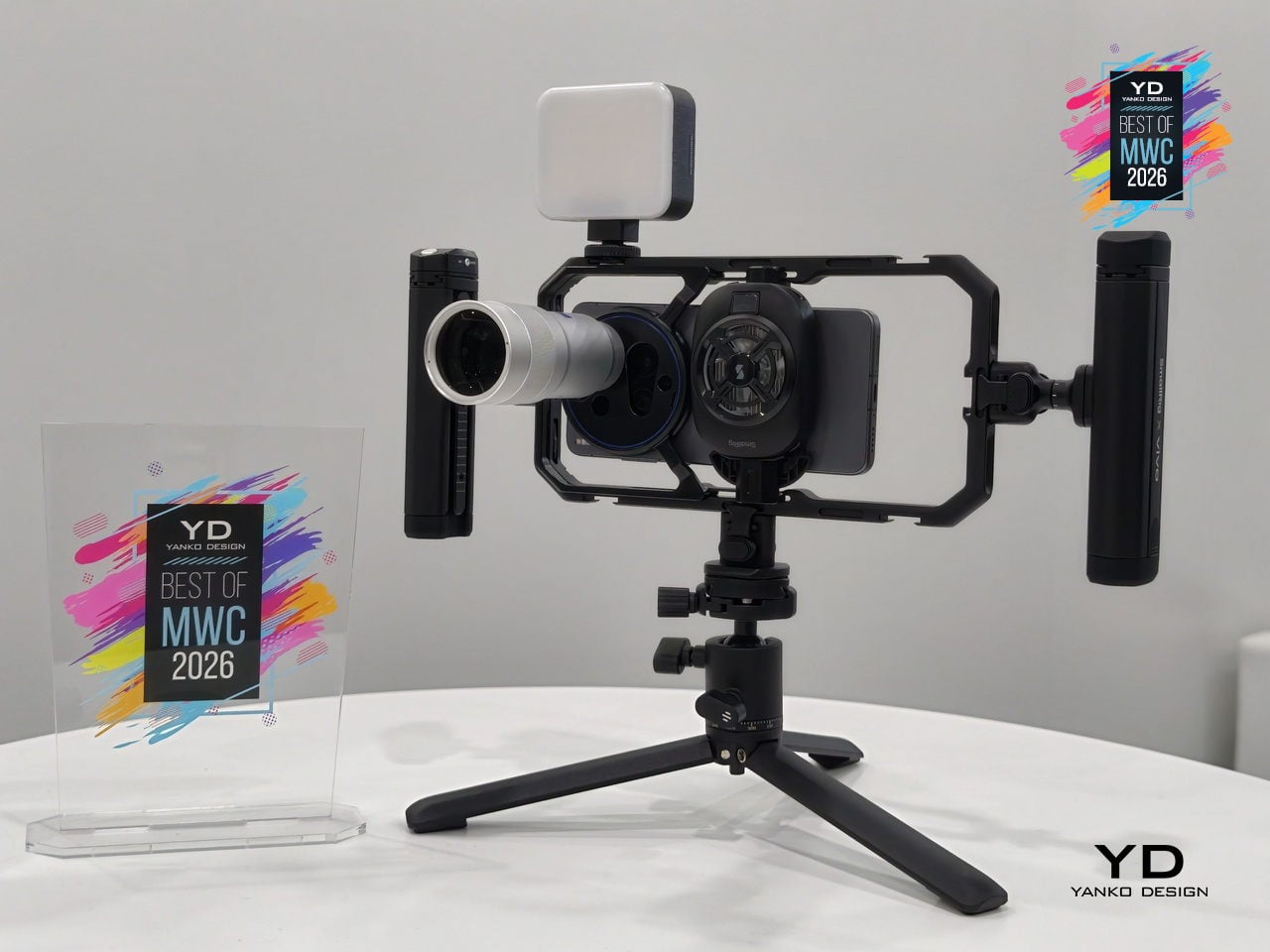
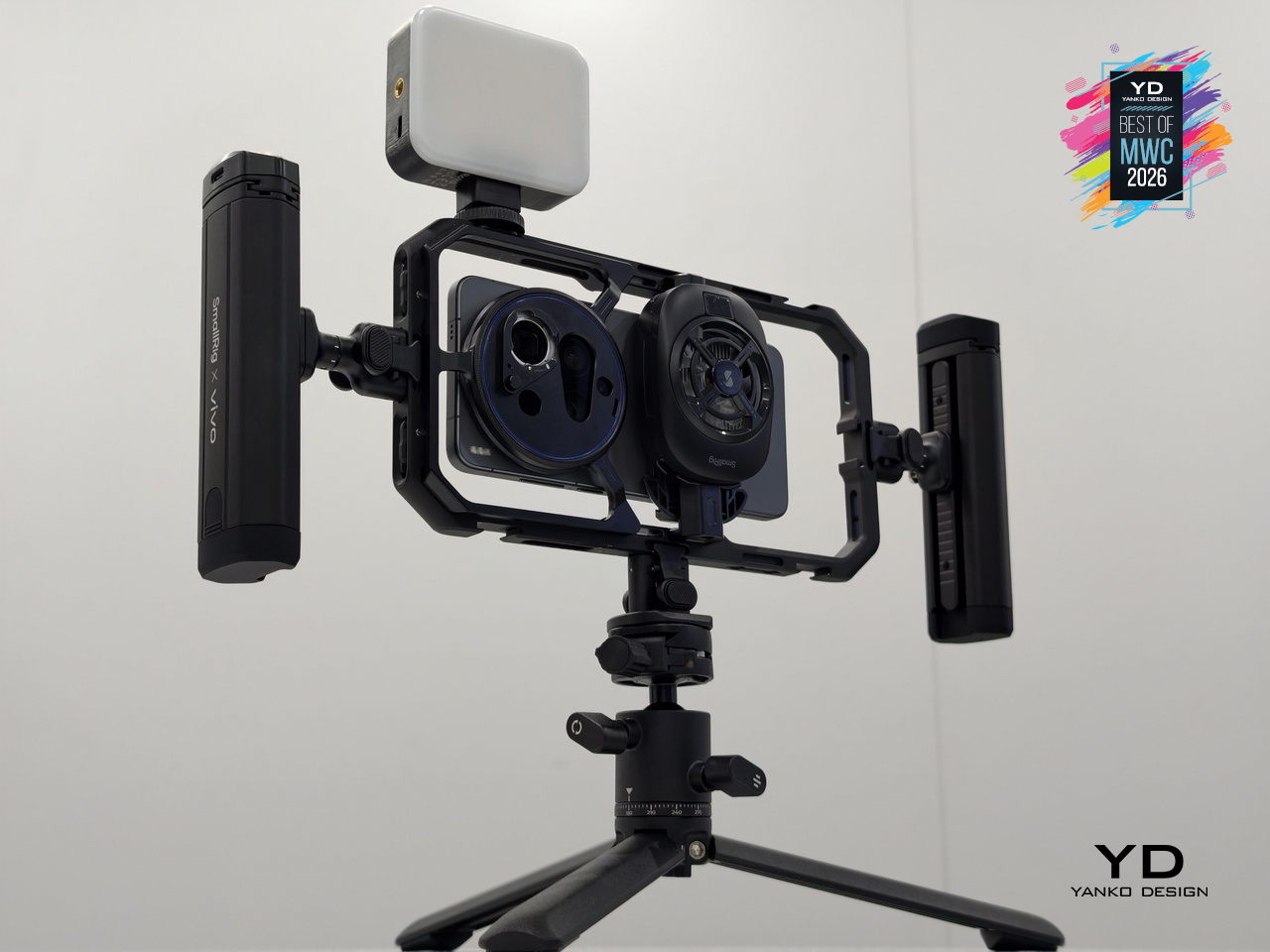
Most smartphone camera rigs are an afterthought, a collection of third-party mounts and adapters held together by optimism. Vivo is taking a different approach with the X300 Ultra’s dedicated Camera Cage, a pro-grade frame designed specifically around the phone rather than adapted from generic cinema accessories. Dual grip handles, cold shoe mounts, quick-release ports, and dedicated physical buttons for shutter and zoom come built into one coherent system.

Designer: vivo
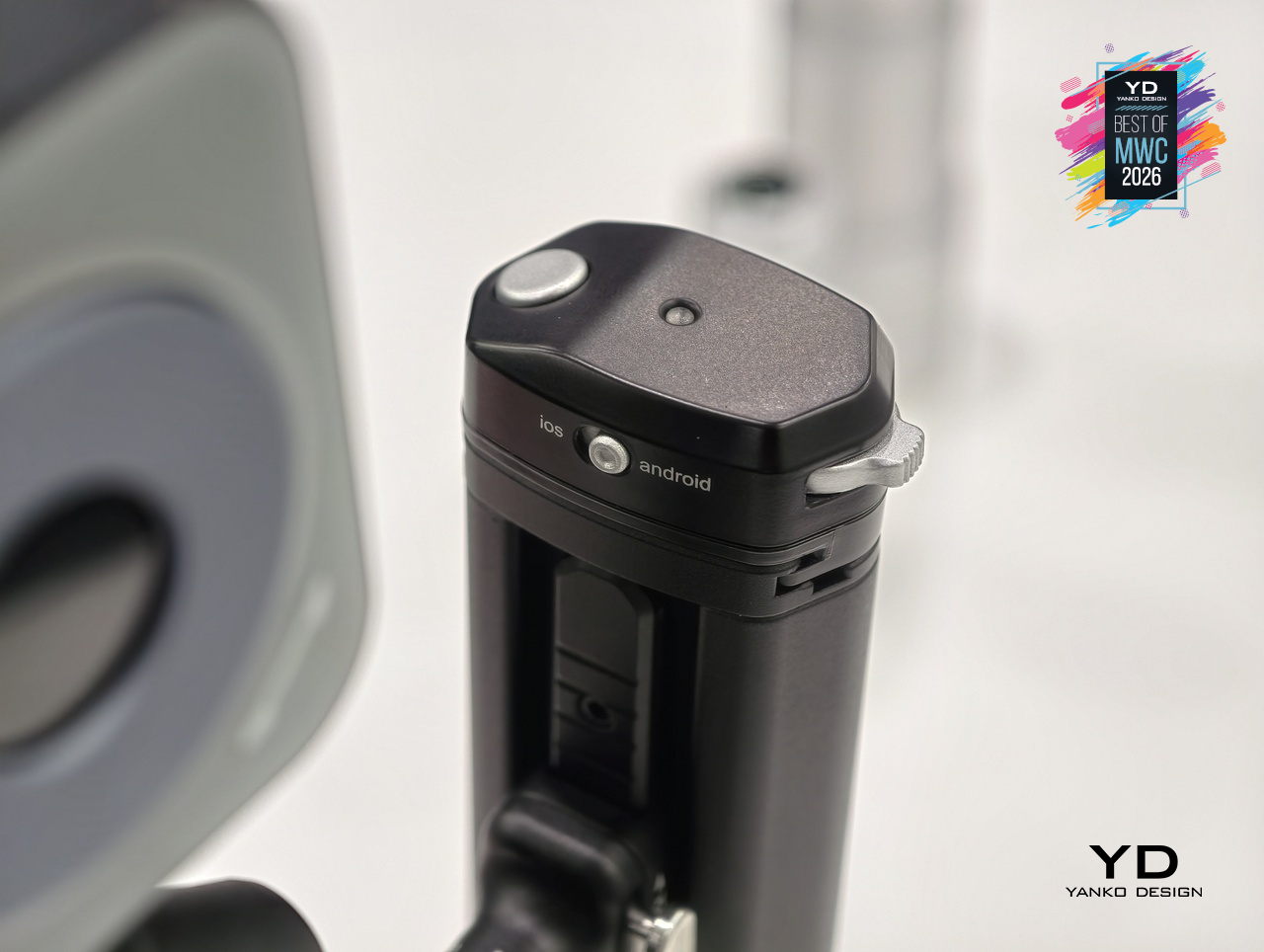
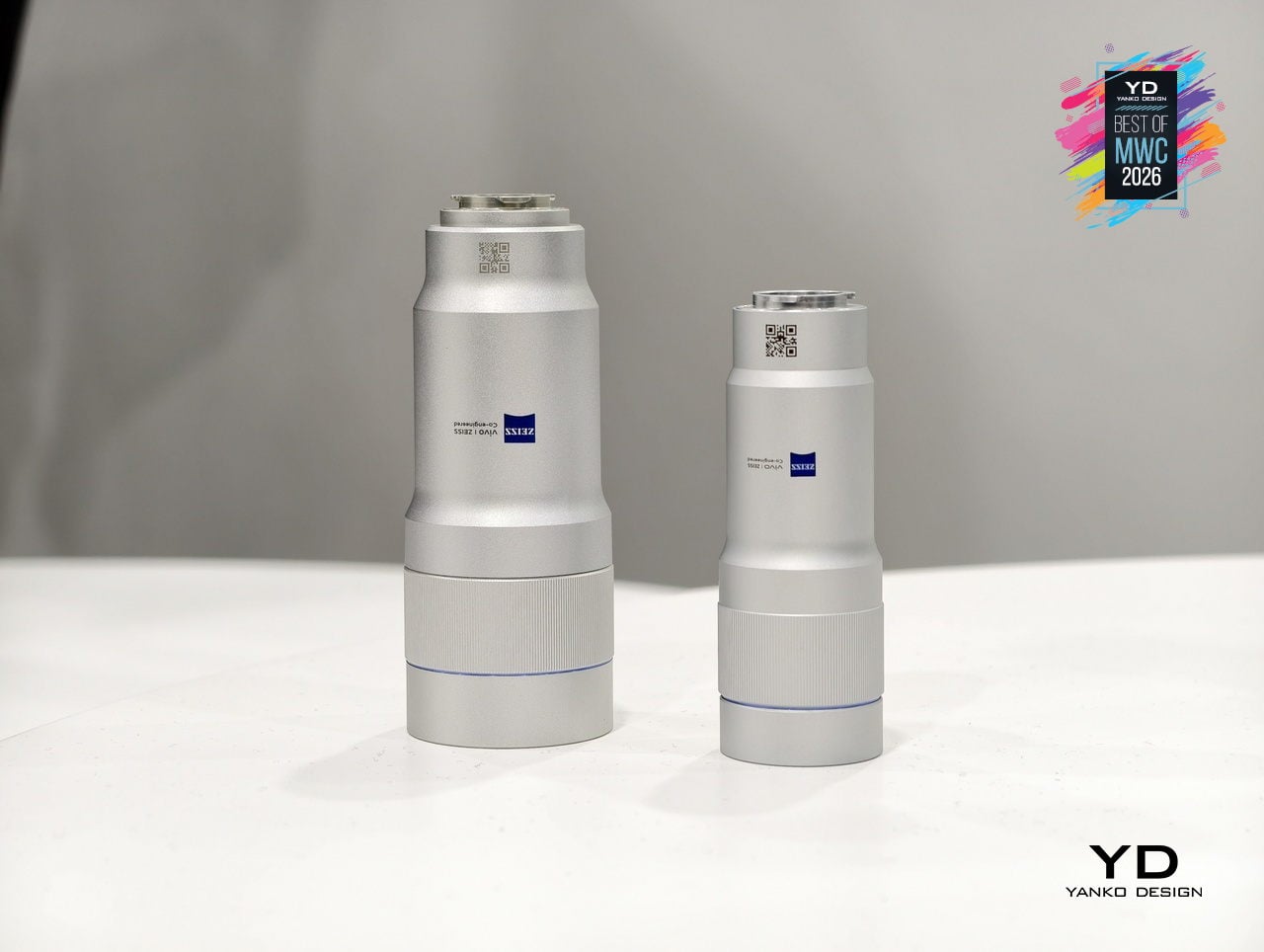
The cage is also where the ZEISS Telephoto Extender Gen 2 Ultra slots in, an APO-certified lens co-engineered with ZEISS that pushes the X300 Ultra to a 400mm equivalent focal length with full 200MP optical output. Gimbal-grade optical image stabilization and motion-tracking focus sit underneath all of that reach. An integrated multi-level cooling fan handles thermal load during extended video shoots, solving the problem that turns most “pro mobile video” sessions into a race against an overheating warning.
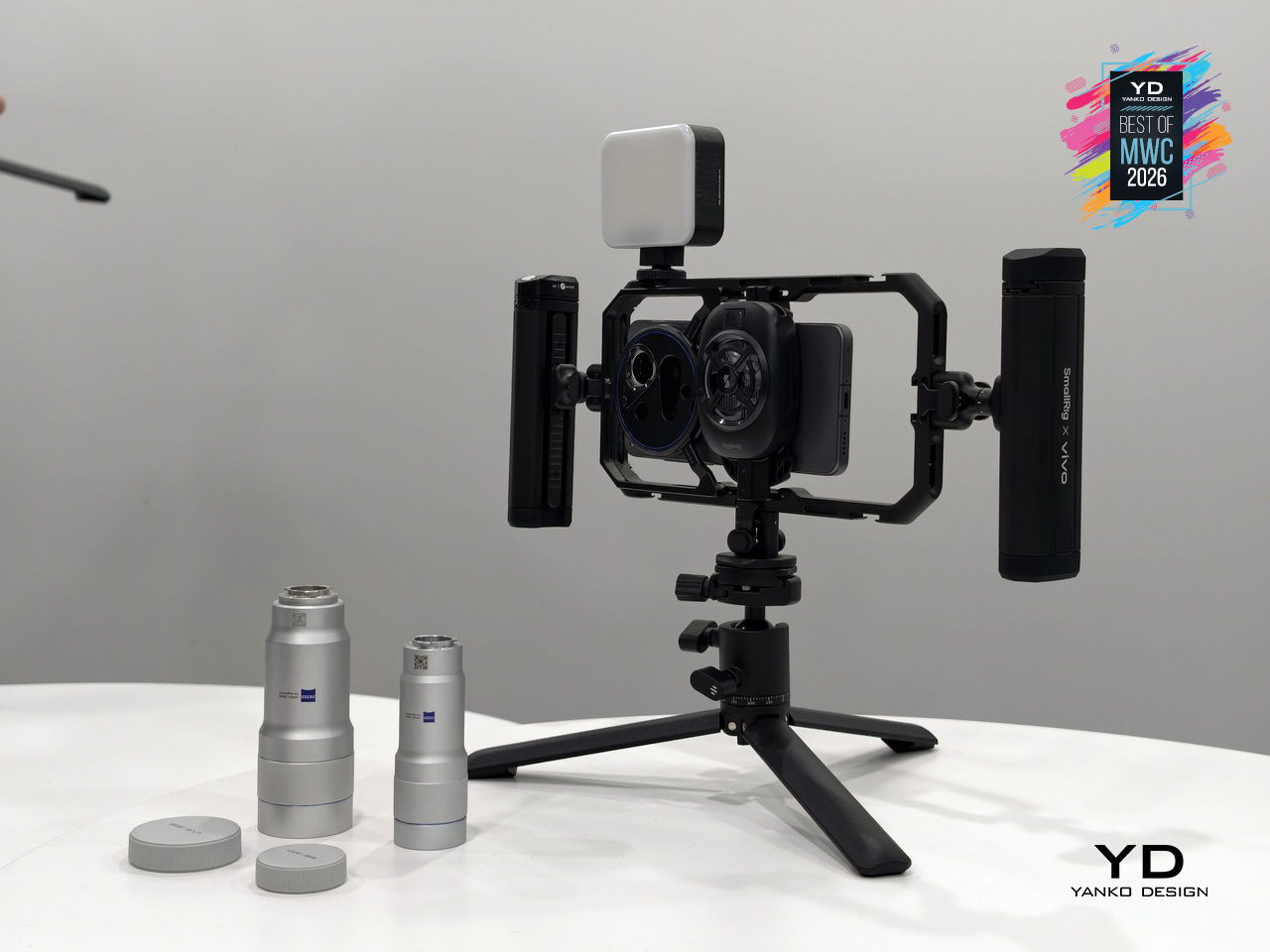
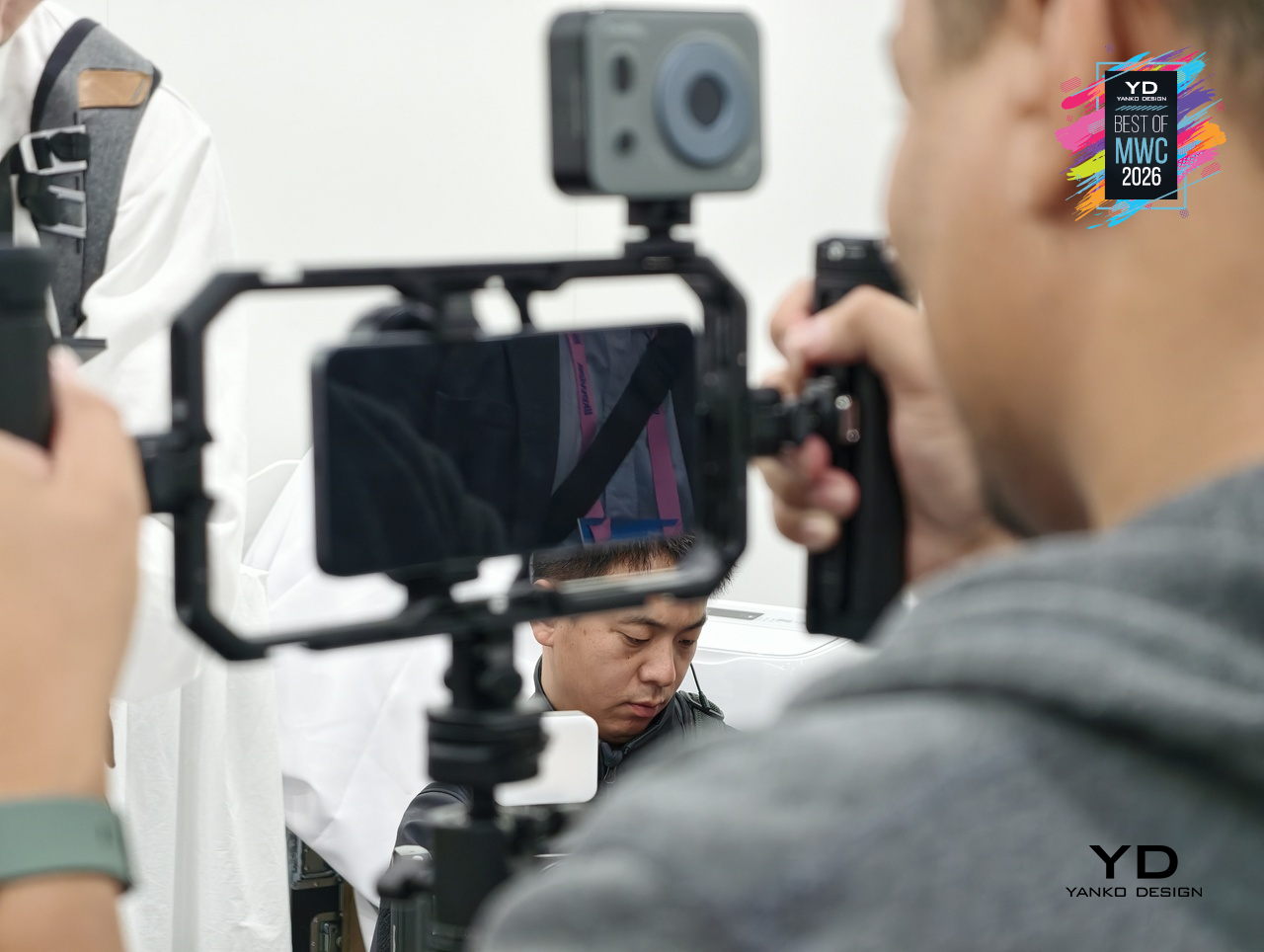
What makes the setup genuinely interesting is the conviction behind it. Vivo isn’t treating the cage as a novelty accessory but as the central argument for how a smartphone can function as a serious production tool. The phone alone is one thing; inside this cage, with the extender attached and physical controls in hand, it becomes a fundamentally different experience.

TECNO x Tonino Lamborghini TAURUS Mini Gaming PC
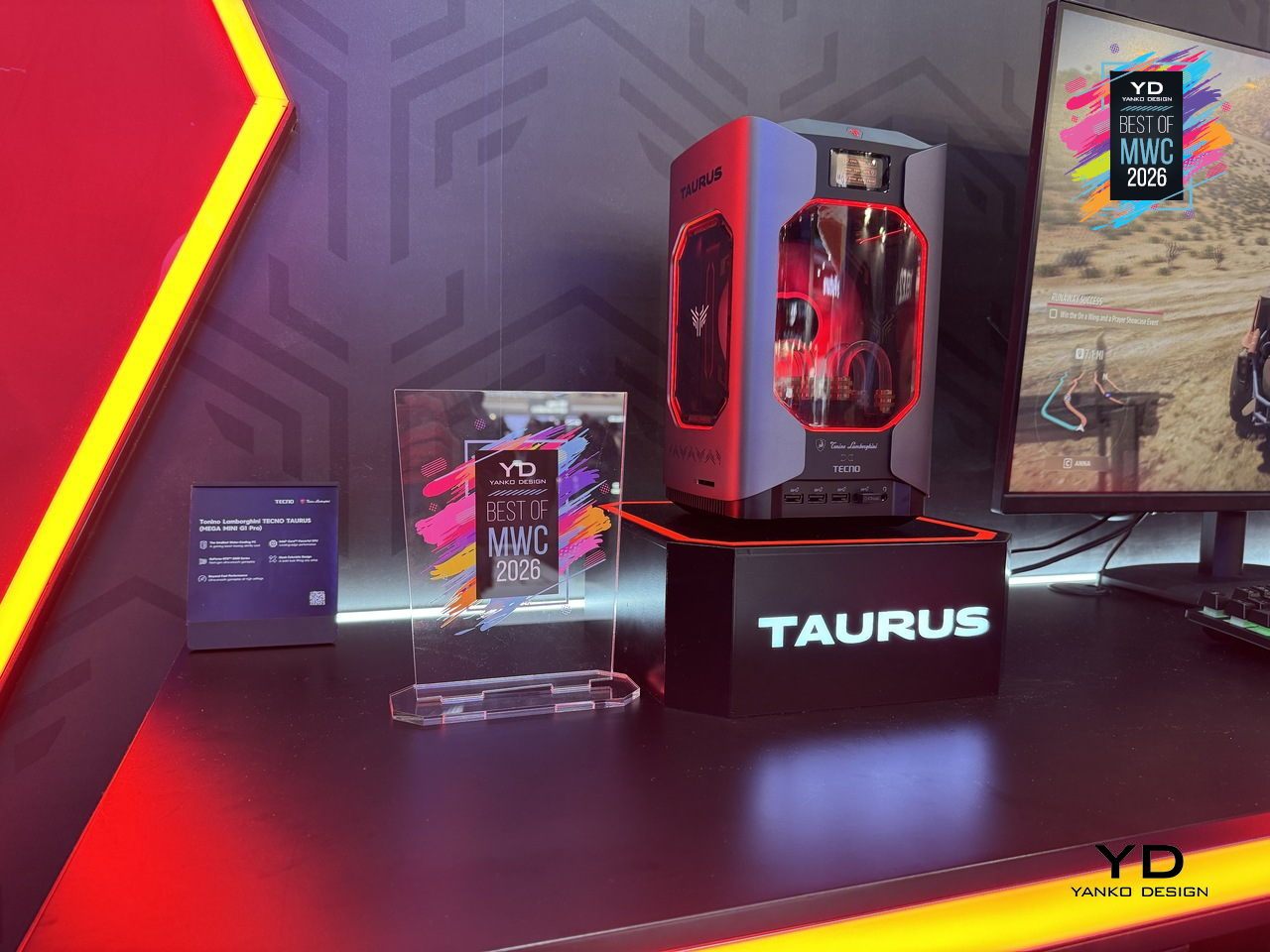
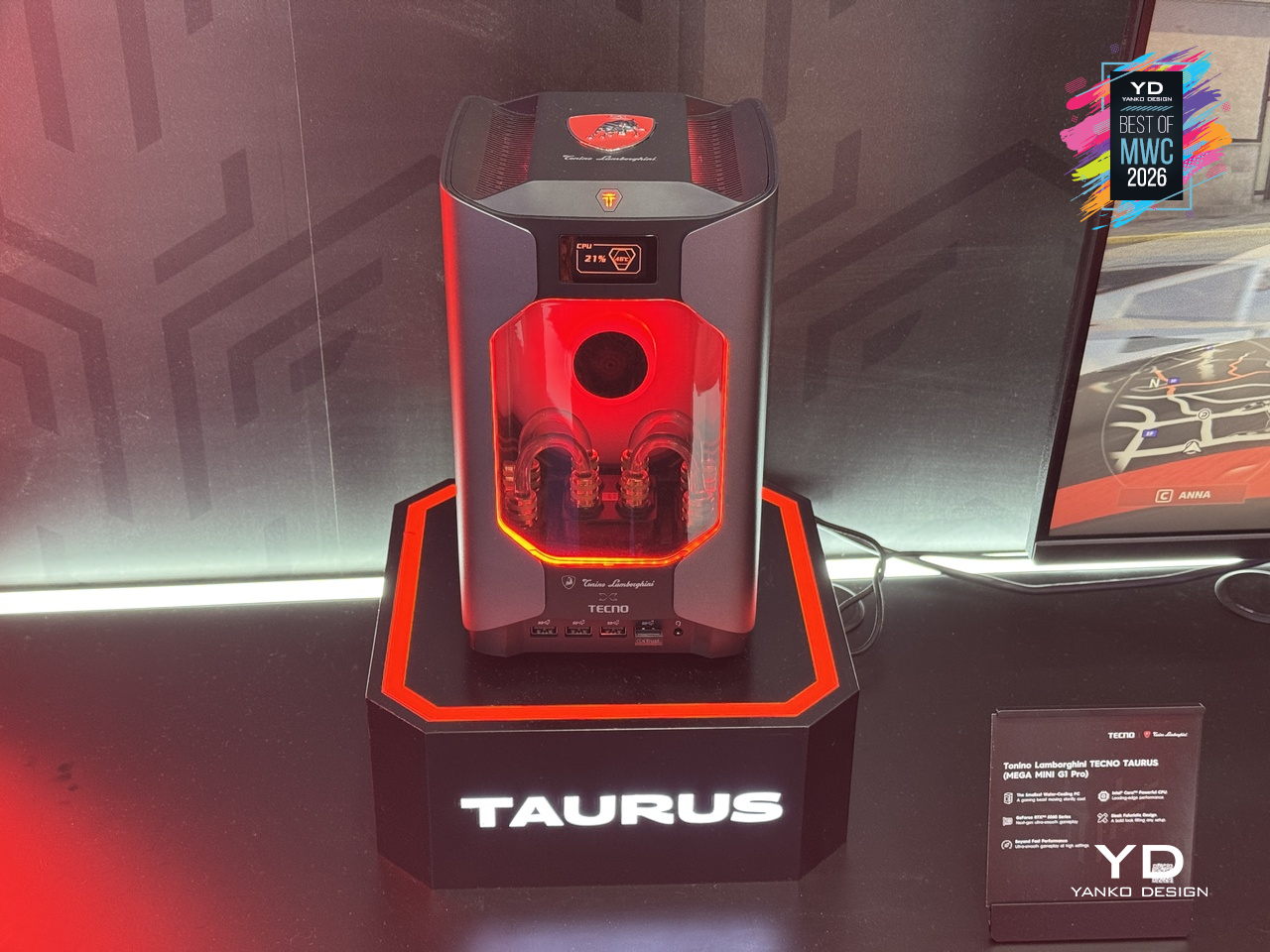
Gaming PCs have never been shy about their presence, big towers, aggressive angles, and enough RGB to illuminate a small runway. The Tonino Lamborghini TECNO TAURUS compresses all of that energy into a mini PC chassis, with an all-metal body, red-accented lighting, and see-through panels that put the water-cooling loop on full display. It’s unapologetically theatrical, and that’s clearly the entire point of the exercise.

Designer: TECNO
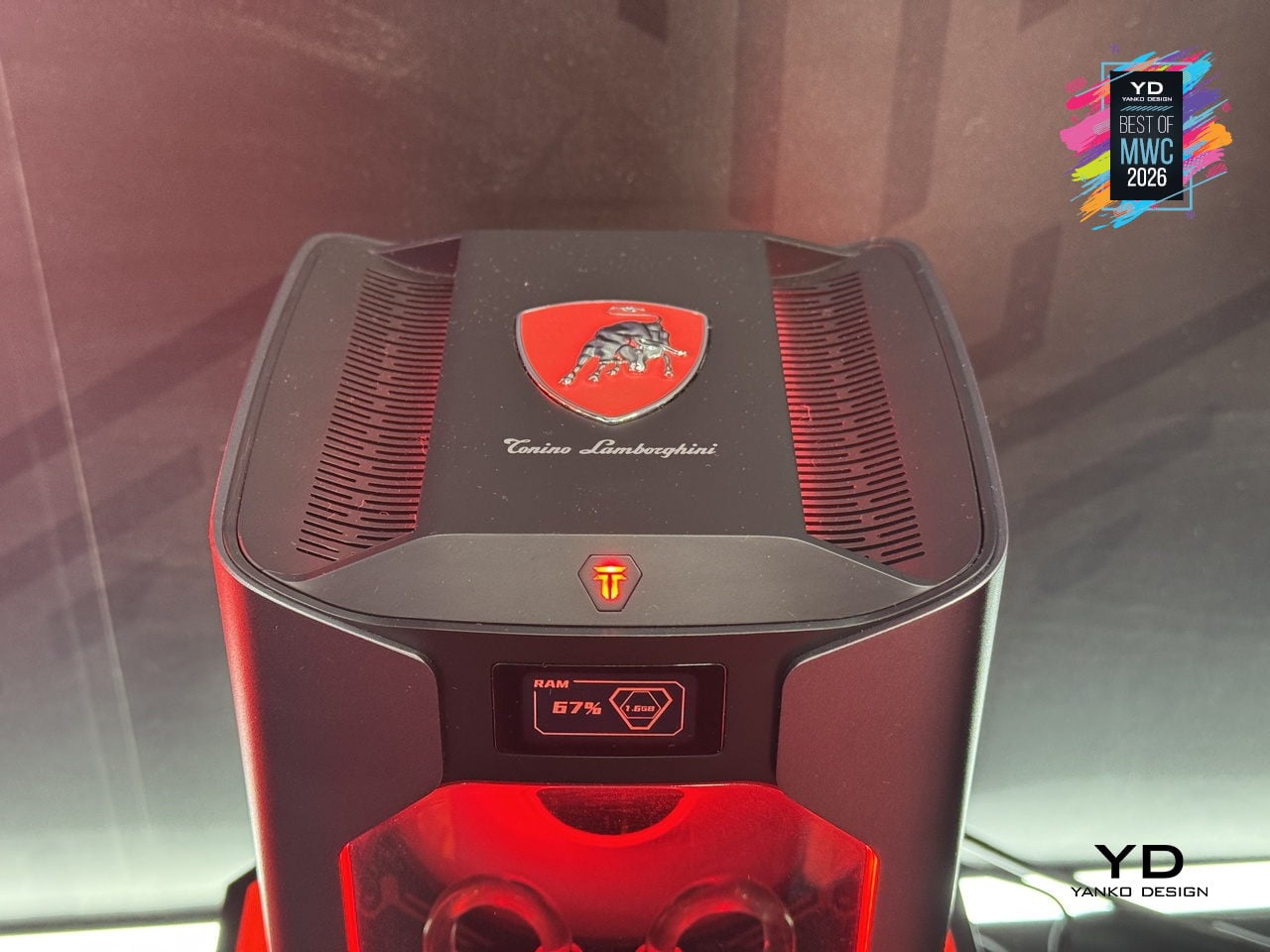
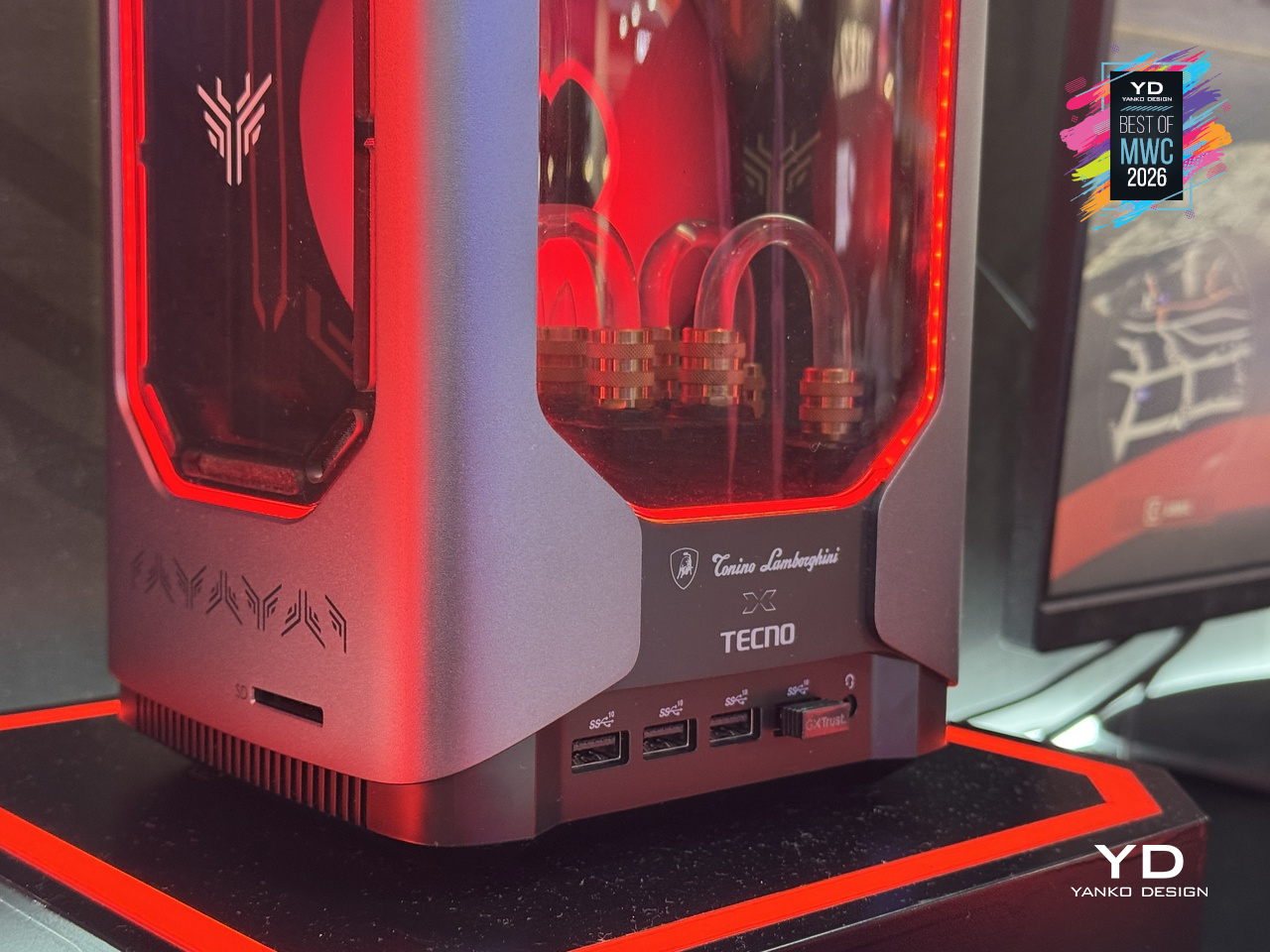
Under that showpiece exterior sits an Intel Core i9-13900HK with 14 cores running up to 5.4GHz, alongside an NVIDIA GeForce RTX 5060 on the Blackwell architecture at 145W total graphics power. A roughly 10,000mm² pure copper water-cooled cold plate and triple-fan setup handle thermals in that compact body. A real-time performance monitor on the chassis lets you watch CPU and GPU loads without opening a single app, which feels very on-brand for a machine this self-aware.
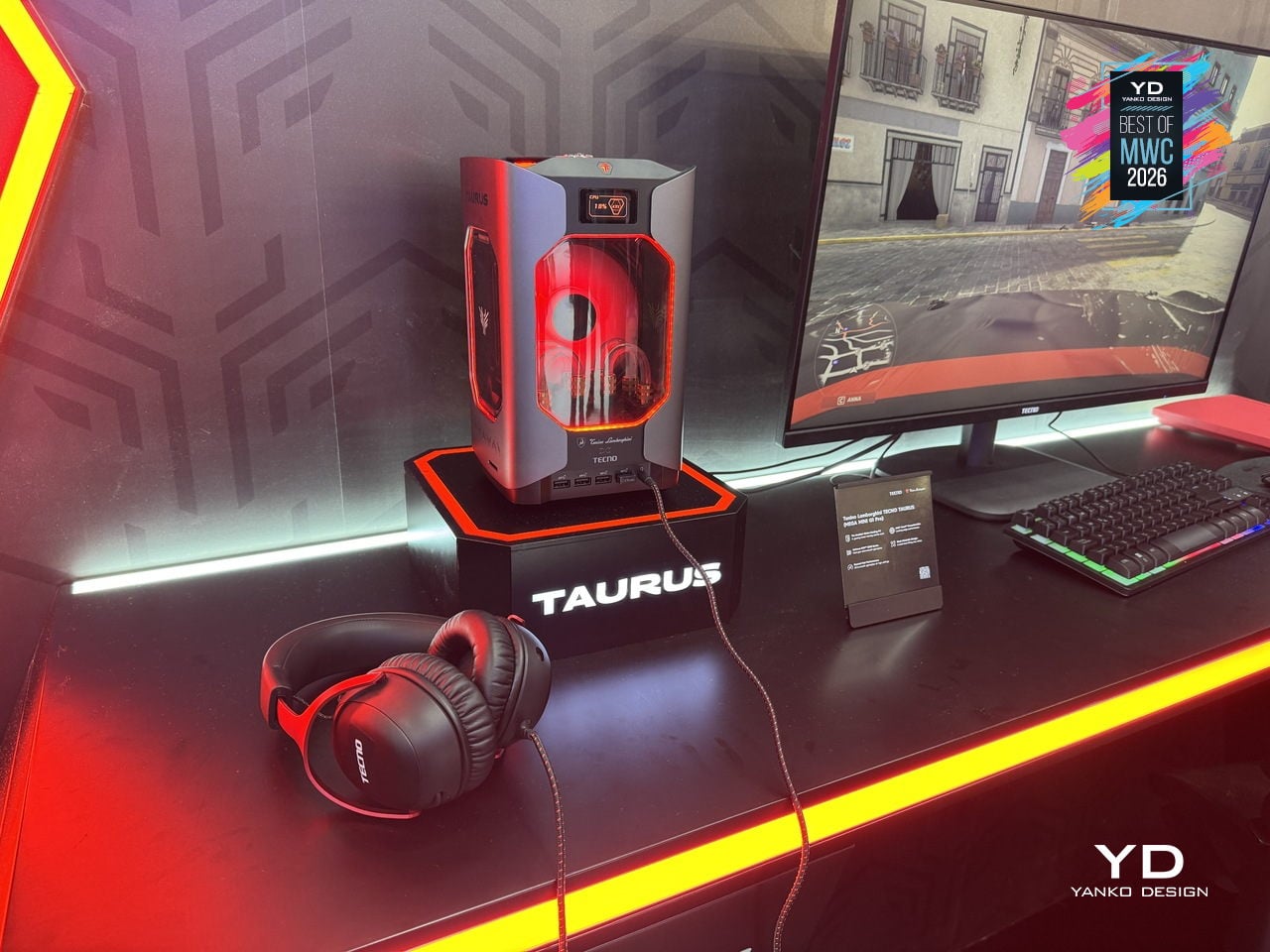
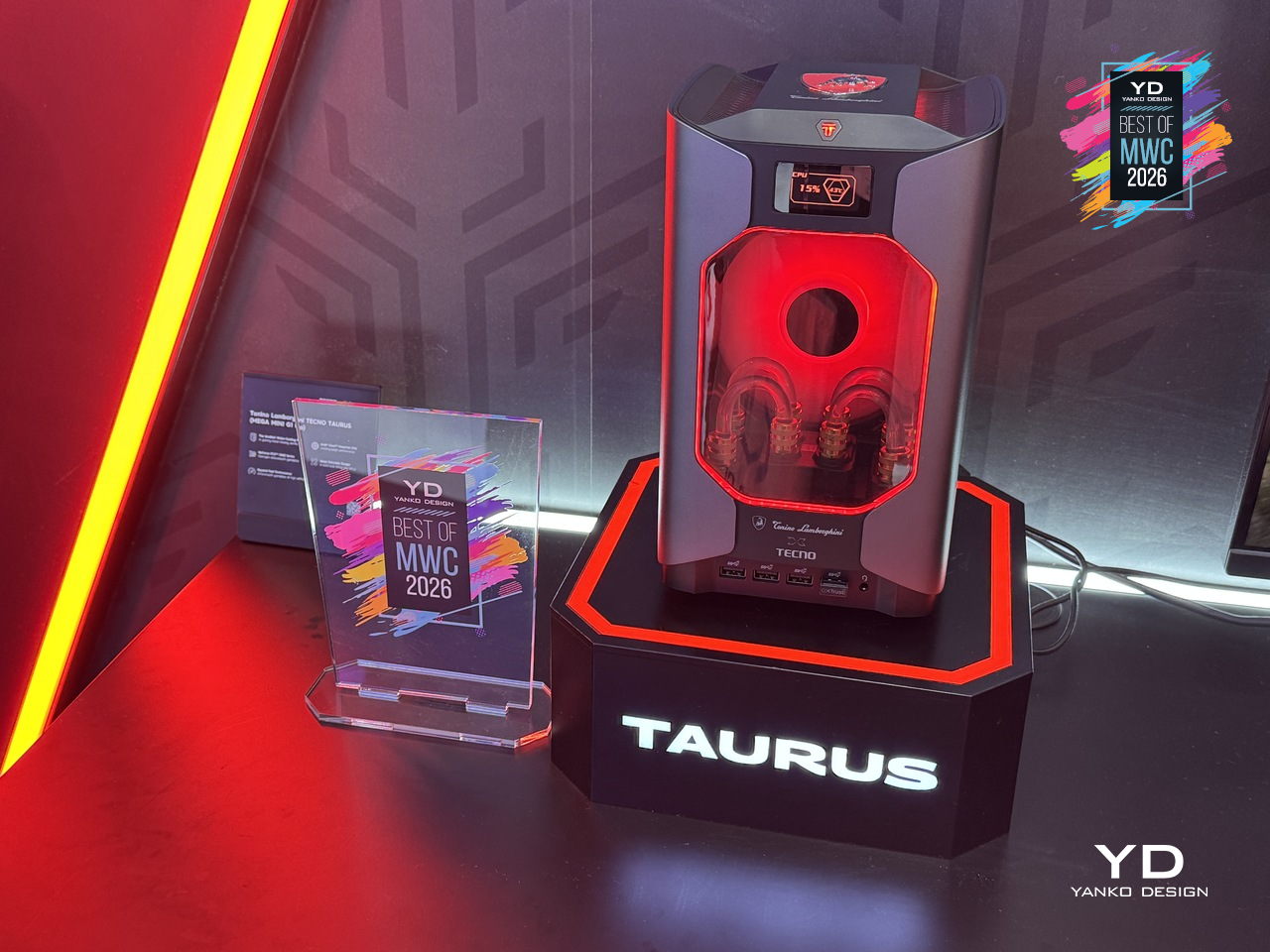
TECNO’s first collaboration with Tonino Lamborghini positions this as a desktop you’d put on your desk rather than under it, treating the machine as a design object as much as a gaming rig. Fifteen ports and WiFi 6E keep the practical side well covered. What’s genuinely interesting is how much of the design budget went into making the cooling system the visual centerpiece, turning thermal engineering into the main aesthetic argument.

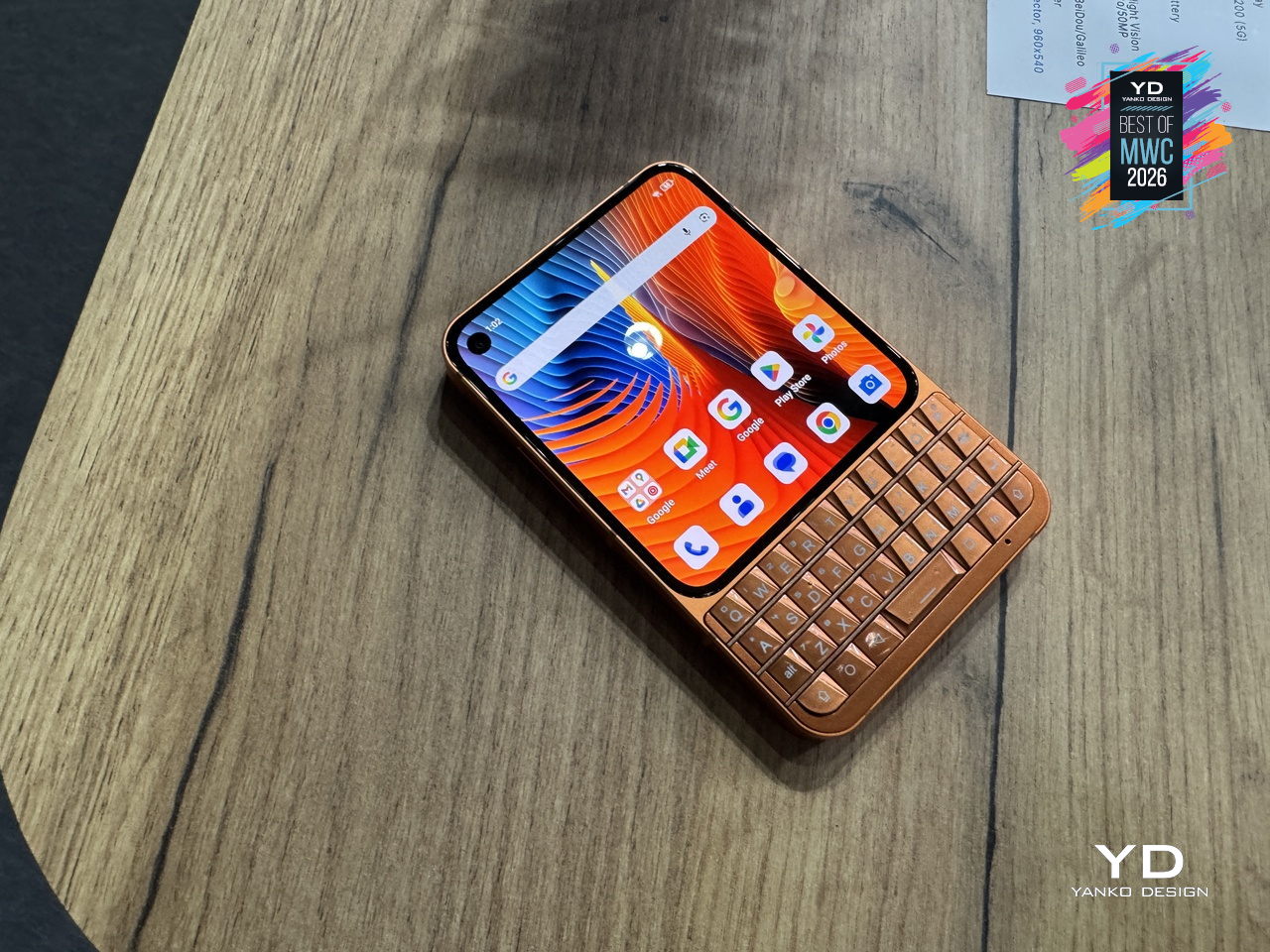
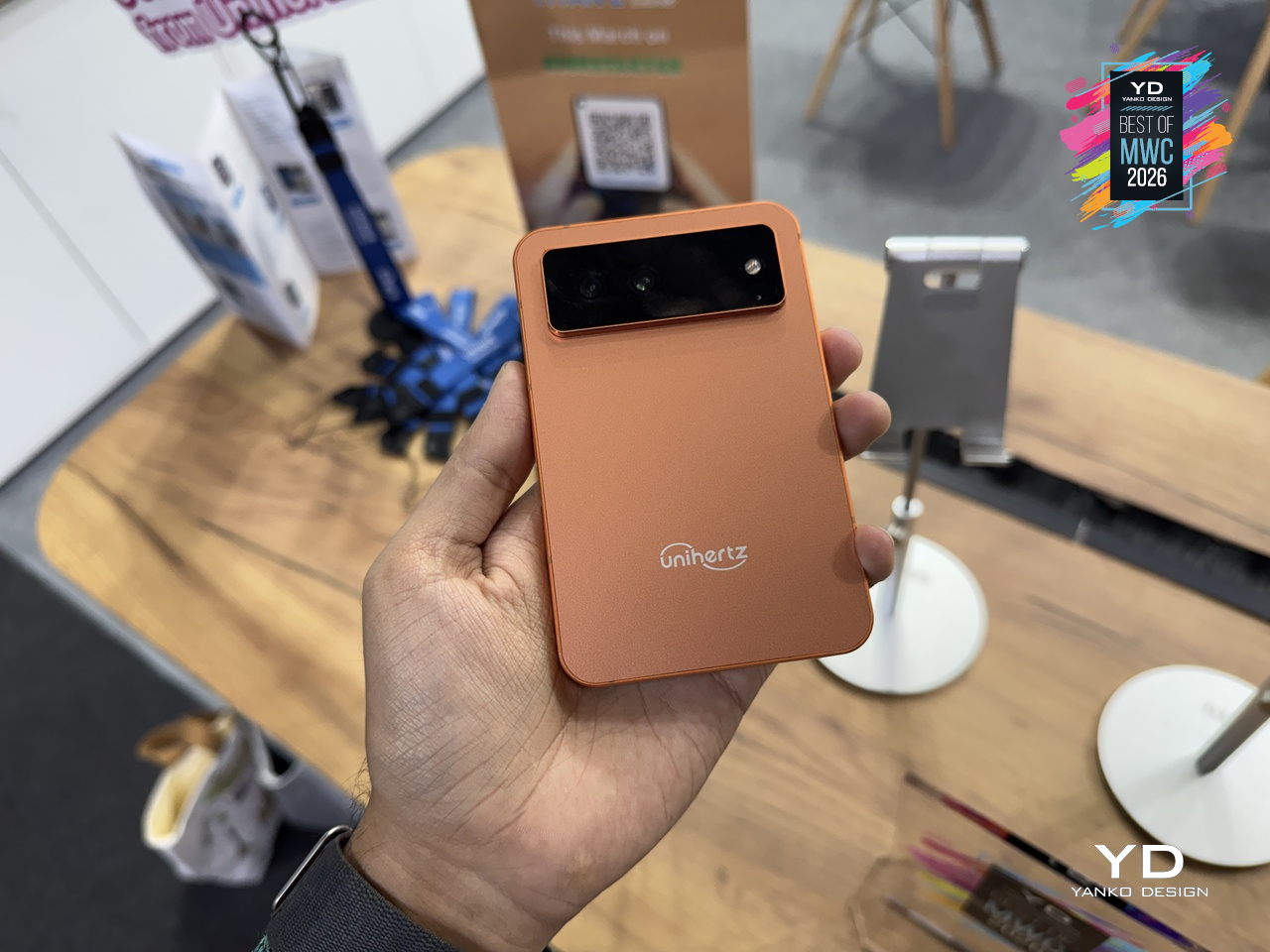
Unihertz Titan 2 Elite QWERTY Phone
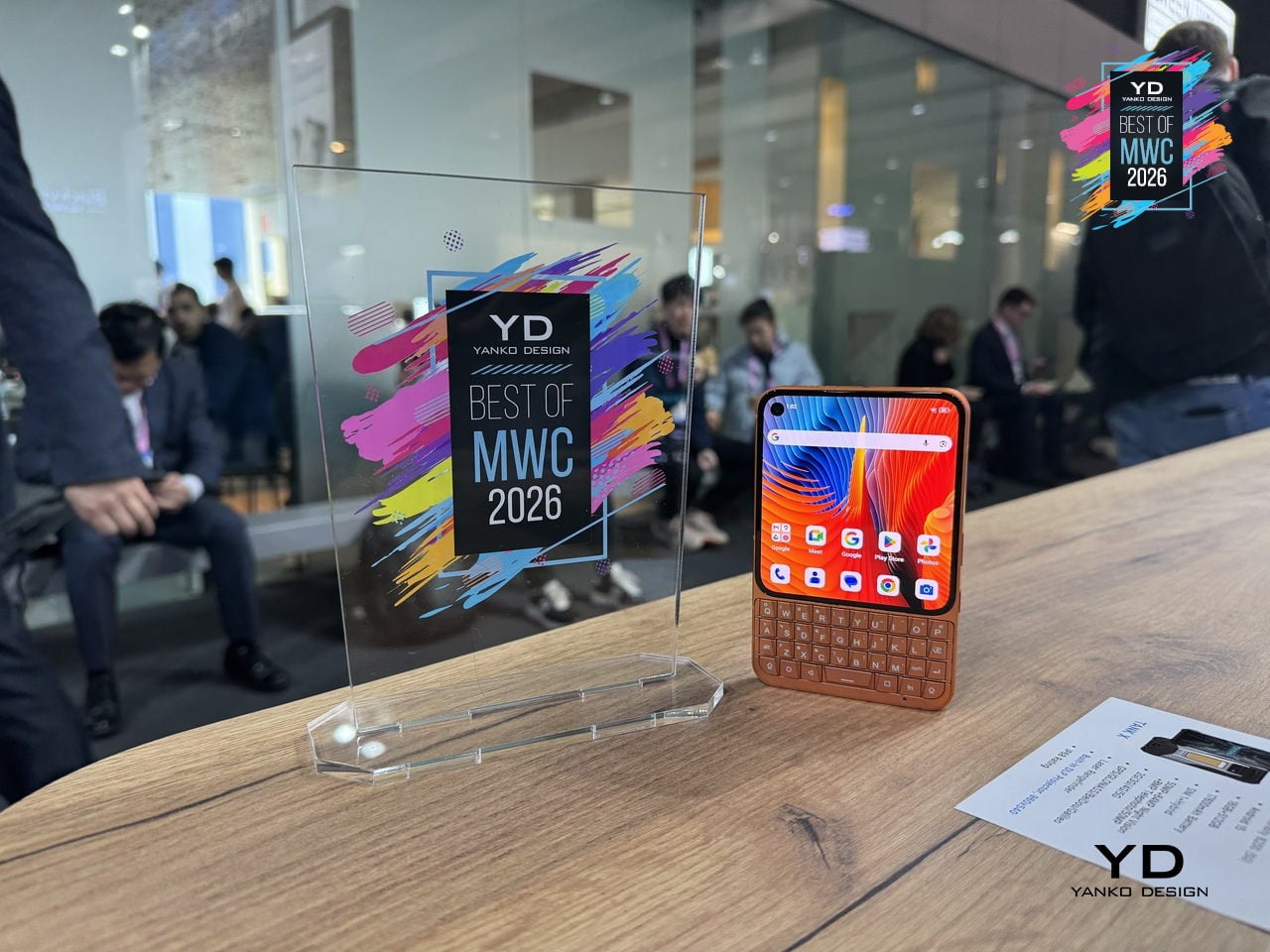
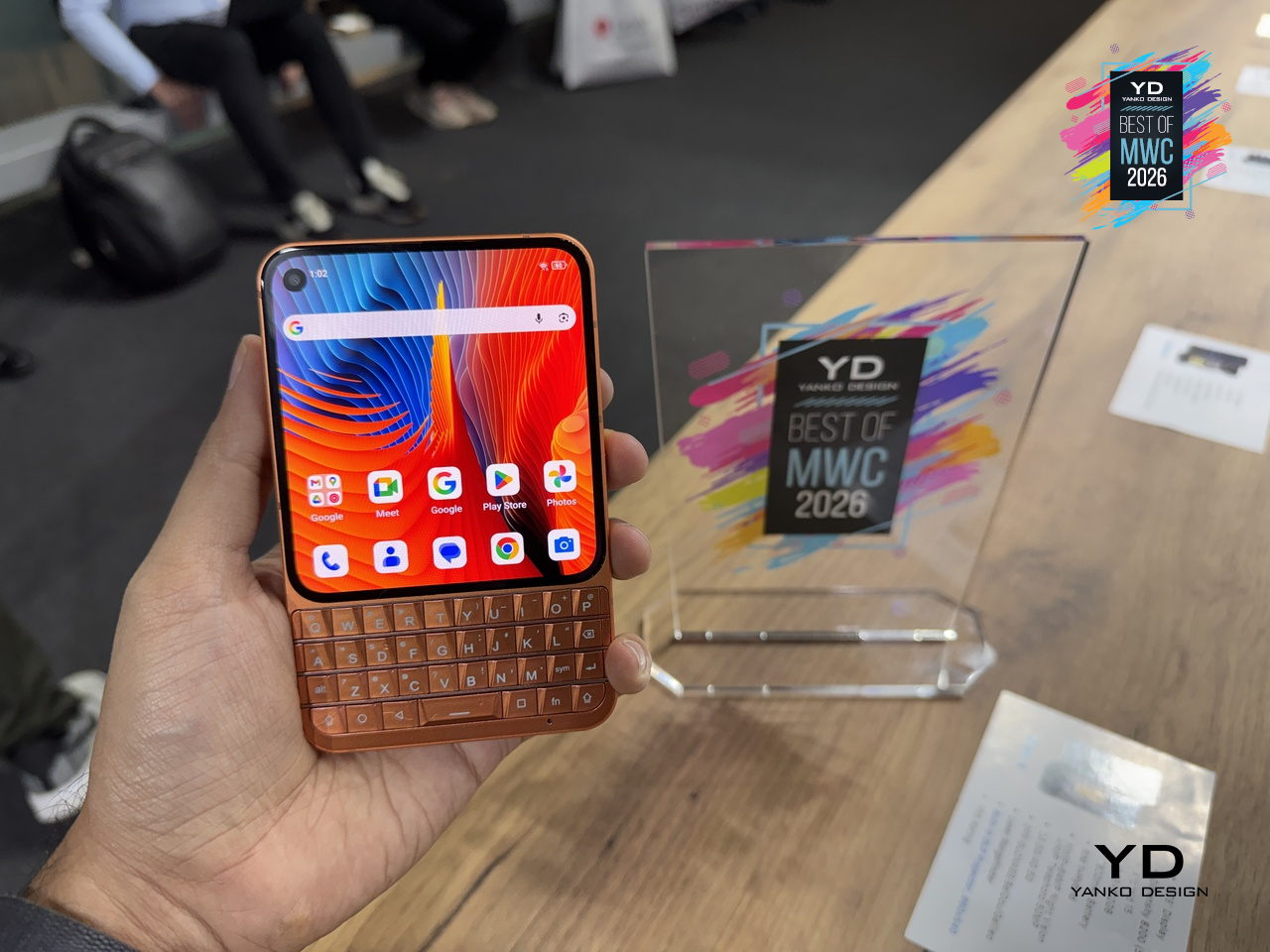
Physical keyboard phones never really died; they just quietly retreated to a corner of the internet where people complained loudly about touchscreen autocorrect. Unihertz has been serving that corner for years with its Titan series, and the Titan 2 Elite is the most refined version yet. Gone is the chunky frame of its predecessor; in its place comes a slimmer 75mm-wide body, a 4.03-inch 120Hz AMOLED display with a punch-hole camera, and the same four-row QWERTY keyboard that the series built its following on.

Designer: Unihertz
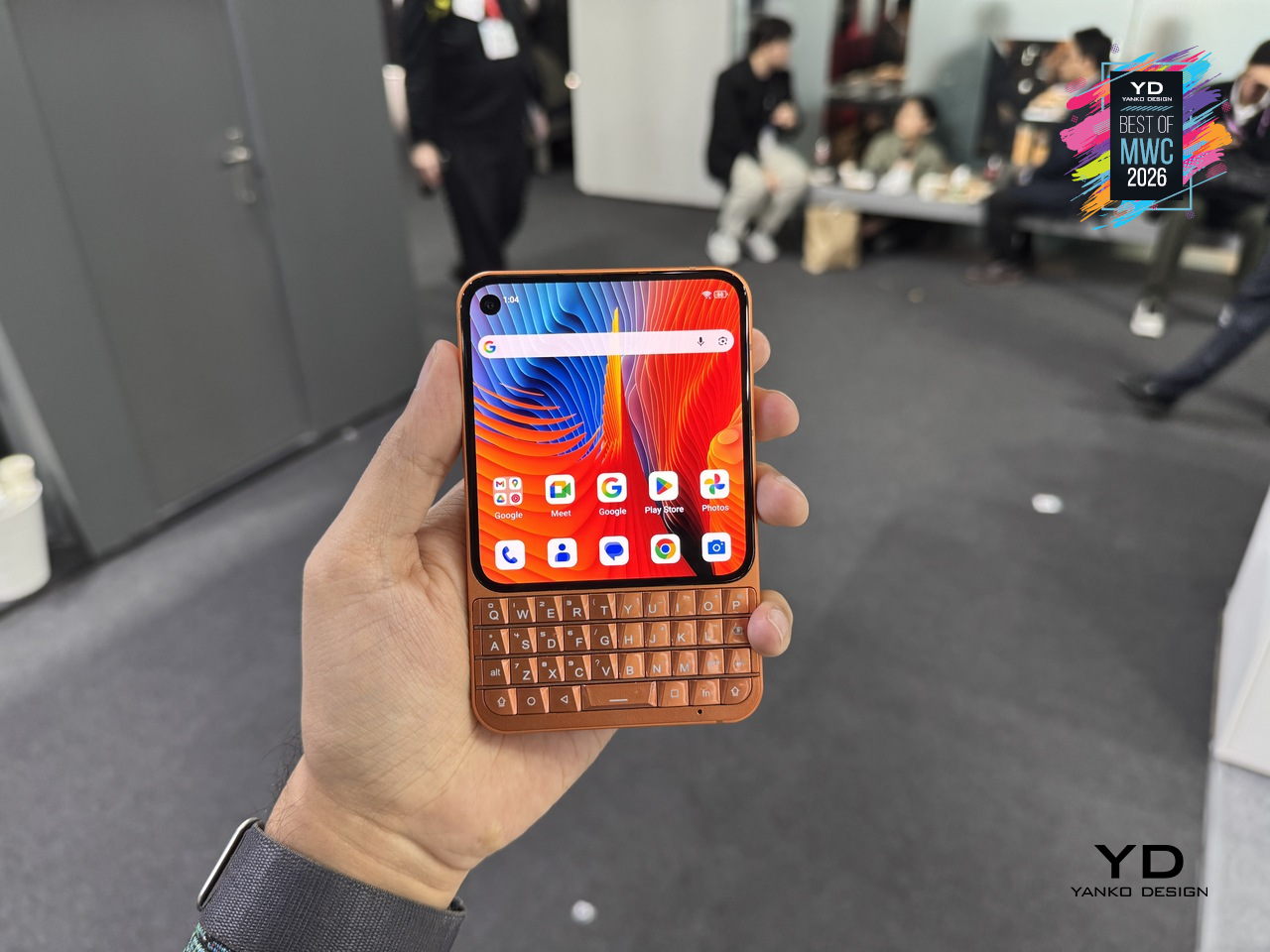
The keyboard itself doubles as a touchpad, letting you scroll and navigate with a thumb swipe across the keys, a trick carried over from earlier Titans that still feels genuinely useful. Although nothing’s confirmed yet, it’s expected to run on a MediaTek Dimensity 7300 with 12GB of RAM and 512GB of storage, which is a solidly capable mid-range setup for a phone that’s really selling you on input, not raw performance. More notable is the software commitment: Android 16 out of the box, updates promised through Android 20, and security patches running until 2031, a rare five-year horizon for a device in this price range.
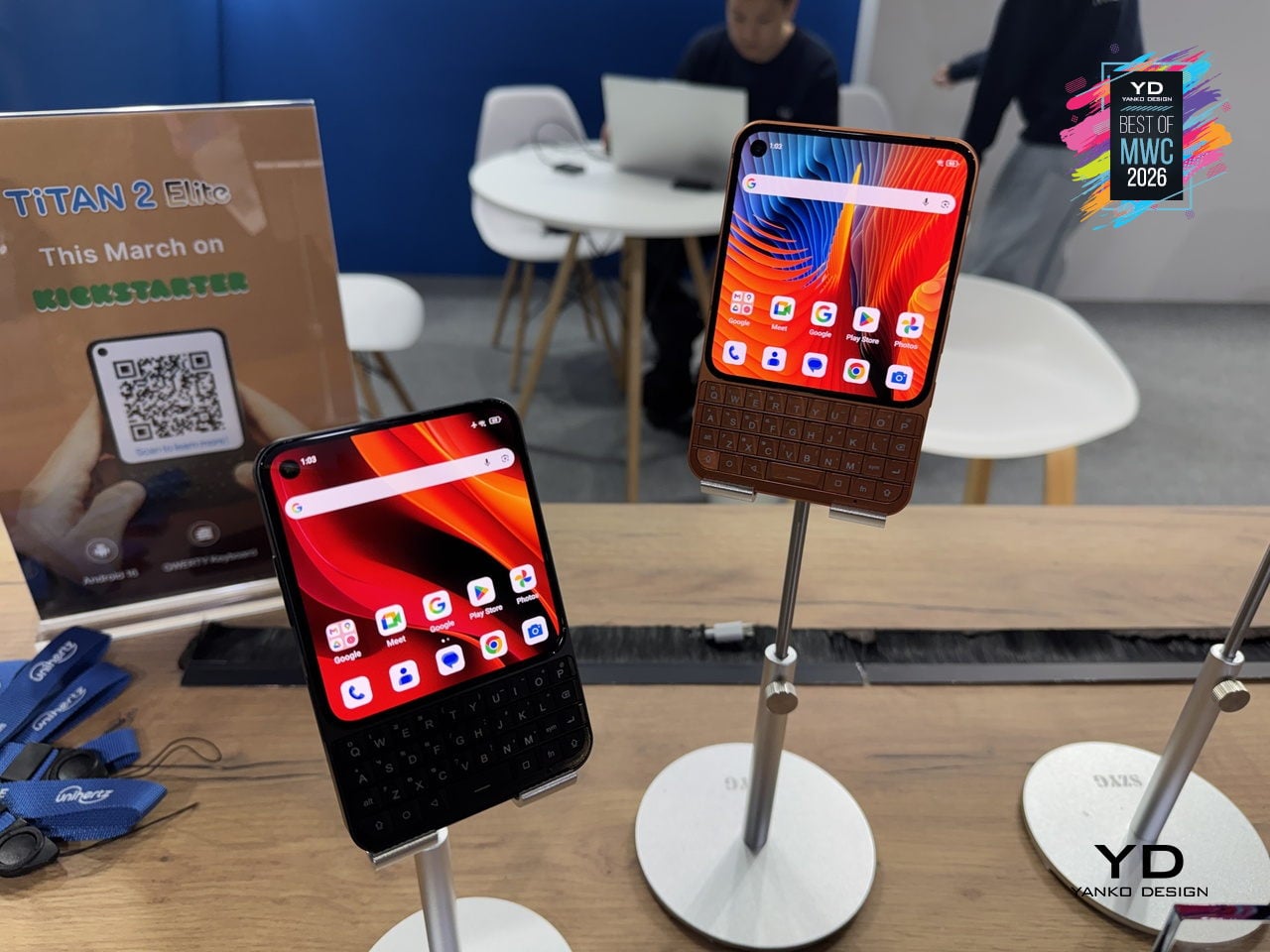
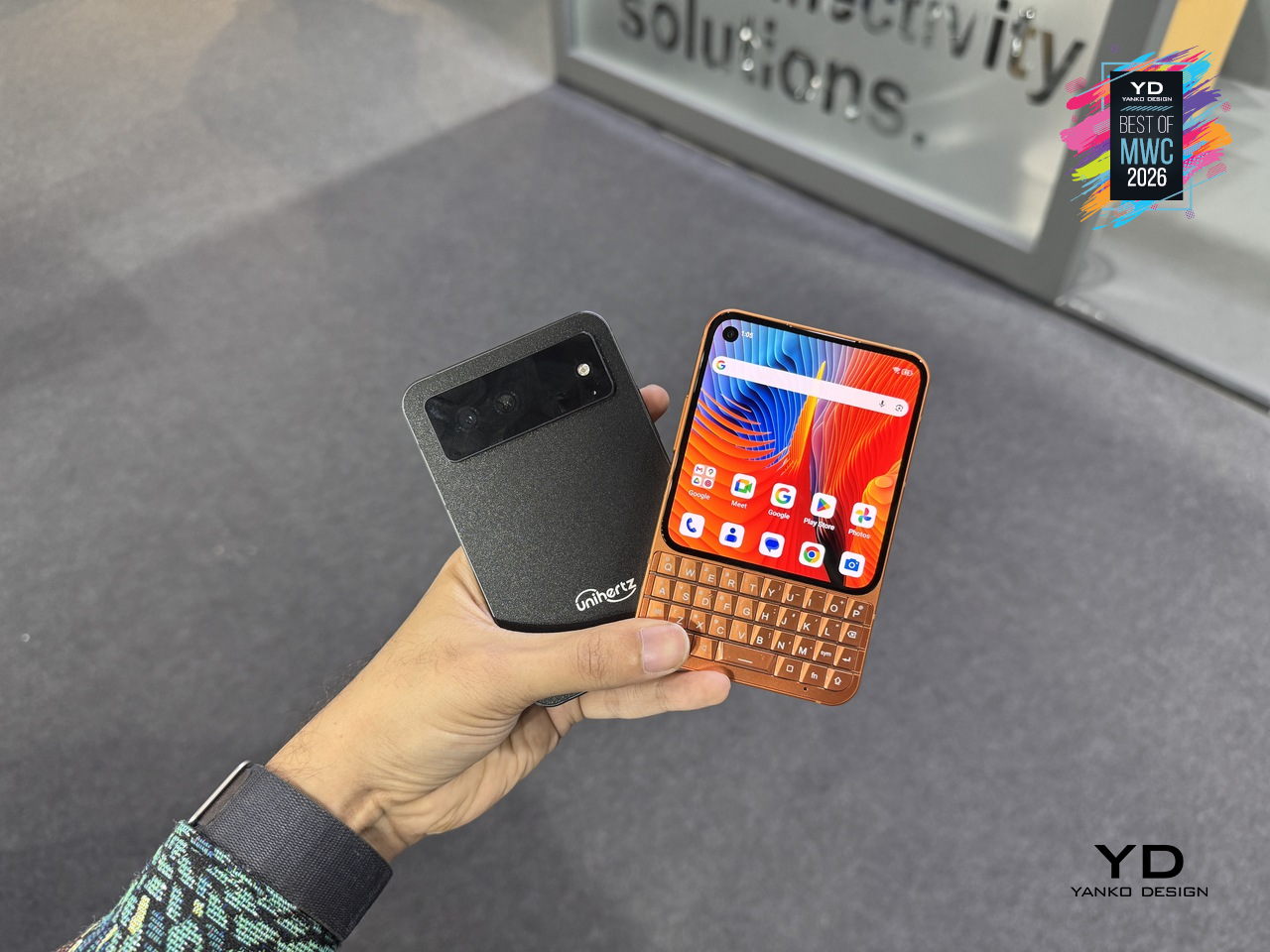
The Titan 2 Elite arrives at an interesting moment, with the Clicks pulling attention toward keyboard accessories for iPhones and Unihertz countering with a dedicated standalone device instead. There’s a meaningful difference between treating the keyboard as an add-on and building an entire phone around it, and that’s the bet Unihertz is making here.
The post Yanko Design’s Best of MWC 2026: When Engineering Gets Obsessive first appeared on Yanko Design.