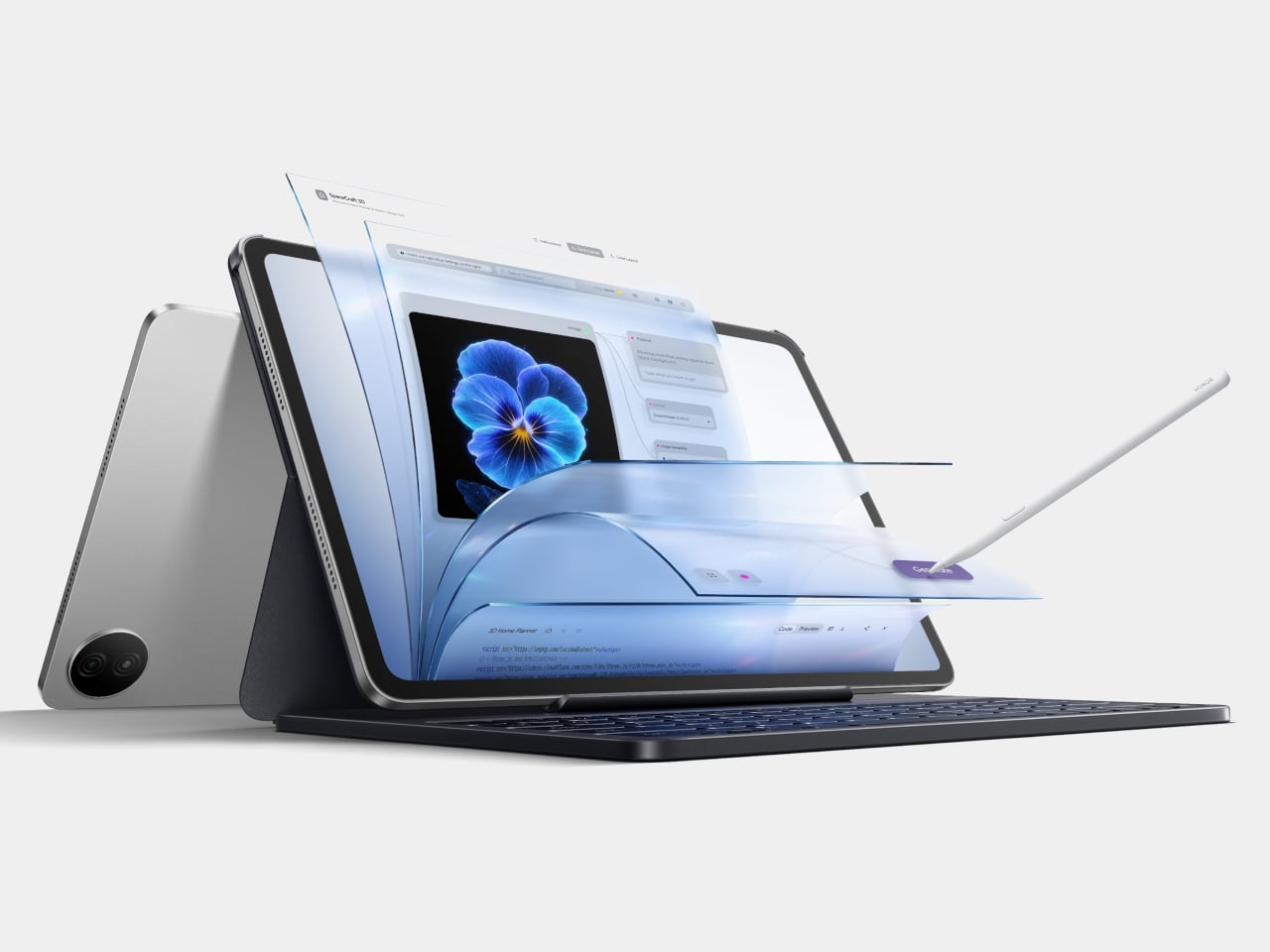
Honor Pad 20 Pro Has a Version That Feels Like Paper, Not Glass

Android tablets have spent years trying to establish themselves as serious productivity tools rather than large phones with expanded app drawers. The gap has closed considerably, especially as the software that matters most, document editors, video conferencing, creative apps, caught up with the hardware. The remaining friction, for many users, tends to be more physical: the glass surface of most tablet displays is smooth and reflective in ways that neither paper nor a dedicated monitor usually is.

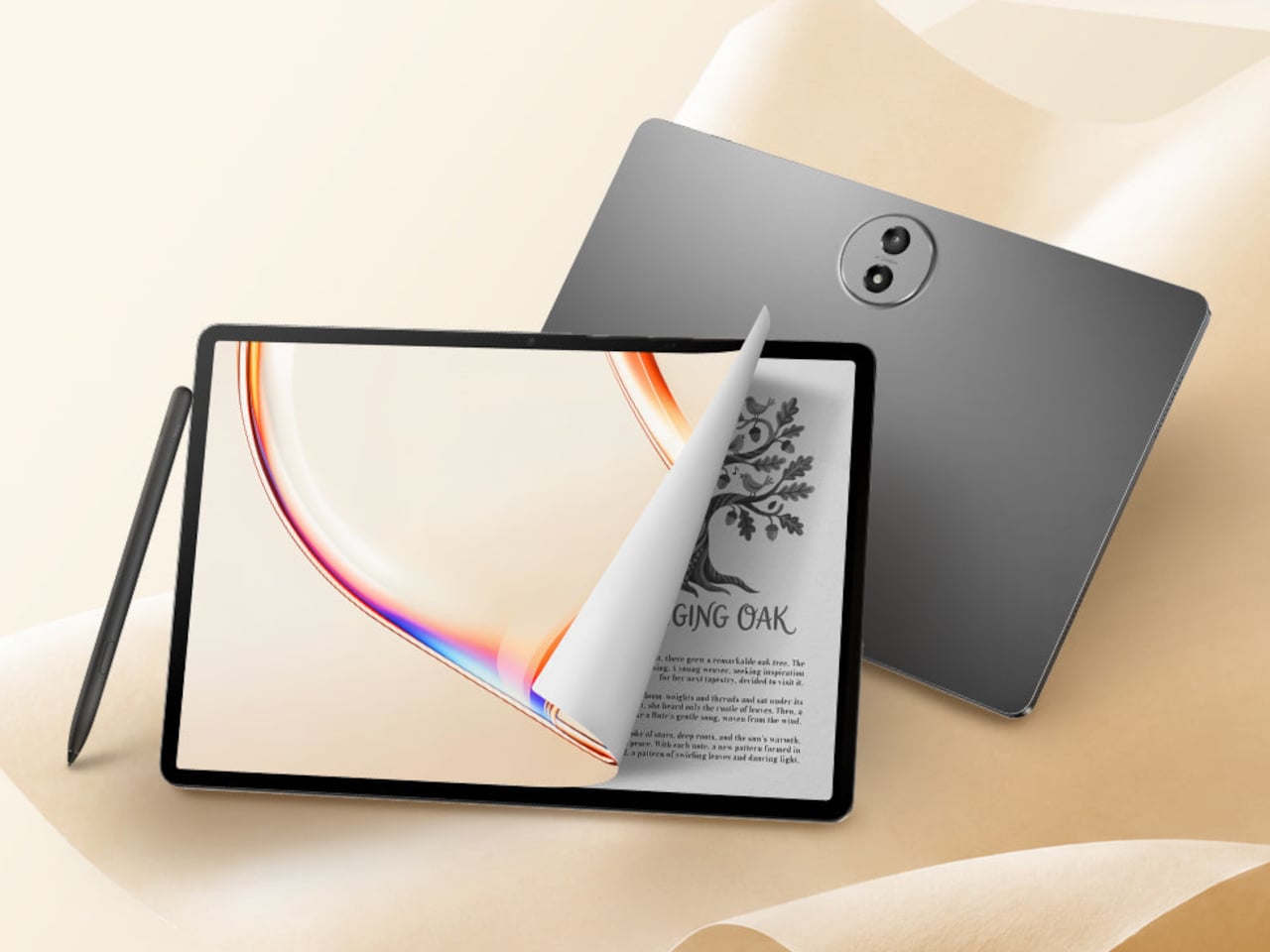
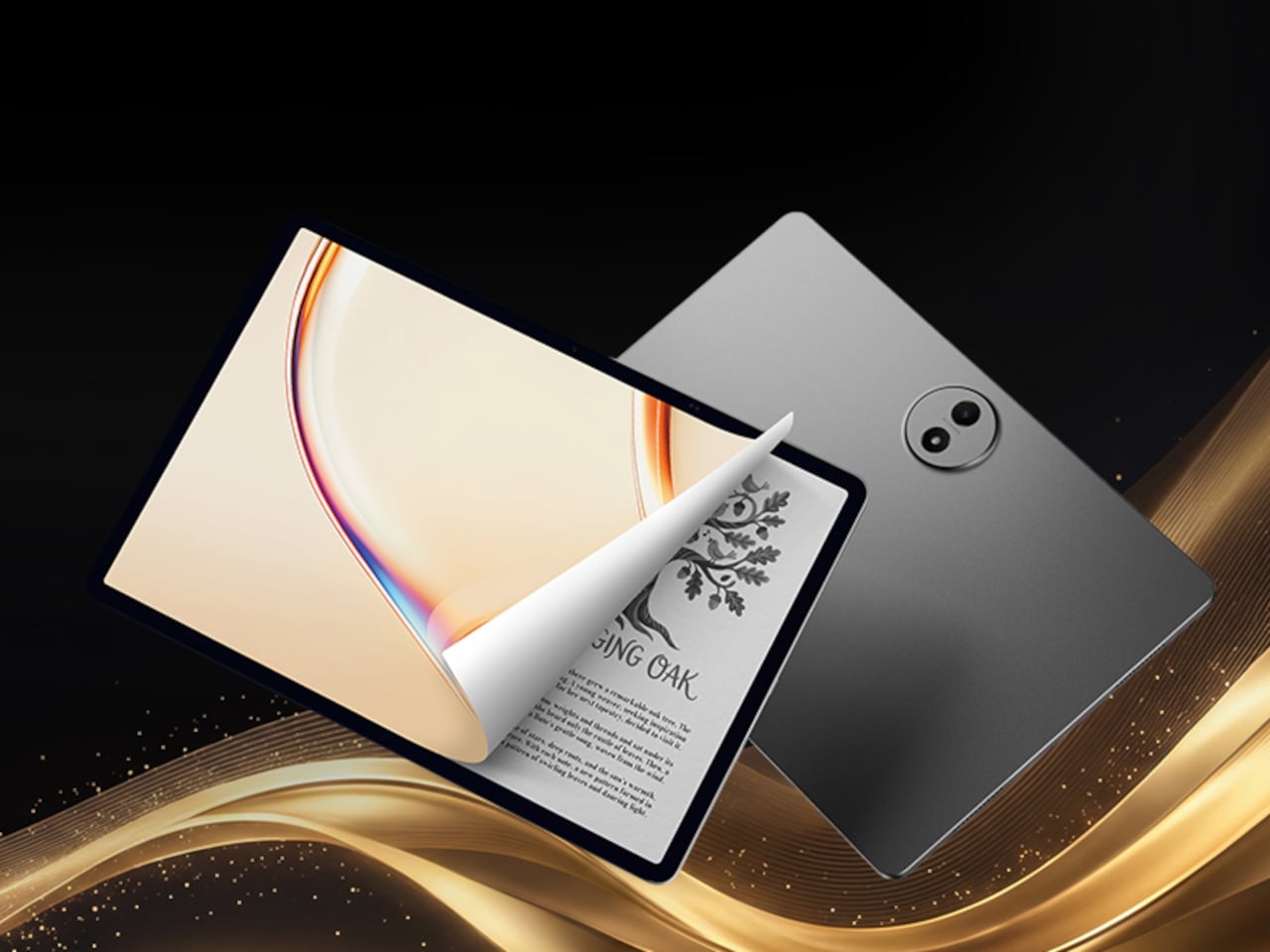
The Honor Pad 20 Pro arrives with that tension already baked into its lineup. The standard version is a straightforward performance upgrade over its predecessor, while the Paperlike Edition adds a micro-textured anti-glare coating to the same display that changes the surface experience entirely. Both tablets run identical hardware, so the choice between them is essentially a question of what you’re actually going to do with the device most of the time.

Designer: Honor
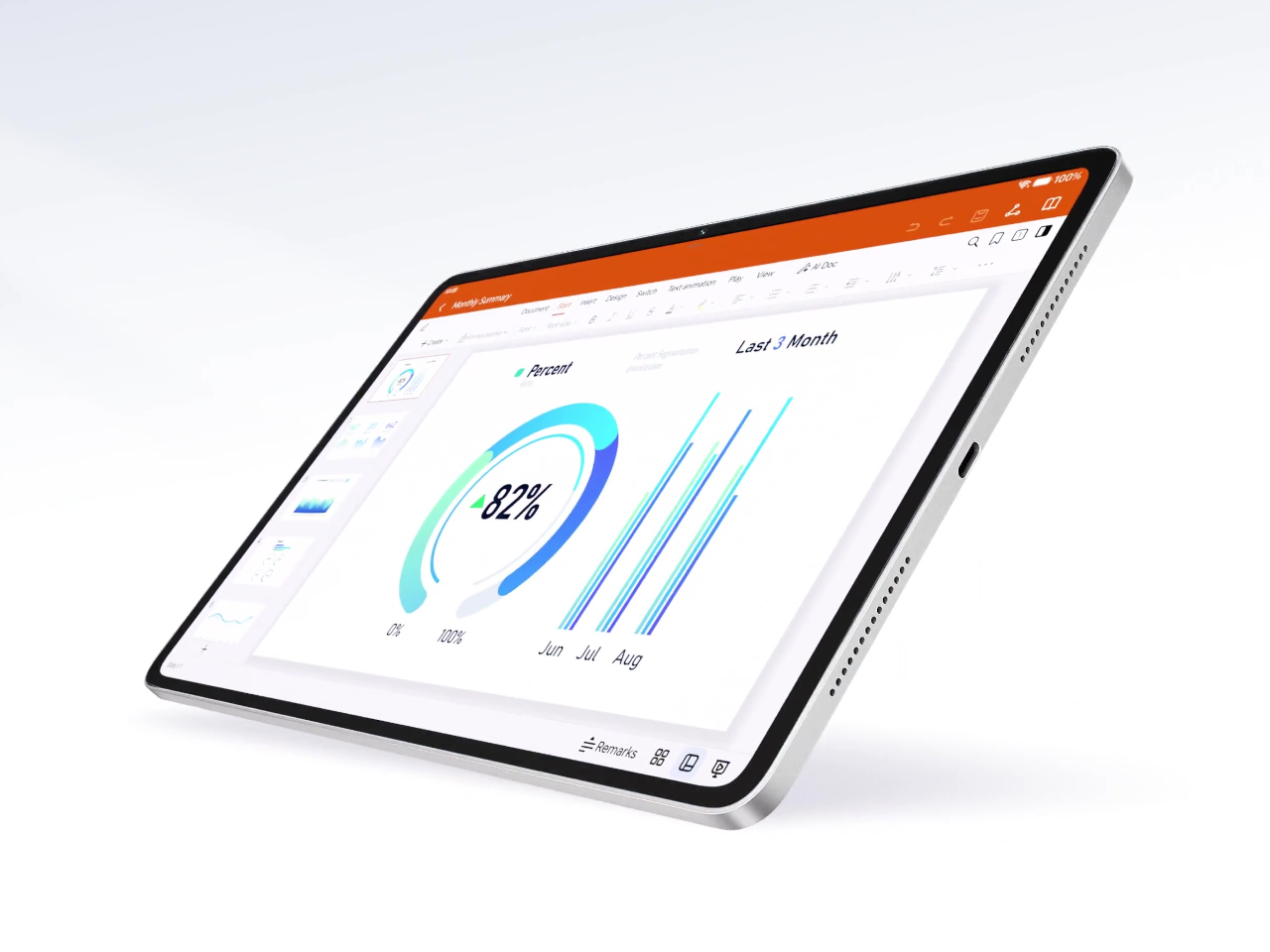
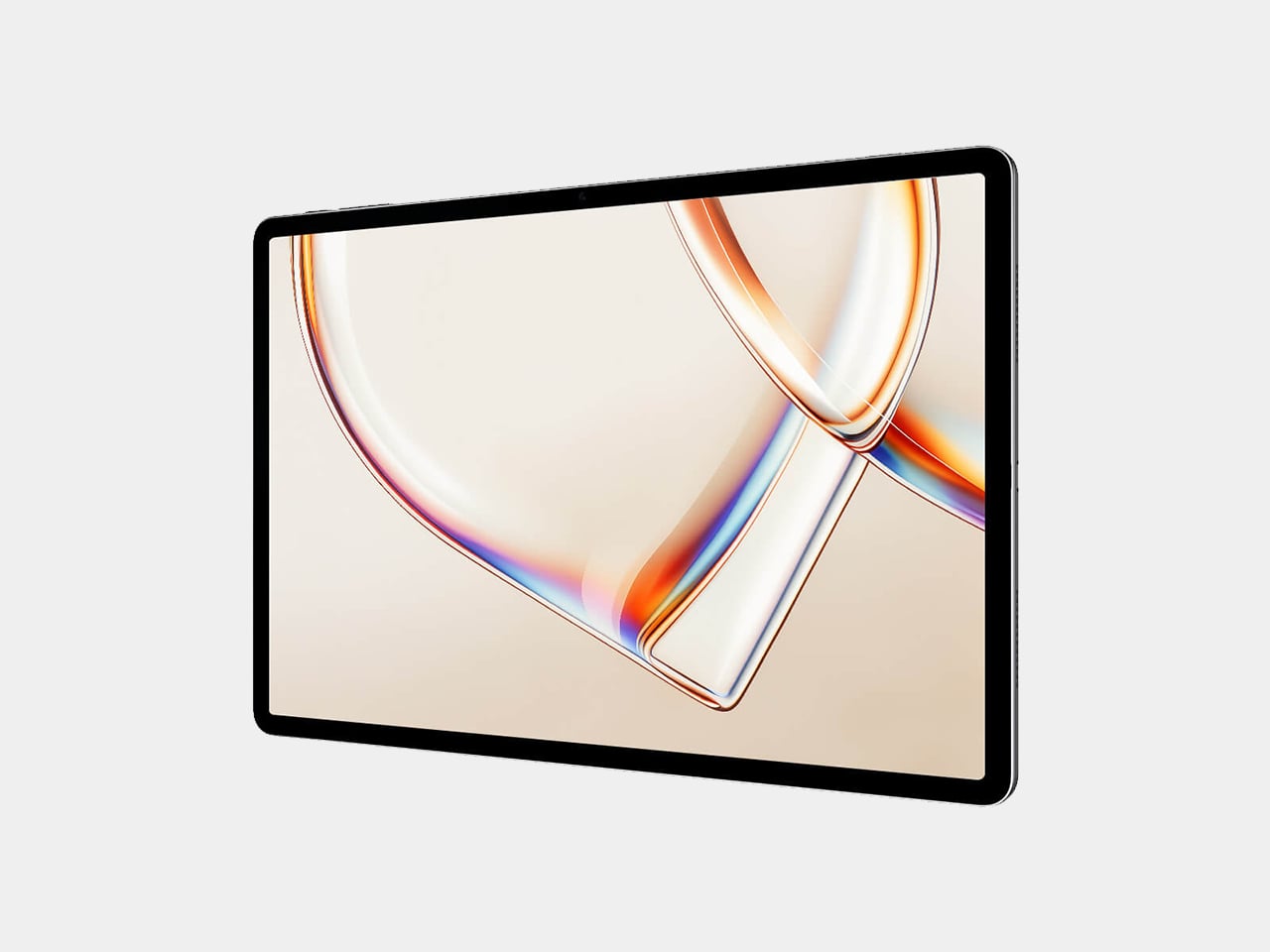
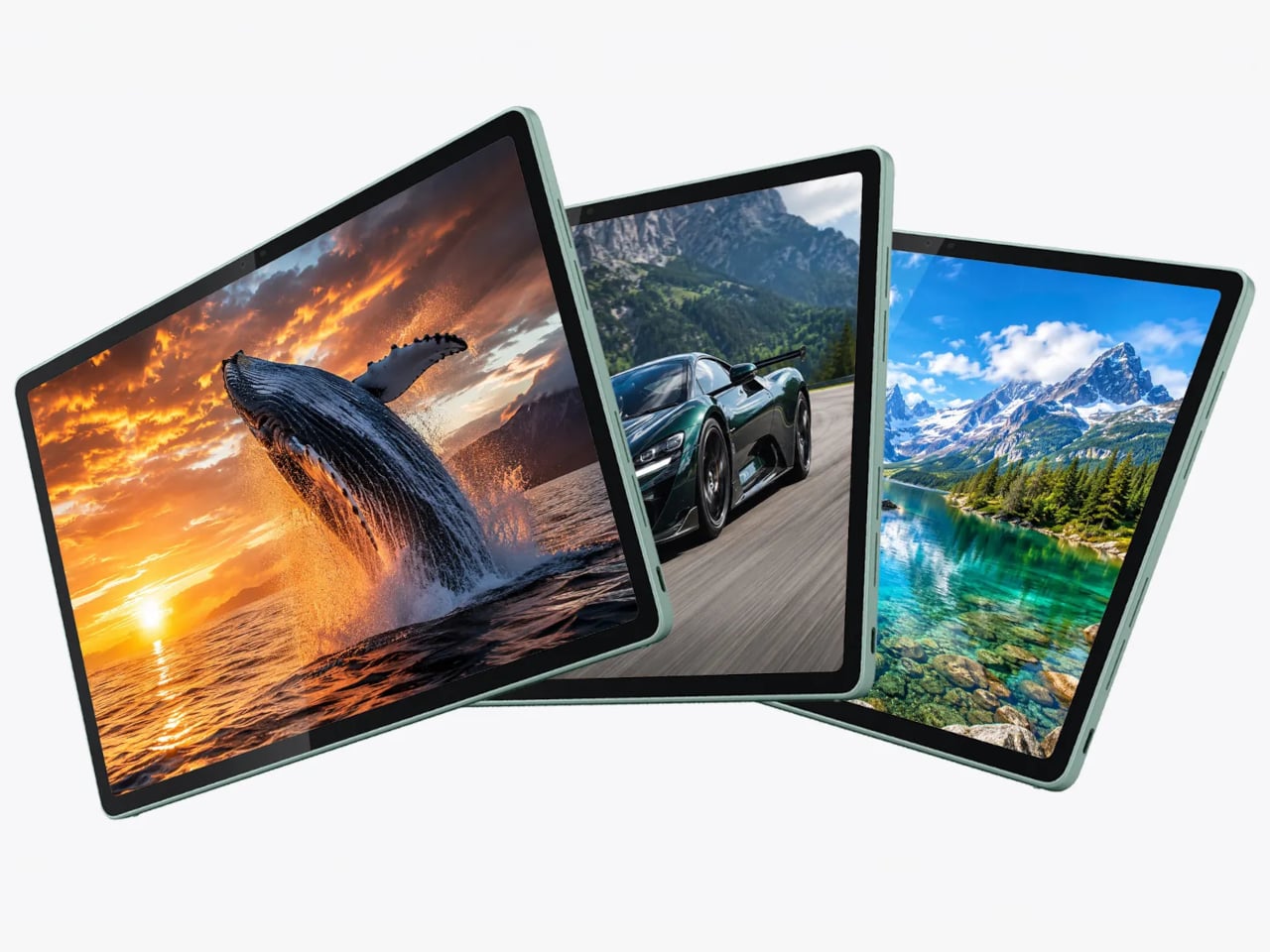
The screen that both variants share is a 12.1-inch IPS LCD panel running at 3,000×1,872 resolution with a 165 Hz refresh rate. IMAX Enhanced certification and DCI-P3 wide color coverage give it enough visual credibility for media consumption, while hardware-level eye-care features, including anti-flicker and low blue light reduction, make longer reading or working sessions more manageable. Peak brightness tops out at 700 nits, adequate for indoor use under most ordinary conditions.
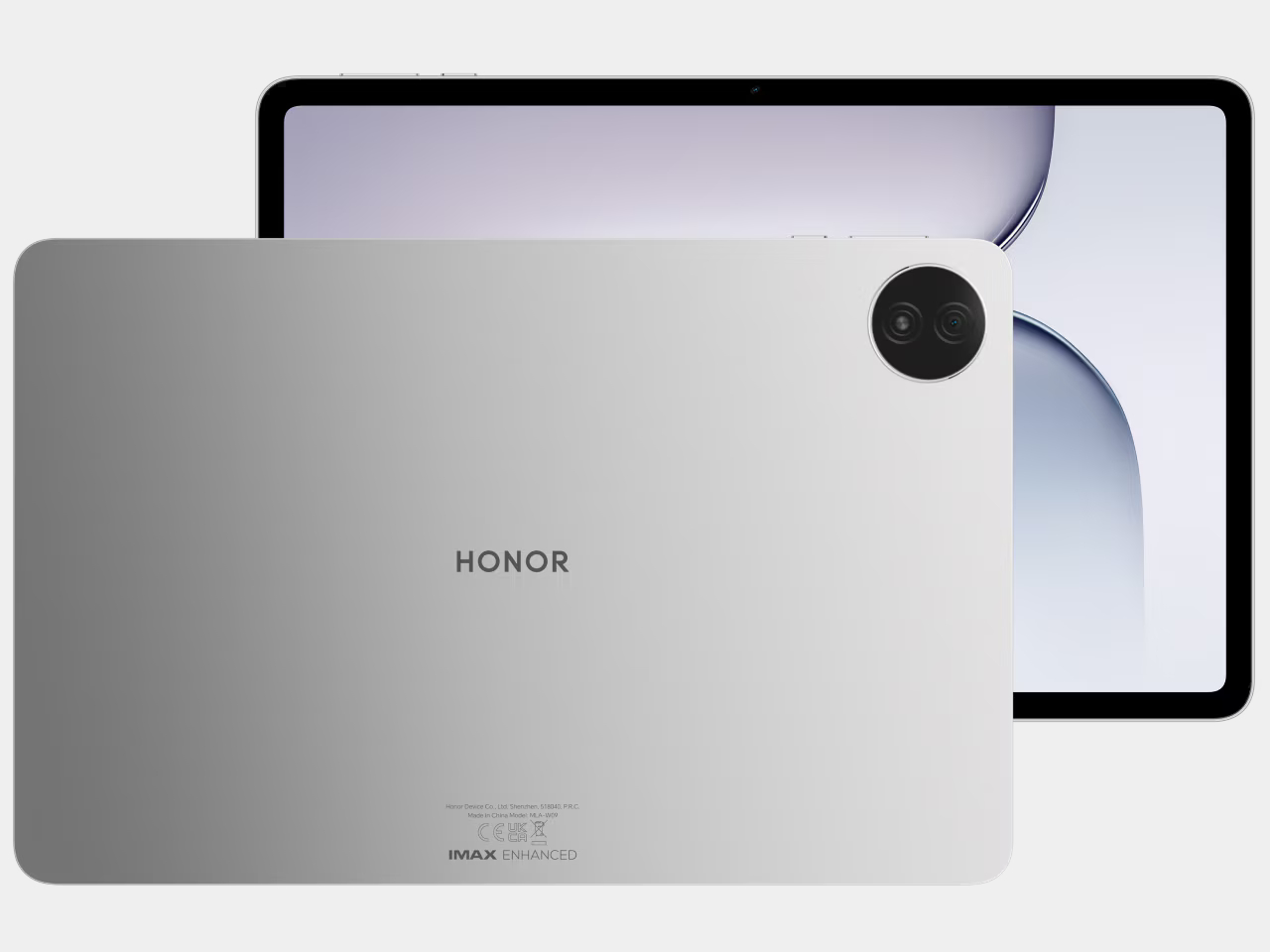
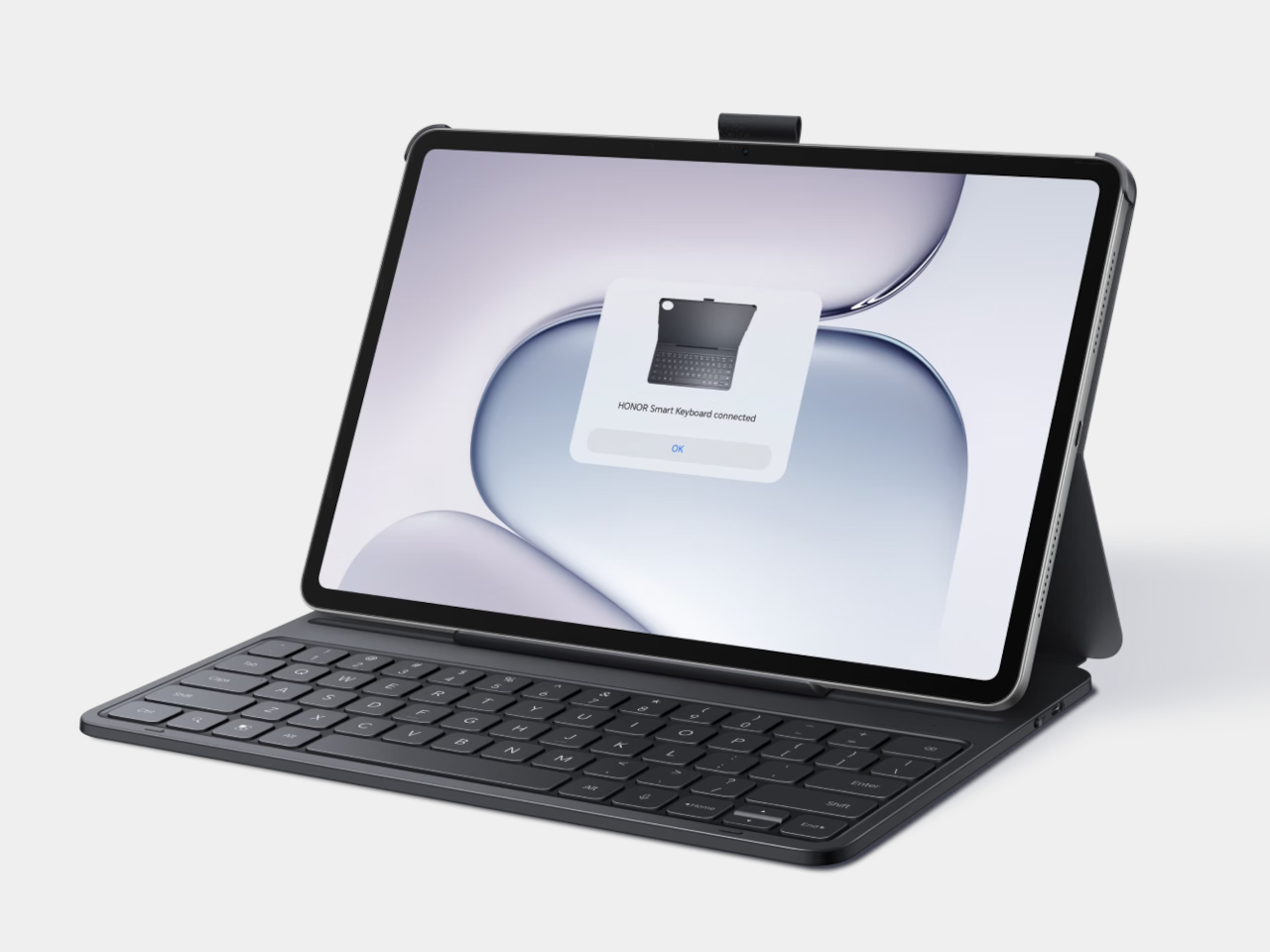
Power comes from the Snapdragon 8s Gen 4, paired with 8GB of RAM and 256GB of storage, which covers the multitasking loads most tablet users will throw at it: running several browser tabs alongside a document editor, switching between a video call and a note-taking app, or handling light creative work. The six-speaker audio system with DTS:X Ultra makes the same device worth watching a film on at the end of the day.
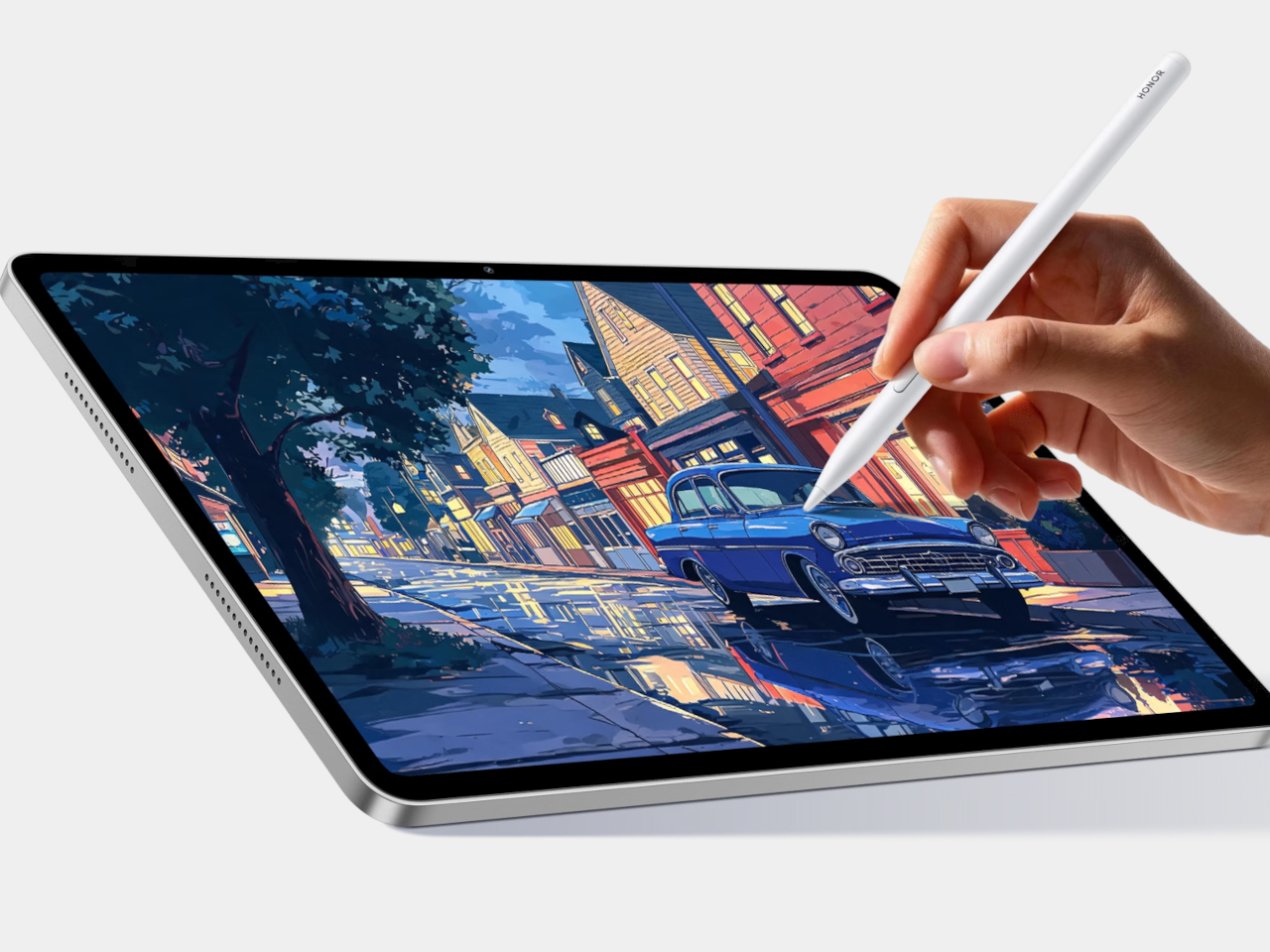
The Paperlike Edition’s micro-textured coating isn’t just an aesthetic choice. Anyone who has tried to sketch or annotate seriously on a glossy glass display has felt the issue: the stylus slides too freely, and the surface reflects ambient light at exactly the wrong moment. The textured finish introduces enough friction to make strokes feel more deliberate and controlled, and reduces reflections in a way that makes extended reading or annotating sessions considerably more comfortable without sacrificing color accuracy.
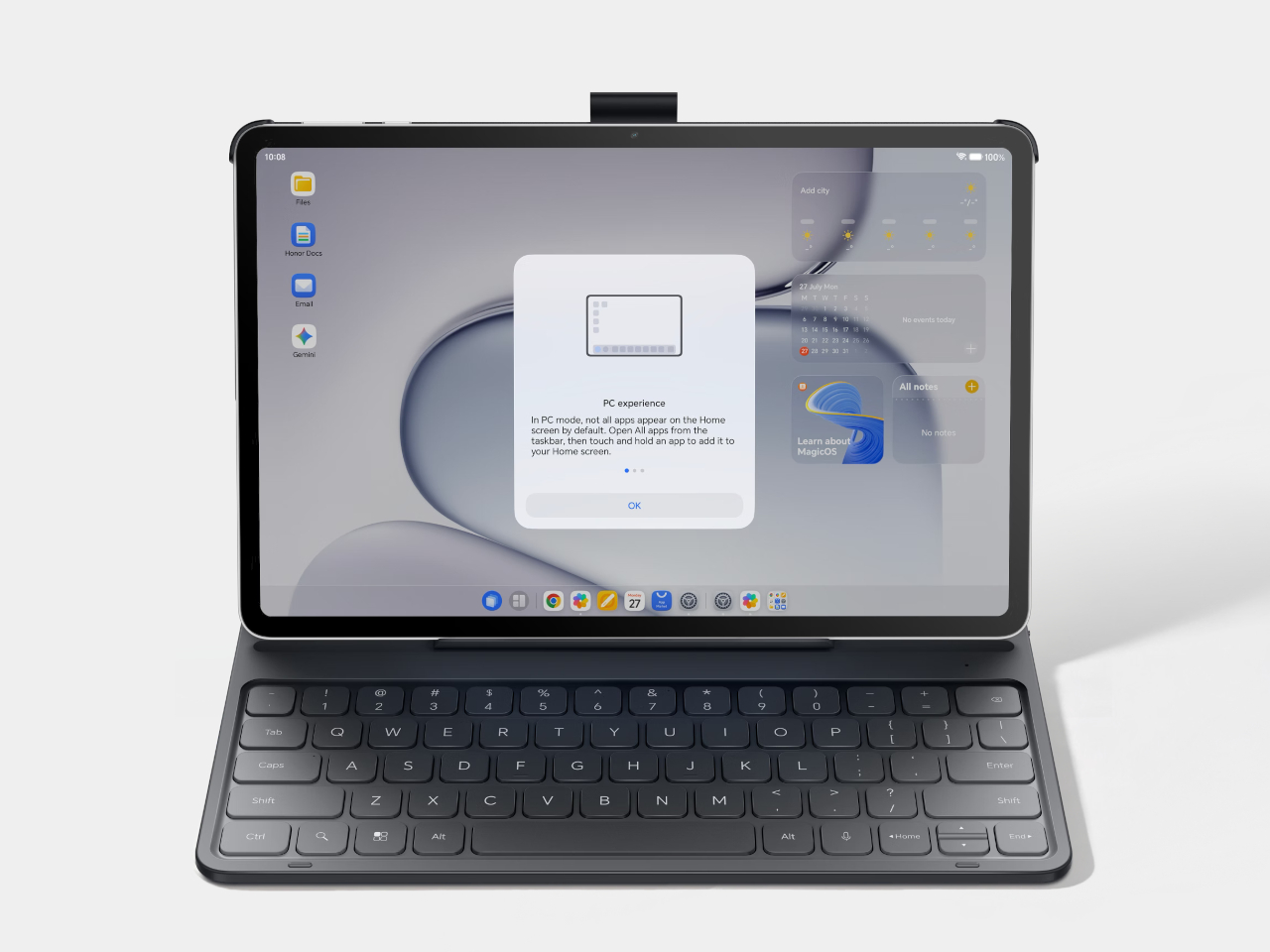
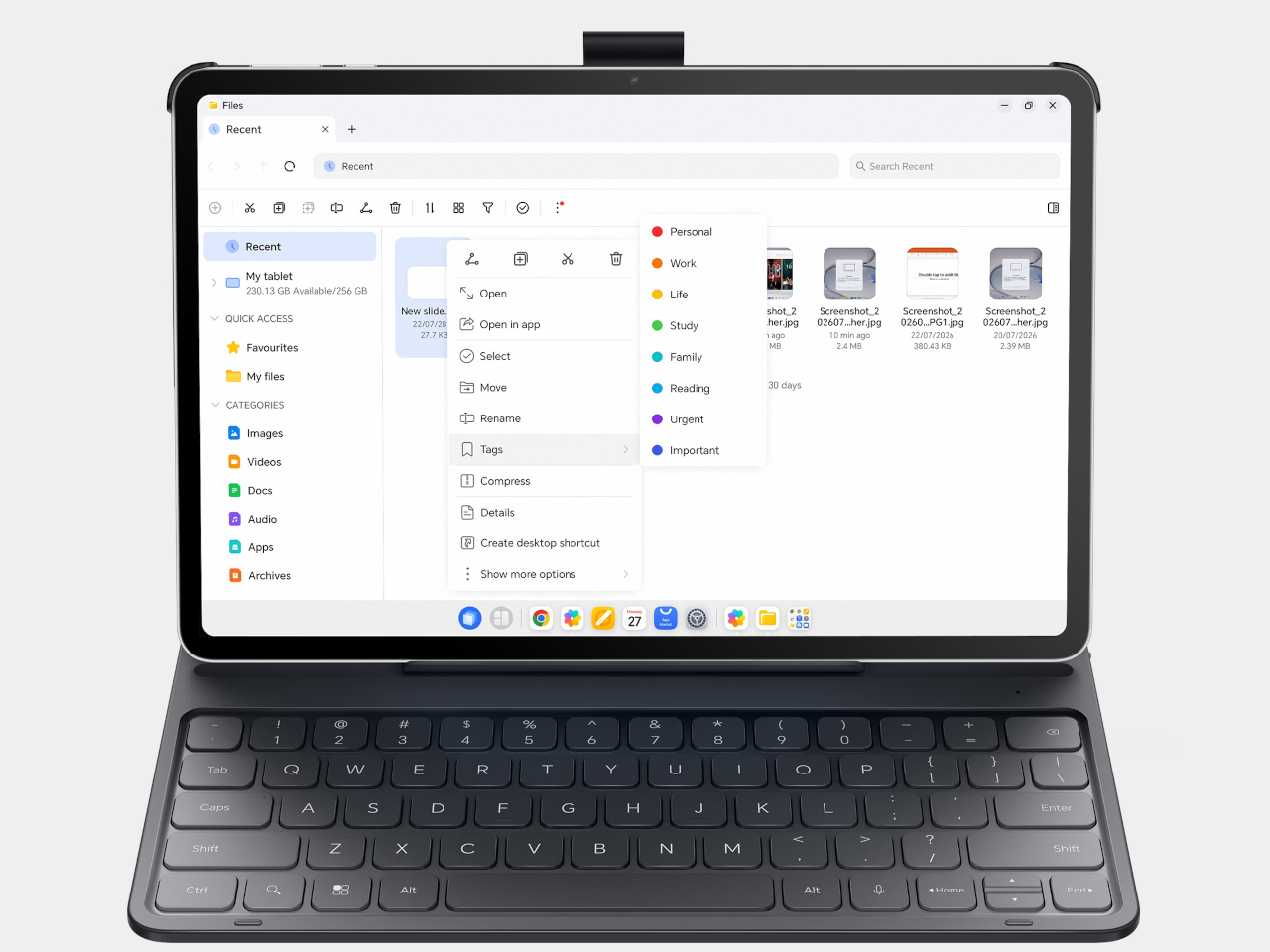
Both variants support the Honor Magic-Pencil 4s stylus and run MagicOS 10.0 on Android 16. The software includes a PC Mode that offers desktop-style window management, letting the device behave more like a laptop when connected to a keyboard. For users who split their time between a tablet and a proper workstation, the cross-device features let the Honor Pad 20 Pro connect to a PC ecosystem without leaving the Android environment.


The 10,100mAh battery with 66W fast charging is the kind of spec that stops most conversation about battery anxiety in tablet form. A full day of heavy use doesn’t reach the kind of drain that makes you start watching the percentage. The metal chassis, at 6.29mm thin and 537g, puts it in a weight class that works for holding in hand, not just setting on a desk.

The post Honor Pad 20 Pro Has a Version That Feels Like Paper, Not Glass first appeared on Yanko Design.
The $499 E Ink Tablet That Runs Spotify, WhatsApp and Doesn’t Hurt

Screens have been the unresolved tension at the center of productivity for years. LCD and OLED displays do everything well except the one thing that matters most during a long reading or writing session: they don’t stop being screens. The brightness, the blue light, and the glare accumulate into eye fatigue that most people simply accept as part of working on a device all day. E Ink tablets have addressed that problem, but historically at the cost of color and app freedom.

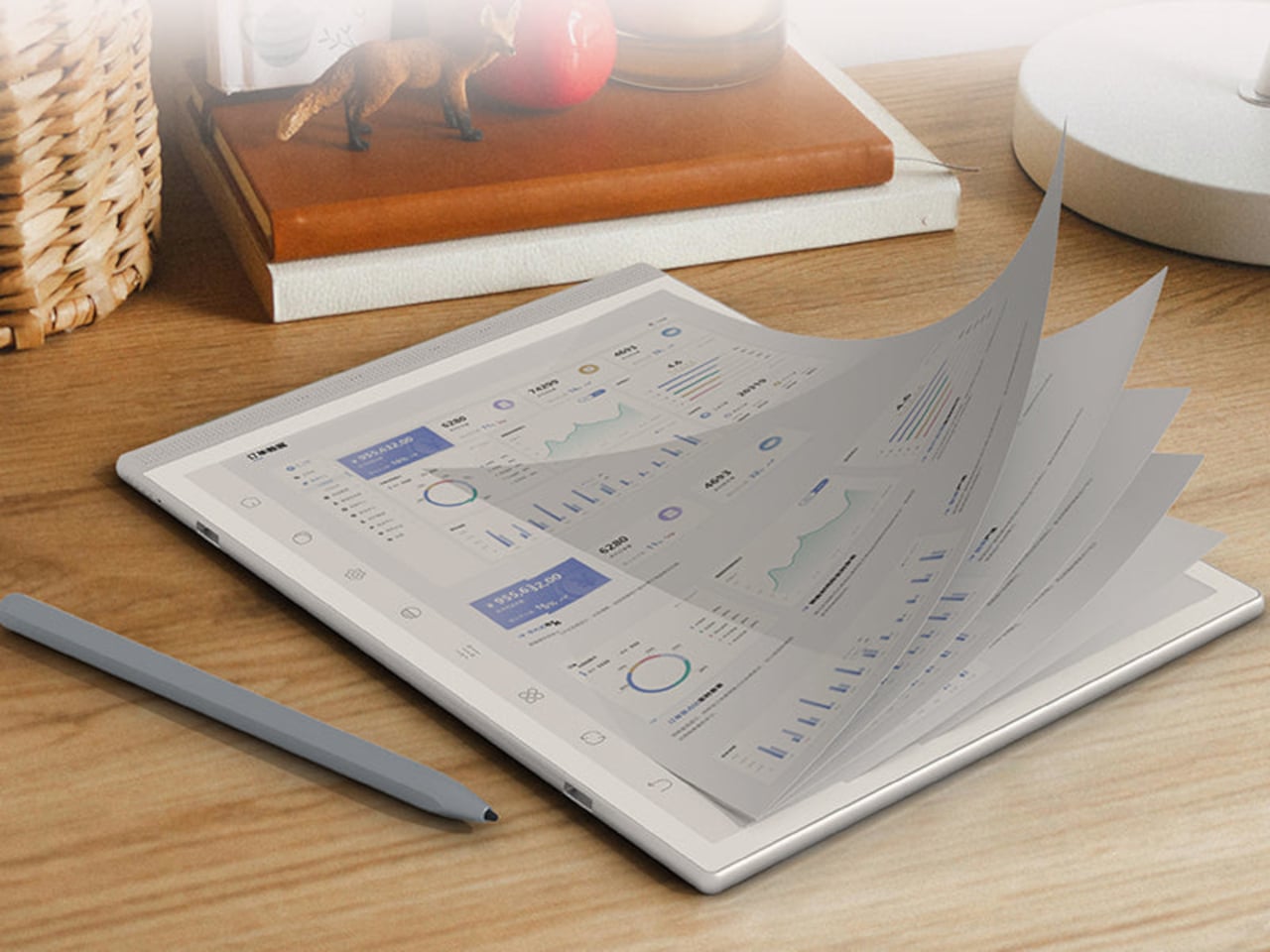
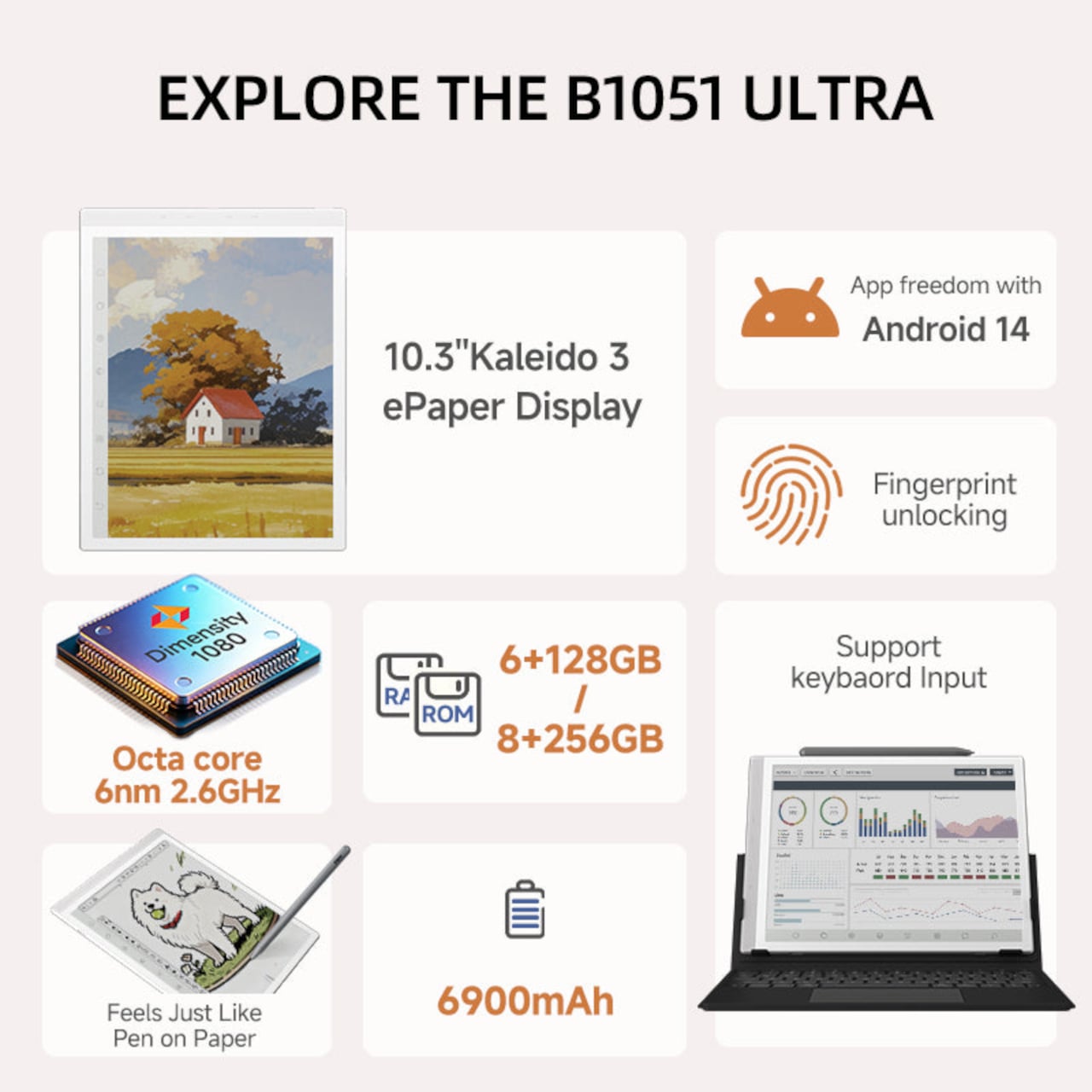
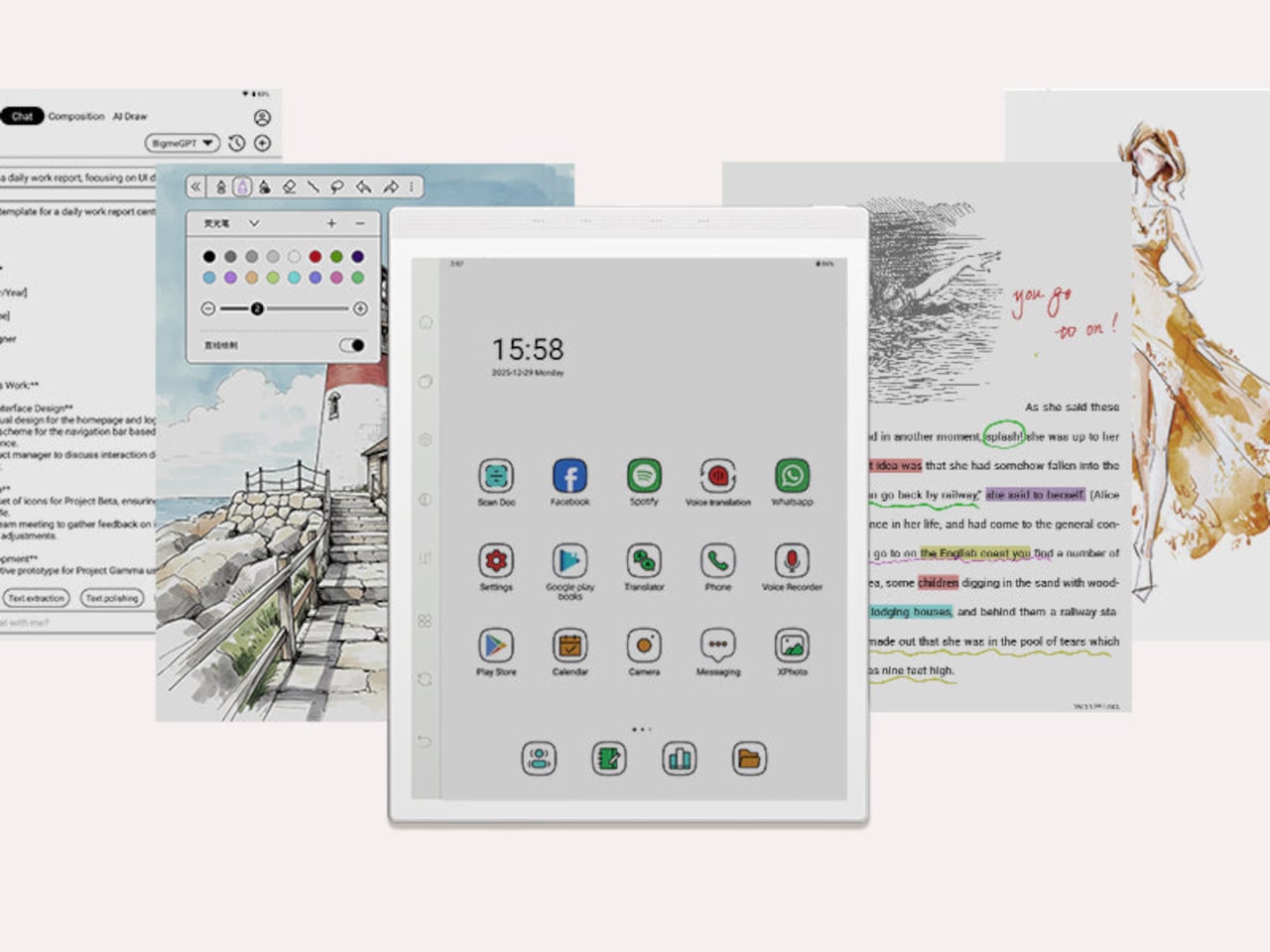
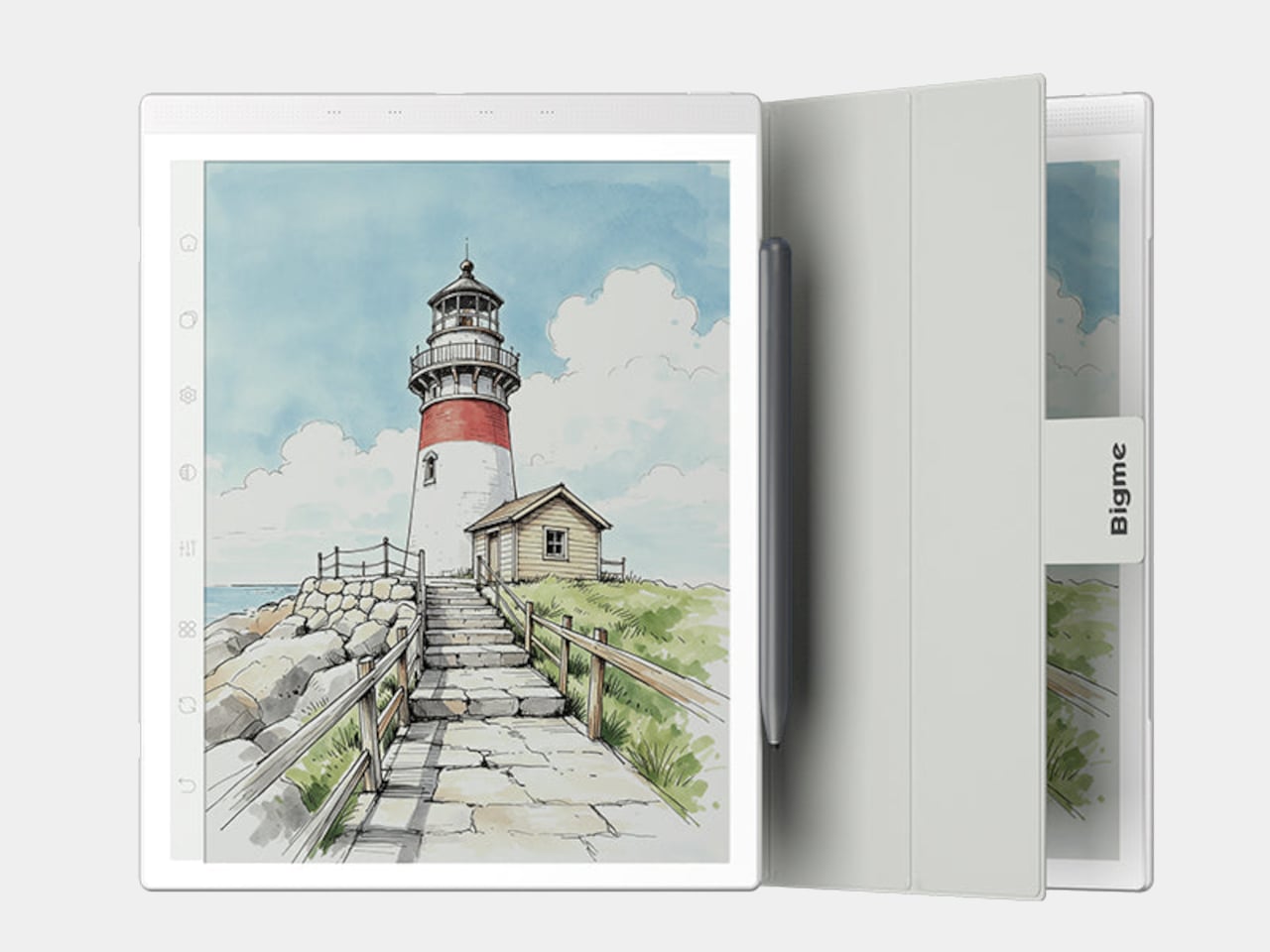
The Bigme B1051 Ultra is built on the premise that none of those trade-offs need to be permanent. Its 10.3-inch Kaleido 3 E Ink display is color-capable and glare-free, with an adjustable front light covering 36 levels of brightness in both warm and cool tones. The result is a surface that handles illustrated documents, annotated PDFs, and color-coded spreadsheets without sending the wearer reaching for eye drops an hour in.

Designer: Bigme

Color E Ink of any generation has historically been limited in brightness and saturation compared to traditional displays, and the Kaleido 3 panel doesn’t fully close that gap. What it does deliver is a dramatically more comfortable reading experience for long sessions, particularly in well-lit environments where conventional displays produce the most glare. For documents, annotations, and notes, the color rendering is more than sufficient to make the information readable without eye strain.

The hardware underneath is capable enough to run Android 14 without compromise. A MediaTek Dimensity 1080 octa-core chip running at 2.6GHz with up to 8GB of RAM handles third-party apps from Google Play without the sluggishness that plagued earlier E Ink Android devices. Spotify works. WhatsApp runs. The Google Play Store is fully accessible. A 6,900mAh battery supports the kind of all-day use the form factor implies.

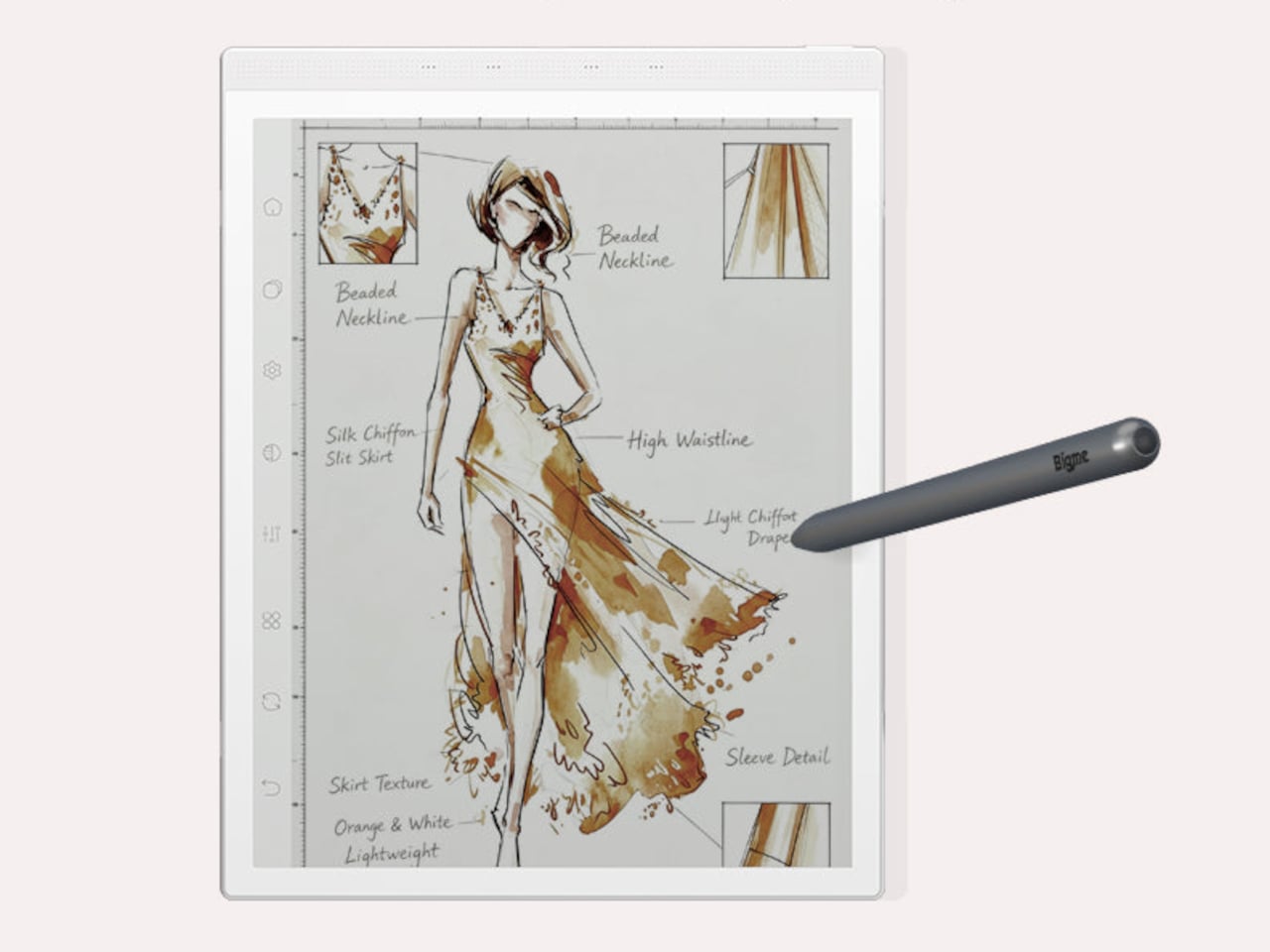
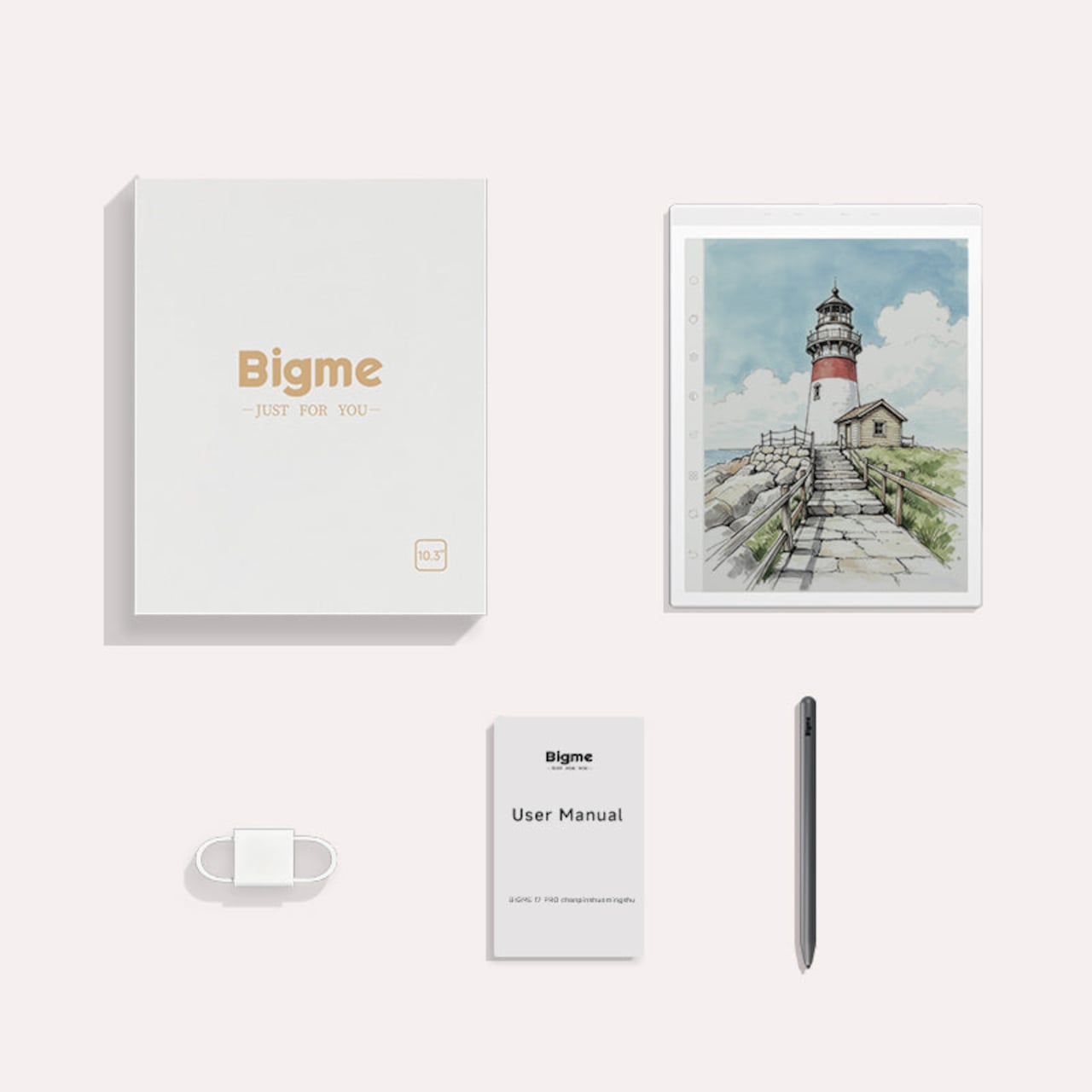
Writing and sketching feel natural on the included stylus, which offers 4,096 levels of pressure sensitivity and a surface friction designed to replicate paper. An annotated legal document, a fashion sketch with labeled callouts, or a watercolor illustration all sit on the display with the same kind of grainless, paper-like quality. Bigme’s auto ghosting elimination technology handles the visual artifacts that have historically made fast stylus input on E Ink screens feel laggy or muddy.

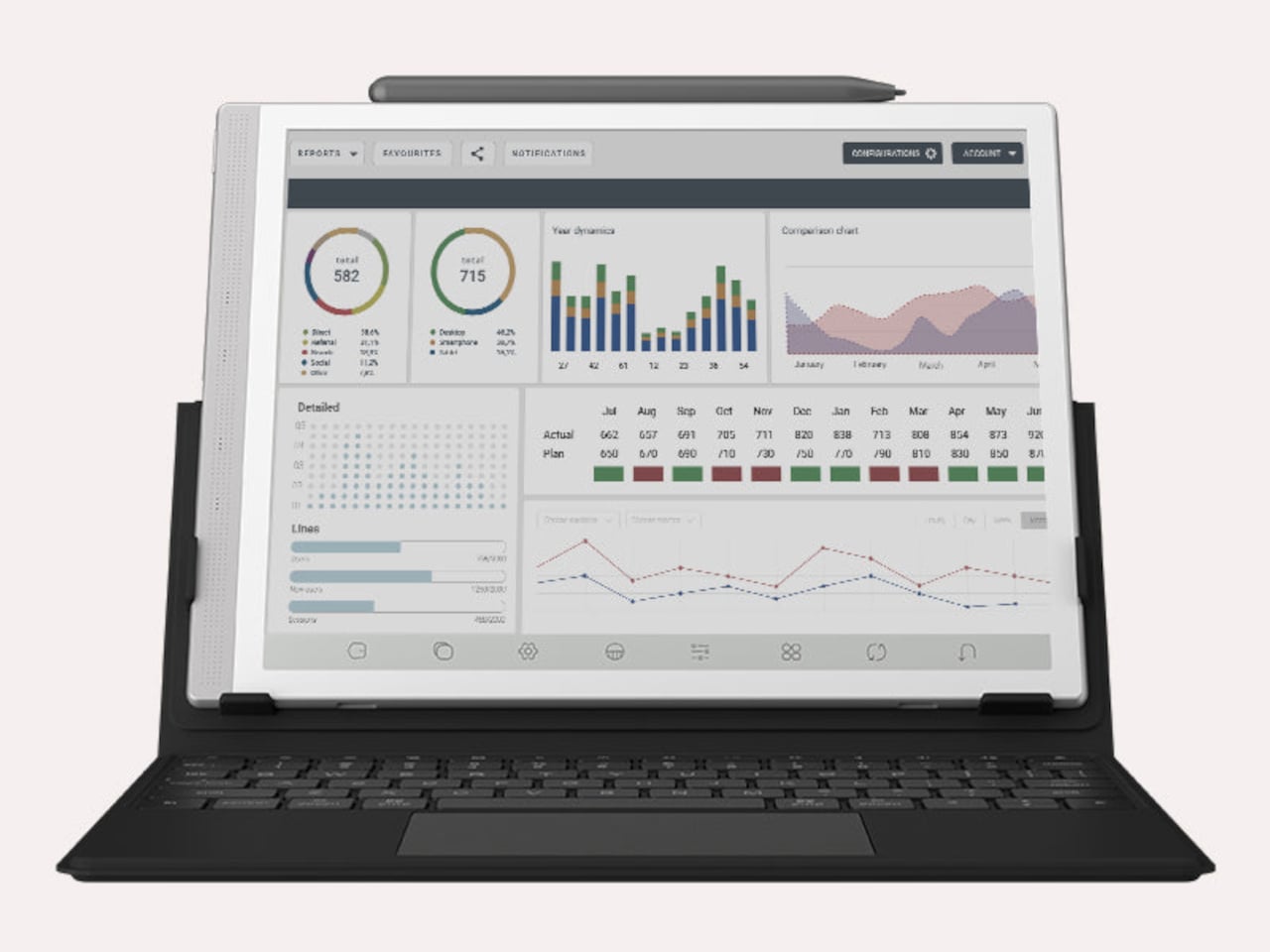
The optional keyboard folio cover turns the B1051 Ultra into something that reads more like an e-paper laptop. A trackpad is built into the keyboard, and the folio supports dual-angle positioning for desk and lap use. Connecting to an external keyboard and looking at a dashboard of charts and figures across the full 10.3-inch surface is a different experience from doing the same work on an LCD that competes with every other light source in the room.

Integrated AI tools extend beyond the display and stylus. Text extraction, text polishing, AI-assisted drawing, and composition features are baked into the software layer. Fingerprint unlocking handles access. The B1051 Ultra is available starting at $499 for the device-and-case bundle, with the keyboard configuration adding to that. E Ink has always been the right technology for certain kinds of work, and the Bigme B1051 Ultra is one of the more complete arguments that it doesn’t need black-and-white e-readers to make that case convincingly.

The post The $499 E Ink Tablet That Runs Spotify, WhatsApp and Doesn’t Hurt first appeared on Yanko Design.
This $400 Tablet Comes With a Stylus, a Case, and Eyes That Don’t Hurt

Screen time on tablets has never been higher, but comfort hasn’t kept pace. Most tablet displays are still optimized for brightness and color gamut, with eye protection largely an afterthought or a toggle buried in settings. Reading long documents, annotating notes, or watching videos for hours on a typical panel can leave your eyes feeling the aftermath in ways that aren’t exactly encouraging.

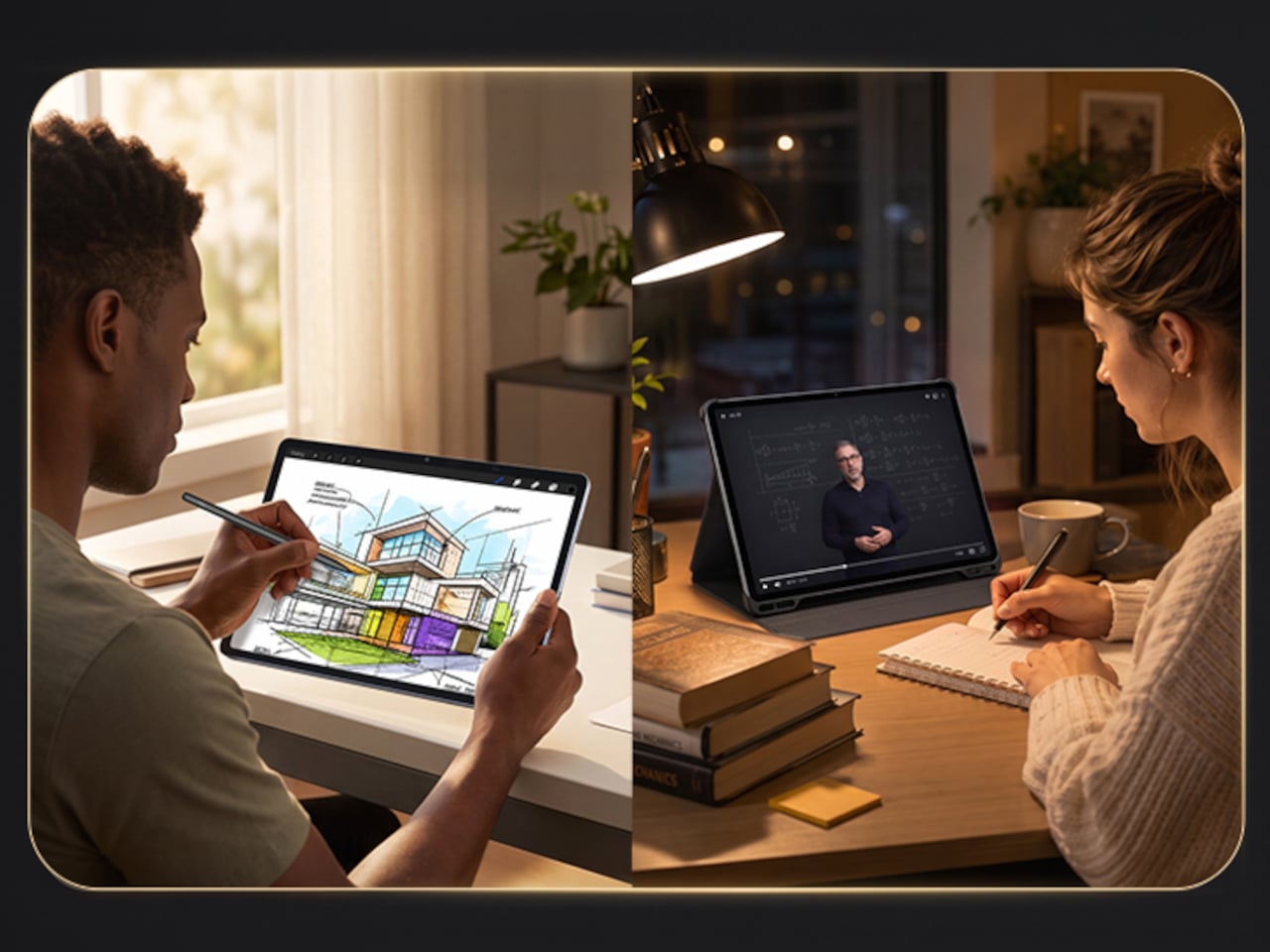
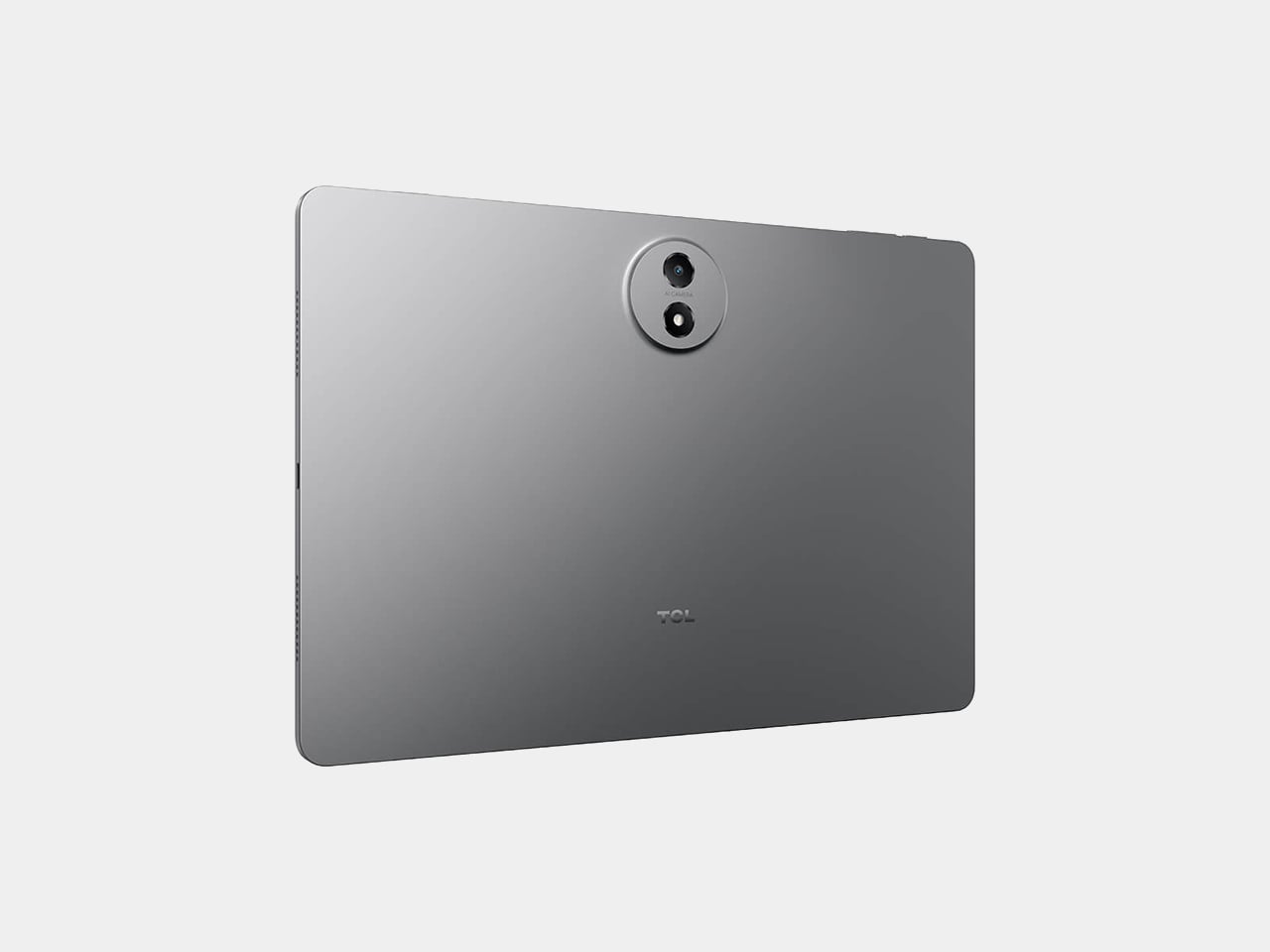
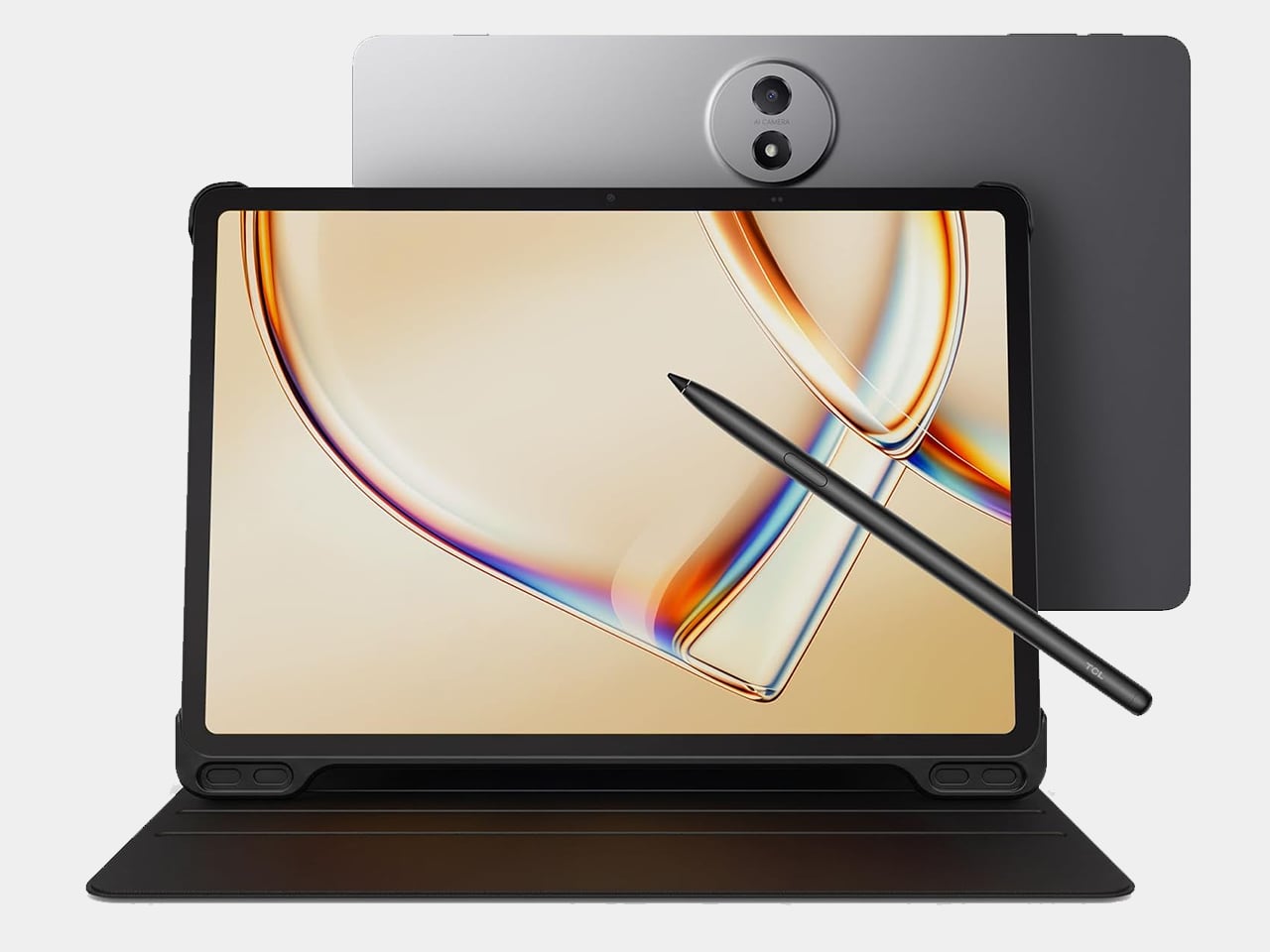
TCL’s TAB A1 Plus NXTPAPER approaches that problem with something more deliberate than a simple blue-light filter. Built around the brand’s fourth-generation NXTPAPER display technology, it brings a large 12.2-inch 2.4K panel that combines seven integrated eye-comfort technologies, including Nano Crystal Shield Glass and an OmniSoft Light System, to more closely replicate the gentler, less fatiguing qualities of reading on paper.

Designer: TCL

The aspect ratio is worth noting too. At 3:2, the screen is taller than typical tablets, which means more of a document or webpage fits on screen without endless scrolling. That might sound like a minor detail until you’re cross-referencing notes during a study session or keeping track of multiple open documents across a long work afternoon. The adaptive 120Hz refresh rate keeps every interaction smooth throughout.

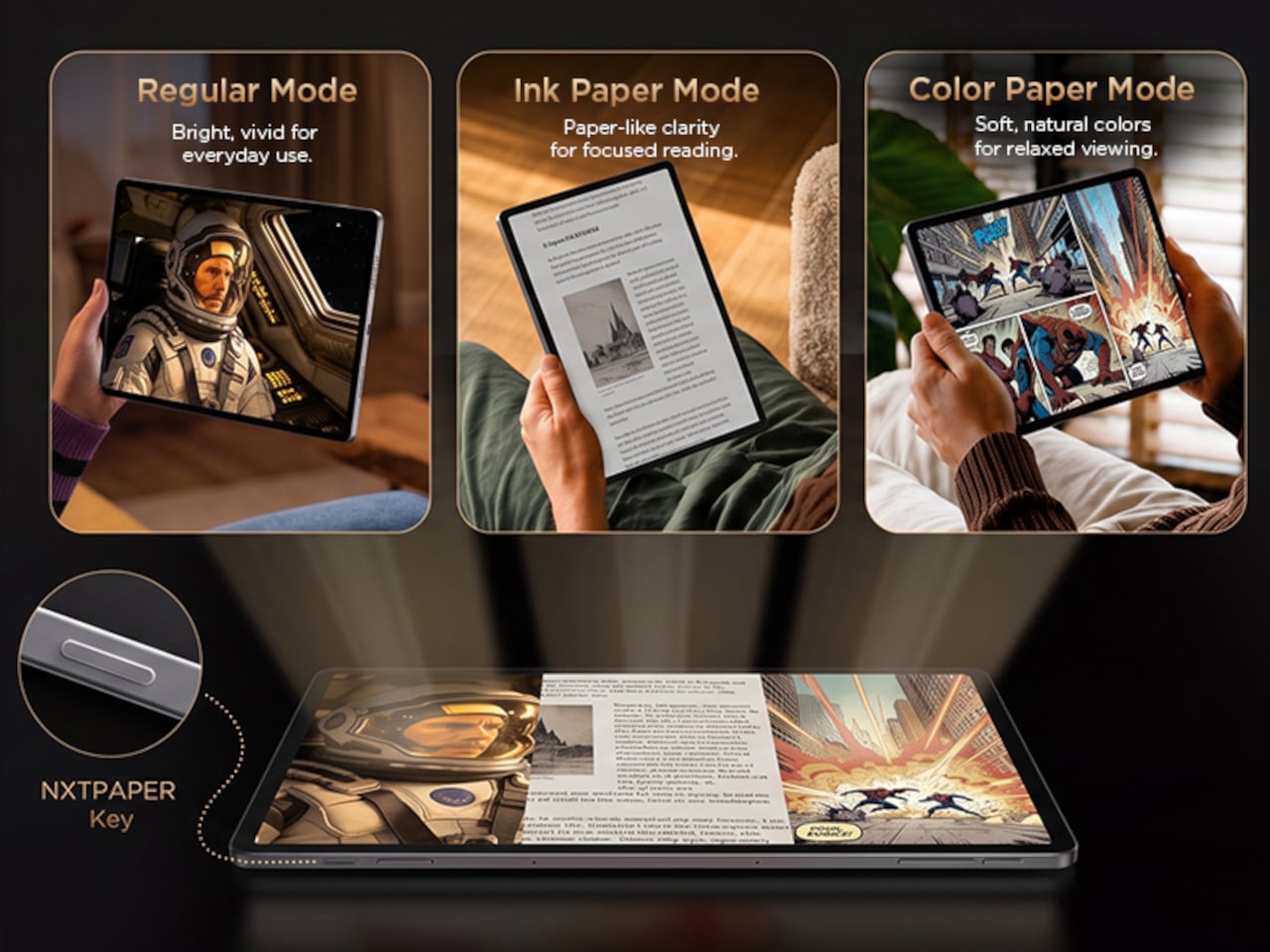
Switching between display modes is handled by the dedicated NXTPAPER Key, which cycles through paper-like and standard color modes without digging into settings menus. The 3-in-1 VersaView feature goes a step further, letting you pin specific apps to stay in full color while the rest of the interface remains in the easier-on-the-eyes paper mode. It’s a level of personalization that’s genuinely thoughtful.

NXTPAPER isn’t attempting to replicate E Ink or compete with dedicated e-readers on texture alone. It preserves the advantages of a conventional color display, including smooth video playback and vivid visuals, while adding the glare reduction and light softening that make extended reading sessions less punishing. The result is a screen that can move from a video stream to a study session without demanding any trade-off.

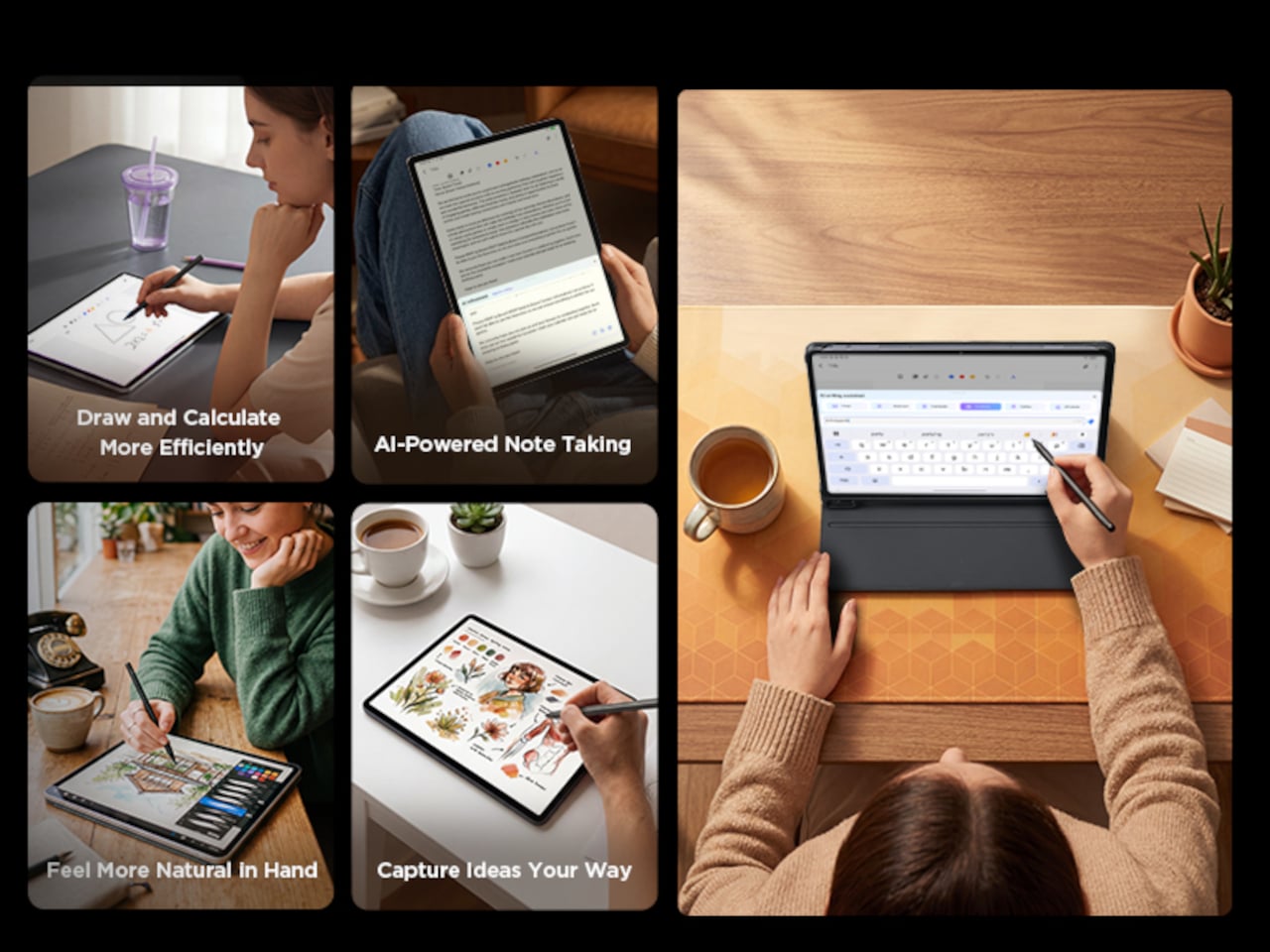
A suite of built-in AI tools handles the more tedious parts of daily work. Google Gemini and Circle to Search are onboard, alongside Writing Assist, Text Assist, a Smart Translator, and Smart Voice Memo. The tablet also runs Android 16 with Split Screen, Floating Windows, and Sidebar features built in, which means going from writing a draft to pulling research doesn’t require closing anything.

Under the hood, the Snapdragon 4 Gen 2 chip pairs with up to 16GB of RAM and 256GB of storage, expandable to 2TB via microSD. The 10,000mAh battery is large enough to carry through extended sessions without anxiety, and the 33W fast charging means a dead tablet doesn’t stay that way for long. The metal unibody keeps the whole package under 6.70mm thick.

The IP54-rated splash and dust resistance is a practical safeguard for a device that moves with you, and the build weighs in at 556 g. It comes in Aerolite Grey, and the box includes the tablet, a stylus, and a flip case, making the $399.99 asking price a fairly well-rounded deal for a package that doesn’t require additional accessories just to get started.

The post This $400 Tablet Comes With a Stylus, a Case, and Eyes That Don’t Hurt first appeared on Yanko Design.
Tablets Sound Bad, So Motorola Just Put 9 JBL Speakers in One

Entertainment tablets have come a long way in terms of screen quality, but audio often tells a different story. Most of them ship with a pair of speakers that merely get the job done, leaving users reaching for headphones or a separate Bluetooth speaker the moment things need to get louder. The gap between how tablets look and how they actually sound has never been more apparent.

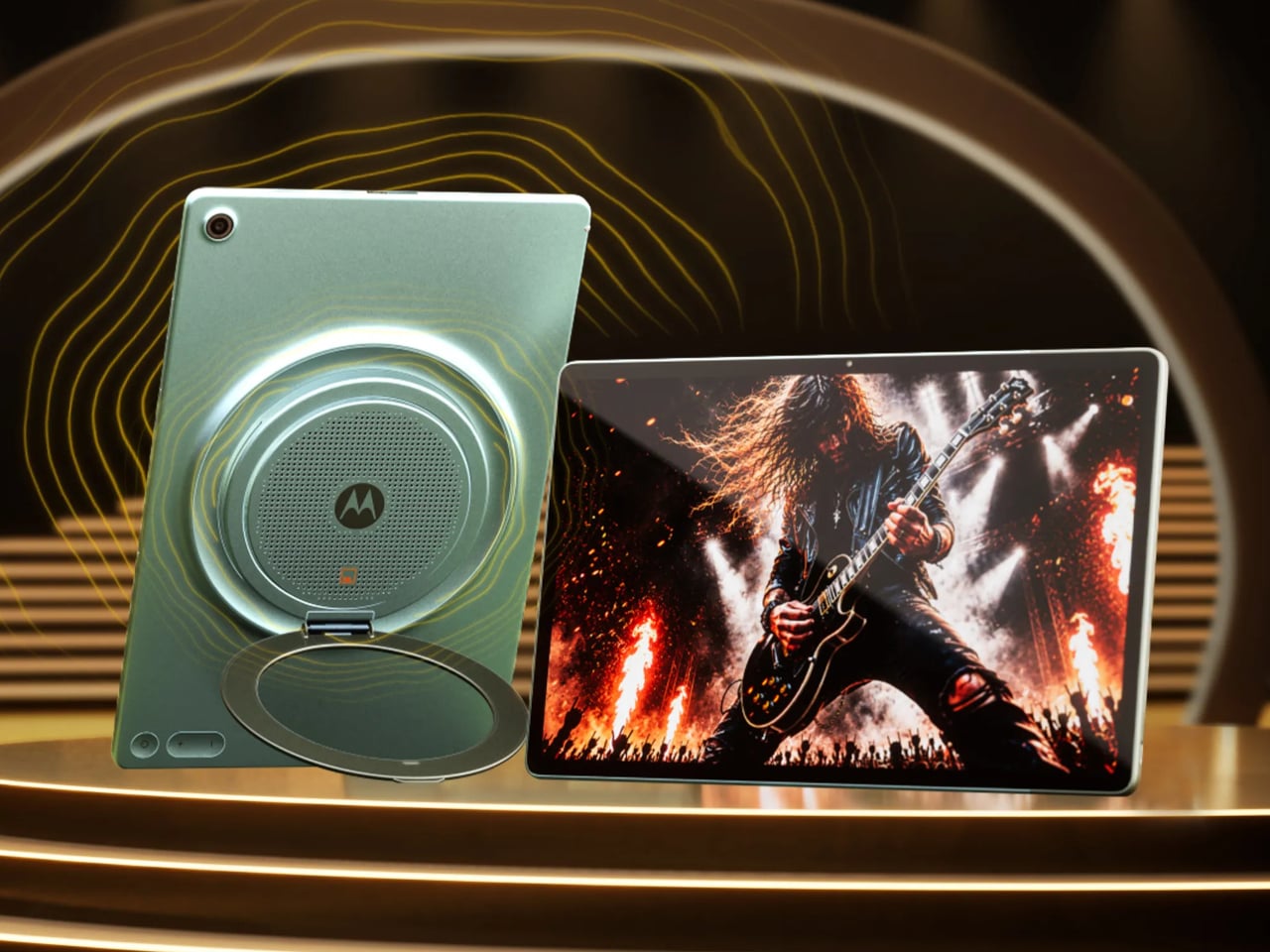
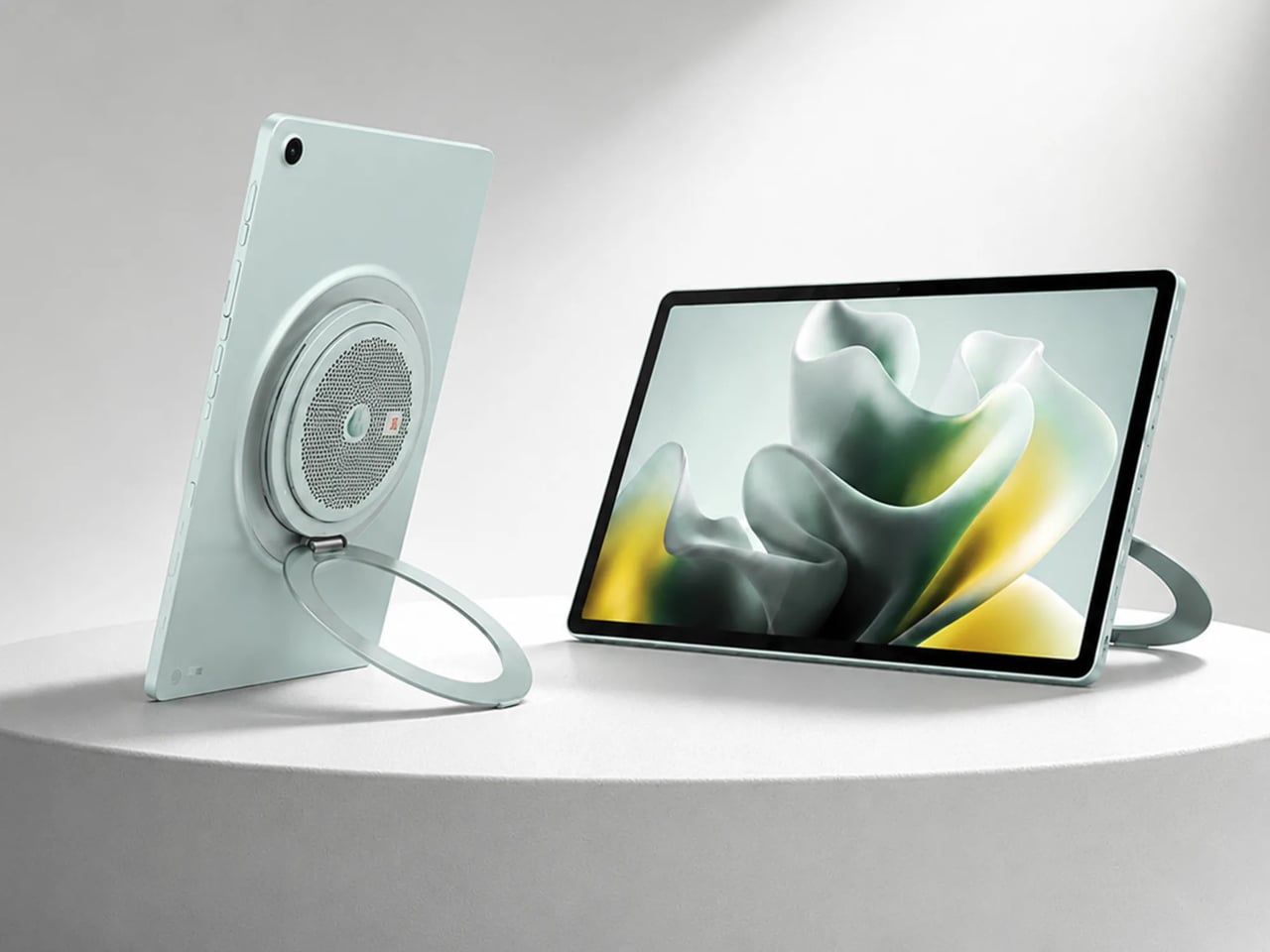
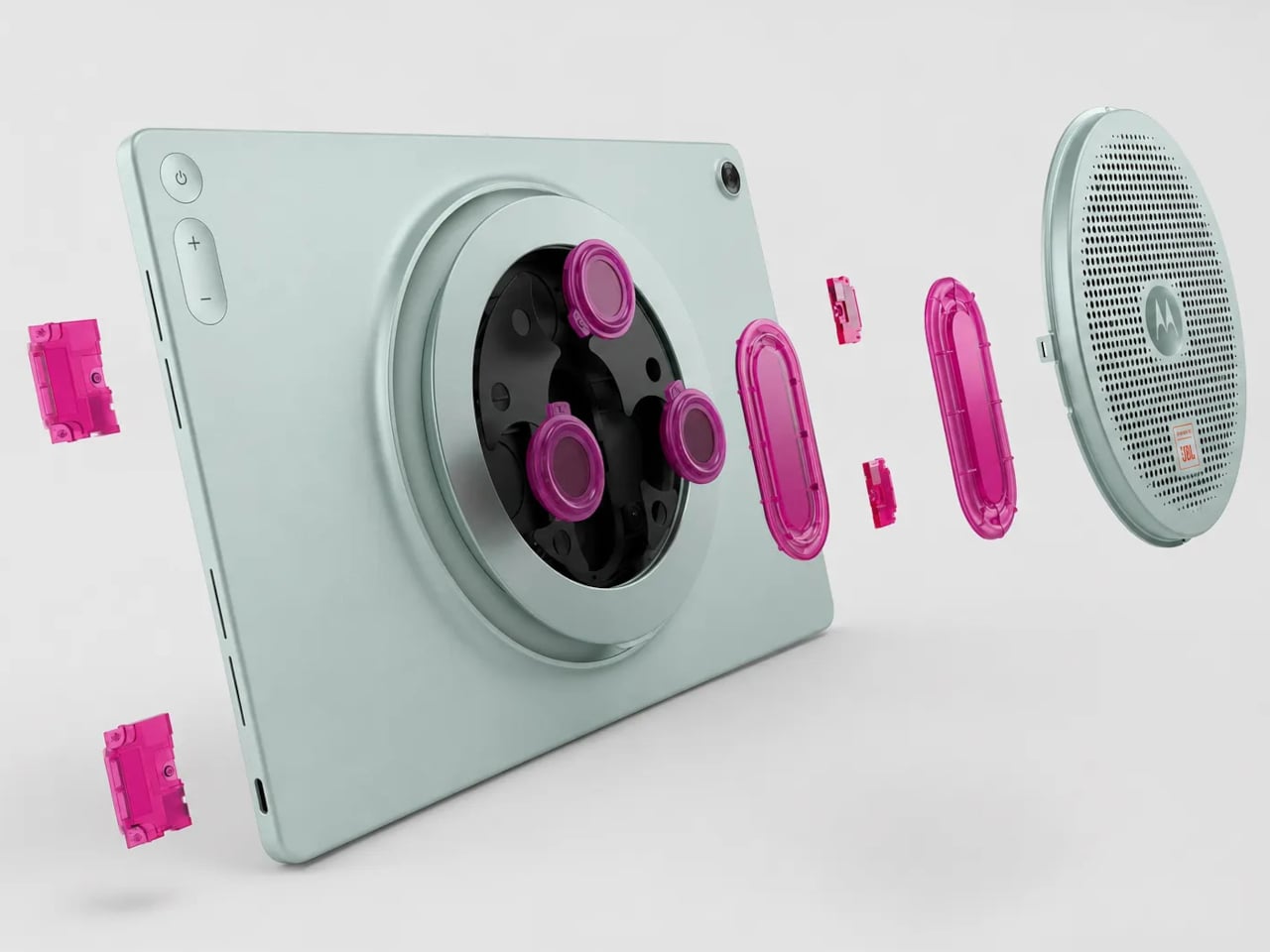
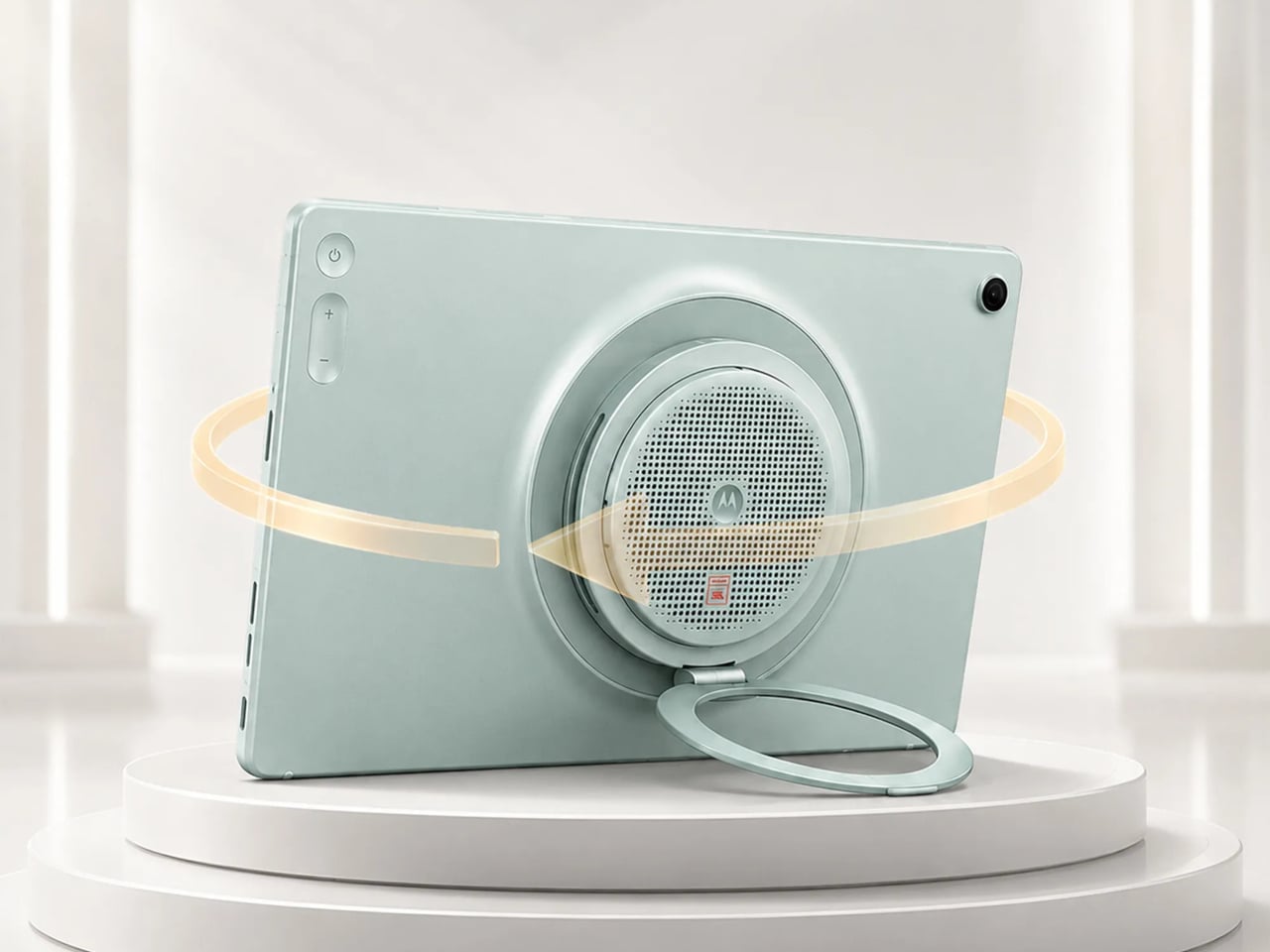
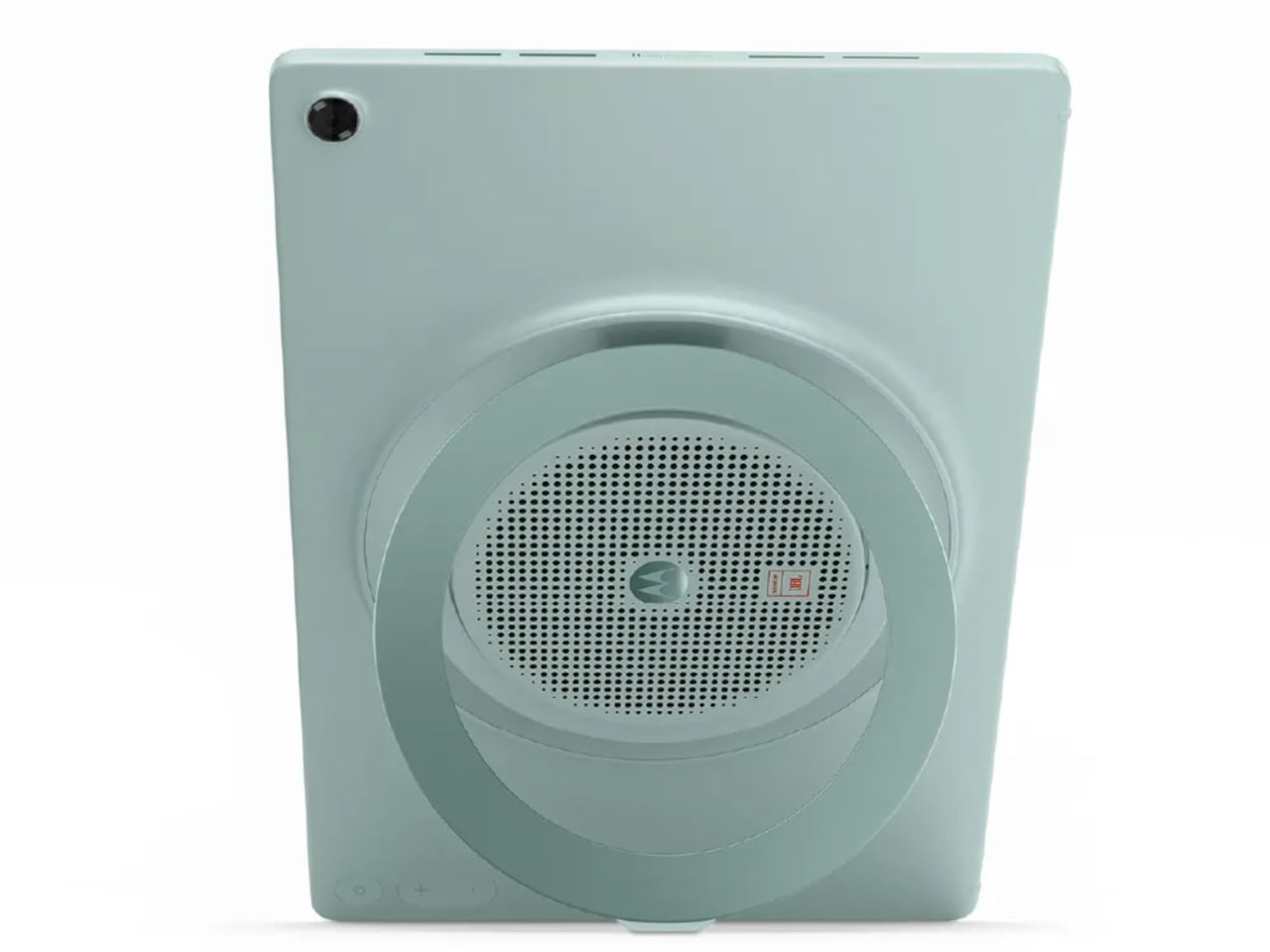
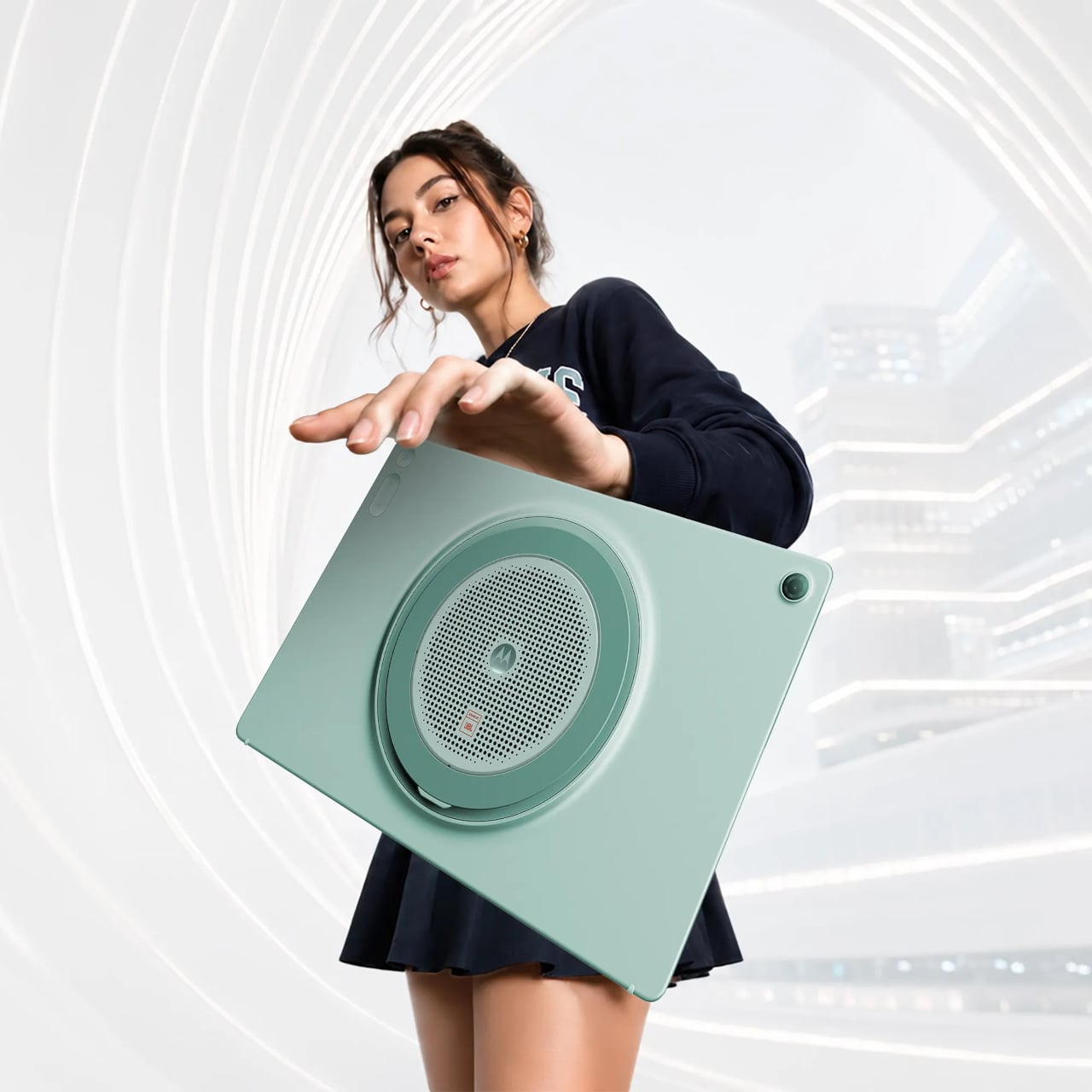
The Motorola Moto Pad 70 Groove is built around a premise that most tablets don’t dare fully commit to: making audio the centerpiece, not an afterthought. It arrives loaded with a nine-unit JBL Pro speaker system, a 12.1-inch 2.5K display, and a 360-degree built-in kickstand, addressing the kind of everyday entertainment scenarios where a standard tablet simply wouldn’t be enough.

Designer: Motorola

The display is well suited for this audio-first identity. The 12.1-inch IPS LCD panel runs at 120 Hz with a 2560×1600 resolution, HDR10 and Dolby Vision certification, and a peak brightness of 800 nits. It’s a smooth, vivid canvas for streaming content, though the real draw is what’s happening on the edges of that screen, where all those speakers live.

Nine speakers sound like a gimmick until you see what they’re actually made of: four tweeters, three woofers, and two passive radiators, all tuned by JBL and backed by Dolby Atmos. Together, they’re rated to push up to 48W of audio output, which is a lot to ask from a tablet-sized device. It’s the kind of setup that makes you rethink whether you actually need a separate soundbar.

What makes the audio system more interesting is the built-in Bluetooth speaker mode, which turns the Groove into a standalone speaker your phone can control wirelessly. It’s a clever trick for situations where you want music filling a kitchen or a living room during a gathering, without having to keep the tablet actively streaming the content. Dolby Audio further adds Dynamic, Movie, and Music modes for more tailored listening.

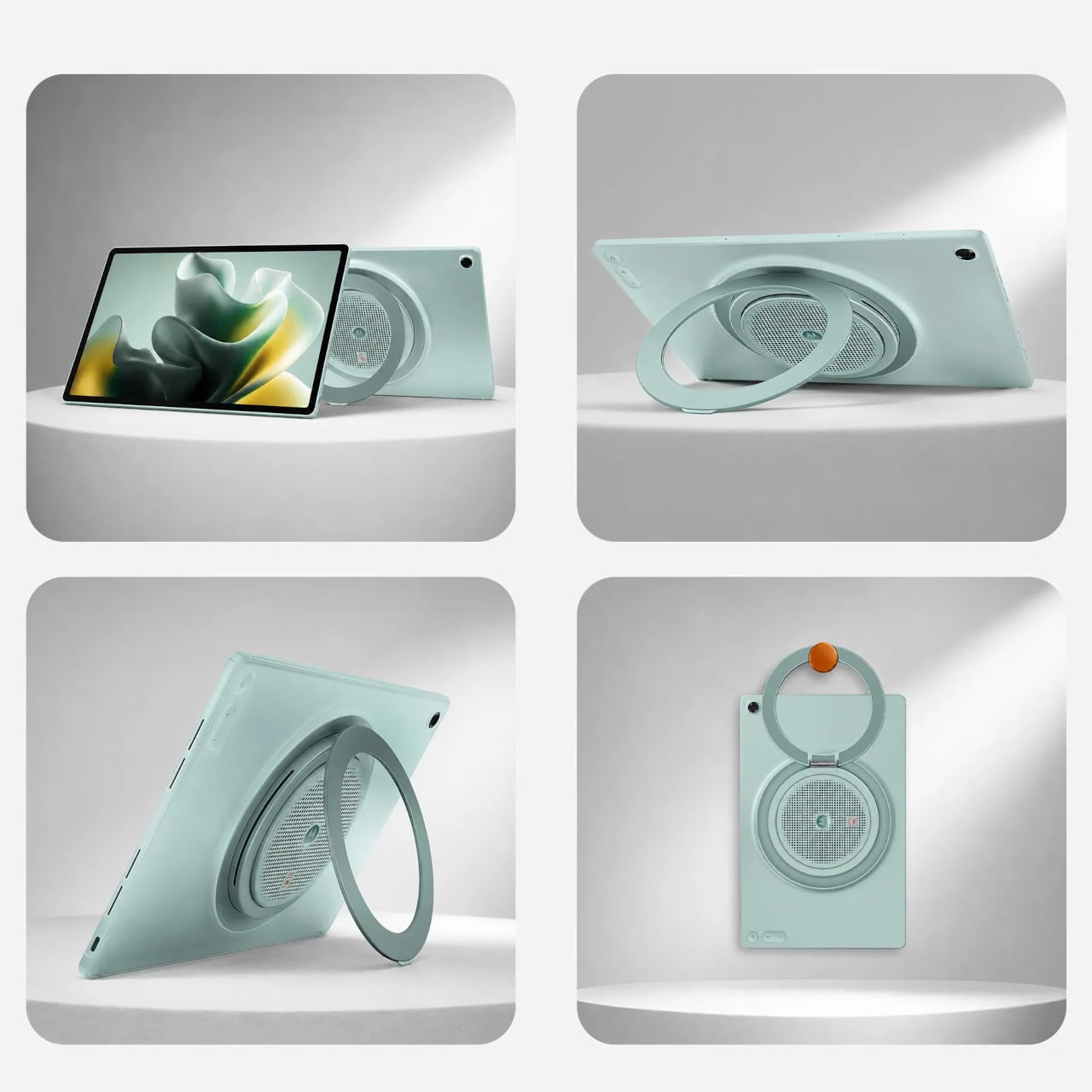
The 360° Kickstand 2.0 adds another layer of flexibility. It supports four positions named Lean, Stand, Theatre, and Hanging, each suited for a different viewing situation. Prop it up on a desk for a video call, tilt it back for a movie in bed, or hang it from a hook when counter space runs out. It’s a practical piece of engineering that doesn’t feel like an afterthought.

Under the hood, a MediaTek Dimensity 7400 chip handles daily tasks alongside 8GB of RAM and 256GB of storage. The 10,200mAh battery keeps extended streaming sessions going, and the 45W TurboPower charging keeps downtime short. The all-metal body in Pantone Blue Surf measures 6.8 mm at its thinnest, though the speaker array at the back raises that to 22.7 mm, creating a distinctive ridge. The Groove ships with Android 16 and Google Gemini out of the box, with Motorola committing to updates through Android 18 and security patches through 2030.

The post Tablets Sound Bad, So Motorola Just Put 9 JBL Speakers in One first appeared on Yanko Design.