Artificial intelligence is reshaping industries, yet many organizations fail to capitalize on its full potential due to a lack of strategic integration. In a recent discussion by Marketing Against the Grain, the focus shifts from the capabilities of advanced AI models like GPT 5.4 to the importance of embedding AI into the core of business […]
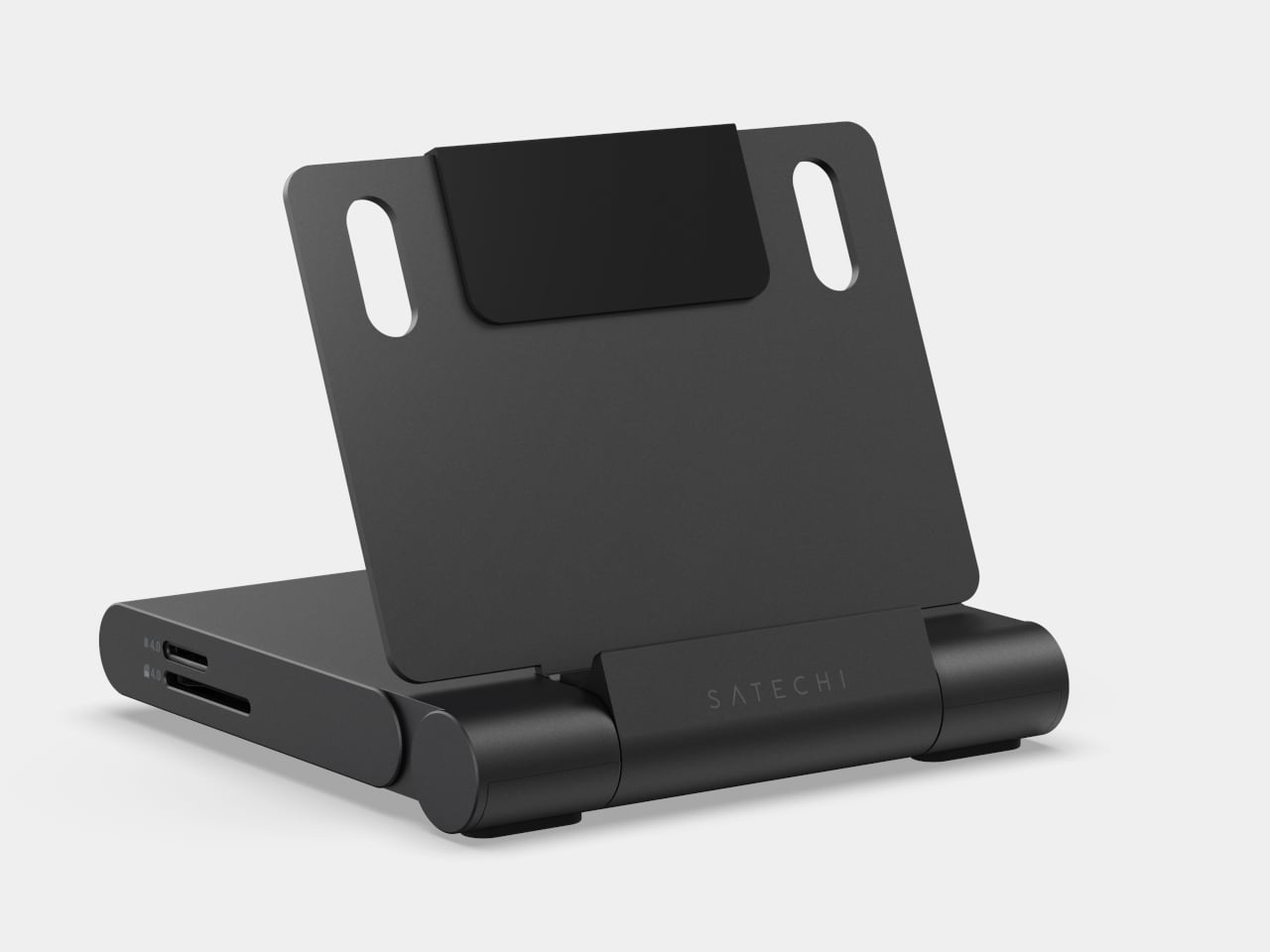
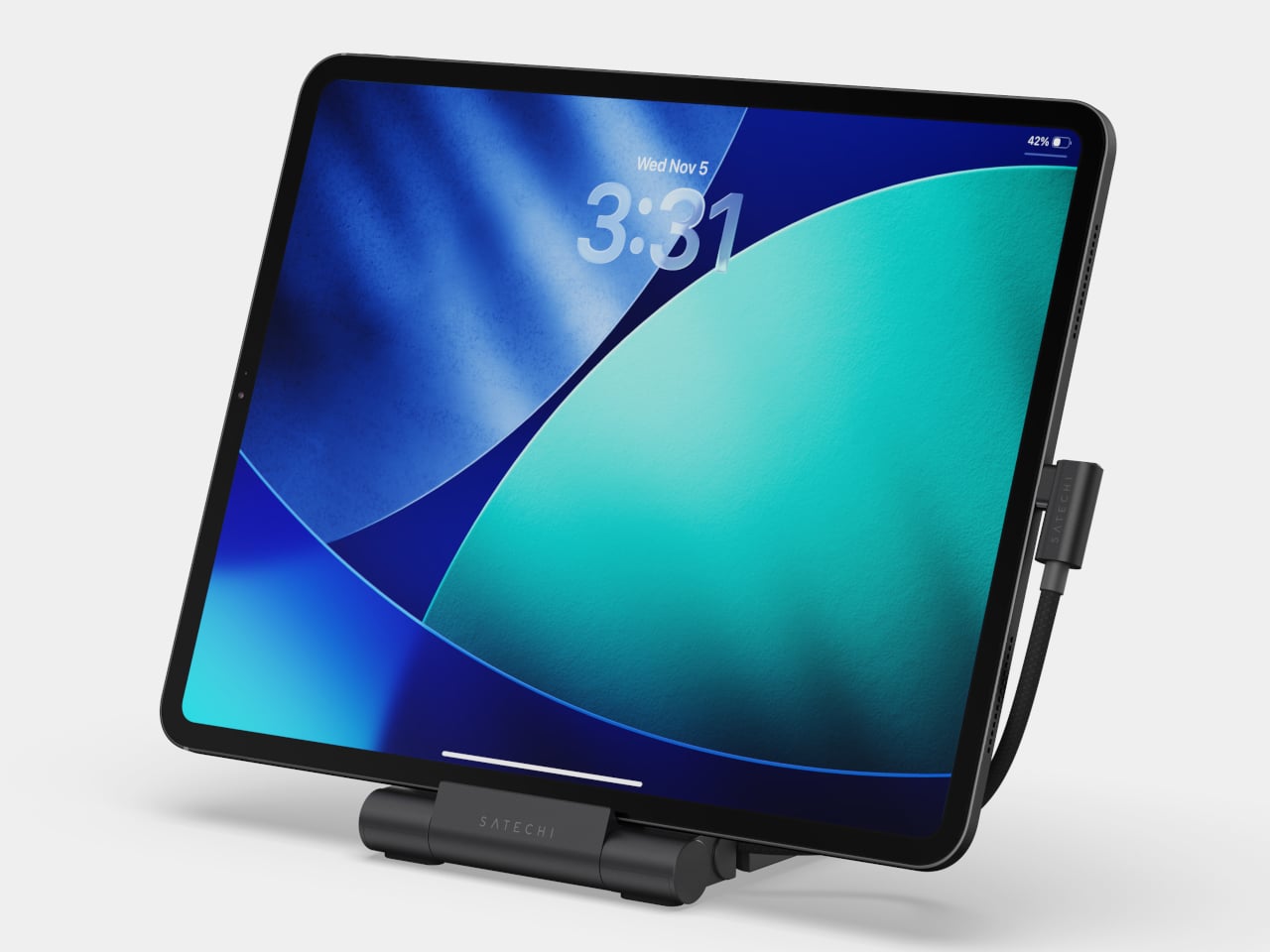
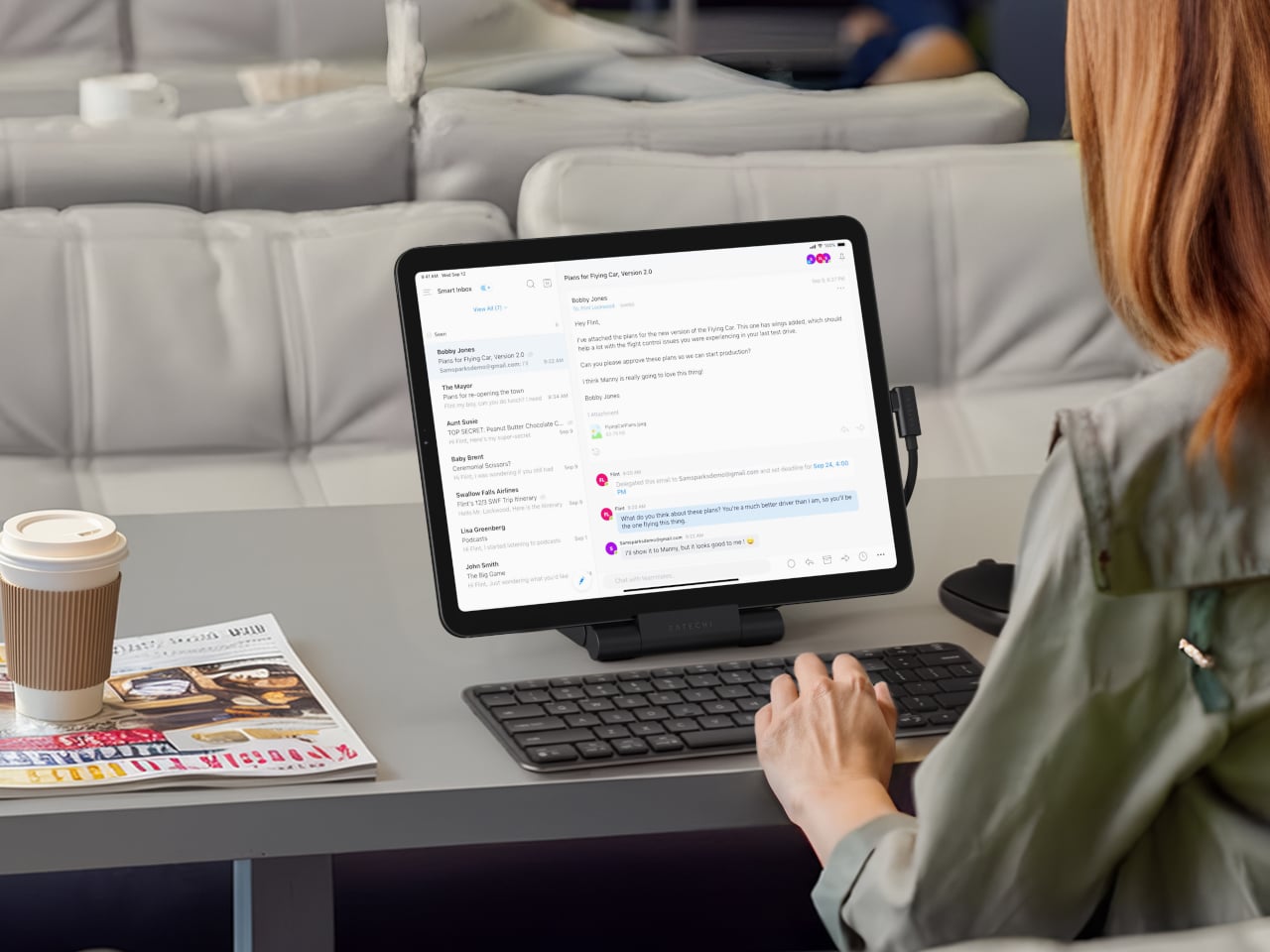
Packing a bag for a day of working away from a desk has become its own logistics puzzle. There is the hub for ports, the stand to prop the screen at a usable angle, the card reader for importing photos, and the charging cable to keep everything alive mid-session. Satechi’s OntheGo Foldable Stand Hub takes a direct swing at this by combining all of that into a single unit that folds flat to under 20mm and weighs just 187.5g.
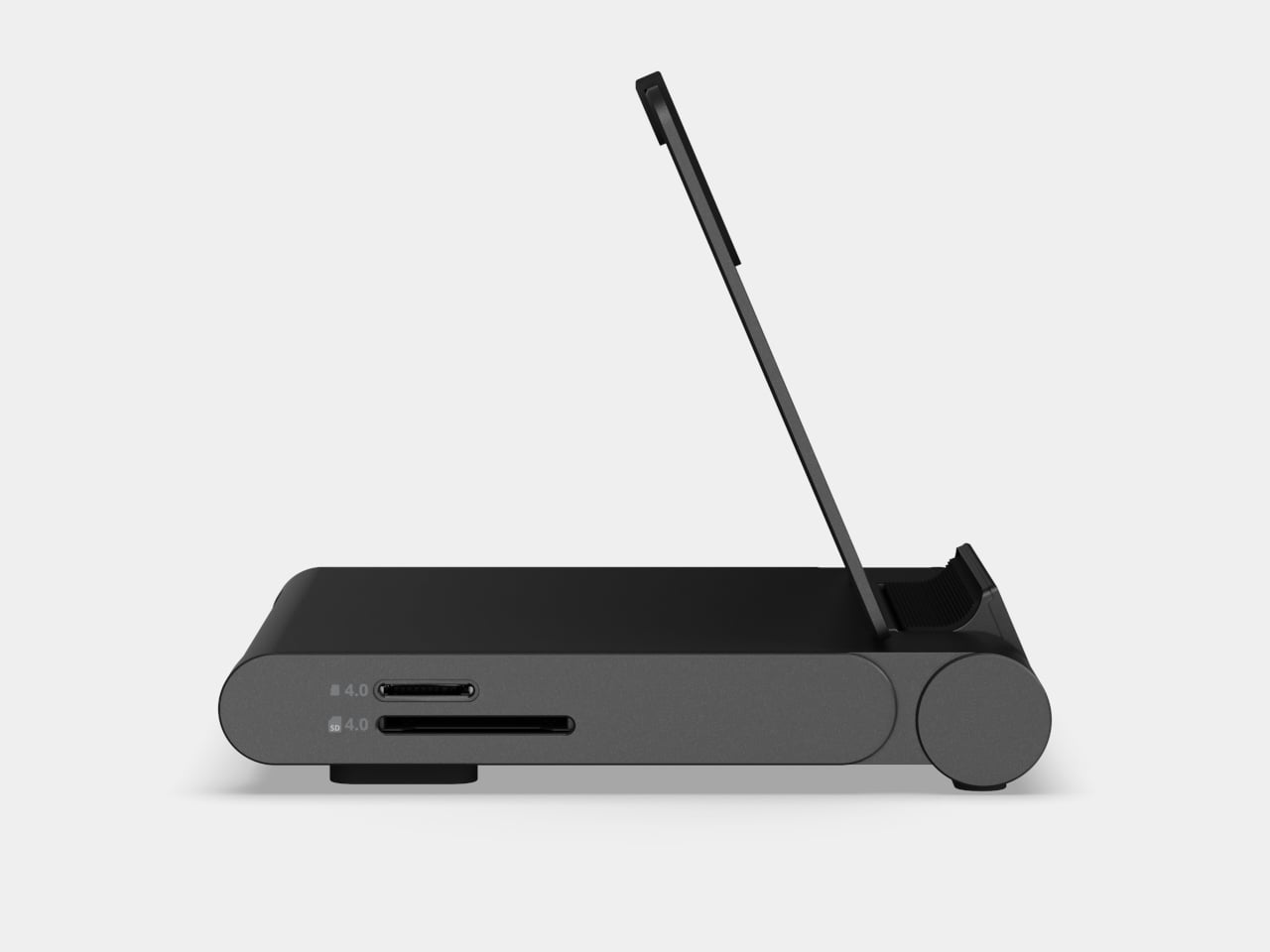
The premise is simple. Unfold the stand, plug the attached 17 cm USB-C cable into a tablet or laptop, and the whole suite of ports is live: HDMI 2.0 output at up to 4K@60Hz, two 10 Gbps data ports (one USB-C, one USB-A), UHS-II SD and microSD slots at up to 312 MB/s, a 3.5mm audio jack, and 100W USB-C Power Delivery passthrough. That last feature delivers up to 85W to the host device, enough to sustain a MacBook Air or iPad Pro under a heavy session without draining the battery.
For photographers working on location, the card slots alone justify the bag space. Slide in a UHS-II SD card fresh from a camera, and the 312 MB/s ceiling means a full card of RAW files clears quickly. Connect a monitor through the HDMI port, and a hotel desk becomes something closer to a proper edit station, with the screen raised to a natural viewing height and footage already importing in the background.
Compatibility covers the expected range: iPad Pro, iPad Air, iPad mini (2021 and later), and recent iPhones. Worth noting: the iPad mini (2021) tops out at 5 Gbps on the data ports due to its own USB spec, not the hub’s. Outside of Apple’s garden, it also supports select Microsoft Surface Pro models and USB-C Android devices, especially ones that support Samsung DeX.
That last point is an important one. A compatible Samsung phone connected to an external monitor through this hub activates DeX mode, turning the phone into a desktop-style interface without needing a laptop at all. That said, you’ll need to hook up an external monitor to actually activate DeX mode.
At $79.99, the OntheGo Foldable Stand Hub sits in a space where stands and hubs are almost always sold separately, each typically running $30 to $60 on their own. What a spec sheet cannot answer is how the folding hinge holds up after months of daily packing and repacking, and whether the fixed 17cm cable length plays nicely with every desk configuration or occasionally creates its own awkward workarounds.
Code reviews are a critical part of modern software development, yet they can often become bottlenecks, especially when dealing with large or complex pull requests (PRs). Anthropic has this week launched its new Claude Code Review feature, a multi-agent process designed to streamline this process. By automating tasks like bug detection and in-line feedback, the […]
The Galaxy Z Fold 8 Wide Edition is set to reshape the foldable smartphone market. Building on the foundation of the Z Fold 7, this next-generation device is rumored to introduce a lighter and thinner design, a larger battery, and a wider form factor. These enhancements aim to address usability challenges while elevating multitasking capabilities, […]
The “Loop” feature in Cloud Code offers a focused solution for automating short-term, recurring tasks within a three-day timeframe. As highlighted by Nate Herk | AI Automation, this feature combines the precision of cron jobs with the simplicity of natural language commands, making it accessible even to those without technical expertise. For example, users can […]
The recent leak surrounding Xbox’s ambitious Project Helix has left the gaming community grappling with its implications. As outlined by RGT 85, the leaked details highlight a significant shift in Microsoft’s strategy, with the device aiming to unify PC and console gaming through the Universal Windows Platform (UWP). However, the high price point, overviewedly exceeding […]
Apple has officially released iOS 26.4 developer beta 4, marking the final stages of testing before the public rollout. This update introduces a combination of new features, accessibility improvements, and system optimizations aimed at enhancing the overall user experience. Developers can access this version immediately, while public beta testers should see availability within the next […]
Regular maintenance of your iPhone is crucial for making sure it operates efficiently, remains secure, and protects your valuable data. By dedicating a few minutes each week to essential upkeep, you can extend your device’s lifespan, enhance its performance, and safeguard your personal information. Below are five critical tasks to include in your weekly routine […]
At the start of the year, Google brought a host of new Gemini-powered features, including built-in Nano Banana image generation, to Chrome. After debuting in the United States, those features are now making their way to Chrome users in Canada, India and New Zealand, with support for 50 additional in tow. Among the new languages Gemini in Chrome can now converse in are French, Gujarati, Hindi and Spanish.
To try out Gemini in Chrome, tap the sparkle icon at the top right of the interface. This will open the sidebar interface Google introduced in January. From there, you can chat with the company's Gemini chatbot without the need to switch tabs. From the sidebar, you can also access Google's in-house image generator. Additionally, Gemini in Chrome offers integrations with Gmail, Maps, Calendar, YouTube and other Google apps. If you live outside Canada, India or New Zealand, Google says it will make Gemini in Chrome available in more countries and languages throughout the rest of 2026. Oh, and if don’t want to use Gemini in Chrome, you can right click on the sparkle icon and select unpin to never see it again.
This article originally appeared on Engadget at https://www.engadget.com/ai/google-starts-rolling-out-gemini-in-chrome-to-users-in-canada-india-and-new-zealand-023000528.html?src=rss
Modern laptops aren’t short on power, but they’re increasingly short on ports. One USB-C port ends up doing everything: charging, video out, storage, and peripherals, while a small pile of adapters accumulates next to the keyboard. The setup works, but it doesn’t look like the clean, minimal desk you were going for, and it means carrying more pieces than you’d like when you’re working somewhere that isn’t home.
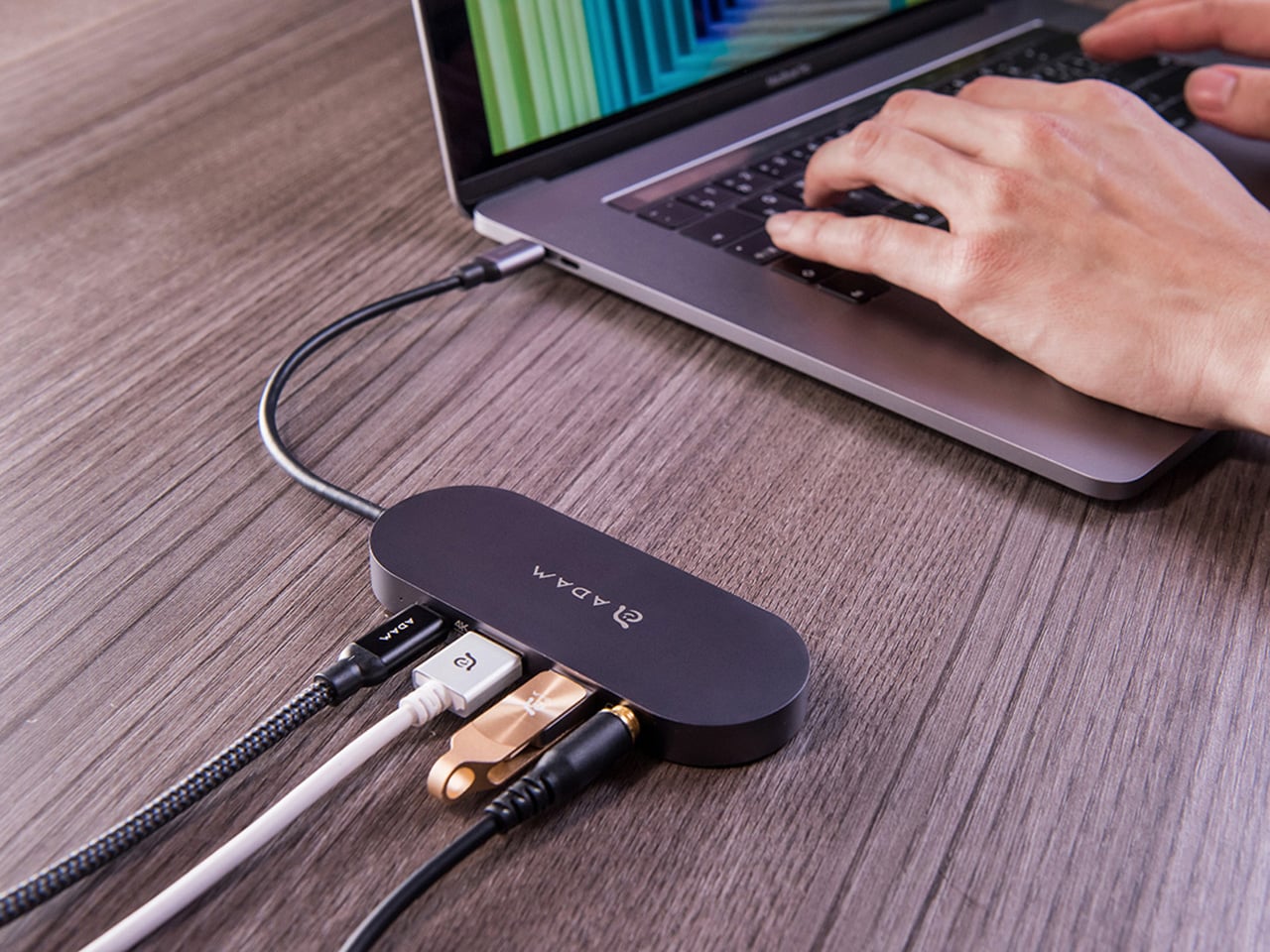
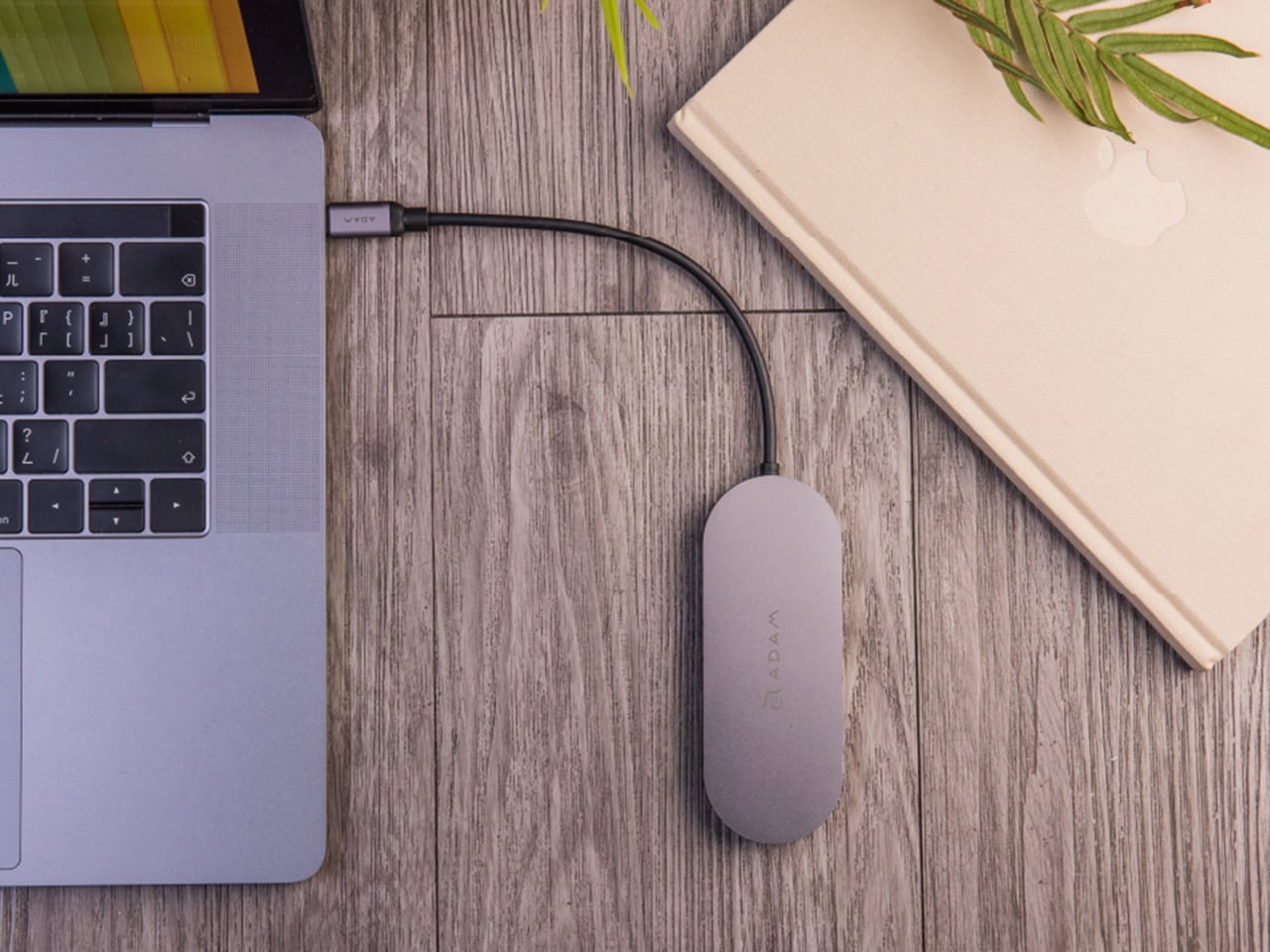
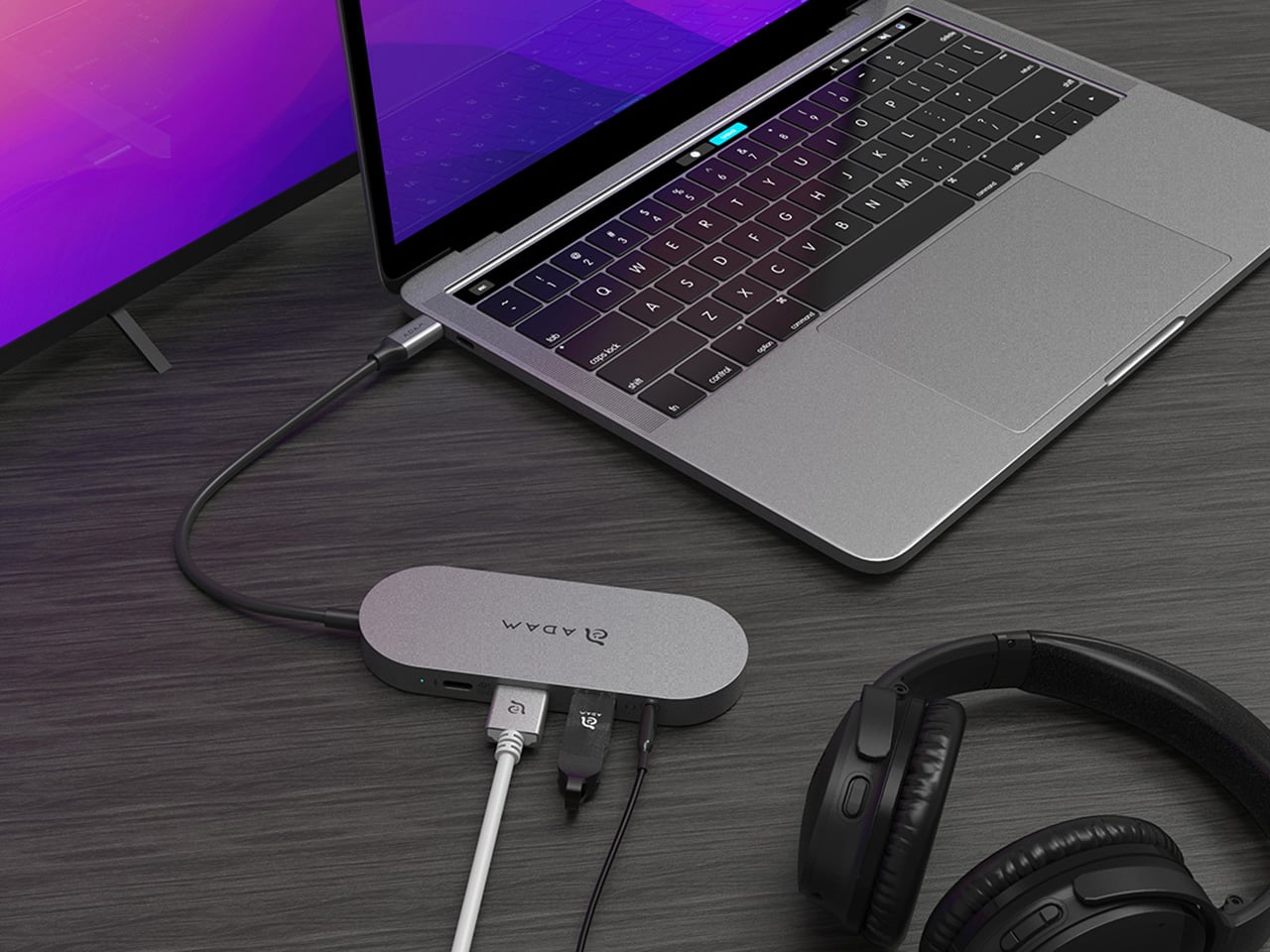
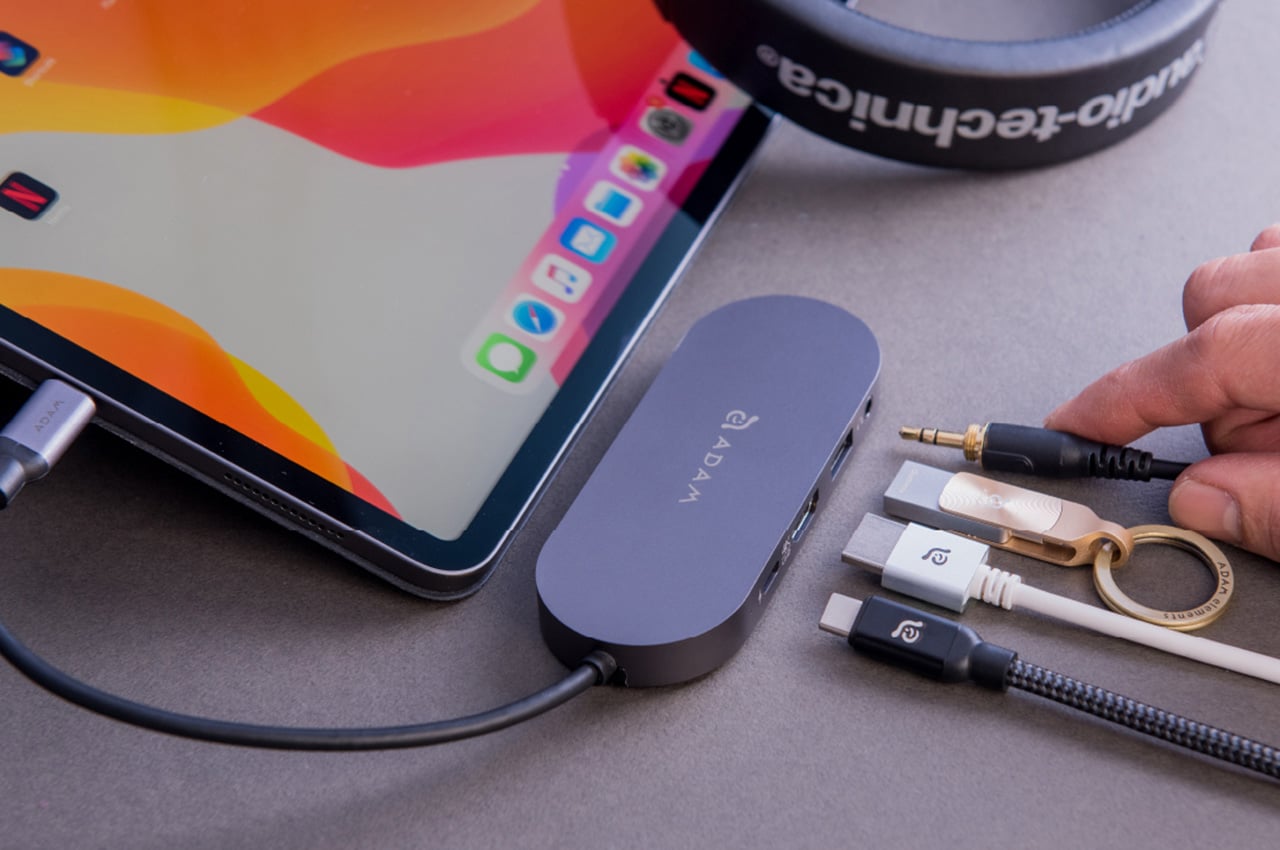
ADAM elements’ Hub S is a USB-C hub with built-in SSD storage, designed around the idea that a hub and an external drive don’t need to be two separate objects. Instead of plugging in one thing for ports and another for files, you plug in one slim aluminum accessory that handles both. It isn’t trying to replace a full docking station, but it’s the right-sized tool for someone who needs the essentials covered without the clutter.
The built-in SSD is available in 240 GB, 480 GB, and 960 GB capacities, so there’s a size for whether you’re keeping a working project library or just enough space for recent shoots and backups. Having storage physically attached to your hub means it’s always there when you need to dump footage, move large project files, or keep a client’s assets close during a session, without remembering to pack a separate drive.
Transfer speeds are rated at up to 520 MB/s read and 456 MB/s write, which makes moving large files feel routine rather than something you schedule around. That kind of speed isn’t just a spec, though. It’s the difference between waiting through a transfer and forgetting it’s happening. For photographers and video editors working on the road, that matters more than it sounds on a product page.
For Mac users, the ADAM elements Hub S is also Apple Time Machine compatible. That means it can act as a rolling backup target every time you plug in, turning a habit that’s easy to forget into something that happens automatically. Backup isn’t exciting, but having it built into the same accessory you’re already using for everything else makes it feel less like a separate job.
The USB-C port on the hub supports PD 3.0 pass-through charging up to 60W, so your laptop doesn’t lose its charge while the hub is handling storage, display, and peripherals. That’s a meaningful consideration when you’re transferring large files and streaming to an external display at the same time, both of which can pull enough power to make a laptop feel like it’s running a sprint.
The HDMI port outputs up to 4K at 30Hz and supports HDCP 2.2, which is the protocol required for streaming 4K HDR content from services like Netflix. A lot of hubs advertise “4K output” but fail on DRM handshakes, so the HDCP 2.2 compliance isn’t a minor footnote. Whether you’re mirroring for a presentation or extending to a monitor for a proper editing session, the connection holds up where it matters.
Rounding out the port selection is a USB-A 3.1 port rated at up to 5 Gbps for peripherals or flash drives, and a 3.5mm headphone jack that supports 48kHz/16-bit audio. Neither is glamorous, but together they cover the inputs that would otherwise require yet another adapter. The aluminum alloy body is designed to sit flush on a desk surface, and the whole thing weighs about 2.5oz, roughly the weight of a single C battery.
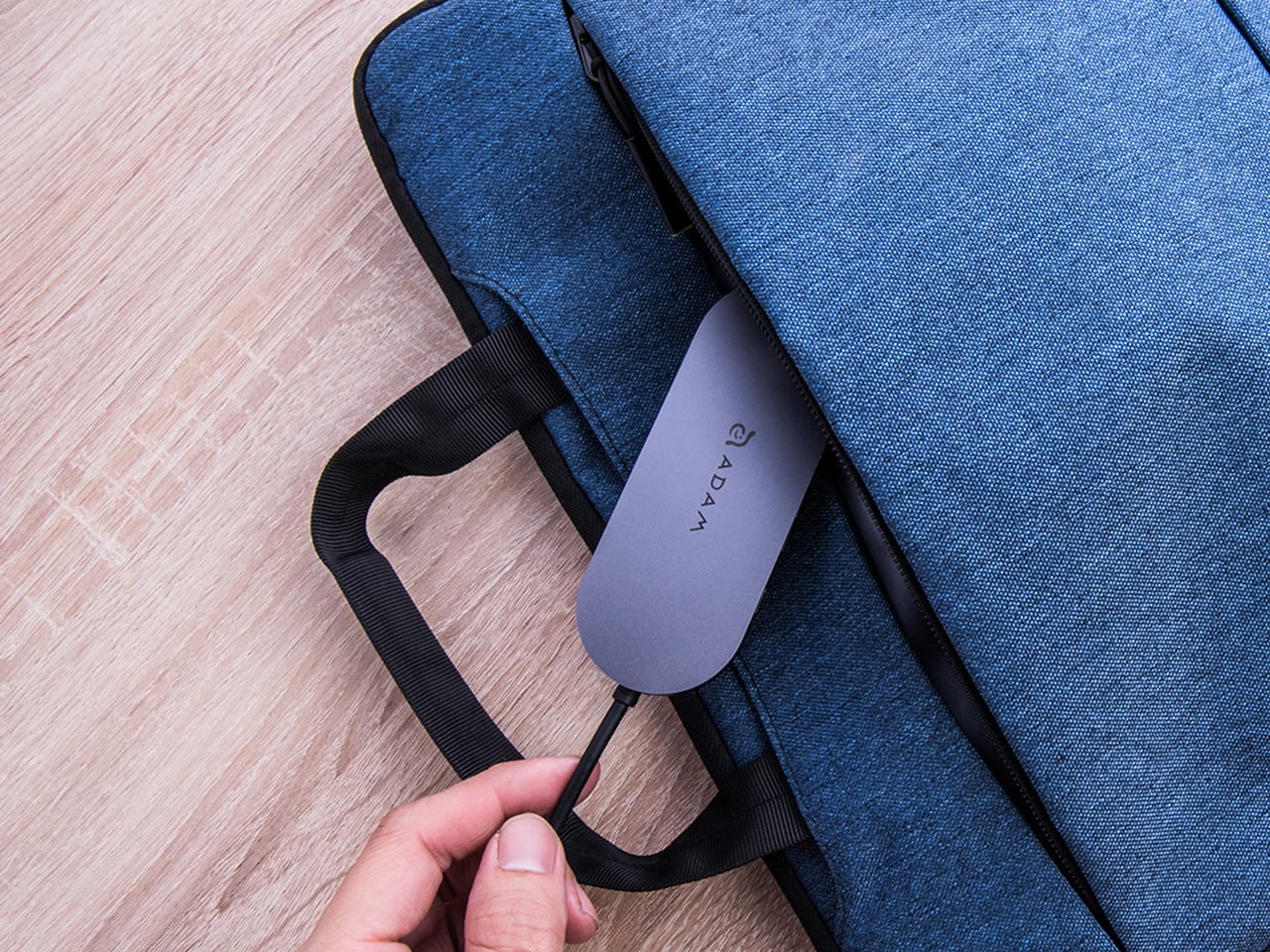
The ADAM elements Hub S works best as the kind of accessory you stop thinking about. You plug it in, your files are there, your display is connected, your laptop is charging, and your headphones are plugged in. That’s it. For people who’d rather carry one considered piece of hardware than a small collection of adapters and drives, consolidating all of that into a single slim object that fits in a jacket pocket feels like the more sensible way to work.