XPPen’s $210 Pilot Pro Finally Ends the Left-Hand Keyboard Scramble

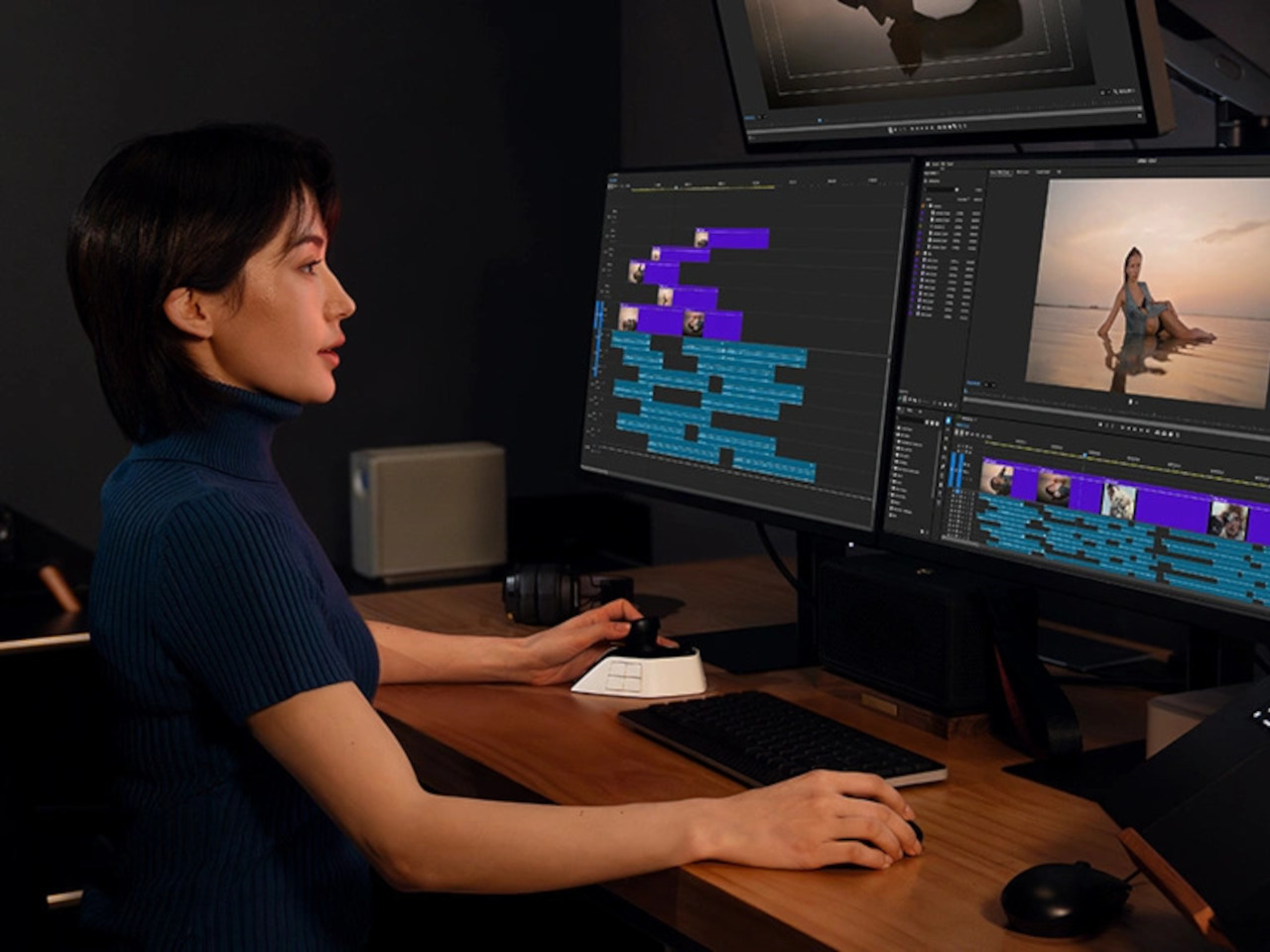
Video and photo editing has always been demanding on keyboard shortcuts. The typical workflow splits attention between tools, timelines, and modifier keys, with the left hand constantly crossing the keyboard while the right stays on the mouse. Professionals spending long hours in DaVinci Resolve or Premiere Pro know the frustration well, and a more deliberate way to manage those commands has long been missing.

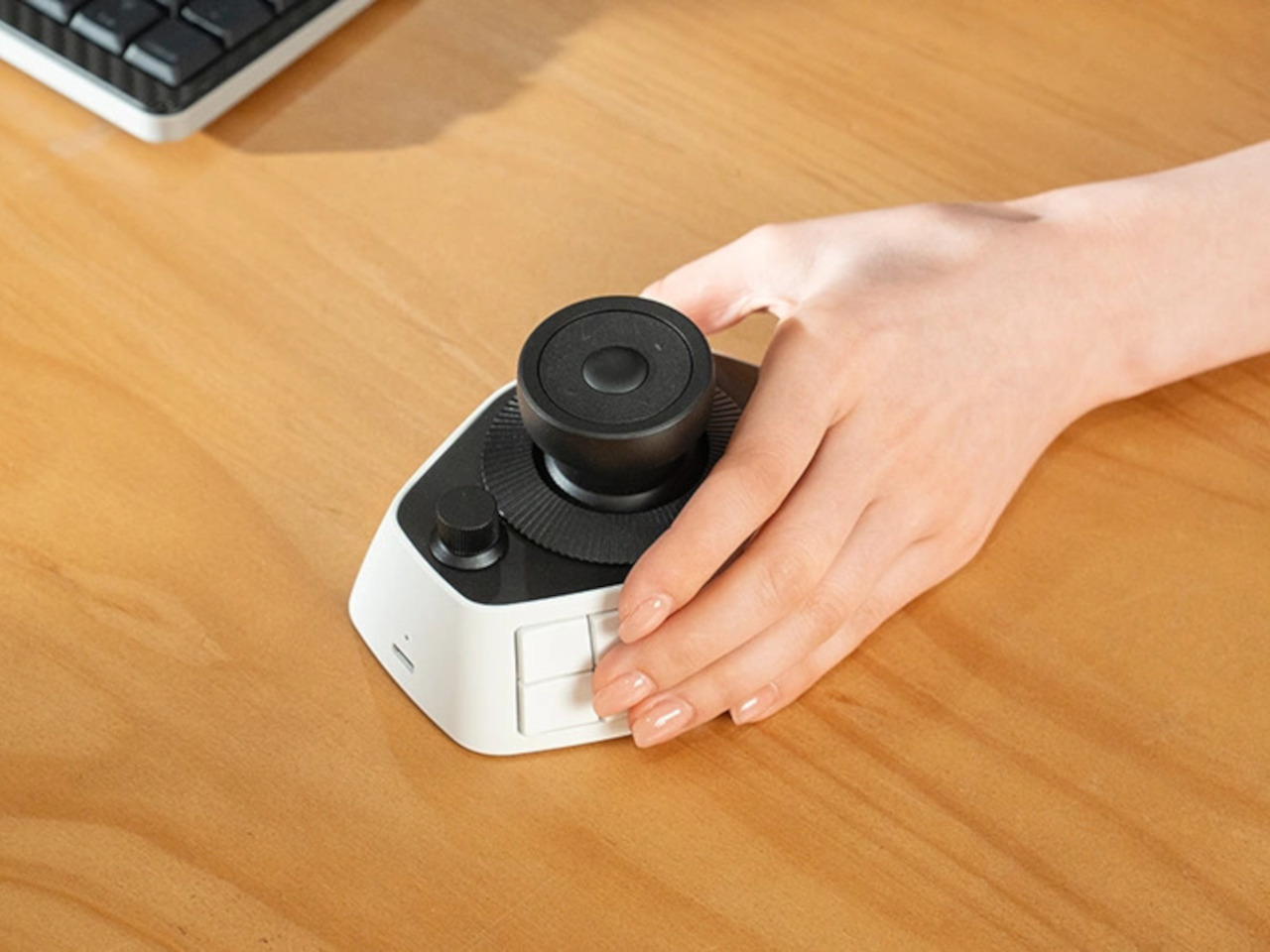
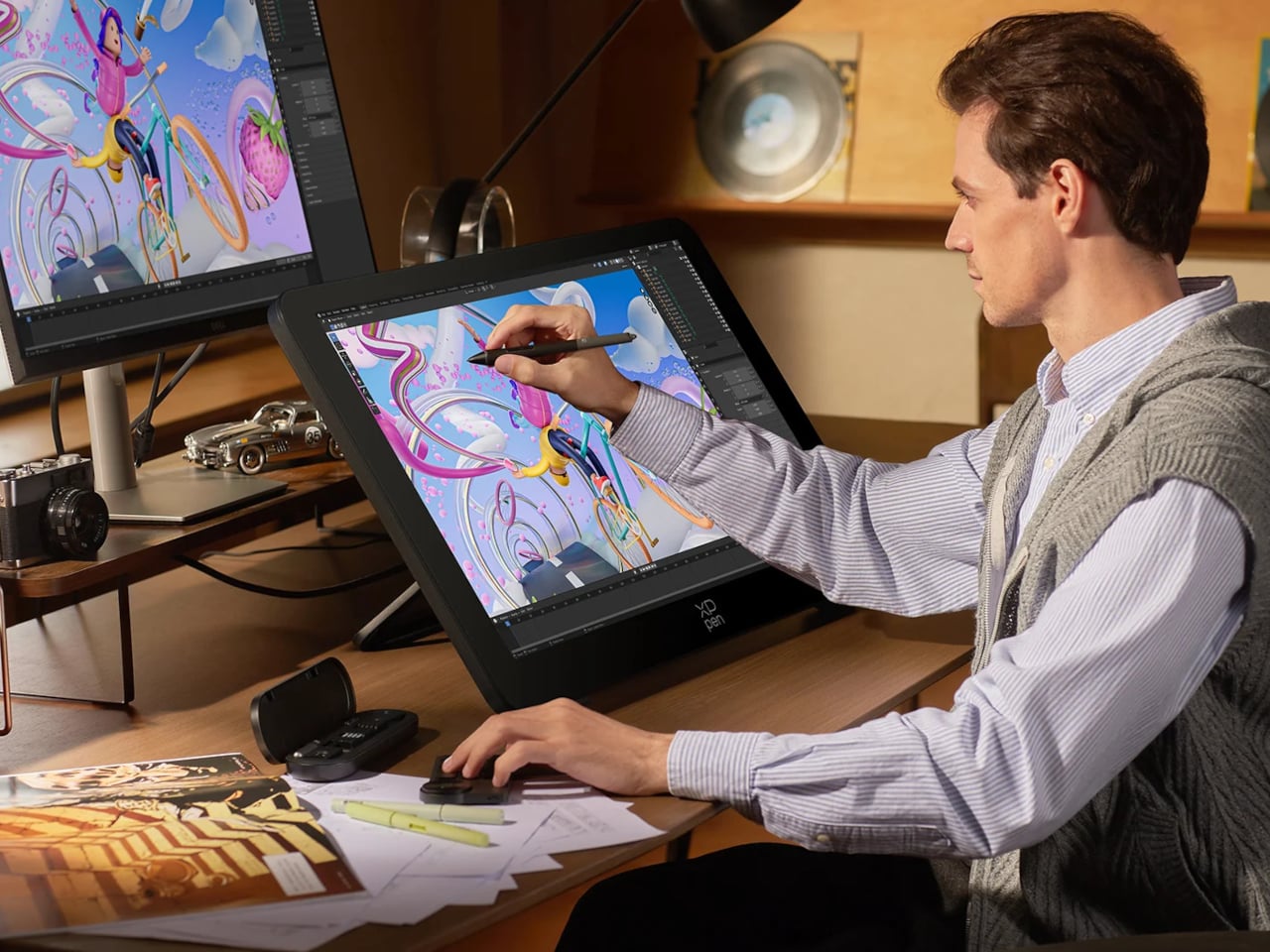
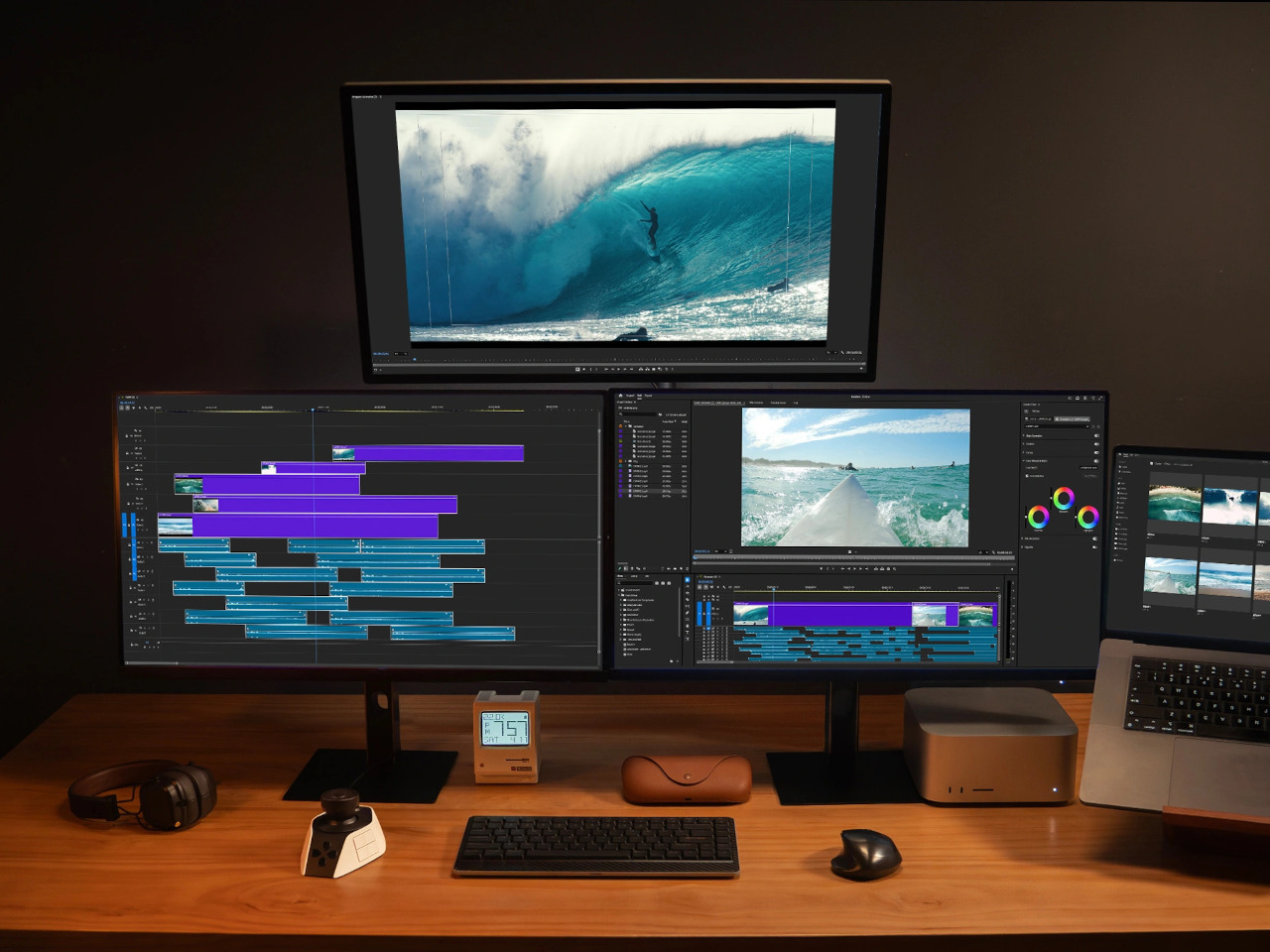
XPPen’s Pilot Pro is the brand’s first dedicated editing console, and it makes a confident debut. It packs 16 customizable buttons, three dials, and an all-way joystick into a compact controller built for one-handed, eyes-free operation. The premise is straightforward: let the left hand manage the shortcuts so the right stays on the mouse and your eyes stay on the screen.

Designer: XPPen
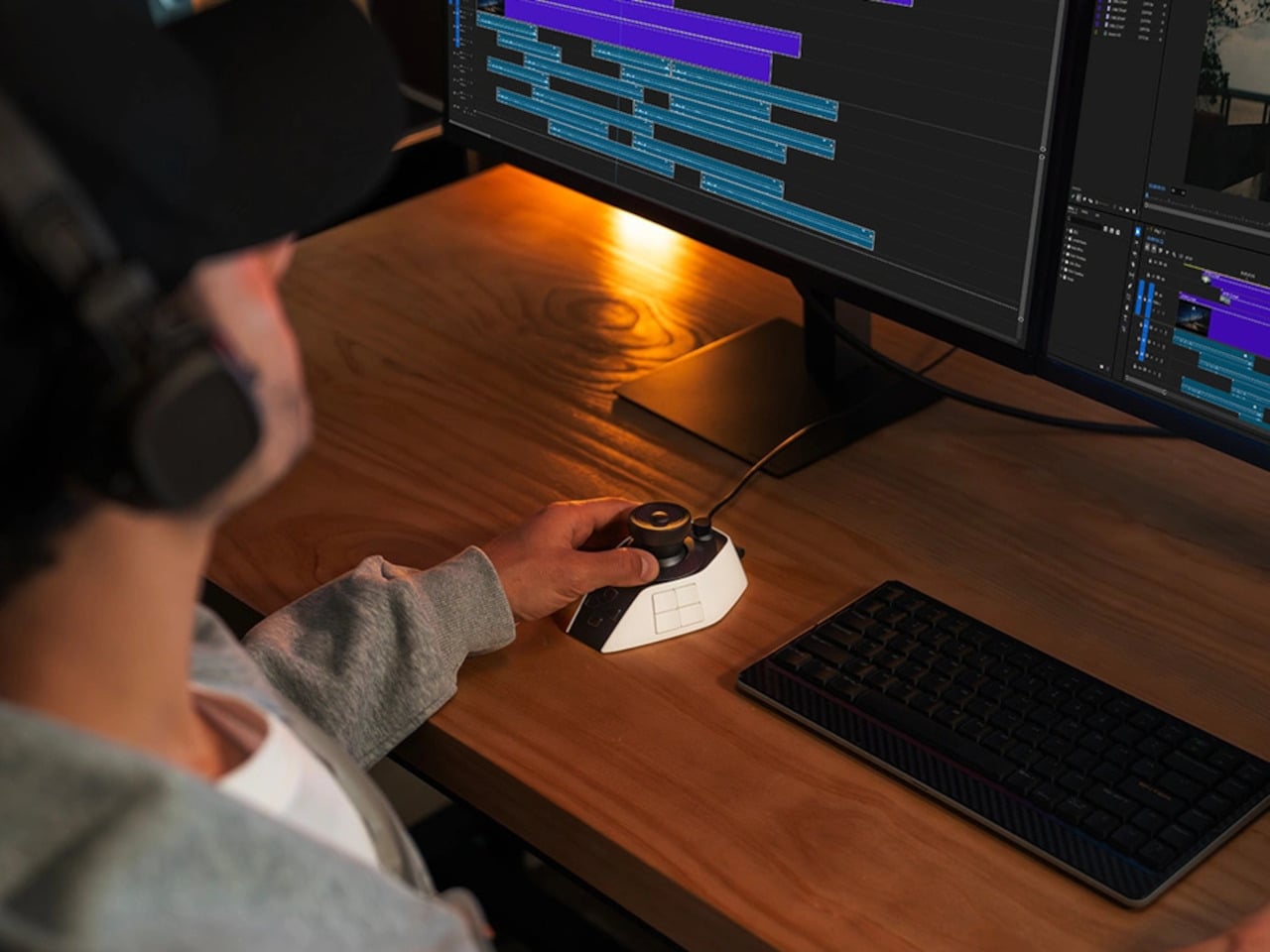
The console’s layout borrows from game controllers but reads more like a precision instrument. An 8-way joystick at the center handles footage scrubbing, color wheel navigation, and clip selection depending on the software. Two rotary dials surround the joystick at different heights, and a third sits just in front. All three deliver haptic feedback through a linear motor that can be tuned or disabled.

What makes the eyes-free claim convincing is the sculpted 3D key layout. Every button and dial has a distinct shape and position, so your fingers learn the device without looking away from the screen. XPPen also added a hypothenar support beneath the controller to keep the outer edge of the palm anchored. That ergonomic attention earned the Pilot Pro a Good Design Award 2025.
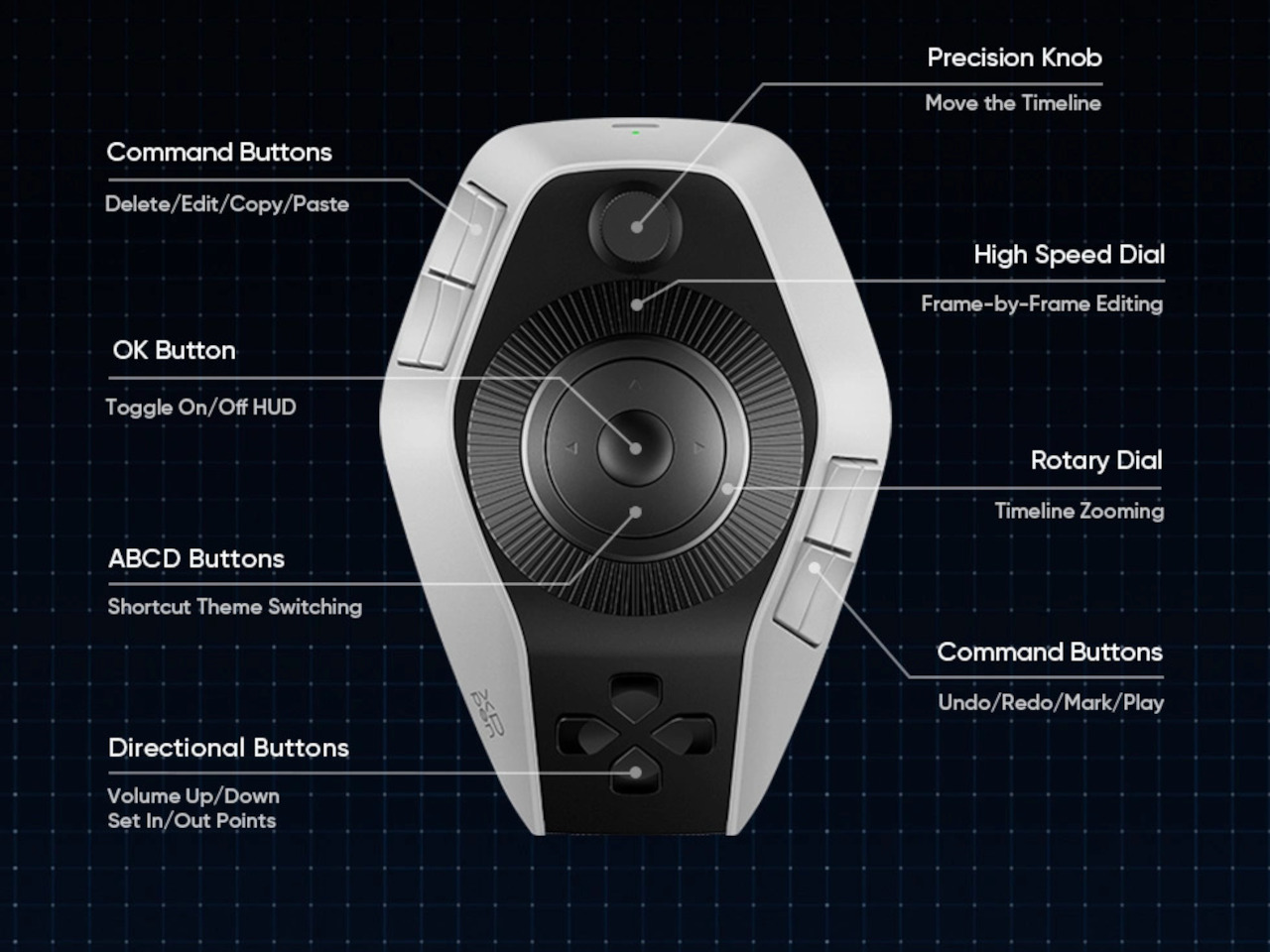
The haptic motor makes each interaction feel intentional rather than accidental, which matters more than it sounds when you’re deep in a cut. Up to seven customizable themes let you organize shortcuts your way, and profiles can be shared within the community. XPPen also offers presets from professional editors, so jumping into new software doesn’t require rebuilding your control scheme from scratch.

Tasks like scrubbing through a long timeline, grading a batch of shots, or retouching a portrait session become much less disruptive to the flow. The joystick handles navigation without lifting the hand, the dials adjust values with fine precision, and the 16 buttons absorb the commands that would otherwise mean a trip across the keyboard. It’s a setup that rewards muscle memory fairly quickly.
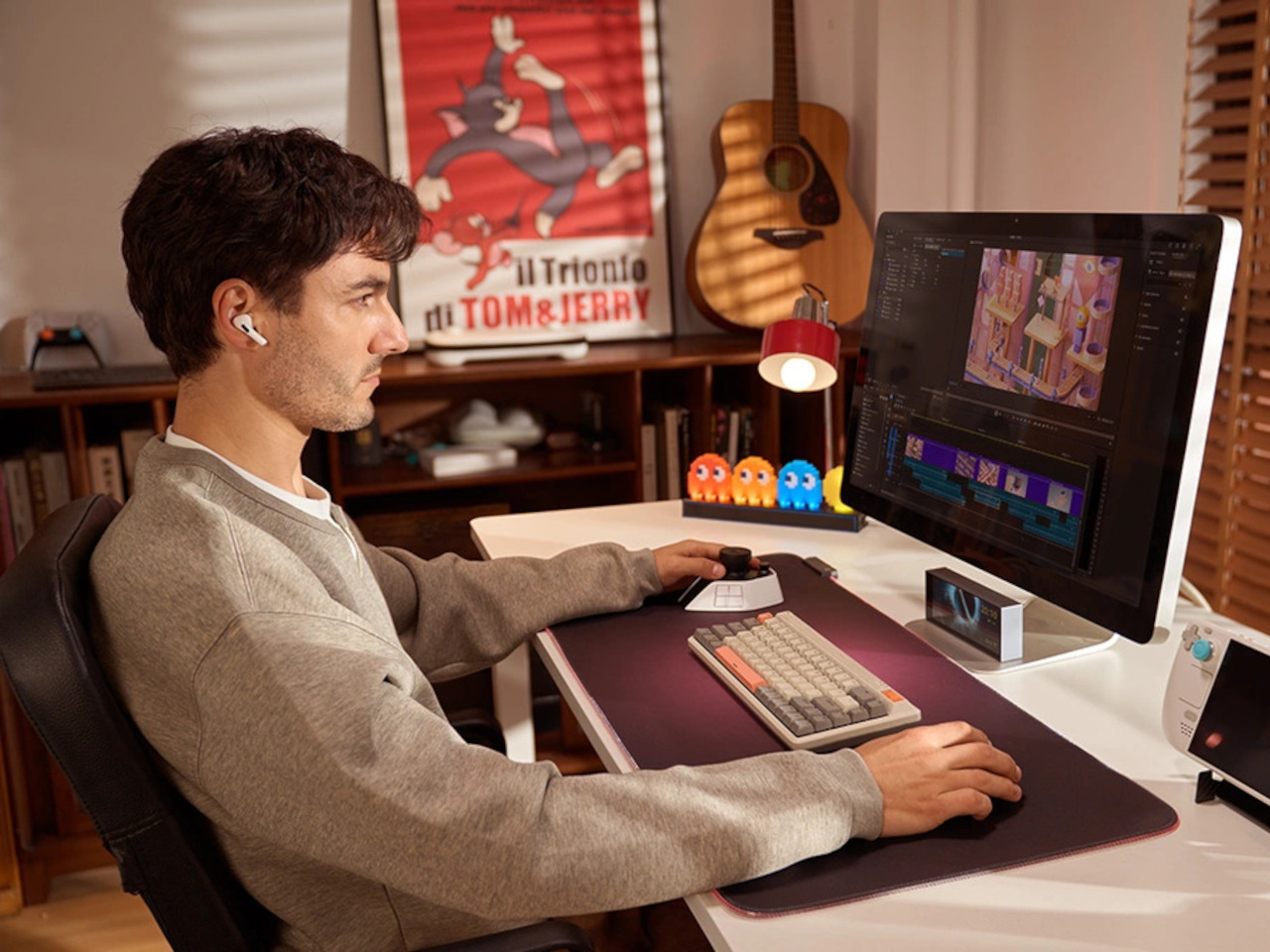
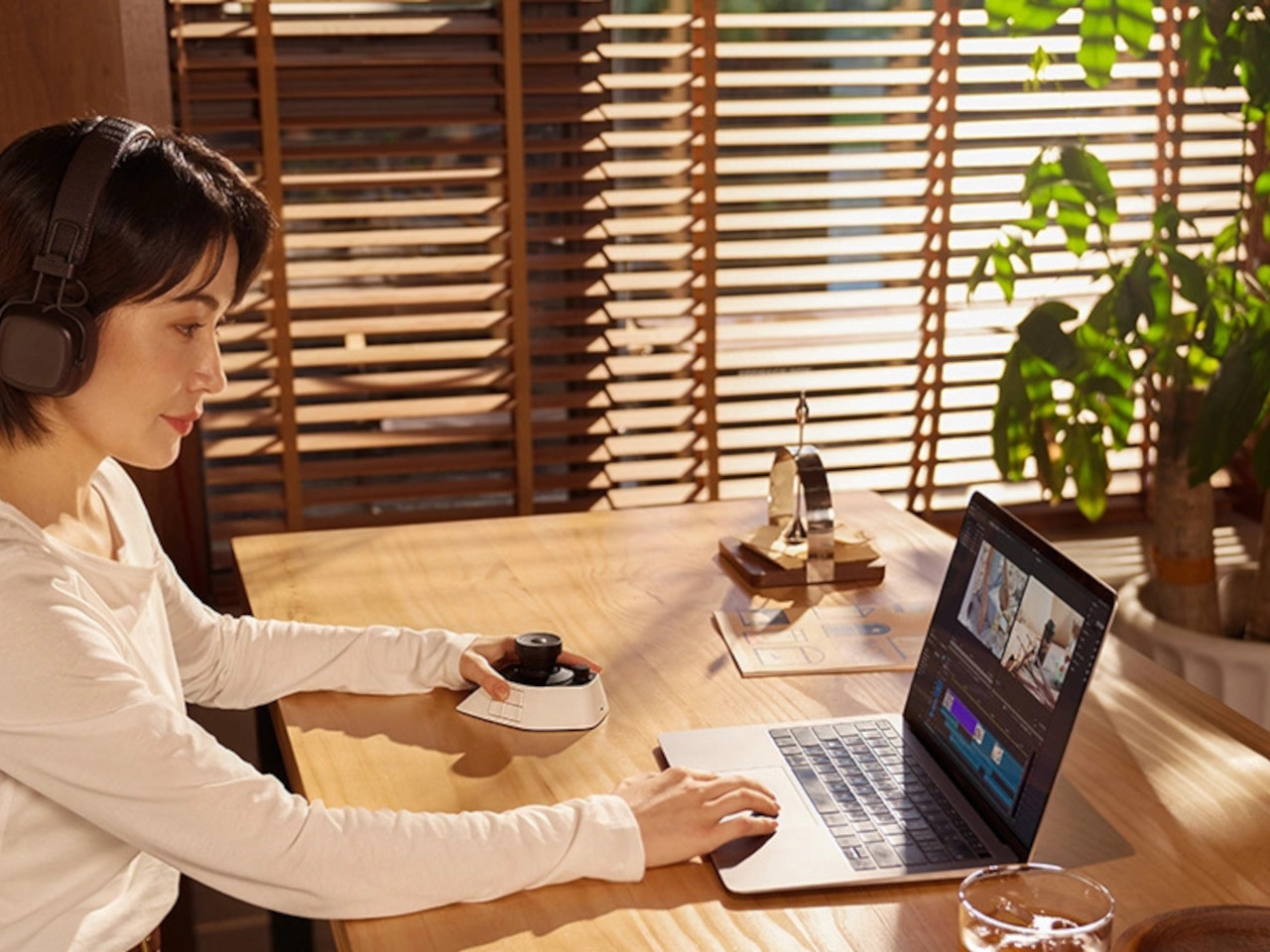
For connectivity, the Pilot Pro supports wired USB-C, Dual-Channel Bluetooth 5.4 Low Energy, and a USB dongle for machines without Bluetooth. The built-in 1,900 mAh battery lasts over 15 days at four hours of daily use. It works with Windows 10 and macOS 11 or later, and is compatible with Premiere Pro, DaVinci Resolve, Photoshop, Lightroom Classic, and Final Cut Pro.

Weighing 251g with dimensions of roughly 130mm x 93mm, the Pilot Pro fits on the desk without crowding it. XPPen has priced it at $209.99, in line with other professional left-hand controllers. For editors who spend serious hours locked into a timeline, a device that keeps the hands comfortable and a hundred commands within reach can meaningfully change the pace of a workday.
The post XPPen’s $210 Pilot Pro Finally Ends the Left-Hand Keyboard Scramble first appeared on Yanko Design.

XPPen’s 4K Display Fixes the One Thing That Ruins Digital Art: Color

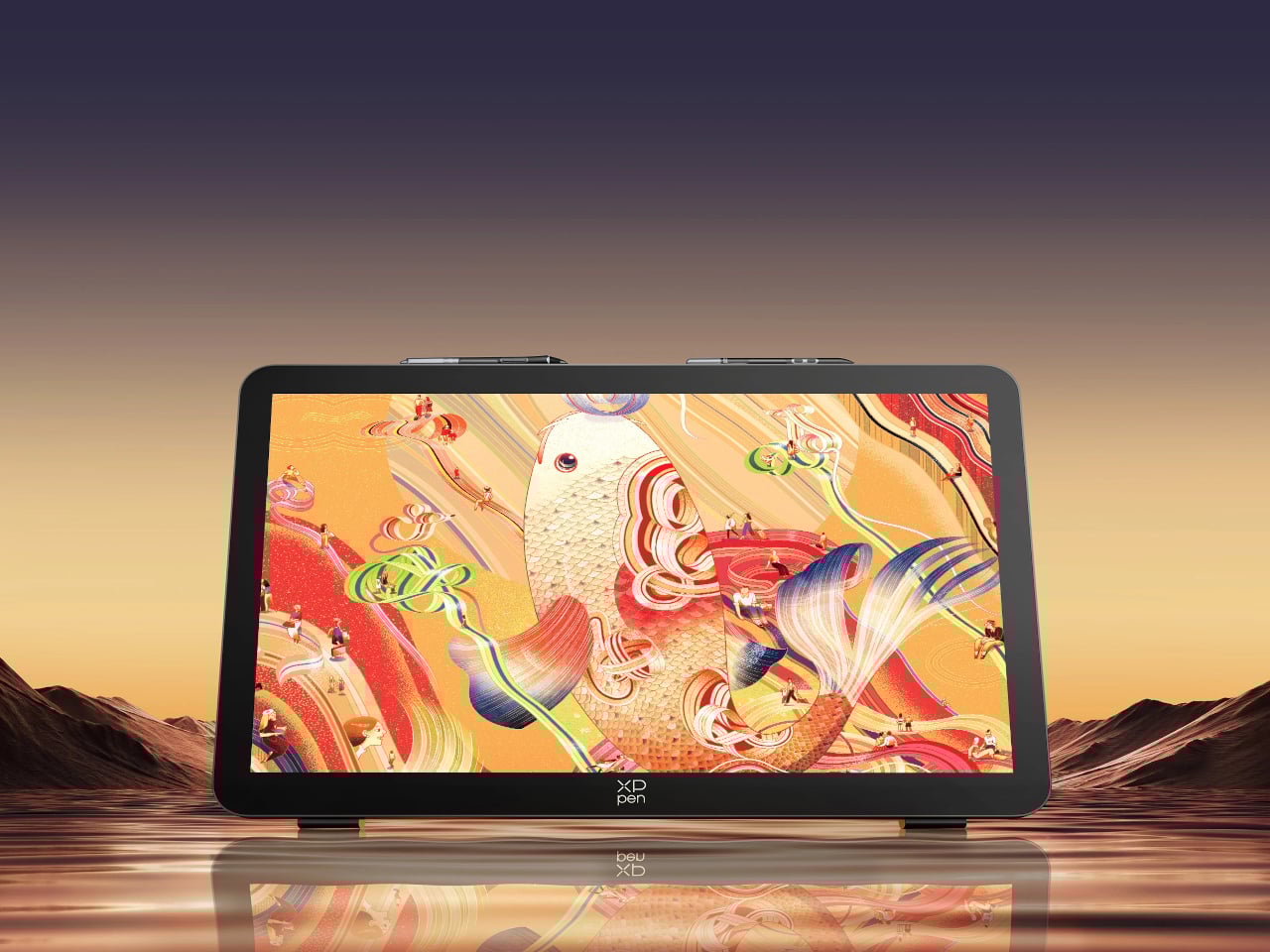
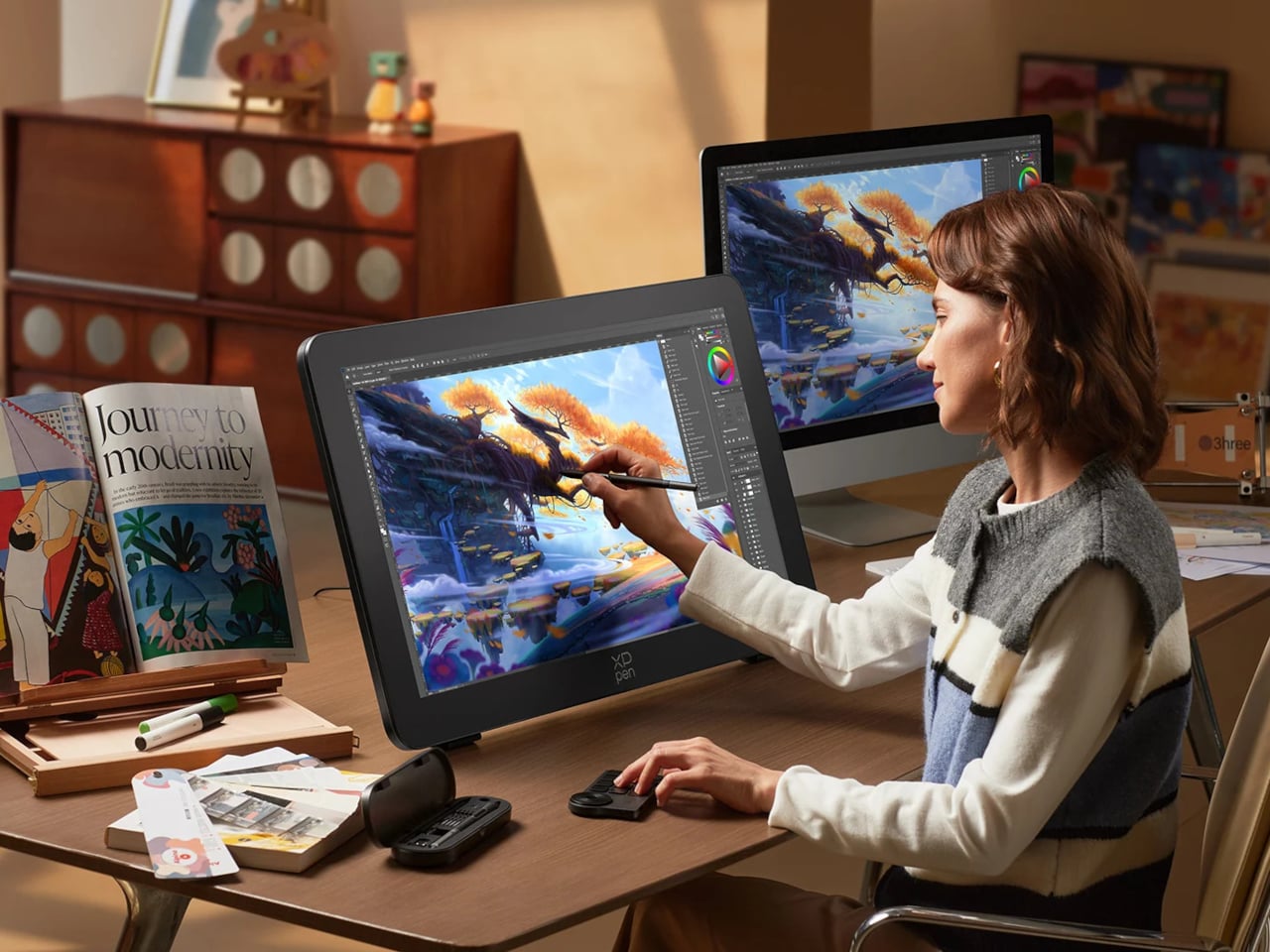
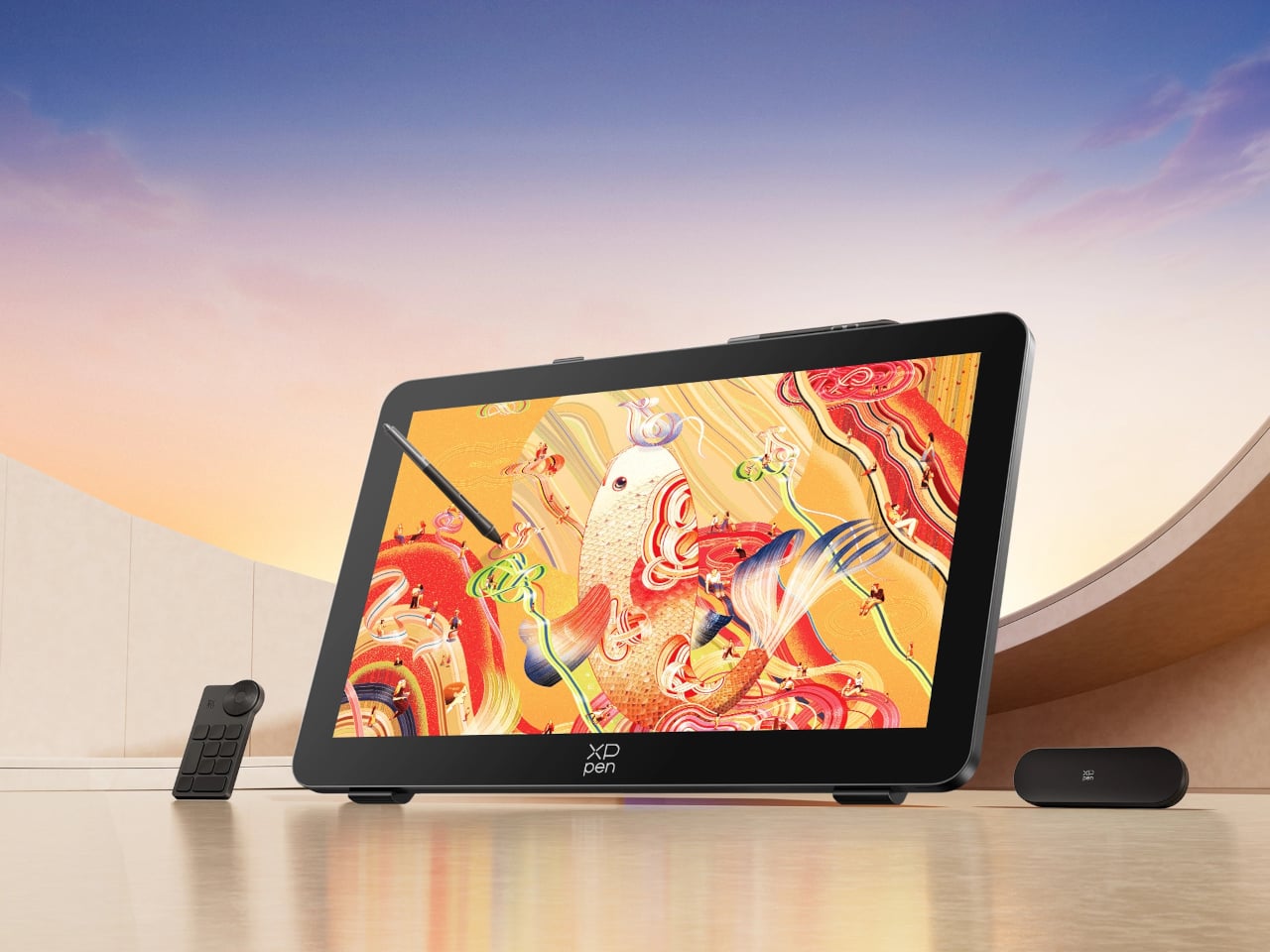
Finishing a piece of digital artwork only to discover that the colors on your client’s monitor look nothing like what you spent hours calibrating is a particular kind of frustration. It’s not dramatic. It just quietly drains trust in your tools and your process. The XPPen Artist Pro 27 (Gen 2) is a drawing display built around the premise that color accuracy, at a professional level, should be the starting point rather than an expensive add-on you negotiate into a purchase.

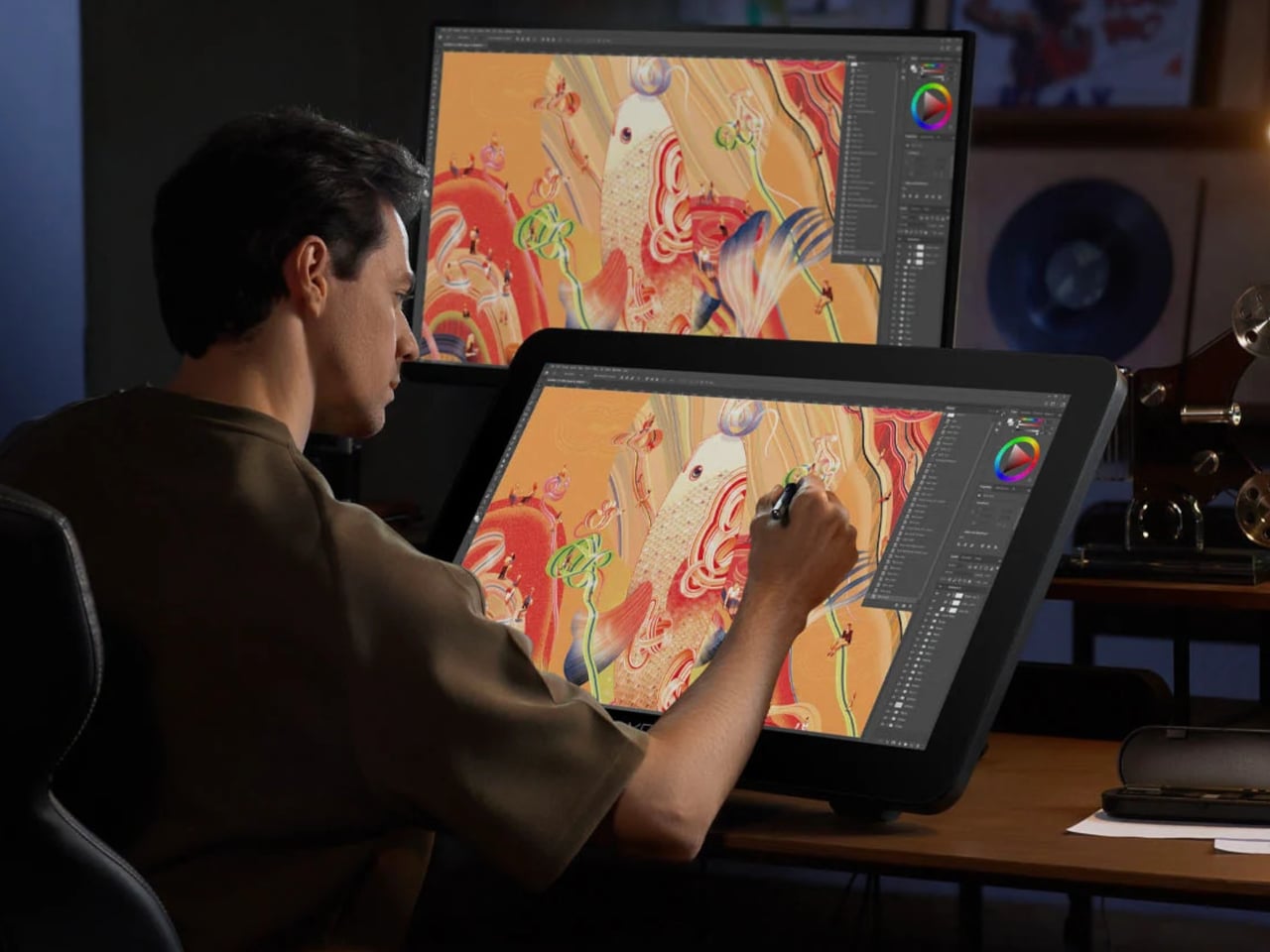
At 26.9 inches with a 3840×2160 resolution and a 120Hz refresh rate, the display gives designers, artists, and digital content creators sufficient room to work at a scale that feels genuinely close to physical media. That kind of canvas matters when you’re sketching compositions or reviewing color grading frame-by-frame on an animation timeline, where pixel-level decisions compound quickly, and a cramped workspace turns into a liability.

Designer: XPPen

The color story is where XPPen is making the most aggressive claims. The 10-bit panel covers 99% of Adobe RGB and sRGB, and 97% of Display P3, all with a Delta E of less than 1, independently verified through Calman. For designers working across print, digital, and video deliverables simultaneously, that breadth matters more than any single gamut number. One device that holds accurate across three standards removes a class of color-management guesswork from the workflow entirely.

Getting there does require some setup. Activating the full 10-bit depth means going into display settings manually, and advanced color calibration through the bundled XPPen ColorMaster software requires a Calman colorimeter purchased separately. The hardware is capable; the software is ready. What XPPen doesn’t hand you automatically is the calibrated result itself, so buyers expecting out-of-the-box perfection should factor in that extra step and cost.

The display surface uses a new-gen luminous etched glass panel 0.7 mm thick, which XPPen claims offers 30% more light transmittance than its predecessor while keeping the anti-glare, paper-like texture. That texture is what keeps pen-on-glass from feeling clinical, and the thinner glass reduces the gap between pen tip and cursor, a physical detail that sounds minor until you’ve spent a session fighting it. Brightness is 350 nit, which positions this squarely as a studio tool.

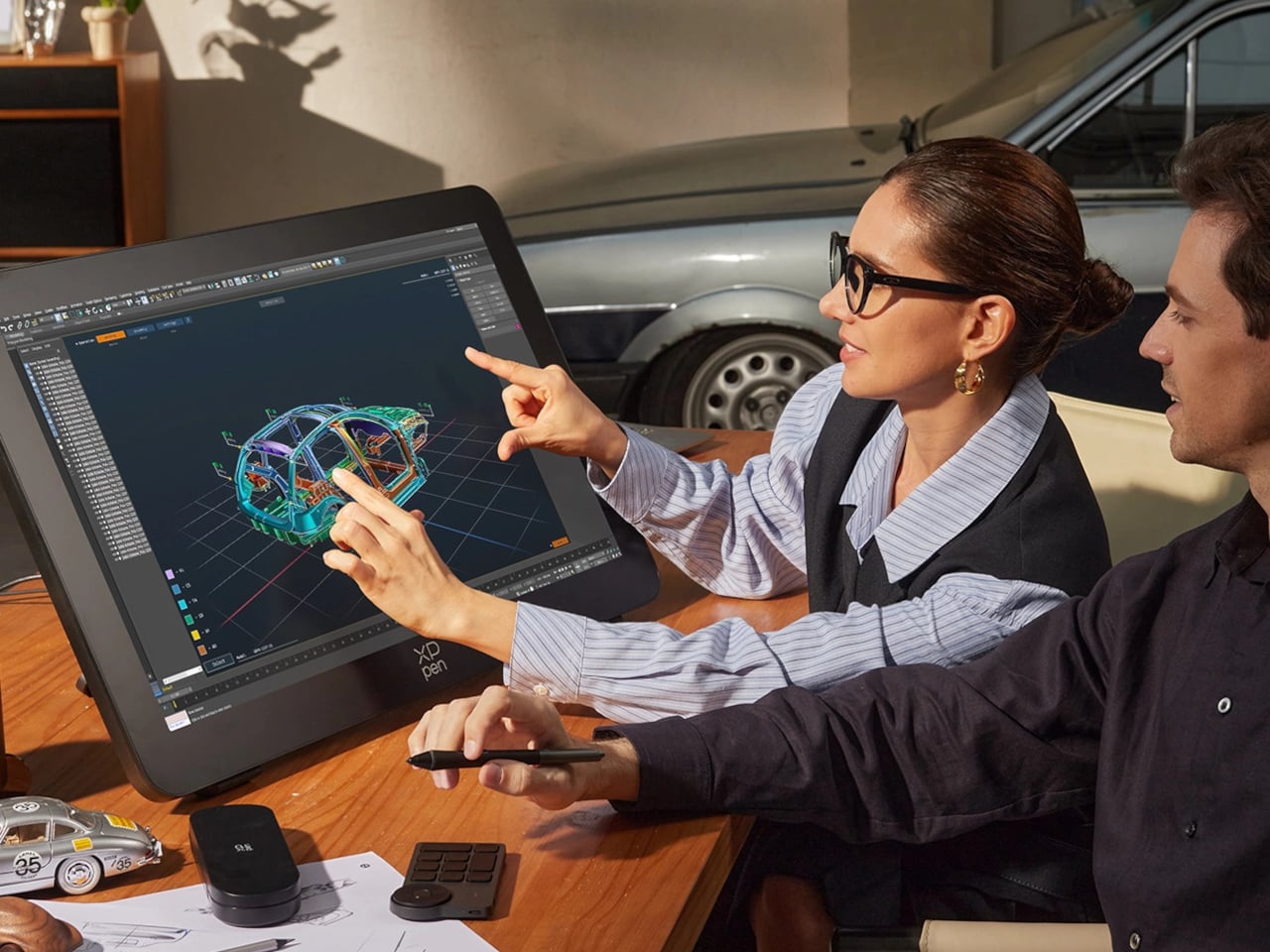
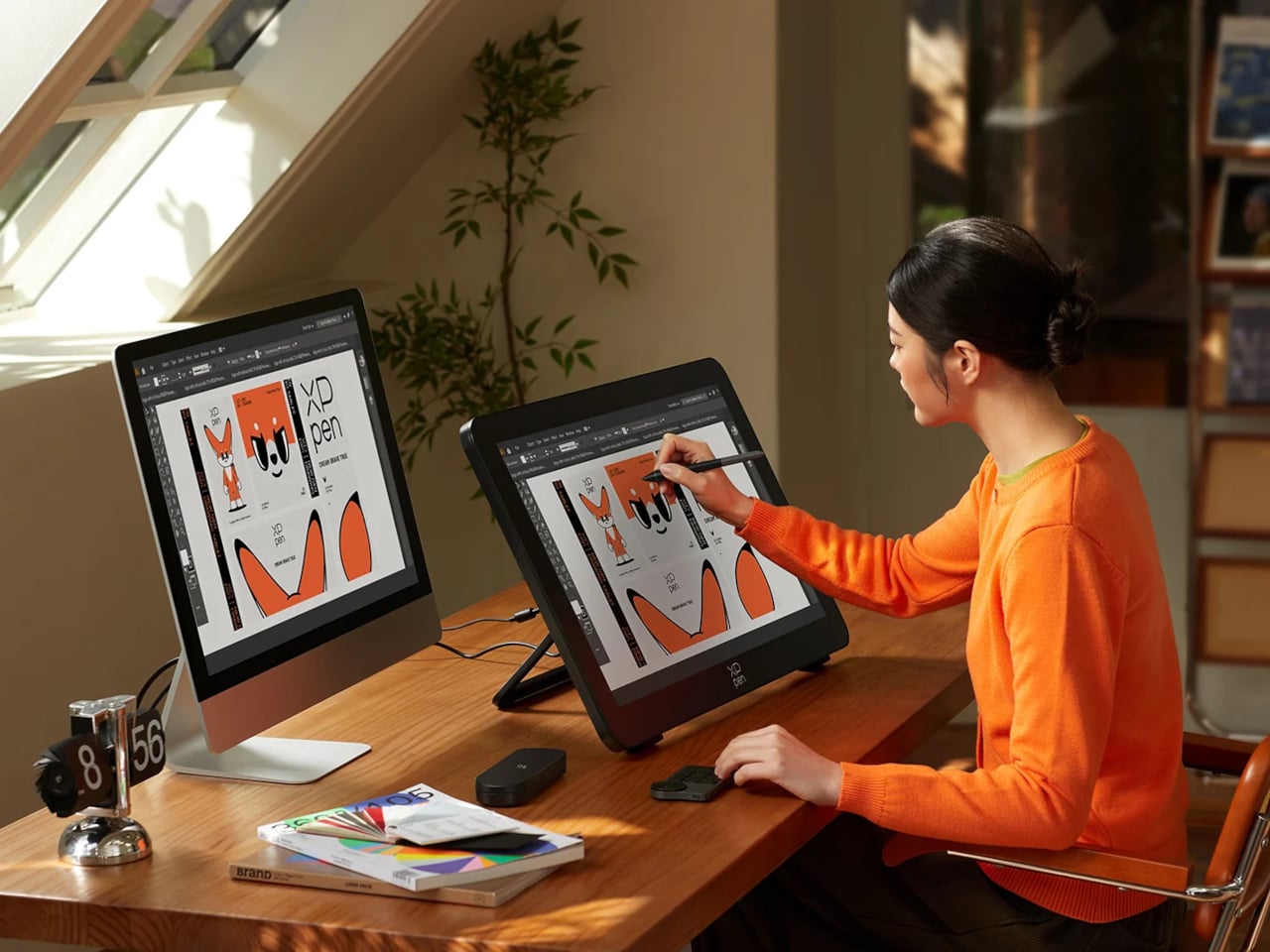
Two styli ship with the unit: the X3 Pro Smart Chip Stylus with a standard silicone grip, and the narrower X3 Pro Slim Stylus, tapered at 26° to keep the tip in view during detailed line work. Both operate at 16,384 pressure levels with 3g activation force and 60-degree tilt sensitivity. A wireless shortcut remote with a 10 × 4 grid of programmable keys and a dial is also included, covering most of what keeps artists reaching for the keyboard mid-session.

The X-Touch multitouch system handles ten simultaneous touch points with native gesture support on Windows and macOS, customizable touch zones, and a floating shortcut menu accessible by gesture or button. Pen-priority mode suppresses accidental inputs while drawing. That last feature is the one that separates a touch-enabled display that genuinely fits a drawing workflow from one that just adds friction to it.

The post XPPen’s 4K Display Fixes the One Thing That Ruins Digital Art: Color first appeared on Yanko Design.