5 Best Third-Party PlayStation Controllers That Actually Beat Sony’s DualSense in 2025

The DualSense arrived with something to say. Adaptive triggers, nuanced haptics, a tactile language that made games feel physically present in your hands — it raised the bar in ways the industry hadn’t anticipated. For a while, nothing else came close. That window has closed. The third-party market in 2025 is no longer playing catch-up. It’s producing controllers with drift-proof magnetic sensors, modular physical architectures, trigger calibration measured in millimeters, and battery lives that nearly triple what Sony ships as standard. The gap has flipped.

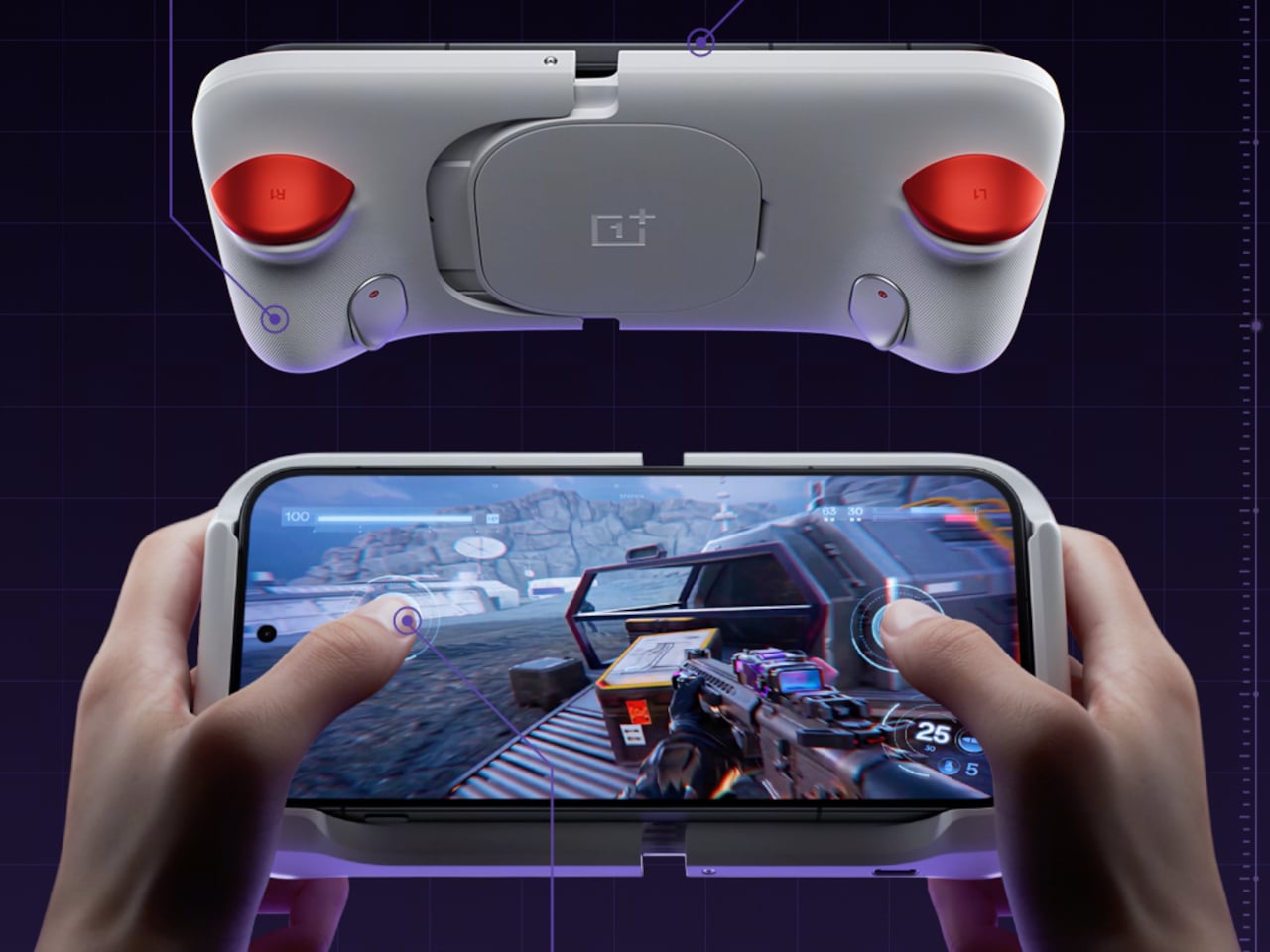
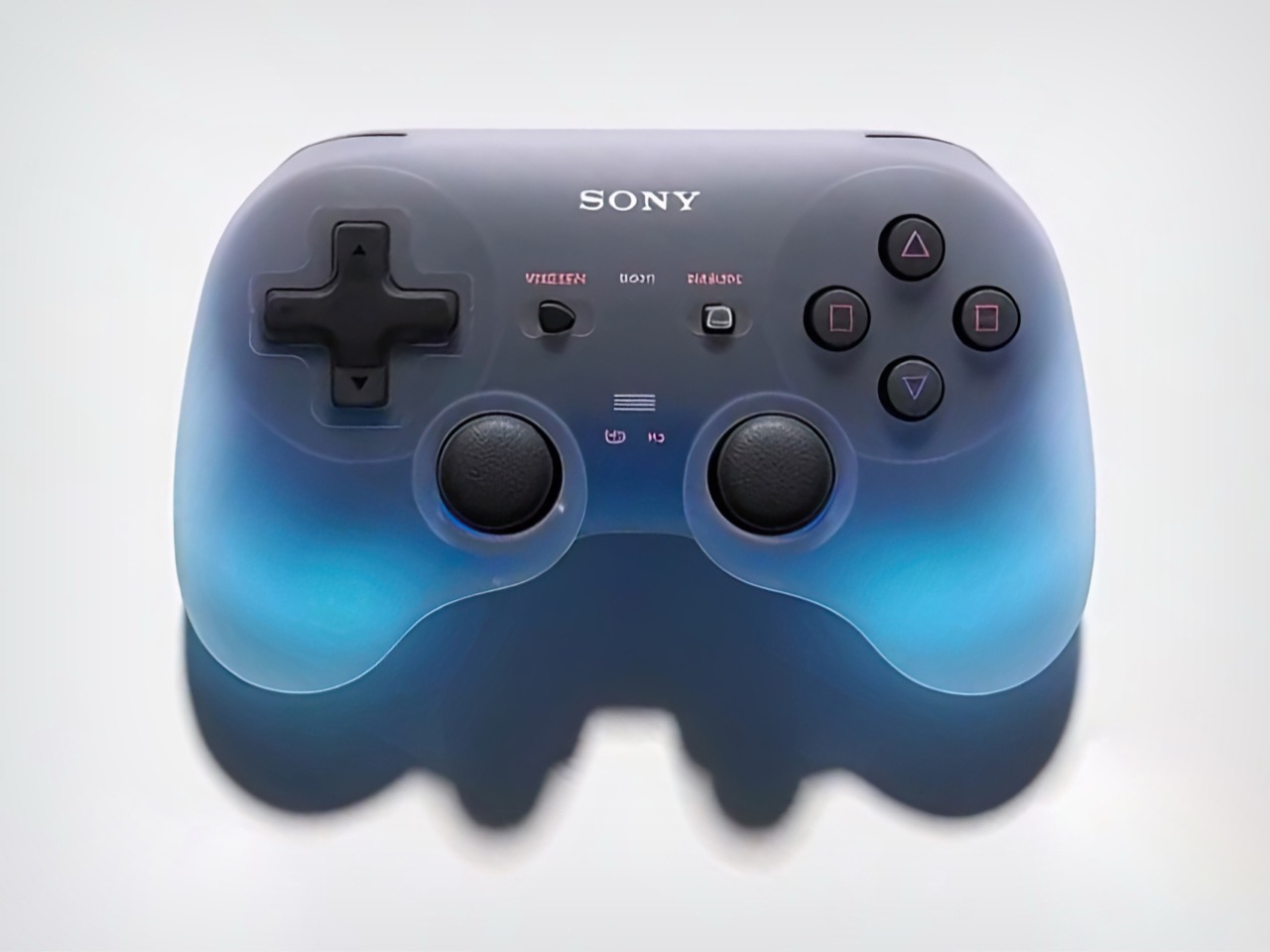
The Goo-inspired concept controller at the top of this page is a glimpse at where peripheral design is reaching — fluid, sculptural, unresolved in the best way. It hasn’t shipped. What’s below has. Every controller in this roundup is available now, purpose-built around a specific performance argument, and doing at least one thing the DualSense doesn’t. If you’ve stuck with the stock pad out of habit, these five make a clear case for reconsidering that.

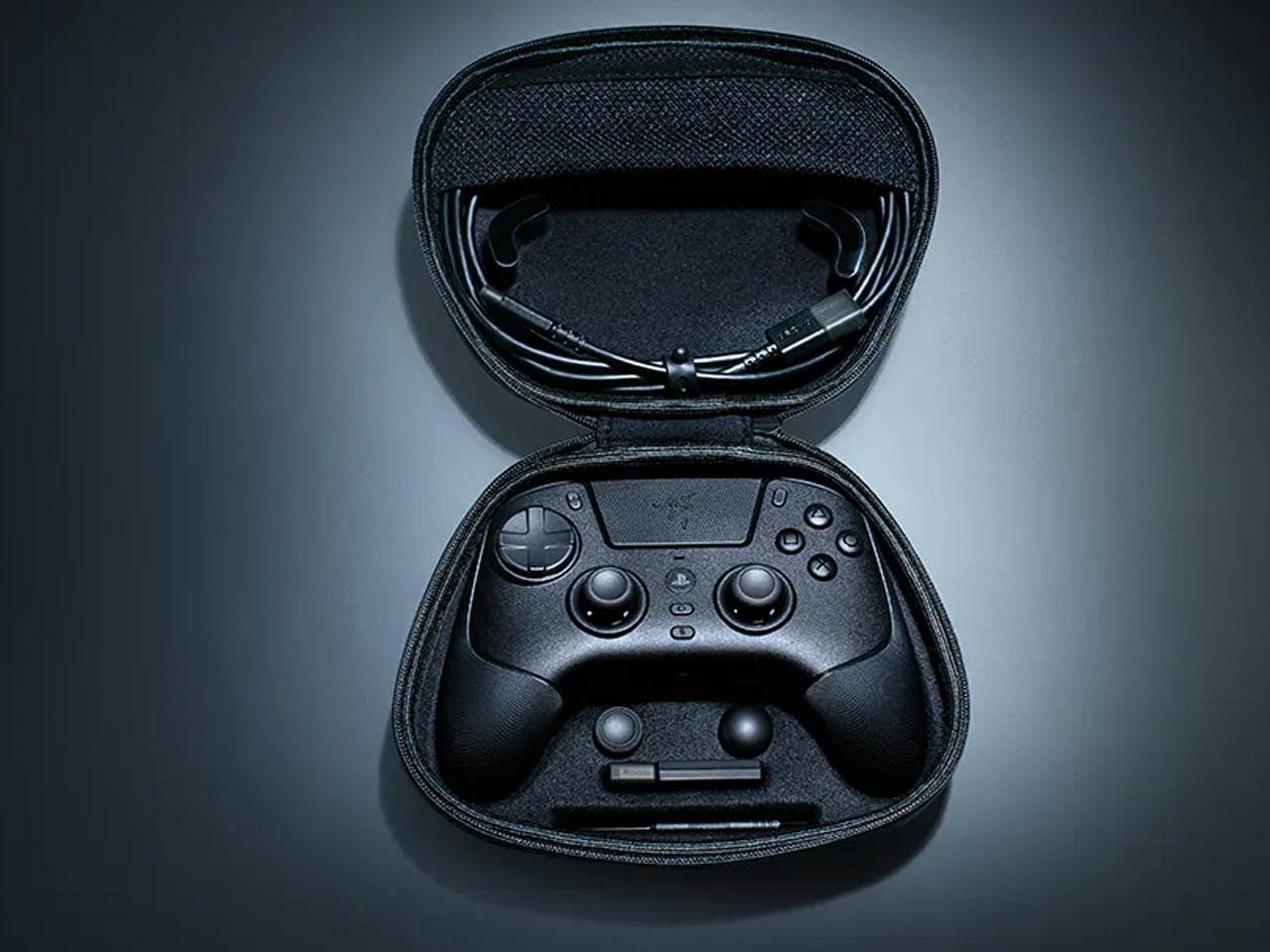
1. Razer Raiju V3 Pro

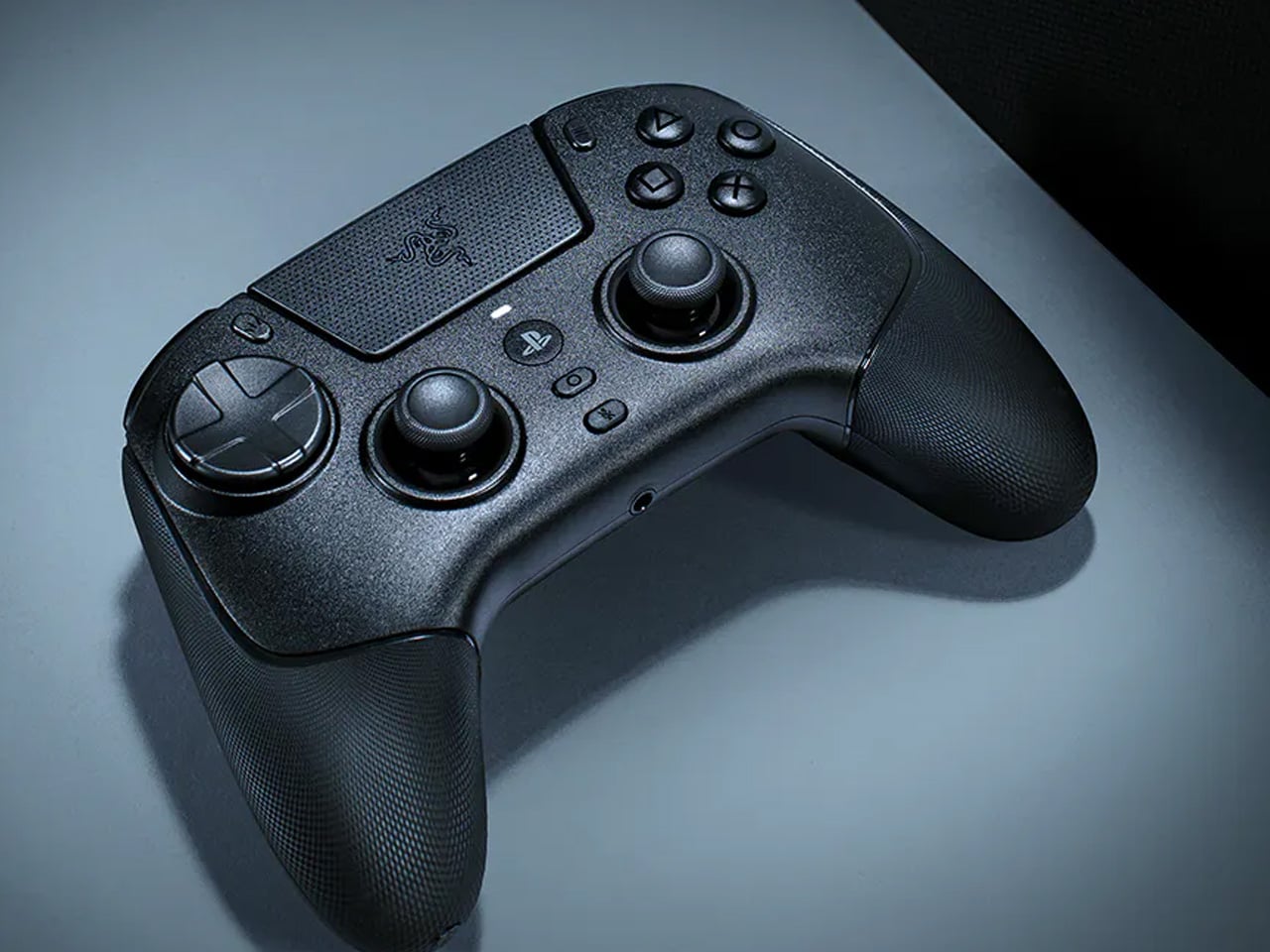
Razer’s pitch with the Raiju V3 Pro is precise: take the sensor thinking behind their best gaming mice and transplant it into a PlayStation-compatible controller. The result is Tunnel Magnetoresistance thumbsticks — TMR —, and as of 2025, no other PS5 controller ships with them. Where the Hall Effect uses magnetic fields to read position, TMR uses weak electromagnetic waves to detect even finer movement with greater resolution. Drift is resolved at a hardware level, not managed in software. Hall Effect triggers cover the other high-wear surface, meaning every primary input on this controller is engineered against degradation from the start. At 258 grams, it sits lighter than the DualSense Edge without feeling hollow, and the wider grip reduces hand strain across longer sessions.

Six extra inputs are distributed across the frame — four removable back buttons in the rubberized handles and two claw-grip bumpers flanking the triggers — all fully remappable to whatever a specific game demands. Razer’s HyperSpeed 2.4GHz wireless holds latency tight, with a polling rate that climbs to 2,000Hz on PC, a number Sony’s controllers don’t approach. Battery life is rated at 36 hours, nearly triple the DualSense standard. It’s officially licensed for PlayStation 5, requires no adapters, and connects as a native peripheral. For competitive players who want every hardware advantage consolidated in one place, the Raiju V3 Pro is currently the ceiling.

What We Like

  • TMR thumbsticks are unique to this controller in the PS5 space, resolving drift at a sensor level that Hall Effect doesn’t reach.
  • A 36-hour battery life and 2,000Hz PC polling rate are specifications Sony’s lineup has no current answer to.

What We Dislike

  • Haptic feedback and adaptive triggers are absent — a real trade-off for anyone whose gaming skews toward immersive, story-led experiences.
  • The symmetrical thumbstick layout is a deliberate competitive choice that won’t feel native to players raised on PlayStation’s standard asymmetric positioning.

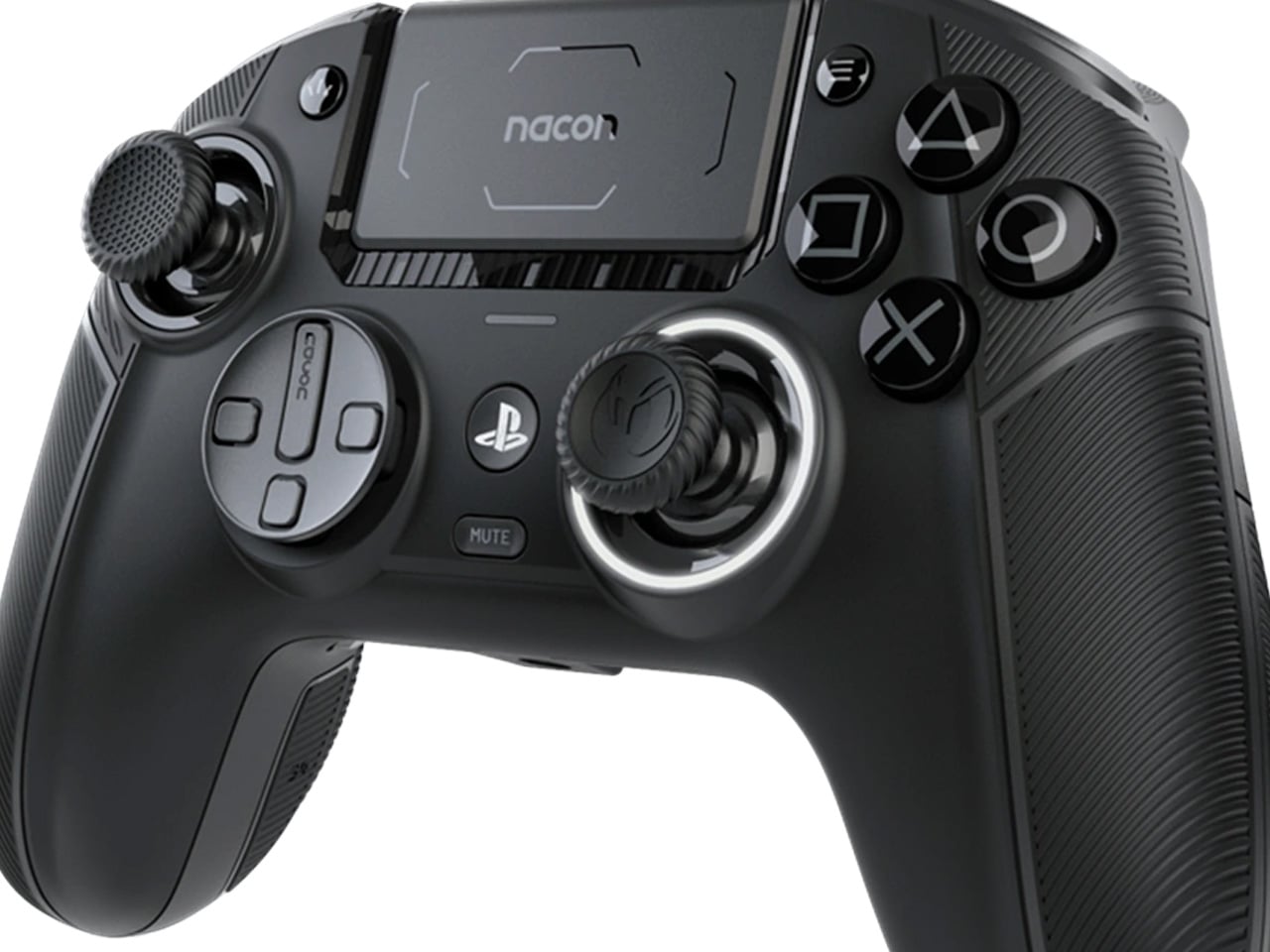
2. Nacon Revolution 5 Pro

The Revolution 5 Pro starts from a principle the DualSense never acted on: if magnetic sensor technology stops drift, why limit it to the thumbsticks? Nacon applies the Hall Effect to the triggers as well, covering every primary contact surface in a single design. No stick drift, no trigger wear, no gradually worsening feel over months of use. The asymmetric layout mirrors the DualSense’s familiar posture closely enough that the transition is immediate, and the premium materials wrapped around the modular frame feel considered rather than compensatory. It’s officially licensed for PlayStation 5 and built around the ergonomics of long sessions rather than short competitive bursts.

Customization is both deep and accessible. Four profiles can be switched directly on the controller without opening a companion app, though the app itself offers trigger sensitivity curves, deadzone tuning, and full button remapping with genuine precision. Interchangeable thumbstick sizes and adjustable internal weights let players calibrate the physical feel to their own preference. A standout feature that no other controller on this list includes is built-in Bluetooth audio output, letting players pair headphones directly to the controller rather than routing through the console. The Revolution 5 Pro was also designed around a reduced carbon footprint — a thoughtful distinction for a product category that rarely acknowledges it.

What We Like

  • Hall Effect across both sticks and triggers makes this one of the most mechanically durable pro controllers on the market right now.
  • Built-in Bluetooth audio pairing is a friction-reducing feature that no Sony controller — at any price — currently provides.

What We Dislike

  • Haptic feedback and vibration don’t function during PS5 gameplay, which strips out a meaningful portion of the DualSense’s native experience.
  • The profile and customization system has a learning curve that requires time to work through before its full value becomes accessible.

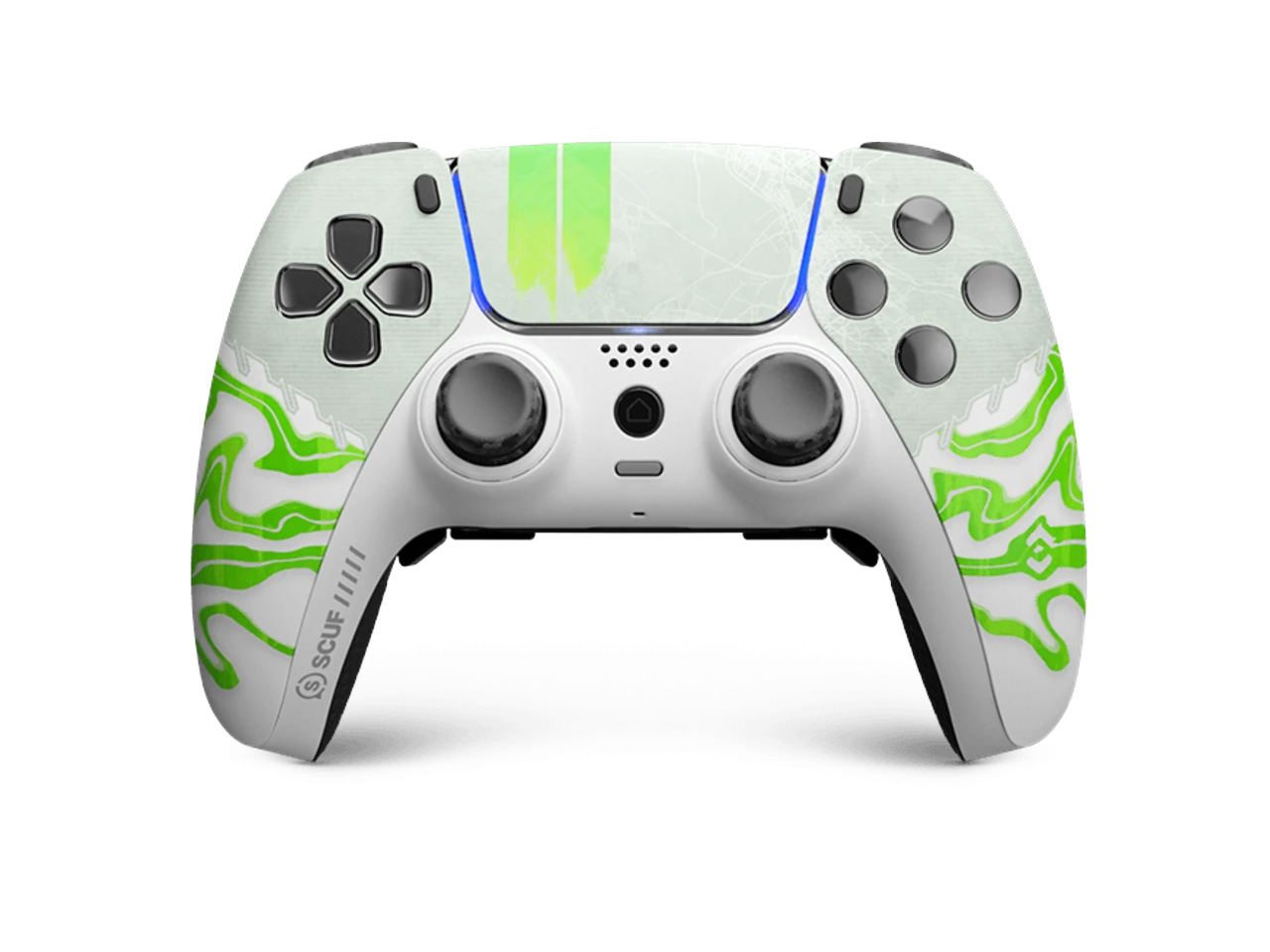
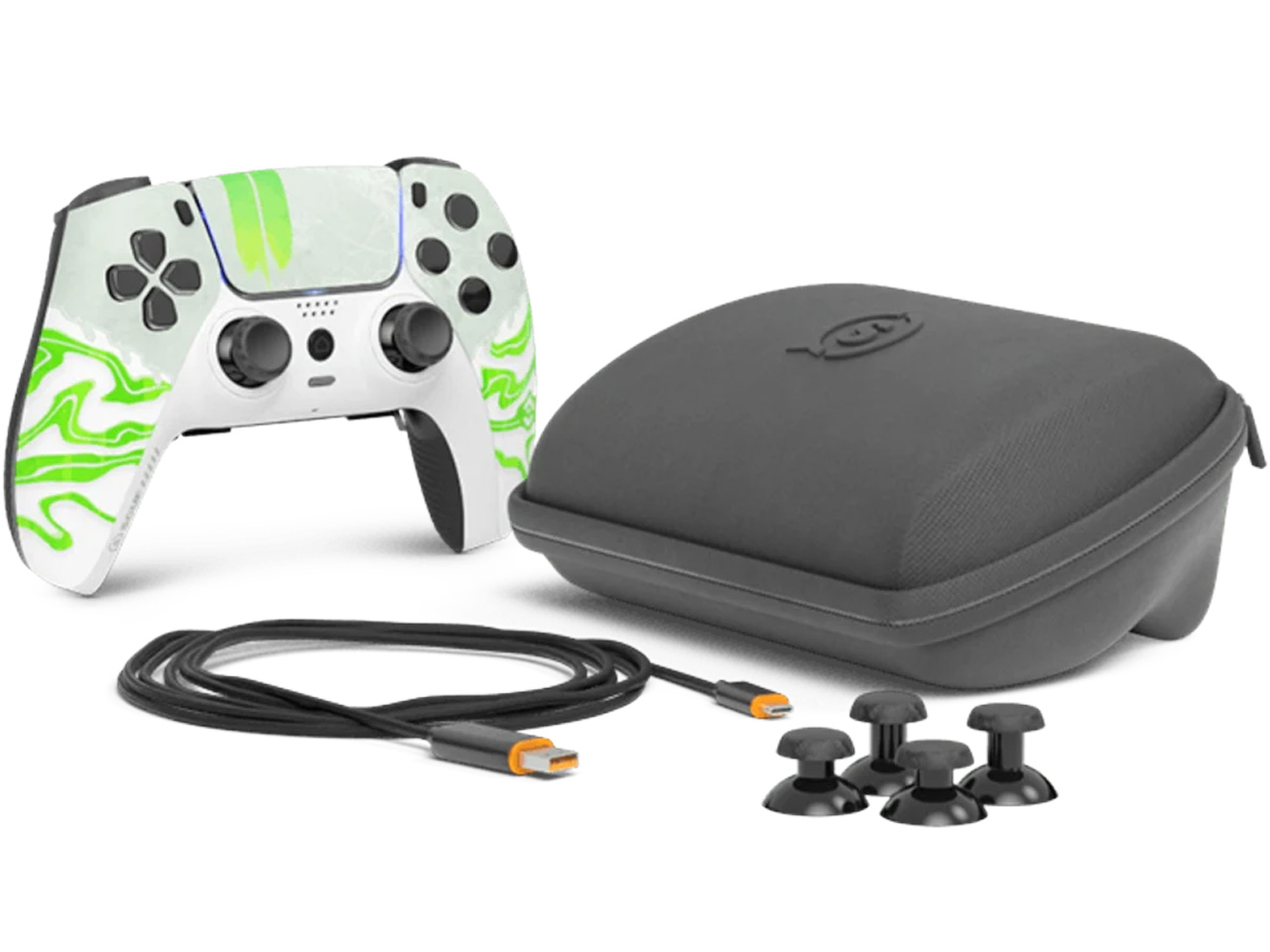
3. SCUF Reflex Pro

SCUF has spent years earning credibility with competitive console players, and the Reflex Pro is the most technically resolved version of that commitment. The 2025 lineup integrated Hall Effect anti-drift thumbsticks as standard hardware, closing the mechanical gap that had followed the Reflex series across previous generations. Wireless performance is clean, adaptive triggers function as expected on PS5, and vibration rumble stays intact — a combination that most third-party alternatives compromise somewhere along the way. The physical form follows the DualSense’s geometry closely enough that picking it up for the first time feels instinctive. It’s built for precision longevity first, familiarity second, and it delivers both.

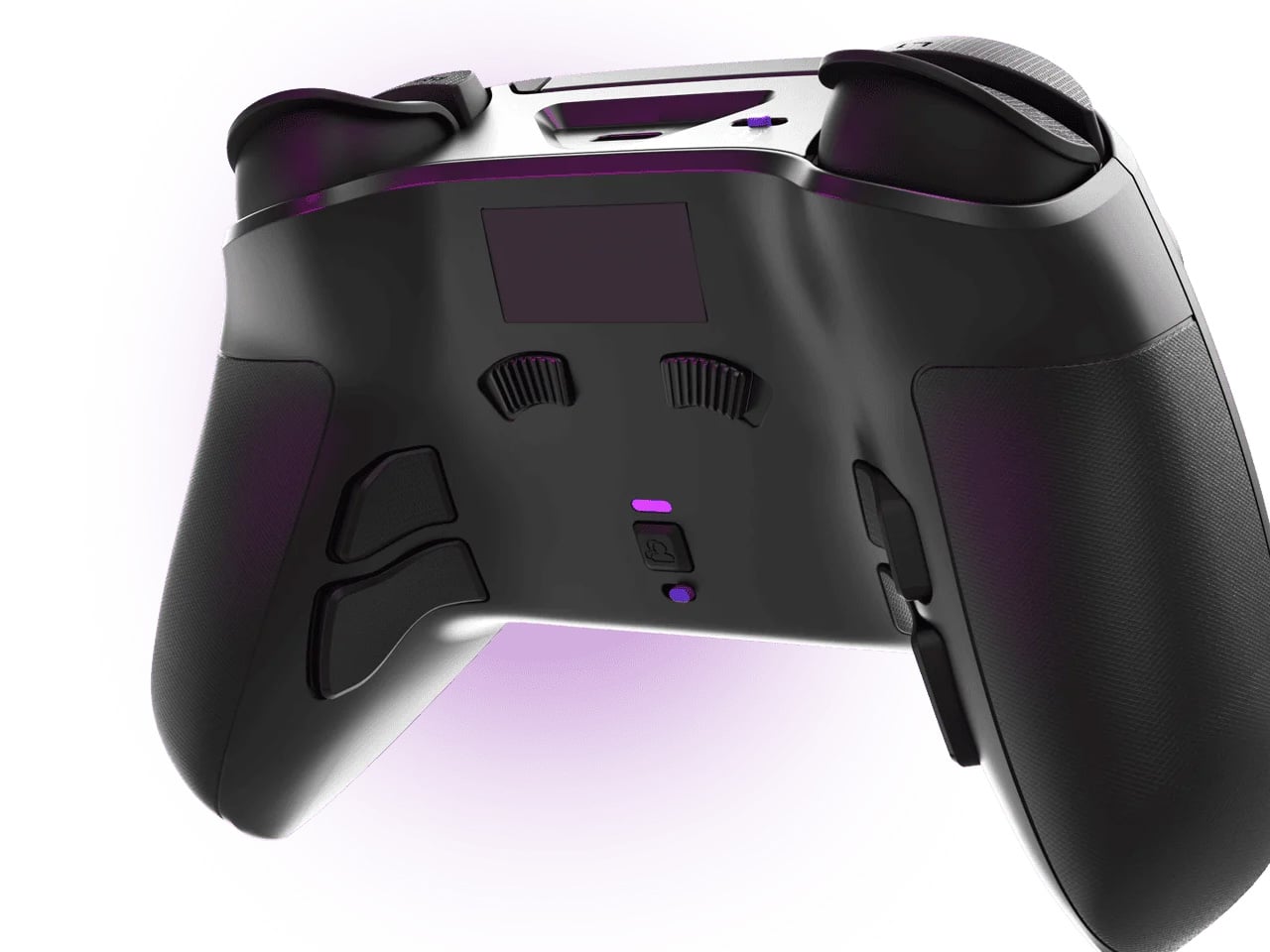
The rear paddle system is where the Reflex Pro makes its case most directly. Four fully assignable paddles run along the underside of the controller, each mappable to any function that would otherwise require lifting a thumb from the sticks — jump, reload, slide, crouch, anything the game demands. Your aim stays unbroken at the exact moments it matters. Sony’s DualSense Edge, the first-party pro option, ships with two back buttons at a higher price. The Reflex Pro ships with four. SCUF also offers a Build Your Own path that opens TMR thumbstick selection at the point of purchase, giving players the option to match or exceed the Raiju V3 Pro’s sensor performance inside a controller that keeps full haptic and adaptive trigger compatibility.

What We Like

  • Four fully assignable rear paddles outperform the DualSense Edge’s two-button setup — more inputs, better placement, and a lower price.
  • Hall Effect thumbsticks are now standard across the line, making long-term stick accuracy a structural strength rather than a premium option.

What We Dislike

  • At $269.99, the base configuration is a steep ask for players whose gaming doesn’t warrant a competitive-grade investment.
  • Selecting TMR thumbstick upgrades through the Build Your Own path increases the total cost meaningfully from an already high starting point.

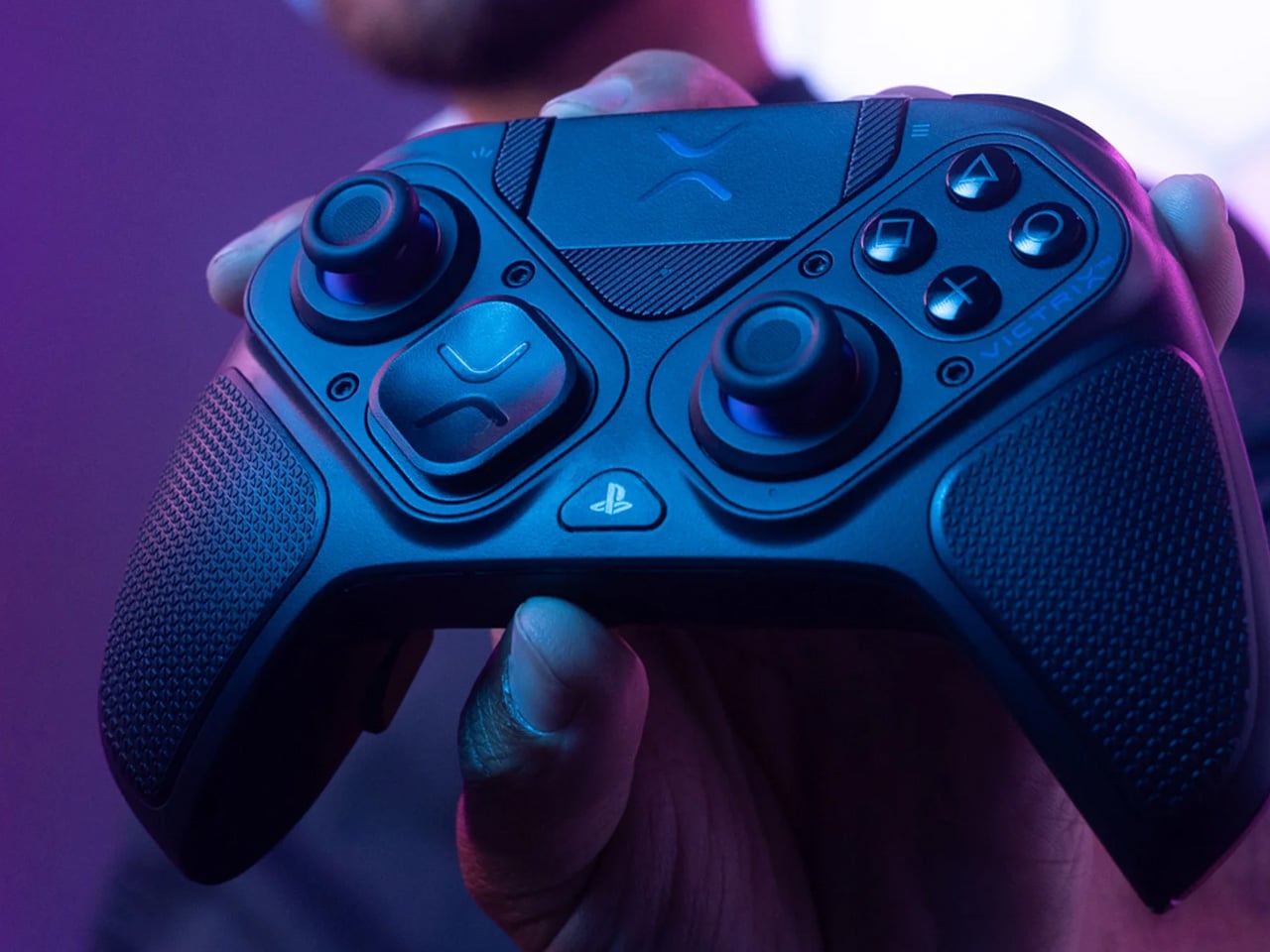
4. Victrix Pro BFG Wireless

The Victrix Pro BFG Wireless asks a question most controller manufacturers skip entirely: what if the hardware itself could physically reconfigure to match the way you play? The left module is reversible, allowing a shift between PlayStation’s asymmetric thumbstick layout and an Xbox-style offset arrangement by physically swapping a component. Three D-pad options, four interchangeable thumbsticks, four gate options, and a six-button fight pad module fitted with Kailh microswitches extend that physical adaptability into nearly every directional and action input on the controller. The Reloaded refresh, released ahead of EVO 2025, upgraded both sticks and triggers to Hall Effect simultaneously. No other officially licensed PS5 controller — from Sony or anyone else — offers this degree of physical reconfiguration.

The trigger system is one of the more thoughtfully executed on this list. Patented Clutch Triggers offer five discrete stop positions and a hair trigger mode, giving players direct control over how much travel occurs before an input registers. In shooters where response time separates outcomes, that level of calibration is a measurable variable, not a theoretical one. Four mappable back buttons extend the input count further, while the free Victrix Control Hub app handles button remapping, stick sensitivity, and deadzone adjustment without subscriptions or forced account creation. The controller supports wireless play via USB dongle and wired connection for tournament-legal, zero-latency use — two modes of play, one controller, no compromises on either.

What We Like

  • A reversible left module that physically changes thumbstick layout is a feature category that the DualSense and DualSense Edge both entirely ignore.
  • Five-stage Clutch Triggers with hair trigger mode offer trigger precision that Sony’s pro controller doesn’t come close to replicating.

What We Dislike

  • The breadth of customization options means real time must be invested in the companion app before the hardware’s full potential opens up.
  • Wireless operation runs through a USB dongle rather than Bluetooth, adding a setup step that console-first players may find less convenient.

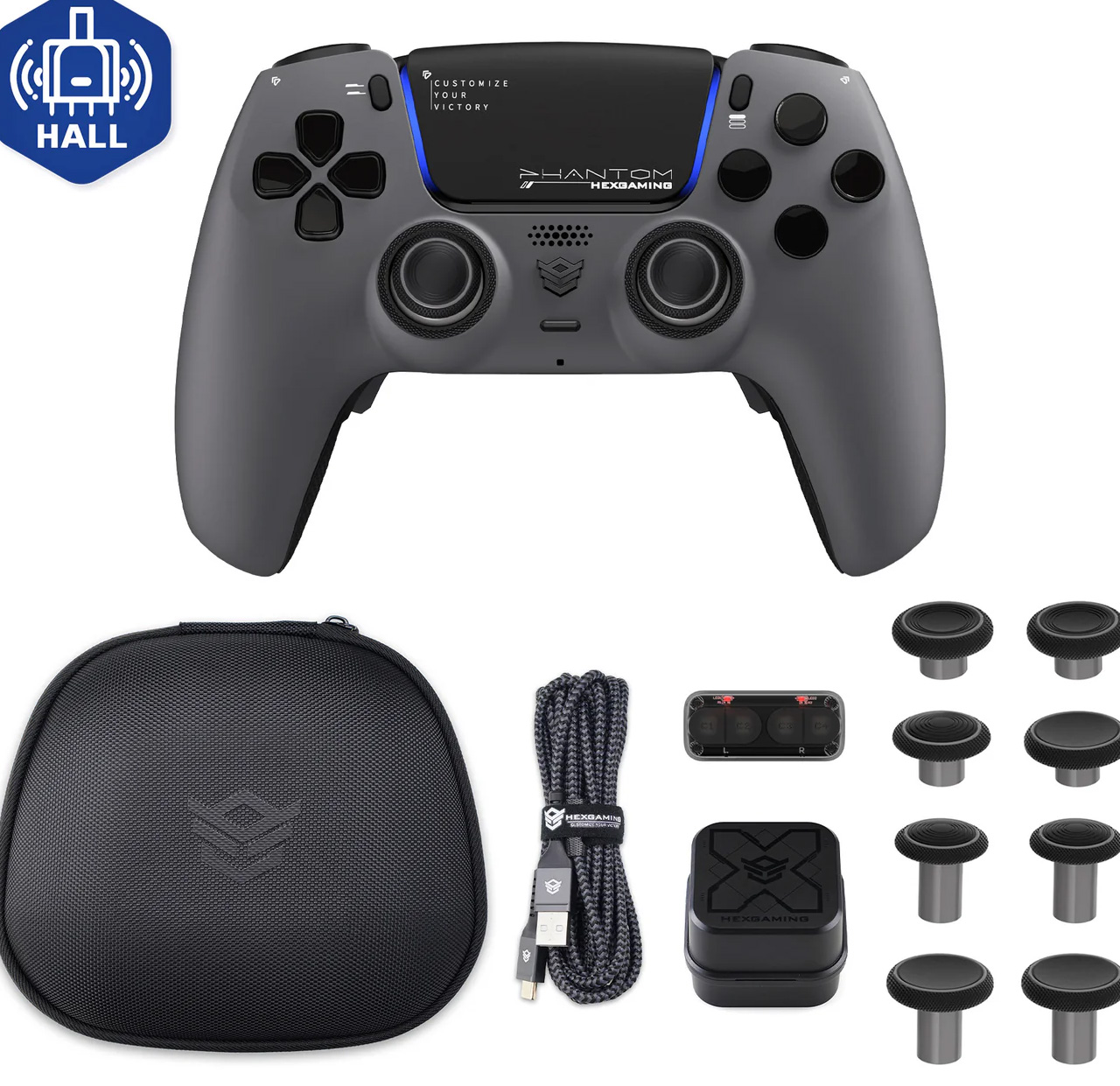
5. HexGaming Phantom Pro

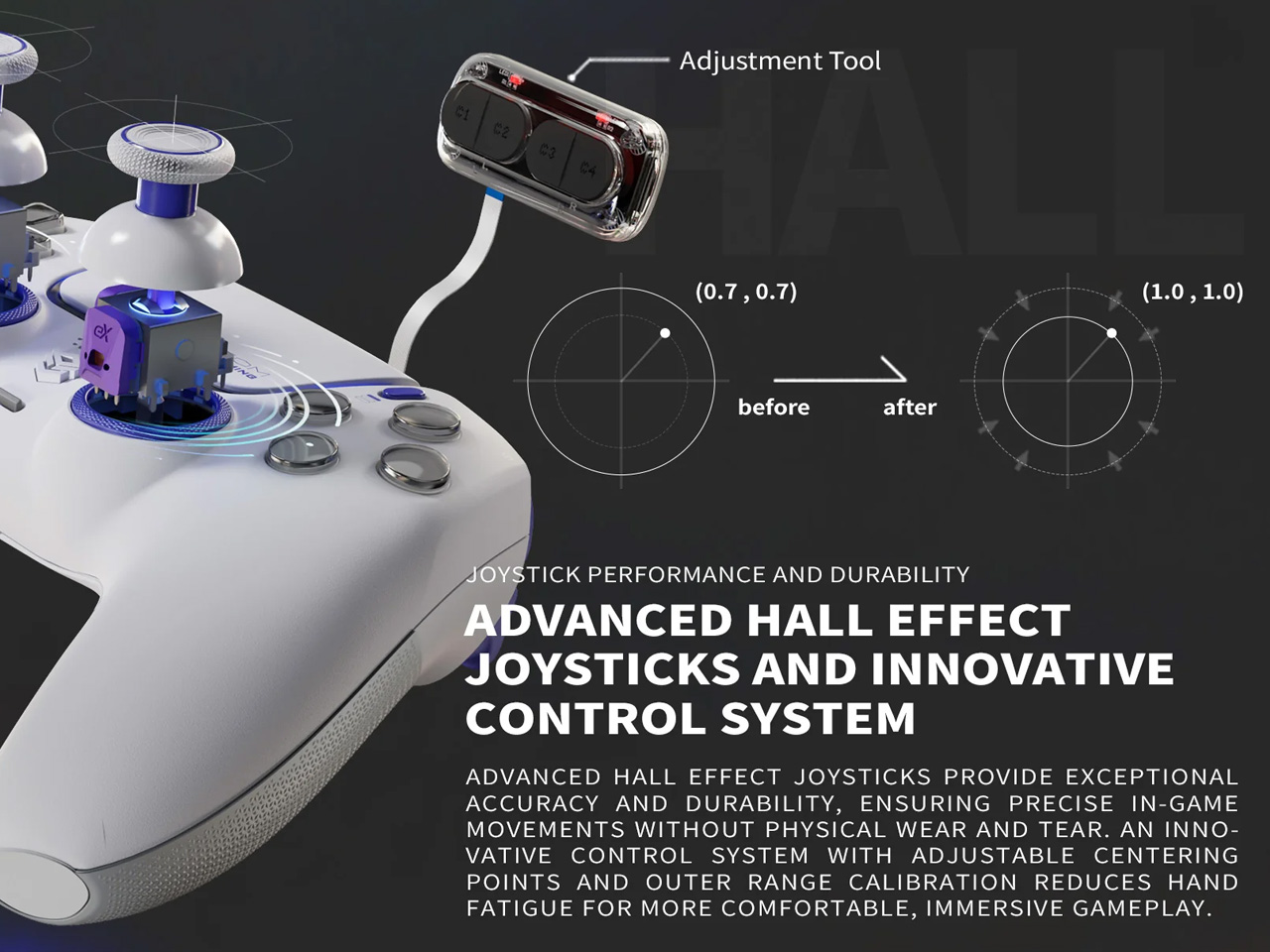
Most controllers on this list ask for a trade. Usually, it’s haptic feedback, adaptive triggers, or both — the two features most central to what makes the DualSense feel like a DualSense. The HexGaming Phantom Pro doesn’t make that trade. Built on genuine Sony DualSense internals, it keeps adaptive triggers and haptic feedback fully intact. What it layers on top is everything Sony declined to include: Hall Effect joysticks, four tactile back buttons with a precise clicky actuation, adjustable trigger stops, and a physical toggle that switches between adaptive and digital trigger modes on the fly — shifting the same controller between immersive single-player feel and FPS-optimized speed without any software interaction. It’s the controller Sony had the components to build and chose not to.

The detail work is thorough. Eight interchangeable thumbsticks — concave, domed, and extended — let players configure grip geometry to their actual hand shape rather than an assumed standard. Digital triggers travel 1.5 to 2mm before actuating, delivering mouse-click response times for FPS gameplay where that matters. Six swappable profiles handle game-specific configurations on the fly, and the standard version includes a DriftFix system that lets axis deviation be corrected within a 0.12 range without hardware replacement — a calibration tool no stock controller offers. The controller ships as a complete kit with a carrying case and a charging cable. For players unwilling to give up what makes the DualSense good, this is the only way to also gain what it consistently gets wrong.

What We Like

  • Sony internals mean adaptive triggers and haptics are fully preserved — the only controller on this list that doesn’t require trading them away.
  • A physical toggle between adaptive and digital trigger modes is a genuinely smart addition that no competitor, first-party or third, provides.

What We Dislike

  • The base price of $229 is a high entry point, and the Hall Effect configuration — the one worth choosing — costs more.
  • No dedicated 2.4GHz wireless connection is a gap for players who prioritize wireless performance above the Bluetooth standard.

The DualSense Didn’t Lose. It Just Has Real Competition Now.

Sony built something worth building. The DualSense’s haptic system and adaptive triggers still represent a design vision few peripherals have matched on those specific terms. But hardware doesn’t hold its position by standing still, and in 2025, the third-party market demonstrated it doesn’t have to wait for Sony to move first. TMR sensors, Hall Effect triggers, physical modular reconfiguration, multi-stage trigger calibration — these aren’t experimental features on concept renders. They’re in production, reviewed, and on shelves.

These five controllers are what’s available right now. Whether the priority is maximum input precision, mechanical longevity, total configurability, or keeping every DualSense feature while gaining everything it withholds, the answers exist. The default option is still a good one. It’s just no longer the only one worth considering.

The post 5 Best Third-Party PlayStation Controllers That Actually Beat Sony’s DualSense in 2025 first appeared on Yanko Design.

GameSir Tarantula Pro controller has a clever solution to button layout problems

Although there were a handful of gaming consoles at one point in history, the industry has more or less settled upon two major platforms, both of which have their own game controller design. The continued success of the Nintendo Switch gave rise to a third brand and a third controller layout, though it closely resembled the Microsoft Xbox controller layout except for one important aspect: the face or “ABXY” buttons. This means that the same wireless controller could be used for both the Nintendo Switch and Xbox-compatible games (presuming it supported both technologies), but you have to remember to switch layouts and, more importantly, not be confused by the letters on the buttons. Thankfully, this controller design has a curious fix for that.

Designer: GameSir

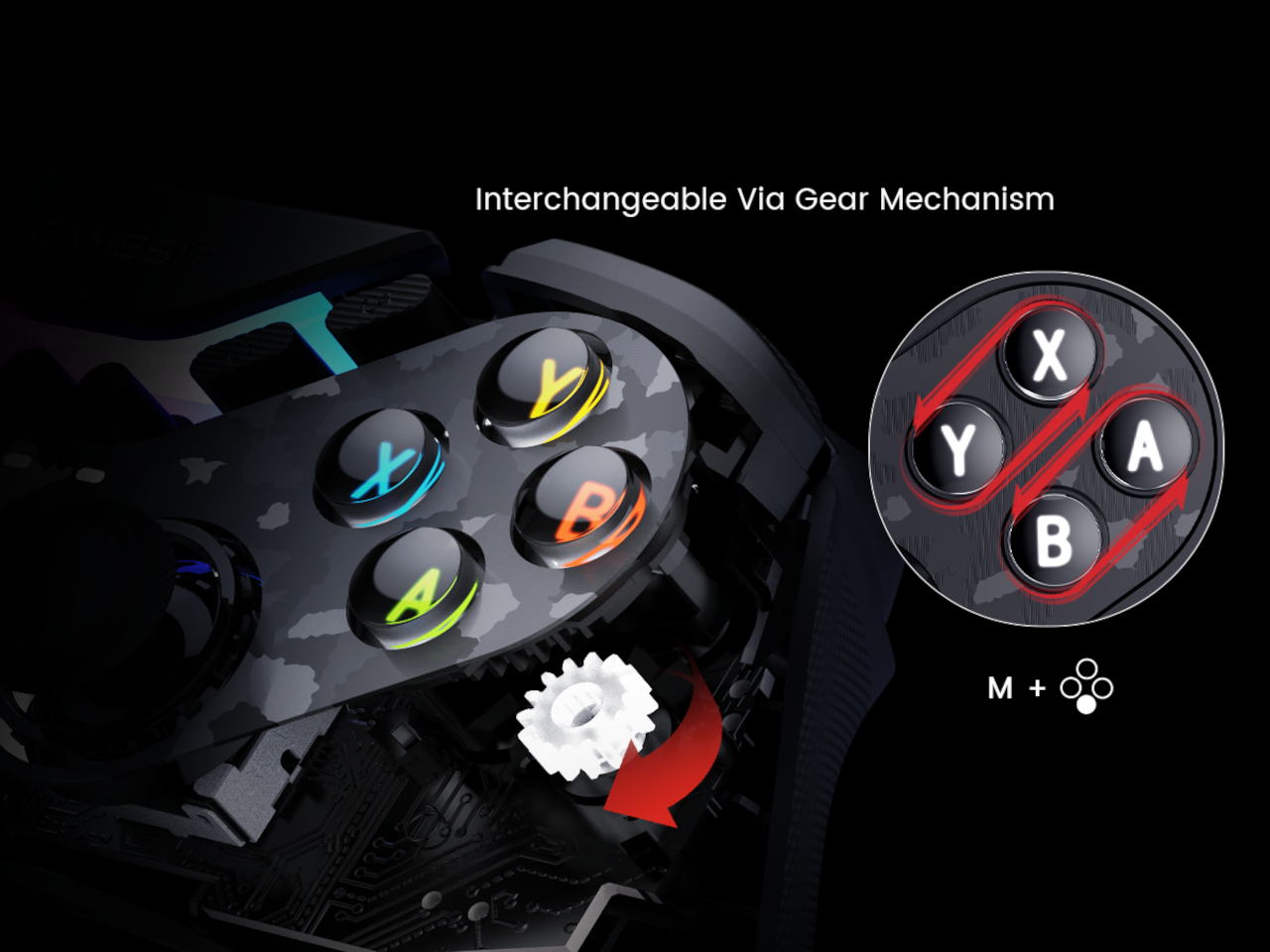
Truth be told, it’s not that hard to change button layouts for controllers that support switching back and forth between different platforms. What’s tricky, however, is to remember which layout is active at the time, which is hard to determine simply by looking at the controller. After all, even if you swap the function of the A and B buttons, the markings on them remain the same. That is unless you use the GameSir Tarantula Pro.

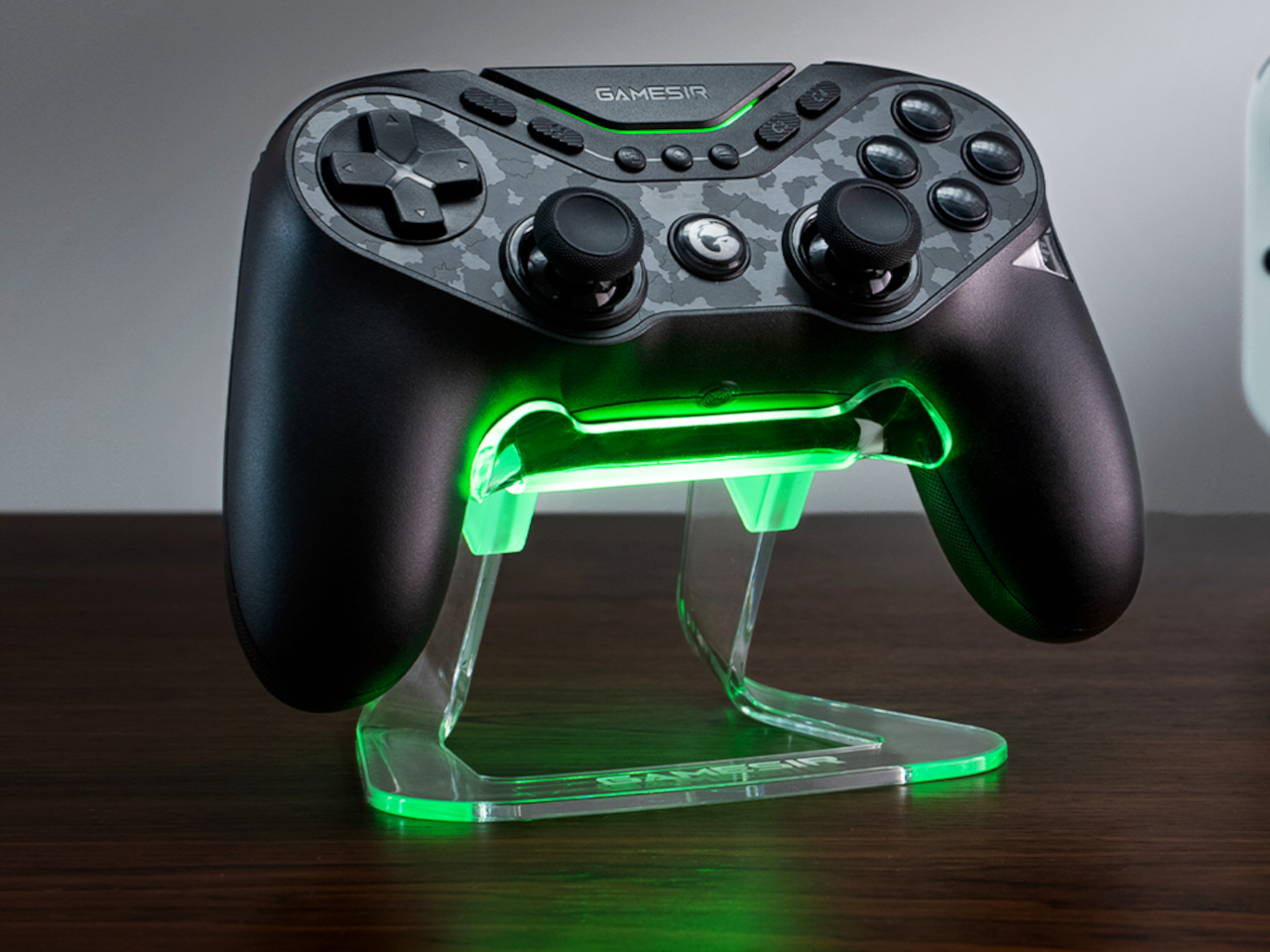
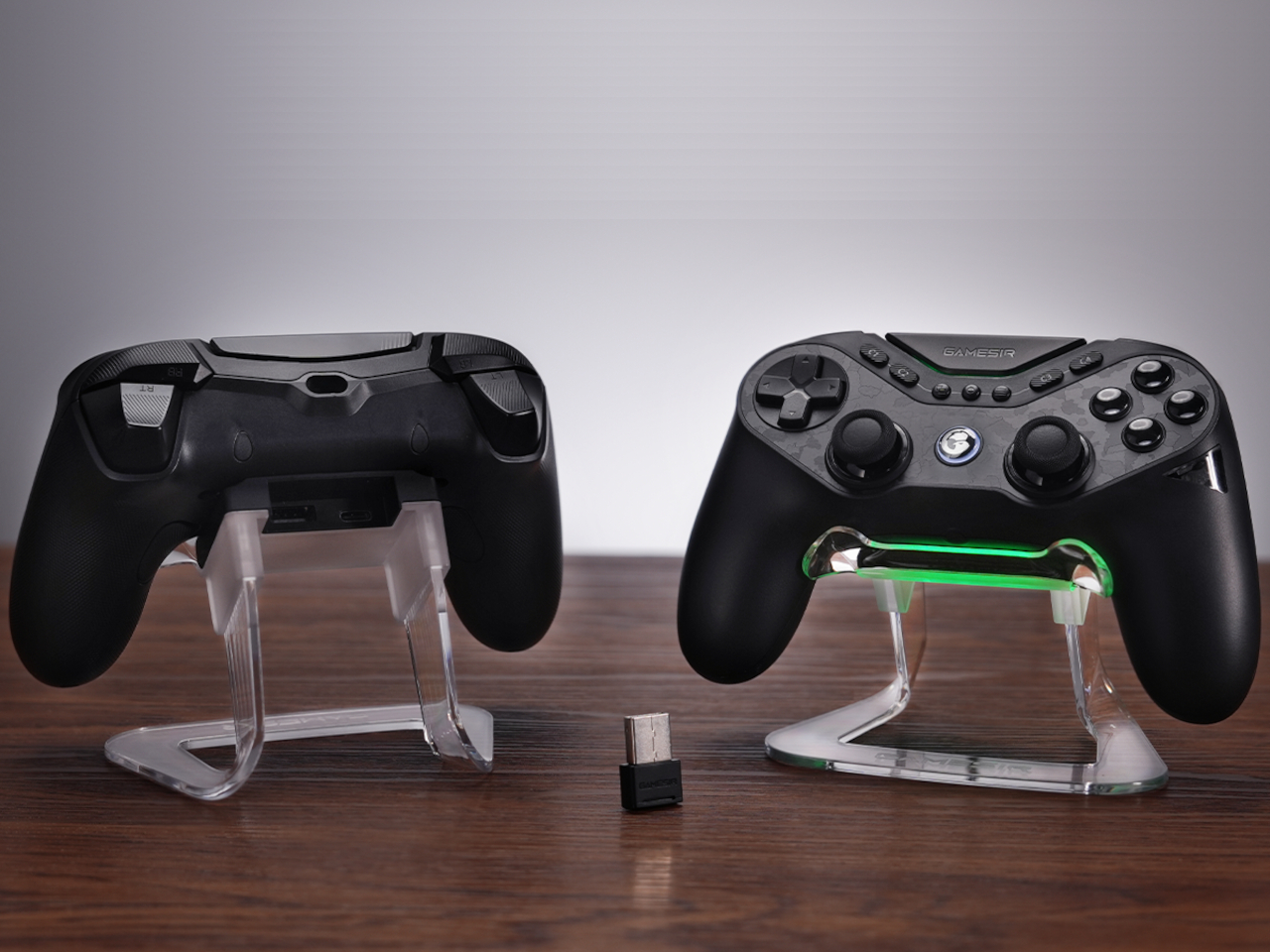
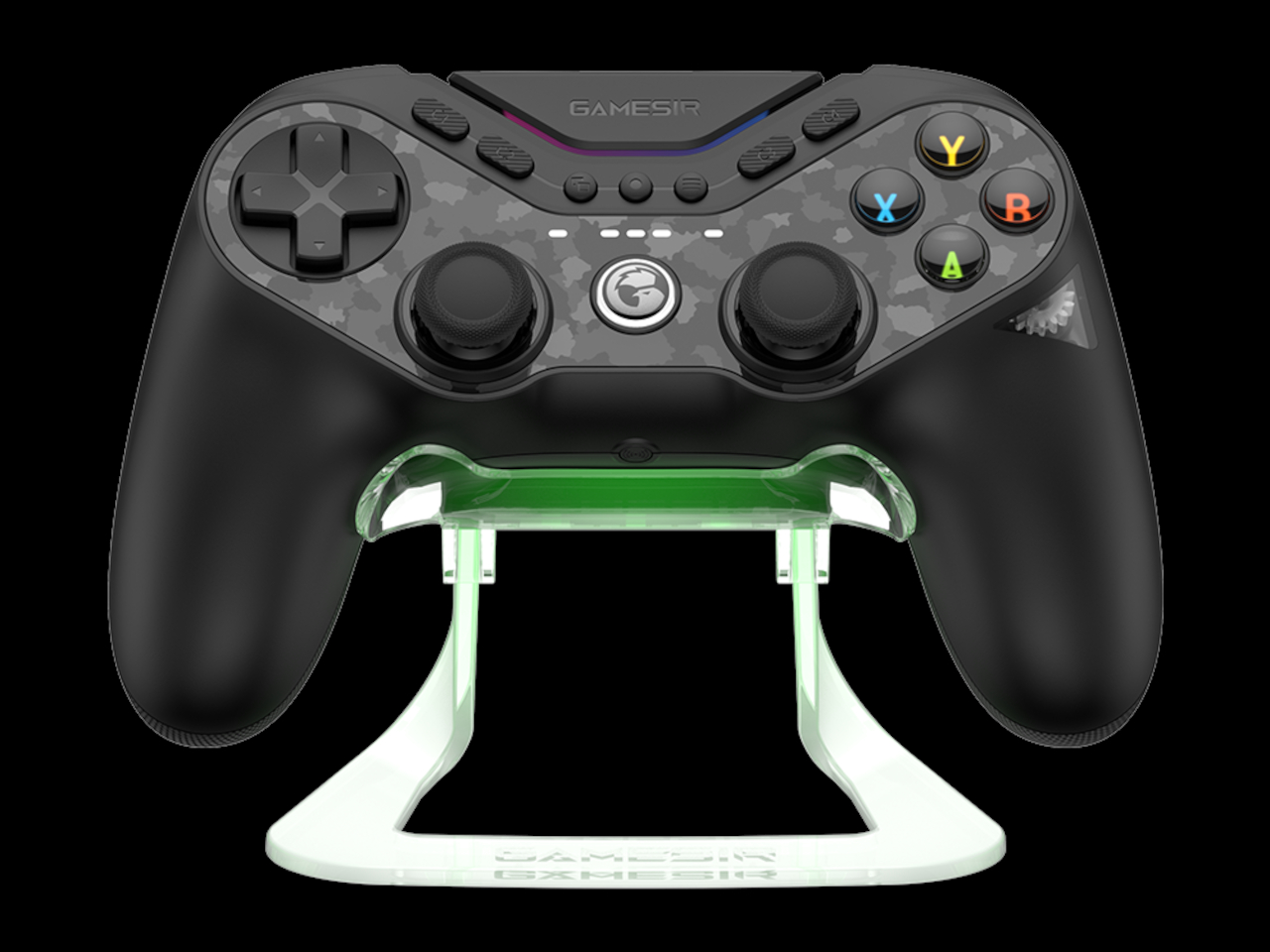
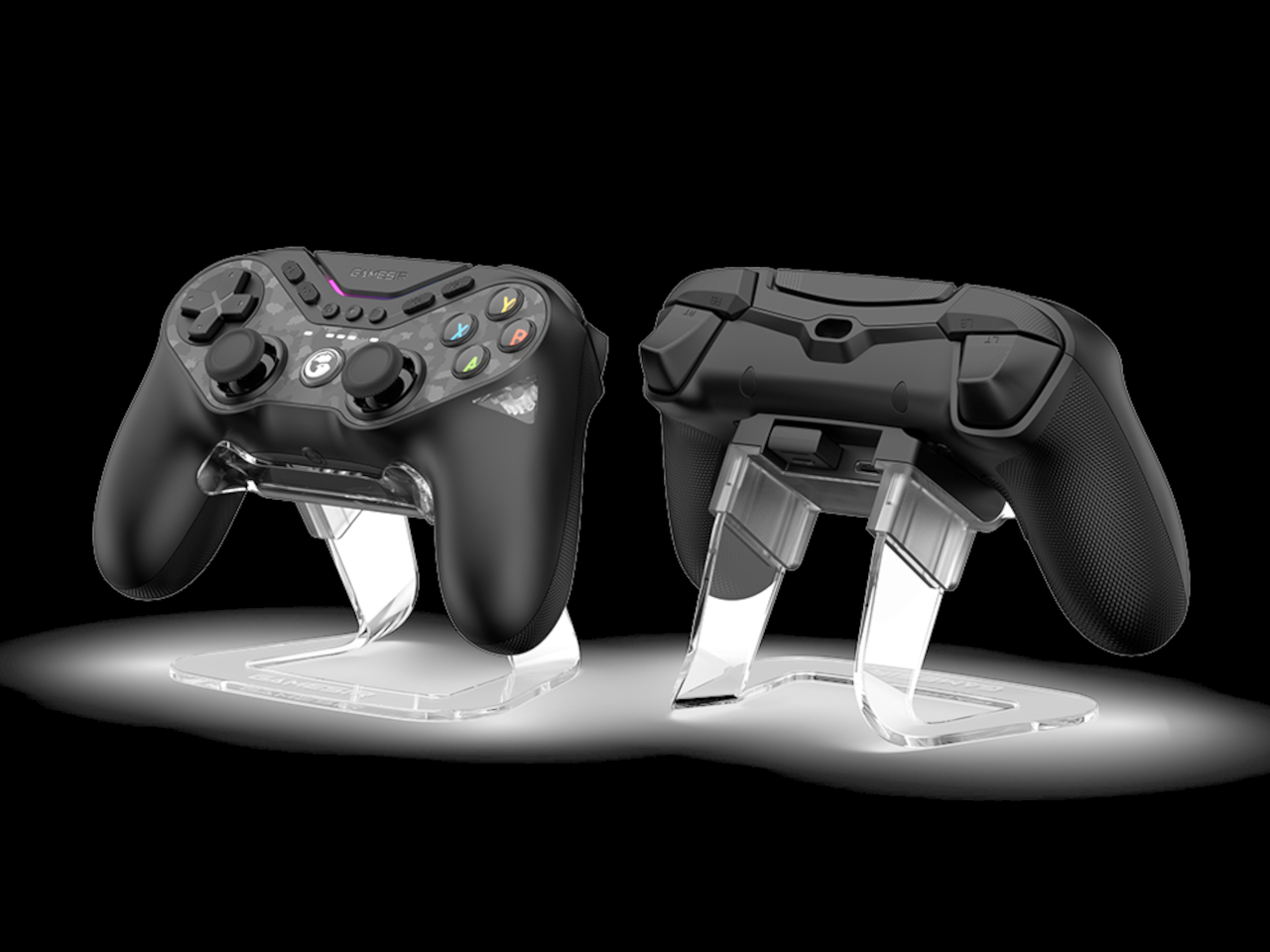
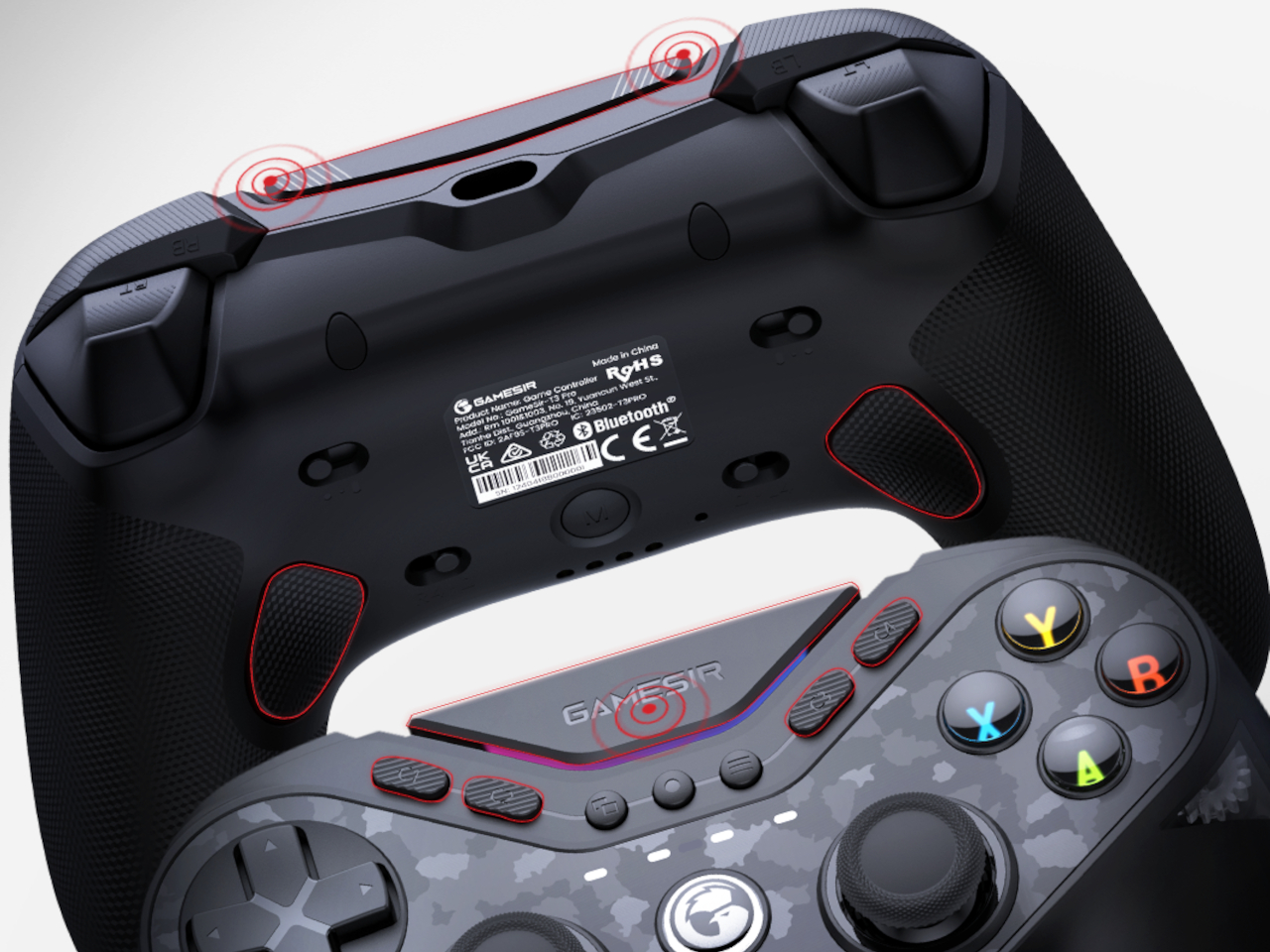
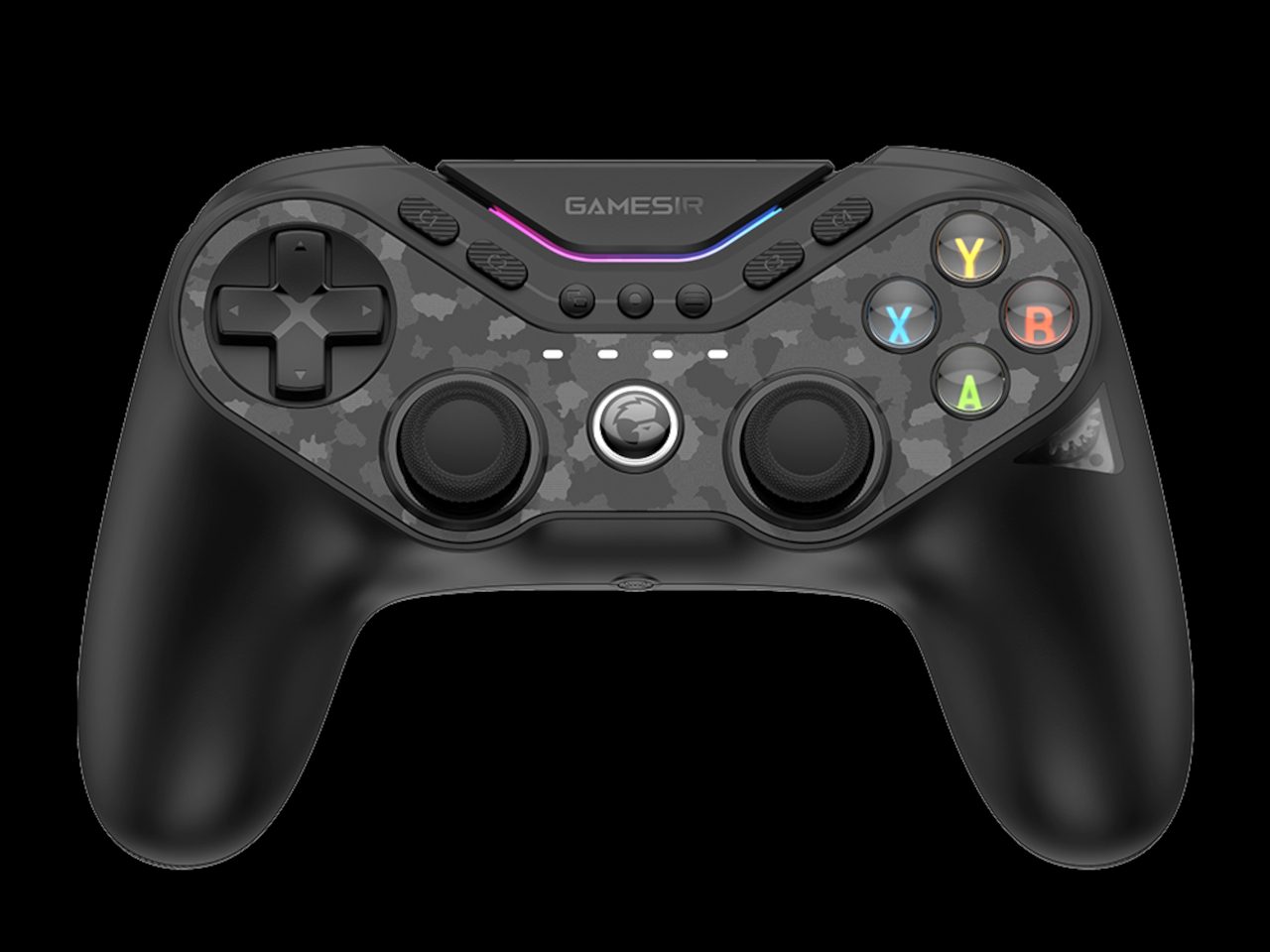
At first glance, the controller looks like any PlayStation-style controller, just overloaded with decals, RGB lighting, buttons, and switches. It has, however, a rather unique mechanism where a sequence of buttons activates a gear that changes the letters and layout on the face buttons from the four colors of an Xbox-compatible controller to the monochrome style for the Switch. You can even peek at the gear that turns to make this switch, no pun intended, through a small transparent window on one of the right-side handles.

Beyond this, the GameSir Tarantula Pro is actually full of additional features, like no less than 9 buttons you can map to different actions, four switches on the back for turning certain functions on or off, and, of course, some RGB lighting to add flavor to your gaming. That said, the compatibility of the controller is limited to PC, Nintendo Switch, iOS, and Android. No Xbox officially on the list, despite supporting that standard Xbox ABXY layout.

Even more ironic is that the controller itself is shaped like a stereotypical PlayStation controller, with long vertical handles and joysticks at the center. This is still one of the biggest schisms between consoles that prevent the design of a universal controller. Unfortunately, it’s also something that a shifting mechanism can’t easily solve just yet.

The post GameSir Tarantula Pro controller has a clever solution to button layout problems first appeared on Yanko Design.

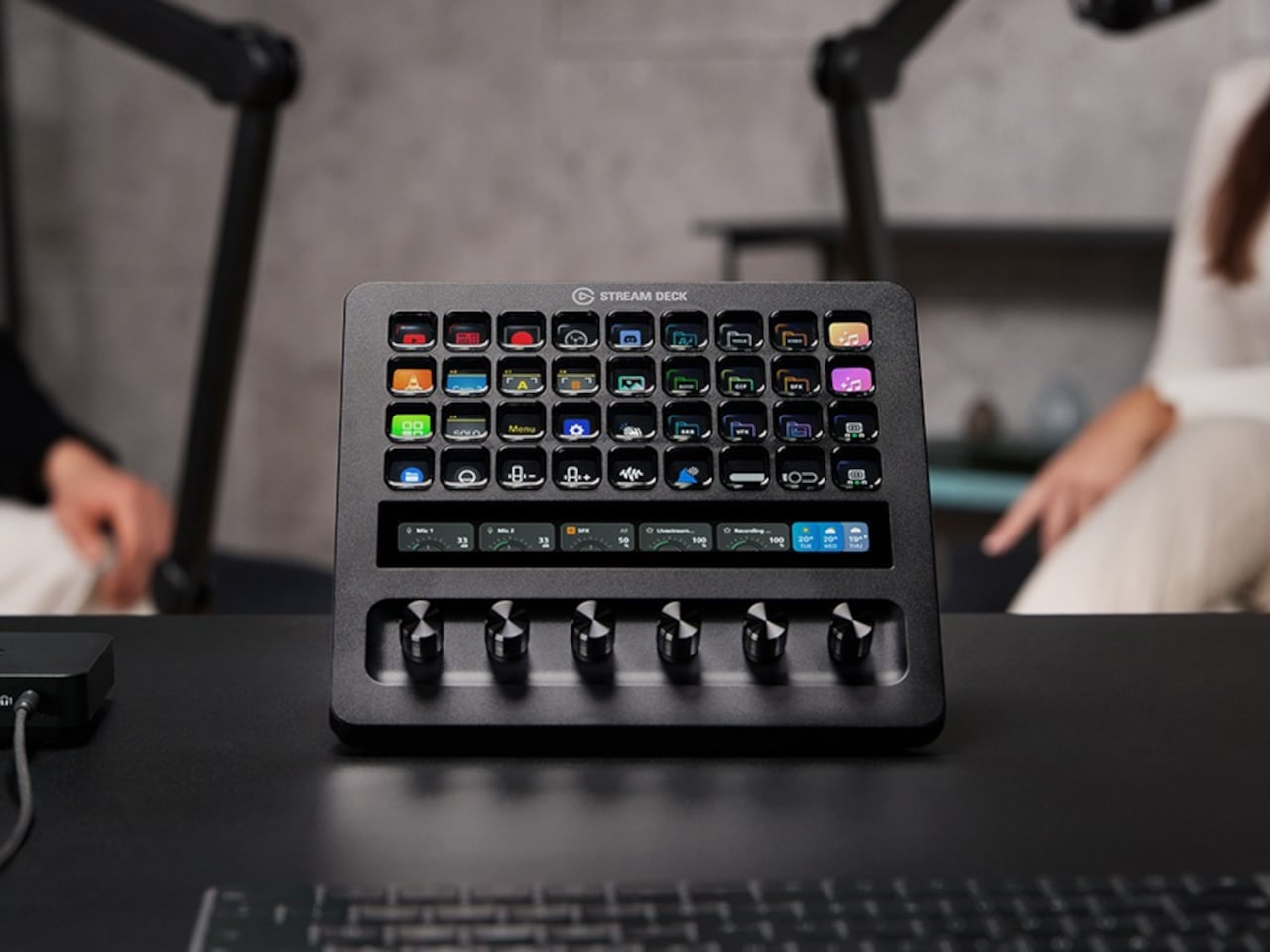
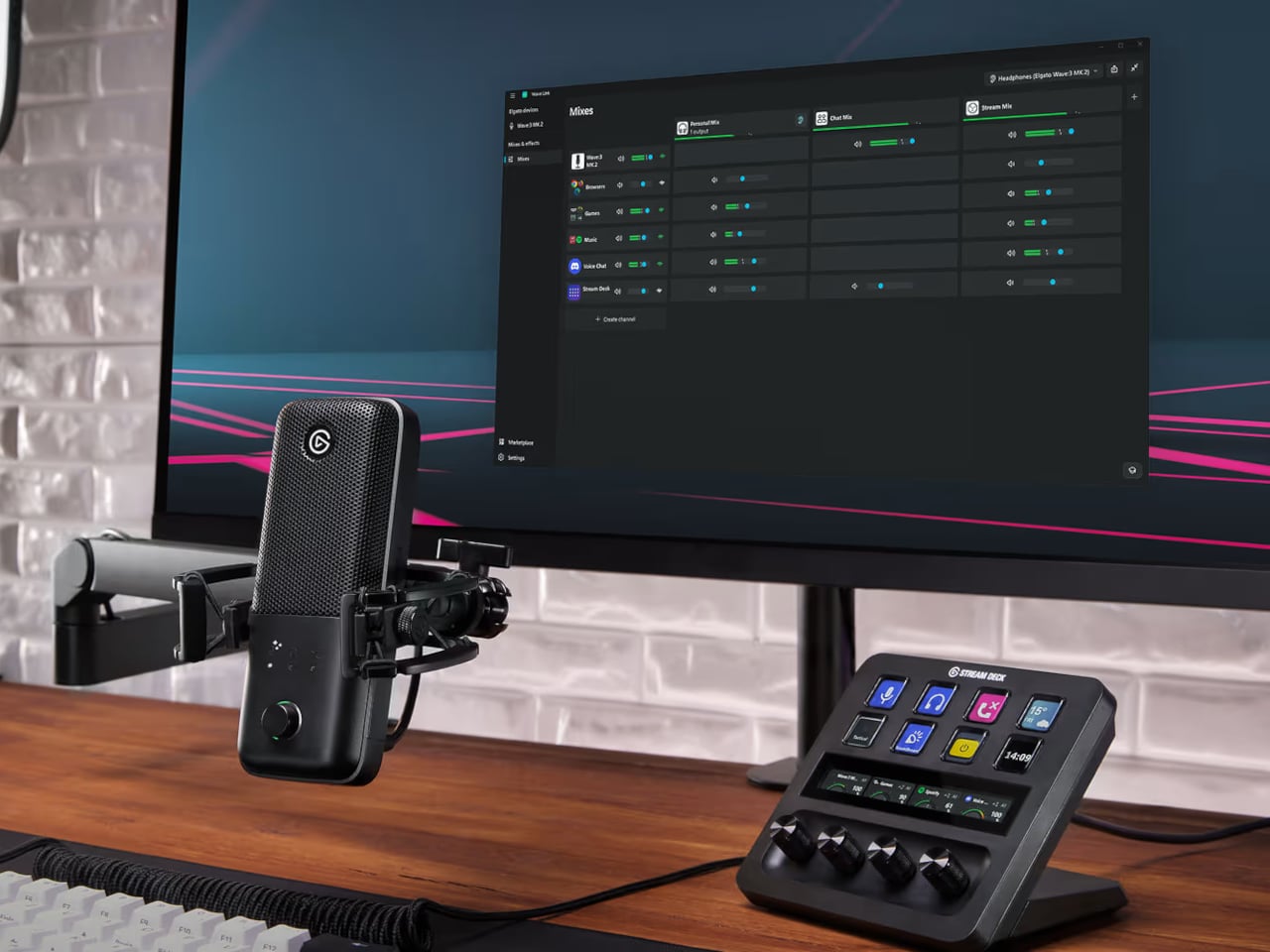
Stream Deck Studio goes overboard with 32 customizable LCD keys for broadcasters

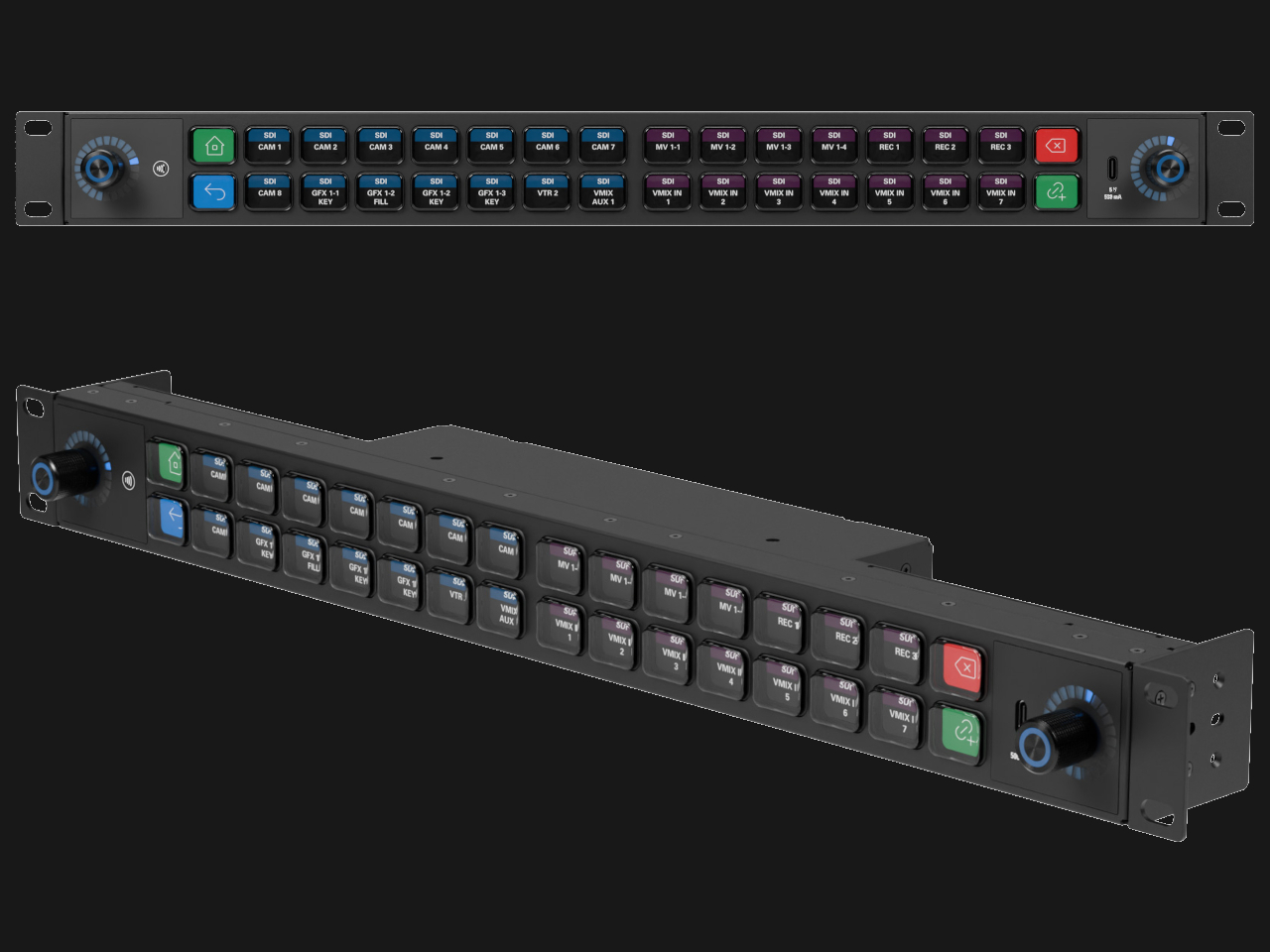
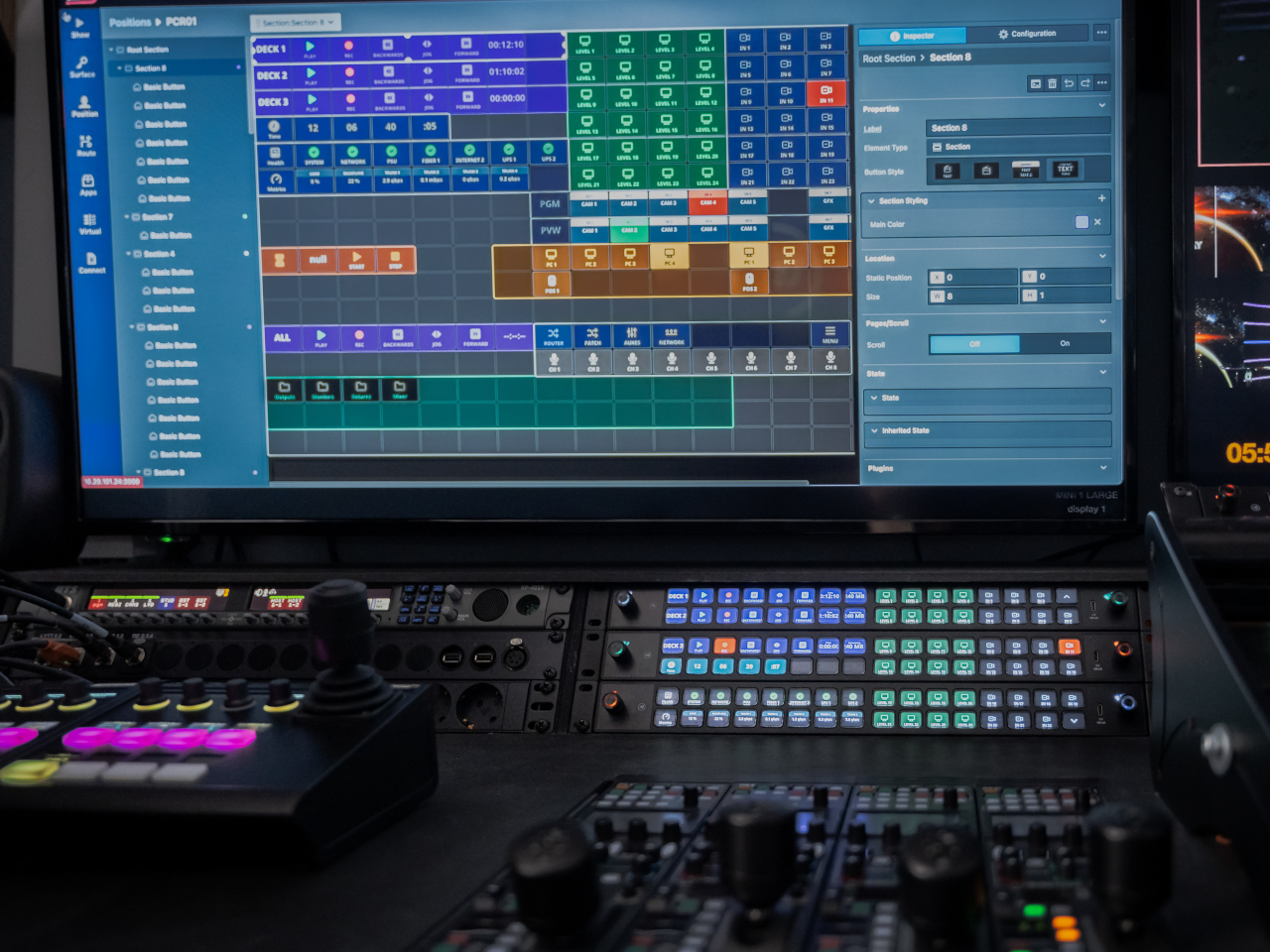
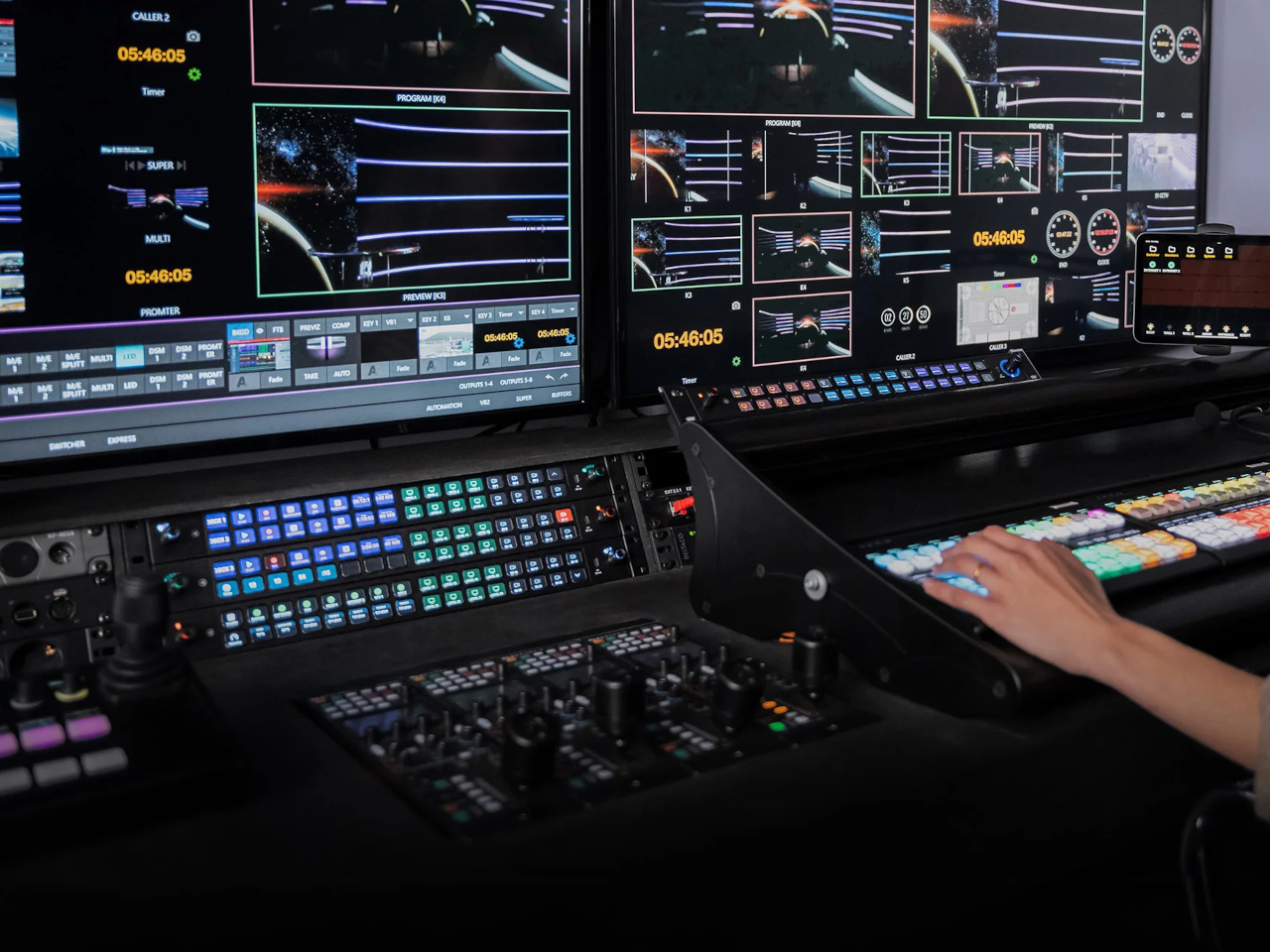
The very first Stream Decks were, as the name implied, made for streamers, content creators who thrived on live Internet video platforms like Twitch and YouTube. Over time, the device spread to more creative professionals who use the programmable buttons to make their workflows less cumbersome. That said, these tools benefited people working in mostly digital environments, such as those using computers. Realizing that even traditional broadcasting workflows could use an upgrade, a new kind of Stream Deck was made, one that had a ridiculous number of LCD buttons to customize, not to mention a stackable design to double or triple that number if it weren’t enough.

Designer: Elgato

The idea behind the Stream Deck and its kind is pretty simple. Rather than a sequence of keystrokes that are hard to remember across different apps and services, it offered buttons that could be mapped to almost any function. Even better, those buttons are actually LCD keys, so they can have dynamic icons that identify their purpose and change depending on the app in use.

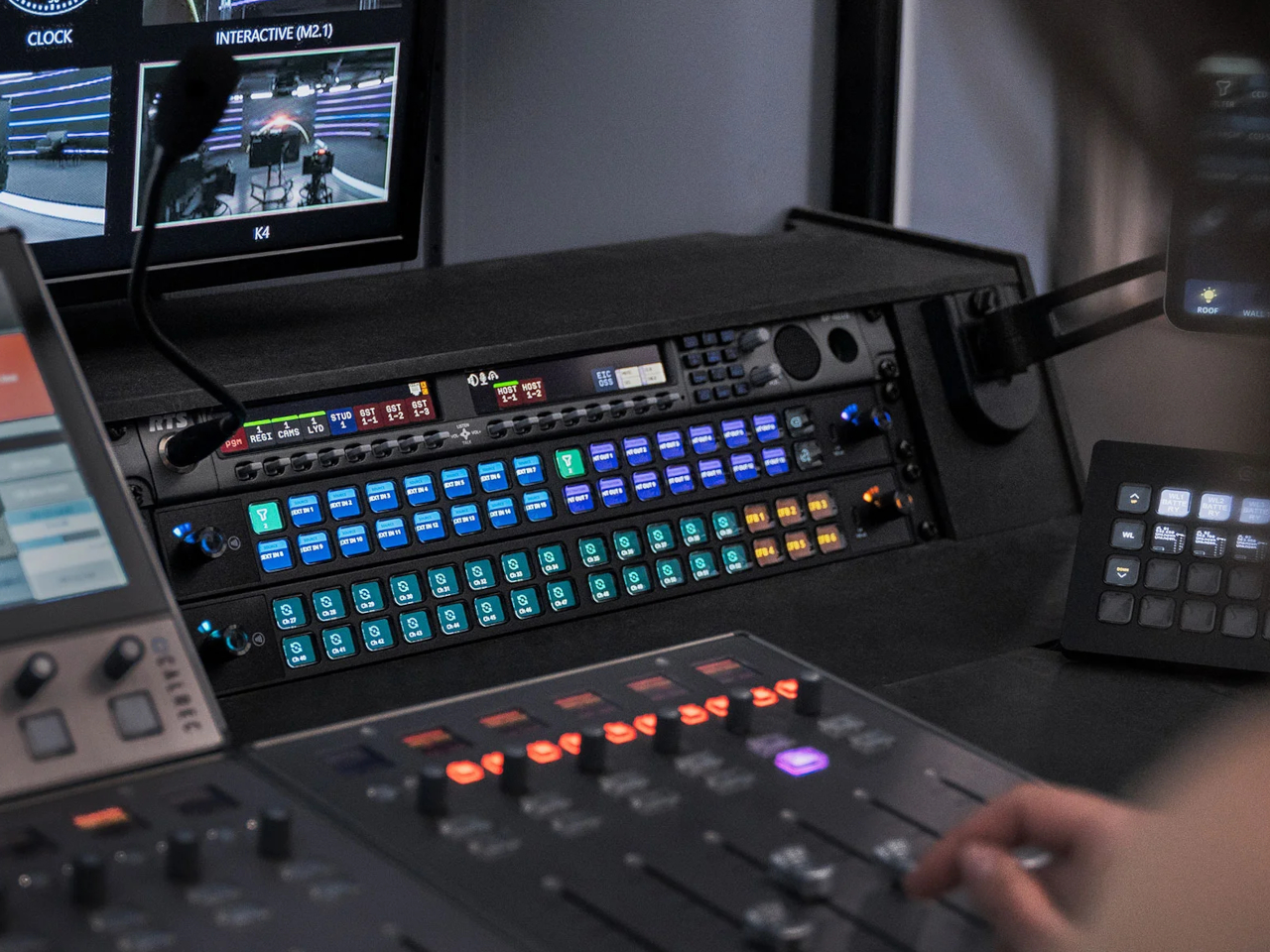
That kind of flexibility is critical in a smooth and fast digital workflow, whether it’s changing settings on a live stream, stitching up videos, or changing digital brushes. Traditional broadcasting also has use for so many controls, but those buttons and dials are often fixed and permanent. The Stream Deck Studio brings the flexibility of Elgato’s mainstream devices to this professional setting where speed is of the essence.

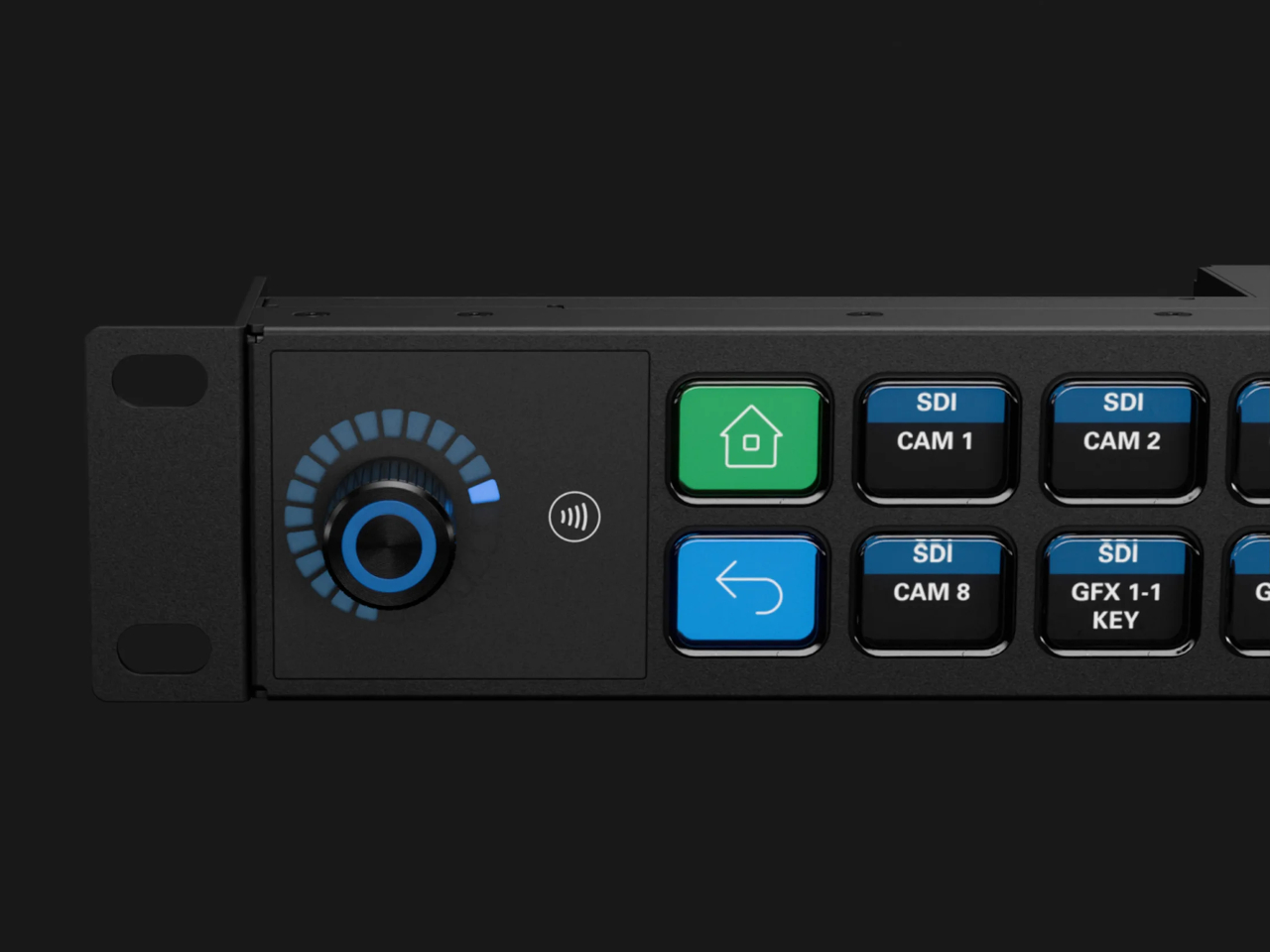
Unlike the boxy Stream Decks, the Studio is a long 19-inch bar with two rows of 16 keys flanked by a dial on each end. This is the largest Stream Deck product to date and is obviously not meant for regular desktop use. The shape of the device, however, fits perfectly with broadcast studio racks. In fact, you can also stack and connect two or three of them, for a whopping 96 buttons and six dials.

Like any other Stream Deck product, the keys and dials are programmable, but there’s a slight catch this time. The Studio was developed together with Bitfocus, whose Companion software is already a popular alternative to Stream Deck’s own app, with tweaks for broadcast media. The new Buttons software was made specifically for the Stream Deck studio, though it requires a recurring subscription. Then again, the $900 price tag makes the Stream Deck Studio a no-go for individual creators anyway, but offers studios and other companies the same kind of flexibility and power that the Stream Deck offers, except on a larger scale.

The post Stream Deck Studio goes overboard with 32 customizable LCD keys for broadcasters first appeared on Yanko Design.

Cooler Master MasterHUB Controller Review: Complete Control Over Your Creative Pursuits

PROS:


  • Innovative modular design puts users in control

  • Incredible flexibility in software customization

  • Future-proof design for extended functionality

CONS:


  • Essential stand is a separate purchase

  • Can't fit all 5 modules on the base

  • Aesthetics and texture feel a bit cheap

RATINGS:

AESTHETICS
ERGONOMICS
PERFORMANCE
SUSTAINABILITY / REPAIRABILITY
VALUE FOR MONEY

EDITOR'S QUOTE:

The Cooler Master MasterHUB's modular design redefines the control panel category and empowers creative professionals to design their own tools for a smoother and effortless workflow.

Generative AI is getting better at creating images and videos, but if you want professional-looking, not to mention correct, content, someone still has to put in the work. Software tools are also becoming more powerful and more sophisticated, but sometimes that creates even more complexity, with more features hidden behind incomprehensible sequences of keys. That’s not even considering how a single person might have to juggle different apps, each with their own set of functions. There are now tools like customizable keyboards or buttons that try to alleviate some of that pain, but there really isn’t a “one size fits all” solution. Instead, Cooler Master takes a different approach by providing not a single tool but a toolkit, allowing creators, streamers, gamers, and power users to build their own control panel that adjusts to their needs and workflow rather than forcing them to adapt to simply pushing buttons on a box. Given the novelty of this proposal, we took the MasterHUB for a spin, a roll, and a push to see if it can really take a load off creators’ already heavy shoulders.

Designer: Cooler Master

Aesthetics

If you judge the Cooler Master MasterHUB solely based on its appearance, you will probably be disappointed. Right out of the box, the different modules look pretty ordinary, even uninteresting. Sure, you have a variety of physical controls, more than competing brands that offer only programmable buttons with tiny displays, but the quality of the design and the material themselves are nothing to write home about.

The MasterHUB is a completely black affair, which seems to be the standard for control panels like this. It’s also mostly made of plastic, and not the premium kind either. Different areas of the modules have different textures, with some smooth and reflective, while others have a rougher matte surface. To be fair, this particular market isn’t exactly known for stylish designs and premium materials, so it’s in good company as well.
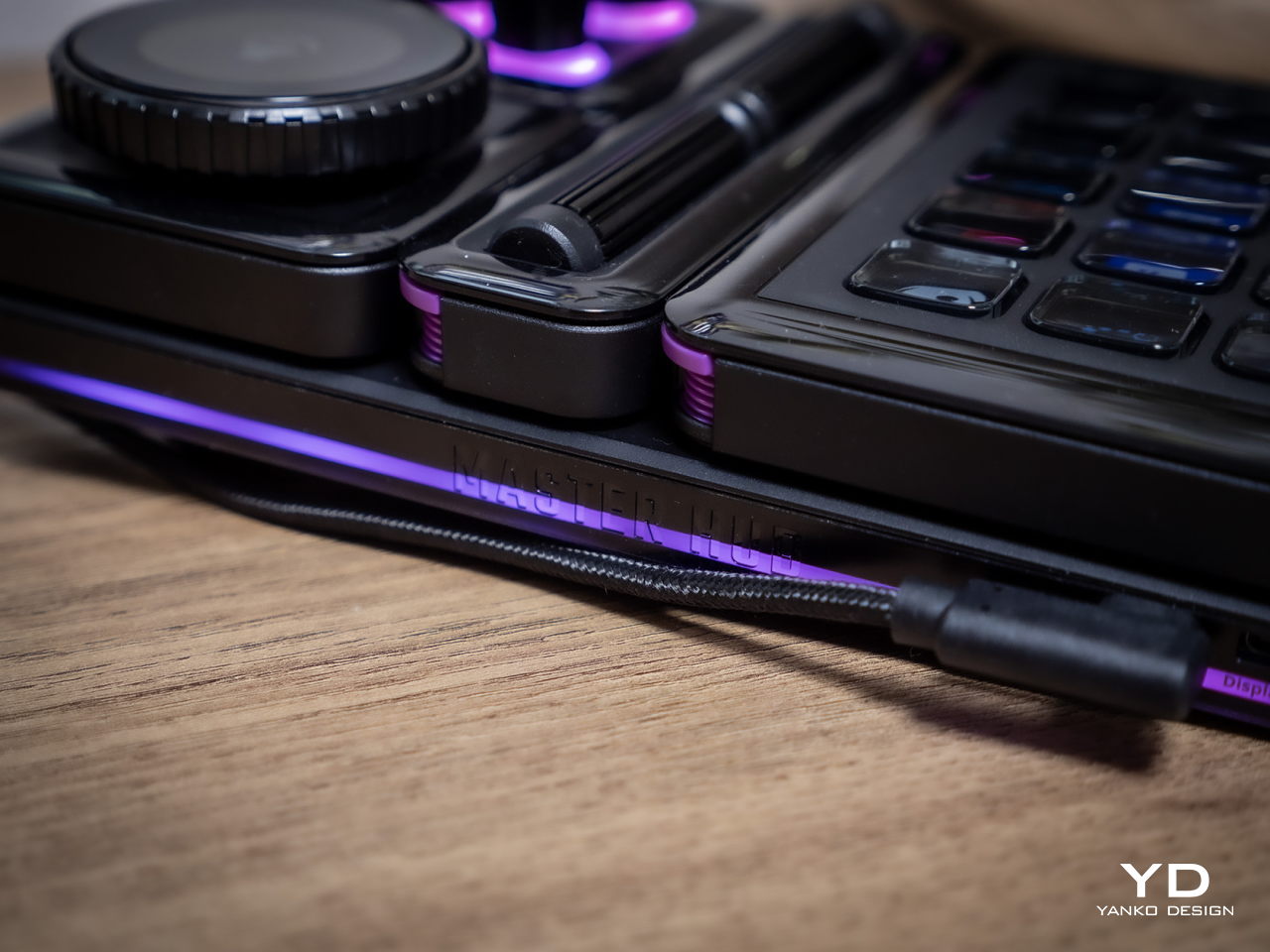
Cooler Master does make up for it with plenty of LED colors, whether on the display of the dial and the buttons or beneath some of the controls. You have a great degree of freedom when it comes to customizing the MasterHUB’s RGB lighting, except for one module that oddly doesn’t have any kind of lighting. Hopefully, it’s just some oversight, because there’s really no logical reason for this inconsistent design.

In the final analysis, the Cooler Master MasterHUB isn’t exactly something great to look at, but its true value lies in its performance. Unfortunately, it shouldn’t be a choice between form or function, when you can and should have both. And with something as big as the MasterHUB always in your field of vision, something more aesthetically pleasing could do wonders for your mind as well.

Ergonomics

The MasterHUB is already a league above other keyboard decks and controllers for offering a more tactile experience that goes beyond pressing buttons. Some actions, like scrubbing through timelines or changing the size of a brush, just feel more natural if you use a dial, a slider, or a roller instead of repeatedly mashing a single button. It isn’t just about intuitive controls either, as having your fingers actually manipulate something tangible adds a certain depth and enjoyment to the action.
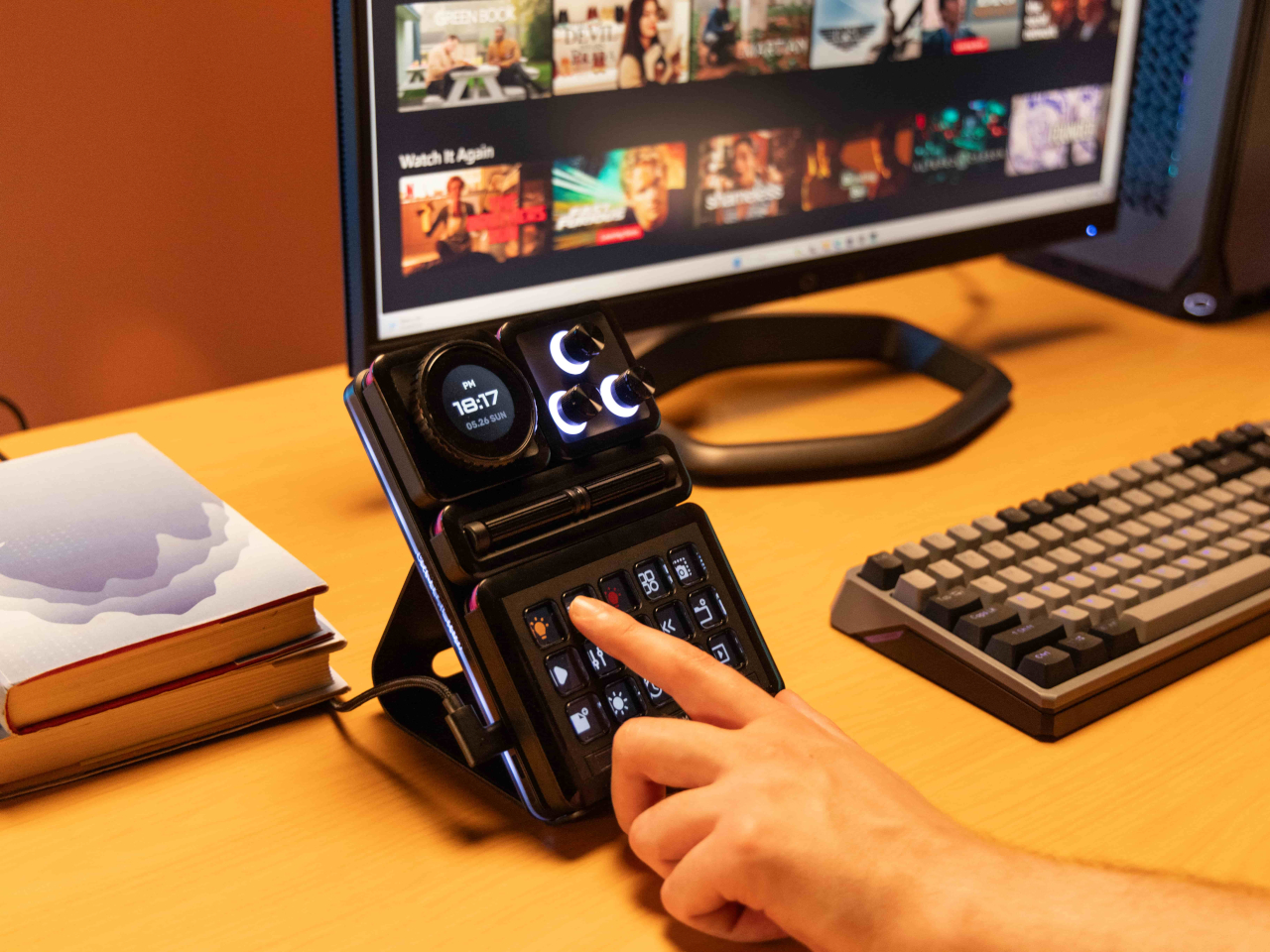
At the same time, however, Cooler Master’s default package isn’t exactly ergonomic because it practically lies flat on your desk. There’s a low magnetic foot included in the box, but that barely lifts the controller at a comfortable angle. This can be especially problematic when you need to see the icons on the buttons or the display. There is a stand available, but it’s a separate purchase rather than a part of the entire ensemble. Depending on how you use the MasterHUB, it might not be a deal-breaker, but it’s still something that logically would be included or even built into the base.

Performance

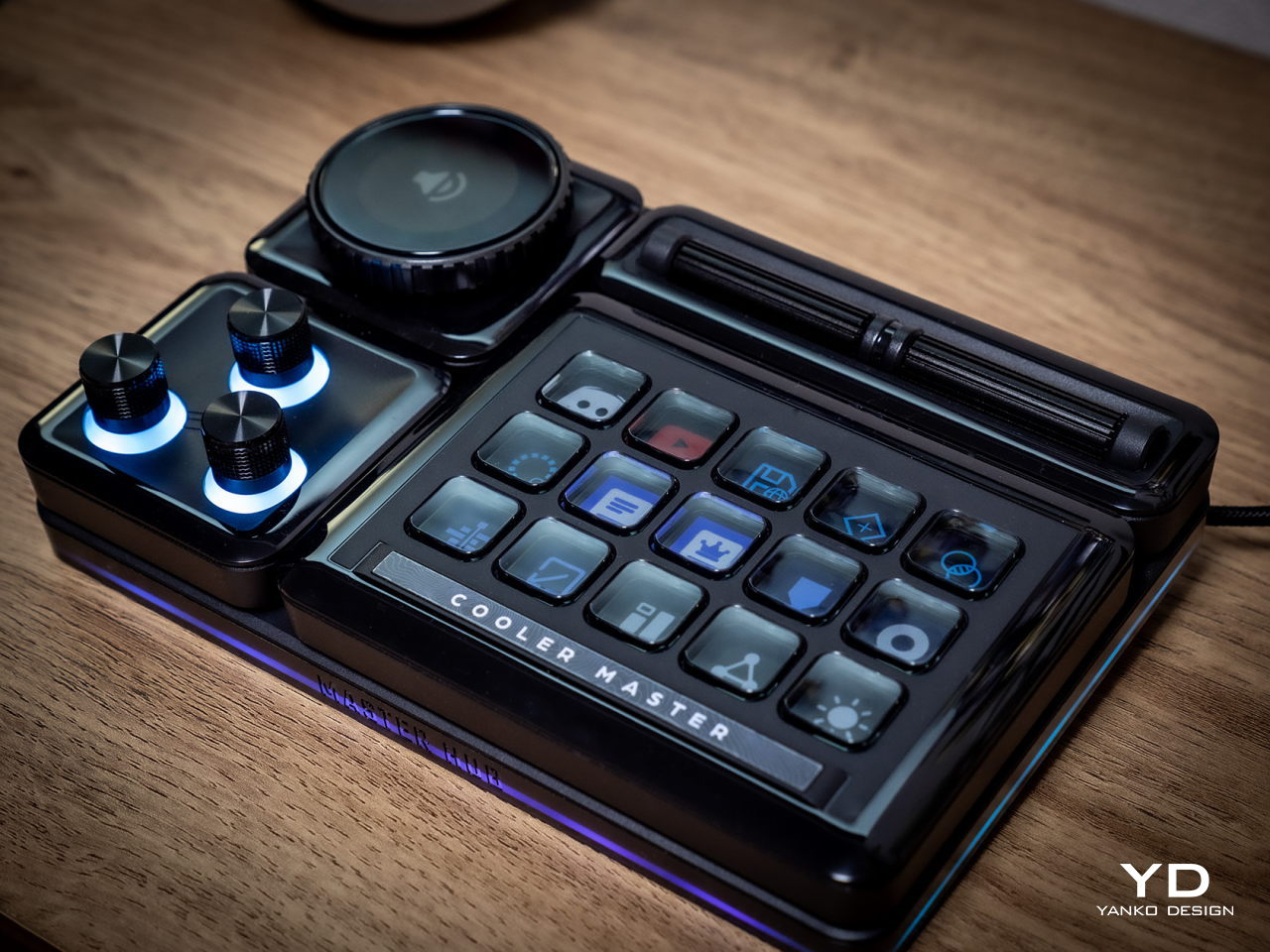
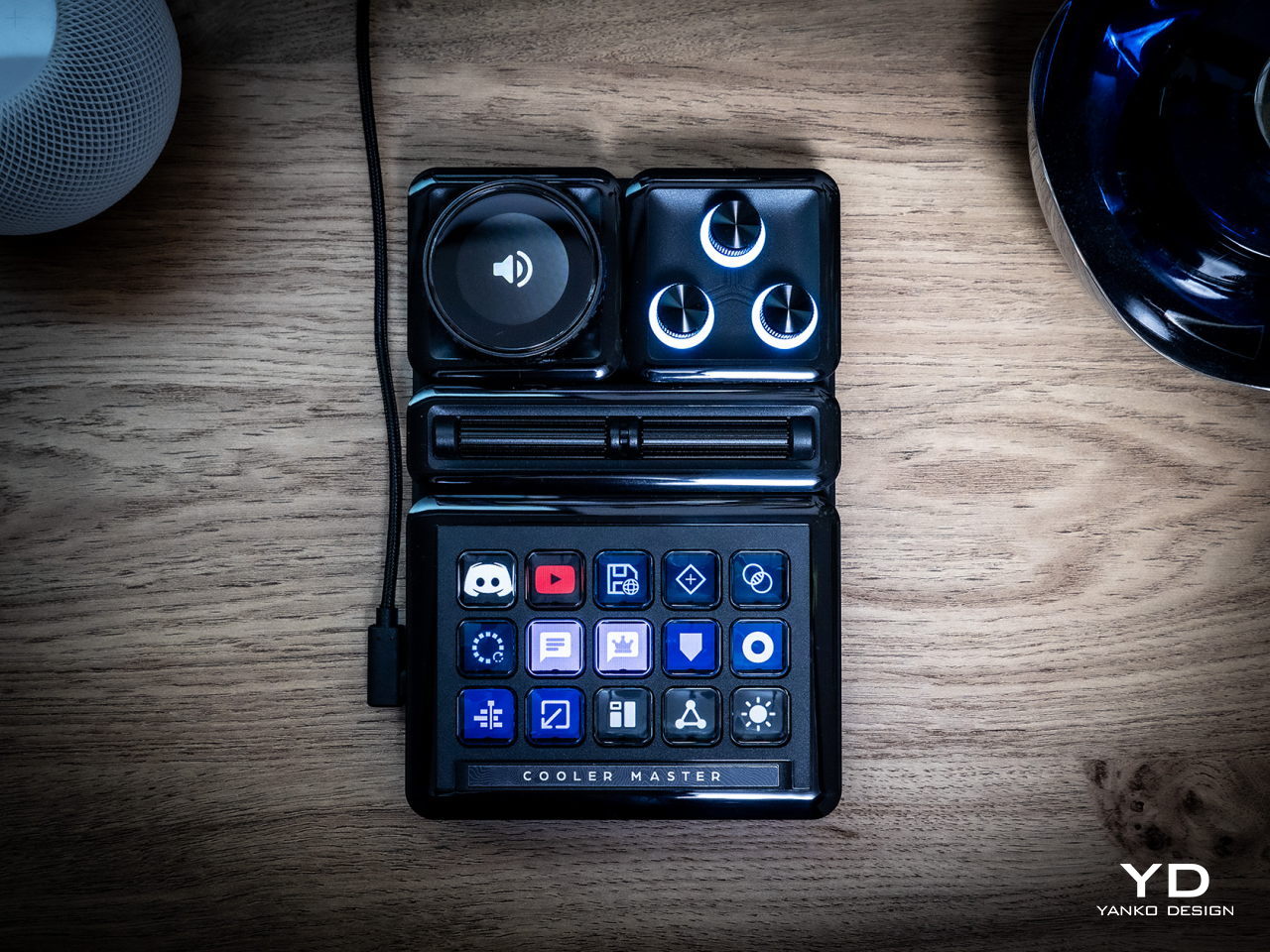
The Cooler Master MasterHUB immediately sets itself apart from the likes of the Stream Deck and the Loupedeck with its modular design. While some brands and models might offer knobs in addition to buttons, it doesn’t stop there nor does it presume it knows best what creators need. Just like LEGO, it provides the building blocks for you to arrange your own setup, whether that means using two 15-key modules or having two Encoder dials.
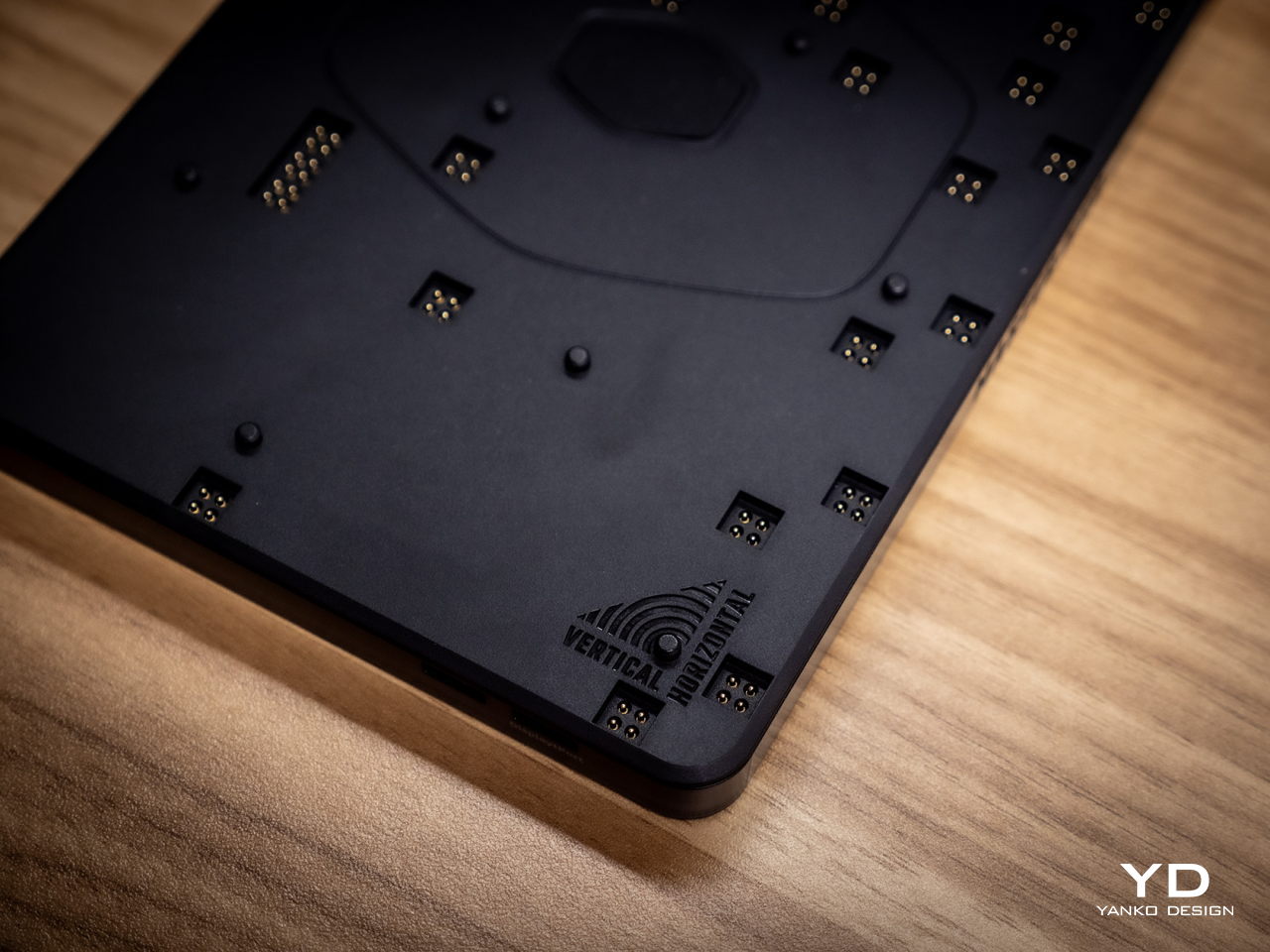
The MasterHUB currently has six modules, starting with the innovative Base module that makes all of these possible. This unassuming flat box holds the pogo pins that connect the other modules to one another as well as magnets that keep them in place. Of course, you can set the base horizontally or vertically, adding another layer of customization.
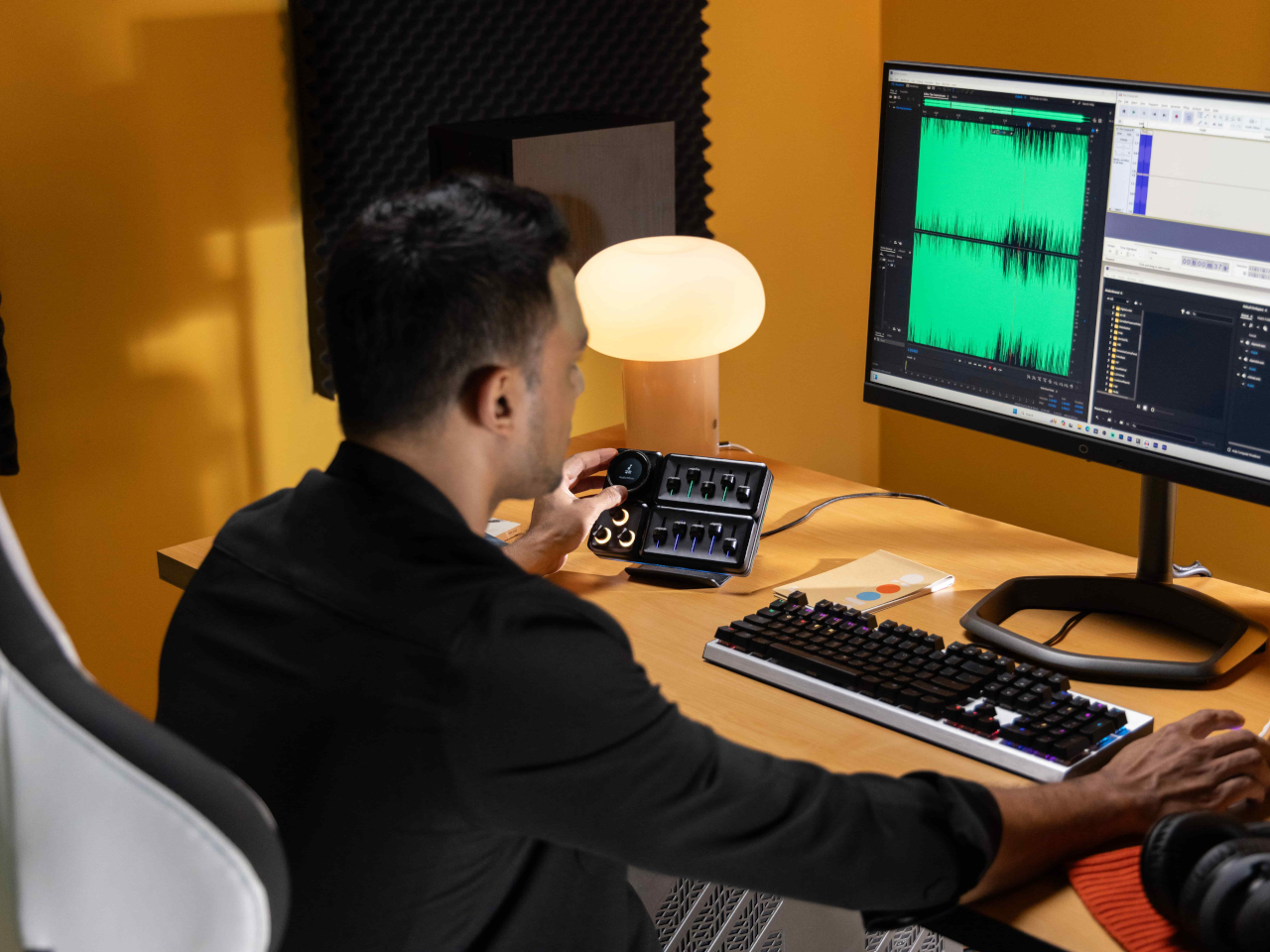
In theory, you’re free to put any of the other modules in any position as long as they’re connected to those pins and held down by magnets. In practice, however, you’ll probably want to have the modules fit snugly inside the boundaries of the base, which means you have a limited number of arrangements considering the sizes and shapes of those modules. You can’t also fit all five other modules on the Base, so you’ll have to choose which ones you need for a given task.
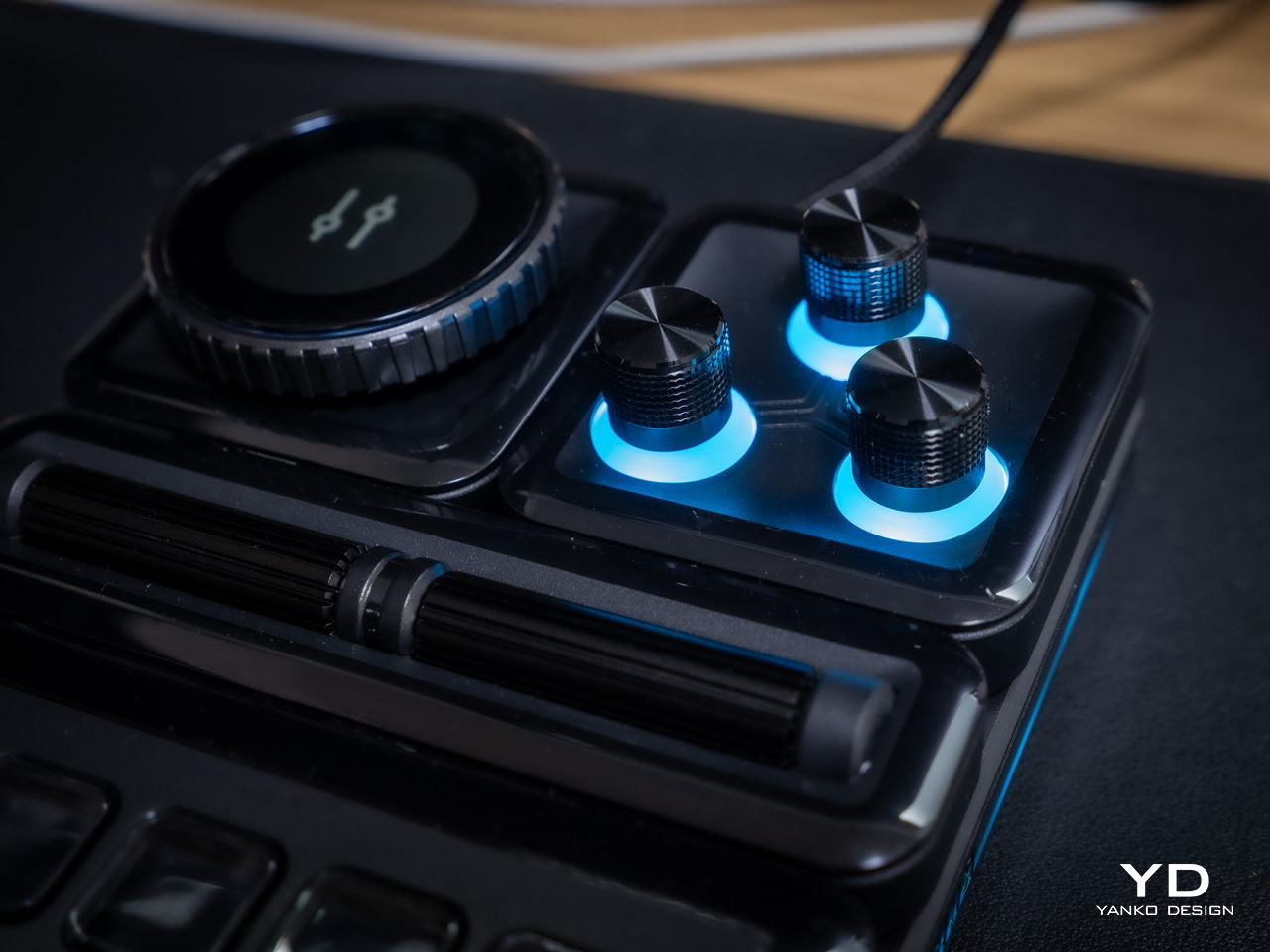
The 15-key IPS module is probably going to be familiar to users of other control panels. Each key can be mapped to almost any action or combination of actions, a.k.a. macros, through the MasterHUB software. You can also select different icons or make your own to assign to that key. On an amusing note, pressing each key makes the icon shrink while it’s depressed and jumps back to its normal size once you release the button, adding a bit of visual feedback to the action.
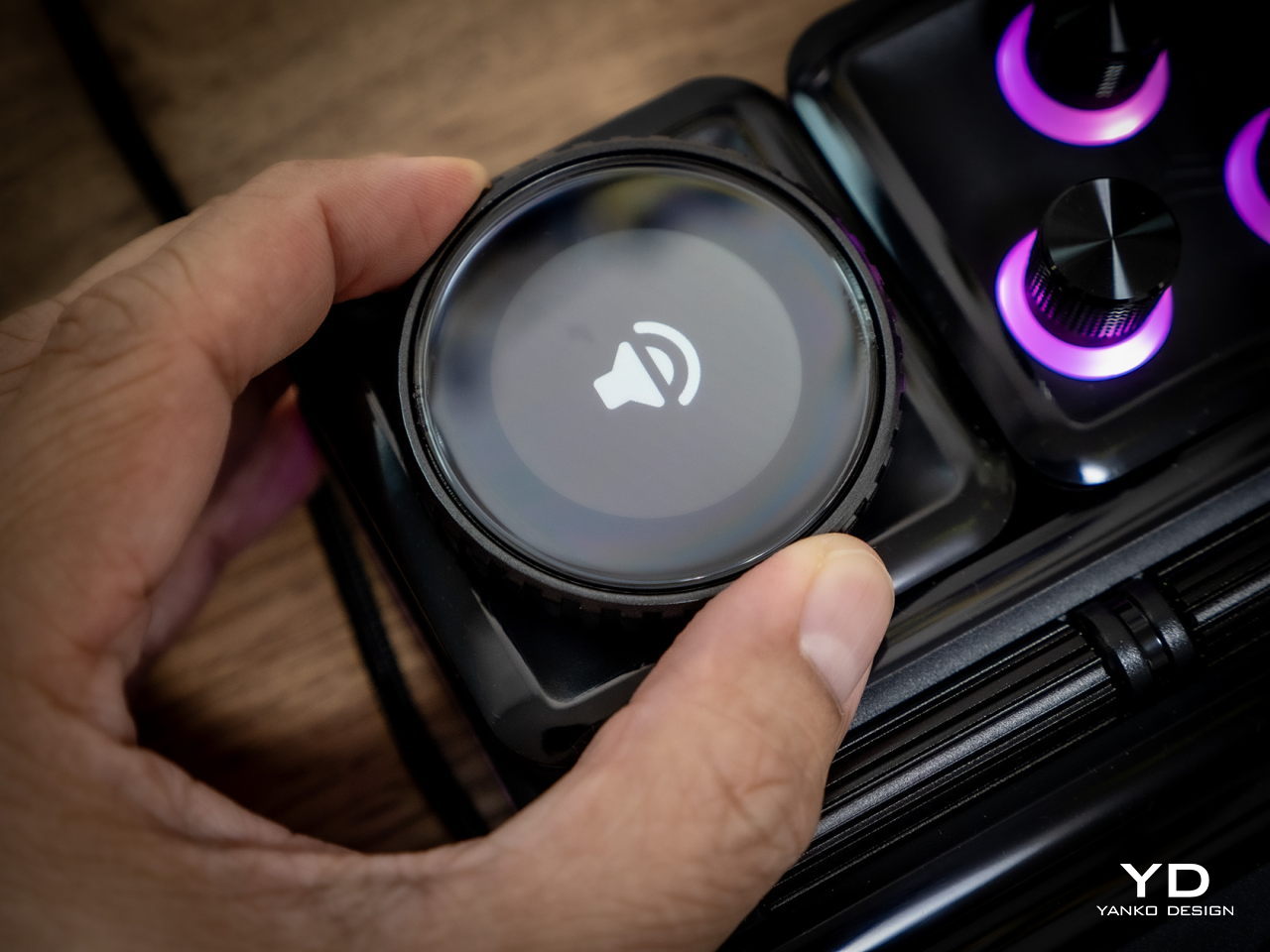
There’s a 3-knob module you can use to adjust minor settings like lighting, opacity, and the like. For bigger or major adjustments, you might want to use the Econder with an IPS display module, which is just another way of calling a big dial with a circular screen in the middle. Just like with the buttons, the display can be customized with complete freedom.

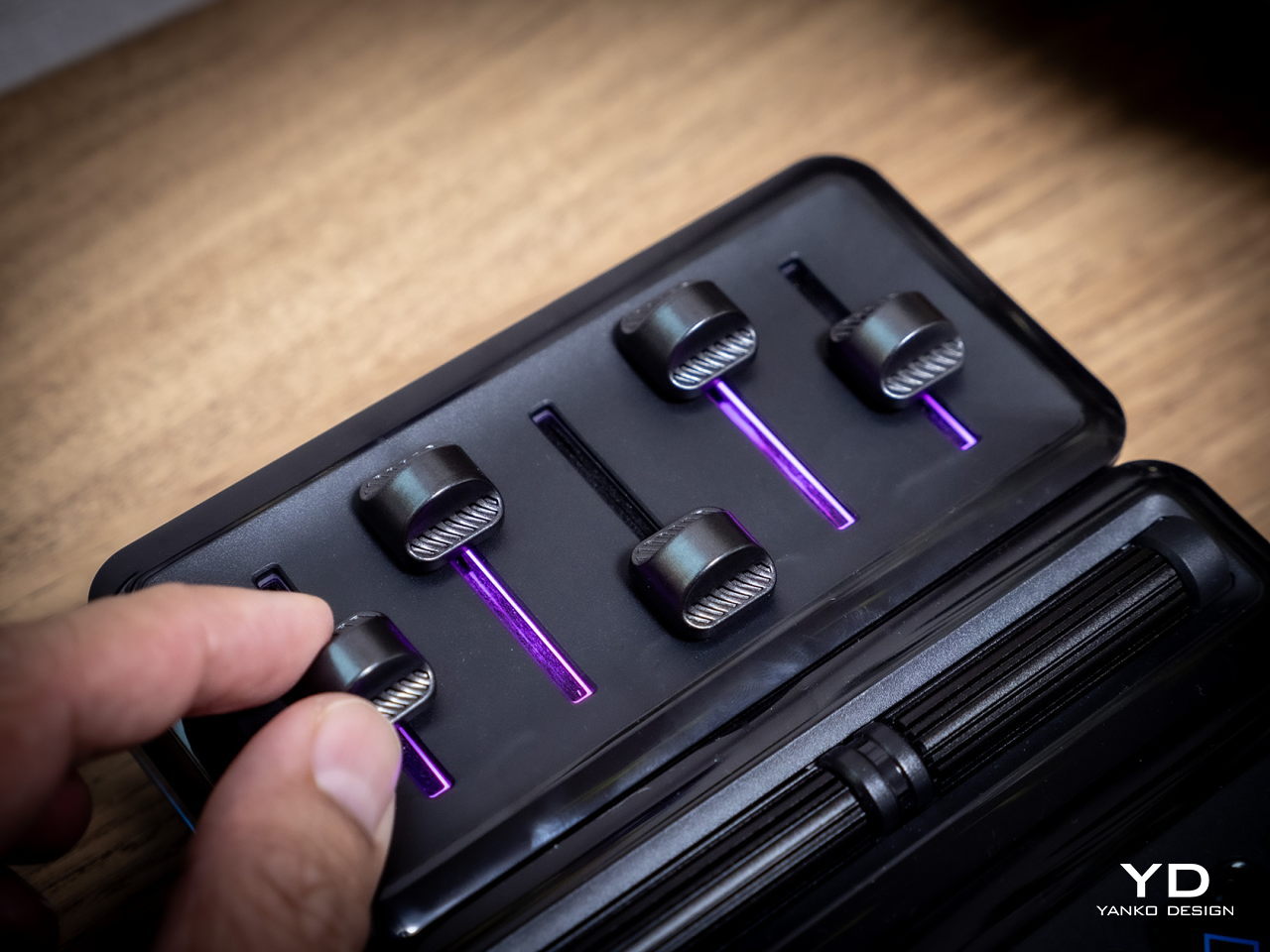
The 5-Fader module is not a common sight on controllers like these, but it’s a standard device for many tools related to multimedia work. Perhaps the most unusual of the group is the 2-Roller module, which is perfect for scrolling or going through undo and redo histories quickly. These five pretty much offer everything you need to work with almost any creative suite, though you can’t fit them all at the same time, as mentioned earlier. You can, however, use as many of the same modules you can fit, as long as you buy those additional modules, of course.
If the modular hardware was already impressive, the MasterHUB software doesn’t disappoint either. It has almost limitless possibilities in how you can set up and control the device, almost to the point of being overwhelming and confusing. Some things, like visually dragging and dropping actions to the controls, are easy, but some require digging through layers of options. The user interface could do a bit of polish, and thankfully that’s easier to pull off than a hardware upgrade.

Even if it doesn’t have a head-turning design, the Cooler Master MasterHUB’s functionality is pretty mind-blowing. If you’re a creative who juggles multiple apps, a streamer who needs to have every control under their finger or a gamer who can’t afford the latency of a string of keyboard combos, the flexibility that this modular controller offers is unbeatable. The power it offers is both outstanding and overwhelming, so it’s kind of exciting what Cooler Master will cook up next for future modules and software improvements.

Sustainability

Despite its heft, the MasterHUB is thoroughly made of plastic. It might be resilient, but it’s not completely durable nor hardened against accidents. It’s also not a sustainable material, though Cooler Master thankfully uses post-consumer recycled or PCR plastics for some of its products, though it doesn’t indicate if the MasterHUB benefits from this program. It might also be good if it used other materials like rubber, both for protection and tactile properties, though it could still do so in future iterations.
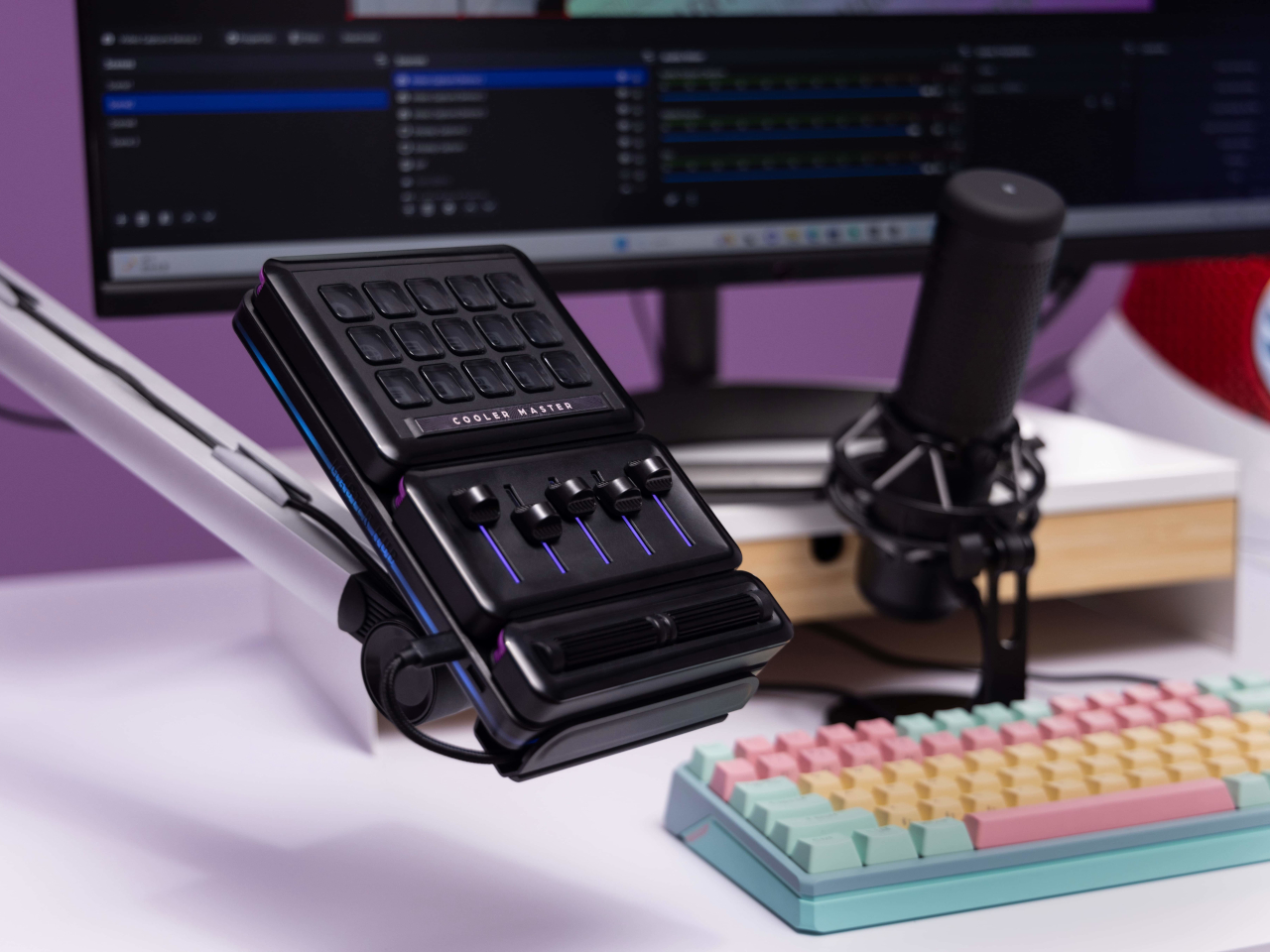
The MasterHUB’s modular design does bring one indirect advantage over the likes of the Stream Deck, which is that it’s more future-proof. Cooler Master could put out revised and improved versions of the modules, expand the selection of modules or even add new features that it didn’t have at launch. In fact, there are DisplayPort ports on the Base module, teasing the possibility of new features. Of course, that will all depend on Cooler Master actually continuing to push the envelope in the foreseeable future.

Value

Cooler Master definitely struck a chord with creators, streamers, and gamers with the modular design of the MasterHUB. It offers not only flexibility but also power, putting users in complete control of their workflows. Even Logitech’s new MX Creative Console barely scratches the surface of what this control panel is capable of, especially when you consider the possibilities of future modules and features.

That said, the MasterHUB isn’t an inexpensive kit, which is probably to be expected considering how much more it offers compared to similar products. That’s why you’ll probably want to take advantage of discounts, like the current pre-order campaign that’s offering the basic kit, which includes only the 15-key IPS, 5-Fader, and 2-Roller modules, for only $299 instead of the $399 SRP. If you really want more flexibility, the Pro bundle adds the Encoder with IPS display and 3-Knob modules for $399, a rather steep $150 discount from the $549 SRP. Whichever bundle you pick, though, the stand will cost an additional $17 (SRP $19) if you want it.

Verdict

With great power comes great responsibility, or in this case, more keyboard shortcuts. Content creation shouldn’t be a dreadful and tiring task, and tools should be making people’s lives easier, not harder. As software becomes more sophisticated, the need for better and more efficient controls also increases. Rather than forcing users to shoehorn their workflows into a grid of LCD buttons and a few dials, the Cooler Master MasterHUB offers professionals and hobbyists the freedom to design their own tools and define their own strategies that let them focus on the most important task: creating their best content.
The post Cooler Master MasterHUB Controller Review: Complete Control Over Your Creative Pursuits first appeared on Yanko Design.
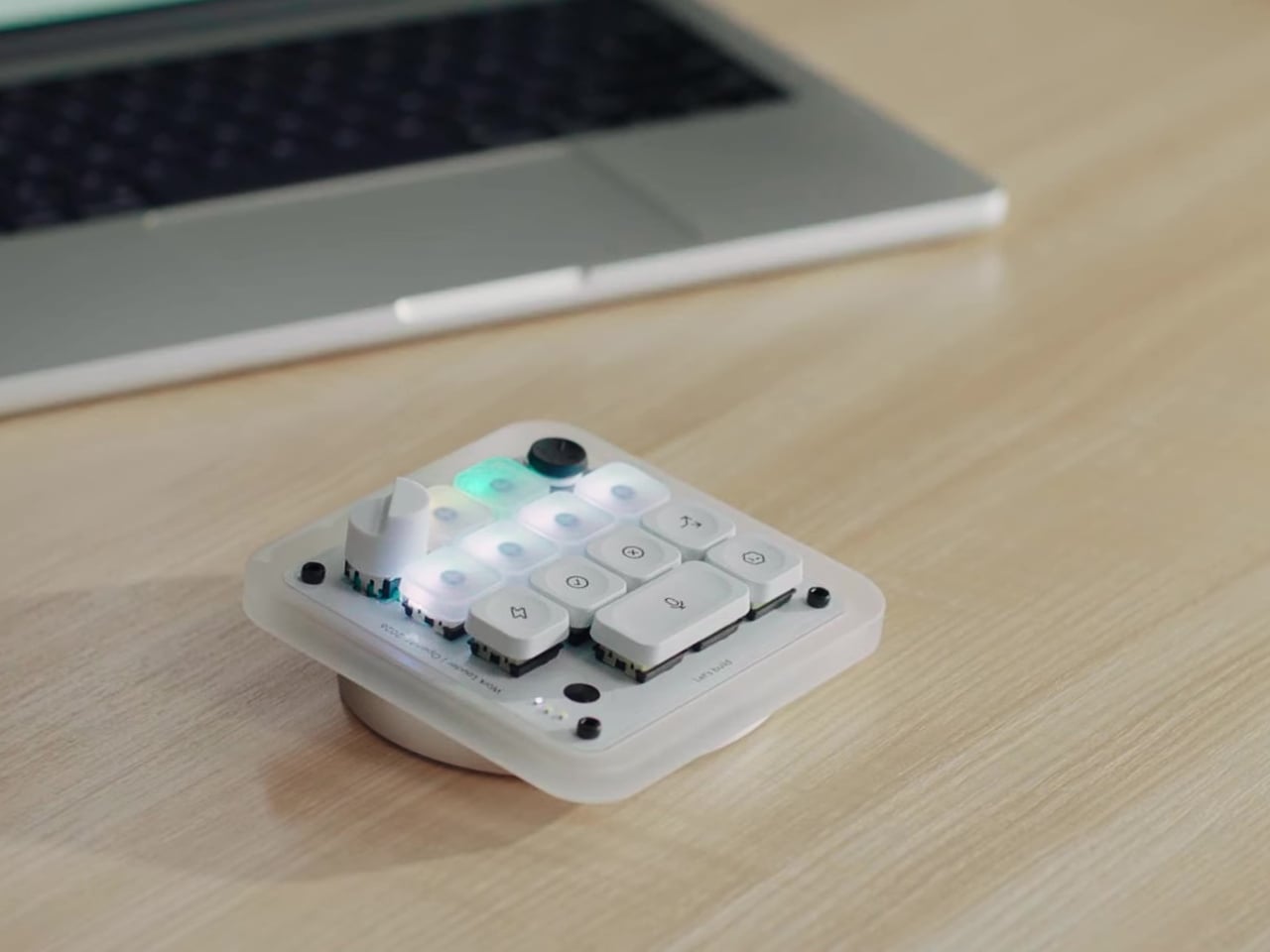
Logitech MX Creative Console offers designers more controls to help them create more

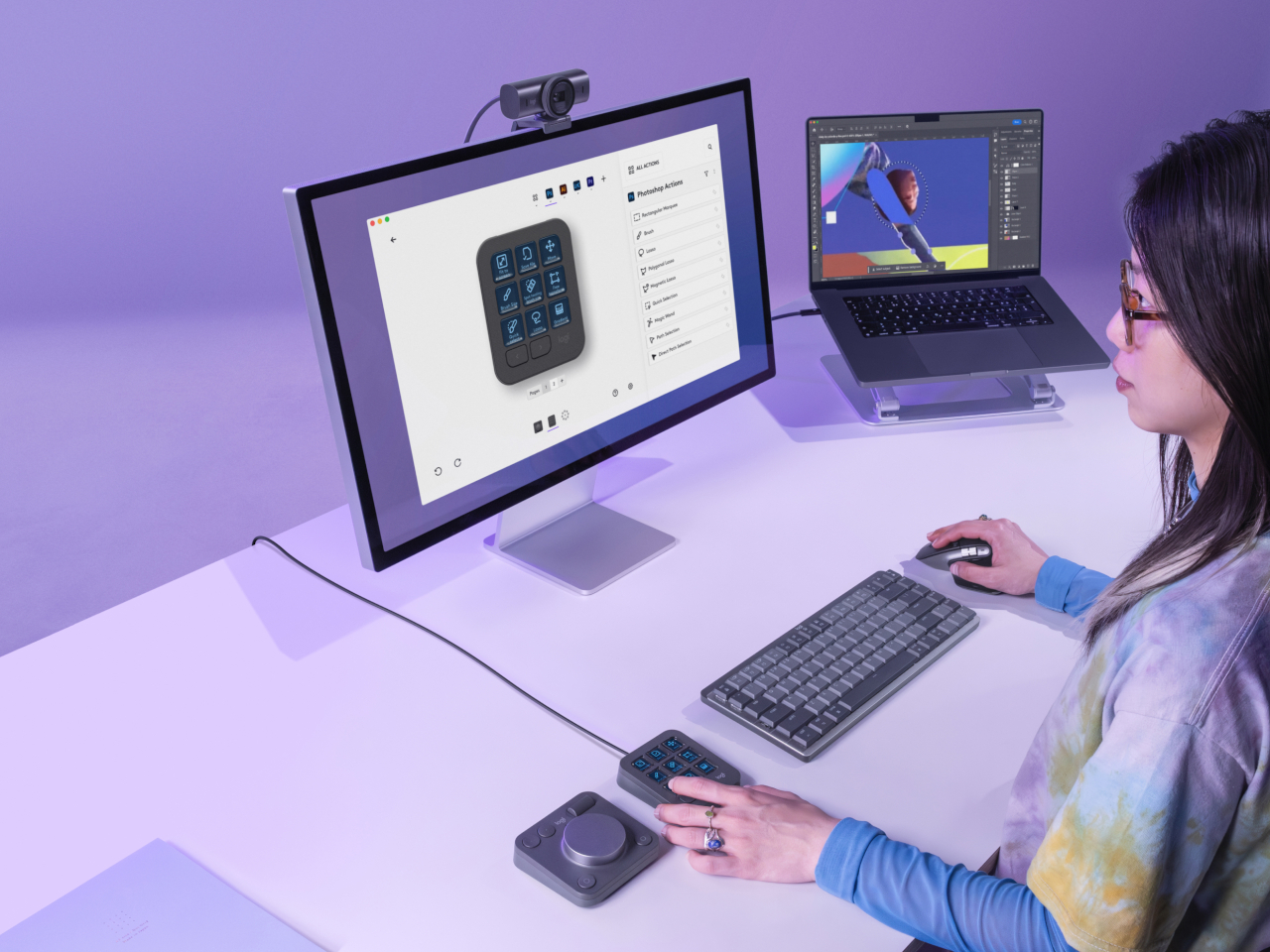
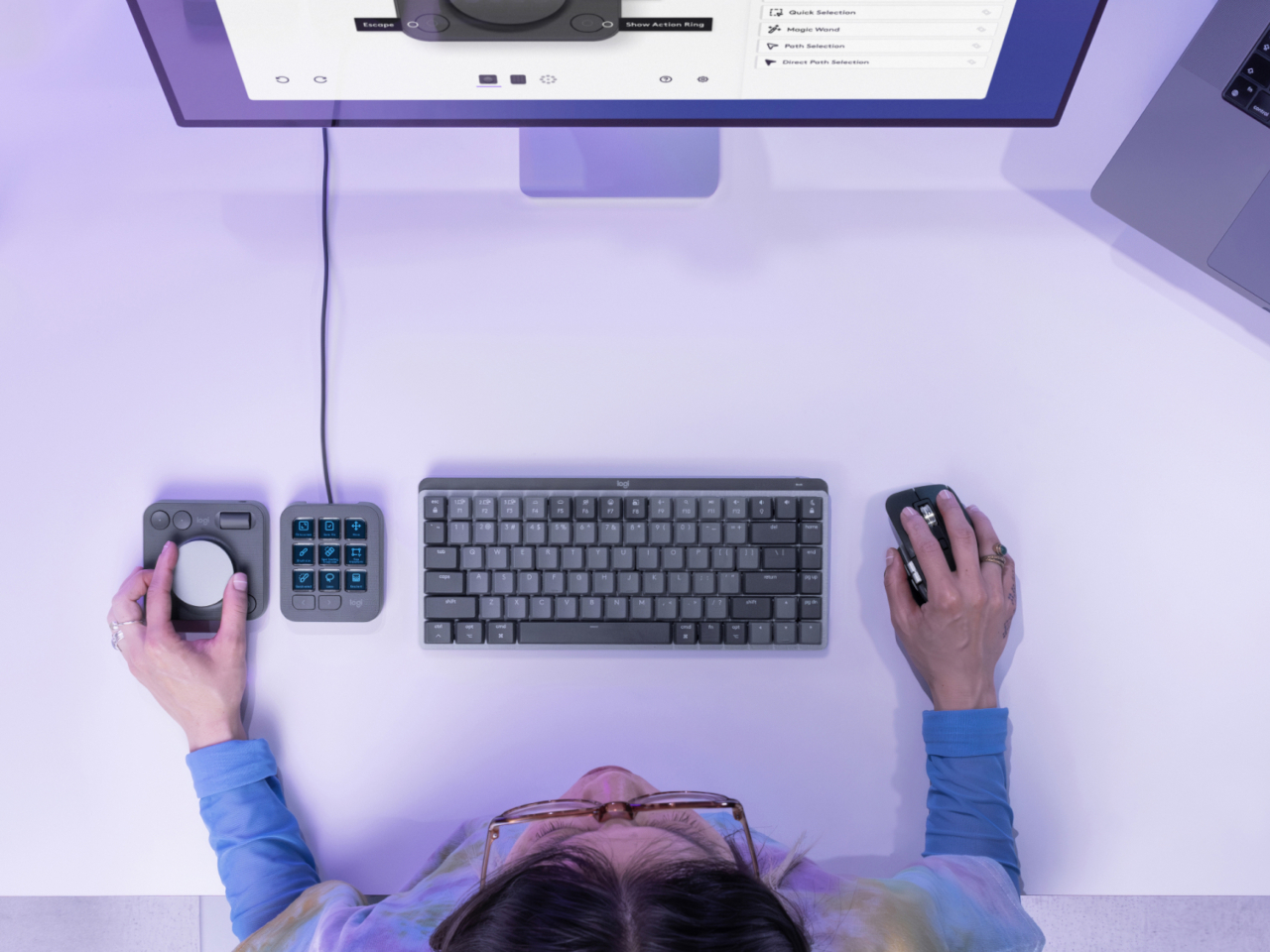
As consumers become more discerning and sophisticated, the tools needed to create content have also become more powerful and complex. Yes, there is now generative AI to help kickstart the creative process, but the final work is still done by human hands. The common keyboard and mouse are no longer enough for these tasks, and having your fingers dance over keyboard shortcuts is sure to result in strain and injury over time. Following the current trend of using Stream Deck-like devices for more than just streaming, Logitech has just launched its own tool that gives creative professionals an extra set of keys to help them spend less time fiddling with controls and more time actually creating.

Designer: Logitech

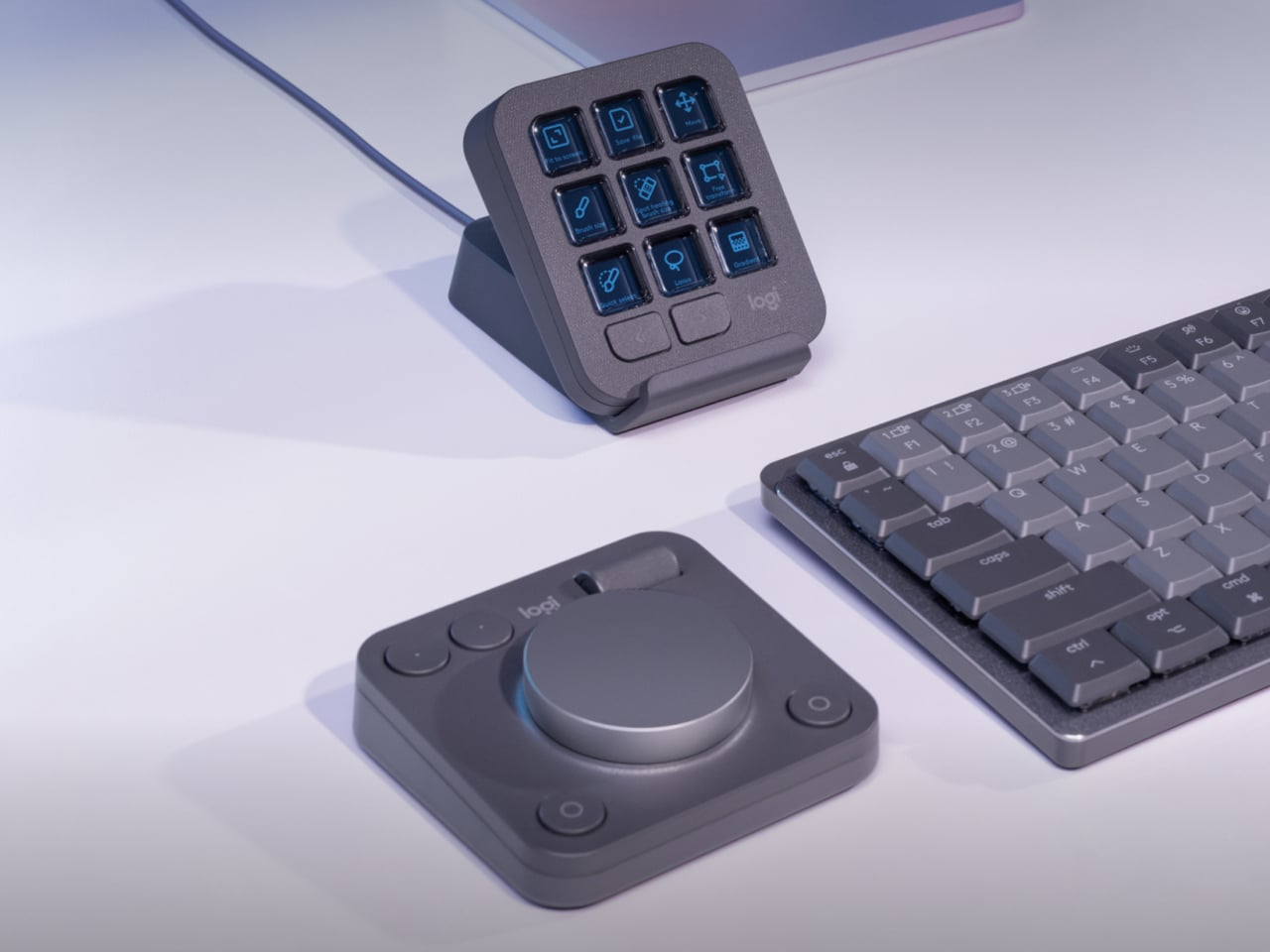
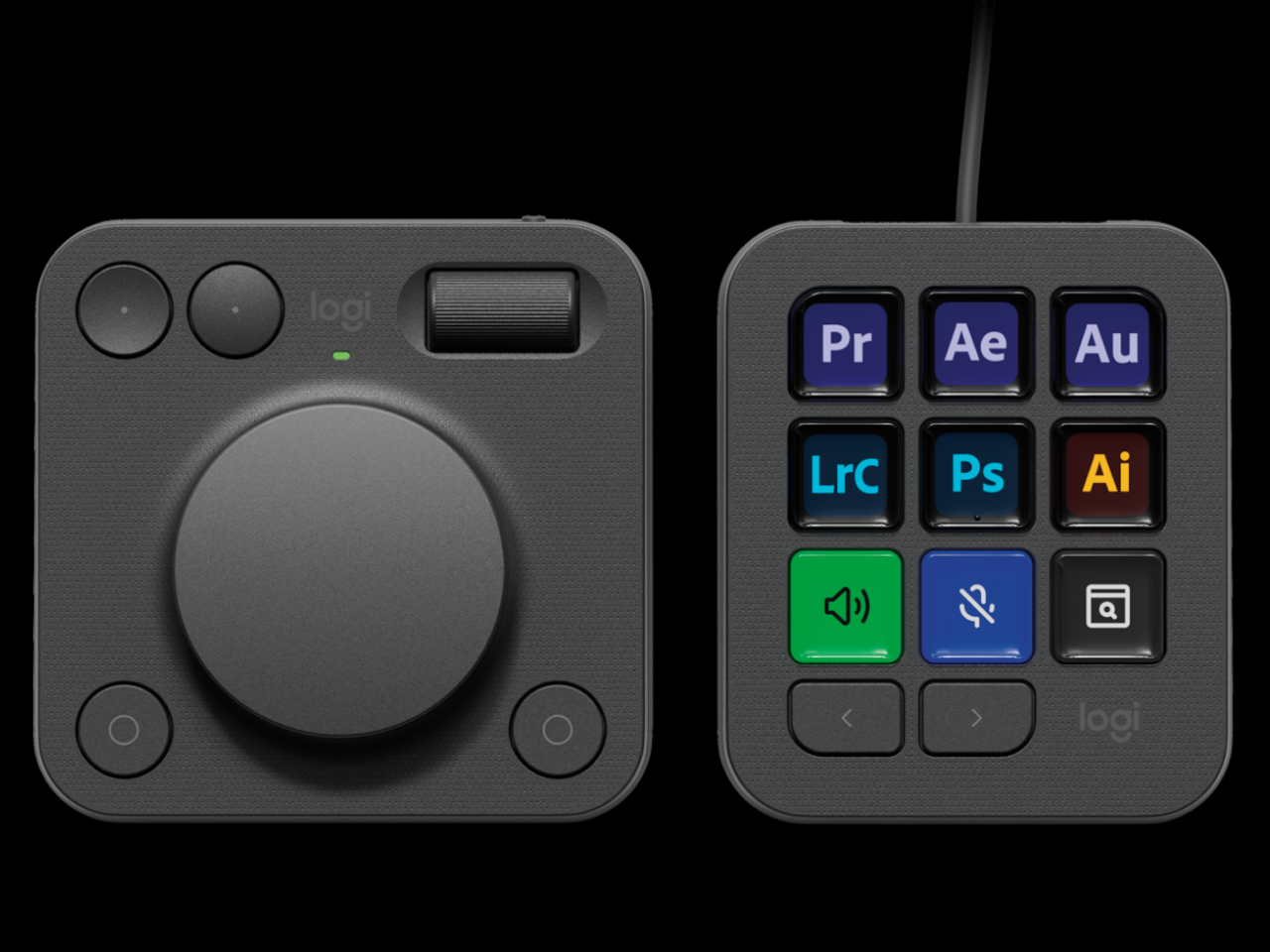
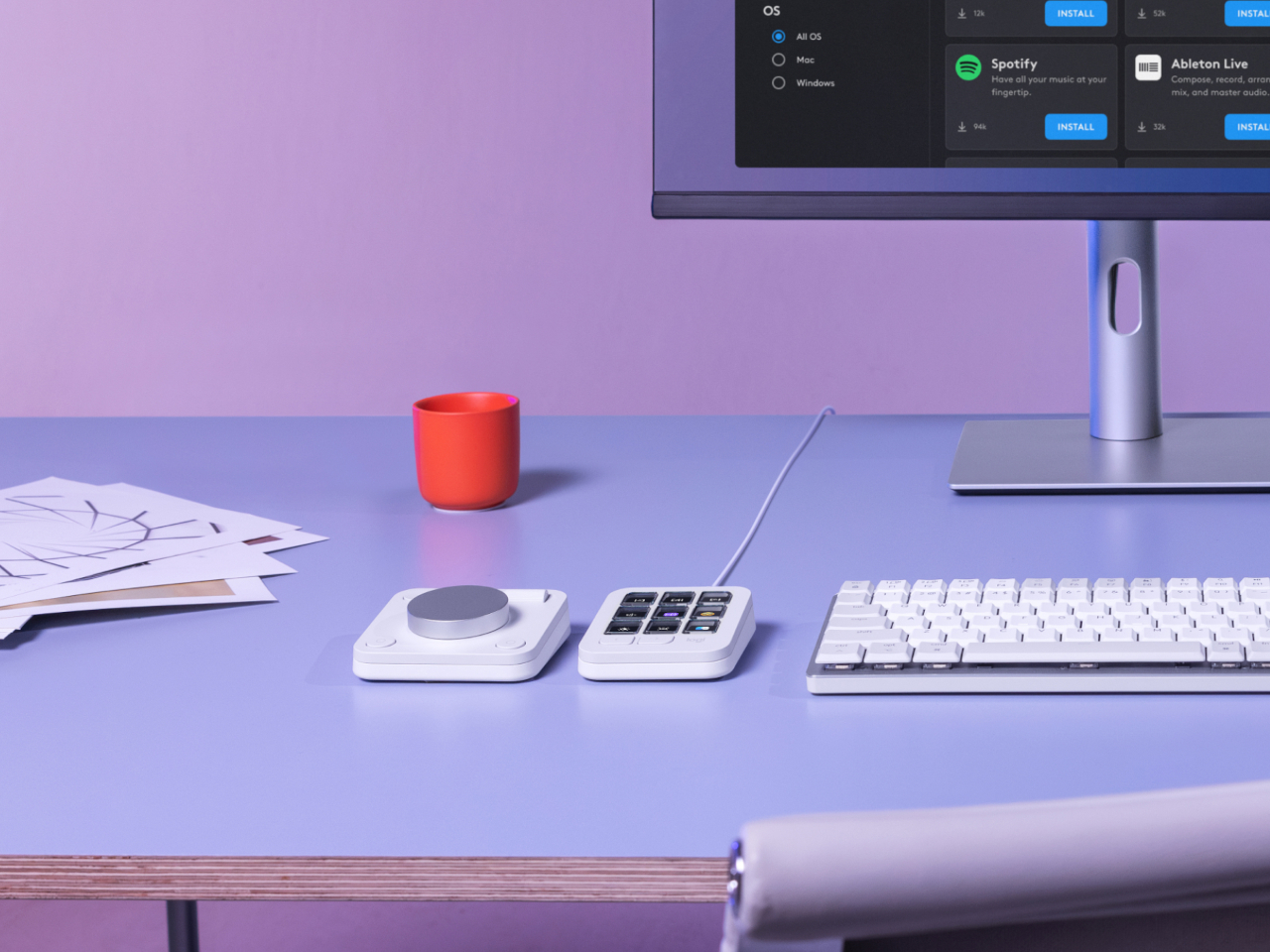
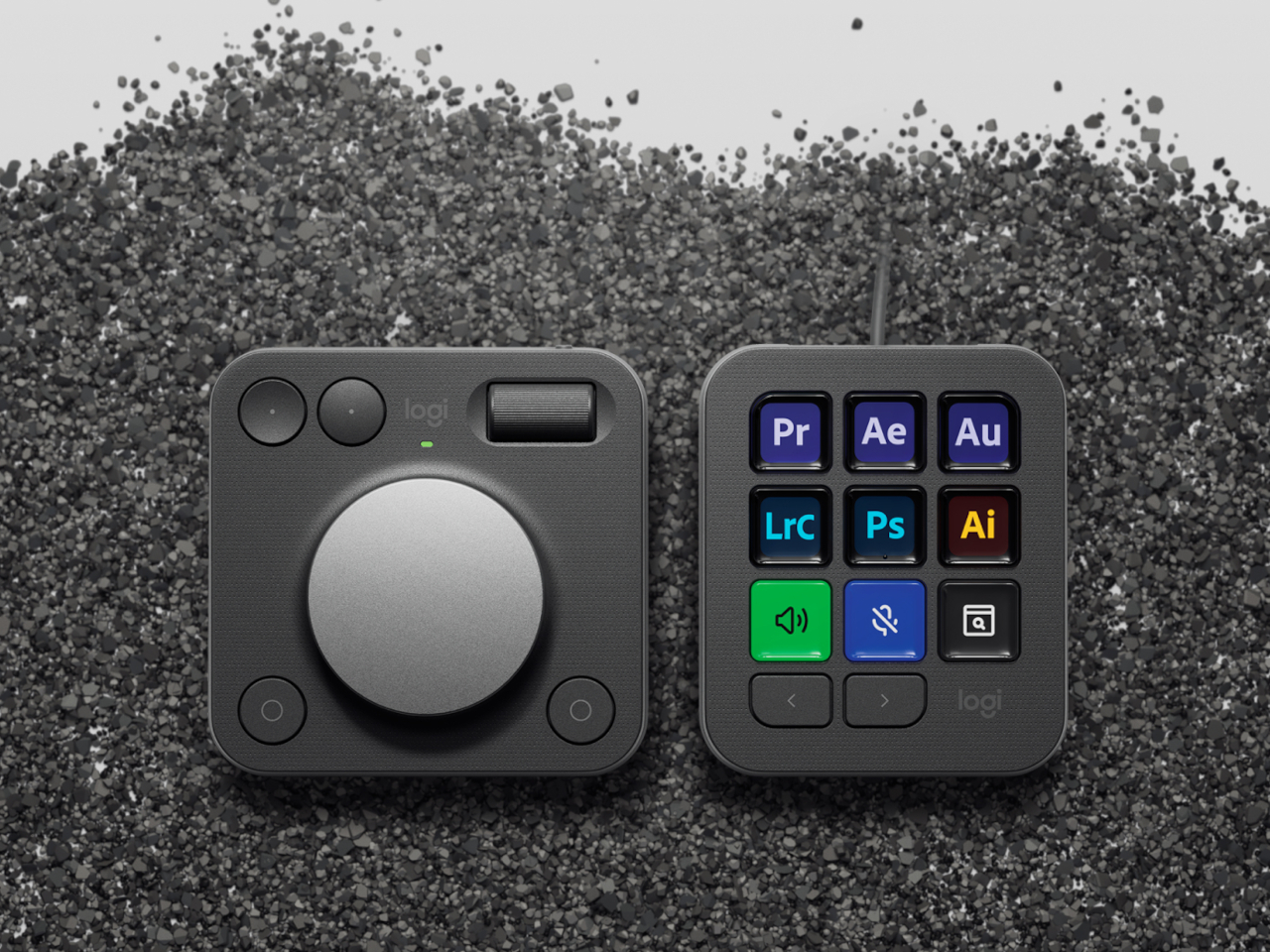
The Logitech MX Creative Console is a duo of connected devices. One is a dial pad with an honest-to-goodness physical aluminum dial that gives users more precise control over scrubbing through timelines, changing brush sizes, or any other setting that needs fine movements. There’s also a small roller for scrolling through other things, as well as two pairs of buttons for selecting things or moving forward and backward.

The other half of the duo is a keypad with 9 Display Keys, each of which can be configured for a different action and a matching icon. This lets creators and designers assign their most used shortcuts to these iconified buttons, freeing their minds from having to memorize all those key sequences, creating a more natural flow that, thanks to their physical and direct interactivity. It still relies on a bit of muscle memory, but far less than combinations of keys that don’t make sense as far as mnemonics are concerned.

Logitech isn’t just aiming for designers with such an assistive tool but also appealing to their growing sense of responsibility to the environment. Parts of the MX Creative Console use post-consumer recycled (PCR) plastic, 72% for the Graphite colorway and 55% for the Pale Grey version. The aluminum used for the dial is also made with a lower carbon footprint, using renewable energy rather than fossil fuels. Packaging still has some plastic, but the paper parts are made from sustainable and controlled sources.

Truth be told, Logitech is a bit late in the game, with many creators already using the popular live-streaming tool Stream Deck for the same purpose, though the addition of the physical dial is a big boost for professionals. At the same time, Cooler Master just recently launched the MasterHUB, a creative console with a modular design that really puts users in control. That said, the Logitech MX Creative Console does cost only $199, making it an accessible option for creators who need a boost to get into the zone.

The post Logitech MX Creative Console offers designers more controls to help them create more first appeared on Yanko Design.
8BitDo SN30 Pro Gold and Silver controllers are as heavy as they look

It seems that we’re seeing a rather curious design trend in the gaming market. Once filled with plastic-encrusted designs, there are a few coming out with more stylish cases, be it for the device itself or for its accessories. Analogue just recently launched its CNC aluminum limited edition Pocket, but 8BitDo was actually a few steps ahead of it. Although one’s eleventh anniversary isn’t actually associated with metal (it’s Turquoise, by the way), the famed maker of throwback controllers released metal versions of its widely popular SN30 Pro, giving fans of the brand a collectible they can actually use and, in case of an emergency, even throw like a deadly weapon.

Designer: 8BitDo

Game controllers are made to be light enough not to cause hand strain but still have enough weight to feel substantial and improve gameplay. Gamers have come to expect that bulkier controllers that follow the Xbox and PlayStation designs would be heavier than most, especially controllers that are patterned after the designs of yesteryears. Not so this variant of the SN30 Pro, itself designed after the super lightweight Super Nintendo gamepad, mostly because most of its body is made of metal.

The Gold and Silver editions of the SN30 Pro aren’t just cheap paint jobs, though you might be forgiven for making that presumption given the resemblance to powder-coated metallic paint. It’s true metal, or as 8BitDo calls it, metal zinc alloy, and it’s used not just for the main body but for almost every part visible to the eyes. That includes buttons, triggers, and, yes, even the joysticks. The gold edition gets a matte paint finish while the silver version undergoes electroplating. The cables aren’t metal, though, which is probably for the best.

More than just visual oddities, the SN30 Pro Gold/Silver Edition controllers also have one other advantage over their plasticky older siblings. They’re built to last, at least more than the common controller, as metal will not warp or deform over time. It’s also less likely to crack when accidentally dropped, though you might dent this here and there. And drop it you might indeed, given how heavy it is 381g. For comparison, the normal SN30 Pro weighs a mere 114g and even the Xbox Wireless Controller is just around 287g.

Not all that glitters is gold, as they say, and despite the luster and heft of these limited edition controllers, their feature set might leave gamers sorely disappointed. They’re definitely more like functional collectors’ editions rather than serious gaming weapons (unless you throw it like one), and the $99.99 price tag definitely cements, or rather forges, that image.

The post 8BitDo SN30 Pro Gold and Silver controllers are as heavy as they look first appeared on Yanko Design.
Foldable game controller concept solves portability in a different way

Gaming on the go is quite popular these days, whether it’s on a mobile phone, a handheld device, or even a laptop temporarily parked at a cafe. While video games have traditionally been divided into PC and console camps, this latest trend has made many gamers reach for controllers or devices with built-in controllers, regardless of their platform of choice. Wireless game controllers have become quite numerous because of this, ranging from typical designs to telescopic mechanisms that stretch to grip smartphones or even tablets. Of course, these two aren’t the only designs possible for portable gamepads, and this concept tries to approach the problem from a different angle, one that takes a page out of one of the trendiest smartphone designs of late: foldable phones.

Designer: Przemysław Wolnicki

The basic problem with game controllers is their innate bulk. You can’t really shrink them without sacrificing comfort and ergonomics. This makes them less appealing to quickly stow in bags, much less pockets, as you dash out the door in the hopes of being able to play later on. Even those who prefer to game at home might find the permanent presence of a large chunk of plastic to be visually distracting and might look for ways to minimize their footprint when not in use.

Swift is a game controller design concept that adopts a folding mechanism to make the device more compact in transit. Despite the fact that foldables aren’t new, it’s curious that this design hasn’t been adapted for game controllers at all. There are, of course, advantages and disadvantages to such a design, but those can hardly be verified unless tested in the real world.

1

This controller concept adopts the more symmetrical button arrangement of a PlayStation controller, which would make the folded form also more balanced when folded. One curious detail about the design is the ribbed surface covering the middle and back of the controller. It’s not clear whether the choice of material is simply aesthetic, but it will definitely have an effect on the texture of the controller, which in turn affects comfort and ergonomics.

While a foldable controller design is definitely interesting and curious, it also raises a few questions as well. While the design does halve the width of the device, it doubles its thickness in turn. There might also be some concerns about the wear and tear this mechanism will incur over time, especially given the wires that have to run through the middle to connect the two halves. Perhaps that is the reason why a foldable design hasn’t been adopted for controllers, but this concept at least tries to encourage pushing the boundaries instead of just adopting the status quo.

The post Foldable game controller concept solves portability in a different way first appeared on Yanko Design.
VR controller concept for artists and designers offer a more intuitive design

The Apple Vision Pro’s take on spatial computing would have us imagine a seamless integration of the physical and digital worlds. That dream of the future is shared by virtual, augmented, and mixed reality technologies, and they almost deliver that promise when it comes to the visual aspect. The illusion, however, breaks when you start interacting with and manipulating those virtual entities, an experience that quickly becomes less natural compared to how we do it with physical objects. The problem lies in the tools we use for this, which are often a game controller or two sticks that function in the same way. This concept for a virtual reality controller tries to reshape that standard design into something that, while still technically the same, offers a more familiar form for artists and designers.
Designer: Jiwoong Yan

When you think about it, it’s almost amazing how digital creatives are able to make do with the input tools available to use in the present. At the very least, a stylus approximates the experience of drawing with a pen on paper, though some people are even able to create mind-blowing art using a keyboard and a mouse. On the one hand, it’s pretty convenient that we don’t have to deal with a dozen different pens, brushes, and other tools when creating digital art, but, at the same time, the disconnect between the tool and the desired outcome is often jarring.

This is especially true in a world that tries to have some fidelity with reality like VR. It’s even worse because it makes us believe we’re seeing virtual objects we can touch, but we can never really touch them and have to be satisfied with pointing and clicking with both hands. Medium is a concept design that offers a compelling compromise for artists and designers. It still has that same two-piece approach that puts a controller in each hand, but ones that are designed to actually mimic the tools that artists would be familiar with.

The right hand, for example, can be held either like a paintbrush or a can of spray paint, and the handle can be rotated to accommodate different ways people hold these tools. The left-hand controller, on the other hand (no pun intended), is like a painter’s palette, though it will probably show more than just colors in the virtual representation that you’ll see through VR glasses. Using these two pieces might feel intuitive for some artists familiar with painting, with the “palette” providing tools and options for the “brush” that you draw with.

Such a design is theoretically already possible with today’s technologies, but it requires a manufacturer to take the risk of actually producing a device that might appeal only to a small segment of VR users. But with these companies trying to push mixed reality and spatial computing harder, it might only be a matter of time before more specialized variants of controllers become available, at least as a stopgap measure until we can directly manipulate those virtual worlds with nothing but our hands.

The post VR controller concept for artists and designers offer a more intuitive design first appeared on Yanko Design.