October is the perfect time to take your Android device to the next level with a carefully selected array of essential apps. These applications are designed to boost productivity, provide entertainment, and enhance overall device performance, each offering unique features to meet the diverse needs of users. Take Control of Your App Habits Start by […]
If you’ve got a Fire TV video streamer, you already know how great it can be to access all of the major streaming platforms and thousands of shows and movies in one centralized hub. And seeing all your favorites on a big-screen TV is way better than watching it on a smaller laptop or smartphone screen.
But what if you wanted to watch a show or movie and discovered it was unavailable in your country? Or what if you wanted to watch an award-winning BBC documentary but it was only available on the BBC’s iPlayer — and you don’t happen to live in the United Kingdom?
That’s where a VPN (virtual private network) comes in. Using a VPN can let you unlock geo-blocked content for streaming even if you’re outside of a given area. And here’s the best part: Unlike archrival Roku, Amazon’s Fire TV system offers VPN apps straight through its built-in app store. We’ll explain the details and tell you how it works.
Choose the right VPN for your Fire TV
For starters, we’re going to assume you have a Fire TV device. If you don’t, we have good news: If your TV doesn’t already have Fire TV streaming built-in, the add-on devices are frequently on sale at Amazon for as little as $25 or less. Grab the Fire Stick 4K Max if you want a good balance of price versus performance — just make sure it’s on sale for $40 or less. (See how the Fire TV streamers compare to rivals from Roku, Google, Apple and more by checking out our list of best streaming devices.)
Once you have your Fire TV hardware set up, it’s time to choose a VPN — and that’s where the Fire TV operating system shines. A long list of VPNs, including all of our current top picks for the best VPNs, are available on the platform and they’re as easy to download and install as any of the video apps.
The Engadget-approved VPNs currently available on Fire TV include:
We’ll leave it to you to research which VPN offers the best combination of features and value for you, but a word of warning: With the exception of the first two listed above, we don’t recommend using a free VPN, as they’re notorious for collecting and selling your data to advertising networks to fund shoddily-protected servers. Note you can install as many VPNs as you’d like on Fire TV, if you’d like to cross-test them at your leisure.
Installing the VPN
Installing it is easy once you know which Fire TV VPN you want to use. Head to Find > on the main menu and simply search the name of your preferred VPN – just type “VPN” if you’d like to scroll through all of the options available. There, you can find the service you want (or are already subscribed to) and start installing. The process shouldn’t take too long. Once it’s completed, you’re ready to start using it.
Using your Fire TV VPN
Once you’ve downloaded the app, navigate to it on your Fire TV dashboard. You’ll have to enter your username and password or sign up to create an account. Some VPNs might require you to create an account on your smartphone or computer beforehand.
Once logged in, you can either click the “Connect” button on your VPN or browse the server list to choose which country you want to tunnel to. Once connected, return to the Fire TV home screen and reload your streaming platform of choice to verify if the content is different. If it is, your VPN is working and you’re ready to stream.
This article originally appeared on Engadget at https://www.engadget.com/cybersecurity/vpn/how-to-use-a-vpn-on-fire-tv-for-streaming-101822653.html?src=rss
If you have been considering or already using artificial intelligence (AI) for academic research, you might be interested to know that several institutions have now released new rules for using AI in academic research settings. Not long ago, AI was viewed as a form of cheating in scholarly work. However, as these new AI tools […]
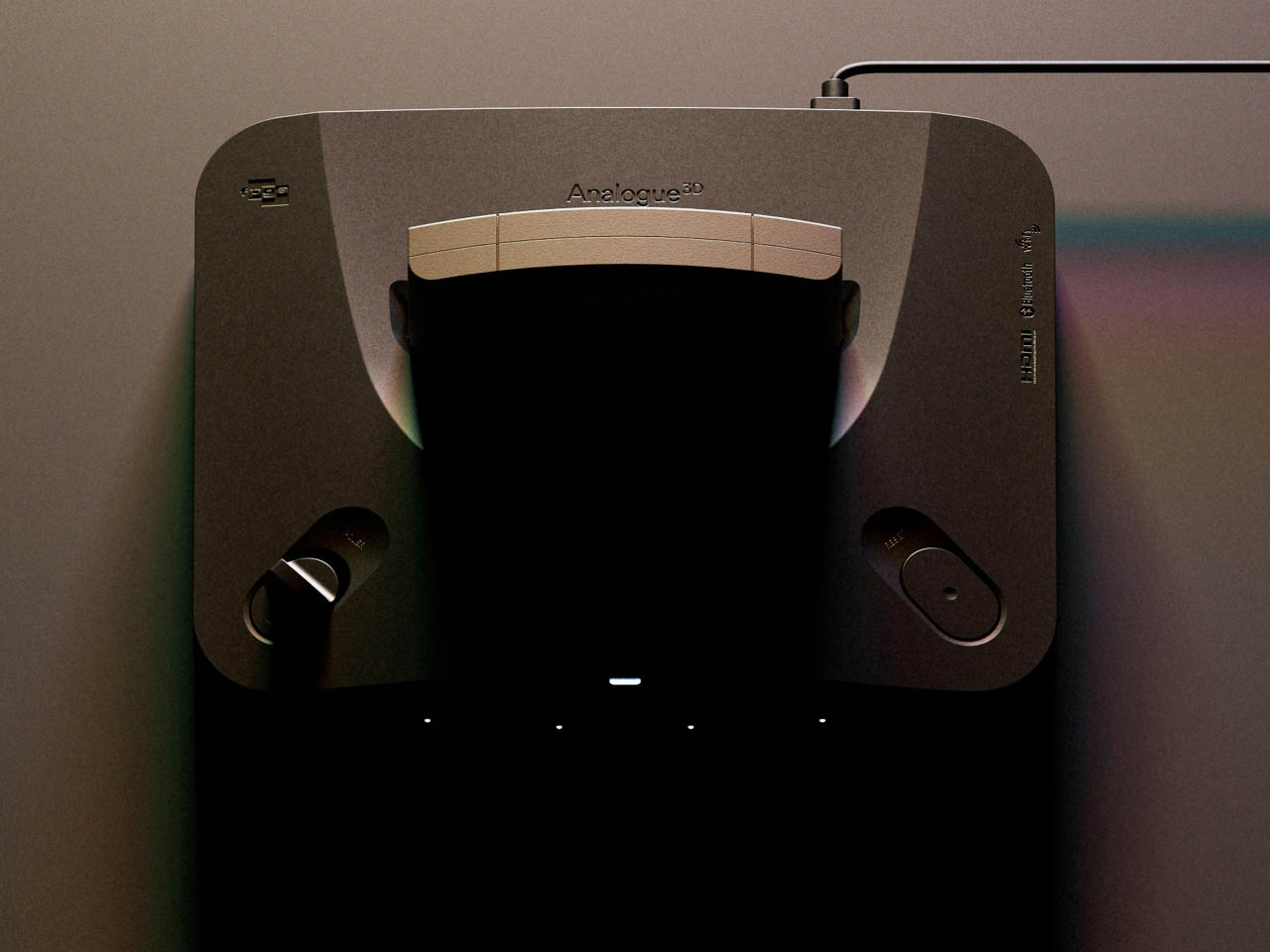
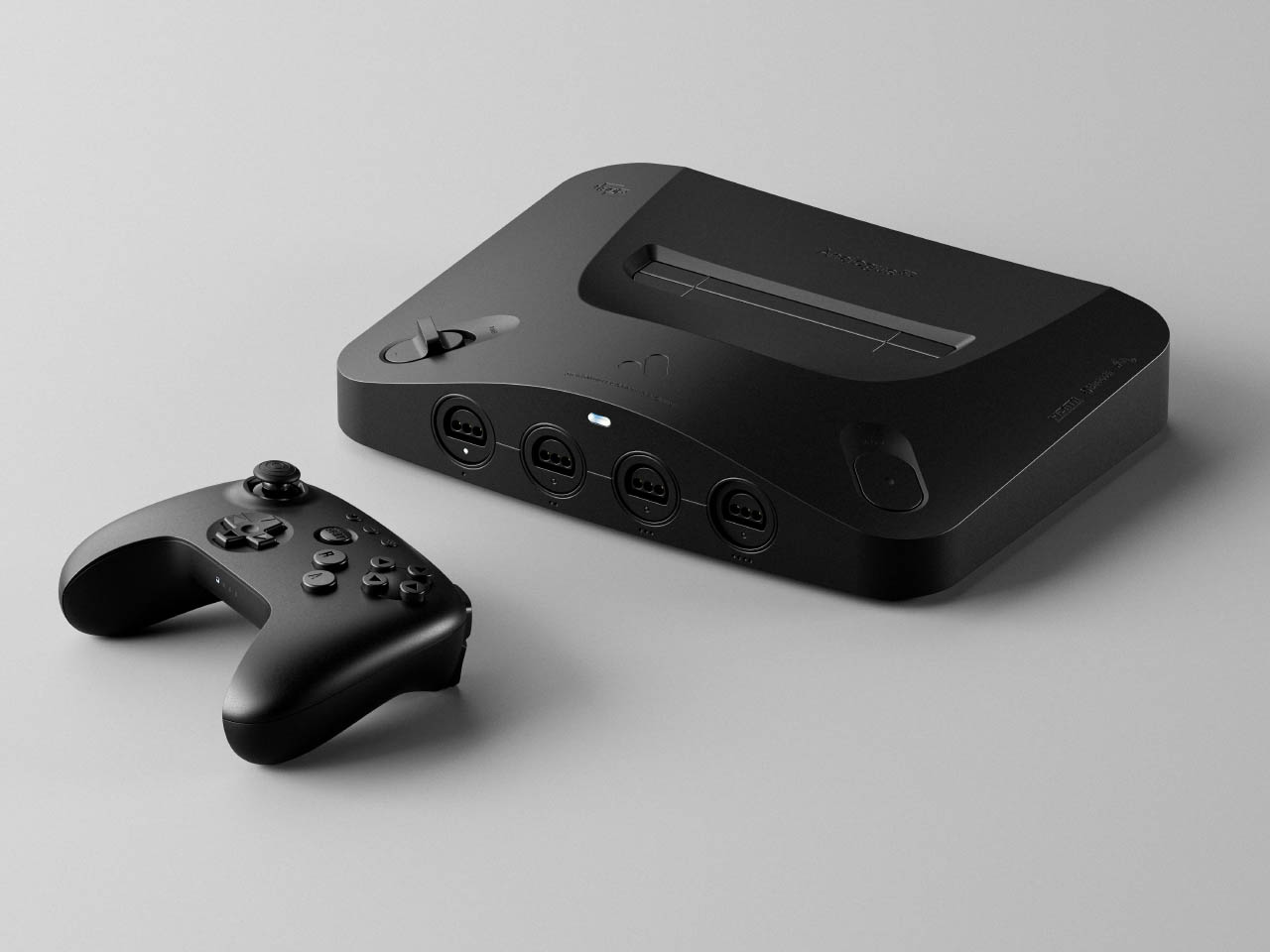
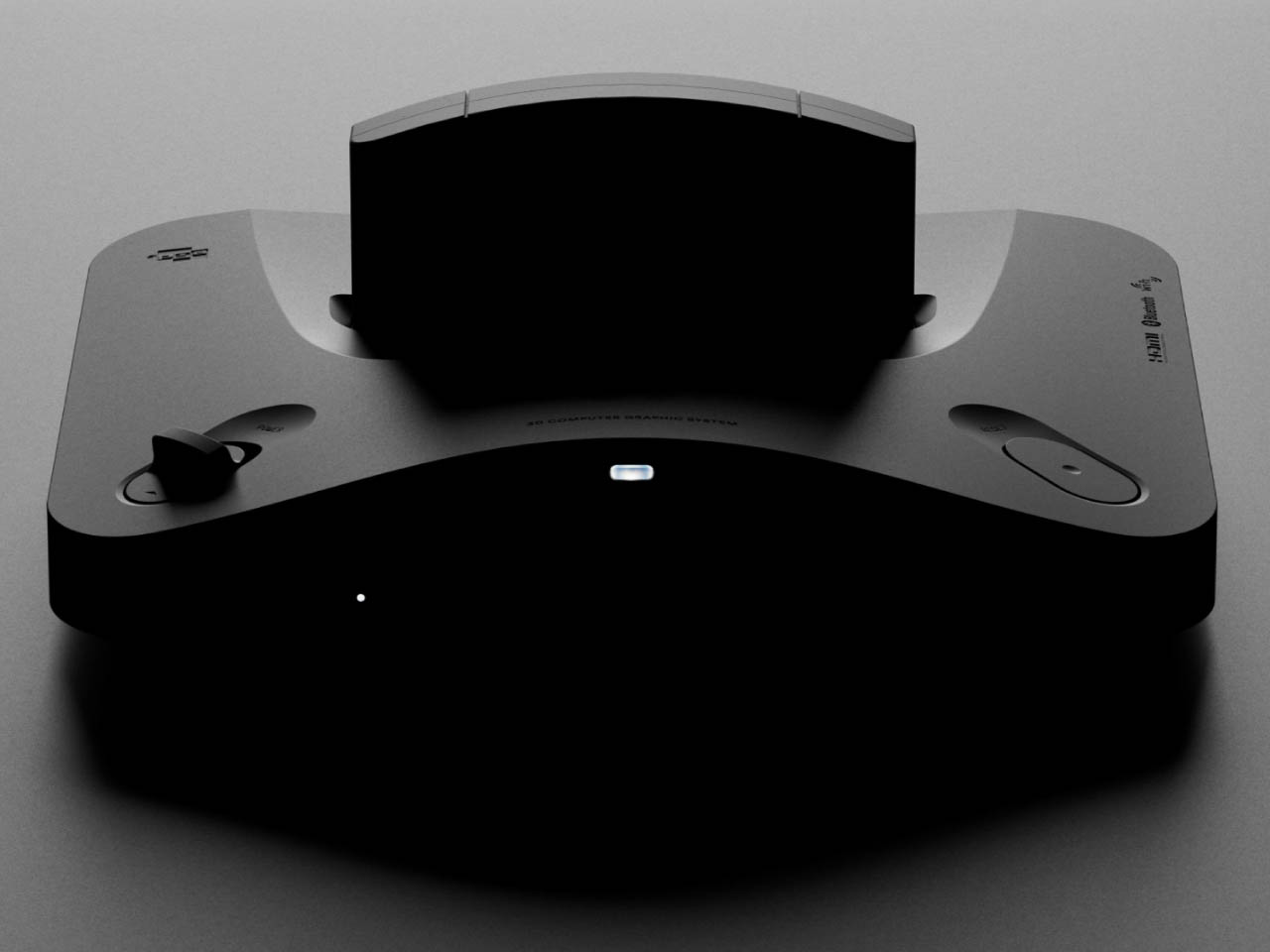
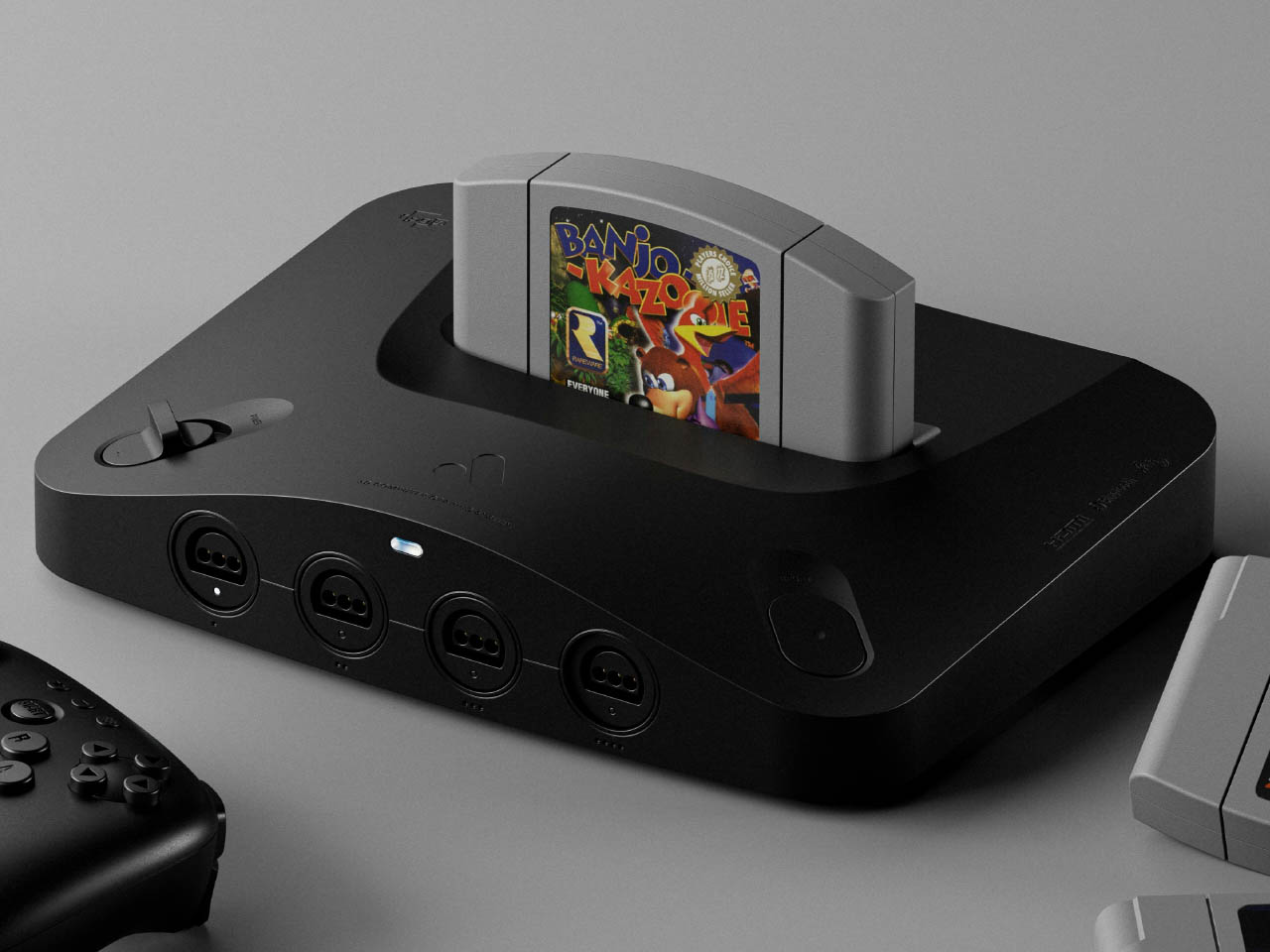
Want to reexperience the Nintendo 64 as it was meant to be without any compromises in gaming experience? One is the graphics that are hard to emulate on modern screens in 4K via HDMI. Then Analogue 3D has got you covered if you’ve got the game console cartridges and controllers stashed in your library. It’ll come with an in-built bespoke 4K-upscaler and original display modes for a lag-free method to enjoy your classic titles how you want.
Analogue who previously created versions of the Game Boy, NES and Sega Genesis, has finally revealed that the long-awaited clone console will arrive in Q1 2025, and you can preorder it from 21 October (11 AM ET onwards) for $250. This console powered by 3DOS (the evolution of AnalogueOS) comes with features including support for saved states and capturing screenshots.
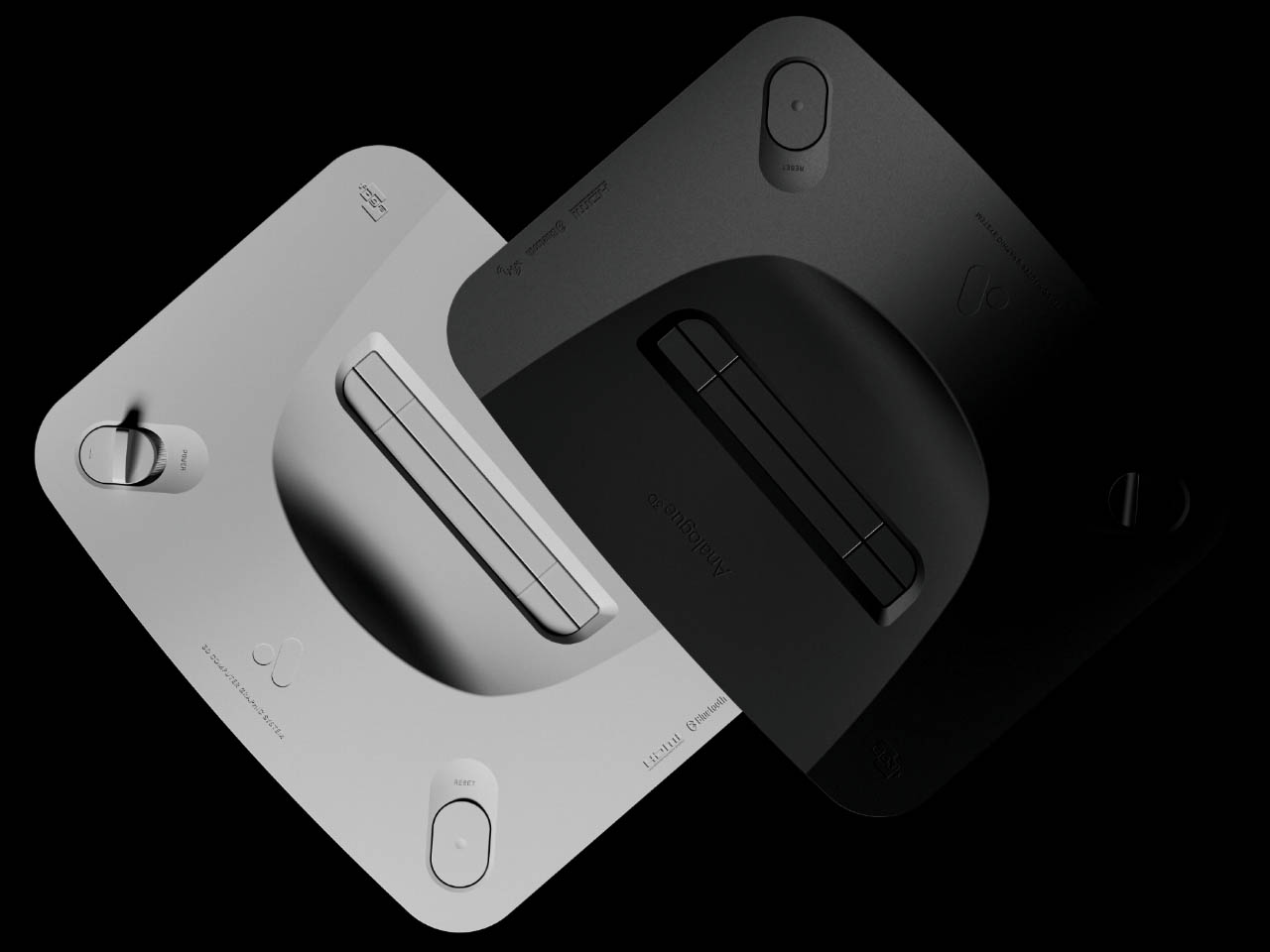
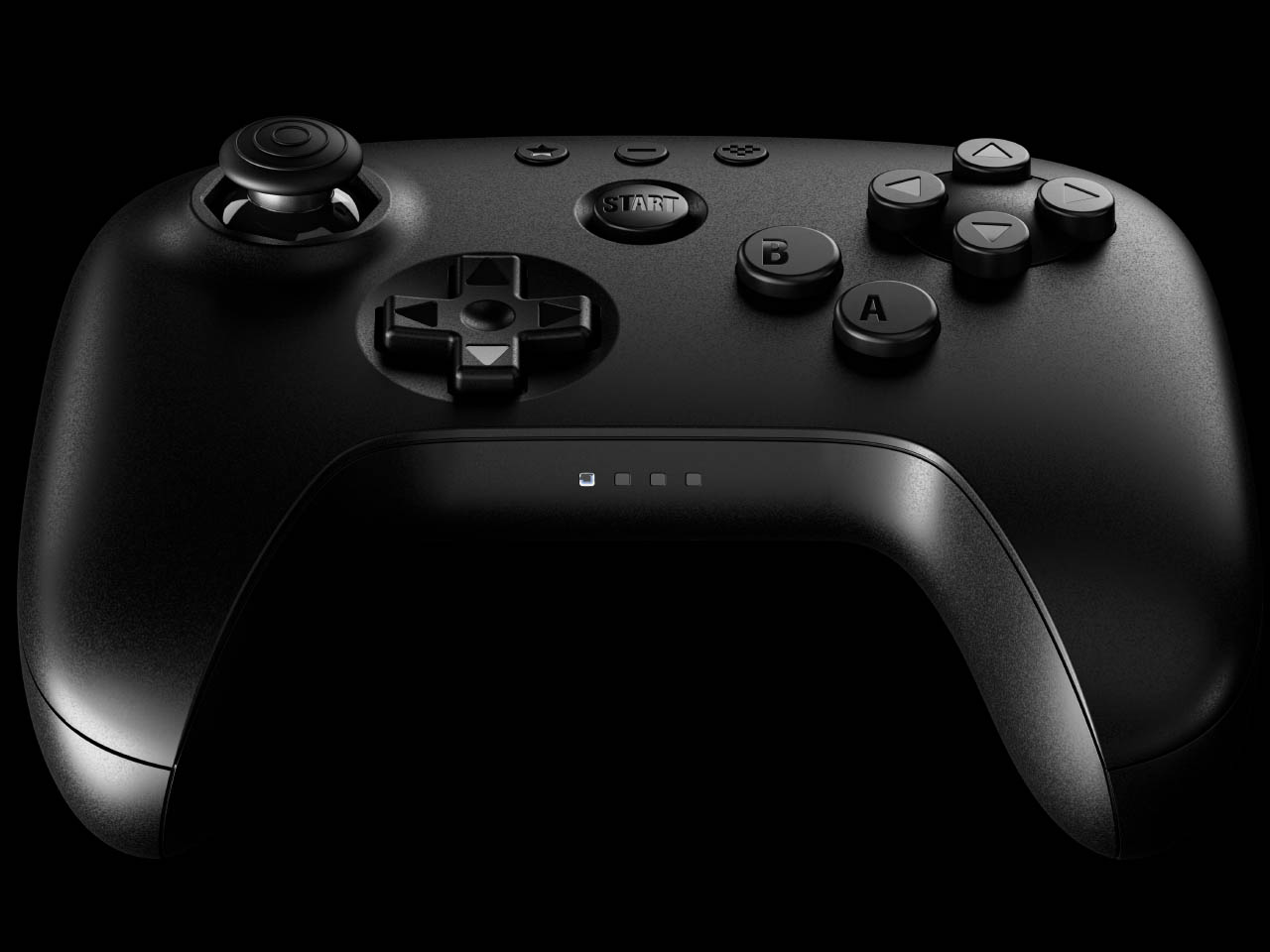
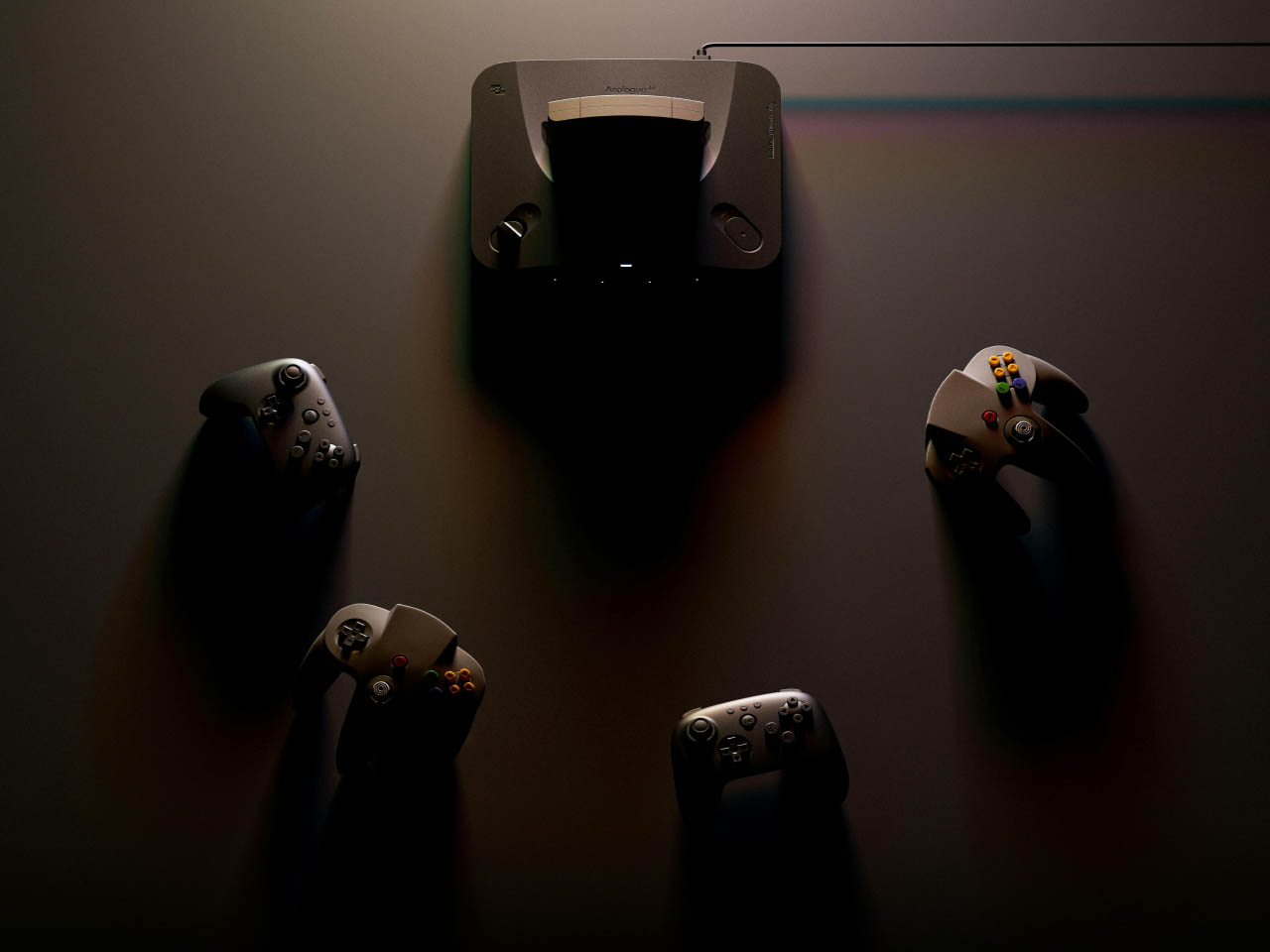
The original Nintendo console’s vibe is intact with power and reset buttons. In case you’ve got no controller to go with the 3D console or want a modern compatible controller to play, they’ve got you covered there as well. They’ve collaborated with 8BitDo to redesign a N64 controller that’s got all the buttons to make you go crazy. As I mentioned, it’ll work fine with old cartridges and has an expansion pack built-in. It will be safe to say, the console can save your game progress and might even have the trickery to import your old saved progress back from the late 90s.
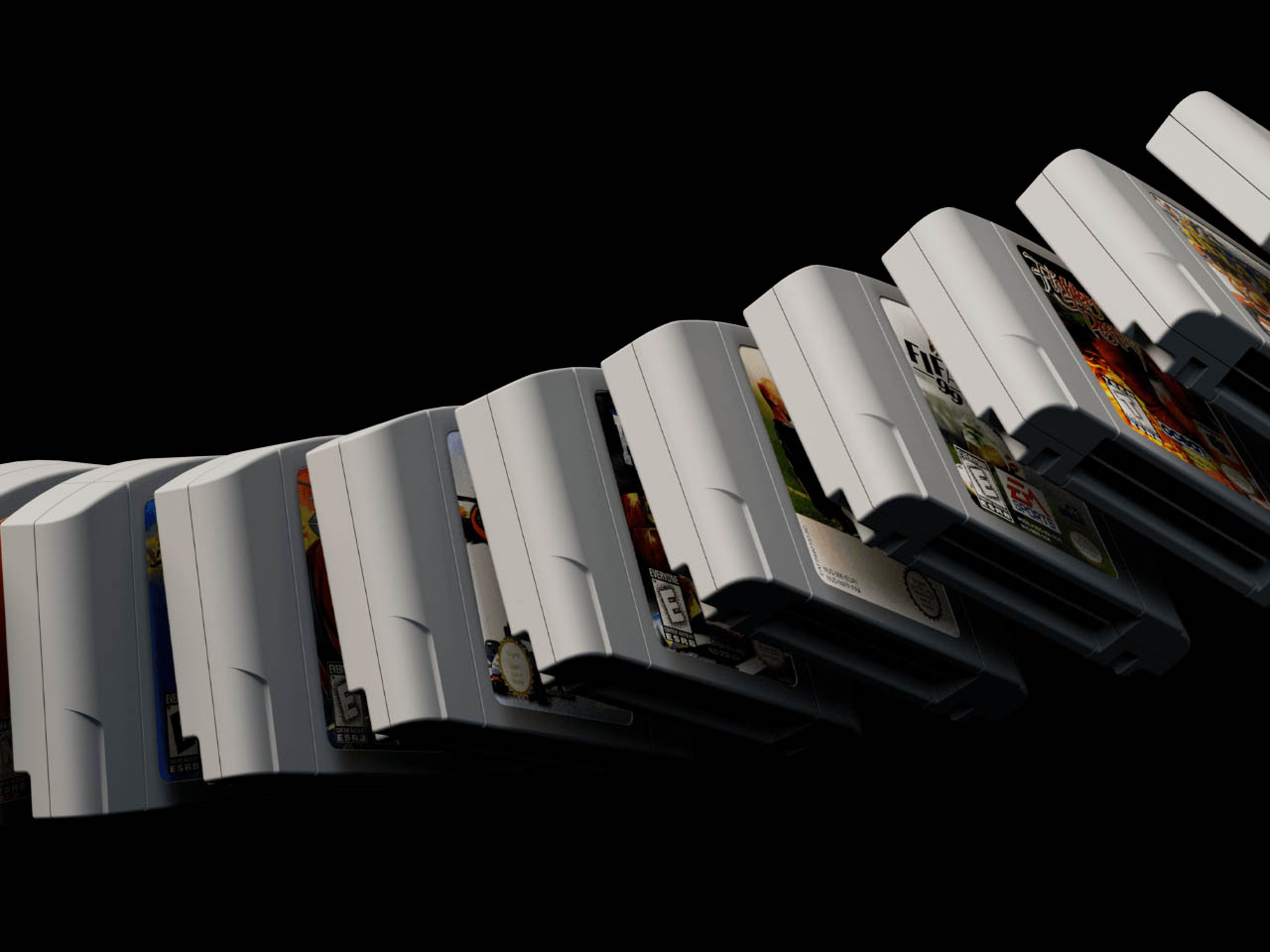
The 8BitDo N64 controllers will cost $40 a piece and the complete package will cost $290. These modern controllers will have a Hall effect stick and will be compatible with Switch, PC and Android as it has support for D-input and S-input modes. Since we are talking Analogue here, you will only get the console in two colors – black or white – and controllers from their website or via third-party resellers. Given the N64 can be a big hassle with emulators, the Analogue 3D is a big win since you’ll play right from the source. Therefore, you can expect a glitch-free experience playing titles like Super Mario, FIFA 99, or The Legend of Zelda.
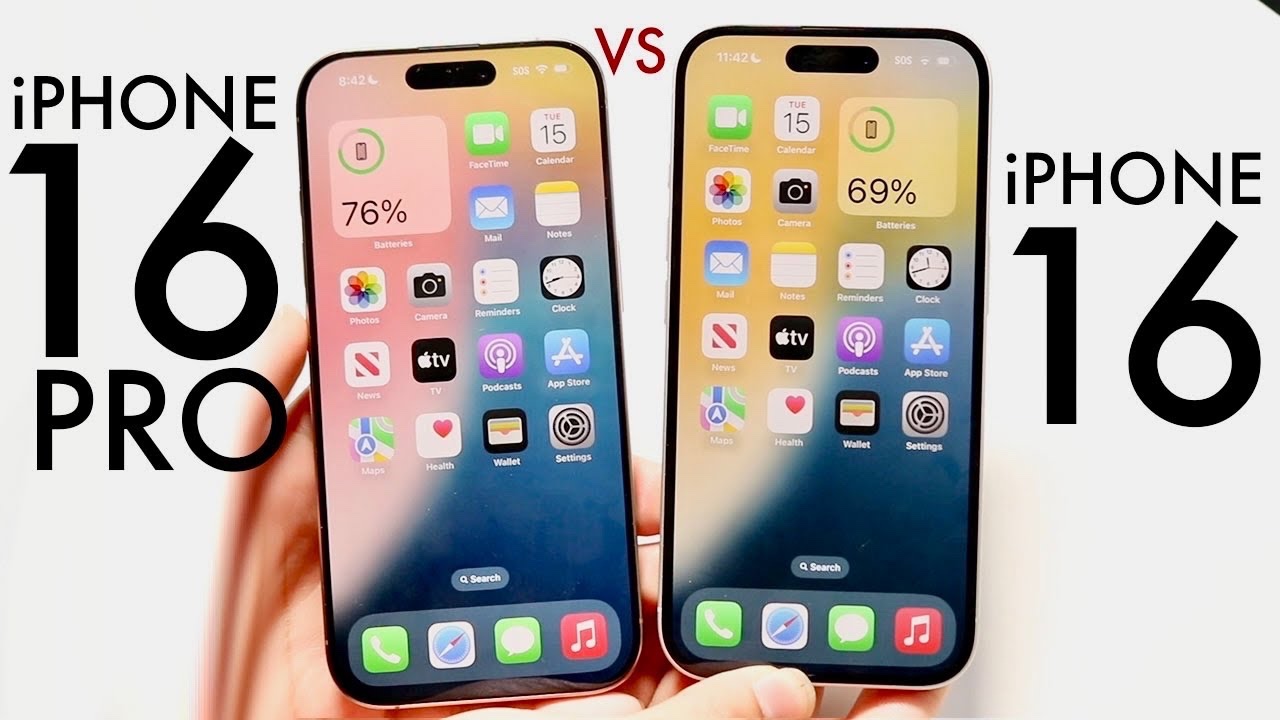
When it comes to selecting your next iPhone, understanding the key differences between the iPhone 16 Pro and the iPhone 16 is crucial. While both models offer a range of impressive features, each caters to specific needs and preferences. By examining the distinctions in display, design, camera capabilities, performance, battery life, and software longevity, you can make an informed […]
Tesla has revealed more details about its humanoid robot’s capabilities, showcasing remarkable improvements in mobility, environmental awareness, and collaborative abilities. These advancements position it as a fantastic option for both industrial applications and domestic use. Tesla’s latest iteration of the Optimus robot, widely known as the Teslabot, represents a significant leap in humanoid robotics. Whether […]
You might not think it possible to transform a humble Raspberry Pi 5 into a system capable of delivering stunning 4K gaming experiences, but Jeff Geerling has achieved just that by using external AMD GPUs. Thanks to recent advancements in AMD GPU Linux kernel patches, the Raspberry Pi community now has the tools to transform […]
Apple is set to transform your iPhone experience with its groundbreaking Apple Intelligence features. These innovative updates are designed to elevate your device’s capabilities, with a focus on device compatibility, installation requirements, and a range of innovative functionalities. The video below will walk you through the process of accessing these features through beta versions and […]
Unlock the potential of your iPhone’s Photos app to effortlessly manage and preserve your cherished memories. The app’s Memories feature is a robust tool that automatically curates your photos and videos into engaging mini-movies. These are crafted based on trips, locations, people, or specific days, adding a personalized touch to your digital photo collection. With […]
In 2024, Android users can anticipate a transformative experience with a new array of Android apps designed to boost productivity and entertainment. These innovative applications aim to streamline daily tasks, enhance creative projects, and offer seamless entertainment options. Here’s an in-depth overview of eight essential Android apps that promise to elevate your mobile experience to […]