Discover the Lenovo ThinkPad T14s Gen 6, a next-gen AI-powered business laptop with advanced performance, robust security, and seamless connectivity.
The post Lenovo ThinkPad T14s Gen 6: AI-Powered Business Laptop first appeared on Trendy Gadget.
Discover the Lenovo ThinkPad T14s Gen 6, a next-gen AI-powered business laptop with advanced performance, robust security, and seamless connectivity.
The post Lenovo ThinkPad T14s Gen 6: AI-Powered Business Laptop first appeared on Trendy Gadget.
The Lenovo Yoga Slim 7x: a powerful, AI-enhanced laptop with a stunning OLED display, advanced creative tools, and eco-friendly design, starting at $1,199.
The post Lenovo Yoga Slim 7x: AI-Powered Laptop for Creators first appeared on Trendy Gadget.
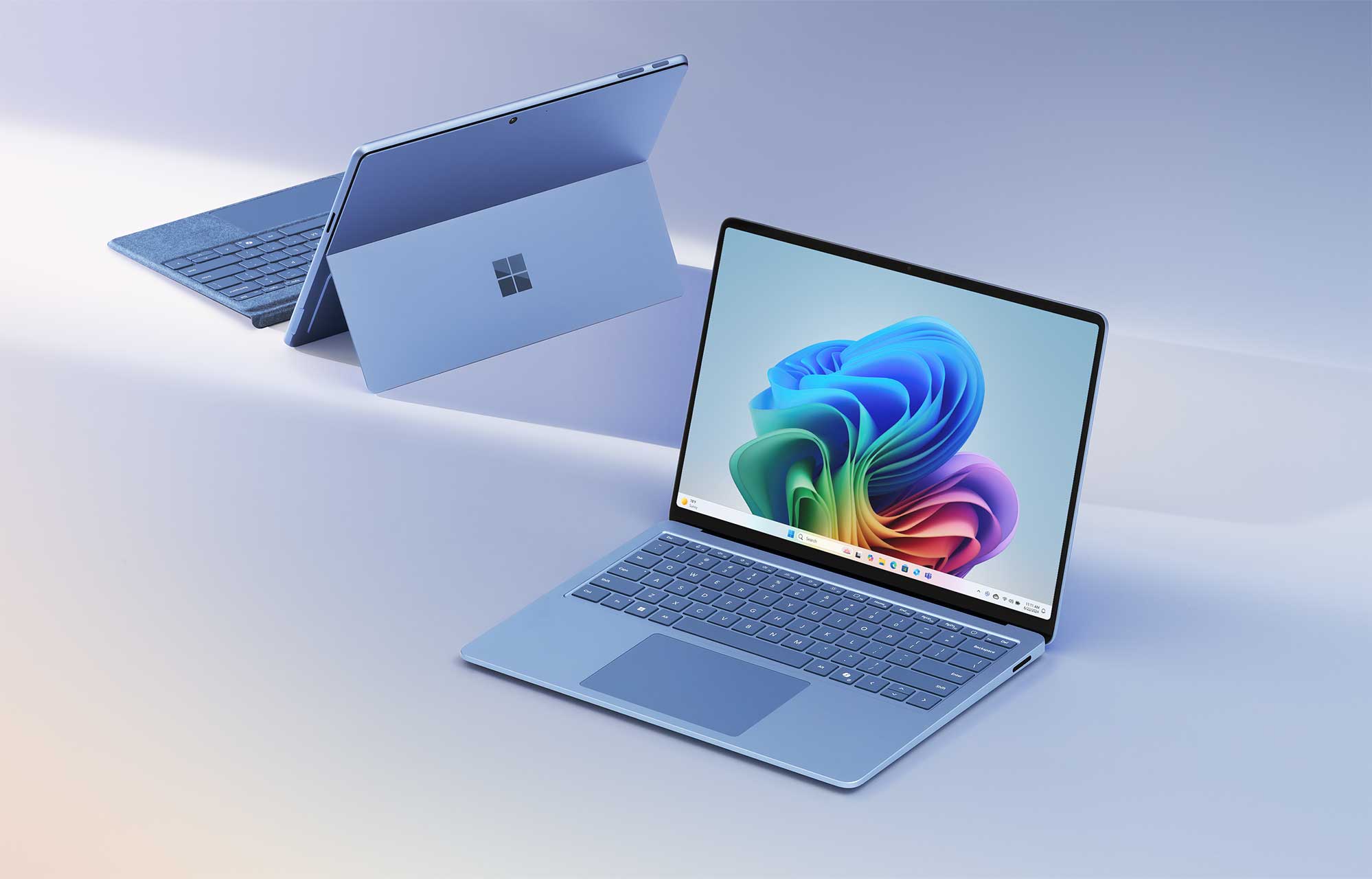
The tech world has been a battleground for years, with Apple reigning supreme with its sleek MacBook Pros powered by M3 processors. These devices, marked by the iconic Apple logo, have long dominated with seamless design and easy-to-use interfaces. But now, a formidable coalition is ready to take the fight to Apple. Qualcomm, teaming up with Microsoft, has pulled together an impressive lineup of brands united by Snapdragon X Series processors and Windows 11. This diverse army is ready to challenge Apple’s top spot, featuring laptops and hybrid devices from Acer, ASUS, Dell, HP, Lenovo, Microsoft, and Samsung. Each device in this alliance is packed with advanced AI capabilities, long battery life, and efficient performance, aiming to set new standards in personal computing.
Microsoft Copilot+ PCs
On May 20 in Seattle, Microsoft made the first move in this ongoing tech battle by unveiling a new category of personal computers with AI features, aiming to weave this emerging technology into its products and compete with giants like Apple and Alphabet. At an event on its Redmond campus, CEO Satya Nadella introduced “Copilot+” PCs, which a range of manufacturers, including Acer and ASUS, will sell. These new AI-enhanced PCs, capable of handling more AI tasks without relying on cloud data centers, start at $1,000 and will begin shipping on June 18.
The ability to process AI data directly on the device allows for features like “Recall,” which tracks and stores all activities on the computer for easy recall months later. The Copilot voice assistant, showcased as a real-time virtual coach in “Minecraft,” highlights the innovative uses of on-device AI.
Acer’s Swift 14 AI, agile and versatile, leads the charge. Powered by Snapdragon X Elite and featuring a 2.5K touchscreen display, it’s designed for both work and creativity. The Swift 14 AI’s Activity Indicator pulses, signaling readiness for the battle ahead. With Acer PurifiedView 2.0 and Acer PurifiedVoice 2.0, this laptop ensures top-notch video and audio quality, making it an excellent choice for users who demand high performance and immersive experiences.
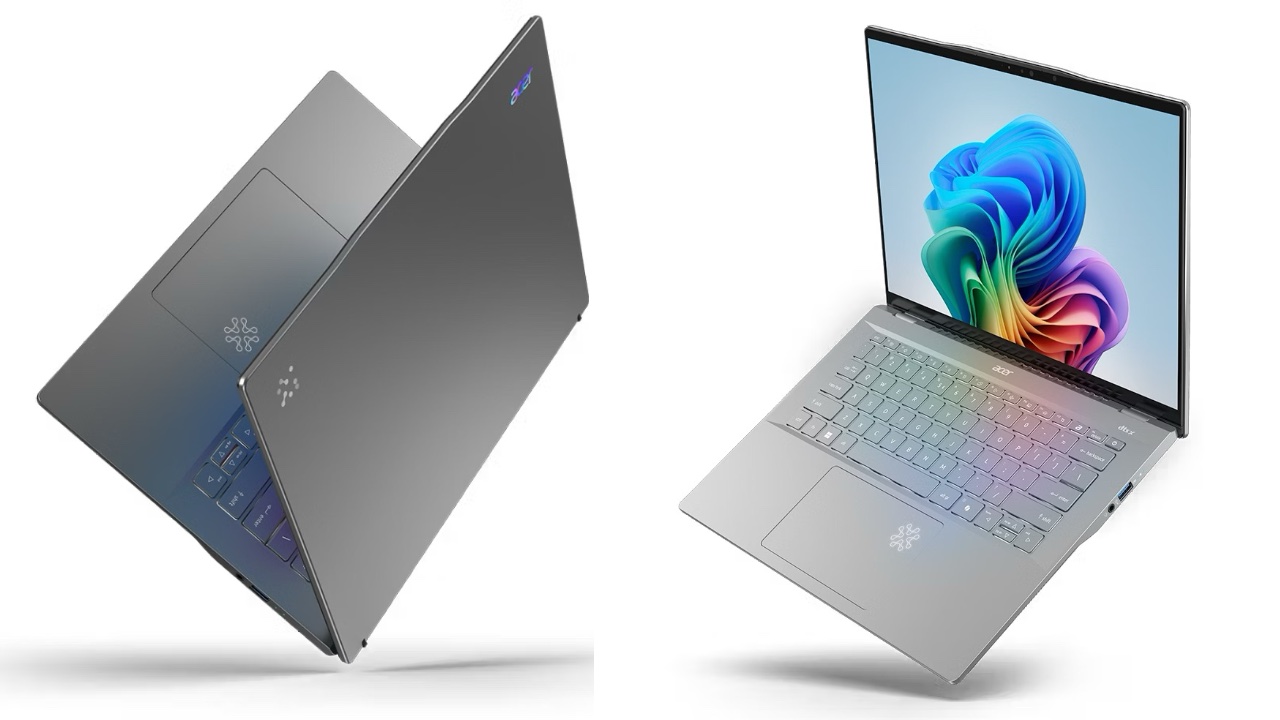
Swift 14 AI
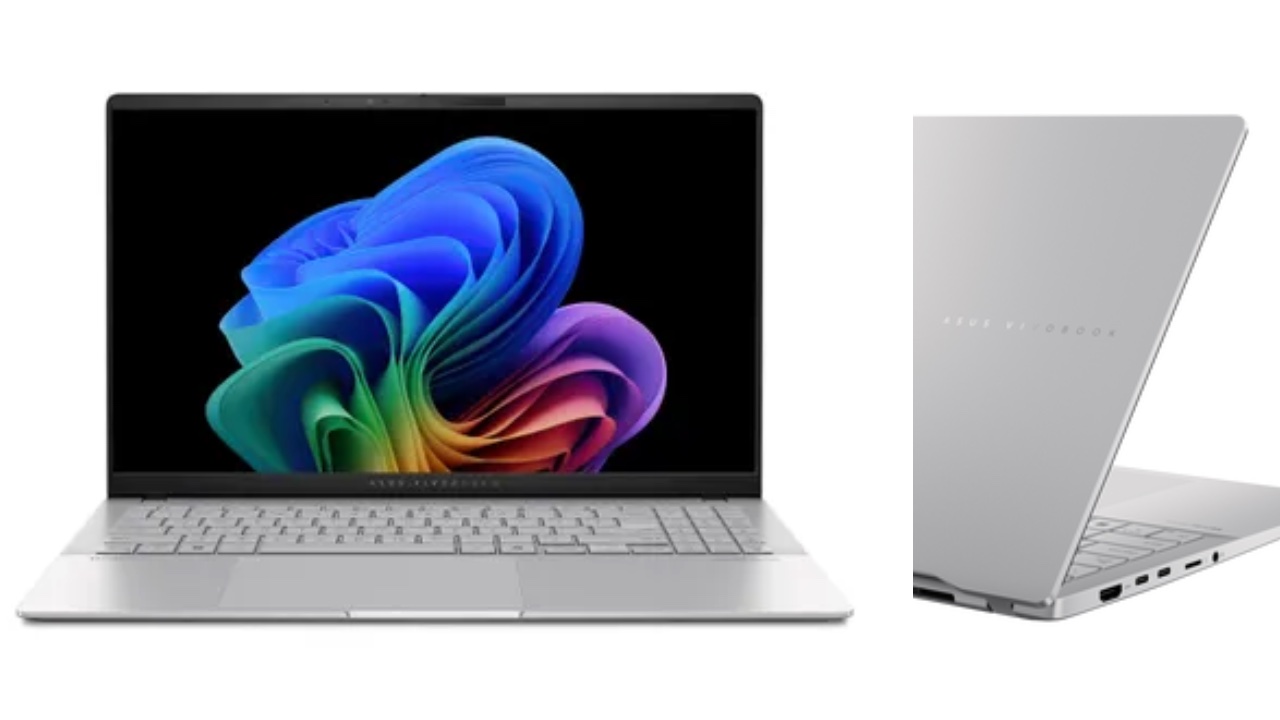
ASUS Vivobook S 15
Next up is the ASUS Vivobook S 15, a seasoned fighter with Snapdragon X Elite and X Plus processors. Its 45 TOPS NPU and efficient cooling system ensure it can handle heavy tasks. The 15.6-inch 3K 120 Hz OLED display and 18-hour battery life make it a reliable companion for any user. The Vivobook S 15’s slim design and versatile connectivity options add to its appeal, offering a perfect balance between power and portability. With ASUS IceCool Thermal technology, this laptop stays cool even during the most demanding tasks.
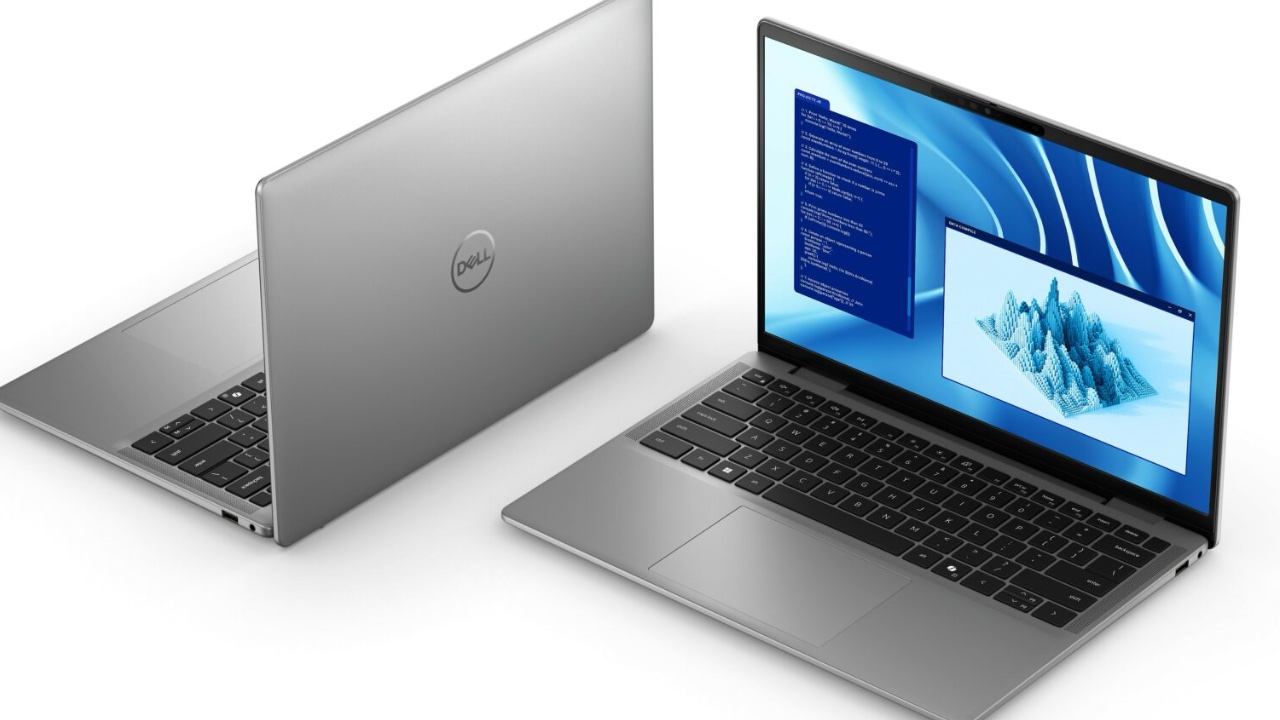
The Dell Latitude 7455 with Snapdragon X Elite or Snapdragon X Plus.
Dell’s new lineup, including the XPS 13, Inspiron 14 Plus, Inspiron 14, Latitude 7455, and Latitude 5455, forms the backbone of the Qualcomm alliance. Known for their speed and AI performance, these laptops feature sleek designs and solid build quality. The XPS 13 leads with its high-resolution display, while the Inspiron and Latitude models offer strong support for consumers and professionals. These devices have NGAI-enabled transformative AI experiences, boosting productivity and simplifying complex tasks. The new Latitude models are designed with business users in mind, providing long battery life and high-speed processing for smooth performance in commercial settings.
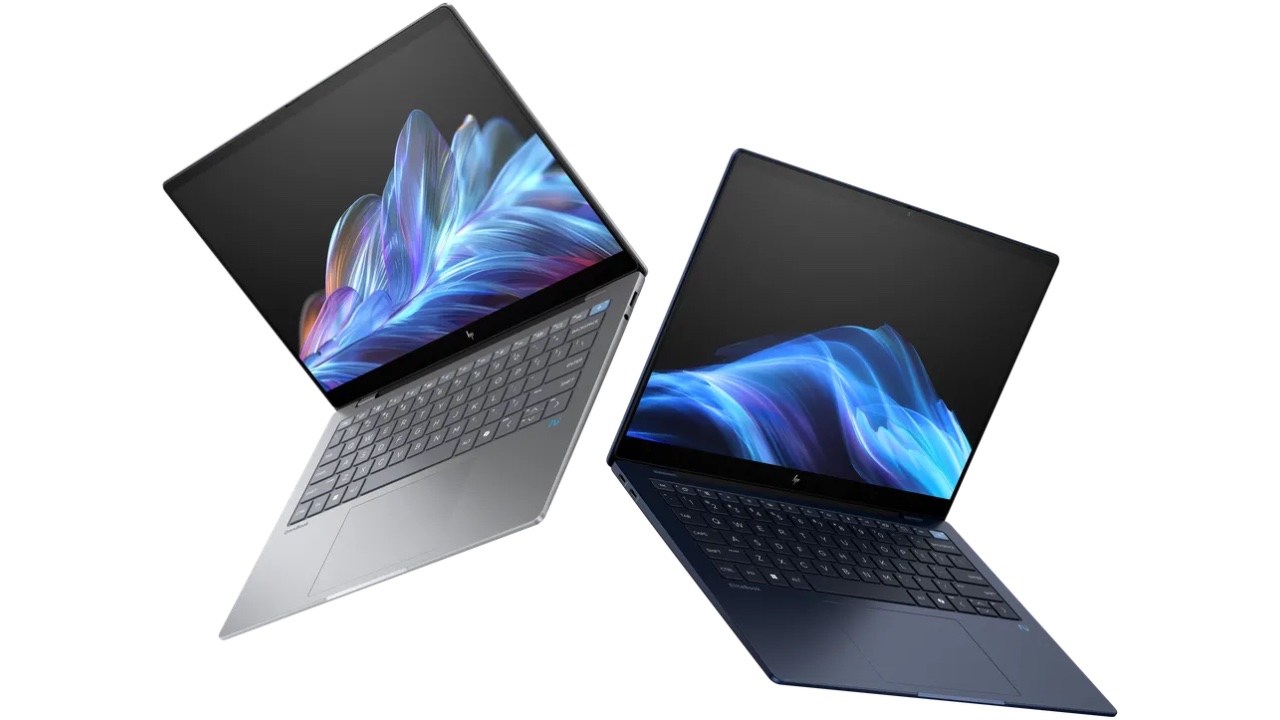
OmniBook on the left and the EliteBook is on the right
HP’s OmniBook X AI PC and EliteBook Ultra AI PC bring intelligence and security to the forefront. Powered by Snapdragon X Elite, these models offer up to 26 hours of battery life. With its advanced security features, the EliteBook Ultra acts as a protector, safeguarding crucial data and strategies. HP’s next-gen AI PCs harness powerful AI technologies, ensuring greater productivity and improved user experiences. The HP EliteBook Ultra also offers extra features for business customers, including Wolf Pro Security Next Gen Antivirus and the Microsoft Secured-Core PC designation, providing secure identity and cryptographic services.
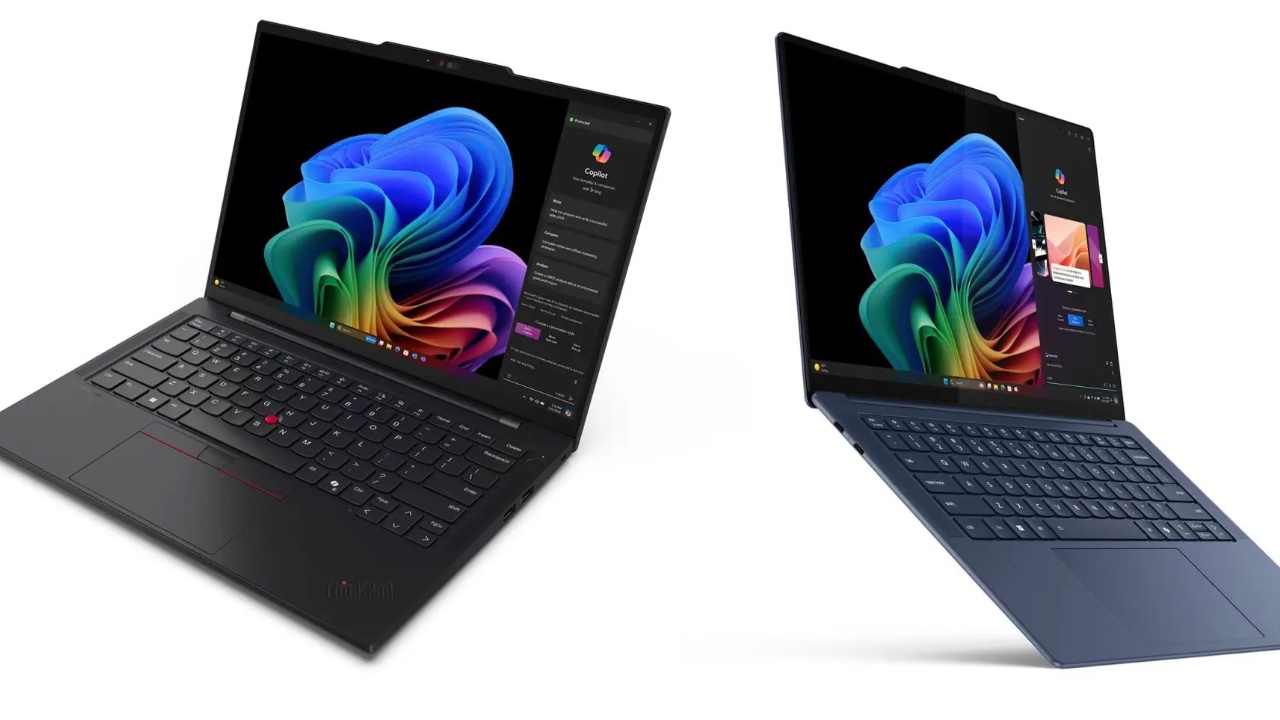
Lenovo Supercharges Copilot+ PCs with Latest Yoga Slim 7x and ThinkPad T14s Gen 6
Lenovo’s Yoga Slim 7x and ThinkPad T14s Gen 6 add agility and resilience to the team. The Yoga Slim 7x enhances creativity and productivity, while the ThinkPad T14s Gen 6 ensures reliability in rugged environments. These laptops offer top performance per watt and fast NPU-based AI processing, enhancing user experiences with advanced AI features. The Yoga Slim 7x is designed for consumers wanting a lightweight, powerful laptop, while the ThinkPad T14s Gen 6 caters to business professionals needing top-level security and performance.
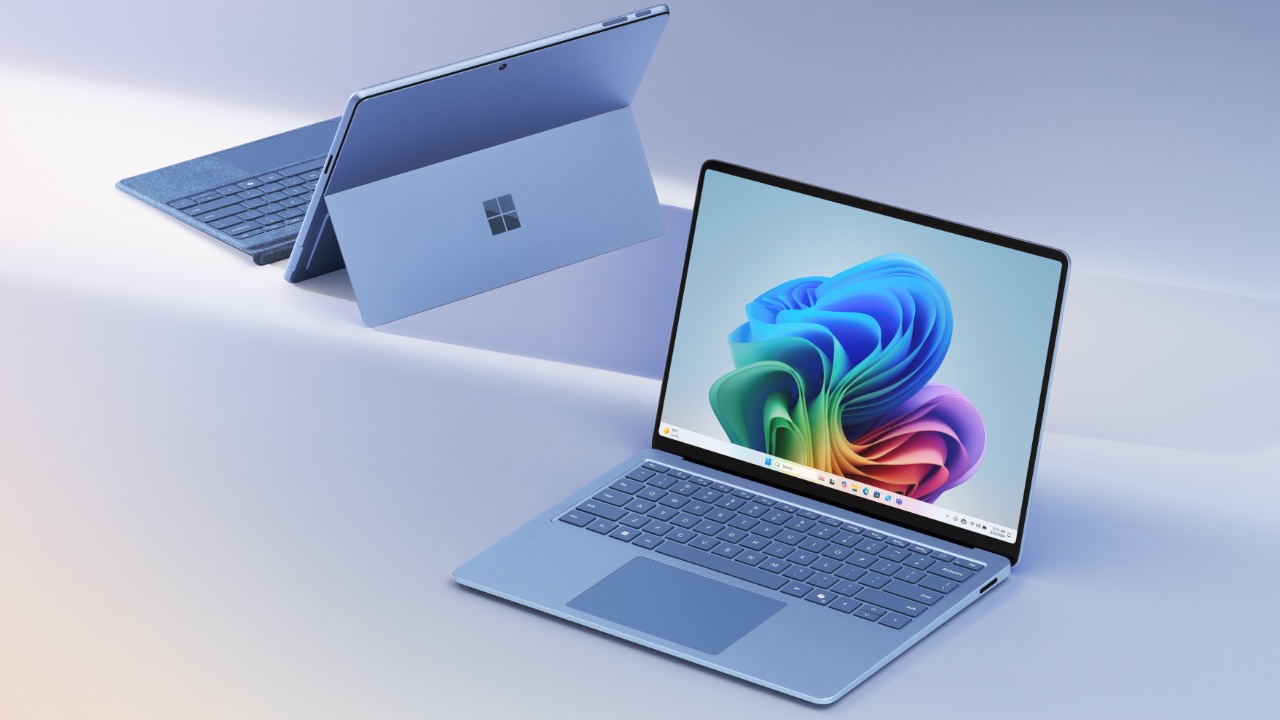
Surface Pro and Surface Laptop
Microsoft’s Surface Laptop and Surface Pro lead the front lines, featuring Snapdragon X Elite and X Plus. The Surface Laptop, with its modern design and sharp display, delivers impressive performance and long battery life. The Surface Pro, a flexible 2-in-1 device, adapts to any situation, providing the versatility of both a laptop and a tablet with its optional OLED display. These devices offer new AI experiences powered by the Snapdragon X Elite and X Plus processors, boosting productivity and creativity with smart computing features. The new Surface Pro Flex Keyboard lets users position their Surface Pro and keyboard as needed, ensuring a smooth transition between different modes.
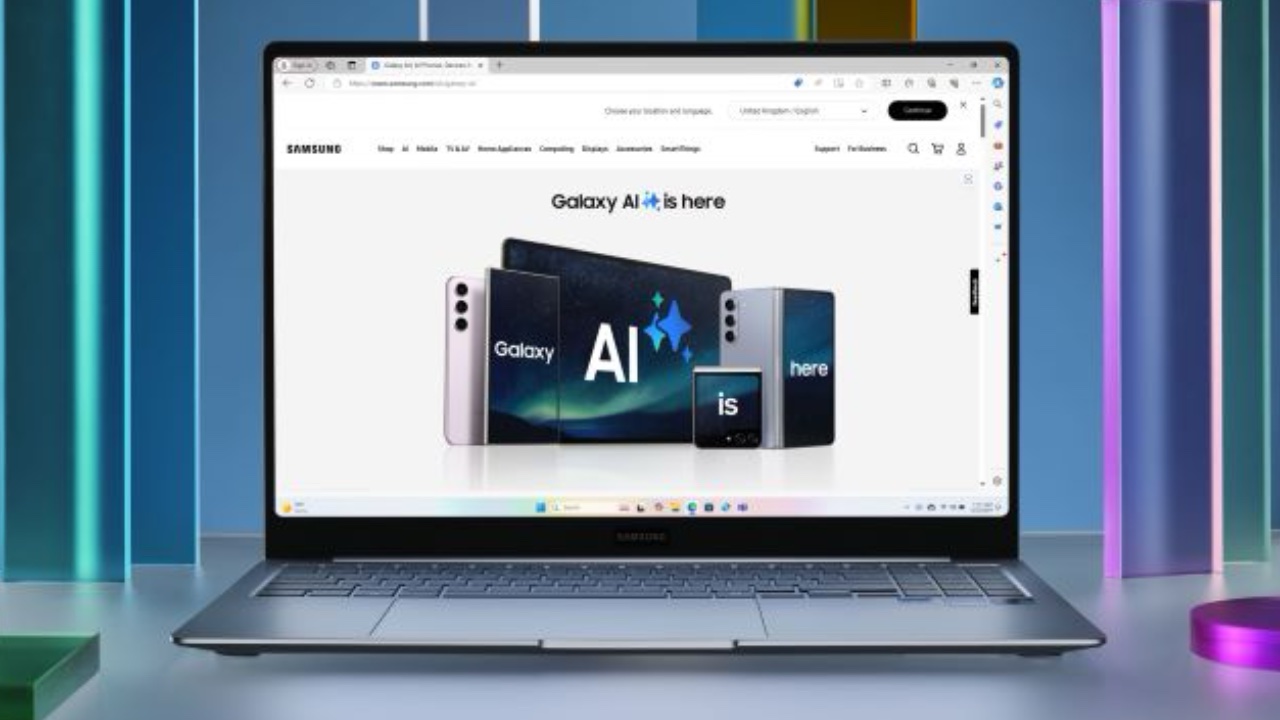
Galaxy AI on Galaxy Book4 Edge
Samsung’s Galaxy Book4 Edge, equipped with Snapdragon X Elite, integrates hybrid AI features that enhance productivity. Available in 14-inch and 16-inch Dynamic AMOLED 2X displays, it combines clarity with powerful computing, acting as the communication hub for the coalition. This device brings popular Galaxy AI features like Circle to Search with Google, Live Translate, and Chat Assist to the PC’s bigger display, breaking down communication barriers and boosting creativity and productivity.
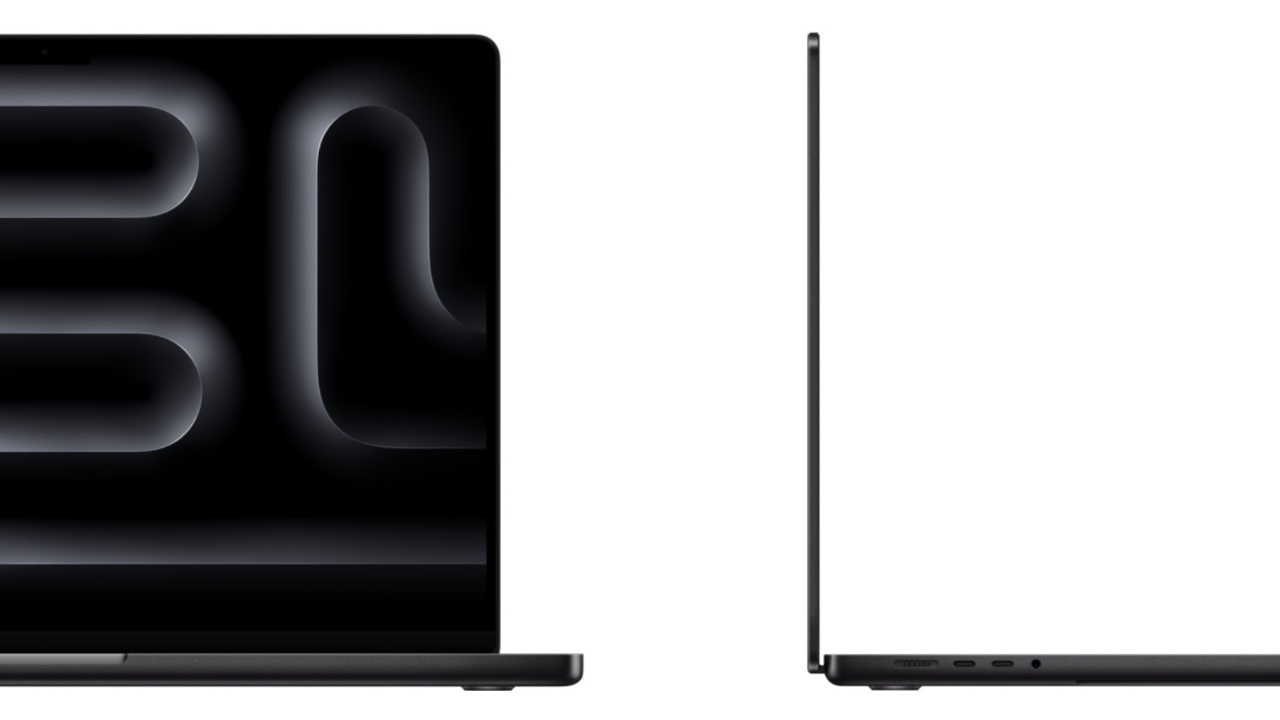
Apple MacBook Pro M3
As the two armies face off, the air is thick with anticipation. Apple’s M3 processors power the MacBook Pros, with the iPad Pro showcasing the power of the M4, which has been nothing short of amazing. There is high anticipation that the M4 will soon power the next generation of MacBooks, replacing the outgoing M3. The Qualcomm and Microsoft alliance, with its diverse and powerful devices, stands ready for the challenge. Each brand, each laptop, and hybrid device brings unique strengths, forming a united front against a common foe. The clash begins, and the battlefield hums with the buzz of technology. Qualcomm processors, with their AI capabilities and long battery life, push performance and efficiency to new heights. Windows 11’s Copilot+ features provide strategic advantages, helping the alliance adapt quickly. Apple’s devices fight back fiercely, showcasing the power of the M3 and the anticipation of the M4.
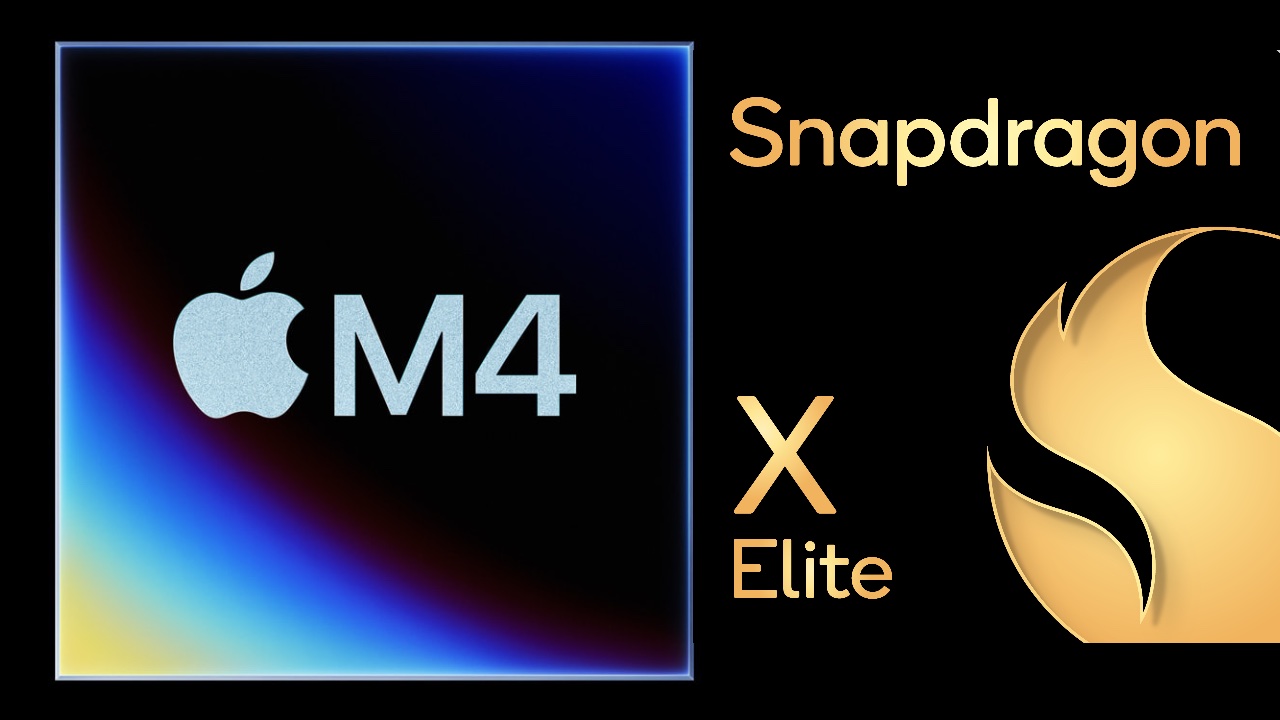
Apple M4 and Snapdragon X Elite
The battle is about winning through innovation and unlocking new possibilities. As the dust settles, both sides realize that progress and competition go hand in hand. The Qualcomm and Microsoft alliance, with its Snapdragon X Series processors and diverse range of devices, has shown it can stand alongside Apple, heralding a new era of technological advancement and collaboration. Microsoft’s new Copilot+ PCs, with AI features like “Recall” and real-time virtual coaching, mark a bold step forward. While Apple prepares its counter at WWDC in June, the tech world watches eagerly to see how this clash of titans will shape the future of computing.
The post Qualcomm and Microsoft Join Six PC Makers to Take on Apple with Snapdragon X and Copilot+ first appeared on Yanko Design.
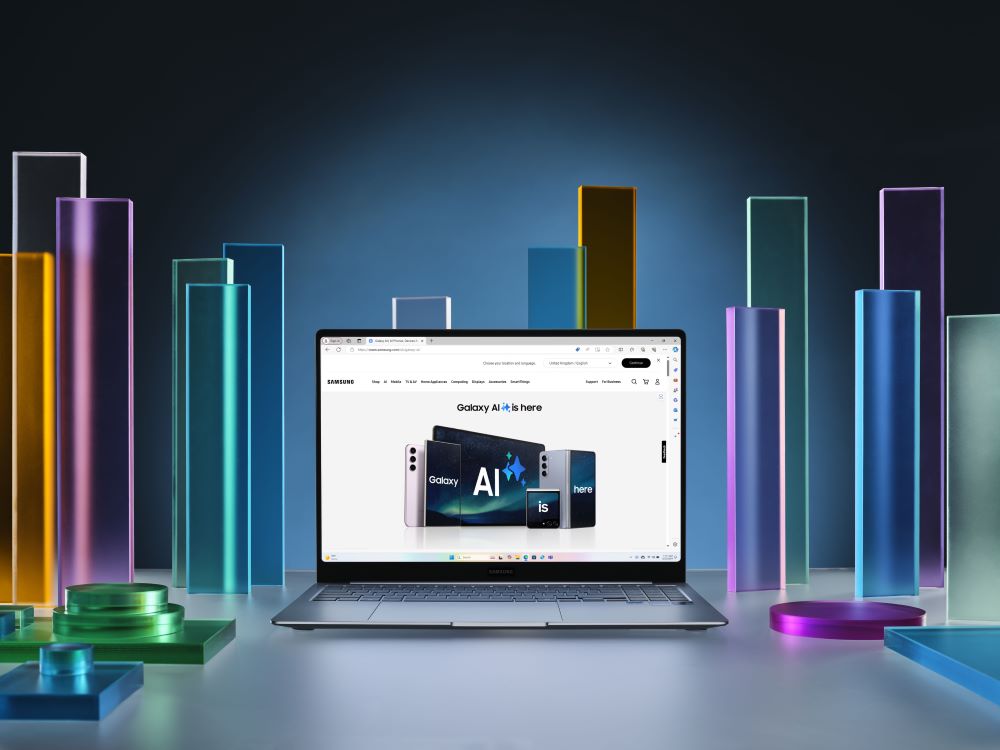
Samsung has once again pushed the boundaries of innovation with the introduction of the Galaxy Book4 Edge, a groundbreaking AI-driven laptop that promises to transform the way users interact with their devices. This next-generation AI PC is designed to amplify productivity and creativity, making it an indispensable tool for professionals and everyday users alike. The […]
The post Samsung Galaxy Book4 Edge AI Laptop Launched appeared first on Geeky Gadgets.

The ASUS Vivobook S 15 AI Copilot is a new laptop in the latest Microsoft Copilot PC range that seamlessly integrates Windows 11 and advanced artificial intelligence (AI) technology to enhance user experience and productivity. This new AI laptop is powered by the Snapdragon X Elite Platform and Qualcomm Oryon CPU, offering hardware-accelerated AI functions […]
The post ASUS Vivobook S 15 Windows 11 AI Copilot PC appeared first on Geeky Gadgets.
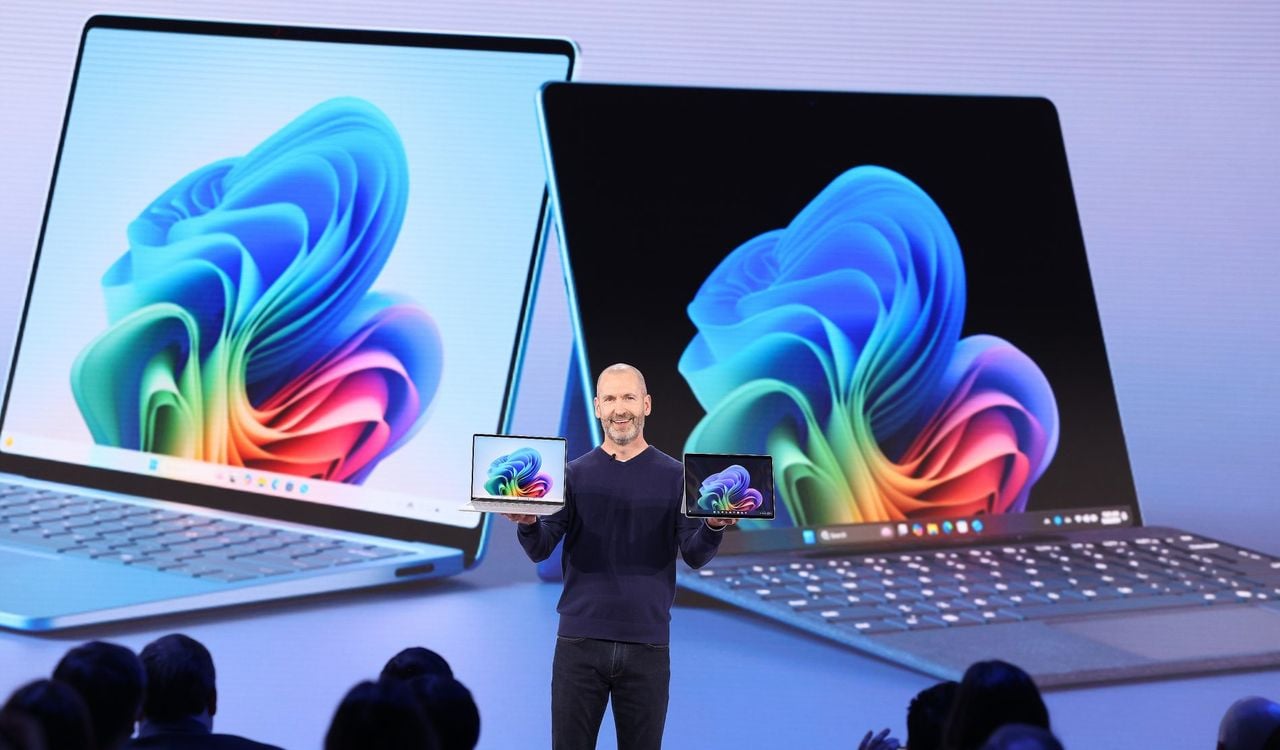
Microsoft has this week launched a new range of computers in the form of laptops and tablets under the banner of Microsoft Copilot + PC systems. These new AI enhanced laptops and tablets have been specifically designed to enable users to interact with their computers in new ways, offering unprecedented performance, intelligence, and efficiency says […]
The post New Microsoft Copilot + PC systems launch with artificial intelligence (AI) appeared first on Geeky Gadgets.

The Lenovo ThinkPad P14s Gen 5 represents a leap forward in the realm of mobile workstation laptops. By integrating innovative artificial intelligence capabilities with the power of AMD Ryzen PRO processors, this device offers professionals an unparalleled level of performance and efficiency. The AI-powered laptop features not only enhance the user experience but also enable […]
The post ThinkPad P14s AMD Ryzen Pro AI mobile workstation appeared first on Geeky Gadgets.

COLORFUL has recently introduced its latest offering in the gaming laptop market: the EVOL G Series. These state-of-the-art laptops are designed to cater to the needs of modern gamers, providing them with an unrivaled gaming experience. Powered by the latest 13th Generation Intel Core processors and NVIDIA RTX 4060 graphics, the EVOL G Series laptops […]
The post New COLORFUL EVOL G gaming laptops unveiled appeared first on Geeky Gadgets.
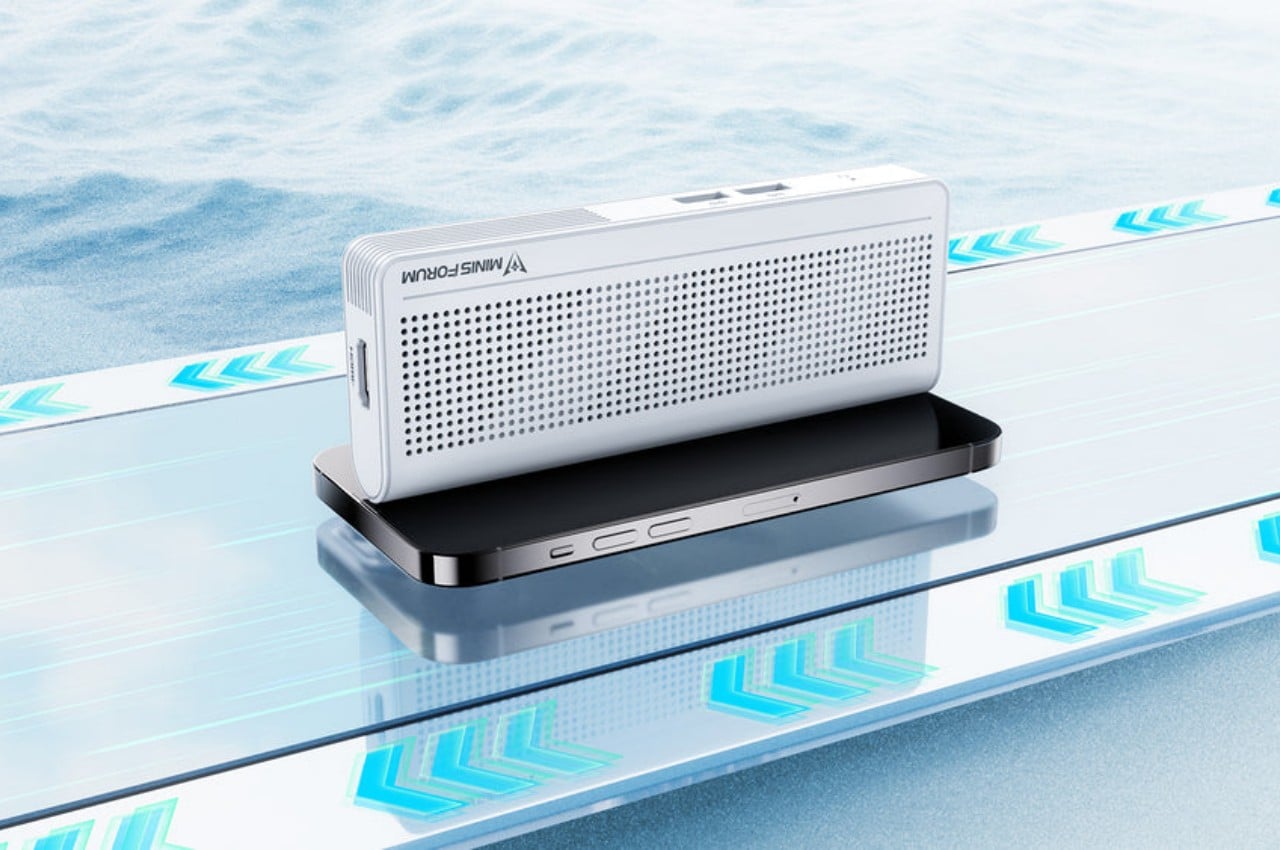
Our smartphones have become so powerful that, in theory, they have hardware equivalent to entry-level laptops from a few years back. But despite all that silicon muscle, they can’t really replace our everyday PCs mostly because of the operating system that’s used on most of these computers: Windows. Small, portable, and inconspicuous computers have always been a dream for both users and business owners, whether it’s for working on the go or setting up kiosks, security systems, or space-efficient workstations. This small brick tries to deliver exactly that, giving you the flexibility you need for any kind of computing in almost any context in a size that’s no larger than high-capacity power banks.
Designer: Minisforum
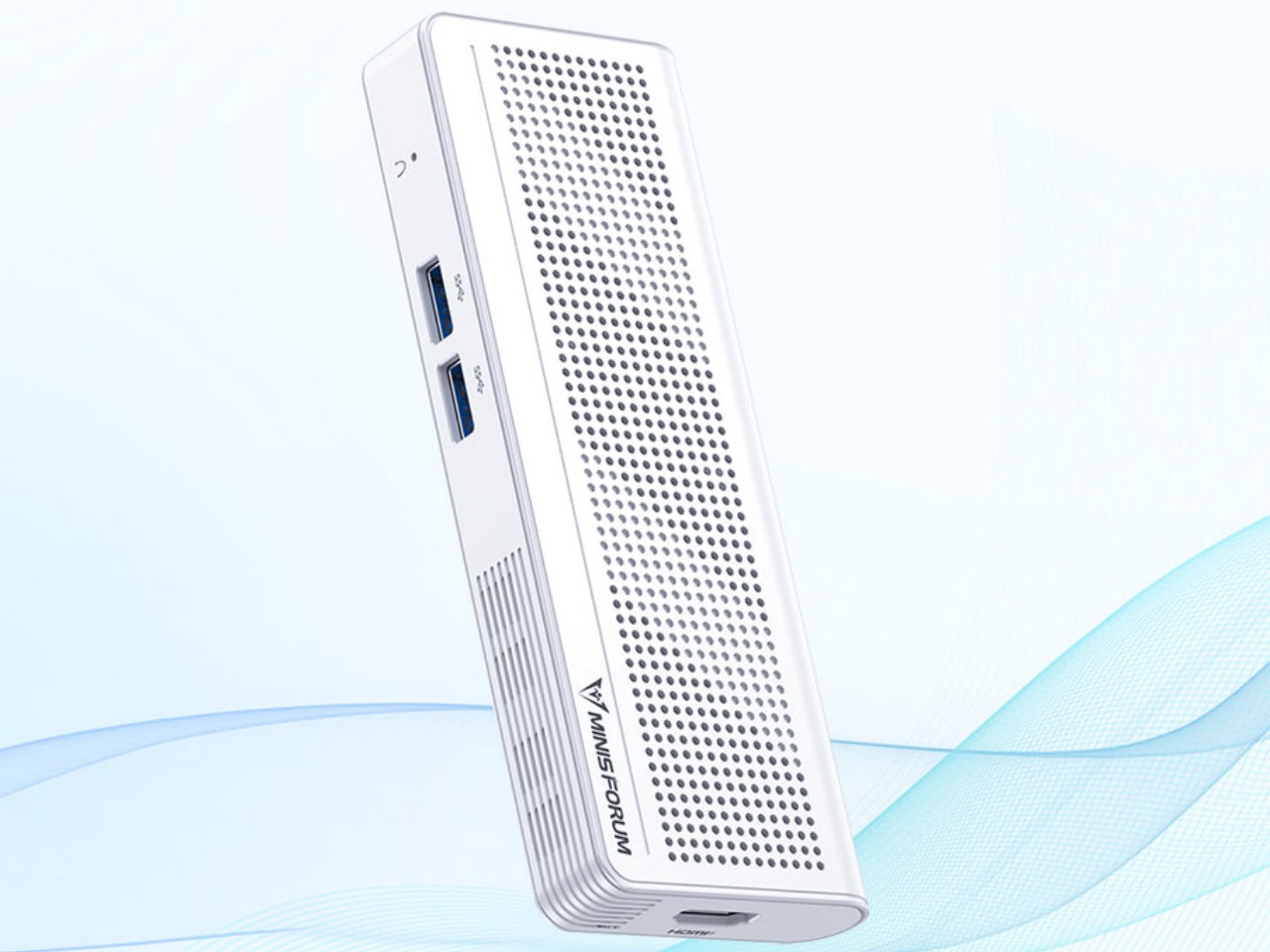
With the popularity of the Apple Mac Mini and, now, the Mac Studio, mini PCs have become more visible in the market. These desktop alternatives, however, are still meant to sit on a table or even on a shelf despite their small sizes. But while these small computers do offer plenty of power to support even some content creation or light gaming, that hardware also closes the door on many possible use cases that would have required them to be less tied down to a table.
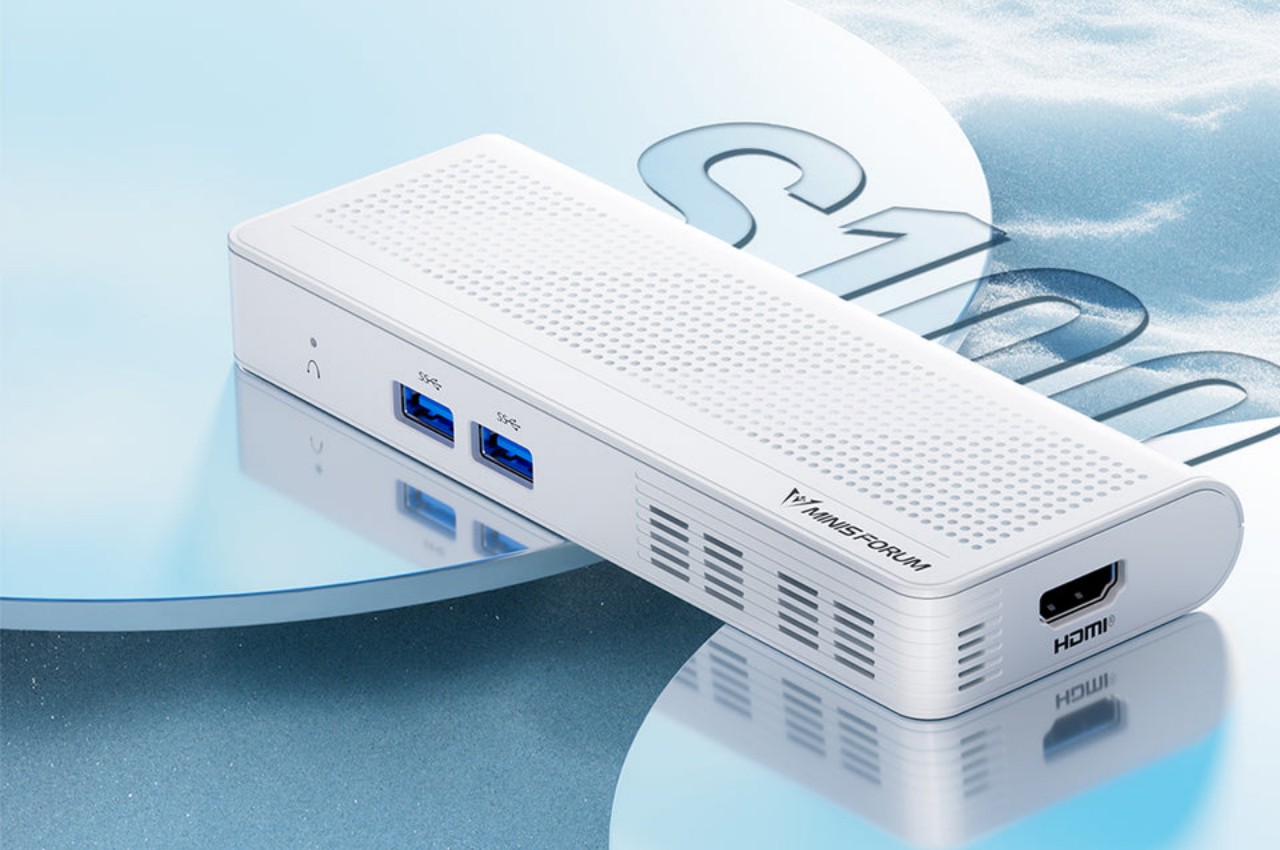
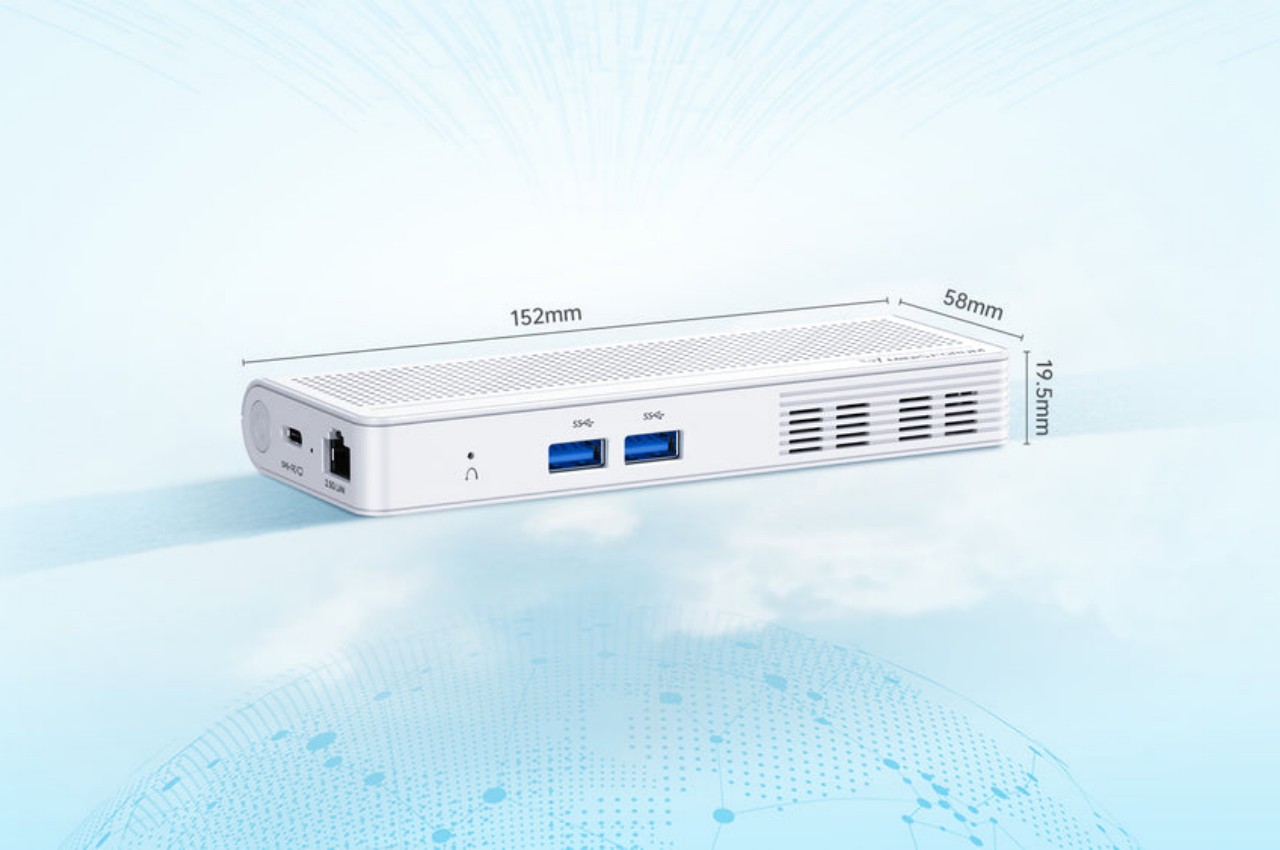
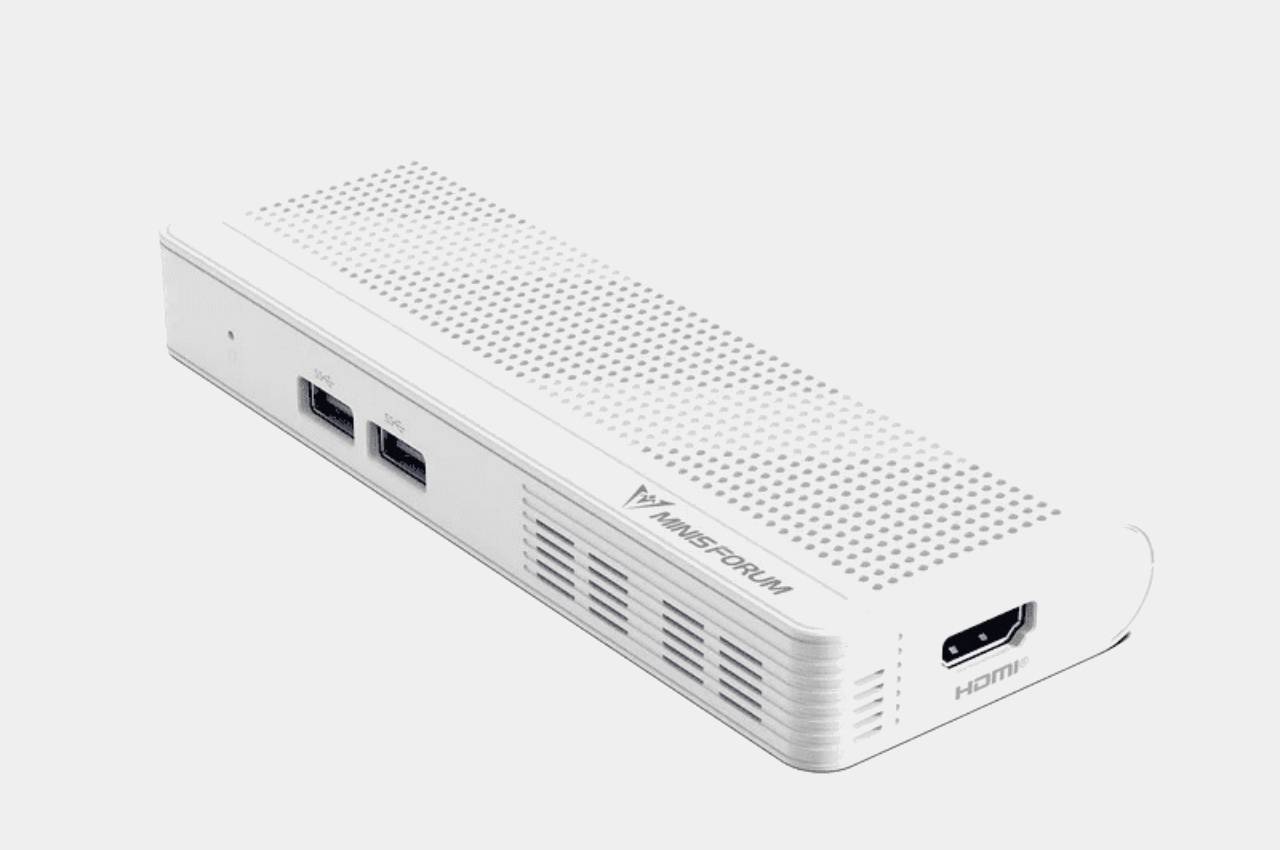
The Minisforum S100 is a small, sleek box that you might easily mistake for a power bank. Ironically, it doesn’t actually have its own battery but is a mini PC that you can bring along with you or install in the narrowest of spaces. Despite its small size, it actually boasts a complete set of standard connectivity options, including Wi-Fi 6, Bluetooth 6.2, 2.5 Gbps Ethernet, USB-A ports, HDMI, and 65W USB-C.
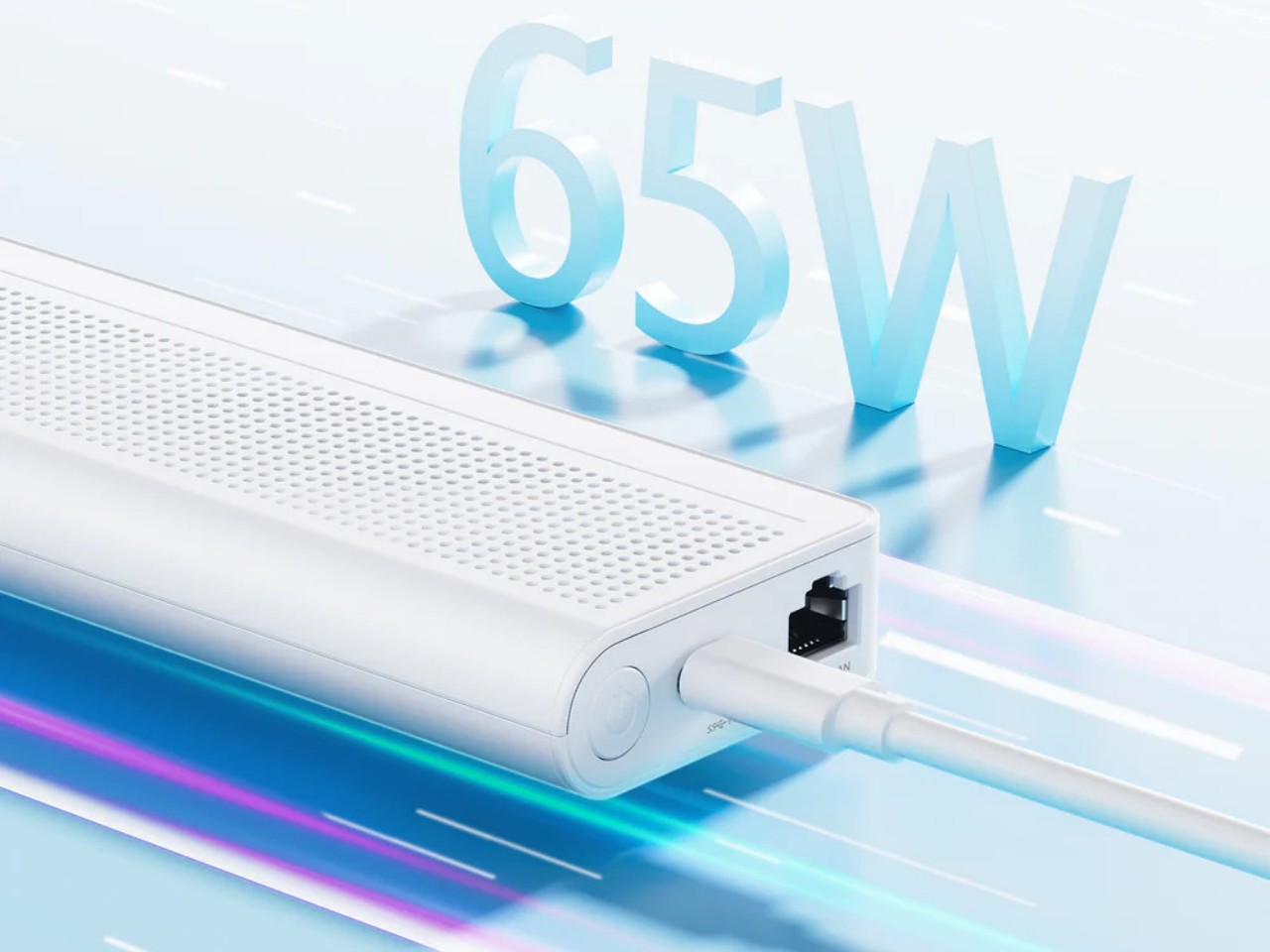

The latter two are what make this design so portable and flexible. On a typical desktop, you can connect it to a USB-C monitor that supports USB-C PowerDelivery so that you don’t even have to plug the S100 into an outlet. You can connect another monitor via HDMI to have a dual-screen setup for increased productivity. And when you’re done for the day, you can pick up the palm-sized mini PC and go, maybe even work or chill in a cafe by connecting an external display and a power bank. The Ethernet port also supports Power-over-Ethernet or PoE, so you can use the S100 as the brains behind a camera security system and not have it plugged in at all.
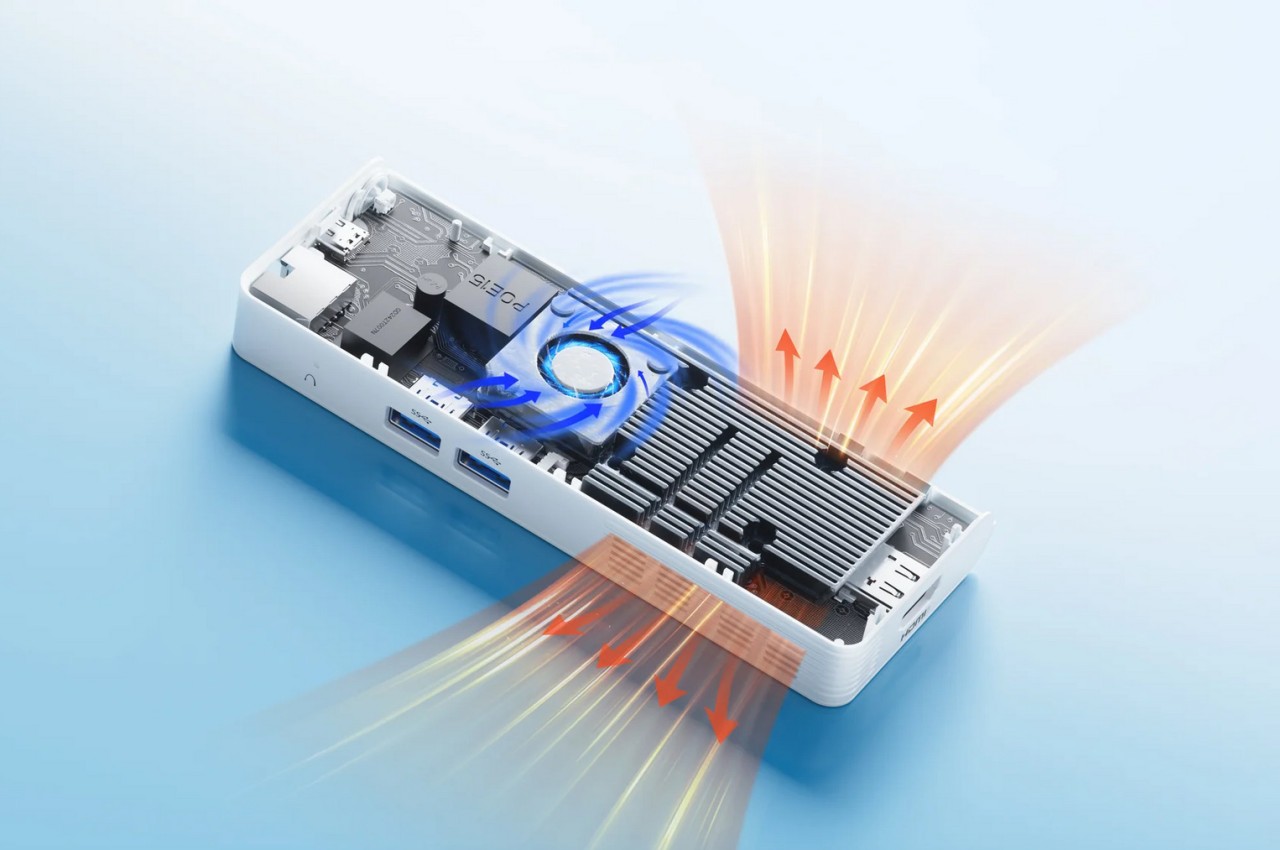
Despite the flexibility that the Minisforum S100 offers, its performance is hampered a bit by the quad-core Intel N100 processor that runs the show, definitely not the best among the chip maker’s “mobile” processors. Its lower-power operation, however, does allow the mini PC to sip rather than chug electricity and keep thermals equally low. You definitely won’t be running heavy applications, but for $189, a Windows 11 computer you can easily slip into your bag or even your pocket might actually be worth the price.
The post Phone-sized mini PC lets you take your computer and your work anywhere first appeared on Yanko Design.

As well as iOS 17.5 and iPadOS 17.5, apple also released macOS 14.5 Sonoma, a significant update that promises to enhance the user experience with a host of new features and improvements. This update, which is around 3.83 GB for the M1 Mac Studio, brings notable enhancements across various applications and system functionalities, ensuring a […]
The post What’s New in macOS Sonoma 14.5 appeared first on Geeky Gadgets.