Yanko Design’s Best of CES 2026: Tech That Removes Friction

CES usually means prototypes that look like they escaped from a sci-fi movie and demo reels that promise to change everything by next Thursday. This year felt different, or at least the products that actually mattered did. The best stuff on the floor was not trying to replace your habits or announce itself from across the room. It was quietly upgrading things you already reach for, tucking serious engineering into familiar objects and using it to remove friction from how you already live, work, and move through spaces.

The through-line across our favorites is technology that earns its place by behaving like a better version of something you already understand. Glasses that translate or restore hearing, a home battery that looks like furniture, headphones that twist into speakers, a TV backlight that adds a fourth primary. Even when intelligence is involved, it smooths edges rather than steals the spotlight, treating the upgrade as something you notice only when a moment becomes easier, clearer, or less annoying.

Dreame X60 Max Ultra Robot Vacuum

Dreame’s X60 Max Ultra is the top of the new X60 Ultra series, reimagined for whole-home adaptive cleaning. It pairs a 7.95cm ultra-thin body with a sculptural all-in-one dock, combining engineering that lets it navigate low furniture, climb tall thresholds, and handle carpets and hard floors without leaving messes behind, treating deep cleaning and hot-mop care as a mostly background process.

The retractable sensor and VersaLift navigation let the robot clean under beds and sofas at just 7.95cm tall, switching to dual AI cameras and LEDs when it retracts. The AI-Enhanced OmniSight system uses 120-degree cameras, 3D structured light, and a 0.1s response to recognize over 280 object types and plan routes up to 200 % faster, while the ProLeap system climbs thresholds up to 8.8 cm with retractable legs.

Cleaning performance combines up to 35,000 Pa Vormax suction with the HyperStream Detangling DuoBrush 2.0, featuring 60% thicker rubber strips and 1,600 RPM speed. DreameGlide mopping uses thermal mop pads, dual omni-scrub heads, 15 N downforce, and 230 RPM rotation, while ThermoHub self-cleaning washes pads with 100 °C hot water on a self-cleaning washboard, keeping them grease-free and ready for the next run.

The All-in-One PowerDock auto-empties for up to 100 days, washes and mops with 100°C water, dries them with hot air, and manages 4.2L and 3.0L water tanks. The Max version adds dual-solution dosing for floor cleaner and pet-odor solution, and an optional water hookup handles refilling and draining, turning vacuuming, mopping, mop care, and waste management into a mostly autonomous background routine.

The design has a minimalist, geometric base station with semi-transparent accents that reads like furniture, paired with a robot featuring offline voice control, smart carpet strategies, Pet Care 4.0, and upcoming Matter support. For CES 2026, X60 Max Ultra feels like where robot vacuums are headed, combining architectural aesthetics and serious engineering into something built for large, complex homes where floors, carpets, thresholds, and pets all demand attention.

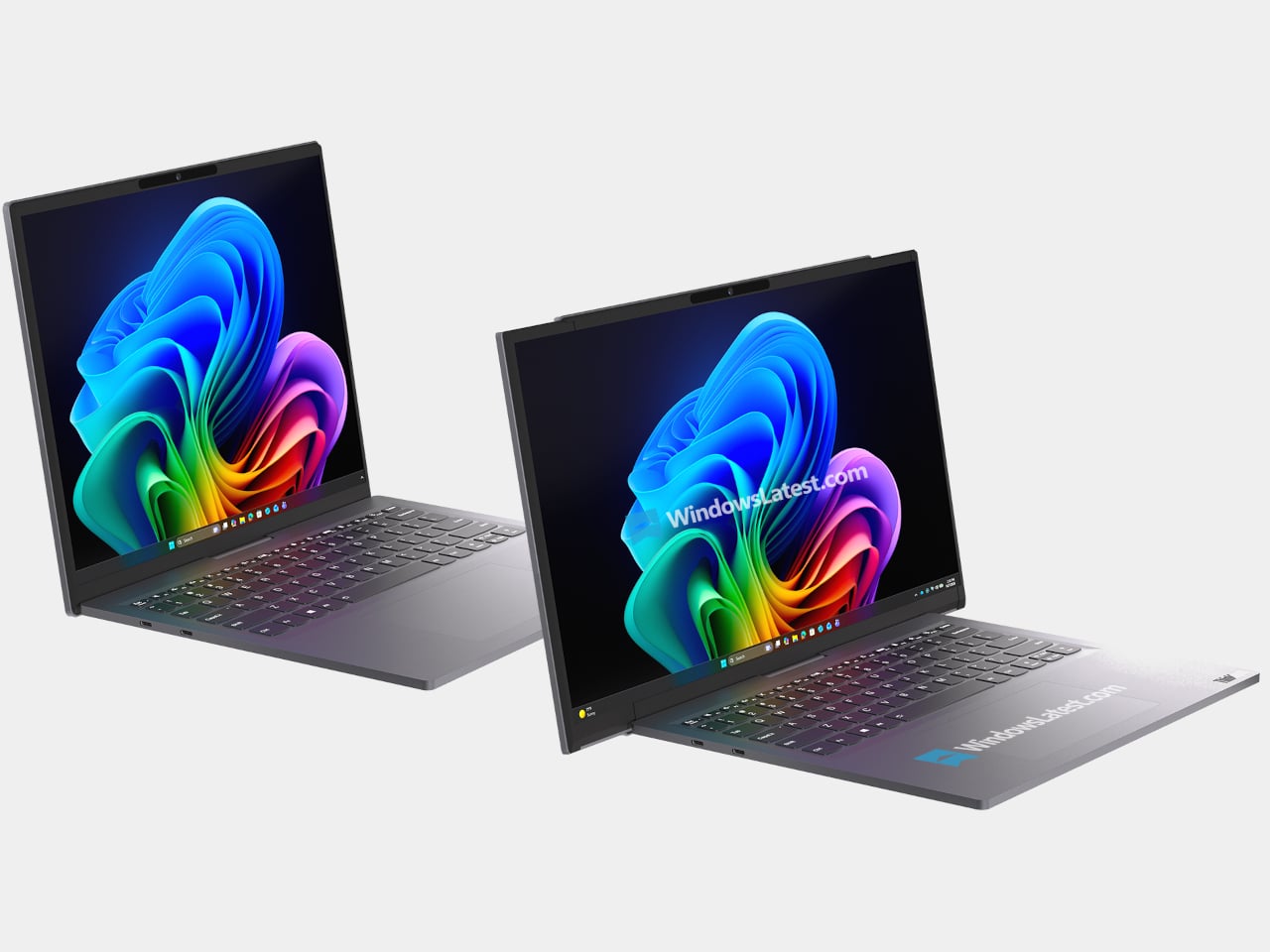
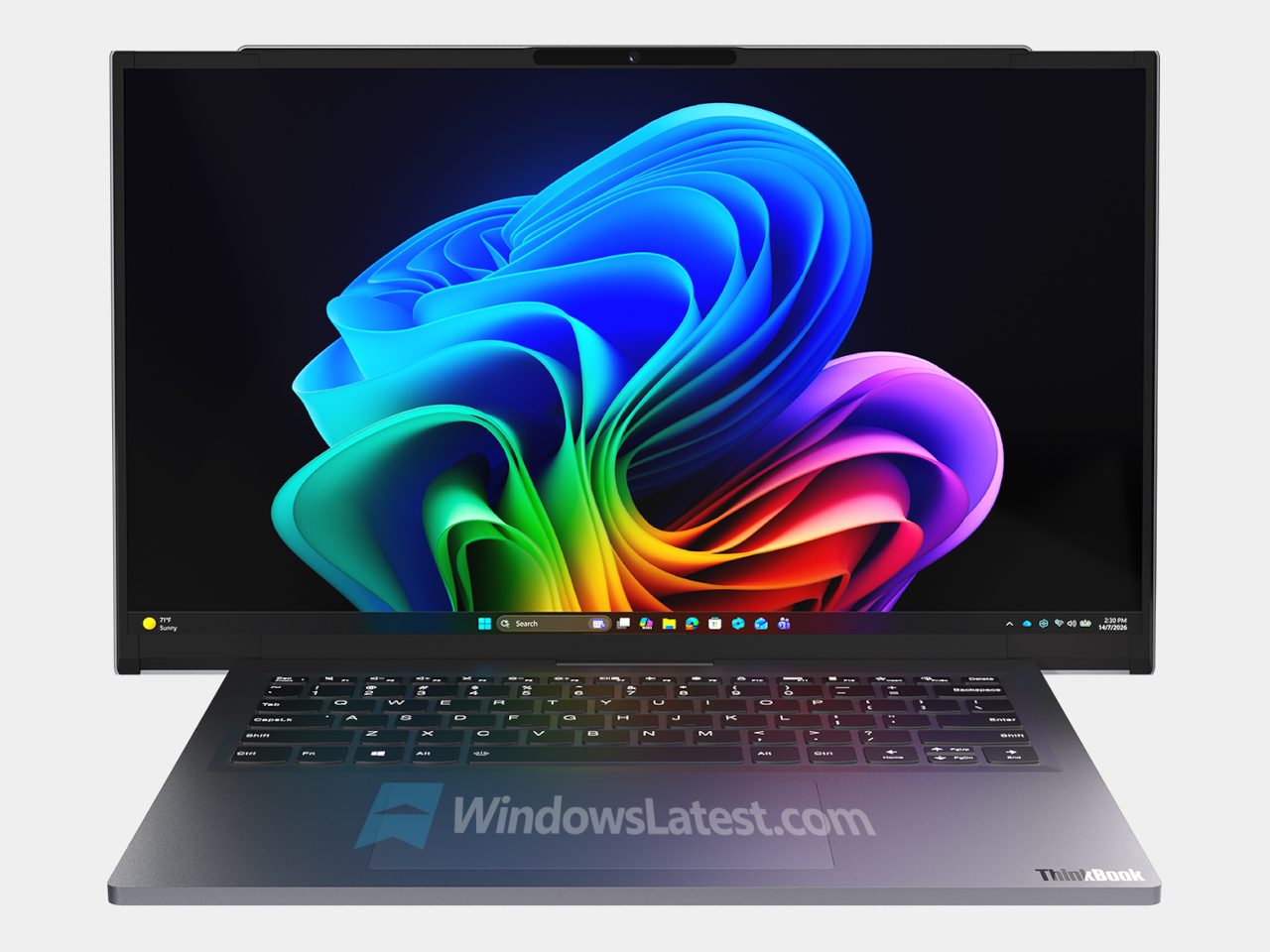
Lenovo ThinkPad Rollable XD Concept

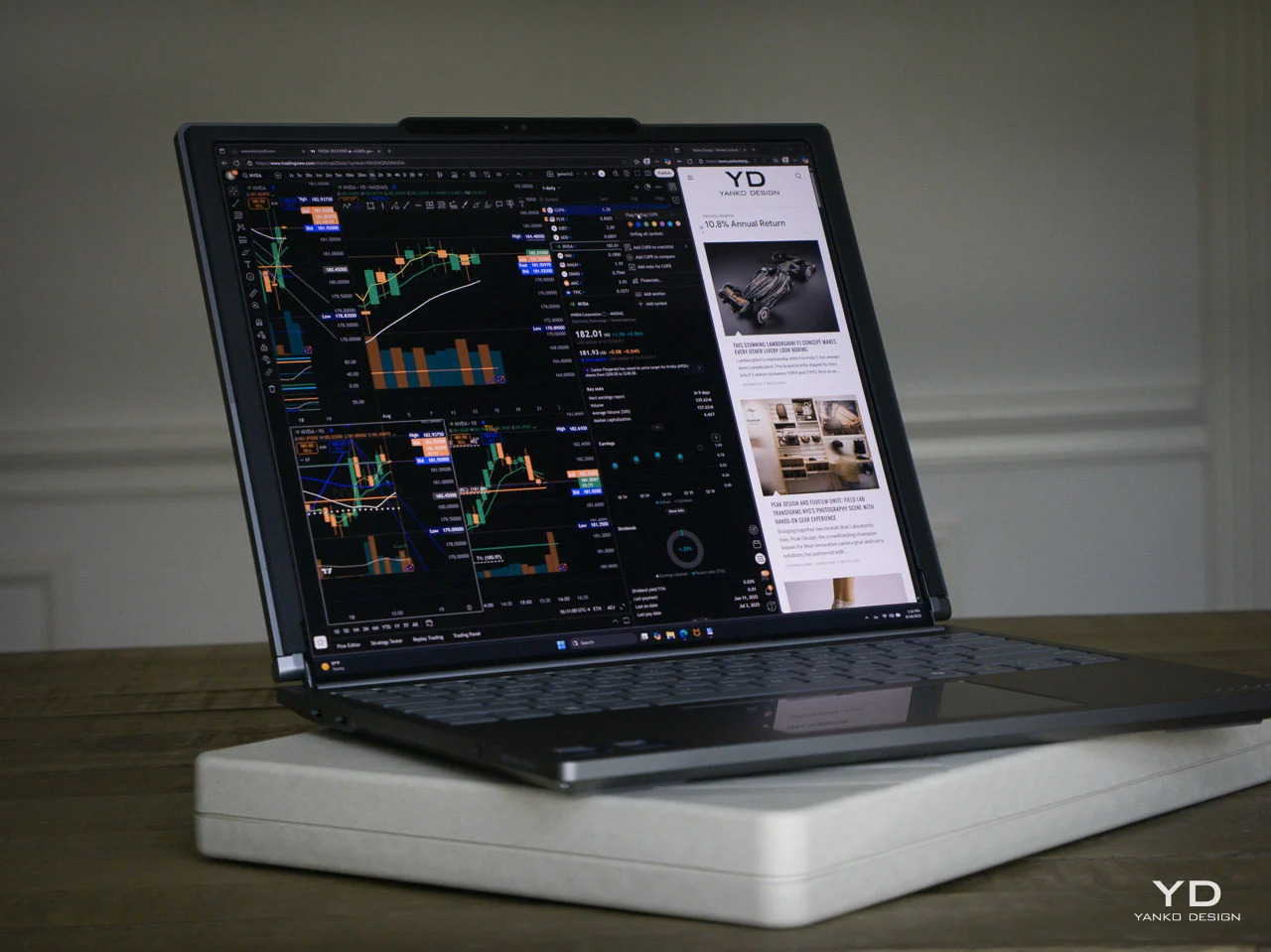
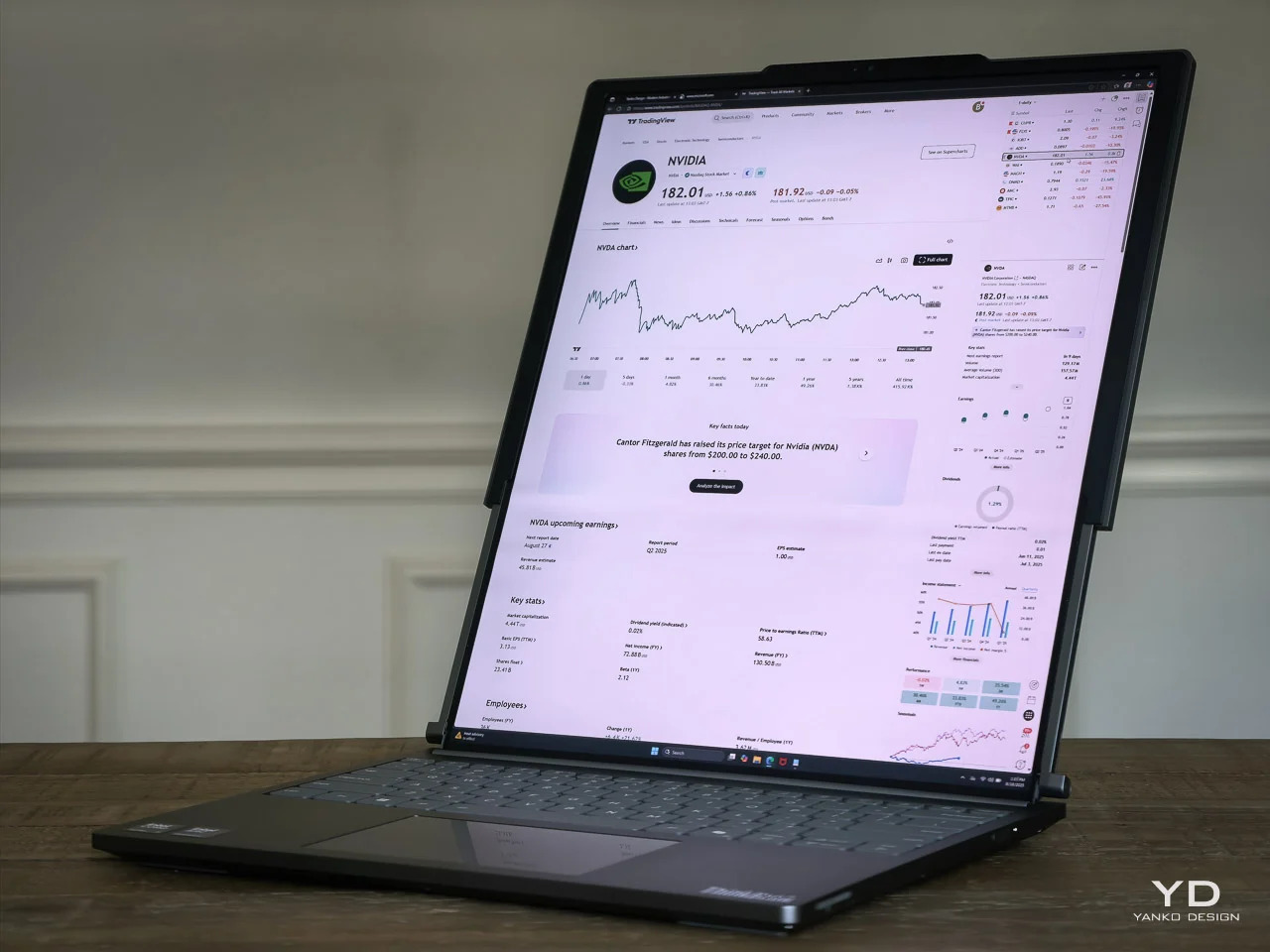
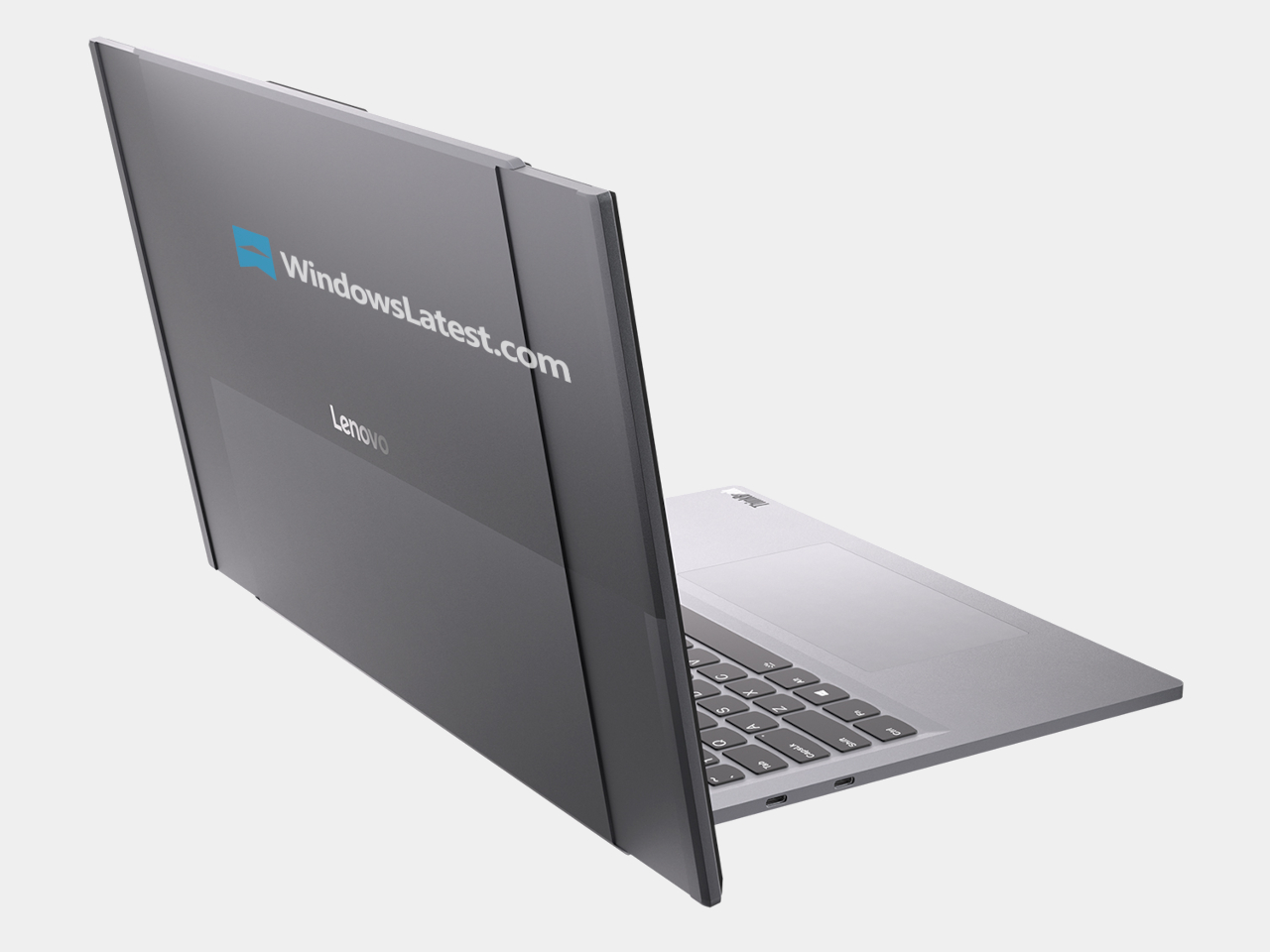
Laptop screens have been stuck as fixed rectangles for years. The ThinkPad Rollable XD Concept is Lenovo’s bold reimagining of the laptop PC, building on experiments like the ThinkPad X1 Fold and ThinkBook Plus rollable designs but pushing further with a rollable OLED that can change shape and face both the user and the outside world, treating the display as something that stretches and wraps instead of just opening and closing.

The concept is one of the world’s first out-folding devices with a world-facing display and expanding user-facing screen. Part of the rollable panel is always visible on the lid, even when the laptop is closed, while the rest extends upward when opened, transforming a compact 13.3-inch notebook into a near-16-inch workspace and delivering over 50 % more screen real estate without the bulk of a traditional 16-inch chassis.

The taller, expanded screen supports multitasking and creative work: stacked documents, vertical timelines, side-by-side apps, or code and preview in one view. The world-facing strip on the lid shows calendars, notifications, or custom widgets, turning the outside of the laptop into a personal dashboard or a small signboard for collaboration and retail scenarios, making the closed laptop a live information surface instead of a blank slab of metal.

Lenovo folds in AI-driven features like live translation, voice assistant, multi-modal input, and lid-closed interactions that take advantage of the world-facing display. Swipe to X touch gestures and voice controls let users launch apps or switch modes with a finger or a command, framing the Rollable XD as a platform for new AI-era workflows rather than just a clever mechanical trick that extends a screen without adding much practical value.

The transparent 180-degree Corning Gorilla Glass Victus 2 cover, jointly developed by Lenovo and Corning, protects the rollable panel while revealing some of the mechanism underneath. The concept keeps familiar ThinkPad cues like the keyboard and TrackPoint, so it still feels like a ThinkPad even as the screen stretches and wraps. It offers a glimpse of laptops that can expand when you need more space and broadcast information outward when you close the lid.

Hypershell X Ultra Robot Exoskeleton

Hypershell X Ultra is the world’s best outdoor exoskeleton to date, built for people who want to hike, run, and ride farther without feeling wrecked at the end of the day. It is a high-performance, AI-powered frame that wraps around your hips and legs, delivering motorized assistance that blends into outdoor life instead of announcing itself. At CES 2026, it signals that exoskeletons are finally stepping into the same category as backpacks and boots for serious adventure.

The performance is SGS-certified, not just claimed. Independent testing confirms up to 39% less physical exertion when cycling, around 2022% less when walking, and a 63% increase in hip flexor endurance, with heart rate reductions of up to 40%. Each battery delivers about 30km of hiking in Eco Mode or intense bursts in Hyper Mode, and two batteries extend walking range to roughly 60km on a single outing, turning multi-day treks with heavy gear into something more achievable.

The AI MotionEngine Ultra takes input from more than a dozen sensors and adapts assistance in real time to terrain, activity, and stride. Key modes like Running+ and Cycling+ deliver stronger bursts during take-off and acceleration, while Snow and Dune stabilize movement on powder and sand. Downhill buffering shifts support to protect knees on long descents, making the exoskeleton feel like an extension of your legs rather than a rigid frame pushing against your gait.

The hardware is built from SpiralTwill 3000 carbon fiber and aerospace-grade titanium alloy, with more than half the frame using automotive-grade dry carbon molding and key load-bearing parts shaped through 3D hollow forming. At 1.8kg structural weight, it is designed to shrug off scratches and abrasion on rocky terrain, operate from 20°C to 60°C, and fold down for transport, so it feels like serious outdoor gear instead of industrial equipment that belongs in a factory.

At CES 2026, Hypershell is using initiatives like the Hypershell Hundred on the show floor, and a Red Rock Canyon hike to prove that exoskeletons belong in the same conversation as performance footwear and technical apparel. The Hypershell X Ultra is a glimpse of a near future where strapping on a lightweight, AI-driven exoskeleton before a big day out feels as normal as lacing up trail shoes, and where going farther stops being about raw endurance and starts being about choosing the right gear.

Dreame Aero Pro Dry Wet Vacuum

Most homes have a familiar blind spot: the strip of dust under the sofa, the pet hair hiding under the bed, and the sticky spill that never fully disappears near the dining table. Dreame’s Aero Pro feels built for that gap, a flagship wet‑dry vacuum that lies completely flat, reaches under low furniture, and then cleans itself with hot water and hot air instead of asking you to scrub a dirty roller by hand.

The Aero Pro’s 9.85 cm ultra‑thin body and 180‑degree lie‑flat design let the cleaning head hug the floor and slide under sofas, beds, and cabinets that upright cleaners and many robots simply cannot reach. Dual‑side edge cleaning helps it trace along baseboards and furniture legs, while the cordless form and low profile make it easier to weave through tight spaces without constantly stopping to rearrange a room.

Cleaning power comes from a 25 kPa vacuum‑and‑mop 2‑in‑1 setup that handles dry debris, pet hair, and liquid spills in a single pass. Dreame’s TangleCut 2.0 brush is designed for 0 hair residue, cutting through more than 3,000 hairs without clogging, which matters when you share a home with pets or long hair. Instead of pausing to detangle the roller every few days, you can focus on actually getting the floor back to clean.

Afterwards, the Aero Pro looks after itself. A 90°C hot‑water self‑cleaning cycle flushes the roller and internal channels, eliminating 99.9% of bacteria, then a 194°F hot‑air smart‑drying system finishes the job in about five minutes with intelligent humidity control. A 1,000ml clean‑water tank, 500ml dirty‑water tank, and up to 60 minutes of runtime mean you can cover a full home in one session without constant refills or a long post‑clean routine.

Smart dirt detection and voice prompts round out the experience, nudging you when the floor is especially dirty or when the machine needs attention, while the understated design lets Aero Pro live in a hallway or living room without shouting for space. It feels like a sign that wet‑dry vacuums are growing up, blending serious cleaning performance, self‑care, and thoughtful ergonomics into a slim machine that finally tackles the corners you usually ignore.

Arspura F1 Range Hood

Searing a steak or stir-frying usually means watching smoke roll past a noisy hood that never quite keeps up with the pan. The Arspura F1 is a top-suction range hood built around speed and silence rather than just big CFM numbers, using a high-speed BLDC motor and ultra-fast airflow to clear smoke at the source before it drifts into the rest of the kitchen or lingers in the air.

The F1 focuses on airspeed at the inlet, pushing up to 16 m/s through an elongated front slot that captures fumes in about 0.03 seconds, compared to the 3–5 m/s typical of many hoods. This source-capture approach keeps grease and odors from spreading, making the cooking zone feel clearer and the rest of the home less like it just hosted a steakhouse service, even during high-heat sessions.

Instead of metal filters that clog and need replacing, the F1 uses centrifugal force to spin grease out of the airstream and drop it into a large oil cup. The intelligent self-cleaning cycle spins the motor at high speed to fling away residue, preserving suction over time and reducing yearly maintenance to emptying the cup, with zero filter costs compared to conventional hoods that can easily add up.

Everyday touches include three adjustable speed levels, wave-to-control gesture input that changes fan speed without smearing the front panel, and an eye-comfort LED cooking light that illuminates the cooktop evenly without glare. Auto delay shut-off keeps the fan running for a few minutes after you finish, plus the Arspura Smart App handles scheduling cleaning and sending oil-cup alerts, turning maintenance into background notifications instead of forgotten chores.

The F1’s 30-inch-class form factor, shortened body, and minimalist grey finish fit standard cabinetry and multi-burner ranges without dominating the room. By combining high-speed source capture, filter-free self-cleaning, and smart, touch-free controls in a clean, compact shell, Arspura’s F1 feels less like a necessary box over the stove and more like a quietly overqualified piece of kitchen infrastructure that earns its space by working harder and asking for less.

Dreo Smart TurboCool Misting Fan 765S

Traditional misting fans cool well but leave floors, furniture, and electronics damp, so they end up on patios and garages instead of living rooms. The idea of a tower fan that delivers real, evaporative cooling inside without leaving residue has always felt like a promise that dissolves the moment you turn it on. The DREO TurboCool Misting Fan 765S, debuting at CES 2026, is a serious attempt to finally make mist-based cooling truly indoor-friendly.

The TurboCool 765S uses DREO’s self-developed ultrasonic misting module to generate 17µm droplets that evaporate almost instantly in high-velocity air, delivering a perceived temperature drop of up to about 10°F without condensation. The TurboWind Power system pushes around 1,800 CFM at 32ft/s, reaching up to 70ft with smooth 90° oscillation, and secondary re-dispersion keeps surfaces dry even at mist outputs up to 900ml/h.

Despite that airflow, HyperSilent engineering keeps noise as low as roughly 20dB, thanks to optimized impeller geometry and air-duct design, so it can run in a bedroom or open-plan living space without dominating the soundscape. The intelligent humidity-management system, with built-in temperature and humidity sensing, a customizable RGB indicator, and automatic humidity-target control, turns the 765S into a 3-in-1 climate tool, fan, cooler, and humidifier, instead of just a fan with a water tank.

The 6L top-fill tank supports up to 7 hours of Turbo cooling, reducing how often you need to refill it during hot days or long evenings. The pump-free, hygienic design minimizes mold and bacterial risks and makes cleaning simpler than with traditional evaporative coolers. Independent control of wind and mist, plus a dedicated humidification function, means the same appliance can handle dry winter air, sticky summer heat, and shoulder seasons without swapping devices.

The TurboCool 765S fits into smart homes with 12 fan speeds, 4 cooling modes, and 4 humidity levels accessible via app, voice, or remote, plus child-lock safety and ecosystem compatibility. The slim, silver-and-black tower with a transparent base and blue core looks more like a high-end audio column than a utility fan. At CES 2026, it stands out as climate tech that respects both performance and living-room aesthetics, making all-day indoor cooling feel less like a compromise.

Dreame A3 AWD Pro Robot Mower

Dreame’s A3 AWD Pro is a robotic mower built for the kind of lawn that usually defeats robots: sloped, uneven, full of trees, edges, and family life. It uses 360° 3D AI vision, LiDAR, and RTK mapping instead of perimeter wires, and it sits at the top of Dreame’s mower lineup as the one meant to tame complex yards without asking you to spend a weekend trenching wire around flower beds.

The 4WD hub motors and all-wheel-drive architecture let it handle up to 80% slopes and climb 4.5cm obstacles, which means it can deal with hills, roots, and transitions that would stop a typical mower. The low, wide stance and independent wheel control keep it stable on inclines and let it move confidently across different surfaces without getting stuck or leaving awkward uncut patches halfway up a slope.

The 45cm dual-blade cutting deck and adjustable height speed up mowing on larger lawns, while 1mm edge precision reduces the strip of grass that usually needs manual trimming along fences, paths, and garden beds. Dreame frames this as the difference between a robot that roughs in a lawn and one that actually finishes the job, covering wide swaths while still respecting borders closely enough that you are not breaking out a string trimmer every week.

AI-powered auto-mapping, 360° vision, and LiDAR let the A3 AWD Pro recognize yard boundaries, create virtual zones, and avoid obstacles without wires. Garden Guardian features include obstacle detection, child and pet awareness, and anti-theft alerts, making it feel safe to let the mower work while kids play or pets wander, and reassuring if it lives outside full-time, parked on a charging tower in the yard.

Automatic return to the dock for charging, rain detection that sends it home during showers, app control for schedules and zones, and OTA updates that keep navigation and behavior evolving turn lawn care from a weekly chore into something that mostly happens in the background. For people with tricky yards who usually spend Saturday mornings wrestling a push mower up hills, the Dreame A3 AWD Pro feels like the kind of upgrade that finally justifies a robot.

Hisense 163MX RGBY MicroLED TV

The Hisense 163MX RGBY MicroLED is a 163-inch wall-sized display that tries to solve a long-standing problem with ultra-large TVs: they can be bright and sharp but still miss the warmth and nuance that creators intend. It debuts an industry-first four-primary RGBY architecture and has already been recognized with a CES 2026 Best of Innovation Award for pushing MicroLED color forward in a direction that feels genuinely different.

Adding a yellow sub-pixel to the usual red, green, and blue fills the spectral gap between 500 and 600nm, where many MicroLEDs tend to mute subtle tones. The 163MX uses this RGBY structure and advanced color management across 33.17 million sub-pixels to dramatically enhance color fidelity and achieve up to 100 % of the BT.2020 color space, making it suitable for creator-true content that demands accurate warmth and vibrancy.

The display lives in a room with an ultra-slim 32 mm profile and a precision zero-gap wall mount that lets it sit flush against architectural surfaces. In a large, open living space or private screening room, the TV reads more like a luminous wall panel than a conventional screen, keeping the focus on the content while still feeling deliberately designed, not just enormous and imposing like commercial signage.

Hisense positions the 163MX as the next step in a longer journey, from pioneering RGB MiniLED technologies to exploring multi-primary systems and now RGBY MicroLED. The CES 2026 Best of Innovation Award recognizes this work in expanding the color spectrum and sets the 163MX up as a reference point for future large-format displays, not just another giant TV chasing higher brightness numbers or deeper blacks.

By treating color architecture, industrial design, and wall integration as a single problem to solve, Hisense’s RGBY MicroLED points toward living rooms and dedicated spaces where a 163-inch screen can deliver cinema-grade color without feeling like a piece of commercial equipment bolted to the wall, offering a preview of how ultra-large displays might evolve when warmth, vibrancy, and refined integration matter as much as sheer size.

Narwal Flow 2 Vacuum

Narwal Flow 2 debuted at CES 2026 as the brand’s smartest robot vacuum yet, built around a NarMind Pro autonomous system that recognizes unlimited objects and assigns risk-based cleaning strategies. Instead of treating every obstacle the same, it adjusts distance and intensity based on what it sees, cleaning within 8 mm of walls while giving pet waste a protective 70 mm bypass to avoid messy accidents.

The headline intelligence upgrades are Pet Care Mode, Baby Care Mode, and AI Floor Tag. Pet Care Mode automatically identifies pet zones, can scan for missing pets, and even video-calls them. Baby Care Mode drops into ultra-quiet operation near cribs, recognizes toys, and avoids crawling mats. AI Floor Tag spots valuables and logs them with alerts, turning the robot into something that adapts to families, not just floors.

Flow 2 also brings a new design outlook, with a rational arc-form dock, a frosted glass panel on the front, and easy-lift water tanks shaped for straight-up lifting. The integrated status light bar glows softly through the glass, giving the dock a premium, sleek presence that looks more like furniture than an appliance. It is designed to live in visible spaces without visual friction or clutter.

The FlowWash track-mop system continuously infuses the mop with fresh water at 140 °F, while a scraper strips away dirt in real time, and a built-in stirrer prevents odors in the dirty tank. Combined with 30,000 Pa suction, CarpetFocus Mode, and full-cycle de-tangling, Flow 2 handles everything from kitchen spills to pet hair without rewashing floors or clogging up after the first run through a busy home.

Flow 2 represents a shift from robots that simply avoid obstacles to robots that understand context. The combination of risk-based avoidance, scenario-specific modes, self-cleaning mopping, and a dock that looks like furniture shows that robot vacuums are finally moving from basic obstacle avoidance to genuine household awareness, adapting to pets, babies, and busy schedules without constant supervision.

TORRAS Ostand Q3 Air Phone Case

Pro-level phones get used for everything, from desk work and video calls to weekend hikes, and most cases still force you to choose between protection, a stand, or something that looks grown-up. The TORRAS Ostand Q3 Air is the third-generation evolution of its stand-based flagship, built for people whose days constantly shift between office, commute, and outdoor time, blending protection with a rotating stand and refined style.

The updated air-cushioned architecture at the top and bottom edges, plus an internal airbag-inspired system, delivers 12-ft drop protection by buffering and dispersing impact forces. Lattice-textured side panels, anti-friction grip points at natural contact zones, raised 1.2mm lips around the screen and camera, and a ring-shaped air cushion encircling the lens combine to protect without adding much bulk, keeping the case at just 3.35mm thick.

The proprietary 360-degree Ostand ring sits flush when not in use, then flips out to lock at different angles for portrait video calls, landscape streaming, or quick hands-free snapshots. It is fully compatible with MagSafe charging and accessories, so you do not have to peel the case off to drop the phone on a charger, and the ring itself acts as a precise magnetic alignment point on desks and car mounts.

The Guardian-style back panel uses TORRAS’s Tora-Smooth coating and fingerprint-resistant finish, chosen to feel refined rather than rubbery. Color options include Lava Red for a more assertive, energetic look, Glacier Sprint as a cool alpine-inspired tone, and Shadow Black as the minimalist default that fits both meetings and mountain trails, giving people subtle ways to match the case to their daily rhythm without sacrificing durability.

A case that can survive 12 ft drops, prop itself up at any angle, stay grippy and pocket-friendly, and still look considered on a conference table feels like where stand-style cases are heading. By treating the stand, the air-tech protection, and the fashion-influenced finish as parts of a single everyday tool rather than bolt-on features, the Ostand Q3 Air makes a strong case for itself as the kind of accessory that earns its spot on a carefully chosen phone.

Lymow One Plus Mower

Homeowners with large, uneven lawns, trees that drop leaves, and enough obstacles to confuse basic robot mowers usually spend Saturday mornings wrestling a push mower up hills. Lymow One Plus is a second-generation, boundary-wire-free tracked mower built to handle that complexity, with 50% more cutting power, heavy-duty mulching blades, and a Cyclone Airflow Cutting System that turns it into both a mower and a blower for year-round yard care.

The Cyclone Airflow architecture lifts and stretches grass blades so the deck can cut more evenly, then pulls clippings through a clean tunnel to a single discharge port, preventing clogging and keeping paths cleaner. Reinforced SK5 tool-steel blades, the same grade used in premium pruning shears and axes, shred fallen leaves, thick grass, and common debris, so autumn leaf piles become fine mulch instead of another weekend chore.

The upgraded LySee sensor-fusion suite combines RTK-VSLAM navigation with a next-generation stereo camera and 10 TOPS of computing power for faster, more accurate perception. AI training on thousands of complex yards lets the Lymow One Plus recognize more than 20 common yard objects, from trees and stones to fences and curbstones, with environmental intelligence sophisticated enough to distinguish over 10 hedgehog species, keeping both lawn and wildlife safer.

The automotive-grade construction includes a reinforced frame, upgraded sealing, and hub-motor rigidity strengthened by more than 200%, built to handle harsh sun, heavy rain, morning dew, and everyday bumps. The self-cleaning side-brush system and rubber film barrier keep grass out of the wheel cavity, while heated camera housings and anti-glare display shielding let One Plus maintain traction and visibility on slopes, gravel paths, and wet grass without stalling.

A tracked mower that can mow, mulch, and blow leaves, navigate complex lawns without boundary wires, and keep working through weather changes and rough patches feels like a sign that robotic mowing is growing up. By moving from light trimming on small, flat lawns to genuinely heavy-duty yard maintenance, Lymow One Plus lets you reclaim weekends while the machine quietly handles grass, leaves, and debris in every corner, treating large yards as a job it was built for instead of a stretch goal.

Creality Falcon T1 5-in-1 Laser Engraver

Typical diode engravers handle one or two materials before hitting a wall. Creality’s Falcon T1 is a fully enclosed workstation billed as the world’s first 5-in-1 laser engraver, built as a modular platform with swap-in diode, fiber, MOPA, and UV modules. A single machine can follow a studio from wood prototypes to metal badges to glass awards without changing hardware footprints, treating laser work as a family of processes instead of isolated tasks.

WaveSync is the adaptive multi-wavelength system that automatically recognizes which of the five laser modules is installed, then dials in working distance, power, and scan speed every time it starts. Users can switch modules in about 30 seconds without tools, and the diode, fiber, MOPA, and UV options together cover wood, leather, coated metals, stainless steel, titanium, plastics, ceramics, glass, and transparent acrylics in one compact tower.

The high-speed galvo system pushes up to 10,000 mm/s line speeds, making the Falcon T1 up to roughly 10 to 15 times faster than conventional frame-style diode machines while holding 0.01 mm precision. It can carve 3D reliefs on wood and stone, engrave inside glass blocks via the UV module, and mark one-touch full-color patterns on stainless steel and titanium using over 100 MOPA colors and in-house process libraries.

AI-assisted tools handle 3D relief image generation from standard 3D models, Smart Fill & Layout that auto-detects materials and boosts batch efficiency, curved-surface engraving, flame monitoring, and auto focus for different heights. The fully enclosed, Class 1-certified design, with lid and tray interlocks, emergency stop, and key lock, makes the T1 far more comfortable to run in shared studios or small shops than open-frame Class 4 rigs.

By letting one machine handle cutting, 3D relief, internal engraving, and full-color metal work across so many materials, the Creality Falcon T1 gives design teams and makers a flexible, upgradeable core tool instead of another specialized box on the bench. The modular lasers, WaveSync automation, industrial-grade speed, and Class 1 enclosure turn a compact tower into a small-format production cell ready to handle whatever material or creative idea comes through the studio next.

GlocalMe MeowGo G50 Max Satellite Mobile WiFi Hotspot​

International travel and remote work usually mean swapping SIM cards, paying roaming fees, losing signal in mountains or on flights, and juggling multiple hotspots or paywalls just to stay online. The GlocalMe MeowGo G50 Max is the world’s first device to seamlessly integrate terrestrial cellular, in-flight Wi-Fi, and satellite connectivity into one pocket-sized hotspot that automatically chooses the best network, treating every environment as just another mode in the same system.

HyperConn architecture combines three layers. On the ground, 5G and 4G across over 200 countries with speeds up to 3.4 Gbps and localized, roaming-free tariffs. In the air, CloudSIM technology taps into in-flight Wi-Fi at 35,000 feet for seamless work and streaming. Off the grid, NTN satellite communication provides emergency voice and SMS in remote locations where traditional networks disappear, keeping you connected in deserts, mountains, or open water.

HyperConn monitors latency, congestion, and signal strength in real time, automatically switching between 5G, 4G, 3G, office Wi-Fi, and satellite without user intervention. Wi-Fi offloading means that when the device detects a high-quality home or office network, it switches to save cellular data, then switches back when that network degrades. It acts like a smart traffic controller that constantly optimizes for speed, reliability, and cost without asking you to think about it.

The G50 Max offers 5G coverage in 80+ countries, support for over 300 operators, and Wi-Fi 6 sharing to up to 16 devices, making it suitable for teams or families on the move. A 4,850 mAh battery with 18 W charging handles a full day, while a multi-layer security stack with encryption, firewall protection, and automatic authentication keeps data safe across all three connectivity layers, from urban 5G to satellite links.

The sleek, rounded body features a large circular MOLED touchscreen that visualizes network modes, wrapped in a premium cream or lavender finish that makes it feel like a thoughtfully designed travel tool rather than a utilitarian router. MeowGo G50 Max offers a glimpse of always-connected life, where a single device in your bag seamlessly handles connectivity, whether you are in a city, on a plane, or halfway up a mountain, treating the network as something that should just work everywhere you go.

Hisense 116UXS RGB MiniLED TV

Most extra-large TVs chase more brightness and more inches, often feeling like commercial signage in a living room. The Hisense 116UXS is a 116-inch flagship that instead treats color as the main story, using the next-generation RGB MiniLED evo system to make a wall-sized screen feel more natural, expressive, and at home in bright, design-heavy spaces rather than overwhelming them with sheer scale or nits.

RGB MiniLED evo is a four-primary backlight architecture that adds cyan to the usual red, green, and blue, because cyan sits in the part of the spectrum where our vision is most sensitive to subtle shifts. This lets the 116UXS render gradients, skin tones, and shadow transitions with more nuance, adding depth without cranking saturation, so everyday scenes look richer rather than just more intense.

The Hi-View AI Engine RGB chipset manages tens of thousands of color dimming zones, constantly balancing fast motion, bright highlights, and deep blacks to preserve that tonal subtlety. Hisense claims up to 110 % BT.2020 color coverage, pushing beyond standard wide-gamut sets, with the result being a picture that holds its character across sports, films, and games instead of only shining in HDR demo clips.

The nearly bezel-free design and 1.57-inch profile let the 116UXS sit on a wall like a luminous surface rather than a framed object, as seen mounted above a low console in a glass-walled living room. The integrated Devialet Opéra de Paris 6.2.2 audio system delivers cinematic sound tuned to match the expanded color performance without needing a separate soundbar cluttering the clean AV setup.

The 116UXS is the fullest expression of Hisense’s color philosophy, with the UR9 and UR8 series scaling RGB MiniLED to more sizes, but this model carries the multi-primary evo system and the highest-end design. For readers who care as much about how a giant TV sits in a room as how it measures on a chart, the 116UXS shows what happens when color architecture, processing, industrial design, and audio are treated as a single flagship brief.

Dreame Aero Hair Straightener

Straightening hair usually means juggling a dryer and flat iron, waiting for hair to dry, then clamping it between hot plates that can leave it dry or frizzy. Dreame’s Aero Straight Pro is an air-driven straightener that uses high-velocity airflow instead of metal plates, drying and smoothing in one glide while aiming to be kinder to hair and scalp, treating the blow-dry and straightening ritual as a single step.

The dual hot-and-cold airflow channels use the Coandă effect to wrap air around strands, with hot air straightening and cold air setting in the same pass. A 120,000 RPM motor pushes airflow at 58 m/s and 45 m³/h, letting it go from wet to straight without a separate blow-dry. Dreame claims up to 50 % higher styling efficiency compared to traditional flat-iron routines.

Six NTC sensors check temperature 200 times per second, while temperature and humidity sensors watch how wet the hair is, adjusting airflow and heat automatically. The AI Styling Assistant and app-based hair-type recognition tune temperature and speed to your hair’s length, thickness, and moisture level, so you are not guessing settings or worrying about over-drying fragile strands or under-styling thick hair.

The ion-infused and oil-coated care system combines negative ions to reduce static and frizz, a keratin-infused coating to reinforce strands, and Moroccan argan oil that releases under heat to add moisture and shine. A 57 °C root-care mode lifts roots while keeping the scalp comfortable, and Dreame’s lab data suggests smoother, shinier, longer-lasting results compared to traditional flat-iron passes.

The smart display shows Wet, Dry, Root, or Cold modes along with temperature and airflow, and the intelligent safety guard slows, pauses, and shuts off automatically if you set it down. The lightweight, balanced body, long 2.8 m cord, and soft metallic finishes in Rosy Purple or Pink Gold make the Dreame Aero Straight Pro feel like a thoughtfully designed tool rather than just another hot appliance.

Acer Swift 16 AI Laptop

Acer’s Swift 16 AI is the flagship of the new Swift AI Copilot+ PC lineup, built for creators and professionals who need AI horsepower without carrying a workstation. Powered by up to an Intel Core Ultra X9 388H processor with integrated Arc B390 graphics, wrapped in a thin aluminum chassis at just 14.9 mm, it is designed to feel like a premium ultrabook that can still handle heavy creative tools and large files.

The 16-inch 3K OLED touch display runs at 120 Hz with 100 % DCI-P3 color and DisplayHDR True Black 500 certification, covering photo editing, video grading, and fast scrolling in one tall 16:10 canvas. Below it sits the world’s largest haptic touchpad, measuring 175.5 × 109.7 mm and supporting MPP 2.5 stylus input, turning the palm rest into a secondary drawing surface for sketching, animating, and editing directly without needing a separate tablet.

As a Copilot+ PC, the Swift 16 AI unlocks Click to Do, Copilot Voice, and Copilot Vision, while Acer adds PurifiedVoice, PurifiedView, User Sensing, and the Intelligence Space hub for calls, privacy, and productivity. Dual Thunderbolt 4 ports, HDMI 2.1, MicroSD, Wi-Fi 7, DTS:X speakers, and an FHD IR camera complete a machine that treats AI, I/O, and everyday ergonomics as equally important, making it one of the most complete thin-and-light creative laptops arriving this year.

Clicks Power Keyboard

Typing on glass, remote controls, and air-gesture keyboards still feels like a compromise when you are trying to write more than a couple of words. Clicks Power Keyboard is a pocket keyboard designed for smart screens, snapping onto phones via MagSafe or Qi2 and riding along like a slim backplate. It is built for people who bounce between phones, tablets, TVs, and headsets but still want fast, confident typing everywhere.

A slide-out mechanism reveals an ergonomic QWERTY layout with sculpted keys, directional arrows, and a dedicated number row, with multiple slider positions and landscape support so it can adapt from compact phones to big Ultra and Pro Max devices. An integrated 2,150 mAh battery powers the keyboard and wirelessly tops up a phone, turning it into a power bank that actually earns its pocket space while you type.

Power Keyboard also works as a multi-device Bluetooth keyboard for phones, tablets, smart TVs, and headsets, with quick profile switching so you can jump from drafting an email on your phone to searching on a TV or naming files in AR. The Clicks app on iOS and Android lets you tune key behavior, shortcuts, and backlighting, so one small accessory quietly fixes input across your whole ecosystem instead of adding yet another single-purpose gadget.

Pininfarina-designed InkPoster Duna Art Frame

TVs and digital frames dominate rooms with glow and cables, either demanding constant power or looking like technology trying too hard to be art. InkPoster Duna is a Pininfarina-designed A1 color ePaper art poster, conceived as furniture rather than a gadget. The precision-engineered aluminum frame, wrapped in elegantly stitched Alcantara borrowed from luxury automotive interiors, uses fluid curvature and tailored details to make the piece feel timeless and deliberate, not disposable.

The E Ink Spectra 6 screen with Sharp IGZO backplane displays more than 60,000 colors without any backlight, using pigment-like color capsules that behave like printed ink. Once the image is set, no power is needed to hold it on screen, so one charge can last up to a year. No blue light, no flicker, no glow, no heat, just a surface that looks like a poster and can change with a tap.

The InkPoster app offers thousands of licensed artworks, from vintage graphics to timeless classics, plus an exclusive collection of original Pininfarina design sketches and automotive prototype images. You can also upload personal images and update artwork remotely, hanging Duna vertically or horizontally, completely cable-free. It becomes an evolving design element that can shift a room’s mood in seconds without adding another glowing screen to the wall.

CyberPower MA-01 Desktop PC Cases

The MA-01 Modern Analog Series chassis from CyberPowerPC treats a gaming tower as something you want visible on a desk. It hides fans, radiators, and cabling behind sculpted vents and shrouds, framing only the GPU, CPU cooler, and memory through pillar-less curved glass. The woven steel mesh top reduces high-frequency resonance, cutting exhaust noise by 20 to 30 percent while moving enough air to keep temperatures controlled.

Three analog RGB knobs let you dial through 16.7 million colors and adjust brightness and effects without software. Pressing each knob activates secondary functions, so color, brightness, and lighting modes are controlled with hardware instead of menus. Precision-molded I/O shrouds self-center cables and reduce wear. The MA-01 ships in warm matte off-white, dark steel gray, and metallic dark silver, supporting ATX and BTF motherboards with space for 360 mm radiators and long GPUs.

The CyberPowerPC MA-01 suggests that gaming hardware can behave like a mature object in the room. It still moves air and lights up, but through woven mesh, sculpted vents, and analog controls that feel considered. For people who want a powerful tower that can live on a desk without shouting, that shift in attitude turns a spectacle into something you choose to keep visible.

Roborock Saros Rover

Most robovacs stop at stairs, split levels, and weird thresholds, then politely give up and wait downstairs. Roborock’s Saros Rover is a development-stage robot that uses the world’s first two-wheel-leg architecture in a robovac, moving more like a small rover than a puck that just rolls and bumps. Each wheel-leg can independently raise, lower, and bend, giving it reach, lift, and height while keeping its body level as the ground changes.

The wheel-legs let Saros Rover execute small jumps, agile turns, sudden stops, and directional changes, enabling it to tackle traditional, curved, and carpeted staircases with bullnose fronts, cleaning each step as it climbs or descends. It also handles slopes and complex multi-level room thresholds, transitioning into areas that have been hard no-go zones for homes trying to clean multiple floors with a single robot.

AI algorithms work with motion sensors and 3D spatial information to understand the environment and make those wheel-legs react with precision, dramatically shrinking no-go zones in multi-storey homes. For people who have given up on a single robot handling upstairs and downstairs, Saros Rover offers a glimpse of where robovacs might be heading, treating stairs and split levels as just another surface instead of a permanent boundary, though launch timing remains unconfirmed.

Pila Energy Plug-and-Play Home Battery

Backup power is usually something you hide in a garage or closet. The Pila Mesh Home Battery is a slim, 3.3-inch-thick object designed by bould Design to sit beside a desk or under a console, treating energy infrastructure as something you actually want to see. A monolithic front panel, integrated handle and stand, stackable form, and four color-accented shells turn the battery into a piece of living-room furniture.

Each Pila unit plugs into a standard outlet with no electrician, permits, or landlord approval, so renters and homeowners can drop backup power exactly where it is needed. Multiple batteries coordinate wirelessly like a Wi-Fi mesh, charging during off-peak hours and discharging during expensive peaks, while the Pila app monitors appliance-level usage, refrigerator temperature, and solar input, turning scattered appliances into a coordinated, intelligent energy system.

The numbers behind it: 1.6 kWh LFP capacity per unit, 2,400 W continuous output, 10-year lifespan, Wi-Fi and cellular connectivity, smart-home support for Alexa, Google, and HomeAssistant, and $1,299 per unit that can scale as needs grow. At fleet scale, connected Pila batteries form a virtual power plant that smooths peak demand and strengthens the grid, turning individual design-forward boxes into shared energy infrastructure.

TDM Neo Hybrid Headphones

Neo is TDM’s hybrid headphone speaker that twists from on-ear headphones into a compact speaker with a single motion. It is built for people who move from solo listening on a commute or walk to spontaneous hangs in parks, hotel rooms, or studios, without swapping gear. TDM’s “Tomorrow Doesn’t Matter” philosophy is about making those shifts feel effortless, treating music as something you can keep private or share on impulse.

The quad 40 mm driver setup uses two inward-facing drivers for clean, detailed headphone sound and two outward-facing drivers that turn Neo into a palm-sized speaker with surprising volume. Dual-layer memory-foam cushions, a soft vegan-leather headband, and an adjustable clamp keep it comfortable during long wear, while customizable twist controls and simple buttons let you switch modes, pause, or power off without digging through menus.

Neo delivers 200+ hours of battery life in headphone mode and 10+ hours in speaker mode, with USB-C fast charging that gives about 8 hours from a 5-minute top-up. Bluetooth 6 multipoint and Auracast readiness, a 3.5 mm aux port, voice assistant support, and replaceable batteries frame Neo as design-forward audio gear that earns its spot in a bag by doing double duty between private listening and shared sound.

Lenovo Yoga Pro 9i Aura Edition (16″, 11″)

Lenovo’s Yoga Pro 9i Aura Edition is the flagship Yoga for people who spend days inside timelines, node graphs, and layered canvases. Framed as “The Ultimate Power to Create,” it pairs Copilot+ PC intelligence with up to an Intel Core Ultra 9 processor and NVIDIA GeForce RTX 5070 Laptop GPU, all wrapped in a redesigned Thunder Grey chassis that still looks like a Yoga, not a bulky workstation trying too hard to signal power.

The 16-inch 3.2K PureSight Pro Tandem OLED display runs at a 16:10 aspect ratio, 120Hz variable refresh, and up to 1,600 nits peak brightness, covering 100% of Adobe RGB, P3, and sRGB with Delta E below 1, tuned for Dolby Vision and True Black 1000. The glass Force Pad and included Yoga Pen Gen 2 turn the 150 × 95 mm surface into a sketchpad that automatically disables touch when the pen is in use.

Performance hardware includes up to 64 GB of LPDDR5X memory, up to 2 TB PCIe 4.0 storage, a 92.5 Wh battery, and a six-speaker Dolby Atmos system around a centered 1.5 mm-travel keyboard. A 5 MP IR webcam, dual Thunderbolt 4, HDMI 2.1, SD UHS-II reader, and Wi-Fi 7 handle connectivity, while Lenovo Power Engine’s AI modes shift between Extreme Power Boost, Adaptive Performance, and Extreme Low Power as your work moves from rendering to writing.

Hisense X-Zone Master Laundry System

Hisense’s X-Zone Master is the world’s first infinitely scalable modular washer-dryer system, built around the idea that laundry needs change faster than most people want to buy new machines. You start with a high-capacity main unit and add mini double-drum modules over time, arranging them side-by-side, stacked, or built into cabinetry. The system grows with pet-owning families, active households, or anyone tired of mixing delicates with gym clothes.

The main unit handles 28.7lb wash and 19.8lb dry loads using Hisense’s Zeus heat-pump hybrid drying, while each mini module tackles 4.4lb wash and 2.2lb dry with fresh-air condensation. Dedicated minis let you run baby clothes, pet bedding, workout gear, and intimates simultaneously without cross-contamination or waiting, operating under 46dB even when multiple units run at once.

AI-driven natural-language control through the ConnectLife platform identifies fabric types and soil levels, optimizes cycles, and provides predictive time-to-ready updates. Backed by 66 global patents in modular design, zoned care, and efficient drying, X-Zone Master hints at a future where your laundry setup can evolve room by room instead of being replaced wholesale every decade or when your household changes shape.

Cearvol Lyra Glasses with built-in Hearing Aids

Many adults who need hearing help avoid traditional aids because they do not want to advertise age or disability, even though they already wear glasses. Cearvol Lyra hides professional-grade hearing enhancement inside stylish frames, merging prescription vision correction with intelligent audio so users can see clearly and hear clearly at the same time without broadcasting their hearing needs to everyone in the room or feeling self-conscious.

Lyra comes in two models: Lyra OWS with a dynamic driver and 35dB gain for moderate loss, and Lyra RIC with a balanced armature receiver and 50dB gain for moderate-to-severe loss. A 3-microphone beamforming array with Voice Pickup Unit, self-voice suppression, AI noise reduction, NAL-NL2 amplification, and Bluetooth 5.3 audio keep ears open while streaming calls and music, maintaining environmental awareness.

The multi-size frame system and smart electronics distribution balance weight and reduce nasal pressure for all-day wear. Discreet physical buttons on the arms handle volume and modes, the Cearvol app offers environmental presets and an in-app hearing test on Lyra RIC with OTA updates, and the NFC wireless dock charges Lyra simply by setting the glasses on a stand at night, like any favorite pair of eyewear.

The post Yanko Design’s Best of CES 2026: Tech That Removes Friction first appeared on Yanko Design.

ThinkPad X1 Carbon Gen 14 Aura Edition Scores 9/10 From iFixit at CES 2026

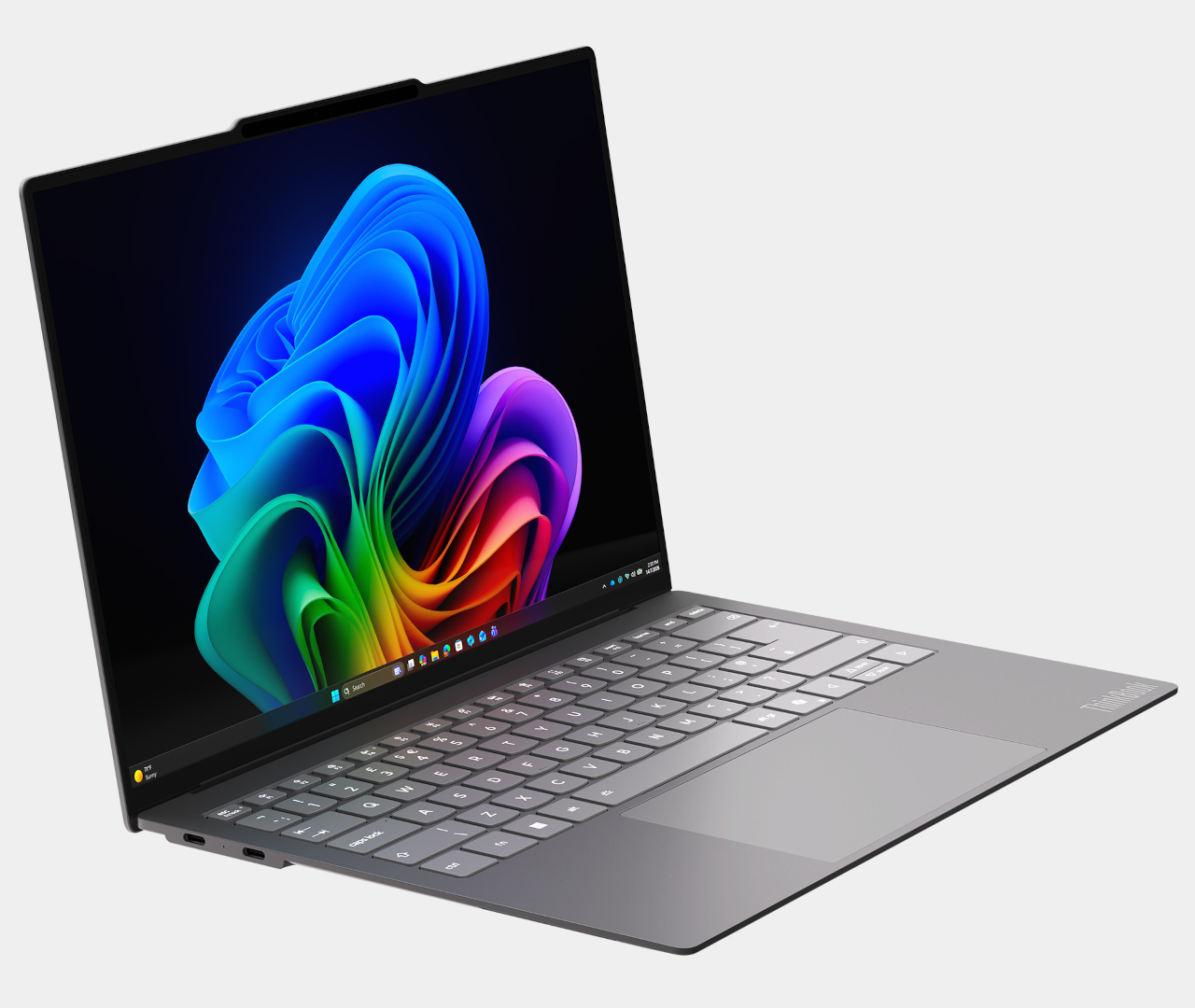
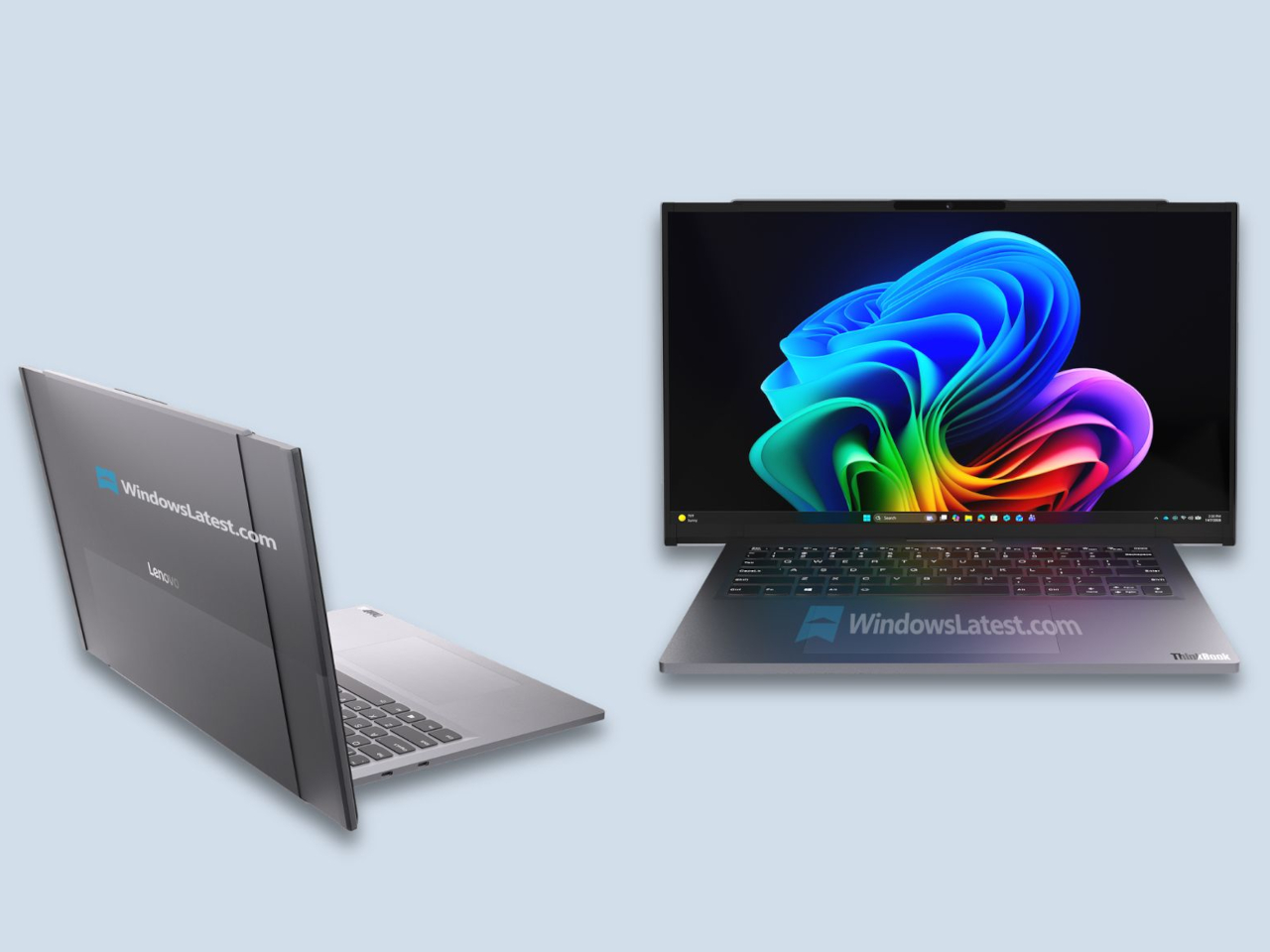
ThinkPad X1 Carbon has been the default answer to “what does a serious work laptop look like?” for more than a decade, with over ten million units sold since 2012. Most look and behave roughly the same. The Gen 14 Aura Edition arrives at CES 2026, when that definition is shifting, and Lenovo’s response is to quietly rework the bones around local intelligence, a new internal architecture, and repairability that does not feel like a compromise.

The first idea is that AI should live on the machine, not just in the cloud. The Aura Edition runs Intel Core Ultra X7 Series 3 processors with an integrated NPU capable of up to 50 TOPS, which means background noise removal, live transcription, or image enhancement can happen locally with less lag and fewer privacy worries. Lenovo’s Aura software layer tunes performance automatically, handles quick media transfers with a tap, and walks users through troubleshooting.

Designer: Lenovo

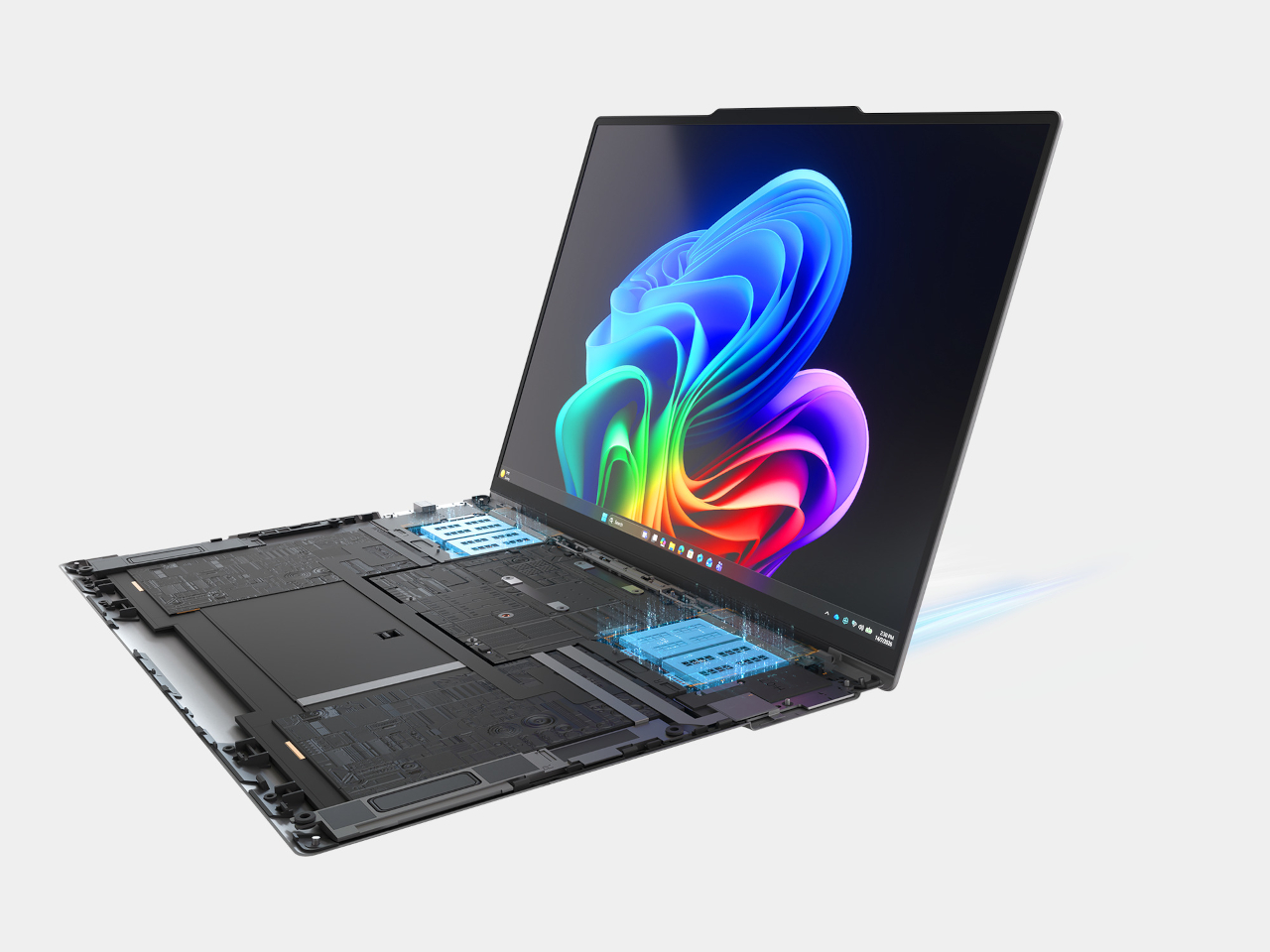
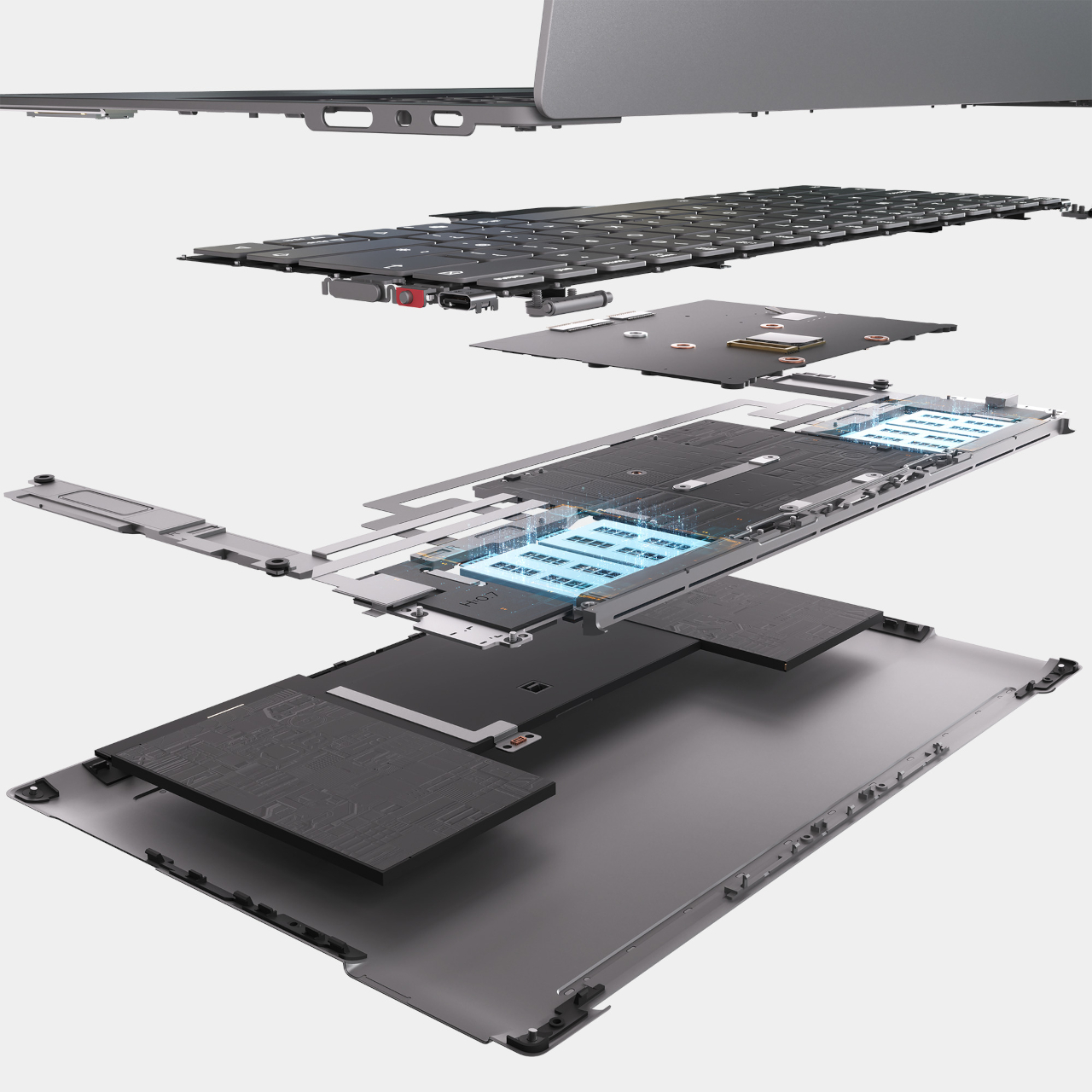
The second idea is Space Frame, a new internal layout that treats the inside as three-dimensional real estate rather than a flat sandwich. By placing components on both sides of the motherboard, Lenovo frees up volume for better airflow and a larger haptic touchpad while keeping the chassis under sixteen millimeters thick. That opens up about twenty percent better heat dissipation and lets the system sustain thirty watts of power, which matters when running heavy workloads.

Space Frame also makes room for modular parts. USB ports, the battery, keyboard, speakers, and fans are designed to be replaced as individual units, with a separate daughterboard that isolates some I/O, so a damaged connector does not mean a full motherboard swap. Lenovo says the X1 series now scores nine out of ten from iFixit. For people who keep laptops for years, that means less downtime and fewer machines scrapped for minor issues.

The sustainability story ties in closely. The chassis uses up to seventy-five percent recycled aluminum and ninety percent recycled magnesium in specific components, and packaging is now plastic-free. Those details matter for enterprises reporting on lifecycle impact, and they make the laptop easier to justify to teams skeptical of devices designed to be replaced every few years instead of maintained and refreshed when needed.

Around those pillars, the X1 Carbon Gen 14 Aura Edition feels familiar. An optional 2.8K OLED display with anti-glare coating, 500 nits, and full DCI-P3 coverage handles color work. A new 10-megapixel camera with a wide field of view and distortion correction makes hybrid meetings less painful. Wi-Fi 7, optional 5G, and three Thunderbolt 4 ports keep it ready for whatever networks and docks come next.

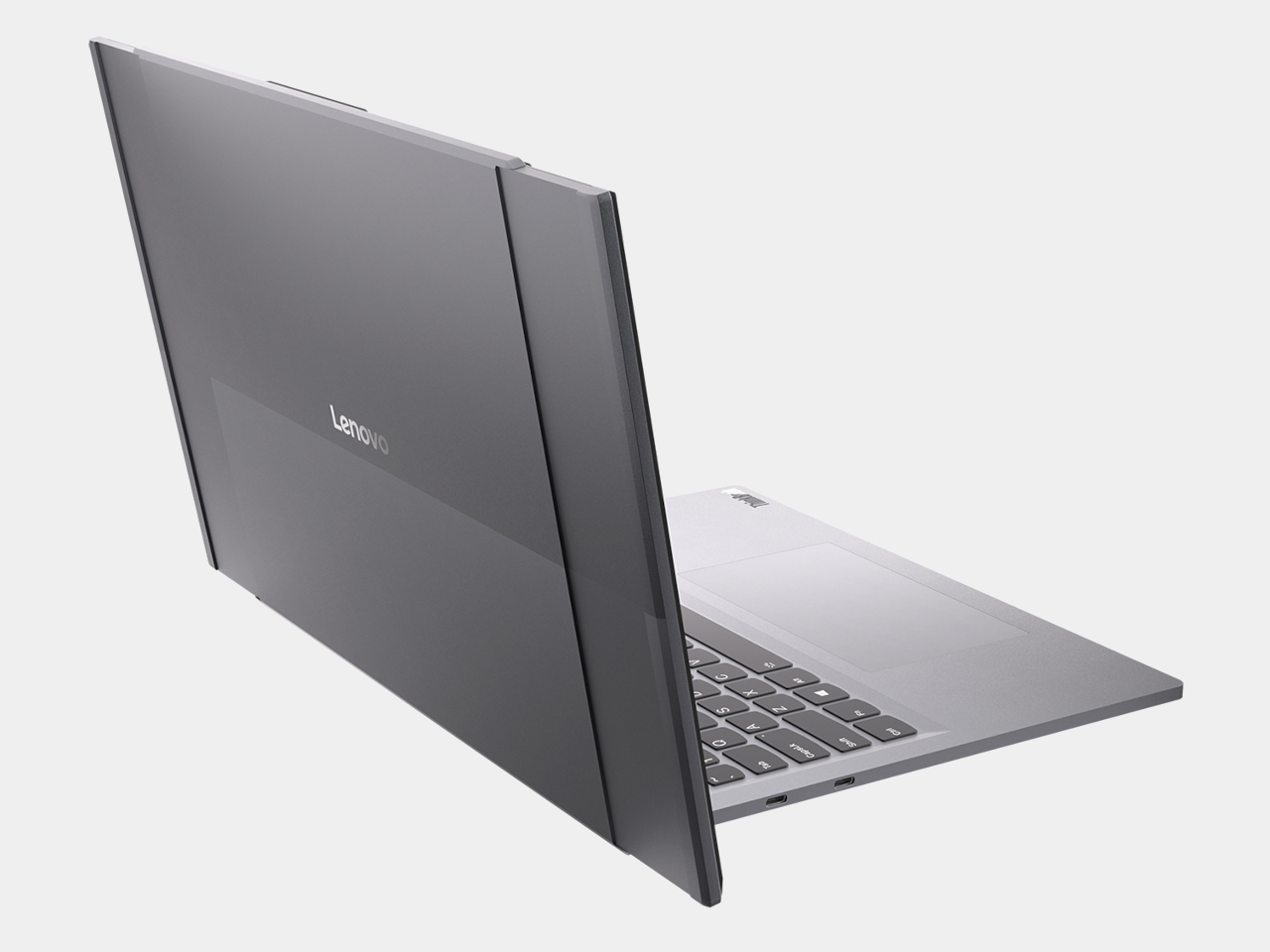
The interesting thing about this generation is not that it is faster or lighter, though it is both. Lenovo is using AI and a new internal design as reasons to make a flagship business laptop that is smarter, cooler, and easier to fix. The ThinkPad X1 Carbon Gen 14 Aura Edition is still the same understated black rectangle, but inside it argues that the future of professional laptops is about longevity, adaptability, and treating sustainability as a design constraint rather than marketing.

The post ThinkPad X1 Carbon Gen 14 Aura Edition Scores 9/10 From iFixit at CES 2026 first appeared on Yanko Design.

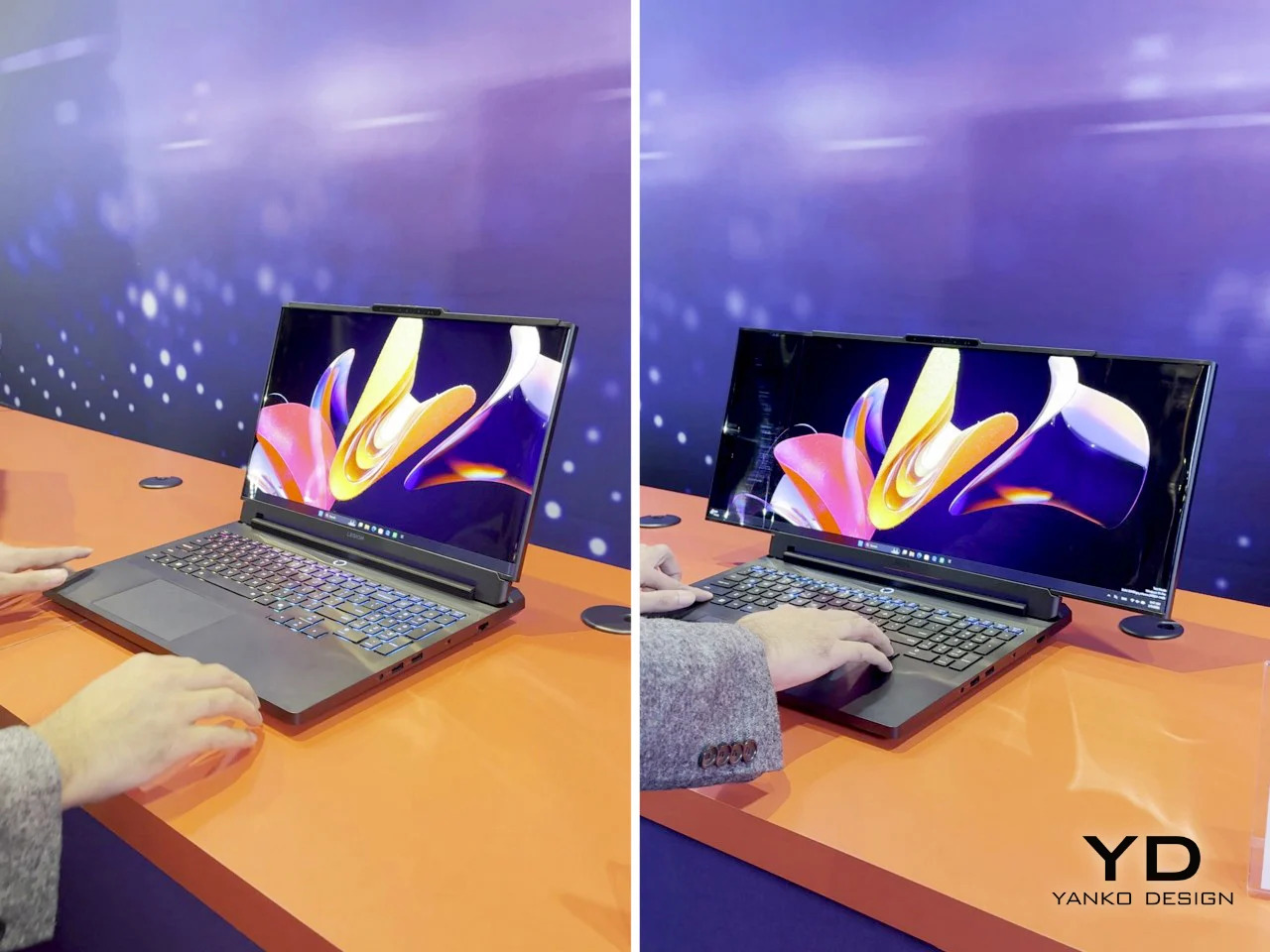
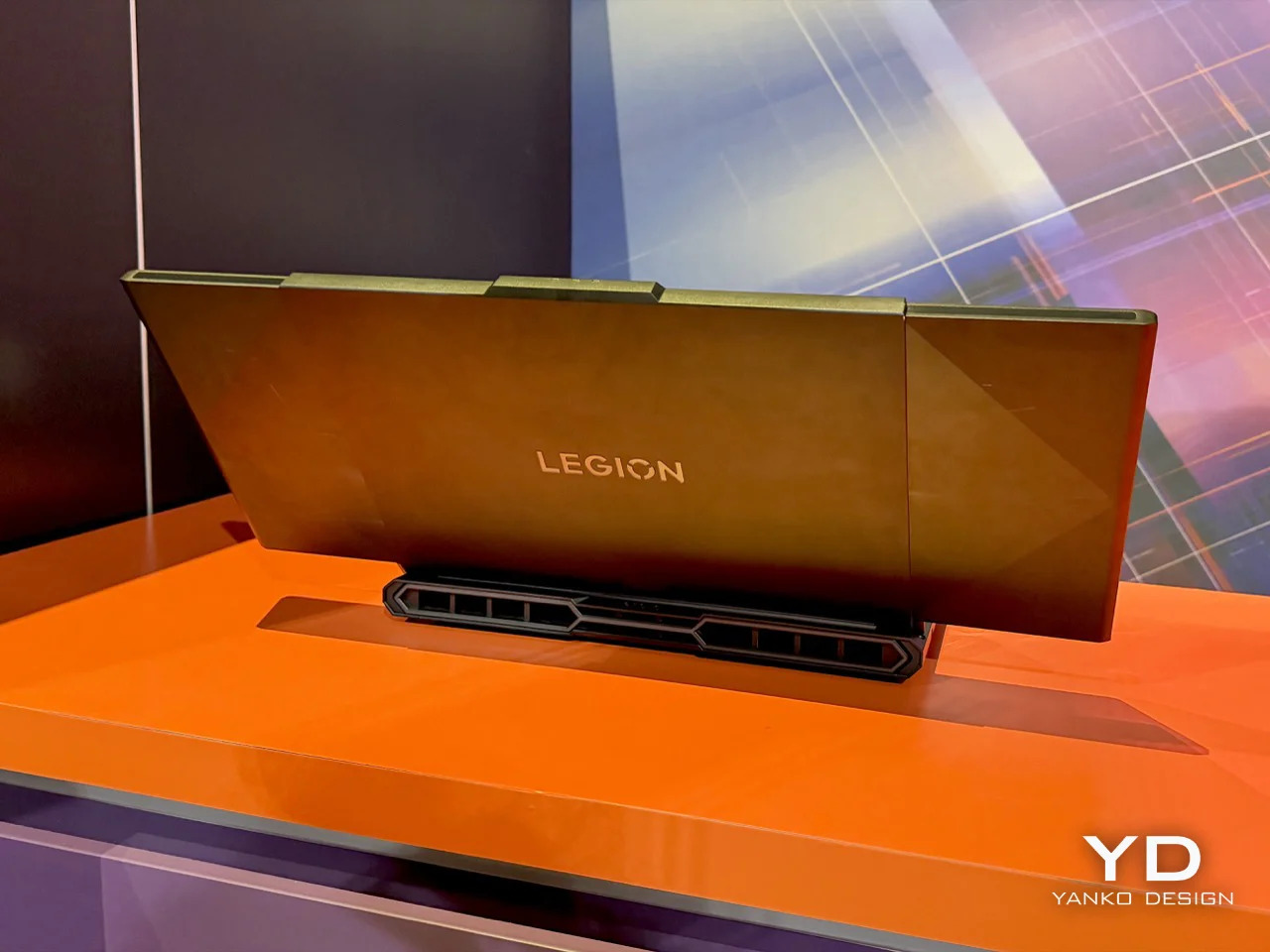
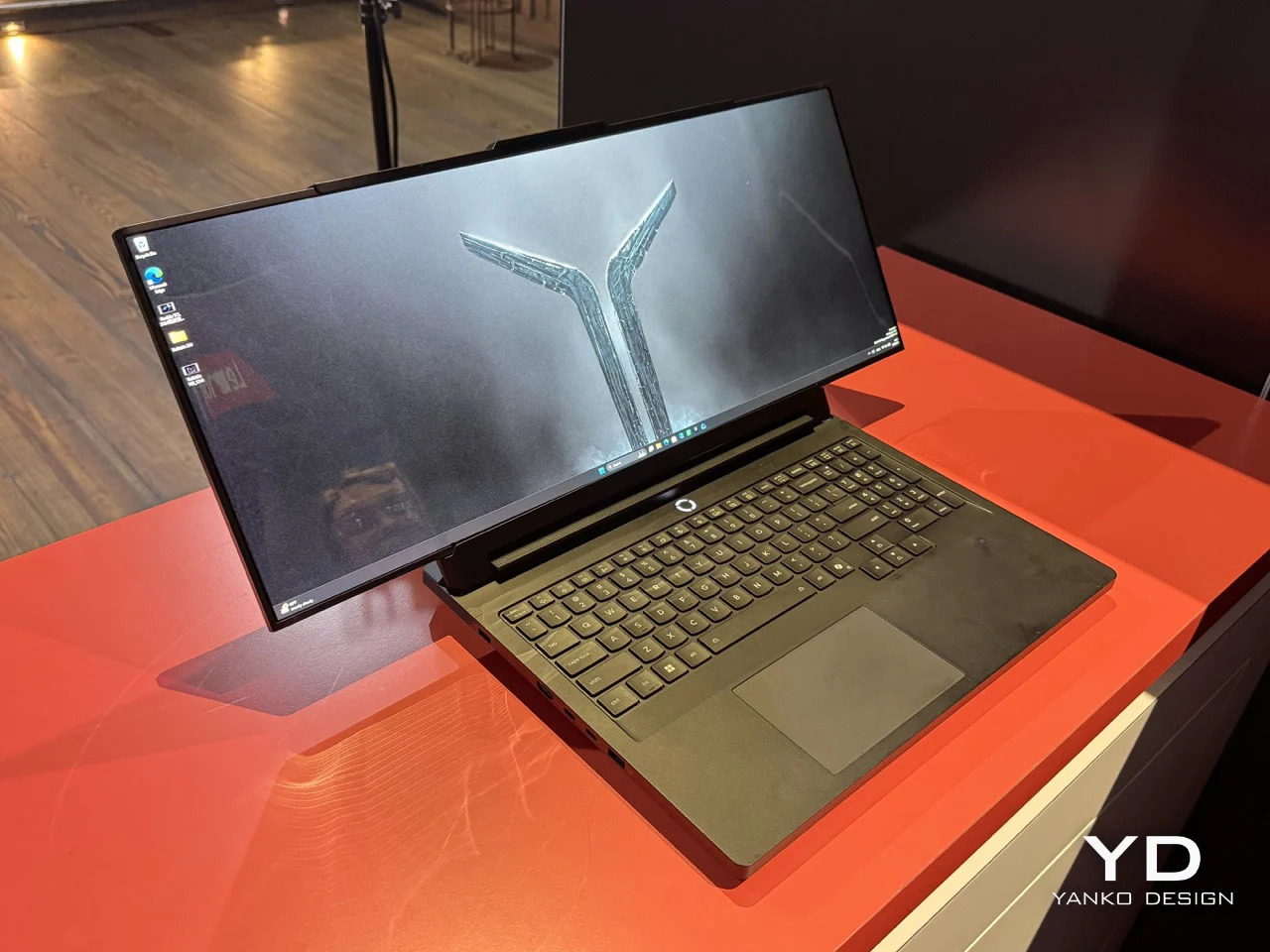
Lenovo’s ‘Horizontal Rollable’ Legion Pro Laptop Expands From 16 to 23.8 Inches: Hands-on at CES 2026

Lenovo’s Legion Pro Rollable concept solves a problem that’s annoyed traveling gamers and esports pros for years: you either carry a full-size monitor with you or accept that your laptop screen is too small for serious practice. The concept starts as a standard 16-inch gaming laptop, then physically expands horizontally to 21.5 inches and finally 23.8 inches when you need the extra width. A rollable PureSight OLED panel stretches from both ends using dual motors and a tension system designed to keep the screen taut and protected through repeated cycles, turning one device into three different training setups without packing an external display.

Professional esports athletes compete on 24-inch monitors at tournaments, which makes training on a 16-inch laptop screen feel like practicing free throws on a hoop that’s two feet lower than regulation. Lenovo built the concept around that reality, calling the 16-inch mode Focus Mode for precision drills, the 21.5-inch state Tactical Mode for peripheral awareness training, and the full 23.8-inch extension Arena Mode to replicate actual competition conditions. The hardware underneath is Legion Pro 7i spec with Intel Core Ultra CPUs and an RTX 5090 laptop GPU, so performance isn’t the compromise here. The rollable display is the entire point, and if it works reliably it eliminates the extra monitor from the travel checklist.

Designer: Lenovo

Seeing it in action on the CES floor was something else. The mechanism is surprisingly smooth, unfurling with a quiet hum that sounds more refined than experimental. Lenovo calls it a dual-motor, tension-based design, which is a sterile way of describing how it keeps the flexible OLED panel perfectly flat and taut, even at full 23.8-inch extension. They’ve apparently lined the rolling path with low-friction materials to prevent the screen from scratching itself over time. The whole thing feels solid, not like a fragile prototype you’re afraid to touch. My only complaint is that Lenovo keeps calling this a ‘concept’ even though they should easily mass-produce this thing.

The panel itself is a PureSight OLED, so the colors and contrast are exactly what you’d expect from a high-end gaming display. The real story is the aspect ratio. When it expands, it doesn’t just get bigger; it transforms into an ultra-widescreen that changes how you see the game. This is what makes it a genuine training tool rather than just a gimmick. For FPS or MOBA players, that extra horizontal space in Tactical and Arena modes is crucial for peripheral vision. It’s a purpose-built machine, not a productivity laptop with a gaming sticker. The 23.8-inch final size is a direct nod to the 24-inch class monitors that dominate the pro circuit, making this the most authentic portable training rig I’ve ever seen.

Of course, you can’t buy one. Lenovo was very clear this is a proof of concept, a way of showing off what their engineers are cooking up. It’s a statement piece for the CES showcase, a flex of R&D muscle. It’s a bit funny, really. We’re living in a world where we got a fully functional, mechanically expanding laptop screen before we got Grand Theft Auto VI. In a way that’s a great thing, because I’d honestly love to play an open-world RPG on a portable 24″ laptop. A new GTA game demands leaps and bounds in hardware too, no?

So, will we all be carrying rollable laptops in a few years? Lenovo already began selling a commercial version of its vertical rolling ThinkBook, so even though they keep calling this Legion rollable a concept, chances are it’ll see the light of day soon enough. Most tech people around me seem to agree that this format of a horizontal rollable works so much better than the vertical one. The only gripe people have is that this tech is exclusive to Lenovo’s Legion gaming line, when graphic designers, video editors and productivity gurus would benefit so much more from a rolling screen like this!

The post Lenovo’s ‘Horizontal Rollable’ Legion Pro Laptop Expands From 16 to 23.8 Inches: Hands-on at CES 2026 first appeared on Yanko Design.

The best Chromebook you can buy in 2026

Chromebooks have quietly become some of the most useful laptops for everyday tasks. They boot fast, stay secure with automatic updates and often cost far less than traditional Windows or Mac machines. Modern Chromebooks also look and feel better than ever, with brighter screens, stronger processors and designs that range from simple clamshells to flexible 2-in-1s.

Whether you need a laptop for school, streaming or a portable option for travel, there is likely a Chromebook that fits your routine. After testing the top models, we picked the best Chromebooks you can buy today to help you find something that balances performance, price and reliability.

This is probably the number one question about Chromebooks. There are plenty of inexpensive Windows laptops on the market, so why bother with Chrome's operating system? Glad you asked. For me, the simple and clean nature of Chrome OS is a big selling point. Chrome OS is based on Google’s Chrome browser, which means most of the programs you can run are web based. There’s no bloatware or unwanted apps to uninstall like you often get on Windows laptops, it boots up in seconds, and you can completely reset to factory settings almost as quickly.

Of course, simplicity will also be a major drawback for some users. Not being able to install native software can be a dealbreaker if you’re a video editor or software developer. But there are also plenty of people who do the majority of their work in a web browser, using tools like Google Docs and spreadsheets for productivity without needing a full Windows setup.

Google and its software partners are getting better every year at supporting more advanced features. For example, Google added video editing tools to the Google Photos app on Chromebooks – it won’t replace Adobe Premiere, but it should be handy for a lot of people. Similarly, Google and Adobe announced Photoshop on the web in 2023, something that brings much of the power of Adobe’s desktop apps to Chromebooks.

Chromebooks can also run Android apps, which greatly expands the amount of software available. The quality varies widely, but it means you can do more with a Chromebook beyond just web-based apps. For example, you can install the Netflix app and save videos for offline watching. Other Android apps like Microsoft Office and Adobe Lightroom are surprisingly capable as well. Between Android apps and a general improvement in web apps, Chromebooks are more than just portals to a browser.

Put simply, web browsing and really anything web based. Online shopping, streaming music and video and using various social media sites are among the most common daily tasks people do on Chromebooks. As you might expect, they also work well with Google services like Photos, Docs, Gmail, Drive, Keep and so on. Yes, any computer that can run Chrome can do that too, but the lightweight nature of Google Chrome OS makes it a responsive and stable platform.

As I mentioned before, Chrome OS can run Android apps, so if you’re an Android user you’ll find some nice ties between the platforms. You can get most of the same apps that are on your phone on a Chromebook and keep info in sync between them. You can also use some Android phones as a security key for your Chromebook or instantly tether your 2-in-1 laptop to use mobile data.

Google continues to tout security as a major differentiator for Chromebooks, and it’s definitely a factor worth considering. Auto-updates are the first lines of defense: Chrome OS updates download quickly in the background and a fast reboot is all it takes to install the latest version. Google says that each webpage and app on a Chromebook runs in its own sandbox as well, so any security threats are contained to that individual app. Finally, Chrome OS has a self-check called Verified Boot that runs every time a device starts up. Beyond all this, the simple fact that you generally can’t install traditional apps on a Chromebook means there are fewer ways for bad actors to access the system.

If you’re interested in Google’s Gemini AI tools, a Chromebook is a good option as well. Every Chromebook in our top picks comes with a full year of Google’s AI Pro plan — this combines the usual Google One perks like 2TB of storage and 10 percent back in purchases from the Google Store with a bunch of AI tools. You’ll get access to Gemini in Chrome, Gmail, Google Docs and other apps, Gemini 2.5 Pro in the Gemini app and more. Given that this plan is $20/month, it’s a pretty solid perk. Chromebook Plus models also include tools like the AI-powered “help me write,” the Google Photos Magic Editor and generative AI backgrounds you can create by filling in a few prompts.

As for when to avoid Chromebooks, the answer is simple: If you rely heavily on a specific native application for Windows or a Mac, chances are you won’t find the exact same option on a ChromeOS device. That’s most true in fields like photo and video editing, but it can also be the case in law or finance. Plenty of businesses run on Google’s G suite software, but more still have specific requirements that a Chromebook might not match. If you’re an iPhone user, you’ll also miss out on the way the iPhone easily integrates with an iPad or Mac. For me, the big downside is not being able to access iMessage on a Chromebook.

Finally, gaming Chromebooks are not ubiquitous, although they’re becoming a slightly more reasonable option with the rise of cloud gaming. In late 2022, Google and some hardware partners announced a push to make Chromebooks with cloud gaming in mind. From a hardware perspective, that means laptops with bigger screens that have higher refresh rates as well as optimizing those laptops to work with services like NVIDIA GeForce Now, Xbox Game Pass and Amazon Luna. You’ll obviously need an internet connection to use these services, but the good news is that playing modern games on a Chromebook isn’t impossible. You can also install Android games from the Google Play Store, but that’s not what most people are thinking of when they want to game on a laptop.

Chrome OS is lightweight and runs well on fairly modest hardware, so the most important thing to look for might not be processor power or storage space. But Google made it easier to get consistent specs and performance late last year when it introduced the Chromebook Plus initiative. Any device with a Chromebook Plus designation meets some minimum requirements, which happen to be very similar to what I’d recommend most people get if they’re looking for the best laptop they can use every day.

Chromebook Plus models have at least a 12th-gen Intel Core i3 processor, or an AMD Ryzen 3 7000 series processor, both of which should be more than enough for most people. These laptops also have a minimum of 8GB of RAM and 128GB of SSD storage, which should do the trick unless you’re really pushing your Chromebook. All Chromebook Plus models have to have a 1080p webcam, which is nice in these days of constant video calling, and they also all have to have at least a 1080p FHD IPS screen.

Of course, you can get higher specs or better screens if you desire, but I’ve found that basically everything included in the Chromebook Plus target specs makes for a very good experience.

Google has an Auto Update policy for Chromebooks as well, and while that’s not exactly a spec, it’s worth checking before you buy. Last year, Google announced that Chromebooks would get software updates and support for an impressive 10 years after their release date. This support page lists the Auto Update expiration date for virtually every Chromebook ever, but a good rule of thumb is to buy the newest machine you can to maximize your support.

Chromebooks started out notoriously cheap, with list prices often coming in under $300. But as they’ve gone more mainstream, they’ve transitioned from being essentially modern netbooks to some of the best laptops you’ll want to use all day. As such, prices have increased: At this point, you should expect to spend at least $400 if you want a solid daily driver. There are still many Chromebooks out there available at a low price that may be suitable as secondary devices, but a good Chromebook that can be an all-day, every-day laptop will cost more. But, notably, even the best Chromebooks usually cost less than the best Windows laptops, or even the best “regular” laptops out there.

There are a handful of premium Chromebooks that approach or even exceed $1,000 that claim to offer better performance and more processing power, but I don’t recommend spending that much. Generally, that’ll get you a better design with more premium materials, as well as more powerful internals and extra storage space, like a higher-capacity SSD. Of course, you also sometimes pay for the brand name. But, the specs I outlined earlier are usually enough, and there are multiple good premium Chromebooks in the $700 to $800 range at this point.

See Also:

This was our pick for best overall Chromebook for years, and it’s still one of the better options you can find for a basic laptop that doesn’t break the bank. It’s a few years older than our current top pick, so its processor isn’t fresh and it only has 128GB of storage. It also won’t get updates from Google as long as newer models. But it still combines a nice screen and keyboard with solid performance. This laptop typically costs $500, which feels high given its a few years old and Acer’s Chromebook Plus 514 is only $350, but if you can find it on sale and can’t find the Acer it’s worth a look.

This Chromebook is extremely affordable – you can currently pick it up for only $159 at Walmart. That price and its large 15.6-inch screen is mainly what it has going for it, as the Intel Celeron N4500 chip and 4GB of RAM powering it does not provide good performance if you’re doing anything more than browsing with a few tabs open. If you’re shopping for someone with extremely basic needs and have a small budget, the CX15 might fit the bill. But just be aware that you get what you pay for.

Samsung’s Galaxy Chromebook Plus, released in late 2024, is one of the more unique Chromebooks out there. It’s extremely thin and light, at 0.46 inches and 2.6 pounds, but it manages to include a 15.6-inch display in that frame. That screen is a 1080p panel that’s sharp and bright, but its 16:9 aspect ratio made things feel a bit cramped when scrolling vertically. Performance is very good, and the keyboard is solid, though I’m not a fan of the number pad as it shifts everything to the left. At $700 it’s not cheap, but that feels fair considering its size and capabilities. If you’re looking for a big screen laptop that is also super light, this Chromebook merits consideration, even if it’s not the best option for everyone.

This article originally appeared on Engadget at https://www.engadget.com/computing/laptops/best-chromebooks-160054646.html?src=rss

New Patent Shows Motorola’s Foldable Tracks and Bends to Your Will: A Smarter Hinge for the Future

Motorola is pushing the boundaries of foldable smartphones with a new patent that introduces a hinge mechanism capable of autonomous adjustment, adapting seamlessly to user movements. This novel approach aims to make foldable devices more intuitive, elevating the user experience to new levels of comfort and convenience.

Designer: Motorola + Lenovo

The patent, titled “Autonomous Form Factor Control of a Foldable Mobile Device,” describes a hinge that can automatically adjust its position using a combination of shape memory alloys (SMA) and linear resonant actuators (LRA). The hinge dynamically shifts its angle to optimize viewing based on the user’s movements, offering a physical solution to an ergonomic problem. It’s similar in concept to Apple’s Center Stage, but instead of software adjusting the frame, this device physically adjusts itself to keep the user in view.

Breaking Down the Technology

The hinge utilizes Shape Memory Alloys (SMA), which are smart materials originally developed for aerospace applications. SMA can change shape when exposed to heat, which is generated here through electrical currents or kinetic energy. As the user moves, SMA expands or contracts to tilt the hinge, ensuring the display remains aligned with the user’s position. Imagine watching a video or participating in a call where the screen moves to stay in sync with you—Motorola aims to deliver this convenience.

Image: 91mobiles

Linear Resonant Actuators (LRA) work in tandem with SMA to provide precise linear movements. They function like a spring system to keep adjustments smooth and accurate. Together, these components allow for dynamic hinge movement, eliminating the need for awkward manual repositioning during use.

Motorola RAZR Plus

How It Works

Motorola’s patent images show the foldable phone using onboard sensors, including cameras, to track user movement. Depending on whether the user moves closer, farther away, or remains still, the hinge adjusts accordingly. The patent outlines different modes, like Tent Mode and Stand Mode, each designed to provide an optimal screen position for varying user activities.

In Figure 3, the hinge changes its elevation in response to the user’s head movement, keeping the display at an ideal angle. If the user leans forward, the hinge tilts upward; if they move back, it lowers. This feature improves ergonomics and reduces strain, creating a more comfortable viewing experience.

Image: 91mobiles

Unlike software-only solutions that rely on reframing the content, Motorola’s hinge brings a tangible, mechanical adaptation to user movement. This could also enhance shared viewing experiences, such as group video calls or presentations, making it easier for everyone to see the screen.

Lenovo’s Auto Twist AI PC Proof of Concept at IFA 2024

Motorola’s innovation isn’t happening in isolation—Lenovo showcased a similar concept at IFA 2024 with the Auto Twist AI PC Proof of Concept. Lenovo’s vision involves AI-controlled hardware that autonomously adjusts itself, bridging the gap between software-driven user personalization and physical hardware adaptability. The Auto Twist AI PC leverages AI to change the laptop’s configuration and position, adjusting to different modes, such as laptop, tablet, or tent mode, based on user activity. It can even close the lid when left unattended, providing convenience and security.

This concept from Lenovo shares parallels with Motorola’s patent for a dynamic folding hinge. Like Motorola’s hinge that autonomously adjusts based on user movement, Lenovo’s design integrates motorized hinges and AI to create a fluid transition between different laptop modes. The idea is to reduce the need for manual intervention and make the devices more user-friendly. While the Lenovo Yoga series has long offered flexibility through multiple modes, the Auto Twist AI PC takes this a step further by introducing autonomous adjustments. The ability to track user positioning and proactively respond by shifting configurations could significantly enhance the user experience—very much in the same vein as Motorola’s foldable phone.

Why This Matters

With CES 2025 around the corner, I expect Motorola and Lenovo to have proof of concepts for us to test. This autonomous hinge system is a significant step forward for foldable and convertible technology. While foldable devices are often seen as cutting-edge, they sometimes lack the functionality that justifies their complexity. By introducing automatic hinge adjustments, Motorola is making foldable phones more responsive and effortless to use. Whether multitasking, consuming content, or going hands-free, this design solves a usability problem that has limited the practicality of foldable devices.

Lenovo’s proof of concept shows how AI-driven automation could become a broader trend across different types of devices, including laptops. Both Lenovo and Motorola envision a future where devices anticipate user needs and make physical adjustments, moving away from passive tools requiring constant manual configuration to smart companions that enhance the user experience.

Comparison to Existing Solutions

Motorola’s innovation draws parallels with Apple’s Center Stage but pushes the idea further by integrating physical hardware movement. Instead of relying solely on software, this solution combines mechanical adjustment with tracking to create a more immersive, seamless user experience.

Patent images detail Tent Mode and Stand Mode, showcasing the benefits of automatic adjustment. In Tent Mode, the hinge adjusts to keep the screen centered for easy content sharing or watching videos hands-free. Stand Mode tilts the screen to align with the user’s eye level, enhancing comfort and reducing strain.

Why This is Notable

  • Motorola’s foldable phone can autonomously adapt to users’ needs, making it innovative and practical.
  • Integrating SMA and LRA provides a robust hinge design that reacts to user behavior, enhancing comfort and usability.
  • Lenovo’s Auto Twist AI PC concept hints at a future where more devices incorporate AI-driven physical adjustments.
  • This adaptability could become standard across laptops, tablets, and foldable phones, focusing on devices that adapt to human behavior.
  • Motorola and Lenovo’s hinge technologies could redefine foldable devices, turning them into adaptive companions that offer everyday benefits.
  • These advancements set new benchmarks for the foldable and convertible market, aiming to transition from concepts to consumer-ready products that transform the industry.

The post New Patent Shows Motorola’s Foldable Tracks and Bends to Your Will: A Smarter Hinge for the Future first appeared on Yanko Design.

Lenovo Brings AI Innovation For All with Intel Lunar Lake and Snapdragon X Plus Laptops

AI is no longer just for swapping faces, erasing unwanted people from photos, or generating images and text that can have you questioning people’s sanity. While those can be fun, they hardly show what the technology is capable of. AI is now becoming part and parcel of the computing experience, optimizing tasks, understanding and summarizing your files, and, of course, answering your questions, but you will need and want hardware that can actually support those functions in an efficient and private manner. At IFA 2024, Lenovo is unveiling a wide range of computers that deliver this kind of power using the next generation of AI processors, helping the brand push toward its goal of leading the AI Devices Era.

Designer: Lenovo

Lenovo Aura Edition: Intel Core Ultra Series 2

Working together with Intel for years, Lenovo launches its new Aura Edition laptops, leveraging the power of AI not just to deliver smarter features but to change the way people use their computers. Smart Modes, for example, can adapt to users’ needs and habits, reducing distractions when they need to work, activating stronger security measures when connecting to public Wi-Fi, or simply reminding them to take breaks at certain intervals. These features are powered by Intel’s new Core Ultra Series 2 processors, delivering improved NPU performance up to 48 TOPS (Tera/Trillion Operations Per Second).

The ThinkPad X1 Carbon Gen 13 Aura Edition offers a business-class design and experience that the ThinkPad brand is famed for. A 14-inch 2.8K OLED Dolby Vision screen delivers crisp and vibrant images, while the 57-watt battery promises almost a full day of use before you need to plug in. In addition to a large Haptic TouchPad, the laptop integrates the iconic three-button TrackPoint for a familiar and comfortable experience that fans have come to expect from this line of pro laptops.

In addition to AI upgrades, the ThinkPad X1 Carbon Gen 13 Aura Edition also steps up its sustainability game, boasting a customer-replaceable battery design, 90% recycled magnesium for the C cover, and the complete absence of plastics from the packaging. The ThinkPad X1 Carbon Gen 13 Aura Edition will be available starting in November with an expected starting price of $1,999.

The 15-inch Lenovo Yoga Slim 7i Aura Edition brings those same Intel-powered AI capabilities to Lenovo’s line of content creation laptops. Designed with creative professionals in mind, the 15-inch 2.8K 120Hz OLED screen and 70Wh battery offer the performance, high-fidelity visuals, and all-day uptime that these discerning users need to get their jobs done anywhere they go. Expected to be available starting this month, the Lenovo Yoga Slim 7i Aura Edition will start at $1,299.

Versatility and Portability: Snapdragon X Plus

With the Snapdragon X processors, Qualcomm is bringing its battle-tested performance and battery efficiency from smartphones and tablets to Windows PCs. The Snapdragon X Plus further expands that thrust with a selection of Copilot+ laptops and tablets for every user, tier, and budget. With an 8-core chip and a neural processing unit delivering 45 AI TOPS performance, these new Lenovo computers make AI and long battery life accessible to more consumers.

The new ThinkBook 16 Gen 7 with Snapdragon X Plus combines AI chops with a multi-day battery life and a chic, modern design that’s only 16mm thin. It brings AI processing for business applications, on-device AI assistance, and AI-improved camera imaging to on-the-go professionals who need a reliable computer that can survive being away from a wall socket for a day or two. Starting at only $799, the ThinkBook 16 Gen 7 offers an affordable option to all the powerful yet pricey AI computers arriving this year, without compromising on the quality of the experience.

The Lenovo IdeaPad 5x 2-in-1 convertible laptop put the Snapdragon X Plus to work in a more familiar setting. Switching between laptop, tent, and tablet modes, the laptop’s 14-inch 16:10 WUXGA OLED touch display delivers the crisp visuals that creative professionals and multimedia enthusiasts require. As a computer made to be carried around, it boasts MIL-STD-810H certification and a metal A-cover to make sure it can keep up with you. Available in October, the Lenovo IdeaPad 5x 2-in-1 (14″, 9) will have a starting price of $849, again putting it within easy reach of highly mobile professionals.

The post Lenovo Brings AI Innovation For All with Intel Lunar Lake and Snapdragon X Plus Laptops first appeared on Yanko Design.

Lenovo Legion Go accessories make it a true Nintendo Switch rival

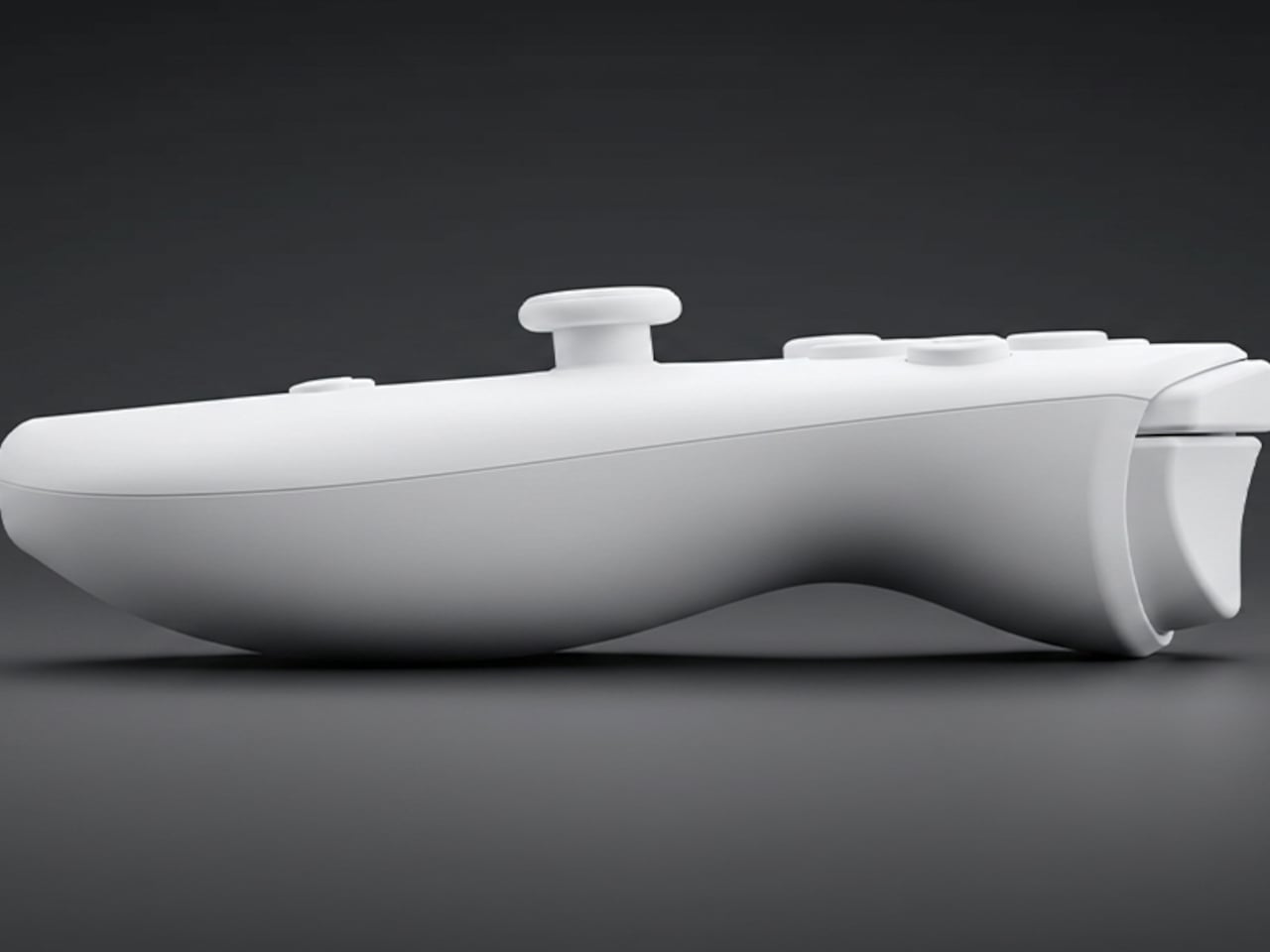
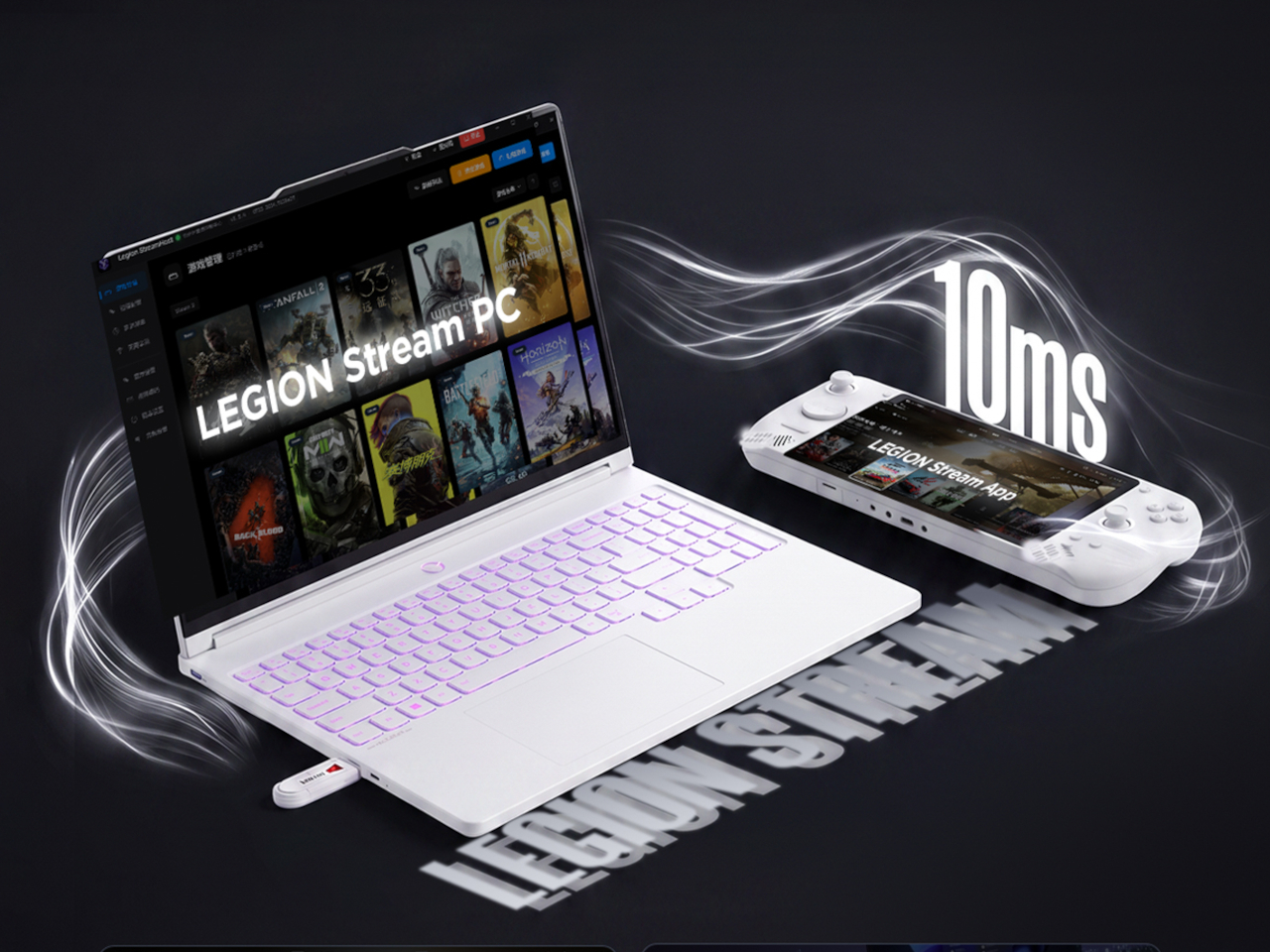
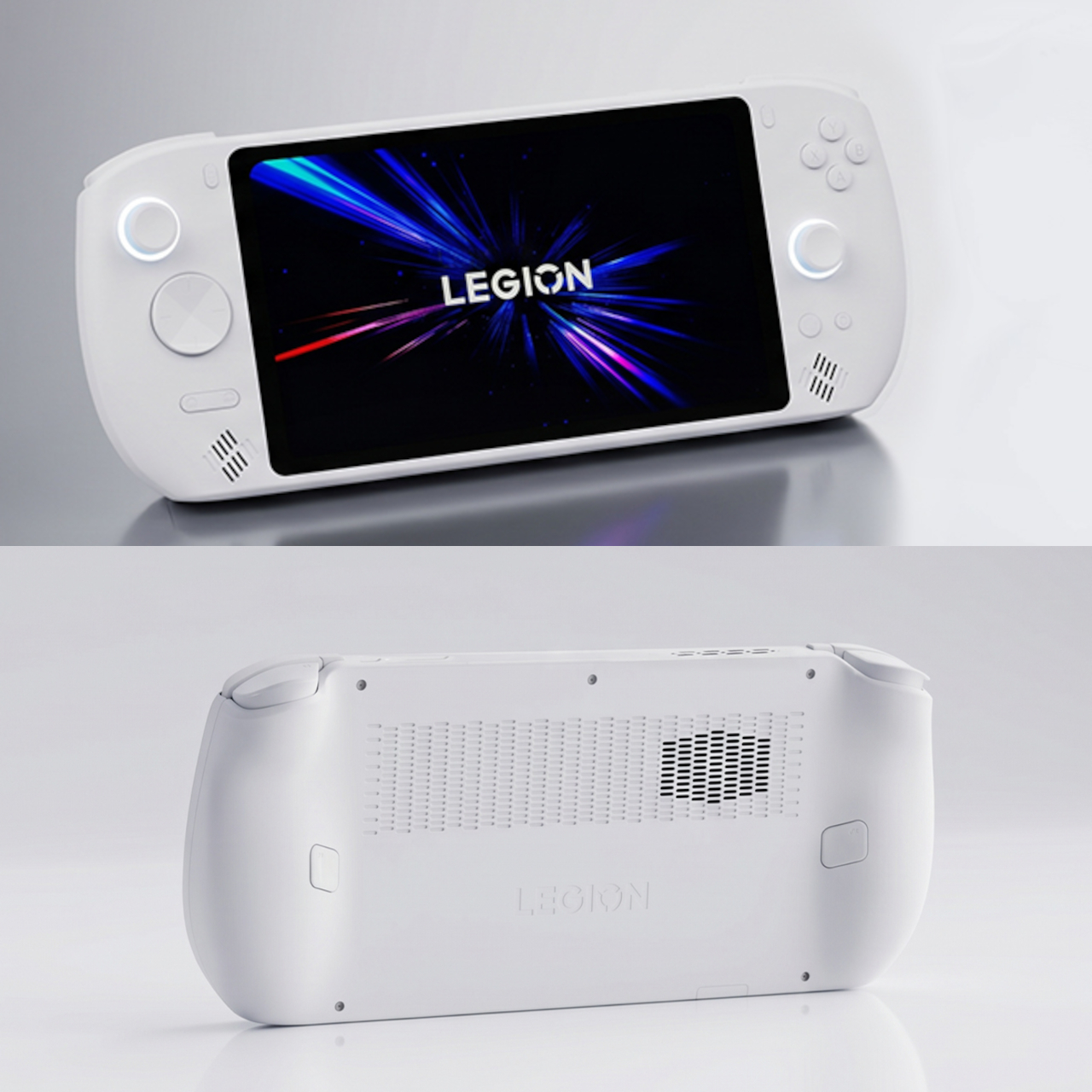
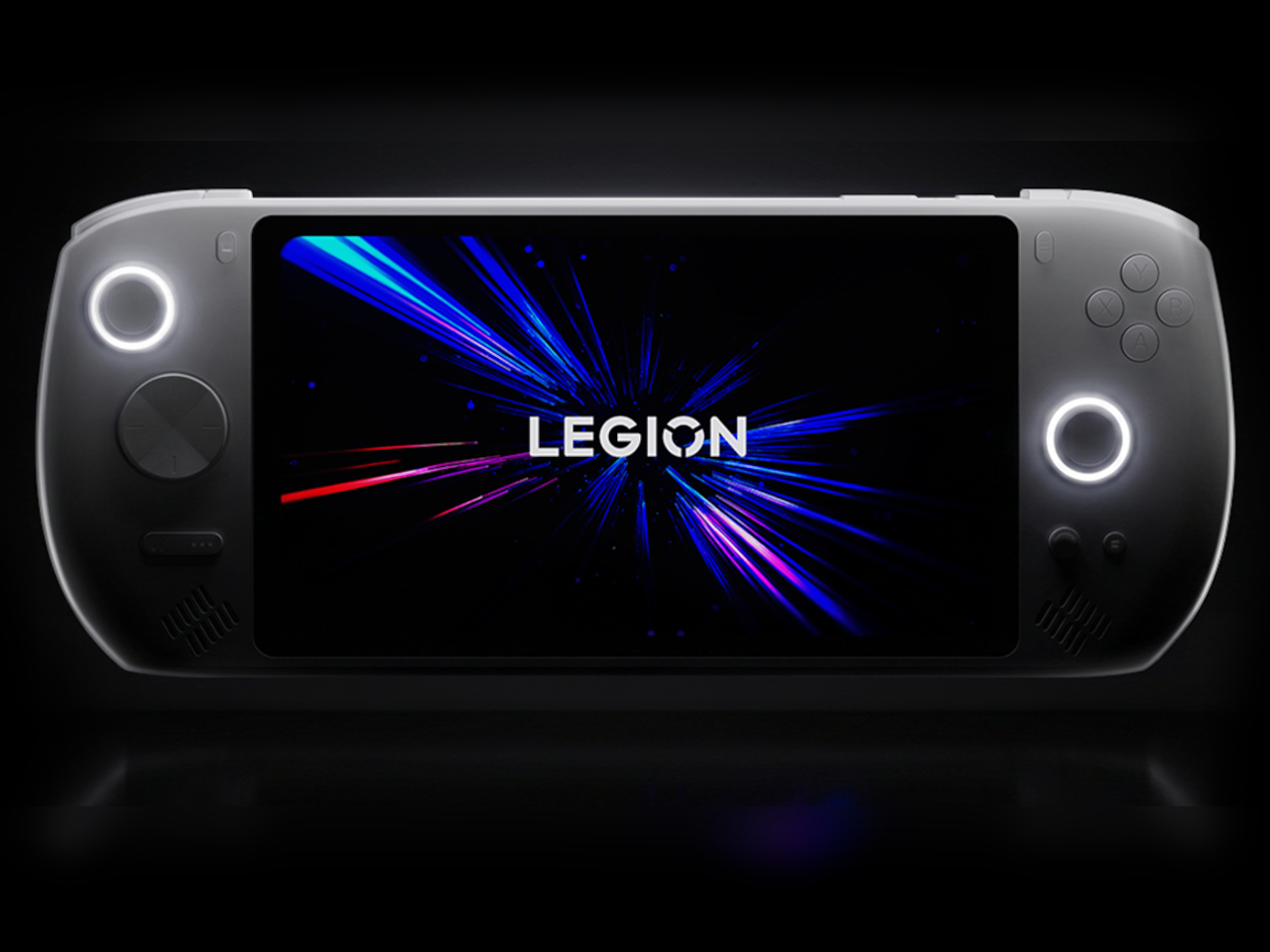
The new breed of handheld PCs designed for gaming can’t deny their inspiration. The success of the Nintendo Switch definitely made the dream of AAA gaming on the go a reality. Of course, that only works if you’re all in on Nintendo’s ecosystem, though PC gamers have been relying on laptops for their portable experience. The likes of the Lenovo Legion Go, however, have taken us closer not just to truly portable PC gaming but to an experience almost similar to the Nintendo Switch with its removable controllers. Now the PC giant has come out not with a successor but with much-needed accessories that give the handheld gaming PC a more holistic image and a more complete mobile experience.

Designer: Lenovo

Handheld gaming PCs have definitely kicked the doors wide open for PC gaming on the go, but almost all of them lacked one important Nintendo Switch feature from day one: first-party accessories. Sure, you can connect a keyboard, mouse, and maybe even an external monitor, but in most cases you also have to hunt for hubs and docks that you can only hope will actually work as promised. In contrast, the Switch had the TV dock, holders and chargers for Joycons, and more, emphasizing a complete ecosystem that removed much of the concerns that PC gamers face even on laptops and desktops.

The new set of Legion Go accessories does that for Lenovo’s first-ever handheld, making it an even more flexible system for gaming and, ironically, work. At the top of the list is probably the official Legion Go USB-C Dock, providing a home for the handheld at home, making it easy to turn the Legion Go into a desktop or living room console when you’re not out and about. The Legion Go Charging Connector keeps the handheld’s removable TrueStrike controllers always ready when you need them. You can even use the controllers while attached, turning them into a distinct and standalone gamepad.

Although not directly related to the Legion Go, Lenovo also announced a mini Bluetooth keyboard that’s a perfect complement to the portable computer. The Legion Go has one of the largest screens among handheld PCs, so you can type out an email response or some other document with this keyboard. Plus, it also lets you easily play PC games that can only use a keyboard and mouse for input, especially since one of the TrueStrike controllers functions as a joystick-like mouse when detached.

Other members of the Legion Go accessory family include an official carrying bag, as well as joystick and button caps. Unfortunately, they may have come a little too late to make a world of difference. While some owners have probably made do with third-party products that offer the same functionality, these official Lenovo accessories bring the guarantee of actually working well with the Legion Go.

The post Lenovo Legion Go accessories make it a true Nintendo Switch rival first appeared on Yanko Design.
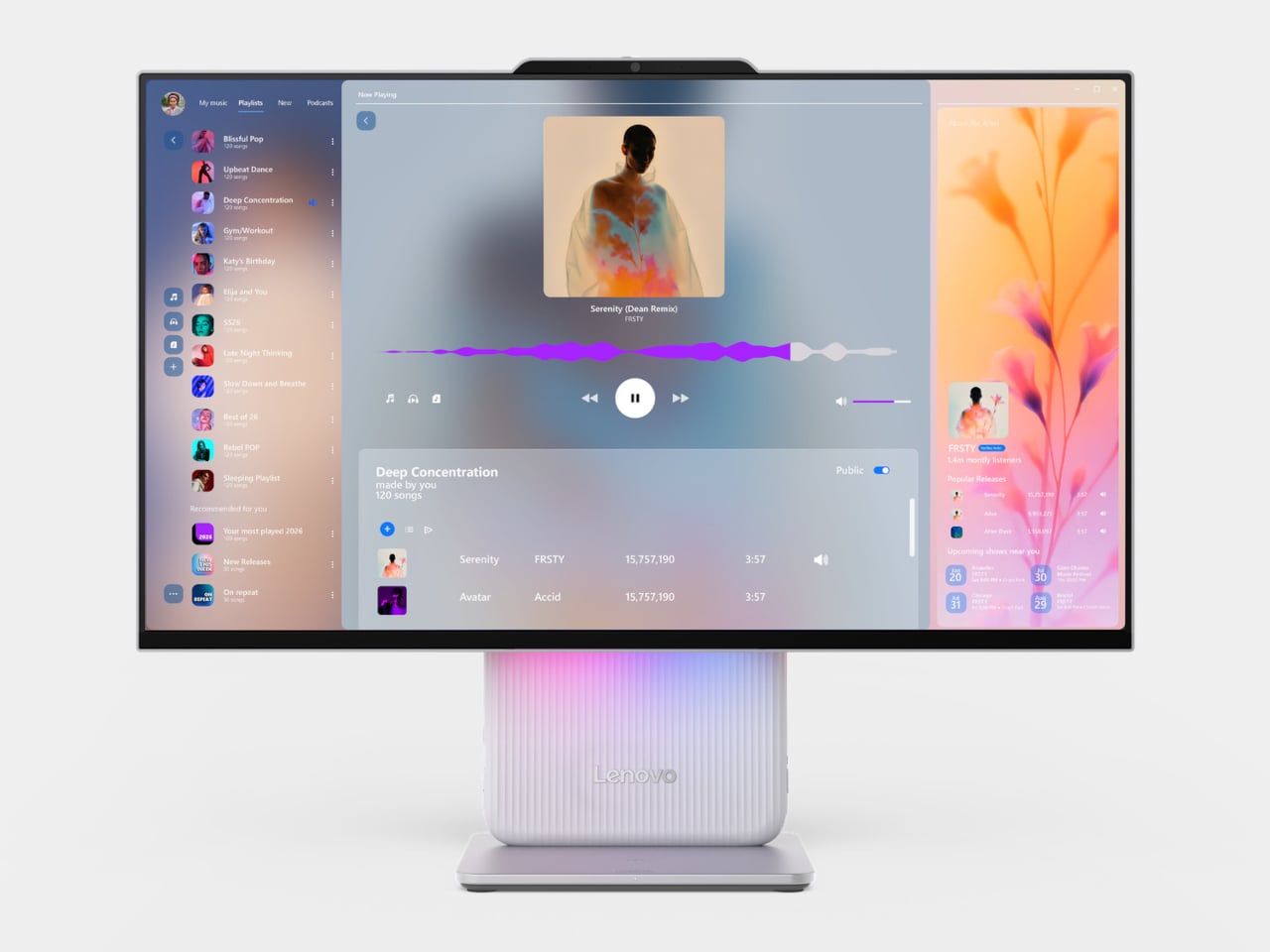
Lenovo Legion Pro 7i Gen 9 (2024) Laptop Review: Uncompromising Power at a Fair Price

PROS:


  • Unbeatable performance for its price tag

  • Beautiful and vibrant 16-inch 2K 240Hz screen

  • A wide variety of ports

CONS:


  • Bulky and aggressive design

  • A bit pricey without discounts

RATINGS:

AESTHETICS
ERGONOMICS
PERFORMANCE
SUSTAINABILITY / REPAIRABILITY
VALUE FOR MONEY

EDITOR'S QUOTE:

Although a heavyweight in actual weight and price, the Lenovo Legion 7i Gen 9 delivers almost everything gamers and content creators need without breaking the bank.

Microsoft has been very aggressive with its push of AI on new Windows computers, represented by its now omnipresent CoPilot key. New laptops have just been launched touting AI capabilities that revolve largely around the usual culprits like content generation or summarizing content, but they’re not the only new kids on the block either. A new breed of gaming laptops is also on the rise, advertising some AI tricks to optimize their performance. That also means a refresh of popular models that promise even smoother performance and pack more power, but those always come at some cost. Rarely will you find a design that delivers the power that gamers need at a more affordable price point, which is the proposition that the 2024 Lenovo Legion Pro 7i Gen 9 (16IRX9H) is making, so we naturally had to put it to the test to see if it holds up in practice.

Designer: Lenovo

Aesthetics

Common gaming laptops often look like tanks, and the Legion Pro 7i (2024) is sadly no different. It’s not rugged by any means, sporting a sleek and sharp appearance, but it’s thick, heavy, and sharp at the edges. It has an aggressive look to it, though coupled with some RGB lights, it does have a bit of a cyberpunk flair. While it doesn’t shout to the world that it’s a gaming laptop, it doesn’t try to deny its identity either.

It’s also not that different from its Gen 8 predecessor, so there’s practically nothing that sets it apart visually. On the one hand, it establishes a familiarity with the Legion Pro line, so buyers will know what to expect. On the other hand, however, it also feels like it’s lagging behind when it comes to aesthetics, especially when Lenovo has quite a few interesting and distinctive designs available.

Overall, the Lenovo Legion Pro 7i Gen 9 looks pretty plain on the outside. It isn’t as obnoxious as other gaming laptops that show off all their kaleidoscopic lighting, but it isn’t subtle either. You might feel a bit conscious bringing it to the workplace or meeting (unless you work at a game studio), but it will probably only get a few passing looks. Fortunately, most gamers will be willing to overlook this aspect if they’re getting the performance that they’re actually paying for.

Ergonomics

At 4.93 lbs (2.24kg) and 17.6mm (0.69in), there is no mistaking the Legion Pro 7i Gen 9 for a thin and lightweight notebook. Again, this is your expected dimensions for a gaming laptop, so many gamers won’t be so bothered by it. But if you’re a creator and a gamer who find yourself moving around a lot, you best prepare your back and shoulders for some workout.

Fortunately, actually using the laptop turned out to be a more enjoyable experience, from the bright and vibrant screen to the responsive and comfortable keyboard. That keyboard is a bit notable in how it sufficiently spaces out the keys and still has room for a numeric keypad as well as a regular T-shaped cursor key arrangement. The latter actually extends a bit lower than the rest of the keys, which has the effect of pushing the touchpad to the left just a little. Definitely not enough to make the button-less surface painful to use.

As we’ll get to later, the Legion Pro 7i has a wide selection of ports, and they’re placed in a way that really takes into account how most people use laptops these days. The left side has a USB-A and a USB-C port, while the opposite side gets a USB-A along with a 3.5mm headphone/mic jack. This gives easy access to accessories you’ll connect and disconnect often, like a gaming mouse or your phone. The back has connections like two USB-A ports, one USB-C port, HDMI, and Ethernet, practically the ones you’ll use to “dock” the laptop to more stationary peripherals, making cable management a bit easier. Whether it’s gaming on the go or maybe even working in the office, the Lenovo Legion Pro 7i Gen 9 is designed with ease of use and comfort in mind.

Performance

As a somewhat high-end gaming laptop, the 2024 Legion Pro 7i carries some of the best hardware in the market today. Sure, it might not have an NPU-toting processor, but the Intel Core i9-14900HX is definitely as or even more capable than an “Ultra” chip. The NVIDIA GeForce RTX 4080 is just one step lower than the top-of-the-line card, but it’s more than enough for both gaming and content creation. Our review unit came with 32GB of DDR5 RAM and 1TB of storage, which is to say it’s not wanting in any aspect. With both benchmarks and actual usage alike, the Legion Pro 7i Gen 9 performed impressively, yielding consistent high frame rates in games even high settings. It’s also a testament to the laptop’s cooling system that it’s able to squeeze out as much performance consistently, though it naturally did get warm to the touch and the fans were quite audible.

Visual quality is important for gamers, but it is an even more critical aspect for content creators who need color accuracy. This is one area where the Legion Pro 7i Gen 9 surpasses the previous generation, adding support for NTSC, Adobe RGB, and DCI-P3 color gamuts. Not only does this make colors really pop, it also means that the 16-inch 2K screen is now able to support the needs of creatives, making the gaming laptop more of an all-around high-performance tool. And with extremely thin bezels, you experience a better immersion into that colorful world, especially when the decent bottom-firing speakers complete the audiovisual experience.

This heavy laptop carries a 99.99Whr battery, the largest allowable on planes, and its uptime is as much as you’d expect. Normal use, which is a mix of multimedia and browsing, can net you around 7 hours, but heavy gaming makes that figure nosedive to just two or less. Lenovo compensates for this with a “Super Rapid Charge” technology that can fully charge the Legion Pro 7i in around 80 minutes, presuming you’re using the hefty 330W power brick with a proprietary connector. You can also charge the laptop via USB-C if you have a 140W charger, but Lenovo doesn’t ship one in the box.

All in all, the Lenovo Legion Pro 7i Gen 9 performs so well that we have very little to complain about it. There’s very little bloatware aside from Lenovo’s own tools, as well as those from Nahimic for audio and Tobii for the webcam. Yes, it’s heavy and it burns through a battery quickly, but that’s also expected from high-end gaming laptops. It’s a rather powerful package made even more enticing by its bang-for-buck value.

Sustainability

Before we get to that, however, a word has to be said about Lenovo’s actions to leave a more positive impact on the planet. Though the Legion Pro 7i Gen 9 might look plain to the naked eye, it actually uses quite a number of sustainable materials for its body. It uses recycled aluminum as well as magnesium, giving the laptop both durability as well as a premium touch. The bottom, in particular, is made with 50% recycled aluminum, while the cover frame utilizes 30% post-consumer recycled polymers.

The laptop is also designed to be upgradable, at least as far as RAM is concerned. Repairs and other upgrades, however, require a bit more work, so it comes up short of getting a high score. Given how gaming laptops are more likely to wear out components faster than regular laptops, repairability should be the next priority for Lenovo’s designers and engineers.

Value

There’s no getting around the fact that the Lenovo Legion 7i Gen 9 is a bit pricey, starting at around $2,420 all the way to $2,850 for the highest configuration. And that’s with discounts already! On its own, that price tag might feel quite burdensome, until you consider that many laptops on this tier ask for more and deliver less.

With this sub-$3000 gaming laptop, you’re getting a near-perfect configuration that is useful not just for gaming but even for content creation as well. It’s not perfect, of course, and we wished it had a longer battery life given its weight, but you’d also be hard-pressed to find a similar experience on designs that won’t require you to pay even more with not as much performance gains.

Verdict

With PC gaming on the rise again, the number and variety of gaming laptops have also seen an uptick. While the need for power has never changed, gamers have become more conscientious not just about price value but design value as well. Carrying the design DNA of its predecessor, the Lenovo Legion Pro 7i Gen 9 (16″, 2024) looks sleek yet deceptively simple, belying the power it carries inside. But more than just unrelenting performance, it brings a well-rounded set of features that give gamers, creators, and any other user a powerful tool for a relatively fair price.

The post Lenovo Legion Pro 7i Gen 9 (2024) Laptop Review: Uncompromising Power at a Fair Price first appeared on Yanko Design.
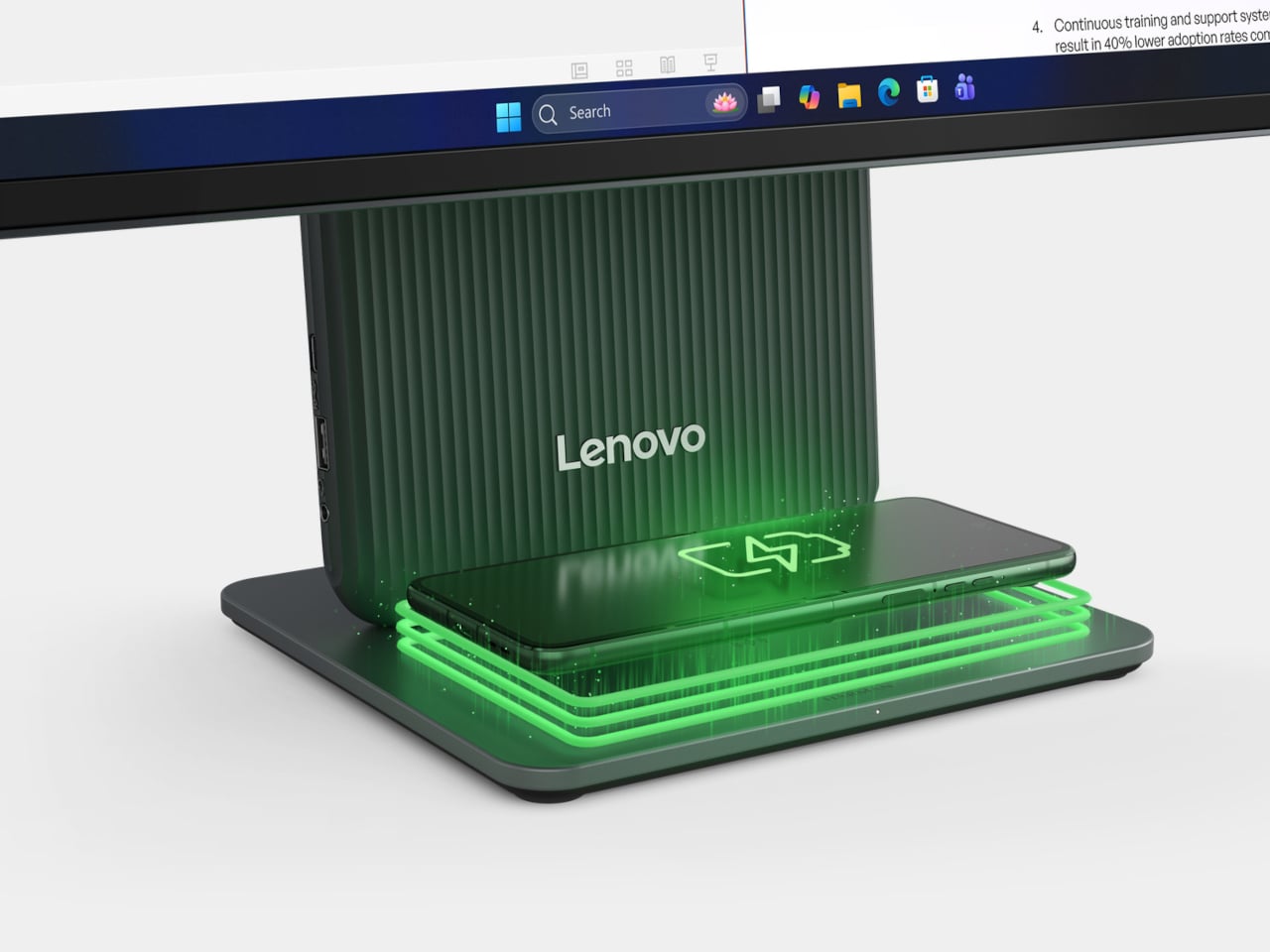
Lenovo Yoga 9i Gen 9 14IMH9 (14″, 2024) Review: Graceful Balancing Act

PROS:


  • Gorgeous 3.8K screen with very thin bezels

  • Stylish, lightweight, and flexible workstation on-the-go

  • Competitive performance even for light gaming

  • Creative speaker soundbar hinge design

CONS:


  • Included pen feels cramped

  • No HDMI port or SD card slot


RATINGS:

AESTHETICS
ERGONOMICS
PERFORMANCE
SUSTAINABILITY / REPAIRABILITY
VALUE FOR MONEY

EDITOR'S QUOTE:

With a more portable design and solid performance, the Lenovo Yoga 9i Gen 9 makes for a competitive all-rounder that can cover almost every need and use case.
award-icon

There has been a sudden flood of new laptops in the past months, most of them trying to ride the AI wave. With so many designs and so many configurations available, it can be a bit daunting to pick one for your next major computer purchase. There’s no shortage of models catering to gamers and content creators, as well as pro models aimed at high-performance workers. On the opposite side lies the “economy” choices meant for students and some employees, carrying barely enough power for the most basic tasks. When it comes to those who need a general-purpose computer that can keep up with their changing needs and situations, the choices can be a bit more difficult because they’re all over the place. A solid option with well-balanced features and an accessible price tag is always in demand, and that’s what the 2024 Lenovo Yoga 9i Gen 9 (14IMH9) 2-in-1 convertible laptop is promising, so we take put it to the test to see if it does keep its word.

Designer: Lenovo

Aesthetics

The Lenovo Yoga 9i Gen 9 has a presence that grabs your attention without being loud or distracting. The simple yet sleek shape of the lid combined with the soft curves of the base creates an interesting silhouette whether the laptop is closed or open. And the dark Cosmic Blue hue, still a rarity in this product line, makes it stand out in an aesthetically pleasing way. When the lid is open and the screen powered on, the extra slim bezels around the display further emphasize the laptop’s modern appearance.
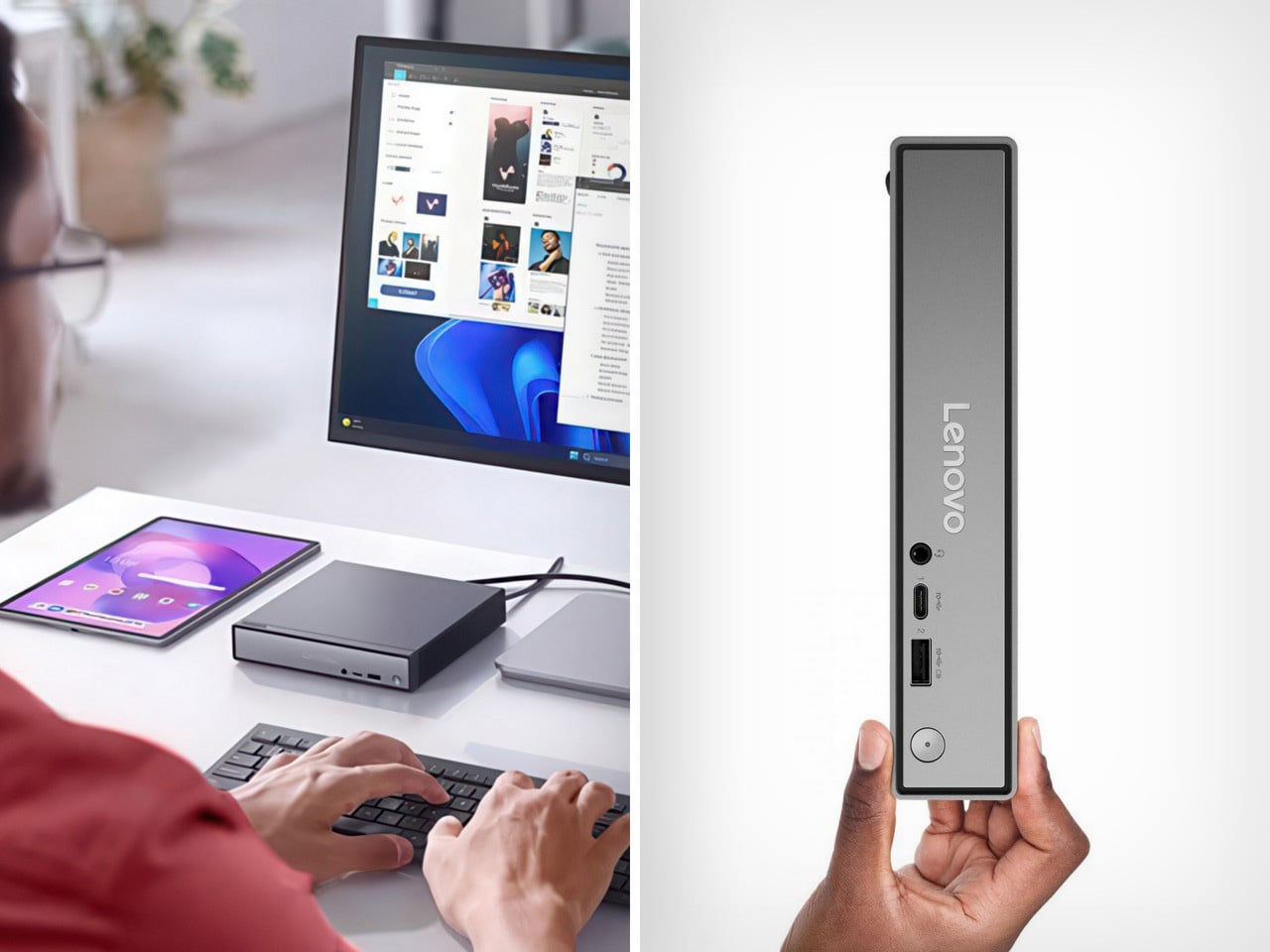
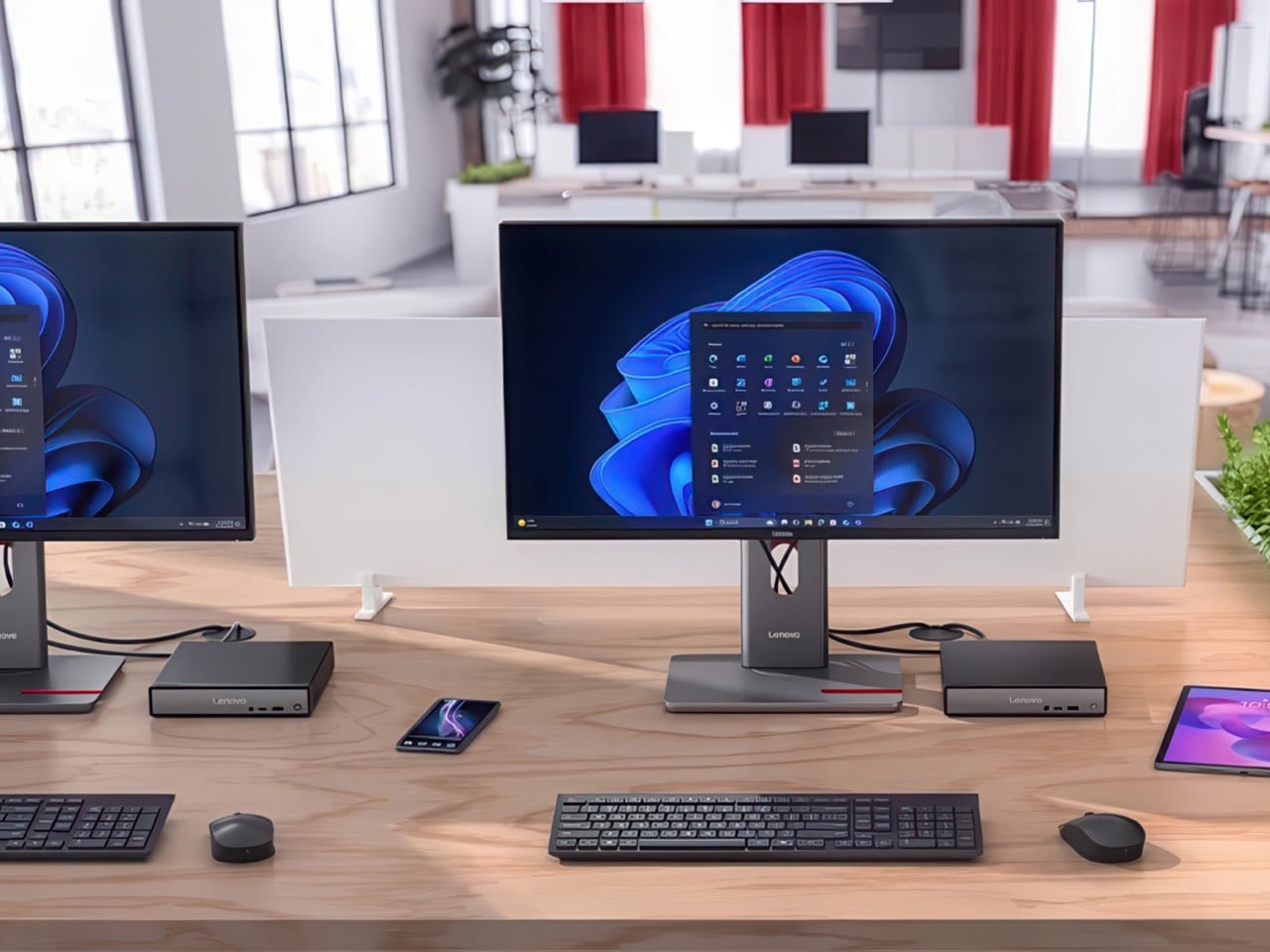
Even at first glance, it’s immediately evident how slim and small the 2-in-1 laptop is, at least for a 14-inch device. Compared to its Gen 8 predecessor, this year’s Lenovo Yoga 9i is significantly smaller and lighter, which greatly improves its portability. This attribute is even critical for this kind of laptop since it can be used as a tablet that you’ll sometimes have to hold up for long periods of time, though it does have some drawbacks compared to typical tablets, which we’ll get to later.

One design detail that might prove divisive is how the lid and the base practically have two different designs. The lid is thin and has flat edges with a matte surface, while the base sports curved edges with a shiny finish. The difference between the two is even more stark when you realize that the base is actually wider at its edges than the lid so that these two parts don’t sit flush with each other when closed. It’s an asymmetrical design quirk that might not sit well with some, while others might grow accustomed to it over time, enough to take it for granted.

Ergonomics

At only 2.98 lbs (1.35kg), the Lenovo Yoga 9i Gen 9 is relatively lighter than its predecessor as well as the nearest competition. This gives it an advantage when it comes to portability, especially when you consider how it doesn’t skimp on the specs in return. You still won’t want to hold it up unsupported for long periods of time, but it’s less straining than most. That said, you won’t be able to hold it as comfortably as a regular tablet like an iPad or a Surface because the keys fold to the back of the lid. They’re disabled, of course, but you will still undoubtedly press on them, making for a rather awkward experience.

But while using the laptop is comfortable and even enjoyable, the Lenovo Slim Pen that ships with the Yoga 9i Gen 9 is a different story. We don’t have any complaints when it comes to the performance of the stylus, since it does a great job at it, but holding the short and nearly flat stick can strain your hand if you use it for too long. There’s also no secure place to put the stylus on when not in use, because the magnet on the back and top of the lid is not exactly that strong. It almost feels as if designing the pen was an afterthought, especially since previous Yoga 9i models had a silo for its home.

Performance

In addition to its facelift, the 2024 14-inch Lenovo Yoga 9i Gen 9 gets a major upgrade in hardware. That’s the Intel Core Ultra 7 155H, the chip maker’s latest entry into the AI arena. This is matched with high-speed LPDDR5x RAM, 32GB for our review unit, and 1TB PCIe SSD Gen 4 M.2 of storage. In addition to the integrated Intel AI Boost NPU (Neural Processing Unit), a key feature of this configuration is the integrated Intel Arc graphics. It’s still a far cry from dedicated GPUs from the likes of NVIDIA and AMD, but it’s still a major leap forward in terms of performance. And it doesn’t disappoint, at least within the right context and expectations. It’s no gaming laptop, but light gaming with medium settings is no problem, as are content creation apps, especially those that utilize AI features.

The real star of the show here is the 14-inch OLED display, with a 3.8K WQUXGA (3840 x 2400) resolution in our review unit (there’s also a 2.8K 2880×1800 option). Both are touch-capable, as you would expect from a 2-in-1 laptop, and the image quality is just astounding in both brightness and color vibrancy. It’s by no means perfect, especially compared to more “pro” laptops, but on a consumer product, this is simply gorgeous. It doesn’t fall short when it comes to audio either, and its unique design solves one of the biggest problems laptops have: speaker placement. In the Yoga 9i Gen 9’s case, the wide hinge also acts as a soundbar that’s always firing in your direction, and the audio that it puts out is full and broad, and it doesn’t sound distorted or tinny at maximum volume.

As a 2-in-1 laptop, the Yoga 9i Gen 9 has to carefully balance the needs of both laptop users as well as tablet users, and nowhere is that more evident than in the choice of I/O ports. There are three USB-C ports, two of which support Thunderbolt 4, one full-sized USB-A port, and a 3.5mm headphone jack. That’s pretty much it. The lack of an HDMI port means you’ll need to use a dongle if your external monitor doesn’t support USB-C video, and digital photographers might be unimpressed with the lack of a card reader. The I/O leans more on the side of portability and mobility, making some practical sacrifices along the way.

The typing experience is quite decent, and the keys have sufficient spacing and travel to keep most users happy. It’s also backlit, so typing in the dark is no problem at all. The touchpad is large, smooth, and responsive, leaving very little reason to complain. One design detail that some might take issue with is the column of special keys on the right edge, providing quick access to a few features, including a fingerprint scanner. Unfortunately, its placement makes it too easy to hit these keys accidentally, especially since they’re so close to important keys like Enter, Backspace, and the Left cursor key. It also means that the entire keyboard is practically shifted to the left, and so will your hands.

Battery life is decent, though not exactly remarkable. The 75Wh battery will last you an average of 5-7 hours on average use, shorter if you crank up the video or game settings. The good news is that it charges over USB-C and any of the three USB-C ports can be used for that purpose. That means you can opt for a faster and smaller GaN charger than the plain 65W brick that comes with the Lenovo Yoga 9i, not that it’s that big a charger in the first place.

Sustainability

The Lenovo Yoga 9i Gen 9’s all-aluminum build means there’s less plastic in each laptop. Even better, it uses plenty of recycled materials as well, like 50% recycled aluminum for the base bottom, 50% post-consumer recycled plastic for the keyboard, and, of course, 100% plastic-free packaging. That’s definitely more than what you might find in other consumer laptops, so Lenovo deserves a pat on the back there.

Unfortunately, the longevity of the 2-in-1 laptop might be a bit of an issue, especially if you consider doing repairs or upgrades yourself. Although held down by four TORX screws, the base bottom panel also has some pretty strong adhesive that gets in the way of easily accessing replaceable parts. Also quite puzzling, this Gen 9 model has apparently dropped support for the longer 80mm NVMe SSD drives, limiting you to the 42mm variety only.

Value

The laptop market is a very competitive space, especially when brands put out new models almost at the same time and with the same core specs. That makes telling each apart a bit more difficult, let alone figuring out the actual value that a product has. With a price tag ranging from $1,300 to $1,500, the Lenovo Yoga 9i Gen 9 (14″, 2024) already stands out as being more affordable, but we definitely can’t judge it by that figure alone, nor can we ignore the competition.

The Yoga 9i Gen 9 definitely offers a well-rounded set of features, wrapped in a design that is elegant and distinctive, even if a bit odd at the edges. The 14-inch display really makes videos and images pop, up and the sound quality is impressive for a laptop. That said, it’s a very close call with its biggest rival, the newly refreshed HP Spectre x360 14, also a 2-in-1 convertible laptop. It might even boil down to which product and software ecosystem you prefer, but you can’t go wrong with a solid performer like the new 2024 14-inch Yoga 9i.

Verdict

Finding a good balance between power, portability, and price isn’t that easy. Some designs don’t even try and instead focus on a specific aspect and refine that to perfection. The Lenovo Yoga 9i Gen 9 almost comes close, bringing the AI-empowered performance of the new Intel Core Ultra line to a sleek and elegant device that you can proudly show off, whether as a laptop or as a tablet. With a large and beautiful screen that barely has any bezels, it not only lets you focus on your work but also enjoy viewing content on it. Best of all, its sustainability and accessibility give it an edge over similarly priced options, making the Lenovo Yoga 9i Gen 9 2-in-1 laptop truly enticing for creators and workers always on the go.

The post Lenovo Yoga 9i Gen 9 14IMH9 (14″, 2024) Review: Graceful Balancing Act first appeared on Yanko Design.