Elgato Prompter vs XL: Choose Around Distance, Mounting and Power
Elgato Prompter and Prompter XL share Camera Hub tools. Screen size, camera mounting and USB power make the practical difference between desk and studio setups.
Clipping a microphone to your shirt leaves your hands free, but interviewing someone else calls for something you can comfortably hold between you. Carrying separate gear for both jobs, however, adds to a crowded bag. Elgato’s new Wave Go puts the same tiny transmitter into a handheld grip, changing its shape and controls without changing the microphone or the receiver connected to your phone.
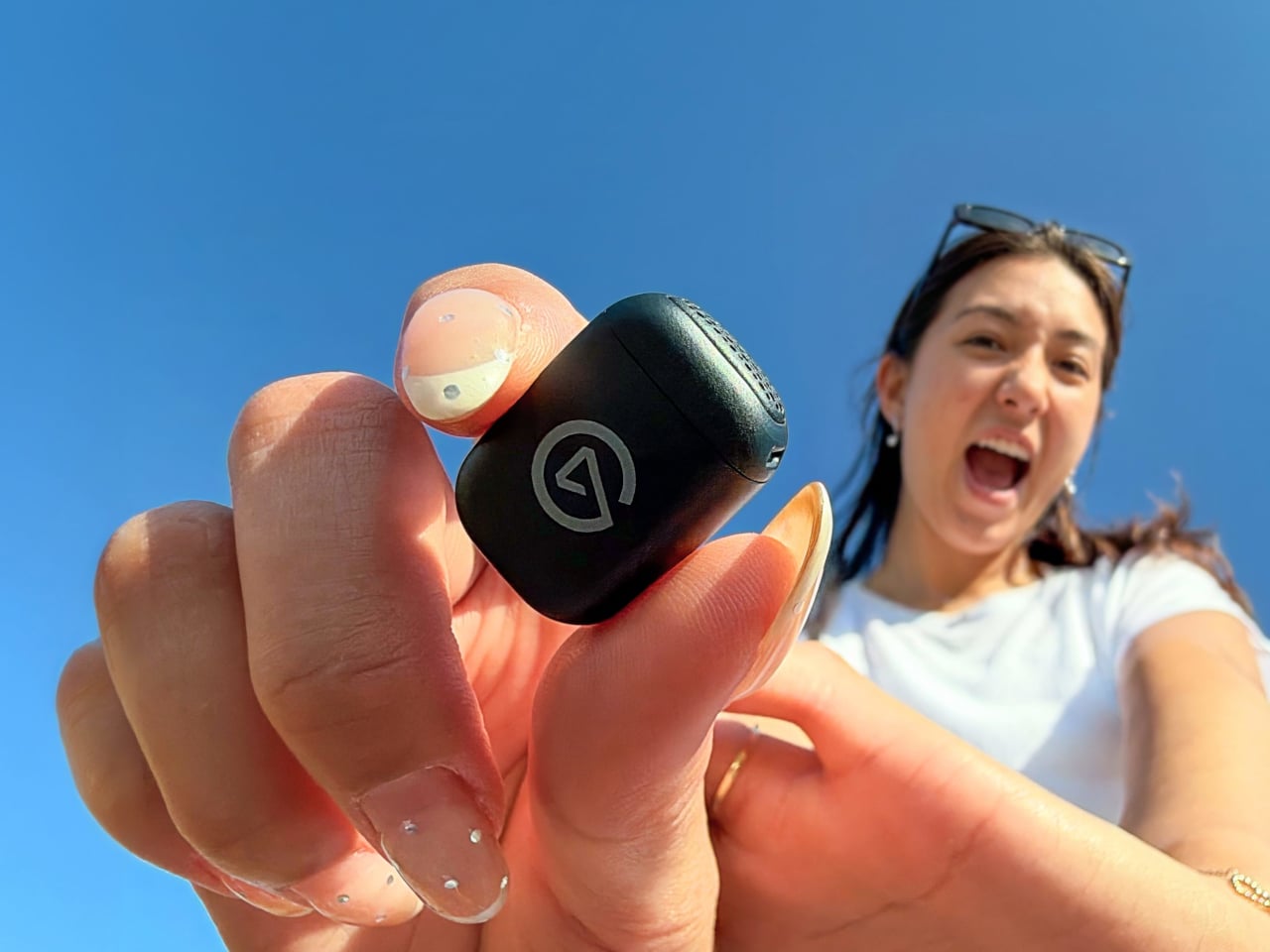
The transmitter has a rounded rectangular body, weighing 0.25 ounces before you add either magnetic mount. With the clip attached, that rises to about 0.4 ounces. It can sit on a collar without a cable running down your clothes, leaving your hands available to demonstrate a recipe or hold the phone. The logo remains visible, though, so it isn’t trying to disappear.
Designer: Elgato
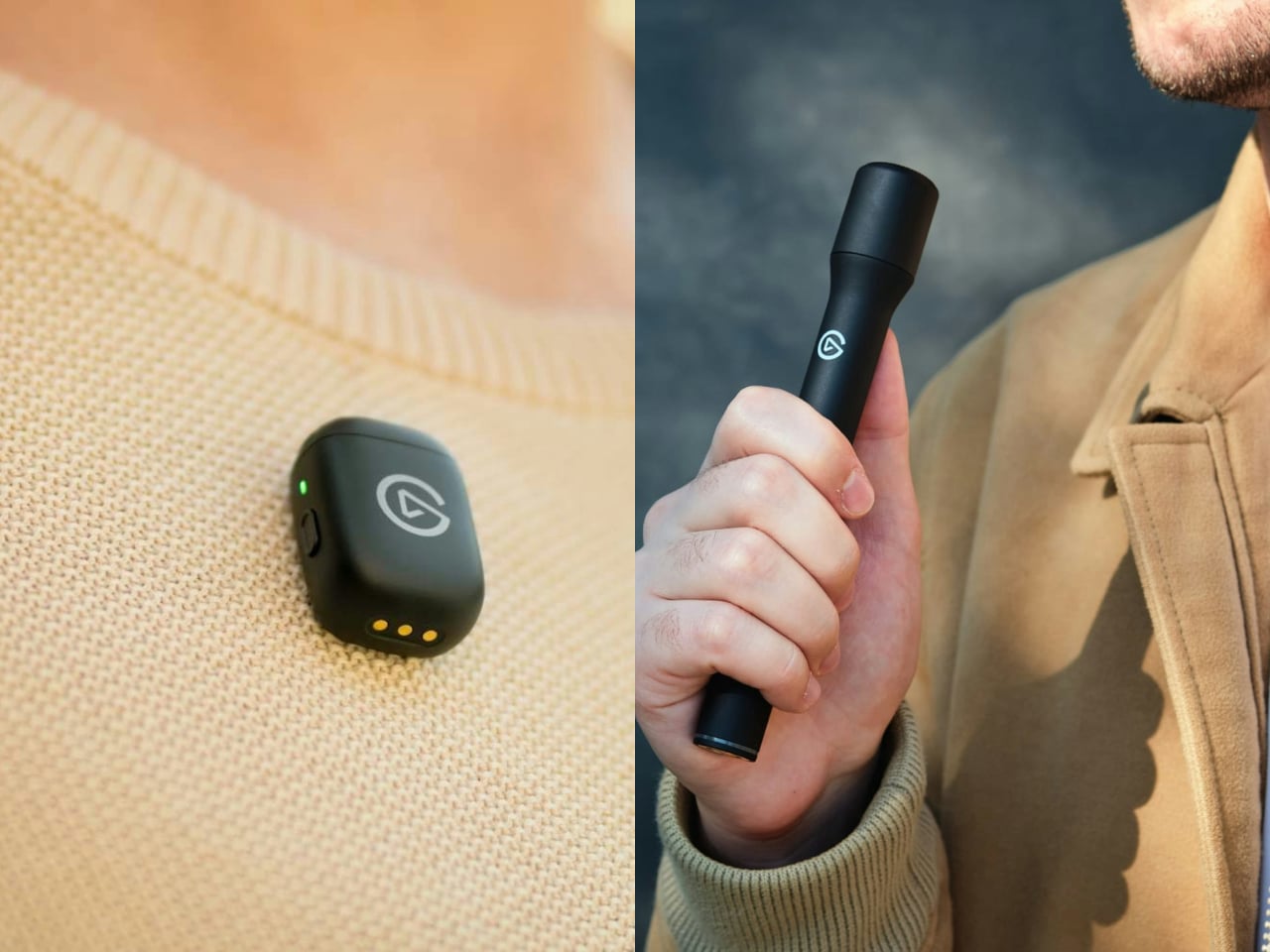
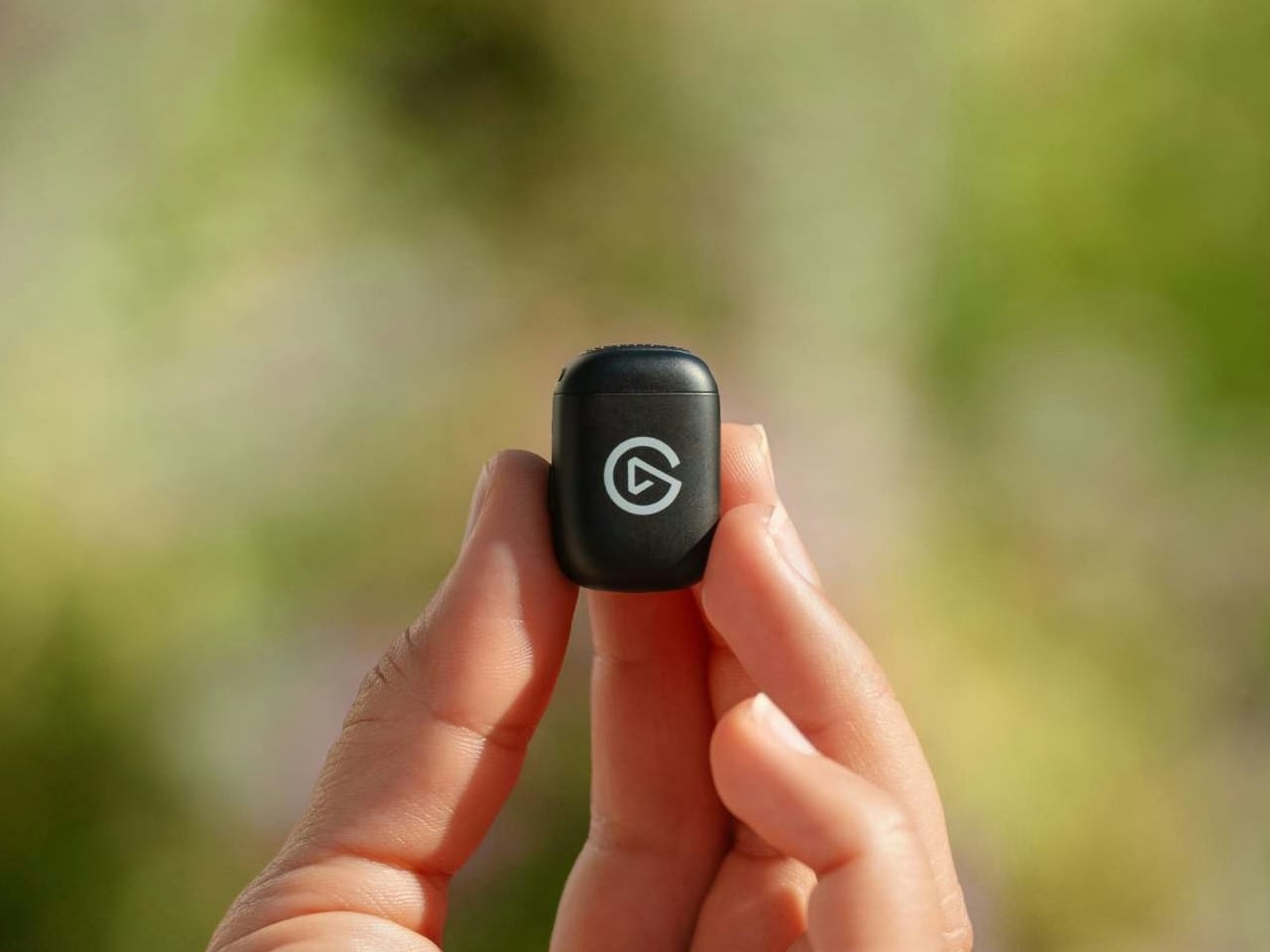
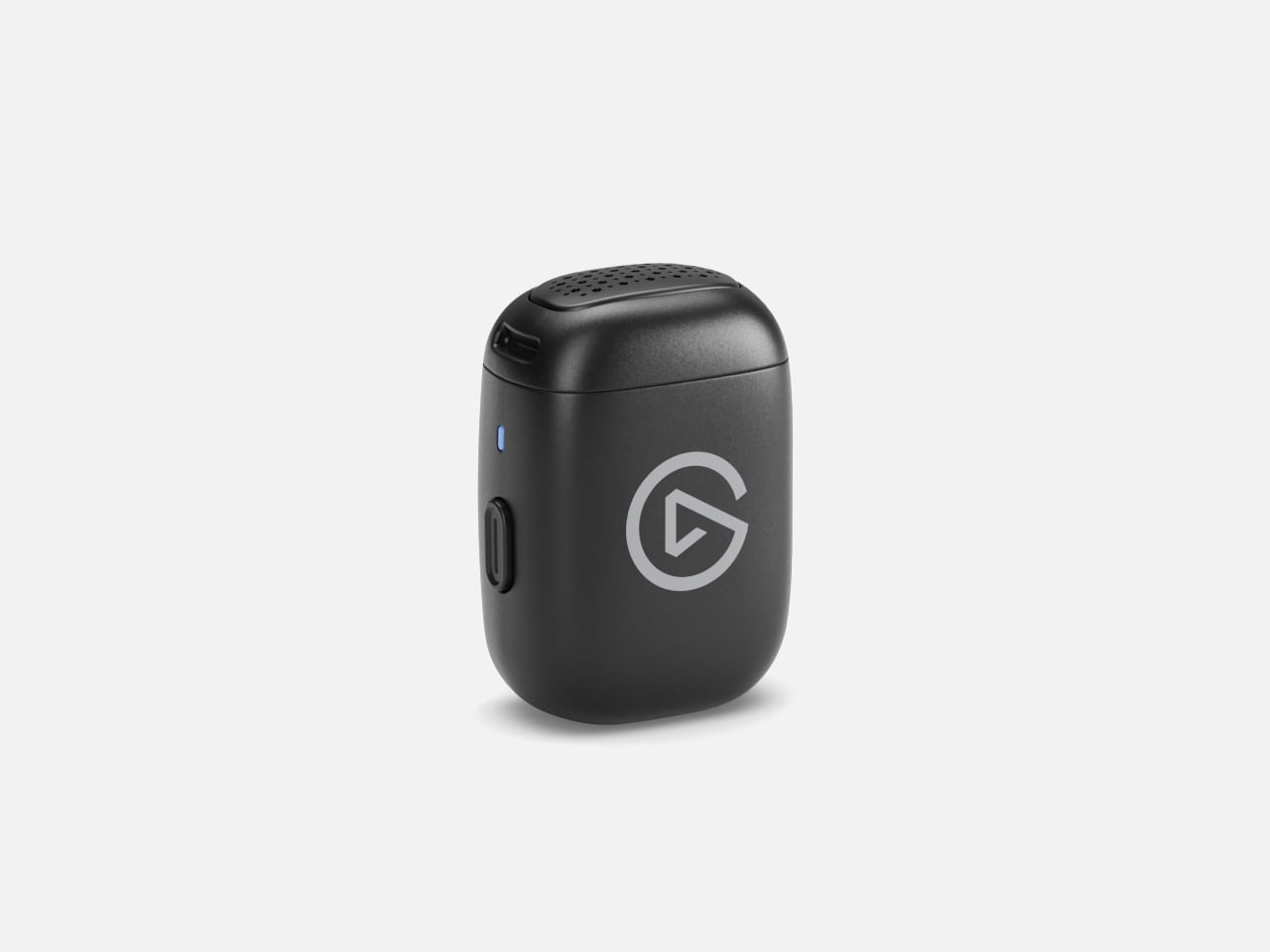
The conversion involves more than sticking that little microphone onto a pole. Twist and lift the Smart Handle’s head, drop the transmitter inside, then replace and lock the cover. The handle’s button and status light take over, keeping power and mute within reach instead of buried underneath. Its slender, 7.1-inch body gives you something to pass between speakers without pinching the tiny transmitter.
Of course, changing the grip also changes where the microphone sits relative to your mouth. Elgato’s EQ Shift automatically selects tuning for chest-level recording and close handheld speech. That doesn’t mean they’ll sound identical, and Elgato acknowledges the distance matters. Automatic level adjustment and noise reduction aim to simplify recording, while the optional app lets you intervene when the processing becomes distracting.
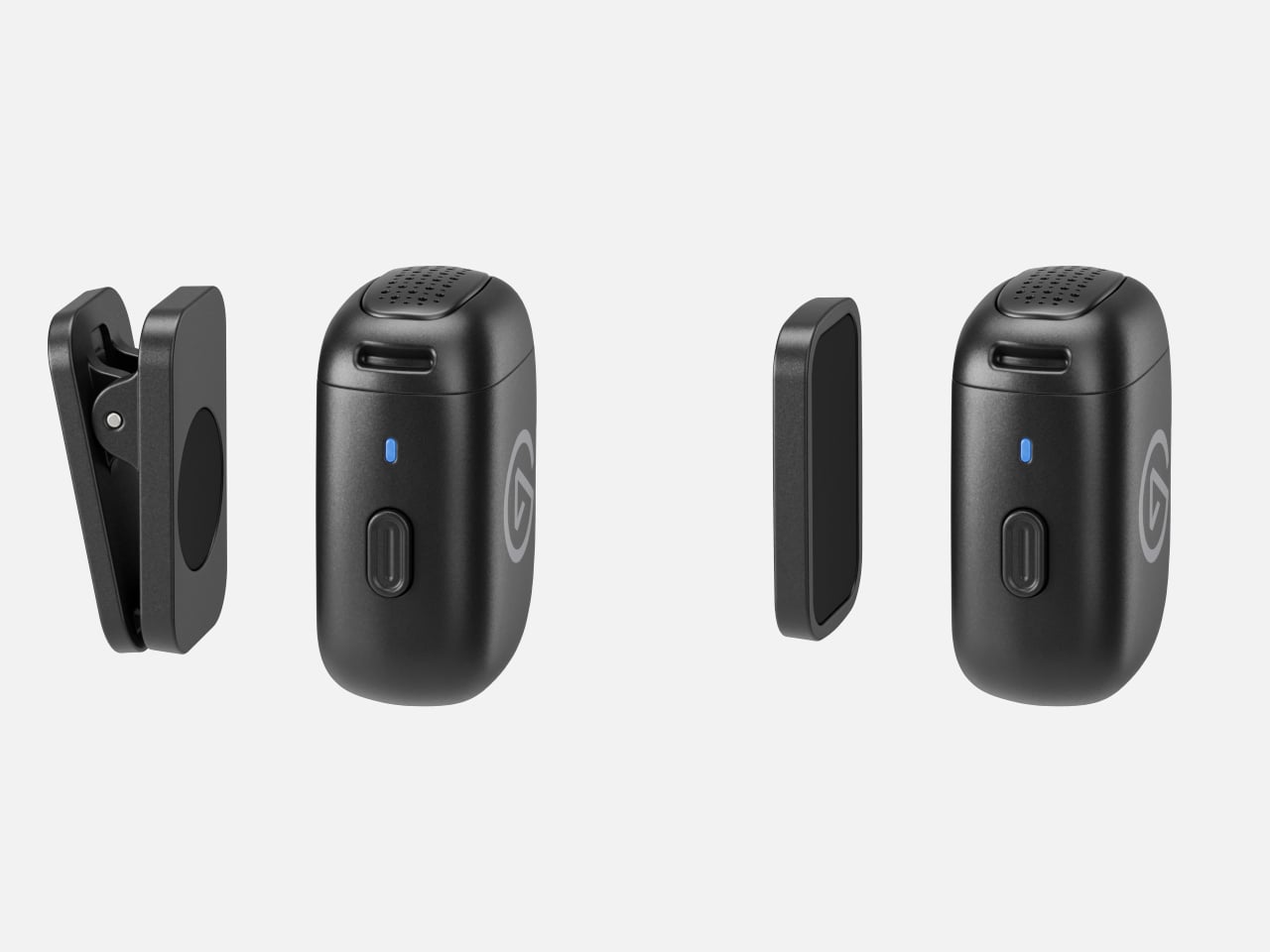
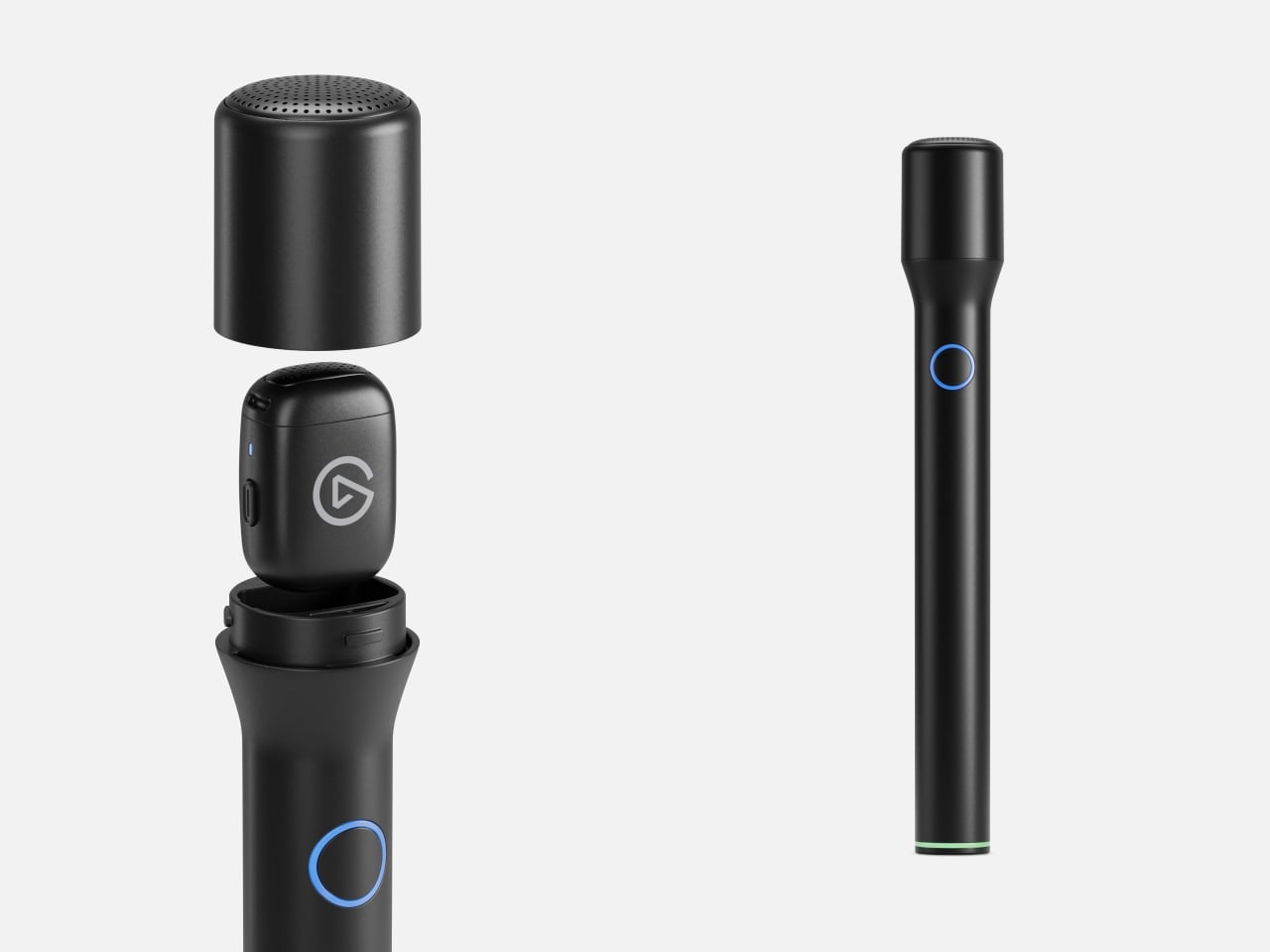
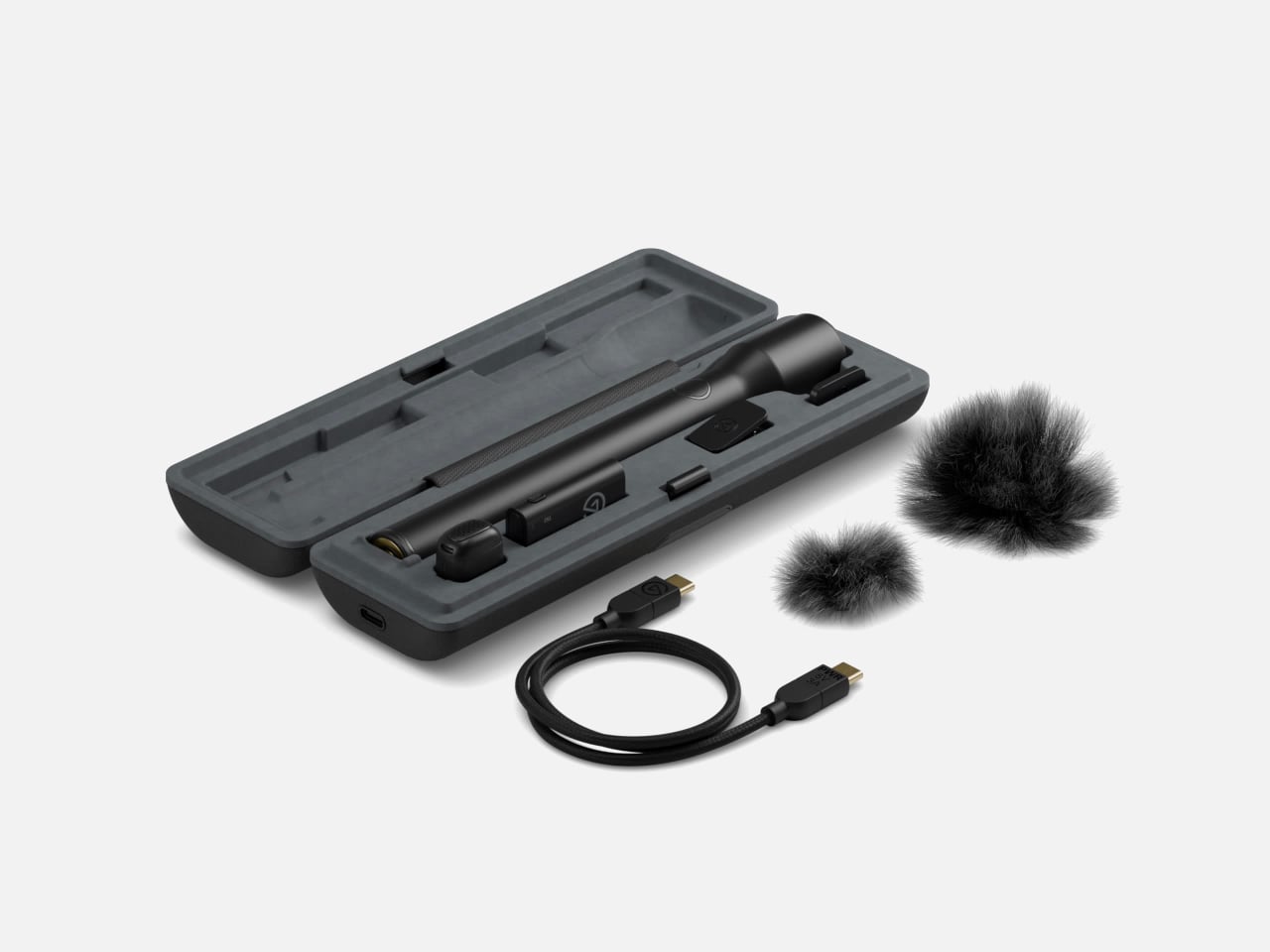
The handle has another job besides giving your fingers somewhere to go. Its battery recharges the transmitter while docked, including during recording. Elgato claims up to eight hours from the mic alone and 48 hours combined with handle top-ups. The carrying case organizes and charges both, but has no battery itself. Leave it unplugged and simply closing the lid won’t replenish anything.
Both configurations send audio over a dedicated 2.4 GHz link to the USB-C receiver, rather than pairing directly with your phone over Bluetooth. Move that receiver to a computer and the same mic can handle video calls, with Wave Link providing mixing options. Lightning iPhones and dedicated cameras aren’t supported, so don’t mistake the familiar interview-mic silhouette for a connection to every recording setup.

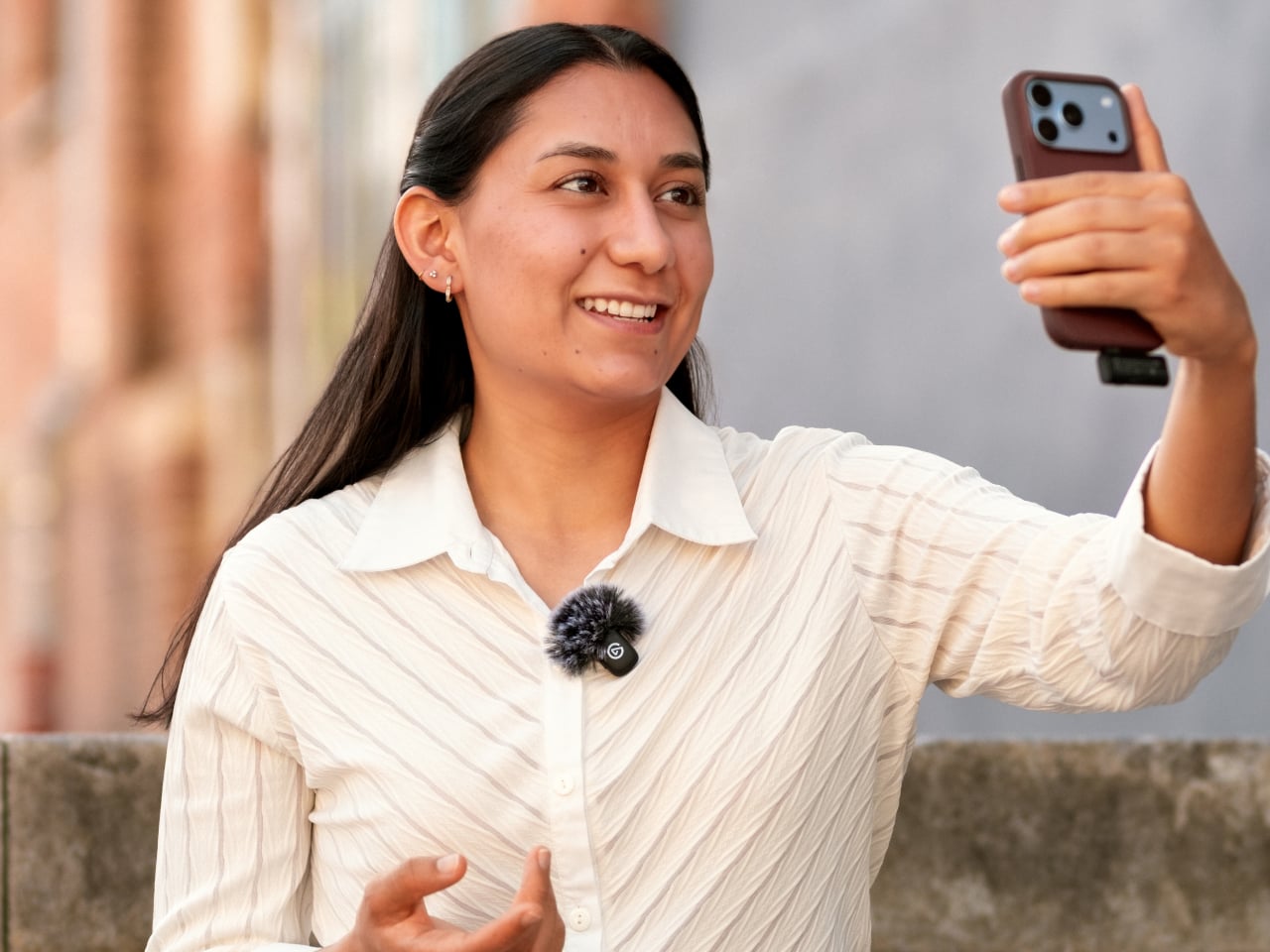

A second transmitter costs $29.99 separately and connects to the same receiver, letting an interview guest wear one while you hold the other. That’s convenient, but both voices arrive mixed into one mono track, with shared gain settings. You can’t separate them afterward as independent recordings. Getting the balance right before the conversation starts therefore matters more than having another microphone to hand.
The $99.99 kit includes the handle, receiver, magnetic mounts, and two furry windscreens, keeping the conversion from becoming a shopping list of extra accessories. There are limits, though: no onboard backup recording and no water-resistance rating. That outdoor interview still depends on your phone saving the conversation, and those furry covers shouldn’t be mistaken for protection against a sudden rain shower.
The post Elgato Wave Go Turns a Tiny Clip-On Into a Handheld Microphone first appeared on Yanko Design.
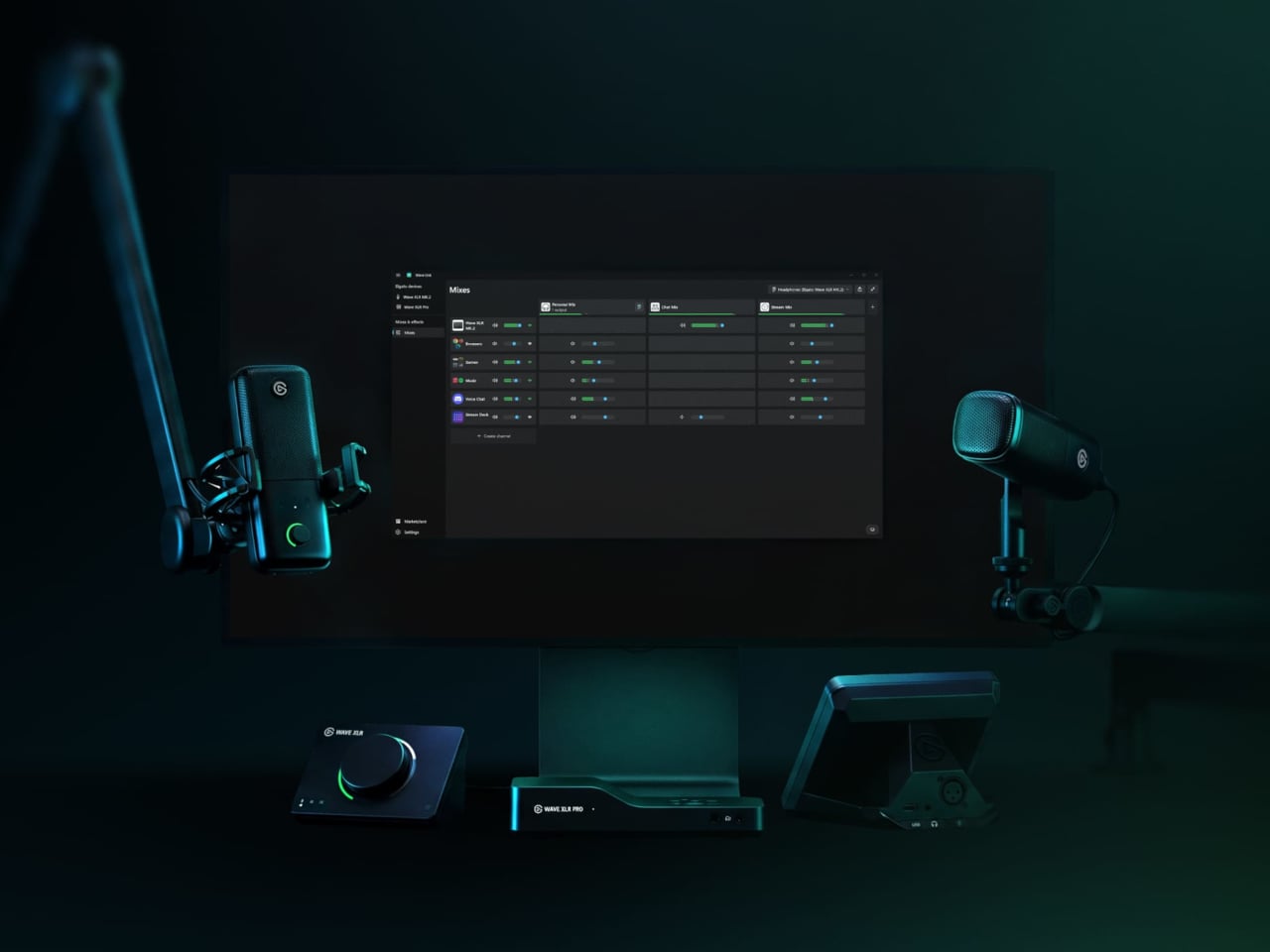
Audio setups for creators have long followed a predictable pattern: buy a microphone, download some software, spend an afternoon reading forums about signal chains, and still end up with a slightly imperfect result. Elgato spent five years watching that process play out across hundreds of thousands of real setups. Wave Next is what they built after deciding most of it didn’t have to be that complicated.
The centerpiece is a custom chip called Wave FX Processor, developed in partnership with Lewitt Audio. It shifts critical audio processing directly onto the hardware, so the microphone signal arrives in every application already polished, without virtual audio devices or routing workarounds. Clipguard 2.0 handles distortion prevention through multiple analog-to-digital converters and 32-bit floating-point internal processing, while five onboard DSP effects shape the voice in real time with zero latency and no CPU load.
Designer: Elgato
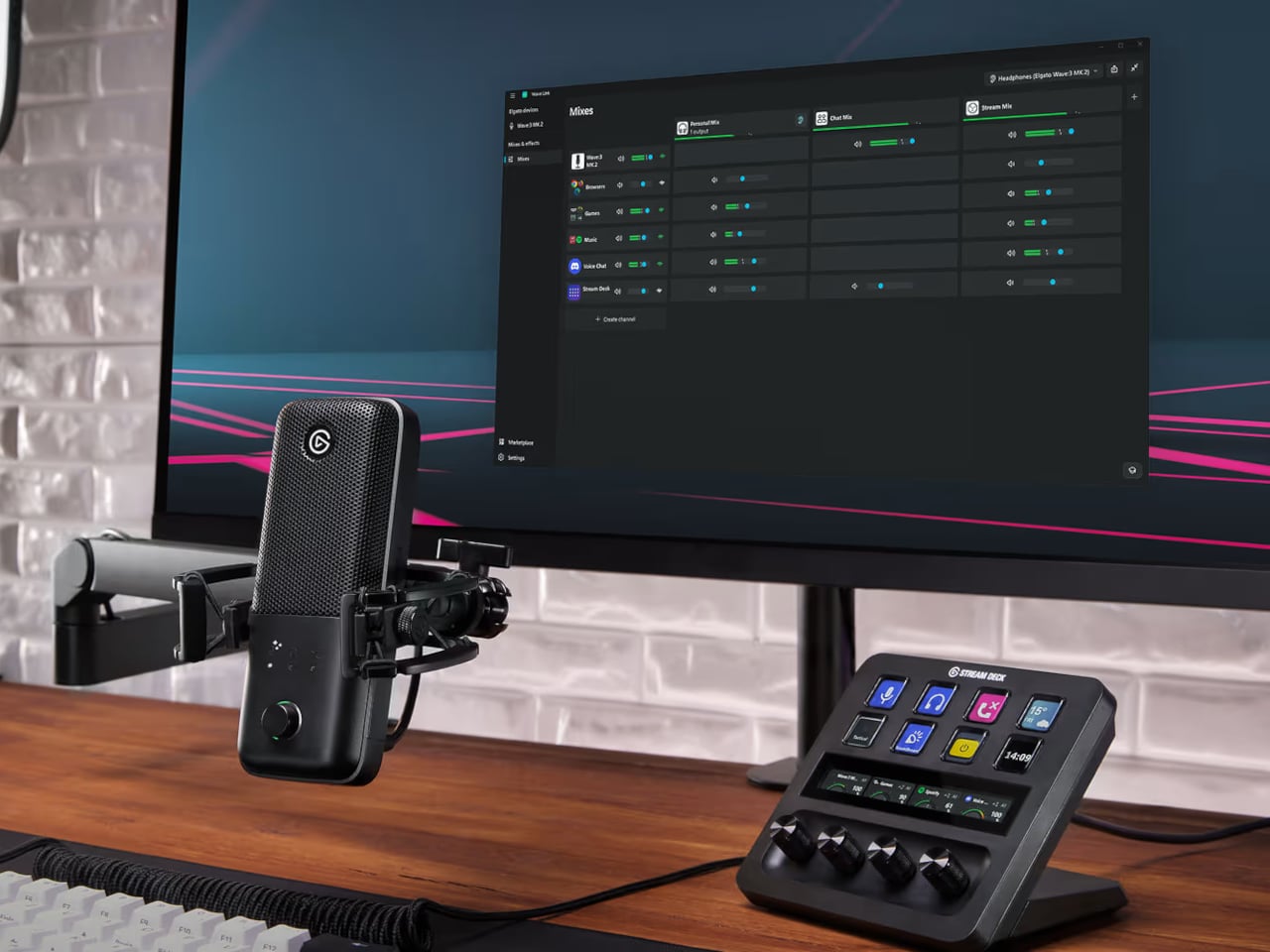
VST Insert technology creates a dedicated low-latency path between the hardware and the computer so that studio-grade software effects can be injected directly back into the hardware signal chain. The processed audio then flows as a single input into any application. A creator streaming, recording, and on a video call simultaneously doesn’t need to configure three separate signal paths to get consistent sound across all three outputs.
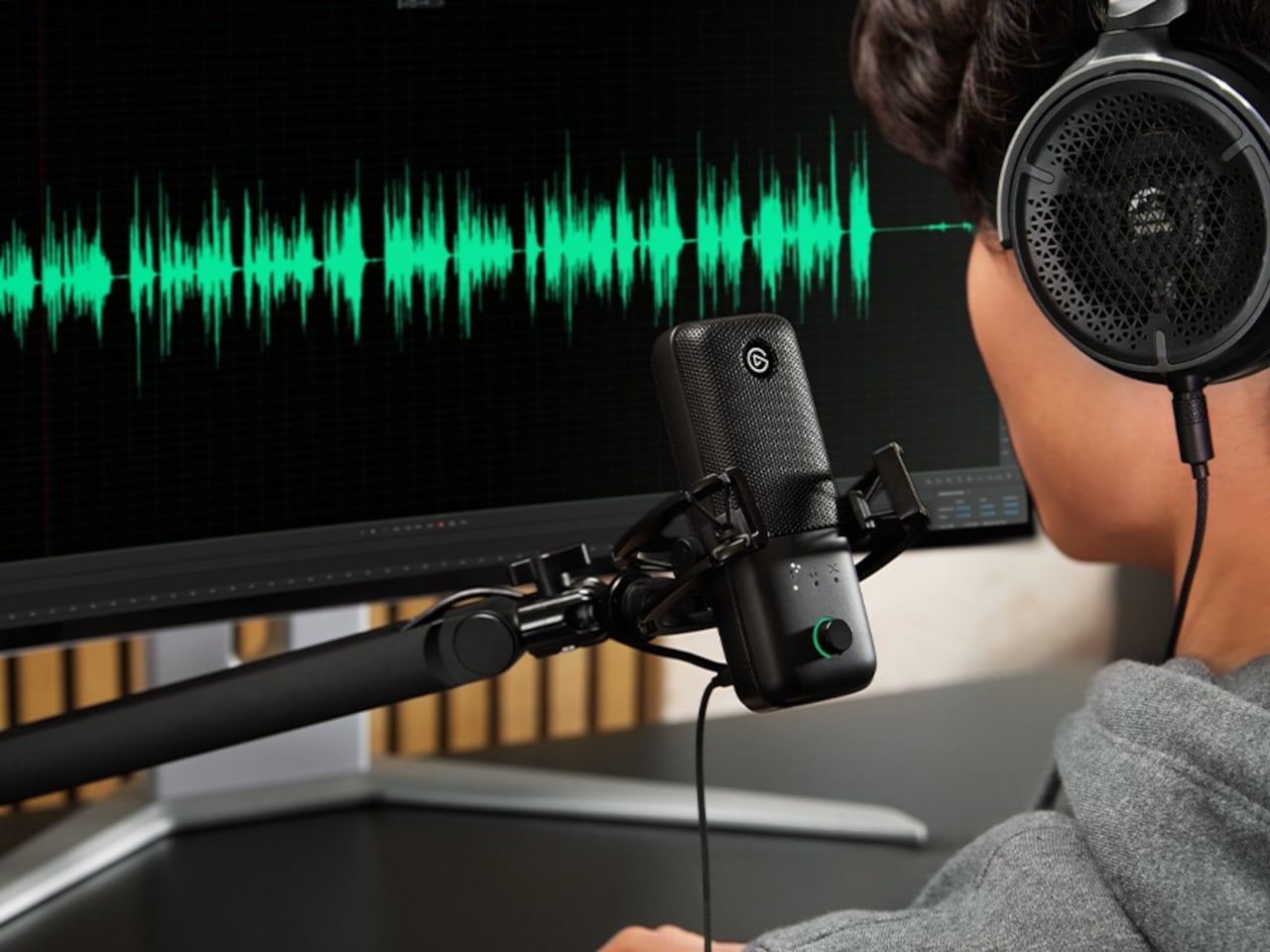
Wave:3 MK.2
That software layer is Wave Link 3.0, overhauled completely and now free to download for Windows and macOS. It works with virtually any microphone or audio interface, not just Elgato hardware, though Wave devices unlock deeper features: guided setup, device control panels, and an Auto Gain Wizard. Up to five independent submixes let users route voice, music, game audio, and chat to separate outputs, each shaped individually through a horizontal routing table replacing traditional channel strips.
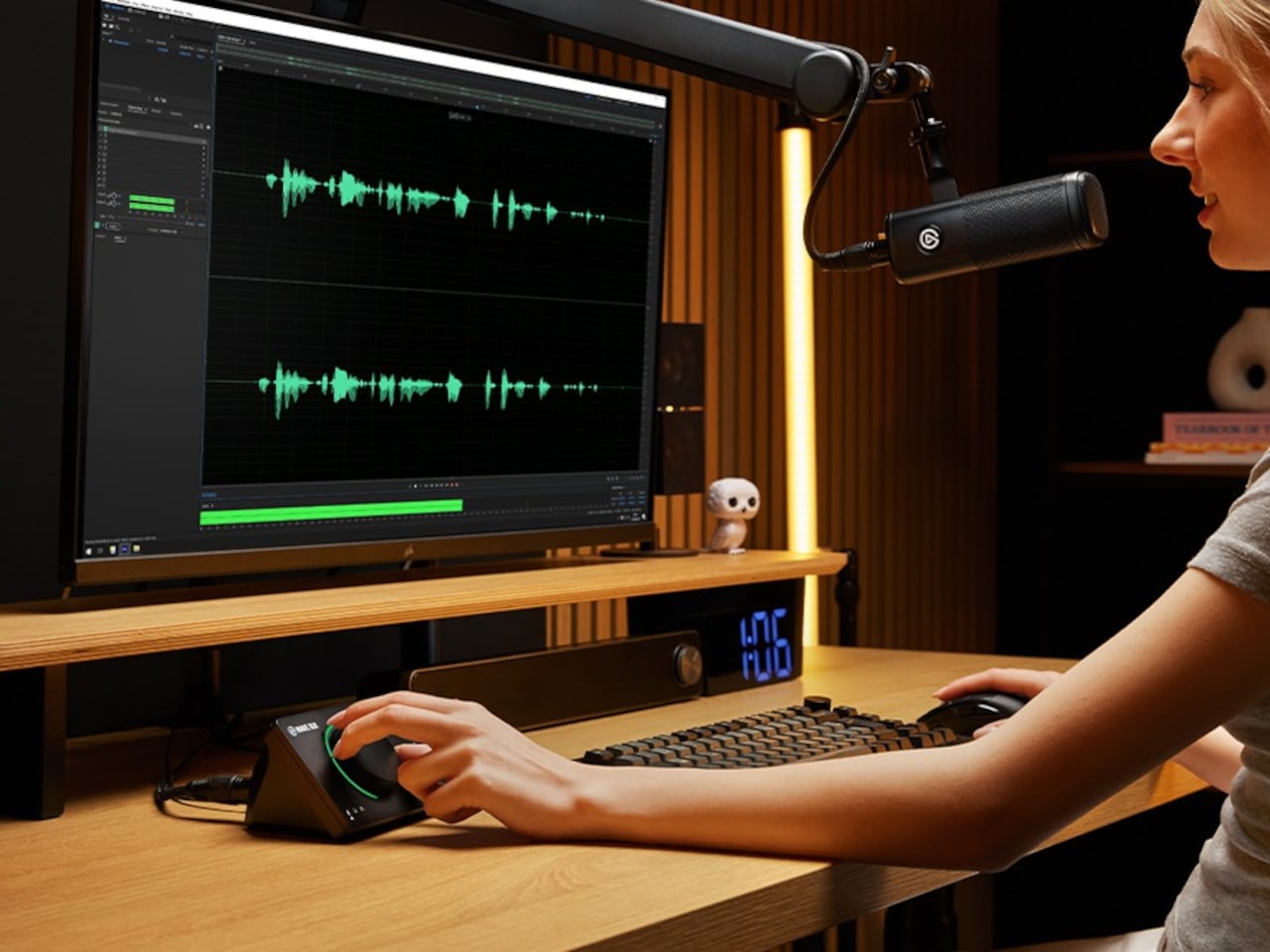
Wave XLR MK.2
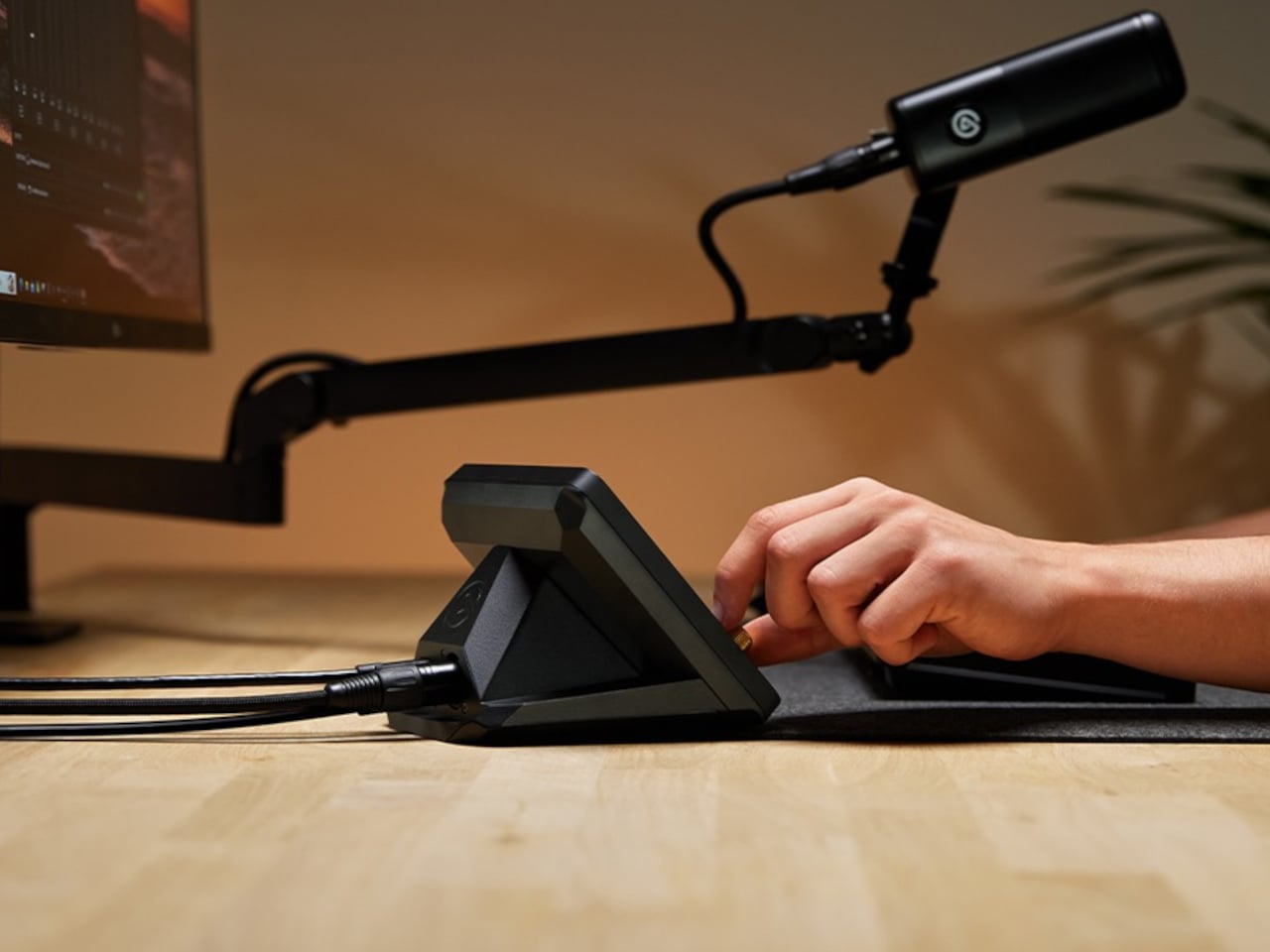
XLR Dock MK.2
Four devices carry the Wave FX Processor. Wave:3 MK.2 is the USB condenser option, built around a supercardioid capsule tuned with Lewitt, with settings that persist across systems. Wave XLR MK.2 targets XLR microphone users with 80 dB of clean gain and 135 dB of dynamic range. XLR Dock MK.2 integrates directly into Stream Deck +. Wave XLR Pro, arriving in Q2 2026, adds dual XLR inputs and five hardware-based zero-latency monitoring mixes for two-person or multi-source setups.
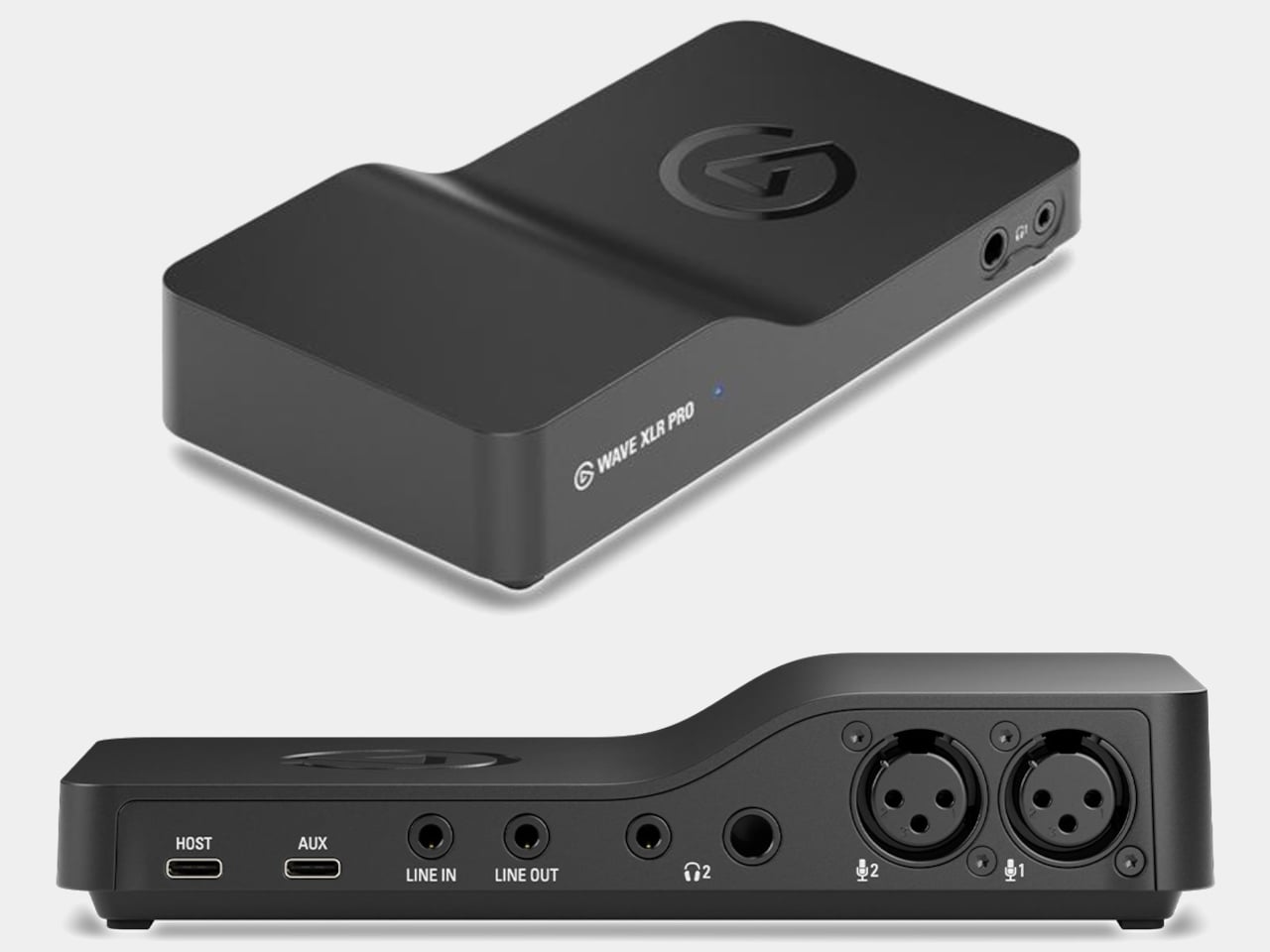
Wave XLR Pro
Stream Deck + XL brings physical control to the entire ecosystem through 36 customizable LCD keys, six multifunction dials, and an ultra-wide touch strip for adjusting levels, toggling effects, and switching mixes without opening a single menu. Paired with Wave XLR Pro, it handles what would traditionally require a dedicated mixing desk, though at a fraction of the footprint. That’s a meaningful trade-off for anyone short on desk space.
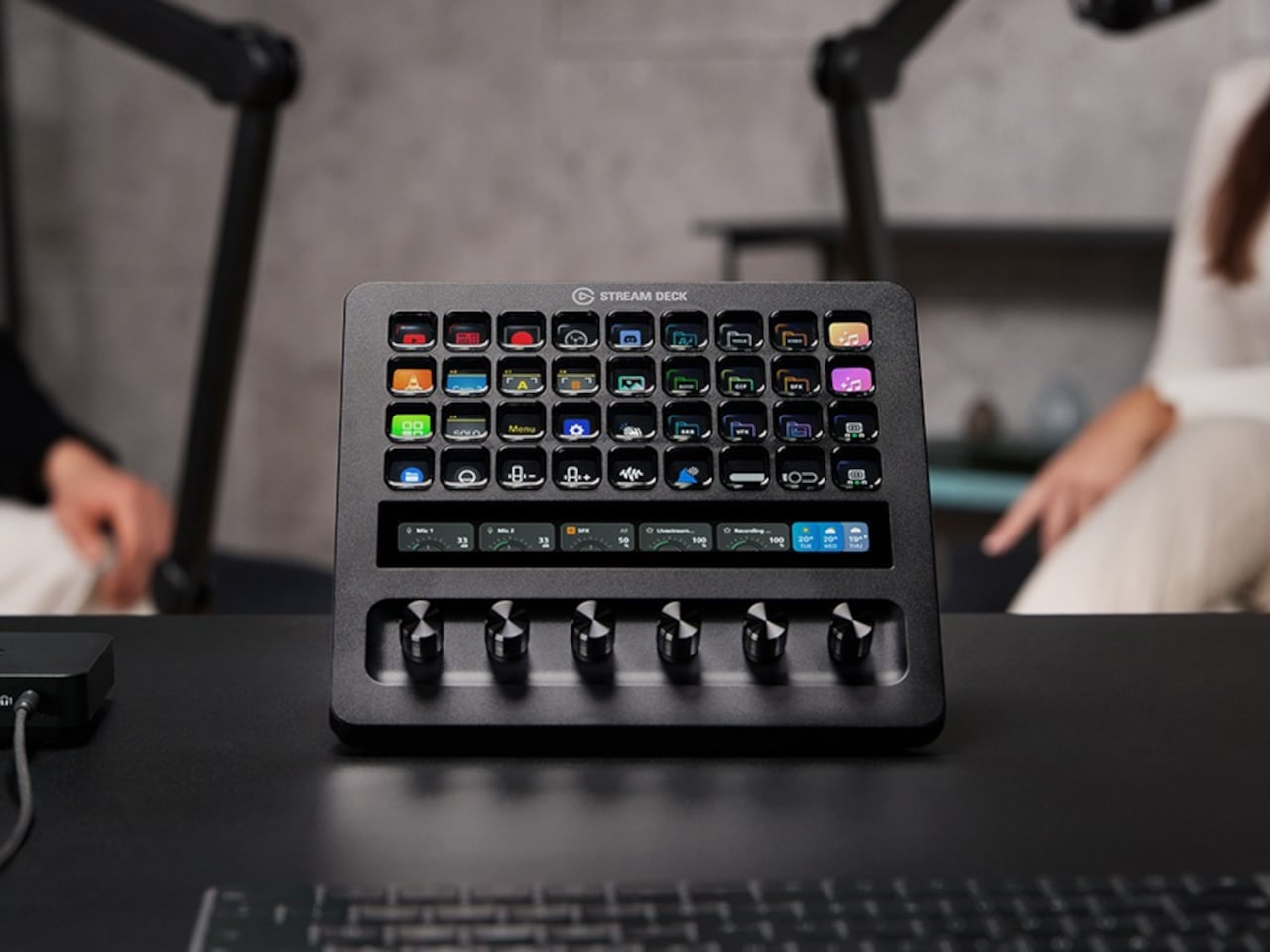
Stream Deck + XL
The pitch Elgato is making with Wave Next isn’t that audio production should be simple. It’s that the complexity should be optional, readable when you need it, and invisible when you don’t. For creators already deep in the Stream Deck ecosystem, the integration will feel almost obvious. For everyone else, it’s a more honest question of how much control they actually want.
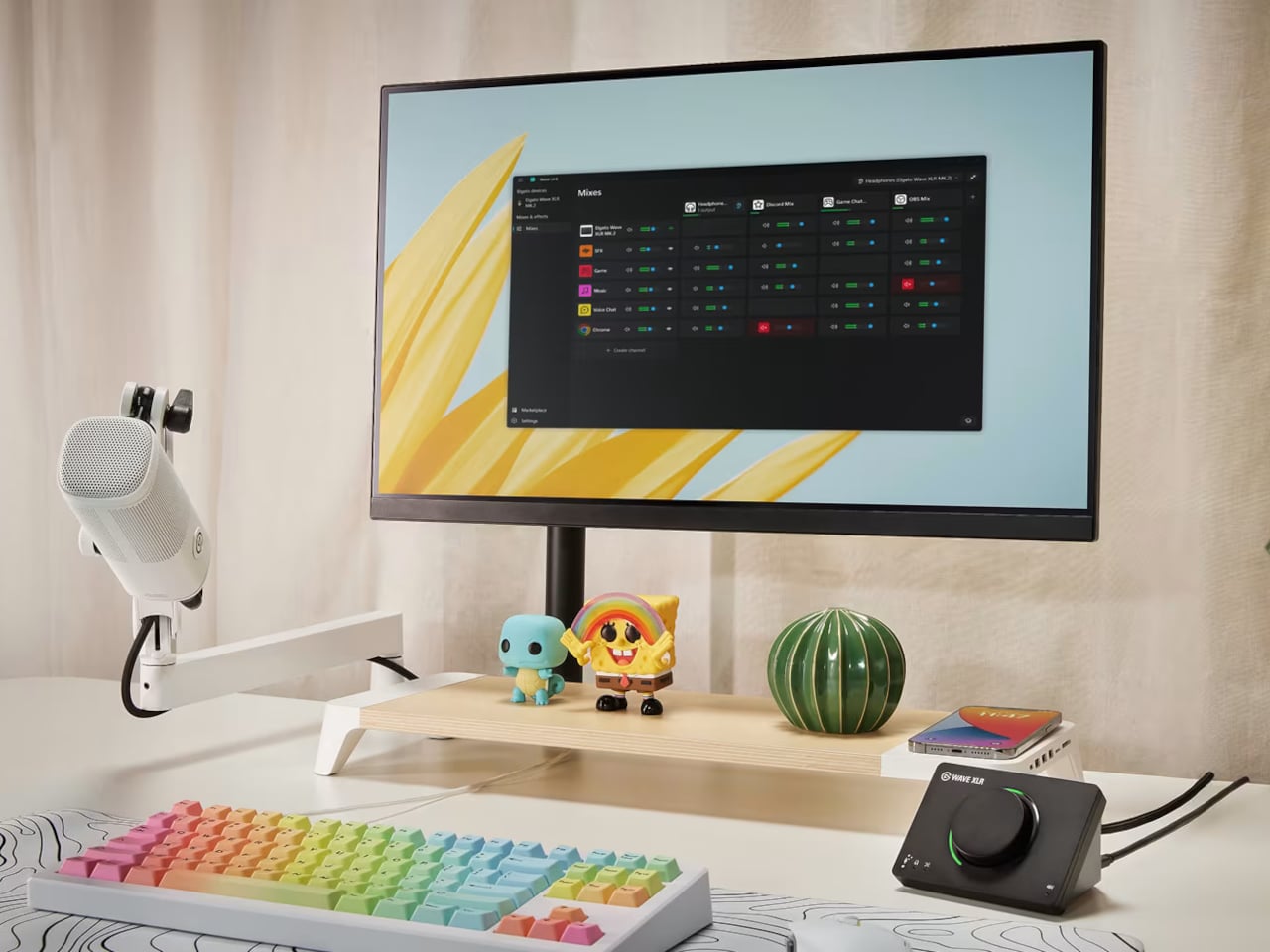
The post Elgato’s Wave Next Connects Your Mic, Software, and Stream Deck first appeared on Yanko Design.