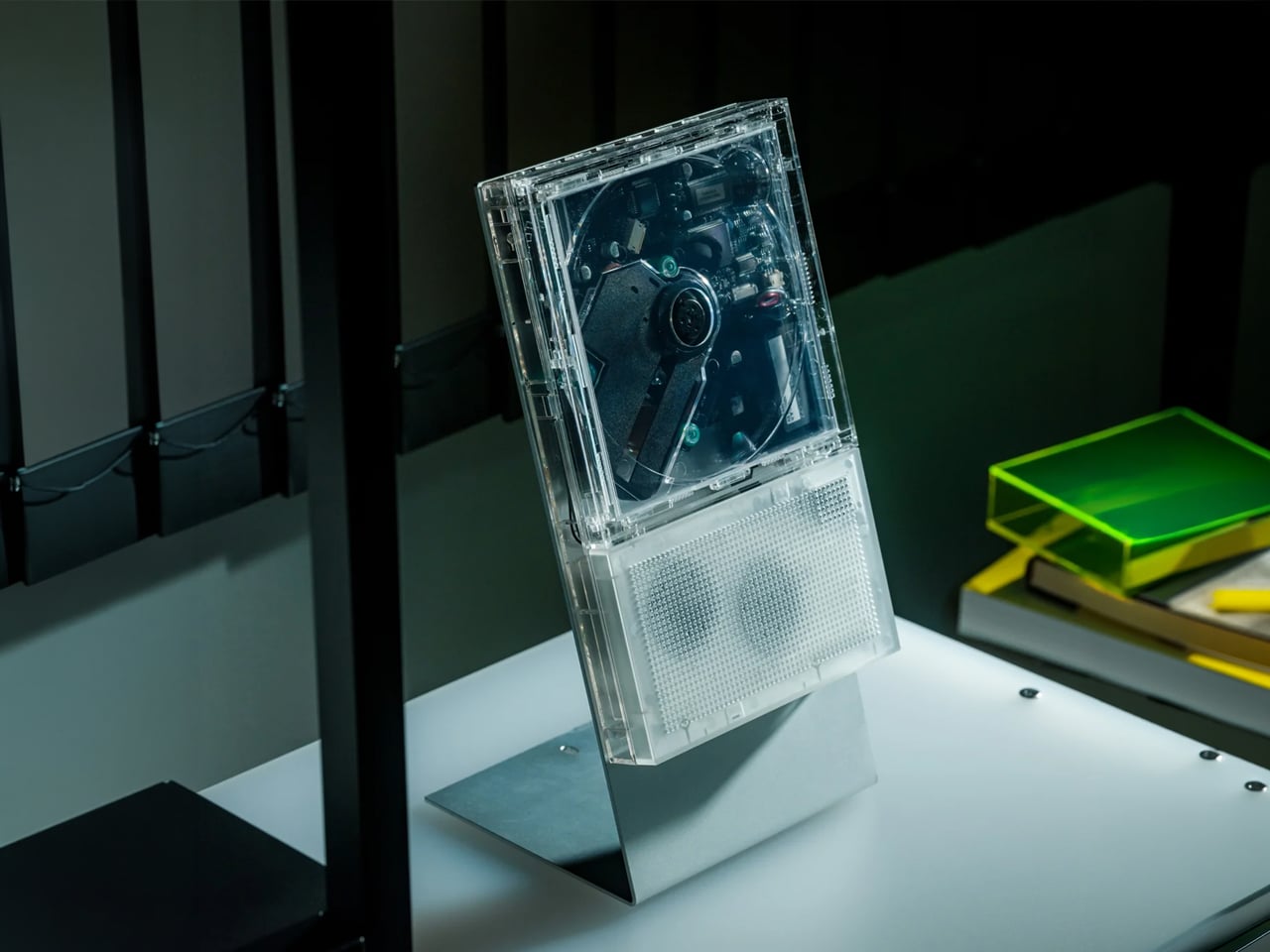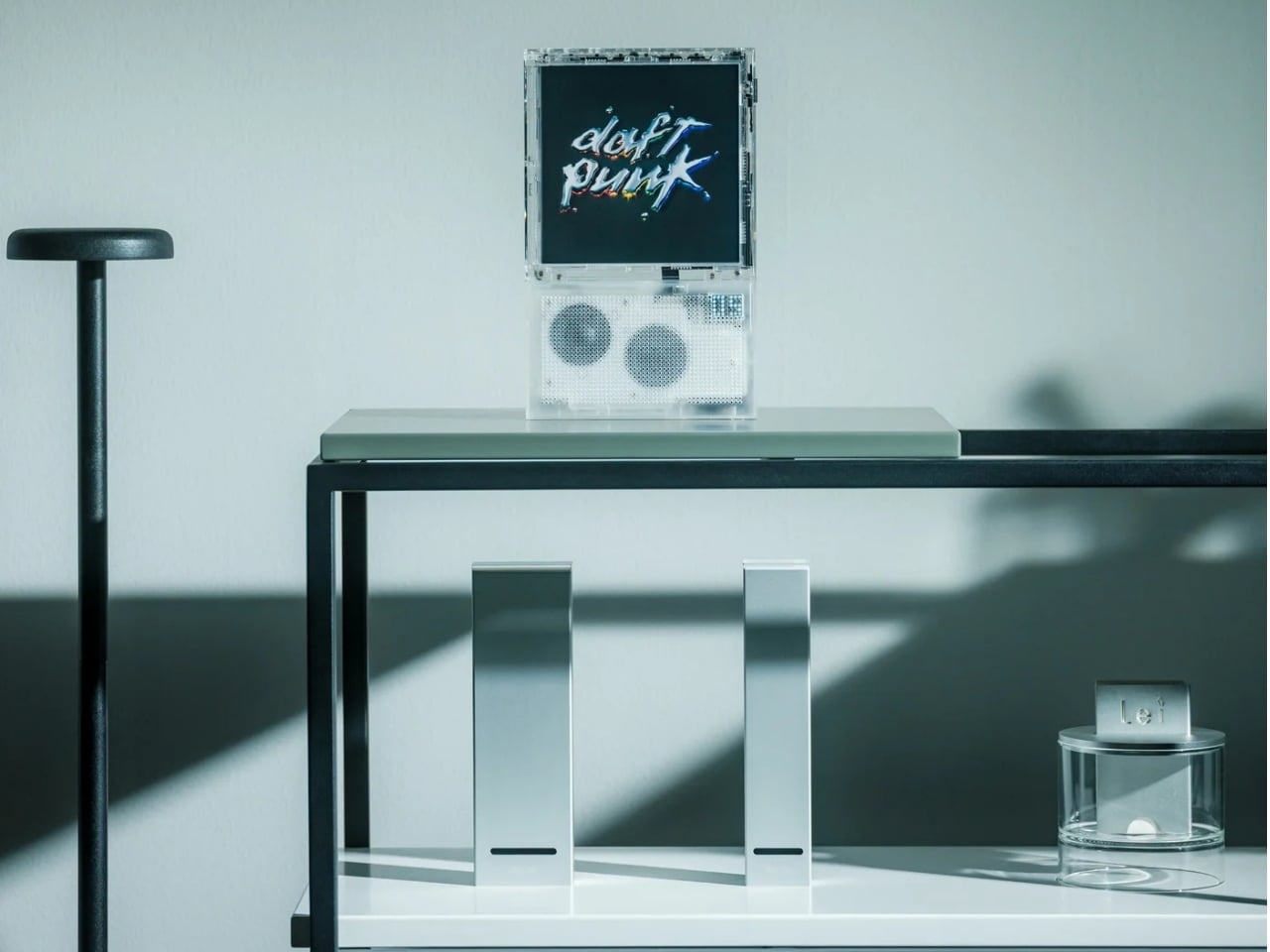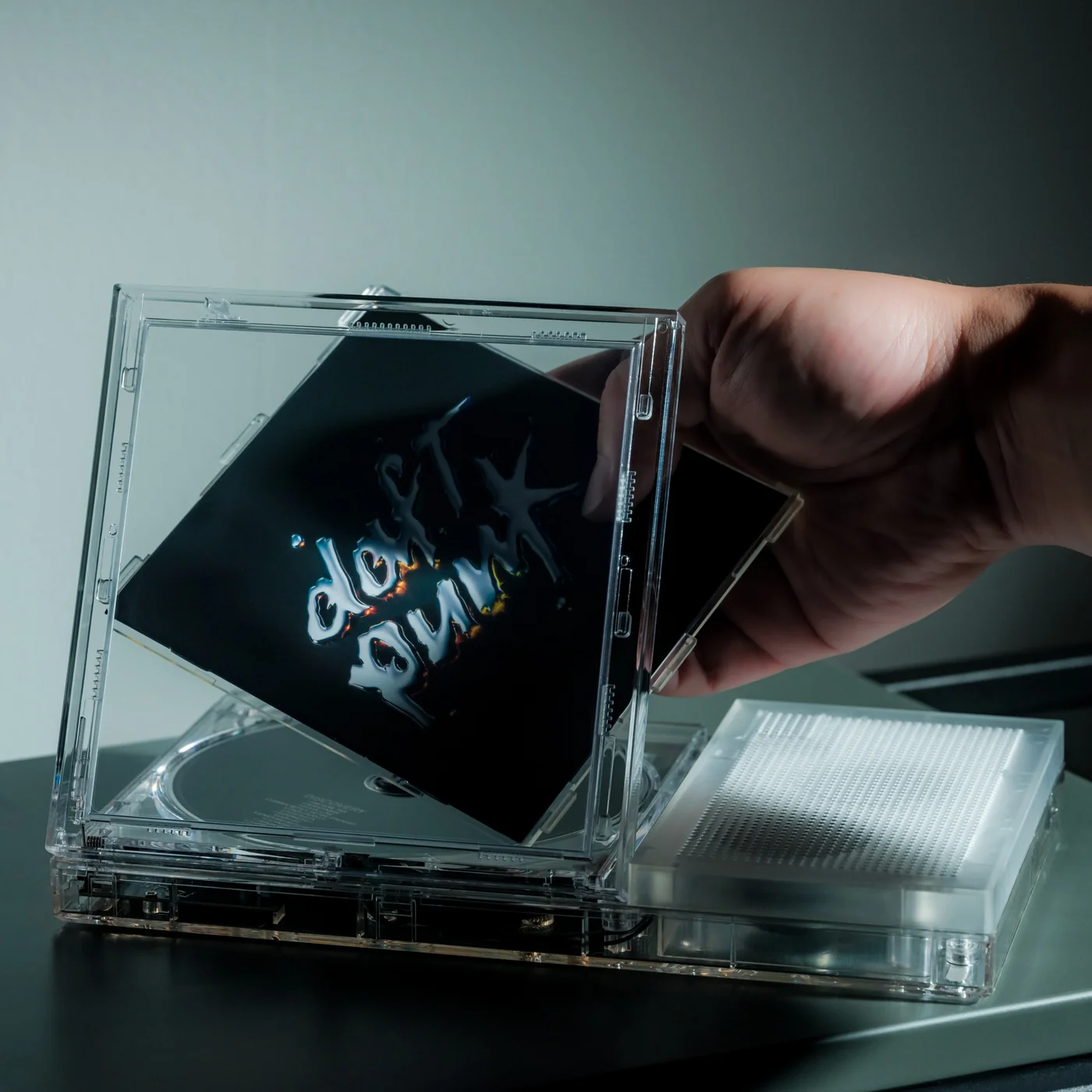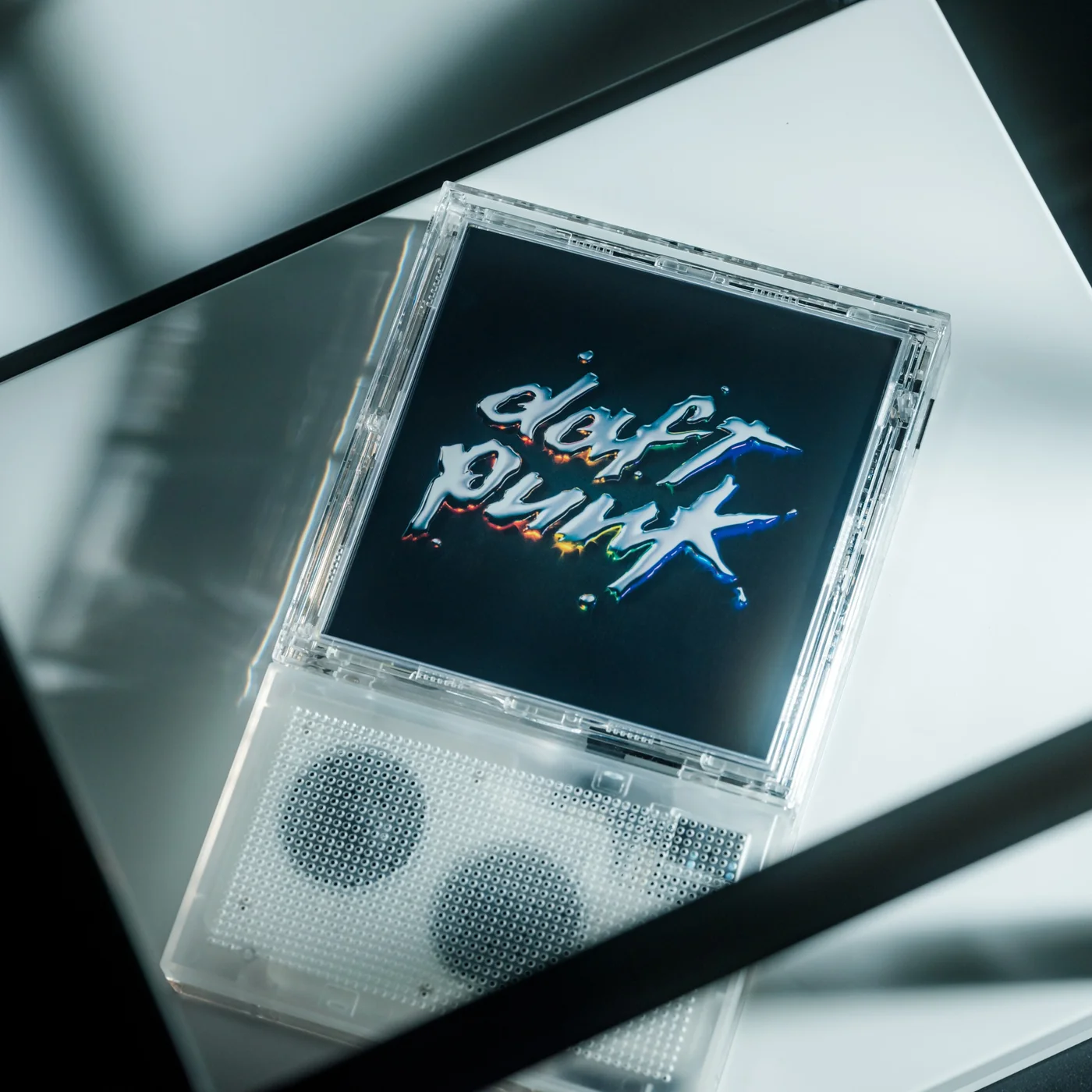
Teenage Engineering-inspired Music Sampler Uses AI In The Nerdiest Way Possible

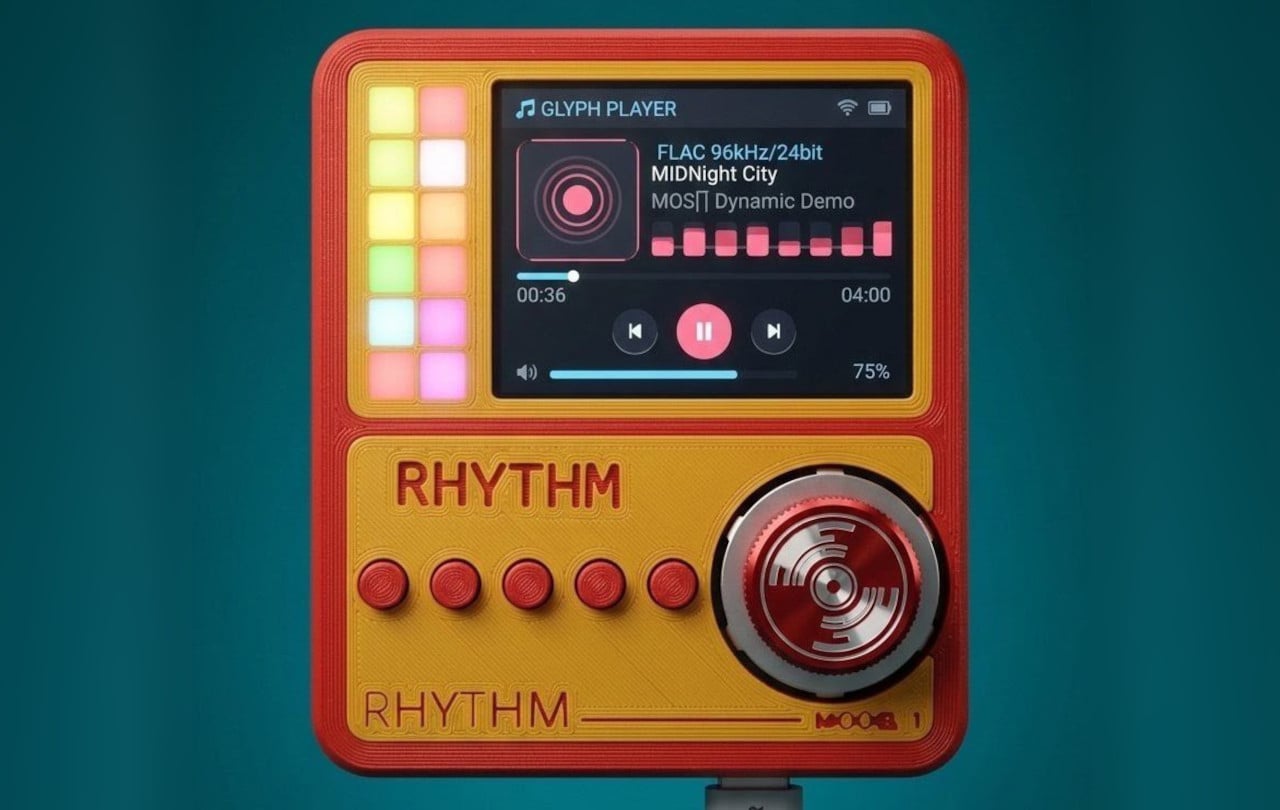
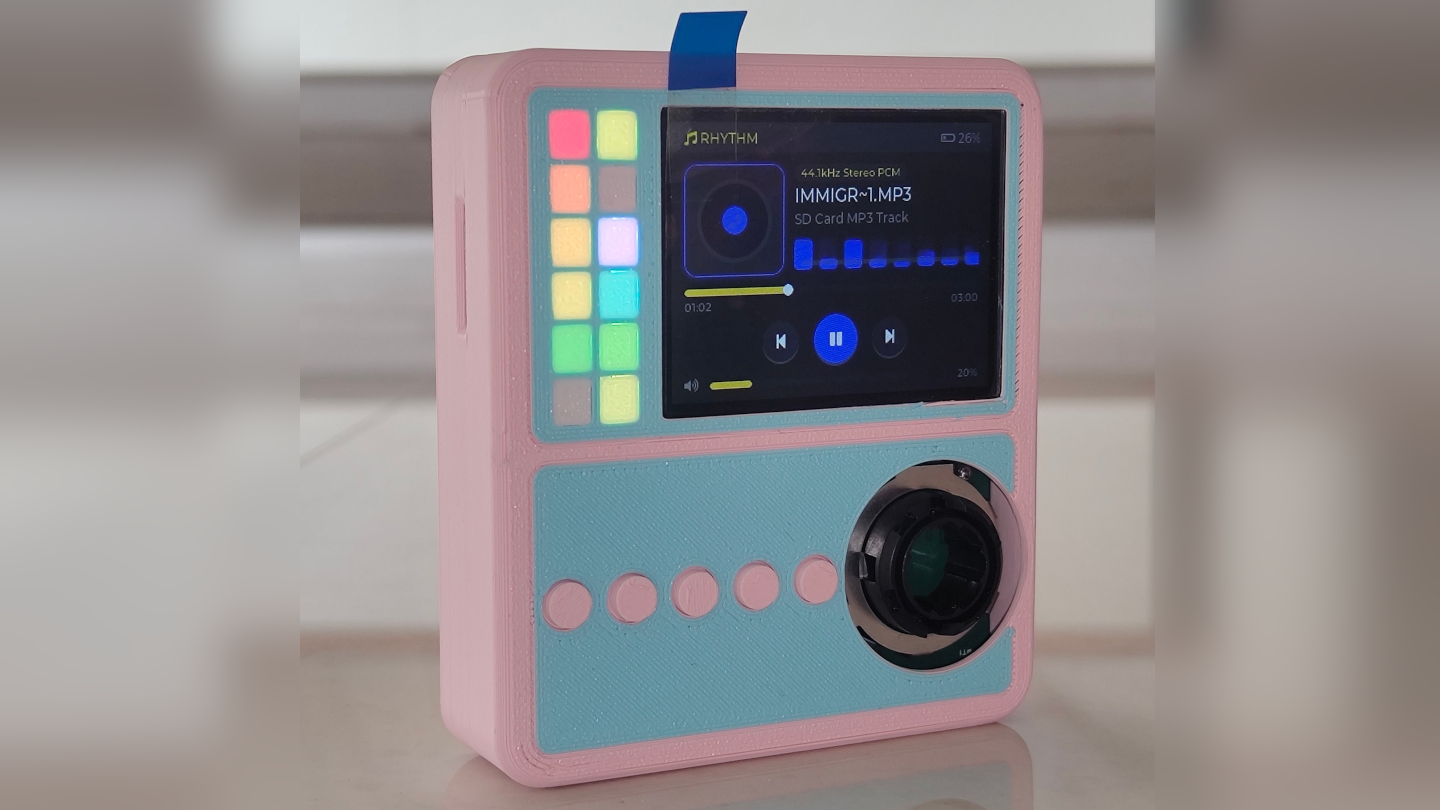
The T.M-4 looks like it escaped from Teenage Engineering’s design studio with a specific mission: teach beginners how to make music using AI without making them feel stupid, or without creating slop. Junho Park’s graduation concept borrows all the right cues from TE’s playbook, that modular control layout, the single bold color, the mix of knobs and buttons that practically beg to be touched, but redirects them toward a gap in the market. Where Teenage Engineering designs for people who already understand synthesis and sampling, the T.M-4 targets people who have ideas but no vocabulary to express them. The device handles the technical translation automatically, separating audio into layers and letting you manipulate them through physical controls. It feels like someone took the OP-1’s attitude and wired it straight into an AI stem separator.

The homage succeeds because Park absorbed what makes Teenage Engineering products special beyond their appearance. TE hardware feels different because it removes friction between intention and result, making complex technology feel approachable through thoughtful interface design and immediate tactile feedback. The T.M-4 brings that same thinking to AI music generation. You’re manipulating machine learning model parameters when you adjust texture, energy, complexity, and brightness, but the physical controls make it feel like direct manipulation of sound rather than abstract technical adjustment. An SD card system lets you swap AI personalities like you would game CDs from a gaming console – something very hardware, very tactile, very TE. Instead of drowning in model settings, you collect cards that give the AI different characters, making experimentation feel natural rather than intimidating.

Designer: Junho Park

What makes this cool is how it attacks the exact point where most beginners give up. Think about the first time you tried to remix a track and realized you had no clean drums, no isolated vocals, nothing you could really move around without wrecking the whole thing. Here, you feed audio in through USB-C, a mic, AUX, or MIDI, and the system just splits it into drum, bass, melody, and FX layers for you. No plugins, no routing, no YouTube rabbit hole about spectral editing. Suddenly you are not wrestling with the file, you are deciding what you want the bass to do while the rest of the track keeps breathing.

The joystick and grid display combo help simplify what would otherwise be a fairly daunting piece of gear. Instead of staring at a dense DAW timeline, you get a grid of dots that represent sections and layers, and you move through them like you are playing with a handheld console. That mental reframe matters. It turns editing into navigation, which is far less intimidating than “production.” Tie that to four core parameters, texture, energy, complexity, brightness, and you get a system that quietly teaches beginners how sound behaves without ever calling it a lesson. You hear the track get busier as you push complexity, you feel the mood shift when you drag energy down, and your brain starts building a map.

Picture it sitting next to a laptop and a cheap MIDI keyboard, acting as a hardware front end for whatever AI engine lives on the computer. You sample from your phone, your synth, a YouTube rip, whatever, then sculpt the layers on the T.M-4 before dumping them into a DAW. It becomes a sort of AI sketchpad, a place where ideas get roughed out physically before you fine tune them digitally. That hybrid workflow is where a lot of music tech is quietly drifting anyway, and this concept leans straight into it.

Of course, as a student project, it dodges the questions about latency, model size, and whether this thing would melt without an external GPU. But as a piece of design thinking, it lands. It treats AI as an invisible assistant, not the star of the show, and gives the spotlight back to the interface and the person poking at it. If someone like Teenage Engineering, or honestly any brave mid-tier hardware company, picked up this idea and pushed it into production, you would suddenly have a very different kind of beginner tool on the market. Less “click here to generate a track,” more “here, touch this, hear what happens, keep going.”

The post Teenage Engineering-inspired Music Sampler Uses AI In The Nerdiest Way Possible first appeared on Yanko Design.
OBSBOT Tiny 3 4K PTZ Webcam Review: Audio As a First-Class Citizen

PROS:


  • Triple MEMS mic array with five specialized audio modes

  • Strong imaging quality with 1/1.28-inch 4K Dual All-Pixel PDAF sensor

  • AI Tracking 2.0 with intelligent framing and PTZ control

  • Extreme compactness with flagship-level specs

CONS:


  • Premium pricing

  • Feature depth may overwhelm casual users

  • Non-serviceable, integrated design

RATINGS:

AESTHETICS
ERGONOMICS
PERFORMANCE
SUSTAINABILITY / REPAIRABILITY
VALUE FOR MONEY

EDITOR'S QUOTE:

OBSBOT Tiny 3 treats audio and video as one design problem instead of forcing users to stack separate gear, creating a genuinely tiny studio that replaces an entire desk setup with one very capable box.

Most people who take video calls seriously have ended up stacking gear on their desks. A clip-on webcam, a clamped USB mic, software filters layered on top of each other, and a constant ritual of adjusting angles and leaning into microphones just to sound decent. Laptop webcams were never meant to carry this much weight, but the usual upgrade path still treats audio as something you solve separately, which means juggling two devices and hoping they play nicely together.

OBSBOT Tiny 3 approaches that problem differently. The 4K PTZ webcam wraps a triple MEMS microphone array, a 1/1.28-inch sensor, and a 2-axis gimbal into a compact, lightweight aluminum body. OBSBOT calls it a Tiny Titan, and claims it delivers studio-grade spatial audio, flagship imaging, and AI tracking in one very small package. Whether that actually holds up during everyday streaming, client meetings, and the occasional podcast is the question worth answering.

Designer: OBSBOT

Aesthetics

Walking into a room where the Tiny 3 sits on a desk, it reads less like a webcam and more like a miniature broadcast camera someone scaled down and parked on a tripod. The aircraft-grade aluminum alloy shell gives it an equipment-grade presence without being loud about it, landing somewhere between compact cameras and audio interfaces rather than the glossy plastic most peripherals use these days.

The proportions feel deliberately compact. At 37mm x 37mm x 49mm and 63g, it occupies roughly the same footprint as a large dice, but the dual-axis gimbal makes it clear this is meant to move and track rather than stare at one fixed angle. The satin metallic finish catches light softly without harsh reflections, and the minimal branding keeps it neutral enough to blend into creative or corporate setups without clashing with the rest of the gear.

The included storage case and adjustable mount feel like extensions of the same design language rather than afterthoughts tossed into the box. The case is compact and rigid, protecting the camera in transit without eating up bag space, while the mount uses clean lines and a friction hinge that feels considered. These details matter to people who care about how tools look both during use and while packed away, which describes exactly the kind of person likely to spend more on a webcam in the first place.

Ergonomics

Setup is quick enough that you can join a meeting within minutes of opening the box. Plug the OBSBOT Tiny 3 into a USB-C port, wait a few seconds for automatic driver installation, and the camera appears as a standard UVC device ready for Zoom or Teams. Downloading OBSBOT Center later unlocks deeper controls, but the basics work immediately without forcing you into a setup wizard when you are already five minutes late to a call.

Mounting options give flexibility without requiring proprietary hardware. The adjustable clip grabs laptop lids or monitor bezels securely, while the built-in 1/4-inch thread accepts any standard desk tripod or arm. This means the Tiny 3 can shift from a quick laptop travel setup to a permanent studio fixture without needing different stands, which keeps things simpler when your workspace changes or you move between home and office regularly.

The 2-axis gimbal handles tracking smoothly once it starts moving. Pan range reaches ±130 degrees controllable, tilt goes from 32 degrees up to 60 degrees down, and the gimbal moves at up to 120 degrees per second. In practice, the camera can follow you across a room, reframe when you stand up or sit down, or snap to preset positions without feeling sluggish or overeager, more like a quiet camera operator than a webcam you nudge by hand every few minutes.

Voice commands and gesture control keep your hands free when it counts. Saying “Hi Tiny” wakes the camera, and from there you can trigger tracking, zoom in or out, or park the gimbal in preset positions by voice. Gestures work similarly: a raised hand or quick motion toggles tracking or zoom without leaning forward to click software buttons. This feels genuinely practical once you are mid-presentation and do not want to break flow by reaching for a mouse or keyboard.

Performance

At the imaging core sits a 1/1.28-inch CMOS sensor with 50MP effective pixels behind an f/1.8 lens at a 24mm equivalent focal length. That sensor size is closer to what you would find in a decent smartphone camera than in most webcams, which immediately changes expectations for low-light noise, dynamic range, and how camera-like the footage feels compared to typical USB peripherals.

The OBSBOT Tiny 3 outputs 4K at 30 fps for sharp video, or drops to 1080p at up to 120 fps for ultra-smooth motion or slow-motion clips. That 120 fps mode is rare on webcams and genuinely useful for product demos, movement capture, or just making gesture-heavy content feel more cinematic. DCG HDR balances bright windows and dim rooms without the ghosting that makes some HDR modes unusable, which helps when you are stuck with mixed lighting.

Autofocus and exposure behave like a capable point-and-shoot rather than guesswork. Dual All-Pixel PDAF pulls focus quickly, whether you are showing a product, writing on a whiteboard, or pacing during a stream. ISO 100 to 12,800, capped at 6,400 in HDR mode, gives flexibility to stay clean in low light without the image collapsing into noise. Shutter speeds from 1/12,800 to 1/30 second handle fast motion or dim environments without aggressive software smoothing.

Audio is where the Tiny 3 genuinely stands apart from the field. The triple silicon MEMS microphone array includes one omnidirectional and two directional mics, operating at 24-bit sampling with 130dB SPL handling and a 69dB signal-to-noise ratio. In plain terms, the system captures quiet nuance and loud environments without clipping or filling the track with hiss, and noise reduction is strong enough to keep voices clear even in noisy spaces.

Five dedicated audio modes cover different scenarios without needing external hardware. Pure Audio delivers unprocessed stereo for music or ASMR. Spatial Audio enhances stereo separation for vlogs. Smart Omni balances voices and environmental sound for meetings. Directional focuses pickup in front while suppressing surrounding noise, ideal for solo podcasts. Dual-Directional captures front and rear while rejecting sides, built for interviews. Having all five built in lets you tune the mic to your environment instead of buying another device.

AI Tracking 2.0 brings framing intelligence you would usually need a camera operator to achieve. Human tracking offers Single, Group, and Only Me modes, the latter locking onto one person and ignoring distractions. Object tracking lets you box items in software and have the gimbal follow. Zone Tracking sets custom areas where tracking starts or stops. Auto Zoom adjusts framing from close-up to full body, while Face Framing detects which direction you are looking and shifts composition accordingly.

Sustainability

The aircraft-grade aluminum alloy body does more than look polished. Aluminum dissipates heat better than plastic, which keeps the camera cooler during long streams and reduces the risk of thermal issues or early component wear. The material also resists scratches and minor bumps better than glossy finishes, which matters when you are moving the camera between desk, bag, and tripod regularly without babying it.

The OBSBOT Tiny 3 is not user-serviceable in the traditional sense, but that trade-off buys integration and compactness. The non-removable gimbal, sensor, and mic array work as a single tuned system, eliminating external adapters, separate audio devices, and multiple mounting solutions. Over time, that reduces the number of peripherals cluttering your workspace and, eventually, the pile of obsolete gear heading toward e-waste when you simplify or upgrade.

Consolidation itself is a quieter sustainability angle. By combining high-quality video, spatial audio, and intelligent tracking in one device, the Tiny 3 can replace the typical webcam-plus-mic-plus-software stack many creators rely on. Fewer separate products to manufacture, package, ship, and discard adds up over the lifecycle of a setup, even if it is not the kind of sustainability story that comes with certification badges or bold recycled-material claims.

Value

With a $349 full price tag, the OBSBOT Tiny 3 sits in premium webcam territory. This is not an impulse replacement for a blurry laptop camera. It is aimed at people who make a living on video or spend enough time on calls and streams that a camera setup feels like professional infrastructure rather than just another peripheral. The price is higher than most consumer webcams, but it is also attempting significantly more than a fixed lens with a basic mic.

Value shows up through consolidation. At that price point, you get a 4K PTZ camera, triple-mic spatial audio system, and deep AI tracking in one device. Building something similar from separate pieces, a good standalone webcam, a quality USB microphone, plus software for tracking, can match or exceed that total when you add it up. The bigger benefit is simplicity: one cable instead of three, one piece of software, and one object on the desk instead of gear fighting for USB ports.

Comparing what $349 typically gets you elsewhere helps frame where Tiny 3 sits. At similar prices, you might find webcams with strong video but mediocre mics that still need separate audio solutions, or you might approach entry-level camera kits that require capture cards and external mics. Tiny 3’s combination of audio-first design, motorized PTZ tracking, and real-time AI framing is rare enough in this bracket that direct comparisons feel unfair in either direction.

The broader OBSBOT ecosystem adds value for people who grow into complex setups. Pairing the Tiny 3 with OBSBOT’s own Vox SE wireless mics, a physical OBSBOT Tiny Smart Remote 2, or adapters for HDMI and NDI output means the camera scales from simple desk calls to multi-camera streams without needing replacement. That spreads the initial investment over more scenarios and extends useful life, which looks more reasonable when you consider many people outgrow basic webcams within a year anyway.

Verdict

The OBSBOT Tiny 3 feels like a carefully engineered answer to the messy reality of modern video communication, where clear sound, smart framing, and reliable focus matter as much as raw resolution. The combination of a 1/1.28-inch 4K sensor, triple MEMS spatial audio, and a nimble PTZ gimbal packed into a, pardon the pun, tiny aluminum body makes it feel less like a webcam upgrade and more like a miniaturized studio camera that works over USB-C.

It is hardly the cheapest way to appear on screen, but it is one of the few that treats audio, video, and intelligence as a single design problem. For creators, educators, podcasters, and remote workers tired of juggling separate cameras and mics just to sound and look decent, the OBSBOT Tiny 3 makes a strong case for consolidating that setup into one very small, very capable box that disappears into the background while you get on with the work.

The post OBSBOT Tiny 3 4K PTZ Webcam Review: Audio As a First-Class Citizen first appeared on Yanko Design.
HMD’s $28 ANC Earbuds Cost The Same As A Movie Ticket, Which Is Ridiculous

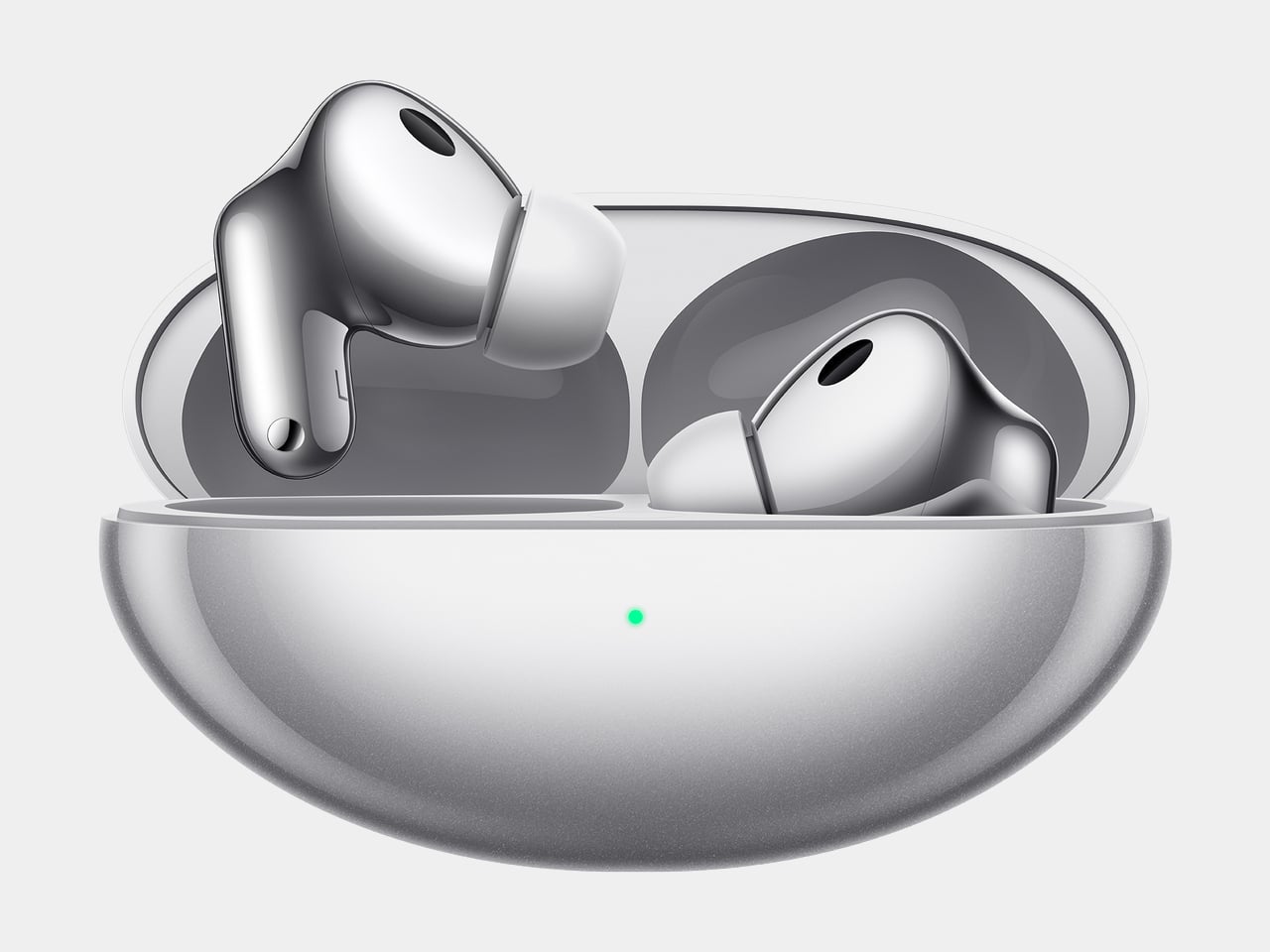
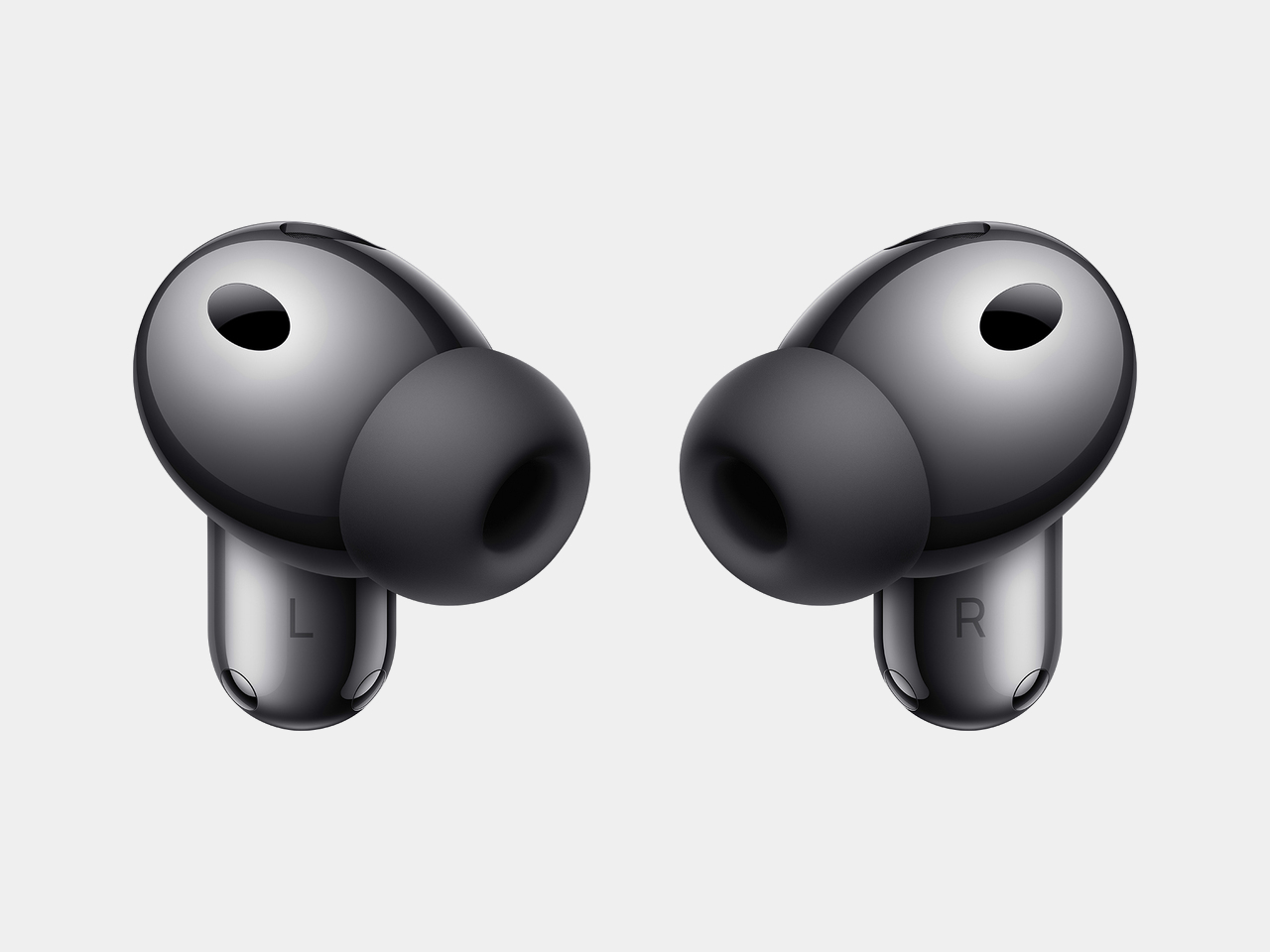
Twenty-five euros buys you a decent lunch in most European cities, maybe two movie tickets if you’re lucky, or apparently a pair of true wireless earbuds with active noise cancellation from a company that’s been manufacturing consumer electronics for years. HMD just launched the DUB X50 Pro in India at ₹2,000, which converts to roughly $28.7 USD depending on exchange rates, and the spec sheet reads like someone accidentally typed an extra zero into the pricing database. We are talking ANC, a claimed 60 hours of total battery life, multipoint connectivity, IPX4 water resistance, and a companion app, all at a price point where most brands would be cutting Bluetooth codecs and shipping you mono earbuds in a cardboard sleeve. On paper, this thing looks like a midrange product that woke up in a bargain bin.

The budget TWS space has been heating up for a while, with brands like Baseus and SoundPEATS dragging ANC down into the 20 to 30 dollar range. But HMD is not a random logo slapped on an ODM shell; this is the same outfit that rebuilt Nokia’s phone business and is now pushing its own HMD branded phones and wearables. That context matters, because a known manufacturer shipping €25 ANC earbuds through proper retail channels hits very differently from a mystery brand on a marketplace listing. If these are even moderately competent, they start to reset expectations for what entry level audio should look like. The question becomes less “how are these so cheap” and more “what exactly are the expensive guys charging for”.

Designer: HMD

Specs first, feelings later. HMD claims up to 60 hours of total playback with the case, which likely breaks down to around 9 or 10 hours per charge in the buds and roughly five recharges from the case under ideal conditions. With ANC on and real world volume, you are probably looking at closer to 6 or 7 hours per session and maybe 40 to 45 hours total, which is still excellent at this price. Bluetooth 5.3, multipoint pairing, low latency mode, in ear detection, and voice assistant support round out the feature list. The case is about 51 x 65 x 25 mm and 60 g, so pocketable without feeling like a pebble cosplay of AirPods. IPX4 water resistance covers sweat and rain, not swimming.

ANC is where the fantasy usually cracks – cheap implementations either barely touch low frequency rumble or they attack everything so hard you get hiss and pressure fatigue. HMD talks about ANC plus AI powered four mic ENC for calls, which is the standard 2026 marketing cocktail. Execution is what matters. If this lands in the same effectiveness band as the Baseus BP1 Pro, which genuinely cuts down bus and office noise for around the same money, then HMD has done something very disruptive. If it behaves like the usual budget ANC that flickers every time the wind shifts, you end up with an impressive spec sheet and a feature you toggle off after a day.

The design story is predictably unexciting… but that’s not a bad thing. Stemmed in ear buds, rounded case, muted colors like blue and silver. This is classic HMD: hardware that tries to disappear into your life instead of screaming “new toy”. That fits their broader strategy. They are building an ecosystem now, with HMD phones, DUB earbuds across three series, and new Watch X1 and Watch P1 wearables. Picture a bundle in a Middle Eastern or Indian retail store where you walk out with phone, watch, and ANC earbuds for less than a single pair of AirPods Pro. That is the competitive pressure this kind of product creates.

Whether you should care comes down to your tolerance for compromise. At €25, no one sane expects Sony level soundstage or Bose level cancellation. What matters is whether HMD clears the “good enough to live with” bar: stable connection, non-annoying ANC, tuning that does not turn everything into a muddy mess, and hardware that survives daily abuse. Given their track record with sturdy, sensible phones, I would not bet against them hitting that baseline. If they do, the DUB X50 Pro becomes less of a curiosity and more of a line in the sand for what budget ANC has to look like from here on.

The post HMD’s $28 ANC Earbuds Cost The Same As A Movie Ticket, Which Is Ridiculous first appeared on Yanko Design.
This $129 Bag Lets You Play Music Without Opening It

There’s something fascinating about watching a tech company obsess over the mundane. While most electronics brands treat bags as afterthoughts (slap a logo on generic nylon, call it a day), Teenage Engineering went ahead and designed a shoulder bag that’s as thoughtful as their cult-favorite synthesizers. The Field OB-4 shoulder bag isn’t trying to be your everything bag, and that specificity is precisely what makes it interesting.

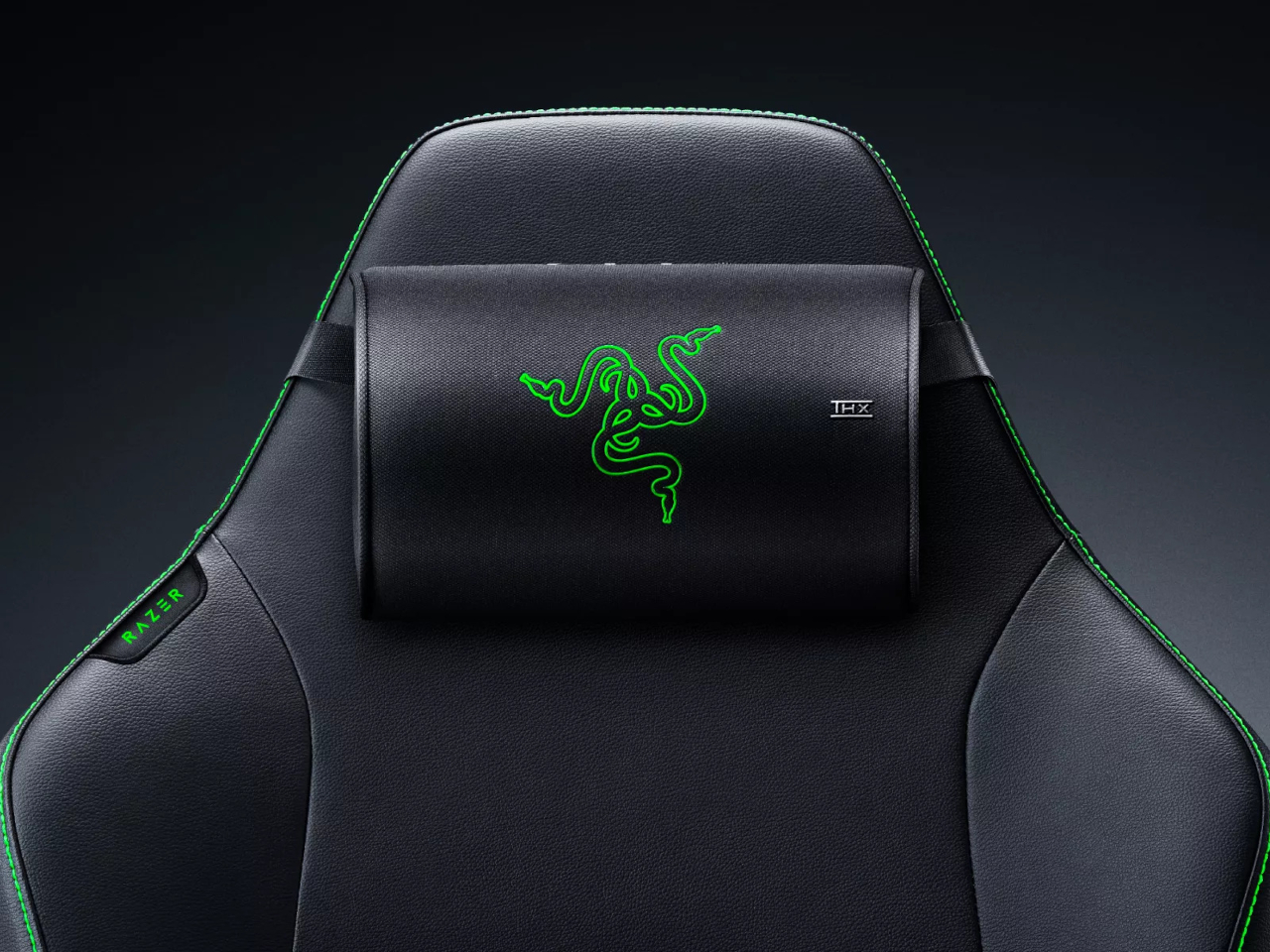
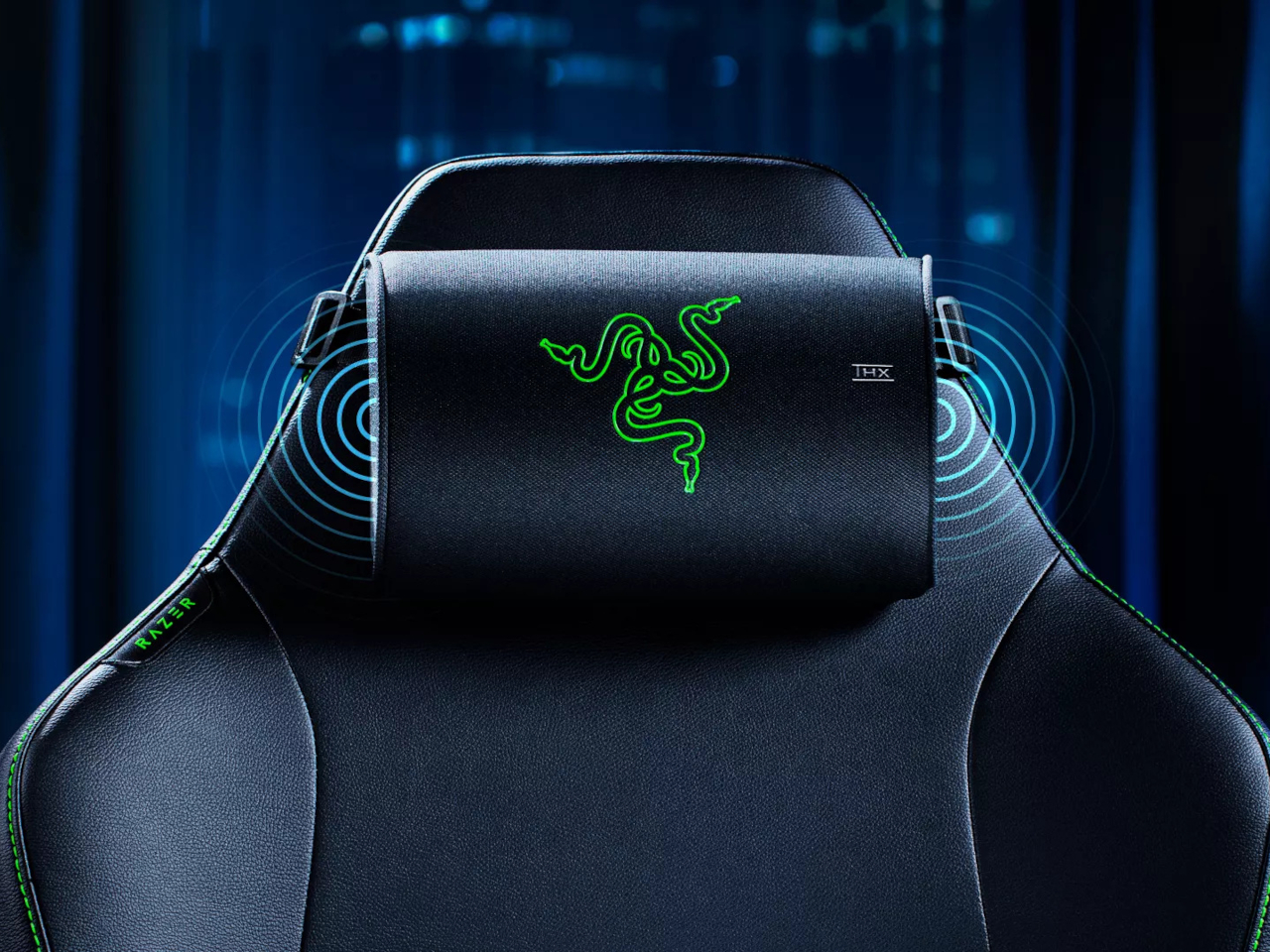
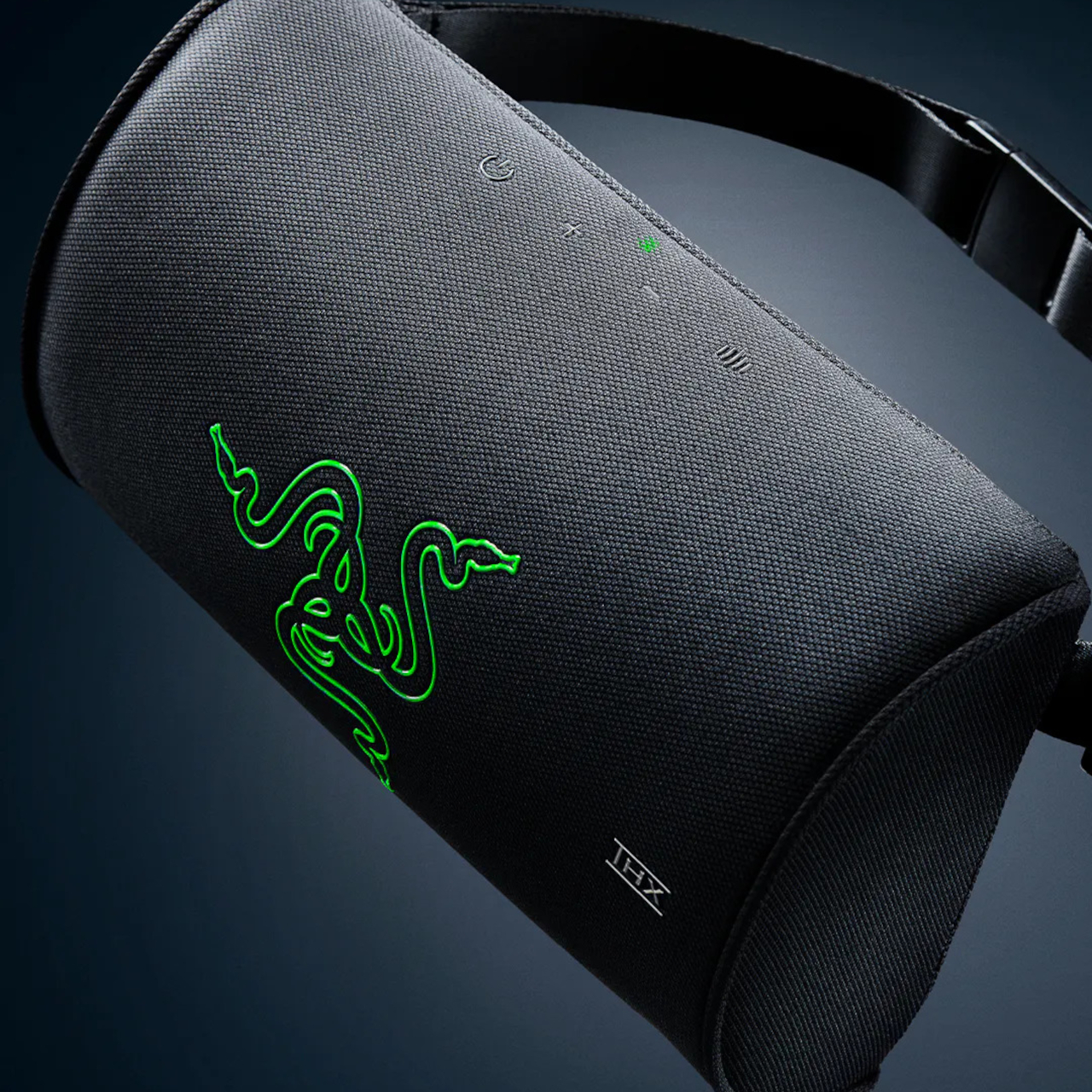
Built primarily to carry the OB-4 Magic Radio, this $129 shoulder bag features a mesh front panel that lets you play music while your device stays tucked inside. Think about that for a second. Most bags are designed to protect and conceal. This one wants you to use what’s inside without ever taking it out. It’s the kind of detail that separates product design from problem-solving.

Designer: Teenage Engineering

The construction tells you everything about Teenage Engineering’s priorities. The shell uses tear and abrasion-resistant nylon 66 with a fire retardant treatment and PU backing for water repellency (1500 mm rating on the black version, 3000 mm on the white). These aren’t vanity specs. They’re the materials you’d find on technical outdoor gear, applied to something that’ll probably spend more time on subway cars than mountain trails. It’s overbuilt in the best possible way.

The bag features a roll-down covered opening that gives you variable capacity depending on what you’re carrying. There’s an internal pocket for your everyday small items (keys, wallet, that tangle of earbuds you swear you’ll organize someday). The back pocket uses hook-and-loop closure and is specifically sized for cables and the Ortho remote. Again, that specificity. Teenage Engineering could have made generic pockets, but they measured their own accessories and built compartments around them. You can wear it crossbody style or grab the side handle for hand-carry mode. The adjustability matters because context shifts throughout your day. Crossbody when you’re navigating crowds, hand-carry when you’re sitting at a cafe. The bag adapts rather than forcing you to commit to one carrying style.

What’s compelling here is how Teenage Engineering approaches accessories. This isn’t merchandising. It’s extension of philosophy. The same company that makes the OP-1 synthesizer (a device that prioritizes tactile joy and visual clarity) isn’t going to phone in a bag design. They’re known for products that look like nothing else on the market, that Dieter Rams-meets-Nintendo aesthetic that either clicks with you immediately or leaves you cold. The Field OB-4 shoulder bag comes in black or white, maintaining that minimal color palette Teenage Engineering loves. Custom-made aluminum hardware and YKK EXCELLA zippers keep everything smooth and reliable. These are components you’d find on high-end luggage, the kind of details most people won’t notice until they’ve used cheaper alternatives.

Is this bag essential? Absolutely not. You could carry an OB-4 in any number of generic shoulder bags. But you’d lose the mesh front functionality. You’d lose the precise pocket sizing. You’d lose that feeling of using a complete system where everything has been considered. Teenage Engineering has always existed in this interesting space where consumer electronics meet design objects. Their products cost more than alternatives because they’re selling coherence, not just capability. The Field OB-4 shoulder bag extends that logic into accessories. It’s designed for people who already bought into the ecosystem, who appreciate when someone sweats the details nobody asked them to perfect.

At $129, it’s positioned as a premium accessory, not an impulse add-on. That pricing filters for the audience who gets it, who understands why you’d spend serious money on a bag for a portable speaker. It’s the same crowd that bought the OB-4 in the first place, people who could’ve gotten a Bluetooth speaker for fifty bucks but wanted something with personality instead. Whether you need this bag depends entirely on whether you value design specificity over universal functionality. For the right person, this is exactly what they’ve been looking for. For everyone else, it’s an interesting case study in how far product design can go when companies refuse to take shortcuts.

The post This $129 Bag Lets You Play Music Without Opening It first appeared on Yanko Design.
Korg Phase8 Is a Cyberpunk Kalimba for Producers Who Are Bored of Regular Synths

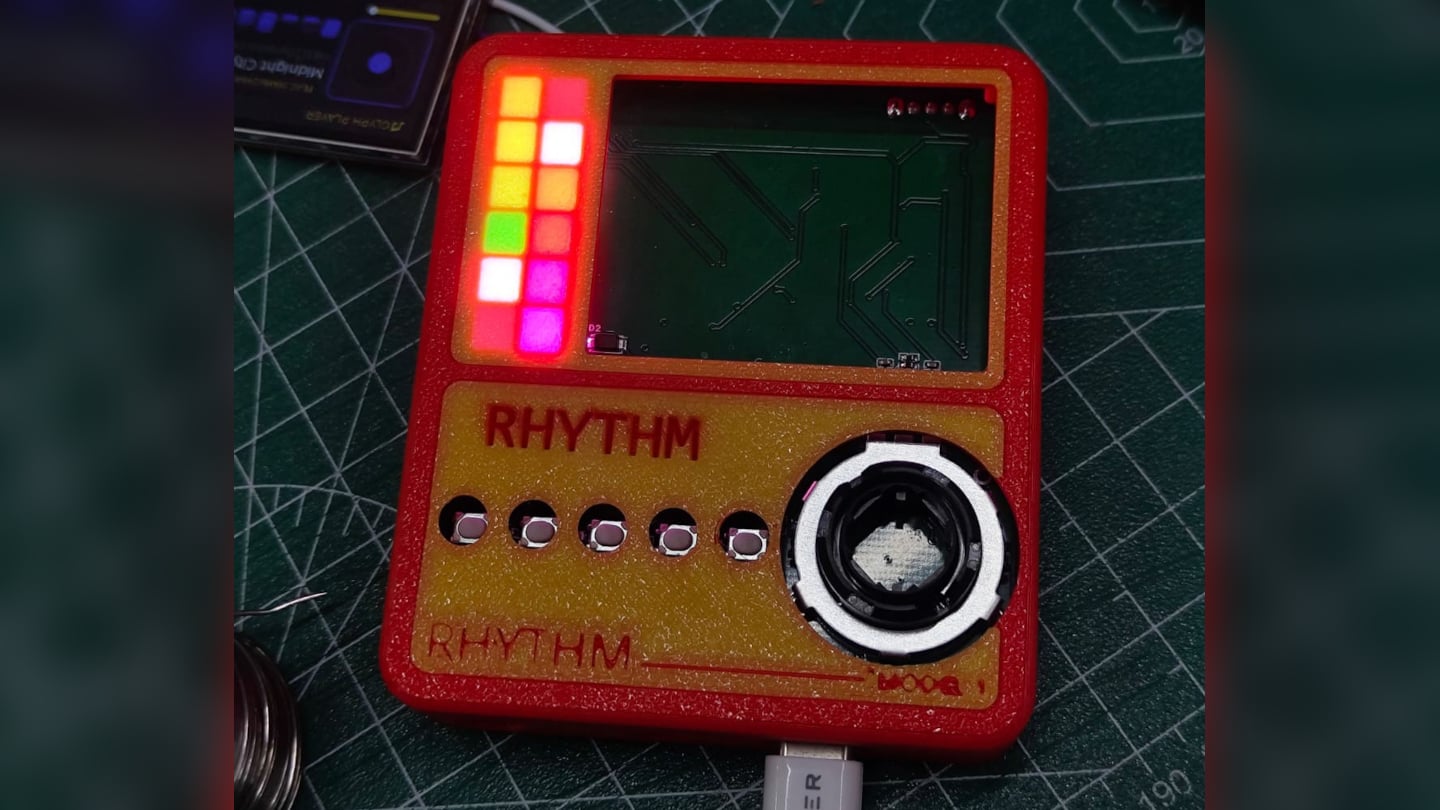
On first glance, Korg’s Phase8 looks like something Love Hultén might have dreamt up after a late night with a kalimba and a soldering iron. It has that same altar like presence, where every screw and surface feels intentional, and the exposed steel bars read more like a kinetic sculpture than a row of notes. You do not just see an instrument, you see a machine that wants to be played, prodded, and prepared with whatever objects are lying around your studio.

The result is a tabletop artifact that feels half lab instrument, half folk relic. Phase8 invites the same sort of ritualistic interaction Hultén builds into his one off consoles and synth shrines. You can sequence it like a modern groovebox, but it really comes alive when your hands, a pencil, or even a river stone start interfering with those vibrating tines.

Designer: Korg

This whole thing runs on what Korg is calling “Acoustic Synthesis,” which is a fancy way of saying it hits stuff. Under each of those eight steel resonators sits an electromagnetic hammer that physically strikes the bar when triggered. A capacitive pickup then captures the resulting acoustic vibration and sends it back into the synth engine for shaping. It is a completely different path from the usual oscillator-filter-amp chain. The entire unit weighs a solid 1.71kg and measures just 231mm wide, giving it the dense, purposeful feel of a piece of lab equipment, not a lightweight music toy.

That physical interaction model is the entire point. Korg explicitly tells you to pluck, mute, and strum the resonators. They even encourage placing found objects on them to create new textures. An “AIR” slider on the side lets you boost or dampen the raw acoustic response, effectively mixing between the pure electronic signal and the sound of the physical object vibrating in the room. This haptic approach is a clever rebellion against the menu-diving and screen-staring that defines so much modern gear. It demands your physical attention.

Of course, this is a Tatsuya Takahashi project, so the experimental nature is backed by serious engineering. It has a polymetric sequencer, full MIDI and USB-C implementation, and even CV input for talking to modular rigs. At $1,150, it is not an impulse buy, but it also signals that Korg sees this as a proper studio centerpiece. They built an instrument that feels alive because, in a very real sense, its sound generation depends on physical, vibrating matter.

The post Korg Phase8 Is a Cyberpunk Kalimba for Producers Who Are Bored of Regular Synths first appeared on Yanko Design.

Edifier D32 Retro Hi-Fi Speaker Hides AirPlay and 11-Hour Battery

Music has become the backdrop to almost everything, cooking, working, reading, but the hardware that plays it often looks like a leftover from a tech store, plastic boxes that clash with furniture. There is a tension between wanting good sound in every room and not wanting your living space to feel like a gadget shelf. A speaker that behaves like hi-fi but looks like it belongs on a sideboard can quietly solve that.

The Edifier D32 tabletop wireless speaker is that kind of object, a retro-styled piece with a hand-made wooden cabinet, braided grille, and accordion keyboard that feels closer to a mid-century radio than a Bluetooth brick. Behind the nostalgia is a modern 2.1 acoustic architecture and 60 W RMS of power, so it is not just a pretty box pretending to be a speaker. It is meant to fill a room with sound that actually holds up when you stop and listen.

Designer: Edifier

The D32 uses two 1-inch silk dome tweeters and a 4-inch long-throw mid-low driver inside an MDF cabinet with dual bass-reflex ports. The tweeters handle the crisp top end, the long-throw driver and ports take care of the low end, and the enclosure is tuned to minimize resonance and distortion. The result is a compact speaker that can throw clear highs, solid mids, and punchy bass without sounding strained when you turn it up, which is rare for something this size.

The signal path supports hi-res audio up to 24-bit/96 kHz and runs everything through full digital signal processing, a two-way active crossover, and dynamic range control. That means the tweeters and woofer get exactly what they need, and the electronics keep things clean and controlled even when tracks get dense. It is the kind of setup you expect in a bookshelf system, shrunk into something that can sit under a window or on a kitchen counter.

The wireless side covers Bluetooth 5.3 with LDAC for high-bandwidth streaming from compatible Android devices, plus AAC and ALAC support, and dual-band Wi-Fi with Apple AirPlay for network playback. There is an 11-hour built-in battery, so you can unplug and move it to another room or out onto a balcony without killing the mood. It can be a fixed living room piece most of the time, then wander when you need sound somewhere else.

Morning coffee with a low-volume playlist coming from the D32 on a sideboard, a workday where it pulls double duty as a Bluetooth speaker for a laptop and a Wi-Fi endpoint for lossless streaming, an evening where it becomes the main system for a movie or a focused album listen. The point is that you do not have to think about what it is connected to. You just pick a source and let the speaker handle the rest, switching smoothly between Bluetooth, Wi-Fi, USB, and AUX without fuss.

The D32’s mix of retro design and modern audio tech makes it feel like something you keep around, not cycle through. The wooden cabinet and accordion keys give it a presence that does not age the way glossy plastic does, while the 2.1 architecture, hi-res support, and flexible wireless stack mean it can keep up with whatever you are listening to next. It is the kind of speaker that quietly becomes part of the room, doing its job without shouting about it, which might be the best thing a piece of audio furniture can do.

The post Edifier D32 Retro Hi-Fi Speaker Hides AirPlay and 11-Hour Battery first appeared on Yanko Design.
5 Best Transparent Tech Of January 2026 That Just Beat Nothing at Its Own Game

Transparent technology has moved far beyond its novelty phase to become a legitimate design movement reshaping how we interact with our devices. What started as a nostalgia trip courtesy of Nothing’s transparent phones has evolved into a full-blown aesthetic revolution where seeing the guts of your gadgets is no longer just acceptable but desirable. The best transparent designs do more than simply expose circuitry; they create visual narratives about how technology works while delivering genuine functional benefits that justify their existence beyond mere eye candy.

January 2026 has given us a particularly strong lineup of transparent tech that ranges from retro-futuristic audio devices to gaming powerhouses wrapped in see-through shells. These designs prove that transparency works across every category of consumer electronics when executed with intention and intelligence. The following five products represent the pinnacle of this movement, each bringing something unique to the table while celebrating the beauty of visible mechanics and electronic components in ways that feel fresh rather than gimmicky.

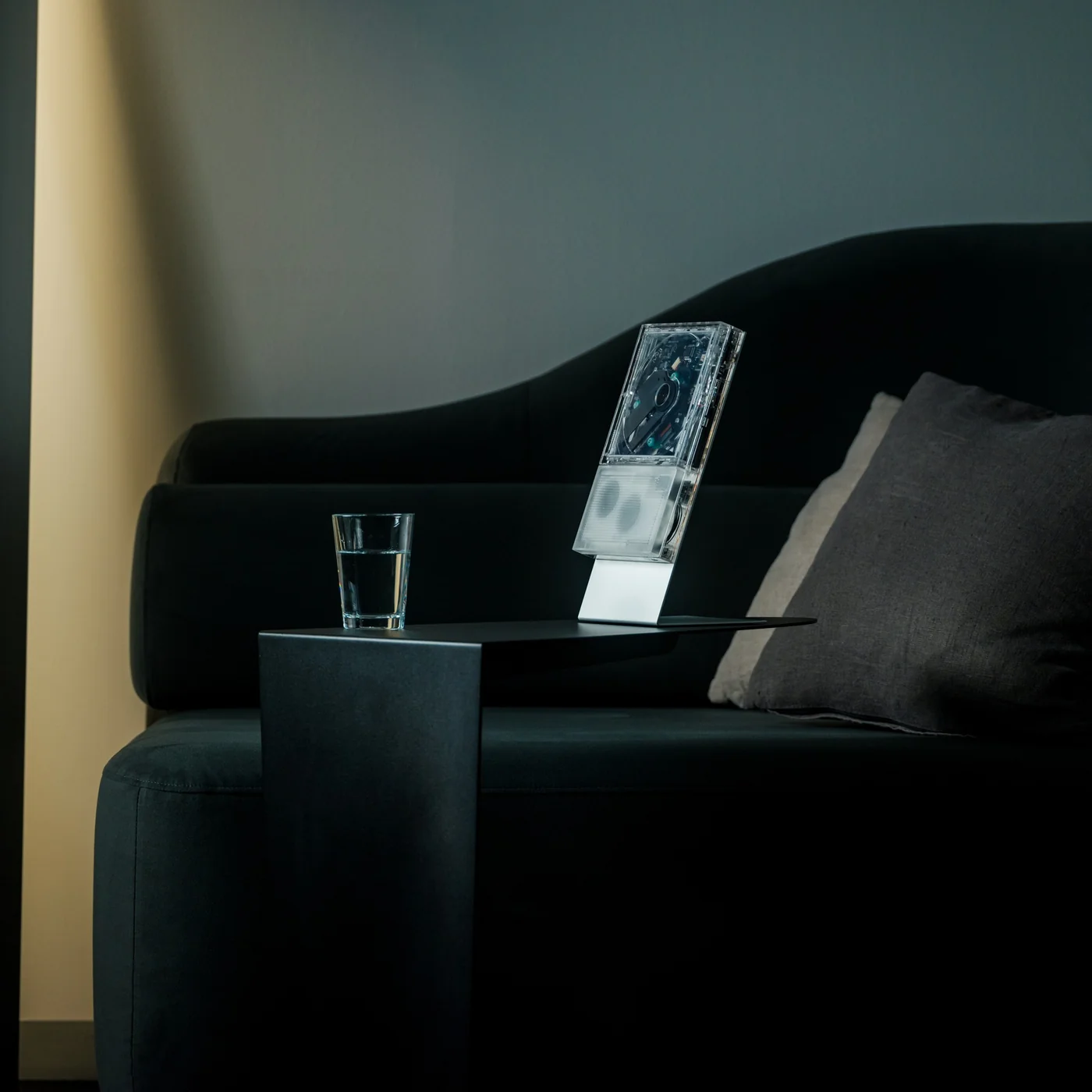
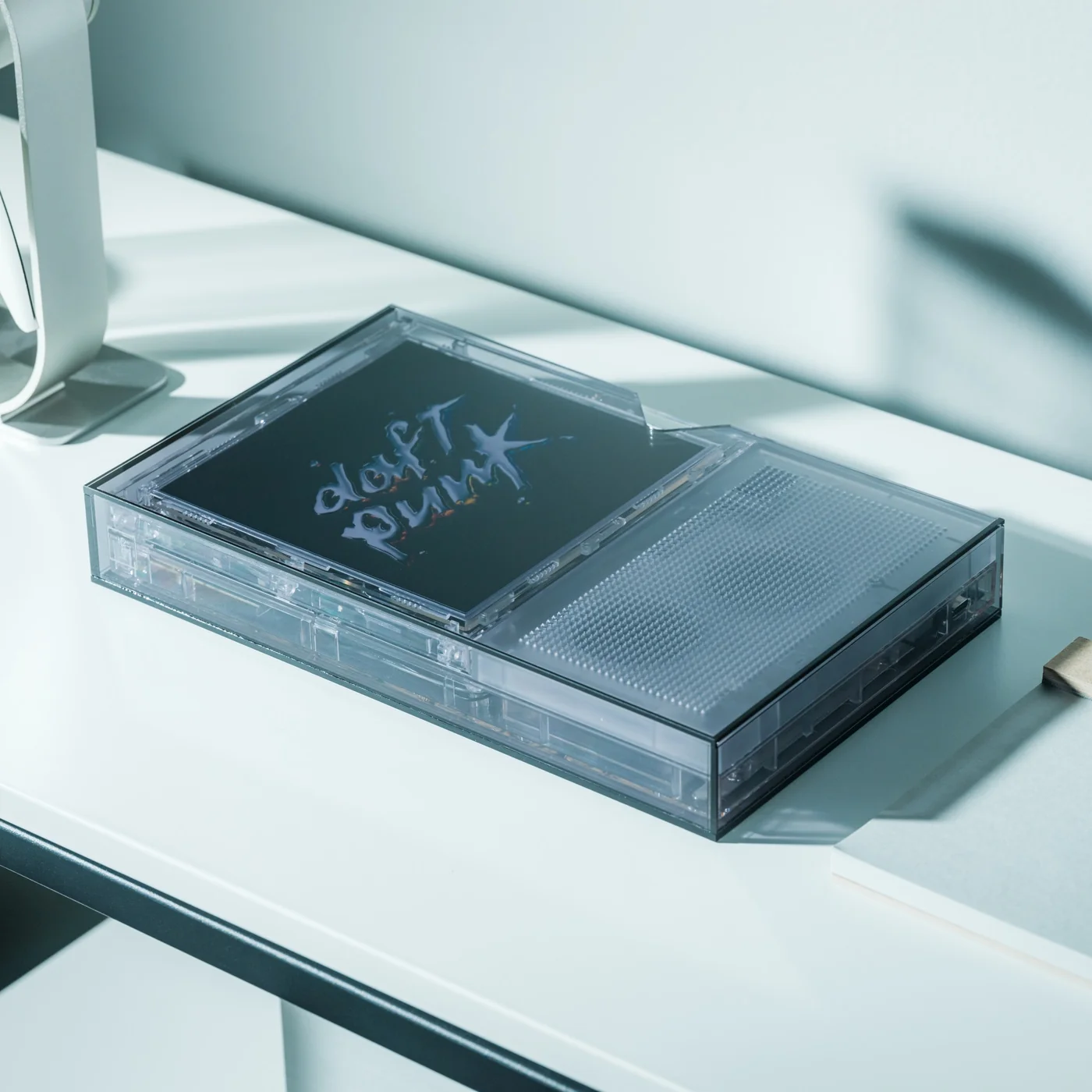
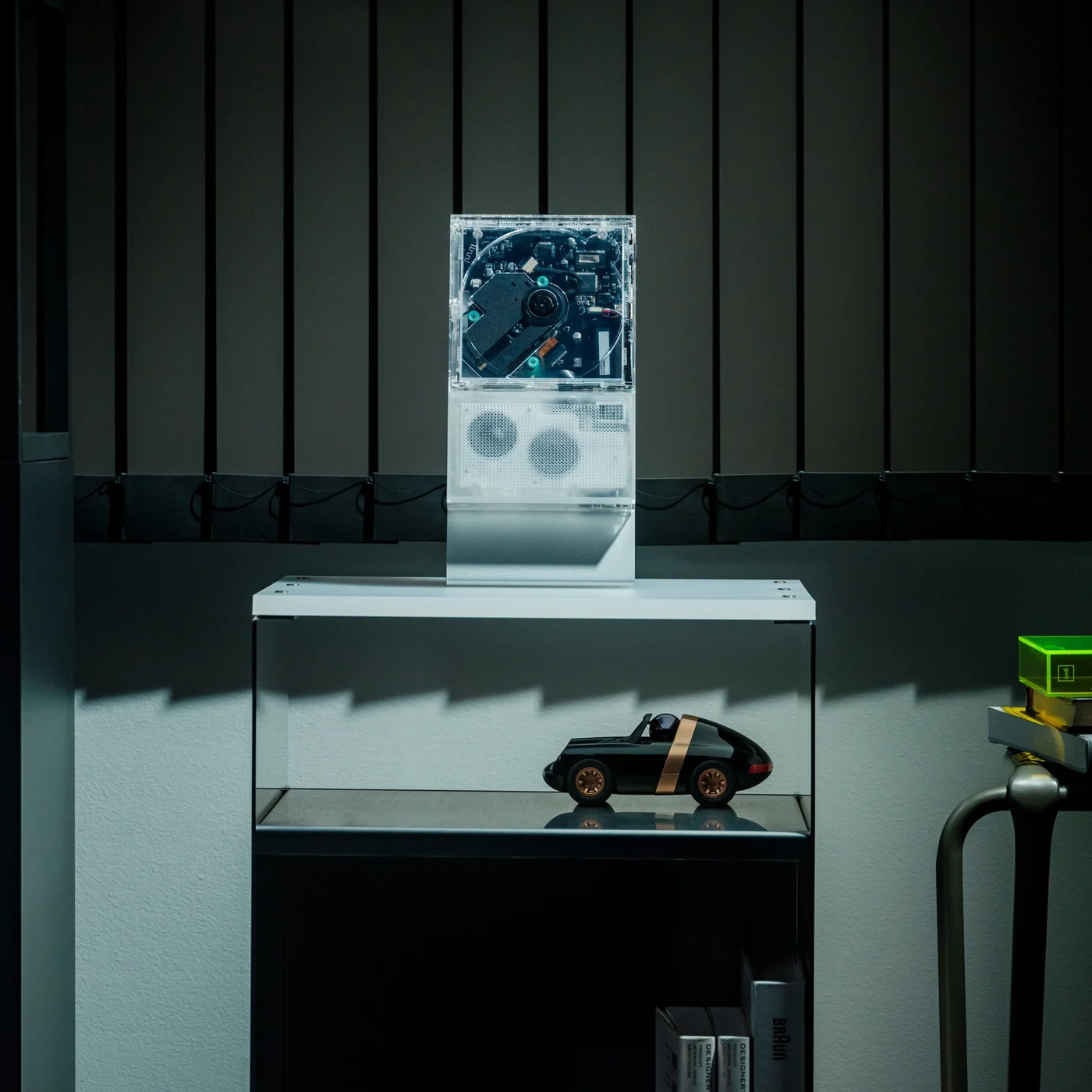
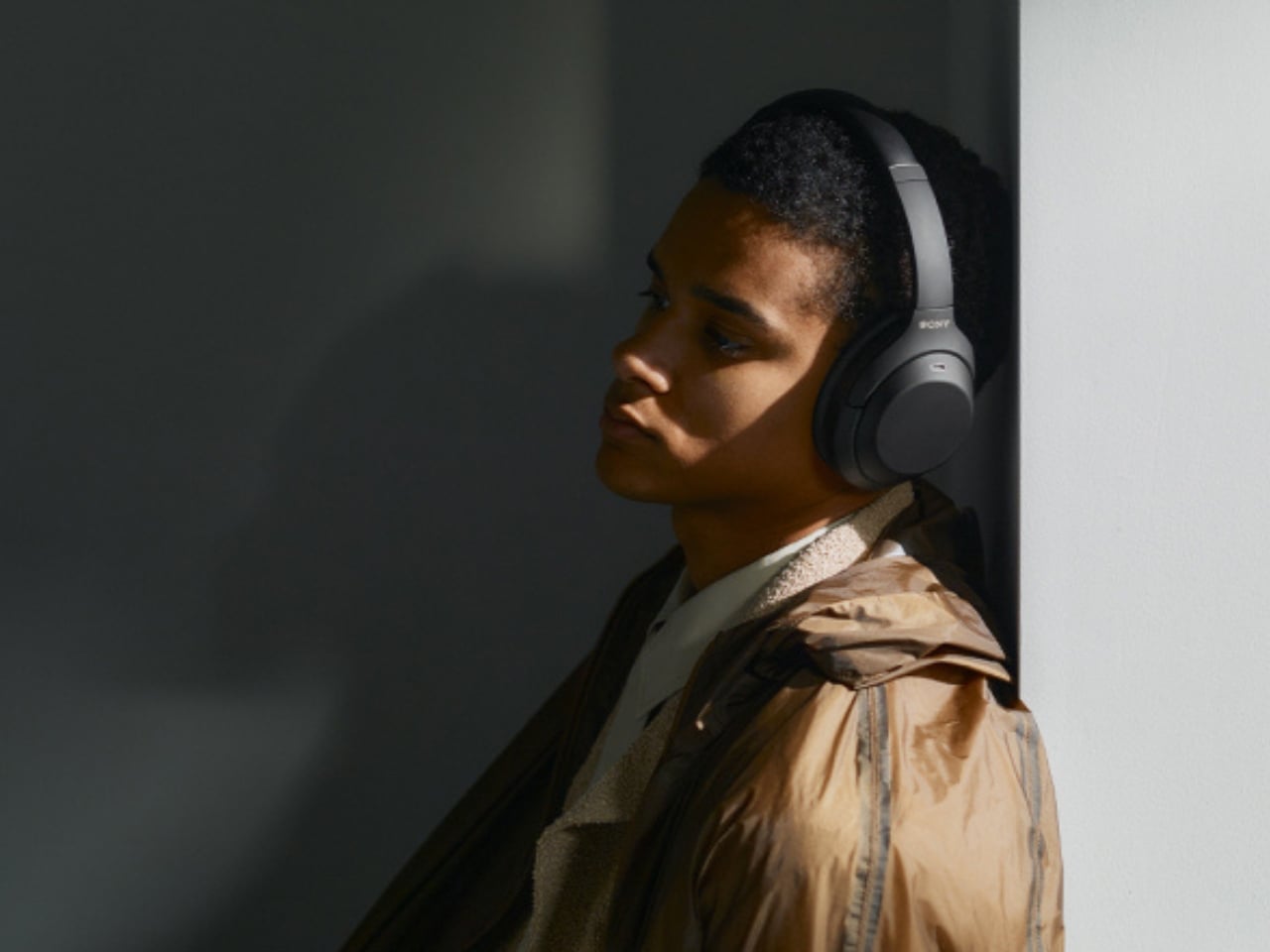
1. Transparent Sony Walkman Concept

This transparent cassette recorder concept represents everything compelling about retro-futurism executed with modern design sensibilities. The device combines the tactile satisfaction of analog media with visual transparency that transforms mechanical components into the main attraction. Those exposed gears and rollers work their magic through crystal-clear housing that makes the entire mechanism visible during operation, creating a mesmerizing display of analog technology in motion. The top-mounted mechanical elements evoke luxury watch movements where visible complexity becomes the primary selling point rather than something to hide behind opaque shells.

The design succeeds because it creates genuine tension between old and new technologies rather than simply copying vintage aesthetics. A digital display nestles among analog components, suggesting computational intelligence working alongside mechanical systems. Those pixel-perfect UI elements visible through transparent housing indicate this isn’t merely a playback device but something with smart capabilities. The tiny control buttons along the top edge deliberately reference 80s Sony recorders while embracing modern miniaturization techniques. This Walkman concept could easily exist in Blade Runner’s world or on a contemporary design enthusiast’s shelf with equal credibility.

What We Like

  • The visible gear systems create a hypnotic viewing experience during tape playback.
  • The combination of analog mechanics and digital intelligence feels genuinely innovative.
  • The transparent housing transforms mechanical movement into visual entertainment.
  • The design language successfully bridges multiple decades of technology evolution.

What We Dislike

  • Physical media dependence limits practicality for streaming-era consumers.
  • The concept status means you cannot actually purchase this beautiful object.

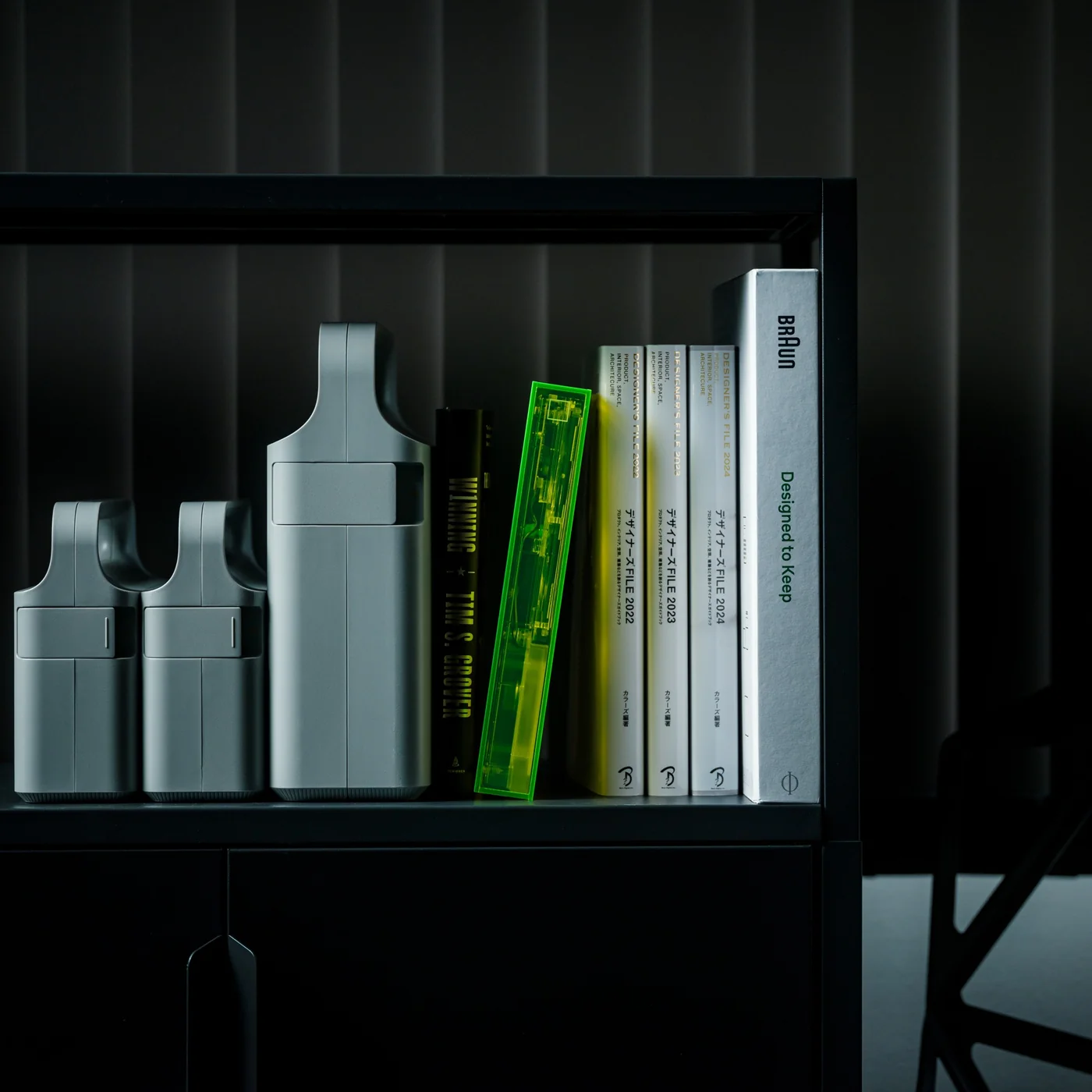
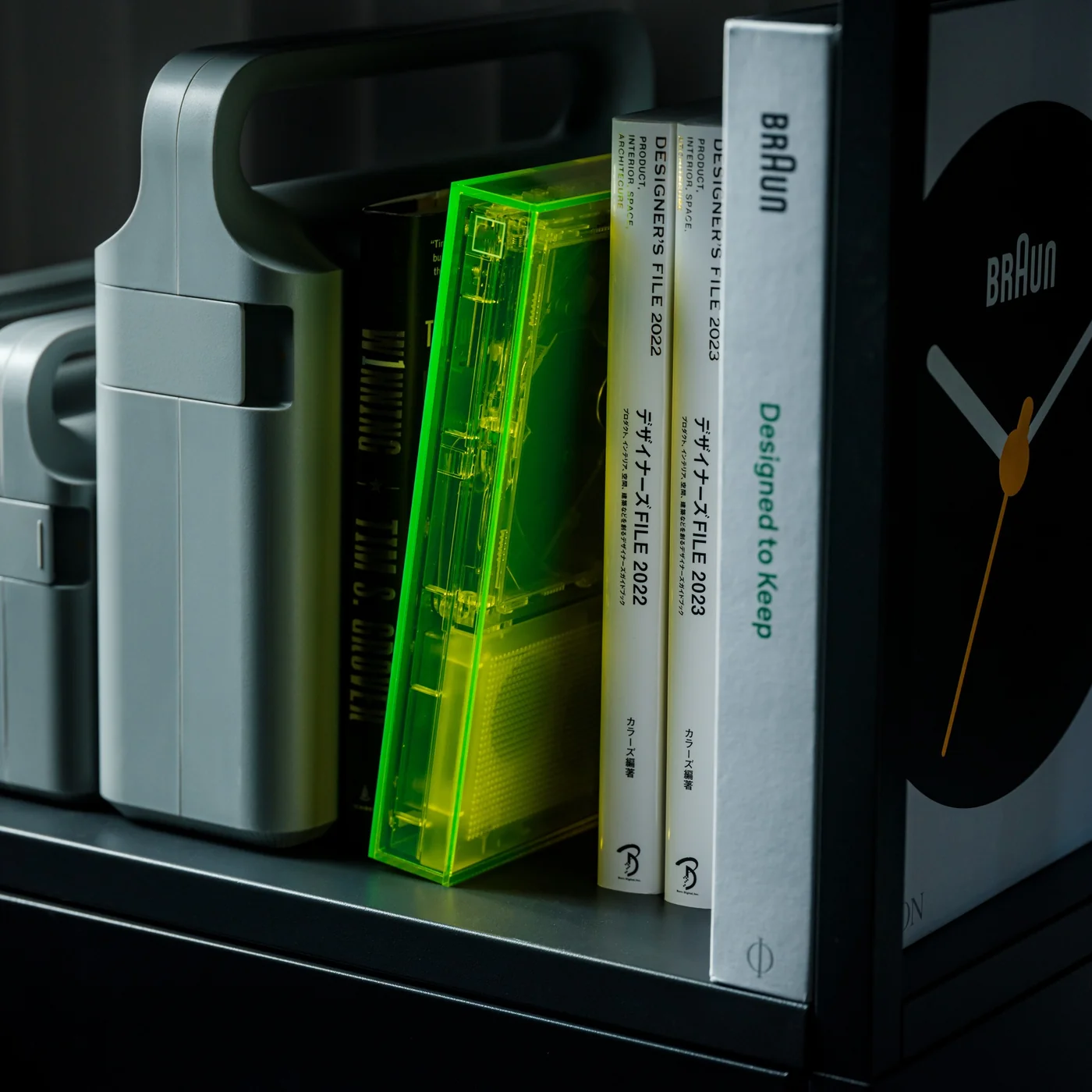
2. Pomera DM250 Crystal Neon Yellow

The limited-edition Pomera DM250 in Crystal Neon Yellow ditches conventional white or black finishes for a vivid, almost glowing green shell that channels cyberpunk aesthetics straight out of futuristic cinema. The transparent design feels deliberately pulled from a William Gibson novel, mixing nostalgia for vintage computing with an ultra-modern sensibility that makes the device feel both retro and cutting-edge simultaneously. This isn’t just a writing tool but a statement piece that announces your commitment to focused creativity before you type a single word.

The core philosophy here centers on unwavering dedication to one task: getting words onto the screen without distractions. The DM250 sports a compact yet full-size 80-key keyboard paired with a crisp monochrome LCD that strips away every possible distraction. The software is deliberately minimal, offering everything a writer needs for text creation while providing nothing that might derail focus or waste precious writing time. That transparent shell showcasing the device’s internal components serves as a visual reminder of its pure functionality, where every element exists to support the writing process rather than tempt you toward multitasking.

What We Like

  • The monochrome display eliminates distractions that kill writing productivity.
  • The full-size keyboard delivers proper typing ergonomics in a compact form.
  • The Crystal Neon Yellow finish makes a bold visual statement.
  • The single-purpose design philosophy respects writers’ focus needs.

What We Dislike

  • The monochrome display feels dated compared to modern screen technology.
  • Limited functionality beyond text editing restricts versatility for mixed workflows.

3. RedMagic Astra Gaming Tablet

Nothing spent years teasing transparent design language, while RedMagic simply dropped the Astra with a full transparent strip down its back panel, complete with faux circuit board details that scream technological prowess. The visual trickery taps into tech enthusiast psychology that made transparent Game Boys and iMacs cultural phenomena decades ago. Those faux components create an impression of hardware sophistication perfectly aligned with gaming tablet expectations. RedMagic effectively claimed transparent tablet territory before Nothing could plant their flag, proving that execution speed sometimes matters more than brand heritage in emerging design categories.

The transparent strip serves as eye candy on what might be the most compelling compact gaming tablet available. RedMagic packed the Astra with the Snapdragon 8 Elite processor and hardware that puts most full-sized tablets to shame. The 9.06-inch form factor feels genuinely manageable for handheld gaming while maintaining enough screen real estate for immersive experiences. Aggressive pricing makes the iPad Mini look overpriced and underpowered by comparison. The Astra knows exactly what it wants to be: a gaming powerhouse that happens to work as a tablet, rather than a tablet that sorta plays games. This focused approach pays dividends across every aspect, from display technology to thermal management systems.

What We Like

  • The Snapdragon 8 Elite processor delivers flagship performance in a compact package.
  • The transparent design differentiates it from generic black rectangles flooding the market.
  • The 9.06-inch size balances portability with usable screen space for gaming.
  • Aggressive pricing undercuts competitors while delivering superior hardware specifications.

What We Dislike

  • Faux circuit board details might feel inauthentic to purists wanting real component exposure.
  • Gaming focus means it might not excel at productivity tasks that some users expect from tablets.

4. Nothing-Inspired Transparent Robot Vacuum

Designer Taeyeon Kim took the transparent tech aesthetic and applied it to one of the most mundane household appliances imaginable, creating an independent concept that reimagines how cleaning technology could integrate into daily life. The transparent philosophy celebrates inner workings rather than hiding them behind opaque plastic shells that make appliances invisible and forgettable. This vacuum features a completely clear shell exposing all internal components from the motor and sensors to the circuitry, making it function, transforming utilitarian hardware into something worth displaying prominently.

Most robot vacuums are designed for invisibility, tucked away in corners where they won’t interfere with carefully curated interior design schemes. Kim’s concept takes the opposite approach entirely, embracing transparency and modularity to create a cleaning system that actually wants to be seen and interacted with regularly. The exposed components serve educational purposes, helping users understand how their cleaning technology actually works while making maintenance and troubleshooting more intuitive. The modular design philosophy means components can be swapped or upgraded without replacing the entire unit, extending product lifespan while reducing electronic waste that plagues the appliance industry.

What We Like

  • The transparent shell transforms a mundane appliance into an interesting design object.
  • Exposed components make maintenance and troubleshooting more intuitive for users.
  • The modular philosophy extends product lifespan through component upgrades.
  • The design challenges the appliance industry norms around hiding technology from view.

What We Dislike

  • Visible dirt accumulation in transparent components might require more frequent cleaning.
  • The concept status means this innovative design isn’t available for purchase yet.

5. Sony WF-C710N Glass Blue Earbuds

The Glass Blue variant of Sony’s WF-C710N earbuds challenges the industry’s tendency toward either clinical white or anonymous black with a design choice that celebrates rather than conceals technological sophistication. The transparent housing goes beyond mere novelty to create a visual narrative about the engineering packed into these tiny devices. Sony offers four color options, but the Glass Blue stands out by making the internal components part of the aesthetic rather than something requiring concealment. The naturally elegant, compact form factor prioritizes both aesthetics and functionality in ways that prove transparent design works even at this miniature scale.

Sound quality remains Sony’s primary focus despite attention-grabbing aesthetics that could easily overshadow performance. The unique 5mm drivers deliver powerful bass and crystal-clear vocals across all music genres, while Digital Sound Enhancement Engine processing restores high-frequency elements often lost in compressed digital audio files. This technical prowess ensures the WF-C710N earbuds sound as impressive as they look, delivering an audio experience satisfying even discerning listeners who prioritize performance over style. The noise-canceling capabilities work seamlessly with the compact design, proving that transparent housings don’t require compromises in acoustic performance or active noise management systems.

What We Like

  • The Glass Blue finish makes a bold statement against boring black or white alternatives.
  • The 5mm drivers deliver impressive audio quality from compact components.
  • Digital Sound Enhancement Engine processing restores lost audio details effectively.
  • Active noise canceling proves transparent design doesn’t compromise acoustic performance.

What We Dislike

  • The transparent design might show dirt and debris accumulation more visibly than opaque alternatives.
  • The 5mm drivers might not satisfy audiophiles seeking maximum bass response depth.

The Transparent Future

Transparent technology has matured from gimmick to genuine design movement with staying power. The five products showcased here demonstrate how exposure of internal components can serve both aesthetic and functional purposes when executed thoughtfully. Designers are moving beyond simply slapping clear cases on existing products to creating devices where transparency informs every aspect of the user experience, from interaction patterns to maintenance accessibility. The visual honesty of exposed mechanics and circuitry creates connections between users and their technology that opaque housings cannot replicate.

What makes January 2026’s transparent offerings particularly compelling is their diversity across product categories and price points. From retro-futuristic Walkman concepts to pragmatic writing tools and gaming tablets, transparent design proves its versatility. These products suggest we’re entering an era where seeing how our devices work isn’t just acceptable but expected by consumers who want deeper relationships with their technology. The transparent revolution is just beginning, and these five designs point toward a future where every electronic device might celebrate rather than hide its technological sophistication.

The post 5 Best Transparent Tech Of January 2026 That Just Beat Nothing at Its Own Game first appeared on Yanko Design.

Meze’s $799 Strada Headphones Use Magnetic Ear Pads and Hand-Carved Wood (And They’re Gorgeous)

Romanian audio craftsmen Meze Audio have built their reputation on a simple philosophy: headphones should be as beautiful to look at as they are to listen to. The 99 Classics proved this formula with their vintage-inspired warmth, while the Liric pushed boundaries with planar magnetic technology. Now, the Strada arrives as something different: a closed-back dynamic that feels less like a nostalgic throwback and more like a confident step forward.

At $799, the Strada occupies that fascinating middle ground where serious audio performance meets daily practicality. The hand-crafted Macassar ebony earcups remain unmistakably Meze, but the deep metallic green magnesium frame signals a design evolution. This is Meze refining their aesthetic without abandoning their roots, creating a closed-back headphone that promises isolation and intimacy without sacrificing their signature approach to build quality and musicality.

Designer: Meze Audio

Those 50mm dynamic drivers pull from the 109 Pro’s DNA but get retuned specifically for closed-back acoustics. Frequency response spans 5Hz to 30kHz, which sounds impressive until you remember that what matters is how flat or colored that response curve actually is. Sensitivity hits 111 dB SPL/mW at 1kHz with 40Ω impedance, meaning your phone will drive these adequately but they’ll really open up with proper amplification. Meze claims a tonal balance that leans slightly warm with controlled bass emphasis, neutral mids, and extended treble that avoids the typical closed-back veil. Translation: they want you listening to music, not hunting for detail.

That carbon fiber-reinforced cellulose dome keeps the diaphragm light while maintaining stiffness for clarity in the upper registers. The semicrystalline polymer torus surrounding the dome gets coated with beryllium via physical vapor deposition, which increases rigidity without adding mass. Precision-cut grooves at 45.5-degree angles across the torus help control resonance, while a copper-zinc alloy stabilizer ring dampens unwanted vibrations. These aren’t revolutionary techniques but they’re expensive ones, the kind of iterative refinement that separates competent drivers from excellent ones. You’re paying for obsessive attention to mechanical behavior at frequencies most people can’t even hear.

The magnetic ear pad system solves a problem most manufacturers ignore. Ear pads wear out. They compress, they accumulate oils and sweat, they eventually need replacement. Traditional attachment methods range from annoying clips to outright glued-on disasters that require heat guns and prayers. Meze’s magnetic mounting creates a perfect acoustic seal while making pad swaps completely tool-free. This ties directly into their sustainability pitch, which feels genuine rather than performative given their history of fully serviceable designs. Every component here can be replaced individually. The headband padding, the frame sliders, the cables, even those gorgeous ebony cups. You’re buying something meant to be repaired rather than discarded.

Each pair carries unique grain patterns, the tiger-stripe figuring that makes this particular hardwood so prized in furniture and musical instruments. Beyond aesthetics, the density and internal structure provide acoustic benefits. Wood naturally dampens certain resonances while allowing others to breathe, creating a different sonic character than plastic or metal enclosures. Whether you can actually hear this difference remains a subject of fierce debate in audiophile circles, but the material choice signals intent. Meze wants these to feel like heirloom objects, something you hand down rather than upgrade away from.

The metallic green finish represents the most visible departure from Meze’s typical palette. Their previous models leaned heavily into warm metallics: the gold and walnut of the 99 Classics, the bronze accents across their lineup, the copper hardware that became a signature detail. This cooler, more contemporary green suggests a brand aging gracefully, shedding some retro affectation without losing craft. The multi-layer paint process adds depth to the magnesium frame, giving it a subtle metallic sheen that catches light differently depending on angle. It’s restrained in a way that premium consumer electronics rarely manage, avoiding both the sterile minimalism of pro audio gear and the gamer-aesthetic excess that plagues too many “premium” headphones.

The competitive landscape at $799 gets brutal. Focal’s closed-backs bring French tuning philosophies and beryllium tweeters. Sennheiser offers German engineering precision and decades of refinement. Dan Clark Audio delivers cutting-edge planar technology with acoustic metamaterials. Meze’s pitch sidesteps the technology arms race entirely. They’re selling craftsmanship, serviceability, and a specific vision of what premium headphones should feel like to own and use daily. Whether that resonates depends entirely on what you value. If replaceable drivers and hand-painted frames matter less than the latest acoustic innovations, look elsewhere. But if you want something that feels built rather than manufactured, something designed to age beautifully rather than obsolete quickly, the Strada makes its case clearly.

The post Meze’s $799 Strada Headphones Use Magnetic Ear Pads and Hand-Carved Wood (And They’re Gorgeous) first appeared on Yanko Design.

Marshall Heddon Hub Adds Multi-Room Hi-Fi to Your Bluetooth Marshalls

Owning a couple of Marshall Bluetooth speakers means great sound in different rooms, but getting music to follow you means reconnecting Bluetooth, nudging volume knobs, or carrying your phone with you. One speaker plays in the kitchen, another sits silent in the living room, and switching between them breaks whatever you were doing. The missing piece is not another speaker but a way to tie them together.

Marshall’s Heddon is a Wi-Fi music hub, a small square box that sits by your router and quietly becomes the brain for Acton III, Stanmore III, and Woburn III speakers. It connects to your network over Wi-Fi or Ethernet, pulls in music using Spotify Connect, AirPlay, Google Cast, or Tidal Connect, then rebroadcasts it to your speakers using Auracast so they all play in sync across rooms.

Designer: Marshall

Starting a playlist on your phone, you send it to Heddon instead of a single speaker and let it handle the rest. You move from the kitchen to the living room, and the same track is coming out of different Marshalls without re-pairing. Friends can cast from their own apps, but the hub keeps the stream going even when phones leave or run out of battery, which is how whole-home audio is supposed to work.

Heddon has RCA line-in, so you can plug in a turntable or older CD player and stream that signal wirelessly to your Marshall speakers around the house. The only requirement is a phono preamp somewhere in the chain. A record spinning in one corner can be heard in the kitchen and bedroom without running cables or buying a new Wi-Fi-enabled turntable, turning analog playback into something that feels modern.

Most of the complexity lives in the Marshall app, which discovers Heddon, lets you assign speakers to rooms, create groups, and manage updates. The physical box stays simple on purpose. That makes it easier to update over time, but it also means the experience rises and falls with how well the app is maintained and how comfortable you are living inside one brand’s ecosystem.

Heddon only works with specific Marshall home speakers, not older models or portable units, which narrows the audience. At around $300, it is not a casual add-on, even if bundle discounts soften the cost. Compared to third-party streamers, you are paying for tight integration and the Marshall look, which makes sense if you are already committed to their gear.

Heddon is less about chasing another object and more about making the speakers you like feel current. By adding Wi-Fi, casting, and multi-room logic in one small hub, it nudges a Marshall-filled home closer to the convenience of dedicated multi-room systems without throwing anything out. For people who care as much about how speakers look as how they sound, that is a neat way to modernize without starting over.

The post Marshall Heddon Hub Adds Multi-Room Hi-Fi to Your Bluetooth Marshalls first appeared on Yanko Design.
Sony unveils LinkBuds Clip open-ear earbuds in peppy colors

Open earbuds are the fastest-growing segment of the headphone market, but long before they gained popularity, Sony initially introduced the concept to the market. From their first ever iteration, this style of earbuds has graduated into earhook and clip-style designs. When LinkBuds were first released in 2022, they came in a peculiar design with an ear hook and a circular housing that lets in ambient noises.

After the LinkBuds Open were released in 2024, Sony has now introduced the LinkBuds Clip, featuring an always-clip-on design similar to the Bose Open Earbuds, Edifier LolliClip, Shokz OpenDots One, and the JVC Nearphones. These new flagship earbuds improve on the previous open ear version in every aspect, making them a great choice for people who want situational awareness of their surroundings without any degradation in music quality.

Designer: Sony

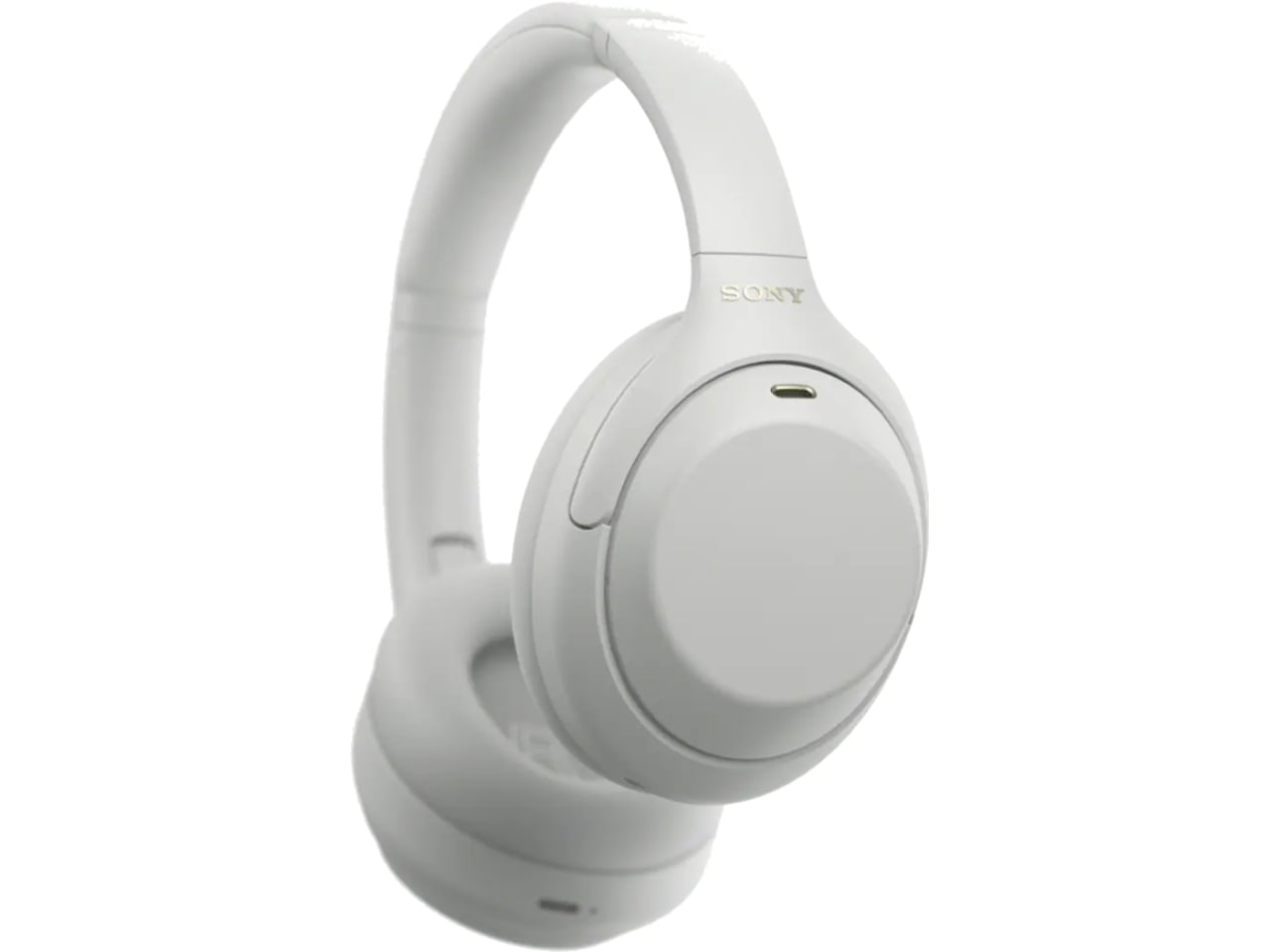
Targeted towards active lifestyle users, the buds don’t block the ear canals to hear conversations better, and are ergonomically designed for all-day long wear comfort. The Japanese consumer electronics giant is positioning them as a flagship option for music lovers who are worried about losing their pricy pair of buds during workouts, sporting activities, or adventurous escapades. IPX4 splash-proof rated LinkBuds Clip have a glossy finish with a C-bad connecting the two contoured stems that rest on either side of the ear. While I’m not a big fan of the glossy finish on these, the design looks reassuring, and the buds won’t fall out even after rigorous activity.

The flexibility of adjusting the positioning of the buds depending on the comfort and desired audio output makes the pair recommendable. You can go for a closer proximity to the ear canal for a better sound signature with noticeably more bass, or have a laid-back setup that promotes comfort and consequently a more open input of the ambient noises around. The case of these open-ear earbuds is more or less the same as the LinkBuds Open and Fit, but it doesn’t support wireless charging, which is a bit of a disappointment.

As per independent reviewers who have spent time with the LinkBuds Clip, the touch controls on these are not as good as other Open ear options. The taps can be a miss at times or trigger unwanted action. That said, it is the issue with most touch control earbuds, and for people like me who love physical controls, the features can be a bit of a miss. The sound signature on the LinkBuds Clip is balanced when ideally placed in the ear openings. However, it will be interesting to see how they compare to the next version of Bose Ultra Open Earbuds (released back in early 2024), which are speculated to come out this year.
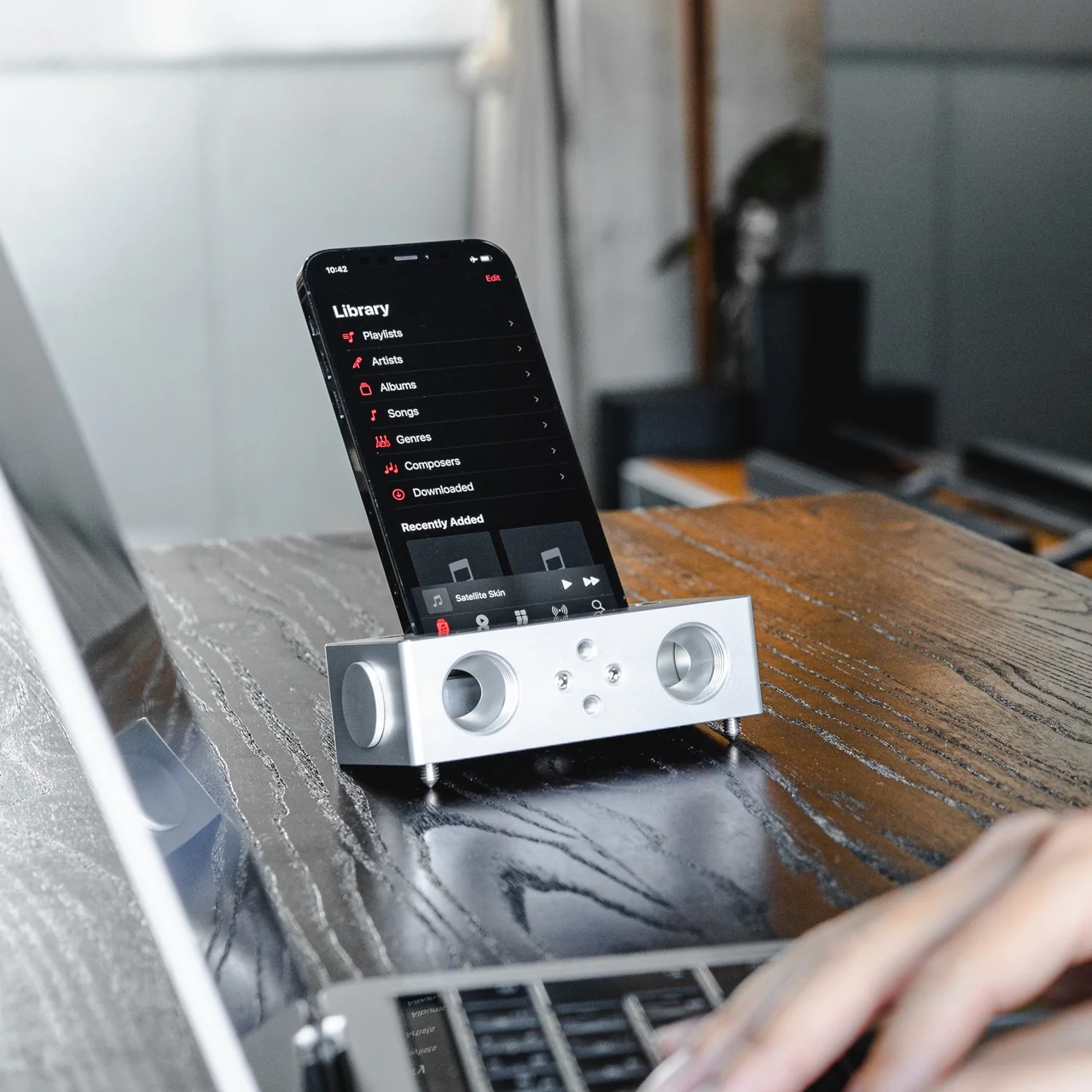
Battery life on the buds is typically hours that extends to 37 hours with the charging case. The clip-ons have three listening modes: Standard mode for more immersive sound with a lot of detail and clear vocals, Voice Boost mode for listening to the other person in crowded spaces, and the Sound Leakage Reduction mode for lesser disturbance to people in the vicinity.  LinkBuds Clip can be bought right away for $230 in peppy color options like black, greige, green, and lavender. The case covers and fitting cushions in coral green, blue, lavender, and black can be added on for $25 each.

The post Sony unveils LinkBuds Clip open-ear earbuds in peppy colors first appeared on Yanko Design.