Elgato’s Wave Next Connects Your Mic, Software, and Stream Deck

Audio setups for creators have long followed a predictable pattern: buy a microphone, download some software, spend an afternoon reading forums about signal chains, and still end up with a slightly imperfect result. Elgato spent five years watching that process play out across hundreds of thousands of real setups. Wave Next is what they built after deciding most of it didn’t have to be that complicated.

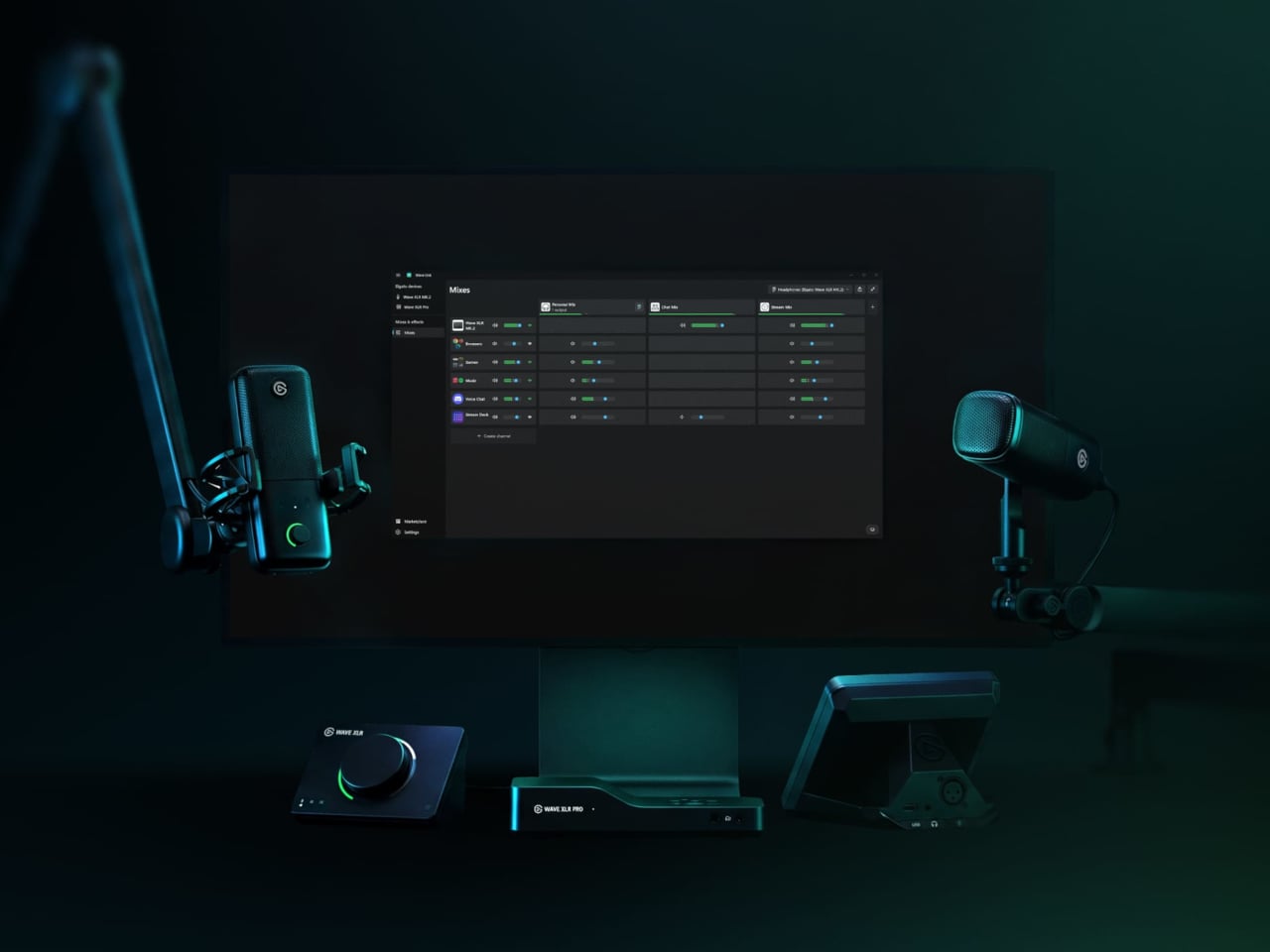
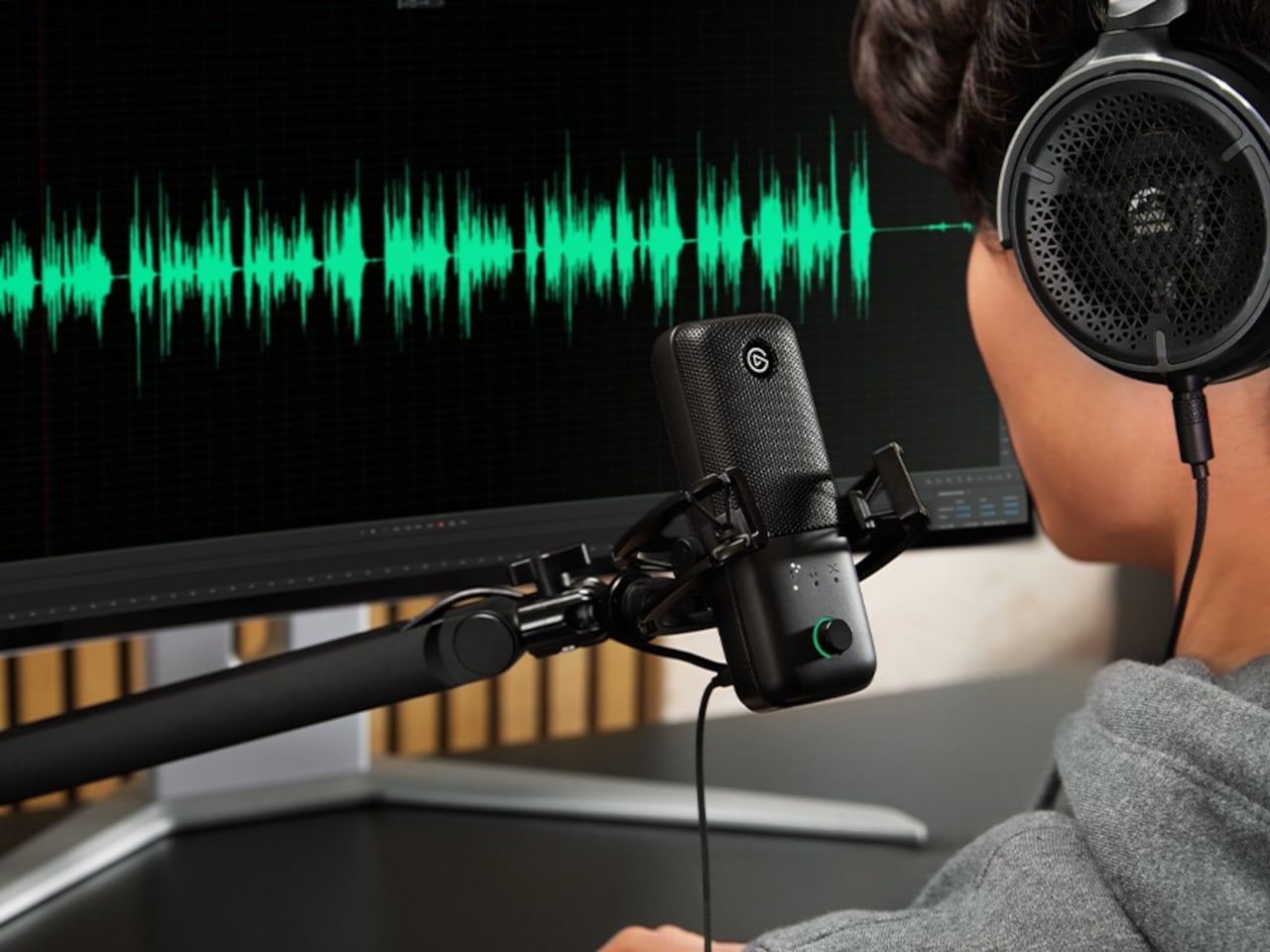
The centerpiece is a custom chip called Wave FX Processor, developed in partnership with Lewitt Audio. It shifts critical audio processing directly onto the hardware, so the microphone signal arrives in every application already polished, without virtual audio devices or routing workarounds. Clipguard 2.0 handles distortion prevention through multiple analog-to-digital converters and 32-bit floating-point internal processing, while five onboard DSP effects shape the voice in real time with zero latency and no CPU load.

Designer: Elgato

VST Insert technology creates a dedicated low-latency path between the hardware and the computer so that studio-grade software effects can be injected directly back into the hardware signal chain. The processed audio then flows as a single input into any application. A creator streaming, recording, and on a video call simultaneously doesn’t need to configure three separate signal paths to get consistent sound across all three outputs.

Wave:3 MK.2

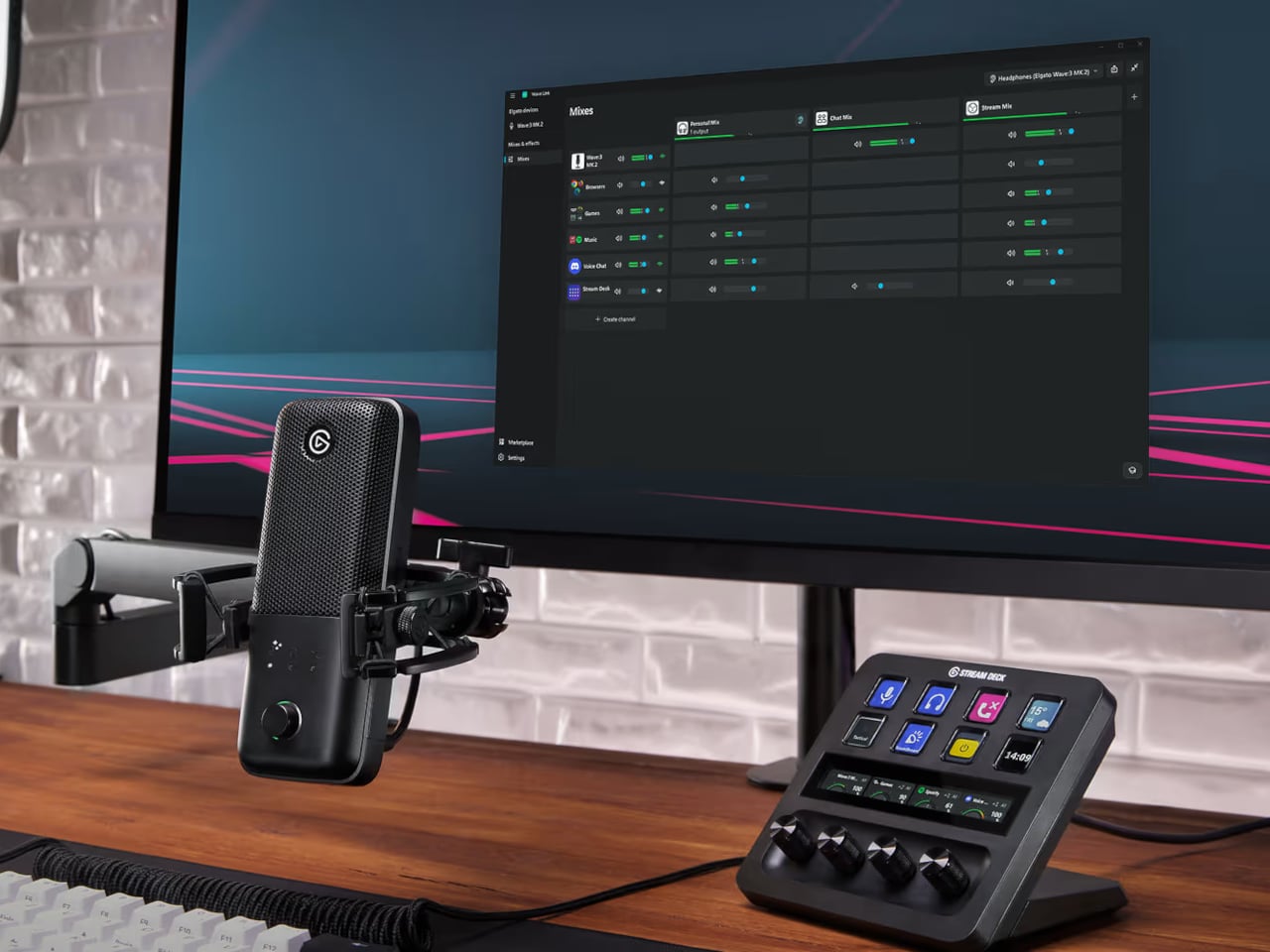
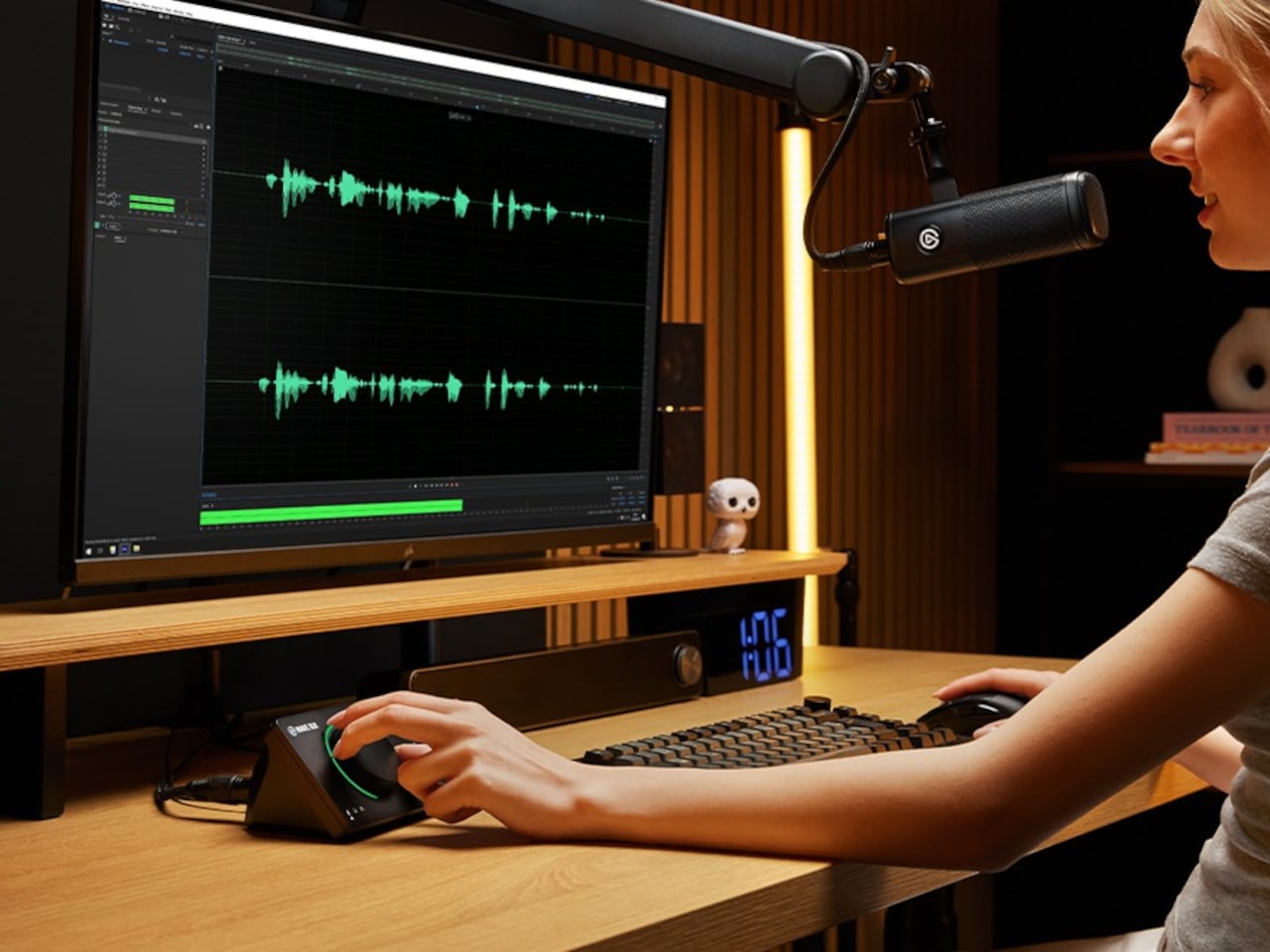
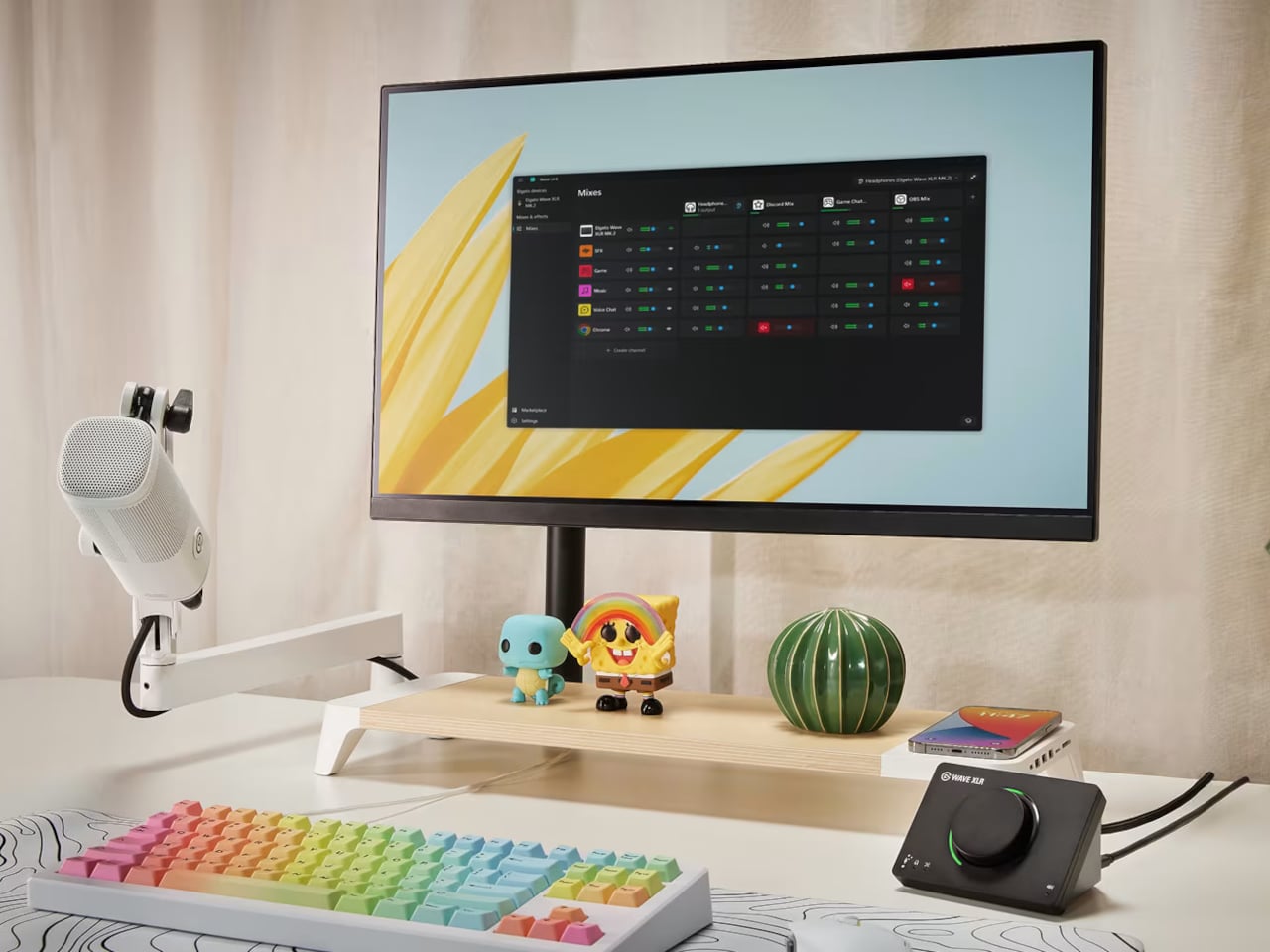
That software layer is Wave Link 3.0, overhauled completely and now free to download for Windows and macOS. It works with virtually any microphone or audio interface, not just Elgato hardware, though Wave devices unlock deeper features: guided setup, device control panels, and an Auto Gain Wizard. Up to five independent submixes let users route voice, music, game audio, and chat to separate outputs, each shaped individually through a horizontal routing table replacing traditional channel strips.

Wave XLR MK.2

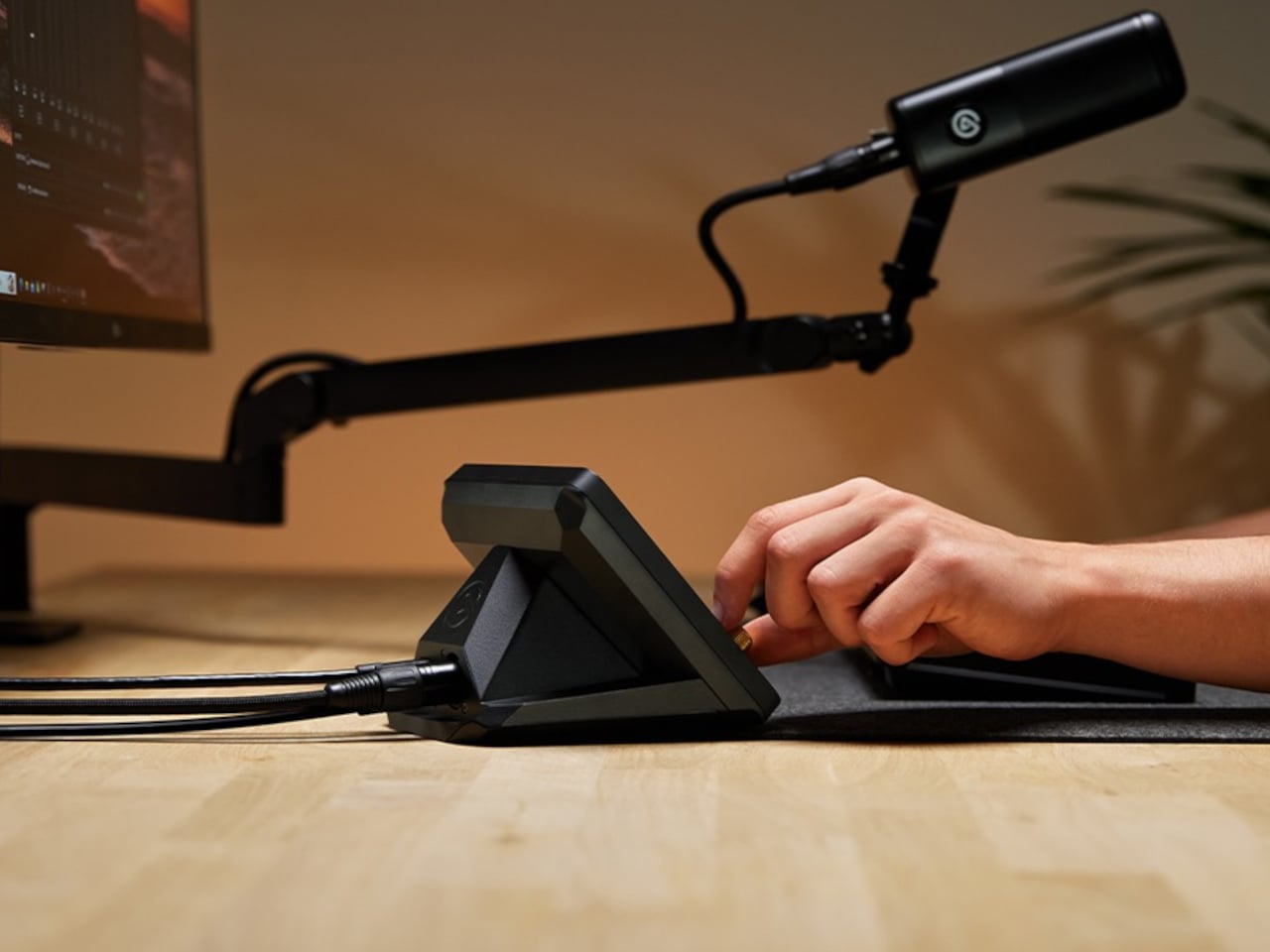
XLR Dock MK.2

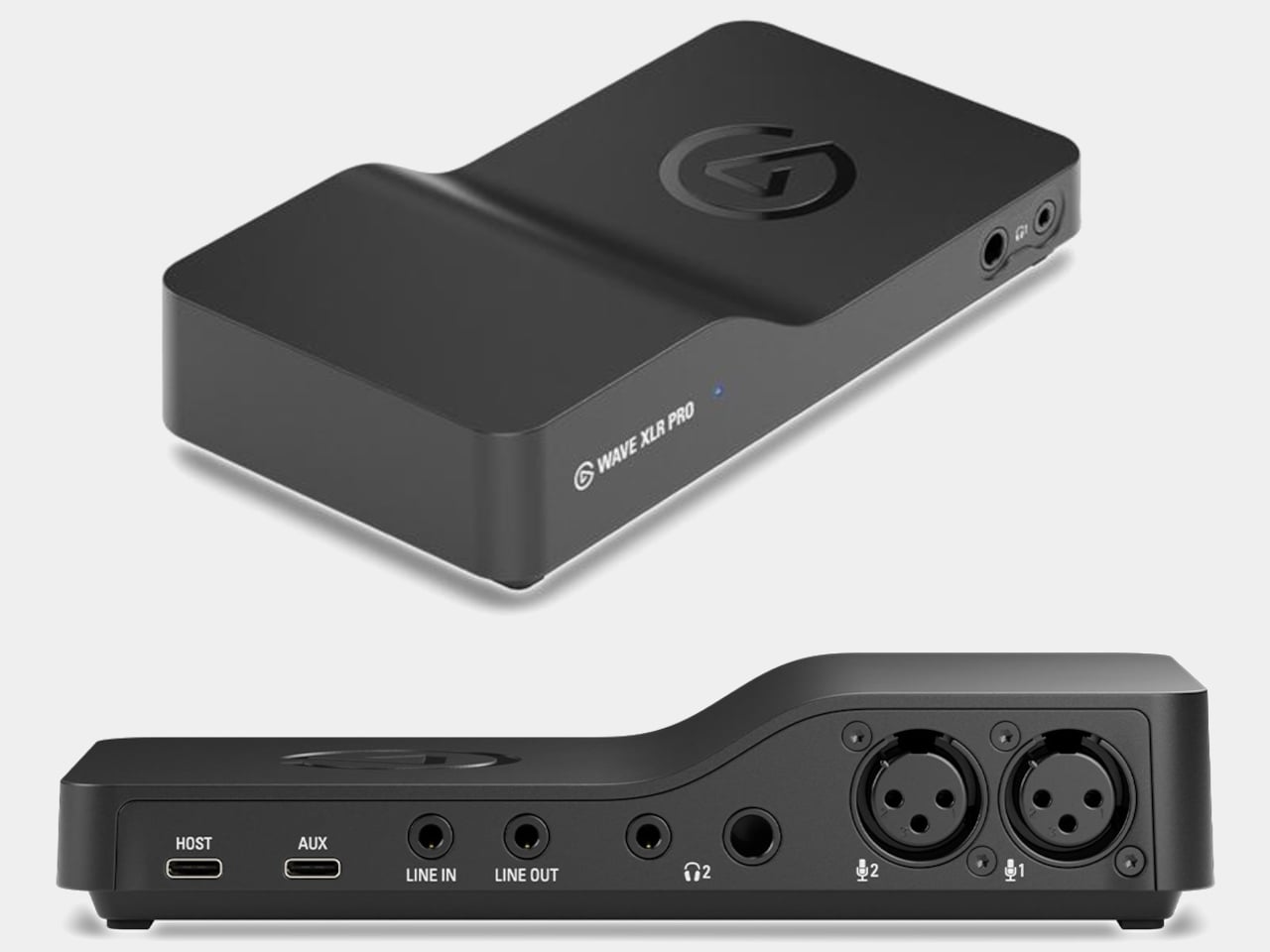
Four devices carry the Wave FX Processor. Wave:3 MK.2 is the USB condenser option, built around a supercardioid capsule tuned with Lewitt, with settings that persist across systems. Wave XLR MK.2 targets XLR microphone users with 80 dB of clean gain and 135 dB of dynamic range. XLR Dock MK.2 integrates directly into Stream Deck +. Wave XLR Pro, arriving in Q2 2026, adds dual XLR inputs and five hardware-based zero-latency monitoring mixes for two-person or multi-source setups.

Wave XLR Pro

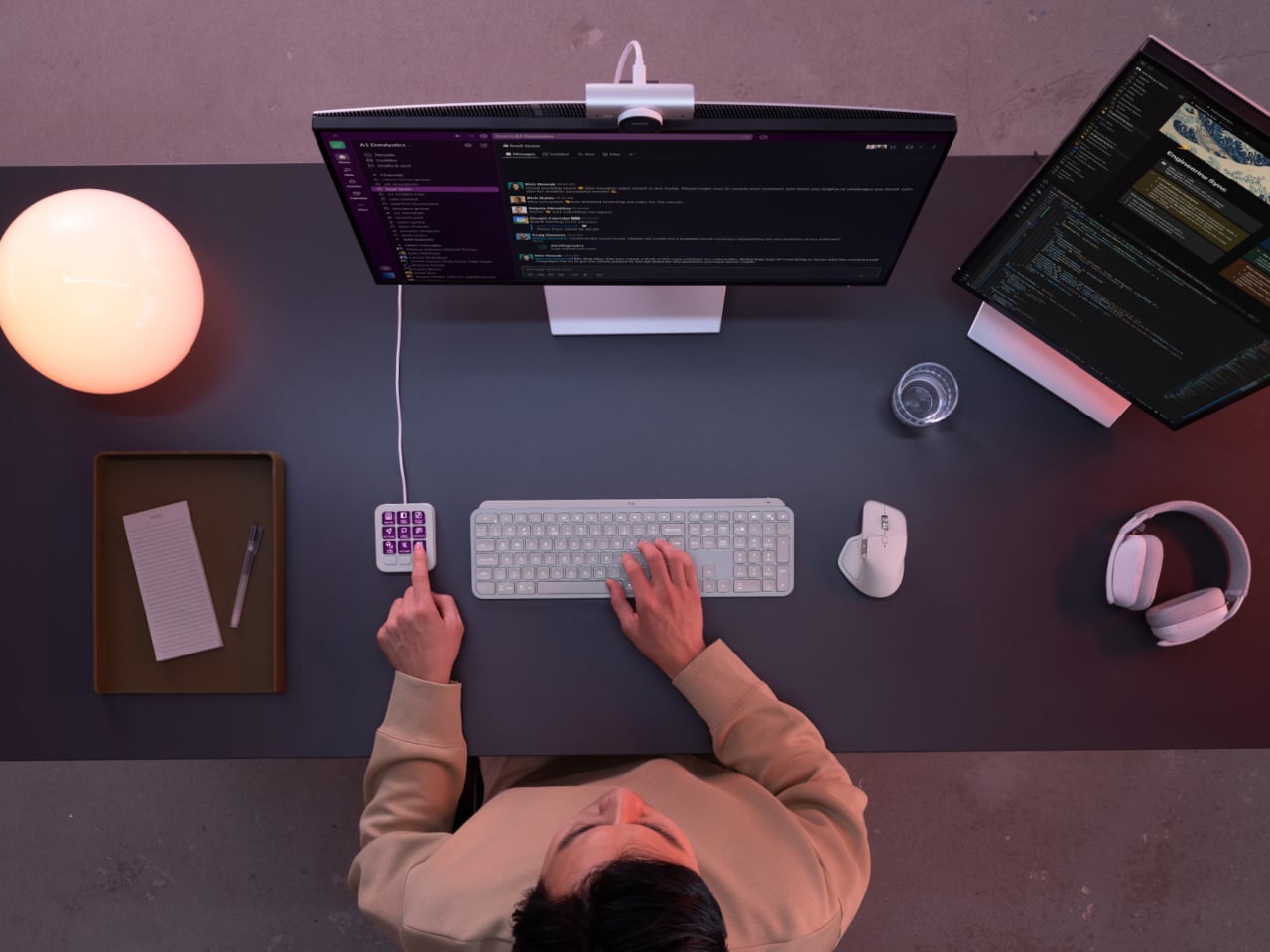
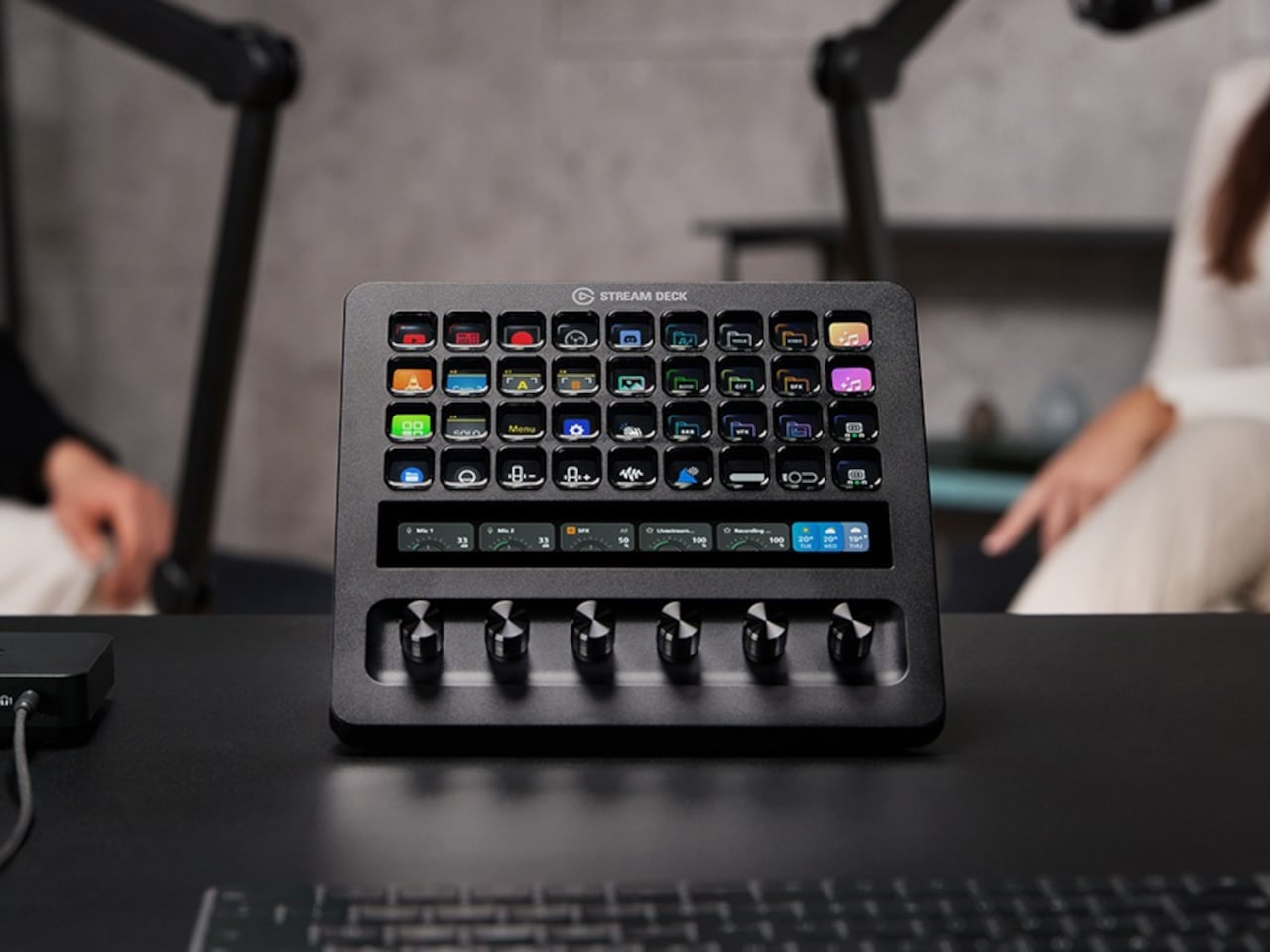
Stream Deck + XL brings physical control to the entire ecosystem through 36 customizable LCD keys, six multifunction dials, and an ultra-wide touch strip for adjusting levels, toggling effects, and switching mixes without opening a single menu. Paired with Wave XLR Pro, it handles what would traditionally require a dedicated mixing desk, though at a fraction of the footprint. That’s a meaningful trade-off for anyone short on desk space.

Stream Deck + XL

The pitch Elgato is making with Wave Next isn’t that audio production should be simple. It’s that the complexity should be optional, readable when you need it, and invisible when you don’t. For creators already deep in the Stream Deck ecosystem, the integration will feel almost obvious. For everyone else, it’s a more honest question of how much control they actually want.

The post Elgato’s Wave Next Connects Your Mic, Software, and Stream Deck first appeared on Yanko Design.
This Modular Console Changes Layout With Magnetic Snap-In Controls

Modern creative desks are covered in controllers. A Stream Deck for macros, a MIDI controller for faders, a tablet for drawing, maybe a separate panel for color grading. Each tool is great at one thing but locks its layout in place, so switching from streaming to editing to design means mentally remapping controls or physically swapping gear, sometimes both when you’re already behind schedule.

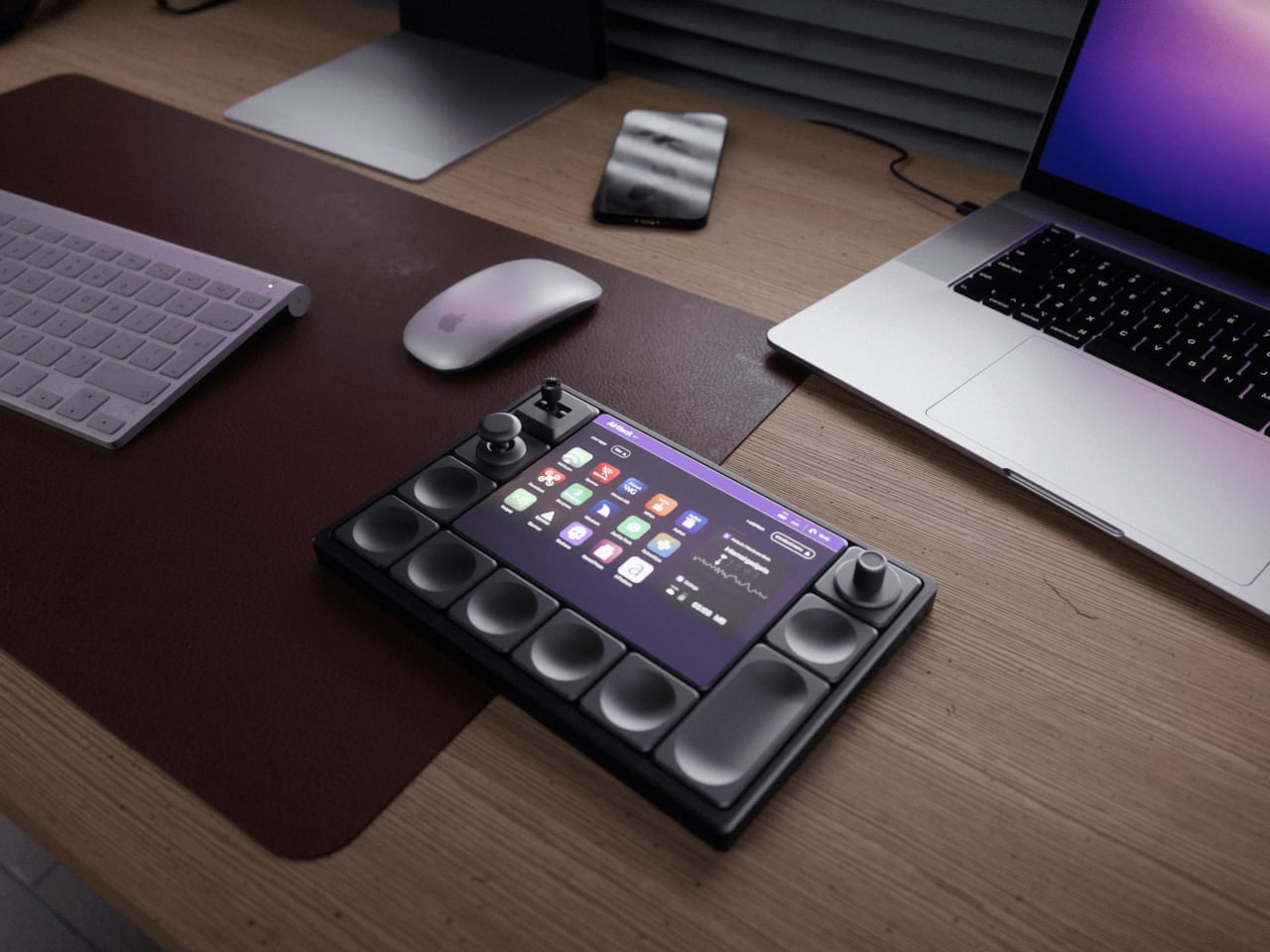
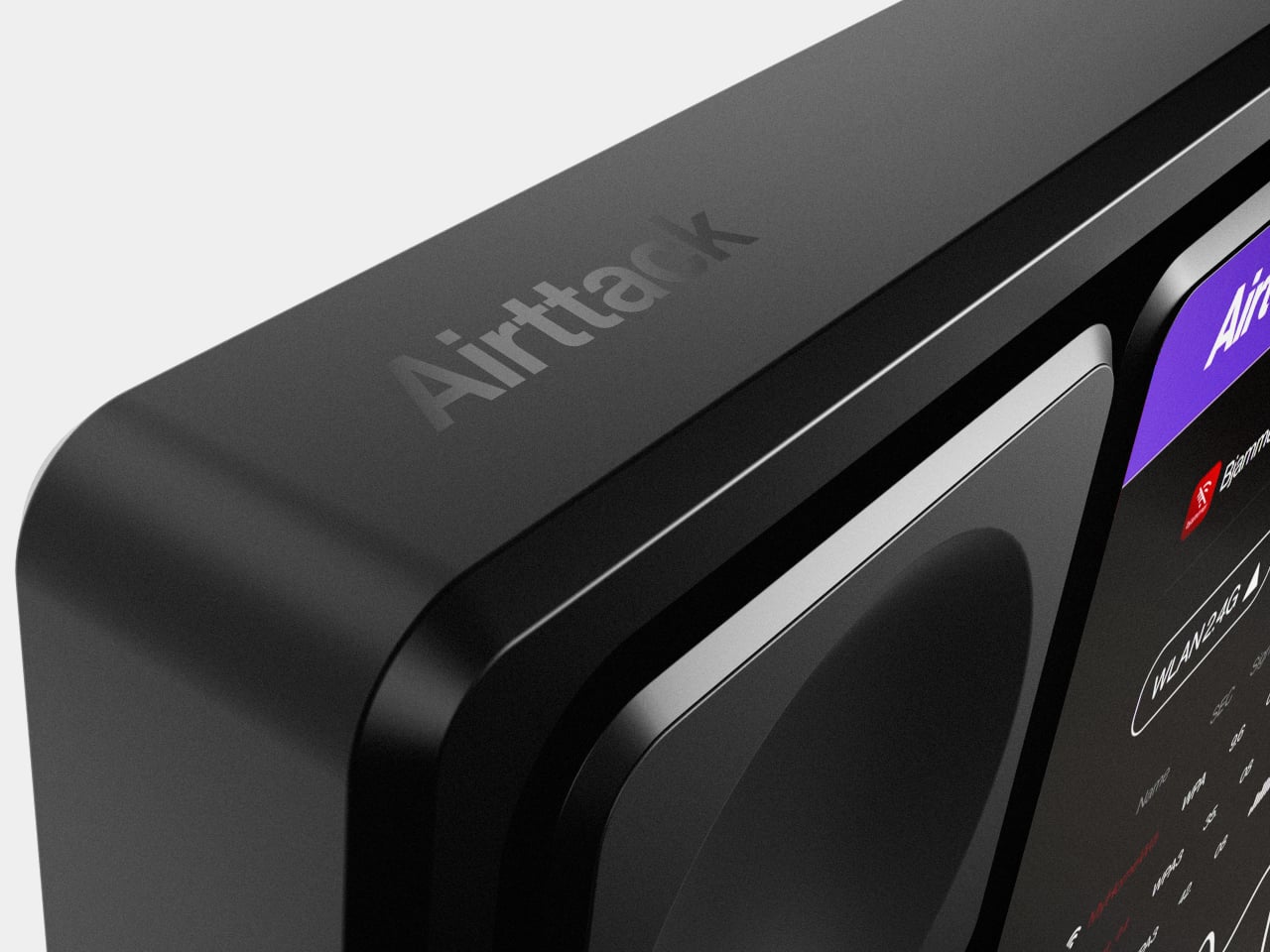
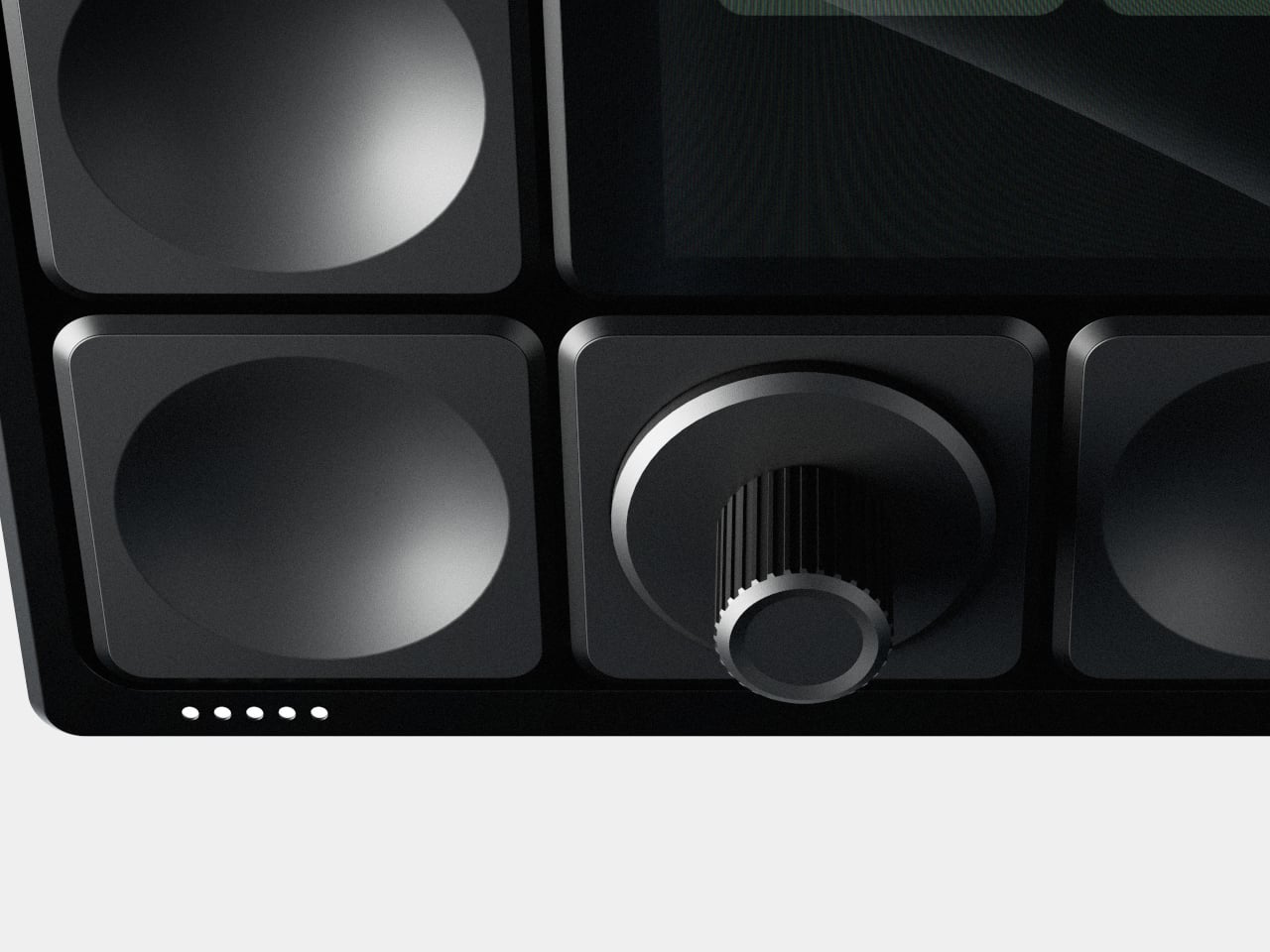
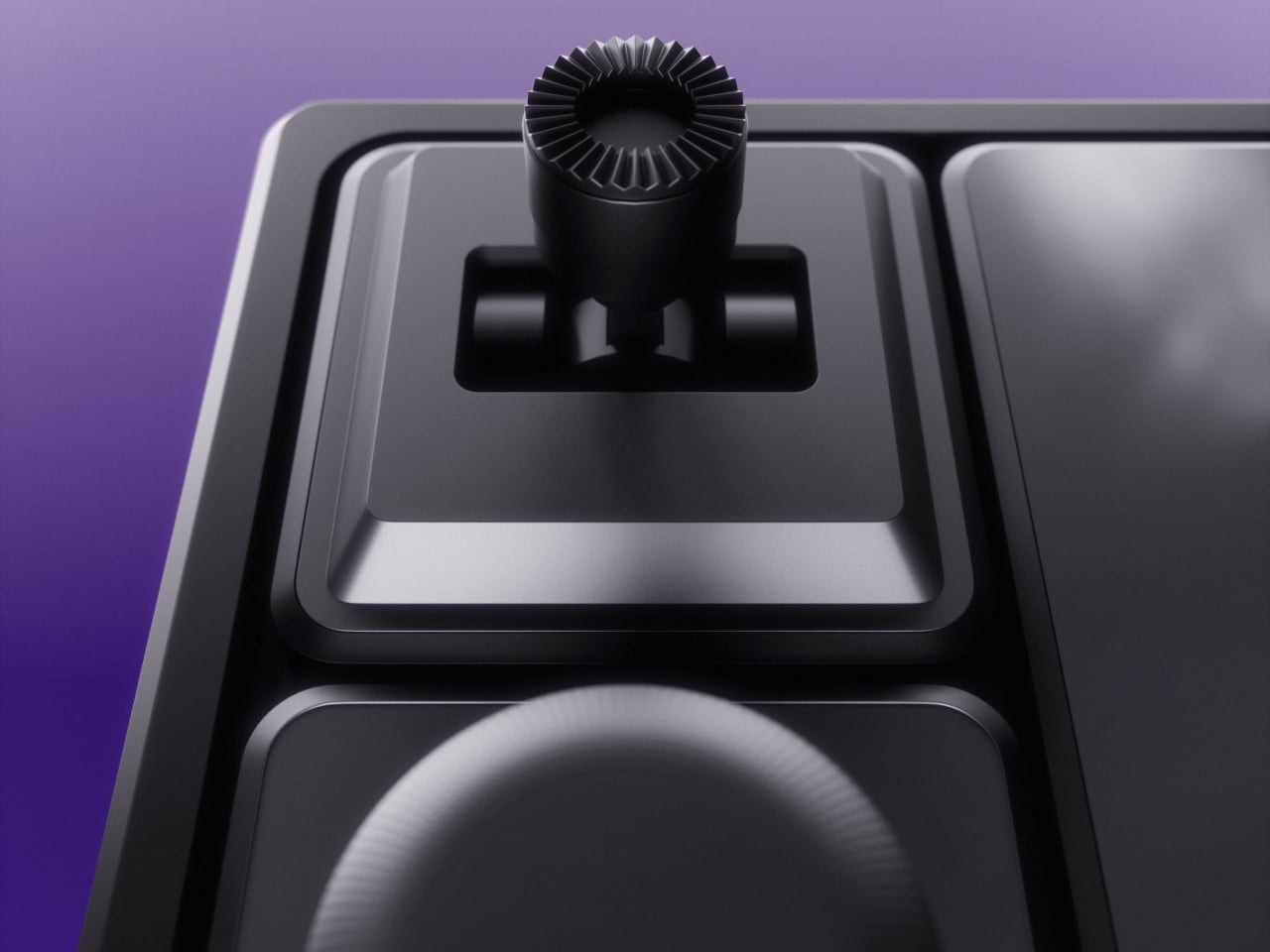
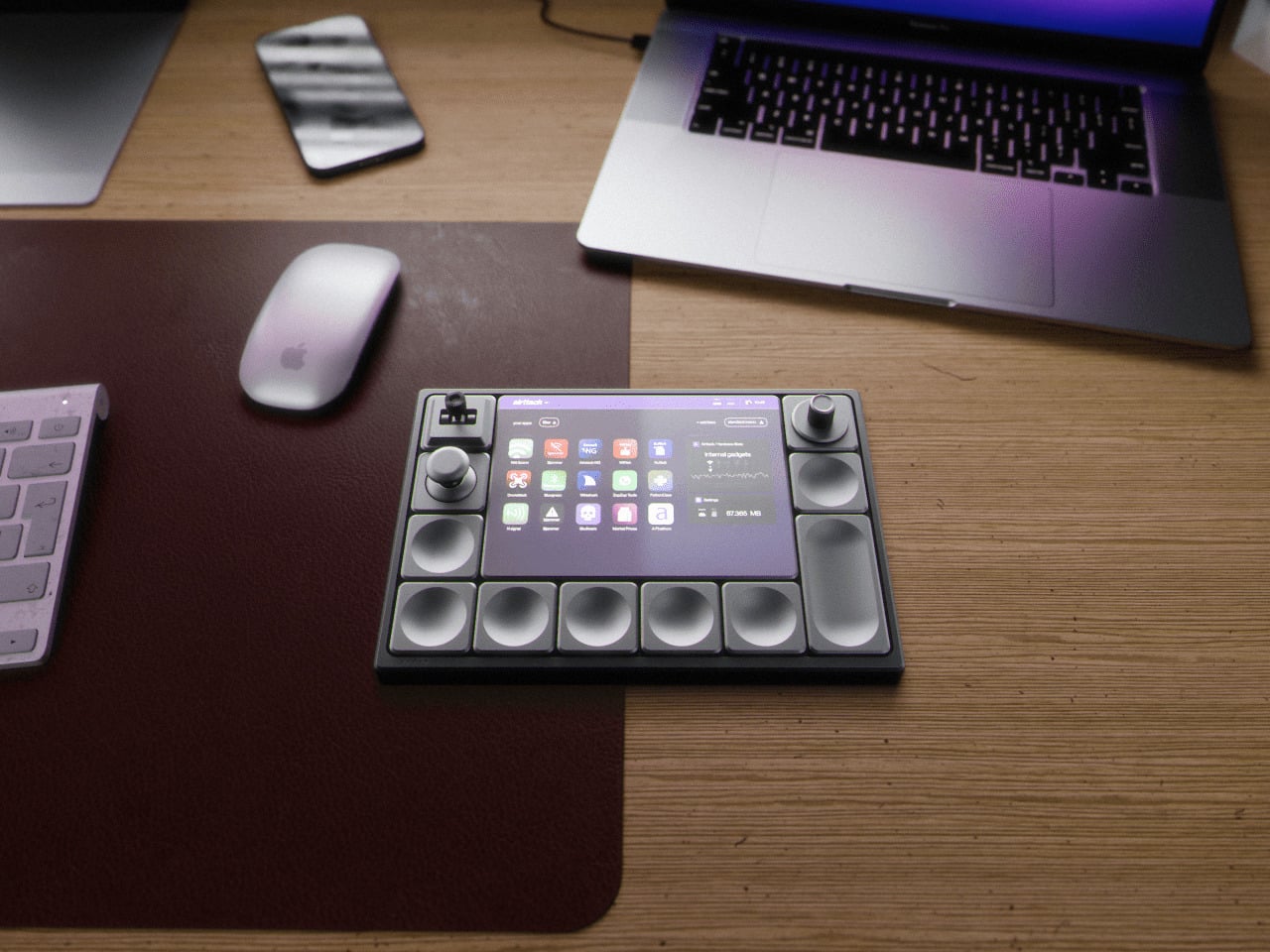
Airttack One is a concept that imagines a single, modular slab that can become any of those controllers in seconds. Described as a “modular revolution,” it’s a minimalist device with a magnetic base that accepts different hardware modules, LCD screens, knobs, joysticks, and button clusters. You rebuild the surface for the task instead of living with a one-size-fits-all grid that only makes sense for one app.

Designer: Alberto Cristino, Mateus Otto (Prosper Visuals)

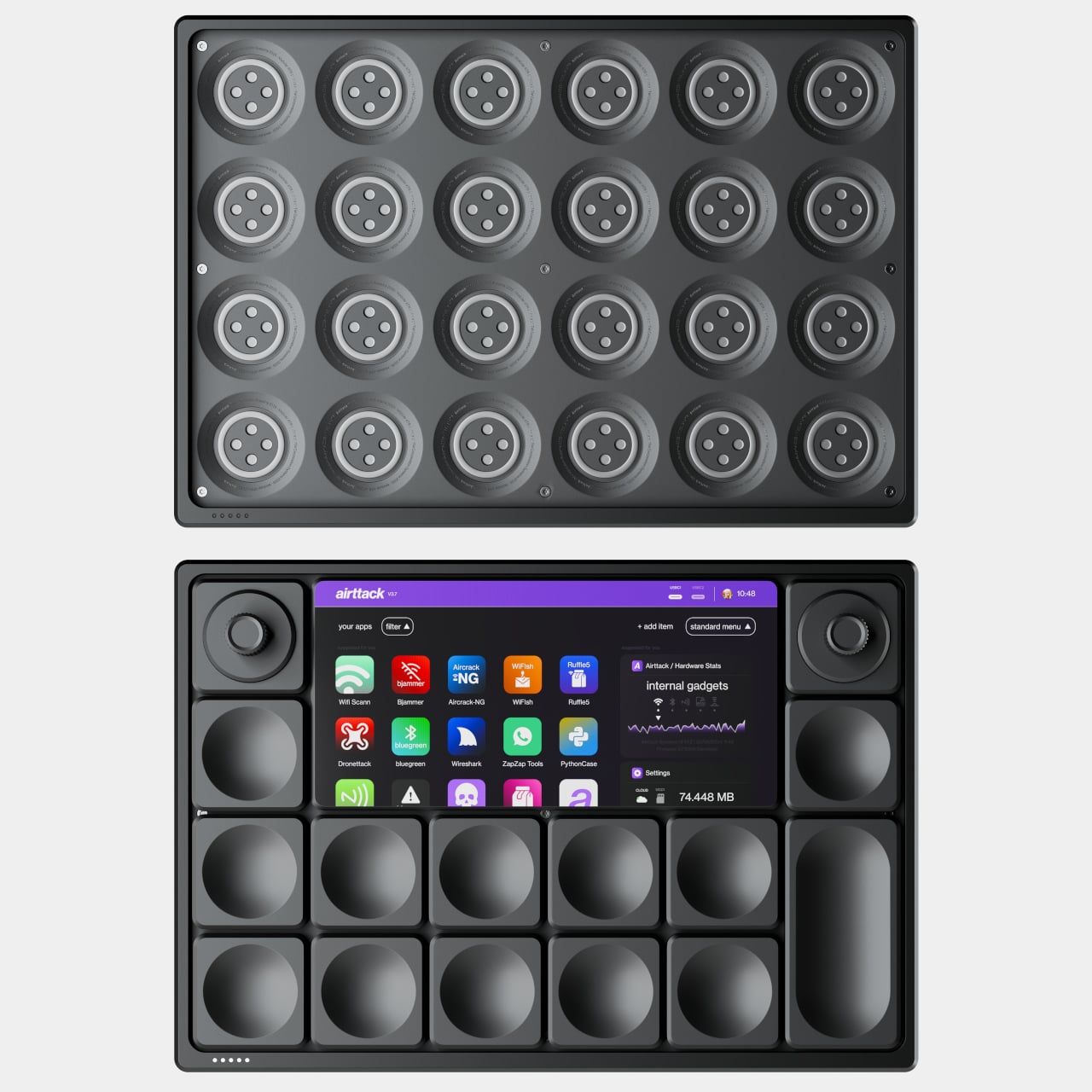
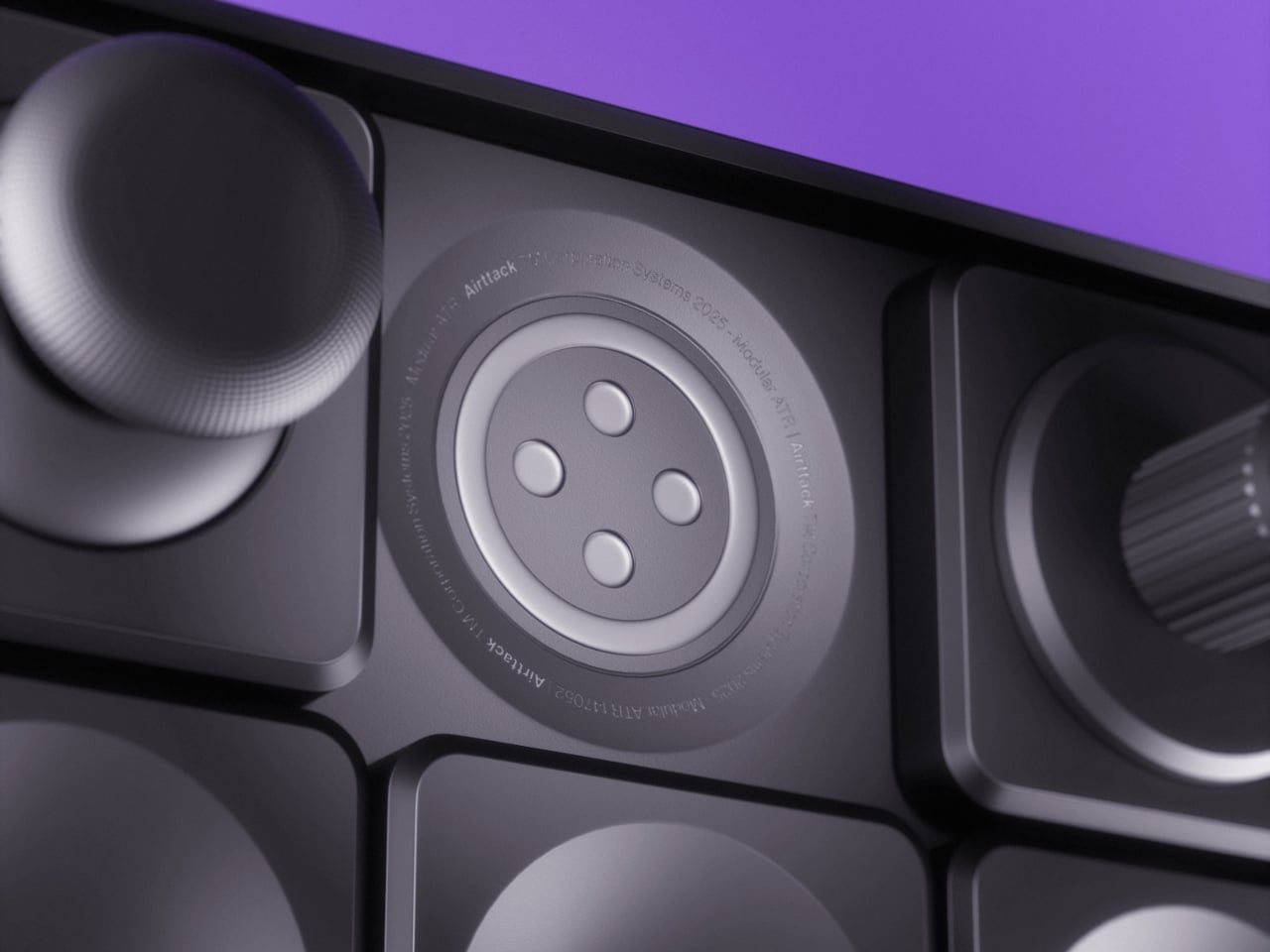
The base is a grid of circular sockets with power and data contacts. You snap in modules in whatever arrangement makes sense. A streaming session might use a central screen for scenes and chat, surrounded by buttons for triggers and a fader strip for audio. A video edit later that night swaps those for jog wheels, scrub knobs, and dedicated cut keys, each magnetically locked into place without tools or software reassignments.

The software side runs on a 1500-nit touchscreen that stays readable under studio lights. An iOS-inspired interface shows a grid of apps, and a third-party store extends what the hardware can do, from streaming overlays to DAW controllers to brush panels. Each app can push its own layout to the modules, so the same physical knobs and screens behave differently in Resolve, Ableton, or Blender without manual mapping.

Dual cameras with a LiDAR sensor hint at depth-aware capture, AR previews, or motion-tracked controls. The concept also references radio and network tools, which in creative terms could mean wireless camera management, multi-device streaming, or interactive installations. The hardware isn’t locked to one discipline. It’s a blank, magnetic canvas for whatever combination of inputs your project needs.

Airttack lives on a desk as a control surface during the day, then drops into a bag with different modules for an on-site shoot or live event. The industrial design stays low-profile and discreet, with metallic textures and magnetic connectors hidden under a clean grid, so it reads as a serious tool even when the layout is playful, full of knobs and joysticks for a VJ set or game stream.

Airttack One imagines hardware catching up to the way creative software already works: modular, layered, and context-aware. Instead of buying a new controller every time your workflow evolves, you rearrange the same base, load a different app set, and keep going. Whether or not this exact device ships, the idea of a shape-shifting creative console that molds itself to your projects feels overdue when most of us already juggle three controllers that could have been one.

The post This Modular Console Changes Layout With Magnetic Snap-In Controls first appeared on Yanko Design.