Redmi just debuted an ultra-affordable $42 monitor arm that hides your cables too

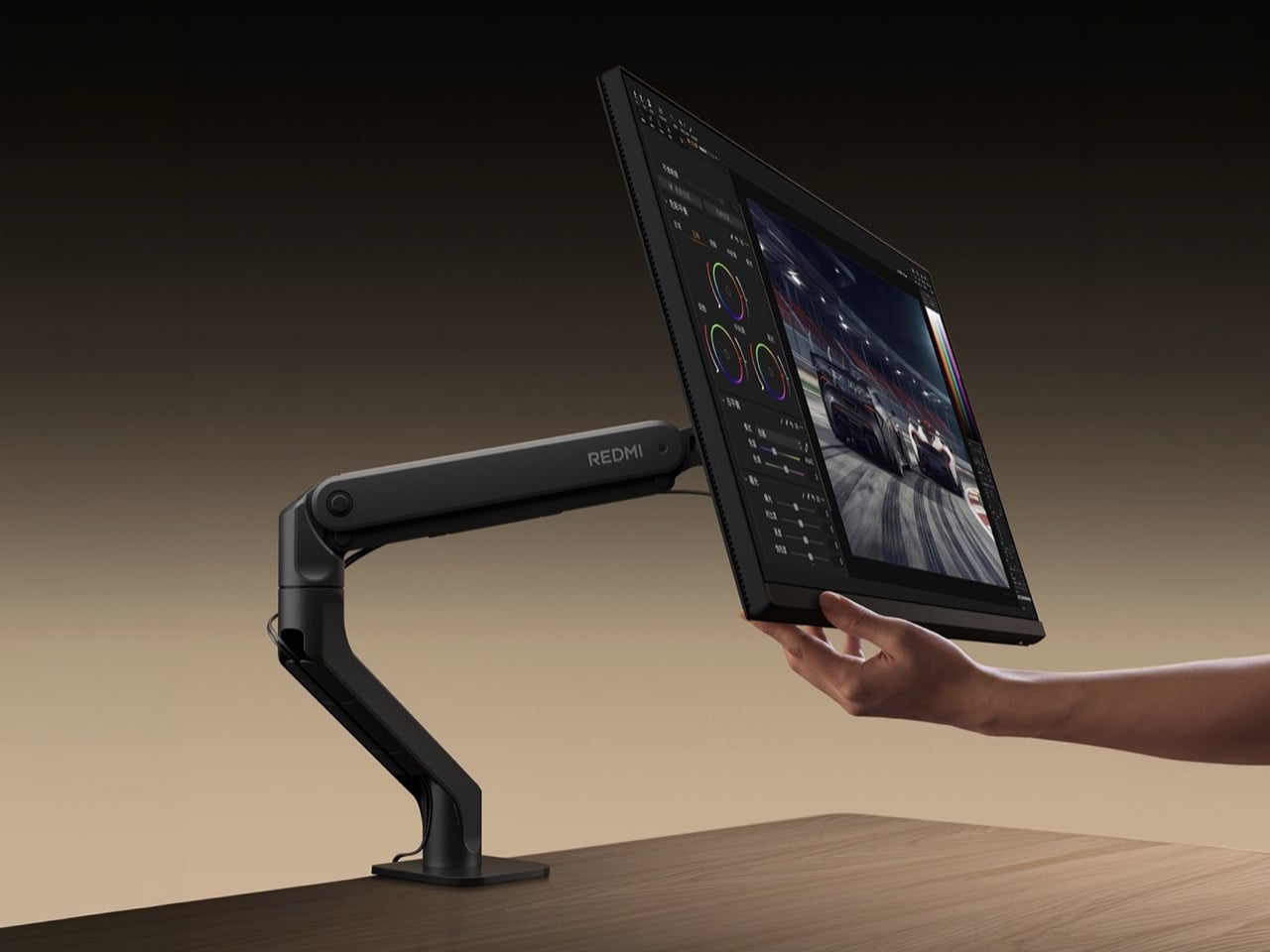
Xiaomi is assembling your desk one cheap piece at a time. First came the monitors, from 24-inch office panels to 4K gaming screens. In July, the Mijia Monitor Light Bar 2 arrived to perch on top of them for about $39. Now Redmi, Xiaomi’s budget sub-brand, has launched the piece that holds the whole thing up, a monitor arm with a hidden cable channel for roughly $42. At this rate, a Xiaomi standing desk is probably already sitting in a spreadsheet somewhere.

The Redmi Monitor Arm went on sale October 12 on Xiaomi Youpin for ¥299 (about $42), and Xiaomi has not announced a US release. It holds screens up to 34 inches, and the body is 3mm aluminum alloy. Xiaomi’s pitch is that cables tuck inside the arm, so your desk shows a single post. A five-year replacement guarantee comes along for the ride, which is a lot of faith at this price. If you have ever fought a monitor arm and zip ties in the same evening, you can see the appeal.

A load range that starts at 4.2 pounds

Redmi rates the arm for 4.2 to 19.8 pounds (1.9 to 9 kg), and the low end is the interesting part. An arm tuned for a heavy screen will push a light one skyward, so a 1.9 kg floor suits the featherweight office panels Xiaomi itself sells. At the other end, 17173 notes a loaded 34-inch ultrawide lands around 8 kg, so the 9 kg ceiling has room. Anything heavier, or anything past 34 inches, needs a different arm. Check your panel’s spec sheet before you click buy.

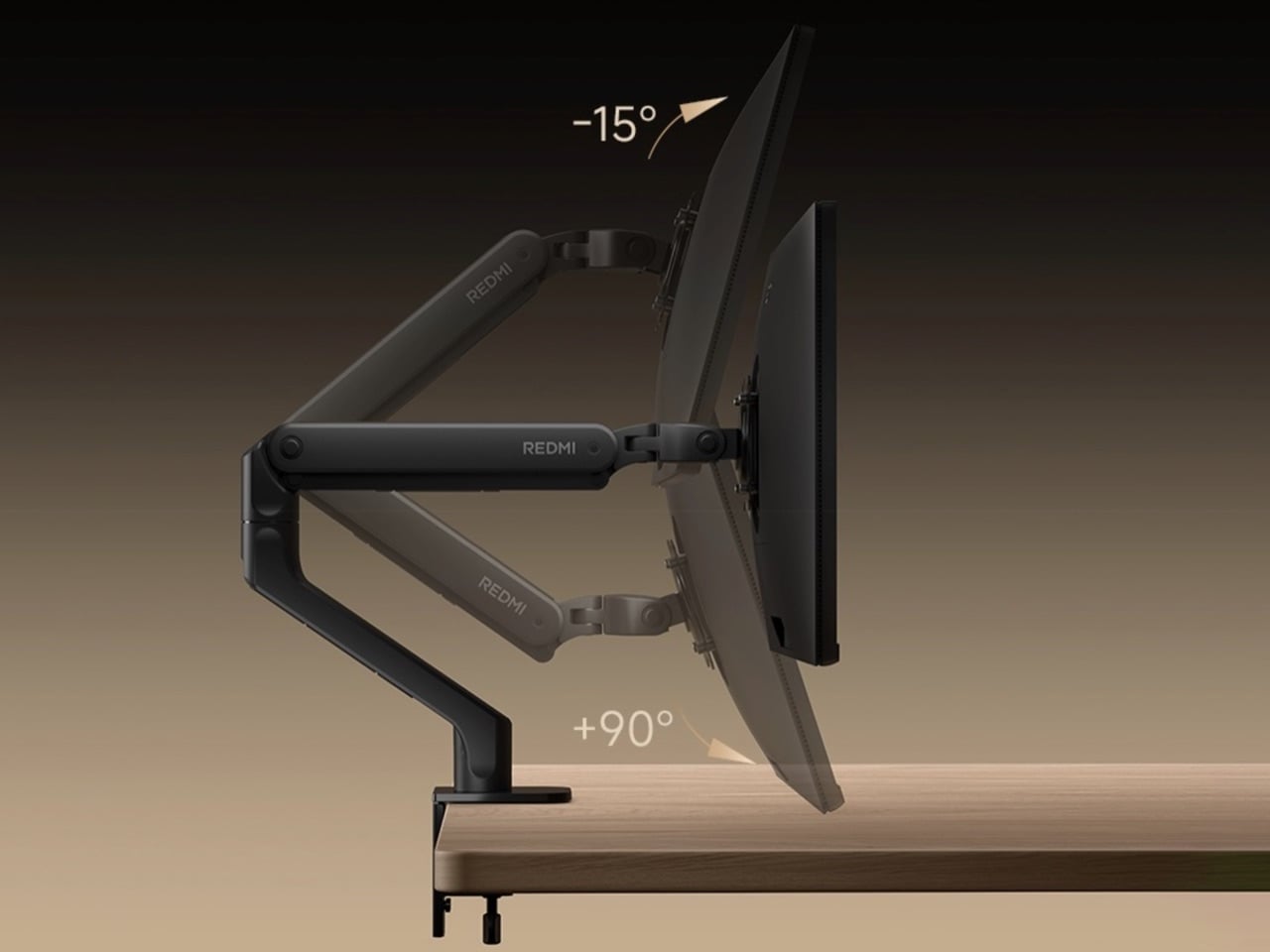
The lift comes from a dual-spring design, with springs on both sides firing together so the force stays even through the whole 11.8 inches (30 cm) of height travel. Xiaomi says it survived 30,000 test cycles. Chinese outlet Kuai Keji worked that out to about 20 years of use at four adjustments a day, which is a lot of standing up and sitting down. The listing cites a Chinese utility model patent, a lighter registration than a full invention patent. Redmi adds a separate tilt-force adjustment at the VESA head to go after screen sag

Cable routing that hides the mess, mostly
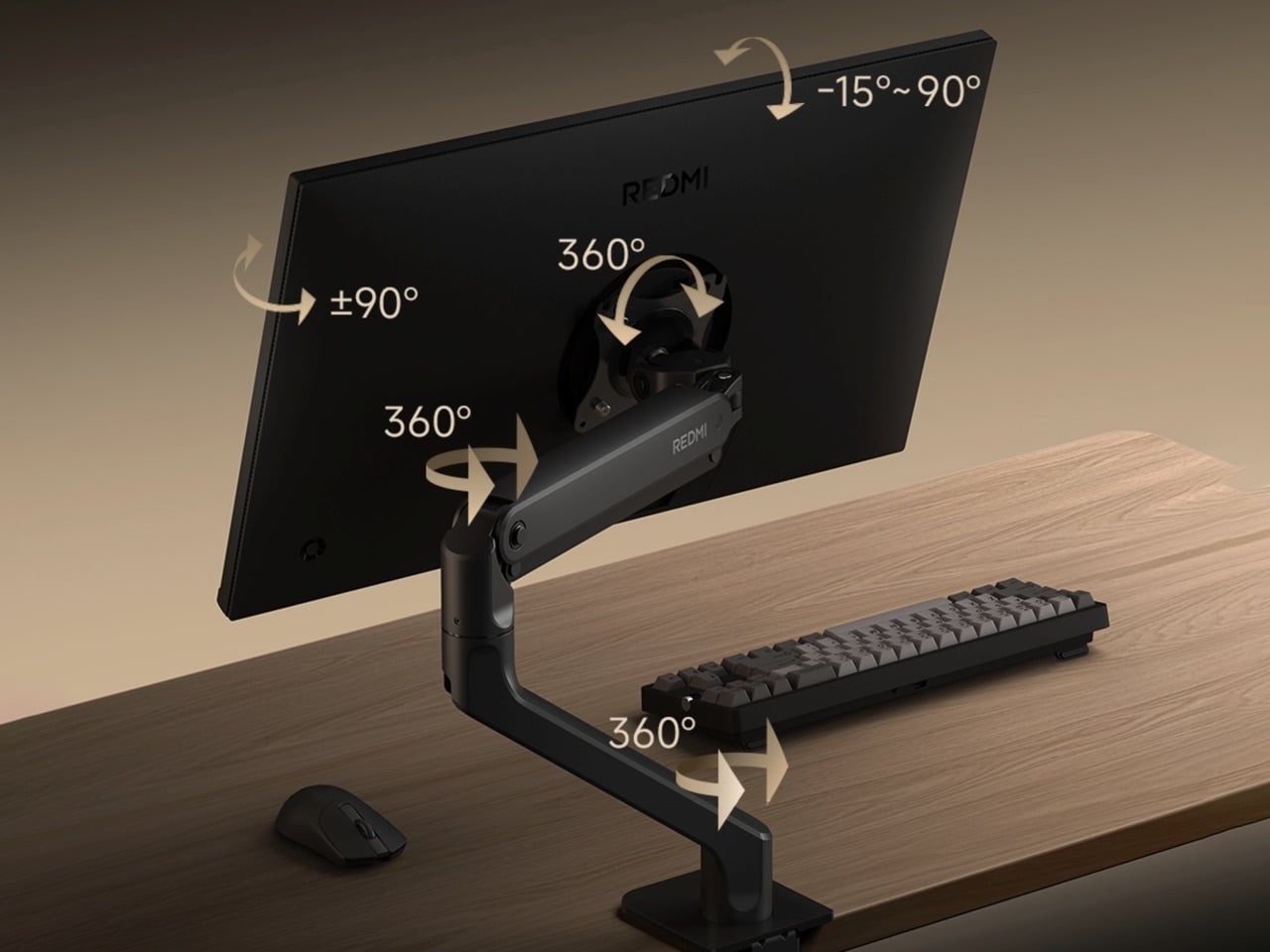
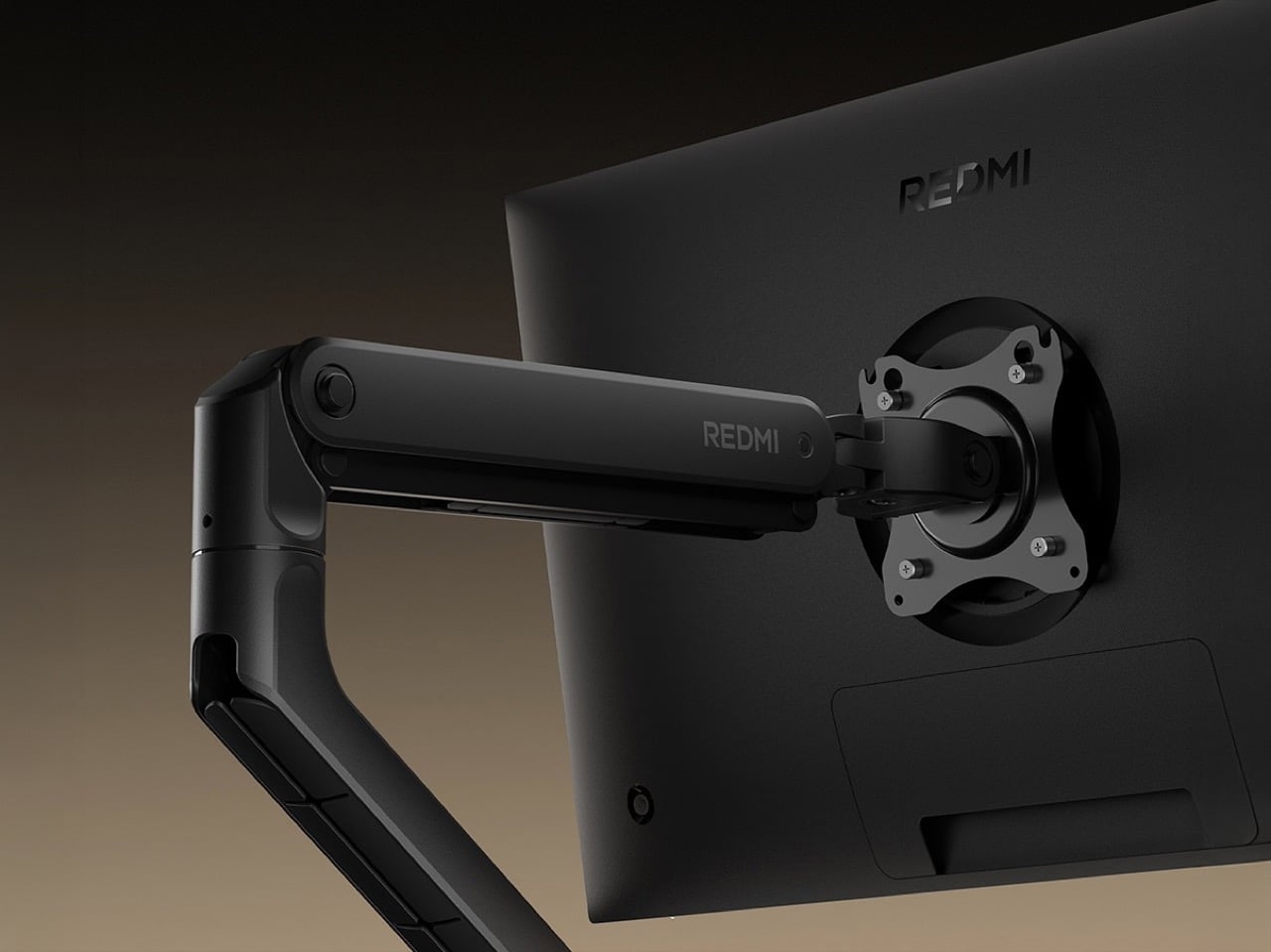
Redmi’s renders show cables running through a channel beneath the arm and down the riser. Only the clamp stays visible on the desk. It echoes the trick behind Calvin Lien’s Console Desk concept, which hid its cabling inside the desk’s spine so the surface stayed clean. The arm adds reach to that job, with 17.1 inches (43.5 cm) of front-to-back travel and a 360-degree screen rotation. The promo shots still show a little cable curling out near the VESA plate, which is fair, because a moving screen needs slack somewhere.

Six years ago, Redmi’s first PC monitor, the Display 1A, launched with nothing to hide its cables, a gap a Polish review called out at the time. Concealed routing is now a headline feature on the company’s own product page. That tells you where desk setups have gone. A channel in the arm means the monitor’s cables follow one path instead of dangling in every direction. Redmi’s version is far simpler than a full desk rebuild, and it only has to live inside one arm.

The ¥299 price and China-only availability
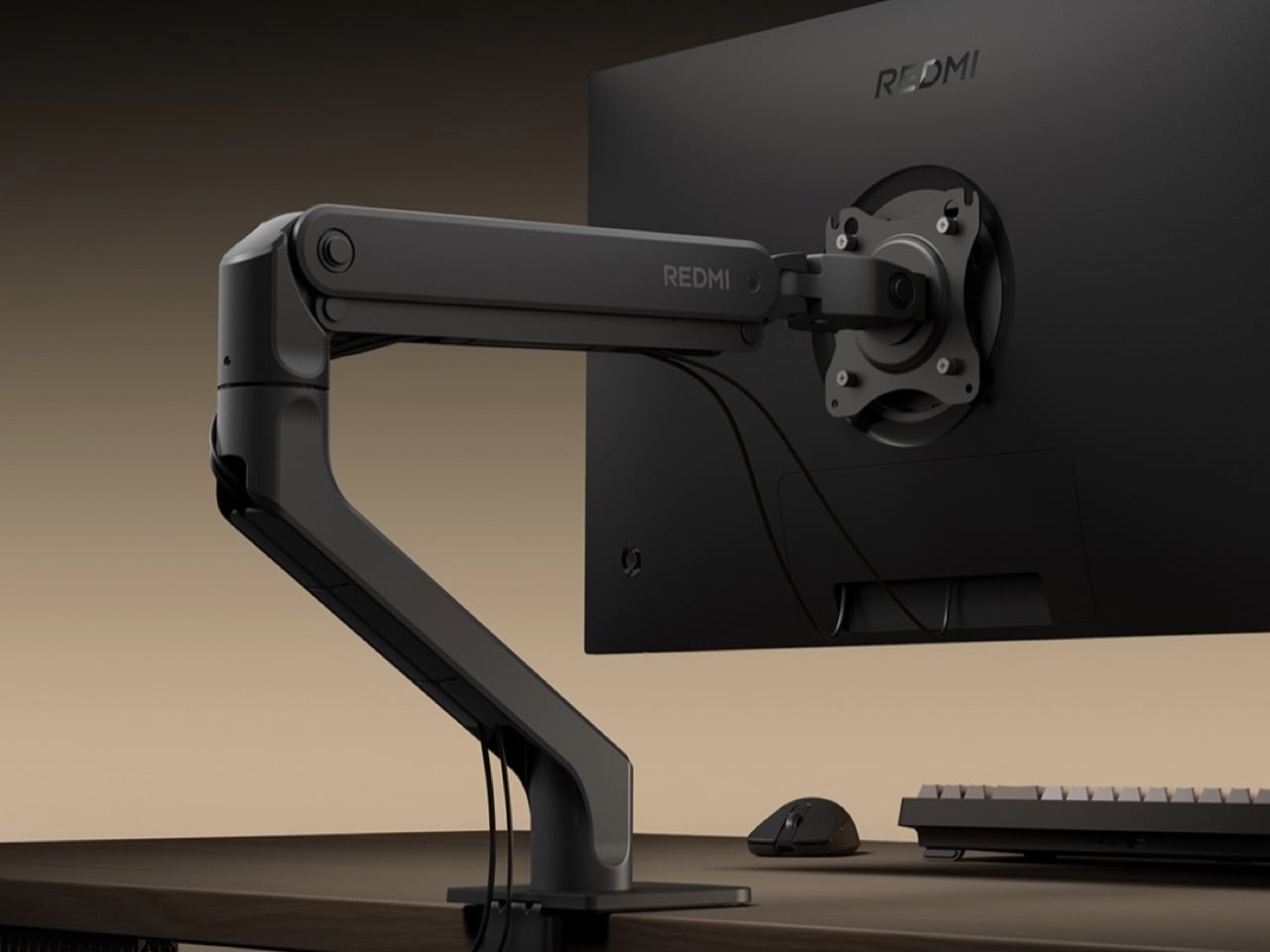
The arm costs ¥299 in China (about $42) and went on sale October 12 through Xiaomi Youpin. The listing shows a struck-through ¥499, but Youpin’s fine print calls that a reference price, so read ¥299 as a launch price rather than a markdown. Notebookcheck points out that pricier ergonomic arms can run up to $350 in the US, which makes $42 look like a typo. A five-year replace-instead-of-repair guarantee comes with it, though the full terms are not spelled out on the page. The currency conversion is approximate.

Compatibility looks friendly, since the VESA plate takes the 75x75mm and 100x100mm patterns that most monitors use. That is the same pair CORSAIR’s Platform:6 desk specs for the arms it ships with, so most panels should line up. Xiaomi has not published a clamp thickness range, so measure your desk edge before you get excited. There is no word on a global release, but Xiaomi often sends its accessories abroad later, sometimes wearing the Xiaomi name. The part holding your screen up has never been the exciting purchase, which is exactly why a $42 version is worth watching.


The post Redmi just debuted an ultra-affordable $42 monitor arm that hides your cables too first appeared on Yanko Design.

Nanoleaf’s Smart LED Monitor Stand brings ambient lighting and desk organization together

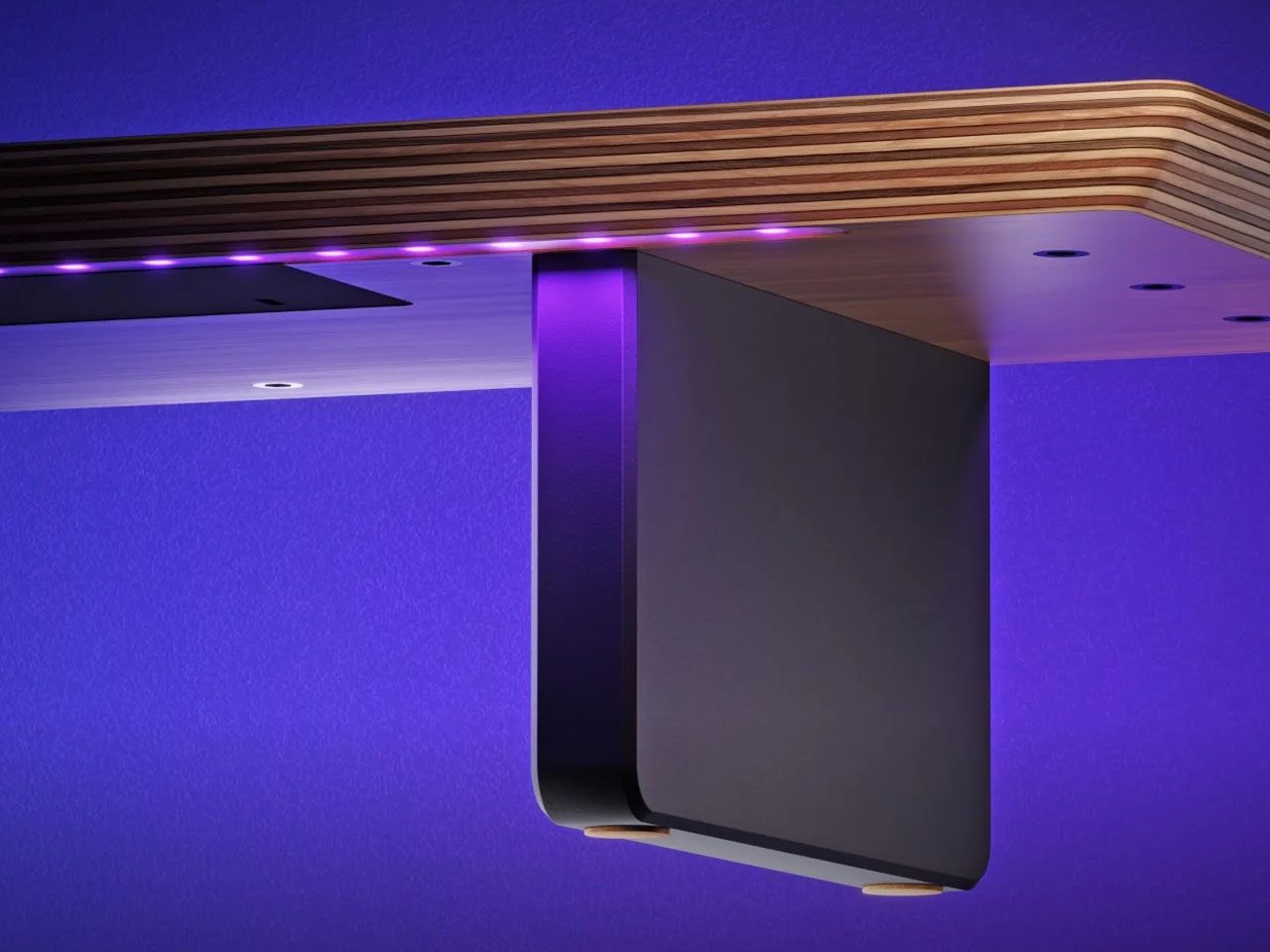
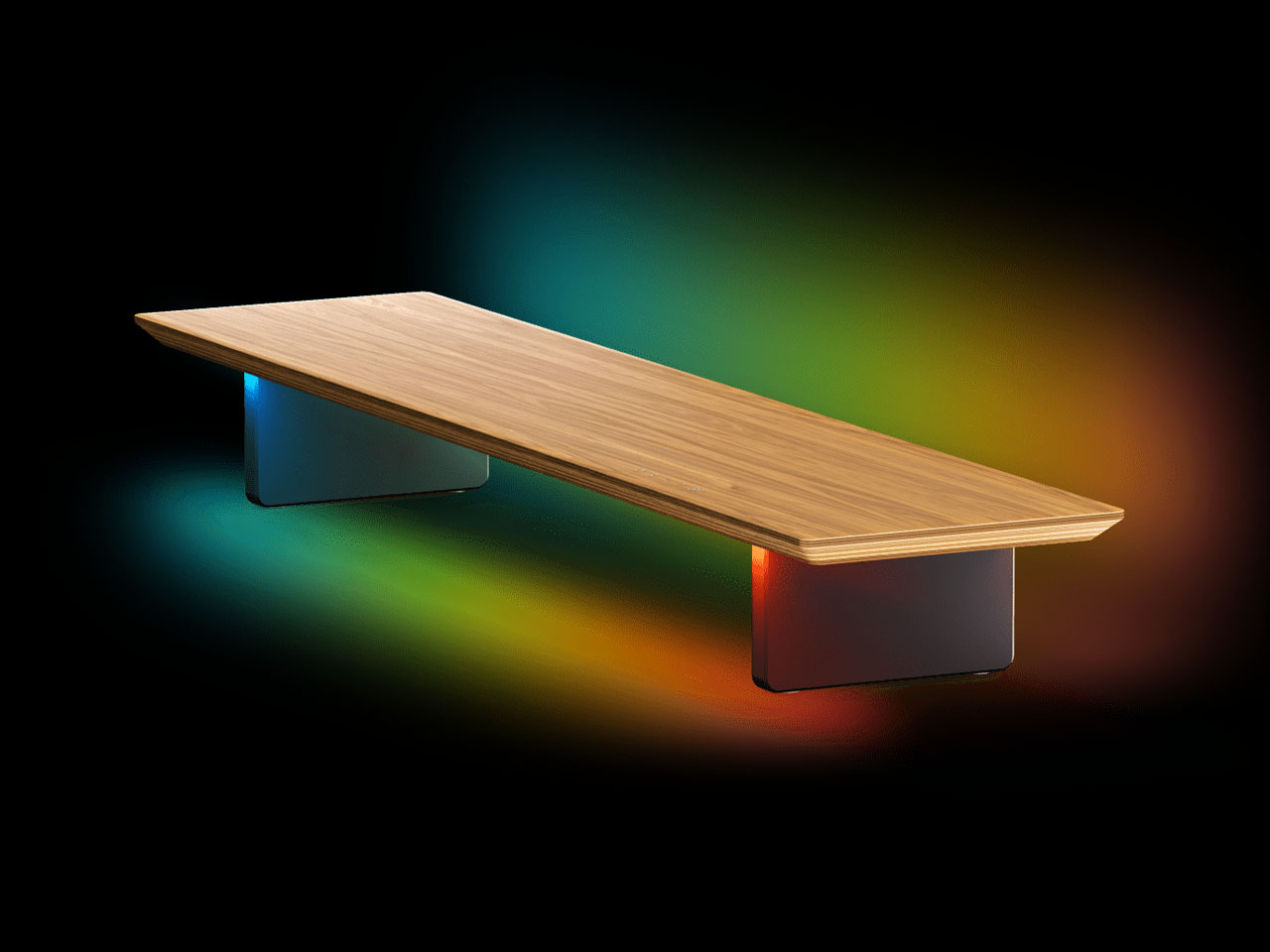
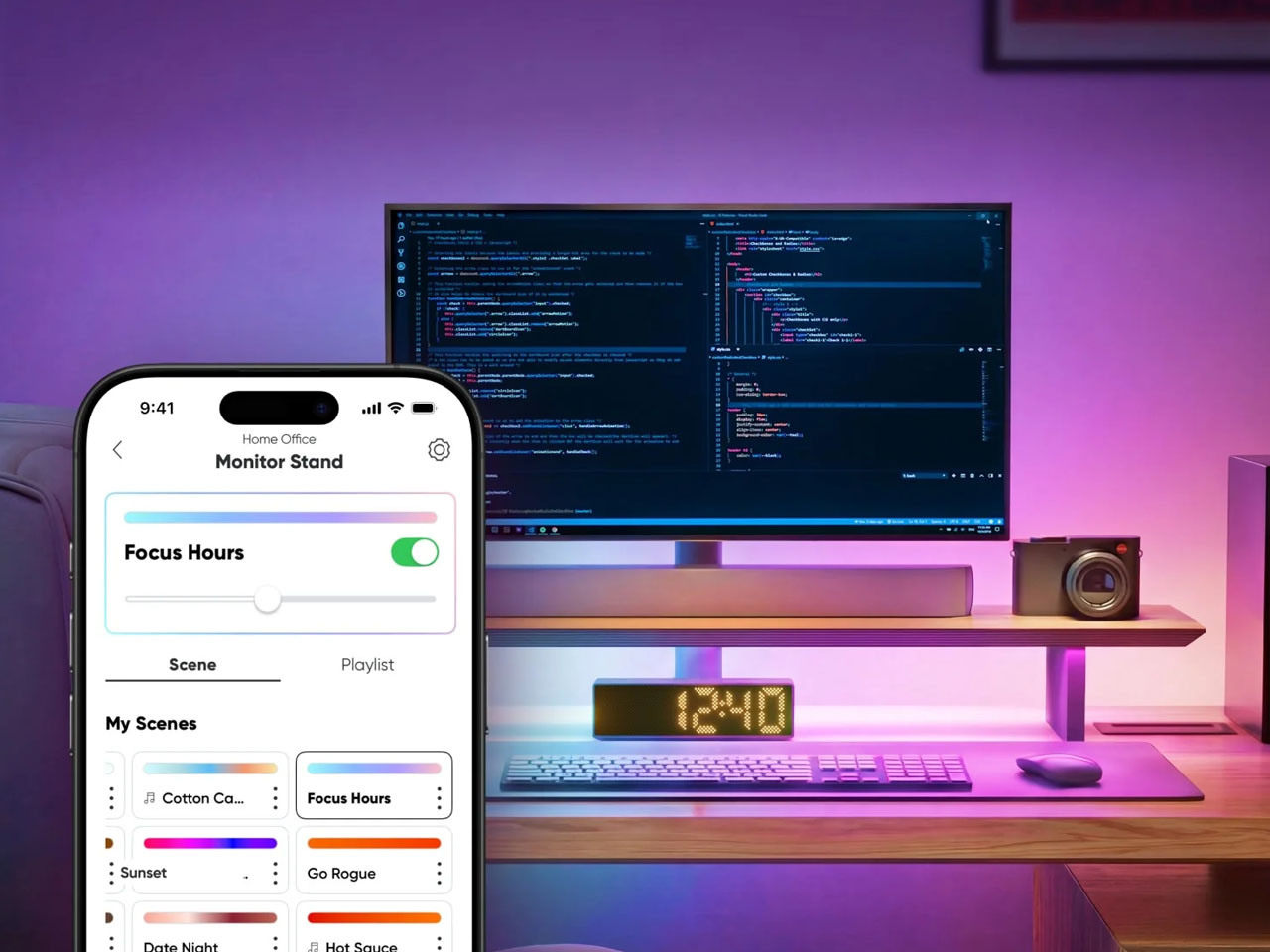
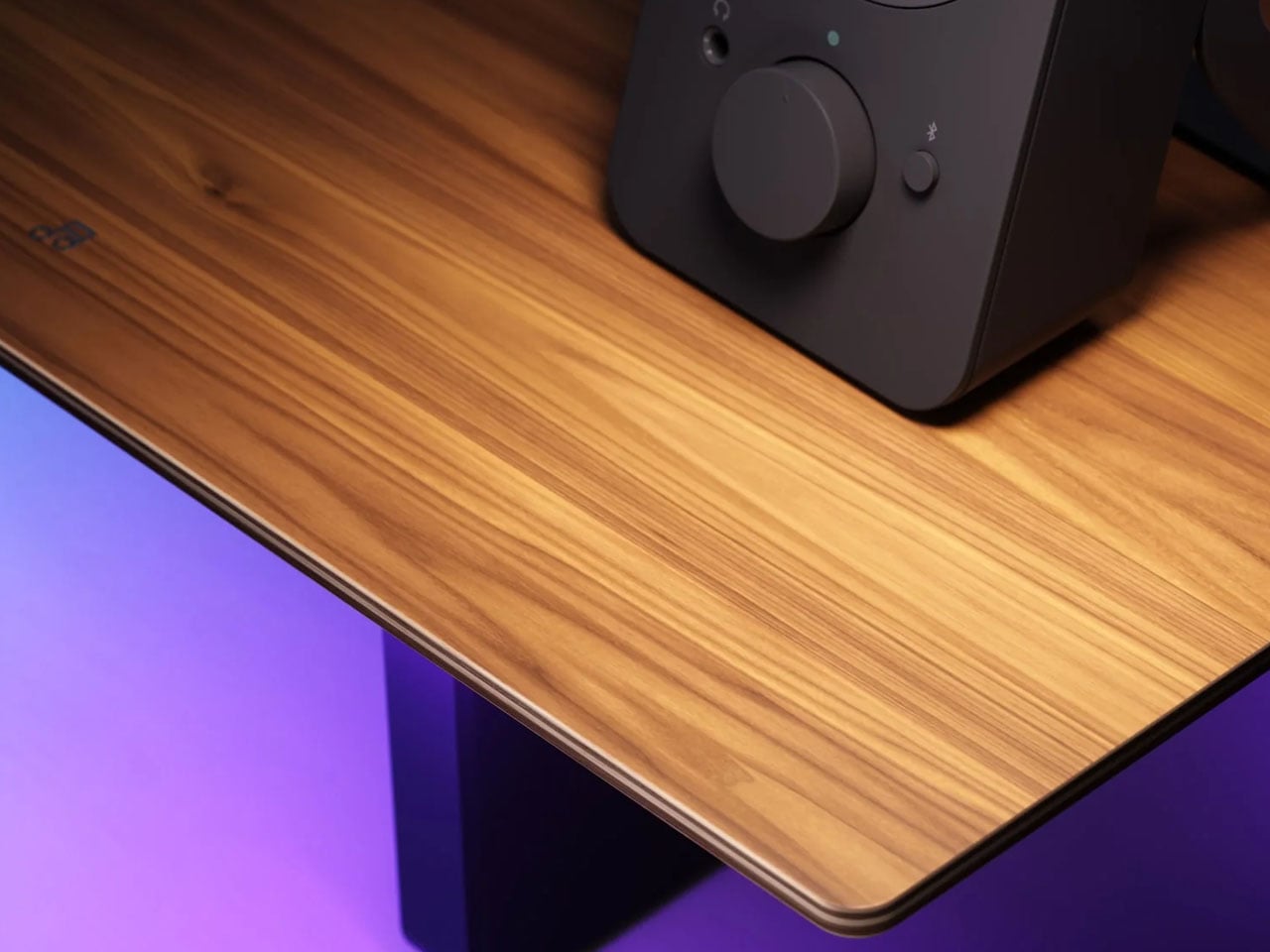
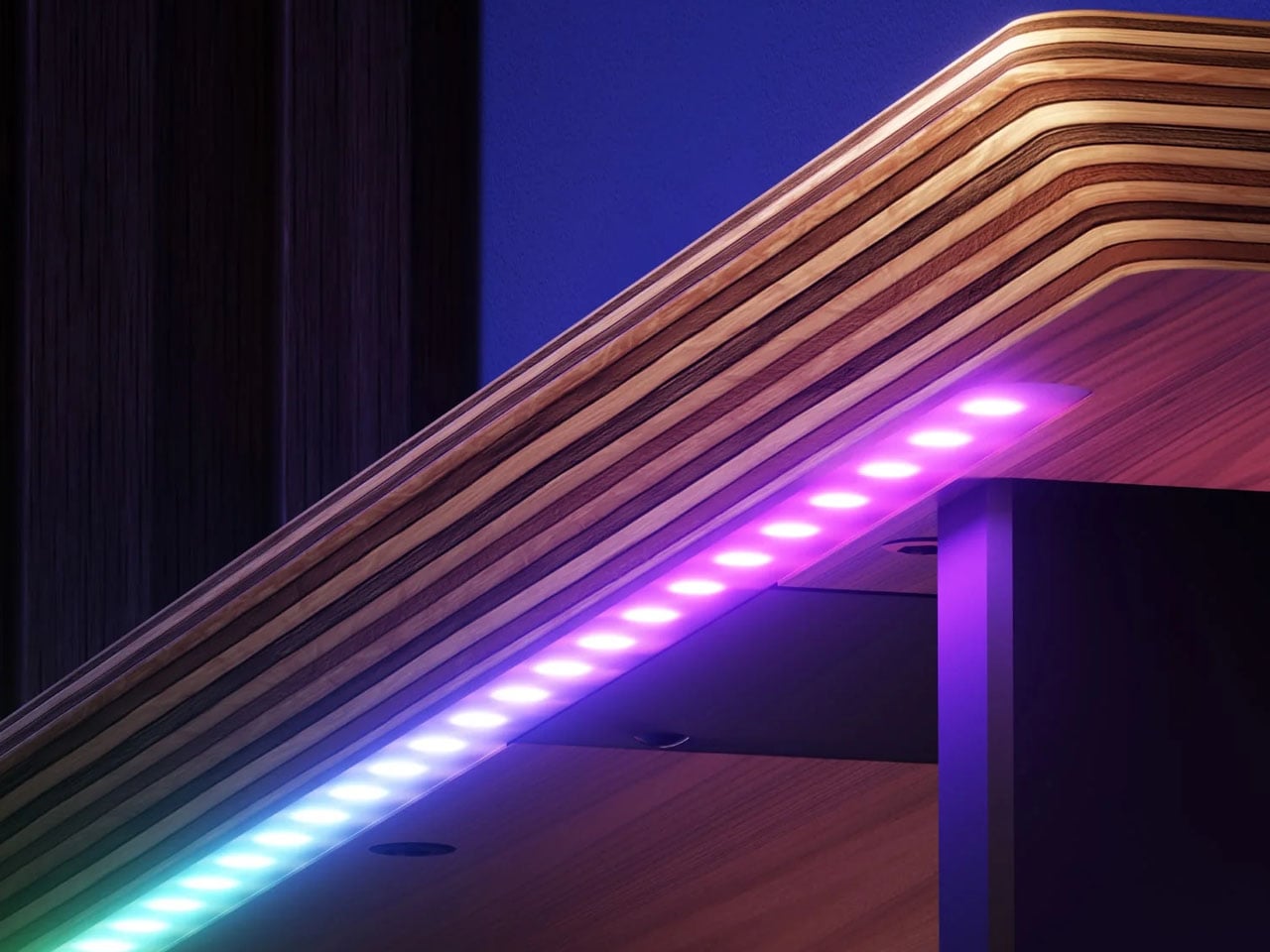
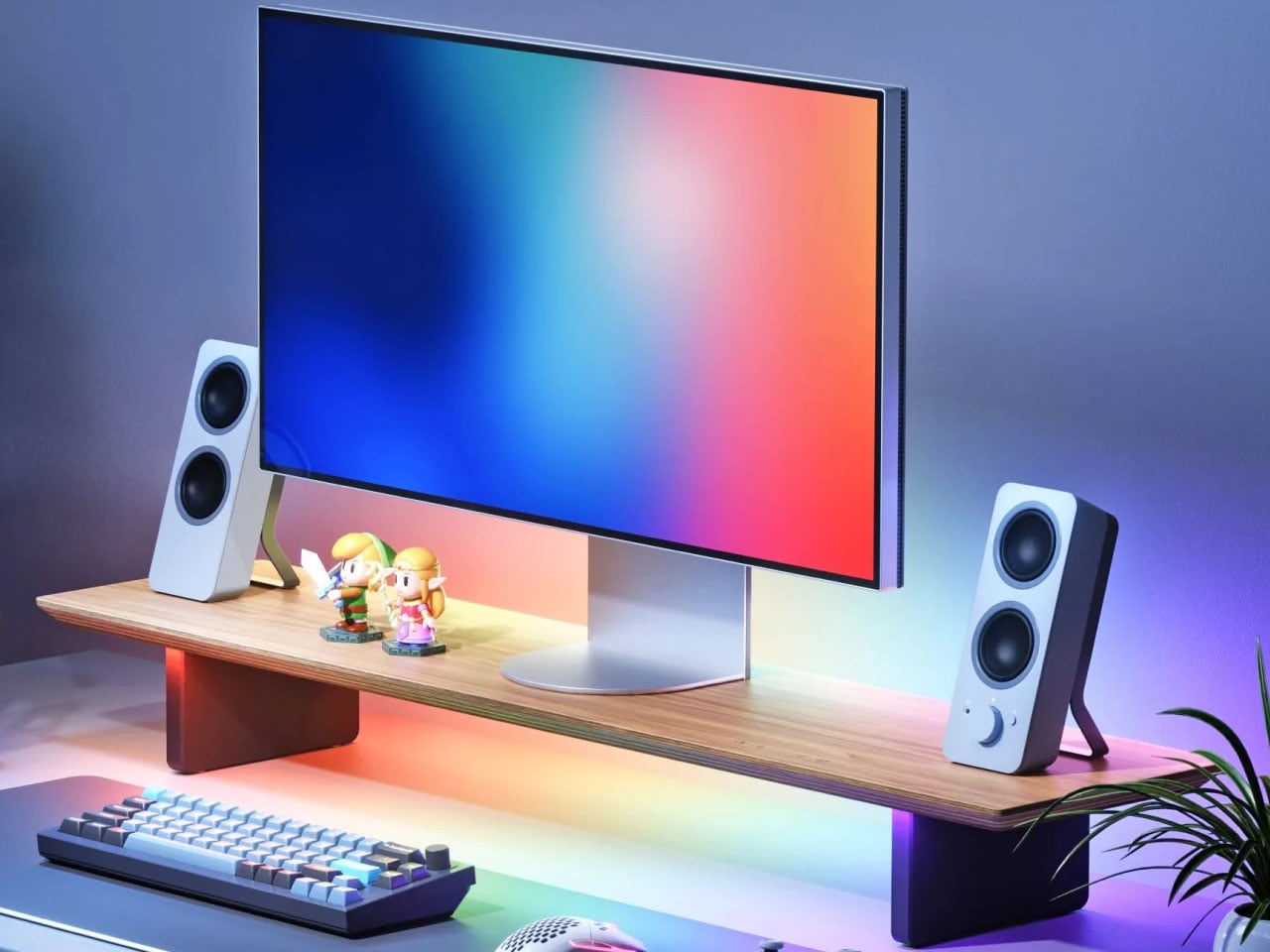
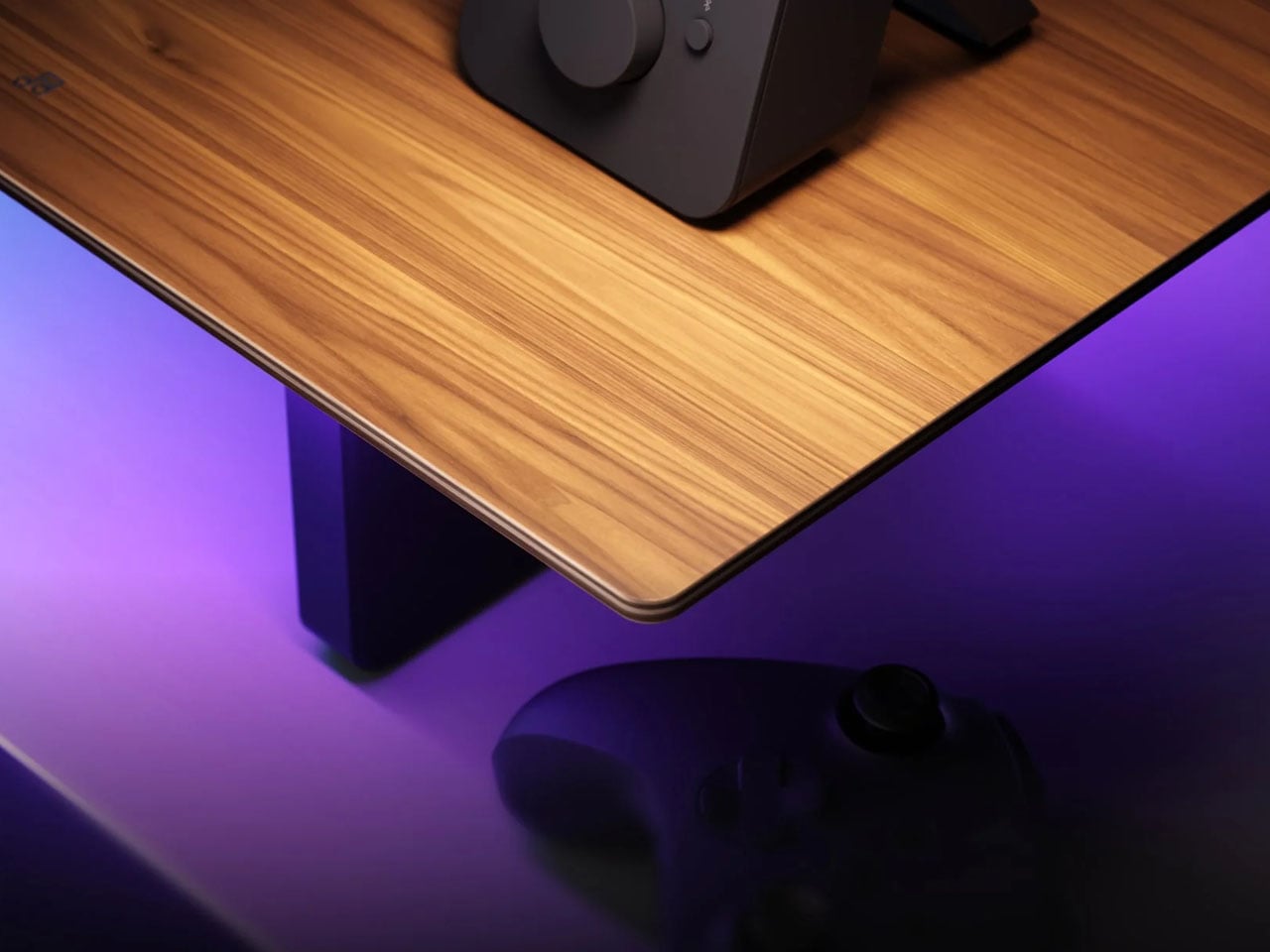
Nanoleaf has expanded its ecosystem with a Smart LED Monitor Stand that combines ergonomic monitor elevation, workspace organization, and customizable lighting in one. Developed in collaboration with FANTAQI, the stand brings the brand’s signature smart lighting experience to the desk while maintaining a clean, understated appearance with a multilayered solid wood construction and natural walnut veneer.

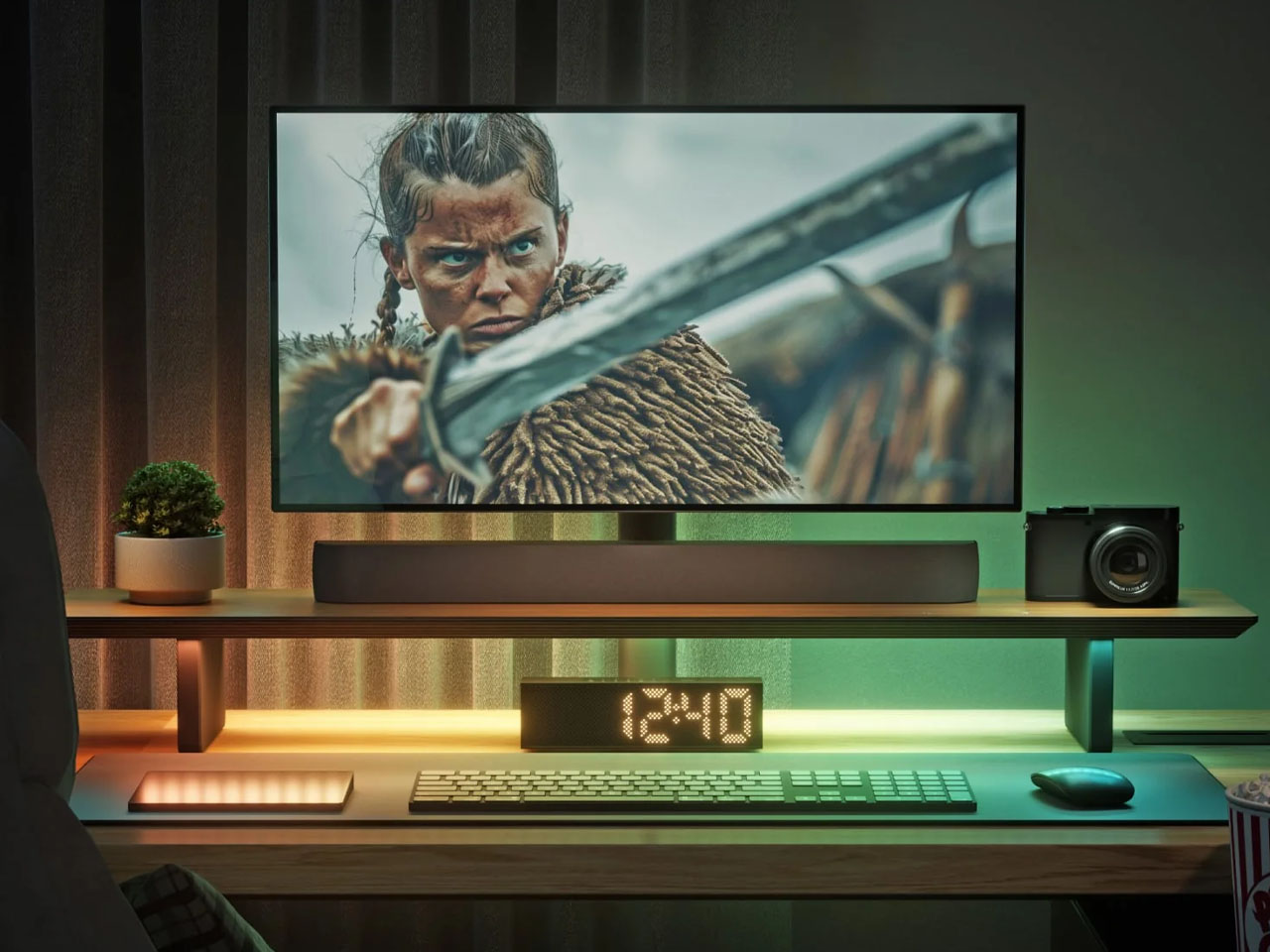
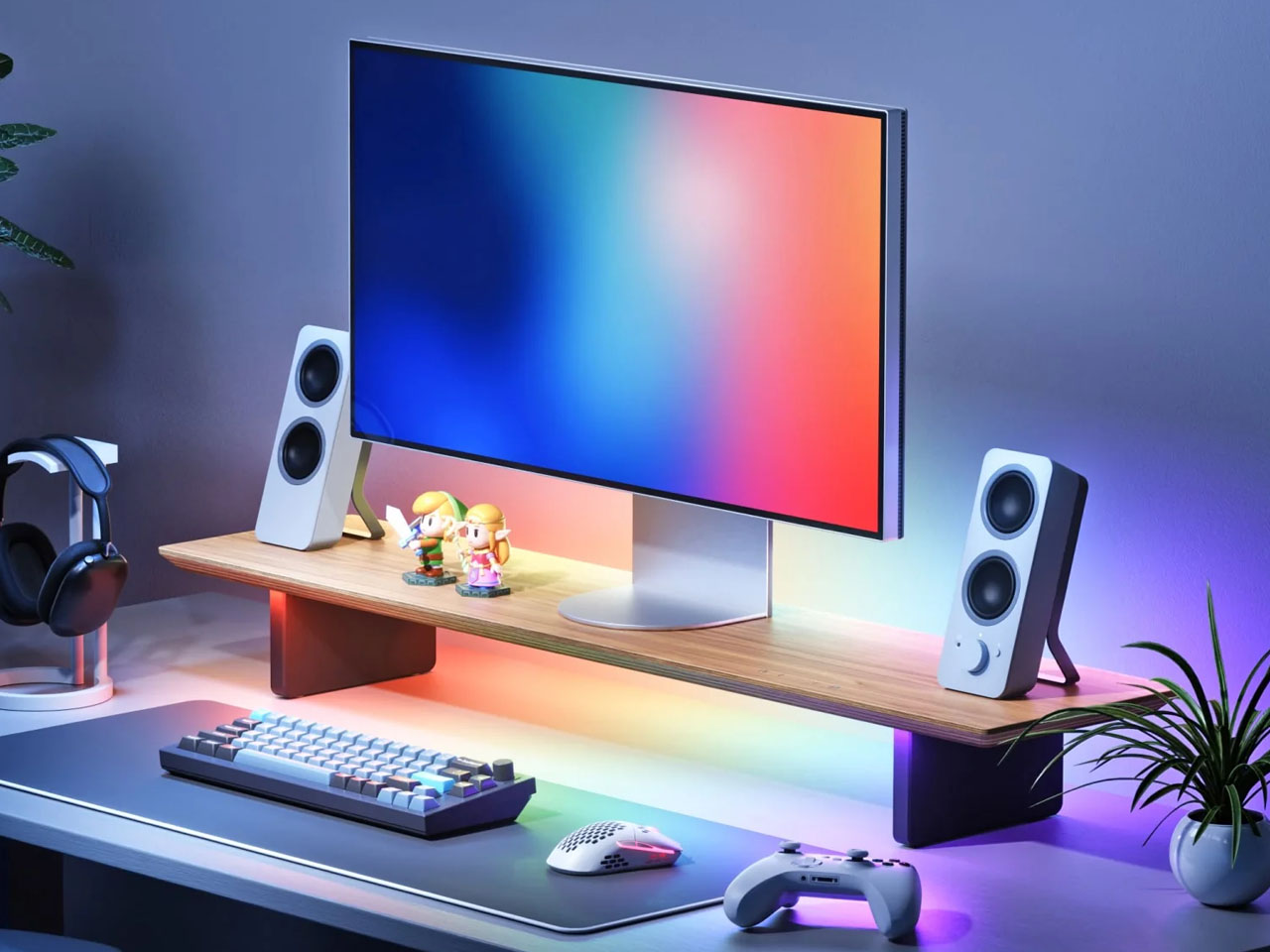
Measuring 100 × 22.5 × 12.1 cm, the stand raises a monitor by about 4.5 inches, positioning the screen closer to eye level for a more comfortable viewing angle. Its dual-layer design also creates additional storage space underneath the monitor, allowing keyboards and other desk essentials to be tucked away when not in use. The main platform can support up to 28 kg without the center support column and up to 70 kg with it installed, making it suitable for a range of monitor setups.

Designer: Nanoleaf

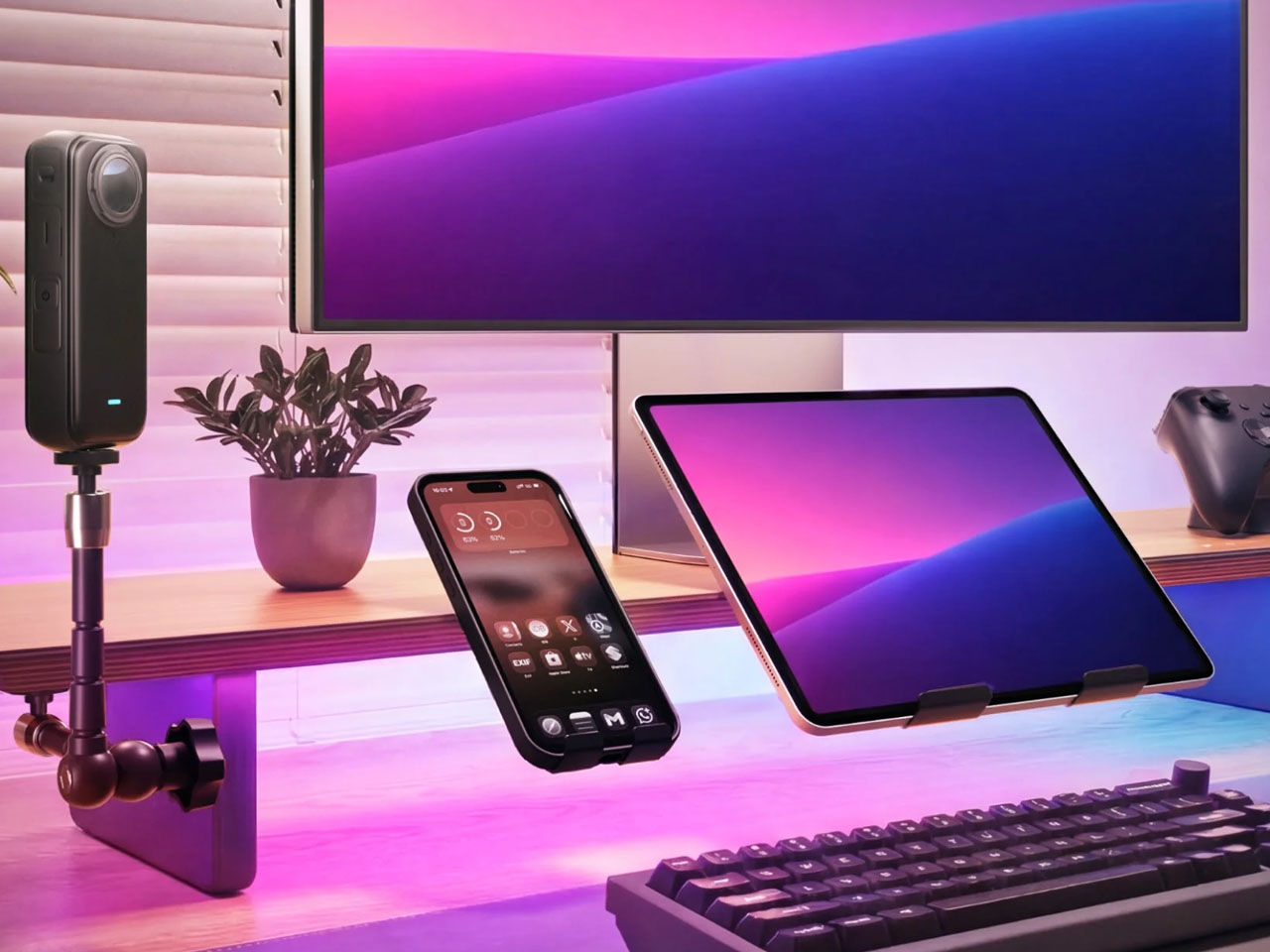
The stand’s modular design is another practical feature. It incorporates 23 standard 1/4-inch threaded mounting holes, allowing users to attach compatible accessories such as cameras, webcams, microphones, mini tripods, and ring lights. This gives users more flexibility to customize their workstation without filling the desk with separate stands and mounts. Lighting is divided into two independently useful zones. The forward-facing task light uses high-quality white LEDs with a CRI of 97, delivering up to 550 lumens and a tunable color temperature ranging from a warm 1,700K to a cool 6,500K. The light is also designed with an anti-glare output of UGR<10, making it better suited to focused work and longer sessions at the desk.

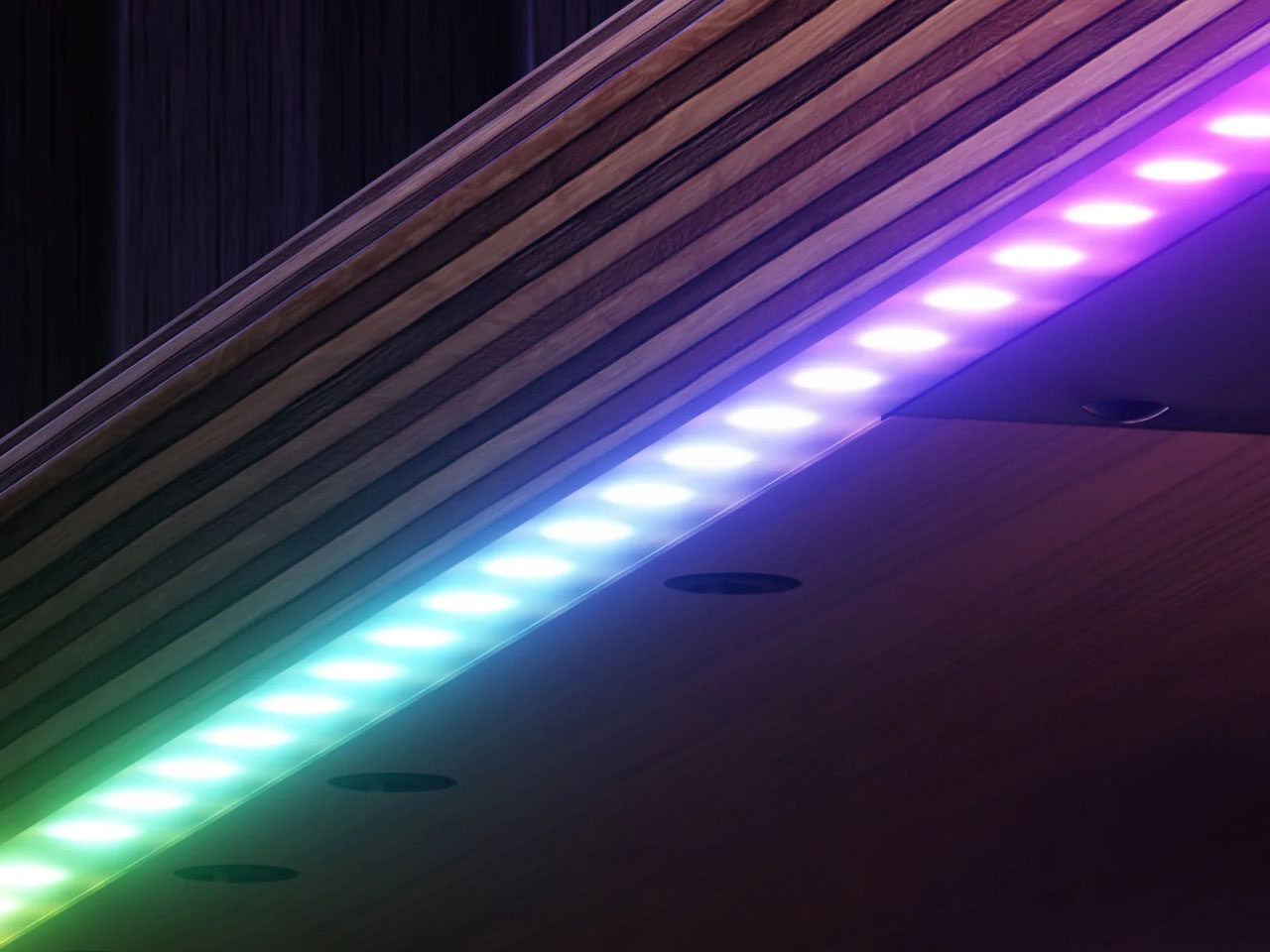
At the rear, an RGB ambient light uses a 160-degree wall-washing beam to cast colorful illumination across the surrounding space. The ambient lighting features 102 individually addressable zones capable of producing more than 16 million colors, allowing for smoother gradients and dynamic lighting effects. Users can choose from Nanoleaf’s lighting scenes or create their own combinations, while the stand can also respond to music through Rhythm Music Visualization. With Screen Mirror enabled through the Nanoleaf Desktop App, the lighting can match colors and activity displayed on the computer screen, adding a more immersive layer to gaming and movie watching.

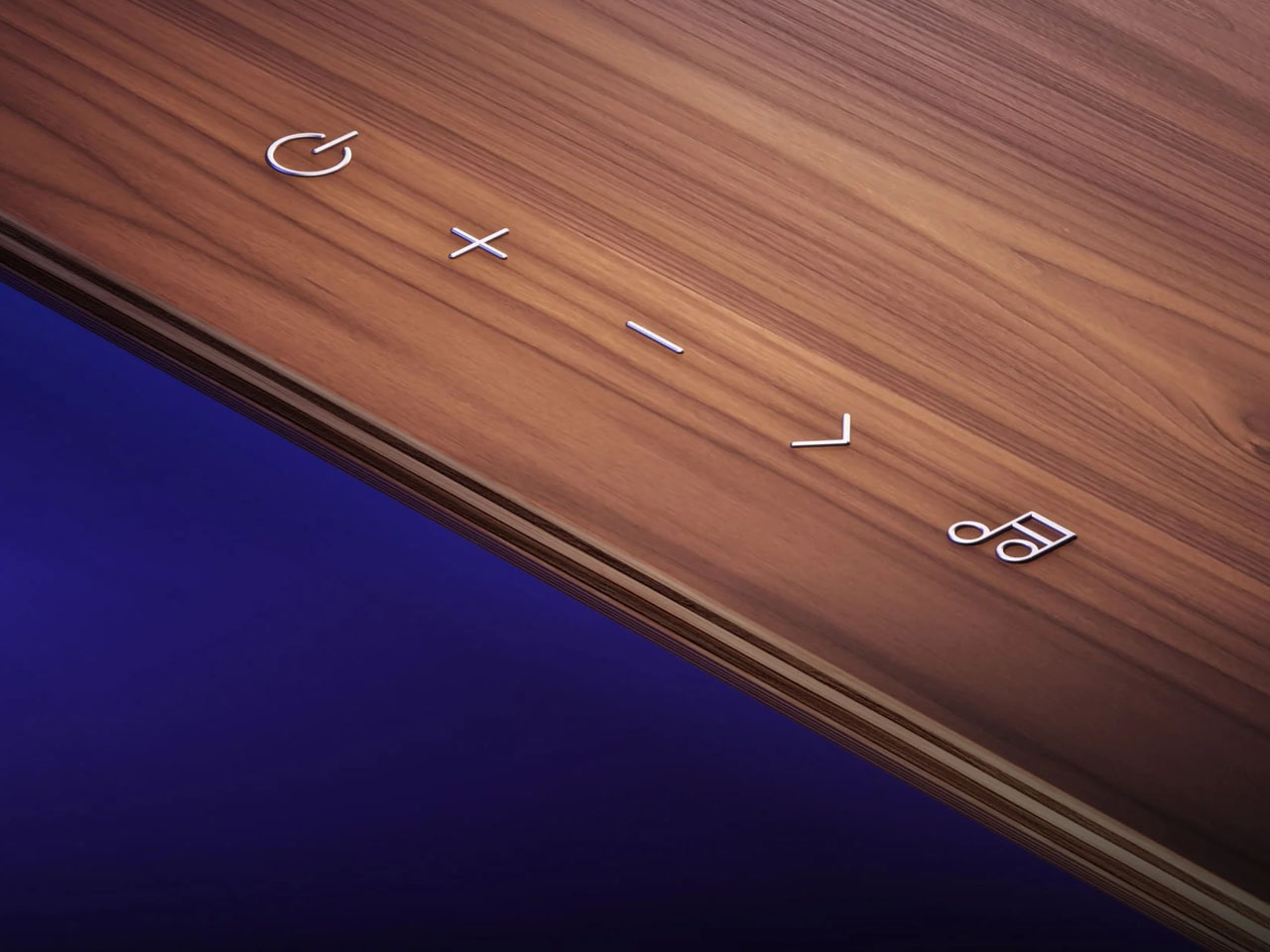
Controls are available through the Nanoleaf app on Android and iOS, the desktop app for Windows and Mac, integrated capacitive touch controls, and compatible smart home platforms. Matter support enables integration with Apple Home, Google Home, Amazon Alexa, Samsung SmartThings, and Home Assistant, including voice control and scheduling when connected through a compatible smart home hub.

The Smart LED Monitor Stand connects over 2.4GHz Wi-Fi, Thread, or Bluetooth Low Energy and supports firmware and Matter over-the-air updates. It requires a 15W or higher USB-C PD/QC power adapter, which is not included in the box. Priced at $169.99, the smart stand is a mindful combo of monitor elevation, accessory mounting, task lighting, and ambient smart illumination in one compact desktop solution.

The post Nanoleaf’s Smart LED Monitor Stand brings ambient lighting and desk organization together first appeared on Yanko Design.
Freely organize every device and reclaim your desk space with this Modular Monitor Stand

I struggle every day to keep my desk organized. I’ve added a monitor arm, a phone stand, a laptop cooling stand, and even a cable organizer clipped to the edge of the tabletop. Despite all these accessories, my desk still ends up feeling cluttered; earbud case is lying unattended somewhere, while the pens are all over the place. My problem isn’t lack of organizers: it’s that I’m not really sure how to use each accessory effectively or how they should work in tandem.

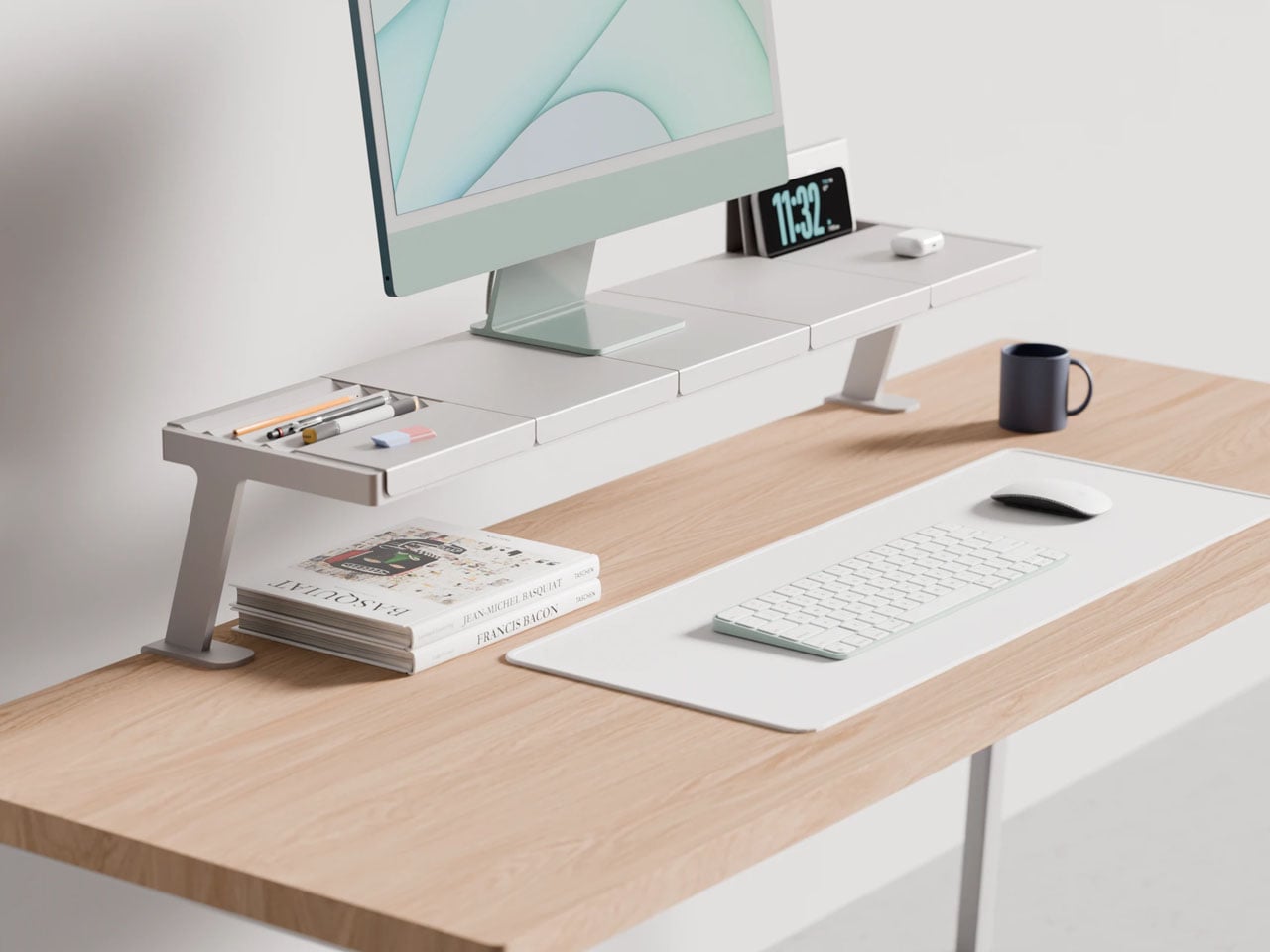
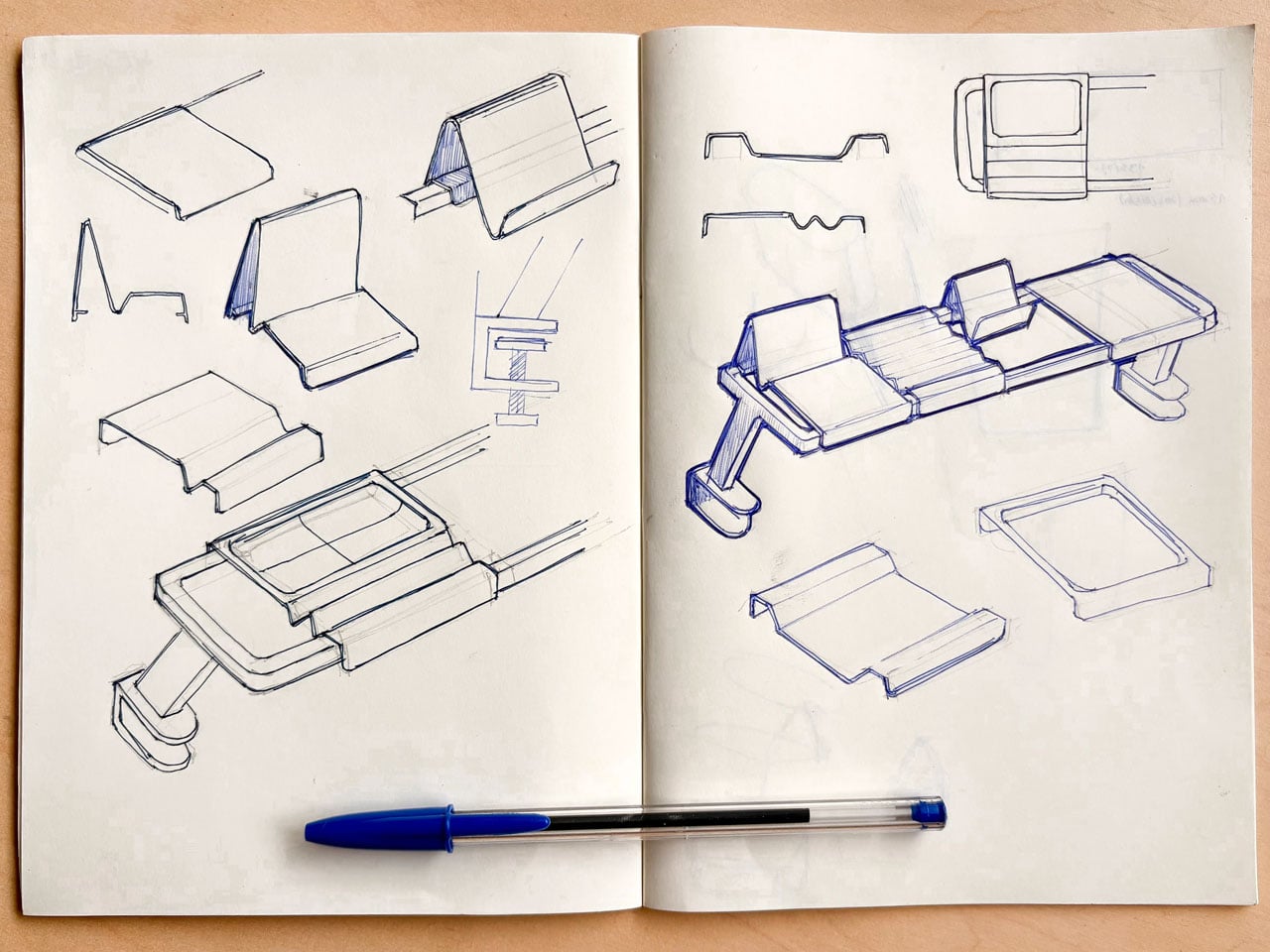
That may be exactly why this modular monitor stand from designer Lorenzo Vega caught my attention. Instead of adding yet another standalone accessory, it reimagines how desk organization should work. The modular stand is designed with various parts that interconnect to feel more intuitive and form an easier layout to keep things on the work desk organized.

Designer: Lorenzo Vega

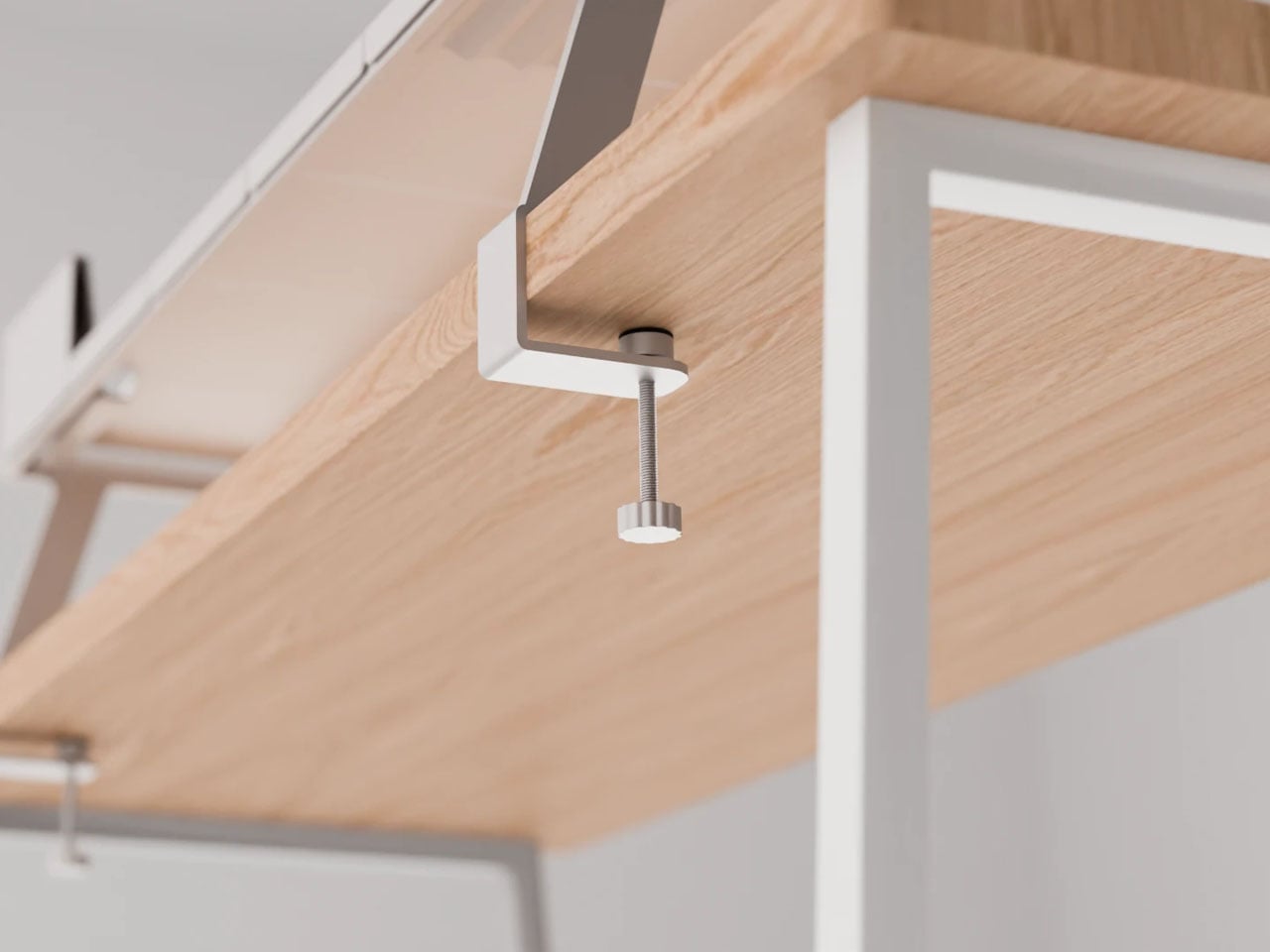
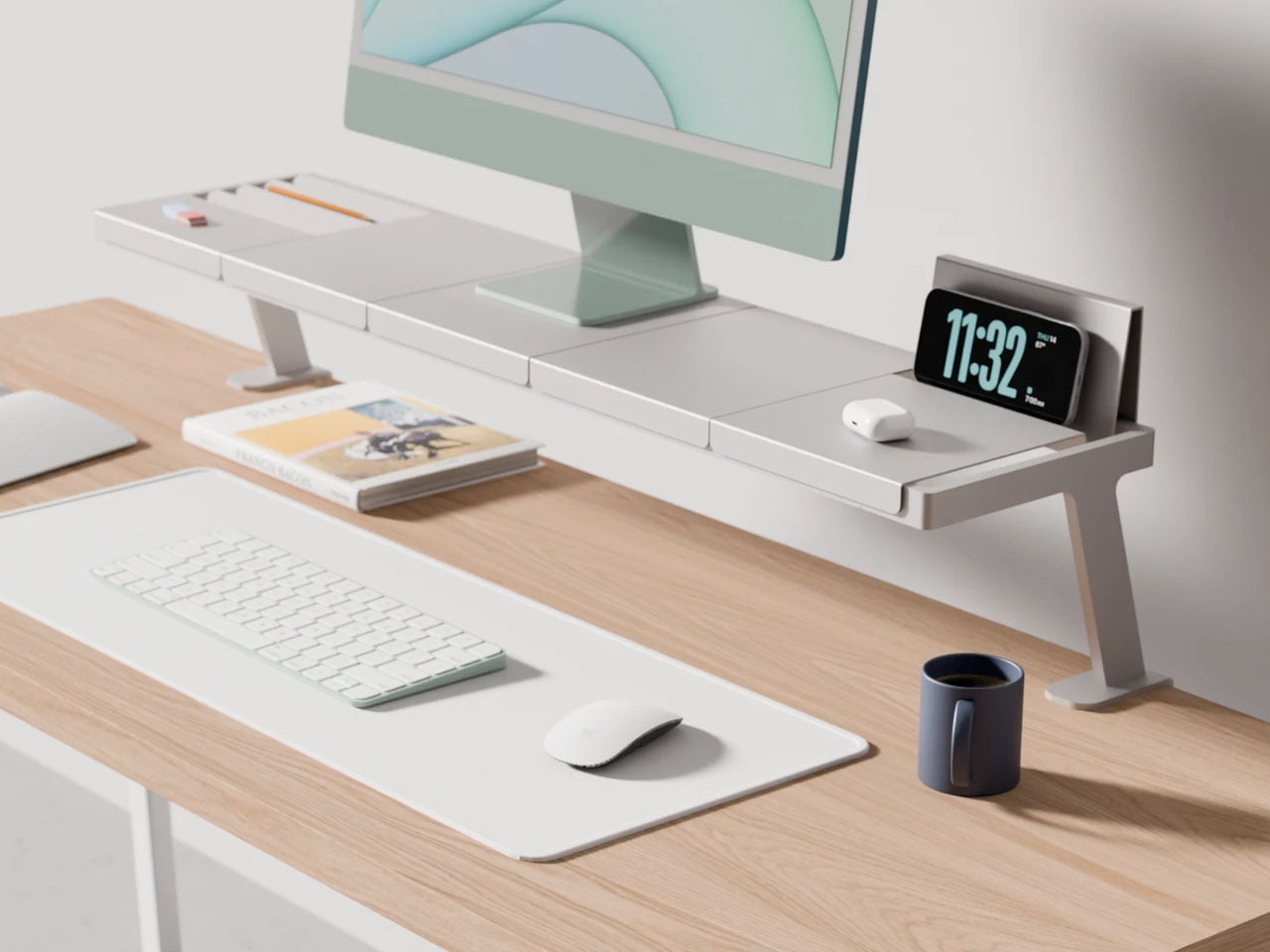
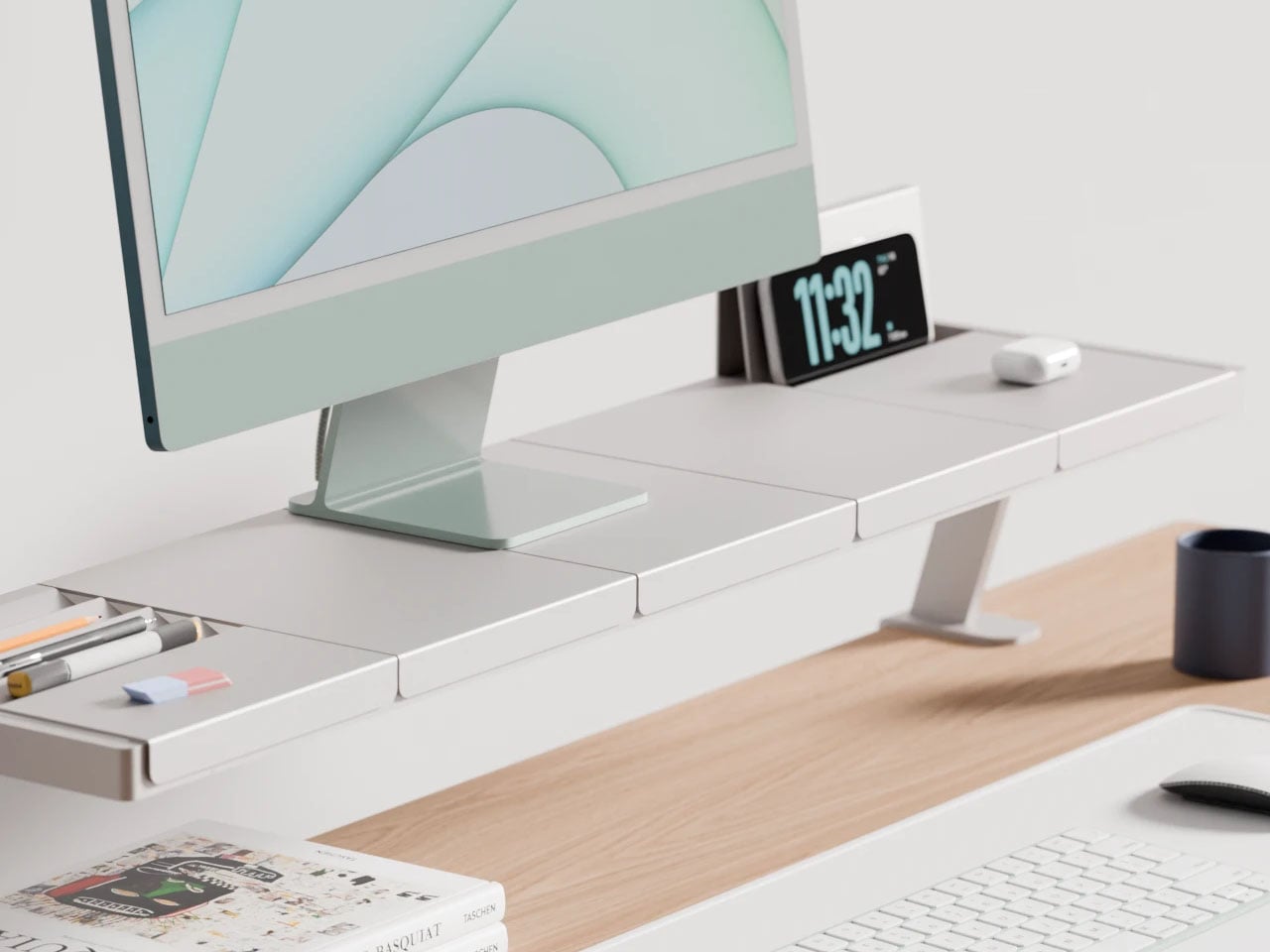
The design concept of a modular monitor stand comprises a base stand and five different sectional trays which can be interchanged to accommodate the user’s preferences and workflow. The base stand, which the designer calls the main rack is designed to clamp to the back of a table. It is similar to how other monitor stands secure themselves to the table. The clamps, however, are adjustable and should work securely with tabletops of varying widths.

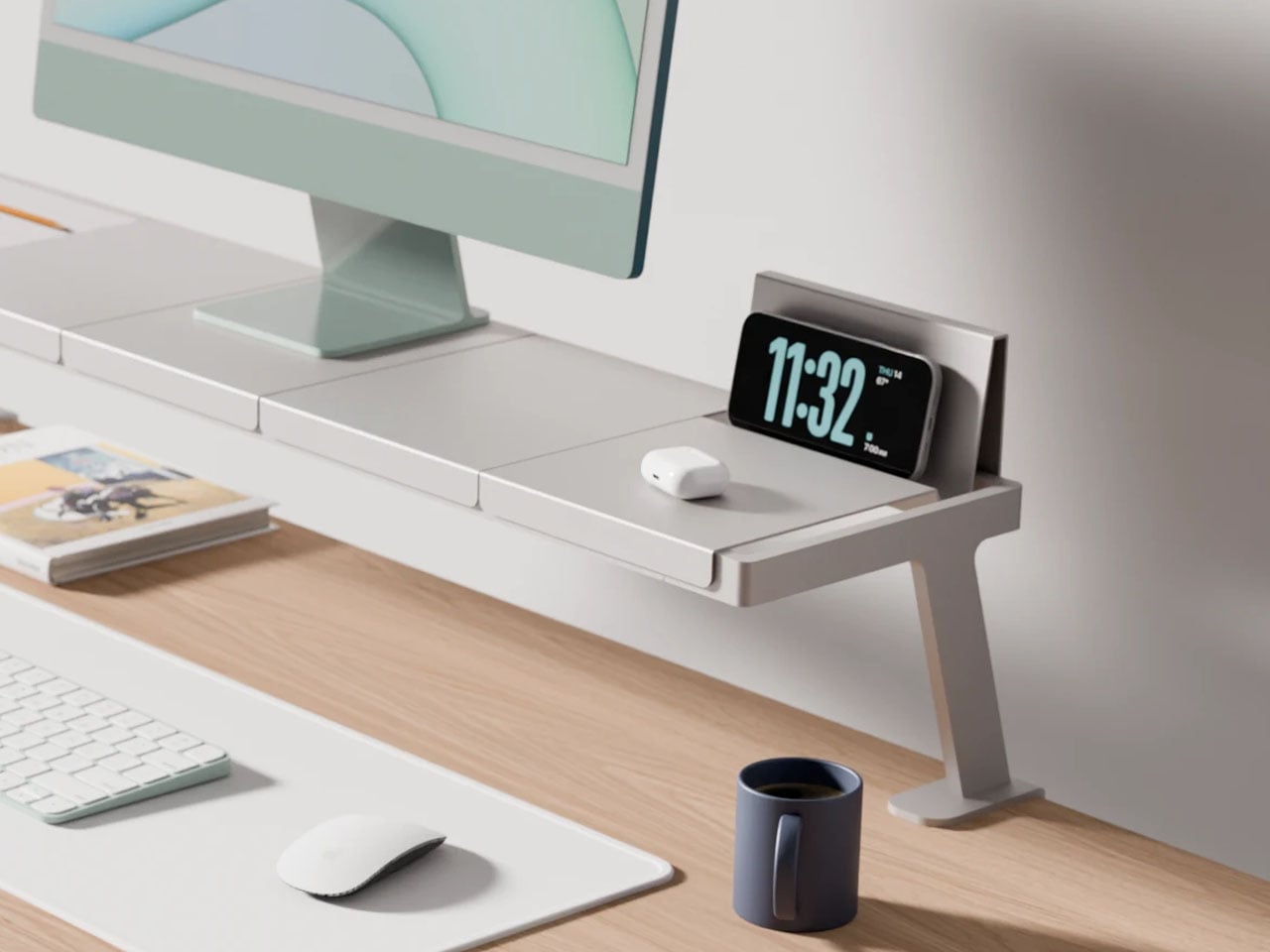
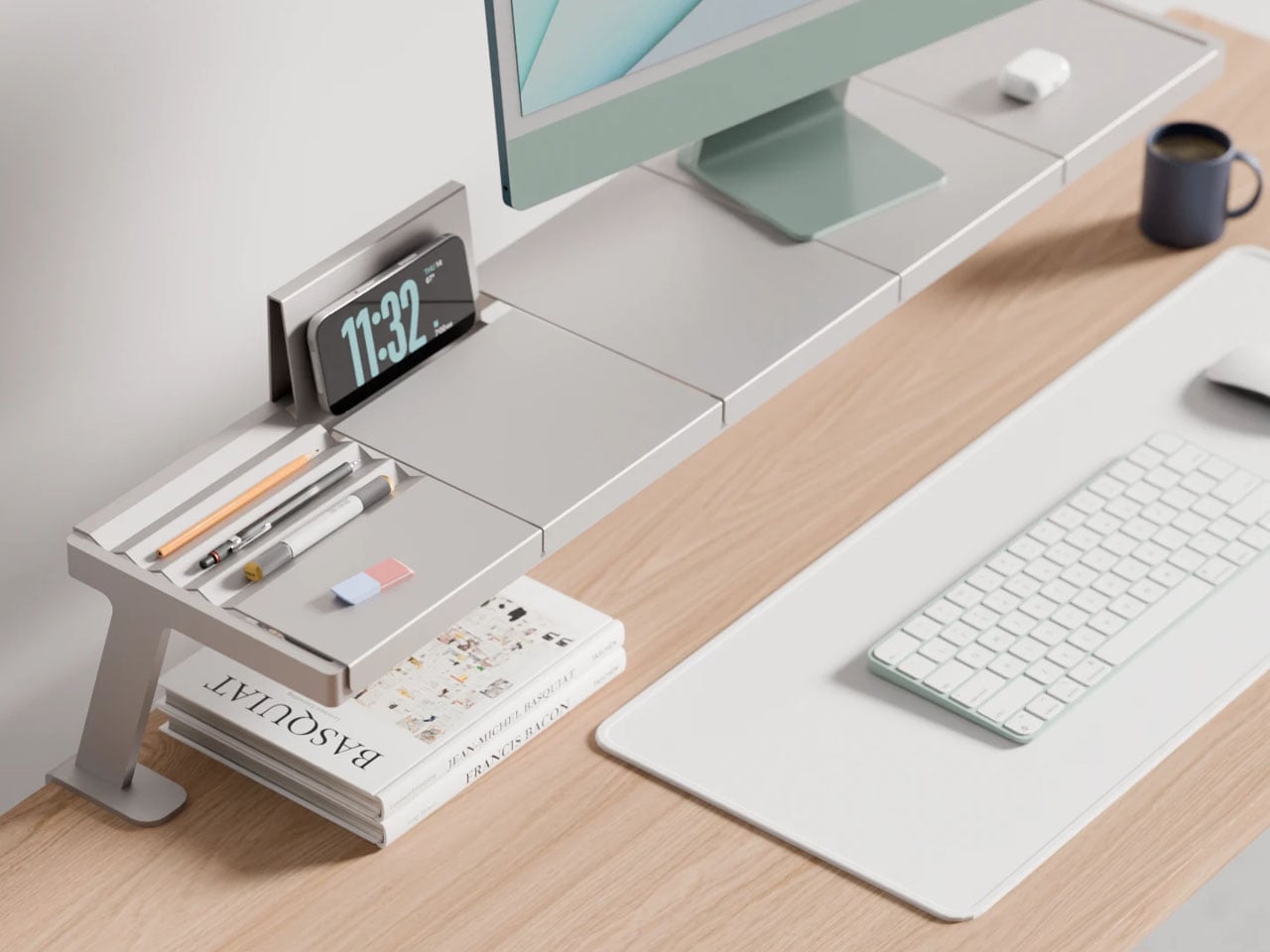
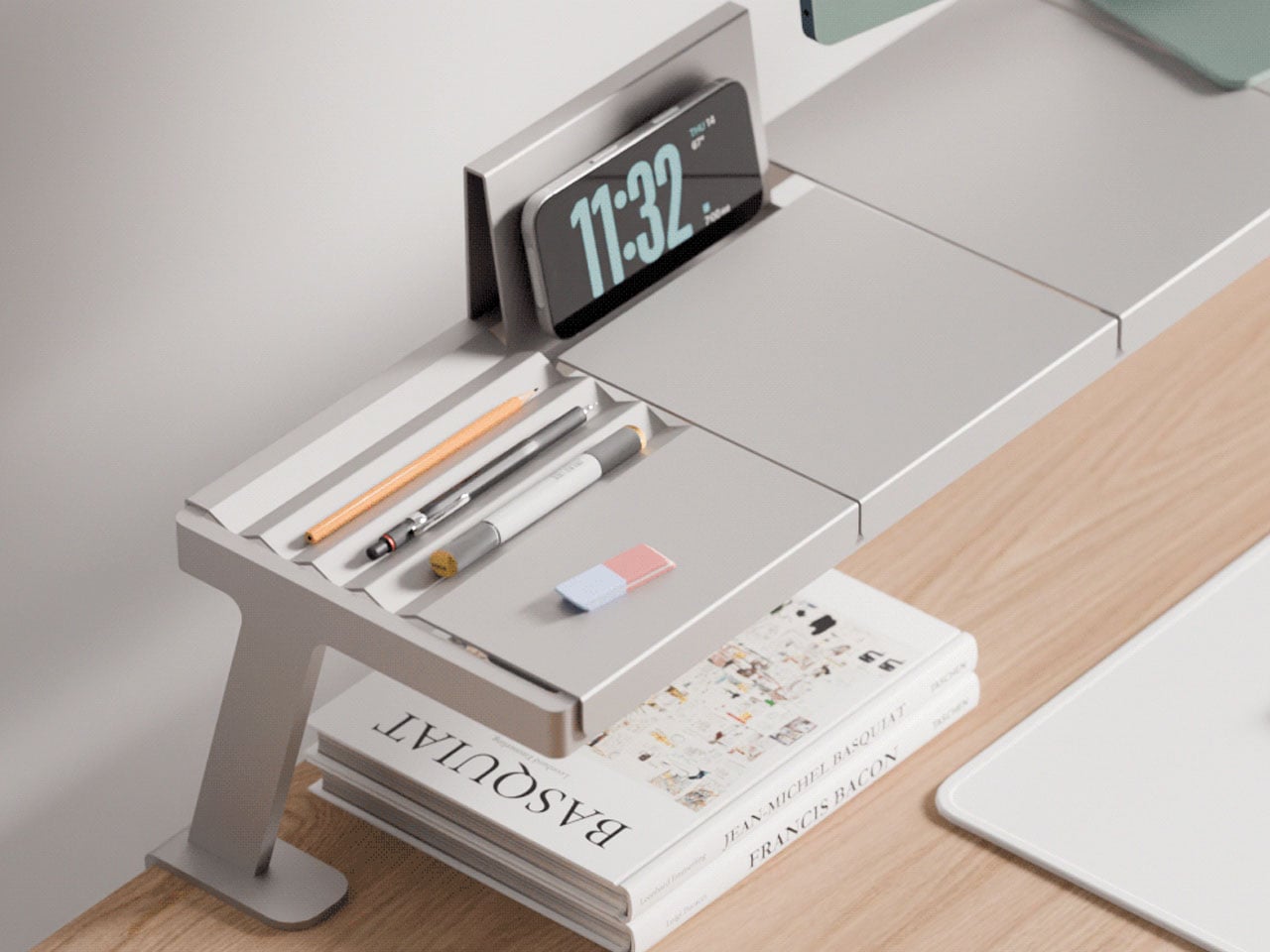
Since the rack attaches to the back of the table and remains almost six inches clear of it with a pair of legs – one on each side – it can free up space below to keep your notepad or the reference books you require in the vicinity. The tray modules can be placed on the two parallel rails of the rack running horizontally. They fix seamlessly to the base rack and, in addition to holding the monitor on top, are designed for common uses. A tray for organizing stationery, one to hold the phone/tablet, or even to hold papers upright.

The designer suggests that the modular monitor stand – which appears to be made ground up from aluminum – is a working concept at the time of writing. The build quality feels solid, and it can easily support a monitor. In the future, the designer intends to include wireless charging and magnetic cable organizers below the interchangeable racks. This addition will uplift the design into a feasible category, which should have tech enthusiasts intrigued.

If you’re trying to clean up your desk without adding more clutter, Vega’s idea of a modular stand for the monitor is worth appreciating for how customizable it is. Built as a modular system, it allows you to add things like a phone stand, stationery holder et al, depending on how you use your desk. So, instead of stacking accessories everywhere, everything stays integrated.

The post Freely organize every device and reclaim your desk space with this Modular Monitor Stand first appeared on Yanko Design.