The Lightest ThinkPad Ever Also Scored 9/10 for Repairability

Business laptops have gotten remarkably thin over the years, but the tradeoffs are hard to ignore. Repairability has taken a back seat to aesthetics, battery life has been sacrificed for slim profiles, and enterprise users often end up with devices that look great on paper but wear out faster than they should. Balancing portability with long-term practicality remains one of the harder problems in professional laptop design.

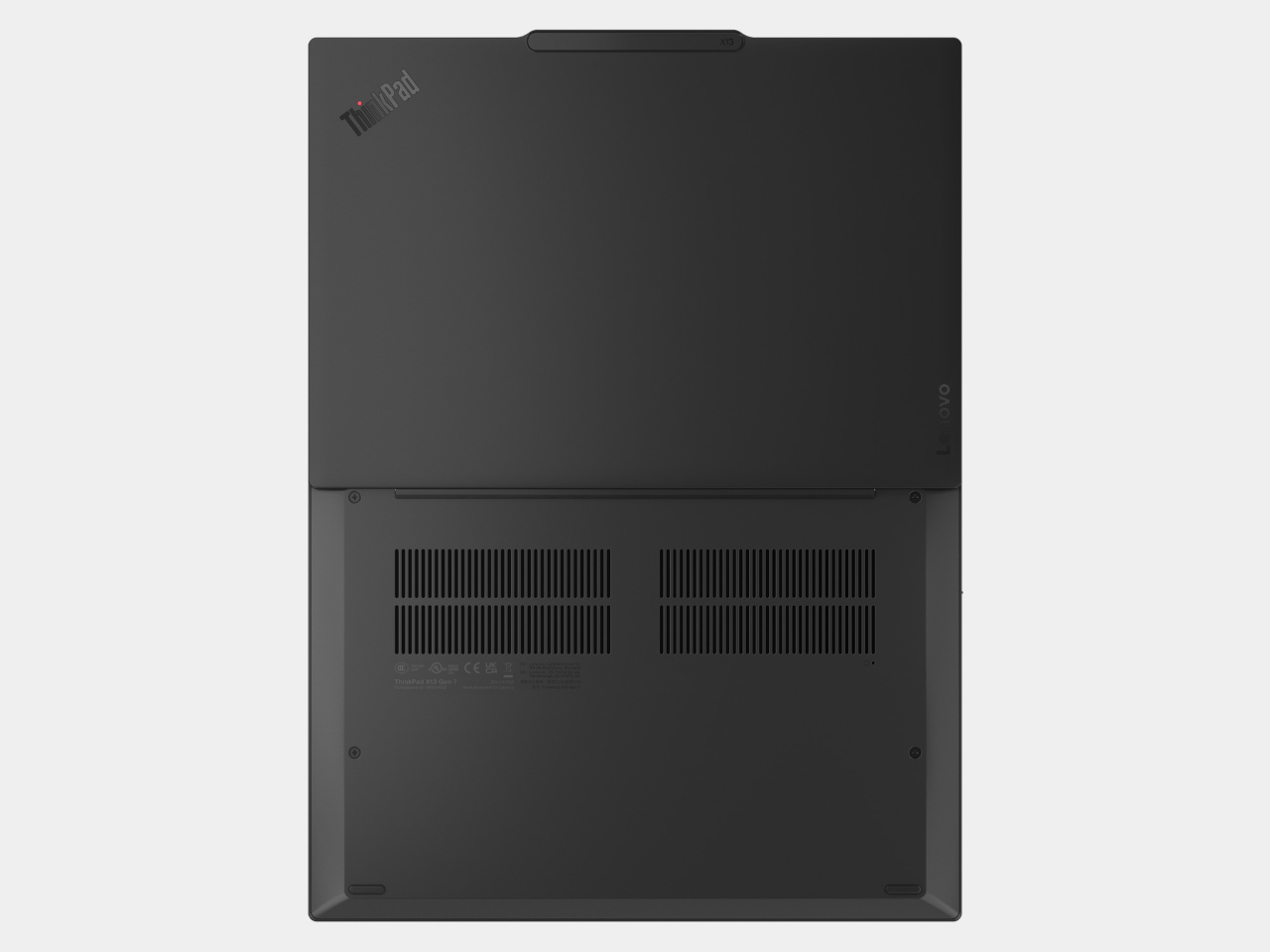
The Lenovo ThinkPad X13 Gen 7 takes on that challenge with an ultra-mobile form factor that doesn’t cut corners on durability or serviceability. Starting at under 1kg, it’s currently the lightest device in the ThinkPad lineup, designed for professionals who move between offices, client sites, and travel without wanting to think too hard about whether their laptop can keep up.

Designer: Lenovo

At a Z-height of less than 18 mm, the ThinkPad X13 Gen 7 manages an 87.8% screen-to-body ratio on its 13-inch FHD+ IPS display. The panel hits 400 nits of brightness and covers 100% of the sRGB color gamut, useful in well-lit conference rooms and outdoors. The single-bar hinge lets the lid open with one hand, a small convenience that adds up considerably over a long workday.

Processor options include Intel Core Ultra Series 3 and AMD Ryzen AI PRO 400 Series chips, both supporting Copilot+ PC features through an NPU capable of up to 50 TOPS. Up to 64GB of LPDDR5x memory at 8,533 MT/s keeps multitasking fluid, and AI-assisted workflows run on-device rather than relying on the cloud for every query. The performance sits well above what the chassis suggests.

Collaboration gets a dedicated push through a 5MP IR camera with a physical shutter and Lenovo Clear Voice audio, which uses AI-driven noise suppression to clean up background interference on calls. The camera handles Windows Hello facial recognition for quick, password-free logins. For a device that lives in hybrid meetings, having the camera and microphone hardware match the processor’s capabilities makes a noticeable difference.

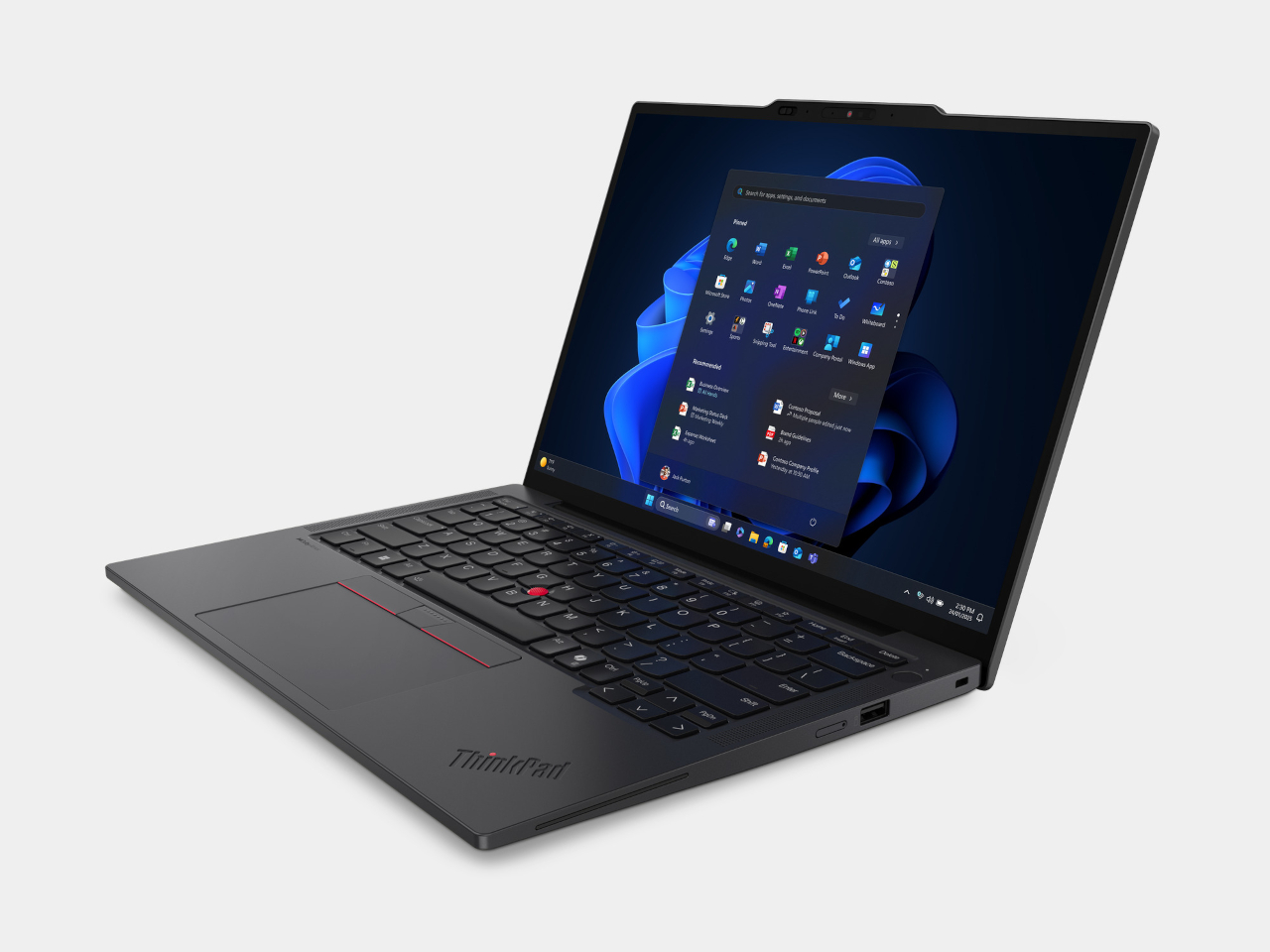
The port selection covers daily needs without a dongle, with two Thunderbolt 4 ports, one USB-A, HDMI 2.1, and a 3.5mm audio jack. Wireless connectivity includes Wi-Fi 7 and optional 5G LTE with eSIM support. The battery comes in 41Wh and 54.7Wh options, both rated for all-day productivity away from an outlet, and the optional NFC keeps field teams connected when cellular service falls short.
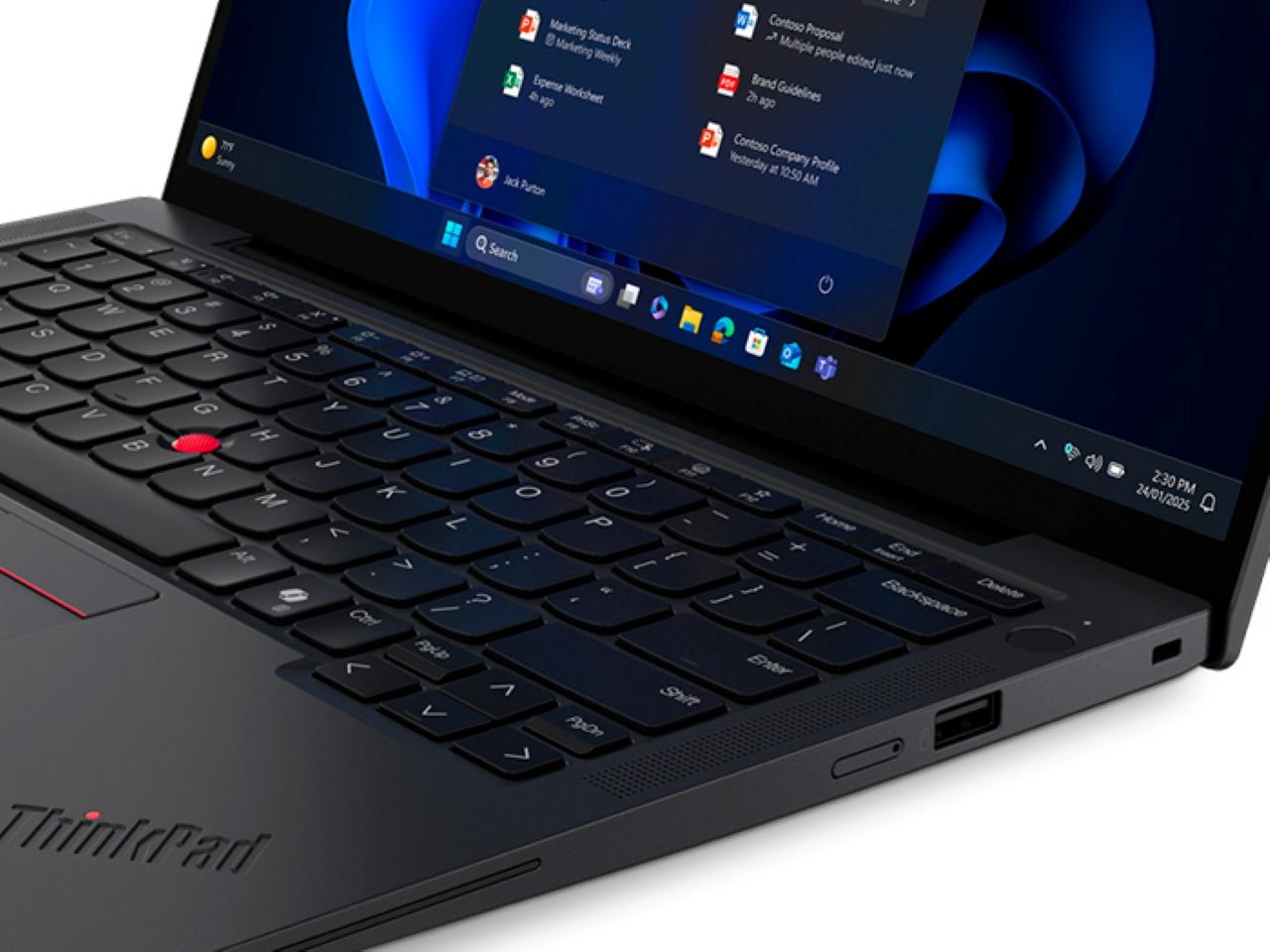
One of the X13 Gen 7’s more distinctive qualities is its repairability, earning an iFixit score of 9 out of 10 through five customer-replaceable units, including the battery, SSD, WWAN module, RTC battery, and D cover. The battery itself uses 100% recycled cobalt, and most structural components incorporate post-consumer recycled materials. Packaging is plastic-free, and the device carries ENERGY STAR 9.0, EPEAT Gold, and TCO 10.0 certifications.
Security runs through ThinkShield, Lenovo’s layered protection platform covering supply chain assurance, firmware defense, and AI-powered threat prevention. Hardware-side security includes a fingerprint reader built into the power button, an IR camera for facial authentication, and an optional Privacy Guard display. The ThinkPad X13 Gen 7 starts at $1,499 and is available starting May 2026, putting it squarely in the premium ultraportable business laptop segment.

The post The Lightest ThinkPad Ever Also Scored 9/10 for Repairability first appeared on Yanko Design.

Apple Releases iOS 26.5: Here Are the Hidden Features

Apple Releases iOS 26.5: Here Are the Hidden Features iOS 26.5

Apple has officially rolled out iOS 26.5, delivering a blend of security enhancements, customization features, and usability improvements. While Apple has traditionally focused on stability with its updates, this release introduces several noteworthy additions that enhance messaging, app functionality, and system settings. Below is a detailed look at the most important updates you’ll want to […]

The post Apple Releases iOS 26.5: Here Are the Hidden Features appeared first on Geeky Gadgets.

Posted in Uncategorized

DJI’s Osmo Pocket 4 Pro Faces a Hidden Threat from Insta360

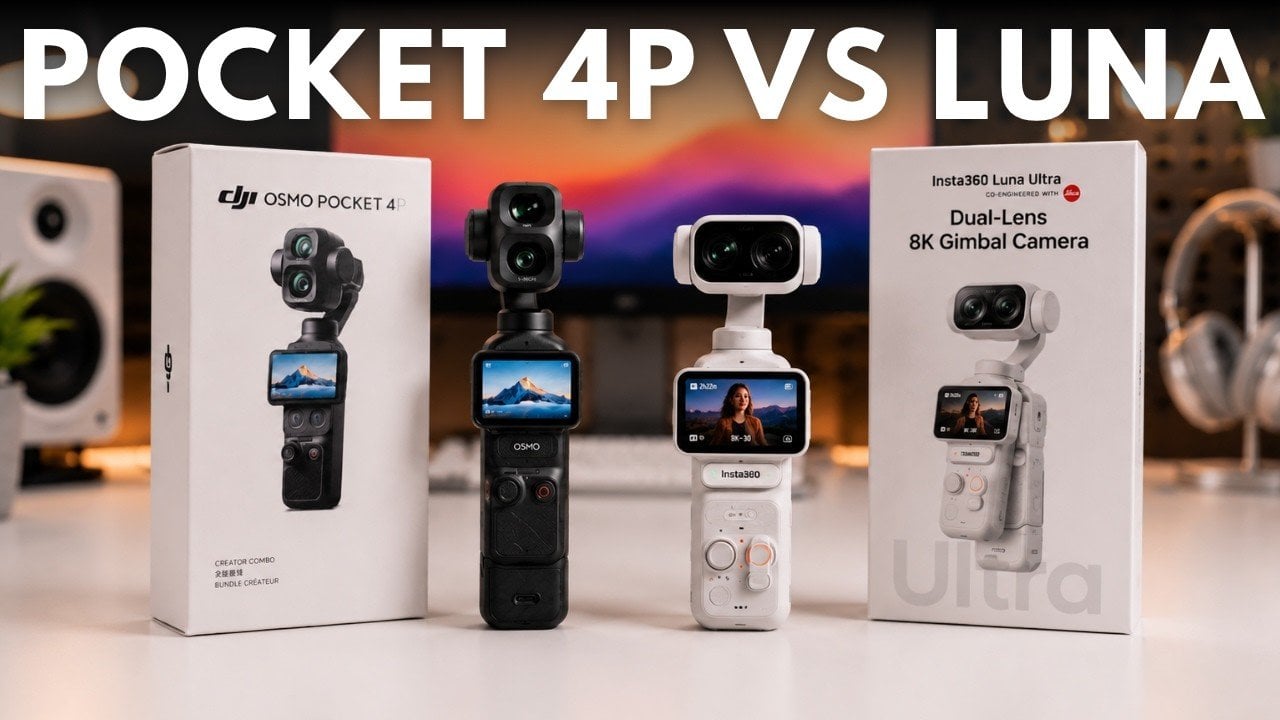
DJI’s Osmo Pocket 4 Pro Faces a Hidden Threat from Insta360 DJI Osmo Pocket 4 Pro camera displayed next to the Insta360 Luna Ultra

DJI’s dominance in the pocket gimbal camera market is being tested by more than just competition from Insta360. While the DJI Osmo Pocket 4 Pro features advanced features like a telephoto lens for cinematic bokeh and refined color science, Tech Court highlights a deeper issue: the growing importance of ecosystem reliability and accessibility. Concerns about […]

The post DJI’s Osmo Pocket 4 Pro Faces a Hidden Threat from Insta360 appeared first on Geeky Gadgets.

Posted in Uncategorized

10 Hidden iPhone Features You’re Probably Missing Out On

10 Hidden iPhone Features You’re Probably Missing Out On An iPhone screen showing real-time flight tracking in Spotlight search

Your iPhone is more than just a communication device; it’s a versatile tool equipped with features that can simplify your daily life. While you may already be familiar with its core functionalities, there are several lesser-known capabilities that can enhance your productivity and streamline your tasks. Here are ten hidden iPhone features you can start […]

The post 10 Hidden iPhone Features You’re Probably Missing Out On appeared first on Geeky Gadgets.

Posted in Uncategorized

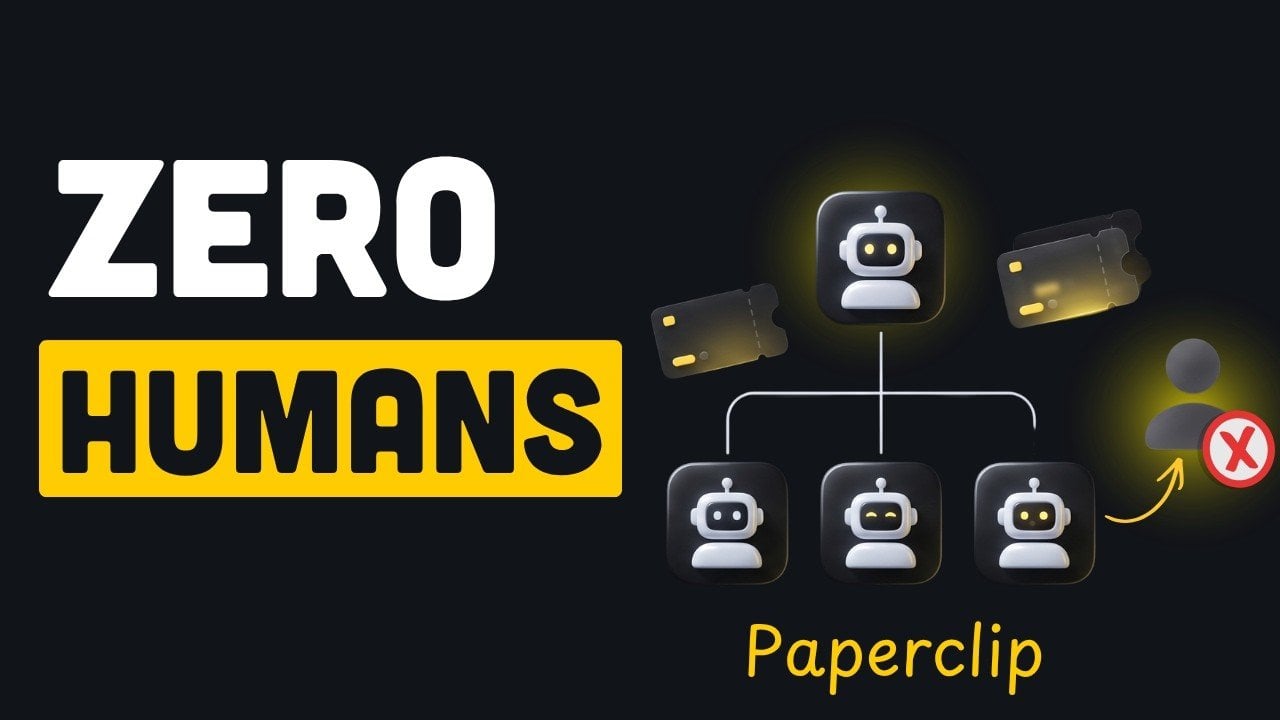
What Happens When You Run a Company Made Entirely of AI Agents

What Happens When You Run a Company Made Entirely of AI Agents Diagram of multiple AI agents collaborating on a project

AI-driven companies are no longer a distant concept but a practical reality enabled by platforms like Paperclip. Designed to manage multiple AI agents within a structured framework, Paperclip mimics the dynamics of a traditional organization. By assigning roles such as CEO or engineer and implementing features like task management systems and budget controls, it ensures […]

The post What Happens When You Run a Company Made Entirely of AI Agents appeared first on Geeky Gadgets.

Posted in Uncategorized

Build a Custom Steam Machine for Less Than $400

Build a Custom Steam Machine for Less Than $400 Gameplay benchmark of Cyberpunk 2077 running at 1440p on a $400 PC.

ETA Prime demonstrates how to assemble a cost-effective gaming PC using a refurbished Dell Inspiron 3880 as the starting point. This prebuilt system, priced at $143, includes an Intel Core i7-10700 processor, an 8-core, 16-thread CPU capable of handling both gaming and multitasking. By upgrading key components such as the power supply and graphics card, […]

The post Build a Custom Steam Machine for Less Than $400 appeared first on Geeky Gadgets.

Posted in Uncategorized

Wacom Art Pen 2 Adds the One Input Every Digital Pen Has Ignored

Digital art tools have gotten remarkably good at reading pressure and tilt, two of the three physical inputs that define how traditional artists handle a pen or brush. What’s remained elusive is the third one. The way a calligrapher twists a brush mid-stroke, or how a flat marker rotates to shift from wide edge to fine tip, hasn’t had a reliable digital equivalent for most current drawing hardware until now.

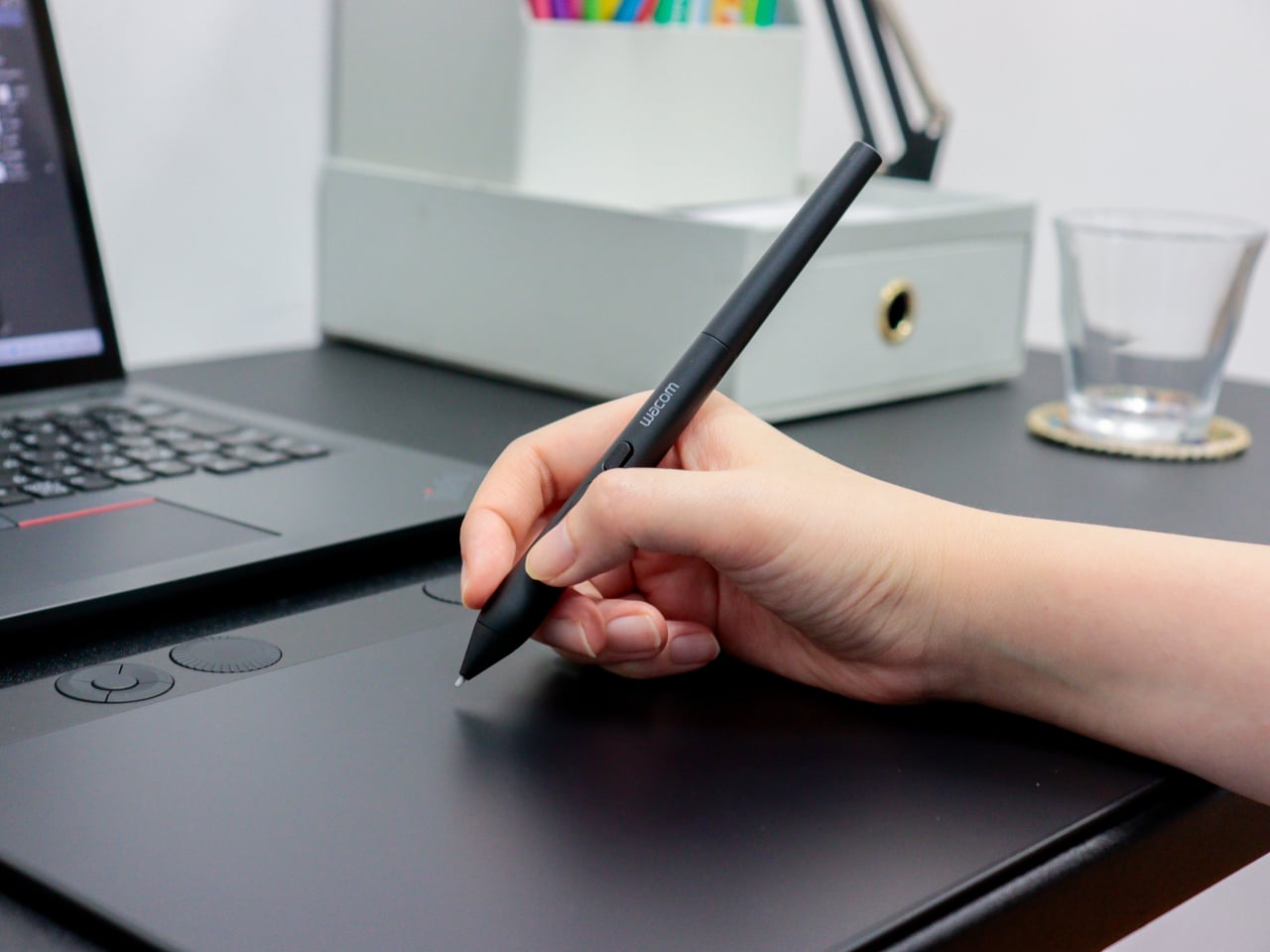
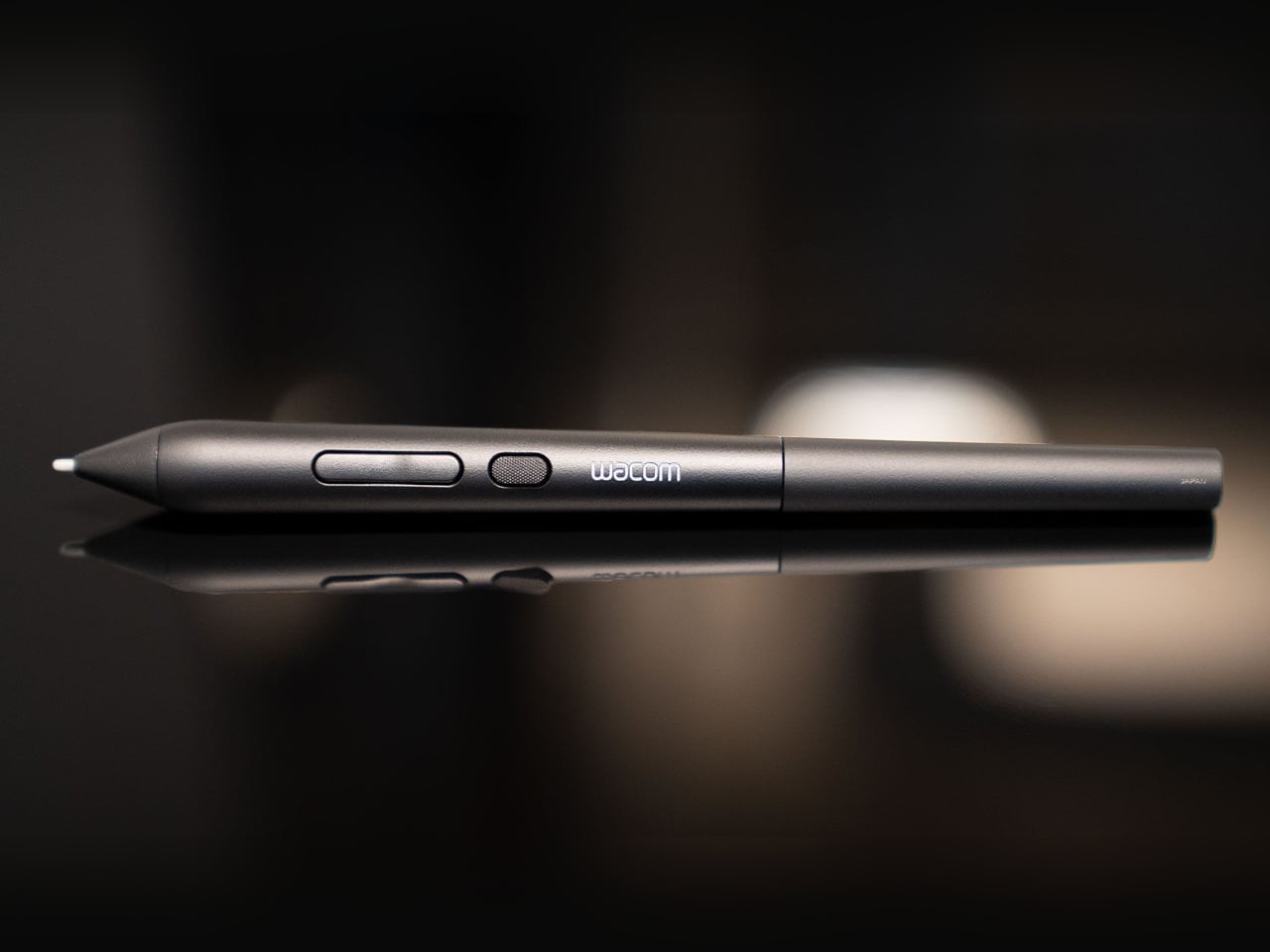
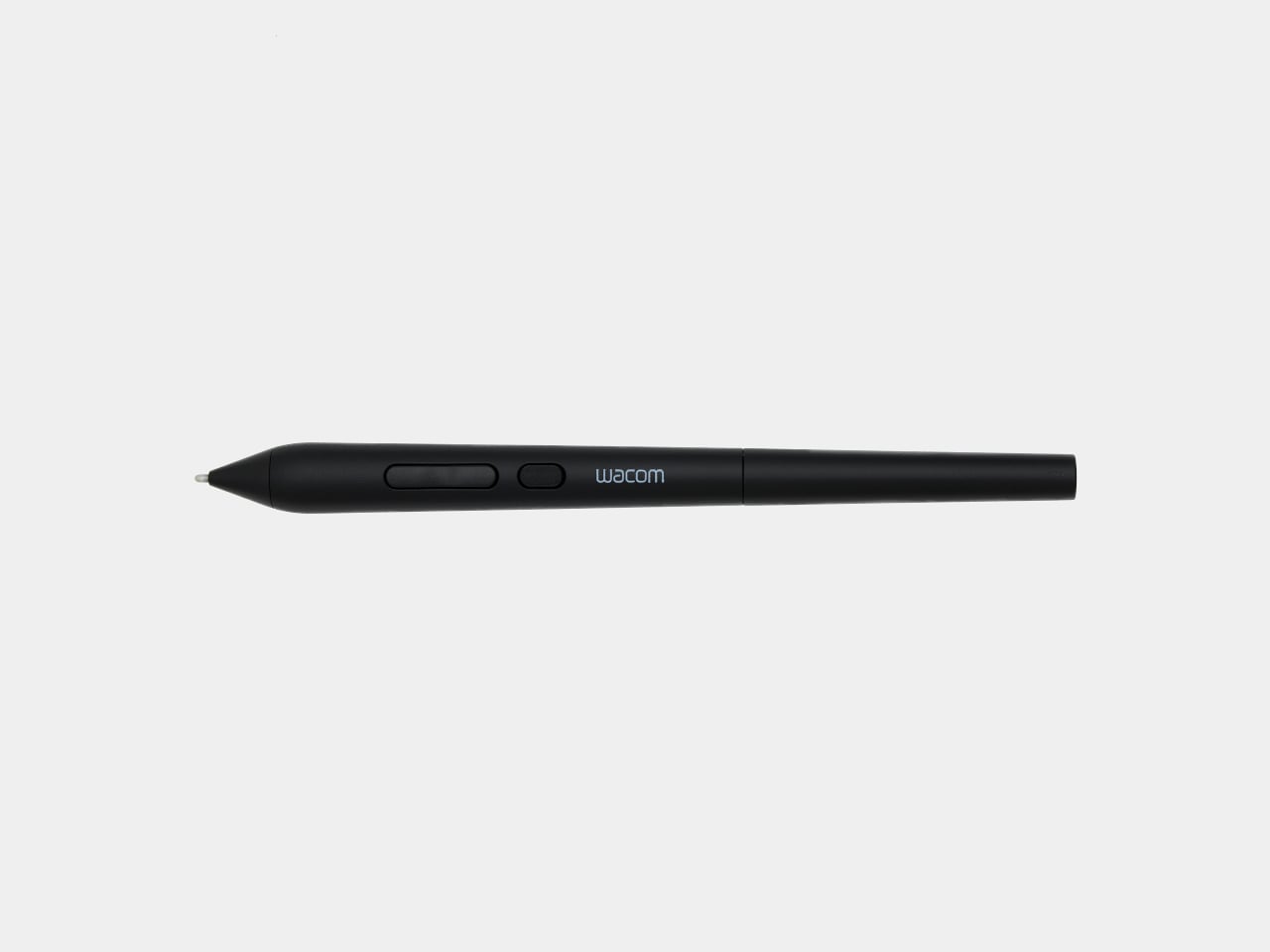
Wacom’s new Art Pen 2 addresses that directly. It’s the successor to the original Art Pen (KP701E) from 2010, a pen that already had a devoted following specifically for its 360° barrel rotation. The Art Pen 2 brings that same capability into Wacom’s current pen technology, combining rotation sensing with modern pressure and tilt detection in a tool built for serious digital drawing.

Designer: Wacom

Rotating the pen in your hand, a motion letterers and calligraphers rely on instinctively, now translates into the software canvas when used with compatible applications. The Art Pen 2 reads that rotational angle and adjusts brush behavior accordingly, so thickening a stroke or softening an edge becomes a matter of how the pen sits in your grip, not which menu you reached for last.

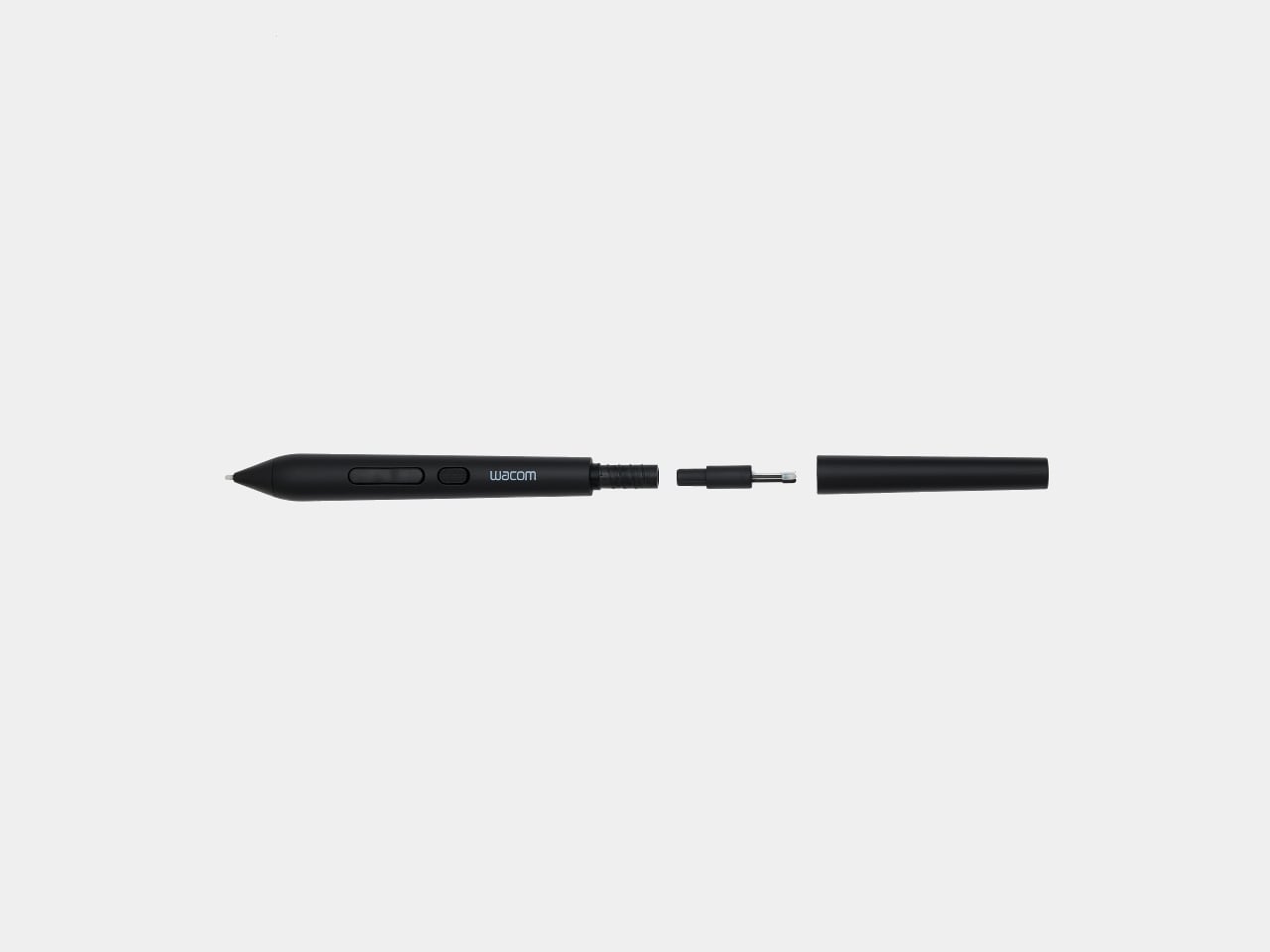
The technical foundation behind all that expressiveness is solid. The Art Pen 2 runs on Wacom’s battery-free EMR technology, so there’s no charge to manage mid-session. Three pen buttons handle workflow shortcuts, and up to 8,192 levels of pressure sensitivity cover everything from whisper-light gesture lines to heavy, decisive marks. A nib holder built into the barrel stores three spare tips for quick swaps.

Nib choice is also part of the picture. The pen ships with a Carbon Shaft POM (Polyoxymethylene) nib installed, a denser option suited to detailed, controlled work. Two additional types, standard POM Nibs and Felt Nibs, are available separately, each offering a different surface response that can shift the drawing experience considerably. All three nib types are exclusive to the Art Pen 2 and aren’t interchangeable with Pro Pen 3 nibs.

The Art Pen 2 sits alongside the Wacom Pro Pen 3 rather than replacing it. Where the Pro Pen 3 caters to artists who want physical customization, with interchangeable button plates, grips, and balance weights to fine-tune grip feel and center of gravity, the Art Pen 2 is built around expressive, rotation-sensitive drawing first. It’s a deliberately focused tool for a different kind of creative priority.

Compatibility covers a healthy range of current Wacom hardware. The Art Pen 2 works with the Wacom MovinkPad Pro 14, Wacom Intuos Pro (PTK470, PTK670, and PTK870), Wacom Cintiq 16 (DTK168), Wacom Cintiq 24 (DTK246), and Wacom Cintiq 24 touch (DTH246), with support for the Wacom Cintiq Pro lineup (DTH172, DTH227, and DTH271) arriving later this year.

Artists who’ve been using the original Art Pen for its rotation capability and waiting for it to work with current-generation Wacom devices finally have that option. The jump from the older KP701E to the Art Pen 2 also brings the full pressure sensitivity and EMR advances of today’s lineup, giving longtime fans of that rotation-based workflow a genuinely modern upgrade without giving up the expressiveness they’ve relied on.

The post Wacom Art Pen 2 Adds the One Input Every Digital Pen Has Ignored first appeared on Yanko Design.

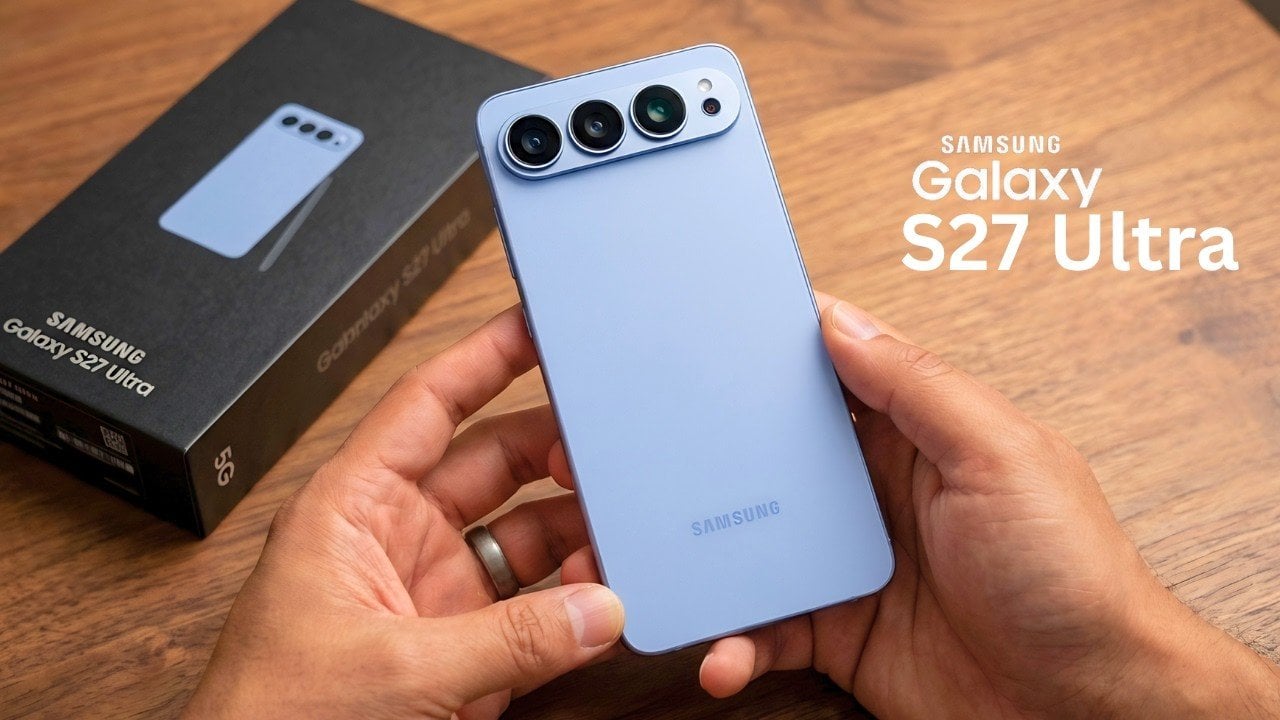
The Galaxy S27 Ultra’s New Variable Aperture: Samsung Just Perfected the Impossible Camera

The Galaxy S27 Ultra’s New Variable Aperture: Samsung Just Perfected the Impossible Camera Comparison of low light photography using variable aperture technology

The Samsung Galaxy S27 Ultra is poised to make a significant impact on the smartphone industry, blending advanced technology with strategic innovations. From its potential shift in display sourcing to new camera features and internal design enhancements, this flagship device could reshape the competitive dynamics of the market. Here’s an in-depth look at the features […]

The post The Galaxy S27 Ultra’s New Variable Aperture: Samsung Just Perfected the Impossible Camera appeared first on Geeky Gadgets.

Posted in Uncategorized

Anyone Can Easily Build a 24/7 Hermes AI Assistant from Scratch

Anyone Can Easily Build a 24/7 Hermes AI Assistant from Scratch Step-by-step workflow of Hermes AI automating a content creation task.

The Hermes Agent is a fully autonomous AI system designed to operate continuously, offering solutions for task automation and workflow management. Key features include persistent memory, predefined automation workflows and scheduled tasks, all of which allow it to adapt to user requirements over time. According to AI Foundations, one practical deployment option is using a […]

The post Anyone Can Easily Build a 24/7 Hermes AI Assistant from Scratch appeared first on Geeky Gadgets.

Posted in Uncategorized

Why Apple Dropped Face ID for the iPhone Ultra Fold

Why Apple Dropped Face ID for the iPhone Ultra Fold Side profile showing the ultra-thin 4.5mm unfolded iPhone

Apple is poised to make a significant entry into the foldable smartphone market with the highly anticipated iPhone Ultra Fold, expected to launch in September 2026 alongside the iPhone 18 Pro lineup. This device is set to represent a major evolution in smartphone design, addressing persistent challenges in foldable technology while delivering a premium user […]

The post Why Apple Dropped Face ID for the iPhone Ultra Fold appeared first on Geeky Gadgets.

Posted in Uncategorized