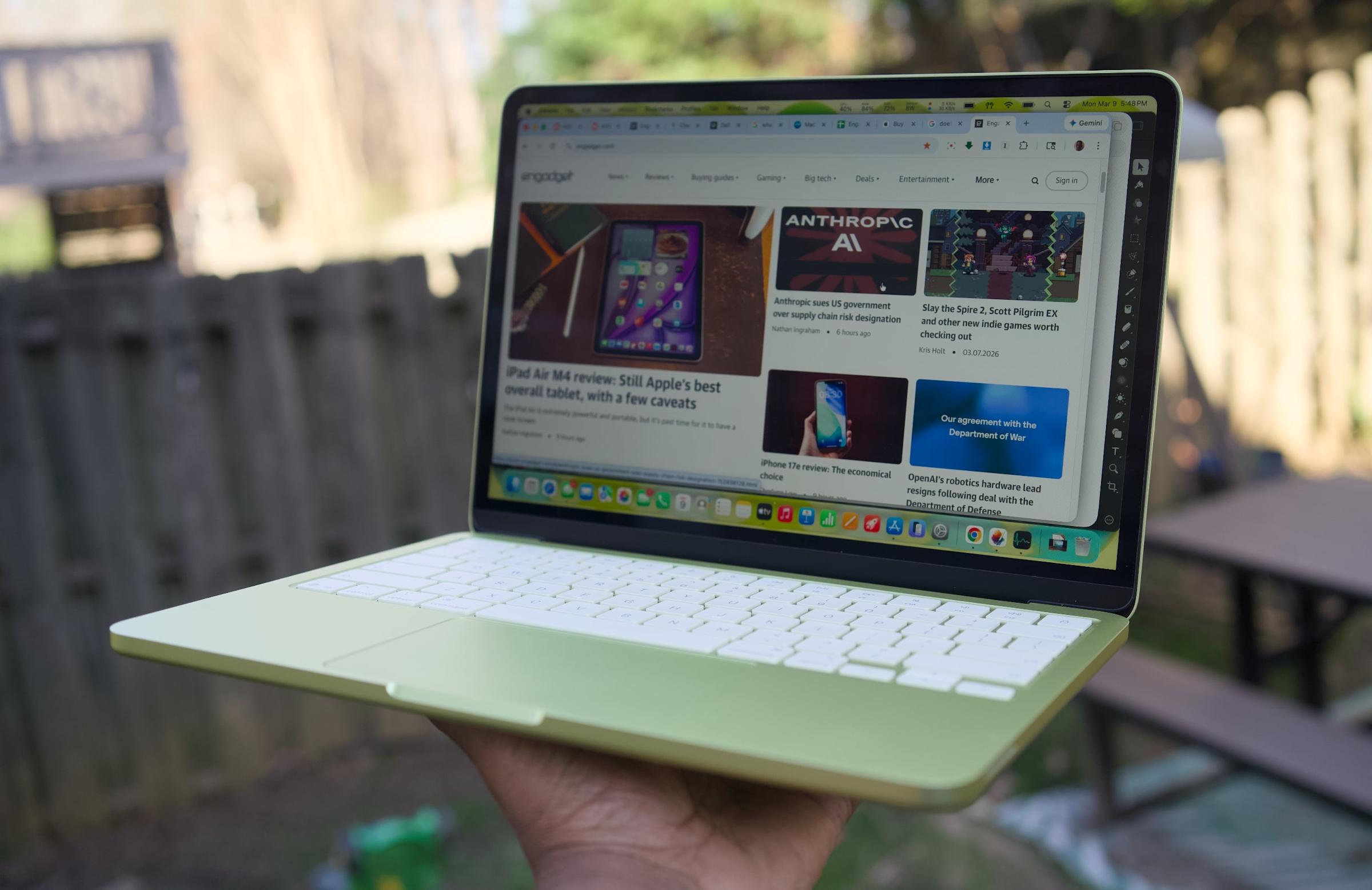
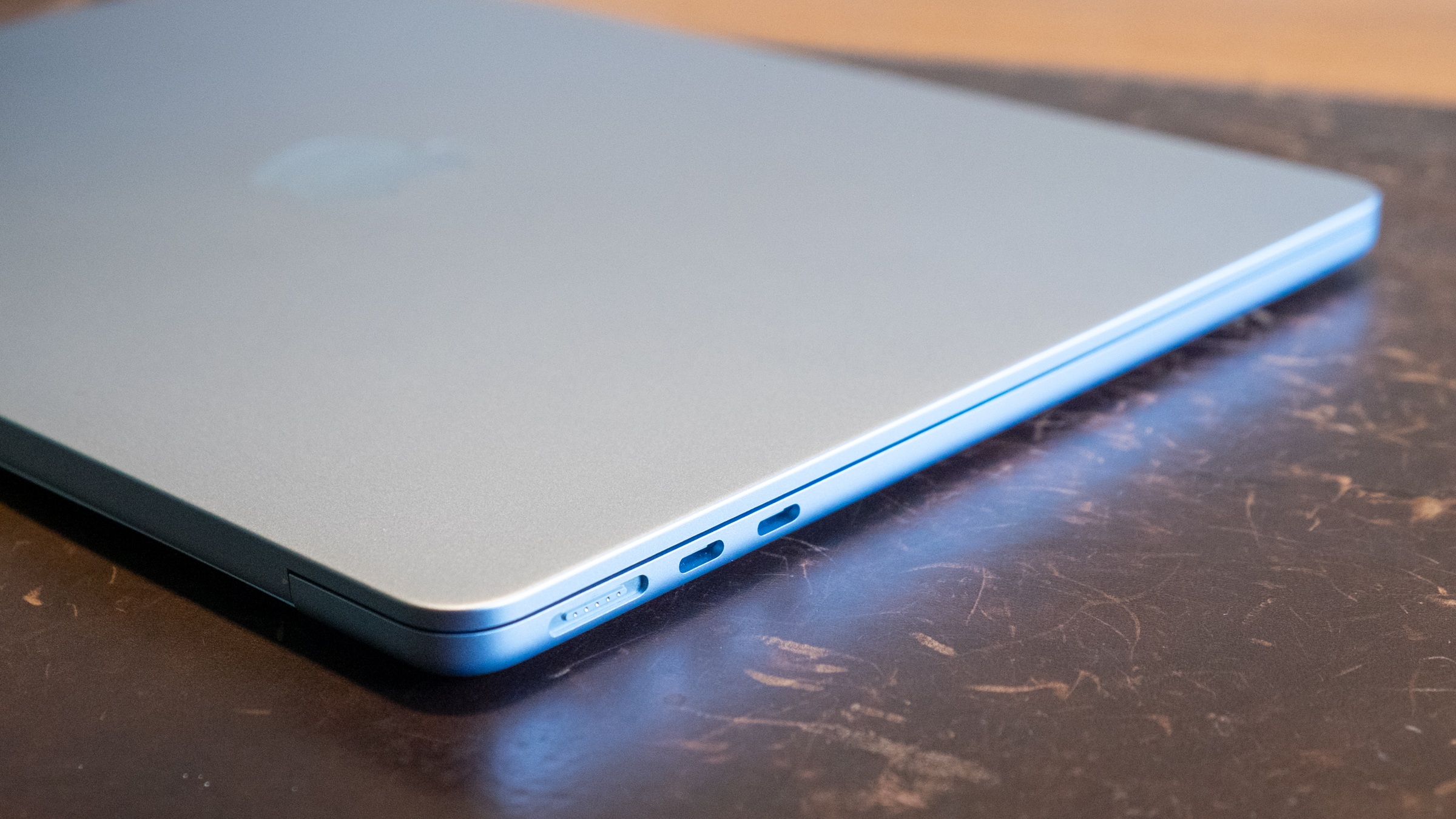
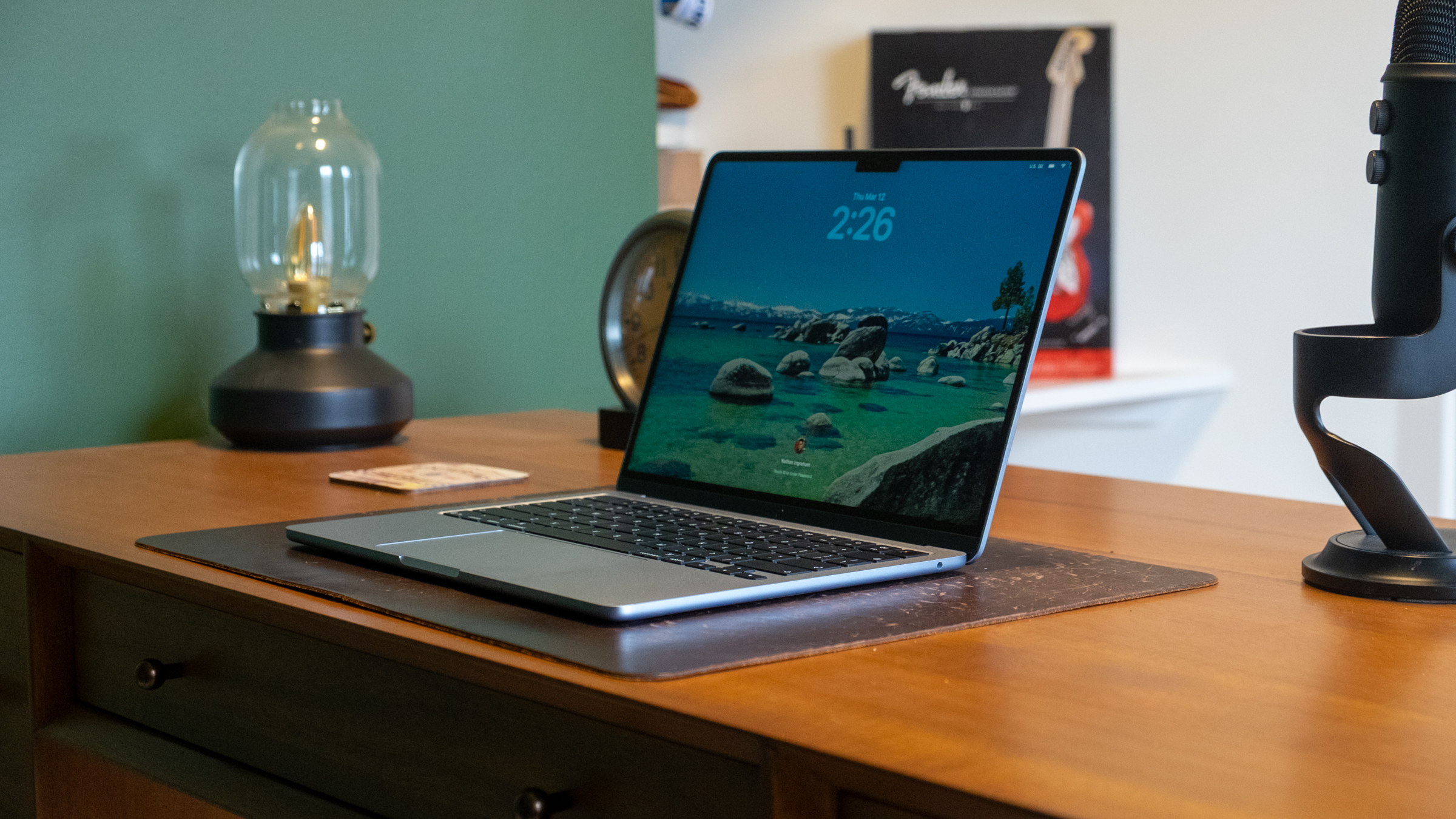
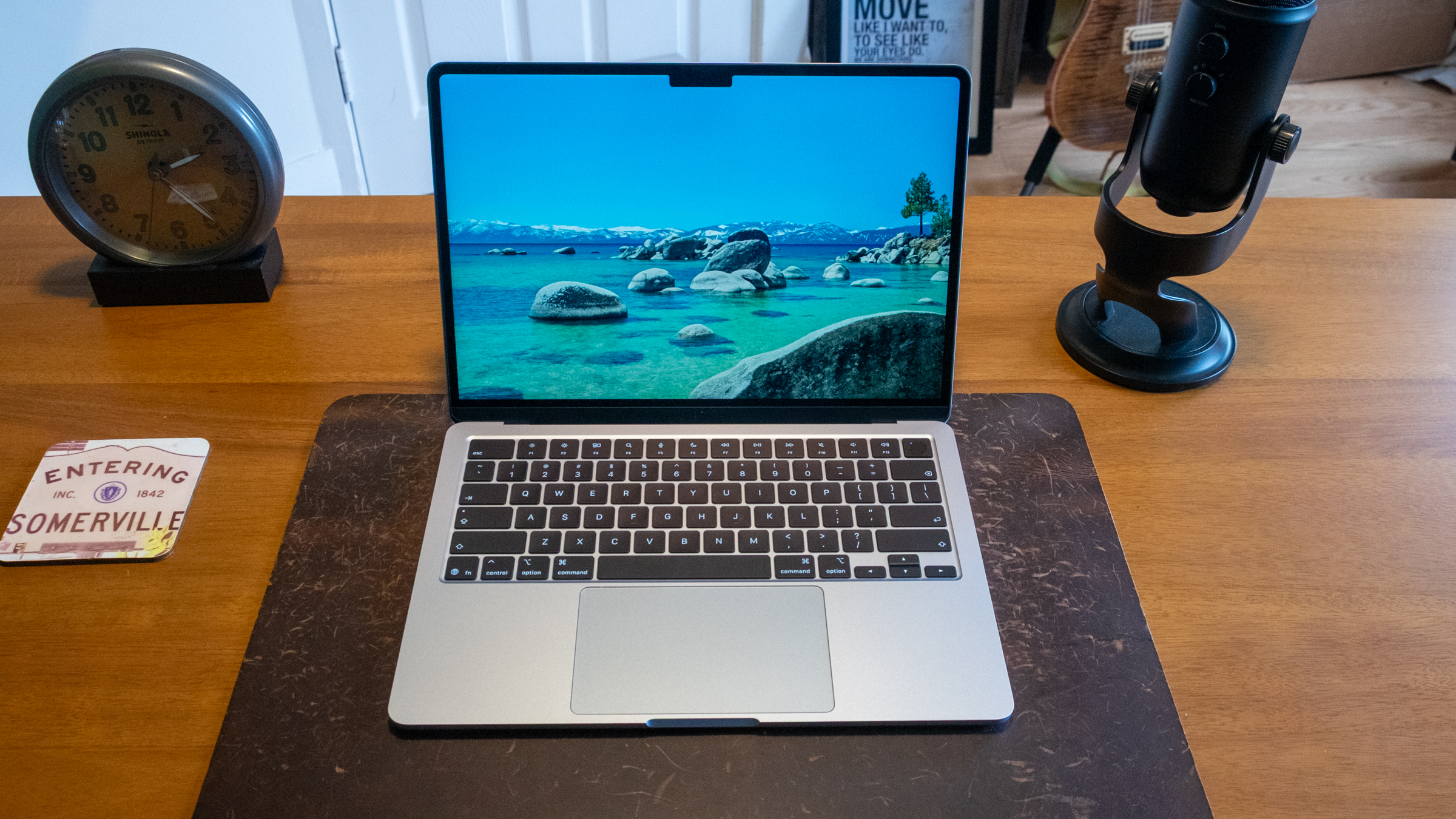
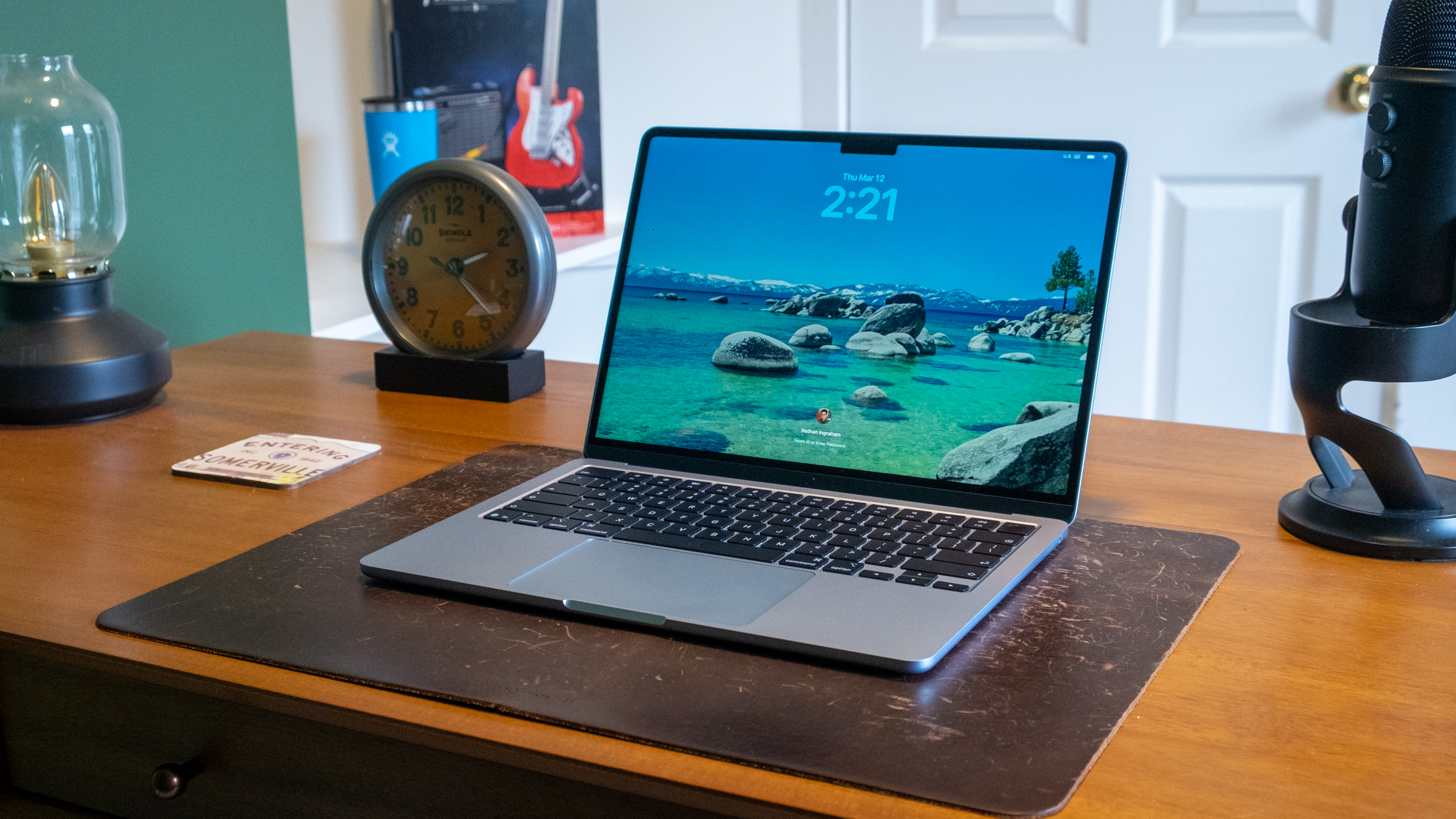
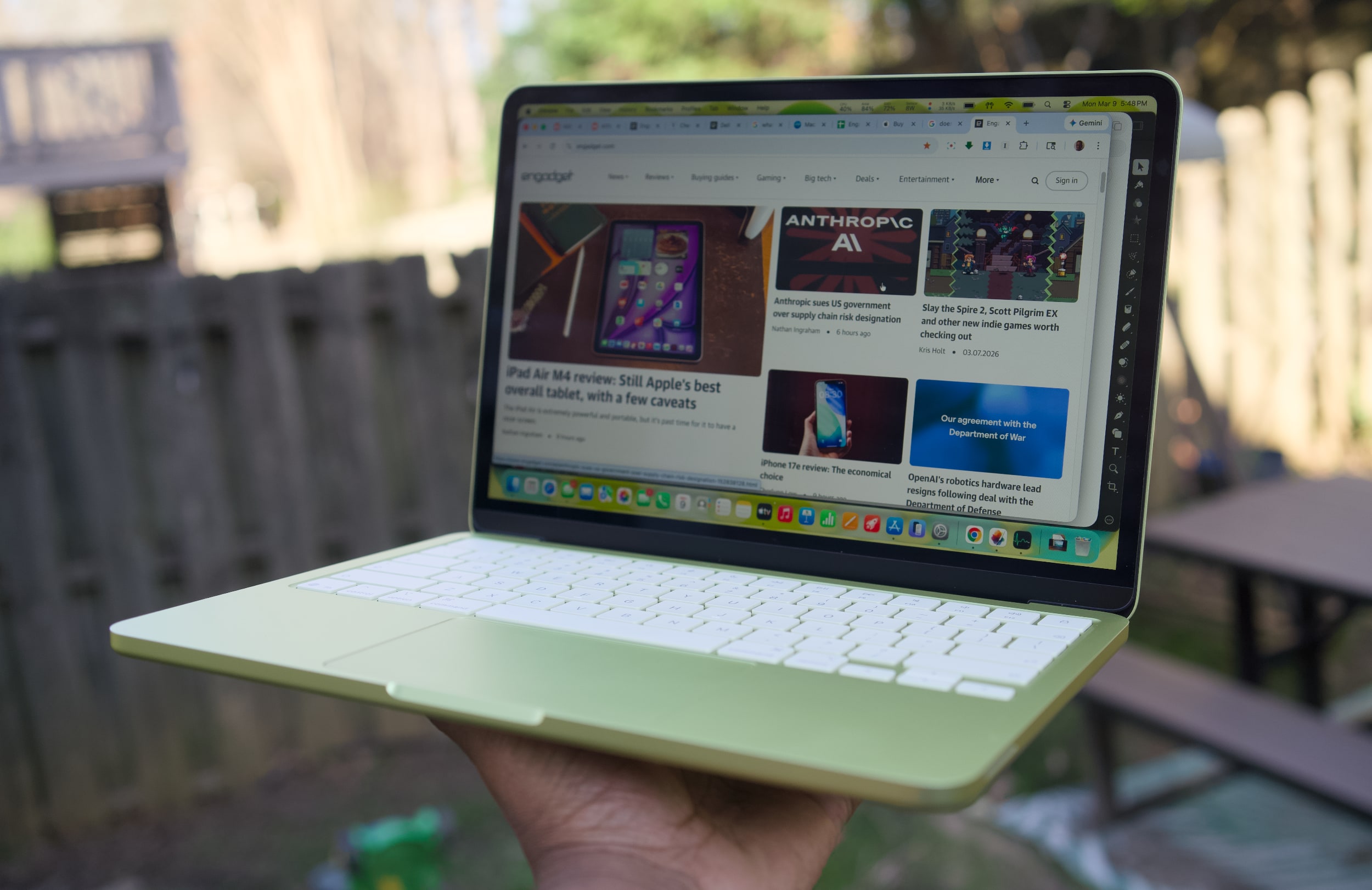
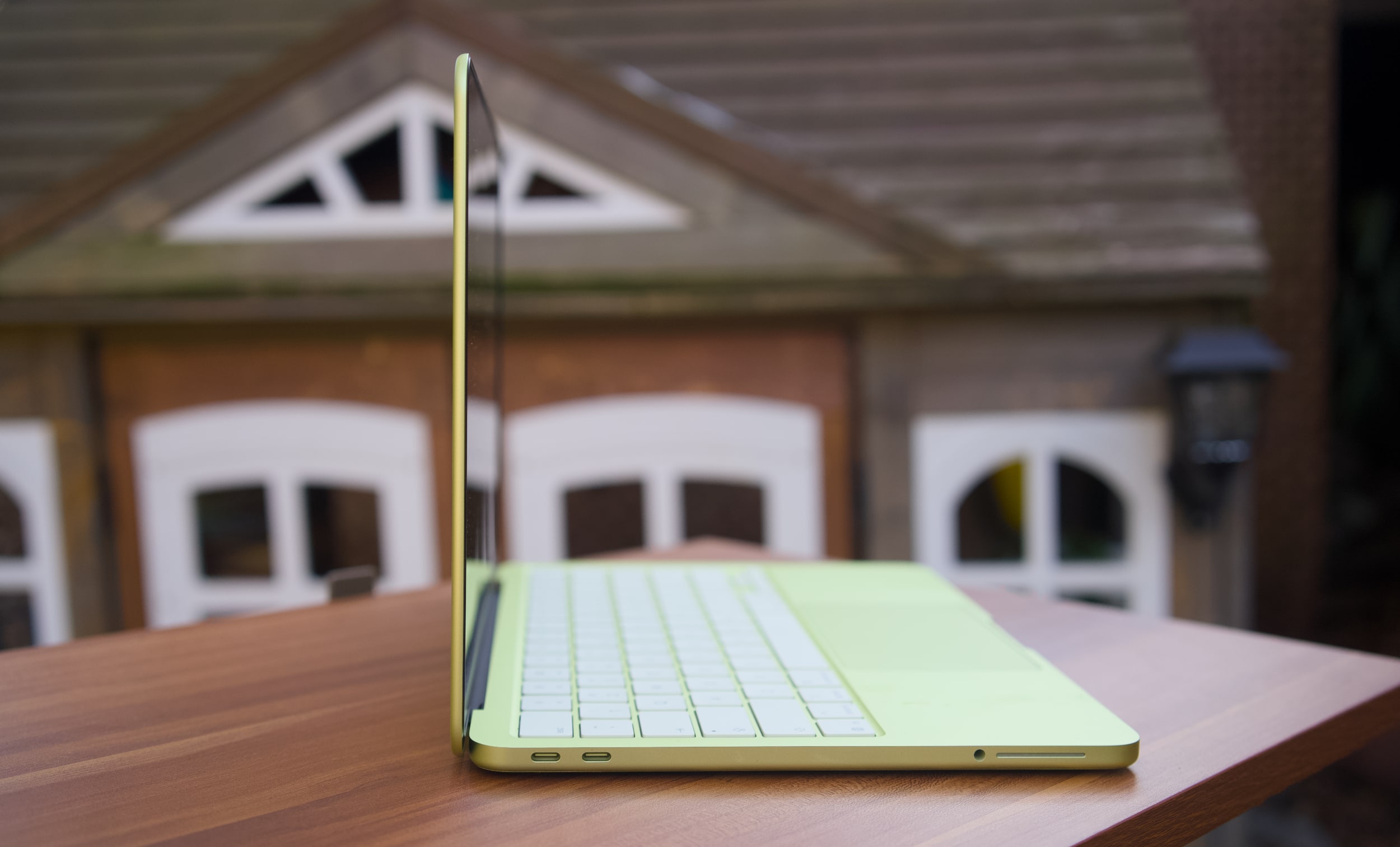
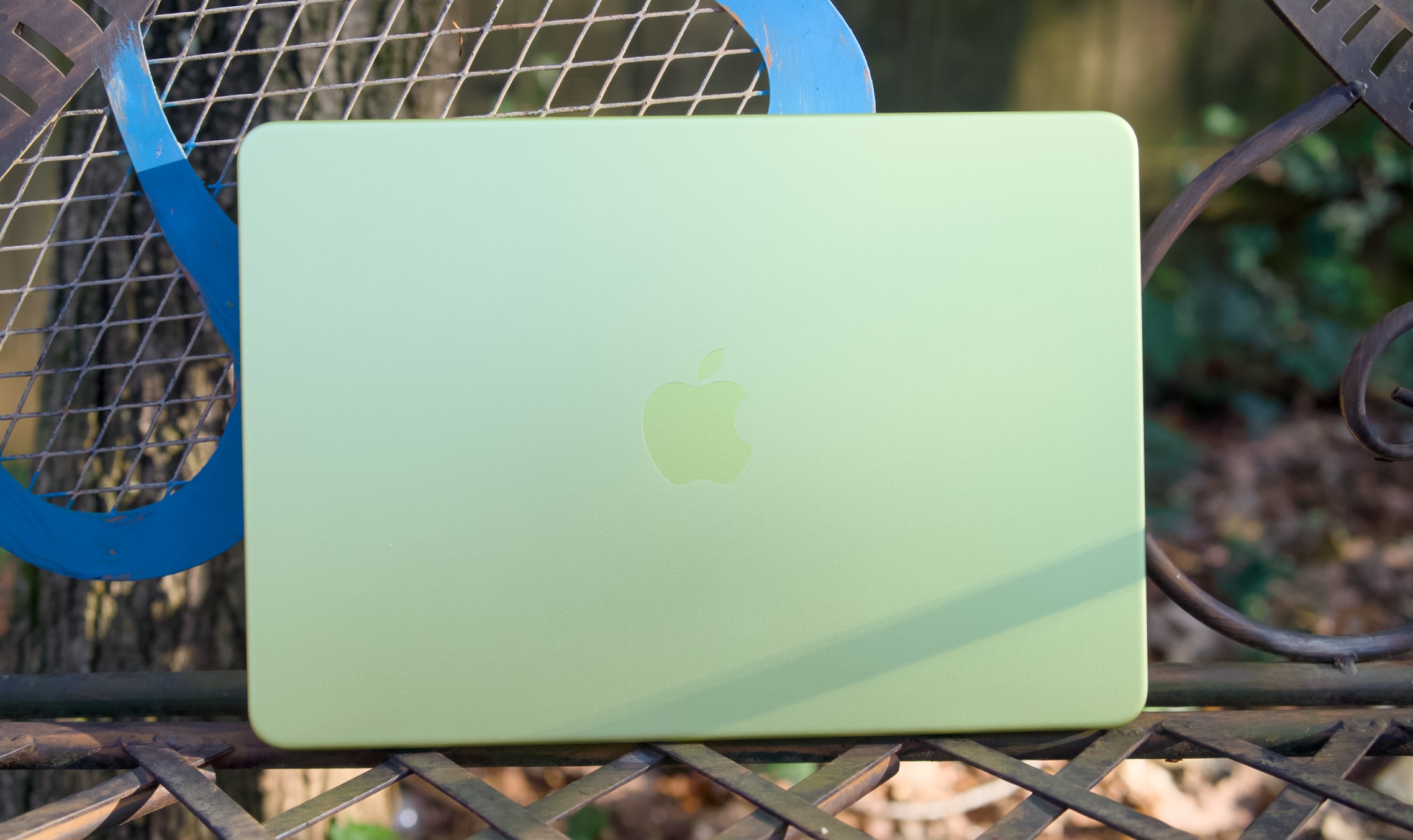
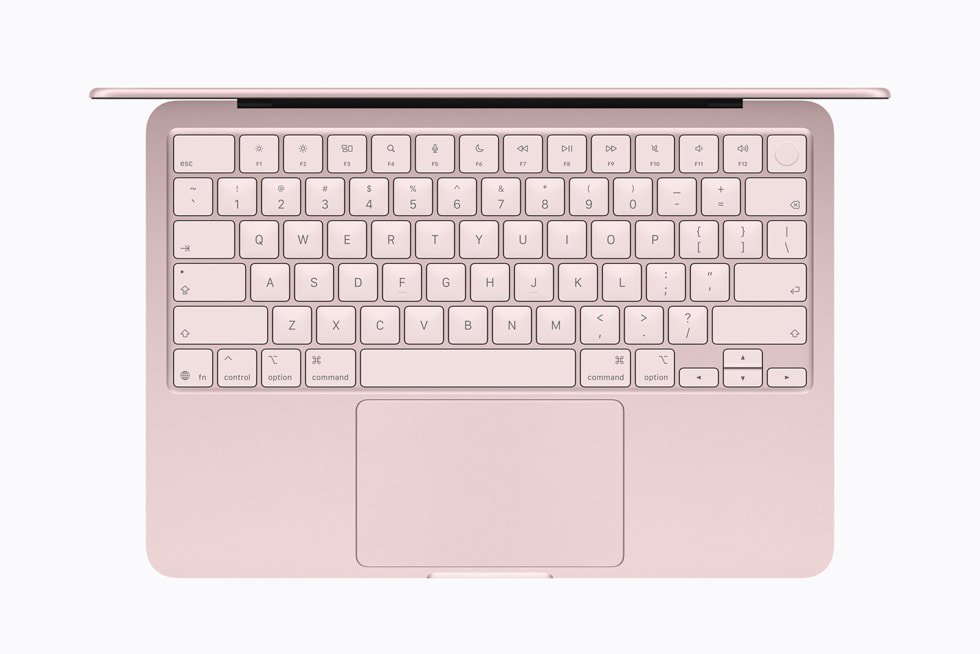
Apple has confirmed to Engadget that the Mac Pro, the desktop tower-shaped computer that was last updated in 2023, has been discontinued. As 9to5Mac notes, the computer no longer appears in the lineup of Macs on Apple's website or in its storefront. That means at least for now, the Mac Studio is the Apple's top-of-the-line professional computer.
The current version of the Mac Pro was introduced in 2019, with a distinct cheese-grater design, Intel chips and a bevy of easily-accessible expansion slots. Apple released the computer as a make-good for several years of inadequately meeting the performance needs of professional Mac users, but its uncontested time at the top of the company's lineup was short-lived. A year later in 2020, Apple began transitioning to its custom M-series Arm chips, proving Macs could be more powerful and power-efficient by abandoning Intel entirely.
Apple eventually updated the Mac Pro to the M2 Ultra without updating the computer's design, but by then the writing was on the wall. The far smaller Mac Studio, introduced in 2022, also supported the new chip, and it's been updated since then while the Mac Pro has languished. Bloomberg reported Apple was planning to retire the Mac Pro in November 2025, so it's not all that surprising the company quietly pulled the plug only a few months later.
Apple’s effort to cater to professionals, creatives and anyone with a chunk of change to drop on a fast computer lives on through the Mac Studio, and the recently announced Studio Display XDR, itself a replacement for the Pro Display XDR Apple announced for the 2019 Mac Pro. Now all the company needs to do is update the Mac Studio with an M5 Max chip to make it the most “pro” computer Apple offers.
Update, March 26, 6:25PM ET: Added confirmation from Apple that the Mac Pro has been discontinued.
This article originally appeared on Engadget at https://www.engadget.com/computing/apple-discontinues-the-mac-pro-221502339.html?src=rss
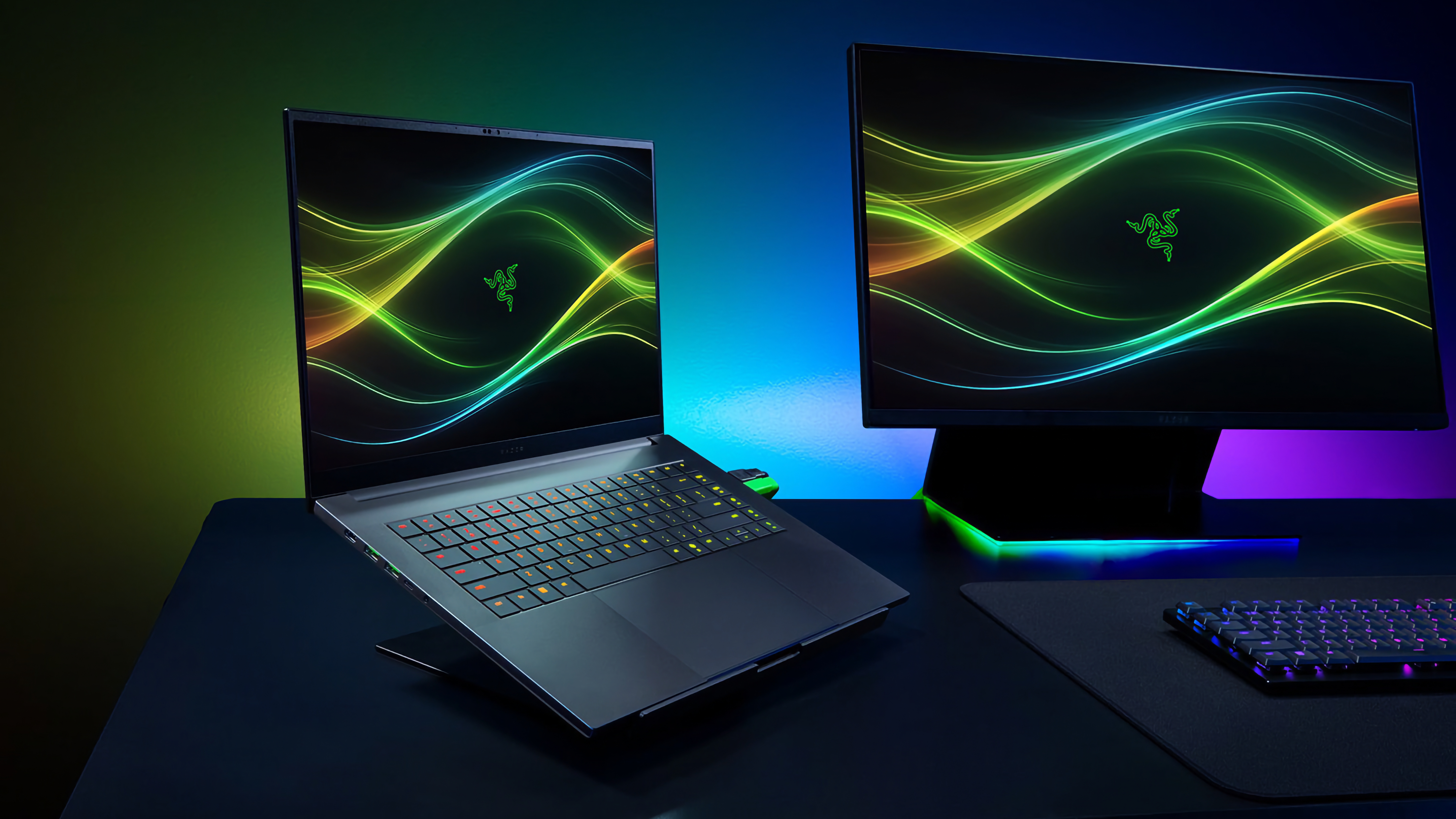
After leaning into some questionable AI antics at CES 2026, Razer is making some altogether more practical updates to its 16-inch laptop by giving it newer chips and faster RAM. The new Razer Blade 16 features Intel's new Core Ultra chips and speedy LPDDR5X-9600 MHz RAM, and is available to order today for $3,500.
The Razer Blade 16 is designed to split the difference between the portable Razer Blade 14 and the monstrous Razer Blade 18, mostly by being thin but offering improved performance. Razer says the 2026 Blade 16 is 0.59 inches (14.9mm) at its thinnest point, which matches the thinness of the 2025 Blade 16. The laptop also has a similar 16-inch QHD+, 240Hz OLED screen to last year's model, though the company says it's 100 nits brighter than before. Port selection also remains respectable: the laptop includes three USB 3.2 Gen 2 Type-A ports, a Thunderbolt 4 port, a Thunderbolt 5 port, a full-sized HDMI 2.1 port and a UHS-II SD card reader.
Razer
The real notable upgrade is Razer's switch from AMD Ryzen chips to new Intel Core Ultra 9 386H chips on the 2026 Razer Blade 16. The new Core Ultra chips are some of Intel's first processors made with its new 18A process and pitched as the company's comeback. Razer says the new chip es 16 cores and an integrated NPU that "provides up to 50 TOPS" for things like image generation and live translation, which the Razer Blade 16 supports natively as a Copilot+PC. The efficiency of the new chip also contributes to the laptop’s up to 15 hours of battery life. Of course, if you want power, the Razer Blade 16 has it: the laptop includes NVIDIA's GeForce RTX 50 Series Laptop GPUs and up to 64Gb of LPDDR5X-9600MHz RAM, which should give the Razer Blade 16 plenty of pep for games.
Hardware upgrades don't come cheap, and the higher $3,500 starting price of the Razer Blade 16 — which includes 32GB of RAM, 1TB of storage and a GeForce RTX 5080 GPU at a minimum — is likely reflective of the growing cost of memory and storage that's already negatively impacting the PC industry.
The Razer Blade 16 is available to purchase now through Razer’s website.
This article originally appeared on Engadget at https://www.engadget.com/computing/laptops/razers-new-blade-16-has-intels-latest-chips-and-ultra-fast-ram-185858799.html?src=rss
This generation of MacBook Pro might just be the last gasp of the 2021 remodel. It's still an incredibly powerful machine that's been honed to near-perfection, but if you're looking for something that feels truly new, it may be worth waiting several months.
It's not too surprising to see the M5 Pro and Max MacBook Pros be relatively low-key efforts. Apple launched the M5 14-inch MacBook last fall with a mere press release. But at least that model delivered a noticeable leap in graphics performance. The new M5 Pro and Max chips are a bit faster than before, but they don't really have any major features to call out. (Unless you're super excited about Neural Accelerators for AI work.)
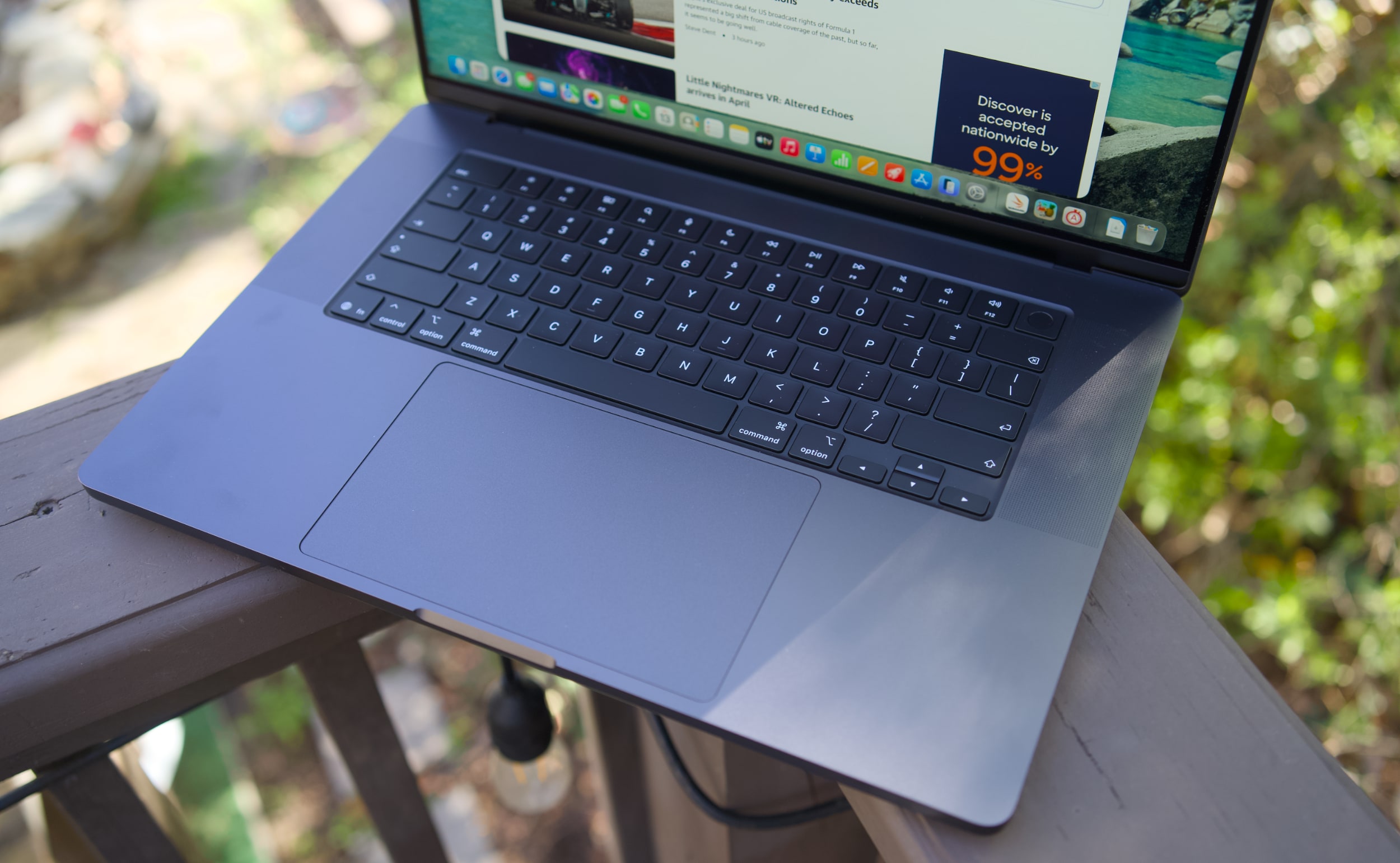
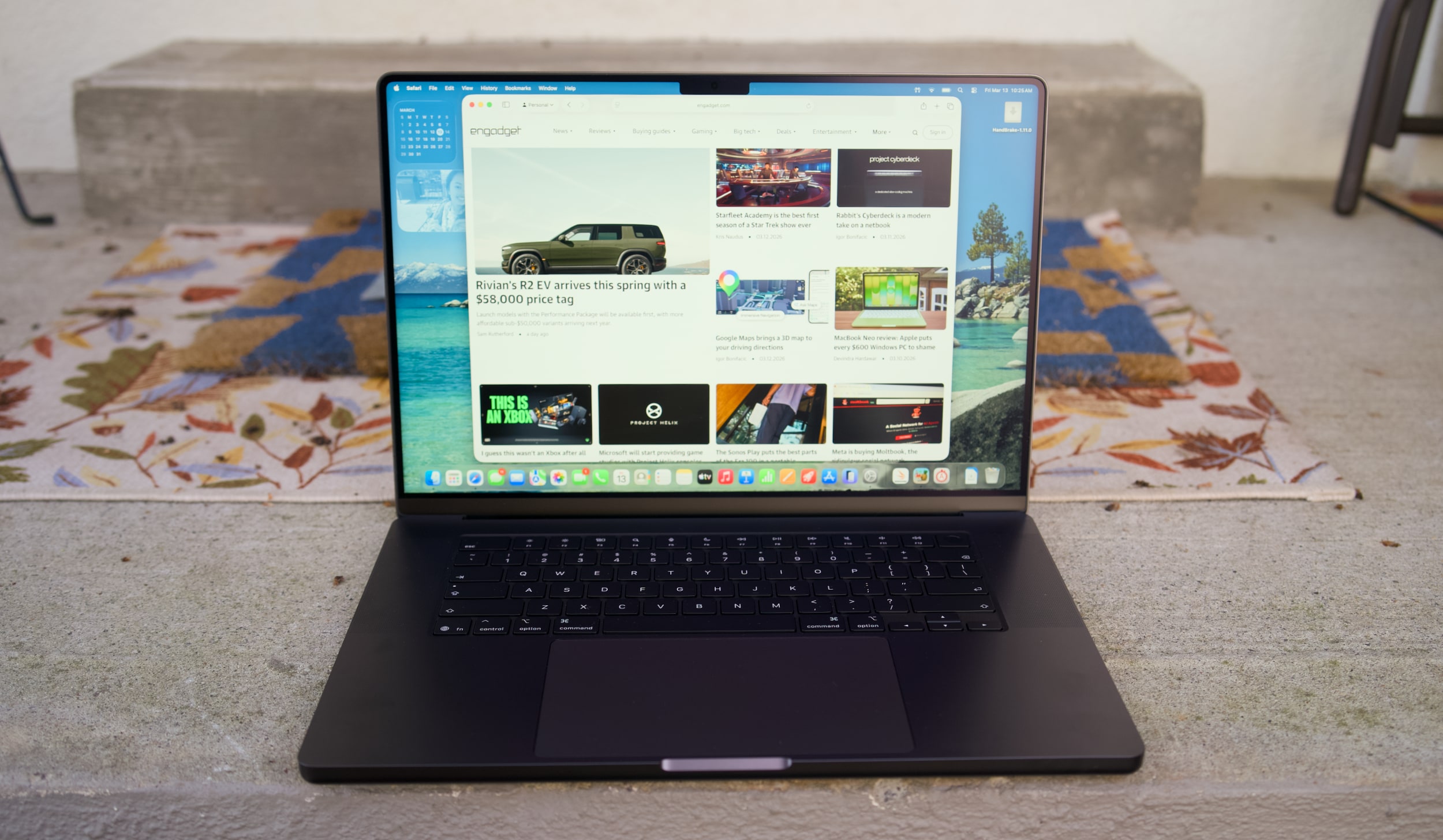
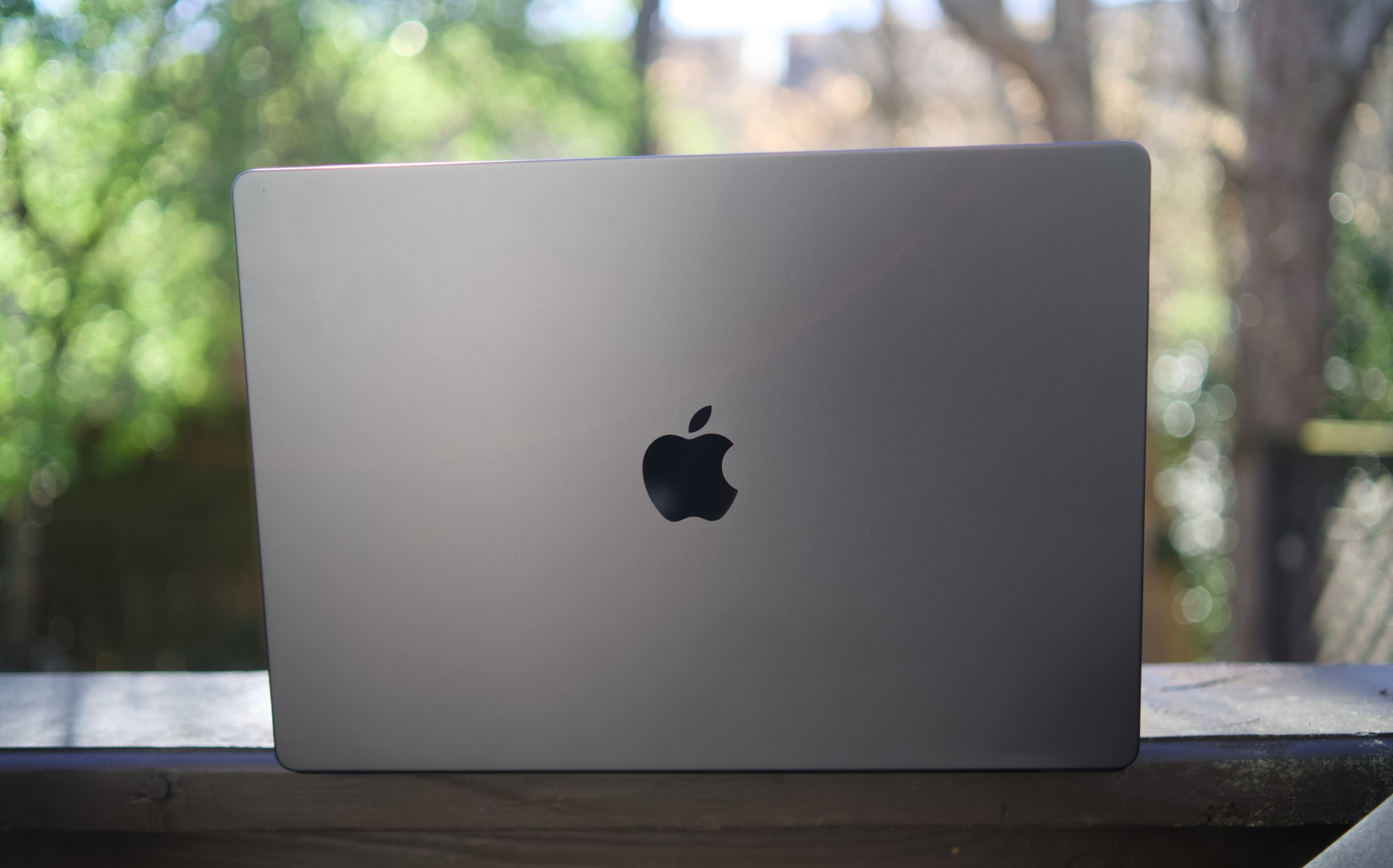
I don't want to sound like I'm complaining too much, though. The 16-inch M5 Max MacBook Pro I'm reviewing is still a gorgeous laptop, with an overall design that most premium Windows PC makers are still trying to copy. Apple's unibody metal frame design still feels rock solid. There's a generous amount of ports, including three Thunderbolt 5 USB-C connections, HDMI, a headphone jack and a SD card reader. Its 16-inch Liquid RetinaXDR screen also looks incredible, thanks to its bright Mini LED backlighting, and there's once again a nano-texture option to reduce glare.
What else could you want in a laptop? I suppose there's the lingering feeling that an OLED screen would look better, with sharper contrast and pure black levels. But you'd be hard pressed to find much else to complain about with the MacBook Pro's screen. I'm also intrigued to see how Apple implements a touchscreen interface alongside macOS in upcoming MacBook Pros, but I'll admit, I haven't really been compelled to touch this laptop's display much.
Touchscreens always seemed like a quixotic effort for laptops — they're nice to have, but Microsoft has been trying to shove them into PCs for 15 years now. The addition of touchscreens really didn't improve the overall Windows experience much. So I wasn't surprised to see Apple take its time bringing the technology to macOS — if you really want to swipe around screens, just get an iPad.
MacBook Pro 16-inch (2026, M5 Max) keyboard and trackpad
Devindra Hardawar for Engadget
But back to this MacBook Pro: I still love everything about Apple's current design. Sure, the keyboard could have a bit more depth, but it withstood my furious typing like a champ. (Unlike Dell's XPS 14, which tried so hard to be a MacBook Pro-killer.) And the MacBook Pro's glass touchpad is still one of the best I've ever seen in a laptop.
Our review unit was also equipped with 32GB of RAM, a 4TB SSD, a 40-core GPU and Apple’s $150 nano-texture display upgrade, bringing the total for this M5 Max system to a whopping $6,149. That may seem excessive to most consumers, but for creative professionals who actually need the power of the M5 Max chip, it’s not that unusual. You can also save over $1,000 by opting for the M5 Pro chip instead.
So what does the M5 Max bring to the party? Obviously, it's speedier than the M4 Max. Our review unit was 30 percent faster than the M4 Max-equipped MacBook Studio in the Geekbench 6 multi-threaded CPU benchmark. It's only 10 percent faster in Geekbench's single-threaded test, but that still gives Apple room to claim that it has the fastest chip core around. If you've got an M4 Max machine, you certainly don't need to dump it for this lineup. But if you've been hammering on an M1 Max or M2 Max system for years, you'll see some meaningful benefits from upgrading now.
Computer
Geekbench 6
Geekbench 6 GPU
Cinebench 2024
Apple MacBook Pro 16-inch (M5 Max, 2026)
4,338/ 29,261
145,309
192/2,150 | GPU: 22,374
Apple MacBook Pro 14-inch (M5, 2025)
4,310/18,003
48,840
197/1,034 | GPU: 6,143
Apple MacBook Pro 16-inch (M4 Pro, 2026)
3,925/22,456
70,197
178/1,689 GPU 9,295
Apple MacBook Pro 16-inch (M3 Max, 2024)
3,202/21,312
92,344
143/1,686 GPU 13,182
Apple says this new line of MacBook Pros also feature its latest SSD technology, which is up to twice as fast as before. Our review unit reached 13.8 GB/s write speeds and 13 GB/s read speeds in the ATTO disk speed test, whereas previous MacBook Pros hovered around 6 GB/s for read/write speeds. If you're working with huge data files every day, you'll likely notice the difference. Another benefit to the new hardware? Apple is now equipping every MacBook Pro with 1TB of storage by default.
All of the M5 chips feature faster GPUs than before, but that's less noticeable on the M5 Max. I've never had trouble running a high-end game like Lies of P on the M2, M3 or M4 Max hardware, and once again it still runs incredibly well with the M5 Max in its native resolution, and with all of the graphics settings cranked up. All I'm looking for is a smooth 60 fps frame rate, and the MacBook Pros have delivered on that for years. macOS isn't the sort of platform where you'll be playing many high fps games, but the MacBook Pro's 120Hz refresh rate is equipped to handle them.
MacBook Pro 16-inch (2026, M5 Max) on a doorstep.
Devindra Hardawar for Engadget
Beyond raw performance, the MacBook Pro continues to be a joy to use. Its screen is gloriously bright, and its smooth refresh rate makes scrolling through documents and websites easy on the eyes. Its six-speaker setup remains the best audio experience I've ever heard on a laptop, allowing for crisp, detailed and surprisingly dynamic bass. When I'm too lazy to cast music to my Sonos speakers, I can still have a decent jam session on the MacBook Pro's built-in setup.
It's hard to improve much on the 30 hours and 16 minutes of battery life we saw on last year's 16-inch MacBook Pro, but the M5 Max model managed to beat that by 30 minutes. Realistically, it means you can likely use the MacBook Pro for a few days without needing to recharge, assuming you're not doing heavy-duty work the entire time.
MacBook Pro 16-inch (2026, M5 Max)
Devindra Hardawar for Engadget
You don't need me to sell you on the MacBook Pro; all you need to know is that the M5 Max actually delivers. Given how well the standard M5 14-inch MacBook Pro performed, I'd also expect a decent speed bump from the M5 Pro model. The only downside to the M5 systems is that they'll feel out of date quickly if the rumored OLED and touchscreen models arrive later this year. But if you need the best performance now, it's hard to go wrong with any MacBook Pro.
This article originally appeared on Engadget at https://www.engadget.com/computing/laptops/macbook-pro-m5-max-16-inch-review-still-the-pinnacle-120000325.html?src=rss
Apple's cheapest laptop is also its most repairable. iFixit gave the new MacBook Neo a 6/10 repairability score. Although that number would only be mediocre for, say, a game review or final exam grade, it's the MacBook line's highest iFixit score in about 14 years.
As always, iFixit goes into great detail about the product's repairability, but a few points stand out. First, the MacBook Neo's battery is screwed down rather than glued — moving it from "this might burn the house down" to "routine repair" territory. The laptop also has a flat disassembly tree. That means its battery, speakers, ports and trackpad are all immediately accessible after opening the back case.
In other areas, a simplified antenna assembly helps the screen come away cleanly. Keyboard repair is still a bit tedious (41 screws and tape), but at least it isn't riveted to the top case like on other models. (The screwed-not-glued battery helps here, too.) Apple's decision to forego a Force Touch trackpad and return to a mechanical style improves repairability as well. And in a nice touch, all the machine's Torx Plus screw sizes are clearly labeled inside the case.
Apple
Several other encouraging signs carry over from recent MacBooks. iFixit found that Apple's Repair Assistant accepted all replacement parts it tried without a fuss. And its USB-C ports and headphone jack are modular, so replacing either doesn't "turn into logic board work."
Not everything is peachy. As expected, the Neo still has soldered RAM and storage, so there's no upgrade path there. iFixit describes Apple's pentalobe screws on the bottom case as an "annoying" choice. And while the device's speakers are easy to remove, they, well, just aren't very good. (Had to cut that cost somewhere.)
While iFixit describes the Neo's repairability as "a real comeback," it's premature to assume higher-end MacBooks will follow suit. After all, with this $599 device ($499 for schools), Apple is targeting the educational sector, where repairability could mean more bulk orders. Until Apple is convinced that the MacBook Air or Pro would sell better with similar serviceability, this kind of score may be limited to the budget model.
This article originally appeared on Engadget at https://www.engadget.com/computing/laptops/the-macbook-neo-is-apples-most-repairable-laptop-200923202.html?src=rss
Parallels, the company best known for making the virtualization software that enables you to run Windows and other operating systems on a Mac, has confirmed that Parallels Desktop is compatible with the MacBook Neo.
At launch it was unclear if Apple's new $600 laptop possessed the under-the-hood heft to run Windows apps, but in a recently updated post on its website, Parallels said that initial tests show its software running "stably," although performance is still being assessed.
The MacBook Neo uses an A18 Pro chip, which debuted in the iPhone 16 Pro. However, as this chip is based on the same ARM architecture as M-series chips for Mac, it’s still capable of running Parallels’ Windows virtual machine.
But there is a caveat to all this. Just because you can do something, it doesn’t necessarily mean you should. While Parallels Desktop could theoretically be a viable option for Neo owners who are only interested in light Windows use, anything that puts a significant strain on the CPU or GPU is going to present a problem.
This is because the MacBook Neo only ships with 8GB of RAM, and as Parallels highlights, Windows 11 requires a minimum of 4GB of RAM to run. That leaves a very small amount of remaining headroom for macOS and your Mac apps to run alongside Windows, which is going to noticeably hurt the laptop’s performance. Add to that the lack of a cooling fan, meaning the chip will reduce clock speeds when it detects a heavy CPU or GPU load, and this definitely isn’t a device for power users.
If you really want to dabble with Windows on a Mac, Parallels recommends picking up an Apple laptop with 16GB of unified memory or more, like the new MacBook Air M5 or a MacBook Pro. And for those content with macOS and looking to save some money, we dubbed the MacBook Neo the best $600 laptop we’ve ever used in our recently published review.
This article originally appeared on Engadget at https://www.engadget.com/computing/laptops/parallels-desktop-creators-say-macbook-neo-does-indeed-have-enough-muscle-to-run-windows-apps-164525546.html?src=rss
Inevitably, the more you use something — your Mac included — the more dirty and cluttered it’s likely to become. At that point, you can buy a new machine, but the more economical move is to make what you have already work better. To help your computer feel new, or at least a little cleaner and less chaotic, we put together this guide with techniques and useful apps that have helped us maintain a more organized computer. I’ve been using these tips since before I first published this guide in 2021, and they’ve helped keep my 2018 MacBook Air looking and running (almost) like brand new.
How to clean your Mac’s screen and body
While there are many products out there from manufacturers claiming their one does it best, my advice is to keep things simple. It’s also the one Apple recommends. To start, you will need some water in a spray bottle and a clean microfiber cloth. You can use regular water from the tap but I've found distilled water works best; it’s far less likely to leave residue behind on your Mac, particularly on the display. You can buy distilled water at a grocery store or make it yourself with some simple cookware. Either way, it’s more affordable than dedicated cleaning solutions. If you don’t already own any microfiber towels, Amazon sells affordable 24-packs you can get for about $10.
One other product I would recommend is a Giottos Rocket Blower. I can’t say enough good things about this little tool. It will save you from buying expensive and wasteful cans of compressed air.
As for the actual process of cleaning your Mac, remember to start with a clean cloth (that’s part of the reason we recommend buying them in bulk). You’ll save yourself time and frustration this way. Begin by turning off your computer and unplugging it. If you bought a Rocket Blower, use it now to remove any dust. If not, take a dry microfiber cloth and go over your computer. Take special care around the keys, particularly if you own an older Mac with a butterfly keyboard.
Next, dampen one side of your cleaning cloth with water. Never spray any liquid directly on your computer. You’ll have more control this way and you’ll avoid getting any moisture into your Mac’s internals. I always clean the display first since the last thing I want to do is create more work for myself by transferring dirt from some other part of my computer to the screen.
The last step is to buff and polish your computer with the dry side of the cloth. Be gentle here as you don’t want to scratch the screen or any other part of. That’s it. Your Mac should be looking clean again.
How to organize your hard drive
Igor Bonifacic / Engadget
One of the trickiest parts of cleaning your Mac’s hard drive is knowing where to start; most of us have apps on our computers we don’t even remember installing in the first place. Thankfully, macOS comes with a tool to help you with that exact issue.
Navigate to System Settings > General > Storage. Here you’ll find a tool that separates your storage into broad categories like "Applications," "Documents," "Music," "Photos" and so on. Either double-click on an item in the list or click the circled i icon to see the last time you used an app and how much space it’s taking up. You can delete the apps from the same window.
The applications section is particularly helpful since you can see the last time you used a program, as well as if it’s no longer supported by the operating system or if it’s outdated thanks to a more recent release.
You don’t need me to tell you to uninstall programs you don’t use, but what you might not know is that there’s a better way to erase them than simply dragging them to the trash can. A free program called AppCleaner will help you track down any files and folders that would get left behind if you were just to delete an application.
Igor Bonifacic / Engadget
After deleting any apps you don’t need, move to the Documents section. The name is somewhat misleading here since you’ll find more than just text files and Keynote spreadsheets. In this case, documents turns out to be the tool’s catch-all term for a variety of files, including ones that take up a large amount of space. You can also safely delete any DMGs (disc image files with the extension .dmg) for which you’ve installed the related app.
The other sections in the storage space are self-explanatory. The only other thing I’ll mention is if you’ve been using an iPhone for a while, there’s a good chance you’ll have old iOS backups stored on your computer. You can safely delete those, too.
Tips and tricks for keeping a neat Desktop and Finder
Igor Bonifacic
Let’s start with the menu bar. It may not technically be part of the desktop, but a tidy one can go a long way toward making everything else look less cluttered. My recommendation here is to download an app called Bartender. At first glance, it’s a simple program allowing you to hide unwanted menu bar items behind a three-dots icon, but the strength of Bartender is that you get a lot of customization options. For example, you can set a trigger that will automatically move the battery status icon out from hiding when your computer isn’t connected to a power outlet.
While we’re on the subject of the menu bar, take a second to navigate to System Settings > General > Login Items & Extensions and look at all the apps that launch when you boot up your system. You can speed up your system by paring down this list to only the programs you use frequently.
When it comes to the desktop itself, less is more. Nothing will make your computer look like a cluttered mess more than a busy desktop. Folders and stacks can help, but for most people, I suspect part of the problem is they use their desktop as a way to quickly and easily find files that are important to them.
If you’ve ever struggled to find a specific file or folder on your computer, try using your Mac’s tagging capabilities instead. Start by opening the Finder Settings menu (Command + ,) and click the Tags tab. You can use the default ones provided by macOS or make your own. Drag the ones you think you’ll use most often to the favorites areas at the bottom of the preferences window. This will make it so that they’re easily accessible when you want to use them. To append a tag to a file or folder, click on it while holding the ctrl key and select the one you want from the dropdown menu. You can also tag a file while working on it within an app. Keep in mind you can apply multiple tags to a single file or folder, and you can even apply them to applications.
Igor Bonifacic / Engadget
What makes tags so useful in macOS is that they can appear in the sidebar of the Finder window, and are easily searchable either directly with Finder or using Siri. As long as you have a system for organizing your files, even a simple one, you’ll find it easier to keep track of them. As one example, I like to apply an Engadget tag to any files related to my work. I’ll add an “Important” tag if it’s something that’s critical and I want to find quickly.
One tool that can help supercharge your Finder experience is Alfred. It’s effectively a more powerful version of Apple’s Spotlight feature. Among other things, you can use Alfred to find and launch apps quickly. There’s a bit of a learning curve, but once you get a hang of it, Alfred will change how you use your Mac for the better.
How to organize your windows and tabs
Igor Bonifacic / Engadget
If you’ve used both macOS and Windows 10, you’ll know that Apple’s operating system doesn’t come with the best window management tools. You can click and hold on the green full-screen button to tile a window to either the left or right side of your screen, but that’s about it and the feature has always felt less precise than its Windows counterpart.
My suggestion is to download an app that replicates Windows 10’s snapping feature. You have several competing options that more or less offer the same functionality. My go-to is a $5 program called Magnet. If you want a free alternative, check out Rectangle. Another option is BetterSnapTool, which offers more functionality than Magnet but doesn’t have as clean of an interface. All three apps give you far more ways to configure your windows than what you get through the built-in tool in macOS. They also come with shortcut support, which means you can quickly set up your windows and get to work.
This article originally appeared on Engadget at https://www.engadget.com/computing/how-to-clean-your-mac-macbook-cleaning-supplies-digital-organization-153007592.html?src=rss
It’s hard to believe that it’s been almost four years since Apple gave the MacBook Air a serious glow-up. The 2022 model was a total redesign that bumped its performance with the M2 chip and also improved a number of key components. It was also the first MacBook Air to drop the signature tapered design, and Apple added a 15-inch model one year later to boot. Since then, Apple’s primarily focused on making sure it has a new chip every year — we’re already up to the M5, if you can believe it.
As such, the latest MacBook Air is an expected update that doesn’t change the game. Not that it needed changing: it’s been our favorite ultraportable laptop for years now. But the Air’s place in Apple’s lineup has changed with the simultaneous introduction of the $599 MacBook Neo. And unfortunately, Apple didn’t keep the $999 price that last year’s M4 MacBook Air hit; it’s back up to $1,099, the same price as the M2 and M3 models. Now that there’s the new, inexpensive MacBook Neo out there, who is the MacBook Air for? While I haven’t used the Neo yet, I’m pretty comfortable answering that question: it’s still for almost anyone.
The essentials haven’t changed
While the latest MacBook Air is physically unchanged from its 2022 revision, I don’t have a problem with that. I find the Air to be the Platonic ideal of a laptop that most people will be hard-pressed to find issues with. The 13.6-inch (or 15.3-inch, if you opt for the bigger size) display isn’t the most cutting edge screen out there, but it’s still sharp, bright and colorful. It’s stuck at a 60Hz refresh rate at a time when many PC manufacturers are using faster screens, but for the Air’s audience I don’t think that’s a problem. I may be miffed that the iPad Air similarly only has a pedestrian 60Hz refresh rate — but I think it’s less crucial on a Mac, where you’re not literally touching the screen (at least for now).
Other minor quibbles include the fact that Apple still hasn’t put a USB-C port on the right side of the computer in addition to those on the left, and the screen notch is still weird if you focus on it too much. But other than that, I can’t really come up with any issues here. At 2.7 pounds, the Air isn’t the lightest laptop out there, but I’ll take the extremely solid feel of the unibody aluminum case over a lighter and possibly flimsier plastic.
MacBook Air M5
Nathan Ingraham for Engadget
The keyboard and trackpad remain delightful, as well. My main laptop is a 14-inch MacBook Pro, and I can perceive the Air’s comparatively thinner case when typing on it. It’s not bad at all, it just feels slightly different. But after a short adjustment period, I really didn’t think about it and typed away without a care in the world. It’s baffling to me that a company that made a keyboard this good also made the horrific butterfly keyboards of yore, but fortunately that era is far in the past. The haptic-powered trackpad is huge, smooth and responsive, just like the ones on all other recent Mac laptops. Altogether, the input experience is great, and I rarely find myself really feeling like I need an external keyboard or mouse. I know people have strong feelings about that, so do as you wish, but it’s not really something I think about anymore.
The MacBook Air’s speakers and webcam are also still excellent. Last year, Apple upgraded the 1080p webcam in the Air to a 12-megapixel Center Stage model that can follow your movements to keep you in frame or switch to a “desk view” that shows a top-down viewpoint of the area in front of the laptop. The old 1080p webcam was already pretty solid, and while this one doesn’t magically repair your wrinkles, it’s definitely more versatile and detailed. The speakers, meanwhile, remain one of those things that Apple has absolutely nailed with this generation of its laptops. They’re relatively loud and well-balanced, providing far better sound than I’d expect from such a thin enclosure.
MacBook Air M5
Nathan Ingraham for Engadget
Enough power to last for years
All of this is well-known, though. The big change this year is the M5 chip, which has been available for a while already in the MacBook Pro and iPad Pro. So, we have a good idea of what to expect here as well. I’m testing the 13-inch model with 16GB of RAM and 1TB of storage that costs $1,299. It’s hard to perceive a difference between the M5 and last year’s M4 in my normal routine (dozens of tabs, Slack, Lightroom, Apple Music streaming and a bunch of lightweight apps like Bear notes, Todoist and so on). And based on my history with Apple’s M-series chips, the M5 will be a great performer for years to come. My work-issued MacBook Pro with an M1 Pro chip still runs like a champ almost five years after it was released, for example.
That said, users who do more than the basics with their laptop and have one with a chip older than 2022’s M2 will likely find the M5 Air to be a nice upgrade. Geekbench 6 benchmarks show the M5 is 11 percent and 17 percent faster than the M4 Air in single-core and multi-core tests (both with 16GB of RAM and 1TB SSDs). There were bigger GPU gains this year, with the M5 scoring 31 percent higher than the M4.
Few people out there are likely looking to upgrade from an M4 Air. But the M5 could be a noteworthy upgrade from the M3, depending of course on your workload. The M5 is 31 percent and 43 percent faster than the M3 in single- and multi-core testing. And the GPU is a whopping 56 percent faster as well. If you’re interested in doing things like video editing, music creation, gaming or AI tasks, you’ll definitely appreciate these performance gains.
MacBook Air M5
Nathan Ingraham for Engadget
Finally, these benchmarks illustrate the gap between the MacBook Neo and the Air. The M5 is about 24 percent faster than the A18 Pro in the single-core test, but it demolishes the Neo’s chip in multi-core (105 percent) and GPU (144 percent) performance. This just reiterates what we already know — the Neo is best-suited for basic tasks, while the Air should have more than enough power until you get into more specialized use cases.
And while no one will mistake the MacBook Air for a gaming laptop, Apple has had increasing success at getting developers to bring big titles to the Mac. Games like Assassin’s Creed Shadows, Cyberpunk 2077, Lies of P, Control and Resident Evil Village, along with indies like Neva, Stray and Balatro, are available here. That’s not to mention the many quality games worth checking out on Apple Arcade. All this is to say that Macs may still not be the premiere gaming platform, but people who don’t have access to a PlayStation, Xbox or more powerful gaming PC can still try a lot of great games on the platform.
Thanks to the M5, these games play pretty well to boot. I tried Cyberpunk 2077, one of the more notoriously demanding games out there, and had a stutter-free experience. Most graphically intense Mac games default to a “for this Mac” setting so you don’t really need to worry about optimizing settings. Cyberpunk 2077 stayed pretty well locked at 30 fps in my experience — obviously not as good as what you’ll get on a high-end PC or PlayStation 5, but I never felt like I was having a degraded experience. It was smooth, responsive and looked gorgeous. Getting that kind of performance from an ultraportable like the MacBook Air is hard to complain about.
Finally, battery life was close to Apple’s expectations. The company promises 18 hours of streaming video playback or 15 hours of web browsing. In my test, I looped a locally-stored 4K video file with my screen at half brightness and got… exactly 18 hours of playback before the laptop died. I’m sure it would have been less if I was streaming the video, but still. Under my usual working conditions running a variety of apps, I got more in the 10-hour range, which is more than good enough for me.
MacBook Air M5
Nathan Ingraham for Engadget
Wrap-up
Even with the MacBook Neo showing its chops despite its relatively humble hardware, I think the MacBook Air is by far the best Apple laptop for most people. Sure, Apple’s continued insistence on limiting screens with higher refresh rates to its most expensive hardware is increasingly frustrating. But other than that, the MacBook Air punches above its weight in just about every aspect — particularly when it comes to performance. The M5 is extremely powerful now and should make this year’s Air a useful computer for five years or even longer, depending on what you do with it. The MacBook Air is so mature and well-engineered at this point that it’s not the most exciting thing to review. But if you use one for a bit, it’s easy to appreciate just how good of a laptop it is.
This article originally appeared on Engadget at https://www.engadget.com/computing/laptops/macbook-air-m5-review-same-but-faster-120000685.html?src=rss
I really don't know how Apple did it. The MacBook Neo is a $600 laptop that doesn't feel like an afterthought, which is a curse that has befallen so many cheap Windows notebooks. Sure, it has a slower A-series processor and it's limited to 8GB of RAM. But the MacBook Neo still feels as deeply considered as Apple's most premium hardware. Its screen, trackpad and overall usability is so far ahead of the competition, every Windows PC maker, including Microsoft, should be ashamed.
I've argued that a cheap MacBook could be the best for Apple to peel away Windows users, and after spending almost a week with the Neo, I'm convinced it will do just that. It's just fast enough to handle basic productivity work. It's sturdy enough to be tortured by kids in classrooms. And you really can't beat its $599 starting price. Once Windows users learn it's not that hard to switch to macOS, Apple will likely have another hit on its hands.
What's so Neo about this MacBook?
I'll admit, I laughed at the MacBook Neo's name at first. It really does feel like a desperately hip name ASUS or Acer would slap onto their machines (in fact, Acer is doing so right now), rather than something Apple would even consider. But the Neo name is more than just a dated reference to the Matrix — it's also a clear signal that this is a new type of MacBook. It's the first one Apple has ever been able to sell so cheaply. It's the first one powered by a mobile A-series chip. And for many people, it will likely end up being their first Mac.
The MacBook Neo also marks the first time Apple has built a value-focused notebook under $1,000. The adorable handle-equipped iBook G3 looked like a system geared towards kids, but it launched at $1,599 in 1999. The original MacBook Air, which Steve Jobs revealed by pulling it out of a manilla envelope, sold for $1,799 in 2008. MacBooks only got semi-affordable when Apple dropped the Air's entry price to $999 in 2014. (The starting price has bounced between $999 and $1,099 ever since.) It dabbled in the concept further by keeping the M1 MacBook Air around at Walmart stores for $699 in 2024 before eventually dropping its price down to $650 last year. If you were lucky, you could also find it for $499 during some holiday sales.
A citrus MacBook Neo being held up with one hand.
Devindra Hardawar for Engadget
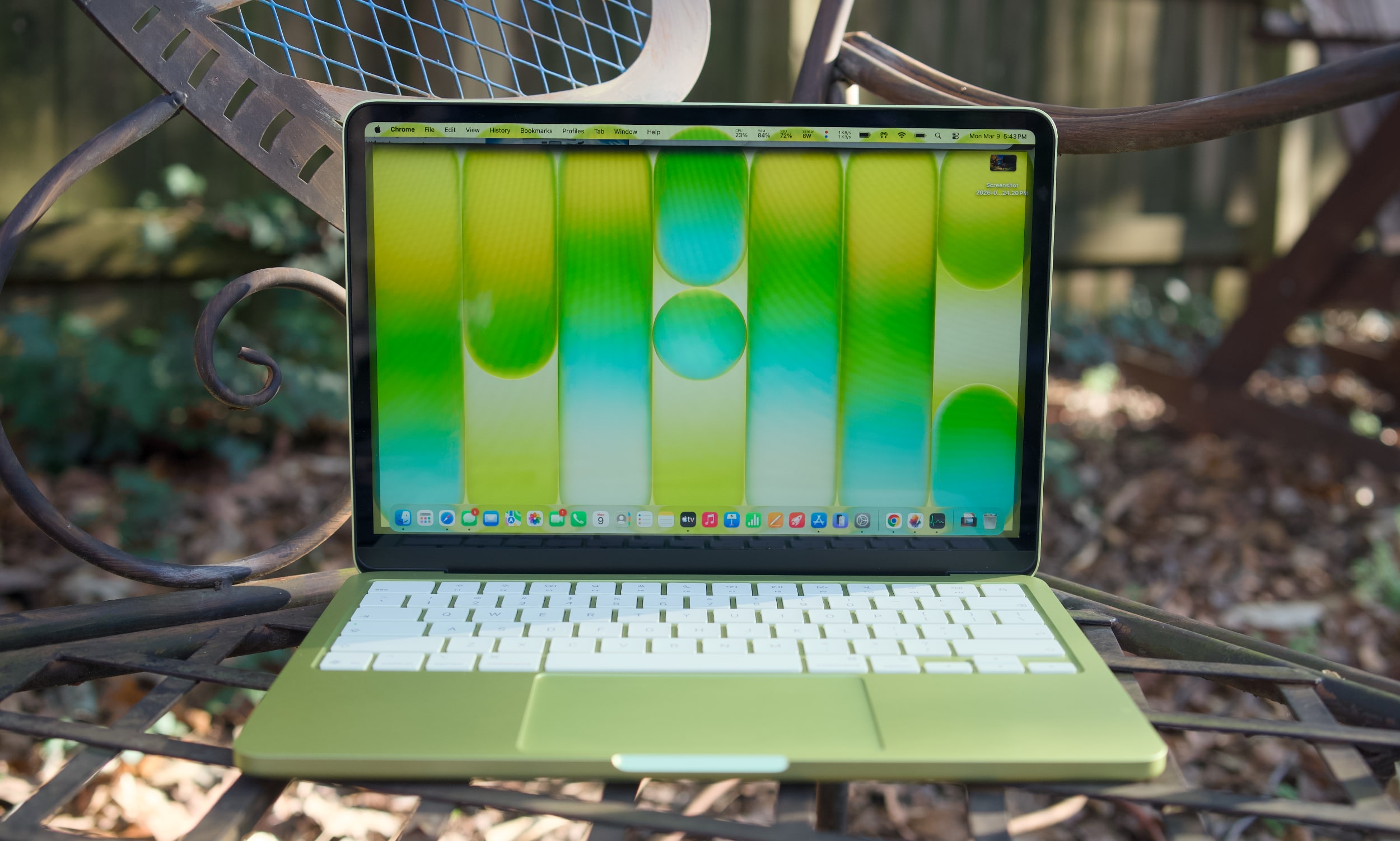
While the M1 MacBook Air was a great value over the last few years, its last-gen Apple design aged quickly. The Neo looks far more modern, with an all-aluminum case that resembles the current Air (it's a bit smaller, but weighs the same 2.7 pounds). Color is the Neo's biggest draw, with bolder options like the greenish citrus and pink blush, along with Apple's typical dark and light case options. The citrus hue is the most unique, as we've seen rose gold MacBooks before. It would have been nice to see other strong colors too, like a brighter blue or something with a hint of purple. The people want personality, Apple!
Under the hood, the MacBook Neo is a story of compromise, more so than any MacBook before it. Apple had to find a way to deliver its premium user experience while also cutting costs significantly to reach its $599 price. Relying on the A18 Pro, which powered last year's iPhone 16 Pro, was likely far more cost effective instead of using an older M-series chip that isn't being built anymore. That A18 Pro chip also means the MacBook Neo has to be fairly limited when it comes to ports: there are only two USB-C connections on board (one is USB 3.0, and the other is USB 2.0). There's no MagSafe charging connection, which is a shame since the MacBook Neo will likely end up around trip-prone kids in schools and homes.
A citrus MacBook Neo's USB-C ports.
Devindra Hardawar for Engadget
The biggest compromise lies in the MacBook Neo's RAM and disk space. It starts with just 8GB of RAM and a 256GB SSD. You can shell out another $100 to get 512GB of storage and a Touch ID button, but there's no way to add more RAM. Typically, my first piece of advice to any prospective computer buyer is to get at least 16GB of memory, as that's the easiest way to see faster performance when juggling tons of tabs, apps and large files. That's particularly true for Mac laptops, since Apple's unified memory is baked into its A-series and M-series chips.
The MacBook Neo's 8GB limitation shows the precise audiences Apple is targeting with the MacBook Neo: casual users. Those include people who need secondary machines for light workloads and schools relying on Chromebooks. I'm not reneging on my 16GB RAM recommendation — if the idea of less RAM in your main computer makes your skin crawl, the Neo isn't for you. The MacBook Air is still around, and it can easily be equipped with tons of RAM and storage.
Apple also deserves credit for squeezing in an impressive 1080p webcam in the Neo, something I haven’t seen in any other $600 Windows notebook. And while the resolution is impressive, Apple’s image processing also manages to deliver sharp and vibrant image quality. It’s usually easy to tell the overall quality of someone’s computer on group video calls based on their video quality. The MacBook Neo will have people thinking you’re calling in from a pricier MacBook Air or MacBook Pro.
When I first demoed the MacBook Neo at Apple's launch event, its keyboard felt a bit flimsier than those on the Air and Pro. But I may have just been distracted by the crowd and noise. My review unit's keyboard feels just as accurate as the Air's, allowing me to type at full speed (near 100 words per minute) without any issues. There's none of the weird input problems I noticed on Dell's far more expensive XPS 14.
The MacBook Neo's trackpad is similarly responsive and accurate for swiping and gestures. That's particularly surprising, since Apple isn’t using a haptic Force Touch trackpad like all of its laptops for the past decade. The Neo's pad clicks down mechanically — and yet, it doesn't feel as muddy as similar trackpads we see on budget PCs. It's also notable that Apple was able to make the Neo's trackpad completely clickable, whereas PC mechanical options often only click along their bottom half or third.
A citrus MacBook Neo on a table outside.
Devindra Hardawar for Engadget
Enough Mac for most
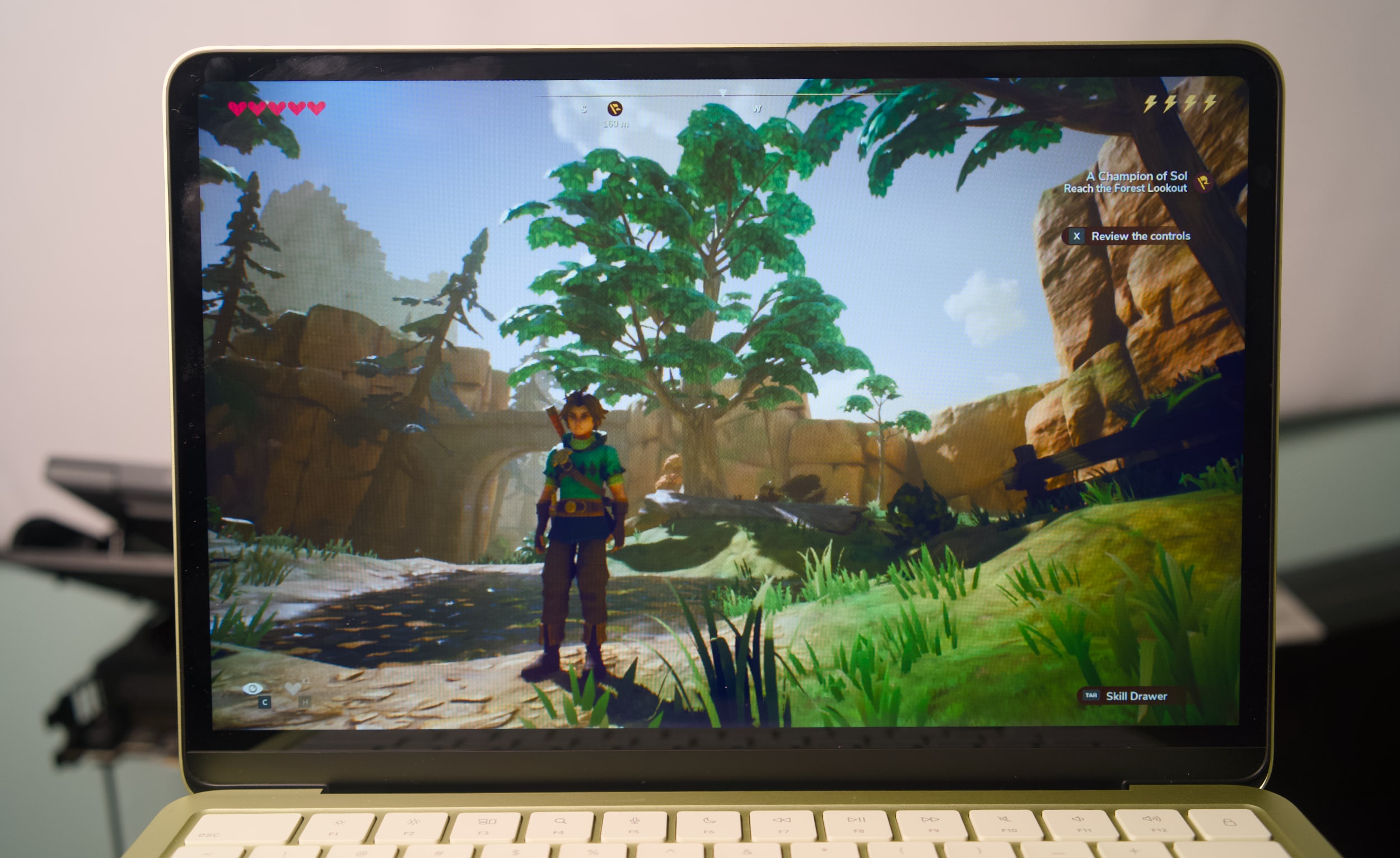
I didn't expect much from the Neo's A18 Pro processor and limited specs, and yet it still managed to surprise me. It easily handled having dozens of tabs open across multiple browsers, a show playing on the TV app, photo editing in Pixelmator Pro and running the new Apple Arcade title Oceanhorn 3 without any significant slowdown. There's clearly some swift memory management going on, delivering just enough RAM for the task right in front of you.
The Neo's RAM usage typically hovered between 80 and 85 percent when I was trying to stress it, but it never went beyond that range. And if you're curious, the Neo typically used around 50 percent of its memory just to run macOS, even with no other apps running.
I'd bet most people wouldn't see a major performance difference between the MacBook Neo and the Air for basic tasks. Even their screens look similar: The Neo's LCD panel has only a slightly lower resolution than the Air's, but its smaller 13-inch screen size gives it a similarly rich pixel density. The screen looks bold and colorful indoors, and it's also bright enough to use in direct sunlight outside. That's not something you usually see on $600 laptops.
Oceanhorn 3 on a MacBook Neo.
Devindra Hardawar for Engadget
During a demo at the Neo's launch event, I saw its screen compared side-by-side to a $600 HP laptop. The difference was literally night and day — the HP's display struggled to show the vibrancy of daylight photos, while the Neo's made photos pop off the screen. Similarly, the Neo's side-firing speakers sound significantly better than the tinny garbage HP stuffs into its discount machines. The Neo's speakers are ideal for watching videos and streaming content, but they definitely lack the clarity and low-end bump from the Air and MacBook Pro's upward firing speakers.
Geekbench 6 CPU
Geekbench 6 GPU
Cinebench 2024
Apple MacBook Neo (A18 Pro)
3,372 /8,406
19,511
107/324
Apple MacBook Air 13-inch (M4, 2025)
3,784/14,745
36,273
172/660 GPU: 3,465
Apple MacBook Air 13-inch (M3, 2024)
3,190/12,102
30,561
N/A
Microsoft Surface Pro 12-inch (2025, Qualcomm Snapdragon X Plus)
2,315/10,915
9,539
108/530
I was definitely trying to push the MacBook Neo harder than a typical user, but it simply kept delivering. In Geekbench 6's CPU benchmark, the MacBook Neo sits between the M2 and M3 MacBook Air for single-core tests, and below the M2 for multi-threaded work. Apple's hardware still manages to put Intel and AMD to shame, with single-threaded Geekbench 6 scores that are higher than the latest hardware from both companies. But of course, that's just one benchmark — beefy CPUs with active cooling will still be more performant overall.
What’s most impressive about the MacBook Neo is that it manages to be a functional and well-rounded notebook at just $599. Microsoft’s “low-budget” $800 Surface Pro 12-inch was cute, but we found its performance incredibly underwhelming (and you still had to pay more for the keyboard). The 2.2-pound ZenBook A14 was impressively light, but again it was just too slow to be useful. Apple probably could have worked harder to make the MacBook Neo a tad lighter, but it’s still easy to hold and travel with. I’d much rather Apple kept it at the MacBook Air’s 2.7-pound weight, instead of making the Neo less powerful or more expensive.
The only time the MacBook Neo completely failed was when I tried to run complex games meant for Apple's M-series chips. Lies of P installed just fine, but upon launch it just stopped as it tried to load shaders. Honestly, I'm surprised I was even able to install it in the first place. The most gaming you'll do on the Neo are things built specifically for Apple Arcade and the company's mobile chips, or cloud streaming options like GeForce Now or Xbox.
During our battery test, which involves looping a 4K video, the MacBook Neo lasted 12 hours and 15 minutes. That's far below the 18 hours and 15 minutes I saw on the M4 MacBook Air, but it's still enough to last you during a typical work or school day. Again, Apple also had to sacrifice plugging in a bigger battery to keep the Neo's costs down.
A citrus MacBook Neo on a table outside.
Devindra Hardawar for Engadget
Should you buy the MacBook Neo?
It's rare for Apple to genuinely surprise me these days, but the MacBook Neo did just that. It's a $599 computer that can handle basic workloads just fine, all the while looking like one of the company's more expensive notebooks. Most importantly, it delivers more speed, a brighter screen and an overall better user experience than any competing $600 Windows PC. It's so good, I think it'll make many people wonder why they've stuck with sub-par PCs for so long.
This article originally appeared on Engadget at https://www.engadget.com/computing/laptops/macbook-neo-review-apple-puts-every-600-windows-pc-to-shame-130000878.html?src=rss
There is so much to love about Dell's new XPS 14, it's hard for me to discuss it without sounding like a total fanboy. Its new design makes it incredibly thin and light. And Intel's Panther Lake chips give it a ton of power, even when it comes to games. After reviving the XPS brand from last year's ignominious rebranding, it's as if Dell was laser-focused on fixing all the issues we've had with the XPS 14 so far.
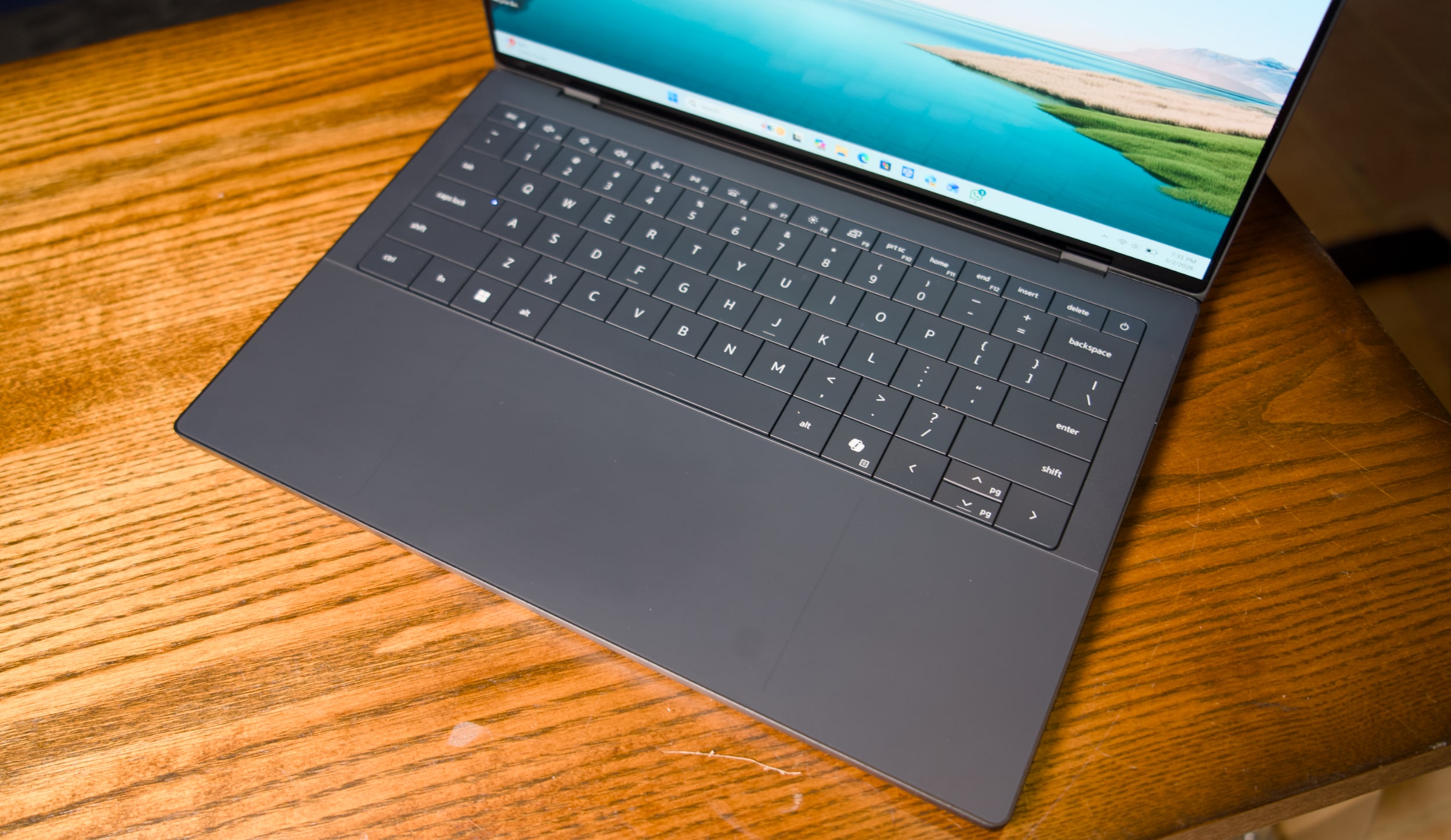
Unfortunately, a shallow, unresponsive and hilariously error-prone keyboard kept me from truly loving the XPS 14. Simply put, it has trouble recognizing keys if you press them too quickly in succession. And for fast and demanding typists like myself, that leads to countless errors that disrupt your flow. In the last sentence alone, I counted ten times where I had to go back and make sure commas appeared before a space, or tweak simple spelling errors. What good is a fast, light and beautiful machine if I can't type a sentence in peace?
It's not unusual for laptop keyboards to require a bit of user training. But my issues with the XPS 14 aren't from a lack of practice — it simply doesn't recognize key presses as quickly as every other laptop I've tested. As you can see in the video below, quick key presses are almost always recognized in reverse, or sometimes aren't recognized at all. Those issues mostly go away if you type more slowly and deliberately, but that seems like a ridiculous compromise for a premium machine in 2026.
Dell engineers are currently testing one of the two review samples I received, both of which exhibited the exact same keyboard issue. Other reviewers have also noted that they need to type more slowly for the keyboard to work best. Gizmodo's Kyle Barr seems to be just as frustrated with the keyboard as I am, but he thinks it's due to Dell's seamless key design, which doesn't have any spaces between keys. My brother, who is an IT professional, also noticed the input issues when he typed on the XPS 14.
I'm not crazy, I swear!
Dell XPS 14 (2026) keyboard
Devindra Hardawar for Engadget
According to Dell, its engineers say that “a small batch of early XPS units” have the quick typing issue I ran into. They also say the issue is currently resolved and doesn’t affect XPS units shipping now. The company plans to release a firmware fix later this month, and I’ll be sure to update this review once I get my hands on it. But given that these laptops have been out in the wild for weeks, I decided to review the XPS 14 as is. TL;DR, it's the prettiest machine I've ever used that I hate to type on.
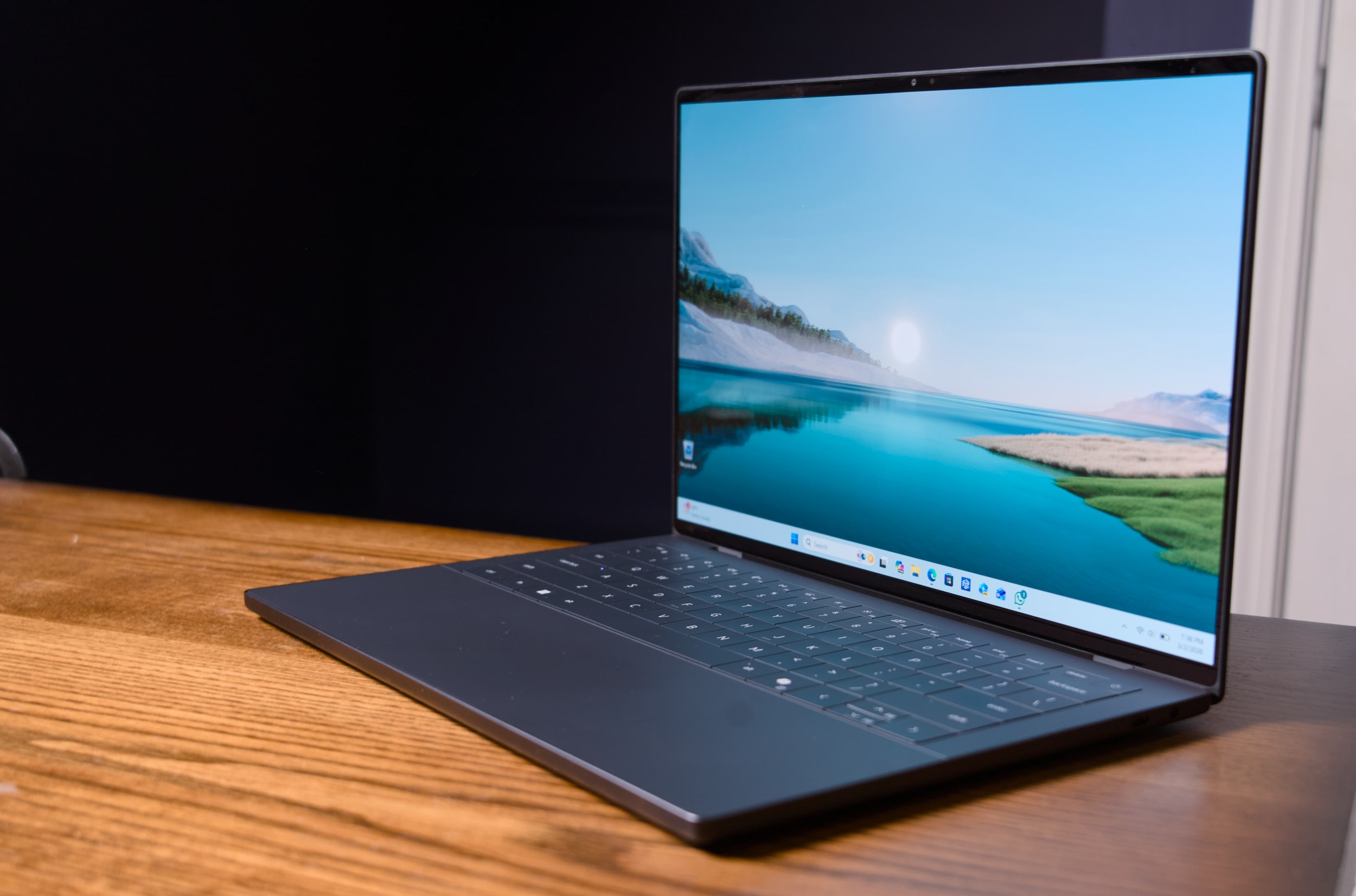
Seriously, this thing is gorgeous. Dell's designers outdid themselves with the machine's smooth metal case, which is more MacBook-like than its boxy predecessors. It's astonishing this system weighs just three pounds, putting it right between the 3.4-pound 14-inch MacBook Pro and the 2.7-pound 13.6-inch MacBook Air. It's also just a third of a pound heavier than the MacBook Neo, Apple's attempt at an underpowered entry-level laptop.
I'm also glad to see that Dell has heard my complaints about how over-designed the last XPS line was. For example, the company has stuck with its "invisible" trackpad, which sits flush with the laptop's wrist rest. But now there are two faint lines that designate where, exactly, the trackpad begins and ends. It's a solution reminiscent of Apple's MacBooks, which all feature large glass trackpads separated by a light border from their metal cases. Thanks to these two small lines, which don't detract from XPS 14's minimalist aesthetic, I feel more confident swiping around.
Dell also reversed course on the wonky capacitive function row from the previous models — which again, looked cool, but had some serious usability issues. It was tough to touch type with them, since they didn't feel as tactile as normal keys. And most crucially, the capacitive function row completely disappeared in direct sunlight. God forbid you were outside and wanted to change the volume level! This XPS 14 brings back a normal keyed function row, which is easier to touch type on and actually works in direct sunlight. (I sometimes wonder if Dell's designers ever went outside with the last XPS 14.)
Dell XPS 14 (2026)
Devindra Hardawar for Engadget
Our review model's 2.8K 14-inch OLED touchscreen looked spectacular, with bold colors and wonderfully deep black levels. But that's pretty much what I've come to expect from OLED by this point. I can't get enough of the extra eye candy OLED adds to photos and videos, and it makes a huge difference with games as well. But take note that OLED is only available for the priciest XPS 14, all other models get a standard non-touch 2K LCD.
When it comes to connectivity, three USB-C ports and a headphone jack are all you get with the new XPS 14. The microSD card slot from the previous model is gone, and there's also no HDMI or USB Type A connections like you'd find on similar systems from ASUS and Acer. Apple's 14-inch MacBook Pro, notably, features three USB-C ports, a full-sized HDMI slot, a large SD card reader and a headphone jack.
Dell XPS 14 (2026)
Devindra Hardawar for Engadget
Beyond Dell's redesign, the main star of the XPS 14 is Intel's new Panther Lake Core Ultra X7 358H chip, which offers some serious graphics upgrades over the last generation. Our review unit, which featured 32GB of RAM and Intel's built-in Arc B390 GPU, was able to reach 130fps in Arc Raiders while playing in 1080p with medium graphics settings, as well as XeSS upscaling and frame generation. I was able to play through a few rounds with no lag — my only distraction was the lingering realization I was playing so smoothly on an ultraportable's integrated graphics.
I certainly wouldn't recommend the XPS 14 for heavy gamers. But if you're forced to choose a new non-gaming system for work or school, it's certainly nice that it can play some modern titles well. I also saw 63fps while playing Cyberpunk 2077 in 1080p with medium graphics settings and XeSS tech active. Not bad for one of the most demanding PC games in recent memory!
Benchmarks also point to plenty of power under the hood: The XPS 14 scored similarly to the MSI Prestige 14 AI+, which also has the Ultra X7 358H chip, in PCMark 10 and Geekbench 6. I was also surprised to see that its single-core Geekbench 6 score was higher than ASUS's ProArt PX13 GoPro Edition, a beastly machine with 128GB of RAM and a powerful AMD Ryzen AI Max+ 395 chip. The XPS 14 also scored 3,000 points higher than the Acer Predator Triton 14 AI gaming laptop (powered by a last-gen Core Ultra 9 288V chip) in Geekbench's multi-threaded CPU test.
Clearly, this was a growth year for Intel's hardware. Just keep in mind that all of our figures come from Dell's highest-end XPS 14 configuration, which currently starts at $2,250 with 64GB of RAM on the company's site. The lowest-end configuration, which starts at $1,450, comes with an Intel Core Ultra 7 355 chip, 16GB of RAM and 512GB of storage. When I briefly tested that system (it had to be sent back to Dell for that keyboard issue), it scored 2,000 points lower than the Ultra X7 model in PCMark 10. I didn't get to game on the entry-level XPS 14, but I wouldn't expect much, since Intel's beefy Arc graphics are reserved for its pricier X7 and X9 CPUs.
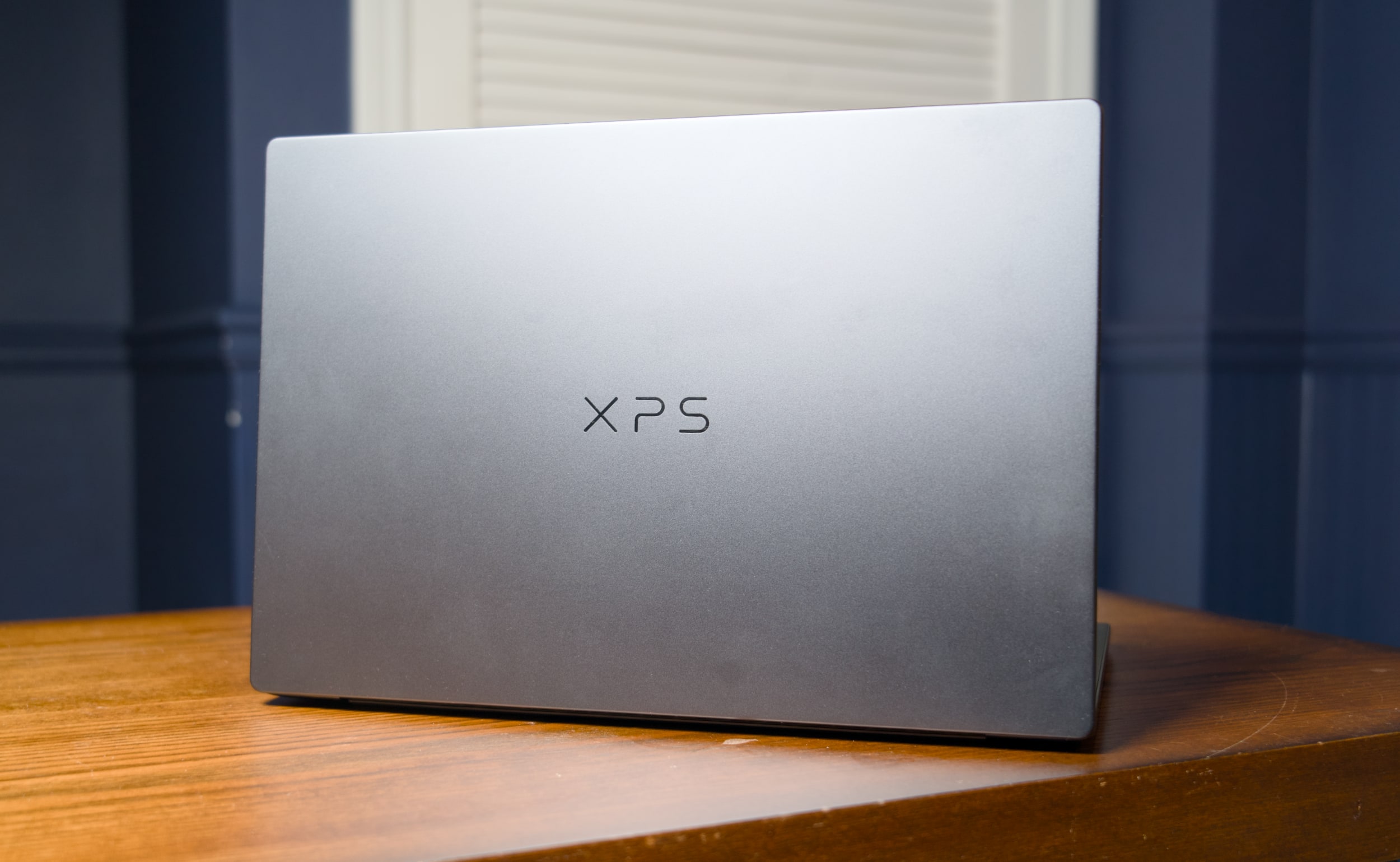
Dell XPS 14 (2026) case logo
Devindra Hardawar for Engadget
I was also surprised to see that the XPS 14 lasted just 10 hours and 21 minutes in PCMark 10’s Modern office battery test. The MSI Prestige 14 went for a whopping 22 hours and 15 minutes — that’s far more in line with Intel’s efficiency claims for Panther Lake systems. I tested both the XPS 14 and MSI Prestige 14 in Window’s “balanced” battery profile, so you may be able to eke out more life with more battery saving features turned on.
If I were to judge the XPS 14 based purely on its specs and design alone, it would be my favorite Windows laptop available today. But I swear, I can't live with its keyboard issues. I had to seriously slow down my typing just to get this review written, and even then I still had to back up and make more corrections than usual. Dell is so close to making a PC that’s a true MacBook Pro competitor, it's a shame a simple keyboard issue holds the XPS 14 back from true greatness.
Update 3/6/26 2:20PM ET: Added further information about the XPS 14’s keyboard issue and a potential firmware fix.
This article originally appeared on Engadget at https://www.engadget.com/computing/laptops/dell-xps-14-2026-review-a-beautiful-laptop-that-excels-at-almost-everything-except-typing-130000656.html?src=rss
Apple is looking to gain a foothold in the more budget-friendly end of the laptop market with the MacBook Neo. The system starts at $599, which is darn inexpensive for an Apple laptop — it even has the same starting price as the M4 iPad Air.
As such, the MacBook Neo should help Apple compete with cheap Windows laptops and Chromebooks. Pricing it at $499 for educational use won’t exactly hurt either.
Apple is really lowering the cost of entry for those looking to pick up a new MacBook here. The base MacBook Neo costs $500 less than the cheapest M5 MacBook Air, which is now officially Apple's midrange laptop.
Of course, there are a lot of tradeoffs you'll make by opting for a MacBook Neo instead of a MacBook Air. If you’re curious about all the differences between the Neo and the base 13.6-inch Air (and perhaps what you’ll be foregoing if go you with the cheaper option), we've got you covered.
MacBook Neo vs. MacBook Air exteriors
Apple
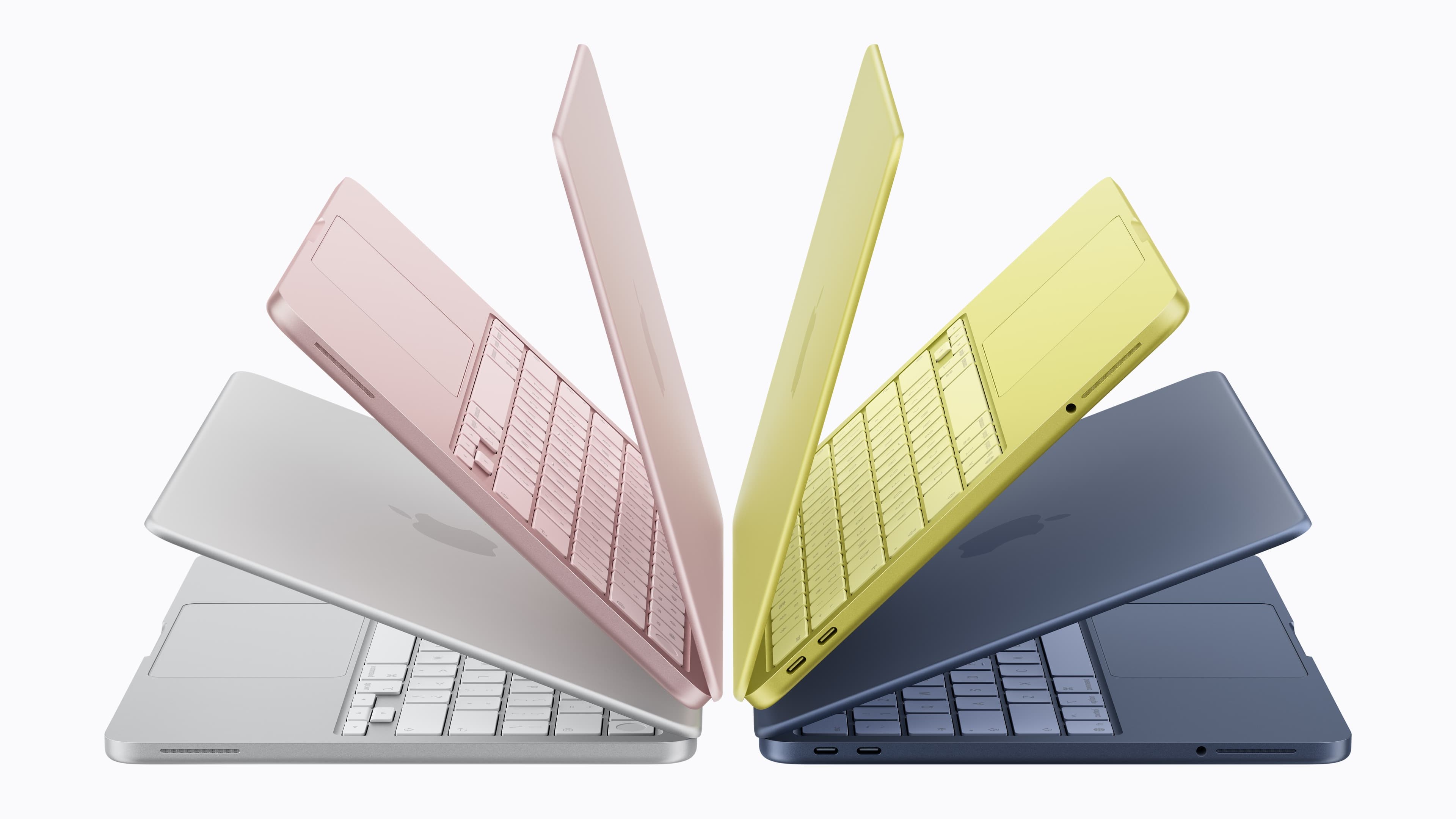
Let's start with the things you'll notice at first glance about the two laptop lines. The Neo has an arguably more eye-catching array of colorways with silver, blush (a light pink), citrus (light yellow) and indigo options. The Air comes in a more muted batch of sky blue, silver, starlight (a sort of champagne) and midnight (a very dark blue).
The weight of the two laptops is identical at 2.7 pounds and the differences in the dimensions are negligible. Blissfully, both laptops have a headphone jack. Please have the courage to keep those around in MacBooks, Apple.
Apple
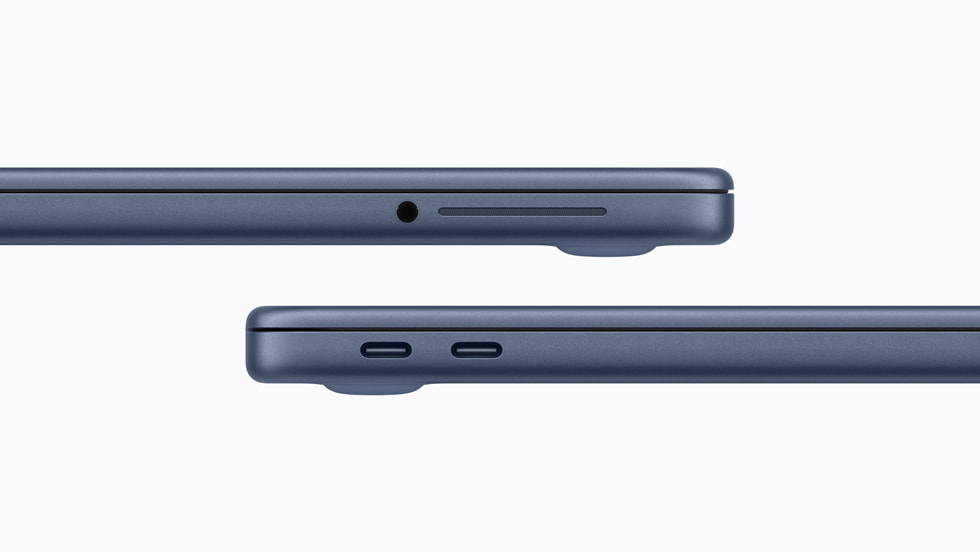
Alas, the Neo does not have a MagSafe port, so you'll need to use one of its two USB-C ports (it has one USB-C 2 port and a USB-C 3 port) for charging. The MBA has two Thunderbolt 4 (USB-C) ports to go with its MagSafe connector.
While we're on the subject of charging, the MacBook Neo comes with a 20W power adapter. The MBA includes a 40W Dynamic Power Adapter with 60W Max, and it supports fast charging at up to 70W.
The Neo has a 36.5-watt-hour lithium-ion battery, which Apple claims has enough juice for up to 11 hours of web browsing or 16 hours of video streaming on a single charge. As for the MBA, that has a 53.8-watt-hour lithium-polymer battery. Apple says you'll be able to use that laptop for 15 hours of web browsing or 18 hours of streaming video before you need to recharge.
Back to the exterior of the laptops and in terms of audio, the Neo has a side-firing dual-speaker system with Spatial Audio and Dolby Atmos support. However, unlike with the MBA (which has four built-in speakers), there's no mention of Spatial Audio support for AirPods. The MBA has one more microphone than the Neo as well, and both laptops support Voice Isolation and Wide Spectrum microphone modes.
MacBook Neo vs. MacBook Air opened up
Apple
If you were to place a MacBook Neo and MacBook Air side by side and open them up, you might spot that the former's screen is a little smaller at 13 inches on the diagonal. While both have Liquid Retina displays with 500 nits of brightness, the Neo's screen has a lower resolution of 2408 x 1506 vs. the MBA's 2560 x 1664. The Air also has a P3 wide color gamut and support for Apple's True Tone feature, which tweaks the screen’s color temperature to better fit your surroundings. The Neo has an sRGB display instead.
While the webcams in both laptops can capture 1080p video, the one in the Neo is lower-specced and has fewer features. It's a 1080p FaceTime HD camera. The MBA has a 12MP camera that supports Center Stage, a feature that keeps you in the middle of the frame as you're moving around. It also supports Desk View, which allows you to show your face and what's on your desk simultaneously.
The MacBook Neo has a Magic Keyboard and multi-touch trackpad (which we didn't feel were super sturdy in our initial hands-on time). The MacBook Air, on the other hand, has a backlit Magic Keyboard and a Force Touch trackpad. It also supports Touch ID as standard.
If you want Touch ID on the MacBook Neo, though, you'll need to pay extra. A version of the laptop with Touch ID costs $699. That upgrade (which is the only one available for the Neo as things stand) also doubles the internal storage to 512GB. And that feels like a smooth segue into comparing the internal specs of each machine.
MacBook Neo vs. MacBook Air on the inside
The M5 MacBook Air comes with 512GB of storage as standard and you can equip it with up to a 4TB SSD. The Neo tops out at 512GB.
It's a little disappointing (though somewhat understandable given the surging costs of RAM) that the Neo only has 8GB of unified memory. That's half of what you get in a MacBook Air as standard, and you can expand that laptop’s RAM to 32GB. Memory bandwidth is nearly three times faster on the MBA as well at 153GB/s, compared with 60GB/s on the Neo.
The chip that runs the Neo is significantly less powerful than the M5 you'll find in the MacBook Air too. The Neo uses an A18 Pro, which is the chip that debuted in the iPhone 16 Pro and iPhone 16 Pro Max. It has a 6-core CPU (two performance, four efficiency), 5-core GPU and 16-core Neural Engine. Measure that against the Air's M5, the base version of which has a 10-core CPU (four super cores, six efficiency cores) and 8-core GPU, though that too has a 16-core Neural Engine.
We don't yet have a direct comparison, such as Geekbench 6 scores, to directly measure the performance of each laptop. However, it's already clear that the MacBook Neo won't be nearly as powerful as the M5 MacBook Air. You probably won’t be doing heavy-duty video editing on a Neo. That said, Apple says that you will be able to use Apple Intelligence features on the laptop.
This article originally appeared on Engadget at https://www.engadget.com/computing/laptops/macbook-neo-vs-m5-macbook-air-all-the-trade-offs-youll-make-to-save-500-less-190434959.html?src=rss