OpenAI’s o1 series of AI models represent a significant advancement in the field of artificial intelligence. These models have transitioned from simple language modeling to generating more complex, accurate, and contextually relevant outputs. The OpenAI ChatGPT o1 series marks a shift towards reinforcement learning techniques that enable AI to develop its own reasoning steps, leading […]
The iPhone 16 and 16 Pro have introduced an innovative new camera control button, designed to elevate your mobile photography experience. The video below from Mac Rumors will walk you through the essential features and customization options available for this innovative button, empowering you to easily capture stunning photos and videos. Unleashing the Power of […]
The QIDI PLUS4 3D printer has emerged as a top contender in the market, offering an impressive blend of performance, versatility, and value for both hobbyists and professionals alike. This advanced 3D printing solution features a range of features designed to enhance the user experience, streamline the printing process, and deliver consistently high-quality results across […]
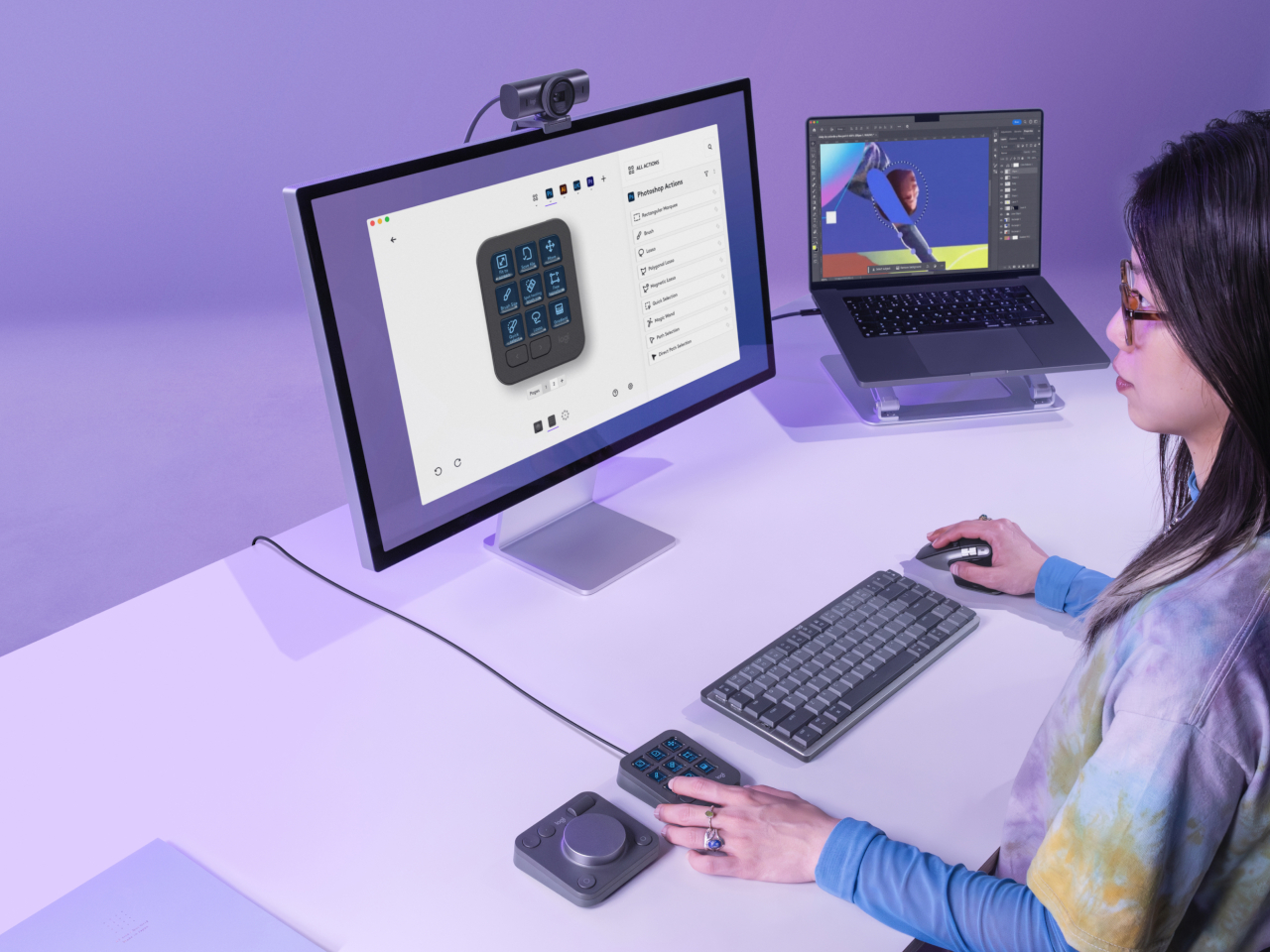
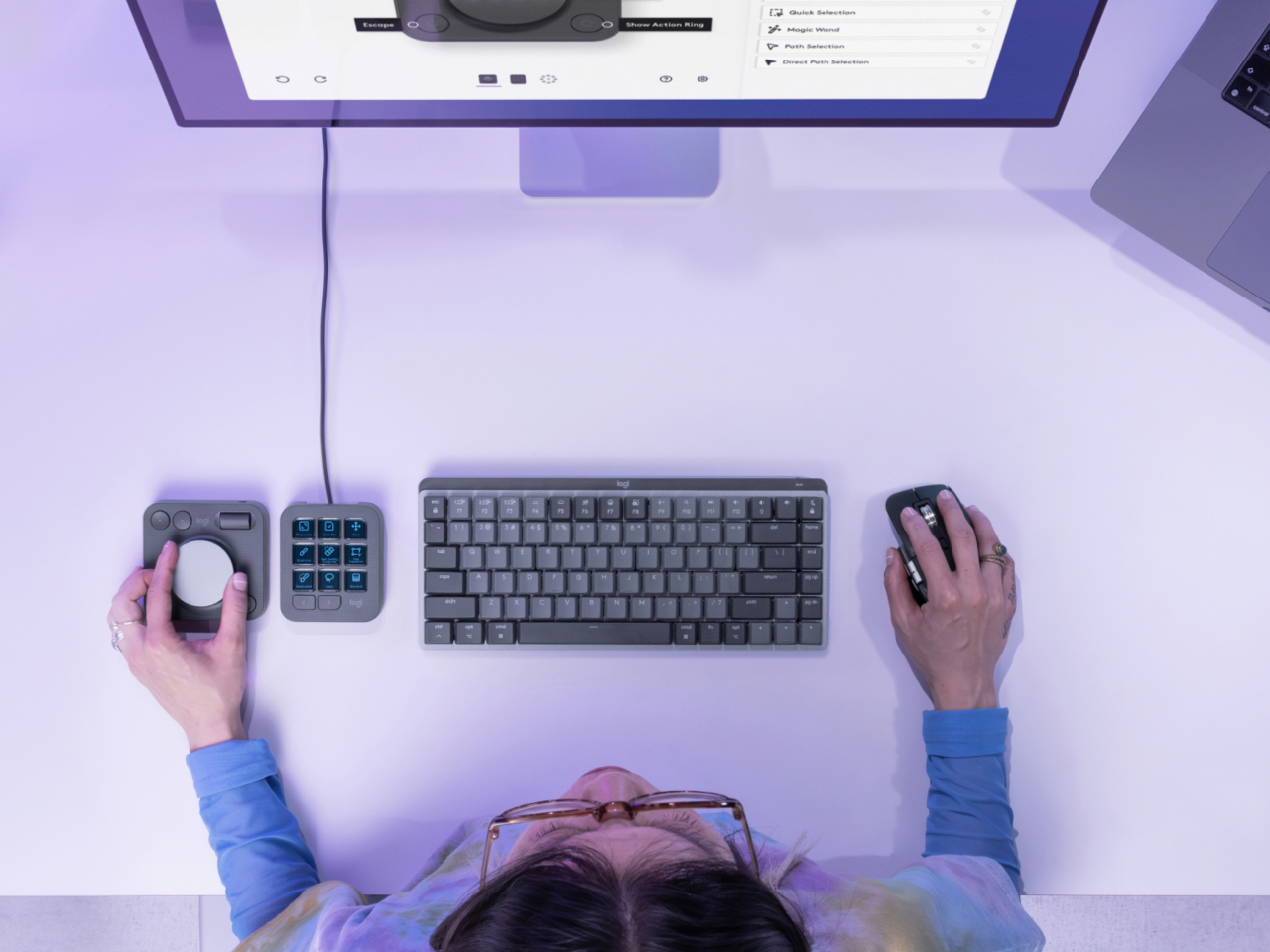
As consumers become more discerning and sophisticated, the tools needed to create content have also become more powerful and complex. Yes, there is now generative AI to help kickstart the creative process, but the final work is still done by human hands. The common keyboard and mouse are no longer enough for these tasks, and having your fingers dance over keyboard shortcuts is sure to result in strain and injury over time. Following the current trend of using Stream Deck-like devices for more than just streaming, Logitech has just launched its own tool that gives creative professionals an extra set of keys to help them spend less time fiddling with controls and more time actually creating.
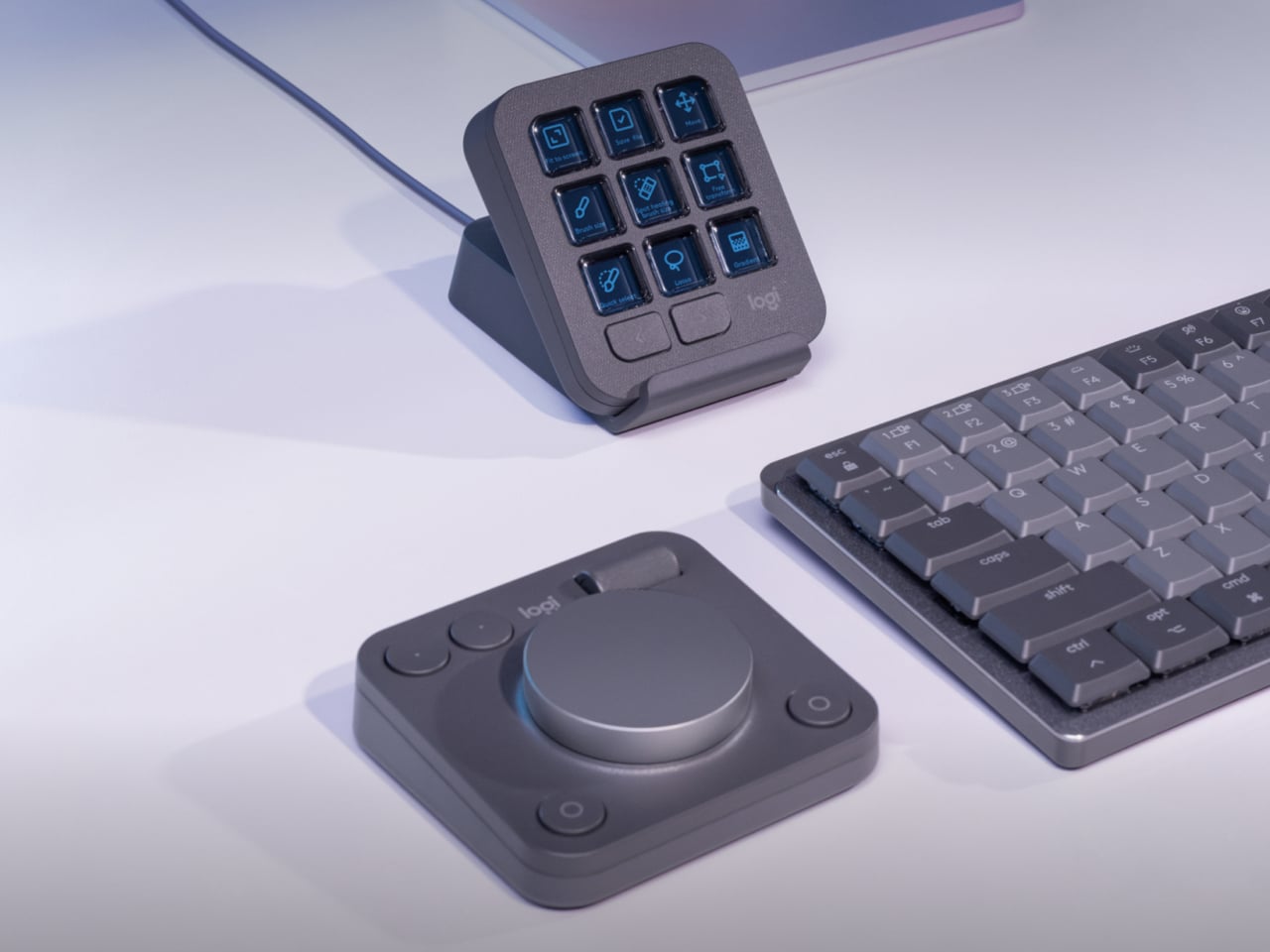
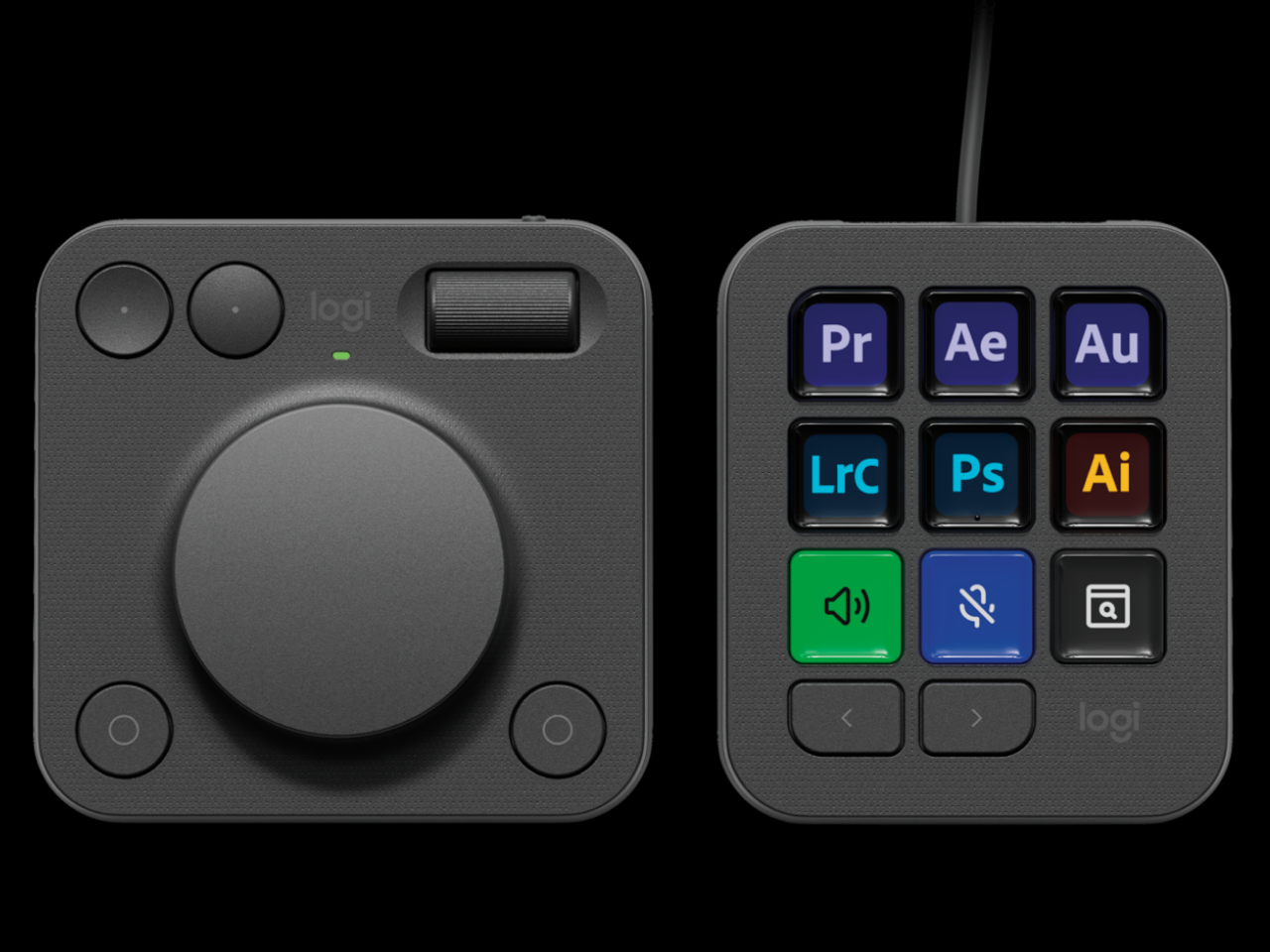
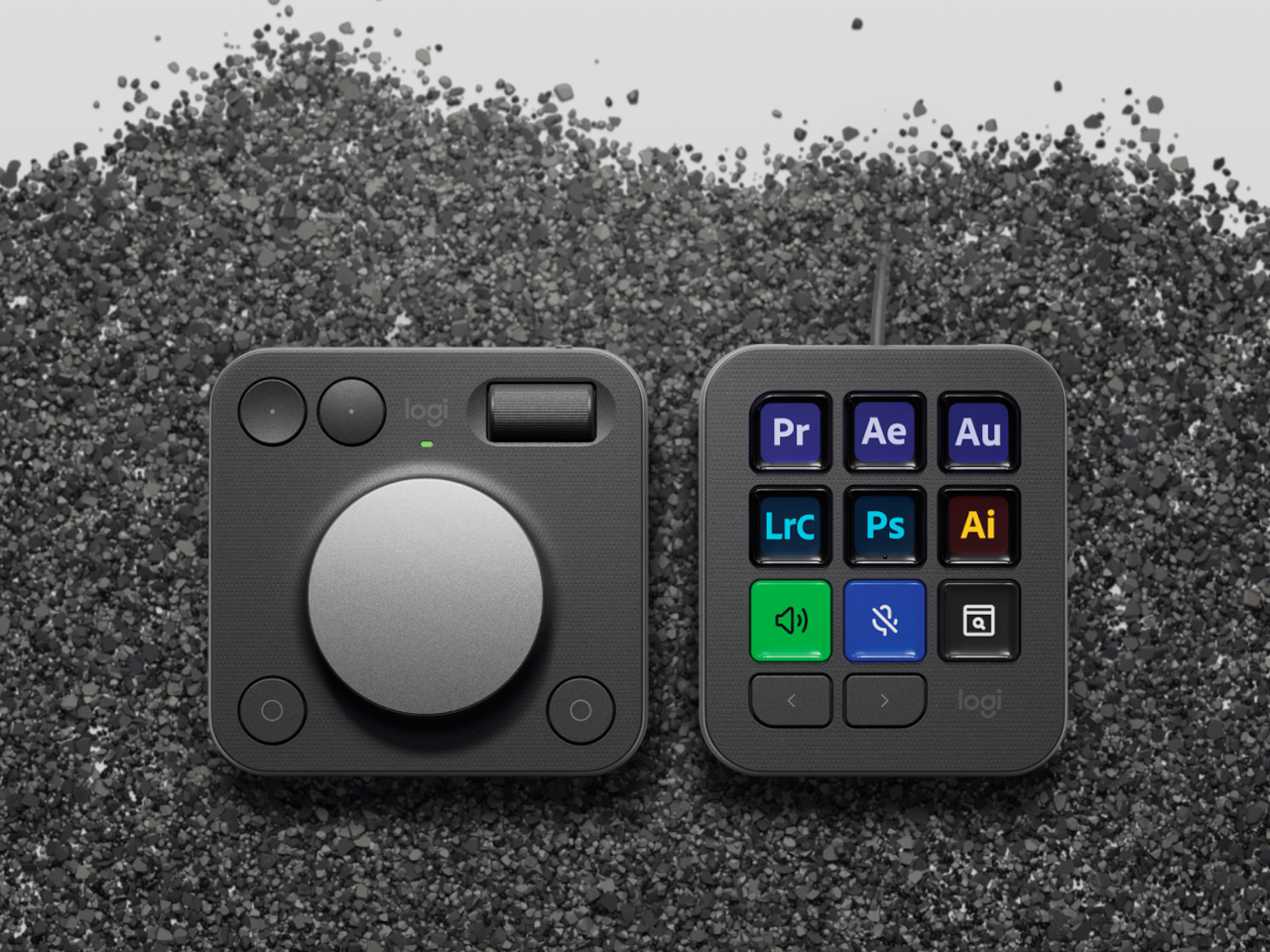
The Logitech MX Creative Console is a duo of connected devices. One is a dial pad with an honest-to-goodness physical aluminum dial that gives users more precise control over scrubbing through timelines, changing brush sizes, or any other setting that needs fine movements. There’s also a small roller for scrolling through other things, as well as two pairs of buttons for selecting things or moving forward and backward.
The other half of the duo is a keypad with 9 Display Keys, each of which can be configured for a different action and a matching icon. This lets creators and designers assign their most used shortcuts to these iconified buttons, freeing their minds from having to memorize all those key sequences, creating a more natural flow that, thanks to their physical and direct interactivity. It still relies on a bit of muscle memory, but far less than combinations of keys that don’t make sense as far as mnemonics are concerned.
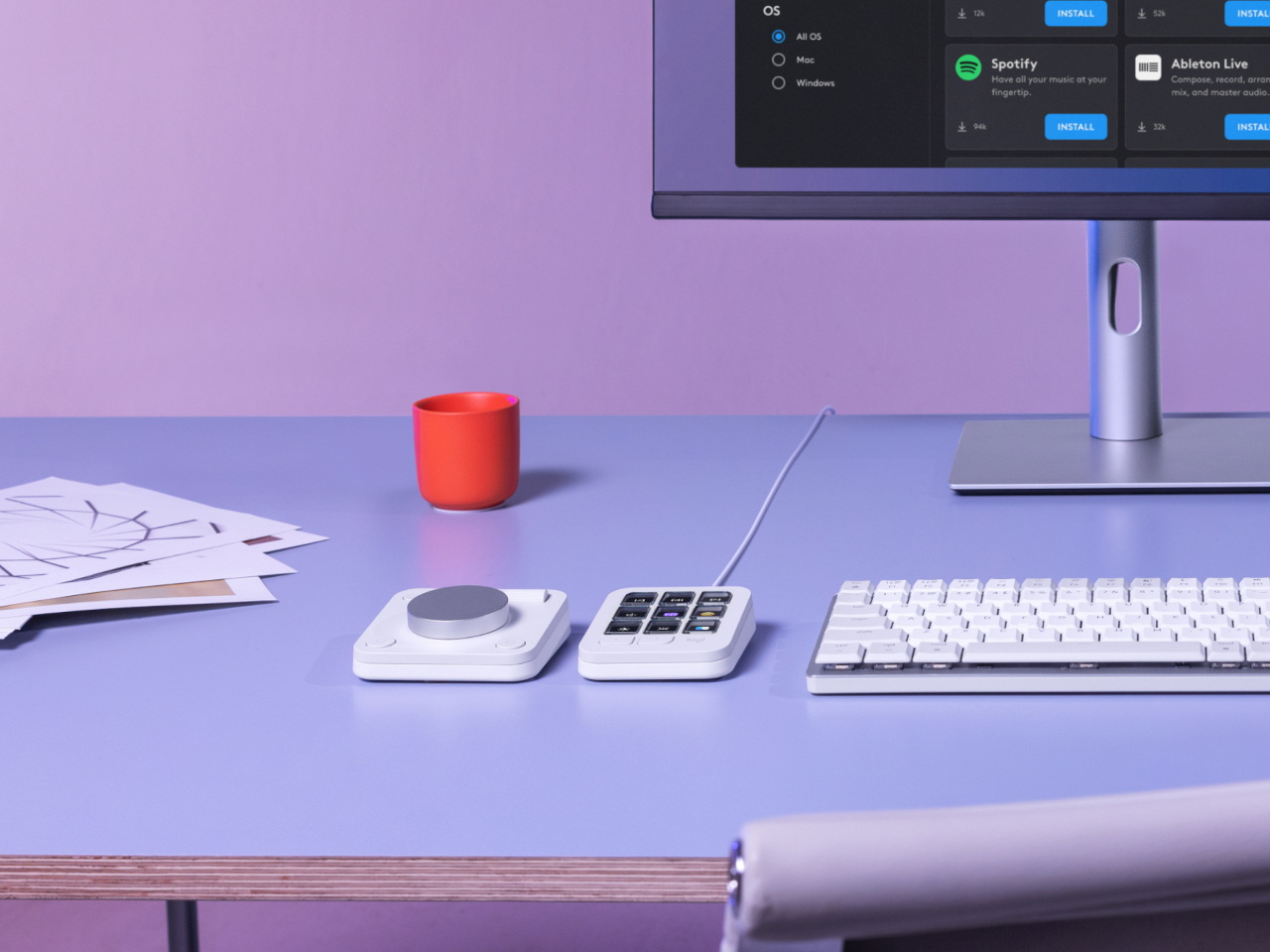
Logitech isn’t just aiming for designers with such an assistive tool but also appealing to their growing sense of responsibility to the environment. Parts of the MX Creative Console use post-consumer recycled (PCR) plastic, 72% for the Graphite colorway and 55% for the Pale Grey version. The aluminum used for the dial is also made with a lower carbon footprint, using renewable energy rather than fossil fuels. Packaging still has some plastic, but the paper parts are made from sustainable and controlled sources.
Truth be told, Logitech is a bit late in the game, with many creators already using the popular live-streaming tool Stream Deck for the same purpose, though the addition of the physical dial is a big boost for professionals. At the same time, Cooler Master just recently launched the MasterHUB, a creative console with a modular design that really puts users in control. That said, the Logitech MX Creative Console does cost only $199, making it an accessible option for creators who need a boost to get into the zone.
The iPhone 16 introduces a groundbreaking feature called Photographic Styles, designed to enhance your photo-taking experience through customizable settings. This innovative tool allows you to personalize your camera preferences, ensuring each shot reflects your unique style and creative vision. The video below shows you how to use this feature on the new iPhone models. Unleashing […]
ChatGPT, the popular AI-powered conversational tool, has recently undergone a significant voice upgrade that promises to enhance user interactions with advanced AI Voice features. This update includes custom instructions, memory retention, multiple voices, and improved accents, all designed to make conversations more engaging and lifelike. While these enhancements aim to transform the way users interact […]
Apple has released iOS 18.1 beta 5, introducing a range of new features and improvements designed to enhance the user experience. This update is part of the ongoing beta series leading up to the highly anticipated public release of iOS 18.1, which is expected to roll out in October. The latest beta version brings notable […]
The world of artificial intelligence is rapidly evolving, and with it, the ability to create specialized AI agents that can perform specific tasks with remarkable accuracy. Fine-tuning AI models is a powerful technique that allows you to adapt pre-trained models to your unique needs, even if you have no coding experience. By using the power […]
The Apple Vision Pro introduces an innovative way to extend your Mac’s display, providing you with a private, portable workspace. By connecting your Mac to Apple Vision Pro, you can create a virtual display that seamlessly integrates with your existing setup. The video below from Apple will walk you through the steps to set up […]
If you are searching for an easy way to create amazing visuals from a simple text prompt. You might be interested in learning more about Napkin AI. A new AI tool that allows you to create visual graphics from text, making it an indispensable tool for business communication and presentations. This AI-powered solution swiftly converts […]