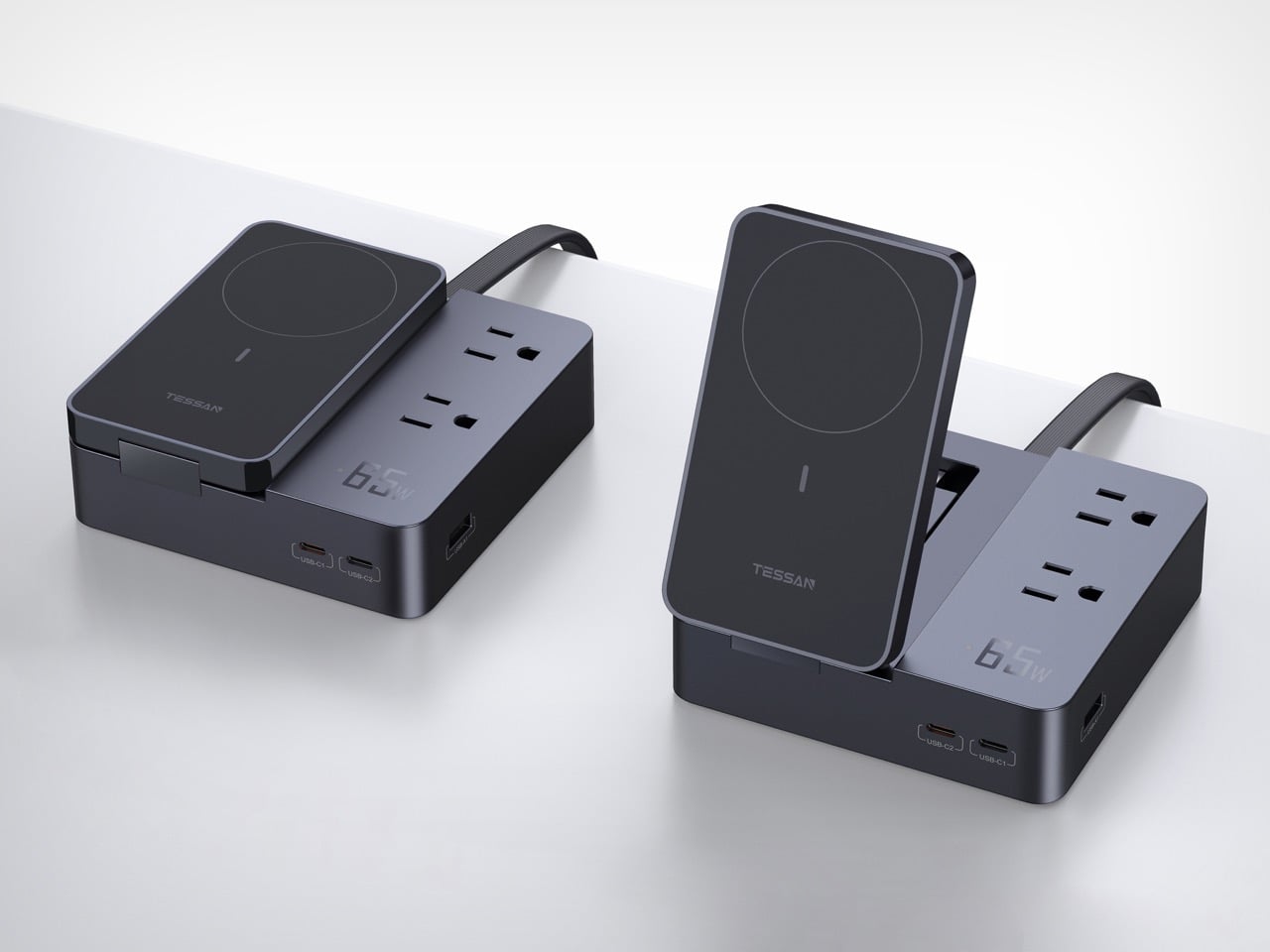
Top 10 Apple Accessories that are the sleek productivity hacks you need for the ultimate work setup

Ever wanted to connect half a dozen things to your 2-port laptop? Or how about charging multiple devices at the same time without getting trapped in a tangle of cables? Do your neck and wrists ache whenever you use your laptop for hours on end? As powerful as our computers and smartphones might be, they don’t always have all the features you might want, at least not out of the box. Fortunately, there is a very large market for accessories and gadgets that provide these missing pieces, offering so many options that it can get overwhelming and confusing at times. To help you make better and smarter choices, we’ve gathered 10 of the best gadgets available that provide not only added value but clean and attractive designs that are sure to upgrade your Apple devices.

1. CASA Hub Stand Pro USB-C 6-in-1 Laptop Stand Hub

Laptops trade comfort for portability and are probably one of the biggest causes of computer-related injuries. Even disregarding the position of the keyboard, the laptop screen is never at a proper ergonomic height. The CASA Hub Stand Pro helps you keep a good posture without sacrificing your productivity, raising the laptop to a comfortable eye level. The adjustable height and 360-degree rotating base make it easy to switch viewing angles or share your screen, while a detachable 6-in-1 hub handles cable management whether you’re on your desk or on the go.

Click Here to Buy Now: $99 $129 (23% off with Coupon Code “23YDCHSP3”). Hurry, deal ends in 48 hours!

Why is it noteworthy?

The CASA Hub Stand Pro adjustable laptop stand and its detachable multi-functional hub provide comfort, convenience, and flexibility in a sleek and space-efficient design.

What we like

  • Ergonomic adjustable height with a 360-degree rotating base
  • Detachable 6-in-1 USB-C hub includes 1000Mbps Ethernet and 4K HDMI ports
  • Sleek, durable, and thoughtful design

What we dislike

  • Portable but large size

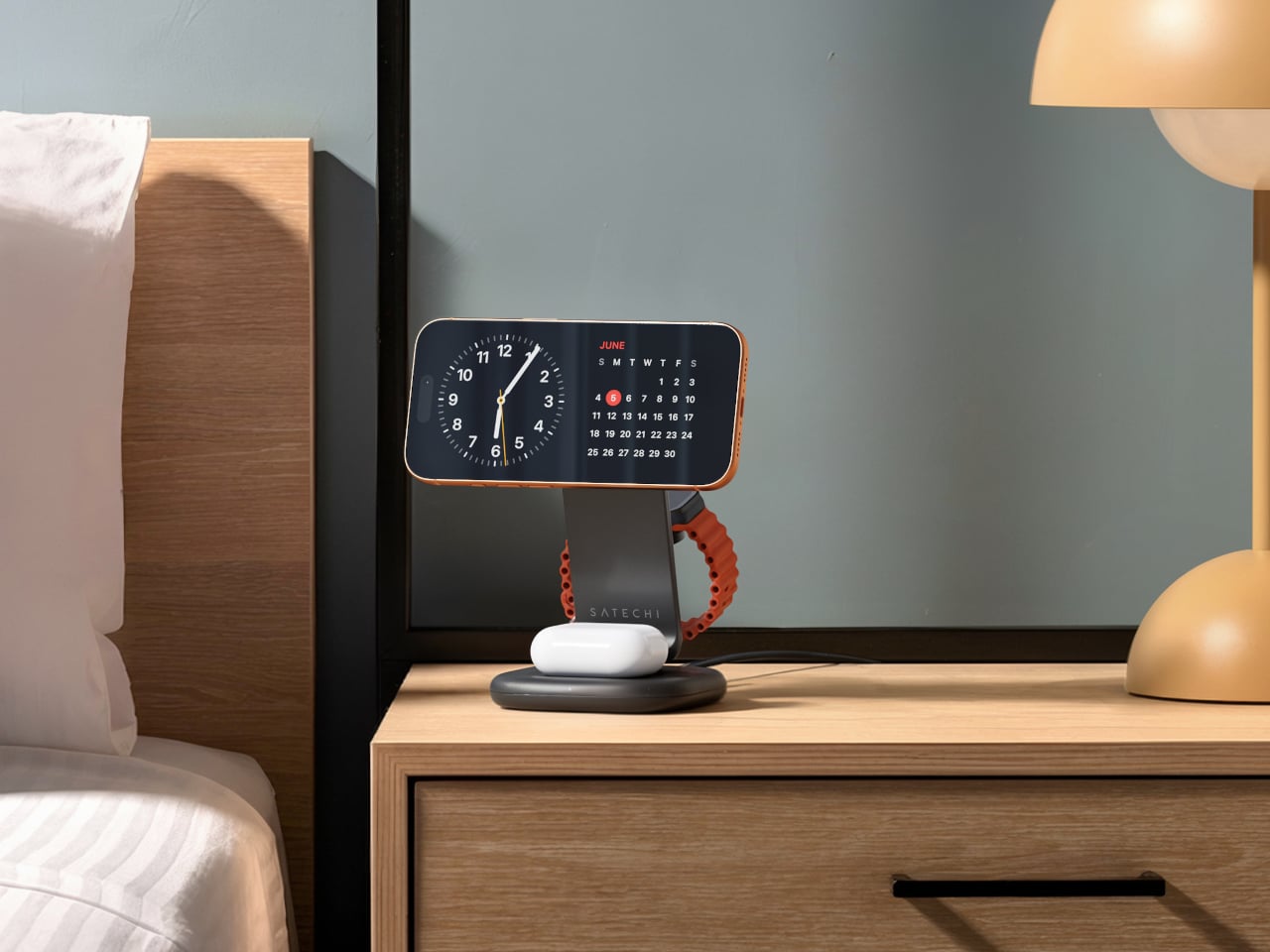
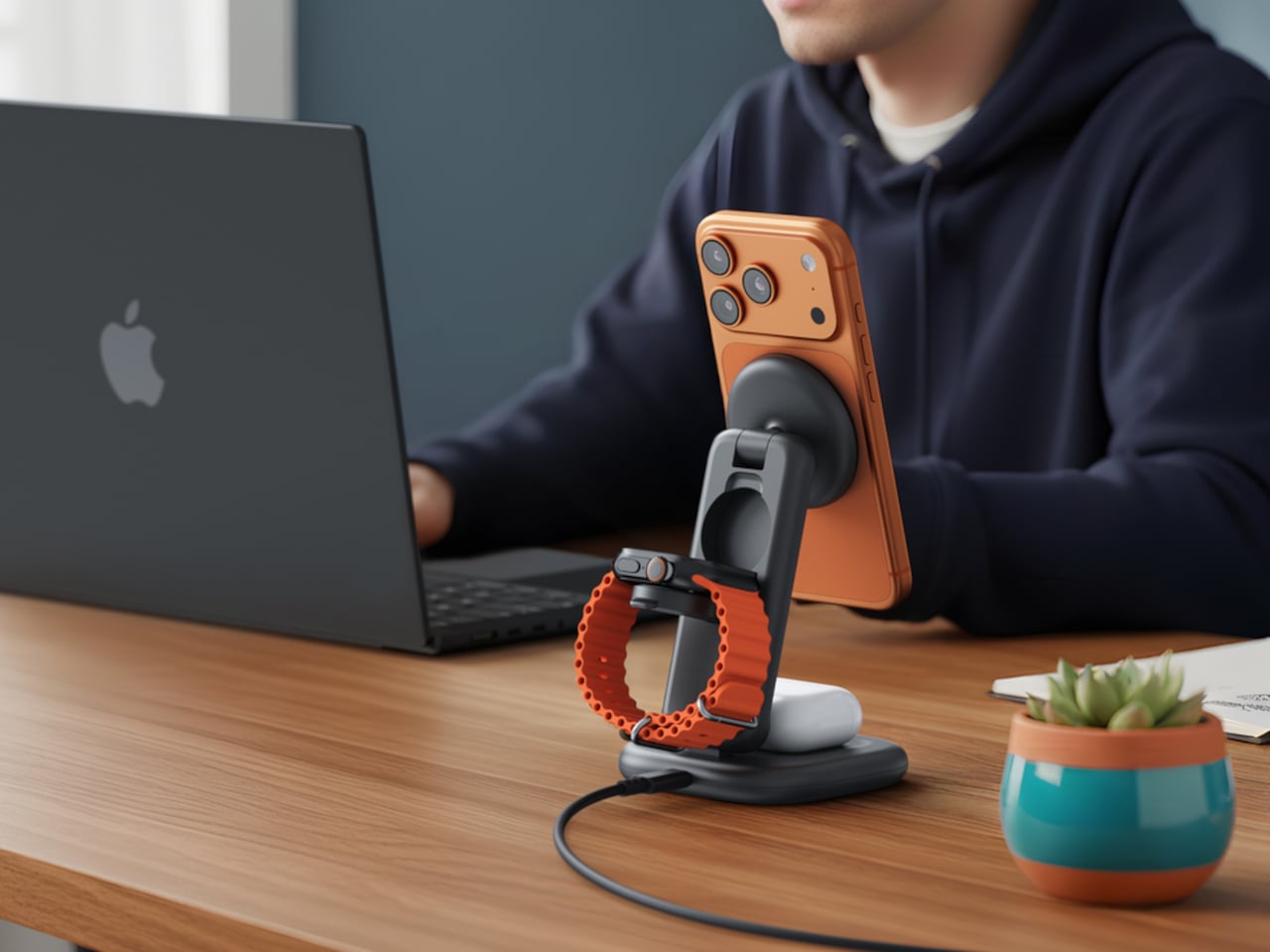
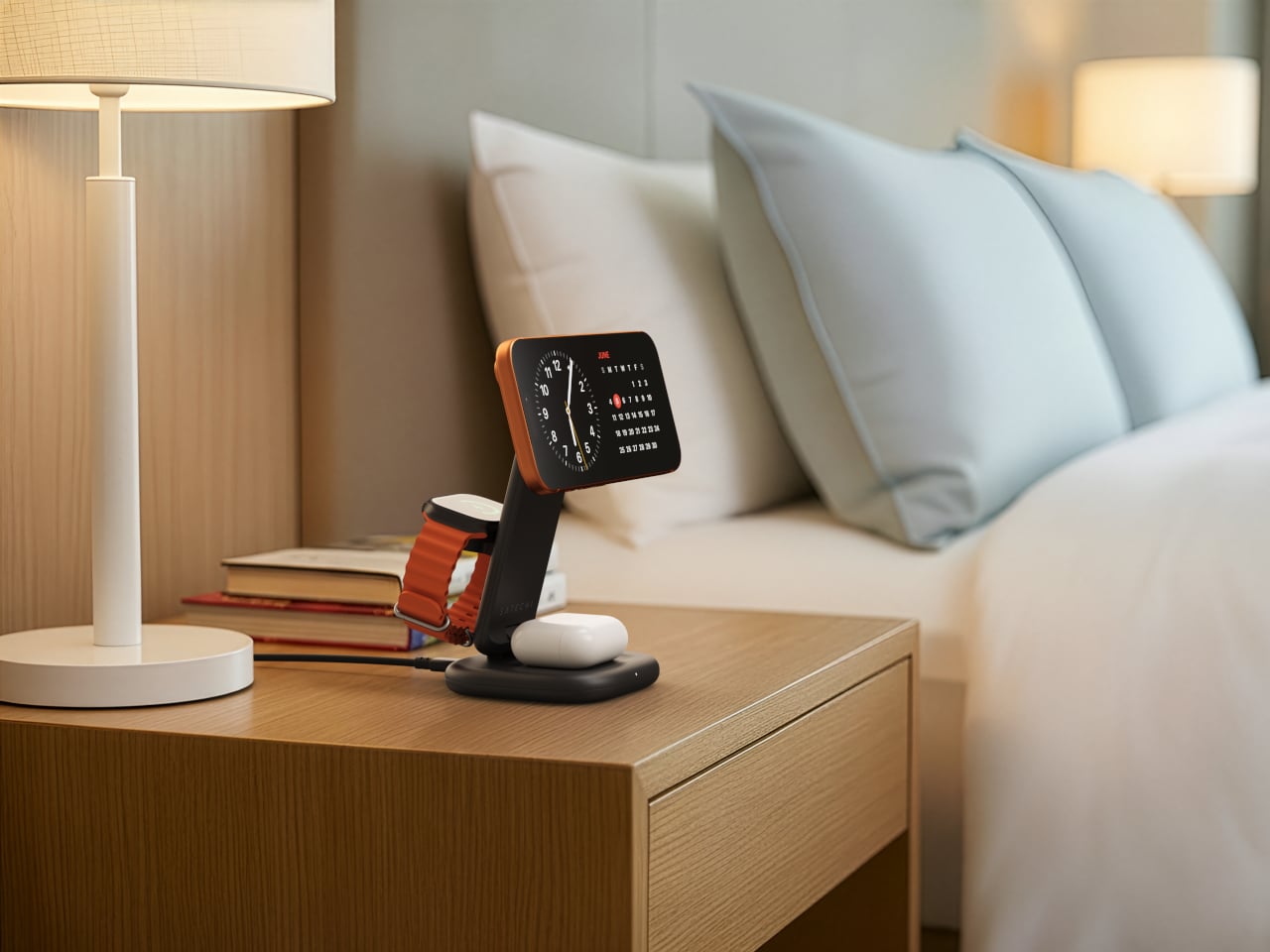
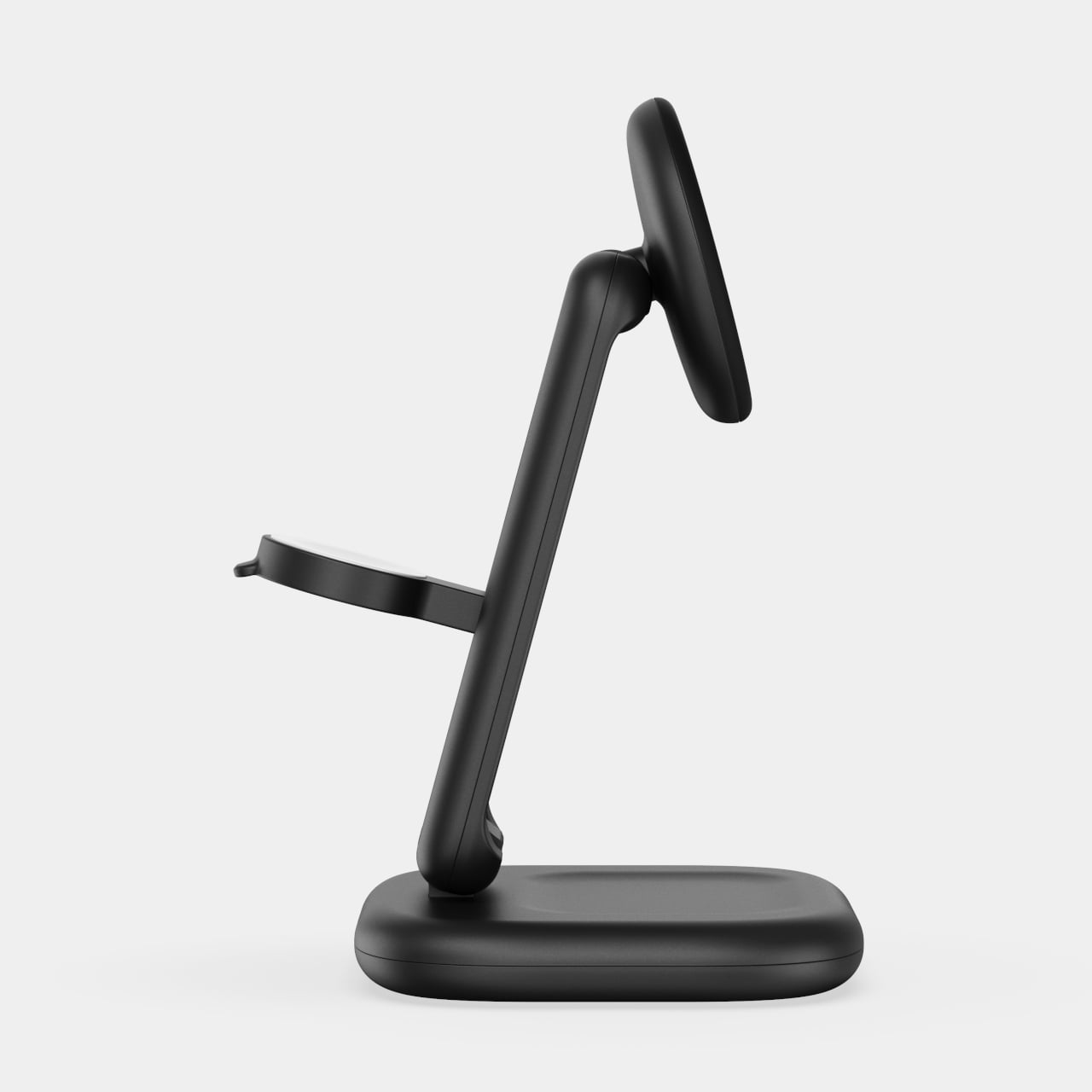
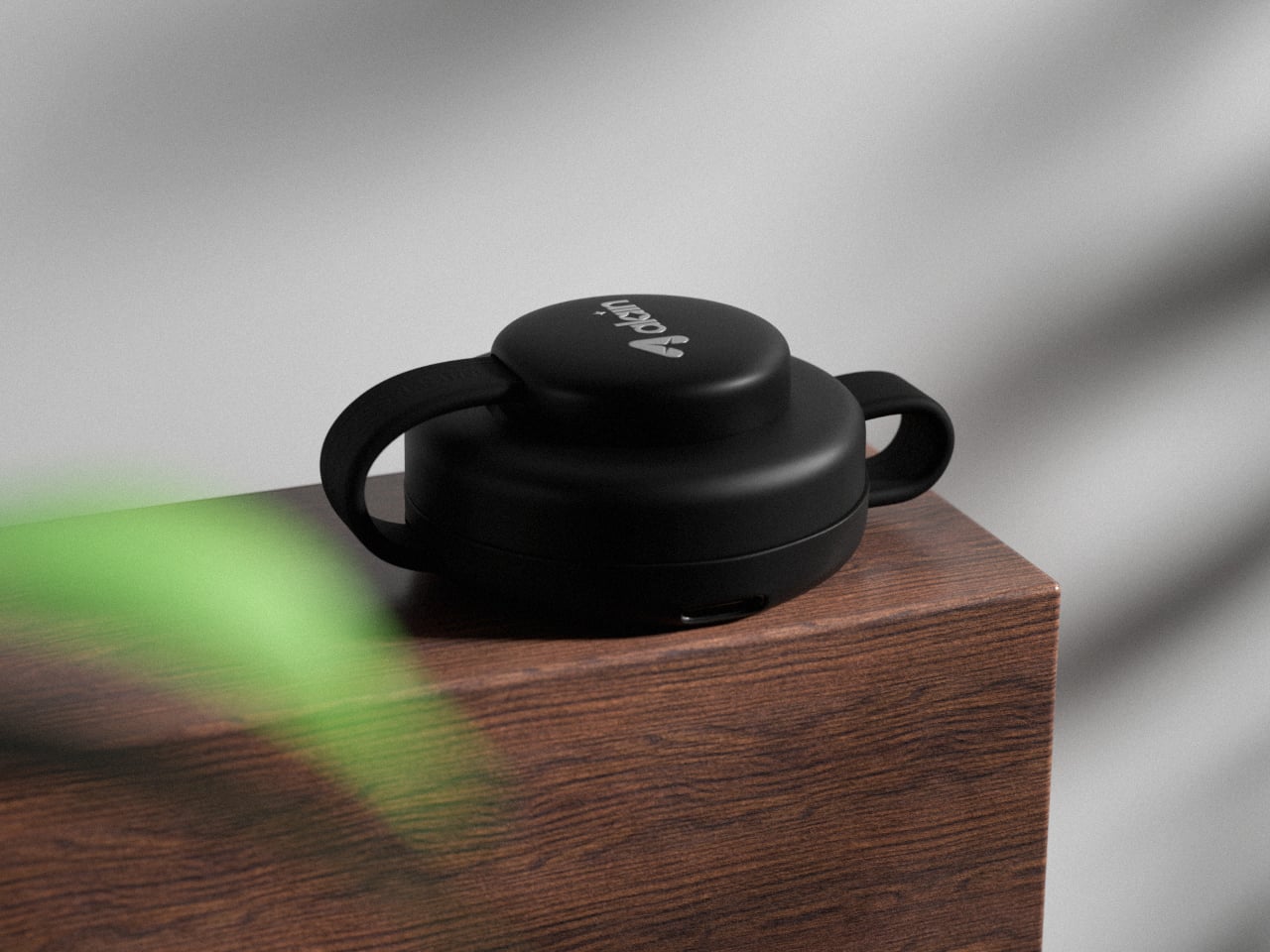
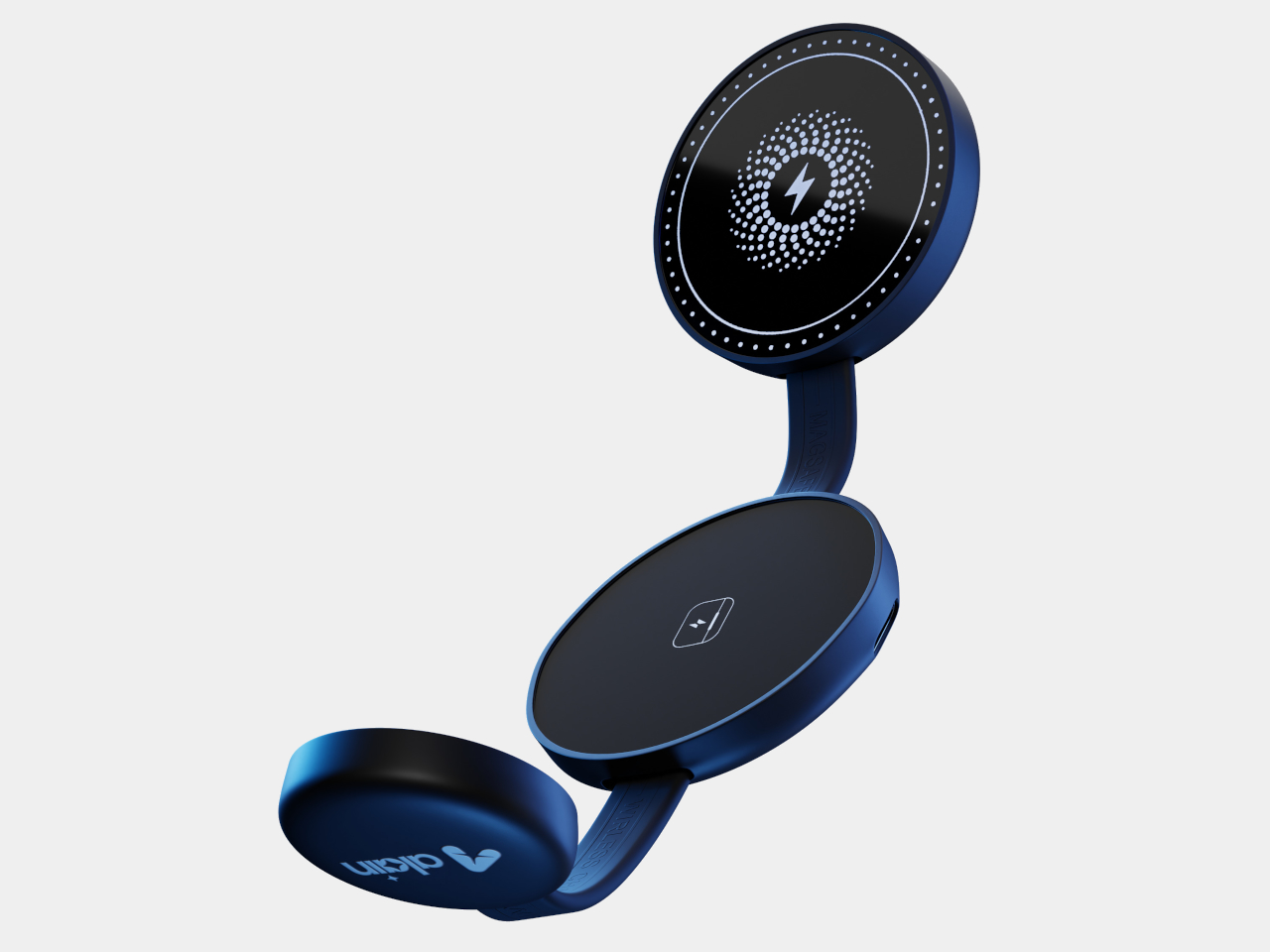
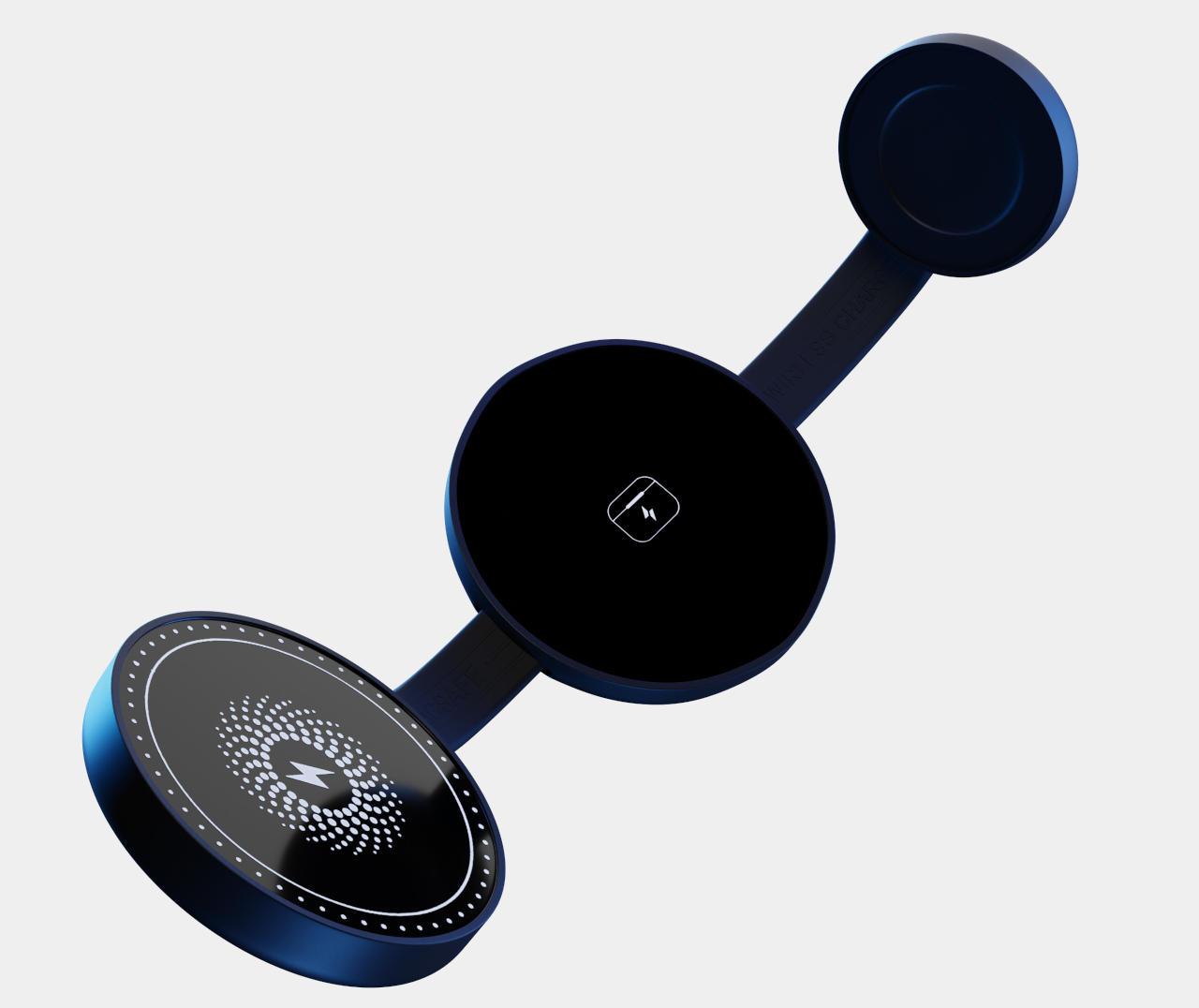
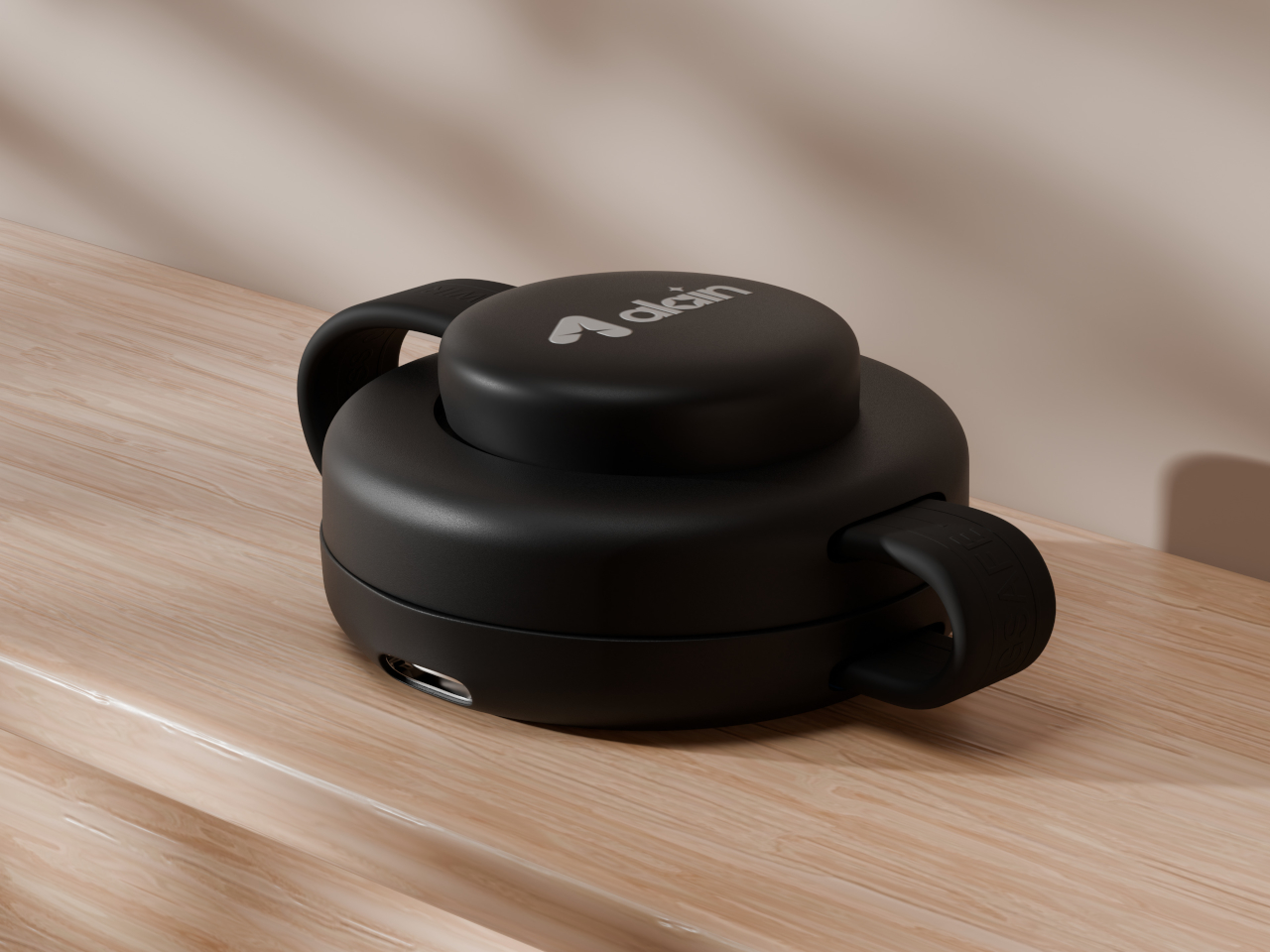
2. Mag 3 Magnetic 3-in-1 Foldable Charging Station

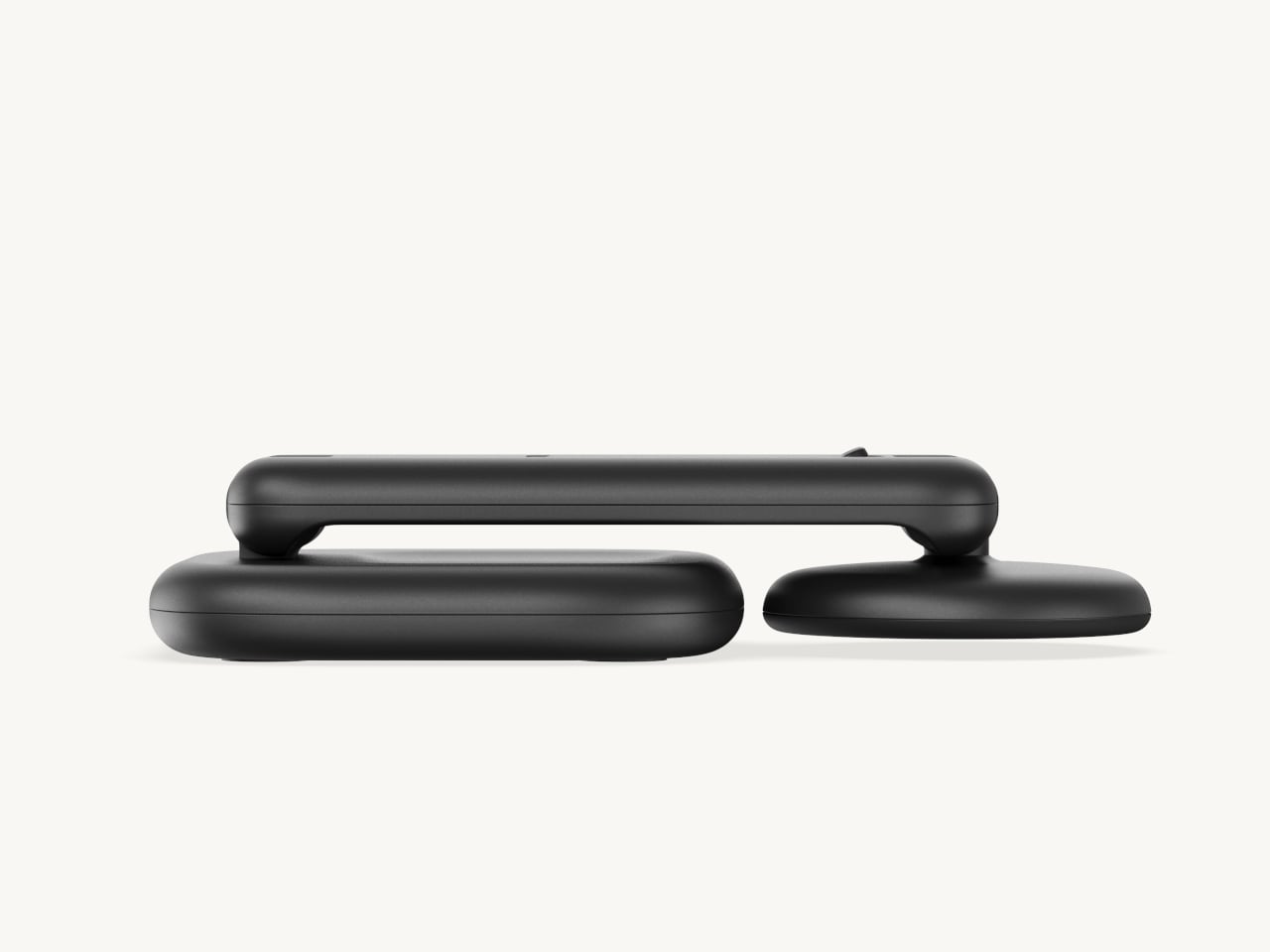
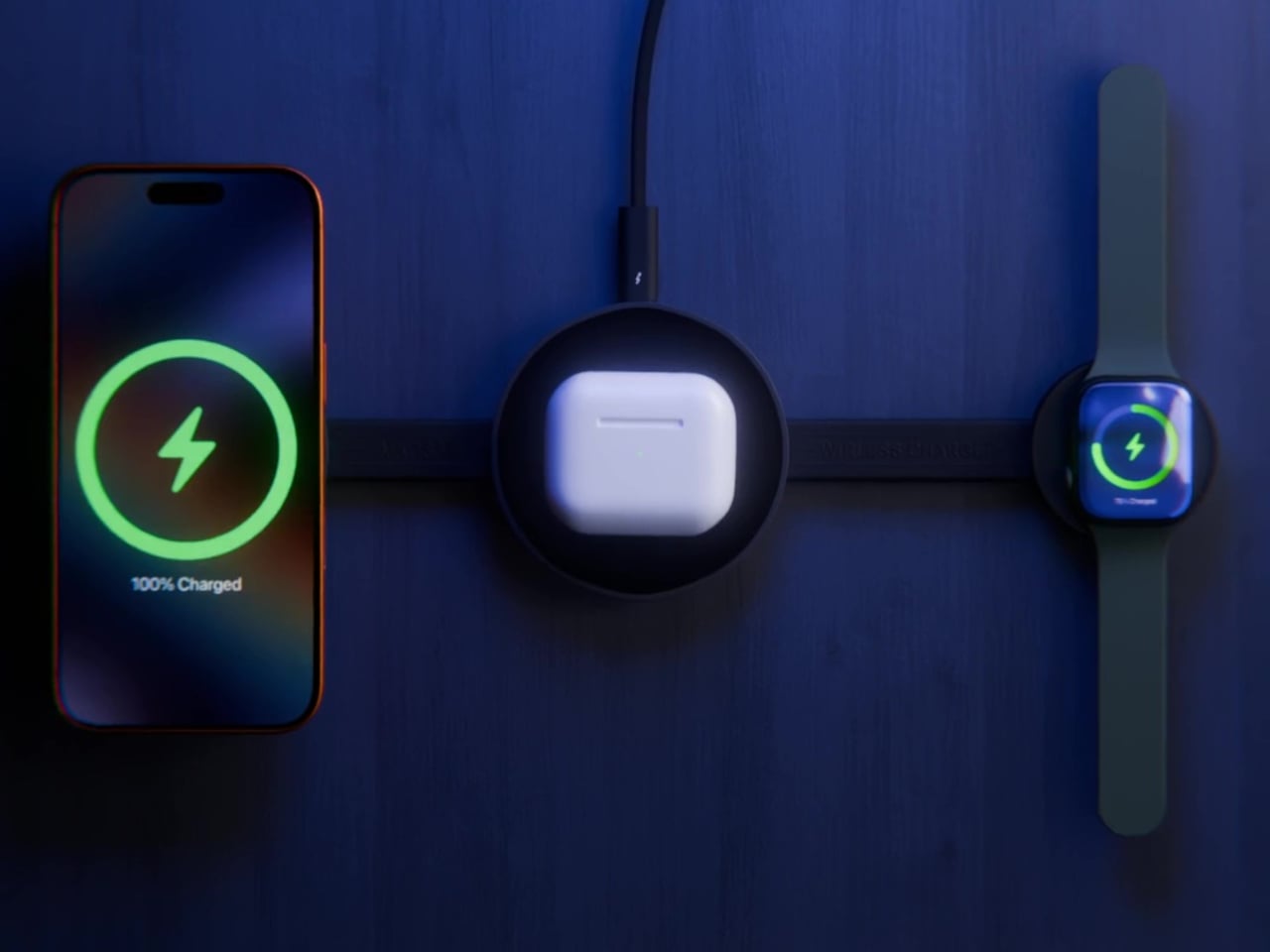
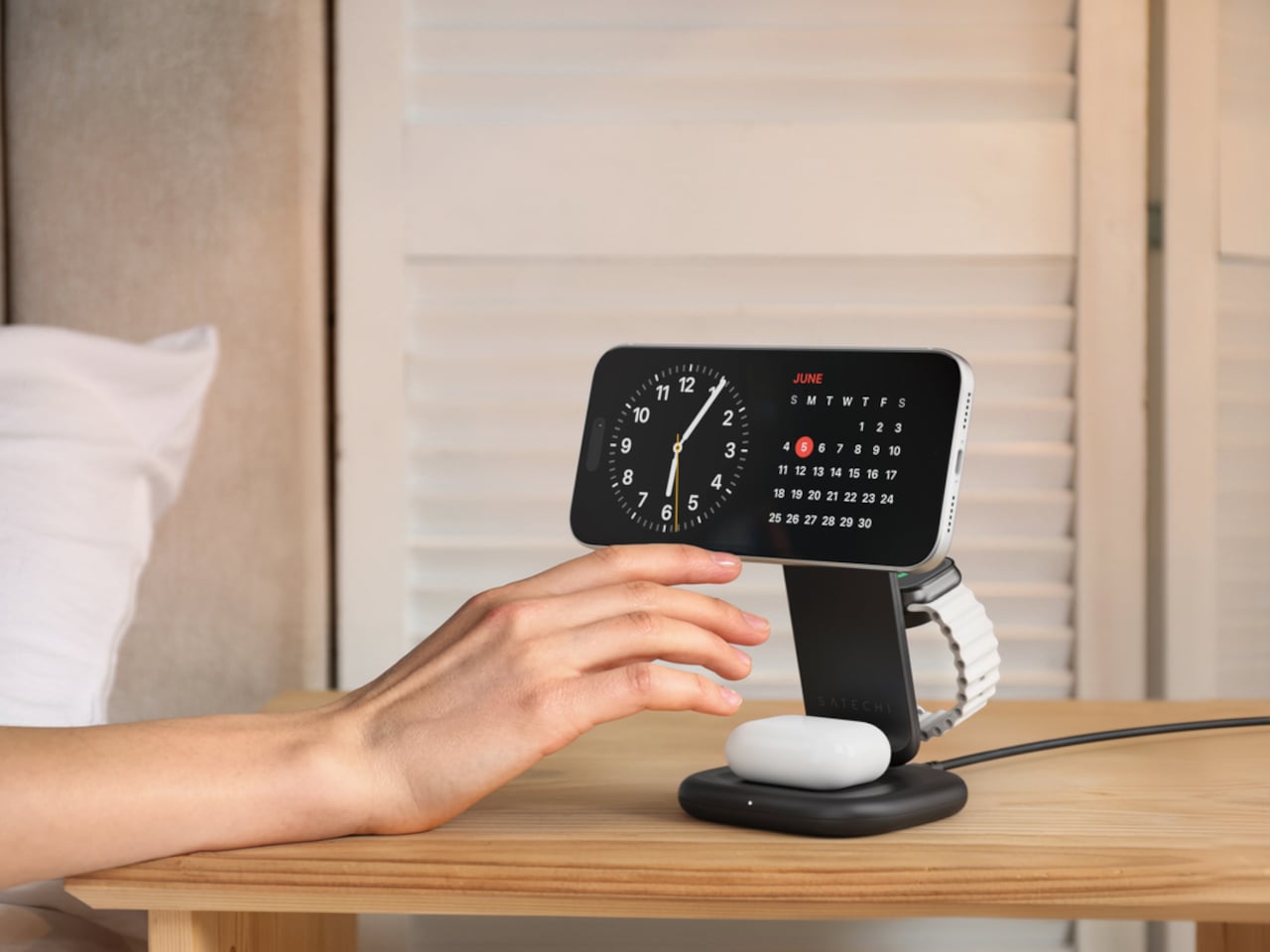
It’s not uncommon for people these days to own a smartphone, smartwatch, and wireless earbuds, especially when they’re from Apple. That, unfortunately, means having to juggle at least three chargers, especially when you want to charge them at the same time. With the Mag 3 Foldable Charging Station, however, you really need only one, whether you’re charging just a single device or all three. Best of all, it folds up quite nicely so it doesn’t take up a lot of space, especially when you’re not using it.

Click Here to Buy Now: $87 $109 (20% off with Coupon Code “20YD3MAG”). Hurry, deal ends in 48 hours!

Why is it noteworthy?

The Mag 3 can charge an iPhone, Apple Watch, and AirPods simultaneously, and then fold into a compact form to save space or carry with you anywhere.

What we like

  • Charge iPhone, Apple Watch, AirPods at the same time with MagSafe tech
  • Compact, pocket-sized form when folded

What we dislike

  • Doesn’t open completely flat

3. iKlips C Lightning/USB-C Flash Drive

Even with Apple now fully embracing the USB-C standard, there are still plenty of devices out there using the company’s Lightning technology. With the iKlips C Flash Drive, you don’t have to sweat the details of what storage solution to use for which device and effortless switch between all of them using the same flash drive. And with the free iKlips mobile app, you can enjoy convenient features like automatic backups while charging or recording 4K videos directly onto the flash drive to save space on your iPhone.

Click Here to Buy Now: Starting at $134 $179 (25% off with Coupon Code “25YDIKLC2”). Hurry, deal ends in 48 hours!

Why is it noteworthy?

The ultra-slim iKlips flash drive lets you easily share files between all kinds of devices, whether using Lightning or USB-C, and offers added features through the free iKlips app for iPhones and iPads.

What we like

  • Supports both Apple Lightning and USB-C devices
  • Auto-backup and direct video recording via iKlips app

What we dislike

  • Silicone cover is awkward and easy to lose

4. CASA Hub Pro Max 13-in-1 USB-C Hub

Super-slim laptops might look great, but their thin profiles come at the expense of some functionality. A very limited number of ports, most of them USB-C, cover just the basics but leave you hanging when you need more options. The CASA Hub Pro Max pulls out all the stops when it comes to connectivity, offering even a VGA port! Best of all, you only need a single USB-C Gen2 connection to your laptop for both data and power, simplifying cable management even further.

Click Here to Buy Now: $135 $159 (15% off with Coupon Code “15YDCHPM3”). Hurry, deal ends in 48 hours!

Why is it noteworthy?

CASA Hub Pro Max offers all the connectivity options you’ll ever need in a single hub that requires a single USB-C cable to use.

What we like

  • 13 connectivity ports including VGA, Ethernet, and data card readers
  • Supports up to 3 external displays
  • Sleek design, can be used as a laptop stand

What we dislike

  • Only works with USB-C Gen2 and requires 100W PD3.0 power input

5. Mag 4 GaN 30W 4-in-1 Power Charging Station

3-in-1 wireless chargers have now become more common, but many of these tend to sacrifice power output for the sake of convenience. The Mag 4 GaN charging station, in contrast, uses the latest charging technologies to deliver 30W of total power while still supporting simultaneous charging. In fact, it offers more ways to charge devices with its 20W USB-C and 18W USB-A outputs.

Click Here to Buy Now: $59 $79 (25% off with Coupon Code “25YDMAG43”). Hurry, deal ends in 48 hours!

Why is it noteworthy?

The Mag 4 offers the ultimate multi-device charging solution in a compact package and a distinctive adjustable angle design.

What we like

  • Supports wired and wireless charging, including 20W USB-C and 18W USB-A
  • Magnetic snap-on with adjustable angles lets you view your phone while charging
  • Utilizes GaN technology for fast and safe charging

What we dislike

  • Requires custom charging cable

6. EVE II Bluetooth Transmitter & Receiver

Headphone jacks might be gone from smartphones, but that doesn’t mean they’re gone forever. Unfortunately, it does mean that your only pair of wireless earbuds is pretty much useless for devices and sources that don’t support Bluetooth, like airline entertainment systems or older media players. With the ADAM elements EVE II, you don’t have to worry about your privacy, allowing you to connect wireless earphones and speakers to just about anything that has a headphone jack. Never miss out on in-flight entertainment ever again with the EVE II Bluetooth Transmitter and Receiver.

Click Here to Buy Now: $47 $59 (20% off with Coupon Code “20EVEII3”). Hurry, deal ends in 48 hours!

Why is it noteworthy?

EVE II is an ultra-compact, pocket-sized gadget that lets you connect various devices with a headphone jack to Bluetooth headphones or speakers.

What we like

  • Dual foldable 3.5mm AUX plugs compatible with a variety of sources, including airline entertainment systems
  • Can pair with up to 2 Bluetooth earbuds at the same time
  • Easily switch between transmitter and receiver modes with a single button

What we dislike

  • Boxy shape might block nearby ports (ships with a 3.5mm adapter cable to address this problem)

7. OMNIA CX2 Magnetic Charging Car Mount

The majority of wireless chargers in the market presume that you’re either at home, in the office, or sitting down somewhere. The need to charge, however, can strike anywhere, even while you’re in a car. Of course, car chargers have existed for decades, but MagSafe car chargers still seem to be in their growing days. The OMNIA CX2 tries to prove that this design has finally matured, offering a simple yet elegant way to keep your phone topped up while navigating roads or listening to relaxing tunes.

Click Here to Buy Now: $39 $49 (20% off with Coupon Code “20YDOCX23”). Hurry, deal ends in 48 hours!

Why is it noteworthy?

The OMNIA CX2 Magnetic Car Mount offers a simple, safe, and stylish way to charge your phone on the go.

What we like

  • Built-in LED light increases visibility in the dark
  • 360-degree head and metal telescopic hook offers stable, one-hand use

What we dislike

  • A bit bulky yet offers stable installation

8. OMNIA Q5 5-in-1 Wireless Charging Station

Wireless charging stations are quite useful, but they only cover a small subset of things that you might need to charge. If you’re a lover of Apple’s gadgets, you’re likely to have more than just three types of devices. With the OMNIA Q5, you can expand that set to include an iPad and an Apple Pencil to cover all your bases. What’s even more interesting is that you can even remove the wireless charging pad and use it independently or put it to the side for a more spacious arrangement.

Click Here to Buy Now: $68 $89 (23% off with Coupon Code “23YDOQ53”). Hurry, deal ends in 48 hours!

Why is it noteworthy?

The OMNIA Q5 5-in-1 Wireless Charging Station welcomes iPad and Apple pencils to the fray, letting you charge all your Apple devices at the same time.

What we like

  • Modular phone charging pad can be used separately
  • Single power cable to charge 5 devices simultaneously, including an iPhone, Apple Watch, AirPods, iPad up to 12.9 inches, and Apple Watch

What we dislike

  • Apple Watch charging pad can’t be folded down when not in use

9. OMNIA M3+ Magnetic 3-in-1 Wireless Charging Station

Who says that wireless chargers all need to be rectangular or circular? The OMNIA M3+ definitely says it doesn’t have to be the case, especially with the likes of Apple MagSafe technology. Adopting a design similar to a tree branch or jewelry holder, this distinctive wireless charger holds your iPhone and Apple Watch up in the air, almost like magic.

Click Here to Buy Now: $95 $119 (20% off with Coupon Code “20YDOM3P3”). Hurry, deal ends in 48 hours!

Why is it noteworthy?

The OMNIA M3+ eschews conventional wireless charger designs to deliver a product that is as beautiful as it is functional.

What we like

  • Unique stylish design
  • Qi Wireless Charging Base supports different wireless earbuds brands

What we dislike

  • Charging base doesn’t match the overall chrome-plated aesthetic

10. CASA Hub S USB-C 5-in-1 SSD Hub

USB-C hubs have become more common these days, but that doesn’t mean we’ve run out of ways to innovate on their designs and features. These gadgets are great for connecting laptops and phones to external devices, but they can also carry other functions to maximize the space they occupy. The CASA Hub S is an innovative twist on that design, integrating SSD storage so that it can function not just as a hub but as an external drive as well, which can be especially useful for Time Machine and iPhone 15 backups.

Click Here to Buy Now: 480GB version for $166 $189 (12% off with Coupon Code “12YDCHS3”). Hurry, deal ends in 48 hours!

Why is it noteworthy?

With its own built-in SSD storage, the CASA Hub S delivers two functions in one, saving you space and time for the things you need to stay productive.

What we like

  • Built-in SSD storage
  • Includes 3.5mm Audio Jack
  • Compact, portable design

What we dislike

  • One USB-C port only

The post Top 10 Apple Accessories that are the sleek productivity hacks you need for the ultimate work setup first appeared on Yanko Design.
This slim laptop sleeve doubles as a portable desk mat and wireless charger

Working from home might no longer be a buzzword these days, but sitting down anywhere with your laptop has always been a thing even before 2020. That is also why there will always be a thriving market for accessories that help make working anywhere more pleasant, even if you don’t have all the comforts and conveniences that your office or home desk may offer. But if you can’t be at your desk, why not bring your desk with you? That’s the proposition that this slim and minimalist laptop sleeve tries to make, allowing you to set up your personal working zone anywhere while also letting your phone and earbuds charge as you type your way to productivity.

Designer: Journey

No matter how durable laptops may be, you are undoubtedly tempting fate if you don’t put some protection around it before you stash it in your bag or carry it in your hand. That’s especially true for laptops with elegant covers and finishes that will undoubtedly get scratched one way or another. A laptop sleeve is a simple yet effective solution to that problem, but it serves no function other than to take up space once you’ve started using the laptop.

NEXA is a laptop sleeve that offers value beyond just protecting your laptop, although it also does that well with multiple layers of protection for those heart-stopping accidental drops and bumps. Even with that kind of durability, however, the sleeve remains slim and sleek, sporting a vegan leather outer skin that gives it a stylish character even when it’s doing nothing. You might even be tempted to just carry your laptop by hand instead of putting it inside your bag, just to flaunt the beautiful sleeve that holds it.

NEXA’s function, however, doesn’t stop there. Once the laptop is out of the sleeve, you can rest it on the table and put your laptop on it, transforming it into a stylish desk mat not unlike what you might have on your desk. Not only does it give added protection to your laptop’s bottom, it also helps demarcate your working area, which is especially useful in public spaces. And whether you’re at your desk or outside, you can still use the sleeve in some manner, functioning as a large mouse pad for buttery smooth movement.

That’s not the end of its bag of tricks, though. The flap discreetly hides two wireless chargers, a 15W MagSafe-compatible one for phones and a 5W charger for earbuds like the Apple AirPods. All of these features come at no expense to the product’s simple and lightweight design, making the NEXA laptop sleeve a dream for laptop users who always find themselves settling down in coffee shops and public places to get work done.

The post This slim laptop sleeve doubles as a portable desk mat and wireless charger first appeared on Yanko Design.
Magsafe charging valet tray helps your area look less cluttered

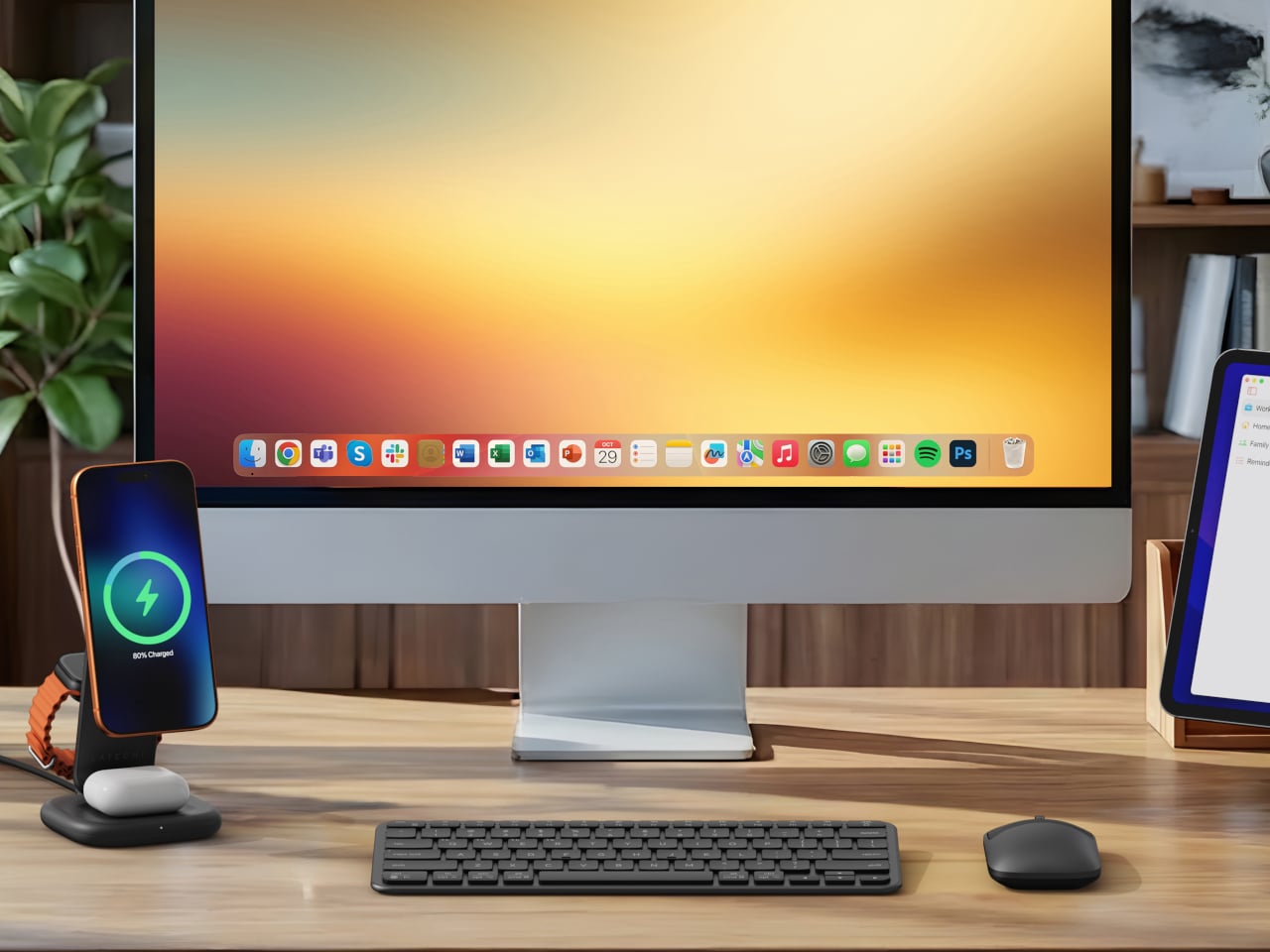
If you have several devices that you want to charge at the same time, your desk can look like a tangle of wires and other charging paraphernalia. I am not the neatest person when it comes to my desk so that’s not such an uncommon or uncomfortable situation for me. But for those who are a bit concerned with how their work area will look, wireless charging is probably the best solution to avoid such clutter. If you have several devices though, you might also need several wireless charging pads, unless you get one that can charge multiple gadgets at once.

Designer: Courant

For Mac users, Courant is an accessory maker that they constantly look to (if they can afford premium devices though). The MAG:3 is their latest MagSafe wireless charging device and this time it looks like a minimalist valet tray for your iPhone, AirPods, and other small items that you can place there to make your side table or desk more organized. It is available in both leather and linen finishes and in several colors for each so you can choose which one best fits your current work or home aesthetic.

The tray is made up of a 7.5W output wireless charger pad for your iPhone, a 5W, non-magnetic Qi wireless charger pad for other compatible devices like Airpods, and a 10W USB-C output at the back part to power other devices like your Apple Watch or another USB-C compatible device. There is also space for things like your wallet, watch, keys, eyeglasses, and other small things that you may need to place beside your devices so you won’t forget any of them before you leave your house or your office.

The carbon-neutral Belgian Linen finish is available in camel, charcoal, and natural colors while the gold-rated Italian Leather finish has the saddle or black color options. It is now available to pre-order on the Courant website but since Black Friday deals are almost upon us, you get a discounted deal for a limited period in case you want to save a few dollars.

The post Magsafe charging valet tray helps your area look less cluttered first appeared on Yanko Design.