The Morning After: What to expect from Apple’s March 4 hardware event

Apple has lined up its first event of the year. Already! It’s taking place in New York City on March 4 at 9AM ET, but the company hasn’t confirmed if it will stream the media event.

It seems likely the event will be mainly iPads and MacBooks — so business as usual. However, it could include new entry-level MacBooks in a fresh array of colors. I think that’s what everyone’s reading into the lemon-and-lime tinged invitation.

I’m very much up for a return of the colorful Mac. The first Mac I ever used was one of those bubbly orange iMacs, interning at a video-game magazine. Yes, a magazine.

We’re also expecting a 2026 MacBook Air and refreshed 14- and 16-inch MacBook Pros, with the M5 Pro and M5 Max chips also breaking cover. Is it too early for an iPhone 17e? Perhaps. We’ll be reporting from the event.

And for those asking about yesterday's newsletter, thanks for your continued support and we'll have more to say soon. 

— Mat Smith

Netflix is streaming its very first live MMA fight on May 16. The combatants are Ronda Rousey, (last match 2016) and Gina Carano (2009). The streamer has had to pluck fighters out of retirement because more contemporary stars are under contract with various promotional entities. The featherweight bout will take place inside a hexagon cage and stream globally — hopefully, Netflix can keep its stream up. The fight is co-hosted by Most Valuable Productions, Jake Paul’s production company. Because of course it is.

Continue reading.

TMA
Engadget

The worst-kept secret in value-for-money phones remains Google’s Pixel A series. In recent years, the Android phone series has offered a great balance of specs, hardware design and software features that embarrass most phones in the same price point. Its camera performance is often better than devices that cost several hundred dollars more.

It’s more of the same with the Pixel 10a. For $500, you get a 6.3-inch OLED screen with a 120Hz refresh rate and 3,000 nits of peak brightness, 8GB of RAM and a 48MP main camera, paired with a 13MP ultra-wide. Also: No. Camera. Bump. Innovation for $500, right there.

Continue reading.

TMA
Engadget

I won’t shut up about floor cleaning. I’m 41. Dyson has crunched its wet-floor tech into the same cylindrical profile of its Penac. I like the size, but how does it clean? I’ll hold judgment till I’ve tried it.

$600 is a lot more than a mop. Yes, I know that’s not the point.

Continue reading.

This article originally appeared on Engadget at https://www.engadget.com/general/the-morning-after-engadget-newsletter-122534537.html?src=rss
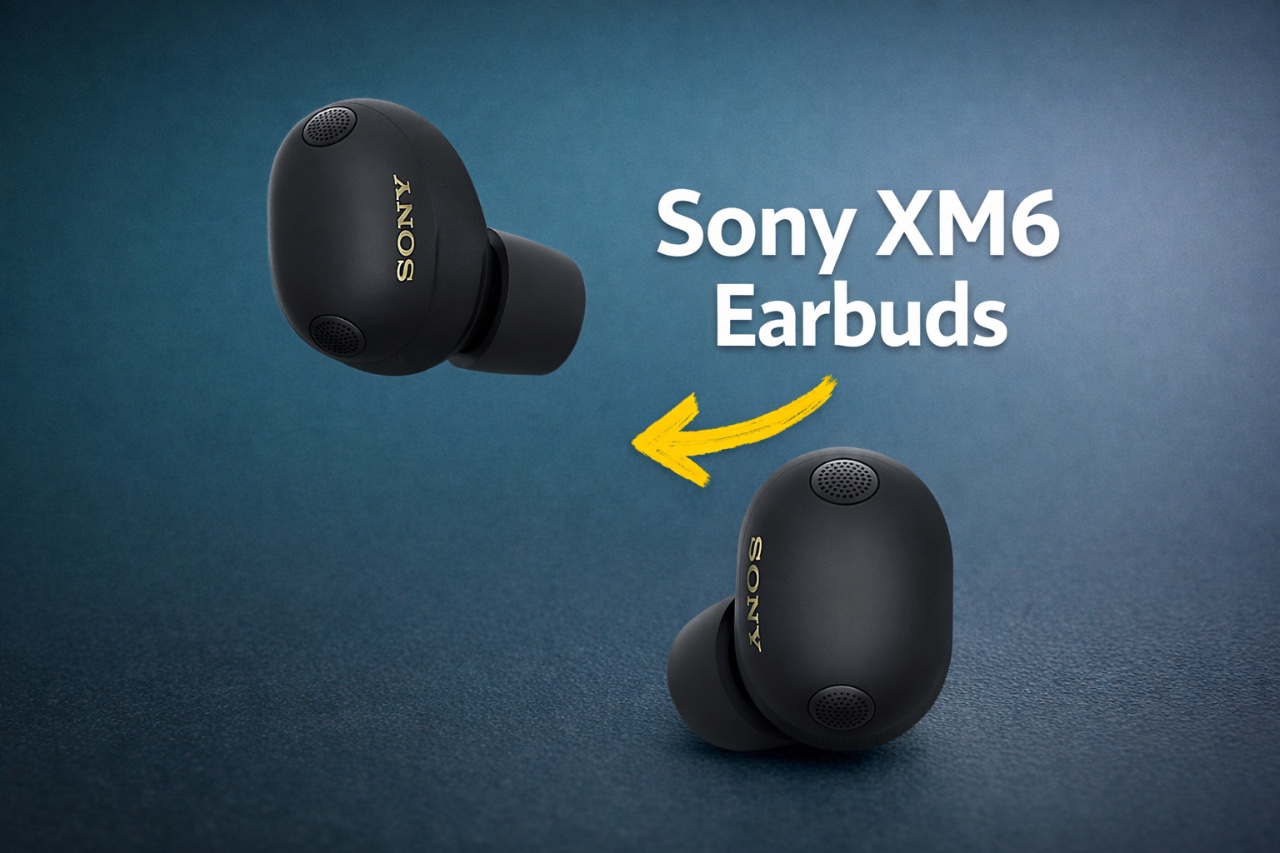
How to Unlock Hidden Features of Sony XM6 Earbuds

How to Unlock Hidden Features of Sony XM6 Earbuds Sony XM6 Earbuds

The Sony XM6 earbuds represent a pinnacle of modern audio engineering, offering a blend of exceptional sound quality, intuitive features, and long-term durability. By understanding and using their advanced capabilities, you can elevate your listening experience to new heights. This guide provides actionable steps to help you maximize the performance of your XM6 earbuds, ensuring […]

The post How to Unlock Hidden Features of Sony XM6 Earbuds appeared first on Geeky Gadgets.

Posted in Uncategorized

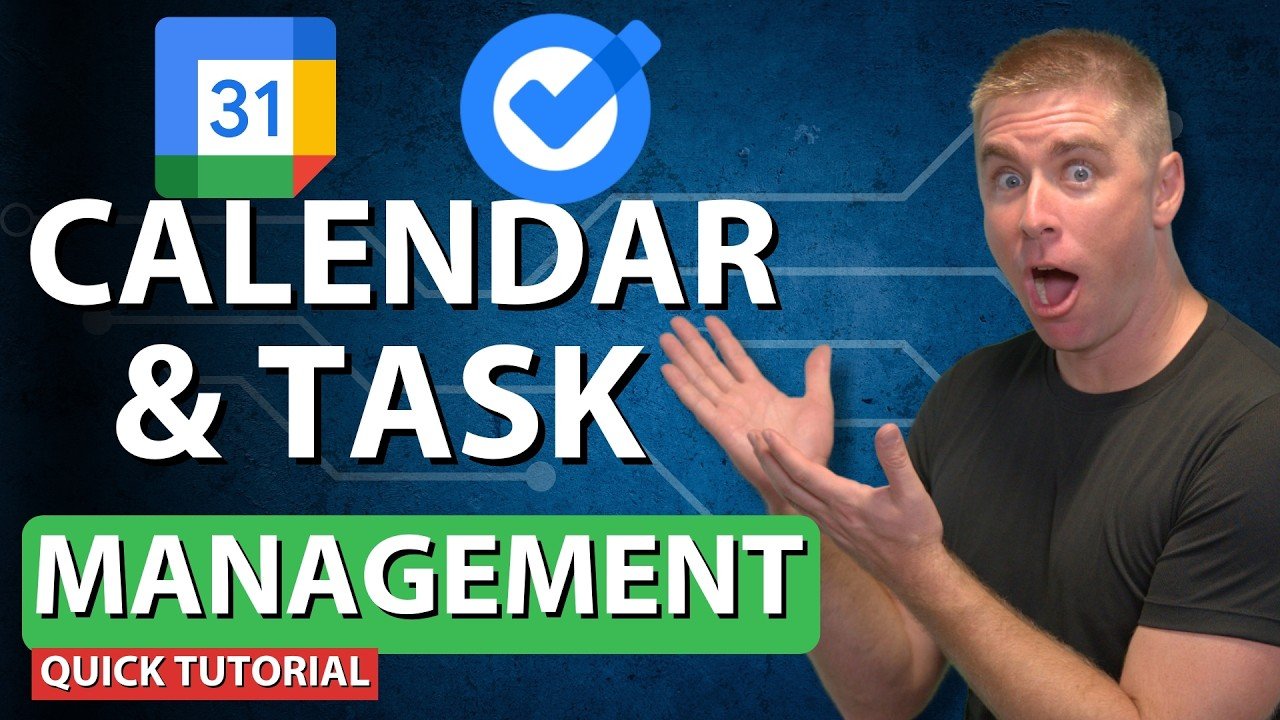
Google Calendar Tips & Tricks : Save Hours with Rules & Time Blocking

Google Calendar Tips & Tricks : Save Hours with Rules & Time Blocking Google Calendar week view showing color coding for revenue tasks, team meetings, and attached documents on events.

Have you ever felt like your schedule is running you instead of the other way around? Between endless meetings, overlapping commitments, and the constant ping of reminders, it’s easy to feel overwhelmed. In this walkthrough, itGenius shows how to transform Google Calendar from a basic scheduling app into a time-saving powerhouse. By tapping into its […]

The post Google Calendar Tips & Tricks : Save Hours with Rules & Time Blocking appeared first on Geeky Gadgets.

Posted in Uncategorized

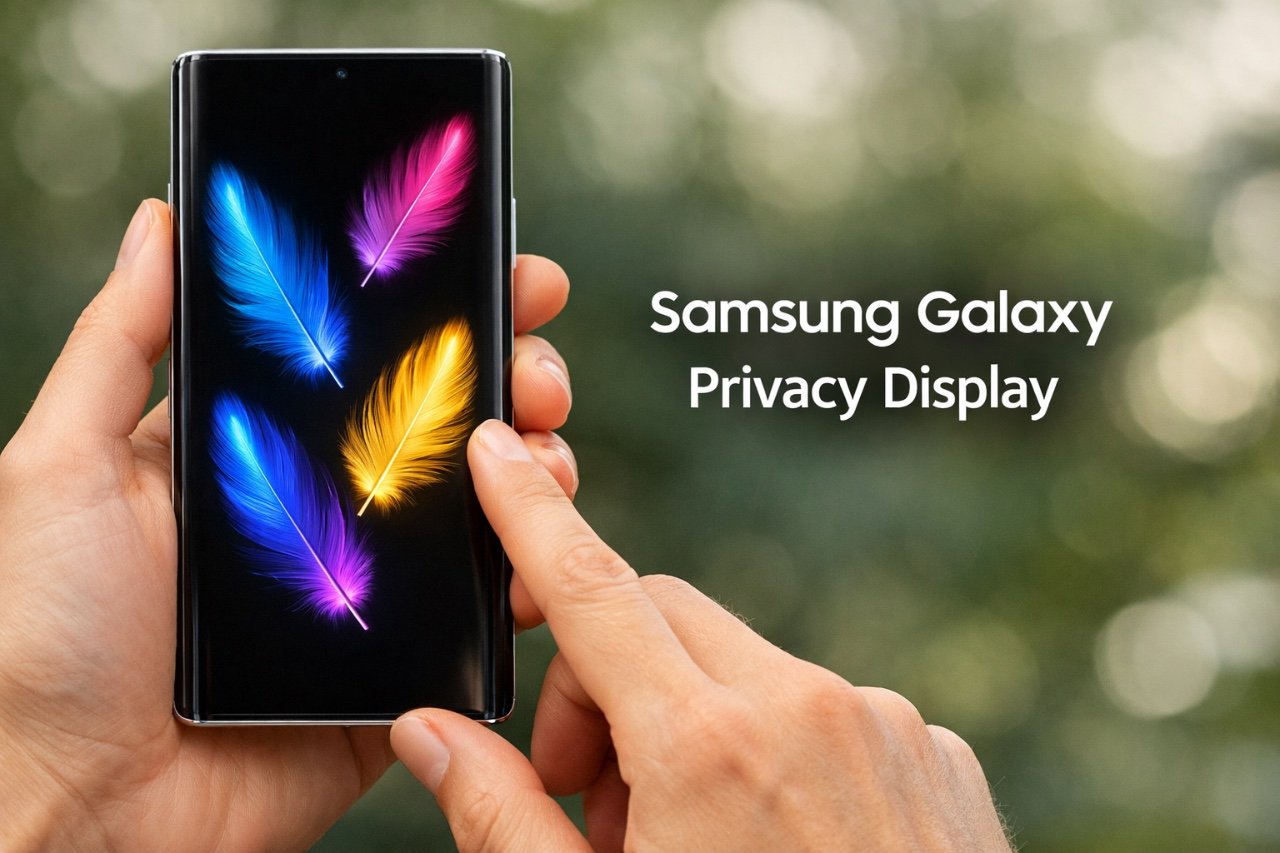
Why the Samsung Galaxy S26 Ultra’s Privacy Display is a Game Changer

Why the Samsung Galaxy S26 Ultra’s Privacy Display is a Game Changer Samsung Galaxy S26 Ultra

The Samsung Galaxy S26 Ultra introduces a new privacy-focused display, setting a new standard for protecting sensitive information in public spaces. By incorporating hardware-based optical viewing angle control, this innovation ensures that only you can view your screen’s content, effectively shielding it from prying eyes. This advanced feature distinguishes the Galaxy S26 Ultra from its […]

The post Why the Samsung Galaxy S26 Ultra’s Privacy Display is a Game Changer appeared first on Geeky Gadgets.

Posted in Uncategorized

Family Hub: How technology helps tame the chaos of three-generation travel

Family Hub: How technology helps tame the chaos of three-generation travel Family Hub

Multi-generational family travel is booming today. Yet trips that include three or more generations often descend into chaos: everyone has different expectations for rest, activities, and digital comfort. A “Family Hub” can turn this into a system, where shared plans are synchronized while personal boundaries remain a priority. All these tools, however, are useless without […]

The post Family Hub: How technology helps tame the chaos of three-generation travel appeared first on Geeky Gadgets.

Posted in Uncategorized

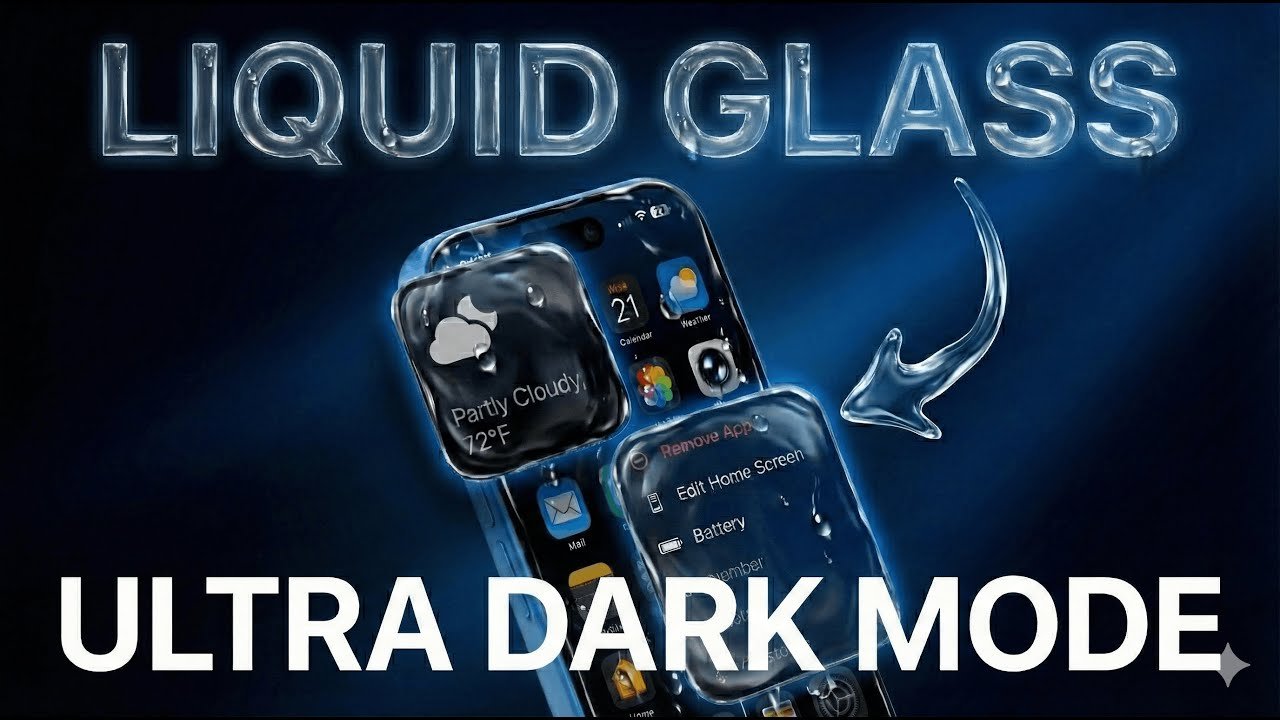
iPhone Ultra Dark Mode & Liquid Glass : How to Turn It On

iPhone Ultra Dark Mode & Liquid Glass : How to Turn It On Display & Brightness menu on iOS 26.2 highlighting Liquid Glass and dark appearance options on an iPhone.

The latest iOS 26.2 update introduces exciting display customization options, including an upgraded Dark Mode and the new Liquid Glass feature. These enhancements allow you to create a sleek, energy-efficient interface while improving visibility in low-light settings. As outlined by Phones & Drones, Liquid Glass adds a tinted background that reduces glare and complements Dark […]

The post iPhone Ultra Dark Mode & Liquid Glass : How to Turn It On appeared first on Geeky Gadgets.

Posted in Uncategorized

Samsung updates Bixby to become more conversational

Bixby isn’t typically part of the conversation when it comes to virtual assistants for mobile devices, but Samsung is clearly hoping that you would use it more. The company has launched the latest version of Bixby with the new One UI 8.5 beta, and it has been tweaked to work as a “conversational agent.” Samsung says you’ll now be able to talk to it and give it tasks using natural language, like how you’d talk to other people or, these days, to chatbots.

You don’t have to remember exact commands or names for specific settings. You can just describe what you want to happen, such as “I don’t want the screen to time out while I’m still looking at it.” Bixby will then automatically turn on the “Keep Screen on While Viewing” setting. If you ask it a question, such as “Why is my phone screen always on when it’s inside my pocket,” it could provide several solutions you can choose from.

In addition, the assistant can now access new and up-to-date information on the web. You do searches without opening a browser, and Bixby will display web results right within its interface. At the moment, the updated Bixby is only available in Samsung’s home country of Korea, as well as in Germany, India, Poland, the UK and the US, but company will roll it out more widely in the future.

This article originally appeared on Engadget at https://www.engadget.com/mobile/smartphones/samsung-updates-bixby-to-become-more-conversational-112649179.html?src=rss

Perplexity Bans Bots & Scrapers Under New Service Restrictions

Perplexity Bans Bots & Scrapers Under New Service Restrictions Screenshot-style view of Perplexity terms showing personal, non-commercial use limits for both free and Pro accounts.

Perplexity AI has recently rolled out a significant update to its terms of service, introducing stricter policies on usage, attribution, and content licensing. As outlined by the Nerdy Novelist, these changes include a shift to personal, non-commercial use only, even for paid subscribers, and a requirement for explicit attribution when sharing generated content publicly. These […]

The post Perplexity Bans Bots & Scrapers Under New Service Restrictions appeared first on Geeky Gadgets.

Posted in Uncategorized

bibigo Just Made Chopsticks With Touchscreen Tips for Scroll-Eaters

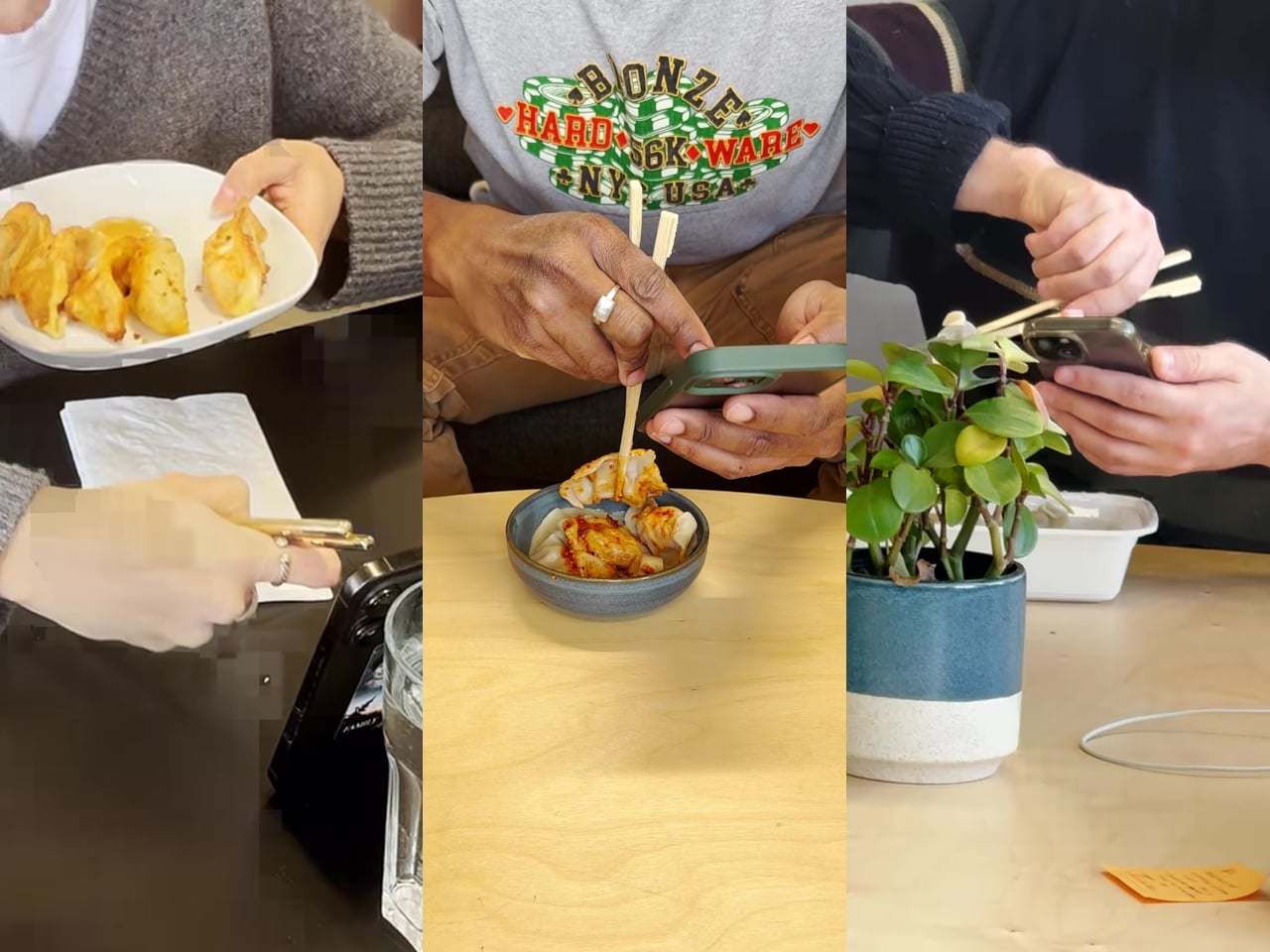
There’s a greasy phone screen somewhere in your immediate past. Maybe it was a dumpling, maybe it was a bowl of noodles, maybe it was something with a suspiciously orange sauce. Either way, you were eating and scrolling at the same time, and the evidence is still on the glass. Nobody’s proud of it, but according to a survey bibigo ran through Angus Reid, 96% of Americans have used their phone while eating, so at least you’re in excellent company.

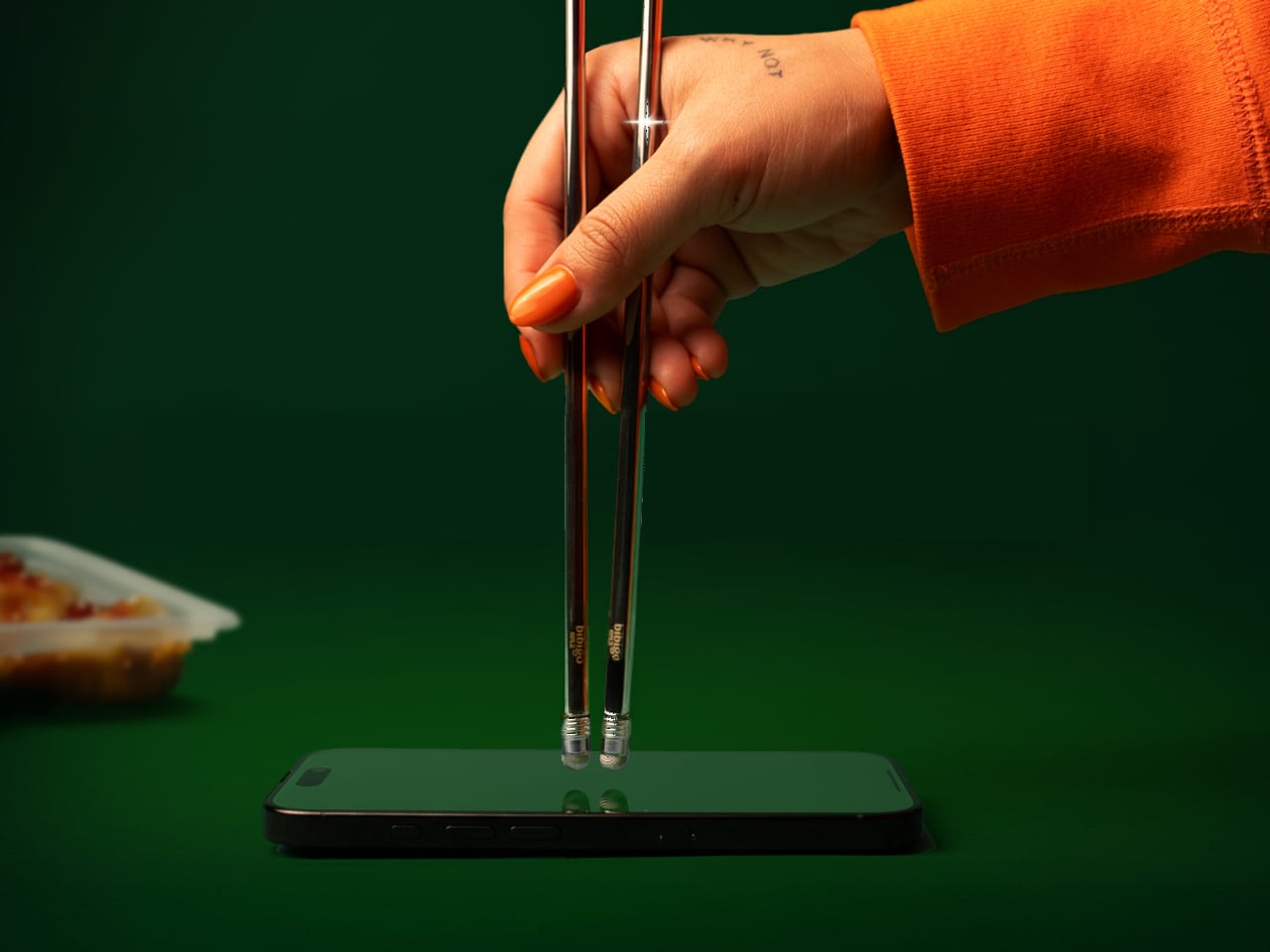
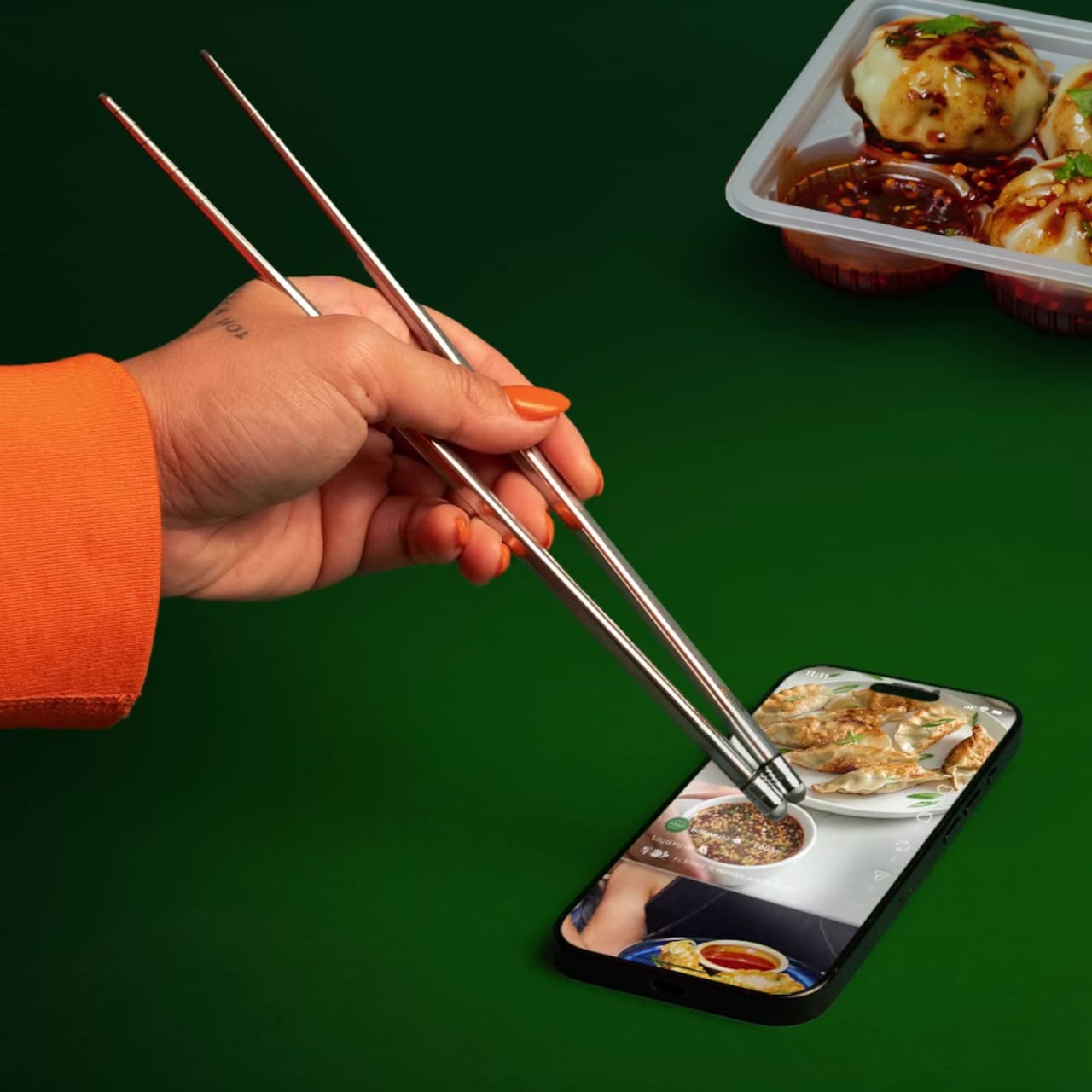
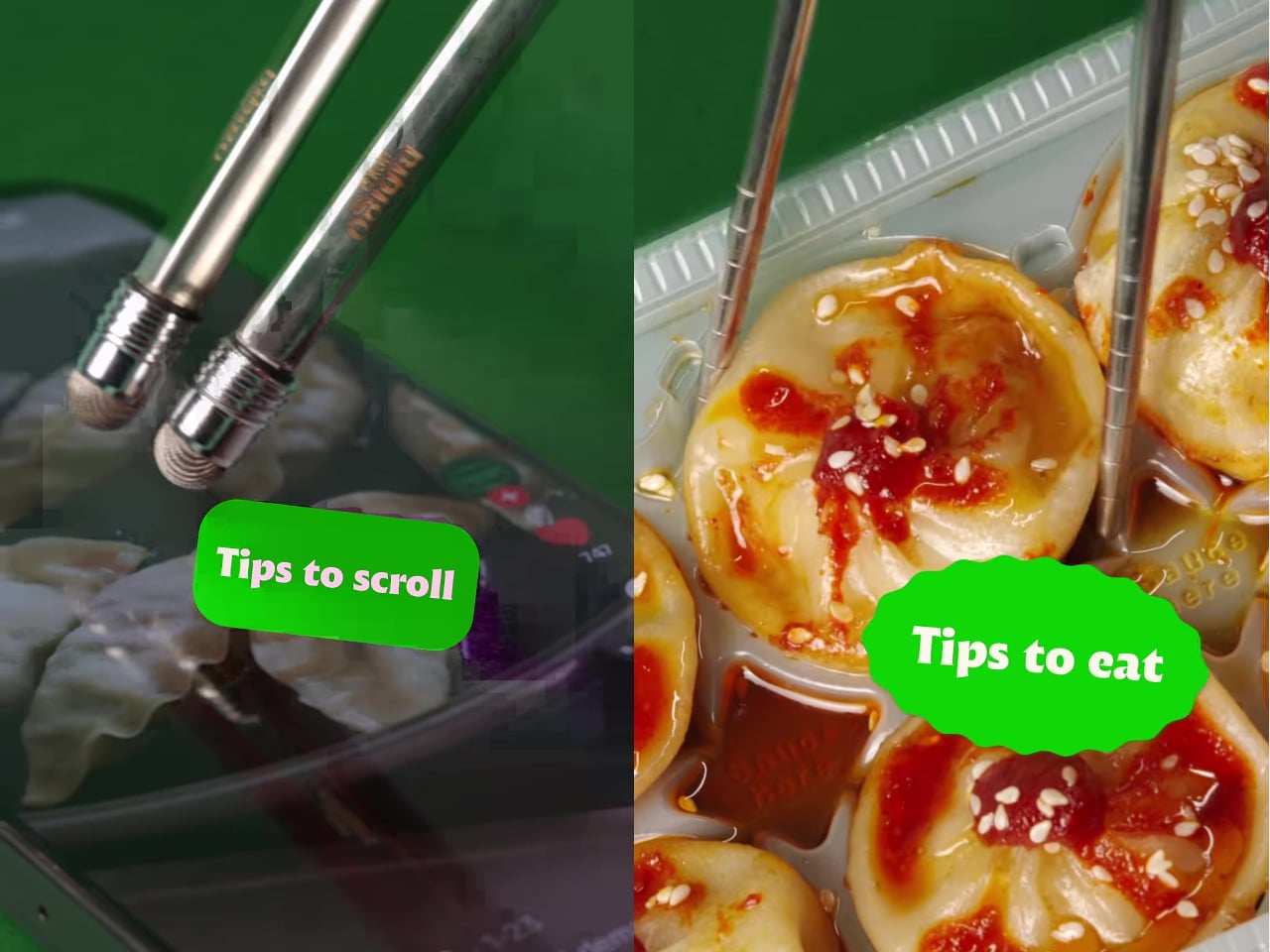
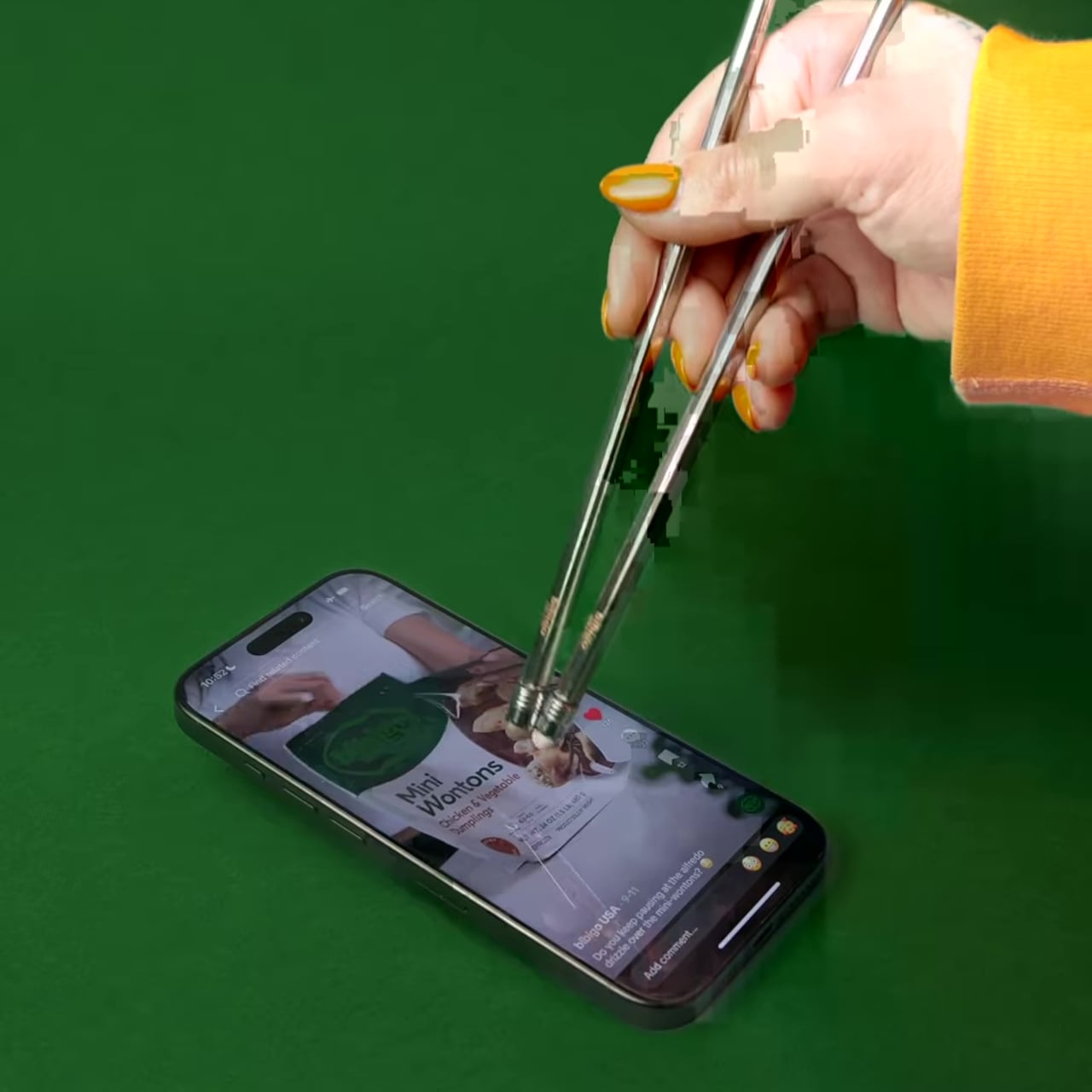
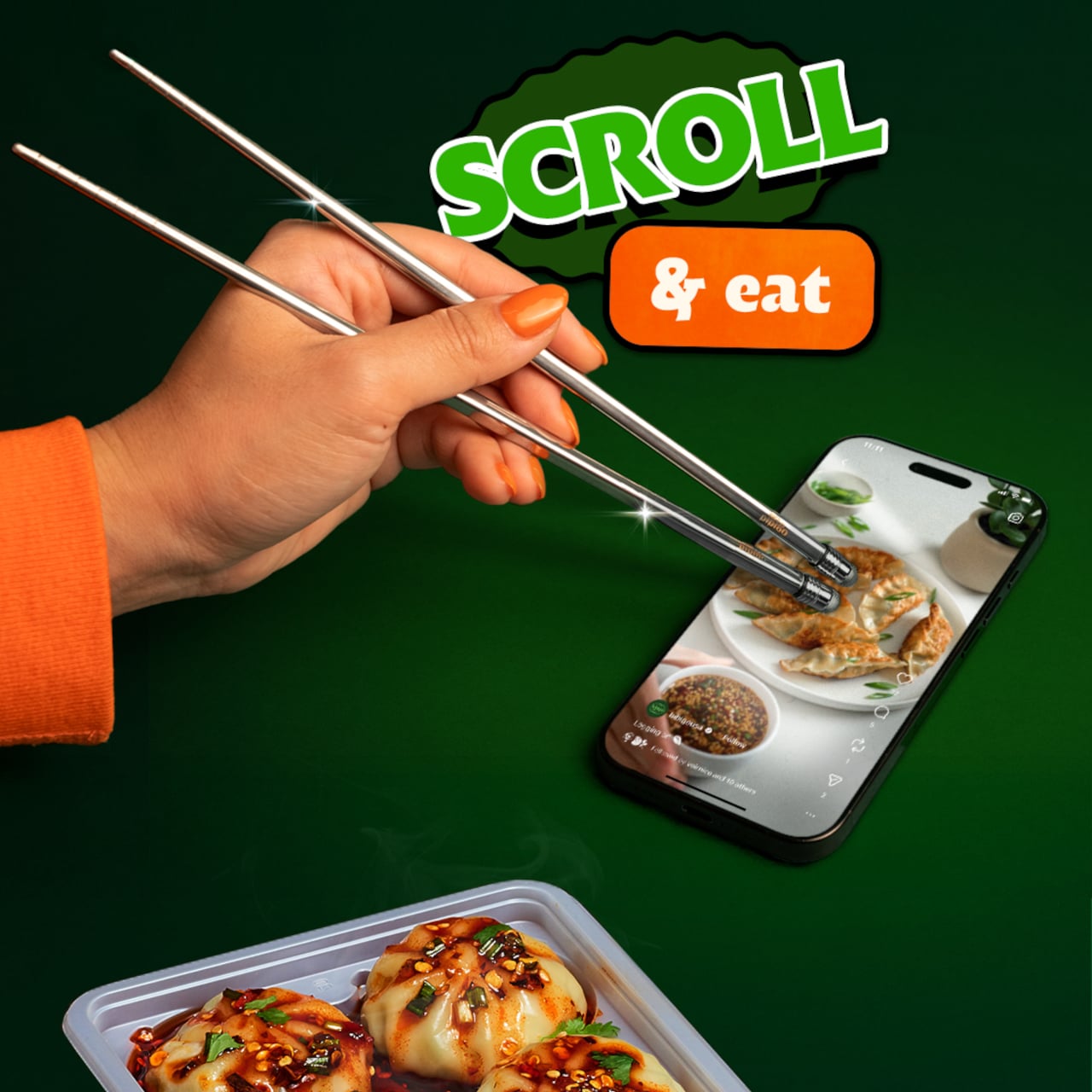
bibigo, the Korean food brand behind what the internet has collectively decided are its favorite dumplings, decided to design for the habit instead of lecturing about it. ScrollSticks are dual-ended chopsticks with touchscreen tips, one end for picking up food and the other for tapping, swiping, and scrolling on a phone. The premise is simple: two dedicated ends for two different jobs, keeping the oil and sauce where they belong.

Designer: bibigo

The research behind the launch is basically a monument to relatable chaos. Beyond the 96% who’ve scrolled while eating, 66% do it often during at least one meal a day. Nearly three in four people report frustrations: 41% are frustrated by getting their hands or phones dirty, 30% struggle to hold a phone comfortably while eating, and 28% can’t keep their screen clean. ScrollSticks are bibigo’s answer to all of the above, which is either very clever or a sign of the times, possibly both.

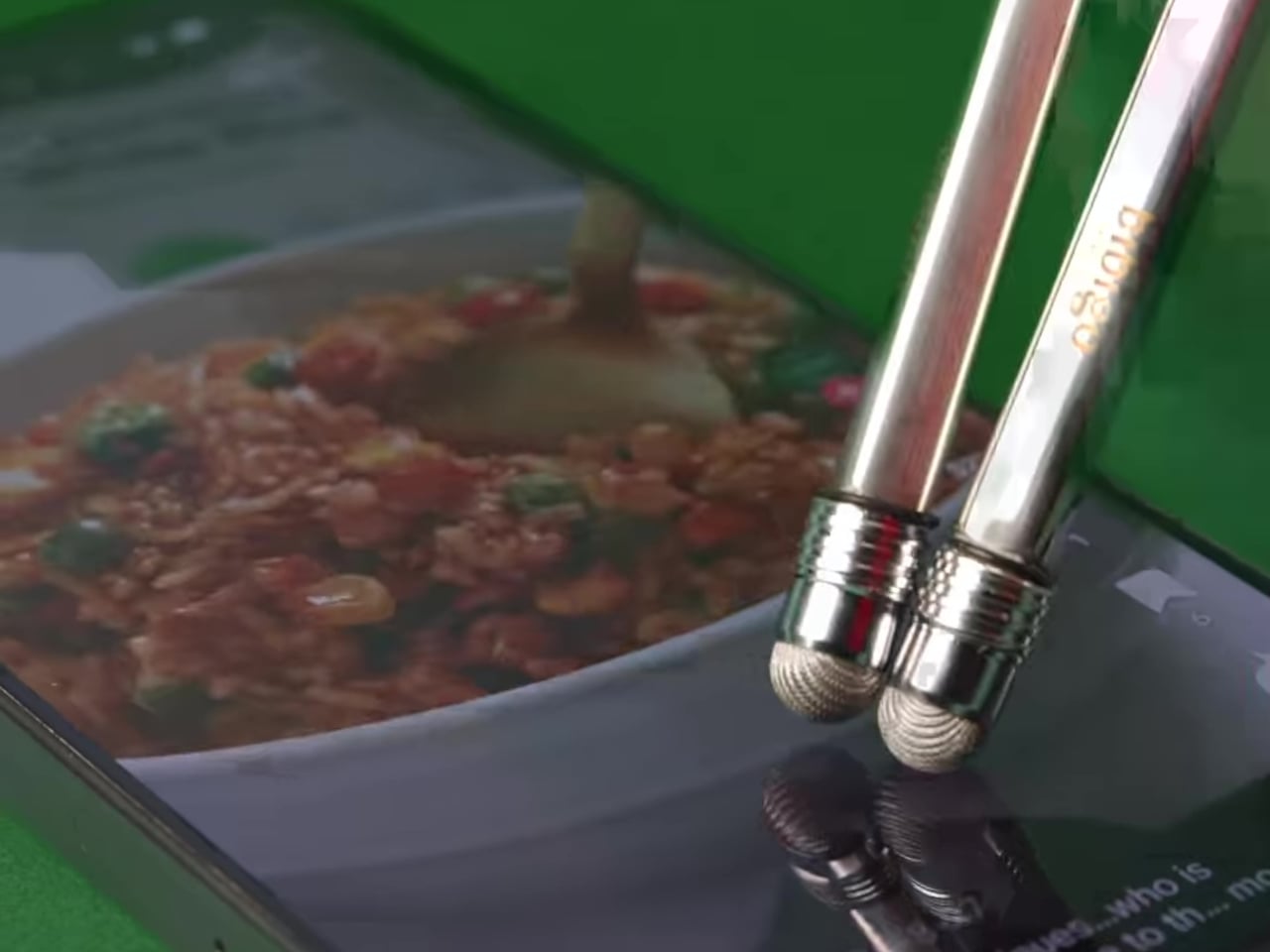
The design logic is straightforward. You eat with the food end, then flip the chopsticks and use the touchscreen-compatible tips to tap and scroll without transferring dumpling residue onto the glass. The tips work with capacitive touchscreens, so it’s not just poking the screen with metal but actually registers as a touch. One tool, two dedicated functions, and your screen stays marginally more dignified.

The cleaning situation is also handled better than you’d expect from what sounds like a novelty item. The touchscreen tips unscrew from the chopsticks, so you can dishwasher or sink-wash the metal body just like any other silverware. That modularity is doing serious practical work here. A touchscreen-tipped chopstick that you can’t properly clean would be a different, worse product.

bibigo frames ScrollSticks as part of its “food-tainment” innovations, which is a word that exists now and apparently describes branded objects that blur eating and entertainment culture. The previous entry in that line was the bibigo Dashboard Kitchen. ScrollSticks are sillier and more useful, which is a hard combination to pull off.

The chopsticks are a limited-edition drop, and the window is short. That’s fitting for something that is partly a product and partly a cultural artifact: a small, polished admission that dinner and doomscrolling are now the same meal, and if the phone is staying at the table, at least the screen deserves better than a dumpling-flavored fingerprint in the corner.

The post bibigo Just Made Chopsticks With Touchscreen Tips for Scroll-Eaters first appeared on Yanko Design.

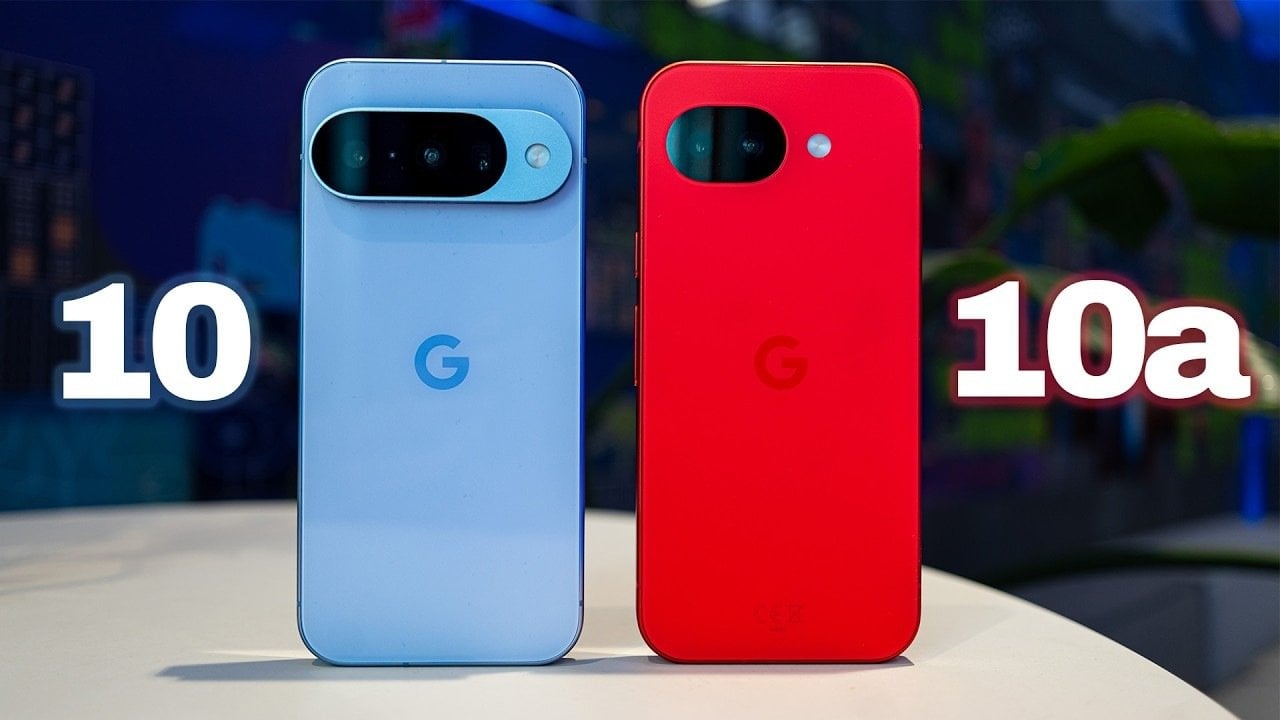
Google Pixel 10 vs Pixel 10A: Which One Should You Buy?

Google Pixel 10 vs Pixel 10A: Which One Should You Buy? Side-by-side design comparison of Pixel 10 and Pixel 10A smartphones

The Pixel 10 and Pixel 10A, while part of the same product family, cater to distinct user needs through differences in design, performance, and features. The Pixel 10 is tailored for those seeking a premium experience, while the Pixel 10A focuses on affordability and practicality. Understanding their unique characteristics can help you make an informed […]

The post Google Pixel 10 vs Pixel 10A: Which One Should You Buy? appeared first on Geeky Gadgets.

Posted in Uncategorized