Elecom HUGE Plus Has a 52mm Trackball and 10 Programmable Buttons

Long hours at a computer do terrible things to your wrist. Moving a mouse back and forth across a desk for eight hours a day creates repetitive strain that builds up over months and years, eventually turning into chronic pain that makes even simple tasks uncomfortable. Most people just accept this as the cost of desk work, but trackballs offer a different approach by keeping your hand stationary and moving the cursor with a ball instead, reducing wrist travel and arm movement.

Elecom’s HUGE Plus is the latest evolution of its flagship ergonomic trackball, aimed at creators, engineers, and anyone who spends serious time pushing pixels around multiple screens. It takes the original HUGE trackball and updates it with tri-mode connectivity, a rechargeable battery, and deeper customization options, while keeping the oversized ball and full palm support that made the original a favorite among ergonomic enthusiasts who take their input devices seriously.

Designer: Elecom

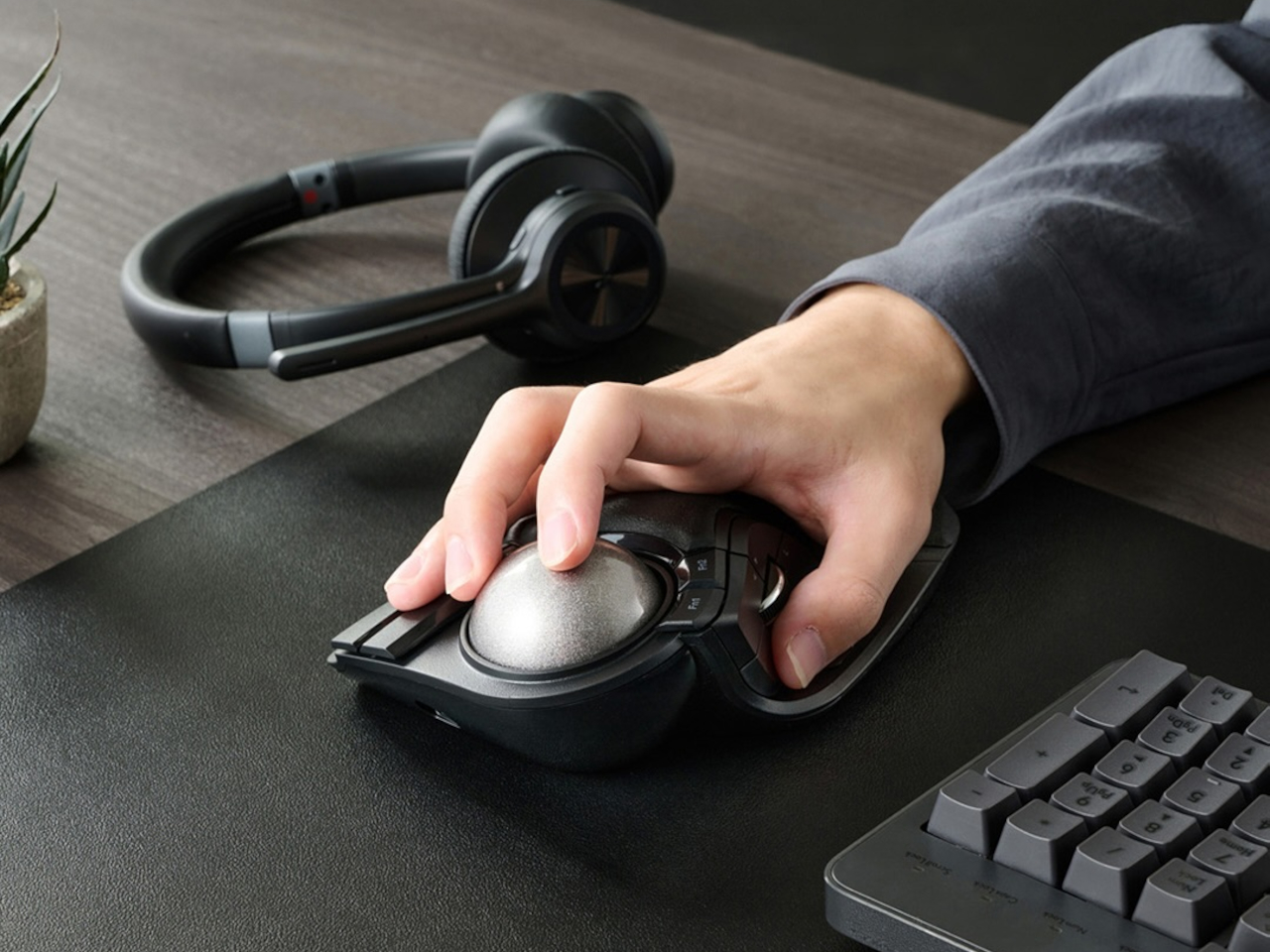
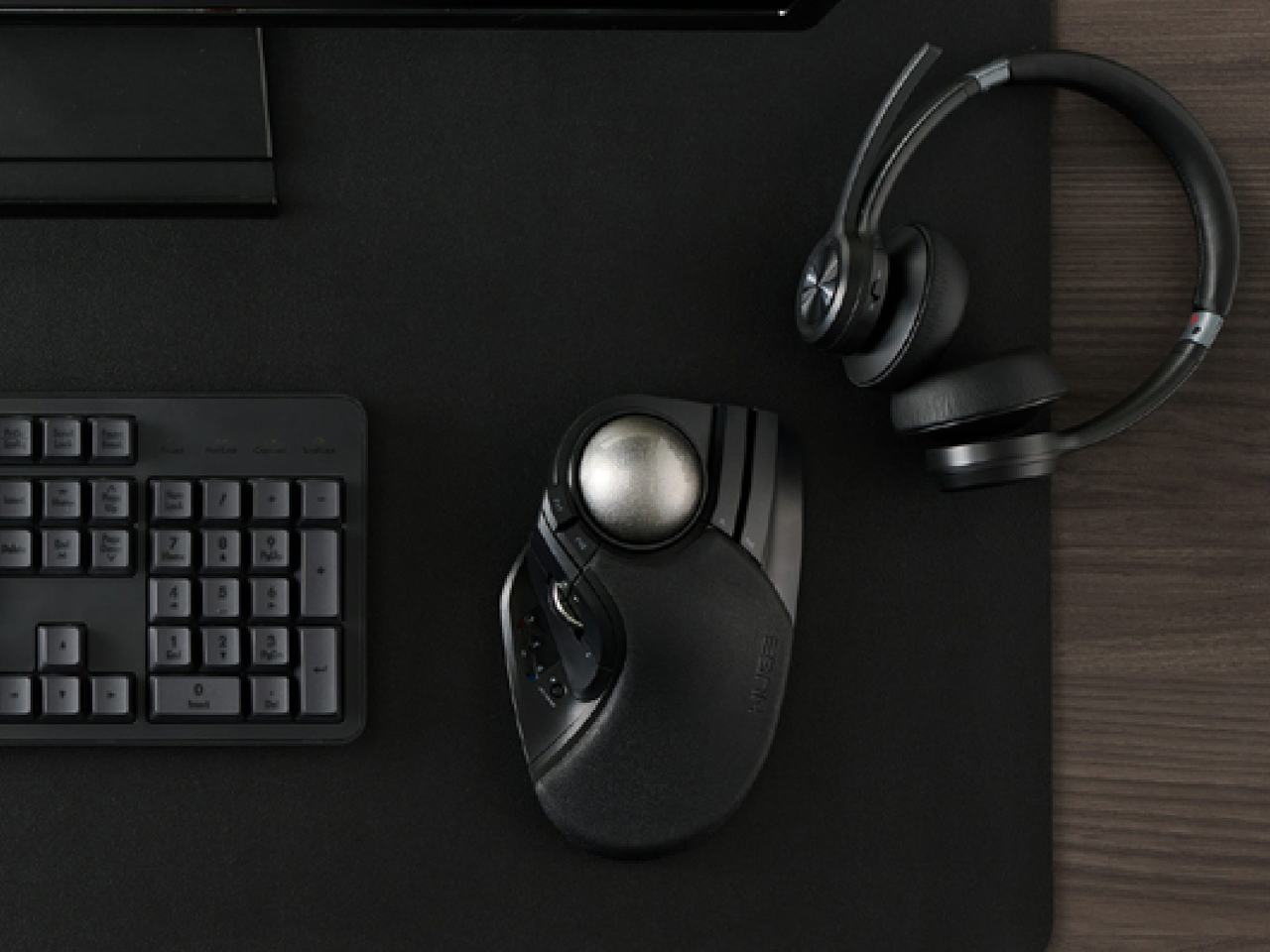
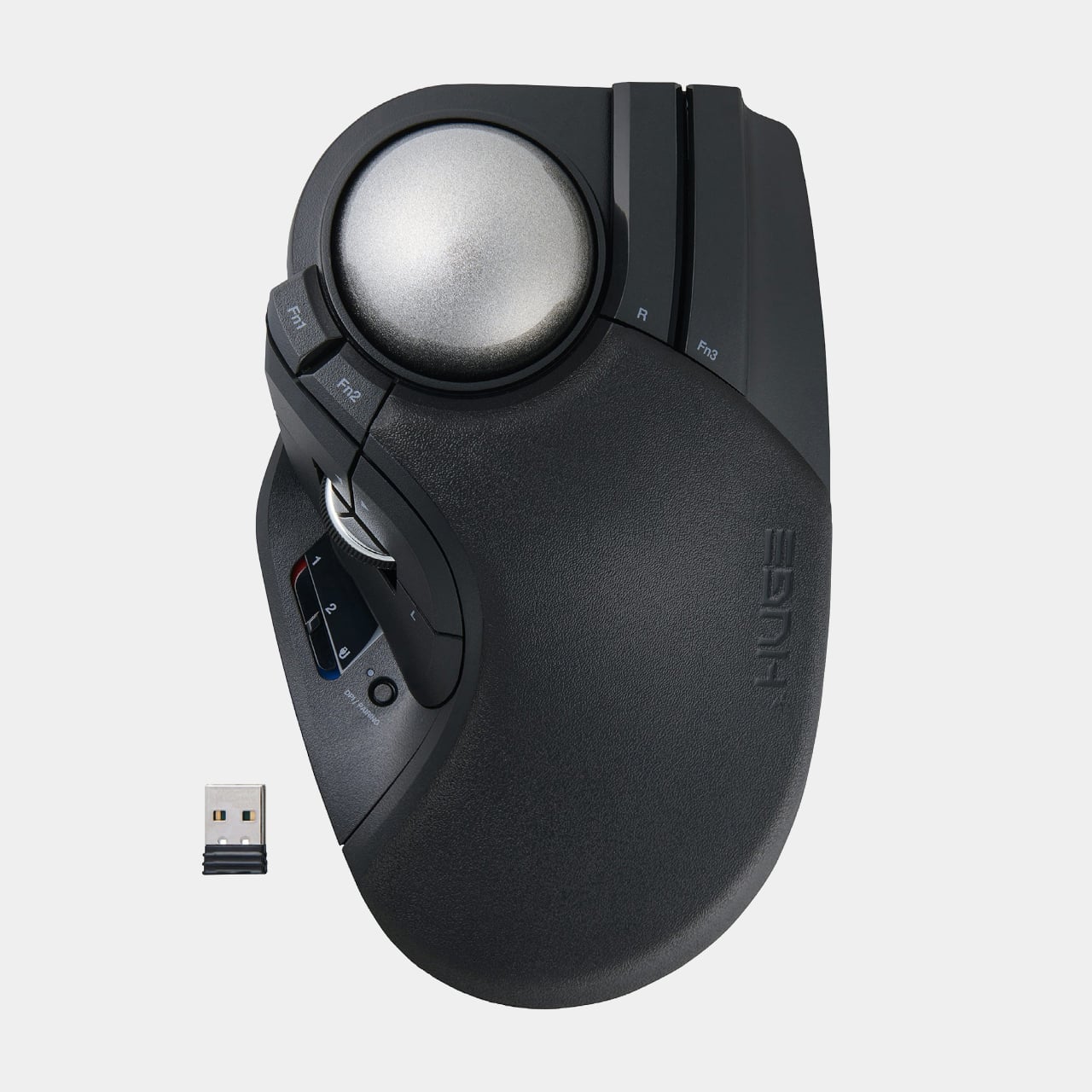
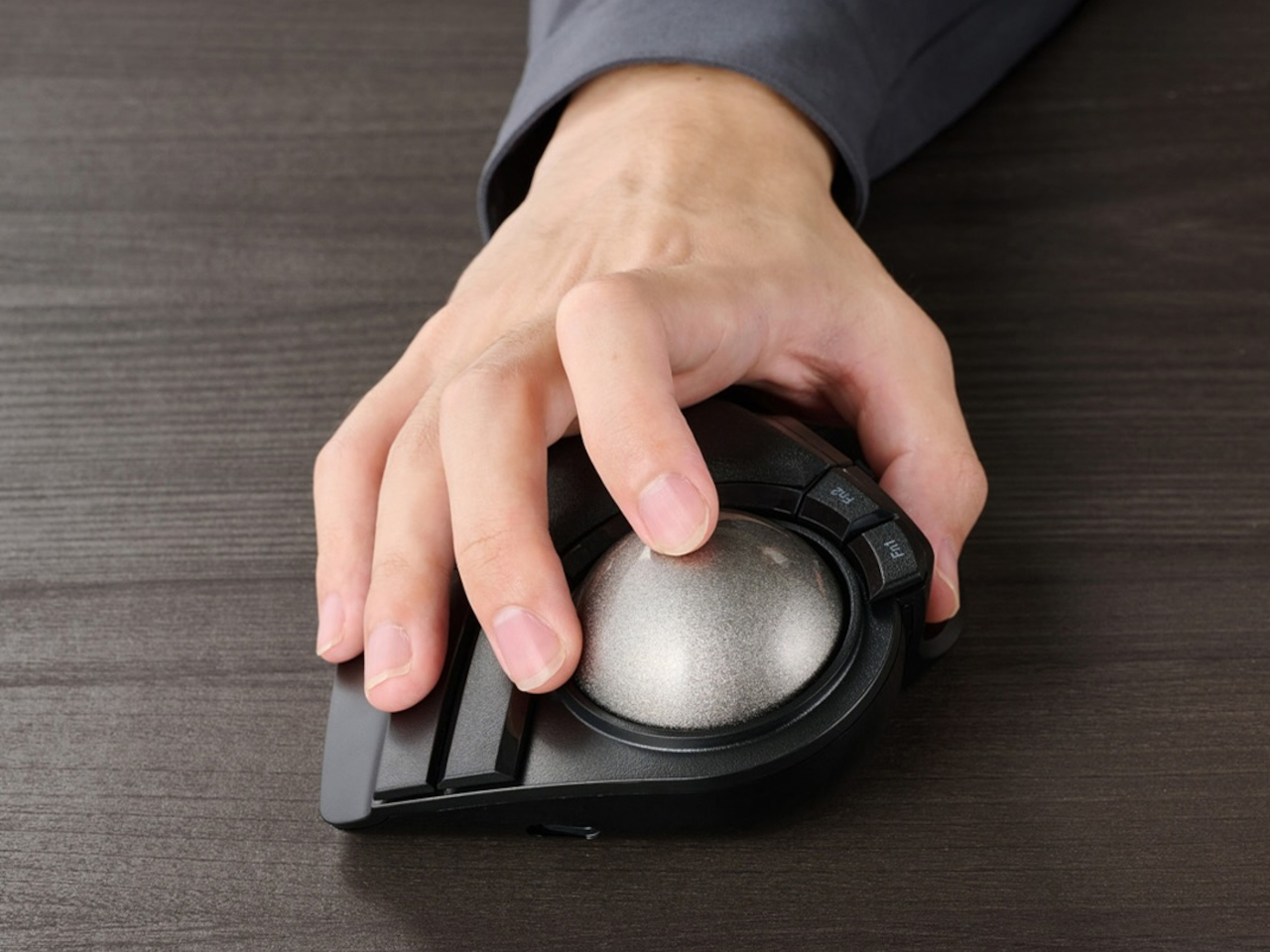
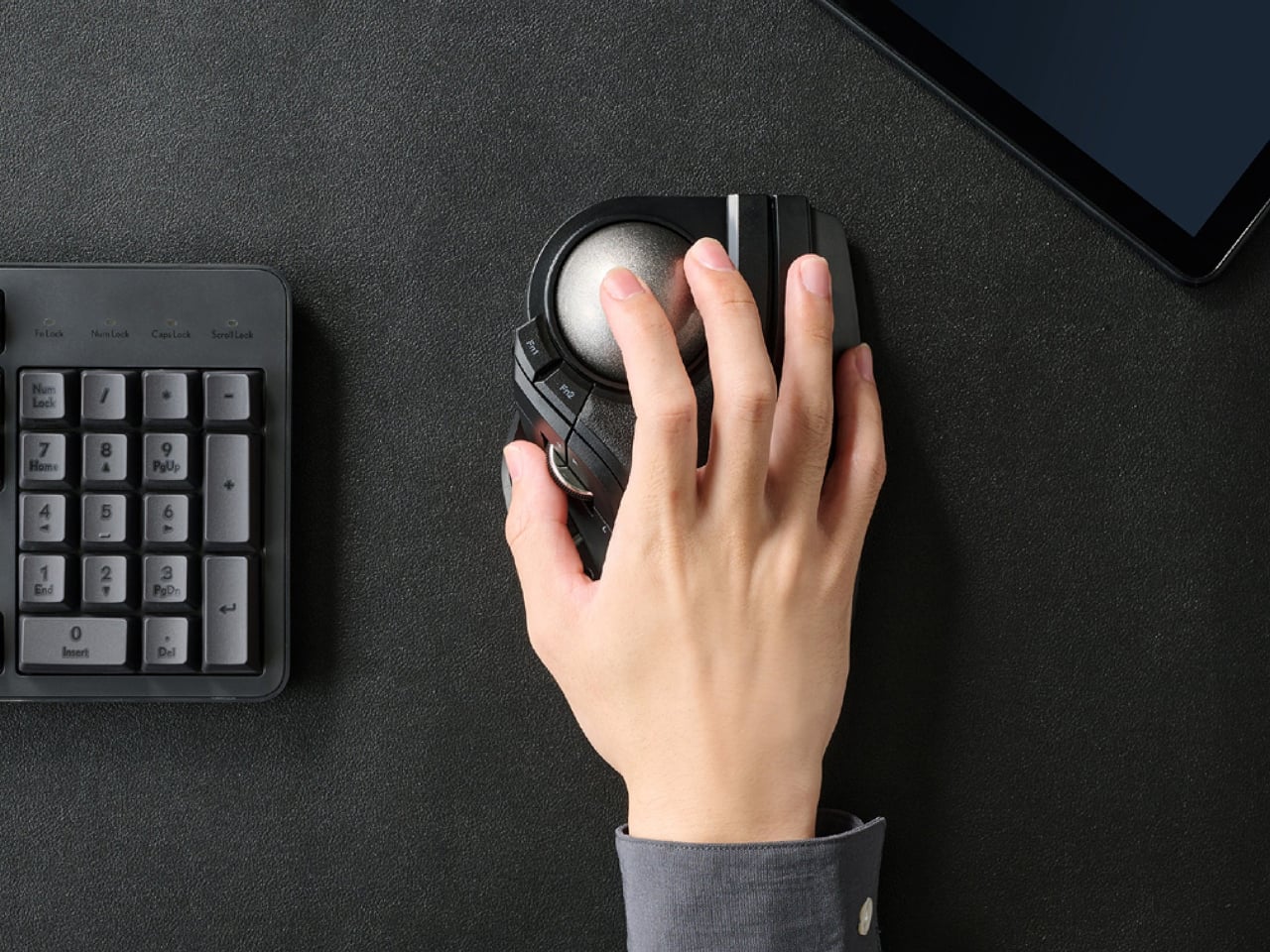
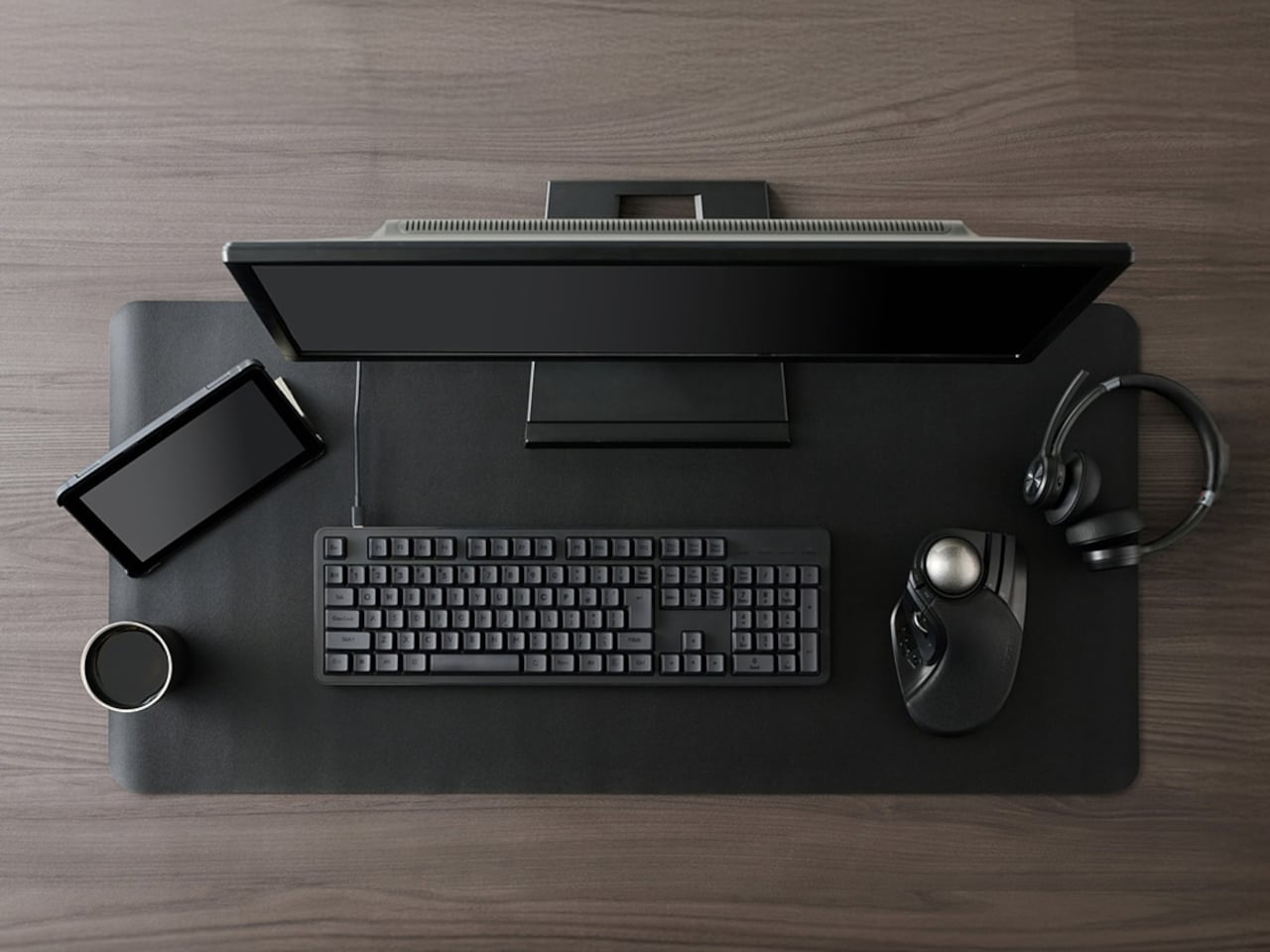
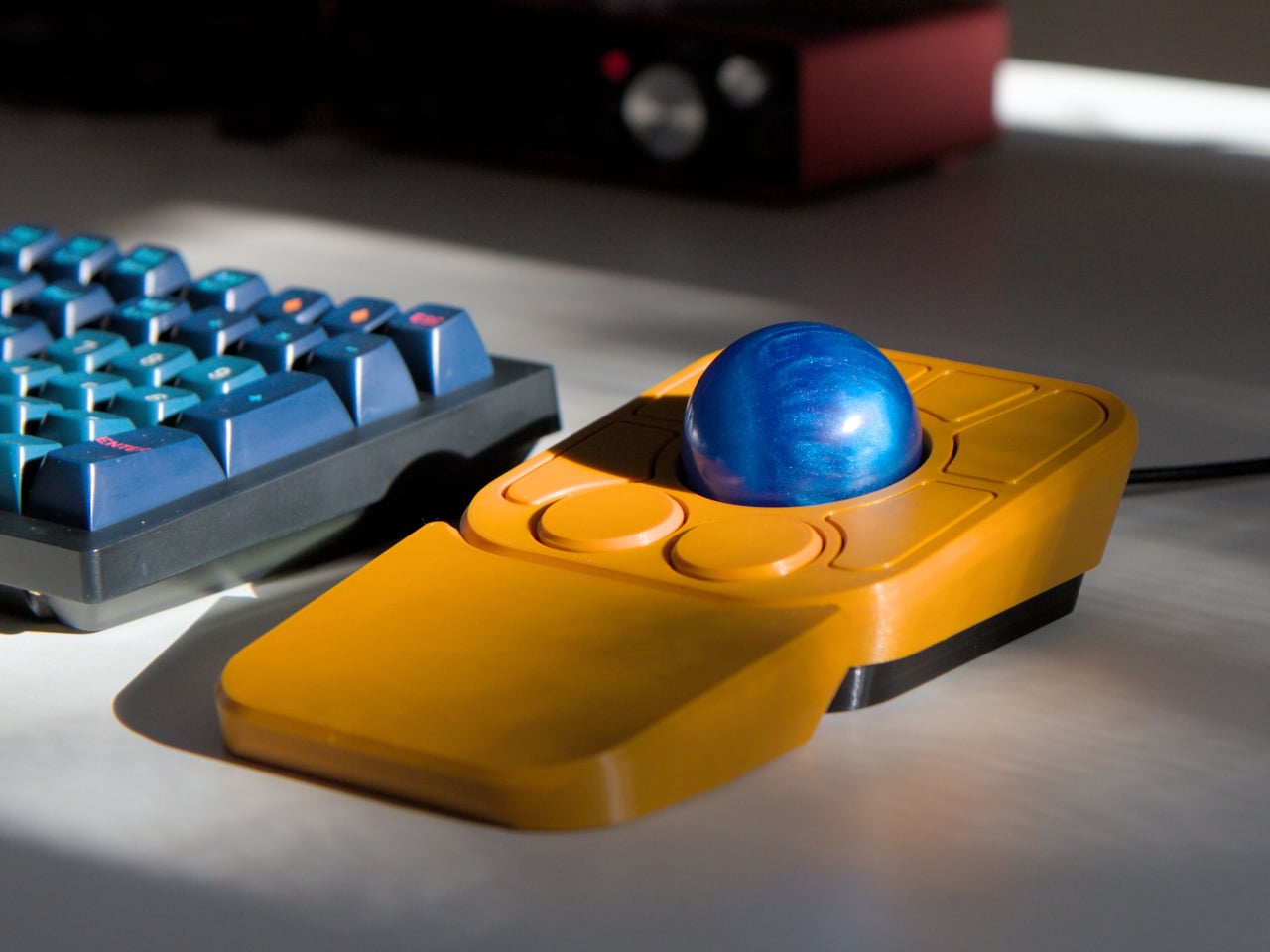
The physical design is impossible to miss. A large, sculpted body with an integrated cushioned palm rest that supports your entire hand, keeping your wrist at a natural angle without any awkward bending. The trackball sits under your index and middle fingers while your thumb and ring finger fall naturally onto the side buttons and a scroll wheel. It’s a desk-anchored device that occupies about the same footprint as a keyboard, trading portability for comfort and stability.

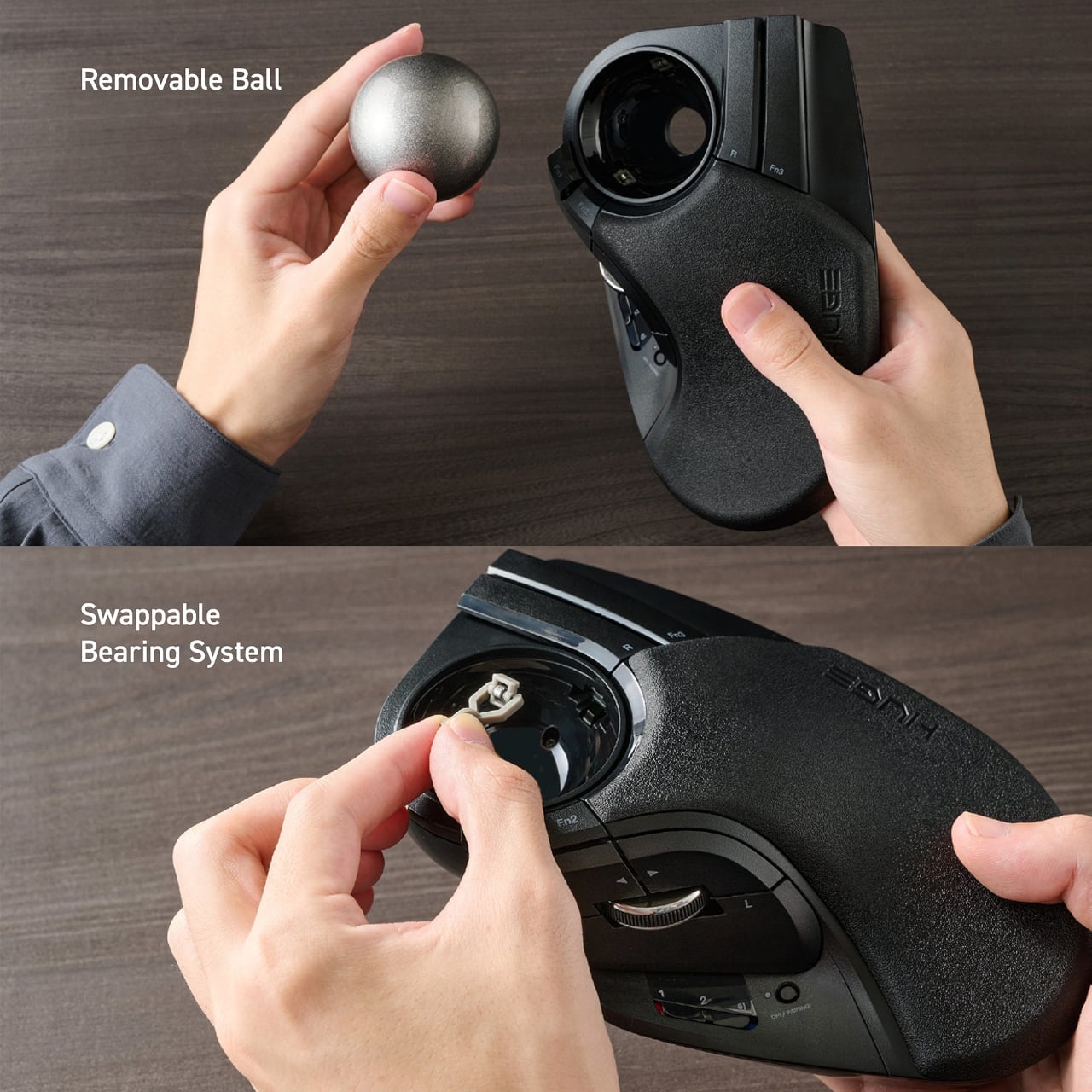
The trackball itself is a 52-millimeter sphere finished in metallic silver, noticeably larger than most consumer trackballs. That size, combined with an IR optical sensor and adjustable DPI settings of 500, 1000, or 1500, gives you both pixel-level precision and fast cursor movement across big displays. The ball rides on swappable MinebeaMitsumi steel bearings that you can remove for cleaning or replace with synthetic ruby units if you want even smoother rotation.

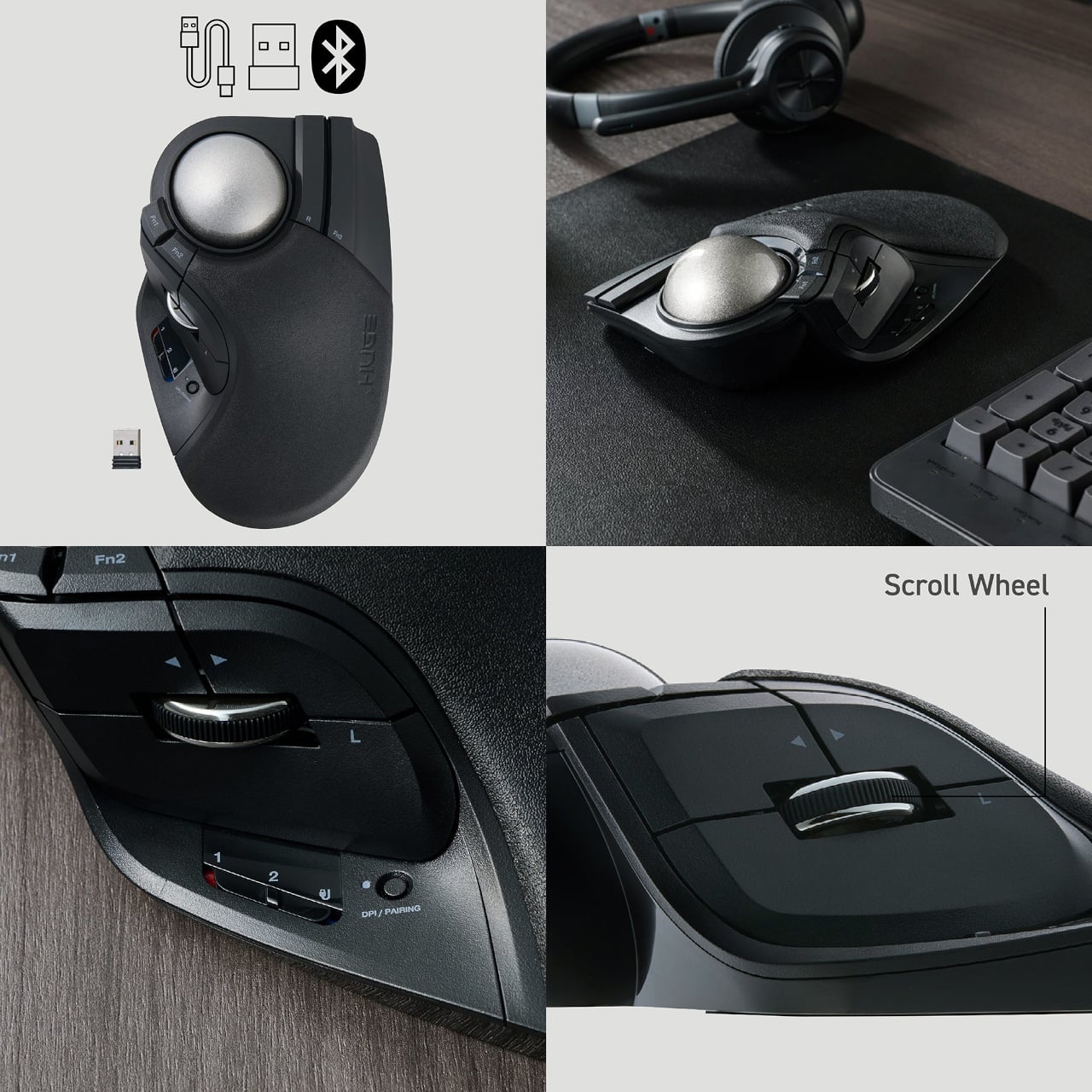
Connectivity is where the HUGE Plus really modernizes the design. It supports three connection modes at once: wired USB-C, 2.4 GHz wireless via a tiny dongle, and Bluetooth 5.3. You can pair three devices simultaneously and switch between them with a side slider, which is genuinely useful if you bounce between a desktop, laptop, and tablet throughout the day.

The button layout is dense but purposeful. Ten programmable buttons, including the main clicks, a tilt-scroll wheel for horizontal scrolling, and several function buttons clustered around the ball and thumb area. Elecom’s Mouse Assistant software lets you map these to shortcuts for editing, browsing, or design tools, turning the trackball into a macro pad under your hand. The clicks are silent, which keeps noise down without sacrificing the tactile feedback you need to know a button actually registered.

The HUGE Plus looks the part of a specialized tool. Matte black body, silver ball, subtle branding, and a sculpted form that signals precision rather than generic consumer electronics. It’s meant for people who want a dedicated control surface that stays comfortable all day and adapts to however many devices their workflow demands, without forcing them to choose between ergonomics and connectivity.

The post Elecom HUGE Plus Has a 52mm Trackball and 10 Programmable Buttons first appeared on Yanko Design.
Ultra-Compact Open-Source Trackball Has One Button You Can Remap

Most mice and trackballs try to do it all with extra buttons, flashy RGB lights, and complicated software that requires constant updates and configuration tweaks through bloated apps. But sometimes simplicity wins when you just need precise control and reliability without the extras. For anyone who values portability and the freedom to tinker with their gear, finding the right pointing device can be a challenge in a market flooded with gaming-focused options.

The Ploopy Nano 2 trackball is a refreshing alternative that strips away the unnecessary extras and focuses on what matters. It’s ultra-compact, open-source, and designed specifically for customization by users who want complete control over their tools. Priced at $59.99 CAD, about $43 USD, it’s made for makers, coders, and anyone who wants a mouse that fits their workflow perfectly without forcing adaptation to preset configurations.

Designer: Ploopy

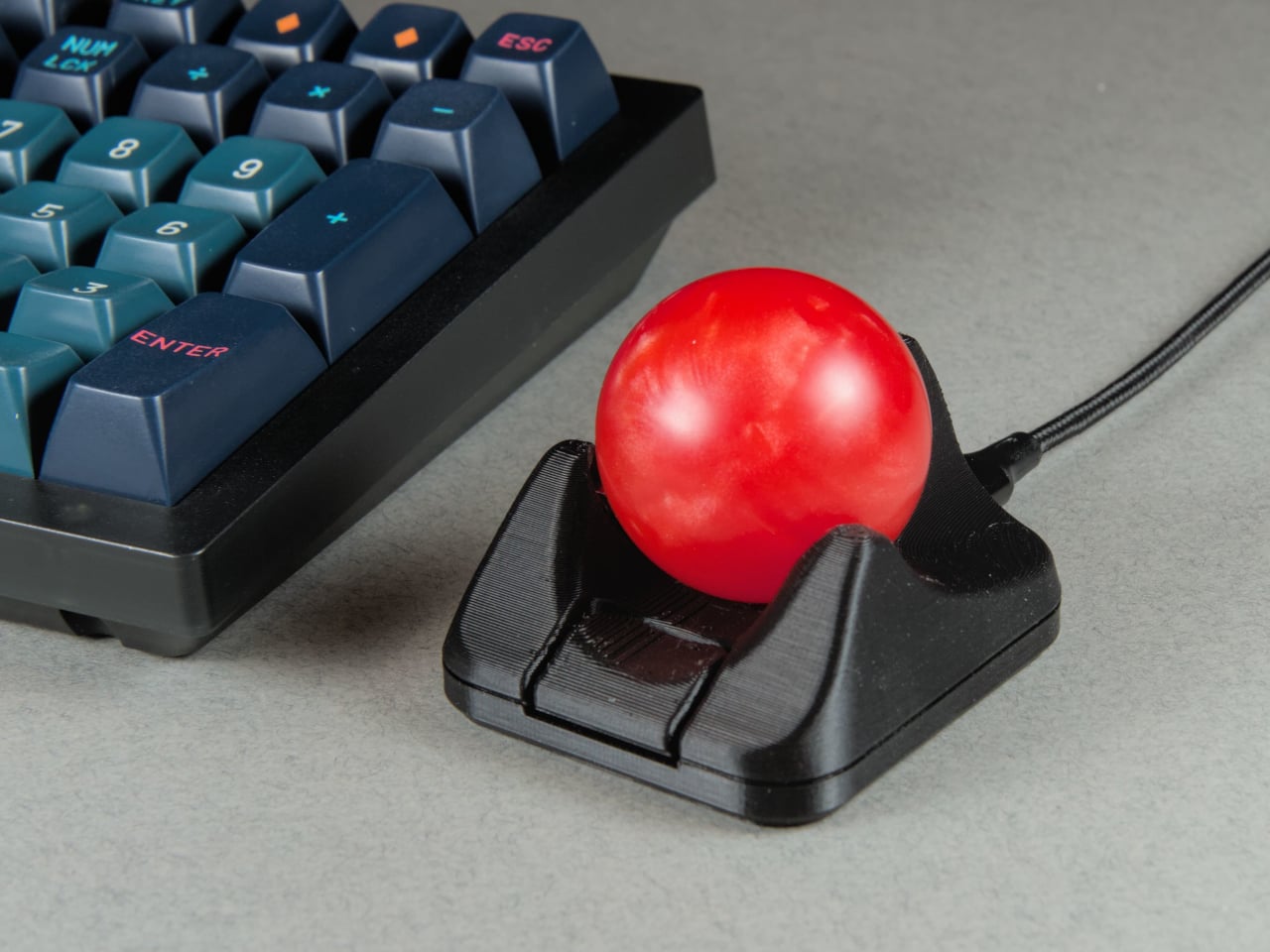
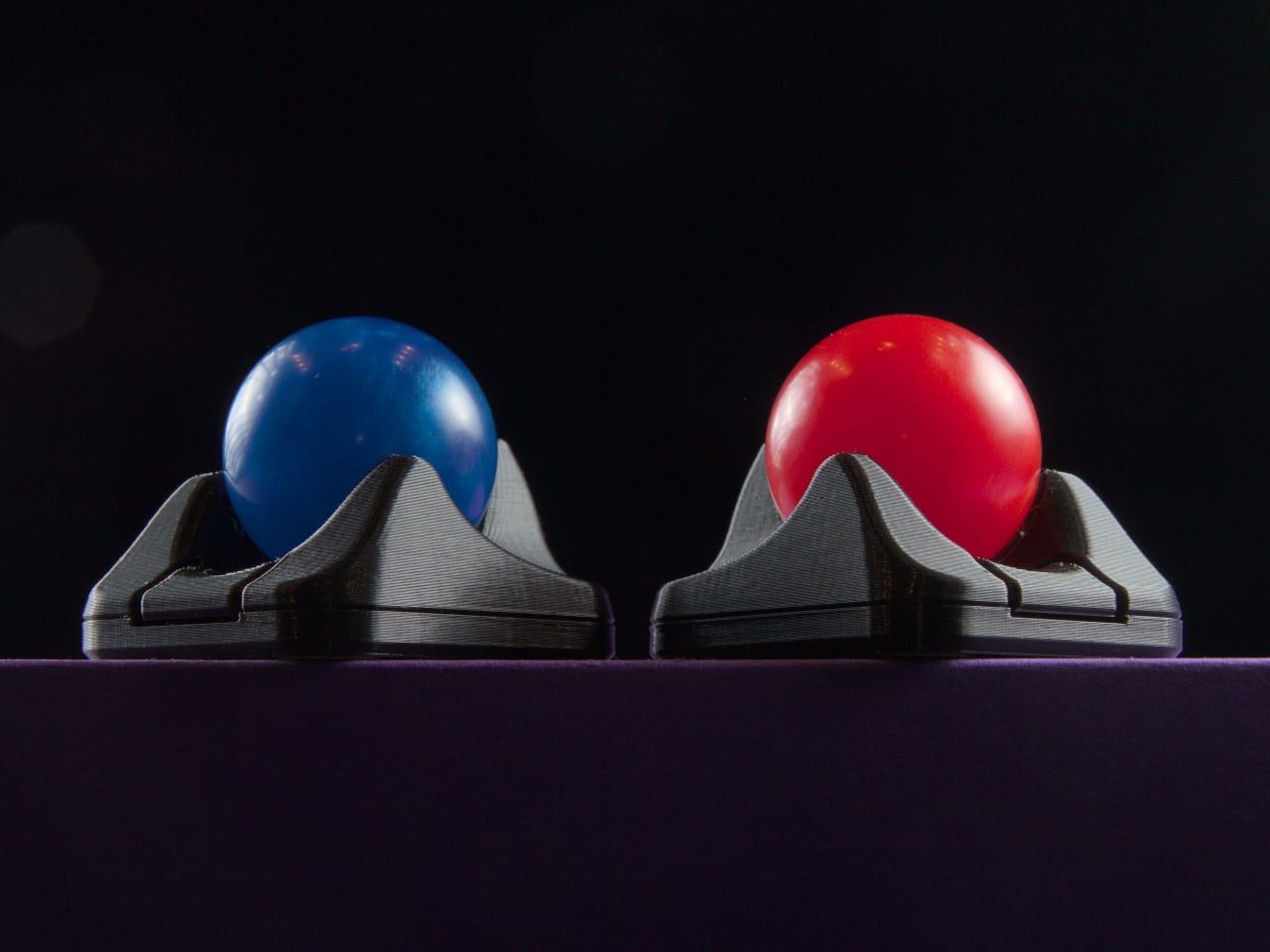
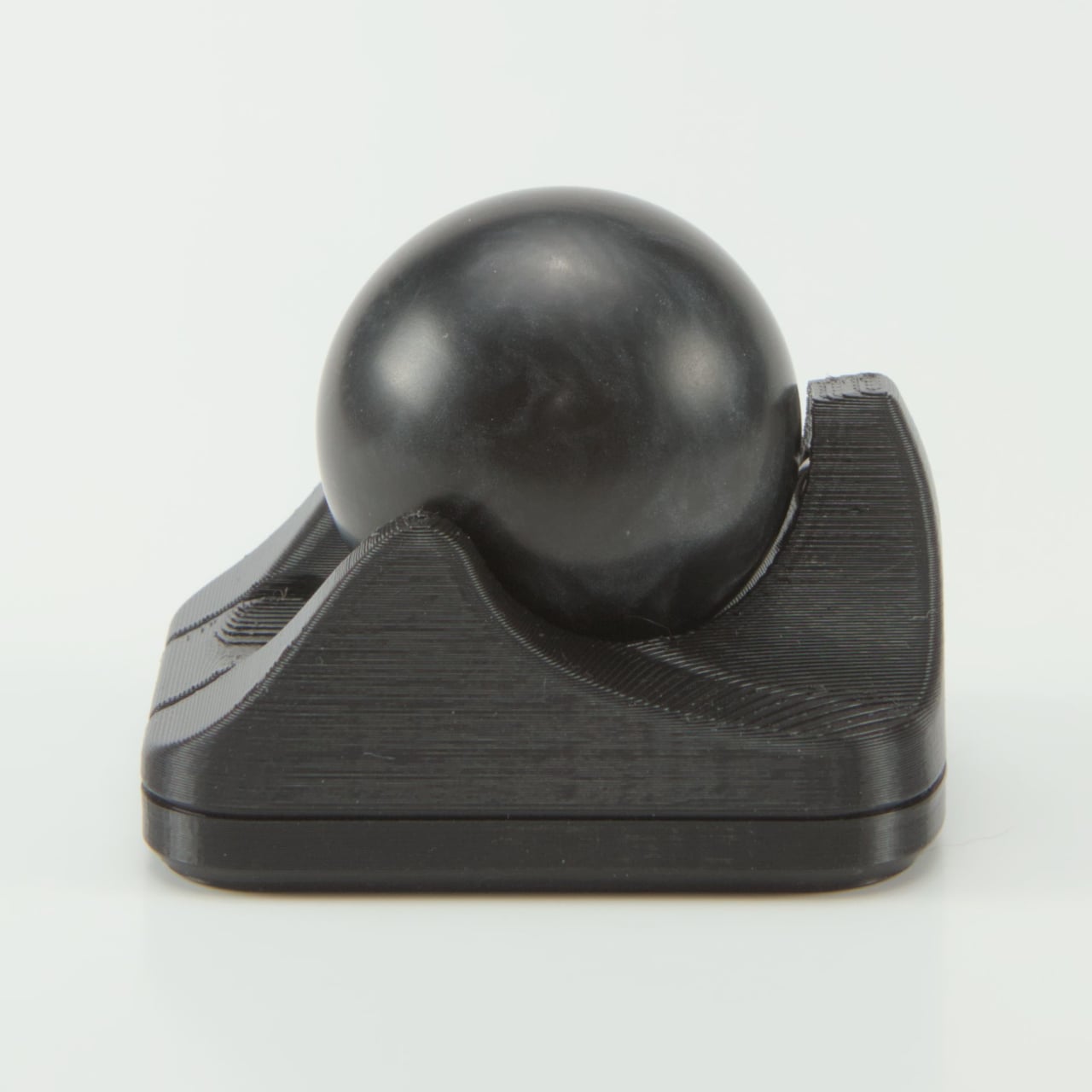
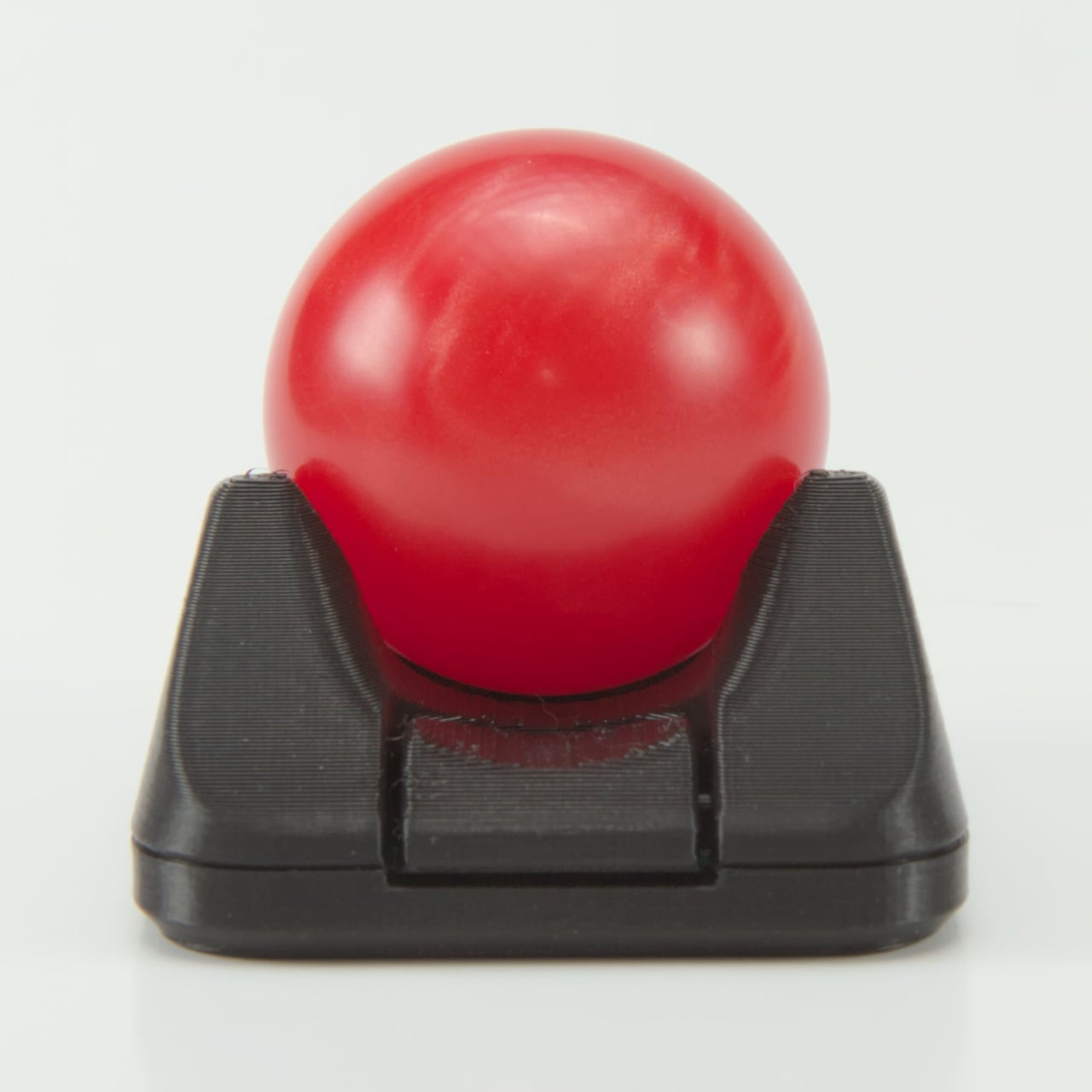
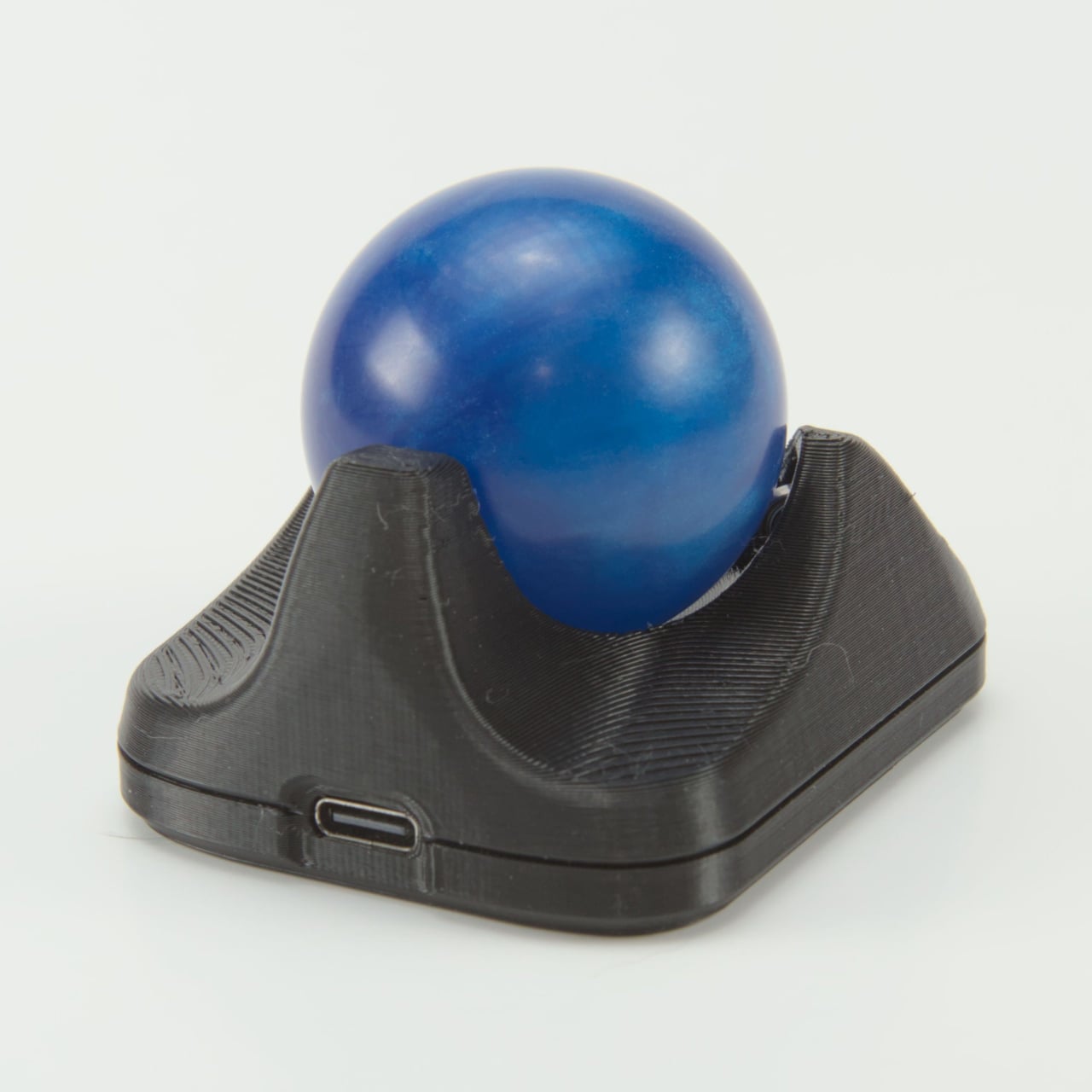
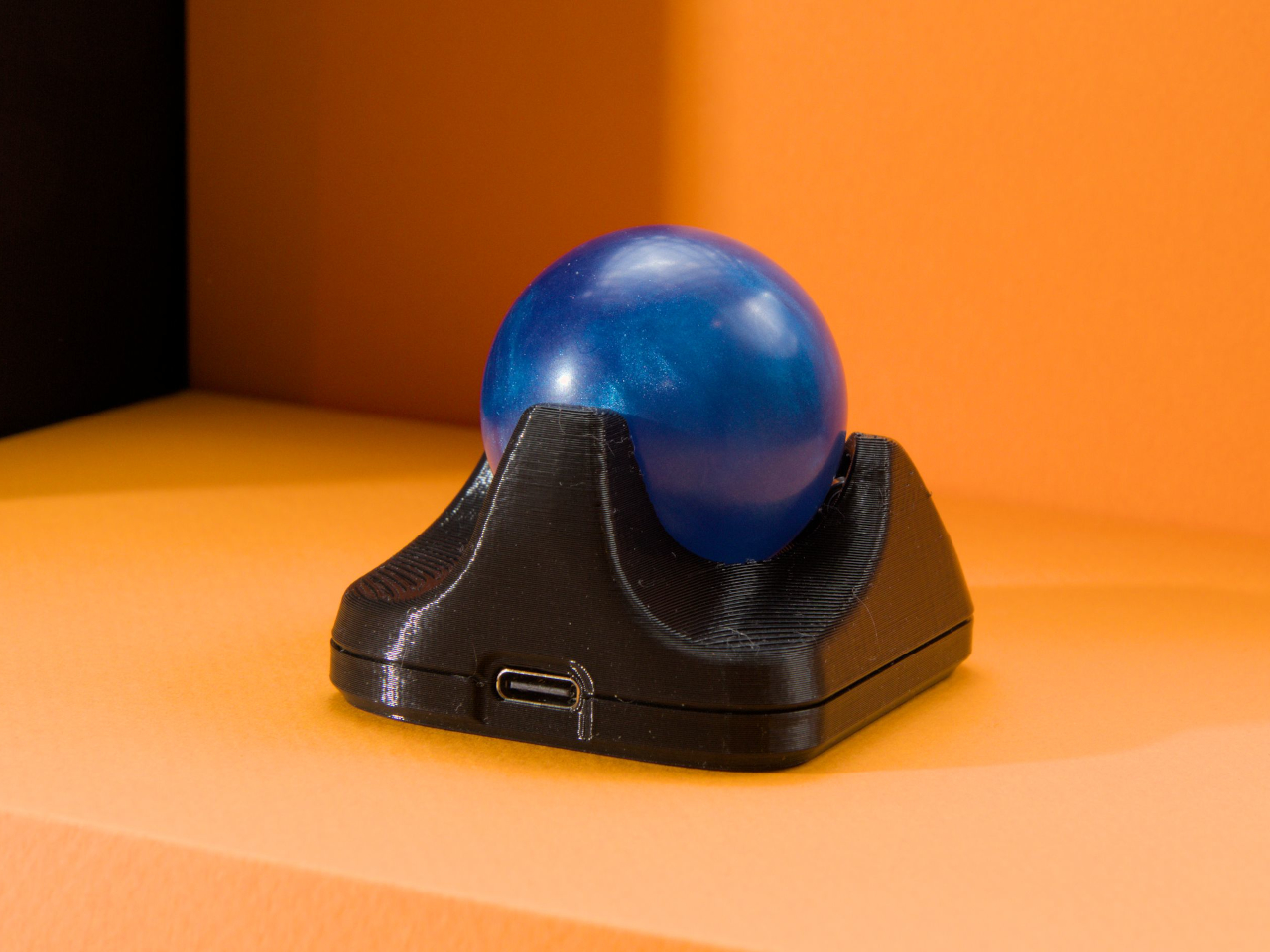
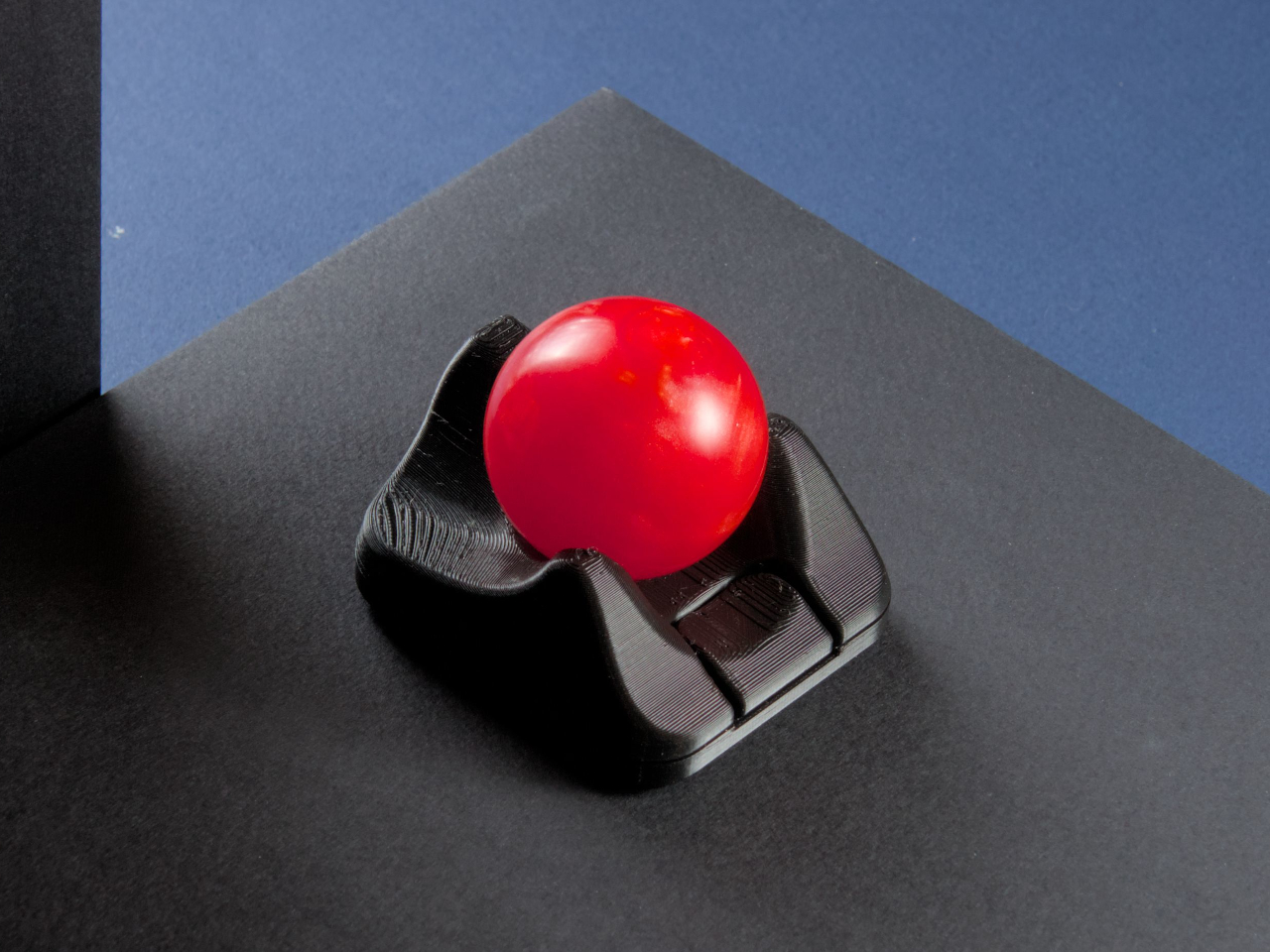
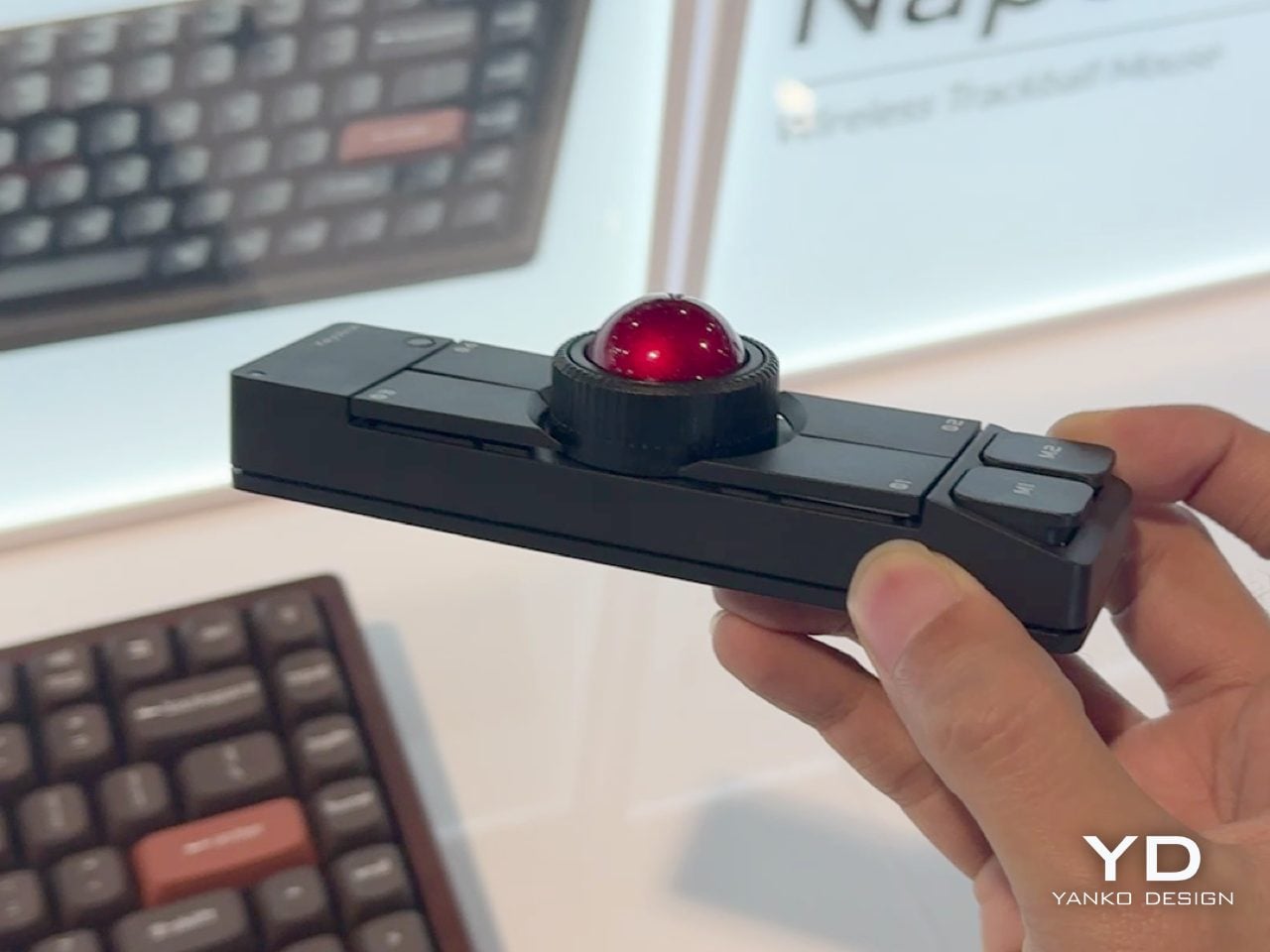
The Nano 2 features a compact footprint that sits easily beside any keyboard without dominating valuable desk space for other gear. The 3D-printed body in opaque black, paired with tracking balls in red, blue, or black for personal preference, feels solid and purposeful in use during extended sessions. The minimalist design and low profile make it easy to integrate into any setup, from home offices to creative studios, without clashing with existing equipment.

Roller bearings give the 1.5-inch ball a satisfying, tactile feel during use, though they do make a scratchy grinding sound that’s part of the Nano’s mechanical character and feedback. Some users love the audible feedback as confirmation of movement, while others may find it distracting in quiet library or office environments. The sound is noticeable but adds to the analog, mechanical feel that distinguishes it from silent optical trackballs.

The big upgrade is the PAW-3222 sensor, which delivers a polling rate over 1,000Hz, up to 4,000 CPI, and 10g acceleration for smooth, precise tracking during demanding design or coding work. The new button triggers drag scrolling by default out of the box, but thanks to QMK and VIA support, you can remap it to anything you need instantly, from click to macro to custom functions.

USB-C replaces the old micro-B port found on the original Nano, improving durability and making charging and programming easier for modern setups with universal cables you already own. As with all Ploopy devices, the Nano 2 is fully open-source, with hardware under the CERN OHL license and firmware under the GPL for complete transparency and user freedom. Assembly guides, modding tips, and all design files live on GitHub.

Whether you’re coding complex projects, designing graphics, or just want a minimalist pointer for your laptop bag during travels and commutes, the Nano 2 brings personality and function to your workspace effortlessly without taking up space. Its compact size, open-source roots, and tactile feel make it a conversation starter and a daily companion for anyone who values control and creativity in their desktop tools.

The post Ultra-Compact Open-Source Trackball Has One Button You Can Remap first appeared on Yanko Design.