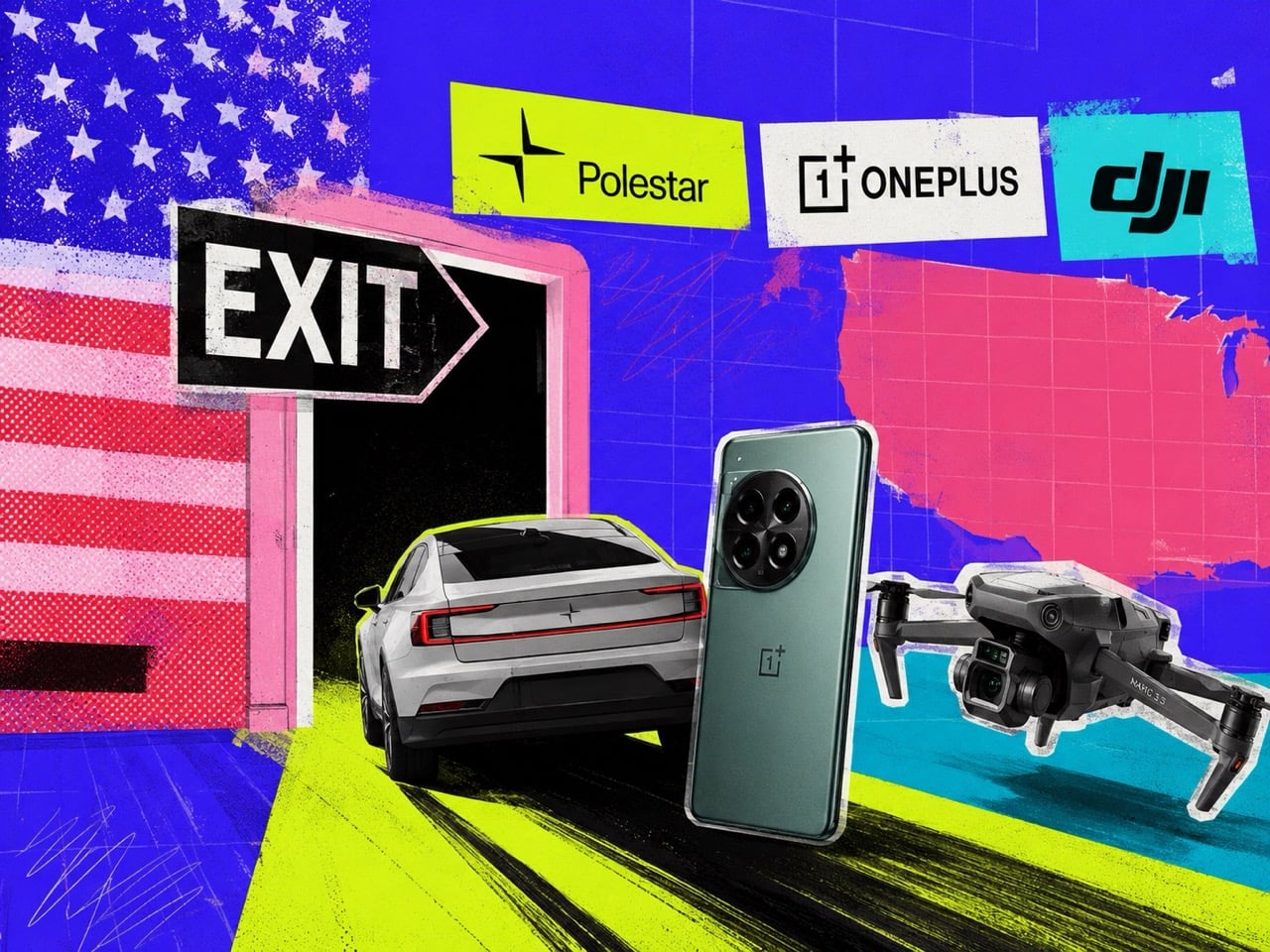
Polestar exited the US market last week. OnePlus decided to stop selling phones in the US on Friday. DJI has been standing at the exit for the better part of a year, held in place by a regulatory designation that has made its position in the American market functionally untenable. Three brands, three different product categories, and a pattern that is becoming difficult to explain away as coincidence or bad timing.
These were not fringe players. Polestar was the premium EV that made restraint look like a design philosophy. OnePlus spent a decade building the most credible alternative to Samsung and Apple in the Android space. DJI invented the consumer drone photography market and still dominates it globally. The US market, for a combination of regulatory, political, and structural reasons, has made room for fewer and fewer of them.
A Coincidence of Unfortunate Events?
It is tempting to view these departures as isolated stories, each with its own unique cause. Polestar’s exit was not a market failure; it was a regulatory execution. The US Commerce Department denied the brand authorization under the Connected Vehicle Rule, effectively deciding that its Chinese ownership through Geely made its data-collecting hardware a national security risk. The quality of the car, its minimalist interior, and its thoughtful user interface were irrelevant. The decision was about its corporate family tree, and no amount of design excellence could overcome that.
OnePlus’s retreat is a different flavor of failure, one driven by the peculiar economics of the American smartphone market. Success in the US requires appeasing a handful of powerful carriers who act as gatekeepers to the mainstream consumer. This means expensive certification processes, marketing kickbacks, and a willingness to play by rules set by companies that also have cozy relationships with Apple and Samsung. Despite building a loyal base of tech enthusiasts who bought its phones unlocked, OnePlus, under its parent company OPPO, ultimately decided the cost of scaling up in a protected duopoly was no longer worth it.
DJI represents a third path, a slow squeeze rather than a clean break. Placed on a government “Entity List,” the company is not technically banned from selling to consumers. Instead, it is hobbled. It faces restrictions on sourcing US technology, and the designation serves as a powerful warning to government agencies and corporate clients. This creates a chilling effect that bleeds into the consumer space, eroding trust and complicating its long-term strategy. The mechanism is different, but the outcome is the same: a globally significant hardware brand finds its American ambitions curtailed by forces beyond its control.
The Design Drought is Step to Something Worse
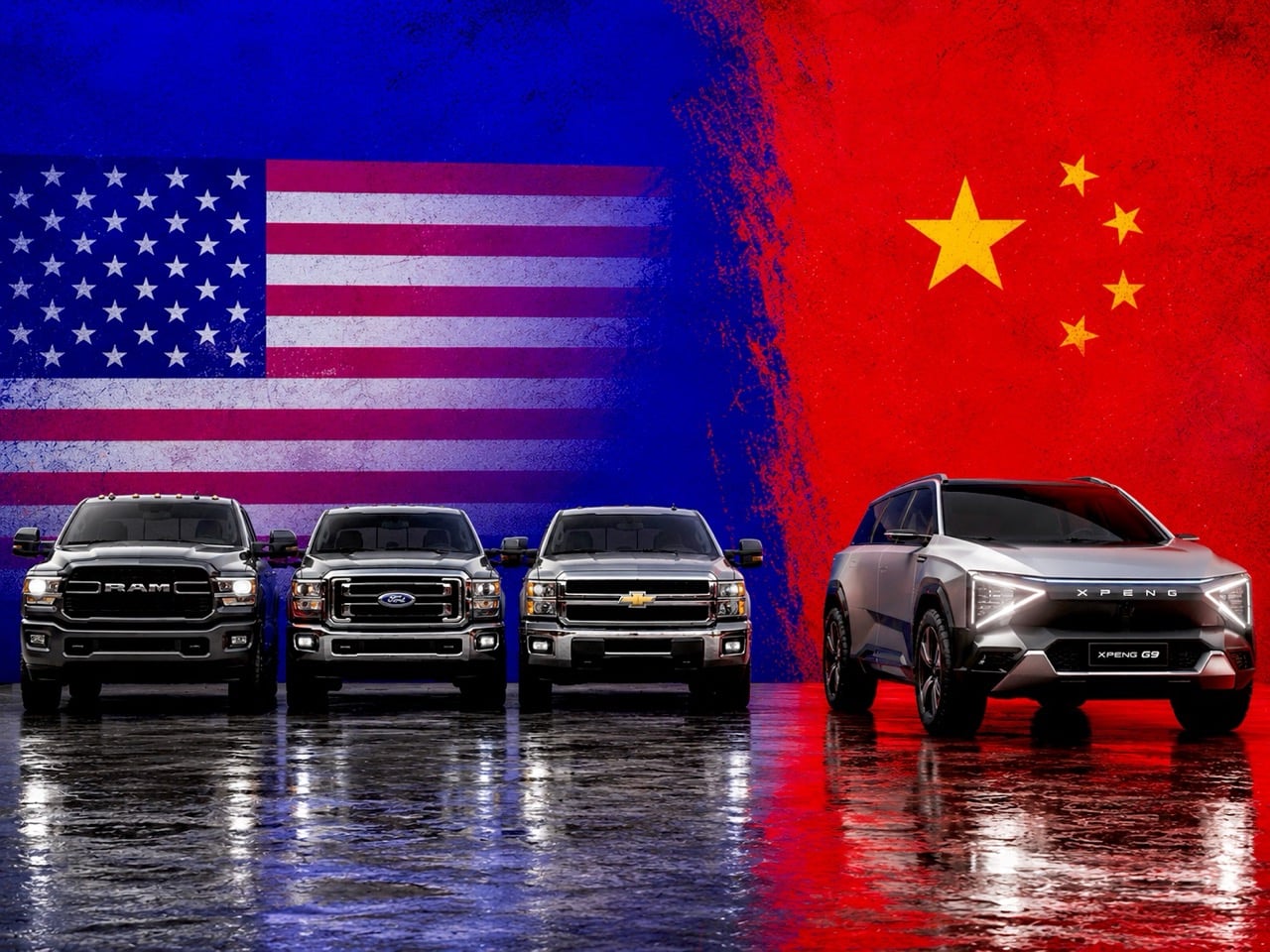
Losing these brands is about more than reduced competition. It is about a narrowing of the American consumer’s aesthetic and technological horizons, and the effects do not stop at taste. Each of these companies brought a distinct design philosophy to its category, one that challenged the assumptions of the established players. Polestar offered a vision of the electric vehicle as a piece of clean, minimalist architecture. Its focus on sustainable materials, restrained surfacing, and a calmer user experience stood apart from Tesla’s maximal dependence on software theatrics and from the visual clutter that still defines many legacy EVs.
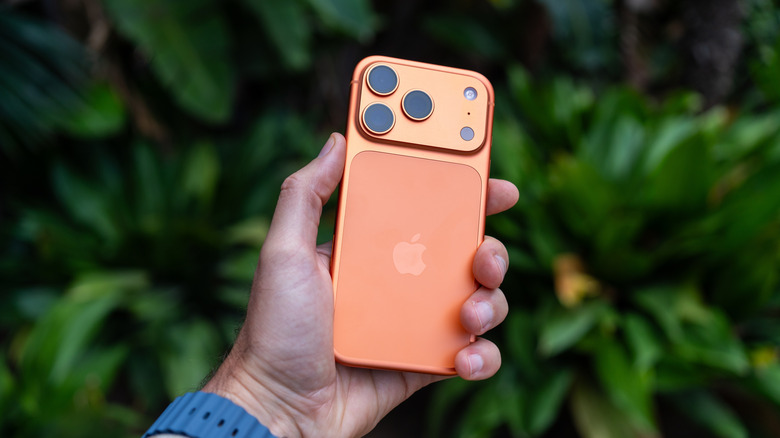
OnePlus, at its peak, represented the power of focused, enthusiast-driven design. It championed the idea that premium performance and a clean software experience did not need to come with a four-figure price tag. Its signature alert slider and tactile finishes showed an attention to physical detail that dominant players often reserve for their most expensive models. Its retreat may not carry the same regulatory weight as Polestar’s or DJI’s predicament, and American consumers never embraced it at mass-market scale, but its diminished presence still removes one more source of pressure from a smartphone market that already feels overly settled.
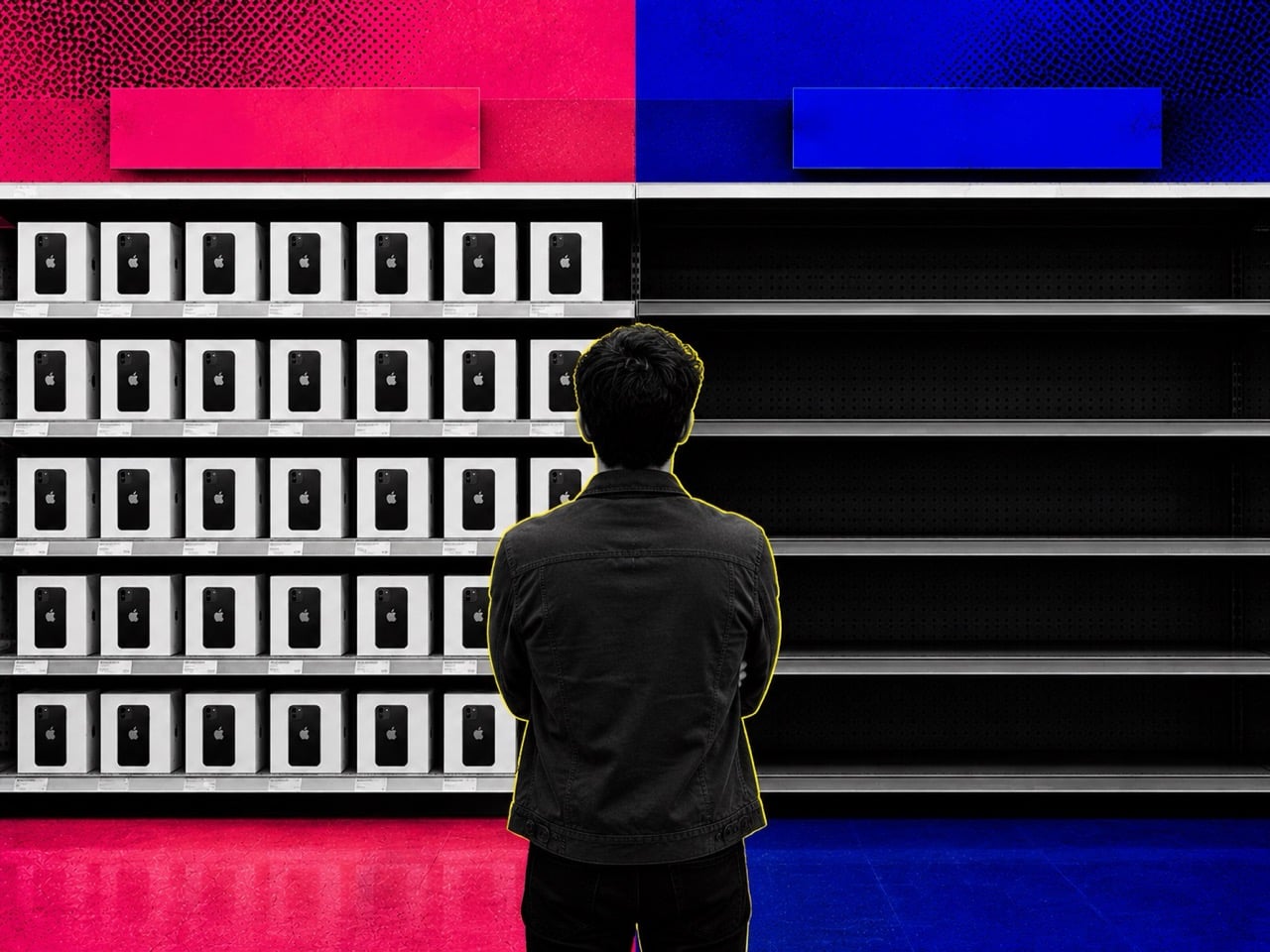
DJI’s contribution extends far beyond the drone itself. The company effectively created the industrial design language for the entire consumer aerial imaging category. From the folding architecture of its Mavic drones to the intuitive ergonomics of its handheld gimbals, DJI made advanced robotics feel approachable and elegant. The pressure placed on DJI, much like the pressure placed on Huawei before it, has done very little to slow either company’s pace of innovation globally. If anything, it has simply reduced America’s access to the results. The same is true in electric vehicles. A market shaped around Tesla as the default benchmark risks isolating itself from how far competitors like BYD have pushed battery packaging, platform efficiency, and especially charging technology. When consumers are cut off from serious alternatives, incumbents are no longer forced to respond to the best ideas available anywhere in the world. They only have to outperform the smaller field left standing in front of them.
That is the deeper problem taking shape here. Throttling options does not only limit what people can buy. It limits what the market has to compete against. Innovation rarely thrives in protected comfort (Siri has overwhelmingly sucked because Apple doesn’t have to compete with an alternative assistant within their ecosystem). It accelerates when companies are forced to answer uncomfortable questions from better rivals, cheaper rivals, or simply different rivals. Once those rivals are filtered out, delayed, or kept at the border long enough to become irrelevant, the market begins to confuse stability with progress. The design drought becomes a technology drought soon after, and consumers end up paying premium prices for products that evolve more slowly than they should.
America is No Longer the Default Stage
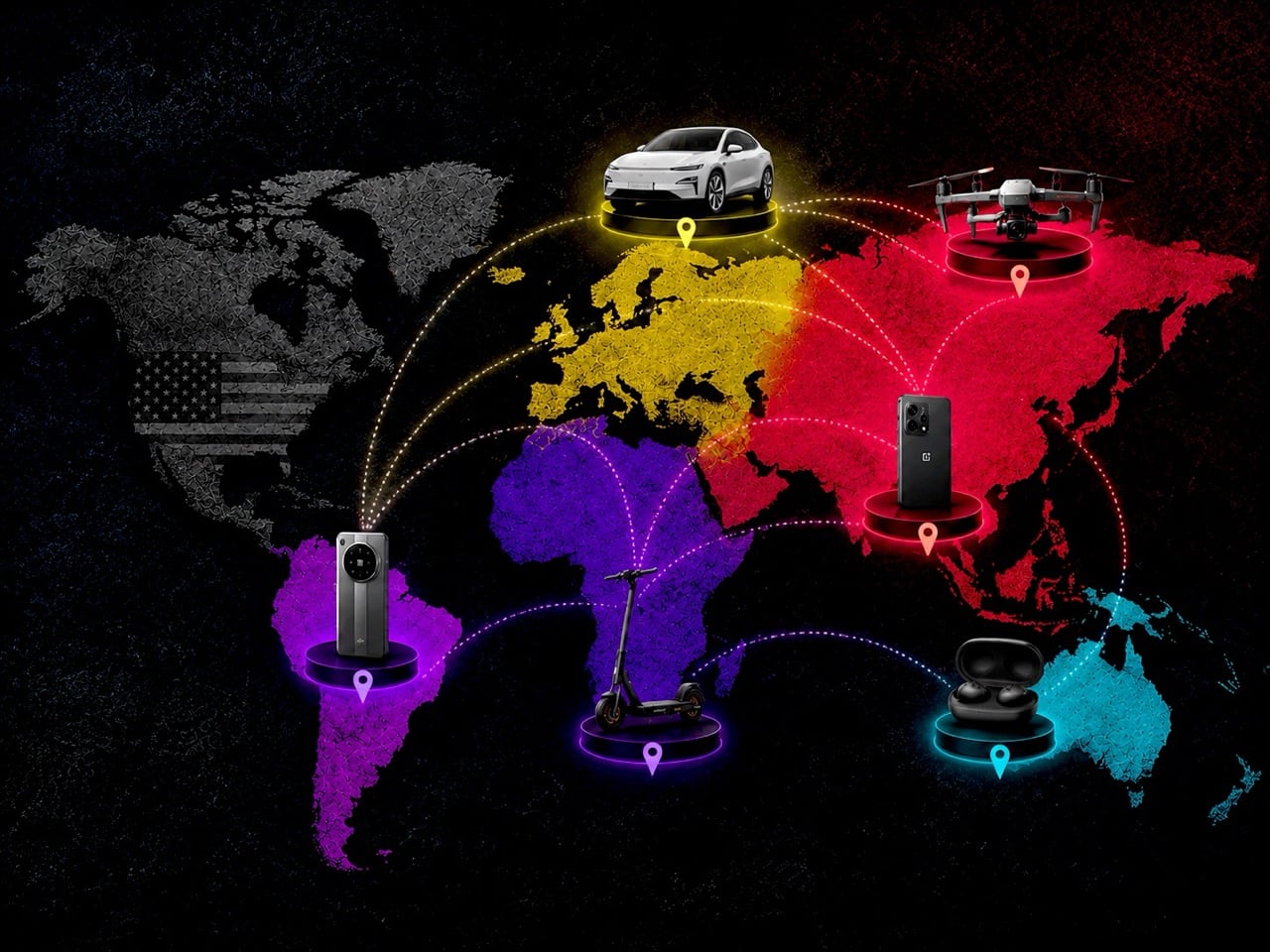
For decades, succeeding in the United States was the ultimate benchmark for any global hardware brand. It was the largest, most lucrative, and most culturally influential market. That is no longer a given. Today, launching in the US is a complex risk calculation, where the potential rewards must be weighed against a growing list of liabilities: suffocating regulatory hurdles, intense political scrutiny, and the high cost of competing against entrenched incumbents.
This has created a new reality where the most experimental and daring product design often debuts in Asia or Europe first. The US market, instead of being the exciting global stage, is increasingly becoming a curated and filtered destination for products deemed commercially and politically safe enough for entry. We are getting the final, polished drafts, not the exciting early sketches. The result is a design landscape that is becoming more homogenous, more predictable, and less reflective of the true diversity of global hardware innovation. The conversation is happening elsewhere, and we are only hearing the echoes.
The post From Polestar to OnePlus to DJI, the US is becoming a harder place for globally influential brands first appeared on Yanko Design.