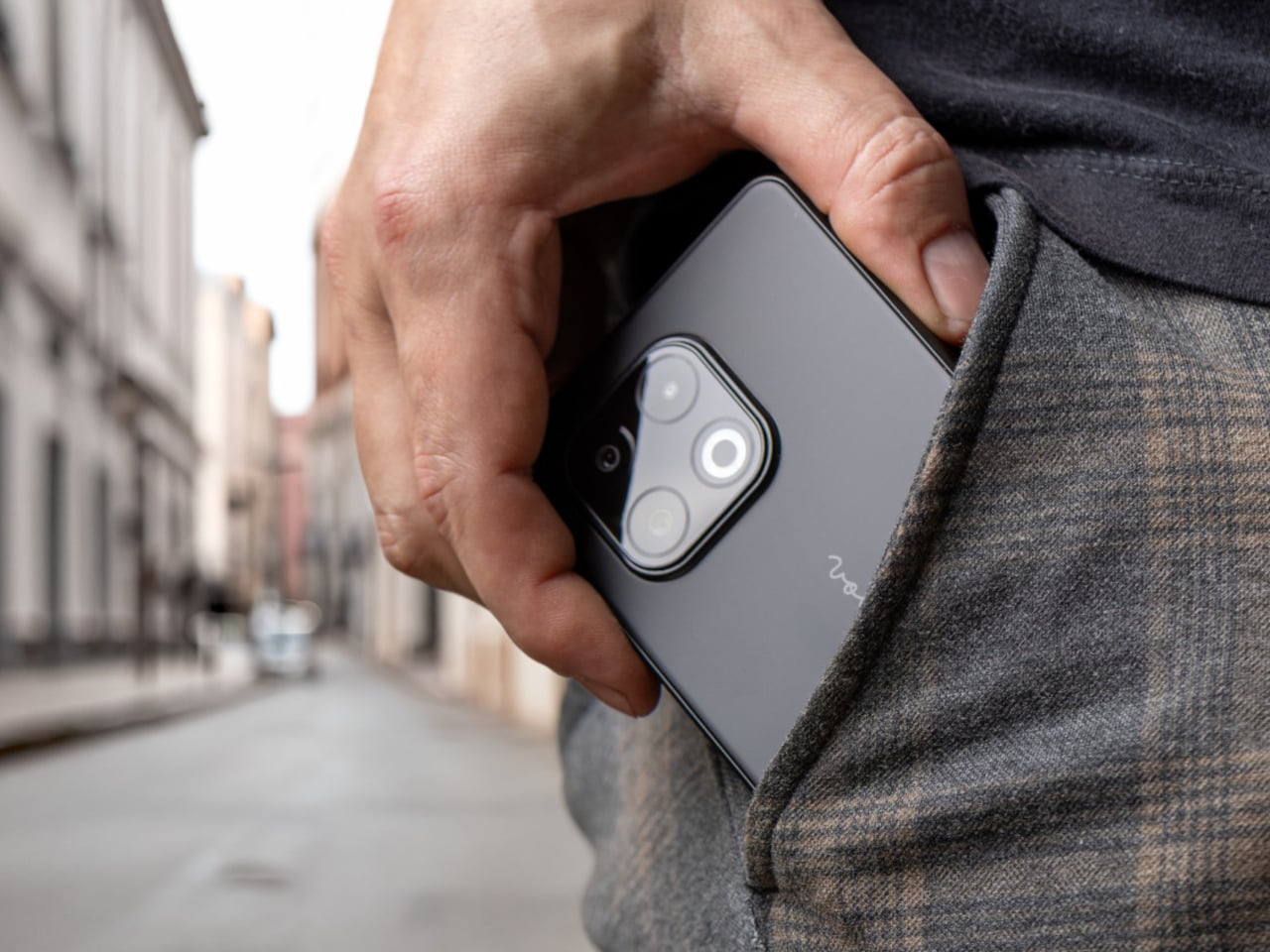
This Phone Runs Android, Linux, and Windows to Replace 3 Computers

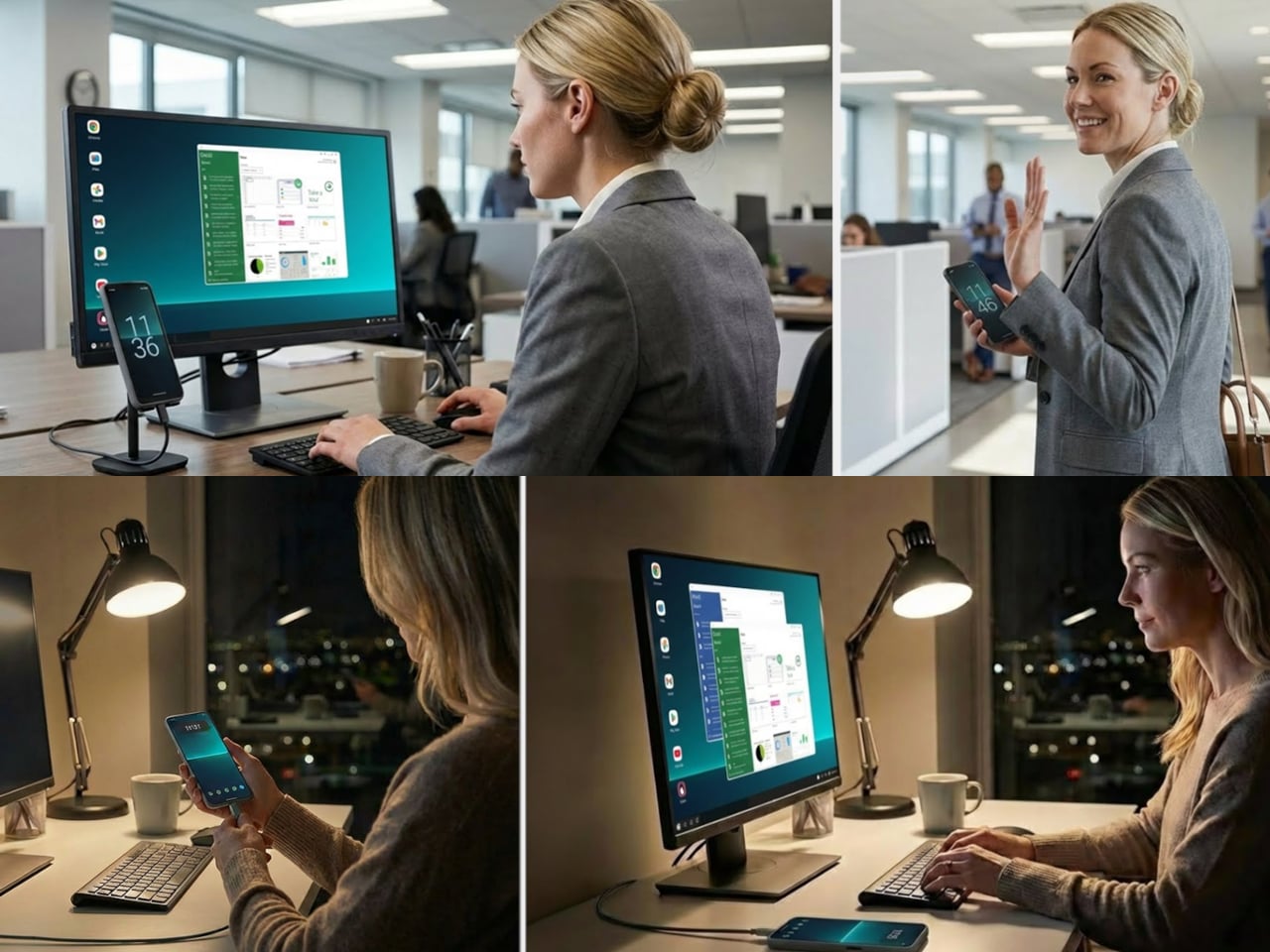
Carrying more computers than you want is familiar. There is a personal phone, maybe a MacBook, and then a separate Windows laptop “just for work” or a Linux box for coding. Phone-as-PC ideas have been floating around for years, but they usually stop at a half-baked desktop mode that feels more like a demo than something you would actually use for hours at a stretch.

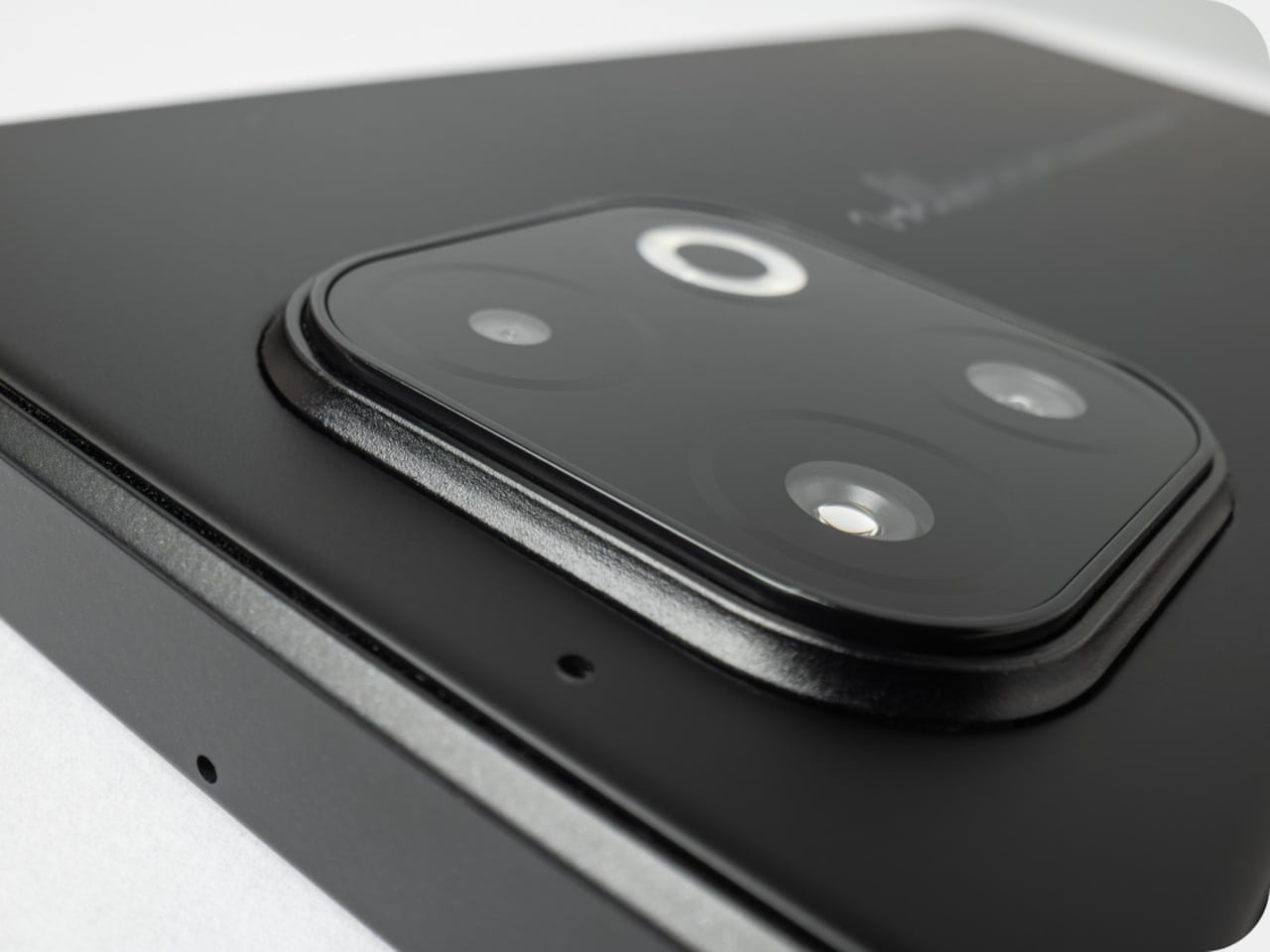
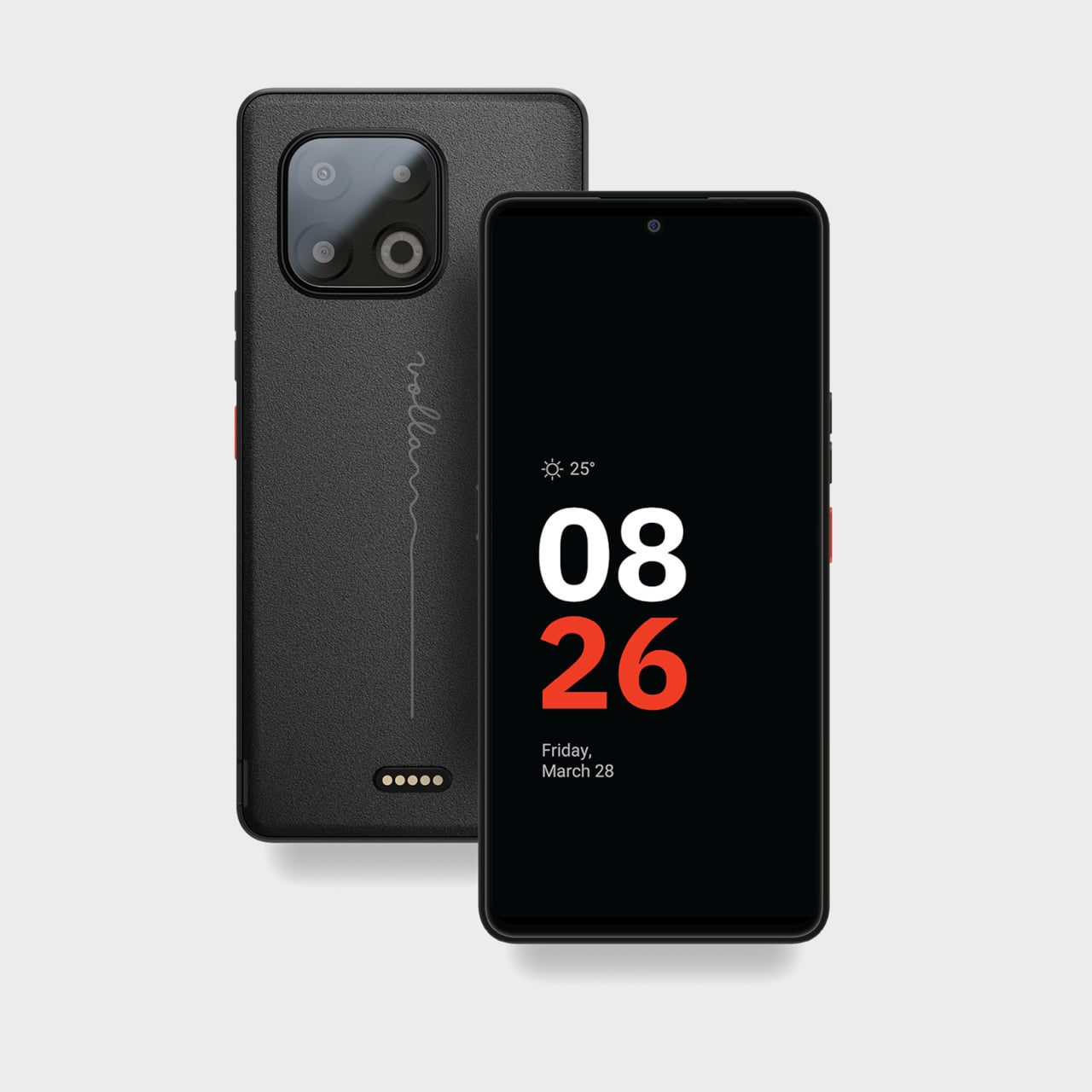
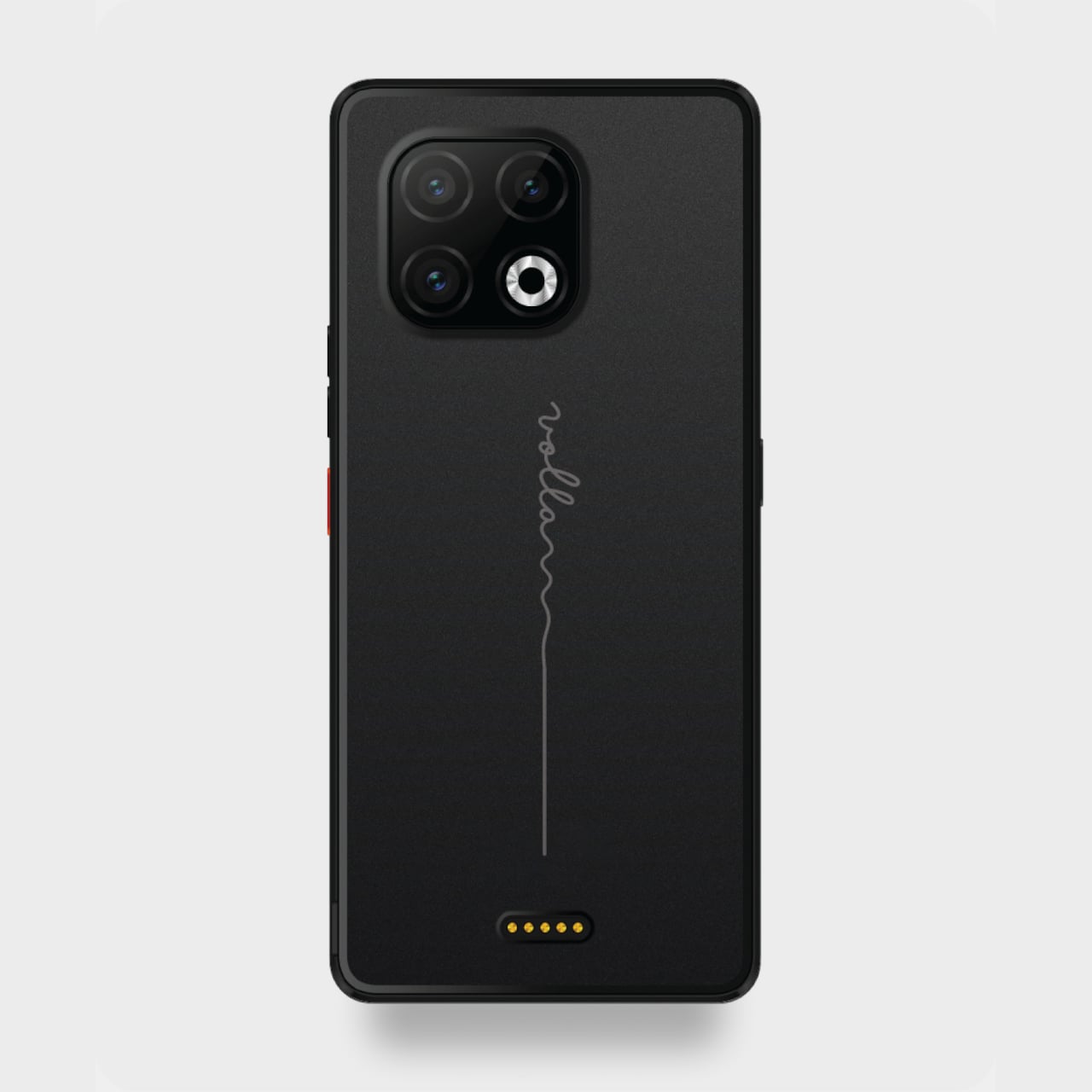
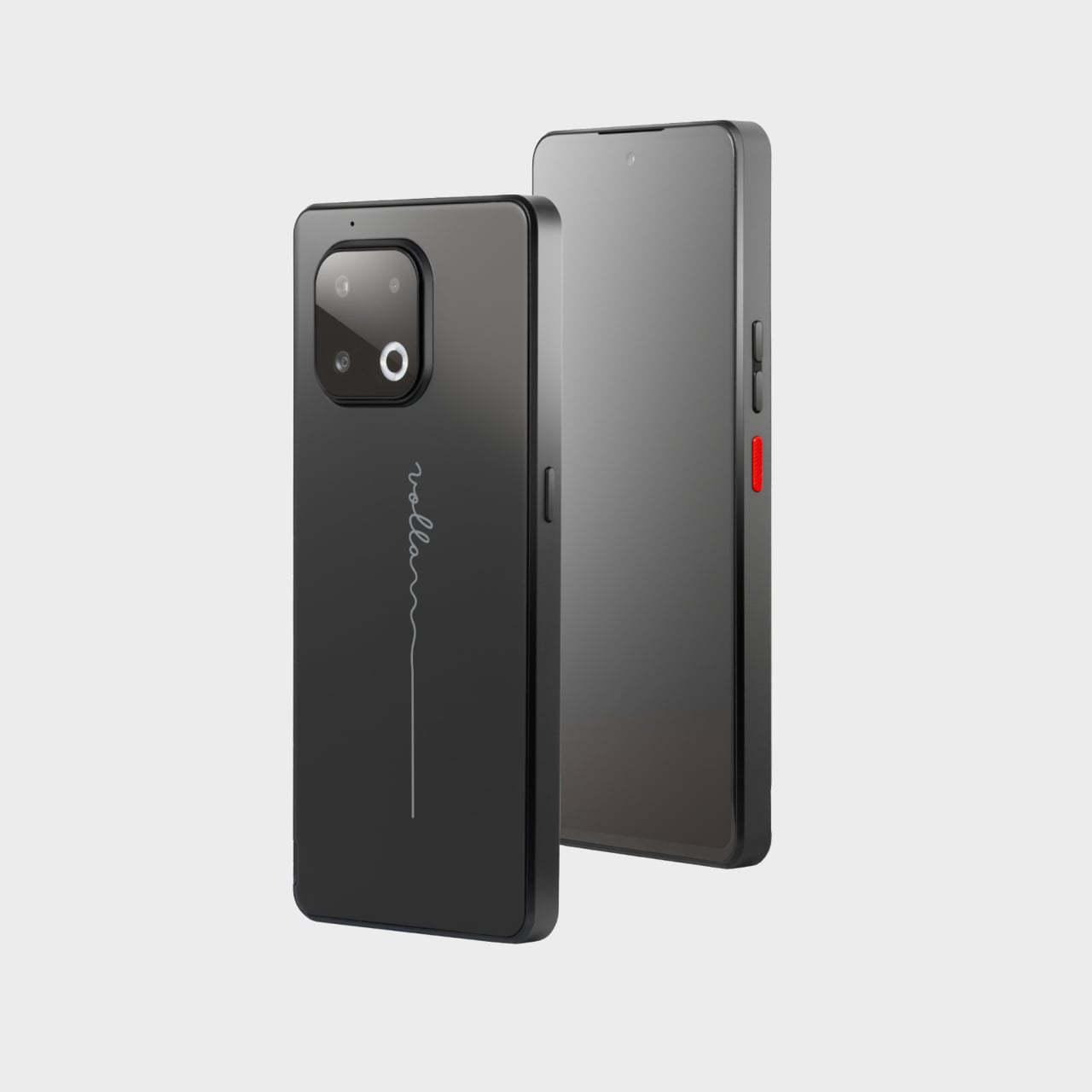
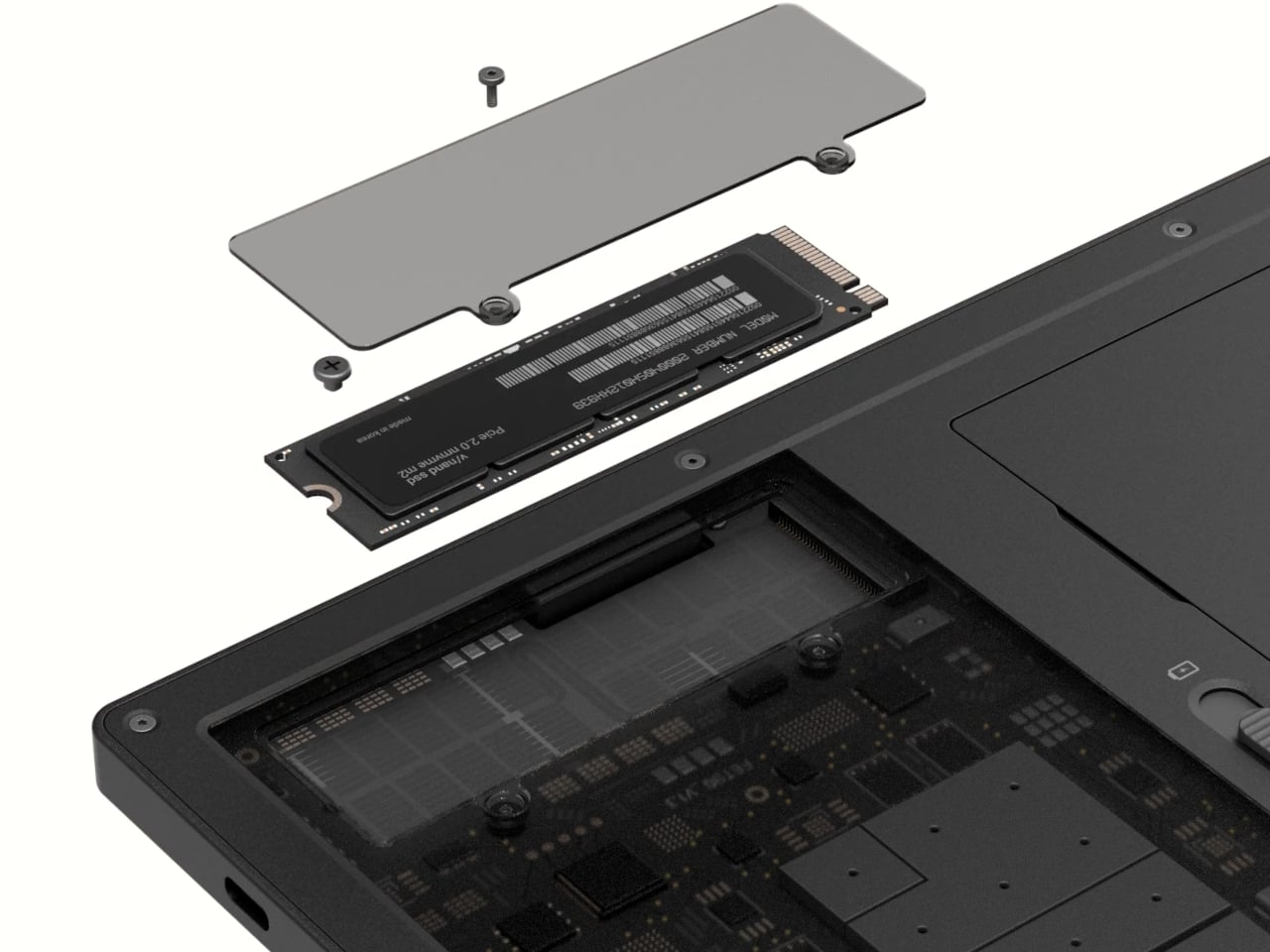
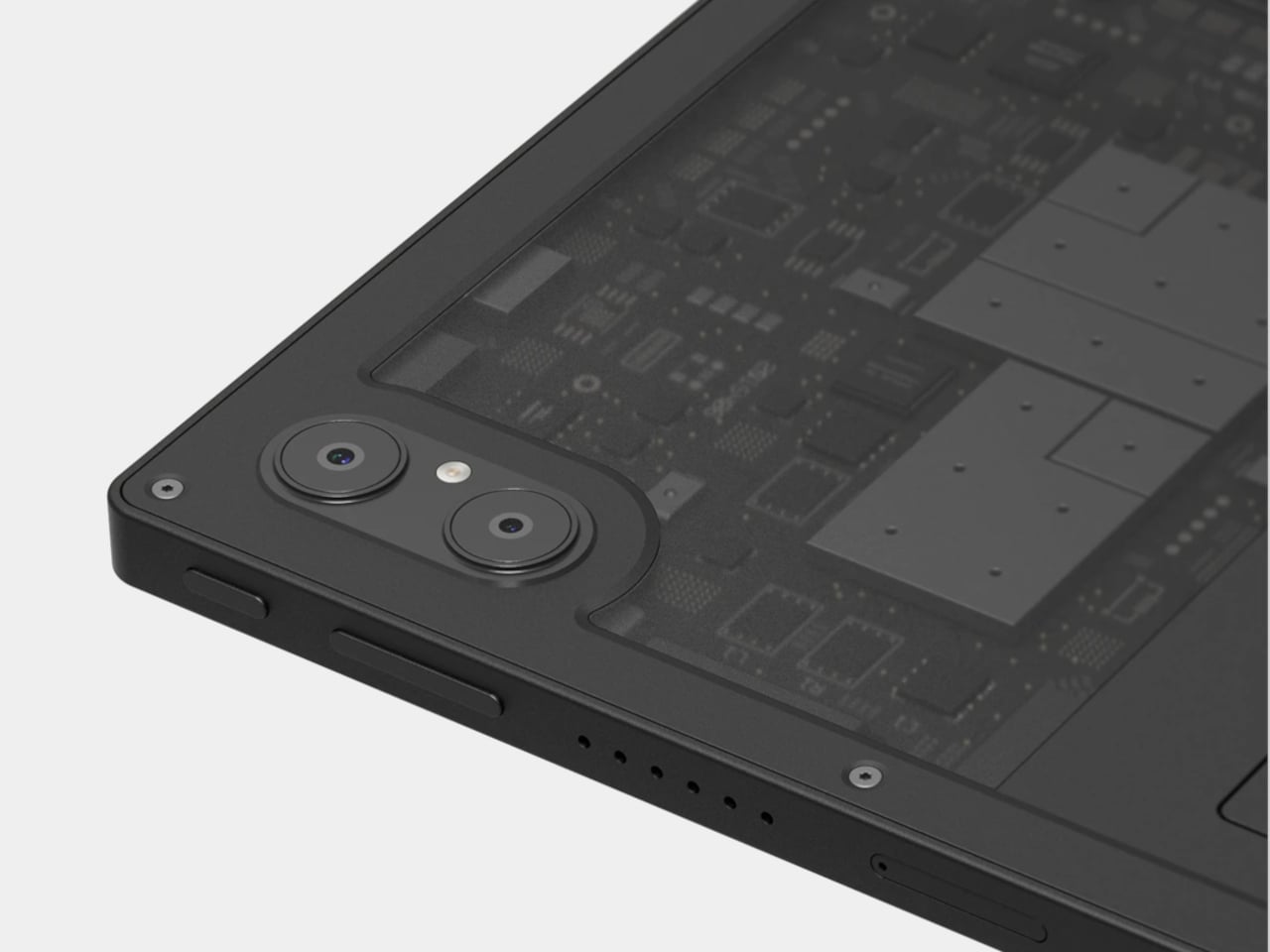
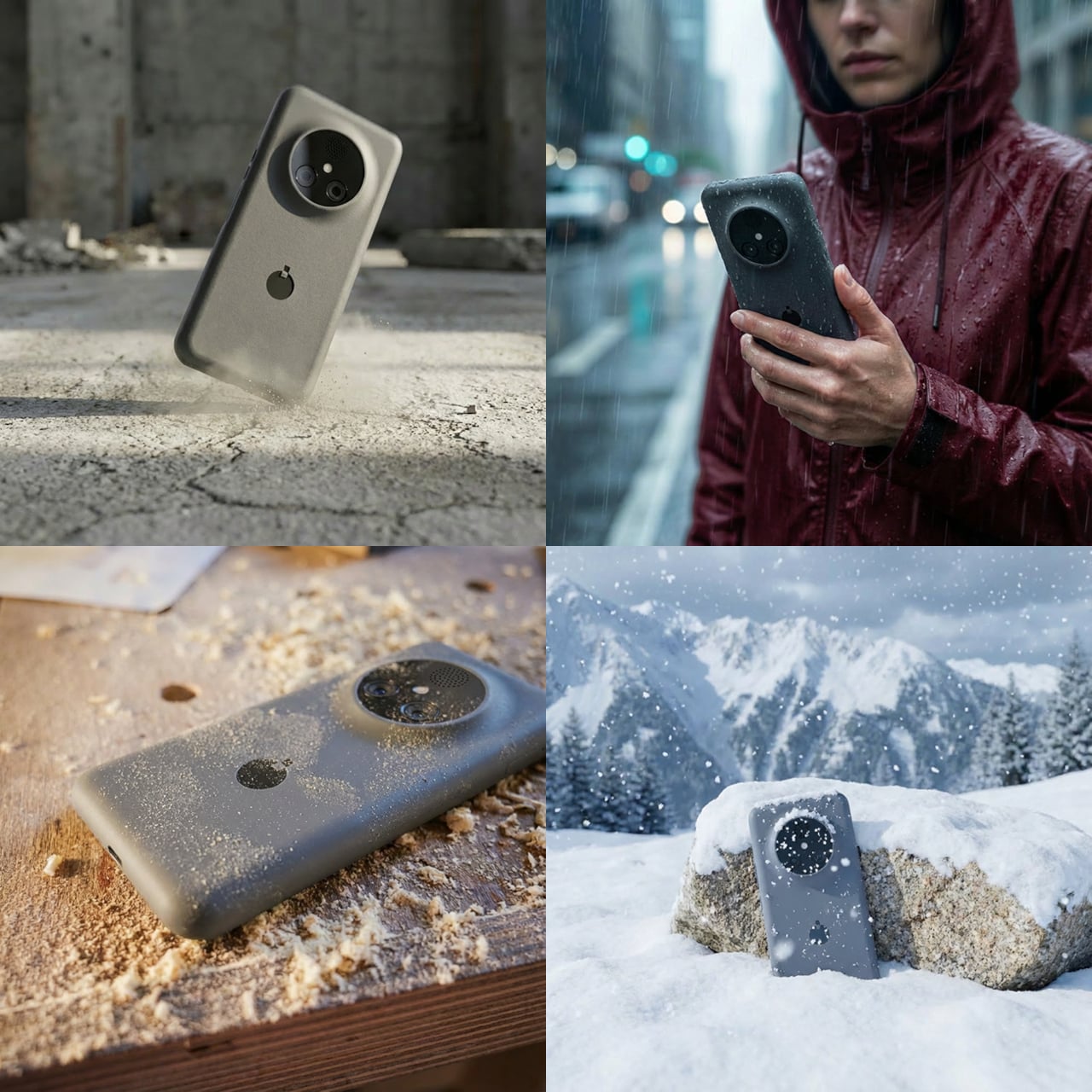
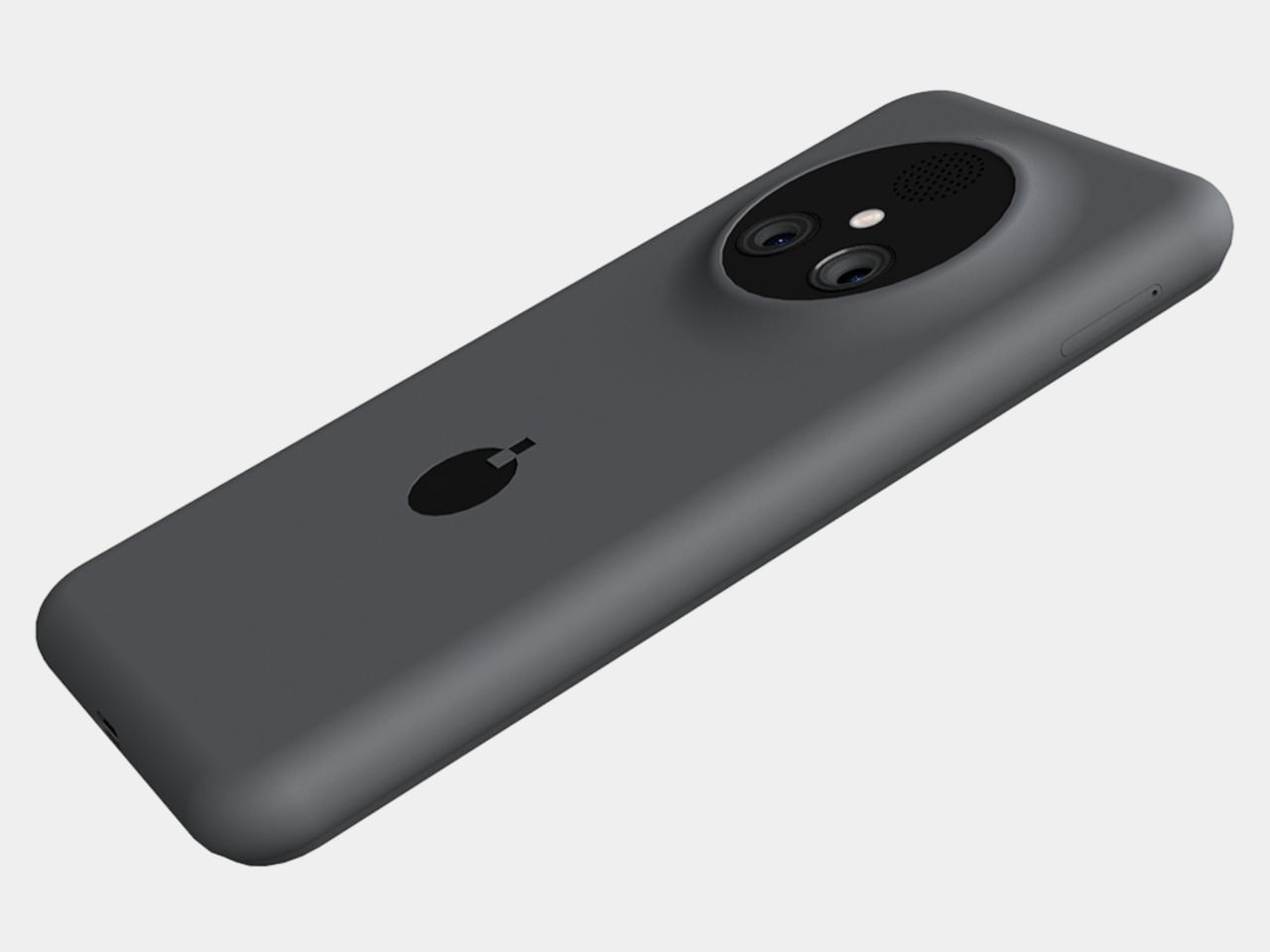
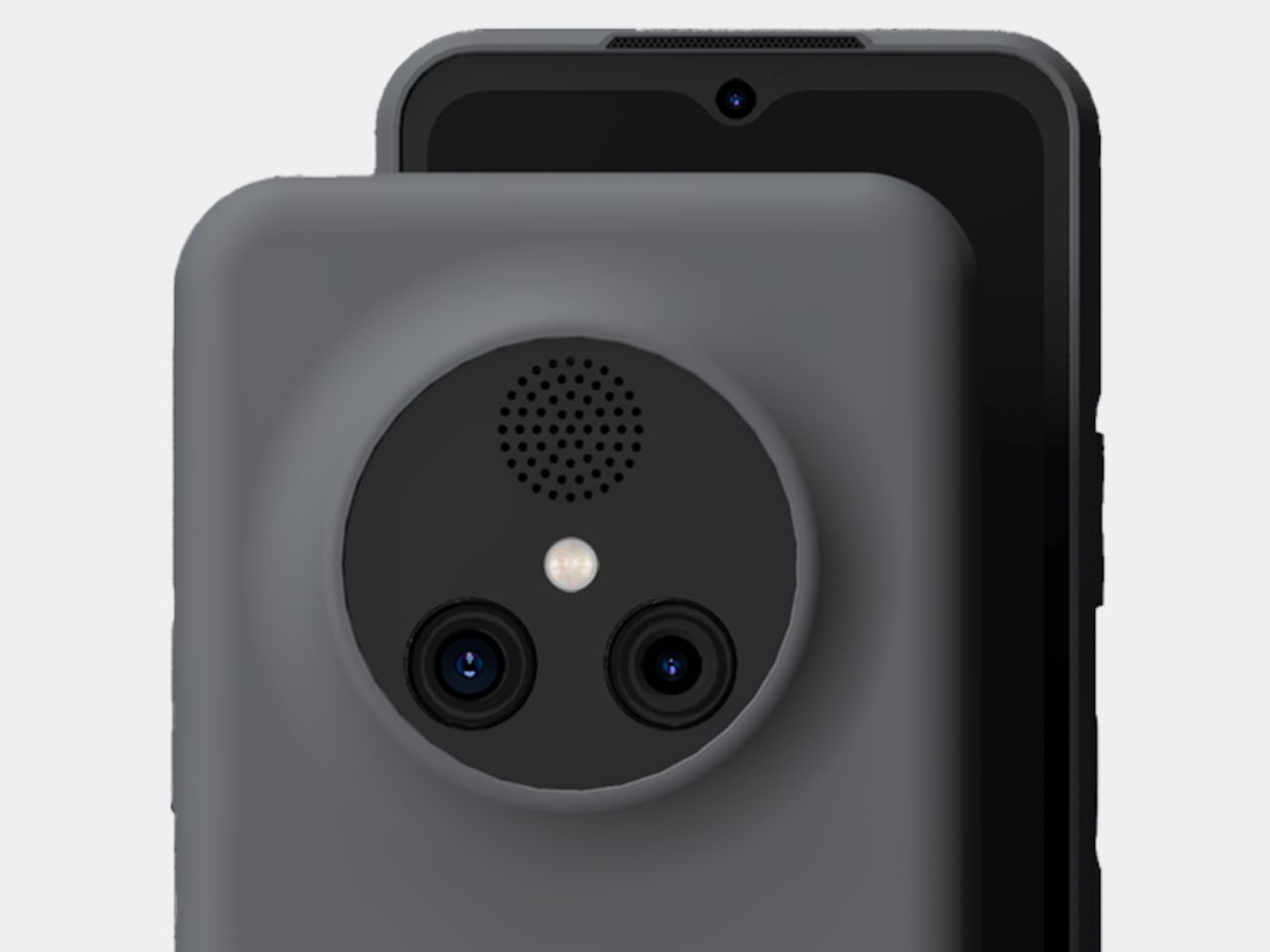
NexPhone is an Android 16 handset built on Qualcomm’s QCM6490, a long-term-support chip Qualcomm says will be backed through 2036. That is rare in phone marketing, but it matters when the device is also your computer. It has 12 GB of RAM, 256 GB of storage with microSD expansion, a 6.58-inch 120 Hz display, a 5,000 mAh battery, dual rear cameras, dual SIM, wireless charging, and MIL-STD-810H plus IP68/IP69K ruggedization.

Designer: Nex Computing

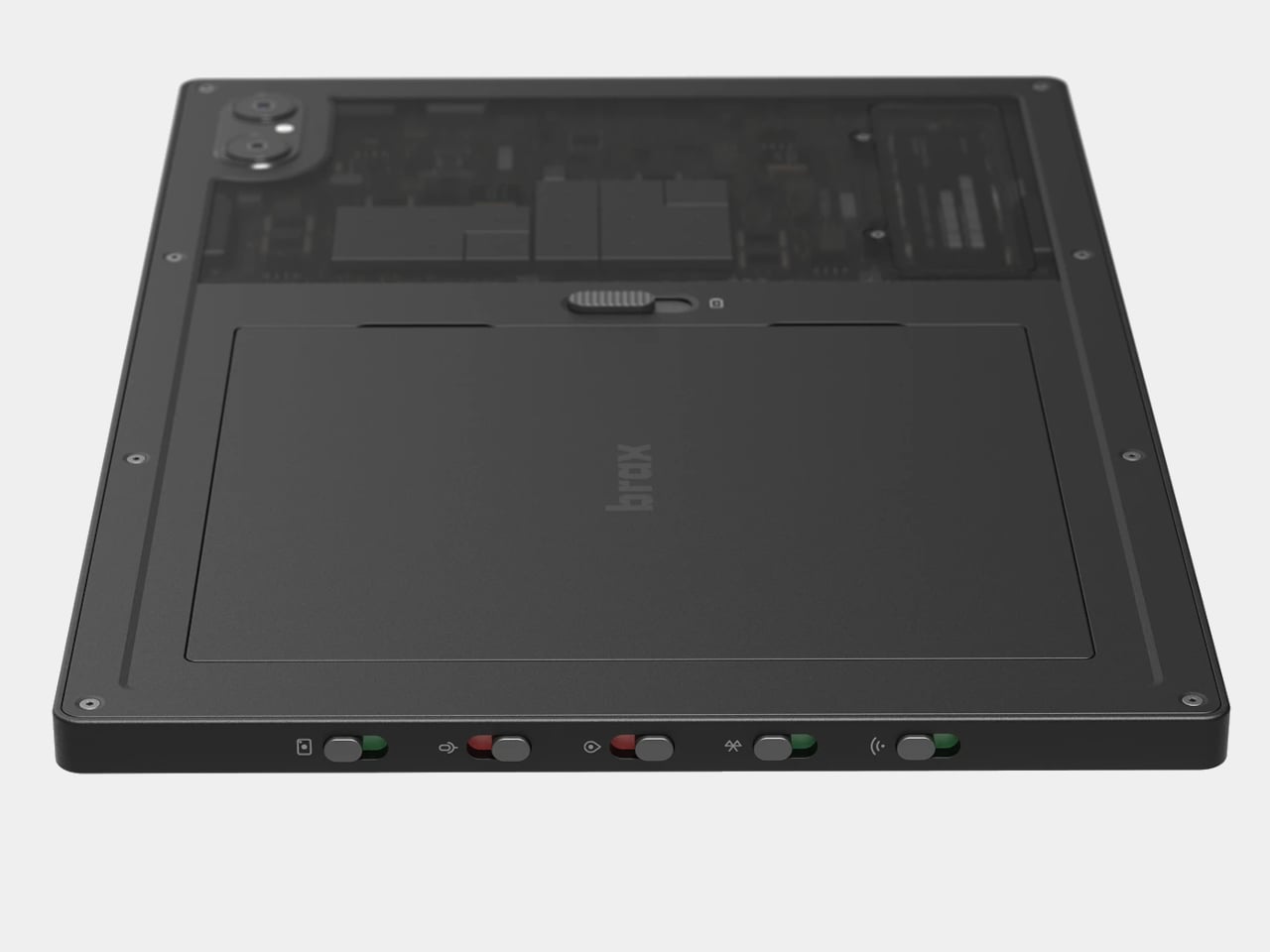
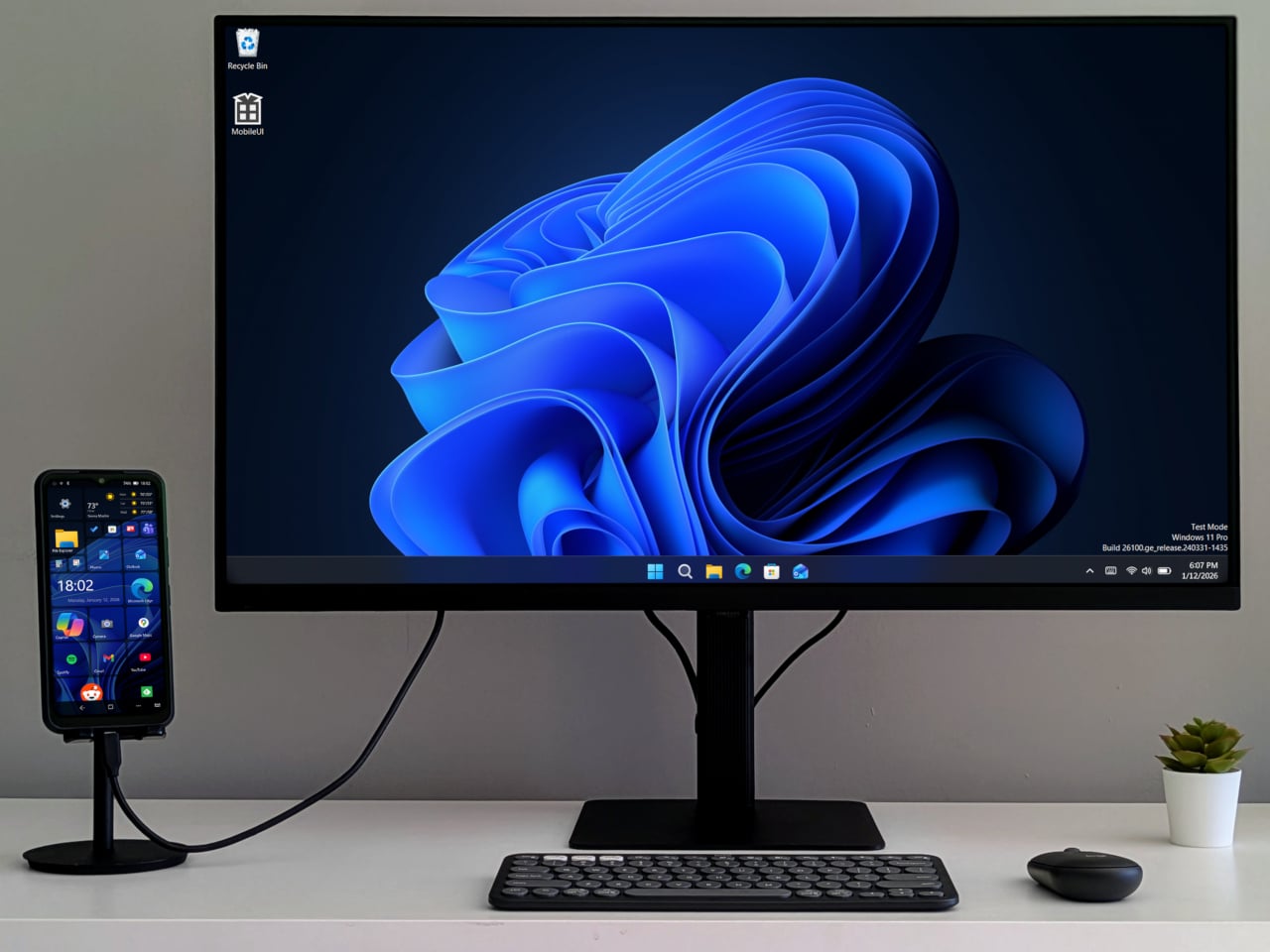
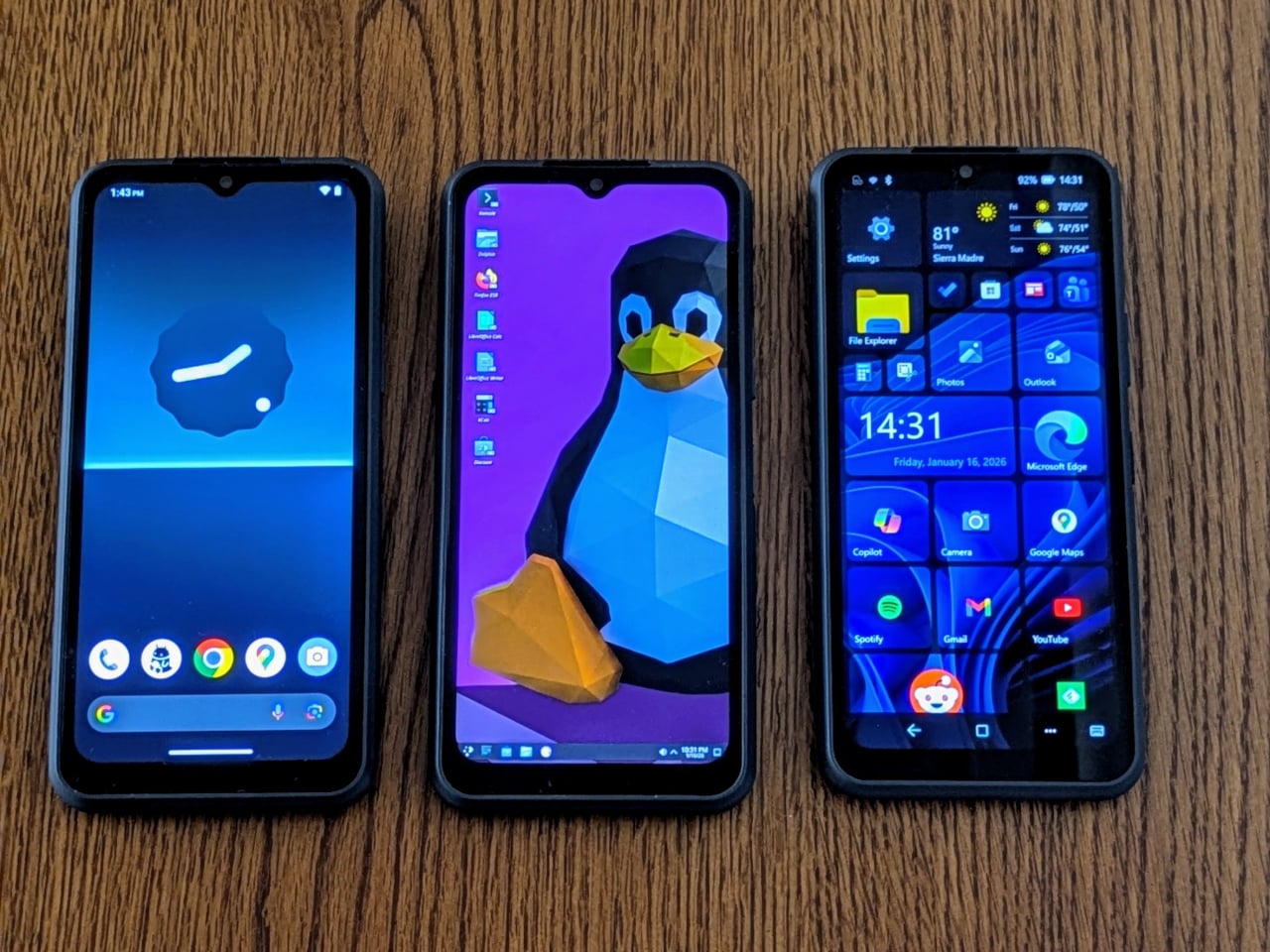
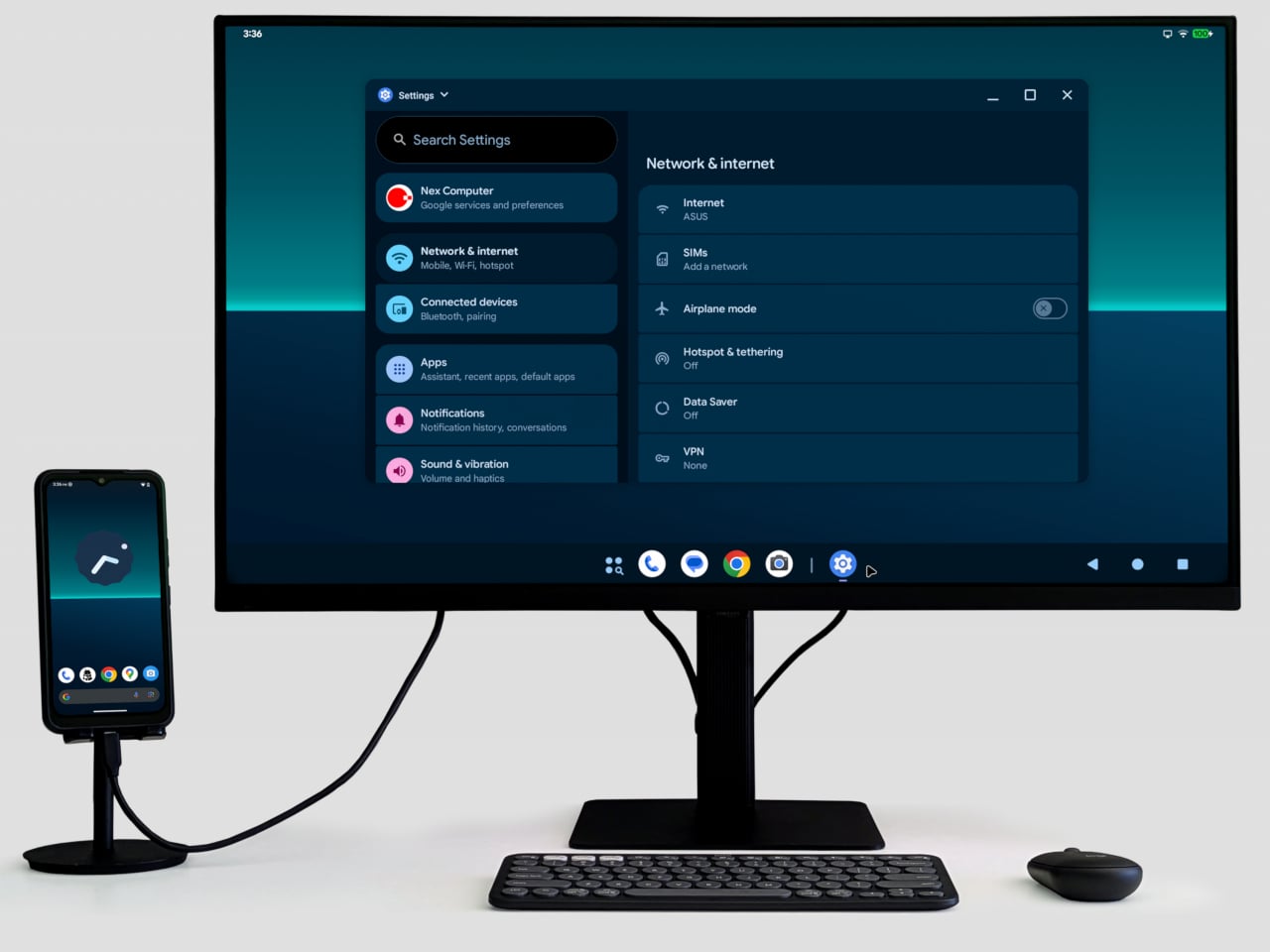
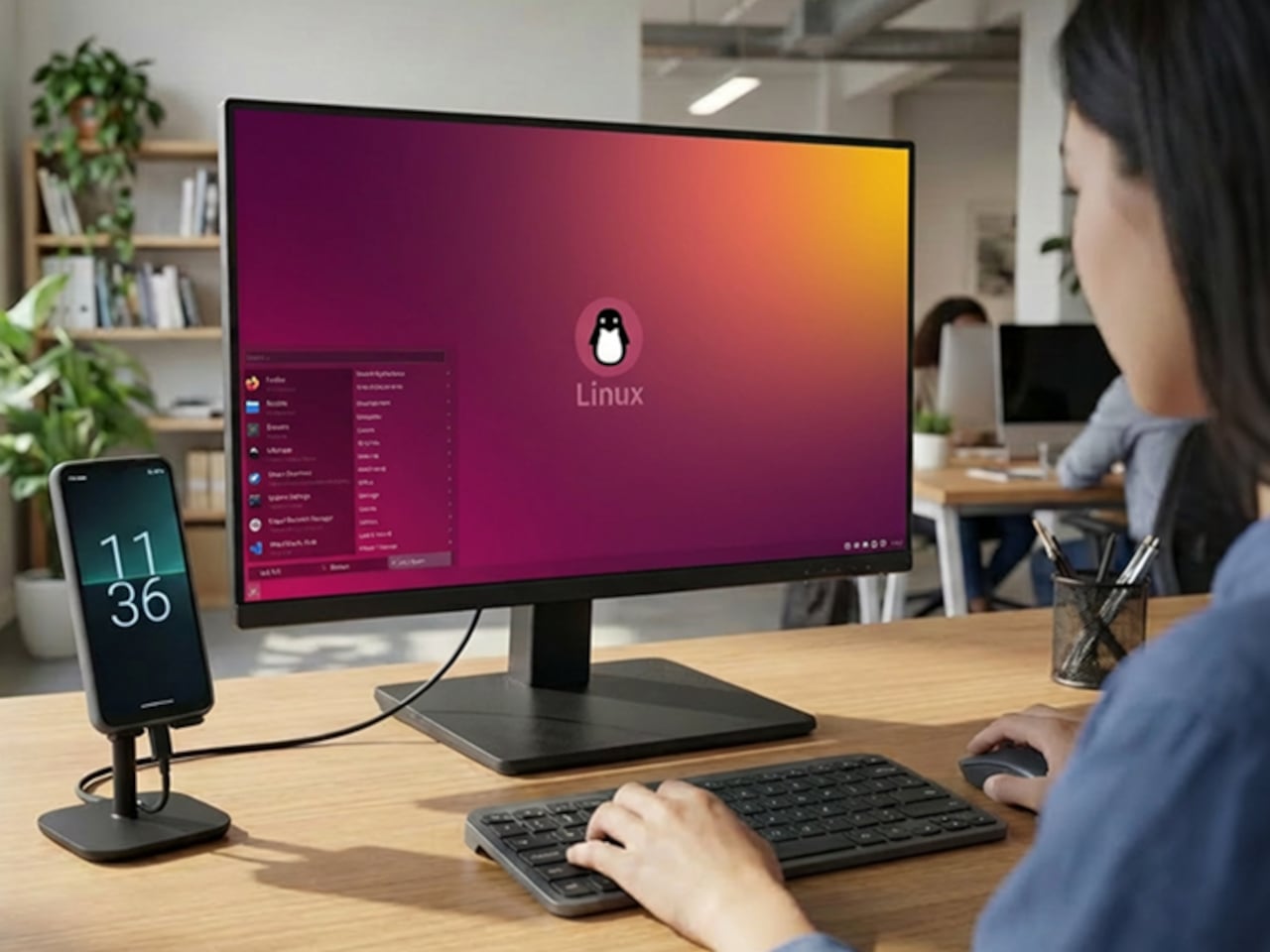
NexOS lets you treat the phone as three machines in one. On its own, it is a clean Android system with no bloatware. Plug it into a monitor, and you can switch into Android desktop mode or full Debian-based Linux with hardware acceleration, sharing folders between them. If you opt in, you can also boot Windows 11 on Arm, turning the phone into a tiny Windows PC when docked.

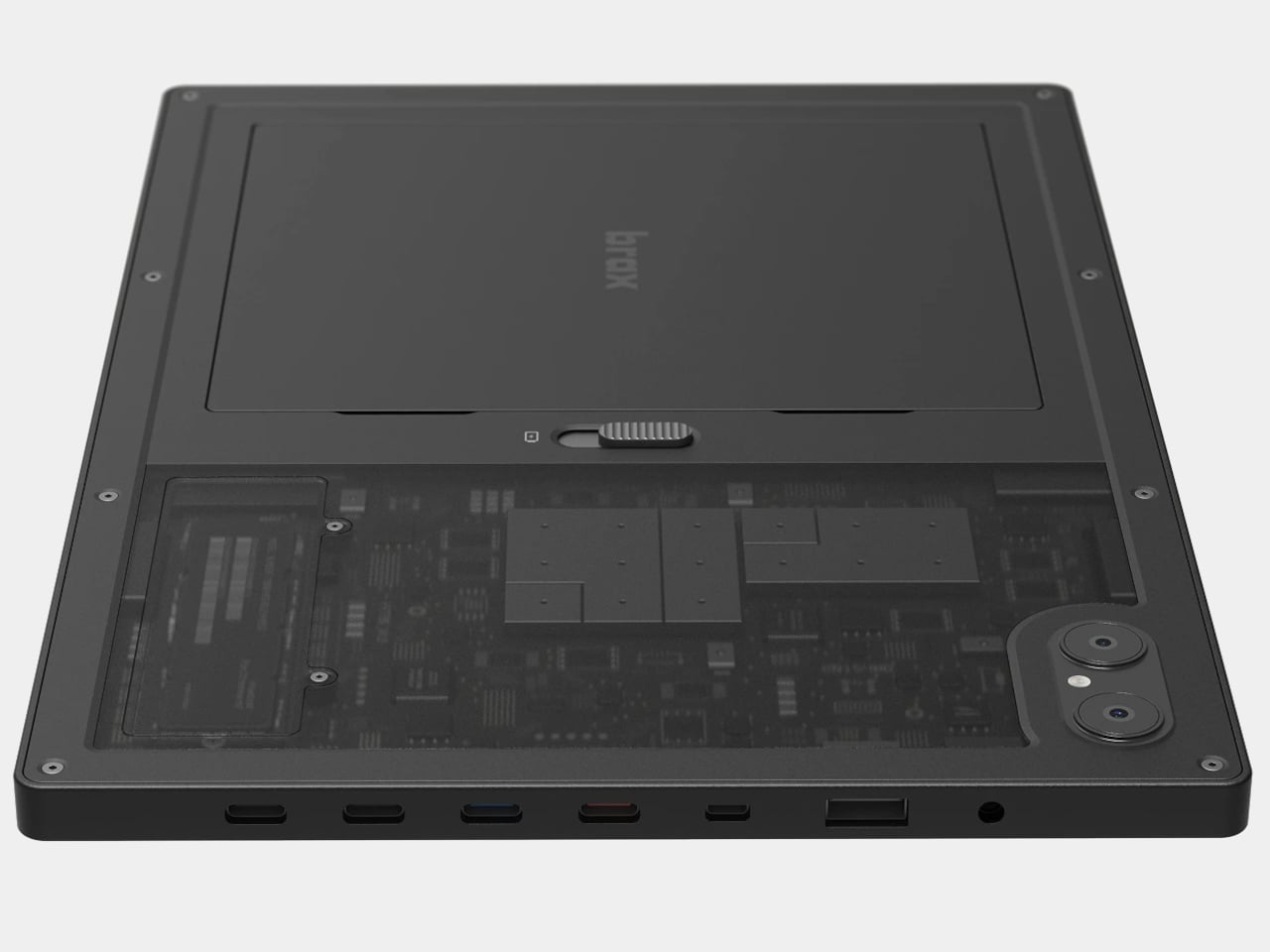
NexPhone builds a custom Windows Mobile UI on top of Windows 11, a grid-style launcher inspired by old Windows Phone tiles to make the OS less painful on a small screen. For desktop use, the phone ships with a five-port USB-C hub that fans out to HDMI, keyboard, mouse, and power. Any desk with a monitor becomes your workstation with a single cable, and you pick up at home where you left off at the office.

Windows 11 on Arm still has app compatibility gaps and relies on emulation for many x86 programs, which can hurt performance and battery life. Multi-booting Android, Linux, and Windows adds complexity that appeals to enthusiasts more than casual users. Putting phone, PC, and laptop brain into one device also means a single point of failure, and the rugged build does not remove the need for backups and a fallback plan.

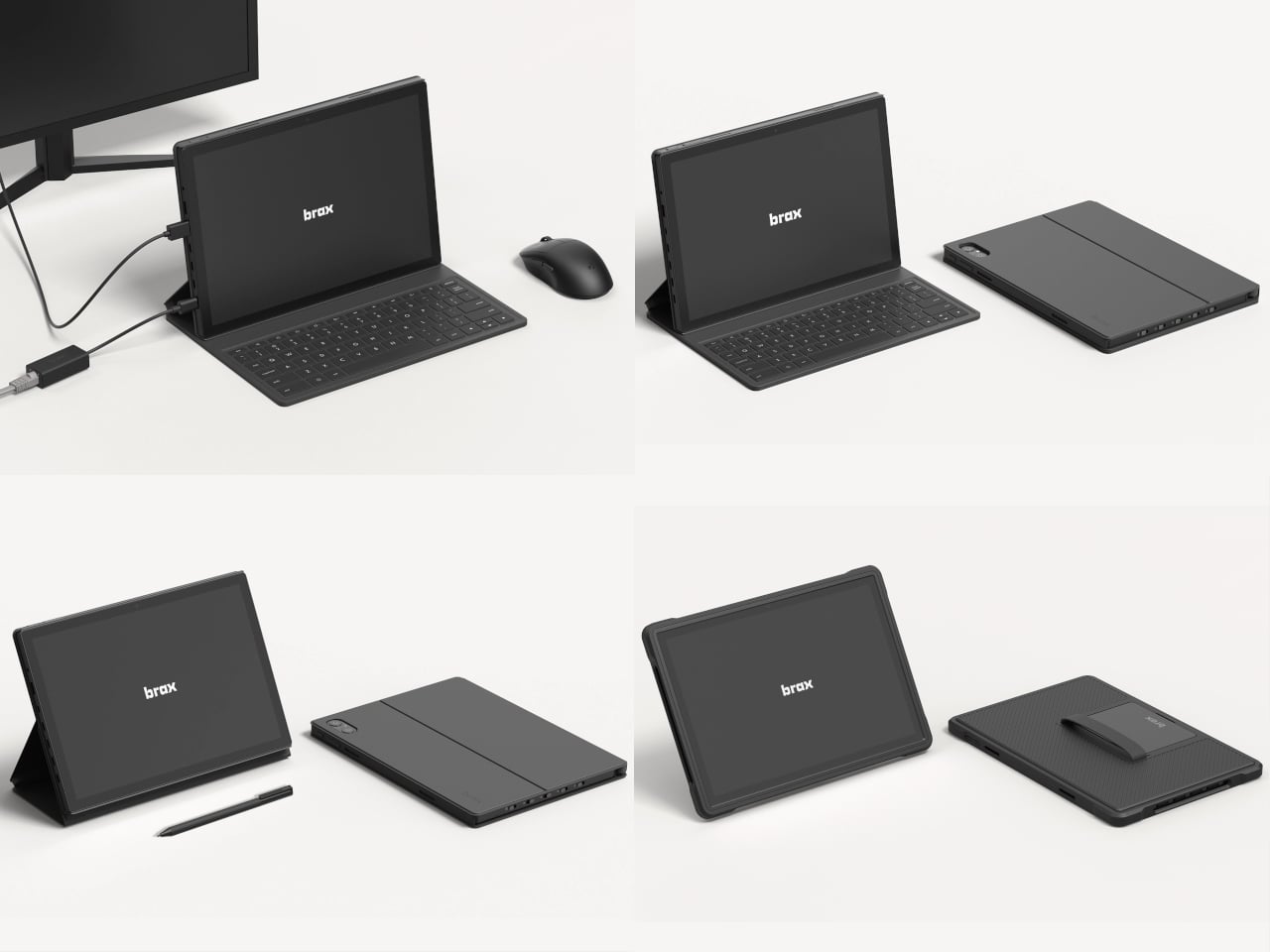
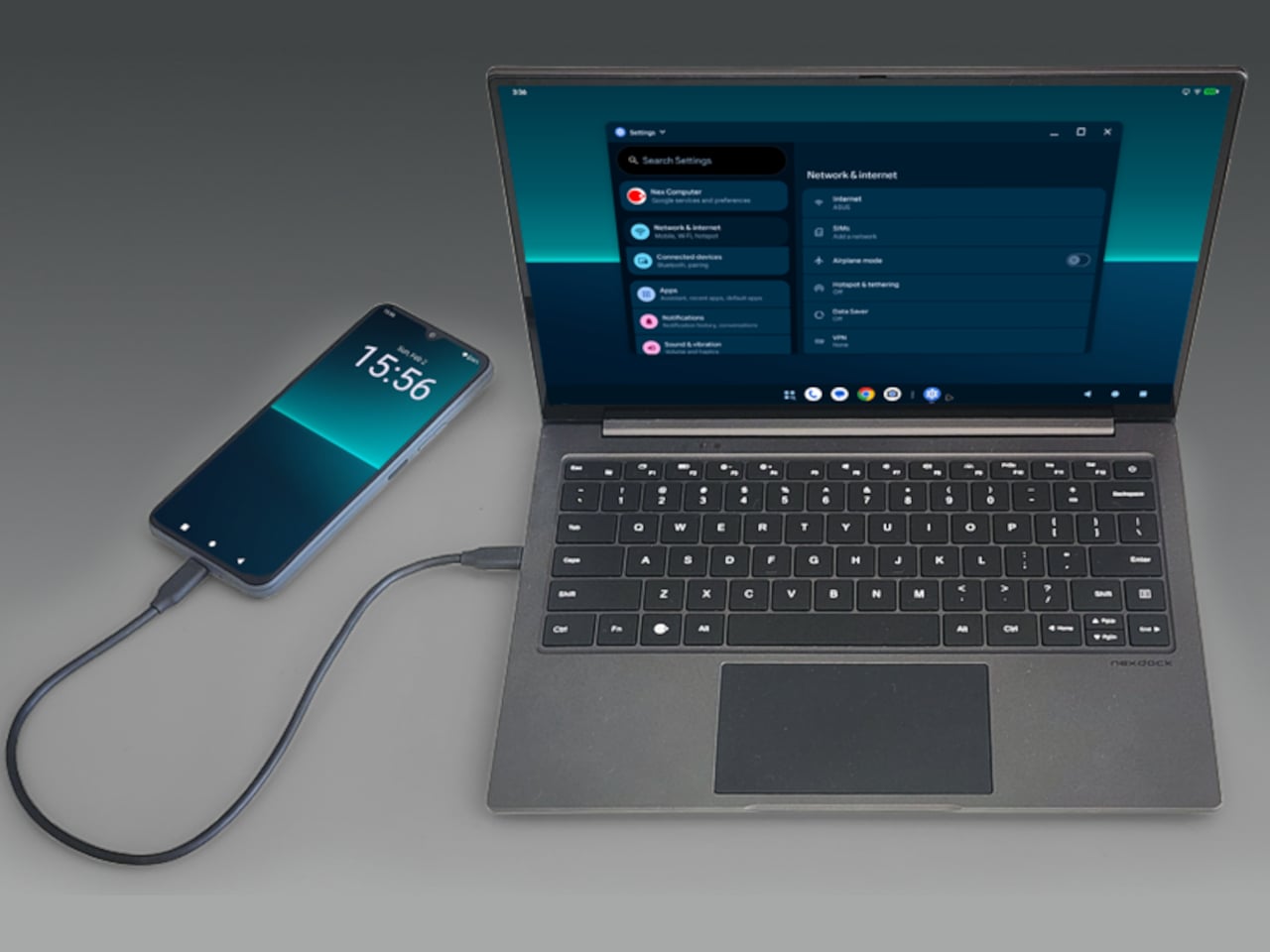
With the optional NexDock laptop shell, you can plug in and get a 14.1-inch display, keyboard, and trackpad in airport lounges or coffee shops without carrying a full laptop. It is designed for people who already juggle multiple OSes and want to consolidate, but not for those hoping to escape complexity. The promise to support the device for a decade is either visionary or risky, depending on how seriously you take startup hardware commitments.

NexPhone is less about convincing everyone to ditch laptops and more about giving the Linux-comfortable, multi-OS crowd a serious shot at carrying one device instead of three. It treats the phone, the OS stack, and the docking experience as one design problem. Whether that holds up depends less on the specs and more on whether the software behaves like three clean experiences instead of one messy compromise.

The post This Phone Runs Android, Linux, and Windows to Replace 3 Computers first appeared on Yanko Design.
Miyoo Mini Flip Shrinks Retro Gaming into a 2.8-Inch Folding Square

Retro handhelds have exploded in the last few years, from chunky bricks to tiny keychain consoles, and a lot of them still feel like little Linux boxes with buttons bolted on. The Game Boy Advance SP’s clamshell still lives rent-free in people’s heads, that satisfying snap when you close it, and the way it fits into a pocket without scratching the screen. The Miyoo Mini Flip is a modern answer to that memory, scaled for pockets and commutes.

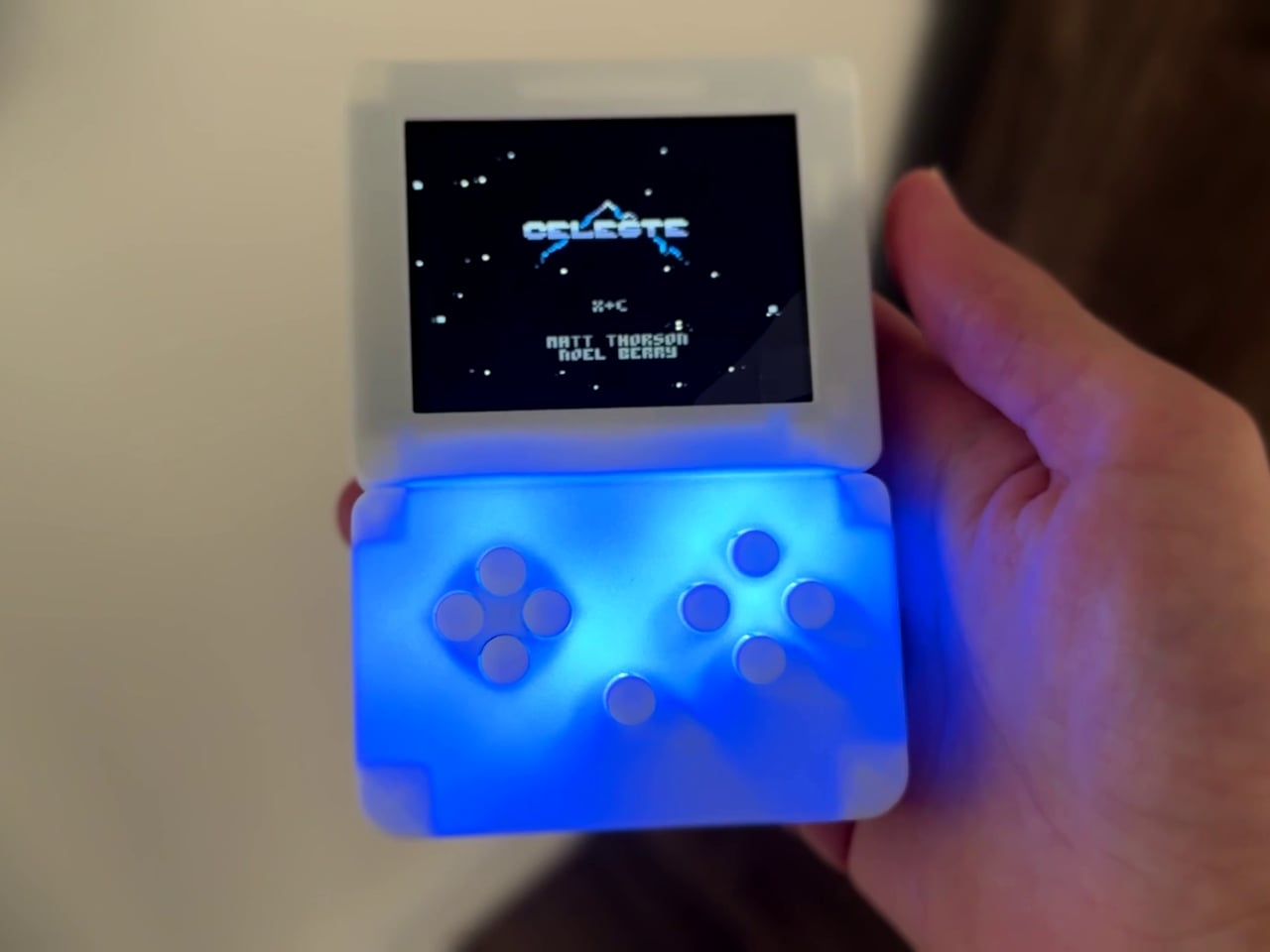
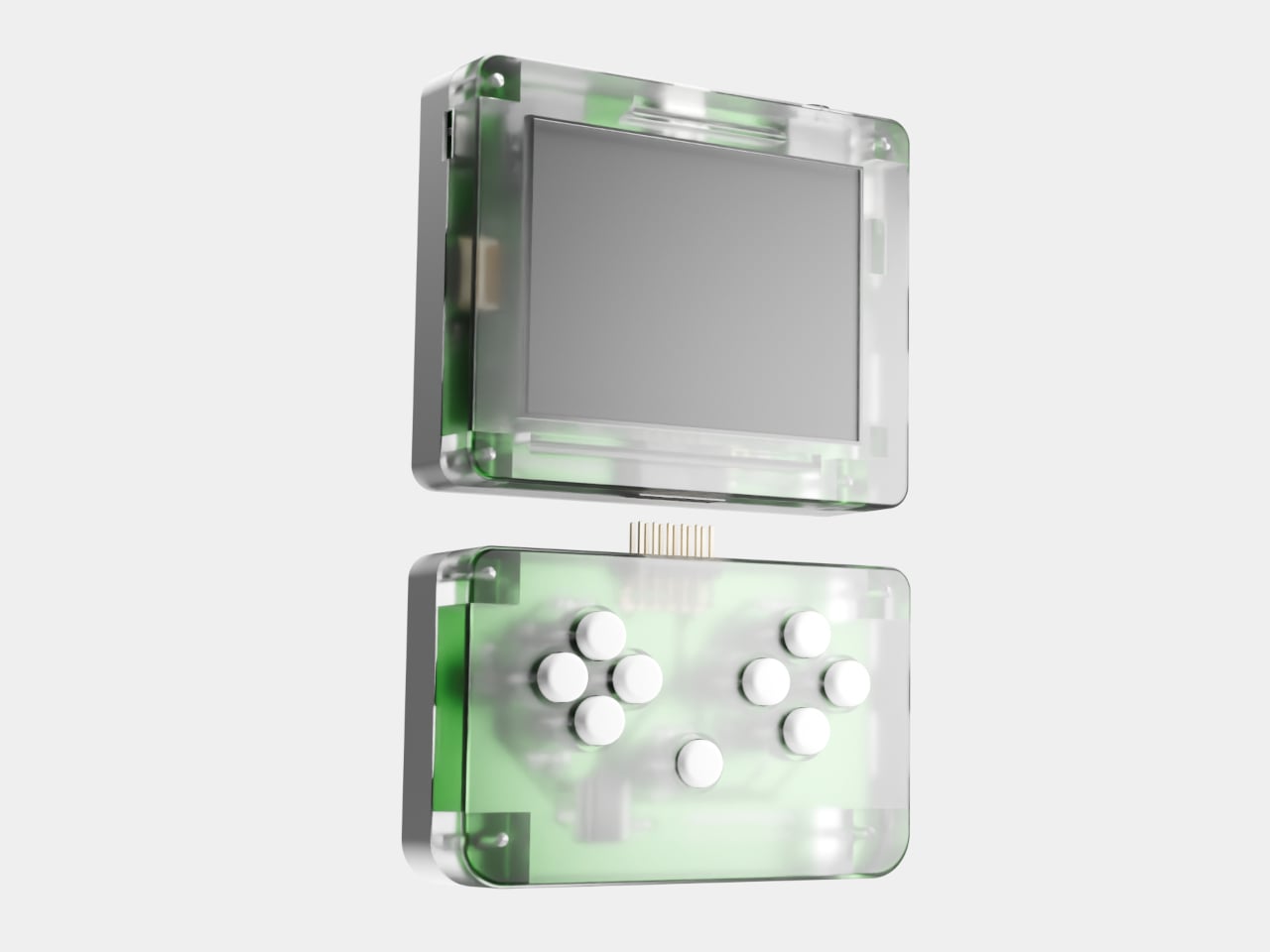
The Miyoo Mini Flip is a folding version of Miyoo’s tiny emulation handheld, now with an upgraded hinge for better durability. Closed, it is a 2.68‑inch square about 0.79 inch thick, small enough to disappear into a jeans pocket or bag. Open it up, and you get a full control deck and a 2.8‑inch screen, turning idle minutes into quick sessions of 8‑bit and 16‑bit comfort food without needing to commit to a full setup.

Designer: Miyoo

The 2.8‑inch IPS panel runs at 750 × 560 with a 4:3 aspect ratio, which lines up nicely with most classic consoles. The marketing calls it “3× pixel perfect,” hinting at clean integer scaling for certain systems, so sprites and tiles look crisp instead of smeared. Wide viewing angles and decent colour make pixel art and old racing games feel surprisingly alive on such a small canvas, bright enough to play outdoors or on a dimly lit train.

The control scheme mixes classic D-pad, ABXY face buttons, Select and Start, a Menu key, and L/L2 and R/R2 shoulder buttons tucked along the back edge. Volume and power live on the sides, with a front speaker and a TF card slot underneath. The layout feels like a mashup of modern controllers and old handhelds, giving thumbs familiar landmarks without overcomplicating a device that is meant to be grabbed and played.

The hardware is a Cortex‑A7 at 1.2 GHz, 128 MB of RAM, Linux under the hood, 2.4 GHz Wi‑Fi, and a 3.7 V 2500 mAh battery. It is tuned for NES, SNES, GBA, PS1, and similar eras, not chasing Switch-level performance. The bundle usually includes a 64 GB microSD card and USB‑C cable, so you are not hunting for storage or adapters before you can start tinkering with ROMs and emulator settings.

The hinge‑enhanced durability callout addresses early batches where people worried about wobble and wear. Closed, the Flip feels like a small, dense square you can toss into a pocket, backpack, or travel pouch without babying it. Marketing leans into travel, outdoor, waiting, and “back childhood” scenarios, which is exactly where a device like this shines, filling dead time with a few more runs of your favourite platformer or racer.

The Miyoo Mini Flip stands out beyond the emulator list. The clamshell form, upgraded hinge, sharp 4:3 IPS screen, and toy-like colours make it feel like a considered object, not another PCB in a shell. Retro games live as a small ritual in a pocket rather than a full setup on a desk, and this little folding square hits a very specific, very charming note without demanding much more than a microSD card and a willingness to revisit Super Mario World one more time.

The post Miyoo Mini Flip Shrinks Retro Gaming into a 2.8-Inch Folding Square first appeared on Yanko Design.
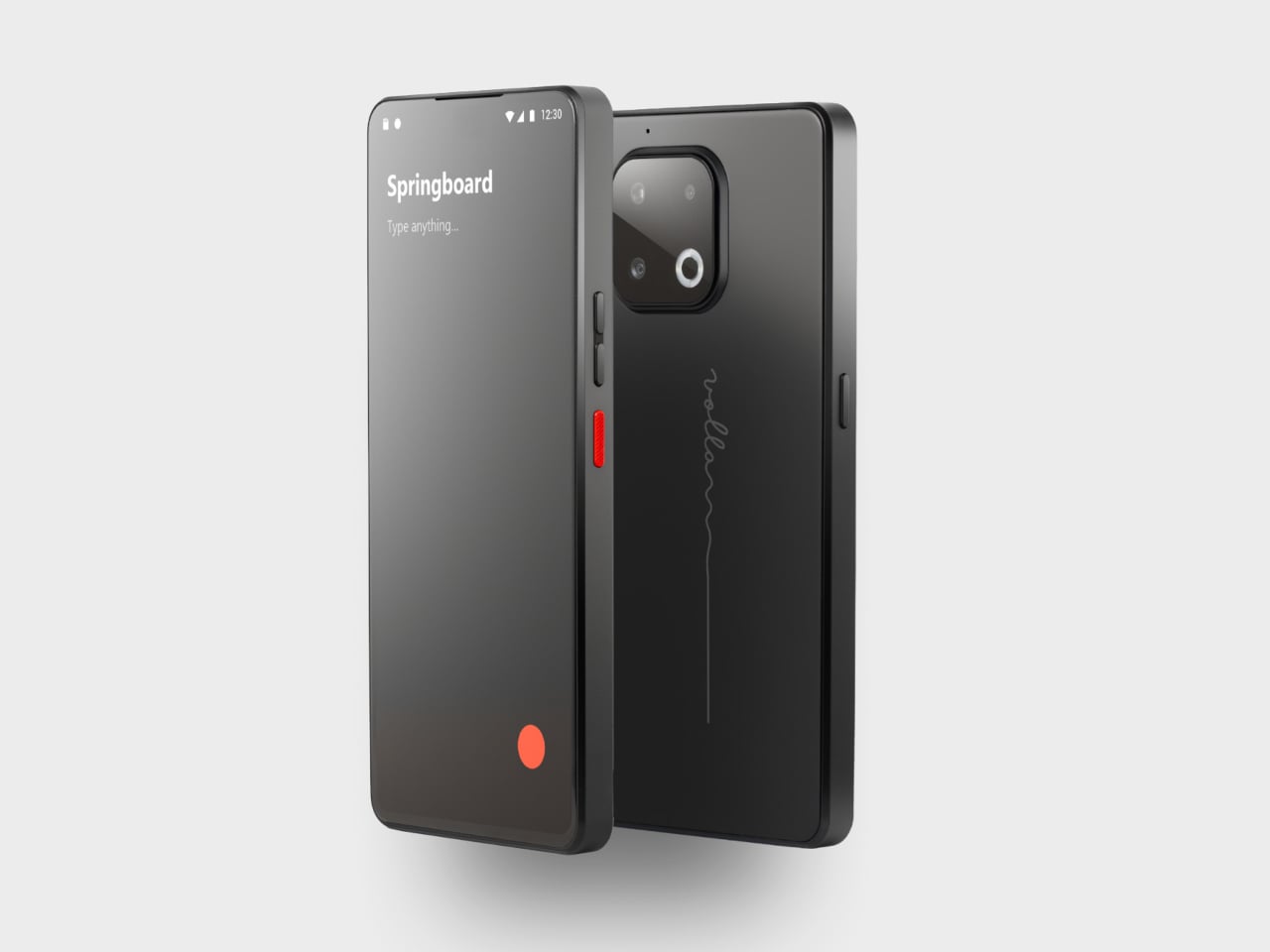
Jolla Phone Returns with a Physical Switch to Cut Off Mics and Tracking

The mobile OS graveyard is crowded. Symbian, MeeGo, Firefox OS, Windows Phone, all killed by iOS and Android’s duopoly. Most people quietly accepted that those two won and moved on. Jolla started from Nokia’s MeeGo ashes in 2013, shipped the original Jolla Phone, and somehow kept Sailfish OS alive for twelve years in the wilderness. The new Jolla Phone feels less like a comeback and more like a refusal to die.
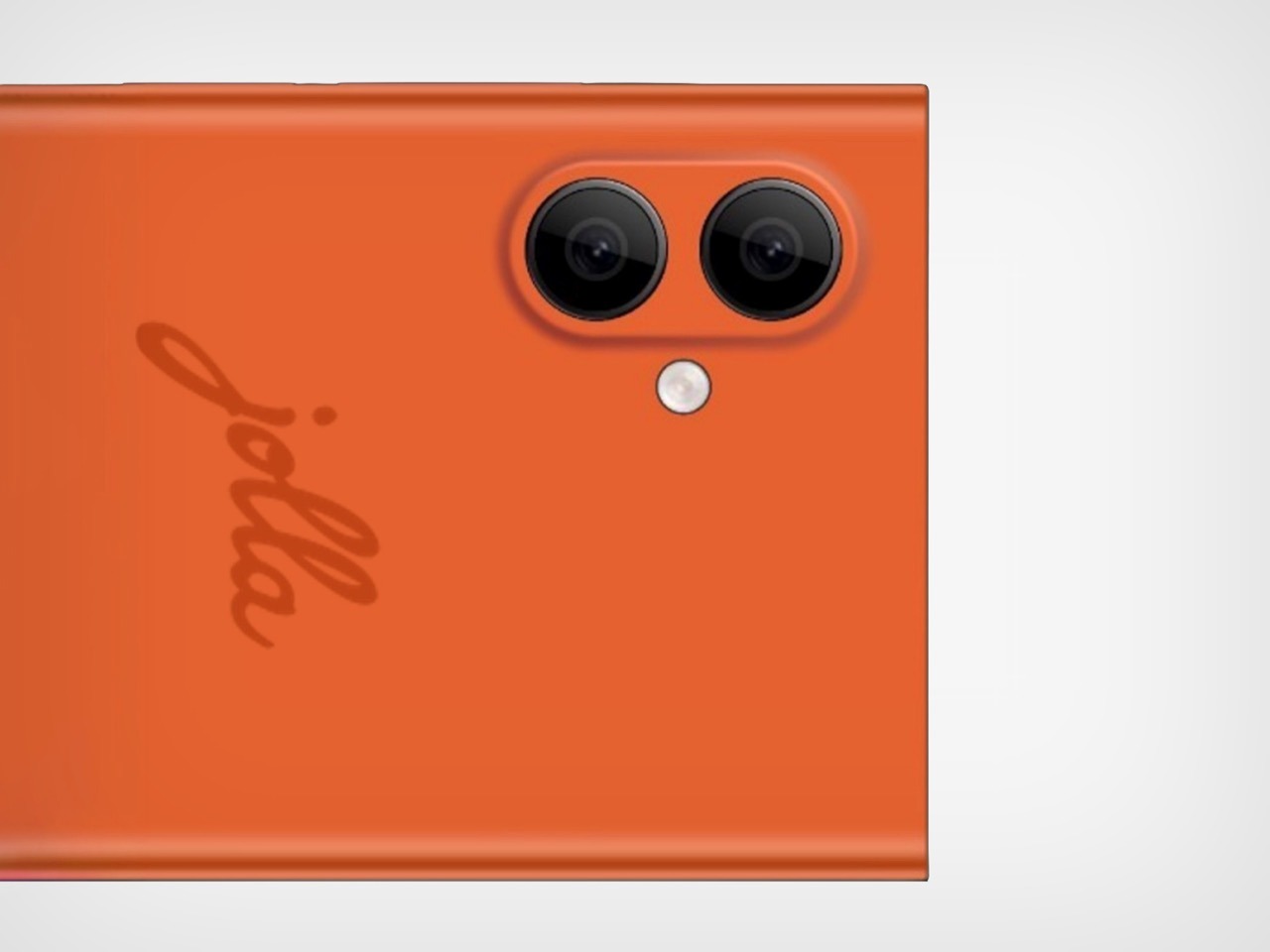
Jolla frames it as Europe’s independent smartphone, a 5G Sailfish OS 5 device built around the pitch that every Android and iPhone phones home to California. The announcement post says this is about digital sovereignty and choice rather than nationalism, but the subtext is clear: Europe needs its own mobile platform, or it stays perpetually dependent on US and China infrastructure. It is a Linux phone you are meant to daily drive, not a dev kit or novelty.

Designer: Jolla

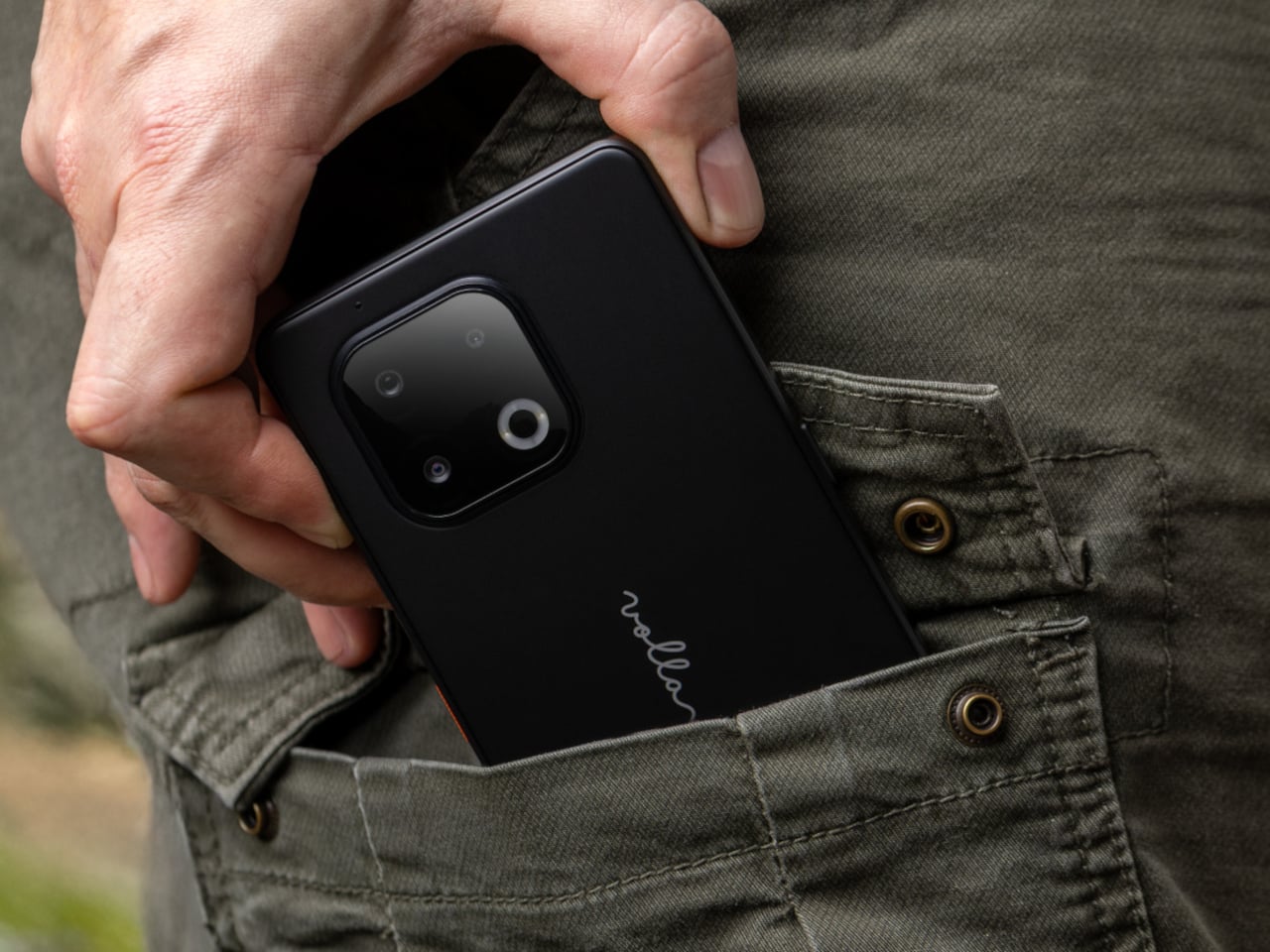
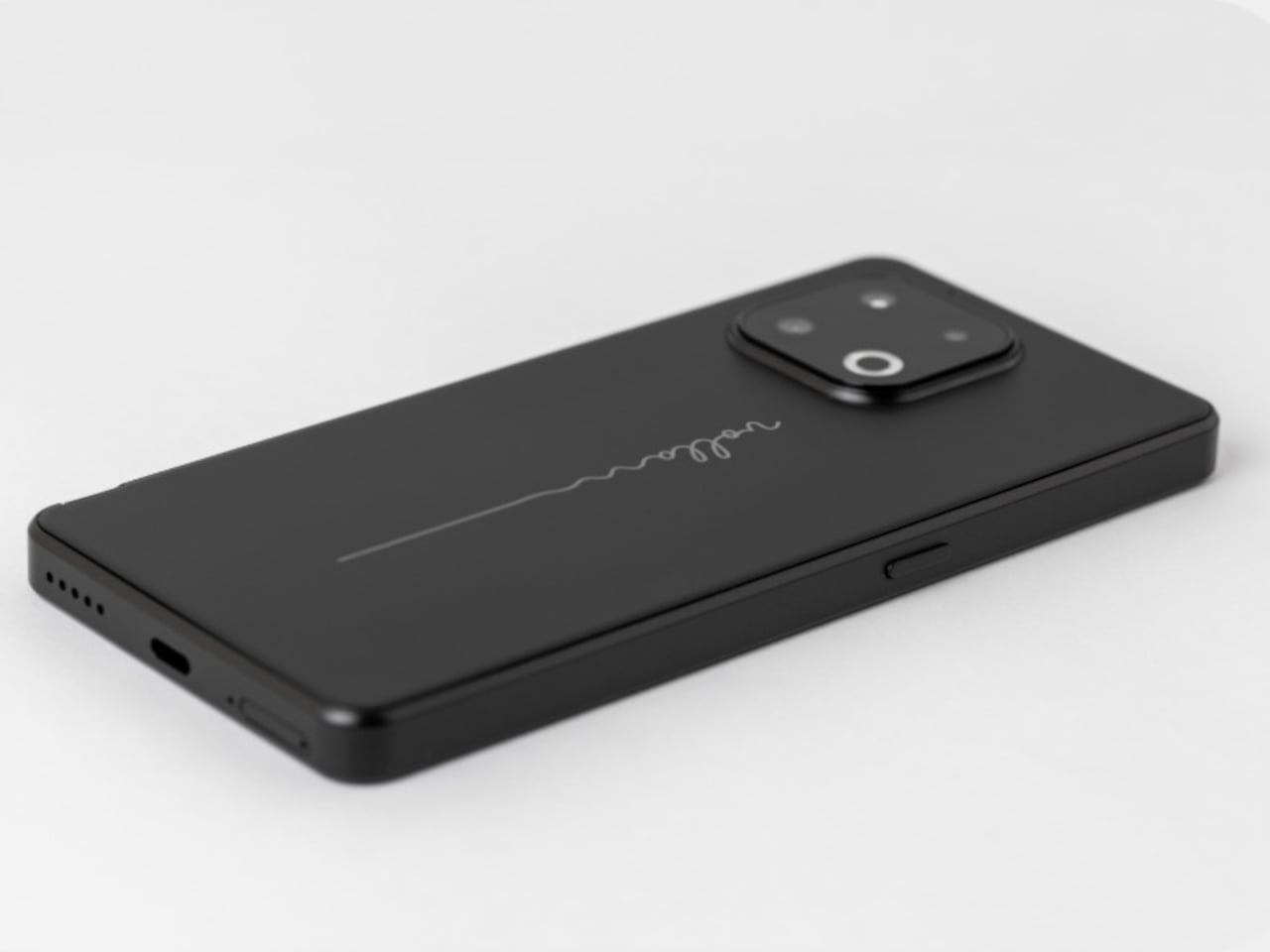
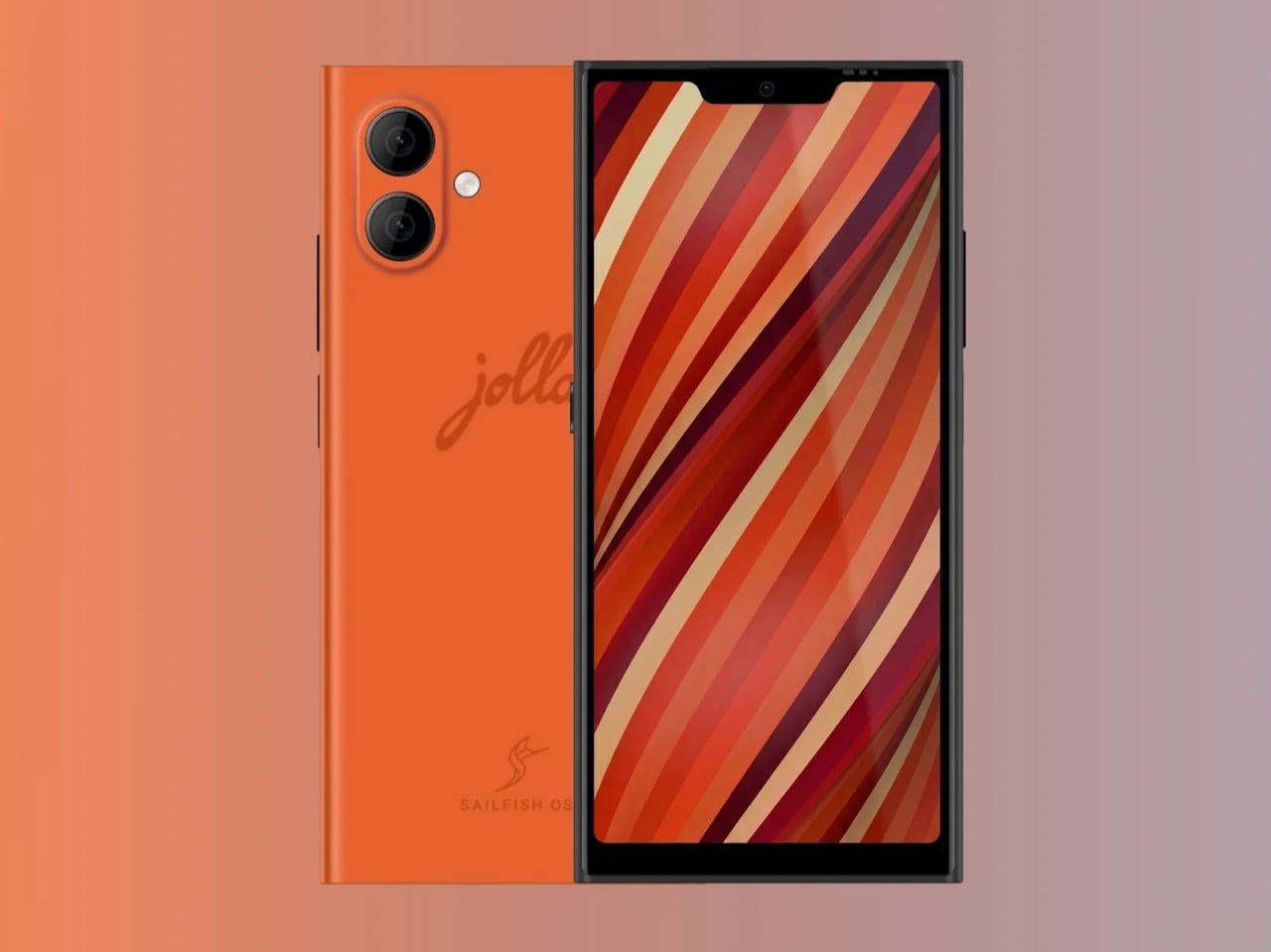
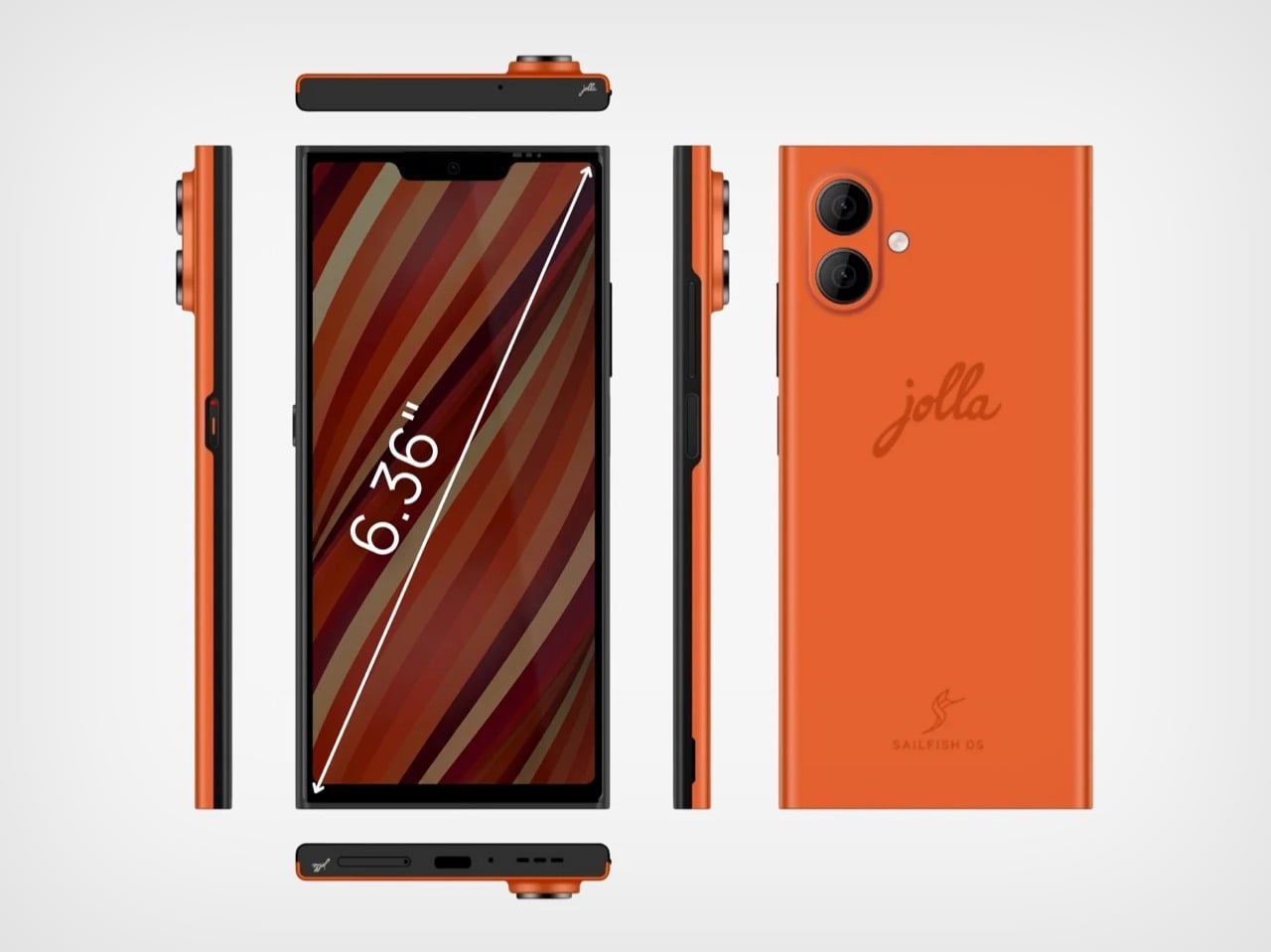
The core specs sit in upper mid-range territory. A 6.36-inch FullHD AMOLED screen, a Mediatek 5G platform, 12GB of RAM, 256GB of storage with microSD expansion up to two terabytes, dual SIM, and a 5,500 mAh battery. The flat-sided Scandinavian design offers replaceable back covers in Snow White, Kaamos Black, and The Orange, a nod to the original Jolla’s signature color. It includes a side fingerprint reader and an RGB notification LED.

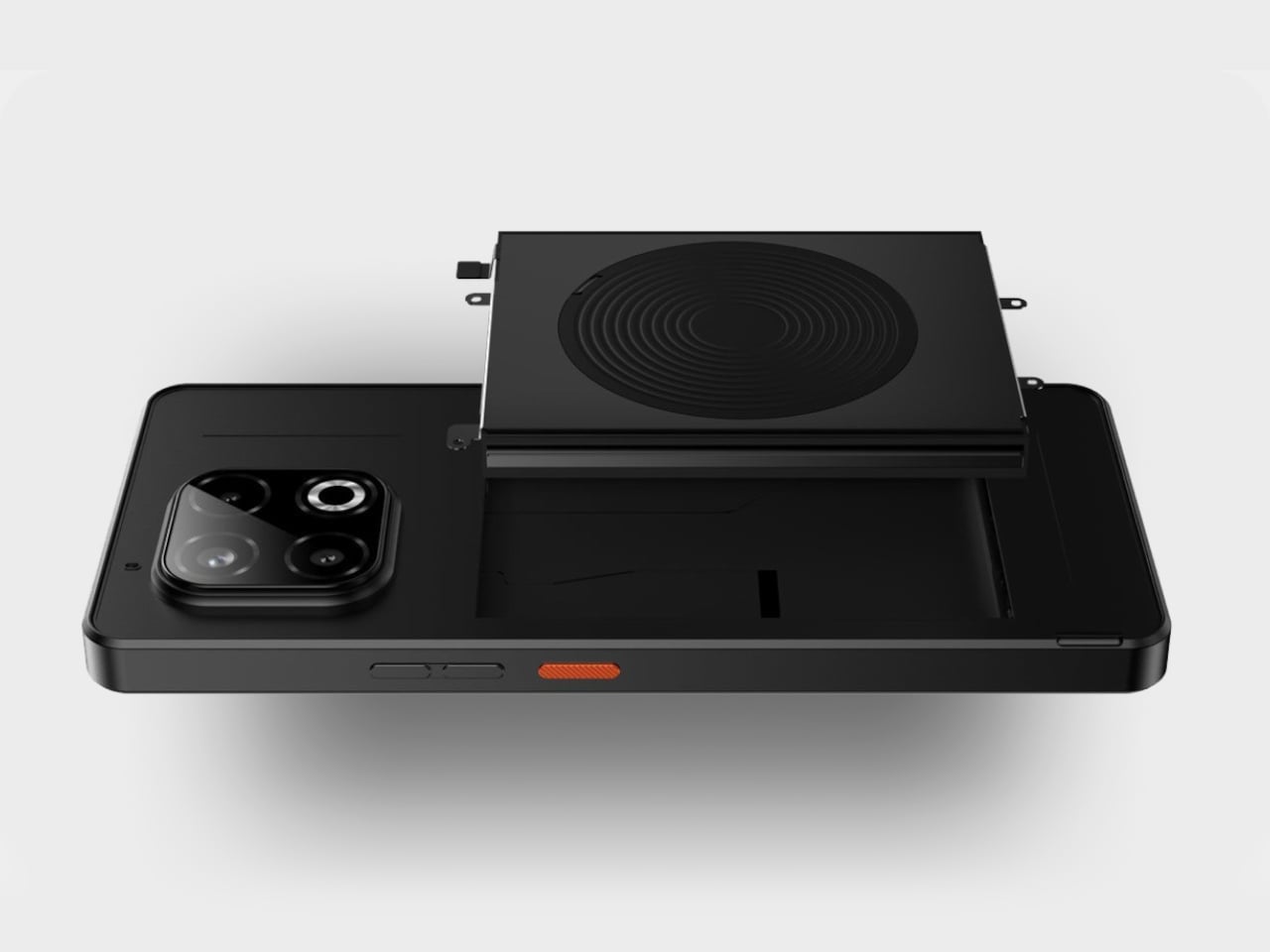
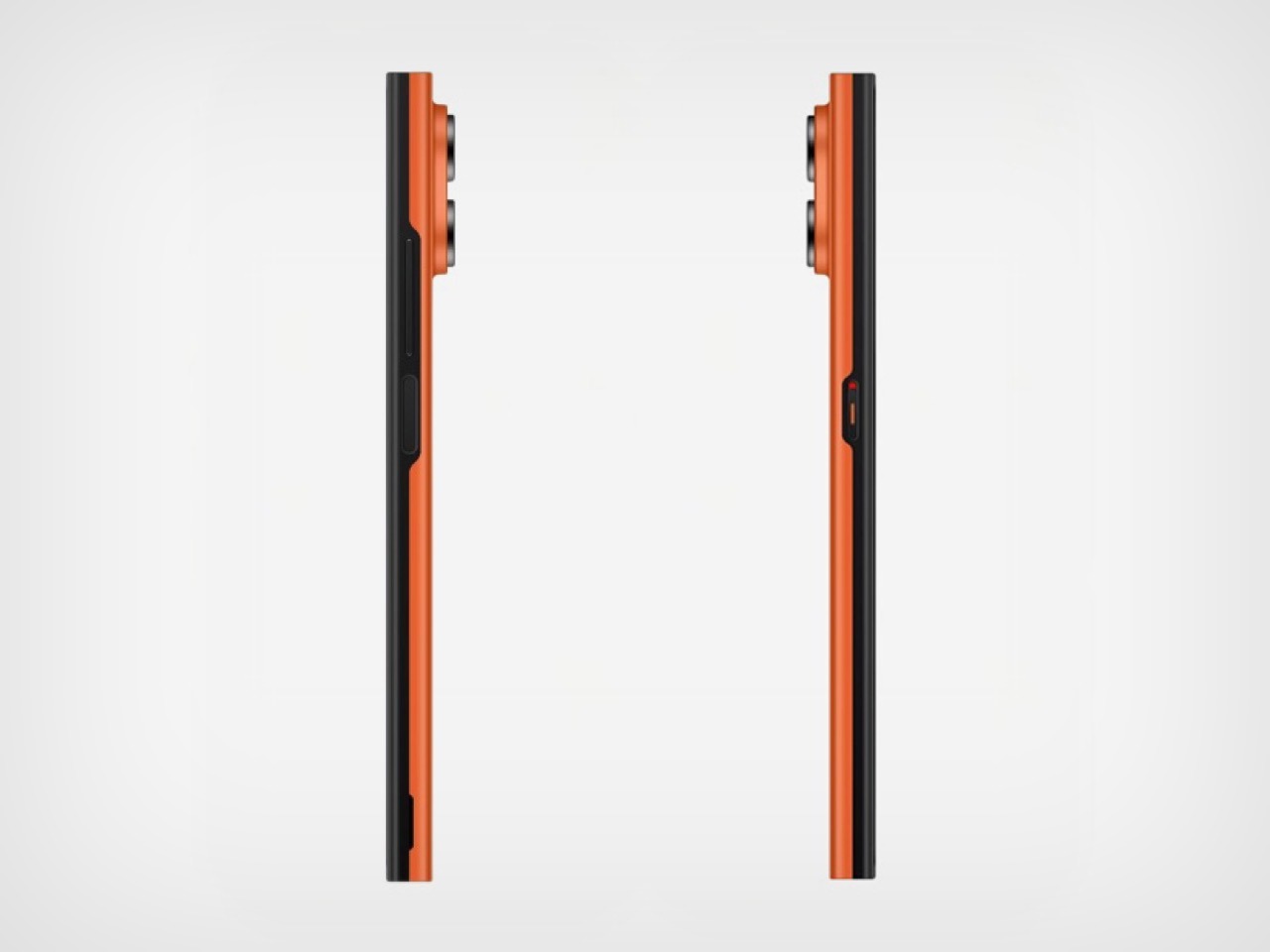
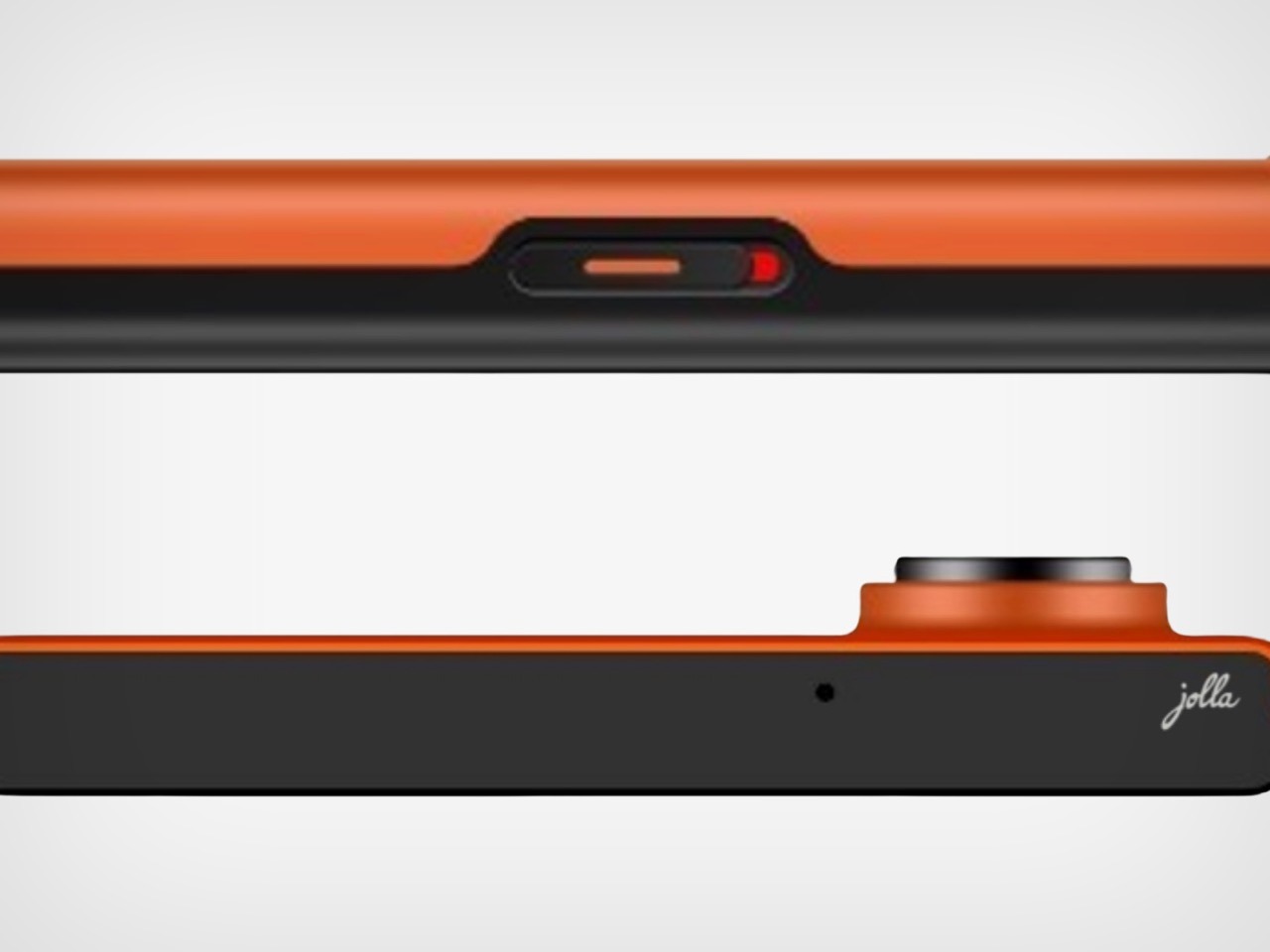
The privacy hardware choices feel almost retro. A physical privacy switch can be configured to cut off the mic, Bluetooth, Android apps, or other subsystems. The battery and back cover are user-replaceable, which feels unusual in a world of sealed slabs. Those choices align with the idea of owning your device instead of renting it, and they support Sailfish OS’s pitch as “private by design,” with no tracking or hidden analytics happening in the background.

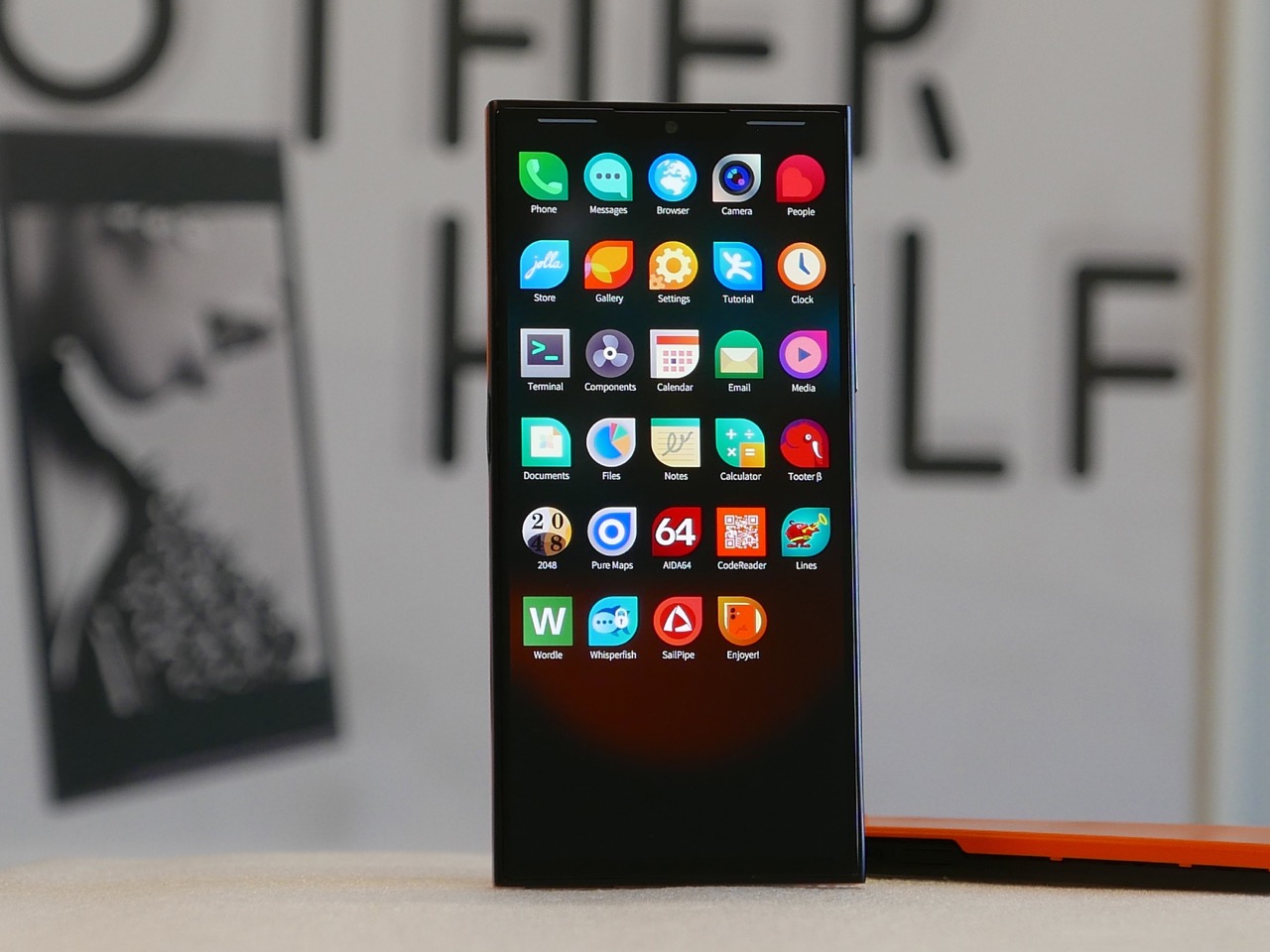
Sailfish OS 5 is a Linux-based, gesture-heavy mobile OS that Jolla promises will get at least five years of updates without forced obsolescence. App ecosystems matter, so the phone includes Android app support via Jolla AppSupport, without Google Play Services. That means many Android apps will run, but you are not feeding data into Google’s backend every time you unlock your phone or letting services siphon usage patterns while sitting idle.

The funding model is a 99 euro fully refundable pre-order voucher toward a 499 euro final price, with production only happening if at least two thousand units are reserved. The community voted on key specs and features, and the campaign already passed its goal. The phone becomes a Do It Together project where early adopters literally decide whether it exists, and pre-order customers get a special edition back cover as a thank you.

The new Jolla Phone represents a rare, stubbornly optimistic alternative in a market that settled on two platforms years ago. It will not replace iOS or Android for most people, and there are risks around timelines and app compatibility. But for anyone who wants a phone that treats privacy, longevity, and independence as design constraints instead of afterthoughts, Jolla’s return feels like proof that small, opinionated hardware can still find oxygen if the community wants it badly enough.

The post Jolla Phone Returns with a Physical Switch to Cut Off Mics and Tracking first appeared on Yanko Design.