
Chrome will now release updates every two weeks to better tackle security threats
Chrome will start releasing new versions of its stable browser more frequently.

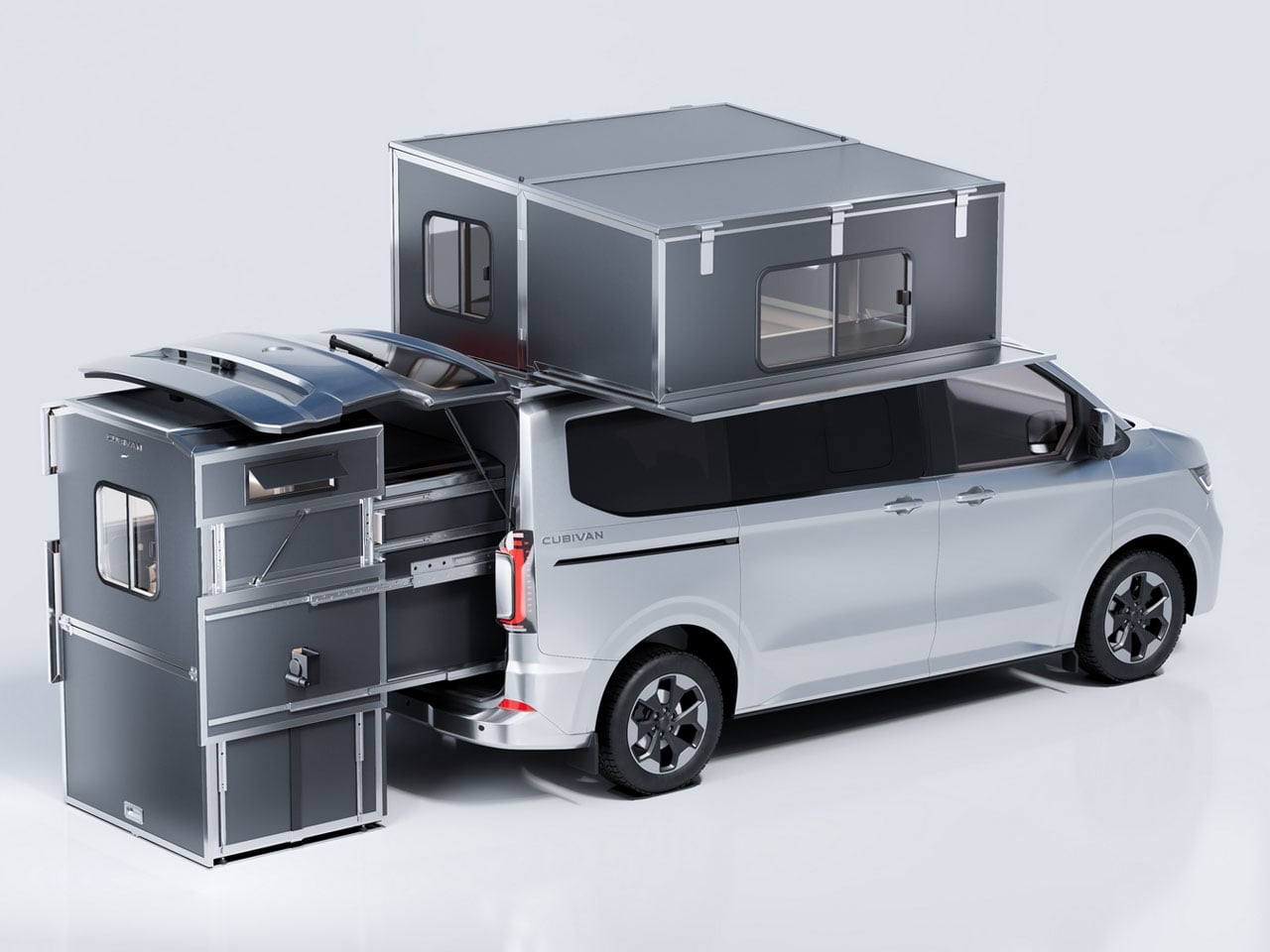
If your camping requirements are different from other adventurers, and your camper van is just not cutting the bill. Yet, you don’t wish to make a van trade-off, the Cubivan Camping System, which recently made its debut at the Düsseldorf Caravan Salon, is what you should be looking to get. With this hard conversion system, you are not getting a modular camper kit that’s flexible and flimsy, you get a hard conversion setup that pulls out of the back of the van and lets you set up a complete camp in a jiffy.
Offering a kitchen, wet bathroom, and a rooftop bedroom, the Cubivan Camping system is above and beyond the competition by a fair margin. Of course, the way the Cubivan system slides out of the back of the van is not much different from any other rear-integrated camper van expansion unit, but it’s what this foldable cube wonder unfolds into that really makes the difference.
Designer: Cubivan
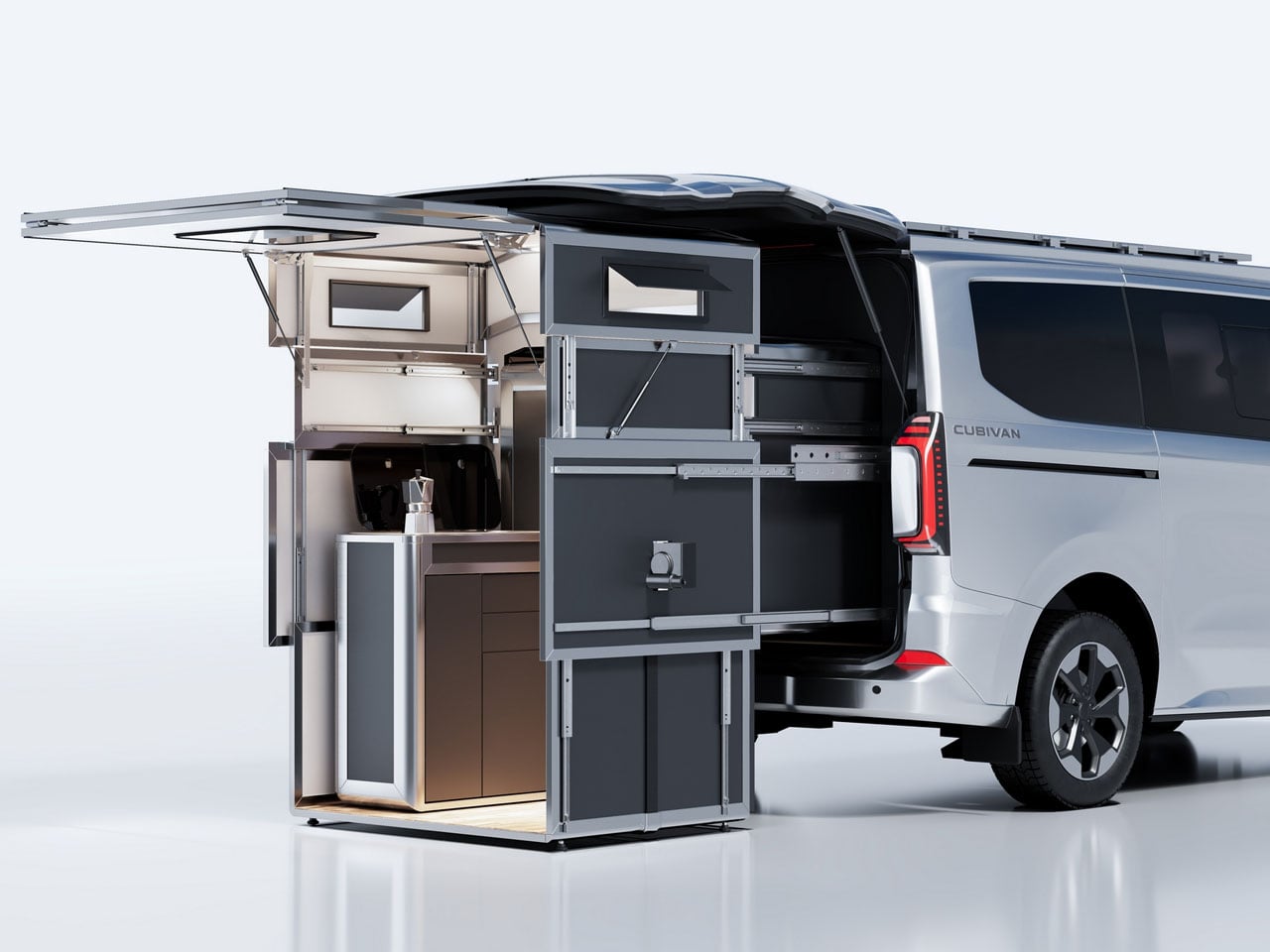
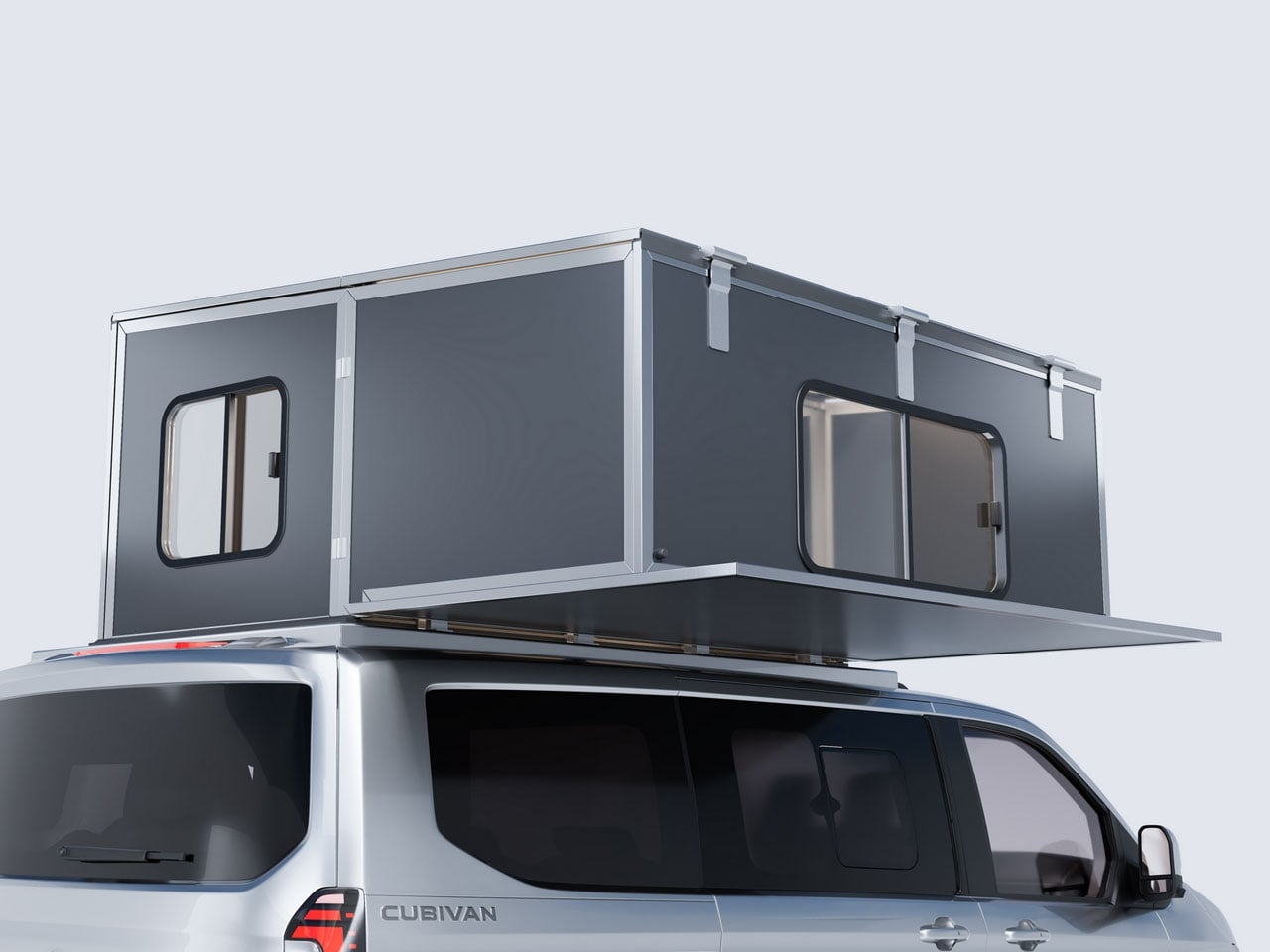
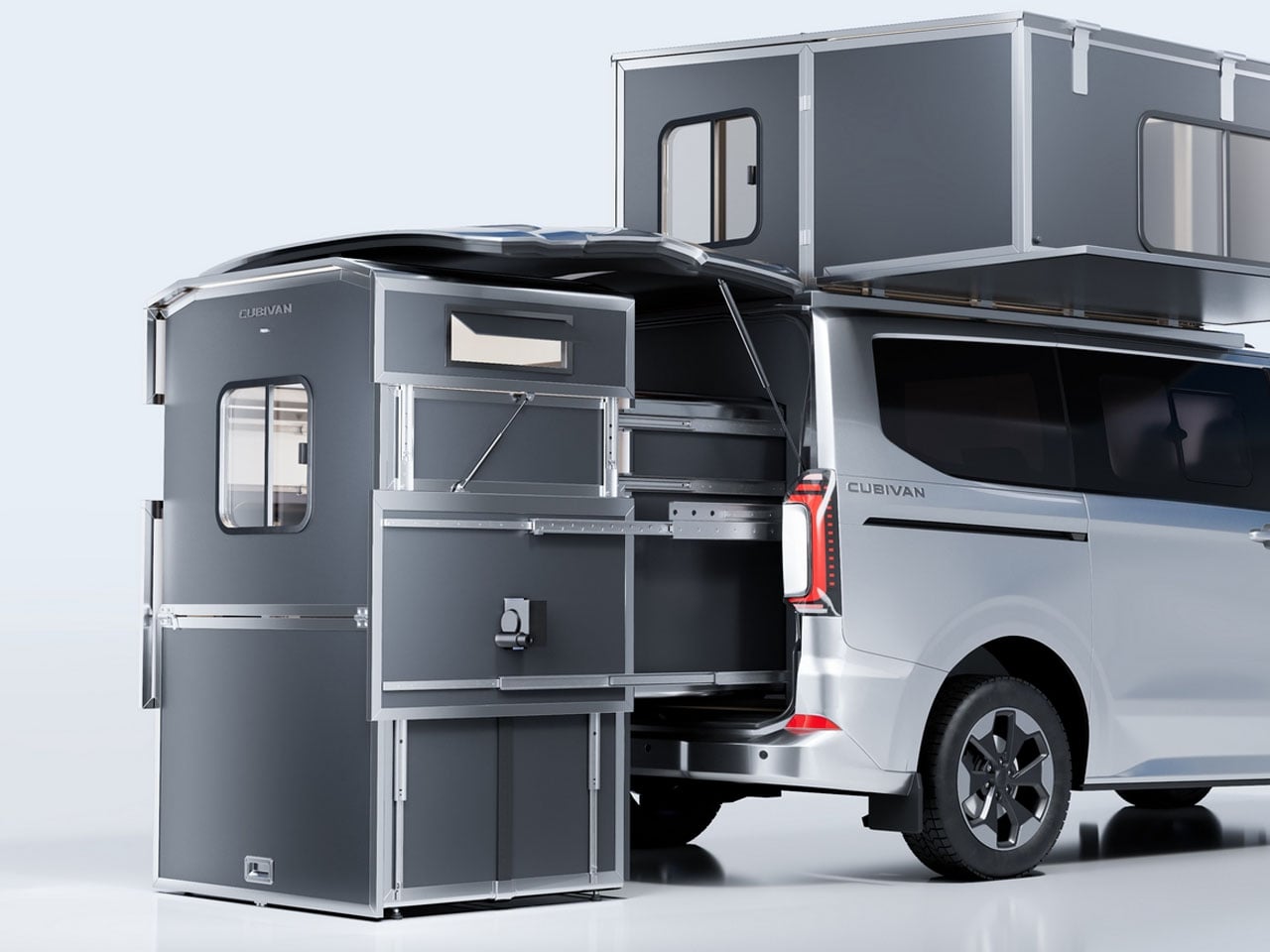
The solid foldable camper box, in addition to sliding out of the back of the van, expands down to the ground to provide a stable system that you can use conveniently from the inside. For this, when the Cubivan Camping system is pulled out completely at the camp, its separate upper and lower modules can be expanded to create a clear standing height of about 6.2 feet. The space opens up to accommodate a kitchen and a wet bathroom and comes with a hard-sided rooftop sleeping area that extends out onto the van roof.
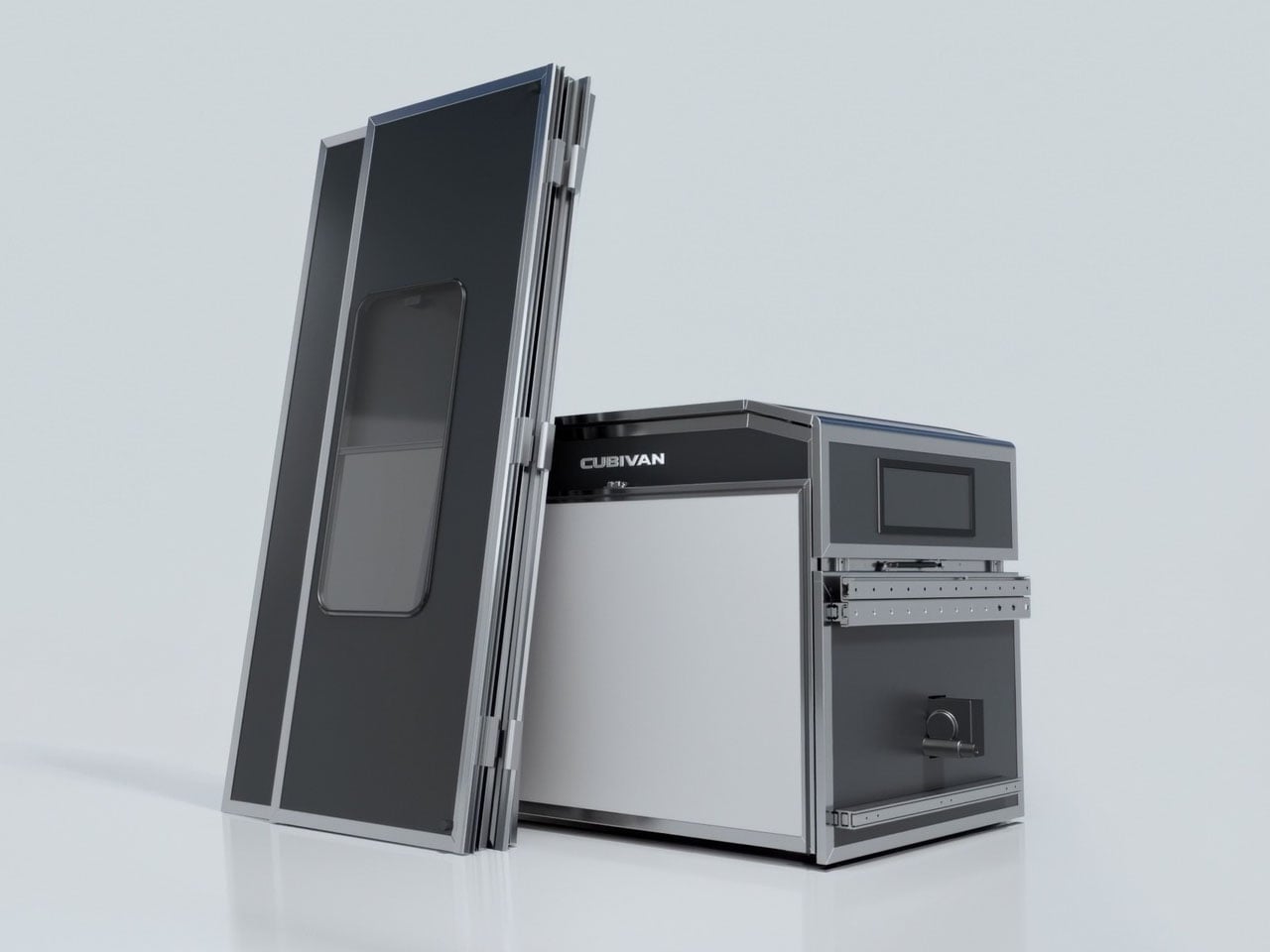
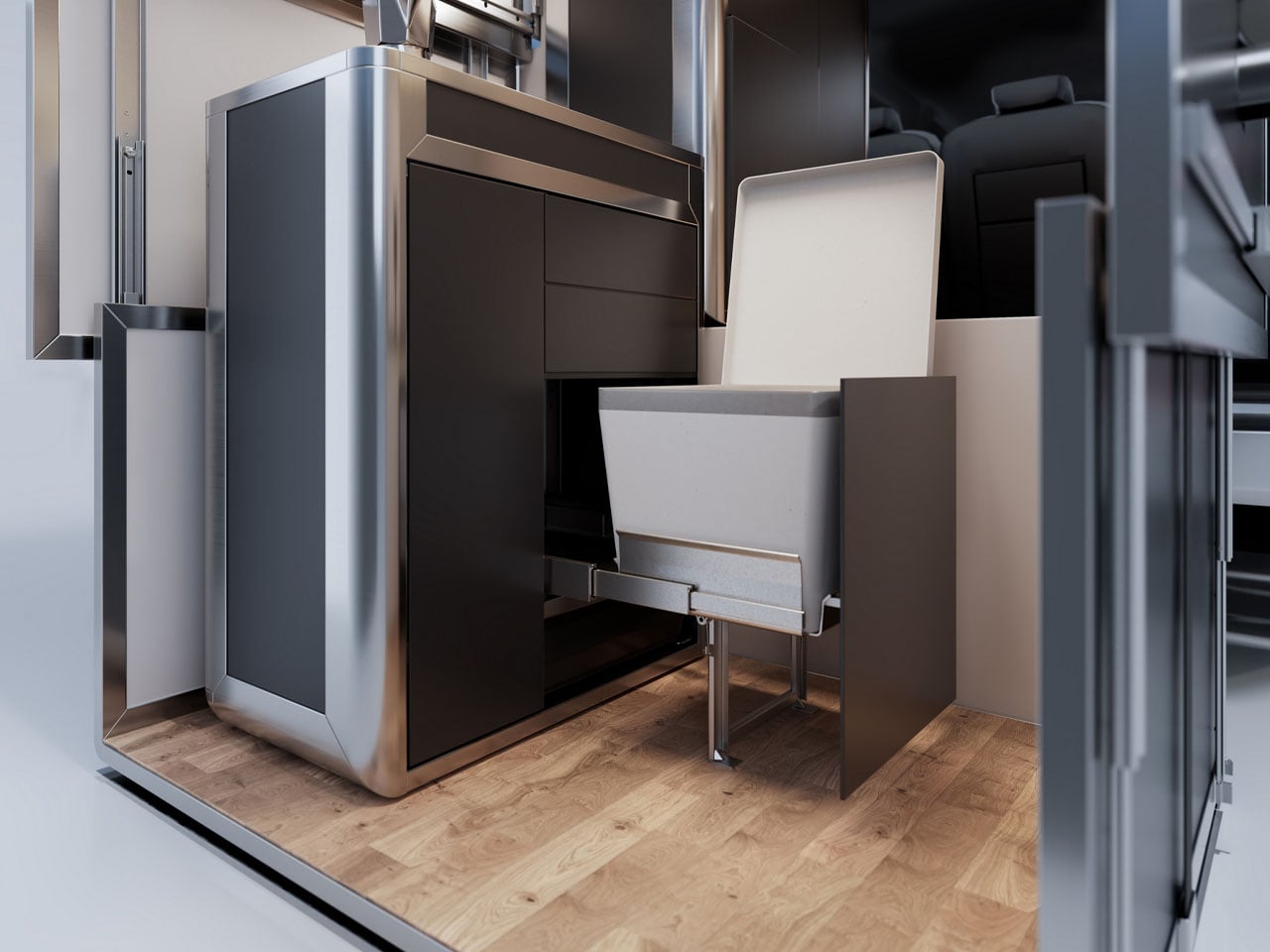
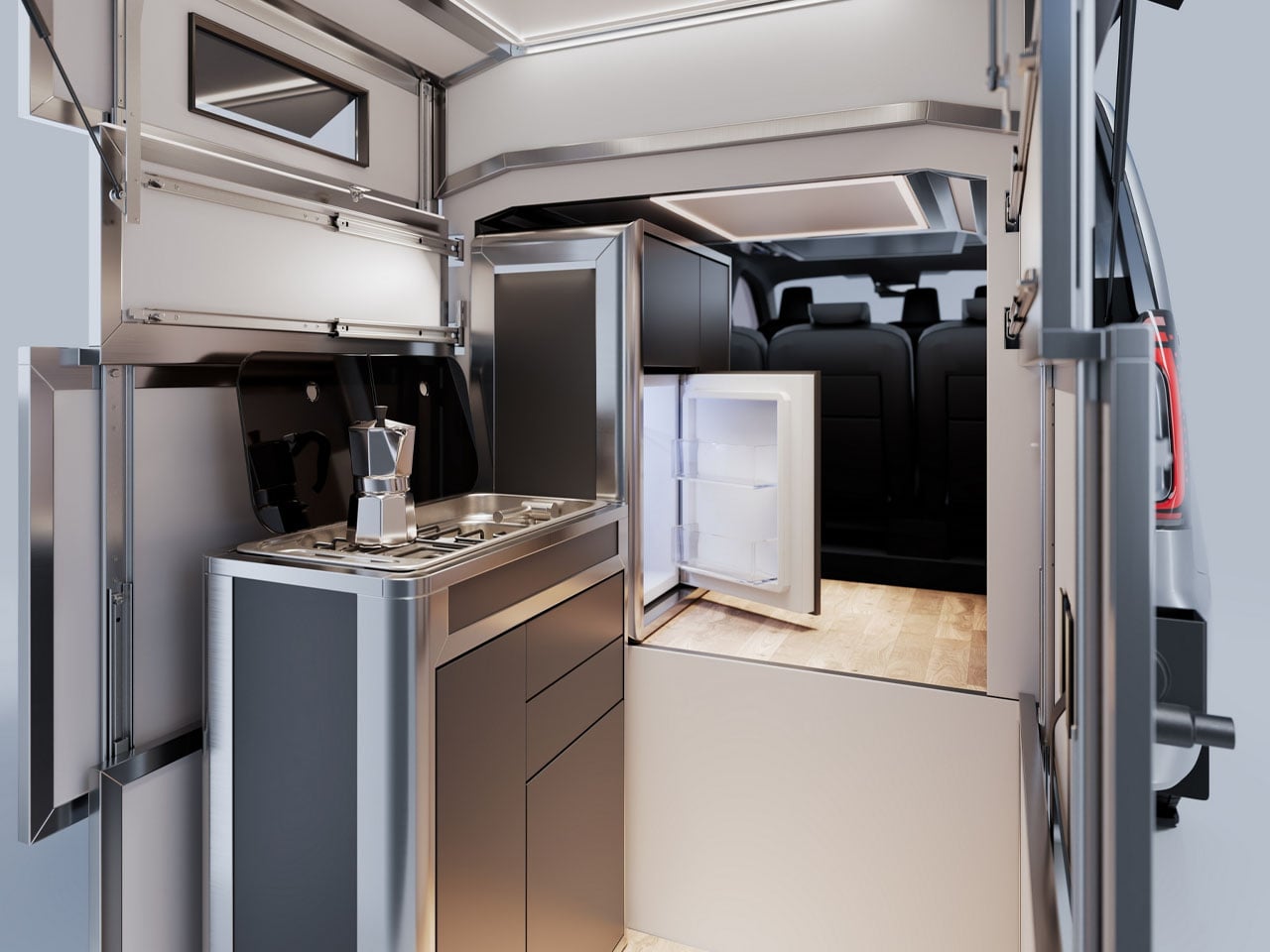
The kitchen falls into place by rotating back inwards to the van cabin and sits flush against the side wall. The slide-out toilet compartment is located in the lower cabinet just alongside. The kitchen comprises a stove, sink, and a fridge in a designated slot situated adjacent to the kitchen. When the kitchen jags pack into the cab next to the fridge, it opens up 35 x 37-in floor space for the portable toilet and the shower.
The most interesting aspect of the Cubivan Camping System still is the sleeping accommodations, which are not formed inside the cabin after pulling the slide-out setup, but instead have been moved onto the roof. A separate hard-shell module makes a 79 x 79-inch sleeping space, which when you are back in ride mode, folds flat down within the permissible roof height of the van, since it replaces the stock van roof. When you’re at the camp again, install it and the four-walled sleeping accommodation is ready to cuddle you under the stars.
The interesting hard-sided van conversion setup from Cubivan is made to be compatible with Volkswagen ID. Buzz, Ford Tourneo Custom, Volkswagen Caravelle, and Mercedes Vito. It is likely to launch in 2027 starting at €22,000 (approximately $25,550).
The post Foldable Cubivan Camping System gives your van kitchen, bathroom, and rooftop bedroom first appeared on Yanko Design.


Samsung is already making strides in the development of its next flagship smartphone series, the Galaxy S27, even as the Galaxy S26 continues to dominate the market. Anticipated to launch in early 2027, the Galaxy S27 Ultra is poised to introduce significant advancements in hardware, charging technology, and regional connectivity. This upcoming device is expected […]
The post Galaxy S27 Ultra Leak: Samsung’s Biggest Surprise Isn’t Design appeared first on Geeky Gadgets.



Every developer juggling AI agents right now knows the feeling of context switching until the whole workflow blurs together. Copilot suggests something in one window, Claude Code runs a task in another, and a dozen prompts live scattered across notes and muscle memory. The Logitech MX Keypad exists to collapse all of that into nine small screens sitting next to the keyboard, each one a physical shortcut into a specific piece of that chaos.
Every key on the keypad carries its own full-color LCD display, so instead of memorizing which function key does what, you glance down and see an icon that actually represents the command underneath it. Press one, and it can refactor a function, trigger a prompt macro, or hand off a task to an AI agent entirely. That small visual feedback loop turns an abstract keyboard shortcut into something closer to a labeled button on a control panel.
Designer: Logitech
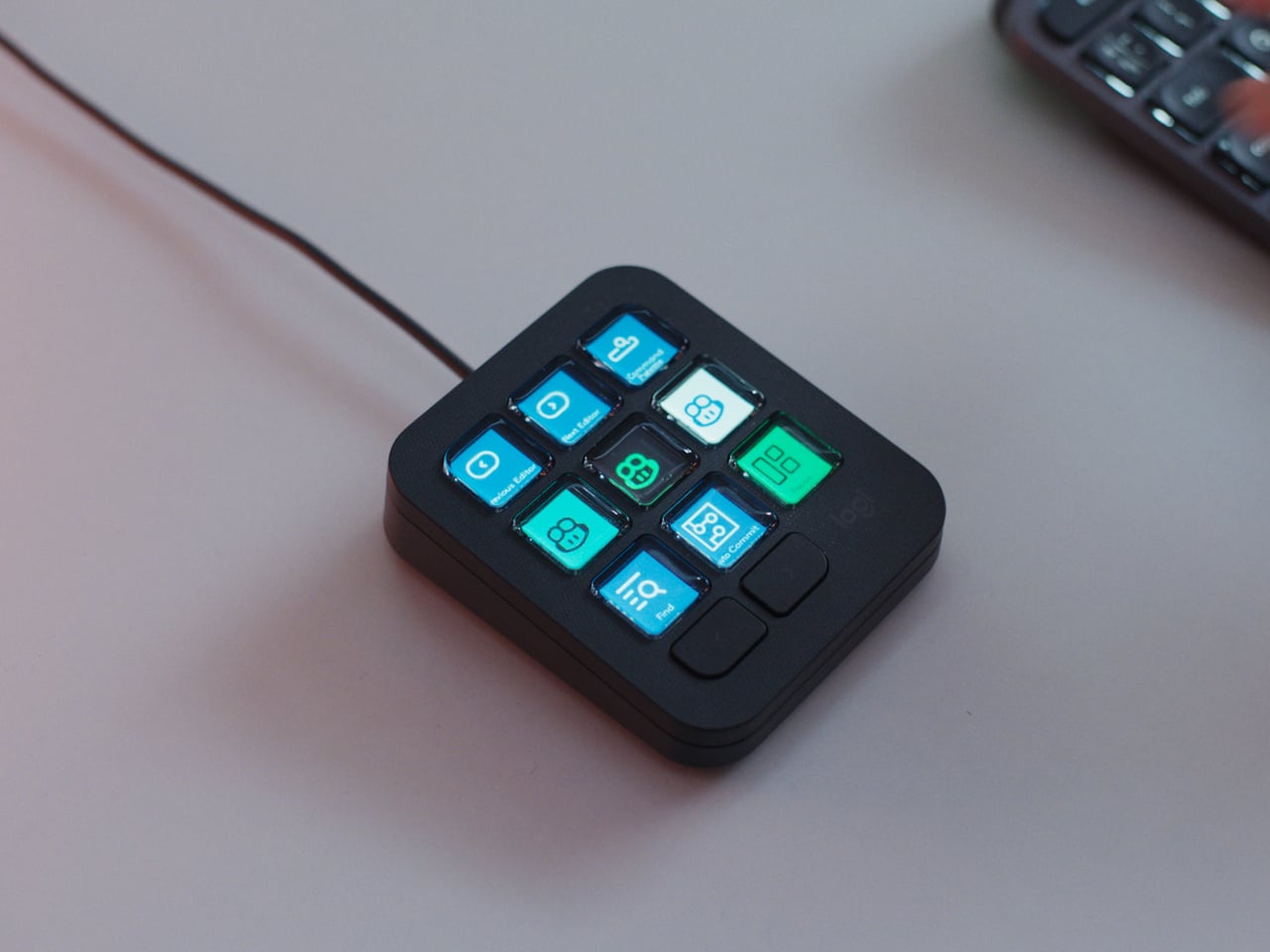

What makes the hardware worth paying attention to is where Logitech chose to draw the compatibility line. Instead of building this around one coding environment, the MX Keypad works across GitHub Copilot, Claude Code, VS Code, and IntelliJ IDEA at once. A developer bouncing between an IDE and a terminal-based AI agent doesn’t need separate tools for each, just a different page of keys pulled up on the same nine buttons.
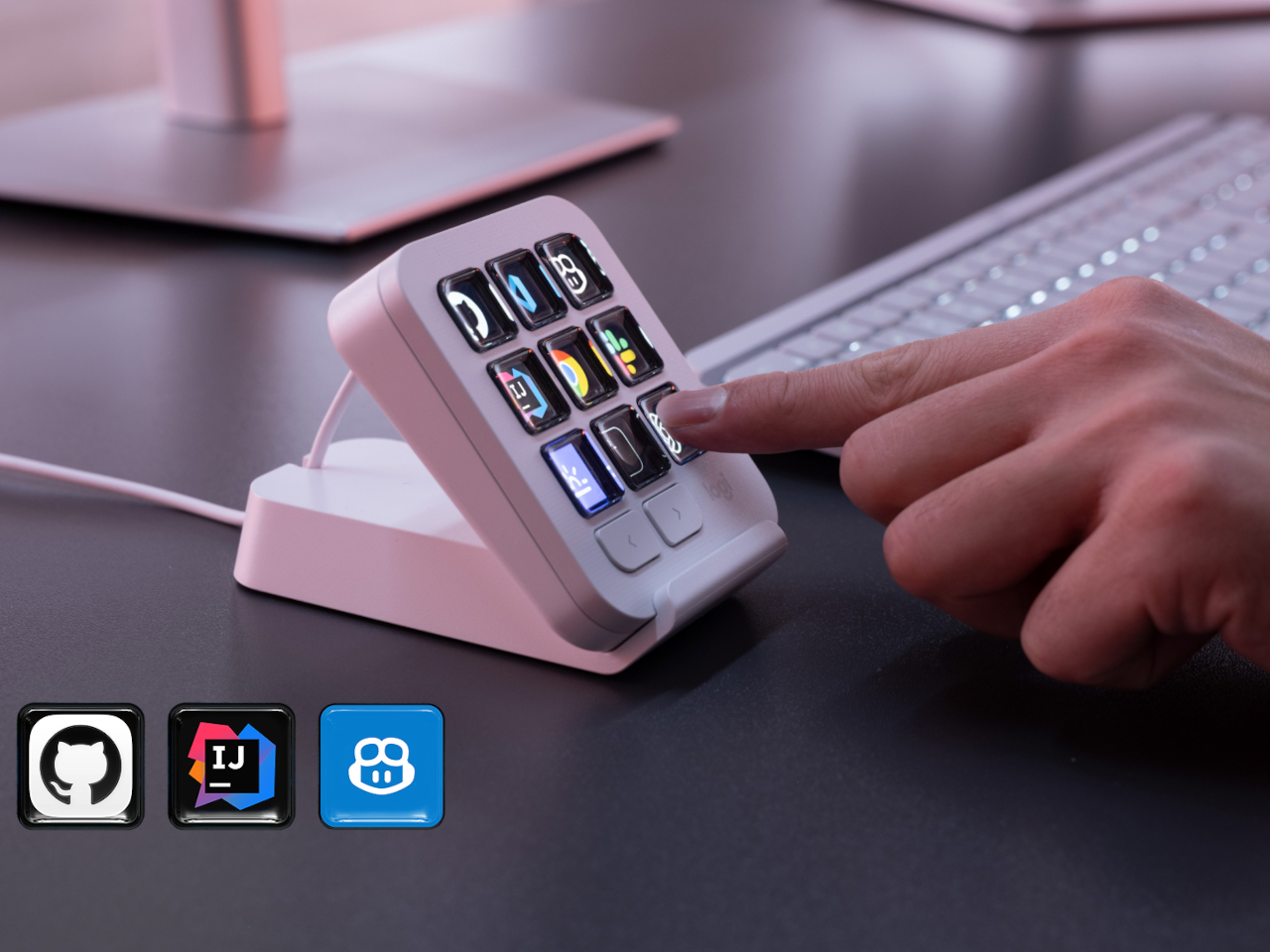
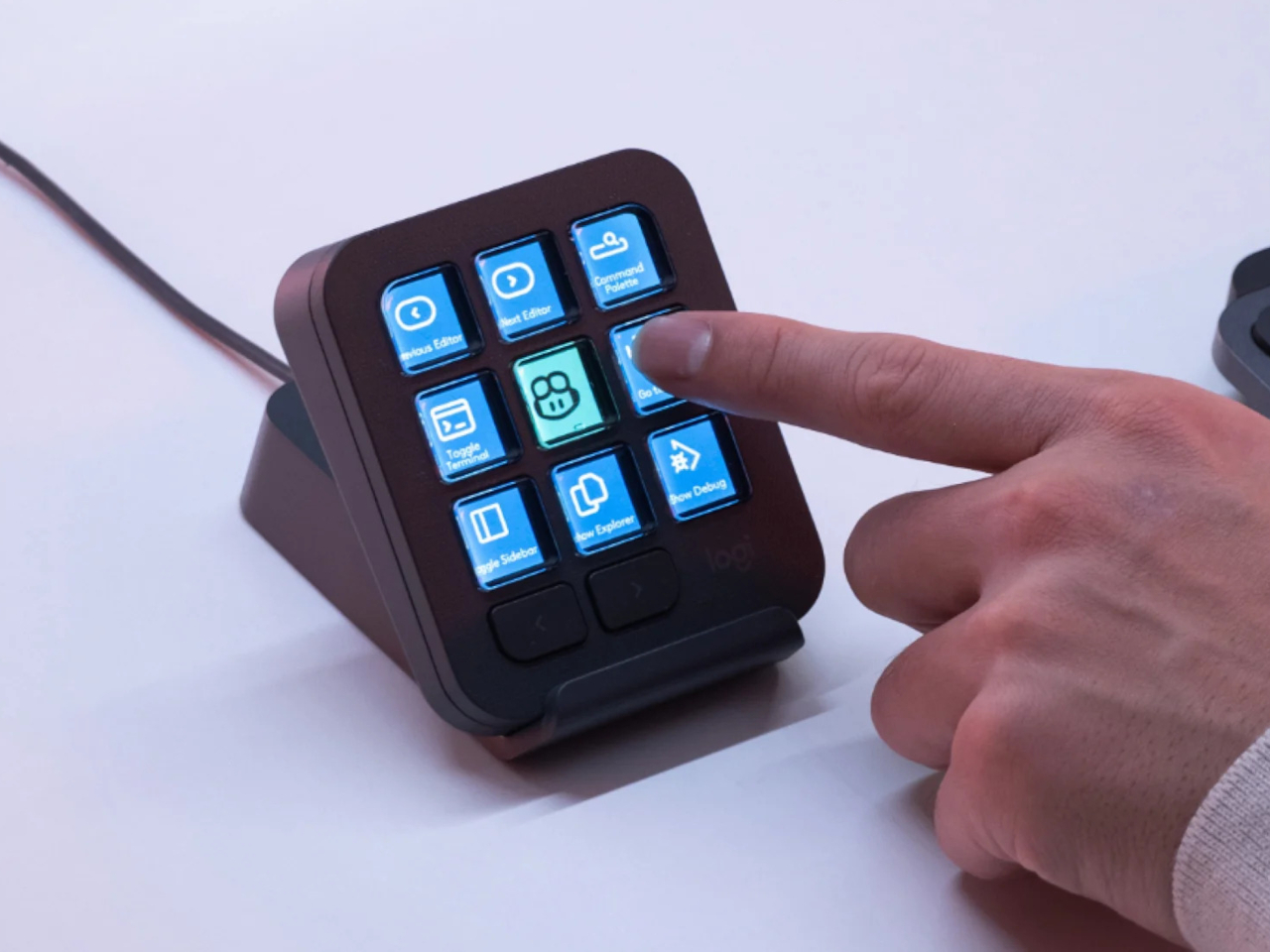
That pattern of paging matters more than it sounds. The keypad can hold multiple profiles, so switching from a Python project running through Copilot to a JavaScript refactor handled by Claude Code becomes a single tap rather than a mental reset. Anyone who has lost a train of thought hunting through browser tabs for the right prompt will recognize the value in never breaking eye contact with the code itself.
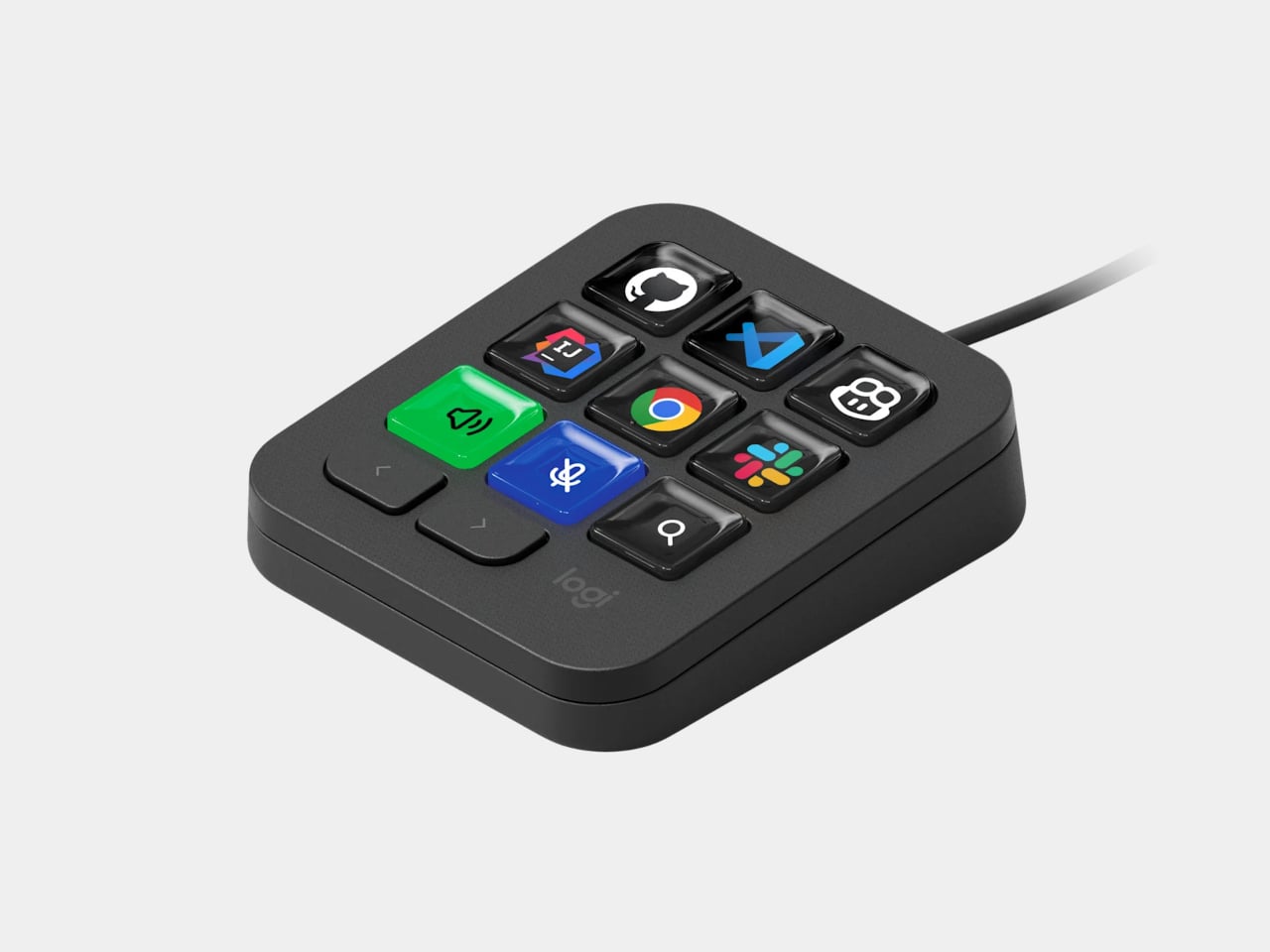
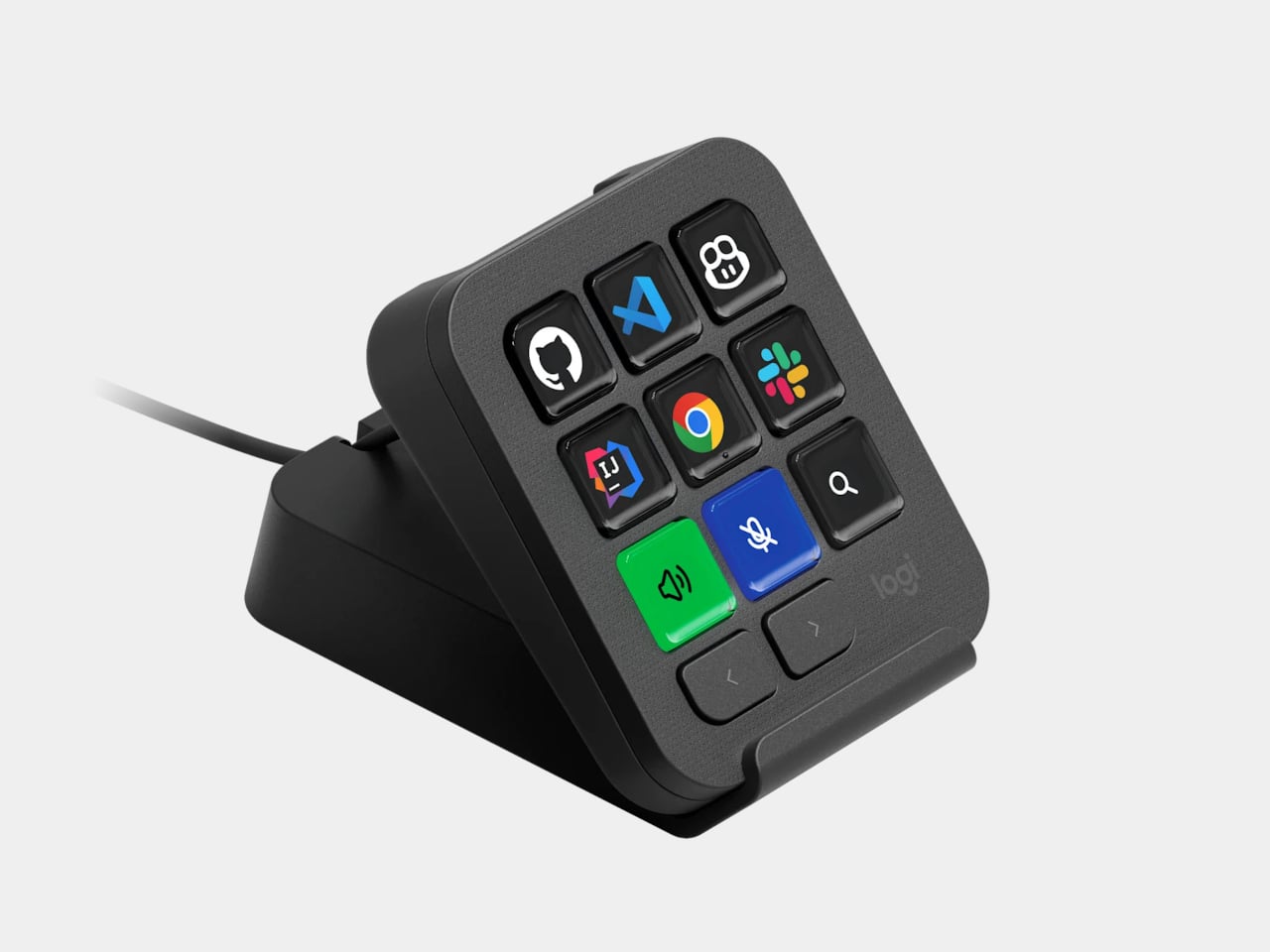
Underneath the surface, the MX Keypad ships with prebuilt plugins that Logitech had developers test directly against real coding platforms, rather than shipping generic templates and hoping they fit. An SDK opens the door further, letting teams build their own tools around internal workflows, while a community marketplace means the plugin library keeps growing without waiting on Logitech’s own release schedule.

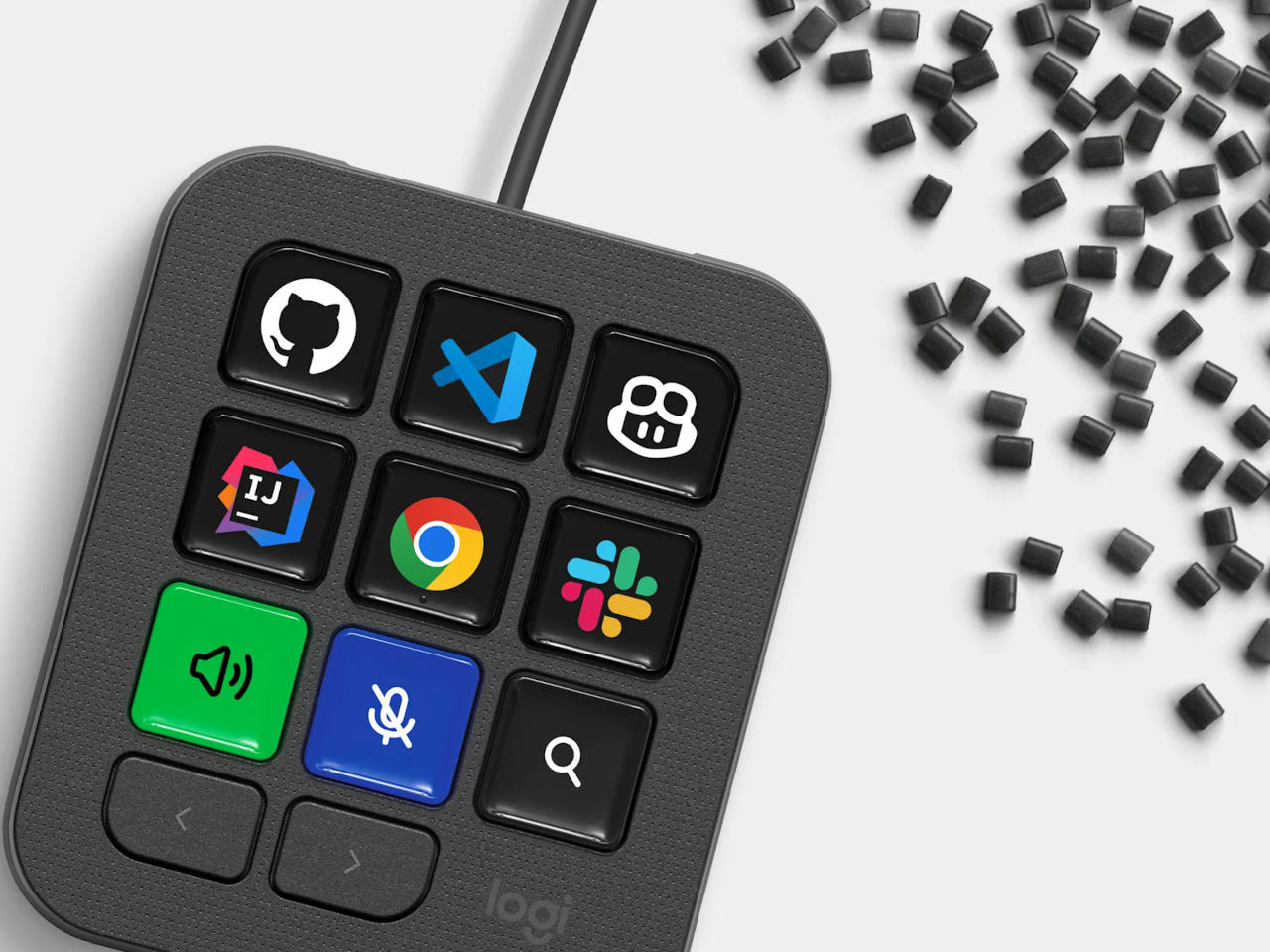
None of that ambition comes wrapped in bulky, wasteful materials either. The body is made with recycled plastics, keeping the hardware in line with the sustainability commitments Logitech has built into its broader MX ecosystem. It is a small detail, but for a device meant to live permanently on a desk, it matters that the object itself doesn’t feel disposable.
At $99.99, the MX Keypad occupies a strange but clarifying position in a developer’s setup. It doesn’t replace a keyboard, and it doesn’t try to be an AI tool in its own right. Instead, it works like a translator between fast-moving human intent and the growing swarm of coding agents developers now manage daily, one labeled key at a time.

The post The $100 Keypad That Puts Each AI Coding Tool Behind Its Own Button first appeared on Yanko Design.