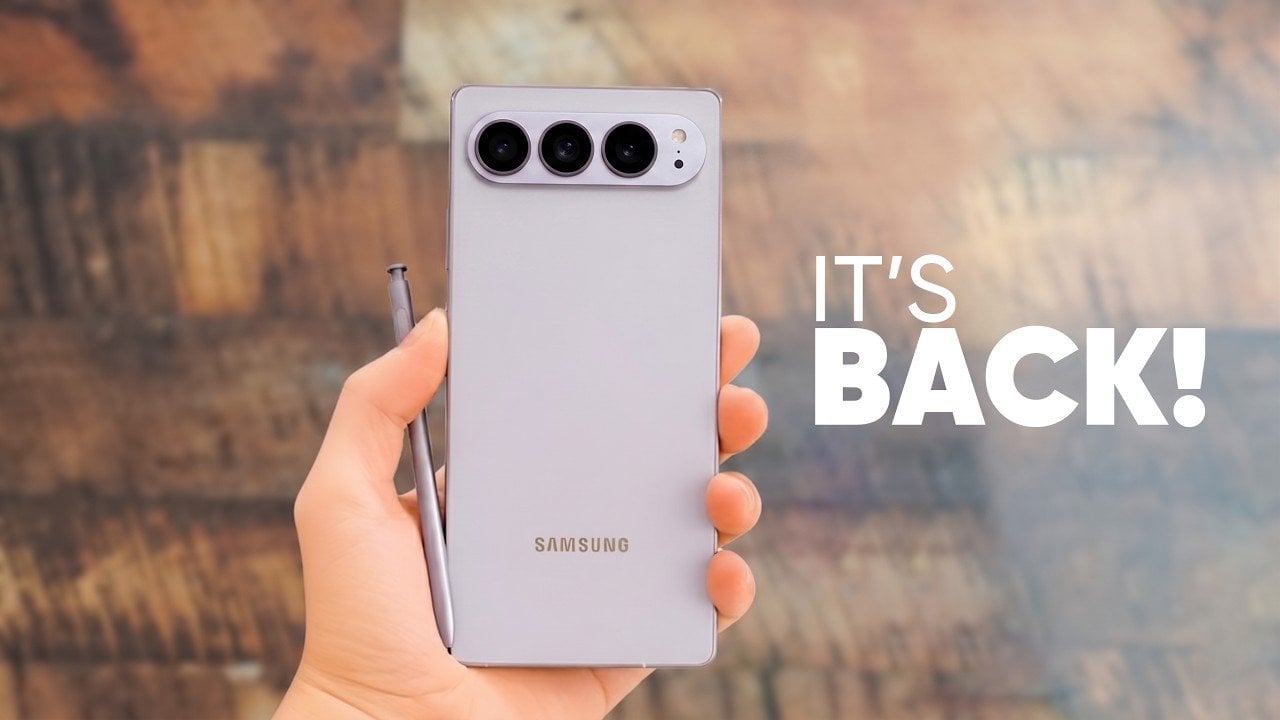
The Samsung Galaxy S27 Ultra represents a pivotal advancement in the premium smartphone market. By combining innovative camera technologies, refined display engineering, and strategic cost-management measures, Samsung aims to address evolving consumer demands while maintaining its competitive edge. This flagship device is a calculated response to industry trends and the growing competition, particularly from Apple, […]
Claude for Excel integrates advanced AI features directly into Excel, enhancing how users handle data analysis and financial modeling. Kenji breaks down the process of installing the add-in and demonstrates its flexibility through AI models like Opus 4.7, tailored for intricate tasks such as financial modeling and Sonet 4.6, better suited for simpler needs like […]
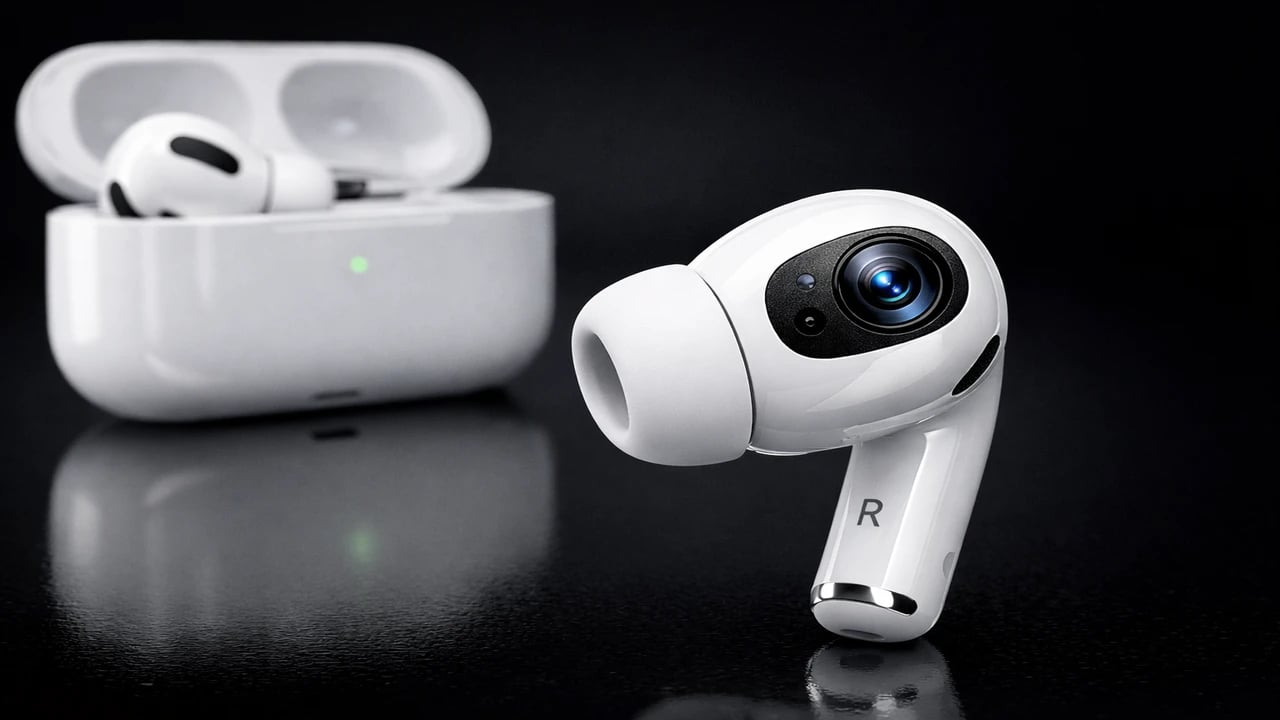
Apple is reportedly working on a new version of its AirPods Pro; it could launch as the AirPods Ultra or Pro 4, integrating cameras designed for environmental sensing and AI-powered contextual awareness. This innovation has the potential to redefine wearable technology by enhancing Siri’s ability to interact intelligently with your surroundings. Positioned as a precursor […]
Microsoft’s recent announcement marks a significant shift in the gaming landscape, as Xbox Live multiplayer is now free for all players. This decision eliminates the long-standing paywall that previously restricted access to online multiplayer features, opening the door for broader participation in games like Fortnite and Call of Duty: Warzone. As highlighted by Colt Eastwood, […]
NVIDIA’s latest AI model Nemotron 3 Nano Omnia, featuring an impressive 30 billion parameters, is designed to excel in multimodal processing, handling images, video and audio with remarkable efficiency. Highlighted by Two Minute Papers, this system achieves exceptional throughput, processing nearly 10 hours of video per hour, a speed 10 times faster than real-time playback. […]
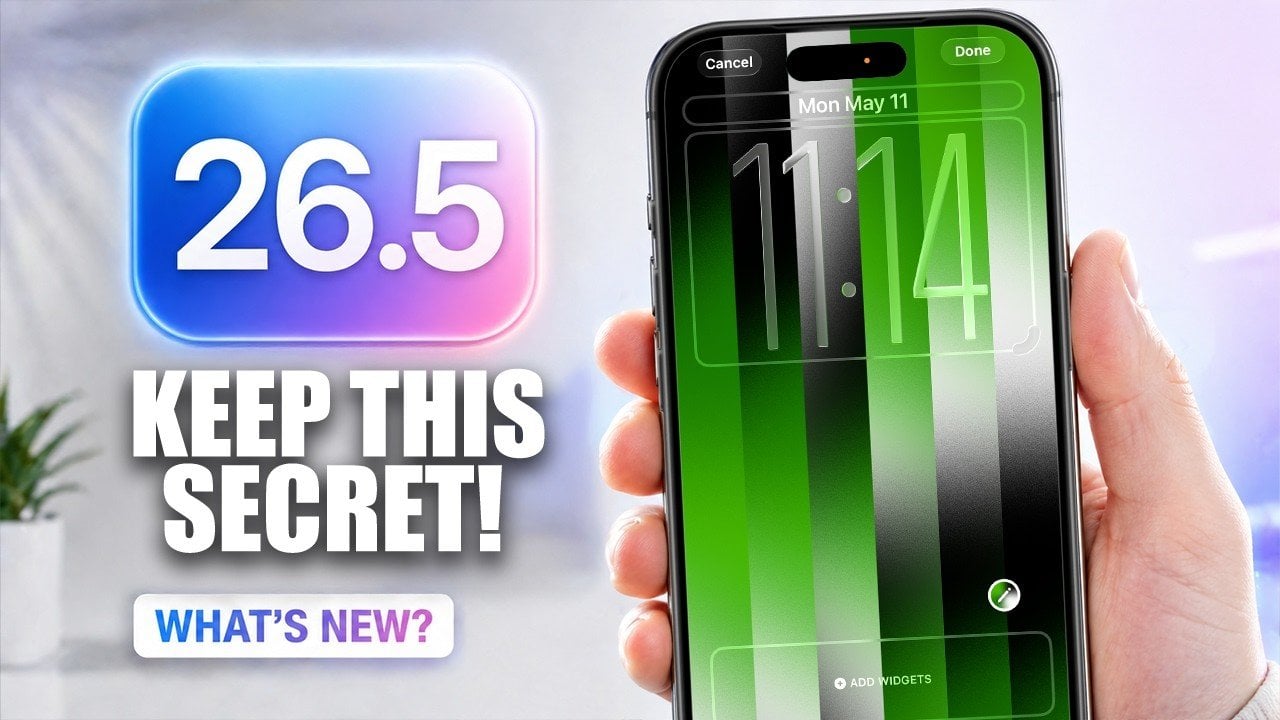
Apple’s iOS 16.5 update introduces a variety of features and improvements aimed at enhancing your iPhone experience. With a focus on personalization, privacy, and usability, this update ensures your device remains both functional and secure. From expanded customization options to improved messaging security and streamlined accessory pairing, iOS 16.5 offers practical enhancements designed to meet […]
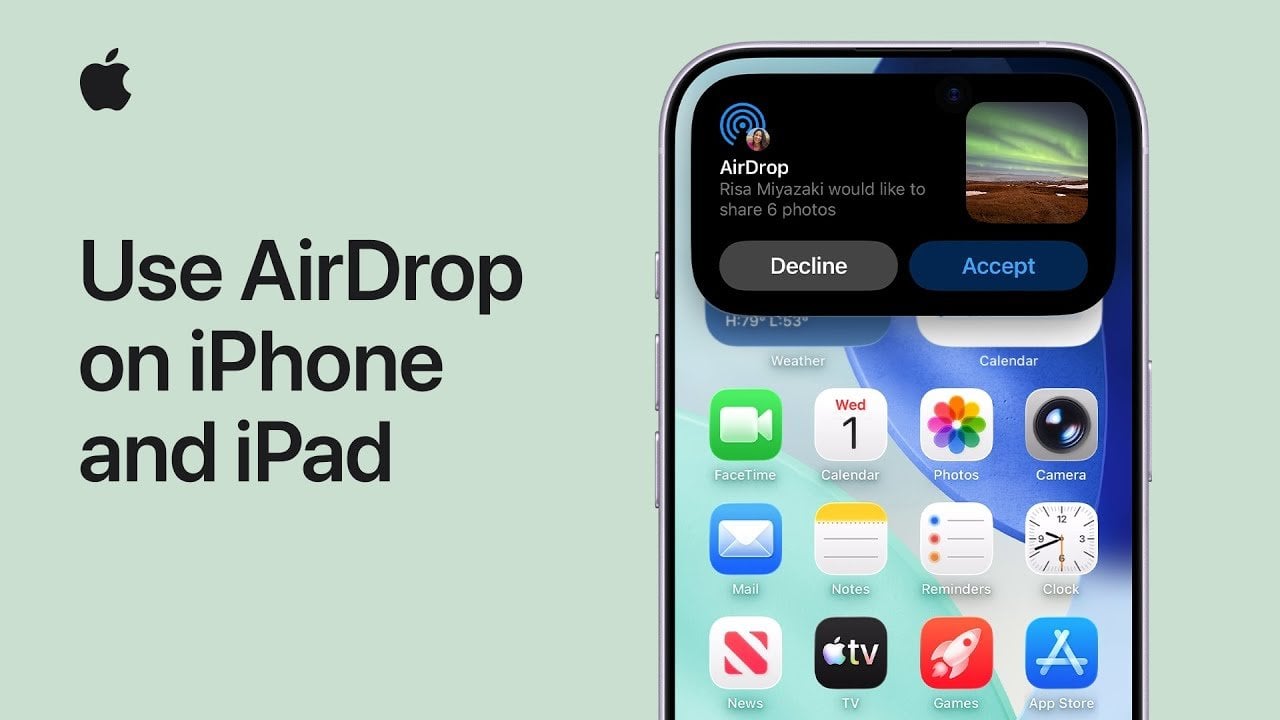
AirDrop is a highly efficient method for sharing files, photos, and videos between Apple devices. By using both Wi-Fi and Bluetooth, it allows for seamless transfers without requiring internet access or third-party applications. Whether you’re sharing with someone in your contacts or a new acquaintance, understanding how to set up and use AirDrop ensures a […]
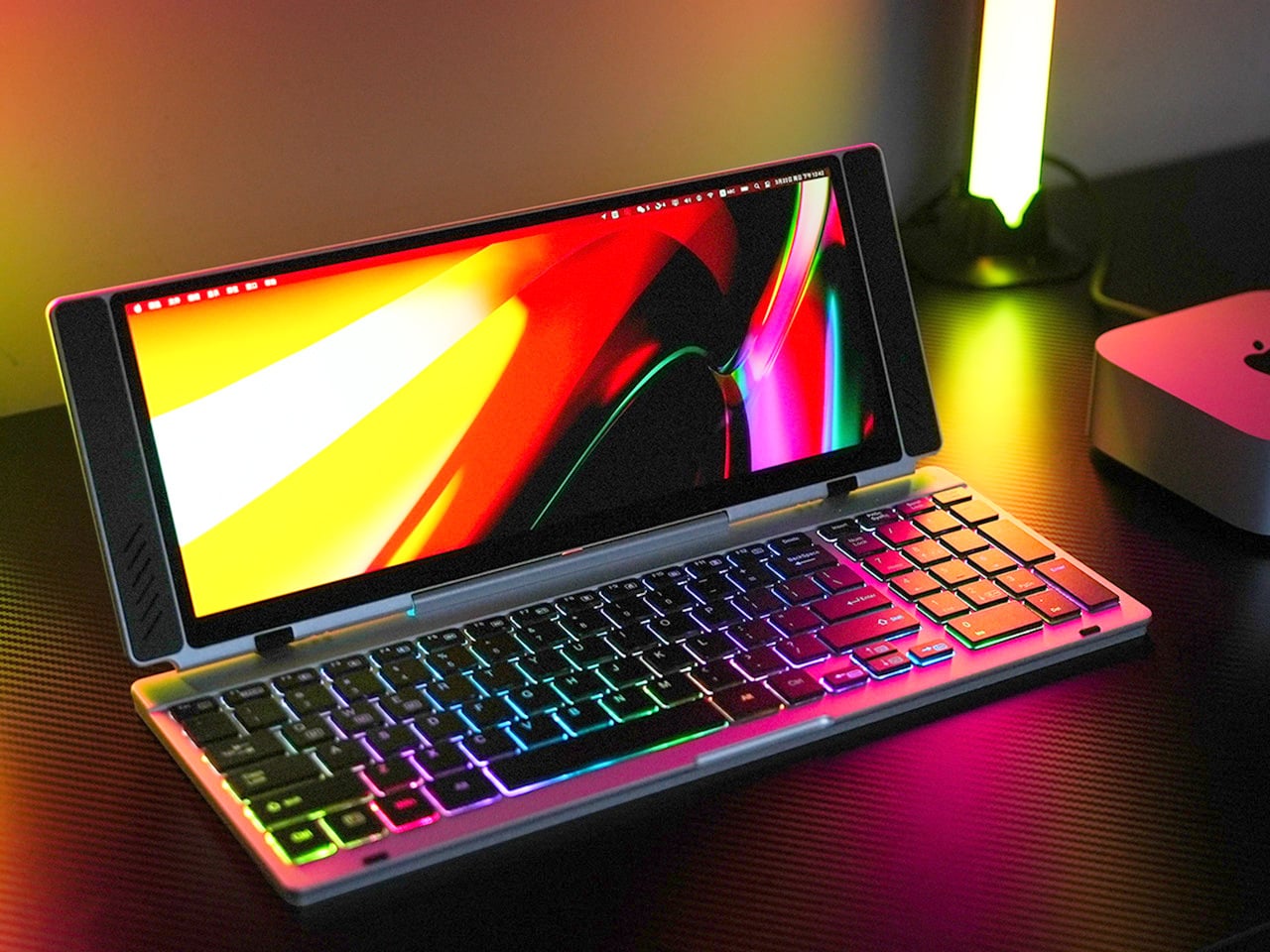
Closed, the VitaLink looks like a very flat book, silver, about the footprint of a large paperback, with nothing to suggest it carries a 4K display inside. At 20mm thick with a CNC-machined aluminum shell, it weighs 1200 grams and travels the way a slim notebook does; it fits in a laptop sleeve, takes up a predictable corner of a bag, and requires no dedicated case beyond what you already carry. Then it unfolds at 180 degrees. The screen lifts above the keyboard, the whole unit settles into a 34 by 15 centimeter footprint, and what you have is a self-contained dual-screen workspace that happened to be a thin slab a moment ago.
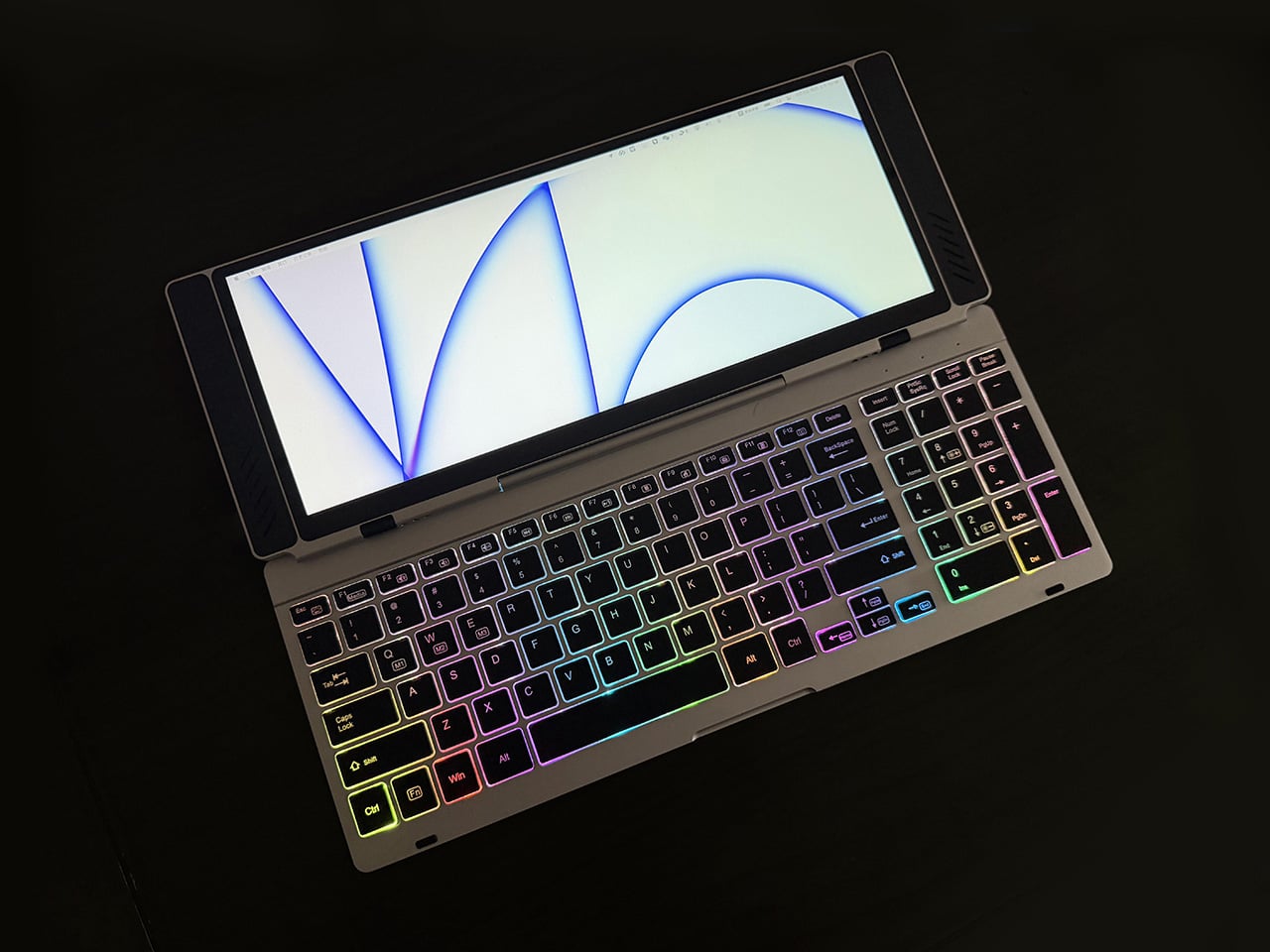
The keyboard is the part that usually betrays products like this. Portable keyboards compress key spacing to save millimeters, shorten travel to save thickness, and leave you typing on something that feels like a shallow membrane rather than actual keys. VitaLink went in the opposite direction, widening key spacing to 3.27mm and setting travel at 0.8mm, with scissor switches tuned for speed and quiet actuation. The display above it runs at 3840×1600 with a 2.4:1 aspect ratio, a cinematic proportion that gives the screen an unusually wide horizontal span, well-suited to keeping a reference panel open alongside a working document without feeling like you’re squinting at either side.
The resolution translates to 298 pixels per inch, which puts it in the same territory as Apple’s Retina displays and well above the pixel density of most portable monitors in this category. Text holds sharp at native scaling, fine details in images stay crisp, and the 60Hz refresh rate keeps touch input feeling immediate. Ten-point multitouch means gestures respond the way they do on a tablet, with swipes, pinches, and drags registering without lag. The screen covers 100 percent of the sRGB color gamut, which makes it viable for color-sensitive work where you need confidence that what you see on the display matches what the final output will deliver. That 2.4:1 ratio keeps showing up as the design’s defining decision; it gives you enough horizontal real estate to run a code editor with a console window beside it, or a timeline with a preview panel, without either side feeling like it’s been compressed into a narrow strip.
Typing on the VitaLink is designed to feel deliberate in a way that most travel keyboards do not. The 0.8mm of key travel sits in a range where the keys actuate fast but still give tactile confirmation that you pressed them, a balance that makes a difference during long writing sessions where you need speed without sacrificing accuracy. The 3.27mm key spacing is wider than what most compact keyboards offer, eliminating that cramped sensation where your fingers feel like they’re hunting for keys in tight quarters. RGB backlighting runs through three modes, activated with function key shortcuts: a breathing gradient, a solid single-color backlight, and a rainbow wave that ripples across the keys as you type. The backlighting does actual work in low-light environments, but the rainbow mode leans more toward visual flair than strict utility.
CNC machining means the aluminum body starts as a solid block and gets precision-carved, producing the kind of structural rigidity that protects the screen during transit and prevents flex when you’re typing hard. The 180-degree hinge lets the unit lay completely flat, which matters both for stability on uneven surfaces and for low-angle use when you’re working on a cramped airplane tray table or a café counter. Dual USB-C ports handle video, data, and power delivery up to 65W, so a single cable from your laptop, tablet, or phone brings the display to life with no drivers to install. Compatibility spans Windows, macOS, Linux, and Android, with plug-and-play recognition across all of them. Connect a Steam Deck or a Nintendo Switch via USB-C, and the VitaLink becomes a 13-inch 4K external display for handheld gaming, turning a small console screen into something considerably more immersive.
VitaLink offers eight keyboard layout options, covering US Windows (the default), US Mac, German QWERTZ, Japanese JIS, UK, French AZERTY, Nordic, Italian, and Spanish. The standard US Windows layout ships at no extra cost; upgrading to US Mac adds ten dollars, German or Japanese layouts add twenty, and UK, French, Nordic, Italian, or Spanish layouts add thirty. The layouts require specific laser engraving and dedicated production runs, so they’re available as optional add-ons rather than default configurations. You select your preferred layout during checkout or in a post-campaign survey if you miss it the first time.
VitaLink is currently available on Kickstarter starting at $299, down from a retail price of $658. The package includes the VitaLink keyboard and display unit plus two USB-C cables. Eight keyboard layout options are available as add-ons, including US Mac, German QWERTZ, Japanese JIS, UK, French AZERTY, Nordic, Italian, and Spanish, with upgrade fees ranging from $10 to $30 depending on the layout. Shipping is scheduled for September 2026, with delivery fees ranging from approximately $18 to $33 depending on region. VitaLink covers all taxes and customs duties, so the listed shipping fee is the only additional cost beyond the pledge amount.