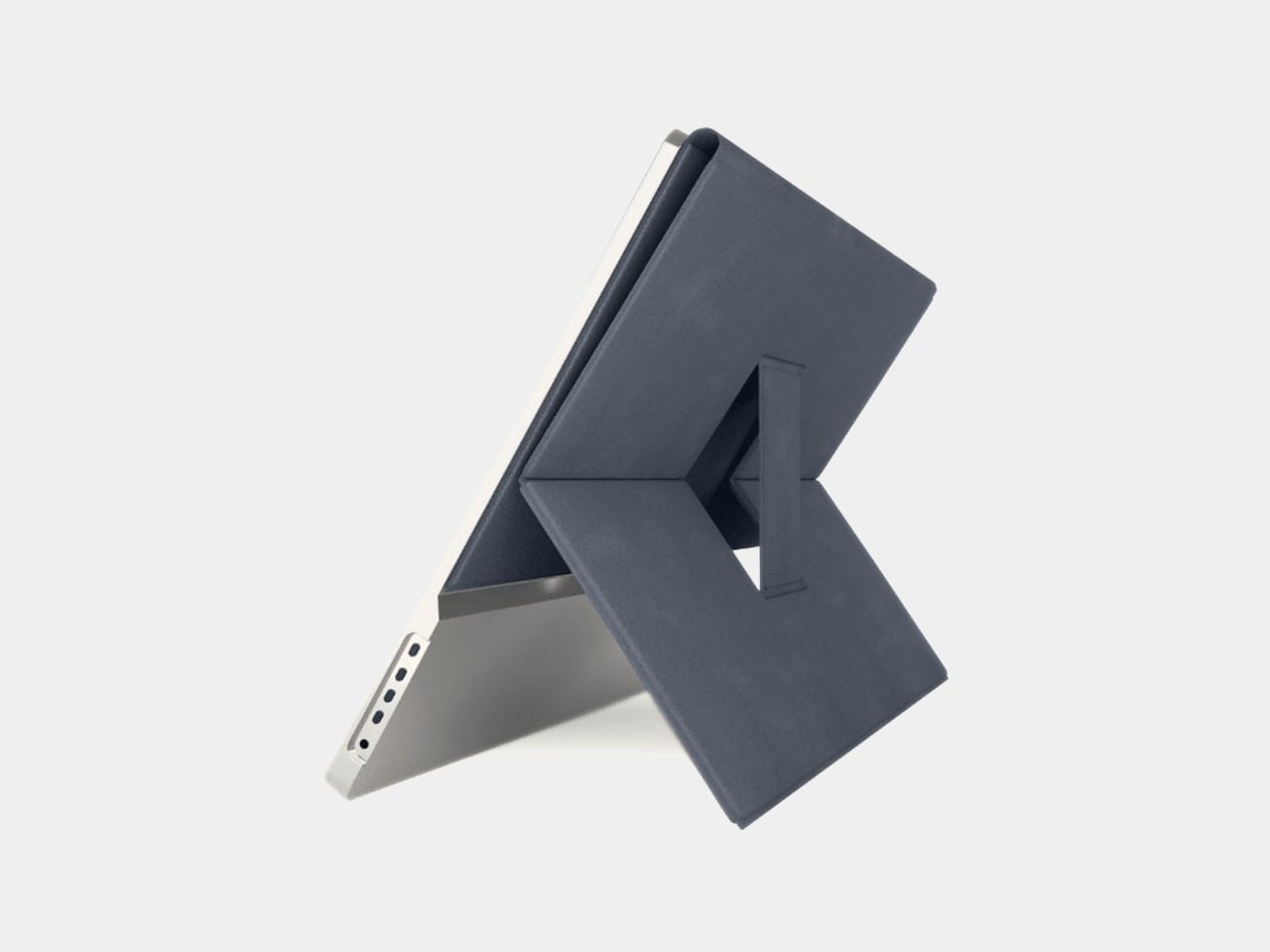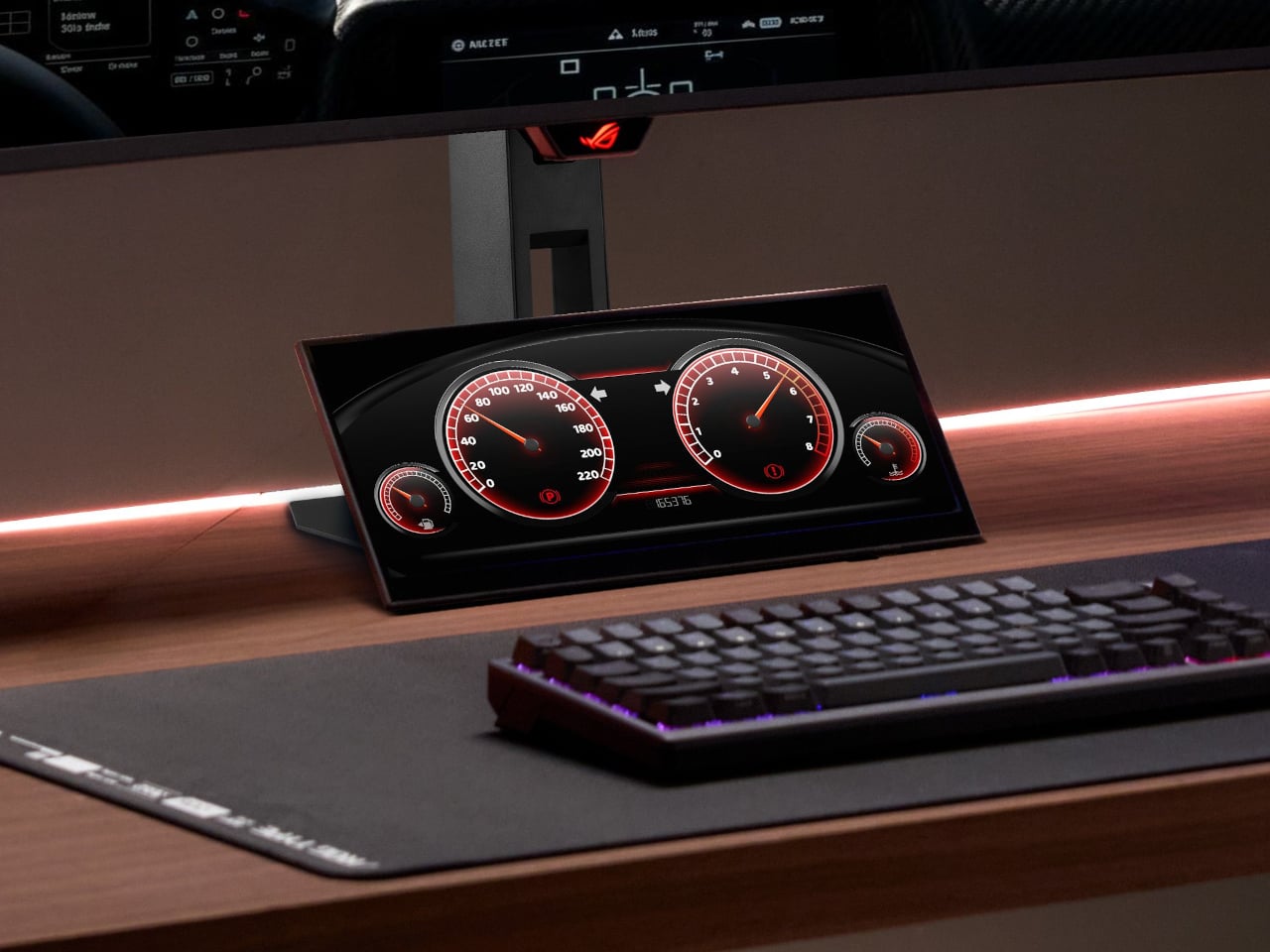
Acer’s IFA 2026 lineup plays out like a full day mapped across screens, starting with quiet focus and ending with a projector shaped like a rubber duck. Instead of pushing one flashy hero device, the company spread its design energy across seven products, each solving a specific friction point, from eye strain to cramped desks to tablets built for daily wear. Together, they map how Acer sees screen time evolving.
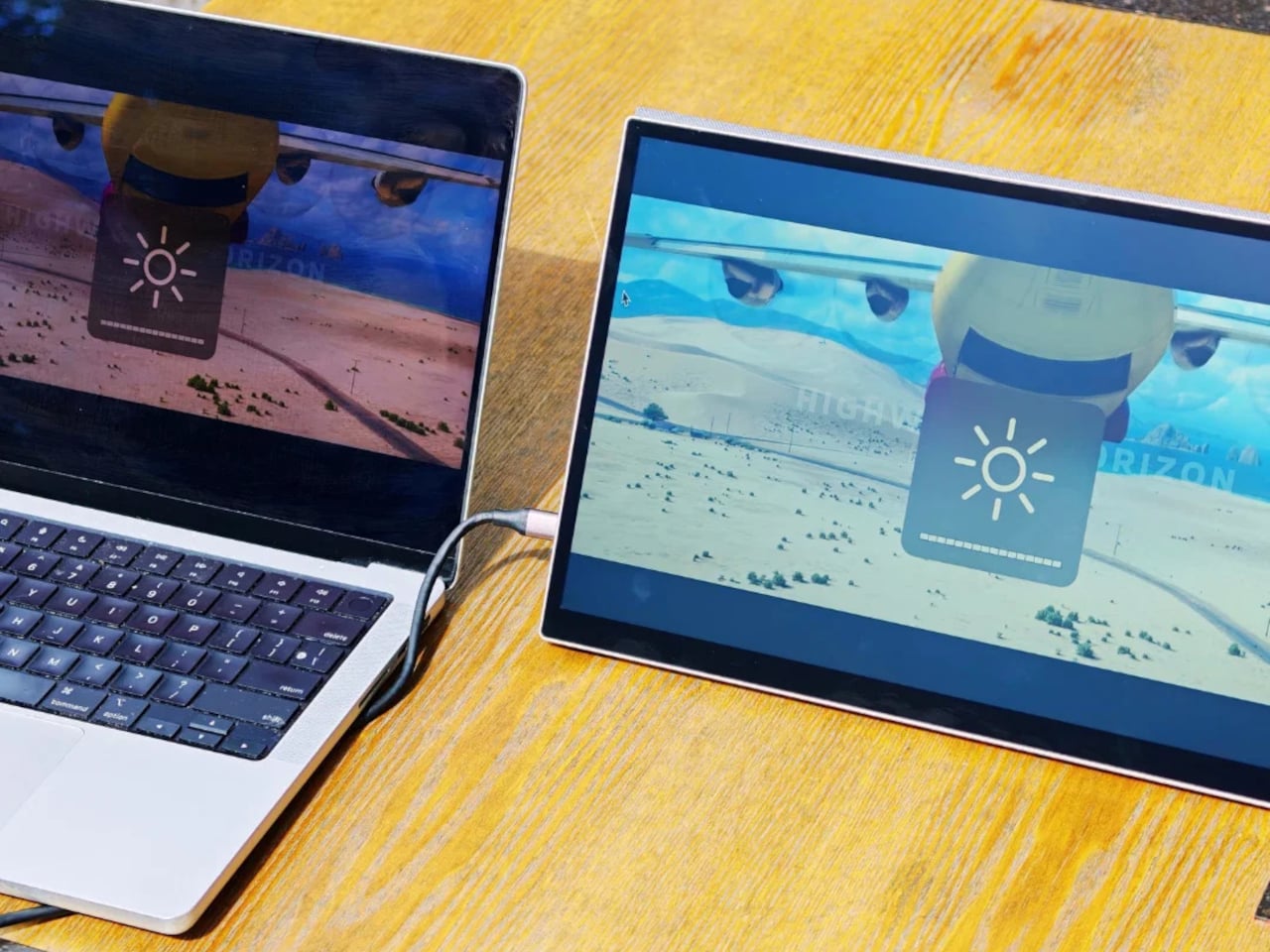
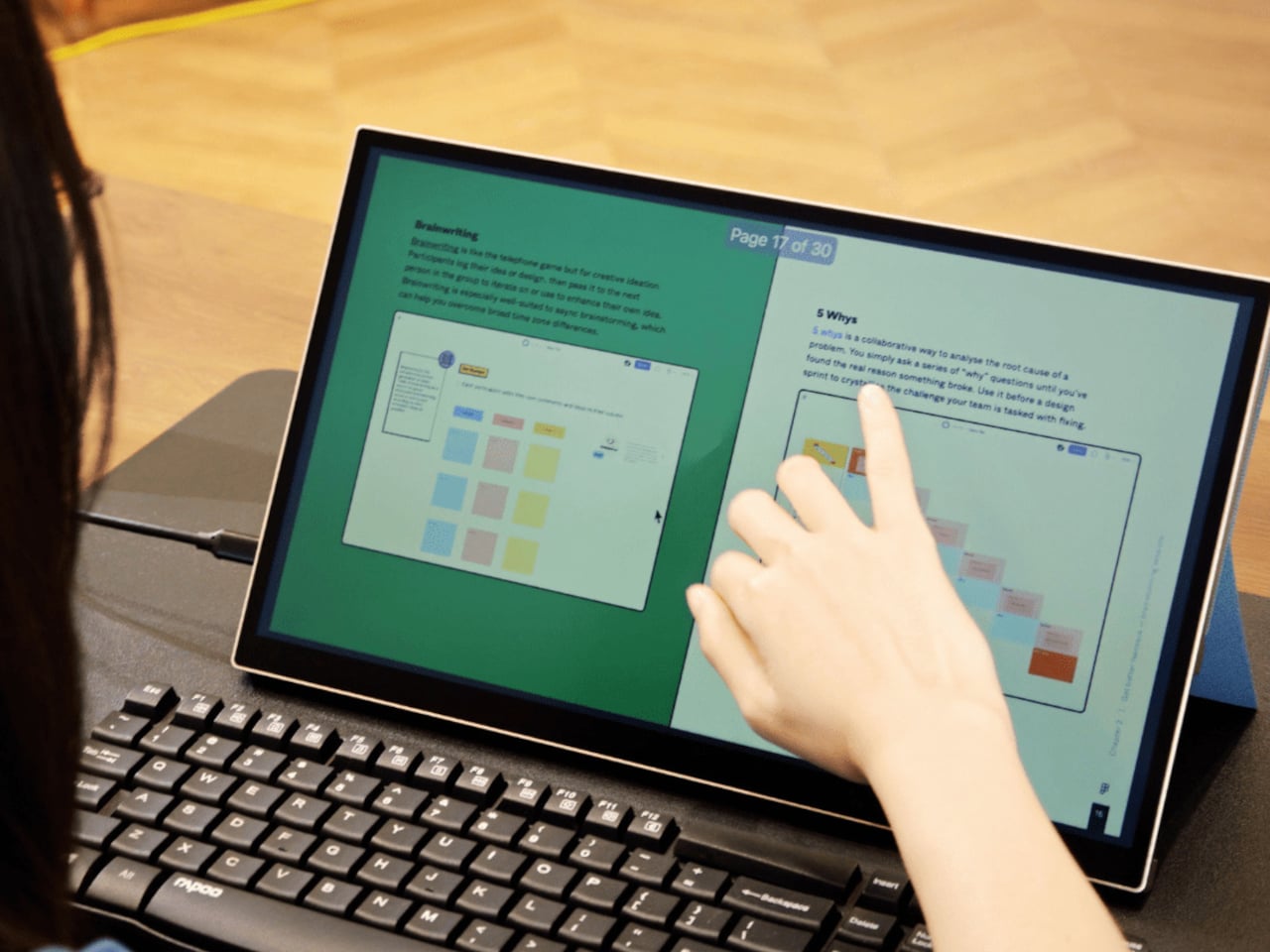
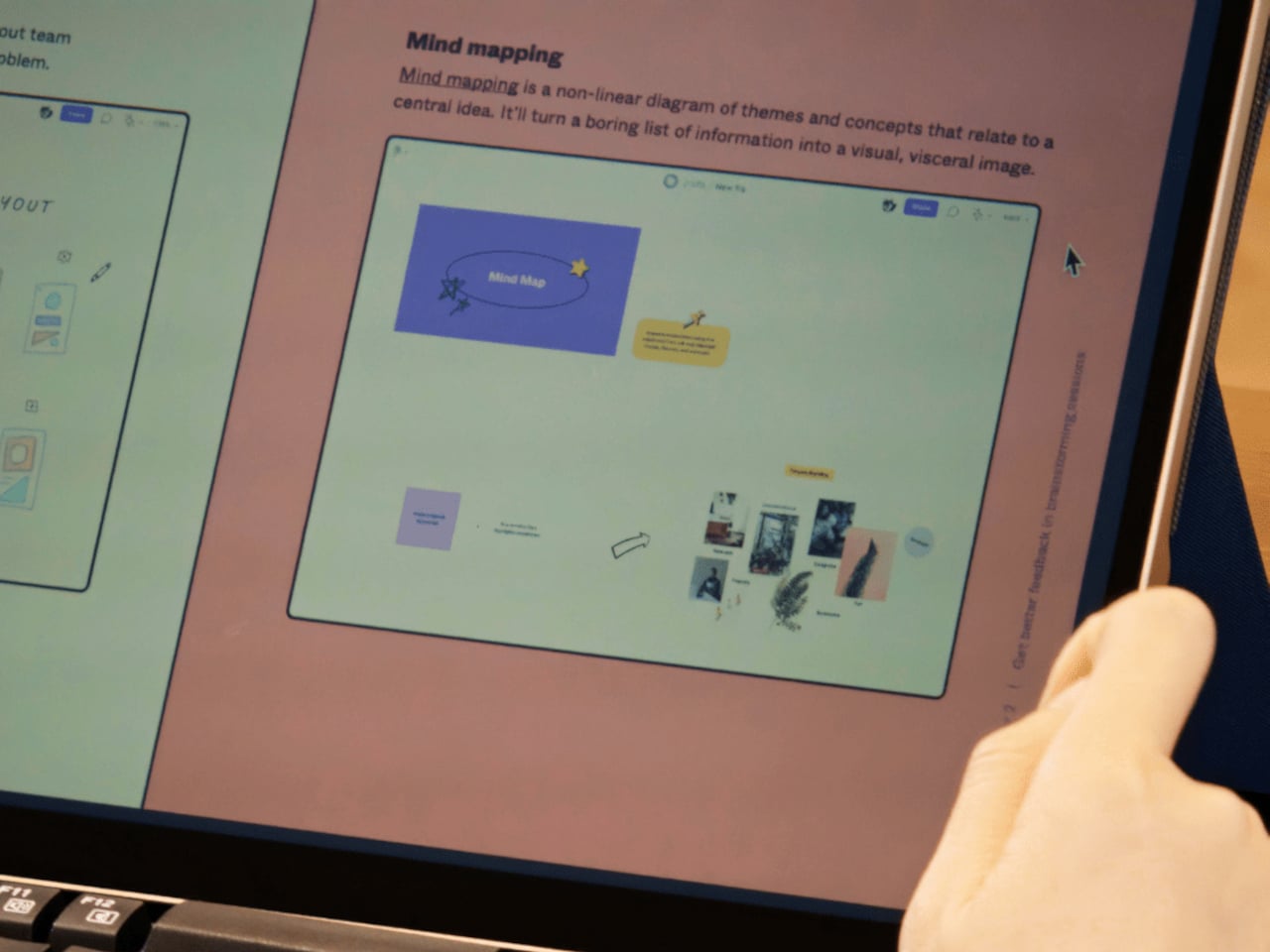
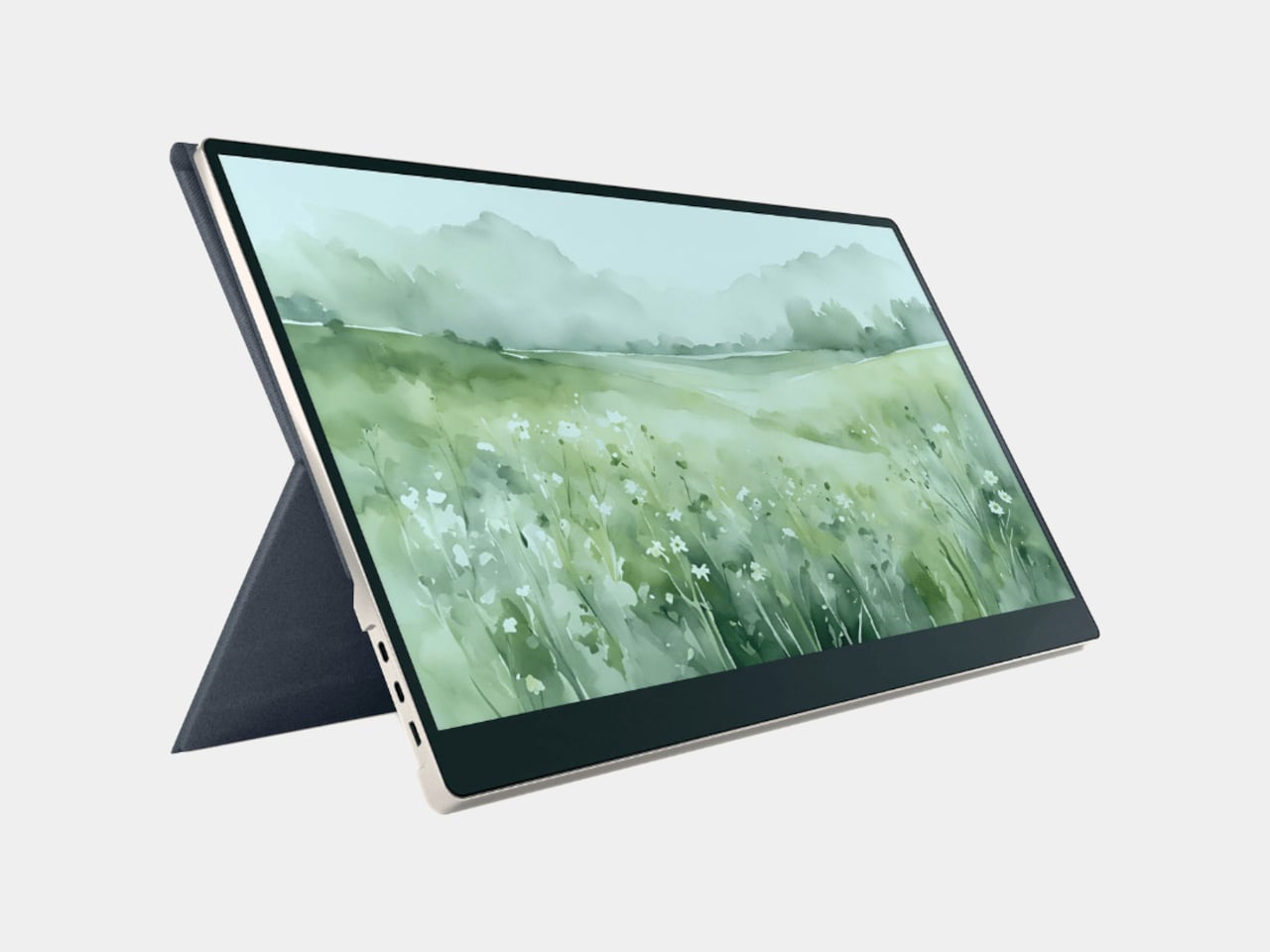
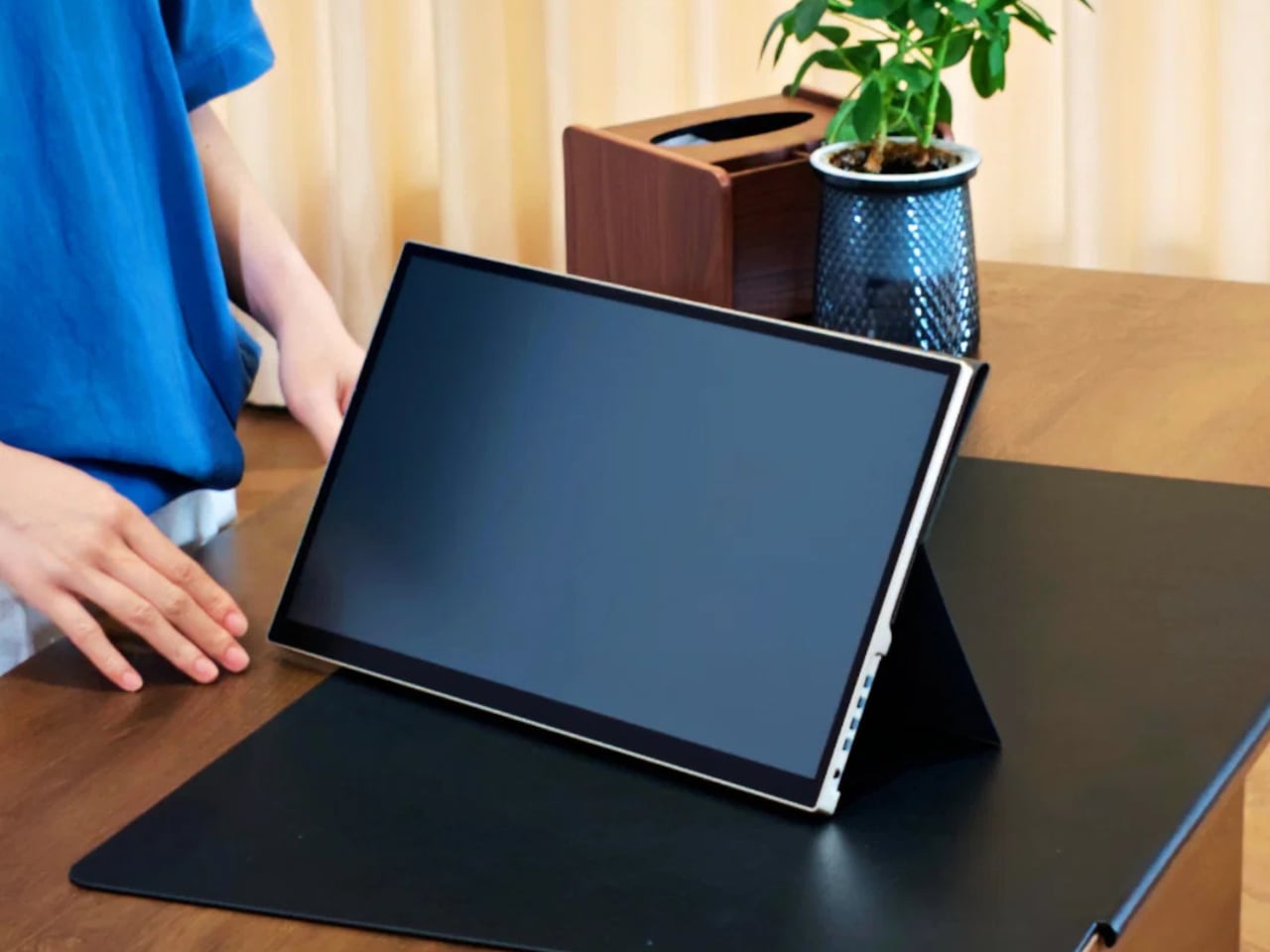
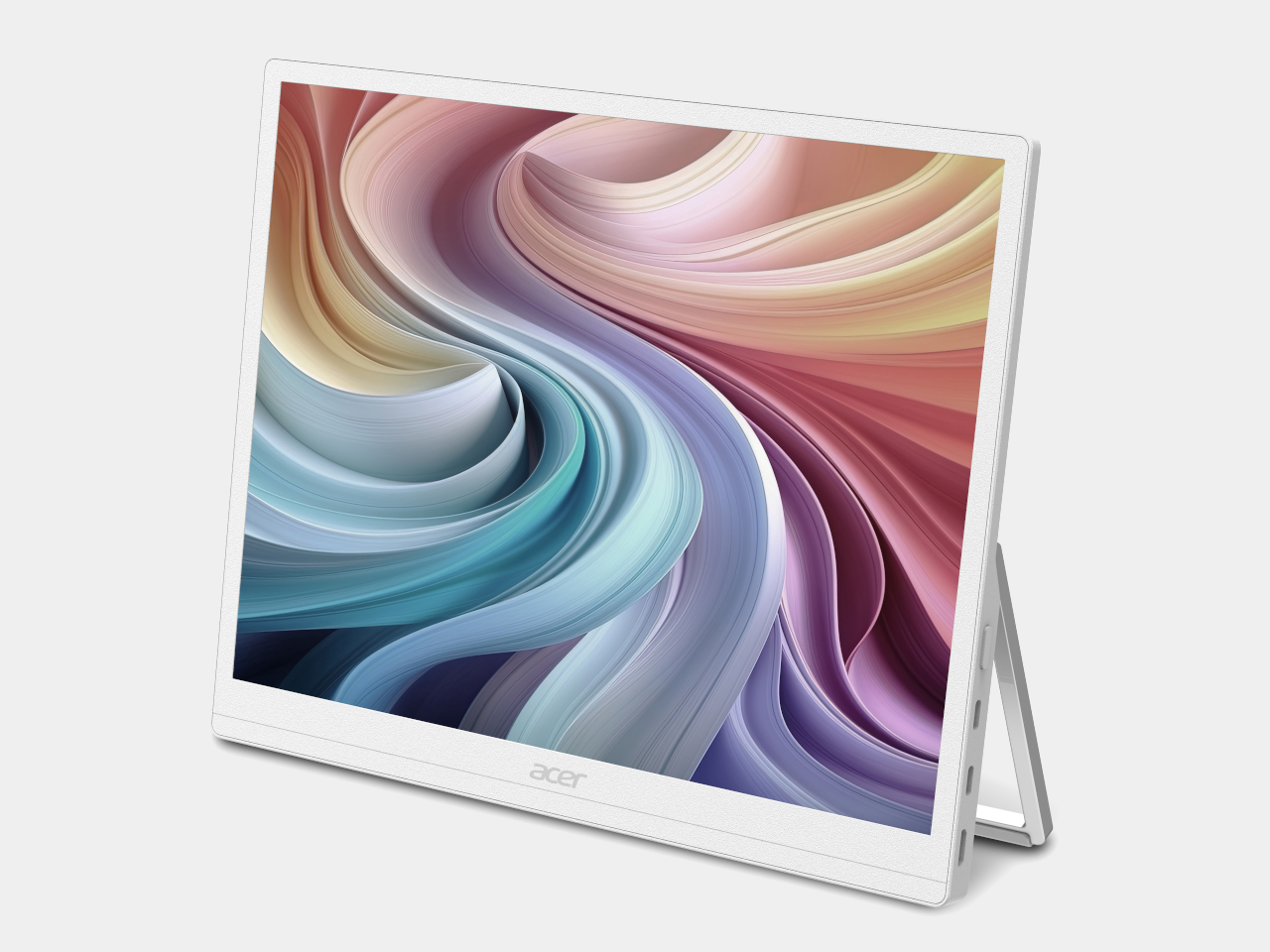
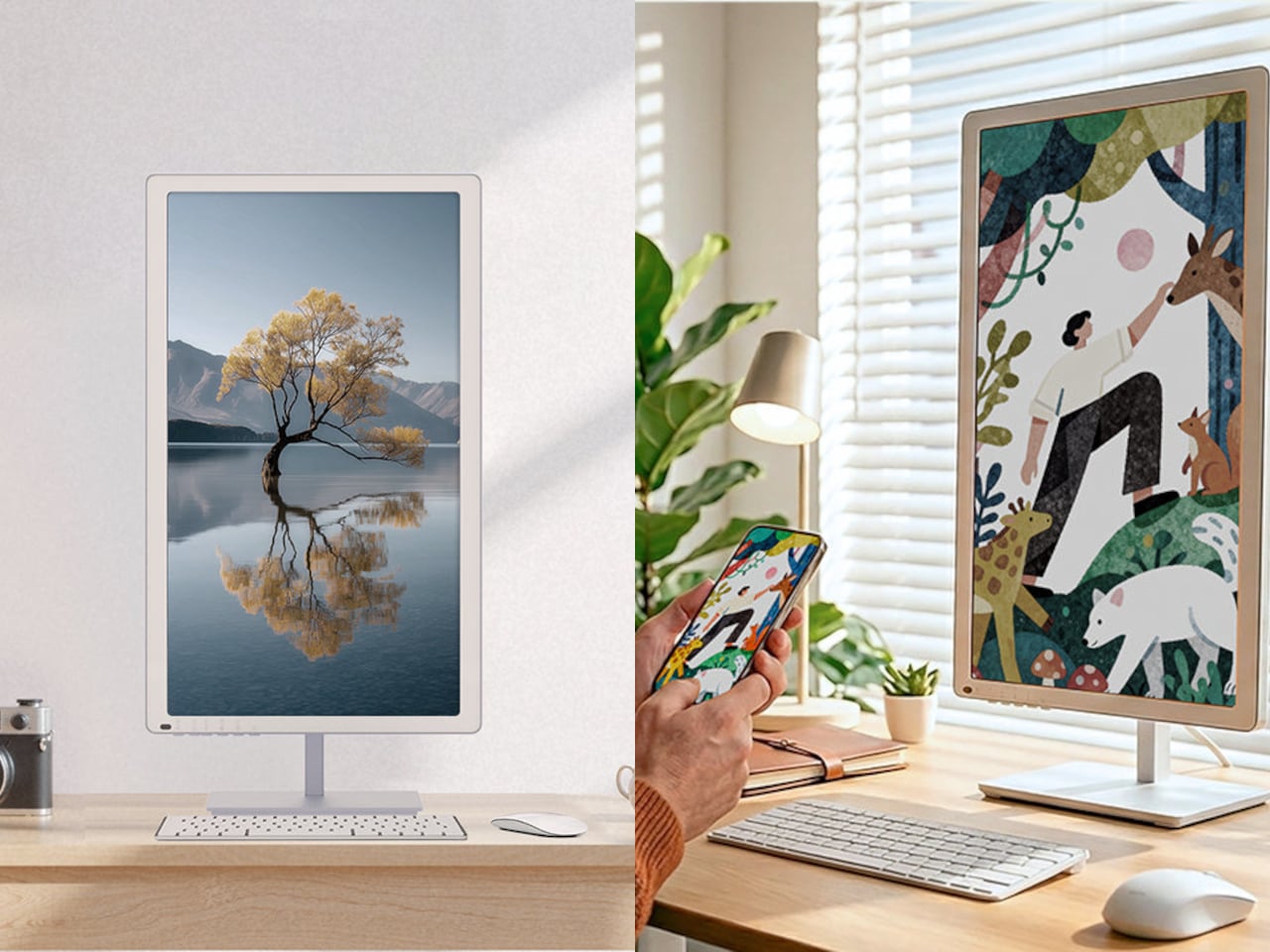
The Acer EP130K opens that story with a monitor built for people who’d rather not stare at a glowing backlight all day. Its ePaper panel mimics the natural feel of paper with glare-free use, aimed at professionals doing deep work, avid readers, and anyone working outdoors. Resolution climbs to 3200×2400 in black-and-white mode, and touch support lets a stylus or finger write directly on the display.
Designer: Acer

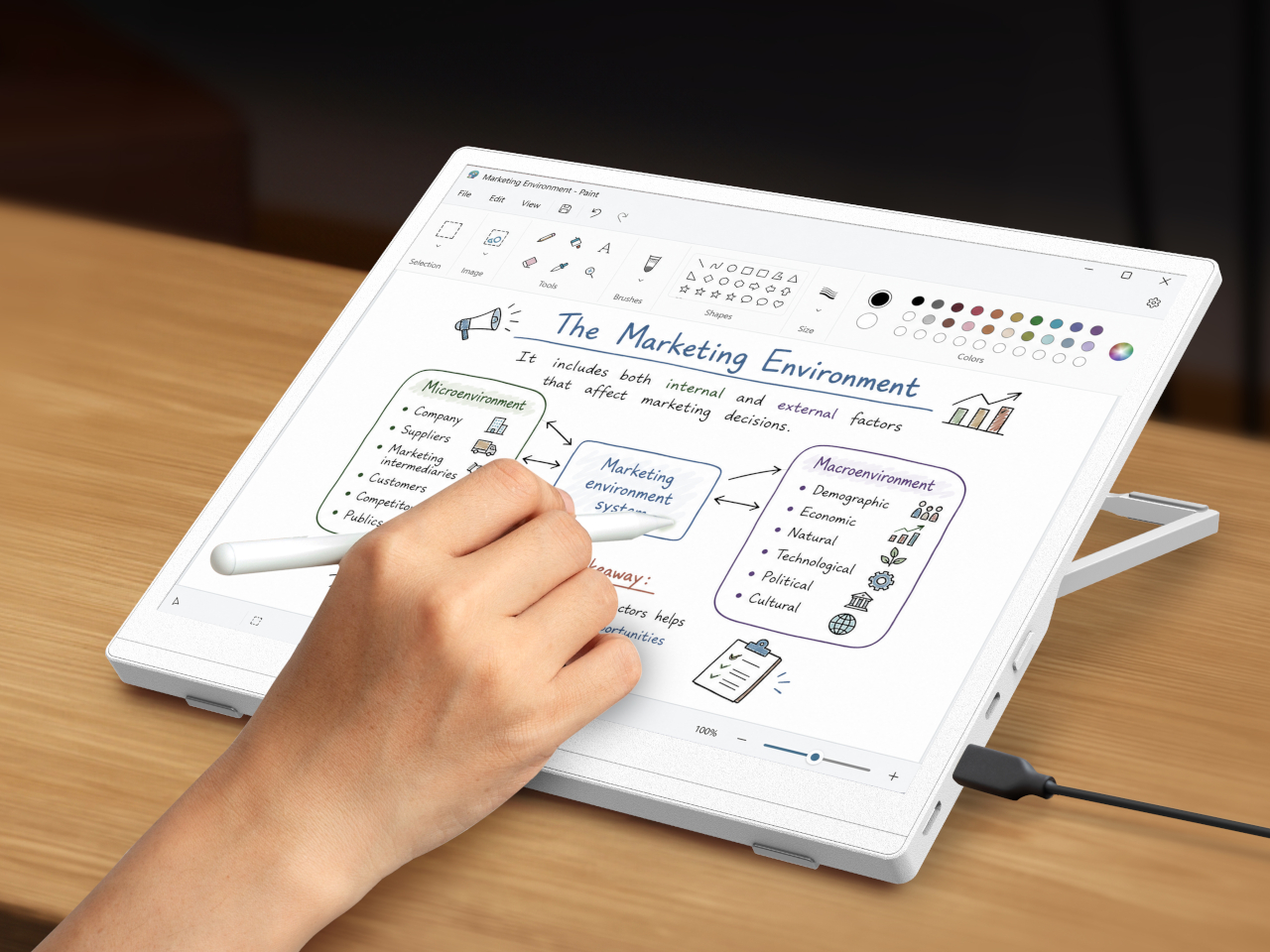
What makes the EP130K linger past a single session is its bi-stability, letting the image stay locked in place even after every power source disconnects. A single USB-C cable handles power delivery from a laptop or tablet, so the whole setup travels light. It’s less a display and more a portable reading nook that happens to sync with a work laptop whenever needed.
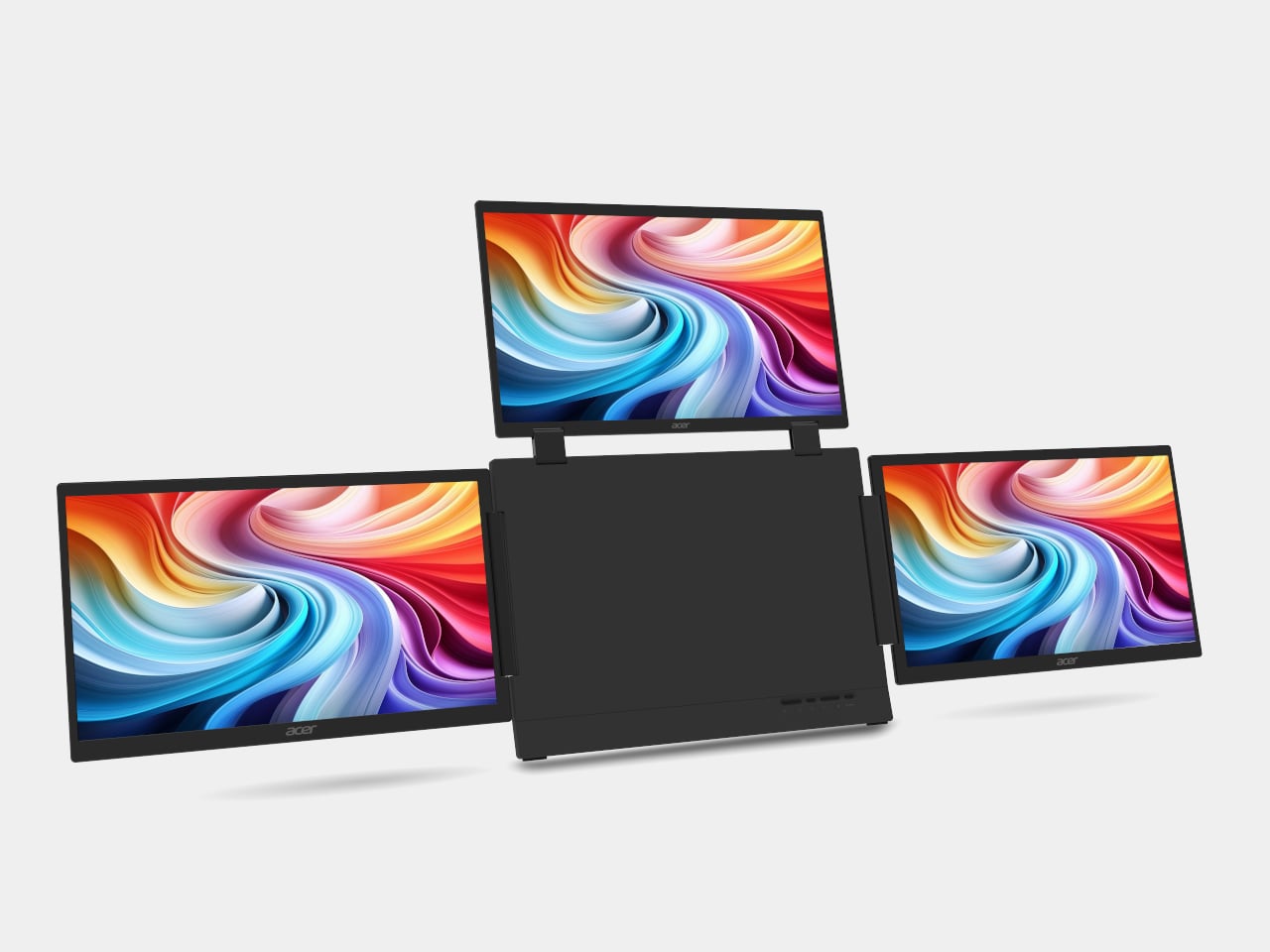
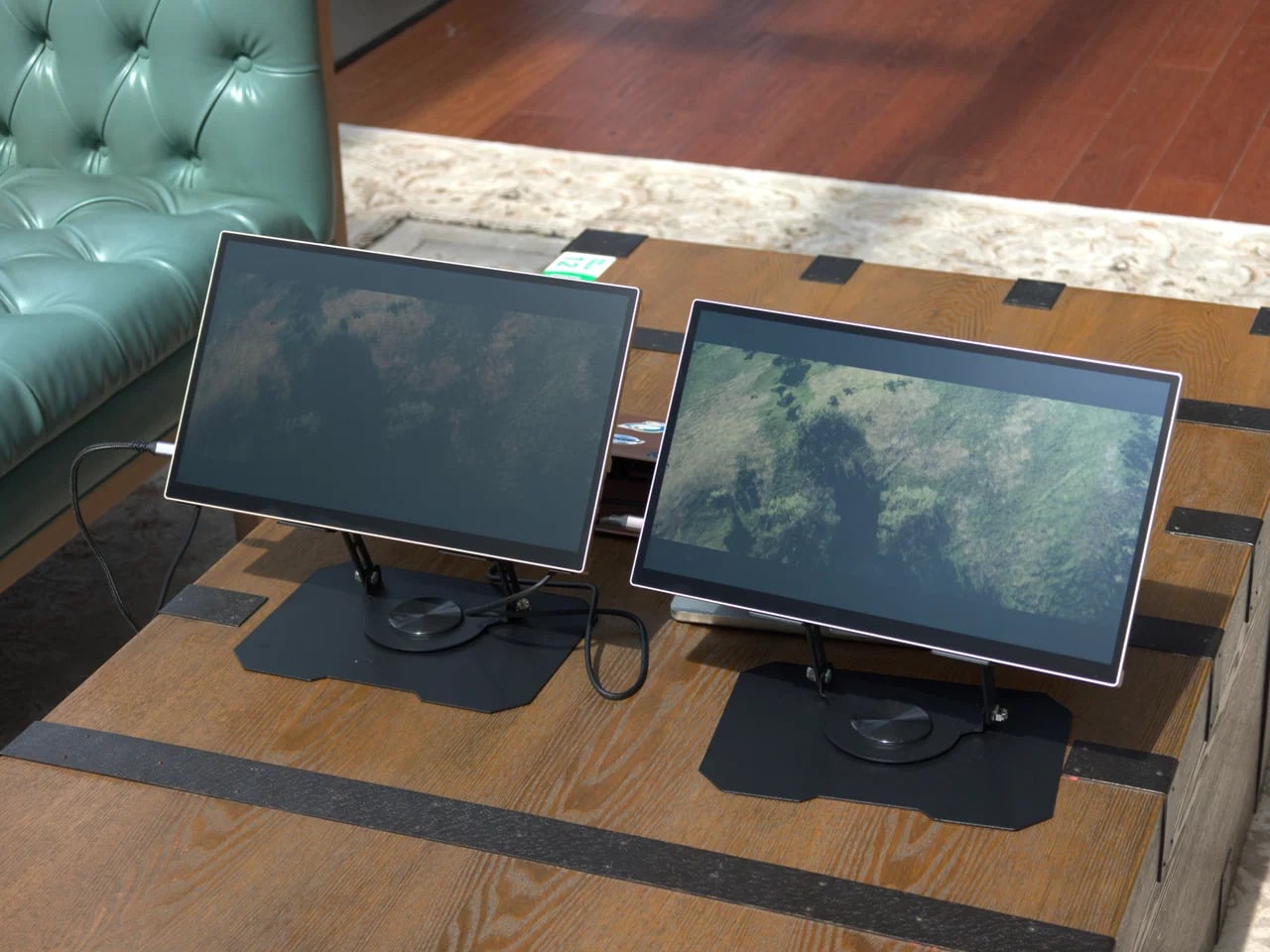
From single-screen focus, Acer scales up to the Acer PD163Q P3, a triple-screen extender built for hybrid professionals juggling more browser tabs than one laptop lid can hold. Three 15.6-inch FHD panels fold out from a central hub, adding up to four total displays once paired with a laptop screen. Each panel runs independently, supporting extend or clone modes so a spreadsheet, a call, and reference notes each claim space.
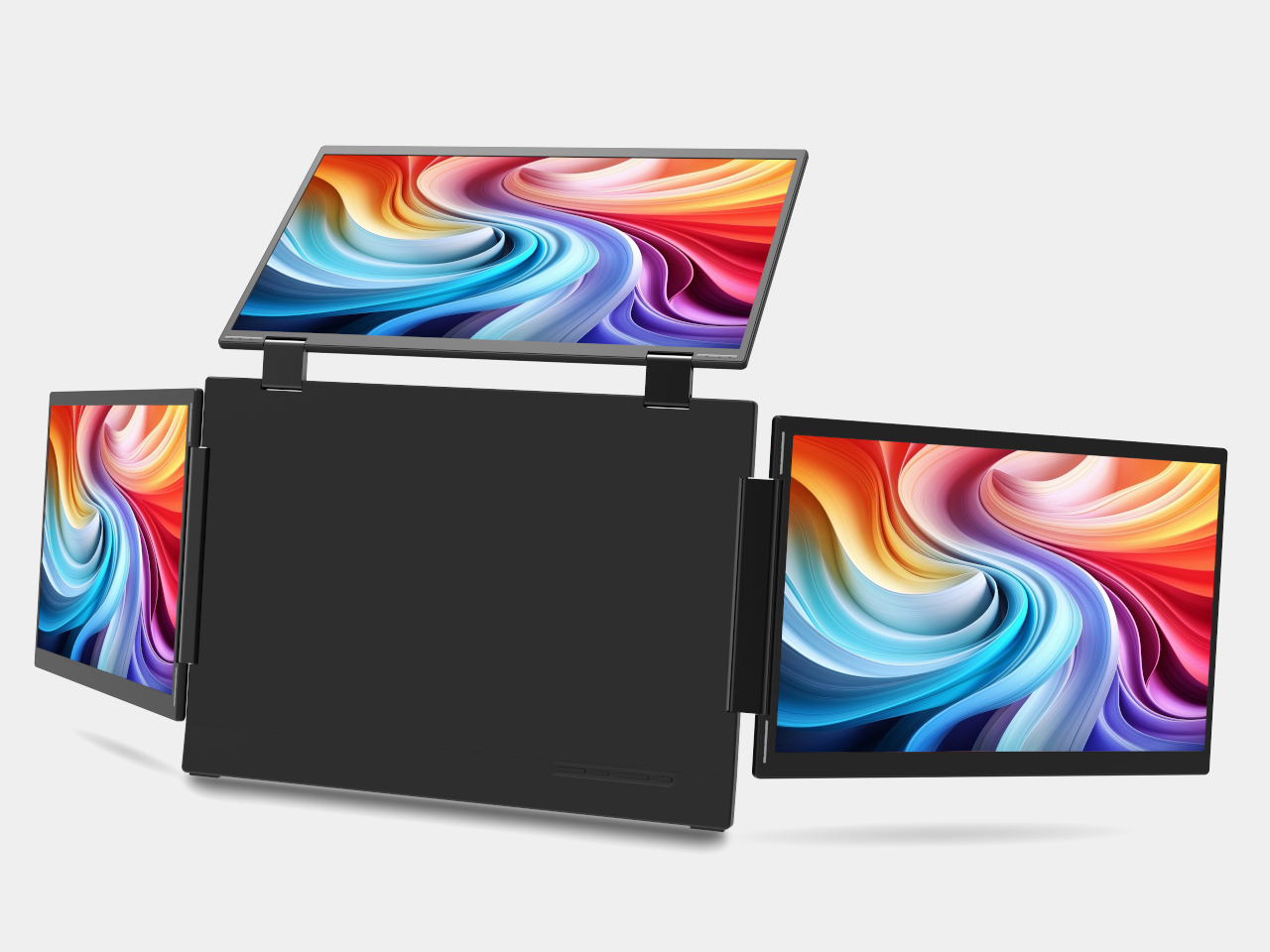
A single USB-C connection keeps cable clutter to a minimum, while uniform brightness controls across all three panels mean no single screen fights for attention against the others. It’s the kind of setup that turns a coffee shop table or hotel desk into something resembling a proper workstation, without requiring a suitcase full of dongles or a second trip back to the office for a bigger screen.
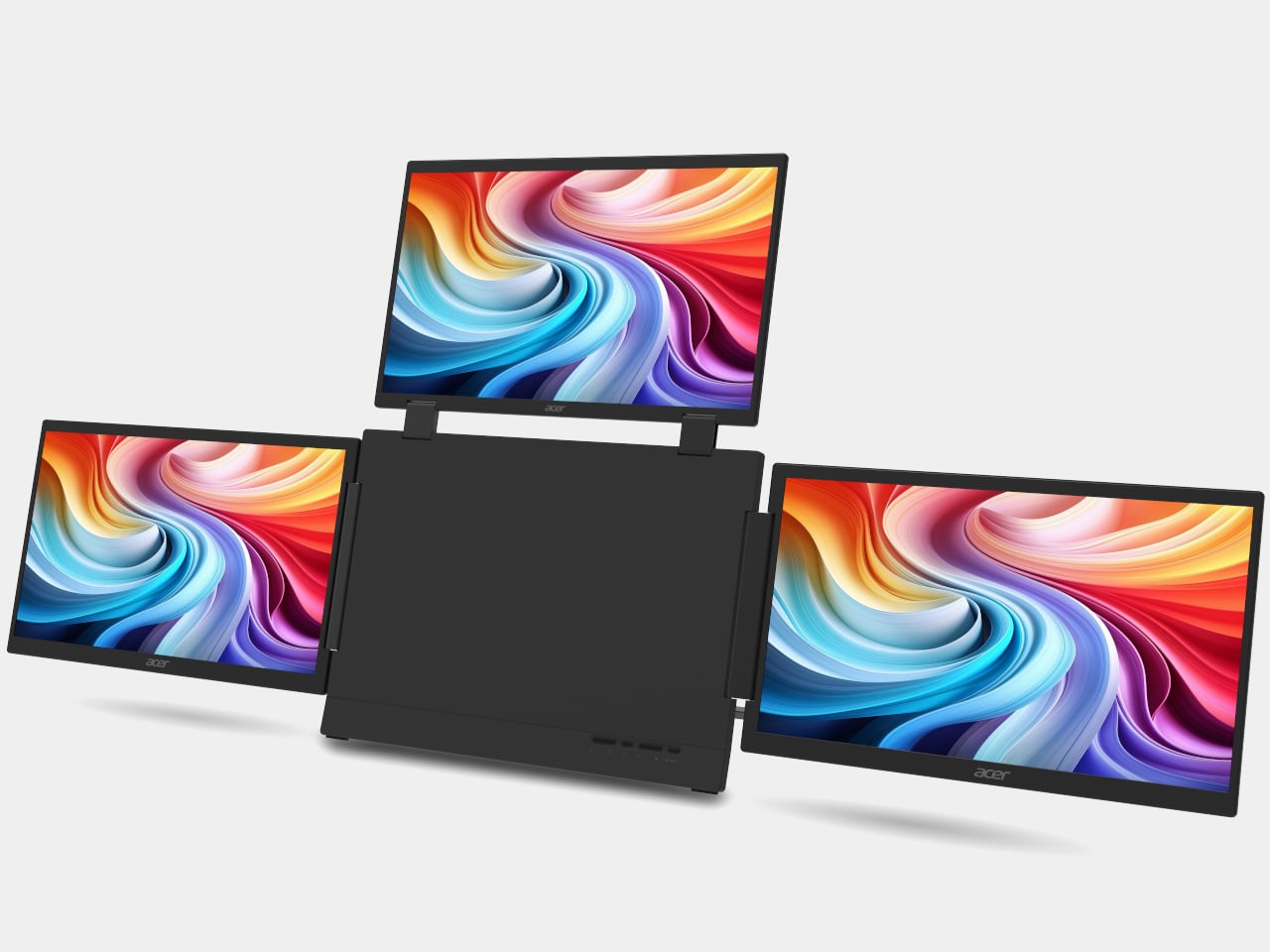
Acer prices both productivity tools to slot easily into a home office budget. The EP130K starts at $749 when it arrives in North America during the first quarter of 2027, with EMEA and Australia following at comparable rates. The PD163Q P3 comes in considerably lower at $349, making a three-screen upgrade almost as affordable as a single external monitor from a few years back.

Once work wraps up, the Acer C350e projector picks up where productivity leaves off. Acer built it to double as an AI-powered companion rather than a device that only wakes up during movie night. Its detachable AI Badge doubles as a remote control and stays active between screenings, cycling through personal photos, useful widgets, and Google Gemini-powered interactions even when nothing is being projected onto a wall.
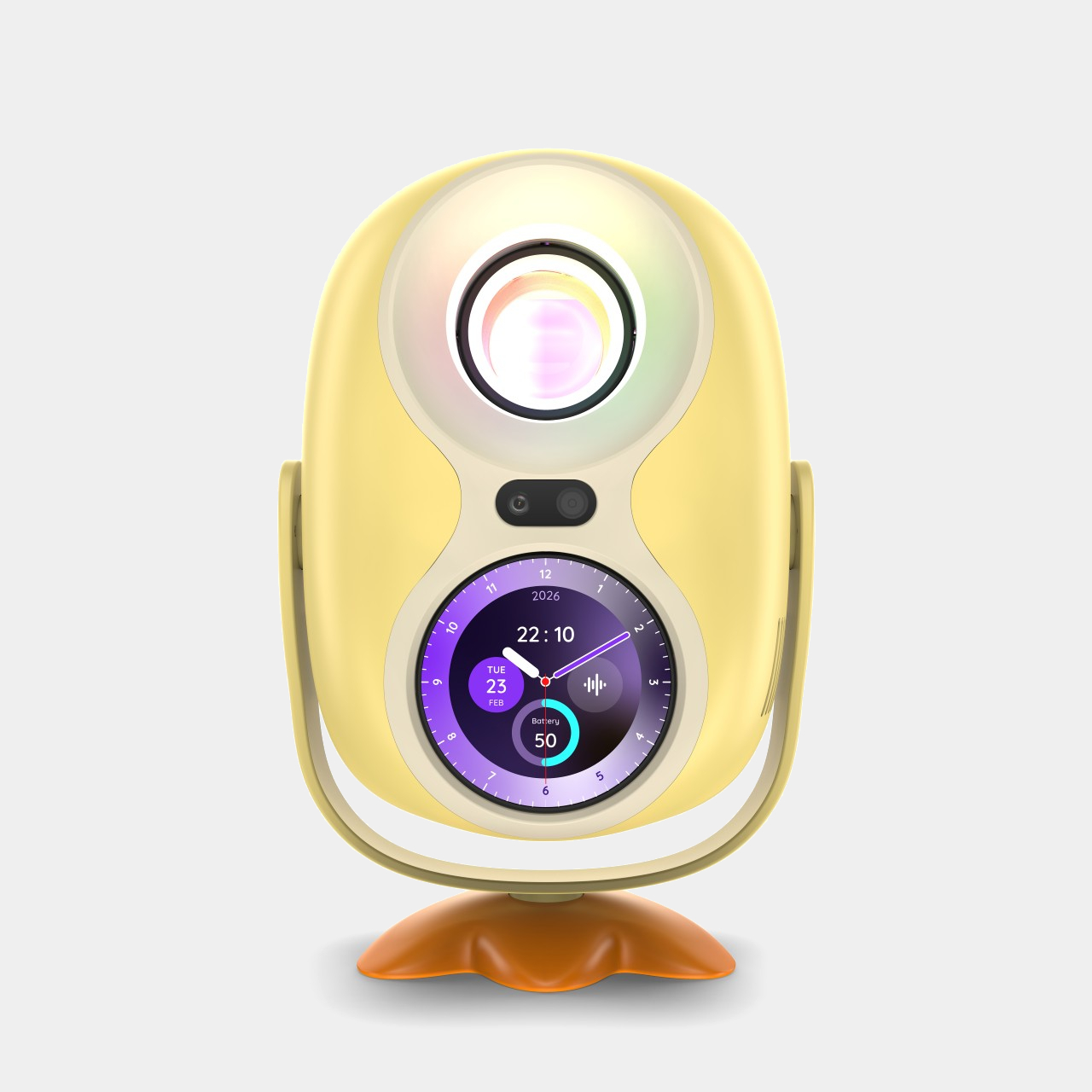
When it is running, the C350e pushes Full HD resolution through an 8,000-lumen LED light source, with 360-degree rotation and 120-degree tilting that make setup painless in tight apartments or backyard movie nights alike. Auto focus and 4-corner correction handle the fussy geometry automatically, while a 30,000-hour lamp life means it’ll outlast several rounds of furniture rearranging before finally needing a replacement bulb.
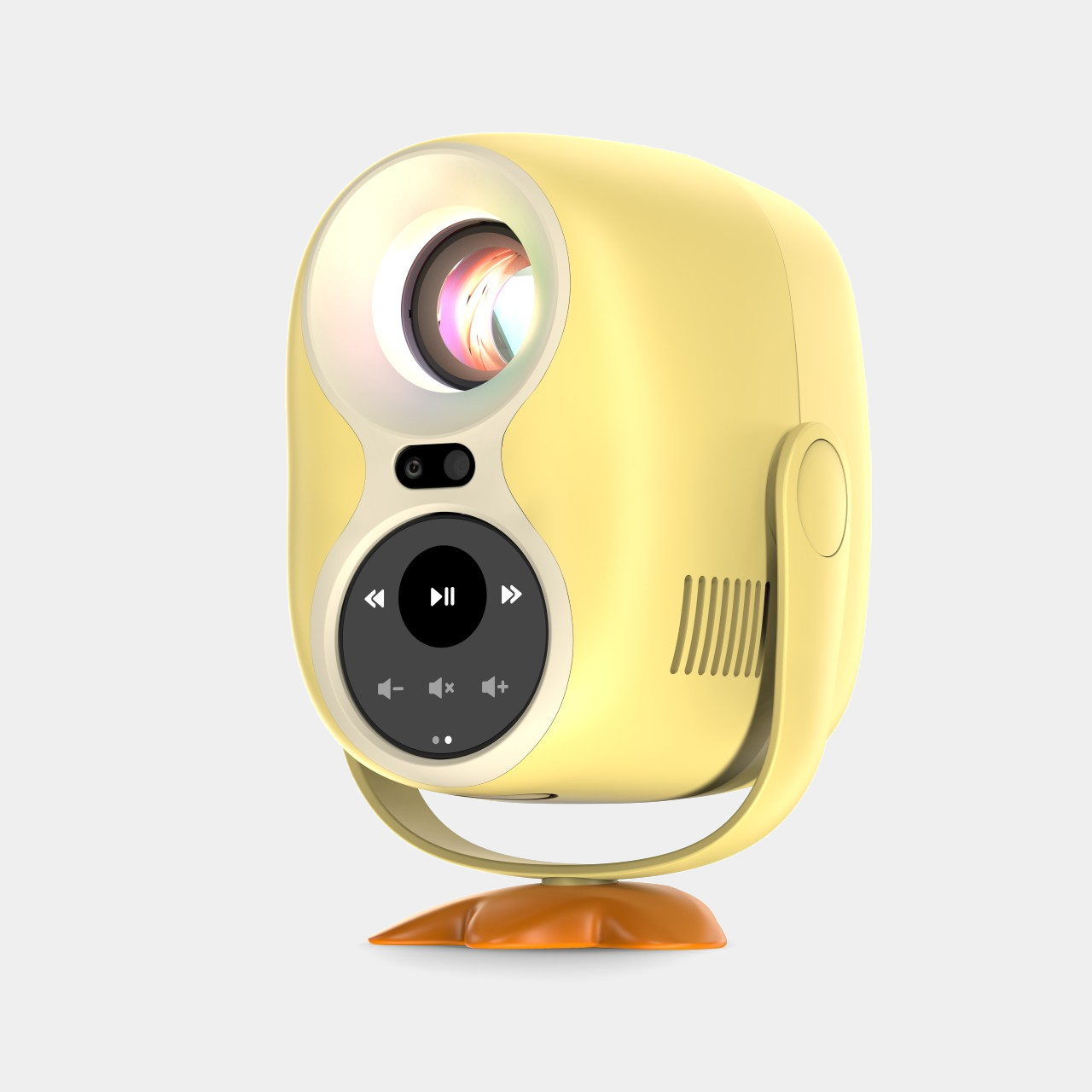
Pricing follows the same accessible logic. Acer lists the C350e at €199 (around $215) for EMEA buyers, undercutting most portable projectors with comparable lumen counts. That price makes the AI Badge feel like a bonus rather than a justification for the cost, a smart move for a device competing against projectors that only turn on when something needs to be shown on a wall.
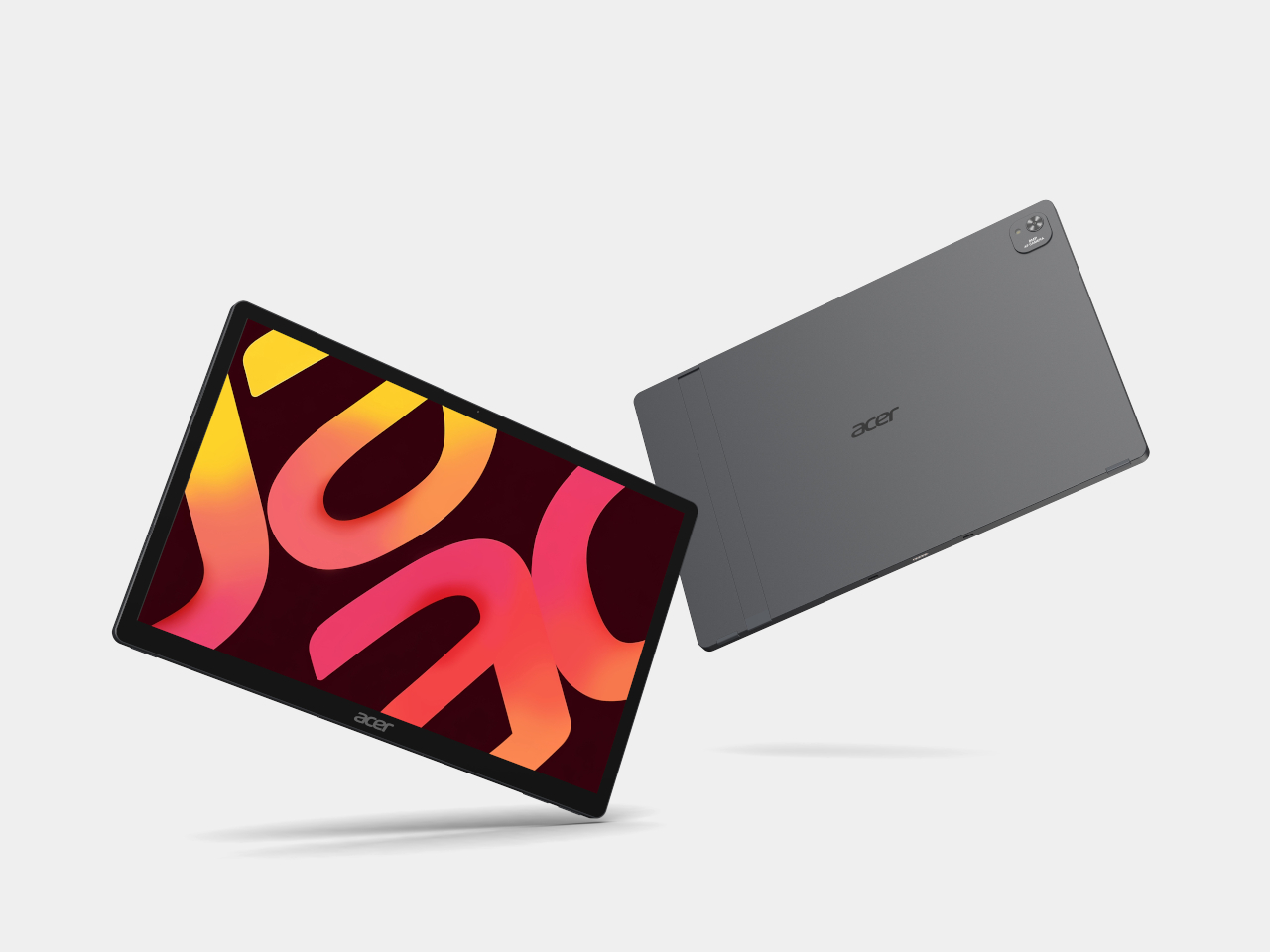
Acer Iconia X16-21

Acer Iconia X16-21
Rounding out the lineup, Acer’s Iconia tablets split into two clear tiers built around the same entertainment and education goals. The premium Iconia X16 and X14 pack OLED screens into a metal chassis, running on MediaTek Helio G80 silicon with dual USB Type-C ports, one dedicated purely to video input for easy screen casting during homework sessions or weekend movie marathons.
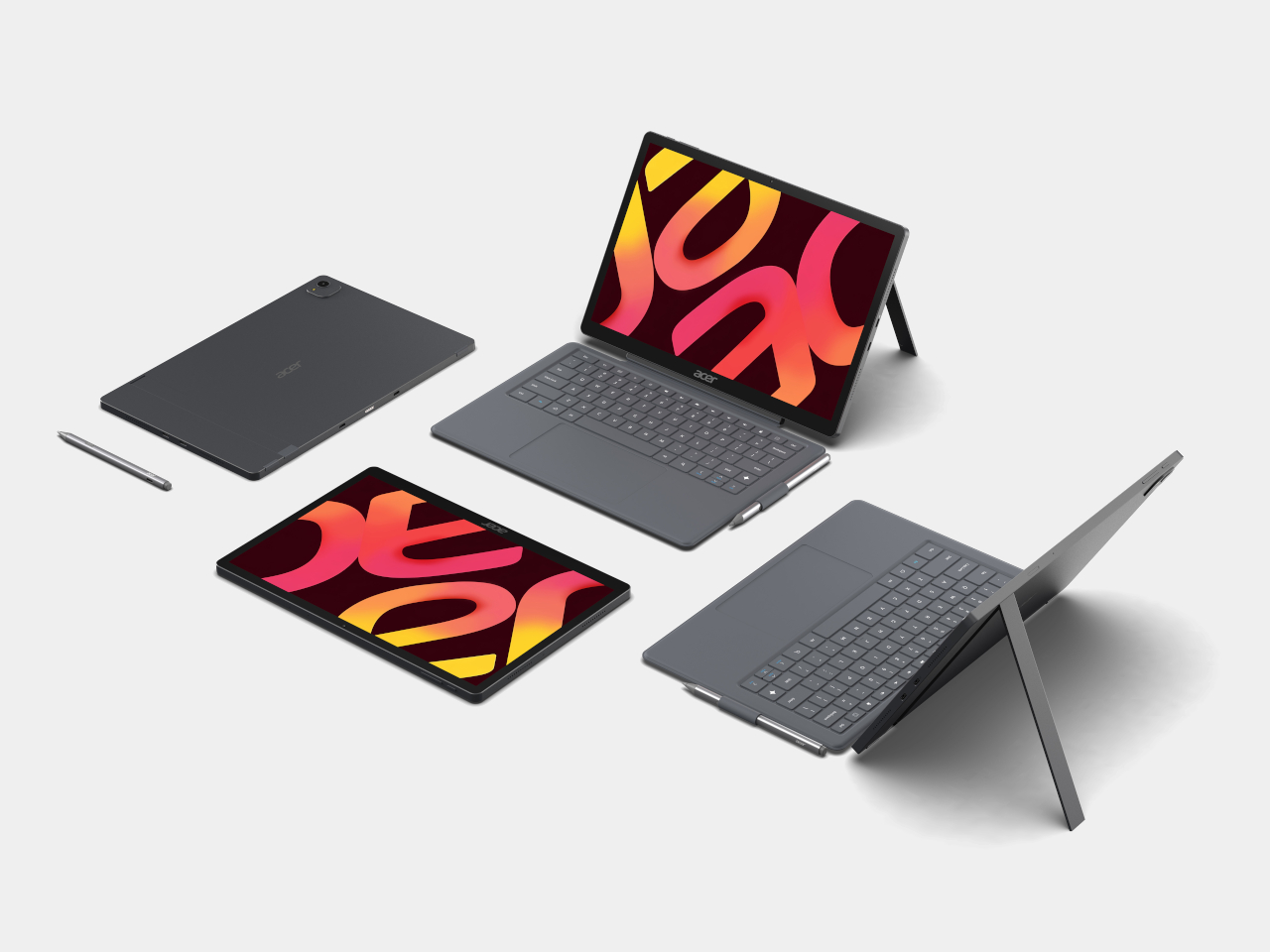
Acer Iconia X14-21
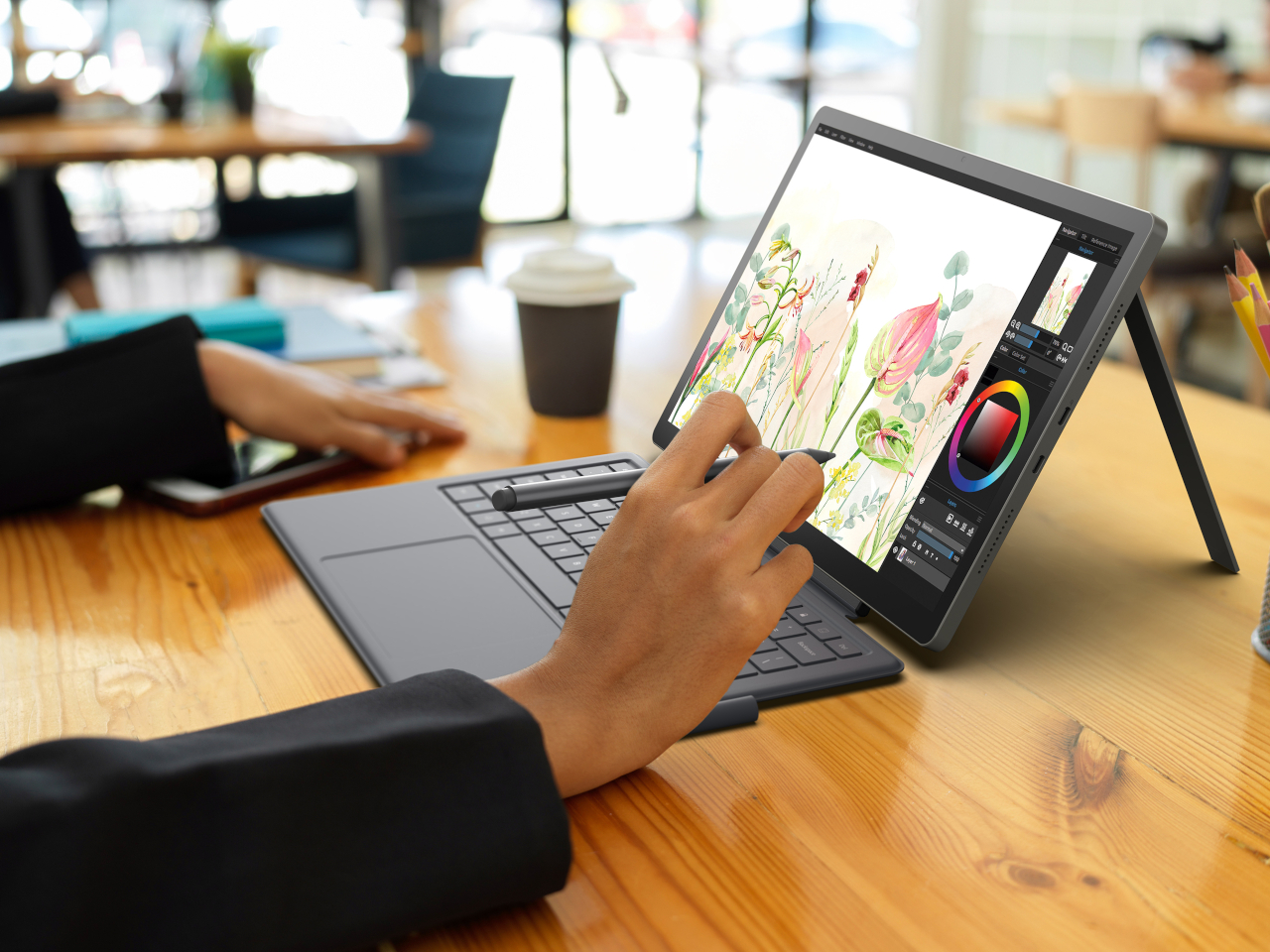
Acer Iconia X14-21
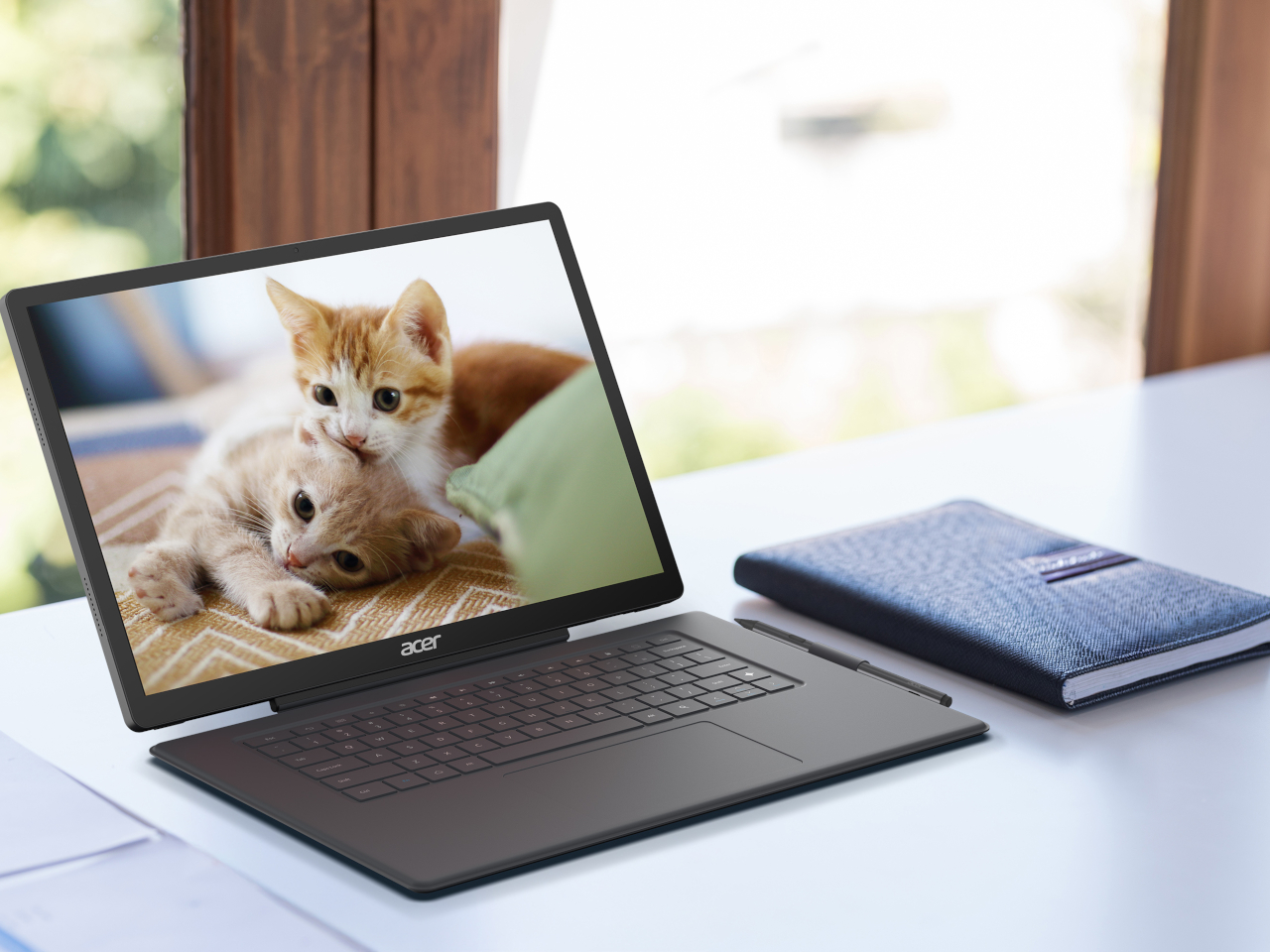
The entry-level Iconia A16 and A14 carry the same processor and port layout into a Vapor Silver chassis with IPS displays instead, trading OLED contrast for a friendlier price point without giving up the tripod kickstand design both series share. That kickstand, paired with optional styluses and attachable keyboards, turns either tablet into a portable classroom, a couch companion for reading, or a yoga mat sidekick during a guided session.
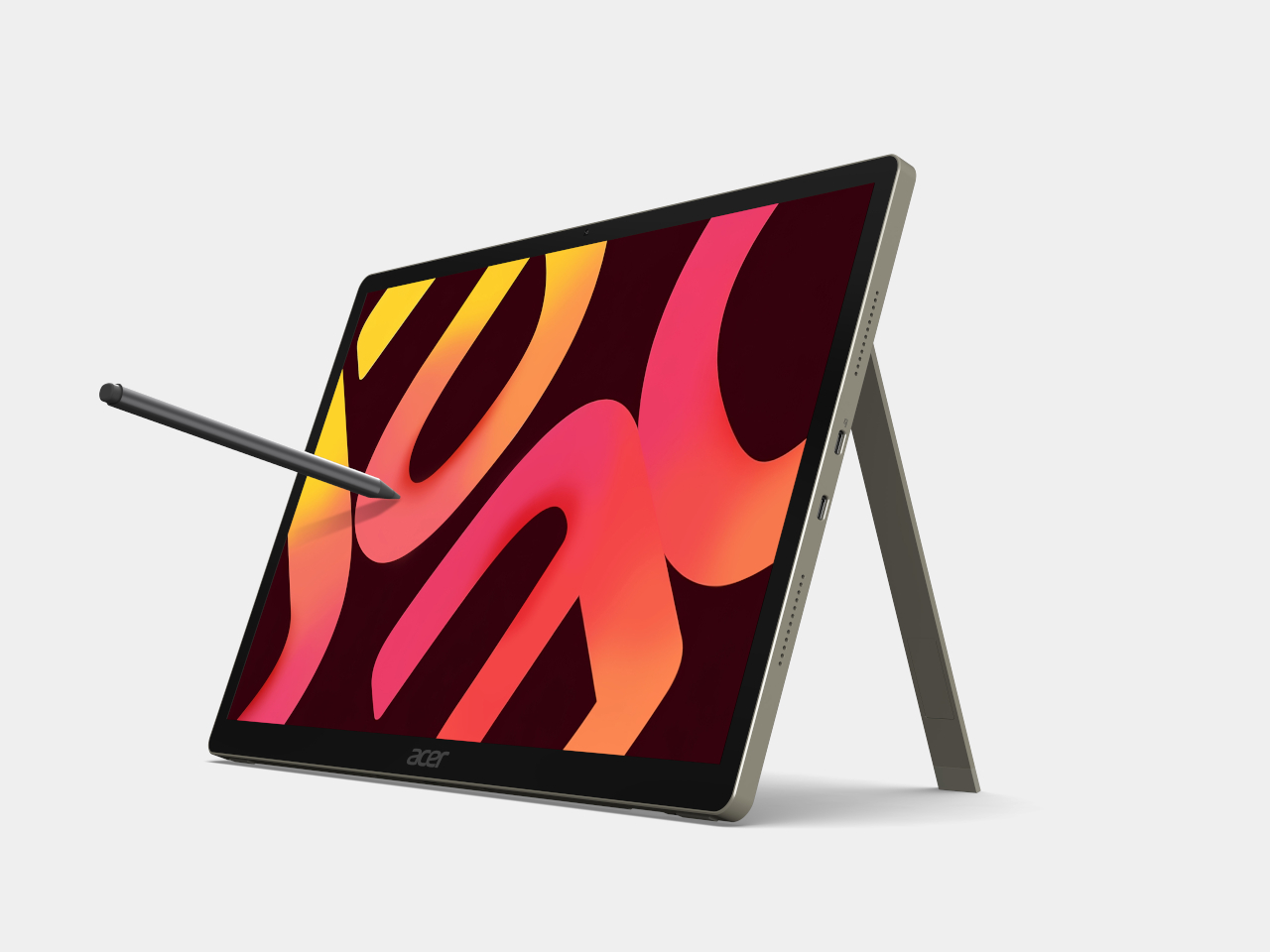
Acer Iconia A16-21
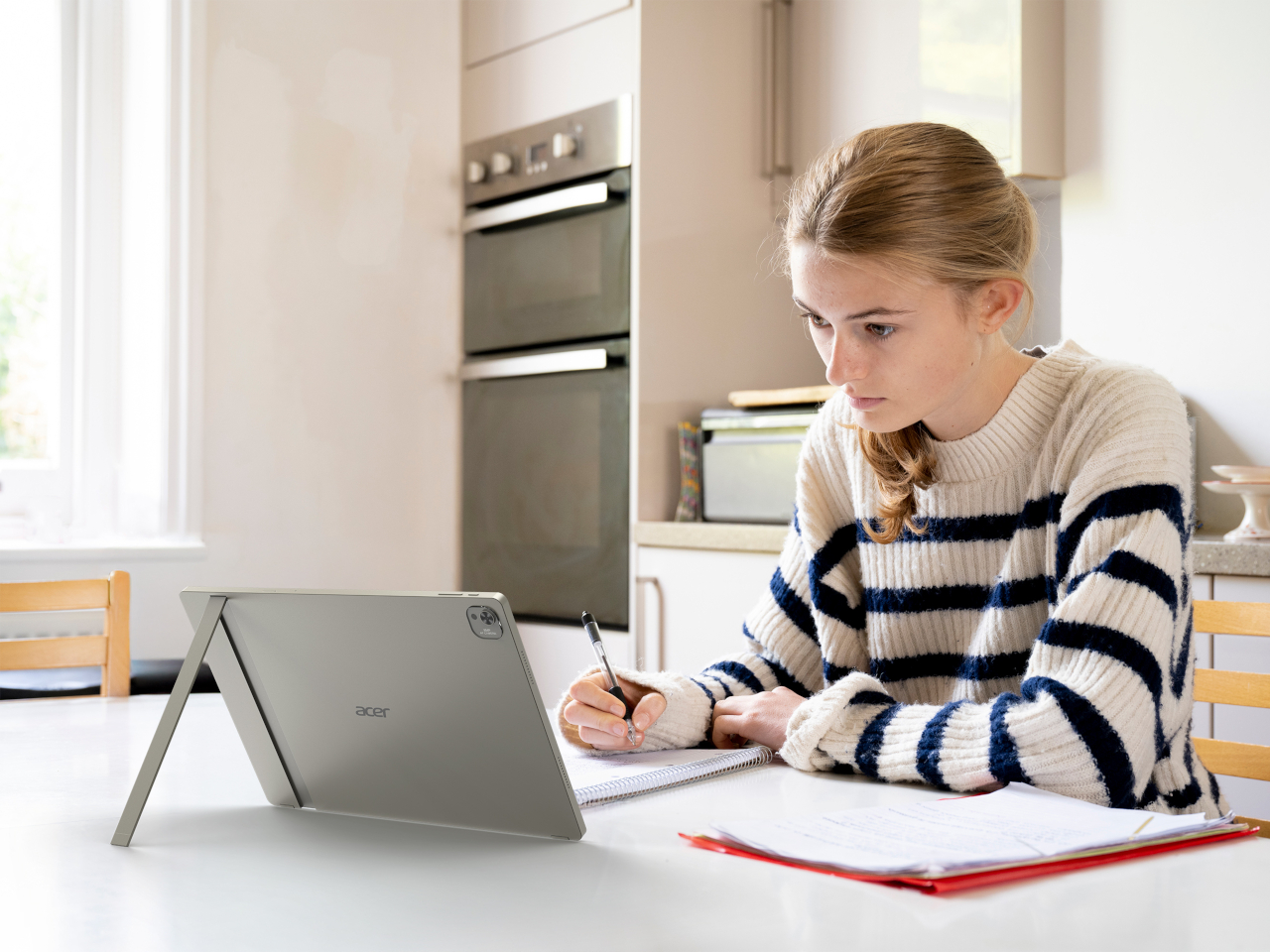
Acer Iconia A16-21
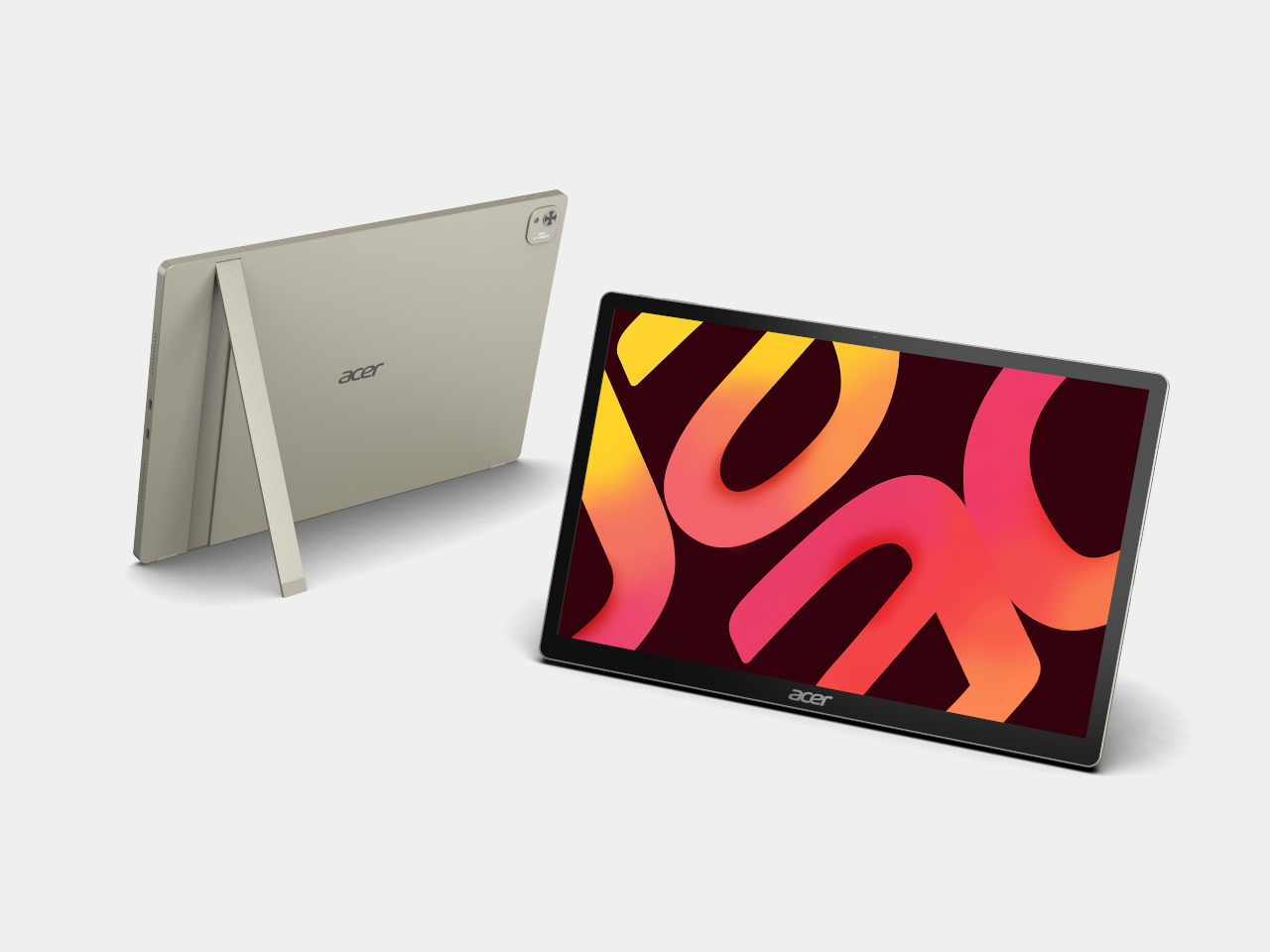
Acer Iconia A14-21

Acer Iconia A14-21
Seen together, these seven devices treat screens less like fixed appliances and more like furniture that rearranges itself around whatever someone needs next. Acer’s decision to launch a paper-like monitor, a folding triple-screen rig, an AI-infused projector, and four tablets on the same stage suggests the company is betting that flexibility, not raw specs, is what actually makes technology feel personal.
The post Acer’s IFA 2026 Spans Paper-Like Monitors to a Rubber Duck Projector first appeared on Yanko Design.






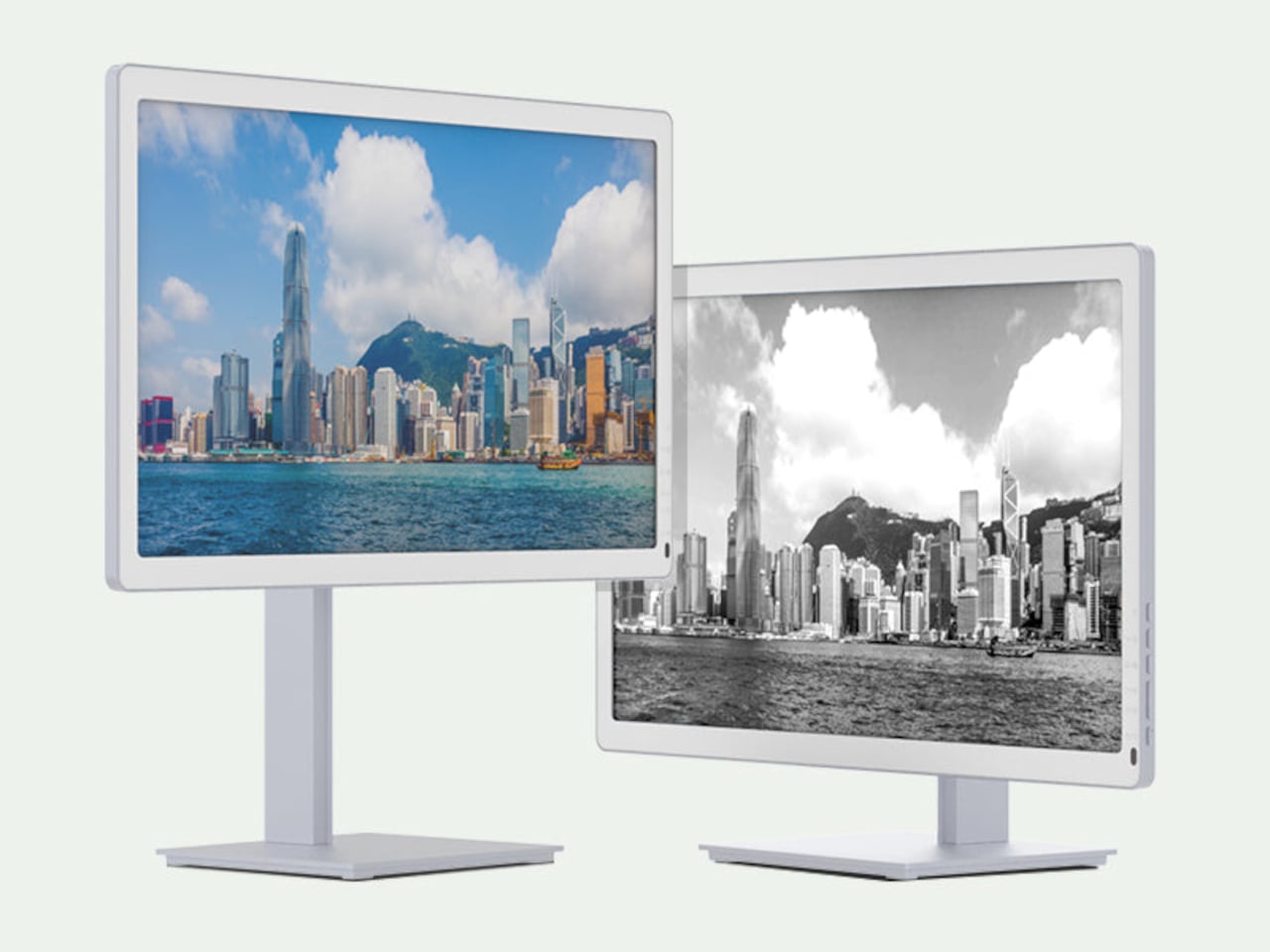


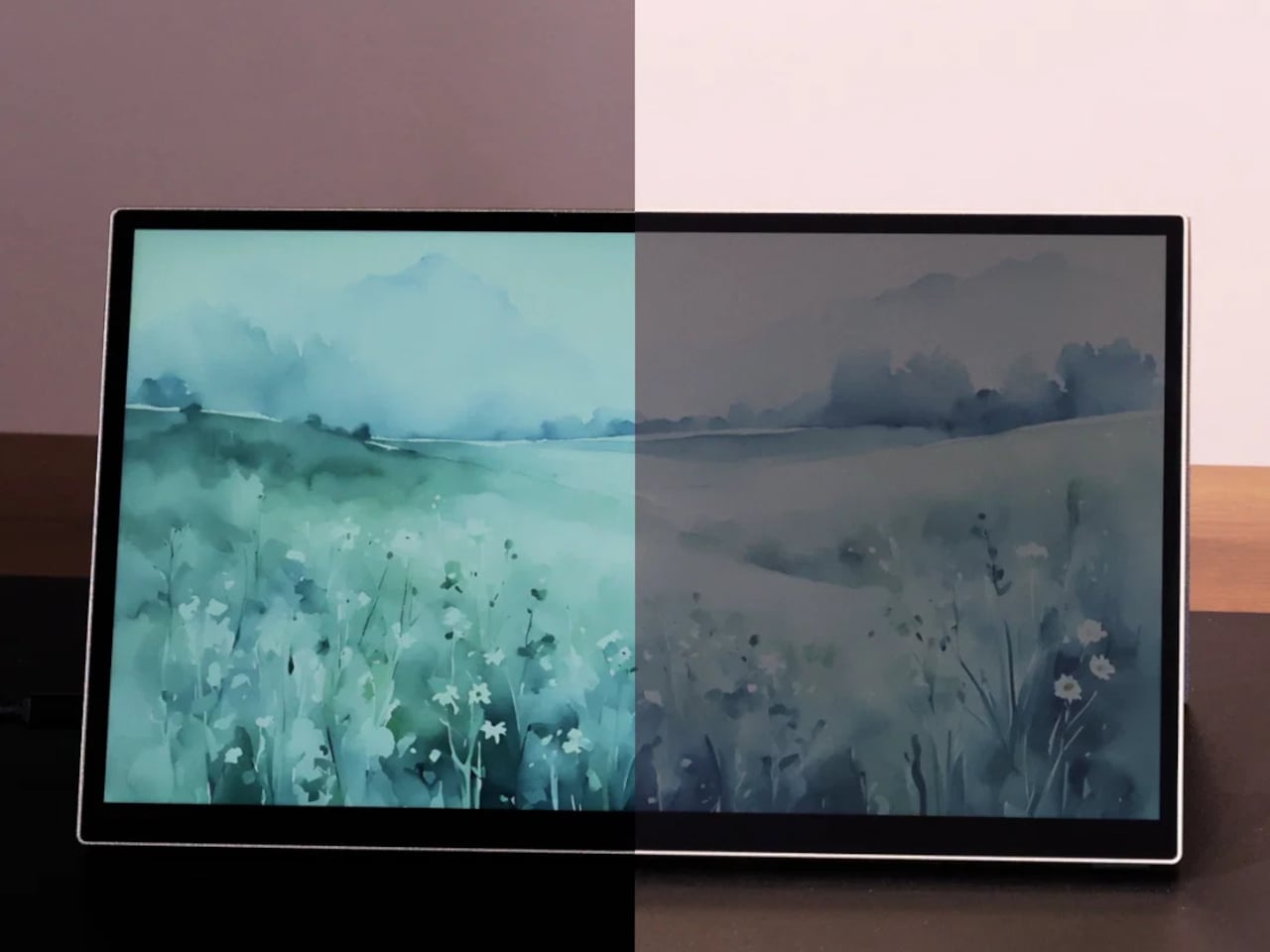

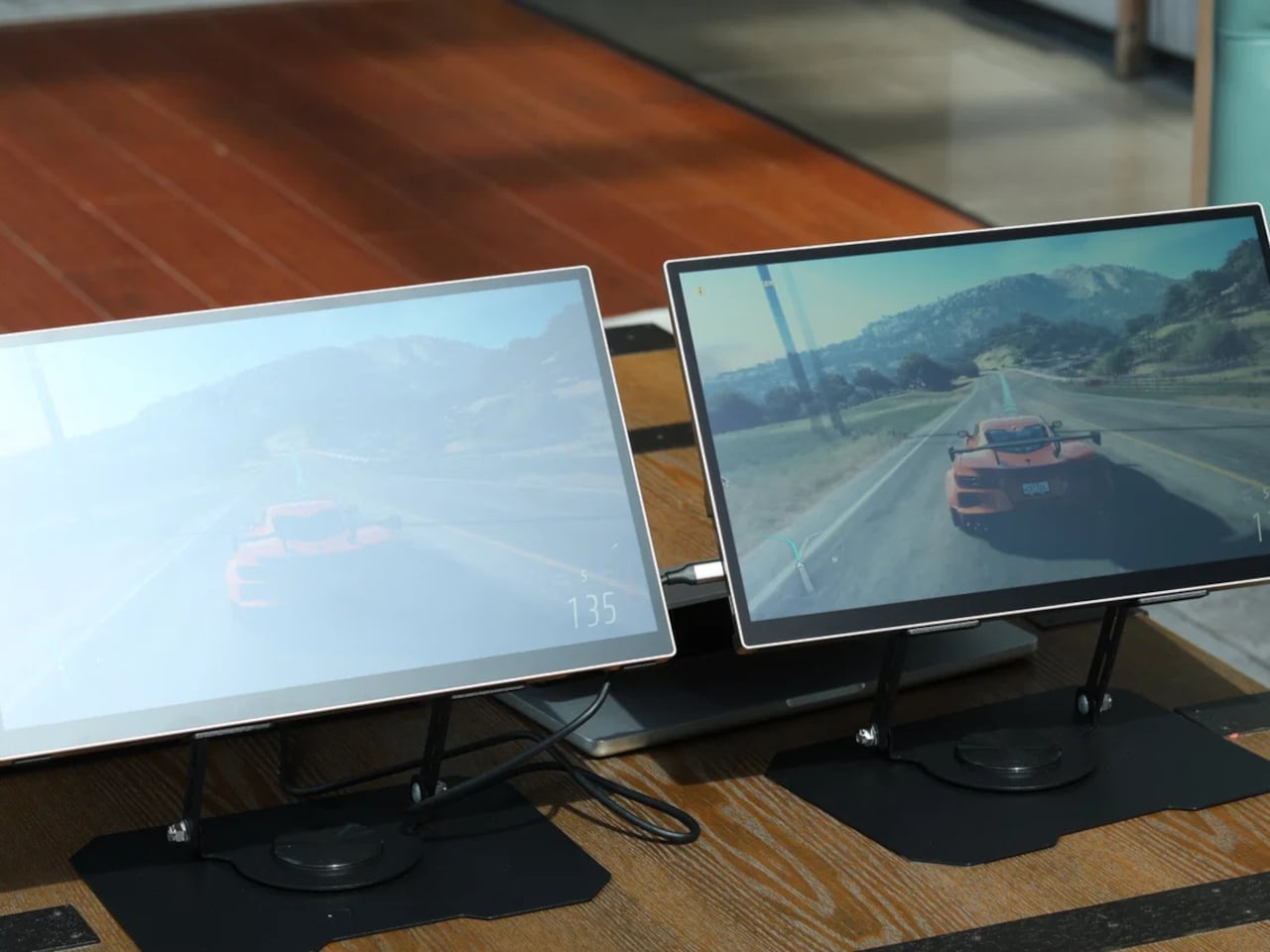
 coating, which helps the display channel ambient light into better visibility, reduce glare, and sharpen image clarity without leaning on its LED backlight. On particularly sunny days, you can switch the backlight off entirely, dropping power consumption down to around 3W, and the screen remains fully usable, bright, and legible.