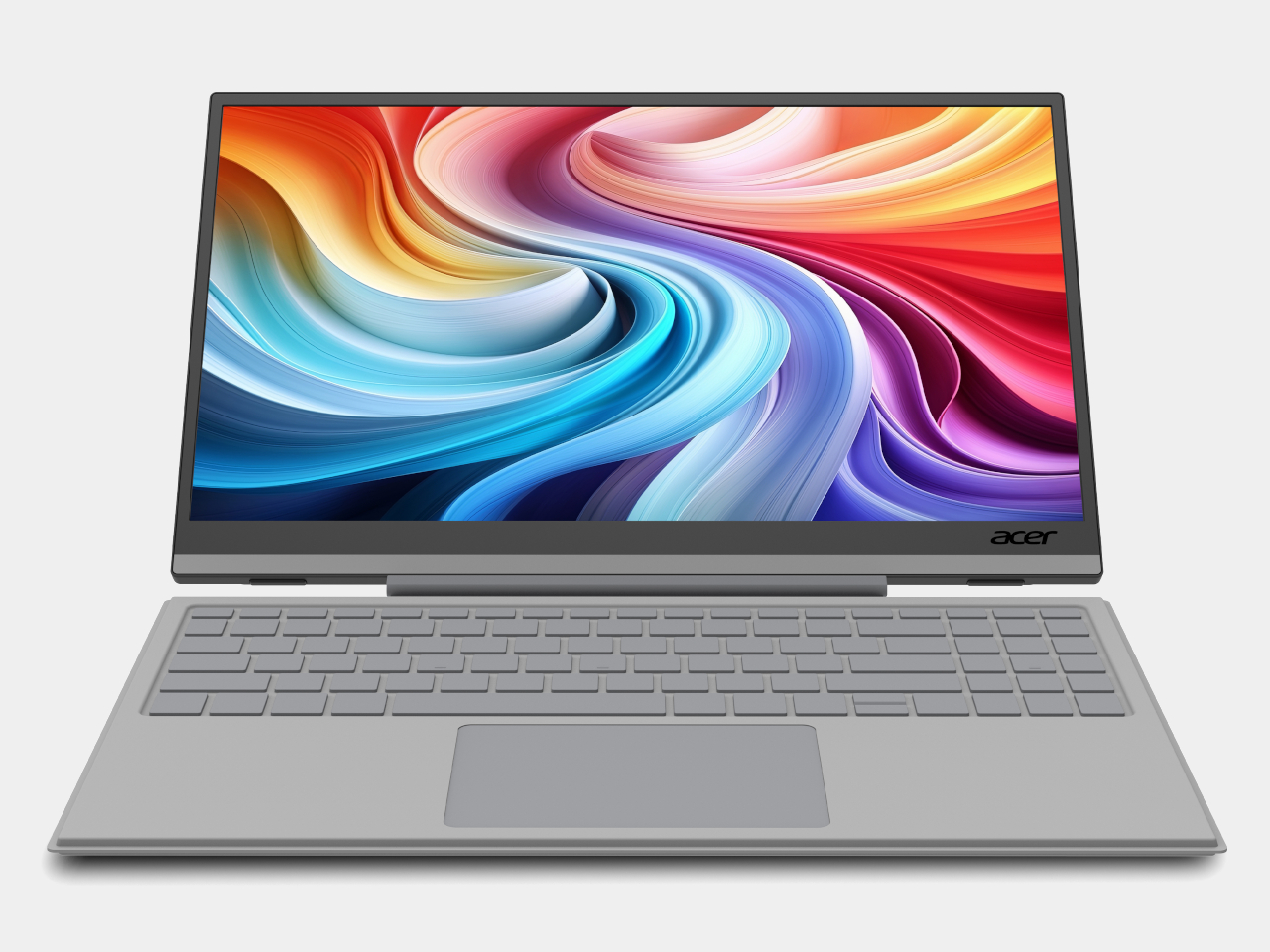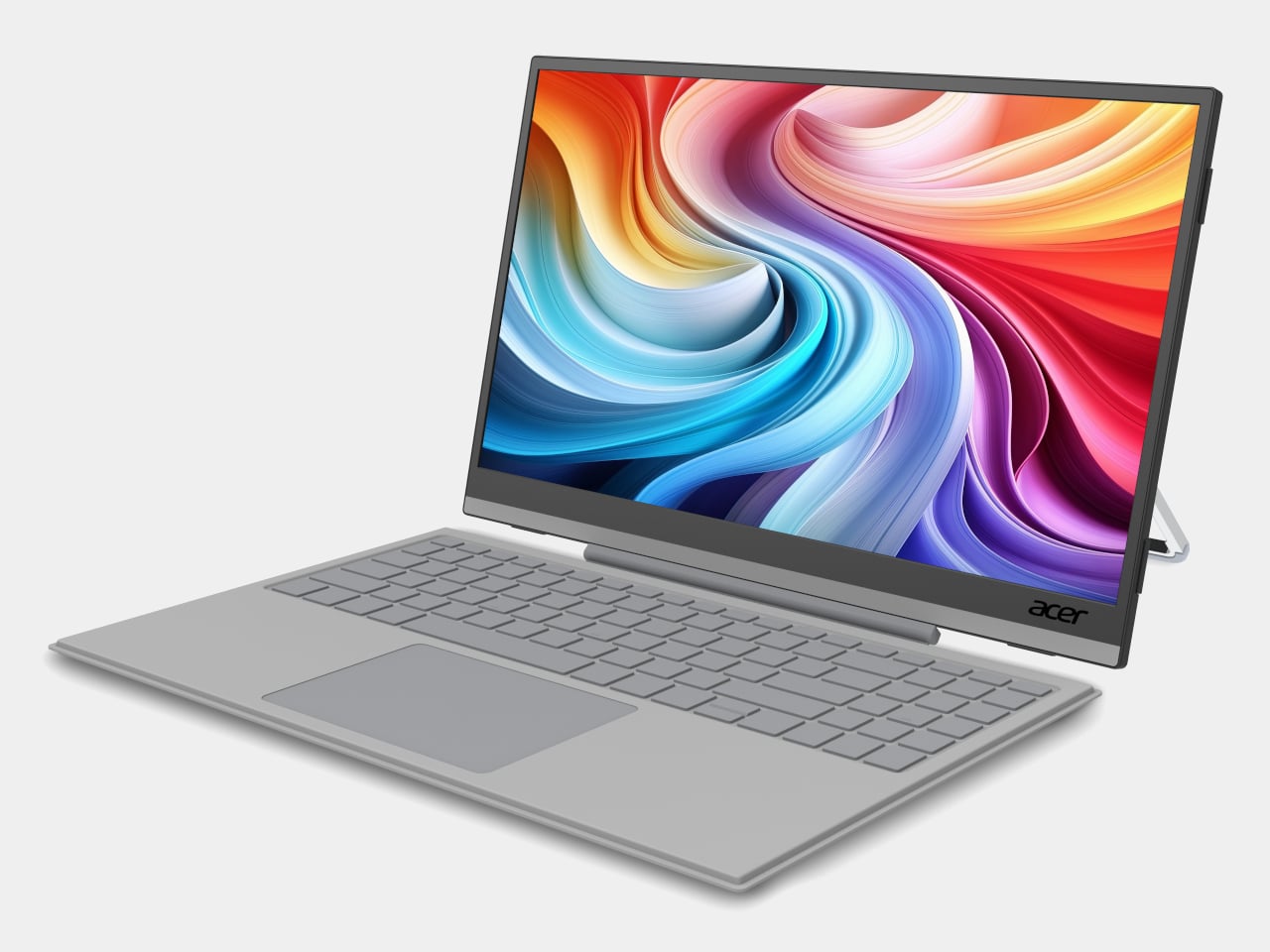
Acer AMD Ryzen Laptops Bring AI Across Three Very Different Days

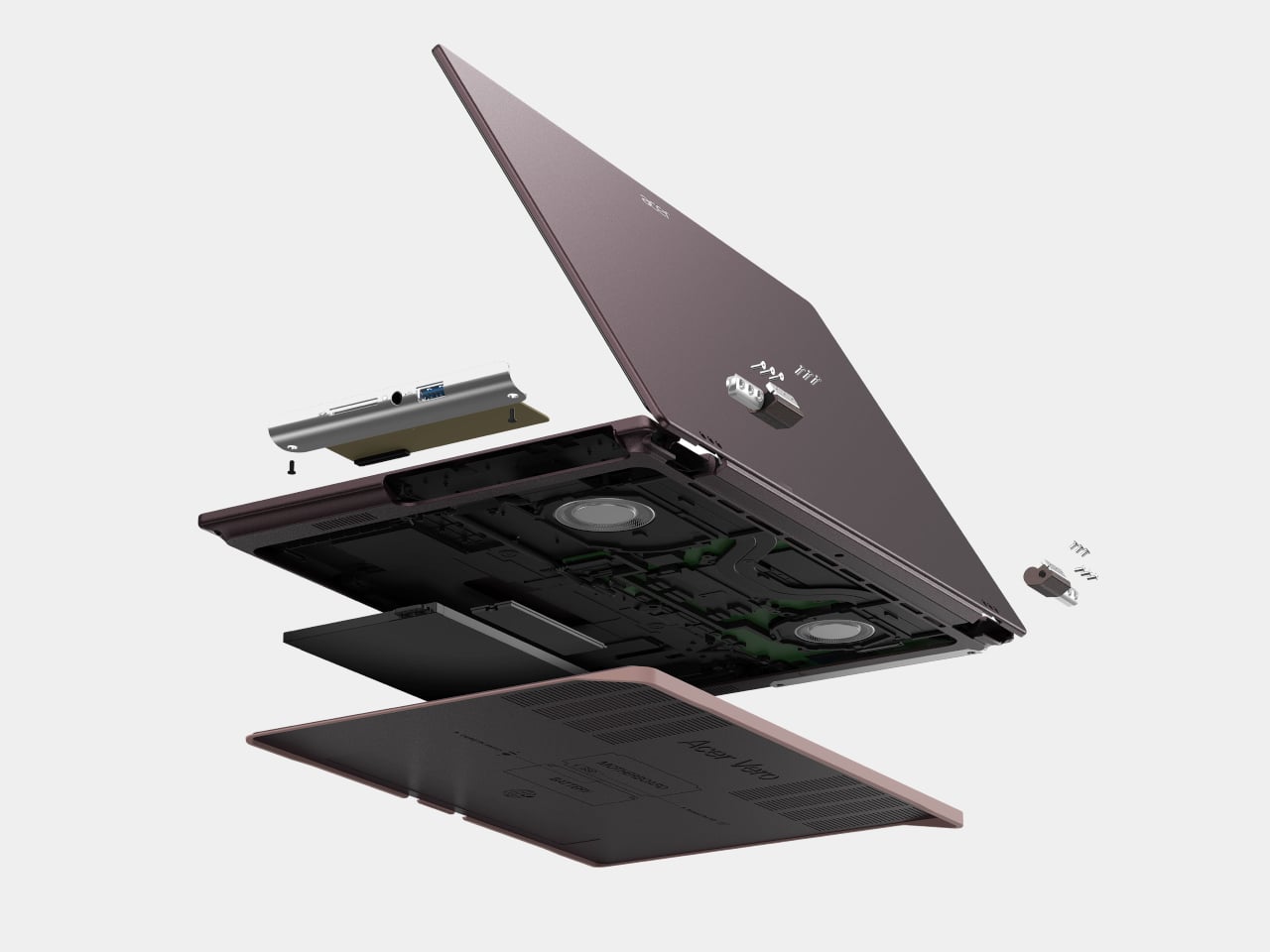
AMD’s Ryzen AI 400-series chips are showing up in laptops people might actually carry every day. Acer is rolling them out across three very different lines, thin-and-light, mainstream, and gaming, and all of them are Copilot+ PCs with NPUs built for on-device AI. Built on the Zen 5 architecture, these processors aim to enhance productivity and creative work without constantly leaning on the cloud or draining the battery by lunchtime.

The lineup splits into three personalities. Swift Go 16 AI is built for people who live out of a backpack. Aspire 14 and 16 AI are for students and young professionals who need one machine to do everything. Last but not least, Nitro V 16 AI is for gamers who still have to write essays or edit videos when the match ends. The interesting part is how Acer uses the same AMD Ryzen AI 400-series foundation to make three very different days feel smoother.

Designer: Acer

Acer Swift Go 16 AI

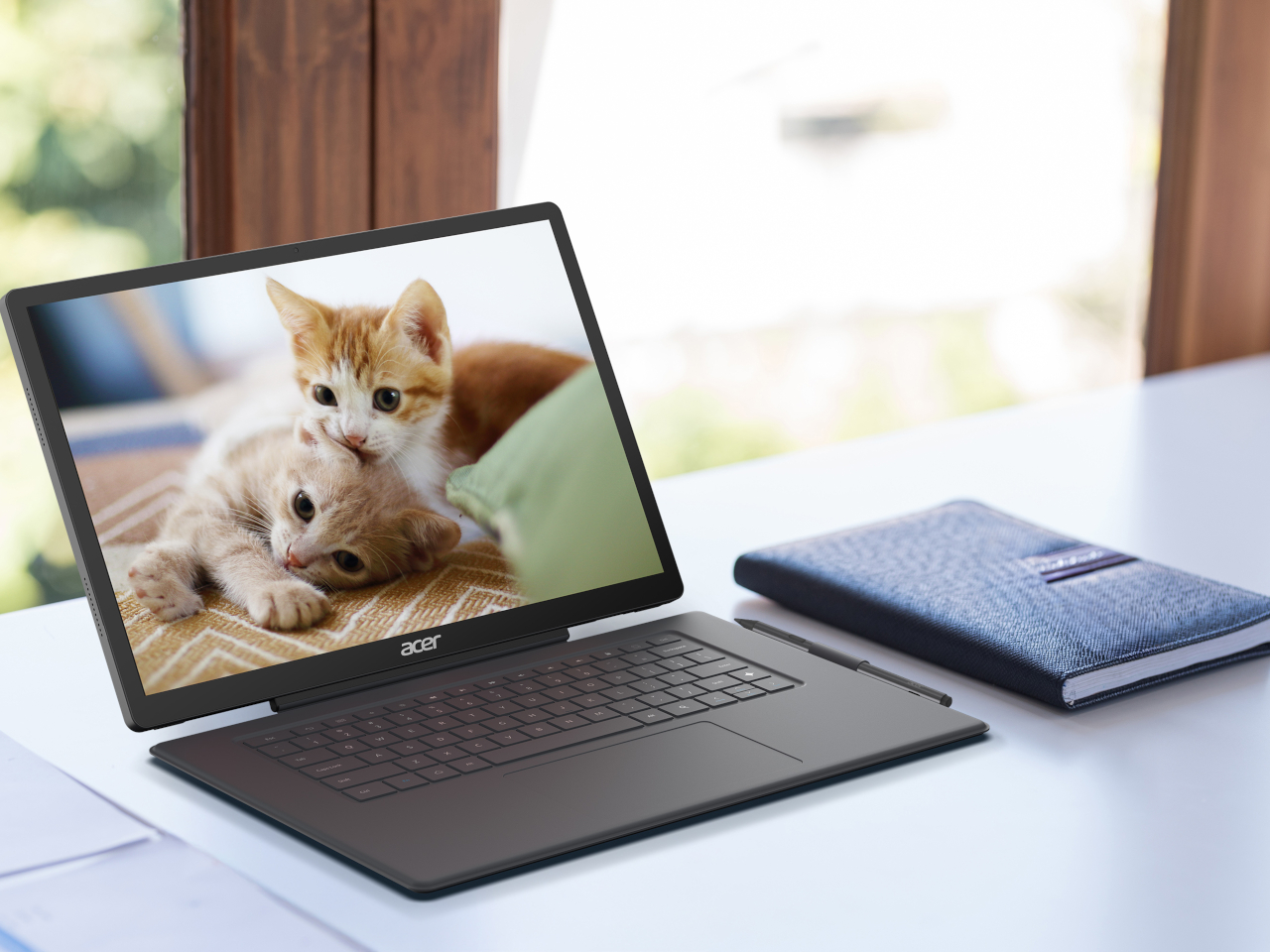
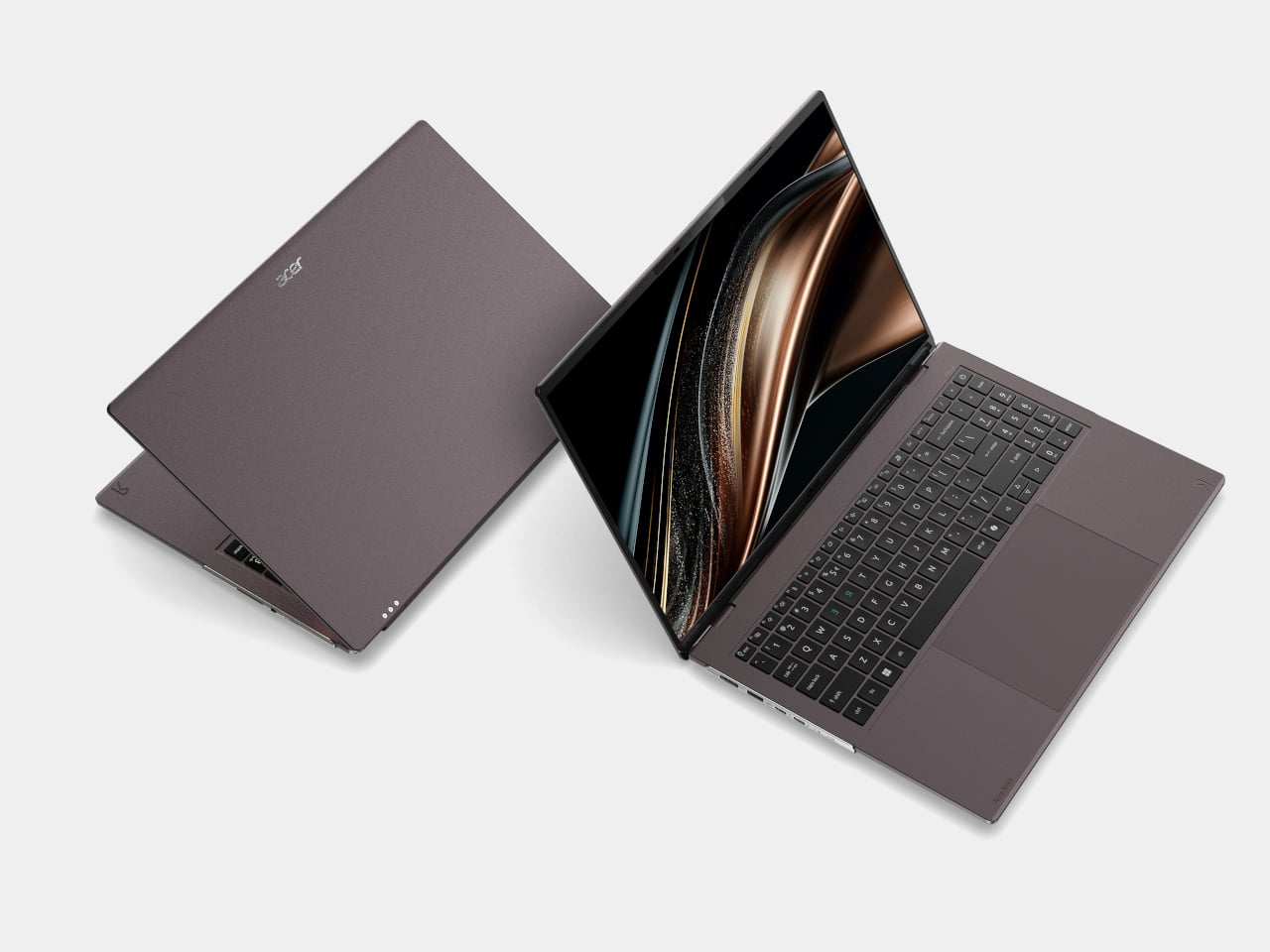
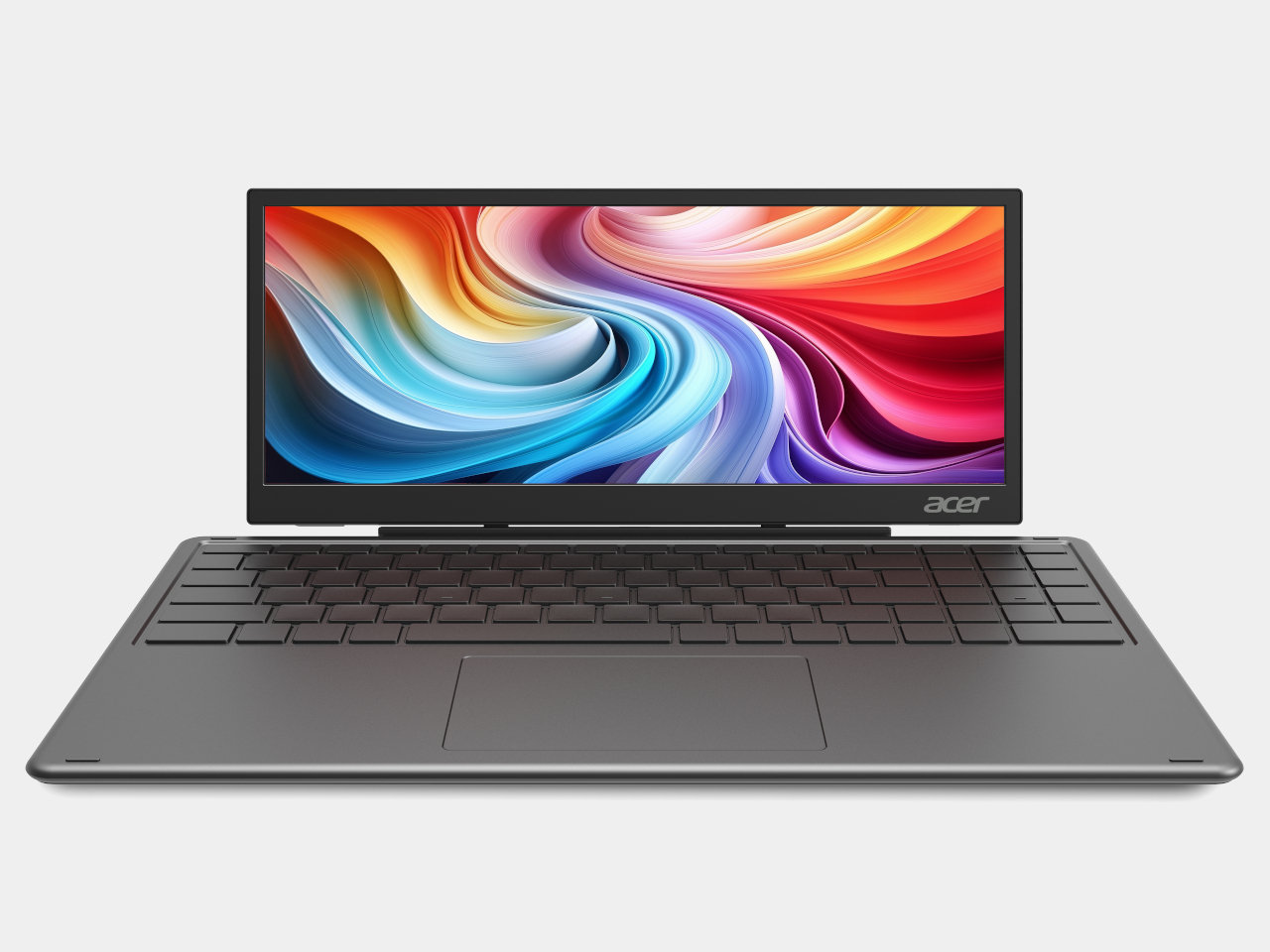
Swift Go 16 AI is the laptop that spends its time in cafés and lecture halls. It runs up to an AMD Ryzen AI 9 465 processor with Radeon 880M graphics, up to 32 GB of LPDDR5X memory, and up to 1 TB of PCIe Gen 4 SSD storage. That headroom handles a dozen tabs, a video call, and a Copilot window without the fans screaming, and it all lives in a laser-etched aluminum chassis that opens a full 180 degrees.

Display options range from 16-inch 16:10 WUXGA IPS to WUXGA+ OLED with 100 % DCI-P3 and up to 400 nits, so spreadsheets and color-sensitive work both look right. A 5 MP IR camera with HDR and Human Presence Detection makes video calls less painful, while DTS:X Ultra speakers and a multi-control touchpad handle audio and gestures. Wi-Fi 7, Bluetooth 5.4, dual USB-C, dual USB-A, HDMI 2.1, and MicroSD mean you stop hunting for dongles.

Acer Aspire 14 AI and Aspire 16 AI

Acer Aspire 14 AI

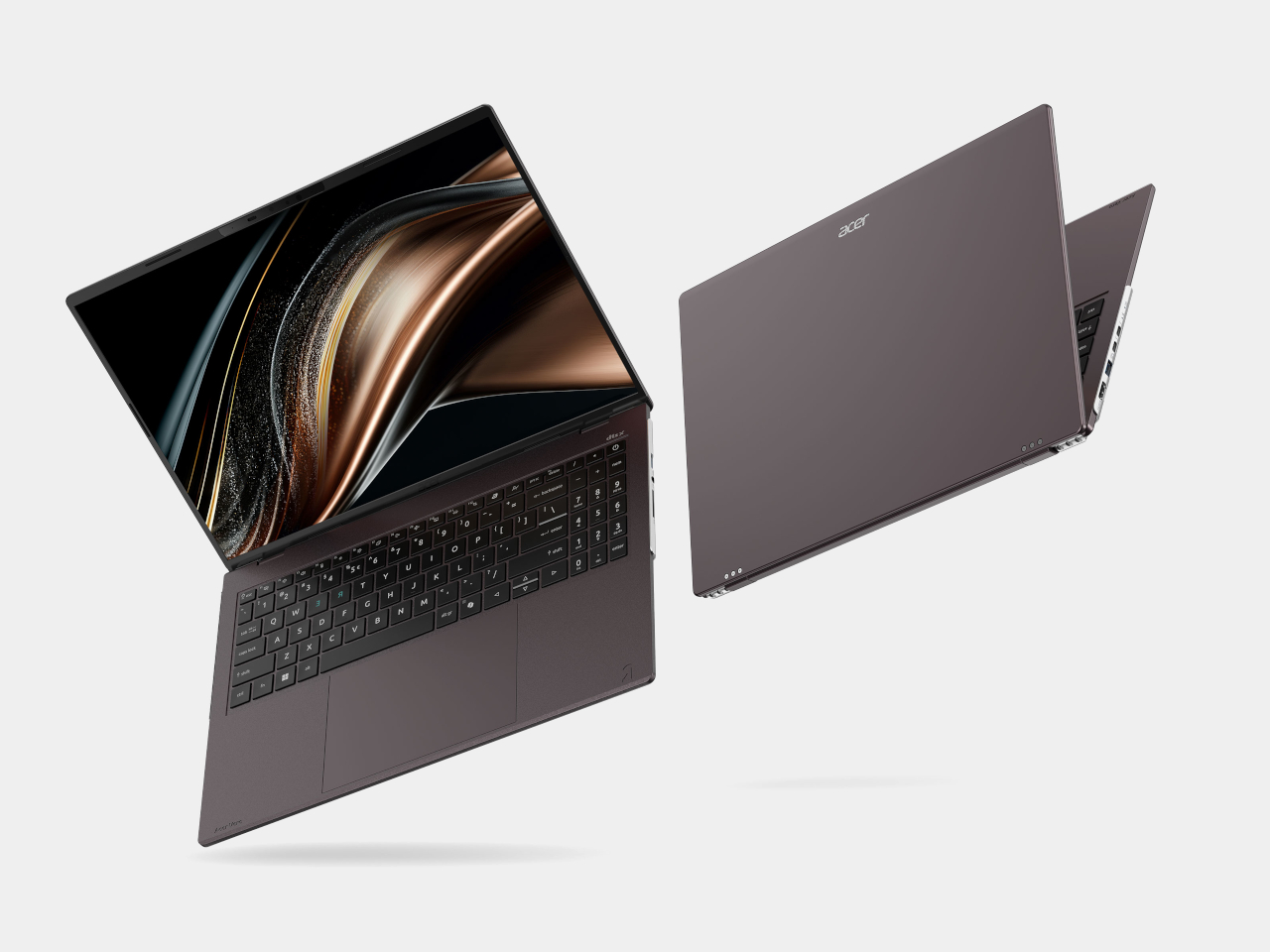
The Aspire 14 AI and Aspire 16 AI are the laptops that bounce between classes, offices, and kitchen tables. Both use WUXGA 1920 × 1200 16:10 displays with refresh rates up to 120 Hz, with touch, non-touch, and OLED options. The 16-inch model can be configured with up to an AMD Ryzen AI 9 465 and Radeon 880M graphics, while the 14-inch tops out at a Ryzen AI 7 445 and Radeon 840M, both with up to 32 GB of LPDDR5X and 1 TB of PCIe Gen 4 SSD storage.

Acer Aspire 16 AI

Full-flat 180-degree hinges and large touchpads make it easy to share a screen or navigate long documents. Both sizes include 1080p FHD IR webcams with privacy shutters, DTS Audio dual speakers, and triple-mic arrays, plus Wi-Fi 6E and Bluetooth 5.3. Two USB-C, two USB-A, HDMI 2.1, a MicroSD card reader, and an audio jack cover most scenarios without extra gear. Acer’s AI layer, Intelligent Space, AcerSense, PurifiedView, PurifiedVoice, and My Key, sits on top of Copilot+ to make translation, noise reduction, and quick shortcuts feel like part of the machine.

Acer Nitro V 16 AI

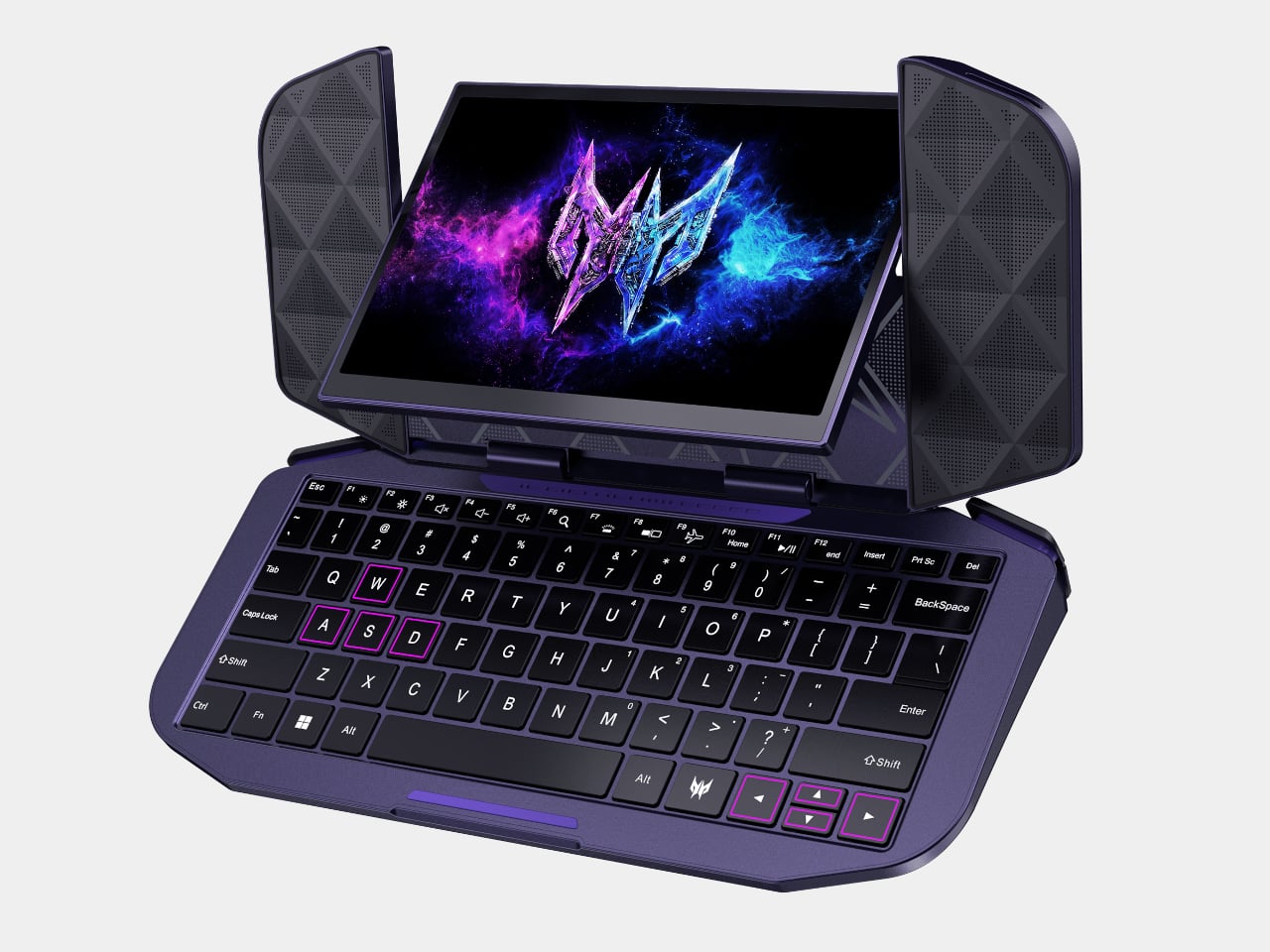
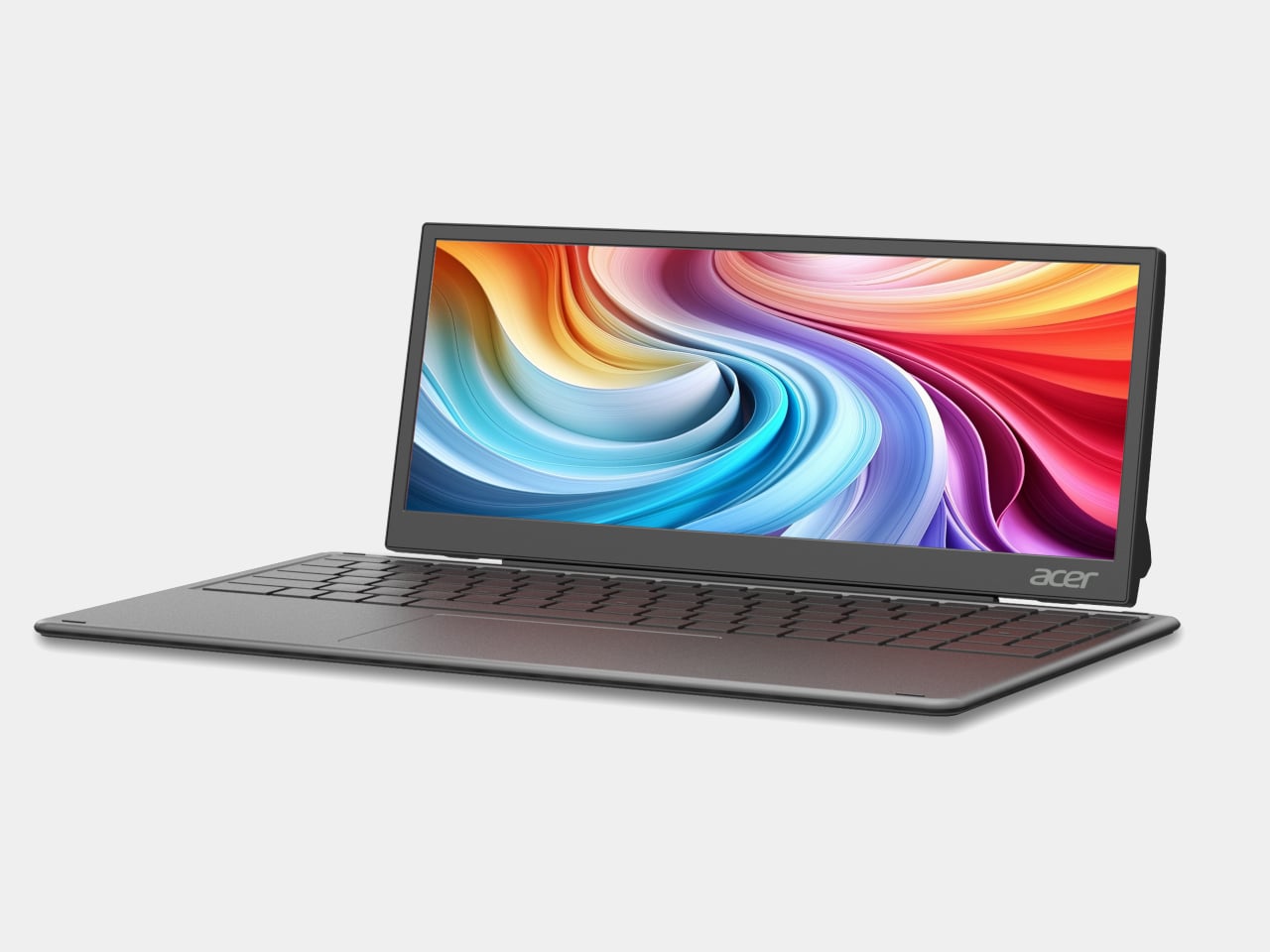
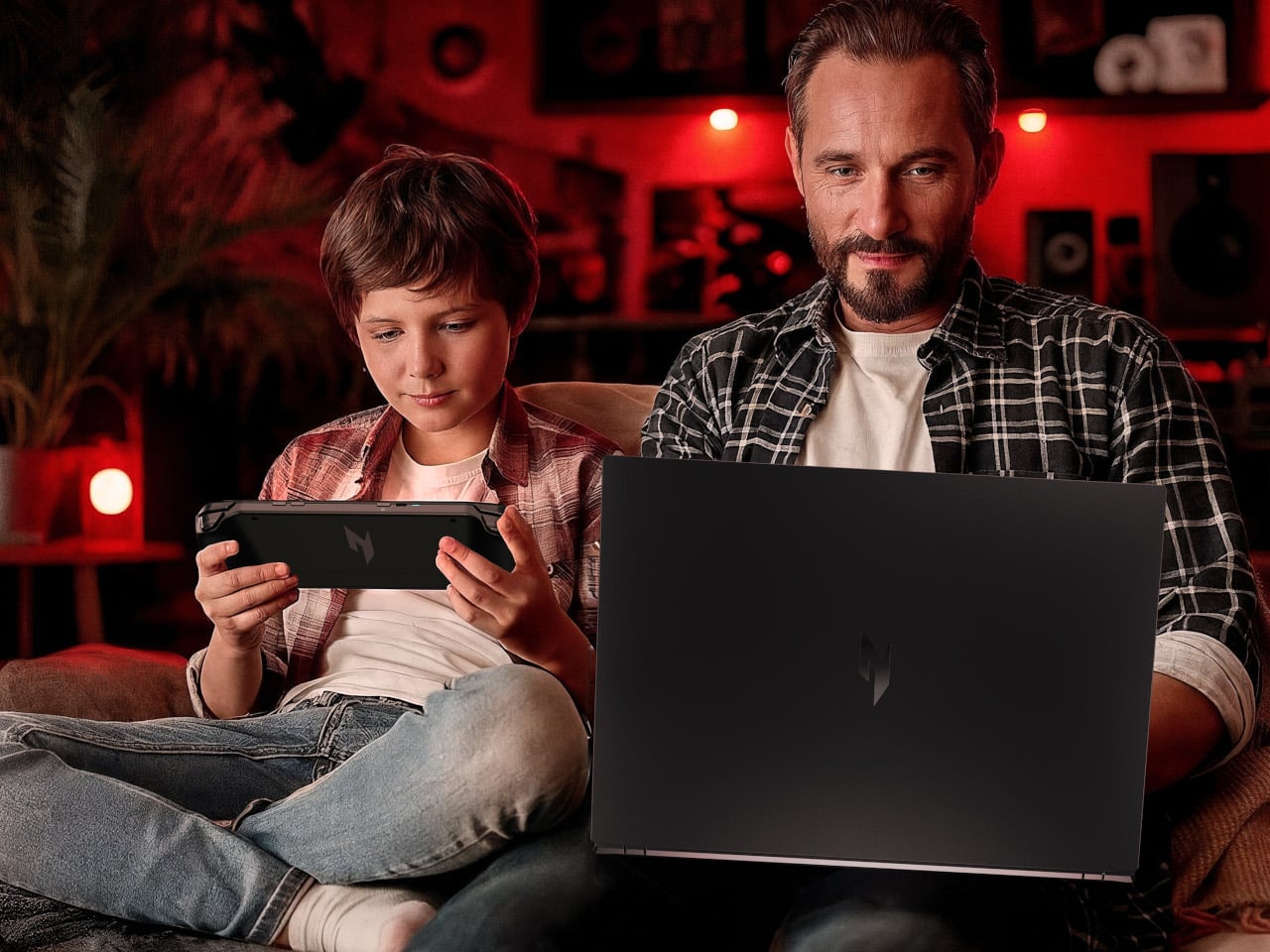
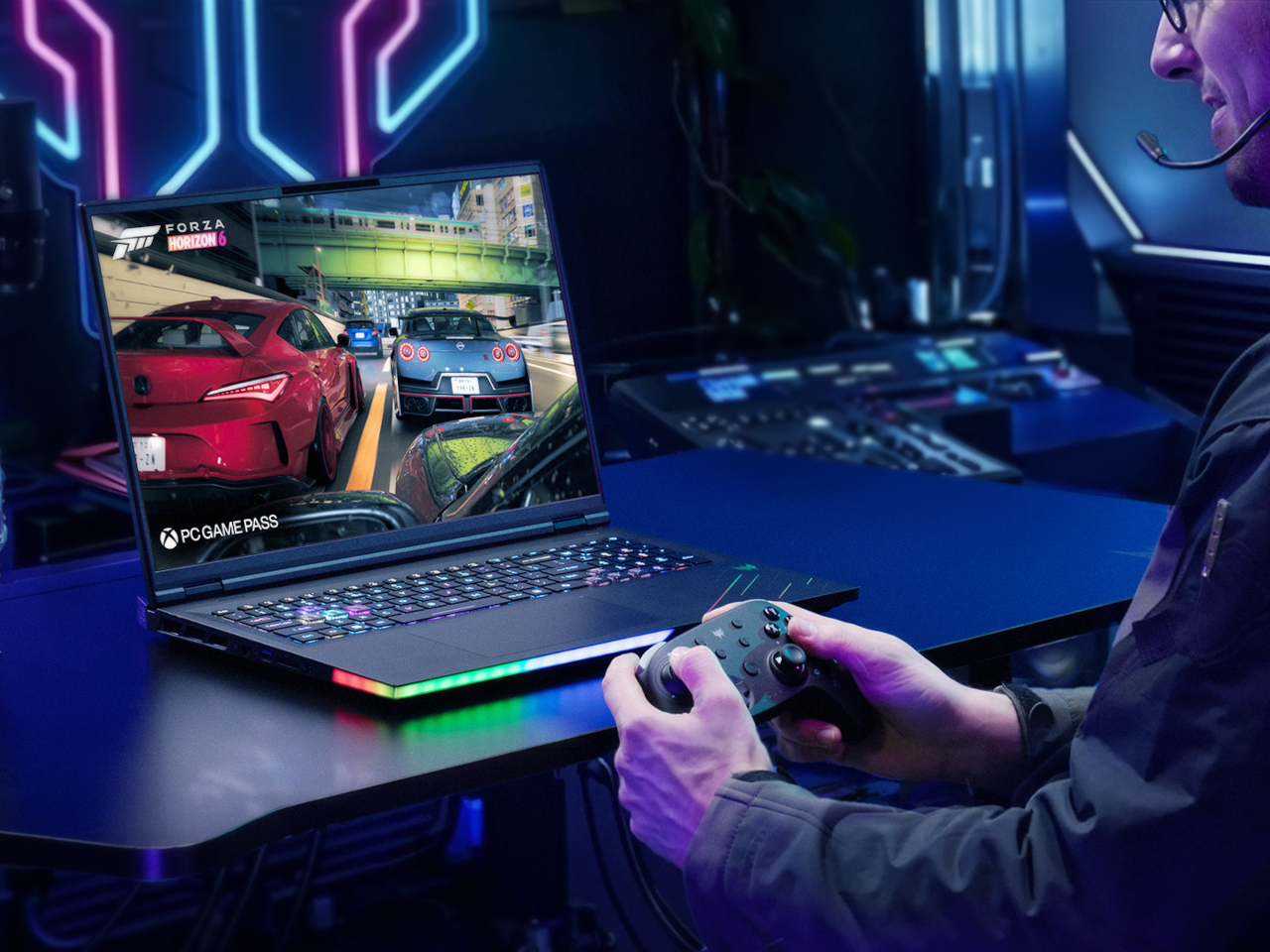
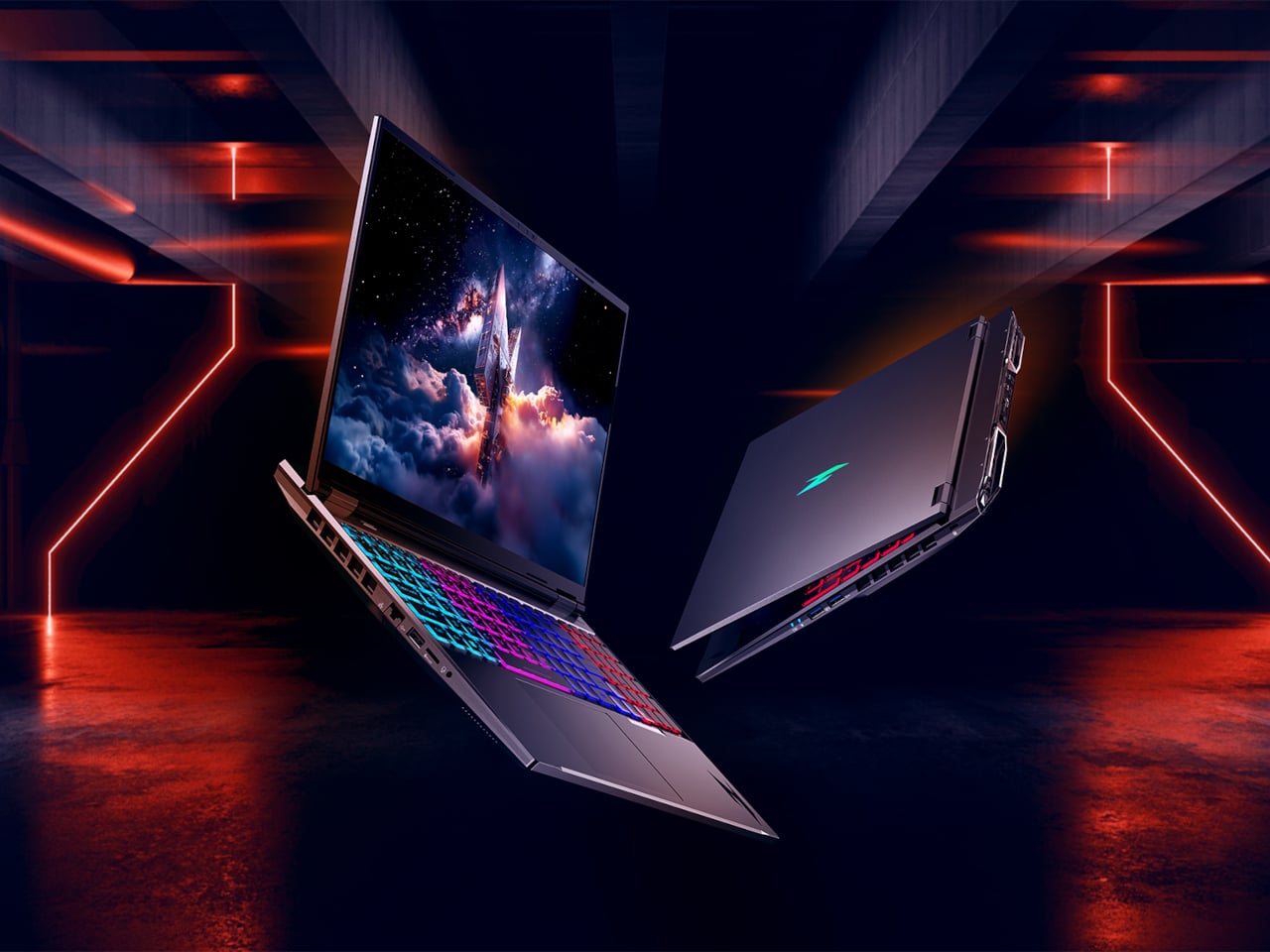
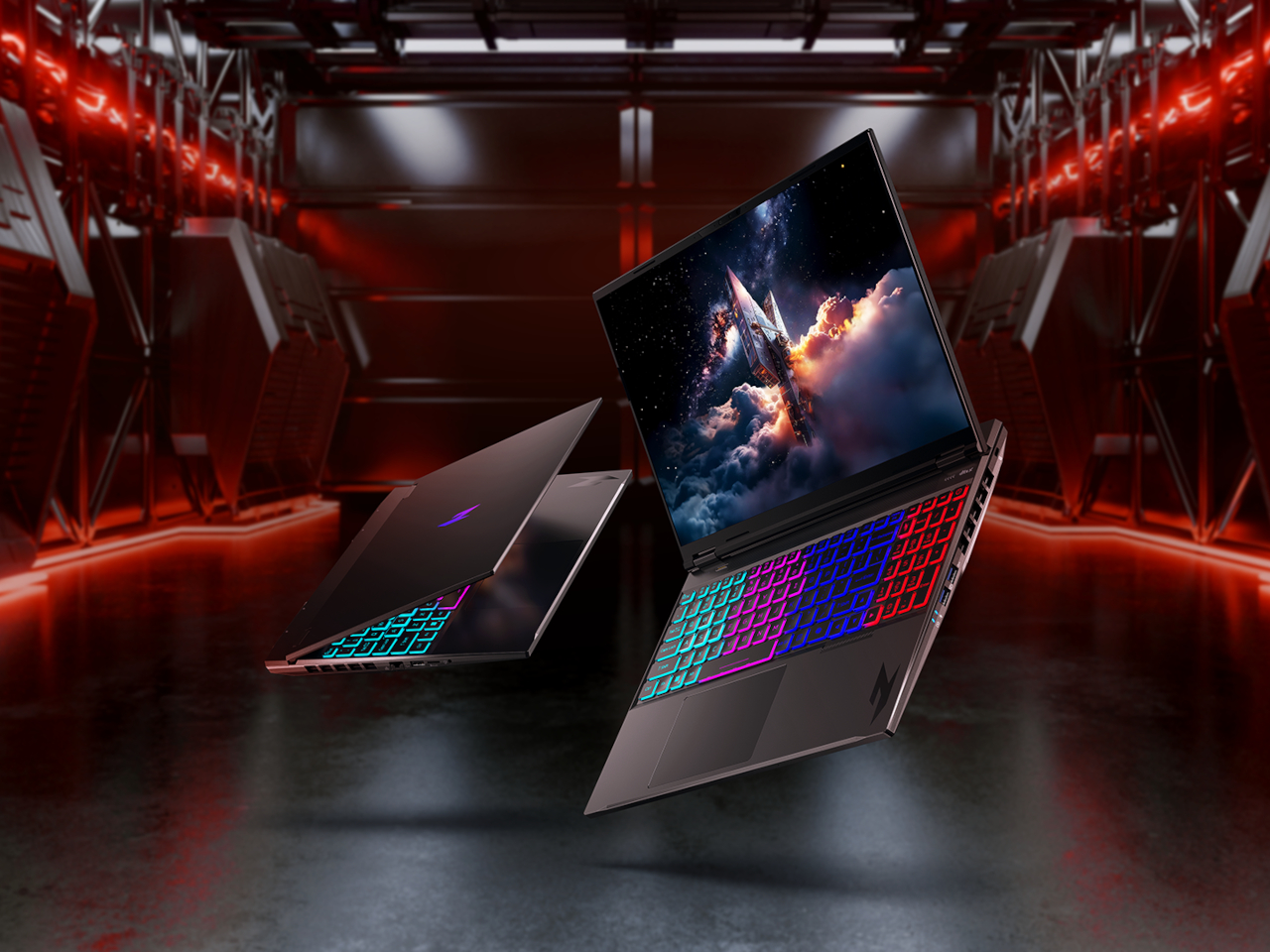
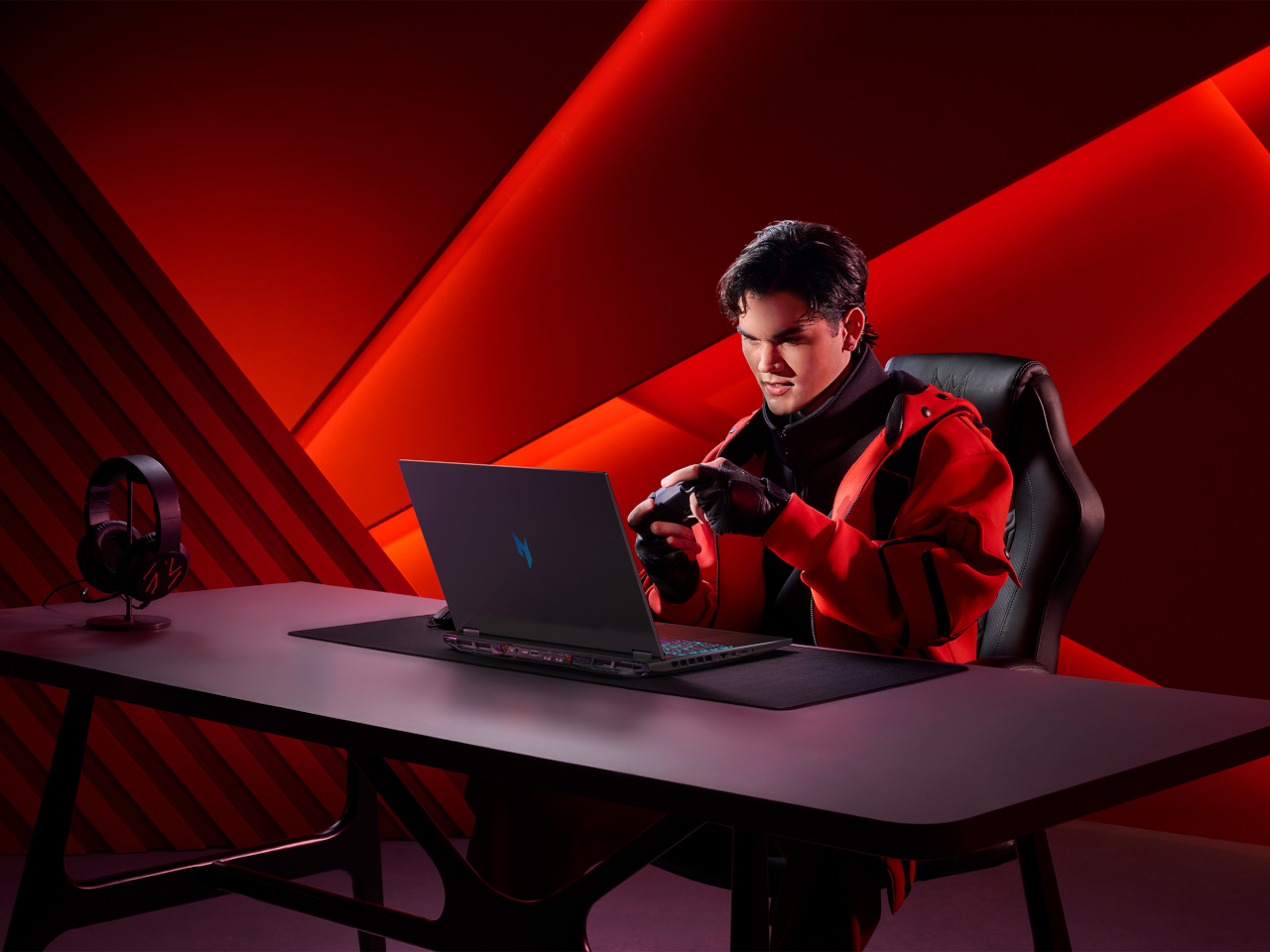
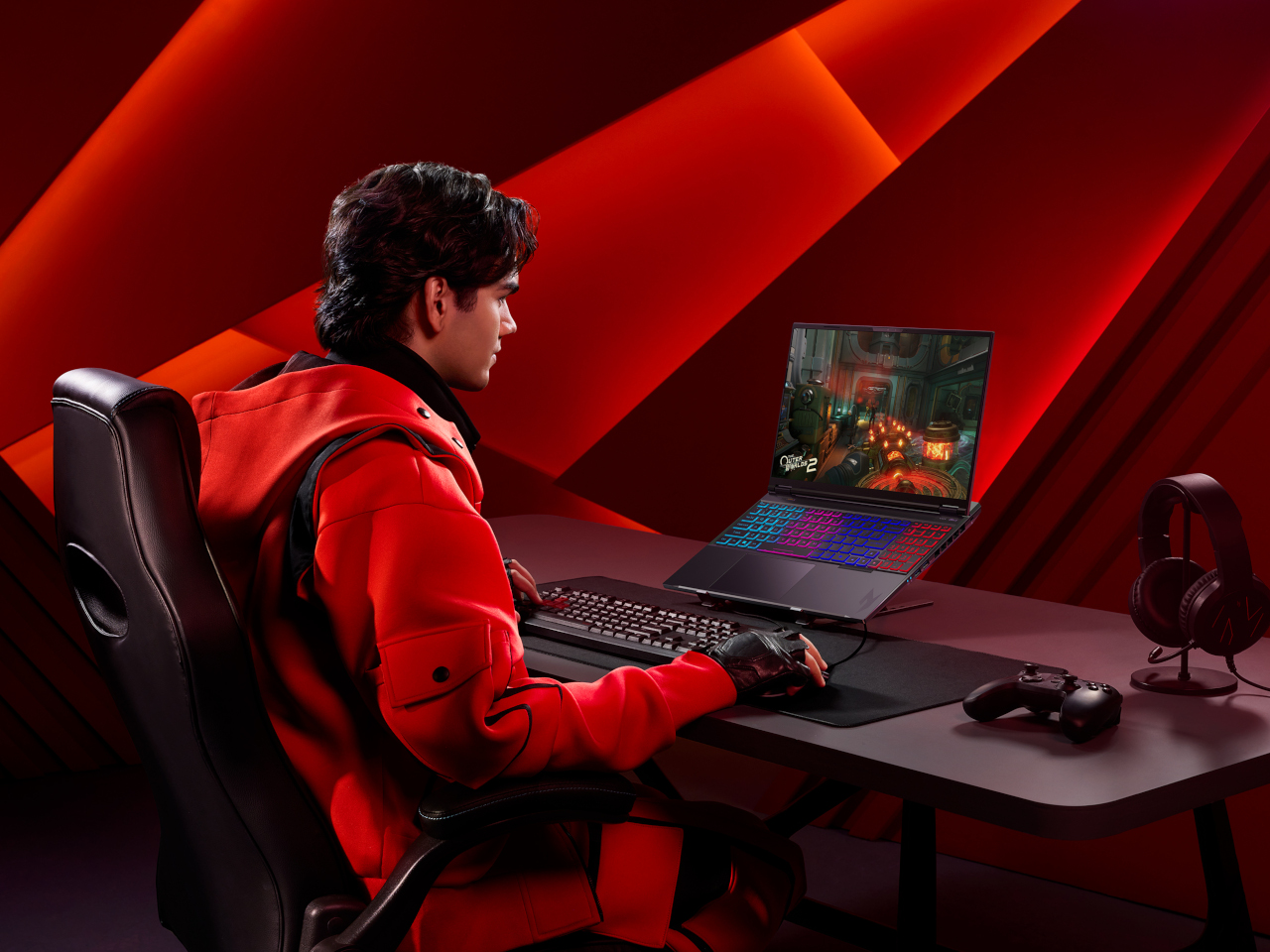
Nitro V 16 AI is the AMD-powered gaming laptop that still has to behave like a normal computer when the game is closed. It pairs up to an AMD Ryzen AI 9 465 processor with up to an NVIDIA GeForce RTX 5070 Laptop GPU, backed by up to 32 GB of DDR5 memory and up to 2 TB of PCIe M.2 NVMe SSD storage. That combination is built for high-refresh shooters and GPU-accelerated creative work, not just casual titles.

The 16-inch 16:10 WUXGA 1920 × 1200 panel runs at 180 Hz with 100 % sRGB and a MUX switch, so you can flip between power-saving hybrid mode and direct GPU mode when you care about every frame. Dual-fan, dual-intake, dual-exhaust cooling keeps the chassis under control, while DTS:X Ultra audio, a 4-zone RGB keyboard, and an FHD IR webcam with a shutter handle the rest of the experience. Wi-Fi 6E, Bluetooth 5.4, USB 4 Type-C, three USB-A ports, HDMI 2.1, RJ-45, and a Kensington lock round it out, and Acer’s Intelligent Space and NitroSense give you knobs to tune performance and AI-assisted features without digging through control panels.

Acer and AMD at CES 2026: Three Laptops, One AI Backbone

Swift Go 16 AI is the thin-and-light that leans on OLED and Wi-Fi 7 for people who work wherever they can find a table. Aspire 14 and 16 AI are the everyday machines that quietly stretch multi-day battery life and 16:10 high-refresh screens across school, work, and home. Nitro V 16 AI is the gaming rig that still has to write essays and render timelines. Underneath, they all share AMD’s Ryzen AI 400-series processors, Copilot+ PC status, and Acer’s own AI tools, which is the real CES 2026 story here, AI moving from a single button on the keyboard into the way the whole laptop is specced and shaped.

The post Acer AMD Ryzen Laptops Bring AI Across Three Very Different Days first appeared on Yanko Design.
Acer Gaming Stack Cuts Ping With Wi-Fi 7 and RTX 50 at CES 2026

This year’s CES might finally be the time when gaming laptops and accessories start to look different because of AI and connectivity, not just because of higher model numbers. Intel Core Ultra Series 3 processors, NVIDIA RTX 50-series GPUs, and Wi-Fi 7 are all arriving at once, and the question for gamers is less “how fast is the GPU?” and more “how does the whole setup feel when you sit down to play or stream?”

Acer’s answer is a full stack. The Predator Helios Neo 16S AI sits at the top as the OLED flagship, with two new Nitro V 16 AI models for casual or mobile players, a Predator 5G CPE, and mesh routers to keep latency down, and a headset and mouse that plug into the same software layer. The story is about how these pieces fit together into a gaming environment rather than just another hero laptop announcement.

Designer: Acer

Predator Helios Neo 16S AI

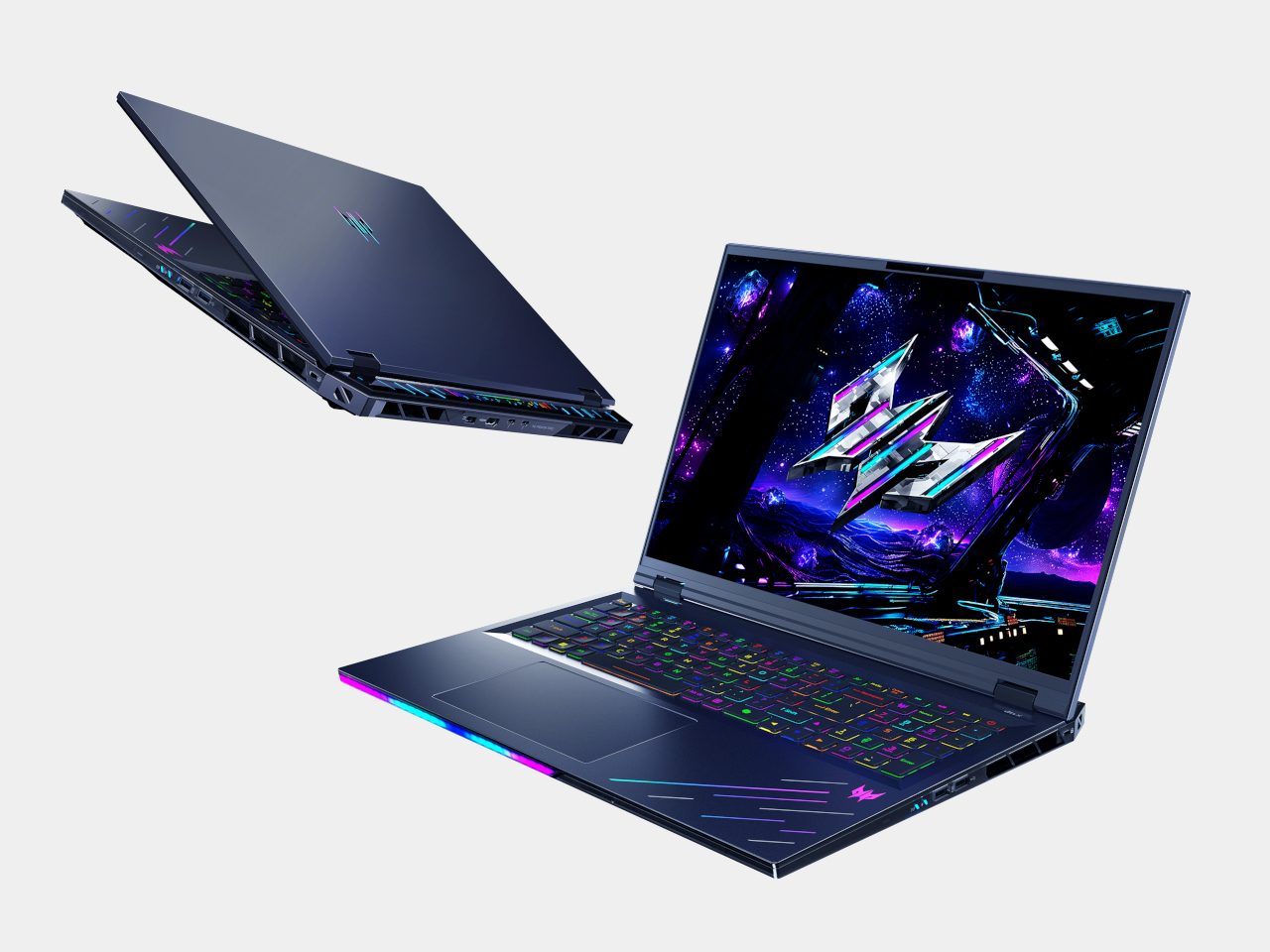
The Helios Neo 16S AI is the machine for people who want to carry a small desktop replacement. It can be configured with up to an Intel Core Ultra 9 386H and an NVIDIA GeForce RTX 5070 Laptop GPU, part of the new RTX 50-series built on NVIDIA’s Blackwell architecture. Pair that with up to 64 GB of DDR5-6400 memory and 2 TB of PCIe NVMe SSD storage, and you have a laptop that handles modern games and creative workloads without feeling like a compromise.

The 16-inch WQXGA OLED panel runs at 2560 × 1600 with a 165 Hz refresh rate, 1 ms response time, HDR support, and 100 % DCI-P3 color. That combination makes a difference in dark sci-fi scenes and bright spell effects, where IPS panels usually wash out. Cooling is handled by a 5th-generation AeroBlade 3D metal fan and liquid-metal thermal grease, which is important when you pack that much CPU and GPU into an 18.9 mm-thick metal chassis.

Intel Killer DoubleShot Pro Wi-Fi 6E, Thunderbolt 4, HDMI 2.1, and a MicroSD reader make it easy to plug into fast networks and external displays. As a Copilot+ PC, the Helios Neo 16S AI can run AI-assisted features like Live Captions for in-game voice chat or real-time translation, and Acer’s Intelligence Space and PredatorSense software sit on top to tune performance and surface AI tools for both gaming and content creation, turning the NPU into something that actually does useful work.

Nitro V 16 AI and Nitro V 16S AI

Acer Nitro V 16 AI ANV16-i51

The Nitro V 16 AI and Nitro V 16S AI share a lot under the hood, up to an Intel Core Ultra 7 355 and RTX 5070 Laptop GPU, with up to 32 GB of DDR5 and 2 TB of SSD storage. The standard Nitro V 16 AI uses a 16-inch WUXGA 1920 × 1200 panel at 180 Hz with 100 % sRGB and a MUX switch, giving casual players and creators a smooth, color-accurate screen without jumping to OLED pricing.

Acer Nitro V 16S AI ANV16-i51

The Nitro V 16S AI keeps the same display and core specs but trims the chassis to under 17.9 mm at its thickest point, making it easier to slide into a backpack for LAN nights or travel. Both include 4-zone RGB keyboards, DTS:X Ultra audio, Intel Killer Wi-Fi 6E, FHD IR webcams with shutters, NitroSense, and Acer Intelligence Space for performance tuning and AI-assisted features. They are the machines for people who want serious hardware that still feels approachable, portable, and not covered in aggressive gamer styling.

Predator Connect X7S and Acer Connect Ovia / M4D

The network layer matters as much as the laptop. The Predator Connect X7S 5G CPE is a tower that combines 5G mobile broadband with Wi-Fi 7 tri-band, supporting 5G downlink speeds up to 4.67 Gbps and Wi-Fi 7 throughput up to 5,764 Mbps. Multi-Link Operation and Hybrid QoS tie into Intel’s Killer Prioritization Engine, so a gaming laptop can stay responsive even when the rest of the house is streaming or downloading, which matters more than raw bandwidth when you are trying to keep ping stable.

The Acer Connect Ovia T360 and T520 mesh routers bring Wi-Fi 7 into apartments and larger homes, with dual-band and tri-band options and per-node coverage up to 90 m² and 110 m². They support MLO, WPA3, and are managed through the Acer Connect app. For people who game or work on the road, the Acer Connect M4D 5G Mobile Wi-Fi acts as a portable hotspot with dual-band Wi-Fi 6 for up to 16 devices, 15-hour battery life, and a dock that turns it into a tiny home router when you get back.

Predator Galea 570 and Cestus 530

The Predator Galea 570 is the headset that plugs into this ecosystem. It uses 50 mm drivers with a 20 Hz–20 kHz response and Environmental Noise Cancellation on both the detachable boom mic and built-in mic, so team chat stays clear even in noisy rooms. Triple-mode connectivity, 2.4 GHz wireless, Bluetooth 5.4, and wired, plus up to 30 hours of battery life in Bluetooth mode, make it a headset that moves between PC, console, and mobile without constant re-pairing.

The Predator Cestus 530 gaming mouse uses a PixArt PAW3395 sensor with up to 26,000 DPI, 650 IPS tracking, and an 8,000 Hz polling rate in wired and 2.4 GHz modes. Seven programmable buttons rated for 80 million clicks and a 500 mAh battery sit under a 105 g shell, with Predator QuarterMaster software and Windows Dynamic Lighting handling tuning and RGB. Together, the headset and mouse complete the desk without adding friction, connecting the same way the laptop does and tuning through the same software layer.

Acer at CES 2026: A Gaming Stack Built for AI and Always-On Connectivity

The Predator Helios Neo 16S AI and Nitro V 16 AI duo handle the heavy lifting with RTX 50-series GPUs and Copilot+ PCs that treat AI as part of the experience, not a bolt-on. The Predator Connect X7S, Ovia mesh, and M4D hotspot keep those machines fed with low-latency connections, while the Galea 570 and Cestus 530 round out the desk with audio and input that match the same design language. The CES 2026 message is that Acer is not just launching another gaming laptop; it is sketching out what a complete, AI-aware gaming environment looks like when you consider the network, the peripherals, and the way people actually move between rooms and networks during a typical day of play.

The post Acer Gaming Stack Cuts Ping With Wi-Fi 7 and RTX 50 at CES 2026 first appeared on Yanko Design.
Acer Swift 16 AI Has World’s Largest Haptic Touchpad With Stylus Support

CES 2026 is the year when “AI PC” stops being a buzzword and starts to show up in hardware decisions you can actually touch. Intel’s Core Ultra Series 3 chips and Copilot+ on Windows 11 are pushing laptop makers to rethink what a keyboard, touchpad, and display can do when there is a dedicated NPU and GPU ready to run local models, instead of just sending everything to a server somewhere and waiting for results to trickle back.

Acer’s answer is a two‑track strategy. The Aspire 14 AI and Aspire 16 AI bring Copilot+ and Acer’s own AI tools into mainstream machines that students and young professionals might actually buy, while the Swift AI family, Swift 16 AI, Swift Edge AI, and Swift Go AI, leans harder into thin‑and‑light design, OLED panels, and new interaction surfaces like a giant haptic touchpad for creators and on‑the‑go professionals who need more than a generic ultrabook can offer.

Designer: Acer

Acer Aspire 14 AI and Aspire 16 AI

The Aspire 14 AI and Aspire 16 AI are the kind of laptops that end up doing everything, from lecture notes and spreadsheets to light photo edits and streaming. Both are built around Intel Core Ultra Series 3 processors, up to a Core Ultra 9 386H with the new Intel Graphics, paired with up to 32 GB of LPDDR5X memory and up to 2 TB of PCIe Gen 4 SSD storage on the 16‑inch, or 1 TB on the 14‑inch. That headroom handles hybrid workflows where a dozen tabs, a video call, and a Copilot window are all open at once.

Acer Aspire 14 AI

Both sizes use 16:10 WUXGA displays with refresh rates up to 120 Hz, with options for touch, non‑touch, and even OLED panels, which is unusual in the mainstream segment. The full‑flat 180‑degree hinge lets the screen lie completely flat on a table, useful when two people are huddled over a project or a group is reviewing a design. Large touchpads, thin‑and‑light chassis, and ports like Thunderbolt 4, HDMI 2.1, and USB‑A, with Wi‑Fi 6E and Bluetooth 5.3, keep them plugged into modern peripherals without needing dongle bags.

Acer Apsire 16 AI

Acer layers its own AI on top of Windows 11’s Copilot experiences. Intelligent Space acts as a hub for AI tools, AcerSense handles diagnostics and optimization, PurifiedView and PurifiedVoice clean up video and audio in calls, and My Key is a programmable hotkey that can trigger specific Copilot+ features like Live Captions with real‑time translation. For someone bouncing between languages and remote meetings, those small touches make the AI feel less like a gimmick and more like part of the daily routine.

Acer Swift 16 AI

The Swift 16 AI is Acer’s CES flagship for people who live in creative apps. It runs up to an Intel Core Ultra X9 388H with Intel Arc B390 graphics, up to 32 GB of LPDDR5X, and up to 2 TB of SSD storage. The 16‑inch 3K OLED WQXGA+ display, with 120 Hz refresh, 100% DCI‑P3, and VESA DisplayHDR True Black 500, gives animators, video editors, and illustrators a bright, color‑accurate canvas that still fits in a 14.9 mm‑thin aluminum chassis.

Acer Swift 16 AI

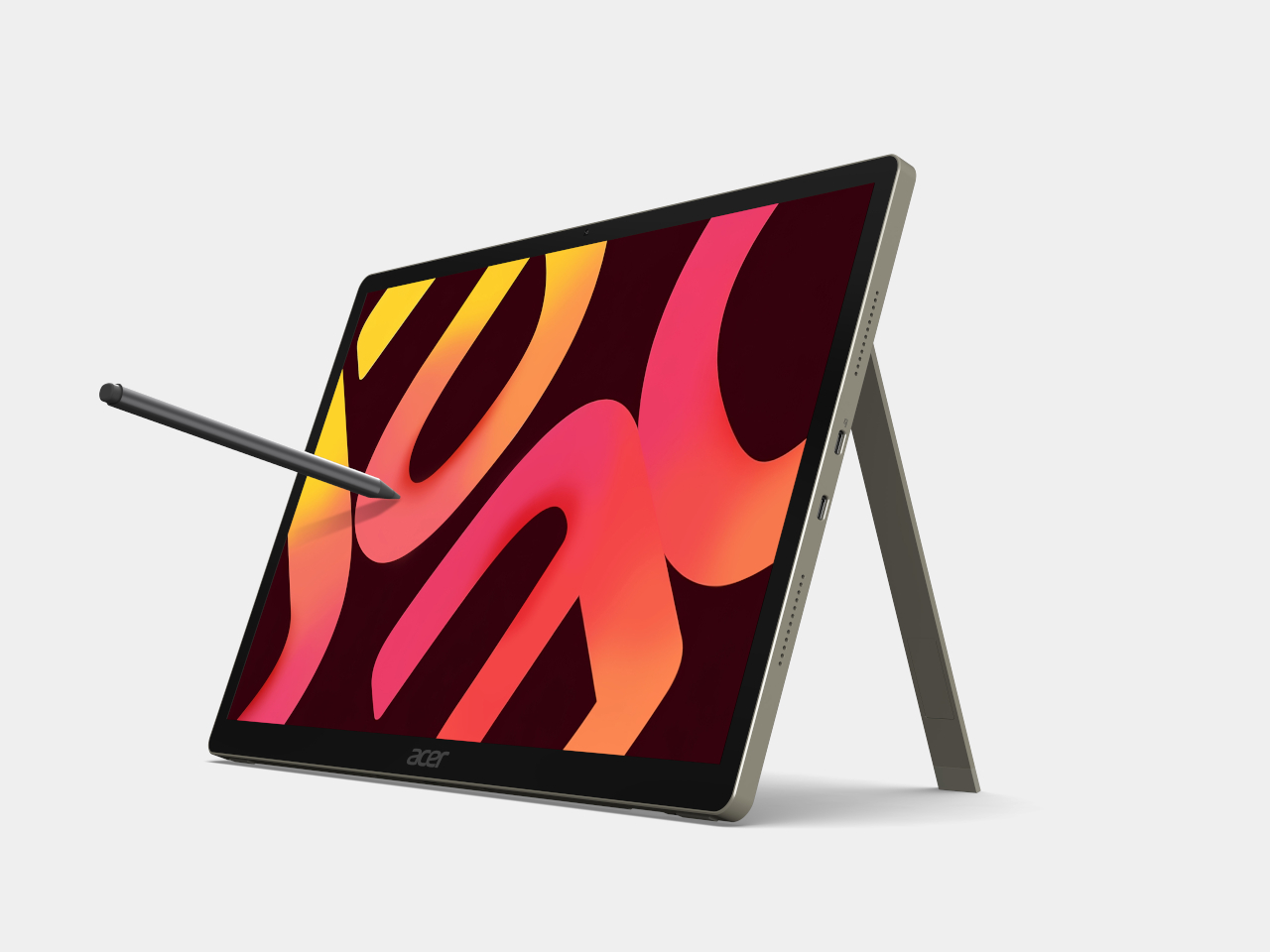
The headline feature is the world’s largest haptic touchpad, a 175.5 mm × 109.7 mm glass‑covered surface that supports MPP 2.5 stylus input. You can sketch, scrub timelines, or manipulate 3D models directly on the pad while the screen stays clear for reference or output. Haptics provide precise feedback with fewer moving parts, and Acer’s AI tools, accessed through the Intelligence Space hub, can tie into that surface for gesture‑driven creative workflows that feel more like using a tablet than a traditional laptop.

Acer Swift 16 AI (Best Buy Chassis)

Connectivity and audio round it out with Wi‑Fi 7, Bluetooth 5.4, dual Thunderbolt 4 USB‑C, USB‑A, HDMI 2.1, a MicroSD slot, DTS:X Ultra speakers, and an FHD IR camera. A 70 Wh battery with up to 24 hours of video playback on certain configs means the machine can survive long flights or a full day of on‑site shoots without hunting for an outlet.

Acer Swift Edge 14 AI and Swift Edge 16 AI

Acer Swift Edge 14 AI

The Swift Edge 14 AI and 16 AI focus on portability for people who count grams in their backpacks. Built from a stainless steel‑magnesium alloy chassis, the 14‑inch model weighs under 1 kg and measures just under 14 mm thick, yet still meets MIL‑STD 810H durability standards. Both sizes run up to Intel Core Ultra 9 386H processors with Intel Graphics, up to 32 GB of LPDDR5X, and up to 1 TB of PCIe Gen 4 SSD storage, so they are not trading performance for weight.

Acer Swift Edge 16 AI

Display options go up to 3K WQXGA+ OLED with 120 Hz refresh and 100% DCI‑P3, making them surprisingly capable for color‑sensitive work on the road. Acer’s multi‑control touchpads add gesture layers for media, presentations, and conferencing, letting you adjust volume, skip tracks, or manage calls without hunting for on‑screen controls. FHD IR cameras with Human Presence Detection, DTS:X Ultra speakers, Wi‑Fi 7, Bluetooth 6.0, and Thunderbolt 4 ports round out a package that feels tuned for frequent flyers who still need a proper workstation when they land.

Acer Swift Go 14 AI and Swift Go 16 AI

The Swift Go 14 AI and 16 AI sit as the “just right” machines in the Swift family, balancing performance, portability, and a slightly more accessible entry point. They use up to Intel Core Ultra X9 388H processors with Intel Arc B390 graphics, up to 32 GB of LPDDR5X memory, and up to 1 TB of SSD storage. The laser‑etched aluminum chassis opens a full 180 degrees, making them easy to use in cramped lecture halls or coffee shops.

Acer Swift Go 14 AI

Display options include 2K WUXGA and 3K WQXGA+ OLED panels with wide color gamuts and smooth refresh rates, giving everyday productivity machines a surprisingly premium visual experience. The 5 MP IR cameras with HDR and Human Presence Detection improve video calls and privacy, while DTS:X Ultra speakers and multi‑control touchpads make them feel more like compact media centers than basic ultrabooks. Wi‑Fi 7, Bluetooth up to 6.0, and dual Thunderbolt 4 ports keep them ready for fast networks and external GPUs or docks.

Acer Swift Go 14 AI

As Copilot+ PCs, the Swift Go models support features like Click to Do, Copilot Voice, and Copilot Vision, with Acer’s own Assist, VisionArt, User Sensing, PurifiedView, PurifiedVoice, and My Key layered on top. For someone who wants a thin‑and‑light that can handle both spreadsheets and AI‑assisted creative work, they are the approachable entry point into Acer’s more experimental Swift AI world, offering premium design without the flagship price or the haptic touchpad that some people might not know what to do with.

Acer at CES 2026: Laptops Designed for the AI Era

Aspire AI brings Copilot+ and Acer’s AI suite into familiar 14‑ and 16‑inch shells with optional OLED and 180‑degree hinges for collaboration, while Swift AI experiments with haptic touchpads, under‑1 kg magnesium shells, and OLED‑everywhere displays for creators and travelers. The CES 2026 message is that AI is no longer just a feature buried in software menus, it is starting to shape the hardware itself, from how you press on a touchpad to how light your laptop feels in a bag, which is exactly the kind of shift Yanko Design readers expect from the start of the year when everyone announces what laptops are supposed to look and feel like for the next twelve months.

The post Acer Swift 16 AI Has World’s Largest Haptic Touchpad With Stylus Support first appeared on Yanko Design.

The best gaming laptops for 2025

Gaming laptops have gone from being ugly bricks to sleek machines that can match the power of desktops. If you’re looking to get crazy high framerates, or if you just want to revel in the glory of real-time ray tracing, you’ll definitely be able to find a gaming laptop that suits your needs. And it’s also easier than ever to connect them to TVs and monitors for big-screen gaming.

One of the biggest advantages of a gaming laptop is its flexibility. You don’t need to worry about bulky setups or being tethered to one spot. Plus, with features like high refresh rate displays, powerful GPUs and cutting-edge processors, these machines are more than capable of handling AAA titles, eSports and even VR gaming. Many gaming laptops now come equipped with RGB-lit keyboards, advanced cooling systems and next-gen SSD storage to keep up with your gaming needs, too. We’ve tested a number of the latest gaming laptops to see which are worth your money.

We were eager to test the Framework Laptop 16 since it promised both modular customizability and a decent amount of gaming power. But while we appreciated just how repairable and upgradeable it is, its actual gaming performance was middling for its high price. You could always buy it without the additional GPU, but that makes it more of a daily workhorse than a gaming system.

On a brighter note, we were pleased to see MSI return to form with the Stealth Studio 14, which is far faster and more attractive than the previous model.

We were amazed to see a genuine 4K/1080p native screen in the Razer Blade 16, but it’s far too expensive and impractical, even for such a pricey brand. Similarly, we found the Razer Blade 18 to be both oversized and overpriced.

Your laptop buying journey starts and ends with the amount of money you're willing to spend. No surprise there. The good news: There are plenty of options for gamers at every budget. In particular, we're seeing some great entry-level PC gaming choices under $1,000, like the Acer Nitro V. Some cheap gaming laptops may feel a bit flimsier than pricier models, and they'll likely skimp on RAM, storage and overall power. But most cheaper laptops should be able to handle the majority of video games running at 1080p at 60 frames per second, which is the bare minimum you'd want from any system.

Things get interesting when you start looking at the best gaming laptops in the mid-range space, with prices around $1,500. At that point, you'll start finding PCs like the ASUS Zephyrus ROG G14, one of our favorite gaming notebooks. In general, you can look forward to far better build quality than budget gaming laptops (metal cases!), improved graphics power and enough RAM and storage space to handle the most demanding games. These are the gaming machines we'd recommend for most people, as they'll keep you gaming and working for years before you need to worry about an upgrade.

If you're willing to spend around $2,000 or more, you can consider more premium options like the Razer Blade, which is on-par with some of the best gaming PCs. Expect impeccably polished cases, the fastest hardware on the market and ridiculously thin designs. The sky's the limit here: Alienware's uber customizable Area 51m is an enormous beast that can cost up to $4,700. Few people need a machine that high-end, but if you're a gamer with extra cash to burn, it may be worth taking a close look at some of these pricier systems.

The answer to this question used to be relatively simple: Just get an Intel chip with an NVIDIA GPU. But over the last few years AMD has stepped up its game with its Ryzen notebook processors, which are better suited for juggling multiple tasks at once (like streaming to Twitch while blasting fools in Fortnite). Intel responded with its recent lineup of 13th-gen and Core Ultra chips, but it’s nice to have decent AMD Ryzen alternatives available, especially since they’re often cheaper than comparable Intel models.

When it comes to video cards, though, AMD is still catching up. Its Radeon RX 7000M GPU has been a fantastic performer, but it lags behind NVIDIA when it comes to newer features like ray tracing. At the very least, a Radeon-powered notebook can approach the general gaming performance of the NVIDIA RTX 4070 GPUs.

If you want to future-proof your purchase, or you’re just eager to see how much better ray tracing can make your games look, you’re probably better off with an NVIDIA graphics card. They’re in far more systems, and it’s clear that they have better optimized ray tracing technology. NVIDIA GeForce RTX GPUs also feature the company’s DLSS technology, which uses AI to upscale games to higher resolutions. That’ll let you play a game like Cyberpunk 2077 in 4K with faster frame rates. That’s useful if you’re trying to take advantage of a high refresh rate monitor.

You’ll still find plenty of laptops with NVIDIA’s older RTX 40-series GPUs these days, and they’ll still give you tremendous performance. But to be safe, it’s probably worth opting for the newer RTX 50-series systems, since they support the newer DLSS 4 technology and offer a wealth of performance upgrades. The entry-level RTX 5060 is a solid start, but we’d suggest going for a 5070 if you’re aiming to maximize your framerates on faster screens. The RTX 5080 and RTX 5090 are both incredibly powerful, but they typically make systems far too expensive for most users.

It’s worth noting that NVIDIA’s mobile graphics cards aren’t directly comparable to its more powerful desktop hardware. PC makers can also tweak voltages to make gaming performance better in a thinner case. Basically, these laptops may not be desktop replacements — don’t be surprised if you see notebooks that perform very differently, even if they’re all equipped with the same GPU.

Screen size is a good place to start when judging gaming notebooks. In general, 14-inch laptops offer the best portability, while 16-inch models are a bit more immersive. And of course, you can go all the way up to an 18-inch screen to maximize your real estate.

There’s also plenty to consider beyond screen size — like refresh rates. Most monitors refresh their screens vertically 60 times per second, or at 60Hz. That's a standard in use since black and white NTSC TVs. But over the past few years, displays have evolved considerably. Now, 120Hz 1080p screens are the bare minimum you'd want in any gaming notebook — and there are faster 144Hz, 240Hz and even 360Hz panels. All of this is in the service of one thing: making everything on your display look as smooth as possible.

For games, higher refresh rates also help eliminate screen tearing and other artifacts that could get in the way of your frag fest. And for everything else, it just leads to a better viewing experience. Even scrolling a web page on a 120Hz or faster monitor is starkly different from a 60Hz screen. Instead of seeing a jittery wall of text and pictures, everything moves seamlessly, as if you're unwinding a glossy paper magazine. Going beyond 120Hz makes gameplay look even more responsive, which to some players gives them a slight advantage.
Not to make things more complicated, but you should also keep an eye out for NVIDIA's G-SYNC and AMD's FreeSync. They're both adaptive sync technologies that can match your screen's refresh rate with the framerate of your game. That also helps to reduce screen tearing and make gameplay smoother. Consider them nice bonuses on top of one of the best gaming monitors with a high refresh rate; they're not necessary, but they can still offer a slight visual improvement.

It’s also worth paying attention to a gaming laptop’s display technology. The cheapest models will have basic LCD screens, but as you step up in price you’ll find brighter and bolder Mini LED and OLED displays. OLED will cost the most, but it offers the best contrast and extremely dark black levels. Mini LED laptops can get brighter and they’re typically cheaper than OLED.

See Also:

  • Get at least 16GB of RAM. If you want to future-proof your system a bit, go for 32GB of RAM (memory is a lot cheaper than it used to be).

  • Storage is still a huge concern. These days, I'd recommend aiming for at least a 1TB M.2 SSD, and ideally a 2TB model if you can swing it. (4TB SSD are also a lot more attainable these days.) Some laptops also have room for standard SATA hard drives, which are far cheaper than M.2s and can hold more data.

  • Try out a system before you buy it. I'd recommend snagging the best gaming laptop for you from a retailer with a simple return policy, like Amazon or Best Buy. If you don't like it, you can always return it.

  • Don't forget about accessories! For the best performance, you'll need a good mouse, keyboard and a headset — these are some of the best gaming accessories for gaming PCs and laptops.

We review gaming laptops with the same amount of rigor as traditional notebooks. We test build quality by checking cases for any undesirable flexible spots, as well as the strength of screen hinges during furious typing and Call of Duty sessions. We benchmark every gaming notebook with PCMark 10, a variety of 3DMark tests, Cinebench and Geekbench. We also use NVIDIA’s Frameview app to measure the average framerates in Cyberpunk 2077, Overwatch 2 and other titles. For media creation, we transcode a 4K movie clip into 1080p using Handbrake’s CPU and GPU encoding options.

Displays are tested under indoor and outdoor lighting with productivity apps, video playback and gameplay. We also try to stress the full refresh rate of every gaming notebook’s screen by benchmarking Halo Infinite, Overwatch 2 and other titles. Laptop speakers are judged by how well they can play back music, movies and the occasional game session with detail and clarity, and without any obvious distortion.

When it comes to battery life, we see how long gaming systems last with a mixture of real-world productivity apps and gameplay, and we also test with PCMark 10’s “Modern office” battery test. In addition, we’re judging the quality of a machine’s keyboard with typing tests as well as relative accuracy and comfort during extended gaming sessions.

This article originally appeared on Engadget at https://www.engadget.com/computing/laptops/best-gaming-laptops-172033838.html?src=rss