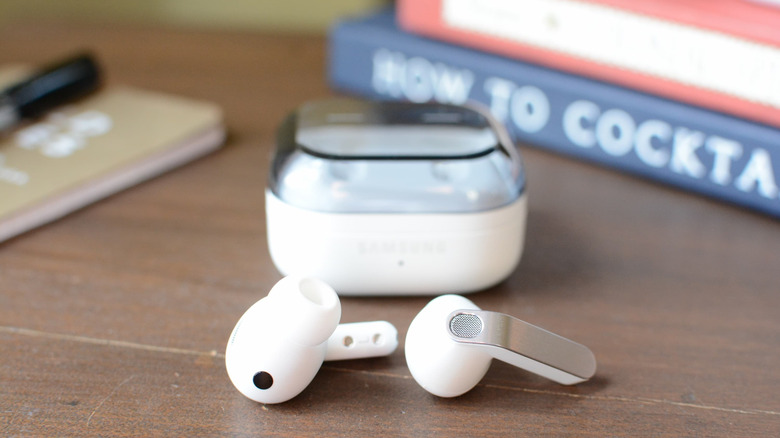
Samsung says a hearing aid feature is coming to Galaxy Buds later this year
The FDA approved Samsung's Galaxy Buds hearing aid feature, which will soon be available alongside a hearing test.
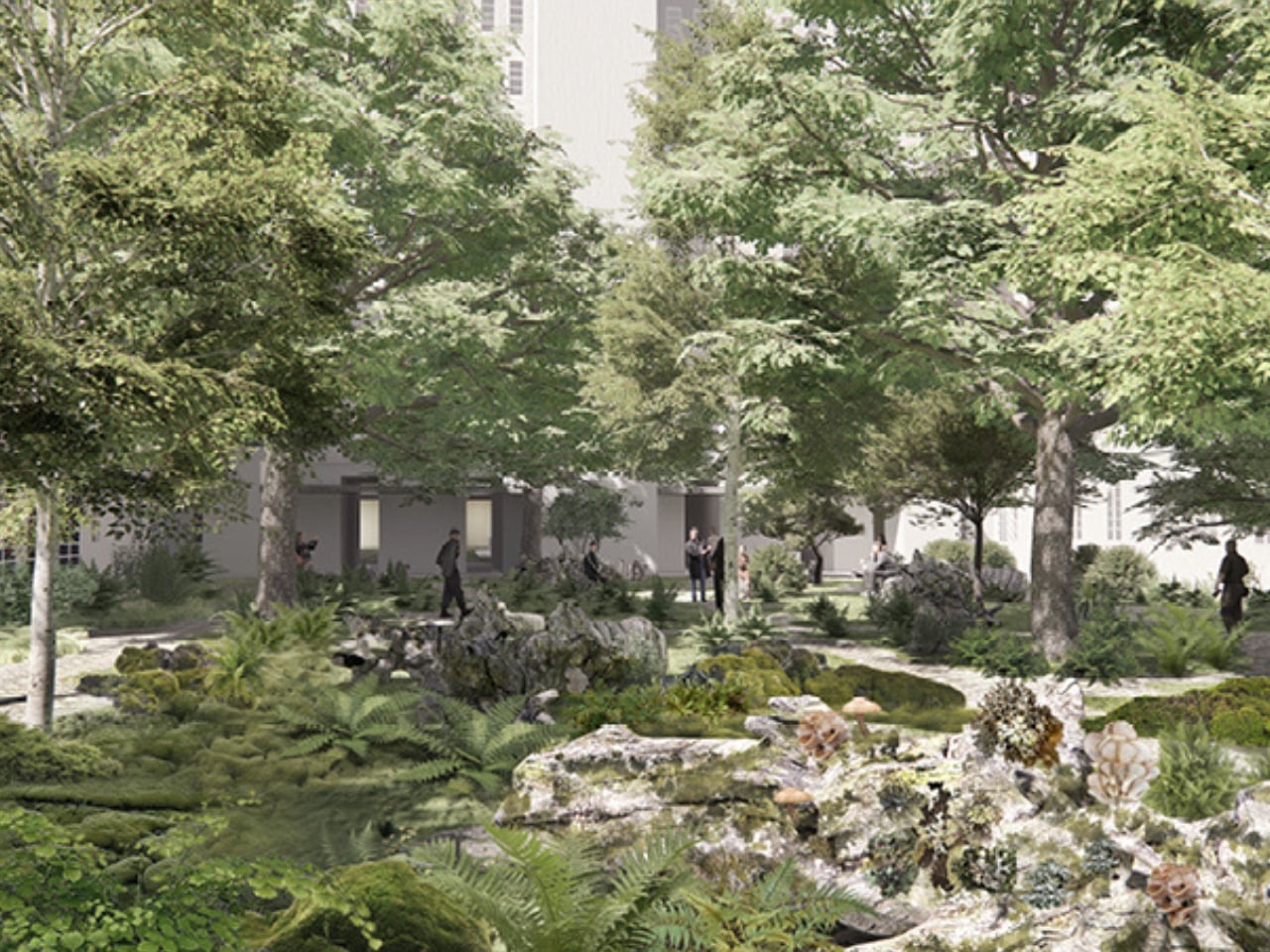
Most of us move through cities without thinking too hard about who else lives there. We navigate subway systems, dodge scooters, queue for coffee, and rarely stop to consider that the concrete corridors we’ve built are, for many species, an impassable wall. Designer and landscape architect Fengyi Wu is thinking about that wall, and her project, Urban Living Library: Reclaiming the Hedgehog Habitat, is one of the more quietly radical ideas to come out of landscape architecture in a while.
The project started as a design research thesis at The Bartlett School of Architecture, University College London, and was developed for the UCL Bloomsbury Campus in London. It went on to win First Prize at the IFLA Europe 2025 Student and Young Professionals Awards, which is notable, but the idea itself is what deserves the spotlight.
Designer: Fengyi Wu
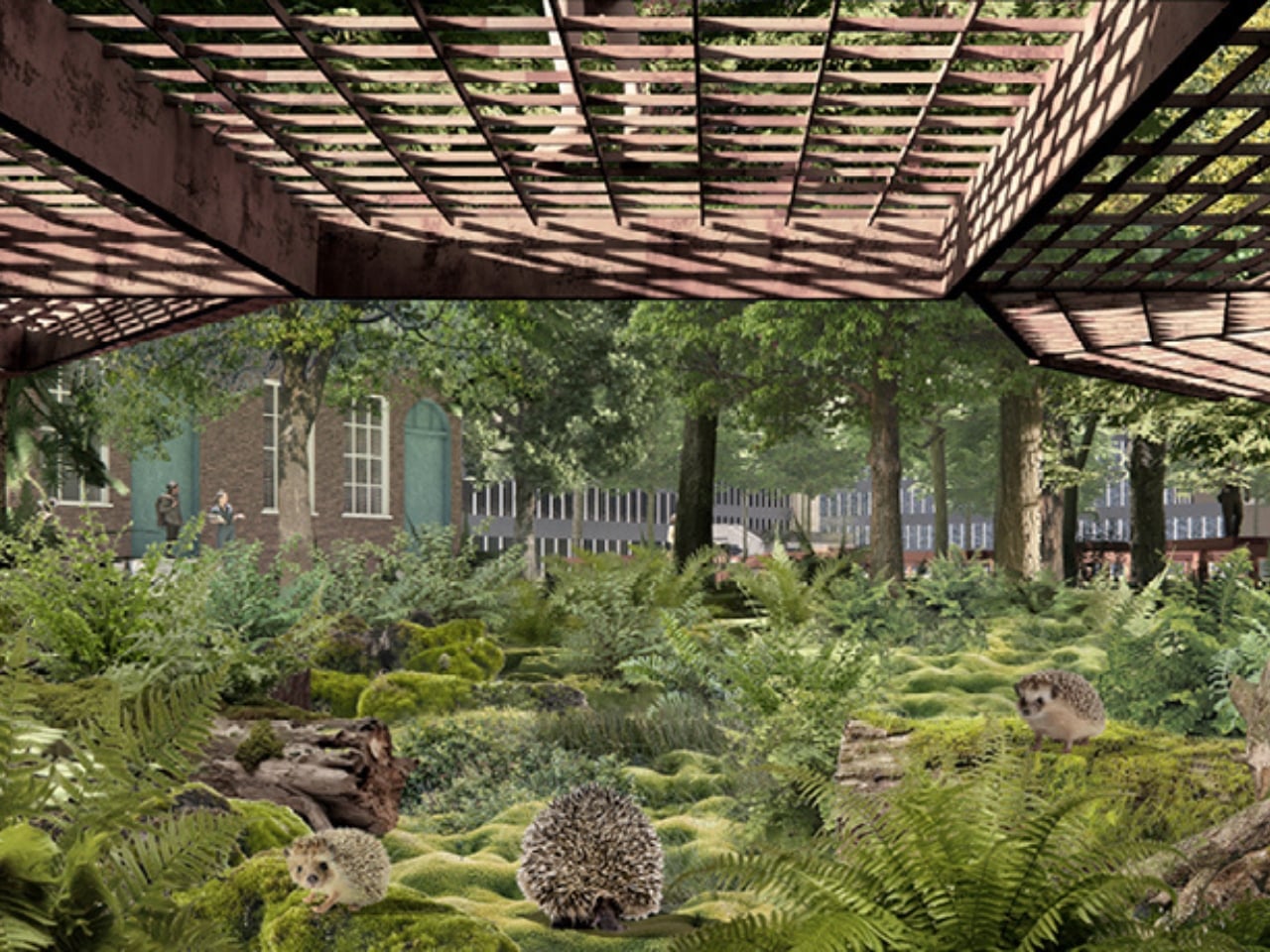
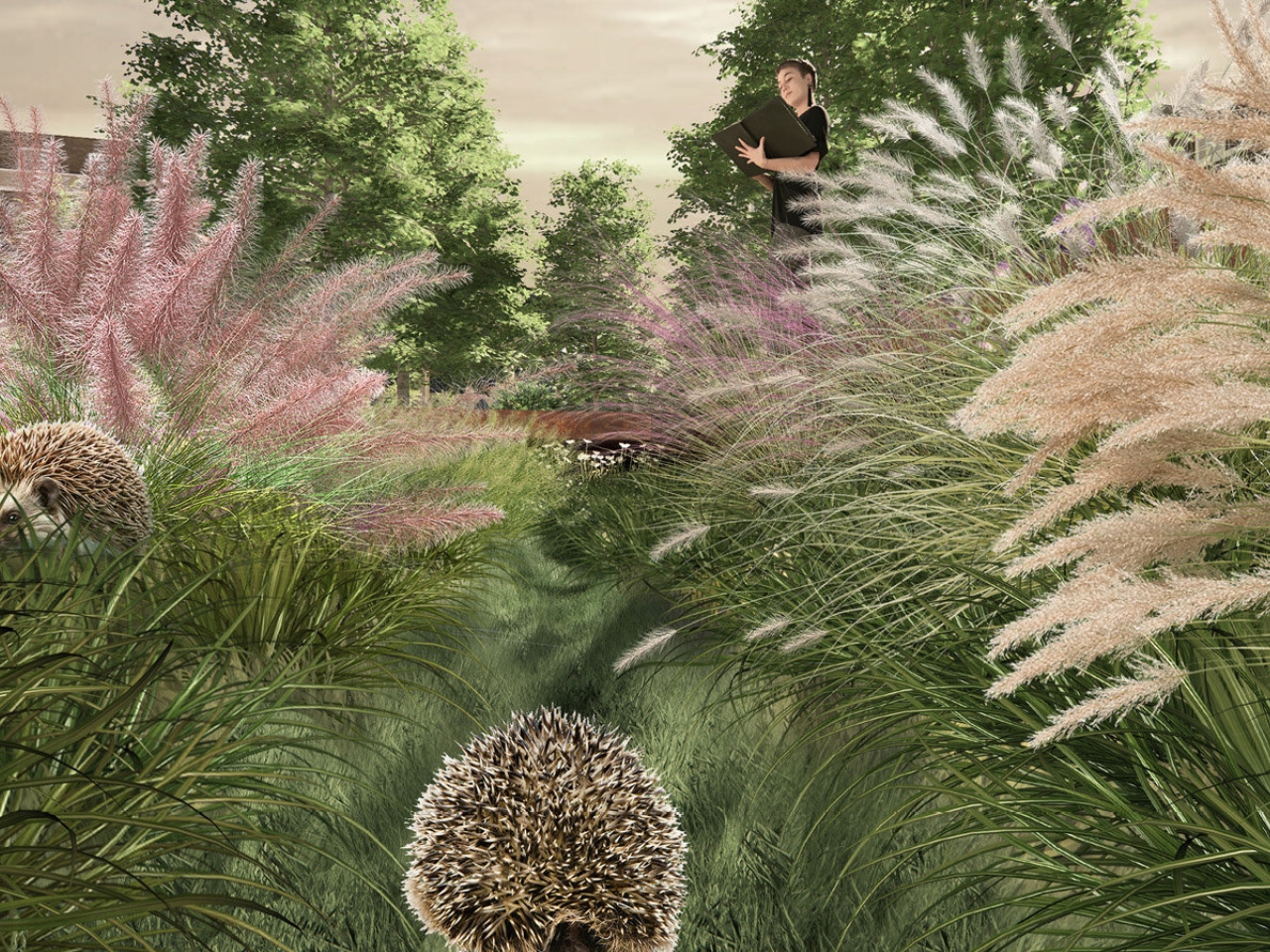
Wu chose the hedgehog as a “flagship species” to guide the entire design strategy. That choice is deliberate and clever. Hedgehogs are not particularly glamorous animals, but they are a useful ecological indicator. They need connected green corridors to move, forage, and survive in cities. When the hedgehog population thrives, it generally means the broader urban ecosystem is in better shape. So instead of designing for the most charismatic species or the most aesthetically pleasing outcome, Wu anchored her vision in something humble, specific, and measurable.
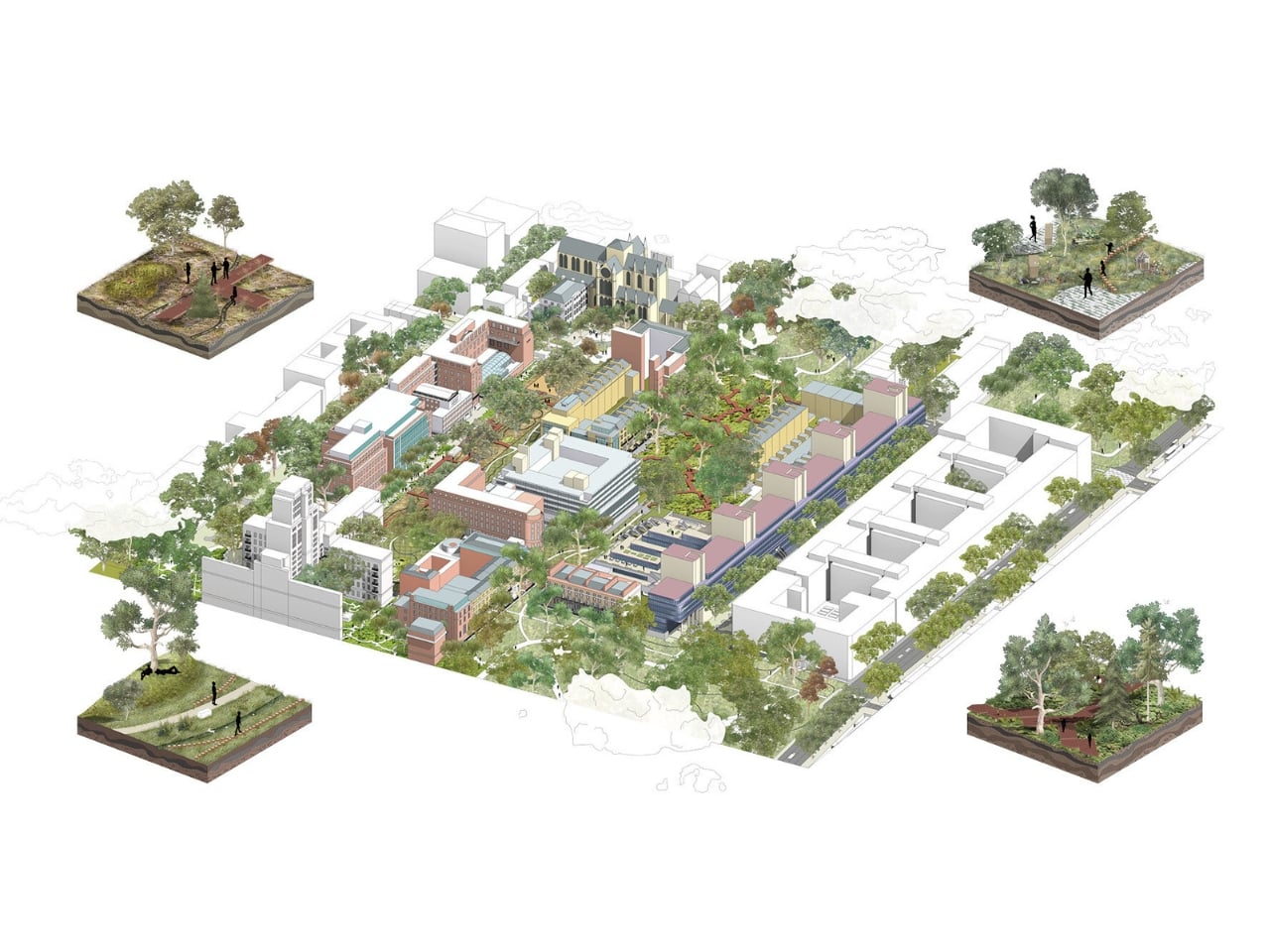
The result is a masterplan that reimagines a university campus as a living ecological library, an environment where biodiversity is not tucked away in a corner garden but woven into the actual spatial experience of the place. Dense planting, wildlife shelters, rainwater landscapes, and sheltered community gathering spaces are arranged into a sequence that creates ecological corridors across the campus. The idea is that people and wildlife move through the same landscape in overlapping but coexisting rhythms.
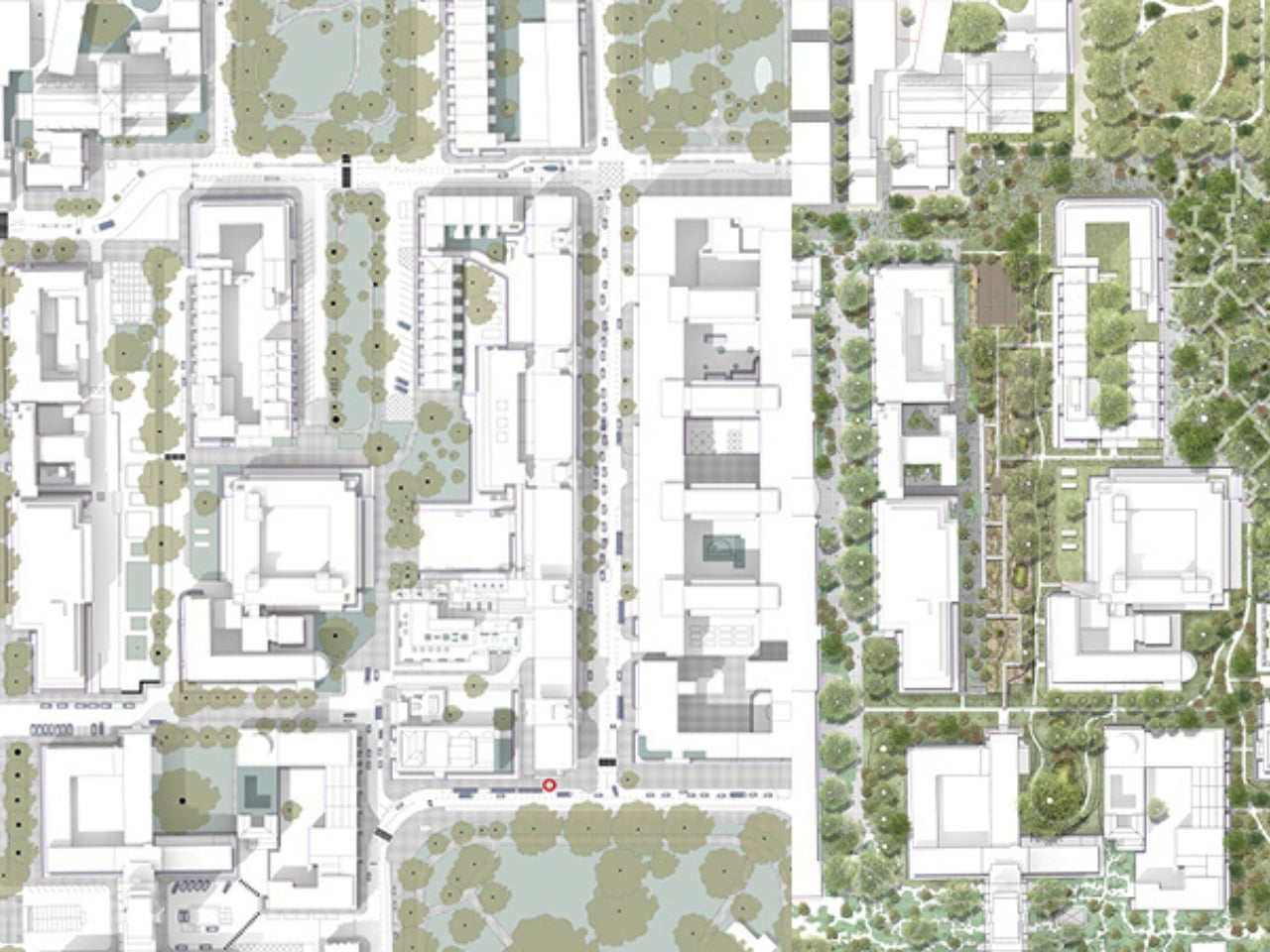
What strikes me about this is that it reframes what a university campus is for. Classrooms generate knowledge, but they keep it contained. This project argues that the landscape itself can be a form of pedagogy, one you absorb just by sitting outside, watching water collect in a moss garden, or noticing which insects show up after a redesigned planting scheme. Outdoor learning, community observation, and direct encounters with nature become part of campus life without requiring any formal instruction. The library metaphor works because the information is there, available to everyone. You just have to look.
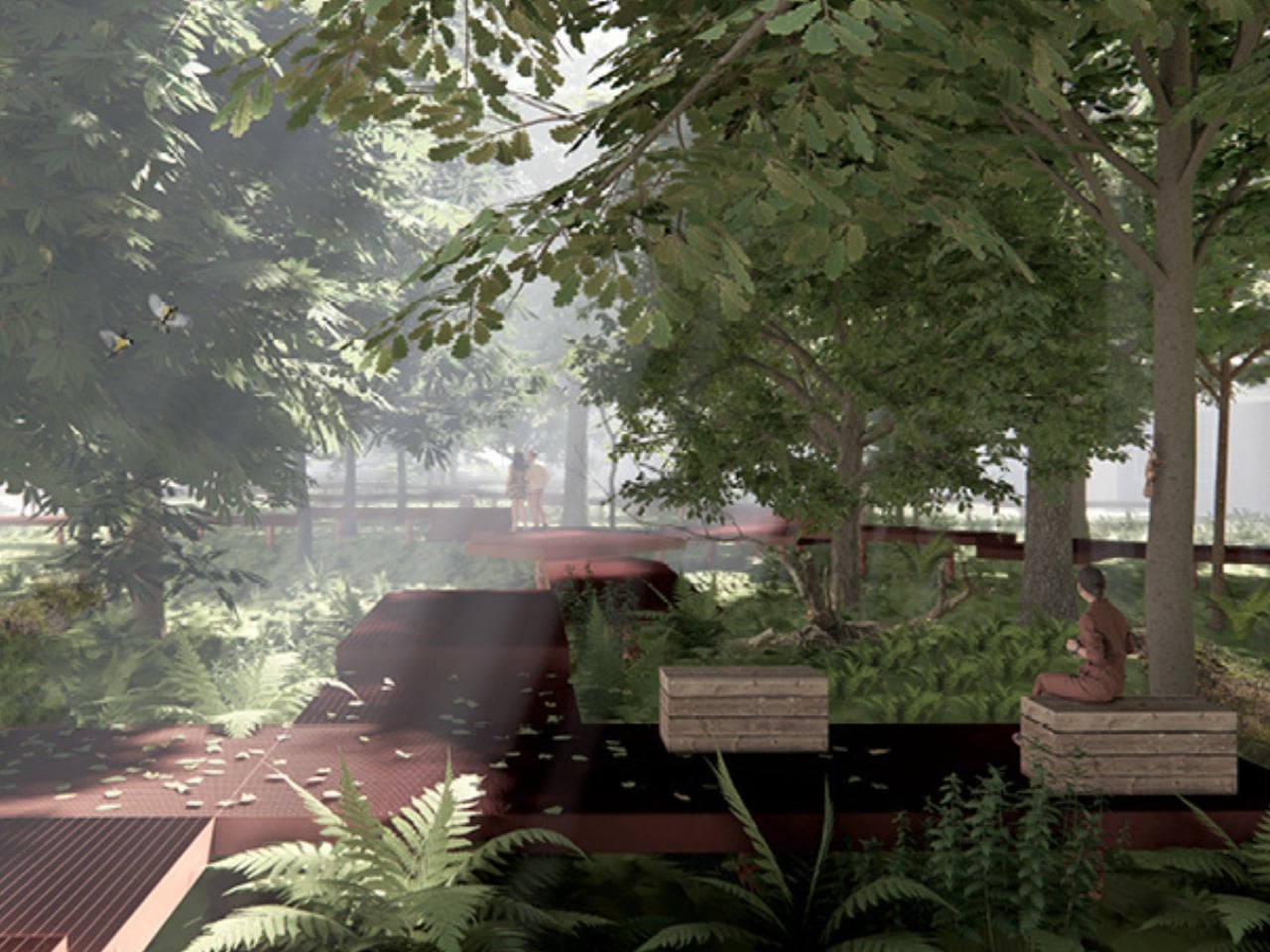
Urban biodiversity is often framed as a luxury problem, something cities will address once they’ve sorted housing, transport, and economic inequality. I understand that framing, but I think it undersells the point. Green corridors and habitat connectivity are infrastructure. They manage rainwater, regulate temperature, support pollinators that urban food systems quietly depend on, and improve the mental health of the people who live near them. Building them now, thoughtfully, is cheaper and more effective than retrofitting a city that has been built in complete indifference to them. Wu’s project is a proof of concept for that kind of thinking at a campus scale.
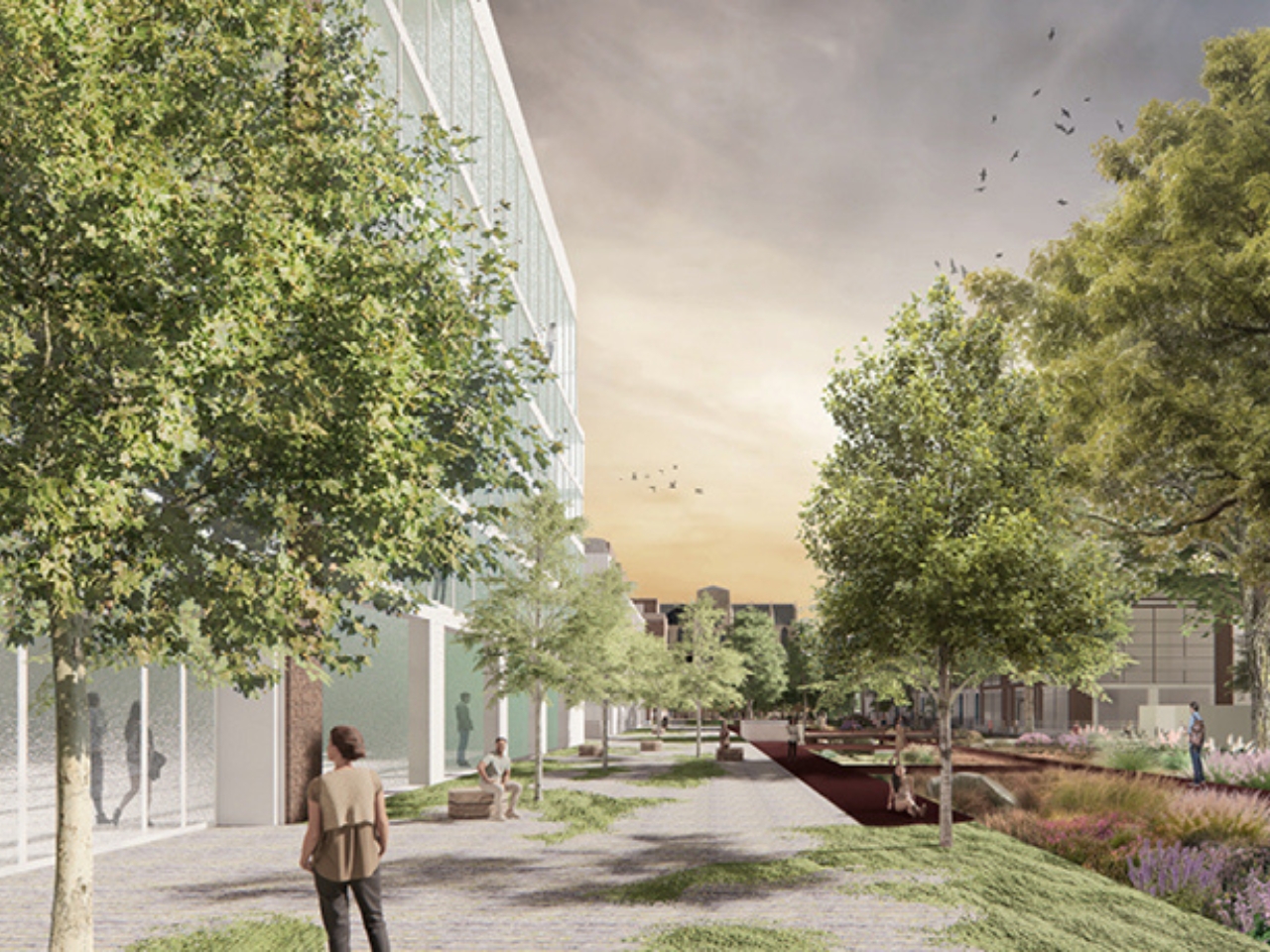
It’s also worth noting that the hedgehog is in actual trouble. British hedgehog populations have declined sharply over the past few decades, and fragmented urban habitats are a significant part of the problem. Roads, walls, and manicured lawns create dead ends for animals that need to travel several kilometers each night to feed. The Urban Living Library doesn’t treat the hedgehog as a mascot. It treats it as a co-resident of the city whose needs are legitimate, even when they conflict with our instinct to pave, mow, and tidy.
The most meaningful design ideas tend to be the ones that shift how you see something you thought you already understood. After spending time with Wu’s project, I haven’t been able to look at an empty patch of campus lawn the same way. Every manicured strip between buildings starts to read as a missed opportunity, a corridor that could be doing something, supporting something, connecting something. That’s the kind of design thinking that deserves to travel beyond architecture school walls.
The post Why London’s 2025 Campus Design Was Built for Hedgehogs first appeared on Yanko Design.
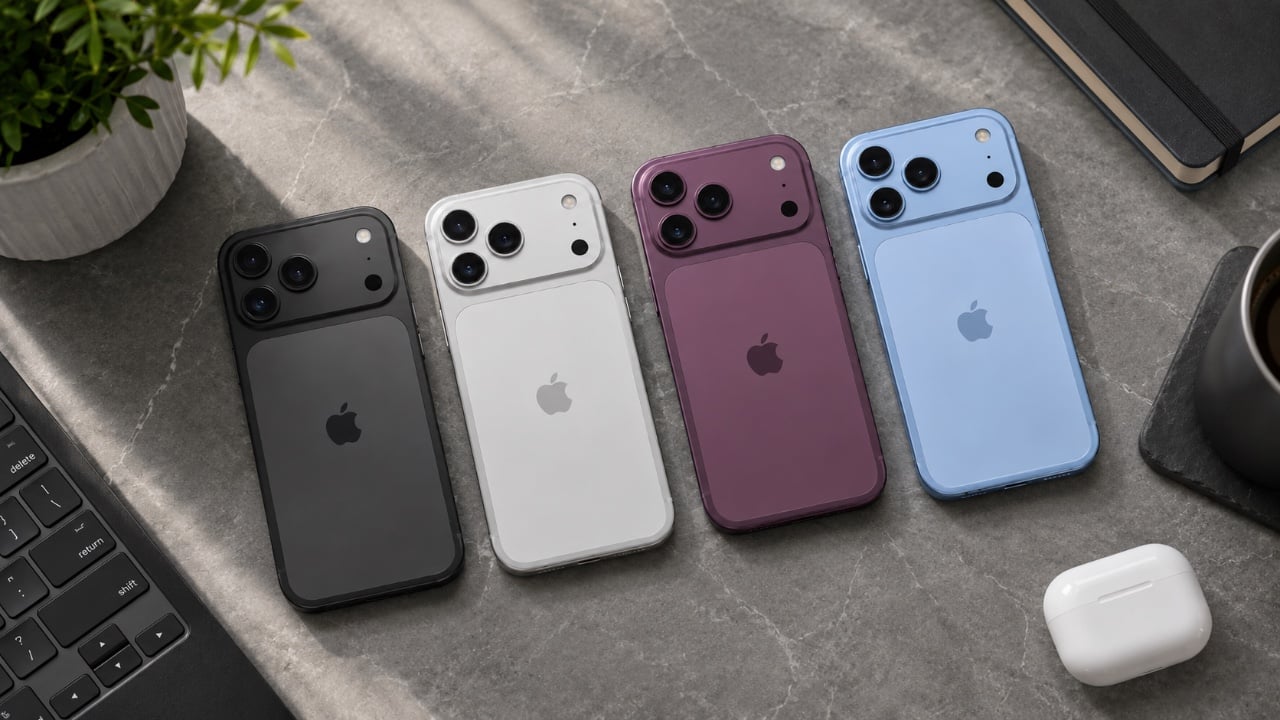
Apple is preparing to implement significant price increases across its flagship product lineup, including iPhones, Apple Watches, and potentially AirPods. These adjustments follow earlier hikes in categories like Macs and iPads, signaling a broader shift toward a premium-focused strategy. For consumers, this means facing higher costs and making more deliberate purchasing decisions. To ease the […]
The post An Upcoming Apple iPhone 18 Price Hike is Expected to Hurt Wallets appeared first on Geeky Gadgets.
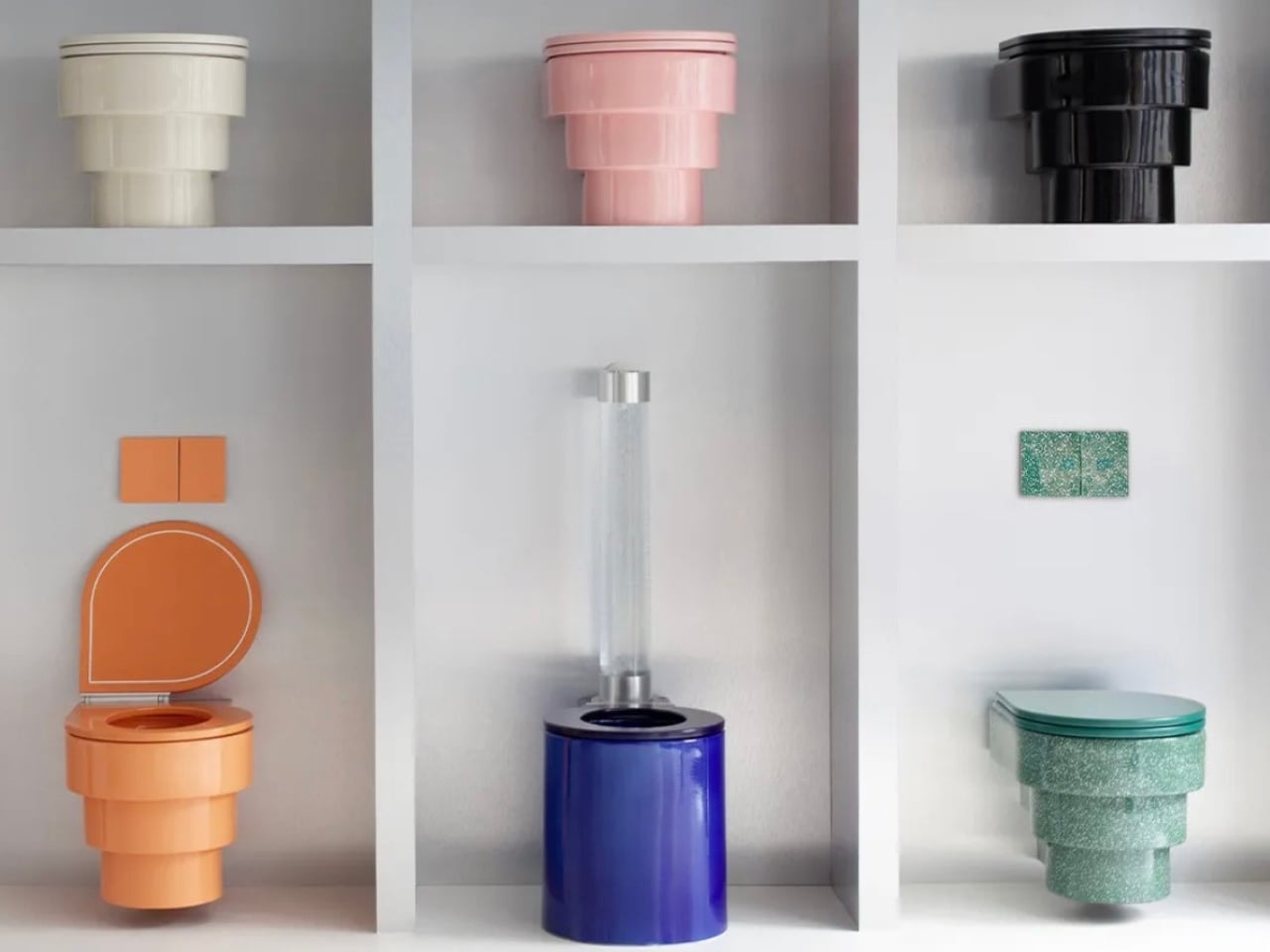
The toilet is one of those objects we use every single day, and yet it has somehow remained completely untouched by the design revolution sweeping through every other corner of our homes. We’ll spend hours agonizing over sofa fabrics and kitchen tiles, losing sleep over the perfect pendant light, and debating grout colours as if our lives depend on it. But the toilet? That’s just functional. It’s white. It flushes. It hides in a corner and we try not to think about it too much. At least, that used to be the prevailing attitude.
Hugo Volpei had a very different idea. The French entrepreneur founded Trone in 2018 after a visit to Sketch, the legendary London restaurant known for its surreal, egg-pod bathroom interiors. Despite the theatrical setting, Volpei noticed the toilets themselves were still the same generic white fixtures you’d find in any ordinary home. It struck him immediately as a missed opportunity, and from that moment, he became fixated on a question most people had never thought to ask: why hasn’t anyone actually designed the toilet?
Designer: Hugo Volpei
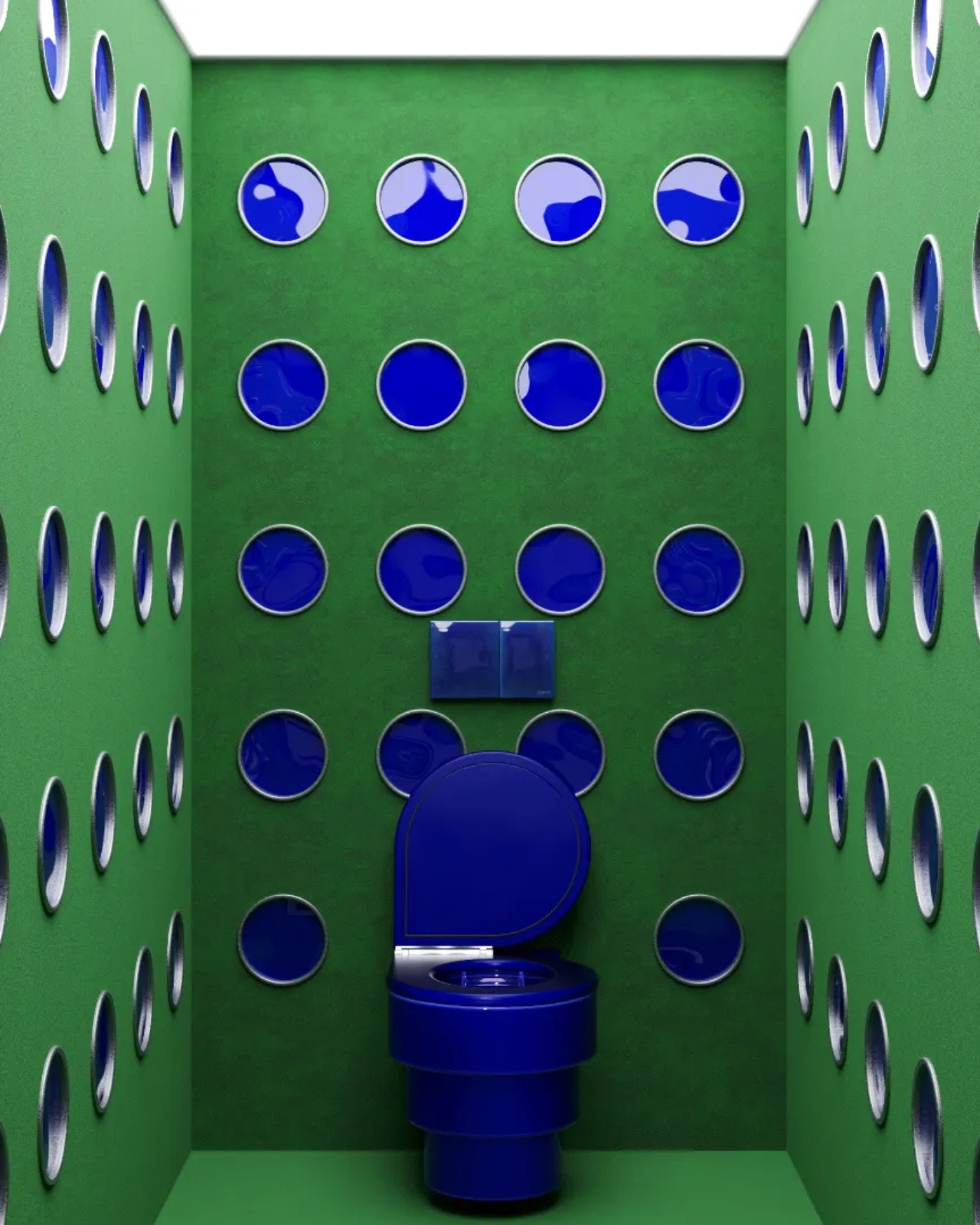
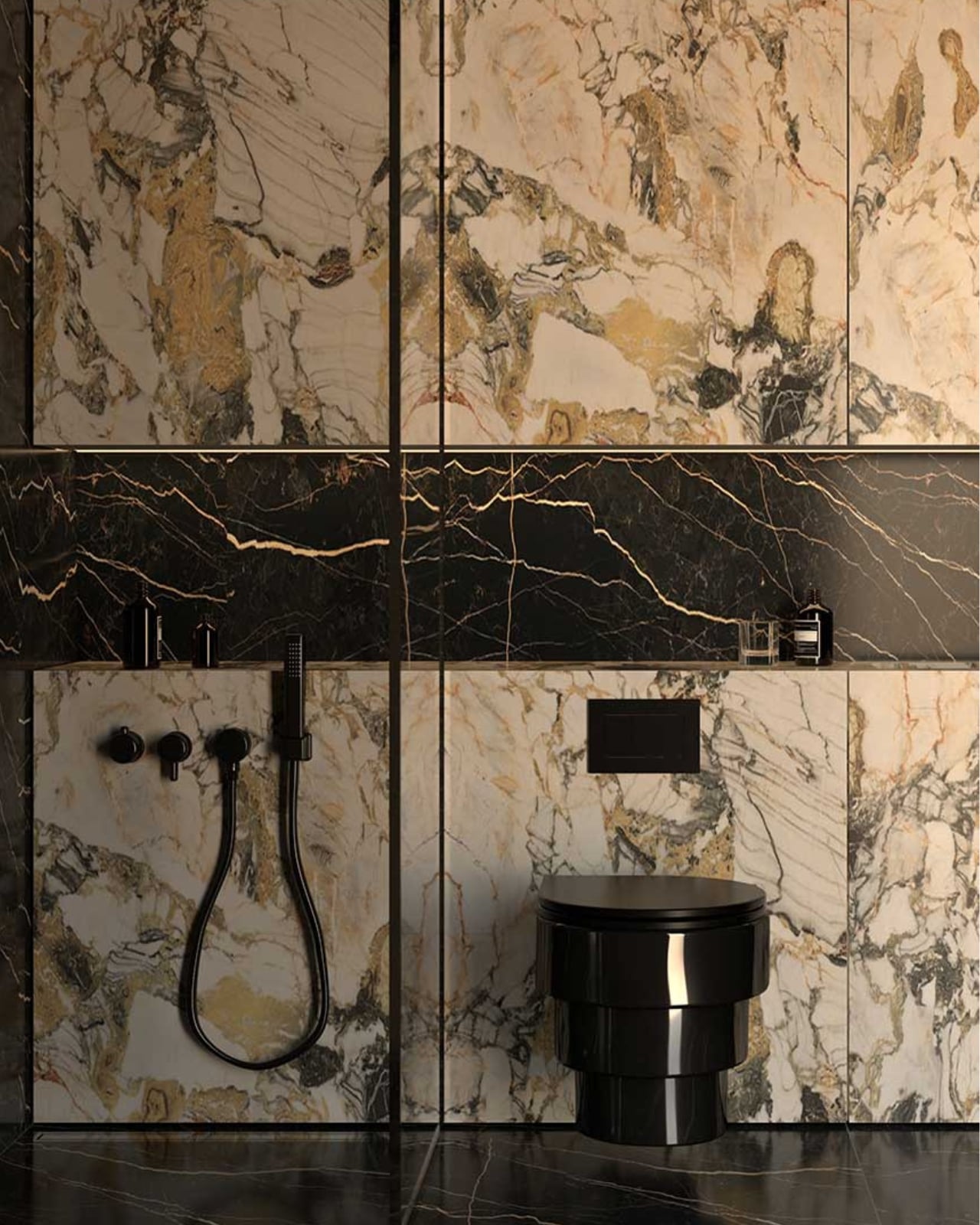
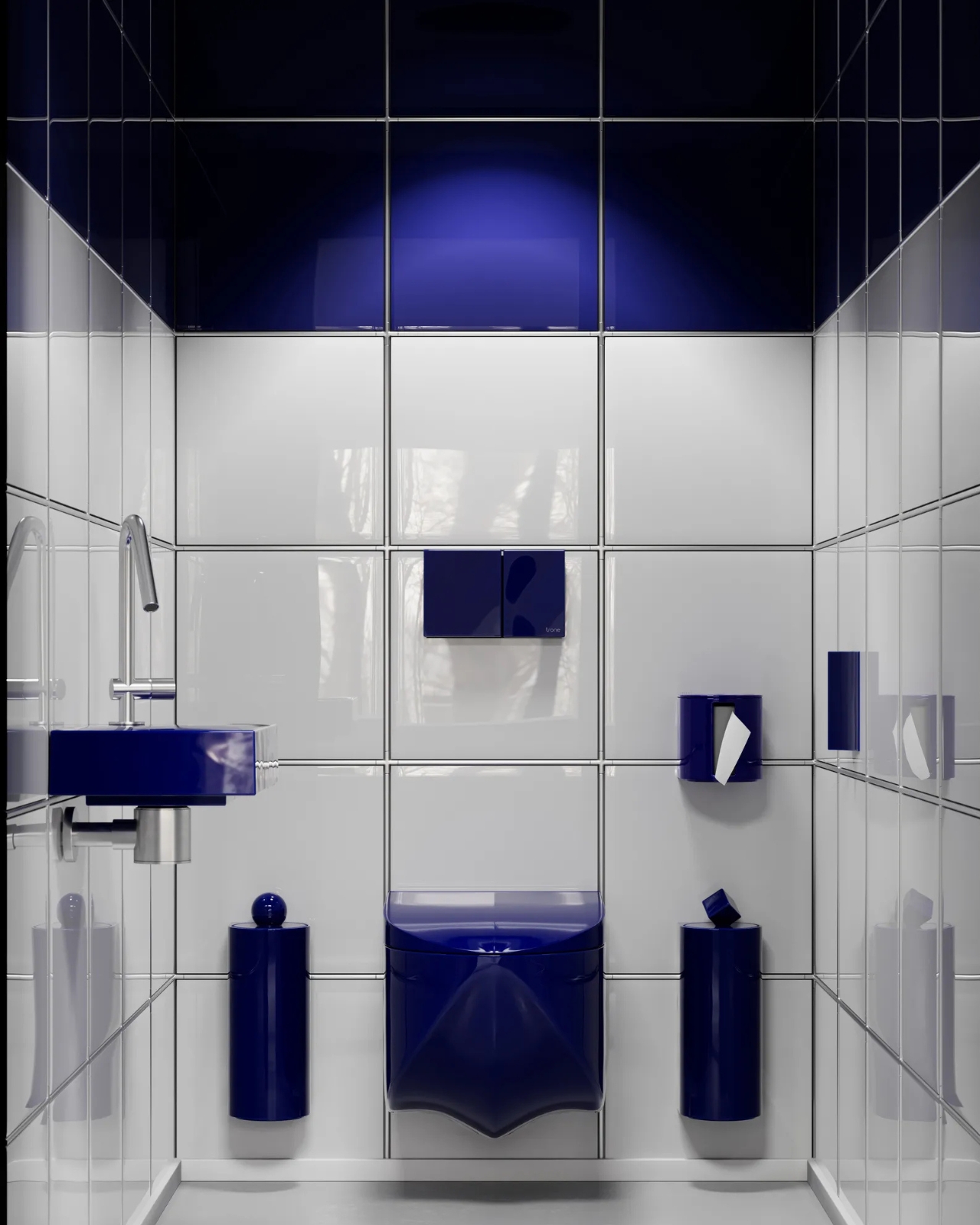
Eight years later, Trone operates in around 30 countries, sells close to 3,000 toilets annually, and has done something that feels genuinely rare in consumer goods: created an entirely new product category. These aren’t toilets with a fresh coat of paint or a few extra features bolted on. They’re sculptural objects, made with the same intentionality you’d give to fine furniture, and offered in bold colours, unexpected finishes, and silhouettes that feel closer to art installations than to anything you’d typically find in a bathroom catalogue.
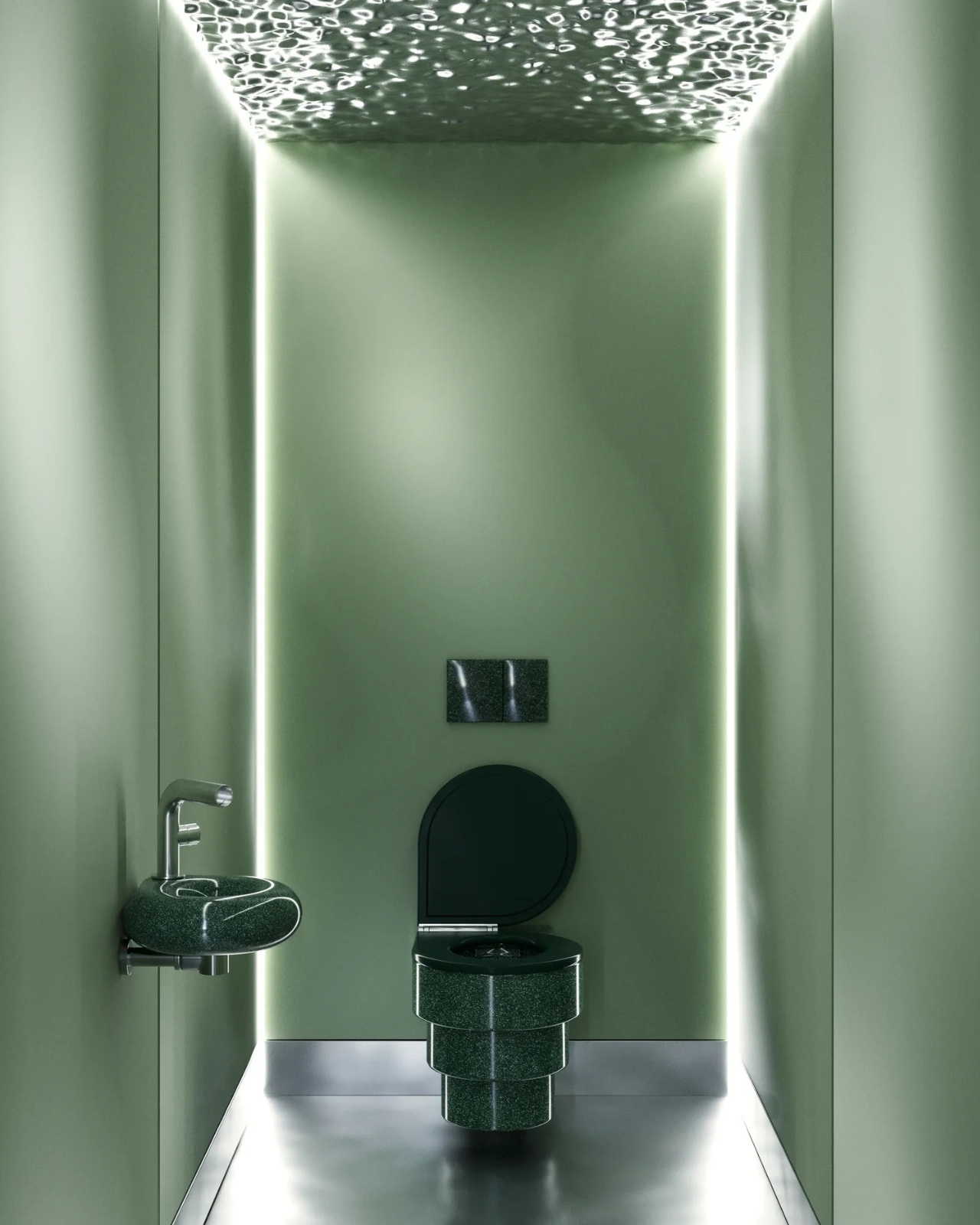
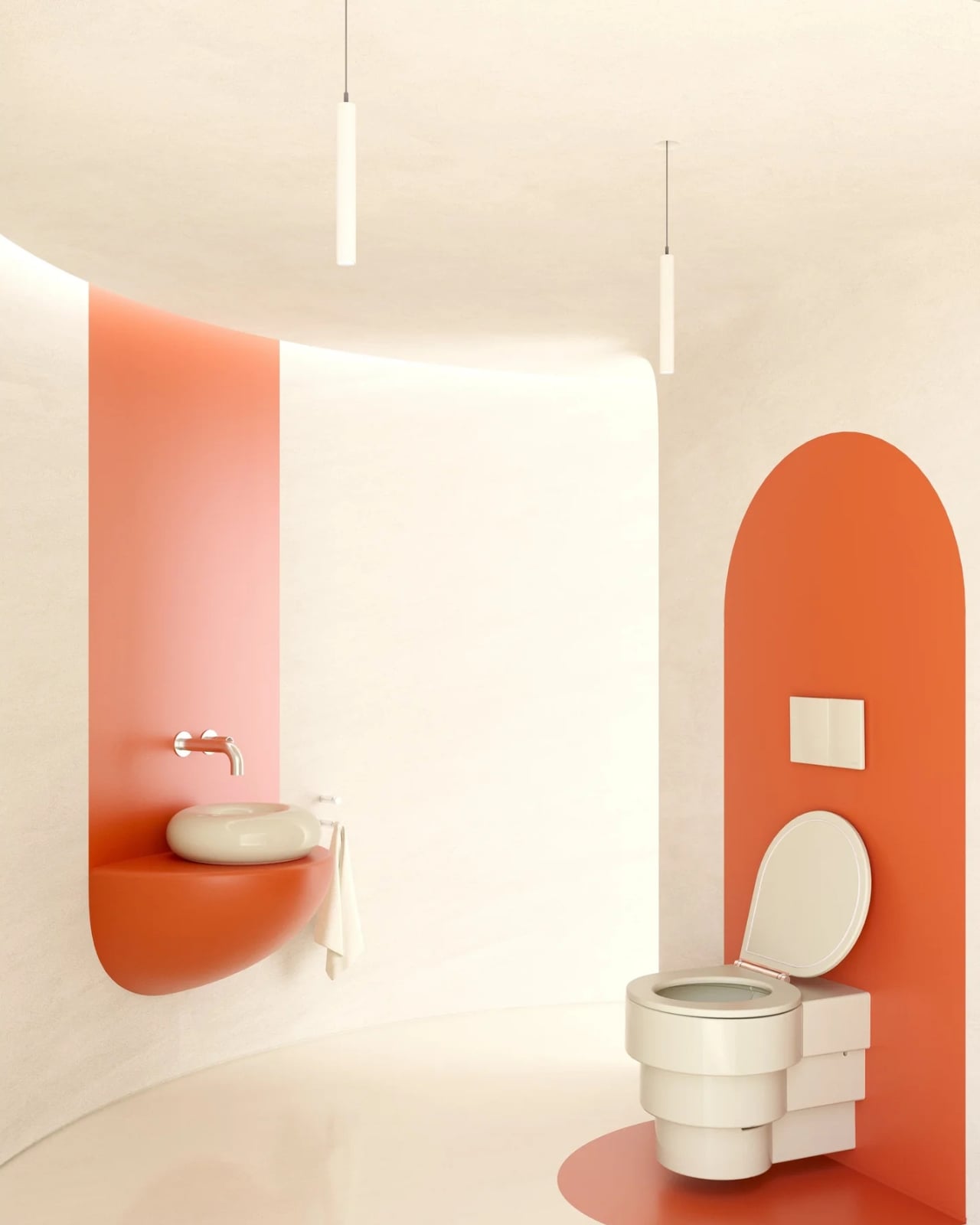
The models themselves are worth lingering on. Icone01 features a striking transparent water tank that stands tall behind the bowl like a glass column, using just three litres per flush. Callipyge has a beautifully rounded, almost architectural form that completely shifts the mood of any bathroom it occupies. Altesse, the smart toilet, has lines so refined it barely registers as a toilet at all. The most recent addition, simply called The Throne, replaces the traditional boxy shape with a tear-drop silhouette and a sliding door that makes the whole thing feel like a piece of furniture. Each piece is produced alongside French and Italian craftsmen, which explains both the remarkable level of finish and the premium price point, and gives Trone a coherent design identity that feels genuinely earned rather than simply claimed.
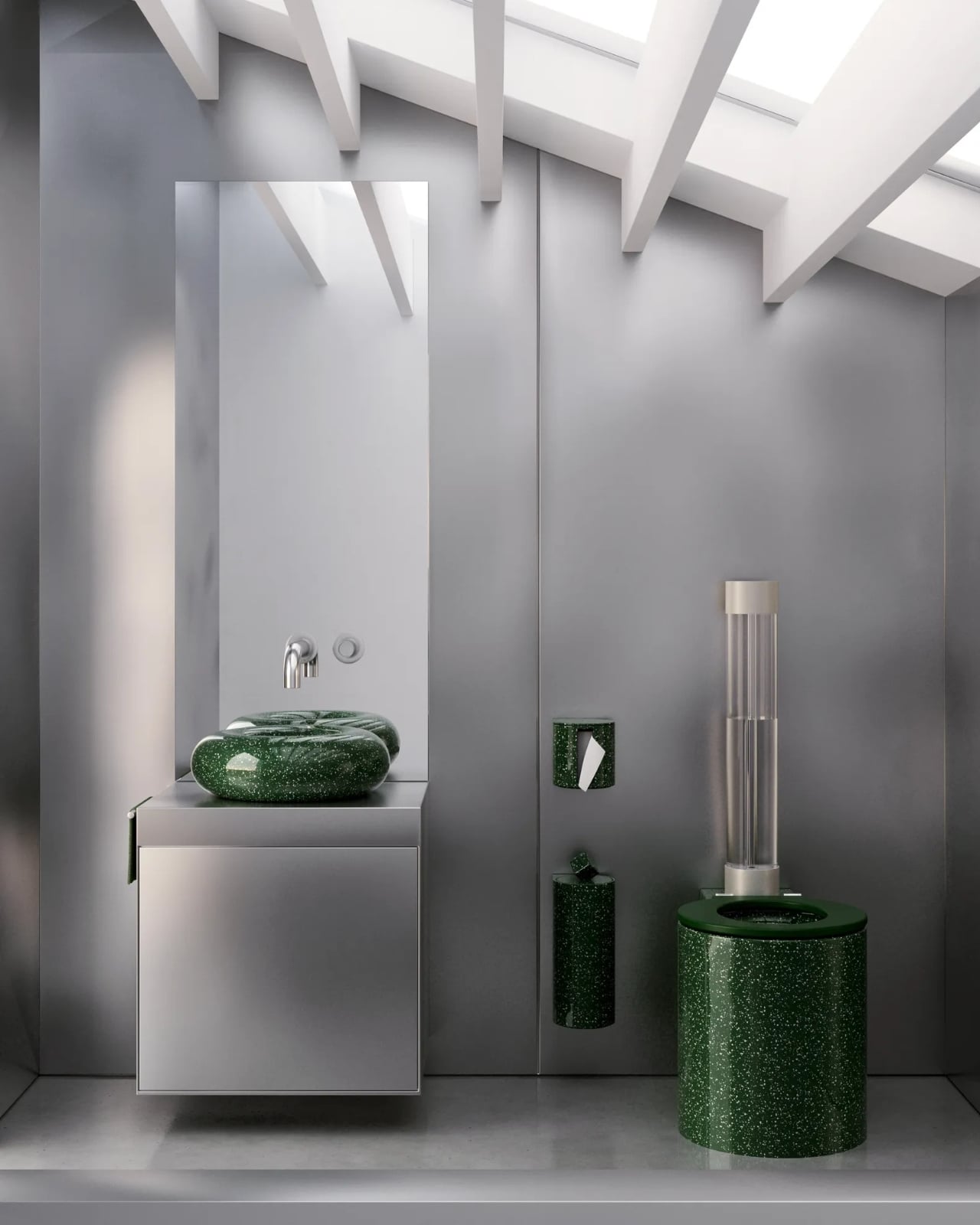
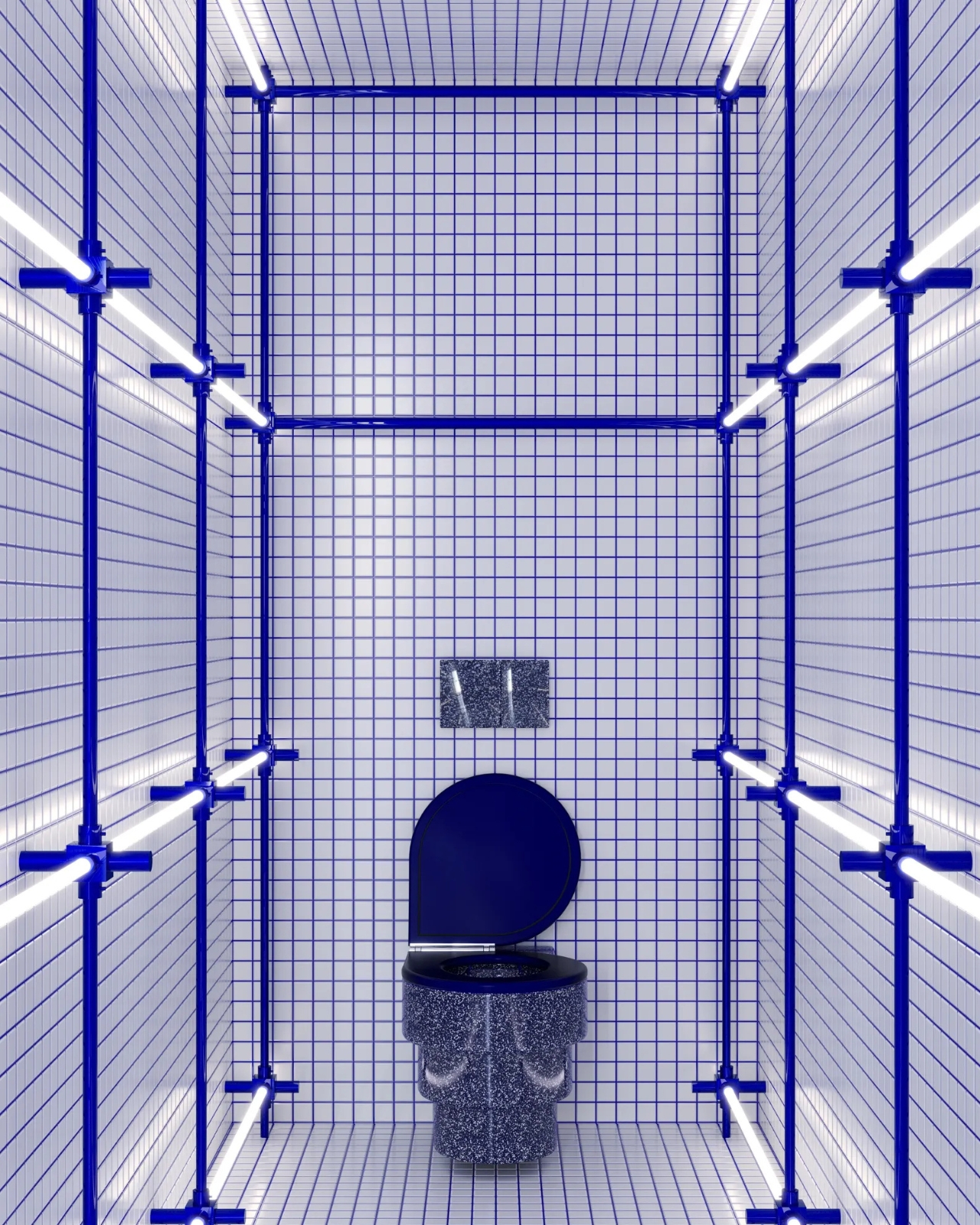
I appreciate that Volpei never tried to rebrand the toilet as something more palatable. He didn’t call it a “wellness station” or bury the product under layers of vague lifestyle marketing. He simply looked at a deeply neglected object and asked why it couldn’t also be beautiful. There’s a refreshing directness to that logic, and it’s one that resonates well beyond the design community. The idea that a toilet could hold its own in a design conversation, let alone lead it, should have seemed like a stretch. With Trone, it doesn’t.
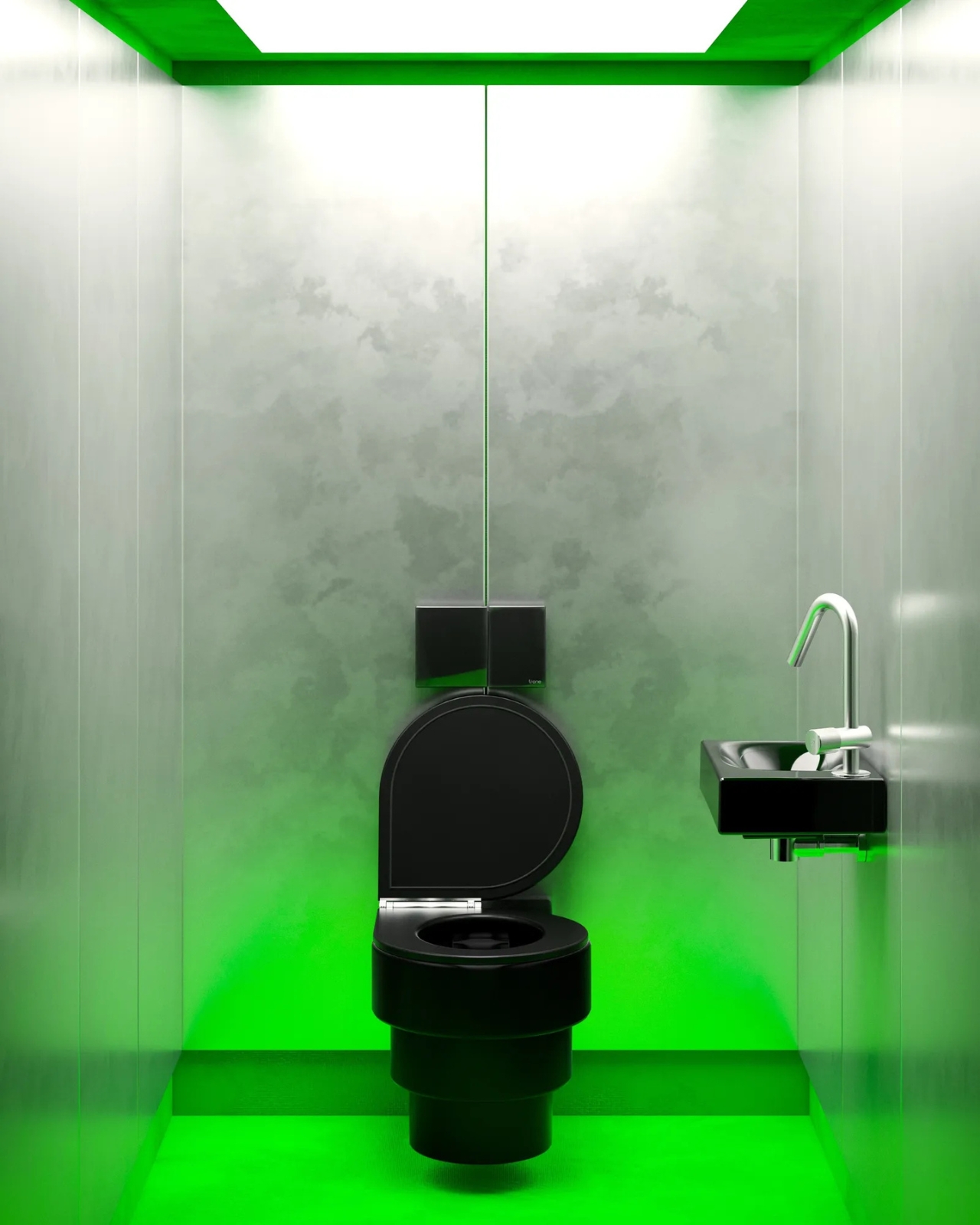
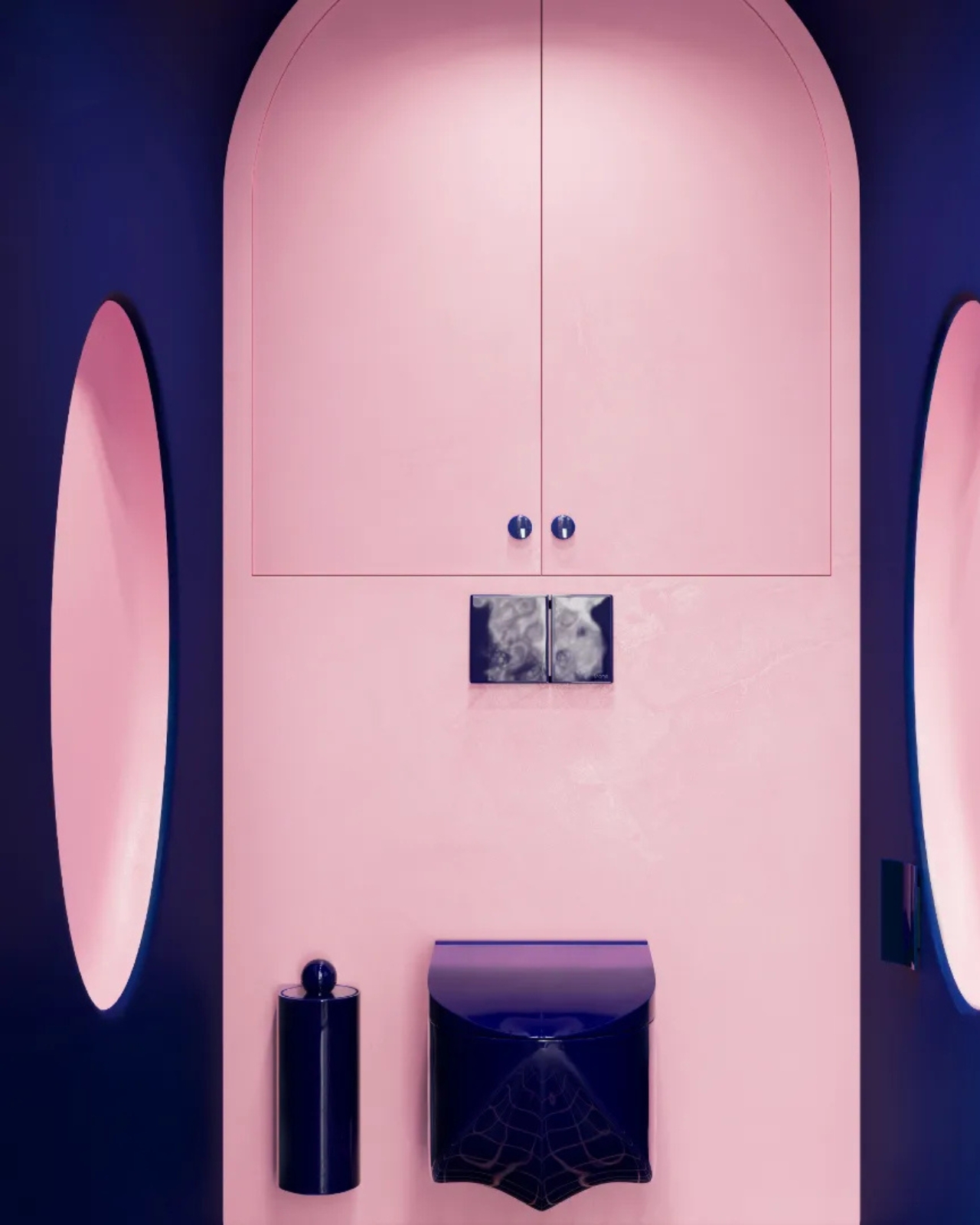
Perhaps the strongest evidence that Trone has genuinely shifted how people think is this: some customers are now adding Trone toilets to their wedding registries and Christmas wish lists. Volpei describes this as “probably the greatest achievement of all,” and it’s hard to argue. Getting people to genuinely want a toilet as a gift requires a fundamental shift in cultural perception, and building that shift from scratch, with no existing market to reference, takes real conviction.
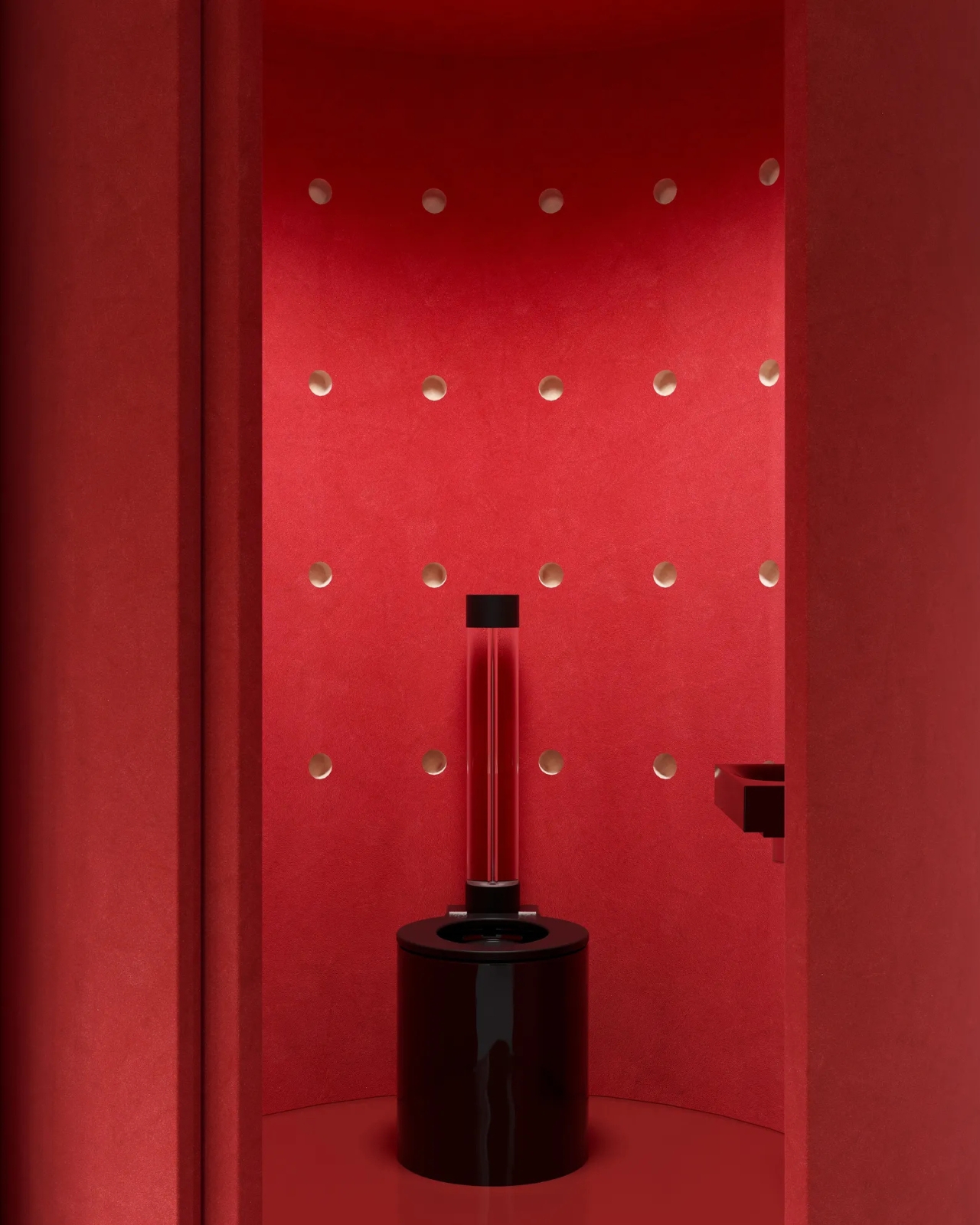
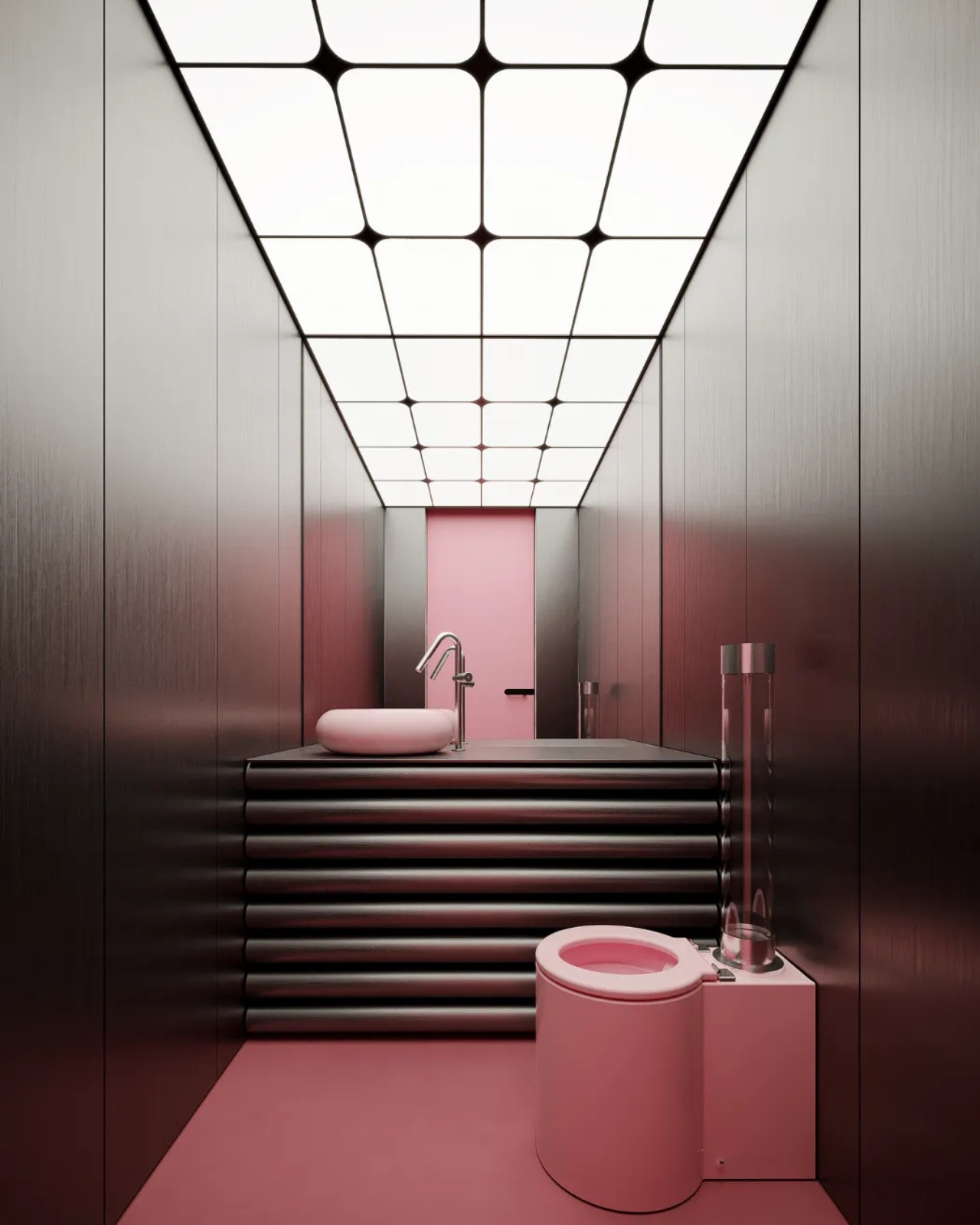
Trone’s clientele now spans restaurants, hotels, and hospitality groups across Europe, including names like Big Mamma and Paris Society. This makes complete sense. A beautifully designed toilet in a well-considered restaurant bathroom is exactly the kind of unexpected detail people photograph and talk about later. Volpei calls the product “an experience,” which sounds almost absurd in this context, until you remember that people are genuinely requesting these for birthdays and anniversaries. The toilet was always going to have its design moment. It just took someone stubborn enough to believe that no object is too humble to be worth caring about.
The post People Are Putting This $3,000 Toilet on Their Wedding Registry first appeared on Yanko Design.

The XREAL XBX A01+ XR glasses have been put to the test over five weeks and Kola provides a detailed breakdown of their functionality and design. Weighing just 63 grams, these glasses are lightweight enough to remain comfortable during extended use, which is particularly beneficial for drone pilots and outdoor enthusiasts. The removable faceplates offer […]
The post XREAL XBX A01+ Delivers a 120Hz 147-Inch Screen For $299 appeared first on Geeky Gadgets.
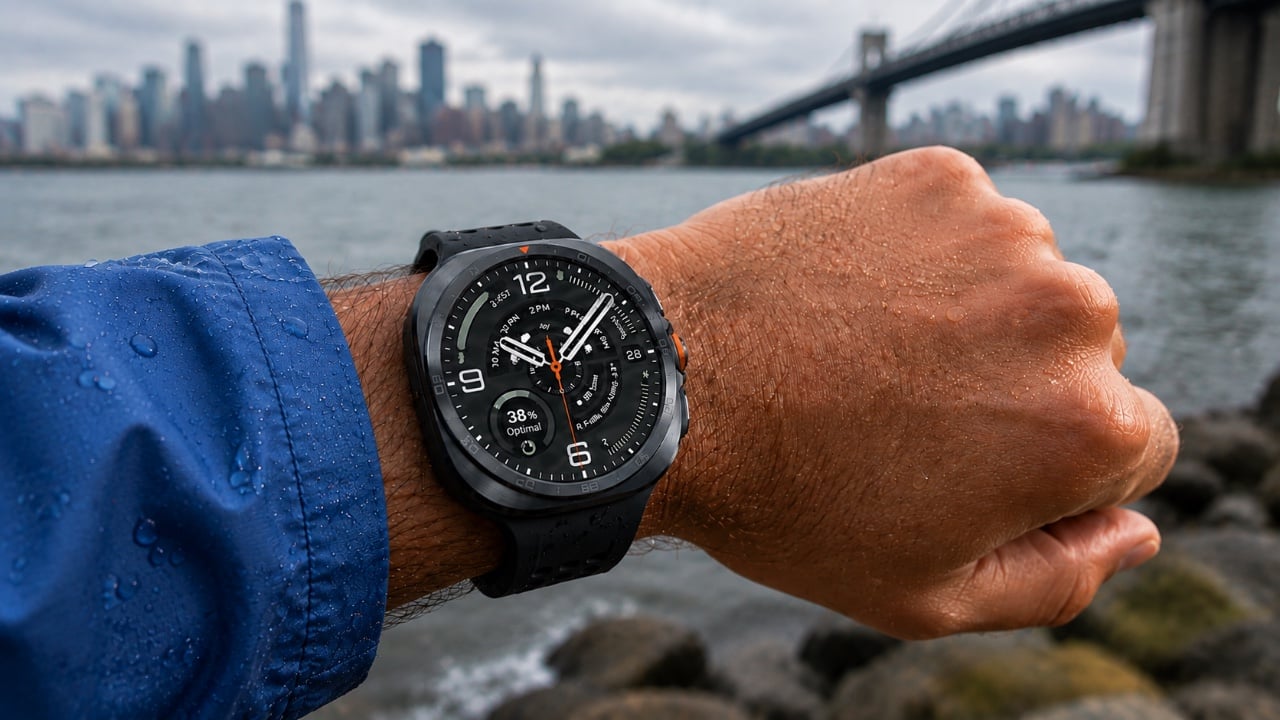
The Galaxy Watch Ultra 2 and Galaxy Watch 9 are setting new standards in the smartwatch industry with their growing ecosystem of third-party apps. These devices are no longer limited to basic fitness tracking or notifications. Instead, they serve as versatile tools that enhance your daily life by offering solutions for entertainment, productivity, and convenience. […]
The post Max Out Your Galaxy Watch Ultra 2: Must-Have Apps appeared first on Geeky Gadgets.