Converting audio recordings into text can be a time-saving solution for tasks like meeting documentation, content creation, or interview analysis. In this step-by-step guide, Kevin Stratvert demonstrates how to use ChatGPT’s transcription feature, which supports popular audio formats such as MP3, WAV and M4A. With a paid subscription, users can upload audio files directly into […]
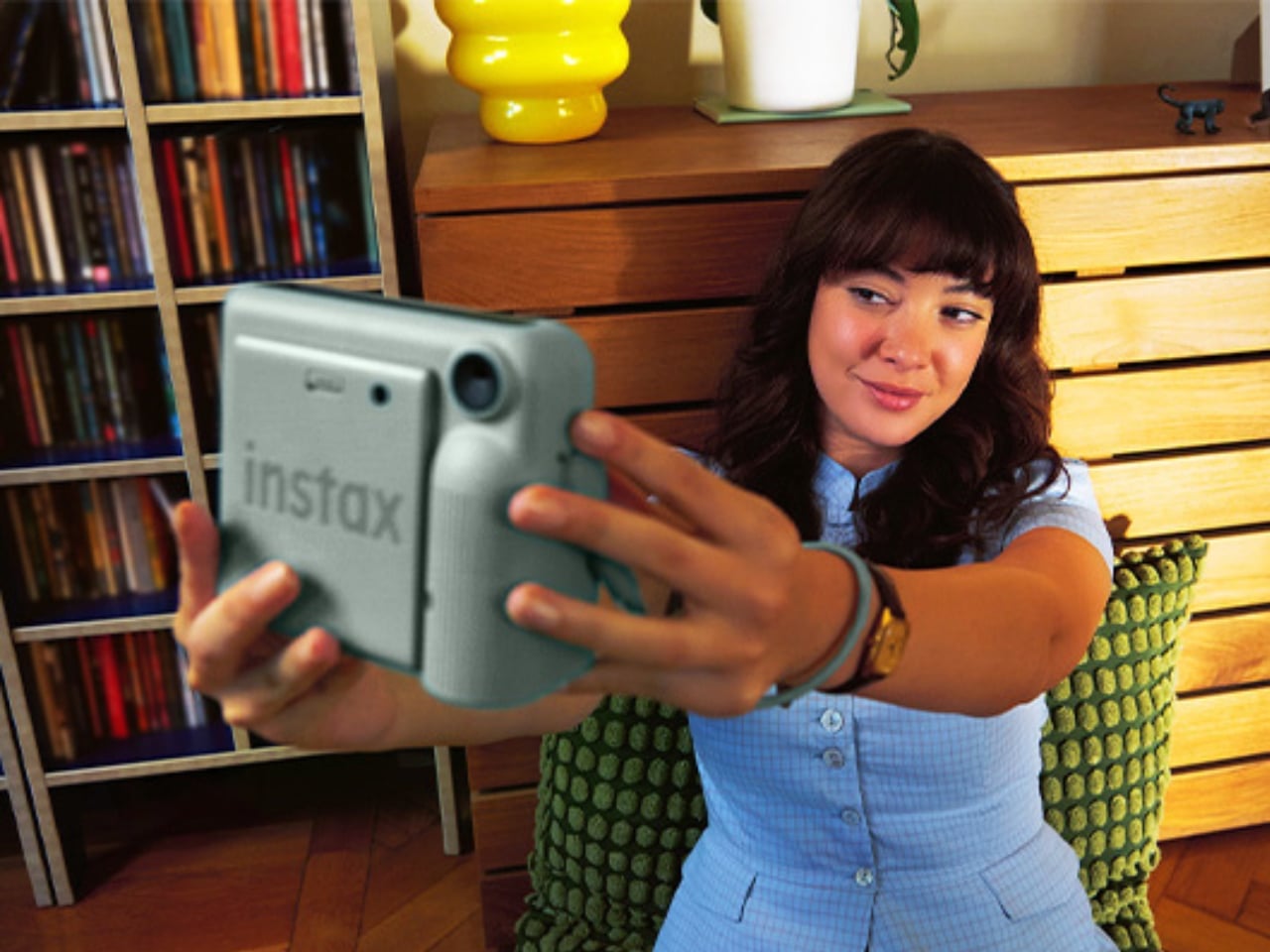
With smartphone cameras getting more advanced every day, it’s becoming more convenient to take photos and videos just by opening the camera app. But when you scroll through your gallery, you realize you have a gazillion photos buried in there. Photo printers and instant cameras have become hard for me to resist over the past few years, and every time a new one comes out, I’m always like, “I want that!” or “I actually need that!” The appeal is having physical photos to add to my journal or tack onto my corkboard instead of leaving everything on a screen.
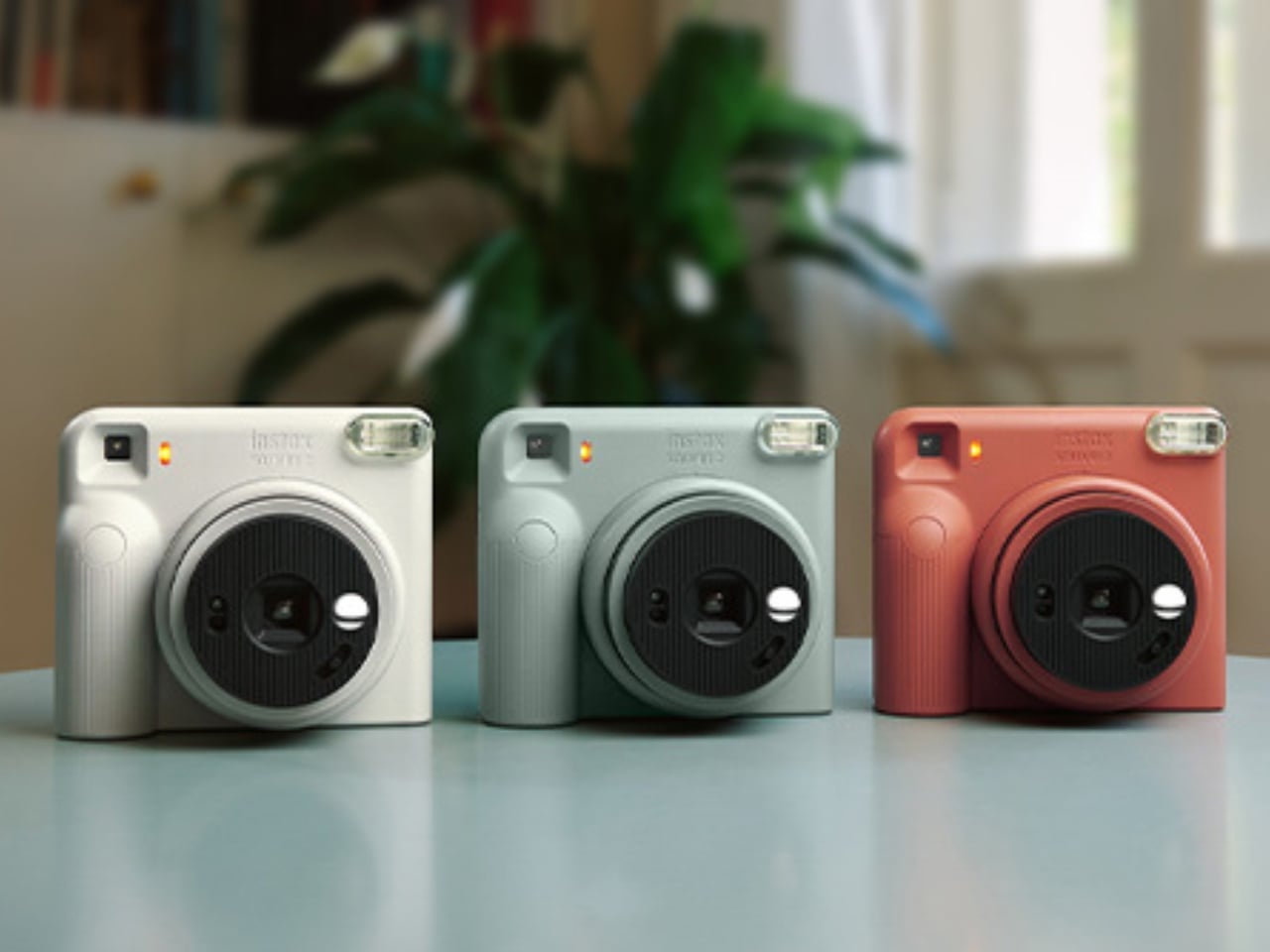
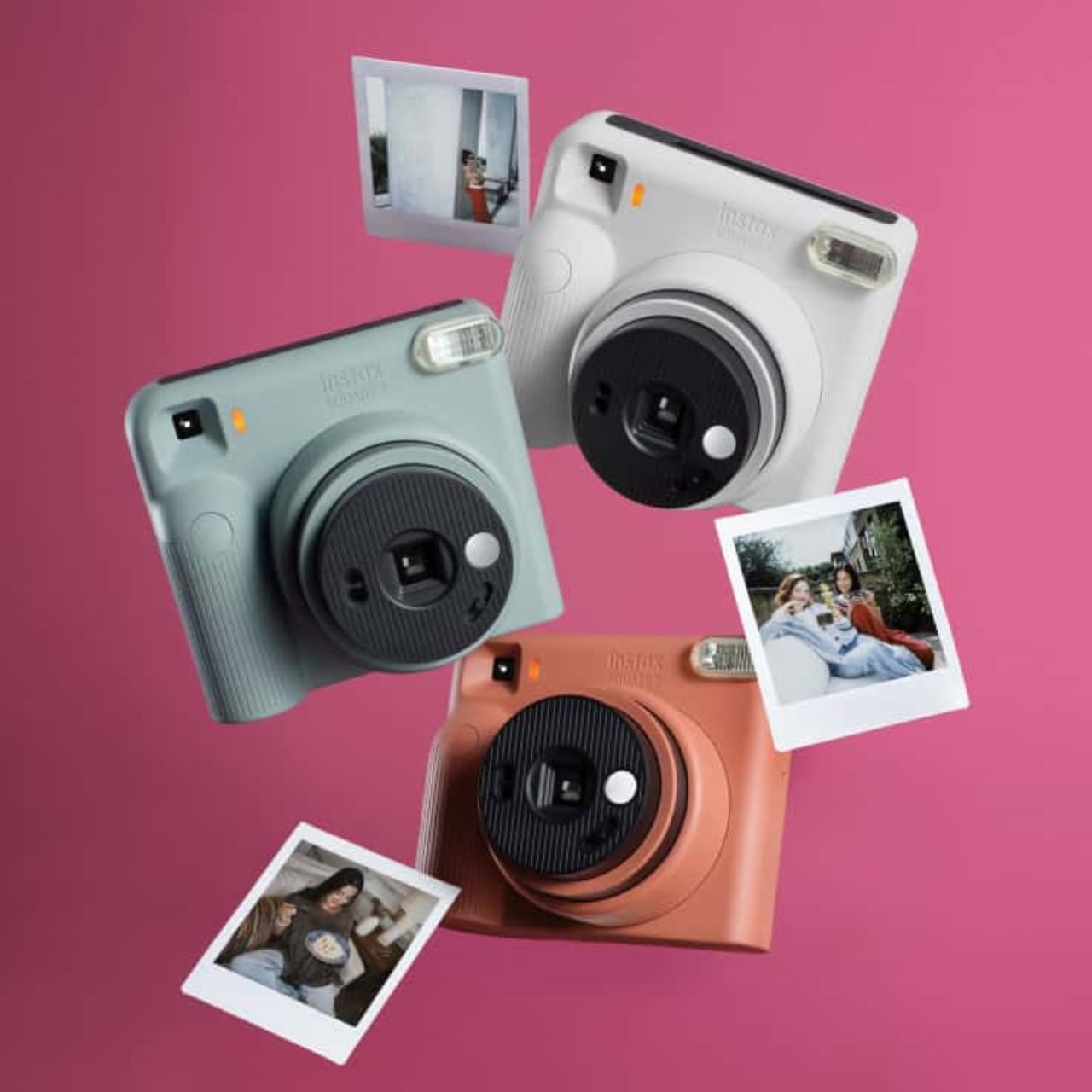
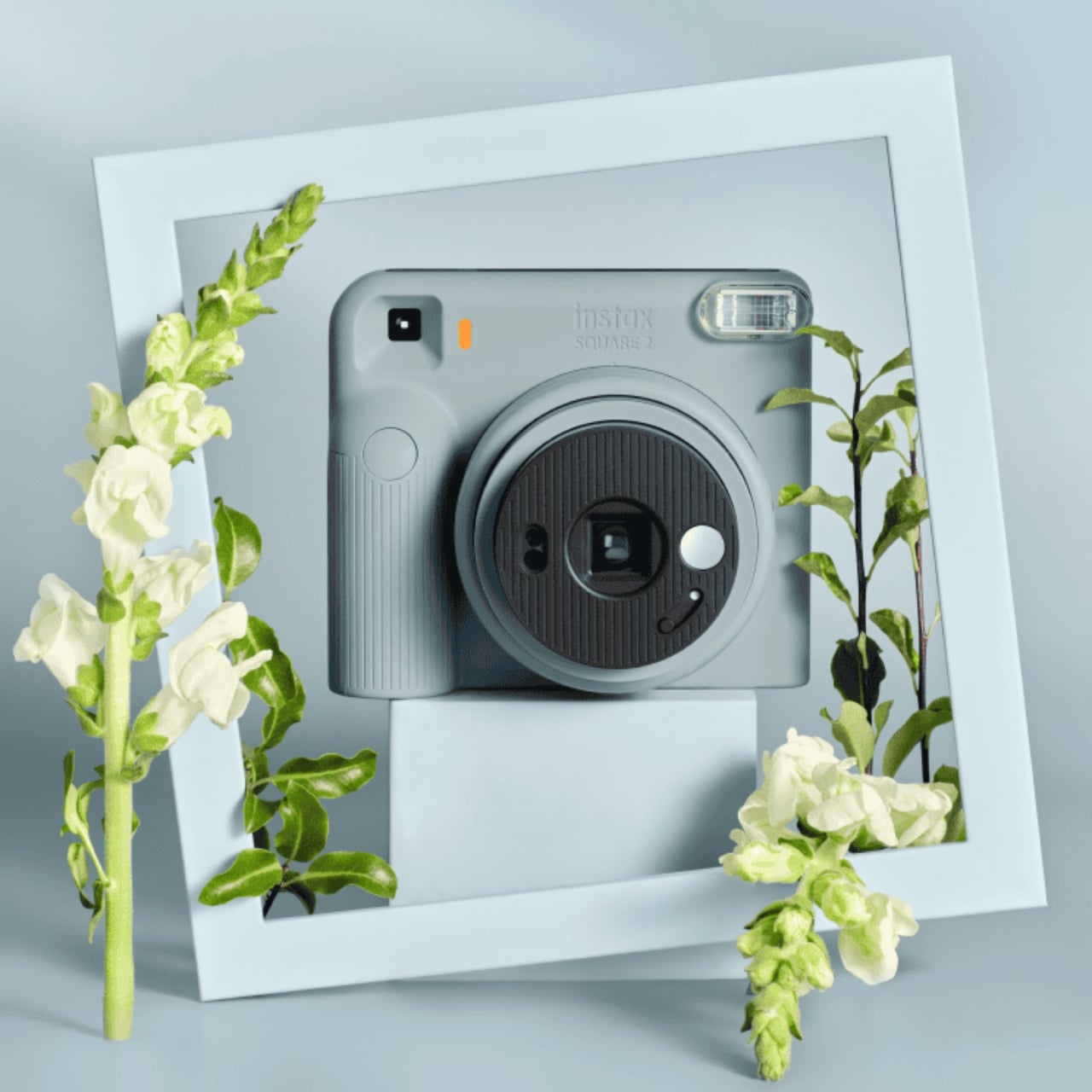
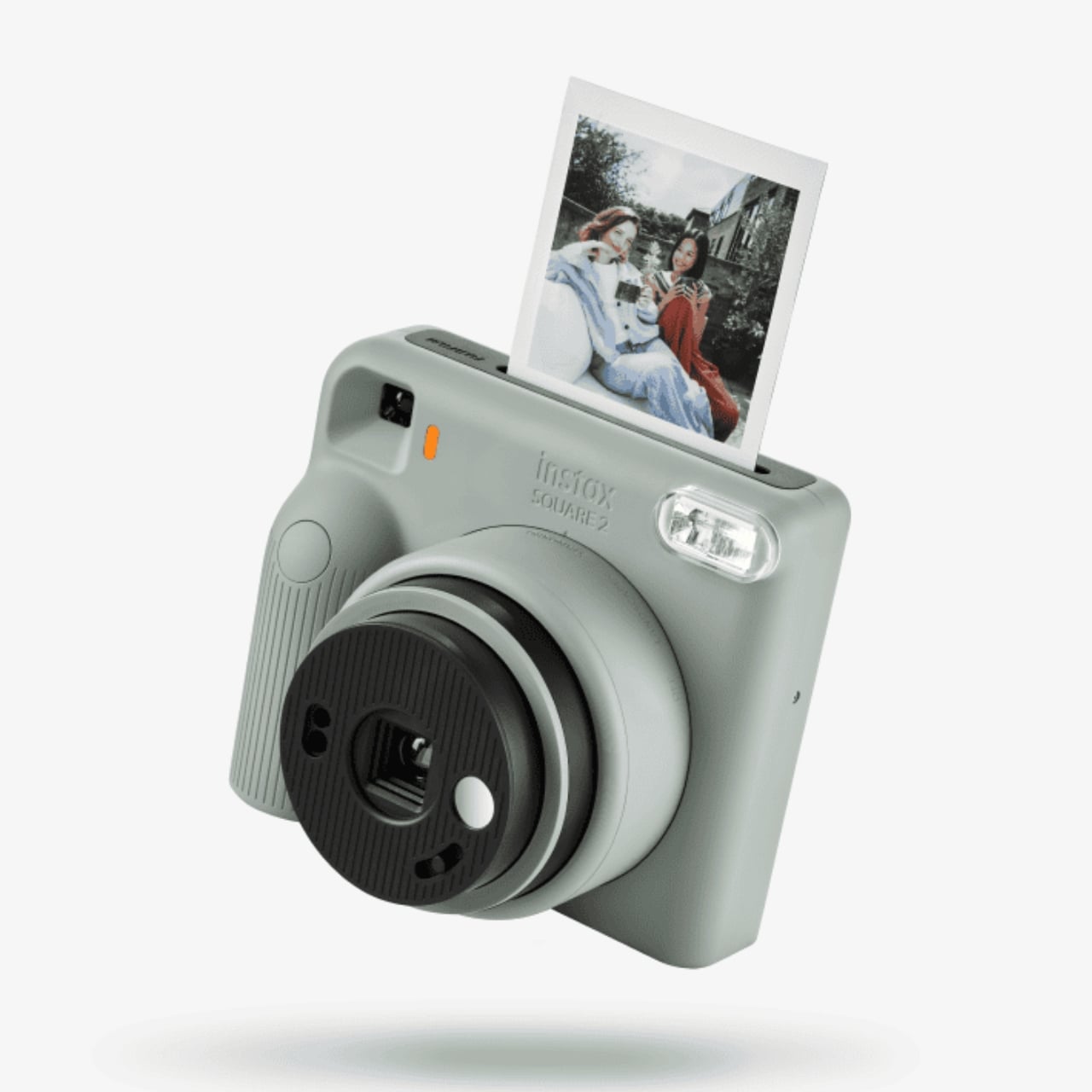
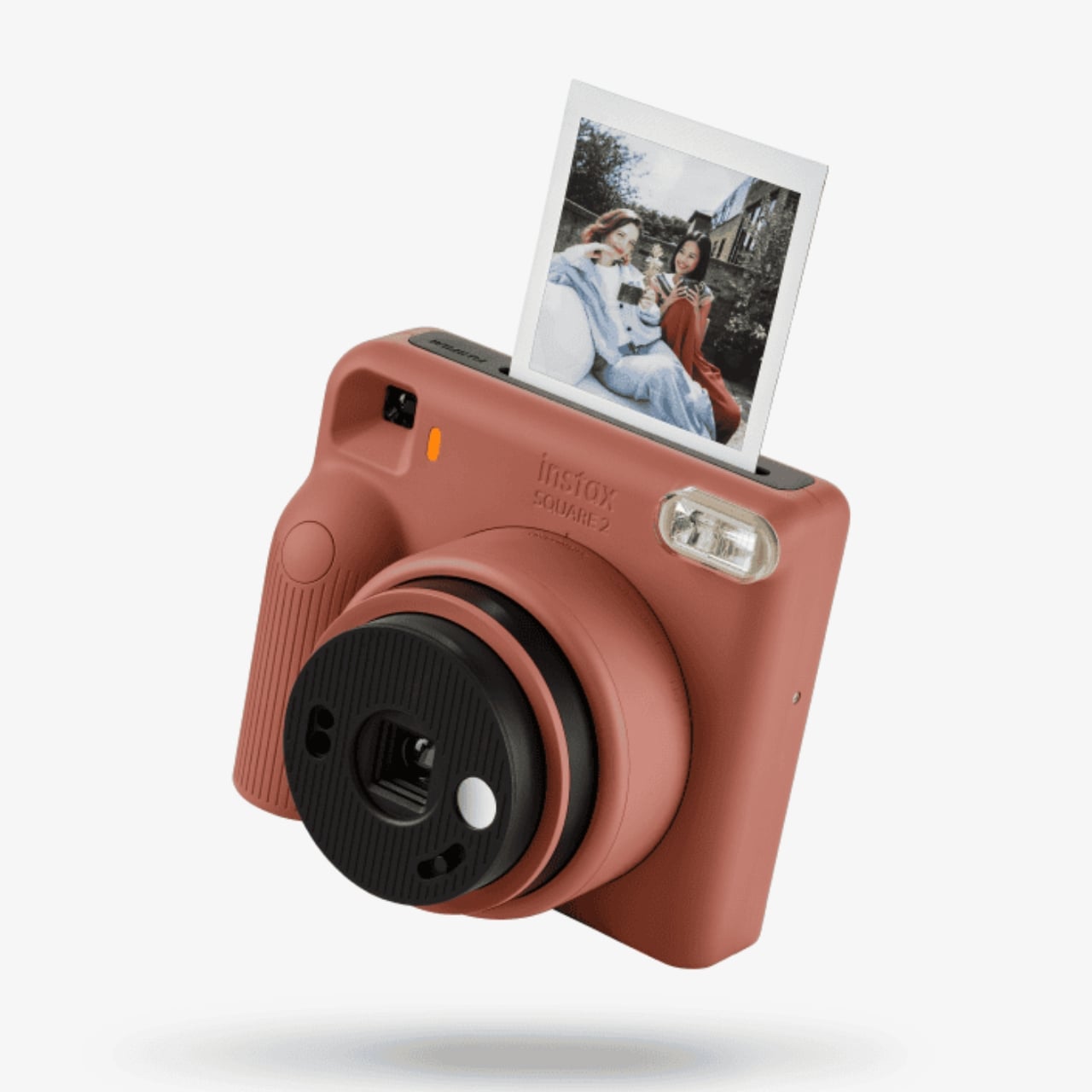
Fujifilm’s instax instant camera line has a new addition to the family. The instax SQUARE 2 is an updated version of the SQUARE SQ1, letting you enjoy on-the-spot photographs in a square format. This time, there are more features, like Landscape mode and the Mood Filter function, which give you more ways to have fun with your pictures. Fujifilm announced the camera on October 14, 2026, with release scheduled to begin October 28.
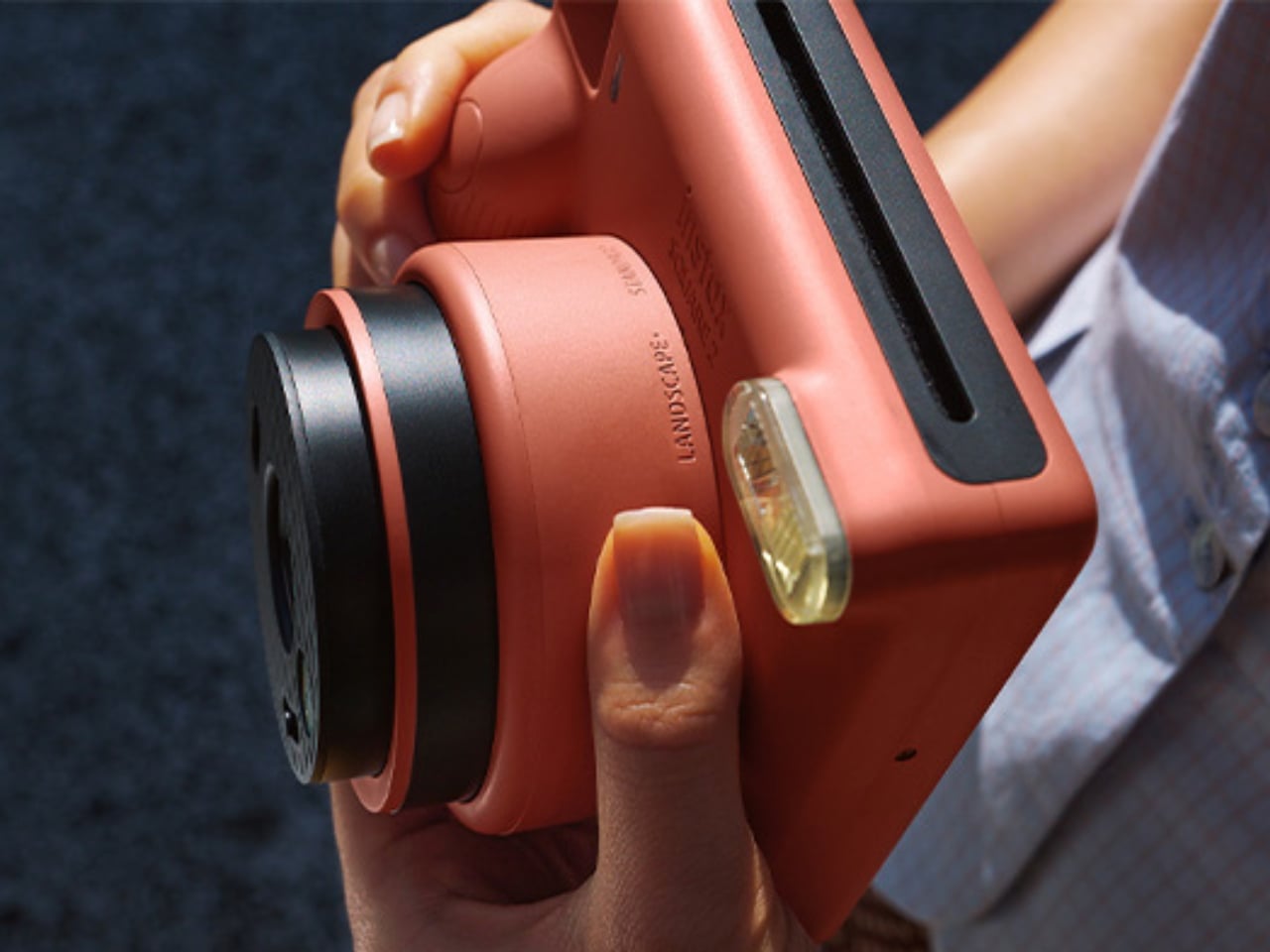
The previous model, the SQUARE SQ1, already included Automatic Exposure and a Selfie Mirror, and both return here. This time around, you get Landscape mode, which Fujifilm says helps you take clearer shots of distant scenery and groups. It’s designed for subjects approximately 9.8 feet away or farther. Standard and Close-up modes cover nearer subjects, and you select them by turning the lens ring. You still get the 1:1 aspect ratio that makes the square format appealing, but you’ll need to choose the appropriate focus mode yourself.
The Mood Filter function lets you change the, well, mood of a photo you’re taking with just one switch. You can choose between “Warm” and “Cool” to fit the atmosphere and aesthetic of your subject, or leave it off for the standard instax look. The interesting part is that these aren’t digital effects. Moving the switch places a physical filter in front of the lens, adding golden or blue tones before you take the picture. It’s a creative choice you make while shooting rather than during an editing session afterward.
They’re also introducing the new SOFT HAZE SQUARE-format film, sold separately. According to Fujifilm, its newly developed film emulsion produces softer light effects and warmer tones, giving your photos a dreamy quality. That effect comes from the film itself, rather than the camera’s filter switch. The two features offer different ways to influence the finished photograph, even though both lean into changing its atmosphere.
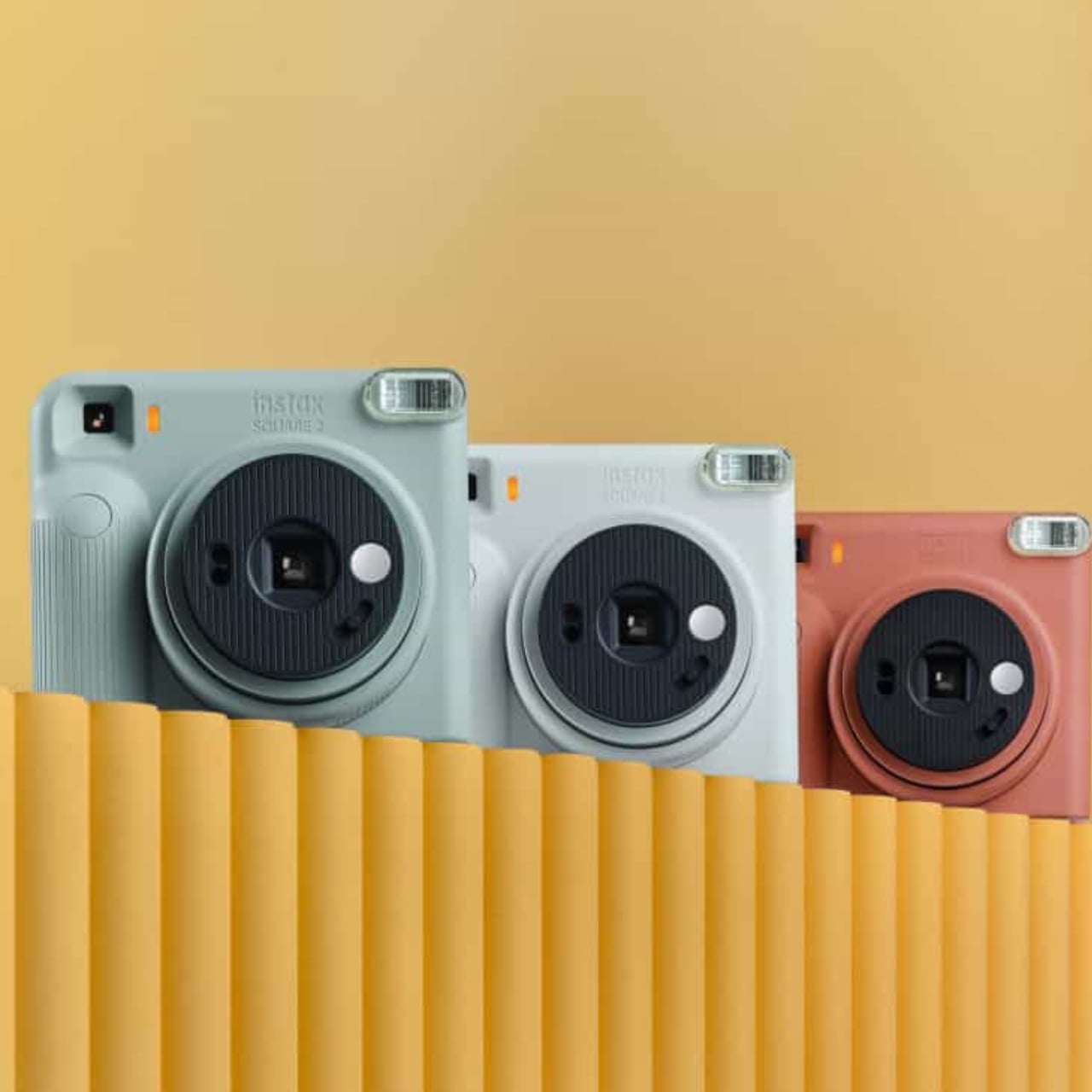
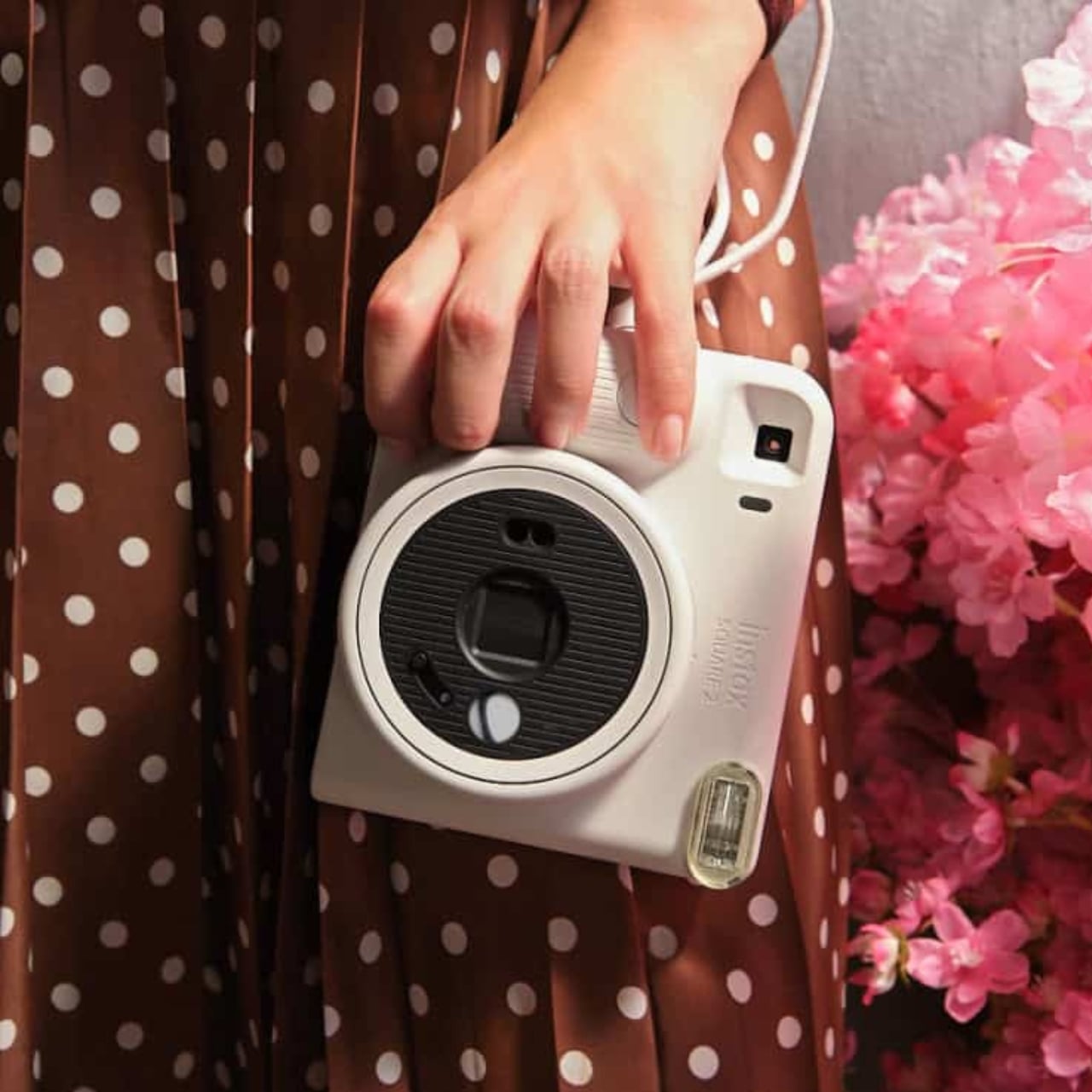
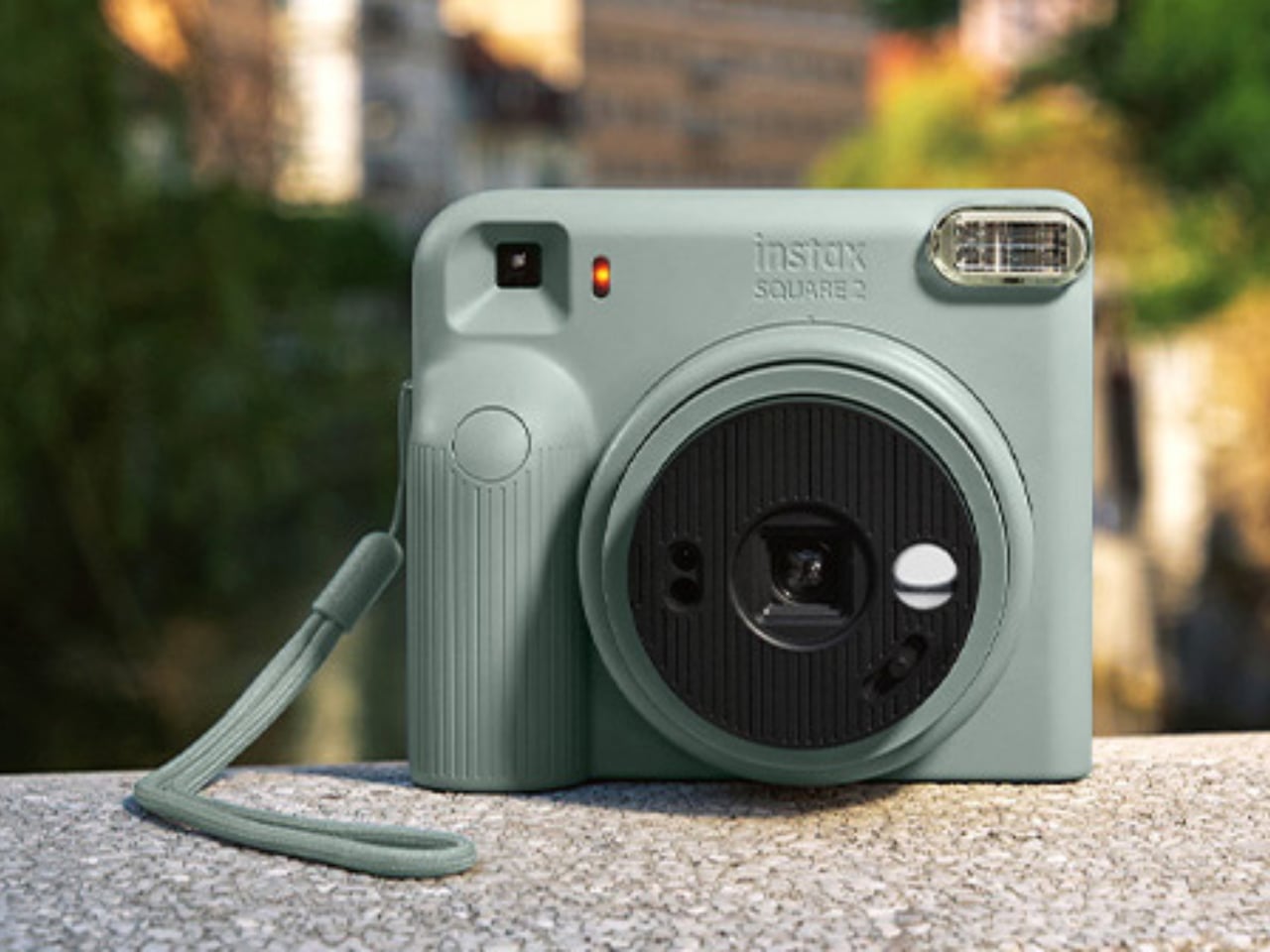
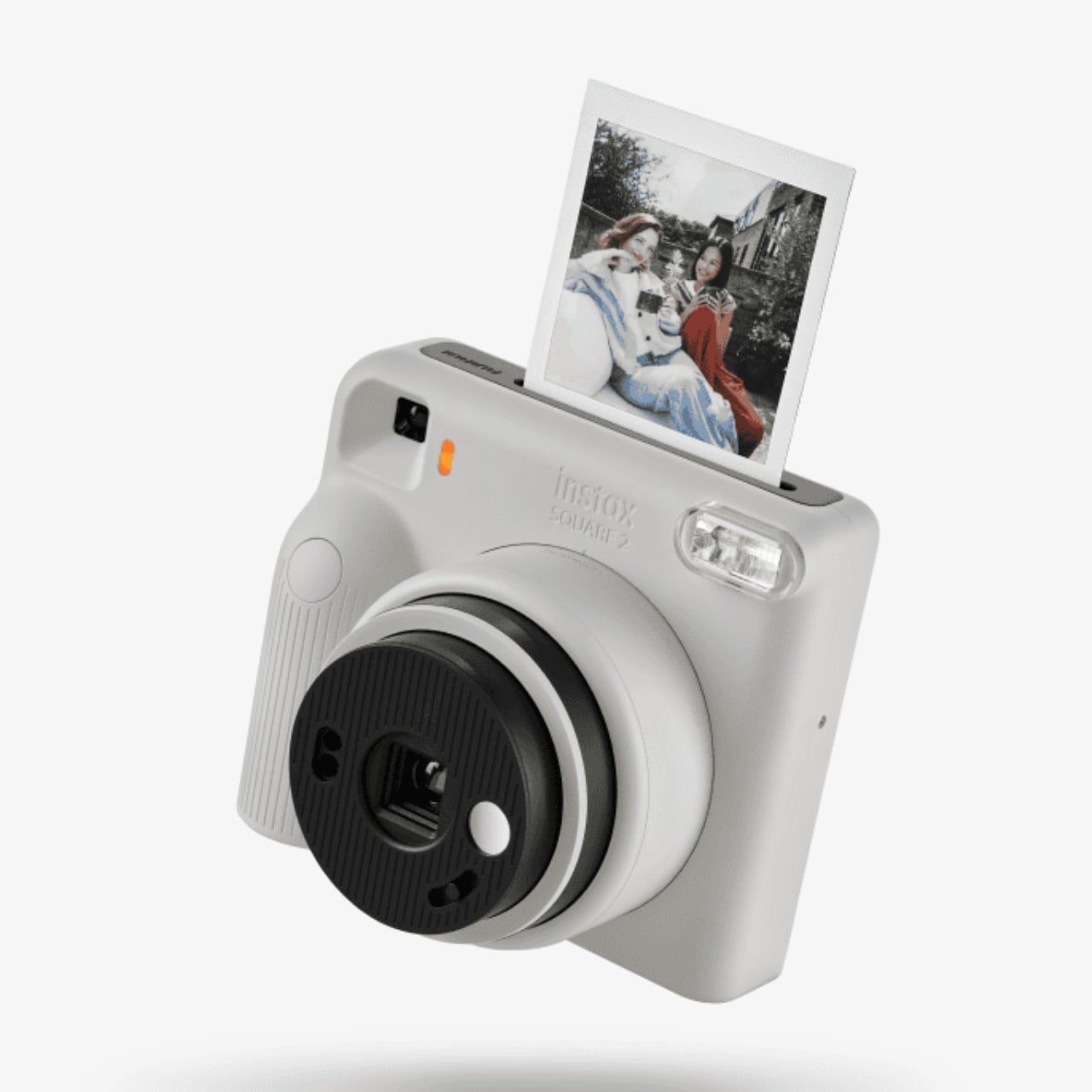
The camera itself comes in three colors: Misty White, Slate Blue, and Brick Red. The palette has a muted feel, and design-wise, the SQUARE 2 has soft, rounded body styling and tactile detailing. Striped accents on the grip and lens give the areas you hold and turn a different texture from the smoother body, while debossed branding keeps the logo subtle. The controls also stay physical: a lens ring for shooting modes and a switch for filters, rather than a menu to scroll through.
The US MSRP is $119.95, excluding film, so the camera’s purchase price is only part of the cost. Every photograph uses a sheet of film, something worth remembering before experimenting with every filter and subject combination.
Keep in mind that this is an analog instant camera that captures new pictures directly onto instax SQUARE film, sold separately, rather than a printer for the photos already buried in your gallery. The photographs take approximately 90 seconds to develop, depending on the temperature, so “instant” still involves a little waiting.
For me, the appeal is having a photo you can hand someone right there or save for a journal page. I’d still want a smartphone printer for those gazillion existing pictures, but this offers a reason to make a few new ones with a particular place on the corkboard in mind.
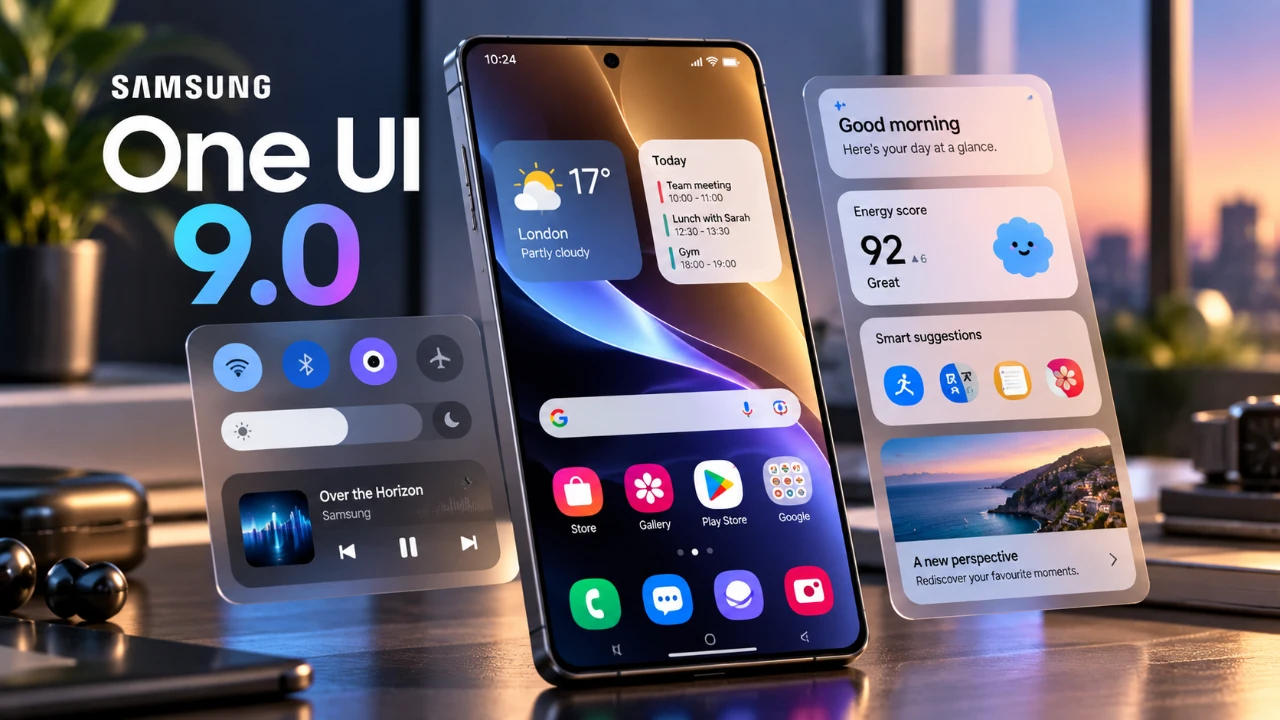
Samsung has officially rolled out its highly anticipated One UI 9 update, starting with the Galaxy S24 series. This update, initially available to beta users, introduces a range of new features and refinements aimed at enhancing usability, customization, and overall performance. While the update is gradually expanding to mid-range Galaxy devices in select regions, some […]
Google’s Fitbit Edge is the latest addition to the wearable market, designed to offer a balance between fitness tracking and smartwatch functionality. At just 11.5 mm thick, this slim, oval-shaped device prioritizes comfort while delivering a robust suite of health-focused features. With advanced metrics like ECG, SpO2 and skin temperature monitoring, it caters to users […]
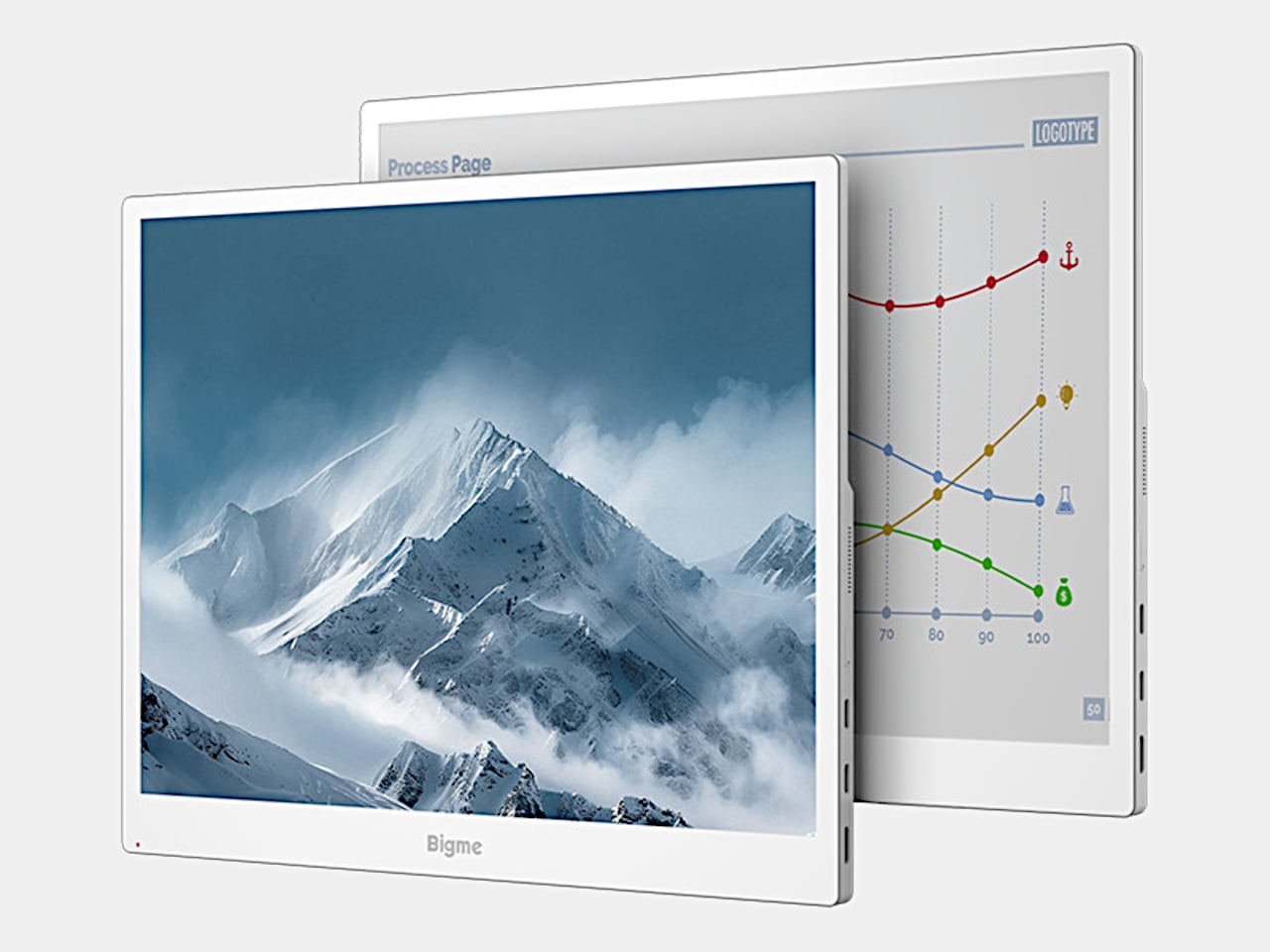
Reading reports or writing all afternoon doesn’t necessarily call for the same kind of display you’d choose for a movie. E-paper offers a different surface, but sluggish updates can make computer work frustrating. Bigme’s B13 Pro tackles that compromise with a 13.3-inch color e-paper monitor and a claimed 60 FPS refresh capability, bringing a more paper-like screen alongside your laptop without abandoning everyday desktop tasks.
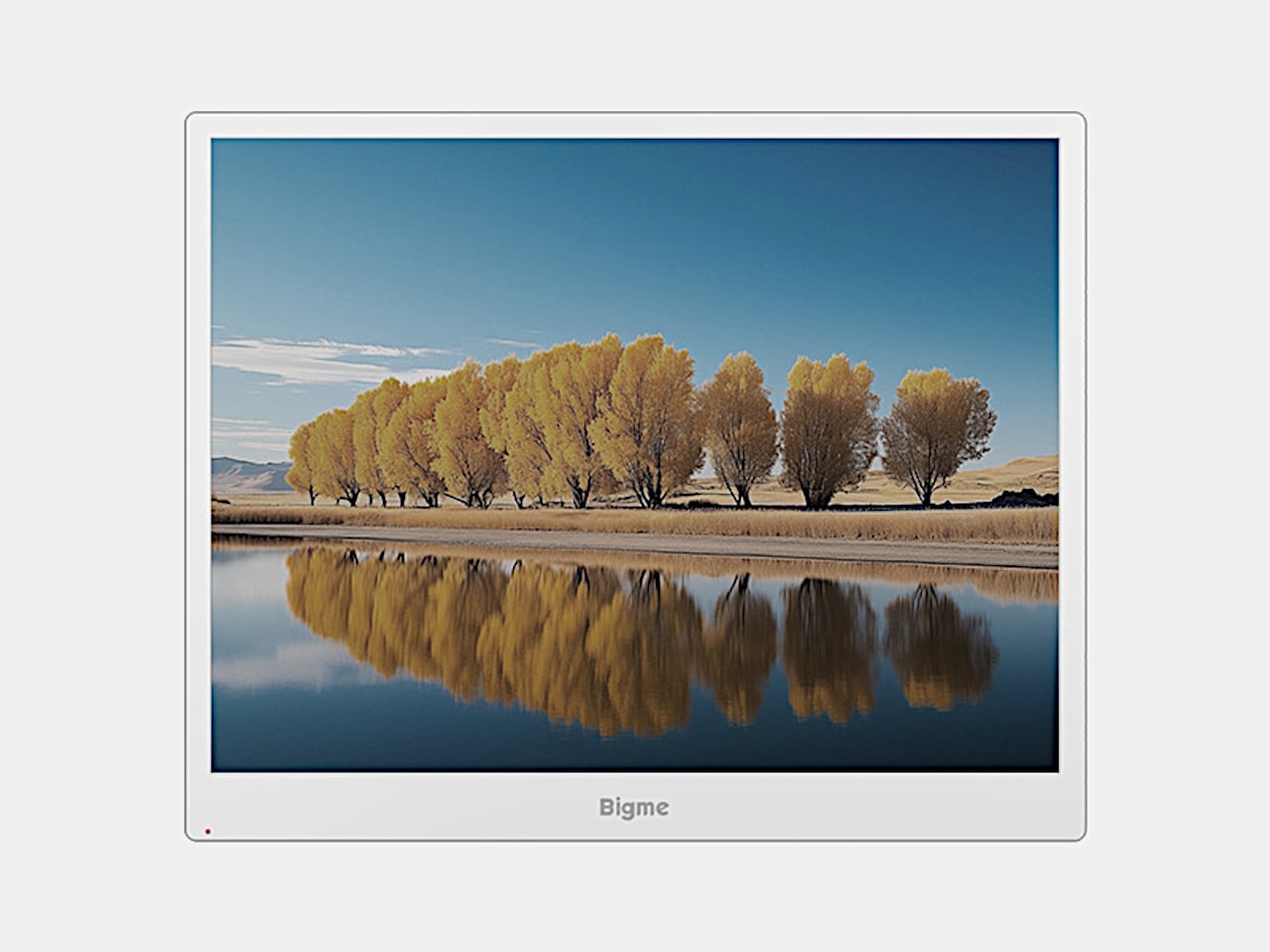
The white frame keeps the appearance closer to an e-reader than a typical gaming monitor, with a broader lower bezel and controls along the edge. Its 4:3 proportions also give documents more vertical room than an equally wide widescreen panel. At roughly 11.3 by 9.1 inches and 1.46 pounds, it’s another object for your bag, though not a full-size desktop monitor.
Rather than shining a backlight through the panel, Kaleido 3 e-paper uses reflected light, with an adjustable frontlight for dimmer surroundings. The listed 3200×2400 resolution delivers 300 pixels per inch for black-and-white content. That gives text-heavy work a more natural role here than cinematic entertainment. Keeping a reference document beside your draft makes sense when the information matters more than constant on-screen motion.
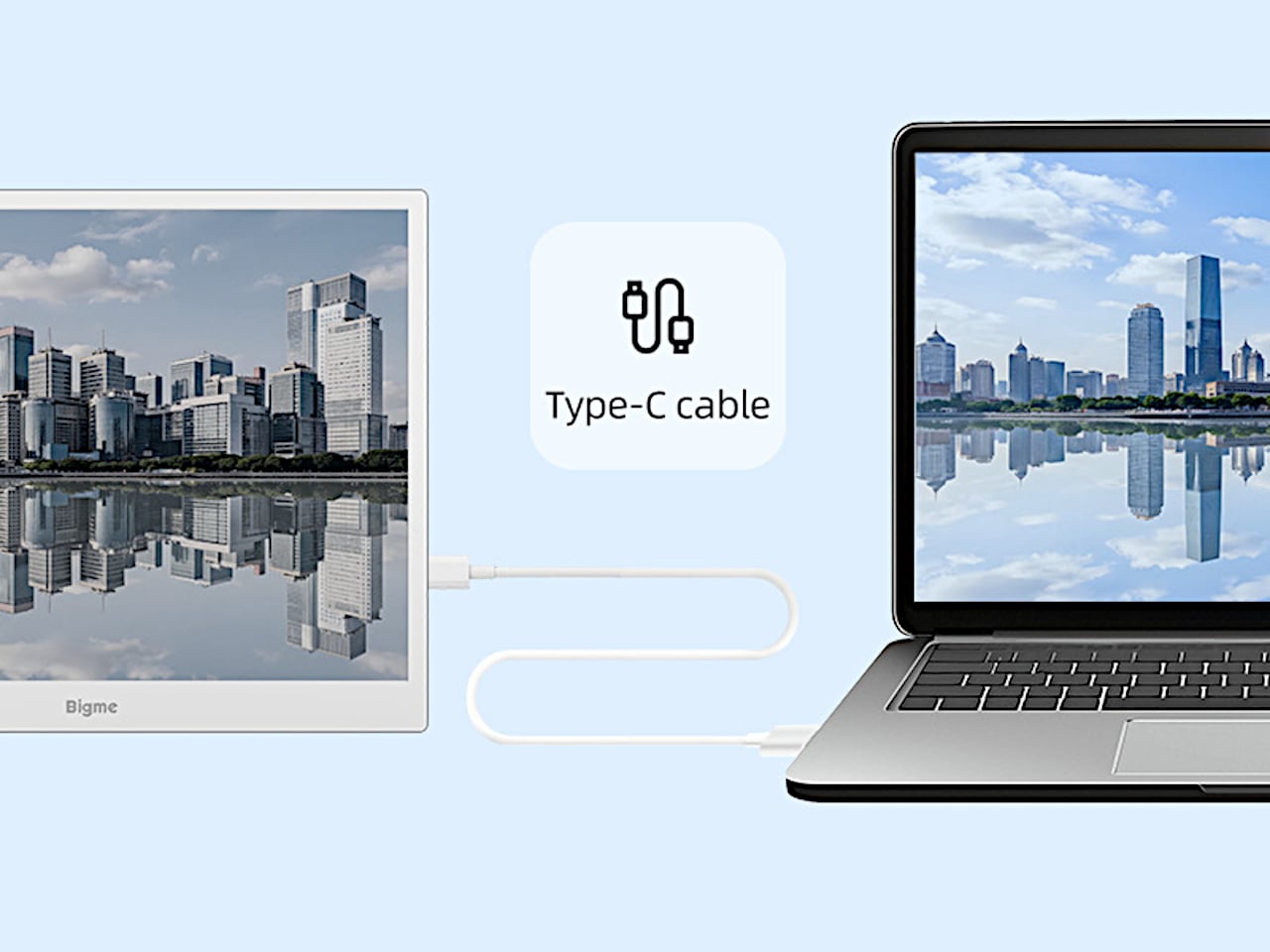
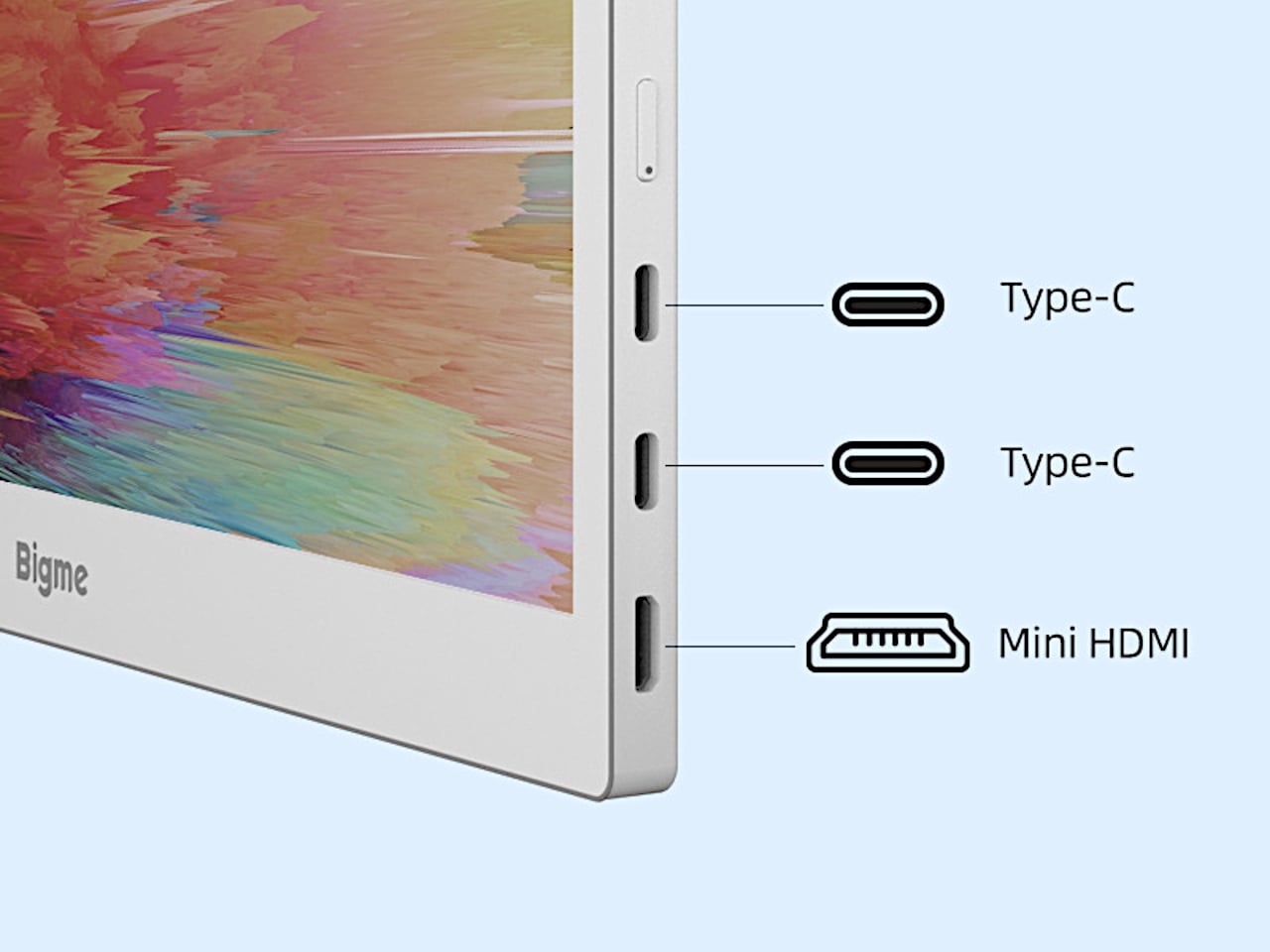
Getting that extra workspace doesn’t have to mean spreading adapters across the desk. A compatible USB-C connection carries both video and power through one cable, although the source device must support both functions. Two USB-C ports and Mini HDMI provide wired options, while wireless casting offers another route.
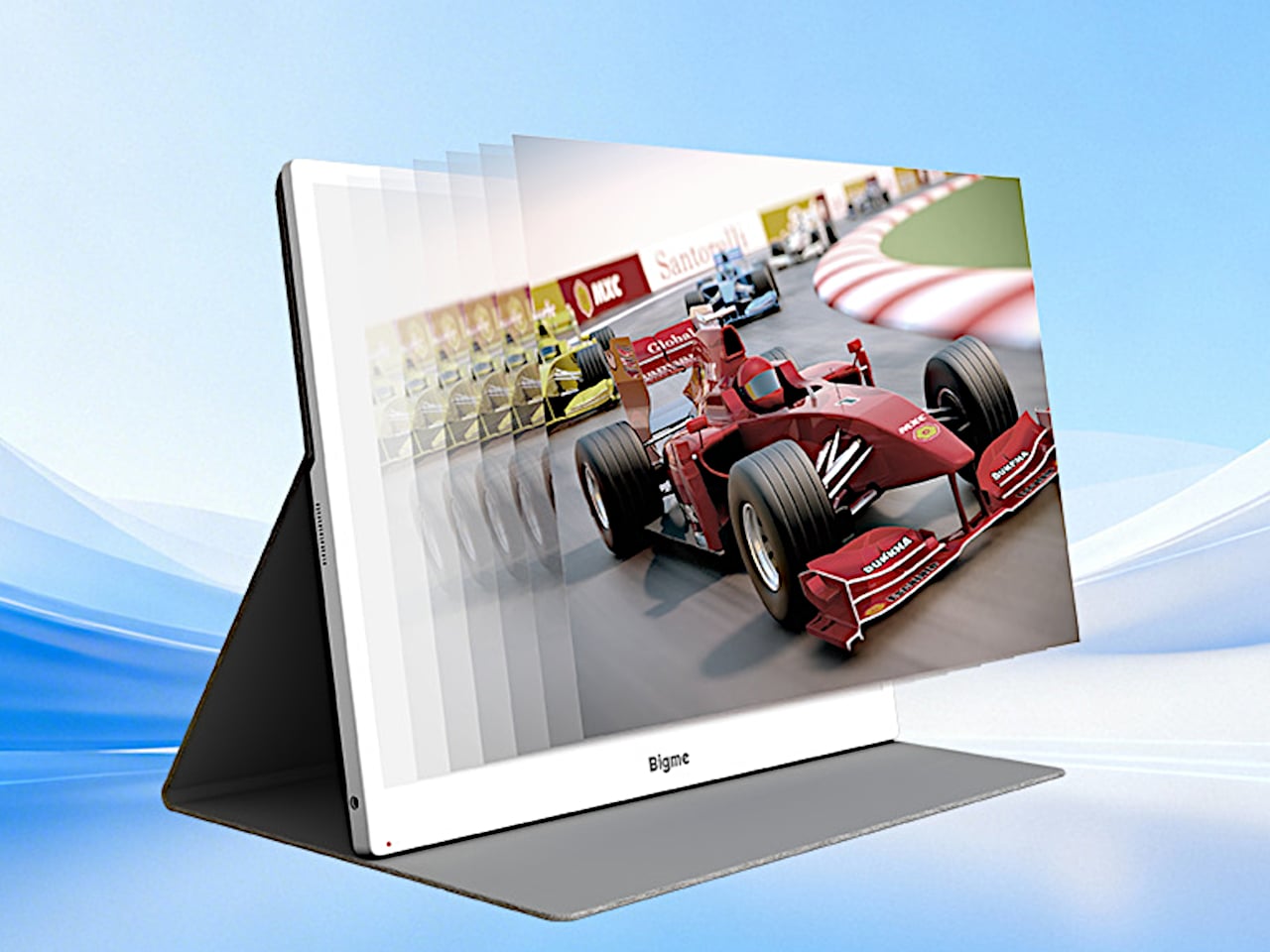
Of course, Bigme’s claimed jump from 30 to 60 FPS is the attention-grabber. If that translates into cleaner scrolling and cursor movement, it could make the display less awkward for everyday computer use. That doesn’t make it a gaming monitor, however. Without independent response-time or ghosting measurements, treating it like a conventional 60Hz monitor would be getting ahead of the evidence.
Color also comes with qualifications. Kaleido 3 supports 4,096 colors, with color density dropping to 150 pixels per inch. That’s useful for distinguishing lines on a chart or highlighting passages without reducing everything to gray, but don’t expect the richness of an LCD or OLED. Color-critical editing belongs on your regular screen; the e-paper panel makes more sense for keeping supporting material visible.
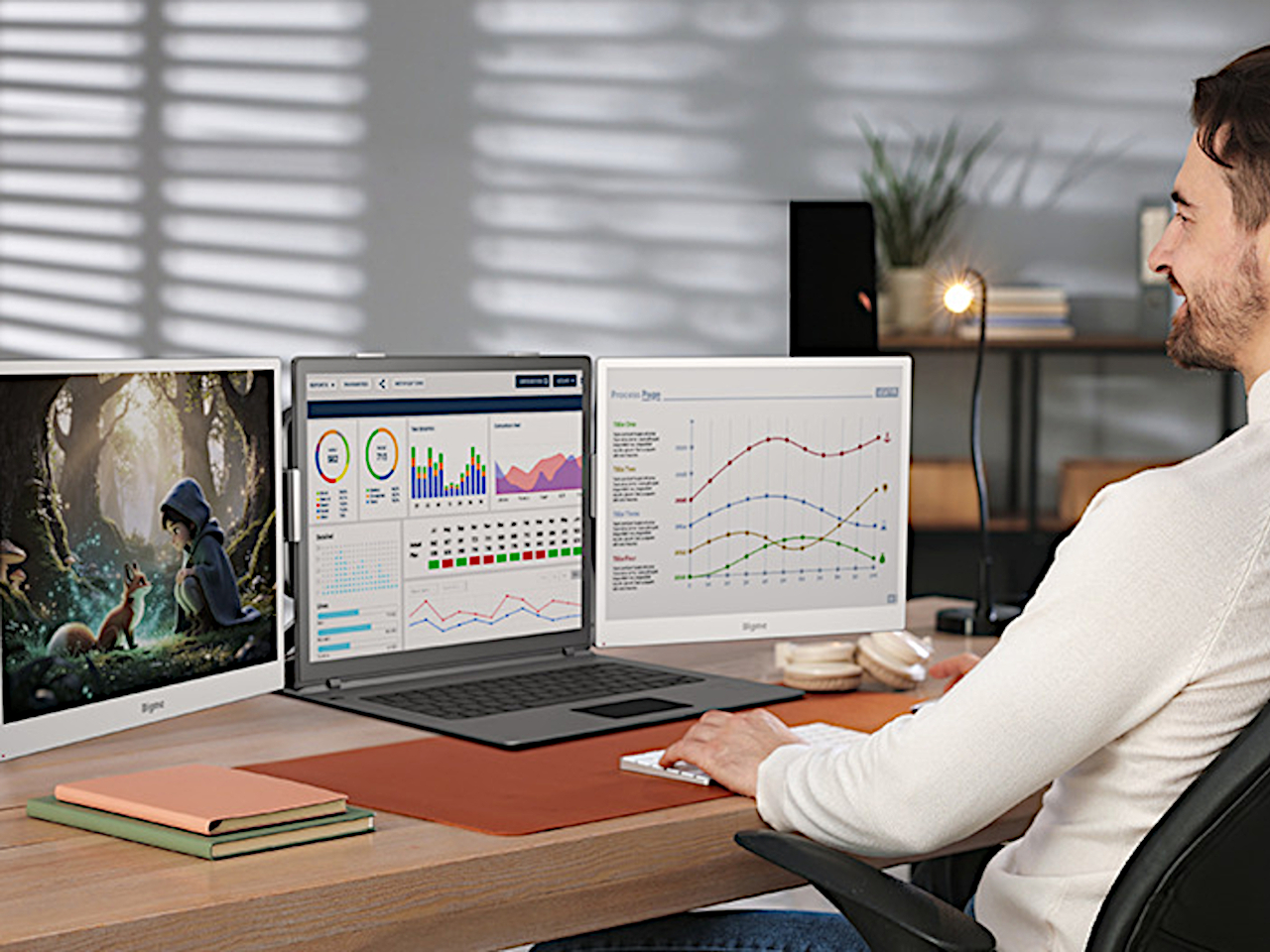
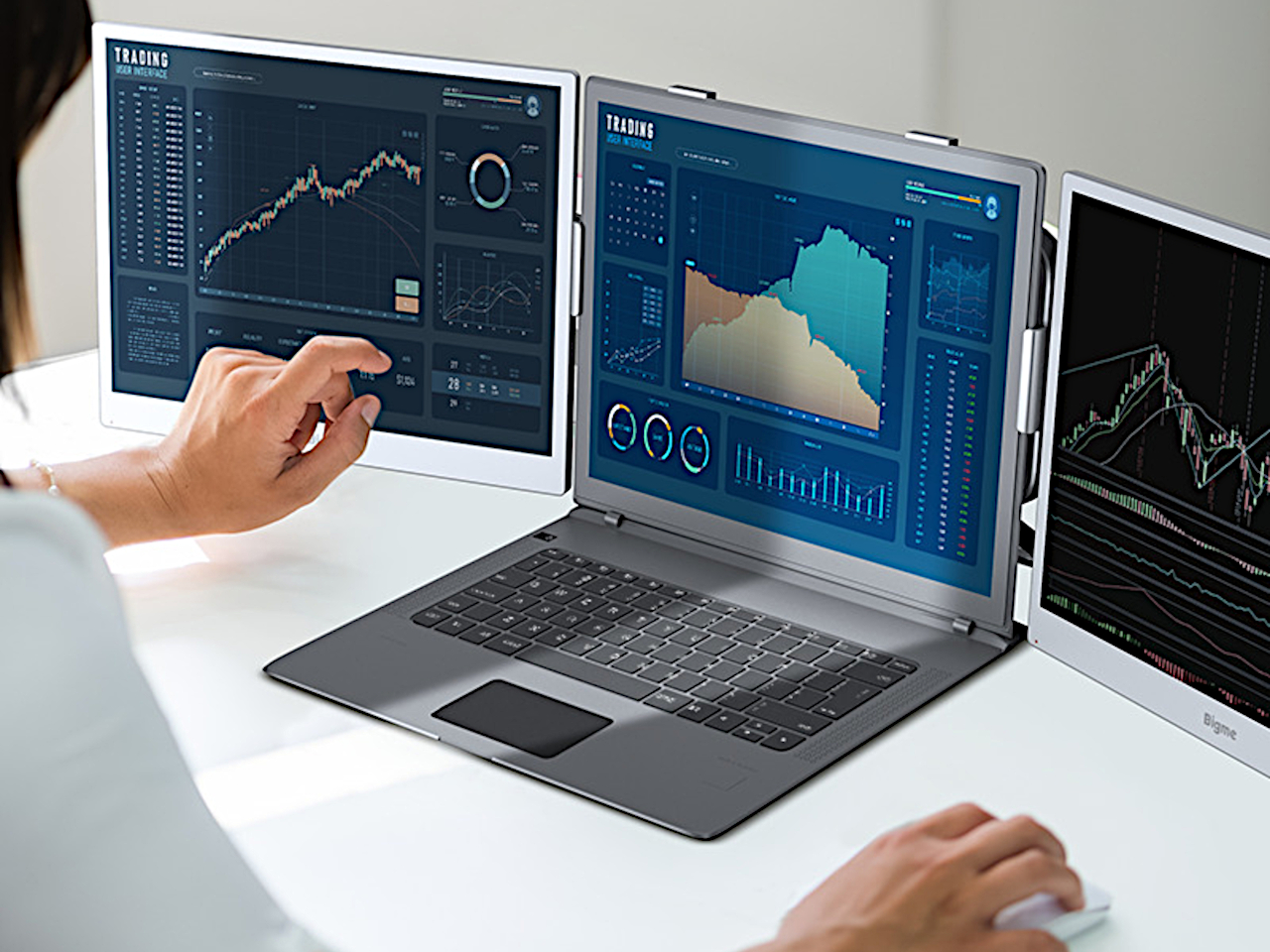
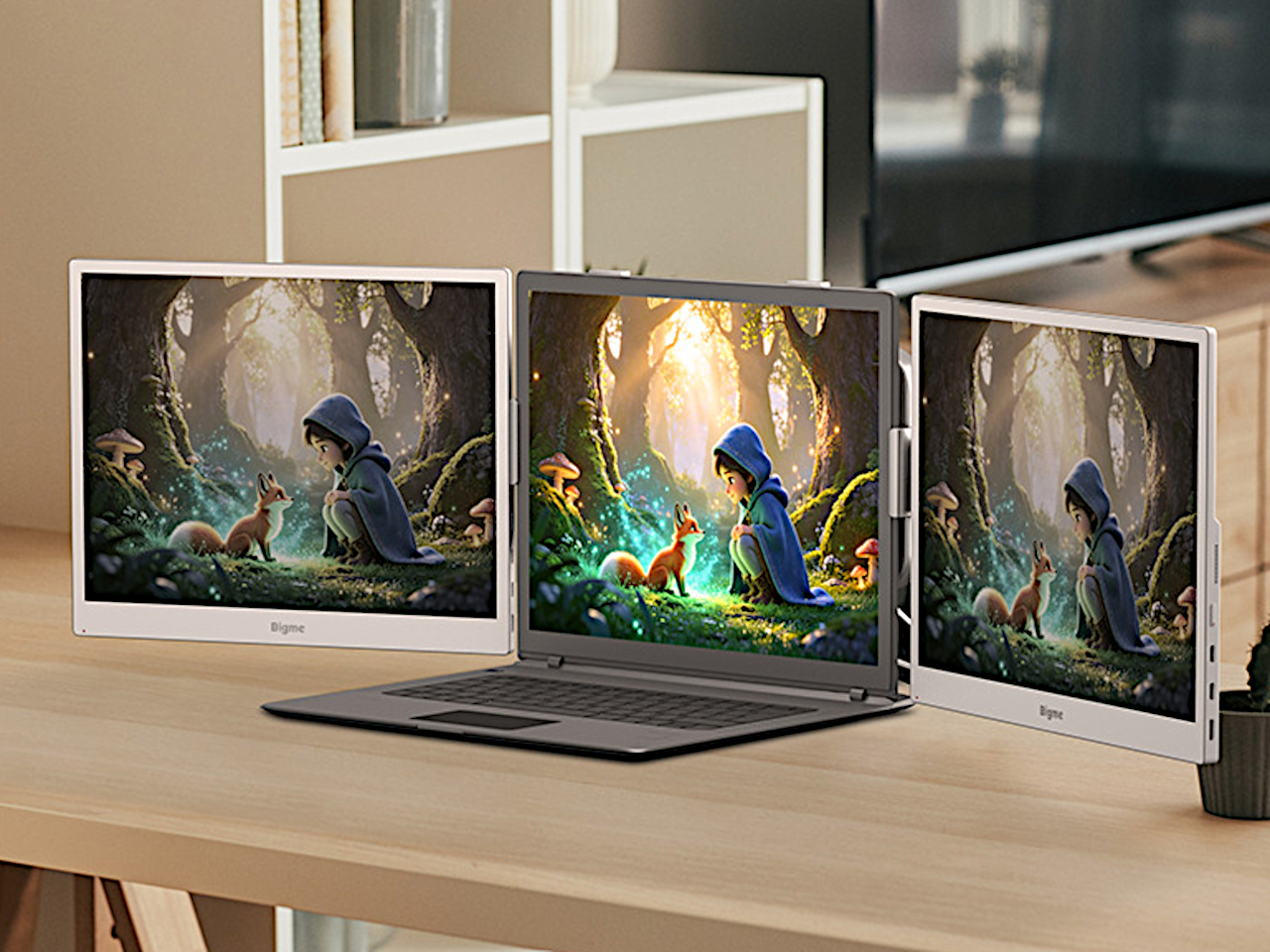
You can take that division further by putting a B13 Pro on either side of a laptop, leaving the central screen for work that needs conventional display behavior. That arrangement requires two monitors plus mounting hardware purchased separately, not a three-screen device unfolding from one box. It also doubles the added display weight, so the hardware holding everything together deserves some attention.
Bigme lists a $569 preorder price against a $749 regular price, but the product page doesn’t specify a firm shipping date. That’s a substantial investment for a 13.3-inch companion screen, especially if you’re planning a pair. The one-cable arrangement keeps the desk simpler, but the real decision is which tasks you want to move onto e-paper and which should stay on the laptop.
Encryption is one of the most effective ways to protect sensitive information from unauthorized access. Whether you’re securing a Windows 11 laptop, encrypting a USB drive, protecting confidential documents or uploading private files to cloud storage, modern encryption tools can help prevent other people from reading your data without the appropriate credentials. However, choosing the […]
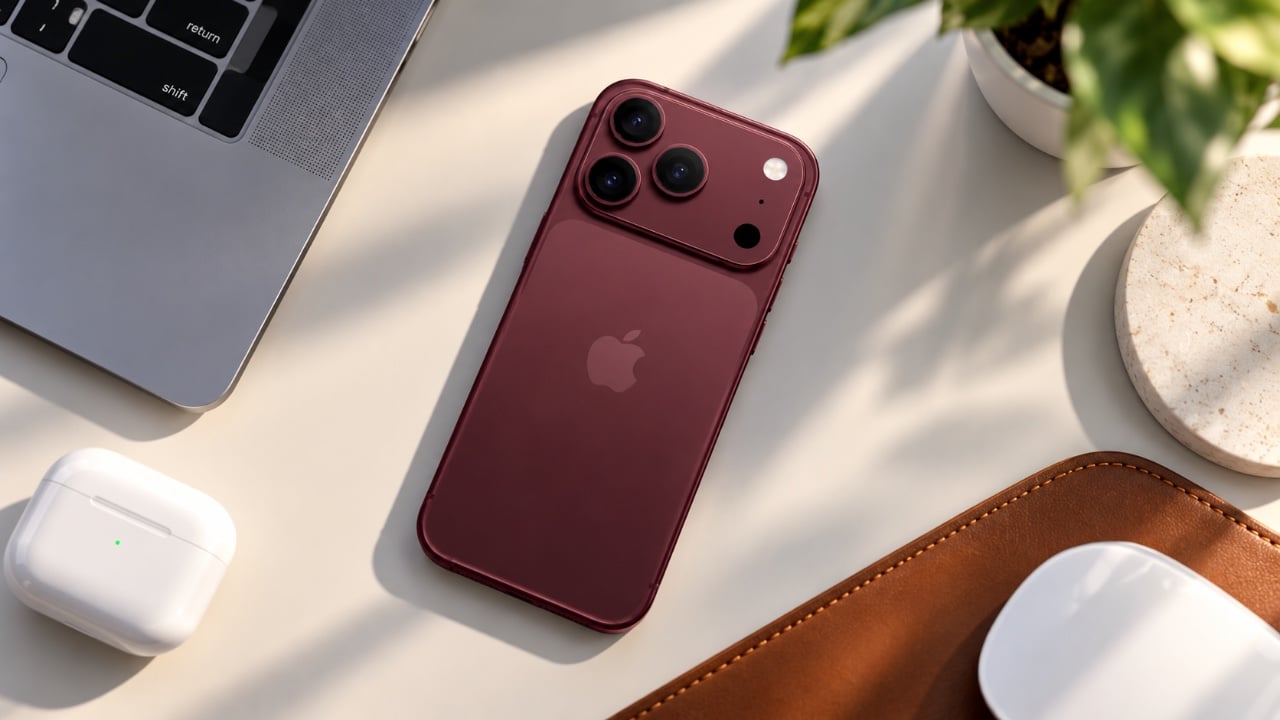
The iPhone 18 Pro introduces a range of refinements over its predecessors, the 17 Pro and 16 Pro. While it offers improvements in battery life, display technology, charging speeds, and performance, the differences between the 17 Pro and 18 Pro are relatively minor. For most users, the 17 Pro remains a more practical and cost-effective […]
Samsung’s upcoming smart glasses have been the subject of much speculation and a recent leak shared by TechAvid offers a closer look at what to expect. These glasses, set to launch in November 2026, prioritize media capture, audio playback, and AI-driven interactions over more experimental features like built-in displays. One standout detail is their hardware […]
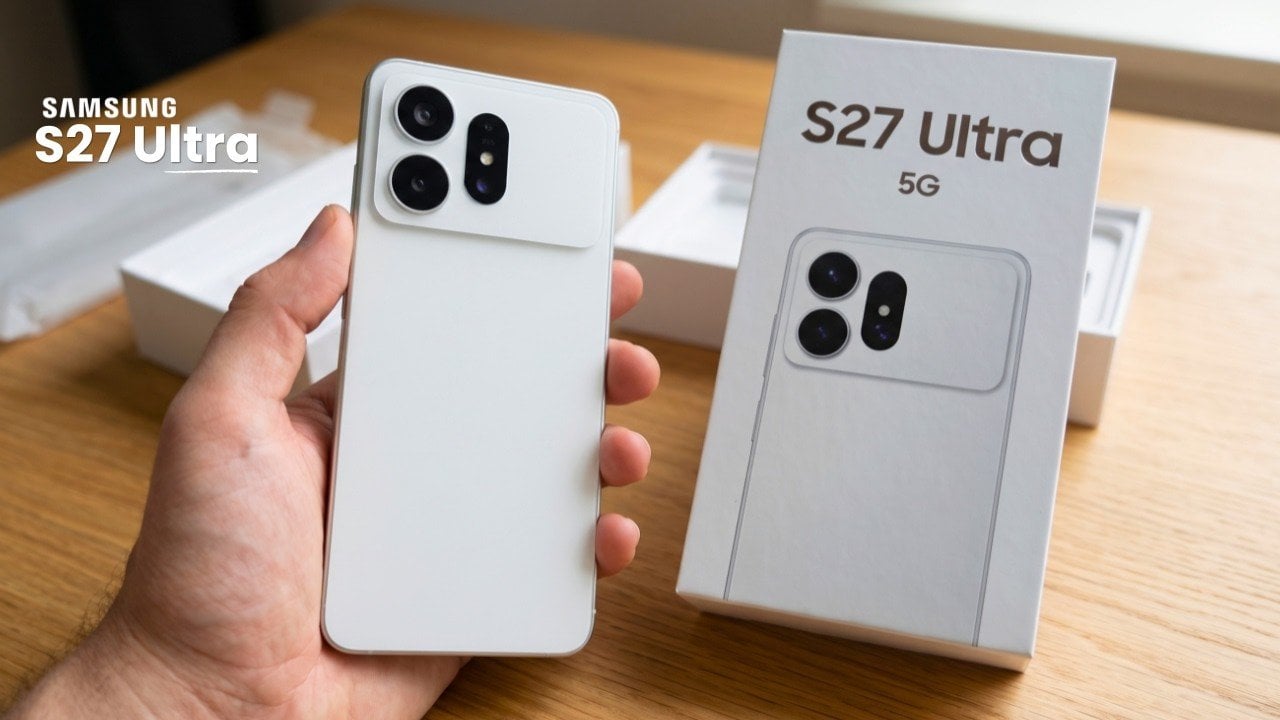
The Samsung Galaxy S27 Ultra is poised to set a new benchmark in the world of flagship smartphones, introducing new advancements in memory, storage, and overall performance. These innovations reflect the rapid evolution of technology but come with a notable increase in cost, highlighting the growing complexities of the premium smartphone market. As a consumer, […]