Stickerbox: Kids Say an Idea, AI Prints It as a Sticker in Seconds

Smart speakers for kids feel like a gamble most parents would rather skip. The promise is educational content and hands-free help, but the reality often involves screens lighting up at bedtime, algorithms deciding what comes next, and a lingering suspicion that someone is cataloging every question your child shouts into the room. The tension between letting kids explore technology and protecting their attention spans has never felt sharper, and most connected toys lean heavily toward the former without much restraint.

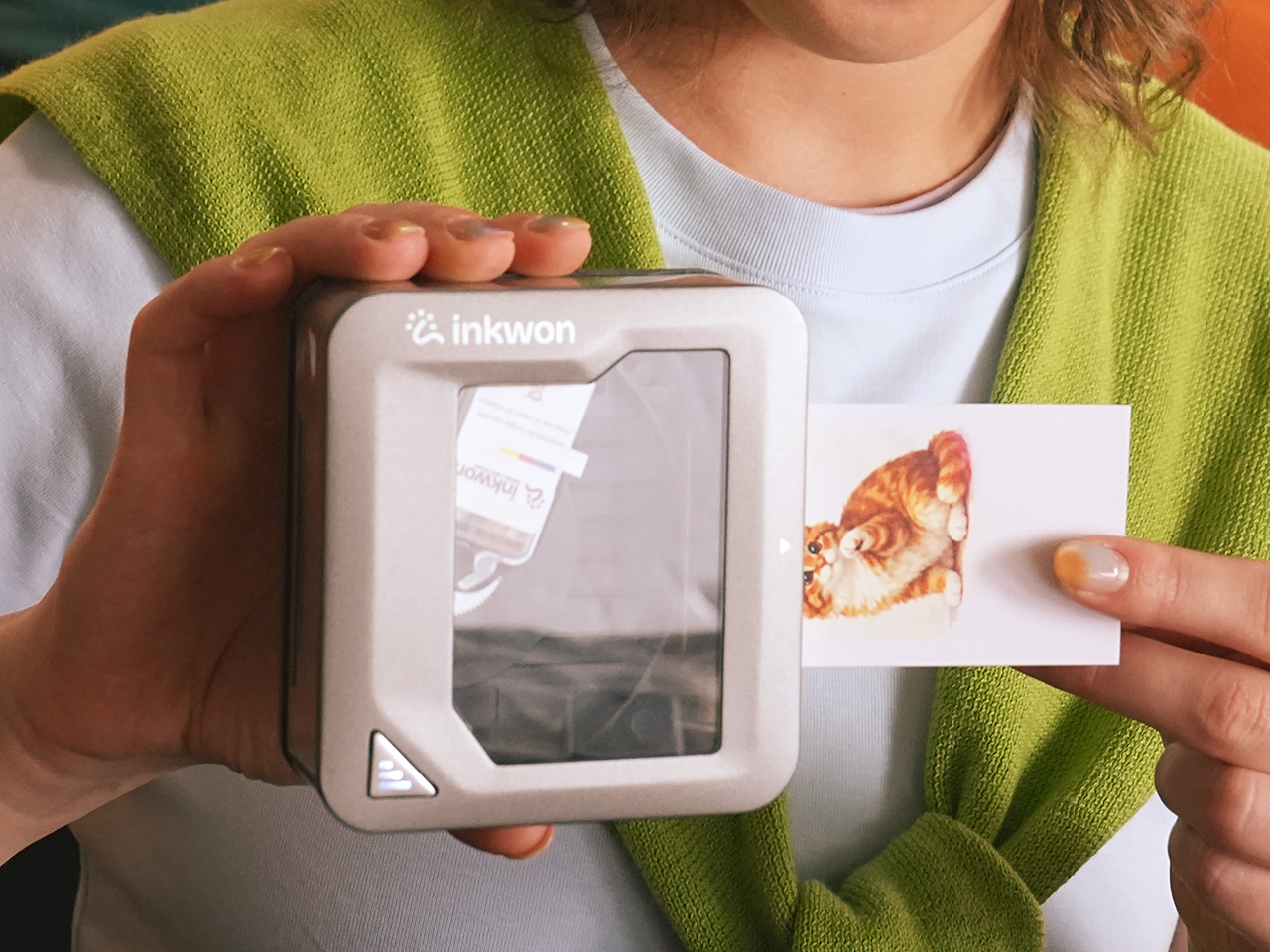
Stickerbox by Hapiko offers a quieter trade. It looks like a bright red cube, measures 3.75 inches on each side, and does one thing when you press its white button. Kids speak an idea out loud, a dragon made of clouds or a broccoli superhero, and the box prints it as a black-and-white sticker within seconds. The interaction feels less like talking to Alexa and more like whispering to a magic printer that happens to understand imagination.

Designer: Hapiko

The design stays deliberately simple. A small screen shows prompts like “press to talk,” while a large white button sits below, easy for small hands to press confidently. Stickers emerge from a slot at the top, fed by thermal paper rolls. The starter bundle includes three BPA-free paper rolls, eight colored pencils, and a wall adapter, turning the cube into a complete creative kit rather than just another gadget waiting for accessory purchases to feel useful.

The magic happens in three beats. A kid presses the button and speaks their prompt, as silly or specific as they want. The box sends audio over Wi-Fi to a generative AI model that turns phrases into line art. Within seconds, a thermal printer traces the image onto sticker paper, and the finished piece emerges from the top, ready to be torn, peeled, and stuck onto notebooks, walls, or comic book pages at home.

What keeps this from feeling like surveillance is the scaffolding Hapiko built around the AI. The microphone only listens when the button is pressed, so there’s no ambient eavesdropping happening in the background. Every prompt runs through filters designed to block inappropriate requests before reaching the image generator. Voice recordings are processed and discarded immediately, not stored for training. The system is kidSAFE COPPA certified, meaning it passed third-party audits for data handling and child privacy standards.

Thermal printing sidesteps ink cartridge mess entirely. Each paper roll holds material for roughly sixty stickers, and refill packs of three cost six dollars. The catch is that Stickerbox only accepts its own branded paper; using generic rolls will damage the mechanism. The bigger design choice is that every sticker is printed in monochrome, which is intentional. It forces kids to pick up pencils and spend time coloring, turning a quick AI trick into a slower, more tactile ritual.

Stickerbox gestures toward a version of AI-infused play that feels less anxious. The algorithm works quietly, translating spoken prompts into something kids can hold, cut, and trade, but the most important part happens after the sticker prints. It ends up taped inside homemade comic books, stuck on bedroom doors, or colored during rainy afternoons. The box becomes forgettable infrastructure, which might be the kindest thing you can say about a piece of children’s technology designed for creative independence.

The post Stickerbox: Kids Say an Idea, AI Prints It as a Sticker in Seconds first appeared on Yanko Design.
Favor AR Pen Lets You Draw Messages in Air, Print as Photo Cards

Most of our gifts to friends now are quick messages, emojis, or mobile vouchers that arrive instantly and disappear just as fast. They’re convenient but rarely feel as meaningful as a handwritten note or a physical card you can pin to a wall. Favor AR Message is a concept that tries to bring some of that effort and ceremony back into how Gen Z says thank you, sorry, or congratulations, without abandoning phones entirely.

Favor is a speculative system built around three parts: an AR pen, a tiny photo printer, and a mobile app. You use the pen to draw messages in augmented reality, the app to decorate and package them, and the printer to turn them into physical photo cards. The recipient scans the card with their phone to see the hidden AR message floating above it, like a secret that only appears when you know where to look.

Designers: Junseo Oh, Seungyeon Hong, Yoojin Lee, Youn Taejune

The AR pen, called LIT, is a slim wand that the phone’s camera tracks while you draw in the air. In the app, your strokes become floating 3D text and graphics, animated with light and particles. The designers call this process “LITing,” and it turns writing a message into a small performance, closer to painting with light than typing into a chat window or firing off another text you’ll forget about ten minutes later.

The printer is a compact, pastel-colored box that takes your AR composition and links it to a printed photo card. You can choose selfies, pet photos, or travel shots, then layer stickers and assets on top. On the surface, the card looks like a cute mini print, but when the recipient scans it with the app, the hidden AR message appears in space above the card, like a secret only they can unlock.

The app’s flow is straightforward. You pick a friend, choose a template, LIT your message with the pen, and send or print the card. When your friend receives it, they scan to reveal the AR content, then record a reaction video and send it back. The concept even imagines smart lights in the room reacting when a new Favor is opened, turning the exchange into a tiny event.

The visual language is deliberately playful. The hardware uses soft rectangles, rounded corners, and gentle gradients in lilac and mint, while the app leans into bold purple, bubbly 3D type, and oversized icons. Everything is designed to feel approachable and fun, more like a toy or cosmetic gadget than a piece of serious tech that takes itself too seriously.

Favor AR Message is a thought experiment about how we might make digital communication feel more like a ritual again. By asking you to stand up, wave a pen, design a card, and wait for a reaction, it slows the process down just enough to feel intentional. Whether or not something like this ever ships, the idea of turning AR into something you can hold and revisit is an appealing twist on how we say “this is for you.”

The post Favor AR Pen Lets You Draw Messages in Air, Print as Photo Cards first appeared on Yanko Design.
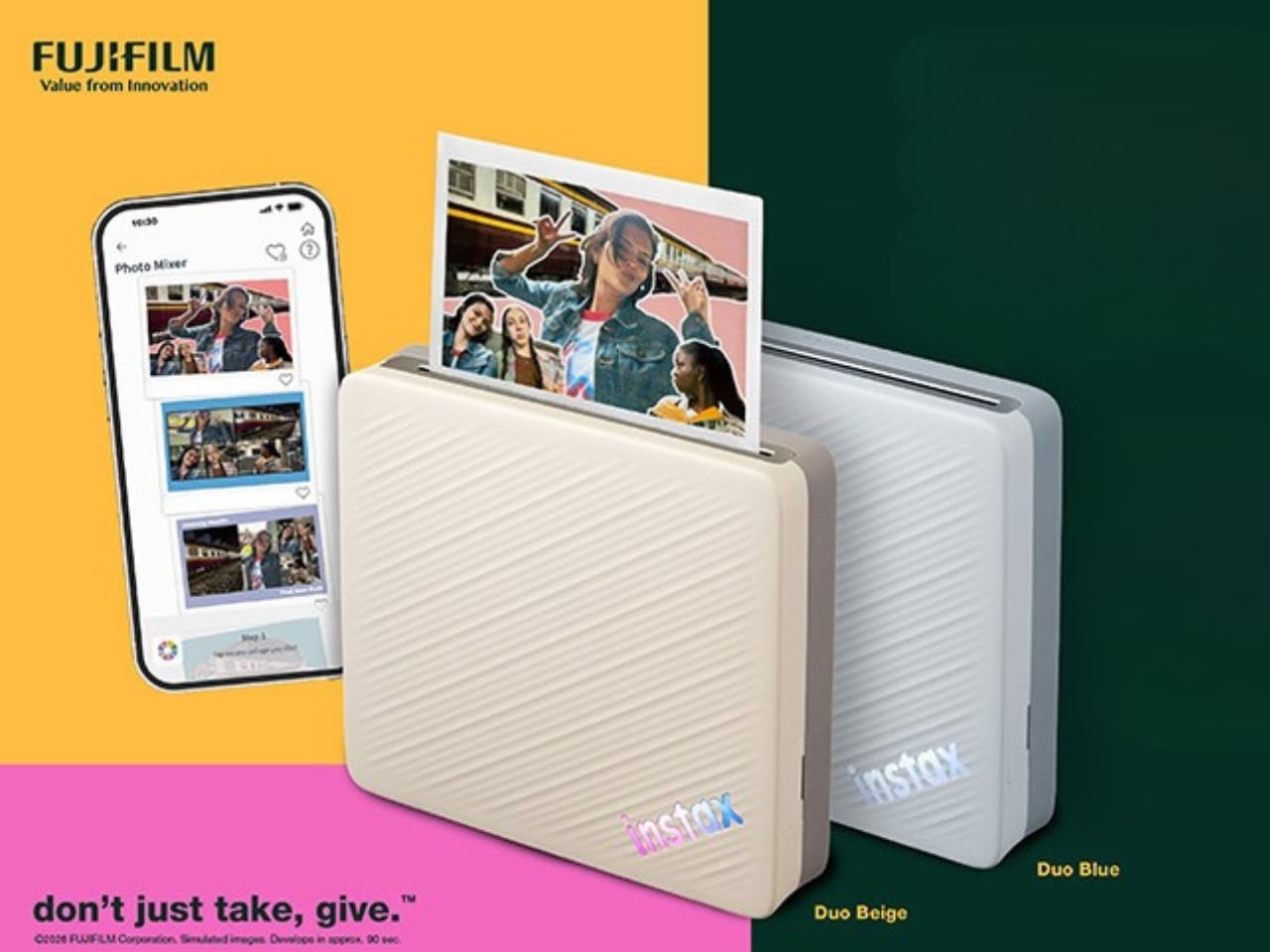
This E Ink Clock Prints Fortunes and Jokes on Paper Slips

Time usually passes without much fanfare. Numbers flip on your phone screen, the day blurs from morning coffee to evening TV, and most minutes feel interchangeable. Clocks are background objects, functional but forgettable, doing nothing more than reminding you how late you’re running. There’s no ceremony to checking the time, no surprise waiting when you glance at the display. It’s just numbers counting down to whatever you’re supposed to do next.

Houracle by True Angle approaches this differently. Instead of treating time as something that simply ticks away, it turns each minute into a potential moment of delight. The device is part clock, part oracle, with an eco-friendly thermal printer tucked into the top that spits out fortunes, jokes, riddles, or random facts tied to the exact moment you press the button. It’s the kind of thing that makes you want to check the time just to see what happens.

Designer: True Angle

Click Here to Buy Now: $128 $213 (40% off). Hurry, only a few left!

The design is deliberately retro. A boxy, powder-coated aluminum body with rounded edges, a large orange or yellow button on the top, and an e-ink display that looks like a pencil sketch on paper. The screen shows the time and date, the weather for your selected location, and a small prompt inviting you to press print. Five icons along the right edge let you select modes, fortune, fact, joke, riddle, or surprise, each represented by simple graphics.

Press the button and the printer whirs to life, a satisfying mechanical sound as the paper slip emerges from the top. At 7:42 in the morning, it might tell you destiny took a coffee break and suggest making your own magic. At 11:15, it could mention your brain runs on about 20 watts, enough to power a dim bulb or a brilliant idea. The messages feel oddly personal because they’re tied to that specific minute.

What makes this genuinely charming is how the slips accumulate. They end up on the fridge, tucked into notebooks, or shared with family members over breakfast. Heck, you might find yourself printing extras just to see what weird fact or ridiculous joke Houracle generates next. The lucky numbers printed at the bottom add an extra layer of whimsy that completes the fortune cookie vibe without taking itself too seriously.

The e-ink screen plays a bigger role than you’d expect. Unlike the glowing blue displays most clocks use, this one reflects ambient light rather than emitting it. That makes it easier on the eyes, especially at night, and gives the whole device a calming presence. The screen updates when you interact with it, but otherwise sits quietly, blending into the background.

Of course, the whole thing runs on wall power, which means no batteries to replace or USB cables to manage. The aluminum body is built to last, assembled with screws rather than glue. Houracle also uses BPA and BPS-free thermal slips, sourced from a company that plants a new tree or restores kelp in the ocean for every box of thermal rolls purchased. True Angle designed Houracle with sustainability in mind, using recyclable materials and avoiding planned obsolescence.

What’s surprising is how much a simple printed slip can shift your mood. A clever riddle before bed, a dumb joke during a work break, or a strange fact that makes you pause for a second. These aren’t profound moments, but they add small pockets of joy to days that might otherwise feel routine. Houracle captures the anticipation you used to feel when cracking open a fortune cookie.

The device sits on your desk or nightstand, looking unassuming until you press that button and hear the printer activate. Then it becomes something else entirely, a little machine that marks time with paper artifacts you’ll probably keep longer than you should. For anyone who’s tired of clocks that just tell time and do nothing else, that small shift makes all the difference.

Click Here to Buy Now: $128 $213 (40% off). Hurry, only a few left!

The post This E Ink Clock Prints Fortunes and Jokes on Paper Slips first appeared on Yanko Design.
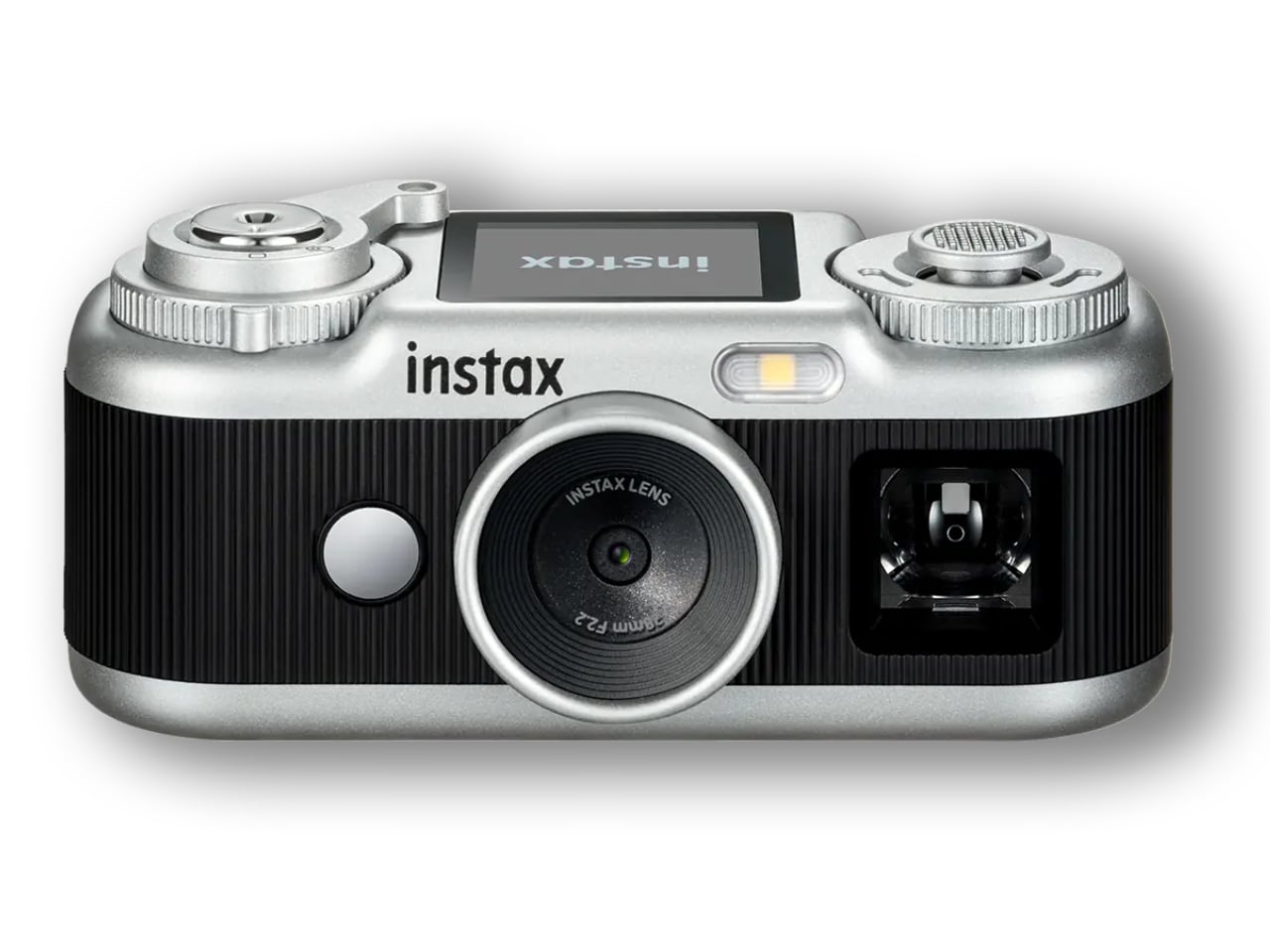
AI-based LEGO printer turns any subject into replicated pixel art

Just when everyone is leveraging the power of artificial intelligence (AI), why should avid LEGO fans not dig a share in the pie? Dutch creator, YouTuber, and master brick builder Sten, thought of the obvious and set out to harness the power of AI and built a printing machine entirely from LEGOs that can print any subject into identical pixel art.
The entire building process, along with a demo pixel art made from LEGO pieces, has been documented by Sten on his YouTube channel, Creative Mindstorms. The Pixelbot 3000, as the LEGO printer is called, Sten informs, is ‘capable of creating pixel art of anything using AI.’

Designer: Creative Mindstorms

The Pixelbot 3000 is programmed in Python using help from DALL-E from OpenAI. Sten has managed to program, and create software-hardware integration, in such a manner that you simply ‘type a subject line, hit start’ and the printer takes on from there.

Sten informs, in the video, that he started with inspiration from LEGO printers such as Briccasso, but over time had to improvise a great deal – both with the code customization and the machine functionality – to achieve what he set out to build. He initially used 16 x 16 base plates to print the developed pixel art, but it was later changed to a 32 x 32 grid for better result output.

The basic operation of Sten’s LEGO machine is similar to that of a pick-and-place machine, which has been precisely programmed and created to place large-size LEGO pieces with surprising accuracy on the 32 x 32 grid base plate. Moreover, the machine is designed to pick colors – according to the picture’s demand – and place brick-by-brick to achieve the identical pixel art of an AI image generated. Since LEGO brick colors are limited, Creative Mindstorms reduced its machine’s color palette to 15 base colors including a white background.

The machine does not at any point rely on designing the art or scanning it. It instead uses AI to generate pixel art (using LEGOs) of the image generated in the software. The user can preview the generated image, crop and color grade it, before saving it for printing. When commanded for print, the image is divided into 32 x 32 grid, color and center of each pixel on the base plate is sampled, and the pixel art is then built piece by piece. In the testing, Sten asked AI to create a ‘quirky robot holding a sunflower,’ you can check out how it came out in the video above.

The post AI-based LEGO printer turns any subject into replicated pixel art first appeared on Yanko Design.
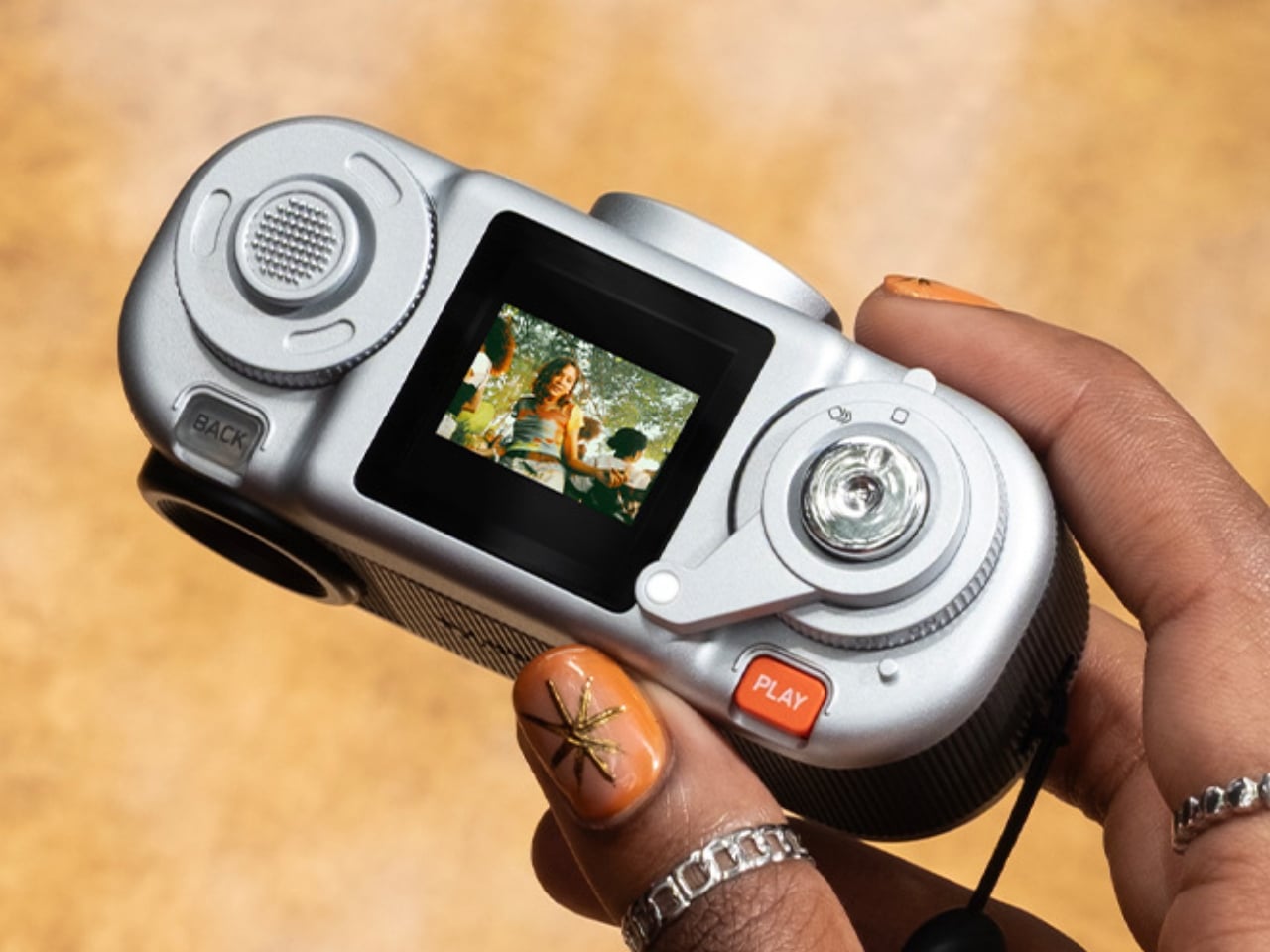
Handheld printer and scanner concept sticks to tried and true methods of document handling


We live in a world filled with apps, multimedia content, and digital data, but there are and will always be things written on printed on paper. Official documents are still printed, receipts are still physical, and some people still prefer writing on notebooks and notepads. The gap between physical and digital isn’t that easy to bridge for people who want or even need to have the best of both worlds, even though there are, ironically, a handful of products claiming to offer the perfect solution. As some say, there is no perfect answer, but the best one might actually be the simplest and most straightforward. This concept device, for example, offers what looks like a traditional printer and scanner combo, except it’s something that you can easily store and take from your bag whenever and wherever you need it.

Designer: John Branca

There are quite a few product designs these days that try to unify physical and digital documents, from notebooks and pens that can record your handwriting to smartphone apps that can convert printed or even handwritten text into digital ones. The former doesn’t exactly work for digitizing what’s already printed, while the latter puts the burden on the person taking a perfect photo of the paper. These solutions also don’t work in the reverse, like turning digital files into their physical form, especially when you’re out of the office or not at home.

Scribe is a concept design that combines two things that already exist today, a portable printer and a portable scanner. In a nutshell, it shrinks 2-in-1 printer and scanner combos into a compact design that you can even carry in your hand if necessary. It has an industrial-inspired aesthetic that moves away from the predominant minimalist style, making it distinctive and memorable. It also has a large touch display that makes operating the device simple and intuitive without having to fumble on your computer or phone.

The device uses a feed-type mechanism where a piece of paper slides through the box to get printed or scanned. This does have the limitation of accommodating certain paper sizes only, though that will most likely be the most common use case for scanning receipts and printing out notes. That said, you won’t be able to scan any bound material like notebooks and books, so forget about taking this to the library. Due to size constraints, there’s also only room for a single black inkjet cartridge. ZINK technology might be more compact, but that also requires using special, non-standard paper.

1

Scribe is definitely an interesting break from all the app-based, smartphone-centric solutions out there, though it still raises the question of whether it’s more convenient or not. Then again, you can’t print from your phone either, so if you’re going to bring a portable printer with you, might as well have something that can also scan those documents as well.

The post Handheld printer and scanner concept sticks to tried and true methods of document handling first appeared on Yanko Design.
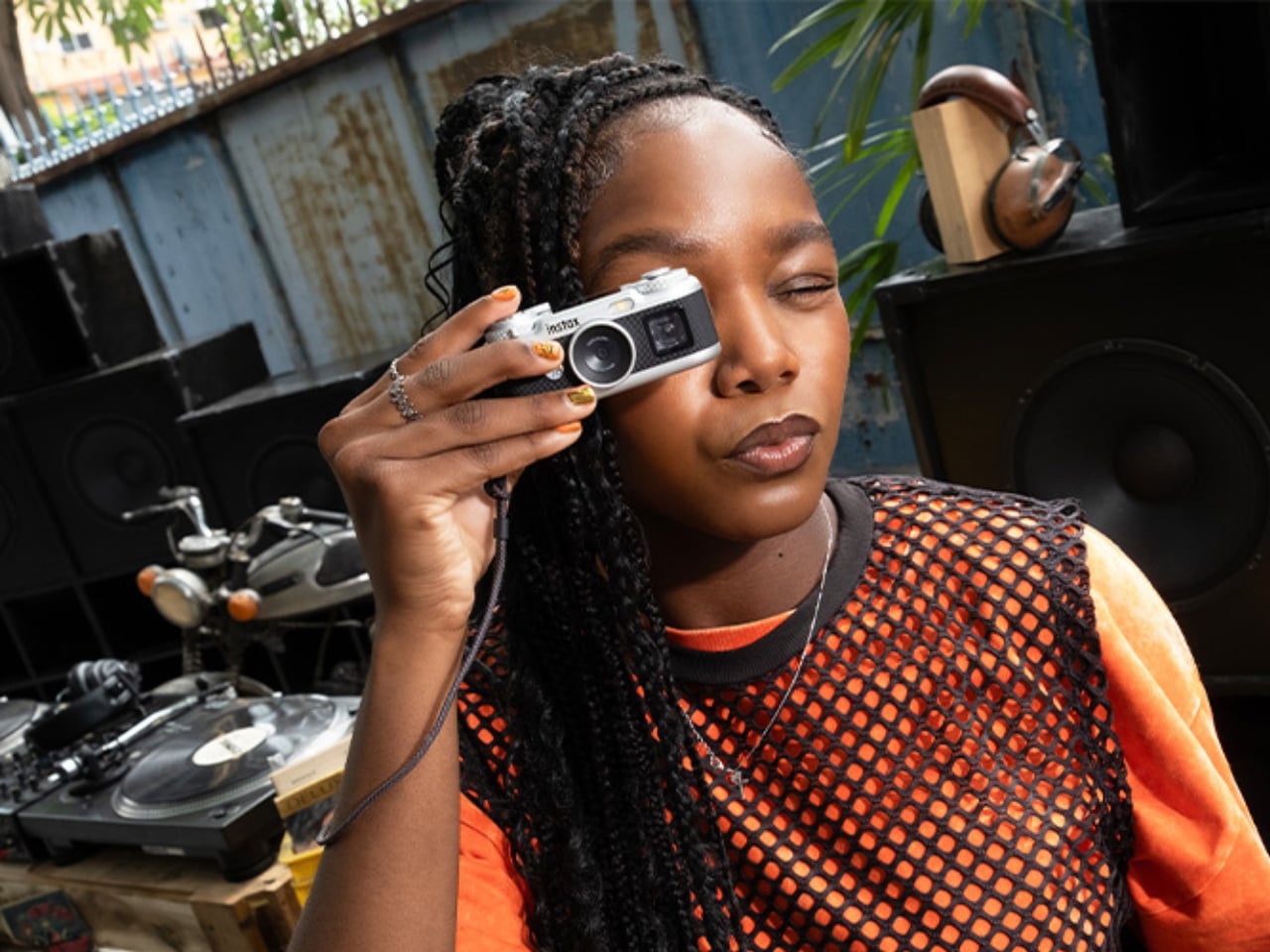
HP Sprocket Portable Photo Printers carry bold designs to match your style

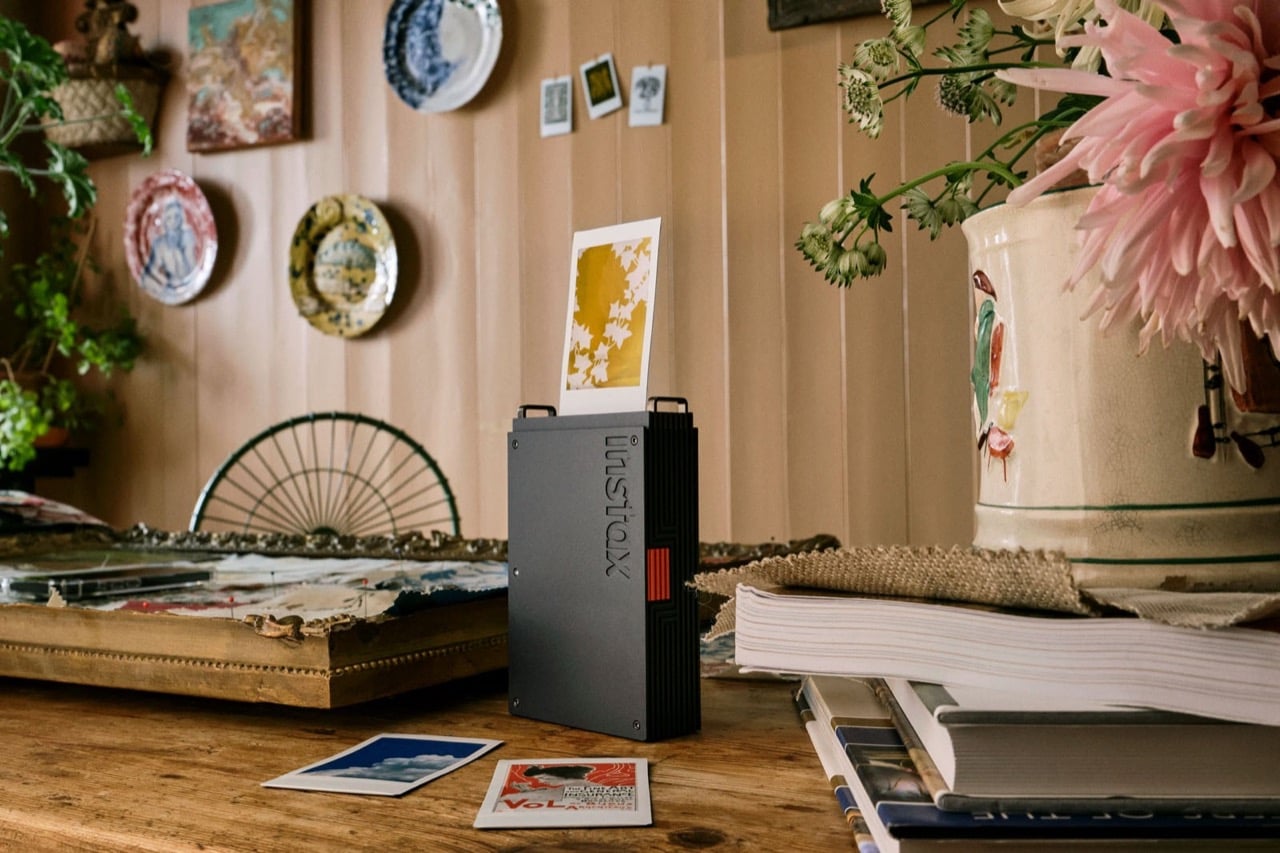
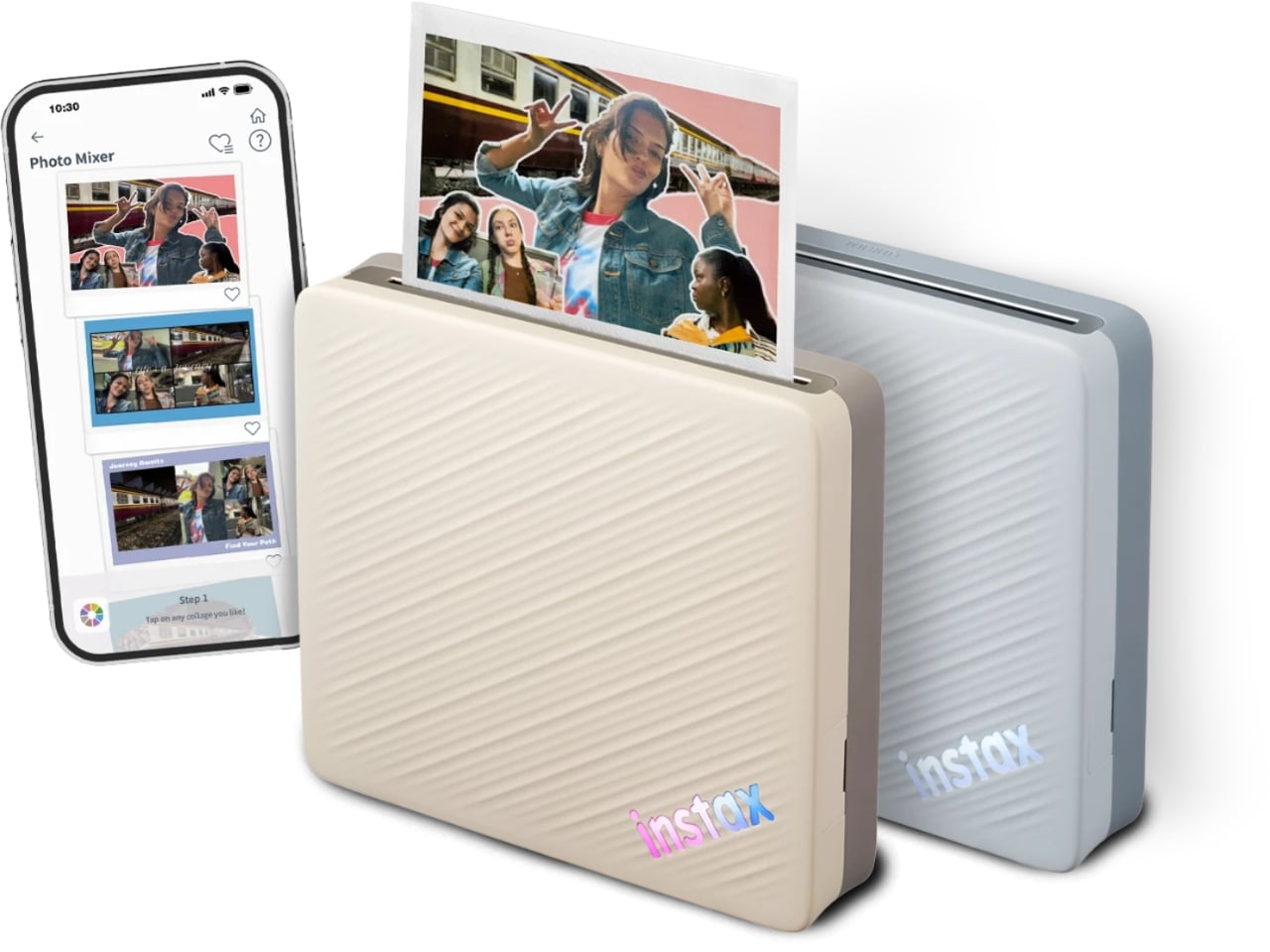
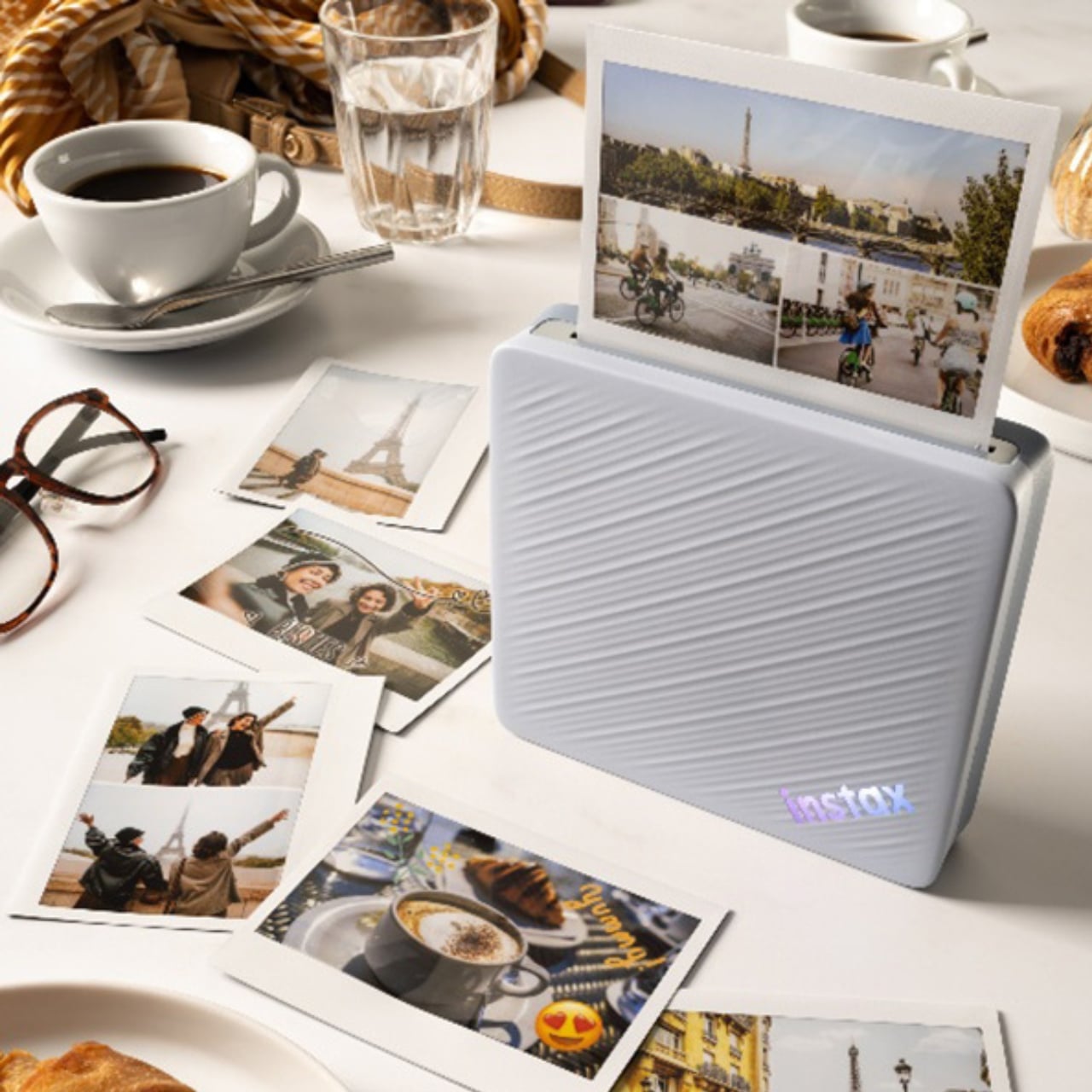
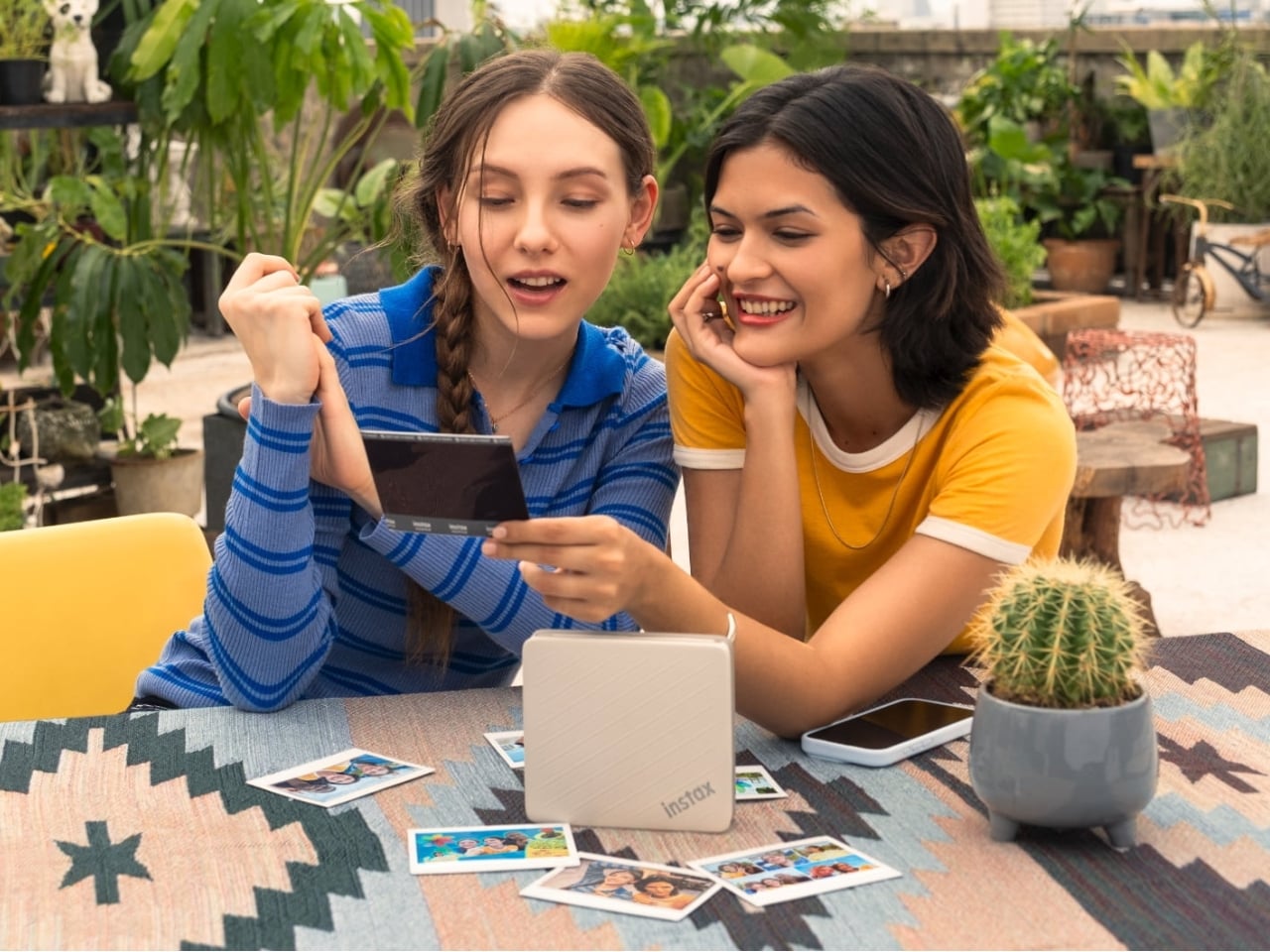
There was a time when Polaroid-style instant cameras made a comeback, riding on the retro and nostalgia wave that was gripping many markets. There are still some of these around that bring joy to the simple act of taking photos and seeing them instantly printed, but some people found the limitations and total cost of ownership a bit too much to ask. At the very least, it required them to carry a camera with them, often bulky and too attention-grabbing, when they already have a perfect camera in the form of their smartphones. That problem led to the birth of instant photo printers, and this fresh batch from the HP Sprocket line put a rather unique twist to that product design by making the printer itself look as stylish and as lively as the photos it prints.

Designer: C+A (HP Licensee)

There are many portable instant photo printers in the market today, but many of them seem to emphasize the “printer” part a bit too much. More often than not, they look like miniature versions of desktop printers, which aren’t exactly the most inspiring designs around. Considering how they’re often used in fun, playful, and whimsical situations, their appearance doesn’t exactly convey the spirit and purpose of the product.

That’s how the HP Sprocket printers differentiate themselves, even if the difference isn’t that earth-shattering. The portable printers sport a textured design that looks almost like terrazzo, giving a bit of a visual flair to the printers. Throw in a splash of pastel color options and you have an accessory that clearly speaks the language of fun.

They’re not all looks, of course, as these are capable ZINK printers. That means you don’t have to worry about messy inks because all the colors are on the special photo paper. Different printer types use different kinds of paper, such as the Sprocket 2×3 printing the smallest photo sizes, while the newer Sprocket Panorama Printer uses a photo paper roll to be able print out panoramic photos, banners, and more. In both cases, HP Sprocket ZINK paper photos have backs you can peel off to reveal a sticky surface for putting on walls, notebooks, boards, and other objects in a more or less permanent manner.

One of the advantages of using portable photo printers over instant cameras is that you can first compose and edit the photos you take with your phone. With the HP Sprocket app, you can easily pick out frames, apply filters, add stickers and icons, and do so much more before finally printing out your masterpiece. And you can print the same photo over and over again, letting you share those fun, once-in-a-lifetime moments with more friends than you could with a single photo.

The post HP Sprocket Portable Photo Printers carry bold designs to match your style first appeared on Yanko Design.
Portable plug-and-play 3D printer lets you print without much complications

3D printing is something that is interesting and useful for a lot of industries although it’s still basically in the early stages. One thing that’s probably stopping people from embracing this technology is that it seems pretty complicated and not user-friendly. Most printers require a certain kind of technical knowledge so those who don’t have this are already ruled out. What if there was a printer that would do away with all that and let “ordinary” users enjoy the joys of 3D printing?

Designer: KOKONI

The KOKONI EC2 is one such printer which will let 3D printing enthusiasts use a plug-and-play kind of entry-level smart 3D printer. Despite its advanced features, it is still pretty accessible enough for children and newbies, not to mention pretty affordable. You don’t even need advanced software skills to be able to print the things you want to print. It has AI-generated design capabilities and there are also over 2000 designs to choose from (and they update it weekly so you’ll get more).

The portable 3D printer actually looks like a toy oven with its compact design and color options (apple green, orange, and white). It has a 720p camera so you will be able to see the printing process and even create time-lapse videos from there. You also get an upgraded printing speed so you’ll be able to print something in under 20 minutes if you’re using the simpler designs. You can connect the printer to the KOKONI 3D app so you don’t need a computer to be able to use it.

I never thought I would consider getting a 3D printer given the complicated nature of most of the machines available in the market. But this one that weighs just 3.2 kg and is 189 x 302 x 231 mm small is something you can consider if you’re looking to complete DIY projects for your home or work. Well, that is, if you have $349 to spare.

The post Portable plug-and-play 3D printer lets you print without much complications first appeared on Yanko Design.
Sticky note printer lets you print your daily reminders to improve productivity

As much as most of my workflow is already digital, I still love integrating “old school” digital aspects every once in a while. One thing that I still do to this day is write important things on sticky notes and then putting them around my work area. I have to major problems about it though: they sometimes fall off and sometimes, I don’t understand my own handwriting. This new device from an offshoot company of Samsung Electronics might be the answer to my problem.

Designer: Mangoslab

The Nemonic Gen 2 inkless, thermal, and wireless printer lets you print your notes and even images on Ultra Sticky Notes that will not easily fall off. The small printer can be connected to desktops and mobile devices and lets you print notes that you drew, wrote, typed, captured on the connected app. It can even be integrated with Microsoft Office apps as wel as Slack and Zapier so if you use any of those in your regular workflow, then your productivity should run even more smoothly than usual.

There are different templates for each of the integrated apps so you can create either handwritten or typewritten notes. It is also able to remove shadows from photos or diagrams that you capture from a whiteboard or screen through the Nemonic Scanner app and then you can print it directly. It also has a de-curl feature so your sticky notes come out flat if needed. It also has auto-cut finishing so no need to stress about tearing or manually cutting off the note.

It is still currently on Kickstarter but they have already more than met their initial goal of $3,000. The Ultra Sticky Notes come with the package already but they will probably sell refills separately eventually as well. This will definitely be added to my dream devices to have at home in the hopes that my productivity will be further improved with this digital/analog hybrid.

The post Sticky note printer lets you print your daily reminders to improve productivity first appeared on Yanko Design.
This Samsung portable printer is your gateway to instant creativity on the go

Samsung is perhaps not the biggest game-changer when you talk about redefining the way in which we capture and share memories. That would be until the Korean tech company happens to chance upon the Image Box Portable Printer. This is a new-age device designed to bring your favorite moments to life with unparalleled convenience and style.

At the heart of this portable printer is a cutting-edge Zink-type tech that bids farewell to the hassles of traditional ink cartridges. Samsung’s Image Box allows you to print your photos directly from your mobile devices anytime, anywhere, without the need for ink, making this printer your gateway to instant creativity on the go.

Designer: Won Jang, Jinsu Du and Chaeyoung Yoon

The Image Box Portable Printer boasts a compact form factor, making it the perfect companion for those who are always on the move. Slip it into your bag or proudly display it on your desk – the choice is yours. This versatile printer effortlessly combines portability with functionality, seamlessly transitioning between being a pocket-sized option and an eye-catching desk accessory.

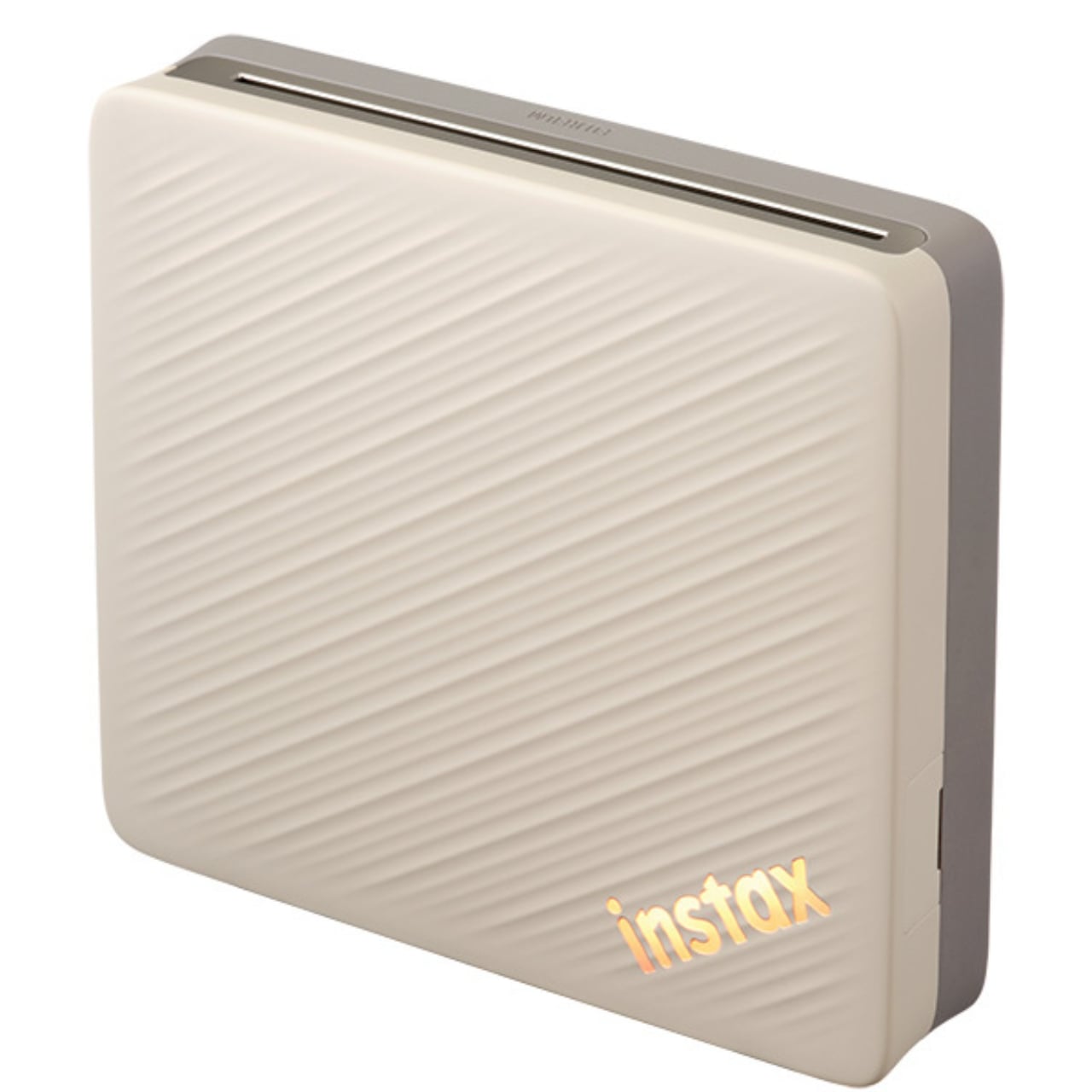
Designed for maximum convenience, the Image Box comes in two parts: the sleek base and the cartridge-carrying unit. The design ensures that replacing the cartridge is a breeze. Instead of a traditional hinge, the back of the body opens up, streamlining the process and maintaining the printer’s compact form. The designers understand that style is a crucial element of portable devices. That’s why the Image Box base comes in serrated and standard versions, each boasting a unique color, to let users mix and match for personalized color combinations that suit their taste.

As we eagerly await the arrival of the Image Box Portable Printer at the Samsung Store, it’s clear that designers have once again pushed the boundaries of innovation. This Image Box transcends the traditional limitations of photo printing, offering a seamless blend of functionality, portability, and style. Whether you’re a creative professional, a photography enthusiast, or someone who simply loves capturing life’s moments, the Image Box Portable Printer is poised to become your new must-have gadget.

The post This Samsung portable printer is your gateway to instant creativity on the go first appeared on Yanko Design.
xTool Screen Printer reinvents screen printing with laser engraving to bring designs to life

There has been a massive flood of new designs from makers, creators, and even hobbyists, all thanks to new tools that have made production processes simpler, easier, and more affordable. There are, however, some designs that are still difficult to pull off, like those that need to be painted on flat surfaces or clothing. The screen printing process for these kinds of designs has traditionally been tedious, expensive, and error-prone, making the activity less enjoyable and less approachable for beginners and hobbyists. Thankfully, that doesn’t have to be the case anymore. Thanks to a combination of creative design and expertise in laser engraving technologies, this revolutionary screen printing system lets you cut down the time and steps needed to make your wildest print dreams come true.

Designer: xTool Design

Click Here to Buy Now: $199 $399 ($200 off). Hurry, 103/400 left! Raised over $450,000.

1

Screen printing can be quite frustrating, even if you exclude the variability that might result when you don’t spread the inks properly near the end of the process. Just the preparation itself can take hours or even days, involving emulsions and exposures that could go awry at any step, forcing you to go through the grueling process again, wasting not just time but also money. If only there was a way to make screen printing easier and more beginner-friendly, just like how 3D printing opened the creative floodgates, especially for budding designers. Fortunately, that’s exactly what the new xTool Screen Printer is bringing to the table, combining an easy-to-use screen printer with laser engraving to deliver the speed and precision creators have always wished for.

While the traditional screen printing process would usually take days just to prepare the screen and make plates, the xTool Screen Printer requires 1-3 hours only on average to create the screen. With its two-sided coated screen using customized professional-grade spray net technology and industrial-level spraying equipment, you practically skip the lengthy emulsion preparation time. Reducing the waiting time is already a huge boost in productivity, but that’s just the beginning. You’ll still need to actually actually put your design on the screen, which is where xTool’s expertise with laser technologies comes in.
When paired with the xTool S1 diode laser cutter or the xTool D1 Pro 5W laser engraver, you can rapidly create stencils at a mind-blowing speed. No longer do you have to worry about printing on transparencies or hoping that the designs are properly imprinted on the screen, both of which could also fail at any time. And thanks to the xTool Creative Space software, you have even more freedom to transfer complex digital designs to your stencils, ensuring that the final print will be just as stunning as your original idea. So while you can use other laser engravers as well, you’re definitely in the best hands with xTool’s industry-tested products.

1

Stencil creation is reduced from approx. 24 hours to about an hour – at laser speed!

There’s no escaping the act of applying ink to the pattern in order to print it on paper or textiles, but the xTool Screen Printer makes this process easier and worry-free. The EasyStretch Frame ensures a uniform stretch, while an intuitive press design makes short work of swapping screens, minimizing ink spillage, and supporting different materials, including metals and wood. And it doesn’t cost much to get started, with a $199 Early Bird Basic Kit that includes the printing press, one 11.5×16-inch frame, three 11.5×16-inch screens, and other essentials. The $369 Early Bird Multi-Color Kit includes 4 frames and 12 screens to enable you to work with more colors and layers. And if you want to get the laser engravers in one go, you can opt for the $499 or the $1,968 Early Bird bundles for the xTool D1 Pro 5W or the xTool S1 20W, respectively.

1

Groundbreaking EasyStretch designs simplifies the screen stretching process to an amazing 30 seconds!

1

The quick-release frame clamp structure facilitates swift stencil switching for seamless creation multi-color masterpieces

Whether you’re a seasoned designer establishing your own brand, a budding creator who wants to spread your ideas to the masses, or a hobbyist who crafts personalized gifts for family and friends, the xTool Screen Printer reinvents and revolutionizes the screen printing process, removing the tedious and bothersome tasks so you can focus instead on letting your creativity shine.

Click Here to Buy Now: $199 $399 ($200 off). Hurry, 103/400 left! Raised over $450,000.

The post xTool Screen Printer reinvents screen printing with laser engraving to bring designs to life first appeared on Yanko Design.