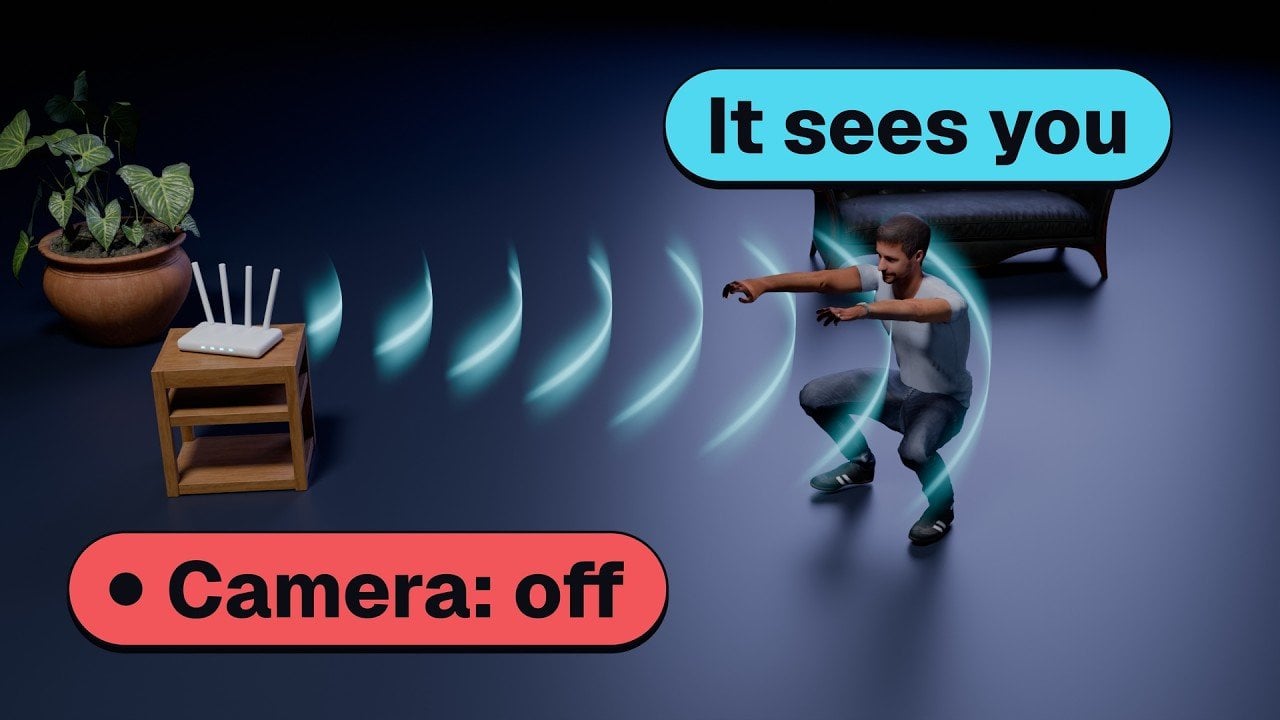
Wi-Fi sensing uses existing wireless networks to detect motion, presence and activities by analyzing changes in Wi-Fi signals, specifically through Channel State Information (CSI). According to Better Stack, this approach provides a non-intrusive alternative to traditional surveillance methods. For instance, using affordable hardware like ESP32S3 boards and open source frameworks such as RuView, a setup […]
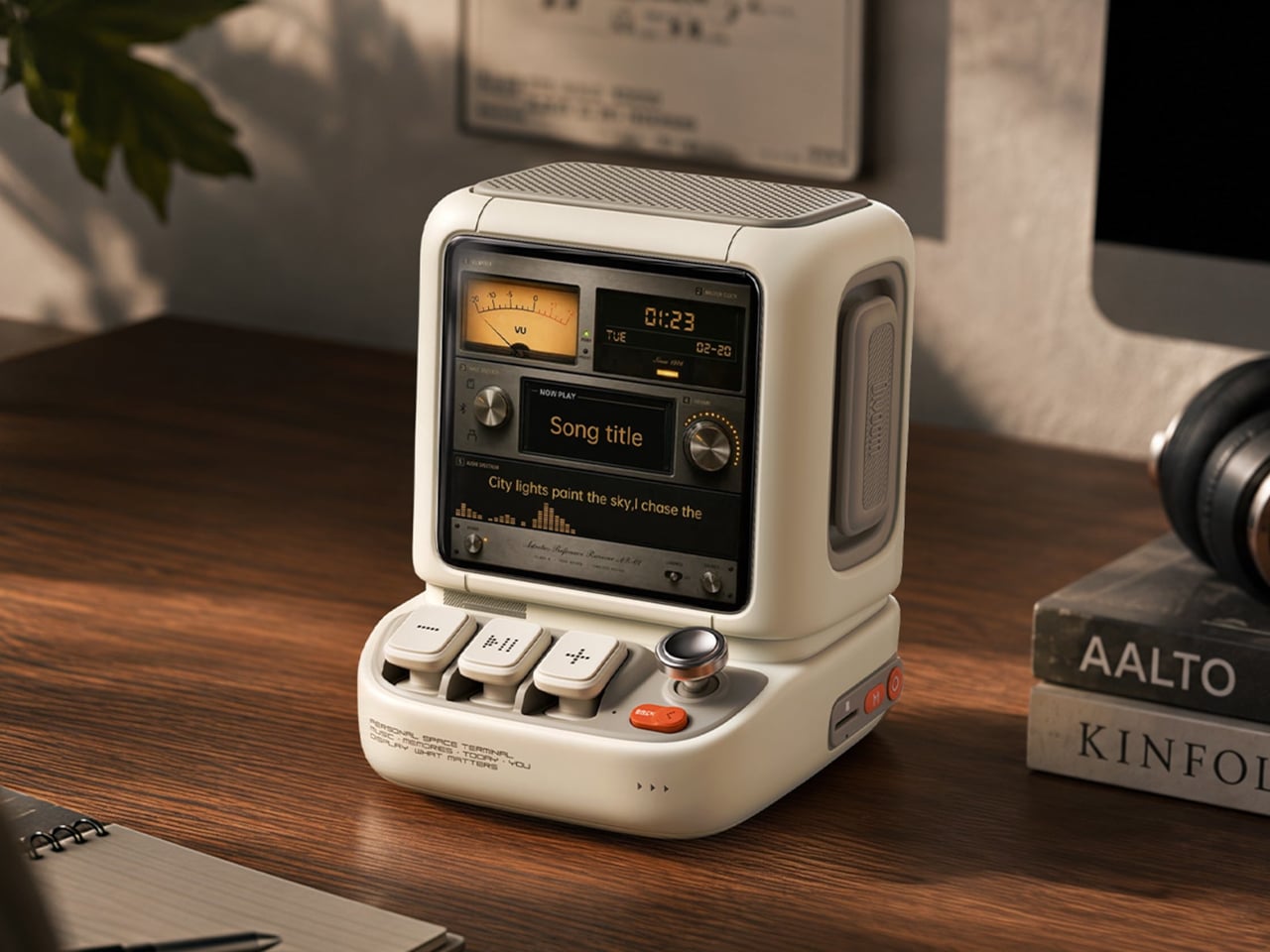
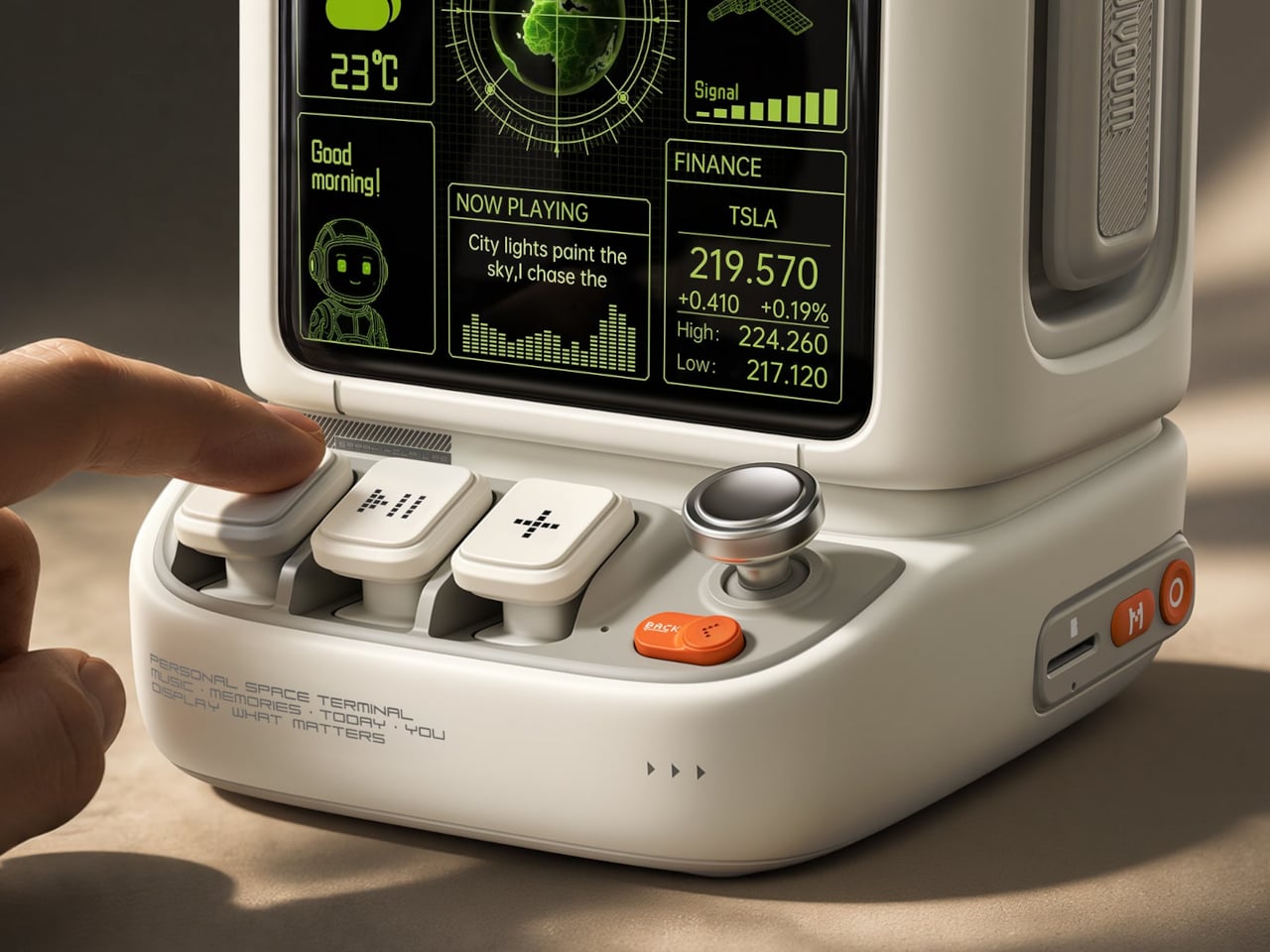
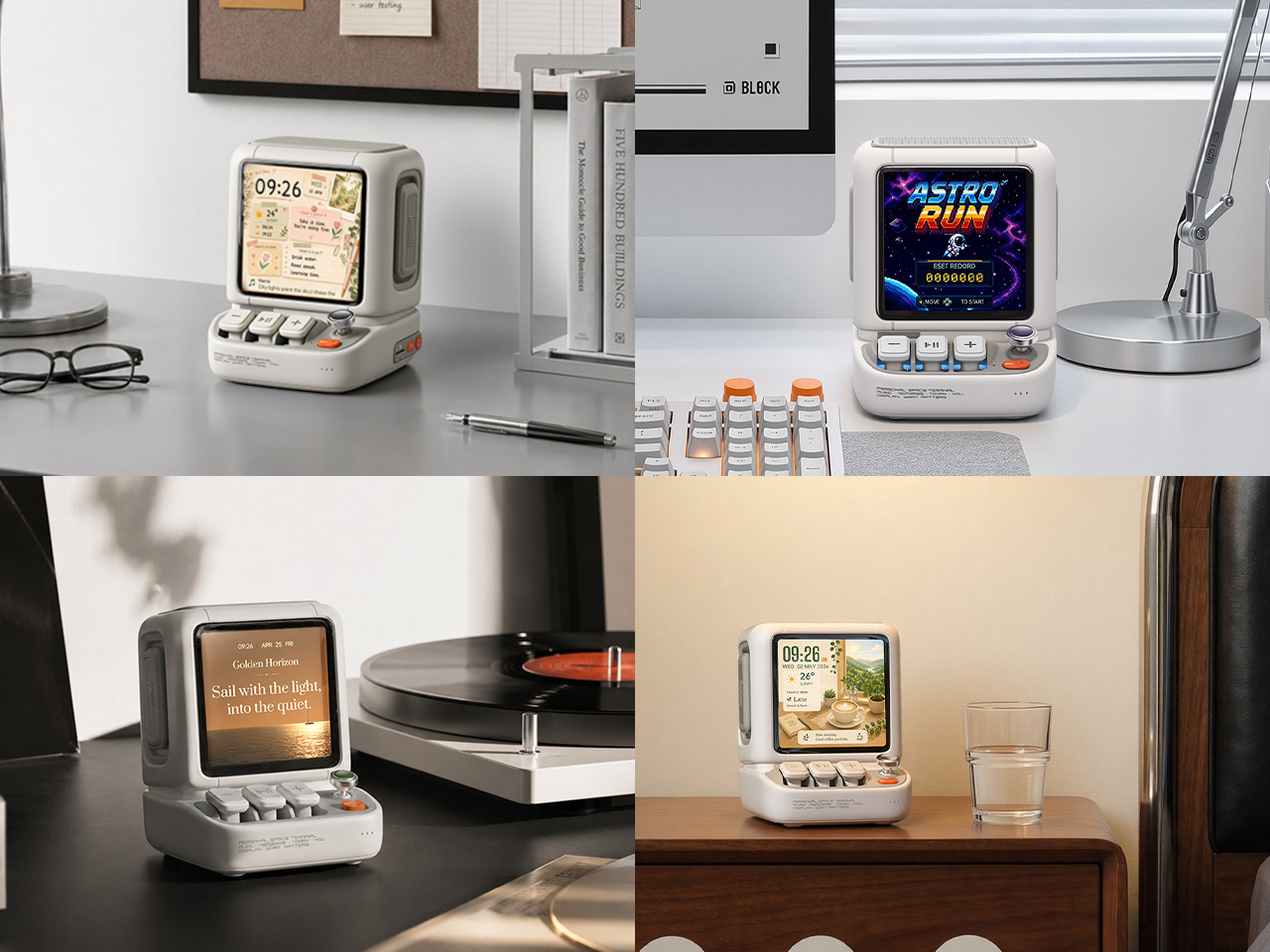
Desktop speakers usually have a pretty straightforward job and an equally straightforward appearance. That makes sense when all you want is music, but it doesn’t leave much room for personality. Divoom’s Astrotoo takes a different approach, putting a display and oversized physical controls into a speaker that looks like a tiny computer terminal. It definitely gives your desk something playful and personal, and your friends something to be jealous of.
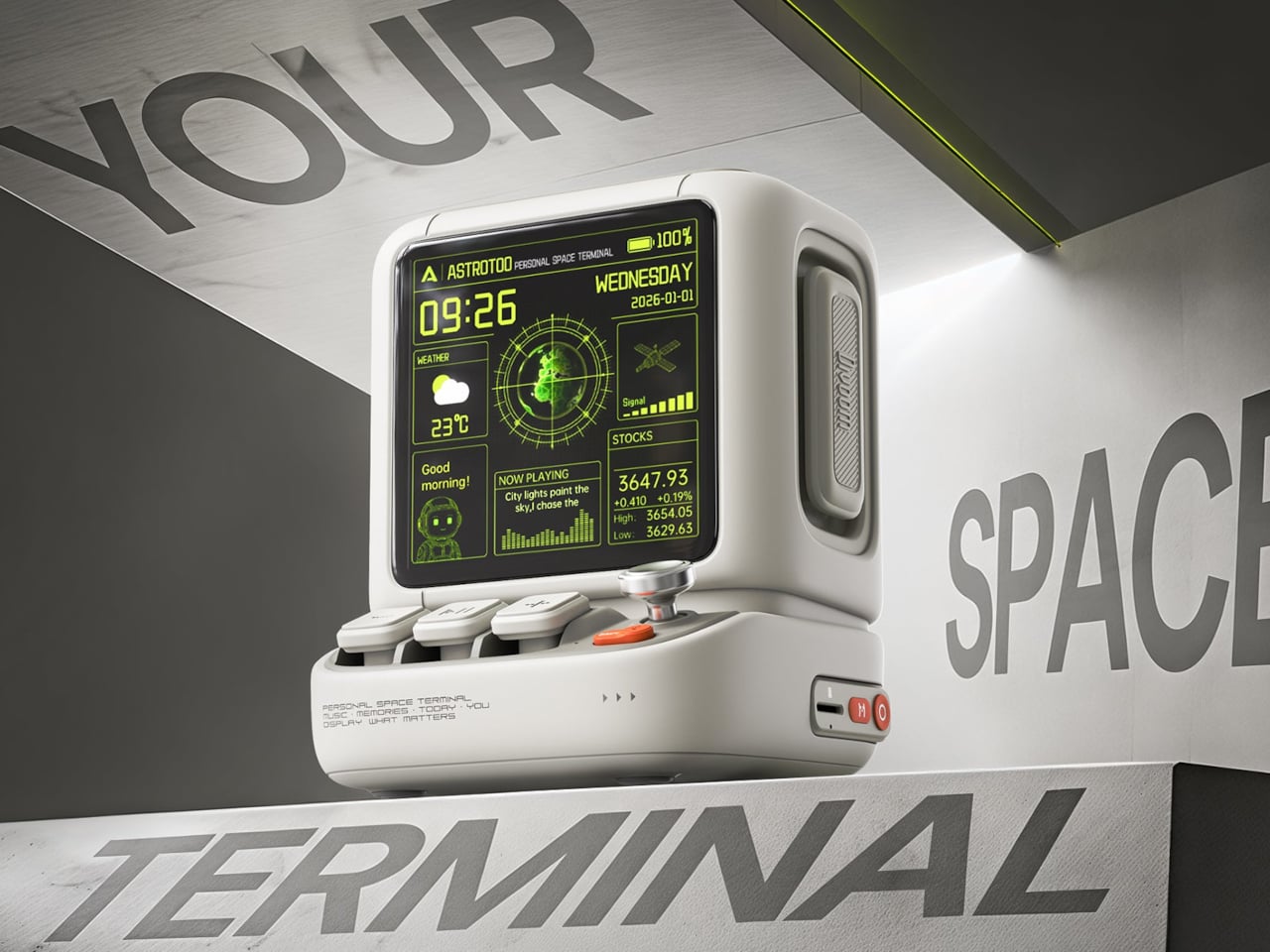
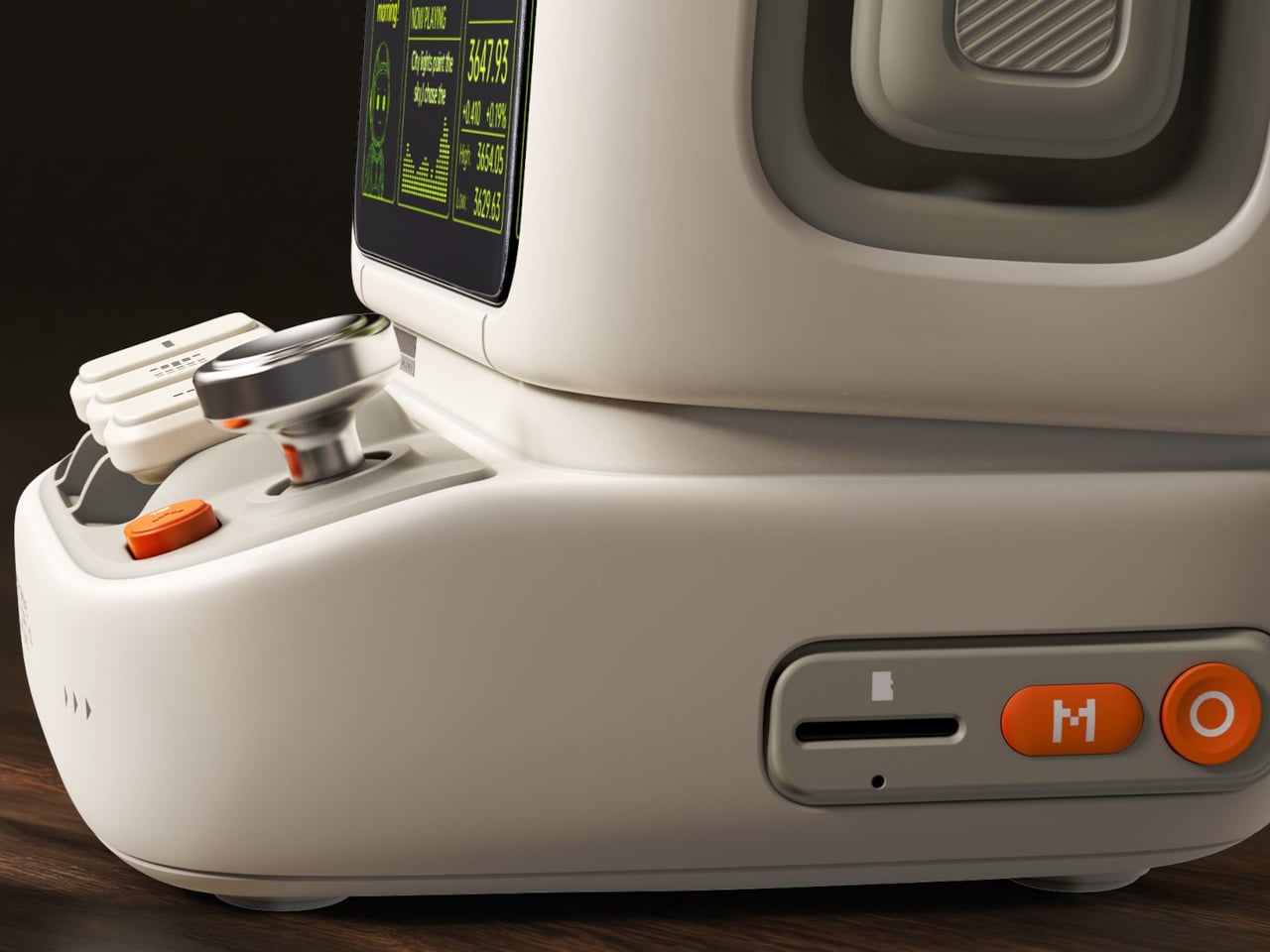
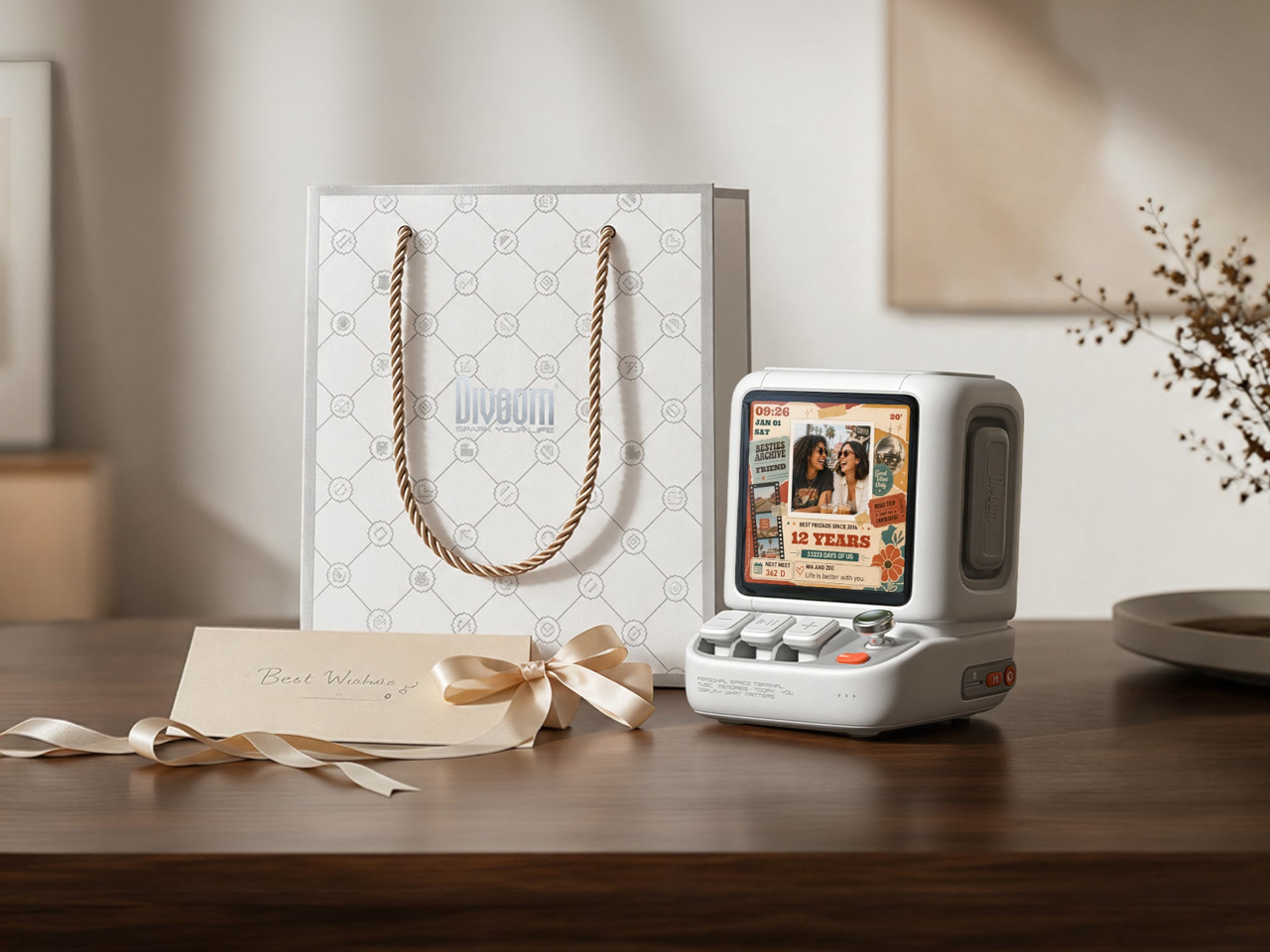
The rounded housing and recessed side panels give Astrotoo the appearance of equipment from an imagined future, albeit one with chunky buttons. White, pink, and green finishes offer different levels of restraint. At roughly 4.2 by 4.3 inches across its base, it won’t need the space of a computer, although its upright screen certainly makes it harder to overlook than a conventional speaker.
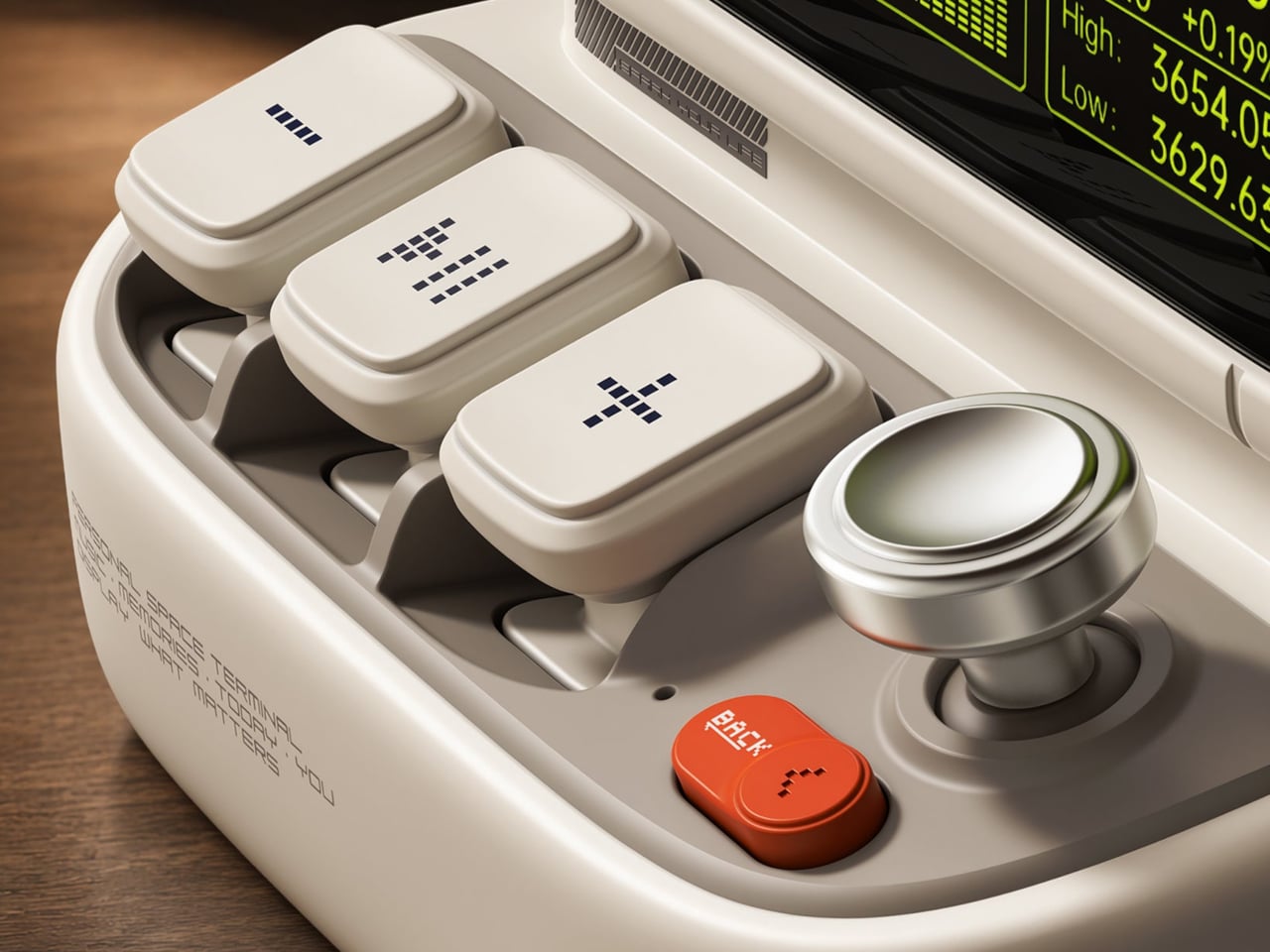
Of course, those buttons aren’t simply there to complete the retro disguise. Three raised mechanical keys, a joystick, and an orange Back button handle music and display functions. You can reach over to control playback without opening another app, though customizing the display still involves your phone. It’s a familiar division of labor, with physical controls for everyday actions and software for the changes.
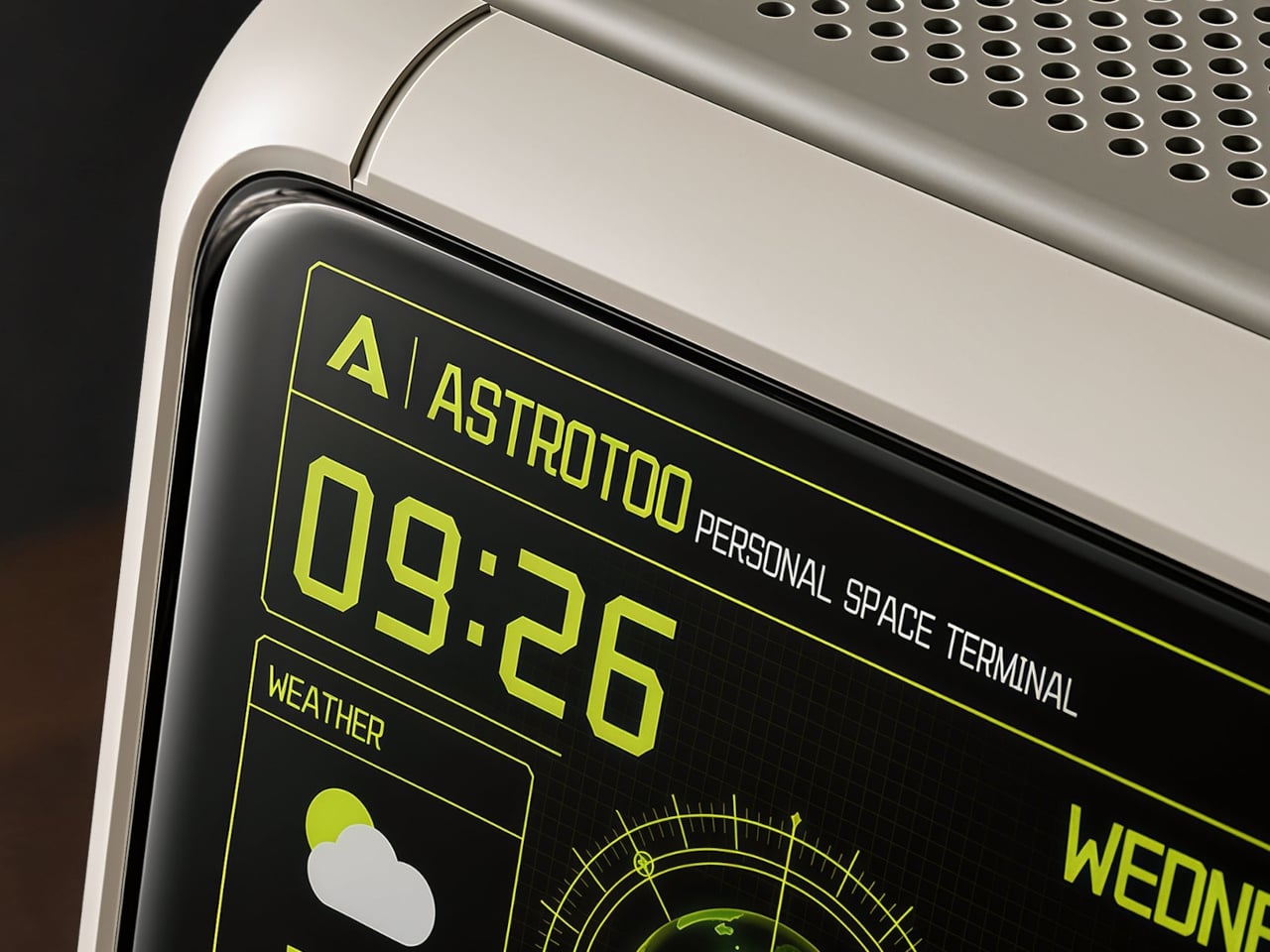
Despite the pixel art theme, Astrotoo doesn’t limit you to blocky characters and low-resolution graphics. Its 3.95-inch IPS display has a 480×480 pixel resolution, accommodating photographs and detailed clock faces as well. That means you can keep a family photo beside your monitor without making room for another frame. Music visualizations are also available, if you’d rather have your speaker put on a show.
The Divoom app lets you change visual content and clock faces, giving the device something to do when the music stops. Weather and stock information bring a more practical side to that small screen. That said, another dashboard isn’t necessarily what a busy desk needs. A favorite picture might be a better companion than financial numbers quietly competing for your attention all afternoon.
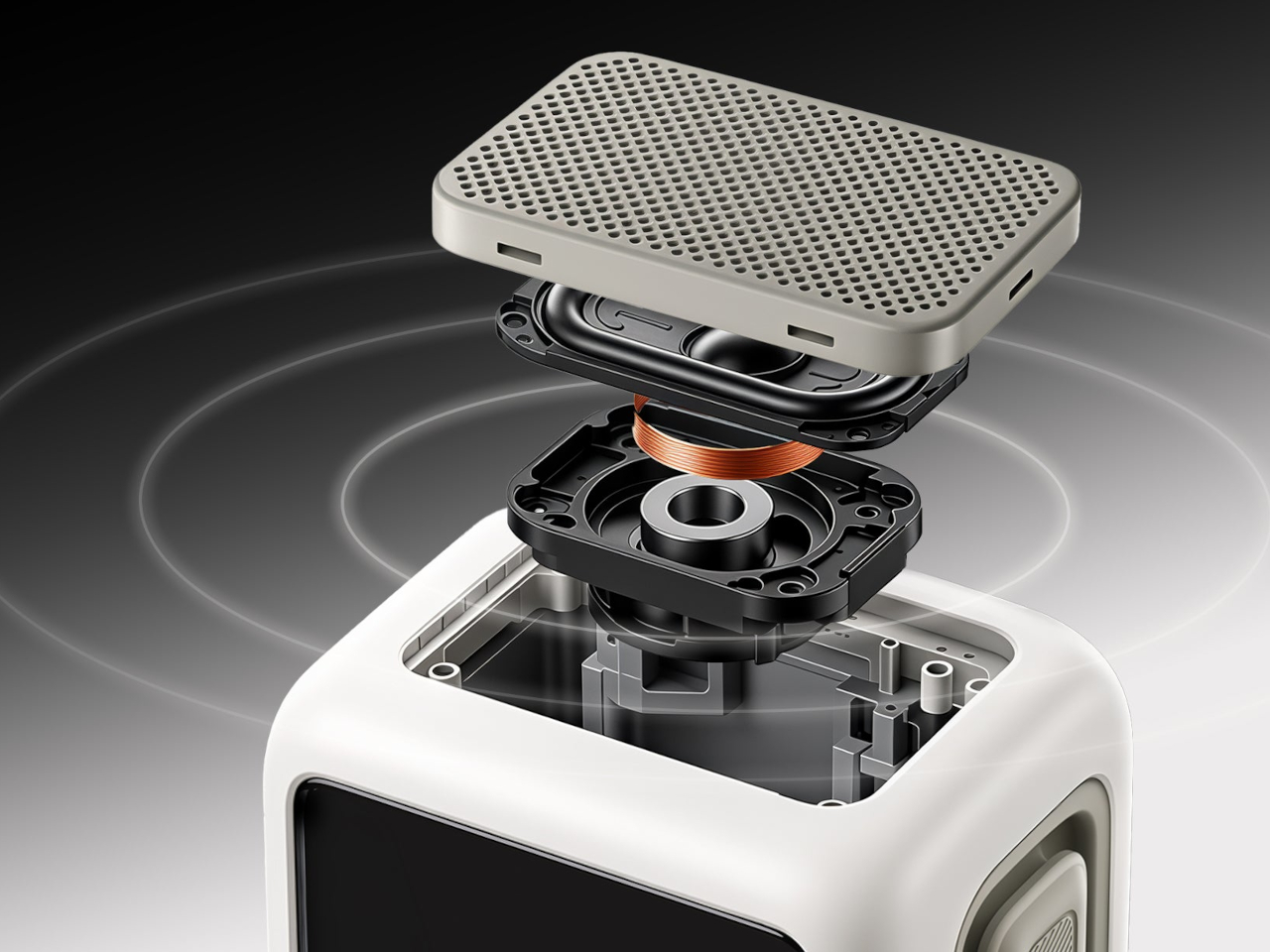
Divoom positions the 20W speaker for listening nearby, so the desktop proportions aren’t entirely about appearance. Playing music while answering emails or listening to a podcast during a break fits that purpose. Of course, the power rating doesn’t tell us how balanced the sound will be. The styling is easier to judge than the audio, which needs listening rather than a specification sheet.
Bluetooth 6.0 handles wireless audio, while microSD playback lets you bring a collection of stored music along without keeping a phone connected. Wi-Fi supports the connected display features. There’s also a battery, with Divoom claiming up to six hours of operation. That’s enough to move it between rooms for a while, but don’t expect it to stay unplugged through an entire workday.
The $199.99 US price makes this a considered desk accessory rather than a casual decoration. Divoom lists approximately 3.5 hours for USB-C charging, so it probably makes sense to leave a cable nearby. You can dress the screen as a futuristic control panel, but there’s nothing futuristic about discovering that your tiny computer needs plugging in before the afternoon playlist.
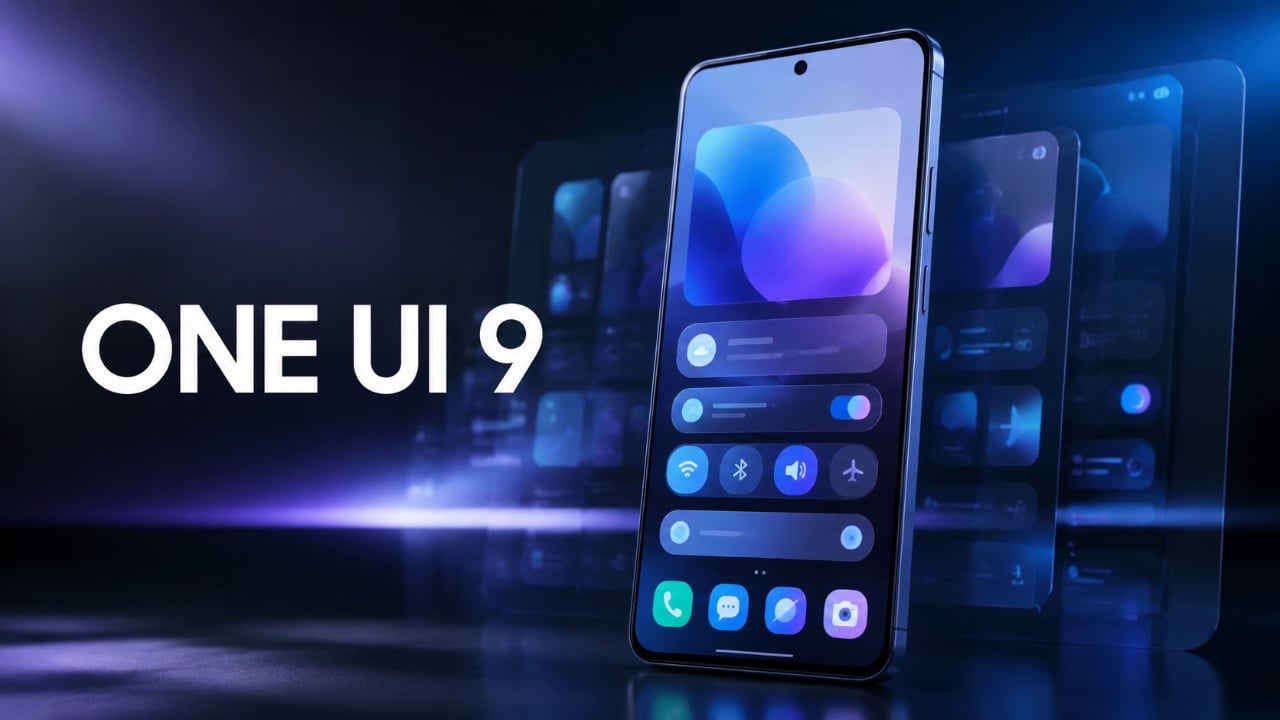
Samsung’s One UI 9 update brings a host of hidden features designed to elevate your Galaxy device experience. These enhancements focus on improving productivity, personalization, and efficiency, offering tools that seamlessly integrate into your daily routine. From smarter app controls to dynamic widgets, One UI 9 enables you to tailor your device to your unique […]
Valve’s Steam Deck has introduced updates that improve both functionality and performance, offering new ways to enhance the gaming experience. Deck Ready highlights a key addition called “Deep Pause”, which allows users to pause a game and resume it later without losing progress, even after switching to another title. Unlike conventional save systems, this feature […]
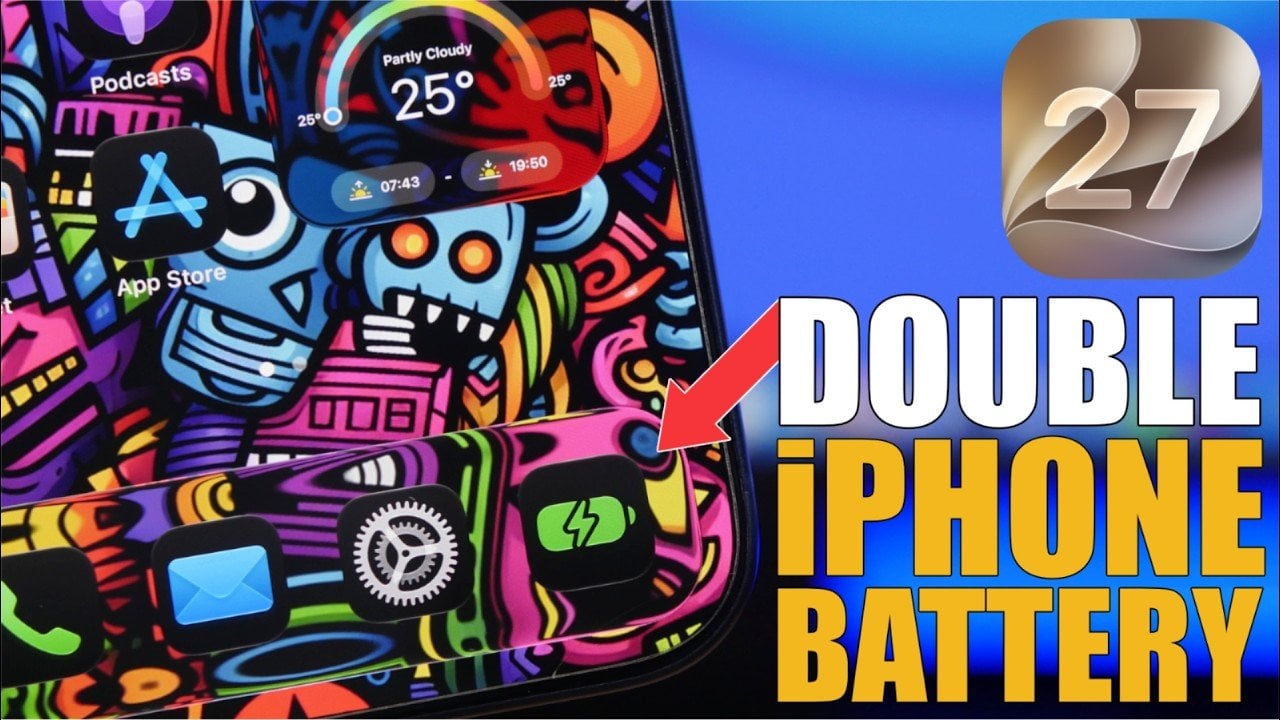
Maximizing your iPhone’s battery life on iOS 27 is achievable with a few strategic adjustments. By fine-tuning settings and managing features effectively, you can reduce power consumption while maintaining essential functionality. The video below from iReviews provides actionable steps to help your device perform efficiently throughout the day. Optimize Wi-Fi and Connectivity Wi-Fi and connectivity […]
OpenAI’s decision to purchase tens of thousands of Mac Minis and Mac Studios marks a pivotal shift in how AI organizations approach hardware acquisition. As Ash explains, this move was driven by the need to train AI agents in environments that closely replicate human-computer interactions, such as typing and navigating software interfaces. Unlike other operating […]
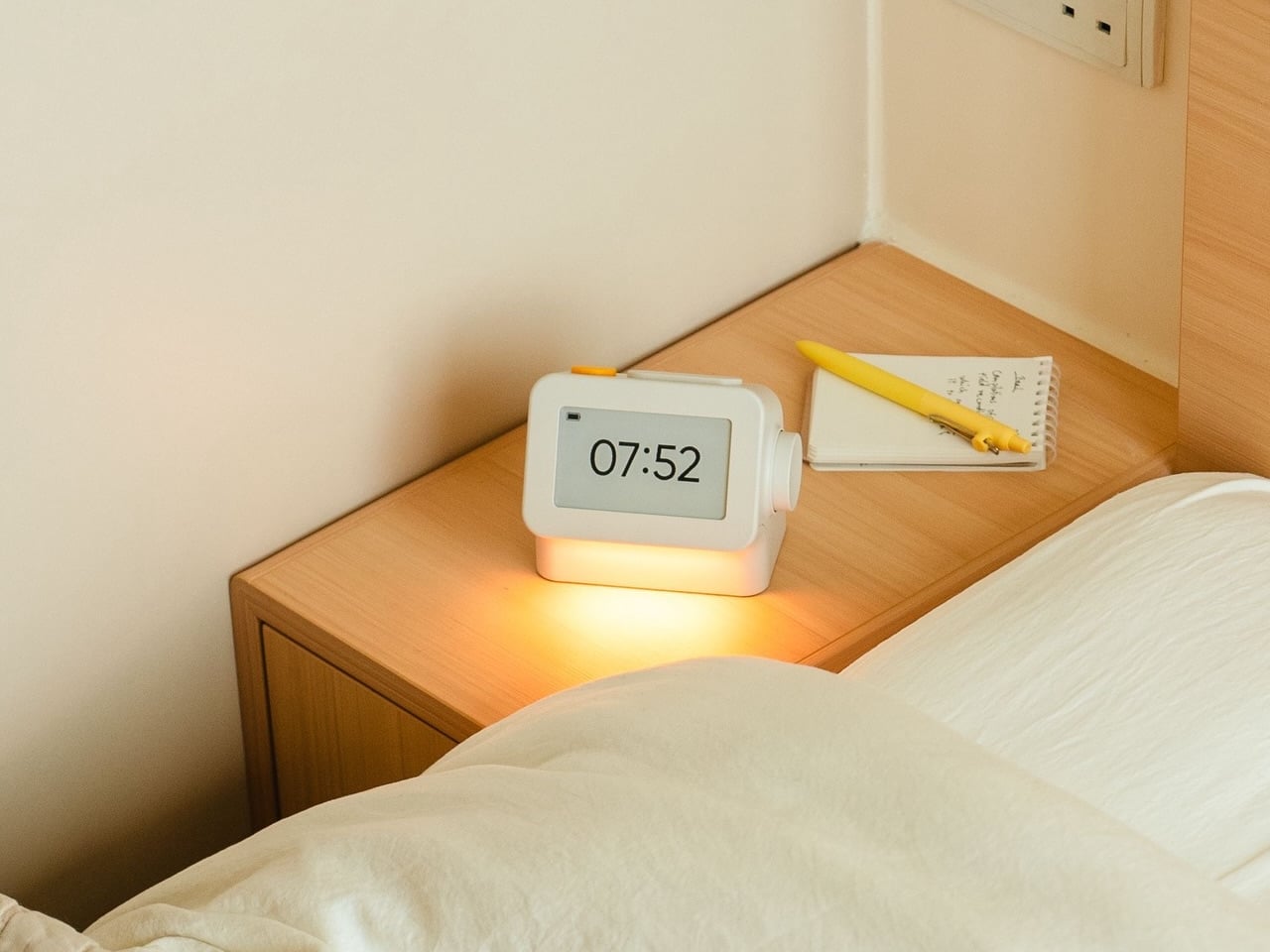
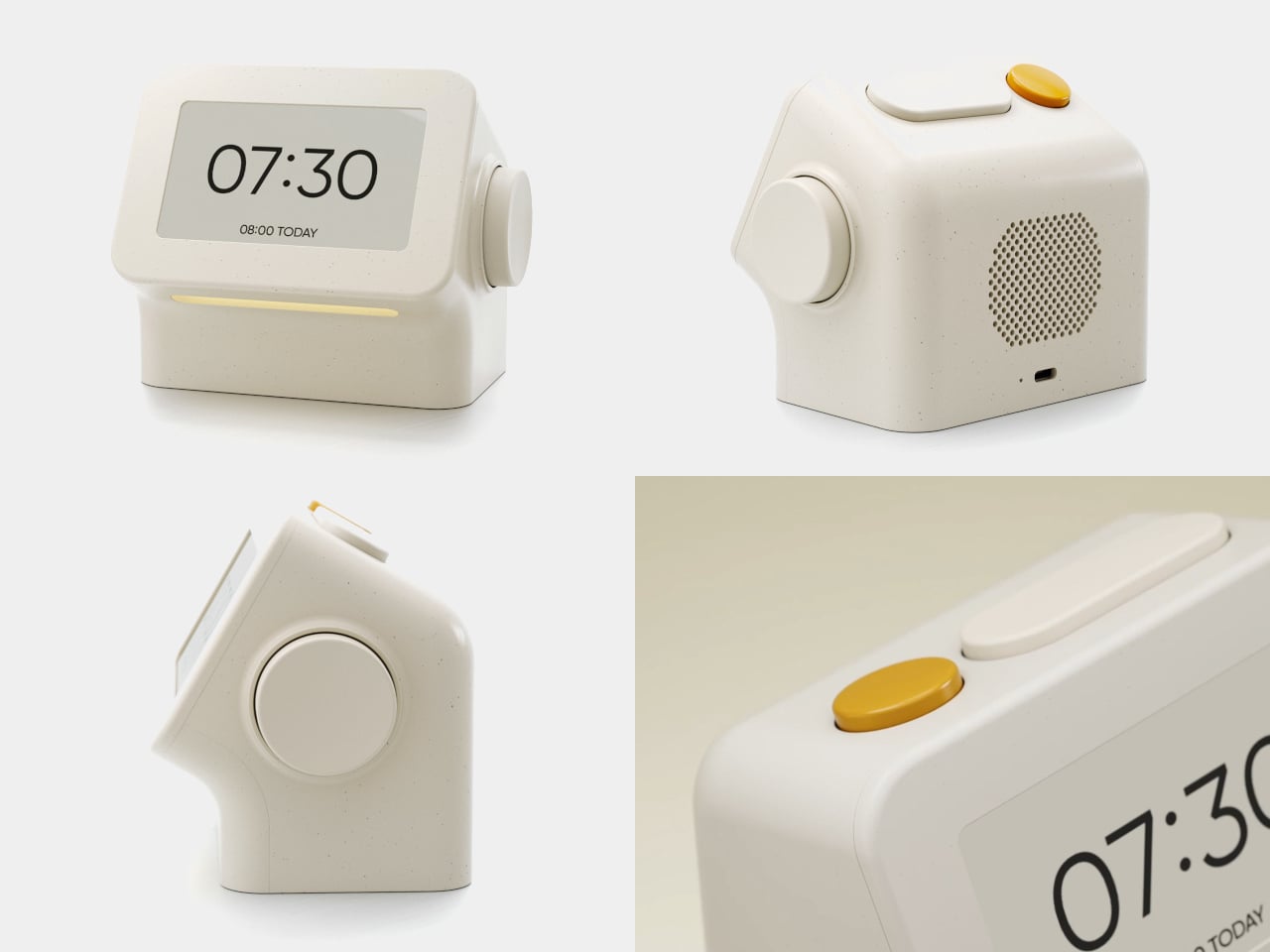
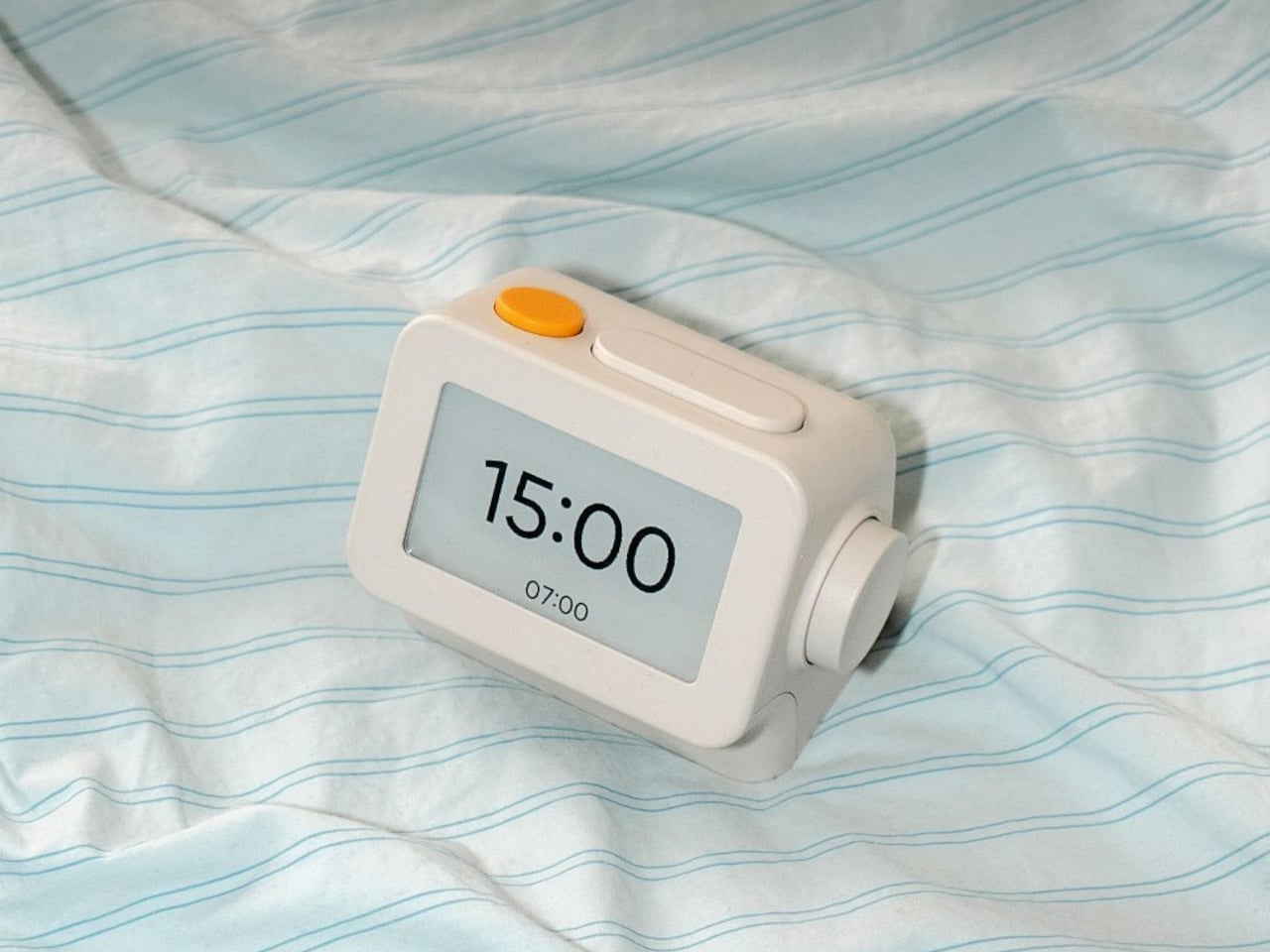
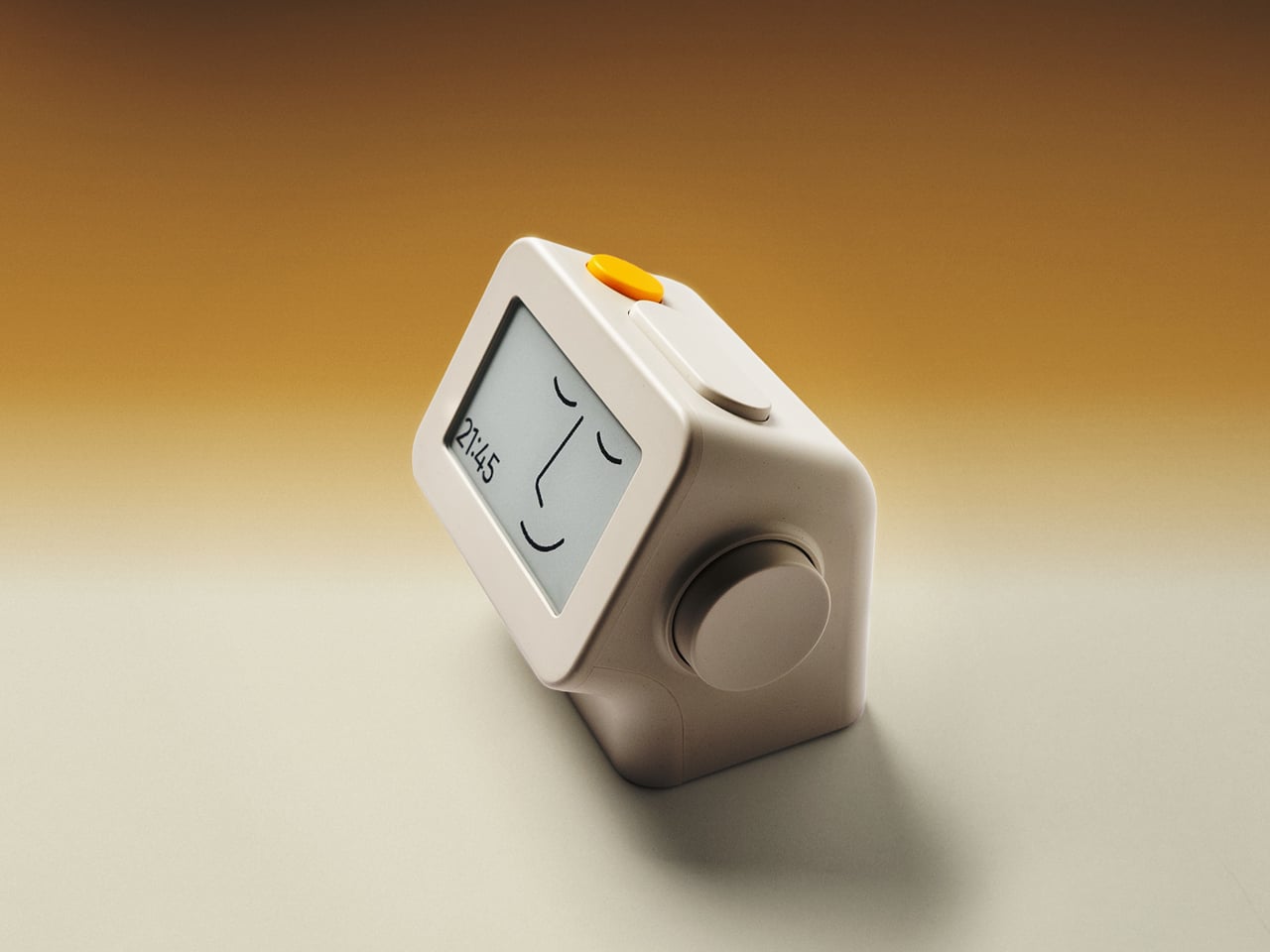
Smartphones have become rather good at convincing us they belong beside the bed, if only because we need an alarm in the morning. Unfortunately, that also puts every source of distraction within reach the moment you open your eyes. To fight that, Habity’s E-Paper Bedside Clock takes over the alarm, sleep sounds, and nightlight duties with physical controls and a display that doesn’t glow continuously, giving your phone fewer reasons to stay.
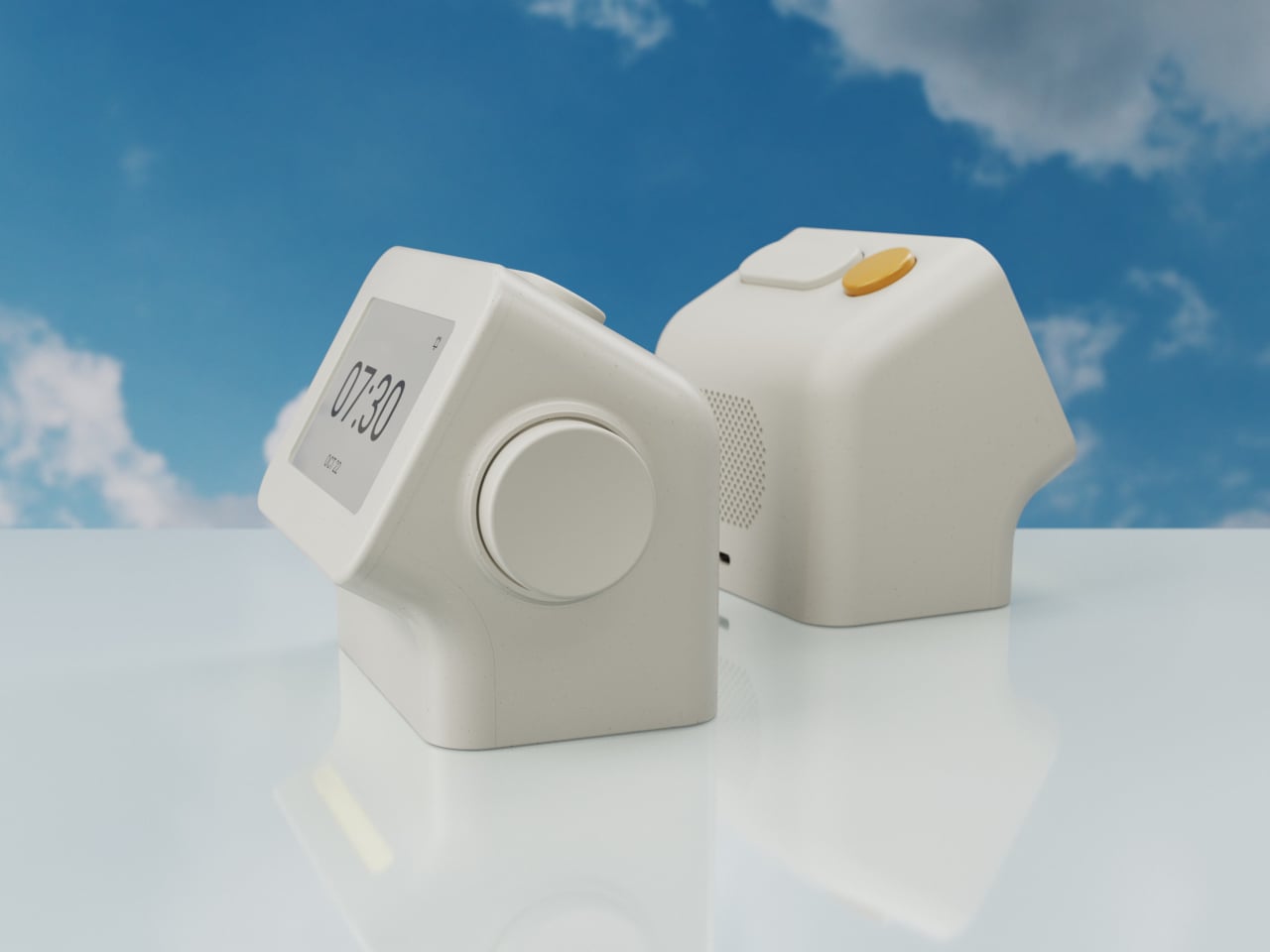
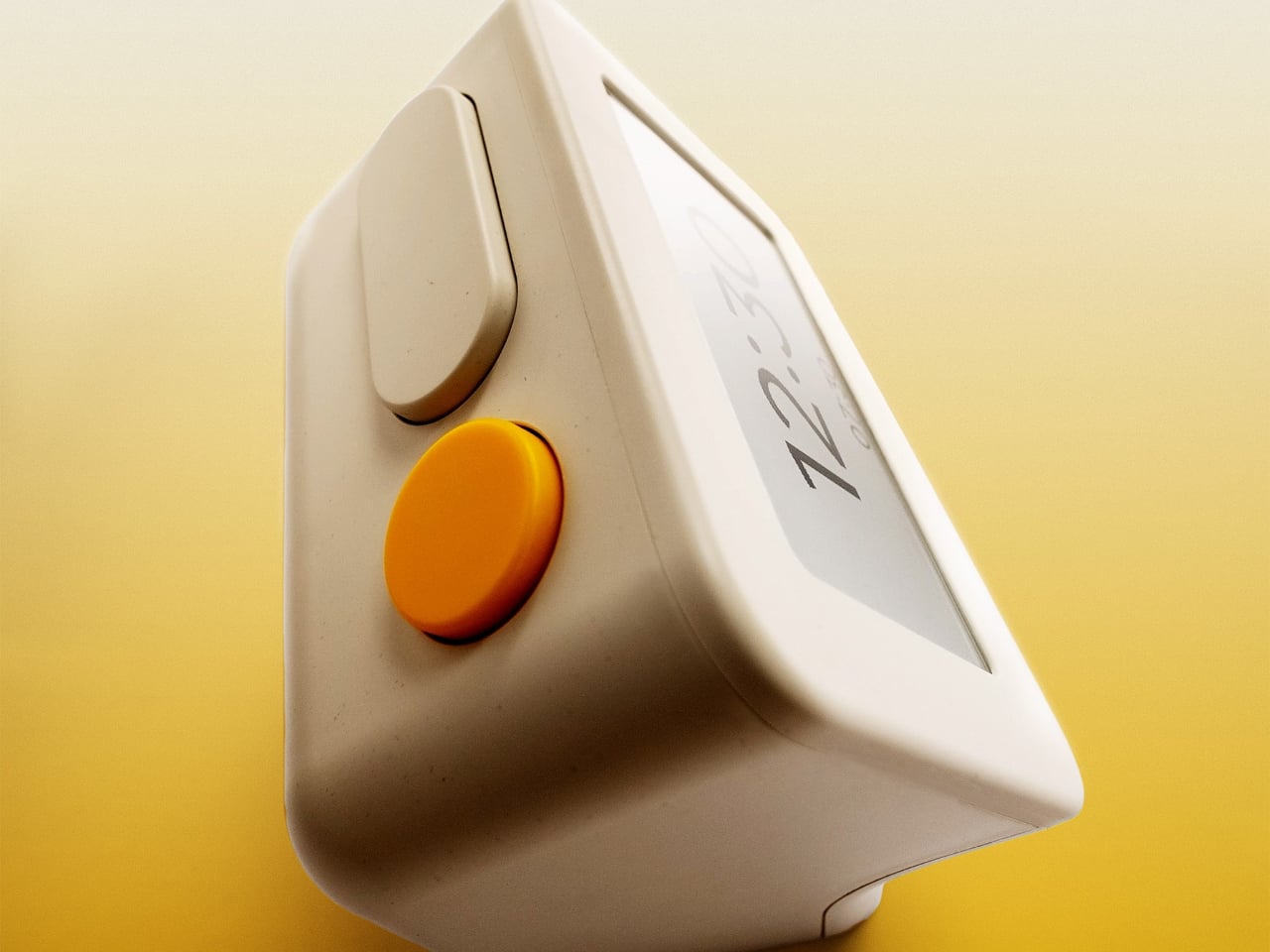
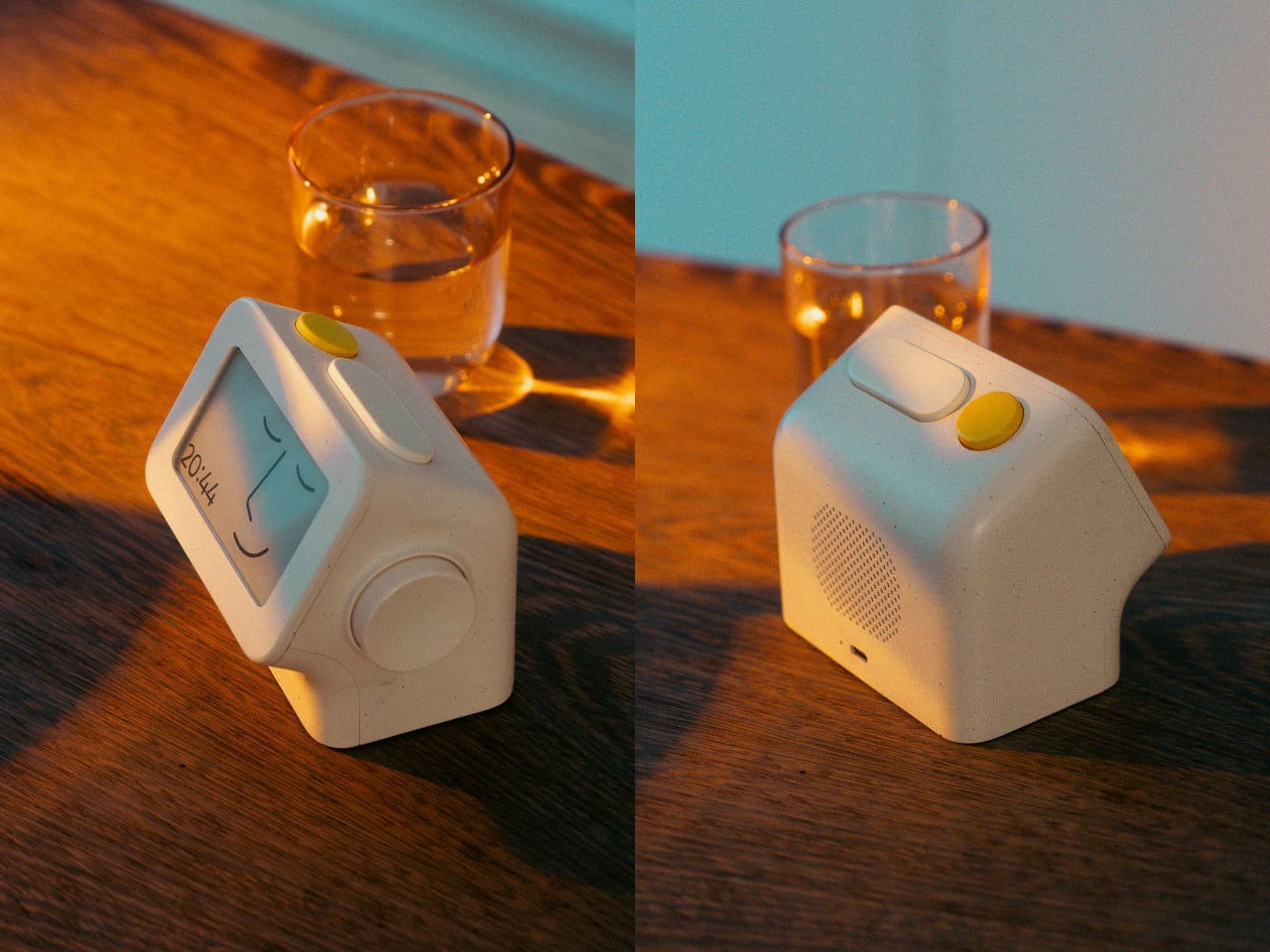
The clock has a rounded rectangular body and a slightly tilted face, but its most useful details are the ones your fingers encounter. A large side dial handles settings and volume through turning and pressing. On top, a yellow stop button sits beside a broad snooze key. Their different shapes separate two decisions you probably don’t want to confuse when you’re half asleep.
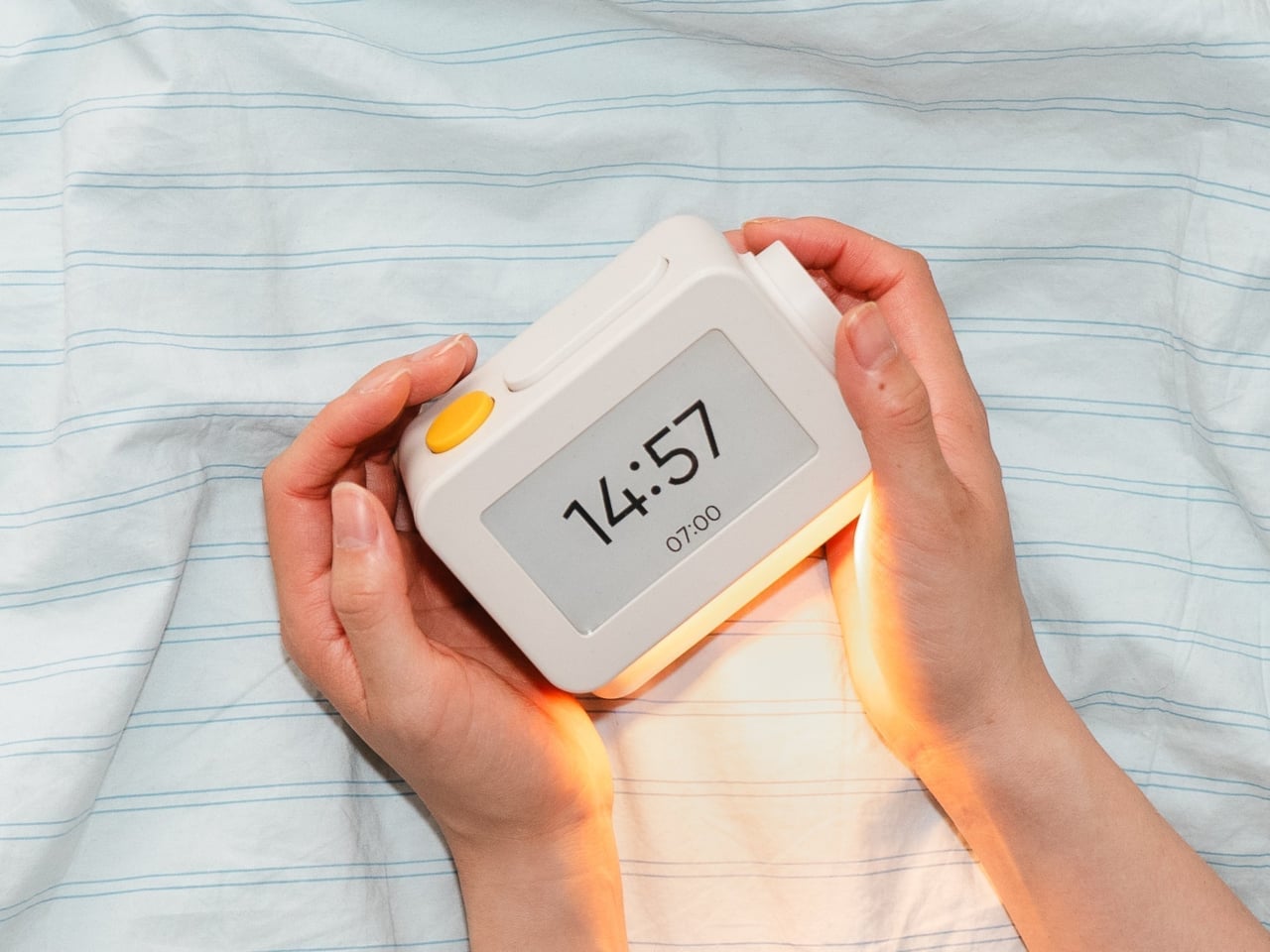
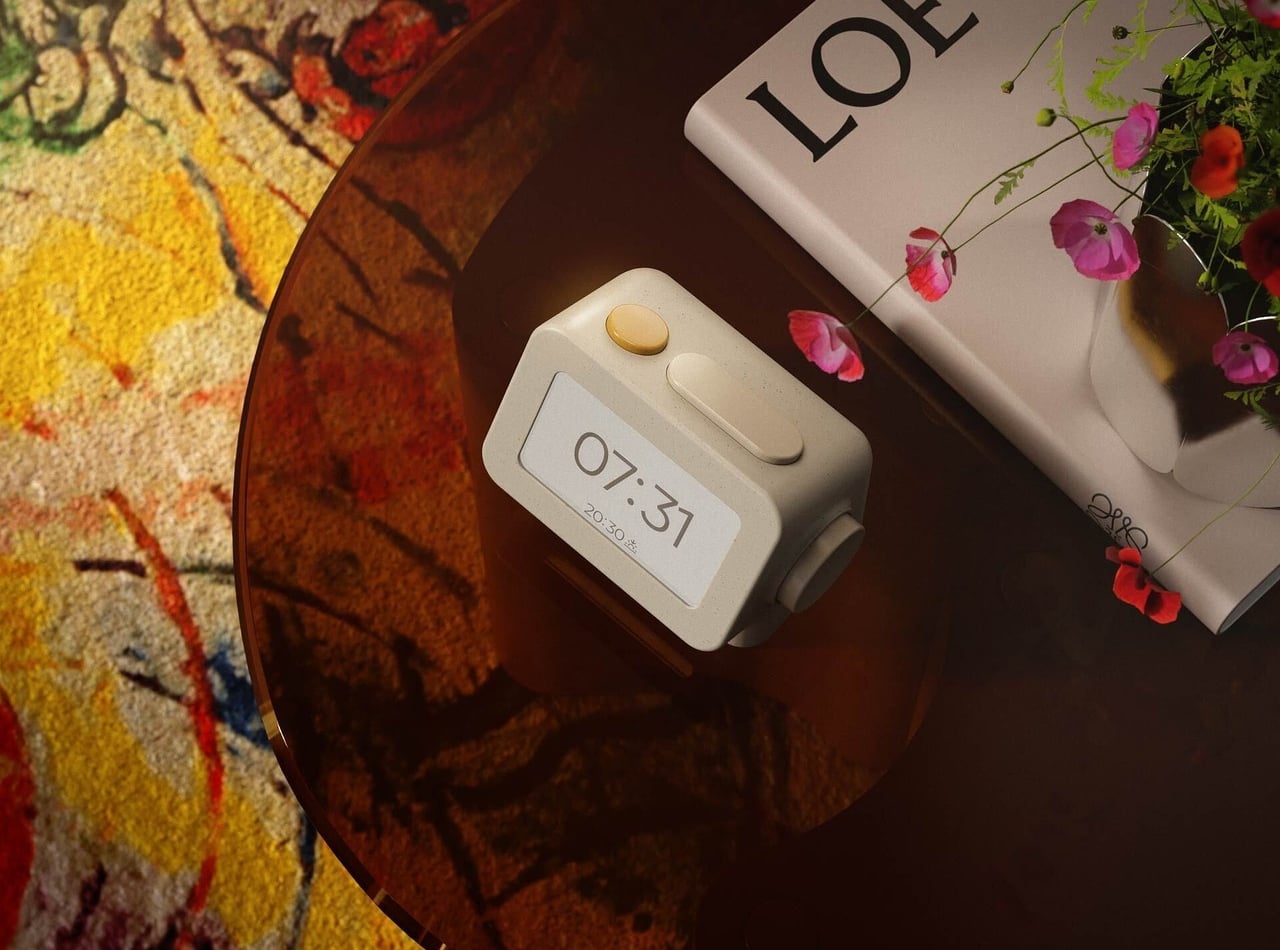
Of course, the screen is where Habity really parts ways with your phone. Its 3.7-inch e-paper display reflects ambient light rather than relying on continuous illumination. That means darkness calls for a little help. Interacting with the clock activates a warm frontlight for 10 seconds, enough for a quick check without leaving the time glowing beside your pillow all night long.
There’s also a built-in speaker for sleep sounds, which don’t need an app or subscription. Rain and ocean waves are familiar choices, but a sleeping dog and dishwasher bring a surprisingly domestic touch to the collection. Double-press the snooze button to start playback and turn the dial to change volume. Sessions can last up to eight hours, without borrowing your phone for the soundtrack.
Mornings get a little more flexibility than a single repeating alarm. Habity lets you choose weekday schedules or different wake-up times for individual days, although you’re limited to one wake-up alarm per day. The built-in light can gradually brighten up to 30 minutes beforehand. Once the alarm sounds, that broad snooze button grants another five minutes, as many times as you care to negotiate.
Perhaps the most curious detail is what happens when you stop touching the clock. After 10 minutes, an optional idle screen introduces an illustrated face and shrinks the time. The hour is still there, just less prominent. It’s a small concession for people who don’t want a constant reminder of how late it’s getting, and you can disable it if you’d rather keep watching the, er, watch.
Despite those straightforward controls, Habity hasn’t completely shut the door on connected features. Optional Wi-Fi provides automatic time setting and integrations with Philips Hue Bridge, Home Assistant, and Homey. That requires USB-C power, however. Leave it offline and the alarms and sounds still work, so your morning routine doesn’t need to depend on whether the router is having a good day.
Habity estimates two weeks of battery life, depending on use, but a full recharge can take up to 24 hours. You’ll want to plan that USB-C top-up rather than squeeze it in before bedtime if you’re using it unplugged. Getting one won’t move your phone to another room, of course, so you’ll still have to decide where it spends each night.
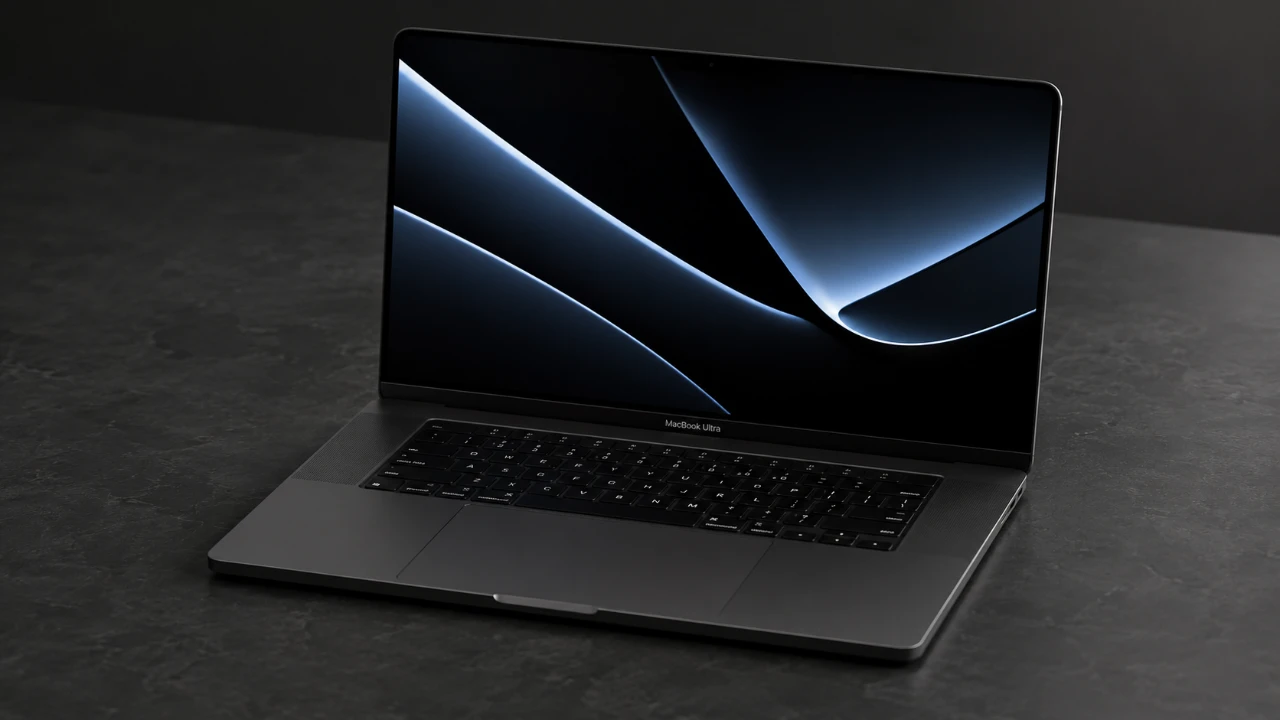
Apple is reportedly preparing to unveil a highly anticipated addition to its MacBook Pro lineup, tentatively named the MacBook Studio. This new model is expected to introduce significant advancements in display technology, design, and connectivity. With features such as an OLED touchscreen display, a thinner and lighter build, and potential 5G connectivity, the MacBook Studio […]
FR33THY’s one-click script, WinSux, focuses on optimizing Windows systems by streamlining performance and removing unnecessary components. Designed for Windows 10 and 11, it eliminates pre-installed apps like Microsoft Edge and integrates essential elements such as DirectX and Visual C++ redistributables. This method provides a cleaner and more efficient environment for users with varying needs, from […]