New 2024 13″ and 15″ MacBook Airs Give Apple’s Thinnest Laptops Their Biggest Performance Boost

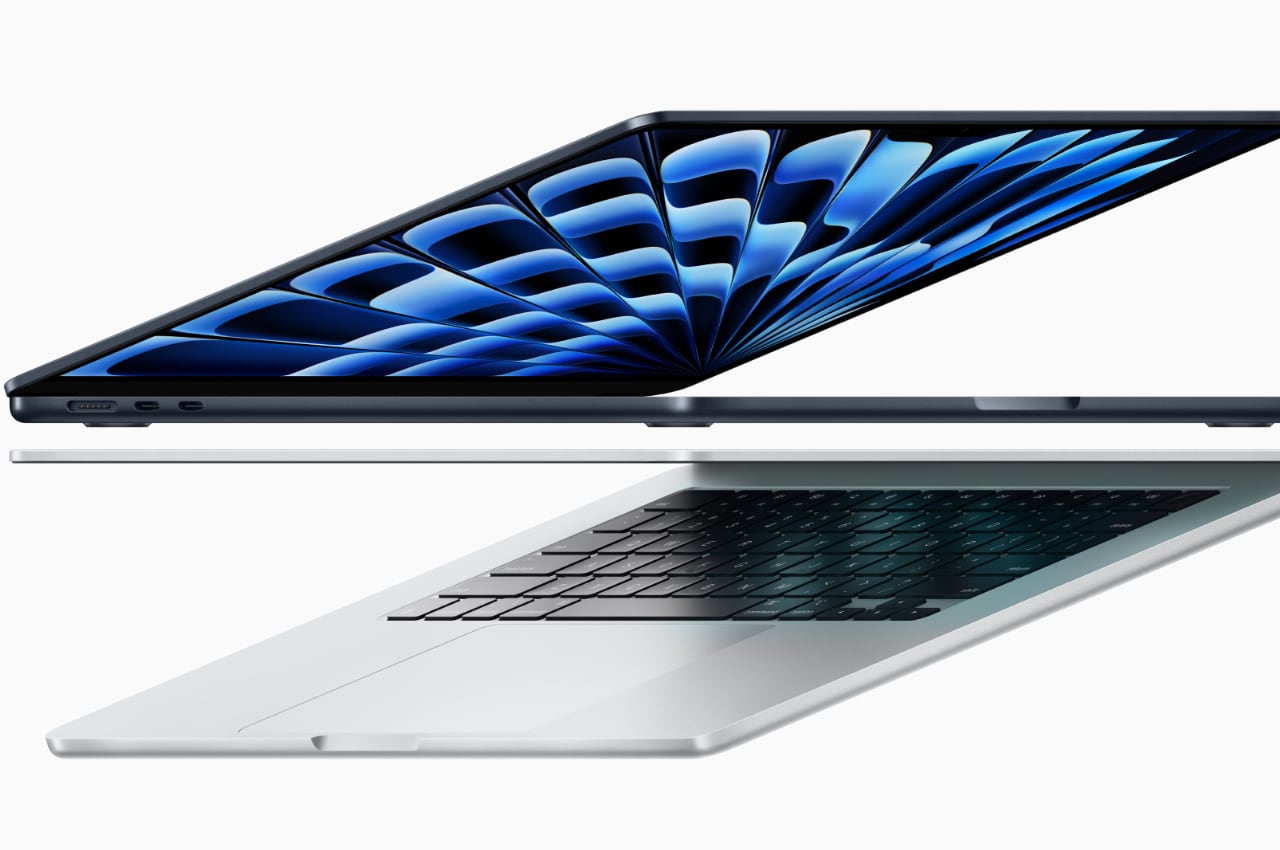
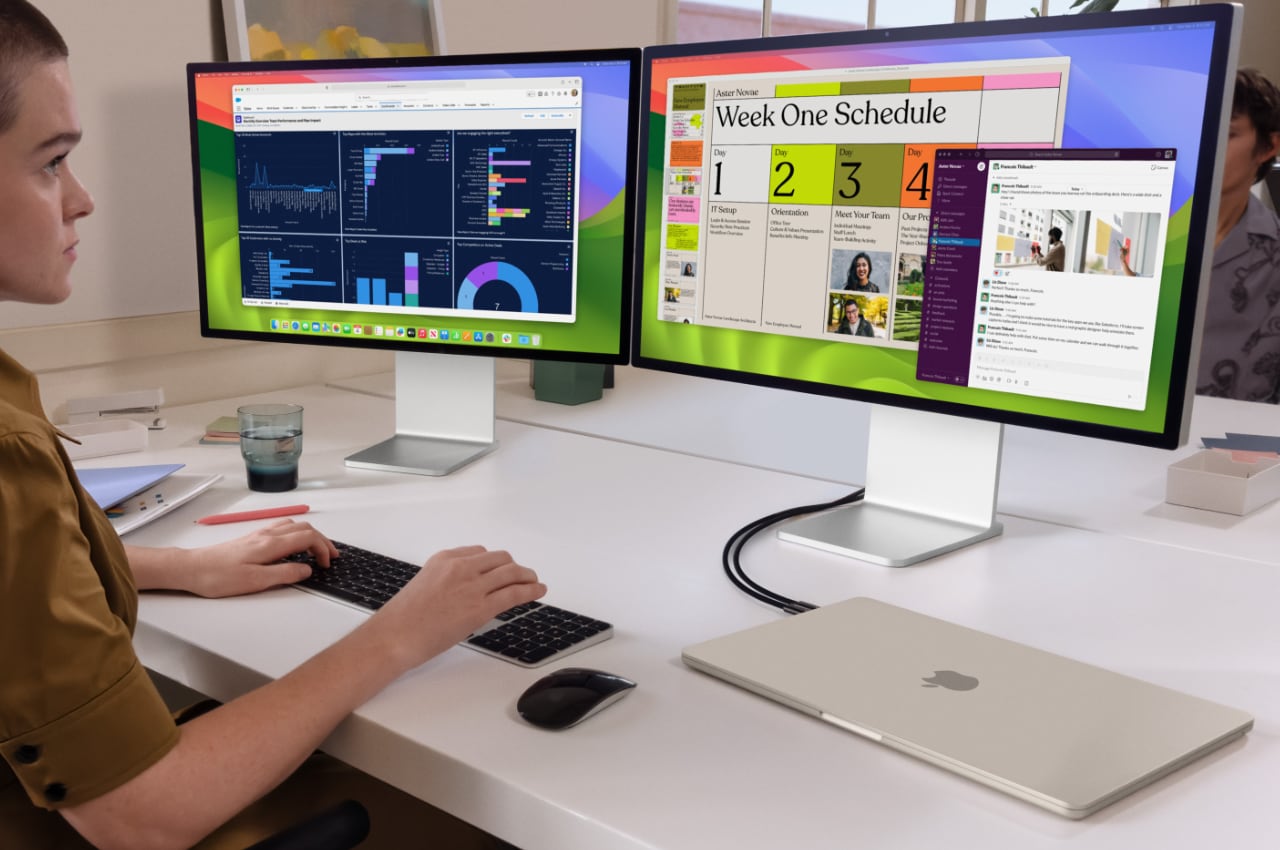
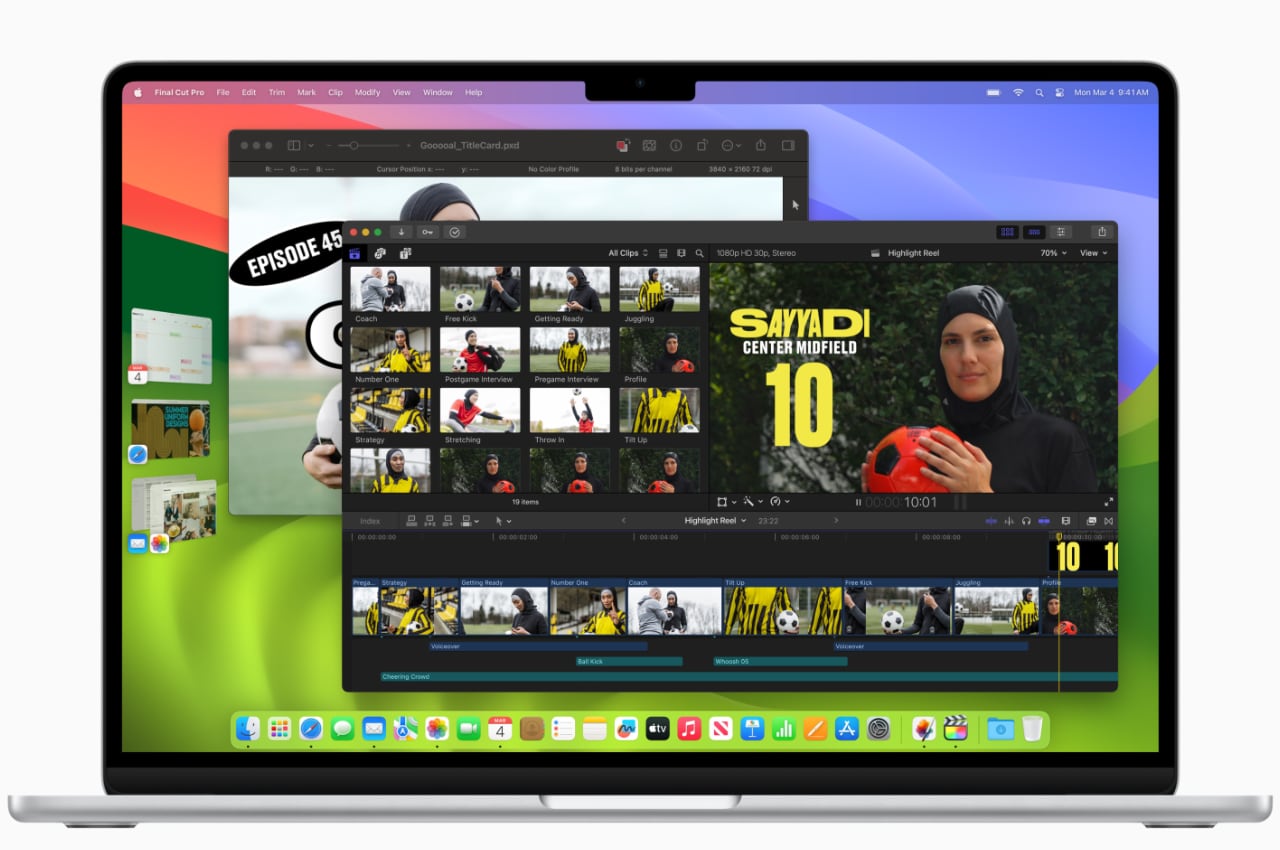
Apple has launched the latest 13-inch and 15-inch MacBook Air models. These laptops have a gorgeous design and strong performance. Although slim, their M3 chip provides impressive performance. They handle tasks such as number crunching, video editing, and binge-watching series effortlessly. Apple has again shown the capabilities of laptops by combining appealing design with high performance.

Designer: Apple

Despite their high-performance features, the new MacBook Air models are quiet, thanks to a fanless design that maintains a thin, light design and offers up to 18 hours of battery life. Users can enjoy a Liquid Retina display with up to 500 nits of brightness and support for 1 billion colors, ensuring a visually captivating experience.

The new models can support two external displays and offer Wi-Fi speeds up to double that of previous models. They are available in four appealing colors: midnight, starlight, space gray, and silver. Midnight features an anodization seal to minimize fingerprints. Other significant features include a 1080p FaceTime HD camera, a three-microphone array, and an immersive sound system with Spatial Audio and Dolby Atmos.

Claiming up to 60% faster performance than their M1 predecessors and up to 13 times faster than the quickest Intel-based MacBook Air, the new MacBook Air models with the M3 chip are equipped with an 8-core CPU, up to a 10-core GPU, and support for up to 24GB of unified memory, promising a smoother and enhanced user experience.

Additionally, Apple has really stepped up the gaming experience by incorporating hardware-accelerated mesh shading and ray tracing, not to mention a beefed-up 16-core Neural Engine that takes AI capabilities to the next level. The new models even have the muscle to run big, brainy things like large language and diffusion models right on the device. It’s clear Apple is all in on weaving cutting-edge tech into the new laptops.

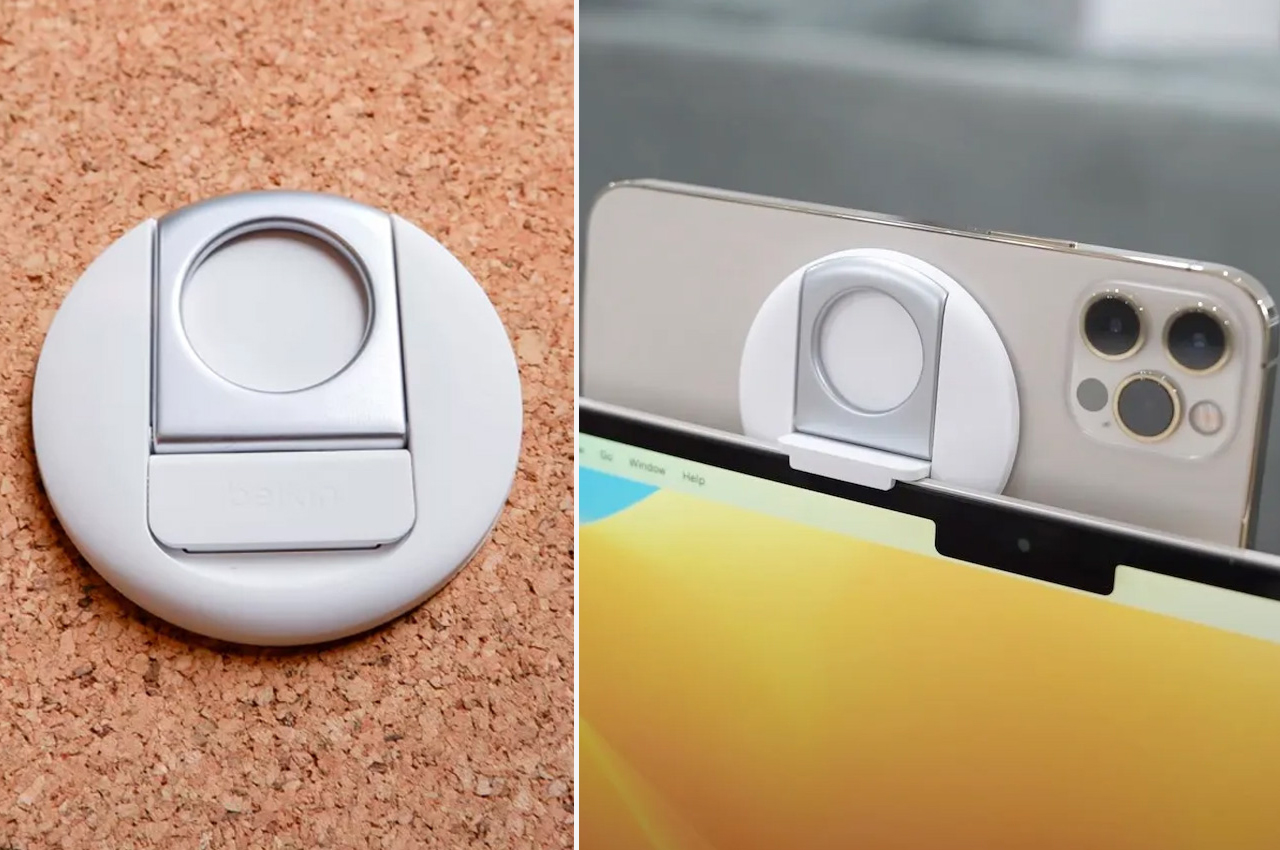
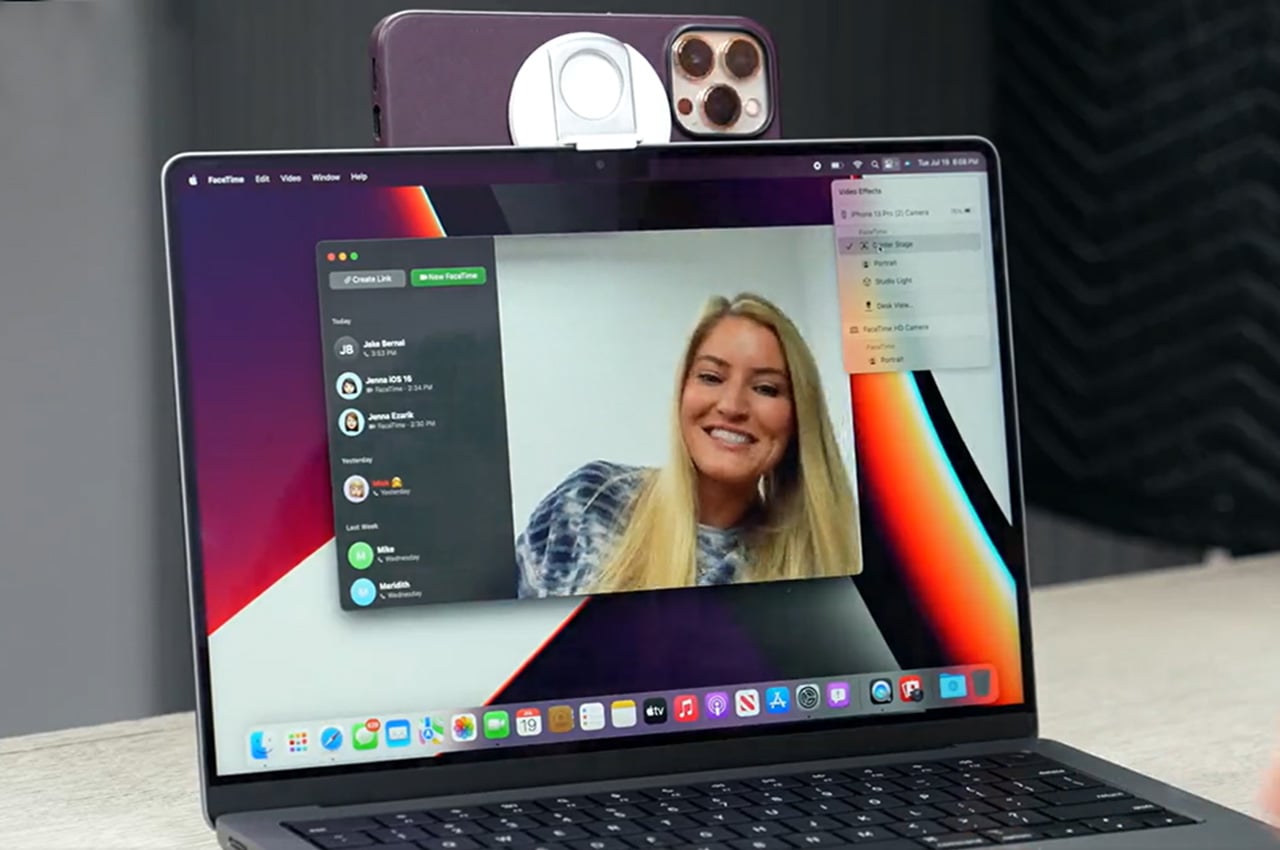
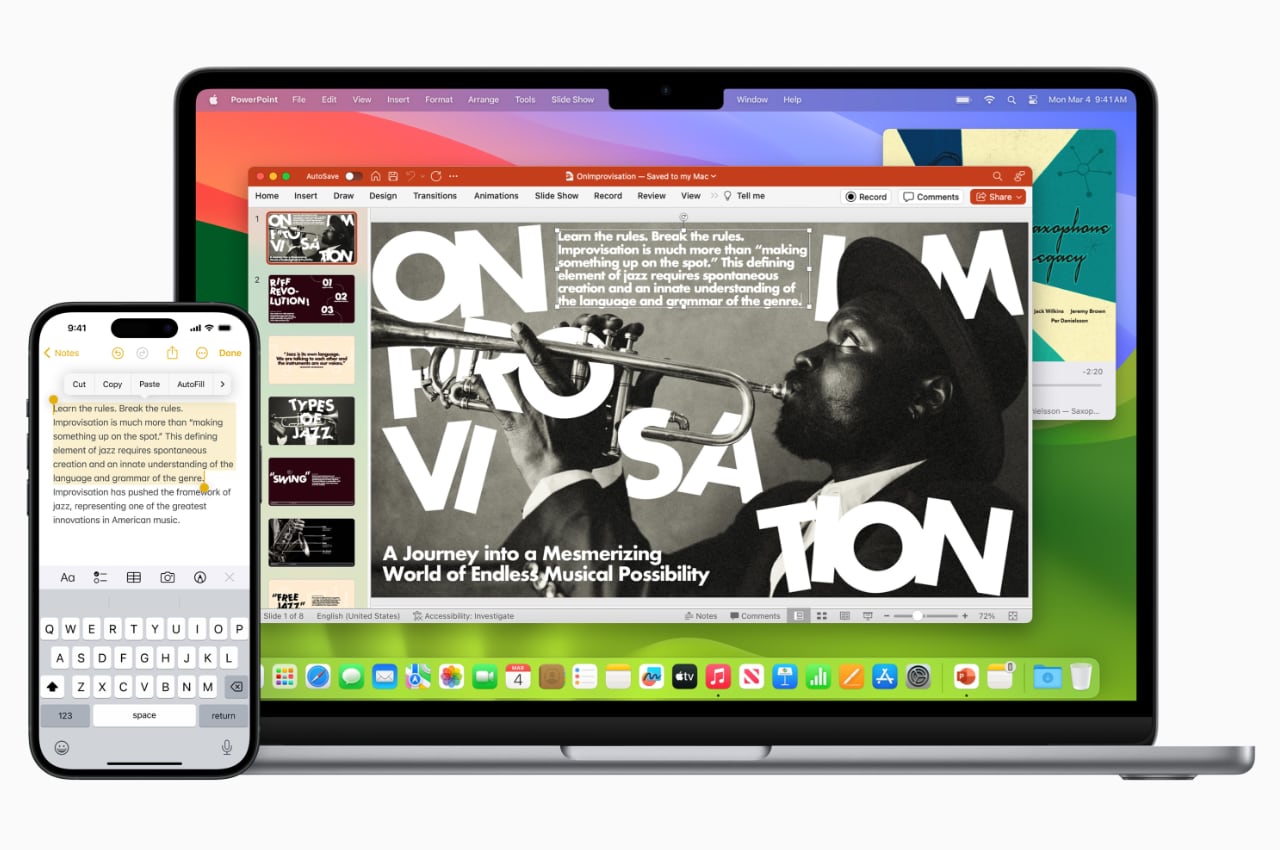
Running on macOS Sonoma, the new MacBook Air models introduce exciting features such as desktop widgets, better video conferencing, and a Game Mode that amps up gaming. Furthermore, they ensure a seamless connection with iPhone and other Apple devices, thanks to features like AirDrop, Universal Clipboard, Continuity Camera, and Handoff, enriching the overall experience within the Apple ecosystem for users.

Apple maintains its commitment to the environment. The new MacBook Air comprises 50% recycled content, including 100% recycled aluminum in the enclosure and 100% recycled copper in the main logic board. The packaging is 99% fiber-based, with a goal to eliminate plastic by 2025. Apple aims to achieve carbon neutrality across its manufacturing supply chain and product life cycle by 2030.

The 13-inch MacBook Air with M3 is priced at $1,099, with a special education discount of $999. The 15-inch model is priced at $1,299, or $1,199, with an education discount. Orders can be placed starting today, and the products will be available from March 8.

The newest MacBook Air models demonstrate Apple’s position in the laptop market. They provide quicker, more intelligent machines while adhering to environmental sustainability and integrating effortlessly with other Apple devices. Apple is evidently committed to advancing its tech experience.

The post New 2024 13″ and 15″ MacBook Airs Give Apple’s Thinnest Laptops Their Biggest Performance Boost first appeared on Yanko Design.
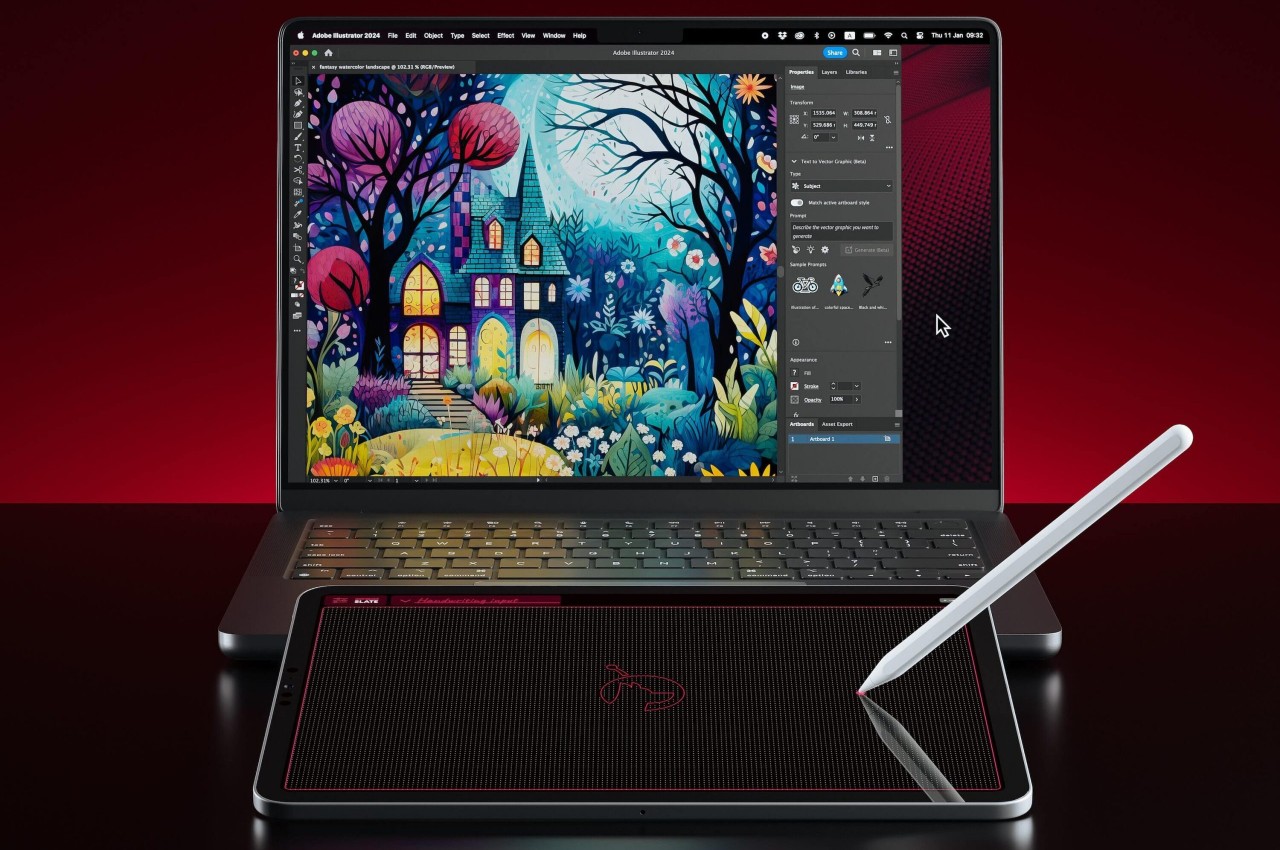
Astropad Slate turns your iPad into a no-screen Mac drawing tablet

Apple has been pushing the iPads, particularly the iPad Pros, as the next wave of computing, practically replacing laptops for some of the common computing tasks, including content creation. Despite the rich variety of apps for these slates, however, there are still some software and work that can only be done on more powerful computers like Macs and MacBooks. And despite how Apple’s computers have long been loved by designers and artists, the company itself has made no tools to support these use cases, such as drawing tablets or even specialized controllers. That does leave the market wide open for manufacturers like Wacom and its drawing tables, but it also forces people to buy these products when they have a perfectly capable iPad with an Apple Pencil. That’s where Astropad’s latest product comes in, bridging the divide between Macs and iPads once again, but with a curious twist.

Designer: Astropad

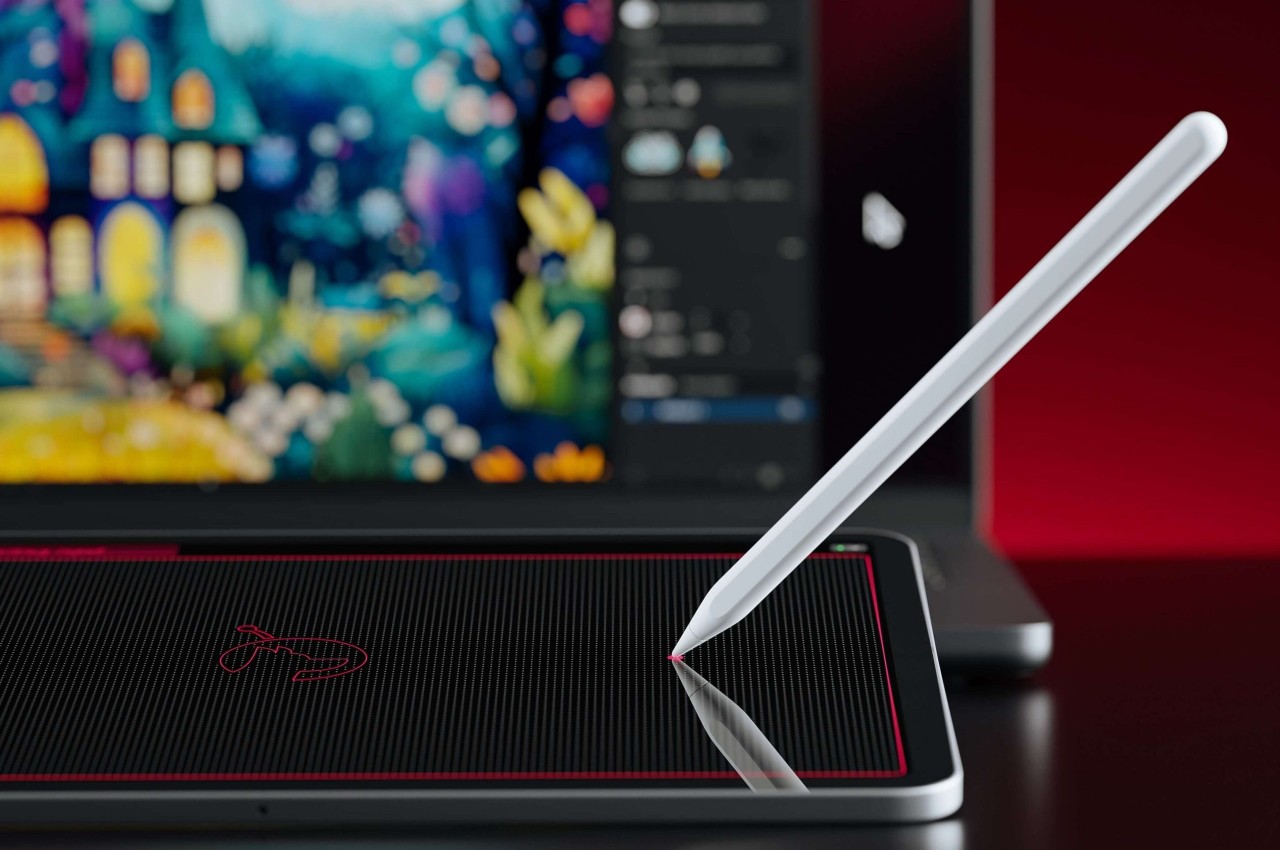
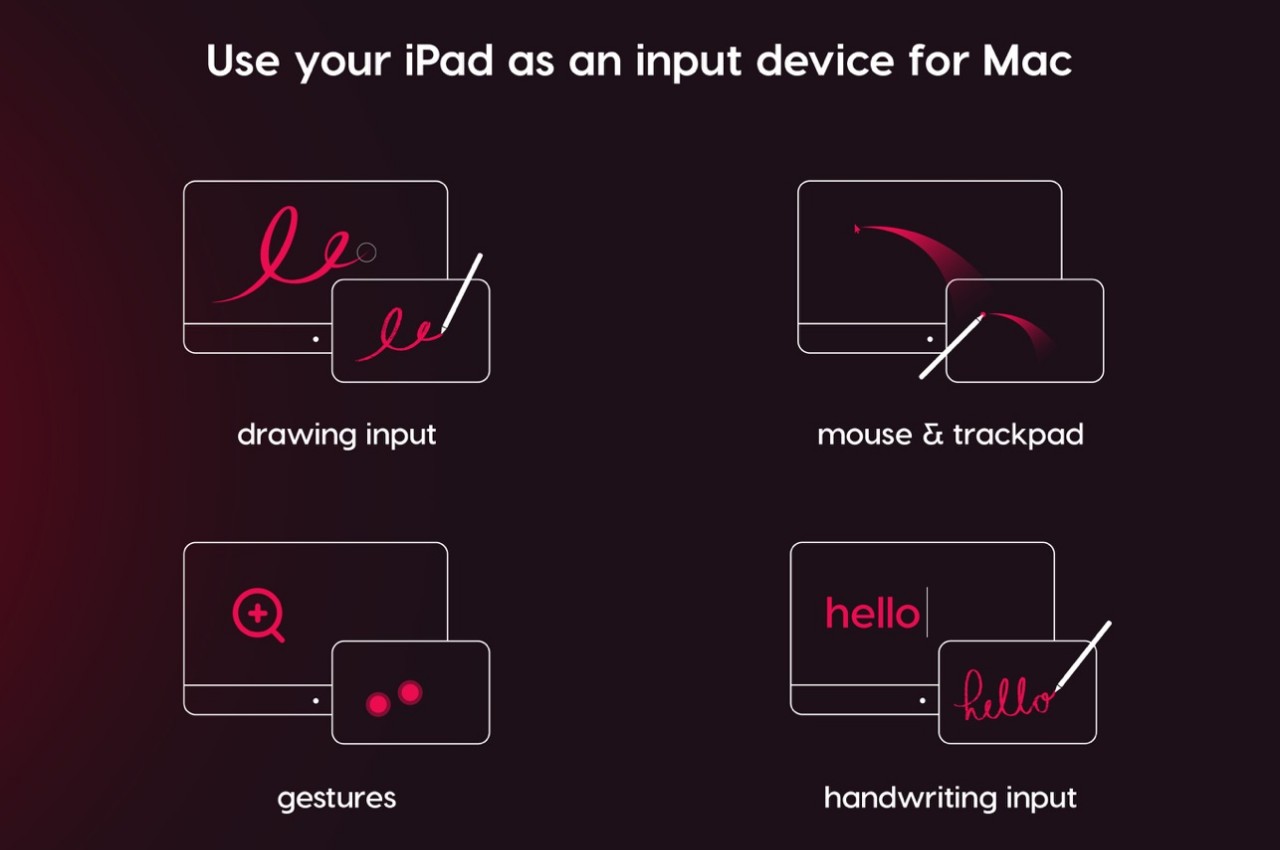
In a nutshell, Astropad Slate is an app that lets you remotely control a Mac using an iPad, Pro or otherwise. You can connect using Wi-Fi, a USB cable, or even Peer-to-Peer networking. Although an Apple Pencil would be nice, it isn’t exactly a requirement. With just your fingers, you can already control the Mac as if you were using a gigantic touchpad. That includes supporting gestures like pinching or two-finger scroll.

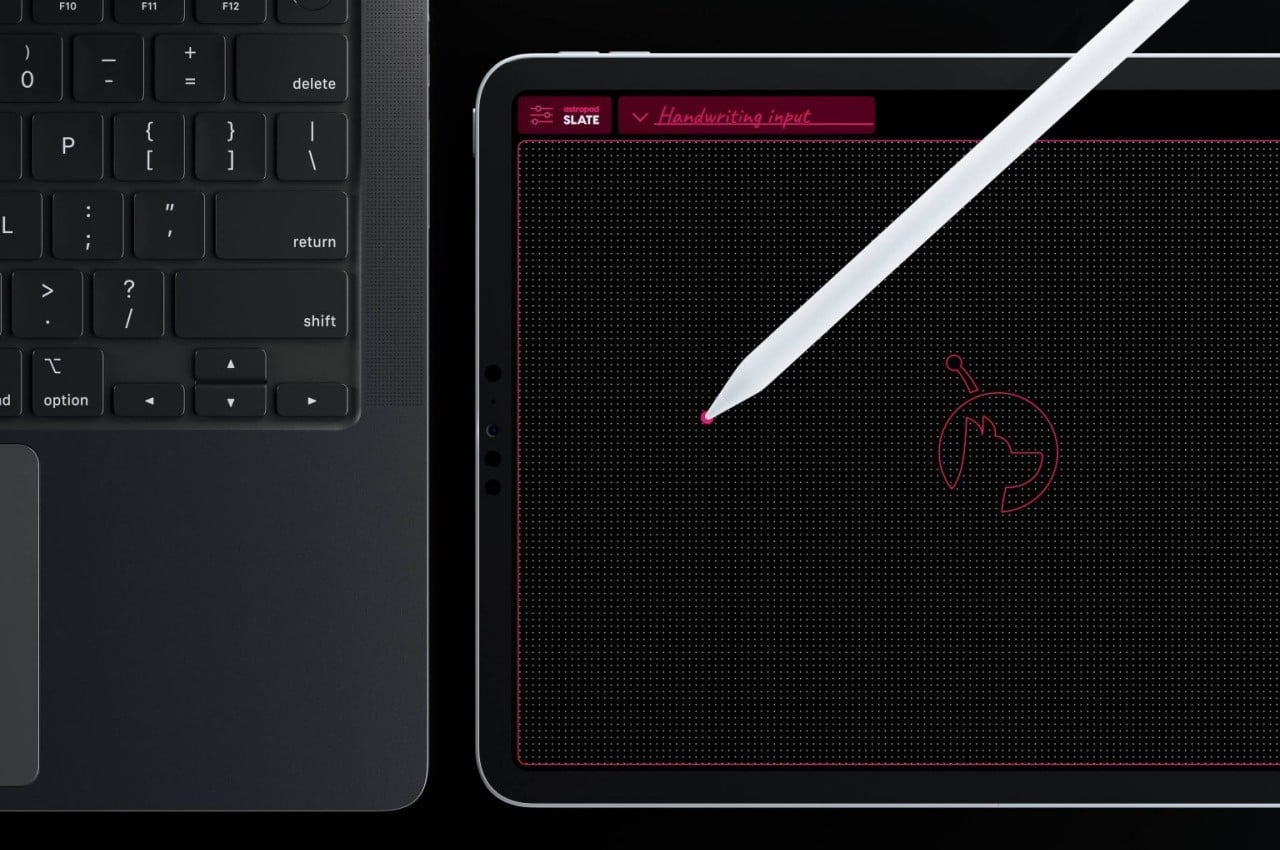
The Slate app really shines, however, when you involve an Apple Pencil, which is supported by most iPads nowadays. With this precise tool, you can not only hover over the user interface on the Mac, you can also turn handwritten scribbles into text, practically replacing the keyboard. Of course, creators, designers, and artists are more likely to utilize the app’s ability to turn the iPad into a drawing tablet, but one without a screen.

This would be similar to the older and cheaper drawing slates that some artists prefer for their distraction-free experience. It does, however, take a bit of getting used to because you won’t be looking at where your hand is going, unlike the analog pen and paper experience. That does help you focus more on what’s happening on screen and, at least for some, offers a more ergonomic position since you won’t be craning your neck downward.

For those that prefer a more “conventional” display tablet experience, Astropad does have its Studio that turns the iPad into something like a Wacom Cintiq and even has compatibility with Windows PCs. For all that power, however, Astropad Studio requires a $79.99 annual subscription, while this simpler Astropad Slate is a one-time $19.99 purchase only.

The post Astropad Slate turns your iPad into a no-screen Mac drawing tablet first appeared on Yanko Design.
Tame your MacBook charging cables with this ingenious and beautiful wrap

We’ve all been the victims of tangled cables, not just at our desks but especially in our bags. Not only does the mess of jumbled wires make us lose time when we need to quickly plug in our devices, we also lose items in our bags simply because this clutter gets in our way. Cable management solutions exist for many desks, but people on the go are often left at the mercy of hastily cobbled-up bands, ties, and whatnot, none of which are effective, let alone elegant products. You don’t need an elaborate and complicated mechanism to keep charging cables in check, as this innovative wrap for MacBook chargers proves, providing an easy and quick way to tame those unruly wires while looking good at the same time.

Designer: Blair Hesty (Founder and Industrial Designer, BAIR)

Click Here to Buy Now: $28. Hurry, offer ends soon!

Laptop charging cables are a necessary evil for us to be able to work these days. But even the minimalist designs of the MacBook power adapter still fall prey to the problem of getting tangled around not only itself, but everything else in your bag. This costs you time and peace of mind whenever you need to take it out, especially when in a hurry.

TAIM is a cable management solution that looks so simple that you might wonder why it didn’t already exist. It attaches snugly around a MacBook charger and provides a way to let you wrap the cable around the block, and then secure the cable so that it never gets loose until you actually need it. It’s efficient and fast, so you spend less time managing cables and more time actually getting stuff done. Whether you’re at the office about to head home, at home about to rush out the door, or enjoying a freshly brewed cup of coffee while hammering away at that report, TAIM is the perfect solution to save time and reduce frustration.

The ingenuity of TAIM comes from a robust hook and loop attachment that lets you quickly fasten or unfasten the wrap; no need to fiddle with buttons or complicated mechanisms. A machined metal “grab tab” with a beautiful satin bronze finish also makes it easy to see or even just feel the end of the wrap so that you can quickly release the elastic retention band in a flash. Simply pull the tab and let the cable drop free, ready to plug into your MacBook for a quick charge.

Best of all, TAIM is made with high-grade materials that not only look and feel good, it will last you a long time. Durable elastic is used to wrap around the charging block and the captured cables, while custom Merino wool felt adds a luxurious texture to the product, a fitting quality for a design made to match Apple’s high-quality products. Made specifically for single-port USB-C Apple MacBook power adapters, TAIM frees you from the stress of dealing with unruly cables and lost time, providing a design that not only works well but looks striking to boot. Stand out of the crowd, and start crafting your image today with TAIM by BAIR.

Click Here to Buy Now: $28. Hurry, offer ends soon!

The post Tame your MacBook charging cables with this ingenious and beautiful wrap first appeared on Yanko Design.

A MacBook without a Screen? This Apple Keyboard concept comes with a built-in Projector Display

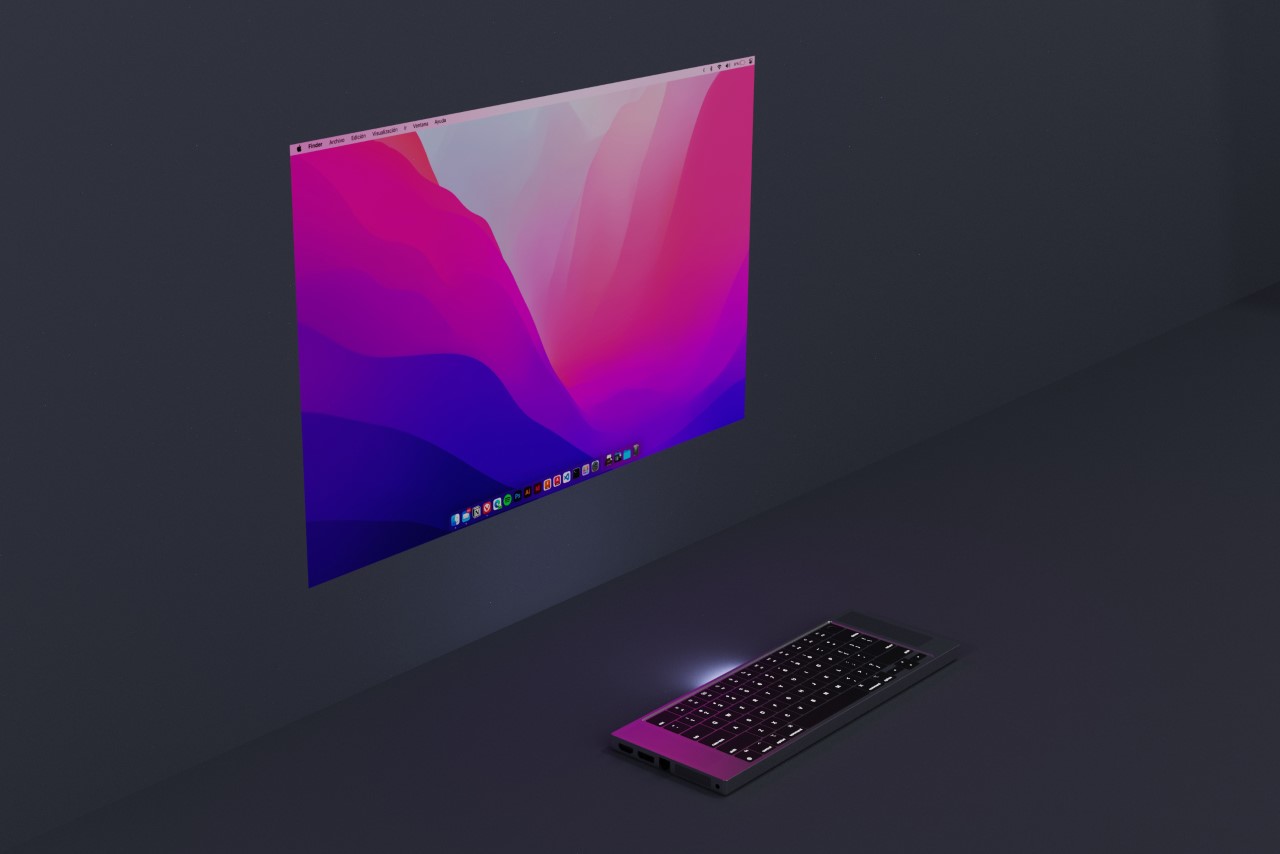
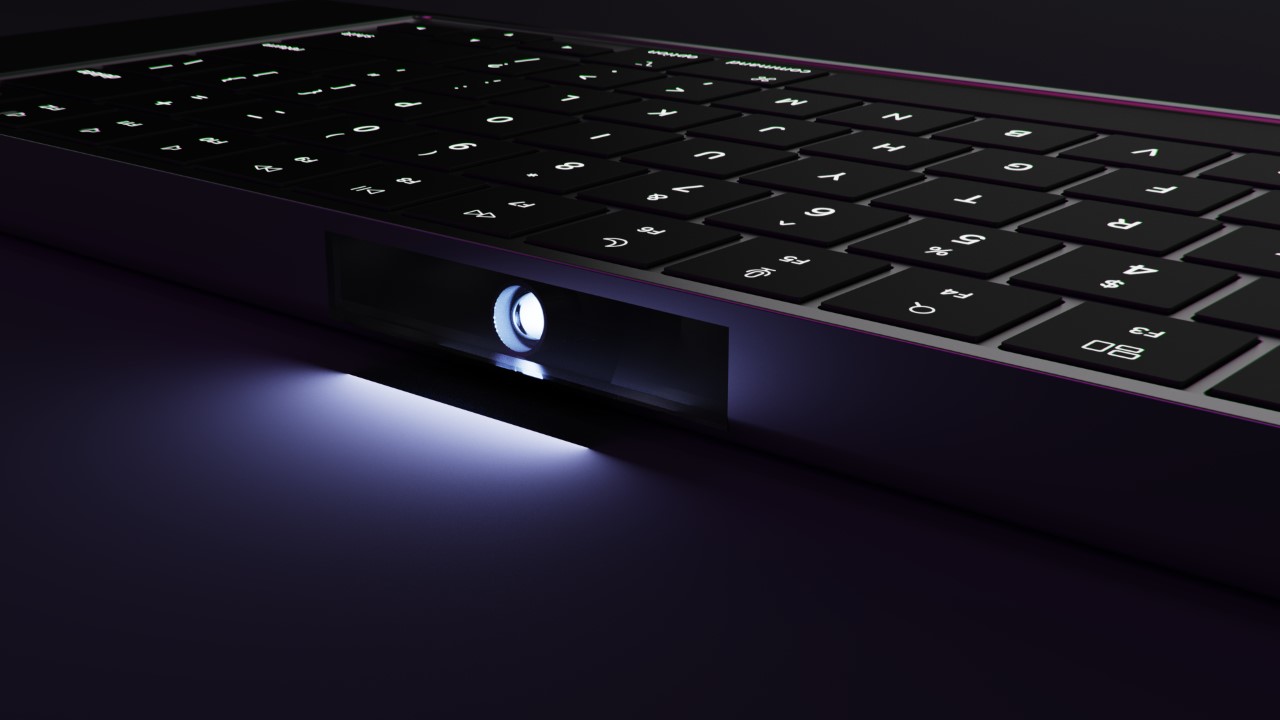
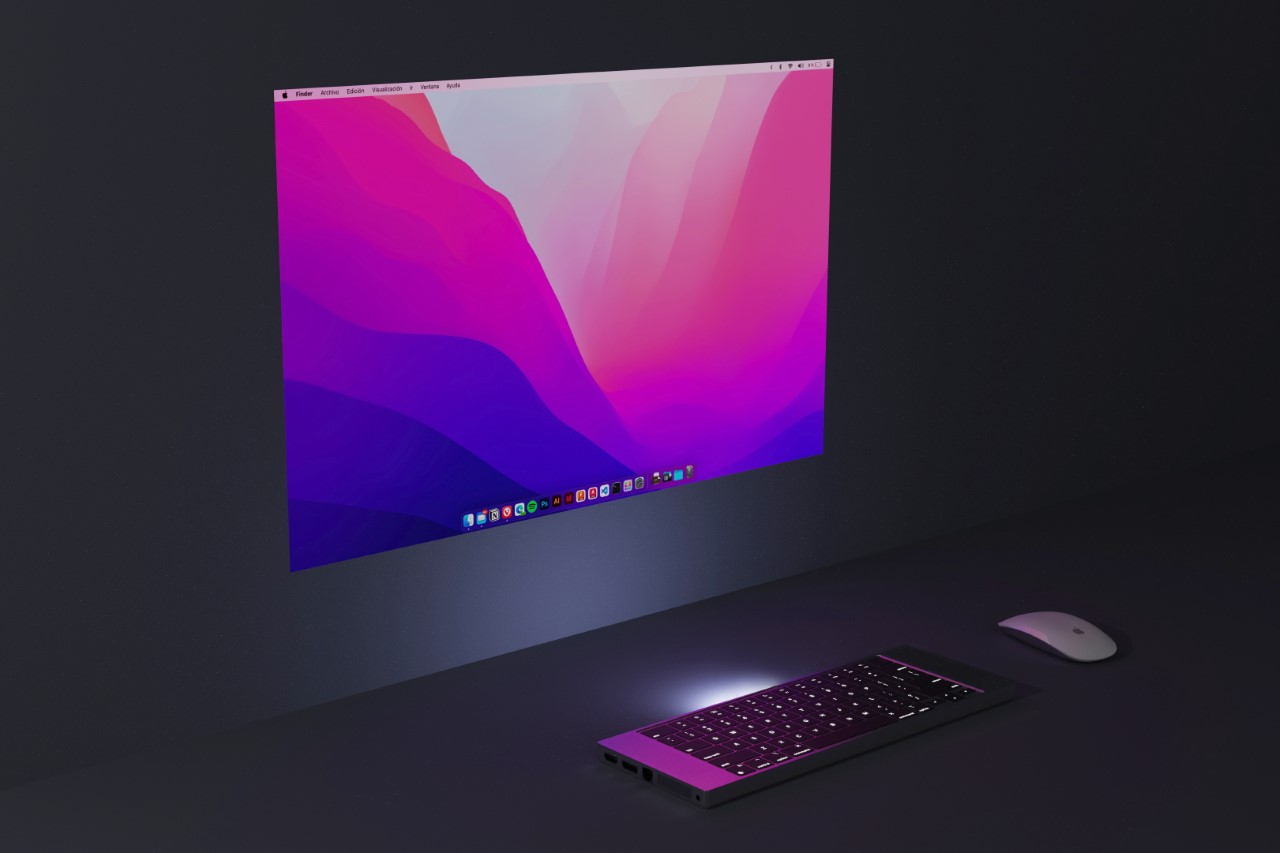
If the iMac is all-screen, the MacBook Go is the absolute opposite – it’s all keyboard. Built with its own DLP projector, this all-in-one keyboard is everything you need to work anywhere. Just find yourself an empty wall, pair a Magic Mouse for convenience, and you’re ready to go. The keyboard-shaped device is, in fact, a full-fledged computer, running on Apple’s own silicon. Who needs spatial computing when you can have a computer in your keyboard!?

Designer: Pablo Rubio Villarroel

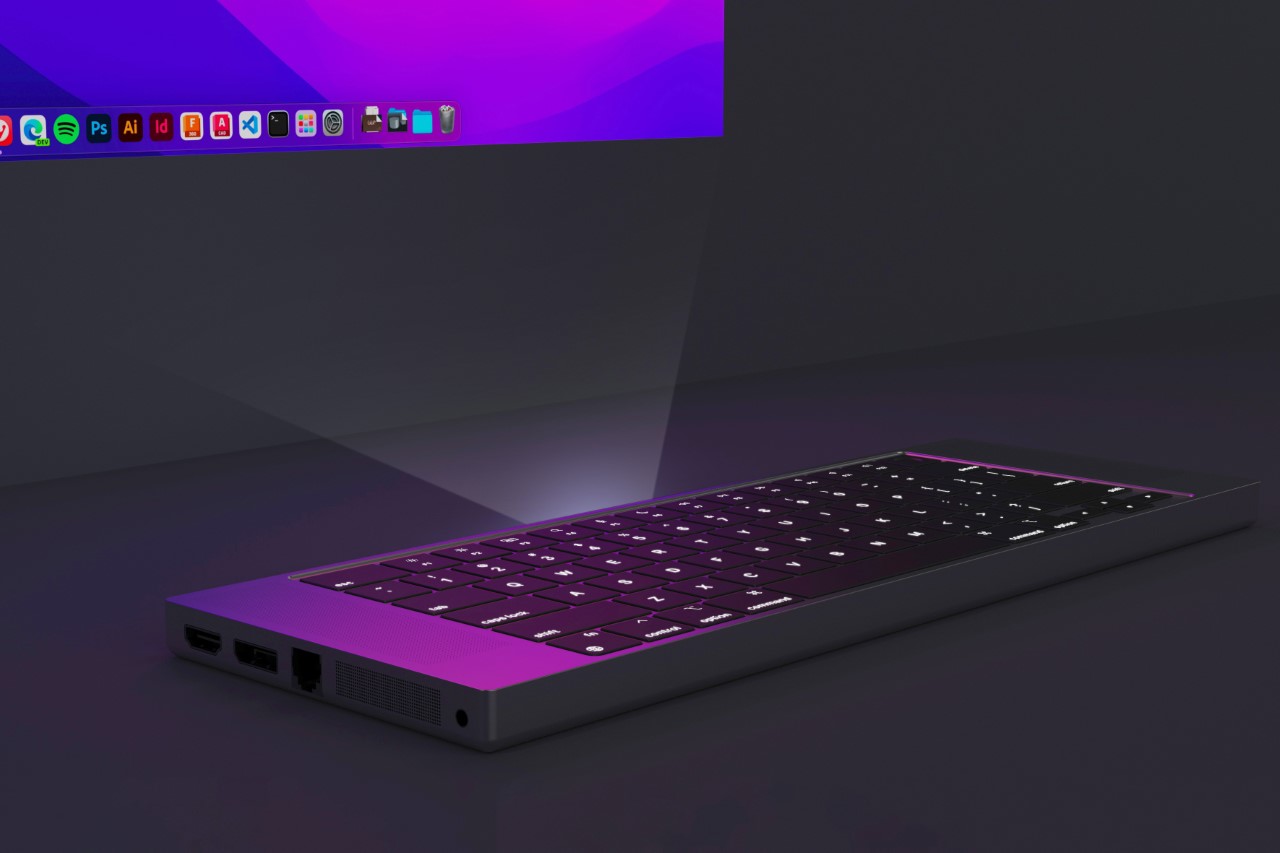
Designed by Pablo Rubio, the MacBook Go aims at building a new format for computing. It integrates projector and keyboard into one deceptively compact form factor, creating a novel way to carry your workstation with you, sans screen. Instead, the keyboard projects a high-resolution massive 120Hz screen onto any surface you point it at, giving you something much better than multiple screens – one massive screen that can house all your windows and tabs.

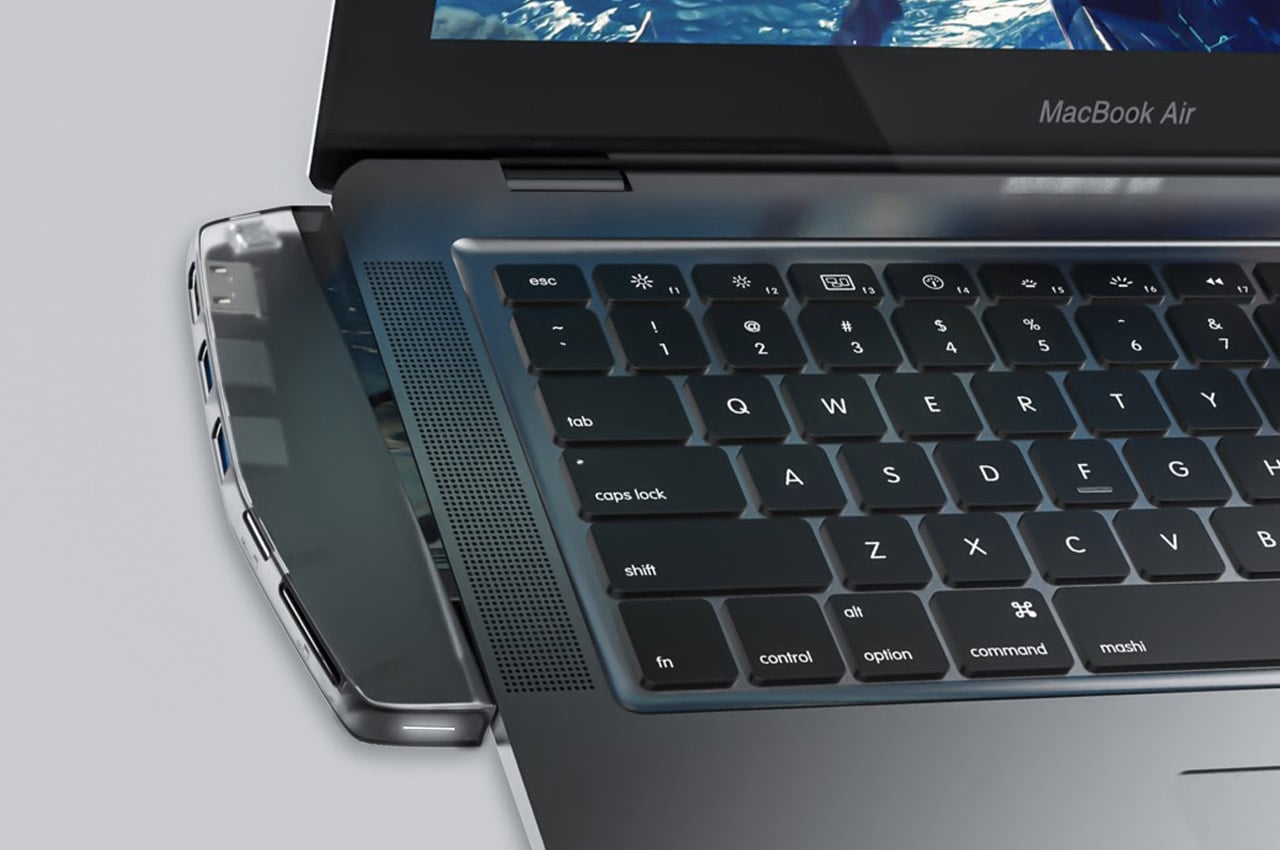
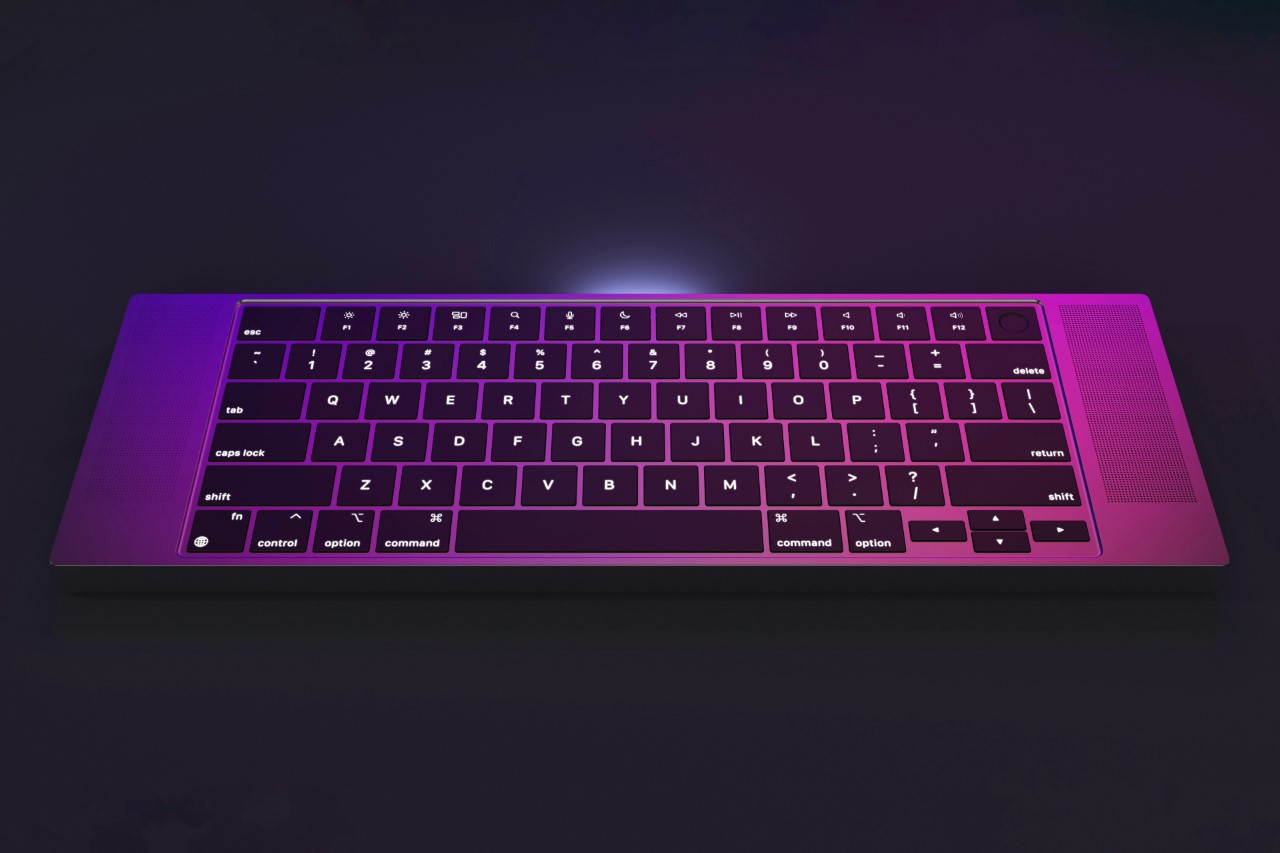
Outwardly, the MacBook Go looks and feels exactly like a MacBook without the display. It has everything the MacBook’s 65% keyboard has to offer, from the function keys on the top with the TouchID key on the top right corner, to even the large speakers on either side. Underneath its hood, however, the keyboard is a Mac computer through and through, with its own projector that can automatically orient, keystone, and focus the screen so you don’t spend half an hour sitting and aligning the display. What the keyboard lacks, however, on first glance, is a kickstand for height adjustment… but I’m probably being pedantic.

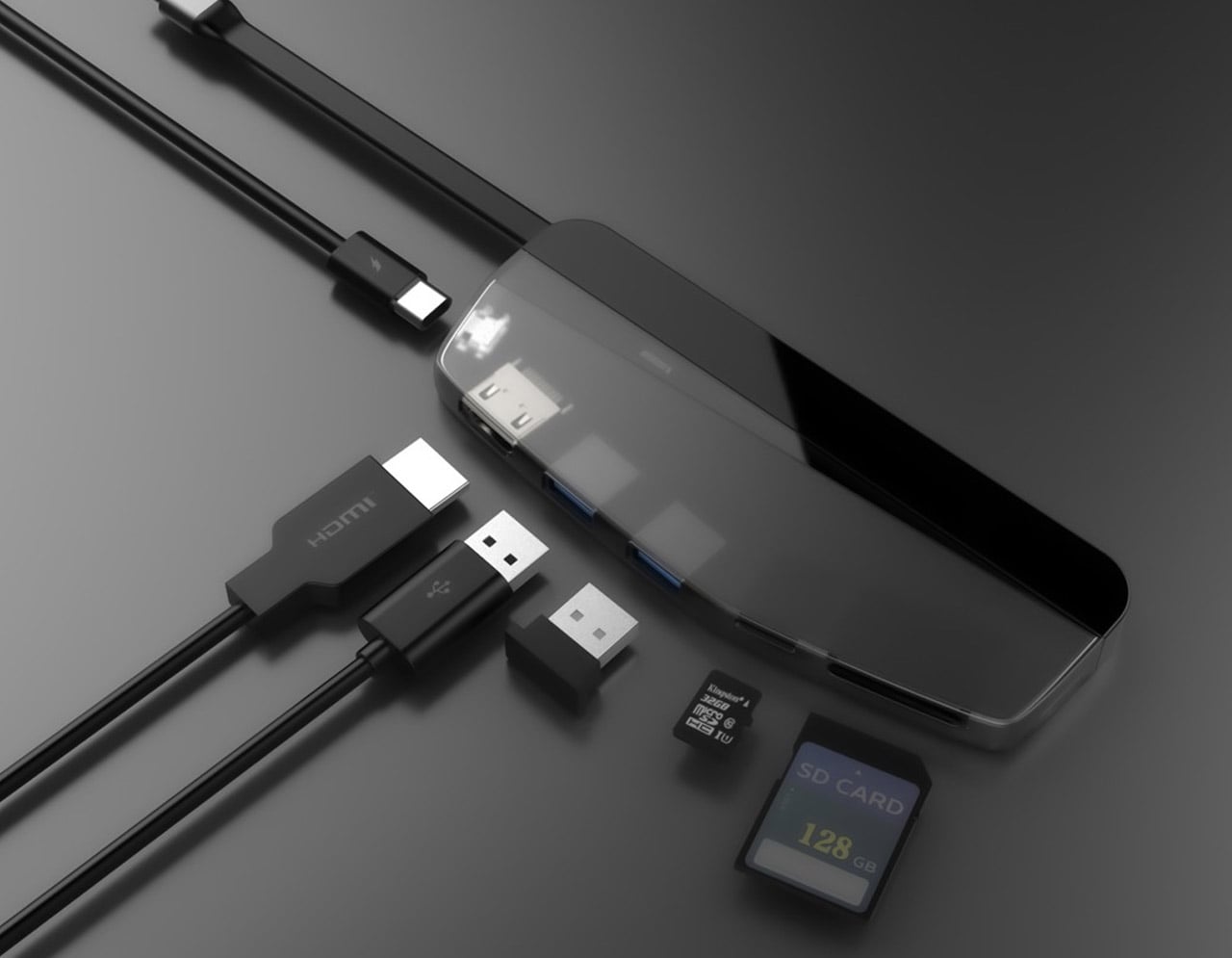
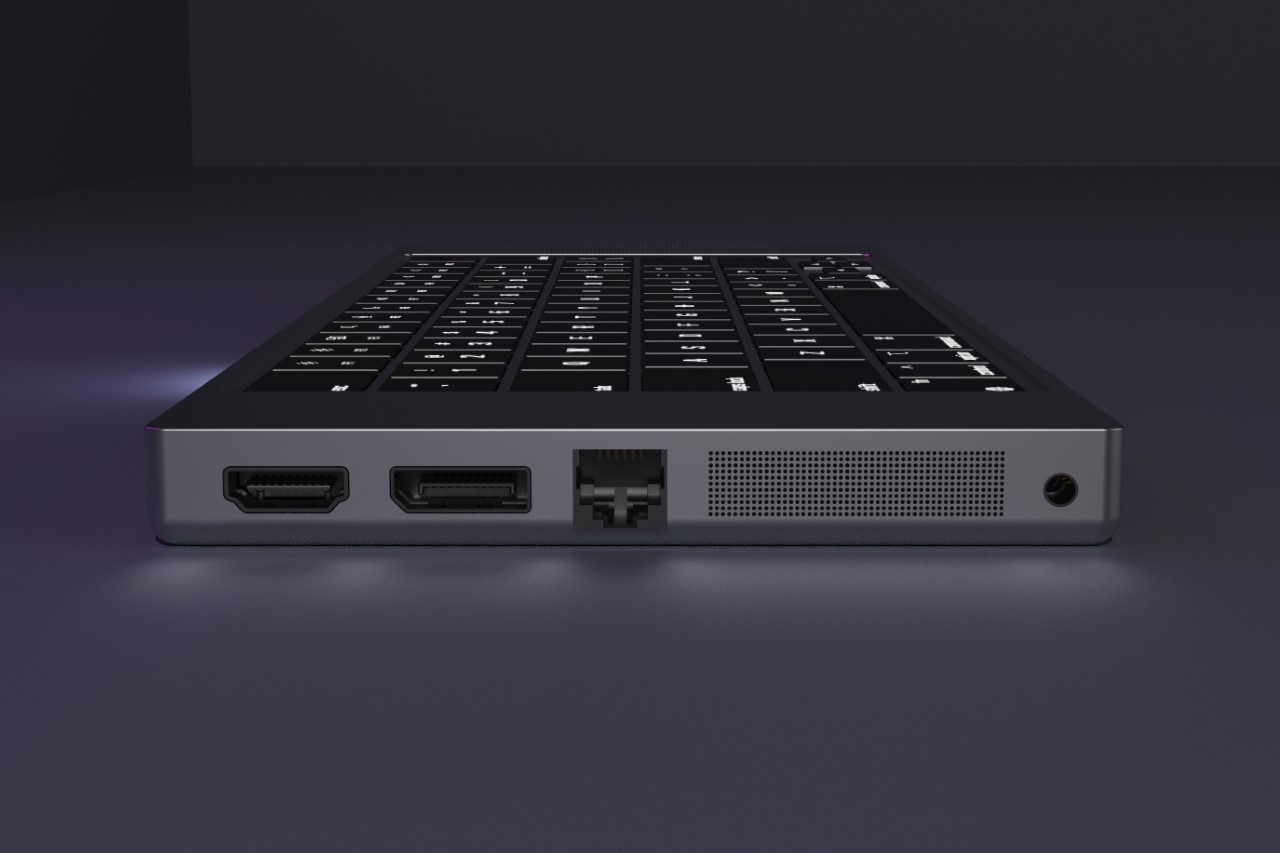
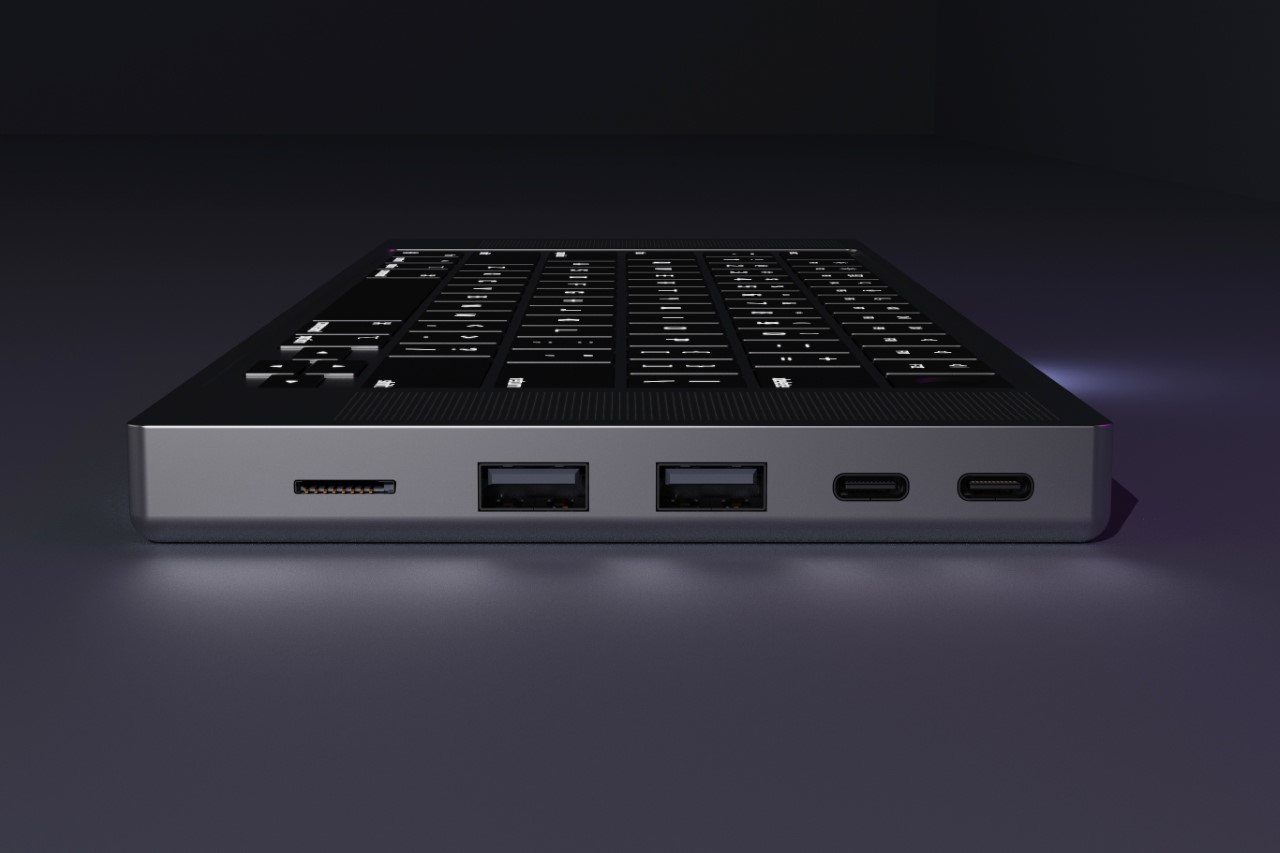
The relatively thick design blesses the MacBook Go with an abundance of ports, as well as more powerful speakers that rely on bigger drivers. With a range of video outputs including HDMI and DisplayPort, along with two USB-A ports, two USB-C ports, a Micro-SD card slot, and a 10-Gig Ethernet port, this concept device ensures all-round connectivity. The inclusion of a 3.5mm headphone jack is a nod to both traditionalists and professionals who need reliable audio connections.

But what does this mean for the traditional workstation? In the design world, and indeed in many fields, the shift from bulky CPU towers to sleek, powerful laptops is well underway. Some might argue that the Vision Pro is the natural successor to the MacBook, but I’d probably disagree. The MacBook Go feels like a unique intermediary step, albeit portable projectors for work haven’t really caught on. Nevertheless, the MacBook Go sacrifices a stationary display for unparalleled portability and flexibility, giving you a massive projected screen instead of limiting you to a 13 or 15-inch laptop display. The implications are profound, especially for professionals who are always on the move.

Believe it or not, this isn’t the first time someone’s crammed an entire computer into a keyboard. Just a few short years ago, Pentaform managed to fit a full Windows 10 PC into their Abacus Basic keyboard, complete with 4 GB of RAM, 512 GB of storage, and an entirely sustainable outer body made from bioplastic. I doubt Apple would ever make any of their machines from plastic, so the MacBook Go definitely lacks that distinction. It does, however, make up for it with a projector lens, which Pentaform’s Abacus Basic keyboard lacked.

The post A MacBook without a Screen? This Apple Keyboard concept comes with a built-in Projector Display first appeared on Yanko Design.

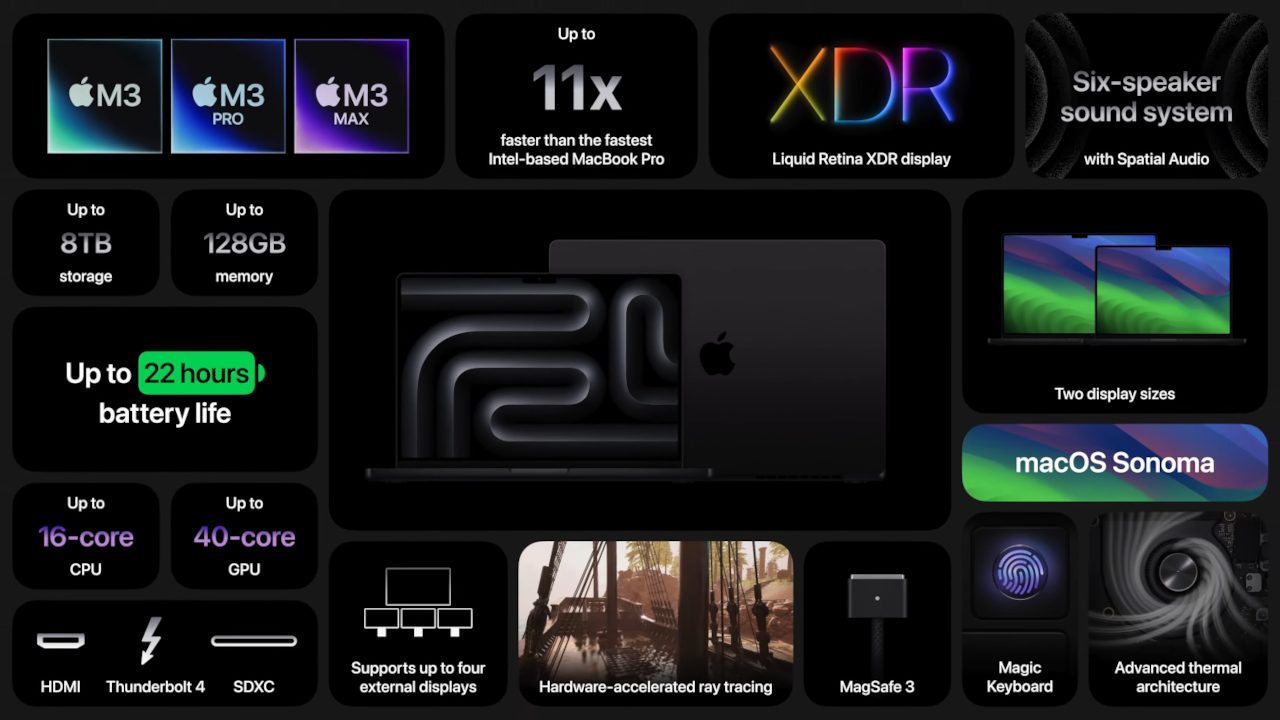
M3 MacBook Pro Boasts 11x Better Performance Than an Actual Intel Desktop

The October 30 Apple Event was exactly as “scary fast” as it was deemed to be, clocking in at no more than 30 minutes in total. That was more than enough time for Apple to show up and hammer out the most important details about its M3-powered next-gen upgrades for the MacBook Pro and the iMac, and admittedly there’s a lot to love. It’s worth noting the 2020-era M1 chip was the sole point of reflection for the company; Apple specifically noted a 60% upgrade in performance between the 14-inch M3 Pro-powered MacBook Pro and the 13-inch M1 MacBook Pro.

MacBook Pros featuring the M2 Pro and M2 Max launched in January, and so it’s probably too soon for an upgrade from those. But Apple’s point is clear: if you own anything earlier than an M1-powered MacBook Pro, or if you own even the most powerful Intel-based Mac on the market, you’re tailing behind the pack.

Designer: Apple

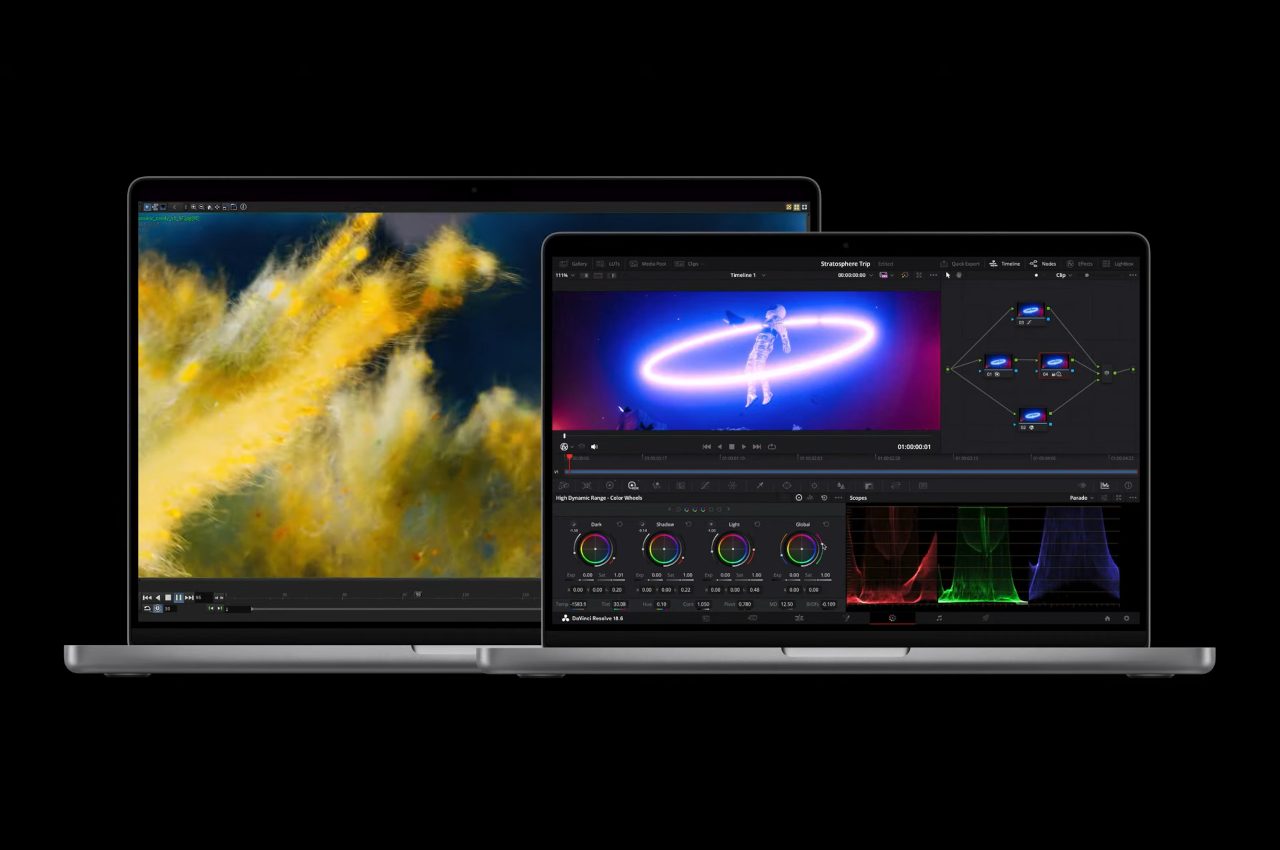
It’s hard to argue against the swath of powerful new features included in the late-2023 MacBook Pro lineup — equipped with the full array of hyper-powerful Apple M3 chips, which use a 3-nanometer process much like the A17 Pro chip included in the iPhone 15 Pro and iPhone 15 Pro Max. These new M3, M3 Pro, and M3 Max-powered MacBook Pros are the current flagship of the macOS fleet, and all models benefit from the vastly increased base performance, which Apple claims is “11x faster than the most powerful Intel-based MacBook Pro”.

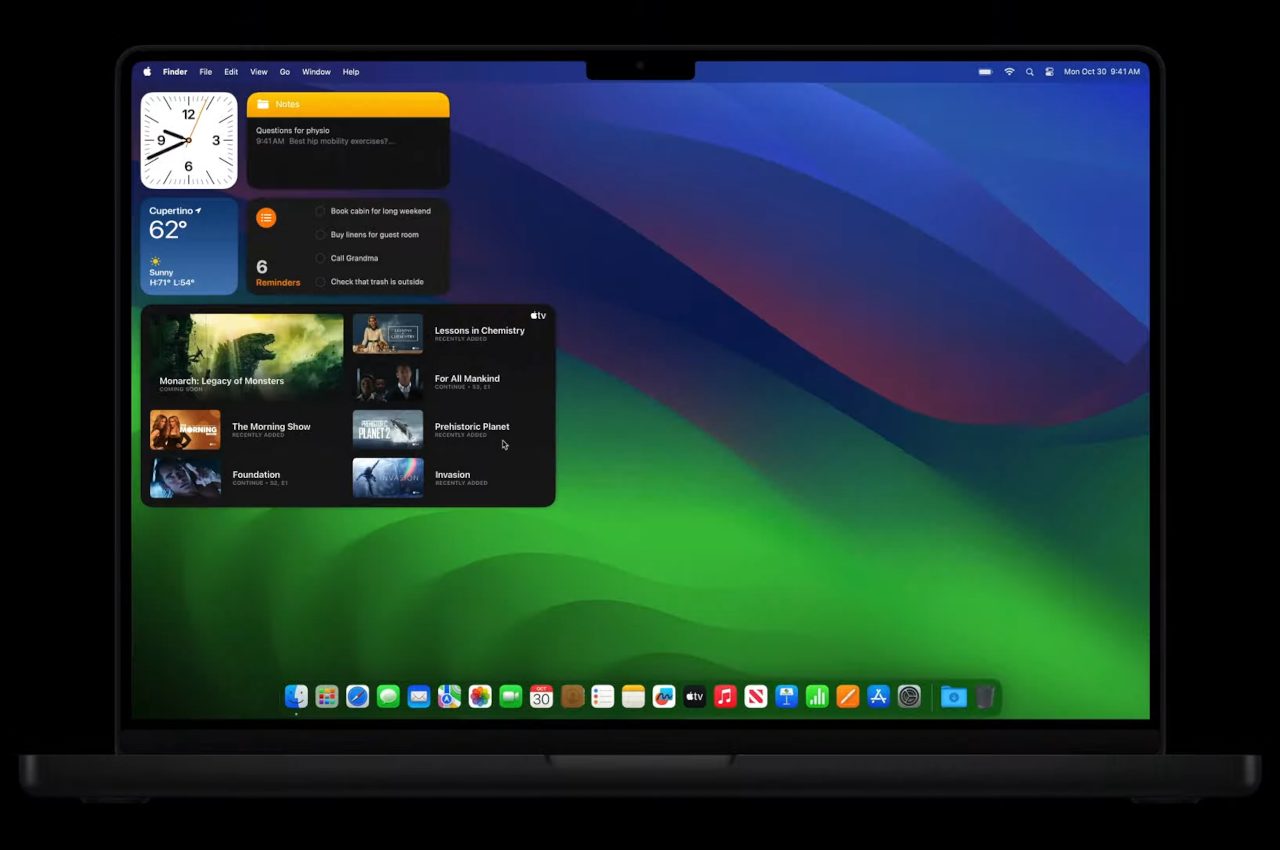
If you’re a designer or a creator who needs all the horsepower you can get, the MacBook Pro M3 Max model is probably your best bet thanks to its 16-core CPU and 40-core GPU with Dynamic Caching, a feature that can evidently boost performance by dynamically allocating memory in real time. For even just the base M3 model, however, macOS Sonoma’s new features (like Screen Sharing between M3-powered Macs and Game Mode, which prioritizes framerates in games like Baldur’s Gate 3) make great use of all that computing power.

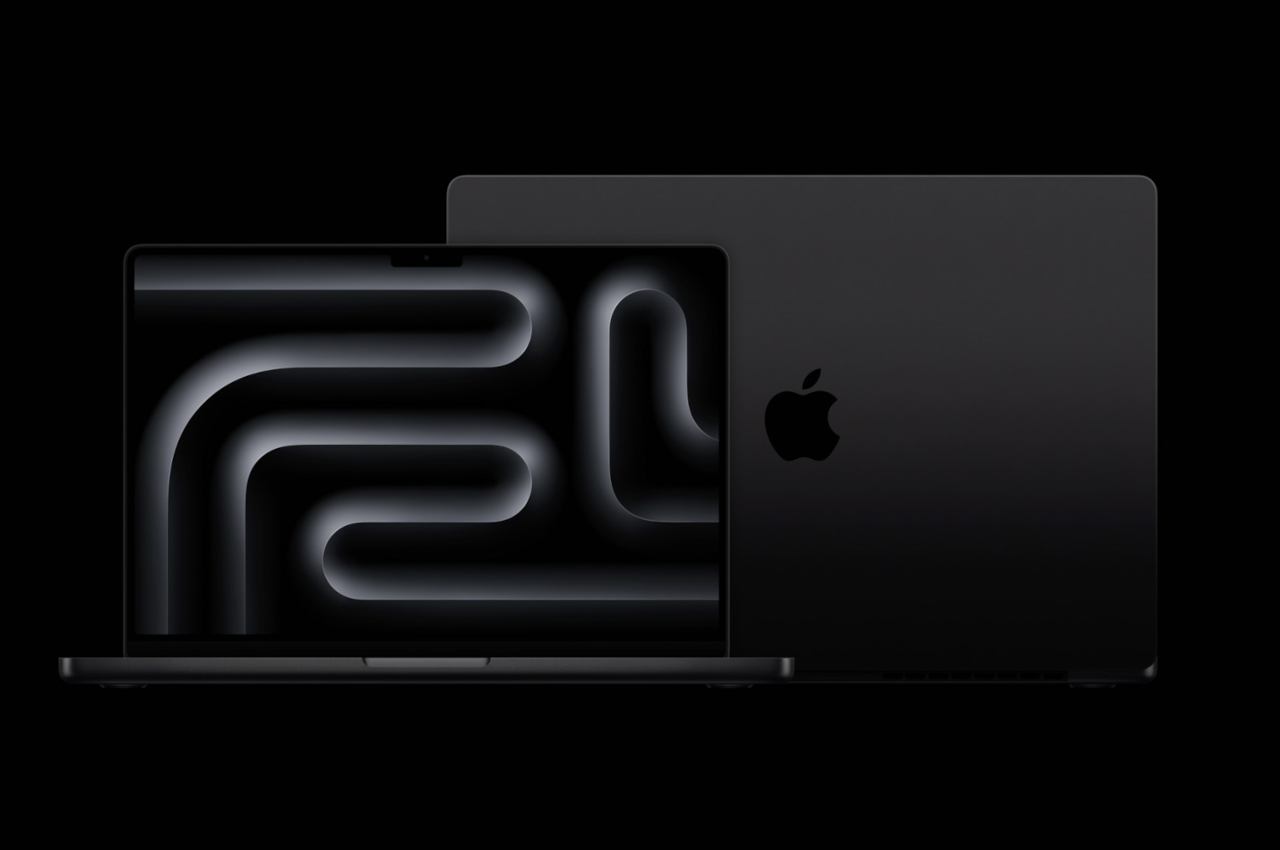
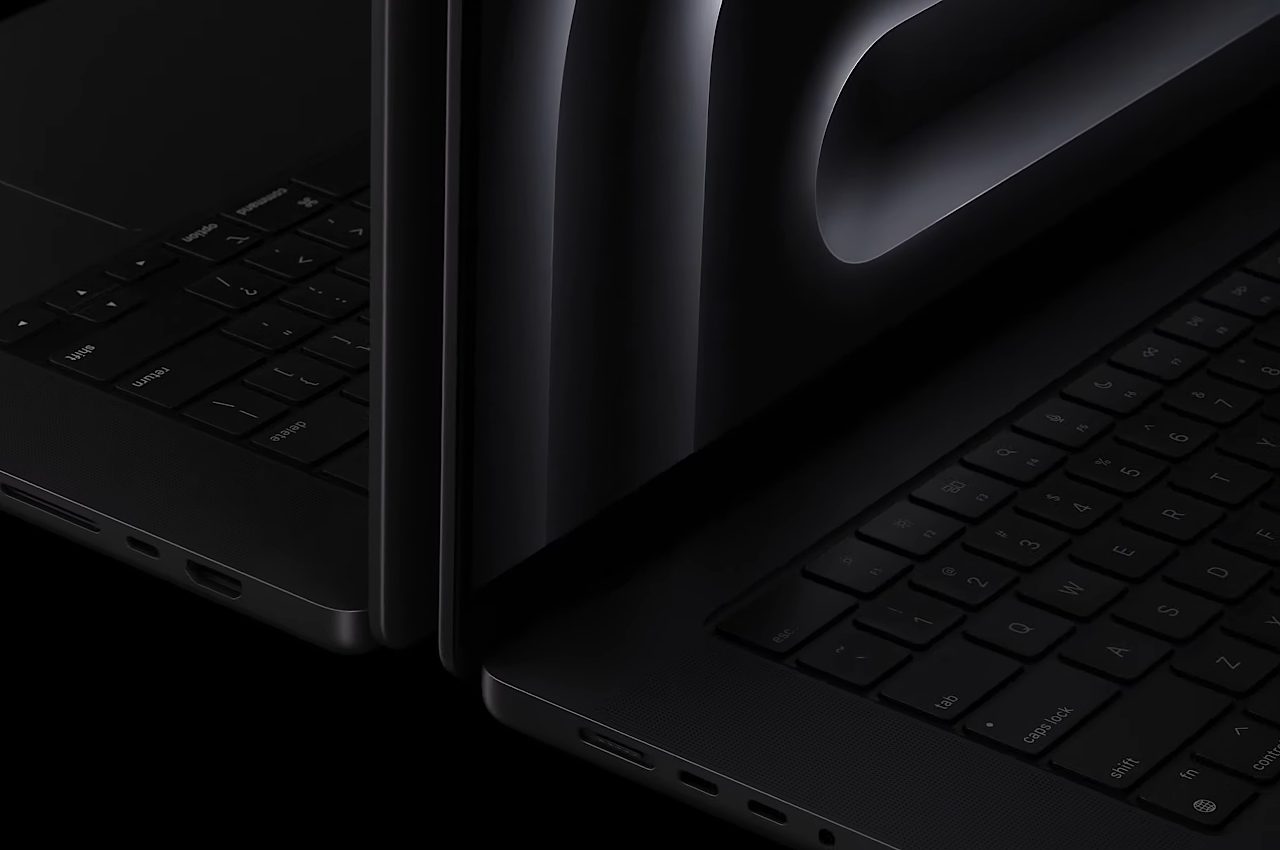
The new MacBook Pro color scheme, Space Black, is a gorgeous, metallic black chassis that marks a MacBook first since 2006. Apple considers it a “Pro” color, so it’s less likely we’ll see a similarly-colored M3-powered MacBook Air any time soon, and that’s a real shame because it does look quite sleek.

Both the 14-inch and 16-inch M3 MacBook Pro are now available to pre-order from Apple’s online store. The base M3-powered 14-inch MacBook Pro will begin at $1,599 while the M3-powered 16-inch is set to start at $2,499. Of course, you’ll need to shell out a bit more for the M3 Pro and M3 Max versions. Orders will begin shipping out on November 7.

The post M3 MacBook Pro Boasts 11x Better Performance Than an Actual Intel Desktop first appeared on Yanko Design.