If you open your digital notebook only to find a chaotic jumble of notes, each with its own unique format and structure, it’s probably like trying to find a needle in a haystack whenever you need to retrieve a specific piece of information. If this sounds all too familiar, you’re not alone. Enter YAML in […]
If you’ve been considering purchasing the new PS5 Pro, you might be interested to know that you can build a powerful gaming PC capable of far more than a PlayStation—and for less than the cost of Sony’s latest console. Imagine diving into the latest AAA games with stunning graphics and smooth performance, all without overspending. […]
Apple watch users are celebrating the release of watchOS 11.1, a significant update that promises to transform the way you interact with your Apple Watch. Compatible with all devices supporting watchOS 11, this update, weighing in at approximately 688 MB, is packed with an array of exciting new features and improvements designed to seamlessly integrate […]
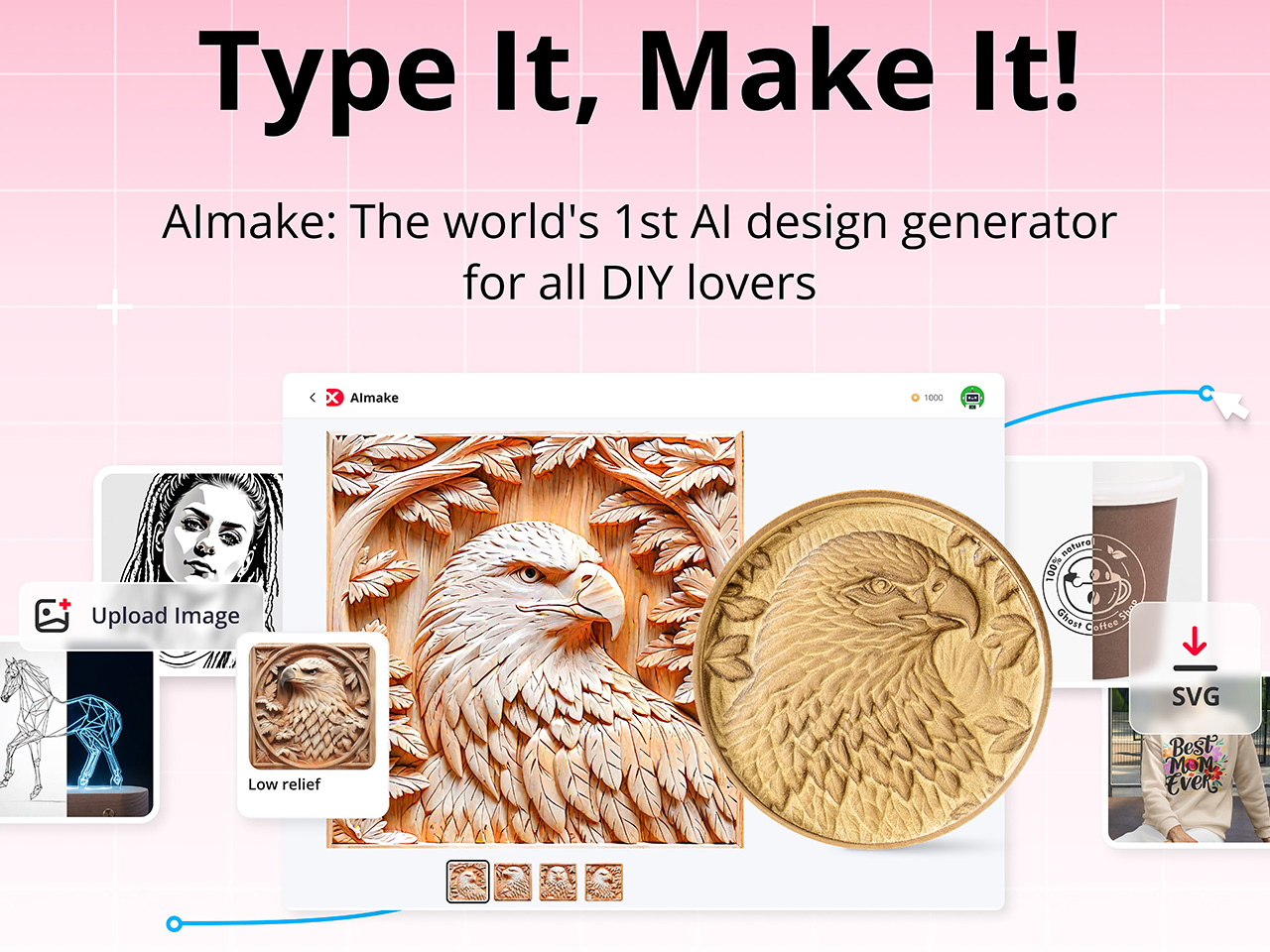
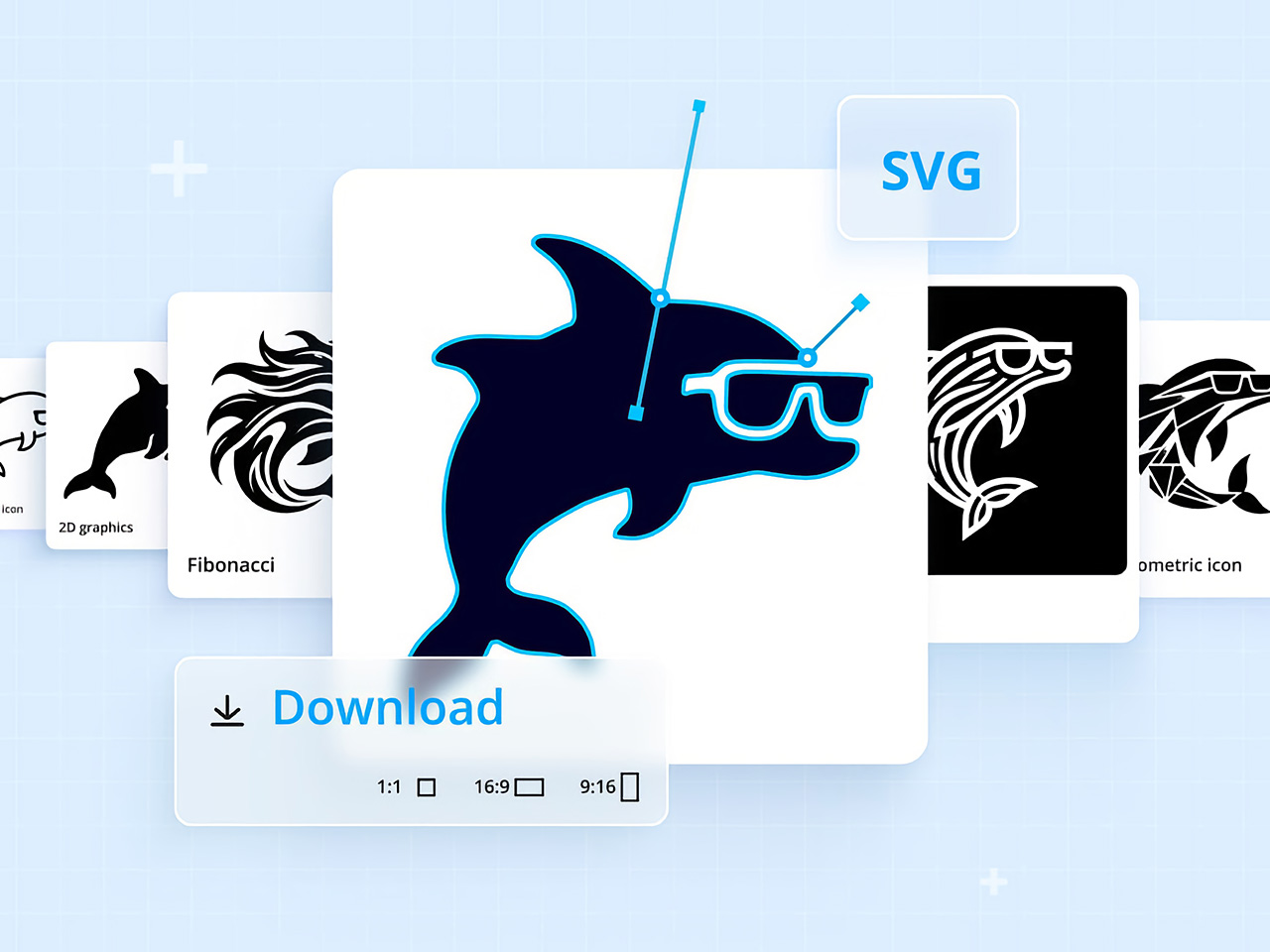
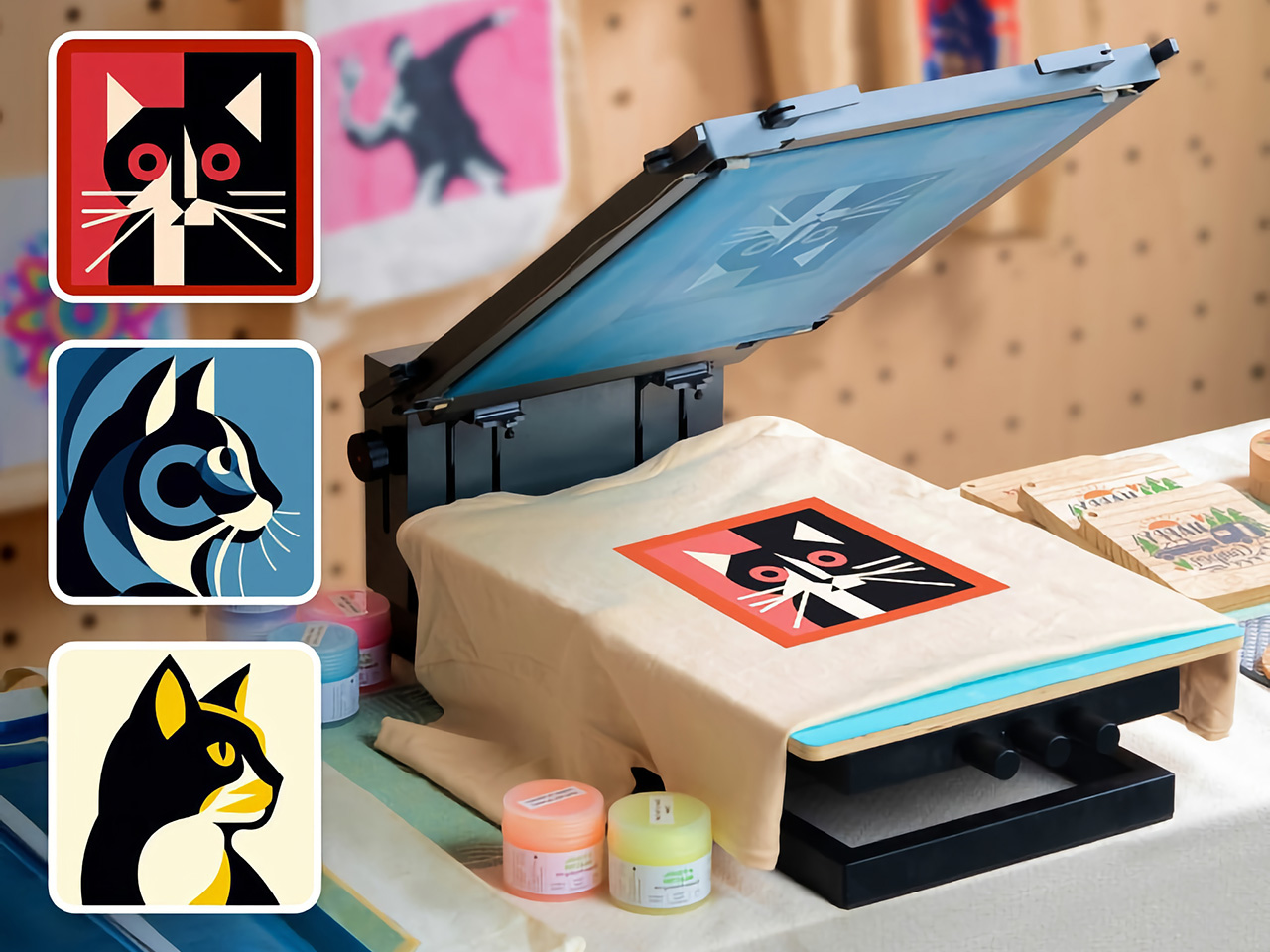
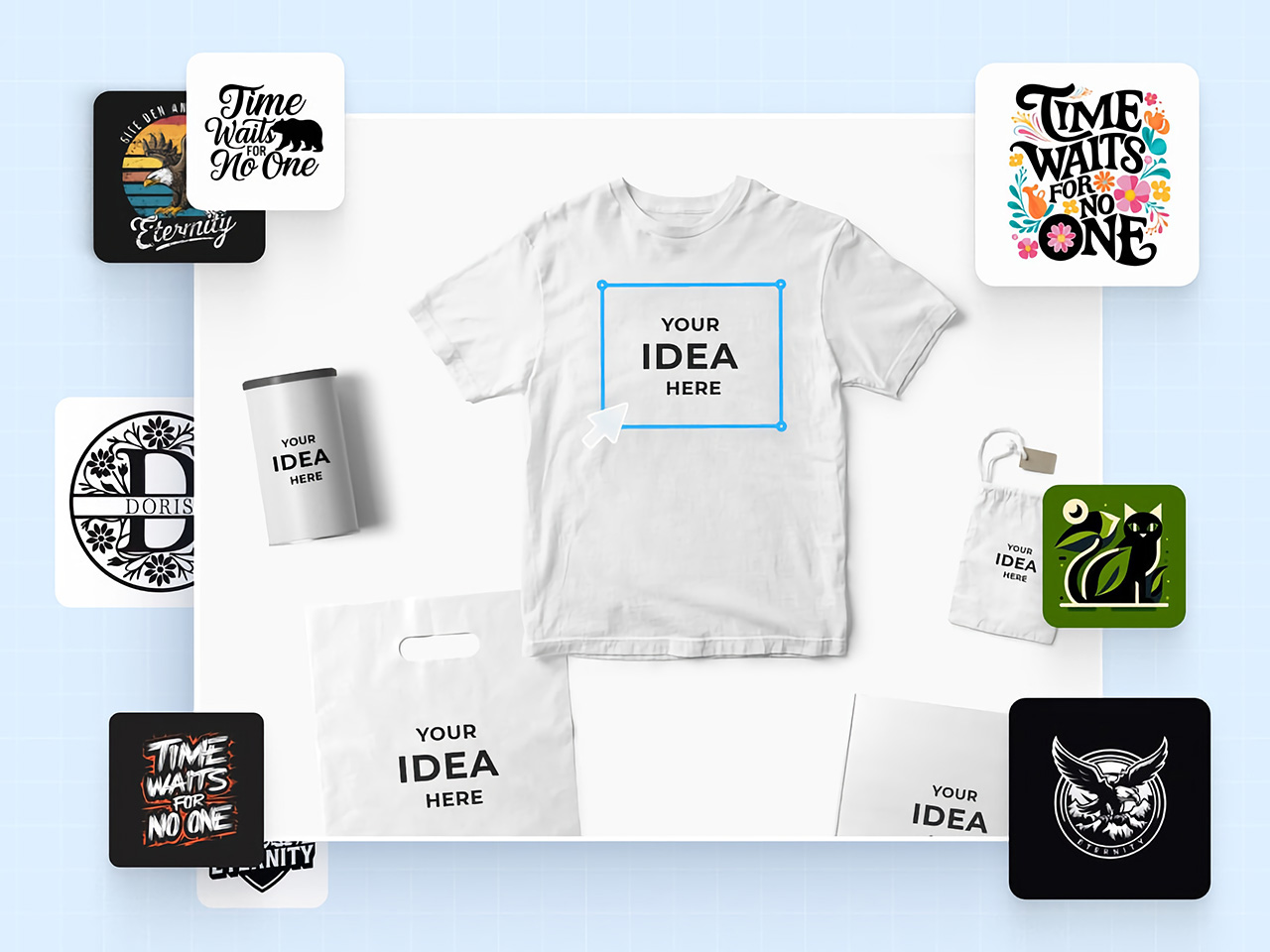
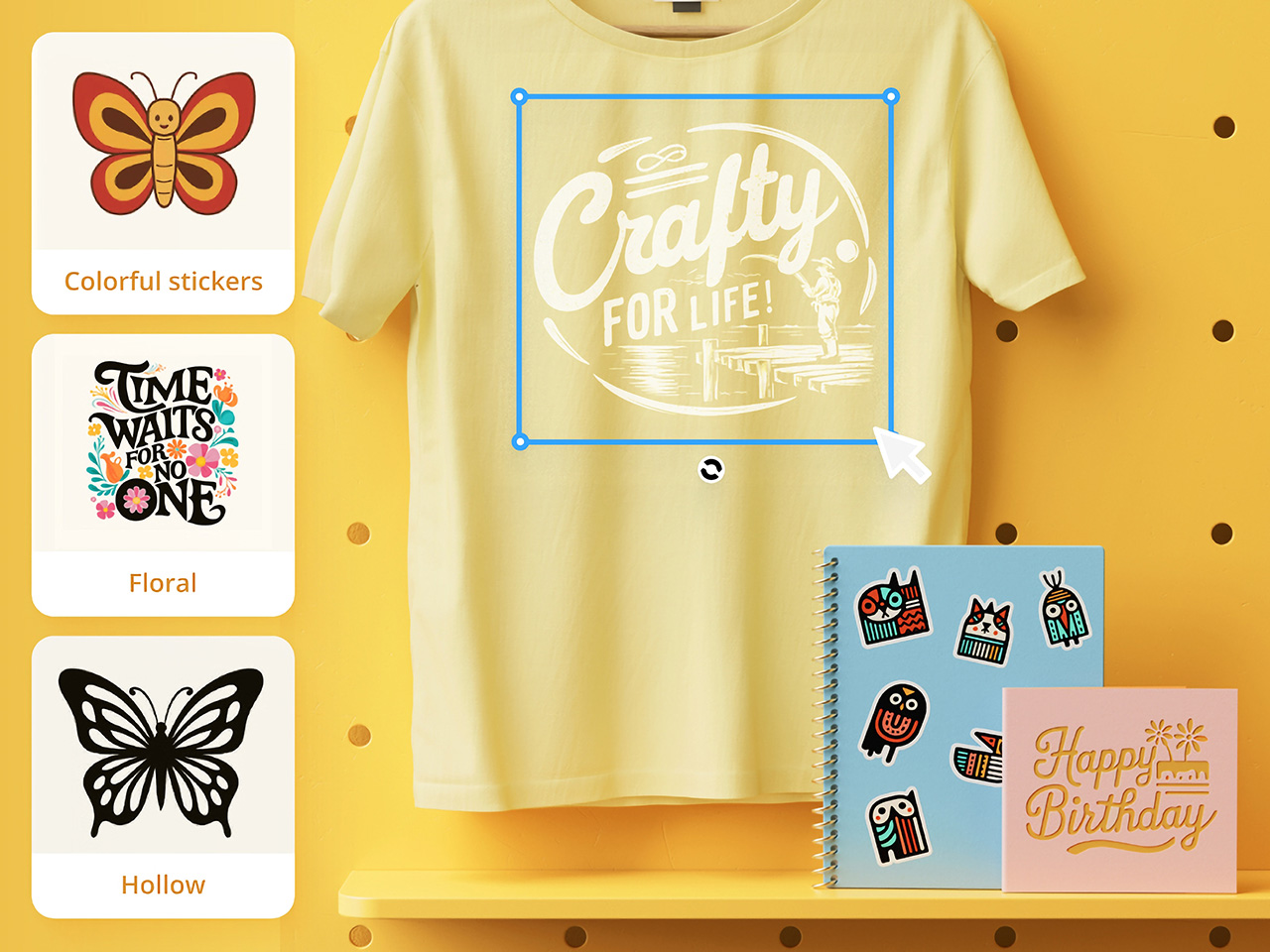
For long, AI tools have just been limited to graphical work, with not so much of it spilling into tangible industrial design. Sure, you could create logos and artwork for your products, but you still can’t “create” products using AI – something that xTool is hoping to change with its new software, AIMake. Simply put, AIMake is a GenAI tool that’s optimized for working with graphical output, but in a manner that’s fine-tuned for industrial design. With a prompt-based interface, AIMake allows you to create artwork that’s ready for 2D printing, laser-etching/engraving, and even embossing. AIMake offers as many as 70 different styles to apply to your prompt, generating everything from ready-to-print logos, to editable SVGs for screen-printing, and even low-relief 3D engraving. Alongside the AIMake feature, xTool’s also unveiling DesignFind – an asset marketplace for DIY enthusiasts and professional creators to access free and paid project files from users across the globe.
Generate Ready-To-Use Artwork for Laser Cutting and Screen Printing
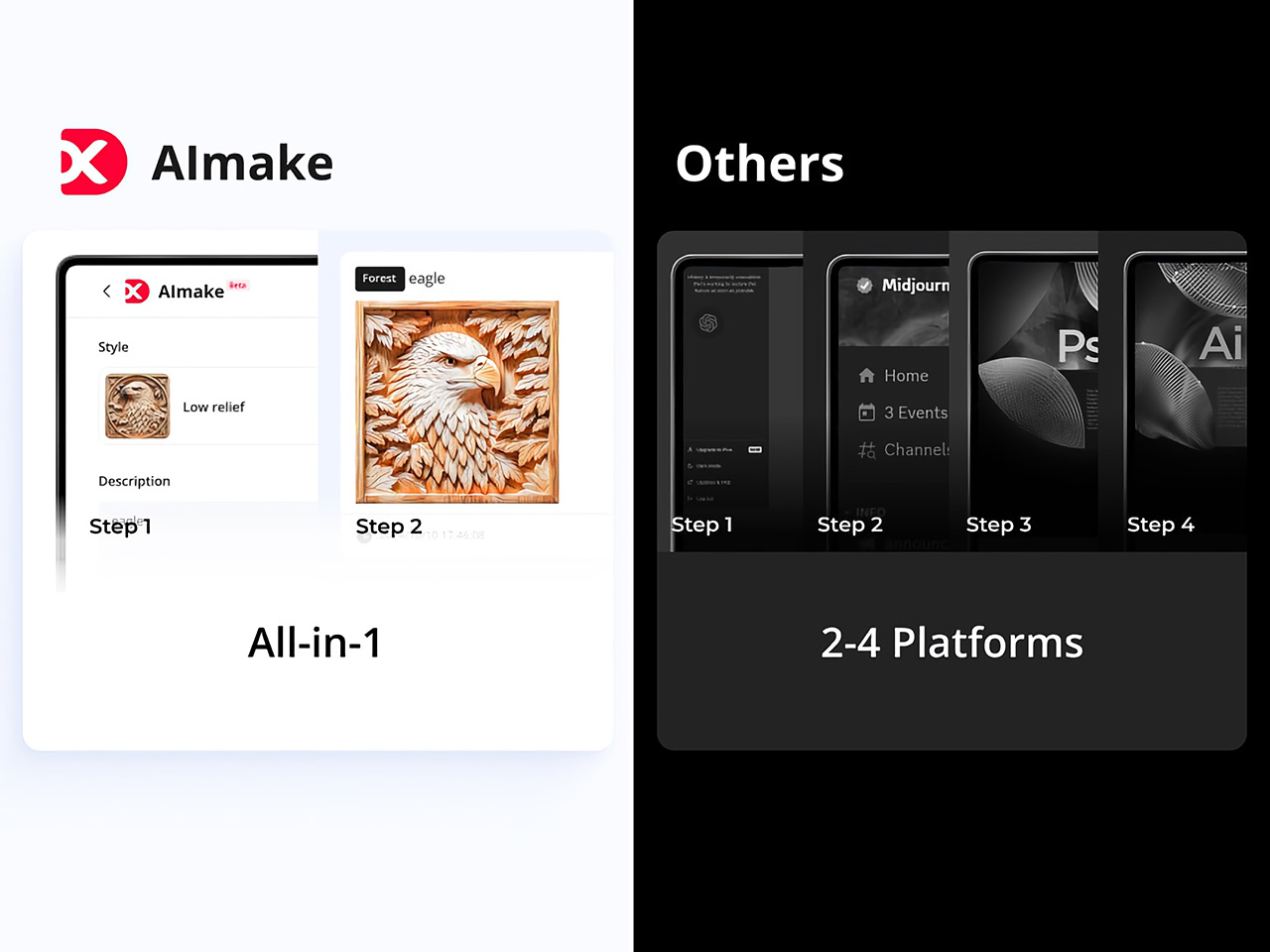
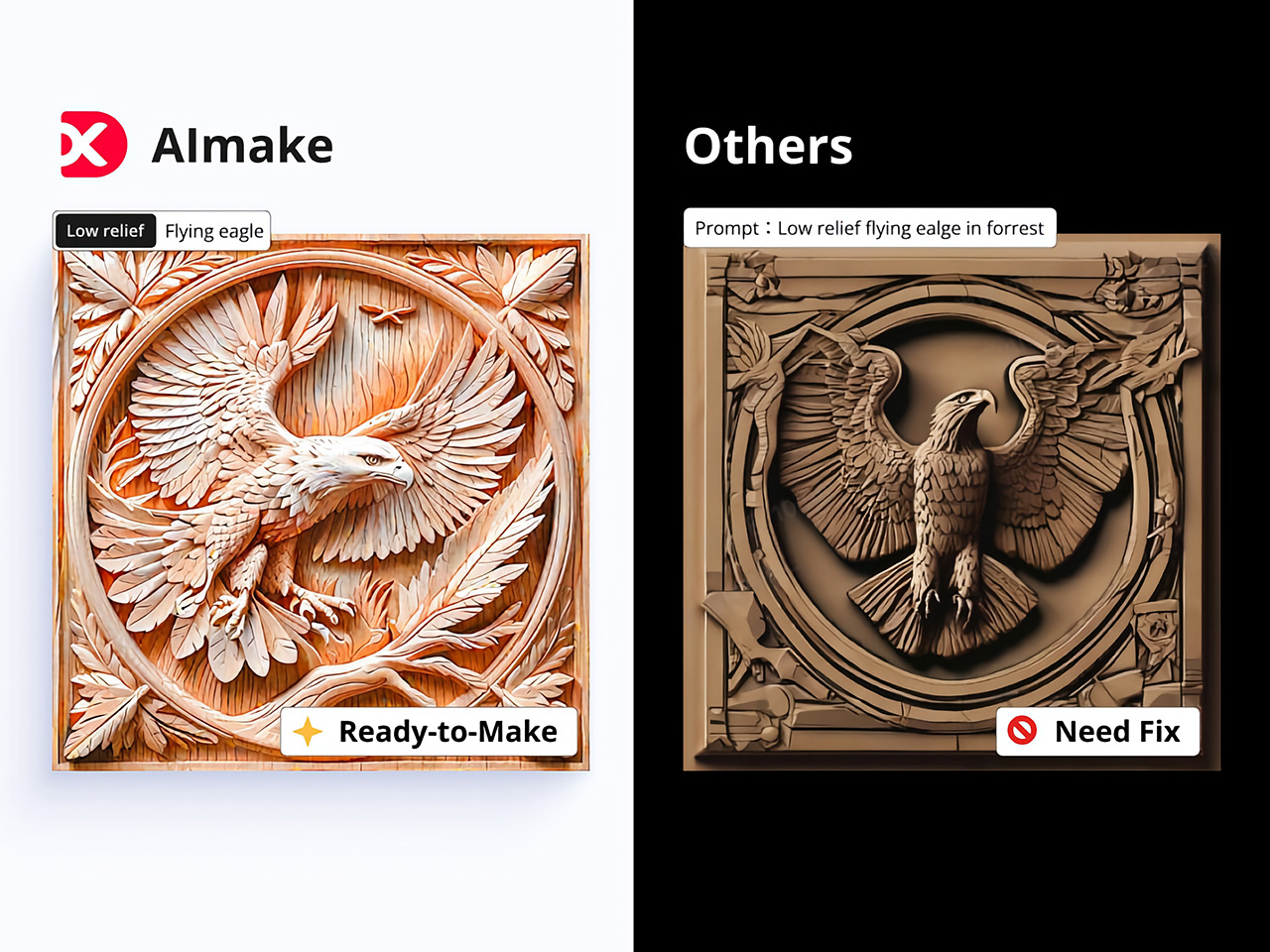
Traditionally, preparing files for laser engraving or screen printing can be complex and technical, involving vector graphic software, high-res images, or detailed edits to achieve the clean lines and solid contrast needed for these processes. AIMake addresses this by letting users skip these steps; with it, designers can input descriptive prompts, such as “geometric fox engraving with high contrast,” and watch as the AI turns this concept into a polished, ready-to-engrave file.
This direct-to-laser capability is a shift for designers, providing an AI tool that reduces reliance on graphic software or tedious vector adjustments. Instead, AIMake generates crisp, high-contrast designs that integrate seamlessly with xTool’s laser engravers, ensuring that the visual quality aligns with what’s needed for physical production. Whether creating art for metal, wood, or glass, AIMake optimizes the image for the specific demands of laser engraving, relief carving, and screen printing.
From Vision to Reality with Prompt-Based Design
AIMake’s intuitive, prompt-based design system is key to its simplicity. Users enter a text description—anything from detailed portrait specs to broad aesthetic concepts—and the app’s AI engine generates a corresponding laser-compatible design. This means users can focus on creativity and concept rather than technical adjustments, using AIMake’s AI to refine the design automatically.
With this setup, designers of all backgrounds can produce intricate laser-cut images without needing advanced skills in vector graphics. For example, a prompt like “portrait of a lion, full mane, high detail, silhouette” can create a design with defined, laser-friendly lines and strong contrast, ready for immediate use in xTool’s compatible engravers. This system combines the efficiency of digital AI rendering with the tactile quality of handmade engraving, which helps streamline the creative workflow for designers and hobbyists alike.
Intuitive Controls make AI Creation easy for Beginners and Experts
xTool designed AIMake with both ease of use and versatility in mind, giving beginners and seasoned pros the tools they need for success. The platform allows new users to select from pre-set styles, such as vector templates or laser-friendly text effects, while offering advanced controls for adjusting details like line thickness and contrast.
Integration with xTool hardware, such as the D1 and M1 laser engravers, enables immediate testing and adjustments on physical materials, which saves time and minimizes material waste. For the designer seeking to perfect a project, these tools and settings remove the usual trial and error often required by other engraving software. This integration also lets users work on complex designs with the assurance that their final piece will match the original vision.
DesignFind: A Creative Hub for DIY and Professional Makers
DesignFind is a versatile platform for DIY enthusiasts and professional creators alike, offering a wide array of design assets for laser cutting, engraving, and more. With support for materials like wood and acrylic, users can explore diverse project categories, from home decor and jewelry to seasonal gifts for holidays and special occasions.
Key features include a library of free, shared templates—such as cutting boards and multi-layered designs—and premium assets like 3D models and detailed SVG files. Additionally, AIMake users can enhance their projects with DesignFind’s resources, making it easy to combine AI-generated designs with the platform’s extensive community assets. The “Featured Creators” section showcases work from top designers, inspiring new and seasoned creators with unique, ready-to-use projects.
Practical Applications Across Different Industries
AIMake’s functionality extends beyond personal design and has practical applications across various industries. Designers working with an array of fabrication devices (especially ones from xTool) can use AIMake to create logos, product designs, or custom merchandise. Small businesses can use it to create professional, engraving-ready designs without needing graphic design software, and crafters can generate unique pieces with ease.
In education, AIMake is a valuable asset, offering schools and makerspaces a chance to introduce students to digital design with hands-on projects. By using simple text inputs, students can quickly visualize and produce projects without needing prior experience in traditional graphic design tools. This flexibility gives learners and instructors alike more freedom to explore digital fabrication.
AIMake and the Future of Design Tools
AIMake sets a new standard for GenAI in tangible product design, showing how generative AI can seamlessly enhance the design process, making it more accessible, practical, and enjoyable. As AI technology continues to evolve, tools like AIMake represent a future where design creation is faster yet well within the control of creators.
For anyone working in creative design, AIMake offers an engaging blend of functionality and innovation, serving as both a creative assistant and a precision tool. Whether you’re producing intricate artwork, branding assets, or custom goods, AIMake’s versatile platform offers a little something for everyone. With AIMake, xTool is opening new pathways for artists and designers—one prompt at a time.
For long, AI tools have just been limited to graphical work, with not so much of it spilling into tangible industrial design. Sure, you could create logos and artwork for your products, but you still can’t “create” products using AI – something that xTool is hoping to change with its new software, AIMake. Simply put, AIMake is a GenAI tool that’s optimized for working with graphical output, but in a manner that’s fine-tuned for industrial design. With a prompt-based interface, AIMake allows you to create artwork that’s ready for 2D printing, laser-etching/engraving, and even embossing. AIMake offers as many as 70 different styles to apply to your prompt, generating everything from ready-to-print logos, to editable SVGs for screen-printing, and even low-relief 3D engraving. Alongside the AIMake feature, xTool’s also unveiling DesignFind – an asset marketplace for DIY enthusiasts and professional creators to access free and paid project files from users across the globe.
Generate Ready-To-Use Artwork for Laser Cutting and Screen Printing
Traditionally, preparing files for laser engraving or screen printing can be complex and technical, involving vector graphic software, high-res images, or detailed edits to achieve the clean lines and solid contrast needed for these processes. AIMake addresses this by letting users skip these steps; with it, designers can input descriptive prompts, such as “geometric fox engraving with high contrast,” and watch as the AI turns this concept into a polished, ready-to-engrave file.
This direct-to-laser capability is a shift for designers, providing an AI tool that reduces reliance on graphic software or tedious vector adjustments. Instead, AIMake generates crisp, high-contrast designs that integrate seamlessly with xTool’s laser engravers, ensuring that the visual quality aligns with what’s needed for physical production. Whether creating art for metal, wood, or glass, AIMake optimizes the image for the specific demands of laser engraving, relief carving, and screen printing.
From Vision to Reality with Prompt-Based Design
AIMake’s intuitive, prompt-based design system is key to its simplicity. Users enter a text description—anything from detailed portrait specs to broad aesthetic concepts—and the app’s AI engine generates a corresponding laser-compatible design. This means users can focus on creativity and concept rather than technical adjustments, using AIMake’s AI to refine the design automatically.
With this setup, designers of all backgrounds can produce intricate laser-cut images without needing advanced skills in vector graphics. For example, a prompt like “portrait of a lion, full mane, high detail, silhouette” can create a design with defined, laser-friendly lines and strong contrast, ready for immediate use in xTool’s compatible engravers. This system combines the efficiency of digital AI rendering with the tactile quality of handmade engraving, which helps streamline the creative workflow for designers and hobbyists alike.
Intuitive Controls make AI Creation easy for Beginners and Experts
xTool designed AIMake with both ease of use and versatility in mind, giving beginners and seasoned pros the tools they need for success. The platform allows new users to select from pre-set styles, such as vector templates or laser-friendly text effects, while offering advanced controls for adjusting details like line thickness and contrast.
Integration with xTool hardware, such as the D1 and M1 laser engravers, enables immediate testing and adjustments on physical materials, which saves time and minimizes material waste. For the designer seeking to perfect a project, these tools and settings remove the usual trial and error often required by other engraving software. This integration also lets users work on complex designs with the assurance that their final piece will match the original vision.
DesignFind: A Creative Hub for DIY and Professional Makers
DesignFind is a versatile platform for DIY enthusiasts and professional creators alike, offering a wide array of design assets for laser cutting, engraving, and more. With support for materials like wood and acrylic, users can explore diverse project categories, from home decor and jewelry to seasonal gifts for holidays and special occasions.
Key features include a library of free, shared templates—such as cutting boards and multi-layered designs—and premium assets like 3D models and detailed SVG files. Additionally, AIMake users can enhance their projects with DesignFind’s resources, making it easy to combine AI-generated designs with the platform’s extensive community assets. The “Featured Creators” section showcases work from top designers, inspiring new and seasoned creators with unique, ready-to-use projects.
Practical Applications Across Different Industries
AIMake’s functionality extends beyond personal design and has practical applications across various industries. Designers working with an array of fabrication devices (especially ones from xTool) can use AIMake to create logos, product designs, or custom merchandise. Small businesses can use it to create professional, engraving-ready designs without needing graphic design software, and crafters can generate unique pieces with ease.
In education, AIMake is a valuable asset, offering schools and makerspaces a chance to introduce students to digital design with hands-on projects. By using simple text inputs, students can quickly visualize and produce projects without needing prior experience in traditional graphic design tools. This flexibility gives learners and instructors alike more freedom to explore digital fabrication.
AIMake and the Future of Design Tools
AIMake sets a new standard for GenAI in tangible product design, showing how generative AI can seamlessly enhance the design process, making it more accessible, practical, and enjoyable. As AI technology continues to evolve, tools like AIMake represent a future where design creation is faster yet well within the control of creators.
For anyone working in creative design, AIMake offers an engaging blend of functionality and innovation, serving as both a creative assistant and a precision tool. Whether you’re producing intricate artwork, branding assets, or custom goods, AIMake’s versatile platform offers a little something for everyone. With AIMake, xTool is opening new pathways for artists and designers—one prompt at a time.
For long, AI tools have just been limited to graphical work, with not so much of it spilling into tangible industrial design. Sure, you could create logos and artwork for your products, but you still can’t “create” products using AI – something that xTool is hoping to change with its new software, AIMake. Simply put, AIMake is a GenAI tool that’s optimized for working with graphical output, but in a manner that’s fine-tuned for industrial design. With a prompt-based interface, AIMake allows you to create artwork that’s ready for 2D printing, laser-etching/engraving, and even embossing. AIMake offers as many as 70 different styles to apply to your prompt, generating everything from ready-to-print logos, to editable SVGs for screen-printing, and even low-relief 3D engraving. Alongside the AIMake feature, xTool’s also unveiling DesignFind – an asset marketplace for DIY enthusiasts and professional creators to access free and paid project files from users across the globe.
Generate Ready-To-Use Artwork for Laser Cutting and Screen Printing
Traditionally, preparing files for laser engraving or screen printing can be complex and technical, involving vector graphic software, high-res images, or detailed edits to achieve the clean lines and solid contrast needed for these processes. AIMake addresses this by letting users skip these steps; with it, designers can input descriptive prompts, such as “geometric fox engraving with high contrast,” and watch as the AI turns this concept into a polished, ready-to-engrave file.
This direct-to-laser capability is a shift for designers, providing an AI tool that reduces reliance on graphic software or tedious vector adjustments. Instead, AIMake generates crisp, high-contrast designs that integrate seamlessly with xTool’s laser engravers, ensuring that the visual quality aligns with what’s needed for physical production. Whether creating art for metal, wood, or glass, AIMake optimizes the image for the specific demands of laser engraving, relief carving, and screen printing.
From Vision to Reality with Prompt-Based Design
AIMake’s intuitive, prompt-based design system is key to its simplicity. Users enter a text description—anything from detailed portrait specs to broad aesthetic concepts—and the app’s AI engine generates a corresponding laser-compatible design. This means users can focus on creativity and concept rather than technical adjustments, using AIMake’s AI to refine the design automatically.
With this setup, designers of all backgrounds can produce intricate laser-cut images without needing advanced skills in vector graphics. For example, a prompt like “portrait of a lion, full mane, high detail, silhouette” can create a design with defined, laser-friendly lines and strong contrast, ready for immediate use in xTool’s compatible engravers. This system combines the efficiency of digital AI rendering with the tactile quality of handmade engraving, which helps streamline the creative workflow for designers and hobbyists alike.
Intuitive Controls make AI Creation easy for Beginners and Experts
xTool designed AIMake with both ease of use and versatility in mind, giving beginners and seasoned pros the tools they need for success. The platform allows new users to select from pre-set styles, such as vector templates or laser-friendly text effects, while offering advanced controls for adjusting details like line thickness and contrast.
Integration with xTool hardware, such as the D1 and M1 laser engravers, enables immediate testing and adjustments on physical materials, which saves time and minimizes material waste. For the designer seeking to perfect a project, these tools and settings remove the usual trial and error often required by other engraving software. This integration also lets users work on complex designs with the assurance that their final piece will match the original vision.
DesignFind: A Creative Hub for DIY and Professional Makers
DesignFind is a versatile platform for DIY enthusiasts and professional creators alike, offering a wide array of design assets for laser cutting, engraving, and more. With support for materials like wood and acrylic, users can explore diverse project categories, from home decor and jewelry to seasonal gifts for holidays and special occasions.
Key features include a library of free, shared templates—such as cutting boards and multi-layered designs—and premium assets like 3D models and detailed SVG files. Additionally, AIMake users can enhance their projects with DesignFind’s resources, making it easy to combine AI-generated designs with the platform’s extensive community assets. The “Featured Creators” section showcases work from top designers, inspiring new and seasoned creators with unique, ready-to-use projects.
Practical Applications Across Different Industries
AIMake’s functionality extends beyond personal design and has practical applications across various industries. Designers working with an array of fabrication devices (especially ones from xTool) can use AIMake to create logos, product designs, or custom merchandise. Small businesses can use it to create professional, engraving-ready designs without needing graphic design software, and crafters can generate unique pieces with ease.
In education, AIMake is a valuable asset, offering schools and makerspaces a chance to introduce students to digital design with hands-on projects. By using simple text inputs, students can quickly visualize and produce projects without needing prior experience in traditional graphic design tools. This flexibility gives learners and instructors alike more freedom to explore digital fabrication.
AIMake and the Future of Design Tools
AIMake sets a new standard for GenAI in tangible product design, showing how generative AI can seamlessly enhance the design process, making it more accessible, practical, and enjoyable. As AI technology continues to evolve, tools like AIMake represent a future where design creation is faster yet well within the control of creators.
For anyone working in creative design, AIMake offers an engaging blend of functionality and innovation, serving as both a creative assistant and a precision tool. Whether you’re producing intricate artwork, branding assets, or custom goods, AIMake’s versatile platform offers a little something for everyone. With AIMake, xTool is opening new pathways for artists and designers—one prompt at a time.
For long, AI tools have just been limited to graphical work, with not so much of it spilling into tangible industrial design. Sure, you could create logos and artwork for your products, but you still can’t “create” products using AI – something that xTool is hoping to change with its new software, AIMake. Simply put, AIMake is a GenAI tool that’s optimized for working with graphical output, but in a manner that’s fine-tuned for industrial design. With a prompt-based interface, AIMake allows you to create artwork that’s ready for 2D printing, laser-etching/engraving, and even embossing. AIMake offers as many as 70 different styles to apply to your prompt, generating everything from ready-to-print logos, to editable SVGs for screen-printing, and even low-relief 3D engraving. Alongside the AIMake feature, xTool’s also unveiling DesignFind – an asset marketplace for DIY enthusiasts and professional creators to access free and paid project files from users across the globe.
Generate Ready-To-Use Artwork for Laser Cutting and Screen Printing
Traditionally, preparing files for laser engraving or screen printing can be complex and technical, involving vector graphic software, high-res images, or detailed edits to achieve the clean lines and solid contrast needed for these processes. AIMake addresses this by letting users skip these steps; with it, designers can input descriptive prompts, such as “geometric fox engraving with high contrast,” and watch as the AI turns this concept into a polished, ready-to-engrave file.
This direct-to-laser capability is a shift for designers, providing an AI tool that reduces reliance on graphic software or tedious vector adjustments. Instead, AIMake generates crisp, high-contrast designs that integrate seamlessly with xTool’s laser engravers, ensuring that the visual quality aligns with what’s needed for physical production. Whether creating art for metal, wood, or glass, AIMake optimizes the image for the specific demands of laser engraving, relief carving, and screen printing.
From Vision to Reality with Prompt-Based Design
AIMake’s intuitive, prompt-based design system is key to its simplicity. Users enter a text description—anything from detailed portrait specs to broad aesthetic concepts—and the app’s AI engine generates a corresponding laser-compatible design. This means users can focus on creativity and concept rather than technical adjustments, using AIMake’s AI to refine the design automatically.
With this setup, designers of all backgrounds can produce intricate laser-cut images without needing advanced skills in vector graphics. For example, a prompt like “portrait of a lion, full mane, high detail, silhouette” can create a design with defined, laser-friendly lines and strong contrast, ready for immediate use in xTool’s compatible engravers. This system combines the efficiency of digital AI rendering with the tactile quality of handmade engraving, which helps streamline the creative workflow for designers and hobbyists alike.
Intuitive Controls make AI Creation easy for Beginners and Experts
xTool designed AIMake with both ease of use and versatility in mind, giving beginners and seasoned pros the tools they need for success. The platform allows new users to select from pre-set styles, such as vector templates or laser-friendly text effects, while offering advanced controls for adjusting details like line thickness and contrast.
Integration with xTool hardware, such as the D1 and M1 laser engravers, enables immediate testing and adjustments on physical materials, which saves time and minimizes material waste. For the designer seeking to perfect a project, these tools and settings remove the usual trial and error often required by other engraving software. This integration also lets users work on complex designs with the assurance that their final piece will match the original vision.
DesignFind: A Creative Hub for DIY and Professional Makers
DesignFind is a versatile platform for DIY enthusiasts and professional creators alike, offering a wide array of design assets for laser cutting, engraving, and more. With support for materials like wood and acrylic, users can explore diverse project categories, from home decor and jewelry to seasonal gifts for holidays and special occasions.
Key features include a library of free, shared templates—such as cutting boards and multi-layered designs—and premium assets like 3D models and detailed SVG files. Additionally, AIMake users can enhance their projects with DesignFind’s resources, making it easy to combine AI-generated designs with the platform’s extensive community assets. The “Featured Creators” section showcases work from top designers, inspiring new and seasoned creators with unique, ready-to-use projects.
Practical Applications Across Different Industries
AIMake’s functionality extends beyond personal design and has practical applications across various industries. Designers working with an array of fabrication devices (especially ones from xTool) can use AIMake to create logos, product designs, or custom merchandise. Small businesses can use it to create professional, engraving-ready designs without needing graphic design software, and crafters can generate unique pieces with ease.
In education, AIMake is a valuable asset, offering schools and makerspaces a chance to introduce students to digital design with hands-on projects. By using simple text inputs, students can quickly visualize and produce projects without needing prior experience in traditional graphic design tools. This flexibility gives learners and instructors alike more freedom to explore digital fabrication.
AIMake and the Future of Design Tools
AIMake sets a new standard for GenAI in tangible product design, showing how generative AI can seamlessly enhance the design process, making it more accessible, practical, and enjoyable. As AI technology continues to evolve, tools like AIMake represent a future where design creation is faster yet well within the control of creators.
For anyone working in creative design, AIMake offers an engaging blend of functionality and innovation, serving as both a creative assistant and a precision tool. Whether you’re producing intricate artwork, branding assets, or custom goods, AIMake’s versatile platform offers a little something for everyone. With AIMake, xTool is opening new pathways for artists and designers—one prompt at a time.
For long, AI tools have just been limited to graphical work, with not so much of it spilling into tangible industrial design. Sure, you could create logos and artwork for your products, but you still can’t “create” products using AI – something that xTool is hoping to change with its new software, AIMake. Simply put, AIMake is a GenAI tool that’s optimized for working with graphical output, but in a manner that’s fine-tuned for industrial design. With a prompt-based interface, AIMake allows you to create artwork that’s ready for 2D printing, laser-etching/engraving, and even embossing. AIMake offers as many as 70 different styles to apply to your prompt, generating everything from ready-to-print logos, to editable SVGs for screen-printing, and even low-relief 3D engraving. Alongside the AIMake feature, xTool’s also unveiling DesignFind – an asset marketplace for DIY enthusiasts and professional creators to access free and paid project files from users across the globe.
Generate Ready-To-Use Artwork for Laser Cutting and Screen Printing
Traditionally, preparing files for laser engraving or screen printing can be complex and technical, involving vector graphic software, high-res images, or detailed edits to achieve the clean lines and solid contrast needed for these processes. AIMake addresses this by letting users skip these steps; with it, designers can input descriptive prompts, such as “geometric fox engraving with high contrast,” and watch as the AI turns this concept into a polished, ready-to-engrave file.
This direct-to-laser capability is a shift for designers, providing an AI tool that reduces reliance on graphic software or tedious vector adjustments. Instead, AIMake generates crisp, high-contrast designs that integrate seamlessly with xTool’s laser engravers, ensuring that the visual quality aligns with what’s needed for physical production. Whether creating art for metal, wood, or glass, AIMake optimizes the image for the specific demands of laser engraving, relief carving, and screen printing.
From Vision to Reality with Prompt-Based Design
AIMake’s intuitive, prompt-based design system is key to its simplicity. Users enter a text description—anything from detailed portrait specs to broad aesthetic concepts—and the app’s AI engine generates a corresponding laser-compatible design. This means users can focus on creativity and concept rather than technical adjustments, using AIMake’s AI to refine the design automatically.
With this setup, designers of all backgrounds can produce intricate laser-cut images without needing advanced skills in vector graphics. For example, a prompt like “portrait of a lion, full mane, high detail, silhouette” can create a design with defined, laser-friendly lines and strong contrast, ready for immediate use in xTool’s compatible engravers. This system combines the efficiency of digital AI rendering with the tactile quality of handmade engraving, which helps streamline the creative workflow for designers and hobbyists alike.
Intuitive Controls make AI Creation easy for Beginners and Experts
xTool designed AIMake with both ease of use and versatility in mind, giving beginners and seasoned pros the tools they need for success. The platform allows new users to select from pre-set styles, such as vector templates or laser-friendly text effects, while offering advanced controls for adjusting details like line thickness and contrast.
Integration with xTool hardware, such as the D1 and M1 laser engravers, enables immediate testing and adjustments on physical materials, which saves time and minimizes material waste. For the designer seeking to perfect a project, these tools and settings remove the usual trial and error often required by other engraving software. This integration also lets users work on complex designs with the assurance that their final piece will match the original vision.
DesignFind: A Creative Hub for DIY and Professional Makers
DesignFind is a versatile platform for DIY enthusiasts and professional creators alike, offering a wide array of design assets for laser cutting, engraving, and more. With support for materials like wood and acrylic, users can explore diverse project categories, from home decor and jewelry to seasonal gifts for holidays and special occasions.
Key features include a library of free, shared templates—such as cutting boards and multi-layered designs—and premium assets like 3D models and detailed SVG files. Additionally, AIMake users can enhance their projects with DesignFind’s resources, making it easy to combine AI-generated designs with the platform’s extensive community assets. The “Featured Creators” section showcases work from top designers, inspiring new and seasoned creators with unique, ready-to-use projects.
Practical Applications Across Different Industries
AIMake’s functionality extends beyond personal design and has practical applications across various industries. Designers working with an array of fabrication devices (especially ones from xTool) can use AIMake to create logos, product designs, or custom merchandise. Small businesses can use it to create professional, engraving-ready designs without needing graphic design software, and crafters can generate unique pieces with ease.
In education, AIMake is a valuable asset, offering schools and makerspaces a chance to introduce students to digital design with hands-on projects. By using simple text inputs, students can quickly visualize and produce projects without needing prior experience in traditional graphic design tools. This flexibility gives learners and instructors alike more freedom to explore digital fabrication.
AIMake and the Future of Design Tools
AIMake sets a new standard for GenAI in tangible product design, showing how generative AI can seamlessly enhance the design process, making it more accessible, practical, and enjoyable. As AI technology continues to evolve, tools like AIMake represent a future where design creation is faster yet well within the control of creators.
For anyone working in creative design, AIMake offers an engaging blend of functionality and innovation, serving as both a creative assistant and a precision tool. Whether you’re producing intricate artwork, branding assets, or custom goods, AIMake’s versatile platform offers a little something for everyone. With AIMake, xTool is opening new pathways for artists and designers—one prompt at a time.
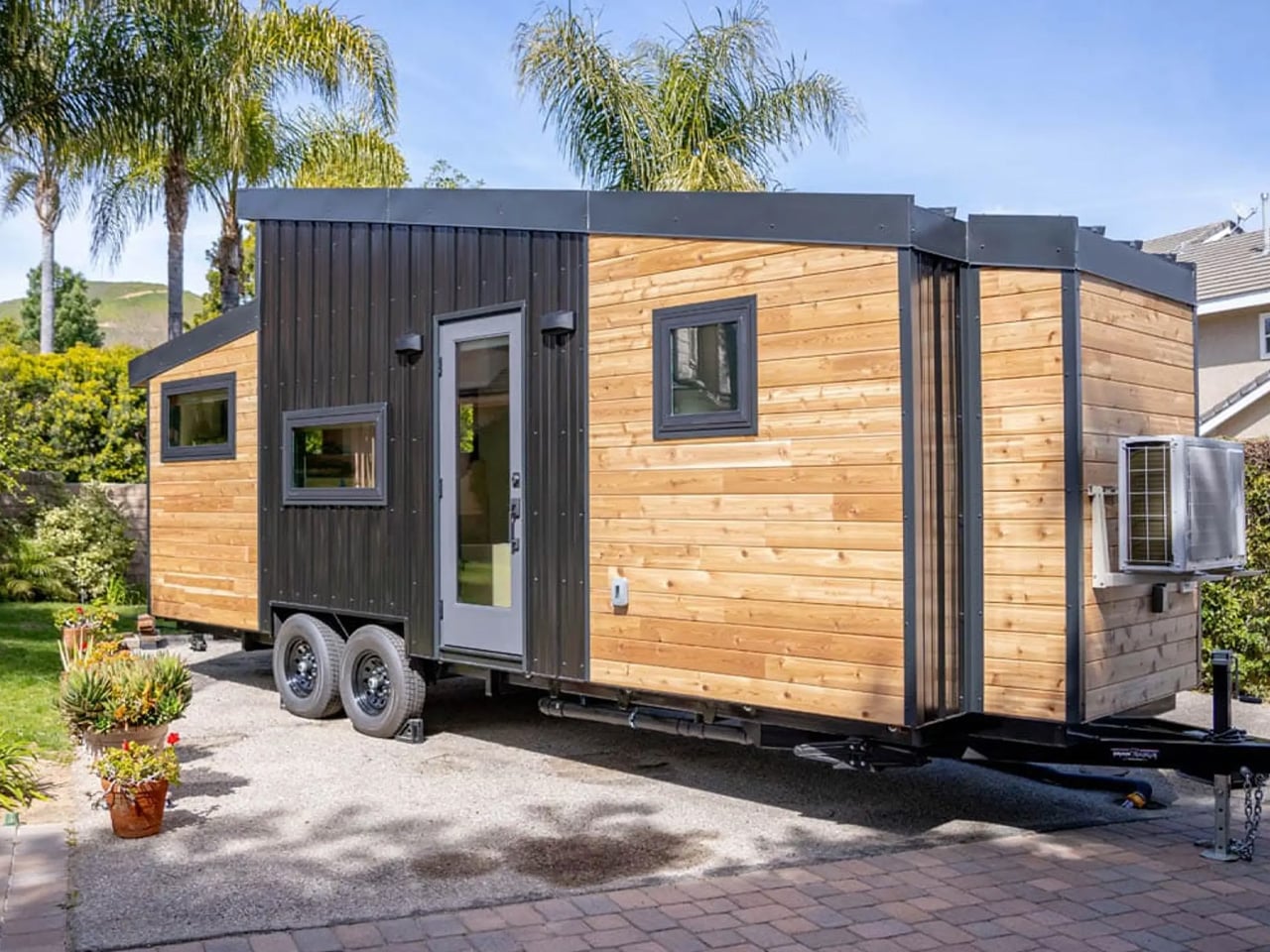
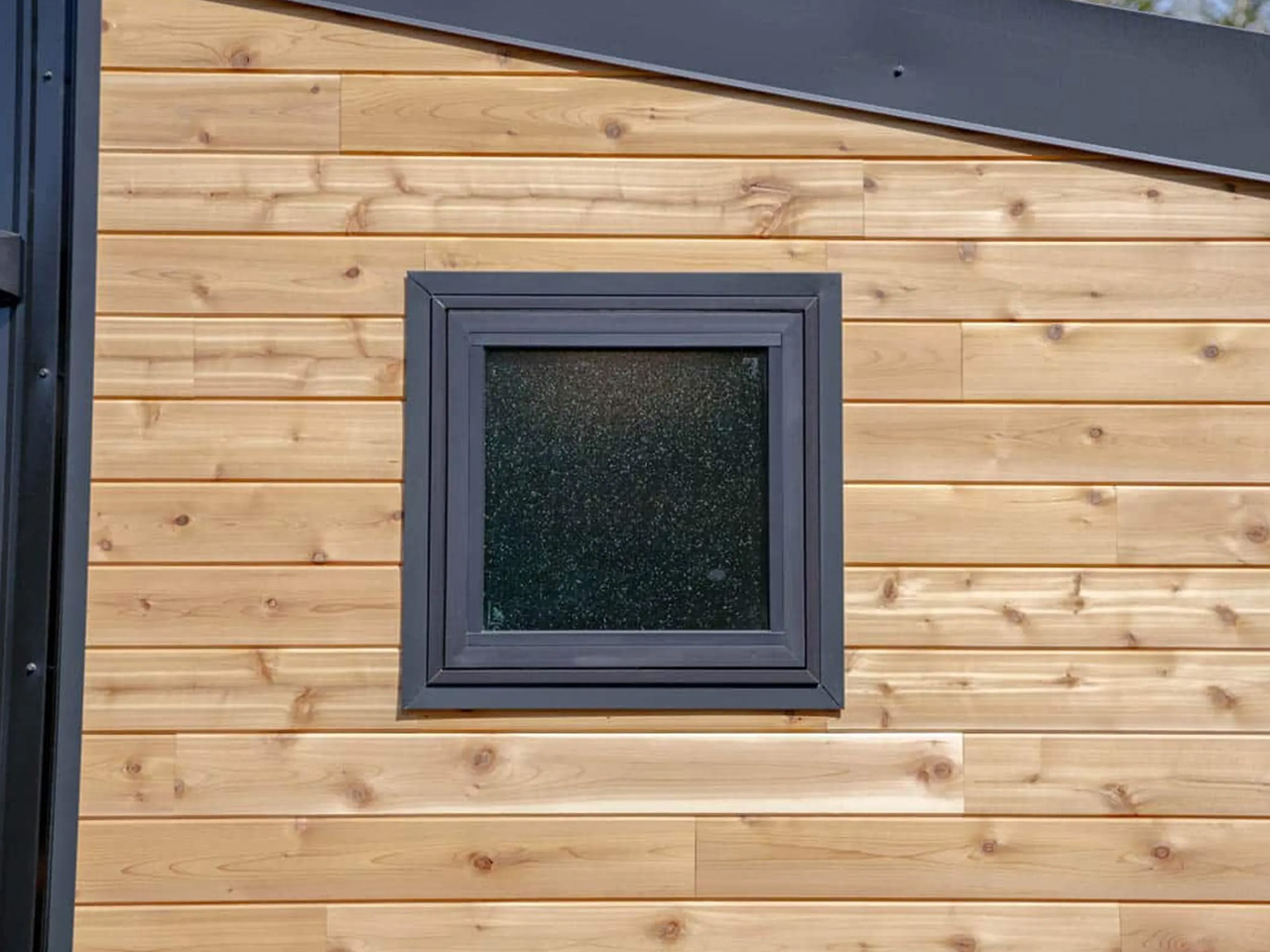
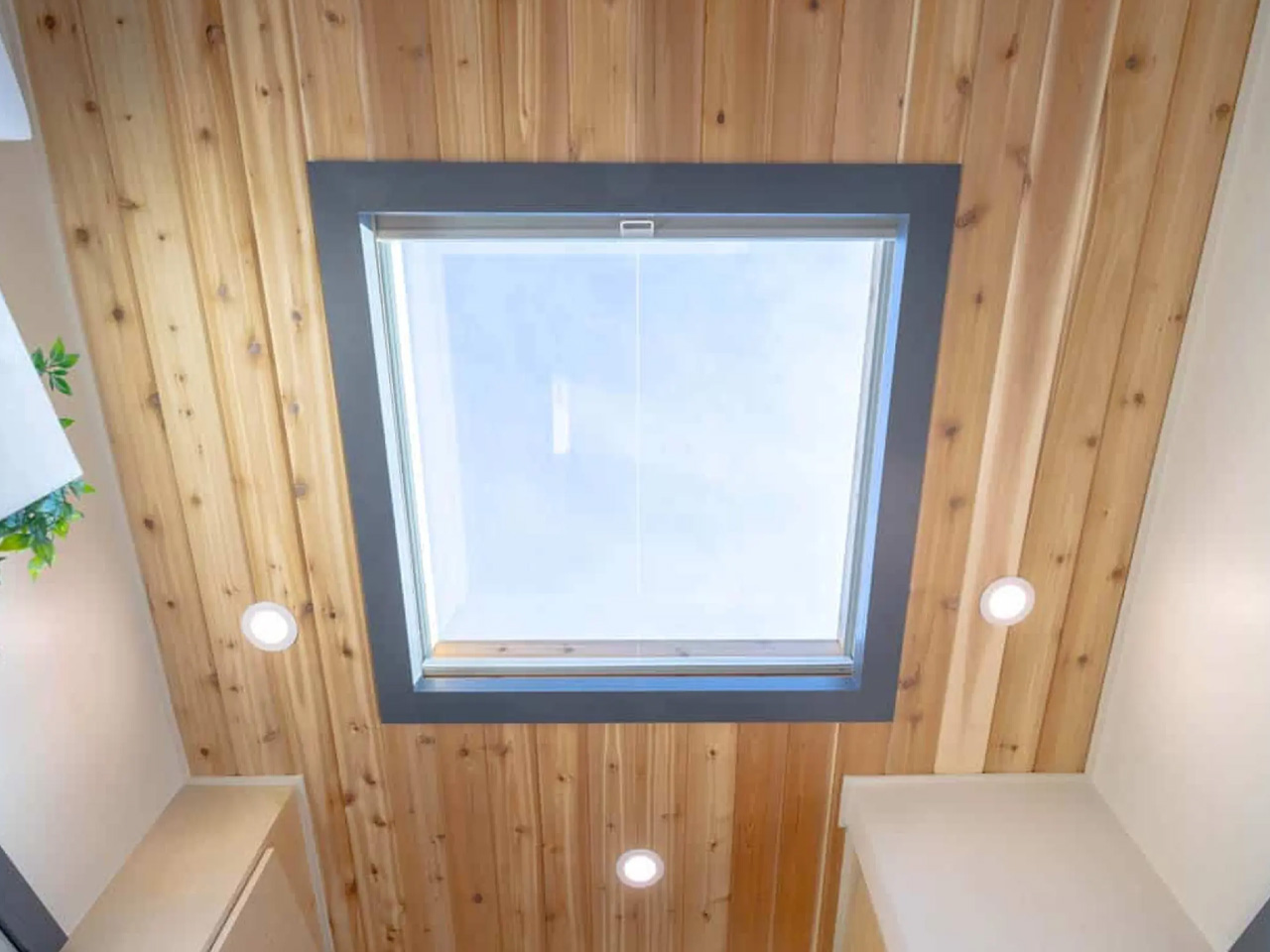
Designed by Piccola Tiny Homes, the Minuet isn’t intended for a family, it is designed for a single professional, and is equipped with a clever storage-packed layout that maximizes available space incredibly. It features a length of 24 feet and is based on a double-axle trailer. It has a finish of cedar tongue, and groove siding, topped with metal accenting and a standing seam metal roof with a skylight. A small storage box is also placed outside.
The interior of the home measures around 196 sq ft, and it is equipped with premium decor including stone floors, drywall walls and a wooden ceiling. The layout is pretty open and spacious, and everything has been arranged on one floor. The rooms are arranged in a single shared space, creating an ambience that is cozy and quite homely.
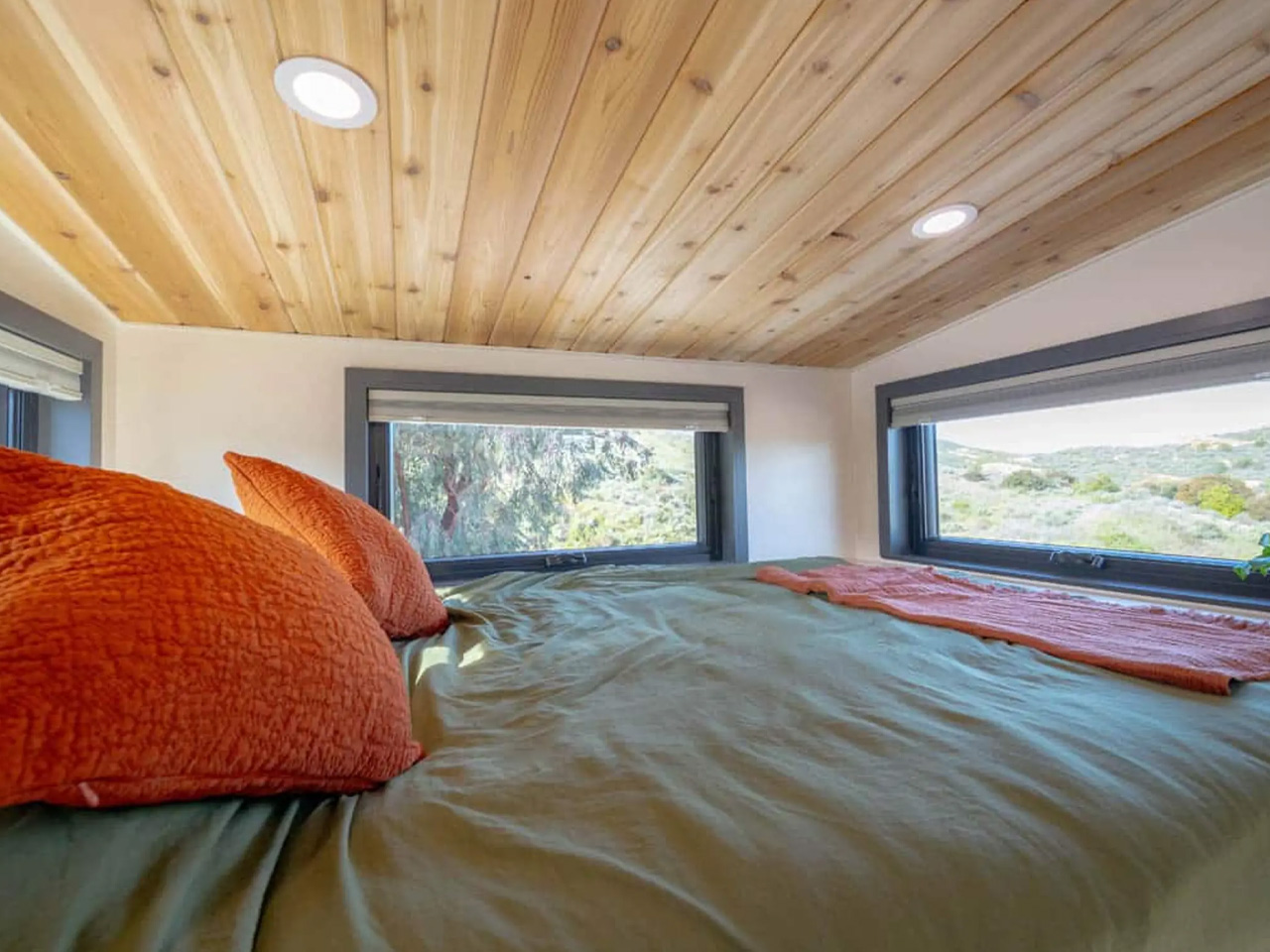
The living room includes a sofa with loads of integrated storage, as well as a compact pull-out table for dining. It also contains a TV on a swivel mount, and a little home office amped with shelving and a drop-down desk. The bedroom is adjacent to the living room, and it includes a raised queen-sized bed with more storage!
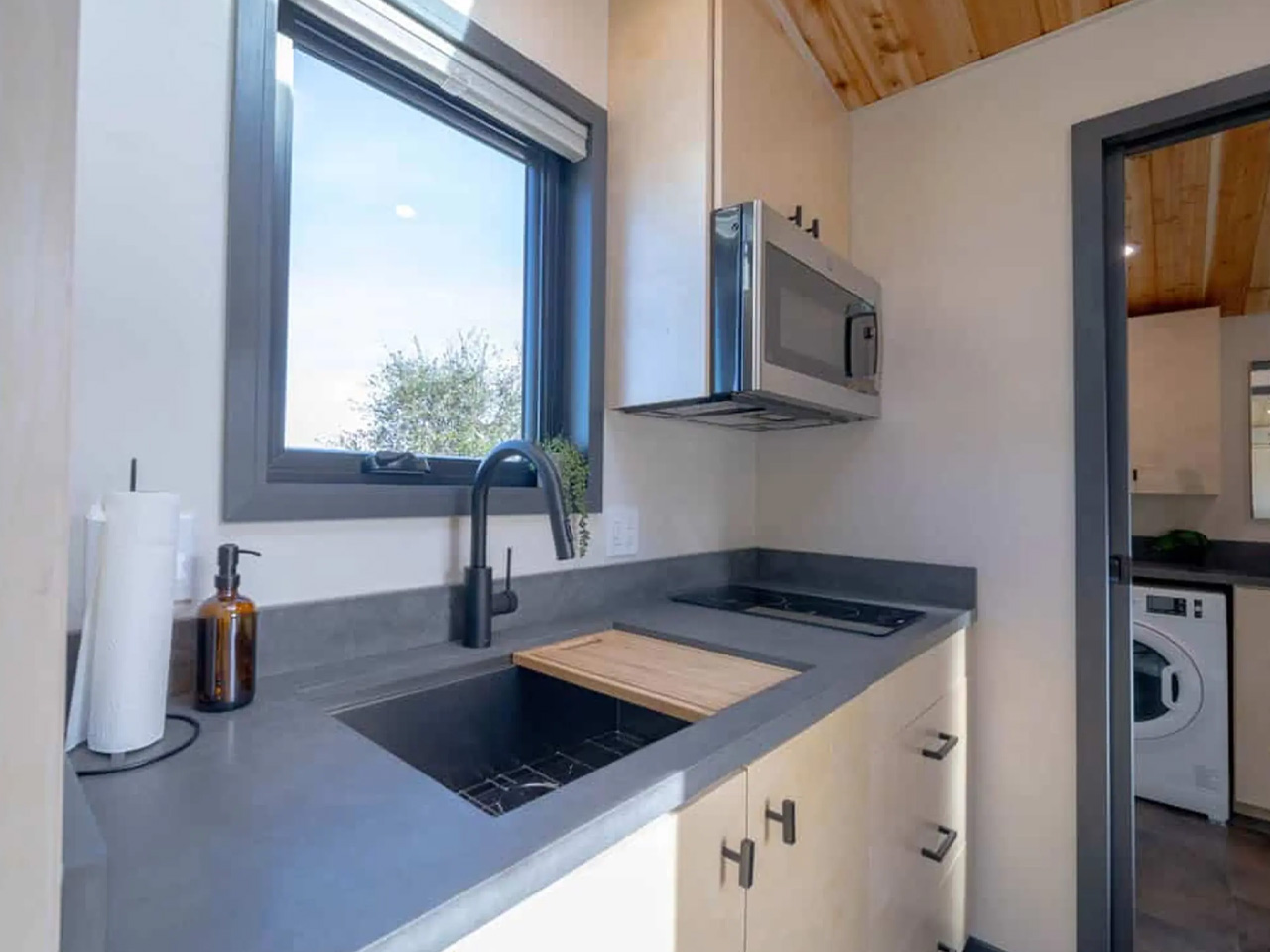
The home also includes a kitchen which is pretty well-proportioned and designed cleverly. The kitchen is equipped with a combination microwave, air fryer, and a convection oven. It also holds a two-burner induction range and sink, as well as a fridge/freezer and some cabinetry.
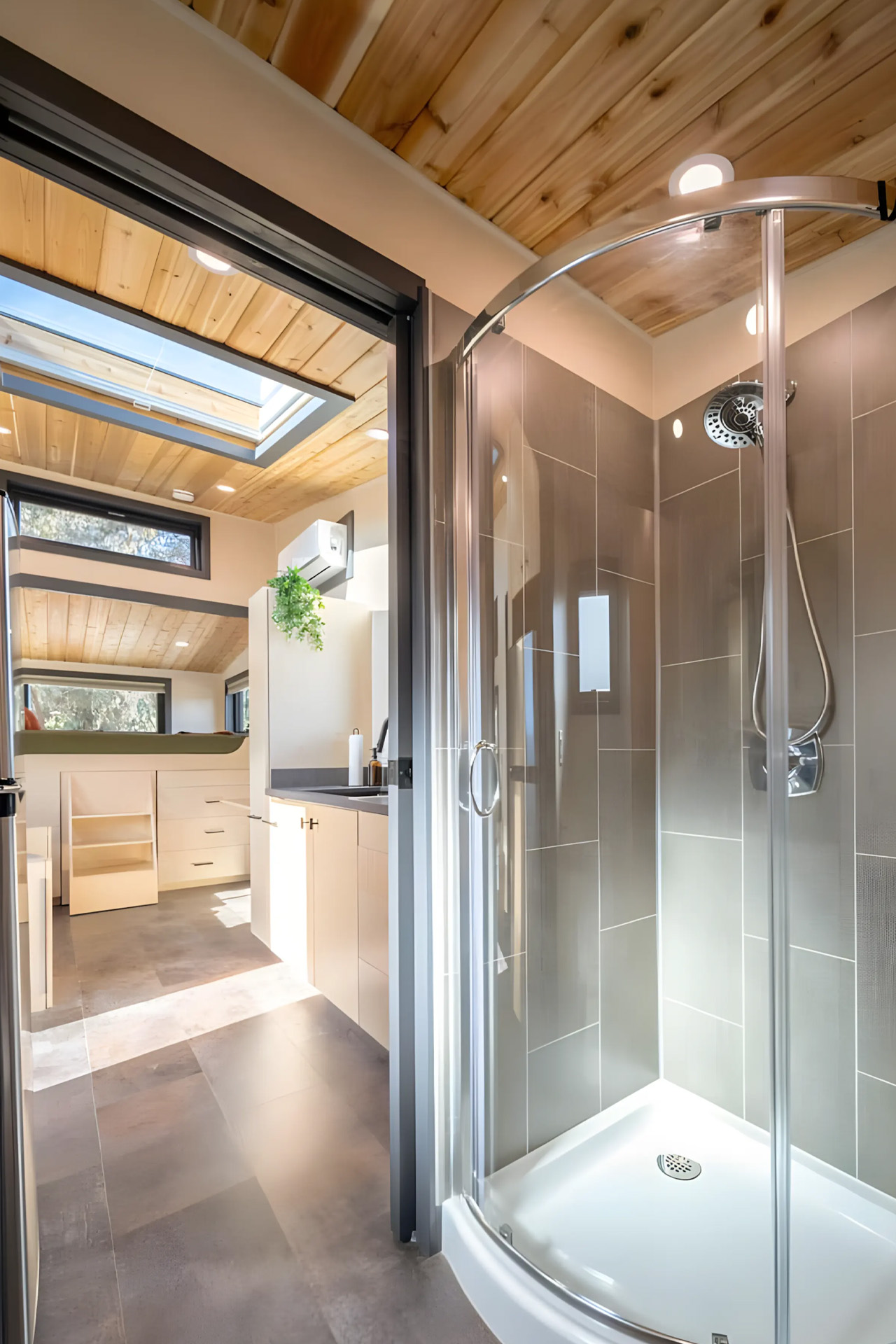
You can enter the bathroom through the kitchen with the help of a sliding door. The bathroom features a vanity sink with a medicine cabinet, a washer/dryer, a shower, a flushing toilet, and a big wardrobe. The Minuet may not be the grandest or most extravagant tiny home out there, but it is a compact, comfortable, and well-equipped living space for a bachelor/bachelorette kickstarting their living-alone adventure. The home has a sense of openness to it and a vibe that is warm and organic. It would make a homely home for someone planning to buy their first home.
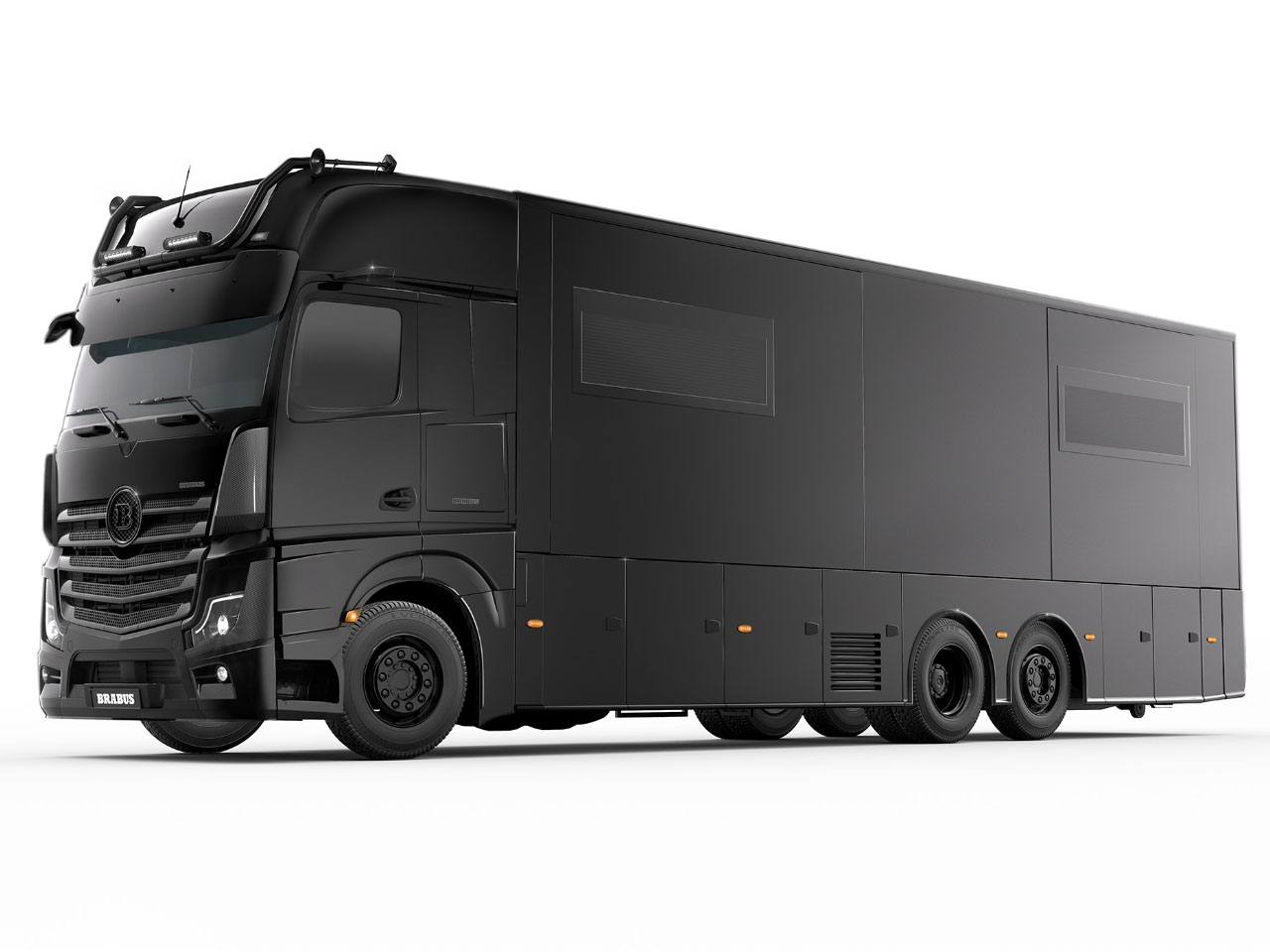
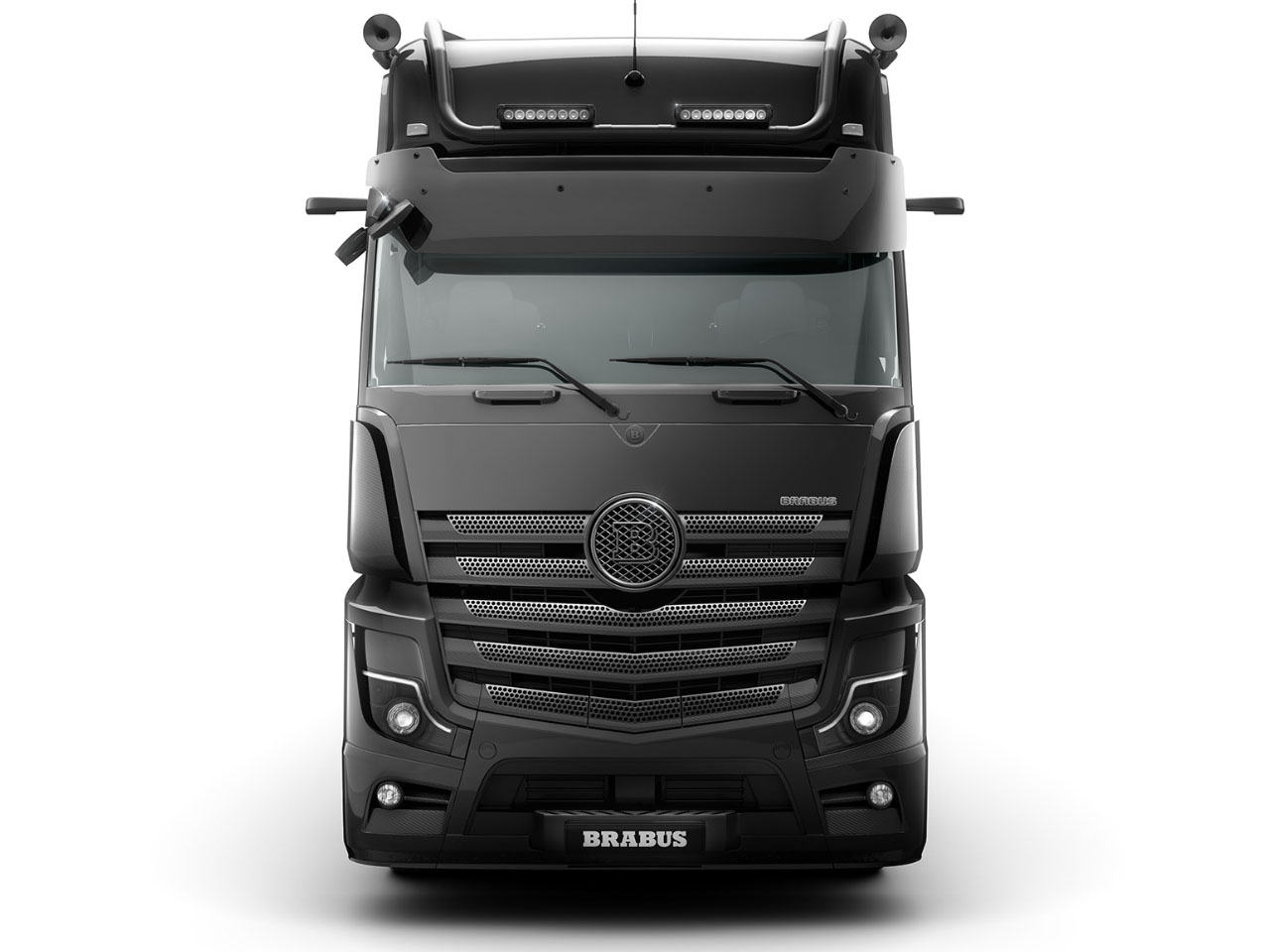
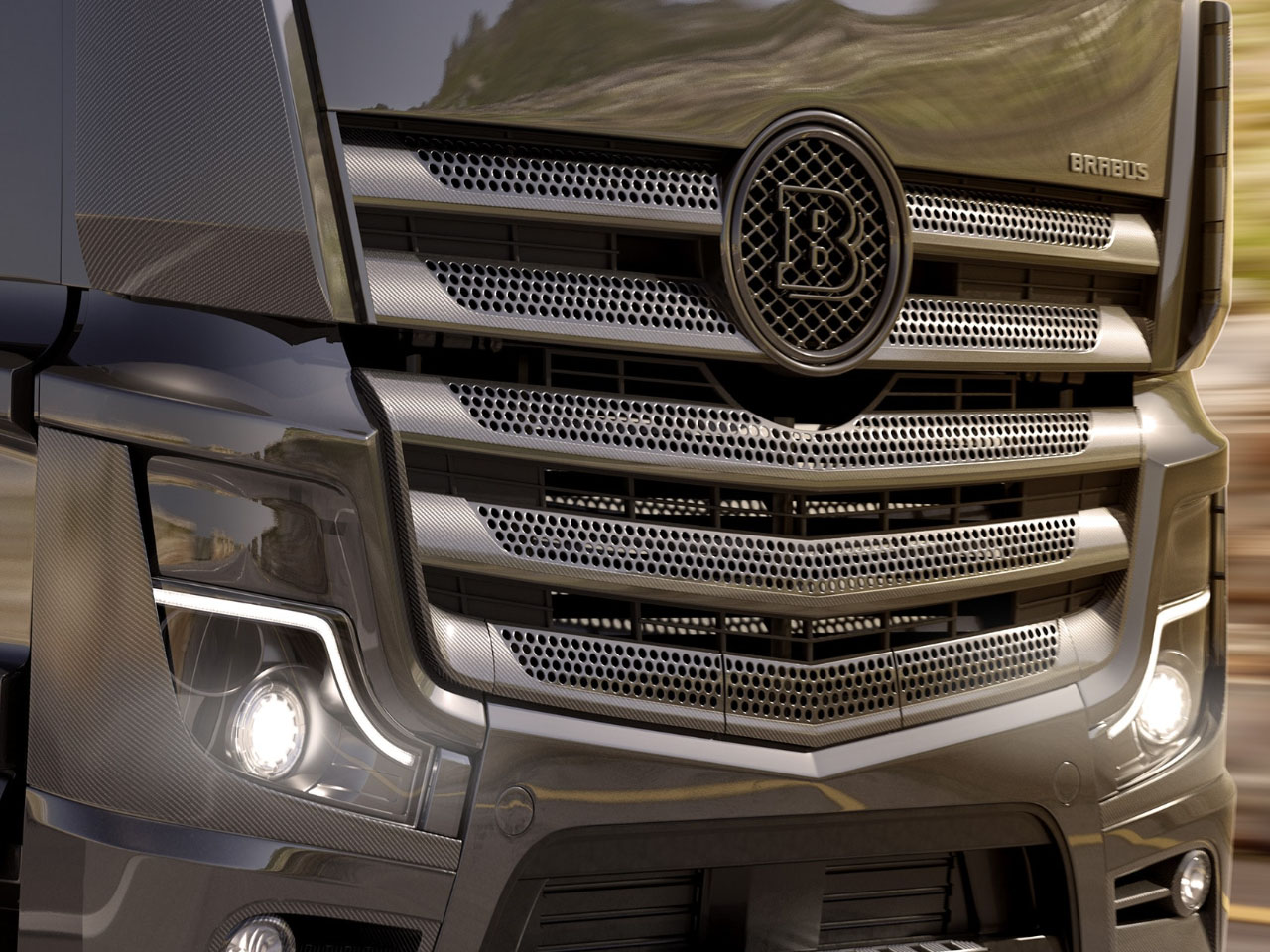
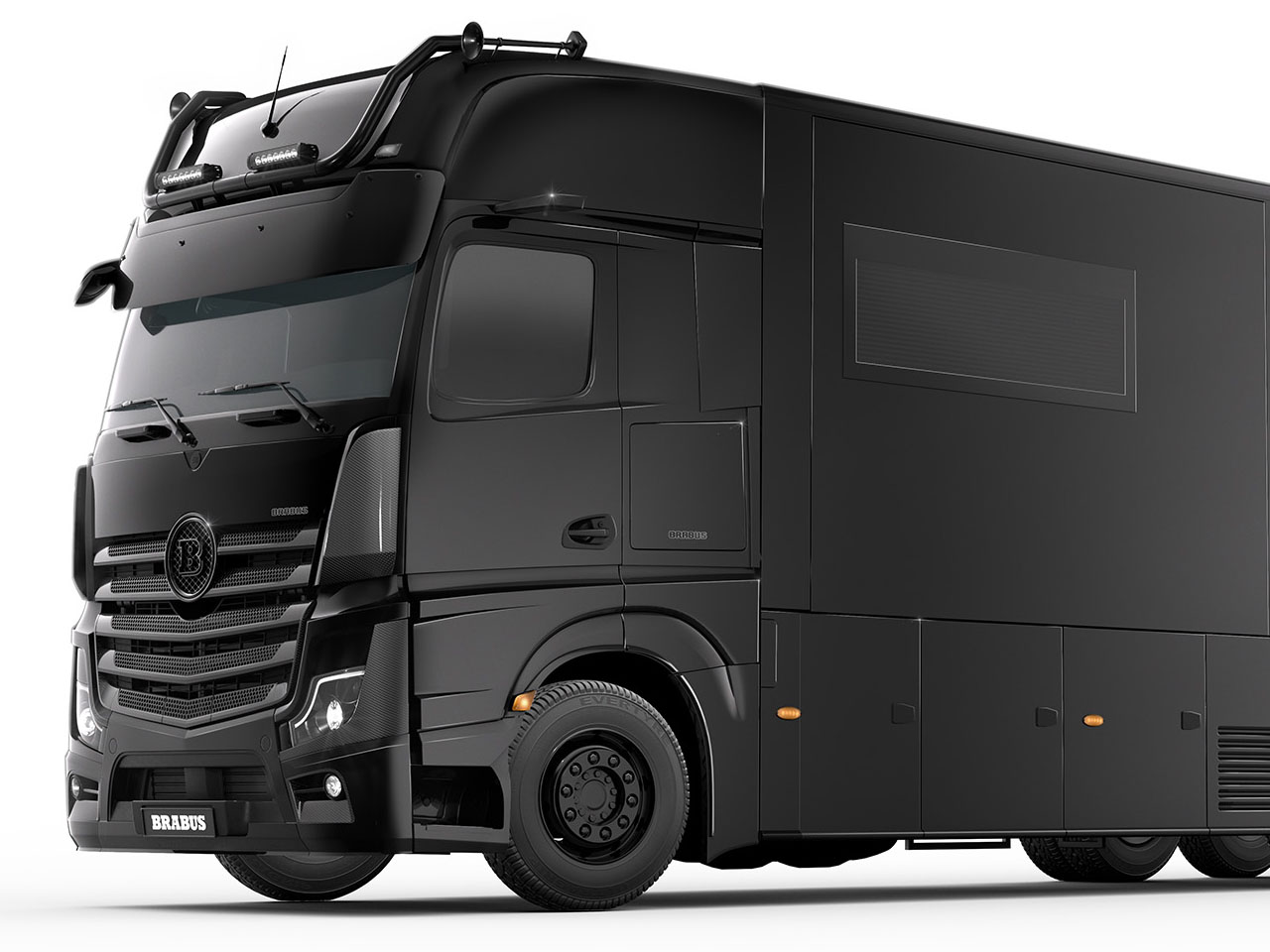
The German high-performance automotive aftermarket tuning company Barbus has many laurels to its name. The marque has been customizing Mercedes and Porsches for the better part of its existence, now it is foraying into the RV market with what’s possibly the most outstanding motorhome on the block. Dubbed Big Boy 1200, the matte-black house on wheels is – as the name suggests – no small machine, it’s a luxe motorhome in the true sense.
Providing residents with 30 square meters (323 square feet) of constant interior space, the Big Boy increases floor space with four slide-outs on either side that expand the area by 15 feet. The interior is nicely laid out with a spacious lounge, a functional kitchen, an interesting bathroom and sleeping space for up to four people.
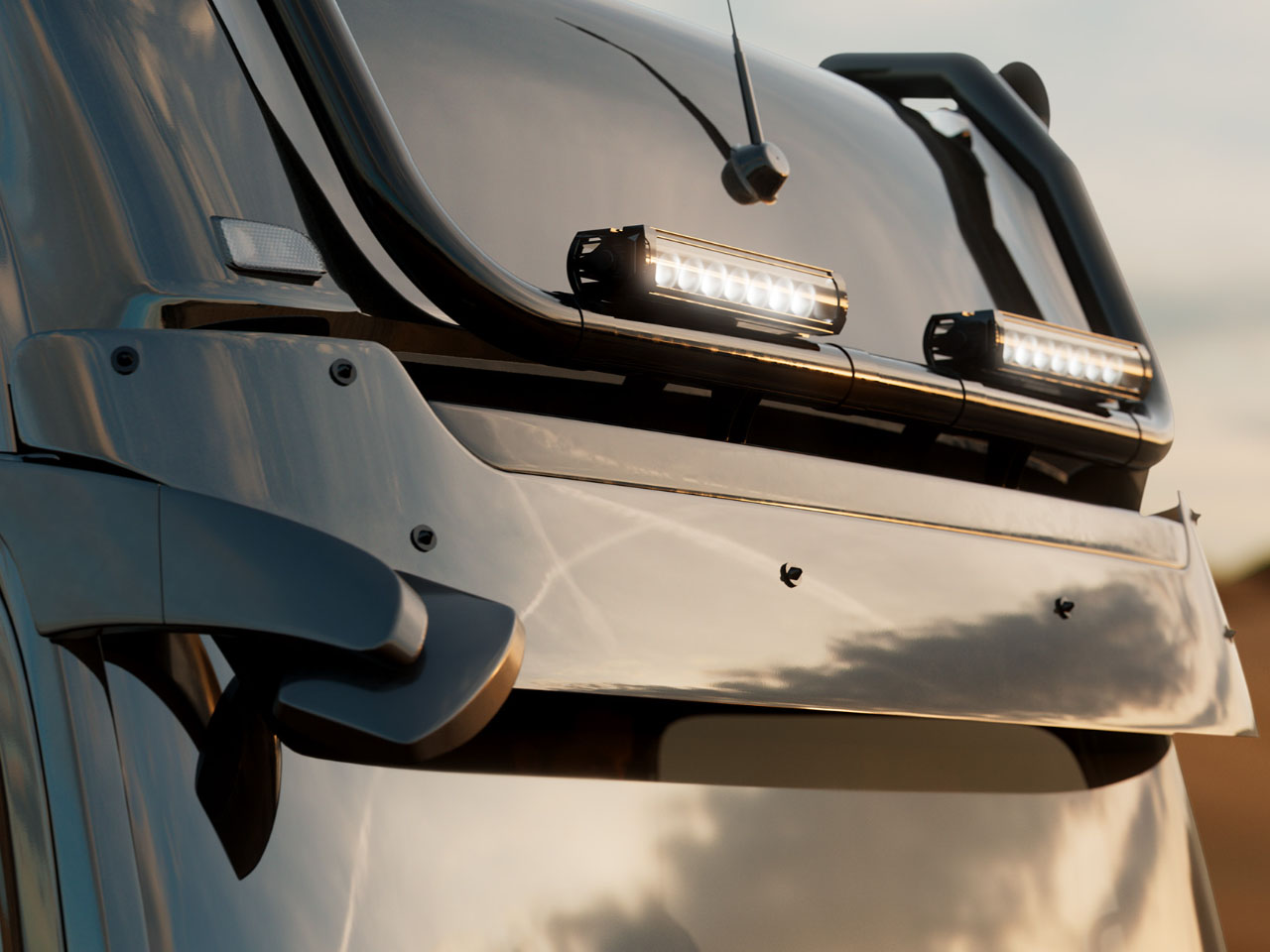
On the outside, the Brabus Big Boy 1200 motorhome measures 12 meters long, which possibly suggests the numeric behind the name. Stationed on a tri-axle chassis, the 26,000kg mobile home, courtesy of its 12.8-liter six-cylinder turbodiesel engine, can run at a top speed of 90kmph with complete stability handled by its hydraulically extendable support. The entire frame is made from galvanized steel, while the interior has been dotted with evident hints of carbon fiber.
Of course, the Big Boy 1200 is massive and powerful, but these are not its only highlights. The motorhome’s ever-expanding structure, resting on self-adjustable legs, and black interiors are customized choicely for everyday luxury living. Brabus has positioned the motorhome to be low and features steps on the entry that electronically lower from the entry door. The dining table on the entry, behind the driver’s cabin, is where the carbon fiber accents begin to show up, especially in the used black wood for the dining table. The living room is fashioned with customized Brabus leather sofas with branded throw pillows and an entertainment system.
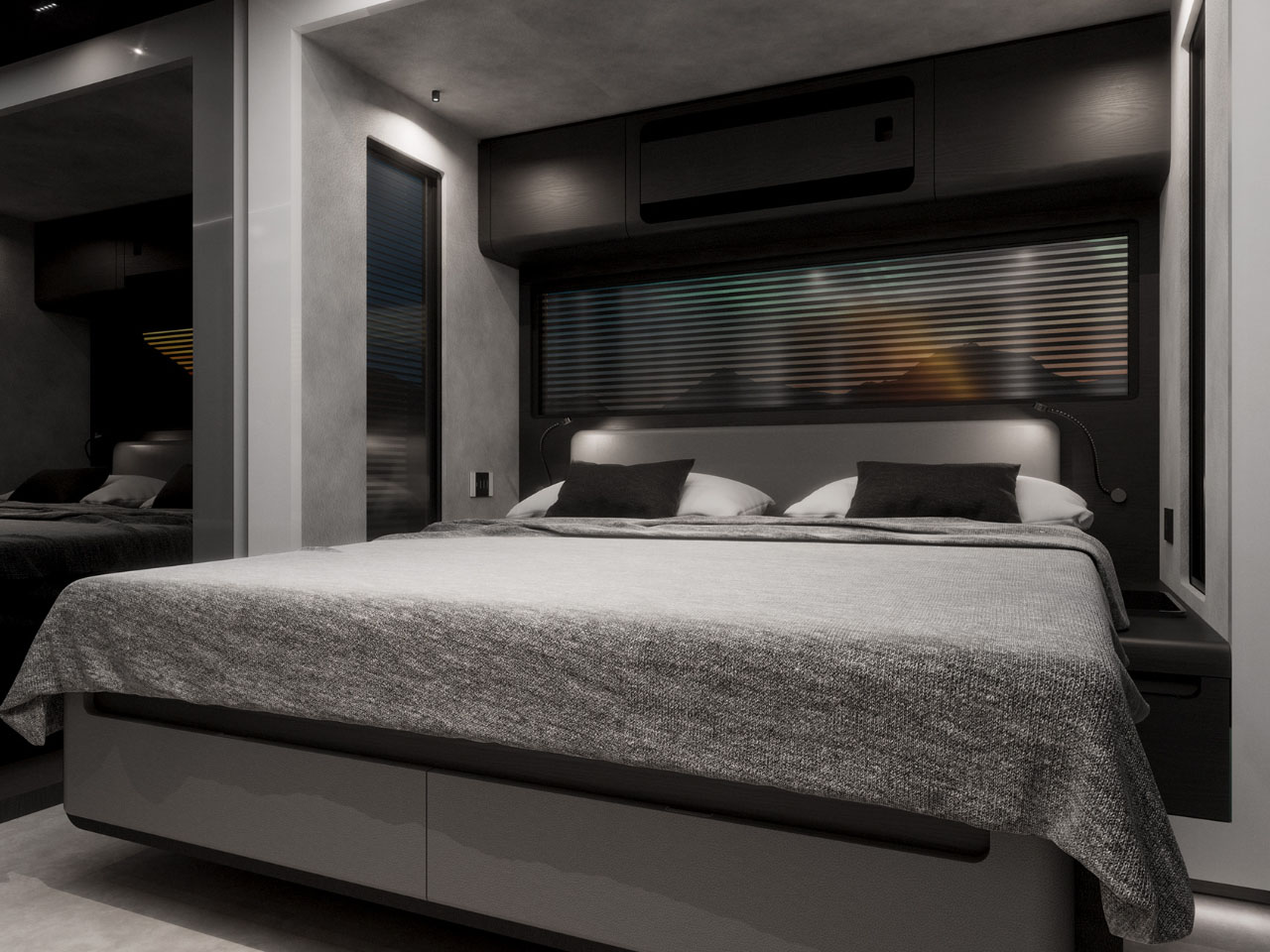
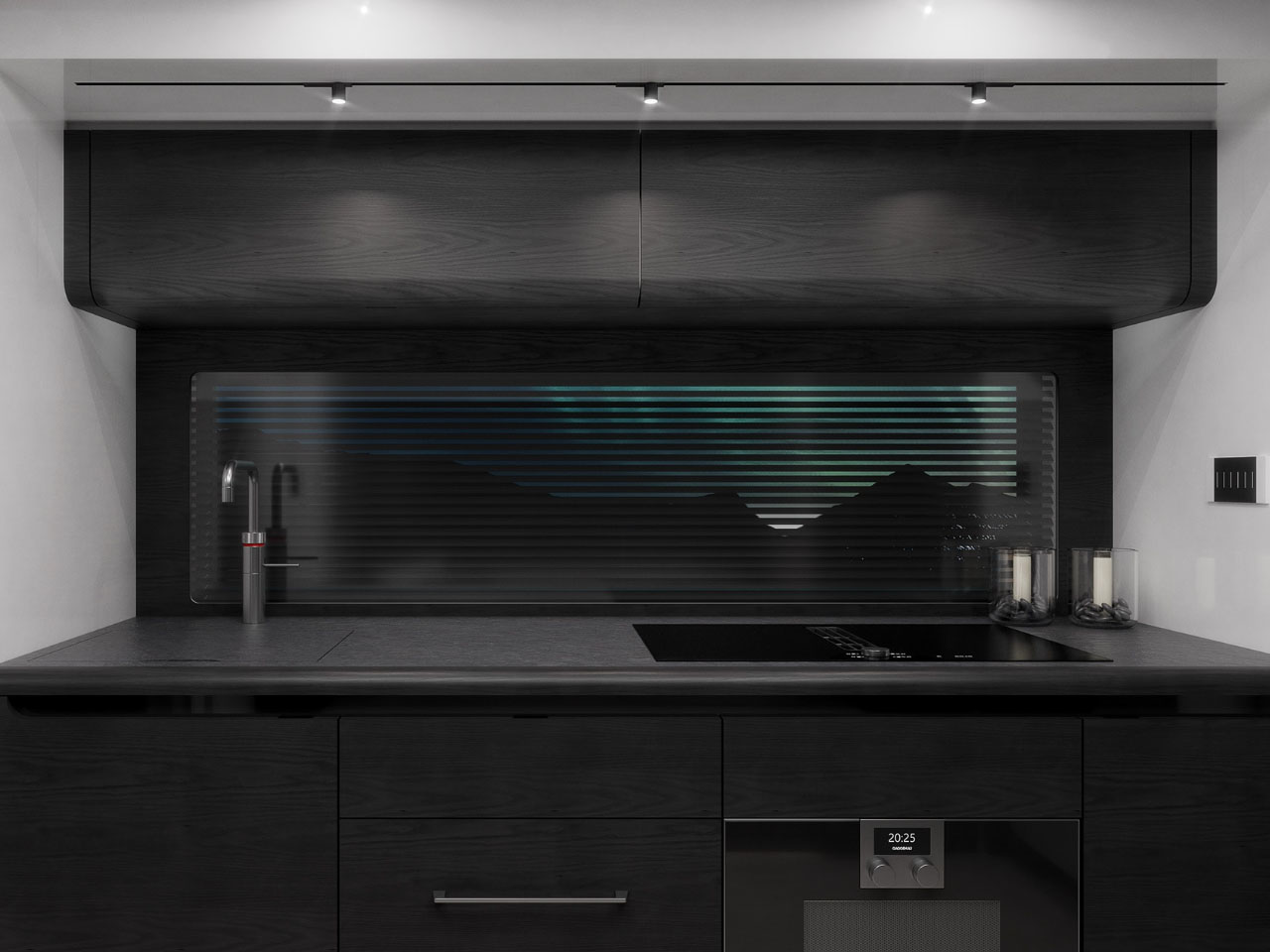
The adjacent kitchen is equipped with a fridge with carbon fiber accents, an induction cooktop, oven, and dishwasher. The bedroom at the rear of the motorhome features a king bed, large closet, wardrobe, expandable work desk with Paola Lenti chair, and a large-screen smart TV. The fascinating second sleeping space is hidden over the driver’s cab. It comprises an electrically lowerable bed cordoned off from the other living quarters by a black-out curtain.
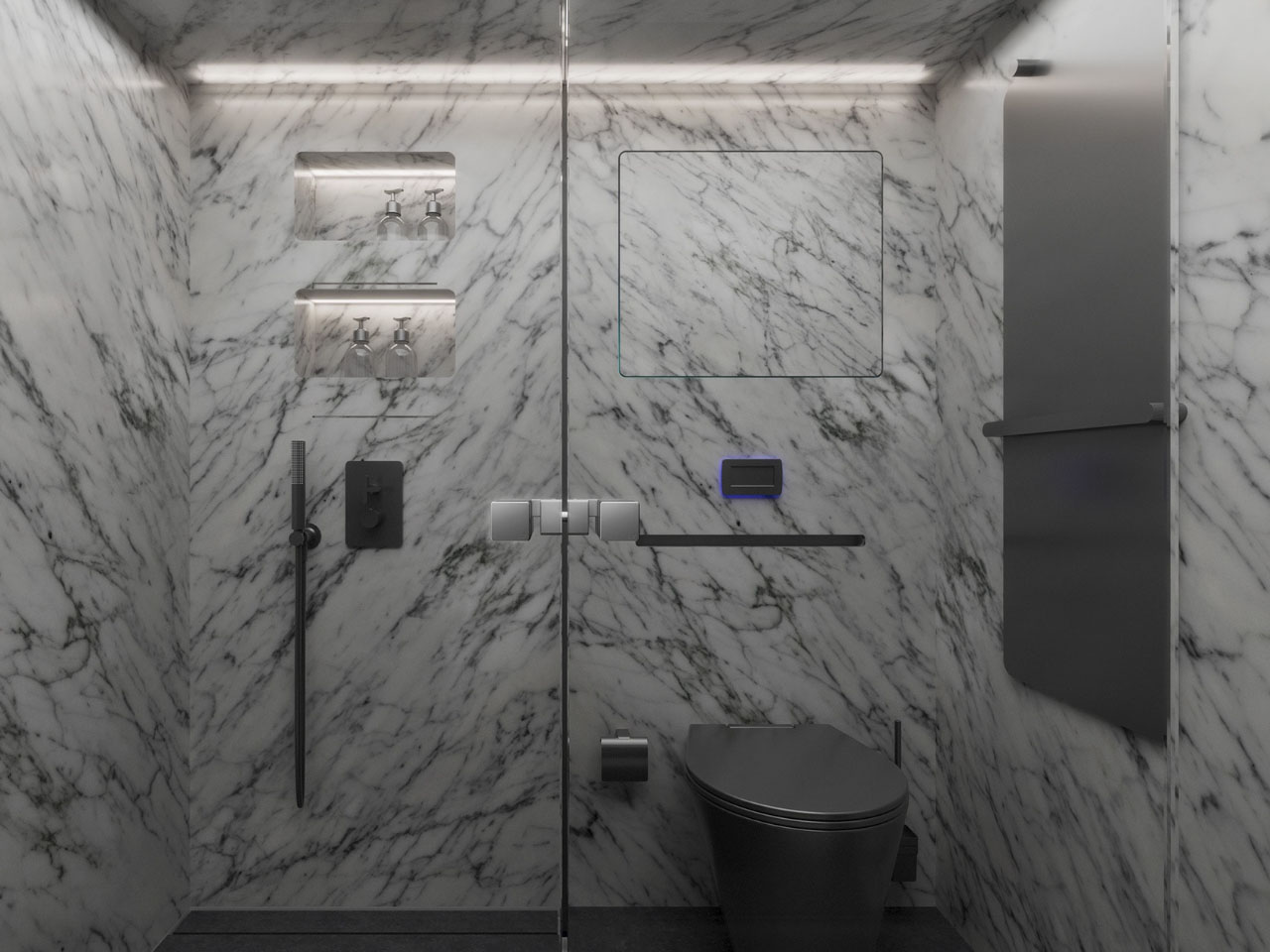
The bathroom of the Big Boy 1200 is located centrally and is a convenient and usable space divided into three sections – open lavatory, rainforest shower floor-to-ceiling natural stone wall, and toilet. Other interesting aspects included are roof-top solar panels, battery, fresh and gray water tanks onboard, Starlink internet, 360-degree camera system, automatic AC, and a host of other smart home features. All this comes in an expensive package: The Big Boy 1200 is priced at $1.5 million by Brabus.