When you power on your computer, you want it to be ready for use as quickly as possible. One of the most effective ways to achieve this is by optimising the start-up programs on your Windows 11 system. . Learn how to optimize Windows 11 start-up programs to achieve faster boot times by following these […]
My MacBook is one of my most beloved belongings. I honestly cannot do without my MacBook, probably because it is one of my most prized possessions! It contains basically everything I hold important in my life – from work documents to memorable pictures from even ten years ago. And not to mention, I do end up spending most of my day, typing away and working on my MacBook. Since it is such an integral part of my daily and work routine, I’m always looking for ways to elevate my MacBook. I love innovative and nifty gadgets that function as the perfect sidekick to my MacBook, helping me boost my daily productivity and efficiency. Here, we’ve curated a few of our favorite MacBook accessories that’ll promise to level up your already awesome and beloved MacBook. From an ingenious wrap to handle your MacBook cables to a Satechi Triple 4K docking station – these are must-have accompaniments to your MacBook, and the best investments of 2024 for Apple lovers!
1. Magic Bar
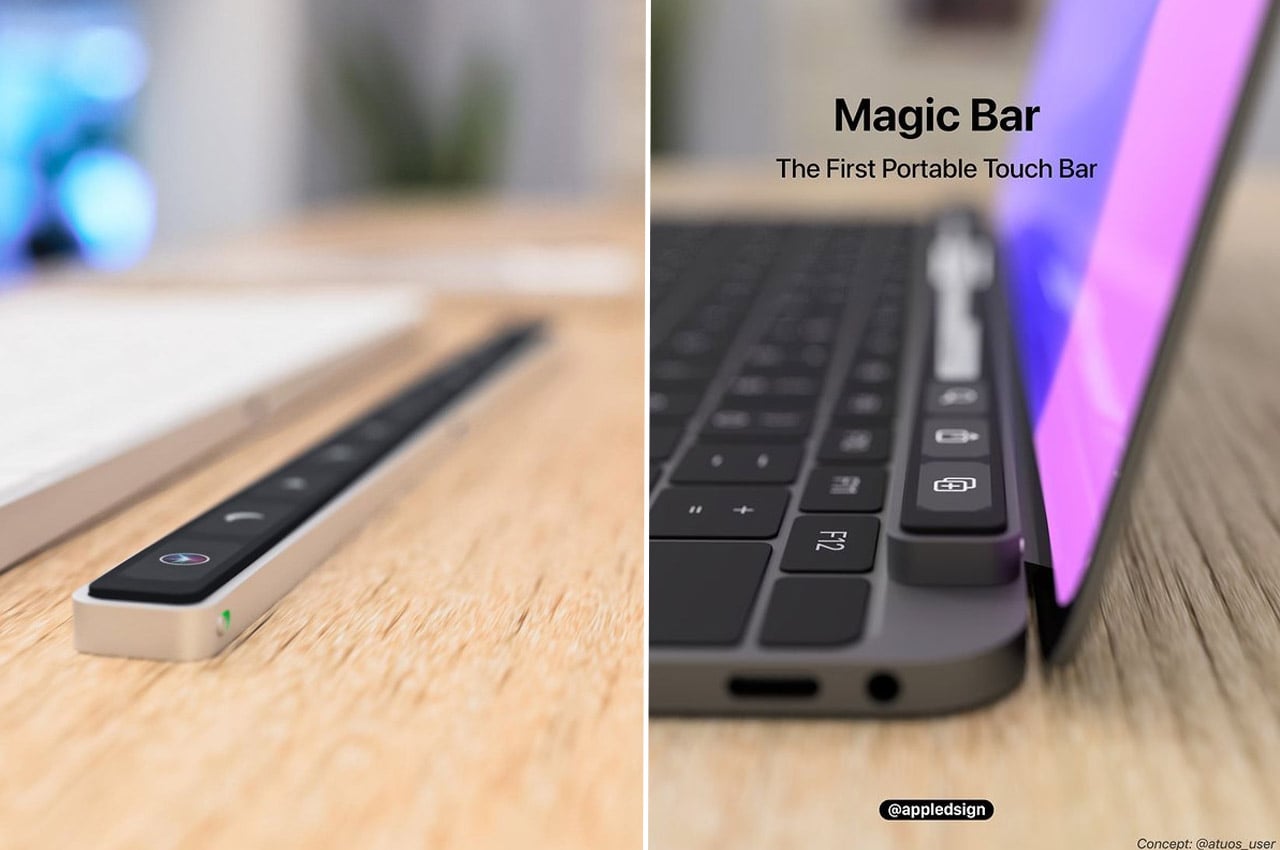
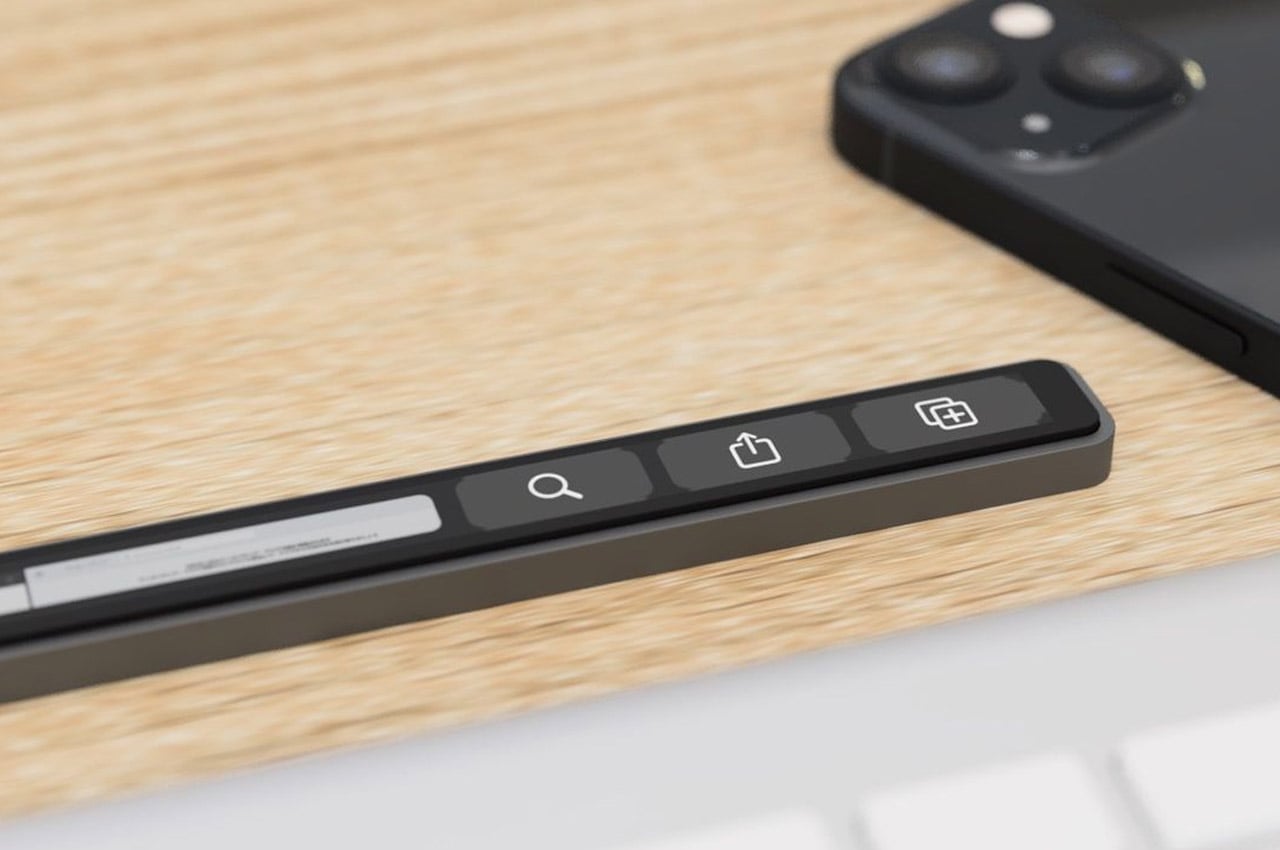
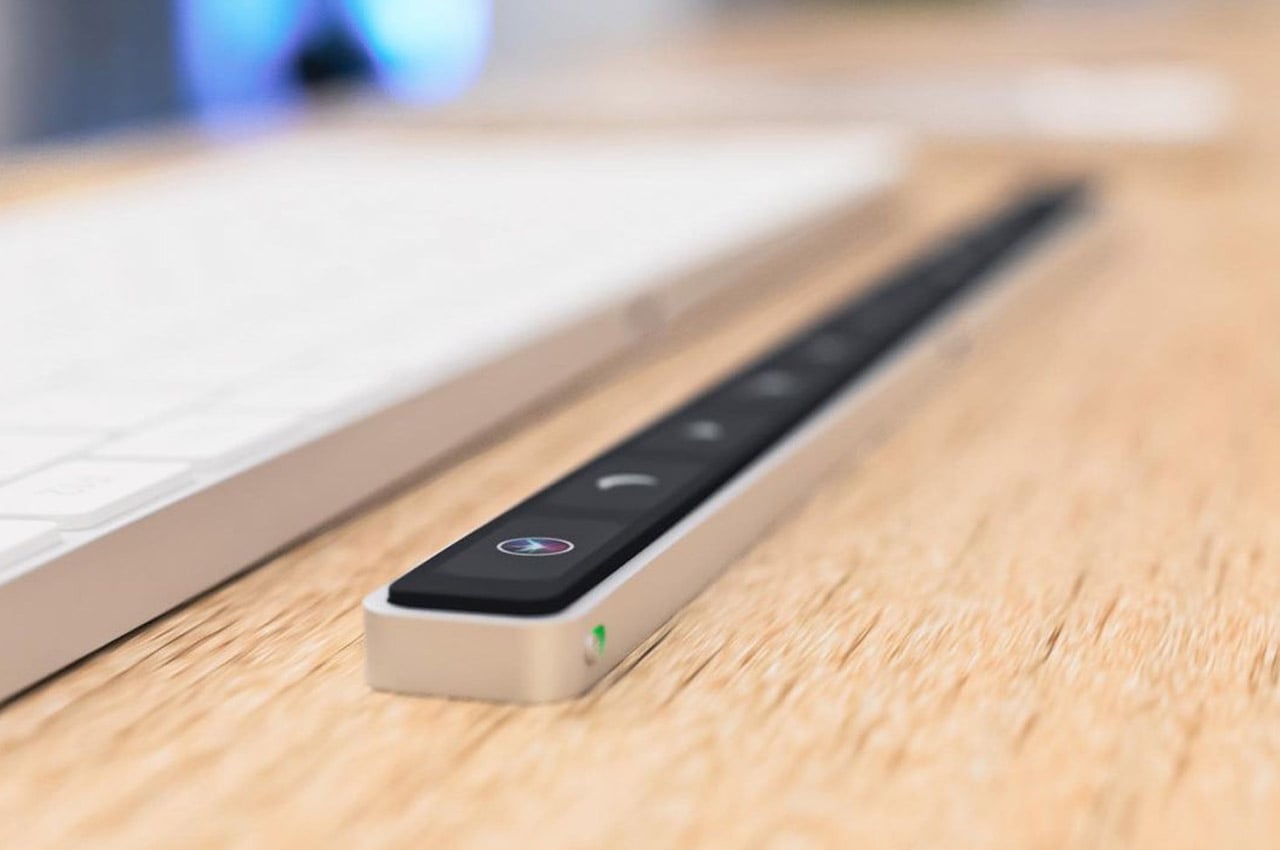
Named the Magic Bar, this portable Touch Bar can be teamed up with, and used with essentially any Apple peripheral. It is a sleek, seamless, and portable toolbar that is quite similar to the Touch Bar in terms of features and functionality. It also has a pretty recognizable design that aligns horizontally with your keyboard. You can pair up the Magic Bar with your iPhone, to create and use multiple smart home shortcuts.
2. TAIM
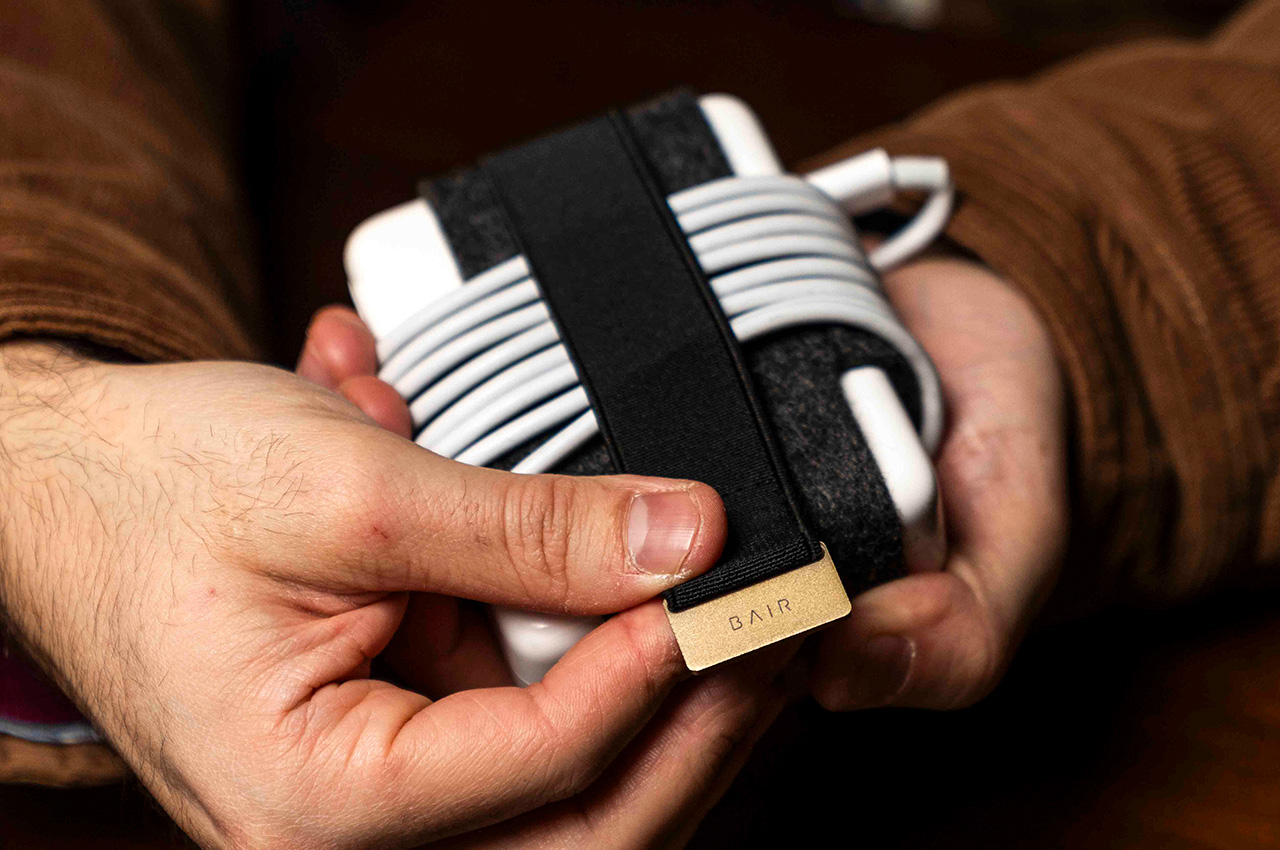
Meet TAIM – a cable management solution that can be attached perfectly around a MacBook charger, offering a way to let you wrap the cable around the block, and secure the cable so that it doesn’t get loose, and you can access it whenever you need it. It saves time, ensuring you don’t waste unnecessary minutes managing the cable. You can focus on actually getting tasks at hand done. TAIM helps not only save time but also reduces the frustration experienced when untangling cables.
3. Woolnut’s Sleeves
Woolnut’s beautiful sleeves for the MacBook are made by combining fine vegetable-tanned full-grain Nappa leather with pure natural wool felt. The sleeves are beautiful and bespoke, and offer expansive protection to your expensive equipment, ensuring no irreversible physical damage is caused. The sleeves follow the highest Scandinavian design standards, and the intricately designed sleeves fit the MacBook like a glove.
4. Belkin’s Continuity Camera
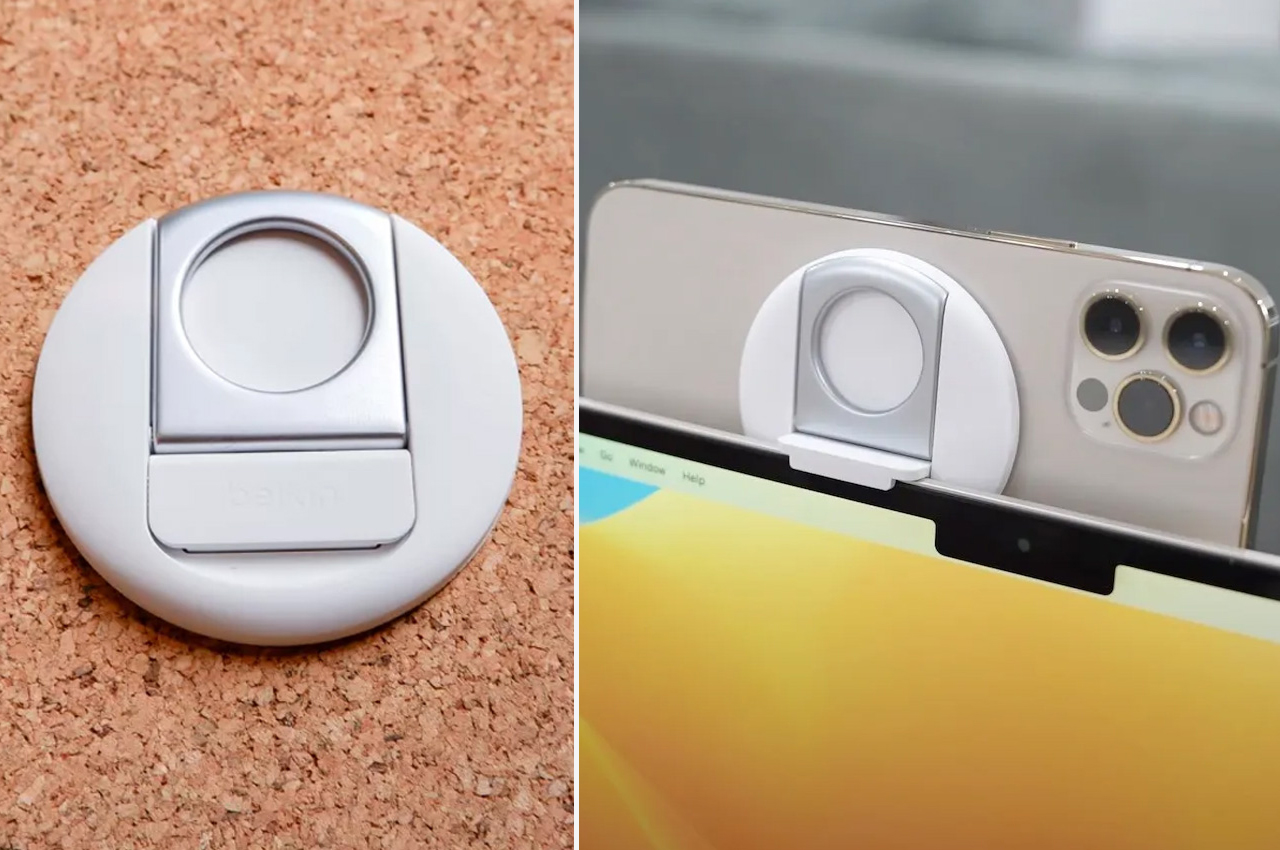
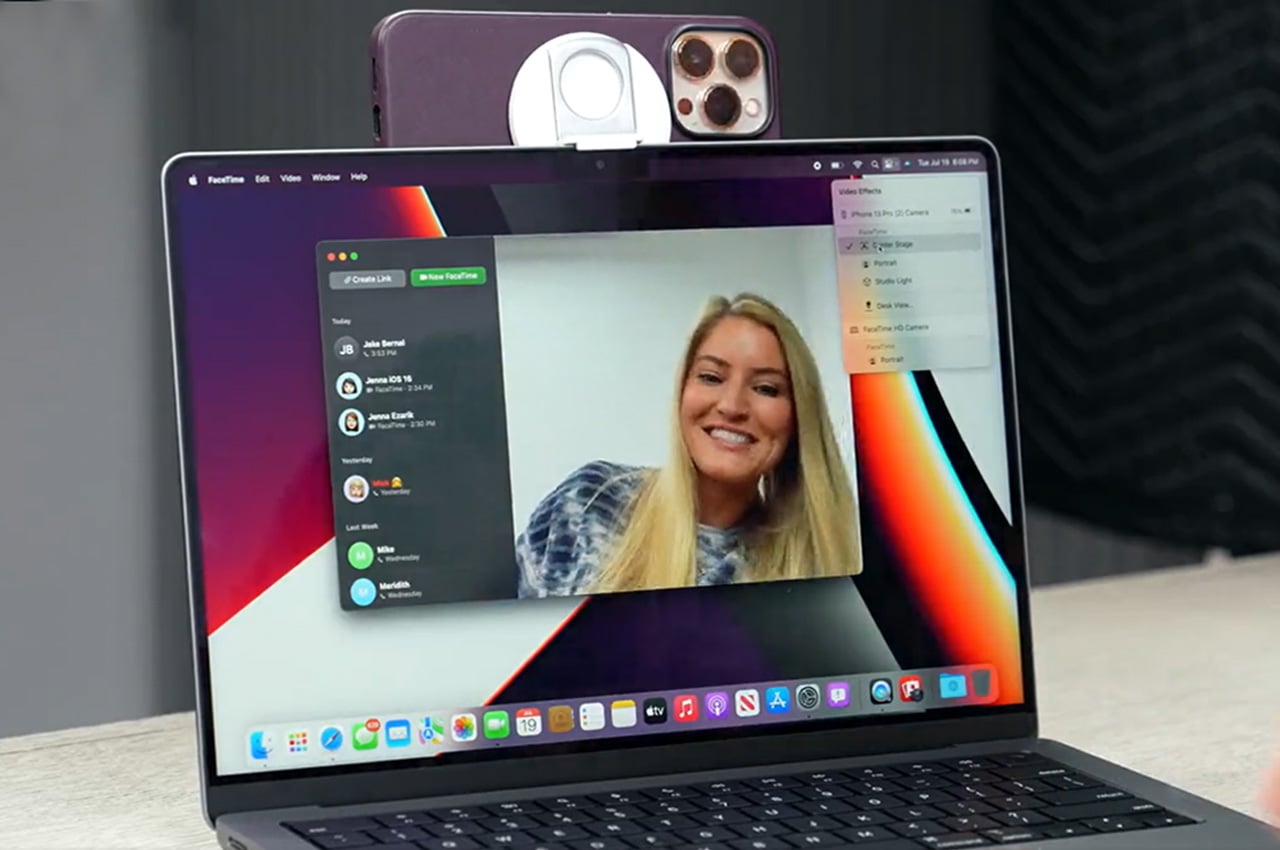
Designed by Belkin, and called the Continuity Camera accessory, this all-white circular peripheral can be easily attached to the back of your iPhone using MagSafe. The accessory is made from soft silicone, and you can easily mount it onto your Mac, leaving behind no scratches. Once the accessory is attached to where the webcam is located, the Continuity Camera instantly activates, allowing the iPhone to be used as a webcam. How cool is that?
5. Bluebonnet
Bluebonnet is a leather housing for your MacBook! It provides protection against accidental bumps and scuffs, while also serving as a neat place to store your notebook, papers, and pen. The case frees your hands while holding everything you may need for a meeting or to work in a coffee shop. The svelte sleeve has a leather construction which provides your MacBook with an elegant and professional-looking upgrade. It is also available in multiple colors.
6. Triple 4K Docking Station
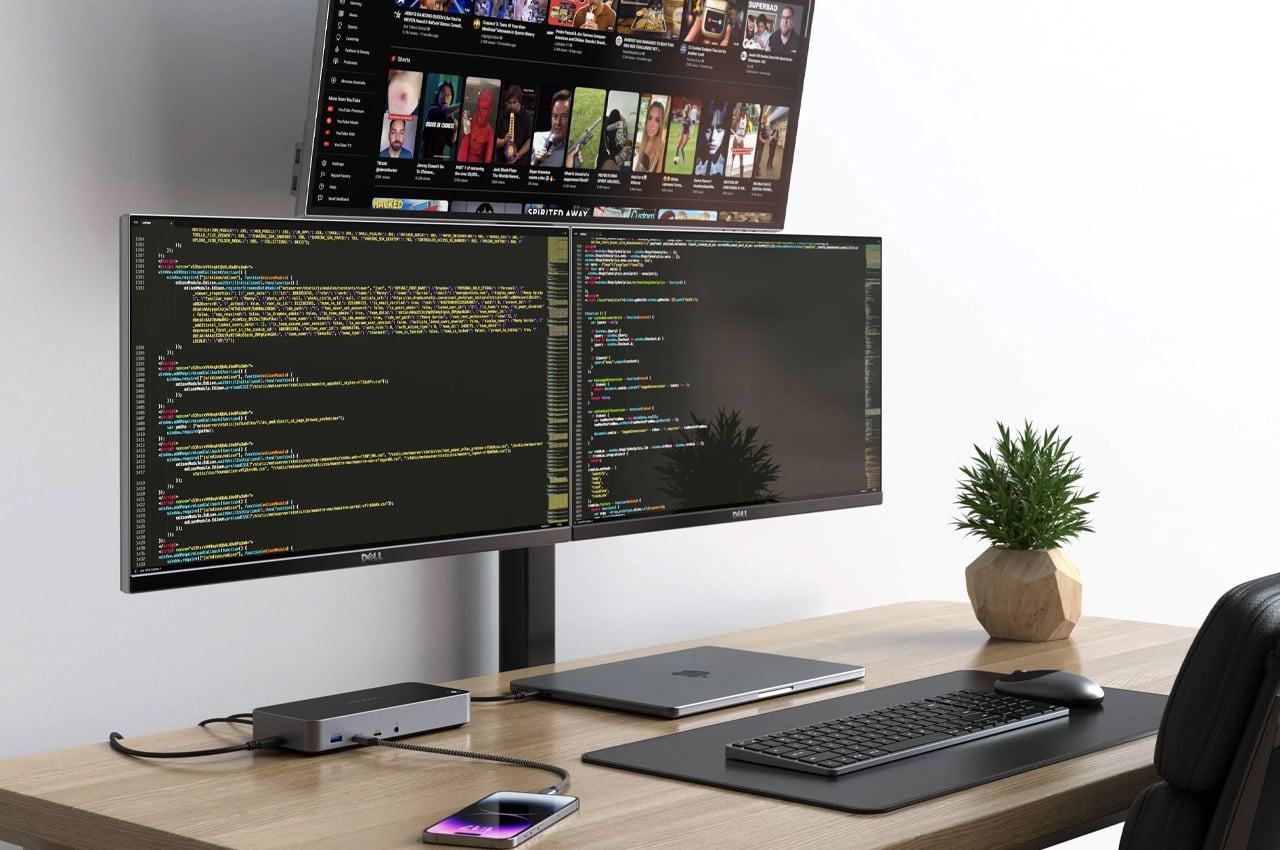
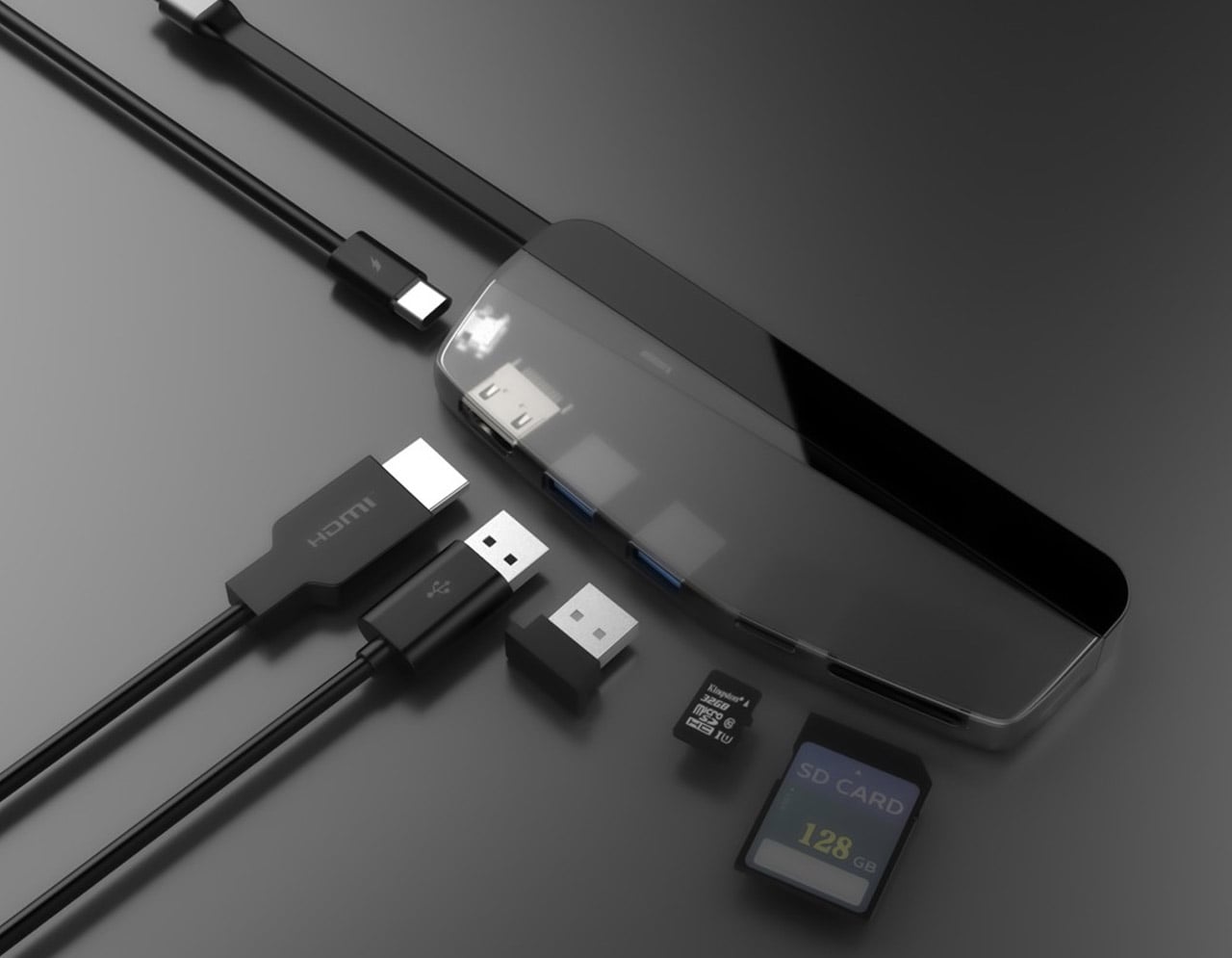
Dubbed the Triple 4K Docking Station, this innovative accessory smartly expands the limitations of your MacBook. The dock makes for an excellent fit for the M1 which has a single monitor, or even the M2 which can be extended to two screens. The docking station can extend to three extra displays, and it offers a 4K HDMI port at 60Hz, a pair of HDMI slots or even the DisplayPort outputs, creating a complete system.
7. FLIKK Laptop Stand & Sleeve
Meet the FLIKK laptop stand and sleeve which is designed to overcome the drawbacks of traditional laptop stands. Typical laptop stands don’t offer the needed elevation and viewing angles, and this is where the FLIKK laptop stand and sleeve swoops in. It provides you with the desired viewing angle to create a comfortable and supportive working regime anytime and anywhere. It also transforms into a laptop sleeve to store your laptop as you move around.
8. HybridDrive
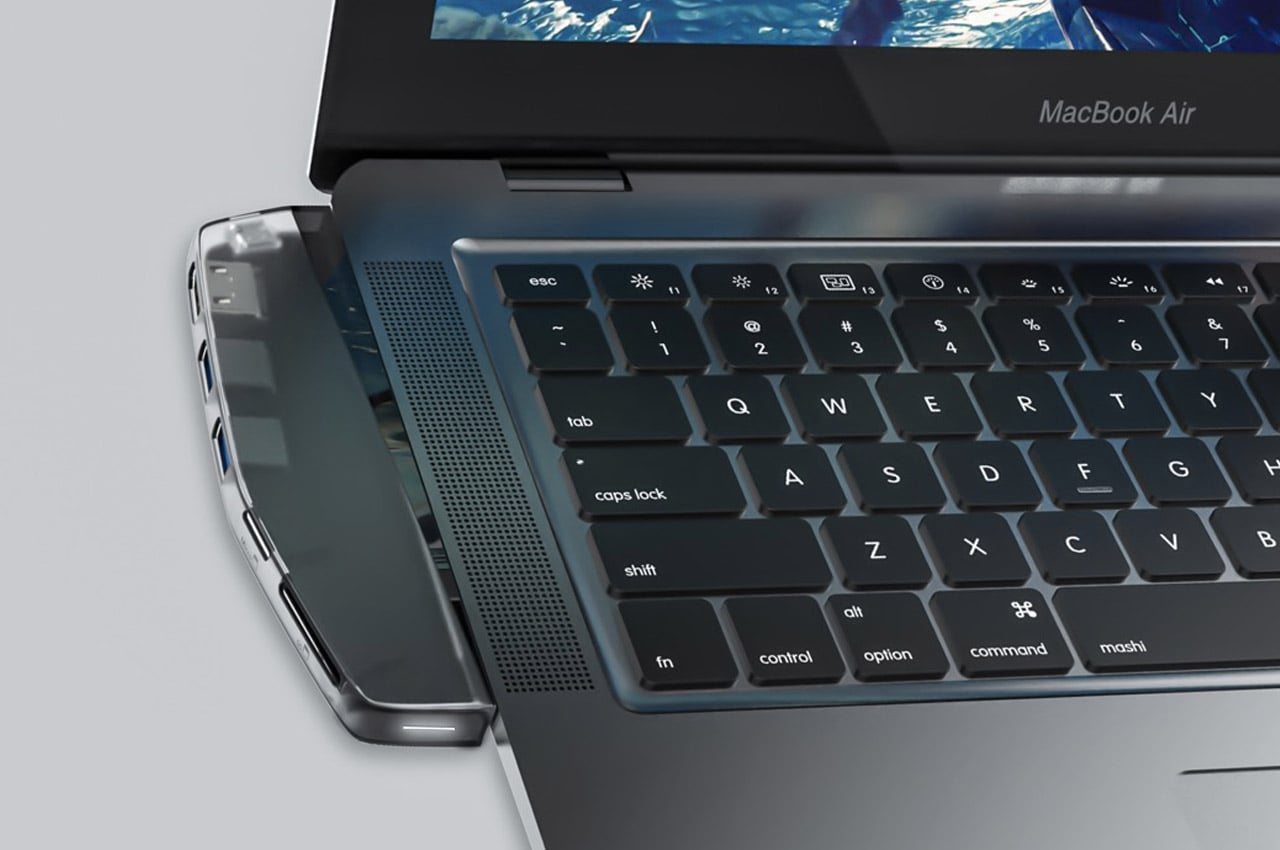
Say hello to the HybridDrive – which is the perfect combination of an external hard drive and a USB hub. It is designed to be an all-powerful accessory for your MacBook. It features a two-piece design that can be plugged into each other, and it is compatible with most USB-C devices. It features a multiport on one end, an SSD on another, and a USB-C interface connecting both ends. It seamlessly connects your portable devices and your desktop.
9. iMac
Called the Slim Dock, this accessory by Satechi looks as if it would be released by Apple itself. The sleek design elevates your 24″ M1 iMac with extra ports and extended SSD storage. It features the same machine aluminum outer as the iMac and is also available to purchase in the default silver. You could also go for the anodized blue color to match your blue iMac, creating a complementary pair.
10. SuperTank
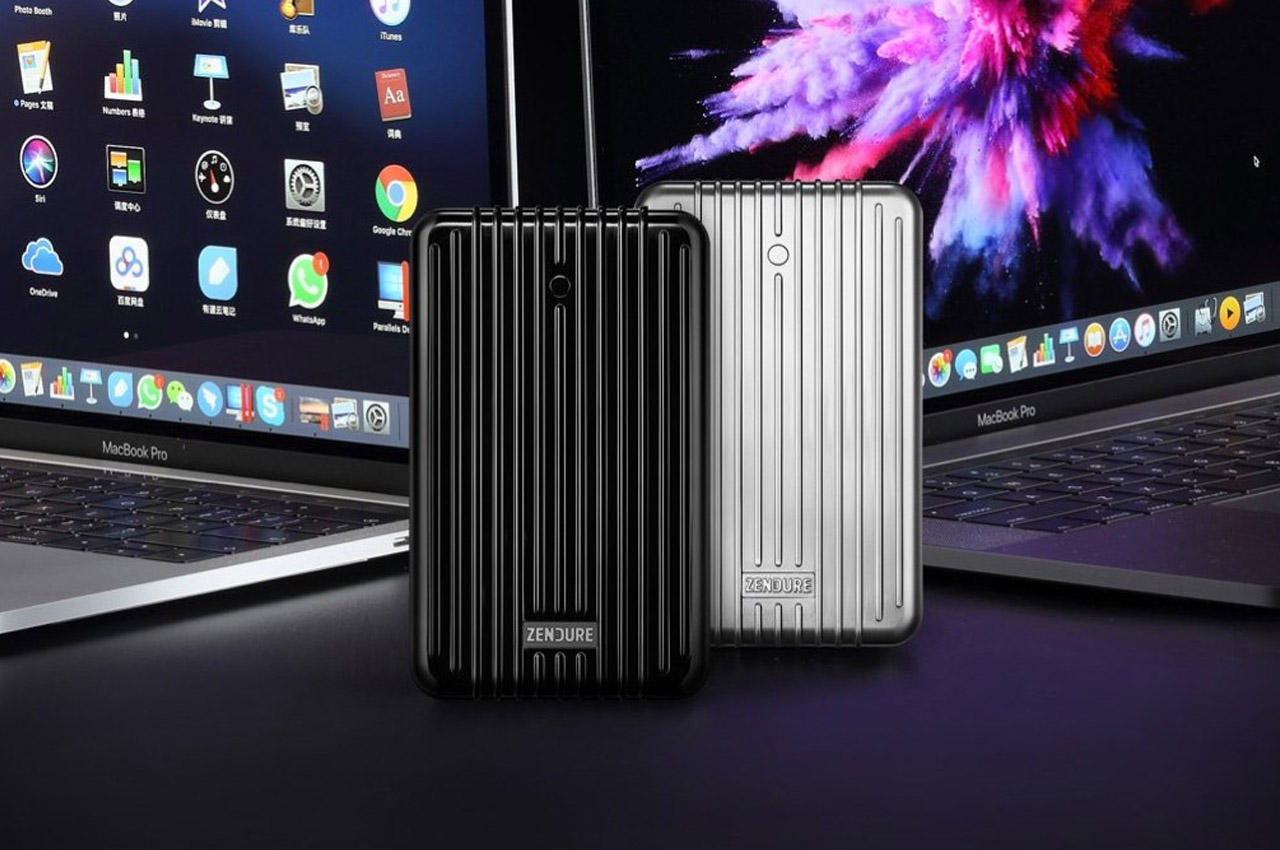
Dubbed the SuperTank, this 27,000 mAh portable charger can be powered in sixty minutes, and it is then ready for deployment. It features a dual USB-C PD (100W + 60W), and dual USB-A ports, which can quickly charge your MacBook pros and other devices as well. This is a boon to people who are always on the go since they don’t need to deal with excess wires, multiple power plugs, and compatible sockets – irrespective of where they are.
Bloomberg’s Mark Gurman reports that AI-generated emojis may be one of the new features Apple shows off at WWDC next month. If the current emoji library weren’t overwhelming enough (let alone my increasingly growing sticker collection both on Messages and WhatsApp), Gurman writes that the company “is developing software that can create custom emojis on the fly, based on what users are texting.” Niche food emojis? Yes, please. :tunamayosandwich:
The Clara Colour is a $150 ereader that taps into Kobo’s own book library (and local libraries), but augments the experience with color book covers. Yes, Kobo beat Kindle to the punch in getting a color ereader out the door. While Amazon is busy experimenting with everything else, ereader-wise, it’s safe to assume that a color Kindle will land at some point. For now, though, Kobo’s Clara Colour is the consumer-friendly color ereader to beat.
Of course, I love that Kobo spelled color with a ‘u’, but I’m not sure I can explain why.
Resident Evil 6 has sold surprisingly well on the Nintendo Switch since it was ported to the console in 2019, despite it being almost universally panned by fans. The game was just added to Capcom’s Platinum Titles list, meaning it’s crossed the threshold of one million units sold. Don’t do it to yourself, please. May I suggest the remade RE2 (or 3), or one of the myriad Resident Evil 4 remakes. Or if you feel like having a heart attack, any of the Resident Evil games made for VR.
A Flappy Bird tribute for the Playdate is now available to play, if you’re up for sideloading something onto your cute little crank console. Surprise: using the crank to control the bird makes it even harder.
This article originally appeared on Engadget at https://www.engadget.com/the-morning-after-ai-generated-emoji-could-soon-come-to-the-iphone-111526029.html?src=rss
OpenAI has recently launched a dedicated ChatGPT app for the Mac, bringing a comprehensive suite of features designed to improve user experience and accessibility. This app seamlessly integrates with your desktop environment, making interactions with ChatGPT more efficient and intuitive than ever before. The video below from MacRumors shows us how to use the new […]
Creating Microsoft Excel PivotCharts in spreadsheets involves several key steps to ensure they are informative, visually appealing, and easy to interpret. Here is a comprehensive bullet-pointed list to guide you through the process: In this guide, you will learn how to create PivotCharts in Excel, which are powerful tools for data analysis and visualization. How […]
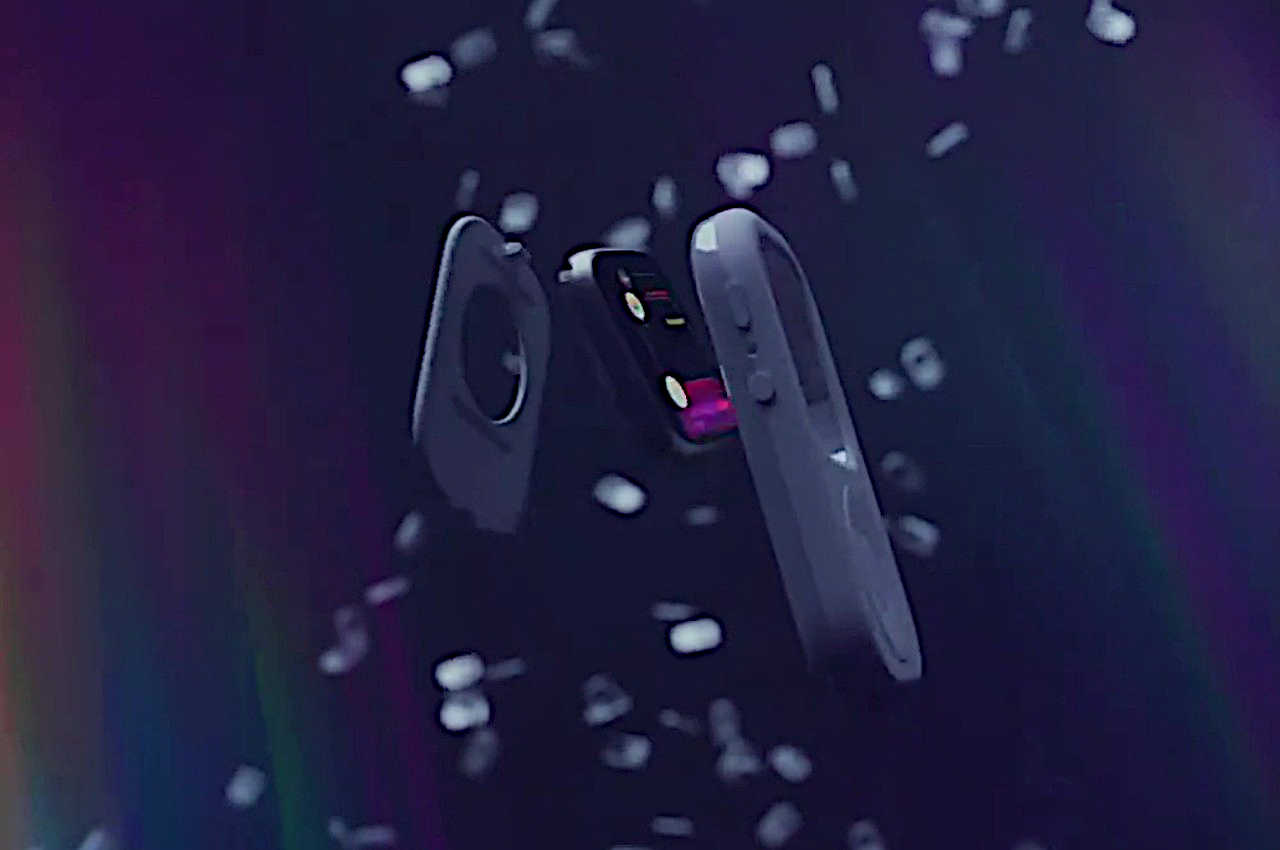
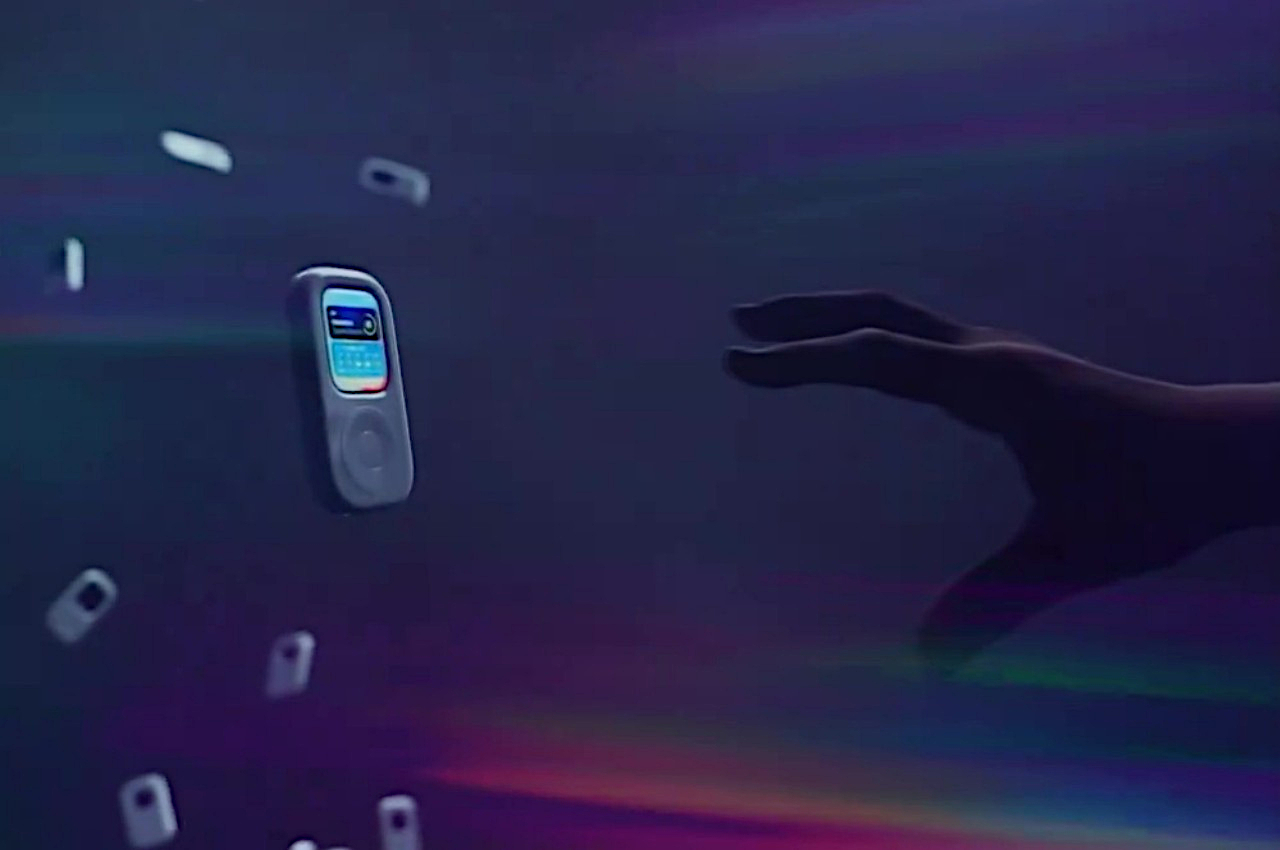
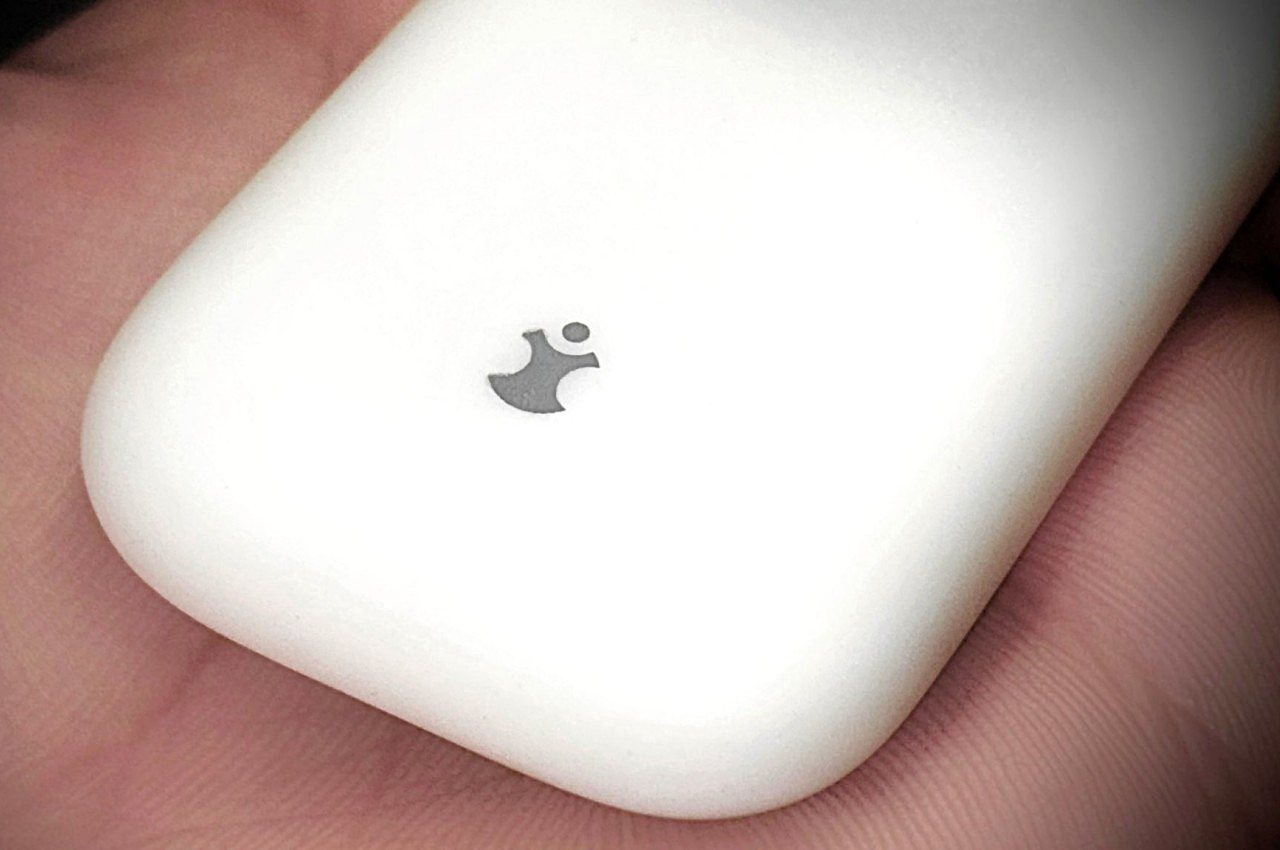
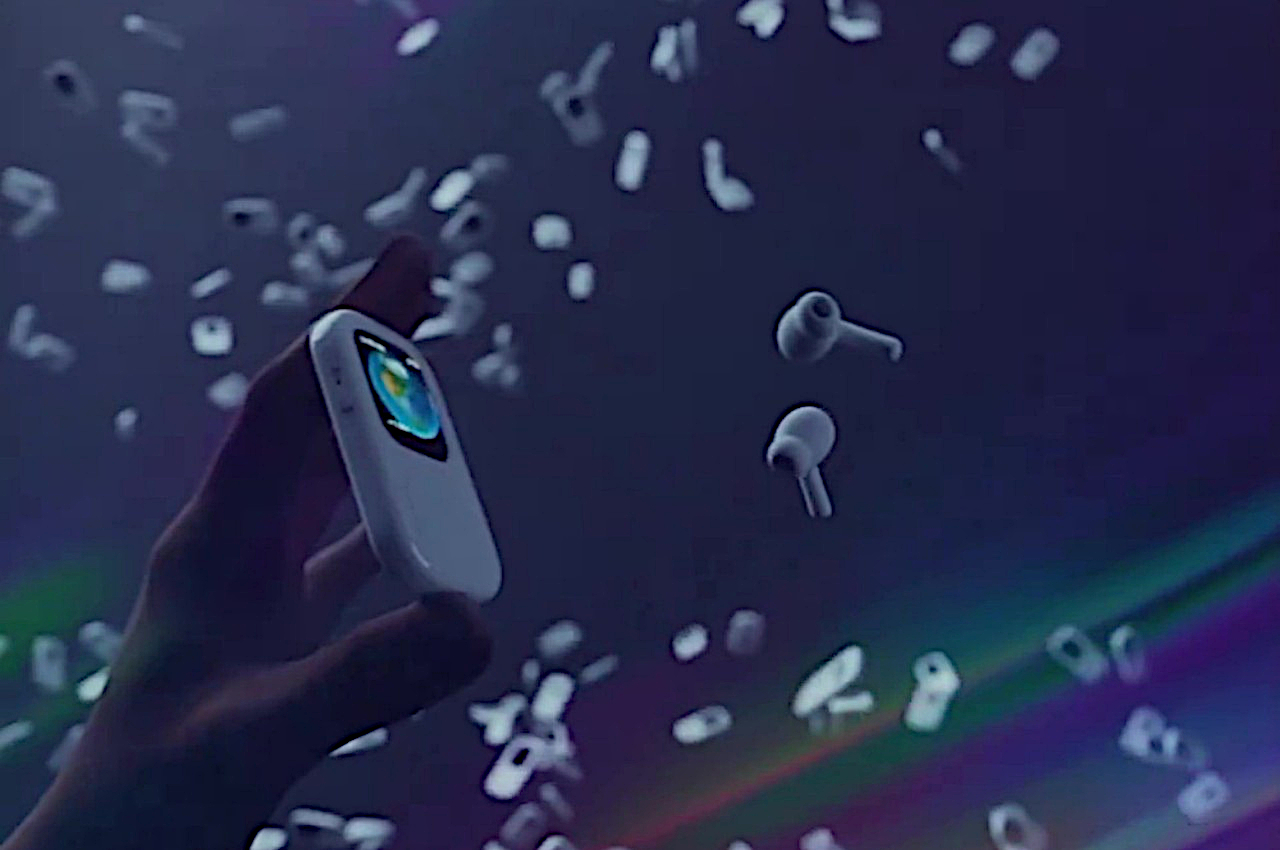
The iPhone might be Apple’s one and only portable music player today, but it’s far from being its most iconic. That prestige belongs to the original iPad (not the Nano nor the Touch) whose design, like any other Apple product, was hailed for its beautiful minimalism and unique interface, a design that many have dared to copy even today. Of course, the iPod is now just a footnote in history, but there are still a few who want to relive those glorious days of the past in a way that makes a bit of sense in the present. That might be the idea behind a mysterious new accessory that seemingly revives the iPod but, rather than create a completely new device, it reuses a strapless Apple Watch instead.
The OG iPod was genius in its simplicity. It provided quick and easy access to dozens of functions with an innovative “click wheel” physical control that avoided overloading the user with buttons and menus. Of course, these days it’s just as easy to peck at the iPhone screen with your finger, but a smartphone brings along other sorts of complications and distractions that go beyond the simple joys of listening to music. At the same time, a dedicated media player no longer makes sense these days since it would be yet another device to buy and maintain in addition to a phone, a tablet, and a smartwatch.
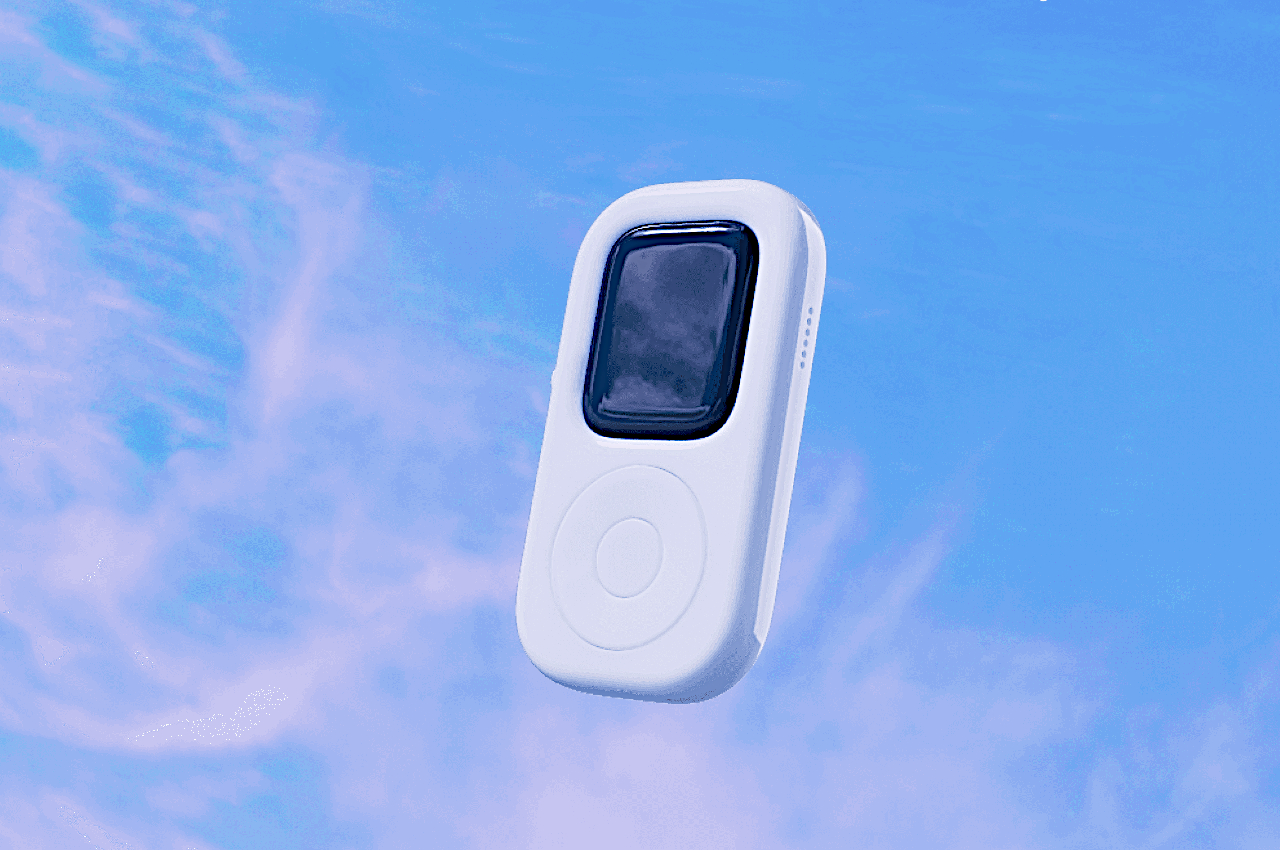
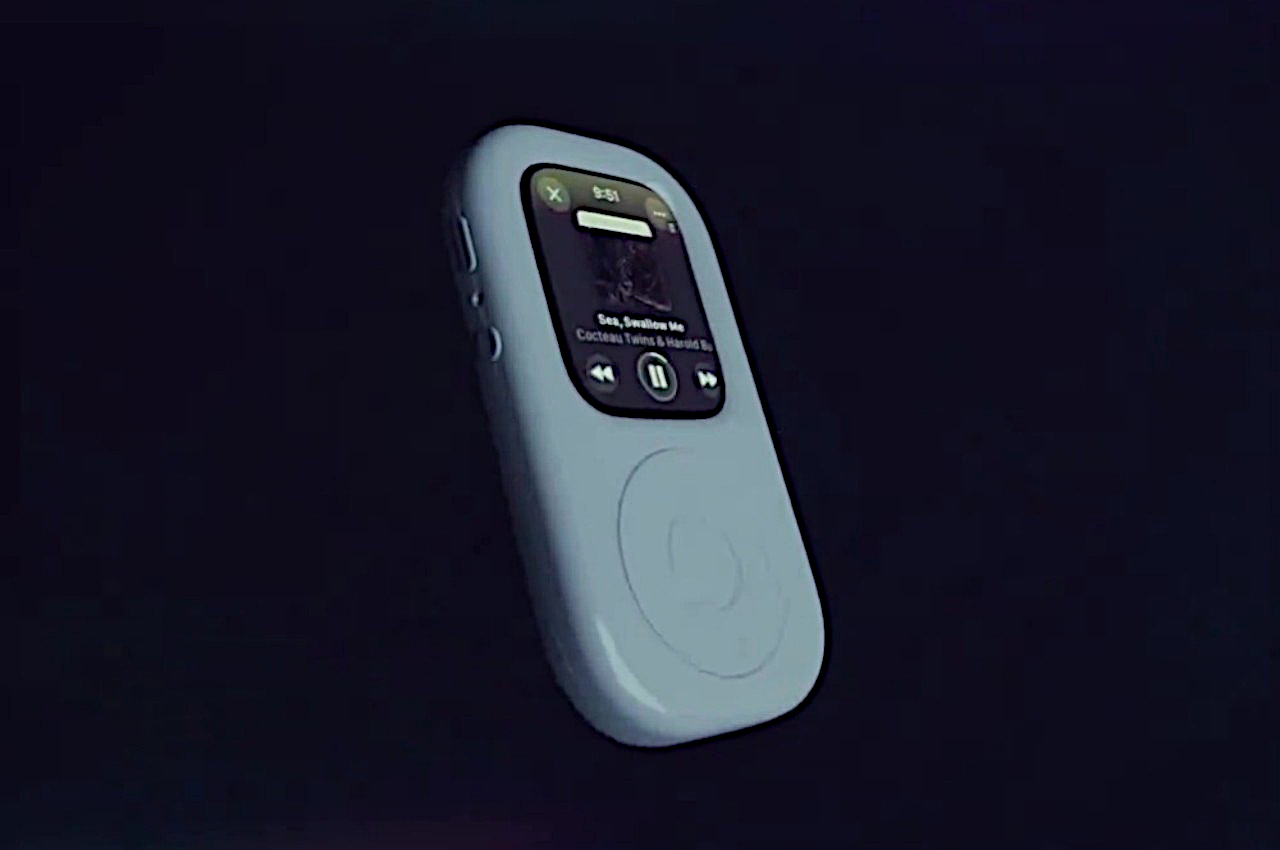
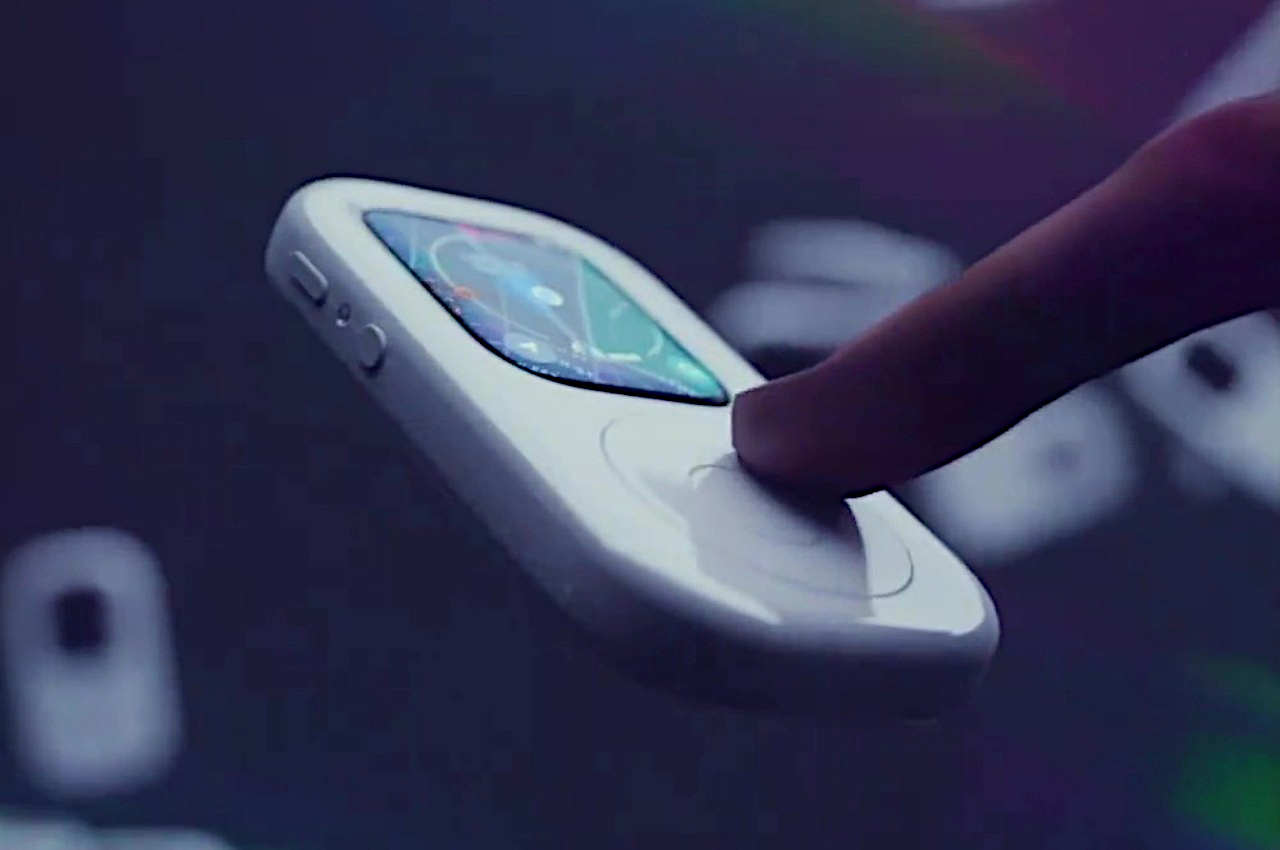
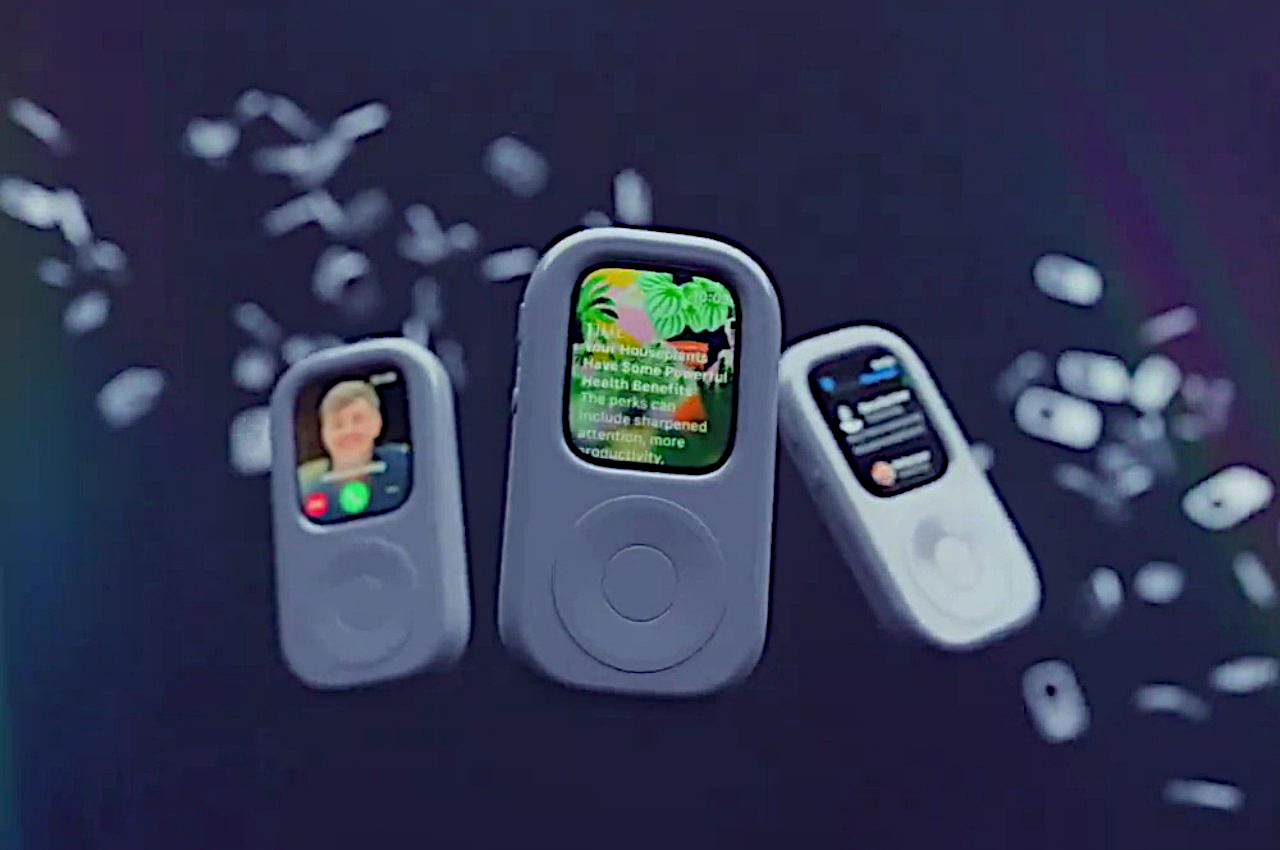
tinyPod seems to be trying to solve both problems by enclosing the Apple Watch in a case that is almost like a perfect replica of an iPod, except for the fact that it has a colored screen. What makes the case more interesting is that, at least based on a teaser video, you can actually control the Apple Watch using what looks like an authentic click wheel. It’s not yet known how it manages to do this, but this will be an important detail since the Apple Watch’s digital crown is inaccessible in this form, so you’ll need some other way to navigate through watchOS without always touching the screen.
The accessory is advertised to deliver an experience that’s like “your phone away from your phone,” which refers to the “watered-down” version of an iPhone that an Apple Watch offers. You can listen to and control your music without having to pull out your phone, but unlike the iPod, you can do so much more as well, like watching YouTube. In a way, it’s sort of like the middle ground between a “dumb” portable media player and a full-blown smartphone.
What little we know about tinyPod through a simple teaser still leaves many questions unanswered. You can probably keep this in your front pocket or even hang it around your neck, but it loses many of the health-related features that the Apple Watch is famous for in those situations. It’s also unknown how Apple will react to such an obvious copy of its iPod design, which could mean the device will be short-lived. Either way, we just have a month or so to wait for all the details to drop for this Apple Watch-powered iPod throwback.
Smartphones & iPhones have become an integral part of our daily lives. We rely on them for communication, entertainment, and productivity. However, many users overlook the importance of regularly turning off their iPhones. This simple practice can have a significant impact on your device’s performance, security, and storage efficiency. Here’s why you should make it […]
In today’s fast-paced and highly competitive marketing landscape, staying ahead of the curve requires a constant flow of fresh, innovative ideas. Leveraging the power of artificial intelligence, particularly ChatGPT, can significantly enhance your marketing team’s creative output. This article delves into specific prompts that will help you harness the full potential of ChatGPT to boost […]
Unlocking the full potential of your iPhone can be achieved by making a few simple adjustments to your device’s settings. We’ve compiled a list of 20 tips and tricks to help you get the most out of iOS 17.5, making your daily interactions with your iPhone more efficient, enjoyable, and tailored to your preferences. Streamline […]
In a groundbreaking move, OpenAI has made its latest cutting-edge language model, ChatGPT-4o, accessible to everyone at no cost. This initiative aims to provide access to advanced AI technology, empowering individuals from all walks of life to harness its capabilities. With a simple sign-up process and a wealth of features, ChatGPT-4o is already showing huge […]