The Definitive 2026 Guide to iPhone Video Settings

The Definitive 2026 Guide to iPhone Video Settings iphone video settings

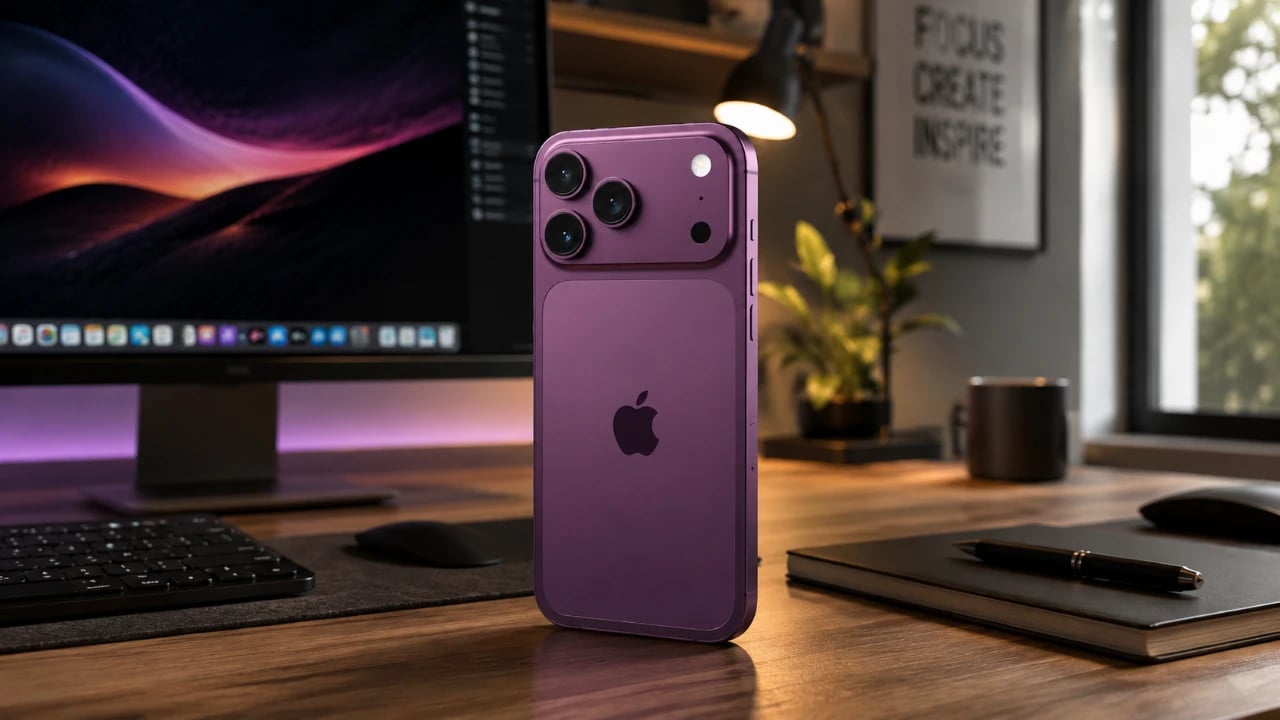
Recording high-quality videos on your iPhone involves more than simply pointing and shooting. By understanding and optimizing your device’s video settings, you can significantly enhance the quality of your footage. From selecting the right resolution and frame rates to using advanced features like Apple ProRes, this guide provides a comprehensive breakdown to help you achieve […]

The post The Definitive 2026 Guide to iPhone Video Settings appeared first on Geeky Gadgets.

Posted in Uncategorized

OpenAI will notify authorities of credible threats after Canada mass shooter’s second account was discovered

OpenAI has vowed to strengthen its safety protocols and to notify law enforcement of credible threats sooner in a letter addressed to Canadian authorities, according to Politico and The Washington Post. If you’ll recall, Canadian politicians summoned the company’s leaders after reports came out that it didn’t notify authorities when it banned the account owned by the Tumbler Ridge, British Columbia mass shooting suspect back in 2025. Some of OpenAI’s leaders have already met with Candian officials, and British Columbia Premier David Eby said Sam Altman had also agreed to meet with him.

While OpenAI has yet to announce changes to its rules, Ann O’Leary, its vice president of global policy, reportedly wrote in the letter that the company will tweak its detection systems so that they can better prevent banned users from coming back to the platform. Apparently, after OpenAI banned the shooter’s original account due to “potential warnings of committing real-world violence,” the perpetrator was able to create another account. The company only discovered the second account after the shooter’s name was released, and it has since notified authorities.

Further, OpenAI will now notify authorities if it detects “imminent and credible” threats in ChatGPT conversations, even if the user doesn’t reveal “a target, means, and timing of planned violence.” O’Leary explained that if the new rules had been in effect when the shooter’s account was banned in 2025, the company would have notified the police. OpenAI will also establish a point of contact for Canadian law enforcement so it can quickly share information with authorities when needed.

The Canadian government sees OpenAI’s decision not to report the shooter’s original account as a failure. It threatened to regulate AI chatbots in the country if their creators cannot show that they have proper safeguards to protect its users. It’s unclear at the moment if OpenAI also plans to roll out the same changes in the US and elsewhere in the world.

This article originally appeared on Engadget at https://www.engadget.com/ai/openai-will-notify-authorities-of-credible-threats-after-canada-mass-shooters-second-account-was-discovered-112706548.html?src=rss

Steam Machine Pricing Estimate Moves to $750–$800 for 512GB and 2TB

Steam Machine Pricing Estimate Moves to $750–$800 for 512GB and 2TB Timeline card marking a possible Steam Machine release before June 2026, with supply risk tied to later batches.

Valve’s Steam Machine project aims to offer gamers a Linux-based alternative to traditional Windows gaming systems, with Steam OS at its core. As highlighted by Deck Ready, the initiative balances affordability and performance, targeting a price range of $750 to $800 for configurations featuring SSD storage from 512GB to 2TB. Despite rising component costs, Valve […]

The post Steam Machine Pricing Estimate Moves to $750–$800 for 512GB and 2TB appeared first on Geeky Gadgets.

Posted in Uncategorized

10 Brilliant Mac Apps You Didn’t Know Could Live in Your Menu Bar

10 Brilliant Mac Apps You Didn’t Know Could Live in Your Menu Bar Brilliant Mac Apps

Mac menu bar apps have become indispensable tools for users seeking to optimize their workflows and simplify daily tasks. These compact yet powerful applications provide quick access to essential features, helping you manage everything from storage and screen recording to smart home devices and social media. Below is a curated list of ten must-have menu […]

The post 10 Brilliant Mac Apps You Didn’t Know Could Live in Your Menu Bar appeared first on Geeky Gadgets.

Posted in Uncategorized

Google Maps will finally be usable in South Korea

Google will finally be able to provide real-time driving and walking directions in South Korea, The New York Times reported. The company has received permission from the nation's Transport Ministry to export geographic data out of the country, which will allow it to provide GPS services as well as detailed listings for restaurants and other businesses. 

"We welcome today’s decision and look forward to our ongoing collaboration with local officials to bring a fully functioning Google Maps to Korea," Google's senior executive Cris Turner told the NYT in a statement. However, the approval is contingent “on the condition that strict security requirements are met,” a spokesperson from the Transport Ministry said. Those conditions reportedly restrict Google from displaying sensitive military sites and longitude and latitude coordinates. 

South Korea has generally restricted the export of 1/5000 scale map data over national security concerns, as it's still technically at war with its neighbor North Korea. Google hasn't been able to provide mapping directions or business details since it arrived in the nation, though it has applied twice in 2007 and 2016.

This lack of data sharing has reportedly been a bone of contention in trade talks with the US. Google argued that it was unfairly handicapped by the restrictions that allowed local apps like Naver to thrive. 

However, critics in the nation have expressed concern that Google could now come in and monopolize the market. "If Naver and Kakao are weakened or pushed out and Google later raises prices, that becomes a monopoly. Then, even companies that rely on map services — logistics firms, for example — become dependent [on Google]," geography professor Choi Jin-mu told Reuters

This article originally appeared on Engadget at https://www.engadget.com/apps/google-maps-will-finally-be-usable-in-south-korea-104301396.html?src=rss

Nano Banana 2 vs Nano Banana Pro vs Nano Banana

Nano Banana 2 vs Nano Banana Pro vs Nano Banana Side-by-side images show Nano Banana 2 realism gains compared with Nano Banana, with sharper textures and lighting detail.

With the release of the new  Nano Banana 2, Google’s AI models represent a significant step forward in image generation technology, with each model in its range catering to distinct needs and priorities. As demonstrated by Paul Lipsky below, Nano Banana 2 strikes a balance between the original Nano Banana and the advanced Nano Banana […]

The post Nano Banana 2 vs Nano Banana Pro vs Nano Banana appeared first on Geeky Gadgets.

Posted in Uncategorized

Samsung Galaxy S26 Ultra Deep Dive: Is the New Privacy Display Actually Practical?

Samsung Galaxy S26 Ultra Deep Dive: Is the New Privacy Display Actually Practical? Samsung Galaxy S26 Ultra showcasing Flex Magic Pixel OLED display with privacy filter

Samsung has unveiled its latest flagship offerings, the Galaxy S26 series and the Galaxy Buds 4 Pro, alongside the standard Galaxy Buds 4. These devices aim to elevate user experiences with advancements in display technology, design, performance, and audio quality. The Galaxy S26 series is available in three models—S26, S26 Plus, and S26 Ultra—each designed […]

The post Samsung Galaxy S26 Ultra Deep Dive: Is the New Privacy Display Actually Practical? appeared first on Geeky Gadgets.

Posted in Uncategorized

iOS 26.4 Beta 2 vs Beta 1: Better Battery, Minor Lag, Mid-March Target

iOS 26.4 Beta 2 vs Beta 1: Better Battery, Minor Lag, Mid-March Target Performance view showing improved memory handling on iOS 26.4 Beta 2, alongside notes about occasional app freezes.

iOS 26.4 Beta 2 brings incremental improvements to performance and battery life, as highlighted by Phones & Drones. One notable enhancement is the unified search bar in the App Store, which simplifies navigation and reduces unnecessary steps for users. While these updates demonstrate Apple’s focus on refining usability and efficiency, some persistent issues, such as […]

The post iOS 26.4 Beta 2 vs Beta 1: Better Battery, Minor Lag, Mid-March Target appeared first on Geeky Gadgets.

Posted in Uncategorized

The best Wi-Fi extenders in 2026

Weak Wi-Fi can turn everyday tasks into small frustrations, whether it’s a video call that drops mid-sentence or a stream that refuses to load in certain rooms. If upgrading your router isn’t an option, a Wi-Fi extender can be a practical way to stretch your existing network farther and smooth out coverage gaps — without rewiring your home or rearranging furniture.

Today’s Wi-Fi extenders range from simple plug-in repeaters to more advanced models that behave like miniature access points or mesh nodes. Some are best suited for extending coverage to a single room, while others are designed to preserve faster speeds across larger spaces. Choosing the right one depends on your home’s layout, your internet plan and how much performance you’re willing to trade for convenience.

We’ve tested a variety of Wi-Fi extenders to find the best options for different budgets and setups, from affordable fixes for small dead zones to higher-end models built to handle heavier traffic and faster connections.

These handy wireless devices do exactly what their name suggests: extend your Wi-Fi network so it covers more areas of your home. Most wireless extenders plug into an AC outlet and connect to your existing router so they can then rebroadcast it to spots that your router alone may not cover well. As a rule of thumb, you’ll get the best results by placing the extender half way between your router and the dead zone you’re trying to fix or improve your W-Fi connection and strengthen the wireless signal.

One important thing to note about Wi-Fi range extenders (also sometimes called “repeaters”) is that most of them actually create a new Wi-Fi network when rebroadcasting your existing one. That network will have a new name (it’ll often be your default network’s name with an EXT appended at the end, unless you change it) and that means you’ll have to connect to different networks when in different parts of your home. While that’s a small tradeoff in return for improved internet connection, some will be more inconvenienced than others.

If you’d rather have one, much larger network in your home, you’re better off upgrading to mesh networking systems. Mesh systems come with a main router and a wireless access point or two that, by default, create one large Wi-Fi system that should be accessible throughout your whole home. They tend to be the best Wi-Fi routers you can get, but that also translates to more expensive, and possibly more complicated, devices. Mesh Wi-Fi systems are, by far, more costly than a simple extender, plus you may have to work with your internet service provider to get your home’s existing network working on your new router.

Extenders today can support single, dual or tri-band Wi-Fi, and they will tell you the maximum speeds they support on all of their available bands. For example, one dual-band device might support 600Mbps speeds over its 2.4GHz band and up to 1300Mbps over its 5GHz band, for a combined maximum speed of 1900Mbps. For the best performance, you’ll want to go with a Wi-Fi extender that has the highest speeds possible (and those, as you might expect, tend to cost more). Some extenders even support Wi-Fi 7, giving you the latest in wireless technology for higher bandwidth, faster internet speed and lower latency.

However, it’s important to remember that Wi-Fi extenders are not true “signal boosters” since they are not designed to increase speeds across your home. In fact, you may find that the extender’s network is slower than your router’s. Instead, extenders are designed to increase the strong Wi-Fi coverage throughout your home, making them ideal for filling in dead zones. Some mesh extenders can help create a more seamless network, reducing the drop in speed and improving connectivity in larger spaces.

With the name of the gaming being coverage area, taking note of a device’s range is important. Depending on the size of your home and property, you may only need up to 1,200 square feet of coverage. But those with larger homes will want to spring for an extender that can support upwards of 2,000+ square feet of coverage.

Similarly, those with lots of gadgets will want an extender that can handle them all at once. If you spend most of your time on your phone or laptop and maybe have your smart TV online for a few hours of Netflix each day, you could get by with a more limited extender. Smart home aficionados and tech lovers should invest in one that won’t buckle under the pressure of a few dozen connected devices. This is especially important if you plan on linking all of the devices in a certain part of your home to your Wi-Fi range extender’s network, rather than directly to your existing router. Some models with external antennas can improve performance by providing stronger, more directional wireless signal.

There isn’t a ton of innovation when it comes to design in the Wi-Fi extender space. Most of the ones you’ll find today are rounded rectangles roughly the size of your hand that plug into a standard wall outlet. They usually have a few indicator lights that will show you when the extender is connected, how strong its signal strength is and when there’s a problem, and some will even have moveable external antennas that companies claim provide even better Wi-Fi signal. Generally, they are pretty simple to install and get connected, but if you’re struggling with how to set up your Wi-Fi extender, there are plenty of YouTube videos you can check out.

Aside from that, there are the scant few standalone Wi-Fi extenders that sit on an end table or a desk, and those look pretty similar to regular ol’ routers. But make no mistake, anything labeled as an extender or a “Wi-Fi repeater” will need an anchor router in order for it to work.

Another convenient feature you’ll find on most Wi-Fi extenders is an extra Ethernet connection port (or a few). This allows you to use the extender as a wireless access point if you connect it to your existing router, or an adapter to provide devices like TVs, smart home hubs or game consoles a hardwired connection to the internet. Unsurprisingly, this wired connection usually provides you with the fastest speeds possible, so you may want to use it for your most crucial devices.

Nowadays, there’s really no difference between a Wi-Fi booster and Wi-Fi extender - they’re just different names for the same thing. Previously, however, Wi-Fi boosters were devices that received signals from wireless routers, broadcasting them to another network. This essentially extends the range of the signal. Wi-Fi extenders expand the coverage within your home’s Wi-Fi network, but often you will see extenders described as boosters.

Mesh routers, or mesh Wi-Fi systems, use multiple devices (or nodes) across your home to create a larger home network. Essentially, you have multiple routers around your home with these systems, and that will hopefully provide the best coverage possible. Wi-Fi extenders, on the other hand, are usually just one device that extends your existing Wi-Fi signal, and they often require you to switch networks when connecting. Wi-Fi extenders are more affordable, though, and are great if you’re traveling or need a Wi-Fi signal in harder-to-reach areas. However, a mesh router can offer a better long-term solution to upgrade your entire home’s Wi-Fi.

Some people may need to use multiple Wi-Fi extenders, for instance, if your home is large or has dead zones in different areas. But if you do use multiple Wi-Fi extenders, there’s a chance of interference. You may also need to manually connect to the extenders separately, which isn’t always convenient.

The maximum distance for a Wi-Fi extender varies depending on the model, but most can effectively extend your wireless signal between 800 and 2,500 square feet. Some high-end models may reach even farther, especially if they feature external antennas or are part of a mesh system with additional dedicated wireless access points.

However, keep in mind that real-world performance depends on factors like your home's layout, wall materials and interference from other devices. For best results, place your extender about halfway between your router and the area with weak or no Wi-Fi connection. Always check the manufacturer’s specs — some of our top picks clearly list their expected range so you can find one that fits your space.

This article originally appeared on Engadget at https://www.engadget.com/computing/best-wifi-extender-130021313.html?src=rss

10 Secret iPhone Tips You Need to Try in 2026

10 Secret iPhone Tips You Need to Try in 2026 10 Secret iPhone Tips

  Your iPhone is equipped with a variety of features designed to make your daily routines more efficient and enjoyable. Whether you’re organizing tasks, managing deadlines, or sharing files, these tips will help you maximize your device’s capabilities. Discover how to make your iPhone work smarter for you with these practical and time-saving strategies in […]

The post 10 Secret iPhone Tips You Need to Try in 2026 appeared first on Geeky Gadgets.

Posted in Uncategorized