Epic Games has taken a significant step forward in supporting Linux gaming with the release of Easy Anti-Cheat (EAC) Linux Version 2 and full Linux compatibility for the Epic Games Store. These updates address two major challenges that have long limited the platform: anti-cheat compatibility and access to a wider library of games. As highlighted […]
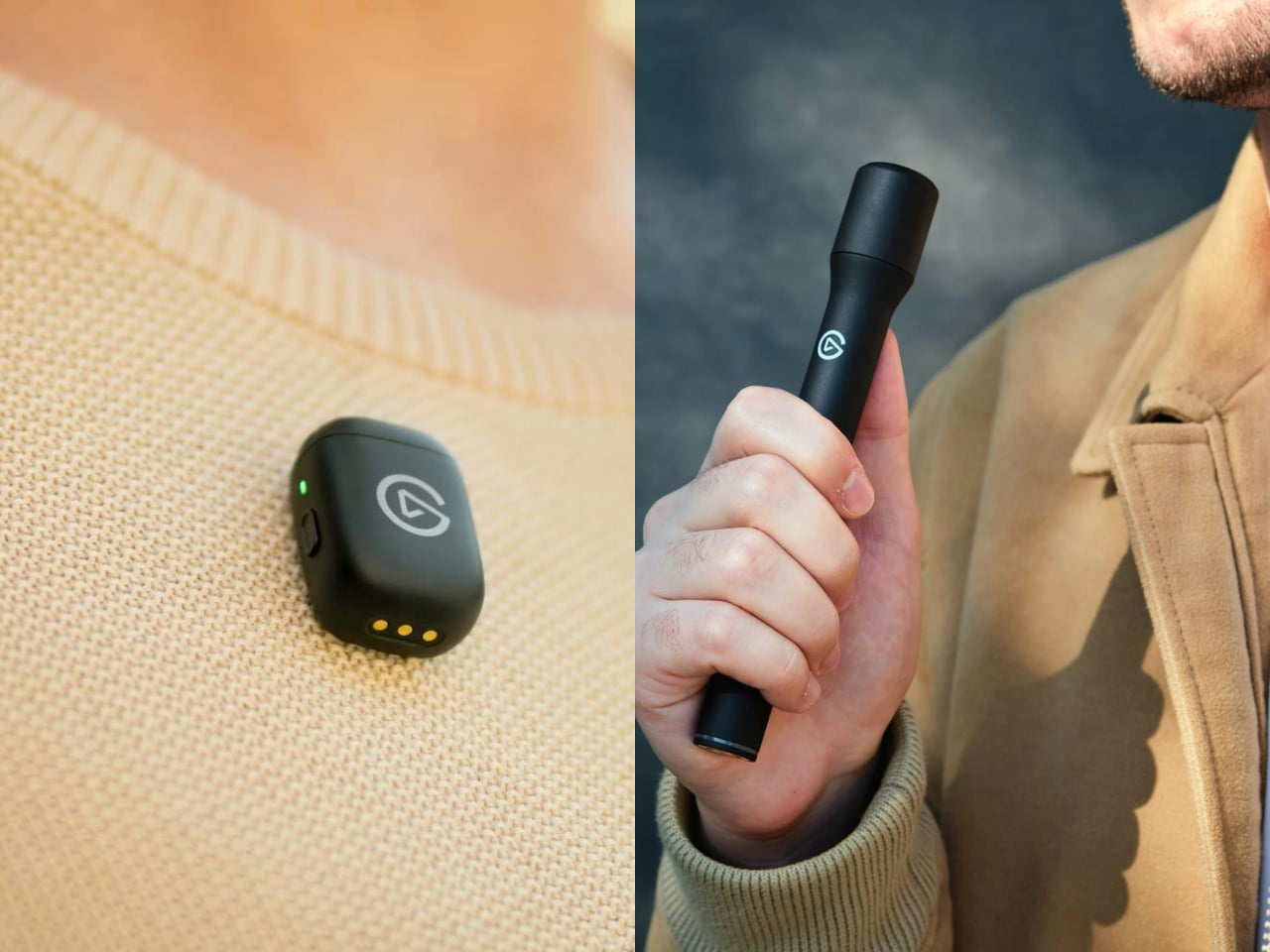
Clipping a microphone to your shirt leaves your hands free, but interviewing someone else calls for something you can comfortably hold between you. Carrying separate gear for both jobs, however, adds to a crowded bag. Elgato’s new Wave Go puts the same tiny transmitter into a handheld grip, changing its shape and controls without changing the microphone or the receiver connected to your phone.
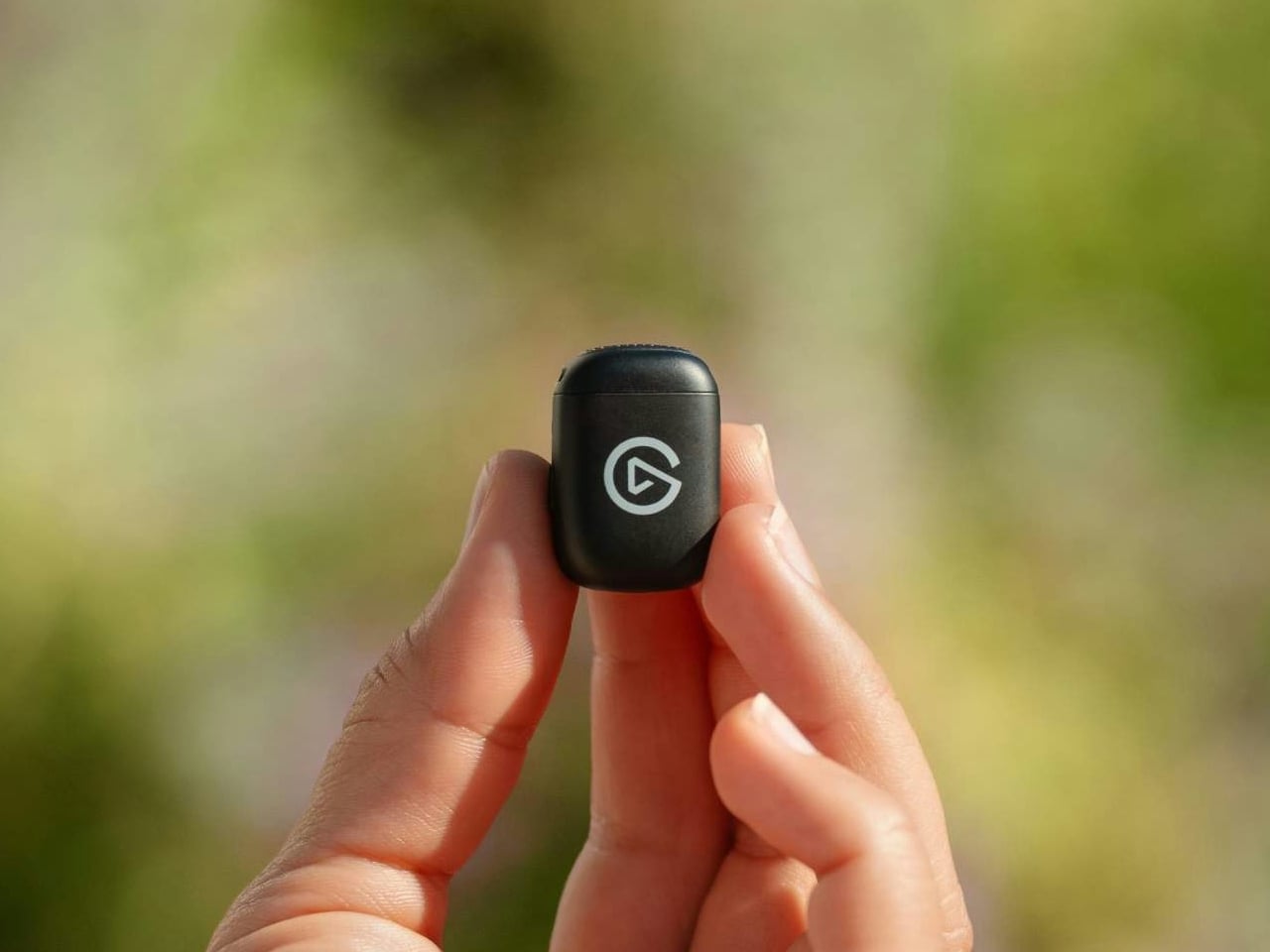
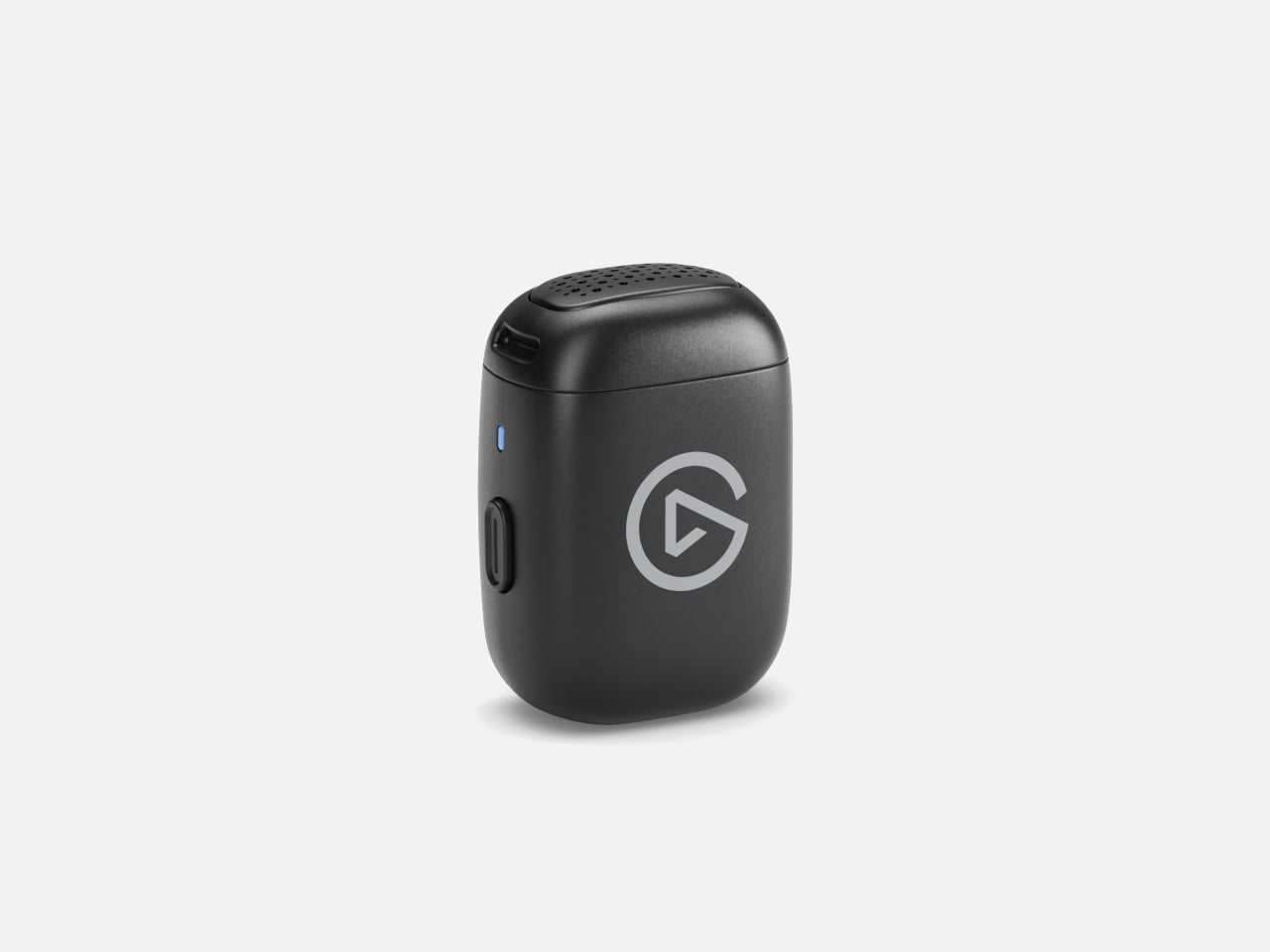
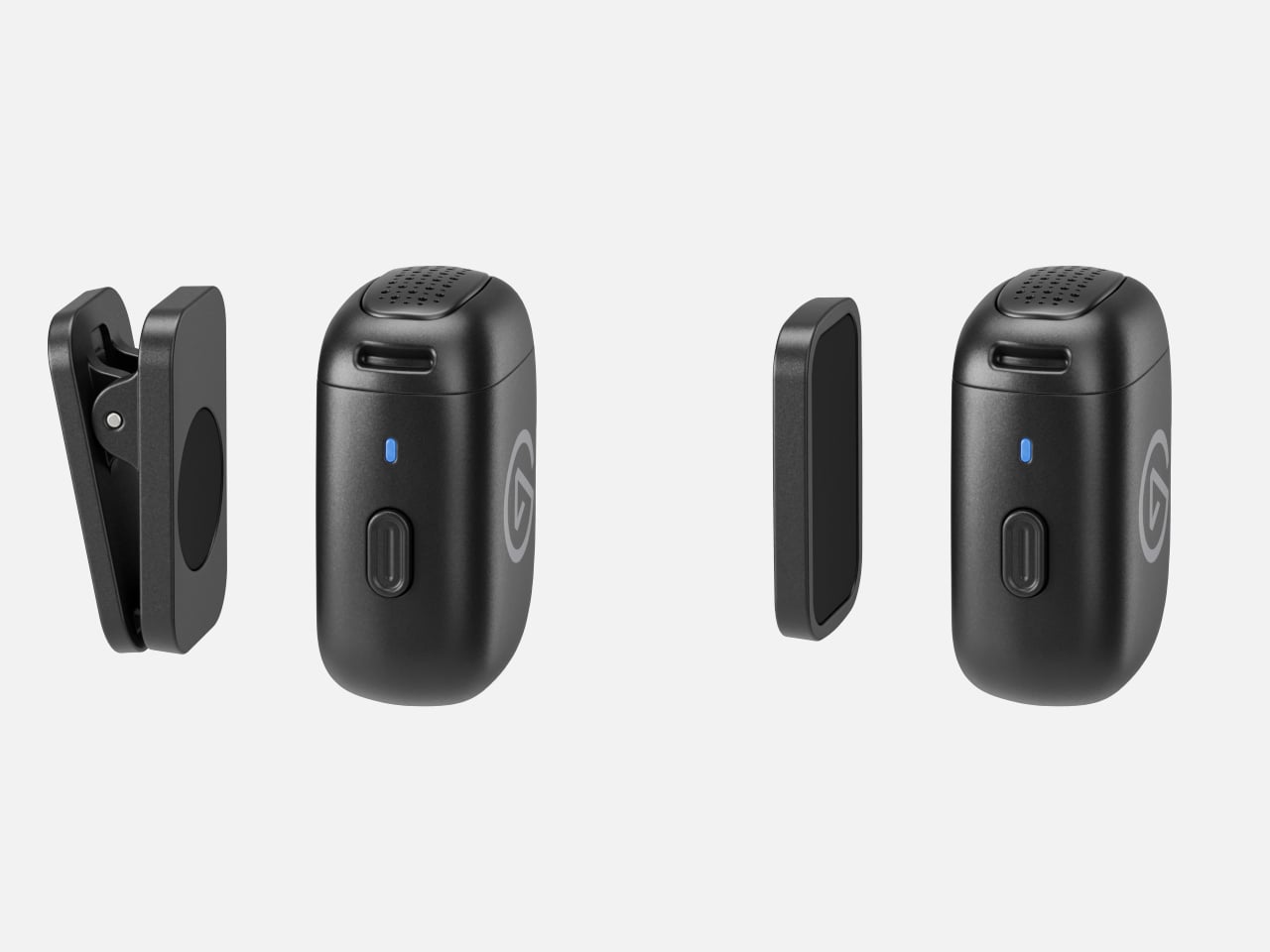
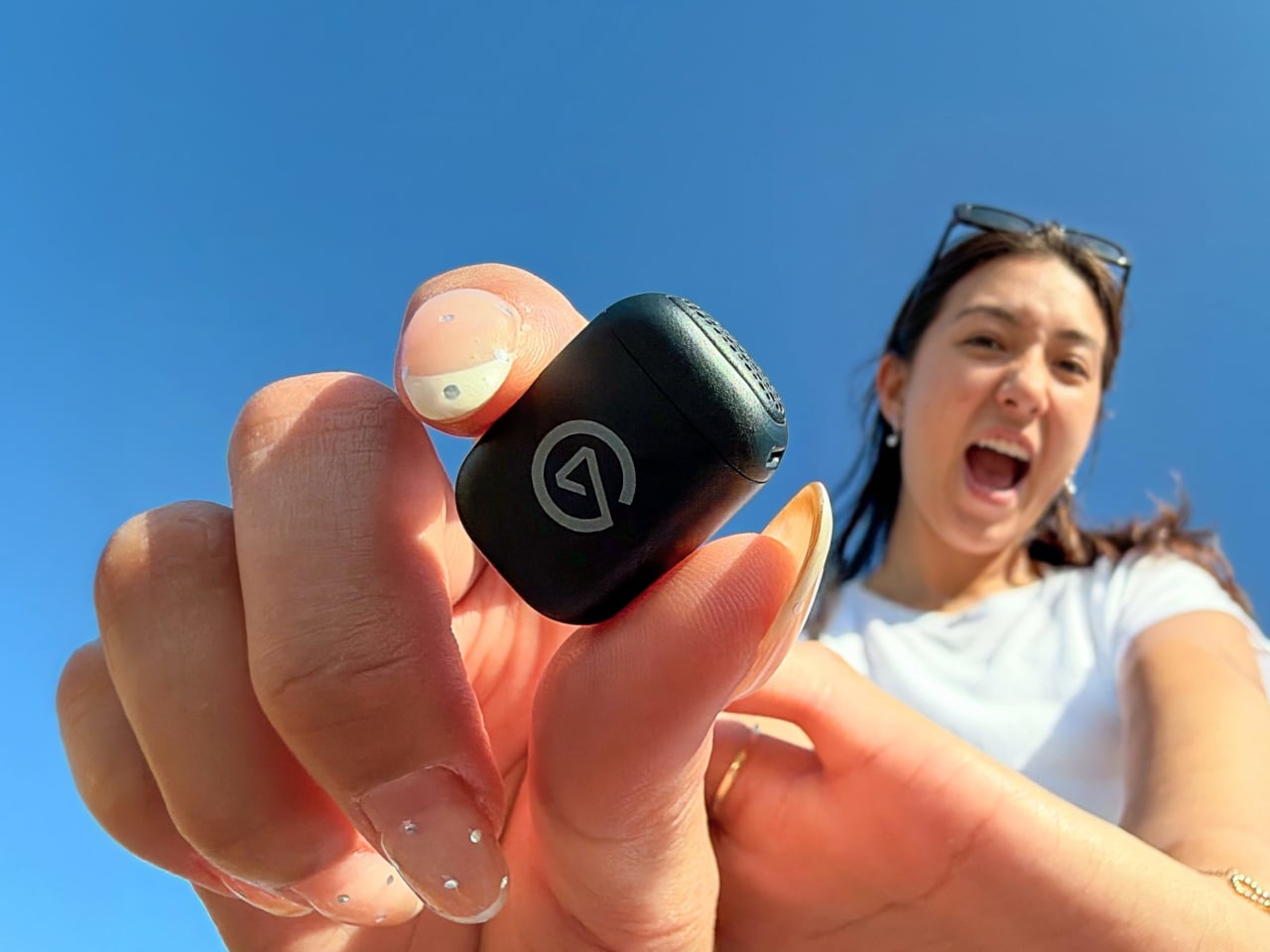
The transmitter has a rounded rectangular body, weighing 0.25 ounces before you add either magnetic mount. With the clip attached, that rises to about 0.4 ounces. It can sit on a collar without a cable running down your clothes, leaving your hands available to demonstrate a recipe or hold the phone. The logo remains visible, though, so it isn’t trying to disappear.
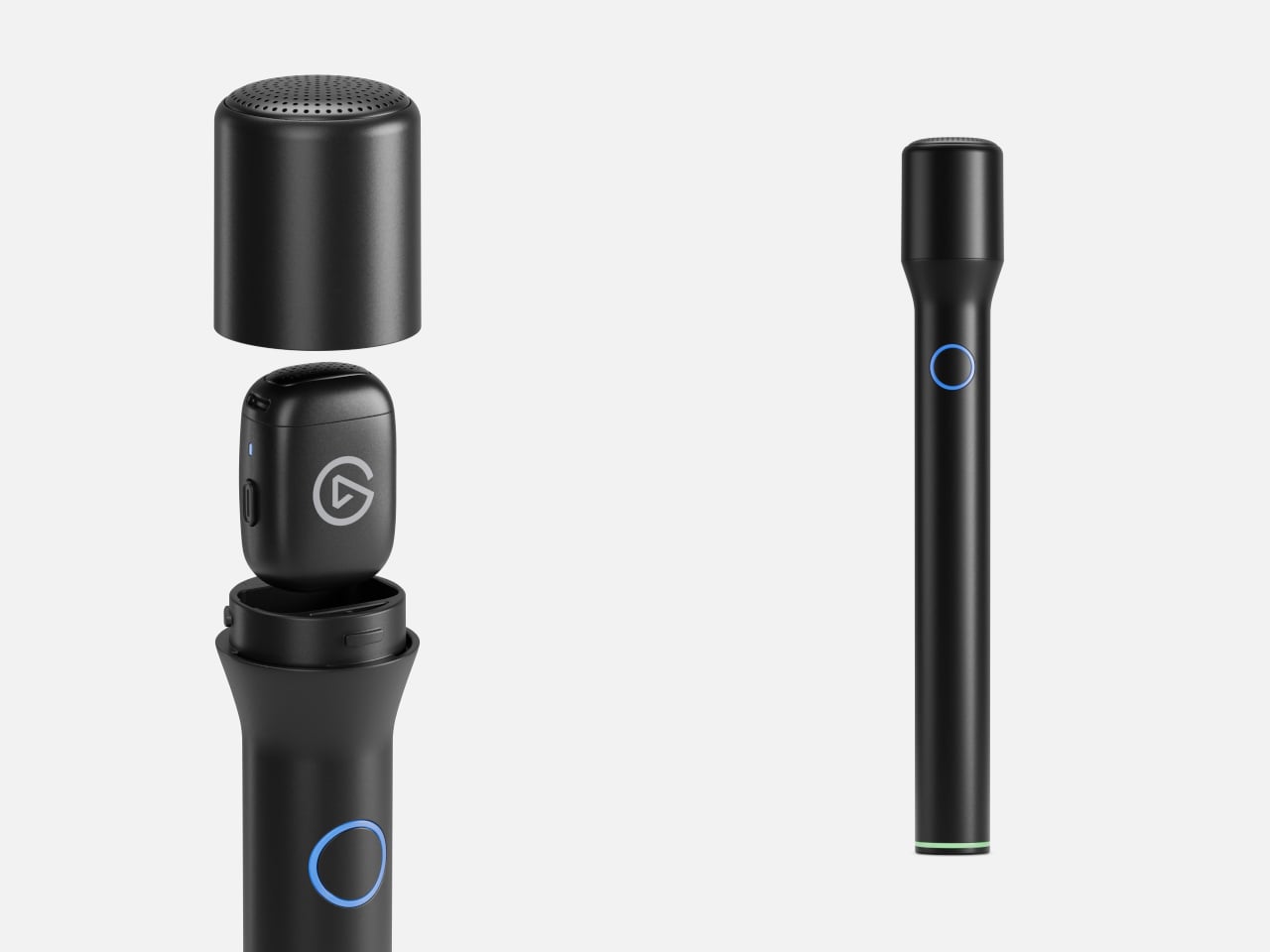
The conversion involves more than sticking that little microphone onto a pole. Twist and lift the Smart Handle’s head, drop the transmitter inside, then replace and lock the cover. The handle’s button and status light take over, keeping power and mute within reach instead of buried underneath. Its slender, 7.1-inch body gives you something to pass between speakers without pinching the tiny transmitter.
Of course, changing the grip also changes where the microphone sits relative to your mouth. Elgato’s EQ Shift automatically selects tuning for chest-level recording and close handheld speech. That doesn’t mean they’ll sound identical, and Elgato acknowledges the distance matters. Automatic level adjustment and noise reduction aim to simplify recording, while the optional app lets you intervene when the processing becomes distracting.
The handle has another job besides giving your fingers somewhere to go. Its battery recharges the transmitter while docked, including during recording. Elgato claims up to eight hours from the mic alone and 48 hours combined with handle top-ups. The carrying case organizes and charges both, but has no battery itself. Leave it unplugged and simply closing the lid won’t replenish anything.
Both configurations send audio over a dedicated 2.4 GHz link to the USB-C receiver, rather than pairing directly with your phone over Bluetooth. Move that receiver to a computer and the same mic can handle video calls, with Wave Link providing mixing options. Lightning iPhones and dedicated cameras aren’t supported, so don’t mistake the familiar interview-mic silhouette for a connection to every recording setup.
A second transmitter costs $29.99 separately and connects to the same receiver, letting an interview guest wear one while you hold the other. That’s convenient, but both voices arrive mixed into one mono track, with shared gain settings. You can’t separate them afterward as independent recordings. Getting the balance right before the conversation starts therefore matters more than having another microphone to hand.
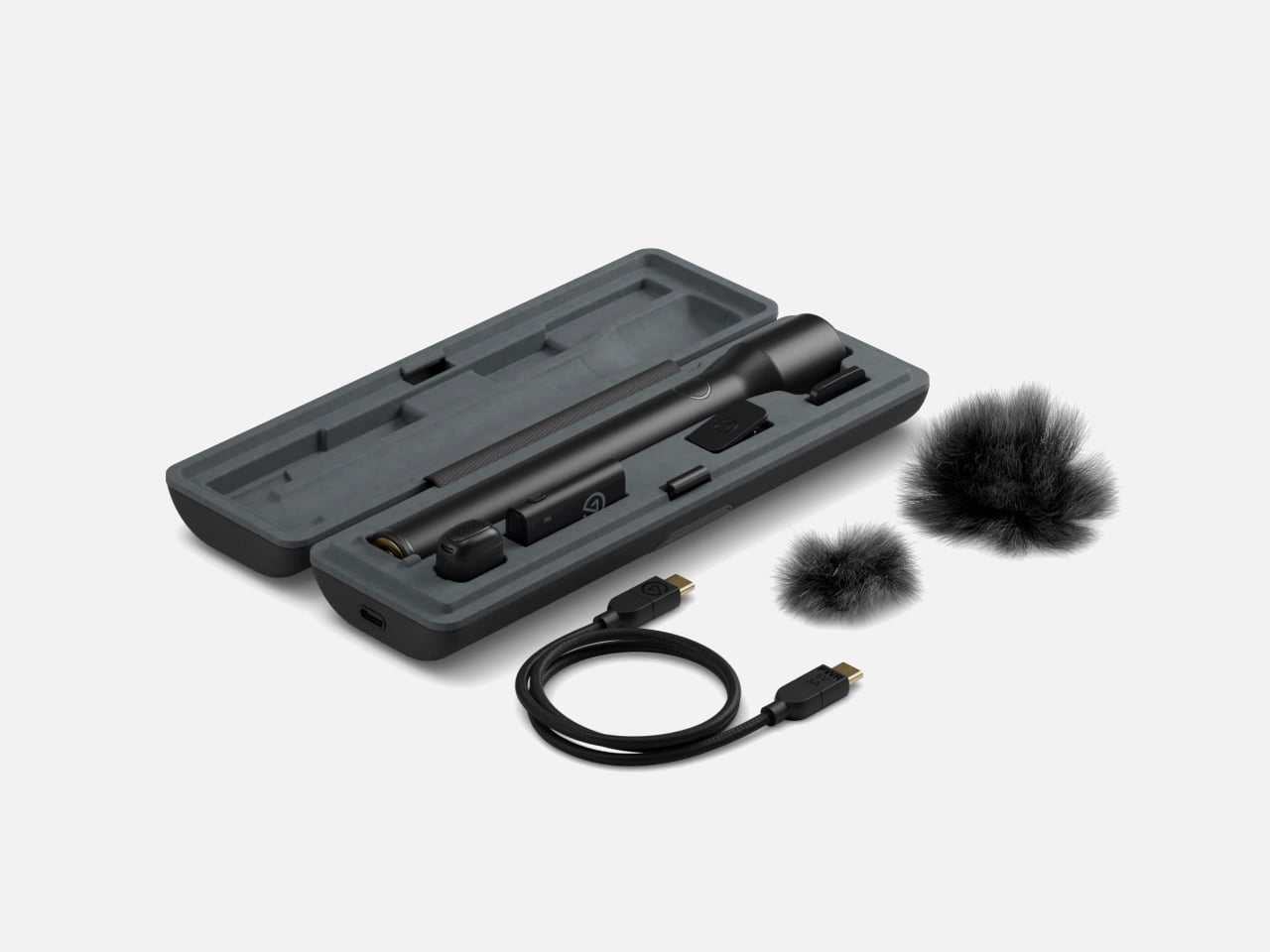
The $99.99 kit includes the handle, receiver, magnetic mounts, and two furry windscreens, keeping the conversion from becoming a shopping list of extra accessories. There are limits, though: no onboard backup recording and no water-resistance rating. That outdoor interview still depends on your phone saving the conversation, and those furry covers shouldn’t be mistaken for protection against a sudden rain shower.
Playfeline is an innovative app currently in beta, designed to redefine how you enjoy video content on Apple CarPlay. Developed by the creator of Kafari, this app introduces advanced video streaming and casting capabilities tailored specifically for CarPlay users. With only 10,000 beta slots available, securing access is a time-sensitive opportunity. Positioned as a versatile […]
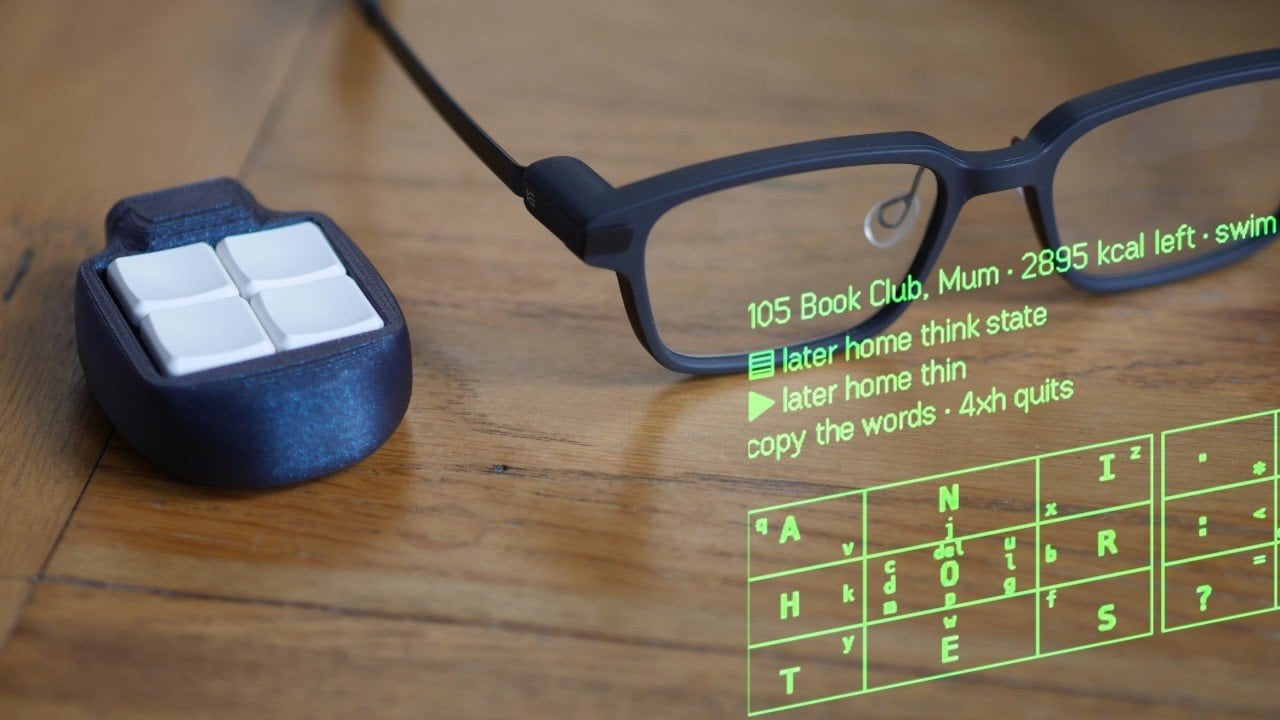
The keyboard, once a staple of digital interaction, is now being reevaluated for its limitations in promoting health and productivity. Ben Vallack examines how prolonged use can lead to repetitive strain injuries and restrict natural movement, prompting a search for alternatives. For example, modular setups and voice-based input systems offer more adaptable solutions that emphasize […]
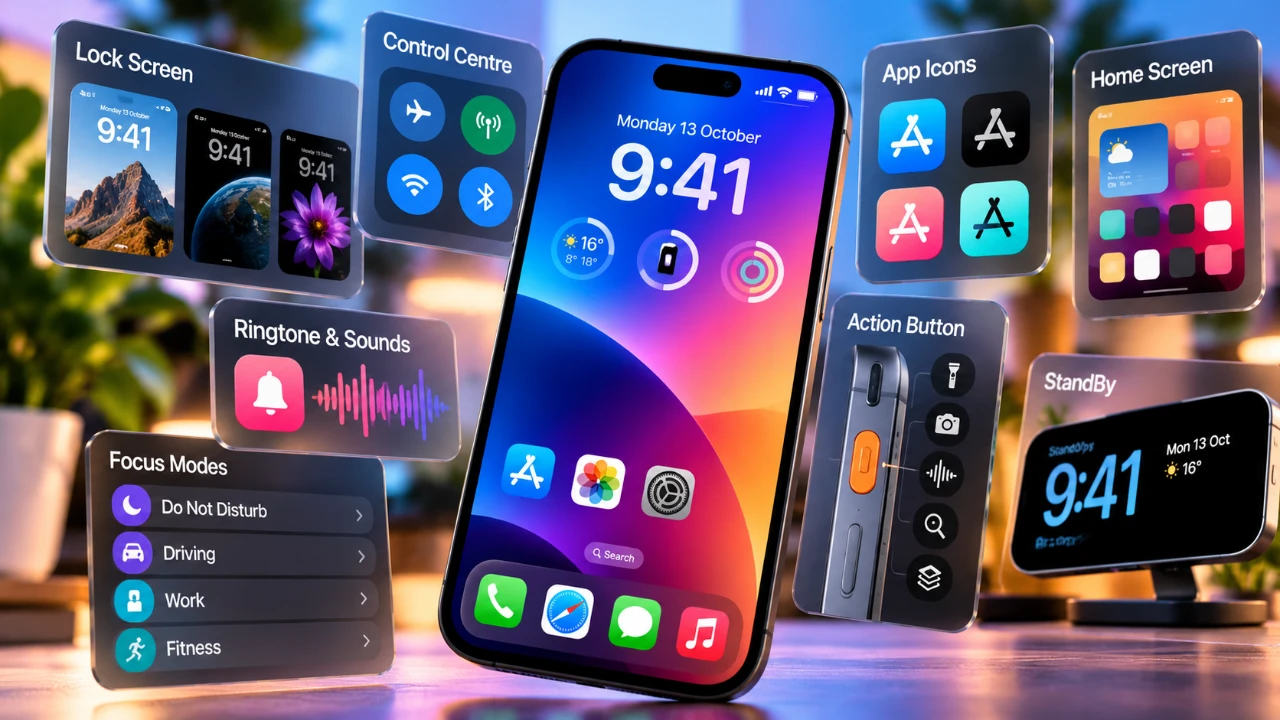
Apple’s iOS 27 introduces a fantastic suite of customization options, giving users unprecedented control over their iPhone’s appearance and functionality. From visual enhancements to advanced audio settings, these updates empower you to craft a device that aligns perfectly with your preferences. Below are seven standout features that redefine how you can personalize your iPhone. 1. […]
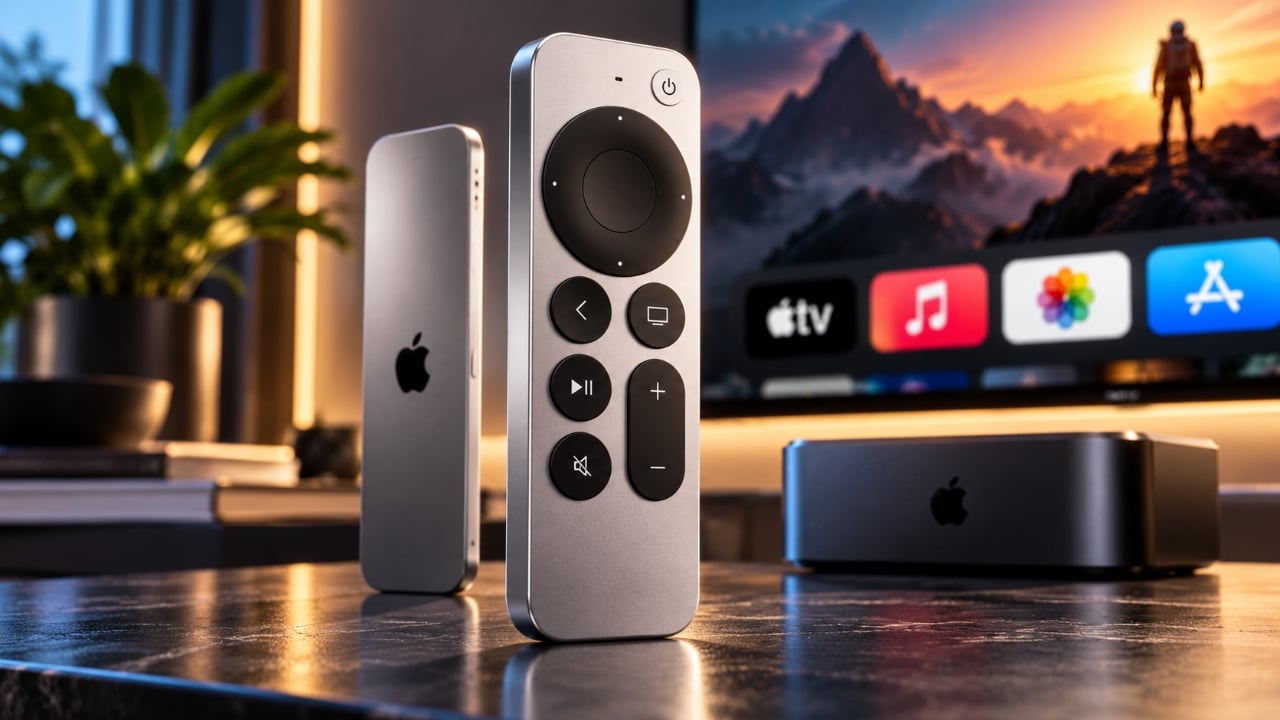
Apple has unveiled its latest lineup of products and among them, the Siri Remote 4th Gen has captured significant attention. While the Apple TV 4K 4th Gen features advanced features, its high price tag has shifted the spotlight to the Siri Remote. This accessory offers practical enhancements at a consistent price, making it an appealing […]
Choosing a thermal shipping label printer involves more than comparing print speeds. For e-commerce sellers handling daily orders, the right model should fit the way labels are prepared, printed, and replaced, while working with the computers and platforms already used to manage the business. Useful buying criteria include accessible controls, support for recurring tasks, batch-printing […]
Tablets give books and sketches more room than a phone, but their glossy screens can turn a nearby window into part of the content. Making the tablet bigger doesn’t help when you’d rather carry less. OPPO’s Pad Mini Matte Display Edition tackles both frustrations with an 8.8-inch matte OLED screen inside a slim metal body designed for reading and creating away from a desk.
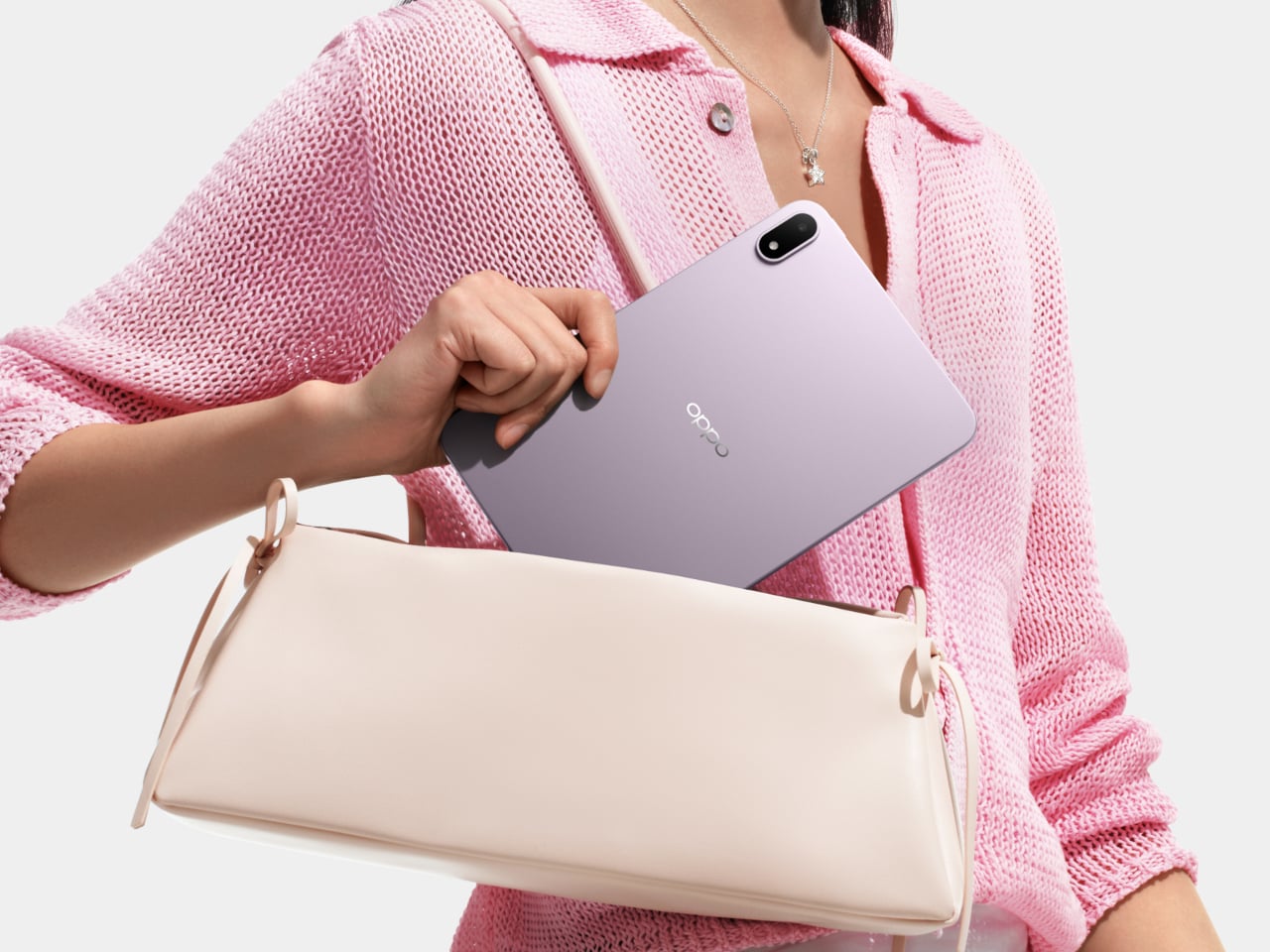
The Lavender Purple finish makes that metal shell less businesslike than another gray rectangle. Sandblasted, anodized aluminum carries OPPO’s etched Glow texture, giving the surface a subtle sparkle rather than a mirror finish. At approximately 0.21 inches thick and 9.95 ounces, the tablet leaves less bulk to accommodate in a small bag, although adding a protective case would change those dimensions.
Designer: OPPO
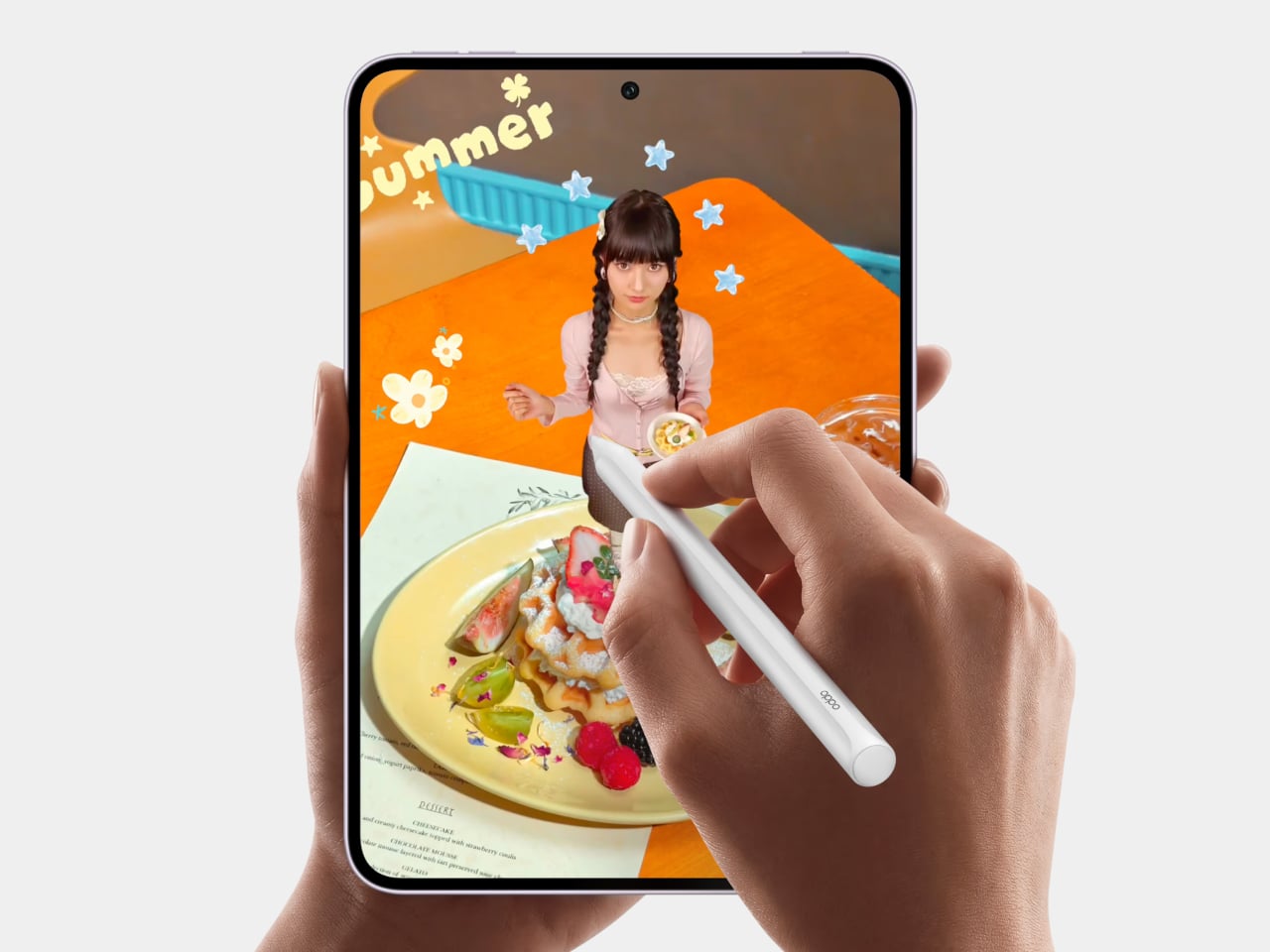
Of course, the more interesting matte surface is the one facing you. OPPO says the display treatment reduces glare, while the 2520×1680 OLED panel retains full color and refresh rates up to 144Hz in supported apps. This isn’t an E Ink reader dressed as a tablet. You can move from a novel to an animated film without asking the screen to change technologies.
Reader Mode offers another way to change the experience, with softer colors and a black-and-white option for concentrating on text. OPPO also lists a minimum brightness of two nits for nighttime reading. That gives you settings to adjust when a bright white page feels excessive, rather than treating the same display setup as suitable for a sunny commute and bedtime.
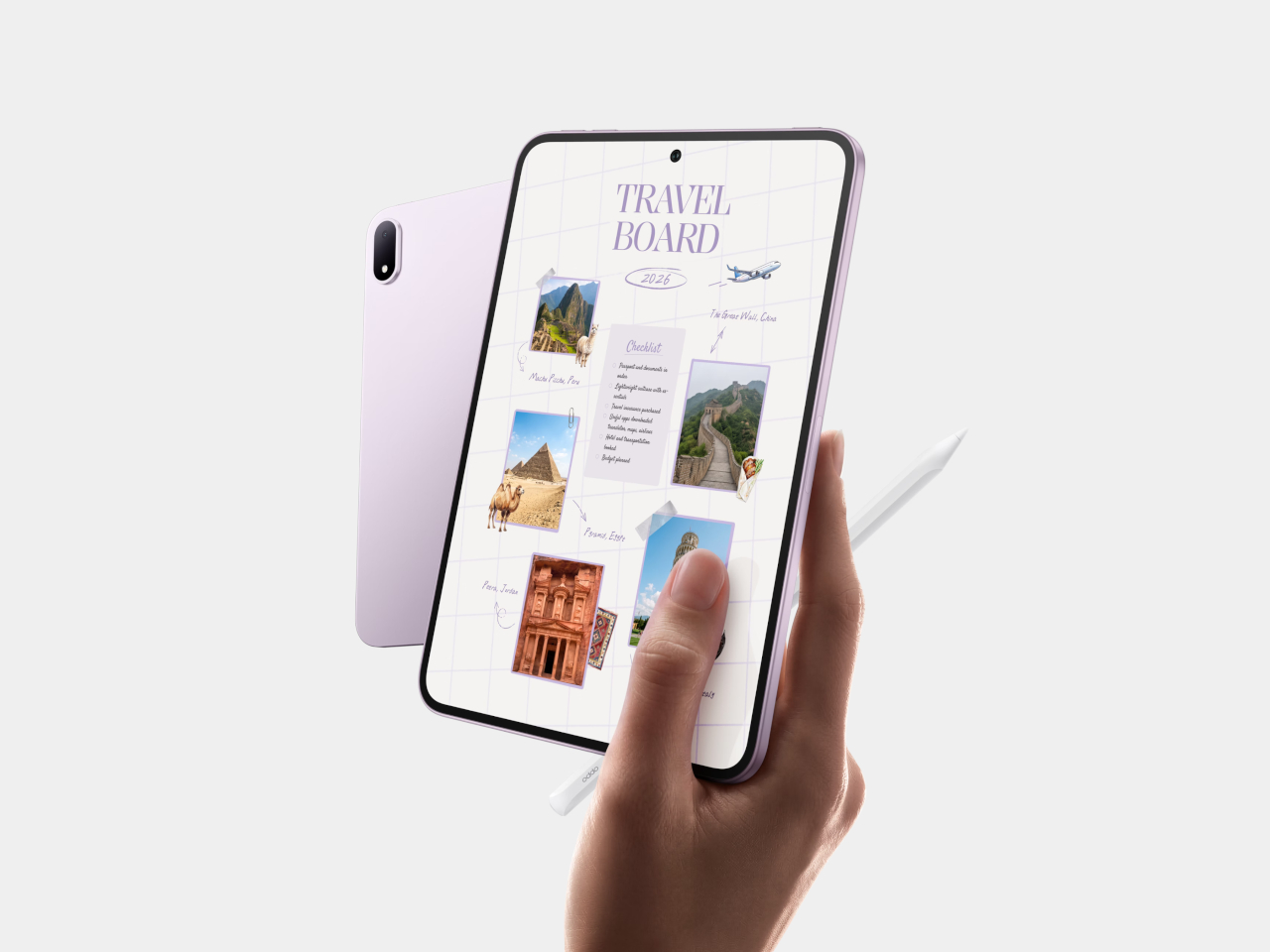
Add the optional OPPO Pencil 3 and the compact screen becomes somewhere to write instead of just scroll. You can circle text or pictures and drag them between windows, collecting references for a travel plan or gathering material beside your notes. The stylus has a shortcut button for selection tools, putting a frequently repeated action somewhere your fingers can find.
The Snapdragon 8 Gen 5 processor, 8GB of RAM, and 256GB of storage keep the Mini from being merely an oversized reading device. ColorOS 16 allows floating windows for keeping reference material nearby while you work. That said, an 8.8-inch screen still has limits. Open several apps together, and you’ll have less room for each one, no matter how freely the windows move.
An 8,000mAh battery is a substantial component inside such a thin body, with 67W SUPERVOOC charging supported when it needs a refill. OPPO claims up to 19.5 hours of continuous video playback, based on its laboratory testing. That’s more relevant to a long trip than the headline 48-hour figure, which shouldn’t be read as two days of uninterrupted screen use.
OPPO has yet to reveal availability dates and pricing across markets. Slim bezels keep the enclosure compact, but leave less space for a thumb beside the screen. For longer reading sessions, a case with something to grip might be more useful than keeping the tablet as thin as possible, even if it adds a little bulk.