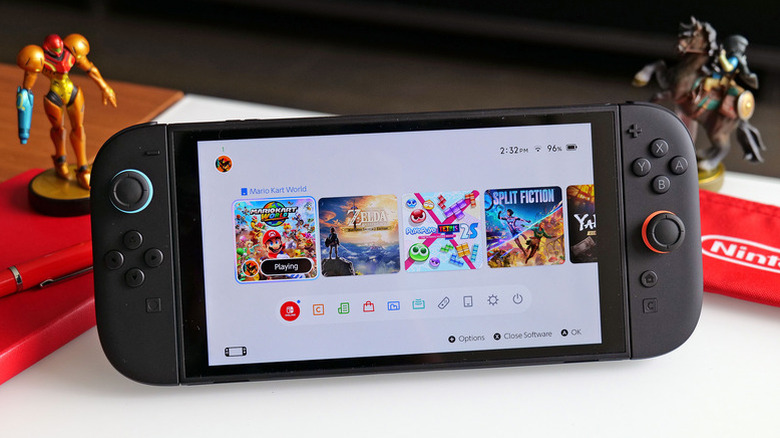
Nintendo is ending Google and Apple sign-ins early next year
You'll soon no longer be able to use Google and Apple log-ins to access Nintendo.
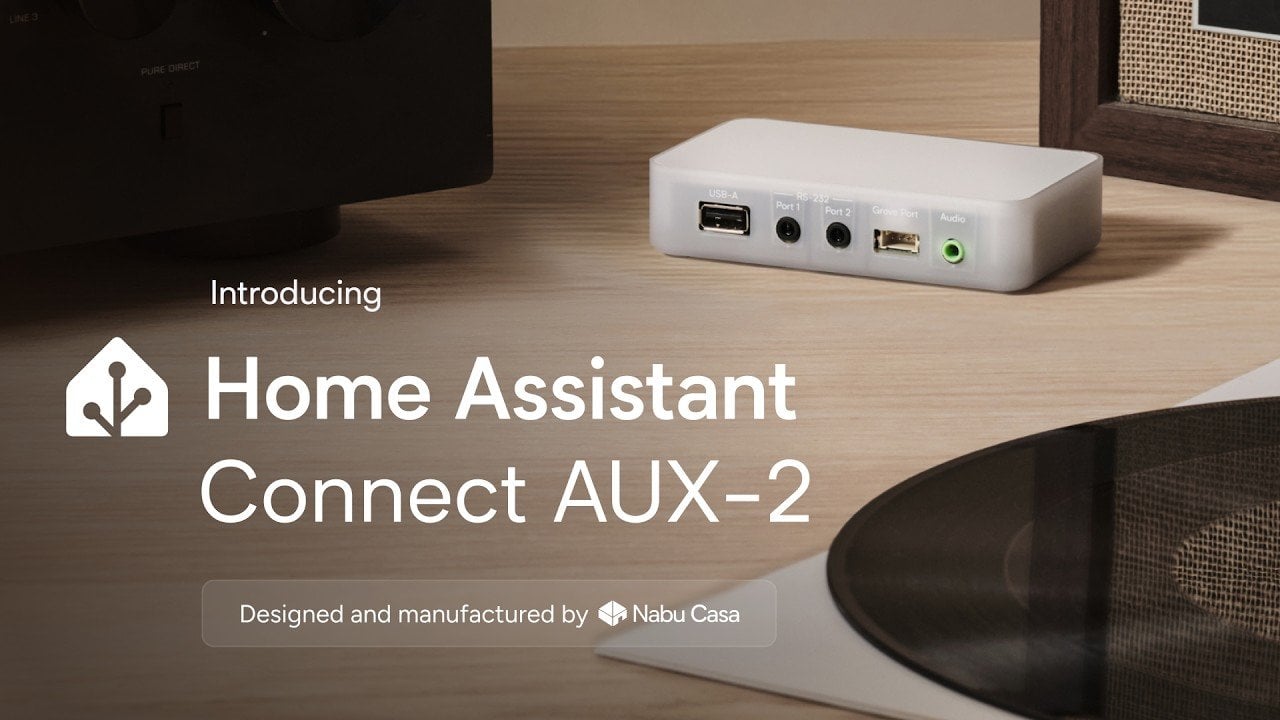
The AUX-2 connects traditional audio systems with modern smart home environments, providing support for both digital and analog audio formats. It enables music streaming through Music Assistant and ensures synchronized playback across multiple speakers using ZenBIN. The hardware includes two serial ports, USB-A, RS485, and a GrovePort for expansion, making it compatible with various devices, […]
The post Home Assistant Connect AUX-2 Launches for $59 with PoE and RS232 appeared first on Geeky Gadgets.
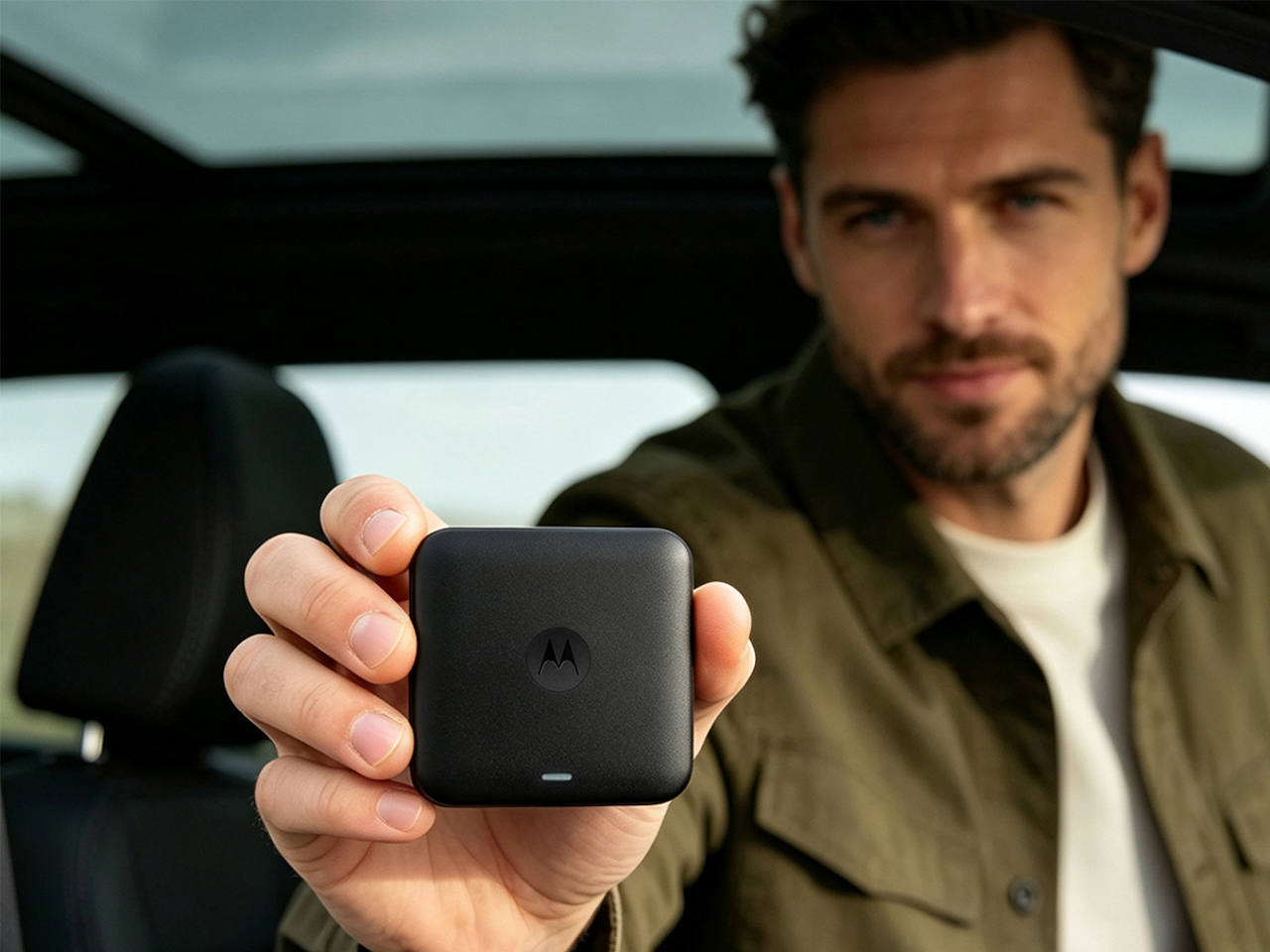
Plugging a phone into the car is hardly a chore, until you do it every time you drive. The Motorola MA2 wireless Android Auto adapter lets that phone stay in your pocket, while adding something useful to its small black box: physical controls for changing phones and switching the connection off. Sometimes the most welcome upgrade is having a little less happen automatically.
The body is a flattened square with rounded corners, a dark finish, and a small status light near one edge. There’s no screen competing with the dashboard and no reason to make it a centerpiece. The restrained shape suits something that lives beside a console’s USB port, although its buttons need to remain accessible if you’re going to reach them without rummaging.
Designer: Motorola, Google
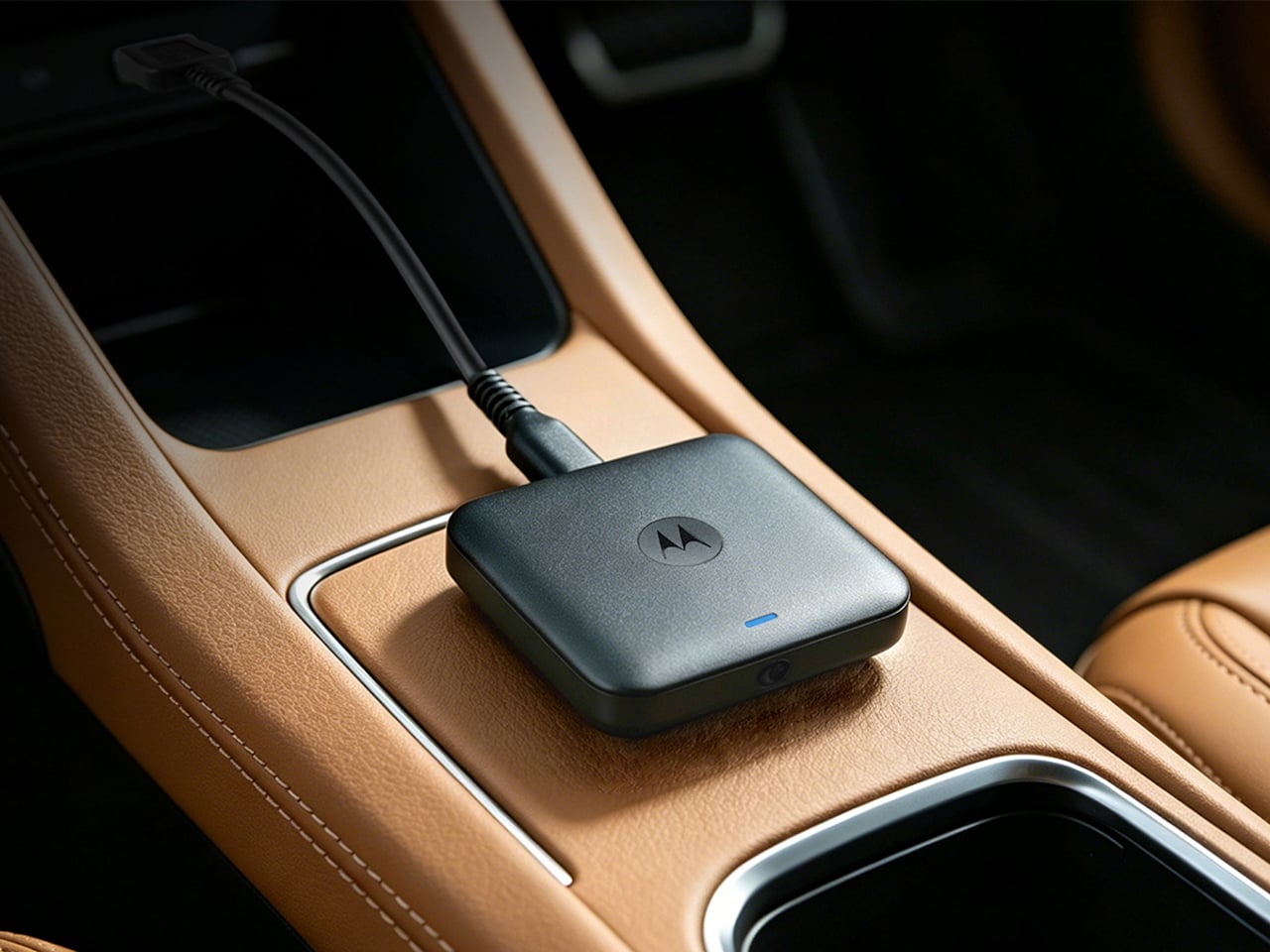
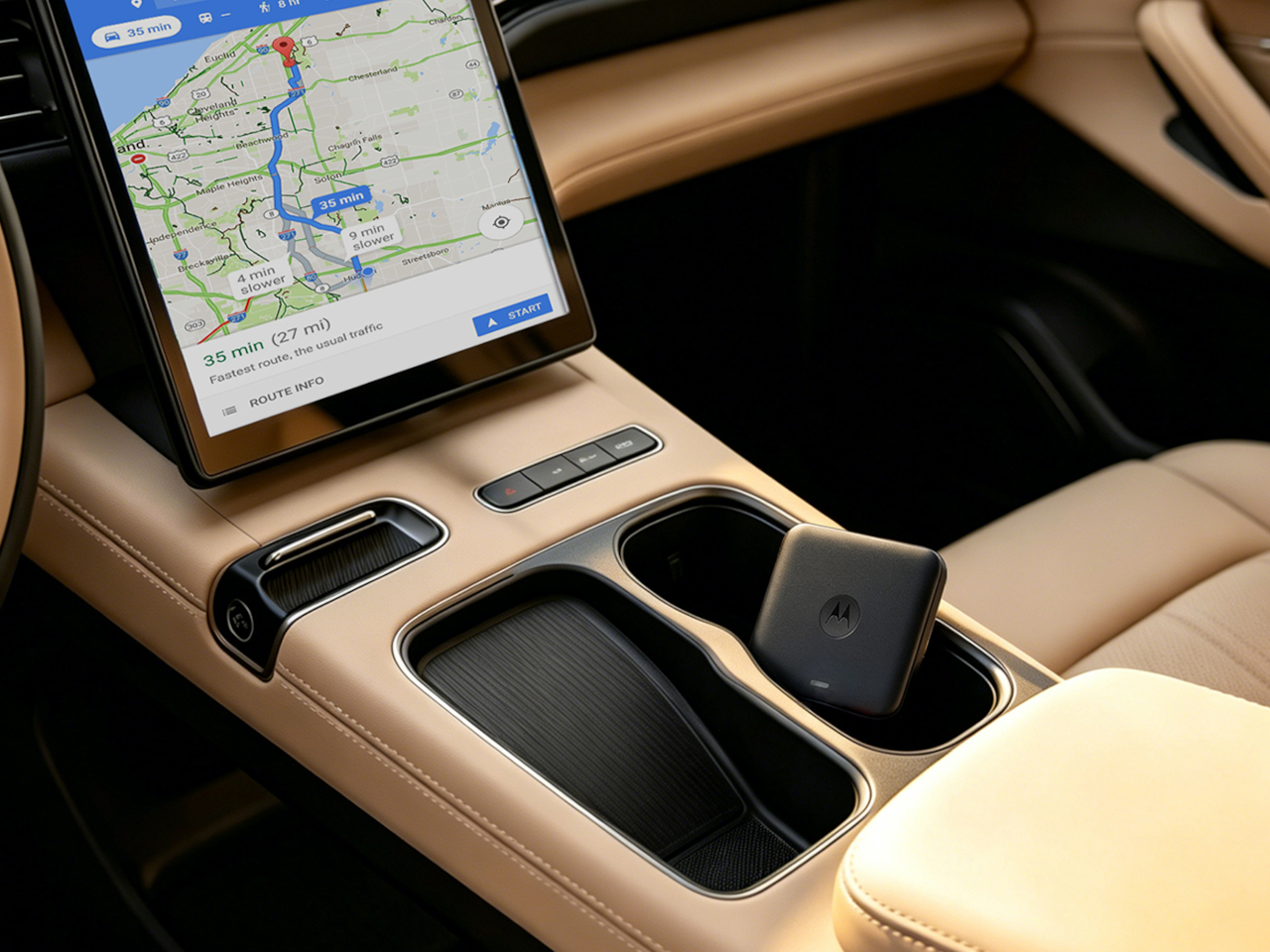
A USB-C socket gives the adapter a detachable connection, with both USB-C-to-USB-A and USB-C-to-USB-C cables included. That matters when cars put their ports in awkward recesses or switch between connector types. The supplied gel pad provides a way to secure the little box in place, too, rather than leaving it sliding around among coins and charging cables every time you turn a corner.
Setup still starts with a car that already supports wired Android Auto. This isn’t a shortcut for adding Google’s interface to an incompatible stereo. You plug the adapter into the appropriate USB port, pair a compatible phone through Bluetooth, and use 5 GHz Wi-Fi for the wireless connection. Motorola says subsequent connections happen automatically, without repeating that whole initial pairing routine.
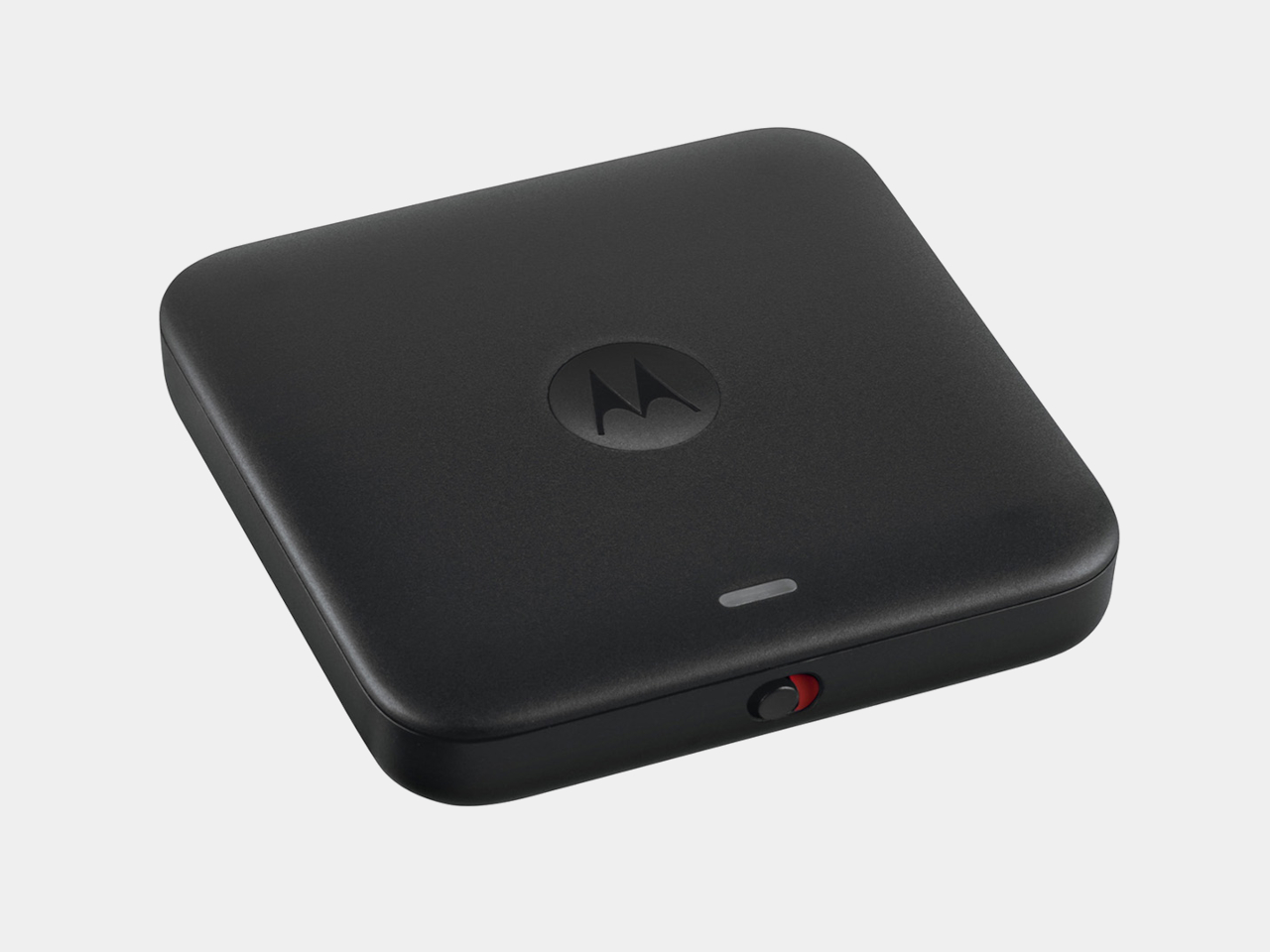
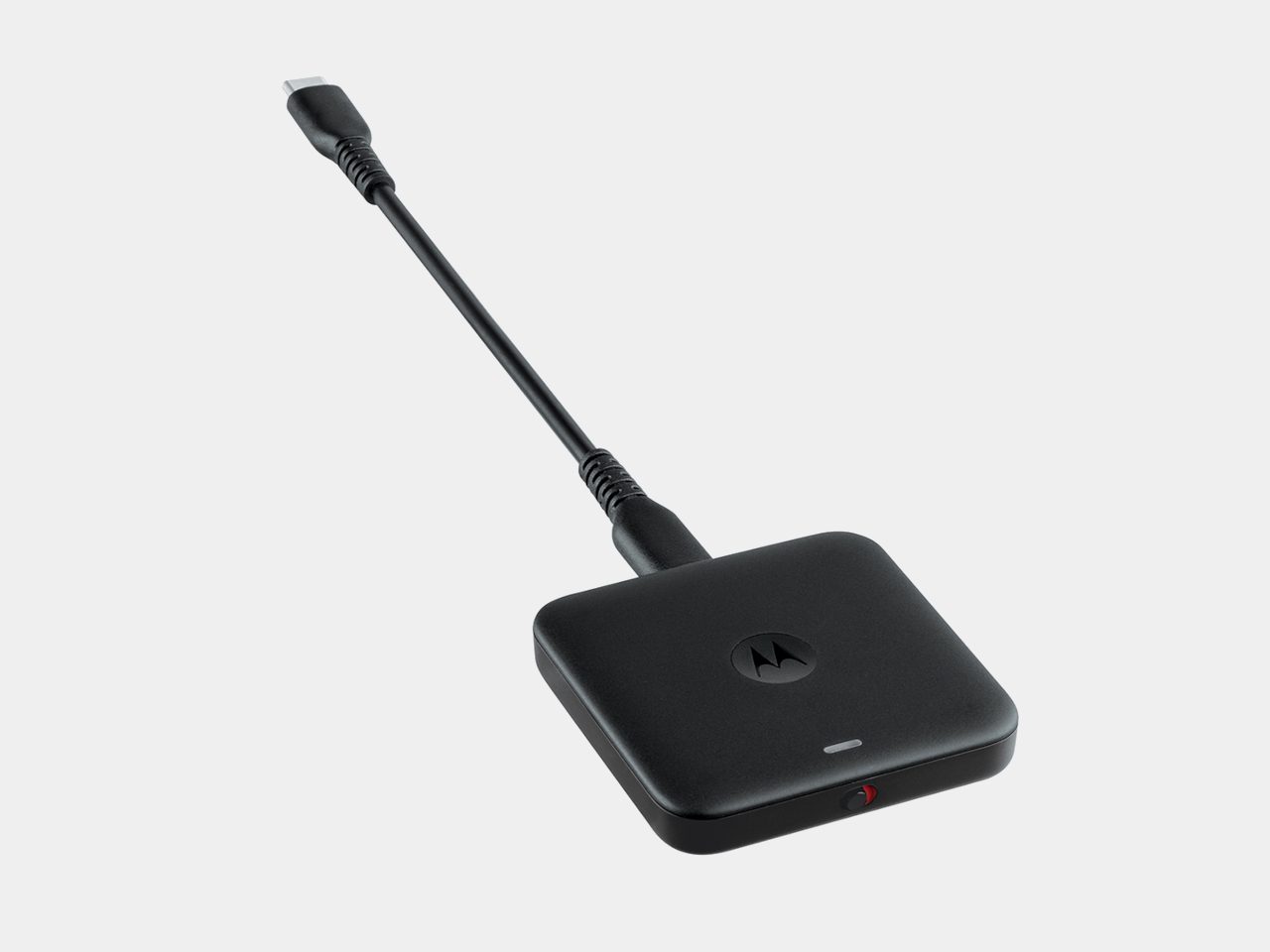
Sharing the car gives the switching button a reason to exist. The MA2 can keep two phones paired, letting you choose which driver’s phone supplies Android Auto without starting setup again. If your partner drove yesterday and you’re taking over this morning, that handoff could happen with a button press before departure. It doesn’t mean running two separate navigation sessions on one display.
The power switch deals with a different kind of unwanted company. Some cars keep their USB ports powered after parking, leaving an adapter available to reconnect when you’d rather it didn’t. Sliding the MA2 off gives you a direct way to stop that behavior without unplugging it. Motorola also pitches this control as a way to reduce unnecessary vehicle battery drain.
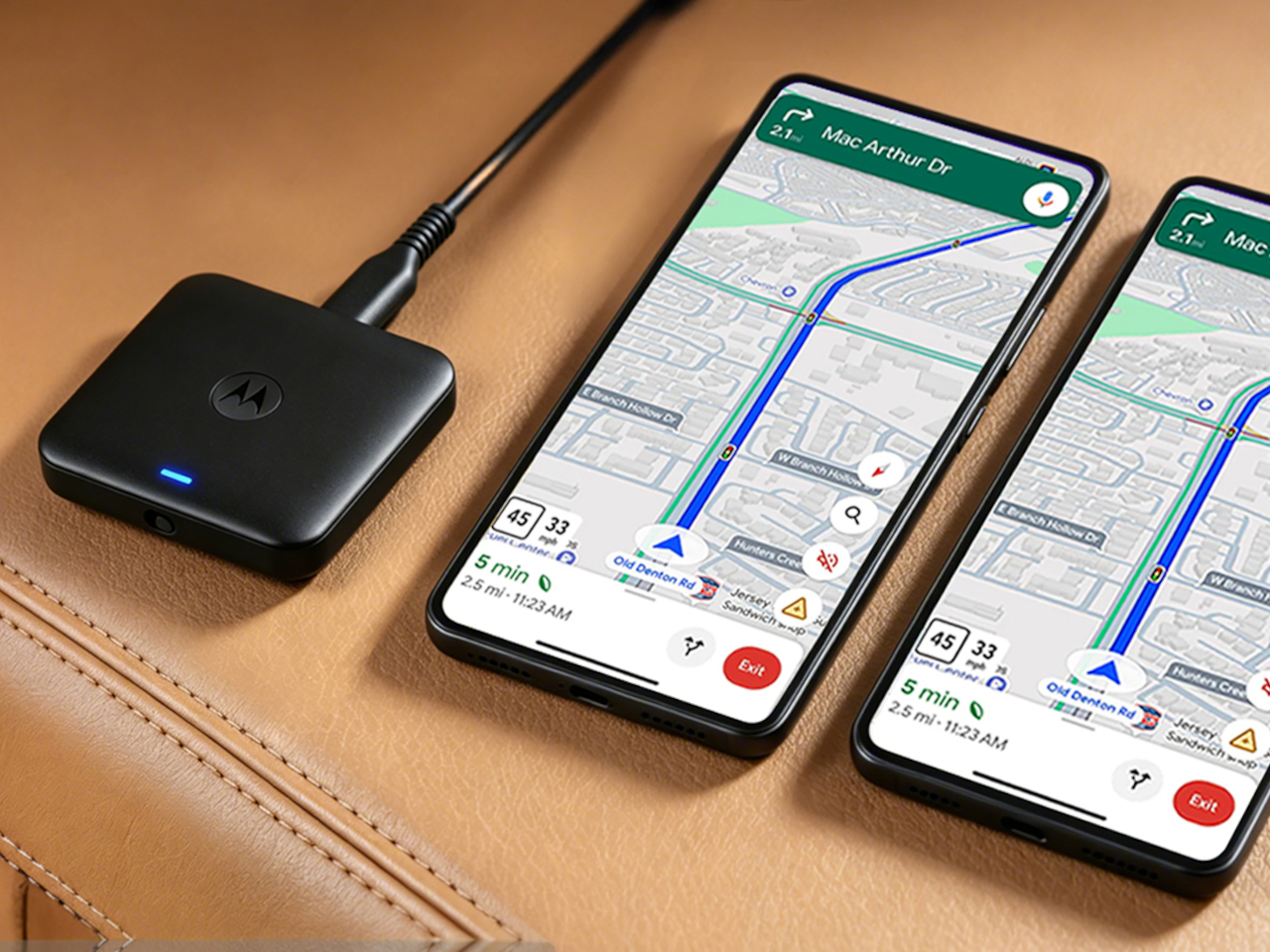
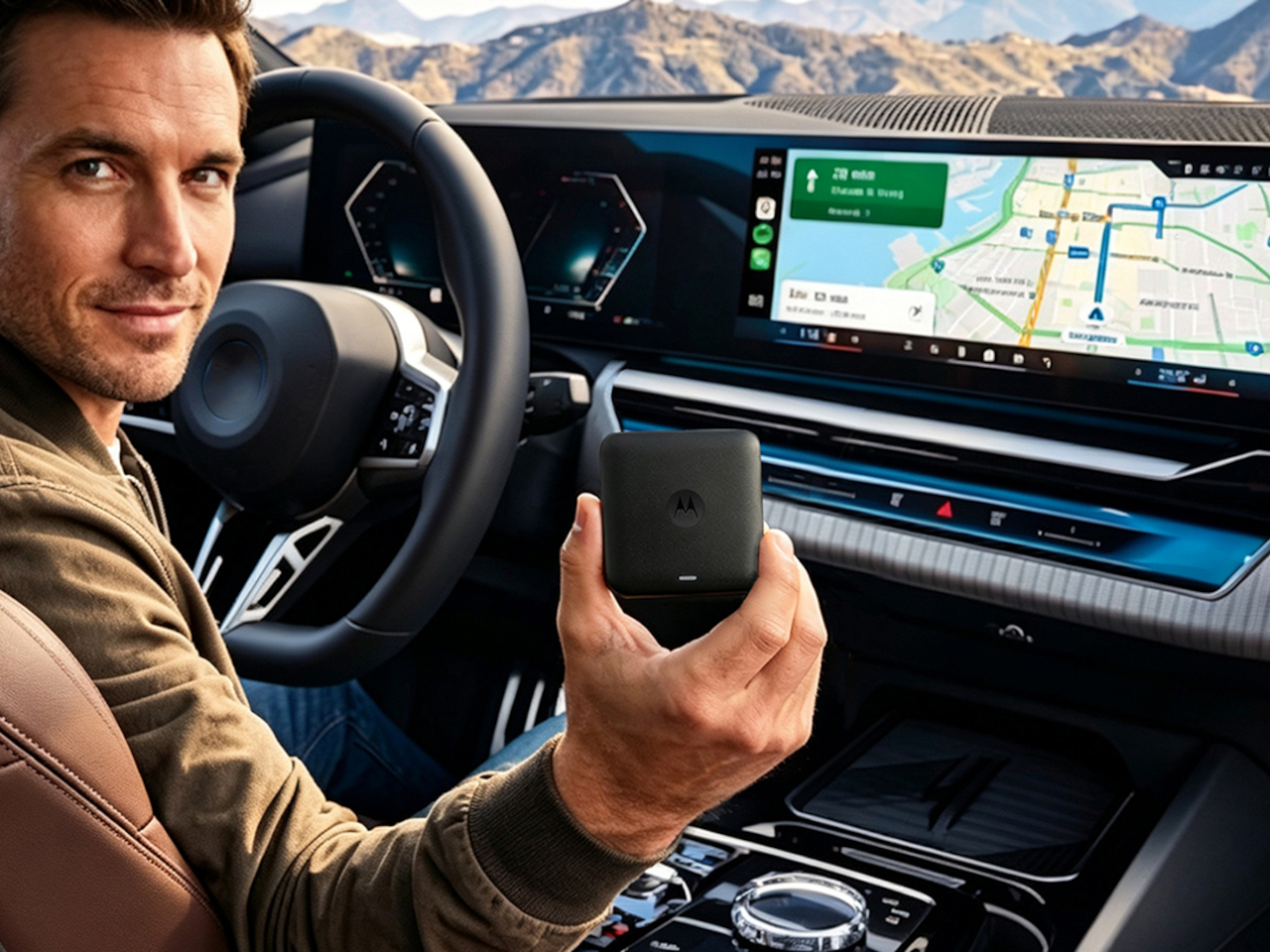
Of course, removing the phone’s cable also removes the power it was supplying. A quick trip to the store is one thing, but a longer drive could still have you reaching for a charger. The MA2 handles the link to the dashboard, not wireless charging. If your console has a charging pad, the two could make a convenient pair without sharing a connector.
The MA2 is listed for US orders at $69.99, with initial delivery estimates extending into December. That’s a higher price for removing the daily cable ritual, though the adapter itself still needs a wire. The extra buttons make that trade easier to understand: automatic connection is useful until you want to tell it otherwise.
The post Motorola MA2 Adds a Phone-Switching Button to Wireless Android Auto first appeared on Yanko Design.
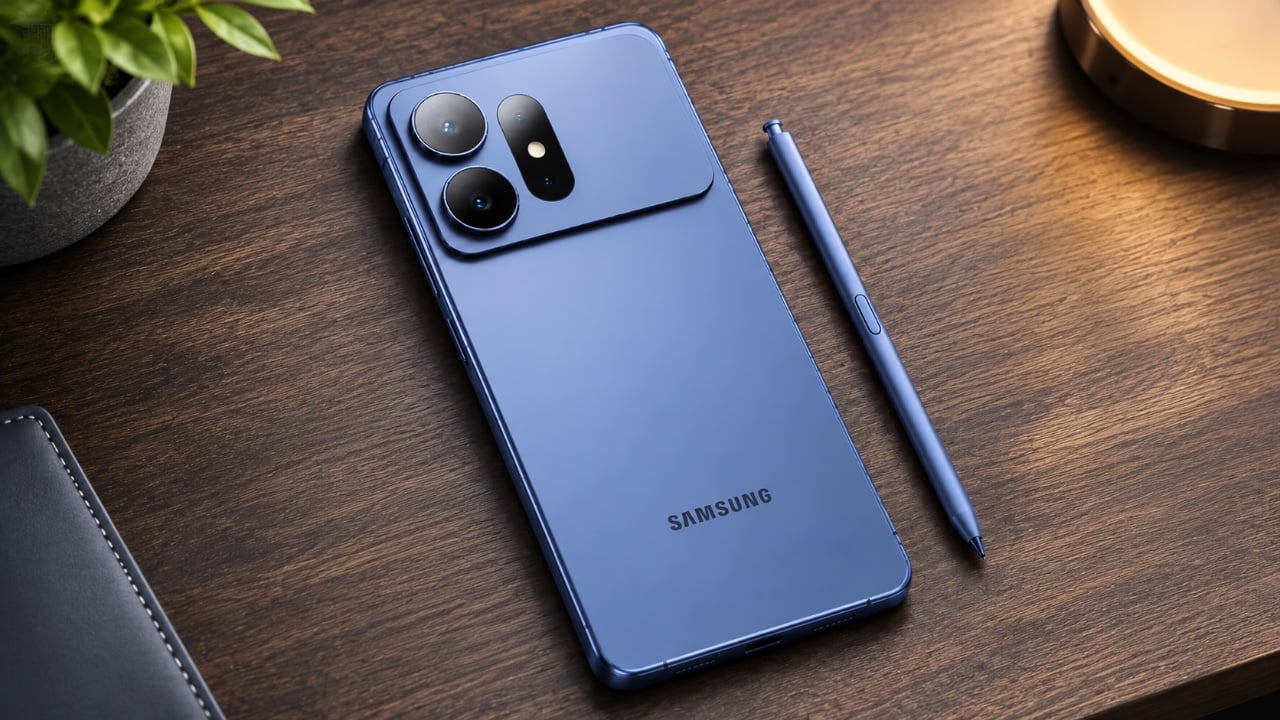
The Samsung Galaxy S27 Ultra introduces a range of advancements in camera technology, artificial intelligence (AI), and production strategy, aiming to solidify its position as a leader in the premium smartphone market. However, these innovations come with trade-offs, including higher prices and the introduction of subscription-based services for certain features. As a consumer, you’ll need […]
The post Inside the Rumored Galaxy S27 Ultra Price Hike: Faster Chips, Higher Costs appeared first on Geeky Gadgets.
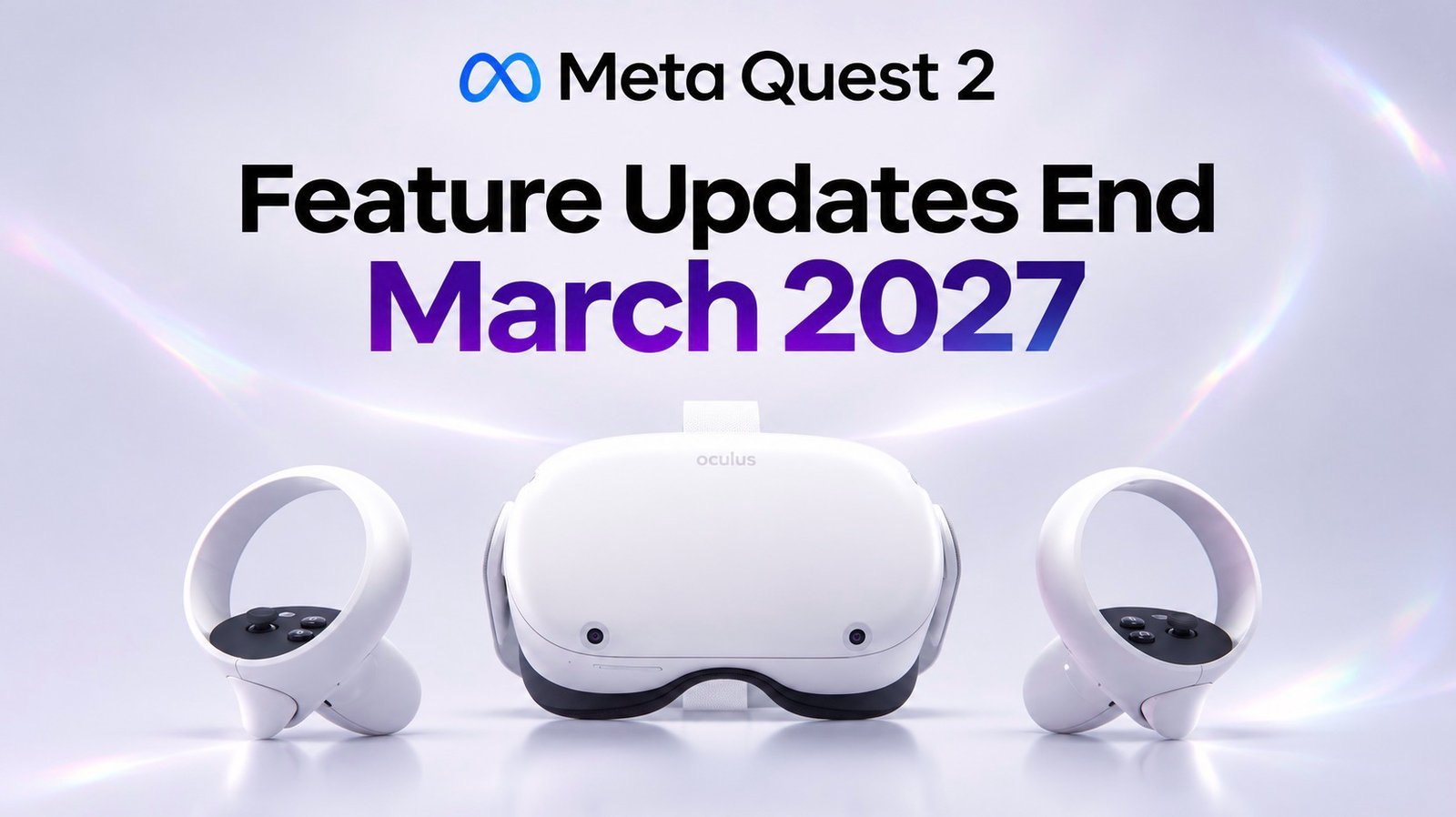
Meta’s decision to end feature updates for the MetaQuest 2 by March 2027 signals a shift in focus toward newer VR hardware. While the headset will continue to receive security updates and remain functional for years, its gradual phase-out highlights the need for users to consider alternatives. Options like the budget-friendly MetaQuest 3S and the […]
The post MetaQuest 2 Feature Updates End March 2027: Move to MetaQuest 3? appeared first on Geeky Gadgets.
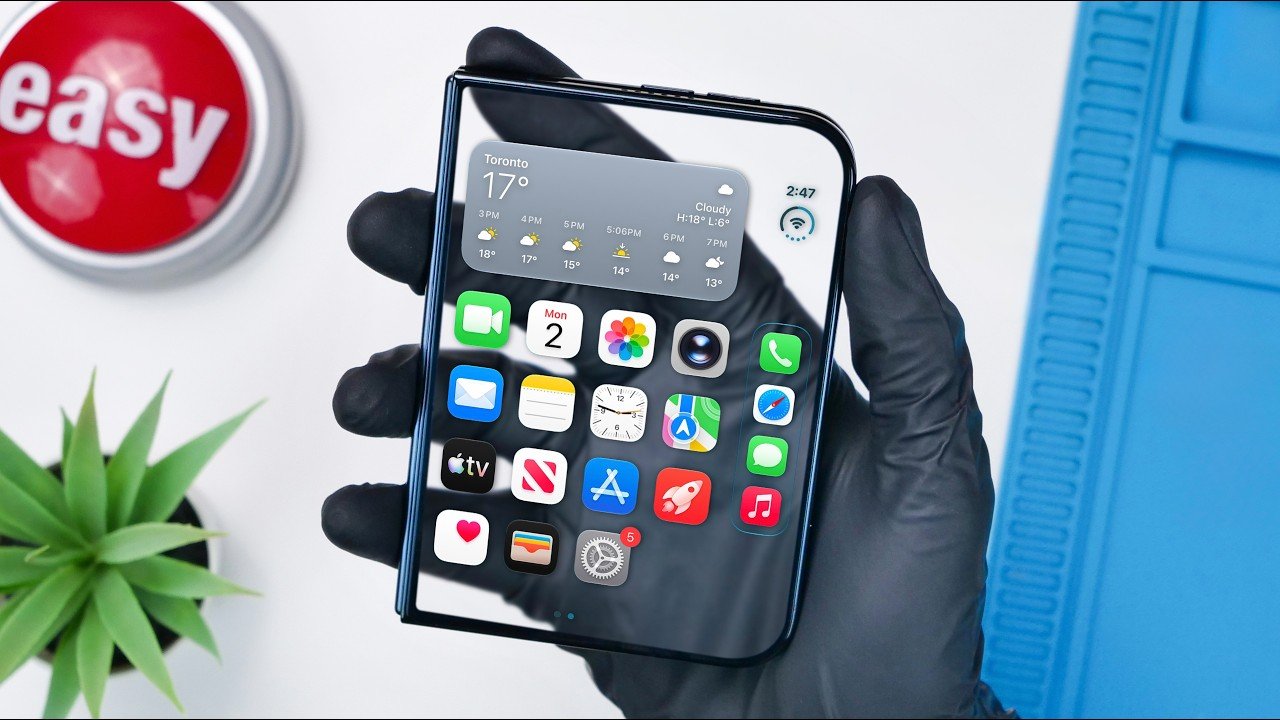
Transforming an iPhone Duo into a transparent device is a meticulous yet rewarding process that reveals the intricate beauty of its internal components. This modification not only showcases the engineering brilliance behind the device but also provides a unique perspective on modern smartphone design. However, achieving this striking transformation requires precision, patience and a thorough […]
The post How to Build a Custom Clear Back for the iPhone Duo appeared first on Geeky Gadgets.
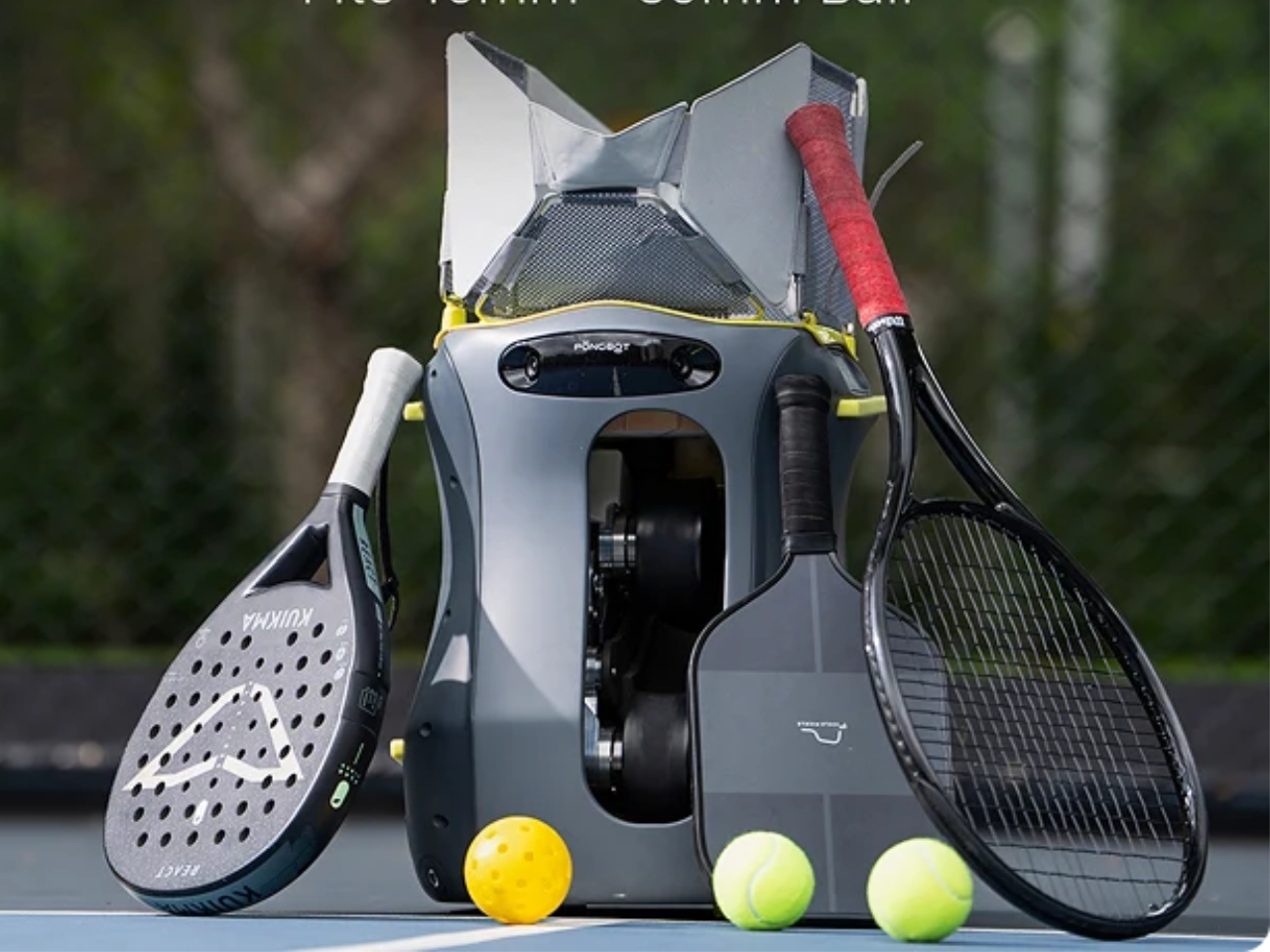
A free hour and an empty court can still leave you short of one essential ingredient: someone to hit with. That’s the problem Pongbot is tackling with Aura, a portable ball machine designed for tennis, pickleball, and padel. I like the premise because it addresses an ordinary obstacle to getting better. Wanting to practice and finding someone available to help you practice are two different things.
Currently offered for preorder, Aura approaches that scheduling problem with hardware you can carry to the court. Pongbot lists the machine at around 15 pounds, with an interchangeable battery rated for up to five hours of training. Its hopper accommodates up to 120 tennis or padel balls, or 100 pickleballs. Those are manufacturer figures, but they establish the intended routine: bring it along, fill it up, and work through a session on your own schedule.
Designer: Pongbot
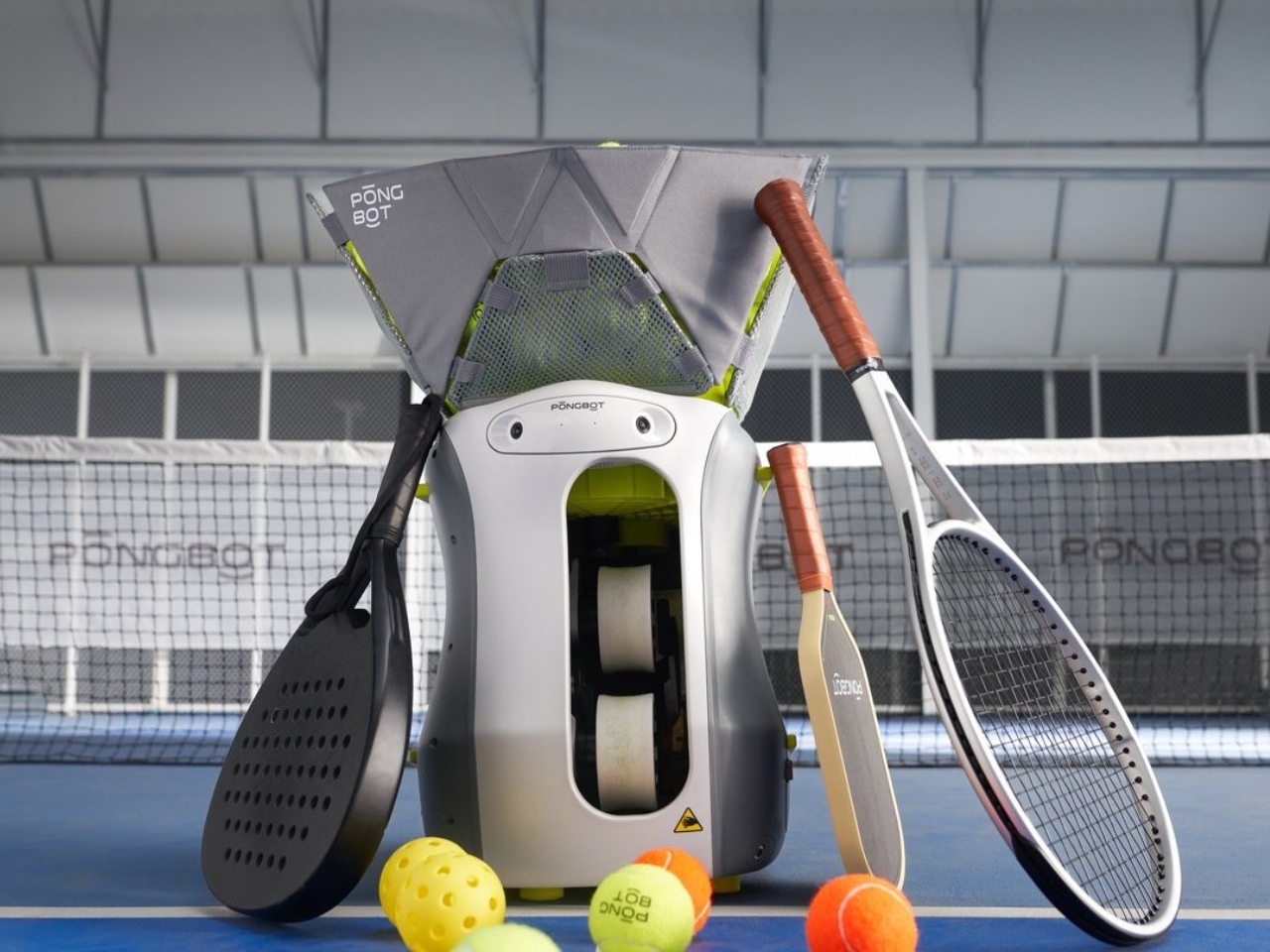
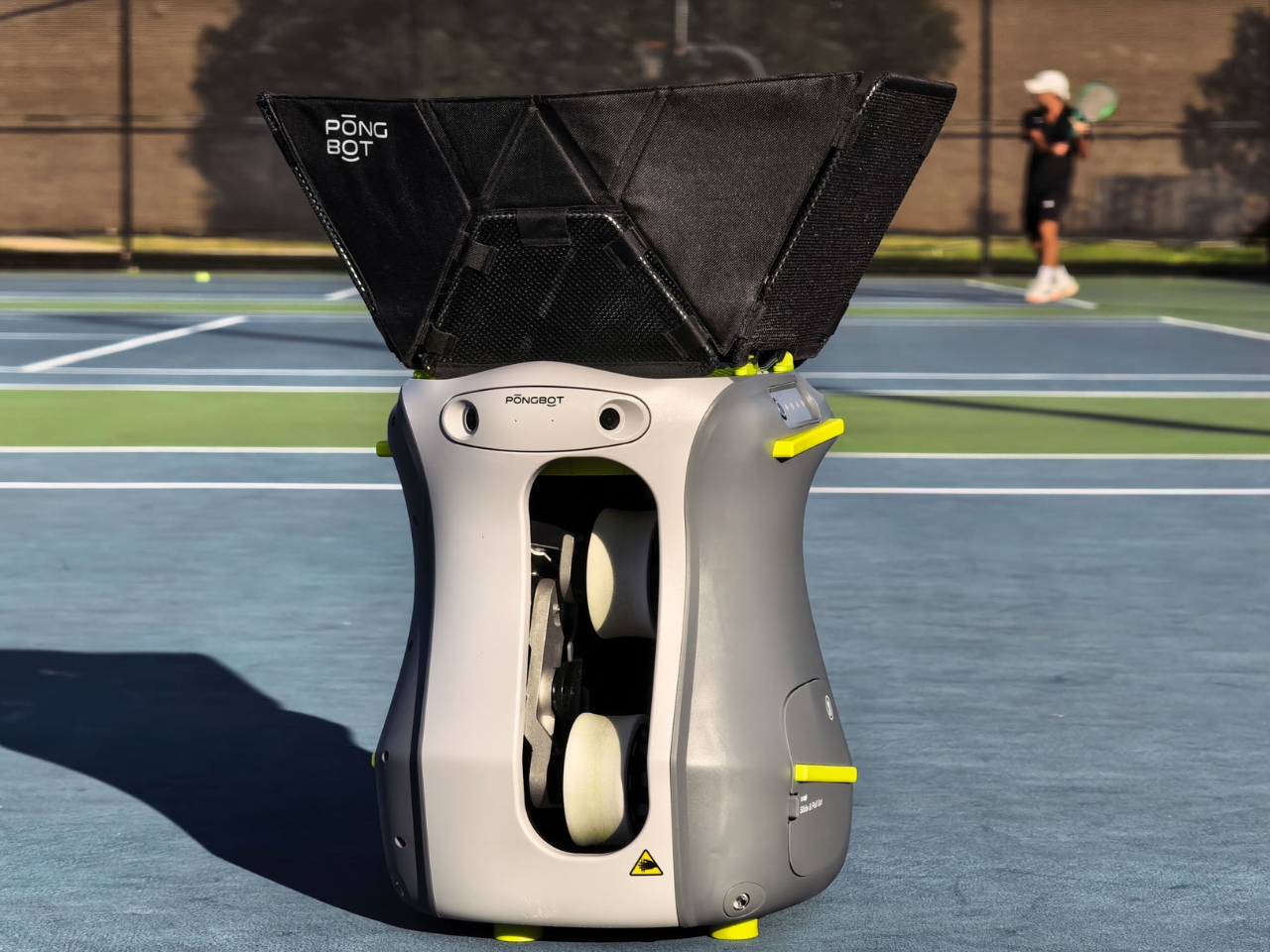
Visually, Aura has more personality than I’d expect from equipment whose main responsibility is throwing balls. The rounded, dark body has a contrasting front panel, a narrow vertical launch opening, and bright yellow-green accents. Above it, angular hopper panels flare outward to contain the balls. The proportions give it a slightly animated appearance without resorting to a cartoon face. I appreciate that restraint. A training robot doesn’t need eyebrows to feel approachable.
The more consequential design choice is inside. Pongbot describes an adaptive wheel-track system that adjusts for different ball diameters, allowing the same feeding hardware to serve all three sports. Selecting a sport in the app changes the machine’s setup. That matters because a perforated pickleball and a felt-covered tennis ball aren’t interchangeable projectiles. Supporting both asks something of the mechanism, not merely the interface. For a household with overlapping racket-sport interests, sharing one machine sounds considerably more sensible than storing two.
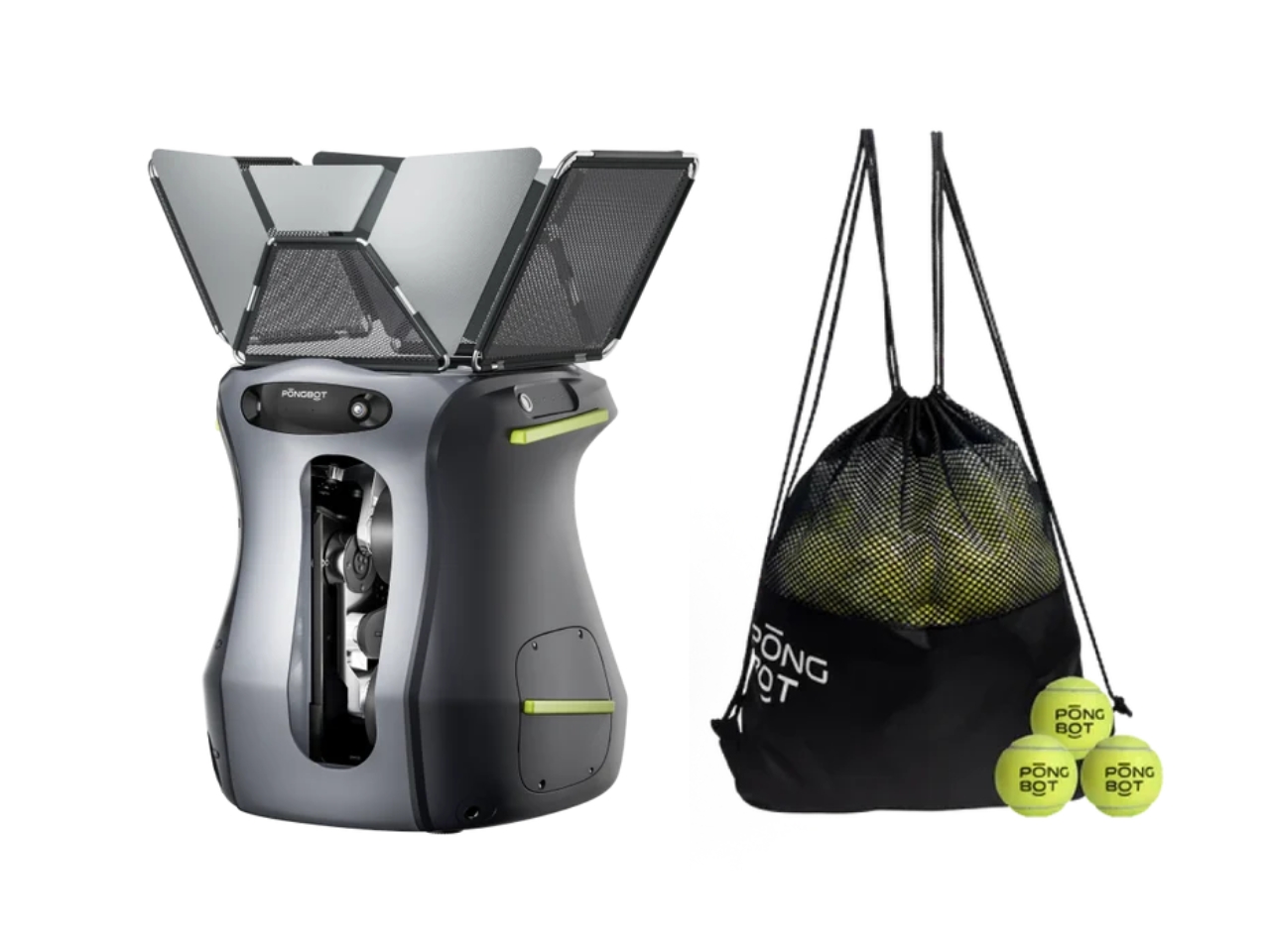
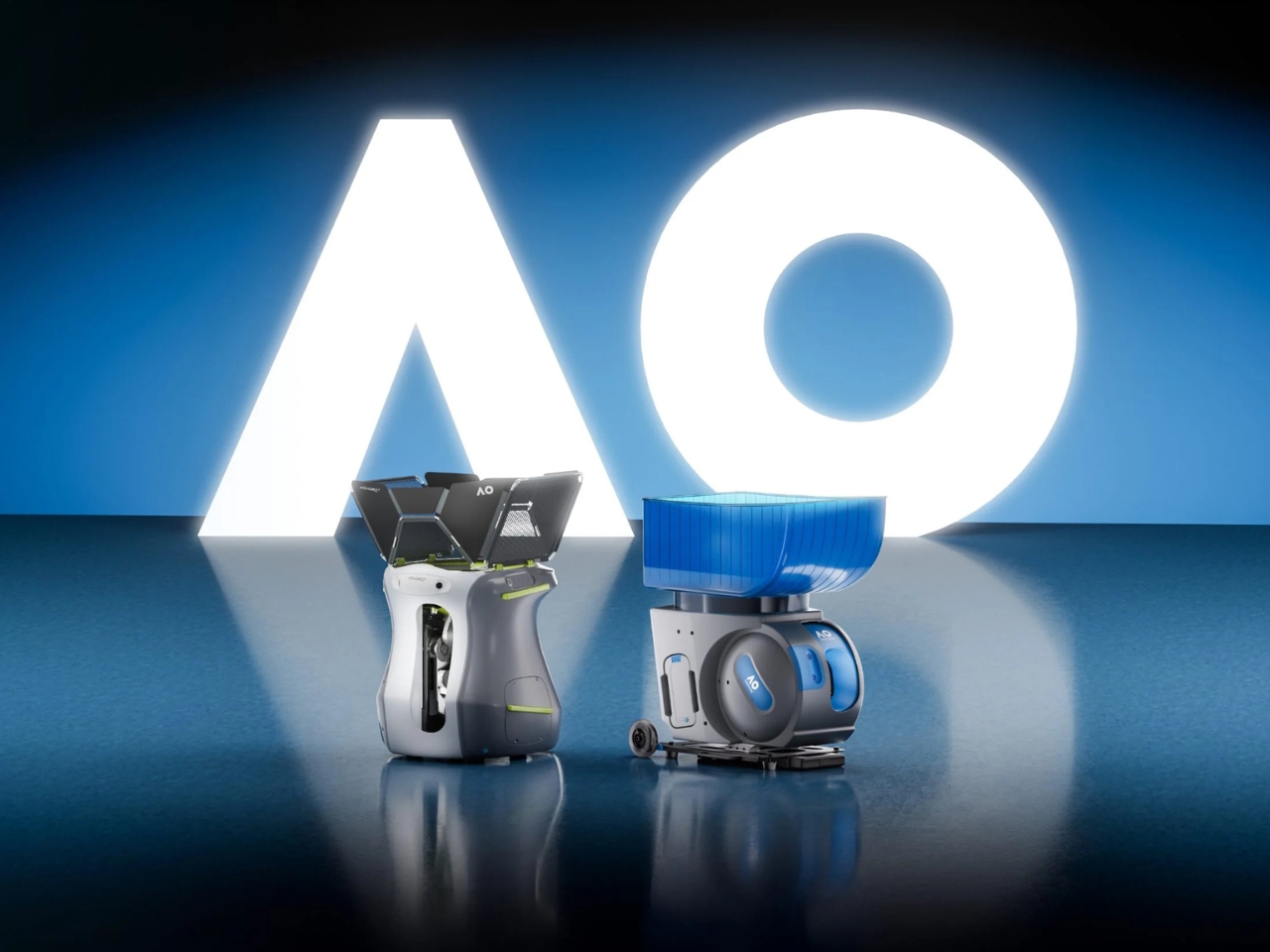
Aura also lets players customize placement, speed, spin, and feeding frequency. That’s where I see its clearest everyday appeal. You might want repeated backhands rather than a full simulated match, or a predictable sequence while learning a particular shot. Being able to narrow the assignment makes the machine easier to understand as a useful tool. The point isn’t to exhaust every setting. It’s to get enough repetition on the thing you actually came to practice.
The more ambitious features arrive through Spotter, the dual-camera vision module included with Aura S. Pongbot says its 120-frame-per-second cameras support tracking and AI coaching. One particularly thoughtful feature is Recovery Trigger, which waits for the player to return to a preset position before sending another ball. On paper, that’s a meaningful improvement over an indifferent countdown. Practice should challenge your movement, but being ready for the next shot is different from simply surviving the machine’s schedule.
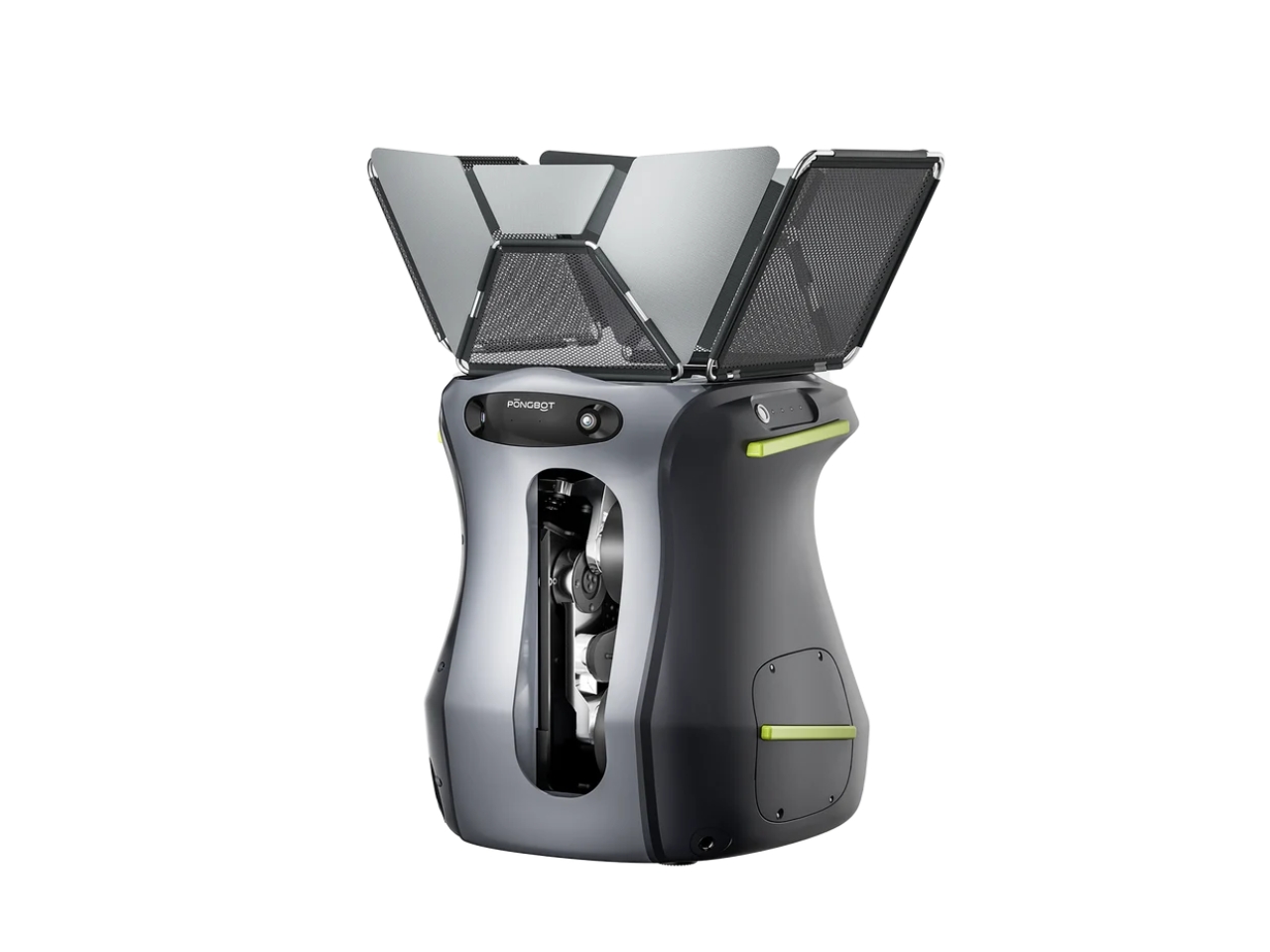
I’m more cautious about treating automated feedback as the equivalent of a coach. Pongbot promises stroke analysis and voice guidance, but those claims don’t establish how perceptive the advice will be for an individual player. The simpler voice-control idea feels easier to appreciate: request a change without walking over to a screen. I haven’t tested either function, so my interest is in the interaction design, not a claim that Aura can diagnose your backhand better than a person.
There is a purchasing wrinkle worth understanding. Although the hardware supports three sports, the standard package activates only one; additional sports require paid unlocks or a three-sport bundle. At the time of writing, Pongbot lists Aura at $599.99 and Aura S, which adds Spotter, at $799.99. The respective three-sport packages are $649.99 and $849.99. Shipping is estimated at four to five weeks after order confirmation, rather than immediate dispatch.
That software gate makes the multi-sport pitch less generous than it initially sounds, although the bundle pricing makes the choice clear enough. I’d judge Aura primarily on whether it makes regular practice easier to arrange, carry out, and repeat. The cameras and coaching features can earn their place after that. A machine that helps turn an available hour into useful court time already has a worthwhile job, without needing to pretend it replaces everything a human partner brings.
The post Pongbot Aura: Tennis and Pickleball Practice Without a Partner first appeared on Yanko Design.

Anthropic has introduced Claude Duet, a proactive AI assistant designed to go beyond traditional chatbot functionality. Unlike reactive systems that rely solely on user input, Claude Duet autonomously manages tasks such as scheduling meetings, automating reminders and organizing workflows. Available on iOS, Android and desktop platforms, it integrates seamlessly with existing Claude accounts, making sure […]
The post Best Claude Duet Use Cases for Automated Task Management appeared first on Geeky Gadgets.
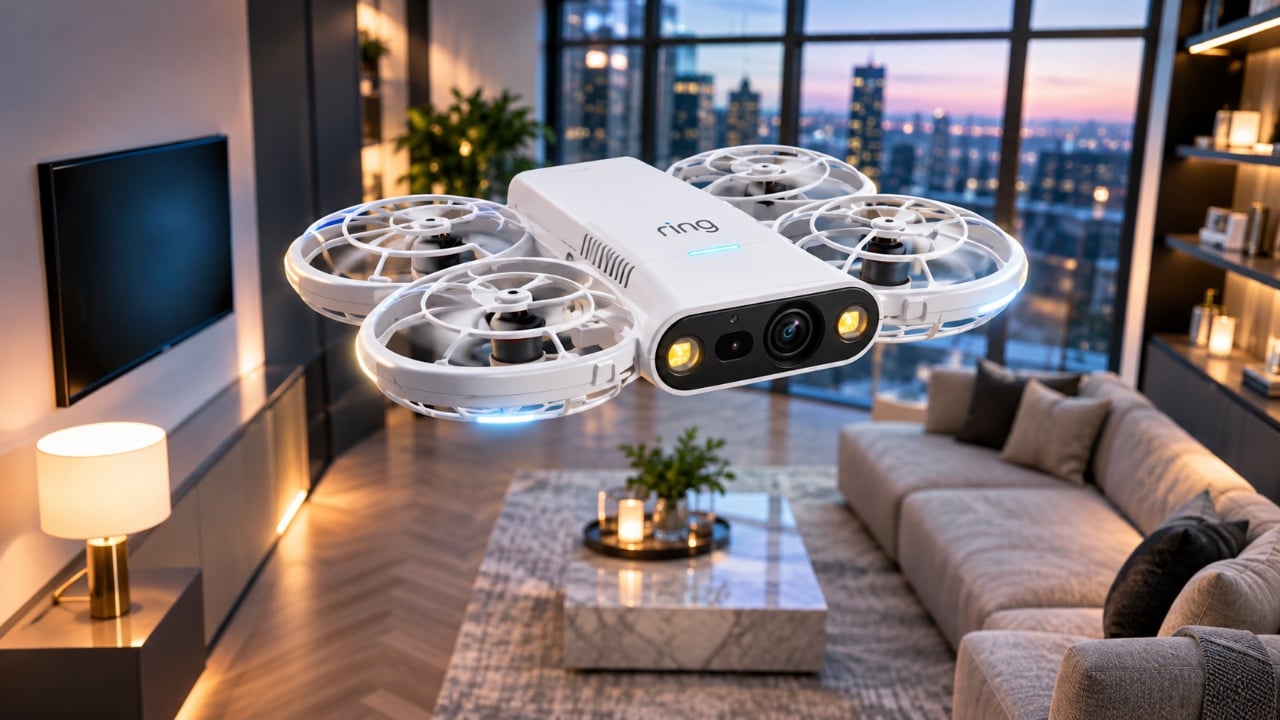
Ring has introduced two innovative security devices under its Ring Robotics brand: a flying indoor drone camera and an autonomous ground-based security robot. These new additions aim to address the limitations of traditional stationary cameras by offering mobility, adaptability, and AI-driven intelligence. Designed for both residential and commercial use, these devices promise to transform the […]
The post First Look at the Unconventional New Ring Drone Cam appeared first on Geeky Gadgets.