Hisense Just Made an E Ink Phone With a Color Screen That Snaps Off

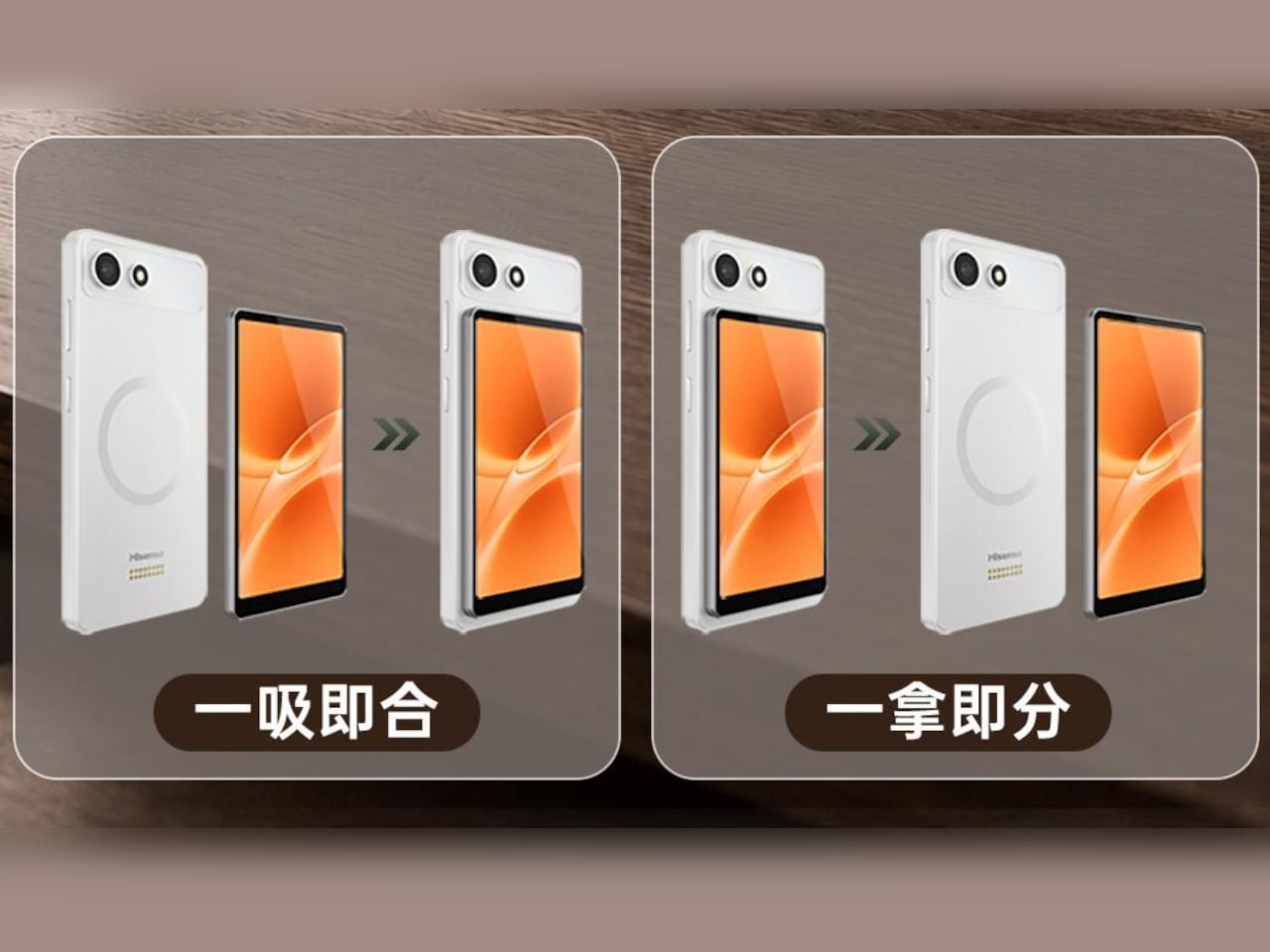
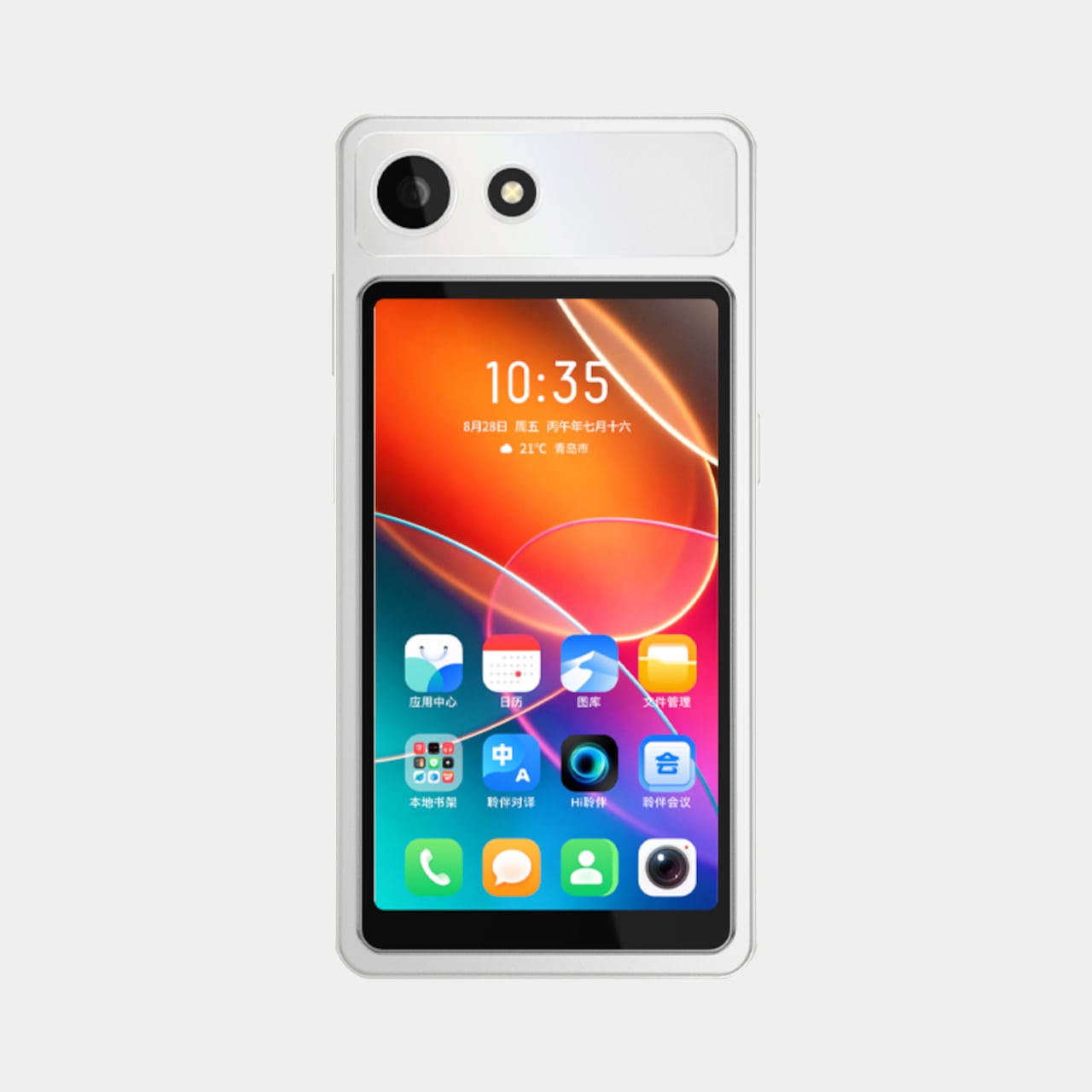
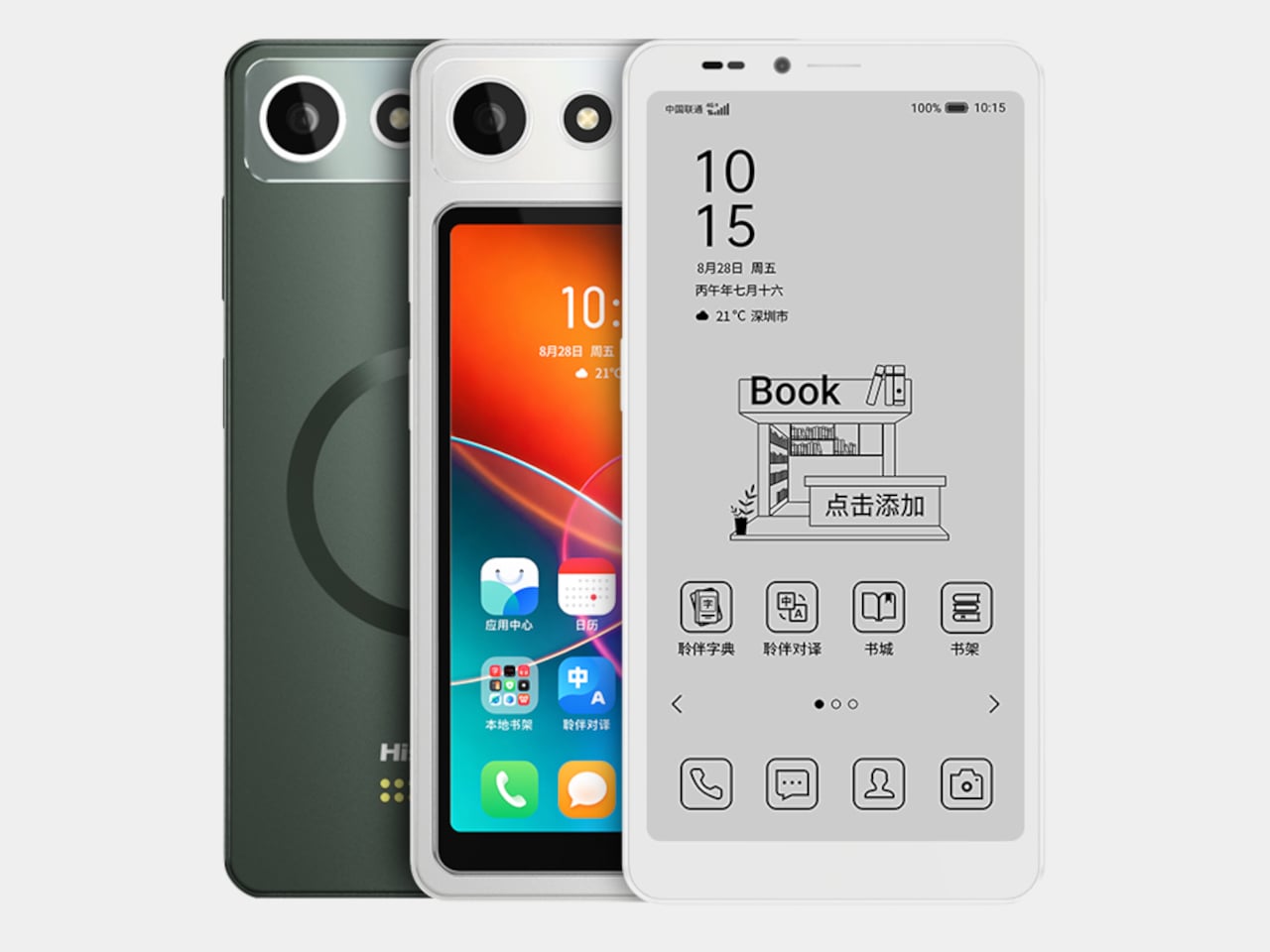
Every smartphone screen is a compromise, built to do everything reasonably well and nothing perfectly. The Hisense A10 Ultra rejects that premise outright. Instead of one panel stretched thin across every task, it pairs a 6.13-inch E Ink display with a 4.96-inch color touchscreen that clips onto the back magnetically, then walks away again the moment you don’t need it.

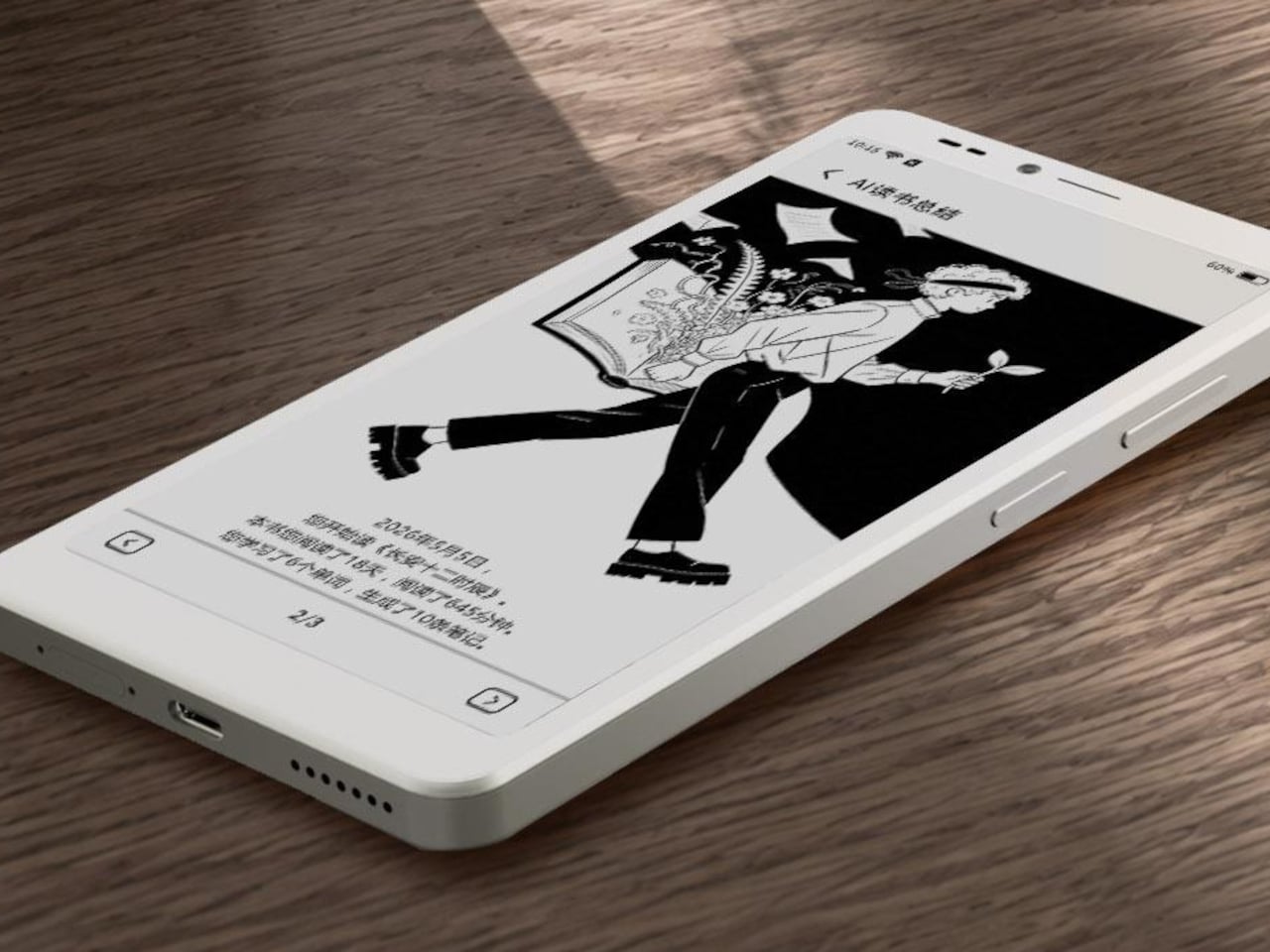
The E Ink layer is the phone’s permanent identity, a 300 PPI Carta 1300 panel that renders text with the same paper-like calm as a dedicated e-reader. A 36-level front light shifts between warm and cool tones without flickering, so a page read at noon and one read at midnight both stay comfortable on the eyes. Nothing about this half of the phone asks for your attention beyond what you came to read.

Designer: Hisense

Snap the color module onto the back, held by magnetic pogo pins, and the same device suddenly handles video, maps, and camera framing without fighting the E Ink panel’s slower refresh. A dedicated T2000 controller chip in the main display keeps scrolling responsive, but color and motion still belong to the LCD module. The two screens divide labor instead of splitting attention, which is a distinction worth sitting with.
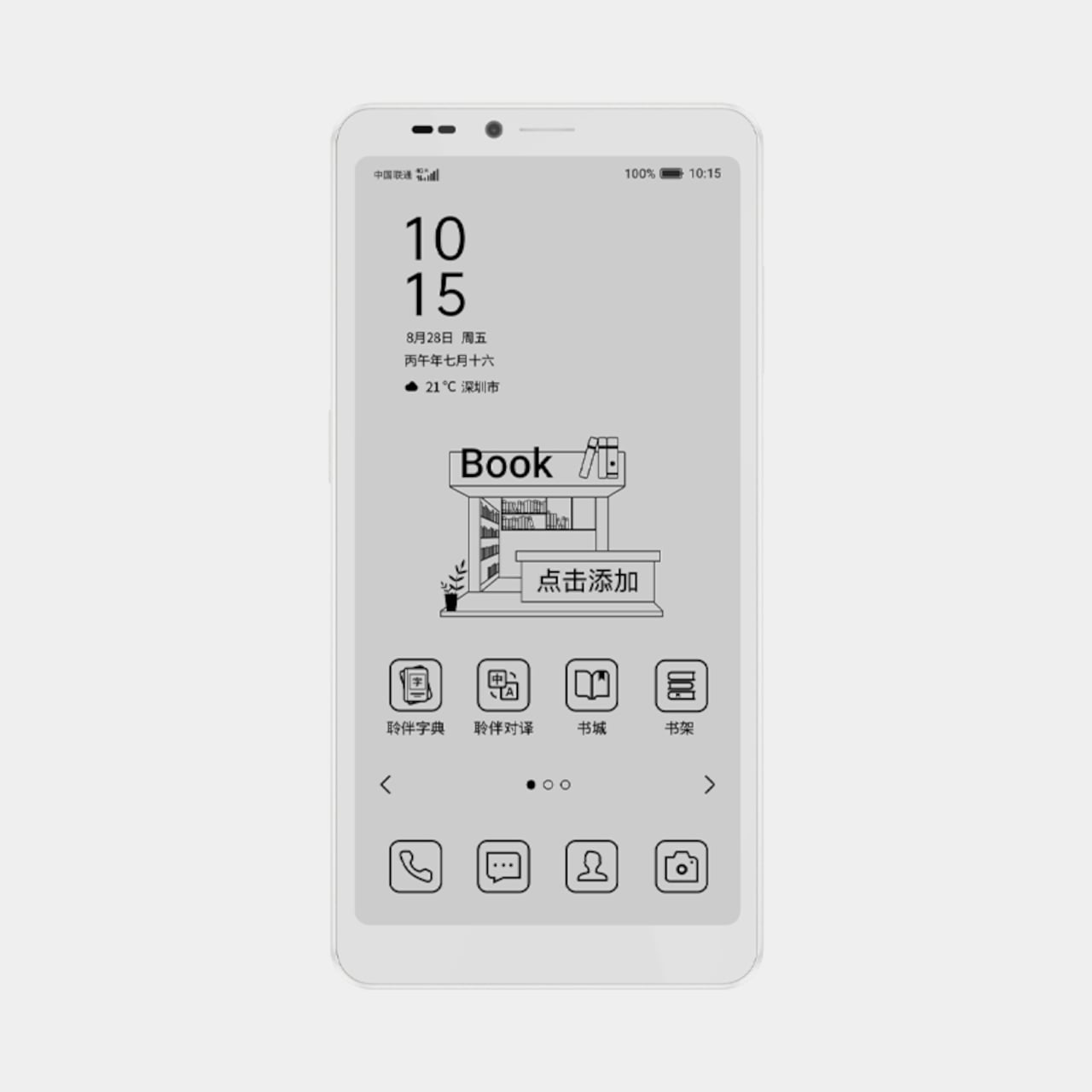
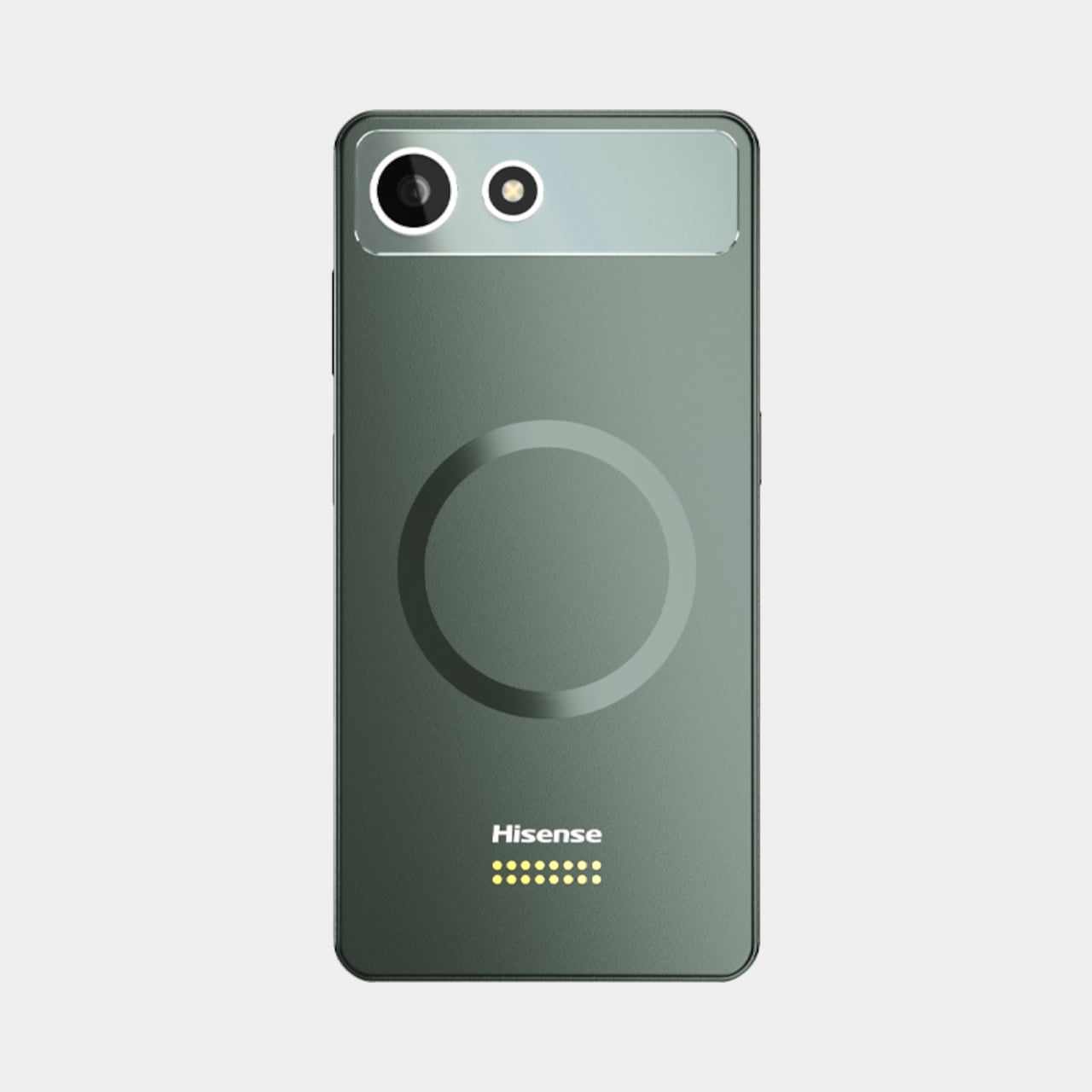
Imagine spending a long commute finishing a chapter on the E Ink side, then arriving at a destination and needing turn-by-turn directions or a quick selfie. Rather than tolerating a grayscale map or waiting through refresh lag, the color module goes on for exactly as long as the task requires. Afterward, it comes right back off, and the phone returns to its lighter, quieter default state around 190g.
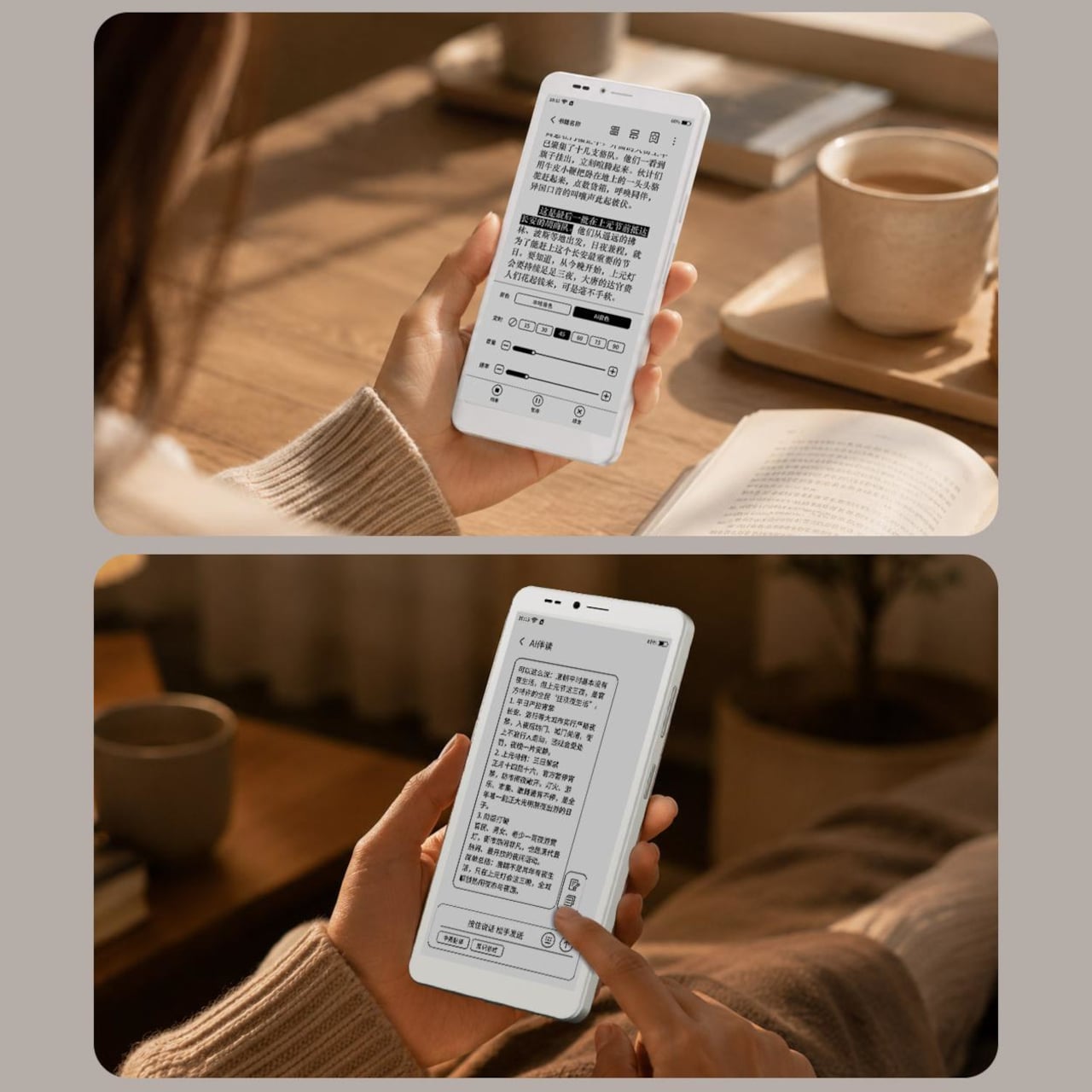
That detachability is the real design statement here. Most phone makers treat a second screen as permanent architecture, bolted in and powered whether you use it or not. Hisense instead treats it as optional equipment, closer to a lens you’d attach to a camera than a component soldered into a chassis. The color panel exists for exactly the moments that call for it, then disappears when it doesn’t.

An “Ink Smart Button” on the side backs this up practically, letting you switch modes, wake an assistant, or force a full refresh without digging through menus. Paired with a Qualcomm QCM6690 processor, up to 12GB of RAM, and a 4,000 mAh battery, the hardware underneath doesn’t feel like an afterthought bolted onto a gimmick. It reads more like a phone that happens to know when to get out of its own way.
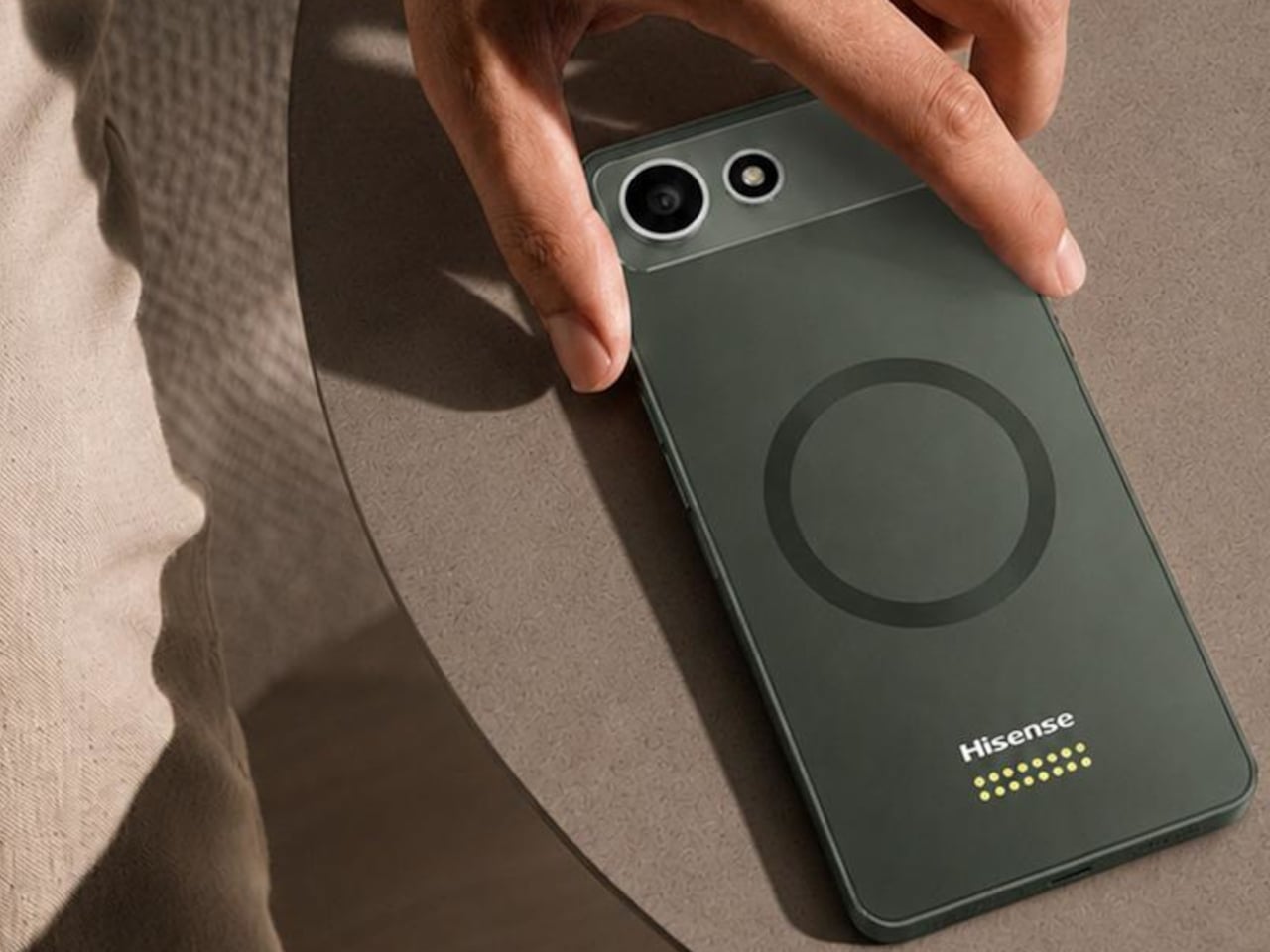
There’s something clarifying about a device willing to admit that no single screen does everything well. The A10 Ultra doesn’t try to hide that tension behind clever software or a single do-it-all panel. It just hands you the two halves separately and lets you decide, task by task, which one earns a place on your phone that day.
The post Hisense Just Made an E Ink Phone With a Color Screen That Snaps Off first appeared on Yanko Design.
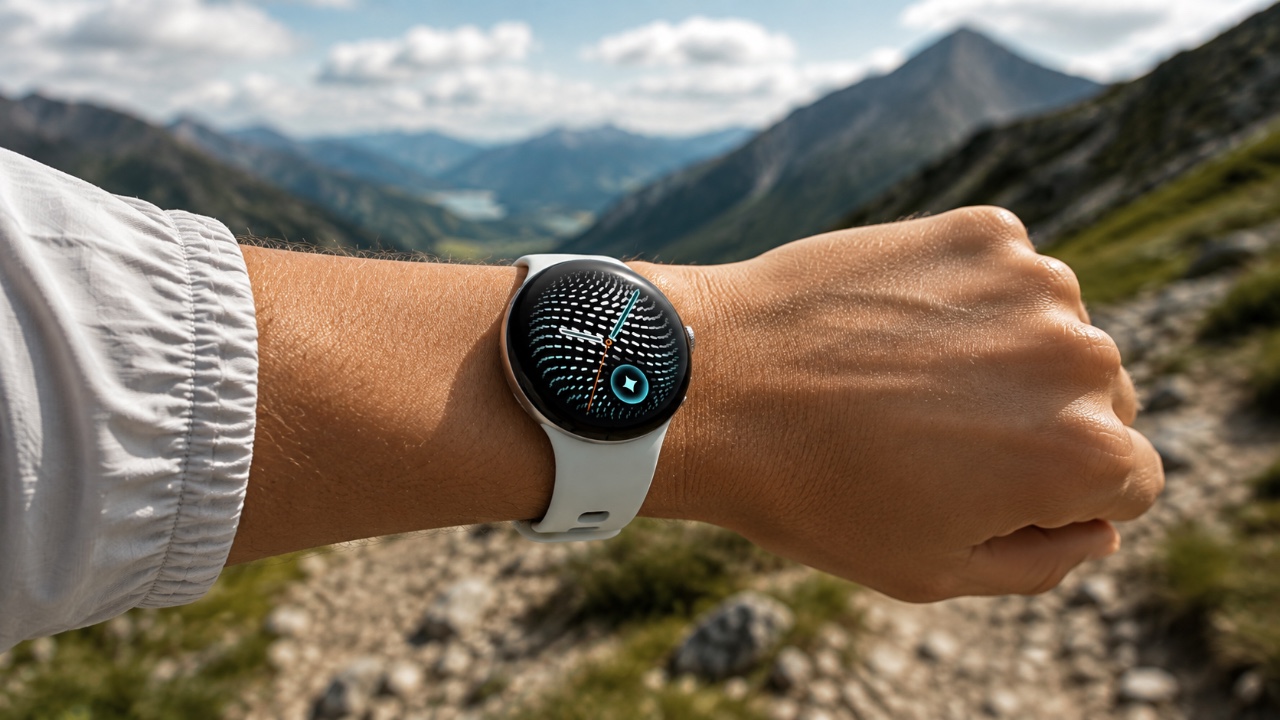
Google Pixel Watch 5: Worth the $349 Upgrade or an Easy Skip?

Google Pixel Watch 5: Worth the $349 Upgrade or an Easy Skip? Google Pixel Watch 5

The Pixel Watch 5 represents Google’s most refined effort in the smartwatch market to date, combining a sleek, minimalist design with advanced features aimed at enhancing user experience. With its signature circular display and a host of upgrades, it positions itself as a strong competitor to premium devices like the Apple Watch and Galaxy Watch. […]

The post Google Pixel Watch 5: Worth the $349 Upgrade or an Easy Skip? appeared first on Geeky Gadgets.

Posted in Uncategorized

Learn a 5-Step Gemini Notebook Workflow to Boost Productivity

Learn a 5-Step Gemini Notebook Workflow to Boost Productivity A diagram illustrating the five-step curation and research workflow.

Gemini Notebook, previously called Notebook LM, is an AI-powered platform designed to support research and content creation workflows. It stands out by grounding its responses in user-selected sources, such as PDFs, websites, or Google Drive files, making sure transparency and relevance. According to Skill Leap AI, features like source curation and information validation help users […]

The post Learn a 5-Step Gemini Notebook Workflow to Boost Productivity appeared first on Geeky Gadgets.

Posted in Uncategorized

Apple September Event: the iPhone 18 Pro, iPhone Ultra, and 4 Big Surprises Expected

Apple September Event: the iPhone 18 Pro, iPhone Ultra, and 4 Big Surprises Expected Apple September Event

Apple’s highly anticipated September 2026 event, scheduled for September 9th, is poised to captivate the tech world with a blend of new innovations and refined upgrades. The event will showcase a diverse lineup, including Apple’s first foldable iPhone, enhanced wearables, and smarter home devices. This year’s announcements reflect Apple’s ongoing commitment to pushing technological boundaries […]

The post Apple September Event: the iPhone 18 Pro, iPhone Ultra, and 4 Big Surprises Expected appeared first on Geeky Gadgets.

Posted in Uncategorized

Cloud Gaming Handhelds Need Wi-Fi, so Lenovo Built One That Doesn’t

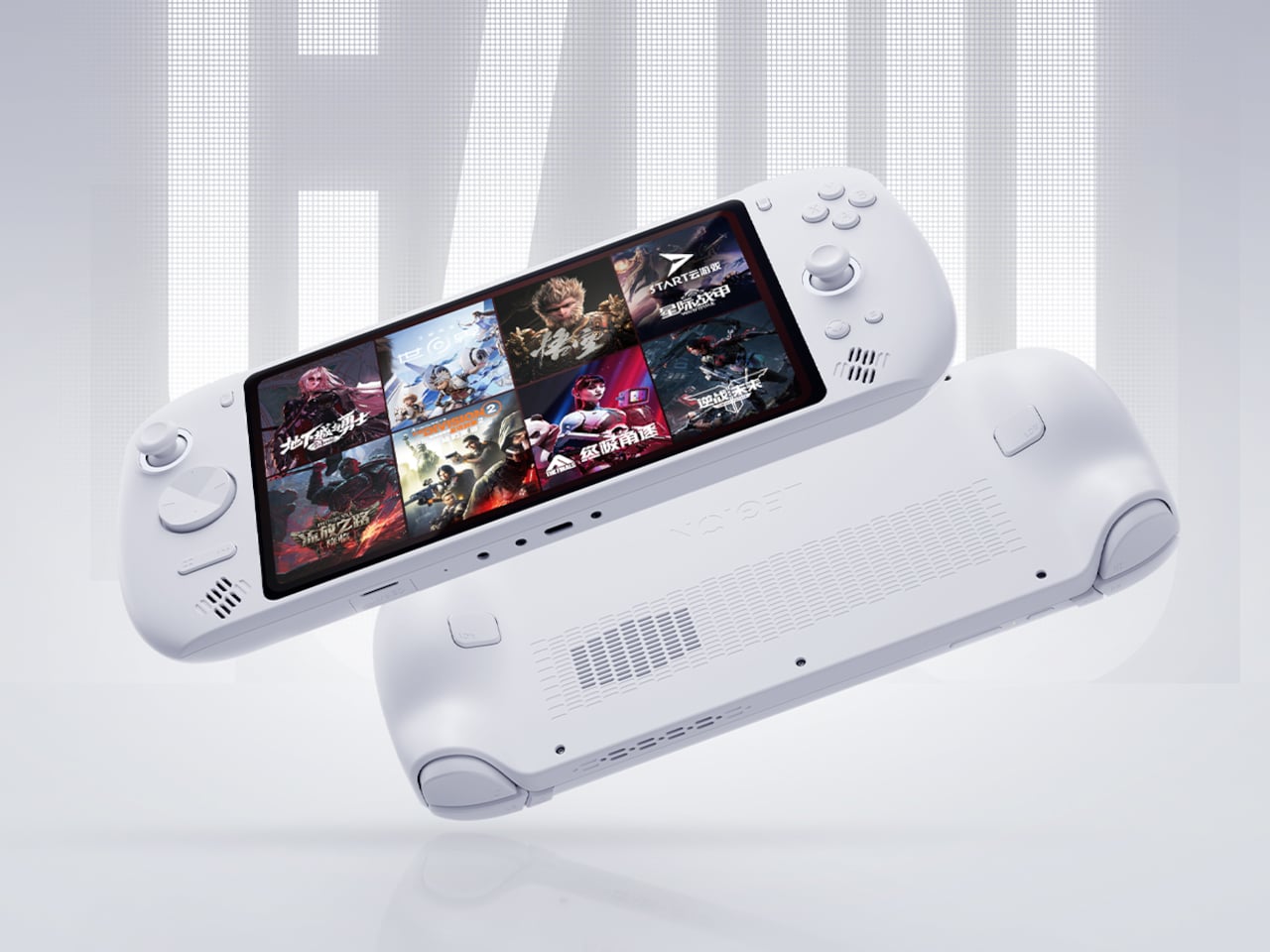
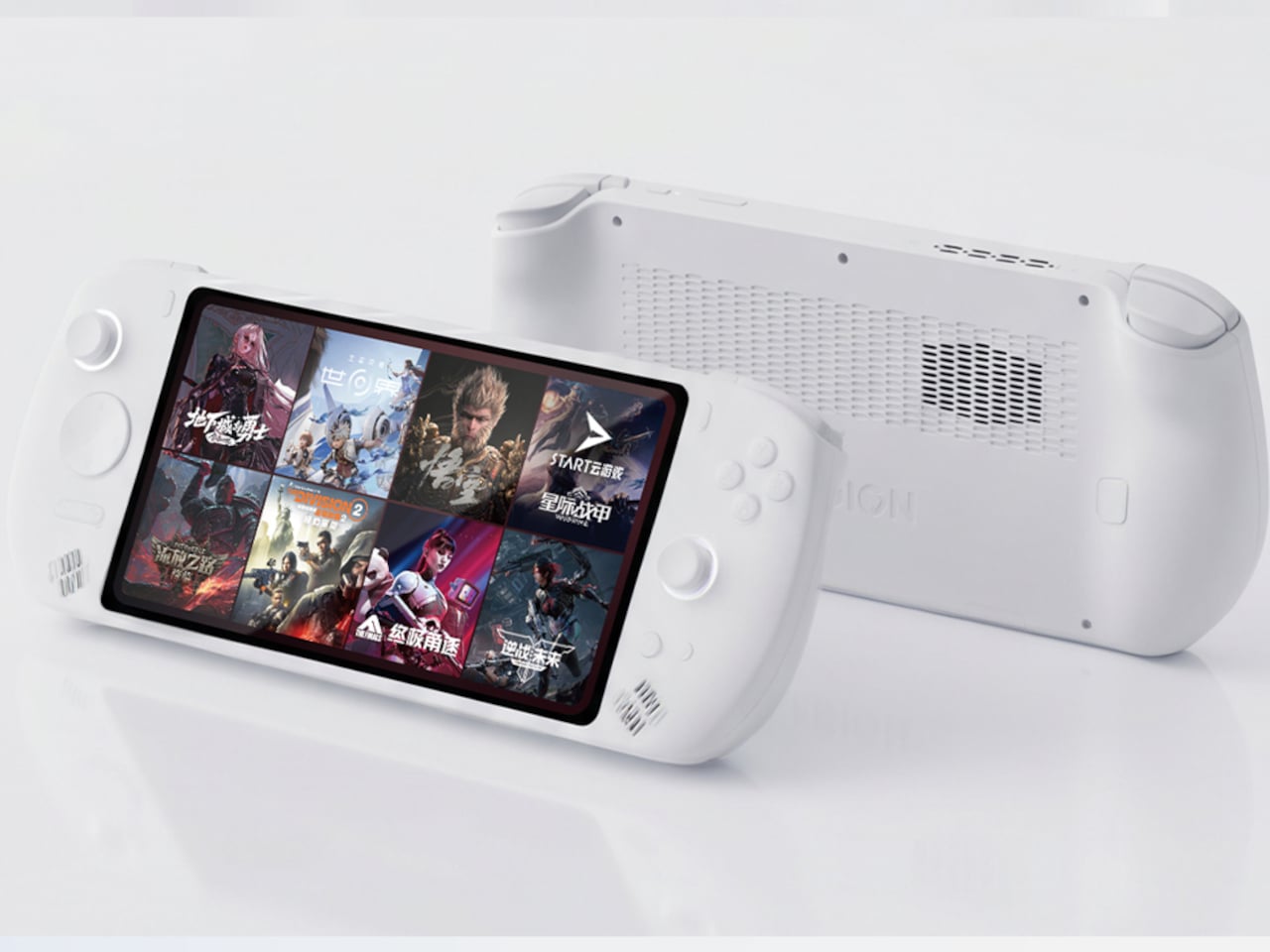
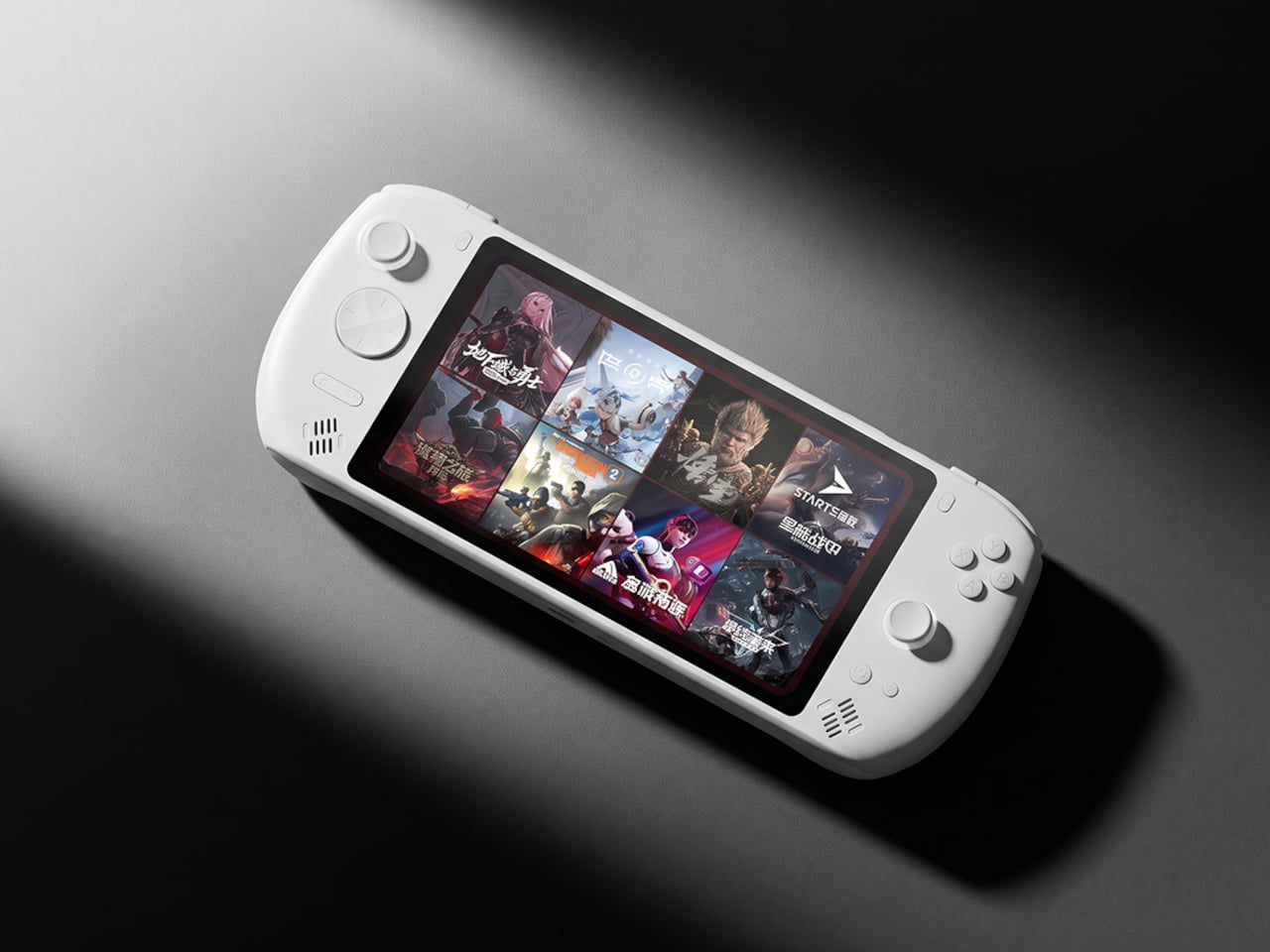
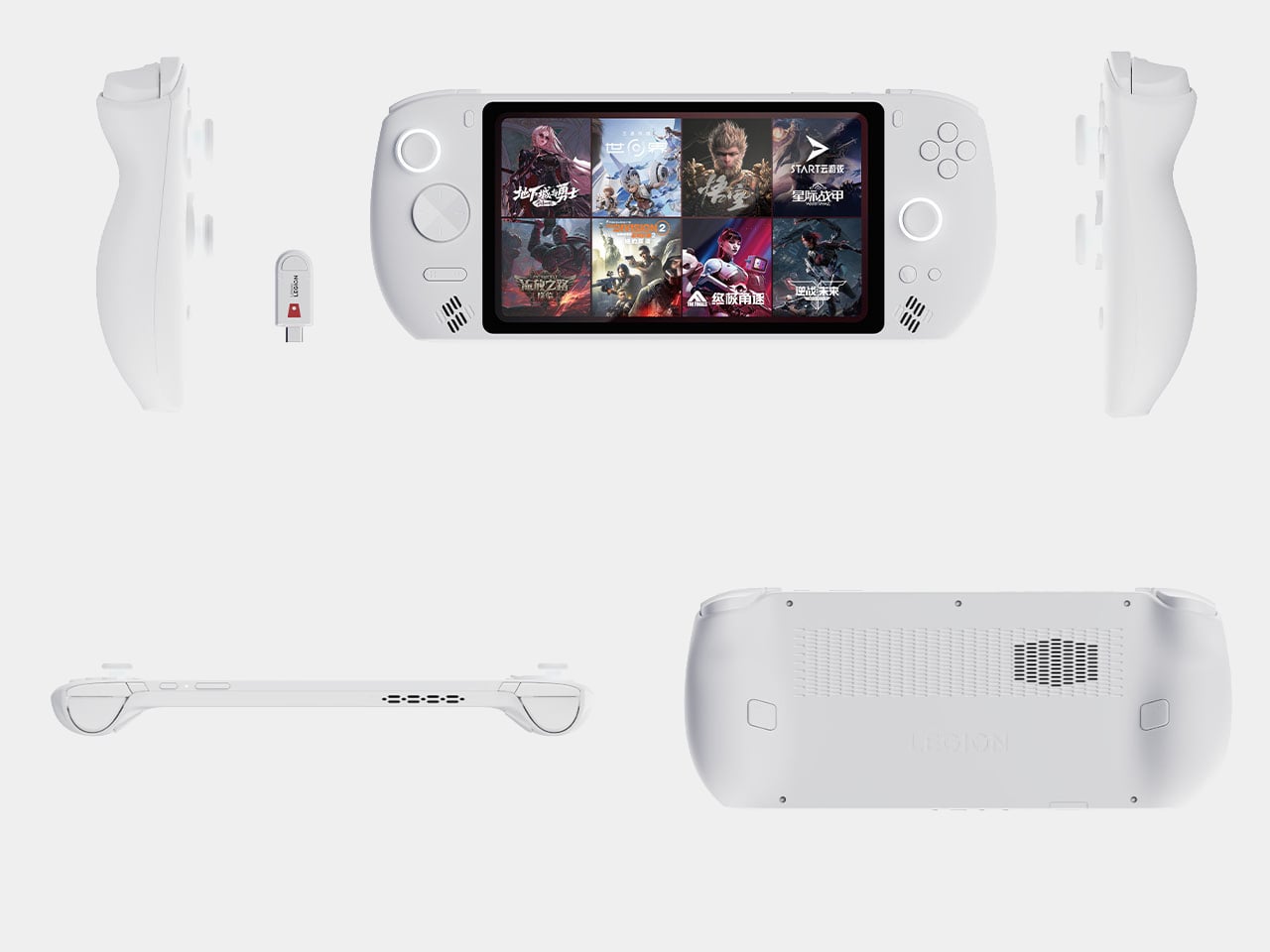
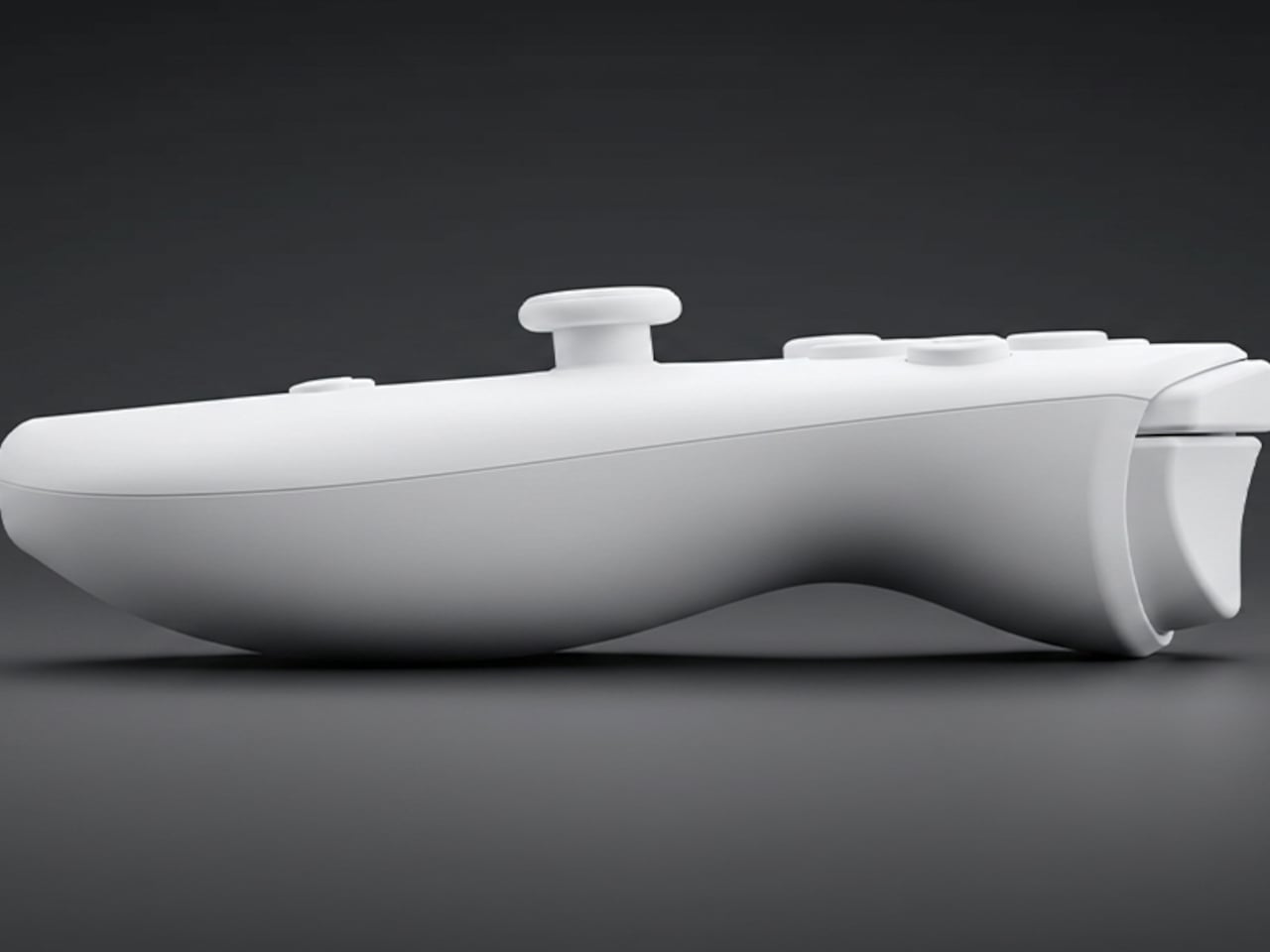
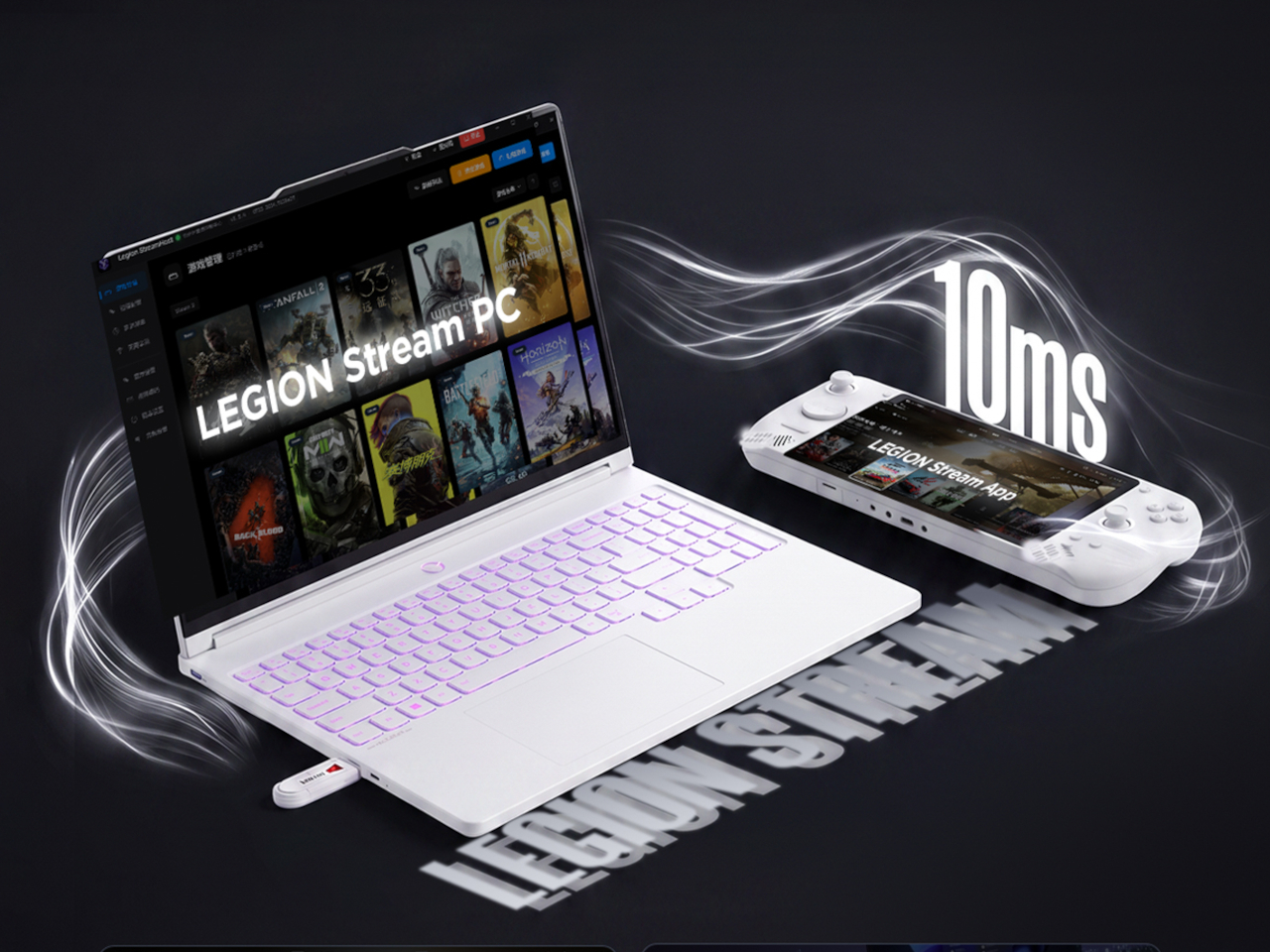
Most cloud gaming handhelds are hostages to a Wi-Fi signal. No internet, no games. Lenovo’s new Legion Cloud Gaming Handheld, announced August 25 in China, skips the conventional approach entirely. It includes a USB dongle in the box that lets you stream games from a Windows PC over a local network with no internet connection required. That’s the headline feature, and it’s a genuinely novel one for the category.

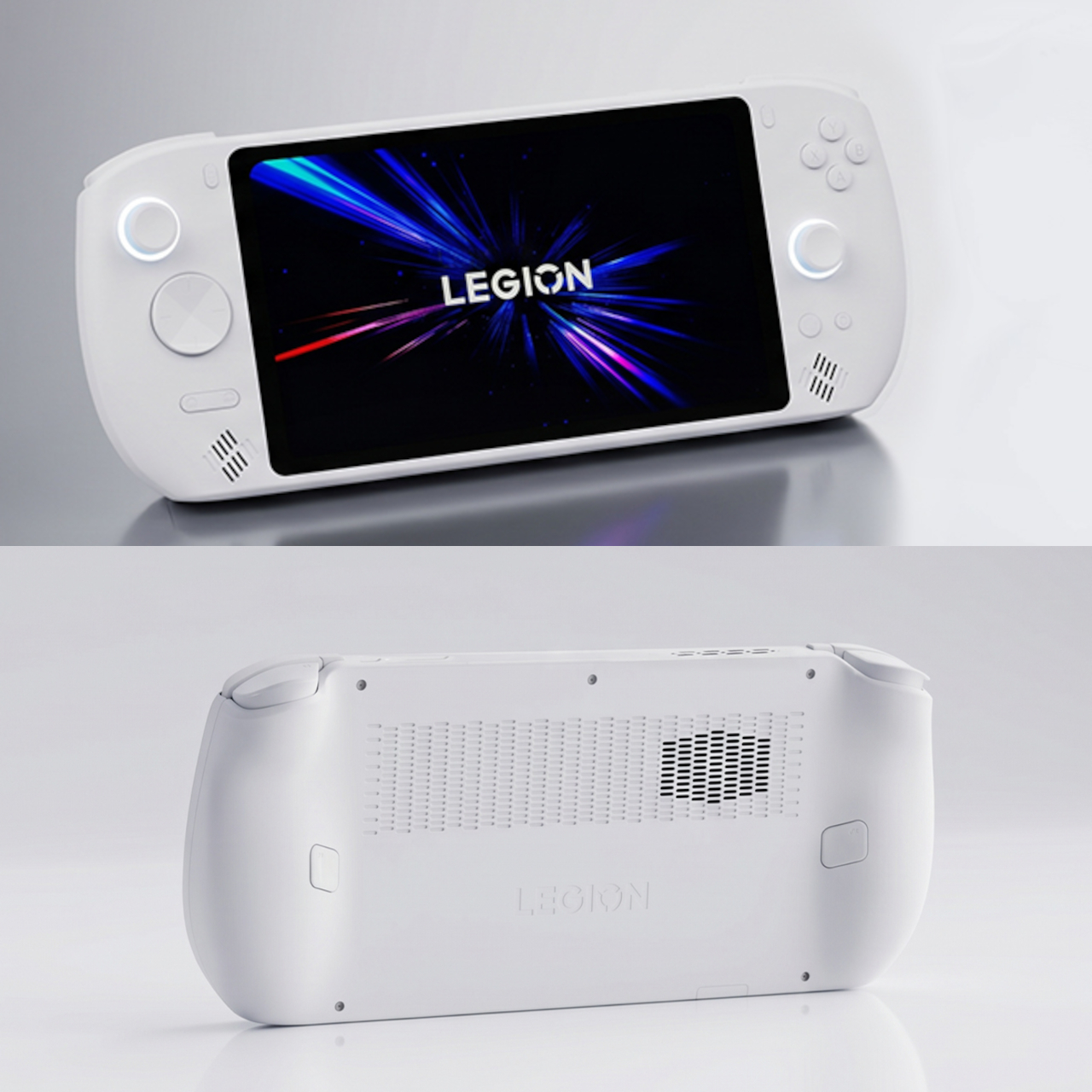
The device runs on Android 16 with a MediaTek Dimensity 7400 doing the system work, not the gaming. There’s no discrete GPU here, which is precisely the point. Lenovo built this around Tencent’s START cloud gaming service for on-the-go use and around the bundled Legion Stream dongle for home use. The Dimensity 7400 handles menus, apps, and streaming protocols. The actual game rendering happens elsewhere.

Designer: Lenovo

Dropping the power-hungry local chip has an immediate physical consequence. The handheld weighs 556g and sits at 14.9mm thick across 292.9mm of width, making it a physically large device, but lighter than the Steam Deck OLED at 640g. That saving in grams comes directly from not needing a discrete GPU or the oversized battery that would be required to keep one running. The engineering tradeoff is explicit and intentional.

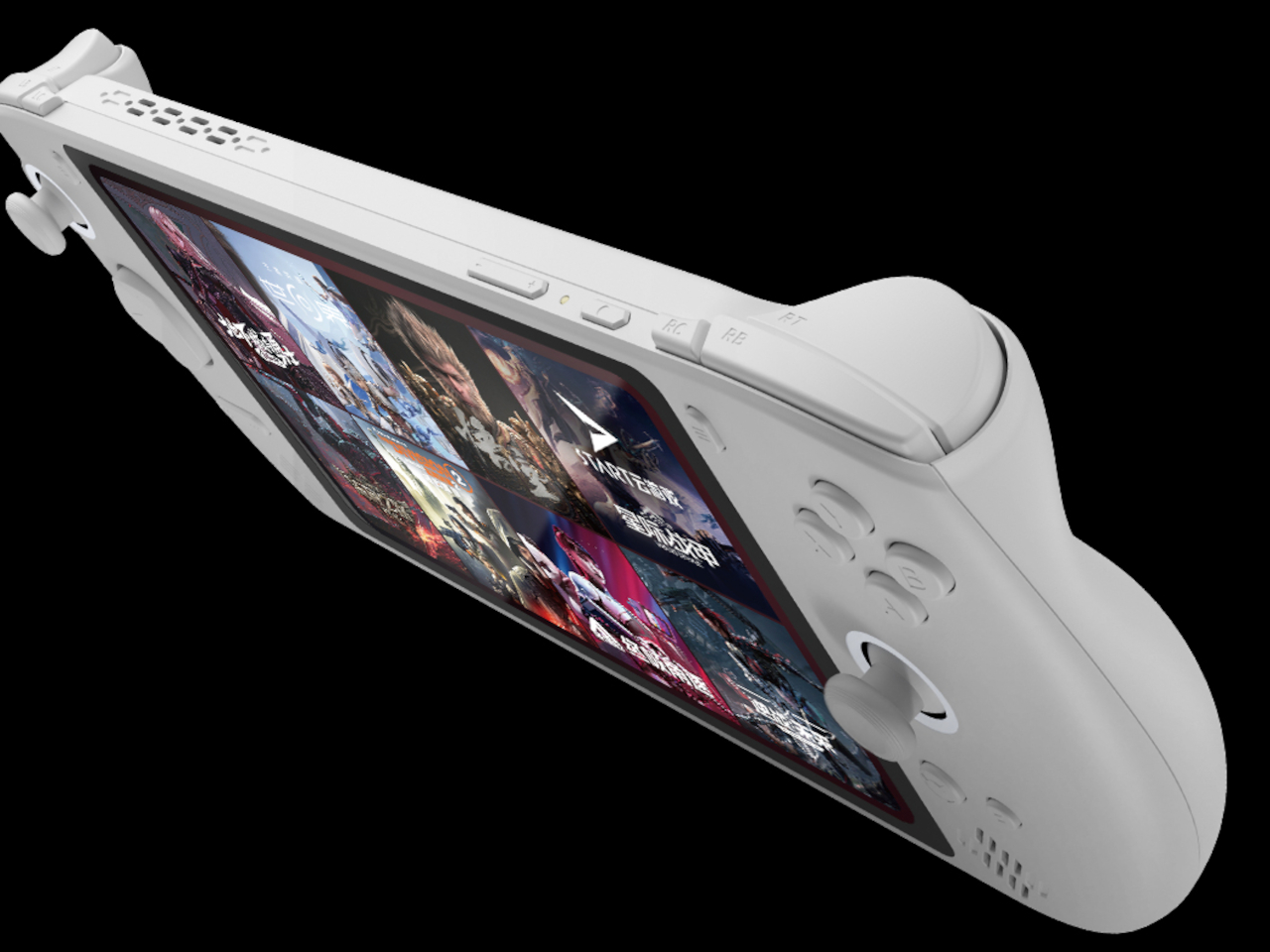
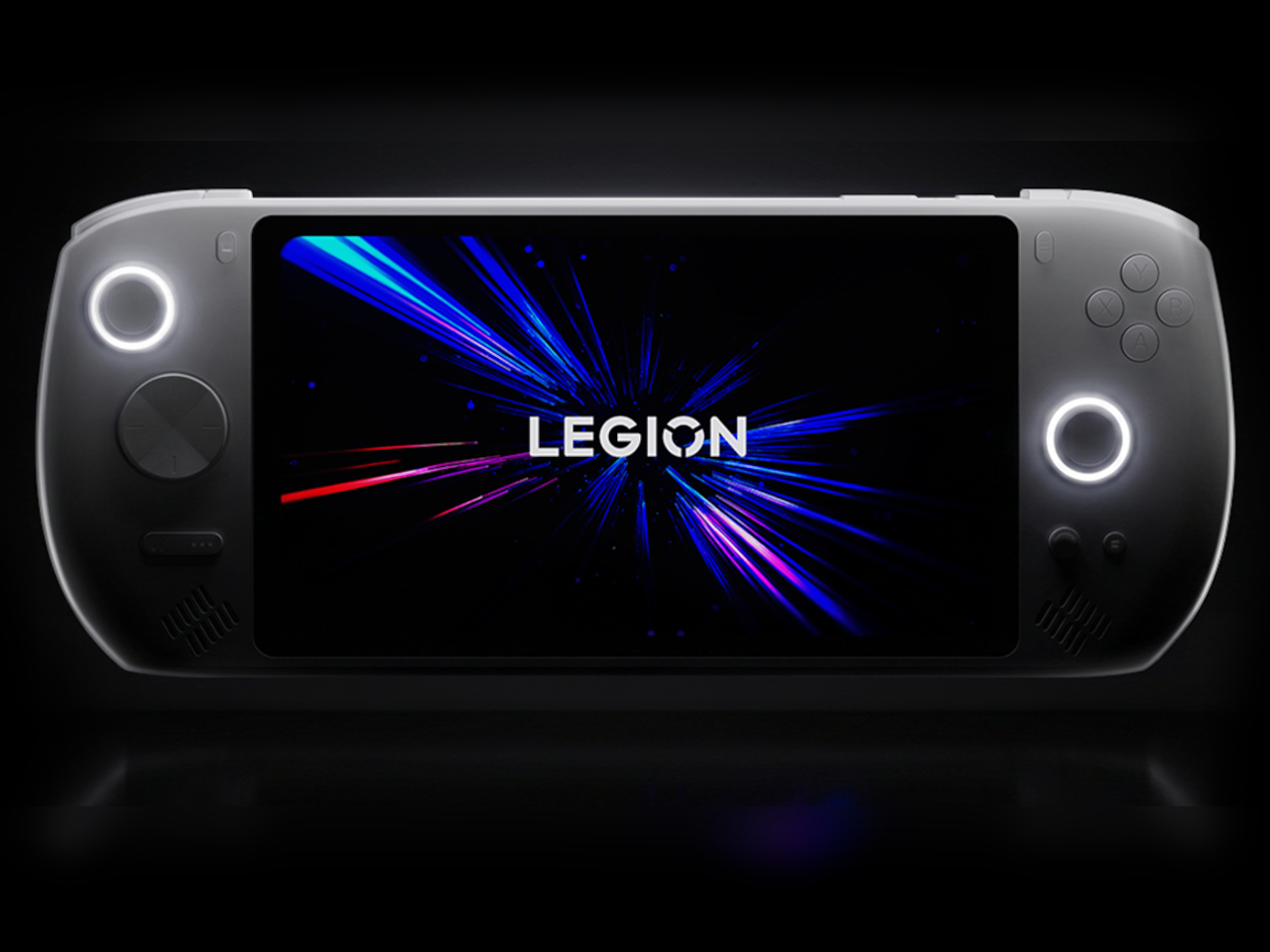
The 7.82-inch FHD LCD runs at 120Hz, which is adequate for streaming content and more than adequate for Android gaming. Active cooling keeps the Dimensity 7400 from throttling under sustained load. The 8,000mAh battery is rated for up to nine hours of cloud gaming, a figure that makes sense when the device’s processor isn’t rendering 3D scenes. Wi-Fi 6E, Bluetooth 5.3, a USB-C port, and a 3.5mm headphone jack round out the connectivity side.

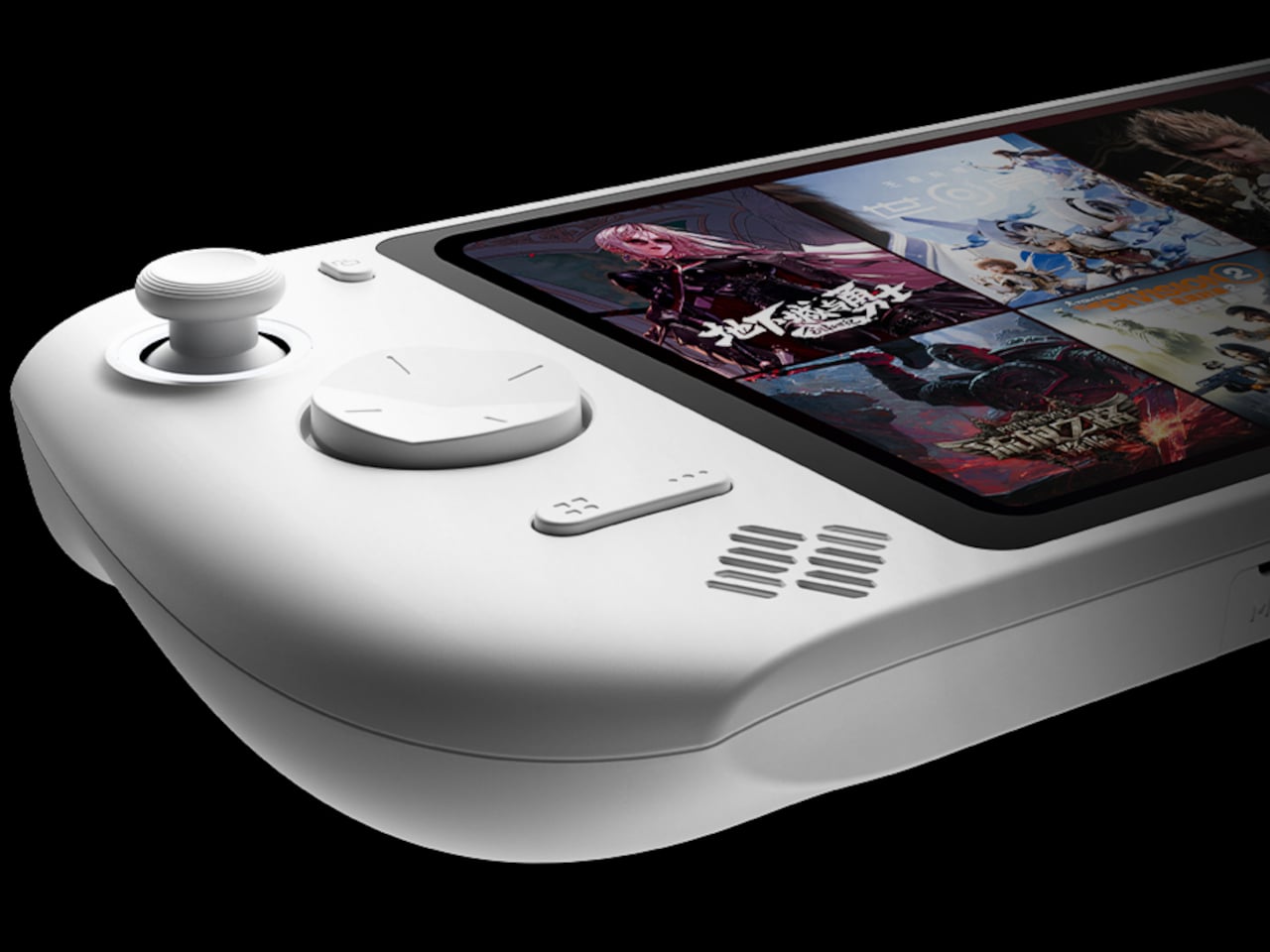
Controls are where the hardware investment shows. The thumbsticks use TMR (True Magnetic Resistance) technology, the same type found on higher-end controllers, and the triggers use Hall Effect sensors rather than conventional mechanical contacts. There are also two rear paddles alongside the standard shoulder buttons. For a device built around cloud gaming, the input hardware is taken seriously rather than treated as secondary to the streaming experience.

The dongle is the distinguishing argument. Plug it into the Windows PC you’re streaming from, pair the handheld over the local network, and the C700 becomes a remote display for whatever’s running on that machine. That covers the scenario where you’re at home with a capable gaming PC, you want to play from the couch, and your internet has dropped out or never existed in the first place. It’s a practical problem that cloud gaming devices have never previously addressed.

Lenovo partnered with Tencent on this, which is partly why it launched in China first. Pricing is set at CNY 2,199 (approximately $325) for the 8GB/256GB configuration. Sales begin September 8 in China; Lenovo has made no announcement regarding a global release.

The post Cloud Gaming Handhelds Need Wi-Fi, so Lenovo Built One That Doesn’t first appeared on Yanko Design.

New Midjourney Edit Mode Blends Up to Four Reference Images

New Midjourney Edit Mode Blends Up to Four Reference Images The new Midjourney Edit Mode interface showing image modification tools.

Midjourney’s latest update introduces the highly anticipated Edit Mode, a feature designed to enhance creative workflows through greater precision and interactivity. As highlighted by Future Tech Pilot, this mode brings several notable improvements, including the ability to blend up to four reference images seamlessly and attach visuals directly to prompts for more contextually accurate results. […]

The post New Midjourney Edit Mode Blends Up to Four Reference Images appeared first on Geeky Gadgets.

Posted in Uncategorized

Australia Mandates ID Verification for 18+ Steam Games

Australia Mandates ID Verification for 18+ Steam Games A person looking at an age verification prompt on the Steam store.

Australia’s recent decision to enforce stricter age verification for purchasing 18+ rated games online has brought significant changes to platforms like Steam, Xbox and PlayStation. As highlighted by Bellular News, these regulations, introduced under the Online Safety Act, require users to verify their age through methods such as uploading official identification, linking payment methods to […]

The post Australia Mandates ID Verification for 18+ Steam Games appeared first on Geeky Gadgets.

Posted in Uncategorized

Claude Code 2.0 Adds an iOS Simulator for Desktop App Testing

Claude Code 2.0 Adds an iOS Simulator for Desktop App Testing The built-in iOS simulator running a test app within the Claude desktop client.

Claude Code 2.0 introduces a range of updates aimed at addressing key challenges in modern development workflows. One notable feature is the cross-session messaging capability, which allows developers to maintain communication across multiple sessions without disruption. According to World of AI, this addition is particularly useful for managing collaborative projects, helping to minimize miscommunication and […]

The post Claude Code 2.0 Adds an iOS Simulator for Desktop App Testing appeared first on Geeky Gadgets.

Posted in Uncategorized

Most Gaming Handhelds Make You Choose, But the Win Max 3 Doesn’t

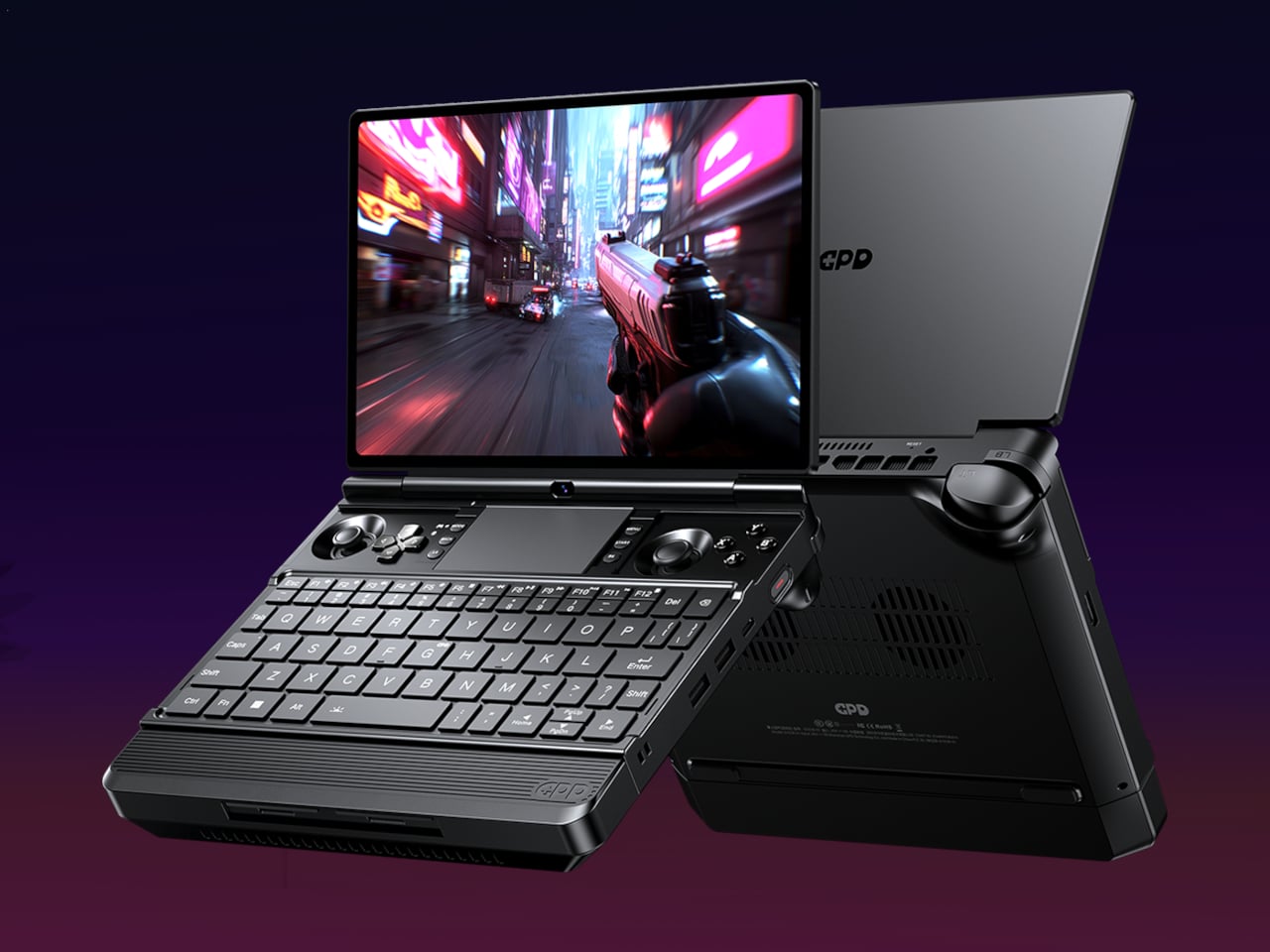
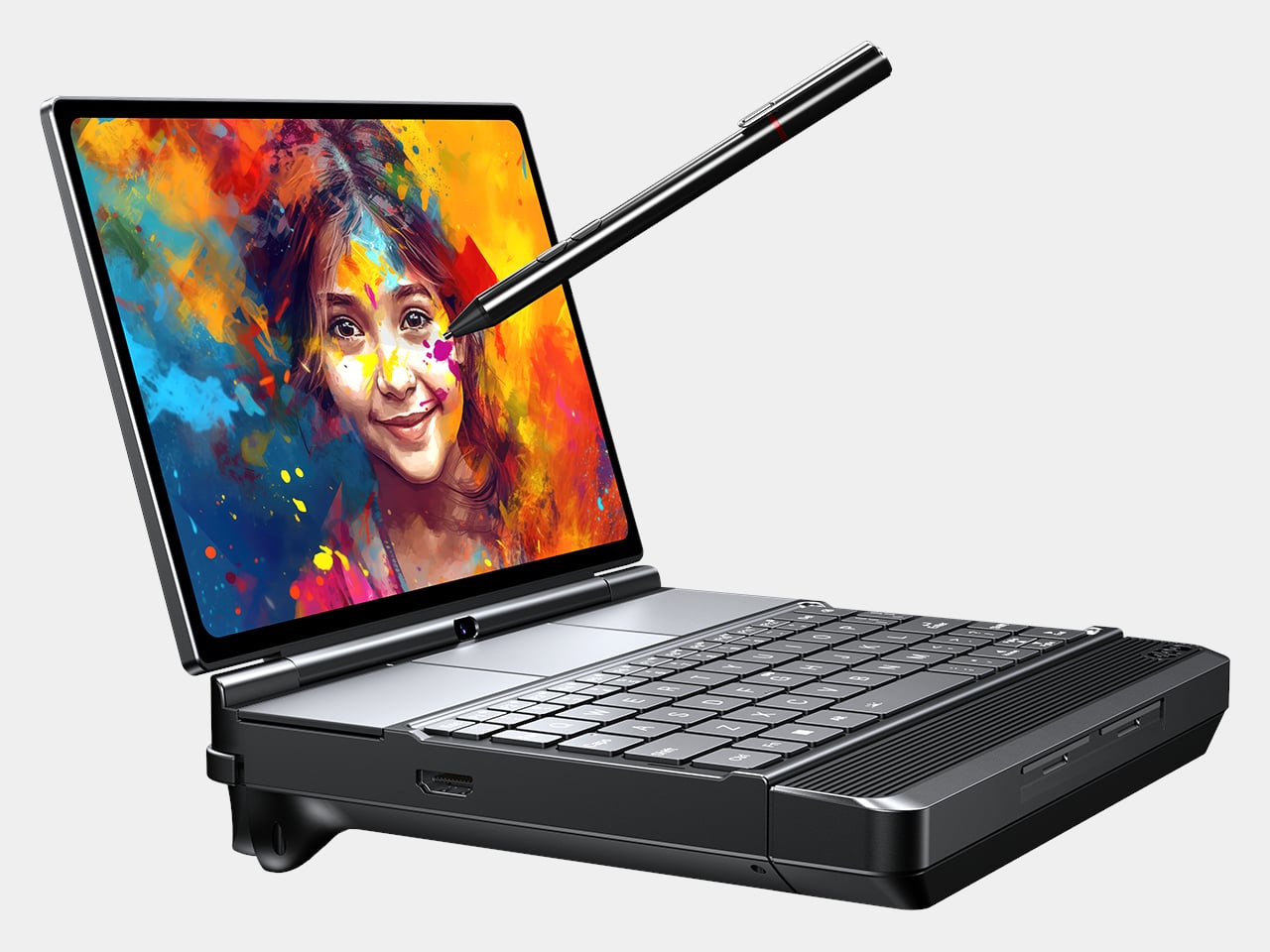
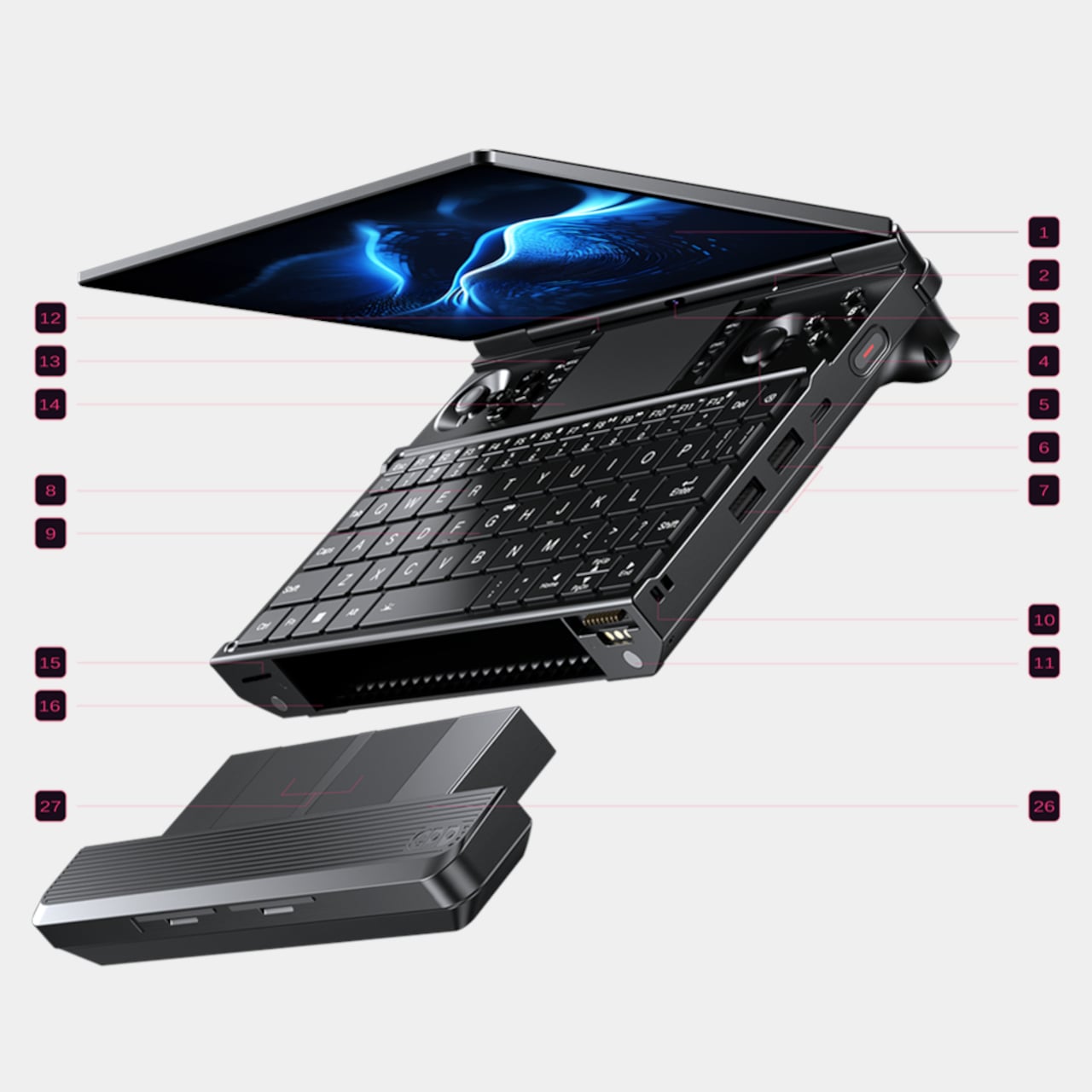
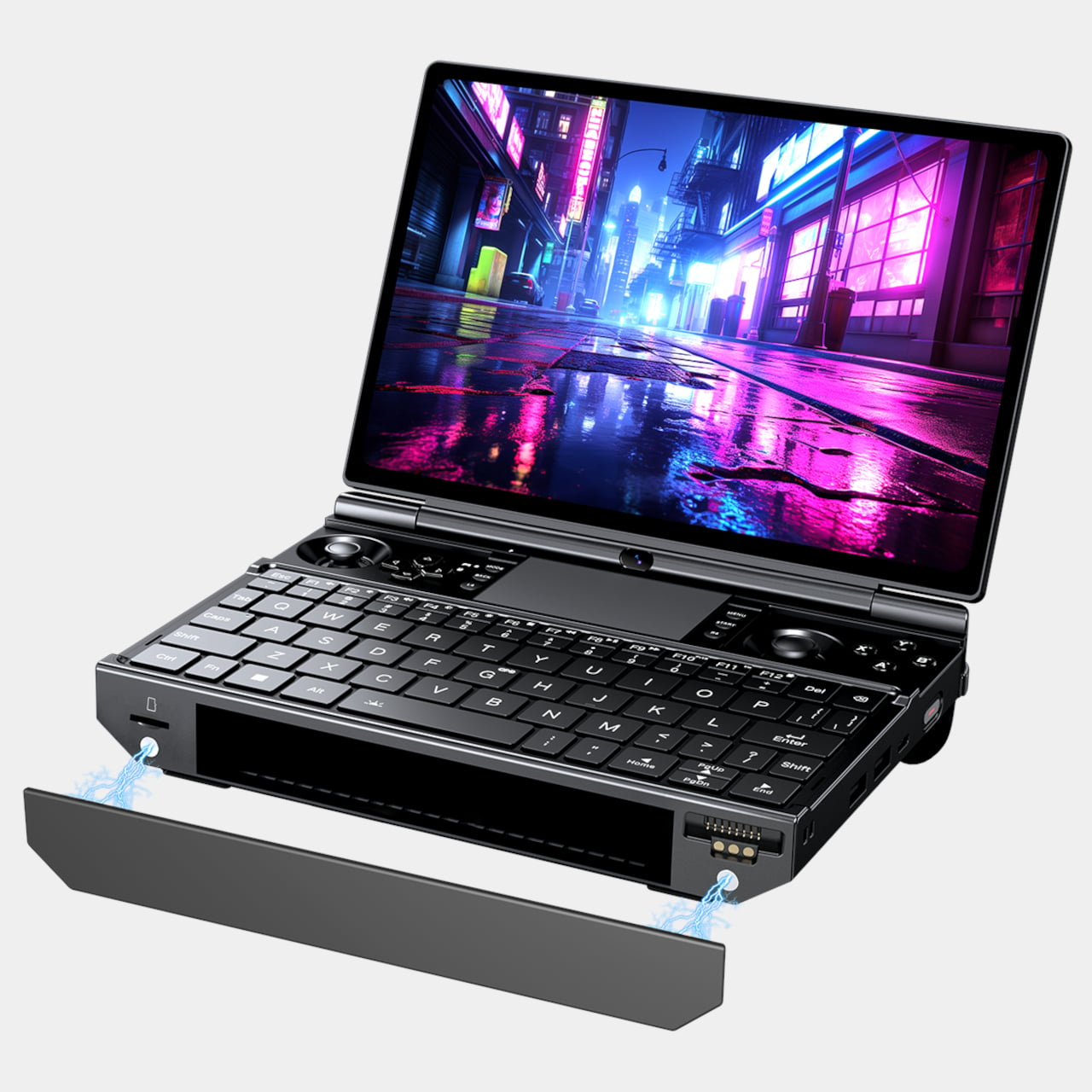
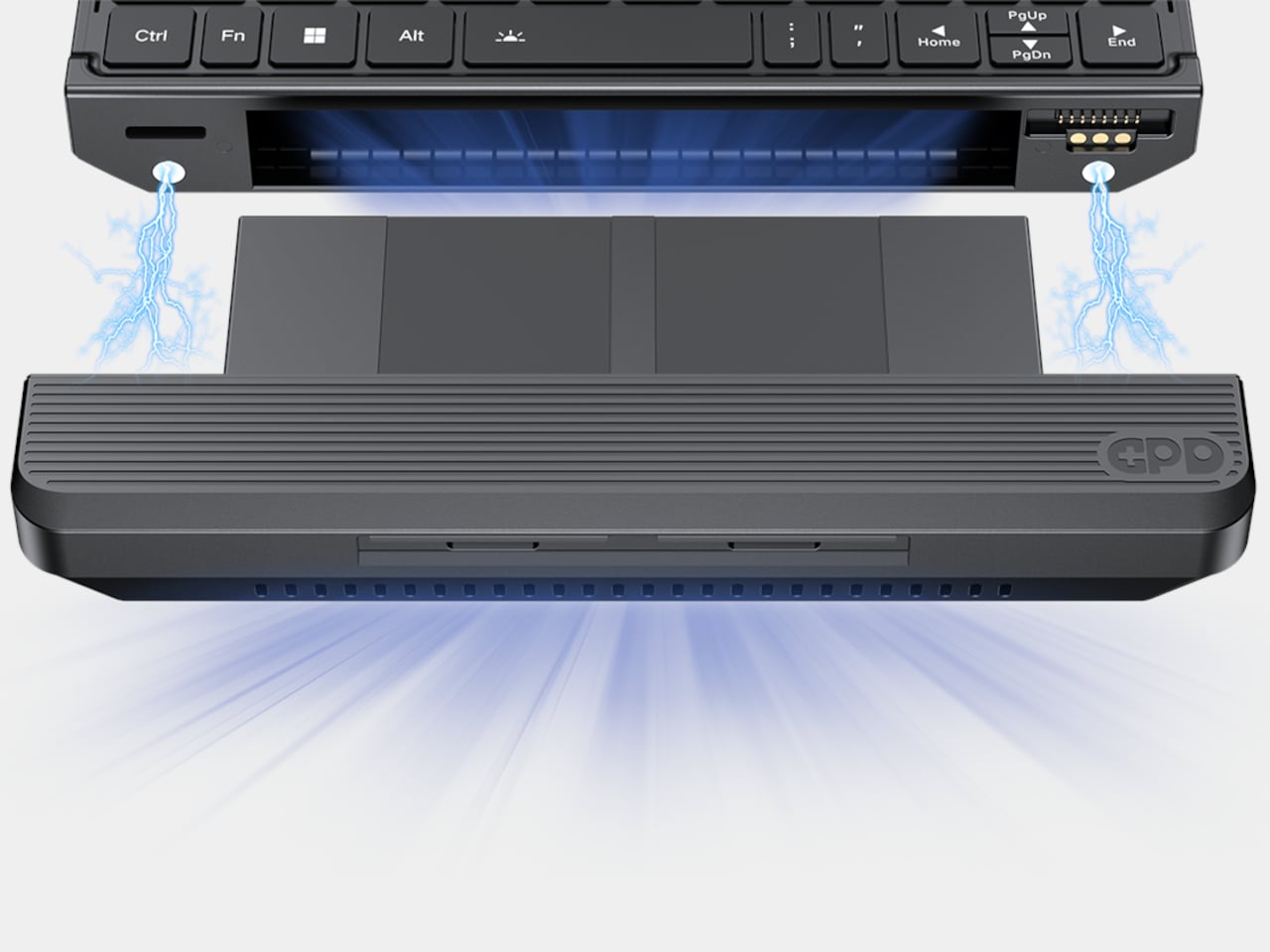
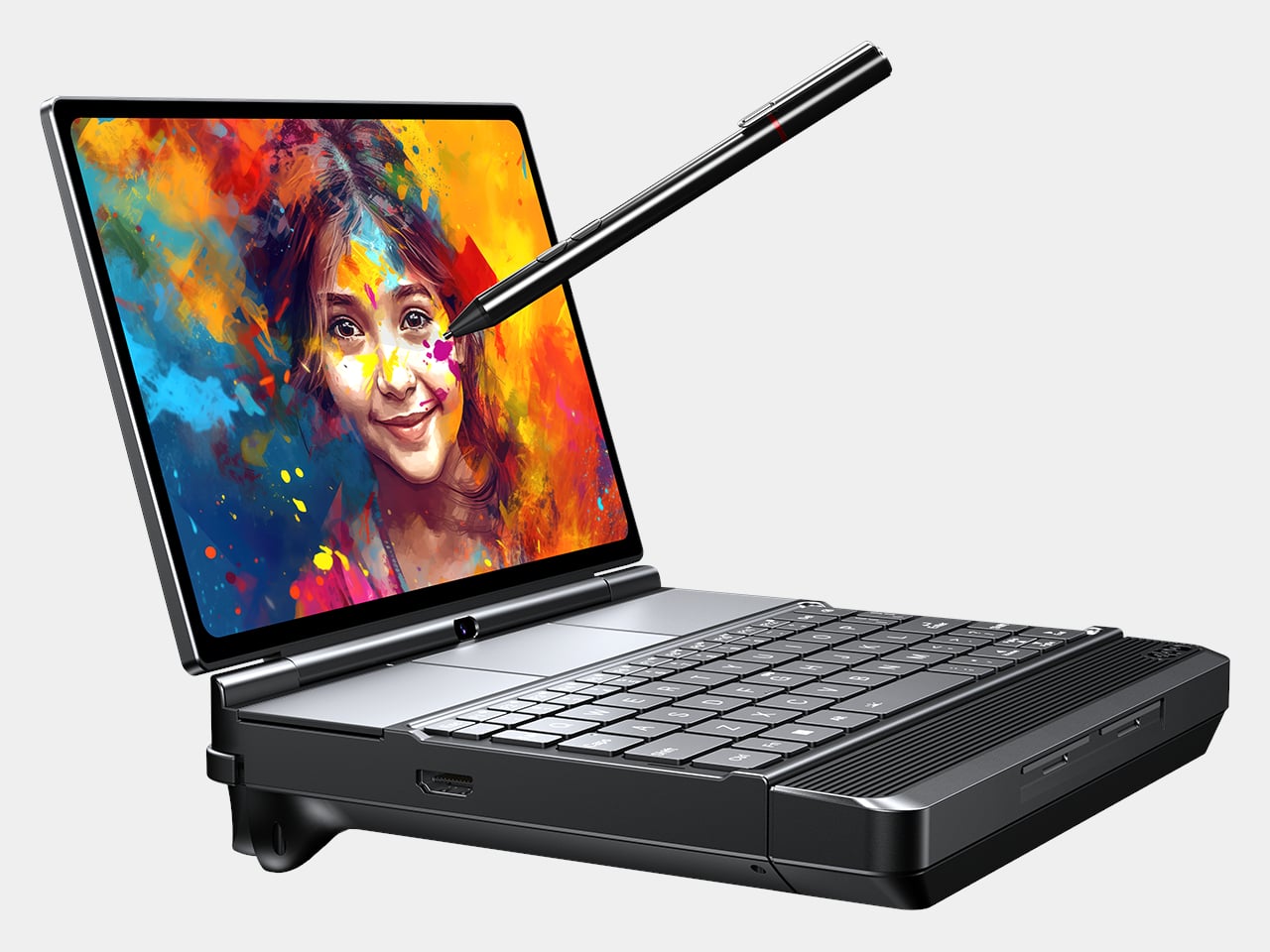
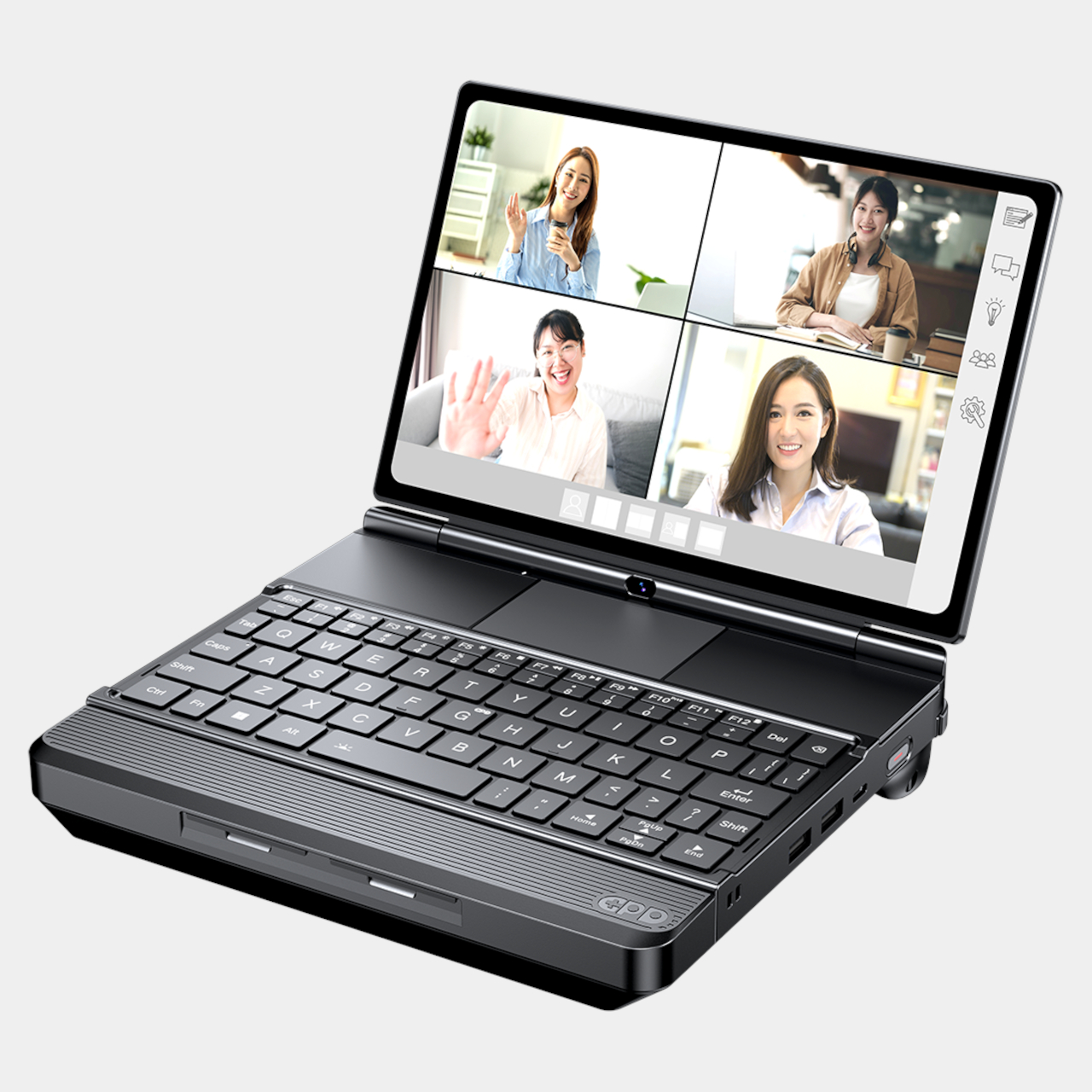
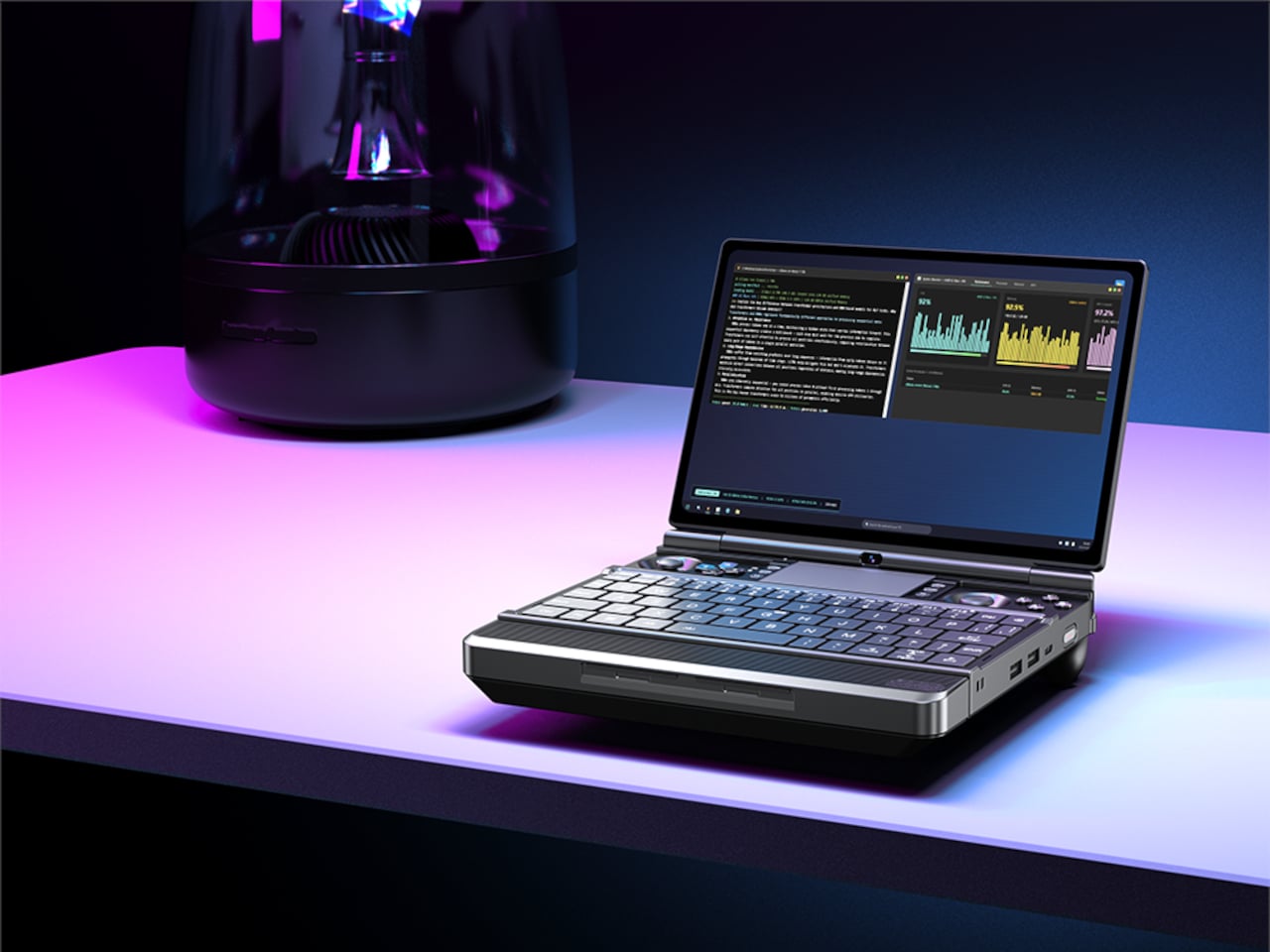
Most handheld gaming PCs ask you to accept a single, fixed compromise between power, battery life, and weight. The GPD Win Max 3 refuses that trade-off entirely. Its clamshell body is built around a base chassis that can be reconfigured with a snap-on battery pack, an external cooling module, or both, turning one small laptop into several different machines depending on what the moment calls for.

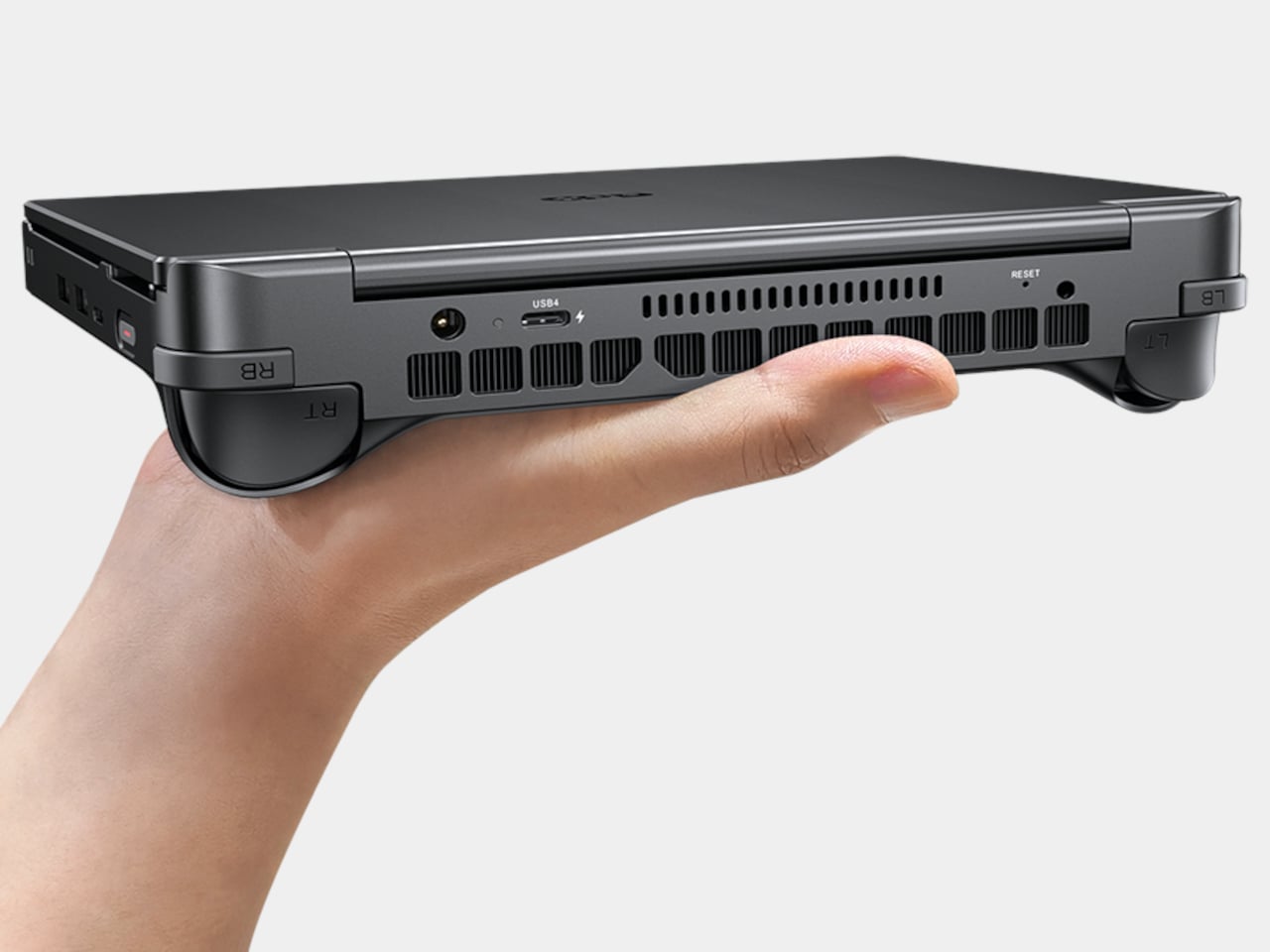
Strip it down to its lightest form and the Win Max 3 weighs just 815g, closer to a paperback novel than a gaming rig. Clip on the 97Wh battery module and it grows to 1,220g, trading some portability for hours of unplugged play. Swap that for the cooling module instead, and the machine settles at 985g while unlocking sustained performance that would otherwise cook a chassis this size. Every configuration reshapes the same 207mm x 147mm footprint.

Designer: GPD

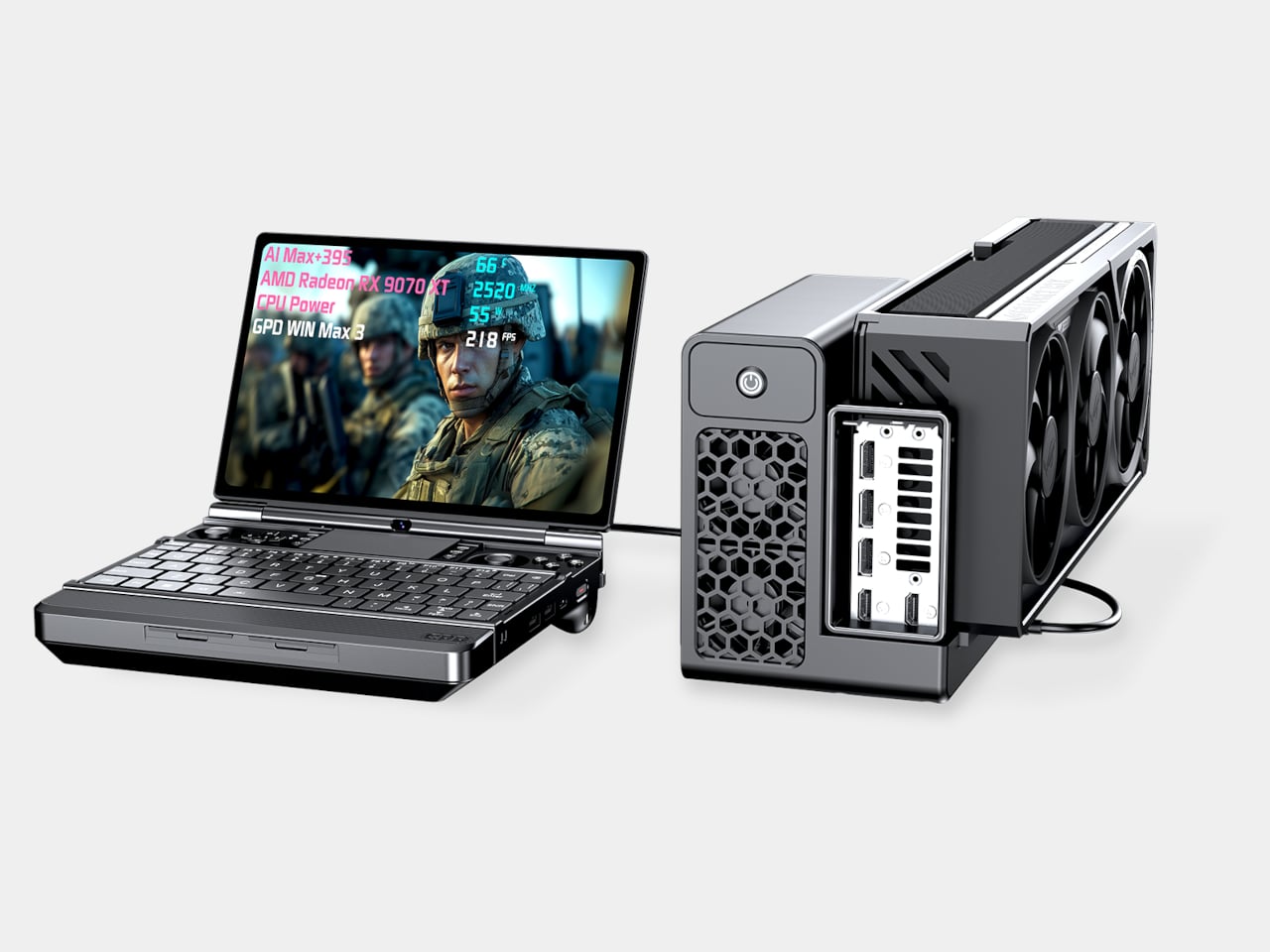
That flexibility exists because the hardware inside earns it. An AMD Ryzen AI Max+ 395 or 388 processor drives Radeon 8060S graphics, paired with up to 128GB of LPDDR5x memory that can allocate as much as 96GB directly to the GPU. GPD claims the chip can hold 100W at 88°C with no fan module attached at all, and adding one, or a pair of them, pushes sustained output to 110 W without needing a dock nearby.

Picture a commute where the base unit alone slips into a bag, light enough to ignore until a layover turns into three hours of downtime. Clip on the battery module then, and a handheld built for a quick match becomes one built to survive an entire flight without hunting for an outlet. Back at a desk, pull the battery off and attach the cooling module instead, and the same chassis stops sipping power and starts pushing toward its ceiling.

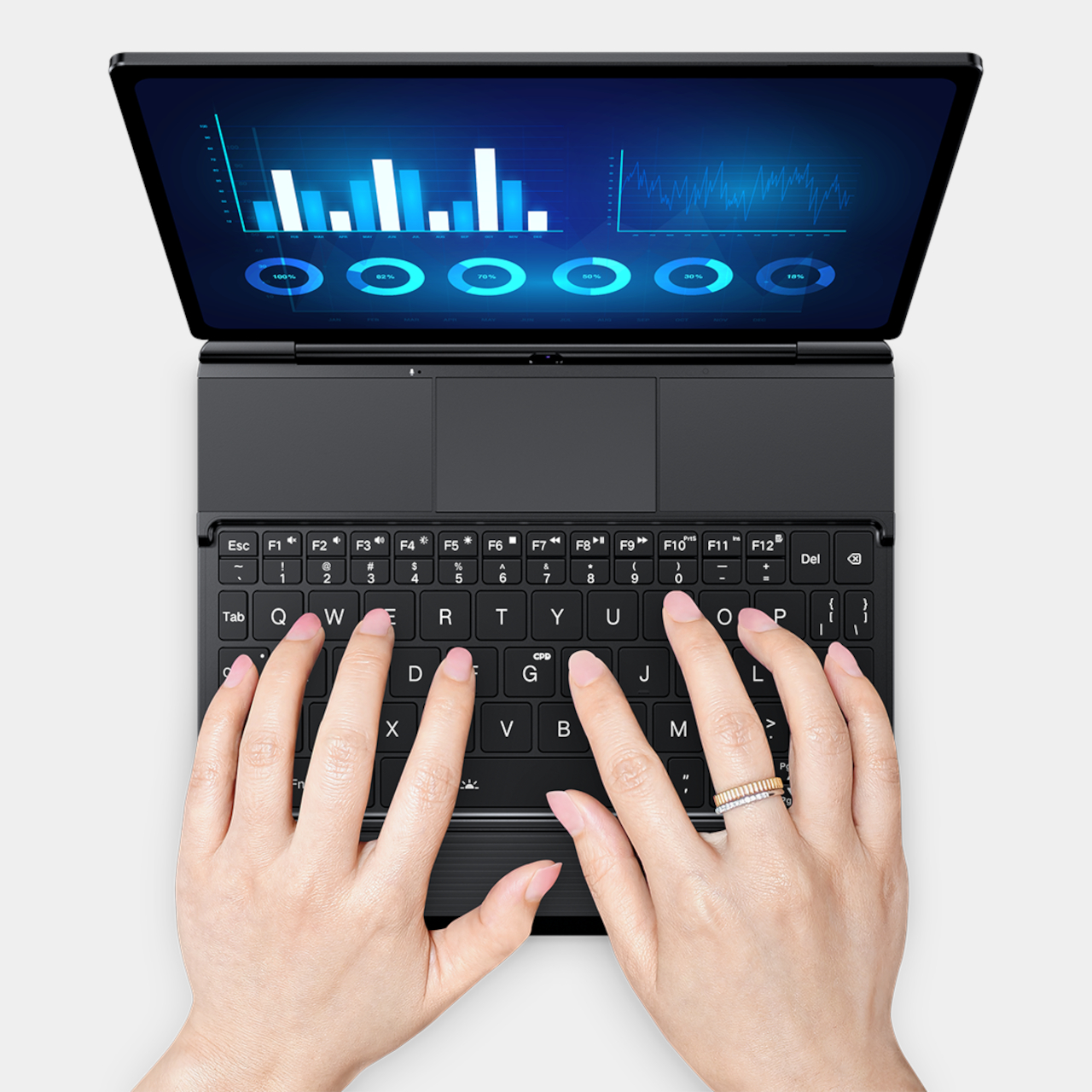
The 9.06-inch AMOLED display carries its own share of the workload, running at up to 165Hz with HDR10 active at the same time, a pairing few handhelds manage without dimming one to preserve the other. Underneath the screen, a full-size keyboard sits below two Xbox-style control clusters, with the touchpad placed above the keys instead of below them, an arrangement that keeps typing and gaming postures from fighting each other.

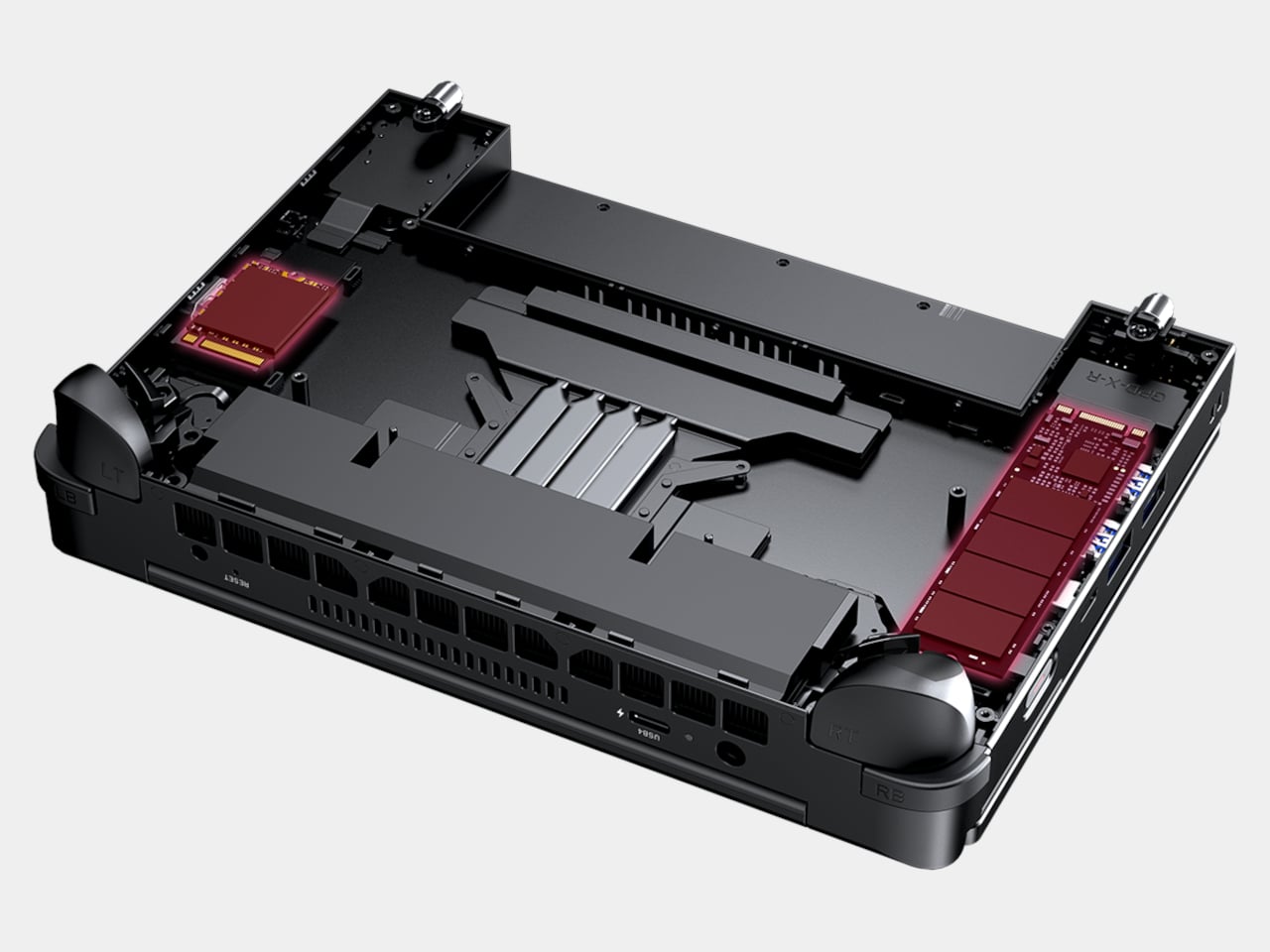
Storage follows the same modular logic as everything else, with M.2 2280, M.2 2230, and Mini SSD 1517 slots available at once rather than forcing a single-drive ceiling. A USB4 port supports GPD’s own G2 graphics dock, so the same unit that fits in a jacket pocket can also feed a full external GPU setup at a desk. None of these pieces work in isolation; they’re designed to be added, removed, and swapped as the day’s task changes.

What the Win Max 3 ultimately sells isn’t a spec sheet. It’s the idea that a device this size doesn’t have to pick a single identity. Battery life, raw wattage, and portability usually fight each other inside a sealed shell, and here they’ve been separated into parts you attach only when you need them, and left off entirely when you don’t.

The post Most Gaming Handhelds Make You Choose, But the Win Max 3 Doesn’t first appeared on Yanko Design.
Leaked iPhone Ultra Specs Leave Nothing to the Imagination : Should You Skip the Pro?

Leaked iPhone Ultra Specs Leave Nothing to the Imagination : Should You Skip the Pro? iPhone Ultra

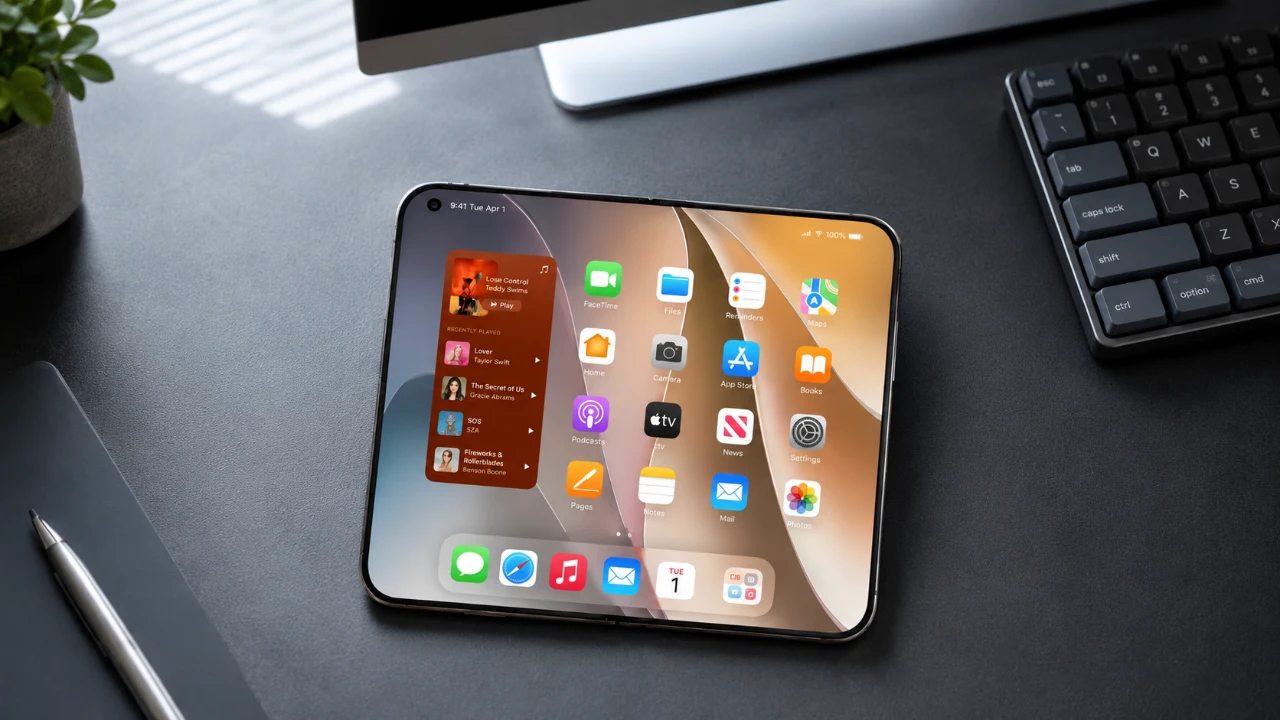
Apple is preparing to make a bold entry into the foldable smartphone market with the highly anticipated iPhone Ultra, set to debut on September 9, 2026. This device is poised to combine innovative technology with a sleek, foldable design, offering a premium experience for users who value both performance and luxury. With a starting price […]

The post Leaked iPhone Ultra Specs Leave Nothing to the Imagination : Should You Skip the Pro? appeared first on Geeky Gadgets.

Posted in Uncategorized