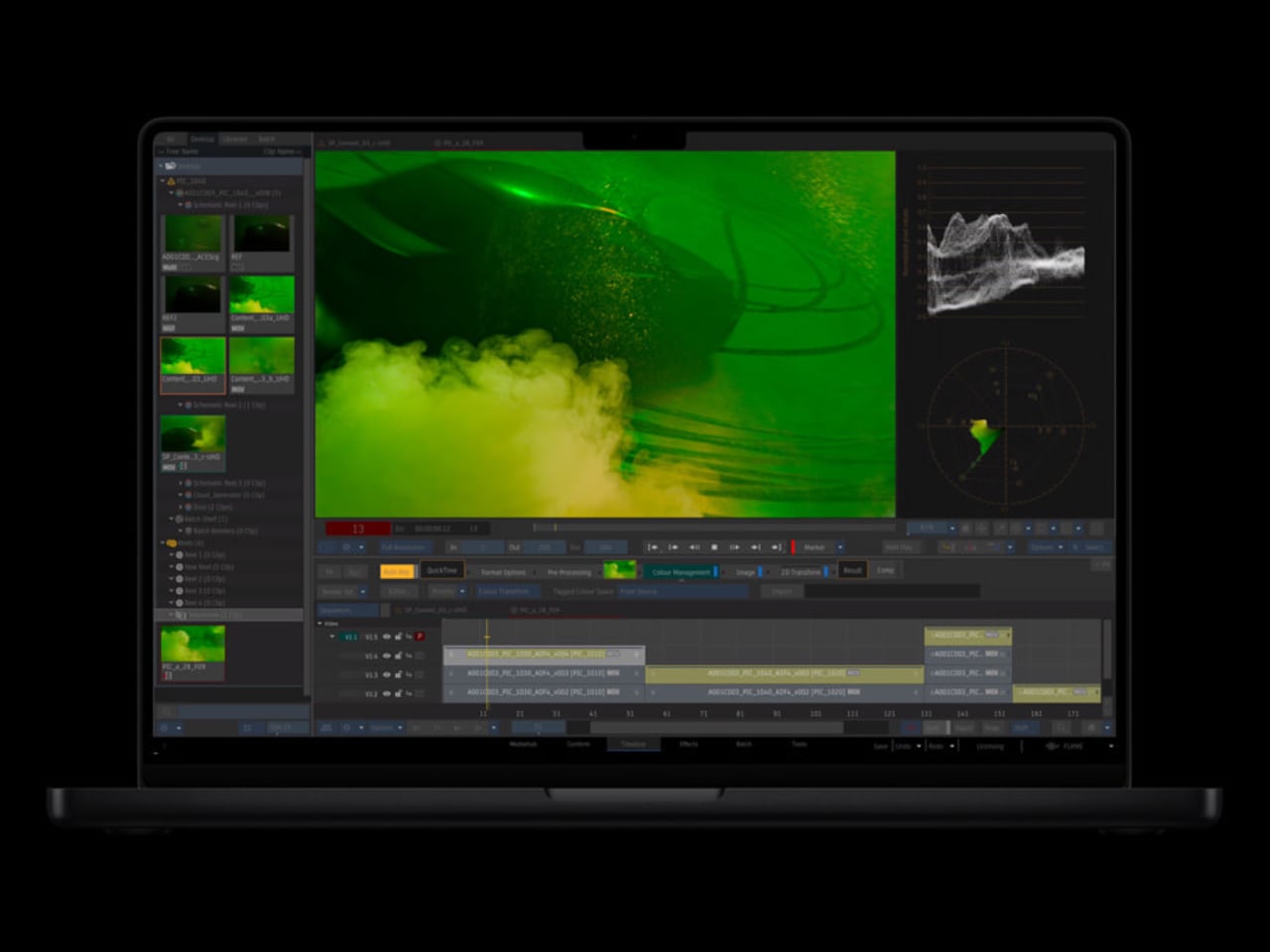
The M4 and M3 MacBook Pro models share an impressive 14.2-inch mini LED ProMotion display, boasting a crisp resolution of 3,024 x 1,964 pixels and a smooth refresh rate of up to 120 Hz. However, the M4 takes display quality a step further with its enhanced maximum SDR brightness of 1,000 nits, surpassing the M3’s […]
Handheld gaming devices are quite the fad these days, especially now that major PC makers have all joined the bandwagon. Although we’re reaching a point where all internal specs are becoming identical, there’s still a variety of designs and features available. Just like laptops, however, these designs are fixed and you can only select from what others have already made.
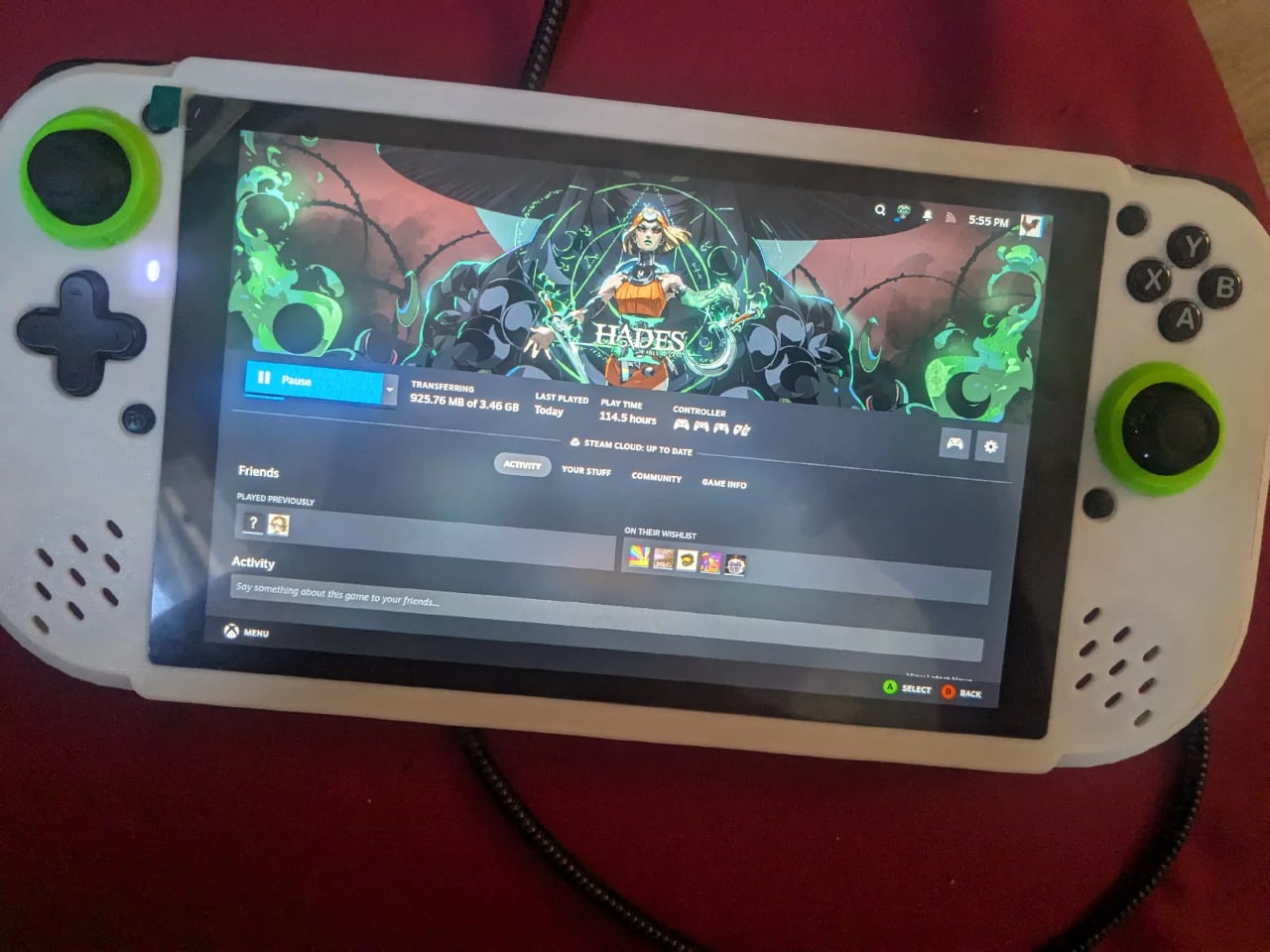
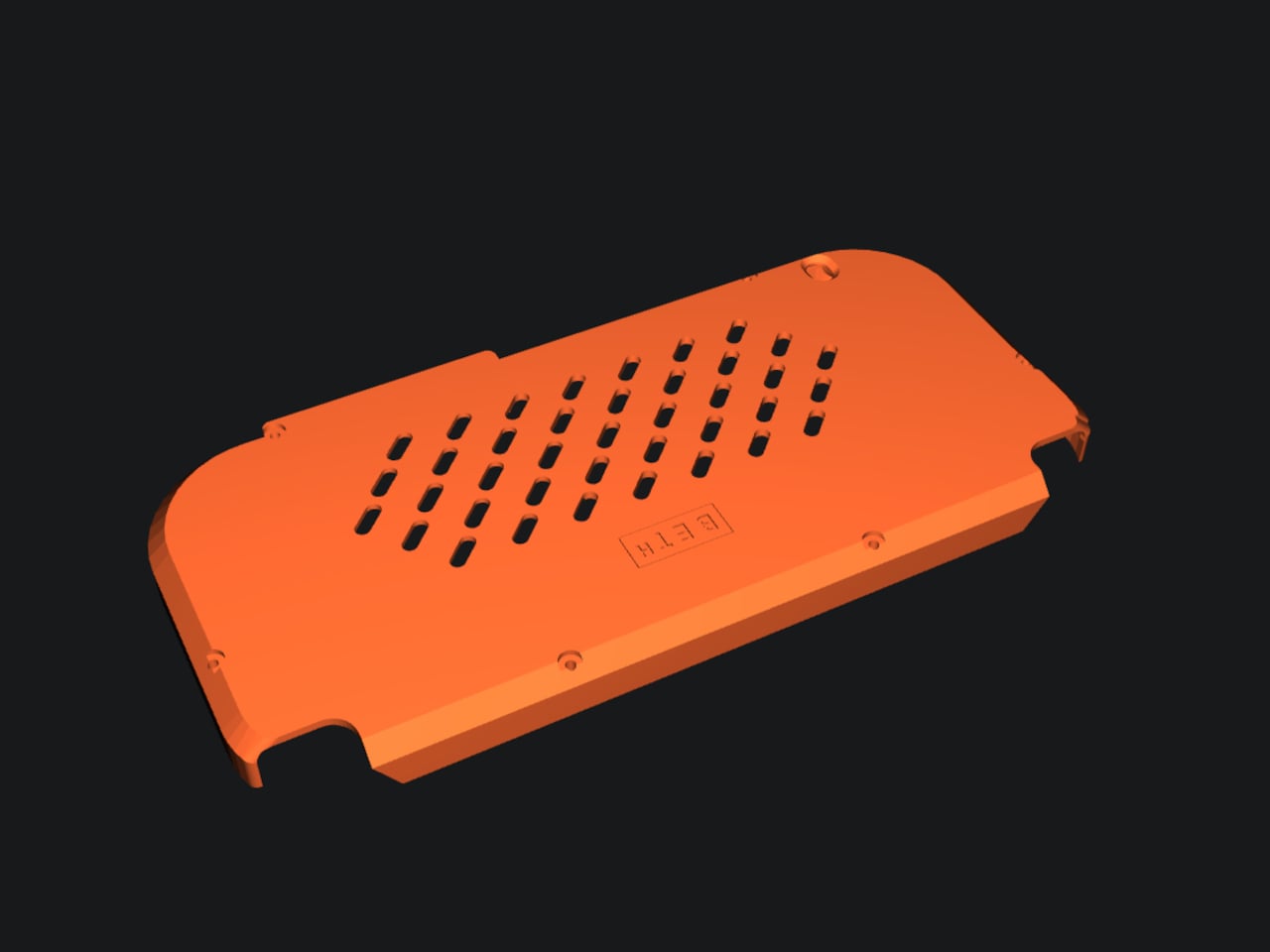
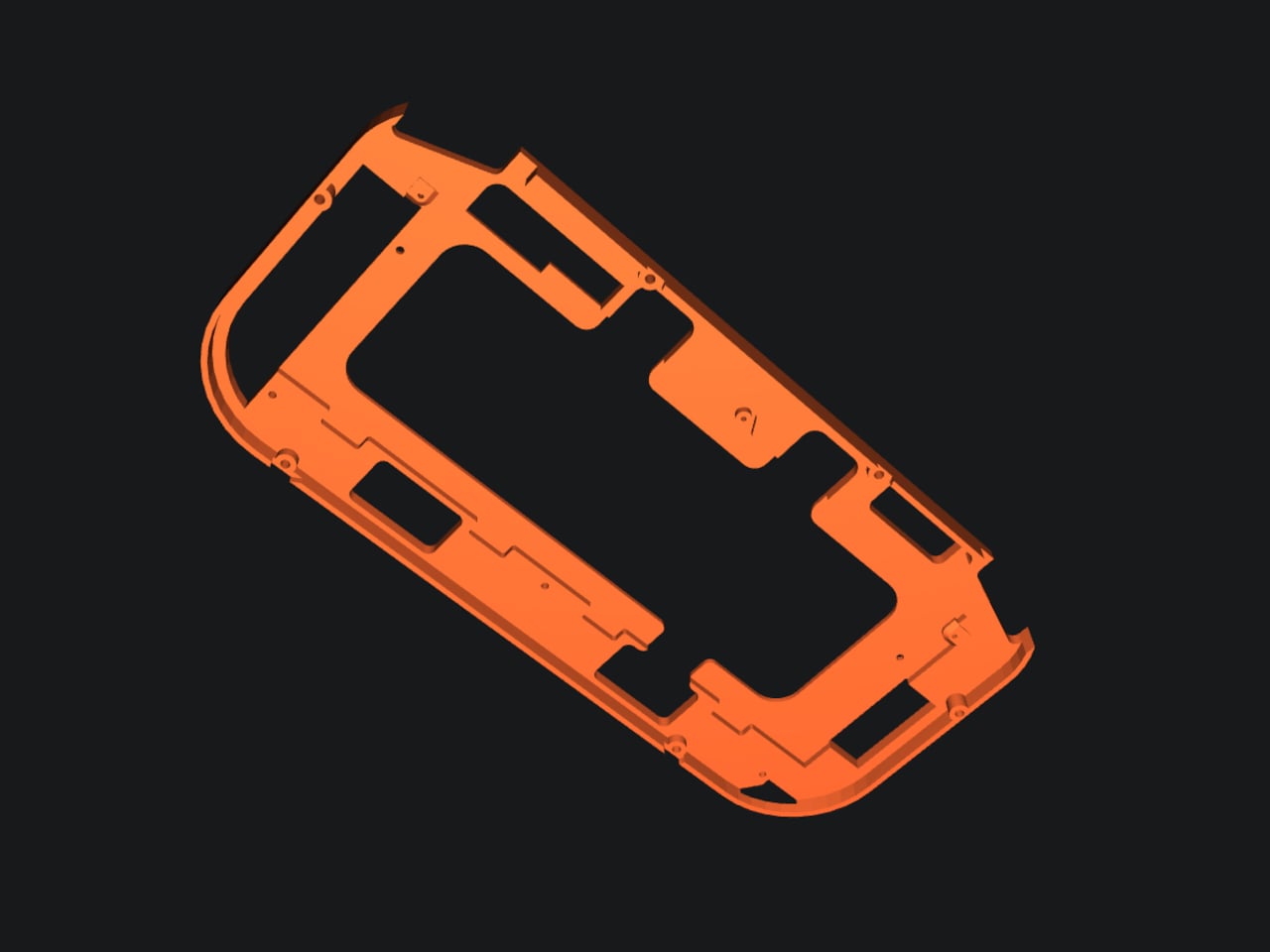
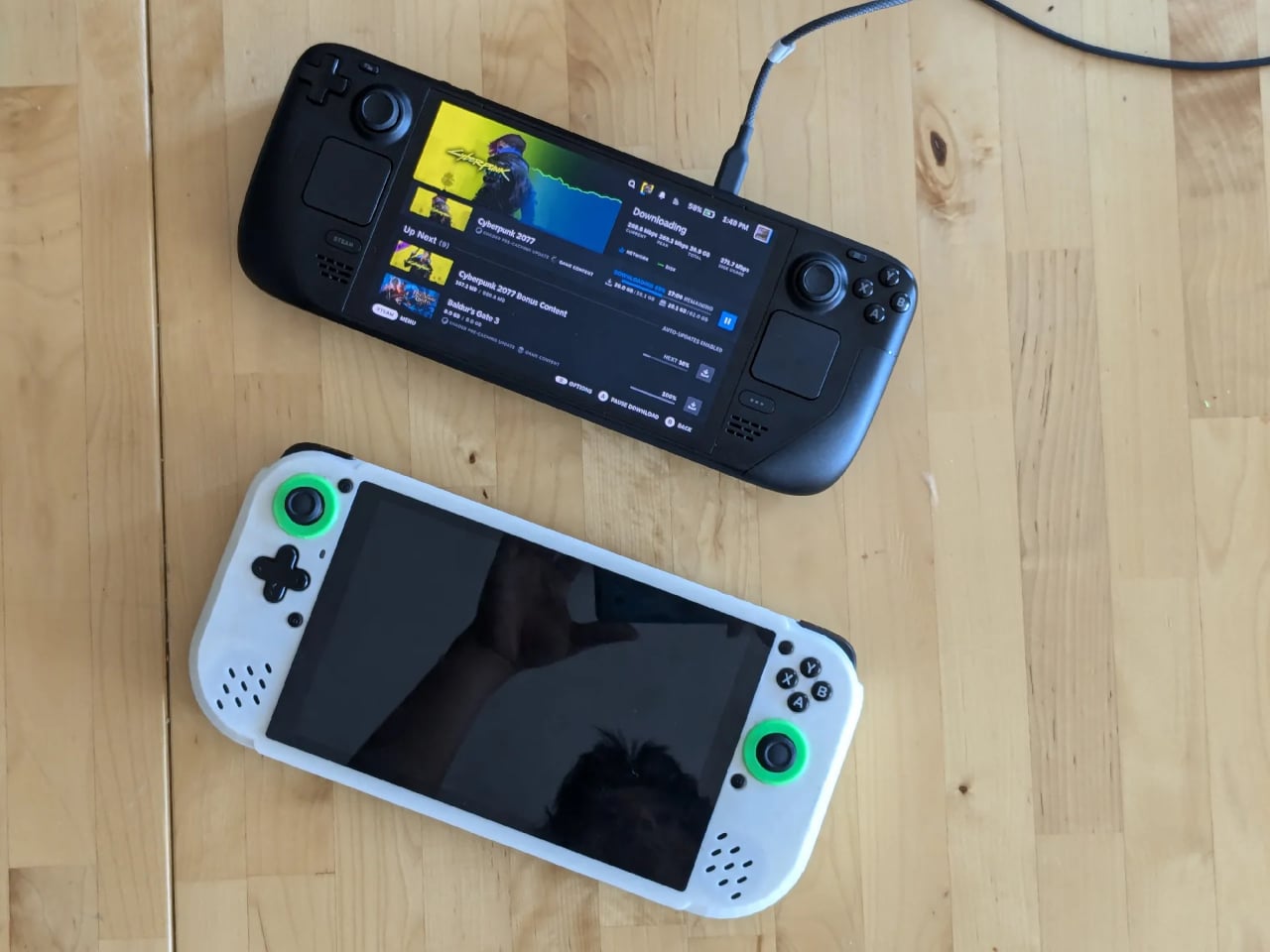
Embodying the spirit of desktop computers, this latest DIY project enables you to build your own Steam Deck clone, presuming you have the parts and skills to assemble one. Unlike other configurations, however, this isn’t relying on some low-power computer like the Raspberry Pi but instead leans on the power provided by a modular laptop design.
There is no shortage of mods and projects to build custom handheld PCs, whether for gaming or light computing, but the majority of these use small but under-powered single-board computers or SBCs. These are cheap, easy to cram into small shells, but will hardly be able to play any games outside of retro emulators. The problem is that there isn’t an SBC powerful enough to support that use case.
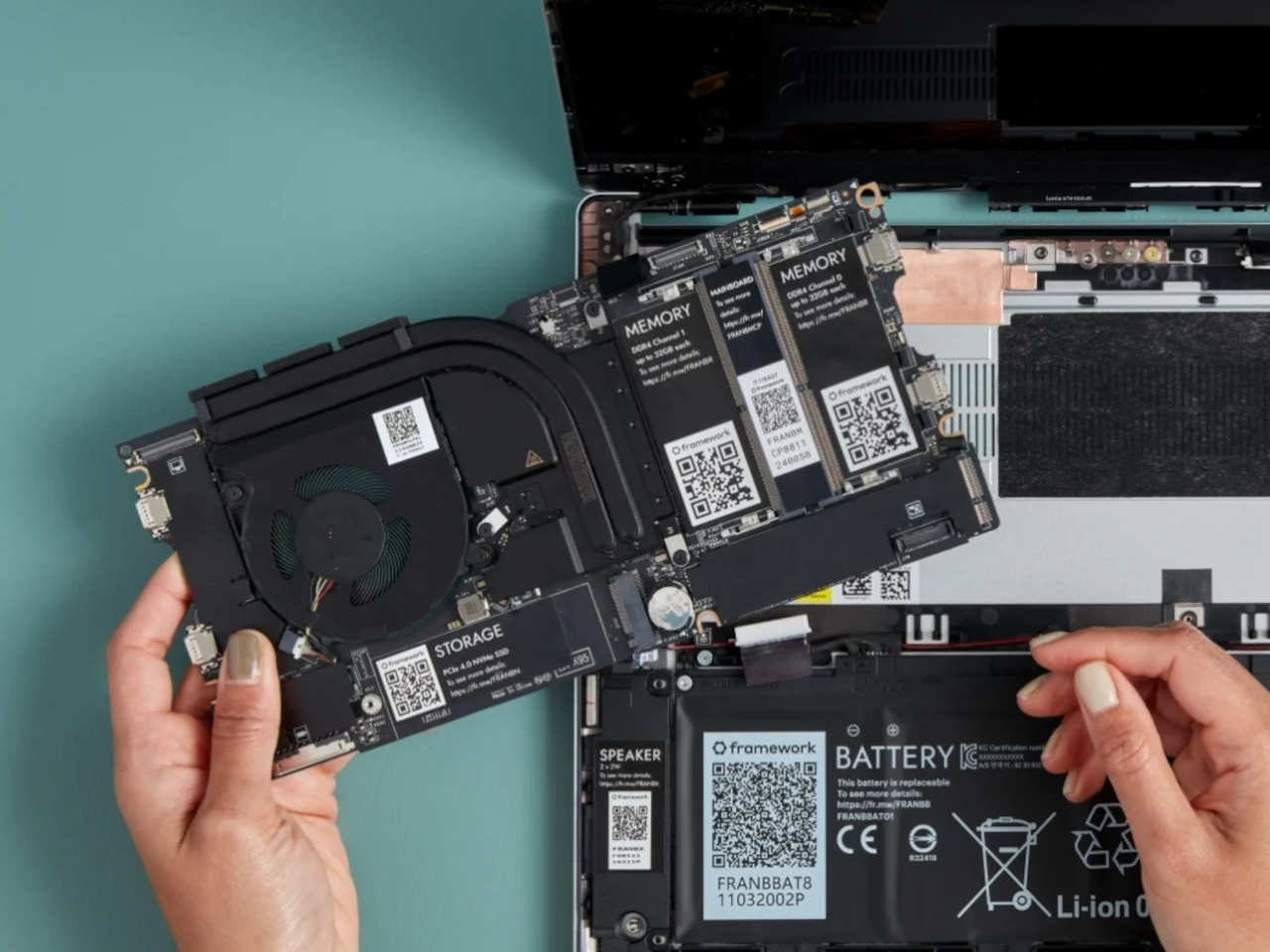
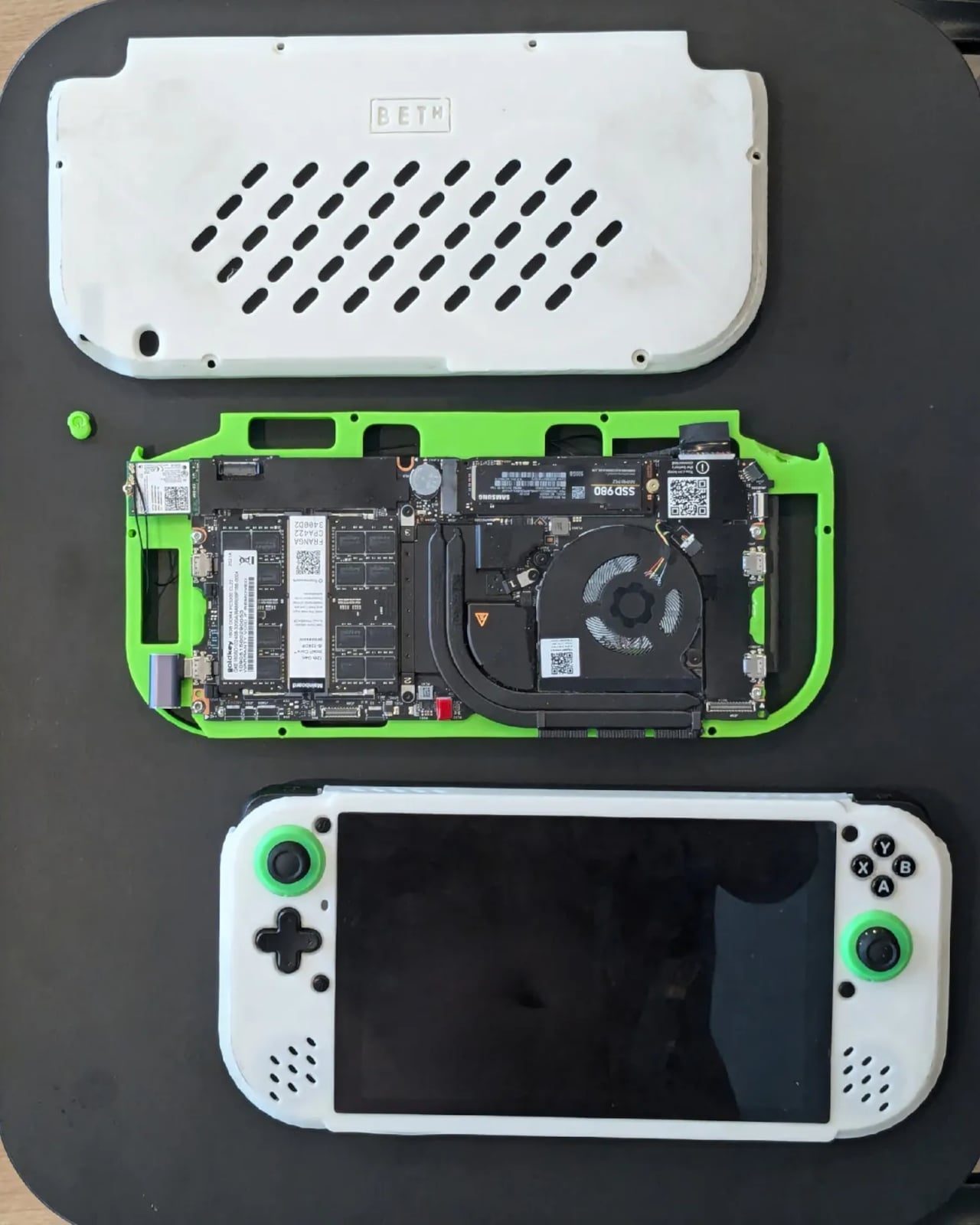
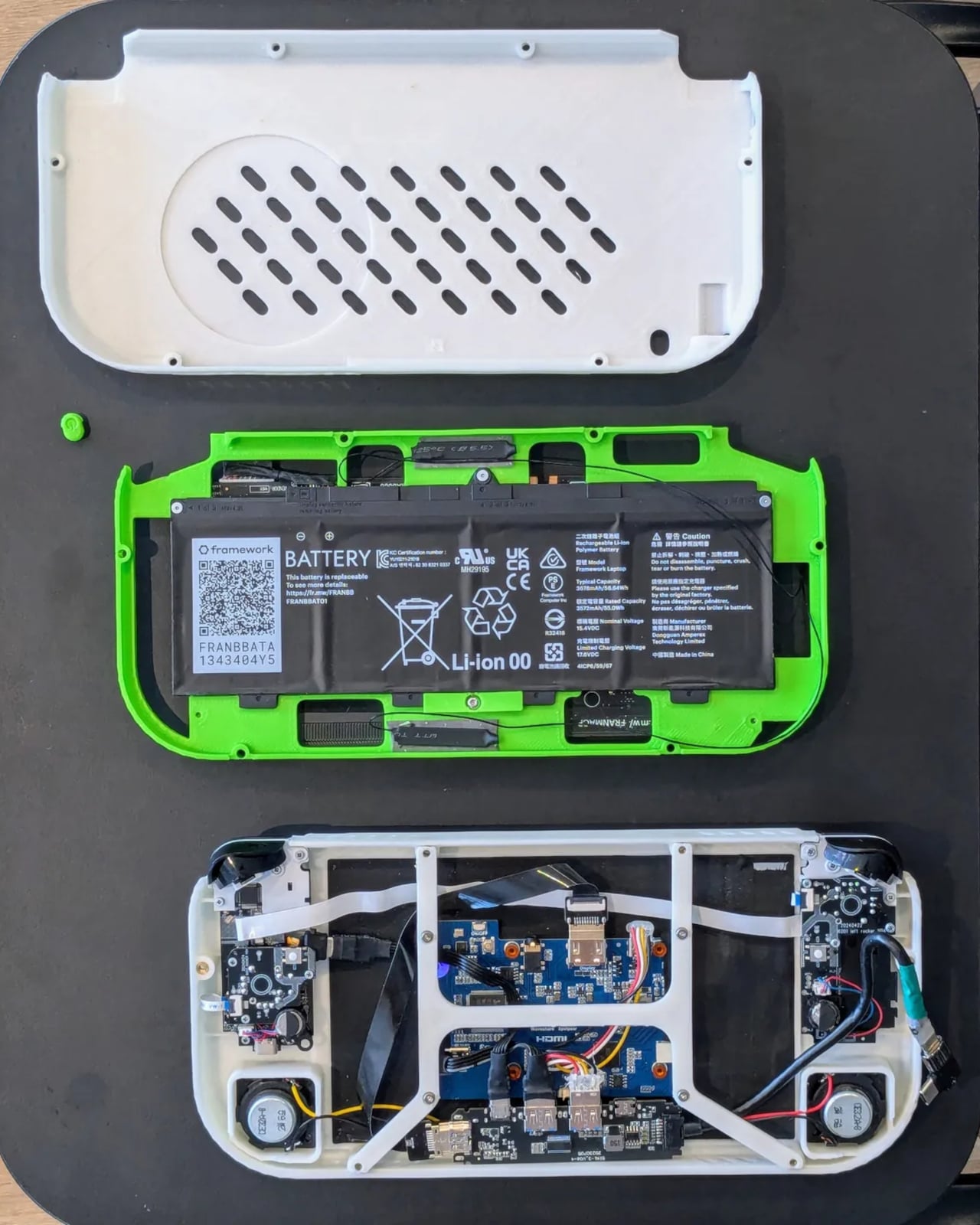
That’s where the Framework modular laptop comes in. Thanks to its modular design, it is possible to actually purchase the mainboard of such a powerful computer, and the 13-inch variant happens to be an adequate size to stuff inside a 3D-printed gaming handheld shell. Although it doesn’t exactly have gaming-worthy specs, it’s still powerful enough to run some AAA games with low settings.
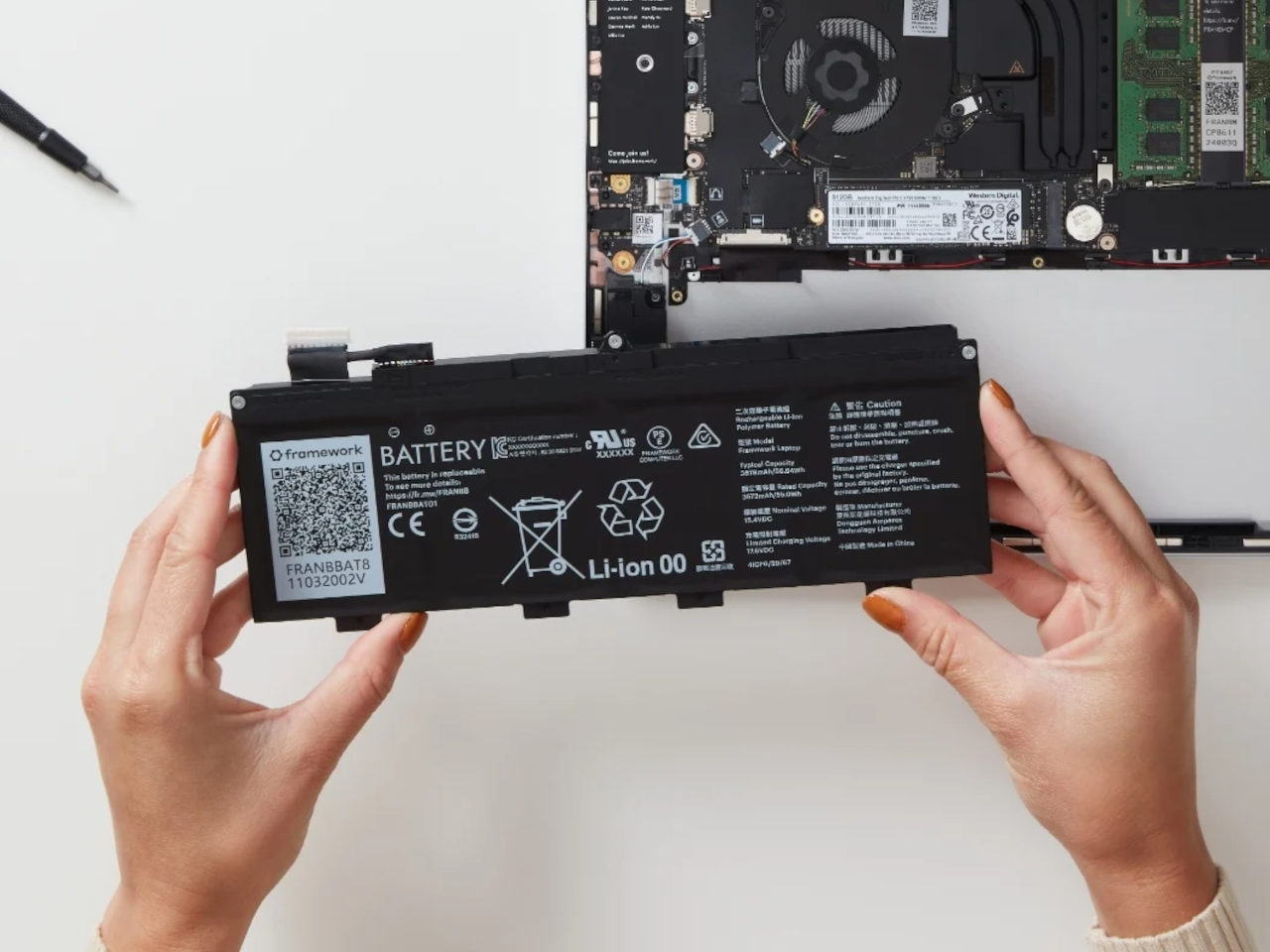
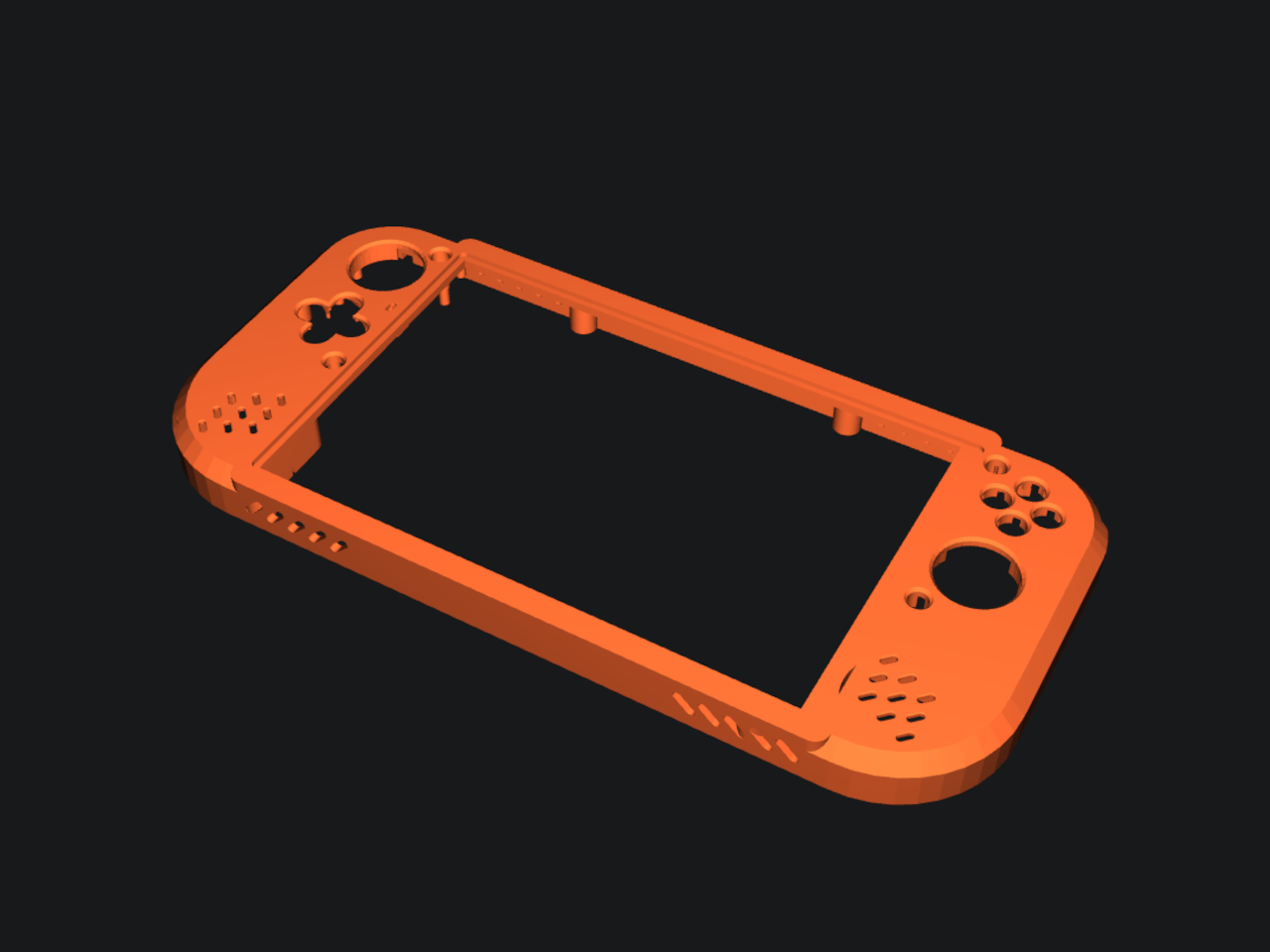
The Beth Deck, which is the name for this hot new build-it-yourself handheld PC, doesn’t stop there. It also uses a matching Framework 13 battery and many off-the-shelf parts. Everything that can’t be bought can be 3D printed, and the claim is that you barely need to solder anything. You could almost say it’s like playing with LEGO, except with computer parts instead of bricks.
It’s not the perfect handheld design, of course, since the Framework 13 mainboard isn’t designed for that purpose. It does, however, reveal the possibilities available with such a modular component available for as low as $199. It might even inspire other designs that customize not just the appearance but also the controls. After all, if you can easily make a Steam Deck clone, why stop at being just a Steam Deck clone?
Optimizing your Mac’s settings is a crucial step in enhancing its performance, usability, and overall user experience. By taking the time to adjust key configurations, you can unlock your device’s full potential and tailor it to your specific needs and preferences. This comprehensive guide will walk you through a series of essential settings, covering everything from trackpad […]
Apple has announced the release of its latest MacBook Pro models, which are equipped with the advanced M4 Silicon chips. These chips are designed to deliver substantial improvements in both performance and functionality, setting a new standard for computing power. The new models are available for pre-order starting October 30, with an expected arrival in […]
The new MacBook Pro features Apple’s powerful M4 chip, delivering exceptional performance, enhanced battery life, and a stunning display for all users.
Apple has launched its most advanced MacBook Pro lineup yet, setting a new standard for what professionals can expect from a laptop. Powered by the new M4 chips, these laptops mark significant strides in performance, efficiency, and AI capabilities while maintaining the sleek, dependable design Apple is known for. Designed with creatives, developers, and power users in mind, the new MacBook Pro is built to handle resource-heavy tasks effortlessly. The integration of AI throughout macOS Sequoia makes workflows faster and more intuitive, adapting smoothly to modern professional demands.
Image: Apple
Designer: Apple
M4 Chips: The Pinnacle of Silicon Innovation
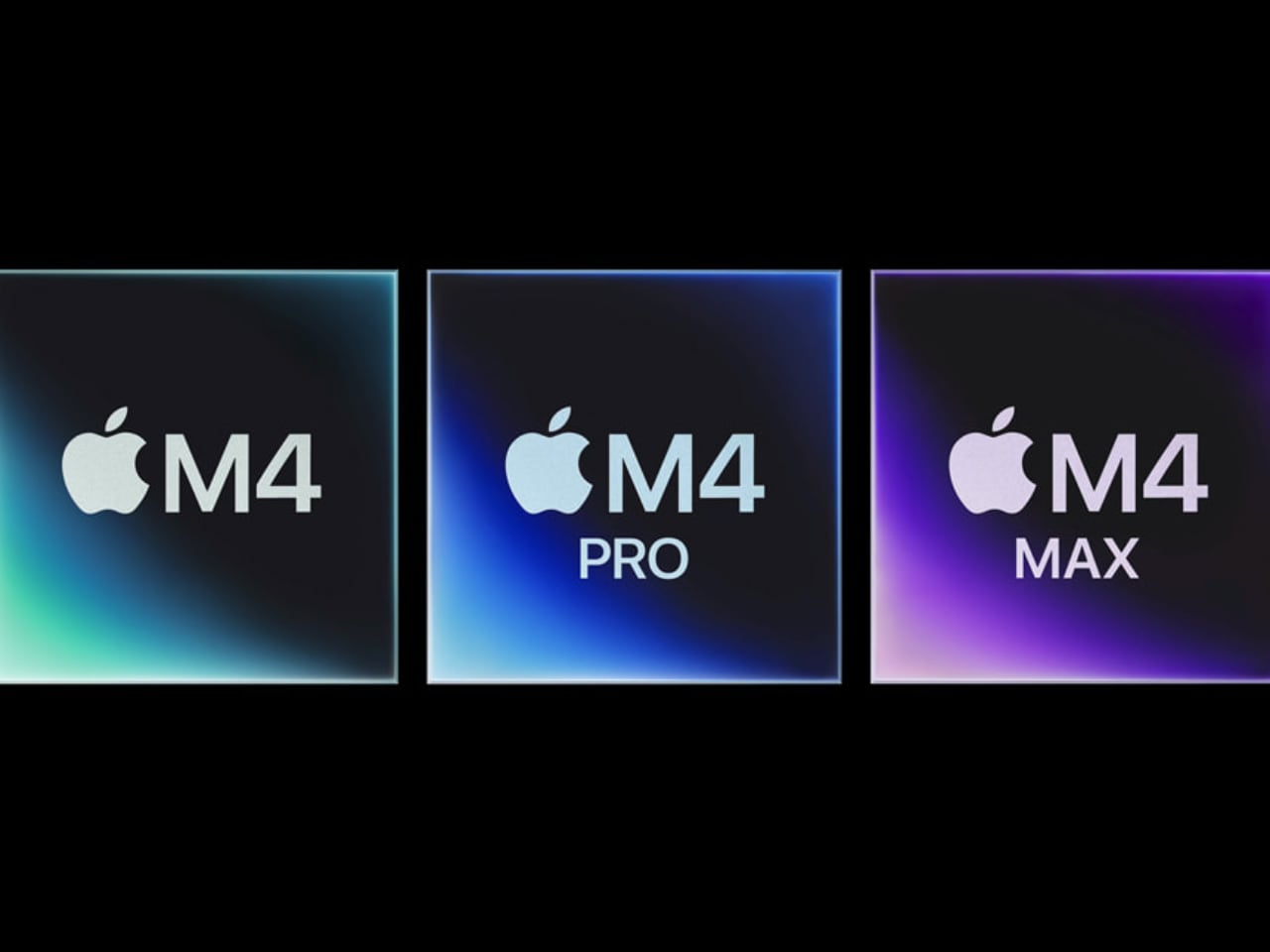
Apple’s M4 chips are the latest evolution of Apple Silicon, built on second-generation 3nm technology. They deliver the fastest single-threaded CPU performance in a MacBook, with substantial gains in multi-threaded workloads. Whether editing high-resolution images or rendering complex 3D models, the M4 provides a smooth experience.
Image: Apple
Apple’s enhanced Neural Engine is over three times faster than its predecessor, making AI-powered tasks more responsive than ever. Apple’s M4 chip integrates machine learning accelerators directly within the CPU, complemented by an advanced GPU for heavy computational tasks. These improvements help creative professionals work more fluidly without the bottlenecks often found in traditional laptops when modeling in AI, rendering animations, or analyzing large datasets.
Base M4: Featuring a 10-core CPU with four high-performance cores and six efficiency cores, alongside a 10-core GPU, the base M4 delivers up to 1.8x faster performance for tasks like editing gigapixel photos or rendering graphics compared to the M1. With 120GB/s of memory bandwidth and up to 32GB of unified memory, the M4 base is versatile for various uses.
M4 Pro: This version of the M4 steps up with a 14-core CPU and up to a 20-core GPU. With increased memory bandwidth and more processing power, it’s ideal for professionals tackling workflows like geomapping or data modeling.
M4 Max: Designed for those who demand the most power, the M4 Max packs a 16-core CPU and a 40-core GPU, capable of handling half a terabyte per second of memory bandwidth. It’s a portable powerhouse meant for advanced simulations, large language models, and heavy 3D animation work—bringing desktop-level power to a portable form.
Display Technology for Precision and Comfort
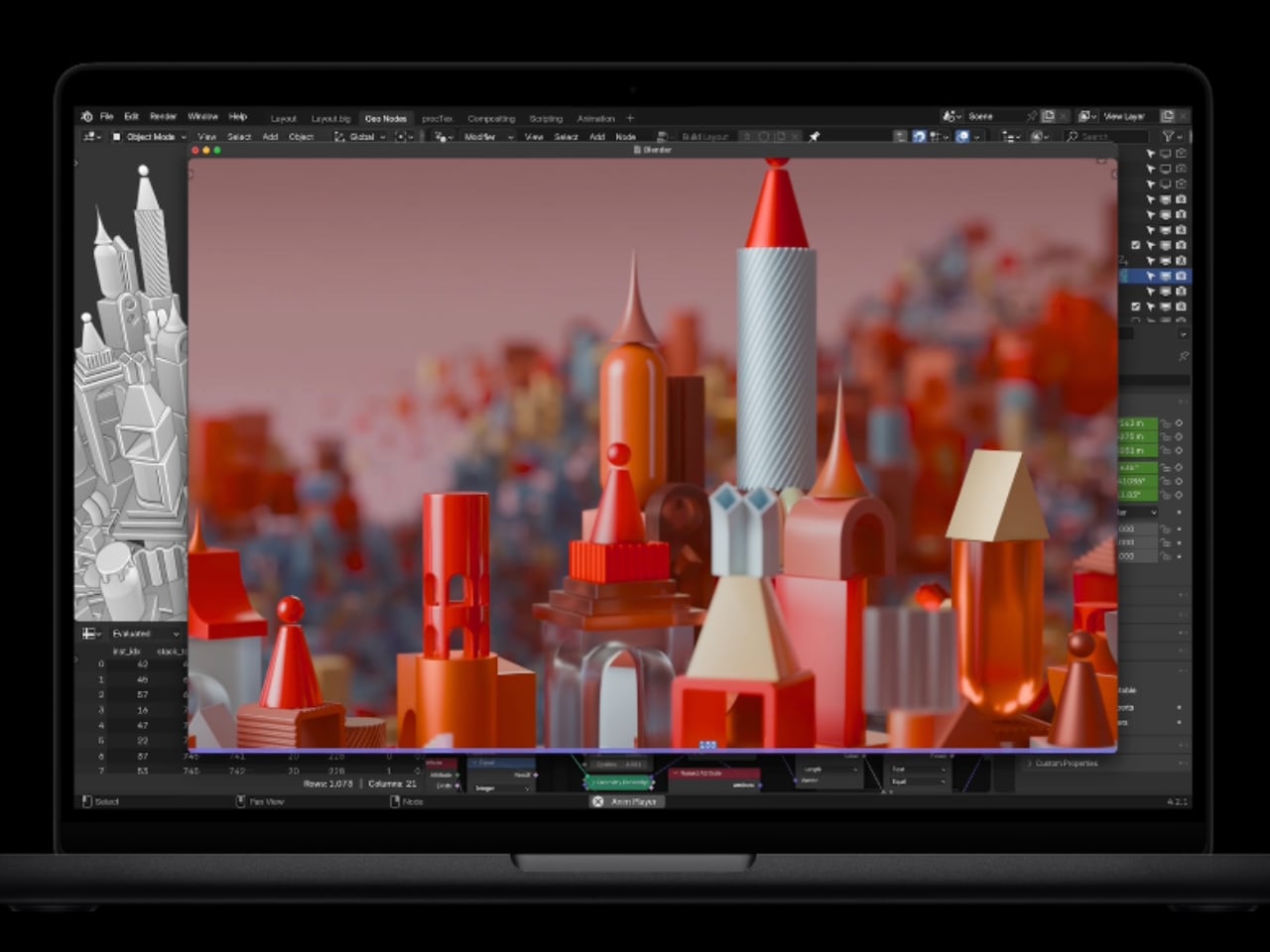
The MacBook Pro’s Liquid Retina XDR display is a treat for those who demand precision and clarity. Adding an innovative nano-texture glass option significantly reduces glare, making it practical for working outdoors or under bright lights without compromising the screen’s color accuracy. With brightness levels reaching 1000 nits in SDR and up to 1600 nits in HDR, the display is perfect for media production, providing vibrant and true-to-life colors.
Image: Apple
Apple’s attention to display quality ensures that graphic designers, filmmakers, and photographers get reliable color consistency across projects. This helps make the MacBook Pro as comfortable for fieldwork as it is for studio editing, minimizing the need to recalibrate across different environments.
Enhanced Connectivity with Thunderbolt 5
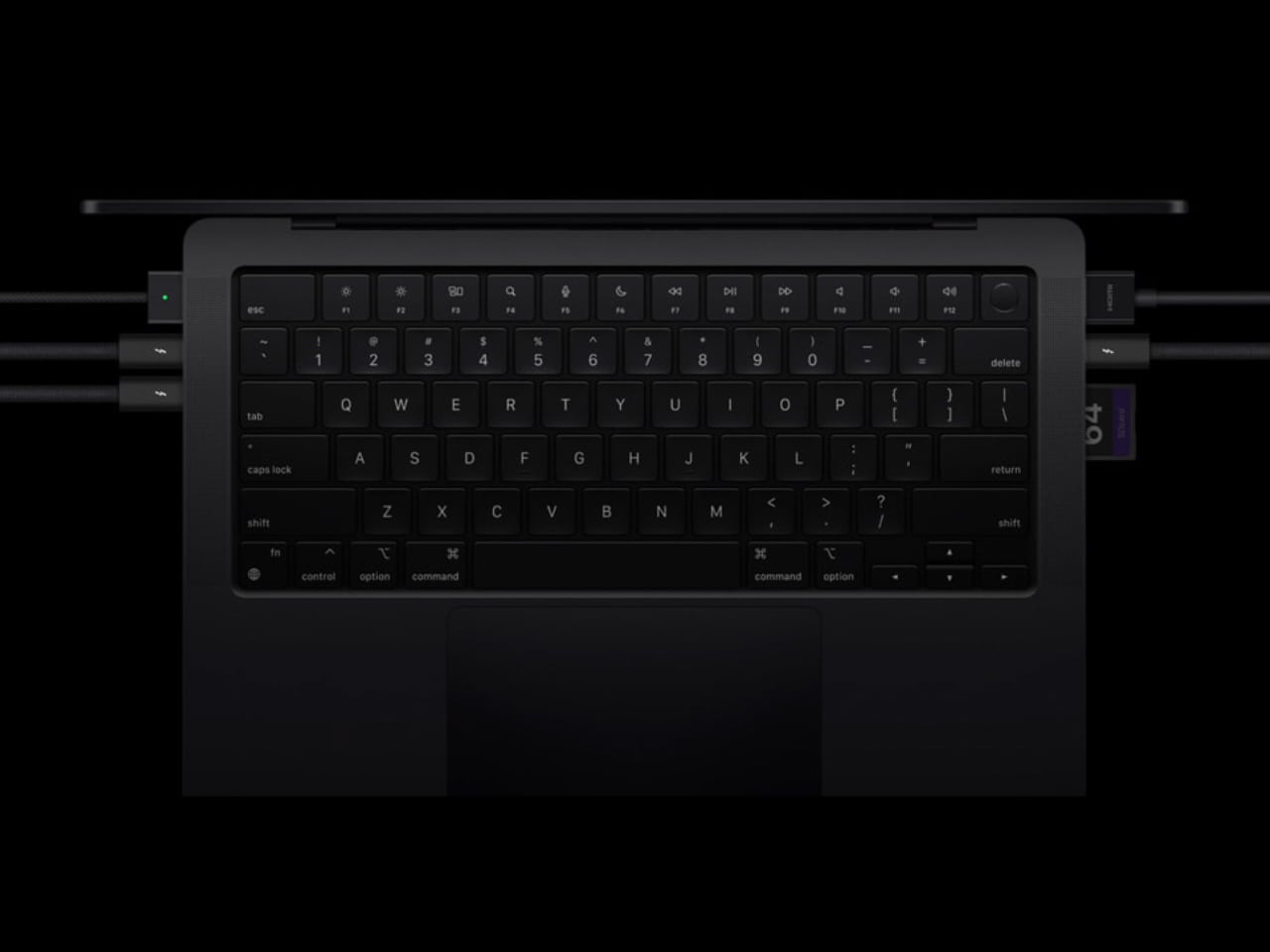
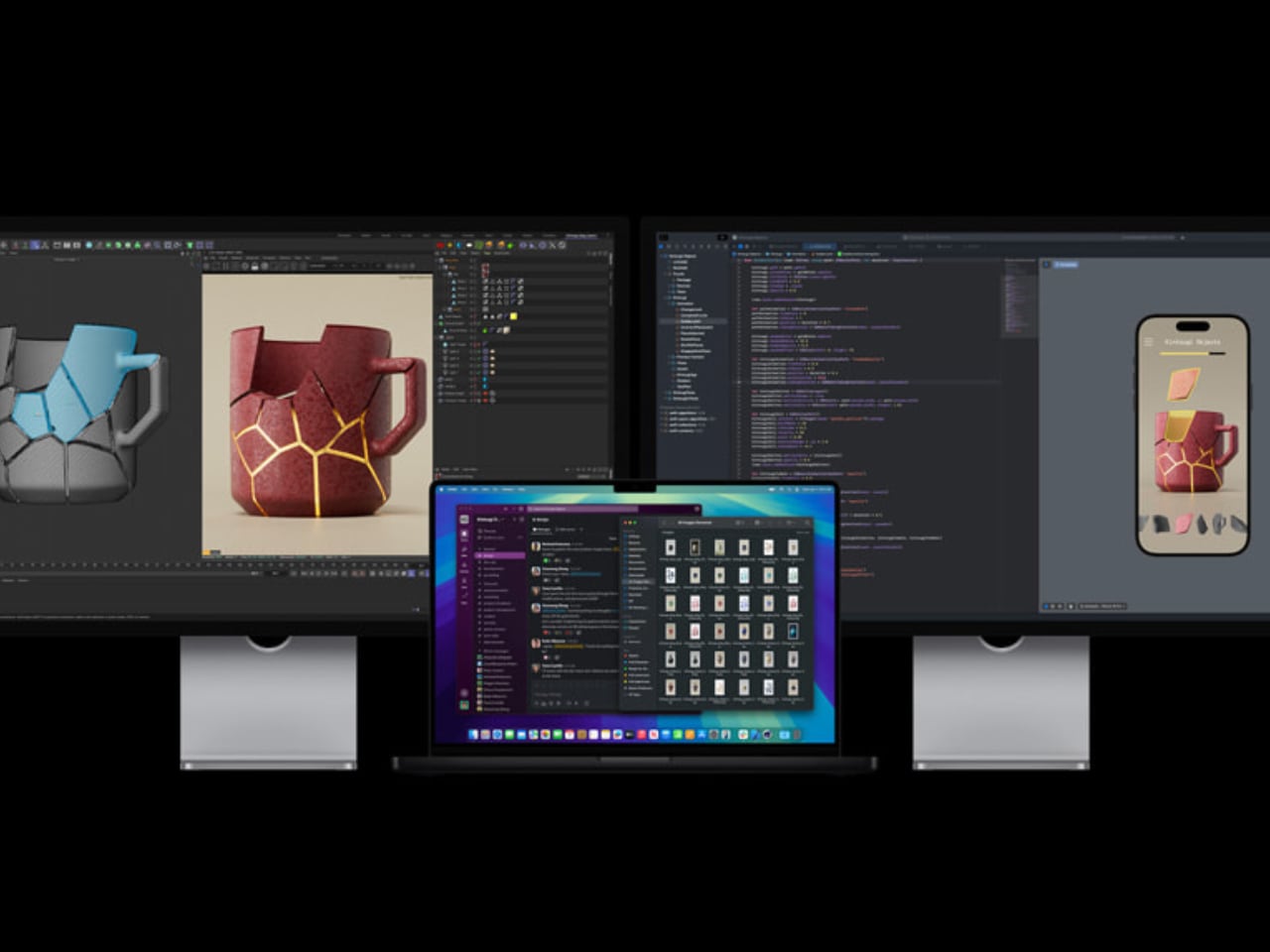
The M4 and M4 Max models now support Thunderbolt 5, providing data transfer rates of up to 120 Gb/s. This kind of connectivity is transformative for professionals who juggle multiple high-resolution monitors or work with enormous external drives. Thunderbolt 5 ensures that moving files or efficient workflows with docking stations is as fast as possible. Additionally, the HDMI port now supports up to 8K resolution, allowing for presentation flexibility and extended work setups.
Image: Apple
MagSafe 3 is back, offering a fast and reliable charging option—enabling up to 50% charge in 30 minutes. With Wi-Fi 6E and Bluetooth 5.3, the new MacBook Pro models are ready for seamless high-speed connections in any environment.
Apple Intelligence: AI Integration for Enhanced Productivity
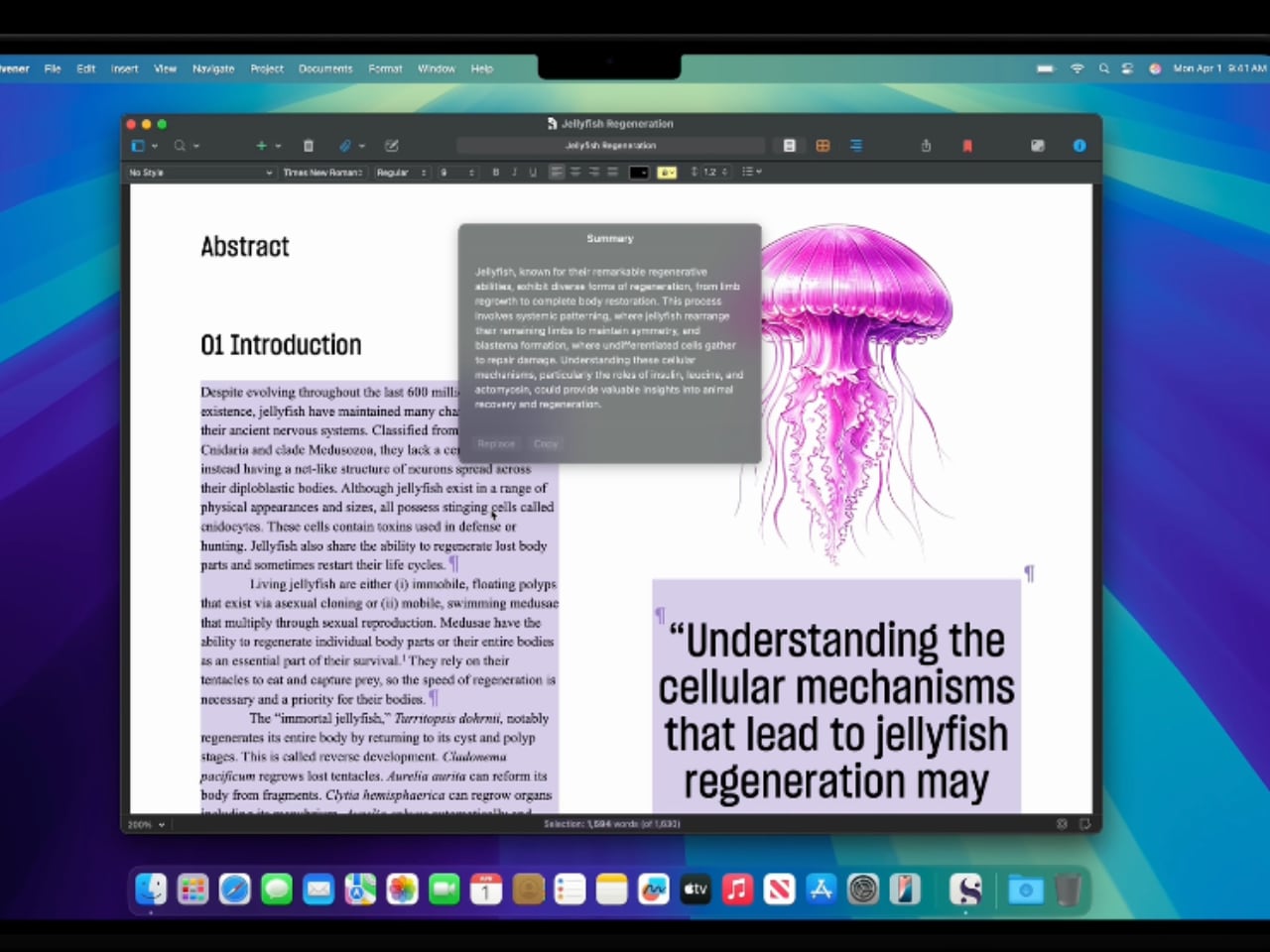
Apple’s M4 chip brings AI closer to macOS Sequoia’s core experience with Apple Intelligence, a suite of smart tools for system assistance. Apple Intelligence aims to make every interaction, whether rewriting text, summarizing documents, or generating visuals, more productive. For example, the upcoming Image Playground can generate visuals for quick mock-ups. At the same time, Genmoji lets users create personalized emojis in real-time—with Apple’s promise of on-device privacy.
Image: Apple
Developers also benefit from the enhanced AI, using tools like integrated ChatGPT for prototyping or code suggestions. Researchers can streamline their workflows with instant dataset summaries, while professionals in other fields might appreciate AI-generated responses to routine communications. AI’s practicality and direct usefulness across professions make macOS Sequoia powerful and contextually intelligent.
Performance Across Creative Workflows
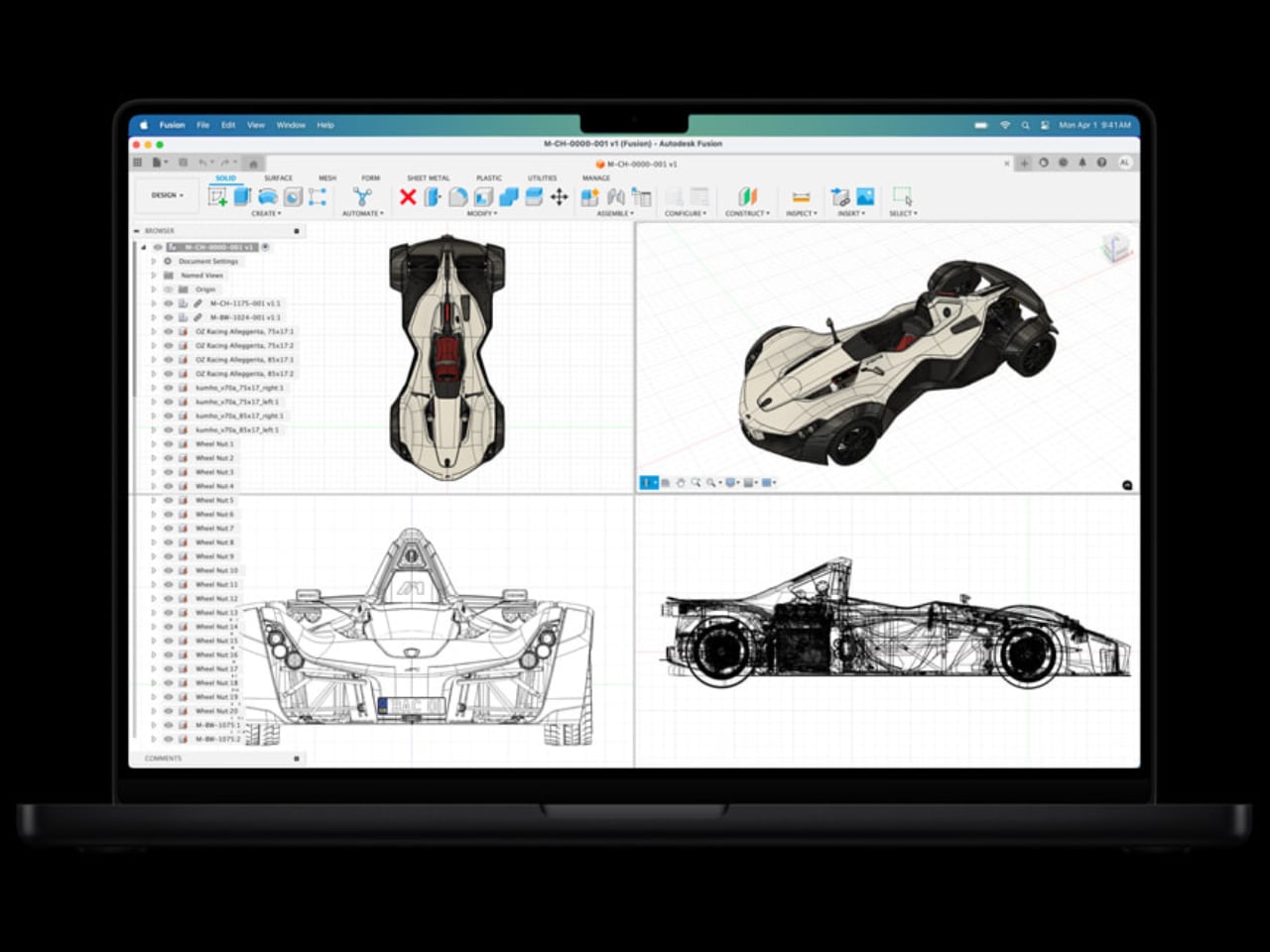
Apple’s M4 lineup makes a real impact across creative workflows. With Affinity Photo, users can see processing times up to seven times faster than Intel-based models and nearly double the speed of the M1. Blender users will notice significant reductions in rendering times—up to 10.9 times faster than older Intel Macs. For filmmakers, Adobe Premiere Pro’s scene detection is almost ten times faster, helping ensure seamless edits and productivity aren’t held back by hardware.
Image: Apple
This version of the M4 performs exceptionally well in heavy rendering tasks like those in Maxon Redshift, showing up to a fourfold increase in speed over Intel models. Meanwhile, the M4 Max provides incredible gains—with video processing performance enhanced over 30 times, offering near-instant previews for even the most complex projects.
Image: Apple
Advanced Camera, Audio, and Battery Life
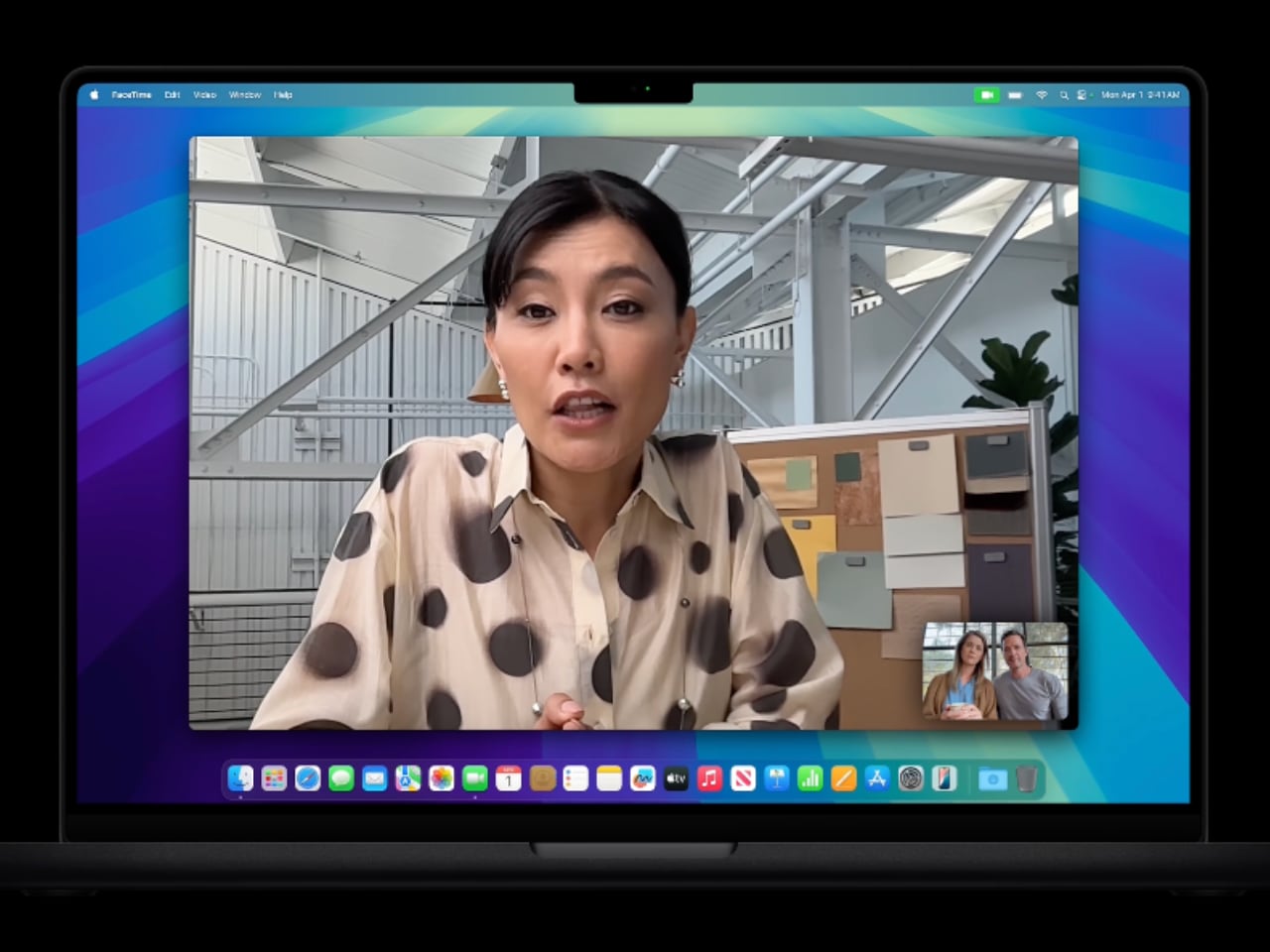
Apple has upgraded the MacBook Pro’s camera to a 12MP unit with Center Stage, keeping users perfectly framed during video calls if they are presenting or moving about. The six-speaker sound system is another leap, delivering balanced, rich audio perfect for editing or simply enjoying media. The force-canceling woofers reduce distortion, ensuring that what you hear is always precise.
Image: Apple
Even with all these features, battery life stretches up to 24 hours, allowing for extended productivity without needing to recharge constantly. This balance of power and portability makes the new MacBook Pro perfect for professionals on the go.
Sustainability, Design, Pricing and Availability
Apple continues its commitment to sustainability by incorporating 100% recycled materials—aluminum, rare earth elements, tin, and copper—in the construction of the new MacBook Pro. The sleek new space black finish reduces visible fingerprints, keeping the device looking clean. Moreover, Apple’s ongoing focus on fiber-based packaging reflects its push to eliminate plastics by 2025 and achieve full carbon neutrality by 2030.
Image: Apple
The new MacBook Pro lineup starts at $1,599 for the base 14-inch M4 model, with special pricing for students at $1,499. The 16-inch model starts at $2,499, with pre-orders opening on October 30 and general availability beginning on November 8.
Image: Apple
Apple’s M4 MacBook Pro lineup meets today’s demanding workflows with unmatched performance, thoughtful AI integration, and a sustainable design.
The latest update to macOS, version 15.1, brings a wealth of exciting features and enhancements to your Mac, with a strong emphasis on Apple Intelligence and the ever-helpful virtual assistant, Siri. This update is designed to elevate your user experience by seamlessly integrating innovative technologies across a wide range of applications and system functionalities, making […]
ASUS has launched the Vivobook S 14 (Q423) in the United States, targeting users who seek a blend of productivity and entertainment in a single device. This laptop merges a minimalist design with robust performance features, catering to a semi-technical audience that values both aesthetics and functionality. ASUS Vivobook S 14 Laptop TL;DR Key Takeaways […]
Apple is gearing up for a week-long M4 Mac event starting Monday, October 28, where they will unveil a series of highly anticipated product announcements. Each day of the event promises to bring new revelations, keeping technology enthusiasts on the edge of their seats. As you prepare for this exciting week, AppleTrack gives us more details […]
Lazy AI is a sophisticated note-taking application designed specifically for Mac users, aiming to transform the way you capture, organize, and interact with information from various online sources. With its innovative artificial intelligence capabilities and intuitive interface, Lazy AI sets itself apart from traditional note-taking apps, offering a suite of innovative features that streamline your […]